logo elektroda
logo elektroda
X
logo elektroda

Will a USB C splitter/hub work with a smartphone? Experiments, wired ethernet, UART

p.kaczmarek2 1296 13

TL;DR

  • Tests a Zenwire BYL-2009 USB-C 8-in-1 splitter/hub with a Xiaomi 11T phone to see whether smartphones can use Ethernet, storage, UART adapters, and HDMI.
  • The hub offers RTL8152 Ethernet, microSD/SD/TF slots, four USB ports including two C ports, one HDMI output, and USB Power Delivery up to 100 W.
  • The Xiaomi 11T recognized wired internet, a memory stick, and two USB-to-UART adapters: CH340 and CP210x.
  • HDMI monitor support failed, and charging through a separate OTG charger splitter still needs testing.
Generated by the language model.
ADVERTISEMENT
Treść została przetłumaczona polish » english Zobacz oryginalną wersję tematu
📢 Listen (AI):
  • Smartphone showing a USB device list; next to it an Ethernet adapter and two USB‑UART boards with red LEDs
    Lately I've been wondering whether a simple USB C hub can provide a wired connection for a phone or tablet to the internet, and whether it can handle multiple storage media or USB to UART converters at the same time. These types of capabilities will allow you to revive a tablet with broken Wi-Fi and turn it into your own home automation controller, and without worrying about the failure of the wireless connection. And maybe you can even connect a monitor? Let's find out!
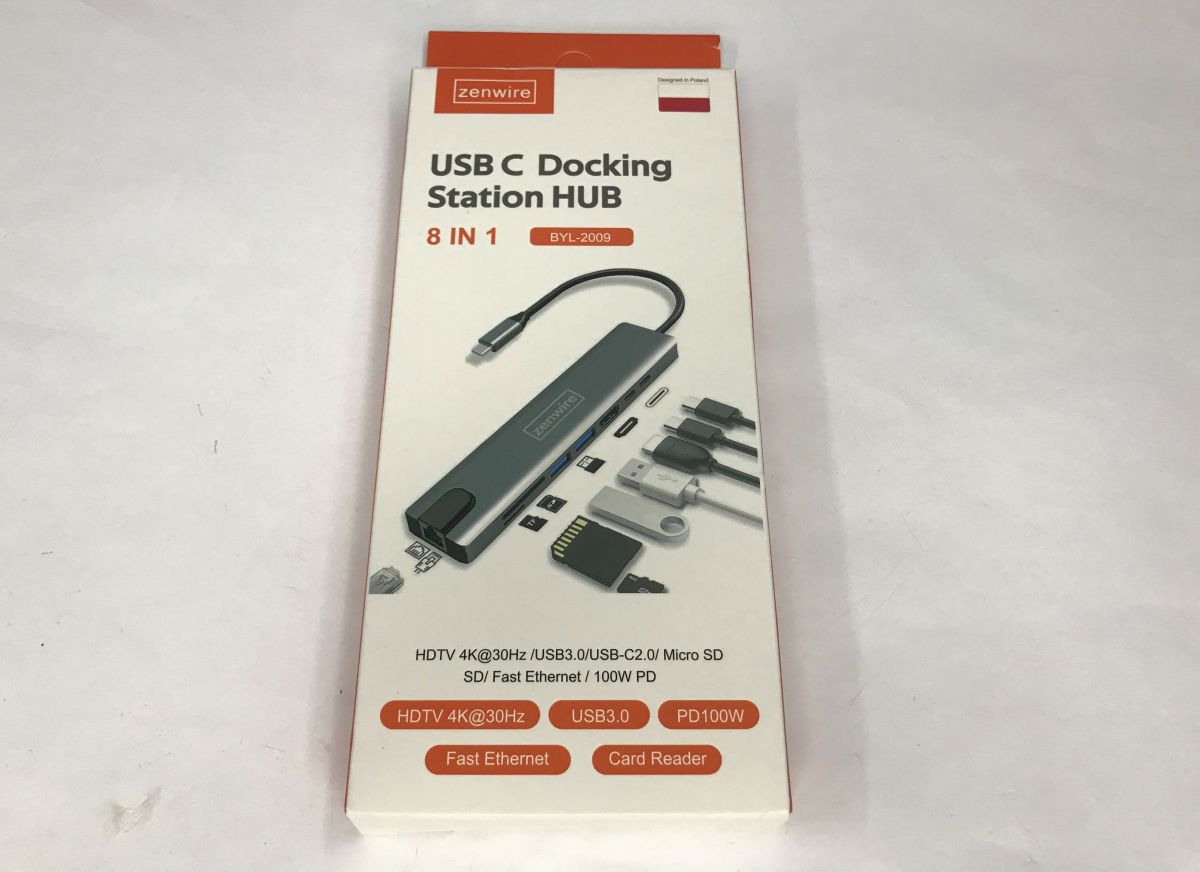
    Packaging of Zenwire USB‑C Docking Station HUB 8‑in‑1, model BYL‑2009
    I bought the first better (actually, cheaper) USB C splitter, model BYL-2009 from Zenwire. It is advertised as 8-in-1 - Ethernet, microSD card, SD, TF, four USB (including two C) and one HDMI. The whole thing also supports PD up to 100 W.
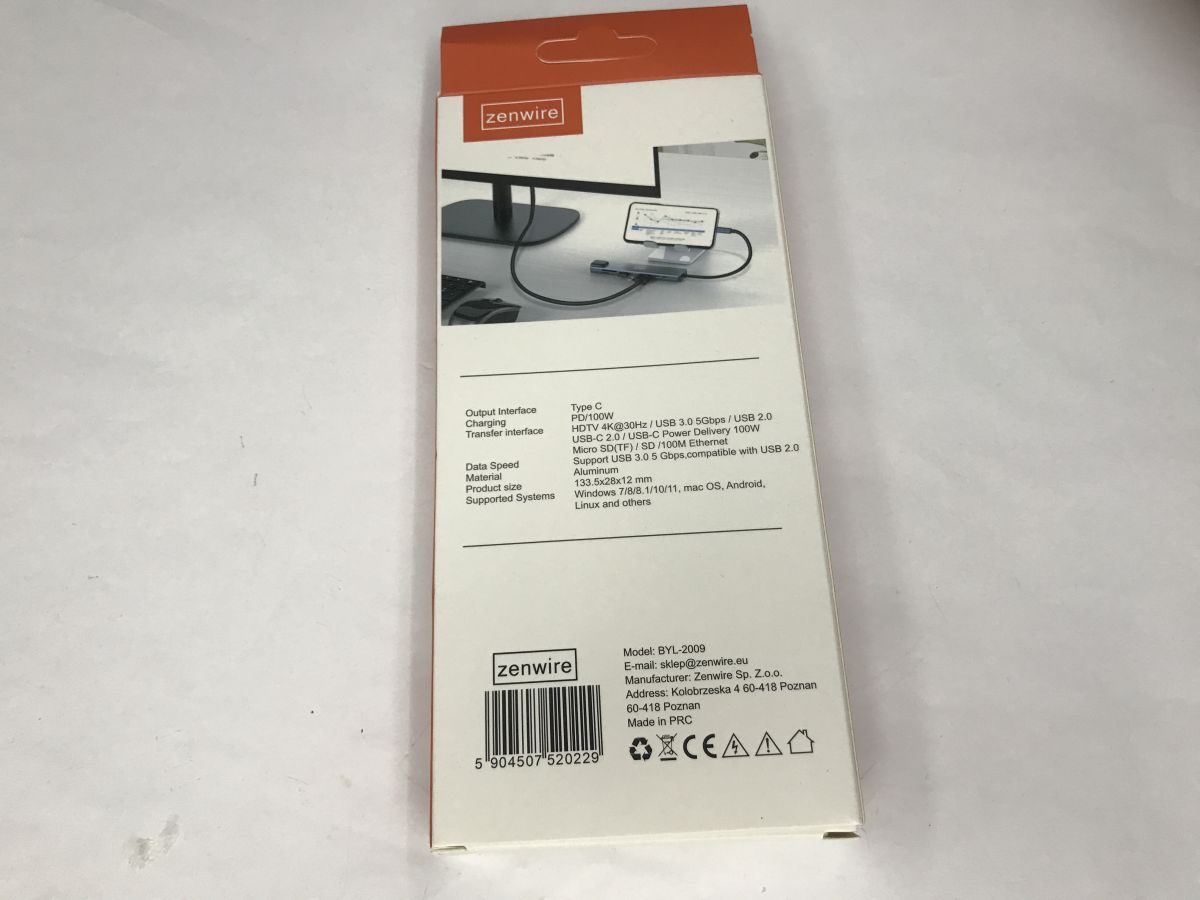
    Back of Zenwire BYL‑2009 USB‑C hub box with ports list and specifications

    Tests with Xiaomi
    I verified the hub with my old Xiaomi 11T phone - depending on the phone model, you may get different results. I used the Ultimate USB app to verify.
    First a control test - 0 USB devices without the hub:
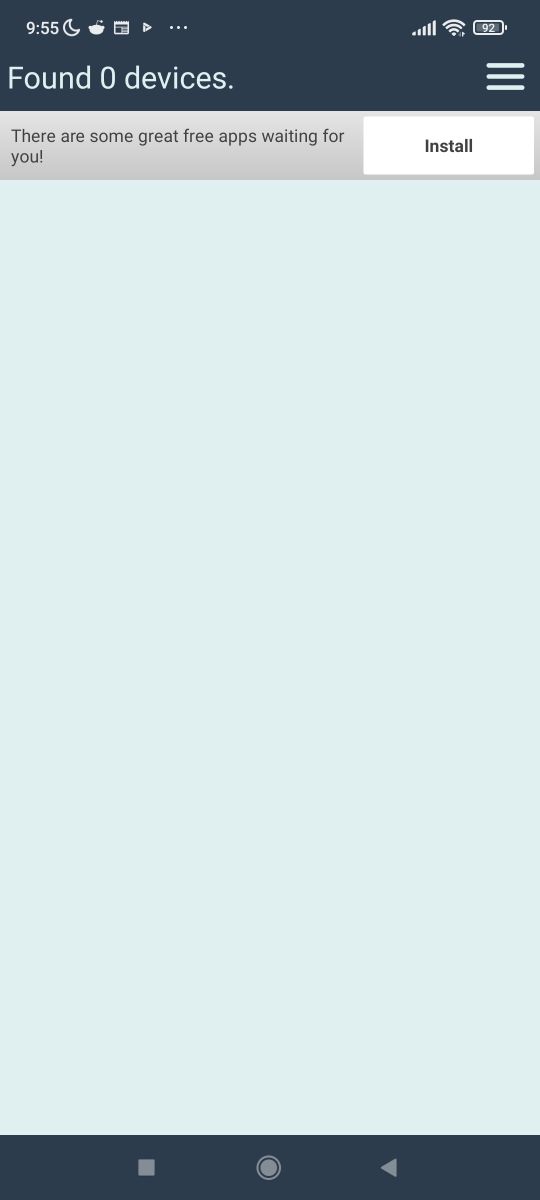
    Android app screenshot showing the message “Found 0 devices.”
    Now with hub:
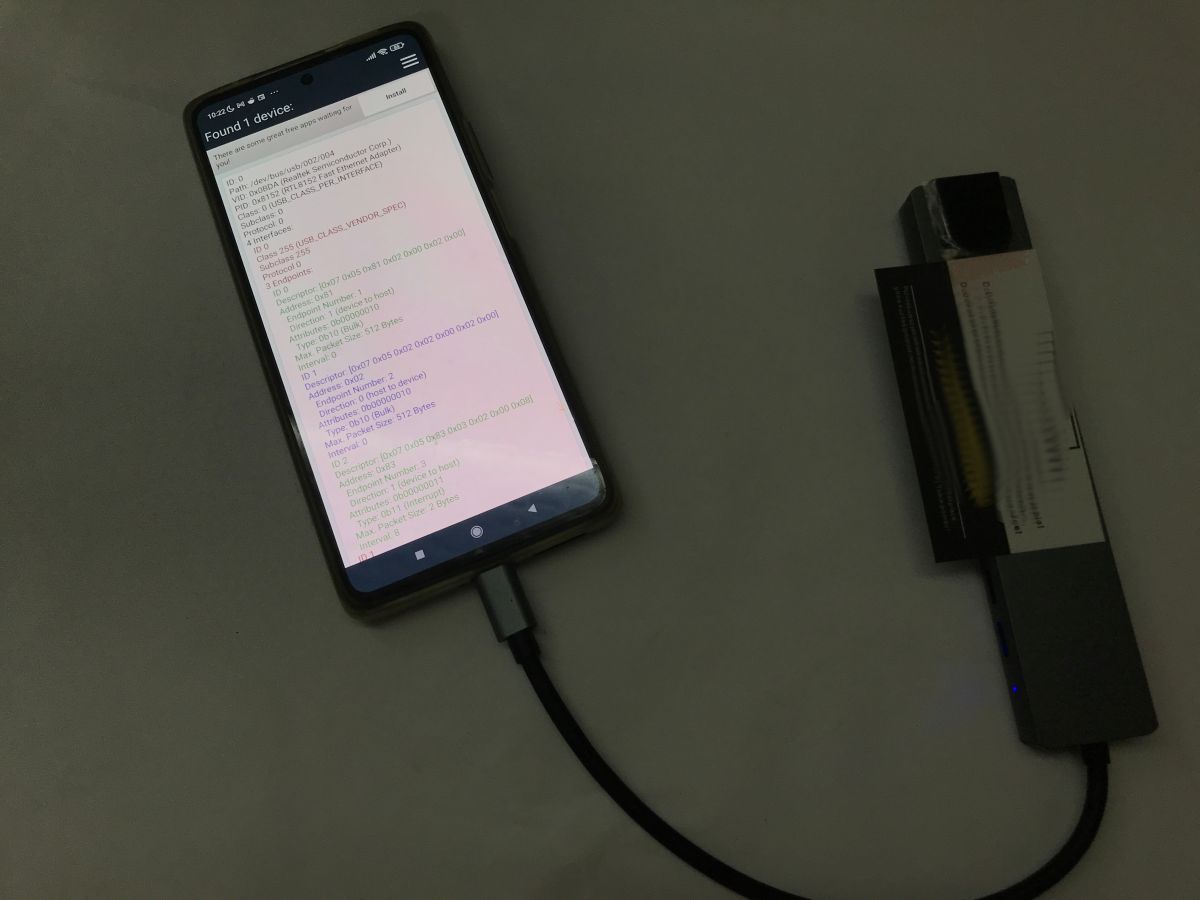
    Smartphone connected by cable to a USB‑C hub; the screen shows a list of detected USB devices
    The phone already sees the network controller - RTL8152, but will it work? I disabled the Wi-Fi before the test.


    Internet is working - now maybe check the storage media.
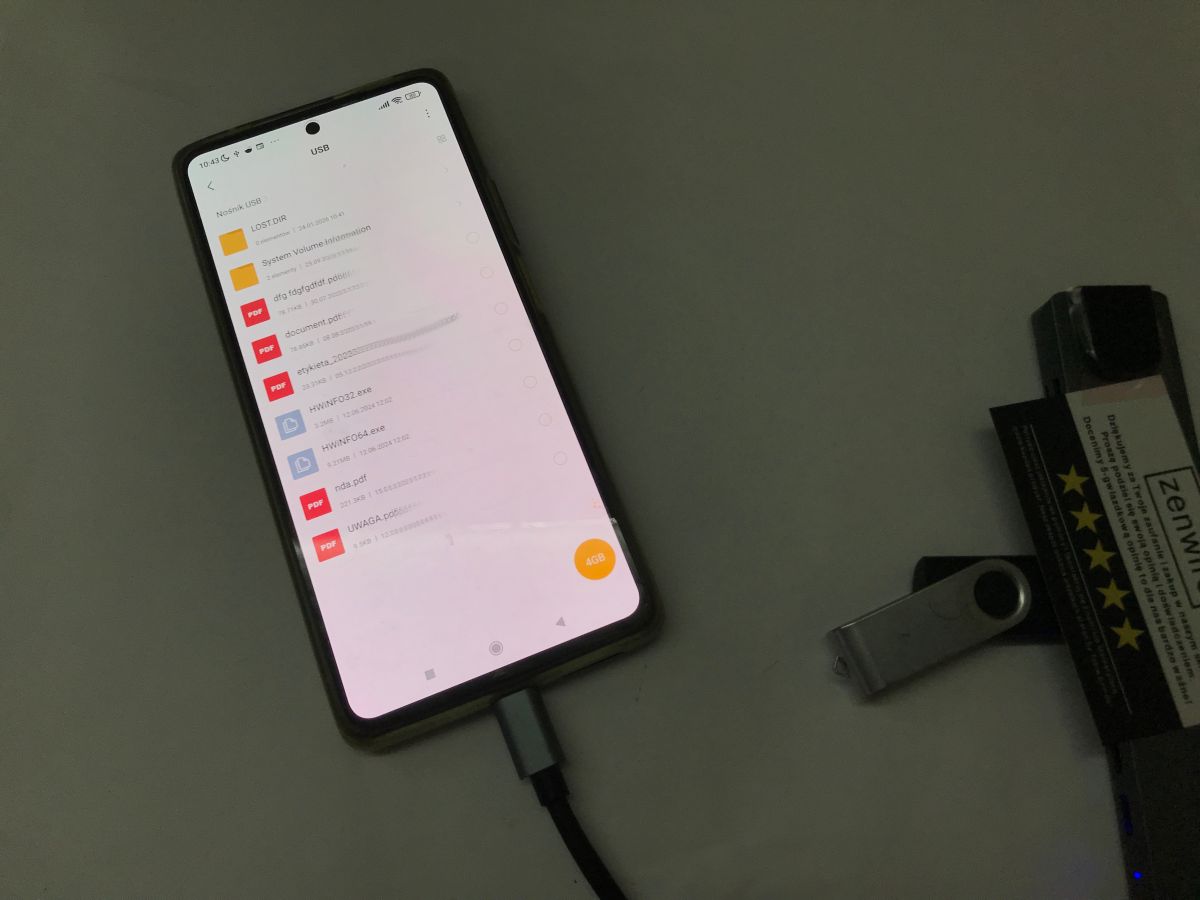
    Smartphone with USB file list on screen and a connected cable; beside it a flash drive and Zenwire packaging
    The memory stick is correctly seen and its contents are available on the phone.
    It remains to check the USB to UART converters - one converter, the number of devices found increases by 1, the device is correctly recognised as CH340:
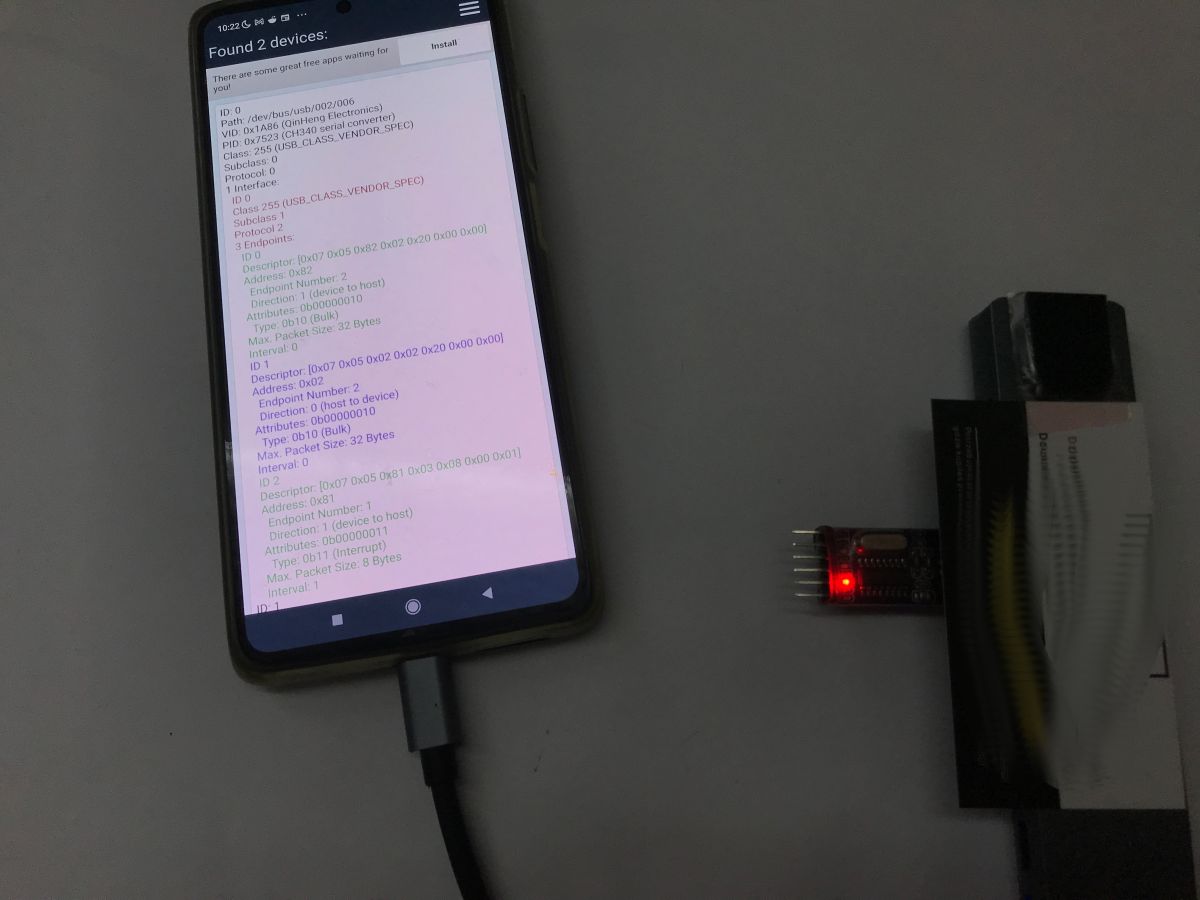
    Phone displaying USB device details; nearby a small board with red LED and a flat ribbon cable
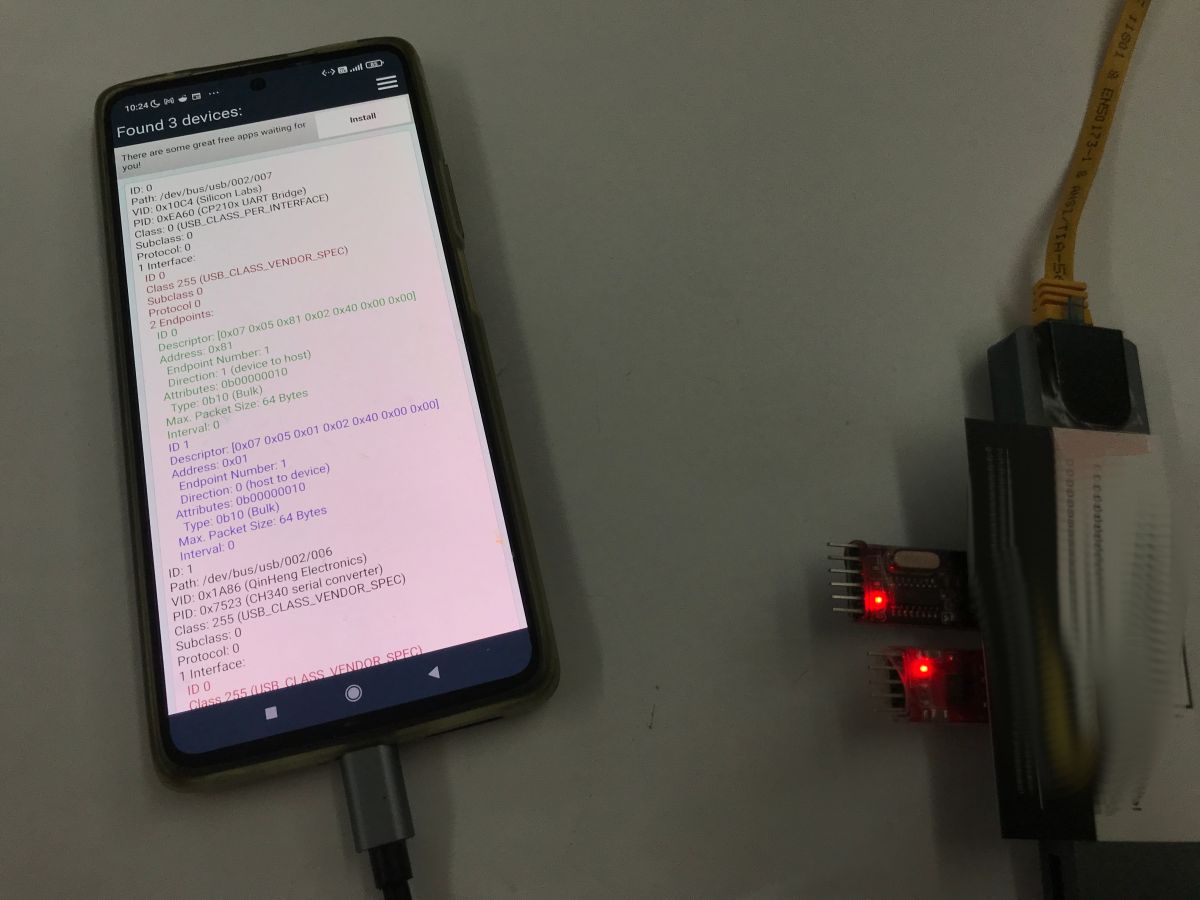
    The second converter, CP210x, is also correctly seen:
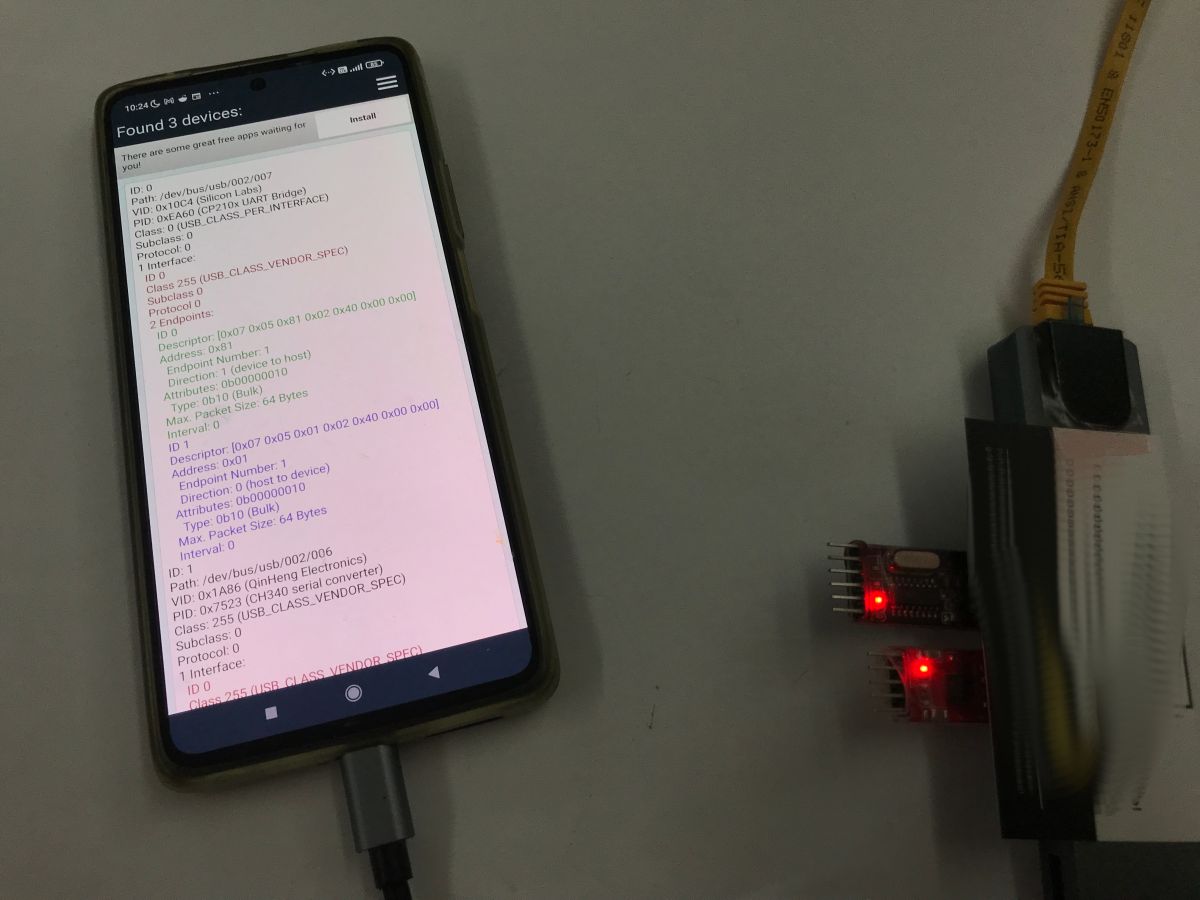
    Smartphone showing “Found 3 devices” connected to a USB‑C hub; Ethernet adapter and small LED-lit boards nearby

    In summary , I was able to run on this hub:
    - wired internet access
    - access to storage
    - access to USB to UART converters (two types I checked)
    My phone could not cope with:
    - hDMI monitor
    Your results may vary slightly, but I can still say here that there is as much potential as possible to convert the tablet into a controller for some kind of home automation or IoT devices.
    PS: I have already tested the support of USB to UART converters from within the app - this is also possible, you can receive and send packets normally. I will present this in a separate topic. The charging issue will still have to be tested, but interestingly enough I have already seen separate adapters for this - the so-called "OTG charger splitter", although often these are not even needed at all.
    Have you used USB splitters in the way I have shown?

    Cool? Ranking DIY
    Helpful post? Buy me a coffee.

    About Author
    p.kaczmarek2
    Moderator Smart Home
    Offline 
    p.kaczmarek2 wrote 14389 posts with rating 12310, helped 650 times. Been with us since 2014 year.
  • ADVERTISEMENT
  • #2 21859784
    Karol966
    Level 31  
    Posts: 2035
    Help: 83
    Rate: 645
    Board Language: polish
    I've been using the Ugreen USB-C OTG cable, for example to connect an adapter to an FT232, and more recently to program AVR processors from my phone (ZFlasher AVR, which I use with Atmel ICE). Just yesterday I had a problem such that the OTG adapter is on a rigid cable, so I took some ordinary USB-C cable, cut it into pieces, connected it to another, cut off USB-micro plug, and klops = doesn't work -> further fiddling with the USB-C plug, replacing the resistor with 5.1 kΩ = still nothing, because as it turned out, some sources say "USB OTG, pin A5 via R=5.1 kΩ to VACC", and others that to ground...) well, and indeed, you need to connect this pin A5 of the USB-C connector with a 5.1 kΩ resistor to GND to create an OTG cable. Of course, for about PLN10 you can buy a nice USB-C to USB micro OTG cable from tinkerers, but .... it will arrive in about 2 weeks ;)
  • ADVERTISEMENT
  • #4 21859900
    DJ MHz
    Level 26  
    Posts: 1136
    Help: 36
    Rate: 241
    Board Language: polish
    Before testing the internet connection, turn on aeroplane mode, turn off WiFi and check in the web app what it is pulling the connection from ;)
  • #5 21859953
    speedy9
    Helpful for users
    Posts: 12019
    Help: 1231
    Rate: 2413
    Board Language: polish
    p.kaczmarek2 wrote:
    My phone could not cope with:
    - hDMI monitor

    Which is not strange at all, because Mi 11T does not support DP Alt Mode
  • #6 21860257
    MISIEK2018
    Level 16  
    Posts: 357
    Help: 18
    Rate: 91
    Board Language: polish
    Samsung's S series and the now discontinued Note series support MHL (USB-C -> HDMI works).
  • #7 21860363
    chemik_16
    Level 27  
    Posts: 999
    Help: 74
    Rate: 127
    Board Language: polish
    >>21859953

    This is not the problem here, because the HDMI on the cheap docks is not from the dp line, but from the USB 3.0/2.0 line. the problem is the lack of support for such devices in the android kernel. Connected with a passive usb-c usb adapter to the computer normally HDMI works.

    If you buy something from display link, such as some station from della, the app will normally allow you to transfer video.
  • ADVERTISEMENT
  • #8 21860533
    sq3evp
    Level 39  
    Posts: 6334
    Help: 210
    Rate: 833
    Board Language: polish
    The Nokia Lumia used to have such a docking station.
    Now some smartphones have such a capability - USB-C also has HDMI support.
  • #9 21860571
    panzewsi
    Level 24  
    Posts: 473
    Help: 68
    Rate: 159
    Board Language: polish
    If the phone's touchscreen is damaged, the mouse can be connected via the hub, the cursor appears on the screen and data can be downloaded or transferred from it.
  • #10 21860580
    sq3evp
    Level 39  
    Posts: 6334
    Help: 210
    Rate: 833
    Board Language: polish
    >>21860571
    This is also the way.
  • ADVERTISEMENT
  • #11 21860615
    MiroLord
    Level 26  
    Posts: 937
    Help: 83
    Rate: 171
    Board Language: polish
    I once managed to connect a Scarlett Focusrite 6i6 2gen audio interface via usb to a Samsung Galaxy S8+. At the time, I was recording video with the camera and the audio was going directly from the Shure SM58 microphone.
  • #12 21860815
    tesla97
    Level 20  
    Posts: 501
    Help: 22
    Rate: 154
    Board Language: polish
    >>21860571

    To connect a mouse, you don't even need a hub, just a USB C to USB A socket adapter. You can connect mice, keyboards, flash drives.
  • #13 21861574
    MISIEK2018
    Level 16  
    Posts: 357
    Help: 18
    Rate: 91
    Board Language: polish
    USB OTG.
  • #14 21862746
    LEDówki
    Level 43  
    Posts: 9326
    Help: 1304
    Rate: 2517
    Board Language: polish
    A similar solution was used when one very important user was unable to put his laptop on the docking station. A USB hub took care of the problem. Connecting a USB cable doesn't require as much intelligence as putting a laptop on a docking station. It is possible that eye/hand coordination was failing. I use the phone mainly as a phone, I use internet access out of compulsion, but in the field there is no room for using such superfluities as a USB hub.
📢 Listen (AI):
ADVERTISEMENT