logo elektroda
logo elektroda
X
logo elektroda

Flush-mounted electrical socket with USB - interior, minitest, thermal imaging (overheating test)

p.kaczmarek2 231 5
ADVERTISEMENT
Treść została przetłumaczona polish » english Zobacz oryginalną wersję tematu
📢 Listen (AI):
  • Flush-mounted electrical socket with USB - interior, minitest, thermal imaging (overheating test)
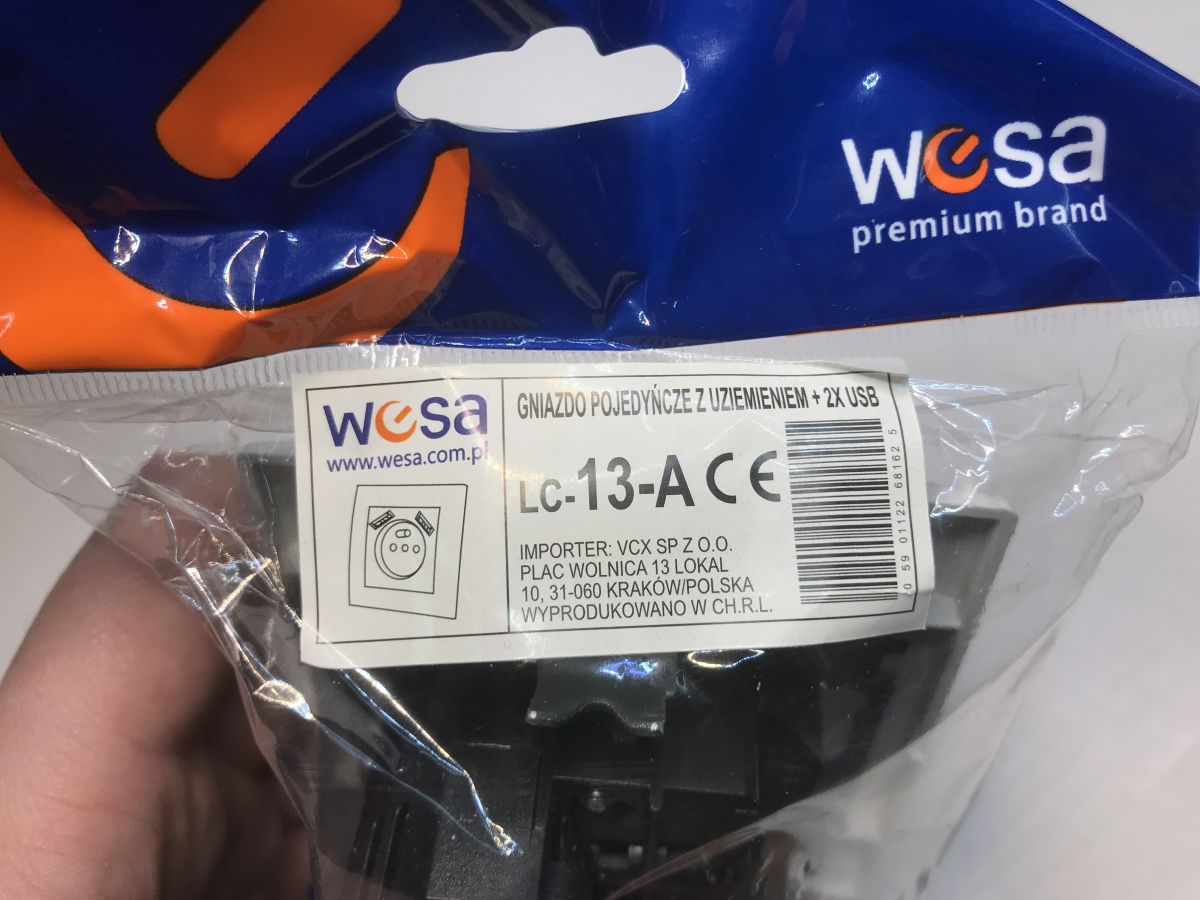
    The LC-13-A is a flush-mounted, single electrical socket with earthing and two additional USB ports for powering/charging mobile devices. Its dimensions (width 8.4x8.4 cm, depth 4 cm) allow it to be easily installed in most fi 60 mm boxes. In this topic, I will test how it is built and investigate how hot it will get when operating under full load. I'll show the results in the form of thermal imaging camera images, so we'll also see which components heat up the most.
    Flush-mounted electrical socket with USB - interior, minitest, thermal imaging (overheating test)
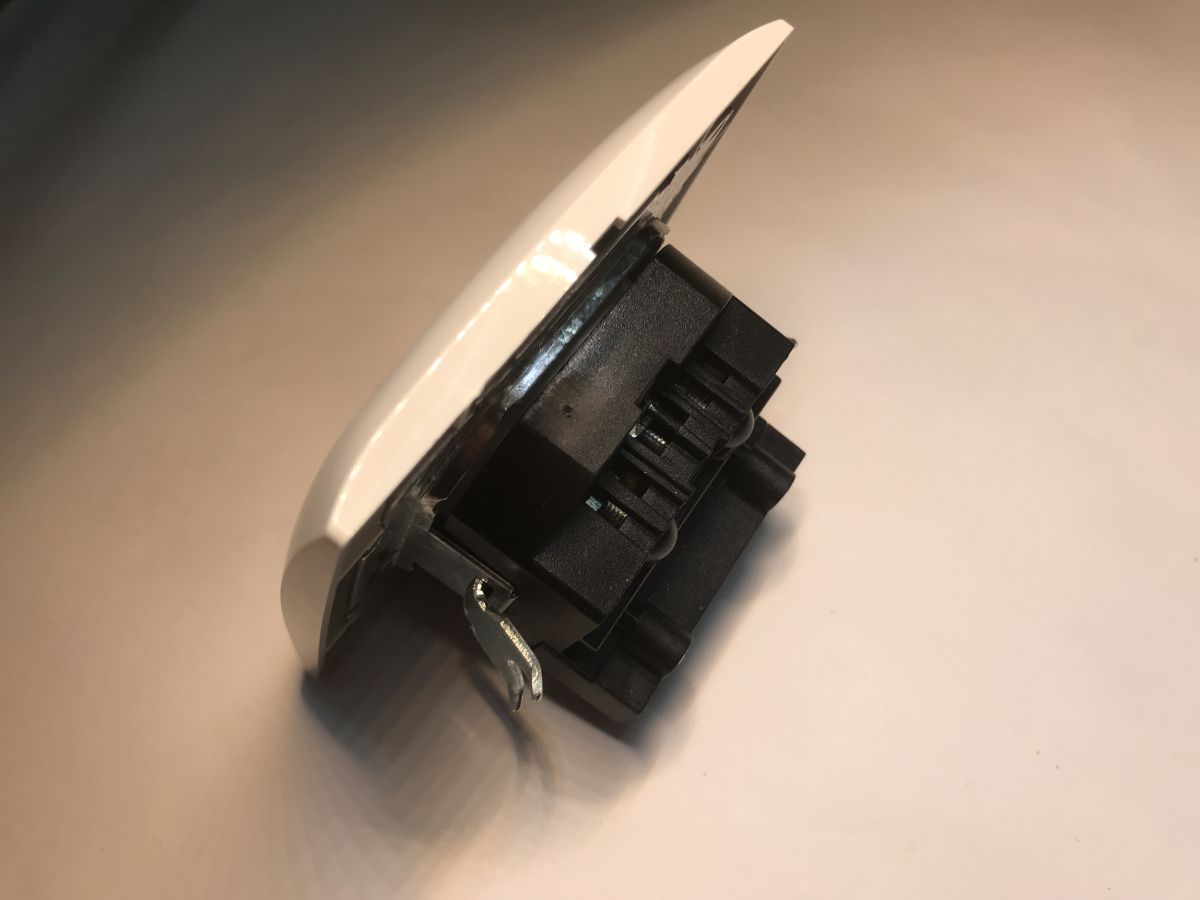
    Indeed, this product is slightly deeper than typical sockets, it is worth checking the box before buying.
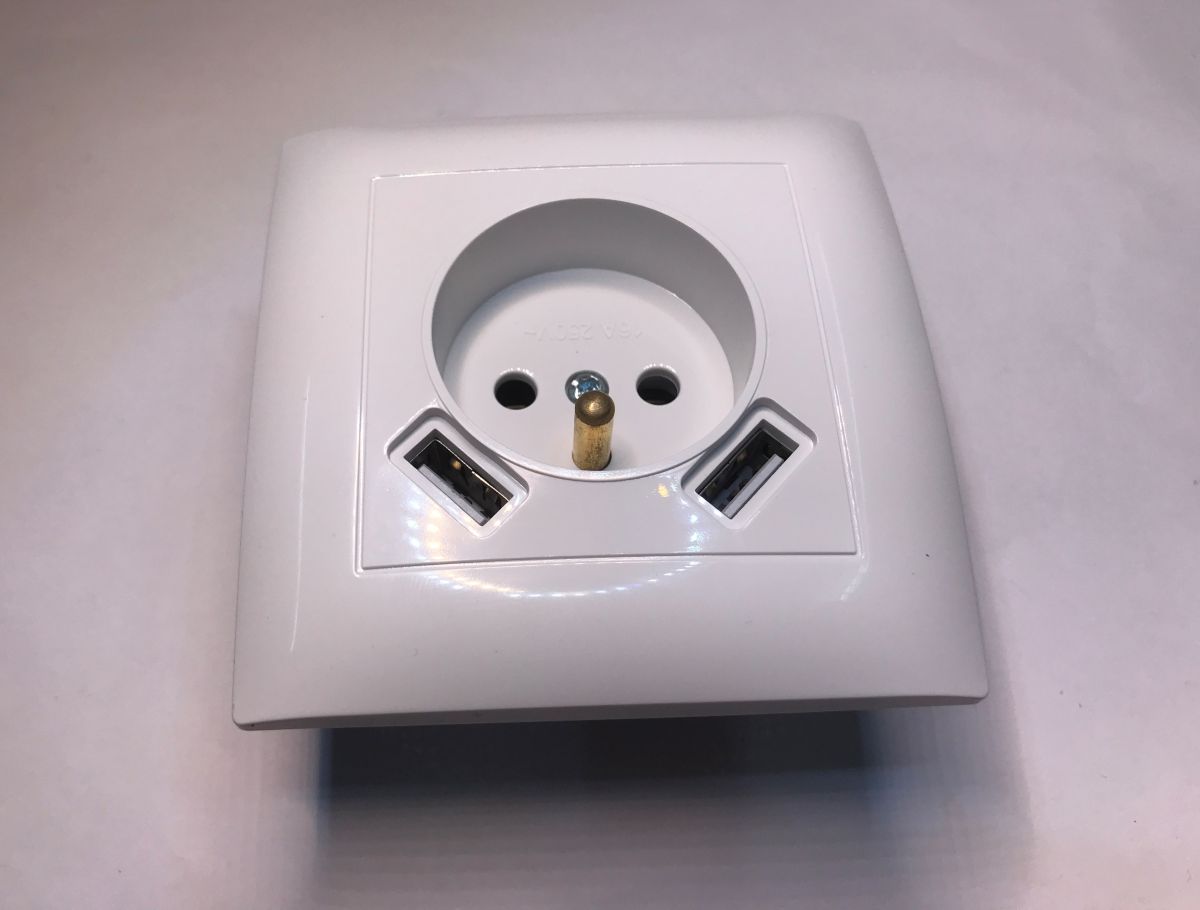
    Flush-mounted electrical socket with USB - interior, minitest, thermal imaging (overheating test) Flush-mounted electrical socket with USB - interior, minitest, thermal imaging (overheating test) Flush-mounted electrical socket with USB - interior, minitest, thermal imaging (overheating test)
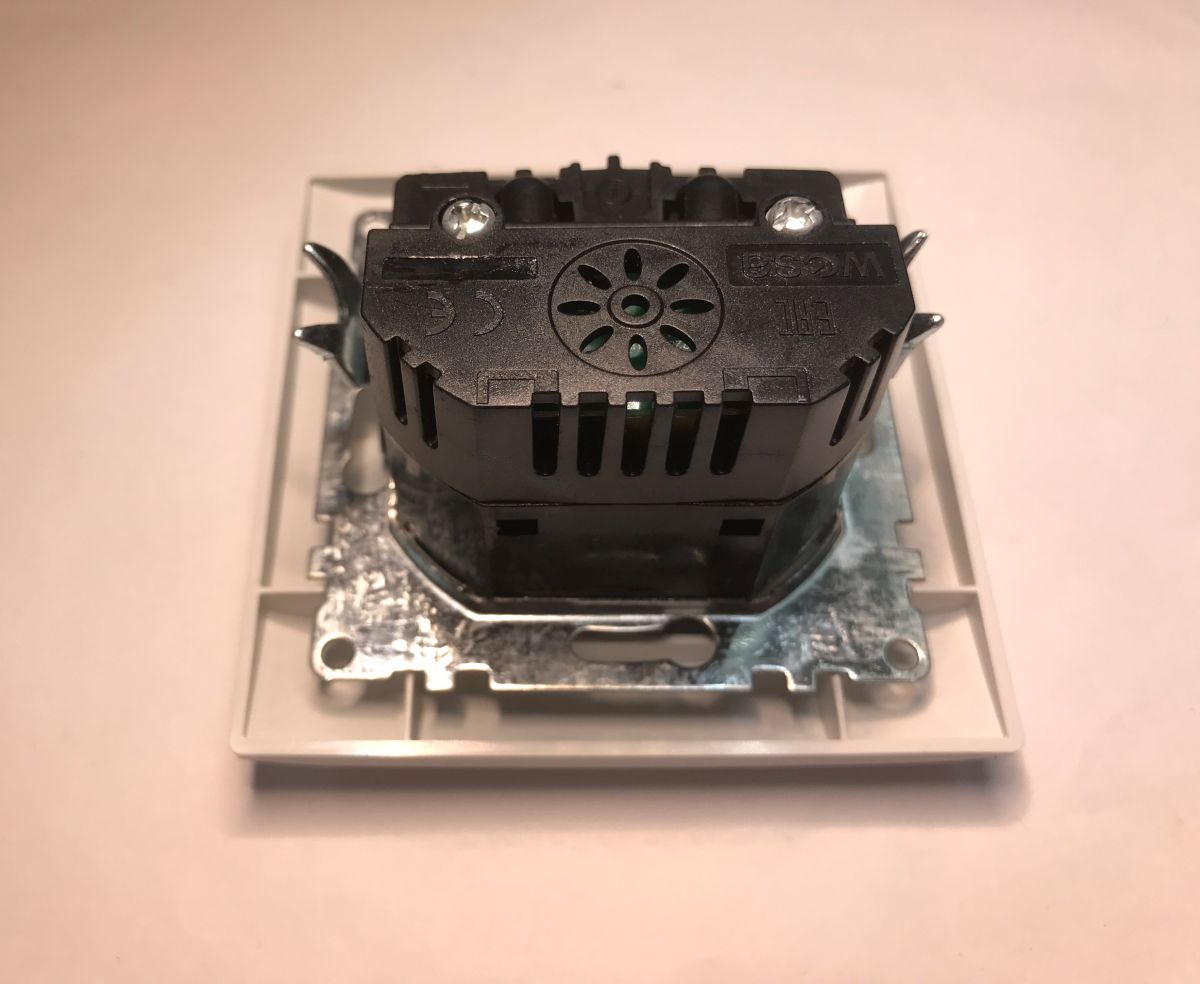
    Unscrew the screw to remove the front panel:
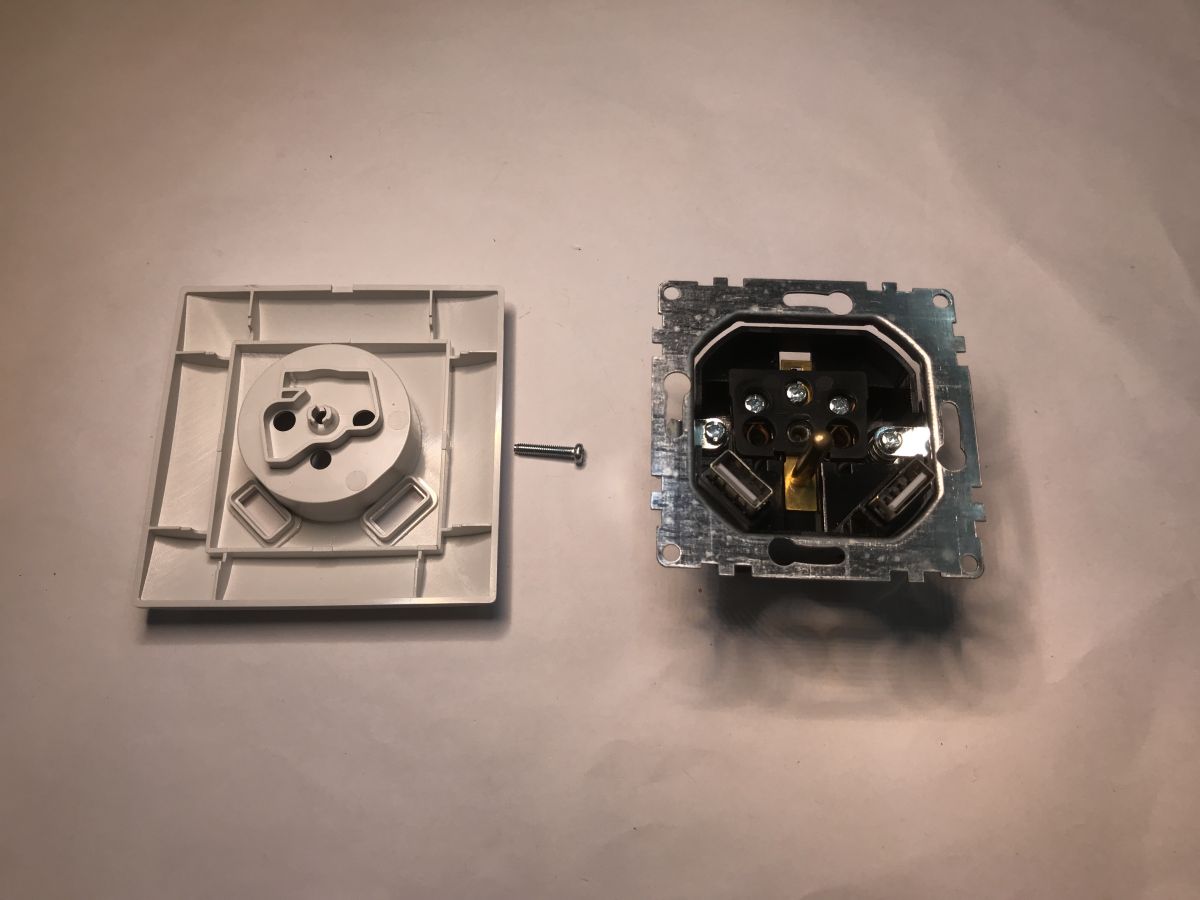
    Flush-mounted electrical socket with USB - interior, minitest, thermal imaging (overheating test)
    There are vents in the case, but I don't think they provide much - after all, it's sealed in a box anyway. The back of the case is on hooks, let's take a look inside.
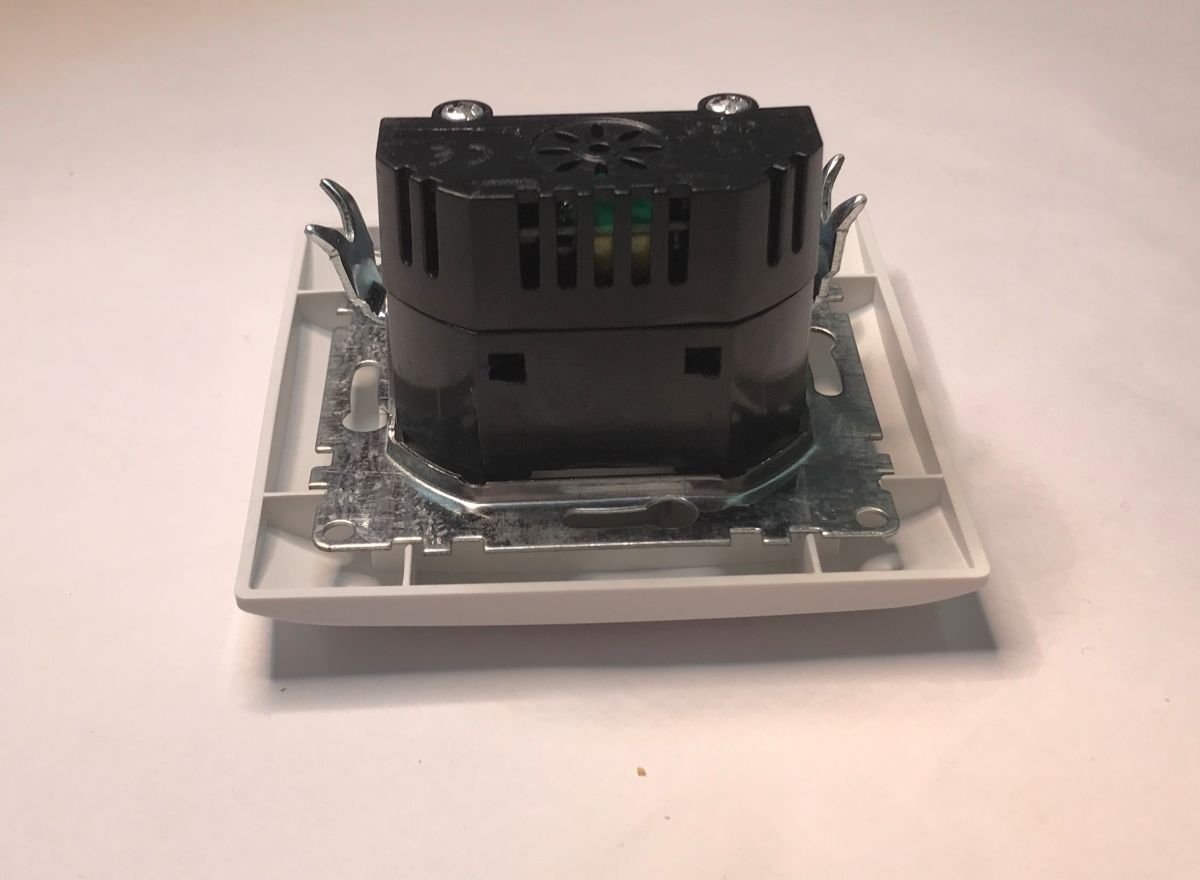
    Flush-mounted electrical socket with USB - interior, minitest, thermal imaging (overheating test)
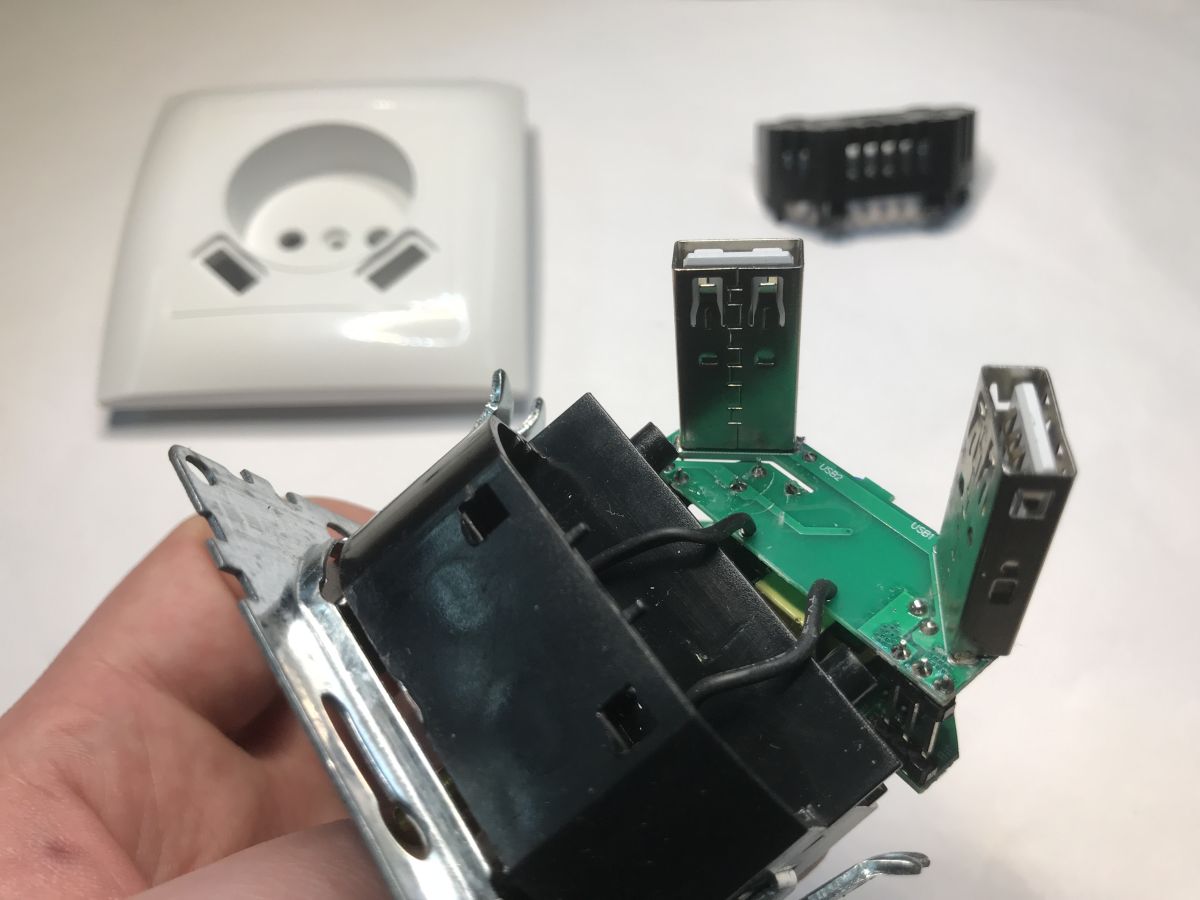
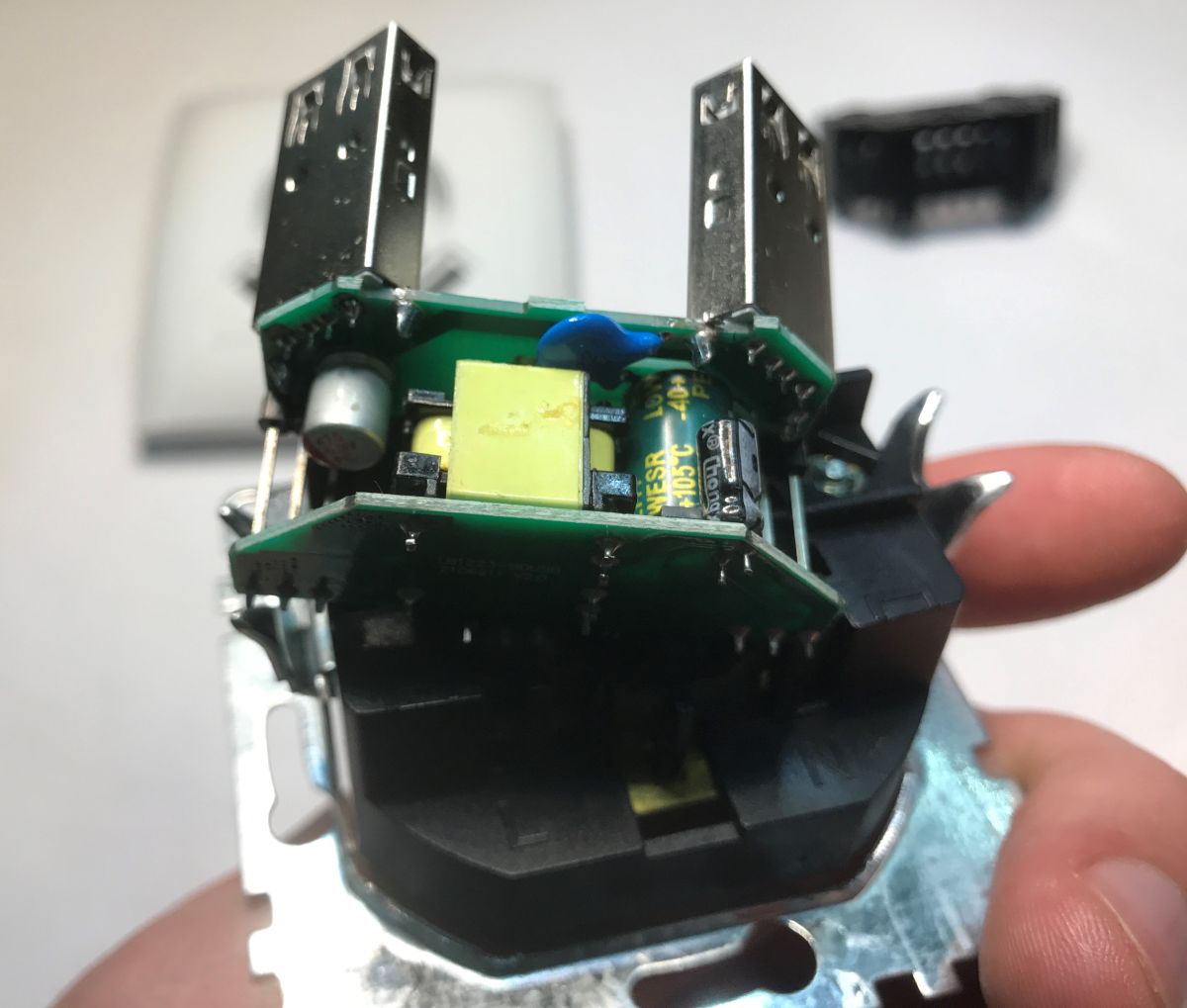
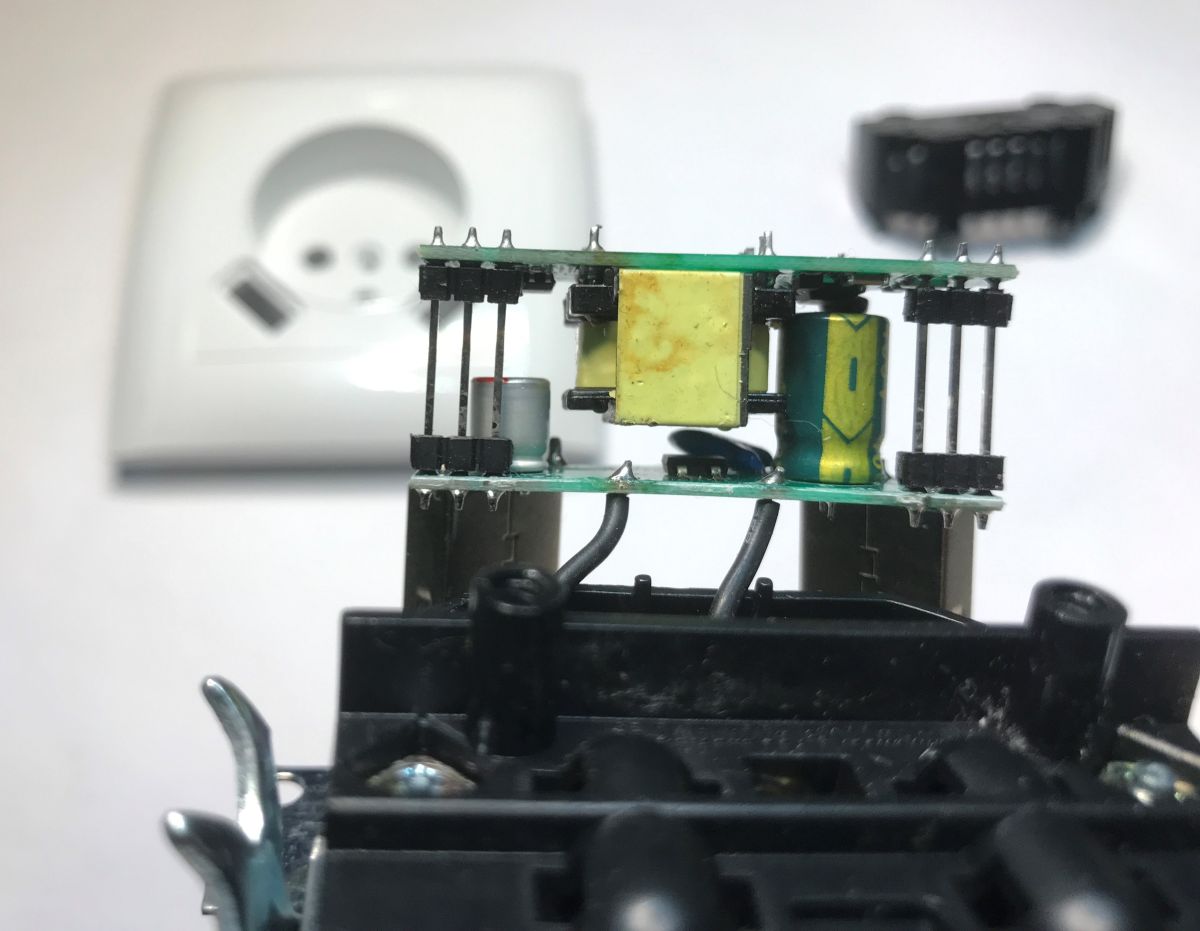
    The whole thing is cleverly built with two boards and deep USB ports. The manufacturer has made an effort to pack this efficiently into the available space.
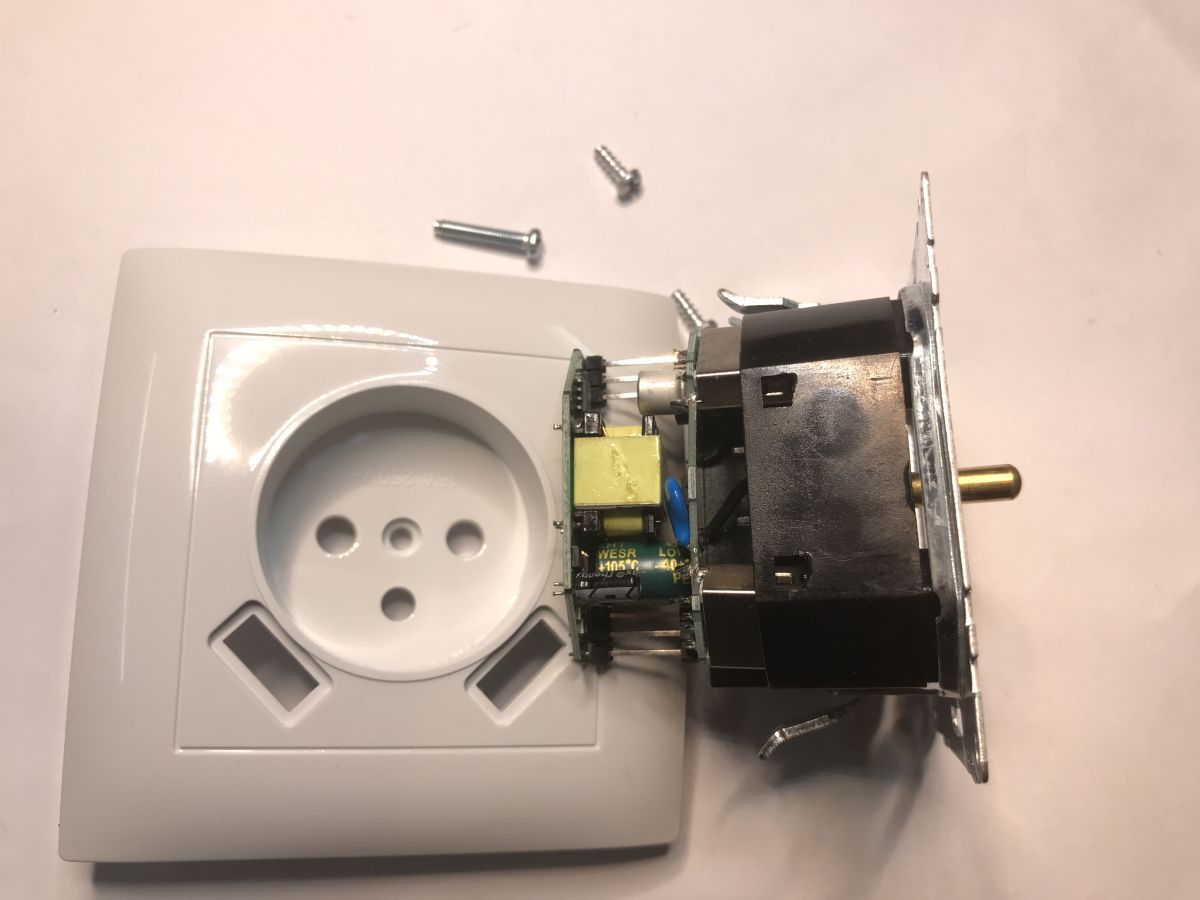
    Disassembled in-wall socket: white faceplate, module and PCB with transformer, plus loose screws on a table Disassembled power outlet module with a green PCB and two USB-A ports, held in a hand. Inside a USB wall outlet: two PCB boards and a yellow transformer in a black housing Inside a USB wall socket: two PCB boards with a transformer and capacitor, with a white faceplate in back
    Inside is a small power supply in flyback topology. The PCB is signed LB1223-BDUSB, but you can't see the chip markings. This will need to be unsoldered.
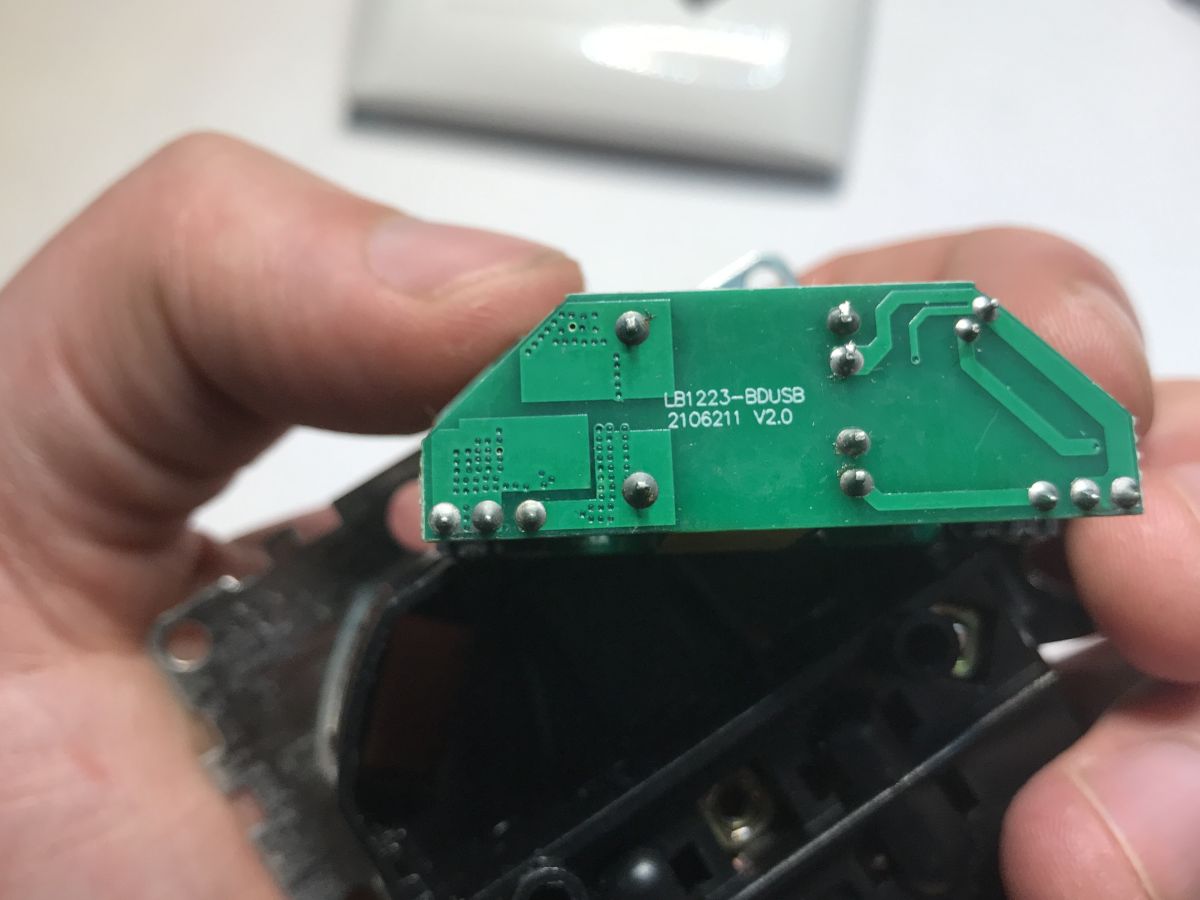
    Close-up of a green PCB labeled “LB1223-BDUSB,” held between fingers
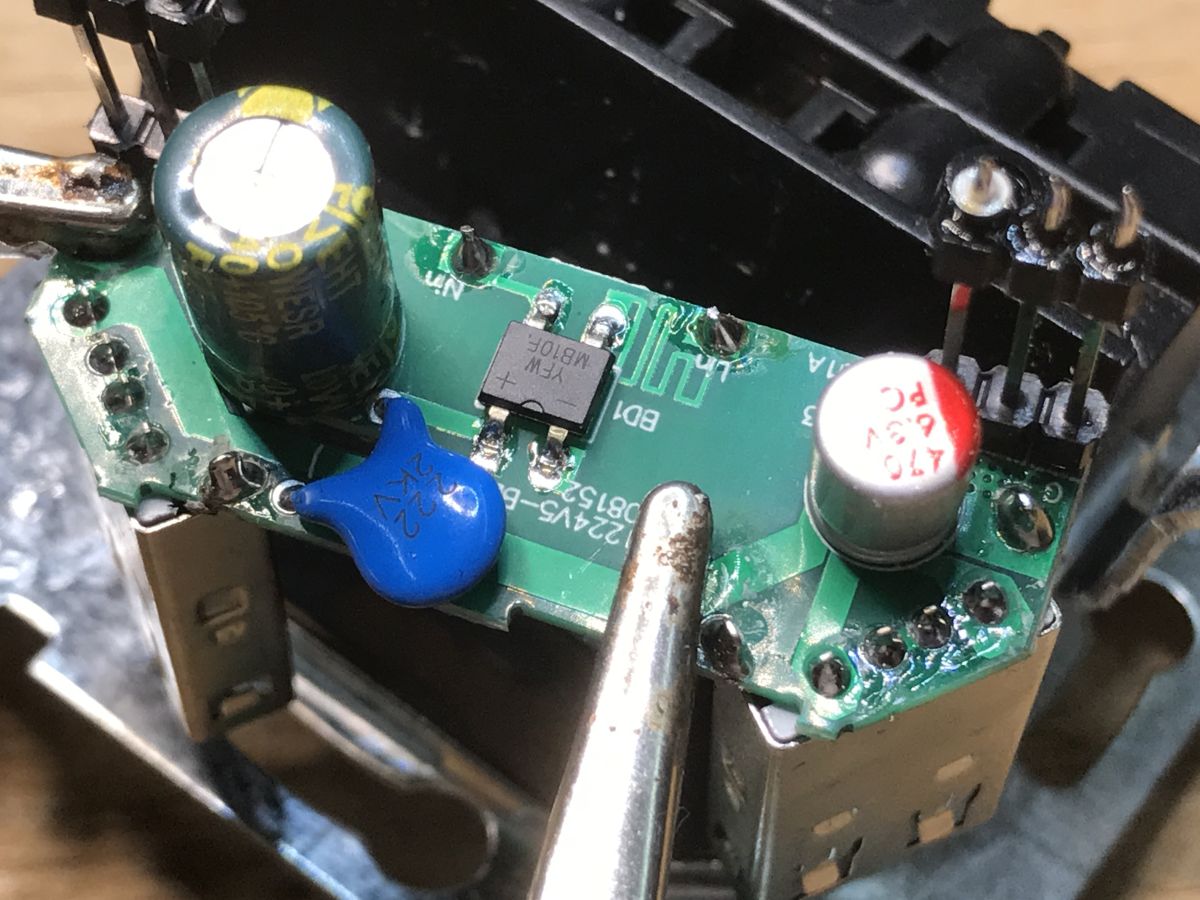
    After unsoldering you can see an interesting design. Here we have on one side a path instead of a fuse and a rectifier bridge, and on the other side USB ports and a capacitor for 6.3 V, this is connected by a CY capacitor. The distance between the 'hot' and 'cold' side is a little worrying, it's only a few mm.
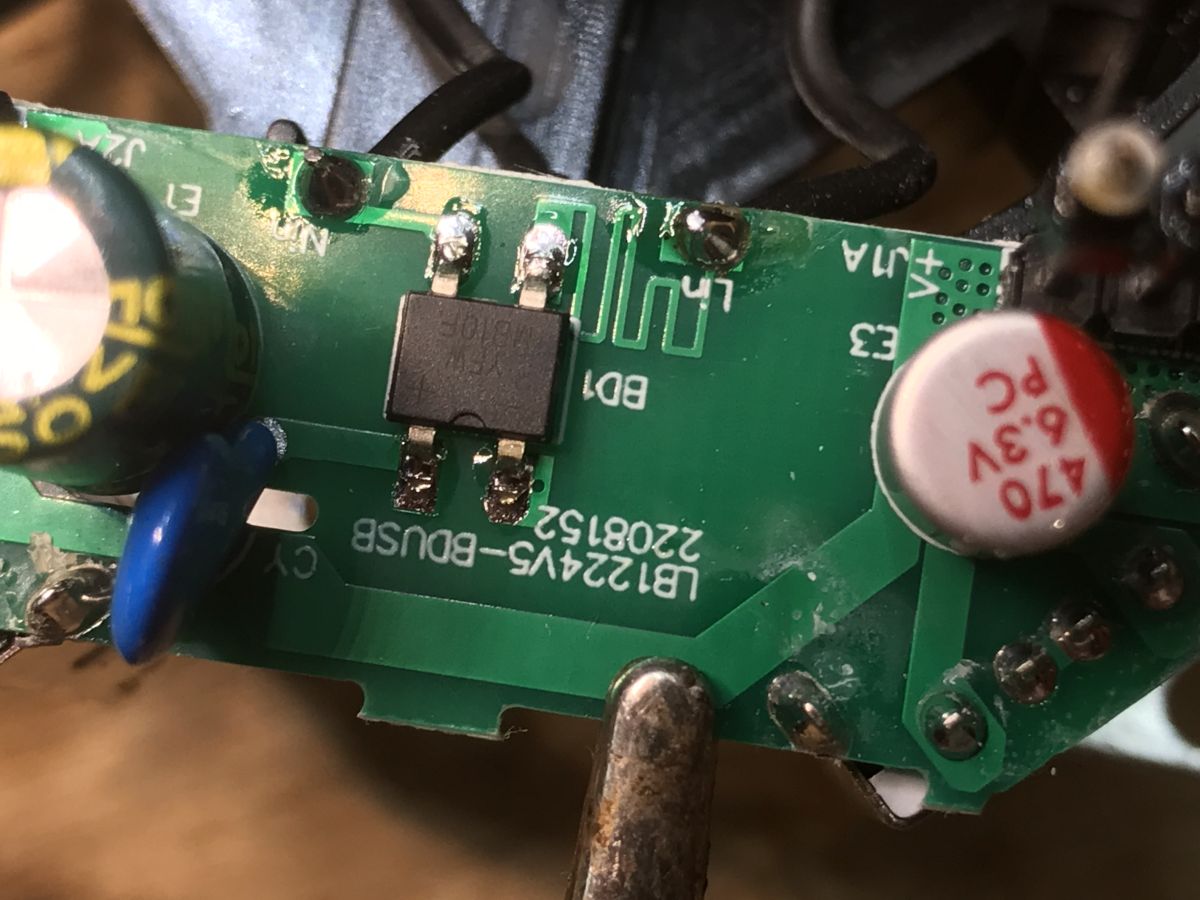
    Close-up of a green PCB with an IC, capacitors, and the marking “LB1224V5-BDUSB” Close-up of a PCB inside a USB socket module with capacitors, SMD parts, and solder joints
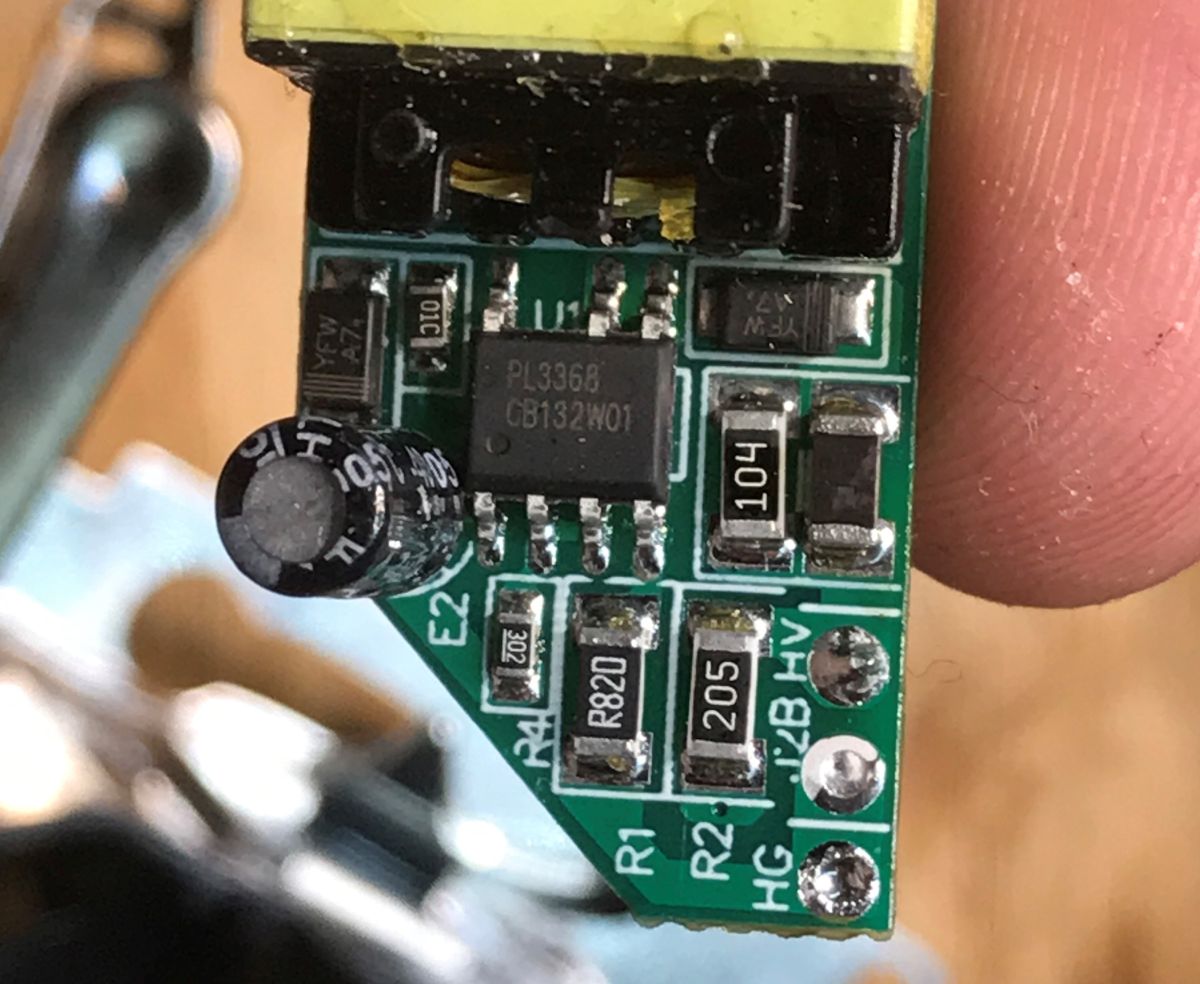
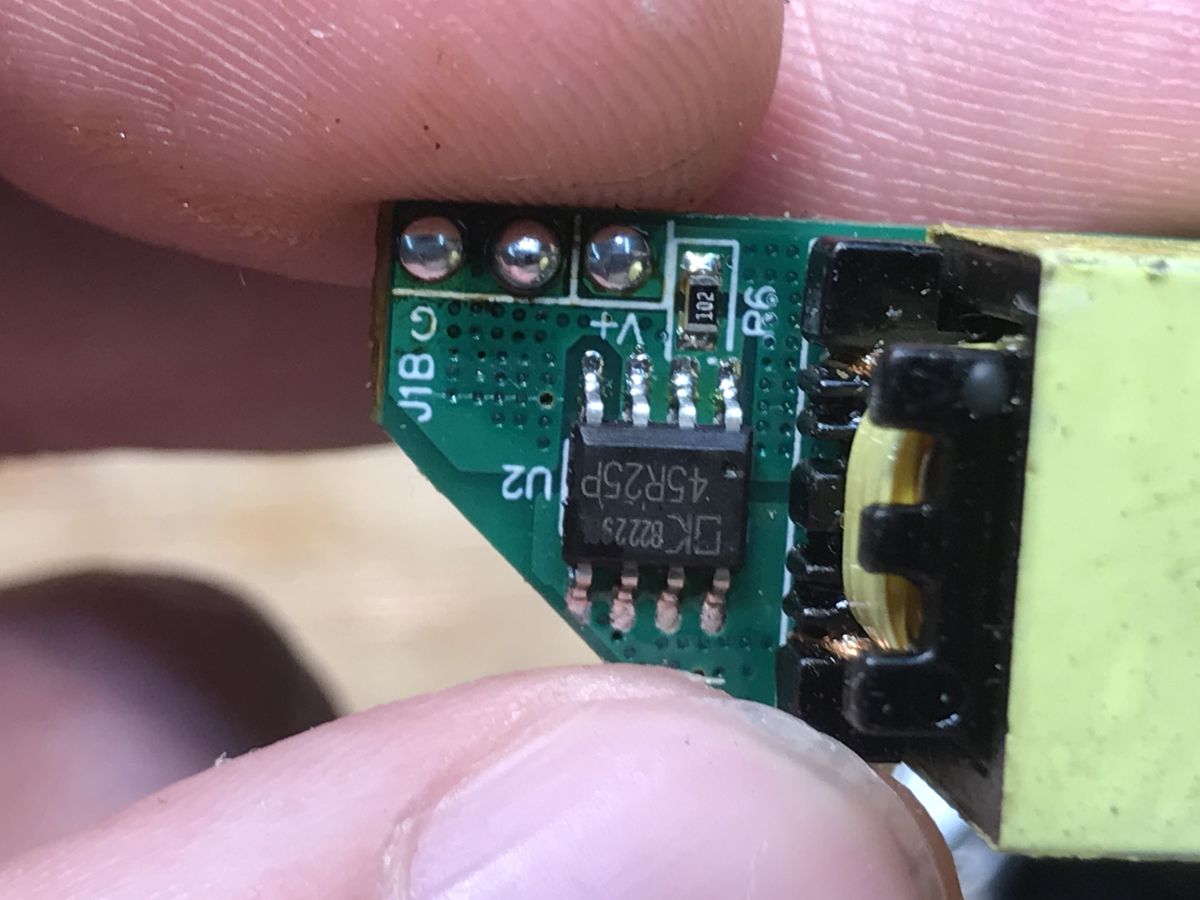
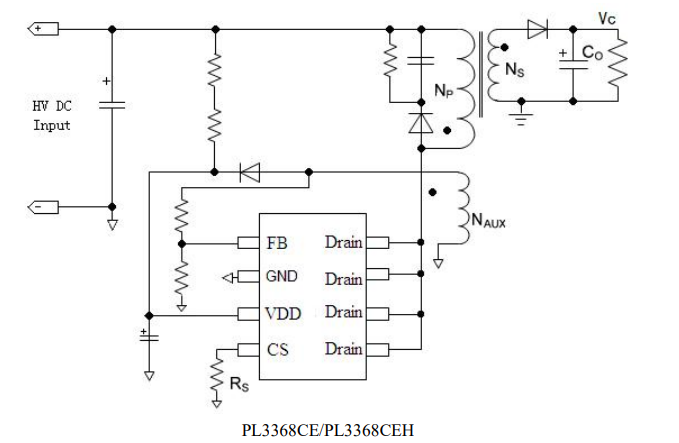
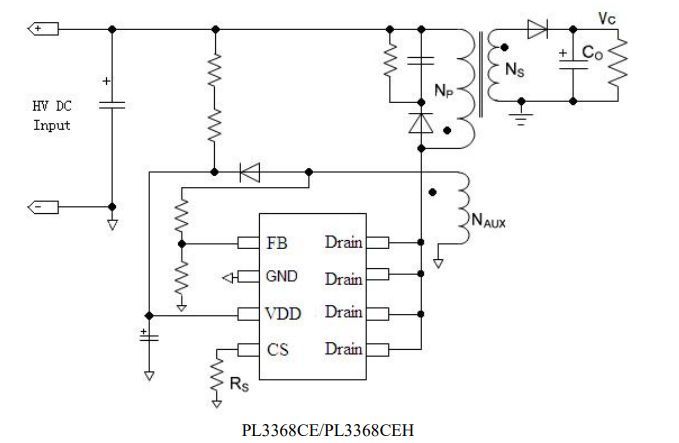
    On the other side of the PCB we have two ICs - a PL3368 inverter controller and a 45R25P synchronous rectifier.
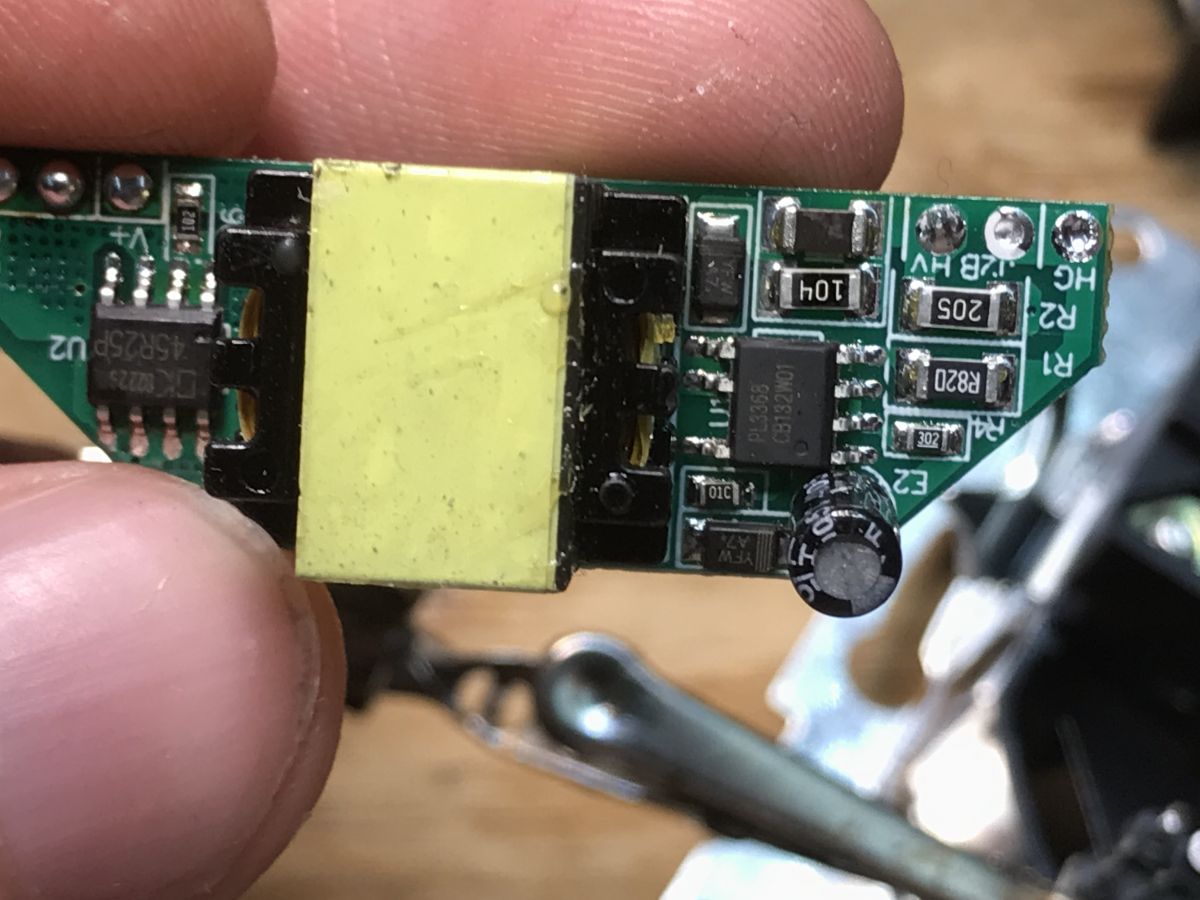
    Close-up of a PCB with a small transformer, IC, and electrolytic capacitor, held between fingers. Close-up of a green PCB with PL3368 IC and electrolytic capacitor, held between fingers Close-up of a PCB with IC labeled U2 and a transformer, held between fingers
    Flyback converter schematic with PL3368 IC, transformer windings, and rectified output stage
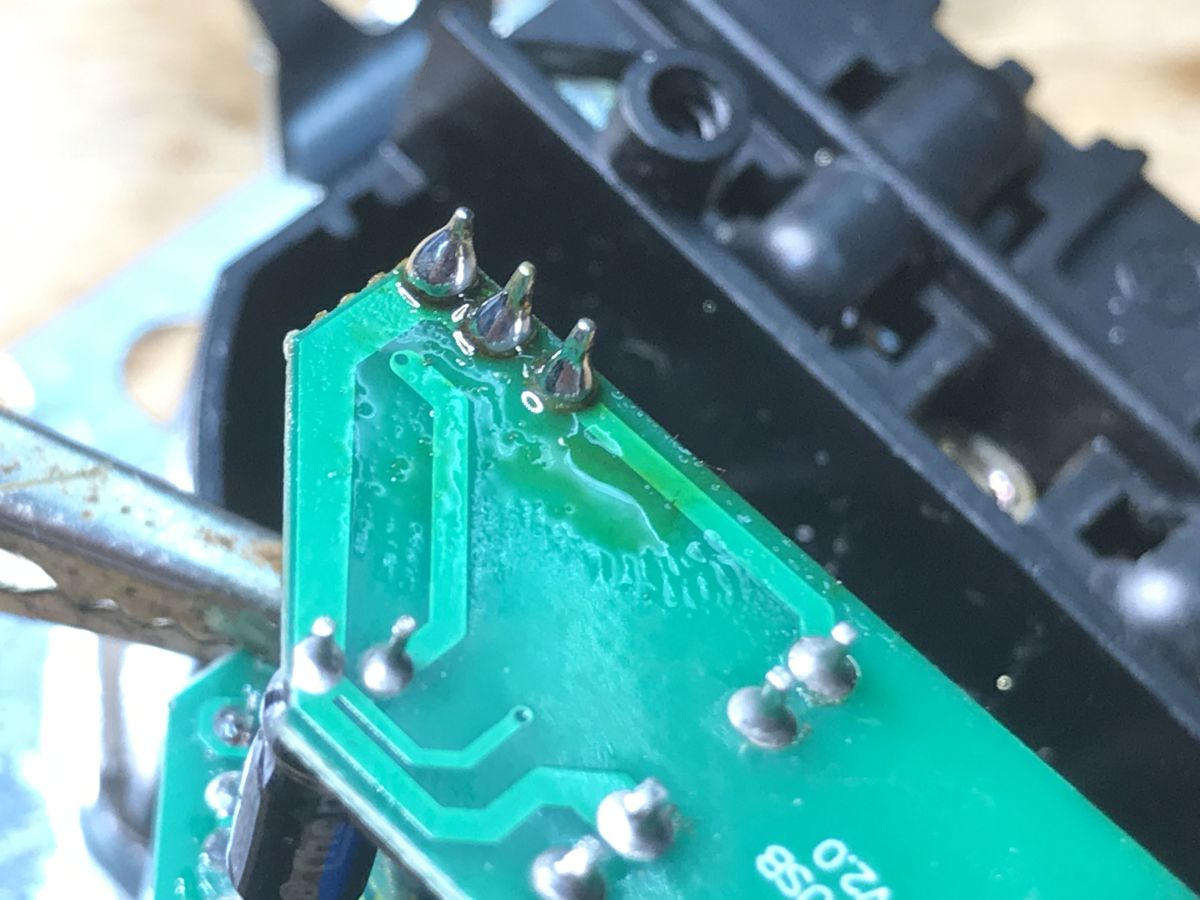
    After visual inspection I soldered the whole thing back together:
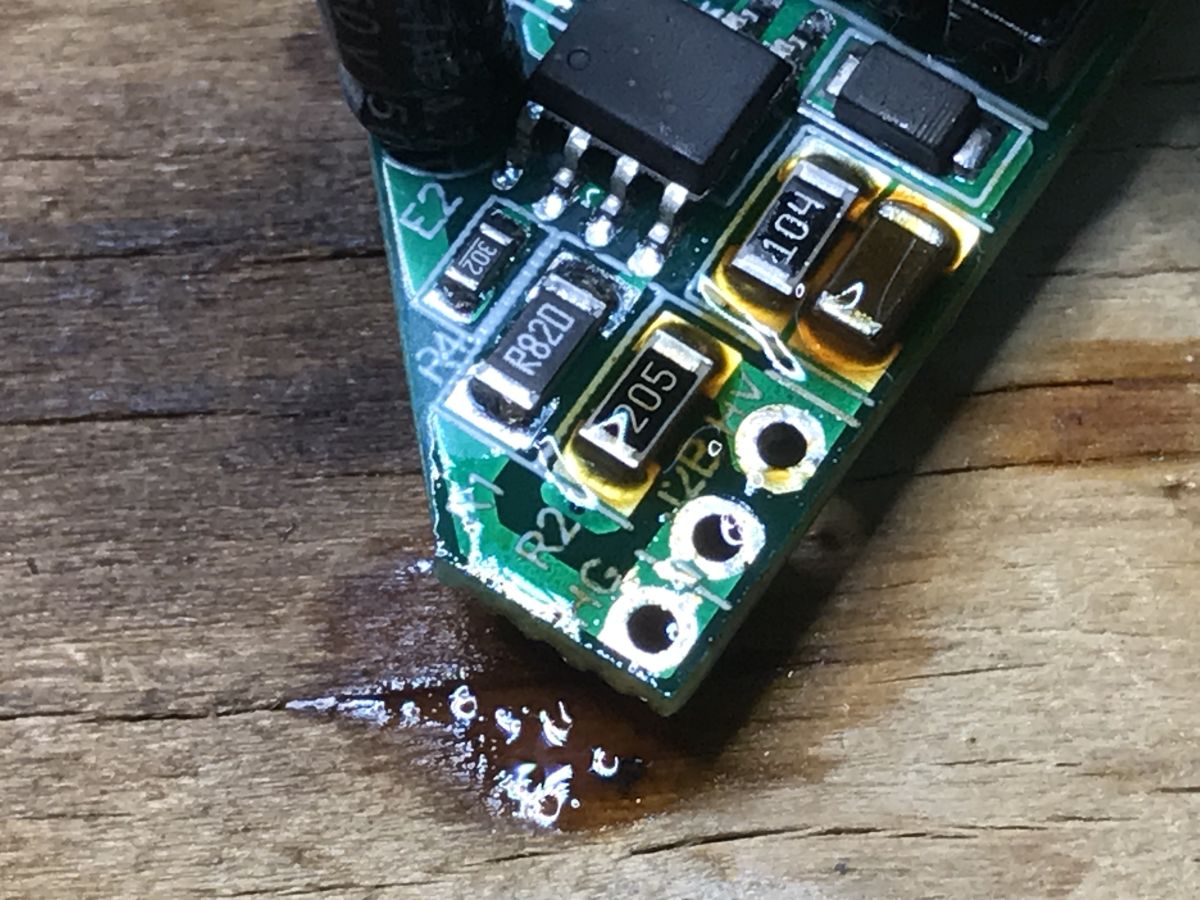
    Close-up of a green PCB corner with SMD parts on a wooden surface and a small liquid spill Close-up of a green PCB with soldered pins, with a black outlet housing in the background

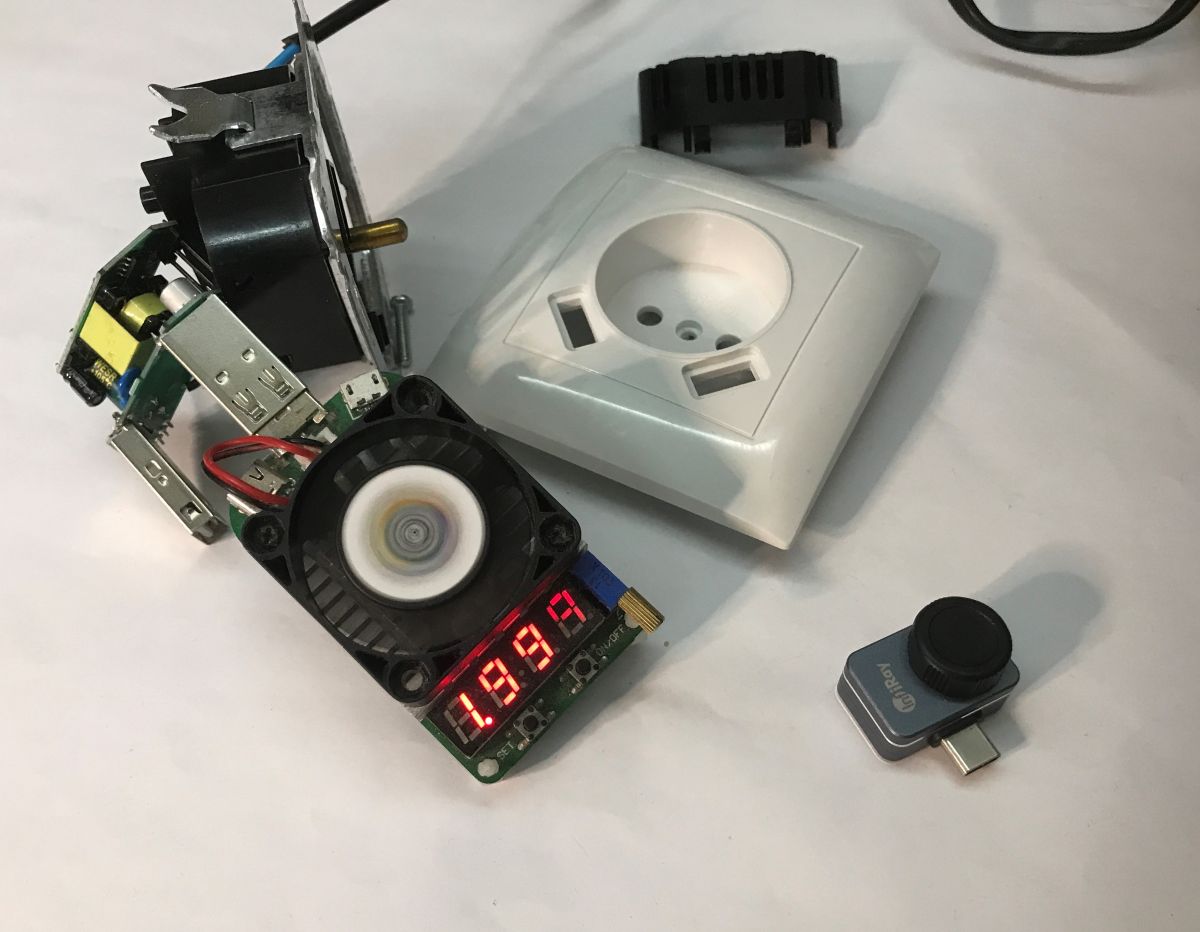
    Time for a load test. Up to 2.3 A at 5.1 V can be drawn:
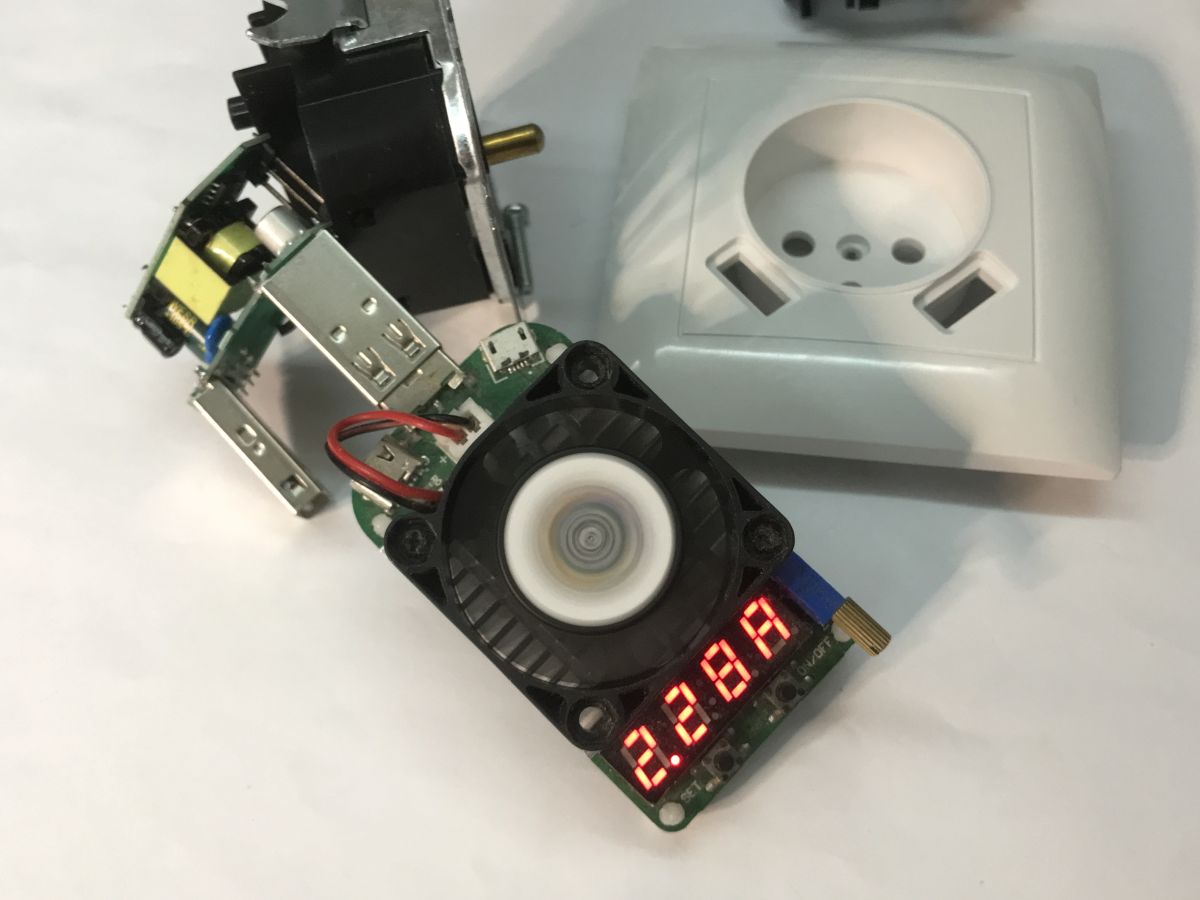
    Disassembled wall socket with USB ports and an electronic load module with fan and LED display
    The thermal imaging shows nicely how even the warm air from the LD35 artificial load warms the table top:
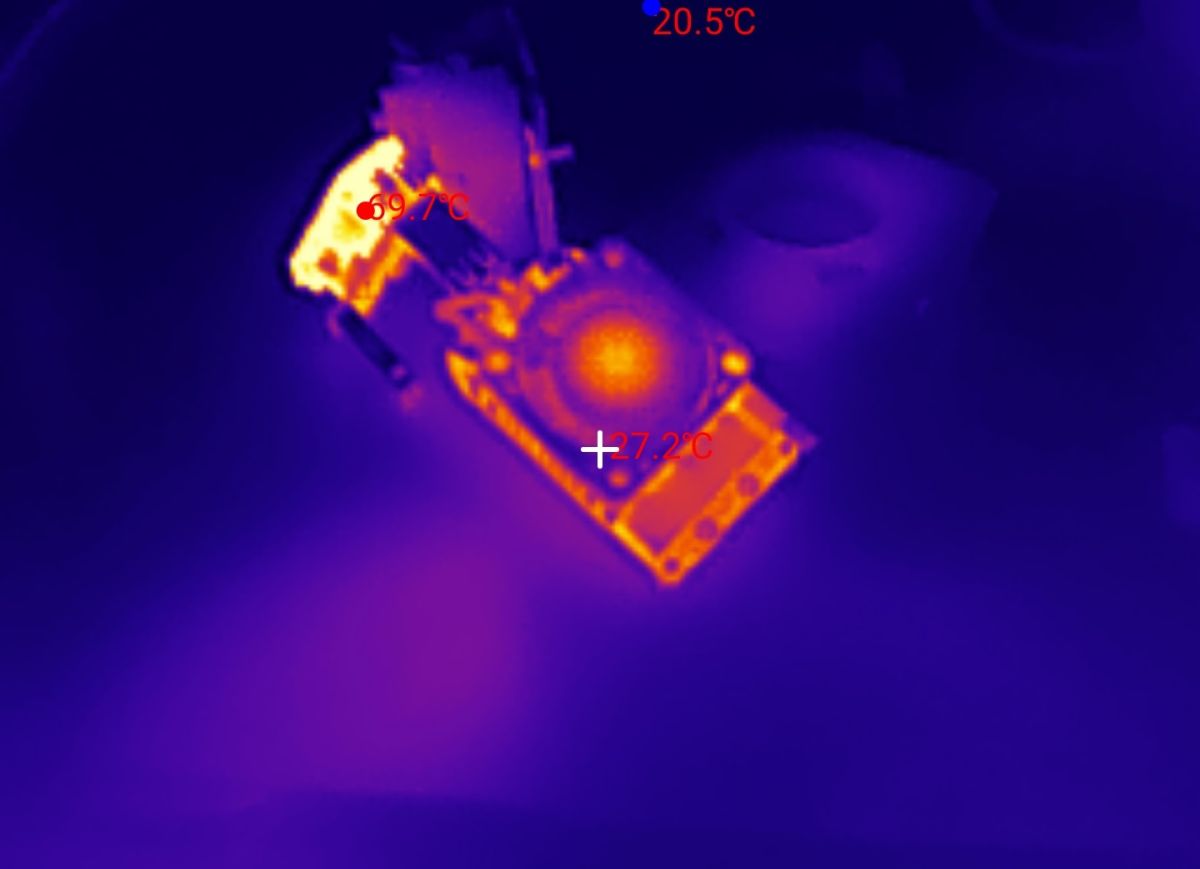
    Thermal image of an electronic PCB with a hot spot around 69.7°C and background around 20.5°C
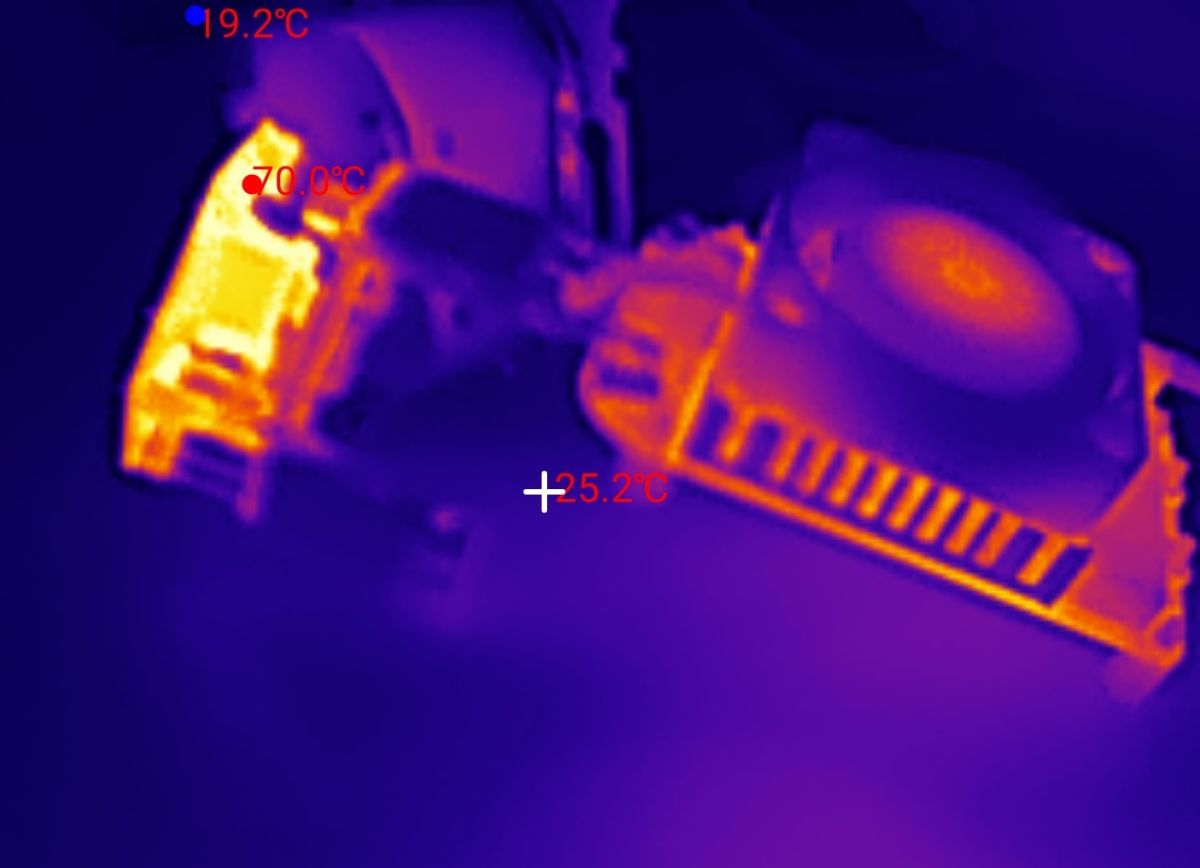
    Thermal camera view of electronics on a table; hotspot labeled about 70.0°C and a 19.2°C reading
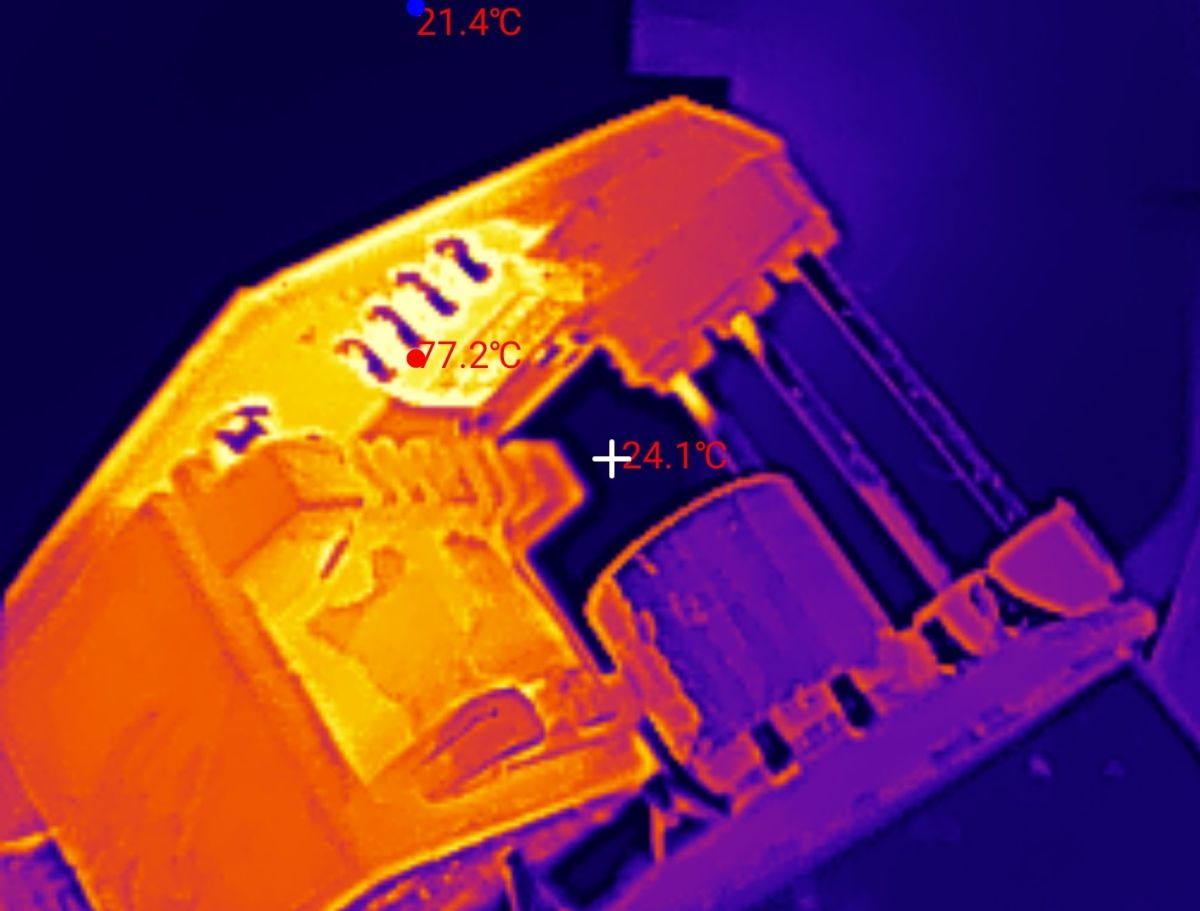
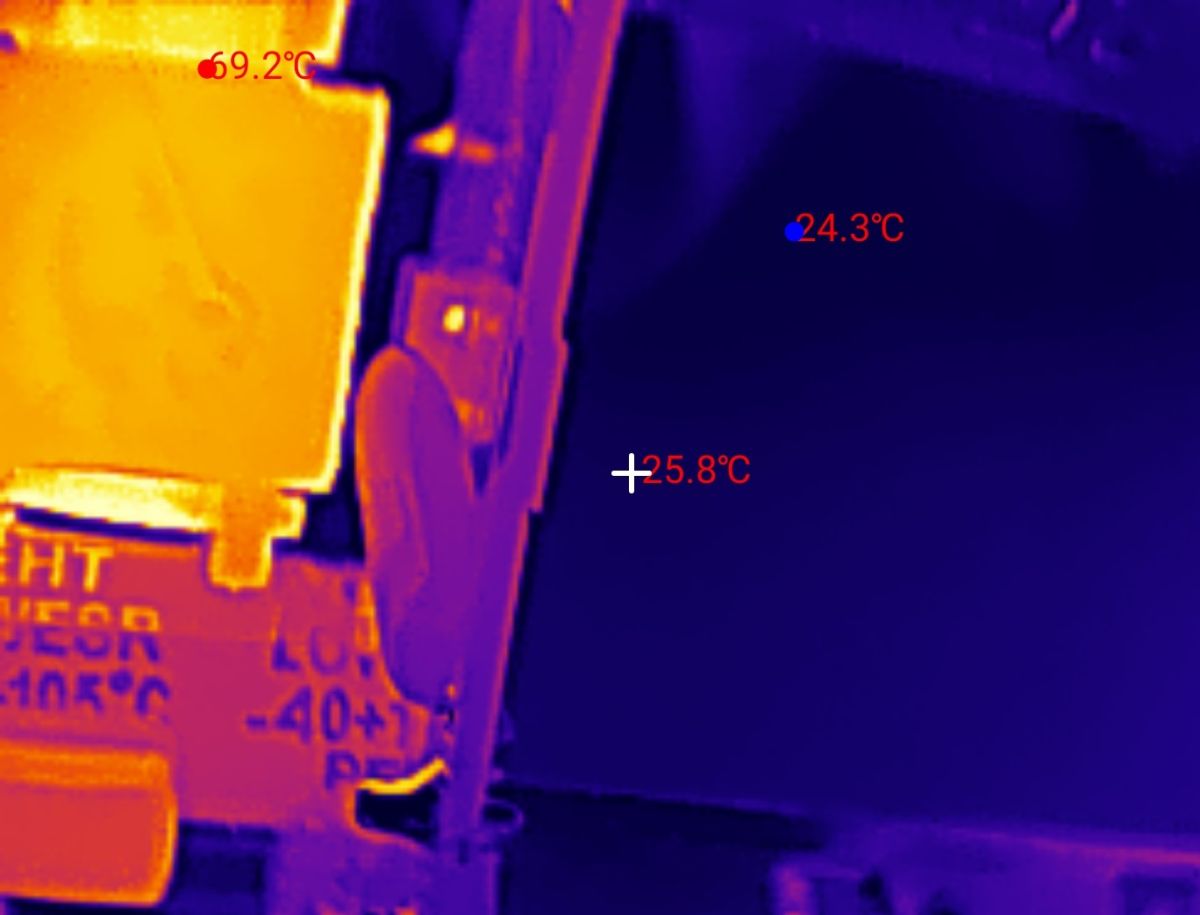
    Now the most interesting thing - the transformer heats up quite a bit, up to 70 °C, the inverter controller tops it, reaching 80 °C.
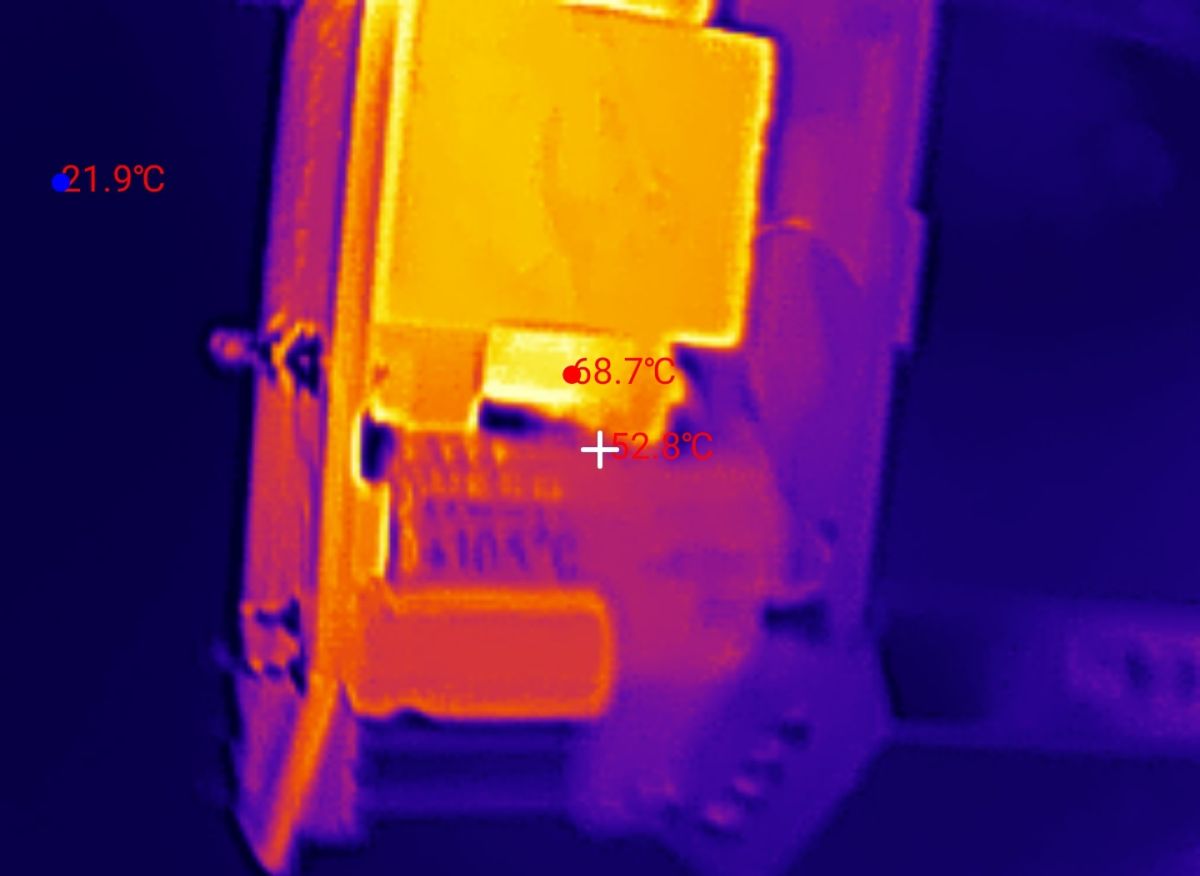
    Thermal image of an electrical device with hotspots at 68.7°C and 52.8°C and a 21.9°C background Thermal image of device internals; hottest spot 77.2°C, background about 21.4°C. Thermal image of an electronic component with temperature readings 69.2°C, 25.8°C, and 24.3°C

    In summary , the socket does its job, although the USB does not offer the QC standard support required by most modern devices and in addition it gets quite hot, potentially even hotter than my tests showed, as I tested with the case removed and outside the box. The construction inside is quite economical, I was a little concerned by the small distance between the mains voltage side and the low-voltage secondary. It was also interesting to see how the transformer is built, but I didn't want to dismantle it.
    Do you use this type of socket with extra USB?

    Cool? Ranking DIY
    Helpful post? Buy me a coffee.

    About Author
    p.kaczmarek2
    Moderator Smart Home
    Offline 
    p.kaczmarek2 wrote 14157 posts with rating 12033, helped 644 times. Been with us since 2014 year.
  • ADVERTISEMENT
  • #2 21861707
    Mateusz_konstruktor
    Level 37  
    What is the claimed maximum current that can be drawn and is there any restriction on using both USB ports at the same time?
  • ADVERTISEMENT
  • #3 21861720
    p.kaczmarek2
    Moderator Smart Home
    The product description mentioned 2.1 A at 5 V, so the USB power supply meets these parameters. Both USB sockets are connected together, so this current counts together. Once 2.3 A is exceeded, the voltage drops significantly.
    Helpful post? Buy me a coffee.
  • #4 21861834
    keseszel
    Level 26  
    Another piece of junk designed to extract cash from the naive. 80° in the can... health to electronics...
📢 Listen (AI):
ADVERTISEMENT