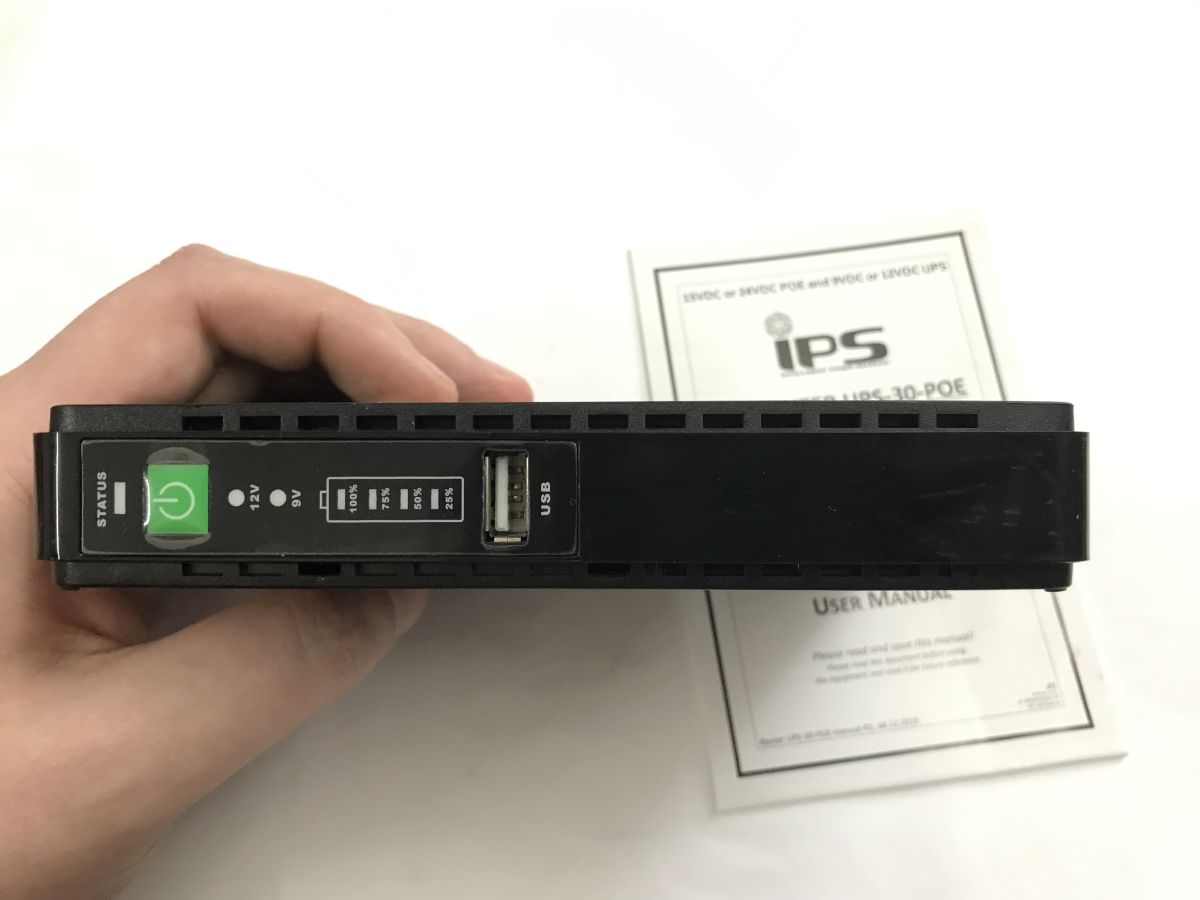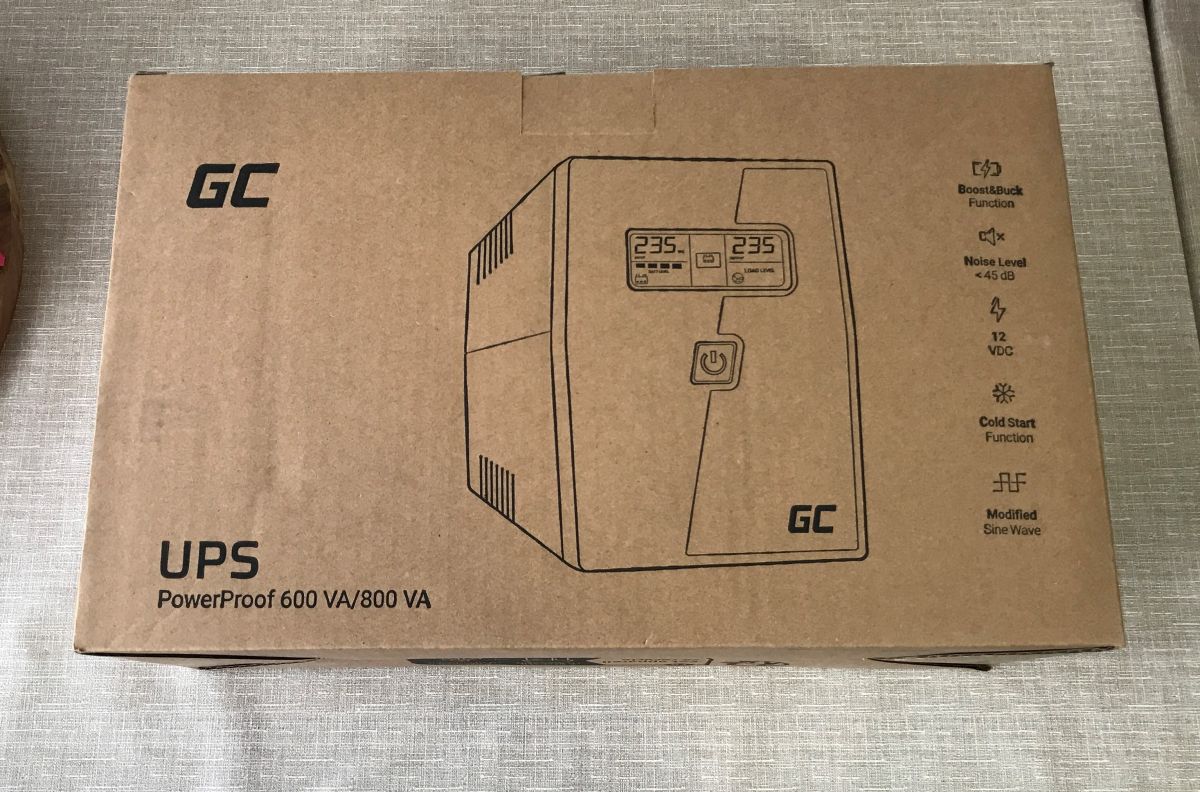
I'd like to invite you to a presentation and testing of the cheapest UPS bought with the idea of keeping a computer running for a few minutes after a power loss. Here I'll test it under various loads (including with a power supply with active PFC), I'll look at the output waveform, and finally I'll examine what heats up inside using thermal imaging. In addition, I will also test its PC-accessible application for monitoring load and battery status. Finally, I will find out where that characteristic overheating smell comes from when it is running....
What is a UPS? A UPS (Uninterruptible Power Supply), as the name implies, is an "uninterruptible" power supply unit whose function is to ensure the continuous operation of electrical equipment (here a computer) in the event of a power cut. It works on the basis of a battery and gives you time to safely save your work and shut down your equipment in the face of a failure.
We have different types of UPS:
- Offline (standby) UPS - normally powers equipment directly from the mains and switches to the battery (with a short interruption) in the event of a power failure. The simplest and cheapest.
- Line-interactive UPS - similar to offline, but has a circuit that stabilises the voltage without using batteries
- Online UPS (double conversion) - supplies power to the equipment all the time through energy conversion, thus giving the highest quality and no interruptions
In a similar way, power supplies can be divided according to the current waveform at the output. Here we have the cheaper power supplies, which generate the so-called "approximated sine wave", which I prefer to call simply "rectangular", and power supplies that generate a pure sine wave.
- the approximated sine wave (seen here in the photos) - this is a cheaper and simpler solution by design. Such a waveform, although it works with basic equipment, can cause equipment to become unstable or shut down, especially with modern power supplies with active PFC, it also does not work with inductive loads, classic transformers.
- pure sine wave - the waveform that is closest to that of the mains power supply. It ensures correct and stable operation of all equipment, including modern computer power supplies, audio equipment and equipment sensitive to power quality. Such UPSs are more expensive but much safer for equipment.
NOTE: in descriptions of UPSs on vendor websites, you will often see a general statement that an approximated sine wave is sufficient to power a laptop/computer/TV. I disagree - at least my ROQ gaming laptop has a power supply with active PFC, and it effectively 'resets' the UPSs I've tested that give 'rectangular'.
Here I will test the cheapest UPS purchased for office work with a desktop PC. We started the UPS selection by measuring the power required by the computer and monitor combo. I specifically overloaded the computer with a benchmark and added a considerable margin to the value, it came out to about 150 watts. I therefore marginally selected the model 600 VA 360 W , which I managed to buy for just under PLN200 , already with a 12 V/7 Ah battery and LCD display. UPS model GC PowerProof 600.
So let's see what the courier brought.
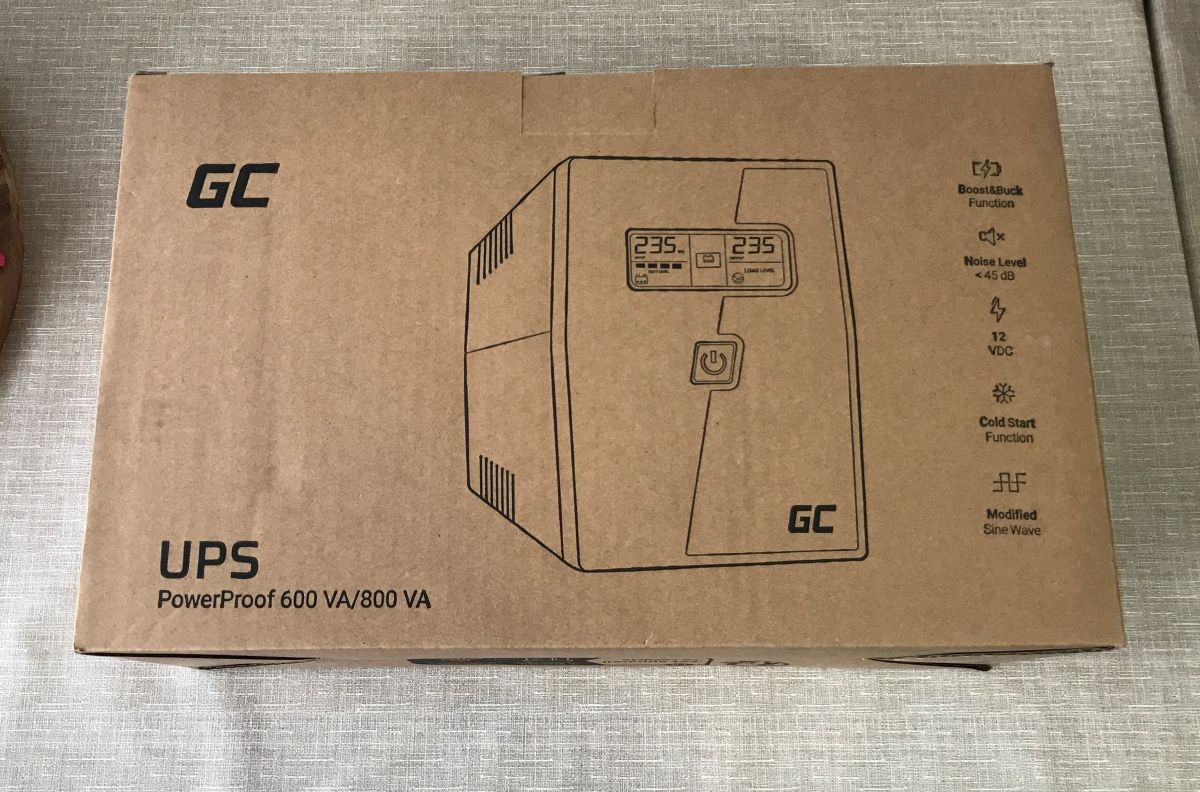
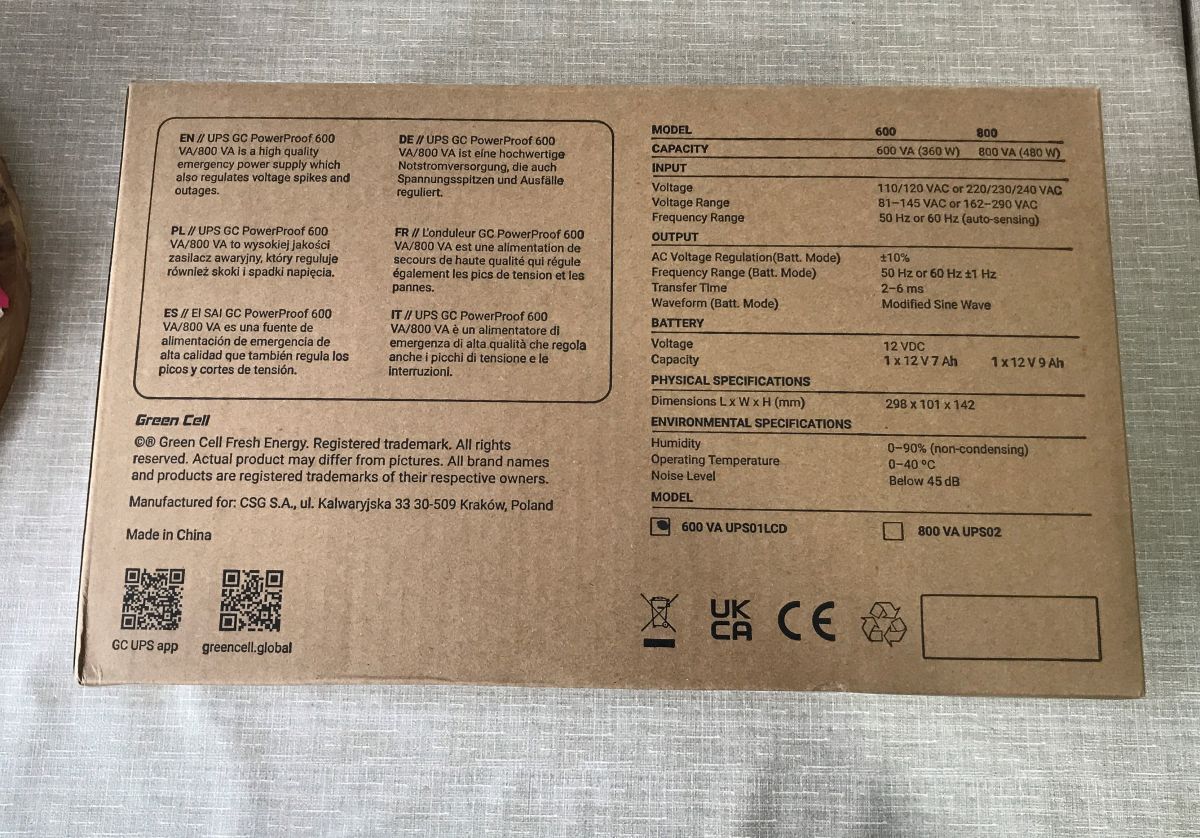
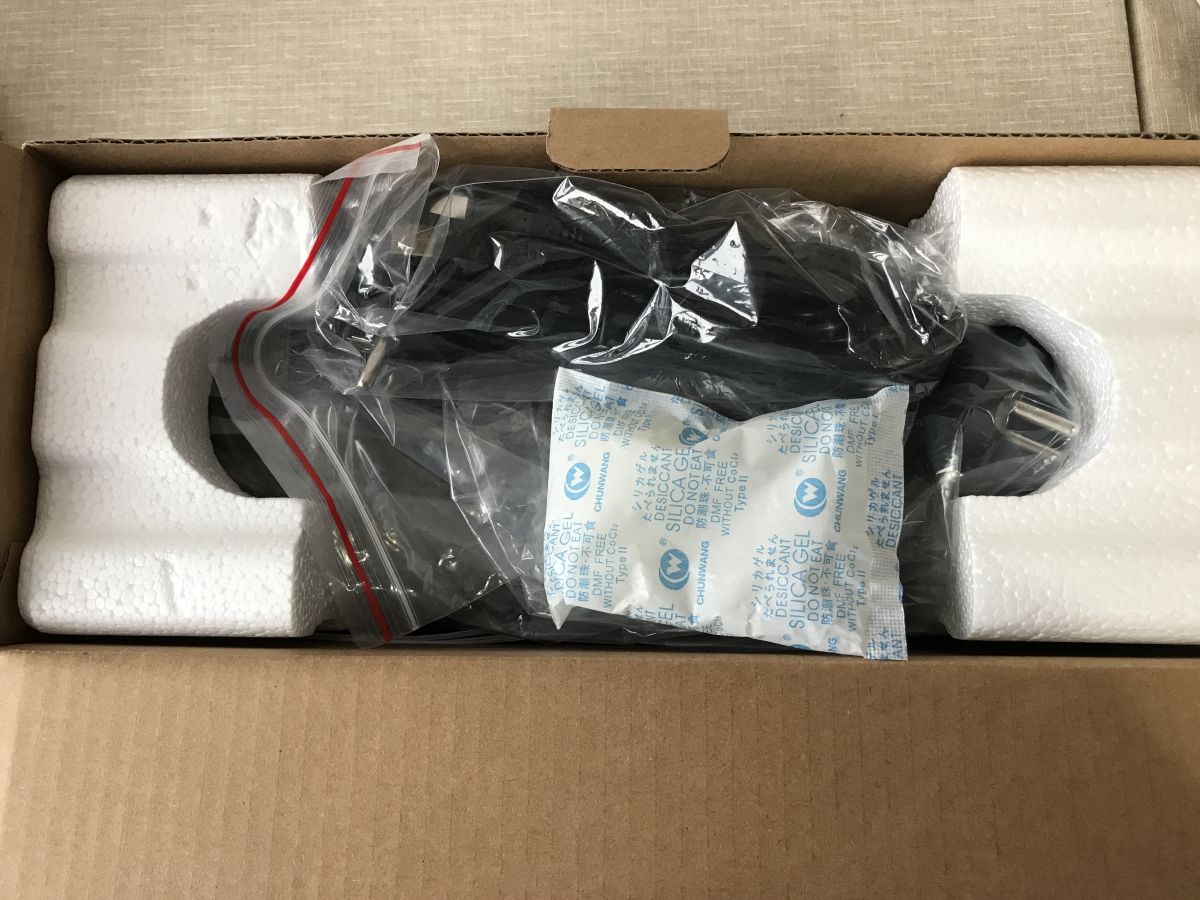
The power supply is securely packaged for travel. There is also a moisture absorber inside to keep the whole thing from getting soggy. We also get cables.
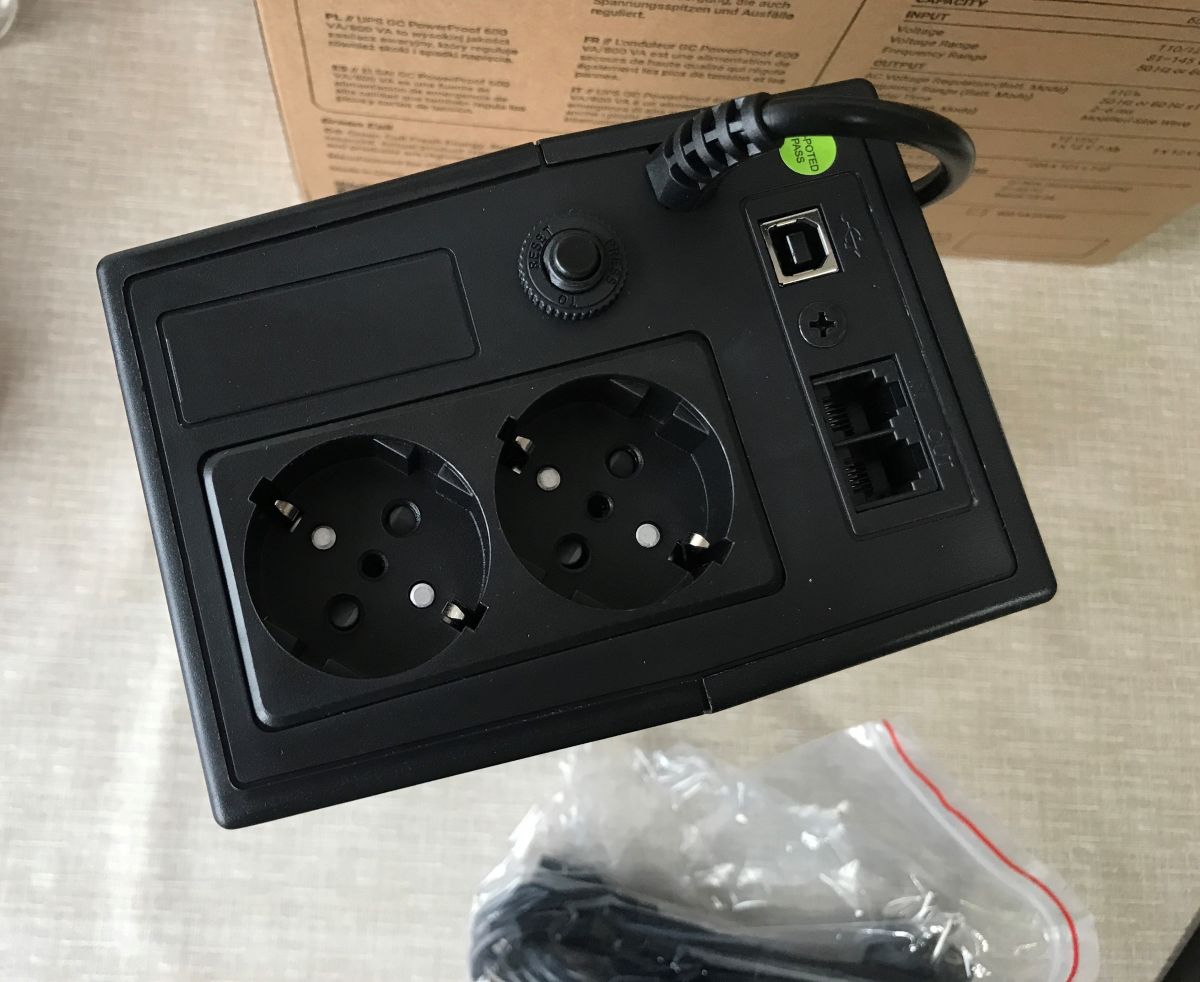
The power supply has two sockets on the back whose power is backed up. In addition, there is a USB for communication with the computer (with an app), and RJ11 sockets (filter).
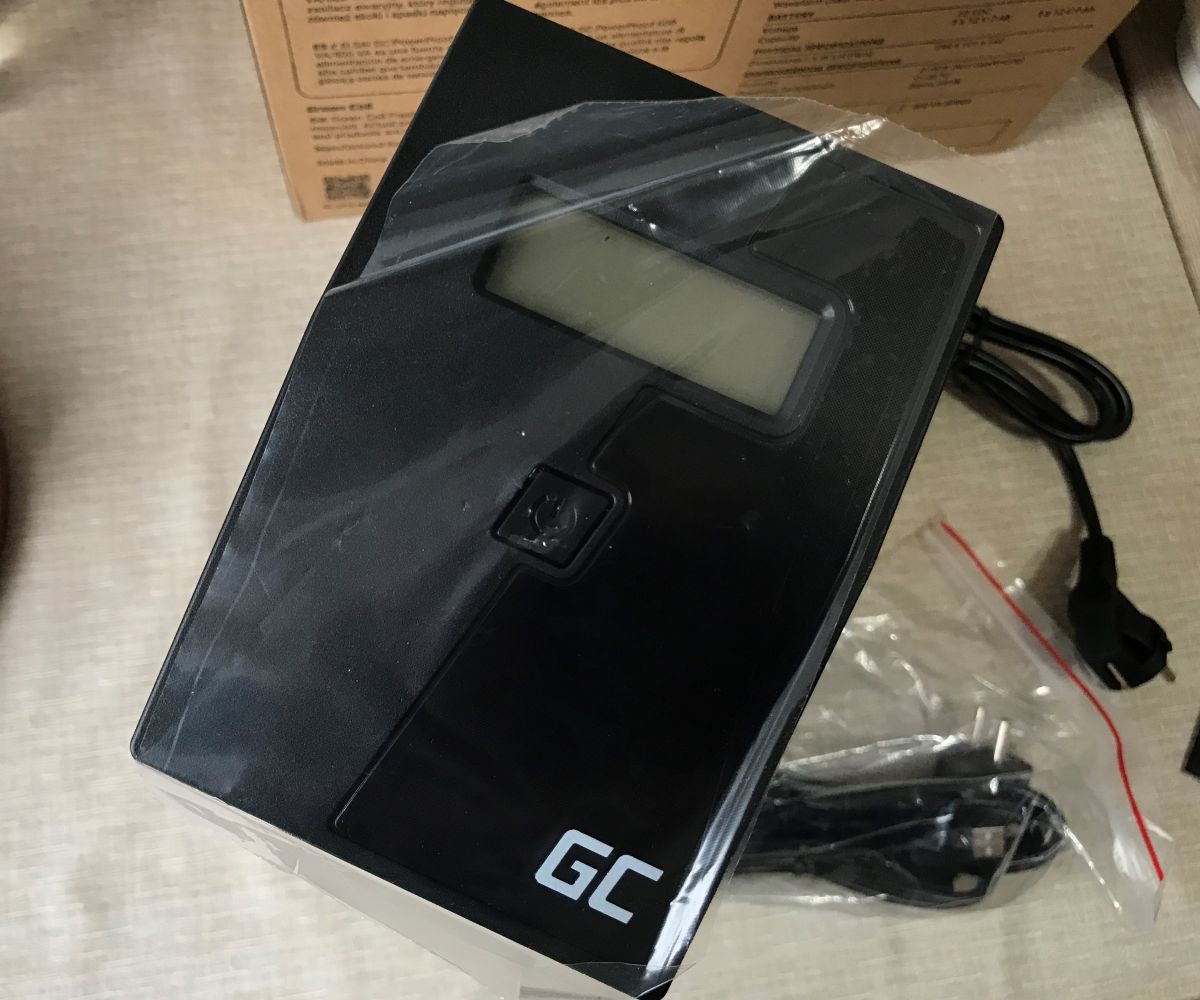
Interestingly, I was supplied with a USB cable and a cloverleaf type power cable, I wonder what it's for? Probably with my devices in mind already.
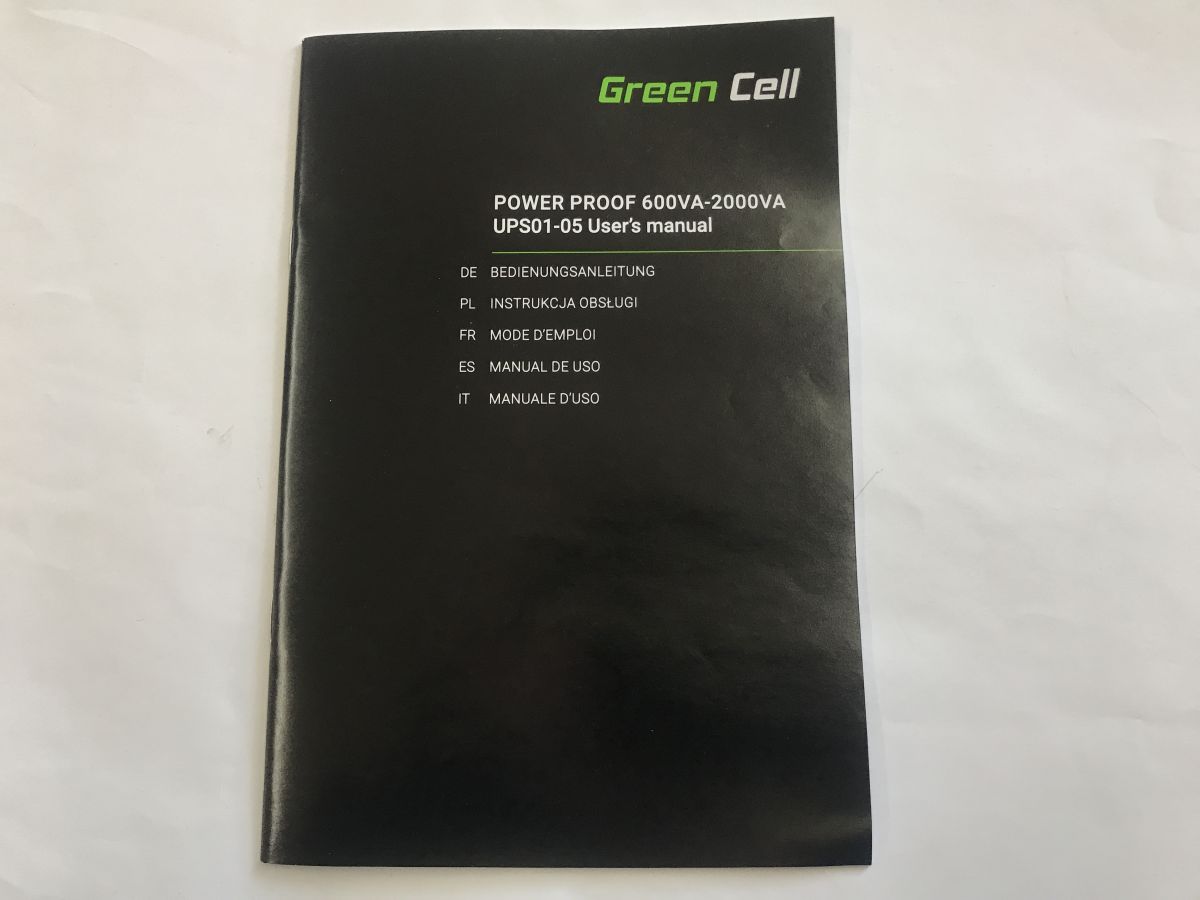
Instructions:
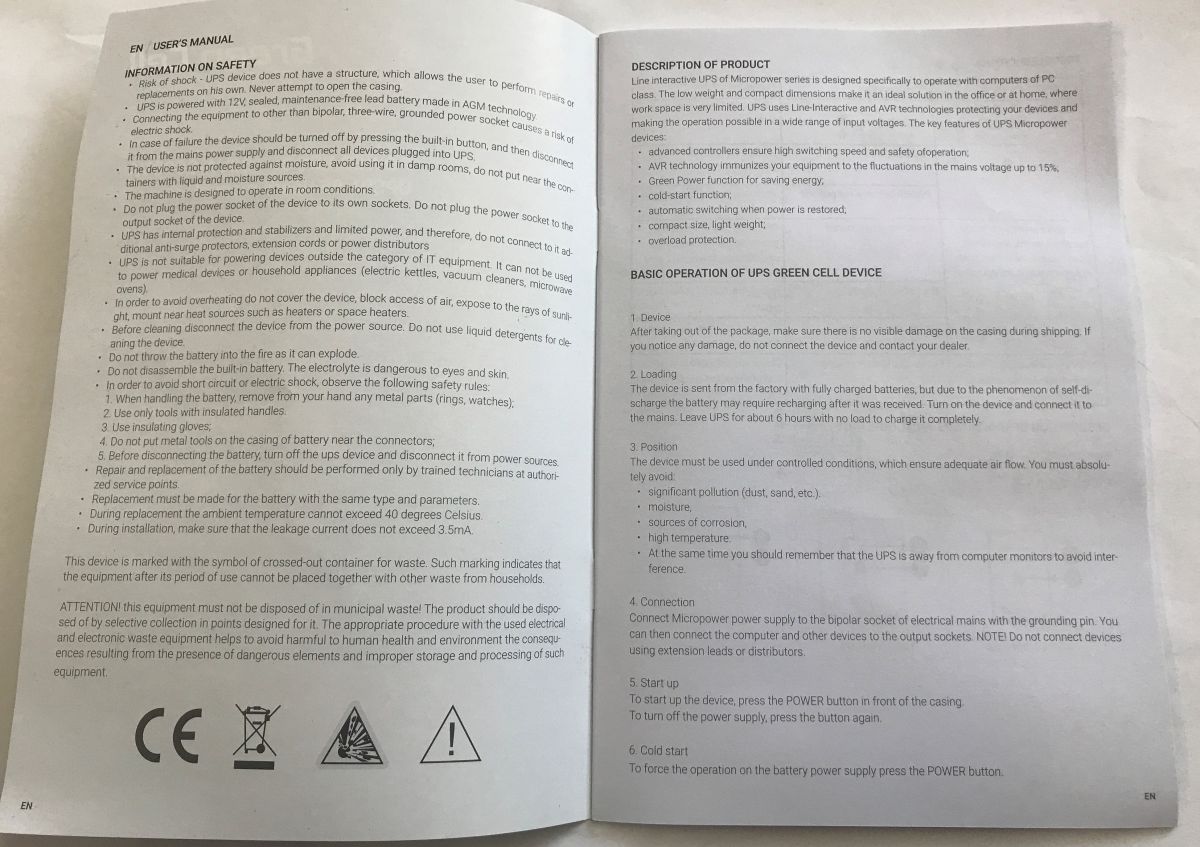
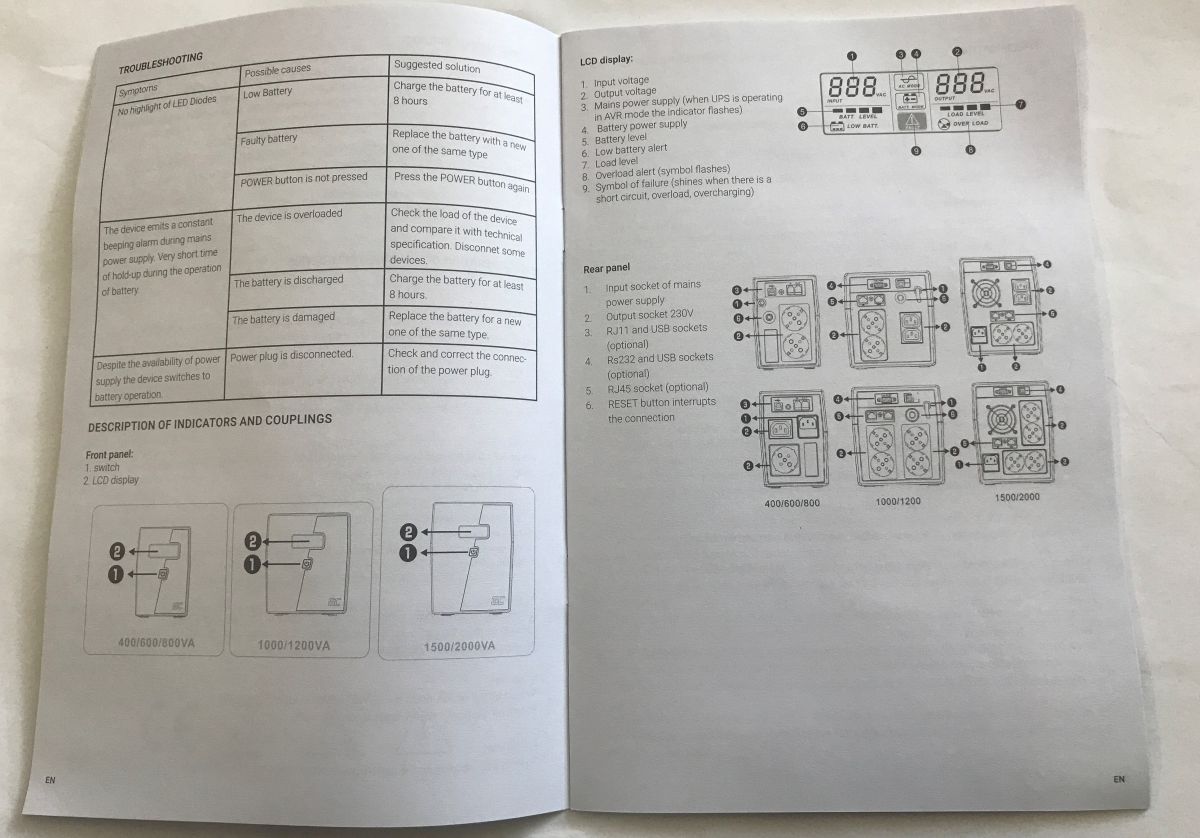
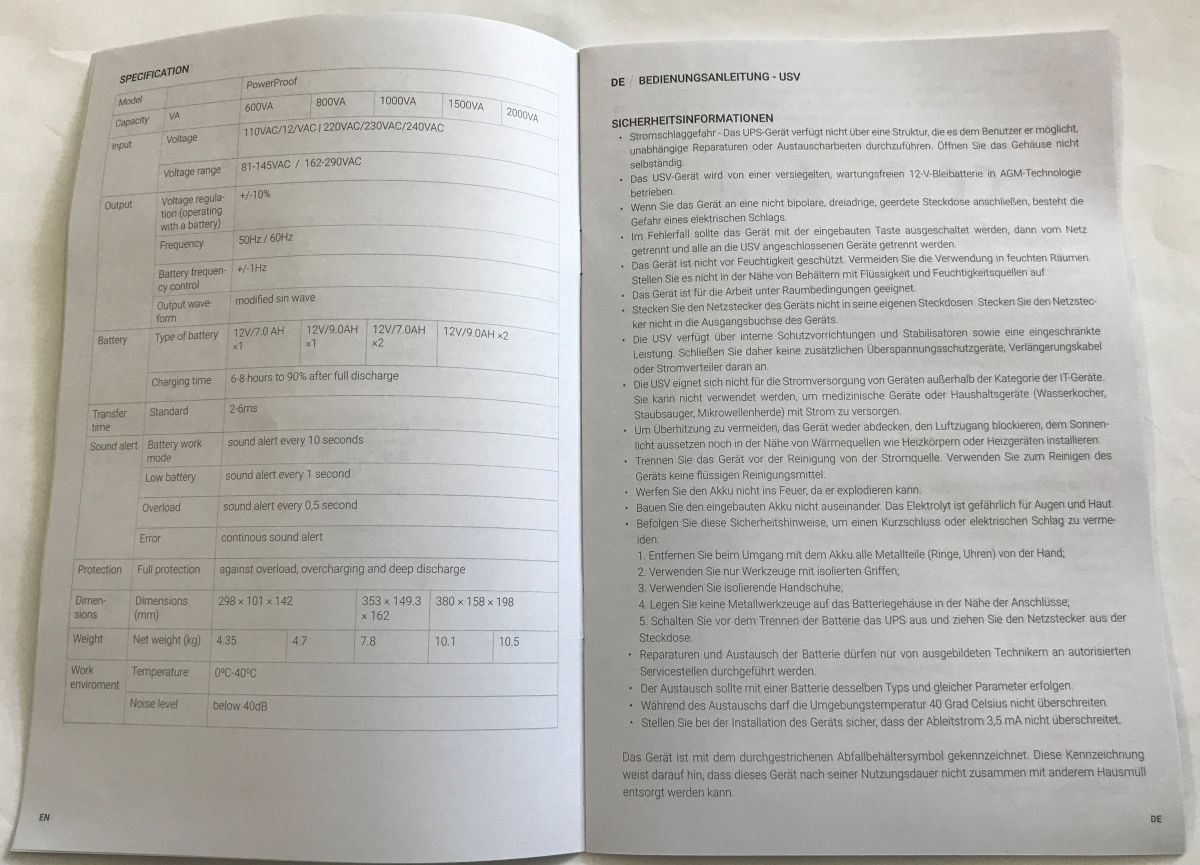
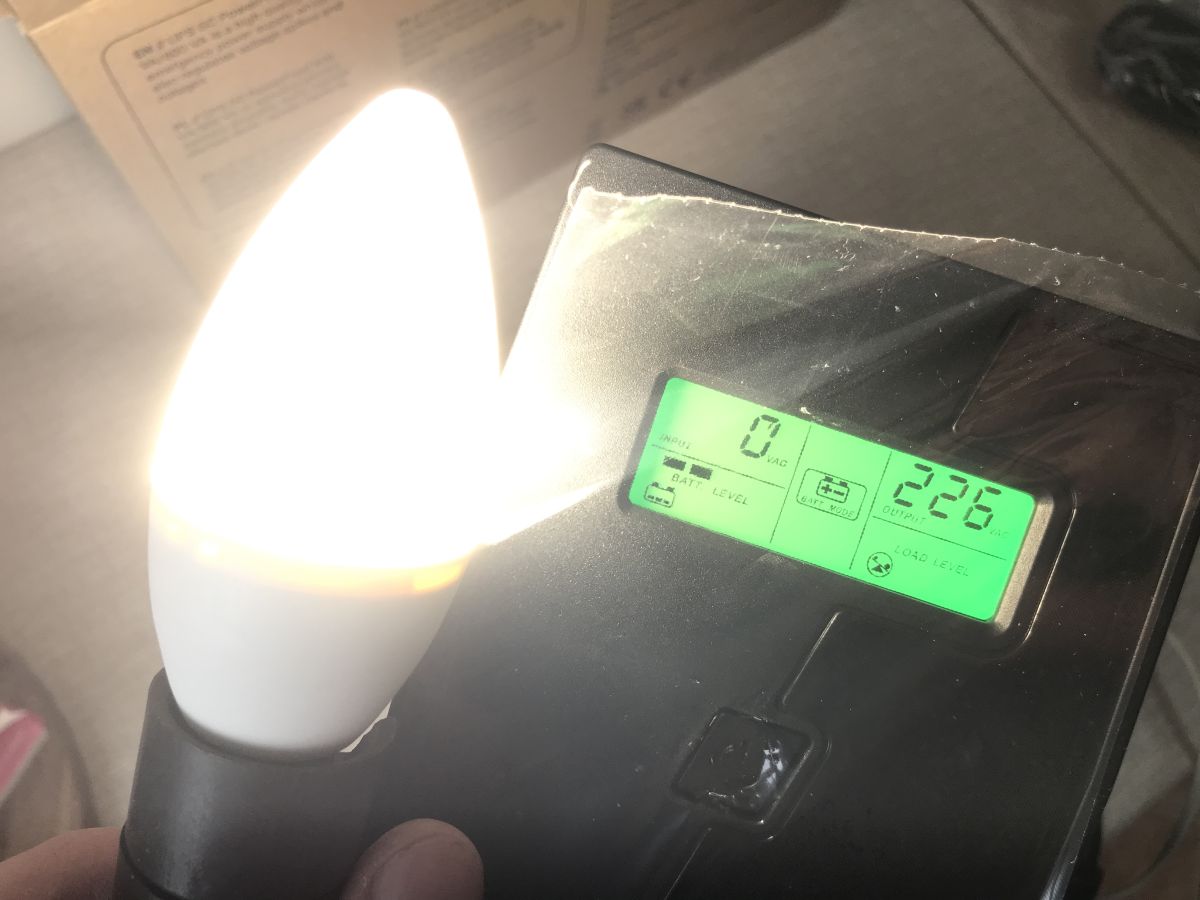
The first start-up shows that the power supply works and the display is quite clear.
I started by checking the waveform. Indeed, it is 50 Hz. I also measured under load - the picture shows 30 Hz, but this is probably a measurement error. I'll repeat the test when I get a chance.
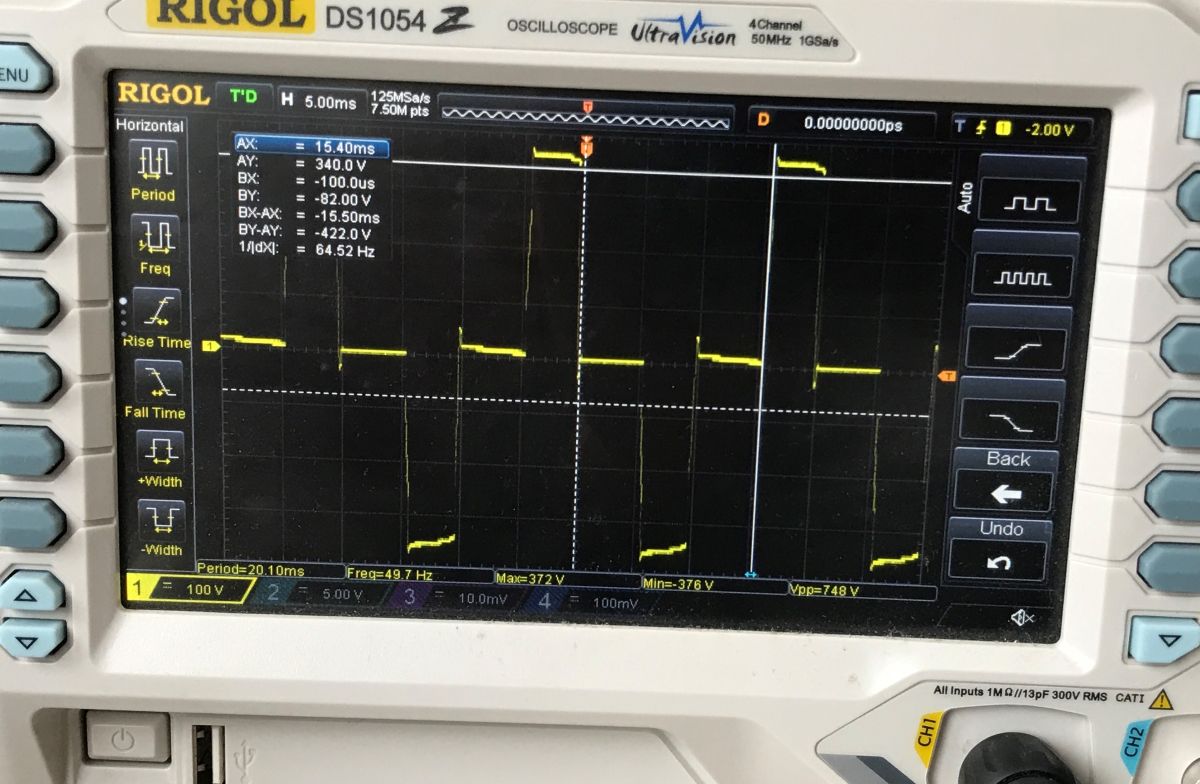
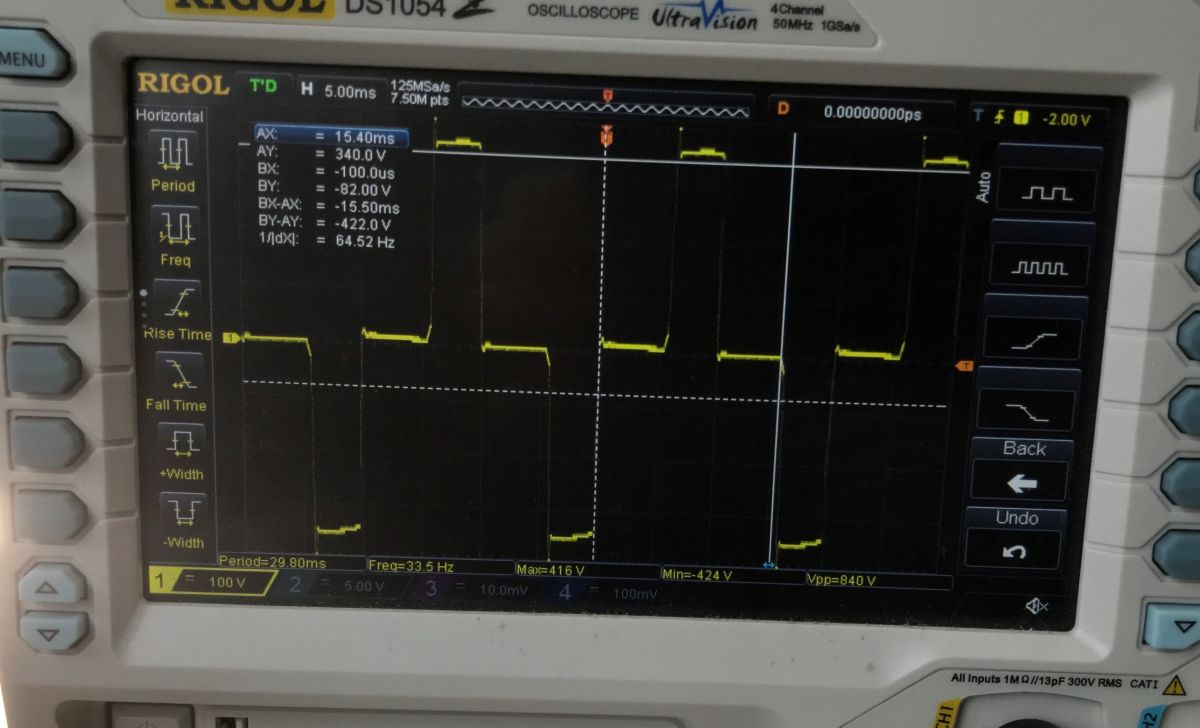
I then checked the overload behaviour (several hundred watts) - the power supply reacts quickly and shuts down:
Second overload test - 350 W approximately:
Separately, I tested a high load configuration, up to about 250 W, with the computer + my laptop with active PFC . You can immediately see great instability in operation and power spikes:
Finally went the actual test - computer, monitor, additionally loaded with 20 W incandescent bulbs. 200 watts in total.
There was no PFC laptop plugged in, so the whole thing held steady for over 3 minutes with a 200 W load. It probably would have lasted a bit more than that too, I only charged the UPS one night, so it may have run a bit short of full.
Application capabilities
The UPS is connected to the computer via a USB type B cable and works with the GC UPS application available for free download from the manufacturer's website.
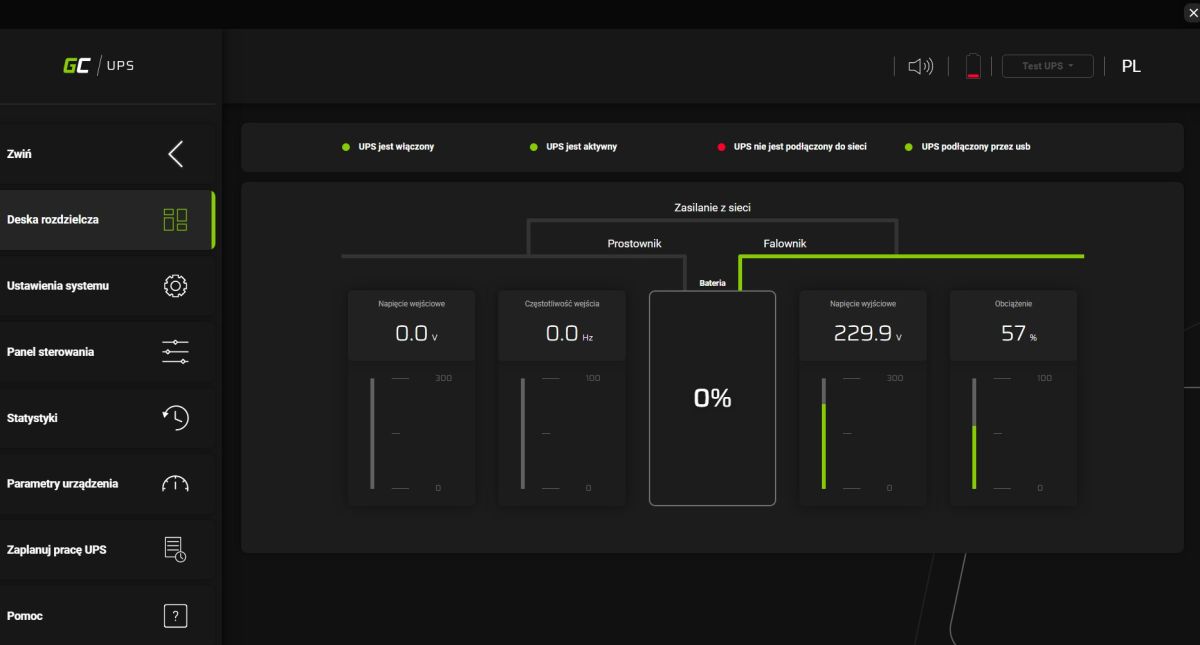
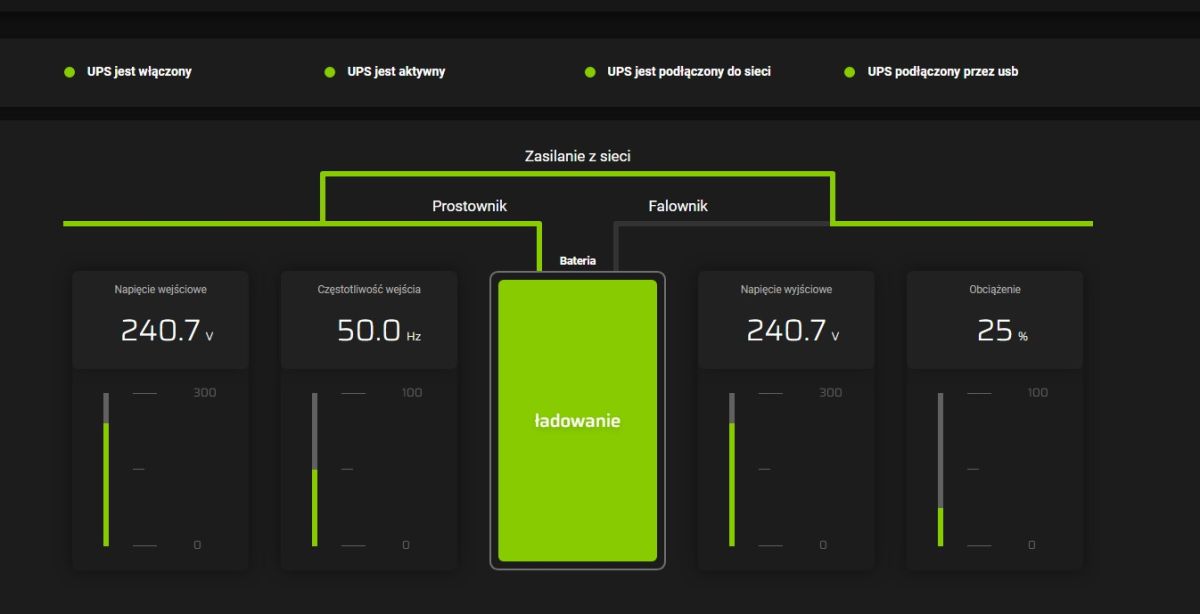
The main panel shows us the voltages (input and output), frequency and load. The load is shown as a percentage, which surprises me somewhat.
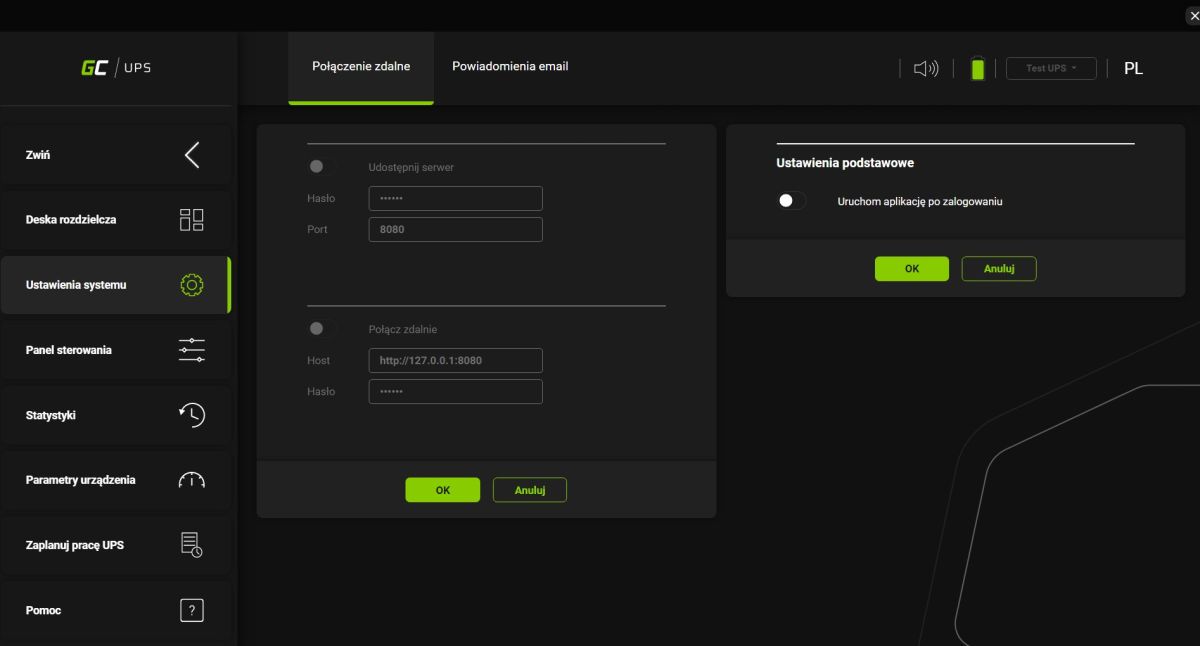
In the app we have support for remote connection and notifications to email address via SMTP. It can be started automatically after login.

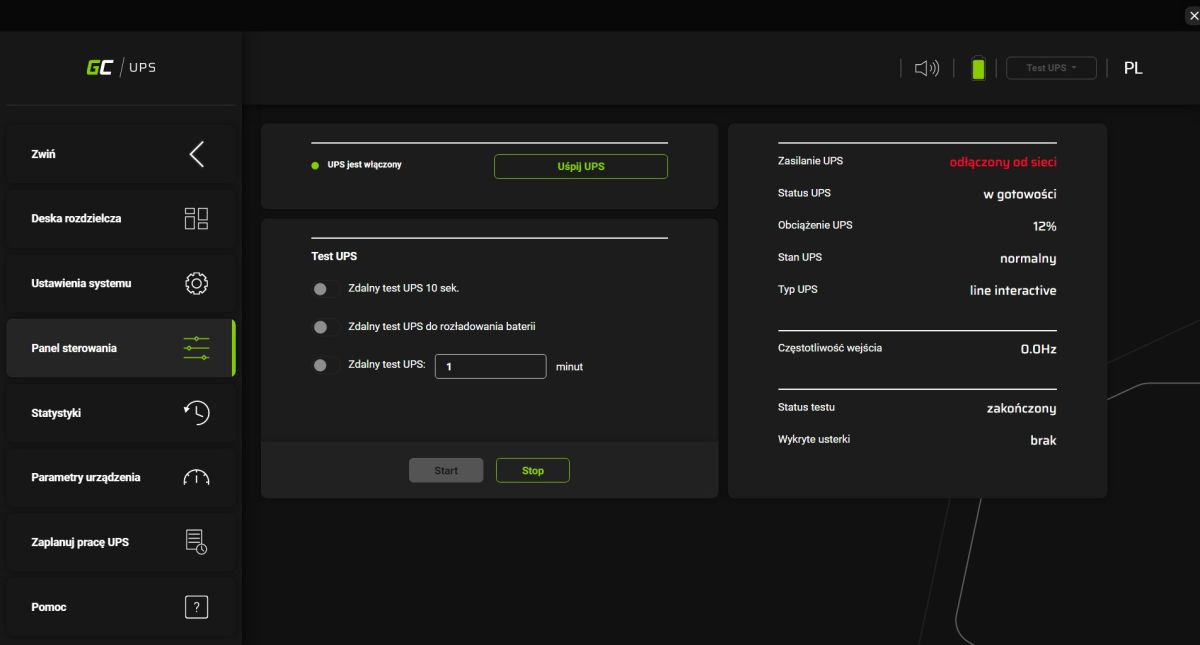
In the control panel there is more information about the device and the possibility to perform a power supply test. Unfortunately, here too the load is given as a percentage.
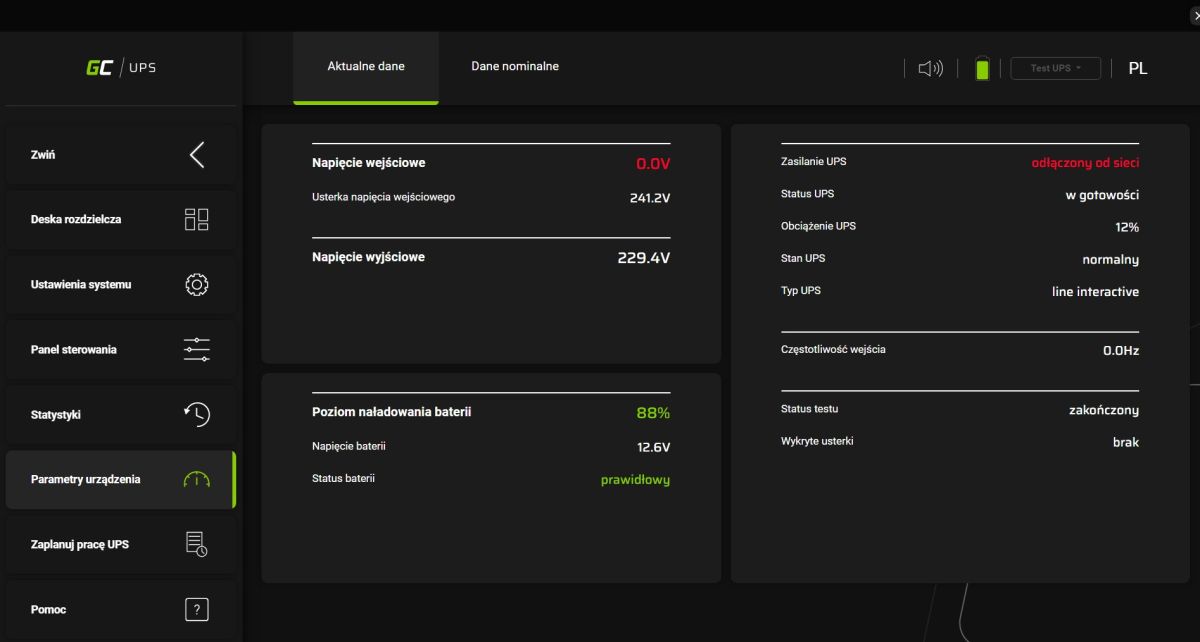
Device parameters - here is the battery voltage:
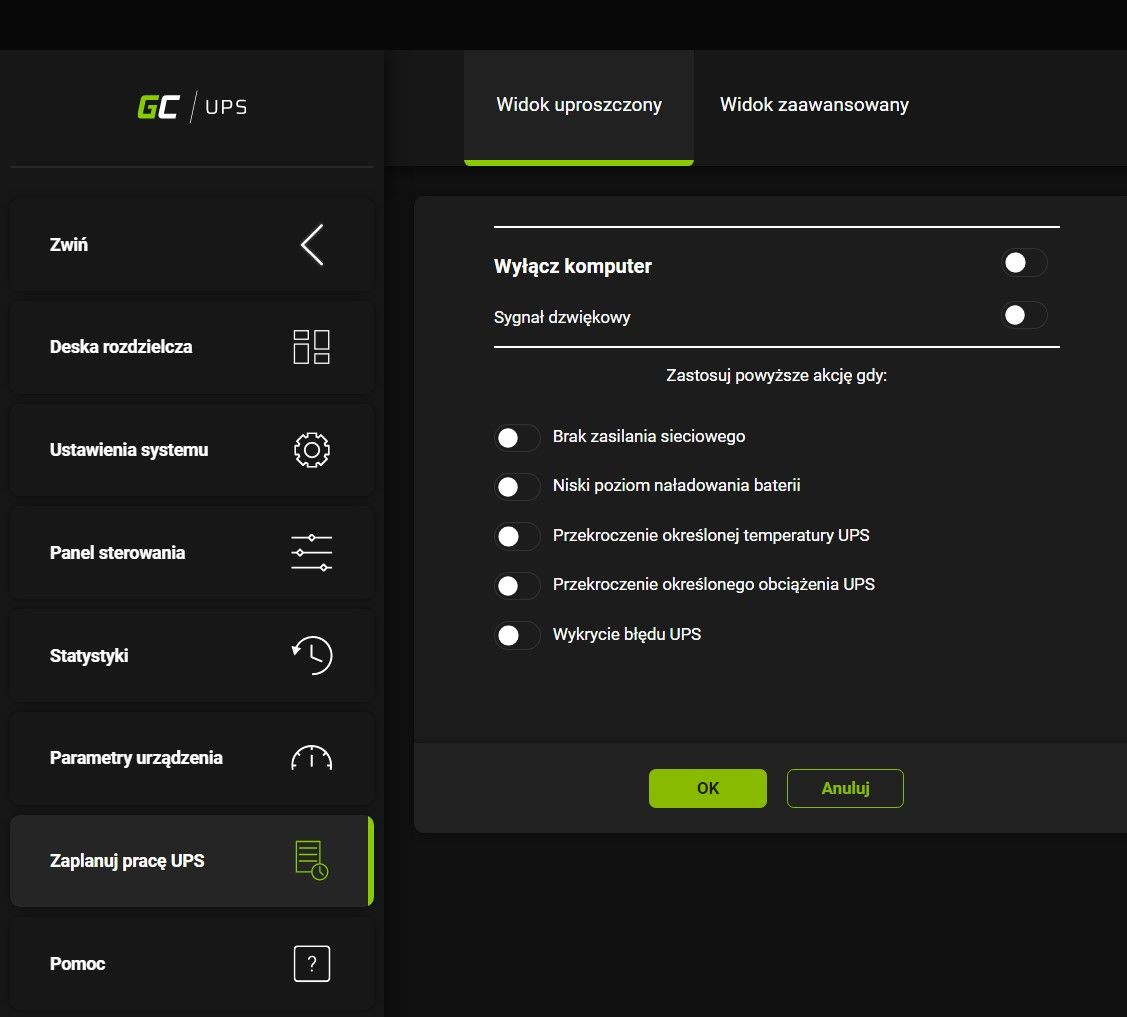
You can also schedule the UPS and trigger certain actions based on the battery status:
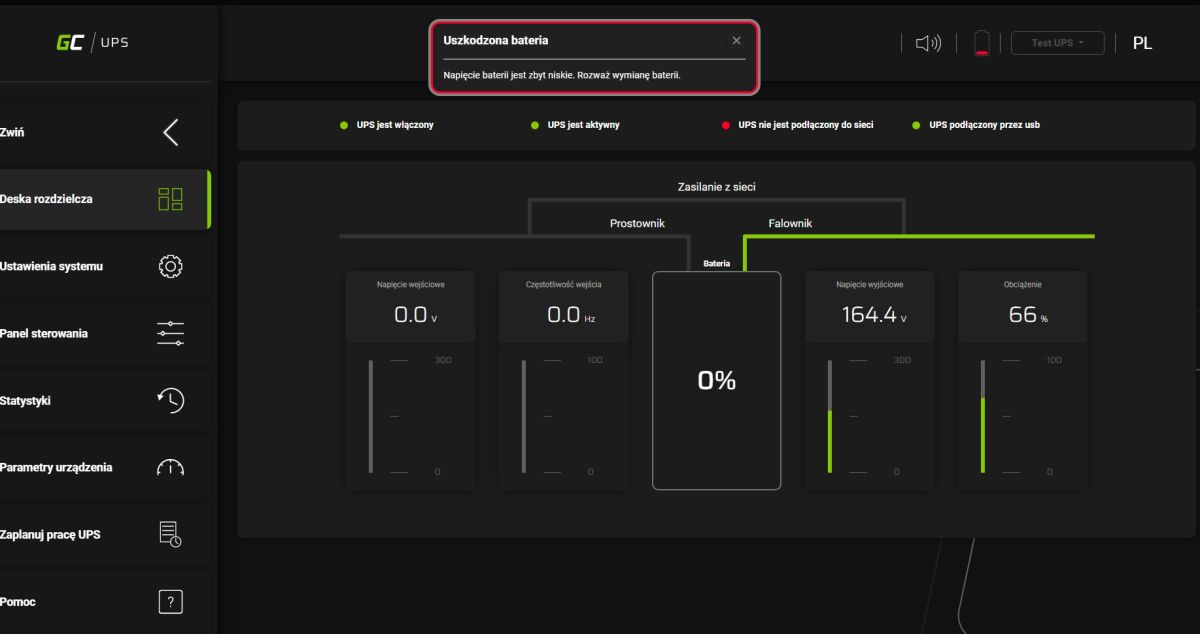
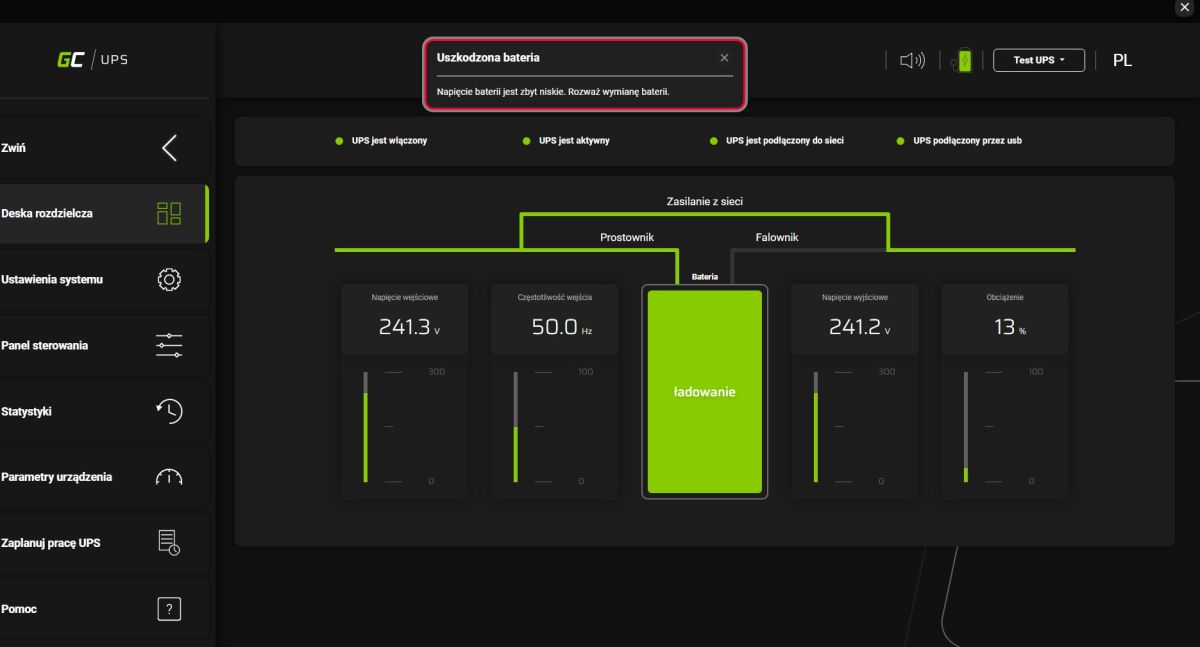
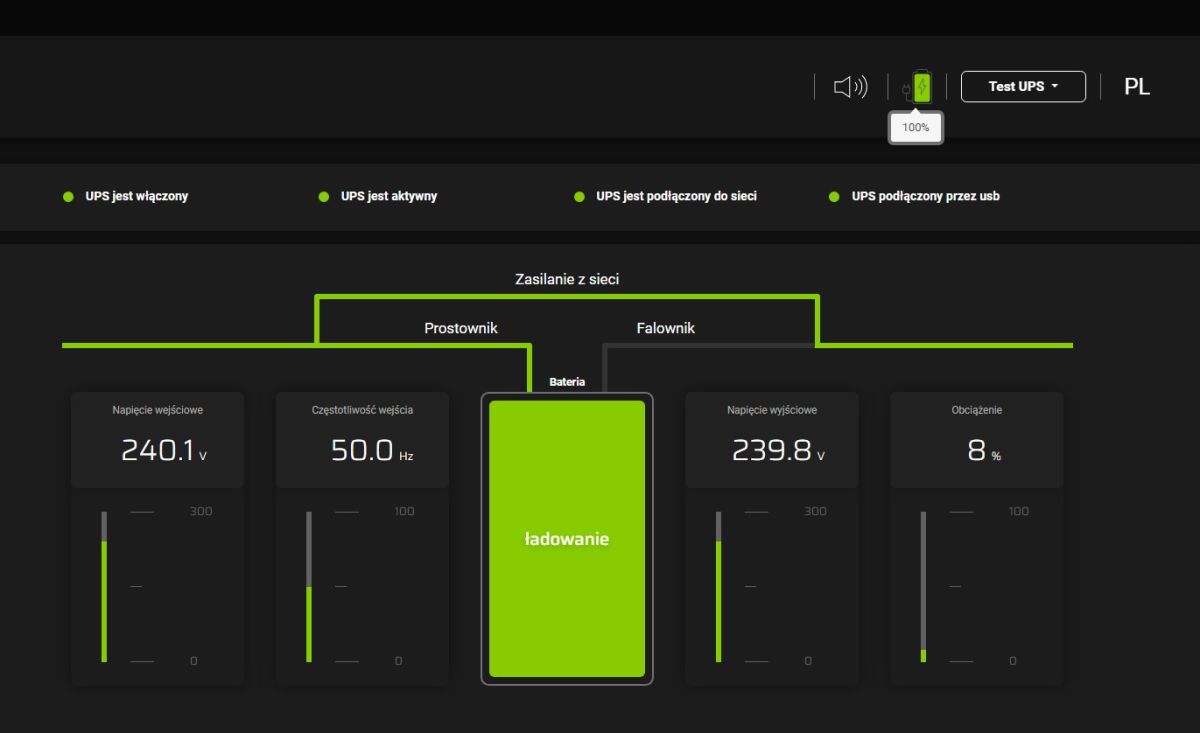
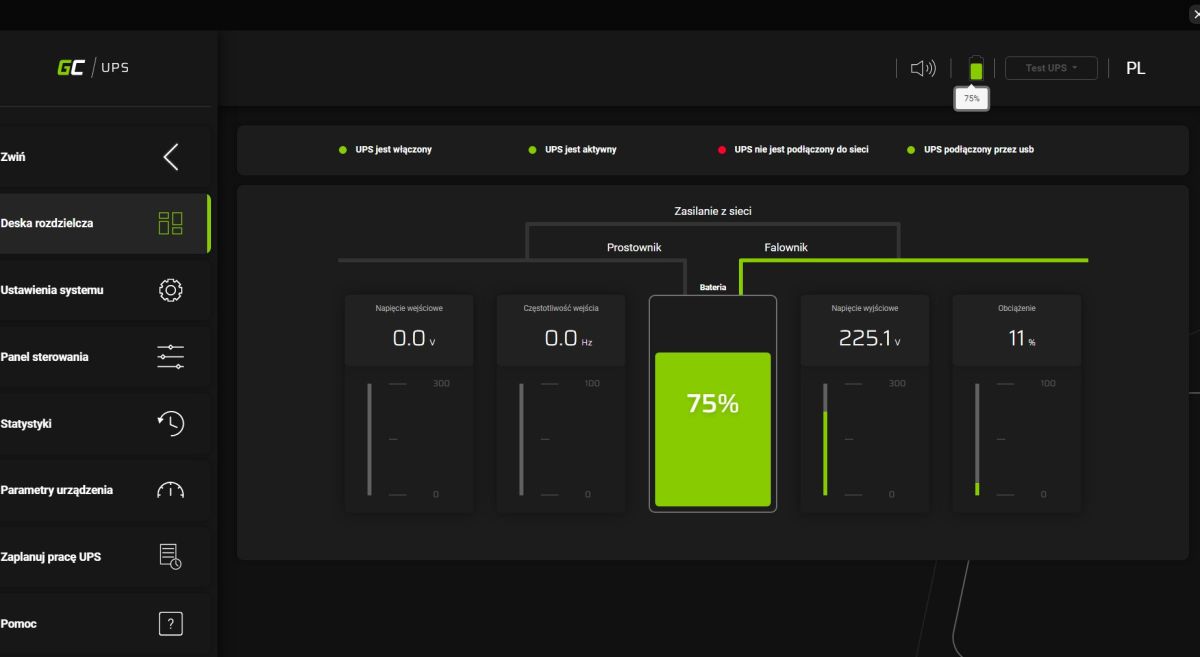
This charge level is not reliably shown either, here I show screenshots of 5 seconds, the panel changes its mind and first shows "Damaged battery" and then 100%.... i additionally thought that there should be over-discharge (and over-charging) protection so that such a situation could not occur.
Interior of power supply
Brief this time, I didn't want to do excessive disassembly. The whole thing is based around a 50Hz mains transformer, relays to switch from charge to power and an inverter.
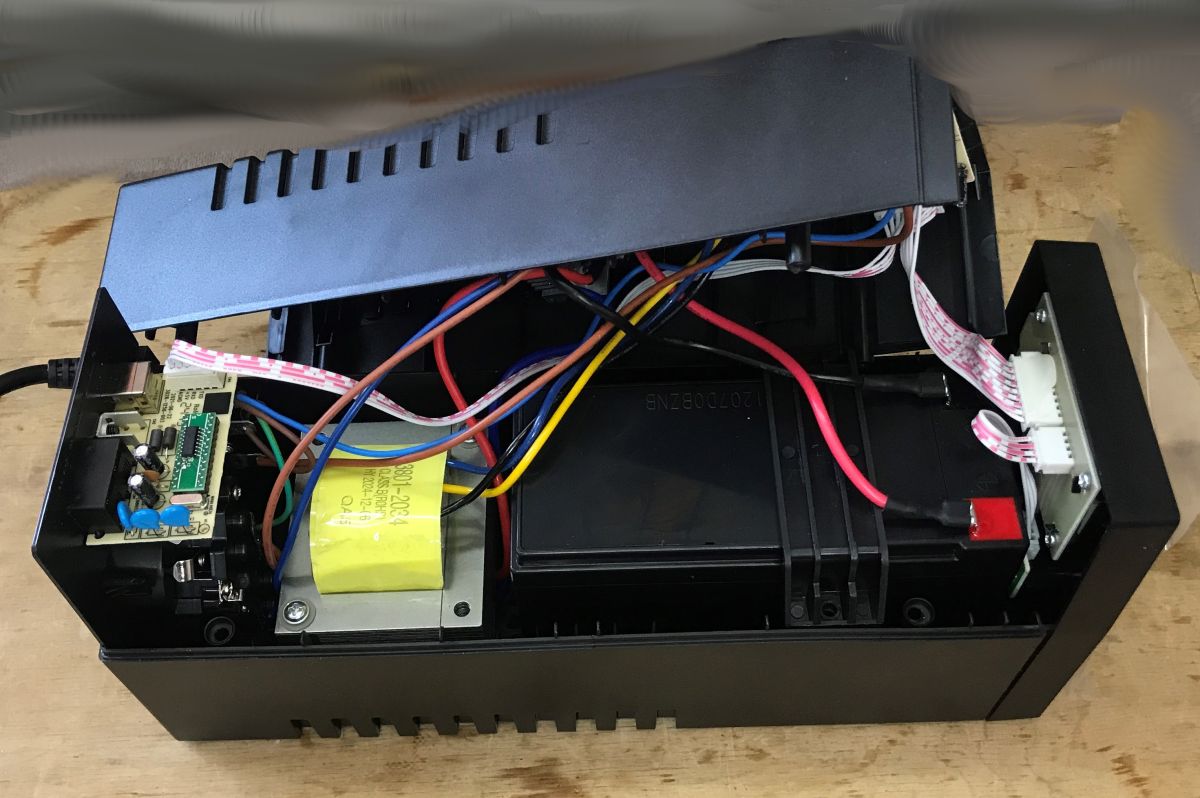
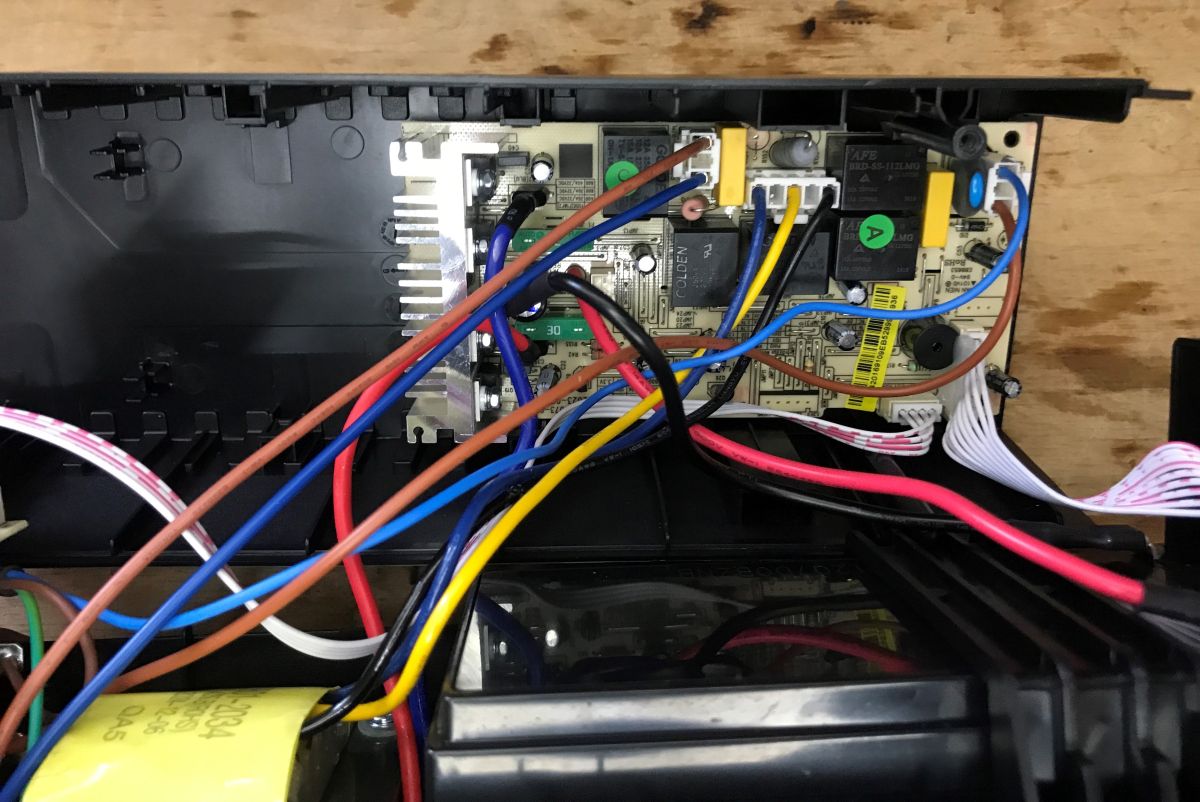
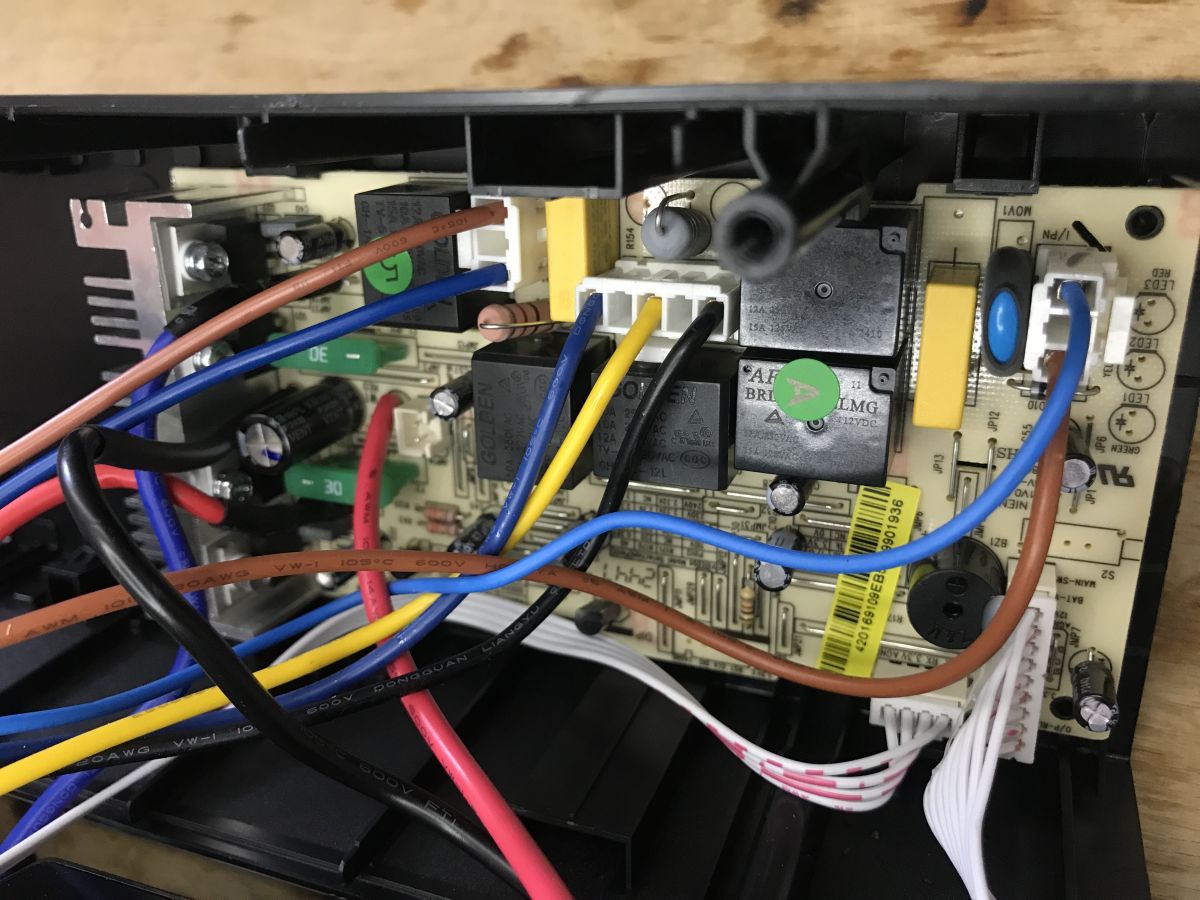
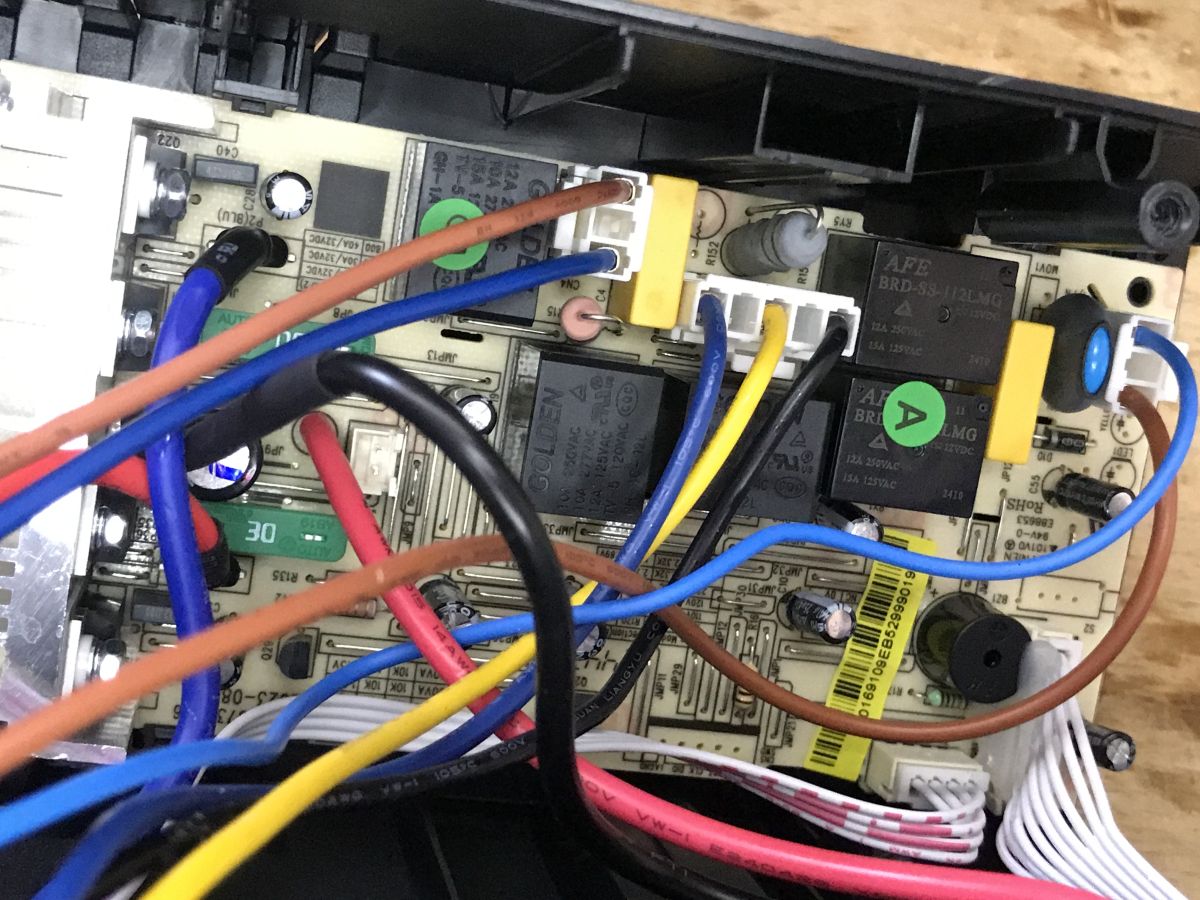
Anyway, we already have a detailed description on the Elektroda channel:
Heat-up tests
What heats up the most on the board, does the power supply overheat? Checked with
InfiRay P2 PRO , for two load levels.
Heating test - 60W load:
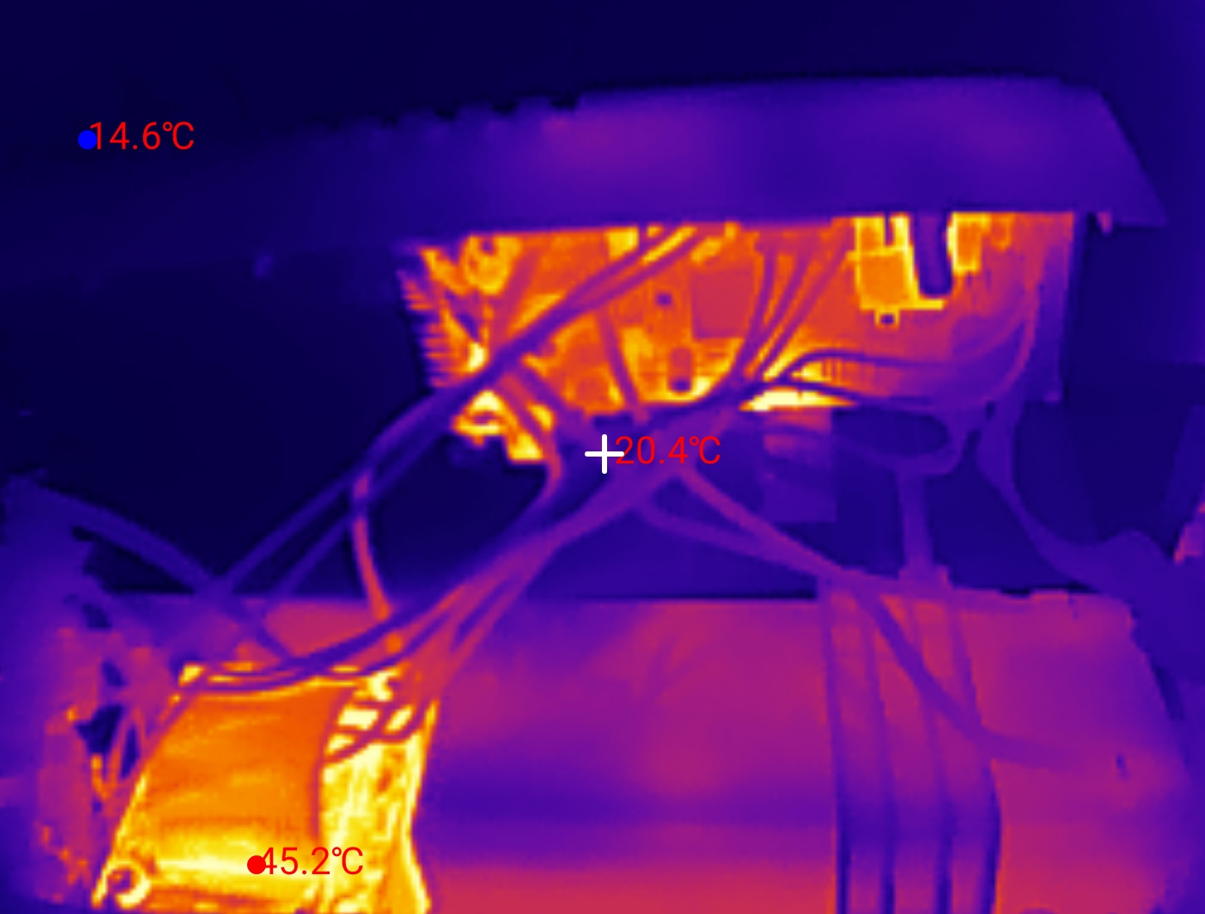
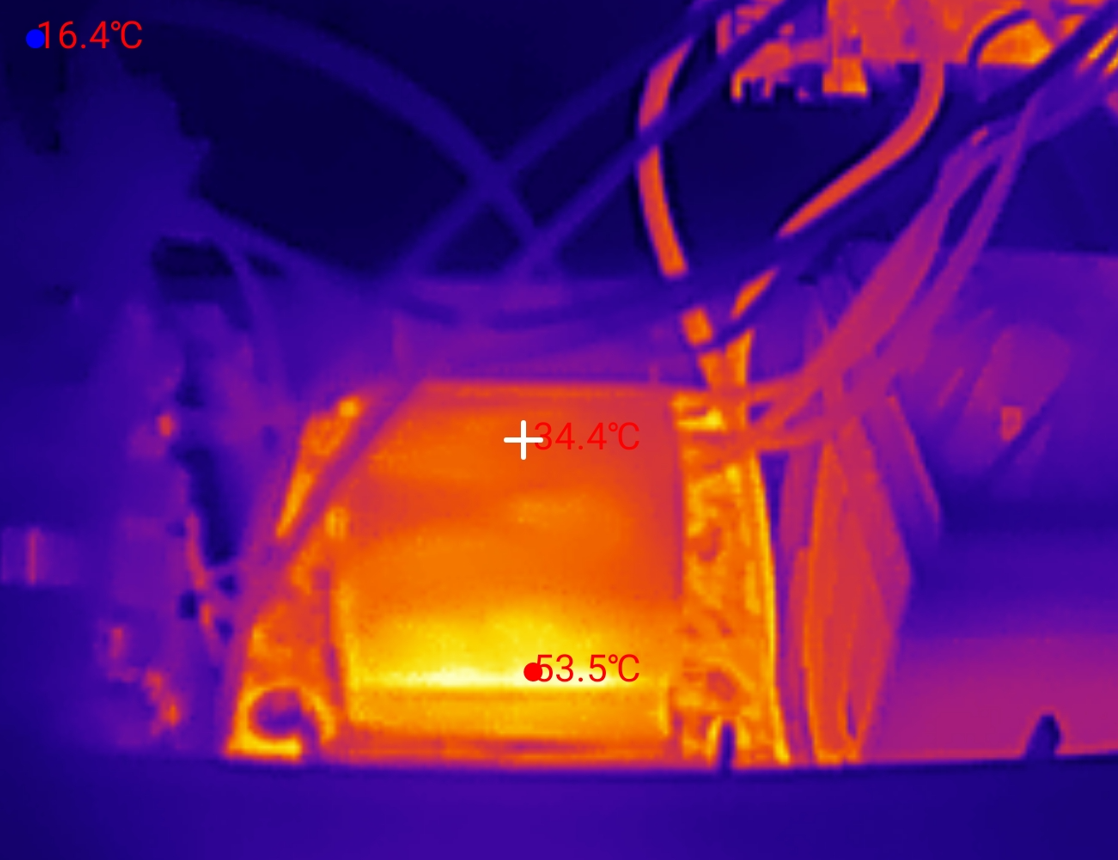
At 60 W it is acceptable, the transformer heats up a lot, up to 60 °C after a minute, the shunt resistor on the board also heats up, no excessive heating of the transistors can be seen.
Now 180 W:
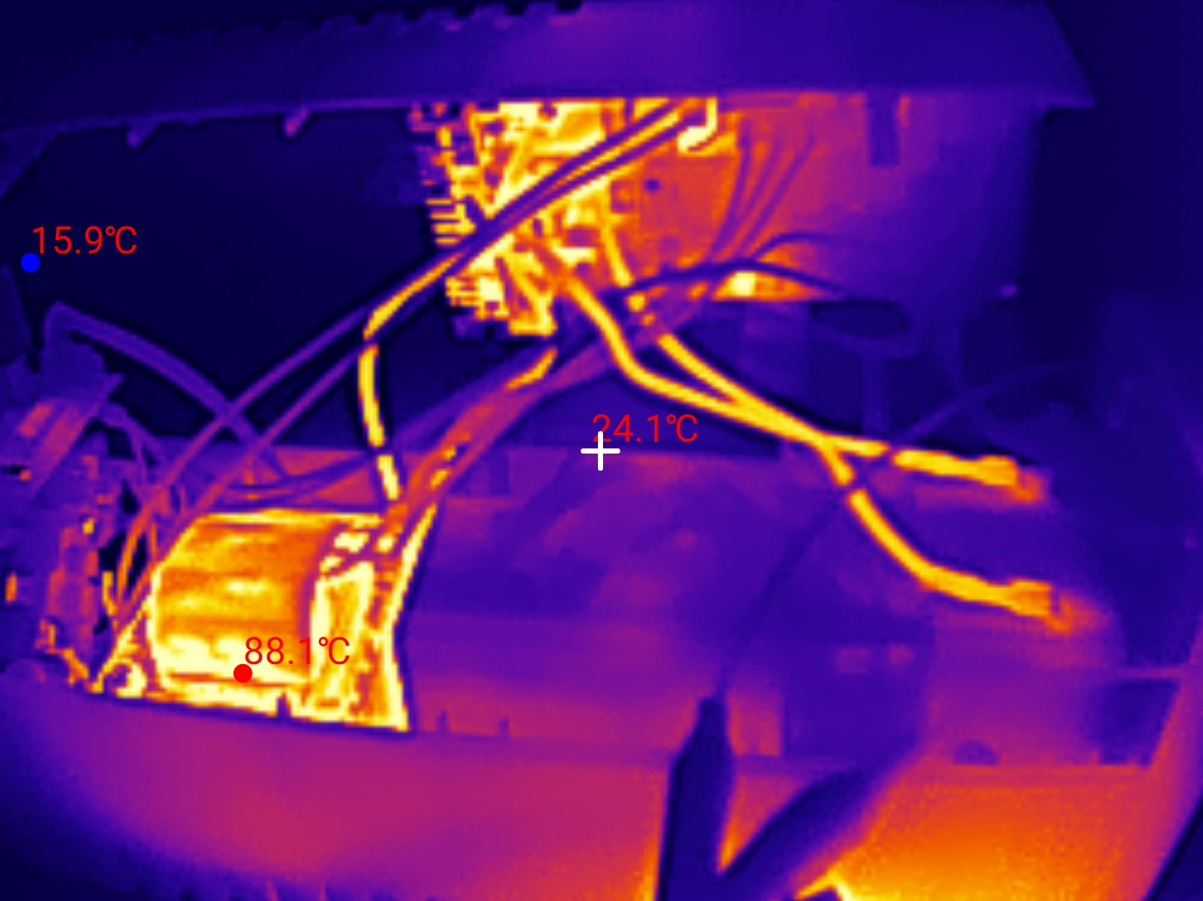
Here, unfortunately, it is worse, the transformer heats up to 100 °C, there is a characteristic smell of overheated electronics.
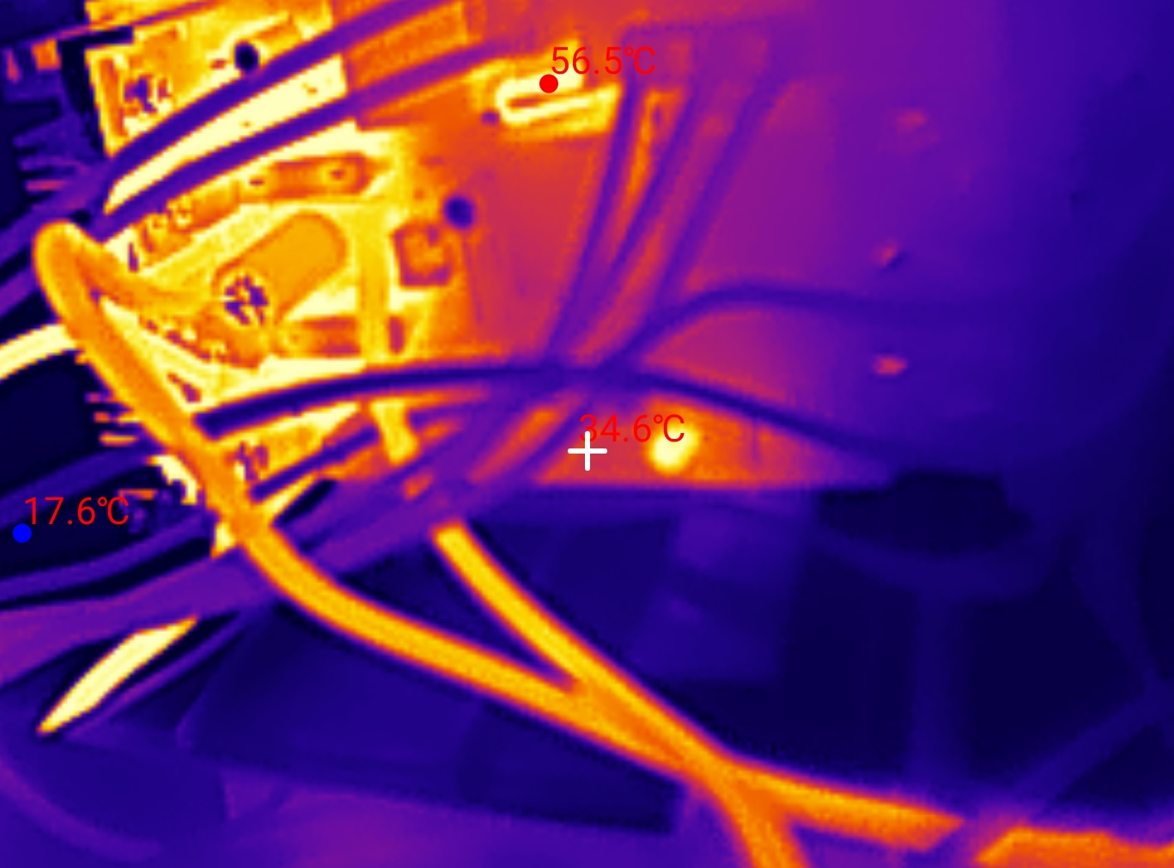
The shunt resistor and the transistor section are also heating up, to around 60 °C.
Summary
Indeed, this UPS is able to keep the computer + monitor combo running for at least a good few minutes, allowing us to save our work and save our data, but this is where the revelations end. The vendor honestly admits that there is a "modified sine wave" in the output that some devices won't work with, although, interestingly, right next to it he adds that laptops will work with it - my gaming ROQ with an active PFC power supply is an example of how this rule doesn't always work. However, this is an extreme case, so I won't focus on that here. A slightly bigger problem for me is the excessive heating, although here it could be argued that even this 100 °C on the transformer will not hurt, as this power supply does not work in this state for more than a few minutes, and we get what we deserve for such a low price....
Additionally, I am thrown by the unreliable readings from the app.
In a nutshell, the pros:
+ the power supply passed the test with my desktop + monitor set-up and actually allowed work to be saved, additionally warning when the battery started to run out of power
+ dedicated application with data reading via USB, hassle-free installation, remote testing possible
Minuses:
- already at less than 200 W load the transformer heats up almost to 100 °C, even though nominally this UPS has 360 W
- the dedicated app cannot meaningfully determine the % of battery charge, it literally manages to show "battery voltage too low, consider replacing" and 5 seconds after connecting the power supply "100% charge", and this on a brand new configuration
Neutral comments:
-> there is a "modified sine wave" in the output, so the power supply does not work with some devices, including devices where the power supply has APFC
I will leave the final verdict to you however - is it worth it? Do you use UPSs?
Cool? Ranking DIY Helpful post? Buy me a coffee.

 and the regulator has to stabilise it.