logo elektroda
logo elektroda
X
logo elektroda

Is it worth buying a USB C soldering iron? We are testing the Yato YT-82490 65 W compatible T12

p.kaczmarek2 1776 16

TL;DR

  • Yato YT-82490 USB-C soldering iron tests whether a QC/PD-powered T12-compatible tool can replace a traditional mains iron for everyday electronics work.
  • The iron runs from 9 to 24 volts, claims up to 65 watts, and adds an OLED display, autohibernation, temperature calibration, and hot-swappable T12 tips.
  • The kit cost 130 PLN and includes a sturdy case, three power leads, and one T12-D24 tip.
  • It soldered Sn60Pb40, lead-free joints, large pads, and even a connector and transistor with ground pad successfully, while measured heating power came out at 40 W.
  • It worked well even from an old Xiaomi 11T 20 V supply, and it may also run from a power bank, making it better than expected for portable use.
Generated by the language model.
ADVERTISEMENT
This content has been translated flag-pl » flag-en View the original version here
📢 Listen (AI):
  • Is it worth buying a USB C soldering iron? We are testing the Yato YT-82490 65 W compatible T12
    USB-C connectors, along with the QC/PD higher voltage negotiation standard, have made their way into our homes for good - but should they also make their way into soldering irons?
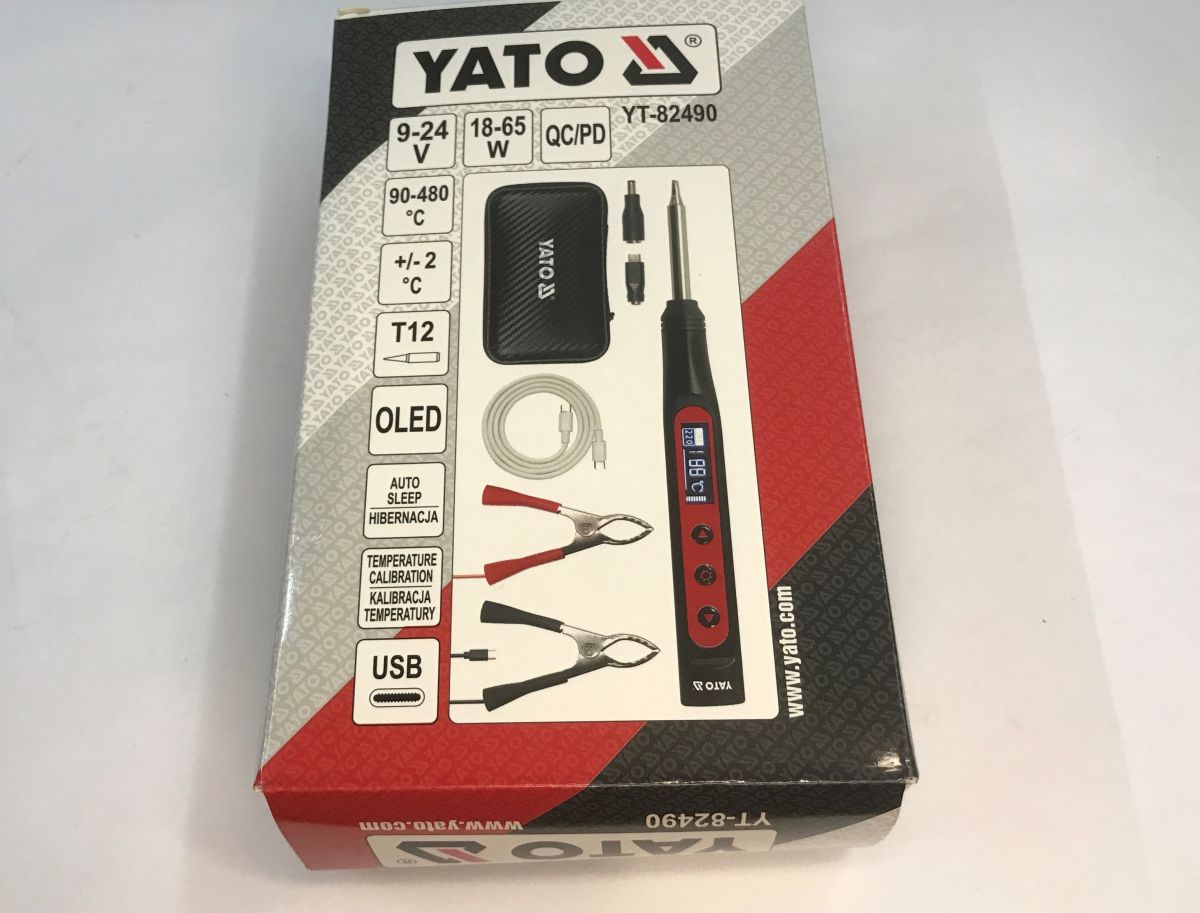
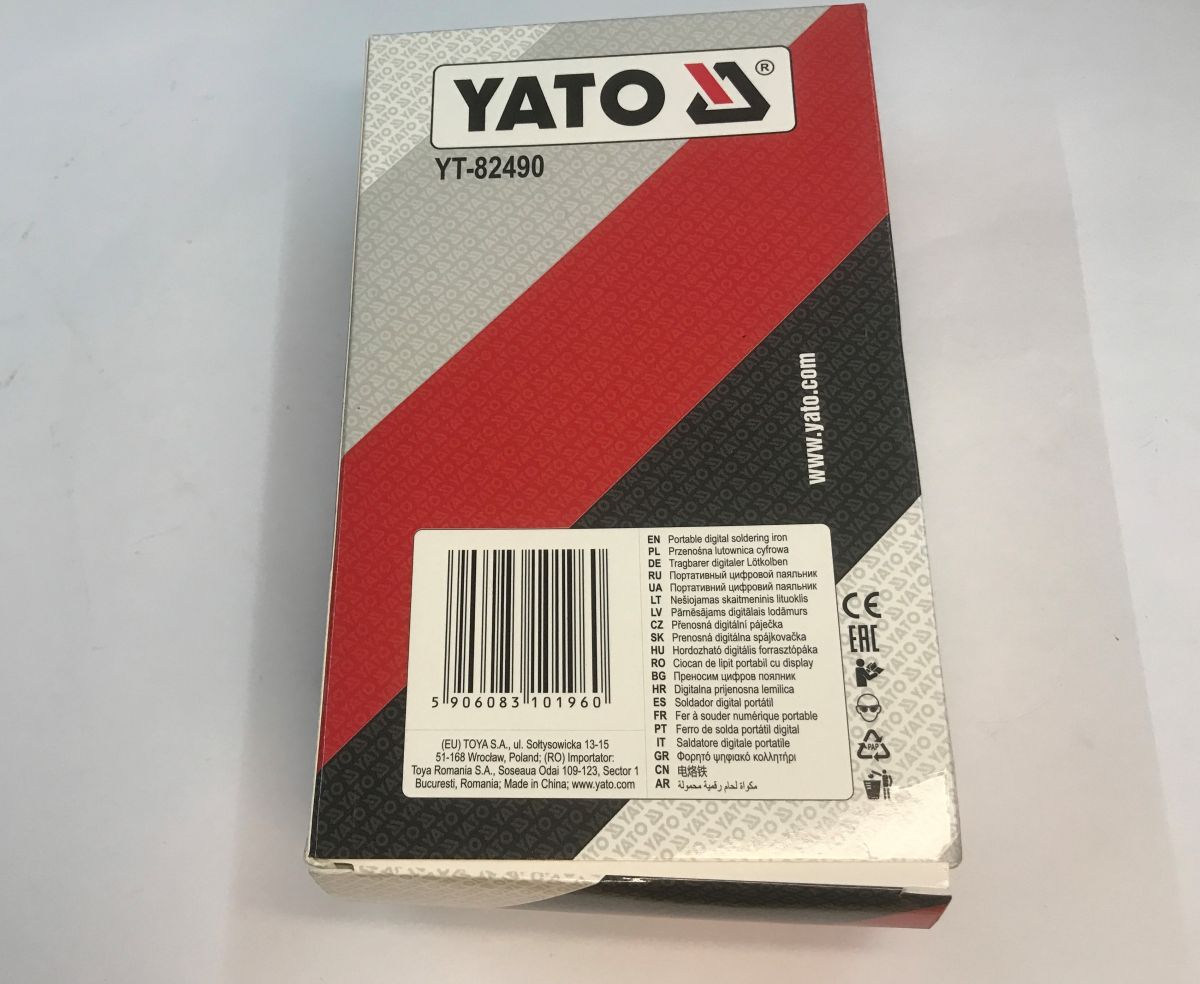
    I invite you to test the Yato YT-82490, a soldering iron compatible with the popular T12 soldering tips, bought for just 130 PLN in a Polish mail order shop. Was it worth it? How will it cope with lead and lead-free solder and a massive motherboard? Let's find out!
    Is it worth buying a USB C soldering iron? We are testing the Yato YT-82490 65 W compatible T12 Is it worth buying a USB C soldering iron? We are testing the Yato YT-82490 65 W compatible T12 Is it worth buying a USB C soldering iron? We are testing the Yato YT-82490 65 W compatible T12
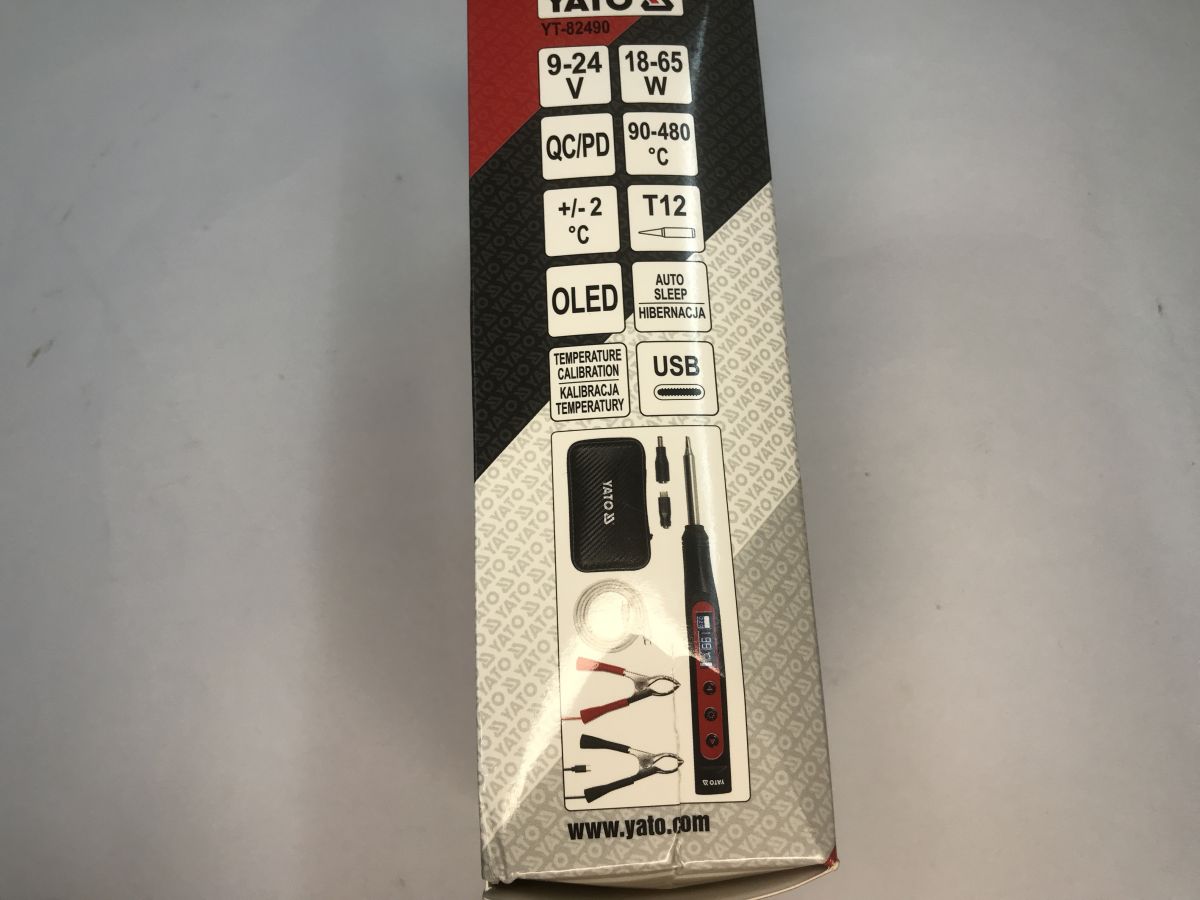
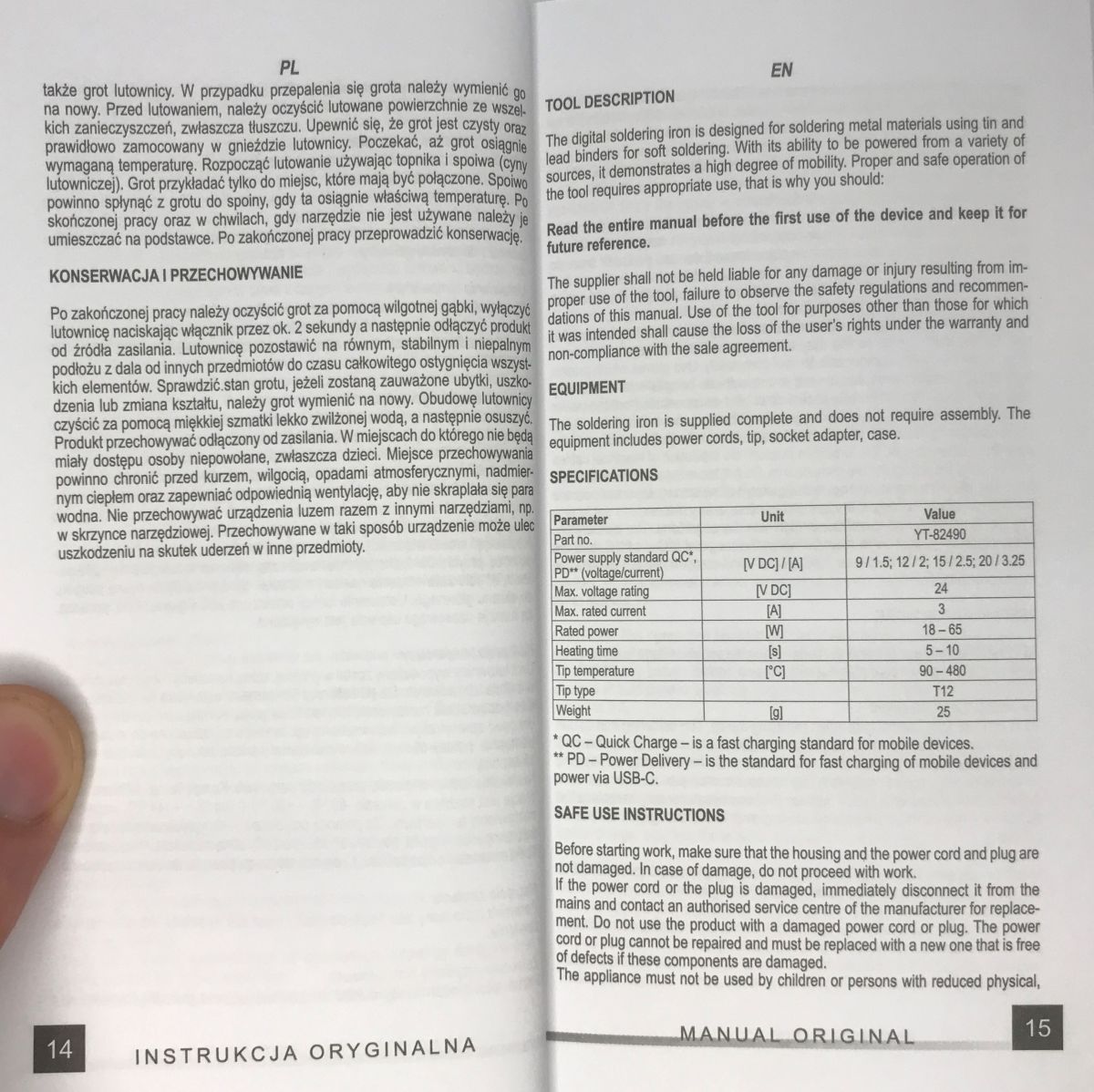
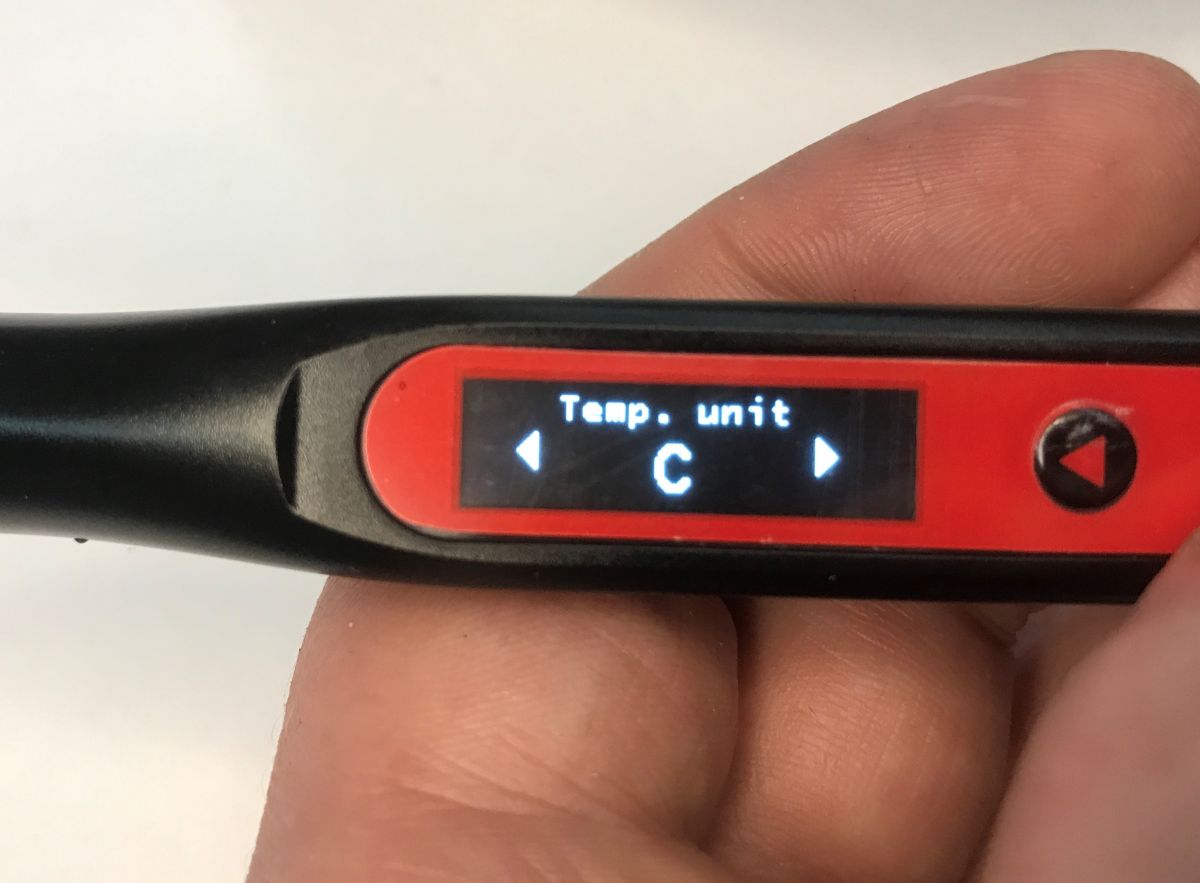
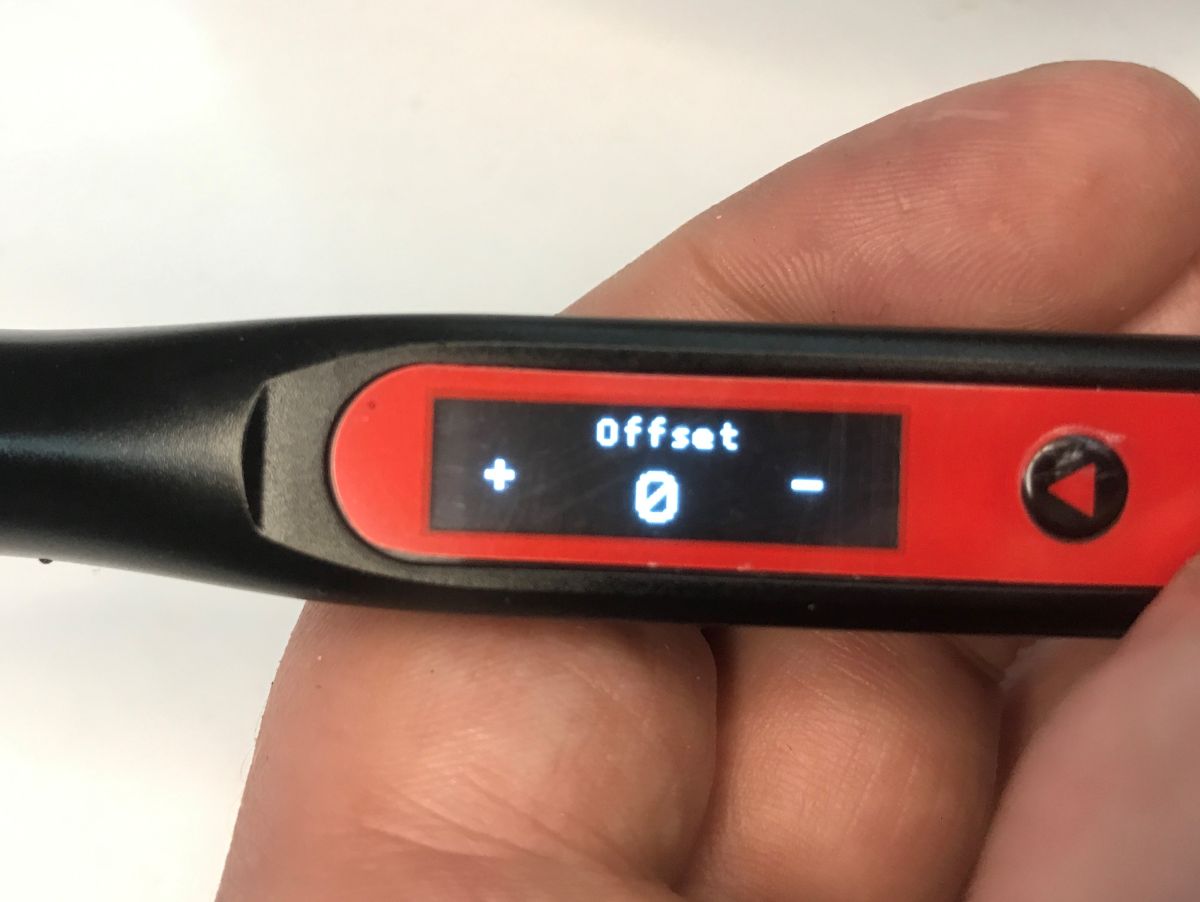
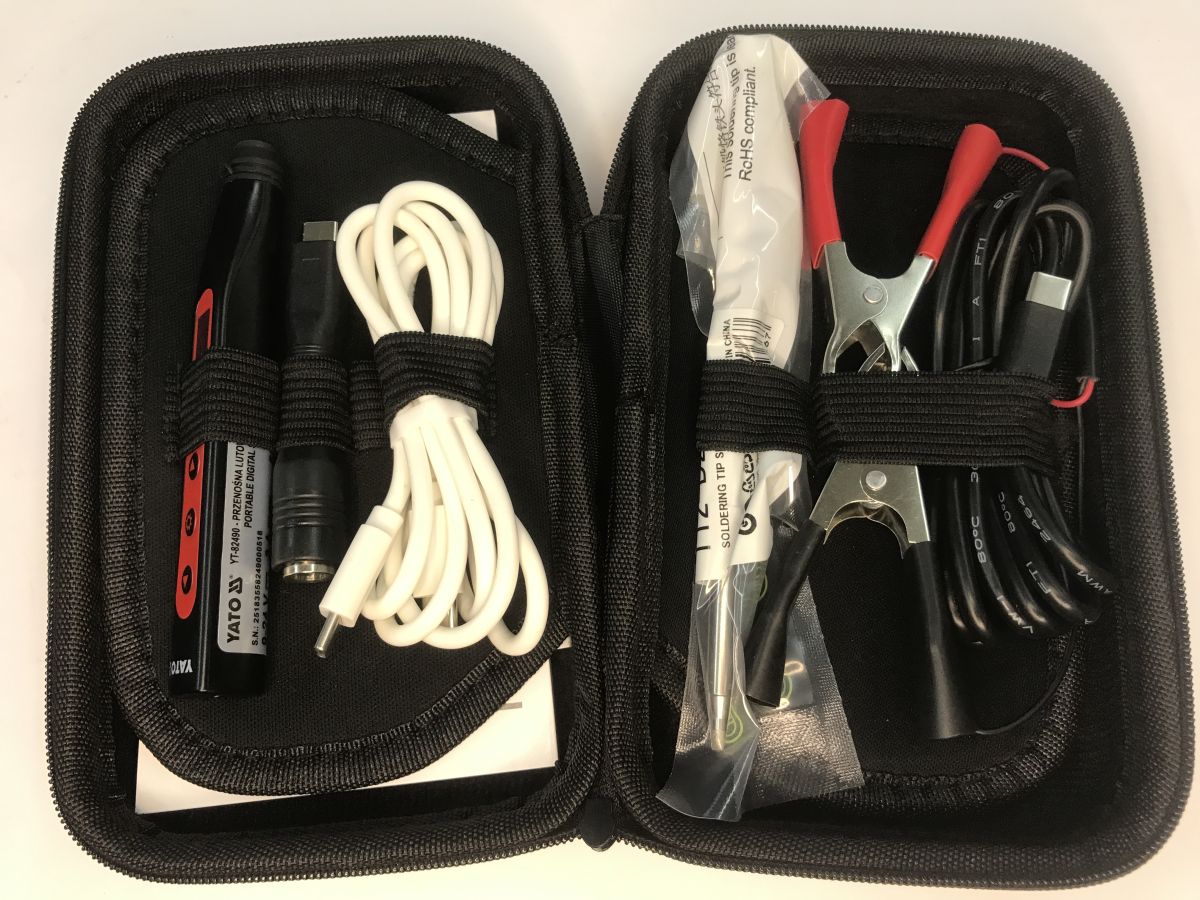
    Let's start with the basics. The YT-82490 operates from 9 to 24 volts, with a claimed power output of up to 65 watts. It complies with the QC/PD standard and uses T12 blades. It offers an easy-to-read OLED display, autohibernation and calibration to adjust the displayed temperature to the actual temperature. The kit is really extensive, plus everything comes in a sturdy case.
    Is it worth buying a USB C soldering iron? We are testing the Yato YT-82490 65 W compatible T12
    With three leads, including one with crocodile clips, this soldering iron could even be fired from the battery. It promises to be promising. One T12 tip for testing is also included - T12-D24.
    Is it worth buying a USB C soldering iron? We are testing the Yato YT-82490 65 W compatible T12
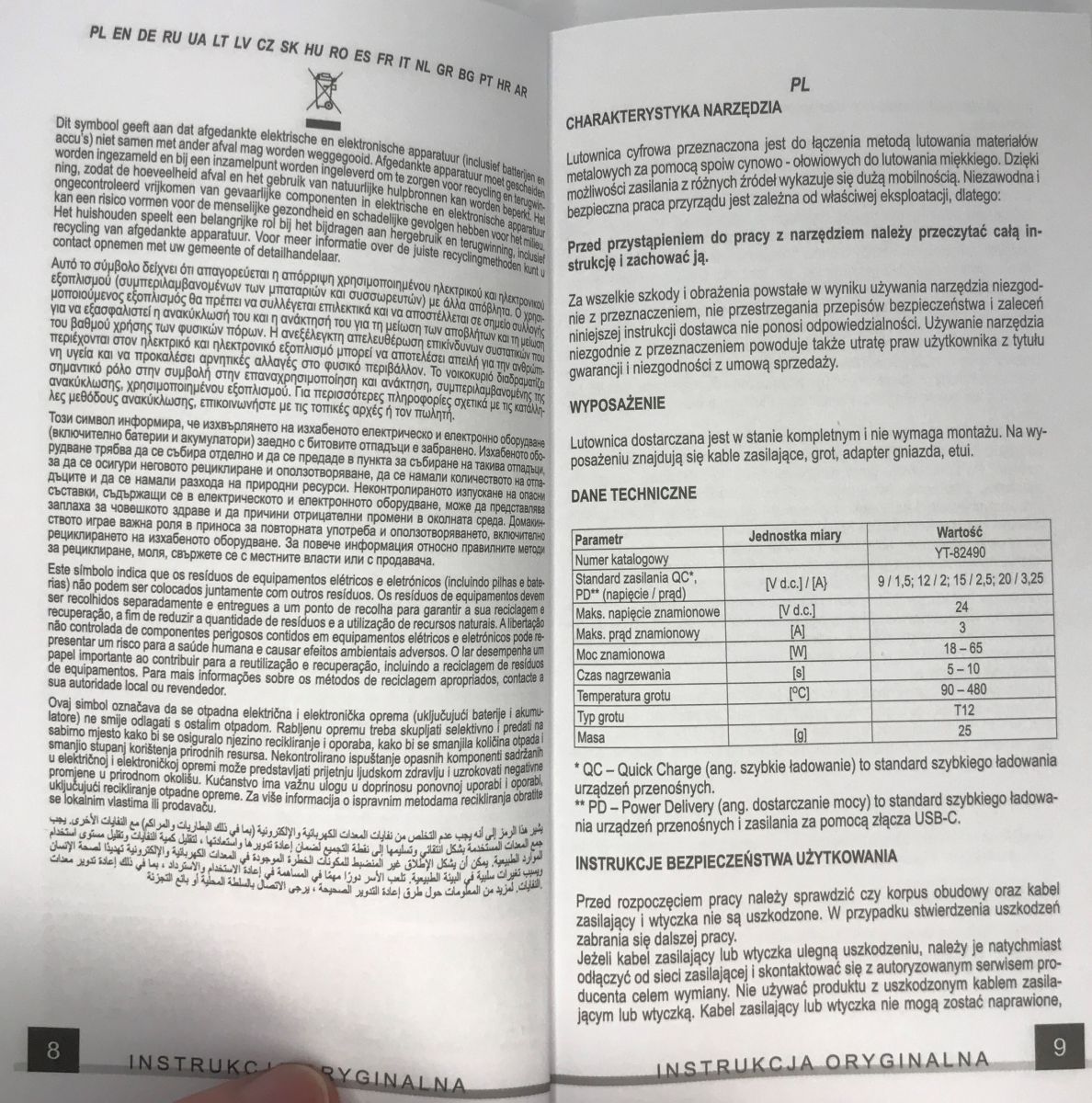
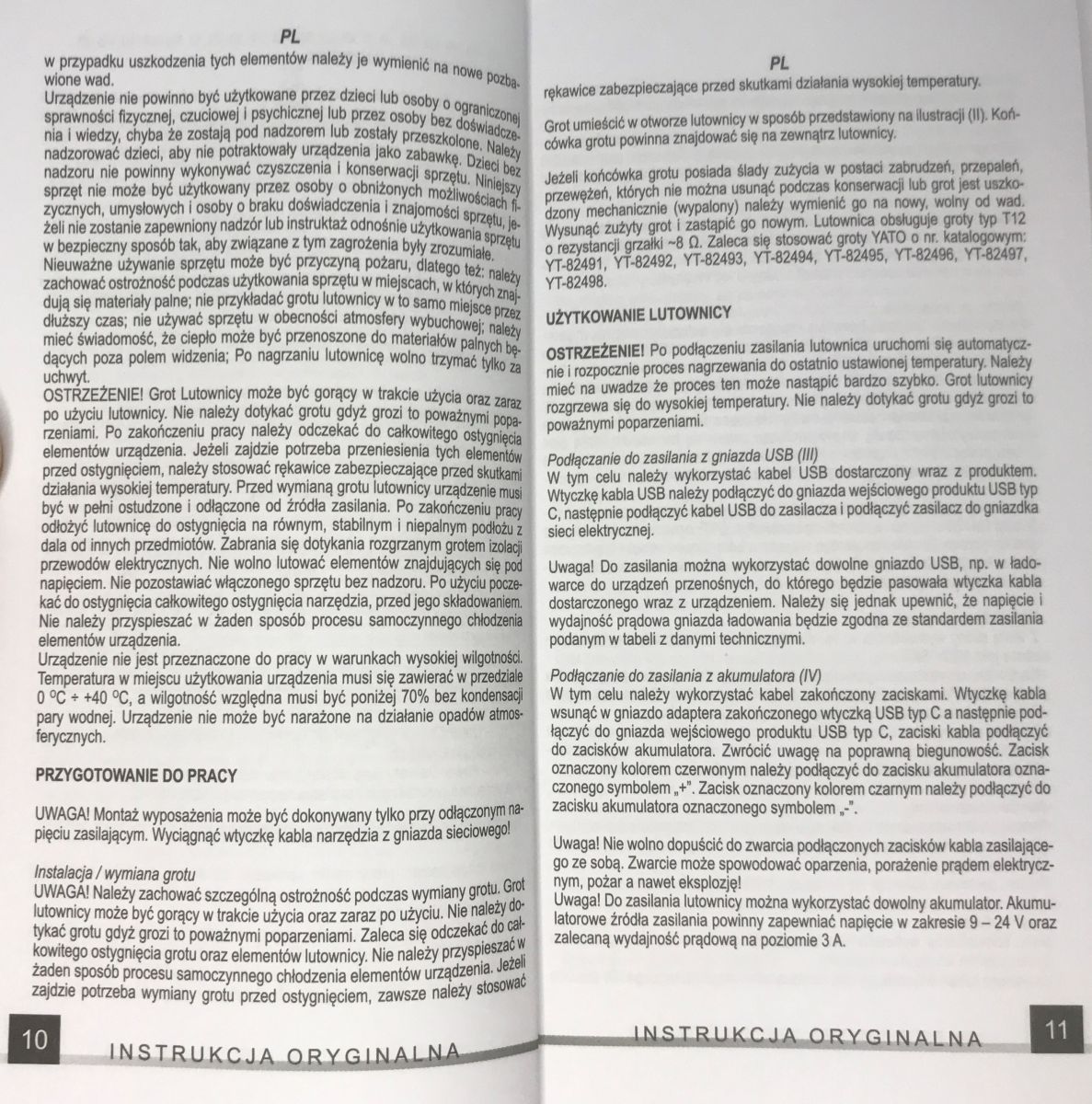
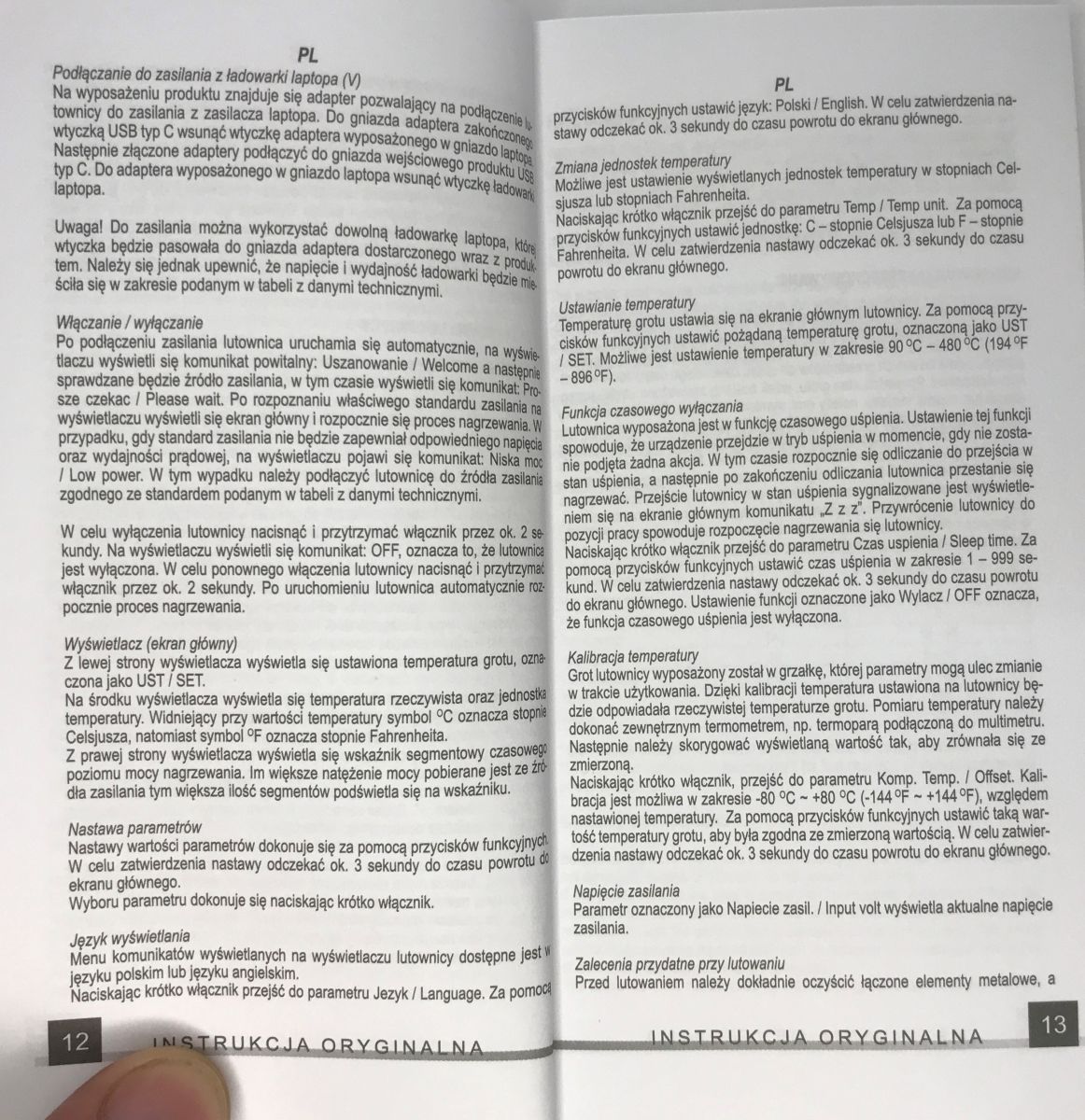
    Instructions:
    Is it worth buying a USB C soldering iron? We are testing the Yato YT-82490 65 W compatible T12 Is it worth buying a USB C soldering iron? We are testing the Yato YT-82490 65 W compatible T12 Is it worth buying a USB C soldering iron? We are testing the Yato YT-82490 65 W compatible T12 Is it worth buying a USB C soldering iron? We are testing the Yato YT-82490 65 W compatible T12 Is it worth buying a USB C soldering iron? We are testing the Yato YT-82490 65 W compatible T12
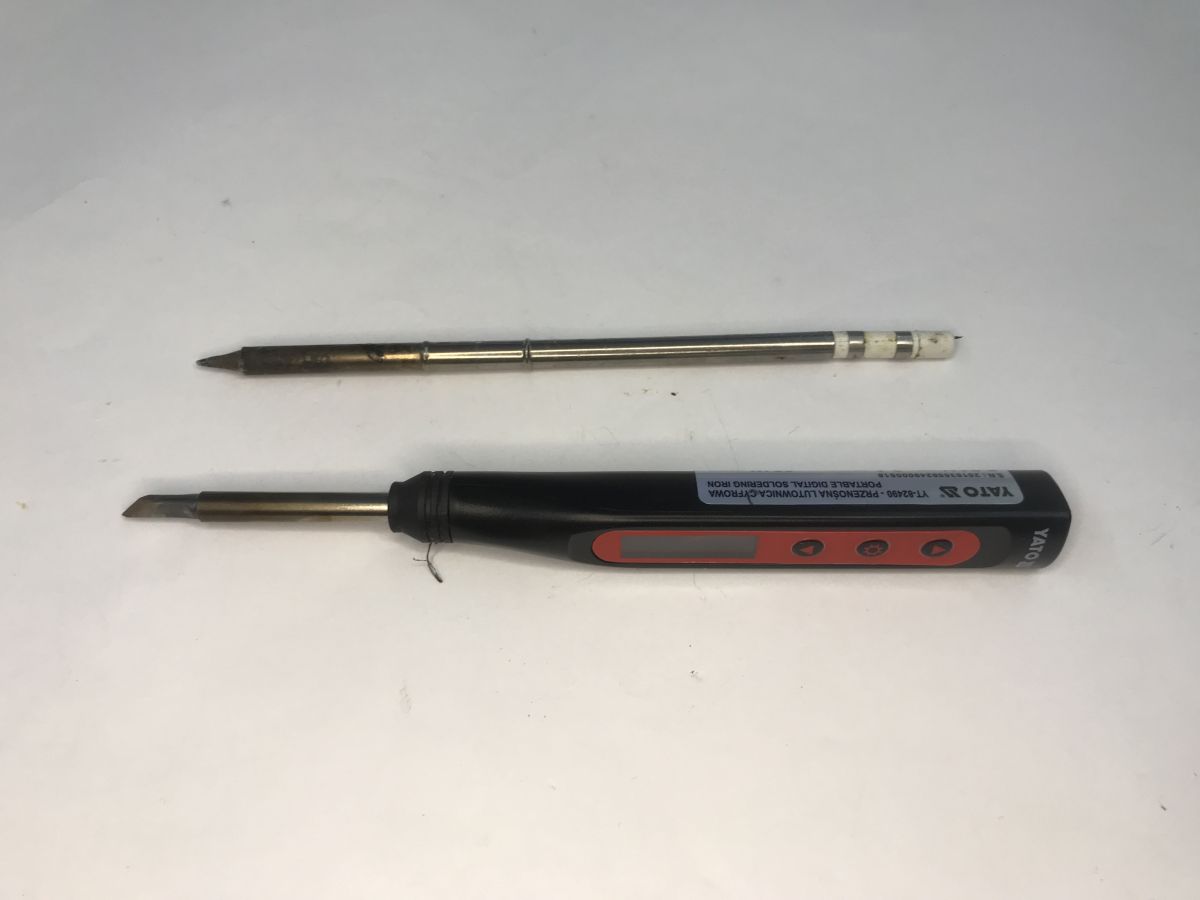
    The soldering iron is slim and handy. It fits well in the hand. The tips are not additionally fixed, so they can be hot-swapped, although they did not give a gripper for this.
    Is it worth buying a USB C soldering iron? We are testing the Yato YT-82490 65 W compatible T12 Is it worth buying a USB C soldering iron? We are testing the Yato YT-82490 65 W compatible T12 Is it worth buying a USB C soldering iron? We are testing the Yato YT-82490 65 W compatible T12
    Is it worth buying a USB C soldering iron? We are testing the Yato YT-82490 65 W compatible T12 Is it worth buying a USB C soldering iron? We are testing the Yato YT-82490 65 W compatible T12 Is it worth buying a USB C soldering iron? We are testing the Yato YT-82490 65 W compatible T12
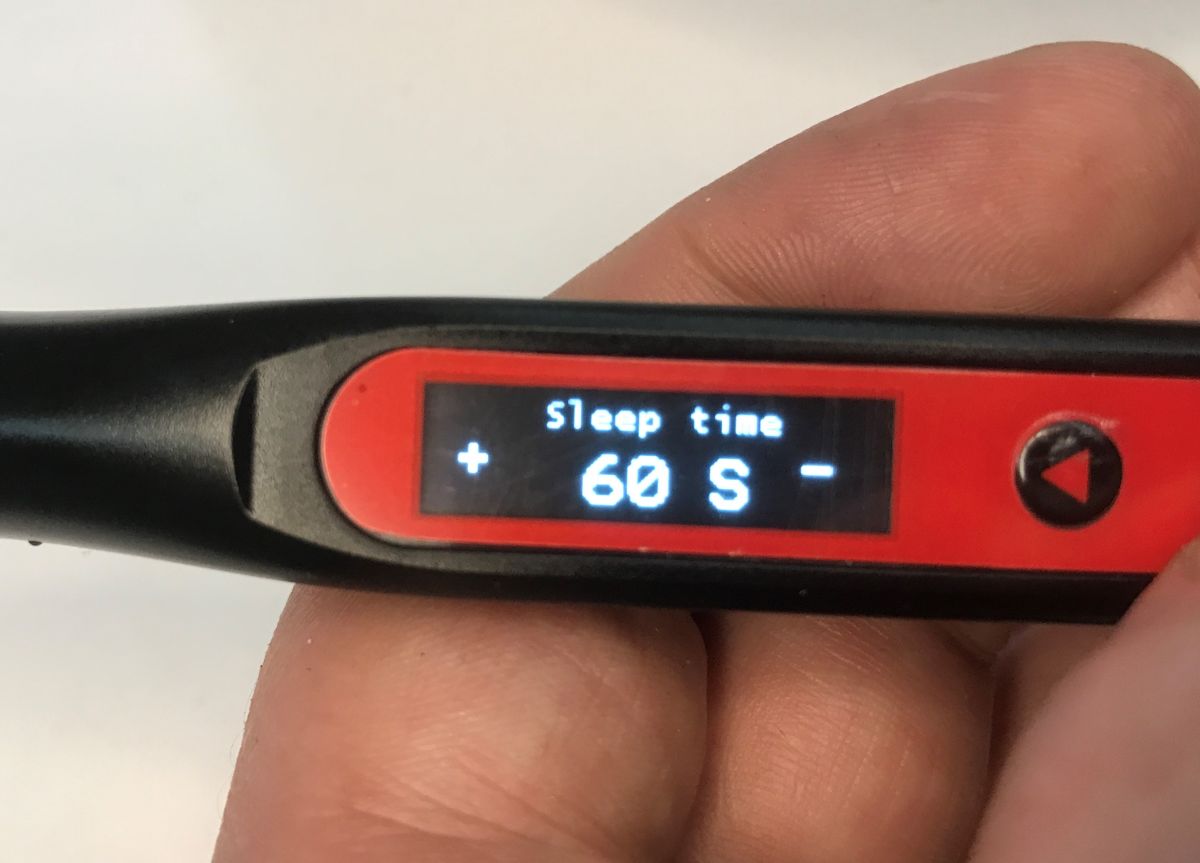
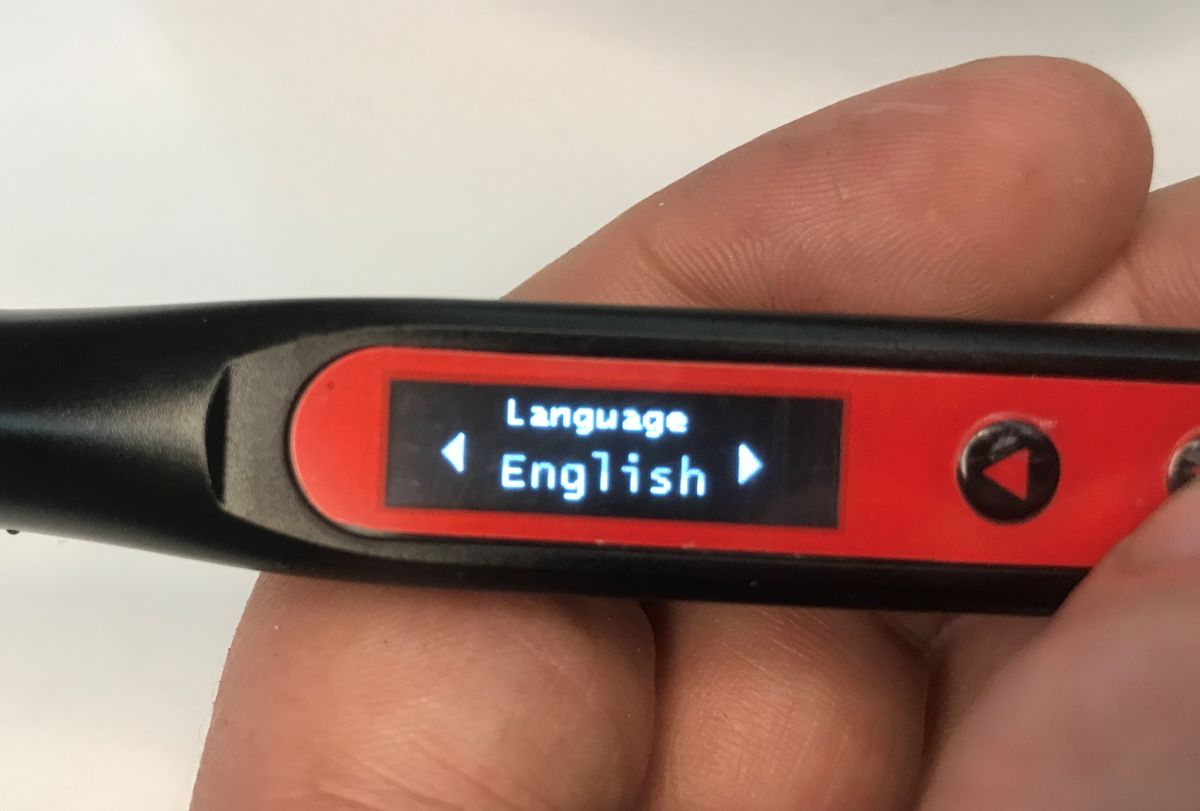
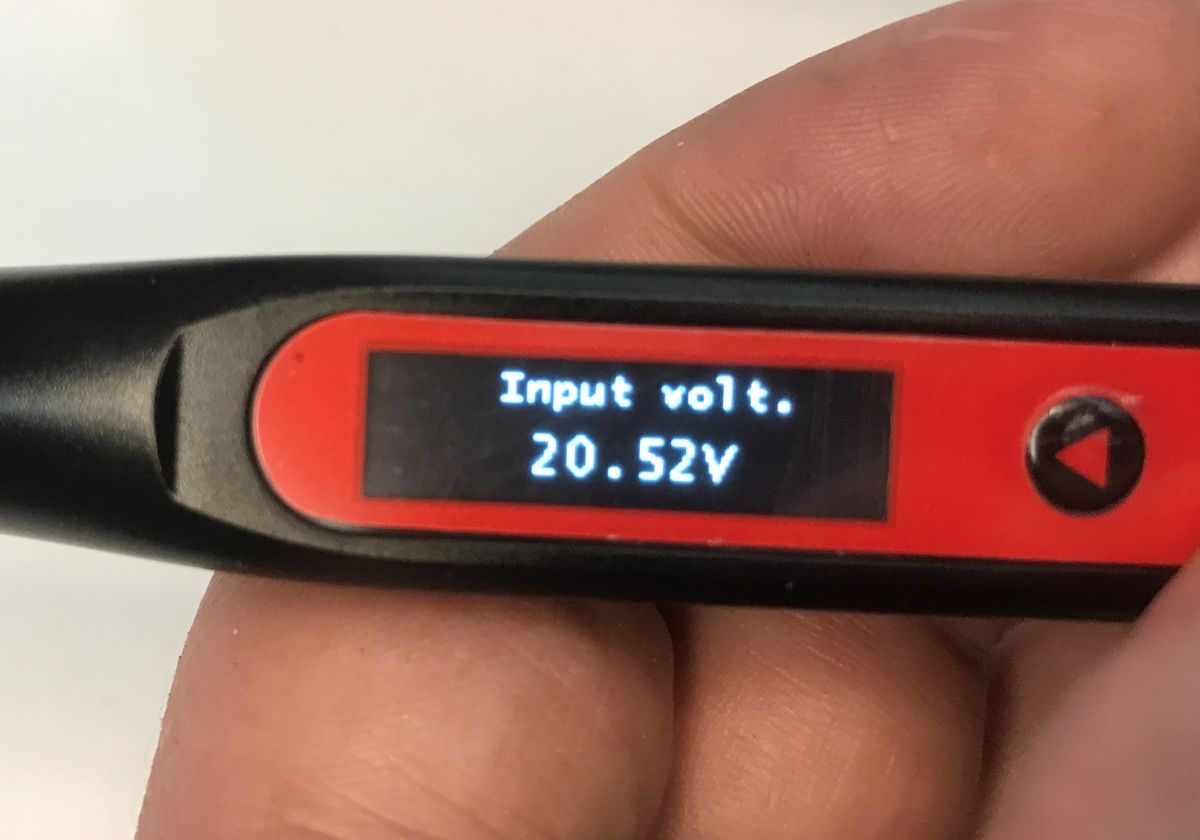
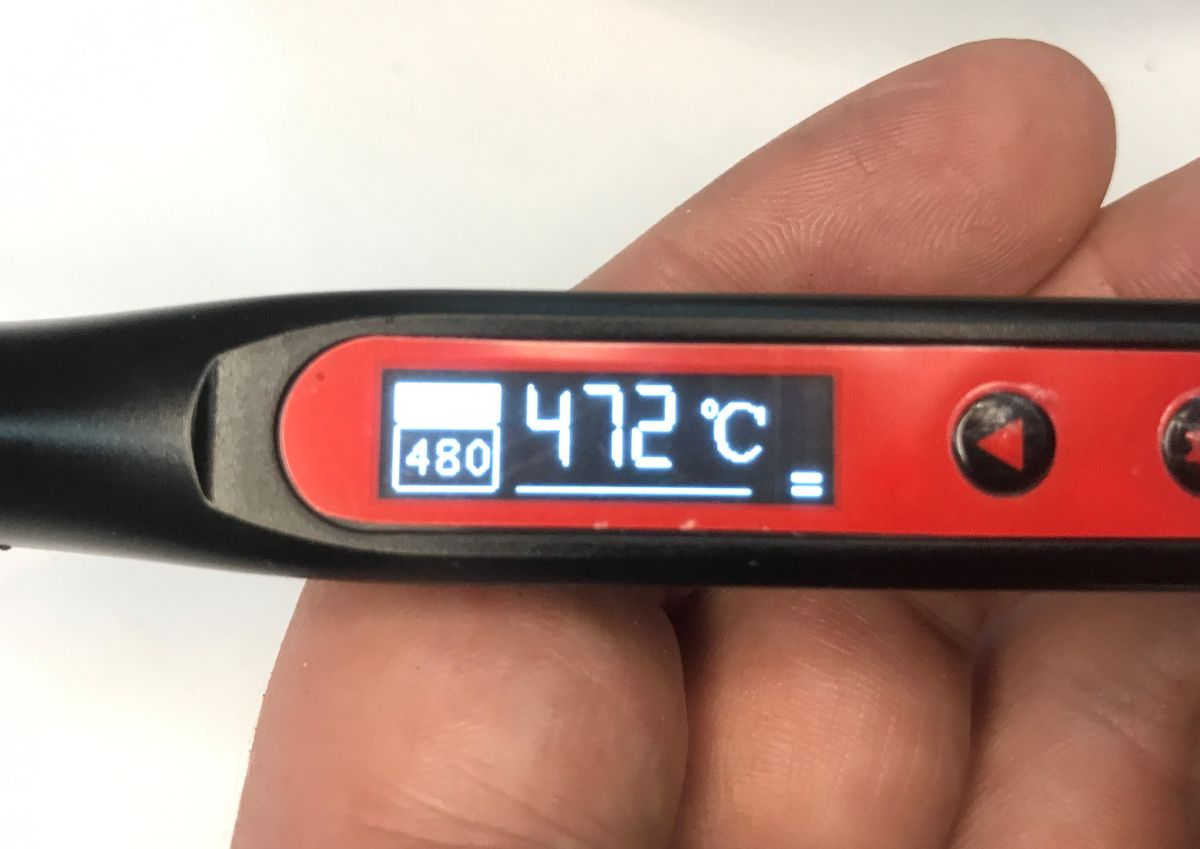
    The display is clear and easy to read, looking better in person than in the photos. Even the input voltage is shown, and you can also change the language in the options.
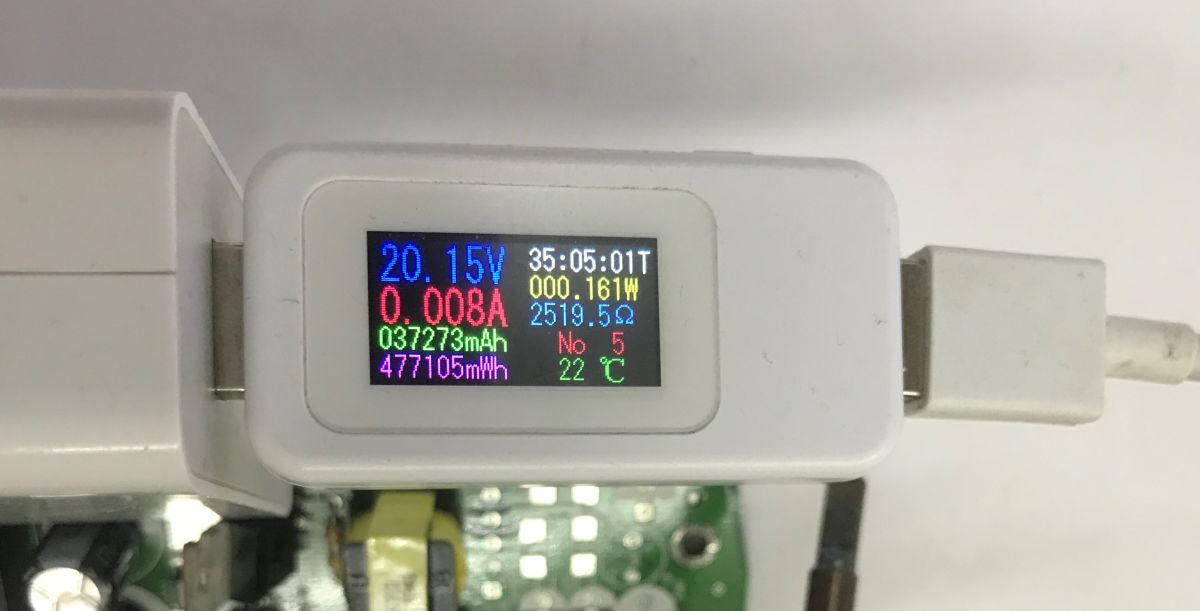
    Is it worth buying a USB C soldering iron? We are testing the Yato YT-82490 65 W compatible T12
    The whole thing is indeed capable of switching on 20 V with a suitable QC/PD-compatible power supply. What's more, I used a really old unit for testing, still from a 2021 Xiaomi 11T. The five-year-old hardware is fully capable.

    Now it's time for proper testing.
    Wire soldering - Sn60Pb40 lead binder - 250°C
    To start with the total basics. Is it possible to solder the wires together comfortably?


    Very pleasant and fast work. No complaints.
    Wire soldering - Sn60Pb40 lead binder - 350°C:


    Higher temperature - all too high here, but it went just as easily.
    Wire soldering - lead free binder - 350°C:


    The lead-free binder requires a higher temperature. At first it didn't want to melt, but it still worked.

    Test with large pad - Sn60Pb40 - 350°C
    Now a slightly different test. Does the soldering iron heat efficiently enough to handle the larger pad?


    No major problems.
    Second pad:


    Troubleshooting the connector - 450°C:
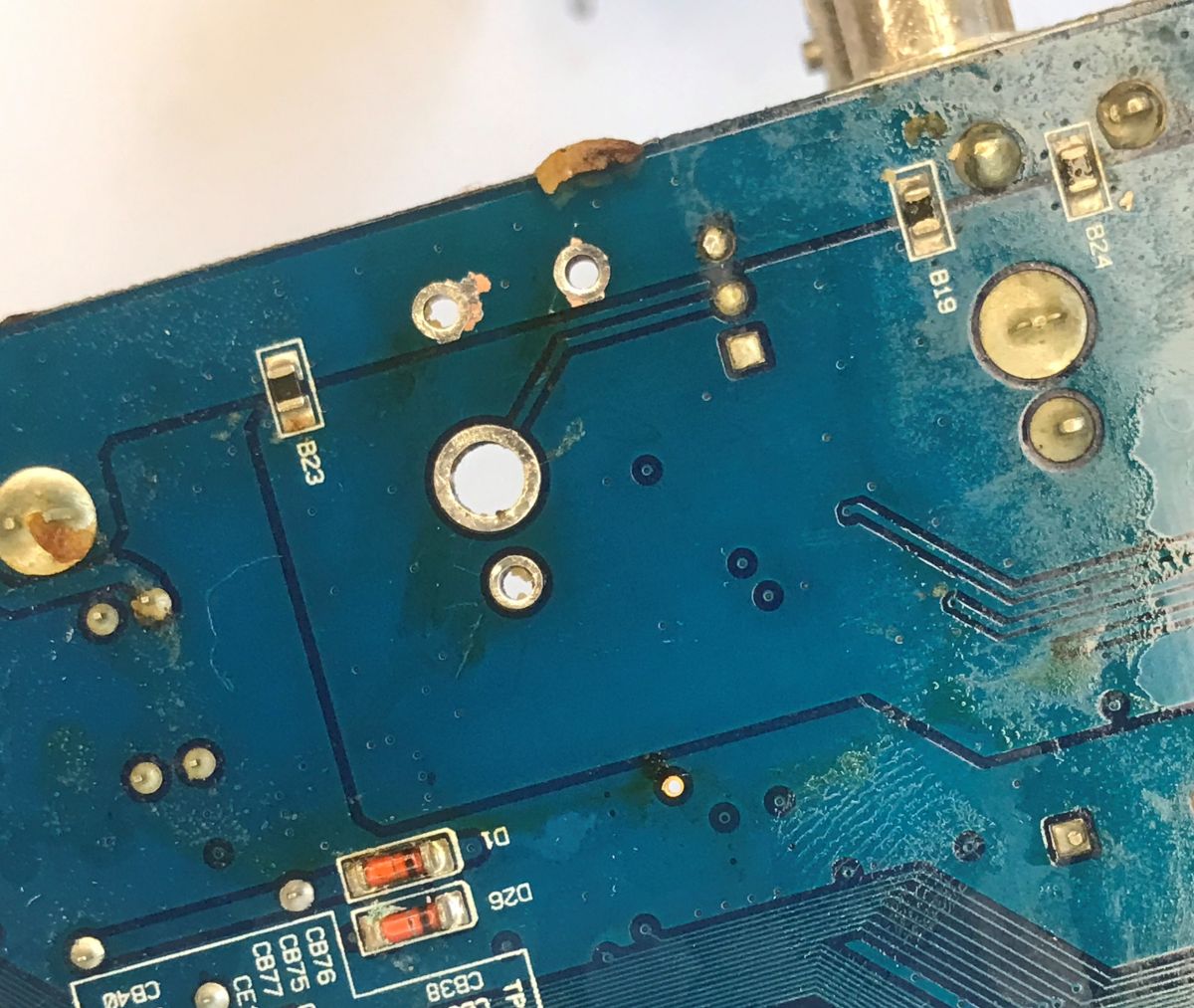
    A bit of such silly wrestling came out as the board was riding in front of the camera, but I tried applying lead binder to the connector solder and seeing if I could get it all hot enough to get the connector off the PCB. I then cleaned the holes a little with braid:


    Results:
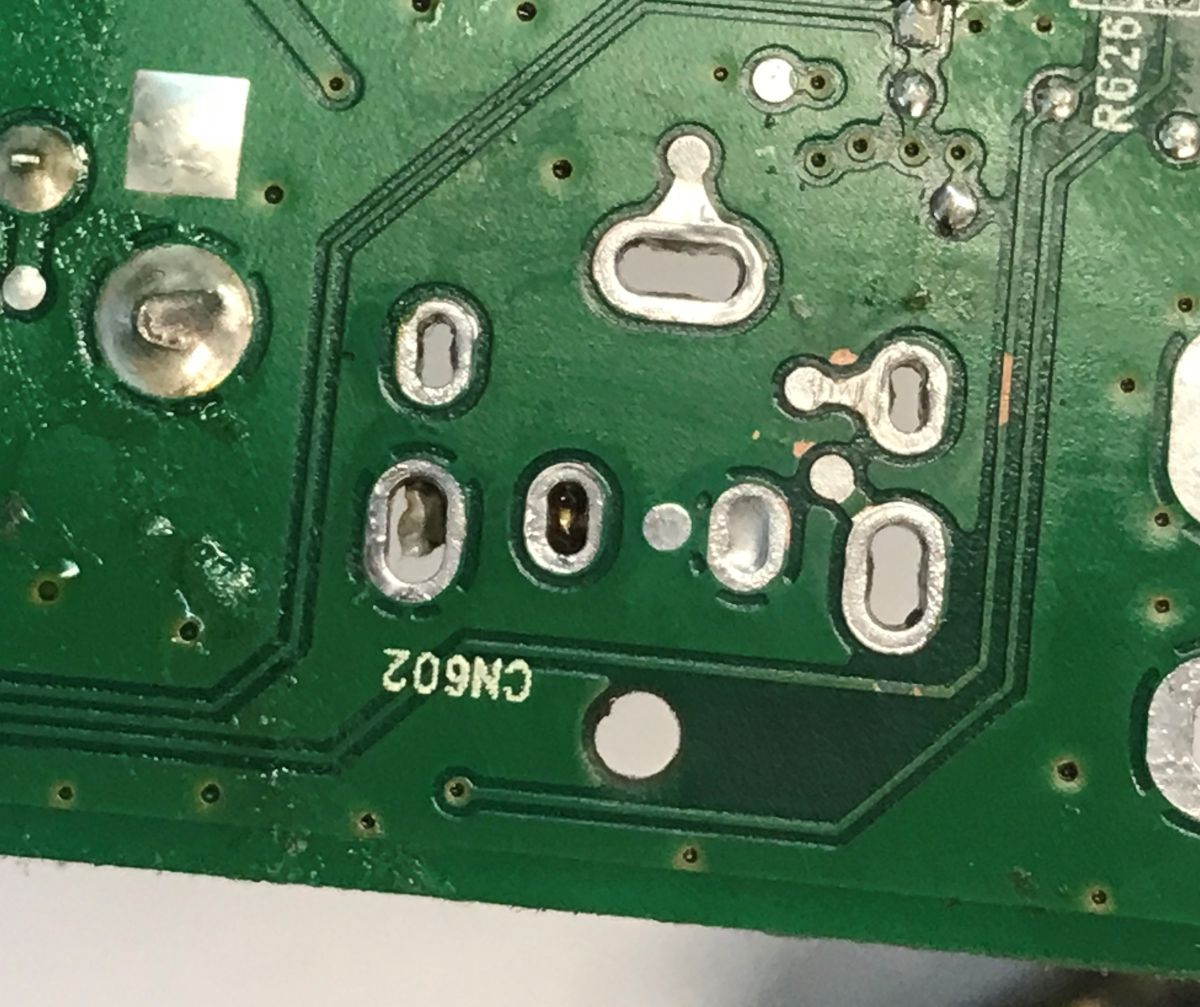
    Is it worth buying a USB C soldering iron? We are testing the Yato YT-82490 65 W compatible T12
    Not a bad way to clean it up, even considering the "riding plate" and camera tripod blocking movement. It's a bit of a shame about the braid, suction would have been better, but I wanted to see if the heating would be enough to pick up the binder with it. There is no doubt this soldering iron can do the job.
    As above, test number 2 - 480°C:


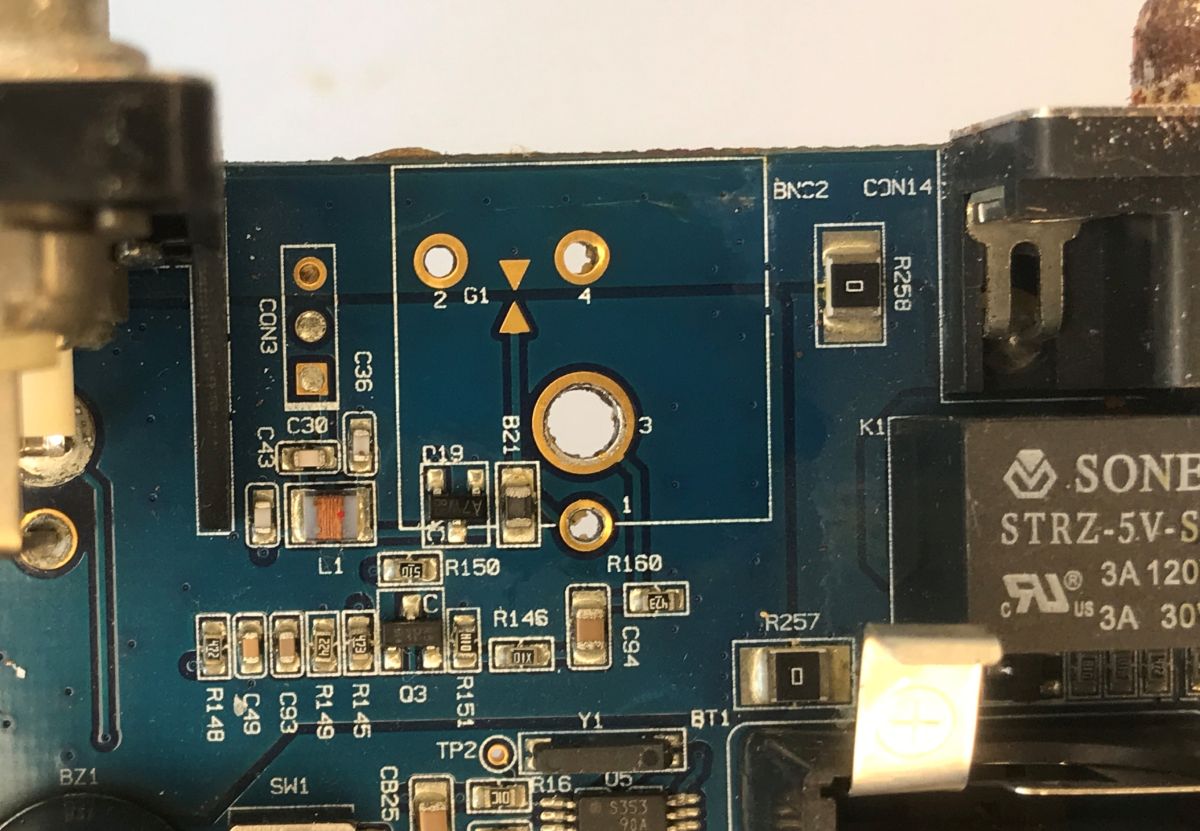
    Successful again, no doubt this soldering iron can do the job.
    Close-up of a blue PCB with solder pads, traces, and printed component labels
    Close-up of a blue PCB with solder pads, vias, traces, and labels B23, B19, B24

    Heat up from 0 and play with cottage solder - 480°C:
    This time the soldering iron heats up from 0, you can see it in the video. Then I try to wildly solder a transistor from it, which also has a large ground pad. Will there be enough heat output? We are about to find out.


    It worked, and a little bit of the pad was cleaned up too, although the PCB could still be improved.
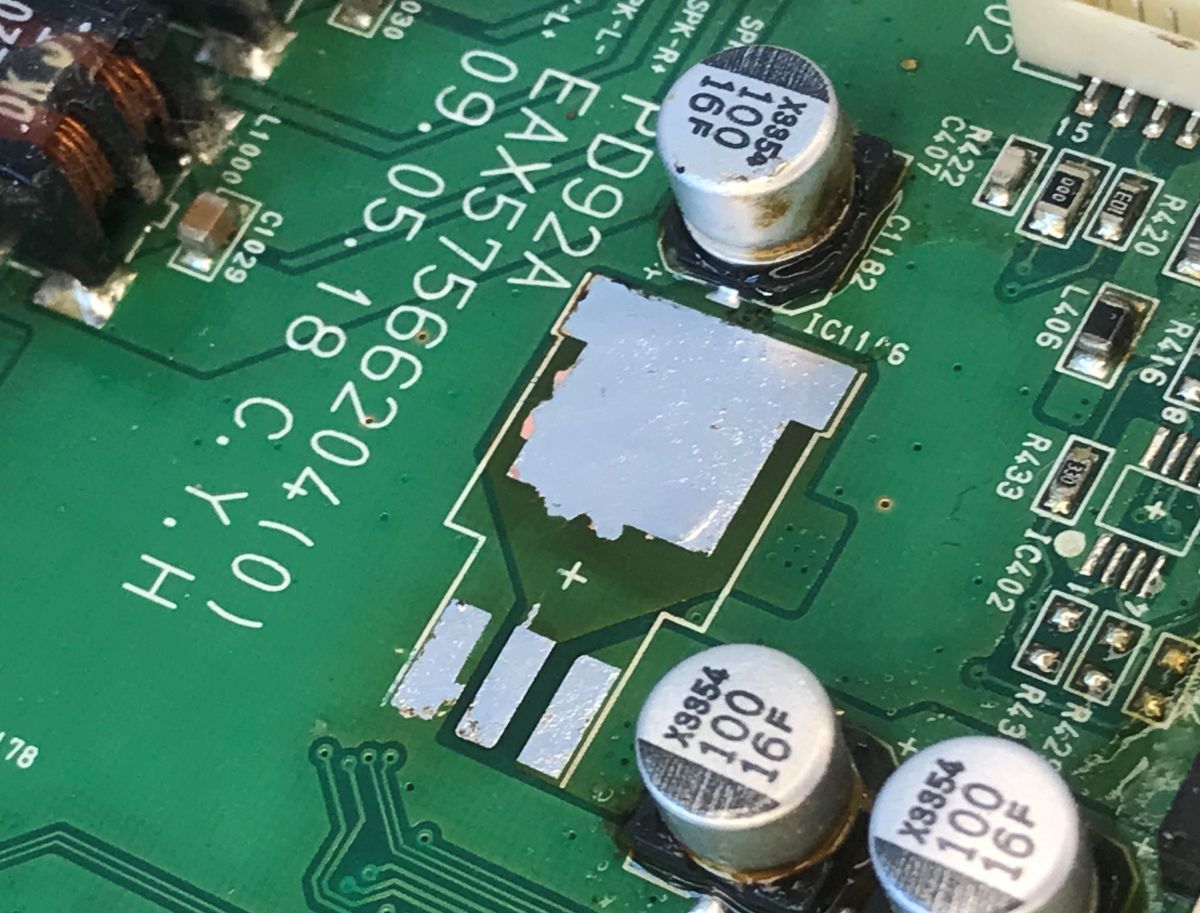
    Is it worth buying a USB C soldering iron? We are testing the Yato YT-82490 65 W compatible T12

    Brief test of actual heating power - comes out at 40 watts.


    Finally, I still pressed the soldering iron against a wet sponge, you can nicely see how it reacts to the drop in temperature and increases the power.


    In summary , it's better than I thought. I expected trouble getting 20 volts from my old power supply for the Xiaomi 11T, thought I'd have to use an adapter and run the soldering iron with a laptop power supply, and here's such a pleasant surprise - everything works fine. Comfortable to work with this soldering iron. The wide selection of T12 soldering tips gives room for improvement, and the soldering iron, contrary to appearances, does not "starve" them of energy and they heat so that you can cope even with larger mass spouts (of course, also depending on the tip used). In addition, the whole thing potentially allows for hot-rod replacement, as no tightening is required. I think it's a good buy. Indeed, it is a more contemporary version of what I used to present:
    Test of KSGER STM32 V3.1S OLED T12 soldering ministation and Fubarino SD soldering
    A side benefit is that you could potentially power this from the same powerbank as your phone or tablet. One common standard has its pluses.
    Do you use a soldering iron, or perhaps other tools on USB C?

    Cool? Ranking DIY
    Helpful post? Buy me a coffee.

    About Author
    p.kaczmarek2
    Moderator Smart Home
    Offline 
    p.kaczmarek2 wrote 14604 posts with rating 12620, helped 654 times. Been with us since 2014 year.
  • ADVERTISEMENT
  • #2 21906836
    ArturAVS
    Moderator
    Posts: 26230
    Help: 2296
    Rate: 7771
    I have been carrying the Fnrisi HS-02A with me for several months now;
    Is it worth buying a USB C soldering iron? We are testing the Yato YT-82490 65 W compatible T12

    A nice piece of equipment, but not suitable for thicker cases. There is no built-in battery. As for the T12 itself, there are several types of blade, varying in power and dimensions. Pictured above, is the connection to the USB port of the computer. When working with a USB PD charger/power supply, there are no problems.
  • #3 21906851
    p.kaczmarek2
    Moderator Smart Home
    Posts: 14604
    Help: 654
    Rate: 12620
    What kind of soldering tip does the soldering iron you showed have? I think I associate it with the weaker, battery operated copies. My impression is that it's a bit of wasted potential. Once there's corded power, I always prefer at least a T12.
    Helpful post? Buy me a coffee.
  • #4 21906882
    ArturAVS
    Moderator
    Posts: 26230
    Help: 2296
    Rate: 7771
    I don't remember the exact designation, overall length approximately 8 cm. Here you have to pay attention. I had a T12, which I lost after changing the cob (mainsail holder). Apparently the plug is the same, but the connections and the mainsail itself are completely different. And a curiosity, the power supply is whole, the microcontroller in the controller died. I purchased another one in the Plus version.
  • ADVERTISEMENT
  • #5 21906909
    stan
    Level 25  
    Posts: 984
    Help: 59
    Rate: 172
    HS 02A is for T245 arrowheads.
  • #6 21906974
    kjoxa
    Level 23  
    Posts: 599
    Help: 45
    Rate: 236
    A question - this HS 02A soldering iron seriously has the 100W?
    And is it seriously for T245 tips?

    To the author, thank you for the review.
  • ADVERTISEMENT
  • #7 21907003
    a_noob
    Level 23  
    Posts: 717
    Help: 14
    Rate: 447
    The C(T)245 arrowheads have 130W rated power, the peak is given 230W at 24V, in comparison the T12s have their max at the same voltage and it is 75W. I have an Alientek T80P flask for the C245 arrowheads, there the maximum is given at 65W, to this a powerbank giving the same amount of power at the output and this is a light combination for the field. I just need to make myself some sort of belt mount for this set :D
  • #8 21907135
    ArturAVS
    Moderator
    Posts: 26230
    Help: 2296
    Rate: 7771
    kjoxa wrote:
    It's seriously for T245 arrowheads?

    I have just checked; the factory mainsheet is C245-KU. The power depends on the power source. I consider the declared 100W to be realistic with a suitable power supply.
  • #9 21907169
    E8600
    Level 41  
    Posts: 8920
    Help: 528
    Rate: 2492
    kjoxa wrote:
    Question - this HS 02A soldering iron seriously has that 100W?

    Yes, but I wouldn't perceive that as usable power. It is a kind of compensation for the size of the tip itself.

    The presented Yato model in my opinion must be comfortable, it is a pity that you can't buy the handle itself (because, the arrowheads and accessories not many of us have). Is it possible to set the cut-off voltage in the menu to protect the battery and does it put itself to sleep when put down? Doesn't the tapered grip of the handle get hot during prolonged use?
  • #10 21907316
    lukepopek
    Level 6  
    Posts: 7
    Help: 1
    Rate: 2
    >>21906836 there is no good soldering iron that has a built-in battery. Why? because at the moment there are no batteries small enough, capacious enough and of sufficient power. If you are interested in a "mobile" soldering iron, then the best solution is to just buy a usb-c soldering iron and to this a powerbank with a minimum power of 45 watts. I tried soldering with a 22.5W powerbank. Well it is possible, but only small wires or not too large electronic components. Soldering outside especially when it is cold and windy is already very difficult with such a low power (22.5 W), I soldered the plug from the coolant sensor in the car like this.


    If you want a cheaper version of the Fnirsi (150-250 PLN - that's how much Fnirsi costs, depending on the kit), I recommend the ANENG SL108, which is a Fnirsi clone that you can often buy for around 50 PLN, while the standard price is around 80 PLN.

    Added after 3 [minutes]:

    >>21906851 this is a T12 type K (Knife) spearhead available on aliexpres for £8-12 depending on the offer.
  • #11 21907782
    flinc
    Level 30  
    Posts: 1586
    Help: 93
    Rate: 155

    2 Would a POWER BANK be suitable instead of a battery

  • ADVERTISEMENT
  • #12 21907977
    keseszel
    Level 26  
    Posts: 4097
    Help: 54
    Rate: 557
    Generally, such soldering irons are mere electro-waste that works for a moment, an instant. The battery will die sooner than you think. Soldering with it is a joke. Completely pointless. As a curiosity to find out how much it is worth, it is a good idea to buy one. A waste of money for me.
  • #13 21907991
    E8600
    Level 41  
    Posts: 8920
    Help: 528
    Rate: 2492
    Such soldering irons connect to the battery of a screwdriver and you have a mobile piece of equipment.
  • #14 21908180
    keseszel
    Level 26  
    Posts: 4097
    Help: 54
    Rate: 557
    Right here. I thought of that too as I posted. But it does reduce its mobility. I have already gone through the use of a screwdriver on a 6m cable connected to the car battery. A shambles and art for art's sake.
  • #15 21908211
    ArturAVS
    Moderator
    Posts: 26230
    Help: 2296
    Rate: 7771
    keseszel wrote:
    Disaster and art for art's sake.

    This is the result;
    keseszel wrote:
    on a 6m cable connected to the car battery.
  • #16 21908292
    CMS
    VIP Meritorious for electroda.pl
    Posts: 8452
    Help: 258
    Rate: 2591
    keseszel wrote:
    Generally such soldering irons are mere electrical junk that work for a moment, an instant. The battery will die faster than you think. Soldering with this is a joke. Completely pointless. As a curiosity to find out how much they are worth, it is a good idea to buy one. A waste of money for me.


    These soldering irons (presented and Fnirsi) do not have a battery.
  • #17 21910713
    keseszel
    Level 26  
    Posts: 4097
    Help: 54
    Rate: 557
    CMS wrote:
    These soldering irons (presented and Fnirsi) do not have a battery.


    I didn't catch that in the description 😉🤣.... i was referring to the inventions of accumulator18650 and the like to which I am "allergic", shown as "the revealed truth and the cure for all evil". A sad experience with these types of devices has discouraged me and I have become a fervent opponent of them. You use them a few times, after the warranty period the battery miraculously loses performance and that's it.... Well, yes, you can buy a proprietary one..but faith in proprietary ones has also passed me by with age 🤣.... that's it for the explanation...aha, thanks for the throw in info that they don't have Aku....
📢 Listen (AI):

FAQ

TL;DR: At 130 PLN and up to 65 W, the Yato YT-82490 proved "better than I thought" for hobbyists and mobile repair work. It handled wires, larger pads, connector removal, and even a motherboard task, as long as the USB-C PD/QC source could negotiate 20 V. This FAQ helps you decide whether a USB-C T12 iron is worth buying and how to power it properly. [#21906741]

Why it matters: A USB-C soldering iron is only as good as its tip system, voltage negotiation, and real heating under load.

Model Tip system Claimed power Power source Best fit from the thread
Yato YT-82490 T12 65 W USB-C PD/QC, 9-24 V, battery leads General portable soldering, wires, pads, motherboard work
Fnrisi HS-02A C245/T245 100 W declared USB port or USB PD supply Field work, thicker joints, but less suitable for tight thick enclosures
KSGER STM32 V3.1S T12 mini-station Not stated here Classic station-style setup Everyday bench use as the older reference point

Key insight: In this thread, USB-C is not the limiting factor. The real limit is whether your power source can deliver a negotiated 20 V and whether the chosen tip matches the joint size.

Quick Facts

  • The Yato YT-82490 is specified for 9-24 V, claims up to 65 W, supports QC/PD, uses T12 tips, and includes an OLED display, auto-hibernation, and temperature calibration. [#21906741]
  • The tested unit reached 20 V from an older Xiaomi 11T power supply from 2021, showing that an older PD/QC charger can still unlock the iron's higher-voltage mode. [#21906741]
  • The kit includes three leads, including a crocodile-clip cable, one T12-D24 tip, and a sturdy case; that makes battery-powered field use practical without extra adapters. [#21906741]
  • In one direct measurement, the author saw about 40 W of actual heating power, even though the product is marketed as 65 W. [#21906741]
  • The alternative Fnrisi HS-02A uses C245-KU tips, has 100 W declared with a suitable supply, and was described as good for carrying but "not suitable for thicker cases." [#21907135]

How well does the Yato YT-82490 USB-C soldering iron handle leaded and lead-free solder in real use?

It handled leaded solder very well and lead-free solder adequately with more heat. The author reported fast, comfortable wire soldering with Sn60Pb40 at 250°C and 350°C. Lead-free solder at 250°C "didn't want to melt" at first, but the joint was still completed. Larger pads, connector removal, and a transistor on a large ground pad also succeeded, which shows the iron can do more than light wiring. [#21906741]

What power supply do I need to get the full performance from the Yato YT-82490 over USB-C PD or QC?

You need a USB-C or QC/PD source that can negotiate 20 V, because the thread shows the iron actually switched to 20 V with a compatible charger. The Yato is specified for 9-24 V and up to 65 W. The author expected problems with an older Xiaomi 11T supply from 2021, but it worked correctly. If negotiation fails, performance will drop because the iron will run at a lower input voltage. [#21906741]

How does the Yato YT-82490 compare with a classic T12 mini-station like the KSGER STM32 V3.1S for everyday soldering?

It looks like a more modern, more portable version of a T12 mini-station rather than a downgrade. The author explicitly called it a contemporary version of the older KSGER STM32 V3.1S setup, but with USB-C PD/QC input, battery-lead options, and a slim handpiece. For everyday soldering, the thread suggests similar T12 flexibility with easier mobile power options and no obvious energy starvation on larger joints. [#21906741]

What is a T12 soldering tip, and why is it so popular in portable soldering irons?

"T12 is a soldering-tip system that combines the heater and sensor in the tip assembly, enabling fast heat-up, easy tip changes, and broad shape availability." In this thread, its popularity comes from practical choice: the Yato accepts T12 tips, includes a T12-D24, and the author praises the wide selection of shapes for both basic wiring and larger pads. That versatility makes T12 attractive in compact USB-C irons. [#21906741]

What is USB-C PD/QC voltage negotiation, and how does it affect the power of a soldering iron?

"USB-C PD/QC voltage negotiation is a power-delivery protocol that lets a charger and tool agree on a higher voltage, which directly increases available heating power." In this thread, the Yato moved to 20 V with a compatible source, and that higher-voltage mode was important for real soldering performance. Without successful negotiation, a USB-C iron may still work, but it will not reach its best heating behavior. [#21906741]

How do you calibrate the temperature on the Yato YT-82490 so the displayed value matches the real tip temperature?

The thread confirms that the Yato has a calibration function, but it does not provide the menu steps. The only verified point is that calibration exists specifically to align the displayed temperature with the real tip temperature. If you need an exact procedure, this thread alone is not enough; it only documents the feature, not the sequence of button actions. [#21906741]

What temperature settings worked best in the test for Sn60Pb40 solder, lead-free solder, large pads, and connector removal?

The tested settings were 250°C and 350°C for Sn60Pb40, 250°C for lead-free wire soldering, 350°C for large pads, 450°C for connector removal, and 480°C for heavy motherboard-style work. Sn60Pb40 worked comfortably even at 250°C. Lead-free at 250°C was marginal at first. The thread shows that bigger thermal loads needed 350-480°C rather than the lower wire-soldering settings. [#21906741]

Why did the measured heating power of the Yato YT-82490 come out around 40 W when the iron is advertised as 65 W?

Because the 65 W figure is a product claim, while the author's direct test showed only about 40 W in that specific setup. The thread does not present a full electrical analysis, so the safest conclusion is simple: real heating power under load can be lower than the headline rating. The same post still shows the iron compensating when cooled on a wet sponge, which suggests active power adjustment rather than a fixed output. [#21906741]

Which T12 tip shapes are best for wire soldering, large ground pads, and desoldering connectors on motherboards?

The thread only verifies one exact tip: the included T12-D24, and it proved usable across wires, larger pads, and connector work. That does not mean it is the single best shape for every task. The author's main takeaway is broader: the T12 ecosystem offers many tip shapes, so you can improve results by matching the tip to the pad mass and job type. [#21906741]

What should I watch out for when swapping tips or holders between T12 and C245/T245-compatible soldering irons?

Do not assume T12 and C245/T245 parts are interchangeable just because the plug looks similar. One poster said the connector appeared the same, but the internal connections and the tip itself were completely different. That same user also reported a failure case where the power supply survived, but the controller microcontroller died. This is the clearest warning in the thread: similarity of shape does not guarantee electrical compatibility. [#21906882]

How does the Fnrisi HS-02A with C245/T245 tips compare to the Yato YT-82490 with T12 tips for field work and thicker joints?

The HS-02A appears stronger on paper, but the Yato looks more proven in this thread for general-purpose T12 work. The HS-02A was described as portable and realistic at 100 W with a suitable supply, and another poster confirmed it uses a factory C245-KU tip. However, it was also described as "not suitable for thicker cases." The Yato, by contrast, was actually tested on wires, pads, and motherboard-style desoldering. [#21907135]

What does the Yato YT-82490 package include, and how useful are the battery leads and crocodile clip cable in practice?

The package is unusually complete for a compact iron. It includes three leads, one with crocodile clips, a T12-D24 tip, and a sturdy carrying case. In practice, the battery leads matter because they let you power the iron away from a bench supply or wall charger. The author even points out that the iron could be started from a battery, which makes the kit more useful for field repair. [#21906741]

How can I power a USB-C soldering iron like the Yato YT-82490 from a power bank, laptop charger, or car battery safely?

Use a source that matches the Yato's 9-24 V input range and can negotiate USB-C PD/QC when you want higher power. 1. Connect a compatible USB-C PD/QC charger or power bank and check whether the display shows the expected input voltage, ideally 20 V. 2. For direct battery use, use the included leads, including the crocodile-clip cable. 3. Avoid guessing the voltage; the display shows input voltage, so verify it before heavy soldering. [#21906741]

How do the low-voltage cutoff setting and sleep or auto-hibernation work on the Yato YT-82490 when using it from a battery?

Auto-hibernation is confirmed, but the thread does not confirm a user-set low-voltage cutoff value. The original post lists auto-hibernation as a feature, and a later commenter asks whether battery-protection cutoff can be set in the menu. No reply in the provided thread answers that battery-cutoff question. So sleep is documented, but configurable battery protection is not verified here. [#21907169]

How hot does the tapered grip of the Yato YT-82490 get during prolonged soldering, and what affects handle comfort?

The thread does not report grip overheating during prolonged use. The author describes the iron as slim, handy, and comfortable in the hand, which is the only direct ergonomic evidence provided. A later commenter asked whether the tapered grip gets hot, but the supplied posts contain no answer. Based on the available thread alone, comfort is confirmed, while long-session grip temperature remains unverified. [#21907169]
Generated by the language model.
ADVERTISEMENT