











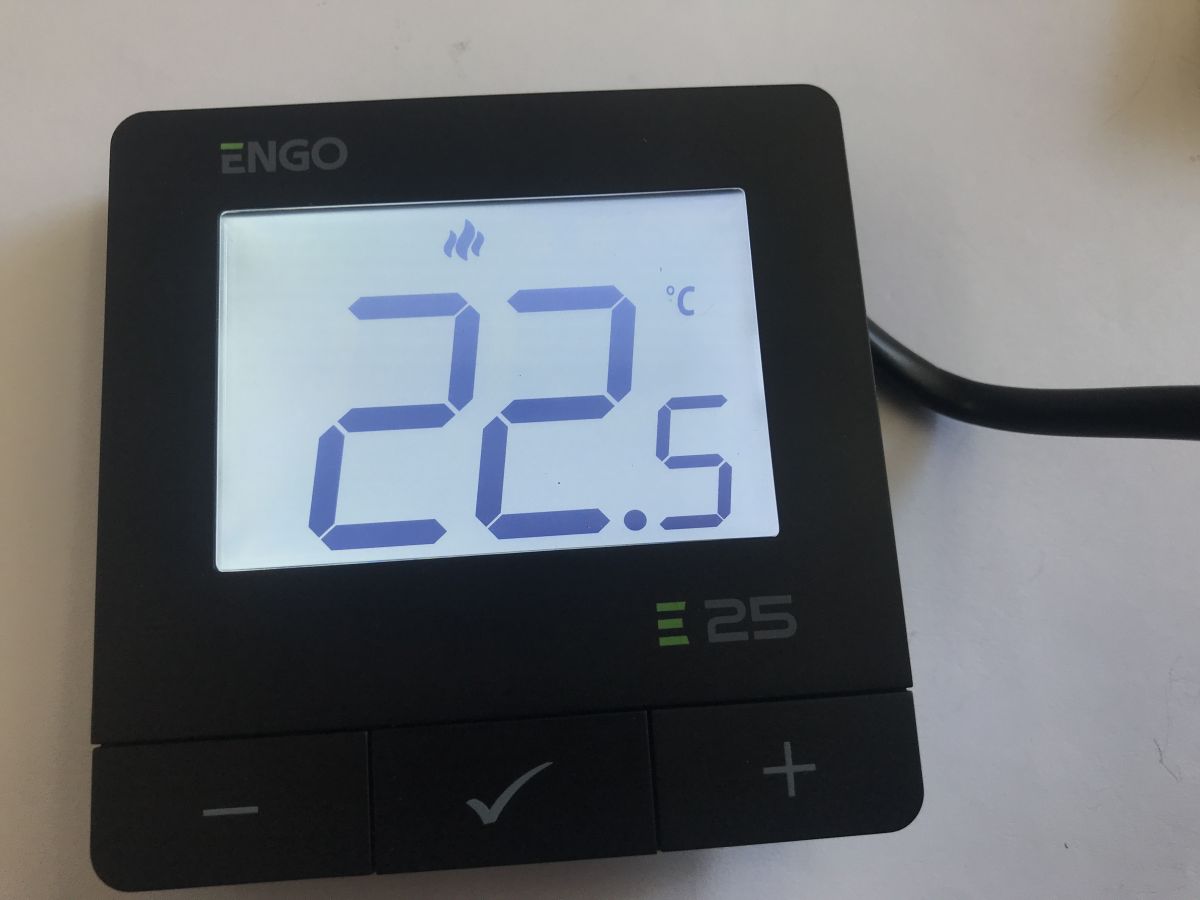
The E25-230B is a programmable temperature controller designed for underfloor or radiator heating. It is surface-mounted and features a clear LCD display and buttons for adjusting the heating settings. It also features 868 MHz radio communication and ZigBee, and is compatible with the Tuya gateway, allowing remote control via the internet from anywhere in the world. It can control up to 6 radiator thermostats in a single room. It can operate offline in 24-hour mode (without a schedule).
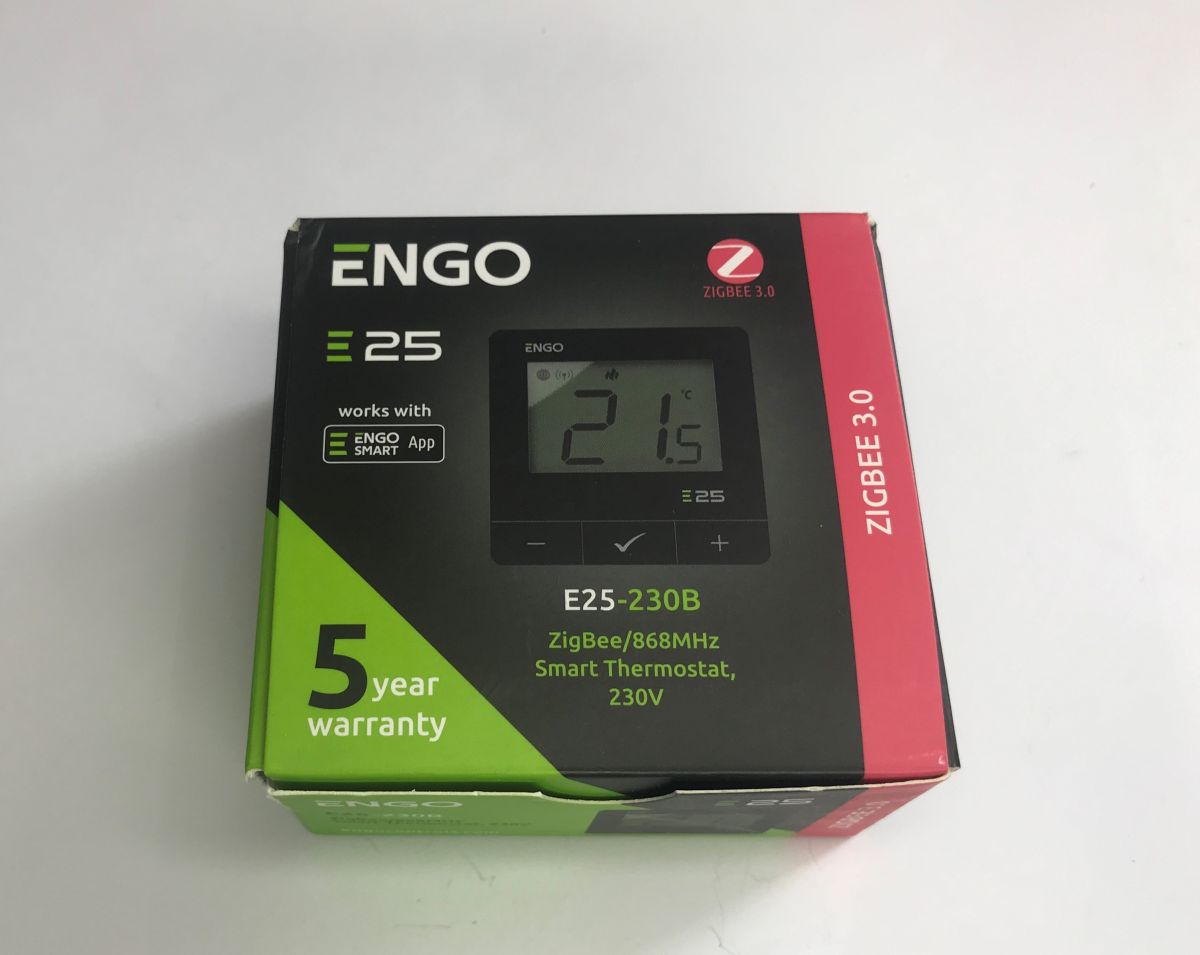
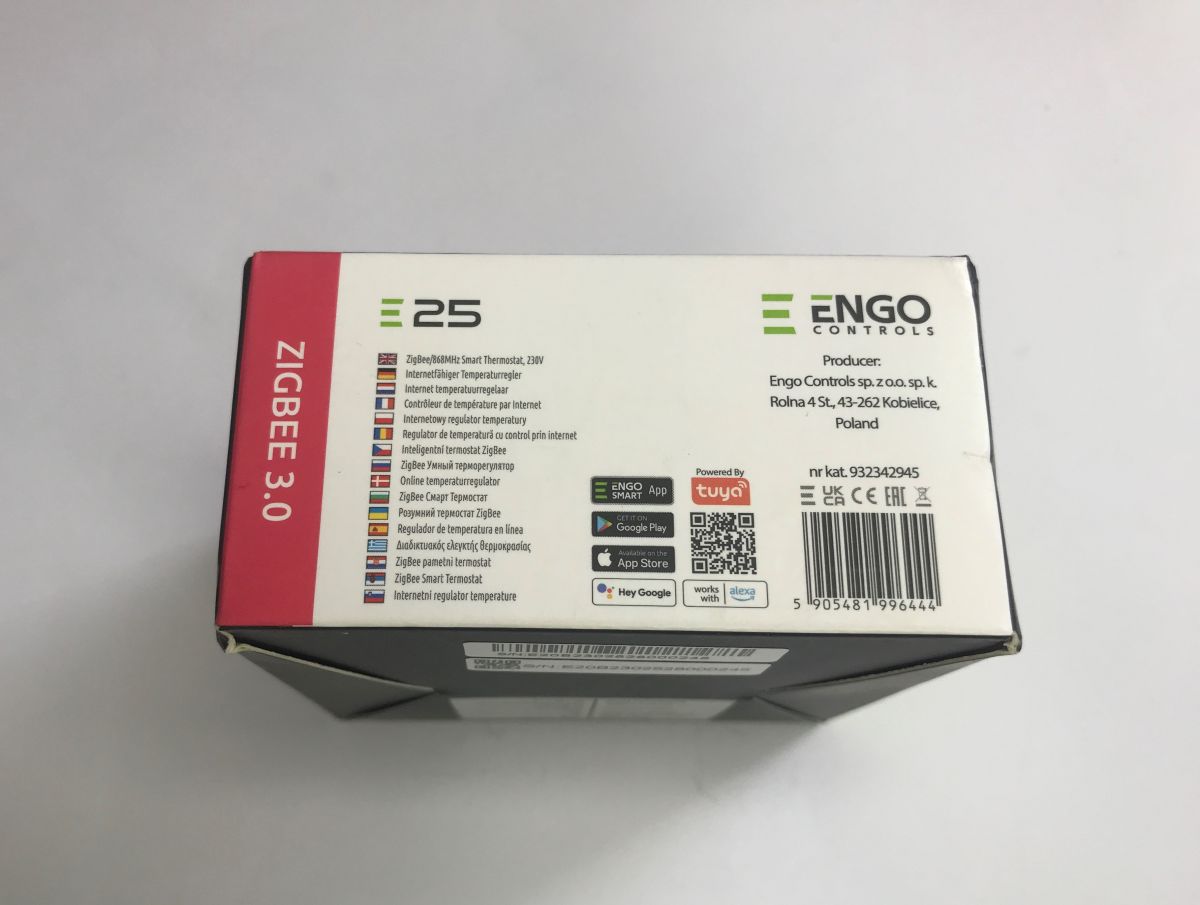
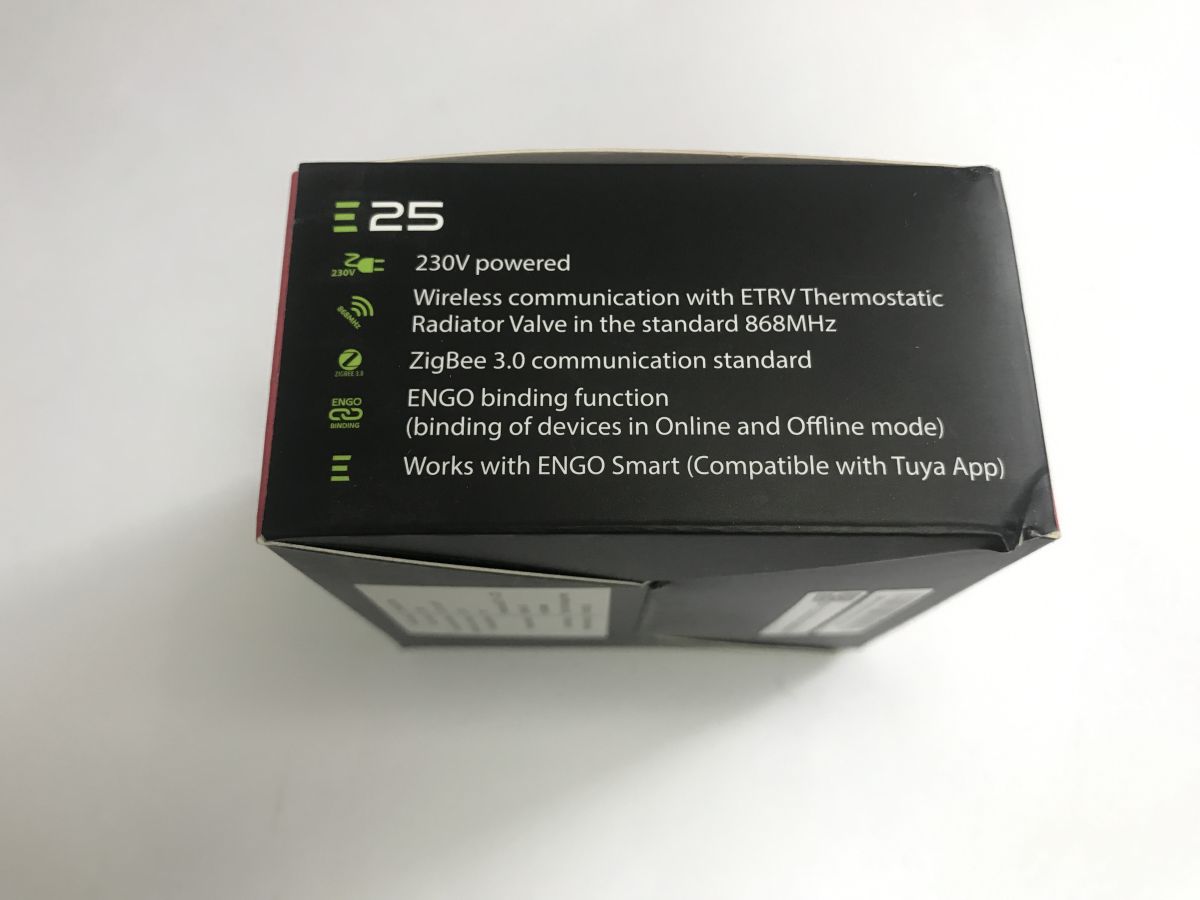
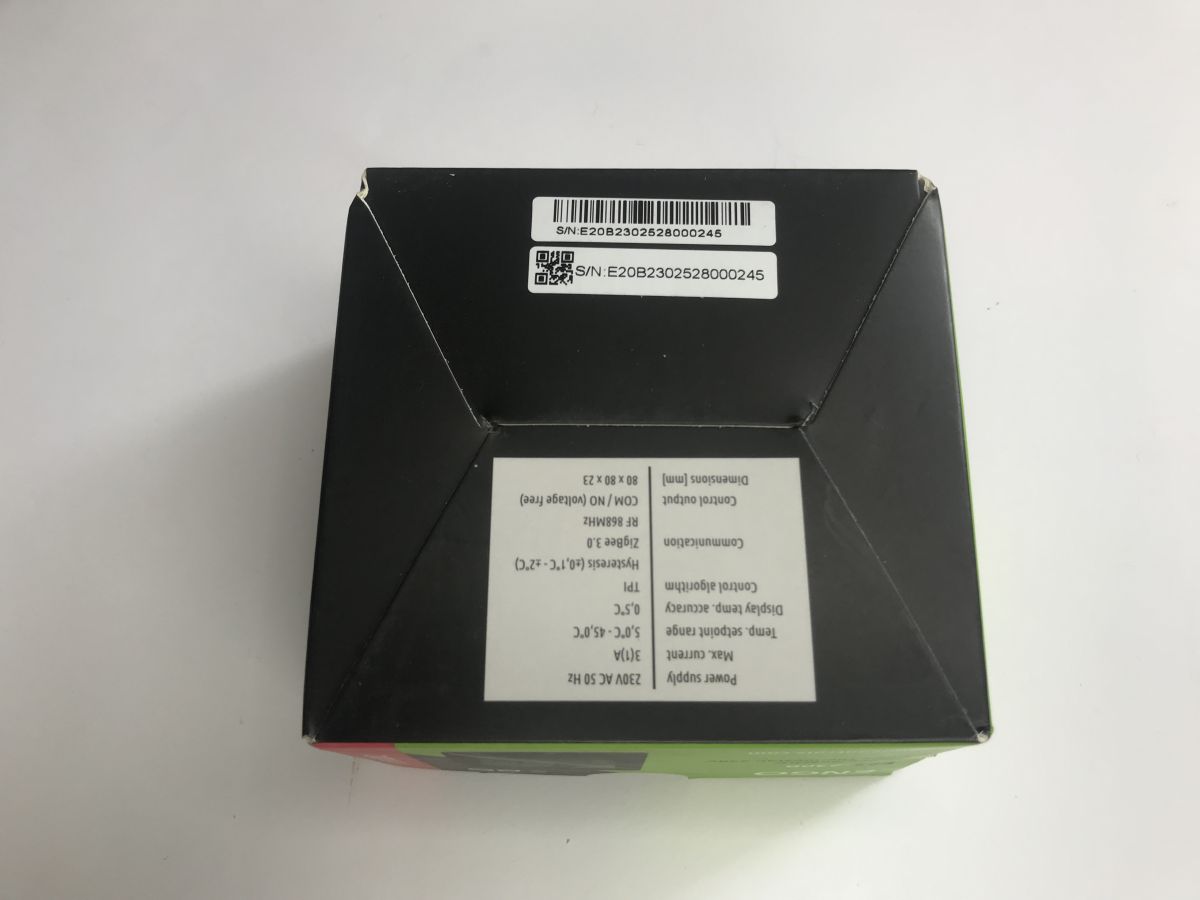
In this post, I’ll show you its inner workings and then try to operate it myself using Python by using the CC2531 dongle.
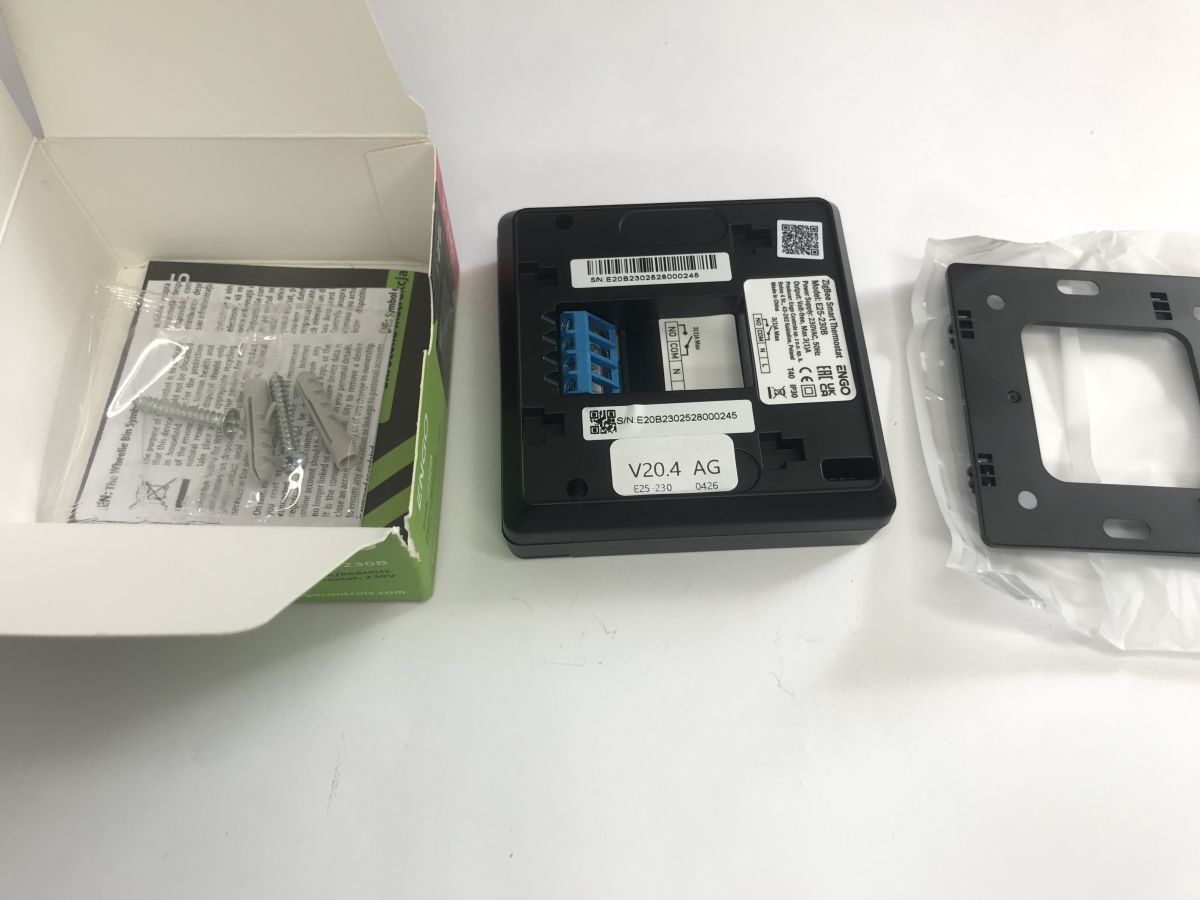
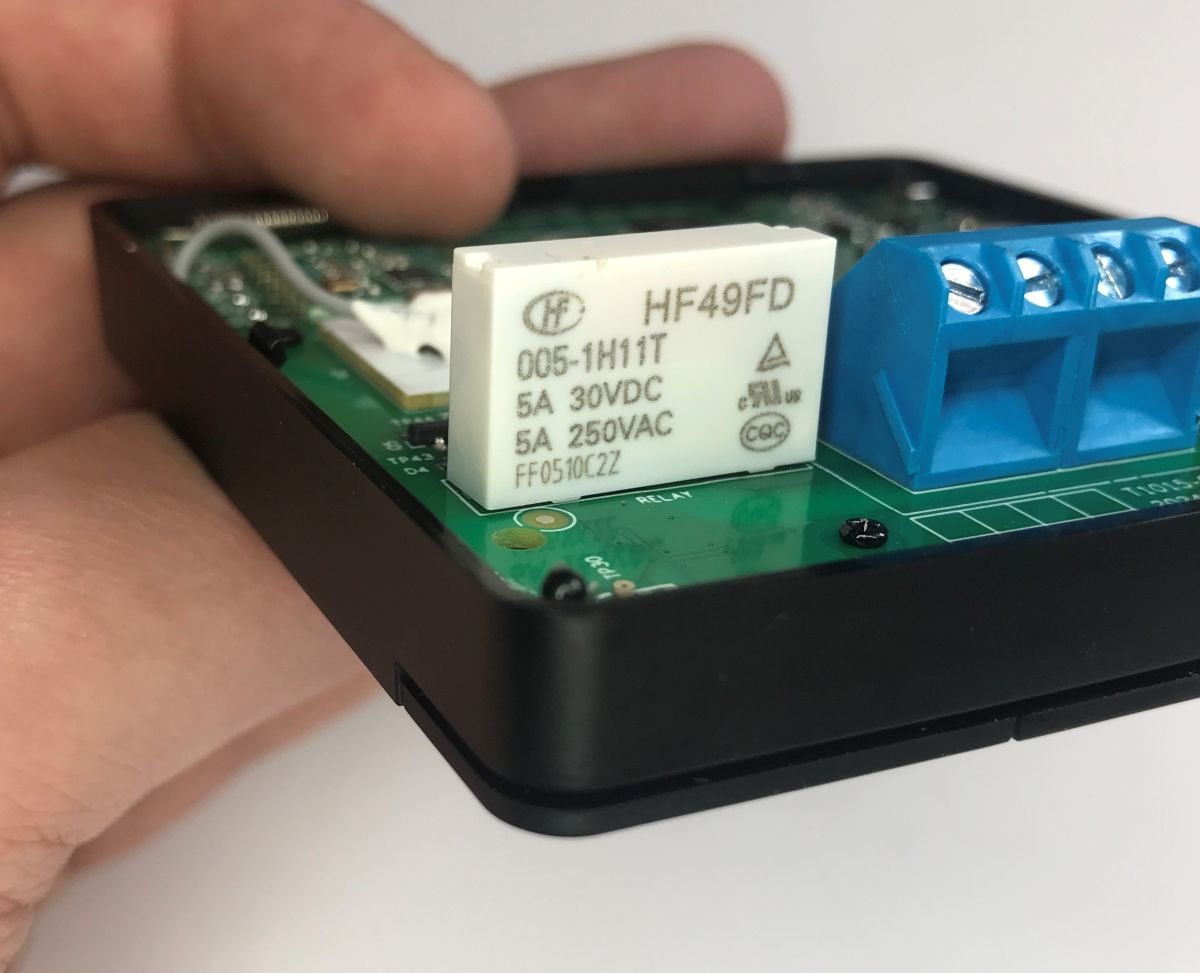
The pack includes the device itself, a mounting bracket and screws. The rear of the device features screw terminals – a 230 V power supply and a voltage-free relay with a load capacity of up to 3 A. In addition, the importer includes a Polish-language manual which describes the device’s configuration in detail:
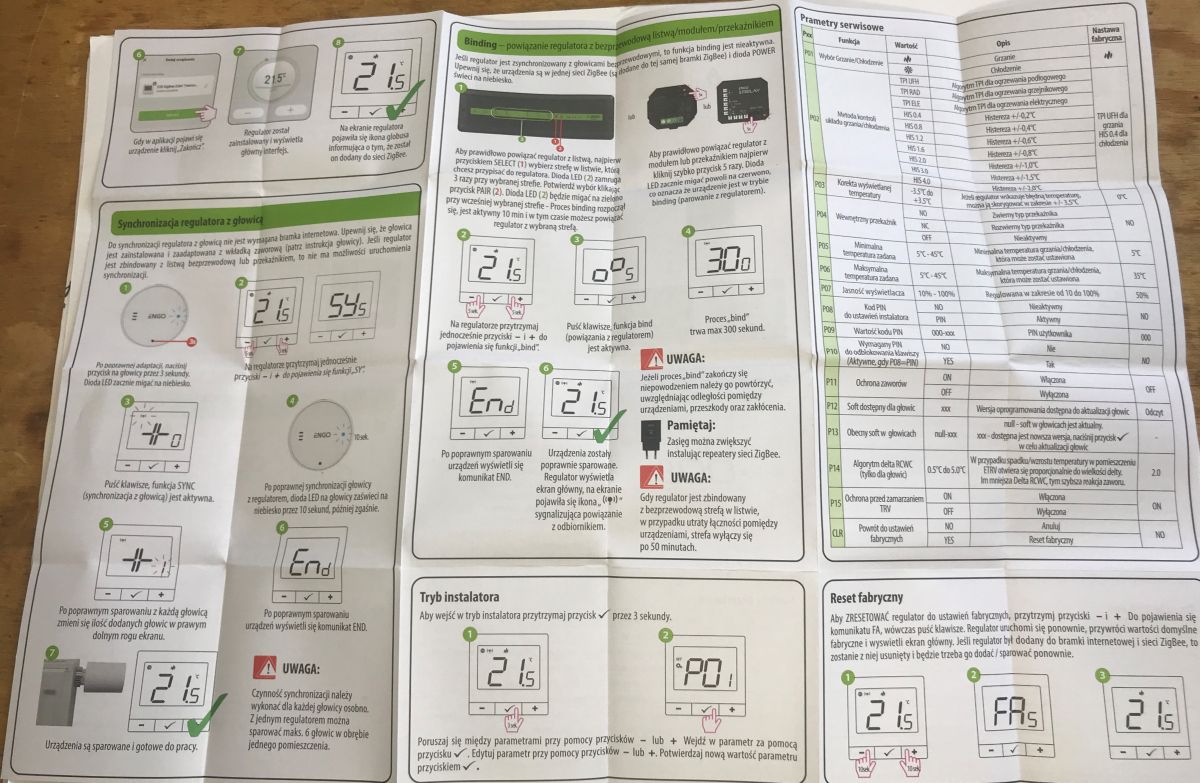
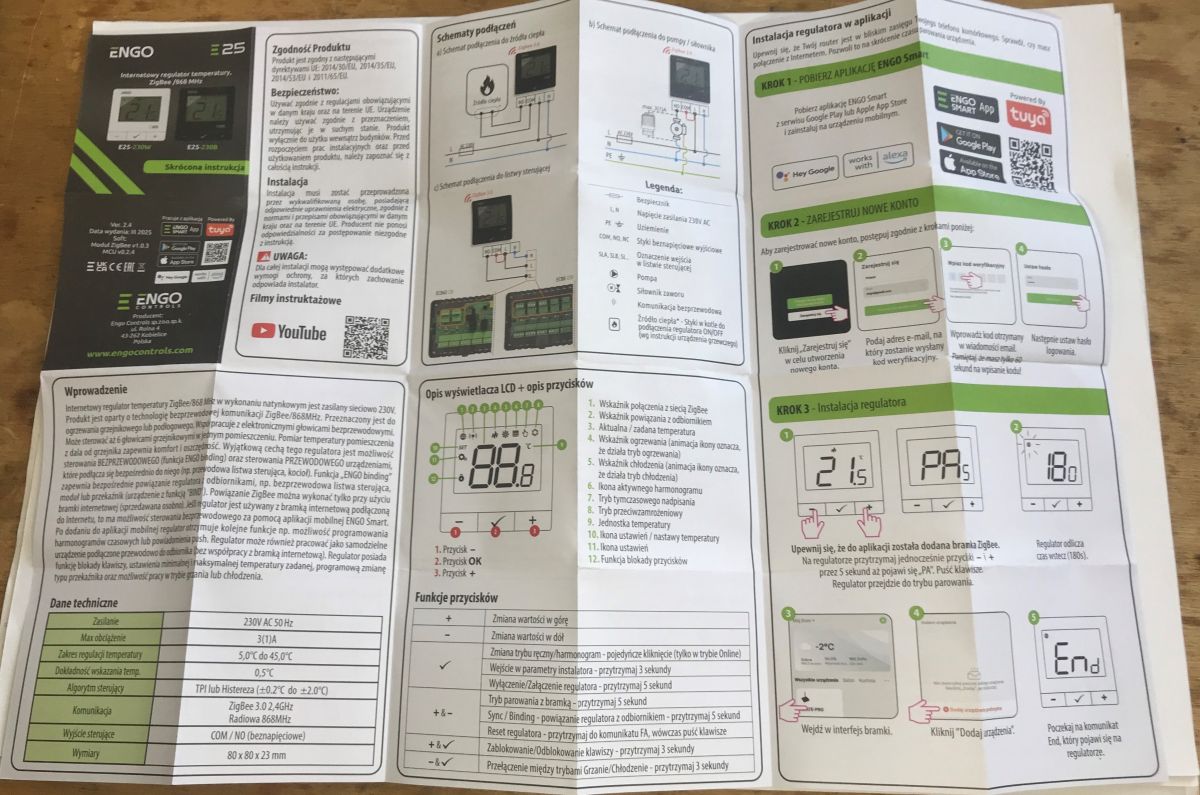
The display is clear and easy to read. You can then put the device into pairing mode. I wanted to pair it with Home Assistant using Zigbee2MQTT, but it turned out that this isn’t supported.
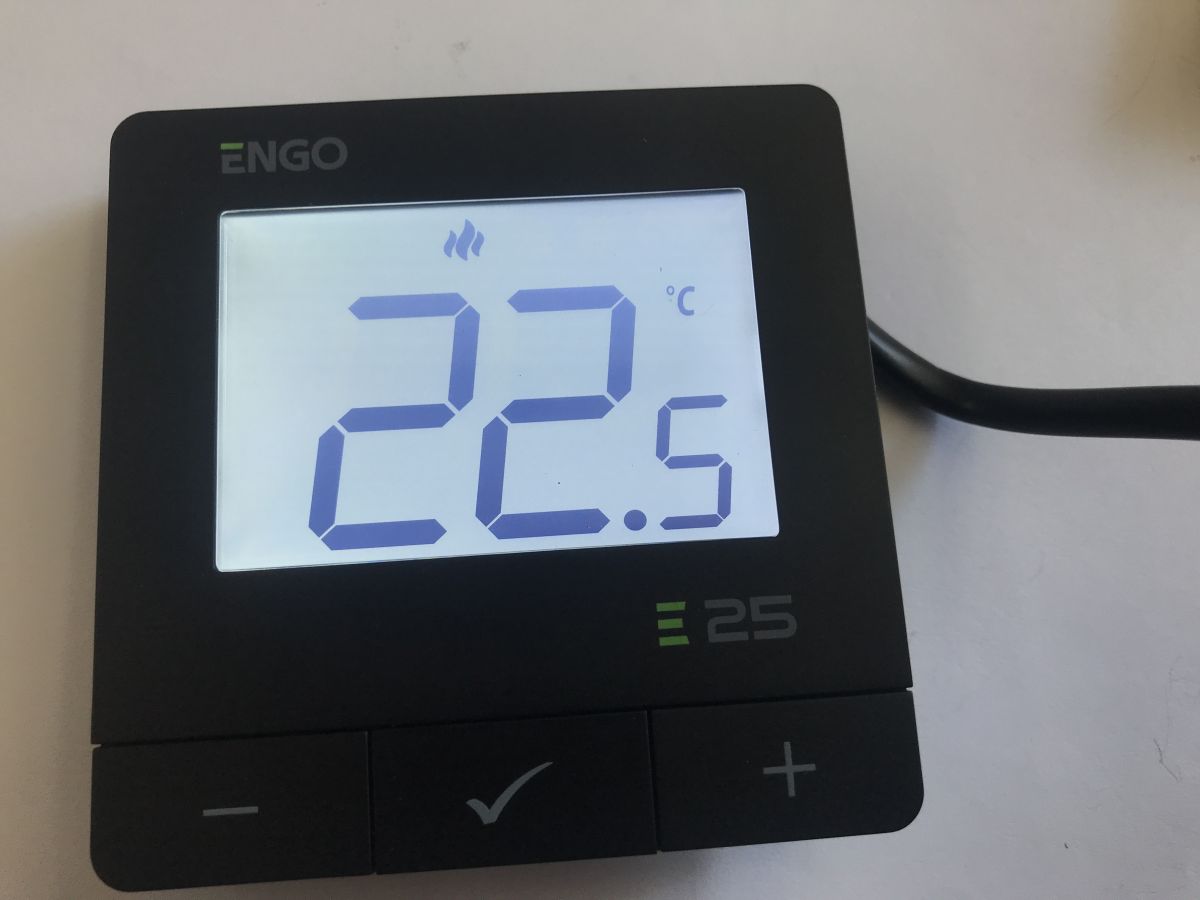
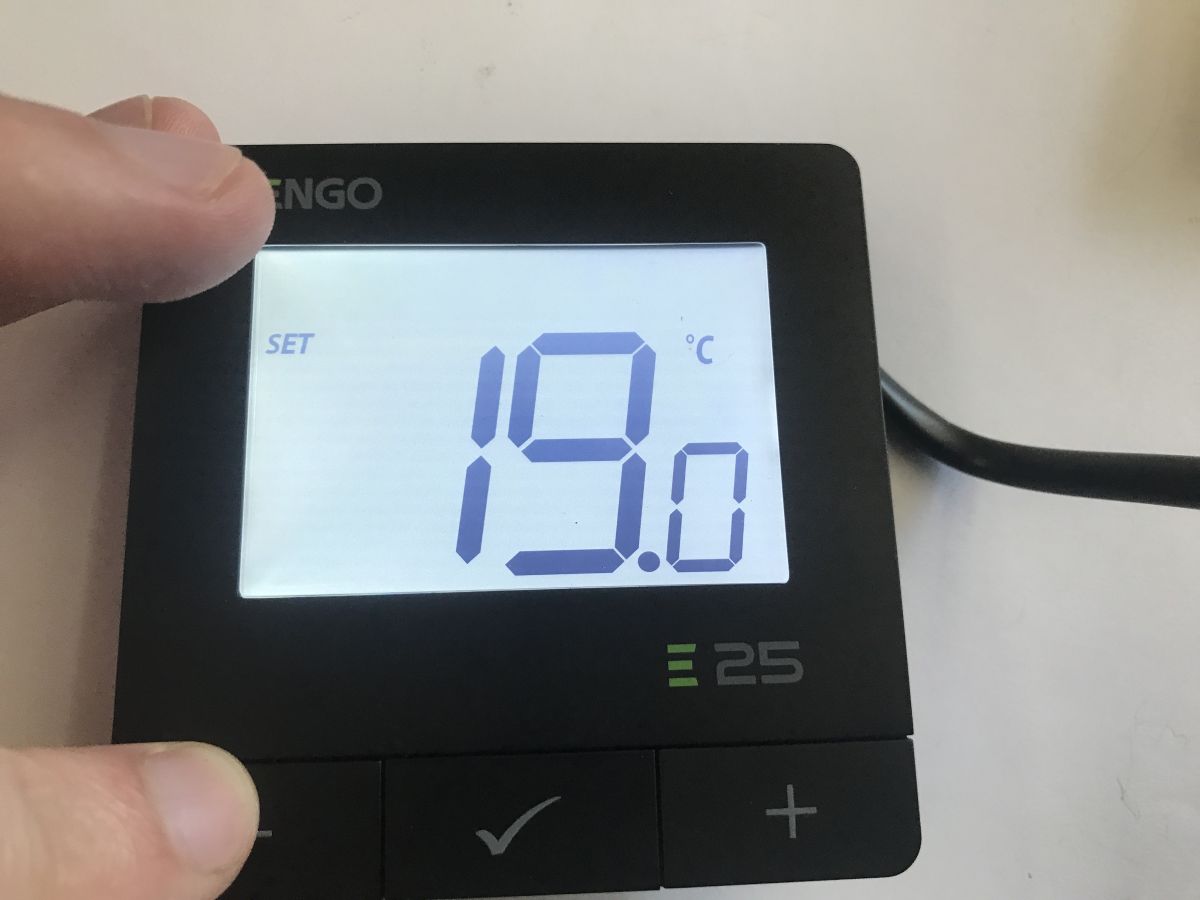
Hence the idea to experiment with reading the data myself, but more on that in a moment.
First off – a quick look inside. Where’s the temperature sensor?
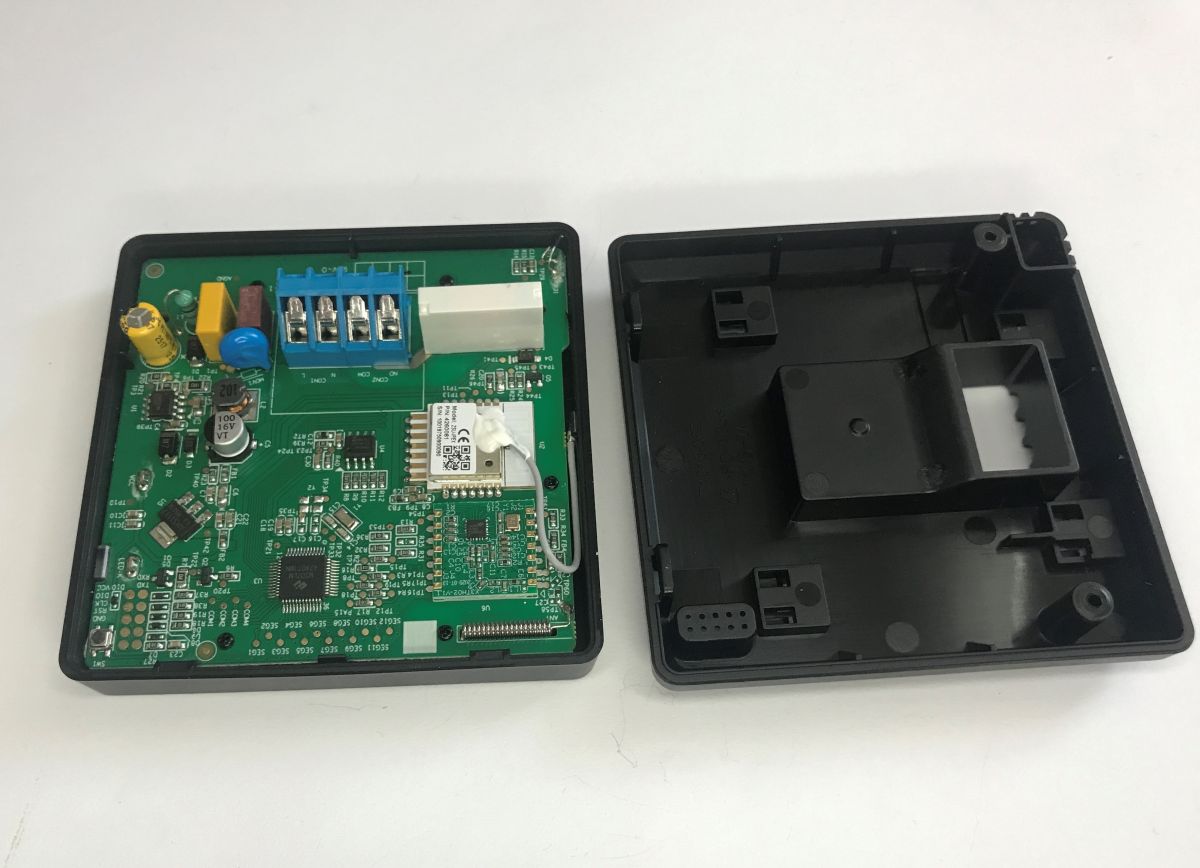
The interior appears to be quite complex. This isn’t exactly a typical example of miniaturisation. Inside, there is a separate main microcontroller – here in a TQFP package – a Zigbee module (ZTU from Tuya), and an RF module.
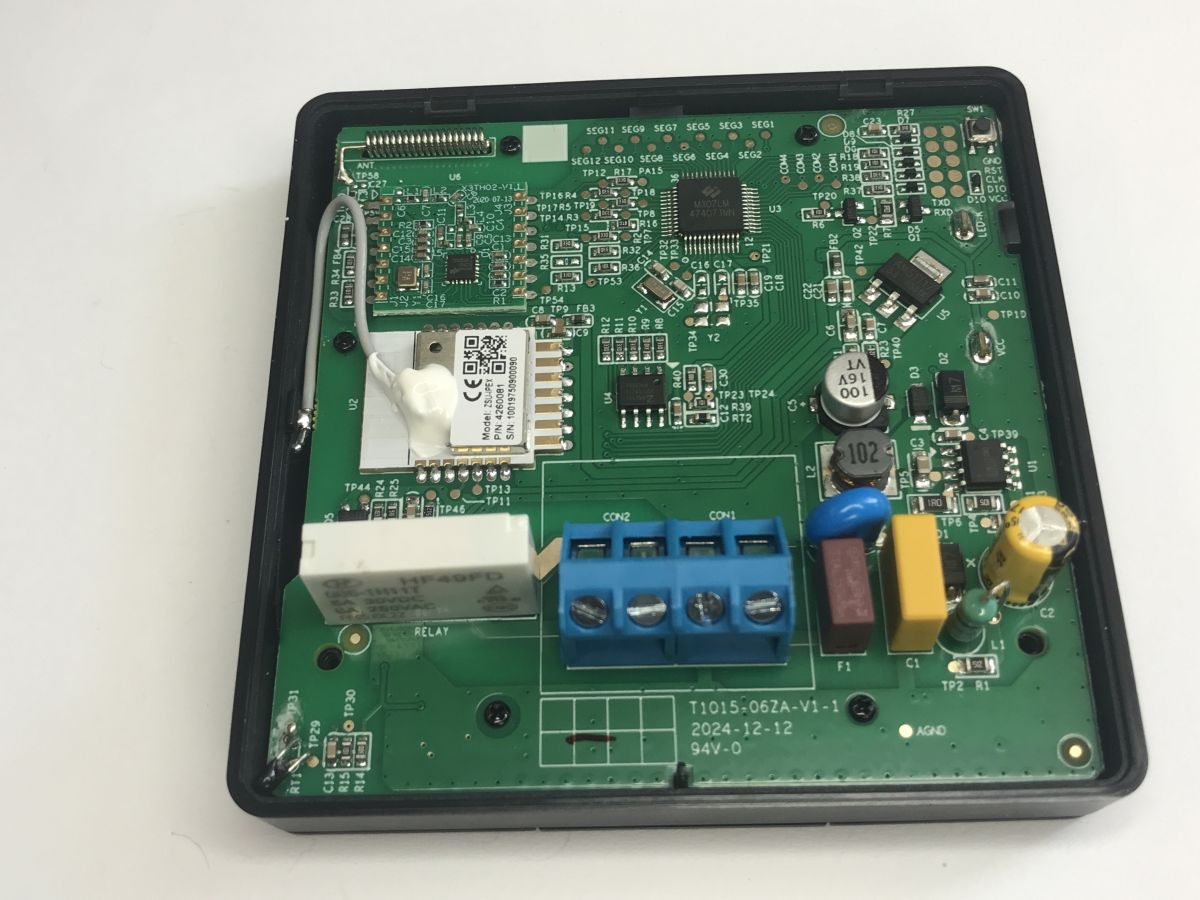
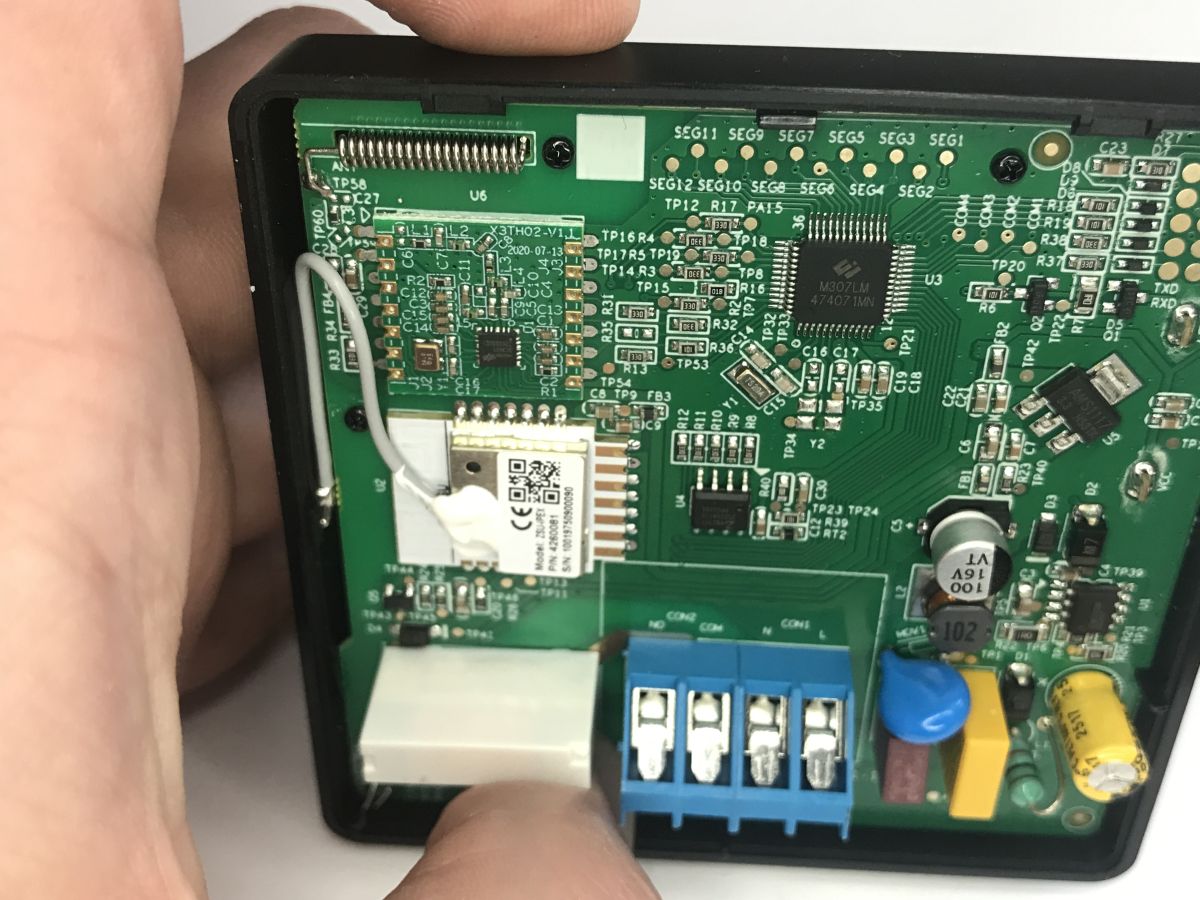
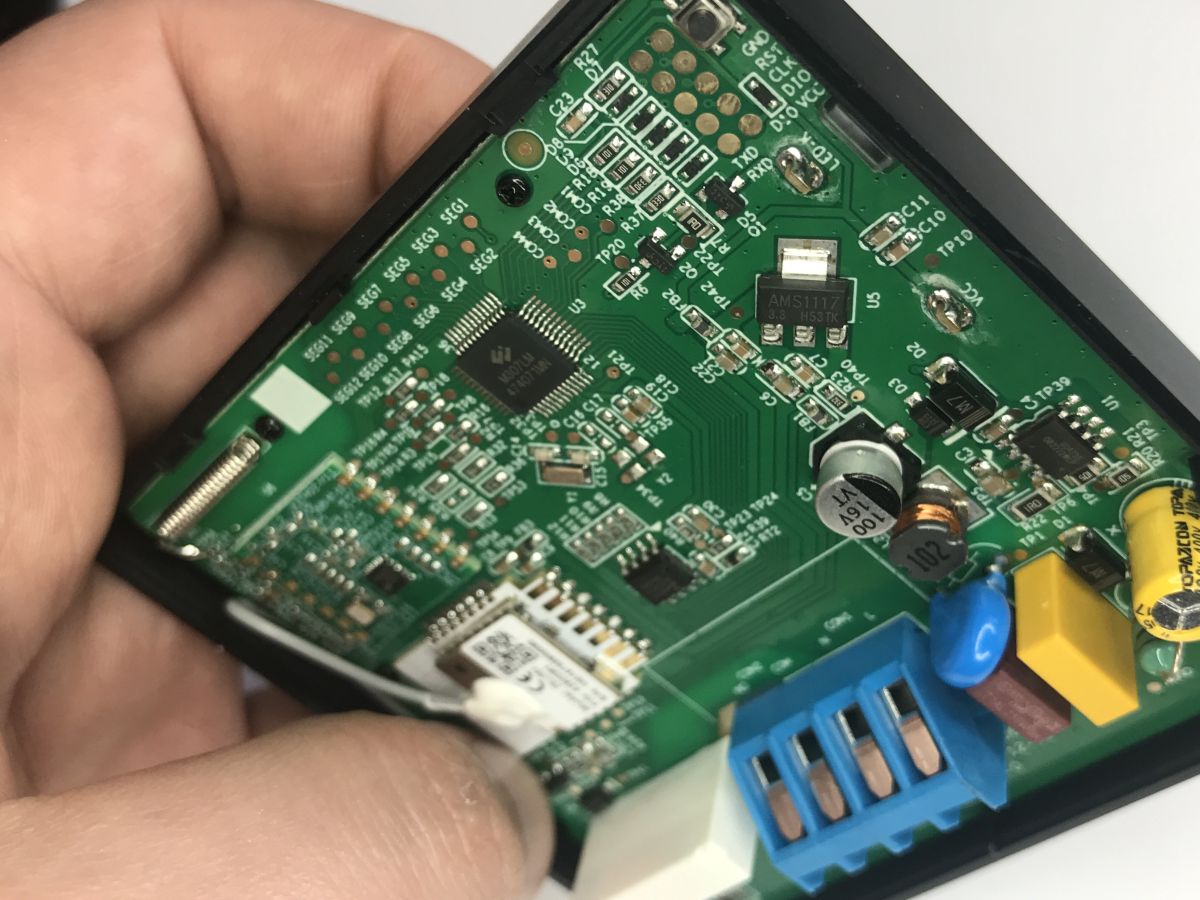
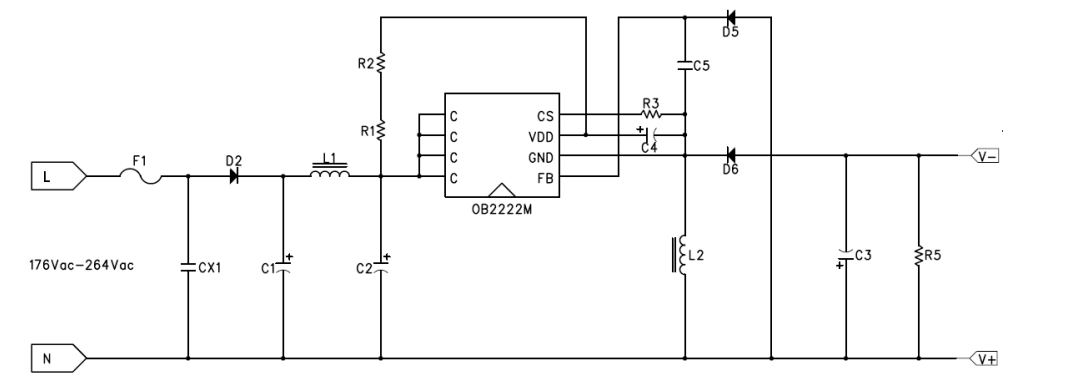
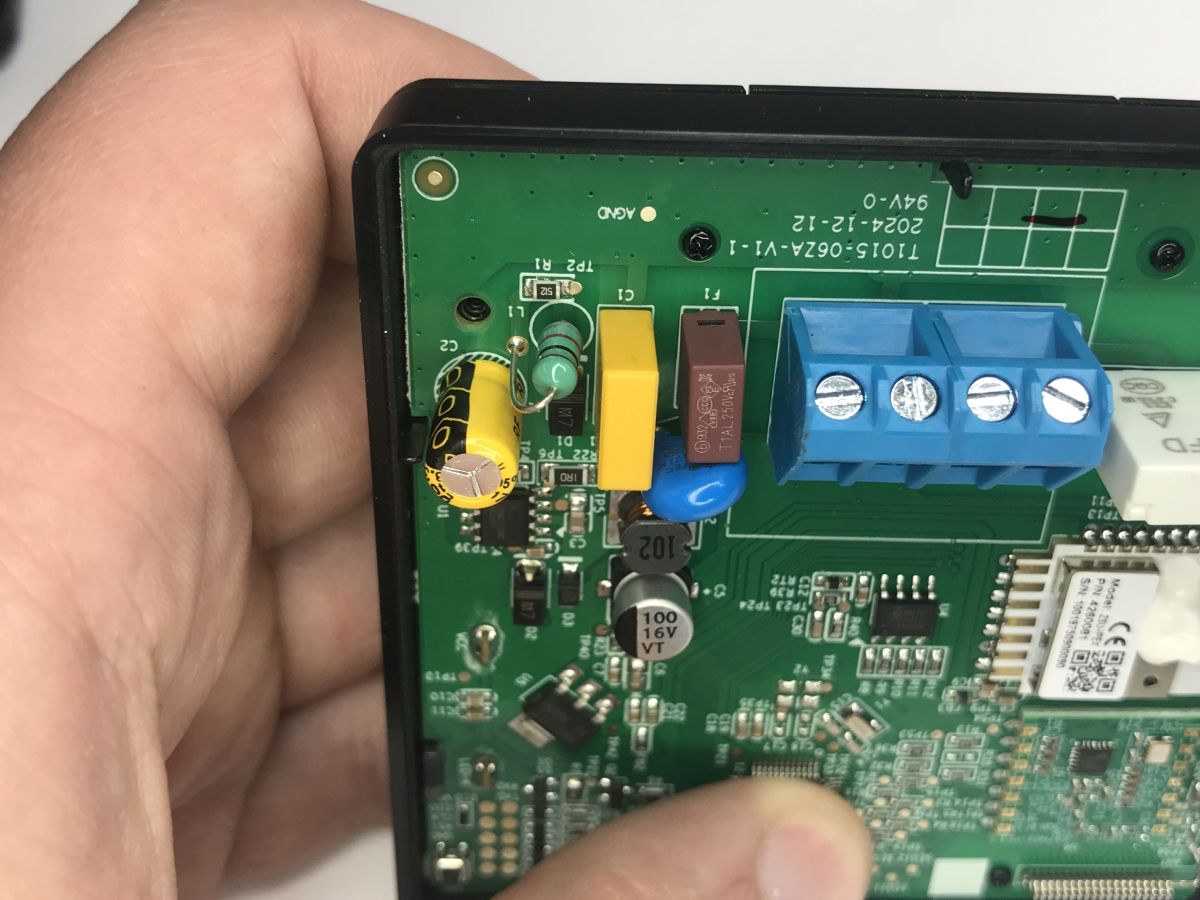
The board is designated T1015-06ZA-V1-1, dated 12 December 2024. The whole thing is powered by a tiny step-down converter based on the OB2222MCP. Interestingly, I can even see filters and a varistor there. It seems the manufacturer hasn’t skimped on components this time.
Behind the converter is a 3.3 V LDO (AMS1117-3.3), followed by the chips – the M307LM MCU (RM® Cortex™-M0 core), the RF module is the Holtek BC3601 (CMOS RF FSK/GFSK transceiver), and there’s also some Flash memory (25D20ATIG) in there. I wonder what it’s for?
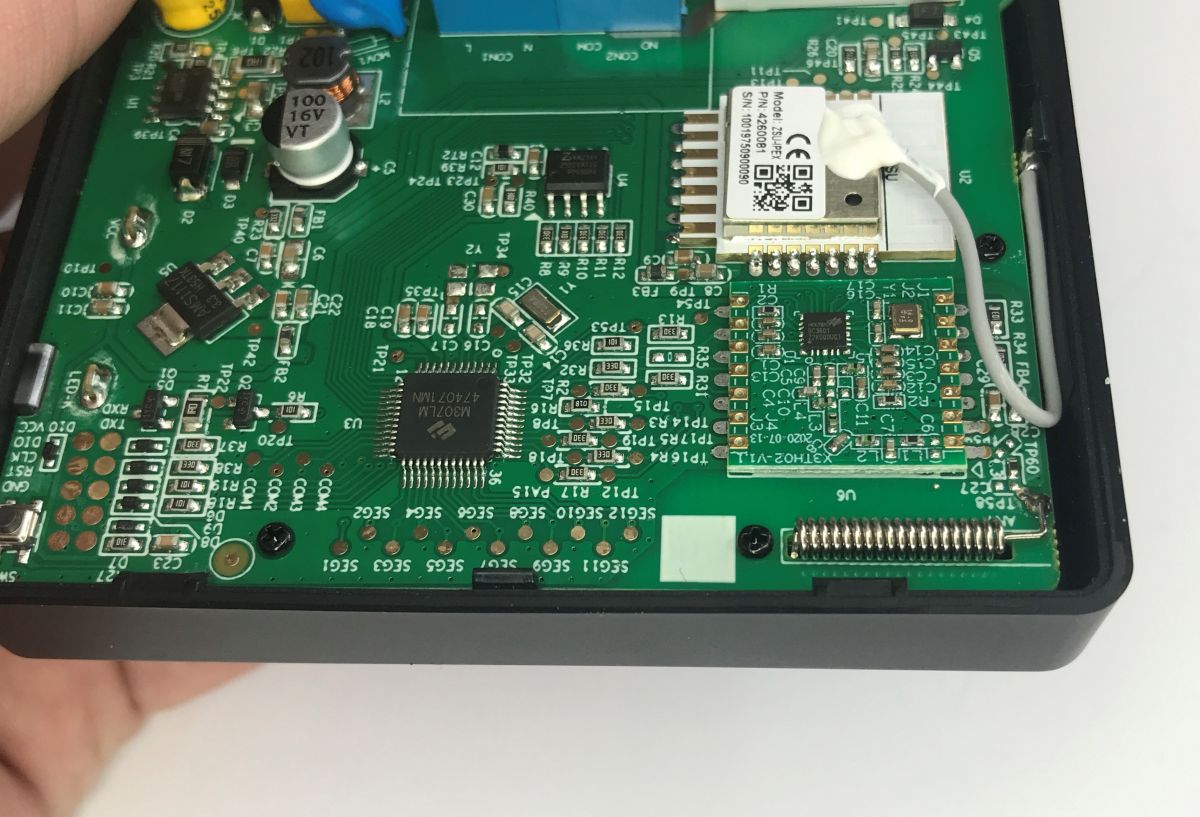
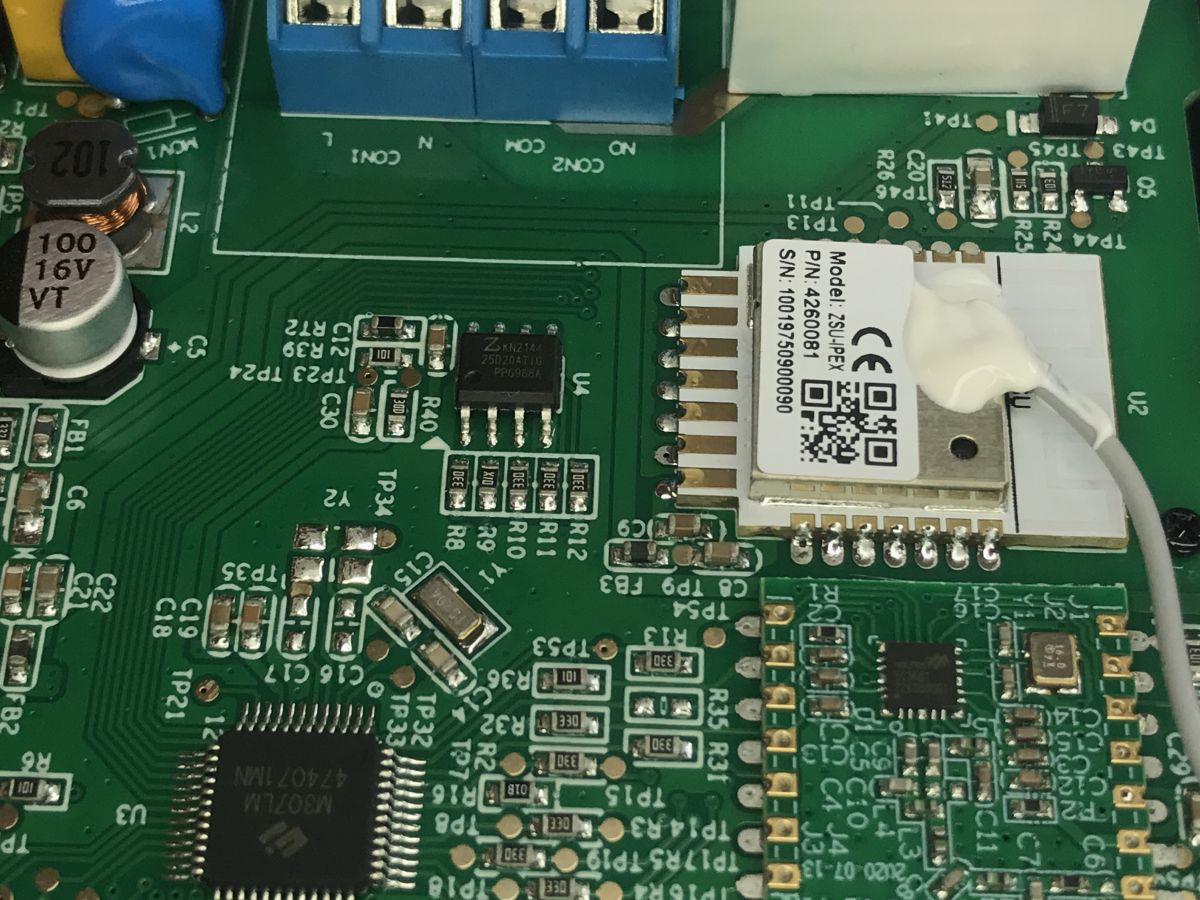
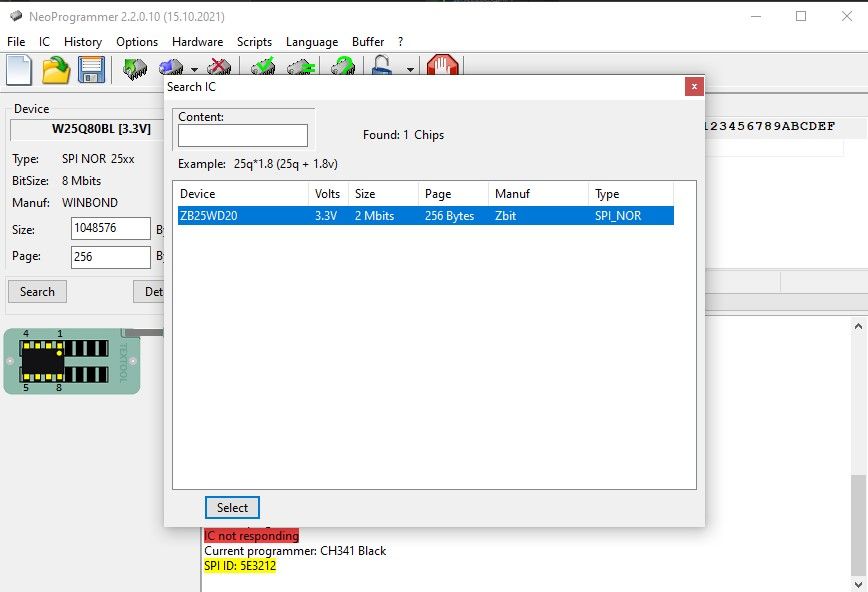
My curiosity got the better of me, so I desoldered the memory chip and copied its contents using a CH341 (there’s supposedly a method using a clip, but it works so rarely for me that I don’t even bother trying). It turned out to be empty.
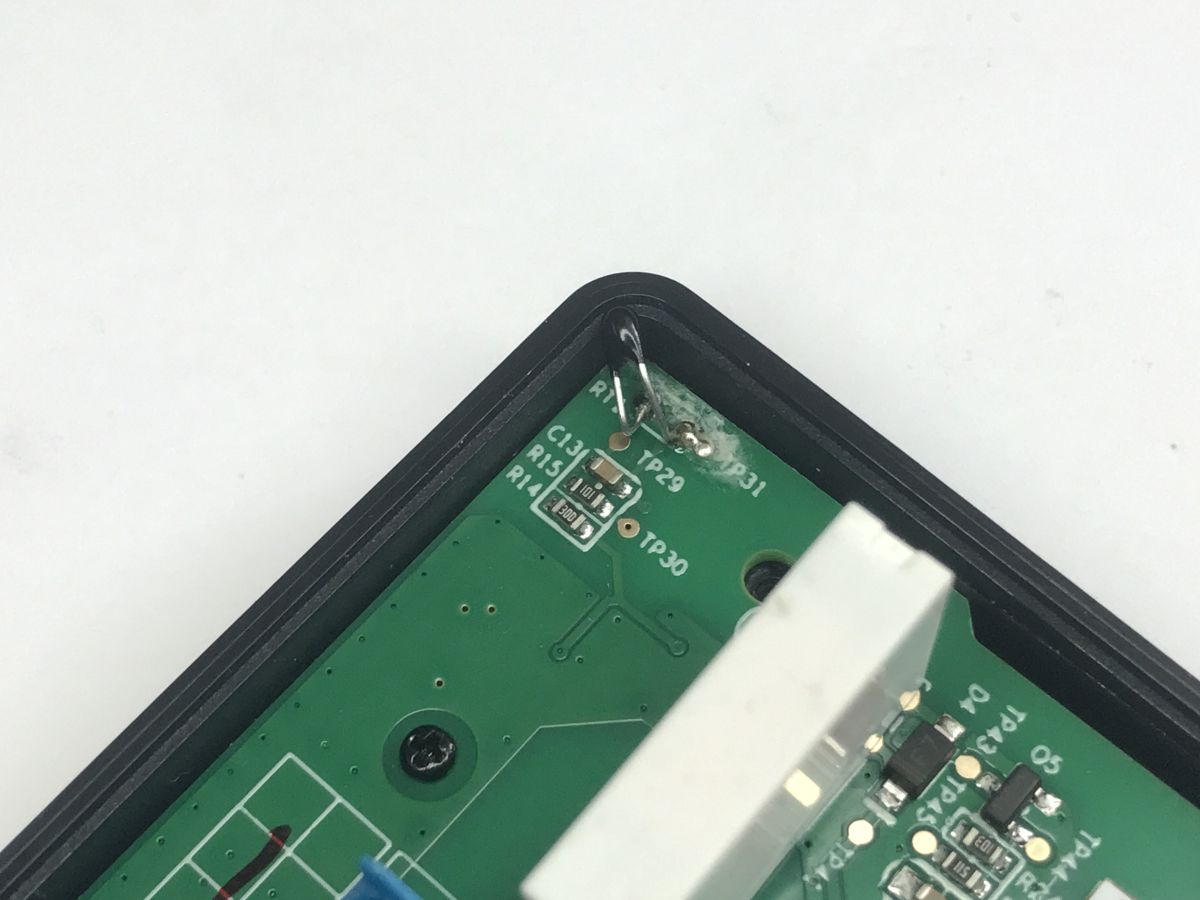
Finally, I’ll show you the temperature sensor – it’s located in the corner of the casing:
However, the most interesting part is yet to come. We’ll try to read data from the device directly on the computer, using a simple Python script and our well-known ‘antenna’:
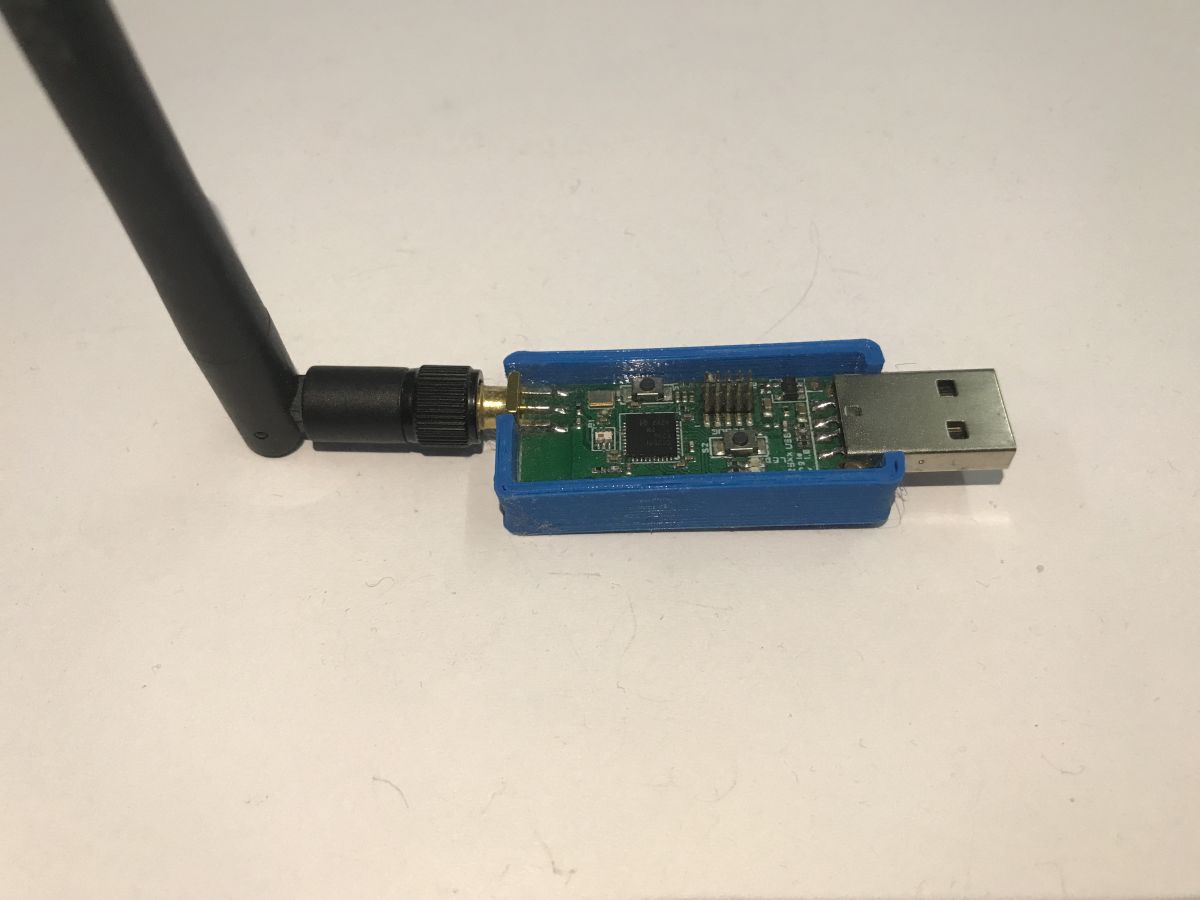
Let’s start with an important fact about the CC2531 chip: depending on the firmware loaded, this module may be visible to the operating system as a standard virtual serial port (CDC mode – Communication Device Class). This provides us with a simple and convenient way to control the Zigbee stack (Z-Stack) using precise binary commands sent directly via the UART interface.
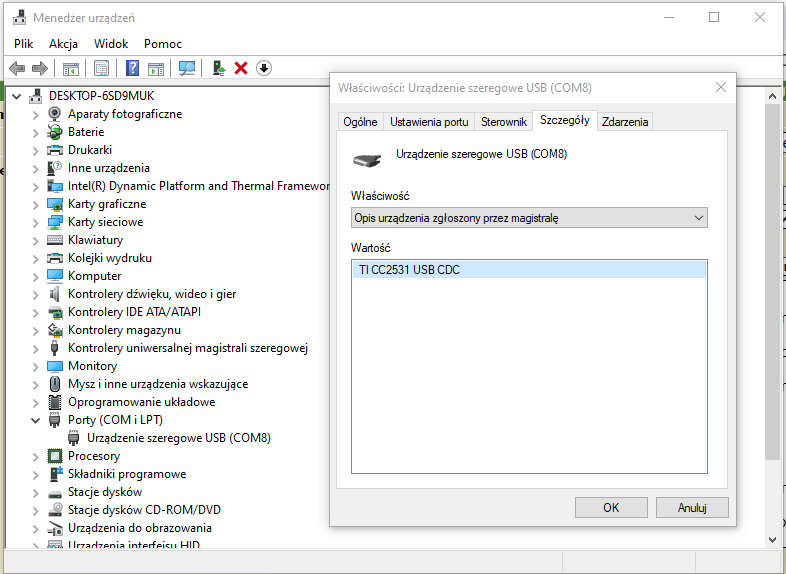
Whilst searching online, I found a document from Texas Instruments describing the Z-Stack API on the Tasmota repository:
https://tasmota.github.io/docs/_media/zigbee/Z-Stack_API_1_2.pdf
However, the whole thing is rather complex, so it proved helpful to search GitHub for implementations of specific commands and constants (such as ZDO_STARTUP_FROM_APP). This allowed me to see how to quickly establish communication with the module:
https://github.com/search?q=ZDO_STARTUP_FROM_APP&type=code
Based on the above resources, I wrote a small test script in Python. It initialises the CC2531 and starts listening for incoming frames on the Zigbee network:
Code: Python
Full code:
https://github.com/openshwprojects/CC2531test/blob/main/test1.py
Result, after data pairing:
[*] READY! The script is fully listening.
[*] 1. If it's already paired, just press a button on the thermostat.
[*] 2. If it's not paired, put it in PAIRING MODE now.
[*] (Press Ctrl+C to stop)

[ZNP] Cmd: 64:00 | Length: 1 | Data: 00
[ZNP] Cmd: 65:40 | Length: 1 | Data: 00
[ZNP] Cmd: 45:C0 | Length: 1 | Data: 09
[ZNP] Cmd: 65:36 | Length: 1 | Data: 00
[ZNP] Cmd: 45:B6 | Length: 3 | Data: 000000
[ZNP] Cmd: 45:CA | Length: 12 | Data: ab32e10e39feff9d1c780000
[ZNP] Cmd: 45:C1 | Length: 13 | Data: ab32ab32e10e39feff9d1c788e
[ZNP] Cmd: 45:C4 | Length: 3 | Data: ab3200

[inContentAd]

============================================================
📦 INCOMING ZIGBEE PACKET!
📍 Device Network Addr: 0x32AB
🎯 Zigbee Cluster ID  : 0xEF00 (identifies if it's Temp, HVAC, etc.)
📄 Raw Data (Hex)     : 0900240600
============================================================
[ZNP] Cmd: 45:C4 | Length: 3 | Data: ab3200
The device detects a so-called cluster (type?) 0xEF00. A quick search reveals that this is something from Tuya. That would make sense:
https://github.com/zigbeefordomoticz/wiki/blob/master/en-eng/Technical/Tuya-0xEF00.md
Quote:
This appears to form the basis for a number of Tuya devices. The Tuya Cluster 0xEF00 essentially acts as a single tunnel for Tuya’s MQTT commands, routing them from their MCUs to their cloud-based MQTT servers.
This points to the TuyaMCU protocol, which I have already discussed.
The TuyaMCU protocol – communication between the microcontroller and the Wi-Fi module
So this Zigbee frame contains a TuyaMCU frame; even the data types match – 0x01 is a boolean, 0x03 is a string… we can try to parse it, starting with a filter for 0xEF00:
Code: Python

Then the actual parsing (of types 0x01 and 0x02 from the image):
Code: Python
Is this enough to correctly read any variables? Let’s check:
============================================================
📦 INCOMING ZIGBEE PACKET!
📍 Device Network Addr: 0x5362
🎯 Zigbee Cluster ID  : 0xEF00
📄 Raw Data (Hex)     : 095b02005f18020004000000cd
   -> [Tuya Data] DP ID: 24 | Type: 2 | Value: 205 (Raw Value)
Success! Something has been captured, and it even matches the specified frame:
095b
02 - wersja
005f - numer sekwencji
18 - dpID (identyfikator) zmiennej
02 - typ payload - integer (dpType)
0004 - rozmiar payload
000000cd - czterobajtowy payload - 220
It also happens that the decoded number – that is, the temperature reading given to one decimal place – has been deliberately multiplied by 10 to make it an integer. This matches the reading.
Time for the final test – let’s heat up the sensor:
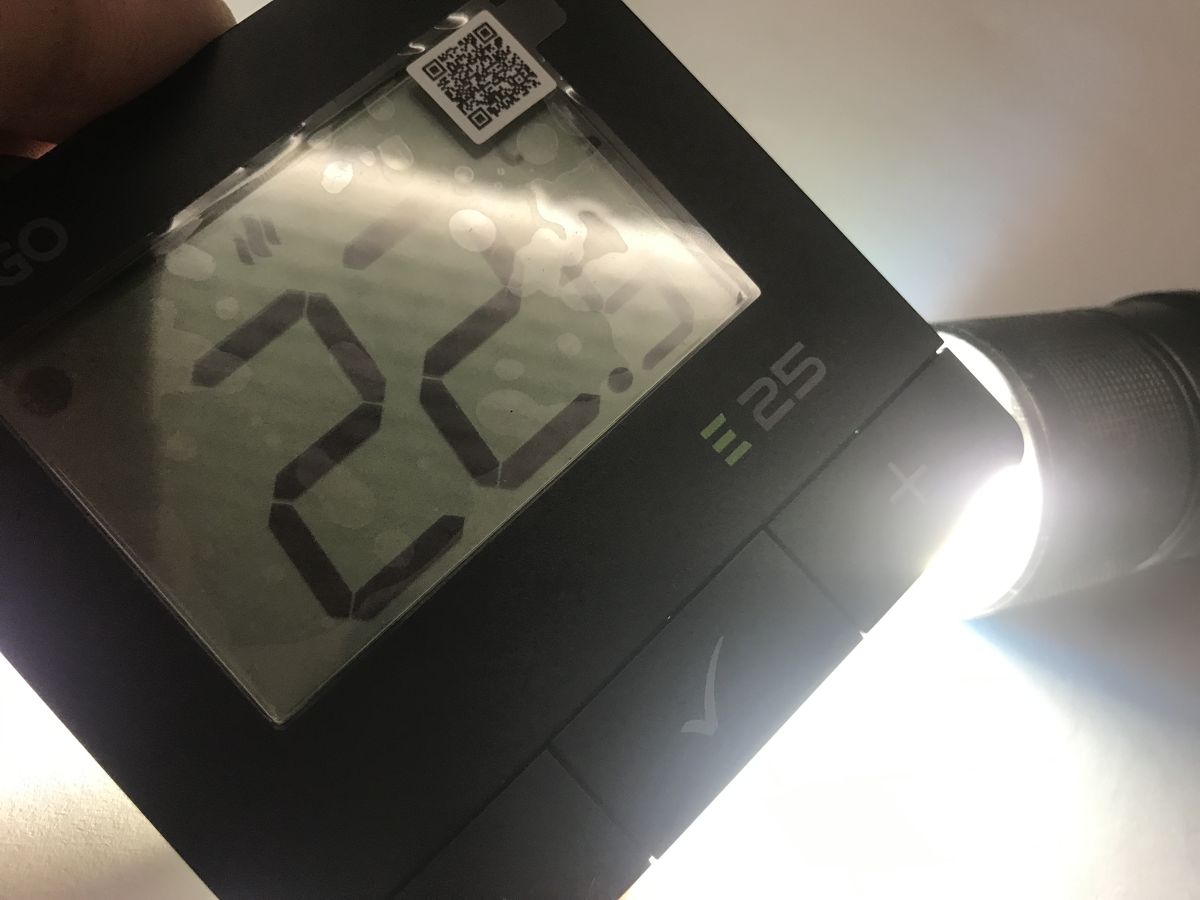
It works – here’s the final confirmation. The temperature has risen to 24°C and the simple programme has read it correctly.
📦 INCOMING ZIGBEE PACKET!
📍 Device Network Addr: 0x5362
🎯 Zigbee Cluster ID  : 0xEF00
📄 Raw Data (Hex)     : 096502006418020004000000f0
   -> [Tuya Data] DP ID: 24 | Type: 2 | Value: 240 (Raw Value)
============================================================
To sum up, Zigbee has turned out to be much easier to understand than it might have seemed at first. Of course, most of the work here is still done by the firmware on the CC2531, but that doesn’t prevent you from handling new devices yourself. The Tuya thermostat communicates using packets very similar to those used by TuyaMCU in Wi-Fi devices. Data is transmitted in the form of variables with unique identifiers (dpID), types (from 0x00 to 0x05) and appropriately encoded content. I’ve seen temperature data, accurate to one decimal place and transmitted as an integer, several years ago; in fact, in my firmware I have the Temperature_div10 type .
The idea of a custom Zigbee-enabled device could be developed, and even implemented without a computer, for example using just the ESP32. I’ll try to demonstrate this in the next thread.
Have you ever tried to configure Zigbee devices yourself, or update their firmware?
Cool? Ranking DIY Helpful post? Buy me a coffee.

