

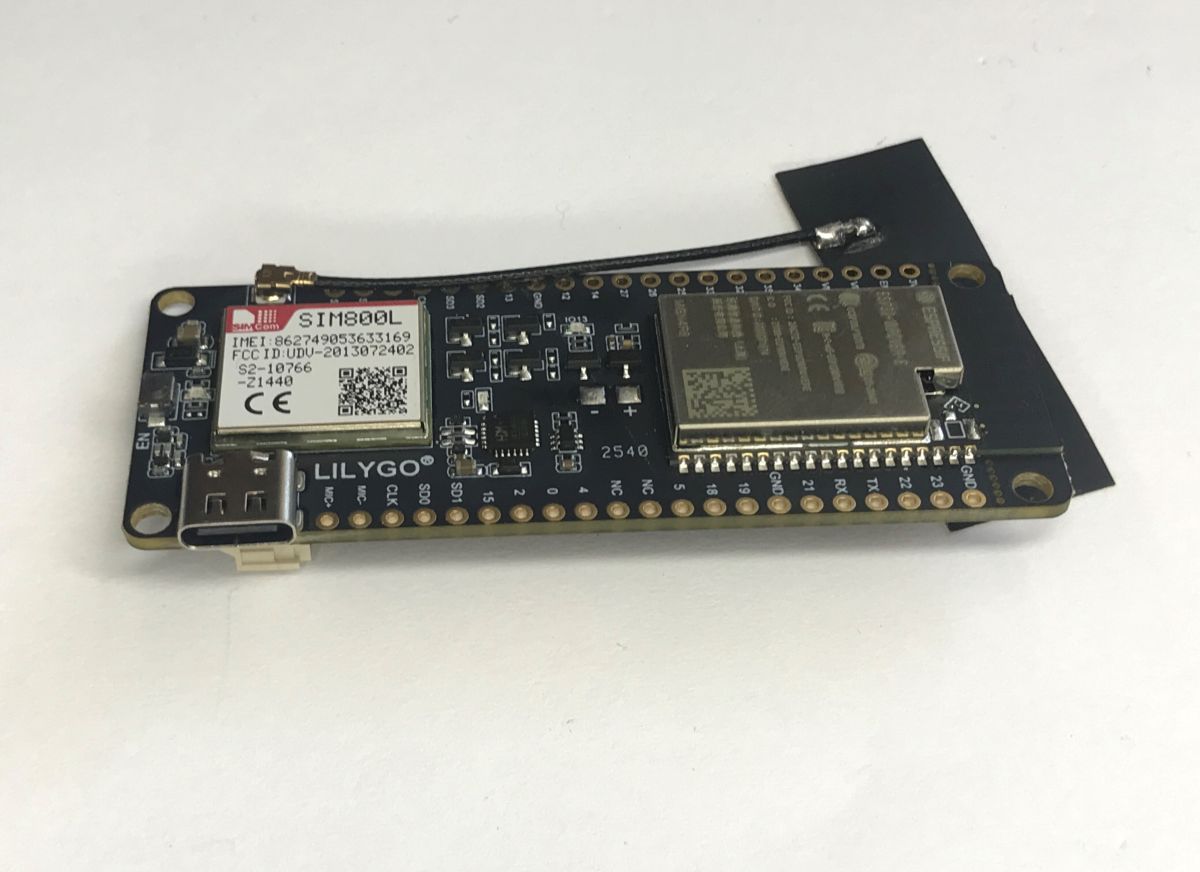
Join me for a presentation on an interesting IoT board that combines the powerful ESP32 microcontroller – known for its Wi-Fi and Bluetooth connectivity – with mobile network capabilities. It is also equipped with an integrated GSM modem and a SIM card slot, making it a good choice for projects requiring remote communication without access to Wi-Fi.
LilyGO Blynk V1.4 board
This presentation is based on the LilyGO TTGO T-Call board (often referred to as Blynk V1.4). It can be powered by a 3.7V battery or via the USB-C port with a 5V supply. Thanks to the built-in CP2104 USB-to-UART converter, it can be programmed directly via the USB port.
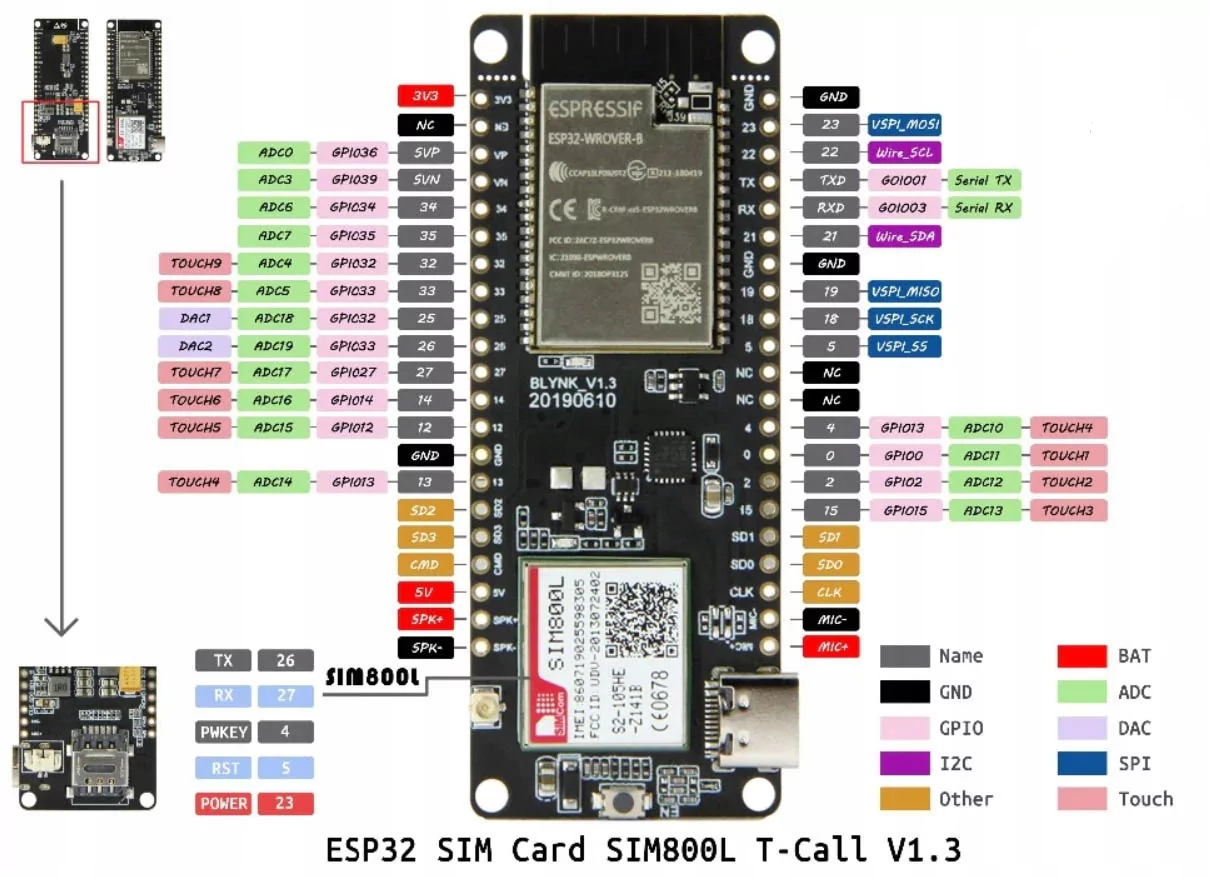
At the heart of this board is the ESP32-WROVER-F MGN4R8 module. The N4R8 designation tells us exactly what resources are available: the chip has 4 MB of Flash memory (for our programme) and an additional 8 MB of external PSRAM. The module offers full support for UART, SPI, SDIO, I2C, PWM, I2S, IRGPIO, ADC and DAC interfaces, as well as the ability to programme using the Arduino IDE, ESP-IDF, MicroPython and FreeRTOS environments.
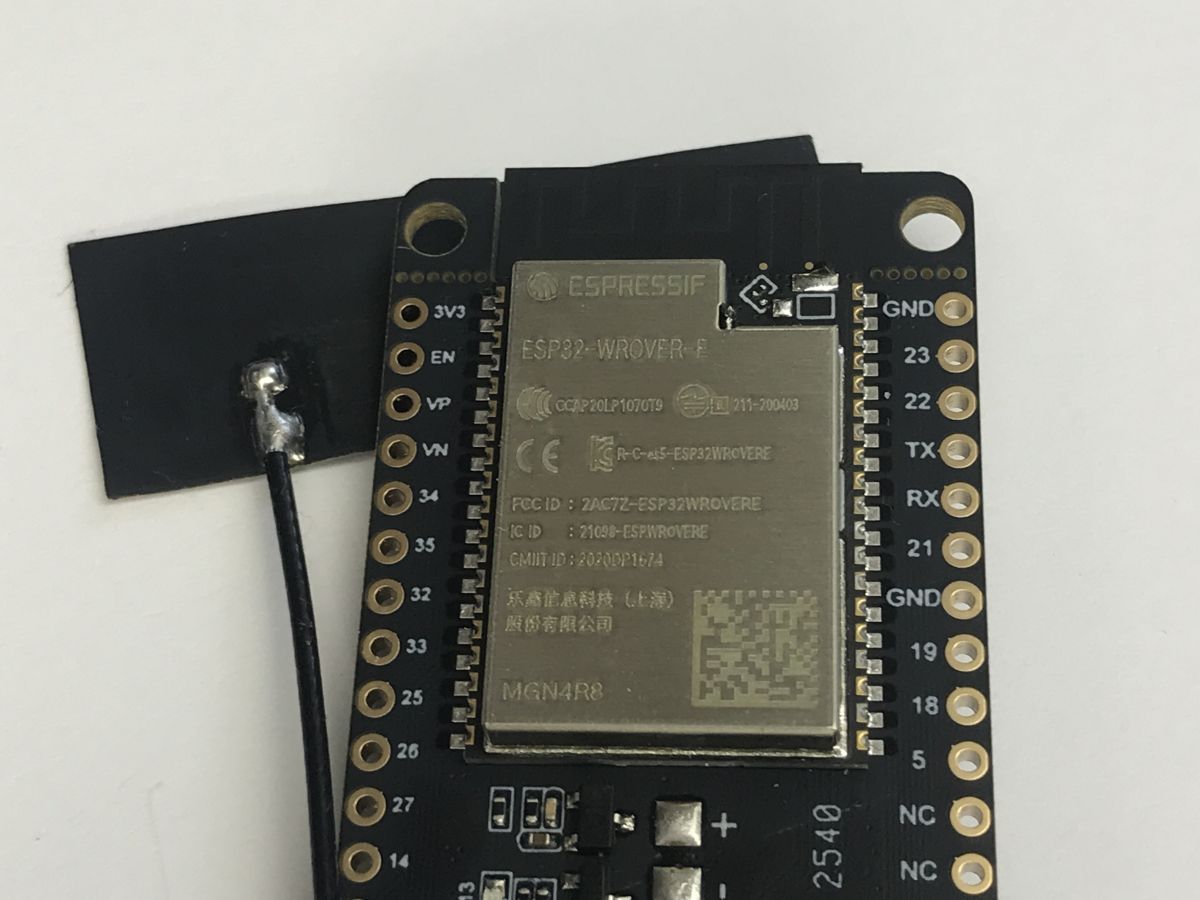
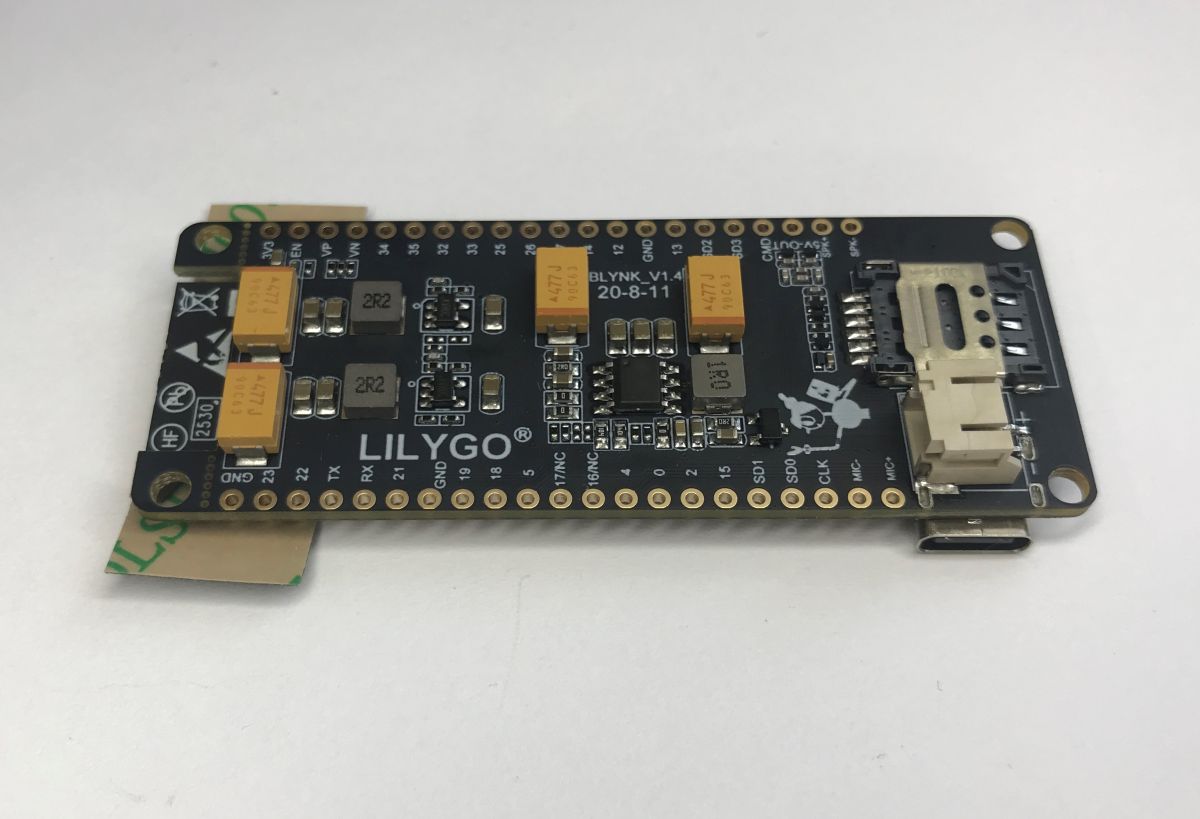
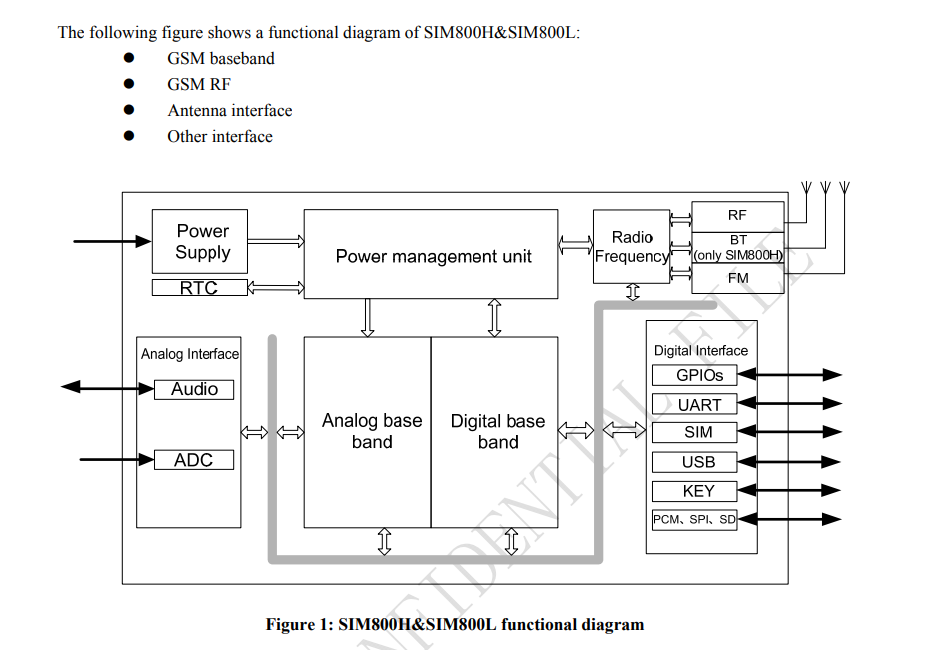
The LilyGO Blynk V1.4 is equipped with a SIM800L module. The SIM800L is a popular and inexpensive communication chip operating on 2G (GSM/GPRS) networks, which allows for sending SMS messages and simple data transmission, whilst utilising standard AT command support. Unfortunately, it does not support 4G, which in my opinion is its main drawback, but more on that later.
The board also features all the essential connectors. A USB-C port is provided for communication with a computer and for power supply. For portable applications, there is a very useful JST battery connector (2.0 mm pitch) for Li-Po cells, managed by a built-in charging circuit (often the IP5306). Naturally, there is also a Nano SIM card slot located on the reverse side of the laminate, an IPEX / U.FL connector for connecting an external GSM antenna, and rows of classic gold-plated pins providing access to the ESP32 chip’s free GPIO pins. The entire assembly is housed on a PCB measuring 79 mm x 29 mm x 8 mm.
The board can be sourced from China for around 80 zł.
Development environment and library used
I used PlatformIO to create and compile the code. It is an advanced, professional environment for embedded systems, which usually operates as a plugin for the Visual Studio Code editor. It automates the downloading of libraries and simplifies project management – in my opinion, better than the standard Arduino IDE.
The main library responsible for communication with the SIM800L modem is TinyGSM: https://github.com/vshymanskyy/TinyGSM .
Below, I’ll provide two examples for it.
SIM card used
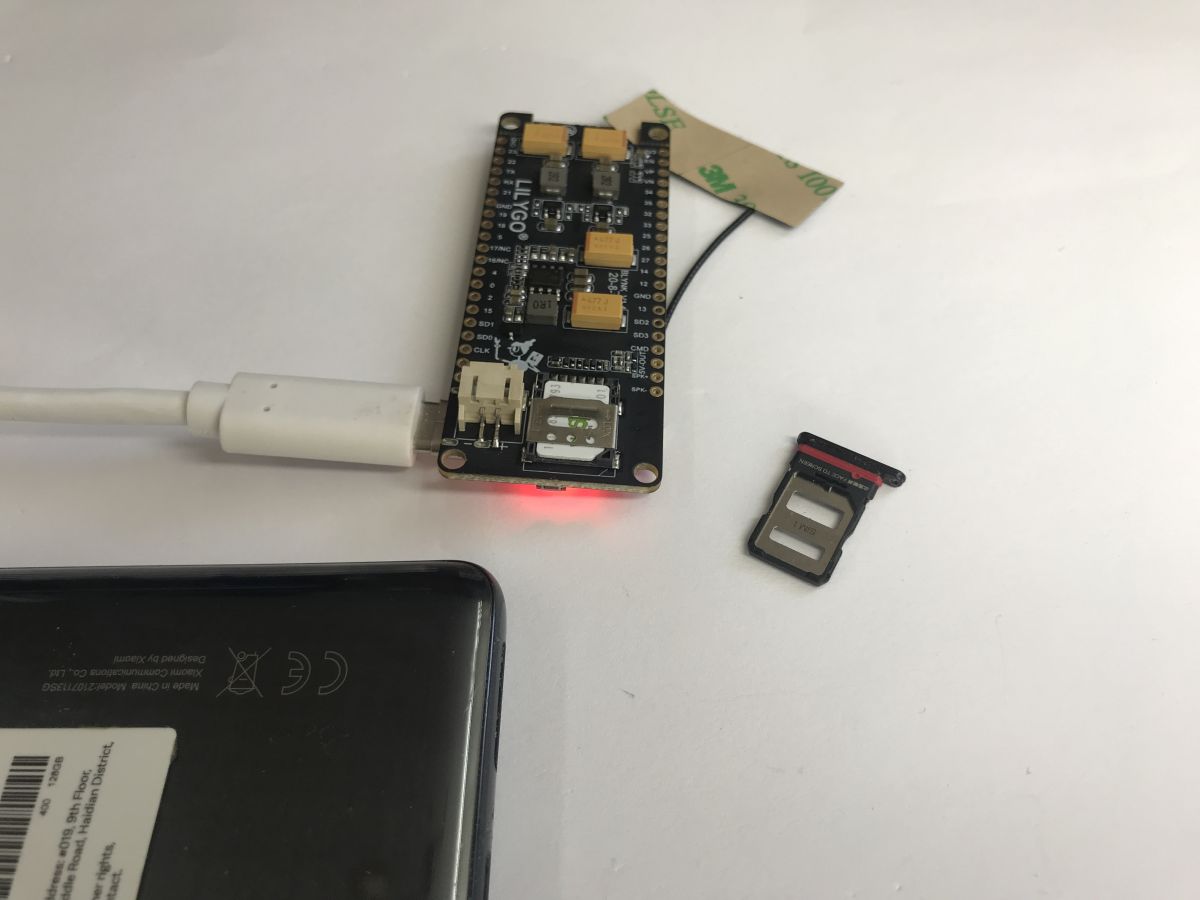
Unfortunately, sending text messages isn’t free. You need an active text message package, so I used a Plus prepaid SIM card for this purpose. I also enabled data transmission (GPRS) on it for later tests involving HTTP requests. I inserted the SIM card into the slot:
Demonstration – sending an SMS
The code below shows the basic initialisation. First, we configure the IP5306 charging circuit via I2C to ensure the SIM800L receives the correct current. Next, we start the modem by setting the appropriate logic states on the PWKEY pin. Once the modem has registered with the network, the TinyGSM library sends a test SMS to the specified number.
Code: C / C++
PlatformIO ini:
Code: Ini
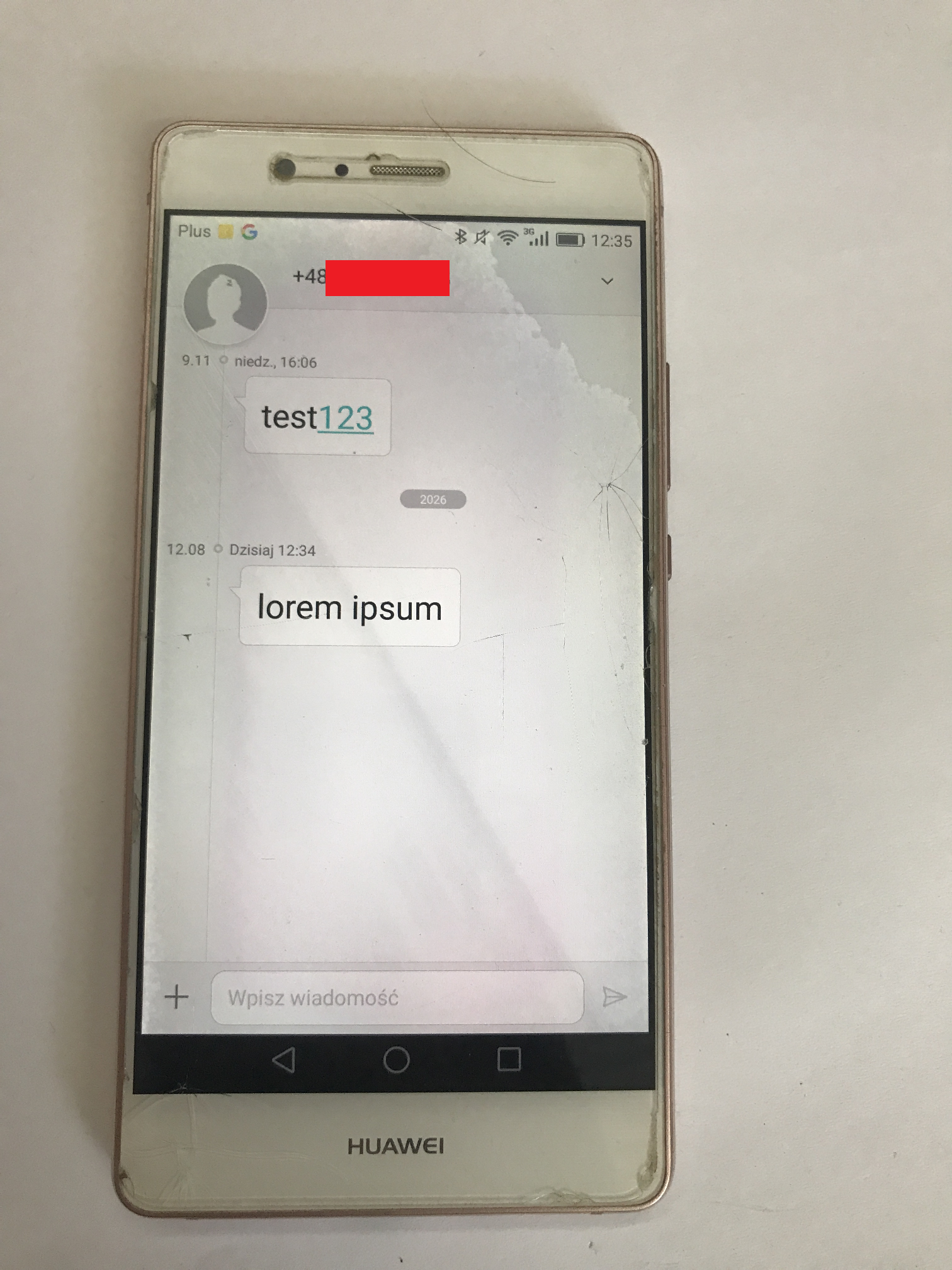
Result:
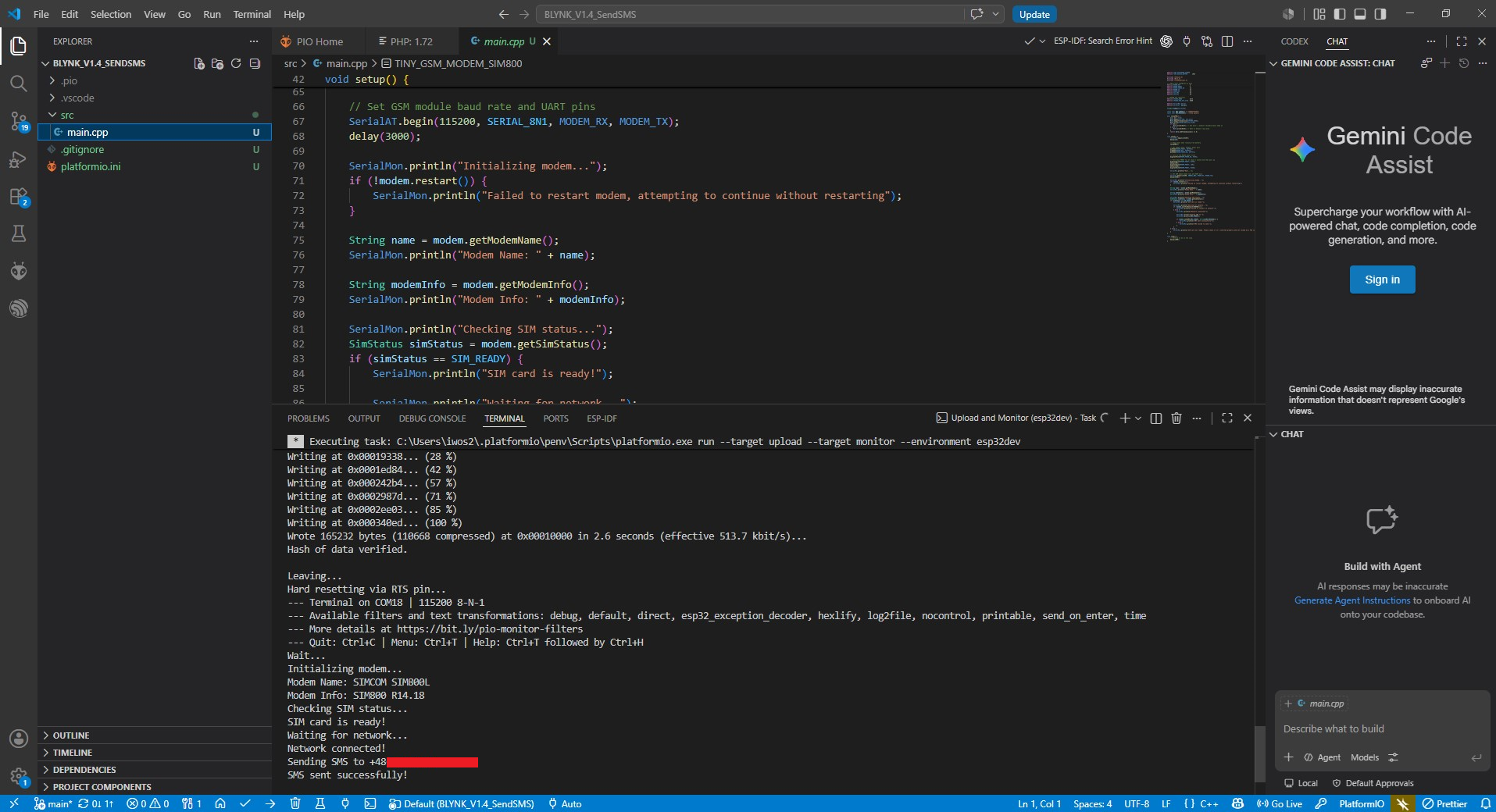
It works; the SMS was delivered instantly.
Demonstration – HTTP request
The second example is a standard GET request over GPRS. The key difference here is the configuration of the operator’s APN (usually the word ‘internet’ is sufficient). Once a GPRS session has been established, the HttpClient class sends a request to the test server, then receives the file and outputs the headers and content directly to the UART console.
Code: C / C++
We are testing:
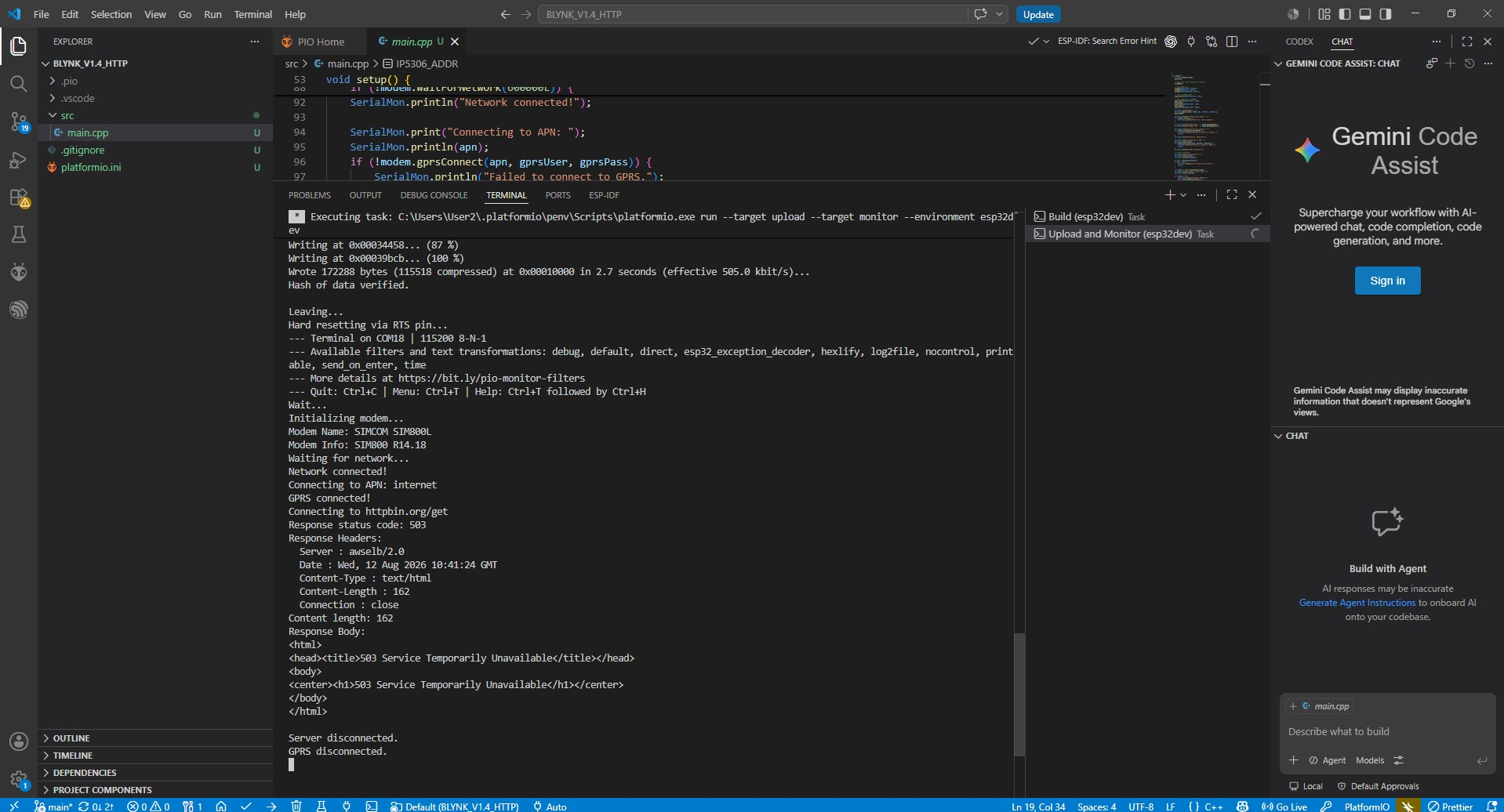
It works, although… the website tries to redirect to the HTTPS version. This is quite common these days, but it also highlights a certain drawback of this module. I wasn’t able to get HTTPS working. So the SIM800 is of very limited use when it comes to the internet, rather than text messages.
I made another attempt with HTTPS, but the programme gets stuck when sending.
Summary
A simple and easy-to-set-up board, although in my opinion it’s already a bit outdated. It only supports 2G , which makes me wonder how much longer it will be supported? Anyway, it’s not just about text messages – for modern applications where HTTPS is required, you’ll probably need to use something else. I’ll cover that in a separate post. For now, however, the board does the job and you can easily send a notification, for example, that the flowers in the garden need watering or, conversely, that the flood sensor is indicating a dangerously high water level. All you need is a prepaid SIM card; you don’t even need mobile data.
In the next post, I’ll show a newer solution supporting 4G networks and compare it with the board shown here .
What applications can you see for mobile connectivity in a module with an ESP?
Cool? Ranking DIY Helpful post? Buy me a coffee.