From my observations, fewer and fewer DIY builders are producing their own PCBs.
This topic is dedicated to the handful of others who "agonise" over this subject:) Although they certainly have their own proven ways.
I usually do one-sided plates for my needs and here I have mastered this 100%. However, the day came when I was forced to make a double-sided PCB.
I tried various patents. With holes for positioning the sides, with envelopes and others, with various final results. I got tired of the centring holes. (Maybe I don't have the skill).
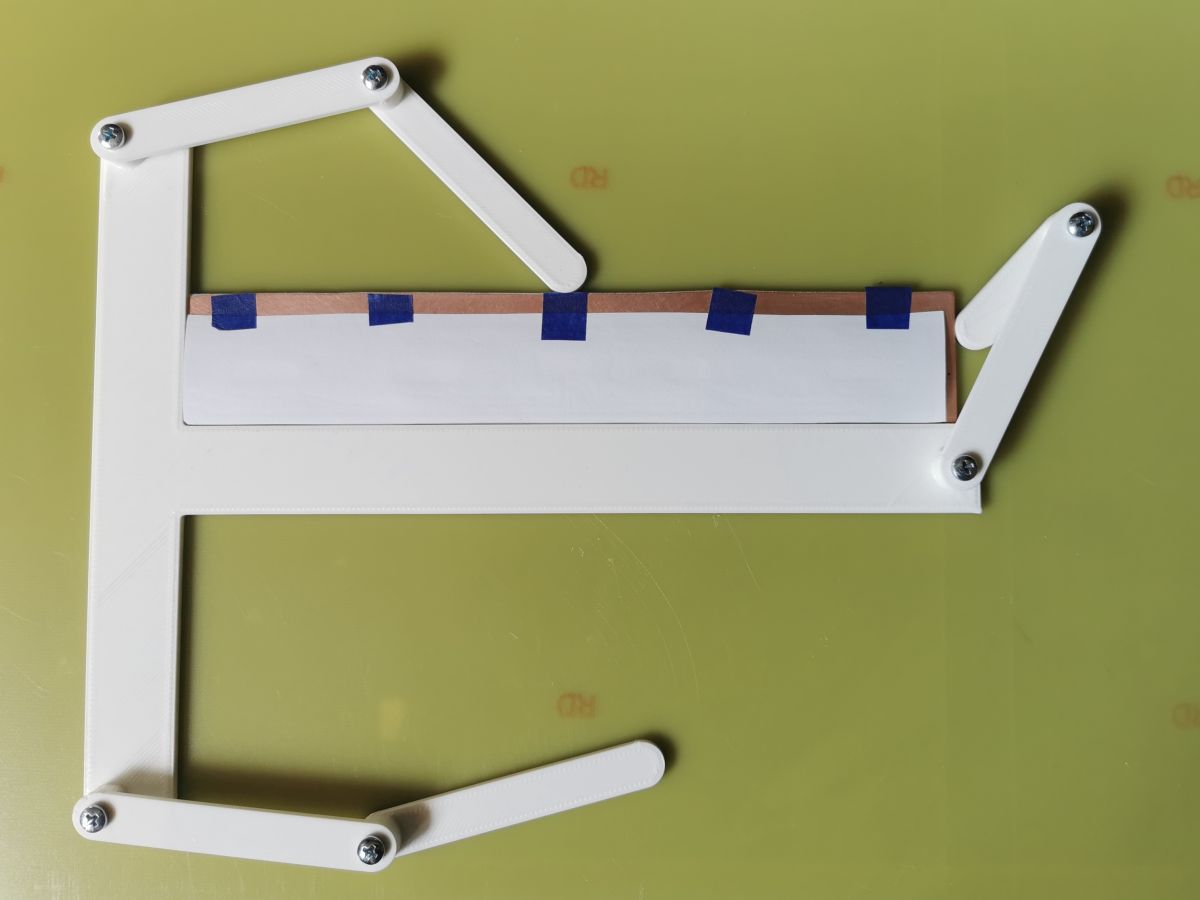
In the end I came up with an alternative, experimental gadget that makes it easier to position the bottom and top print of the tracks.
The mosaic to be printed has to be provided with a corner marker for both sides of the print, or a larger frame. According to this marker you need to cut one corner of the print paper for each side.
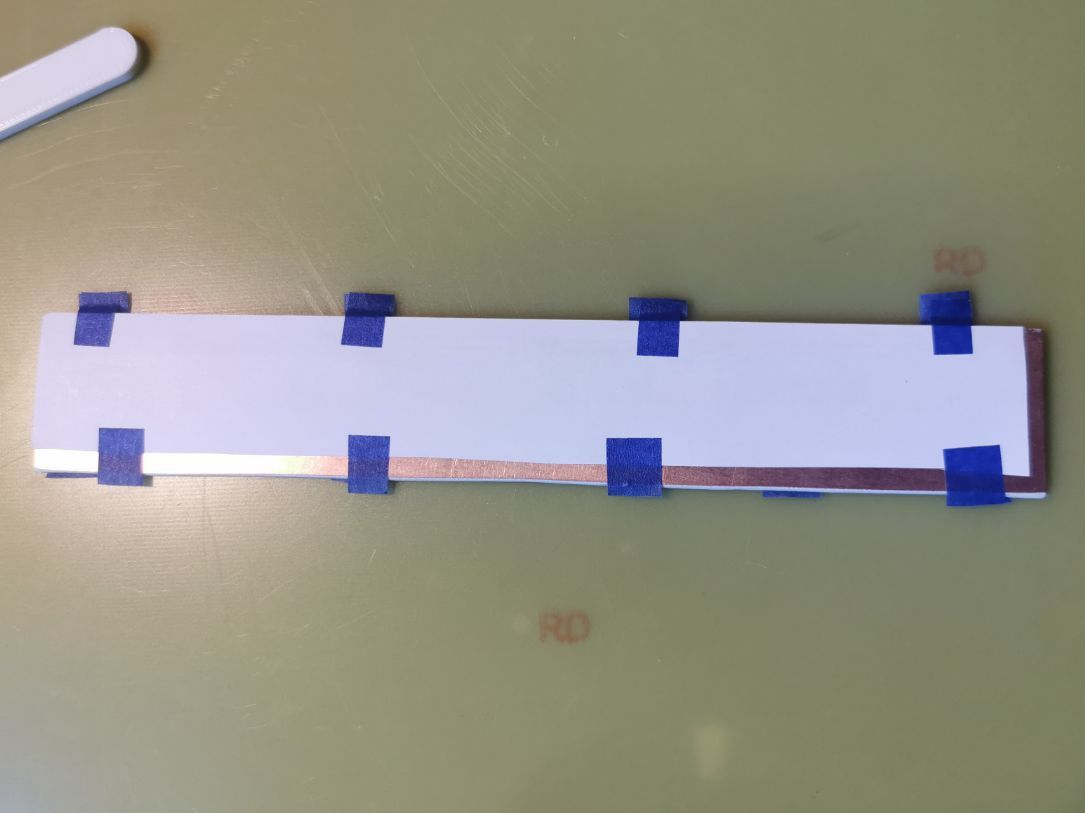
I align the plate with the adjustable "pressers" to the corner of the jig. I place the printed paper on the plate and fix it with pieces of paper adhesive tape.
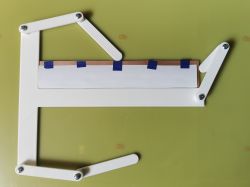
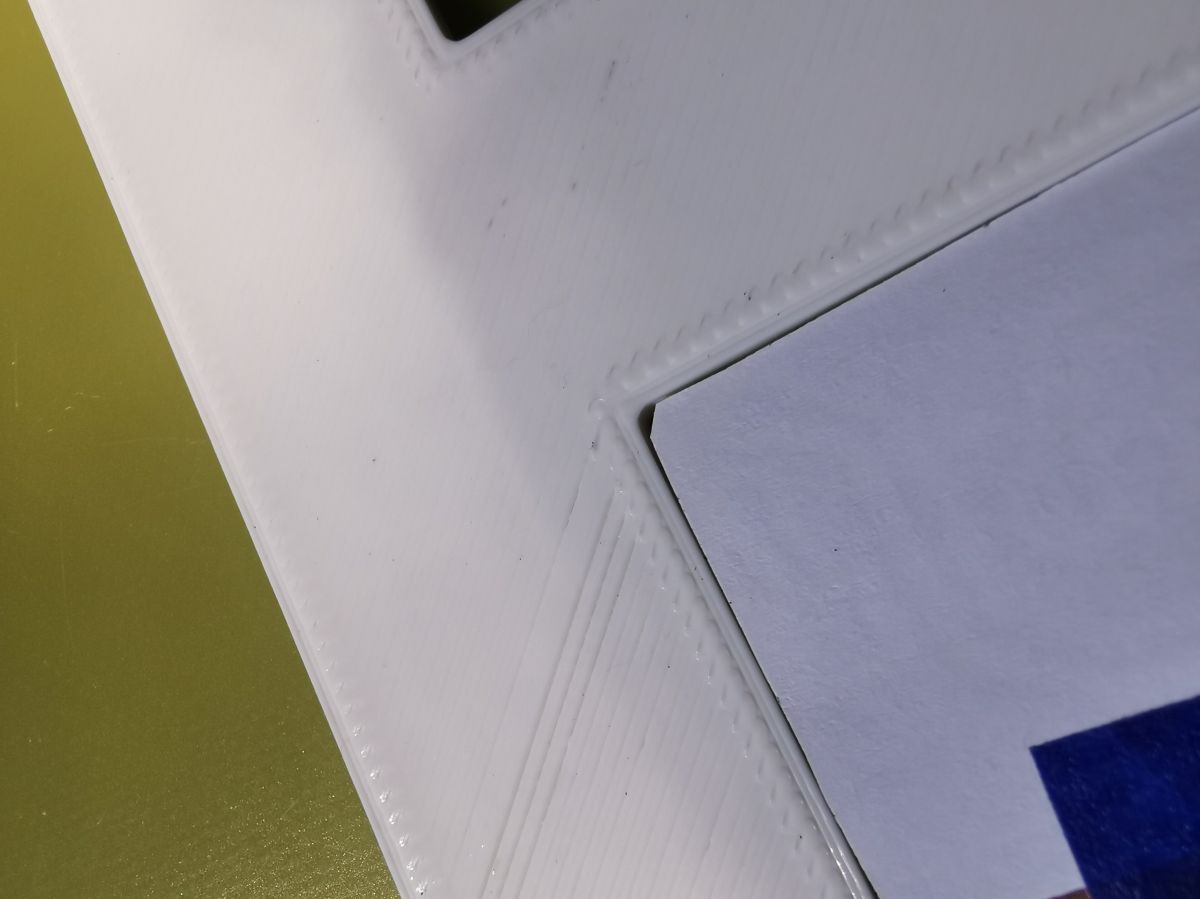
I cut the corner of the plate and the printed paper slightly so that there is a better fit between the sides and the frame.
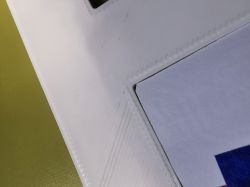
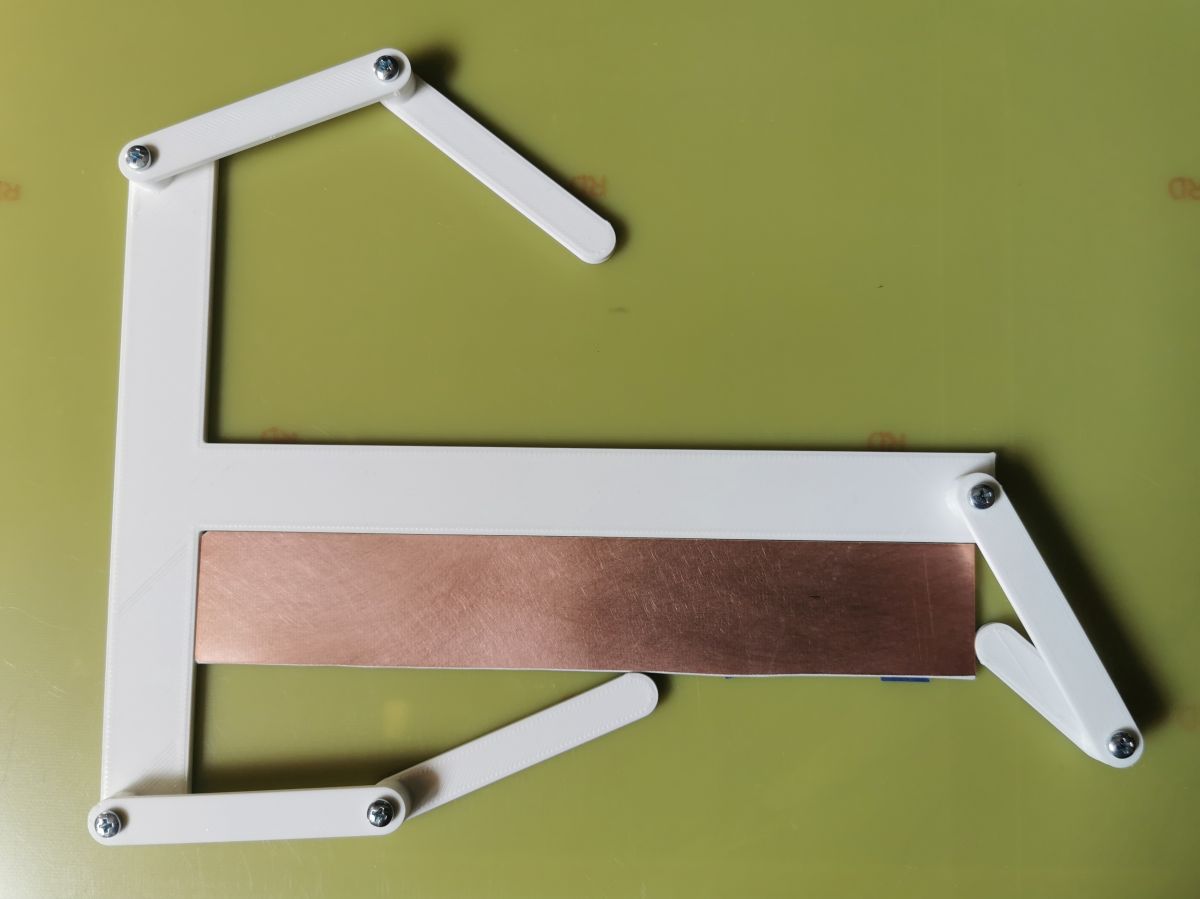
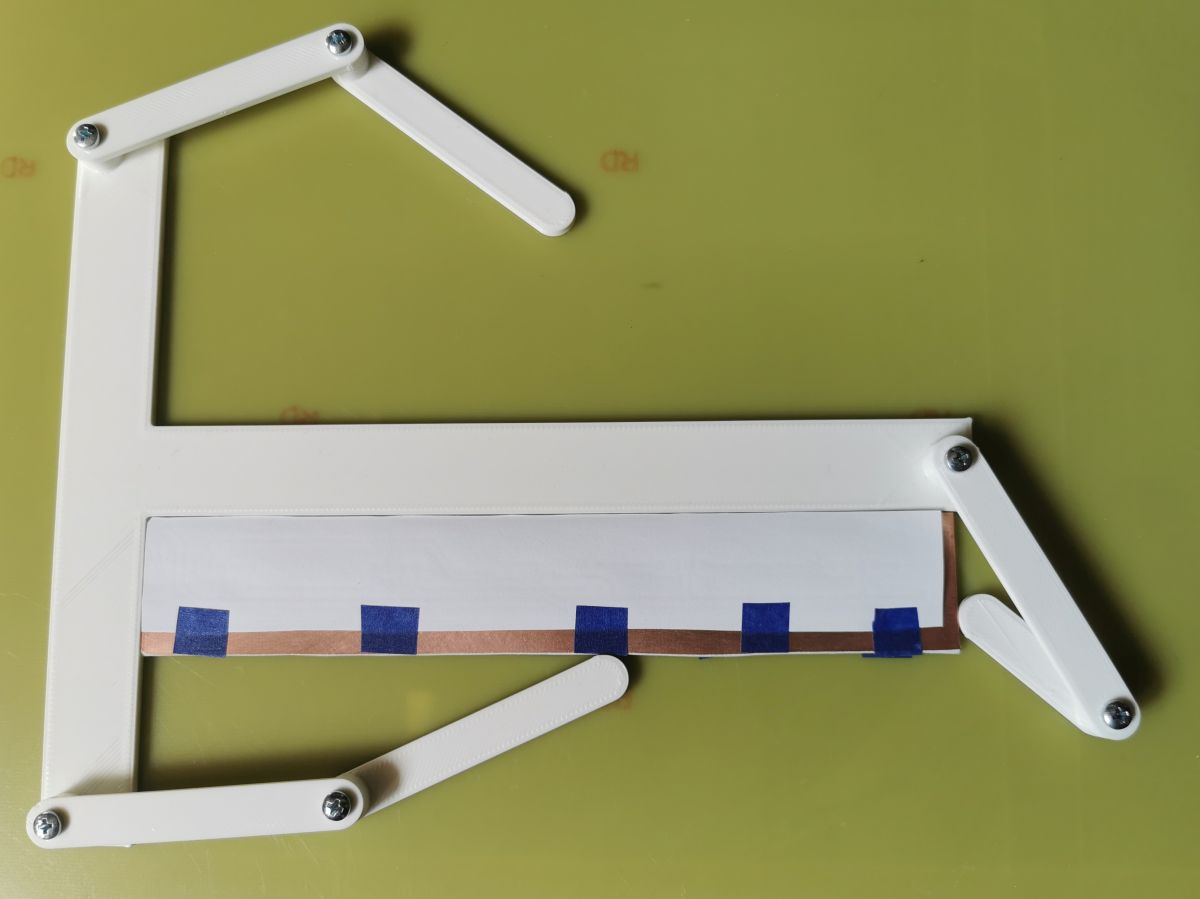
I then turn the plate over and fix it in the jig.
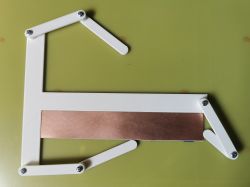
Continue analogously to the previous page.
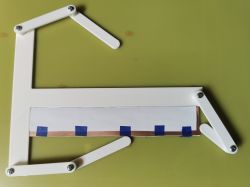
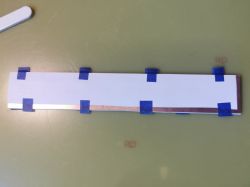
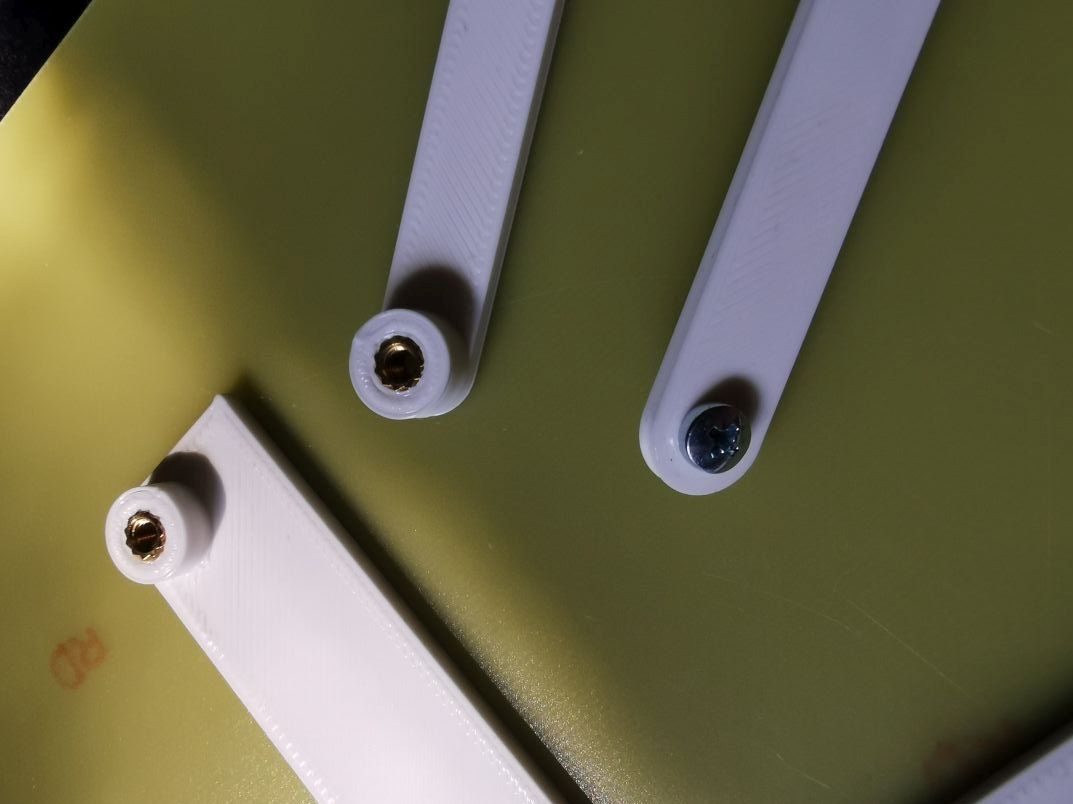
The arms are connected by sunken inserts with M3 threads.
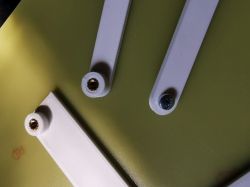
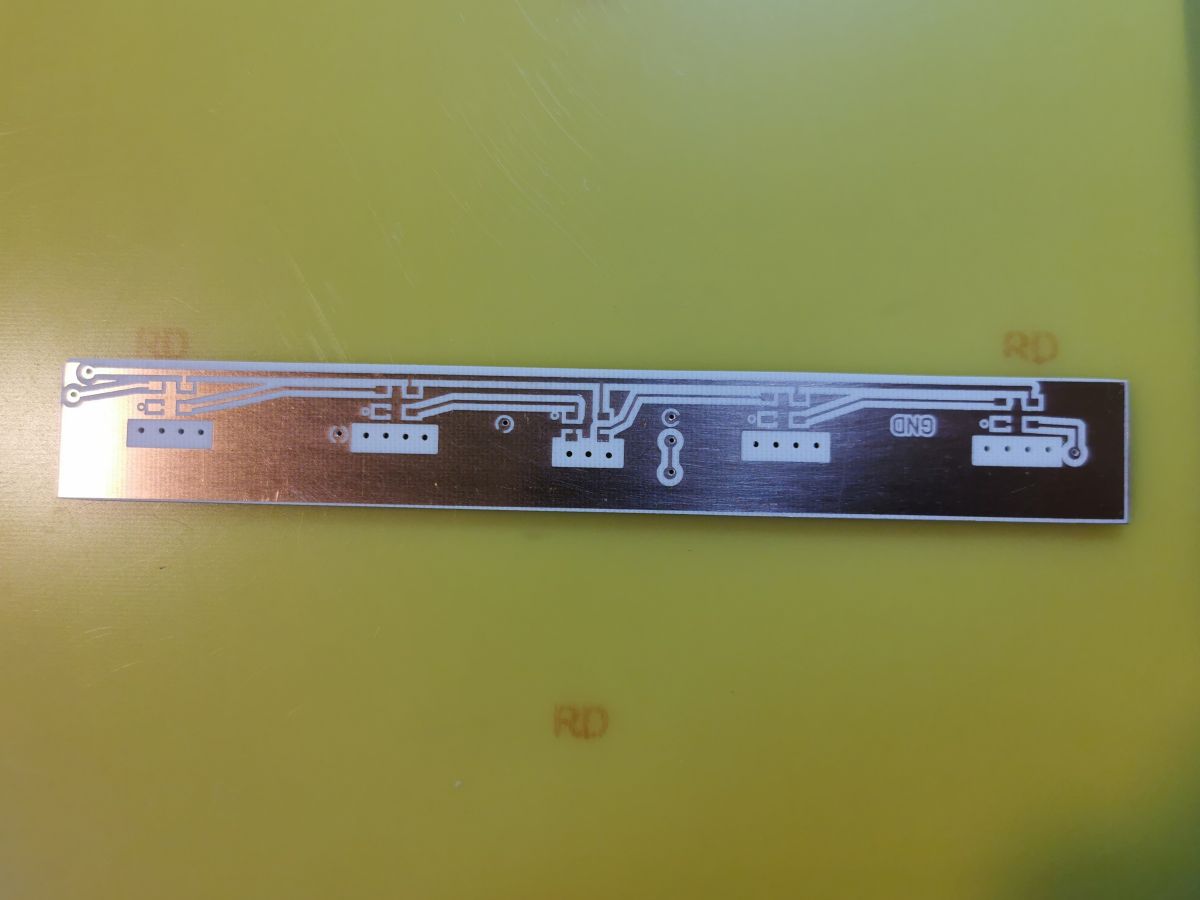
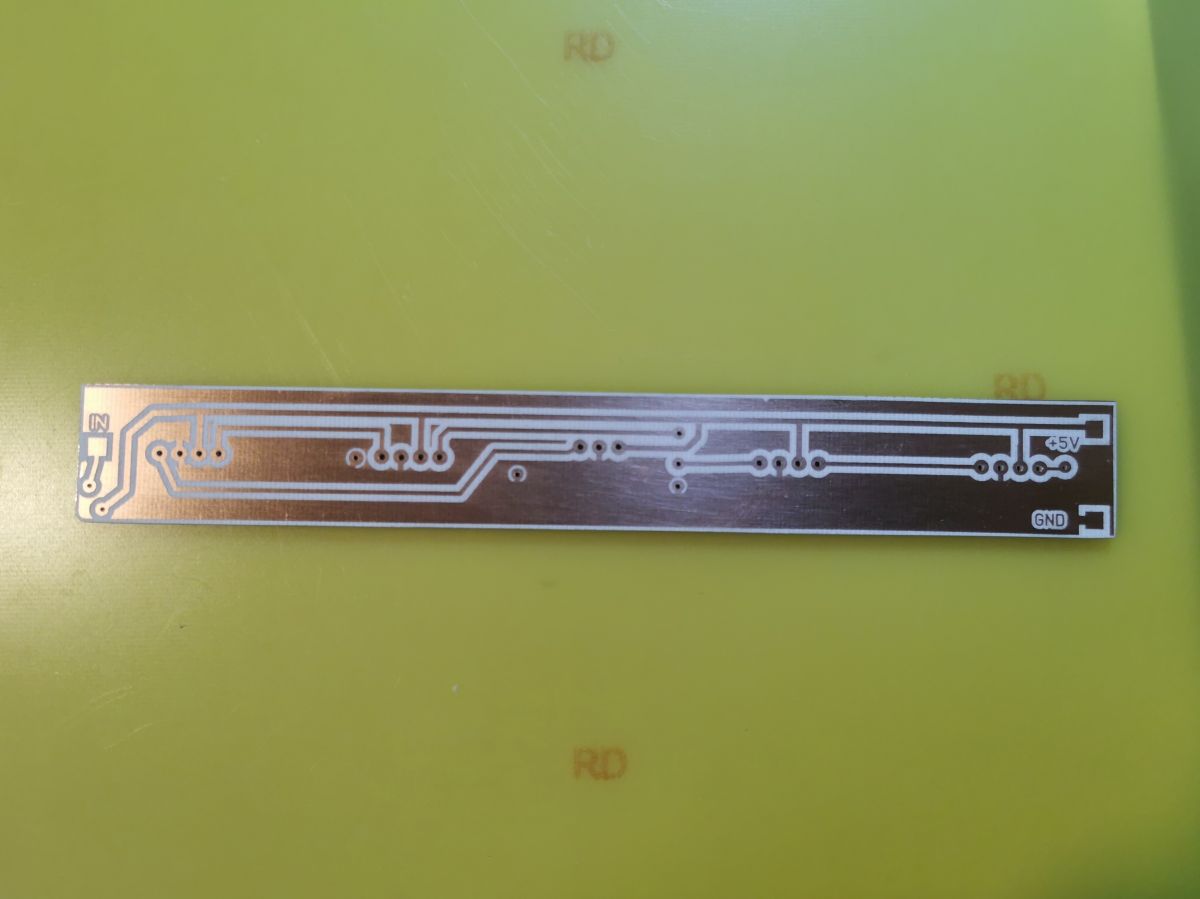
Drilled inserts. 2.1mm diameter through-hole pads. Deviations are and probably always will be. This is the third tile I've done this way. It's not too big - 170x30 mm. I haven't tested on larger sizes. But the potential I think is there.
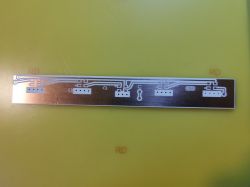
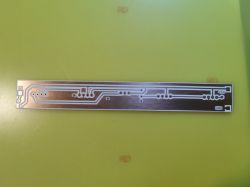
I need to observe in which phase these shifts occur. Maybe something can be refined further.
And that's all. Greetings









Comments
Hi! Quite a cool idea, if it makes the work easier, it's a success, as I myself often make double-sided PCBs for my needs and sometimes feel that it would probably be better to order and wait than to do... [Read more]
Thanks for the response :) I did my first attempts with positioning holes too. The next with positioning the corner of the print with the corner of the plate. In the second case it is easier to achieve... [Read more]
I at one time developed my own method for making PCBs. I modified an old HP laser printer by pulling its fuser outwards so that when printing, the paper bypassed it, so that the applied toner was not... [Read more]
I made my last double-sided board a very long time ago, but somehow it didn't cause me any problems. First I printed the tracks on a laser printer and chalkboard paper and folded them under the light... [Read more]
As I was recently making a double-sided PCB by my own efforts in the editor I copied the Top layer, reflected relative to the longer edge and moved it by the thickness of the laminate (1.6 mm I think).... [Read more]
I know from experience that it is also a good idea to run a blank sheet of paper through the printer, for heating before printing proper. The paper I have shrinks about 1mm when heated on the printer.... [Read more]
As you are designing for corners you can make rounds. https://obrazki.elektroda.pl/1641782600_1755331118_thumb.jpg You will be able to use tiles without chamfers. [Read more]
Good point. The scribe angles have a similar dodge. https://obrazki.elektroda.pl/6464286100_1755332587_thumb.jpg I also thought of this as the hardware was already in use :) So much so that even... [Read more]