From my observations, fewer and fewer DIY builders are producing their own PCBs.
This topic is dedicated to the handful of others who "agonise" over this subject:) Although they certainly have their own proven ways.
I usually do one-sided plates for my needs and here I have mastered this 100%. However, the day came when I was forced to make a double-sided PCB.
I tried various patents. With holes for positioning the sides, with envelopes and others, with various final results. I got tired of the centring holes. (Maybe I don't have the skill).
In the end I came up with an alternative, experimental gadget that makes it easier to position the bottom and top print of the tracks.
The mosaic to be printed has to be provided with a corner marker for both sides of the print, or a larger frame. According to this marker you need to cut one corner of the print paper for each side.
I align the plate with the adjustable "pressers" to the corner of the jig. I place the printed paper on the plate and fix it with pieces of paper adhesive tape.
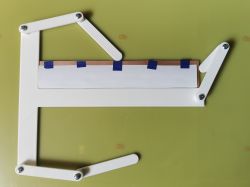
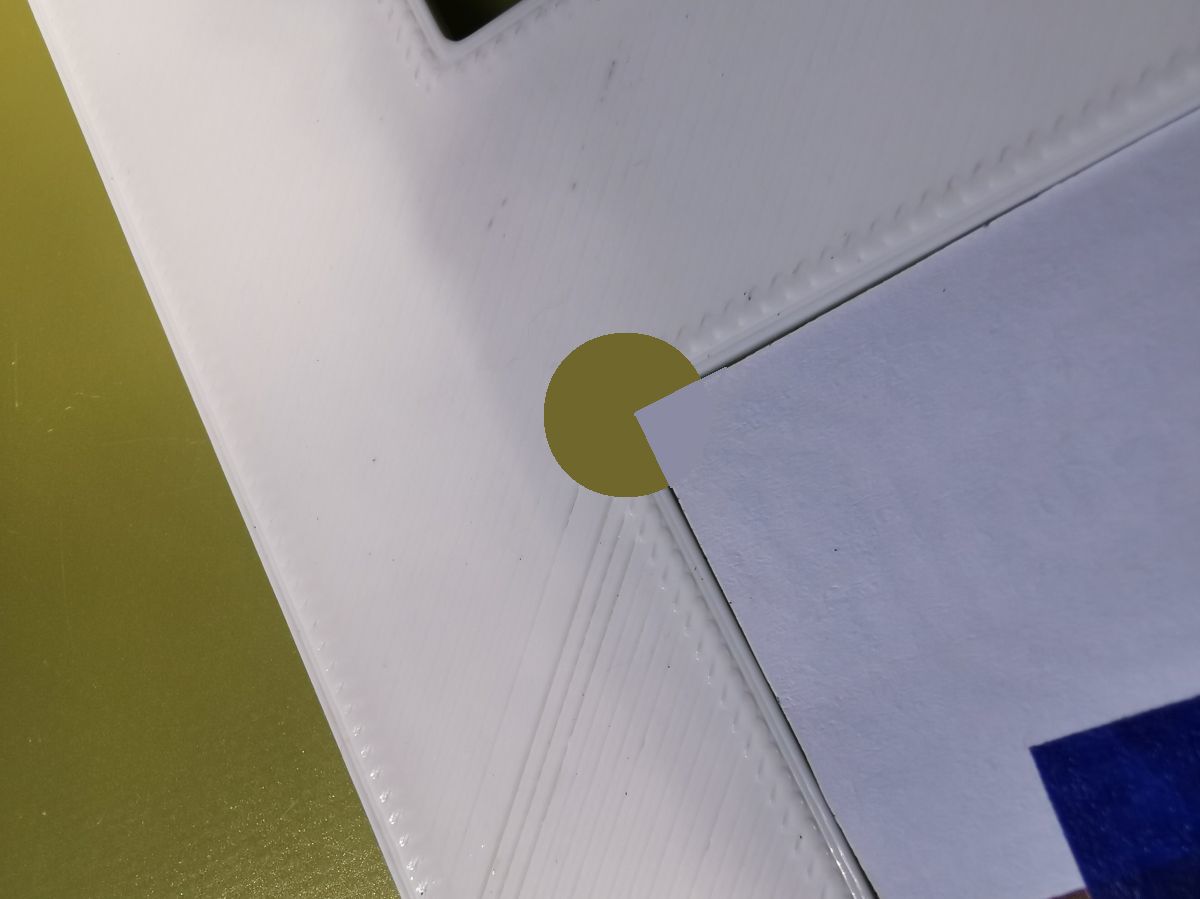
I cut the corner of the plate and the printed paper slightly so that there is a better fit between the sides and the frame.
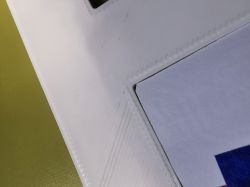
I then turn the plate over and fix it in the jig.
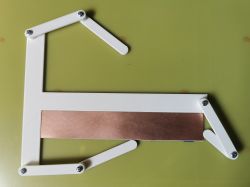
Continue analogously to the previous page.
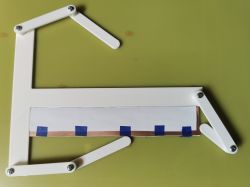
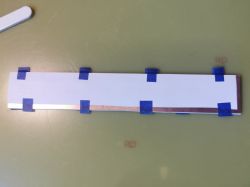
The arms are connected by sunken inserts with M3 threads.
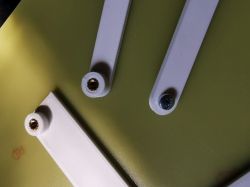
Drilled inserts. 2.1mm diameter through-hole pads. Deviations are and probably always will be. This is the third tile I've done this way. It's not too big - 170x30 mm. I haven't tested on larger sizes. But the potential I think is there.
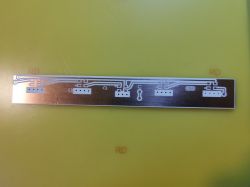
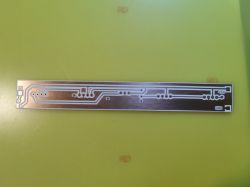
I need to observe in which phase these shifts occur. Maybe something can be refined further.
And that's all. Greetings
This topic is dedicated to the handful of others who "agonise" over this subject:) Although they certainly have their own proven ways.
I usually do one-sided plates for my needs and here I have mastered this 100%. However, the day came when I was forced to make a double-sided PCB.
I tried various patents. With holes for positioning the sides, with envelopes and others, with various final results. I got tired of the centring holes. (Maybe I don't have the skill).
In the end I came up with an alternative, experimental gadget that makes it easier to position the bottom and top print of the tracks.
The mosaic to be printed has to be provided with a corner marker for both sides of the print, or a larger frame. According to this marker you need to cut one corner of the print paper for each side.
I align the plate with the adjustable "pressers" to the corner of the jig. I place the printed paper on the plate and fix it with pieces of paper adhesive tape.
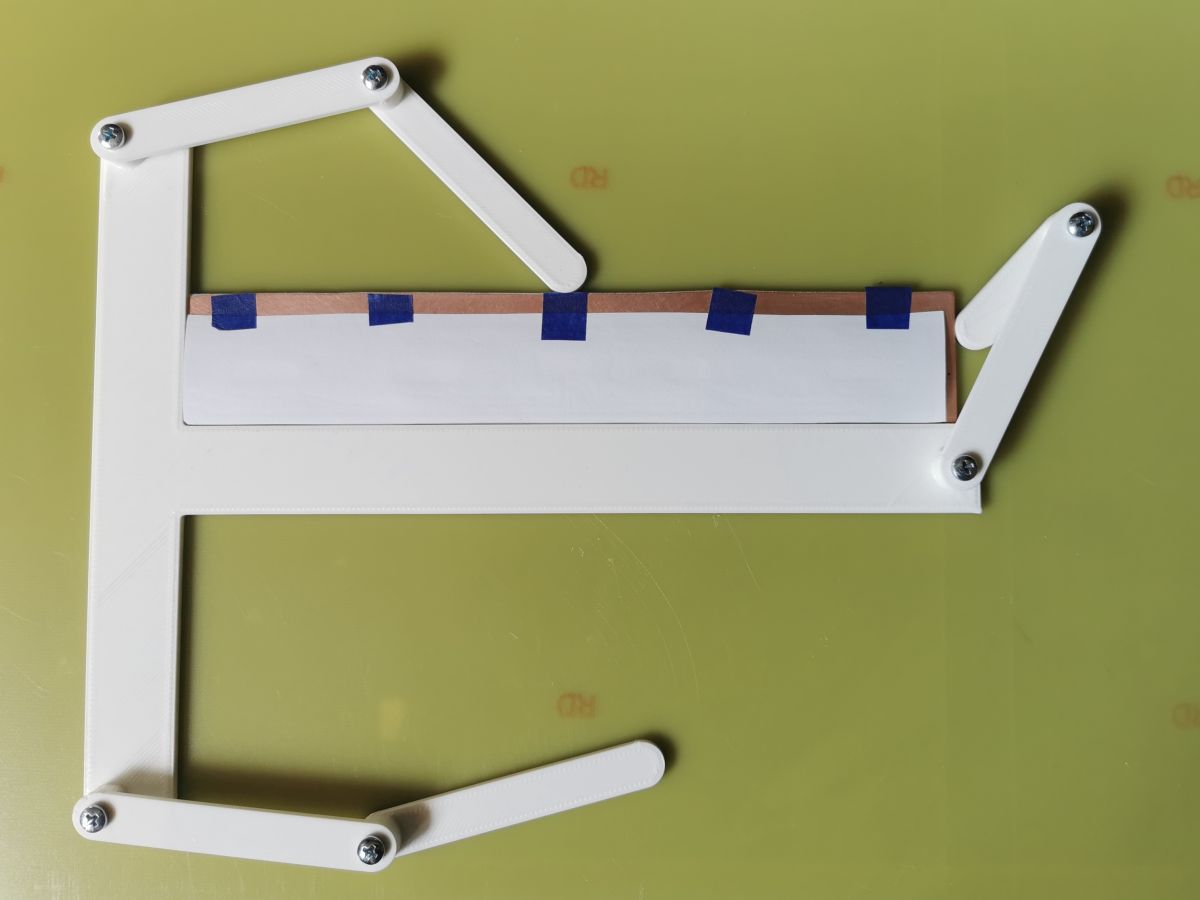
I cut the corner of the plate and the printed paper slightly so that there is a better fit between the sides and the frame.
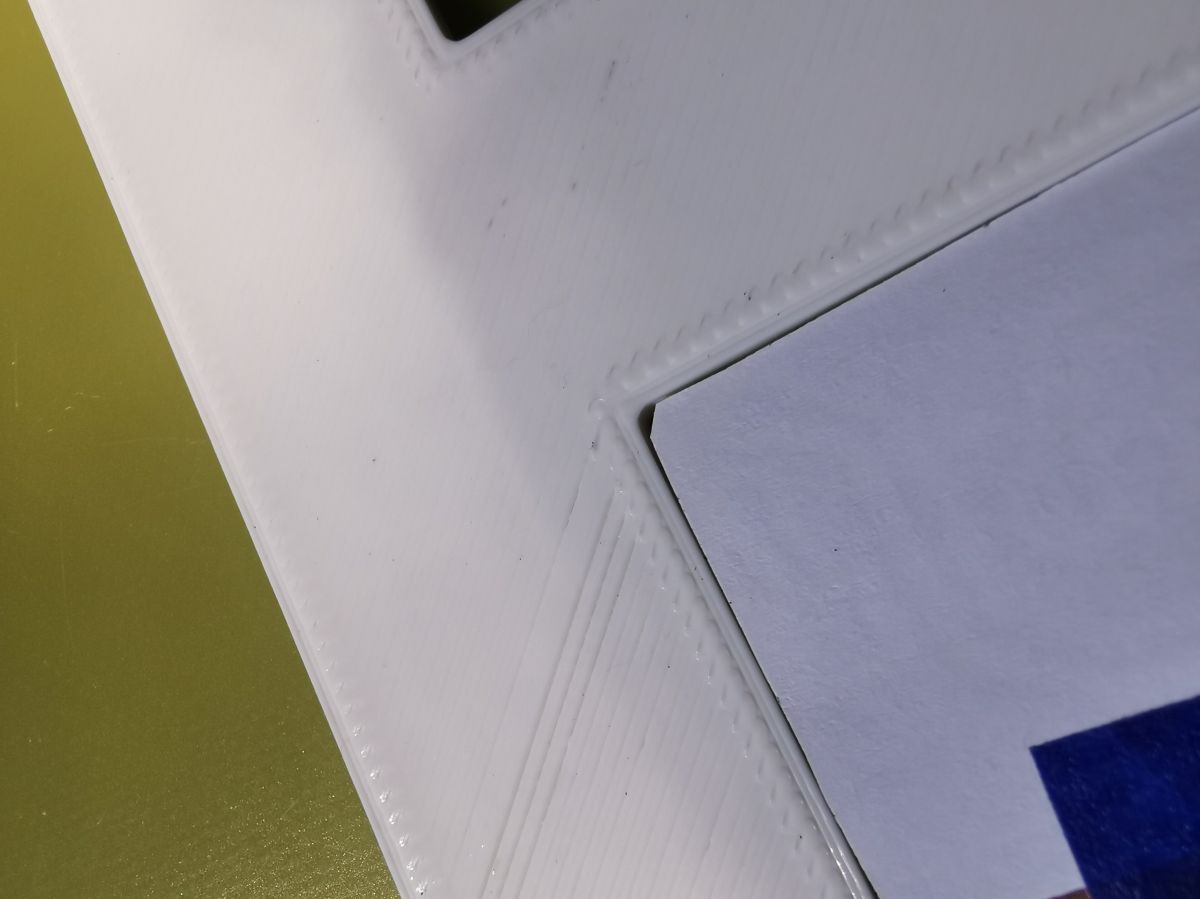
I then turn the plate over and fix it in the jig.
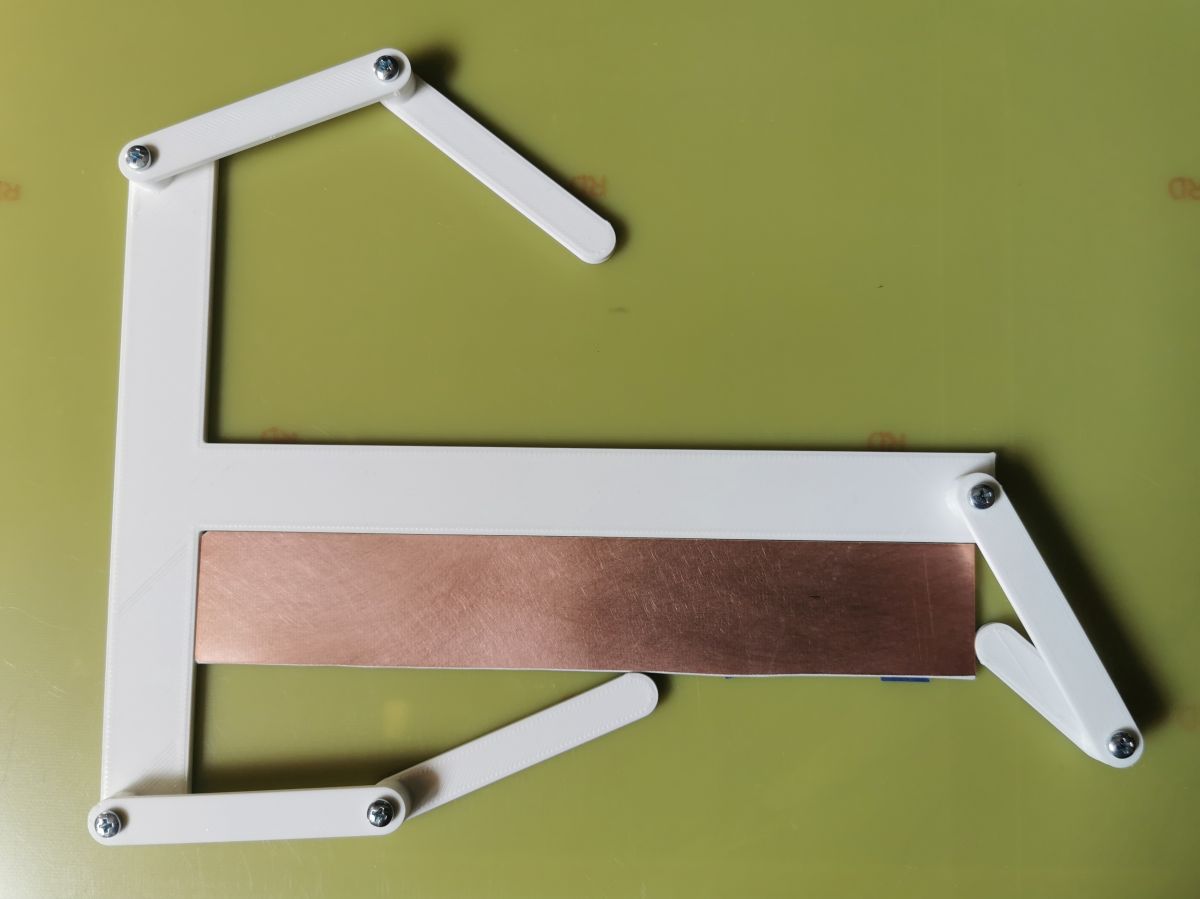
Continue analogously to the previous page.
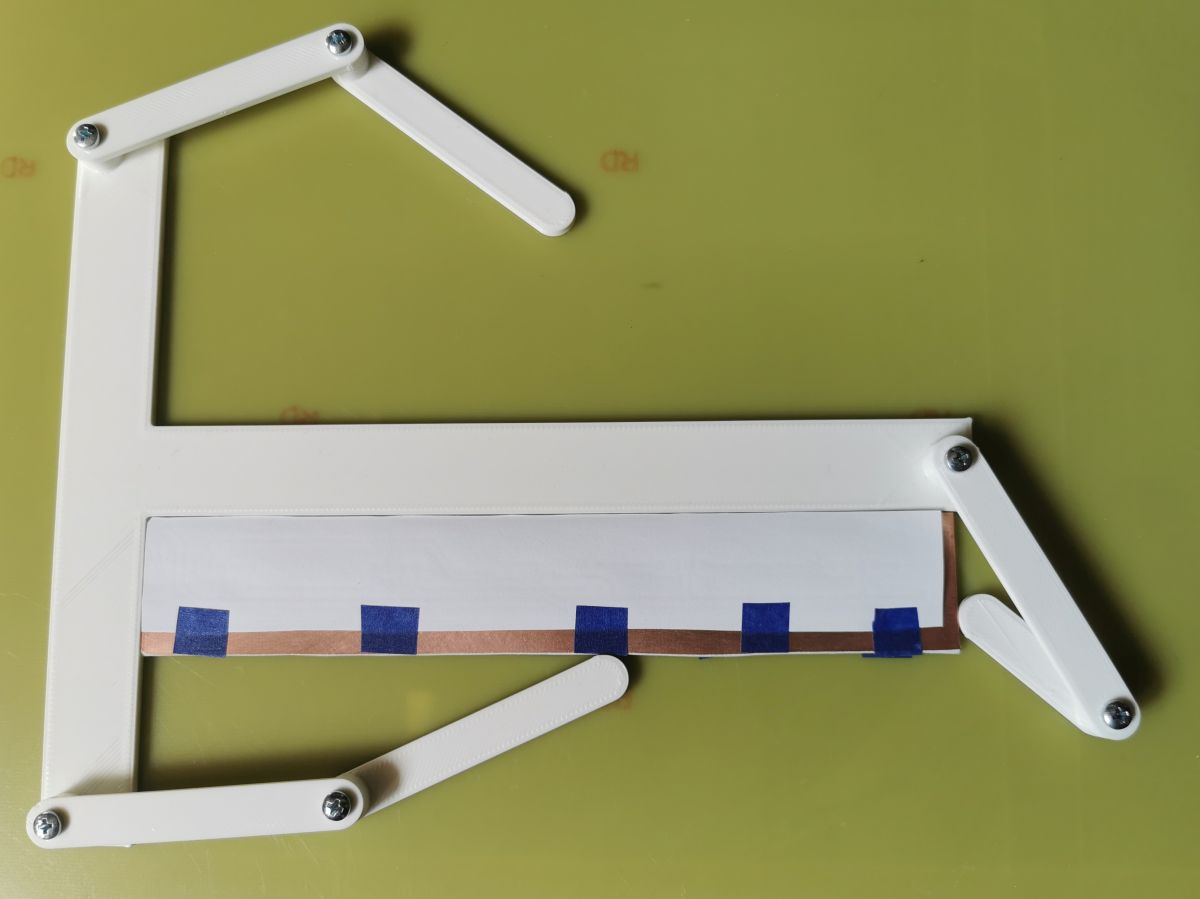
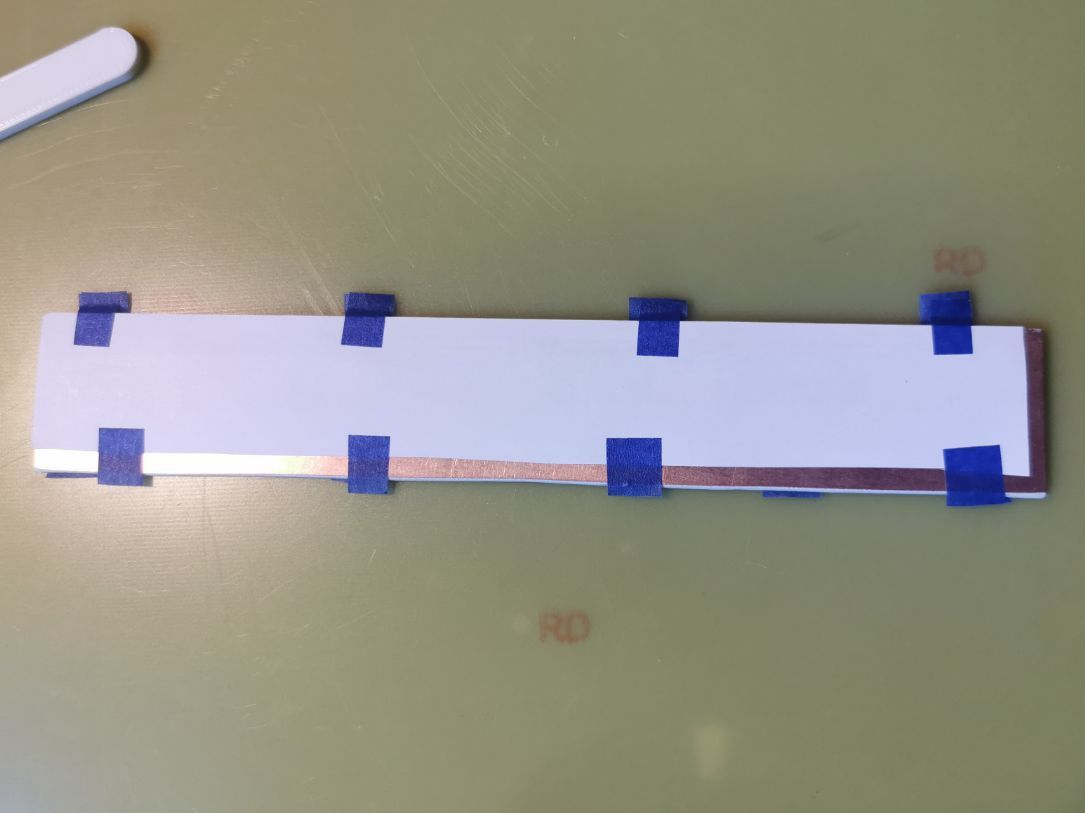
The arms are connected by sunken inserts with M3 threads.
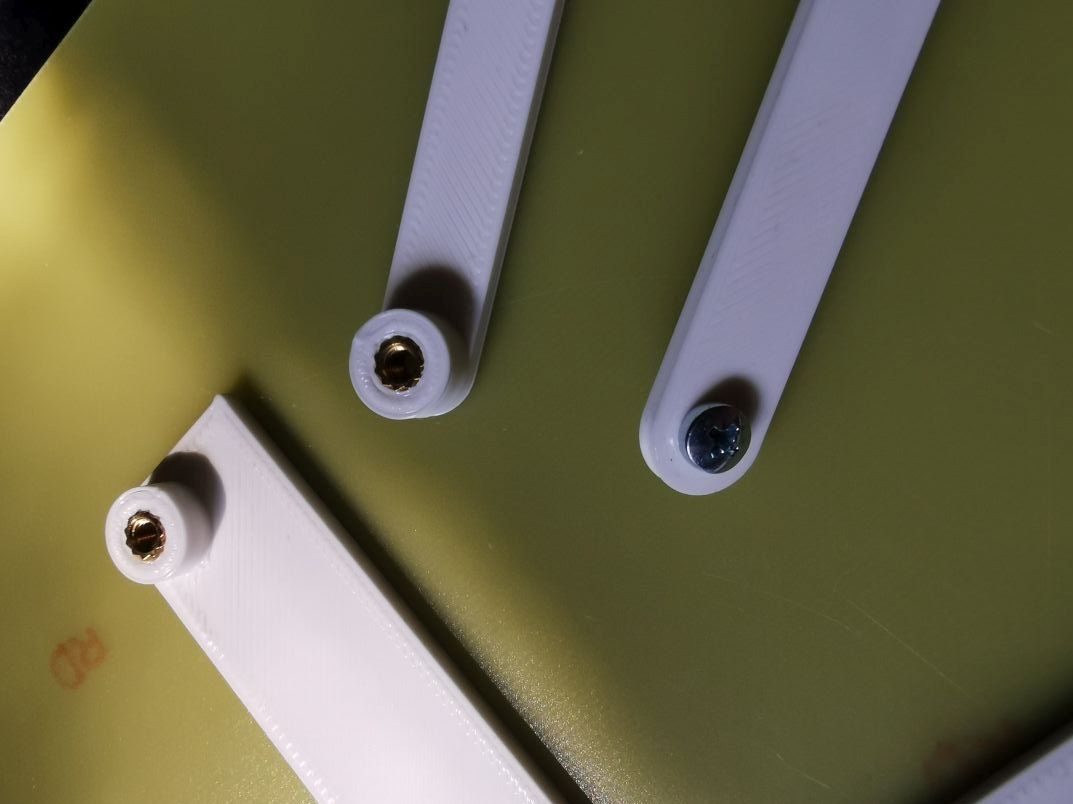
Drilled inserts. 2.1mm diameter through-hole pads. Deviations are and probably always will be. This is the third tile I've done this way. It's not too big - 170x30 mm. I haven't tested on larger sizes. But the potential I think is there.
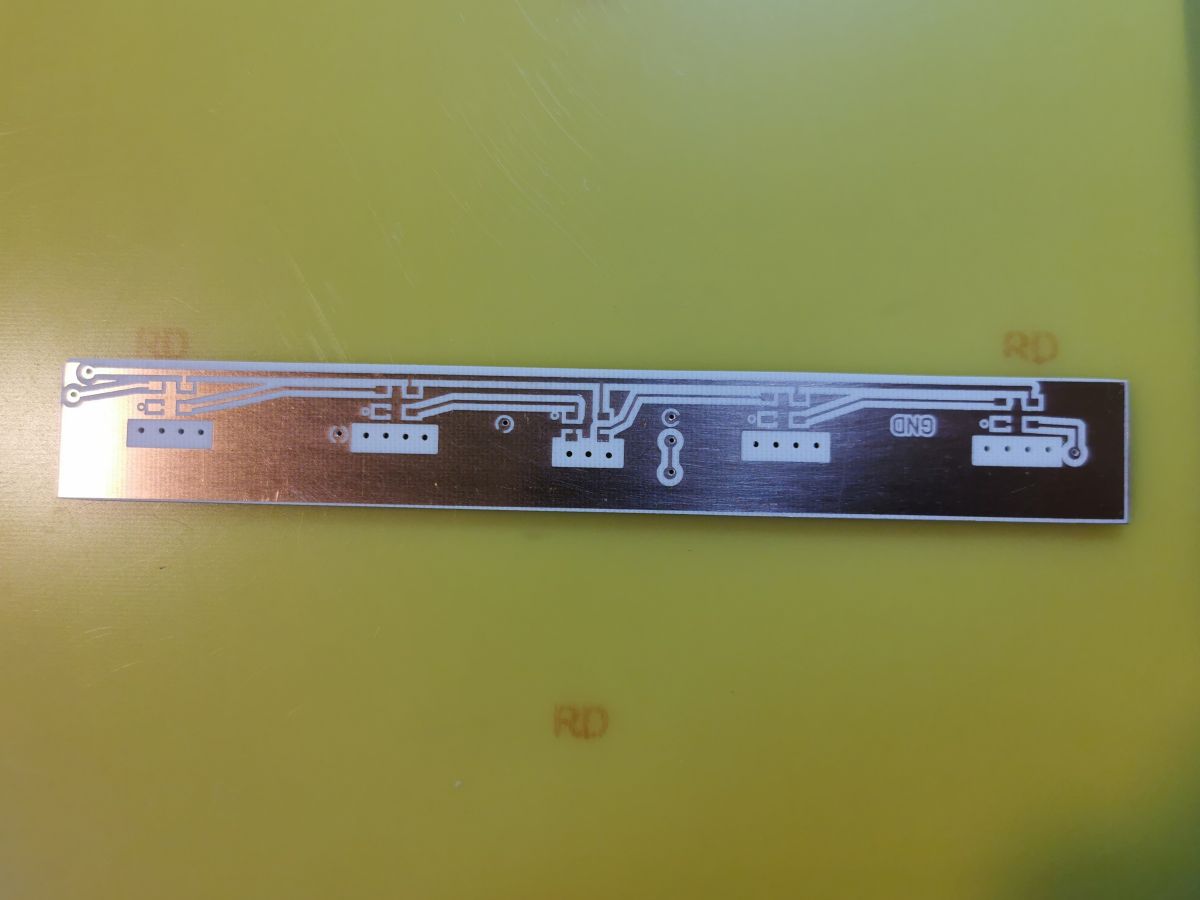
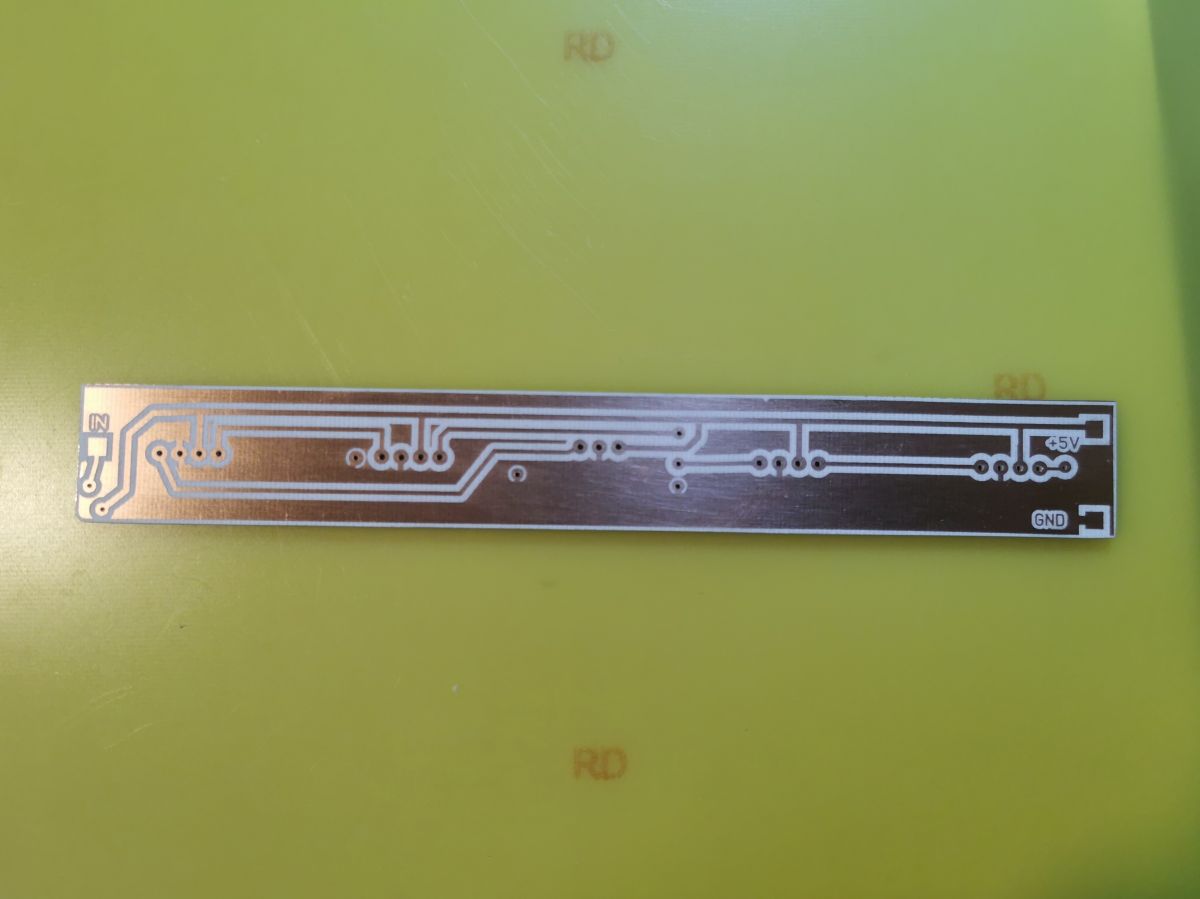
I need to observe in which phase these shifts occur. Maybe something can be refined further.
And that's all. Greetings
Cool? Ranking DIY

 Such a fate unfortunately
  I tried to print on special yellow paper but this has a tendency to crack the toner when bending, I also tried the photochemical method but I think in this case is even more work and there is also the problem of the double-sided PCB holes. I also tried varnishing the laminate and burning the paint with a 5W laser, but the first tests turned out to be average, so I will still try this method.