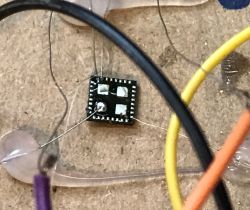
There are an increasing number of backplane relay modules on the market based on the T34 chip. The T34 is an integrated Wi-Fi chip that is a smaller version of the popular CB2S/CB3S/itd based on the BK7231N core. Although it is still the same chip from the software side, changing its software is more difficult, because in new devices there is no longer a derived serial port and you have to solder this chip in the LGA case off the board. Here I will try to show this process.
Let me remind you of the main topic about the T34:
T34 datasheet, pinout, flashing and common mistakes - soldering to QFN pins, smart plug
In that topic, the T34 occurred in a version where you could solder wires to its pads:
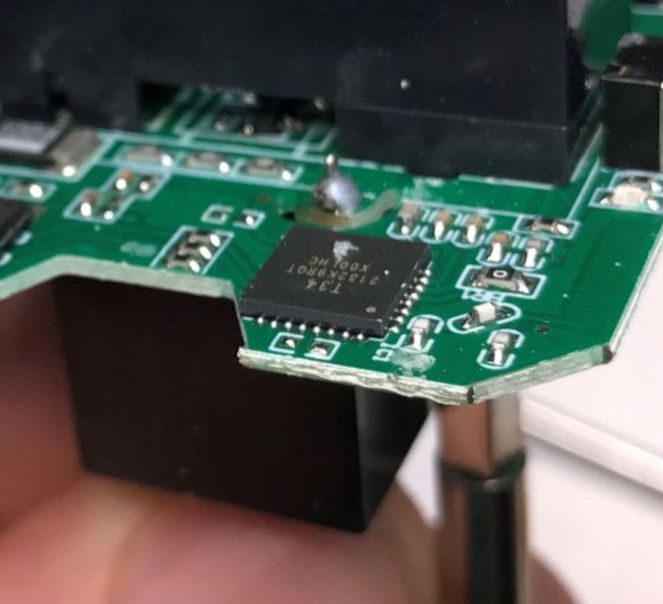
Here it will be more difficult -
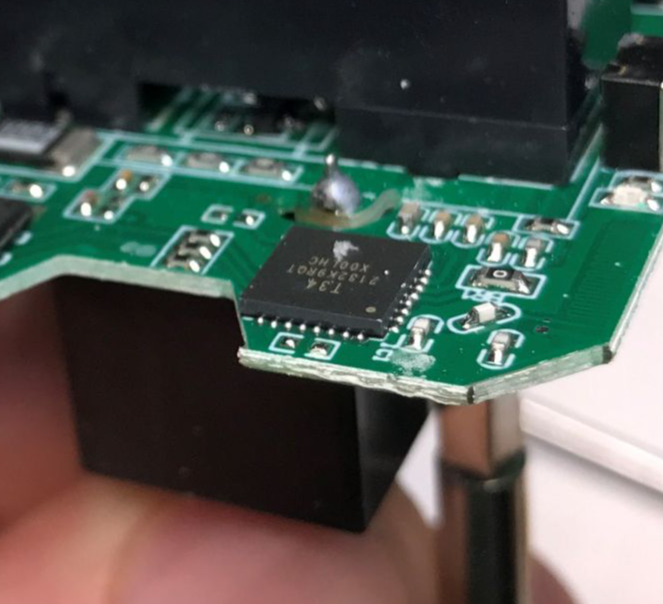
access to the pads is not available! This means that we no longer have a "shortcut" and we have to solder the whole T34 off the PCB, and after programming it has to go back in place.
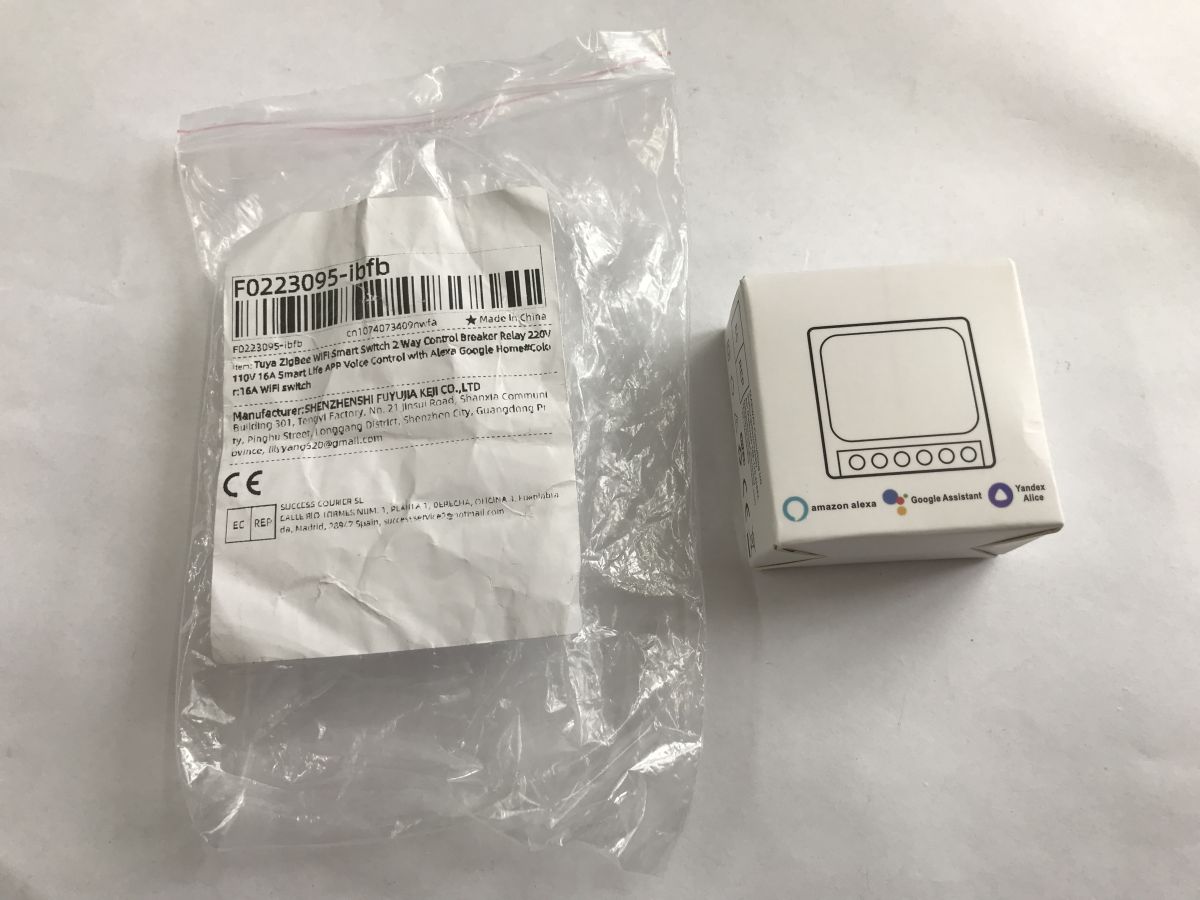
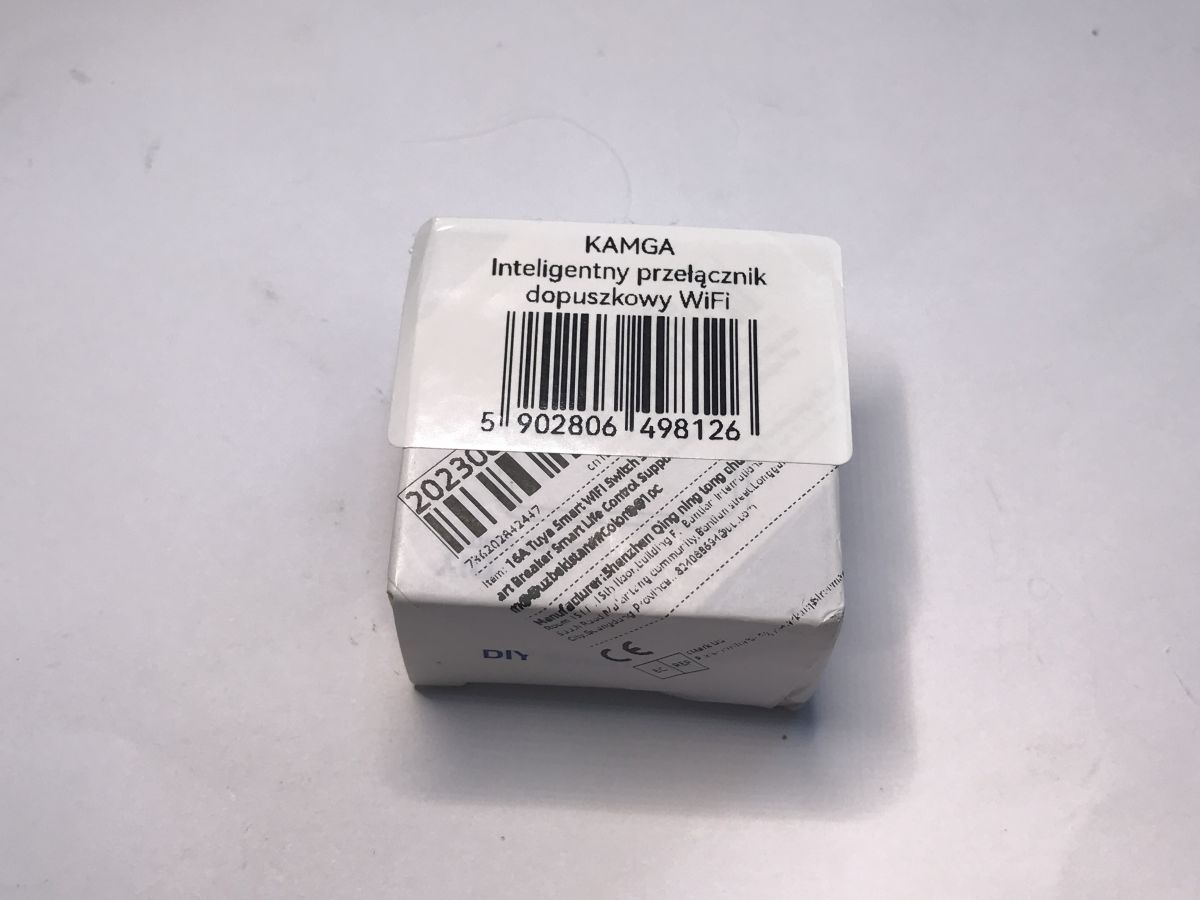
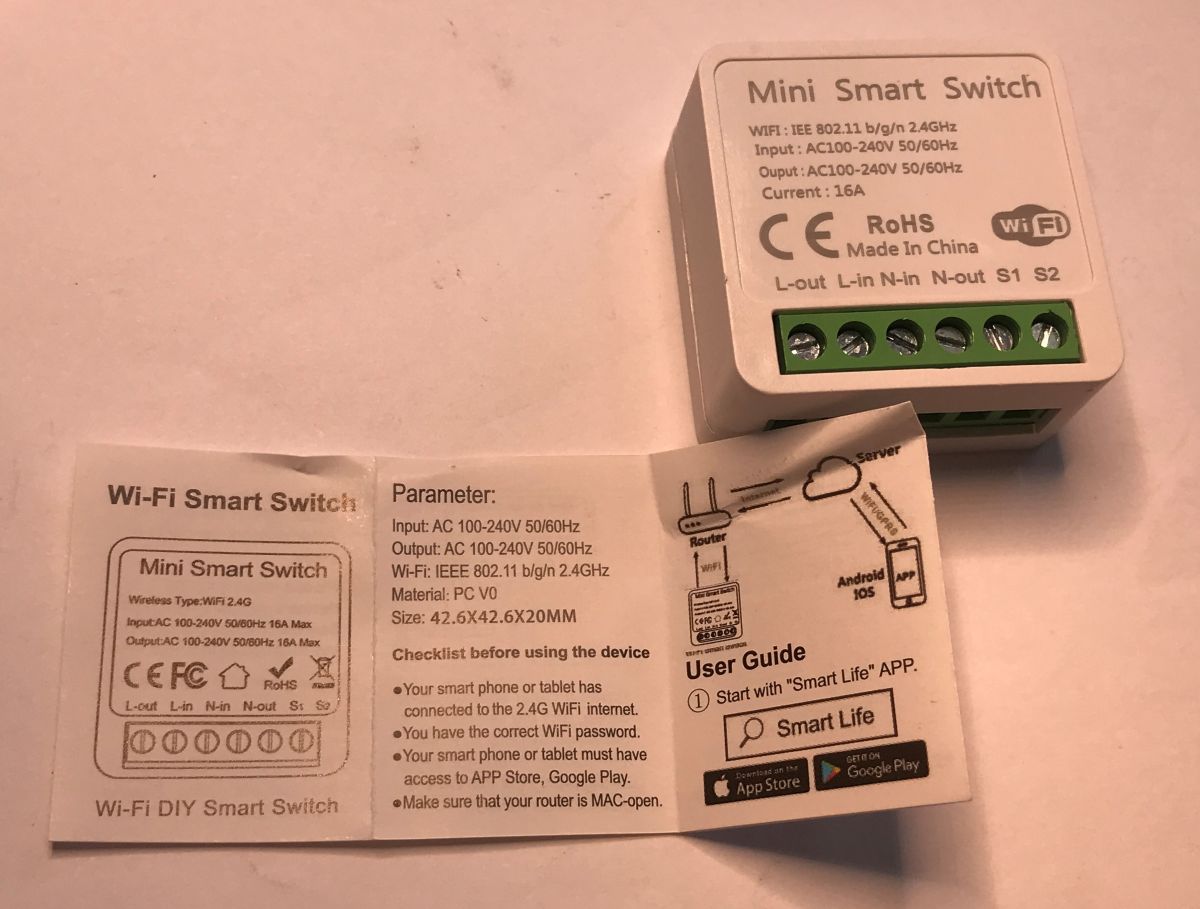
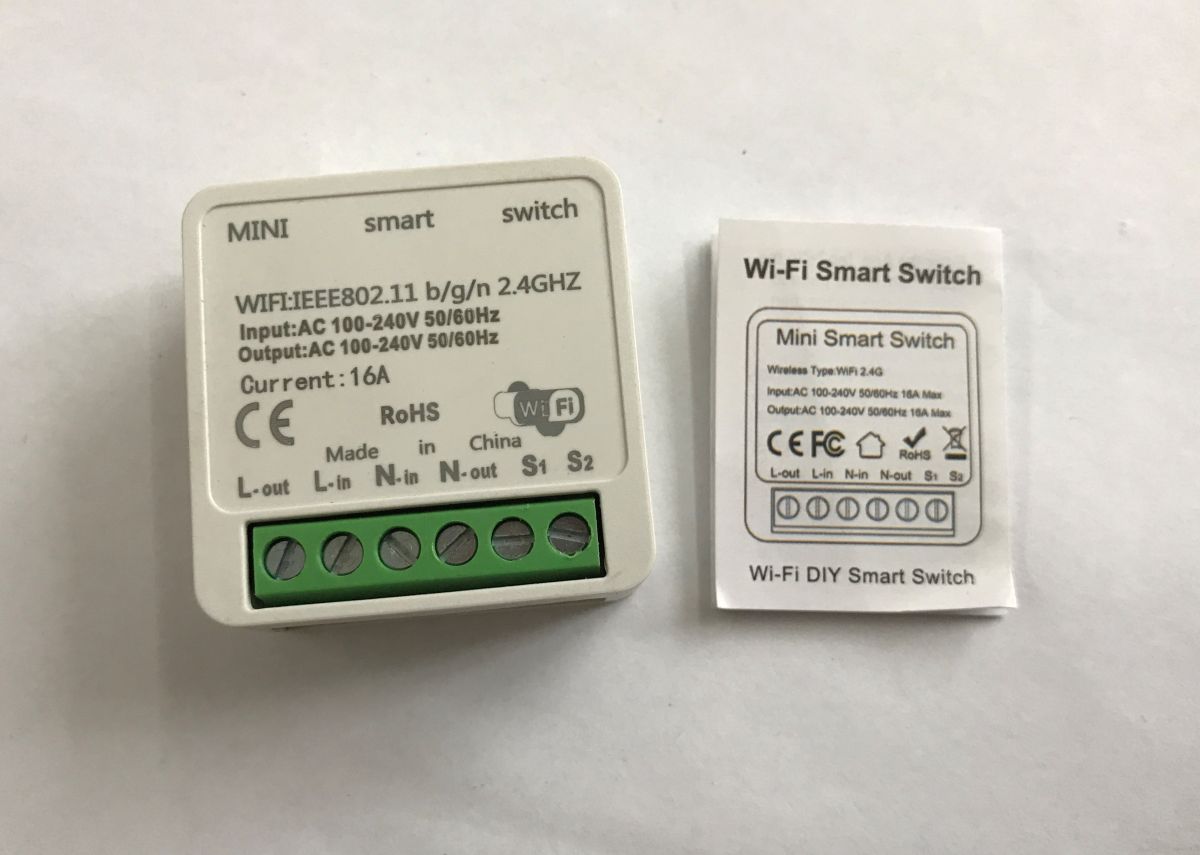
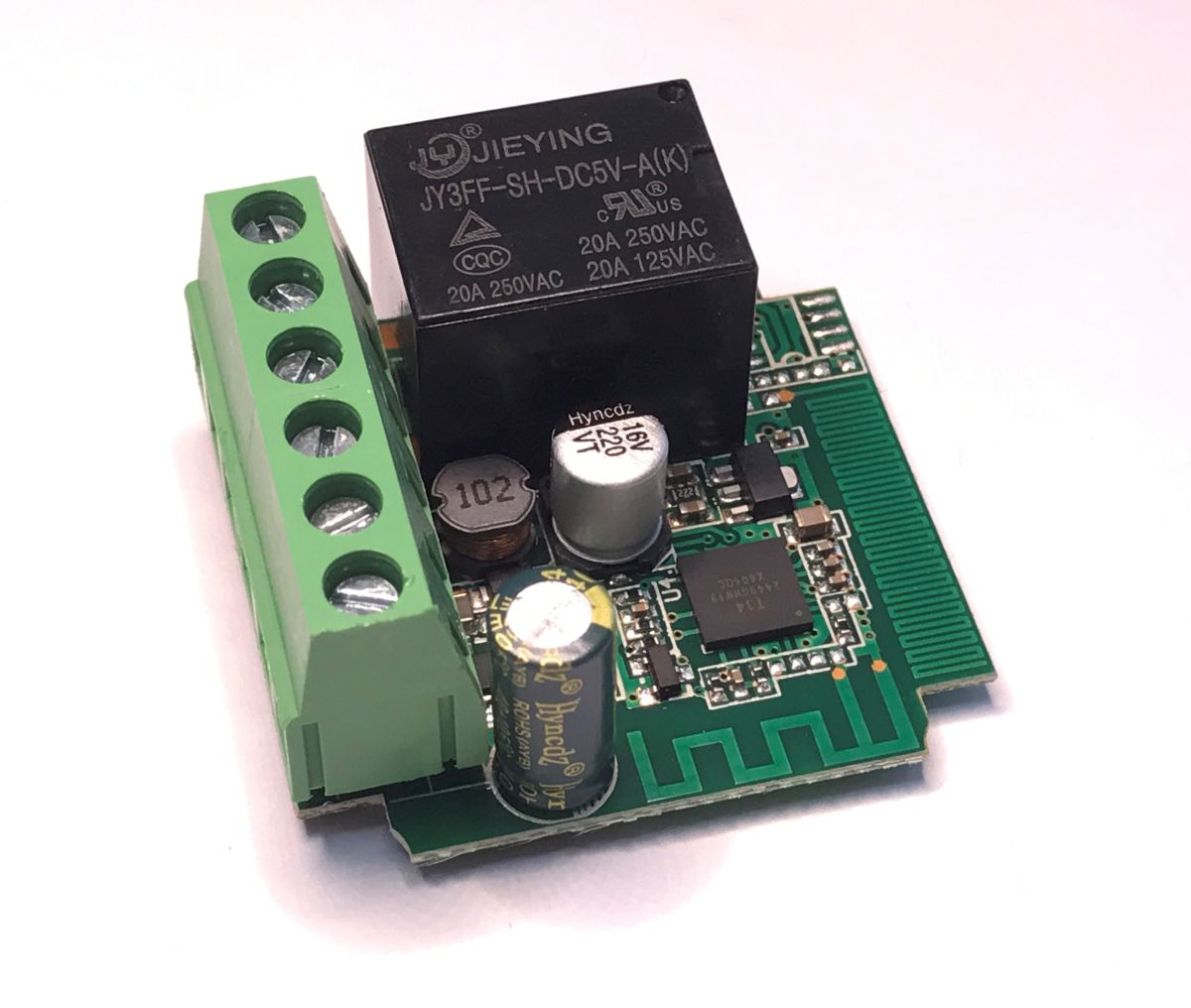
This topic will be special, because I will show it on the example of two relays. This type of gadget can be bought for as little as a dozen zloty, you get a tiny box:
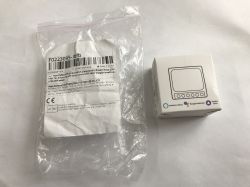
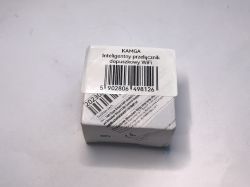
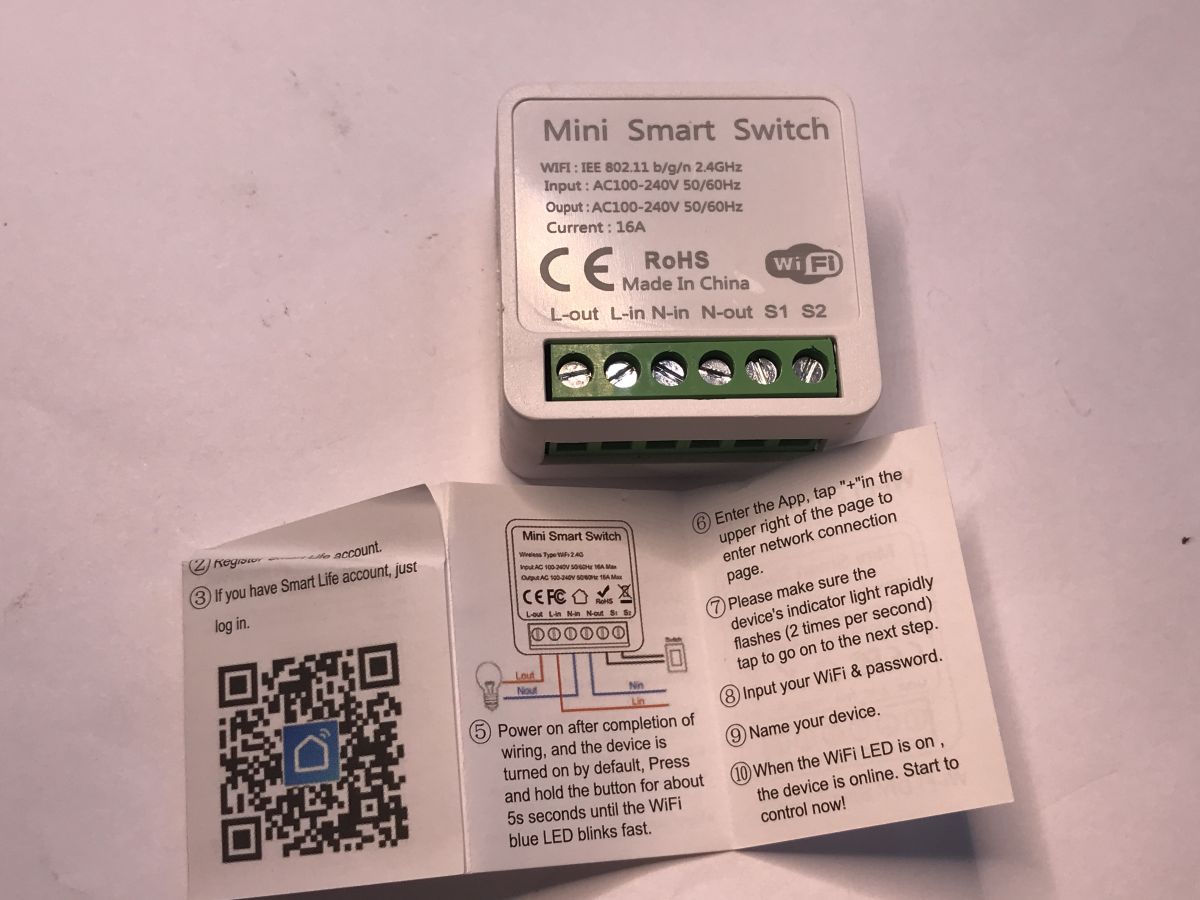
There is a module and instructions inside:
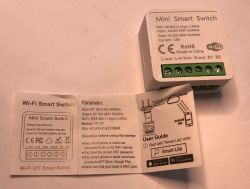
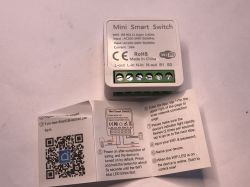
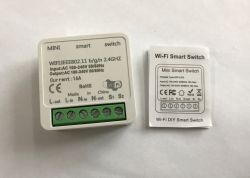
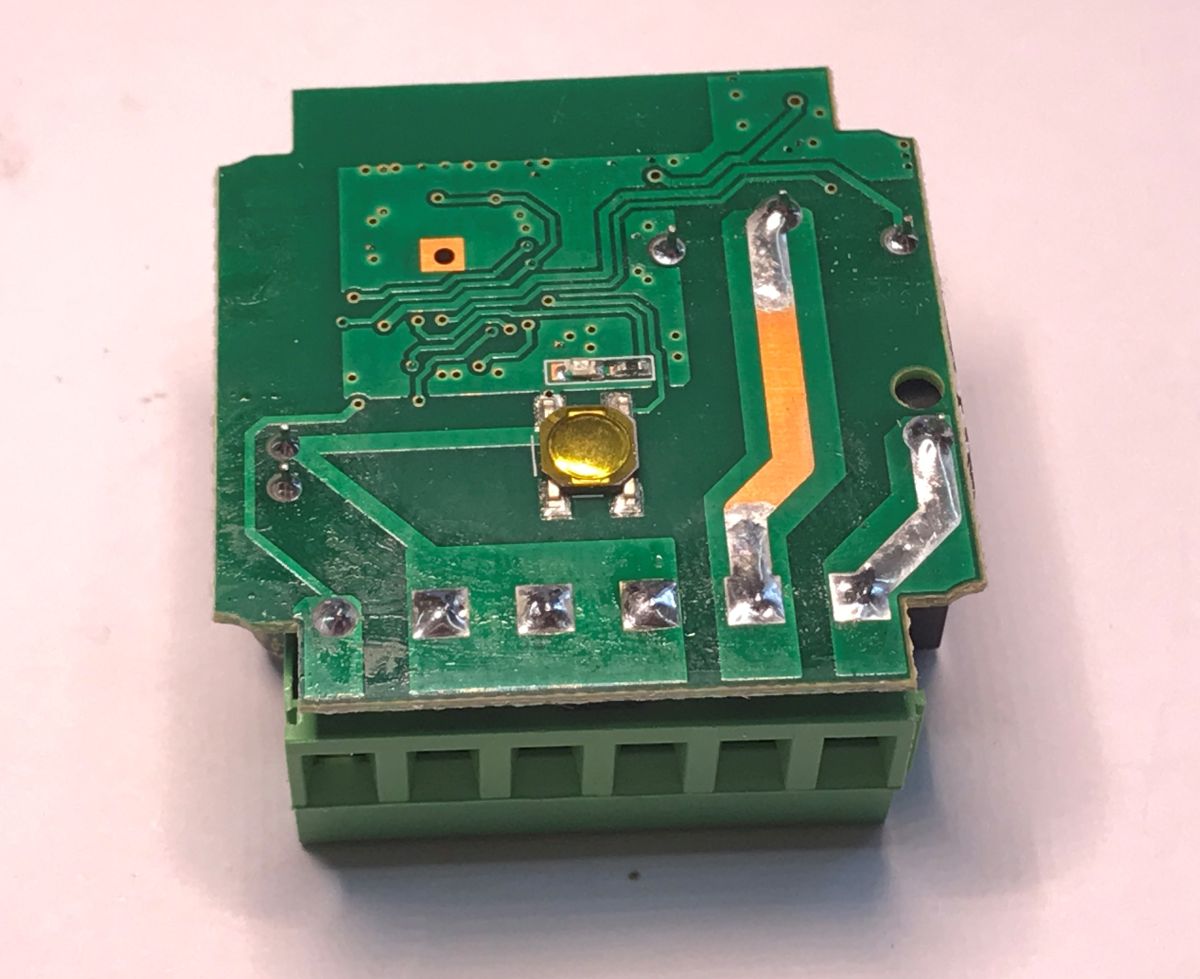
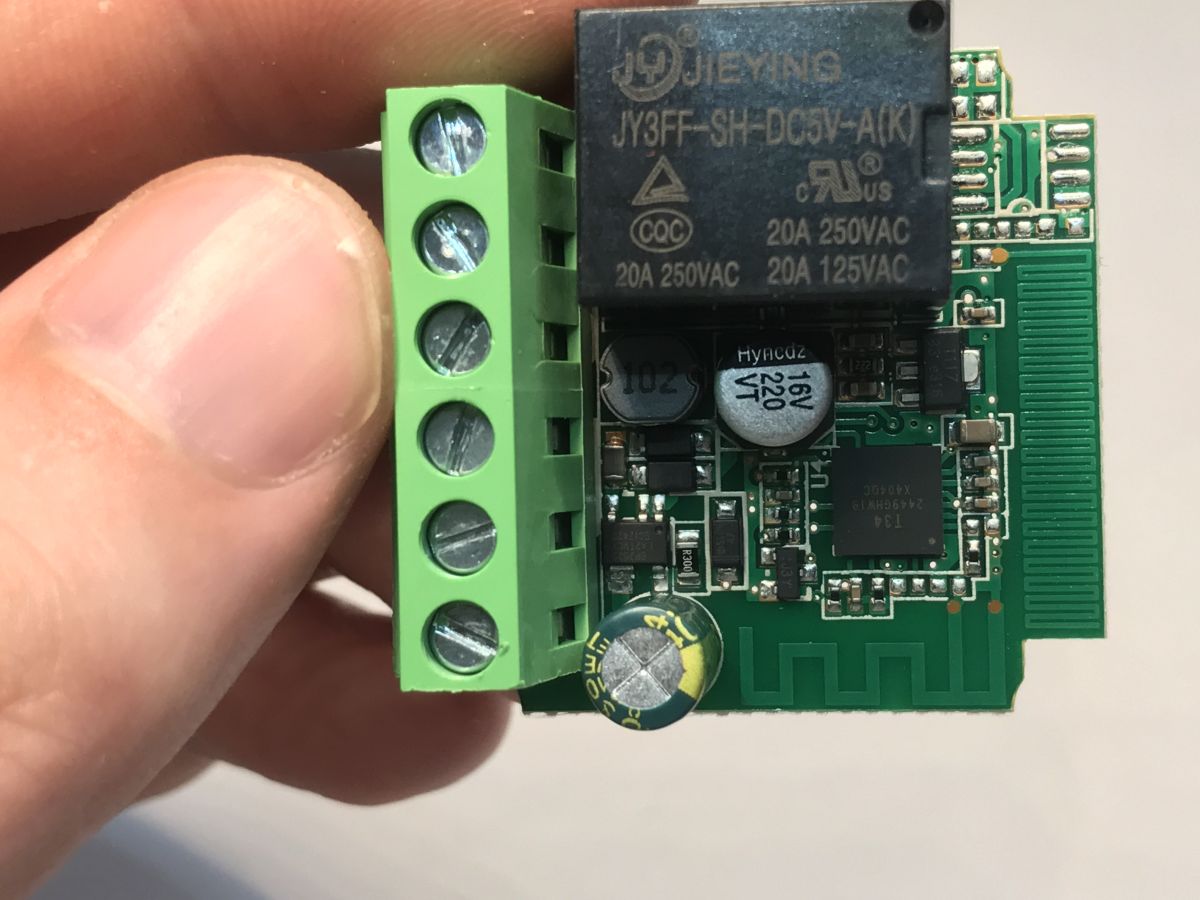
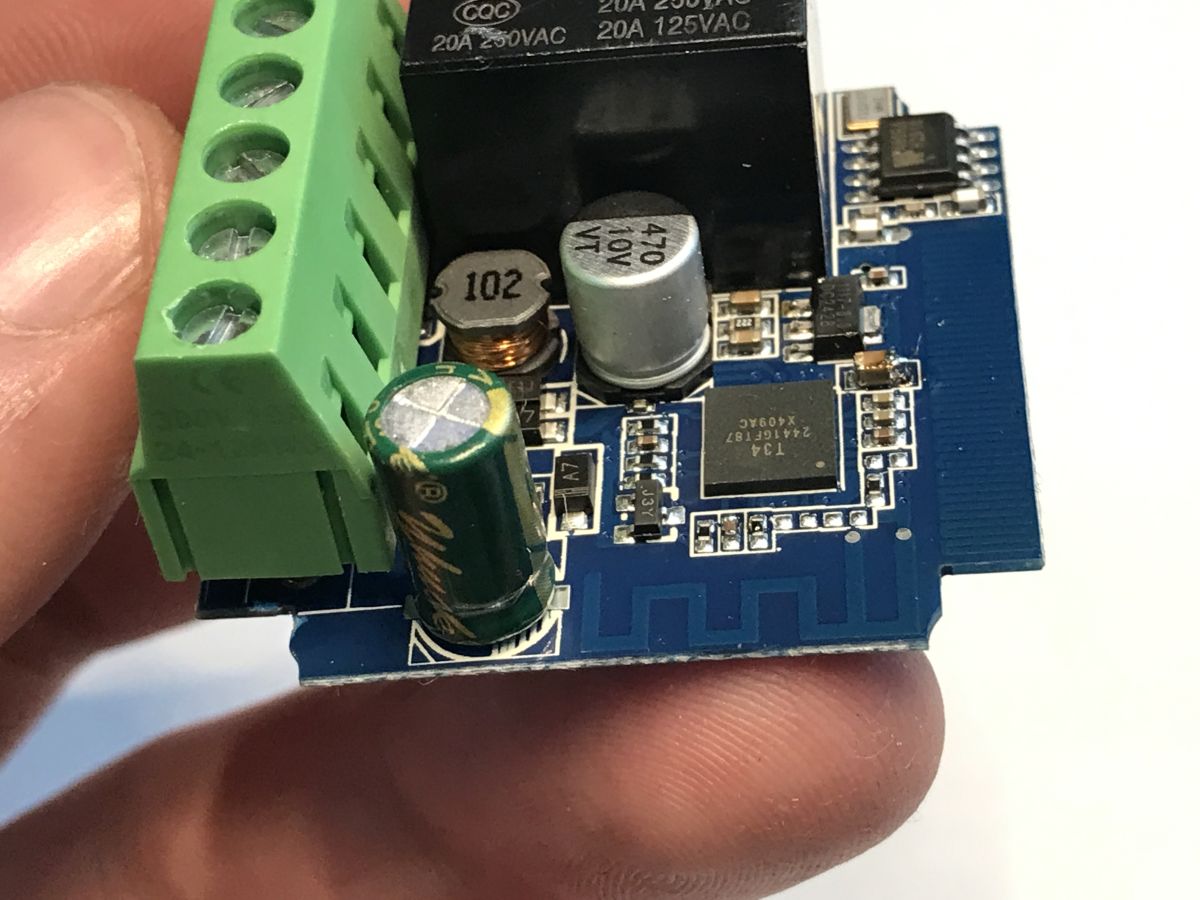
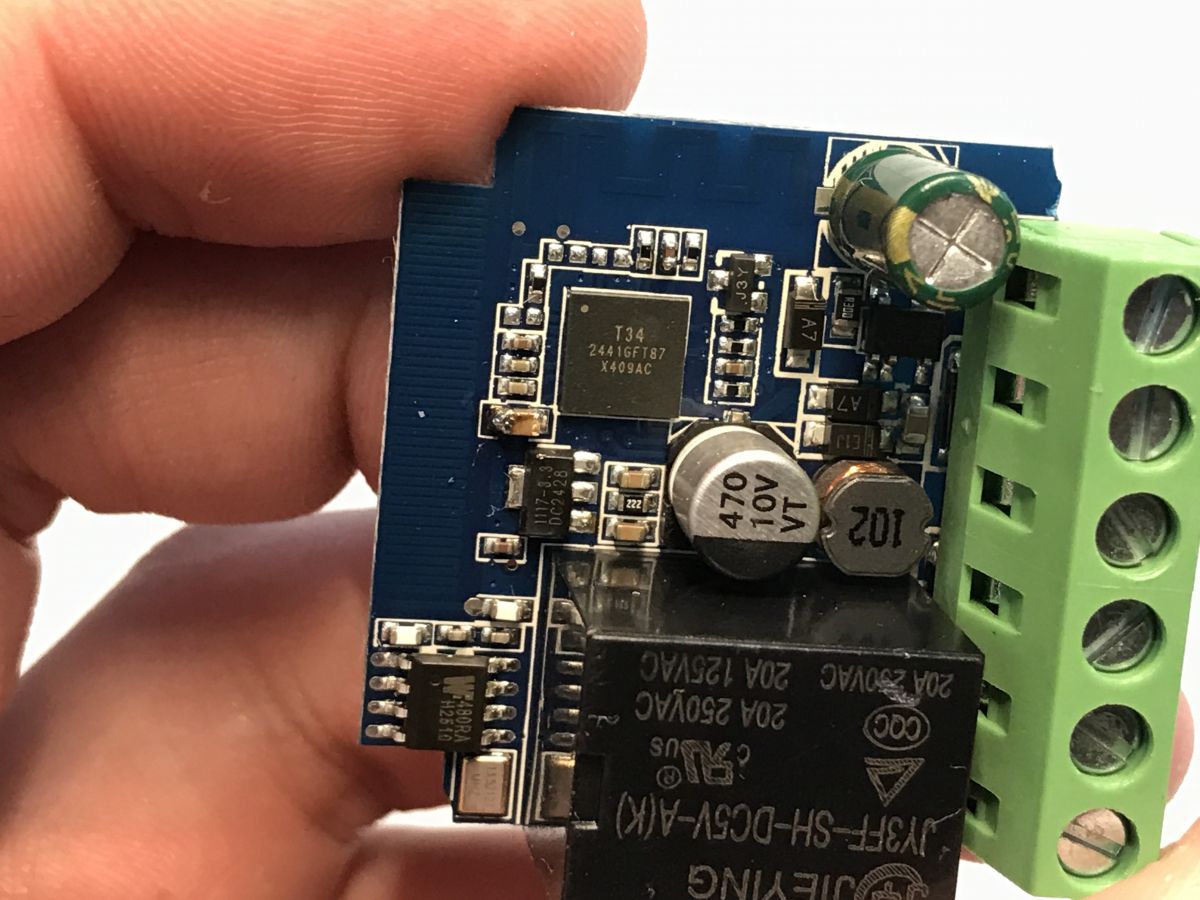
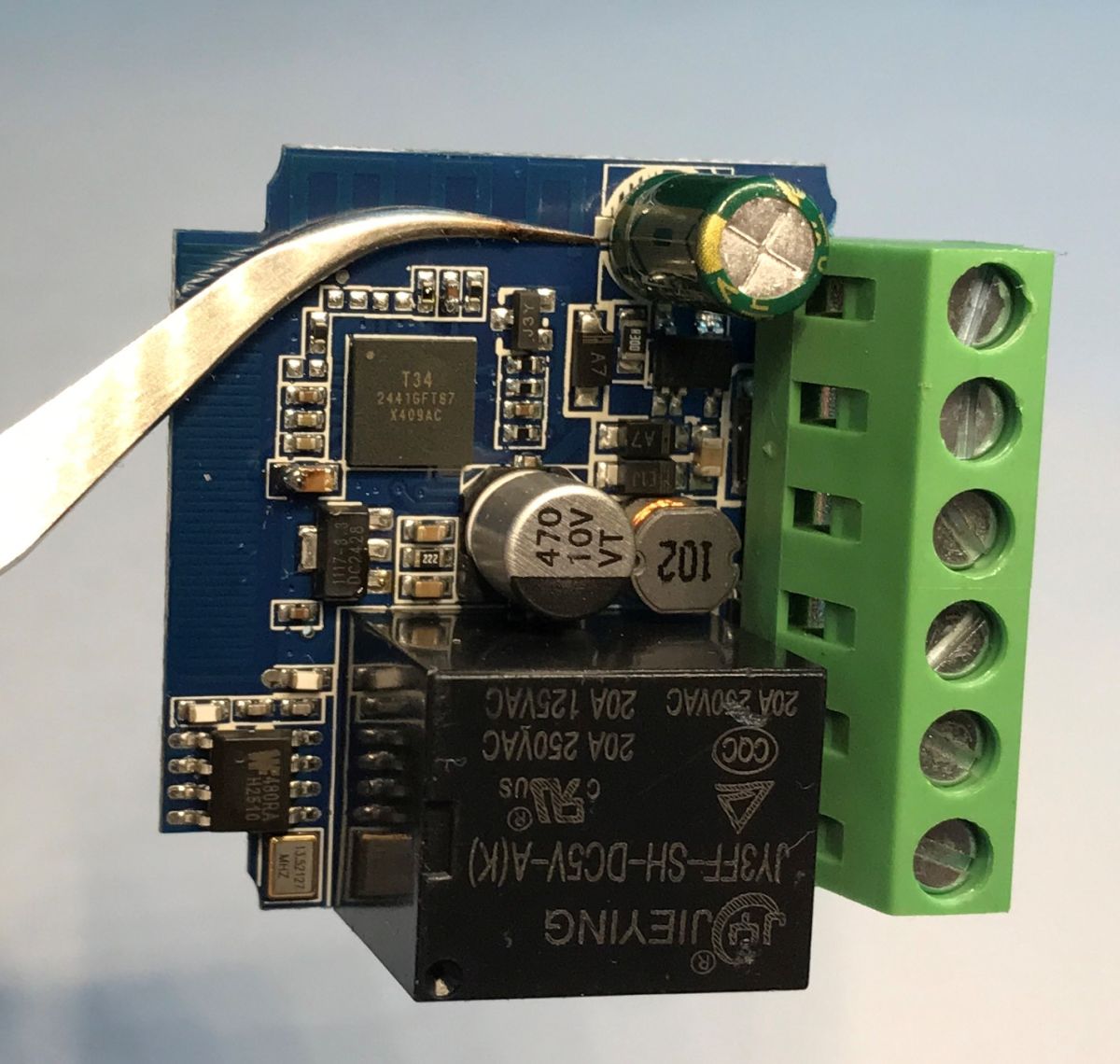
Let's take a look inside:
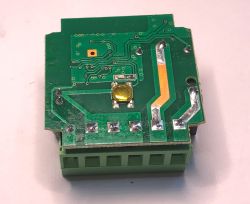
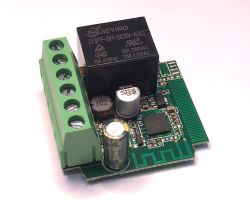
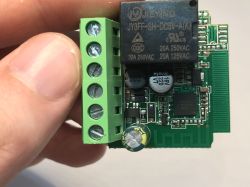
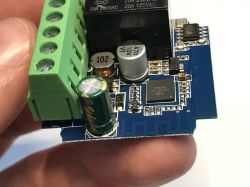
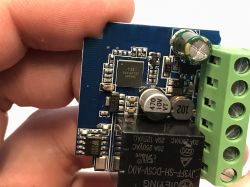
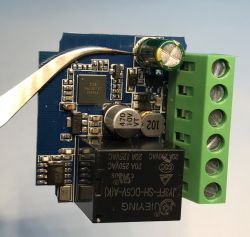
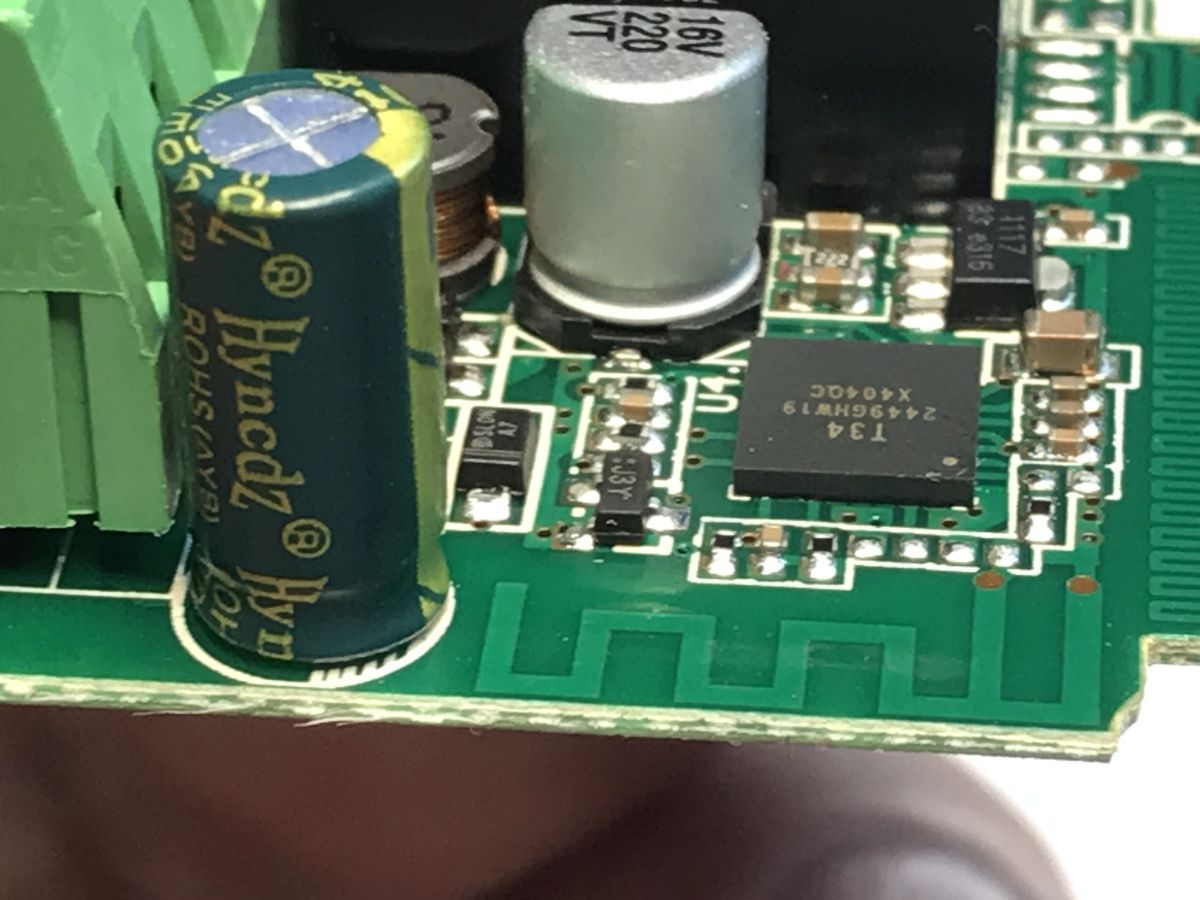
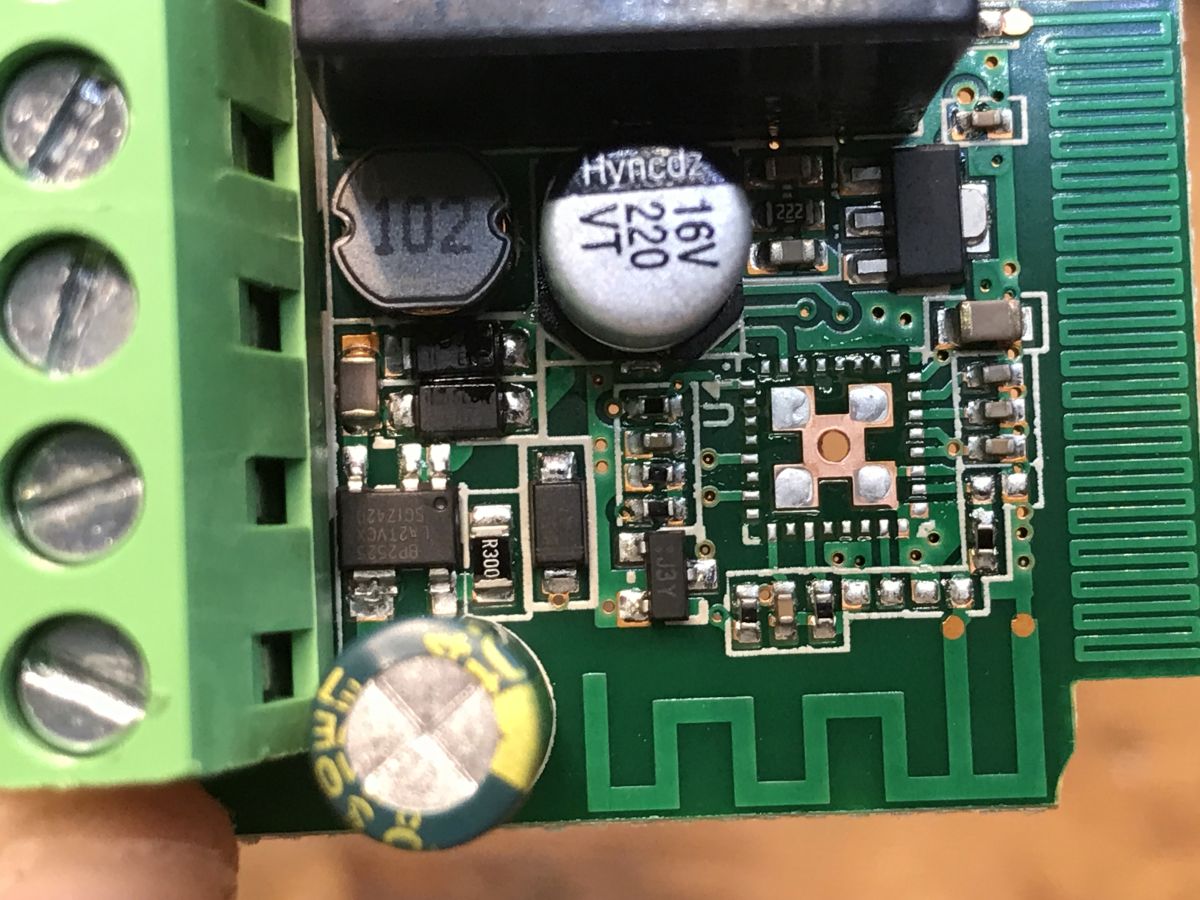
There is no access to the pads mentioned in the subject line about
T34 catalogue note .
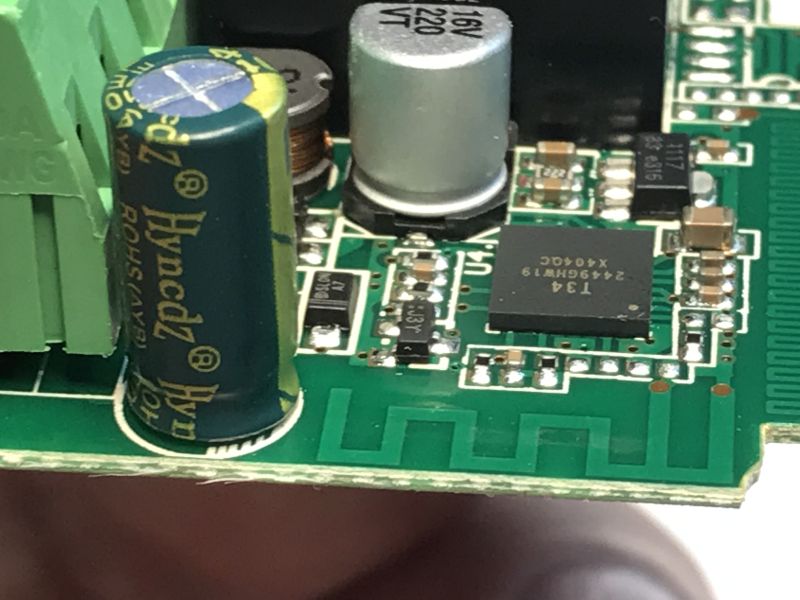
We'll have something on this in a moment, but the construction of such a module can still be discussed briefly.
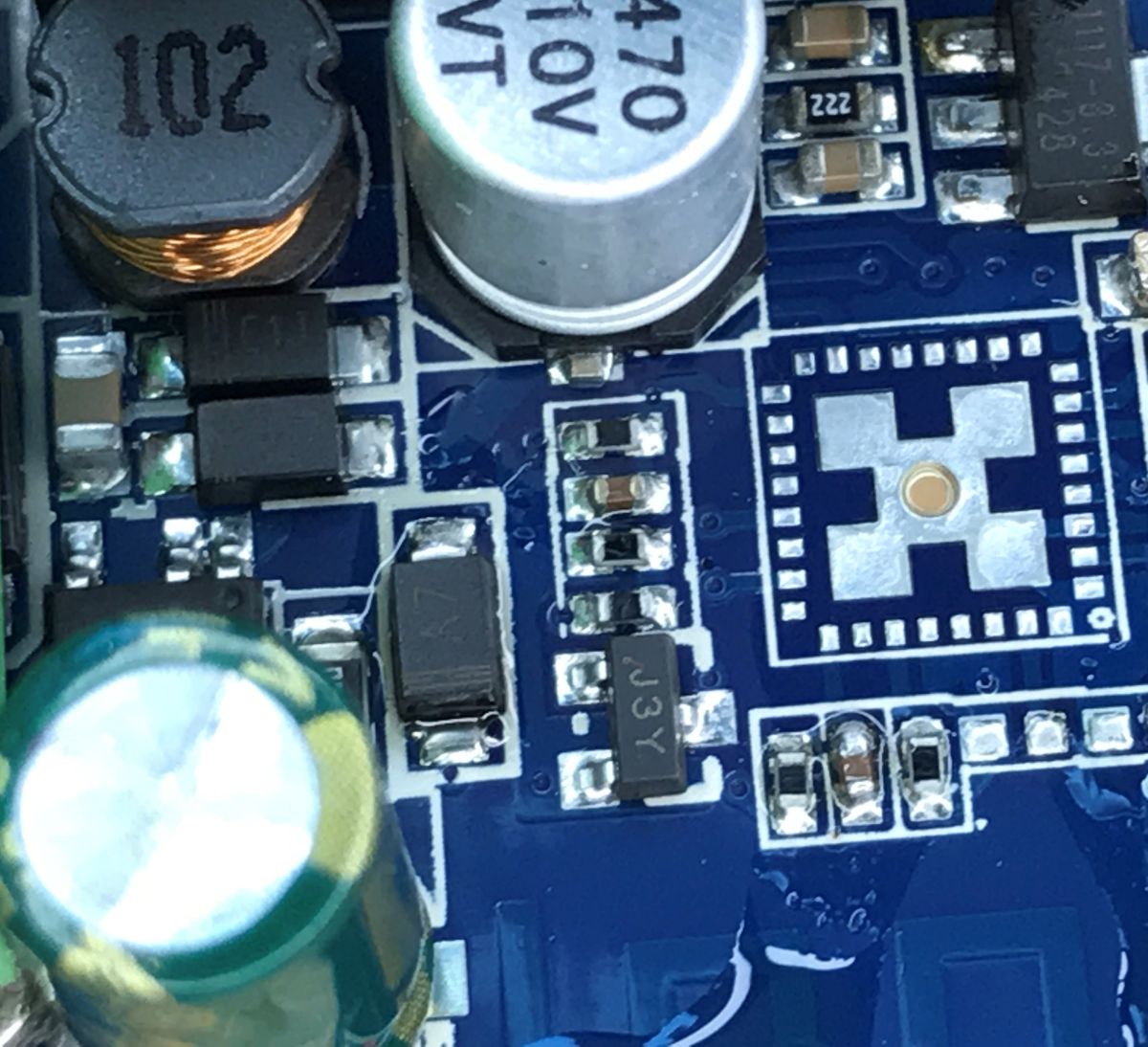
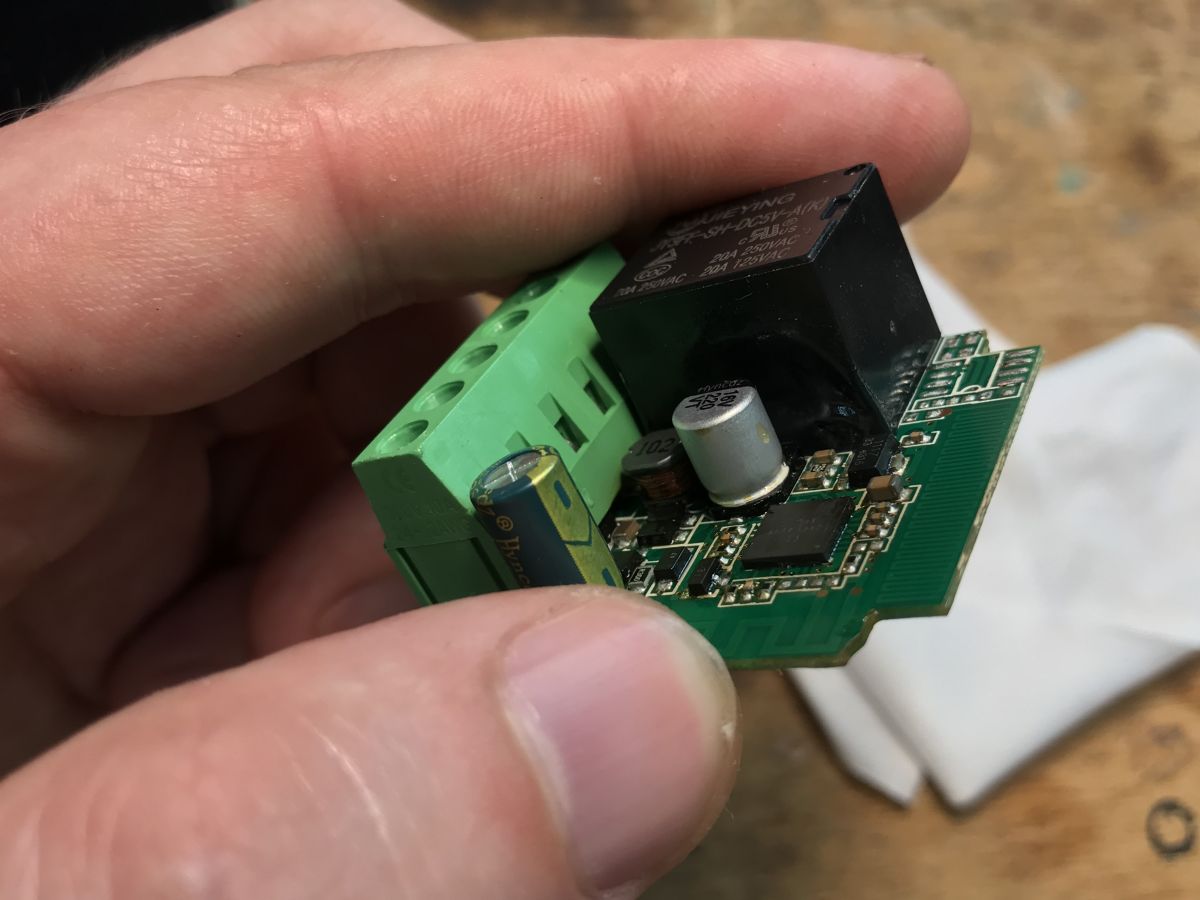
Here we have a single relay supplied with 5 V (JY3FF-SH-DC5V-A(K) or similar), a step-down converter providing 5 V from 230 V AC (after rectification), probably on a BP2525, an LDO AMS1117-3.3 providing 3.3 V from 5 V, and a title T34 together with an antenna on the PCB. In addition, some of these modules also support an RF control option thanks to an additional WF480RA IC in the corner of the PCB along with its quartz resonator and antenna.
Programming the T34
The purpose of changing the device's firmware is to free it from the cloud and to pair it conveniently with Home Assistant. Such a device can then also be freely programmed and developed like an Arduino.
We will upload our electrode firmware onto it:
https://github.com/openshwprojects/OpenBK7231T_App
Uploading is done via the serial port.
Verification with the
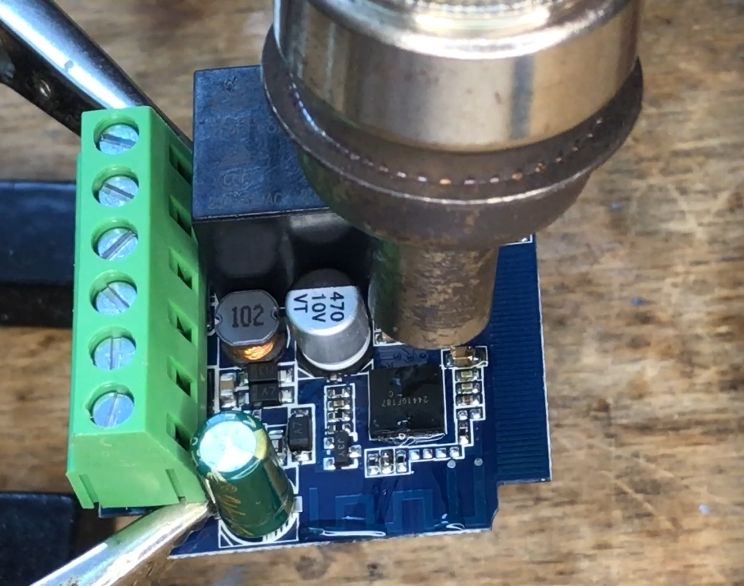
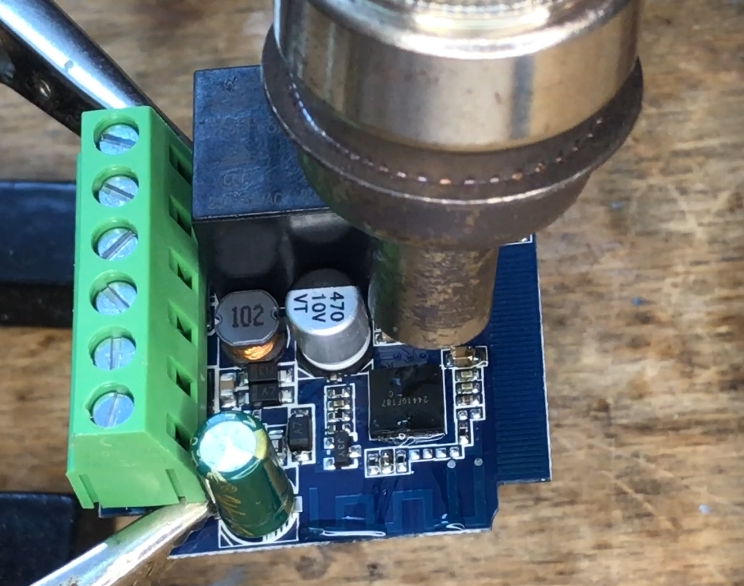
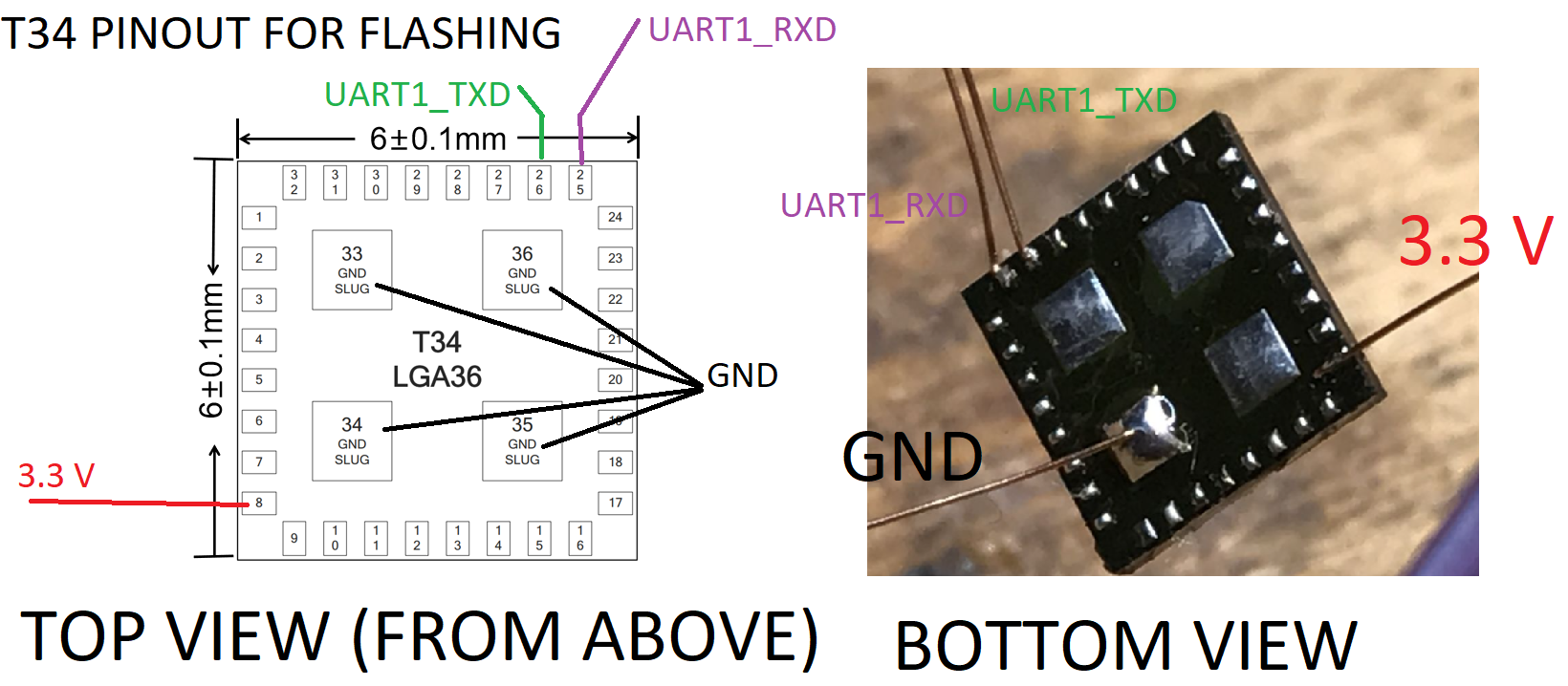
datalogue note shows that one of the UART pins needed for programming is not brought out here. You need to apply flux, ideally also protect nearby components with kapton tape and solder the T34 using hot air. The temperature and blow settings depend on the station - I always try to limit the blow, the temperature is not needed too high either. The board is small and has little heat capacity, it's not a big multilayer PCB from a laptop with huge copper spouts.
GPIO download:
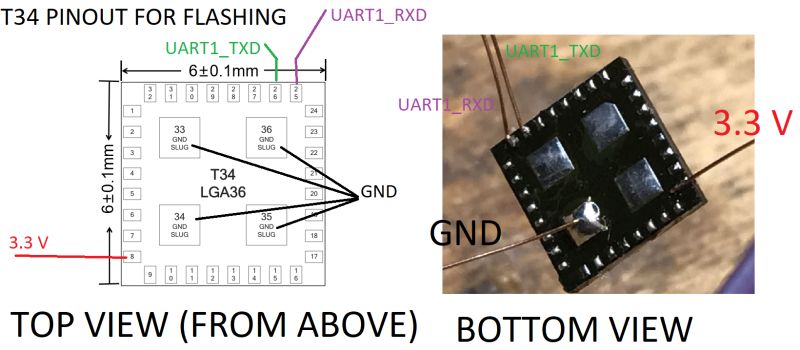
After soldering, it can be seen that the TXD1 pad has no path:
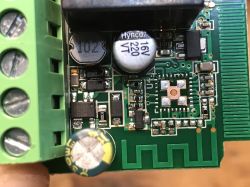
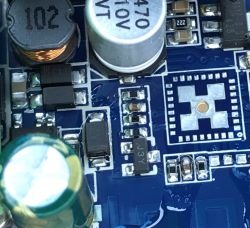
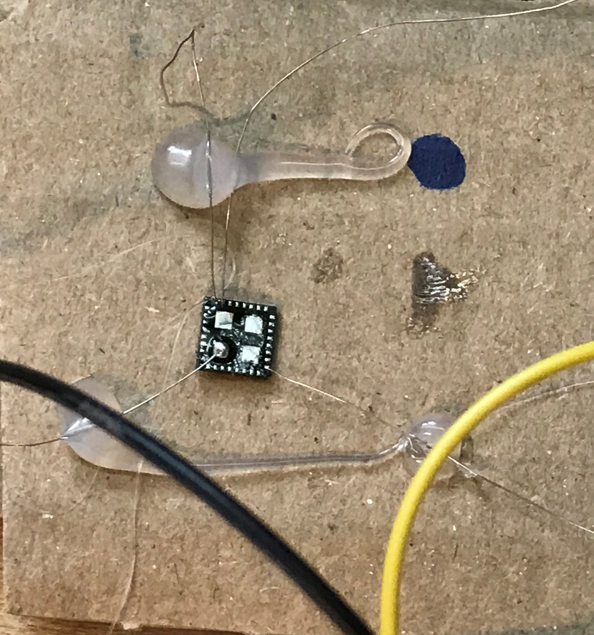
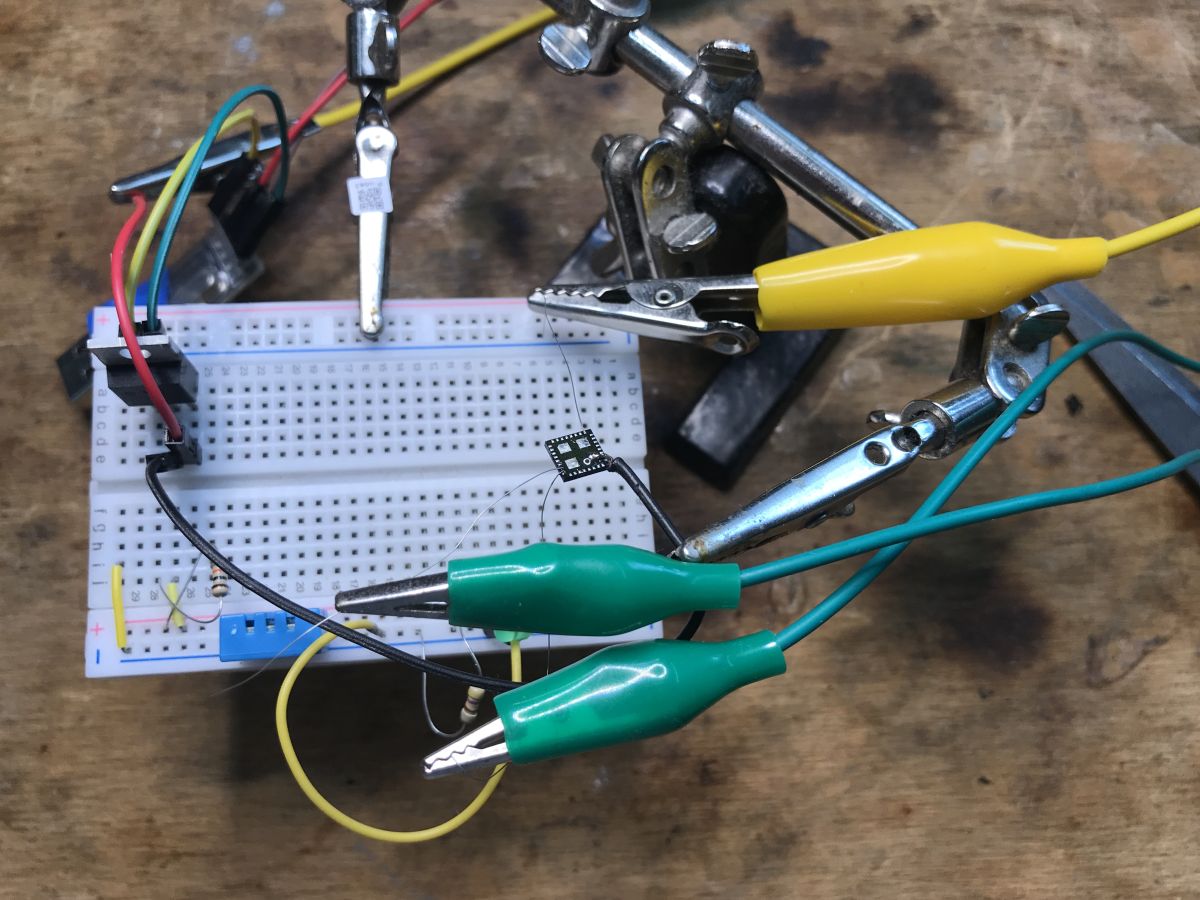
This way we have the module soldered out. I necessarily advise against soldering thick wires to it - it is easy for it to tear off the pad, I have already been through this, I broke one circuit myself this way. It is better to make a stand, e.g. from a cardboard box, mark the first pin and then fix the wires to the stand (e.g. with hot glue) and solder to them:
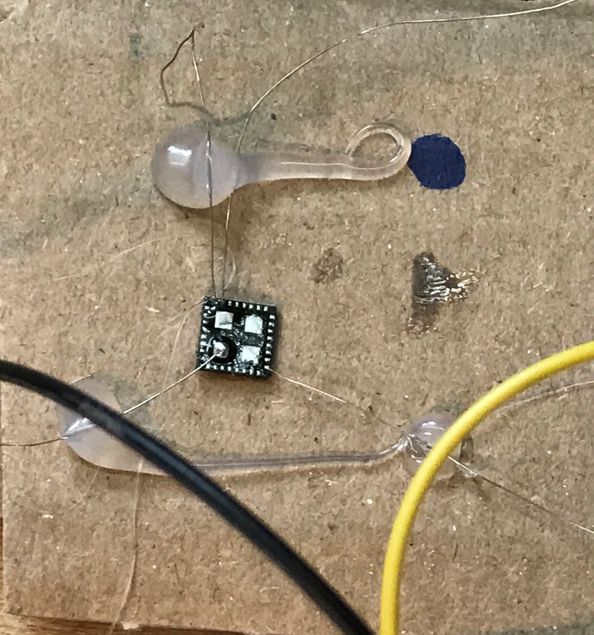
You can also buy a
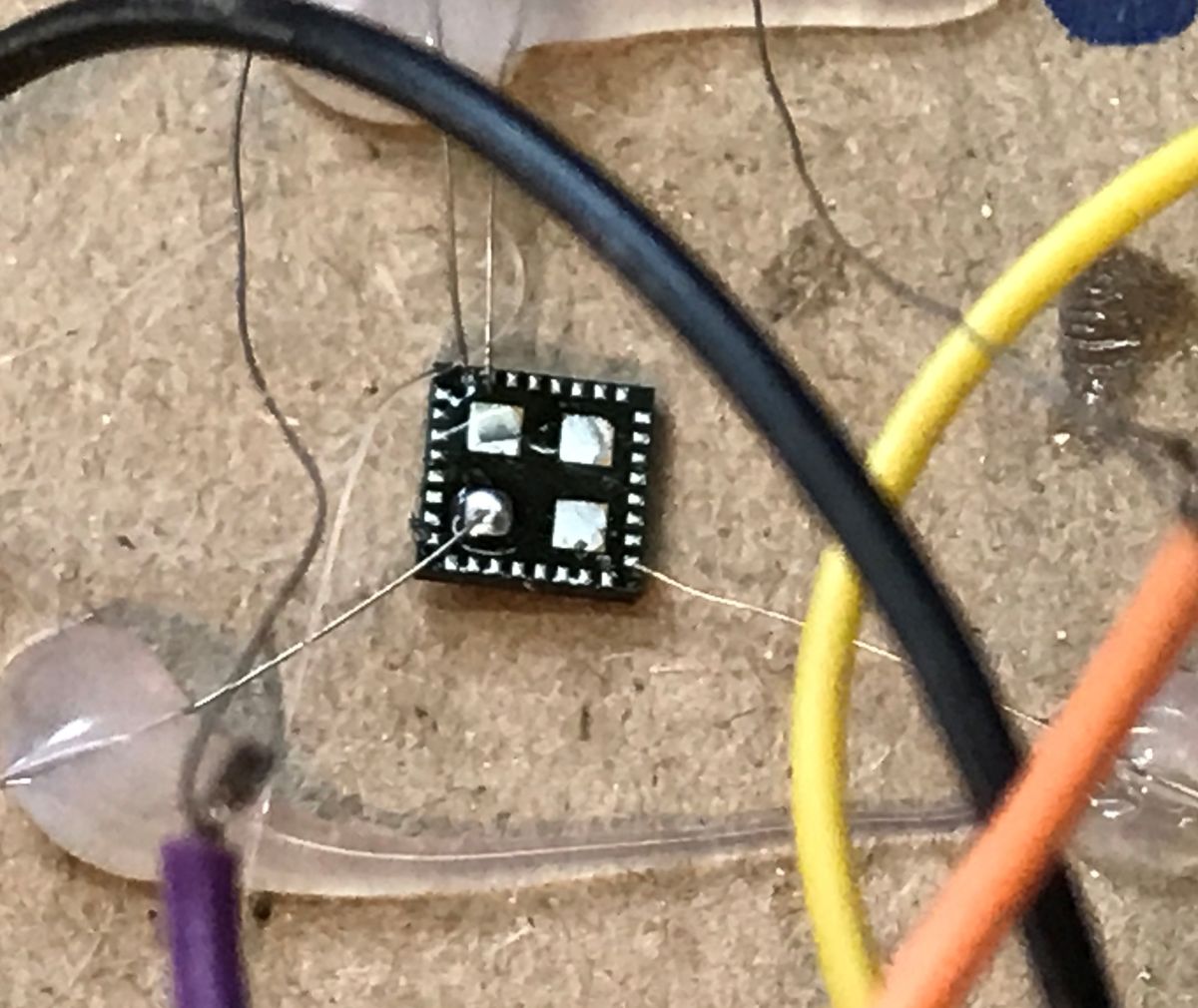
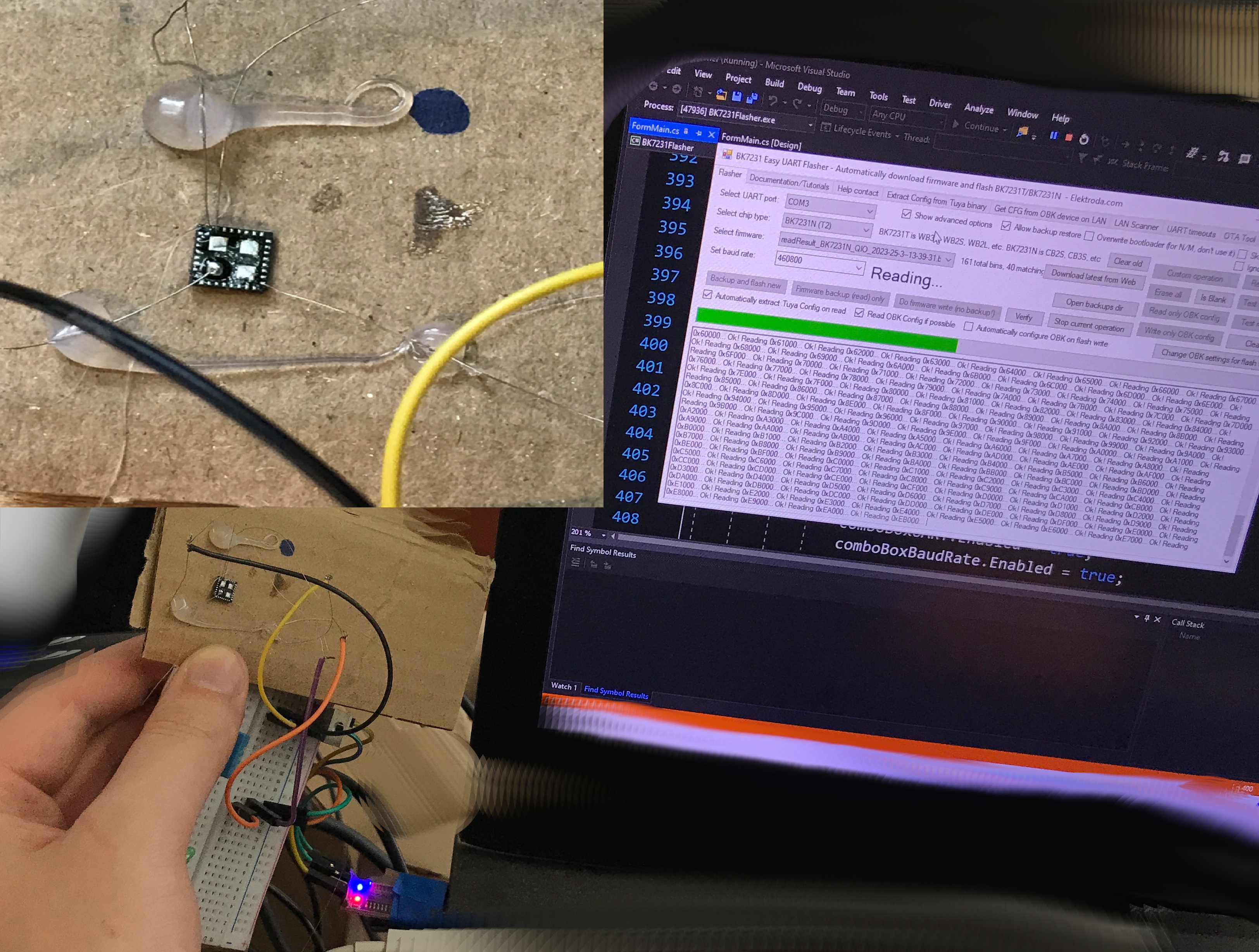
QFN breakout board with a compatible number of pins and raster. I didn't have one on hand myself, but my method works too - I even took a souvenir photo while reading the Flash memory:
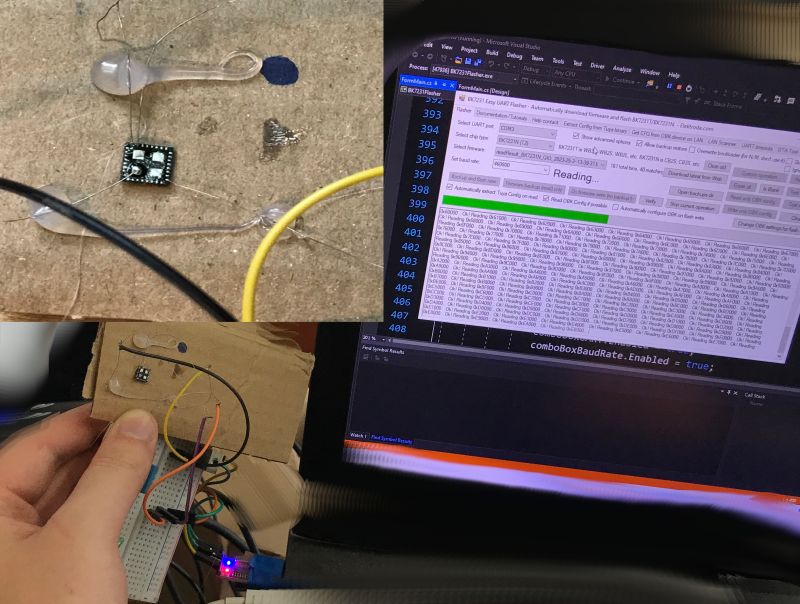
Another copy - another risky method, but again, wires to not break the pads:
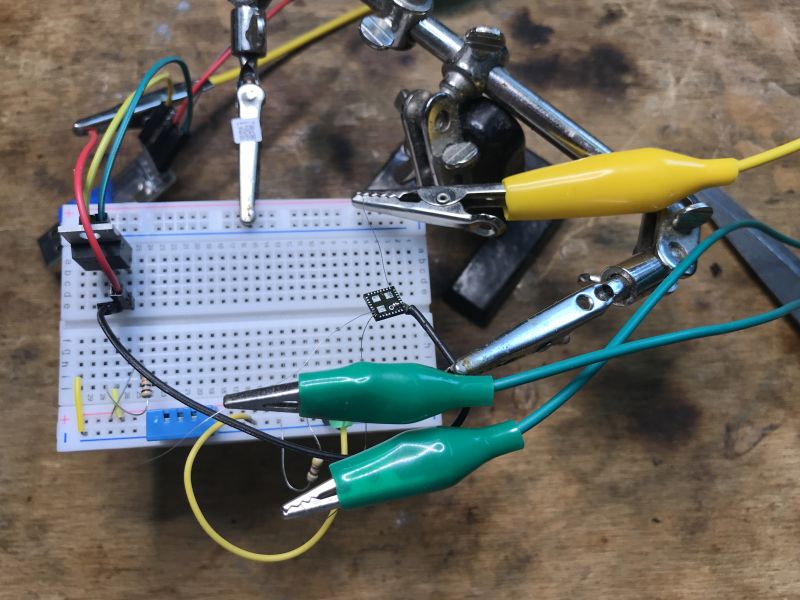
We use our flasher and USB to UART converter for programming:
https://github.com/openshwprojects/BK7231GUIFlashTool
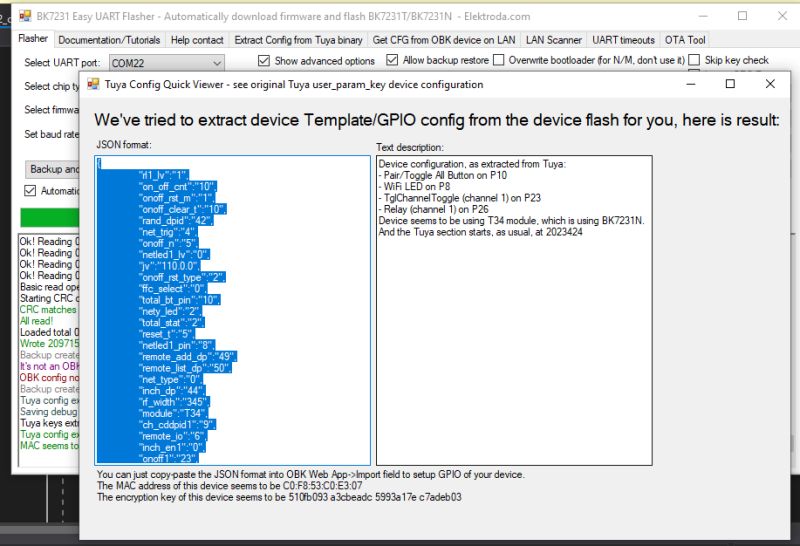
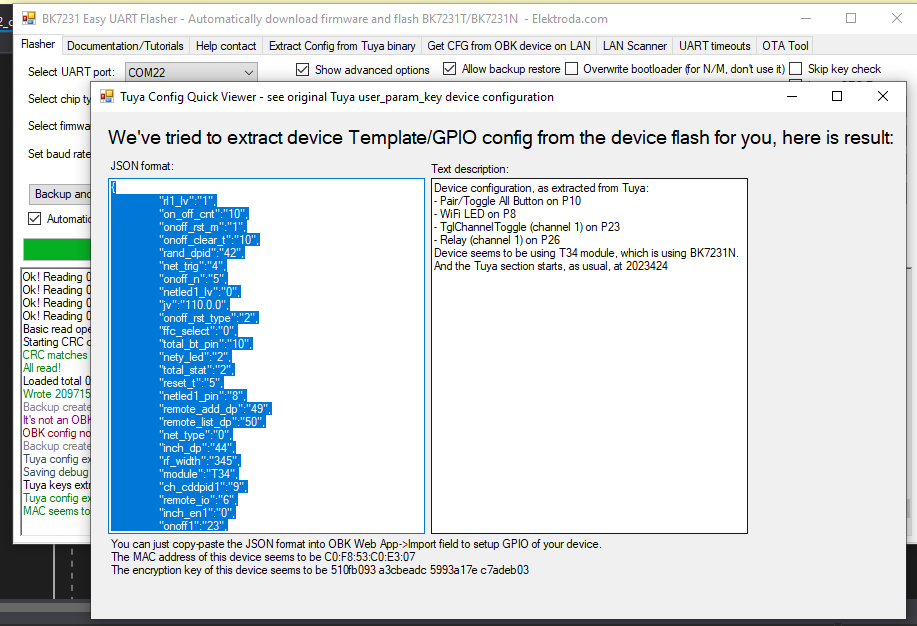
The programmer correctly discovers the GPIO configuration:
Then the chip goes back into place:
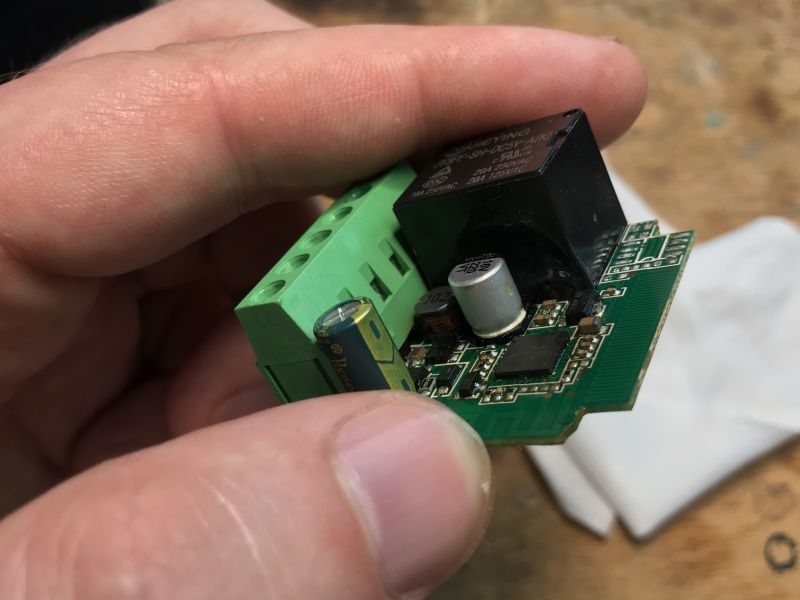
I do not reapply binder to such a layout. I just add a bit of flux, not too much, position it and heat it with hot air. With a bit of luck the layout sits and positions itself correctly. Sometimes it needs a little help with tweezers.
Tuya's JSON detected (GPIO configuration):
Verbal description:
Device seems to be using T34 module, which is BK7231T chip.
- Relay (channel 1) on P26
- WiFi LED on P8
- TglChannelToggle (channel 1) on P23
- Pair/Toggle All Pin on P10
We perform the rest of the configuration as usual.
Pairing with Home Assistant:
Summary
Unlike the previous
thread about the T34 , this time the conclusion is different. This device is unlikely to be reprogrammed without using hot air - because how? Does anyone have any ideas? Without the derived pads, I don't see this as a possibility.
All this means that now having such, say, 5 modules, we have to solder the chip in the LGA 5 times, solder the wires to it, program it, and then solder it back in place.... well, at least a bit more people will practice working with SMD components.
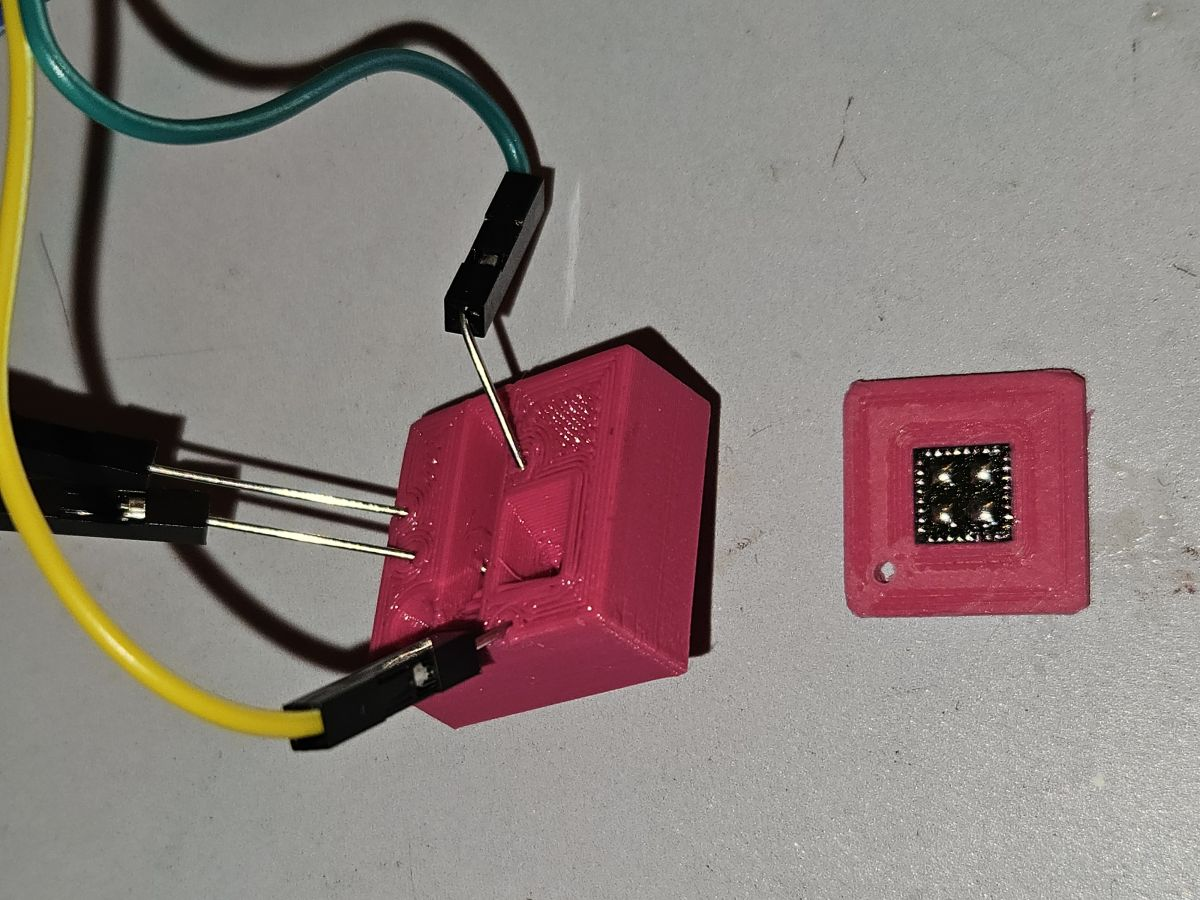
Is there any way to make your job easier? There was one suggestion on Elektroda.com:
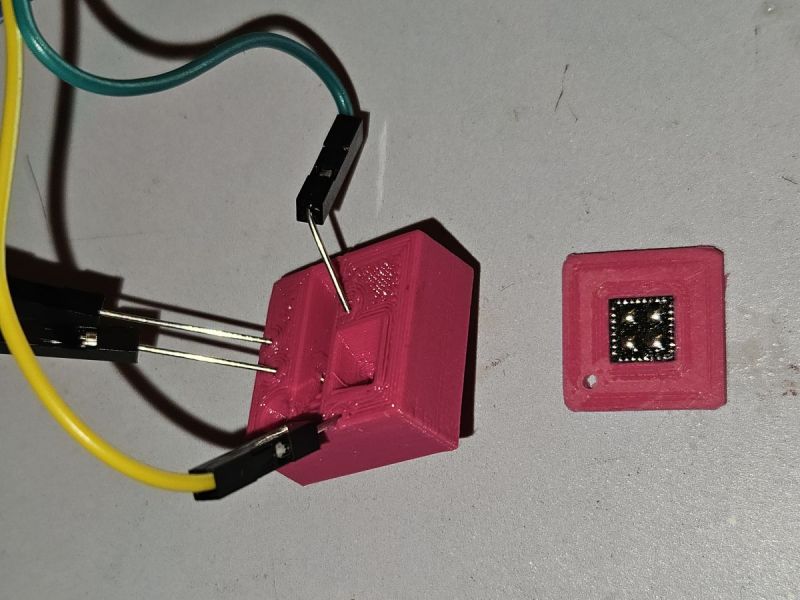
This is a printed adapter for programming the T34 without soldering. It simplifies the second step, as the T34 has to be further soldered and re-soldered from the PCB. Source:
https://www.elektroda.com/rtvforum/topic4079733.html#21732349
Interesting concept, although it still requires probably the most difficult step.
How do you rate the level of difficulty of such a firmware change? Have you worked with components in enclosures such as LGA? 







Comments
LGA not QFN. [Read more]
Well, I don't know. To hook up to ground and plus you will probably find somewhere on the pcb. The question is whether the Rx and Tx go somewhere on the pcb so you can catch them, you need to look closely... [Read more]
Precisely the problem is that one of the UART lines is not led anywhere. That's why I gave pictures with the circuit soldered out: https://obrazki.elektroda.pl/2238398900_1761915314_bigthumb.jpg ... [Read more]
you can file in the circuit/pcb :) or press with a piece of tape [Read more]
:) Darkest under the torch: https://obrazki.elektroda.pl/7028341800_1761925616_thumb.jpg [Read more]
And that's what I saw, but about that I had doubts because I know that T34s come in two versions - with pads accessible from the side and without. Although I guess that document from NXP what I gave a... [Read more]
Why grind the whole side, just the corner where the pins of interest are, or in fact one particular pin. This will have the advantage that the access will be permanent and you will not have to solder... [Read more]
"laminated QFN" - as many as 15 links on google :) Since you are describing a problem that occurs in an LGA chassis and does not occur in QFN, it would be appropriate to write LGA. [Read more]
I will try this way, but I do not foresee any further programming. That's what the remote update option (OTA) is for, to avoid soldering wires twice. @piotr_go thanks for pointing it out, I have changed... [Read more]
Was there any space under the chip for even the thinnest of needles to reach the IC legs? This method was a pain and you need to keep a steady hand for a short period but I was able to flash with two sewing... [Read more]
@divadiow I checked your picture. https://obrazki.elektroda.pl/7717033600_1761978735_bigthumb.jpg It indeed looks like LGA (no pads on right side) but it seems it's solder in such a way that solder... [Read more]
yep, OK. The accessibility of the legs on these T34s do seem to vary somewhat [Read more]
Looks like the length of the pad makes the difference [Read more]
https://obrazki.elektroda.pl/9572700600_1761985631_thumb.jpg I have such a switch and am gathering up the courage. [Read more]
You can easily add cables to it without desoldering the circuit. But placing it in the middle of the pcb doesn't make it any easier. [Read more]
Now I'm wondering if the one in @Nargo's photo is a QFN, or is it also an LGA, but only on longer pads? Anyway, what's there is a simple version, also you could probably get away with such a stand with... [Read more]
Rest assured that soon no firmware changes in iot will be possible thanks to the EU. Every firmware will have to have a secure boot and on esp32, for example, the key is permanently burned in. Then only... [Read more]
At this point we have encountered this in devices from Matter based on ESP32. Several forum users have tested various such devices and it looks like this is some sort of top-down requirement from Matter,... [Read more]
I'm trying to flashing it, but I'm getting this error. Anyone knows why? https://obrazki.elektroda.pl/9552952200_1762629657_thumb.jpg [Read more]