I invite you to a presentation of images generated by two models - the Nano Banana and the Nano Banana Pro. Here I will try to generate diagrams, infographics and various unusual images - it will be really interesting. It's not those days anymore when AI couldn't apply text to an image....
I realised the test on
LMArena based on the gemini-2.5-flash-image-preview (nano-banana) and gemini-3-pro-image-preview (nano-banana-pro) models.
NOTE: all graphics here are generated by AI! Please do not create projects based on them!
The presentation format will be simple - first a prompt in English, below images - from
left side the old Nano Banana model (image
square ), with
improved Pro (image
rectangular ). Below the images my commentary.
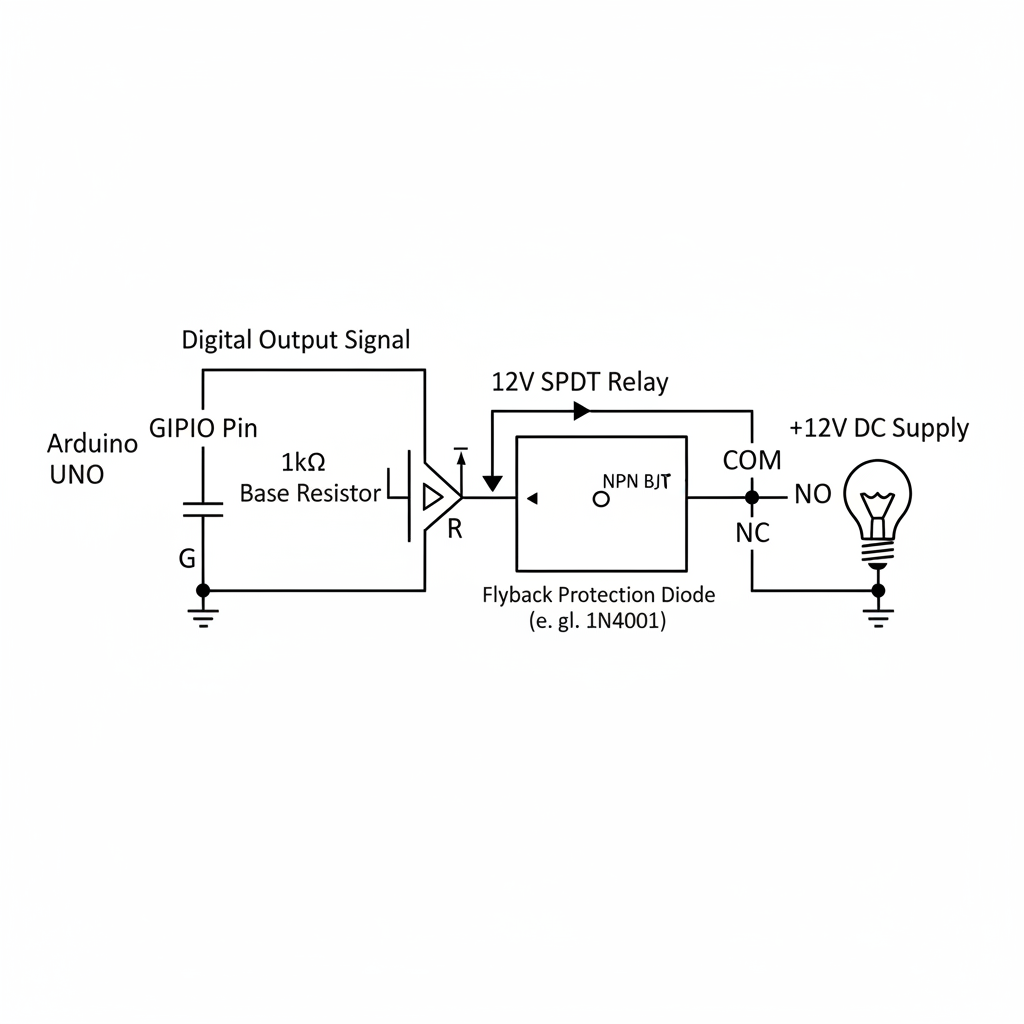
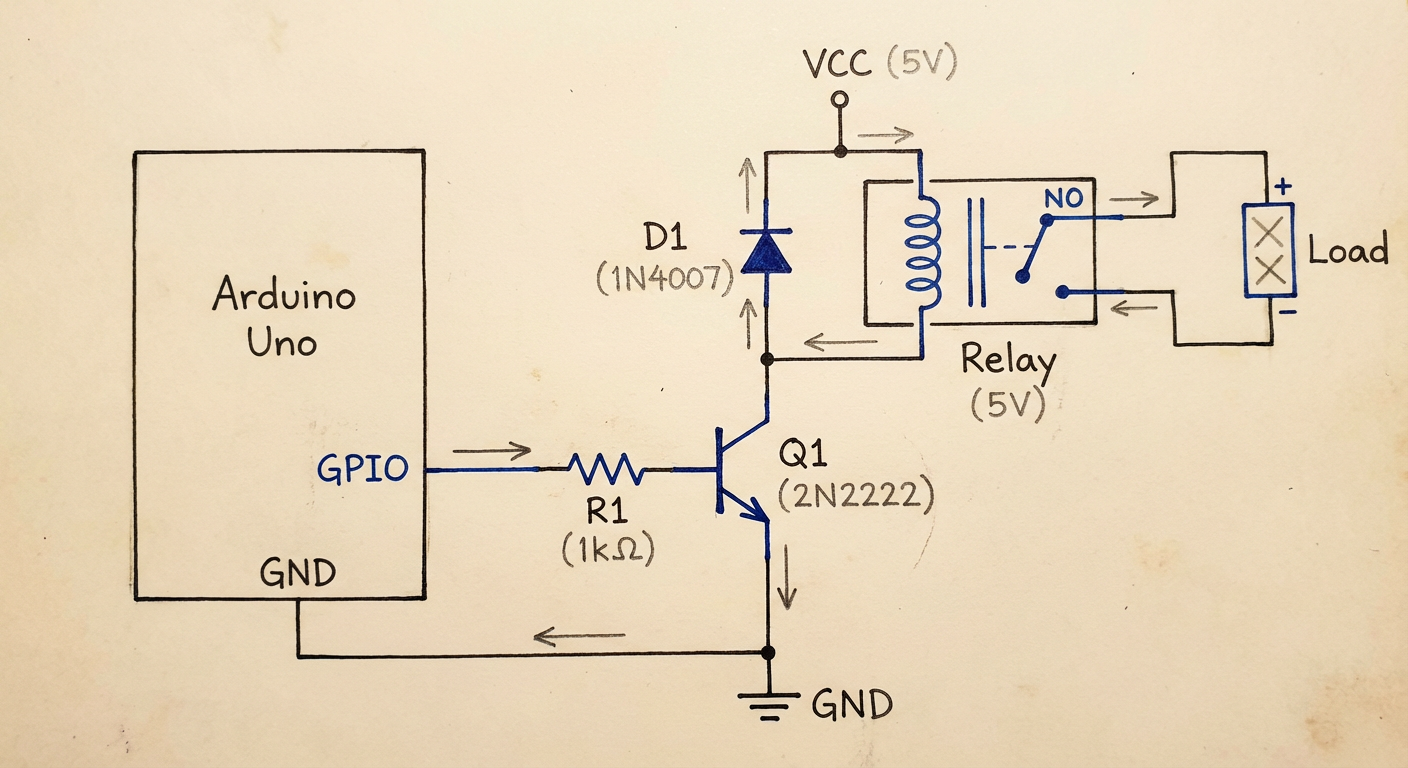
a schematic showing how to control relay from arduino GPIO with a transistor and protection diode
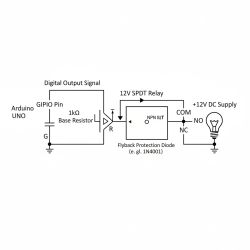
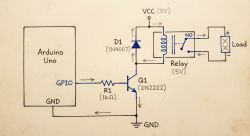
The usual model barely makes it through the text - GIPIO Pin? The schematic basically didn't draw, just some lines.... whereas the Pro managed quite well. It's a bit mixed up, e.g. the relay seems to self-power the load, but it's still a great step forward. The arrows are also a bit mixed up.
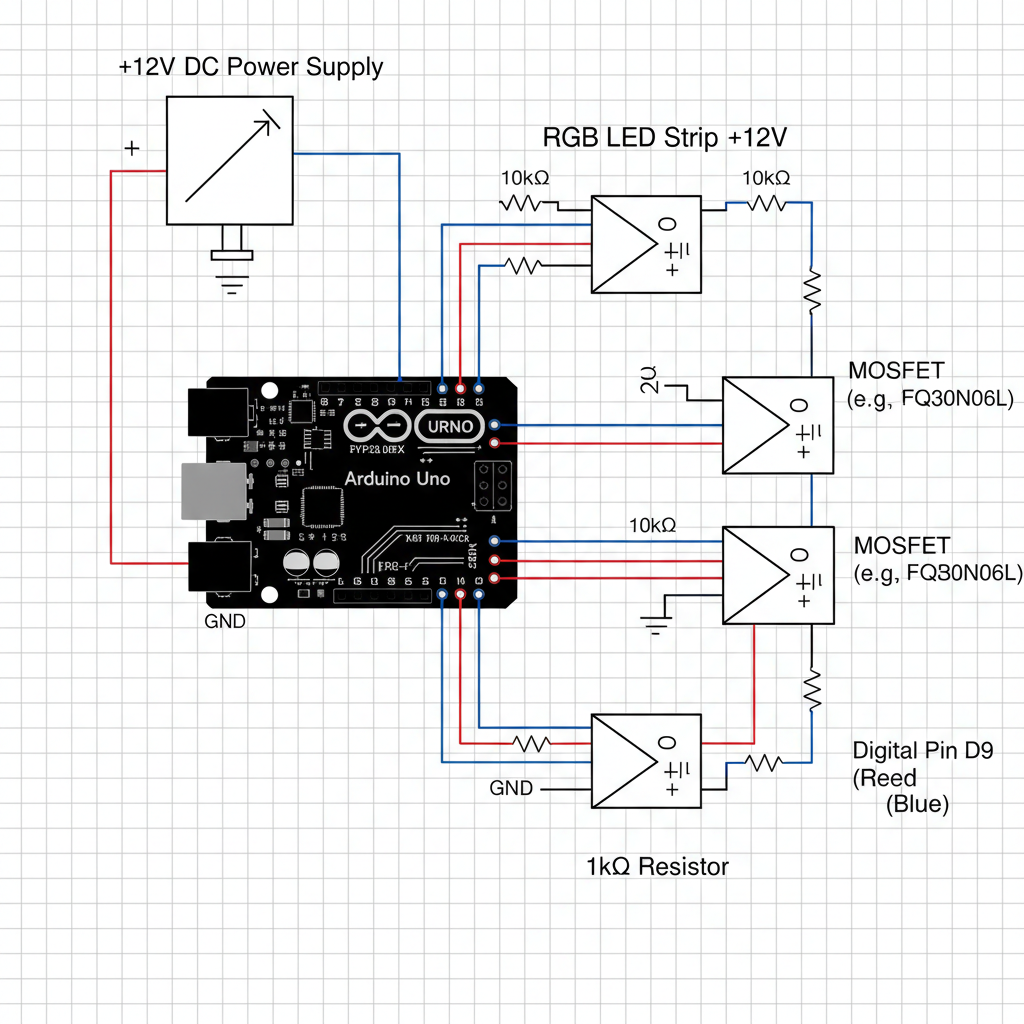
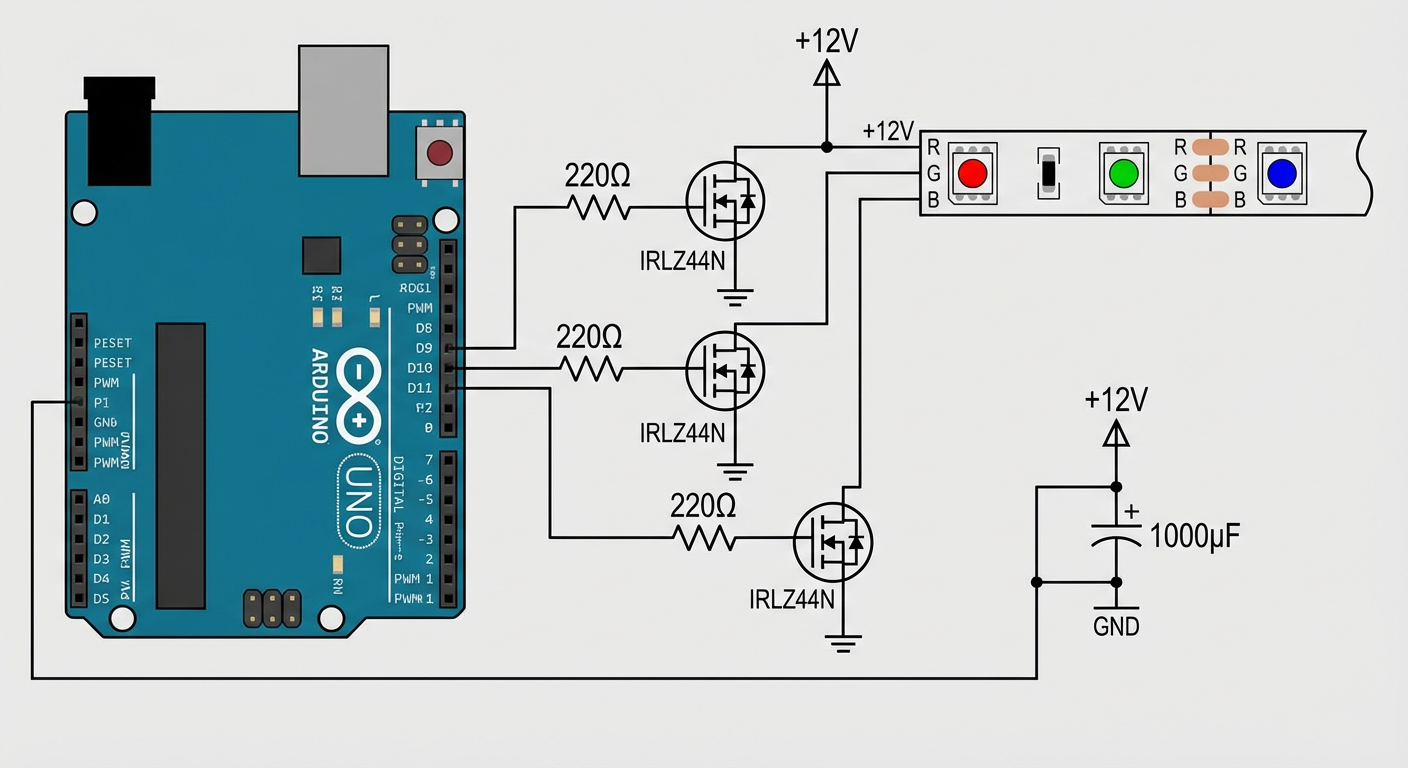
a schematic showing how to drive RGB LED +12V strip with Arduino with all required electrical elements
On the left the old Nano Banana model (square image), on the right the improved Pro version (rectangular image).
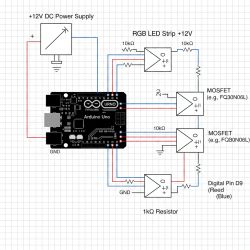
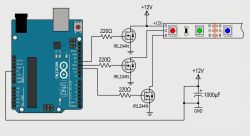
The regular Banana barely drew anything, even those Arduino ones are so weird - why three connectors there? Although the MOSFETs he chose weren't that bad.
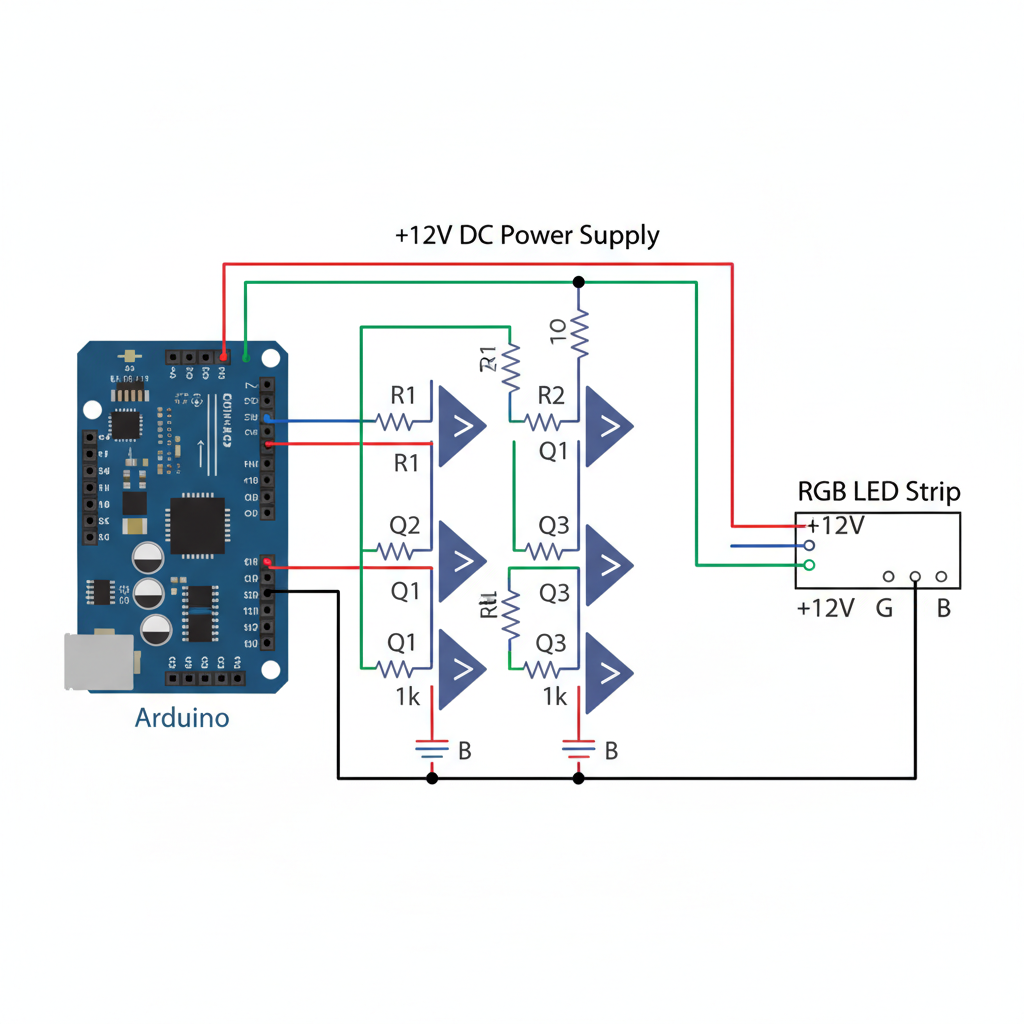
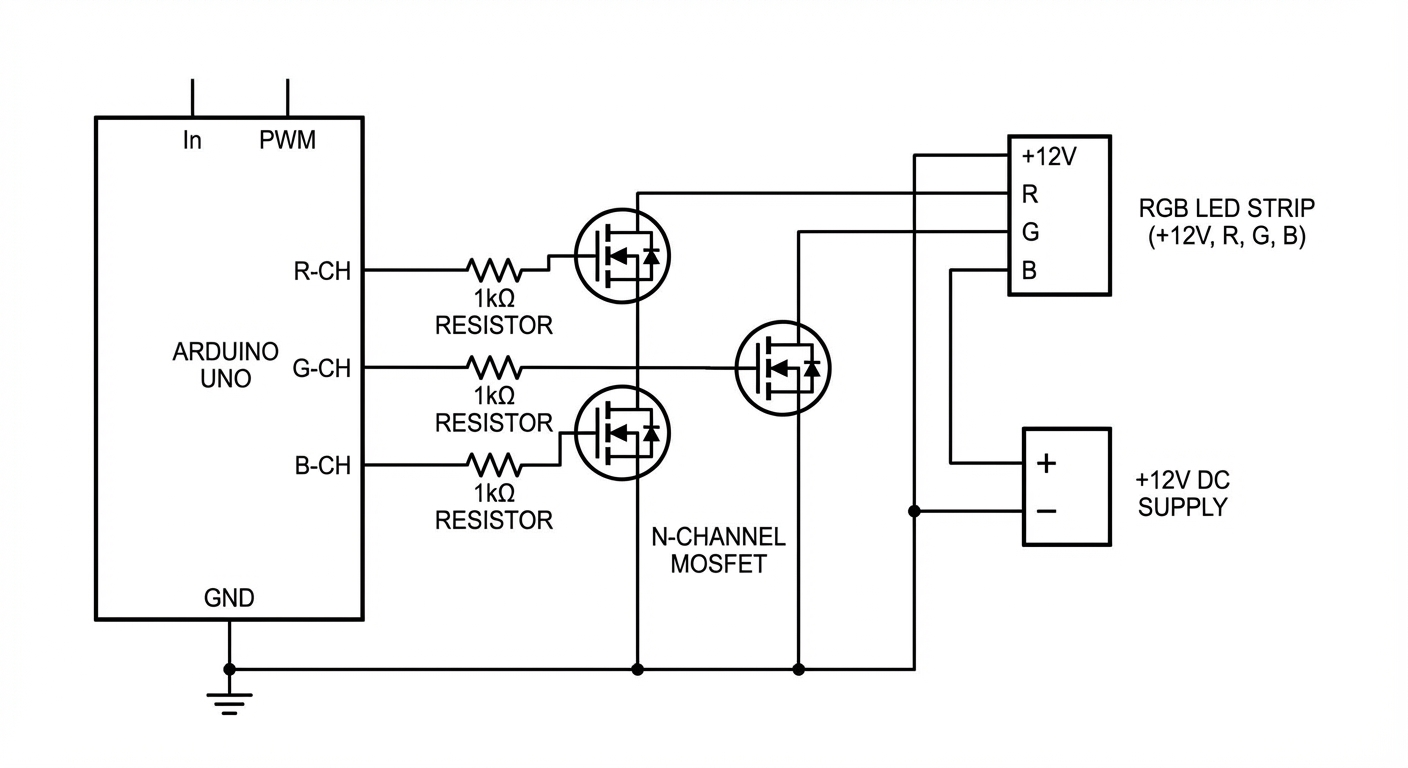
a schematic showing how to drive RGB LED +12V strip (four pins - +12V, R, G and B) with Arduino with all required electrical elements
On the left the old Nano Banana model (square image), on the right the improved Pro version (rectangular image).
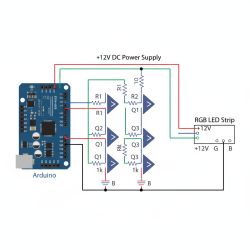
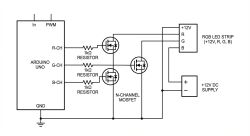
Pro, on the other hand, did much better, although there are still errors. It can be seen that the schematic is drawn "mindlessly", that some parts got stuck together, for example the blue channel got connected to power and +12V to ground....
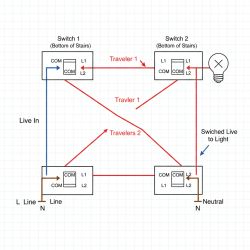
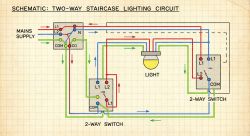
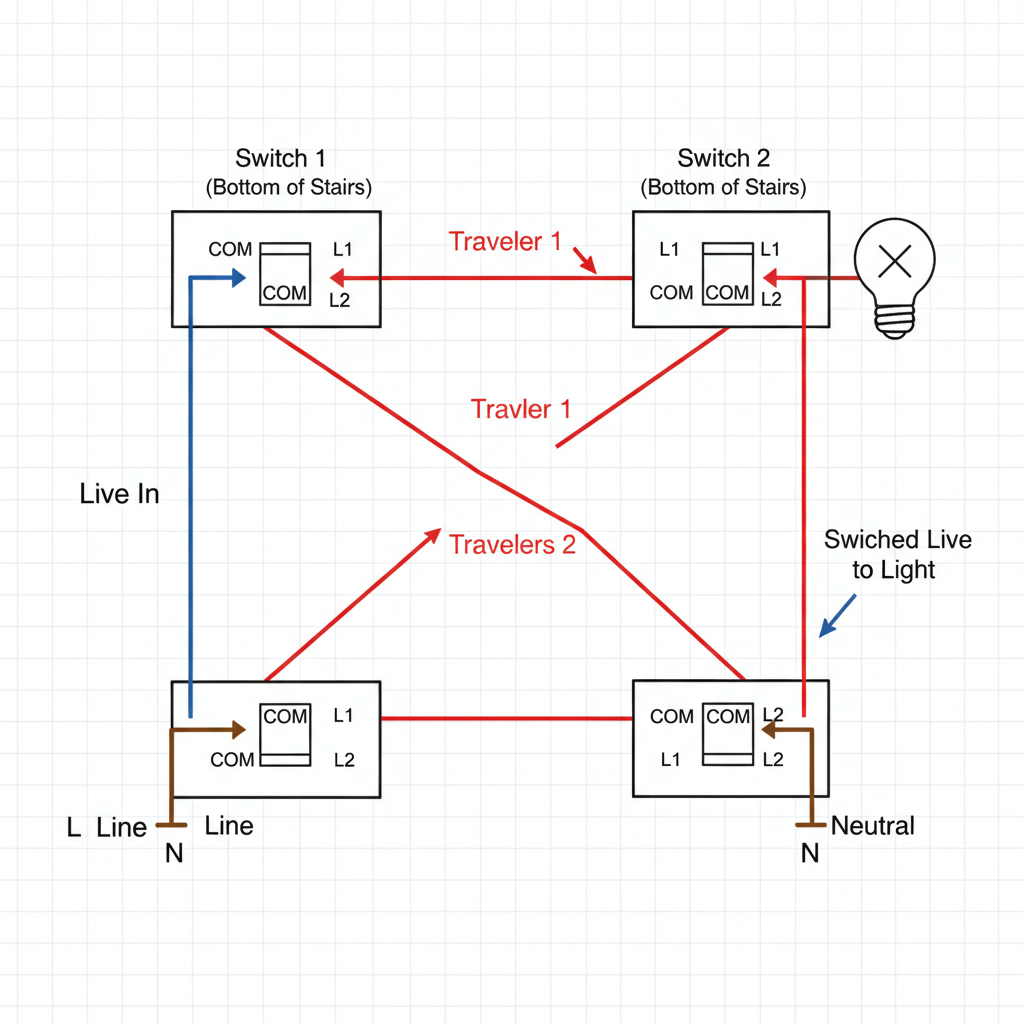
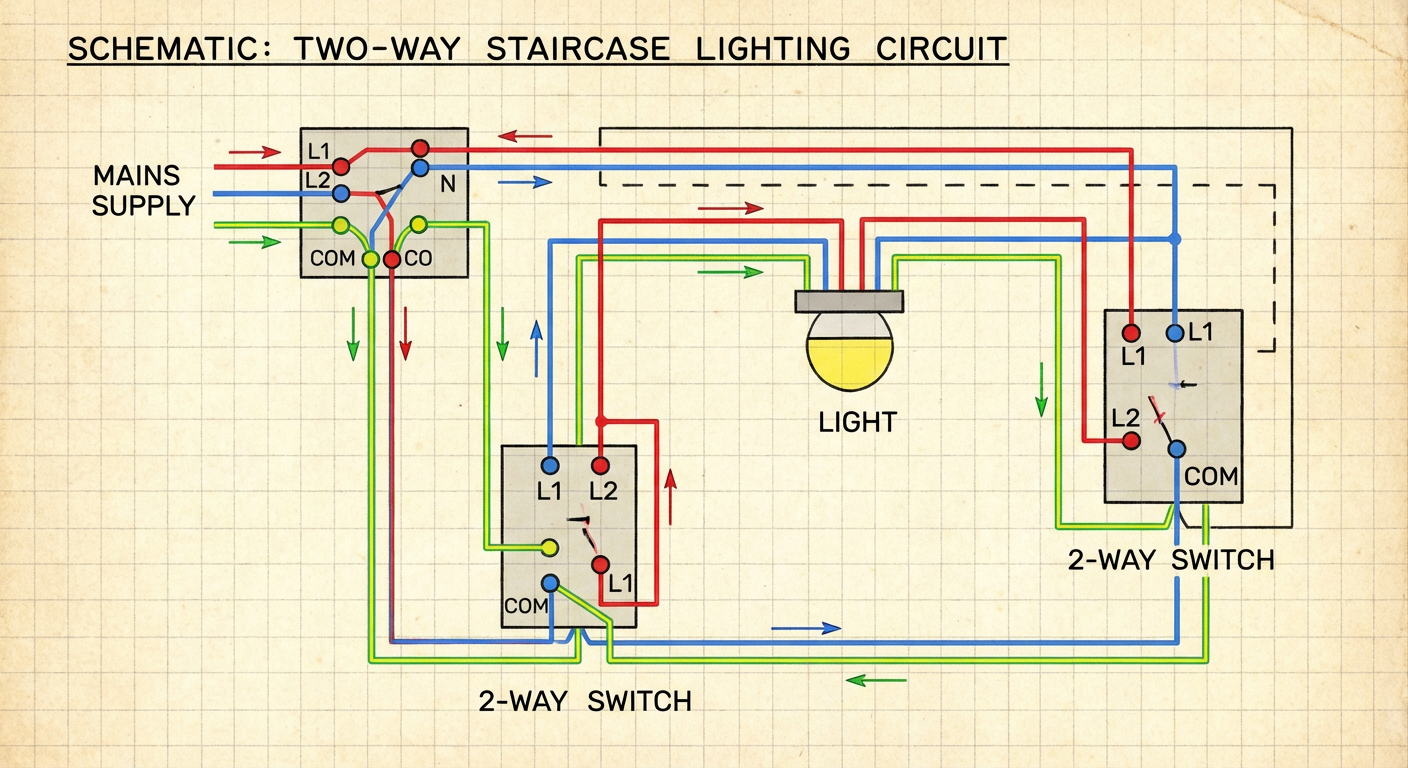
a schematic showing how to connect two way staircase light switches
On the left the old Nano Banana model (square image), on the right the improved Pro version (rectangular image).
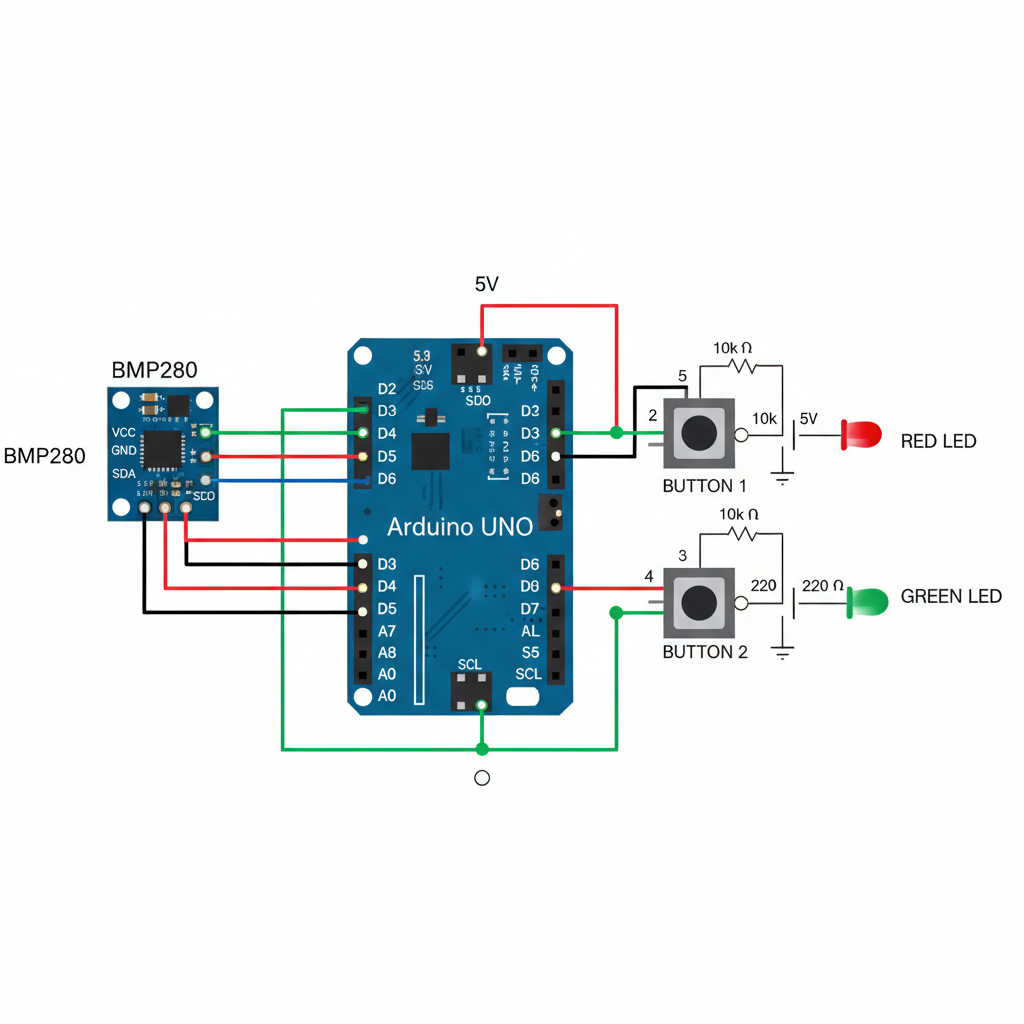
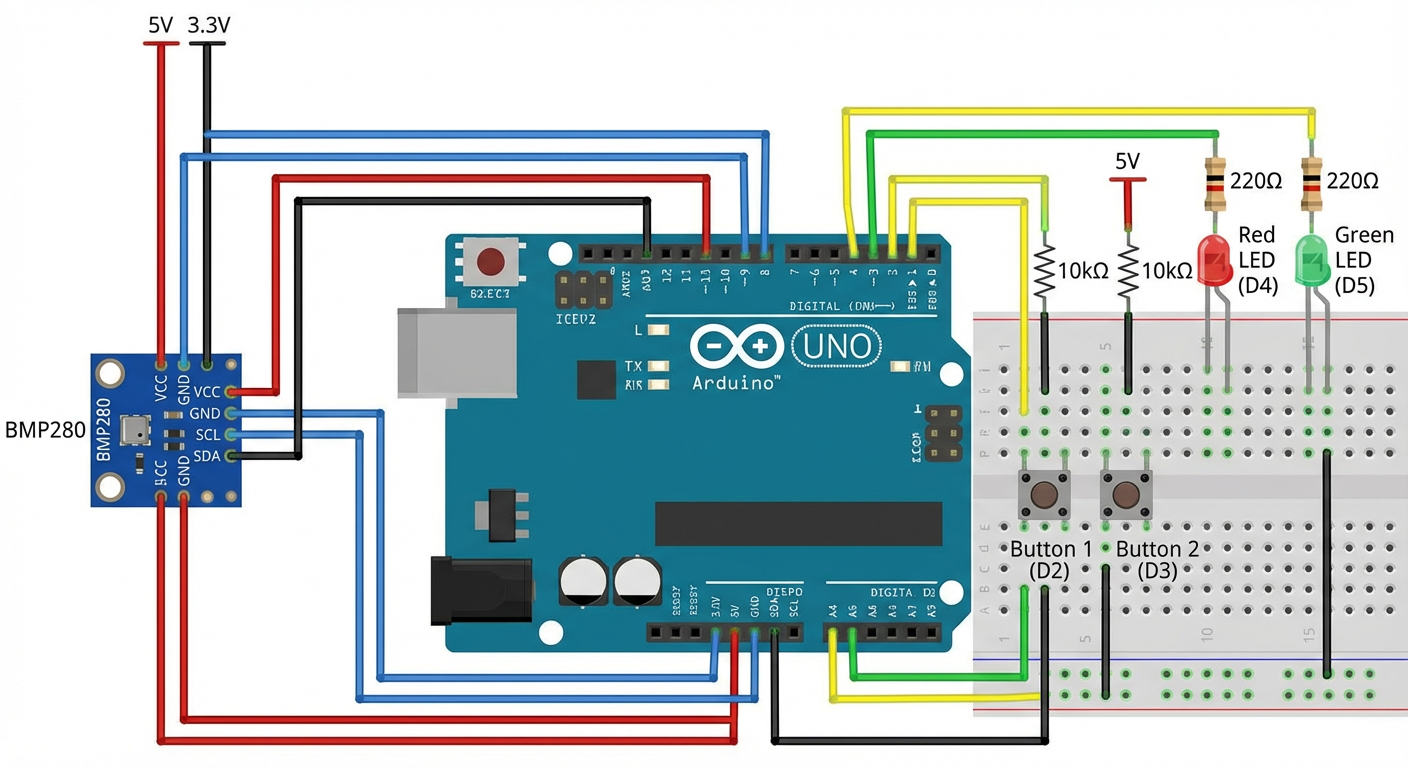
 draw a schematic showing how do I wire up an Arduino UNO with BMP280 sensor, two buttons and two LEDs
On the left the old Nano Banana model (square image), on the right the improved Pro version (rectangular image).
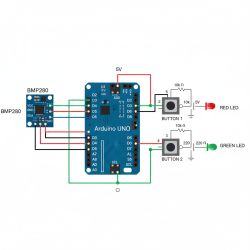
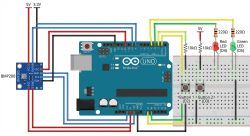
This looks nice but I can't make any sense of it.
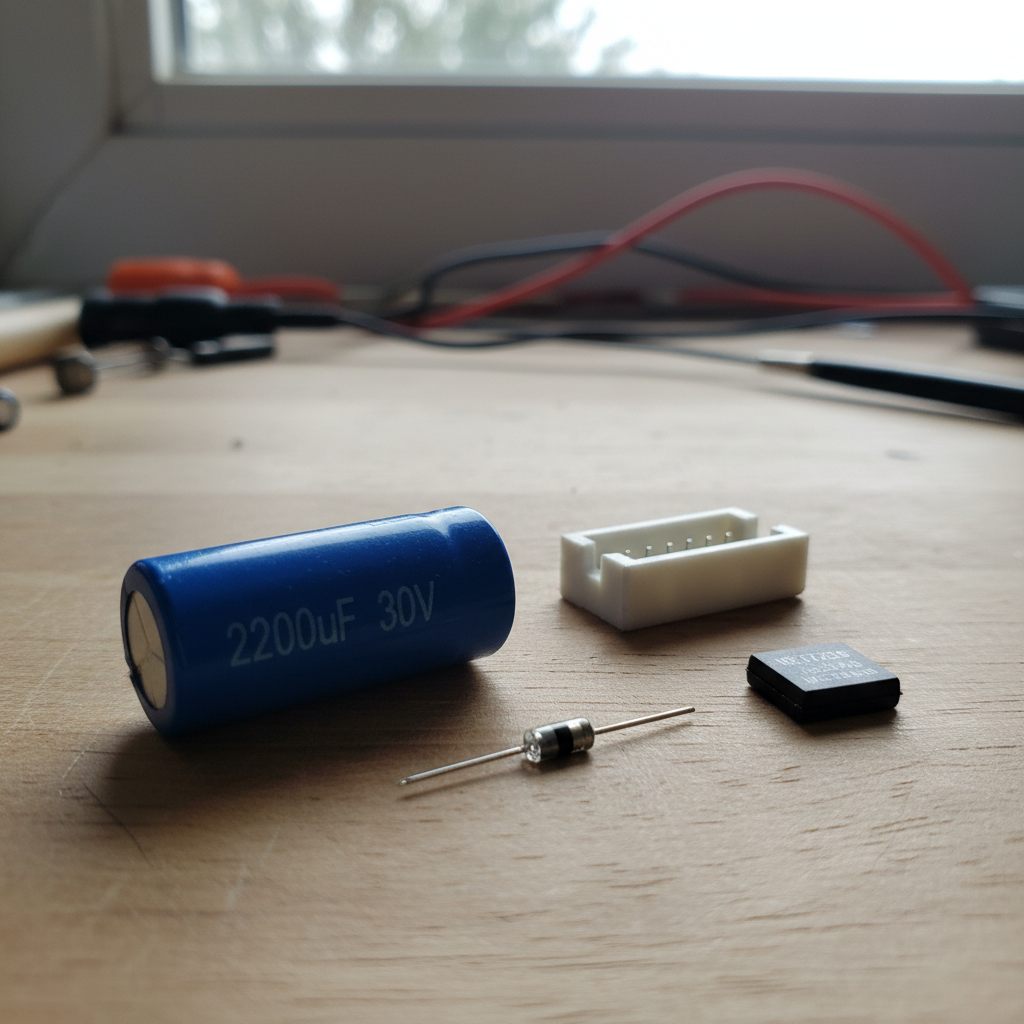
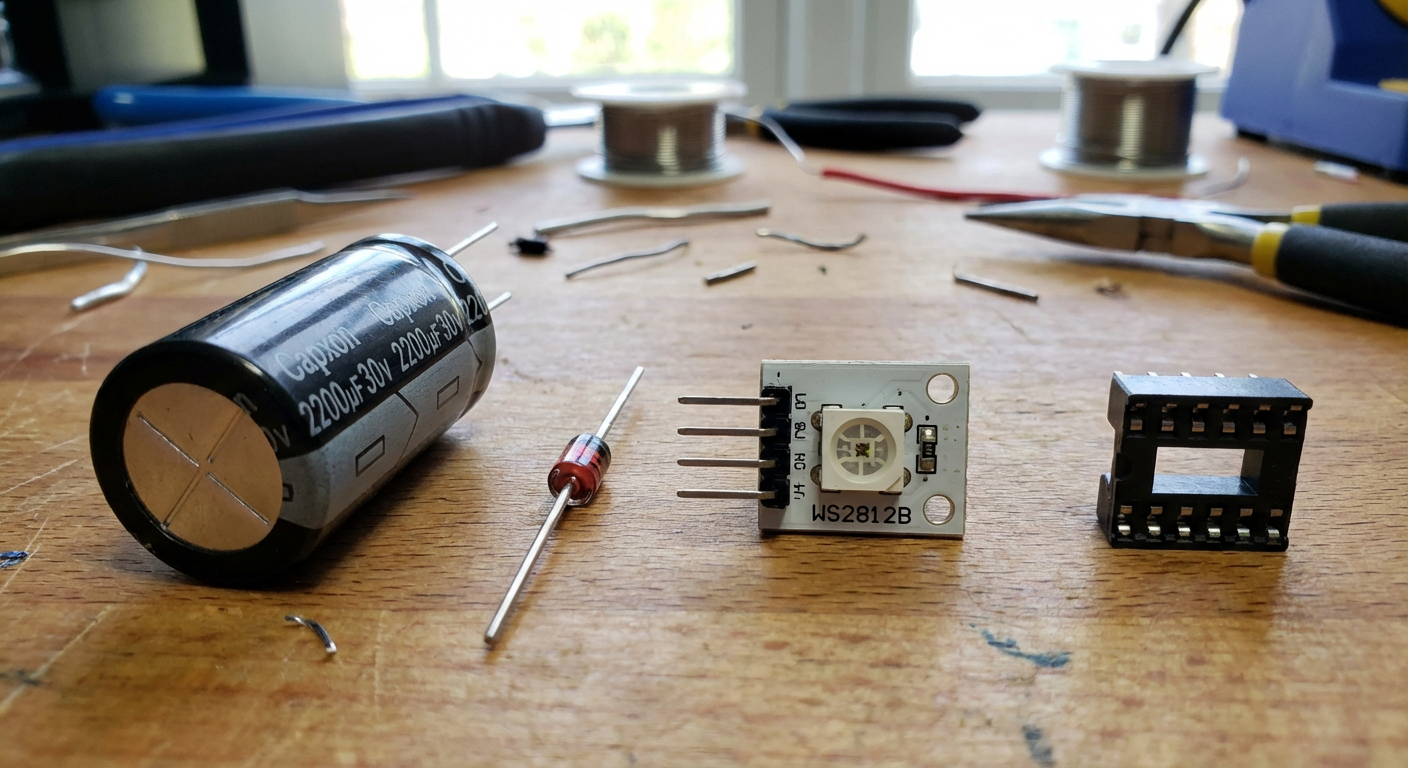
Draw four elements on table: a 2200uF 30V capacitor, a Zener diode, a WS2812B single module, and a DIP8 socket
On the left the old Nano Banana model (square image), on the right the improved Pro version (rectangular image).
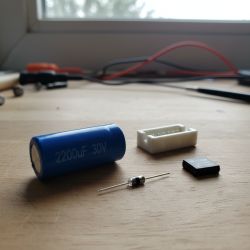
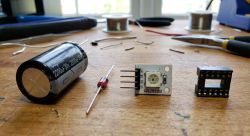
Pro better again, module with WS2812 not bad, DIP8 socket probably has a bit too many legs, but this capacitor.... capxon brand - I didn't expect that. Very bad reputation they have.
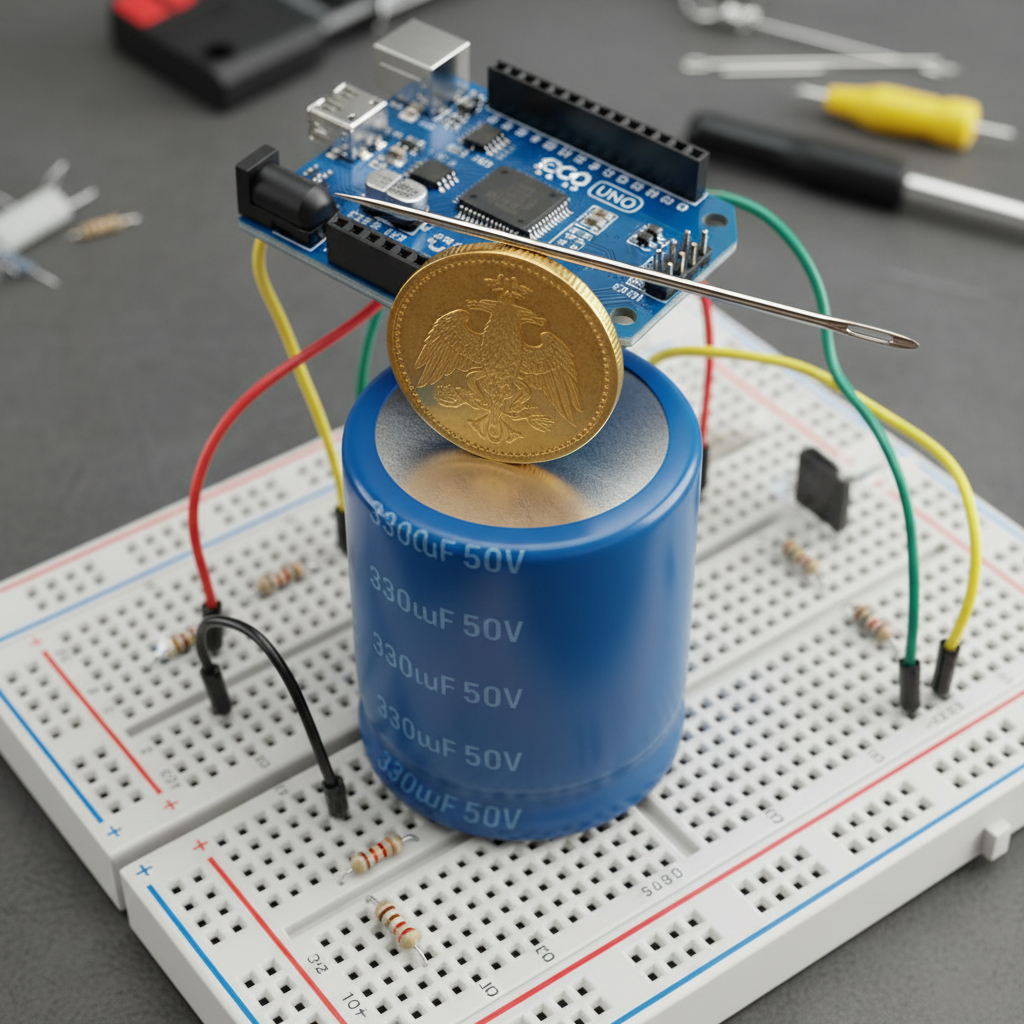
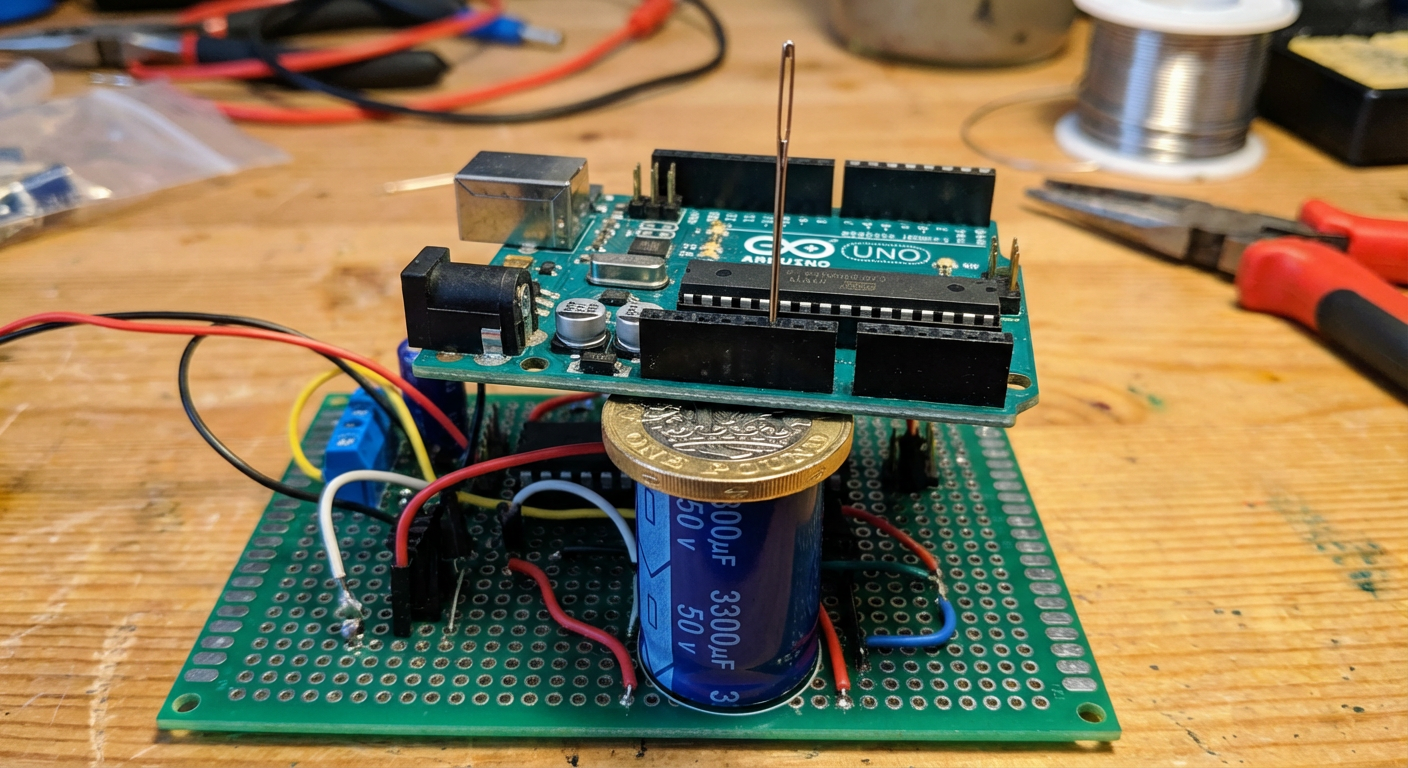
draw a proto board with 3300uF capacitor 50V on it, on capacitor put a gold coin, on coin put an Arduino UNO, and on Arduino UNO put needle
On the left the old Nano Banana model (square image), on the right the improved Pro version (rectangular image).
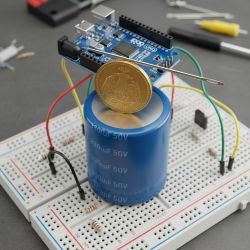
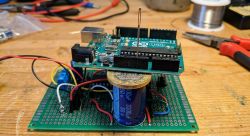
Here I wanted to test the spatial relationships between objects - the Pro did quite well, although I was expecting a needle laid on the Arduino rather than stuck in....
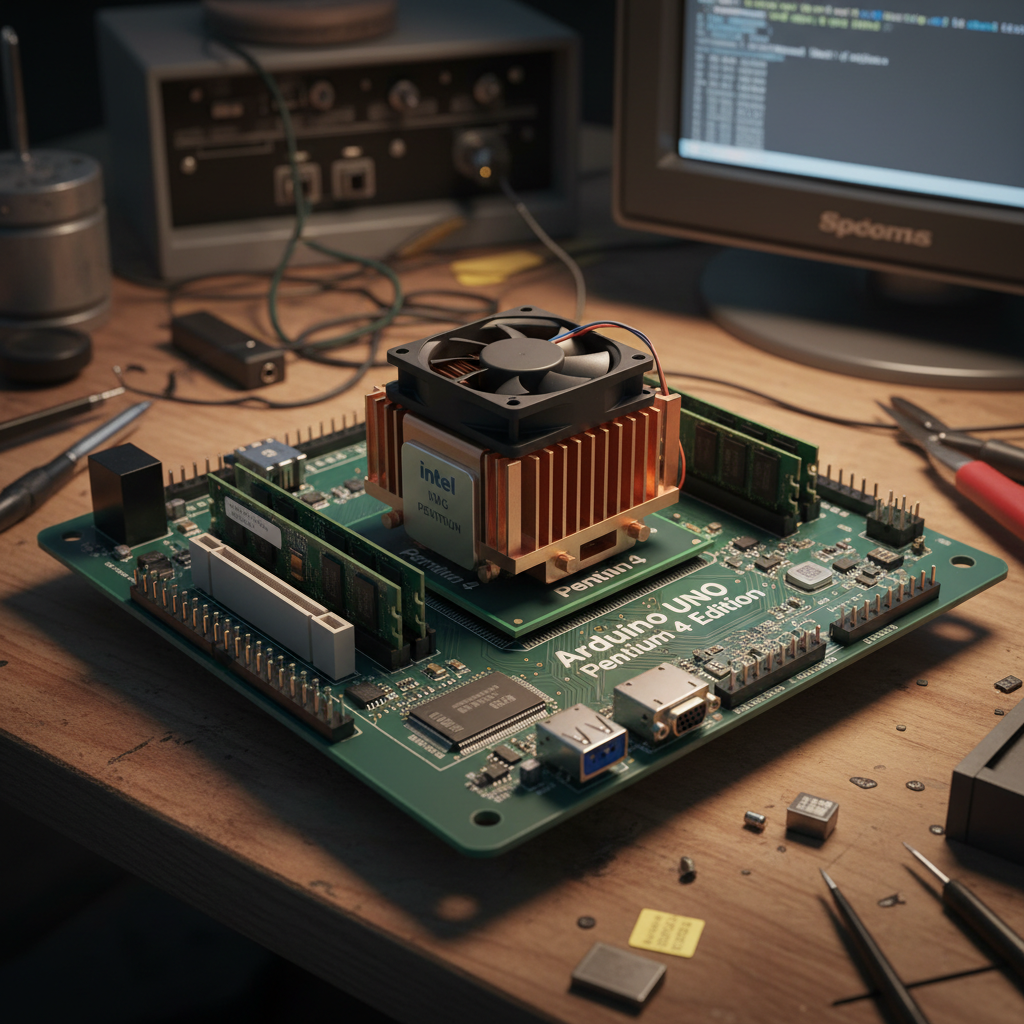
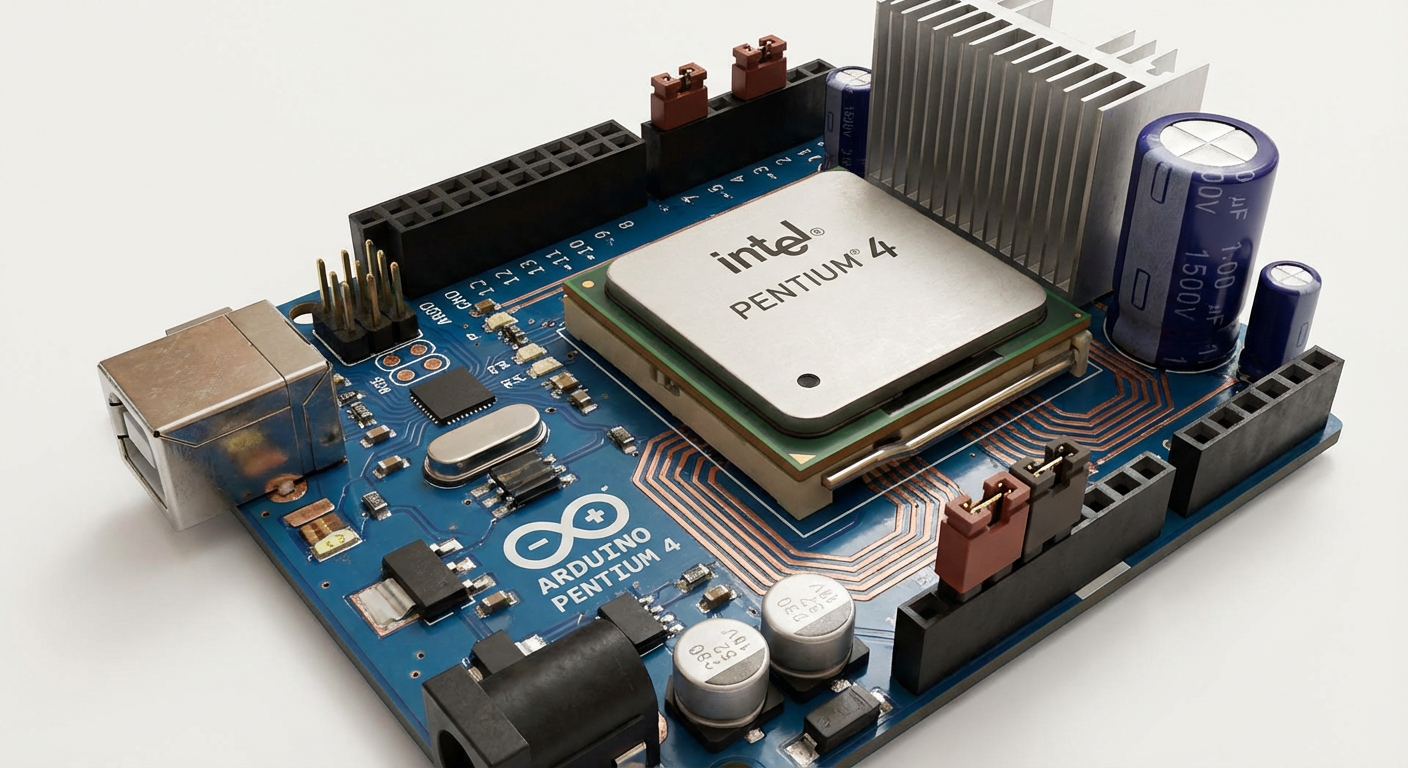
draw Arduino UNO Pentium 4 version
On the left the old Nano Banana model (square image), on the right the improved Pro version (rectangular image).
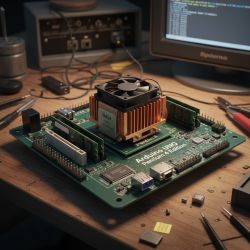
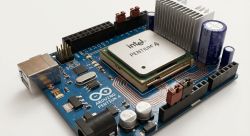
This test was to verify the ability to intepretate the position of the new CPU on the Arduino - the Pro model did this quite sensibly.
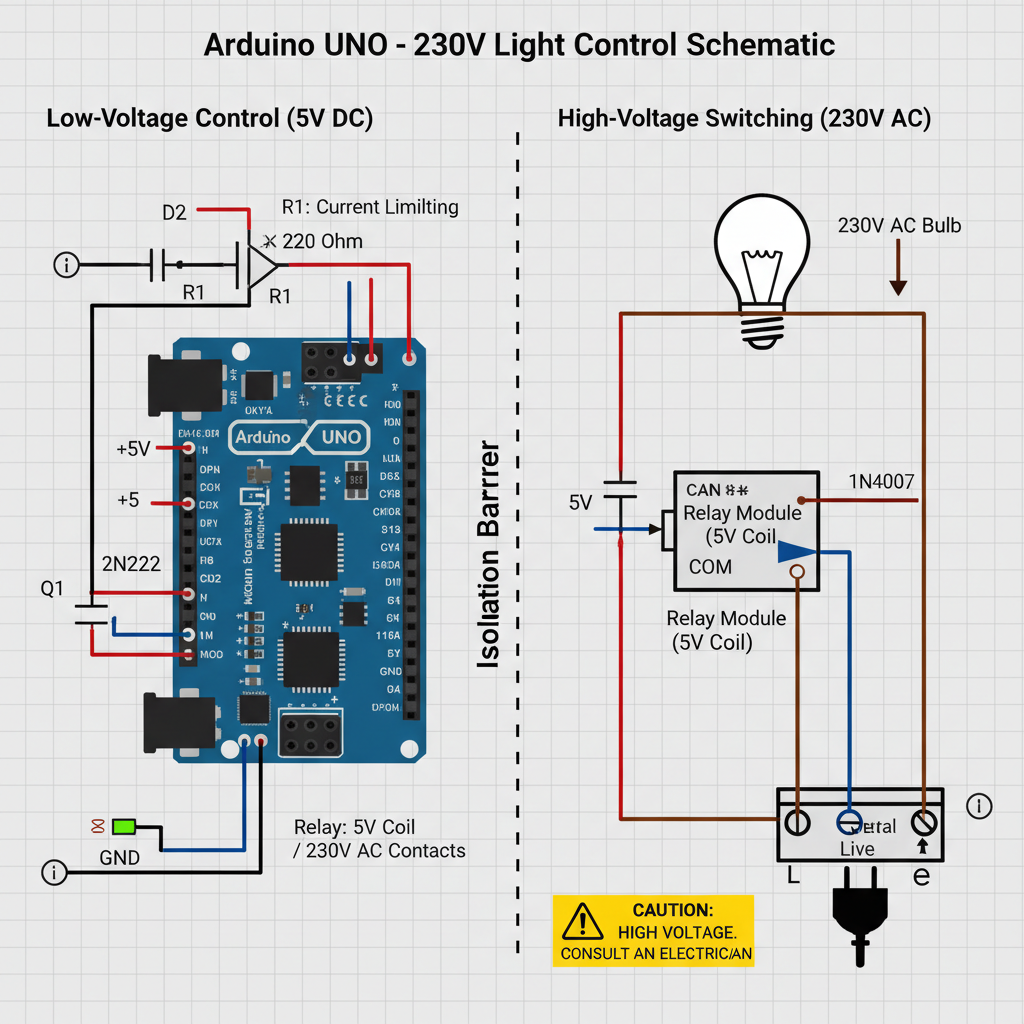
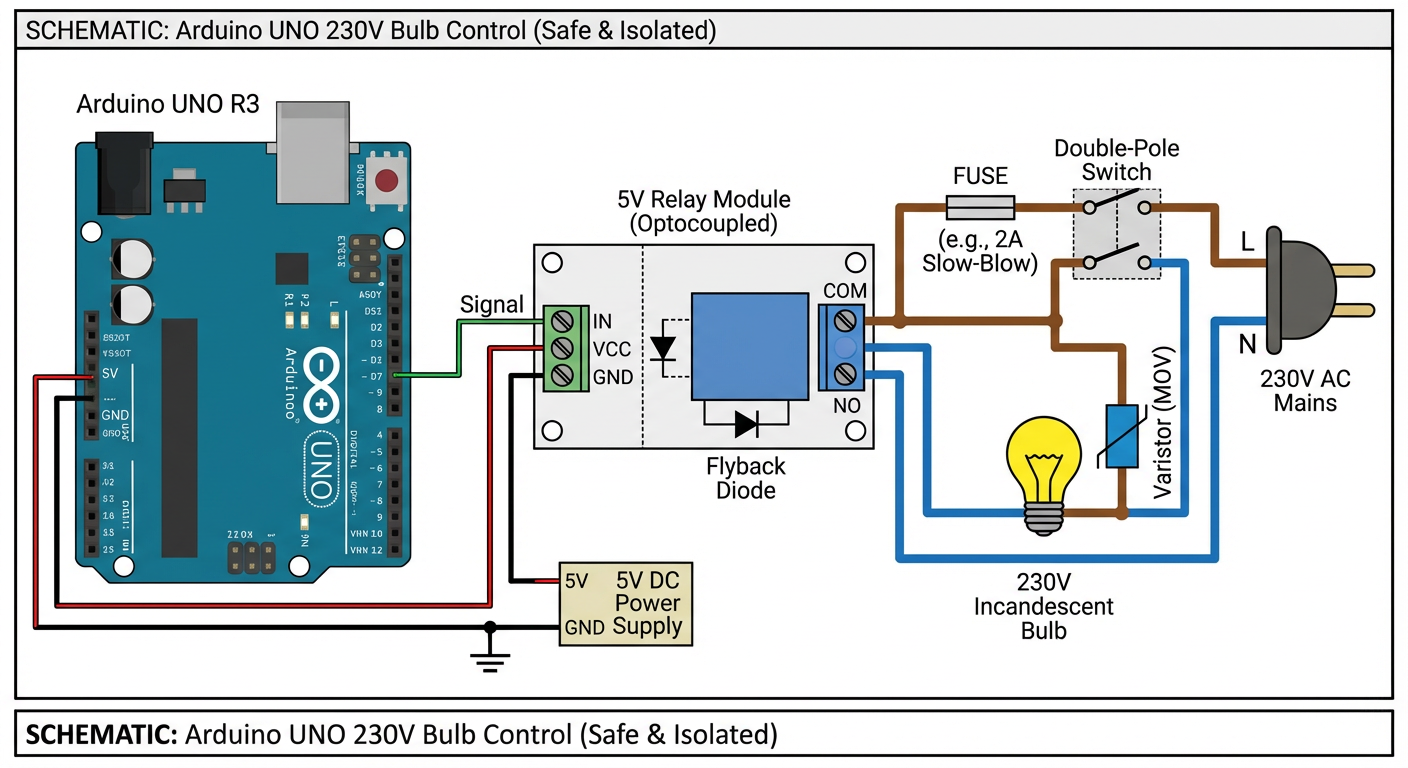
draw a schematic showing how I can use Arduino UNO and relays to switch on and off 230V bulb in a safe manner (precise schematic, all required elements)
On the left the old Nano Banana model (square image), on the right the improved Pro version (rectangular image).
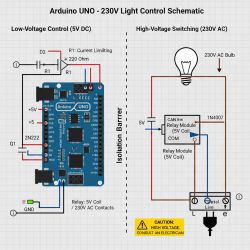
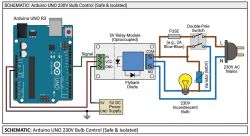
Pro did reasonably well... he even tried to sign the Arduino pins, although he mixed them up. He used a relay module, but connected the power supply incorrectly. There's a bit of heresy on the network side too.
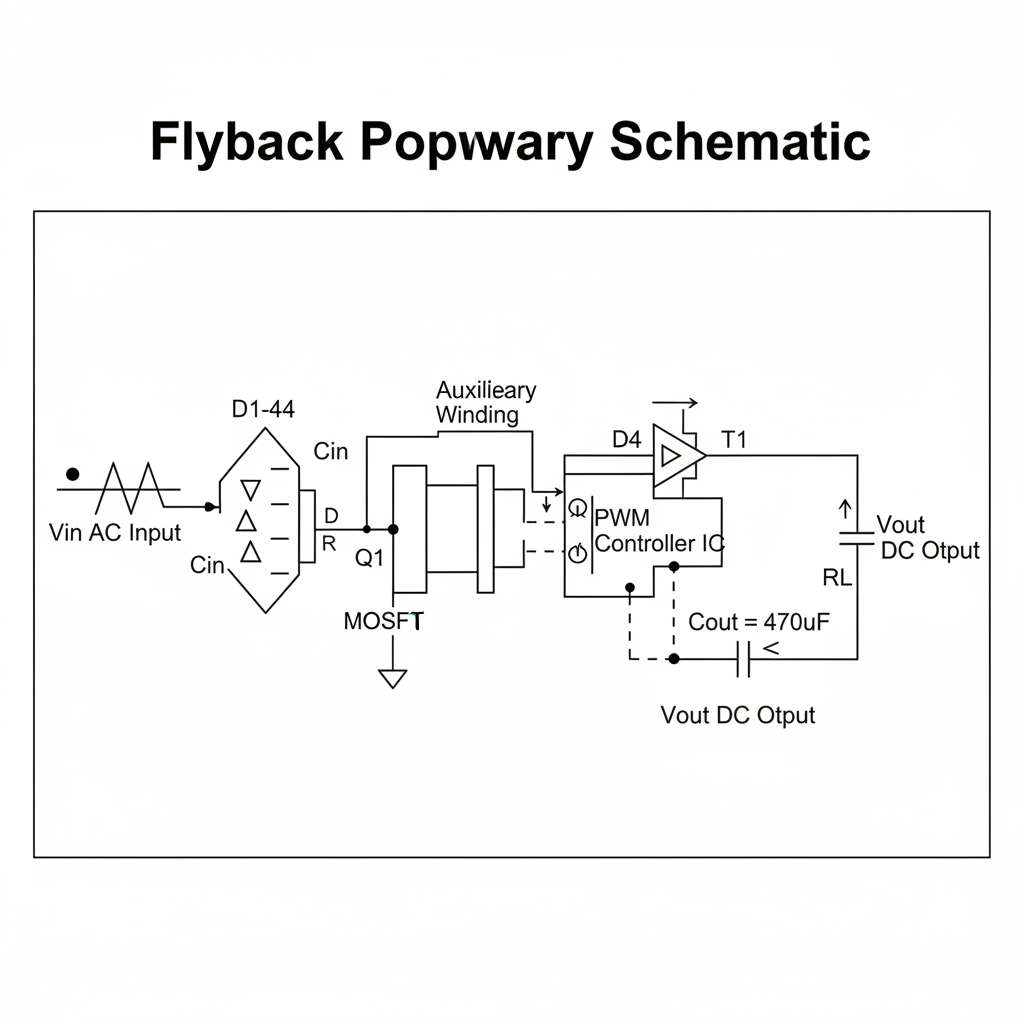
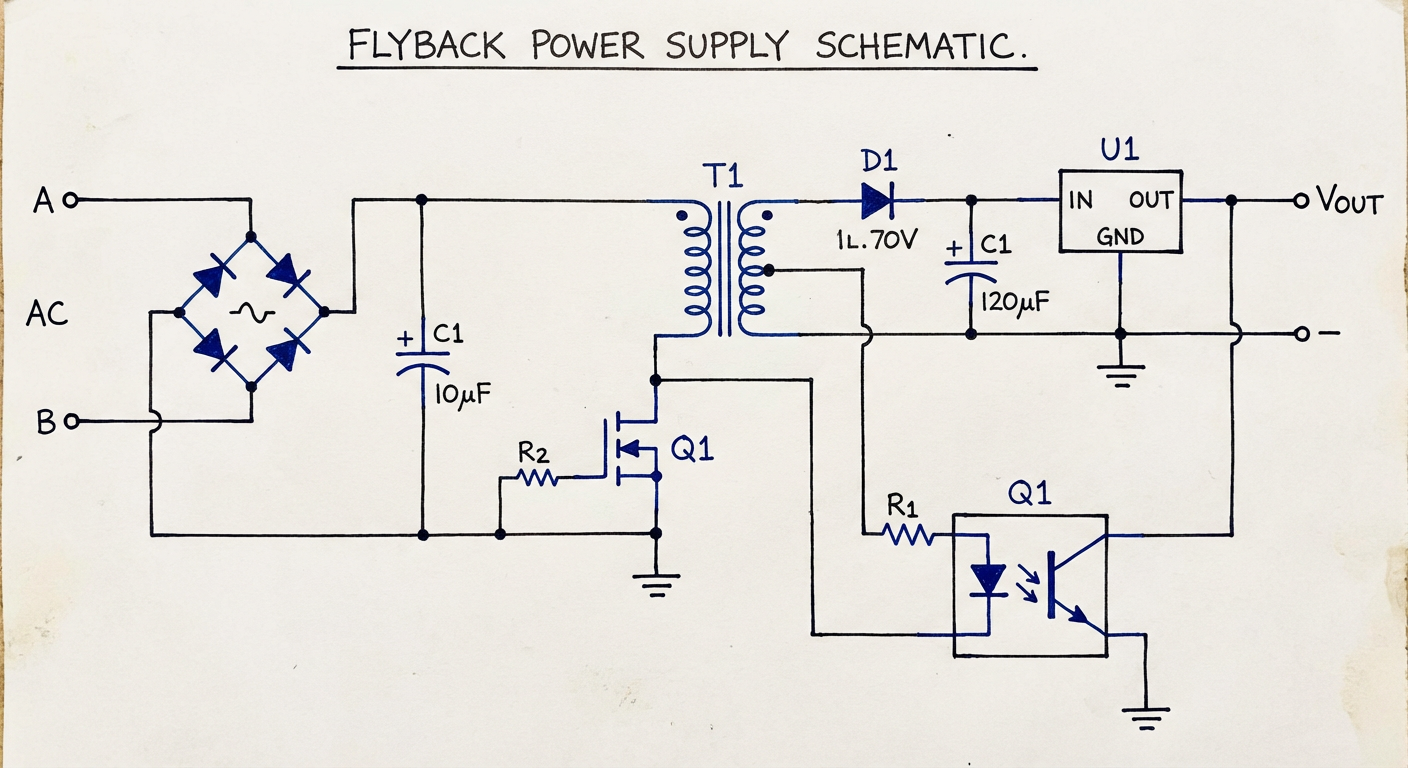
flyback power supply schematic
On the left the old Nano Banana model (square image), on the right the improved Pro version (rectangular image).
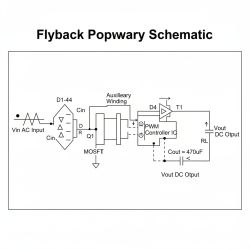
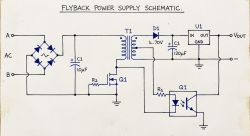
Basically as before - logical errors, although Pro is starting to draw something that resembles a correct diagram. That R2 from Q1 made me laugh.
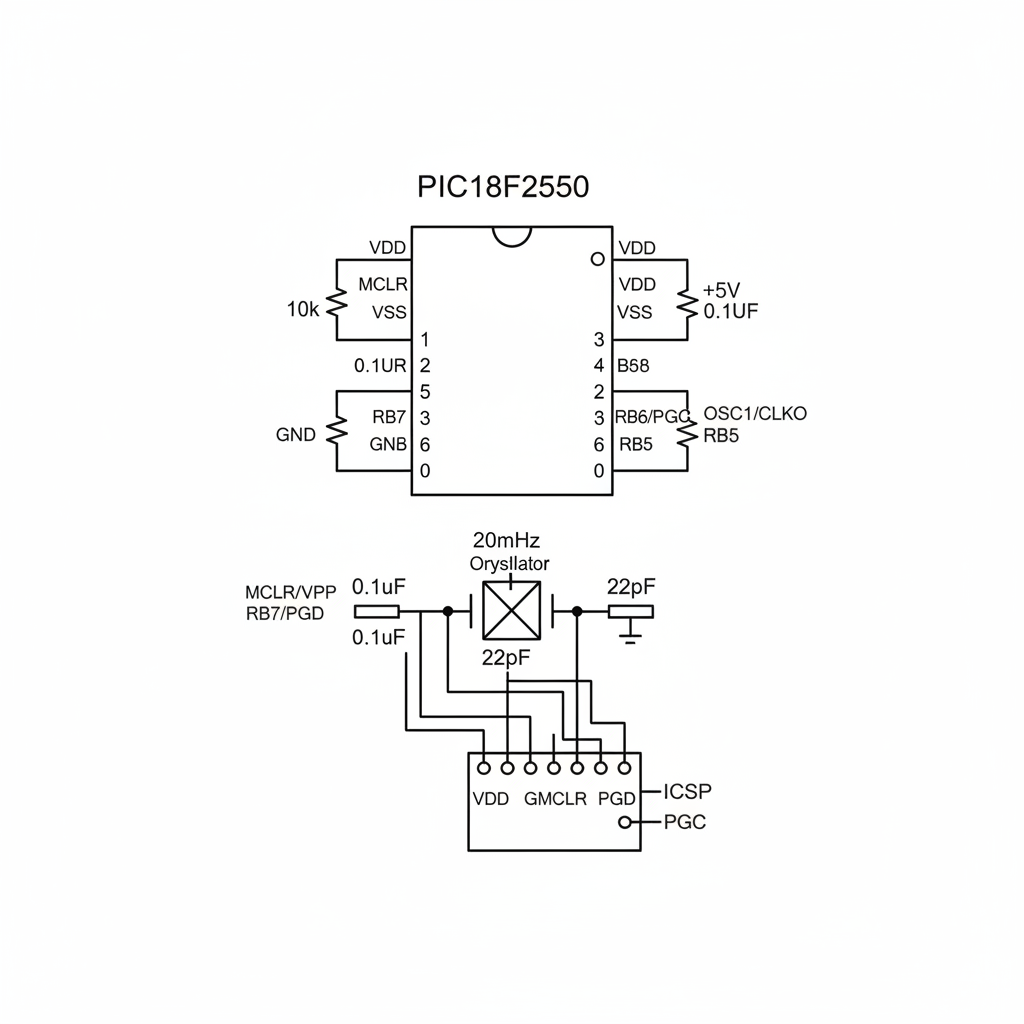
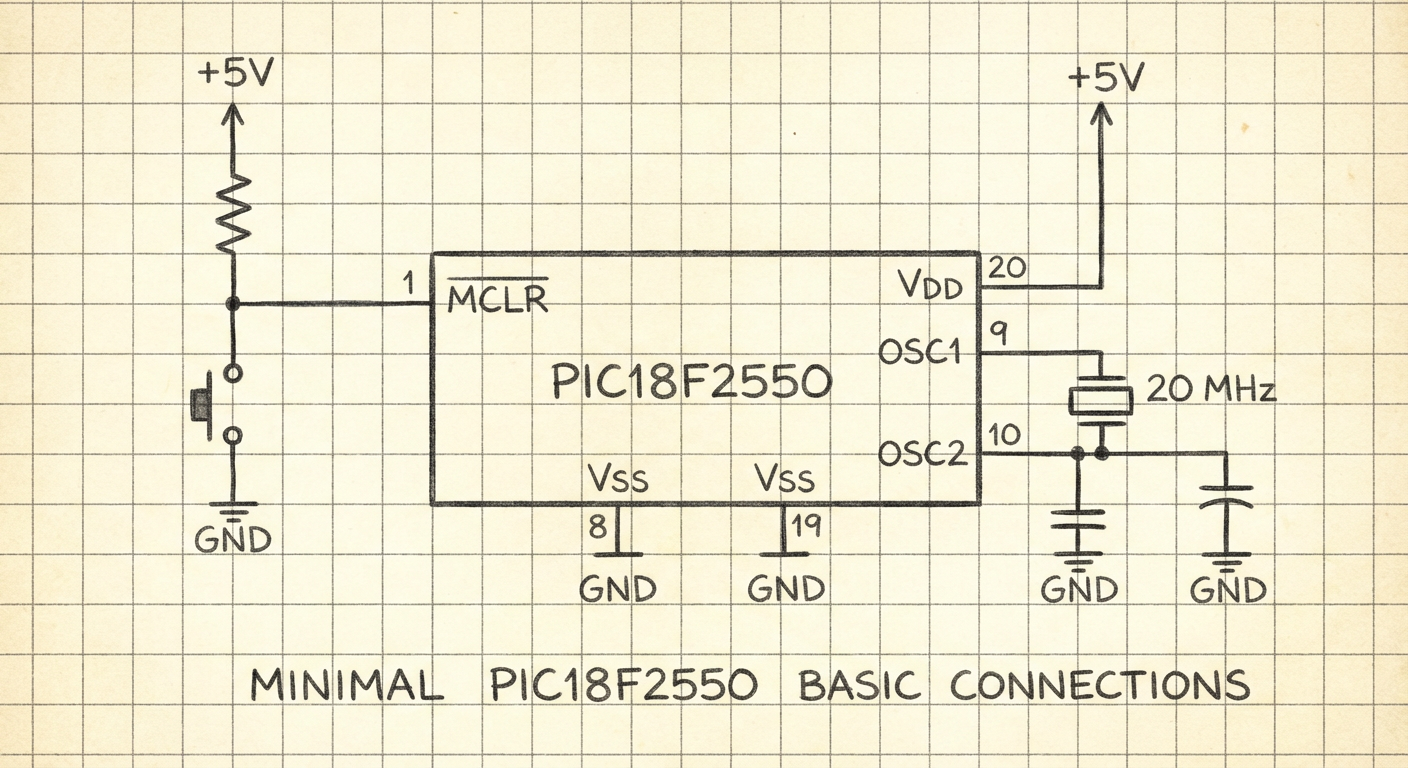
draw minimal PIC18F2550 basic connections requirement schematic
On the left the old Nano Banana model (square image), on the right the improved Pro version (rectangular image).
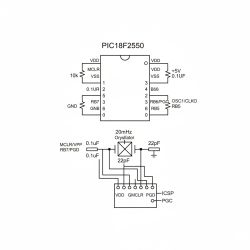
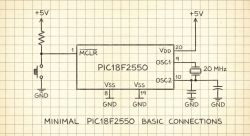
Pro version slightly better - one bug essentially, oscillator connection. Plus there are side issues, no decoupling, capacitor on Vusb, etc.
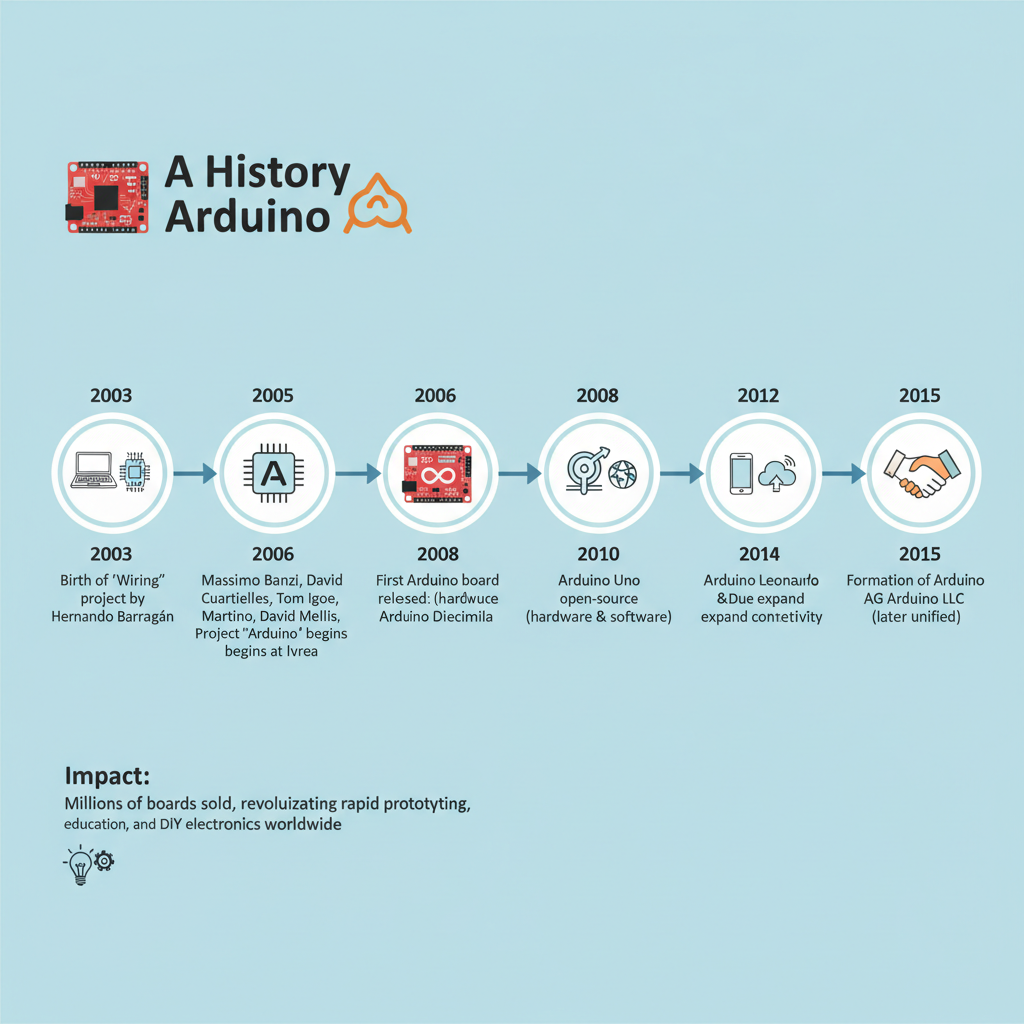
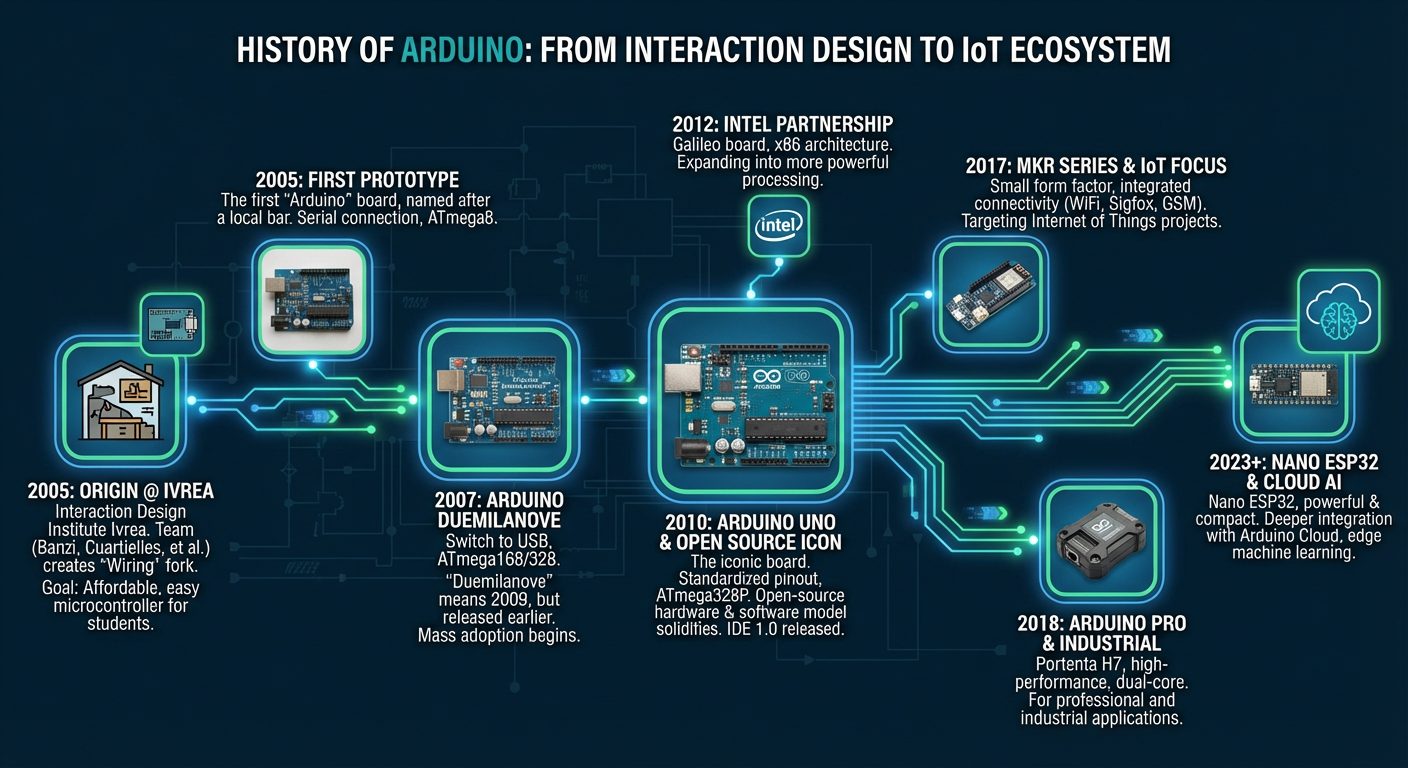
draw infographic - history of Arduino
On the left the old Nano Banana model (square image), on the right the improved Pro version (rectangular image).
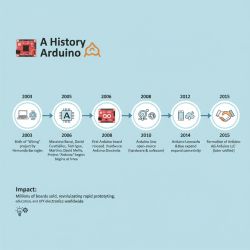
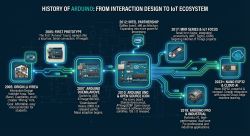
I've let go of the diagrams now, and I can see the infographics coming out much better.... only question is how about the content - how much misinformation will you find there?
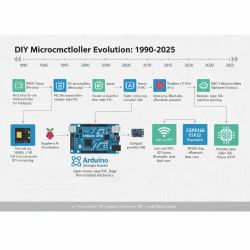
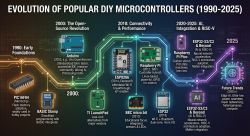
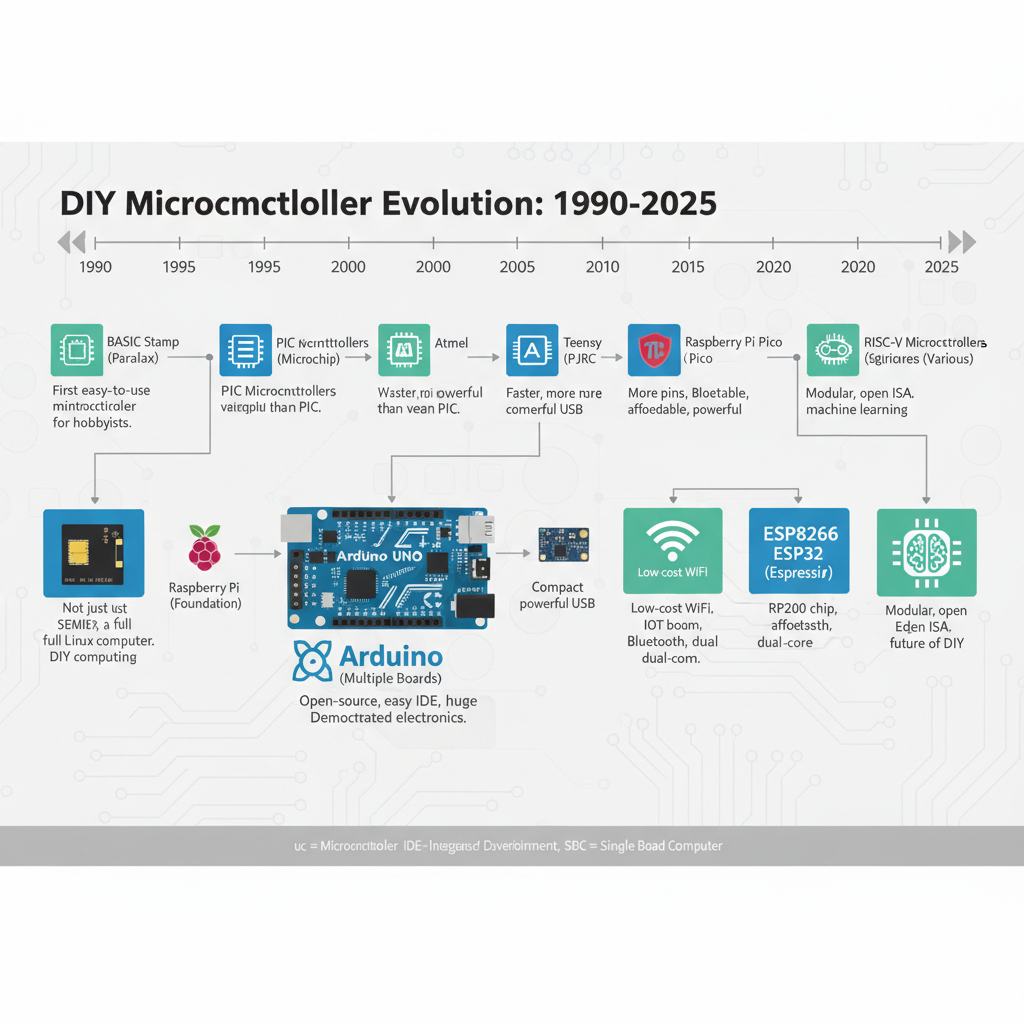
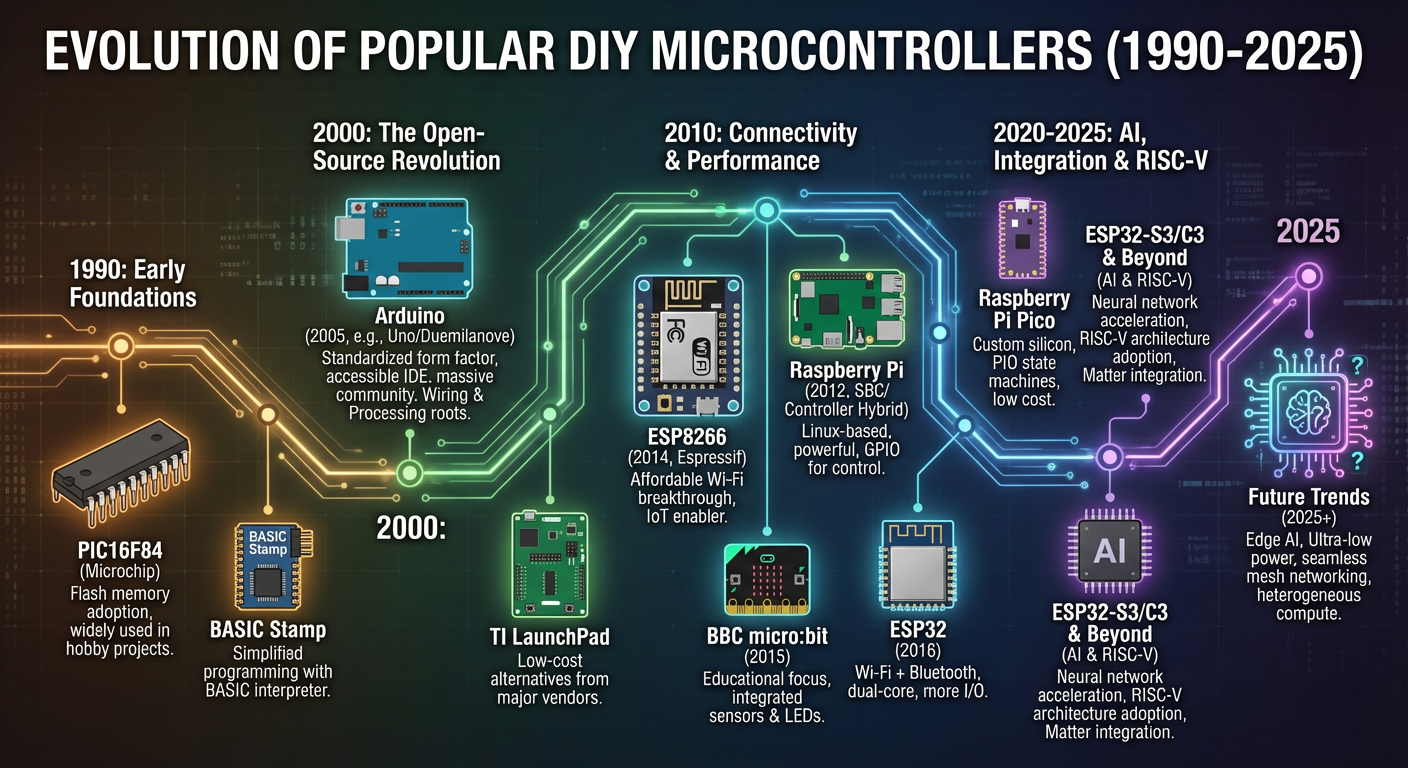
draw infographic - history of popular DIY microcontrollers, start 1990, end 2025
On the left the old Nano Banana model (square image), on the right the improved Pro version (rectangular image).
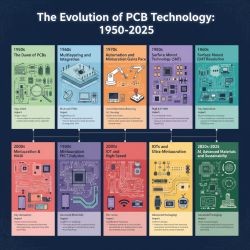
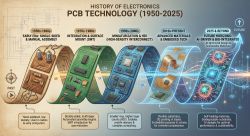
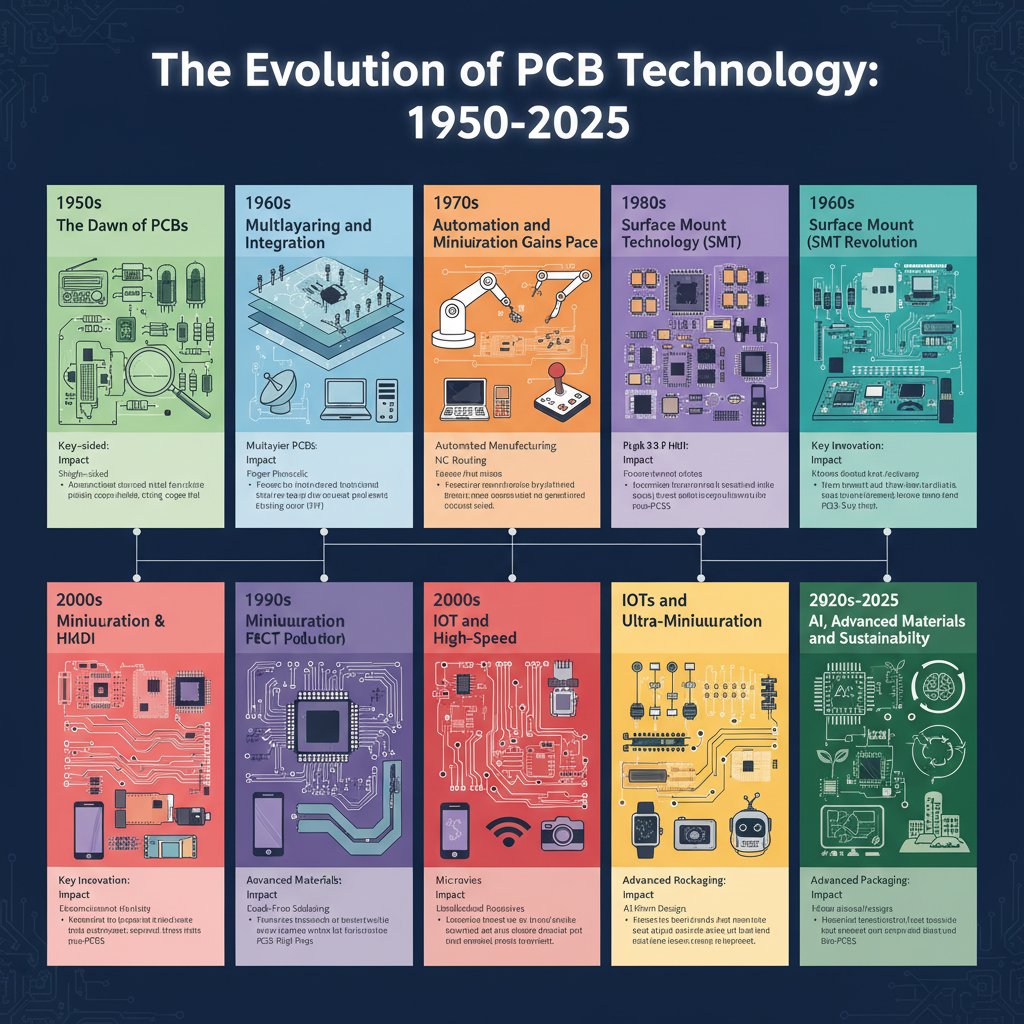
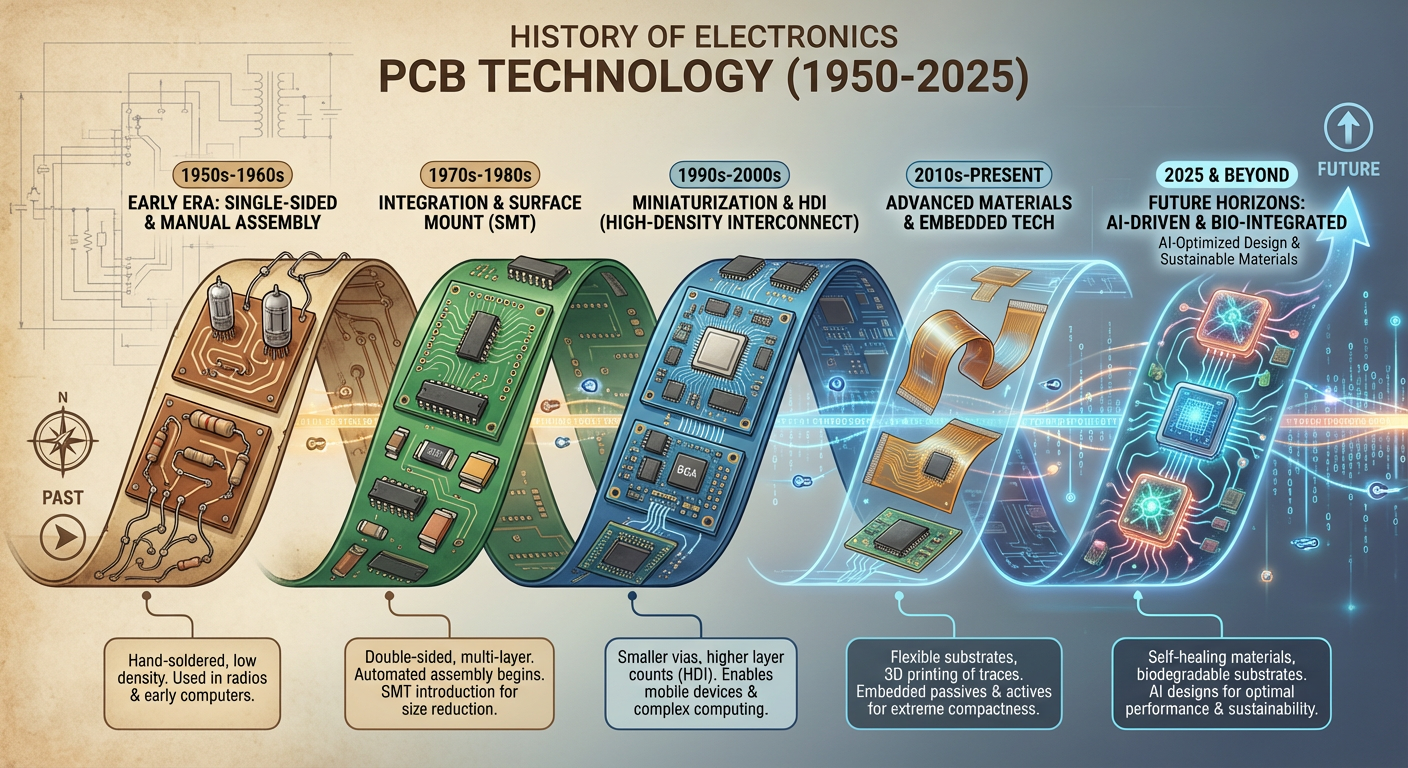
 draw infographic - history of electronics PCB technology, start 1950, end in 2025
On the left the old Nano Banana model (square image), on the right the improved Pro version (rectangular image).
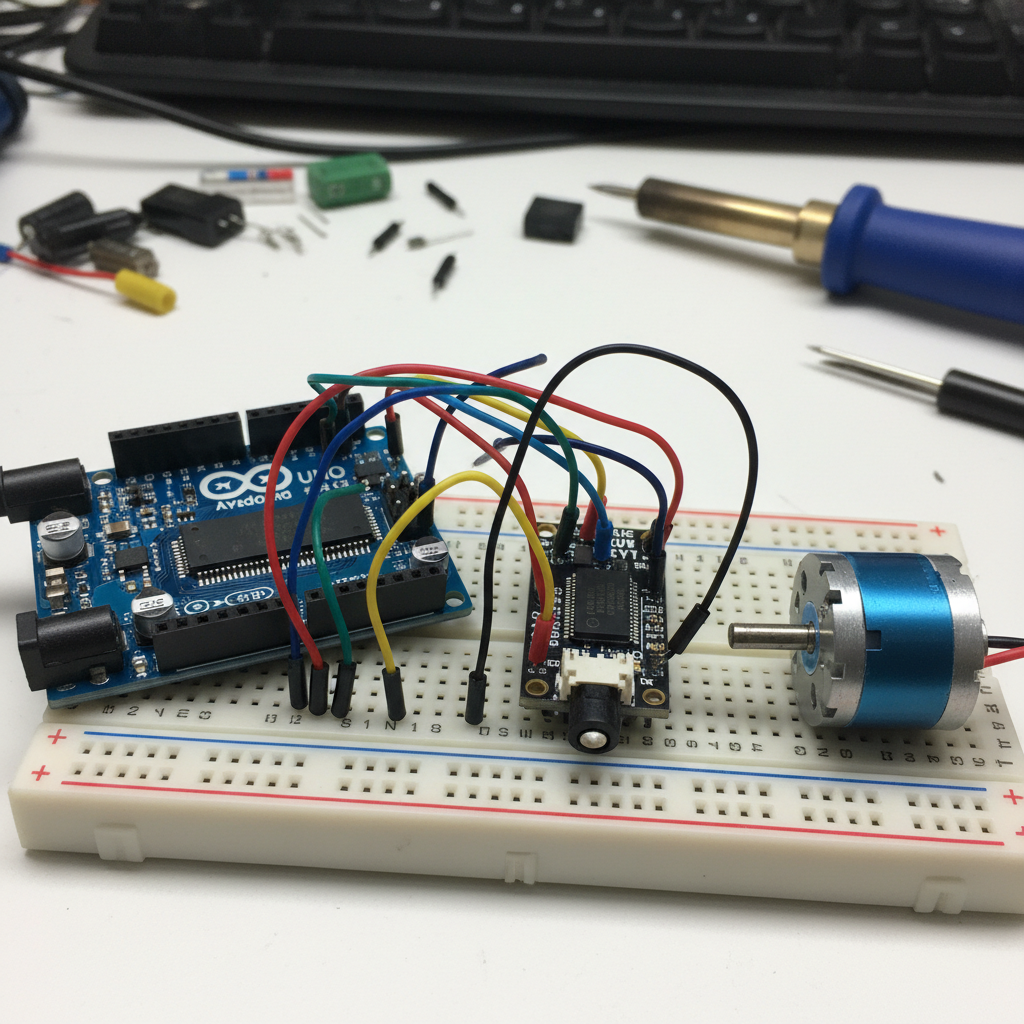
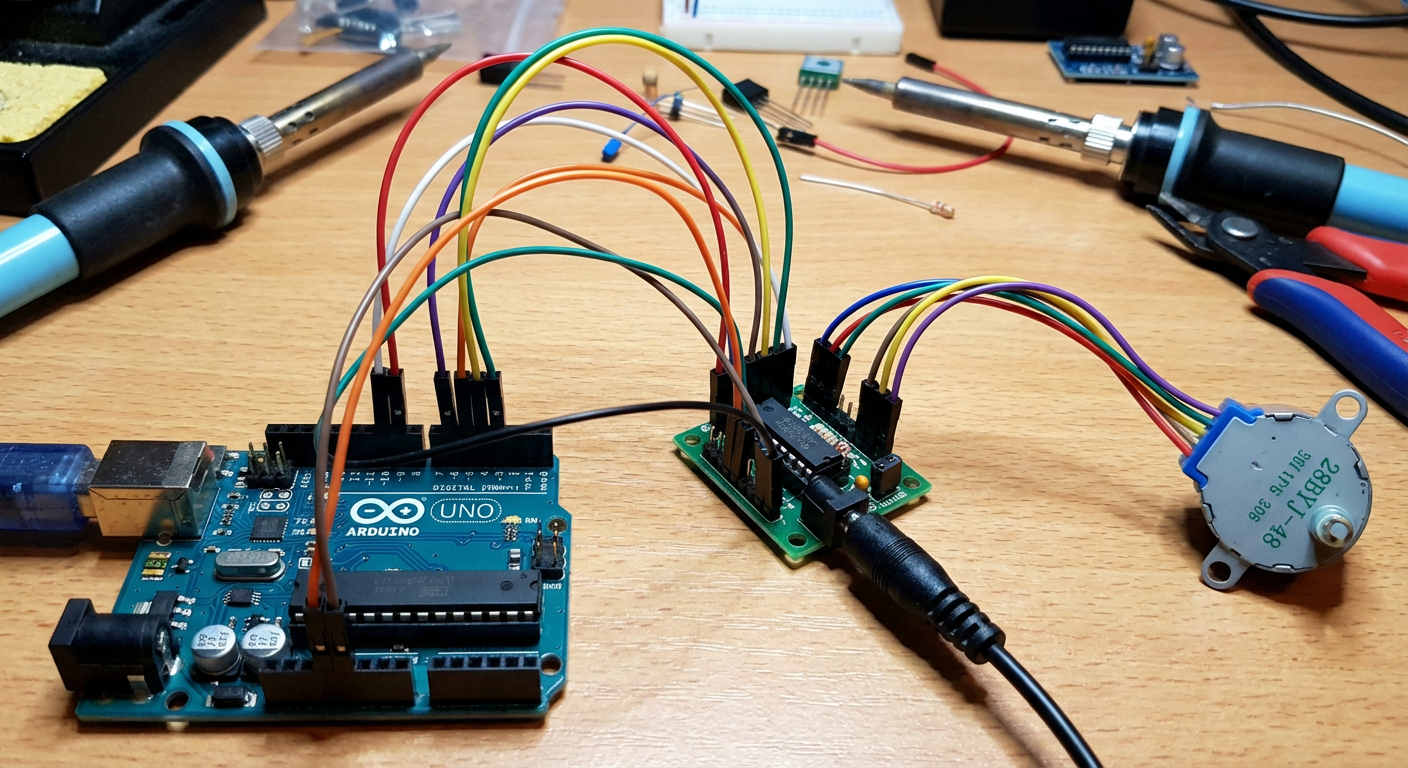
 Arduino UNO with 28BYJ-48 and motor driver connect by wires
On the left the old Nano Banana model (square image), on the right the improved Pro version (rectangular image).
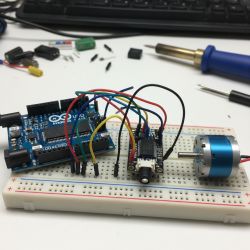
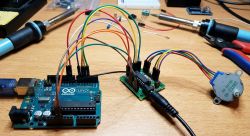
I wanted to check here if any of the models know what this particular stepper motor model looks like. It looks like Pro is getting to know it. Not bad, that is, the AI is starting to learn the specific components.
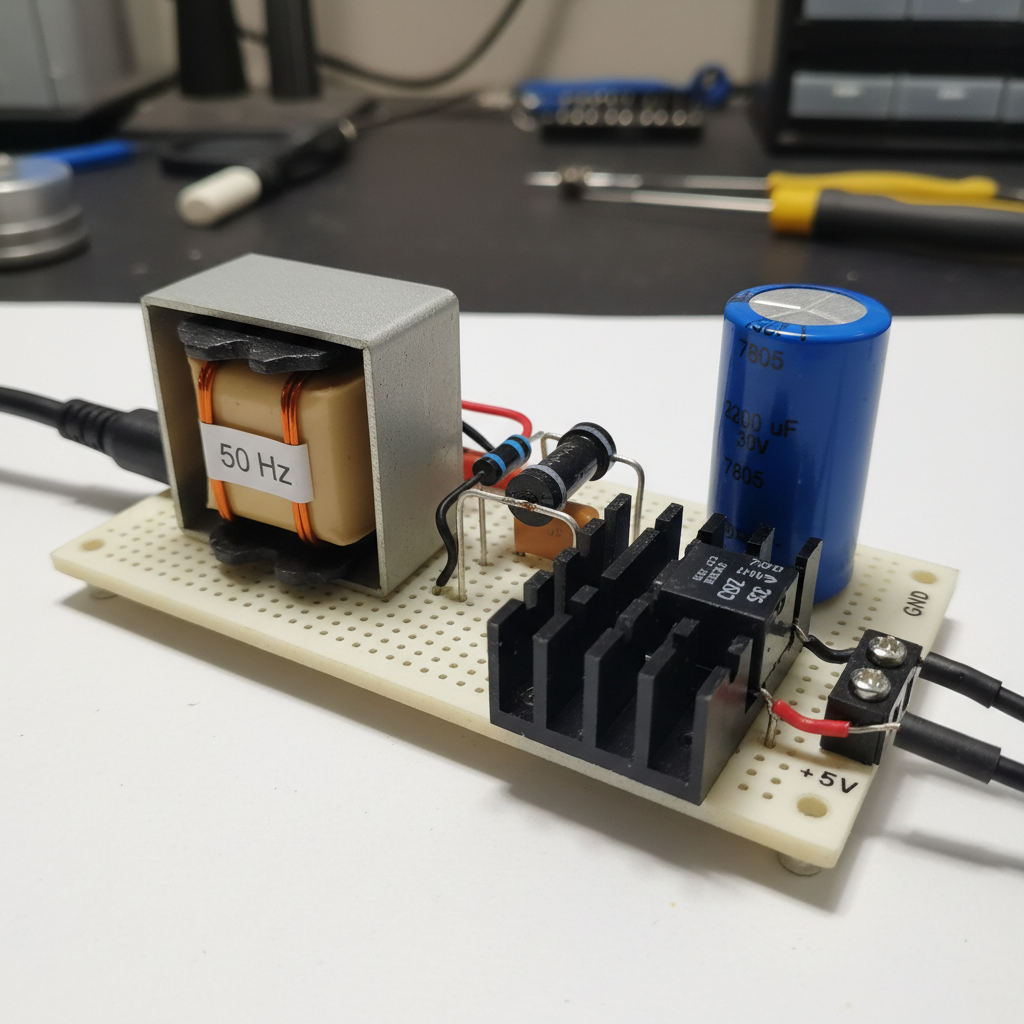
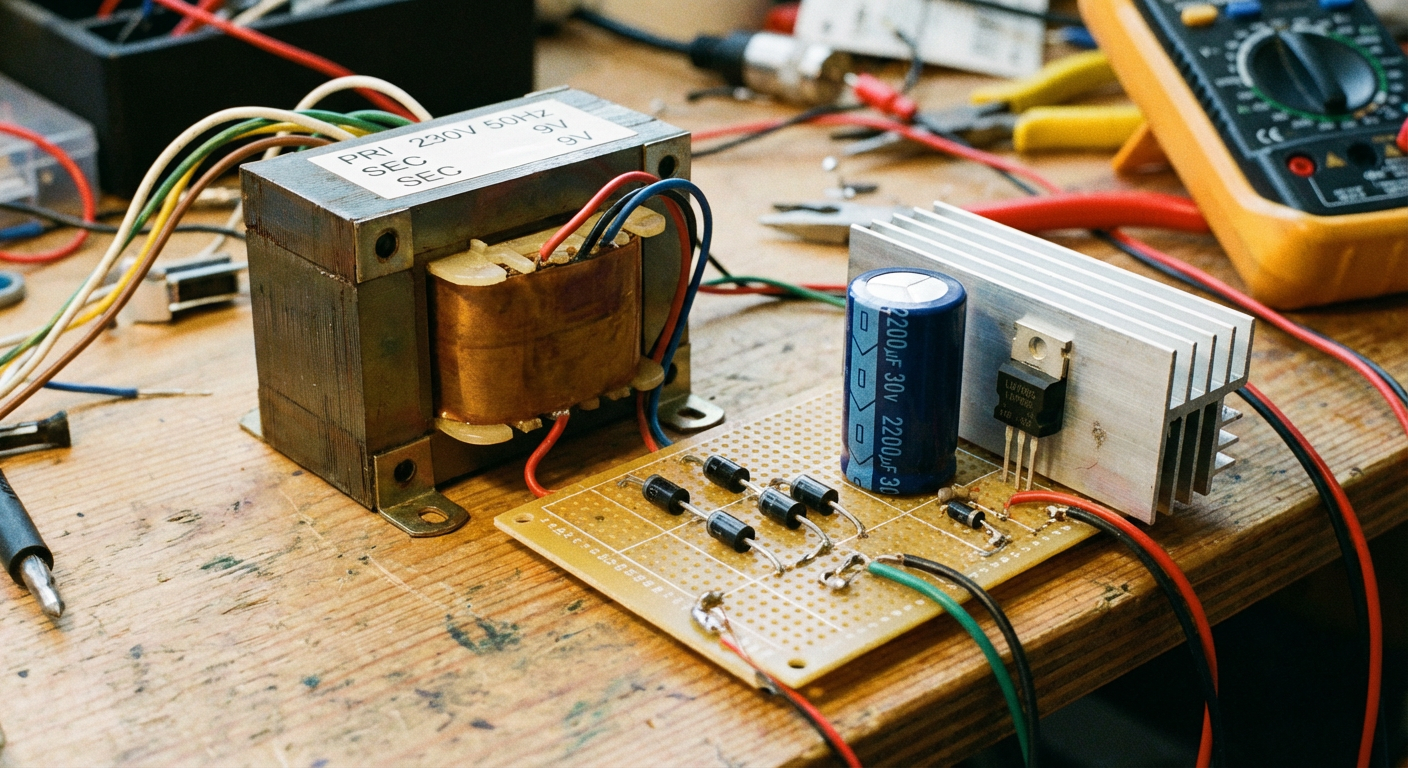
make a photo of power supply with 50 Hz transformer, four diodes, 2200 uF 30V capacitor, and 7805 on heatsink
On the left the old Nano Banana model (square image), on the right the improved Pro version (rectangular image).
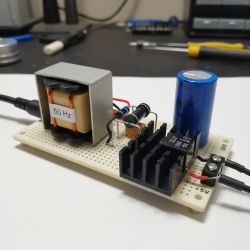
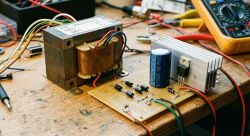
Pro even the capacitor did well, although the diodes proliferated and the cables are rather pointless. Plain Banana mixed up the terms and signed the capacitor as a 7805.
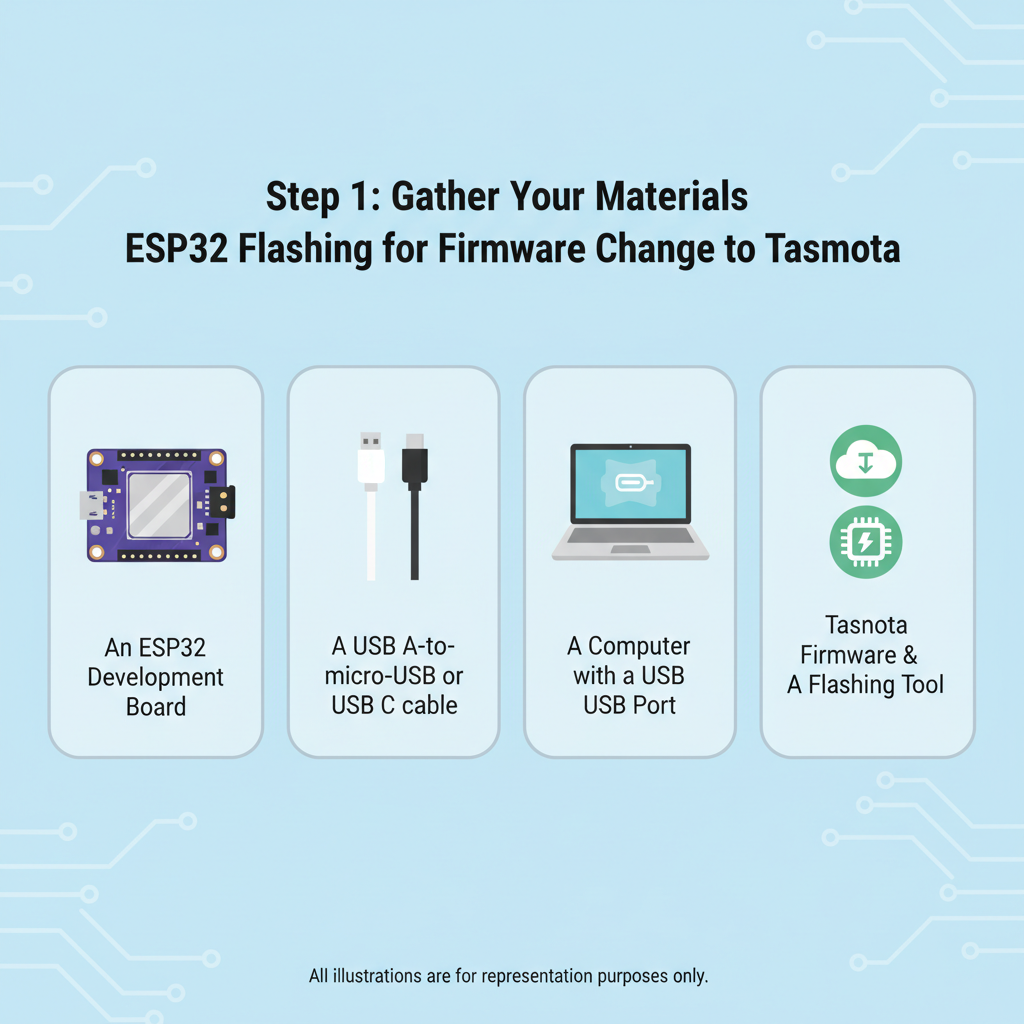
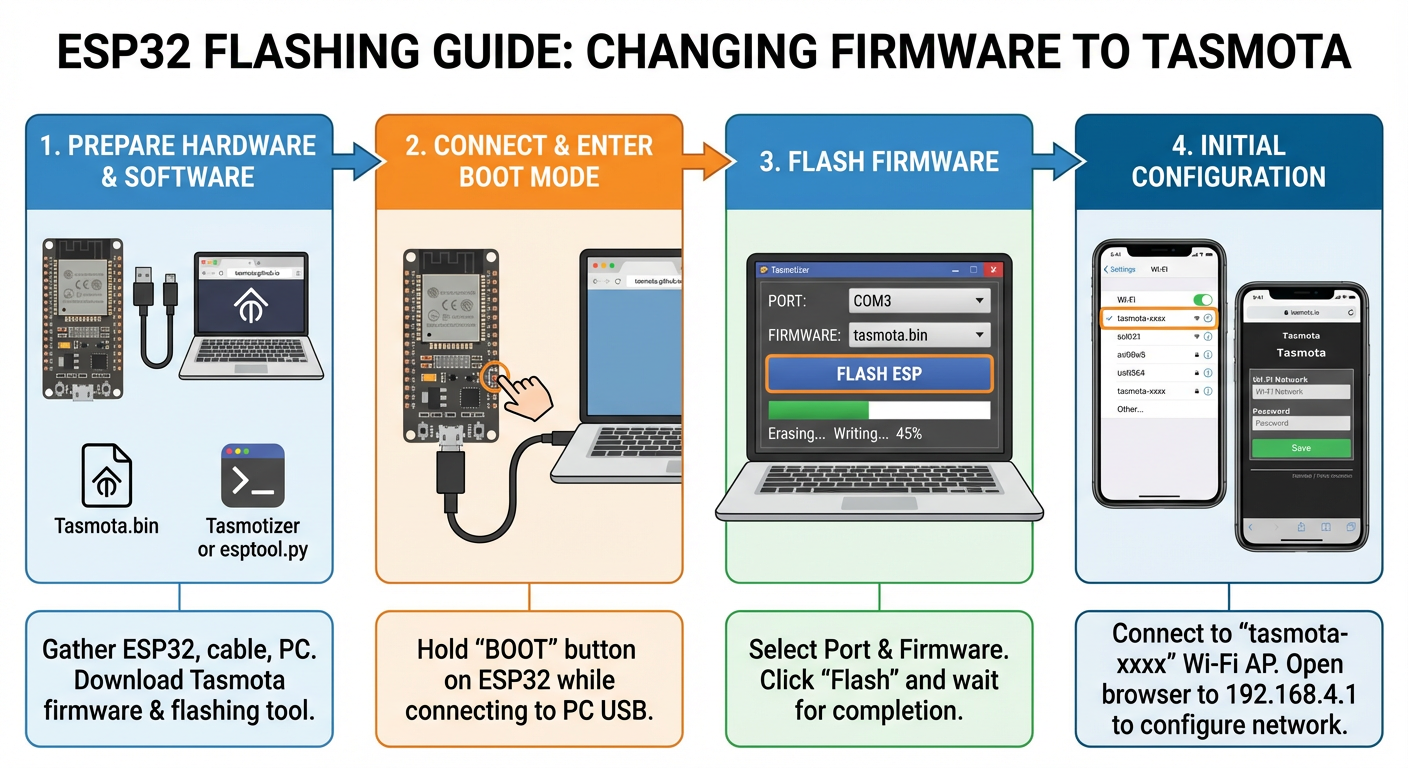
draw graphic guide - ESP32 flashing for firmware change to Tasmota
On the left the old Nano Banana model (square image), on the right the improved Pro version (rectangular image).
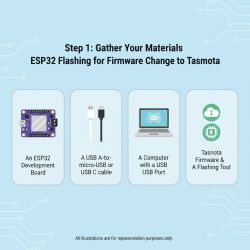
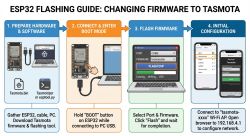
Plain Banana - occasional typos (Tasnota), simplistic graphics, although useful. Pro - much better, correct names, even the cable looks good. Only the RESET button seems to have escaped him on the pin (second picture). Even the view from the phone with Wi-Fi networks reproduced well. Anyway, Tasmota's UI too....
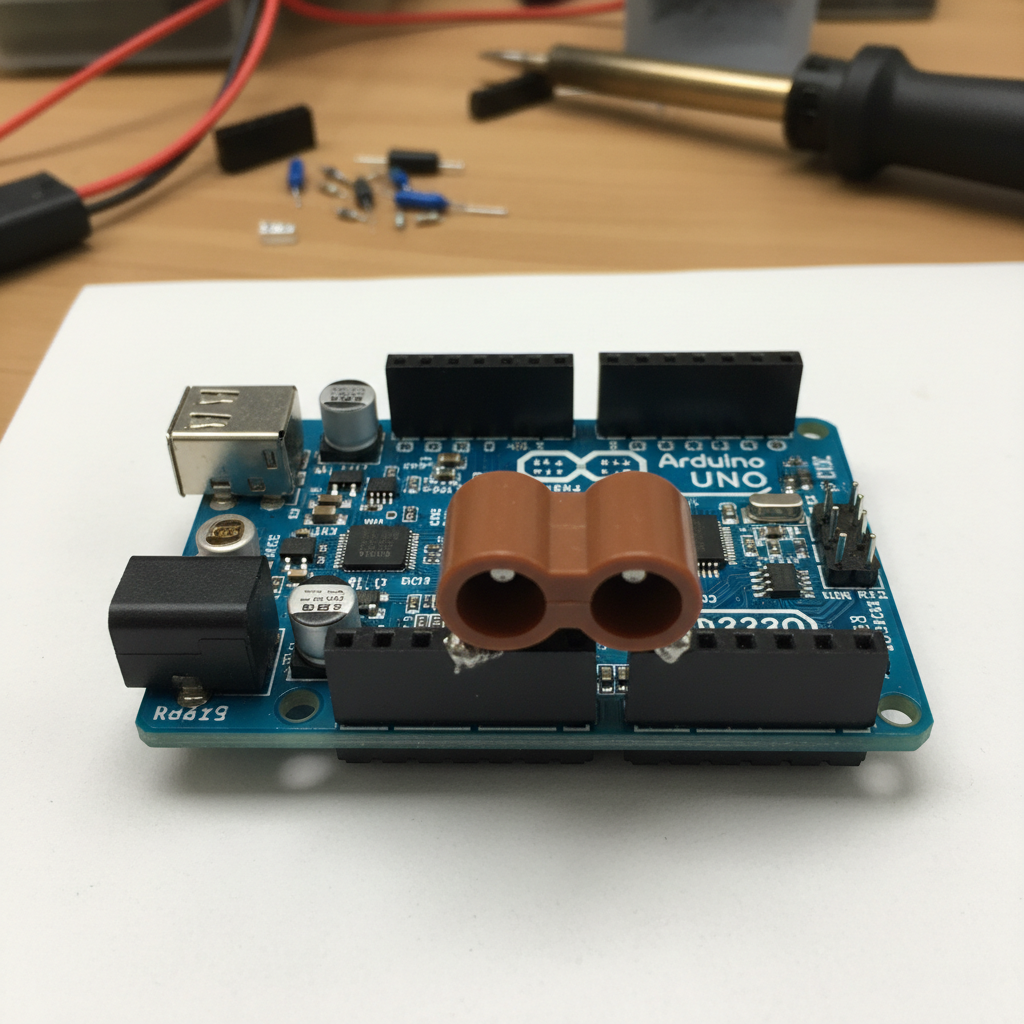
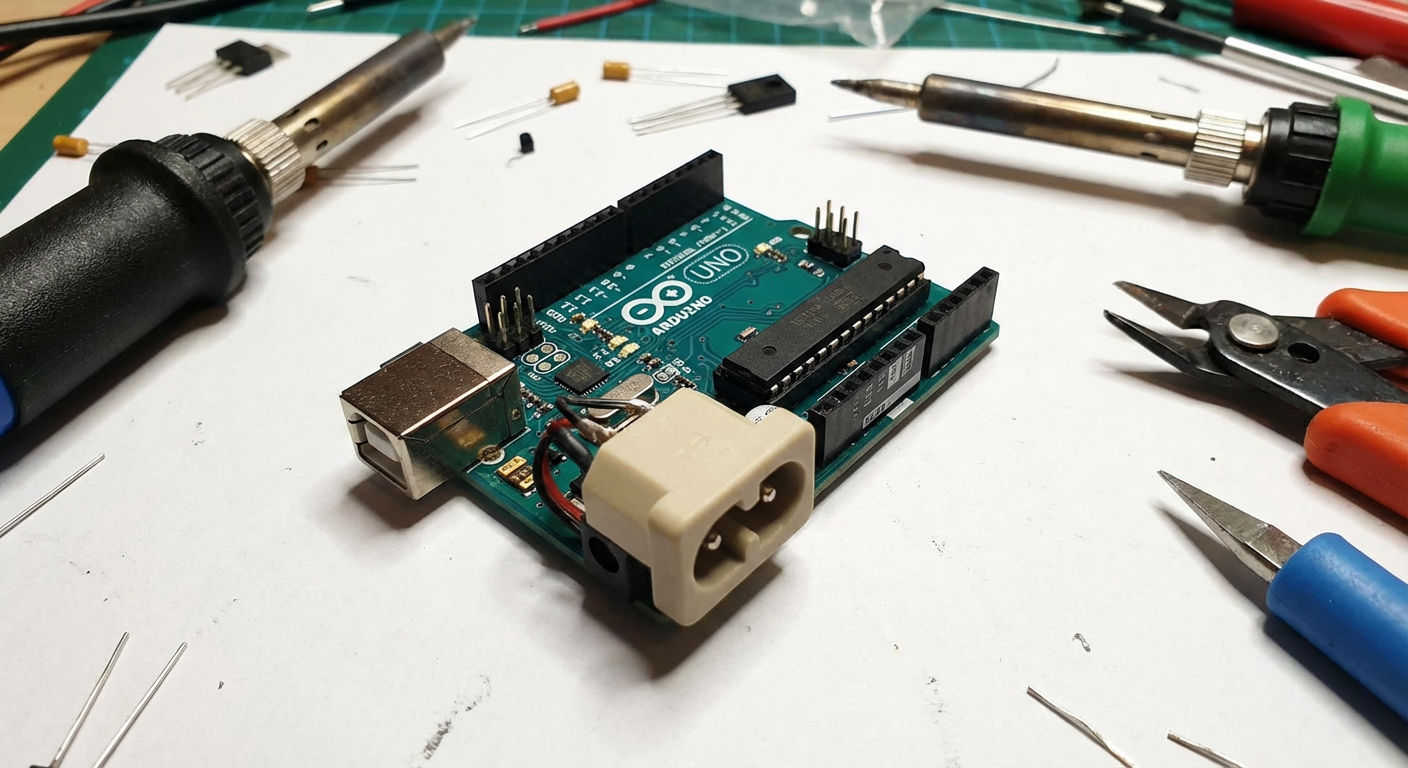
Arduino UNO but with Dog Bone/Double Barrel power socket instead of DC jack
On the left the old Nano Banana model (square image), on the right the improved Pro version (rectangular image).
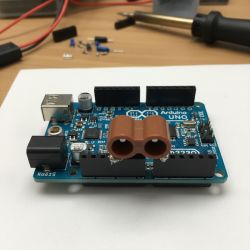
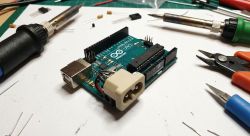
Here I wanted to see if the AI would understand how this 'alternative' connector to the power supply should be arranged.
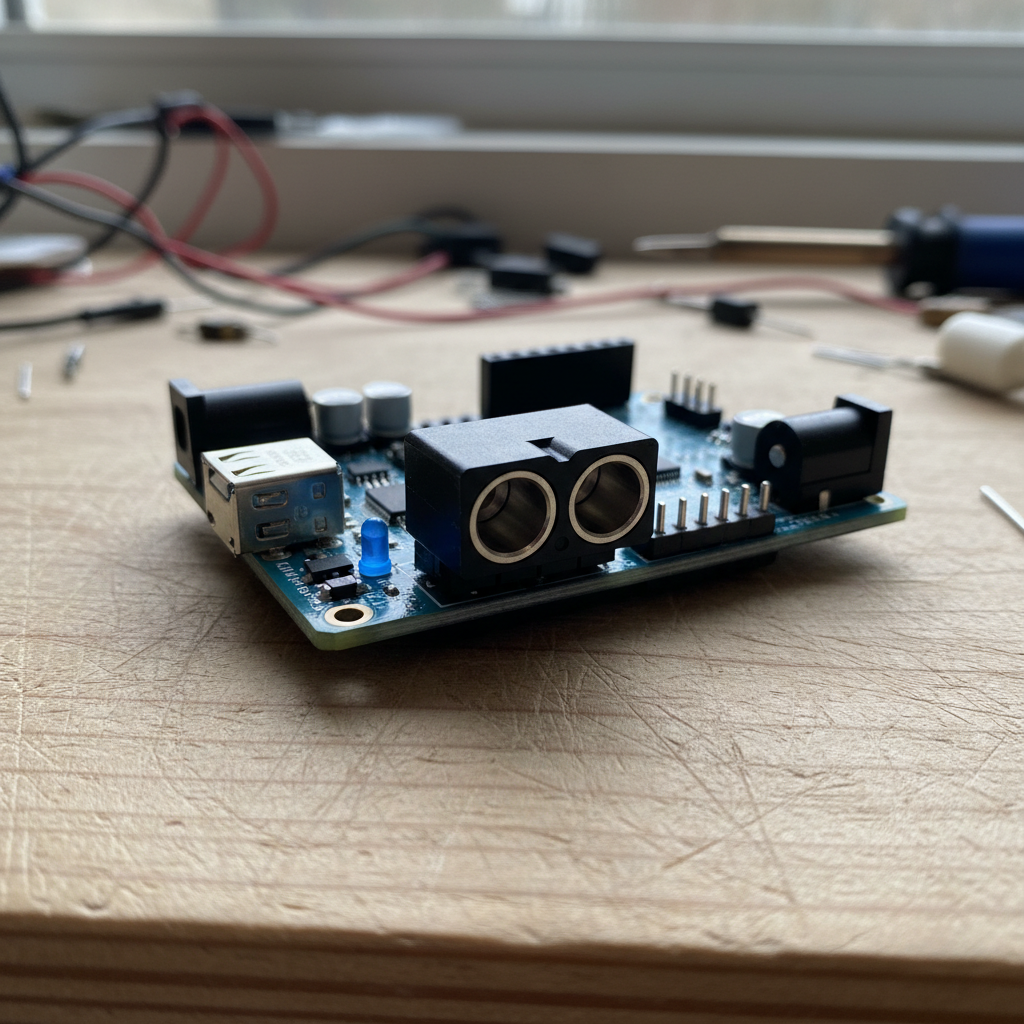
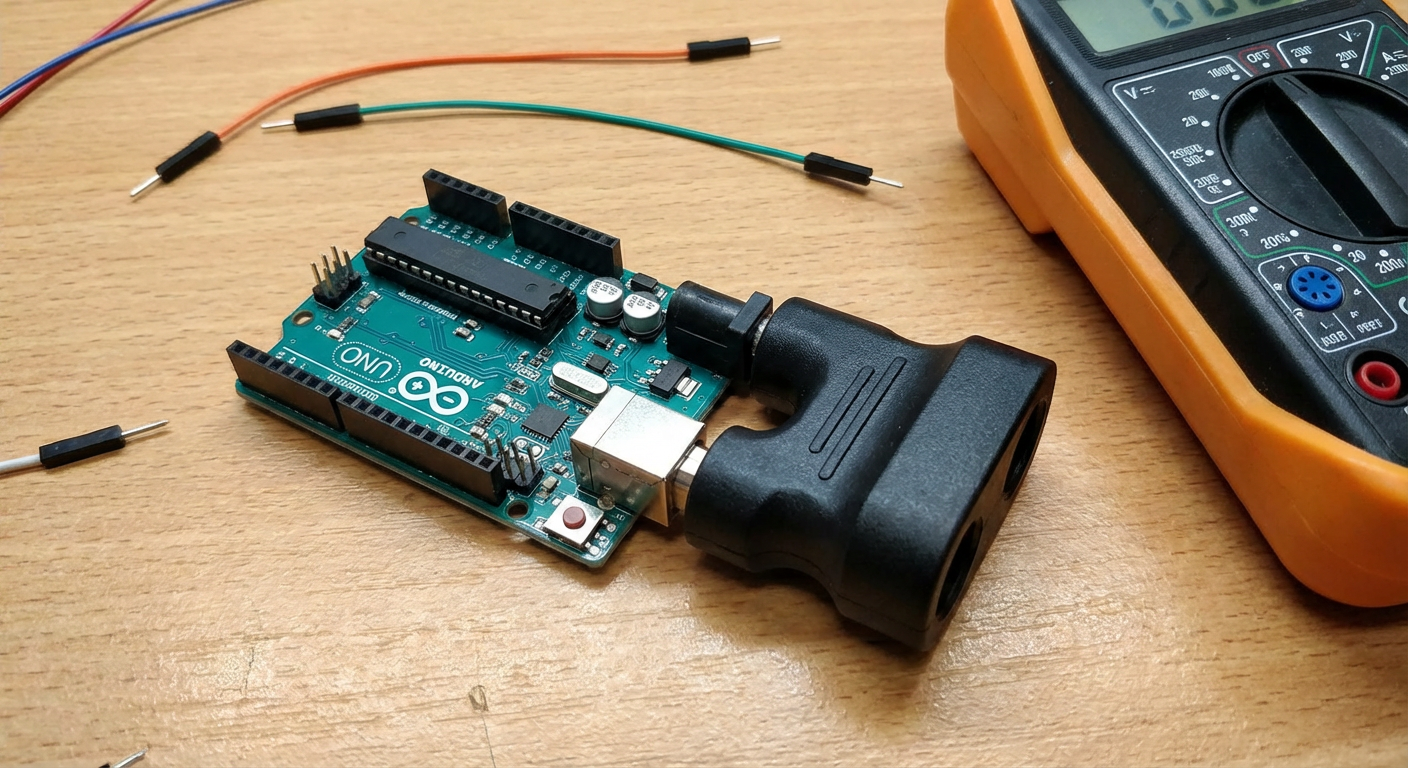
Arduino UNO with Dog Bone/Double Barrel power socket
On the left the old Nano Banana model (square image), on the right the improved Pro version (rectangular image).
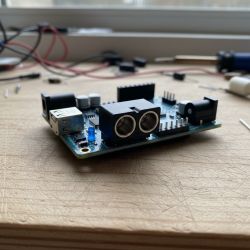
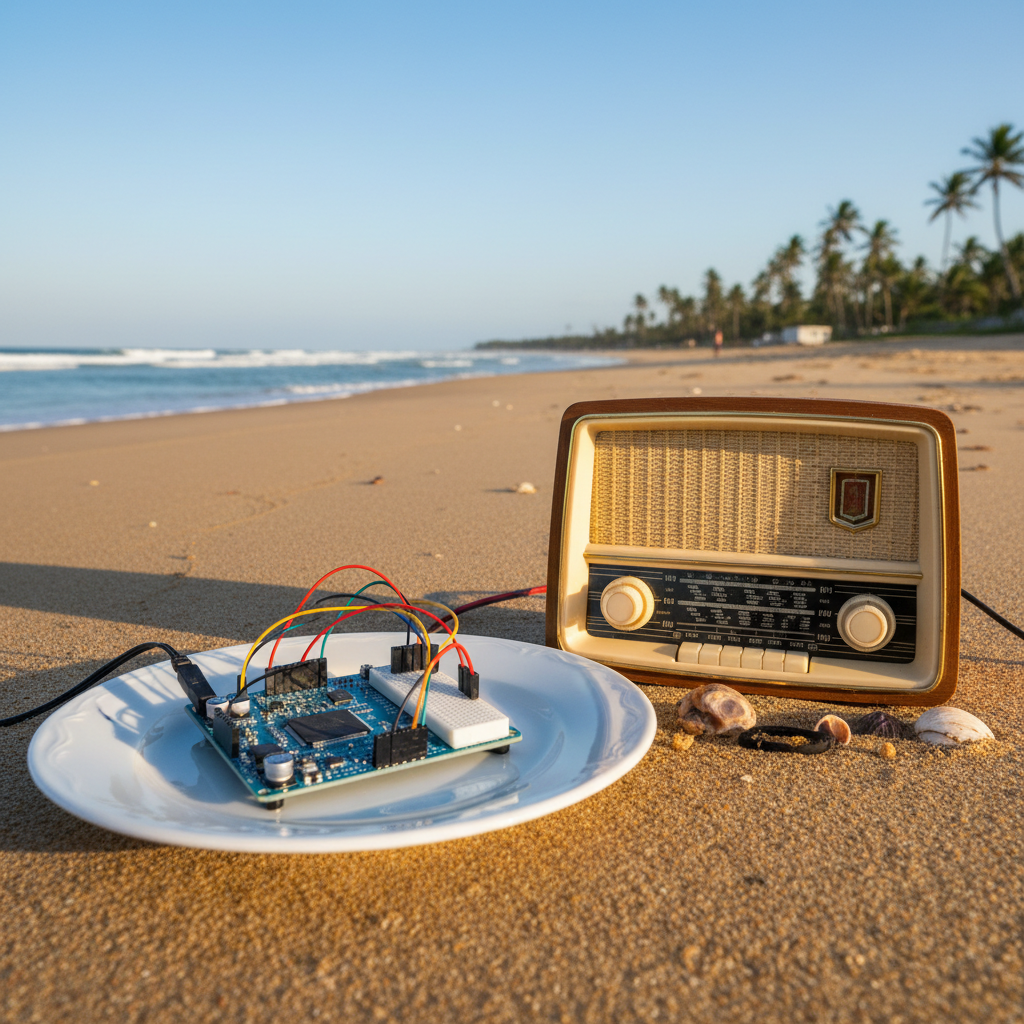
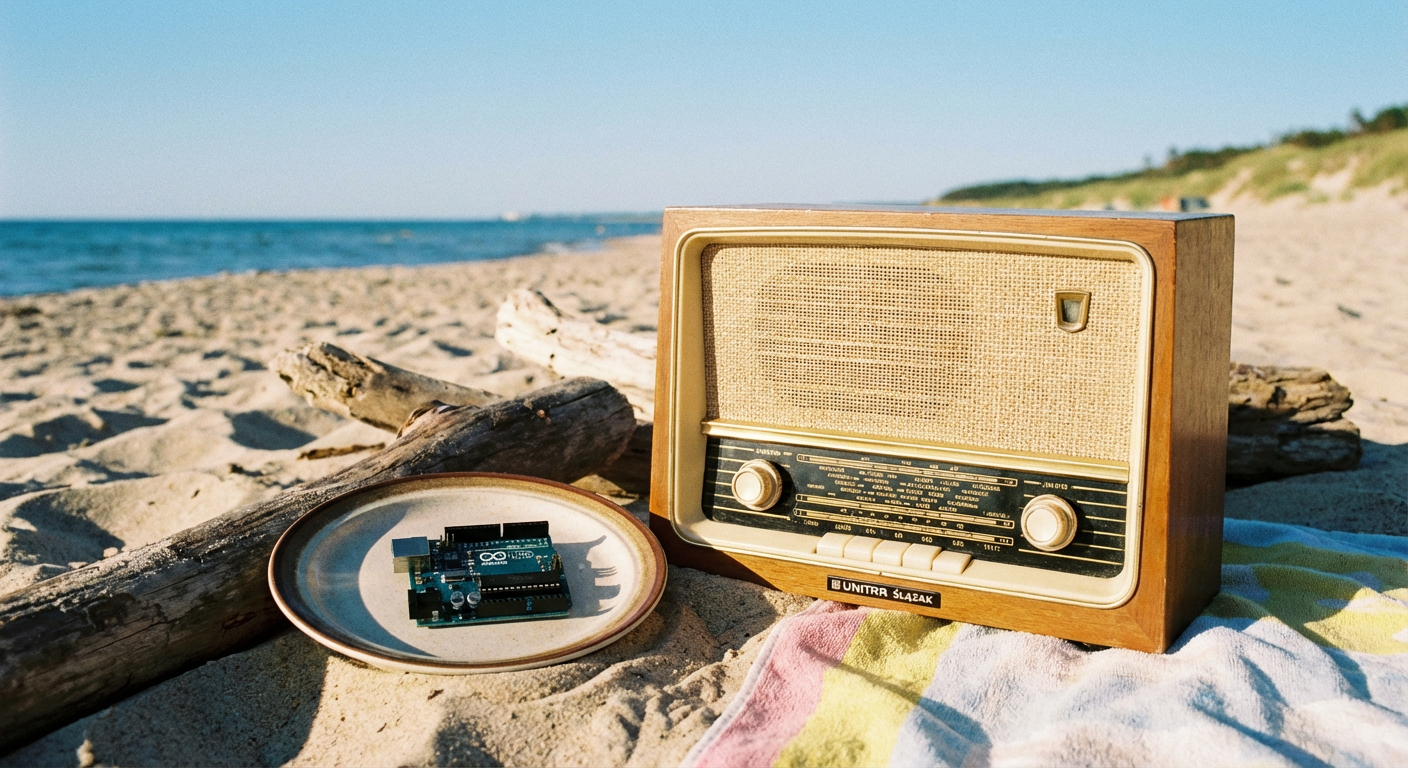
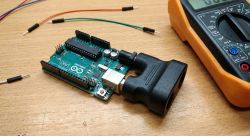 Arduino UNO on a plate, next to old Unitra Silesian radio on beach during sunny day
On the left the old Nano Banana model (square image), on the right the improved Pro version (rectangular image).
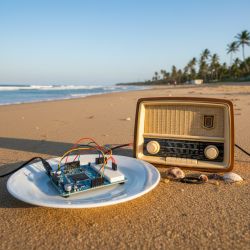
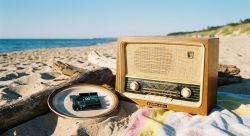
Test of relationships between objects and knowledge of Unitra - it came out poorly with the latter.
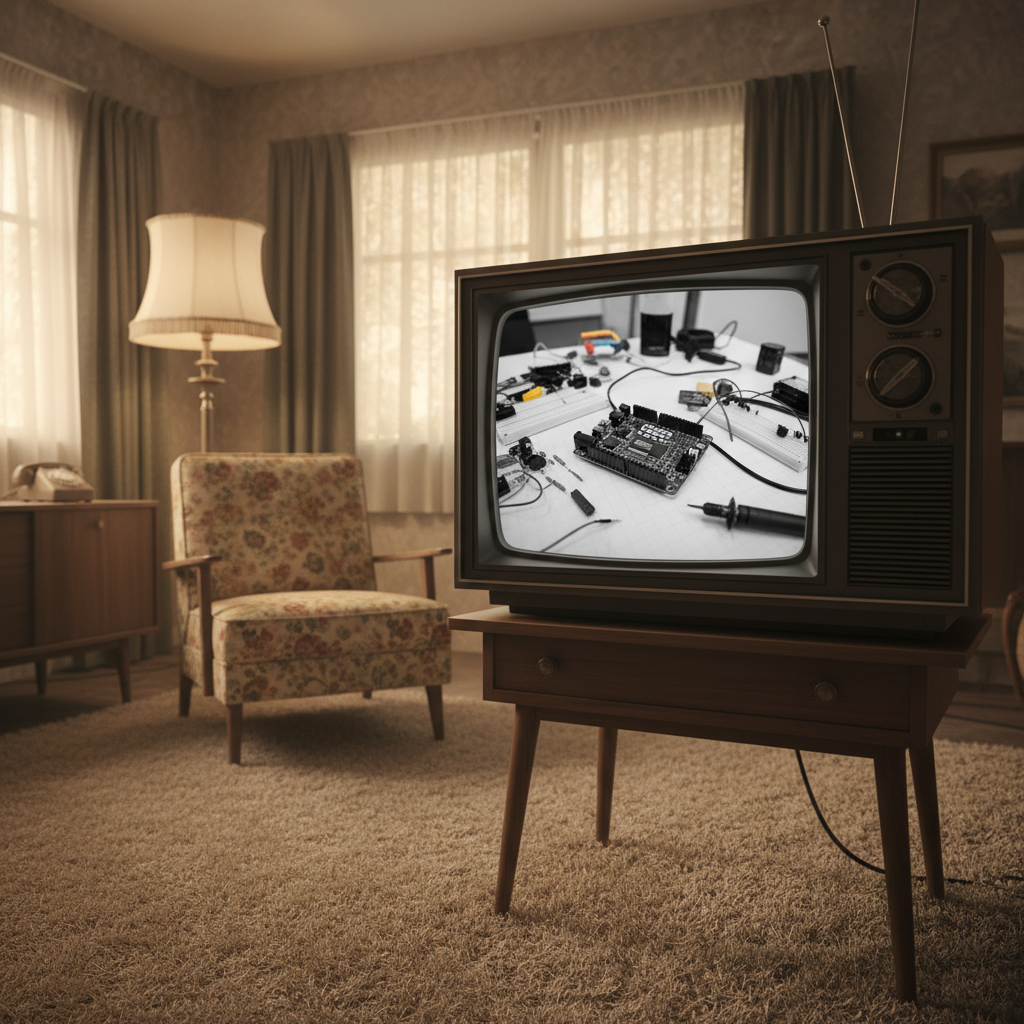
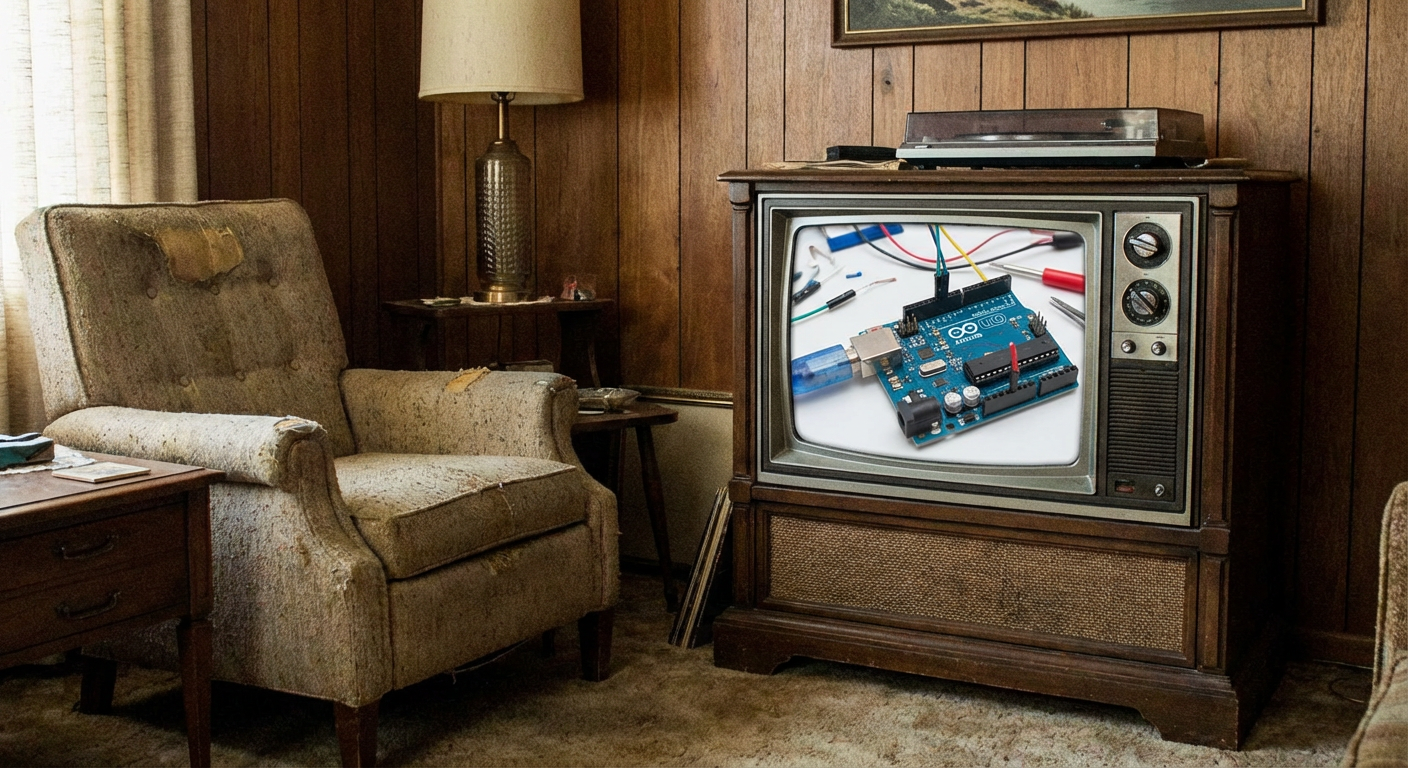
1960 old room with TV showing modern Arduino UNO in workshop
On the left the old Nano Banana model (square image), on the right the improved Pro version (rectangular image).
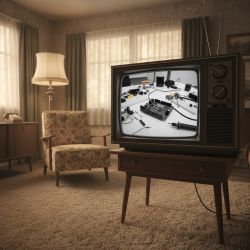
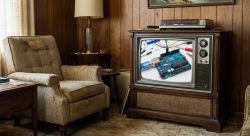
Both models are able to create images with specific relationships between objects.
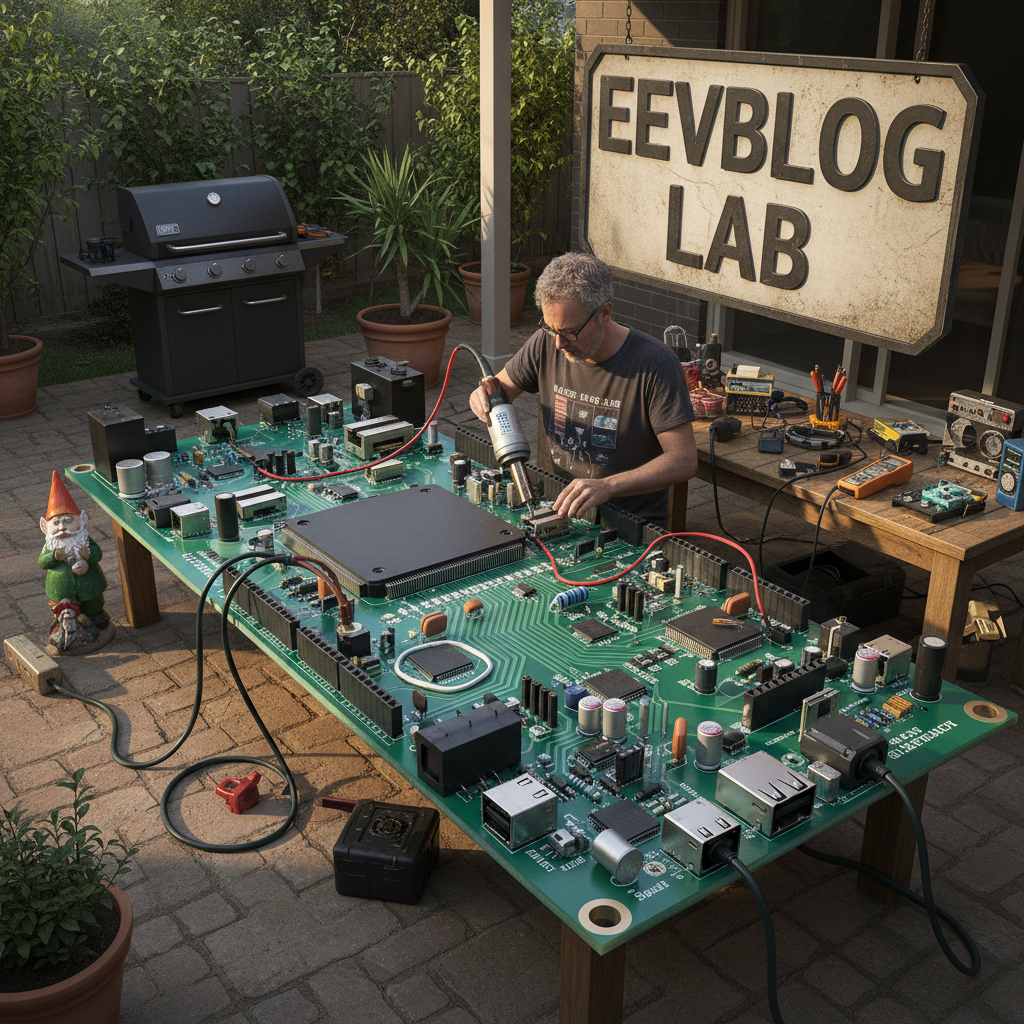
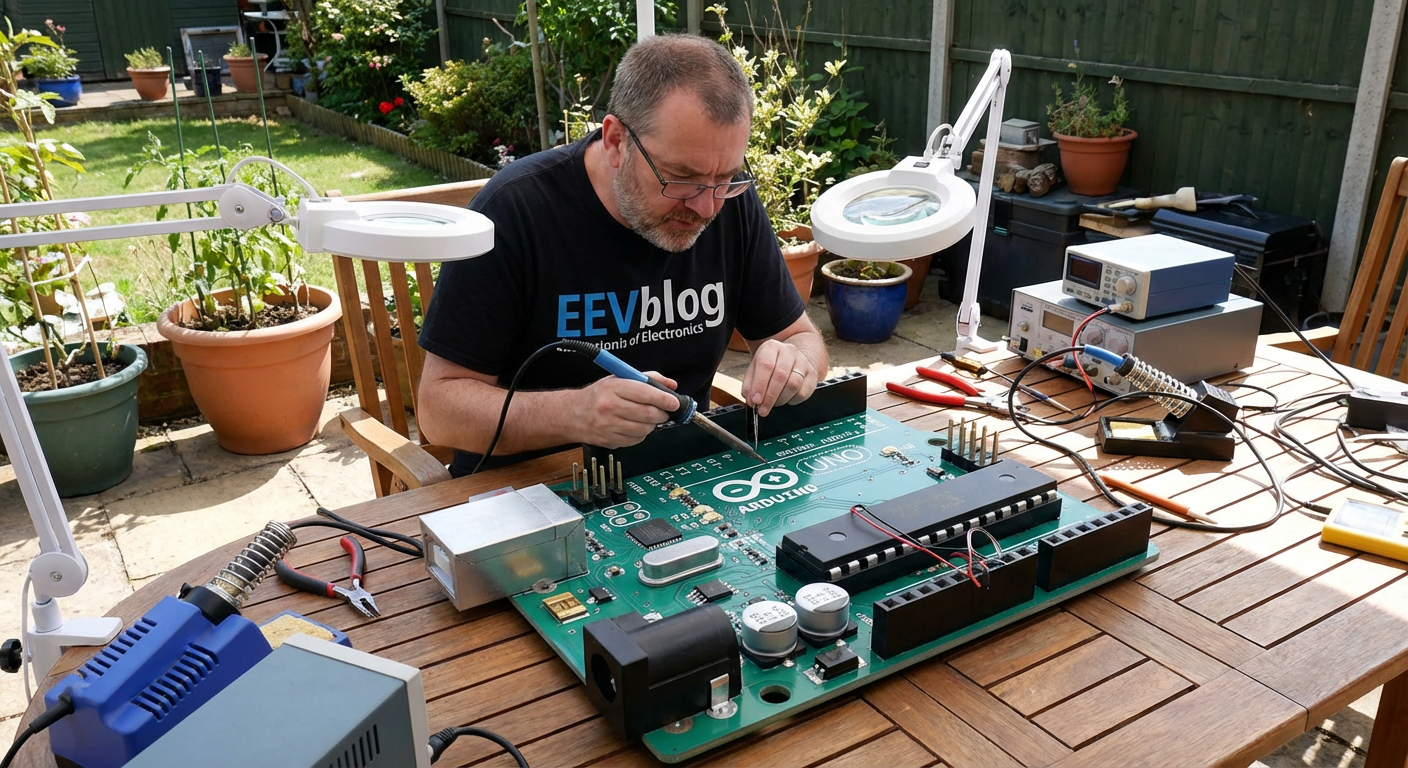
dave jones eevblog soldering a huge arduino in the patio
On the left the old Nano Banana model (square image), on the right the improved Pro version (rectangular image).
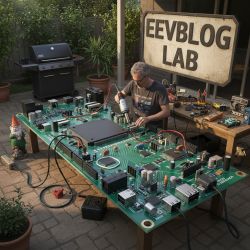
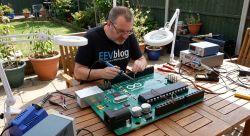
Finally, a curiosity - I wanted to see if AI knew a popular Youtuber from our electronics. As you can see, however, quite a different gentleman came out. The background, on the other hand, is very good indeed.
The results are impressive , especially in terms of photos and infographics. These infographics are, in the eyes of a layman like me, practically at the level of a professional graphic designer. In addition, both models (especially the Pro) seem to understand the expected relationships between objects, being able to place them appropriately in space or thereabouts on the TV screen.
The Banana Pro model additionally seems to even know the electronic components, I didn't expect it to generate correctly a capacitor and a Capxon brand (it wasn't in the prompt) or there a stepper motor of a particular model.
With the schematics it's worse, here it's already more apparent that it's nevertheless a predictive model without proper "thinking", because the schematics look nice but don't make sense.... but maybe one day.
That's it for today, although I'm still planning a separate presentation as to the same models - will be on the forum soon.
Have you tested the latest Banana models? What applications do you see for them, general and in electronics?
Feel free to visit
https://lmarena.ai - just select the image mode, Side By Side mode (instead of Battle) and you can generate. What did you manage to create?







Comments
So on the left is the older model and on the right is the Pro model (think) the latest? [Read more]
First the older and then the newer, the models as given in the text. Basically, you can see this from the graphics. There is a big step forward. The schematics are already starting to look like schematics... [Read more]
The pictures in the comment are from a new or old model? This information is missing. [Read more]
I have added captions in the commentary. Out of curiosity I performed the same prompt again: draw graphic guide - ESP32 flashing for firmware change to Tasmota Here is what was created. Images... [Read more]
In one case the generated capacitor, or rather the same designation, is no small mistake. "1.00µF 1500V". https://obrazki.elektroda.pl/6228828300_1764085012_thumb.jpg [Read more]
Congratulations, a watchful eye. 1500V in an Arduino board with a Pentium, not bad. Maybe he got the voltage units mixed up in places with those capacitances? I'll check again when the next bigger version... [Read more]
I liked it best (in the box): https://obrazki.elektroda.pl/1128072800_1764104846_thumb.jpg [Read more]
@krzbor you once asked about Polish in the context of LLM, so I thought I'd check it out with Nano Banana too. draw graphic guide - ESP32 flashing for firmware change to Tasmota in Polish language... [Read more]
So far, I have experience with the free Stable Diffusion 1.5, SDXL 1.0, SD 3.5, FLUX.1 and the commercial DALL-E 3. I suggest to test, the result is easy to verify and most of the models I know give... [Read more]
Well on the diagrams he draws silly things, but perhaps he would be able to turn a hand-drawn drawing with a correct diagram into one that looks professional? [Read more]
It's a bit debatable what tests you provide. I don't know if these graphical models have the equivalent of the 'temperature' option from LLM, but making a map of Europe would potentially depend on that,... [Read more]
With these diagrams and schematics it's a bit like shooting a cannon at a fly. A model that can really draw in vectors would be useful. [Read more]
And can AI add a power supply (commonly and incorrectly called a charger) to the strip? please plug a white phone charger with empty USB A slot into my power strip https://obrazki.elektroda.pl/5384470400_1764151706_thumb.jpg... [Read more]
Not bad, apparently people are already generating pictures of burnt food demanding a refund from restaurants in delivery. Now the idea that you can generate damaged appliances or damaged packages demanding... [Read more]
And master's degrees too, or is that still reserved for the Collegium Humanum? [Read more]
Will AI desolder the flash memory chip from the board? https://obrazki.elektroda.pl/7280641500_1764159112_thumb.jpg change image to remove Flash Memory Chip so only empty pads are visible ... [Read more]
I have just such an idea for my own experiment, if and when I will realise it, I don't know, it's hard to say. I've already had my first attempts involving asking LLM (even local gemma3:27b, gpt-oss:20b,... [Read more]
For circuit diagrams, they do quite well by generating a netlist of connections. The likes of arduino or popular transistors are doing well. But they still have problems how components should be connected. No... [Read more]
@andrzejlisek interesting idea, but I have a feeling that you would have to start with how much these created SVGs make sense, because the display itself is a bit less important. Whereas if the AI adds... [Read more]