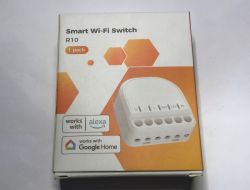
Do IoT manufacturers want to help us change firmware? The Refoss Switch R10 is a single relay module capable of controlling both a classic switch and from the Refoss mobile app. The device is based on the ESP8266 chip and is distinguished by an easily accessible programming connector that allows the firmware to be changed without soldering. What's more, this connector is even externally accessible, although here you have to be careful - the device has no galvanic separation, so you ABSOLUTELY cannot plug anything in there when it is connected to the mains. I will show here the whole process of changing the firmware and give its template for the Tasmota software.
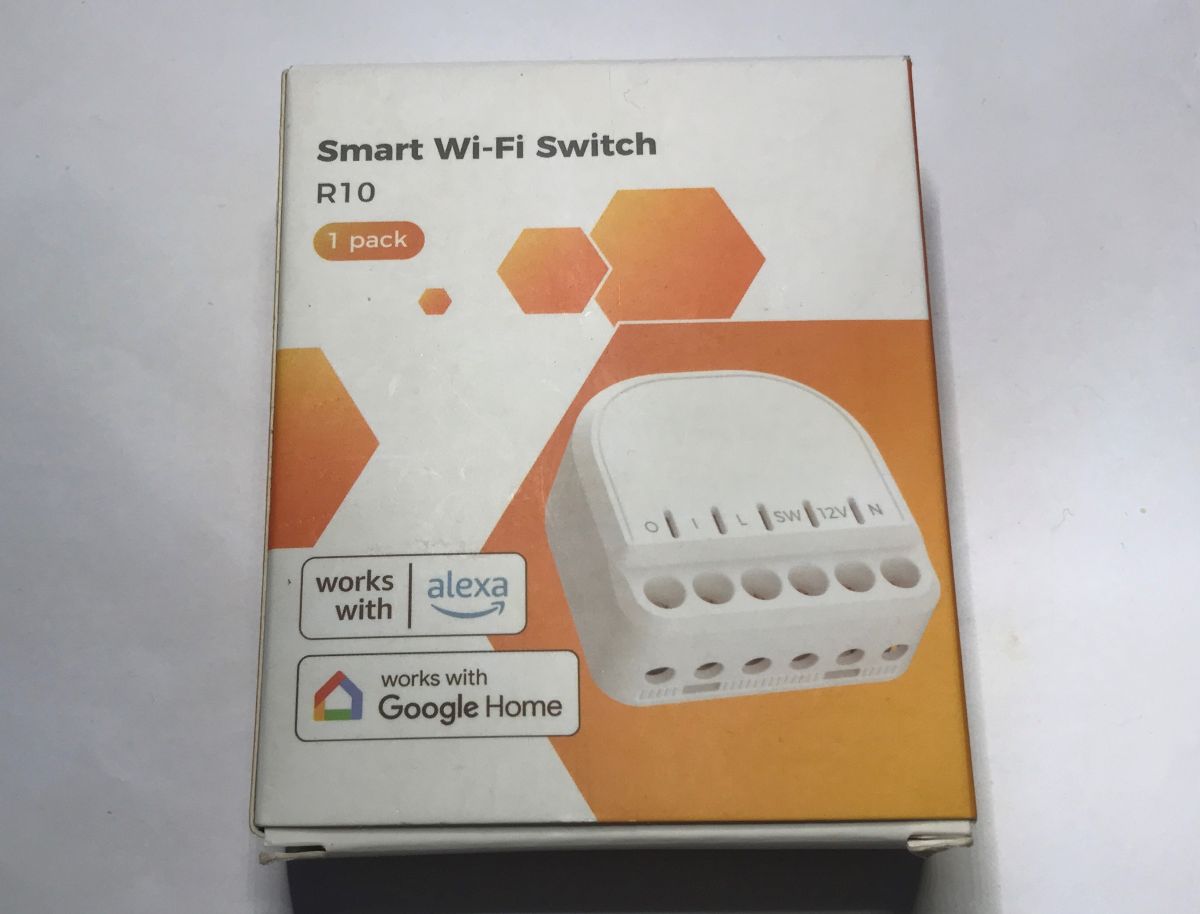
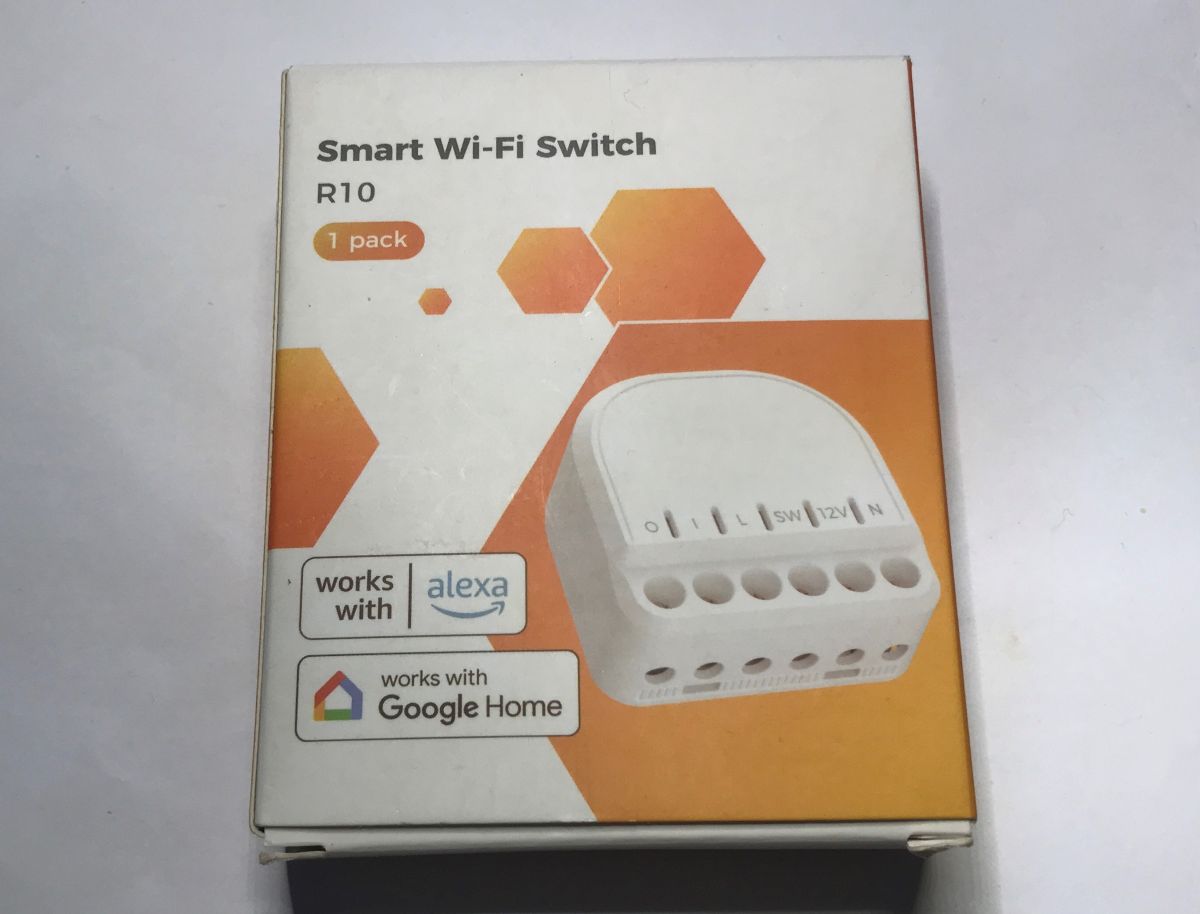
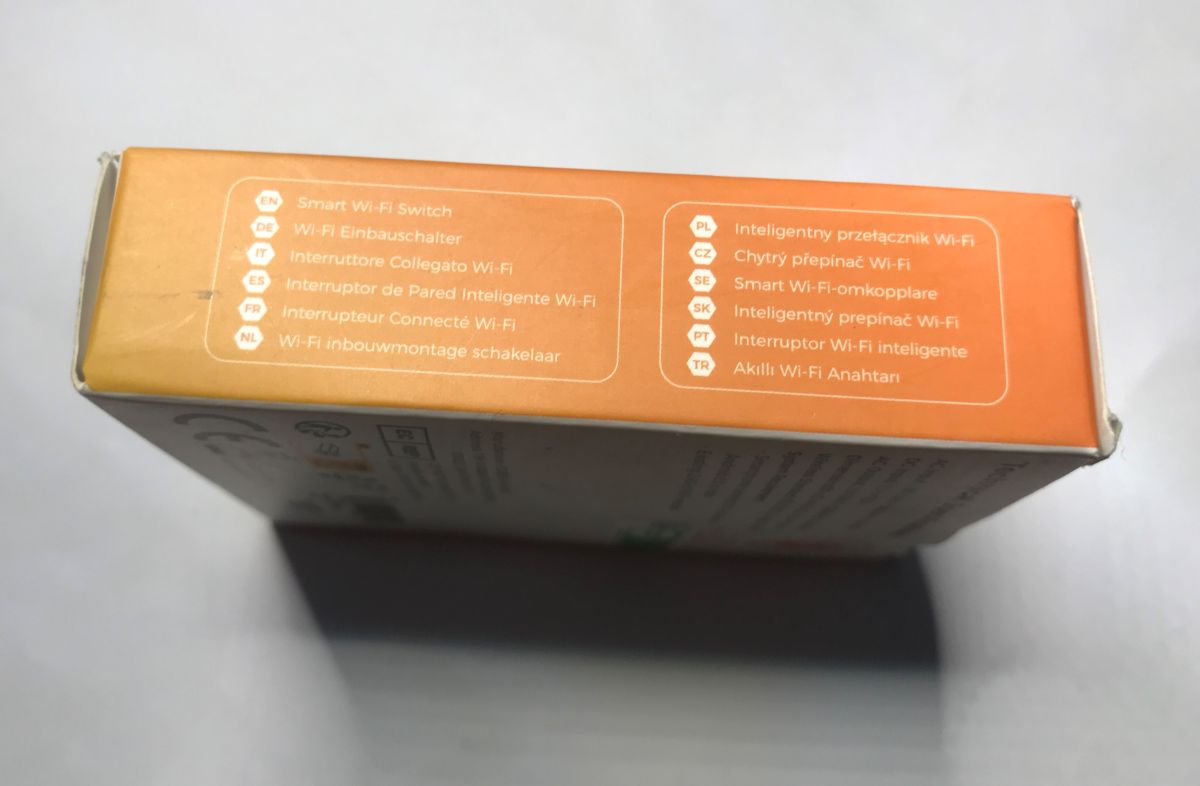
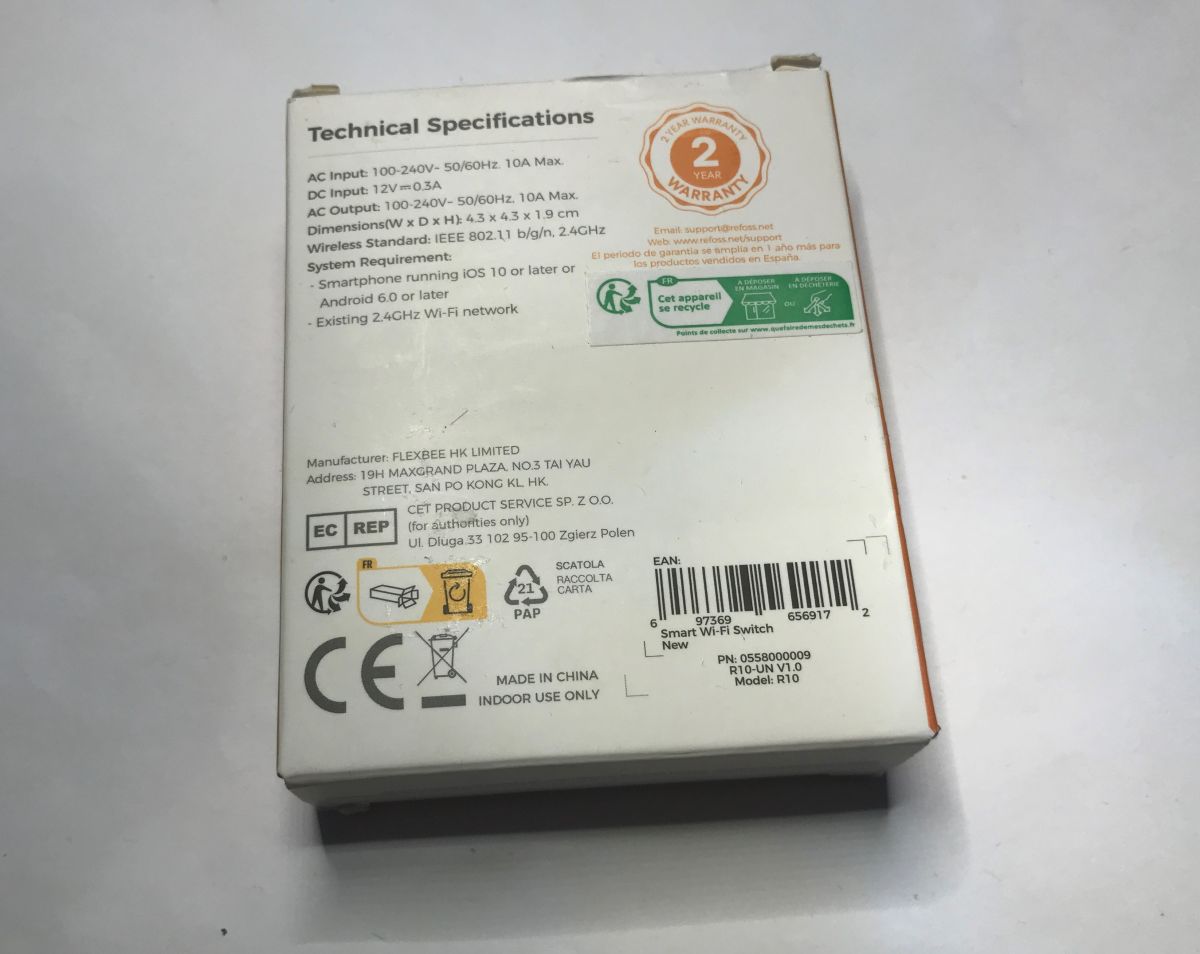
Let's start with the packaging. Nothing here stands out about this product, maybe possibly that warranty. Two years? Anyone respect that?
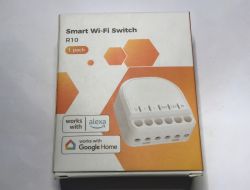
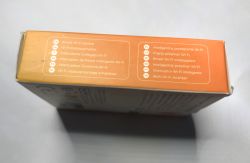
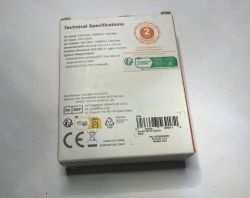
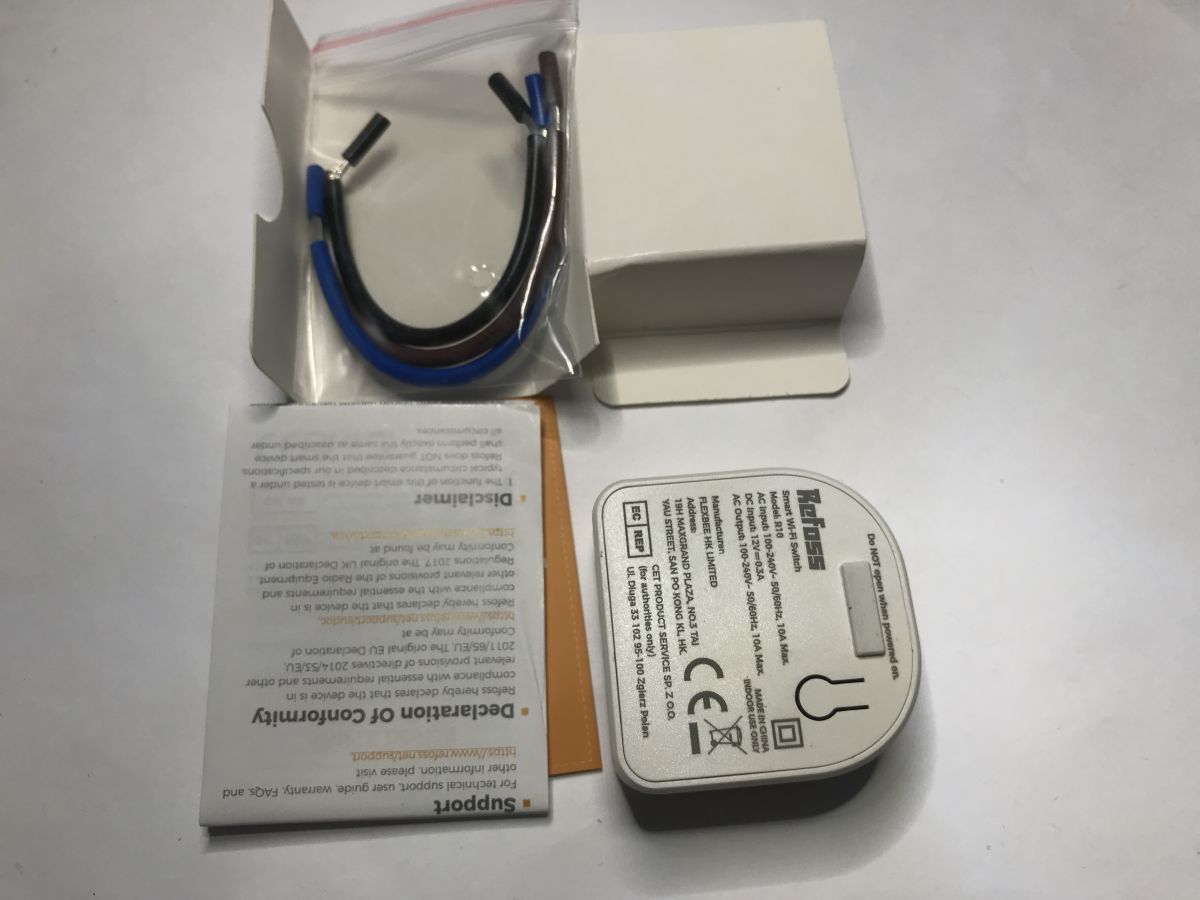
Inside is the module, instructions and additional cables.
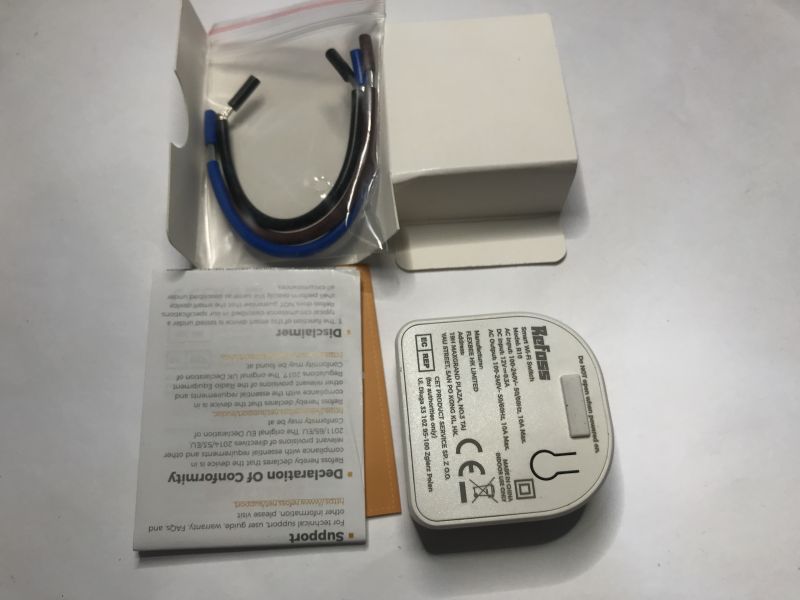
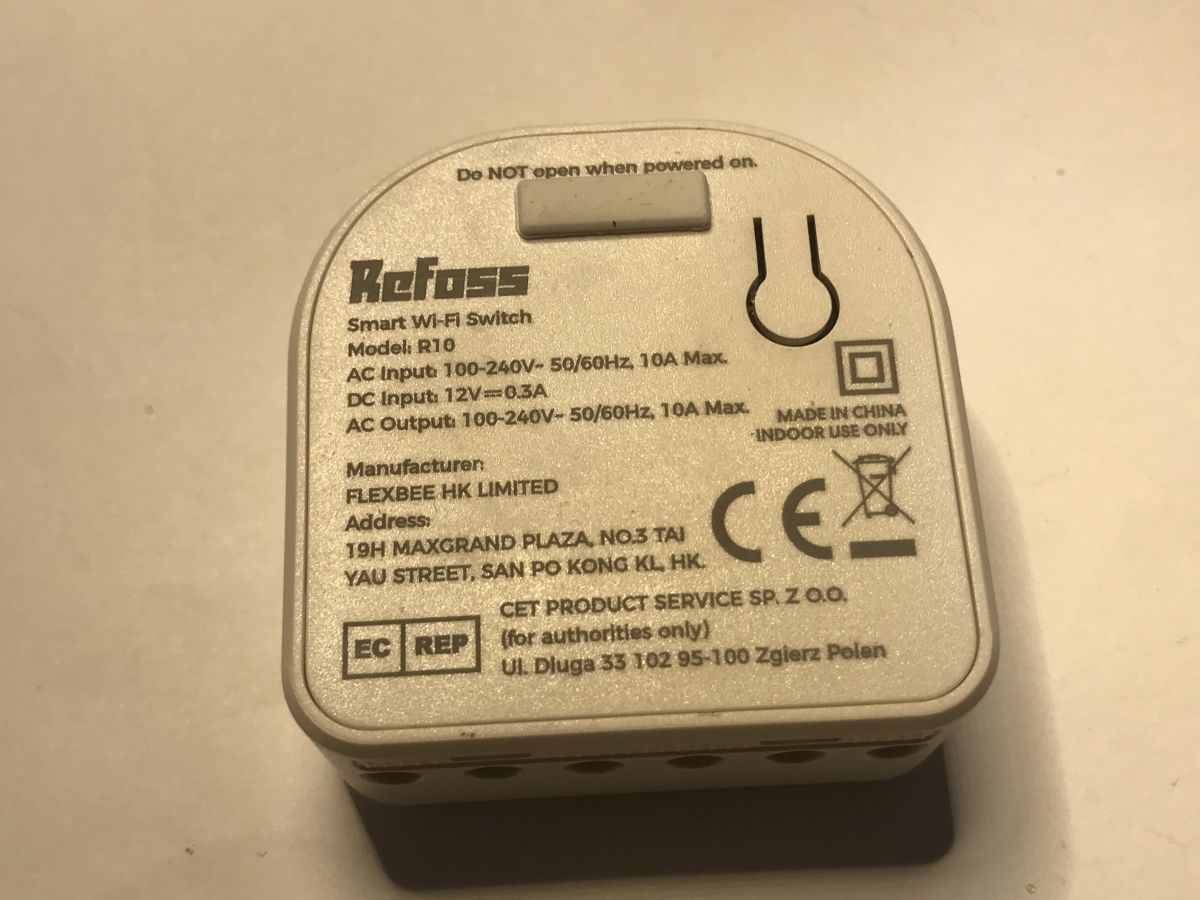
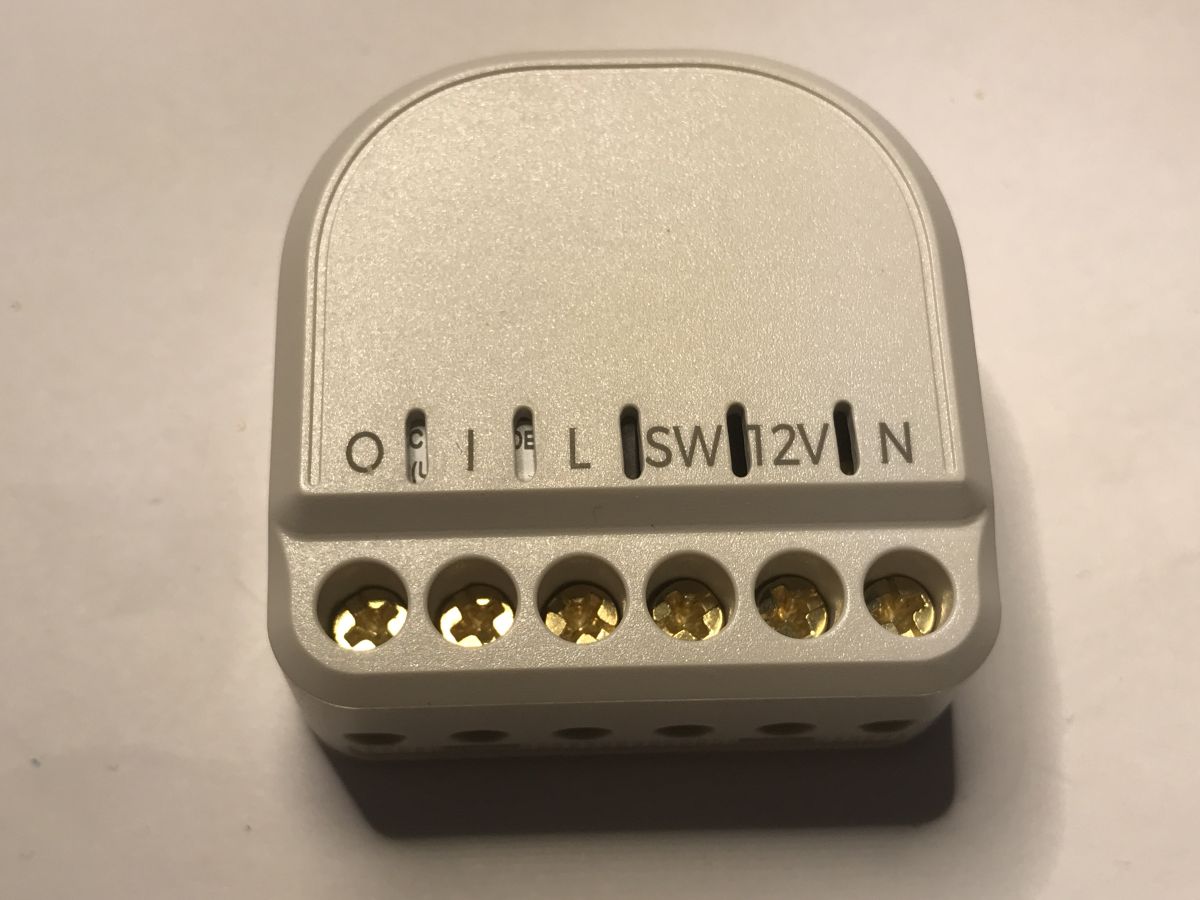
The module itself is distinguished by two features:
- there is a "window" for programming, now obscured
- the module can operate on 100-240 V AC or on 12 V DC
Above the window is a valid note - do not open when power is connected.
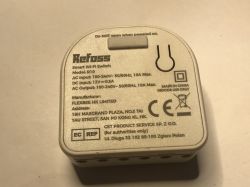
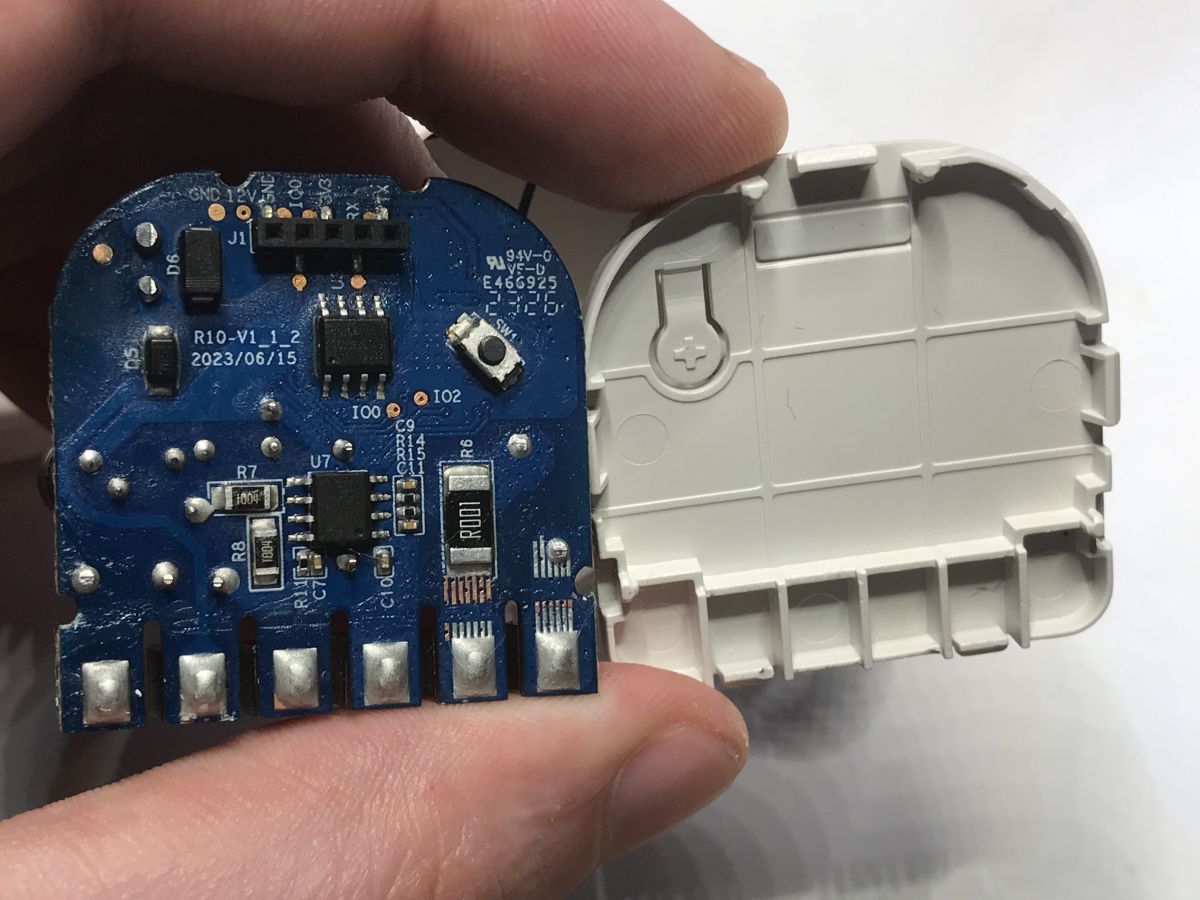
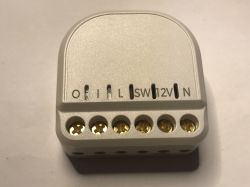 Time to look inside
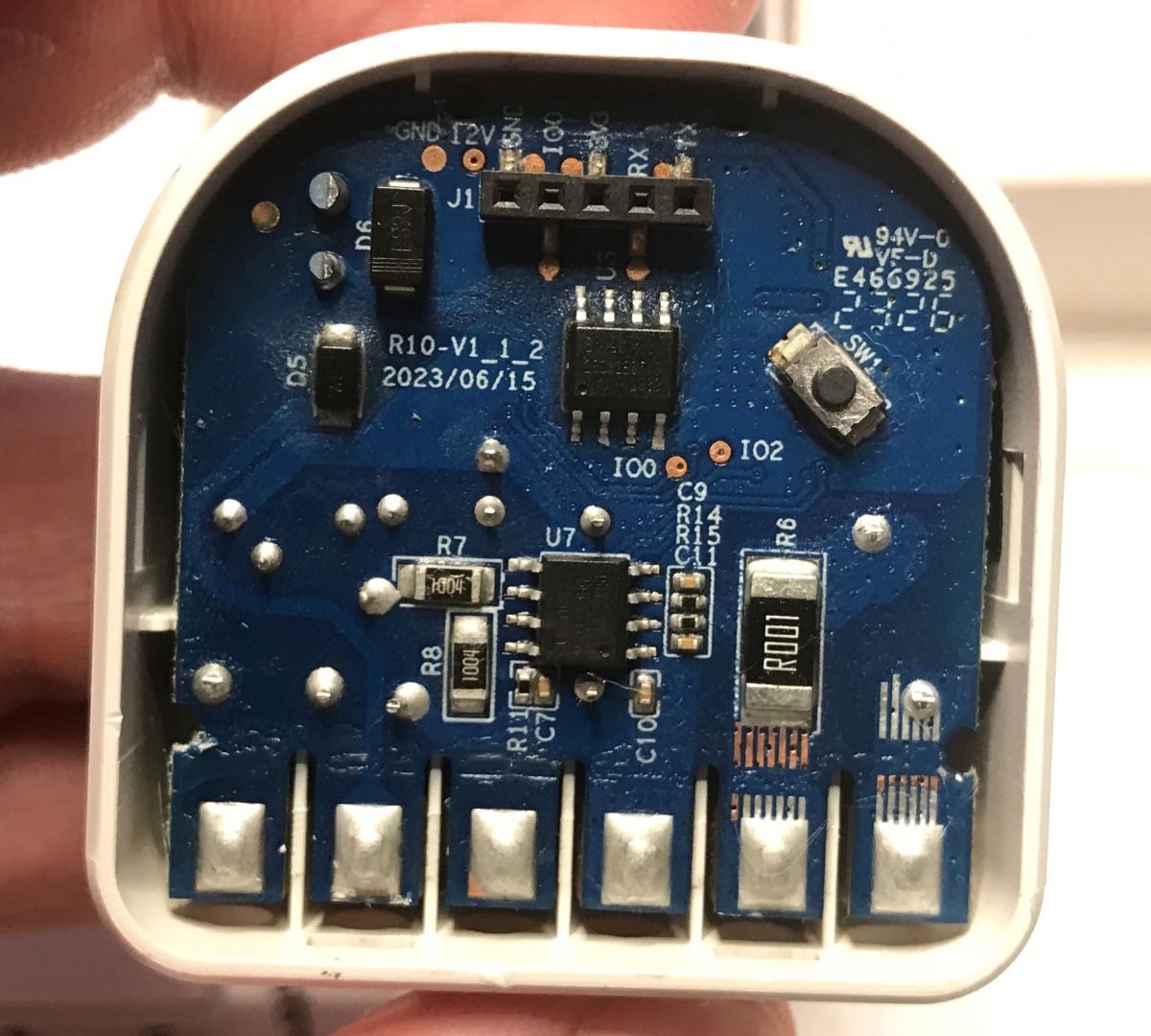
 . We simply lift the lid. The first thing that catches the eye is the state of the PCB. Is it dirty from flux?
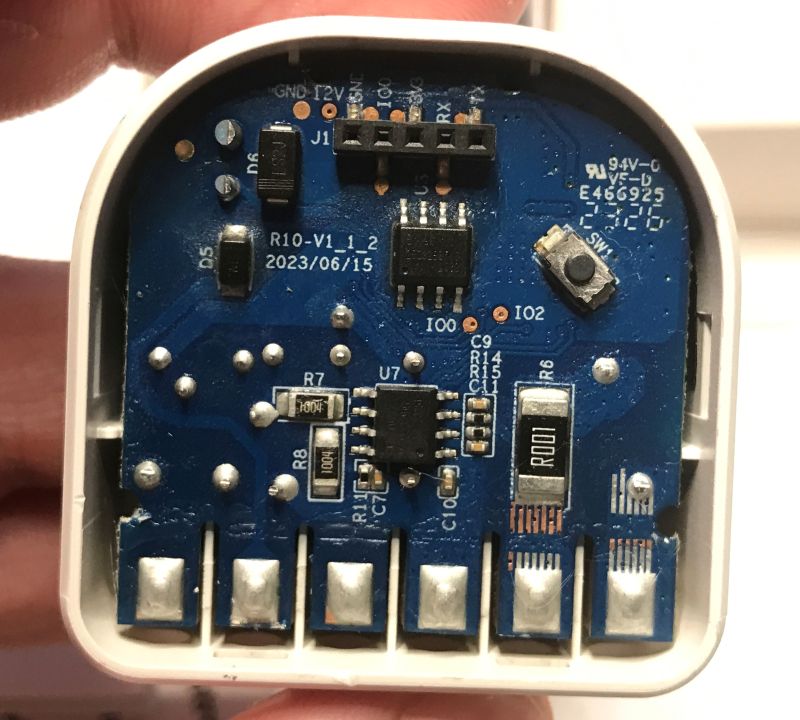
PCB designation: R10-V1_1_2 2023/06/15 This is a fairly new design for a chip with ESP8266. You can also immediately see the programming connector. Next to it is a BoyMicro flash bone with firmware and a BL0937 for energy measurement.
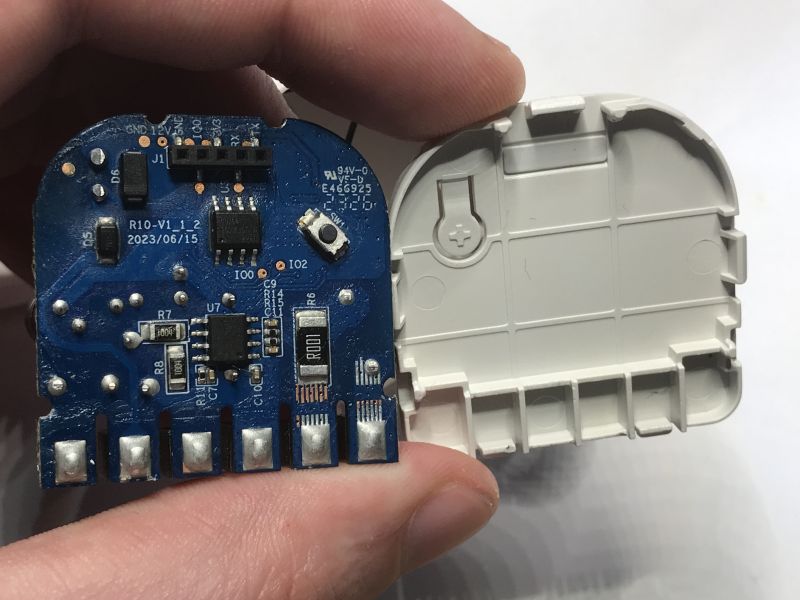
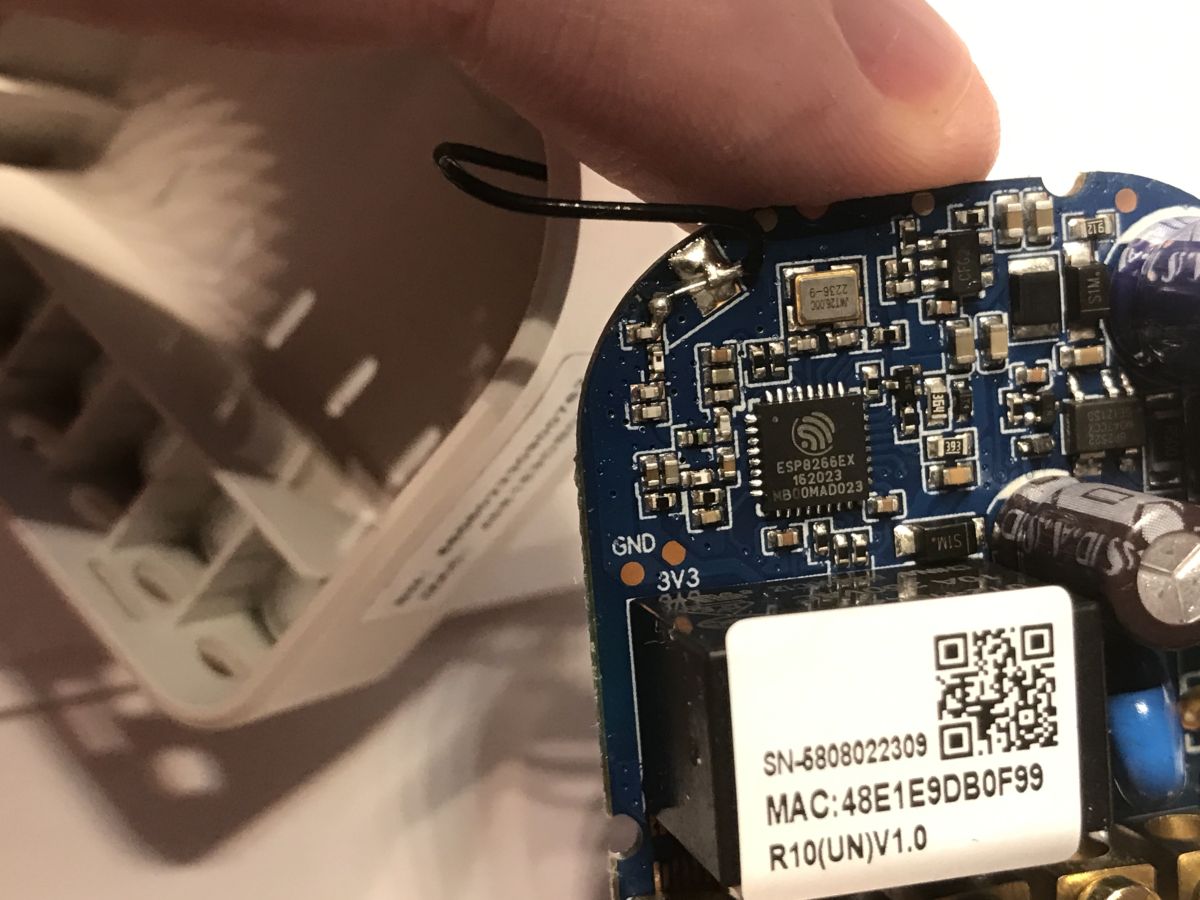
On the other side of the board is an ESP8266. In the power supply section I see a BP2525.
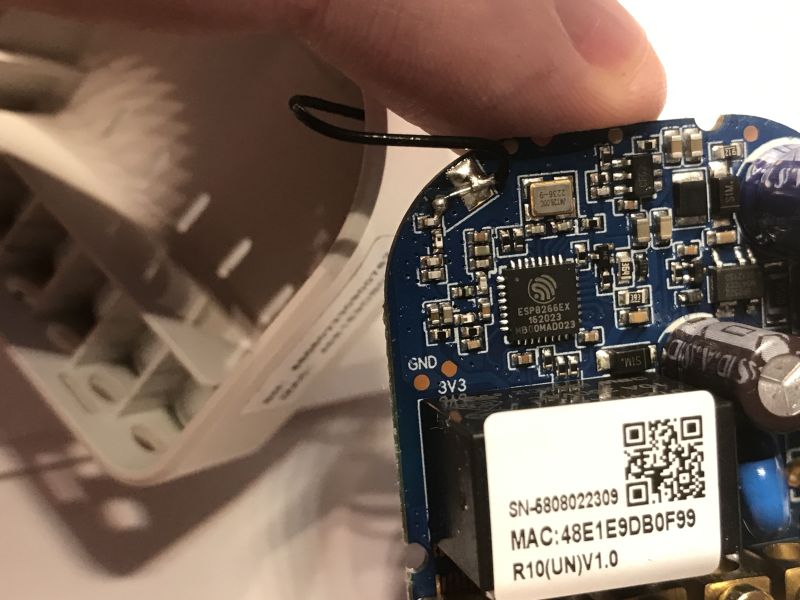
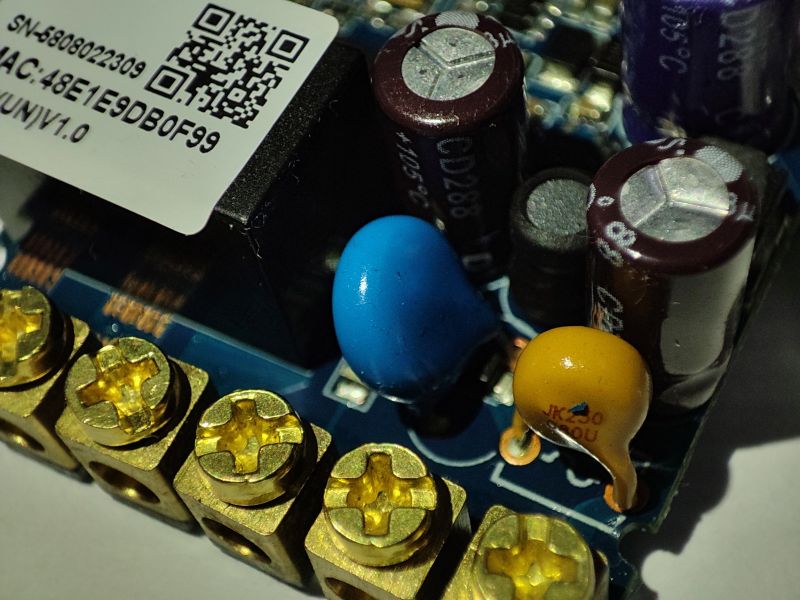
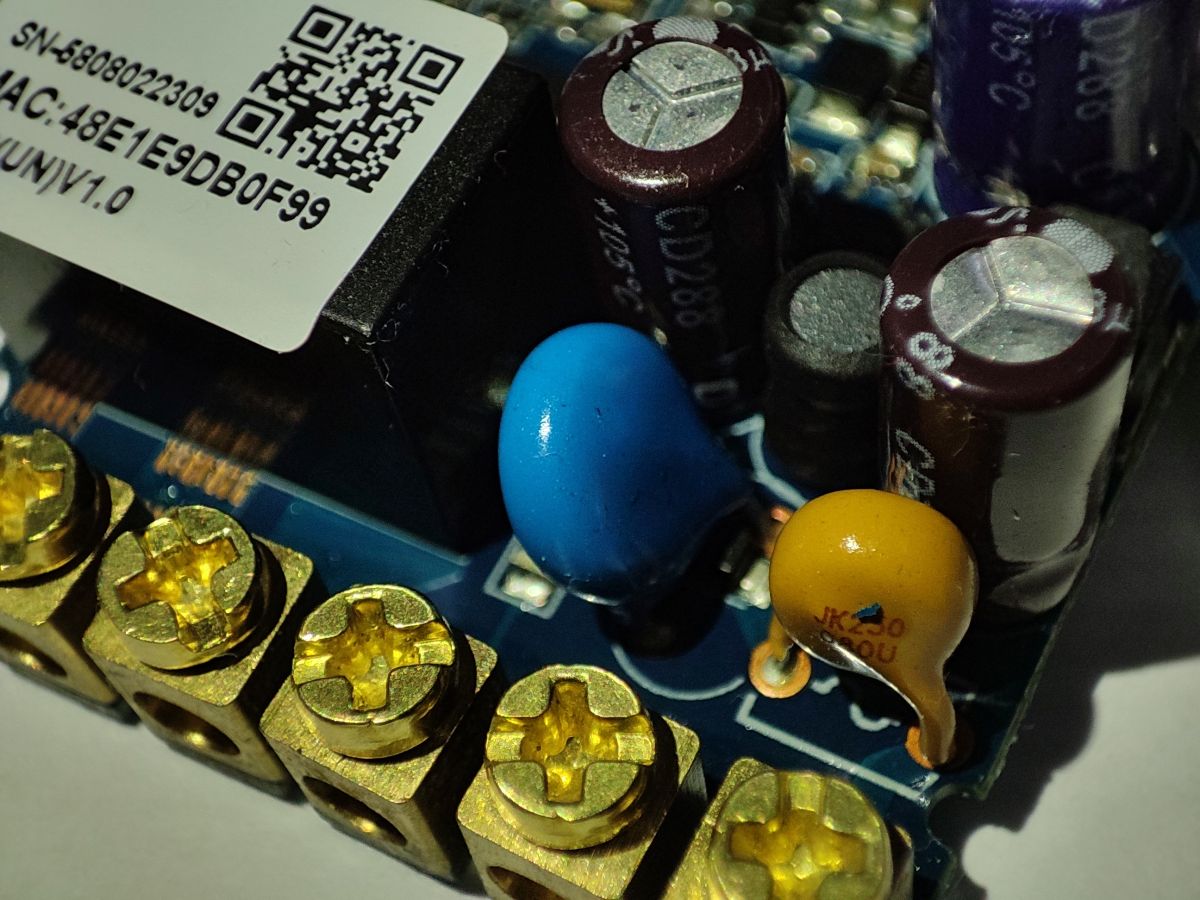
A varistor is available in the power section:
 Changing the firmware is very simple
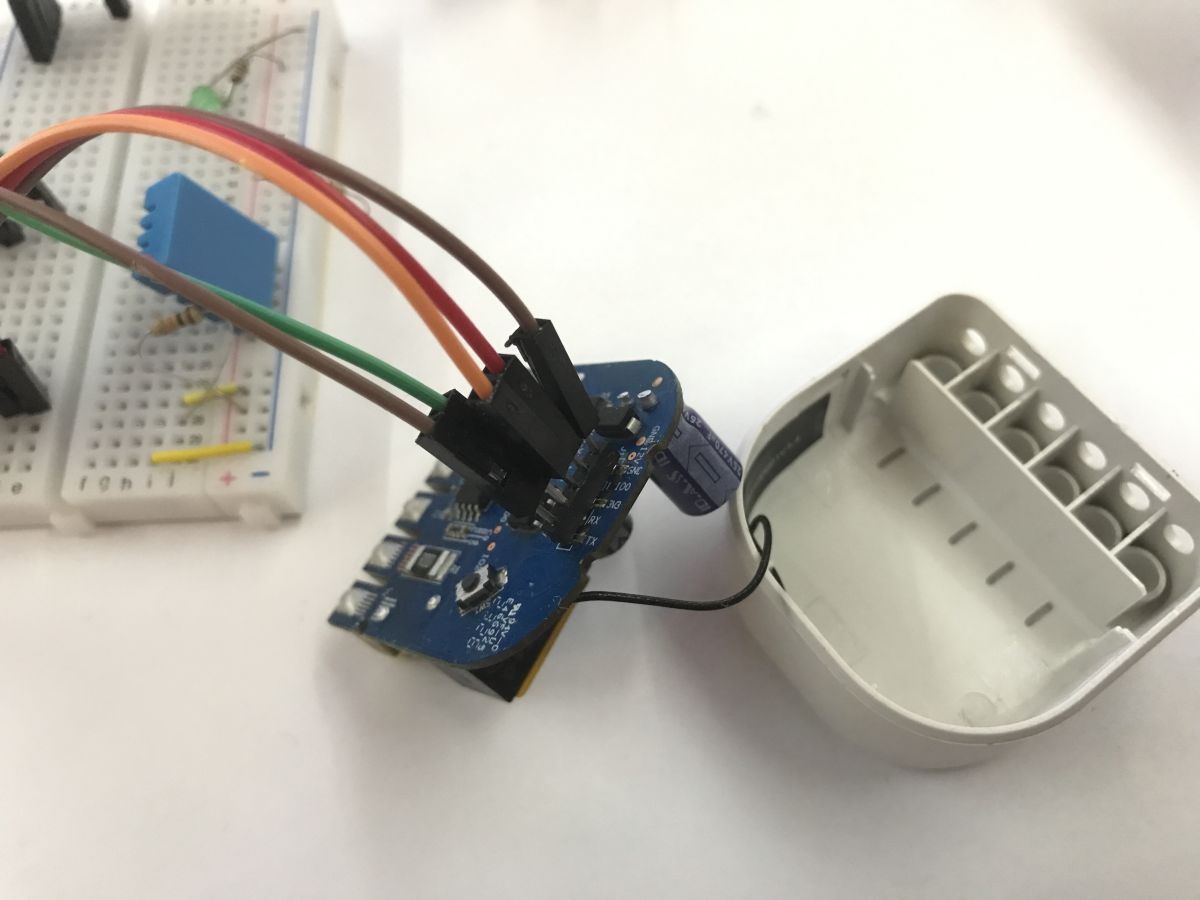
 . This is an ESP8266, so you will need an esptool. We connect 3.3V, ground, RX, TX and GPIO 0, which must be in the low state. We only turn the power on when everything is connected. When the ESP8266 boots with GPIO 0 at ground potential, it will enter bootloader mode.
You can follow my detailed material on the relay:
ESP8266 and Tasmota - step by step WiFi relay control
In my case it worked out like this:
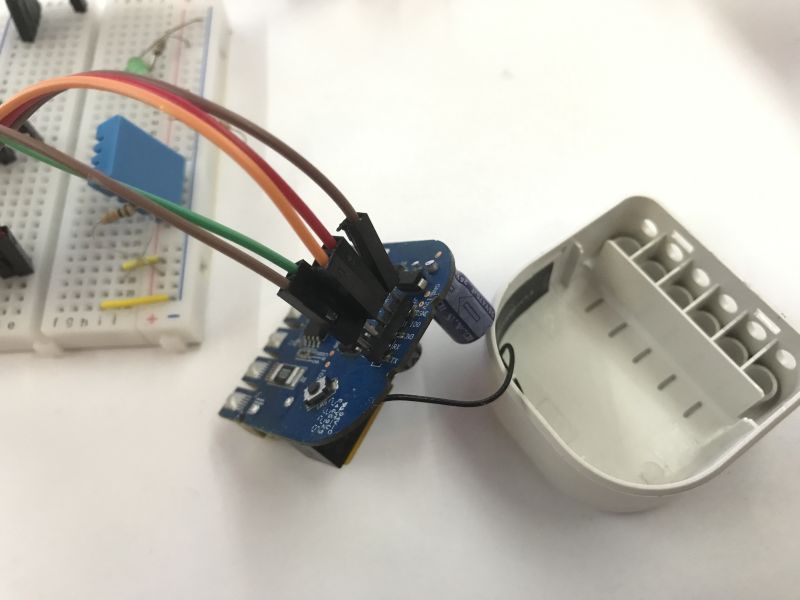 Note: the product must be disconnected from the mains before any operation with the programming connector!
 There is a BP2525-based step-down converter inside, there is no galvanic isolation, so connecting the product to the mains and to the computer at the same time may result in a short circuit!
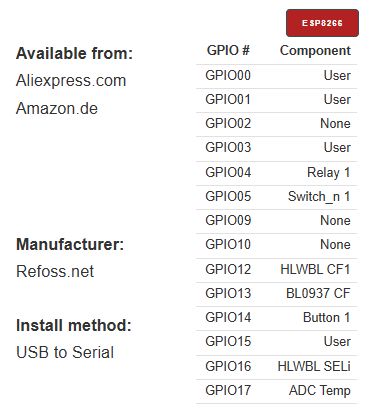
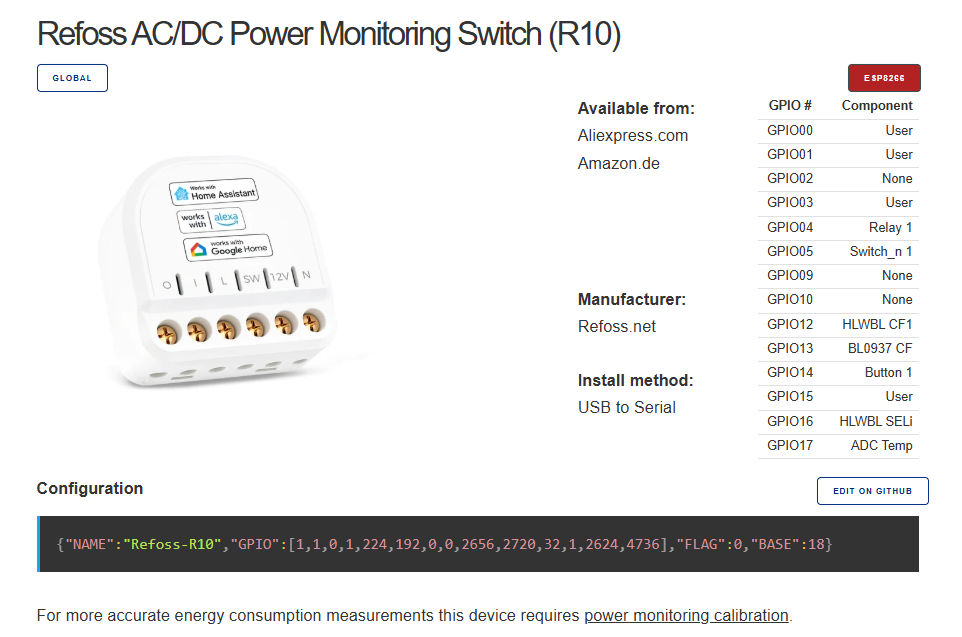
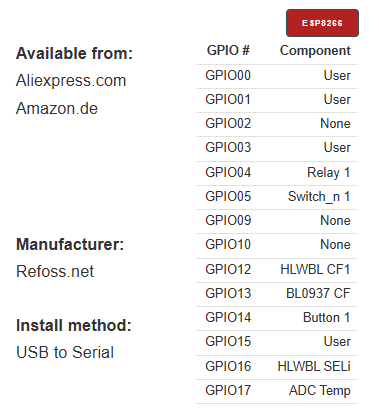
Now the GPIO still needs to be configured. In OpenBeken we would have automatic configuration detection, but here it is done manually. Fortunately, someone has done this for us before:
https://templates.blakadder.com/refoss_R10.html
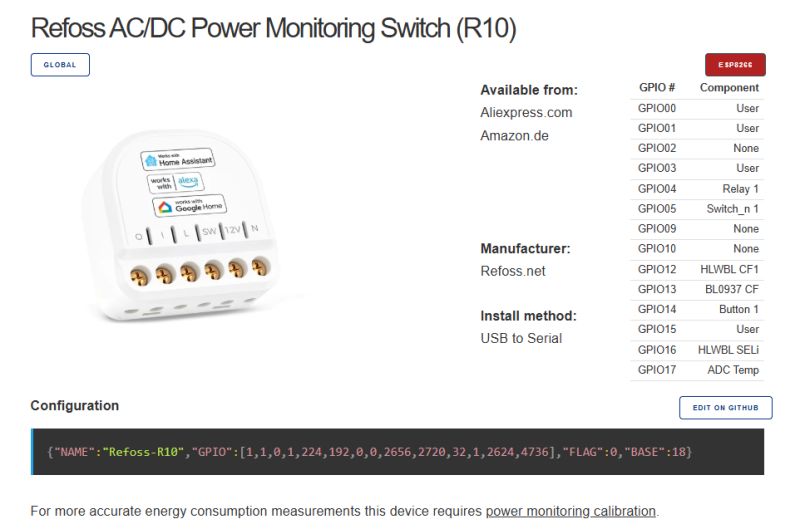
I also learned from this site that this relay is more dangerous than I thought:
Quote:
SAFETY HAZARD: The digital GND is connected directly to mains voltage "L", so the GPIOs become LIVE during normal operation.
I haven't tested this in practice - it's just absolutely impossible to operate on its GPIO when it's powered from the mains.
Tasmota template:
 Summary
It's been a long time since I've seen something on the ESP8266. Tuya has rather completely moved on to other chips, such as the older BK7231T in particular, the newer BK7231N and the latest BK7238. Here, however, the ESP is still in the middle - and the design is also fresh, from 2023, just 2 years ago. Well, more than 2.
So much so that this is not "just an ESP product" - here you don't even have to solder to upload a new batch. In addition, the whole thing works on two voltages. Very convenient.
The only downside I can see is the danger associated with the lack of galvanic isolation, but this is nothing as long as you follow the basic rules. Virtually every Wi-Fi controlled relay module has this affliction.
Do you know of another product of this type, where the manufacturer leaves a gateway for us to change the firmware and this without soldering? Maybe someone is able to recommend something?
My feelings here are very positive.








Comments
And do you know/see this? 🤔 https://obrazki.elektroda.pl/1458265600_1768477228_thumb.jpg https://obrazki.elektroda.pl/1346390800_1768477263_thumb.jpg https://obrazki.elektroda.pl/2902392300_1768477303_thumb.jpg... [Read more]
I also have Shelly, waiting in the queue for publication: https://obrazki.elektroda.pl/2714824300_1766400636_thumb.jpg It pairs nicely with Home Assistant too. [Read more]
In my opinion, when it is not a device for an example from a shop on the I and the manufacturer wants to force us to use its one and only right system and management panel, the use of ESP and still programming... [Read more]