





Minitest: Shelly Plus 1PM - web panel, app, connecting to Home Assistant. Do you need to change the
TL;DR 
- Shelly Plus 1PM is a Wi‑Fi relay with energy measurement, single-receiver control, and one-button operation tested through its web panel, mobile app, and Home Assistant integration.
- Configuration works from a browser at 192.168.33.1 without Shelly Cloud or a phone, and the panel exposes button logic, restart behavior, scripts, timers, calendars, and peripheral inputs.
- The unit costs around PLN50 and supports external sensors such as DHT22 and DS18B20, plus additional digital, analog, and voltage inputs.
- Home Assistant found the Shelly integration on the local network, then exposed relay control, measurements, restart, and power/voltage/current limit status.
- The main trade-off is price versus Tuya, and the app showed a few rough edges like session-expiry prompts and a DHT reading from a sensor not physically connected.
AI summary based on the discussion. May contain errors.
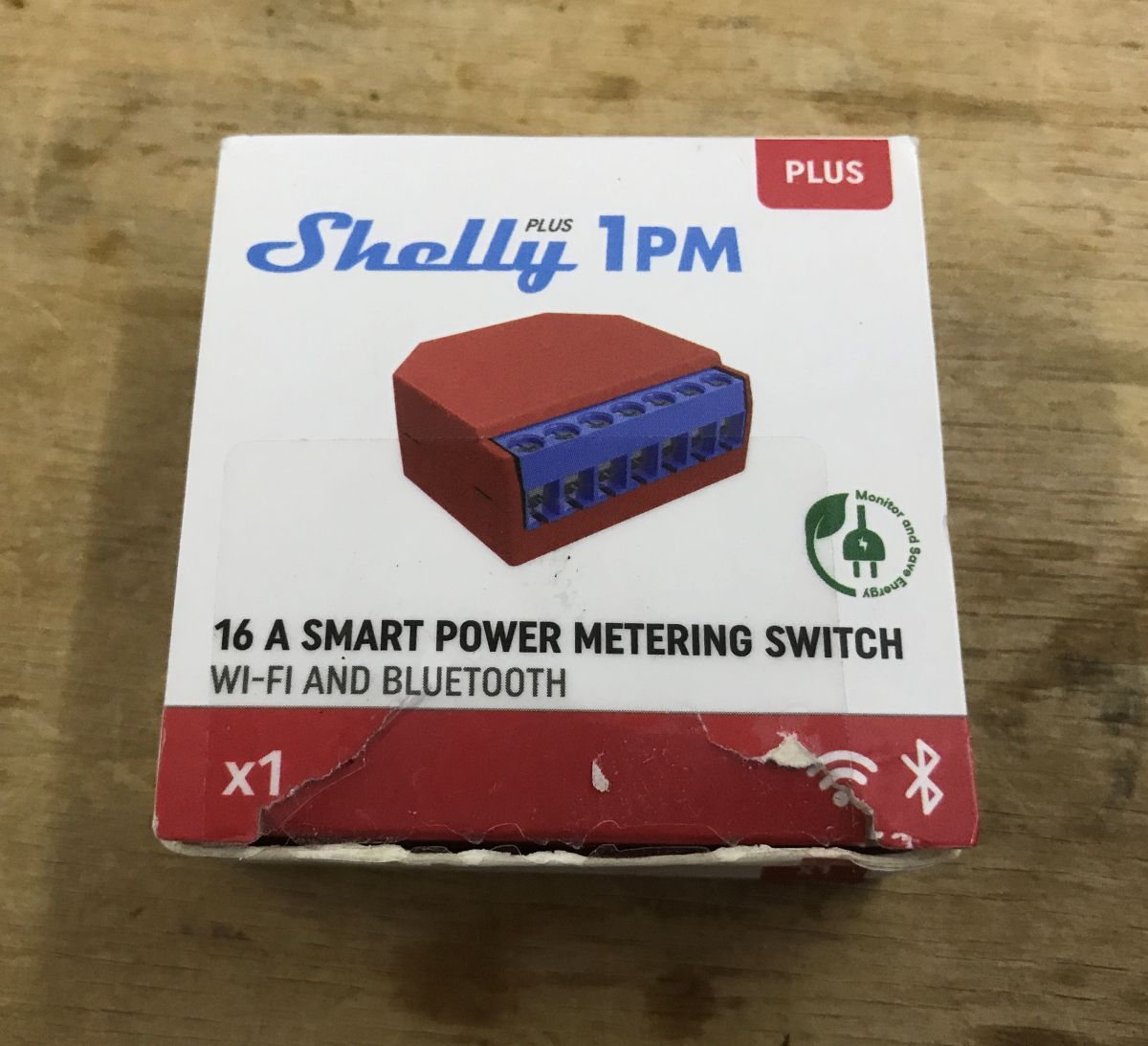
This relay with Wi-Fi control does not need to be programmed - everything can be connected to Home Assistant from the factory, and even additional sensors are supported. I invite you to a short test of the Shelly Plus 1PM, which offers single-receiver control, one-button operation, energy measurement and convenient configuration even without a mobile app.
The gadget itself is quite cheap, you can buy it for around PLN50, admittedly Tuya is cheaper, but maybe it's worth it? Let's check.
Let's start with the packaging and contents of the kit.
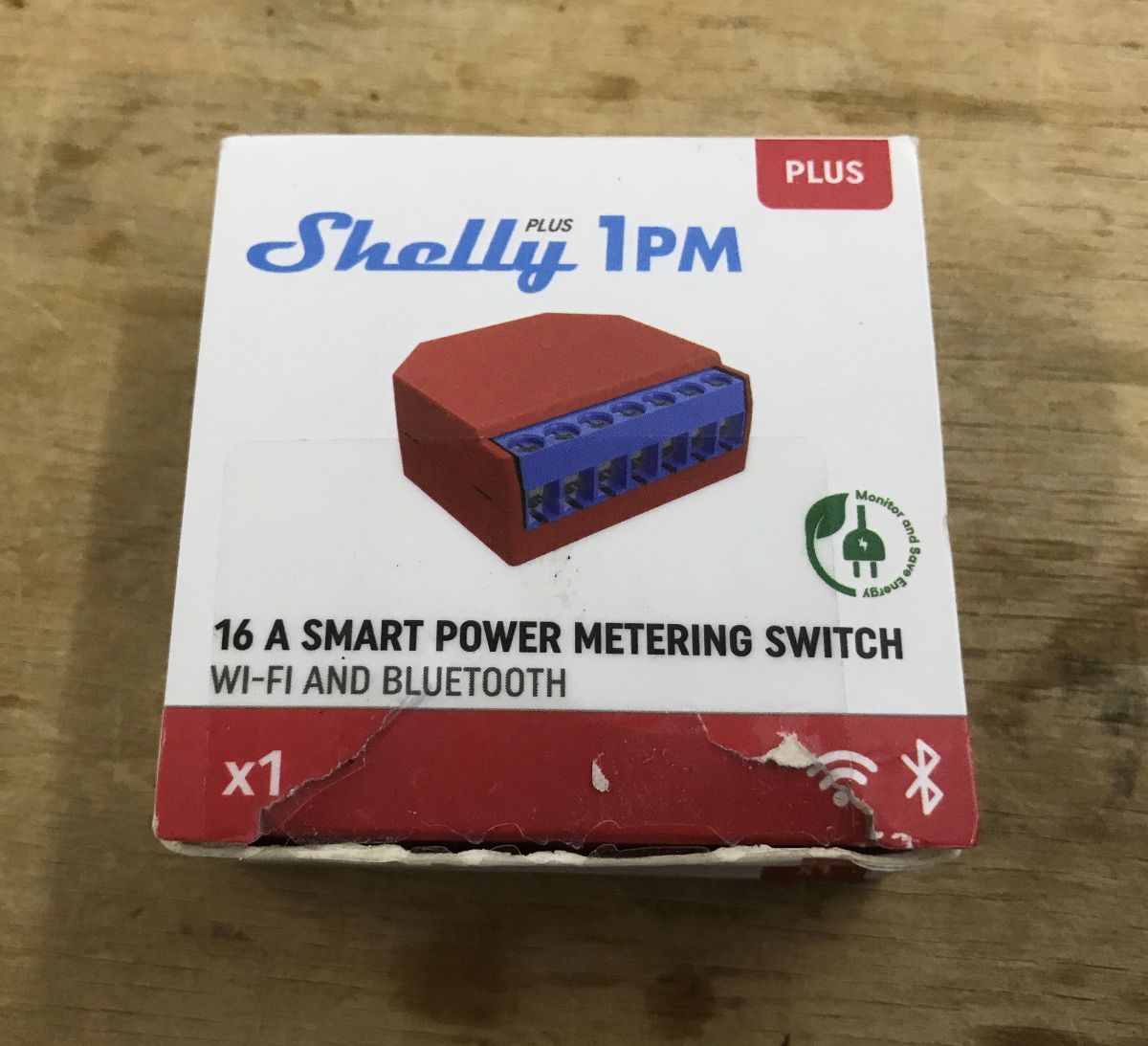
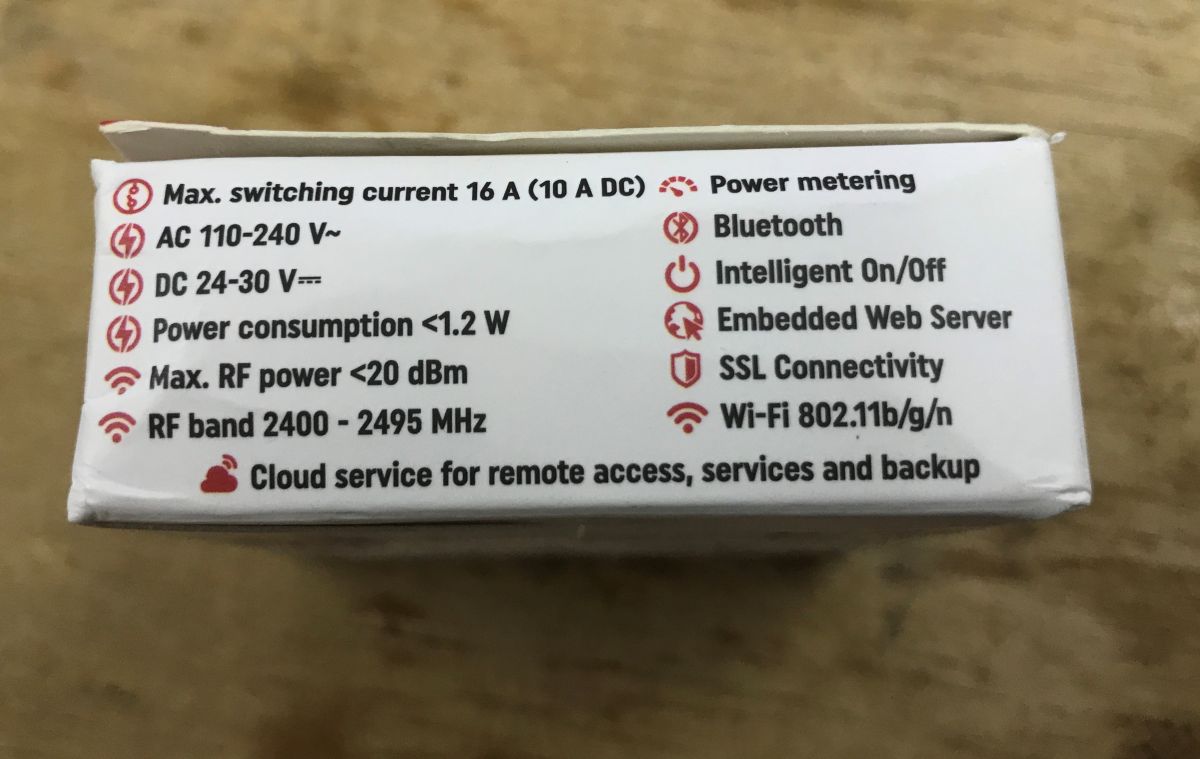
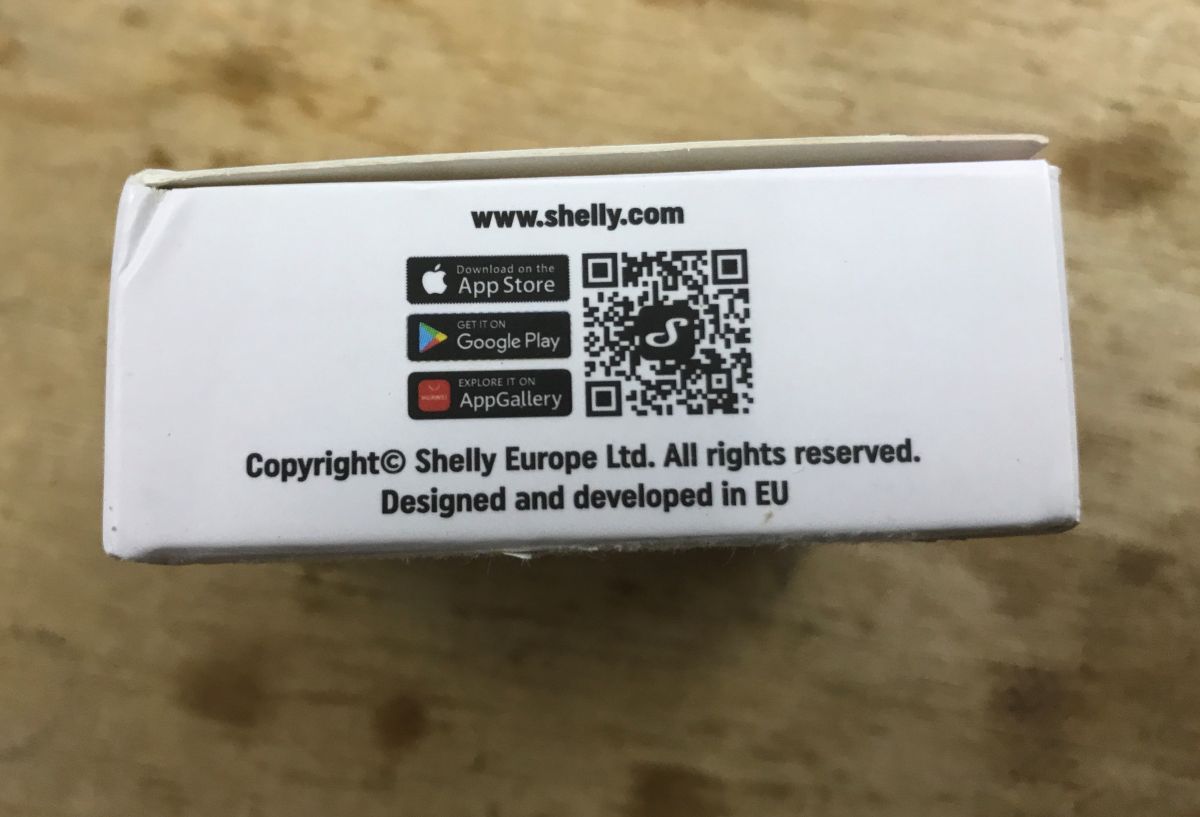
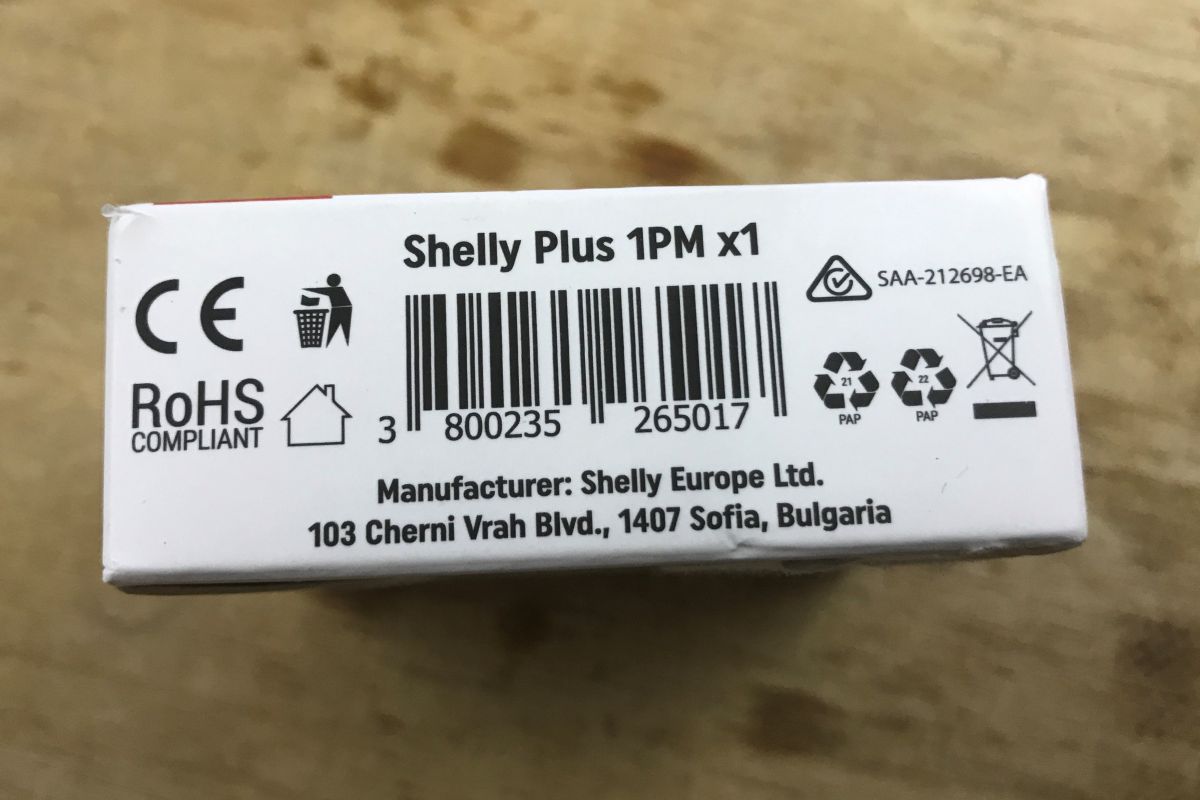
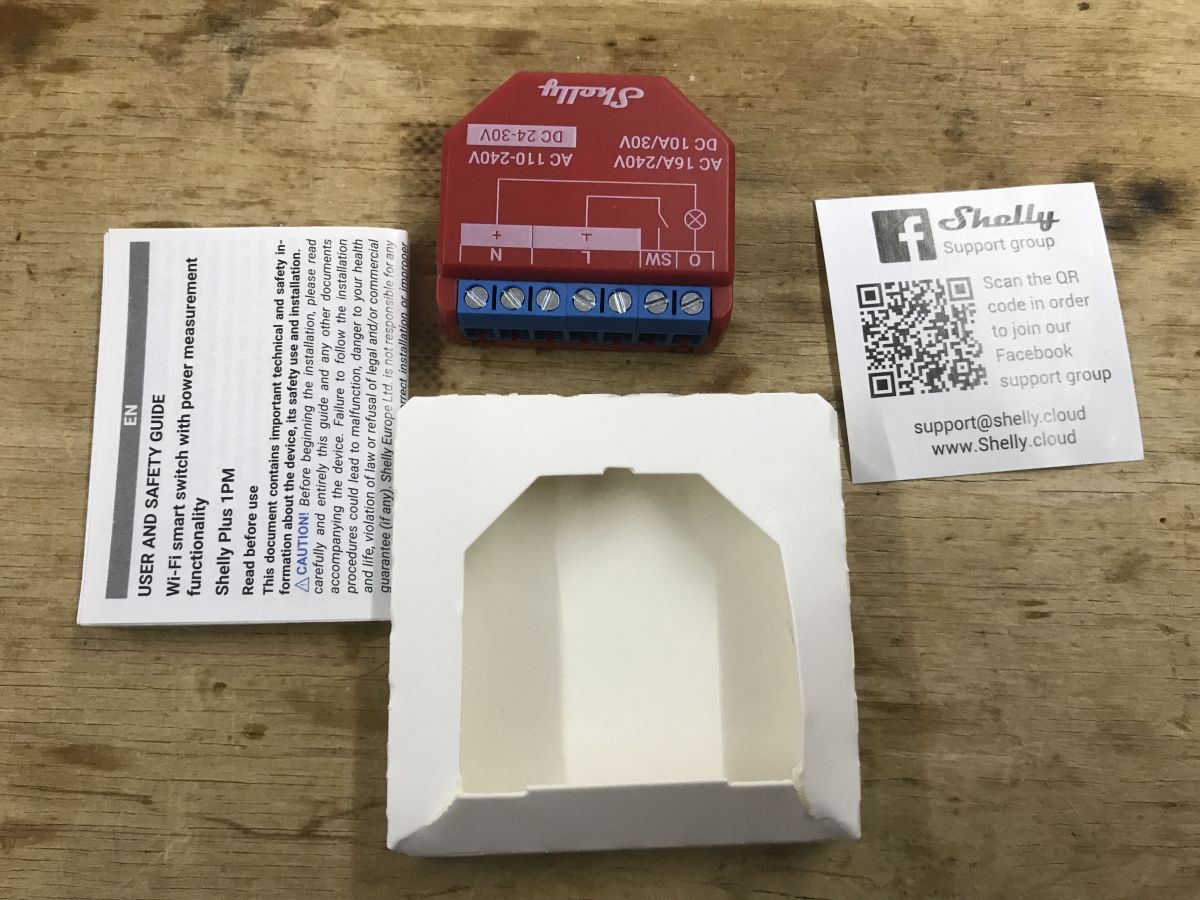
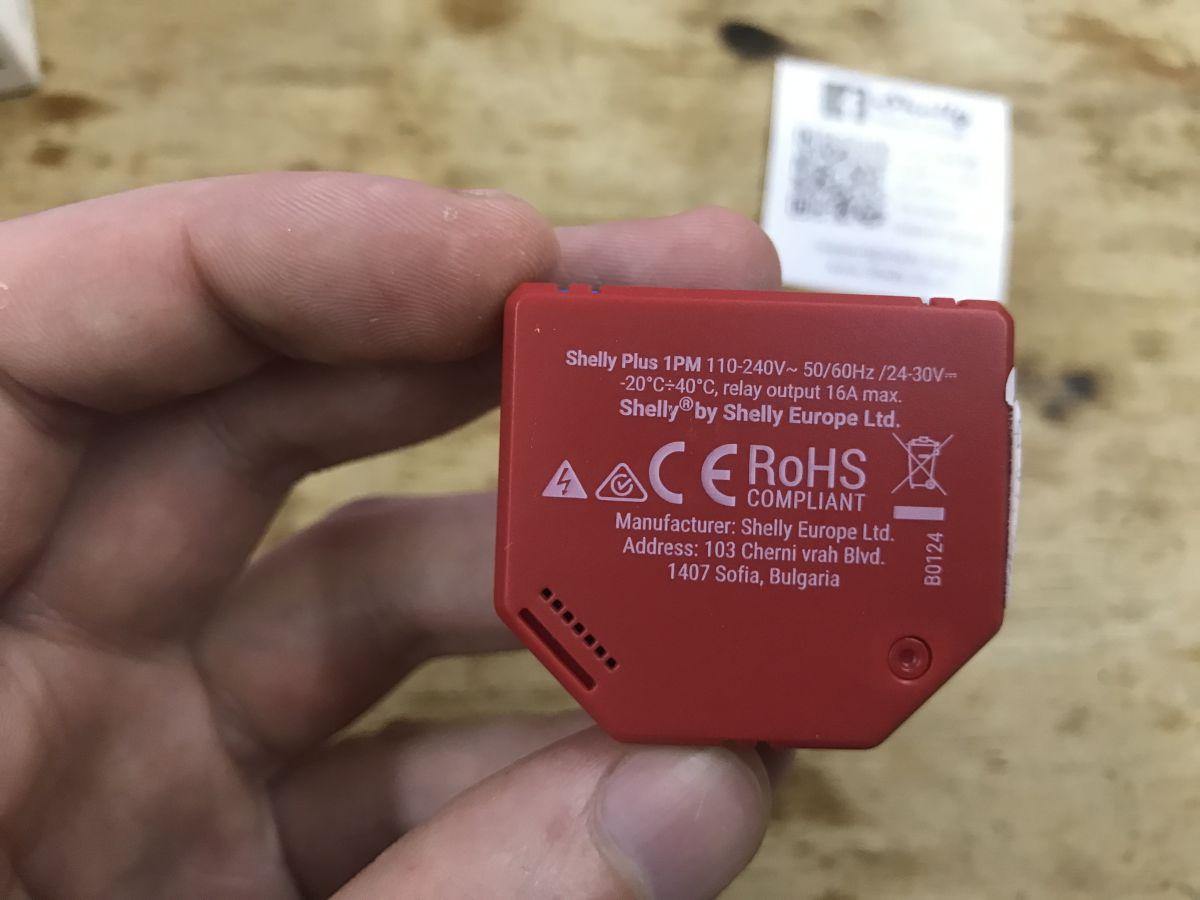
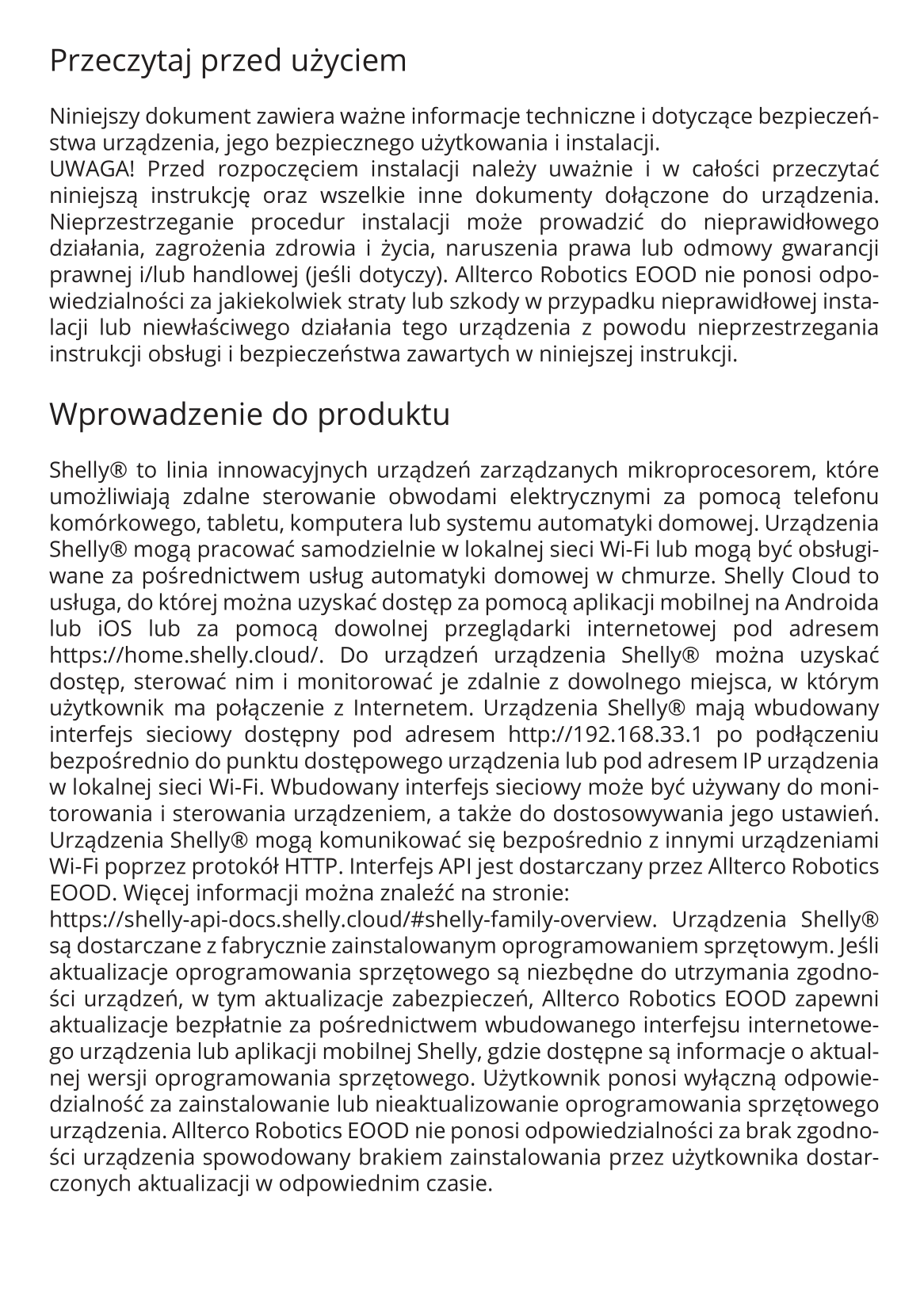
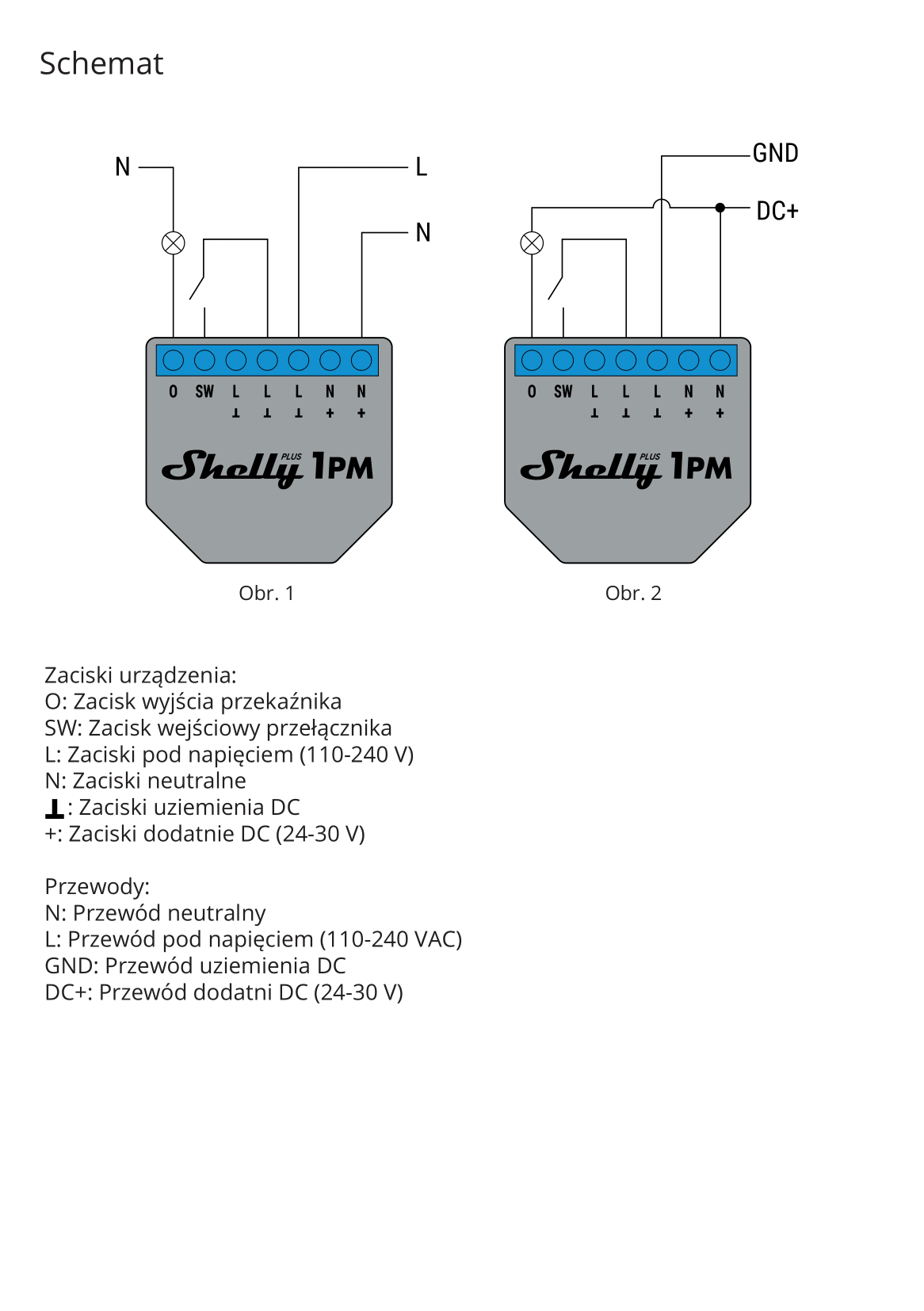
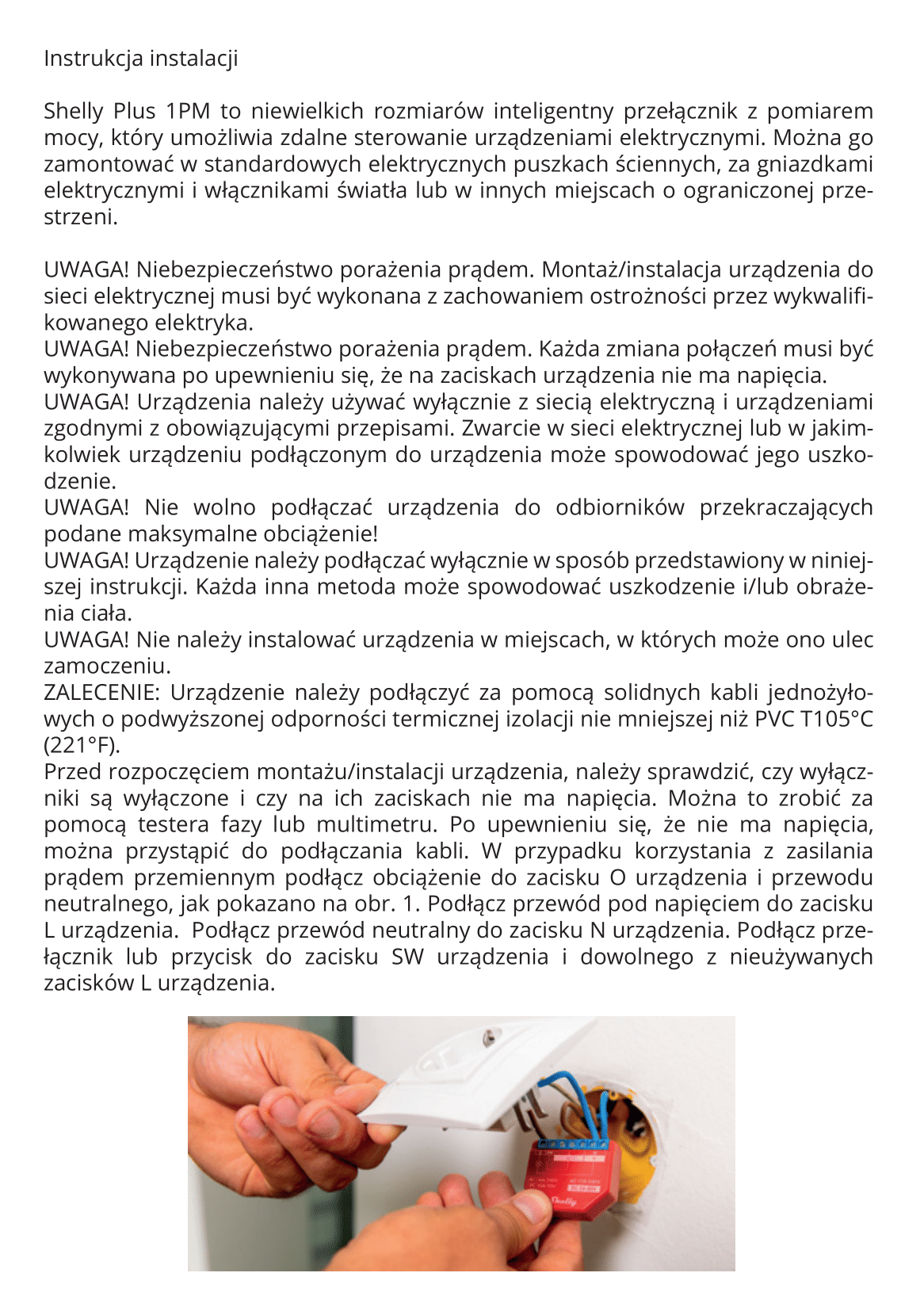
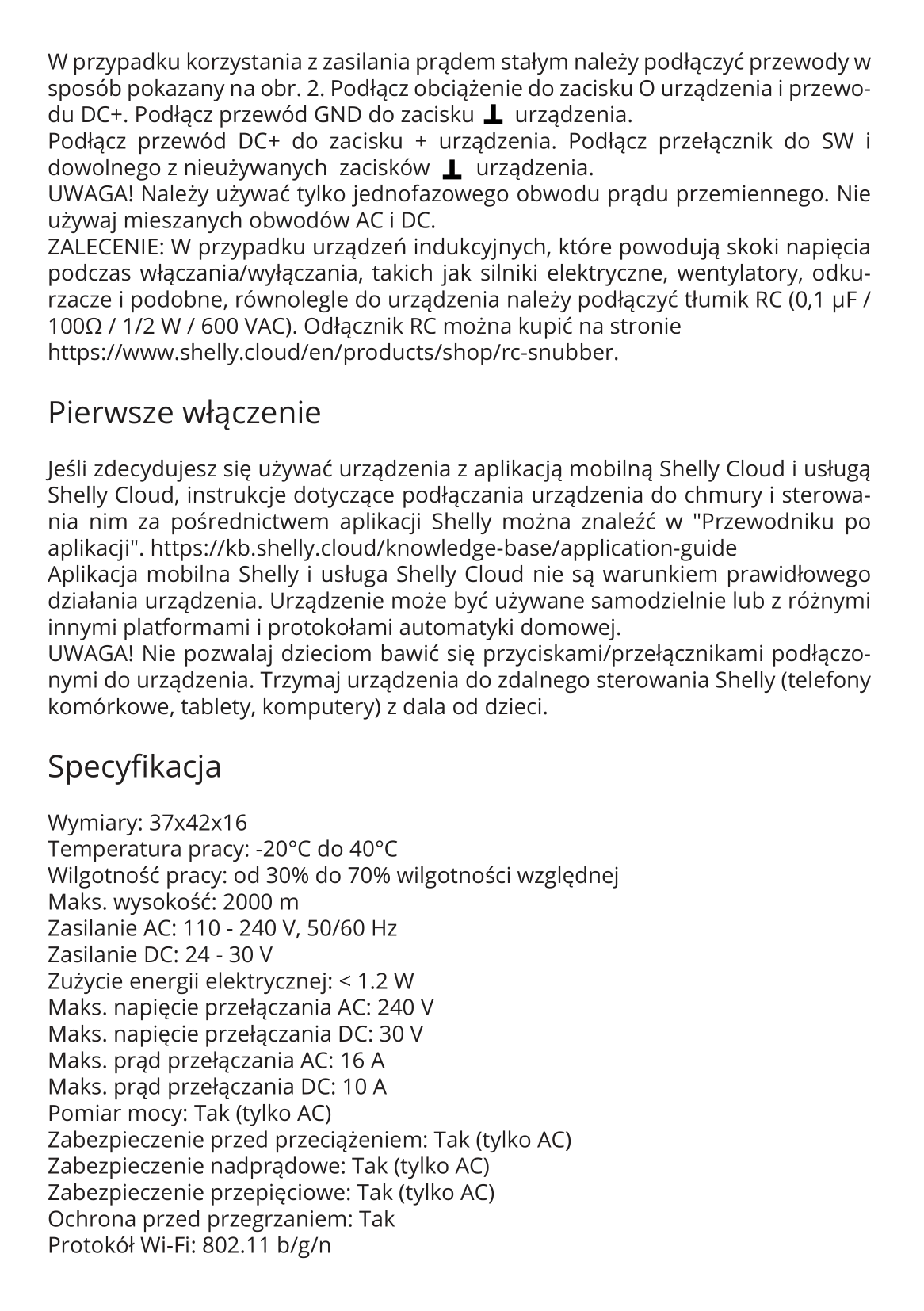
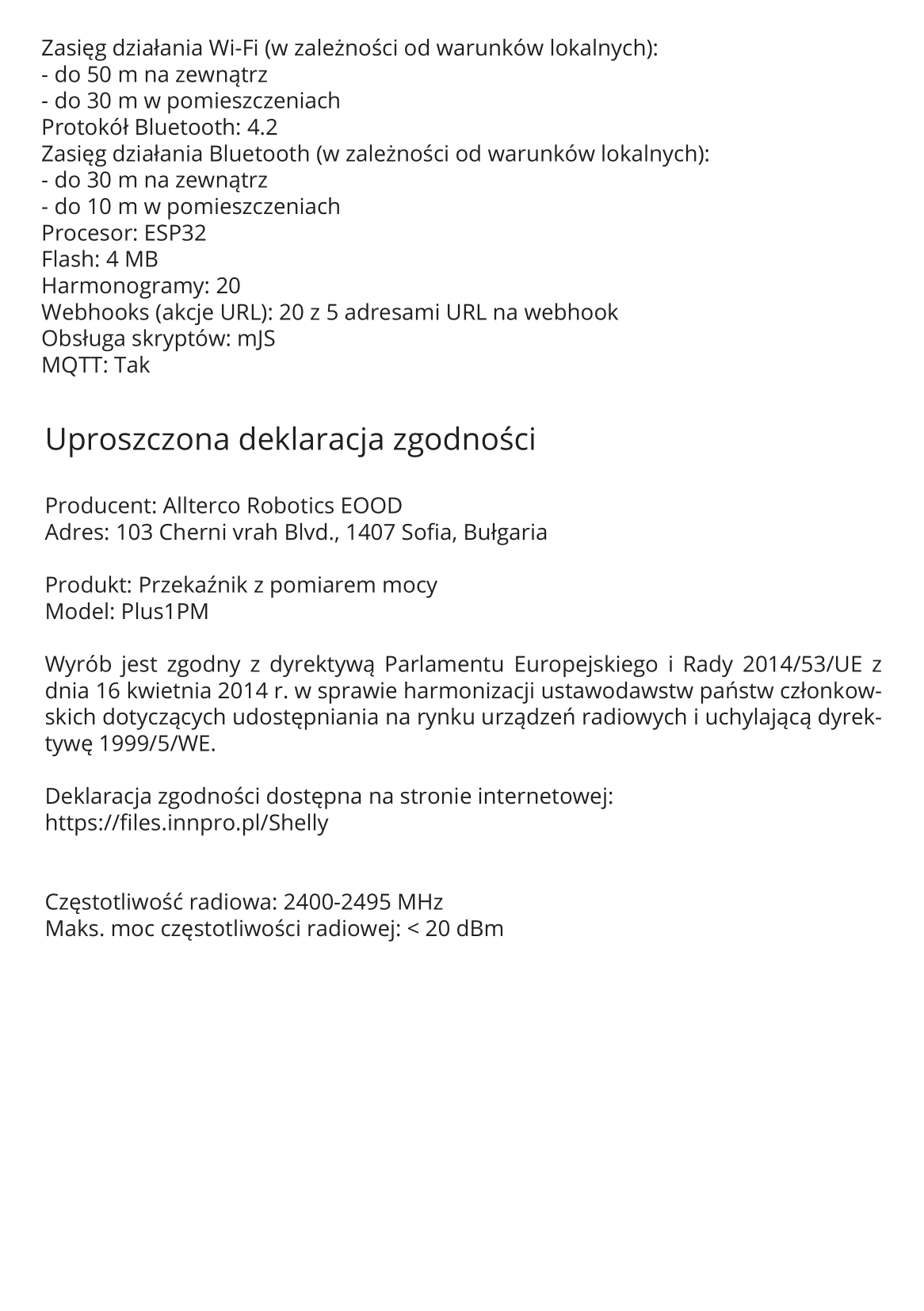
Instructions:
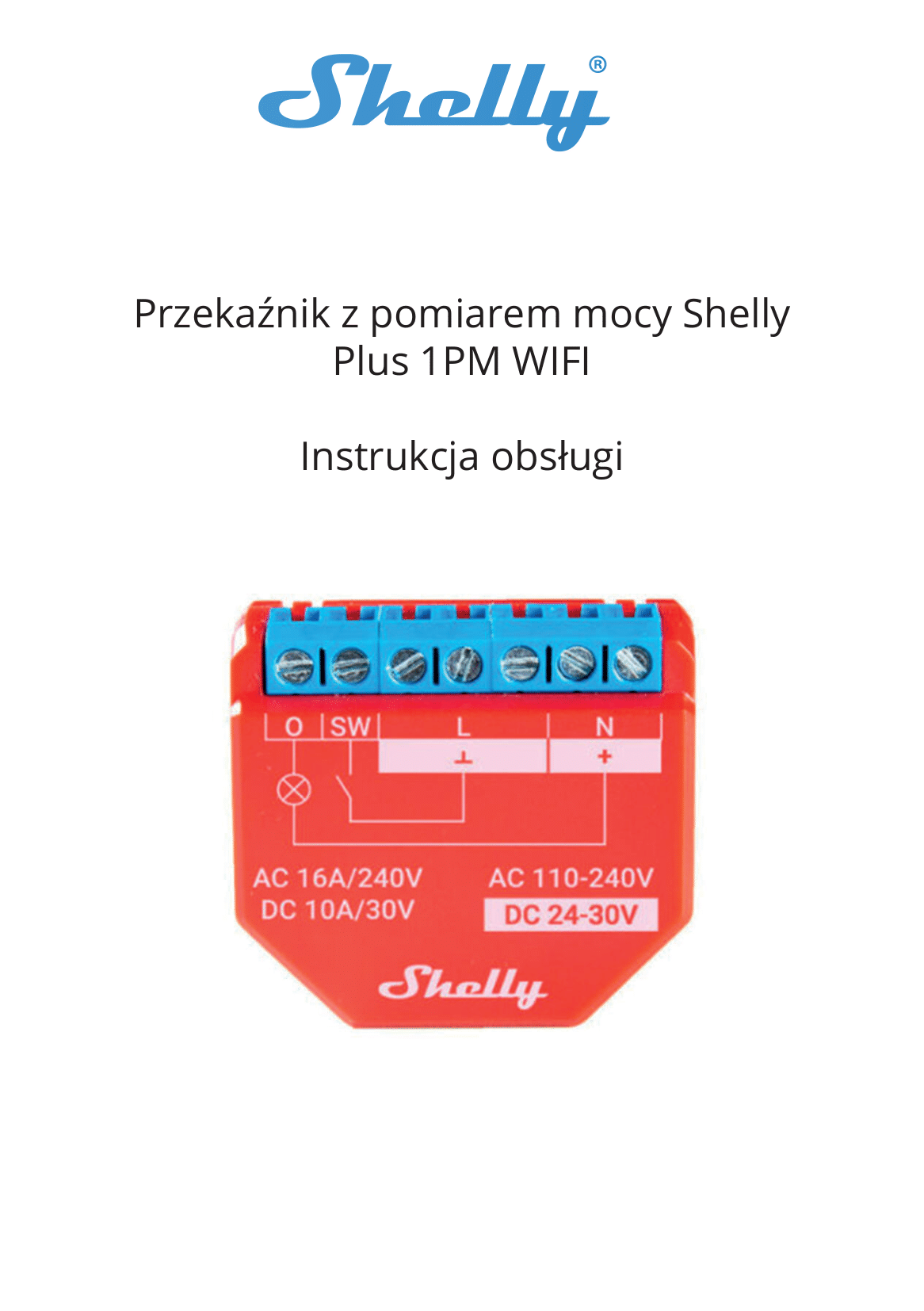
Configuration page
Shelly Cloud is not mandatory. You don't need a phone either. You can configure from your computer, you first need to connect to the device's AP network:

The control and configuration page is at 192.168.33.1.
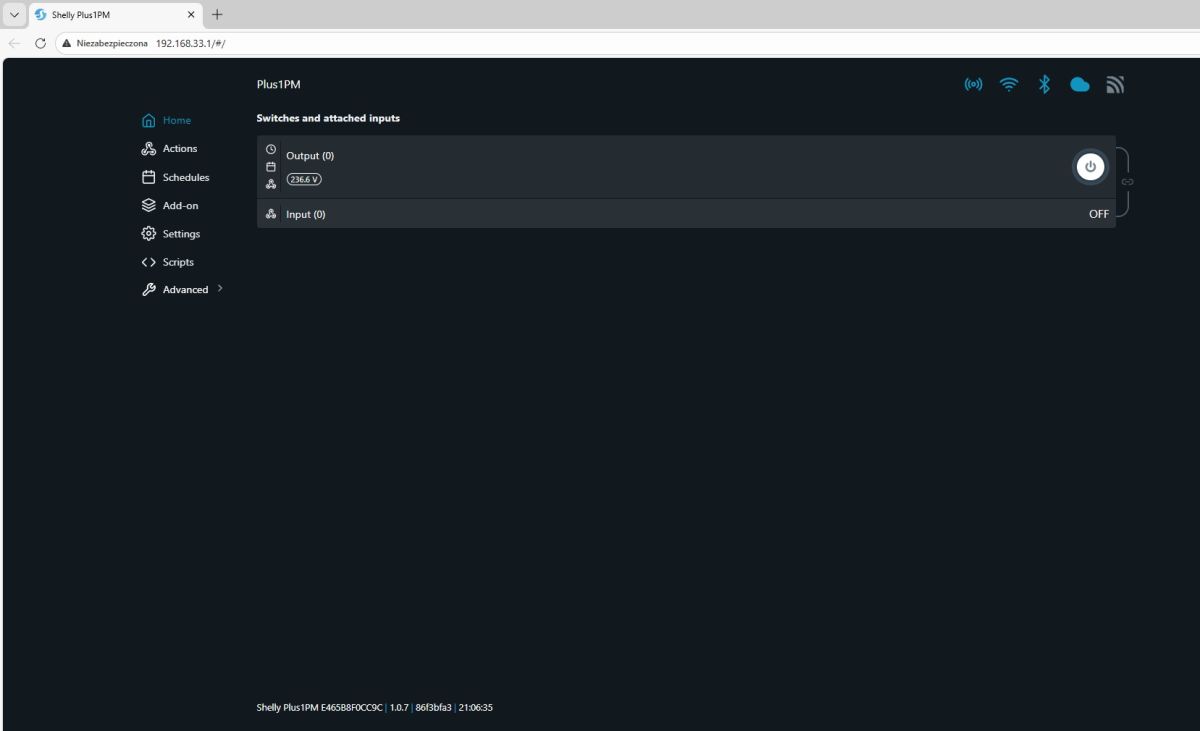
There we can enter the location of our Wi-Fi and pair the device with our router.
What immediately strikes us there is the large number of configuration options. Let's start perhaps with the button and the relay - the button can be bistable or monostable, you can also disconnect its logic from the relay. We also control the state of the device after restarting.
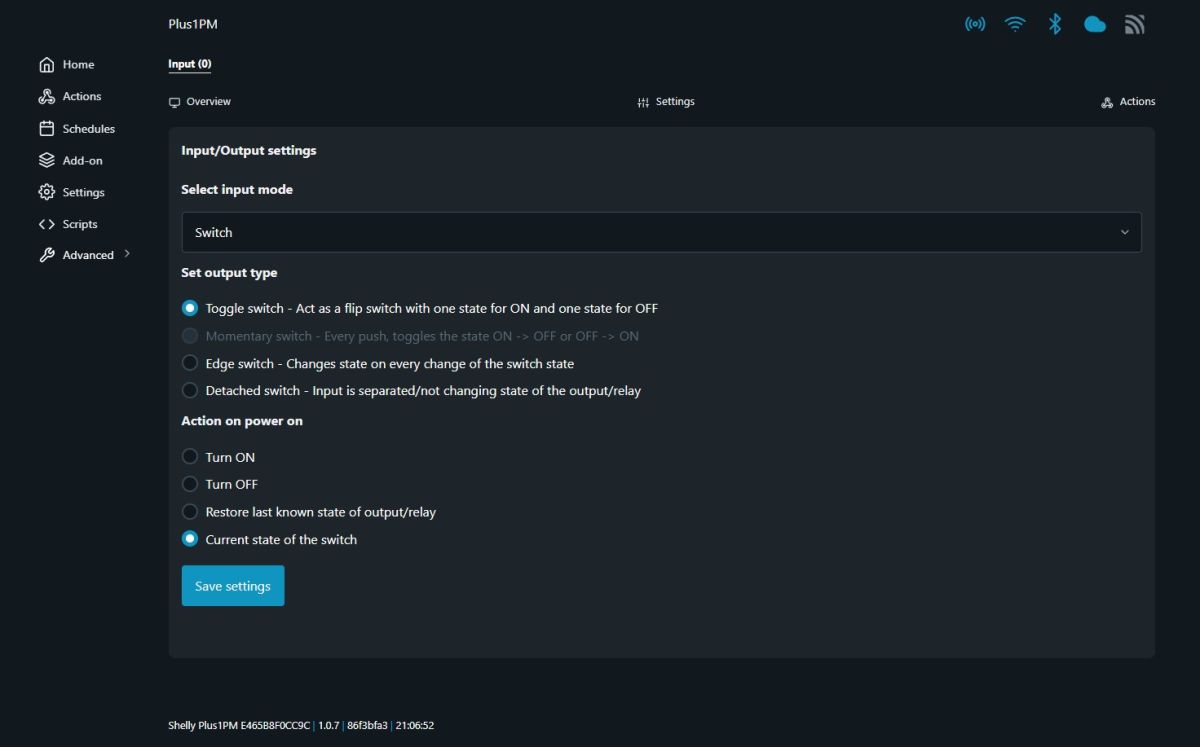
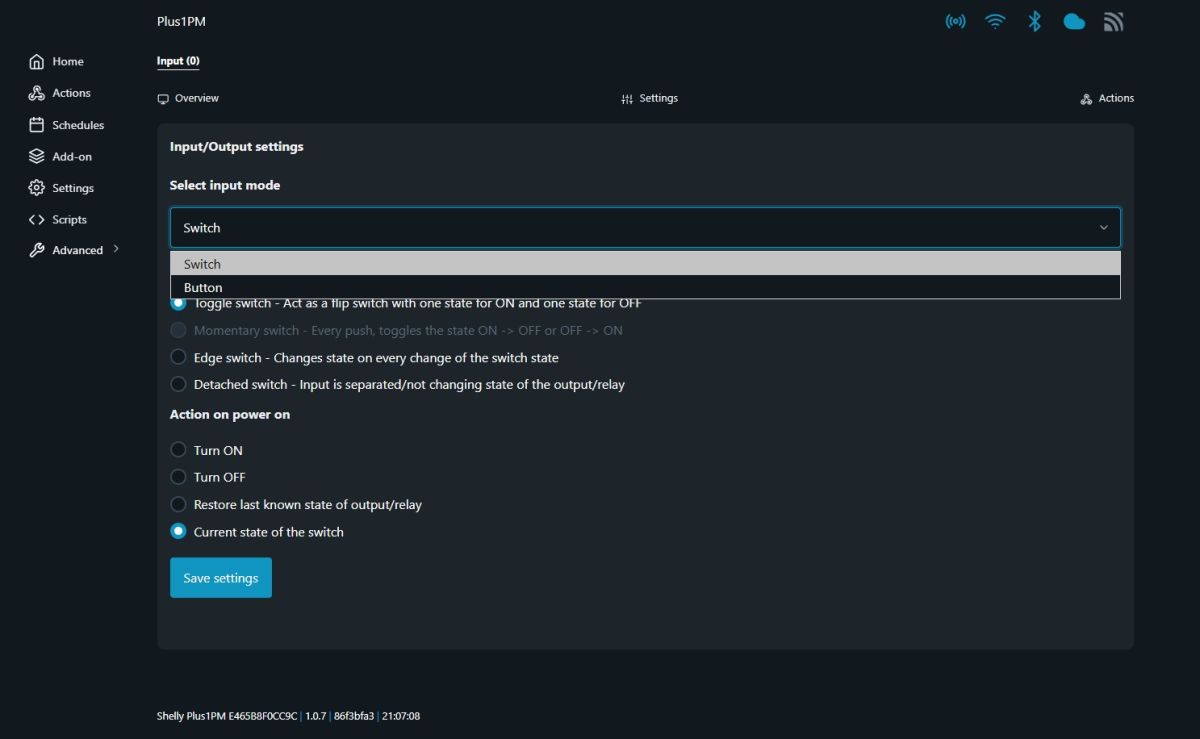
The device also allows you to create scriptable actions - they are triggered by an event, the action can only run at a given time. One of the effects of the action can even be a URL call.
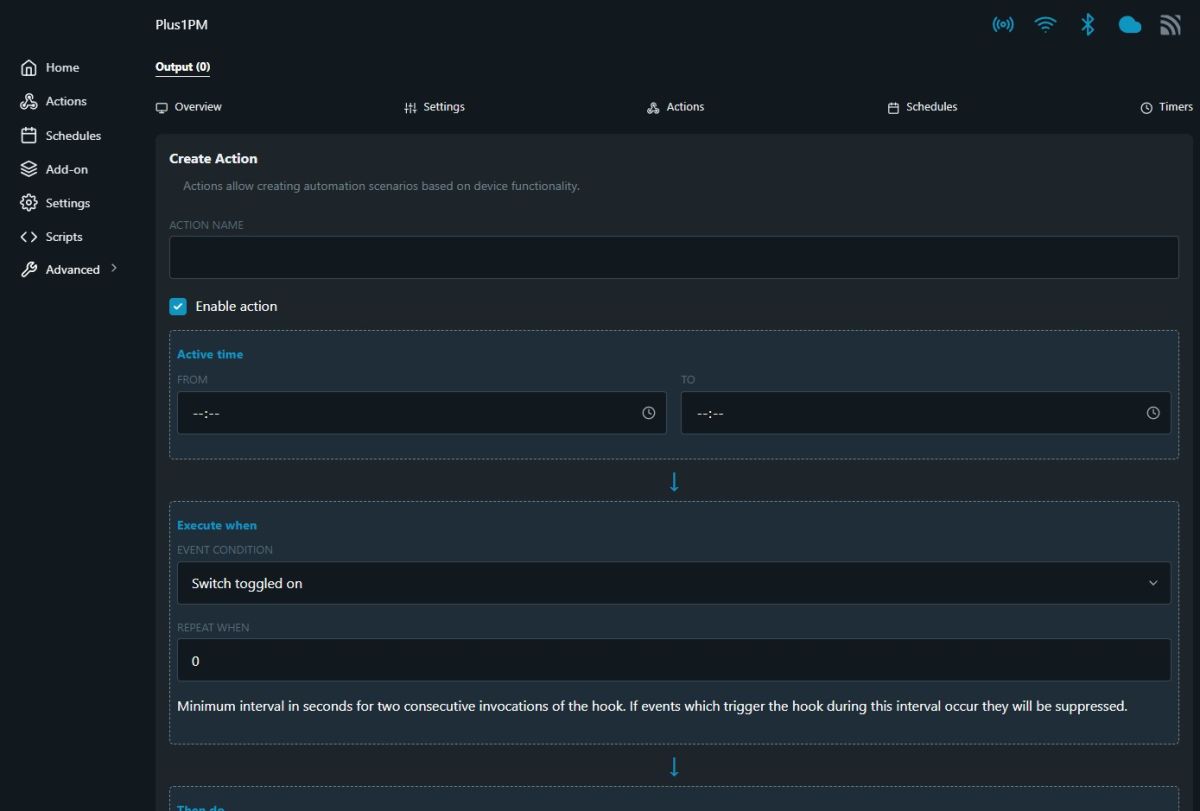
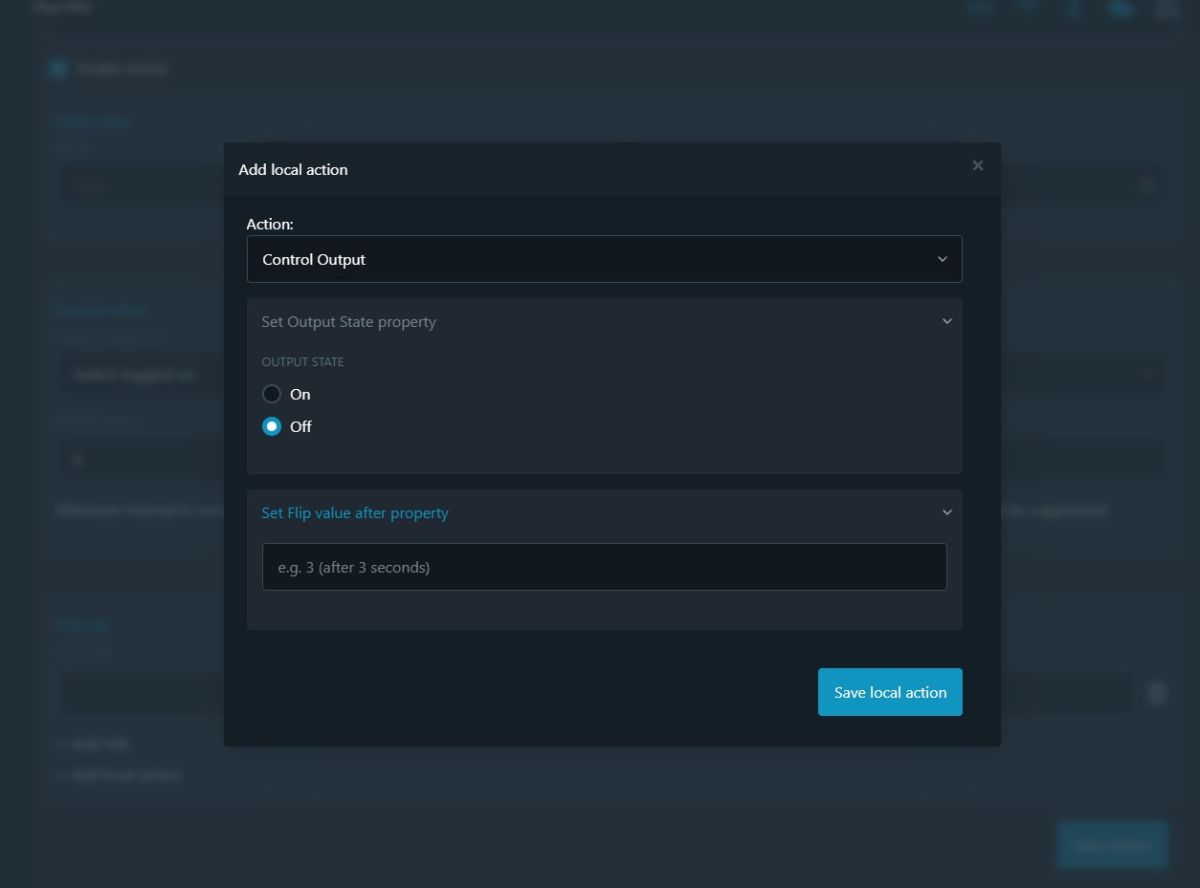
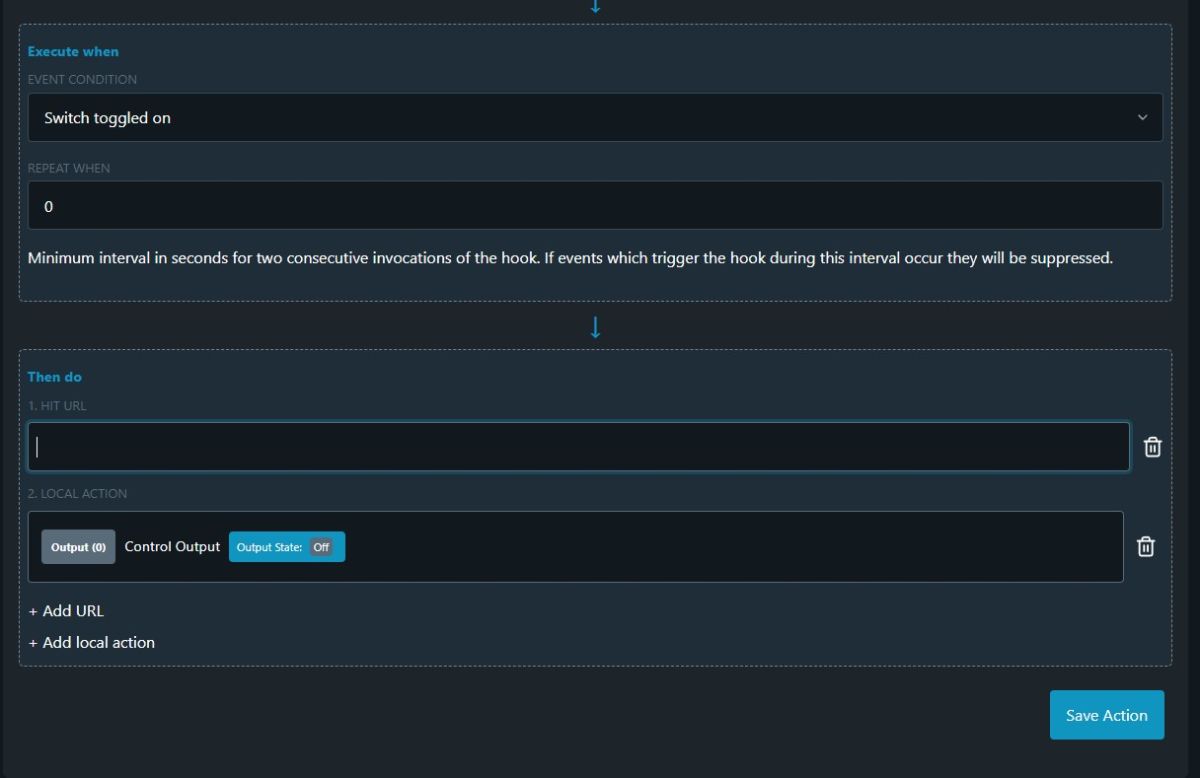
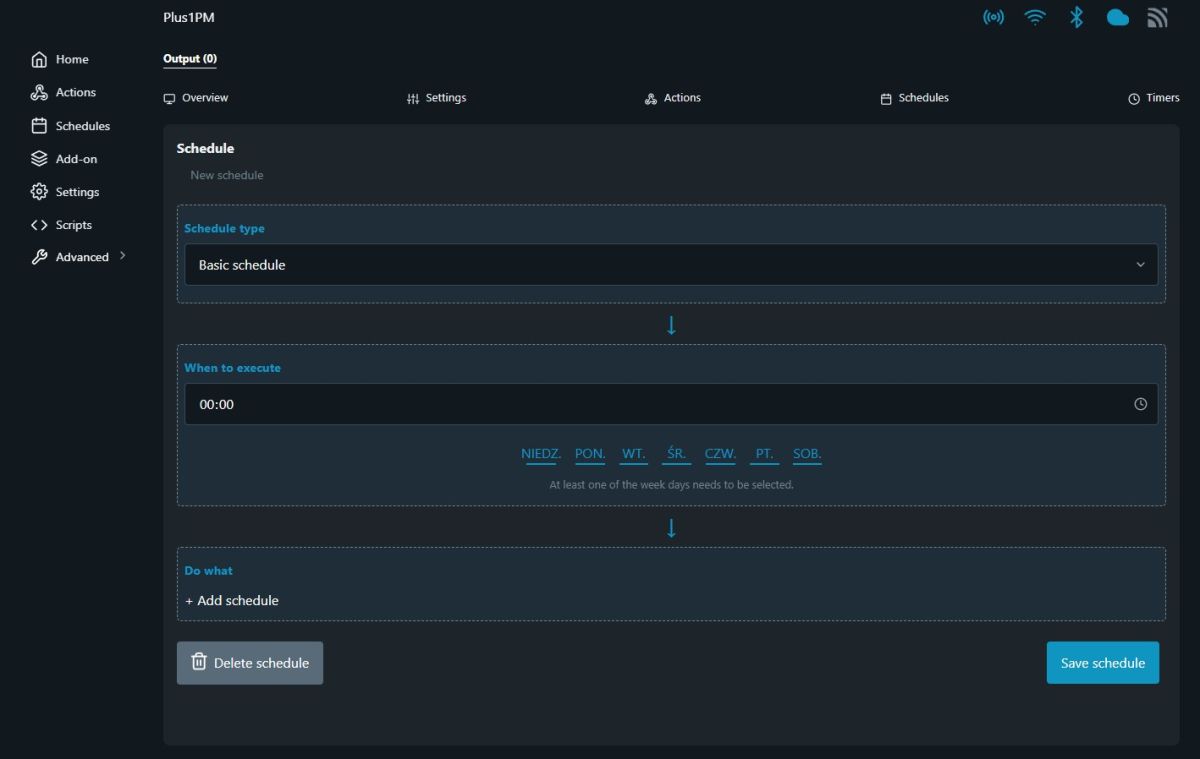
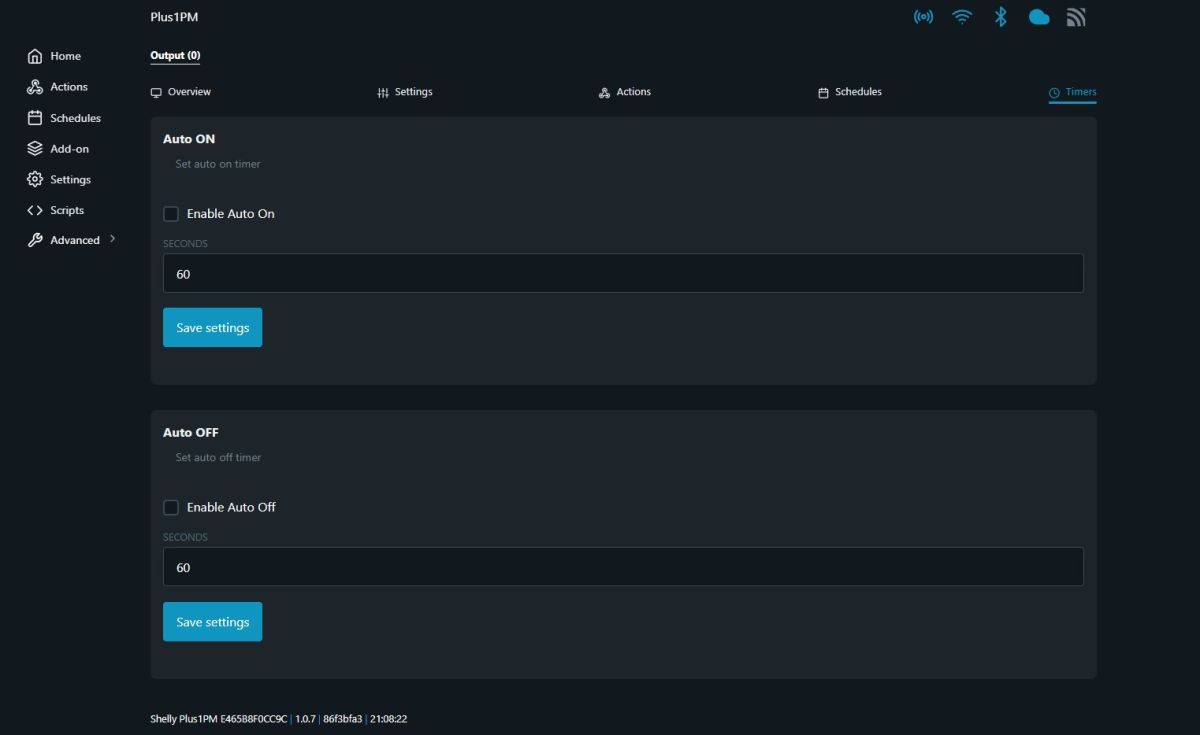
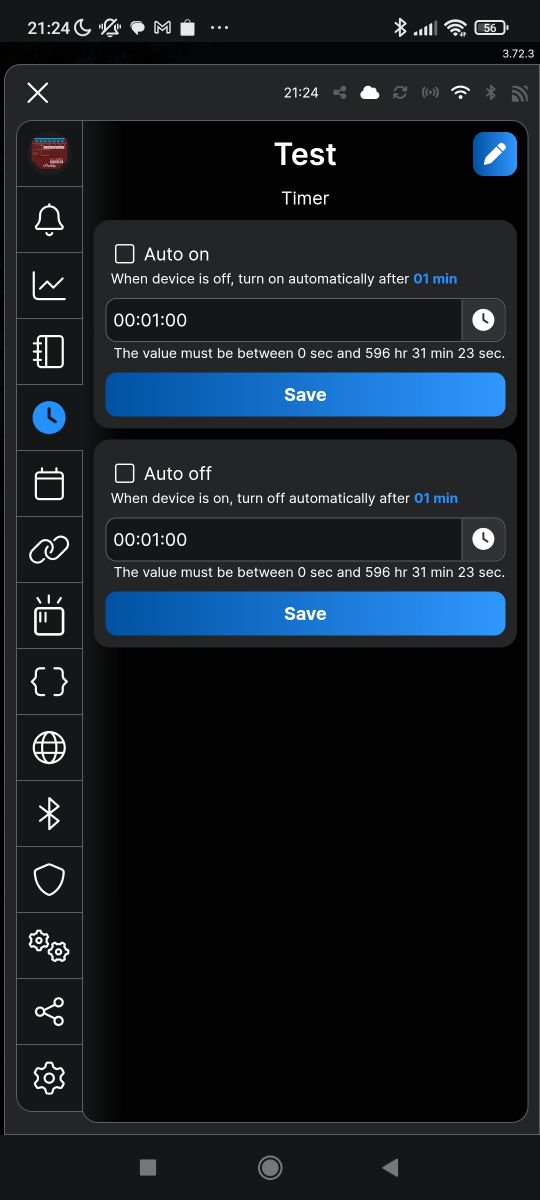
In a similar way, events can be triggered according to a calendar. We simply set when and what. We can choose between hours, minutes and days of the week. In addition, we have timers - actions after a given time.
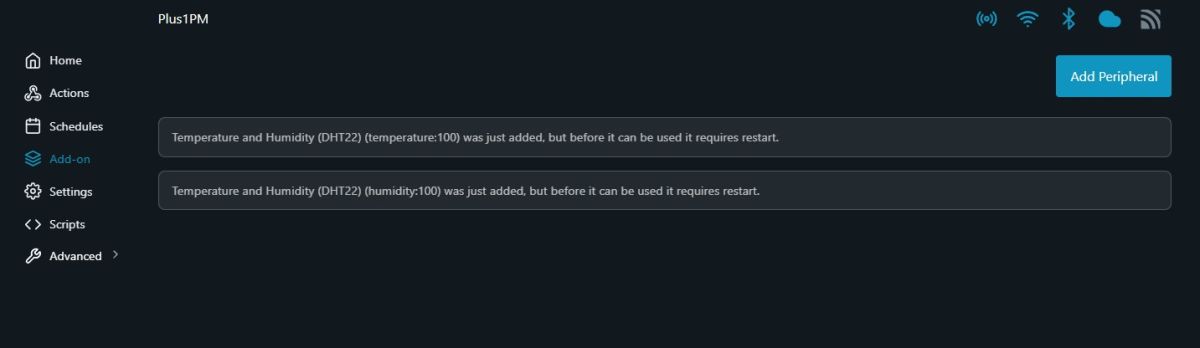
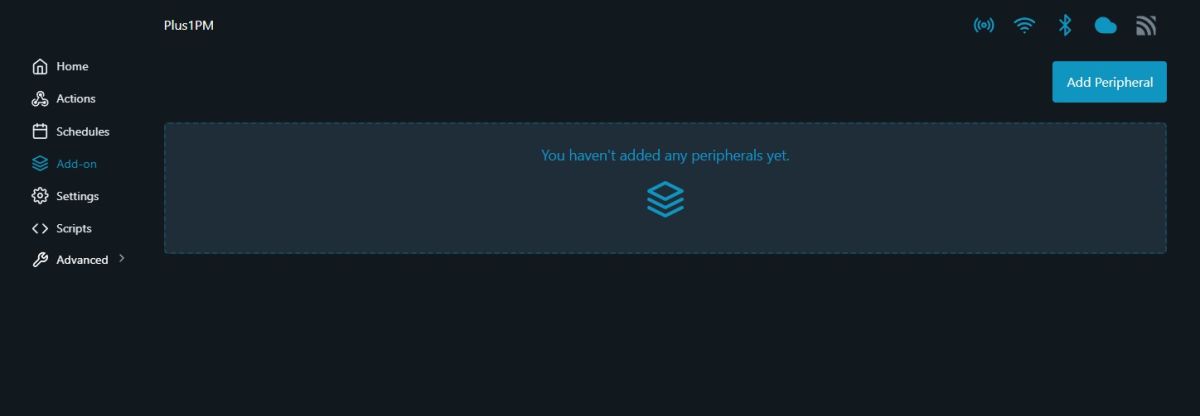
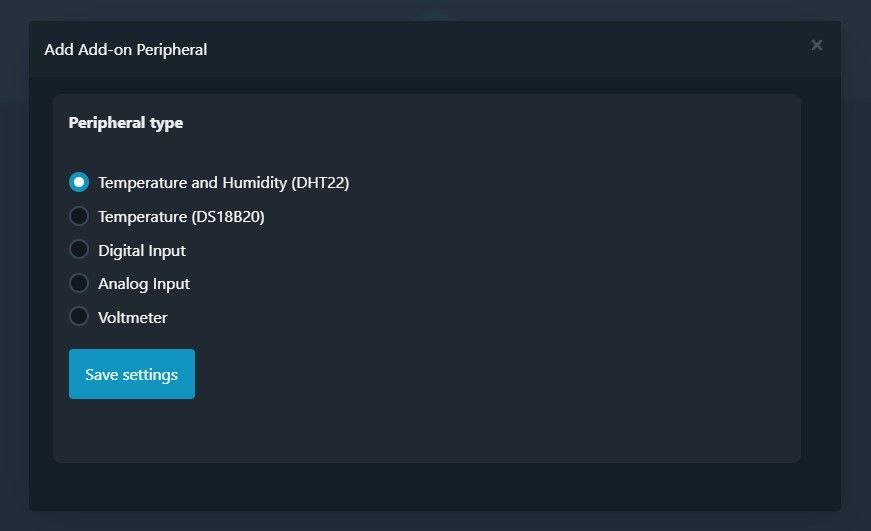
What caught my eye most, however, was the Peripherals tab. Extras. There you can add.... external sensors, such as DHT22, DS18B20, or there simply an additional digital input, analogue input or voltage measurement.
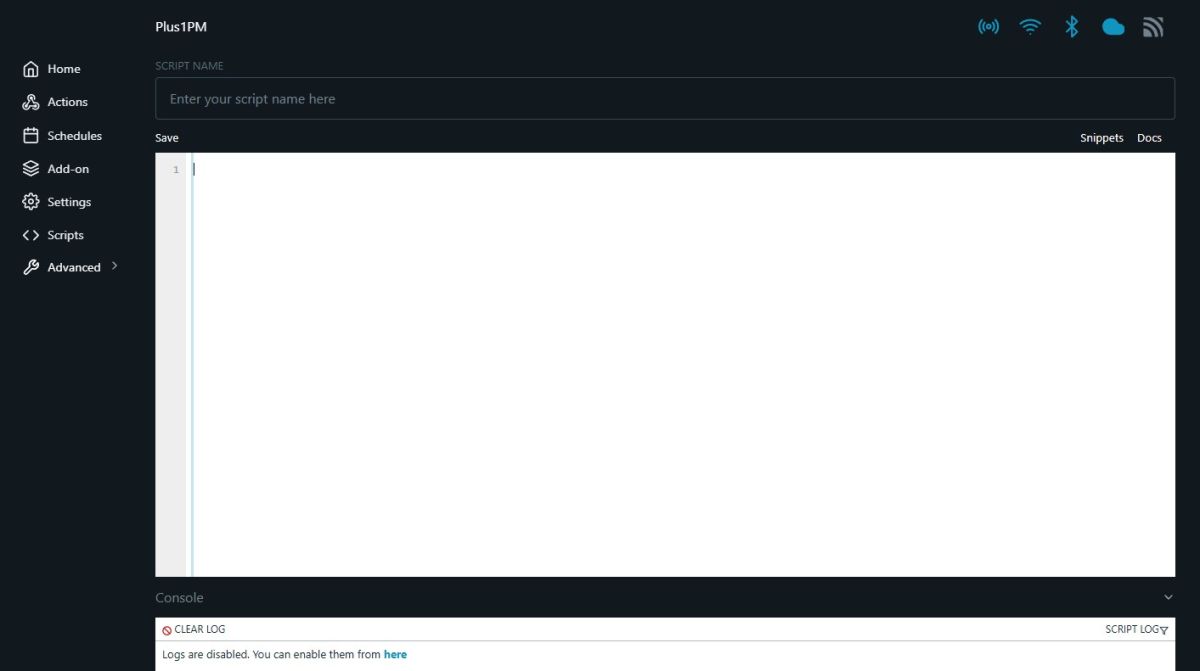
And the scripts - more information in the documentation :
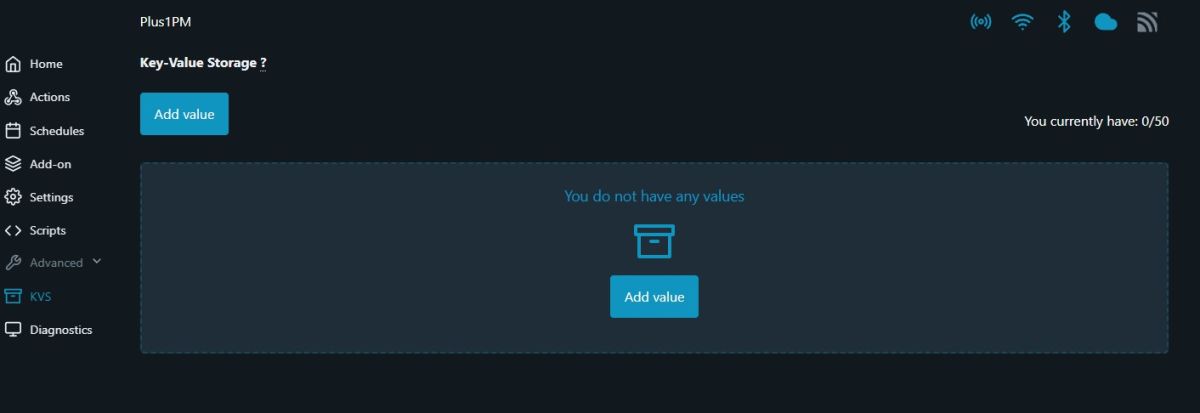
Key-value record in flash (key-value pairs, probably for settings - limit 50):
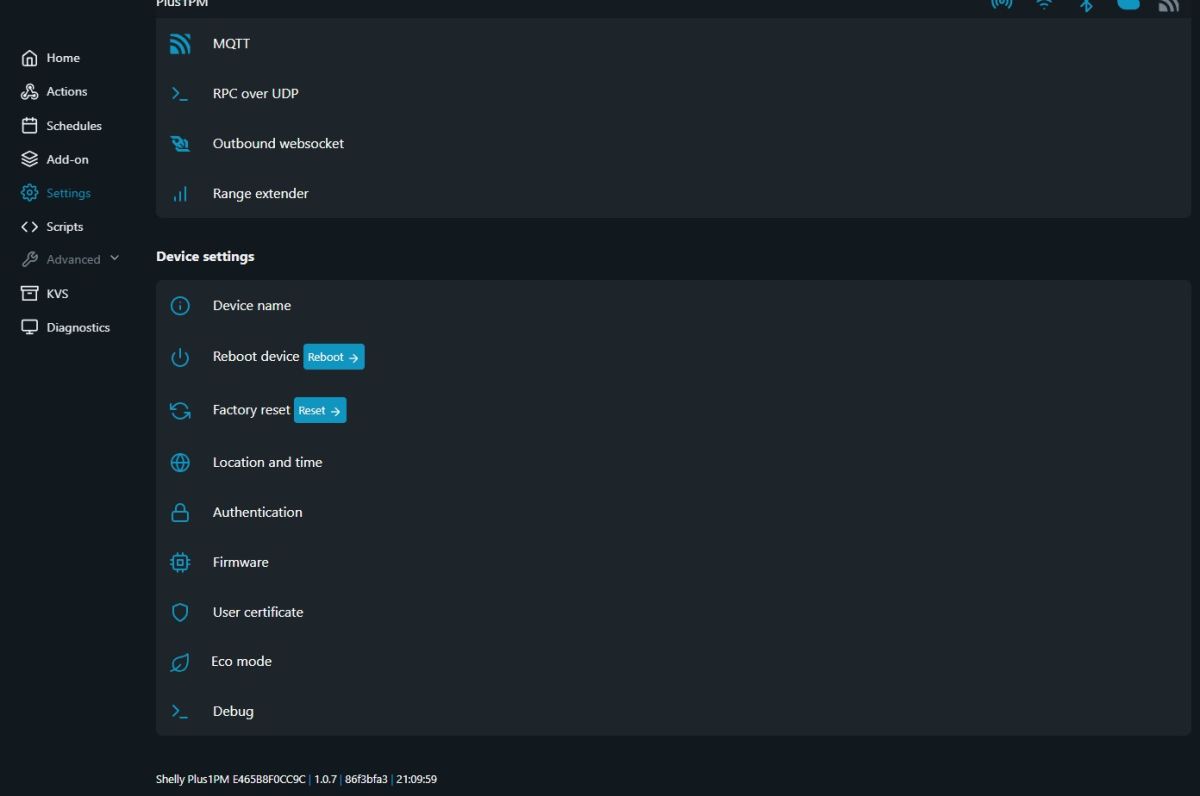
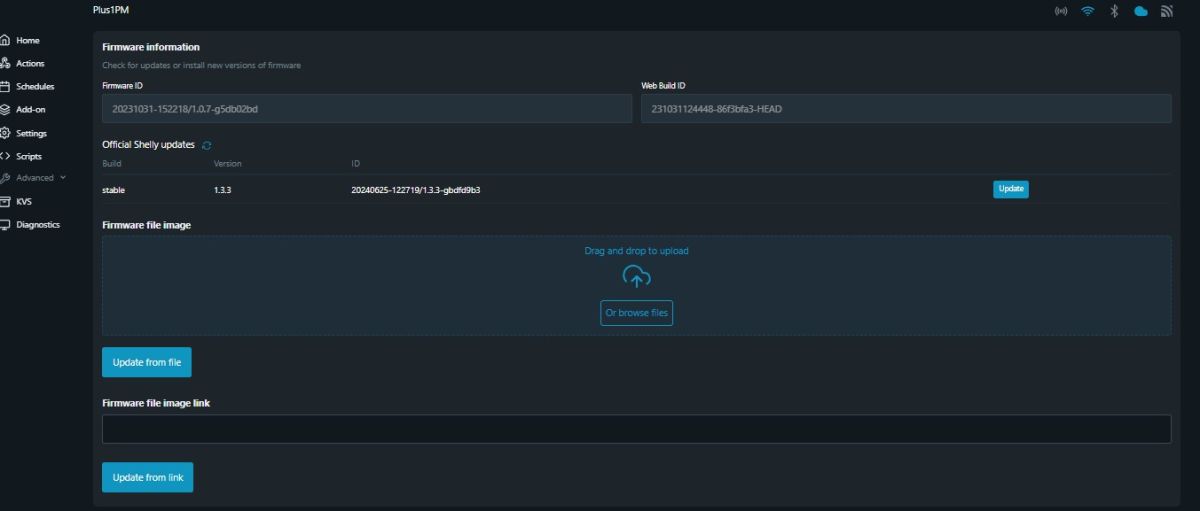
Finally, we have firmware, device, factory reset and update information, among others:
Shelly app
I downloaded the app from Google Play. The app requires registration and confirmation of an email address, but is not problematic. It is possible to create an account without providing a phone number.

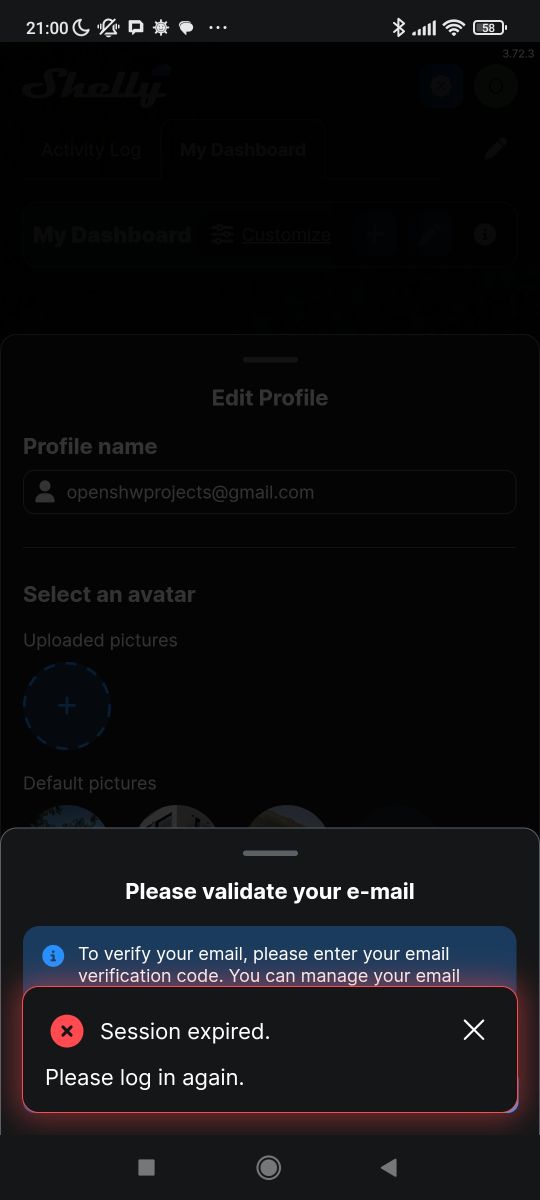
I was a bit surprised by the session expiry message, after all I had just registered, but I understand that there can be minor bugs in the application.
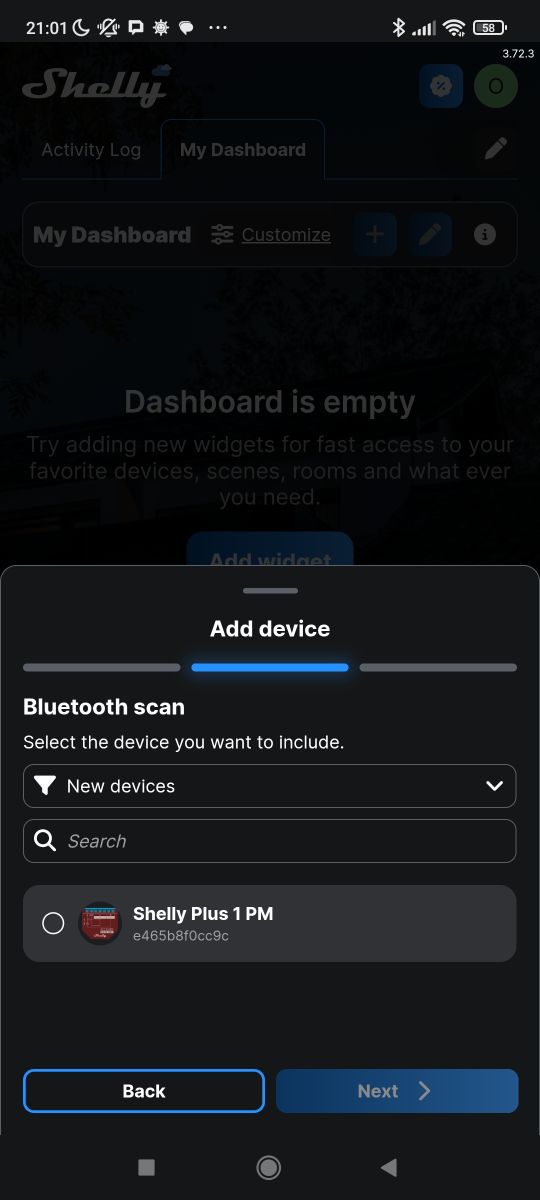
After a while I got access to the panel where you can add a new device. Turn on Bluetooth on the phone and Shelly is already visible:
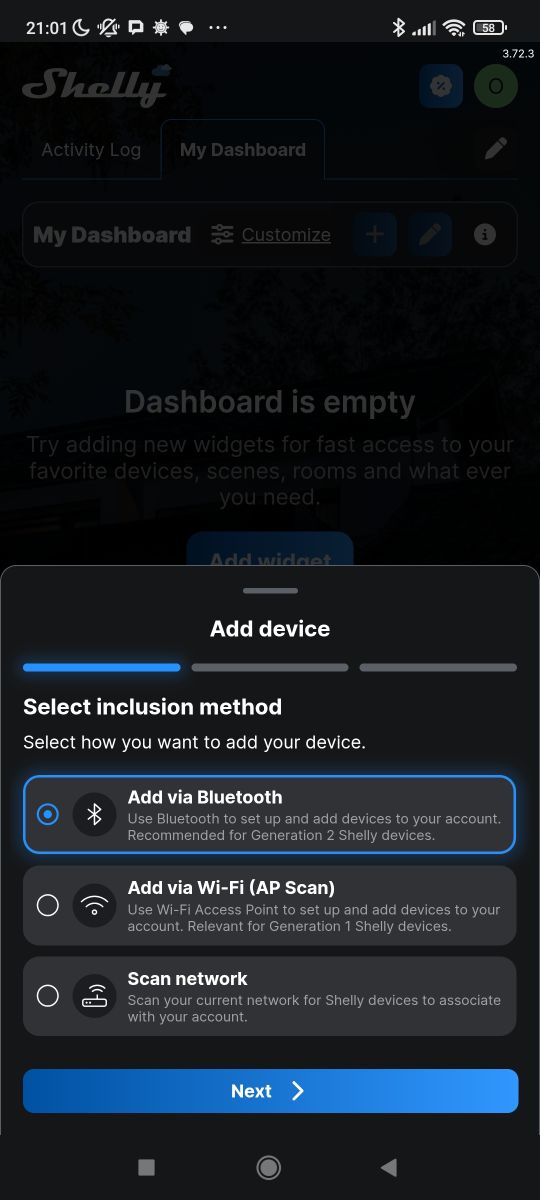
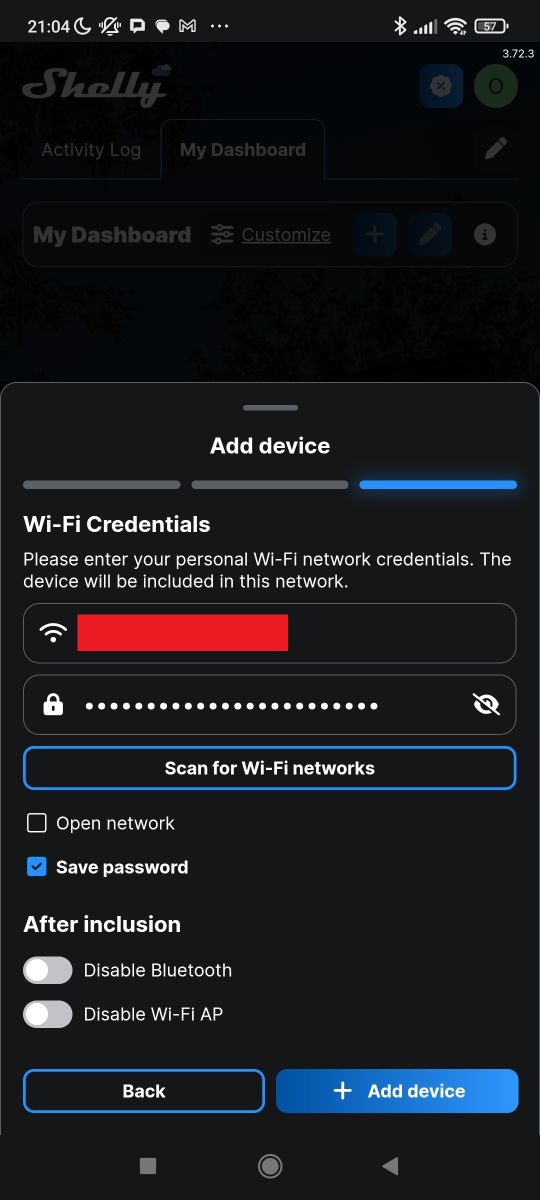
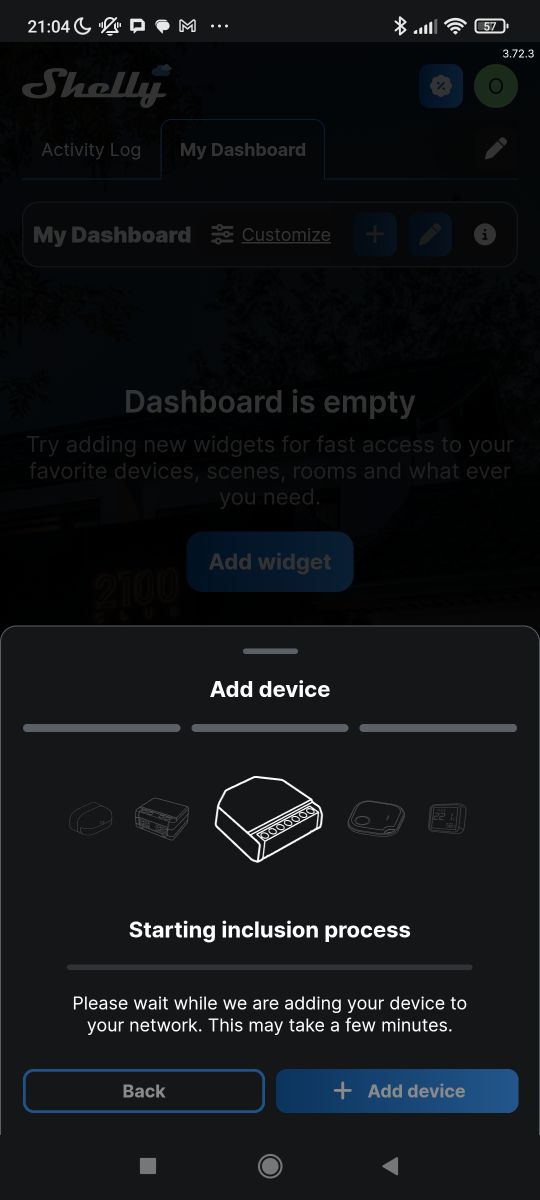
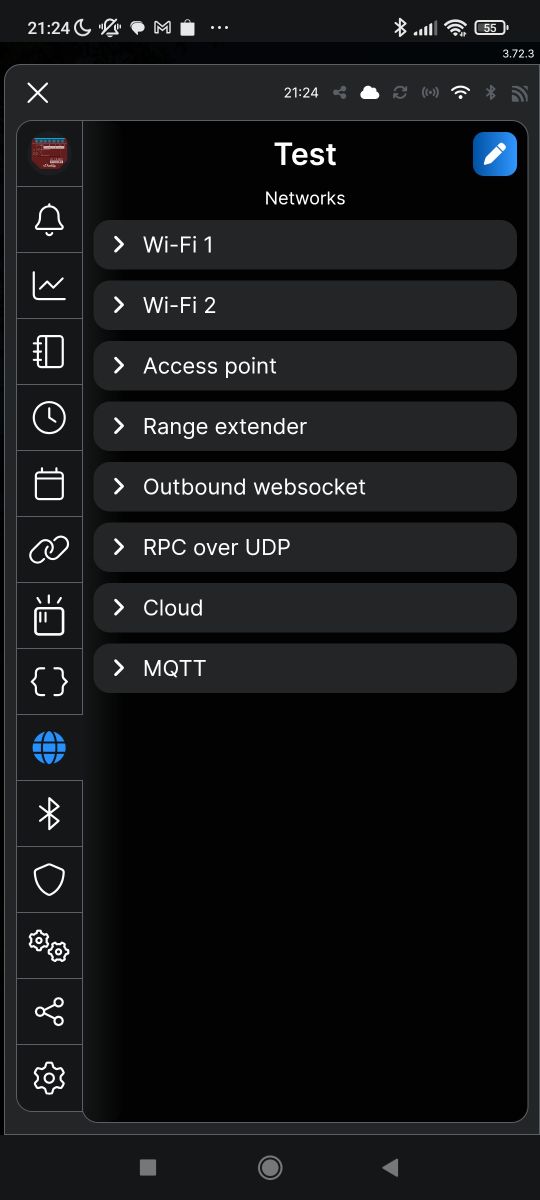
Next we have pairing with Wi-Fi - this is to get the device on our LAN. And there are surprises here too - for example, we can decide whether the device will leave its access point open after pairing. This is another convenient feature.
The first thing that caught my eye in the app was the measurements from the device. It also shows the failed readings from the DHT sensor, which I added via the web panel. The sensor is only added in the application, it is not connected to the device, so the hardware has no way to read the data. Activity history is also available.
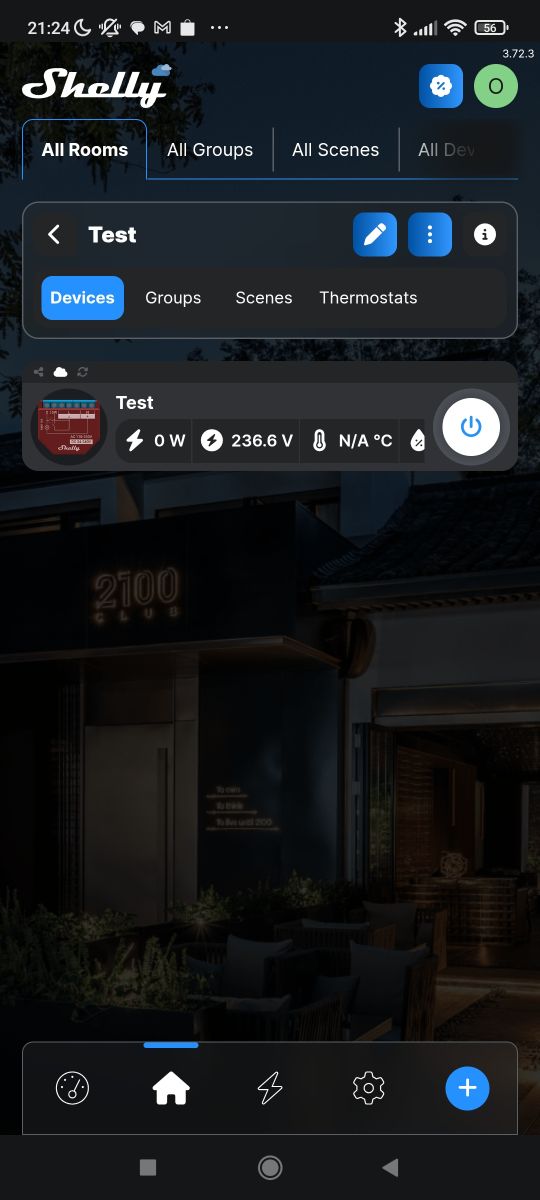
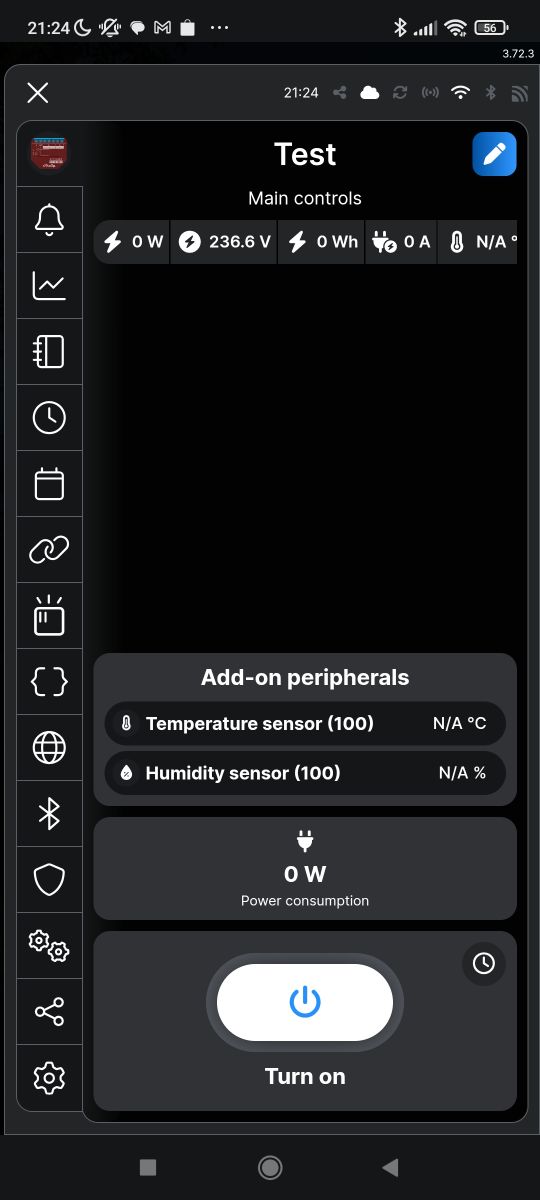
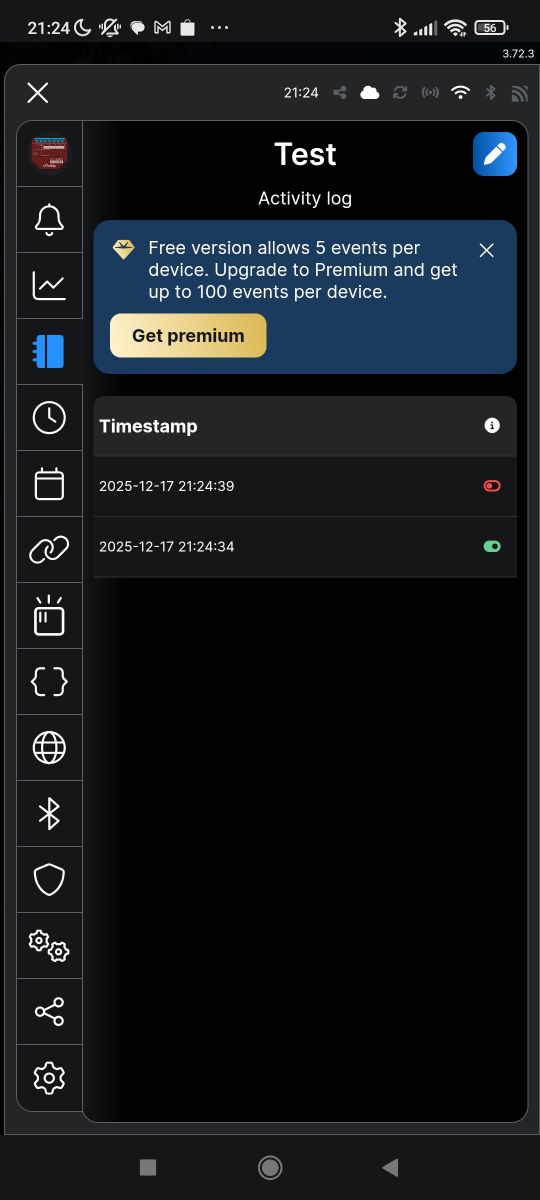
The app largely reflects what is on the configuration page.

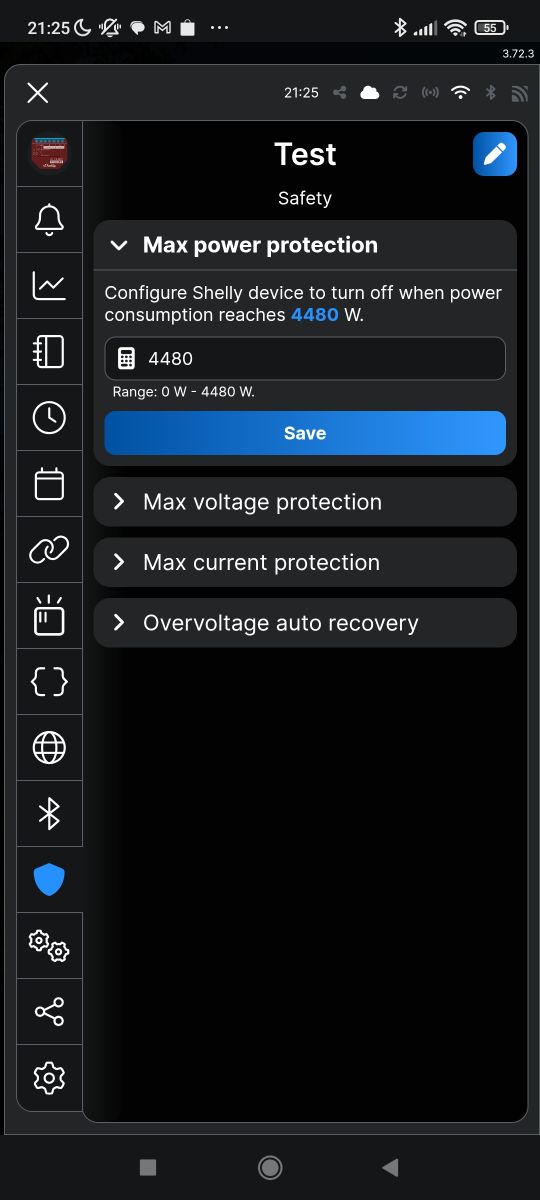
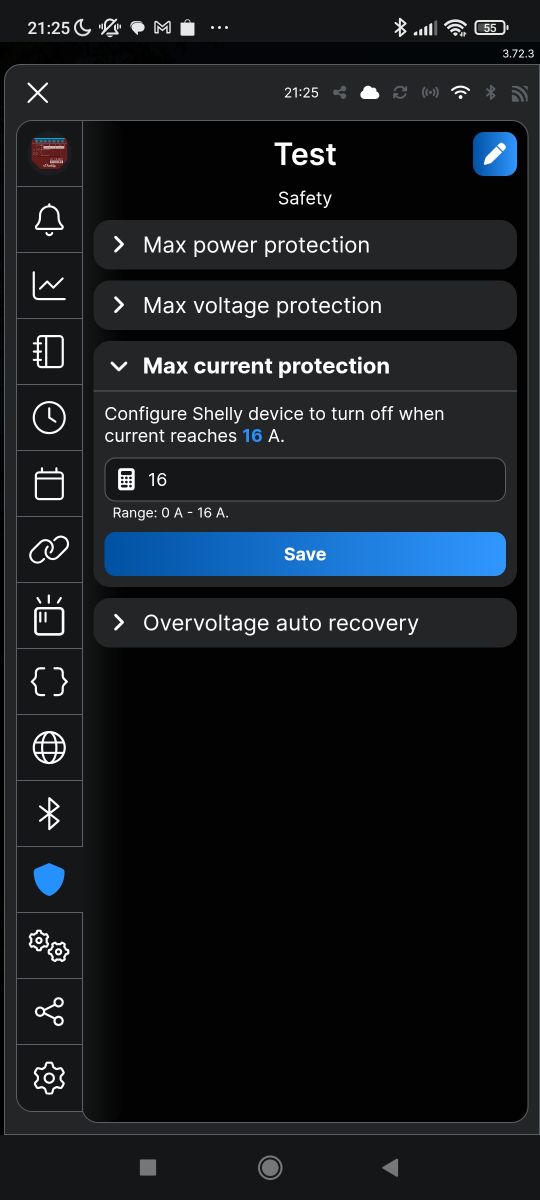
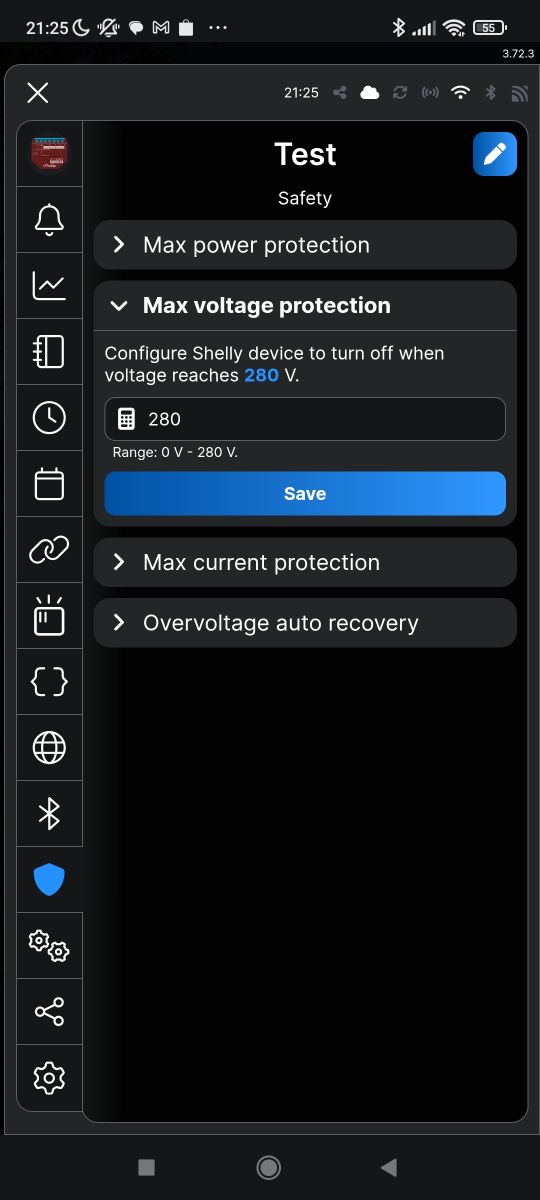
One of the more useful features I've missed before is over-power/current/voltage protection. I'm just wondering how quickly this responds if it's implemented in firmware.
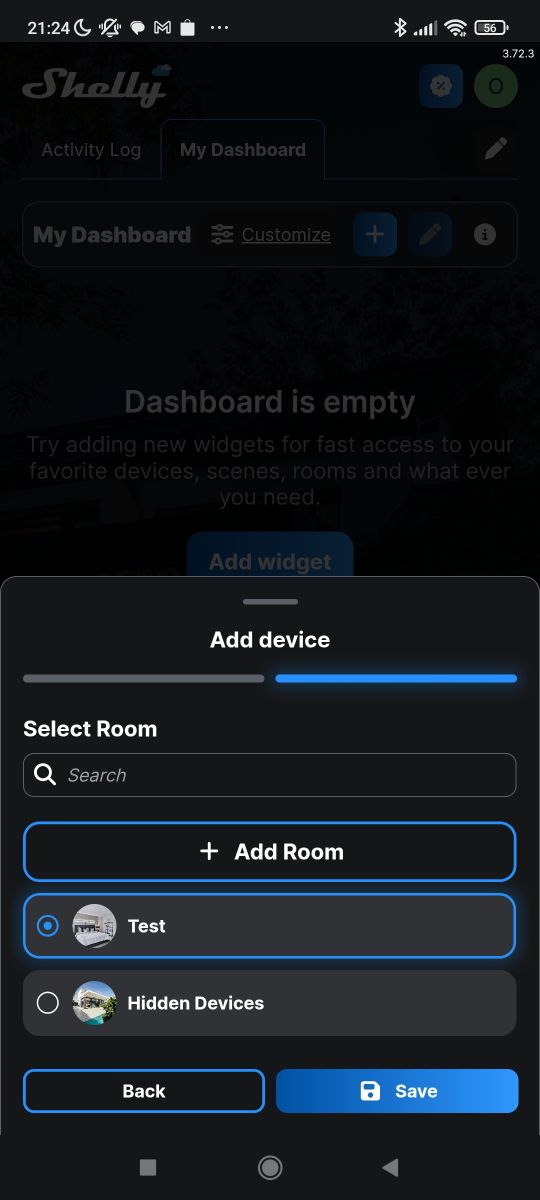
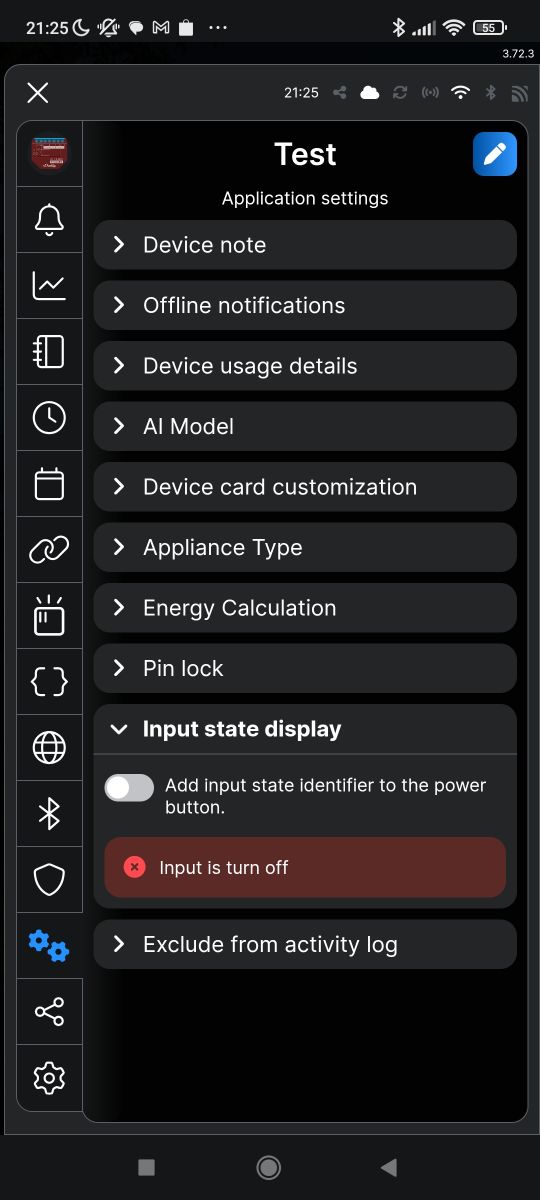
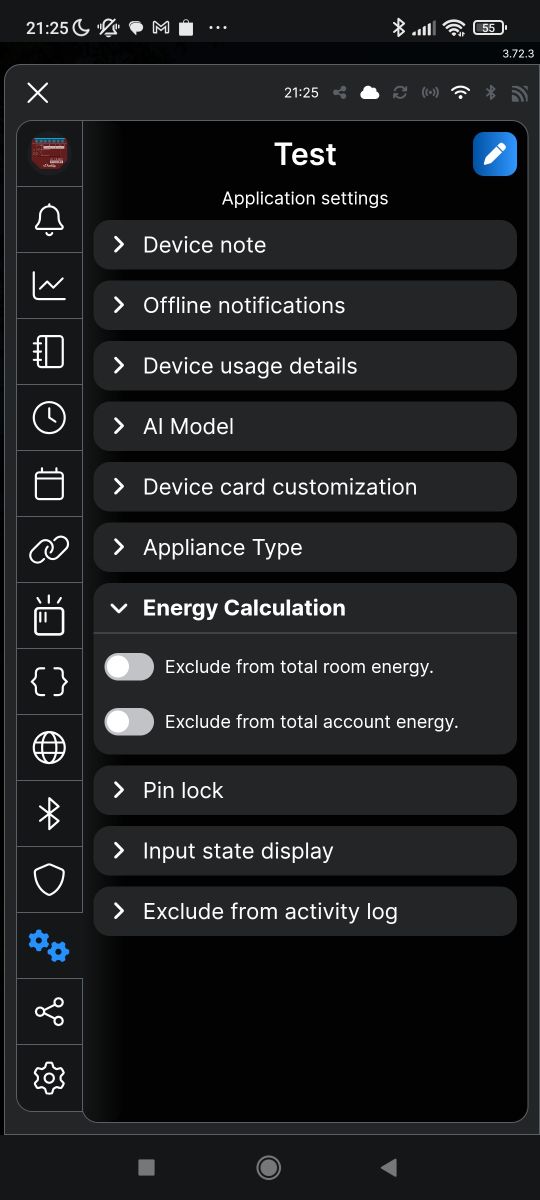
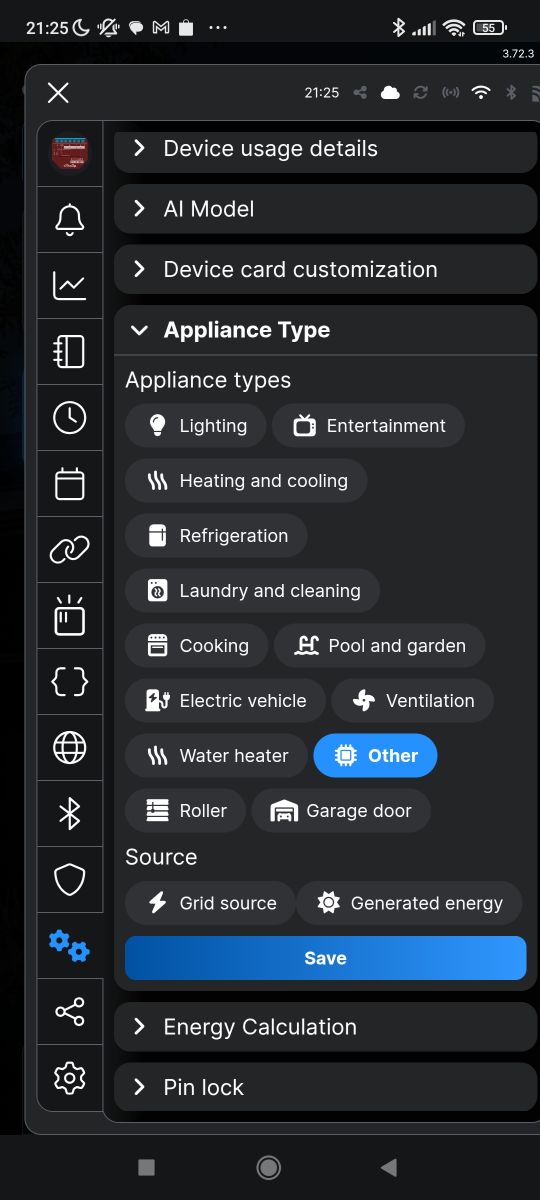
In addition, there are already more 'cloud-based' options, for example room settings or there way of counting energy:
Home Assistant
Pairing with Home Assistant is really quite simple. All you need to do is add the Shelly integration. We search for it in Settings->Integrations:
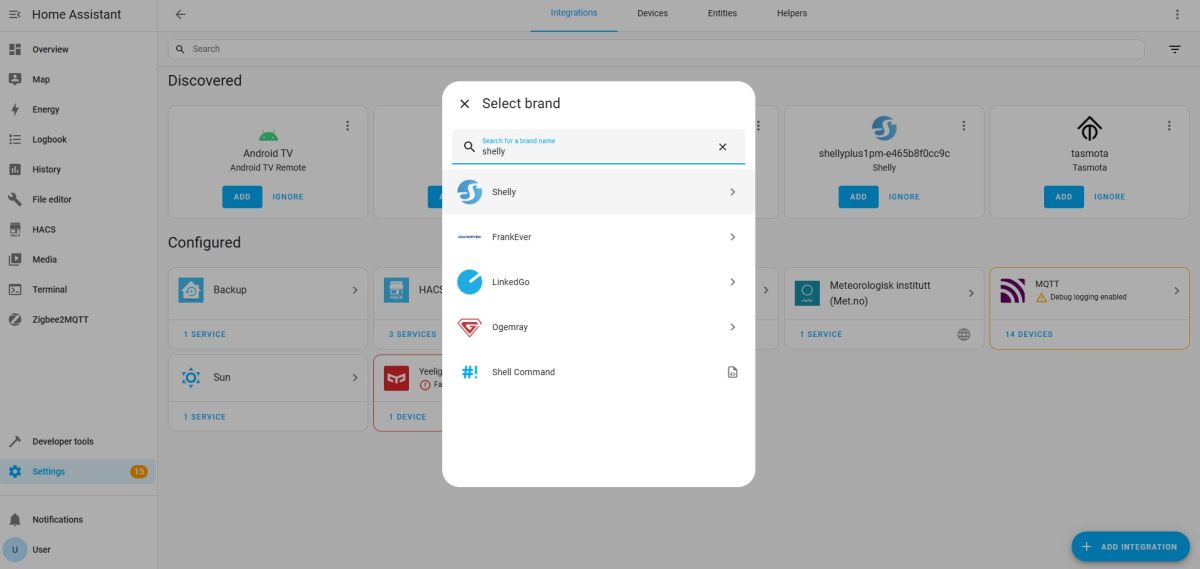
The integration itself will find Shelly devices on our local network. Only we need to remember to connect Shelly to our Wi-Fi beforehand:
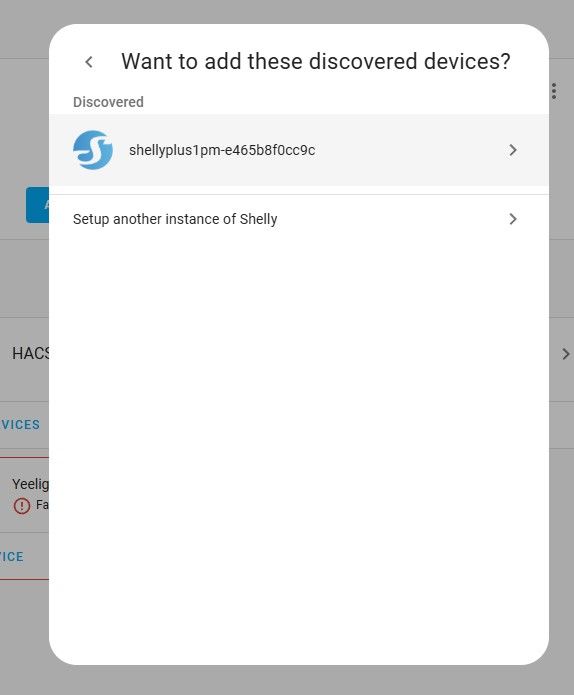
We confirm the configurations:
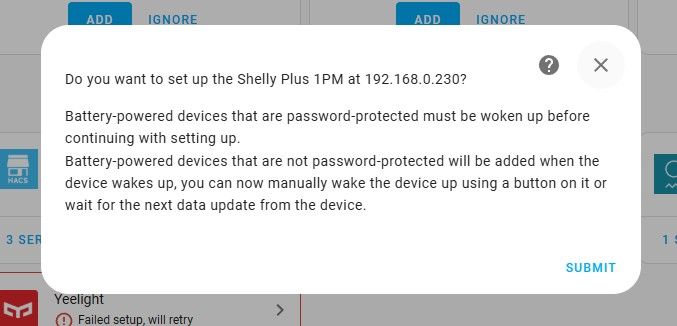
We assign a zone for the device:

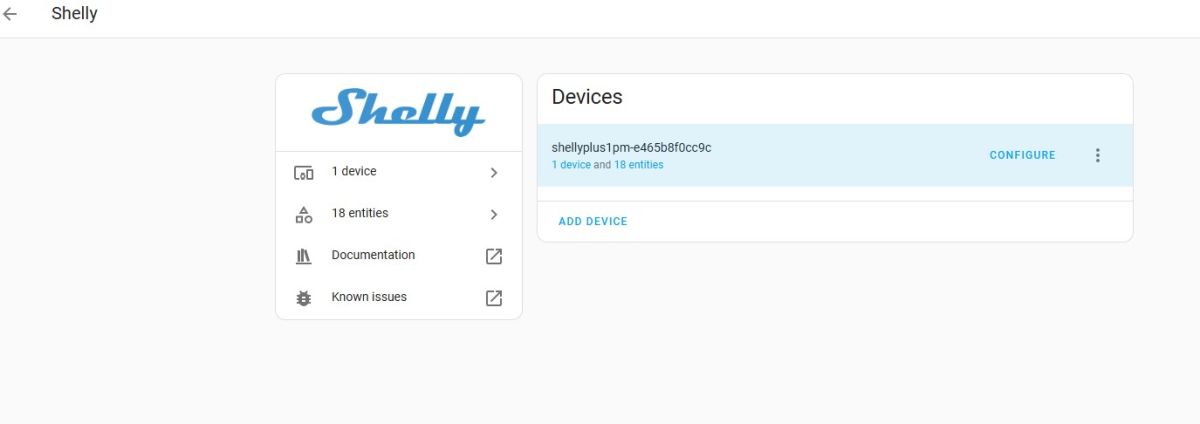
From now on, in Shelly, our switch will be visible in the devices:
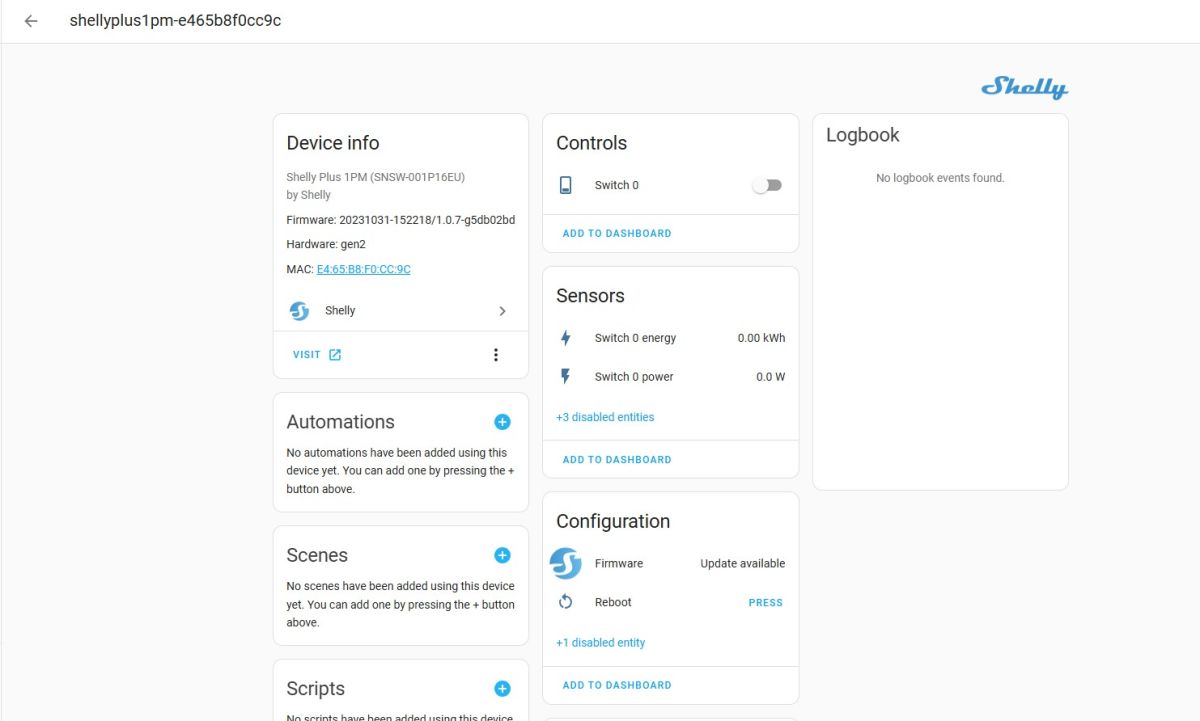
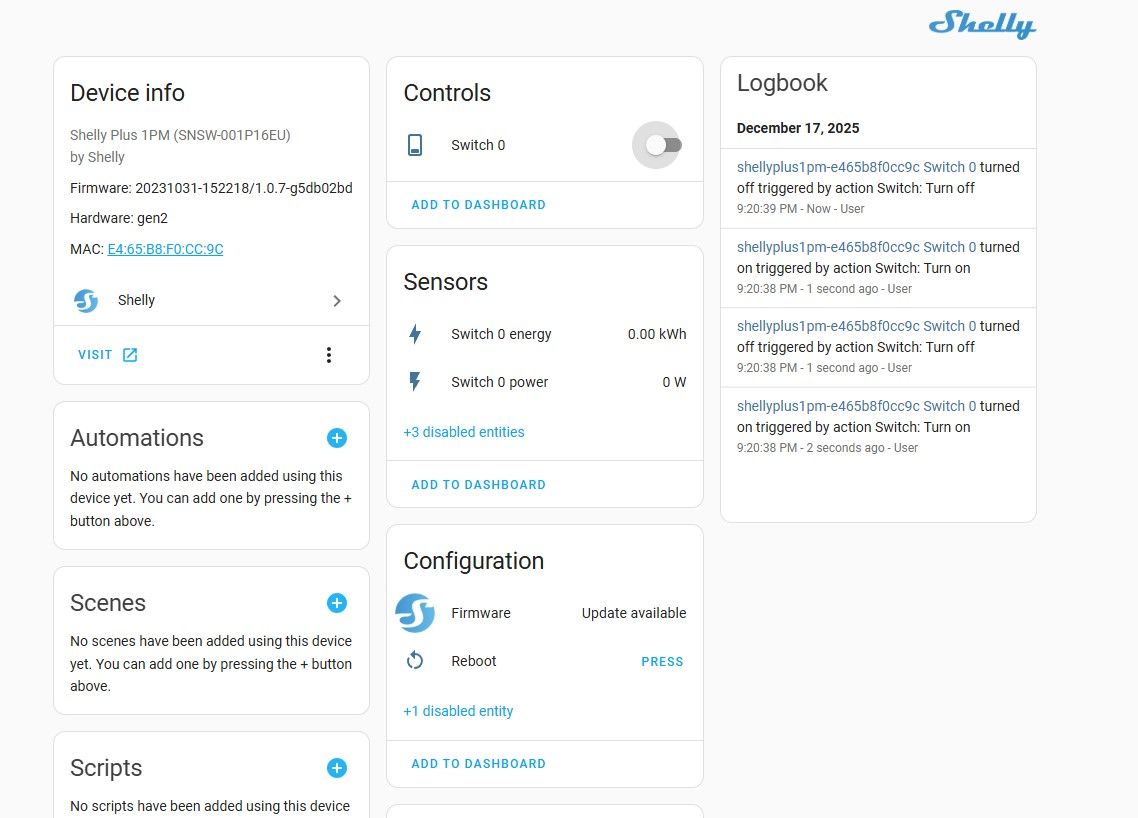
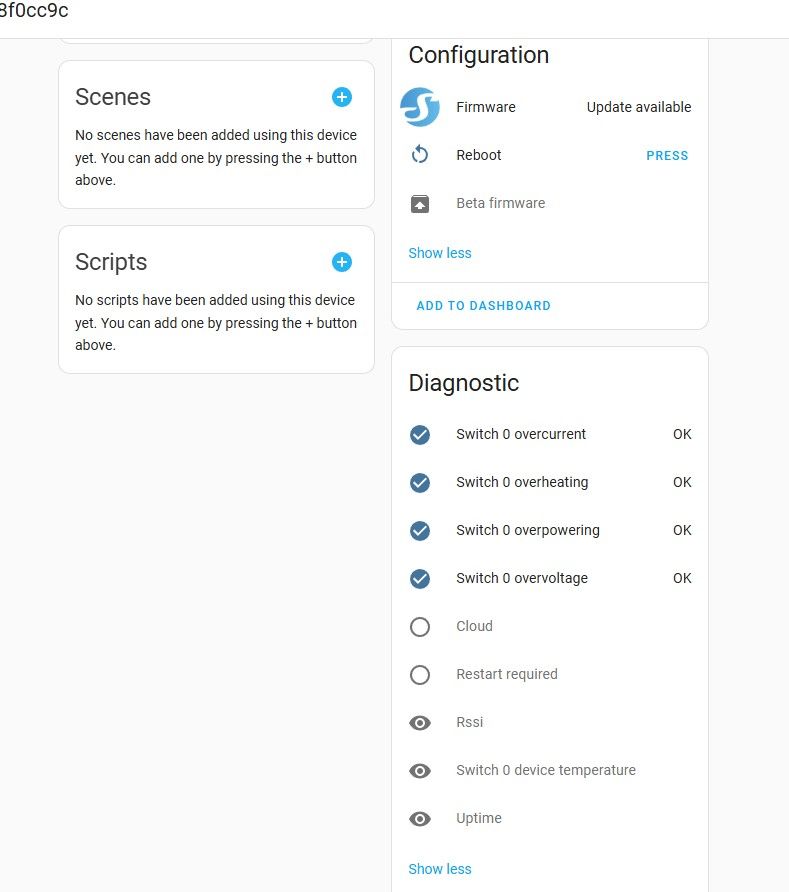
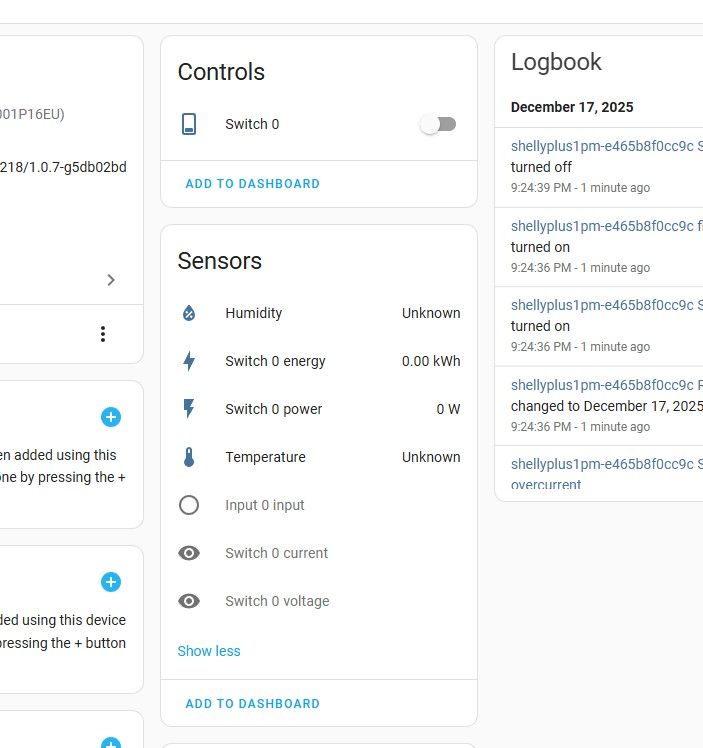
You can take a look at his page. There we have control of his relay, measurements and even a button to restart and the status of exceeded limits (power, voltage, current):
Summary
In summary, Shelly shows this to be a very different approach to 'closed' products like Tuya, SmartLife, etc. The cloud here is just an add-on and we don't need to use it at all. The device is even configurable without a phone - you don't need a smartphone at all. Everything can be clickable on the computer. What's more, there is a ready-made plug-in for the Home Assistant that immediately finds and displays a new device. All conveniently and without problems.
The price is a bit higher than many products, but that can still be worth it - here we have something that really belongs to us and will also work quite without internet access.
In addition, I liked the option to add my own sensors - admittedly it's not Tasmota, and the choice is not wide, but it's always something. I'll have to try that out in a separate theme.
Do you use Shelly, and if so, for what?

p.kaczmarek2 wrote 14771 posts with
rating 12914 , helped 659 times.
Been with us since 2014 year.
Comments
That's what I like - the cloud is just an add-on. Novice users will use the company's ready-made solution anyway. An advanced user, on the other hand, has the option to integrate with their system, e.g.... [Read more]
But it won't, because pulling the data is more cost-effective :) [Read more]
I have had two Shelly 1's fitted for 6 years, paired with HA, on original software. Controlled from a monostable button and from the HA (manually and by automation - motion detection by PIRs connected... [Read more]