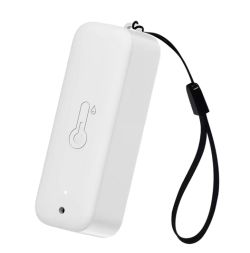
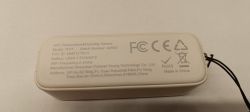
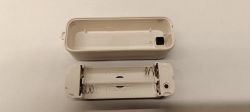
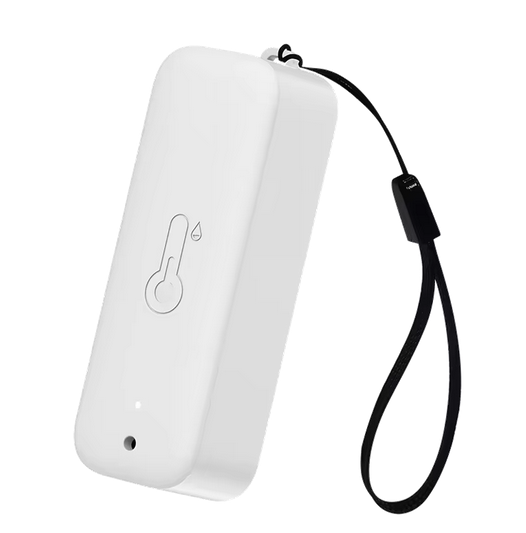
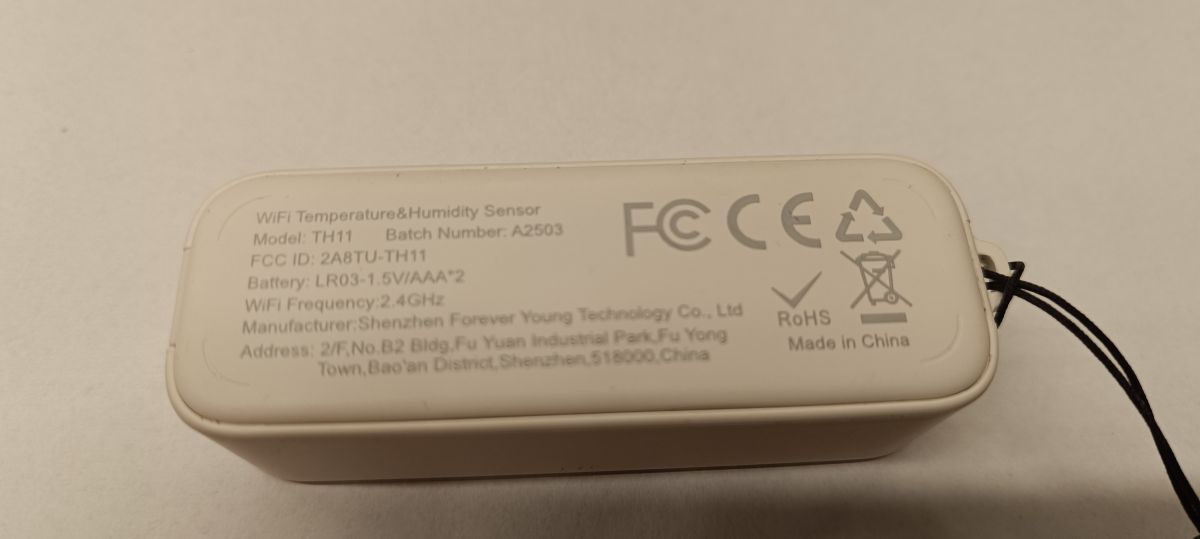
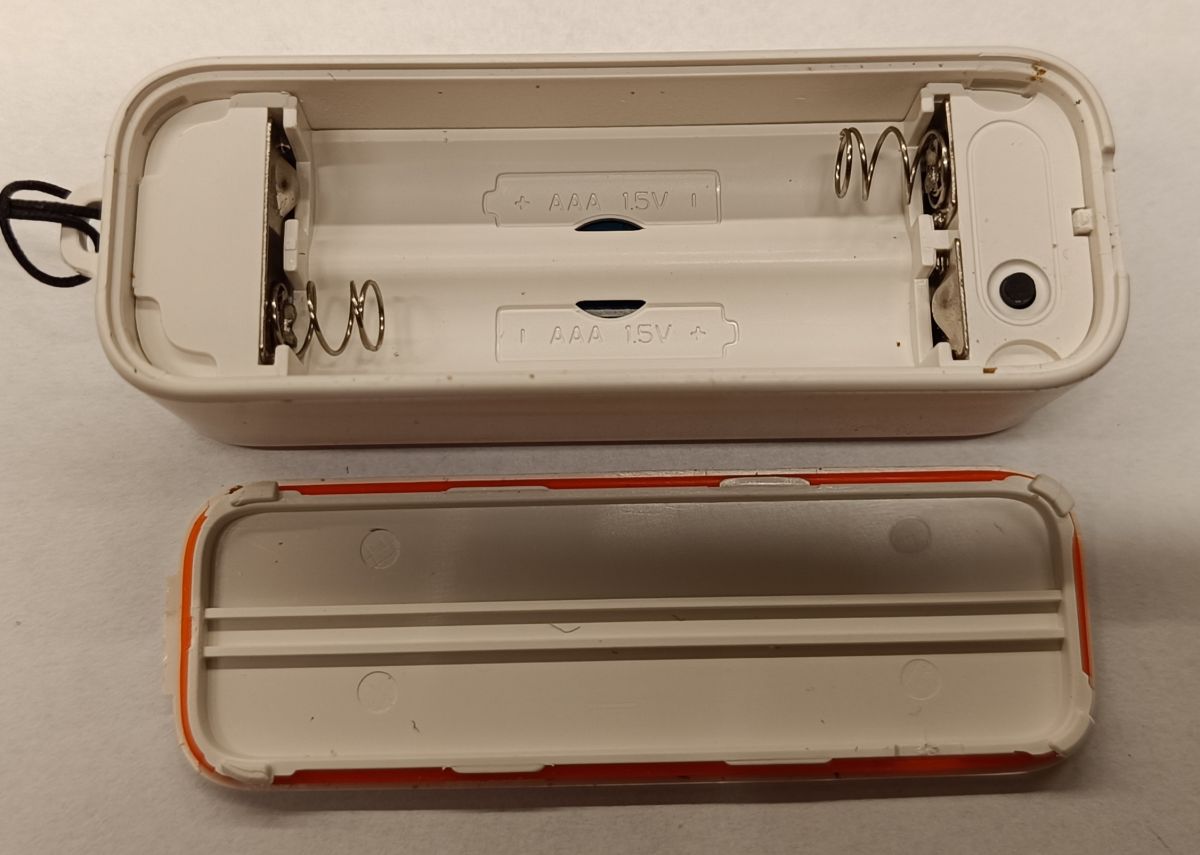
This is another WiFi temperature sensor that works with the Tuya/Smart Life system as standard. It is an IP65-rated version for outdoor placement. The sensor is powered by two AAA batteries and is based on the CB3S module and the TuyaMCU microcontroller - here, as usual, the sensor was purchased to convert to OpenBK, i.e. to work with Home Assistant bypassing the Tuya cloud.
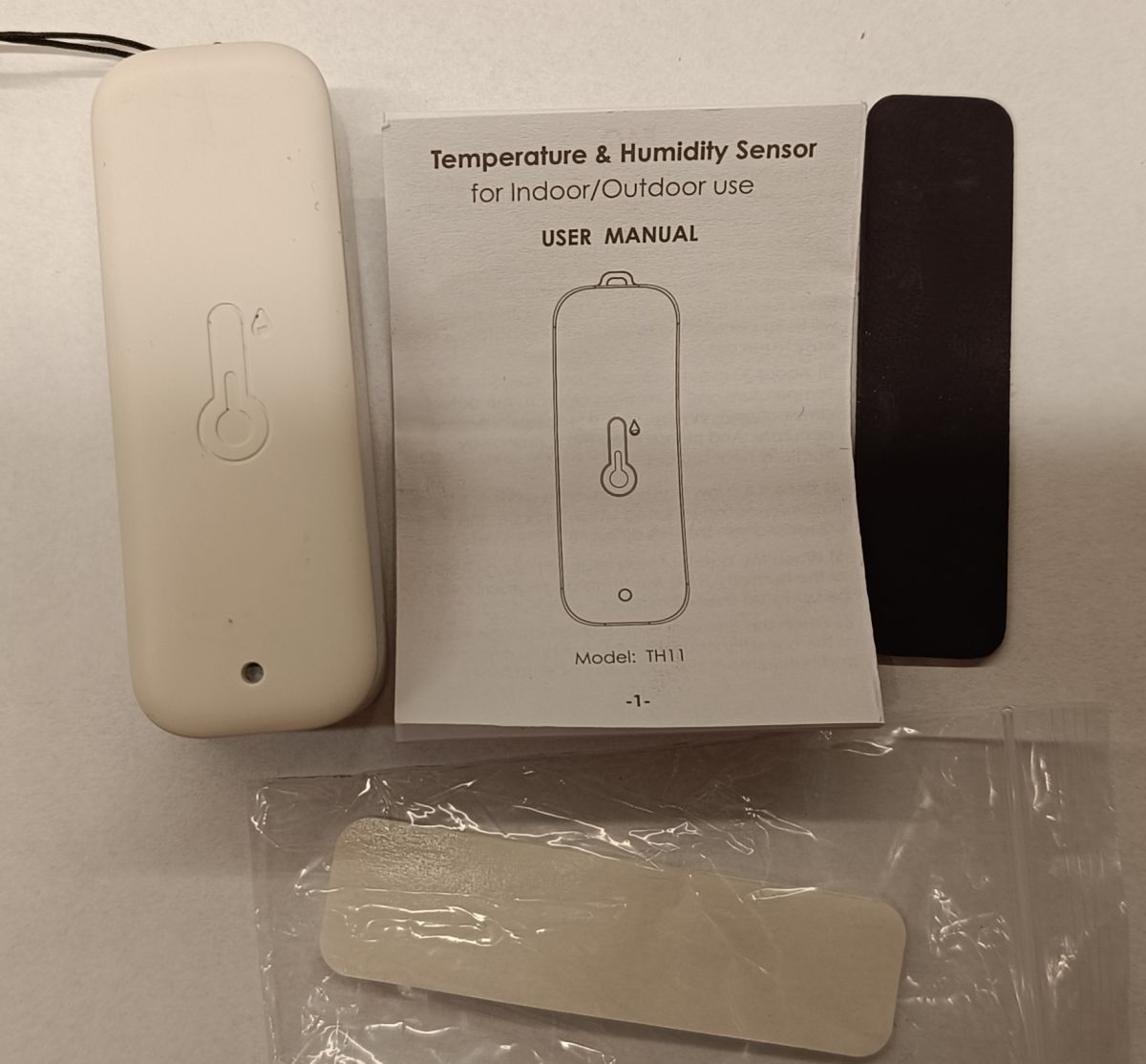
What we get in the box
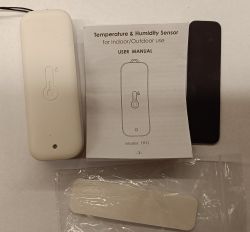
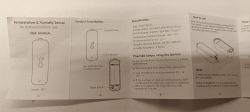
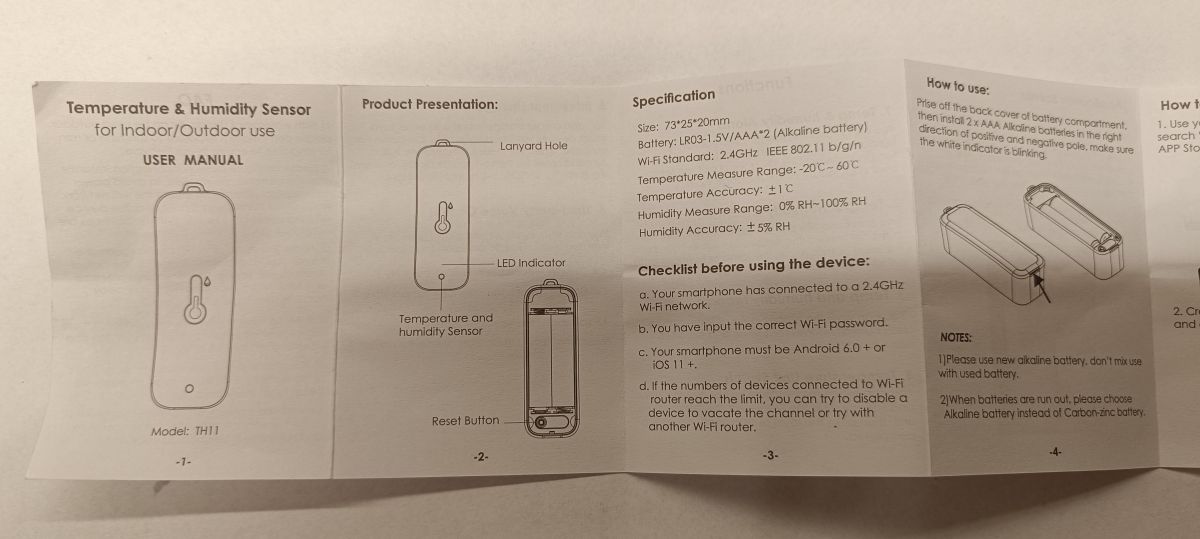
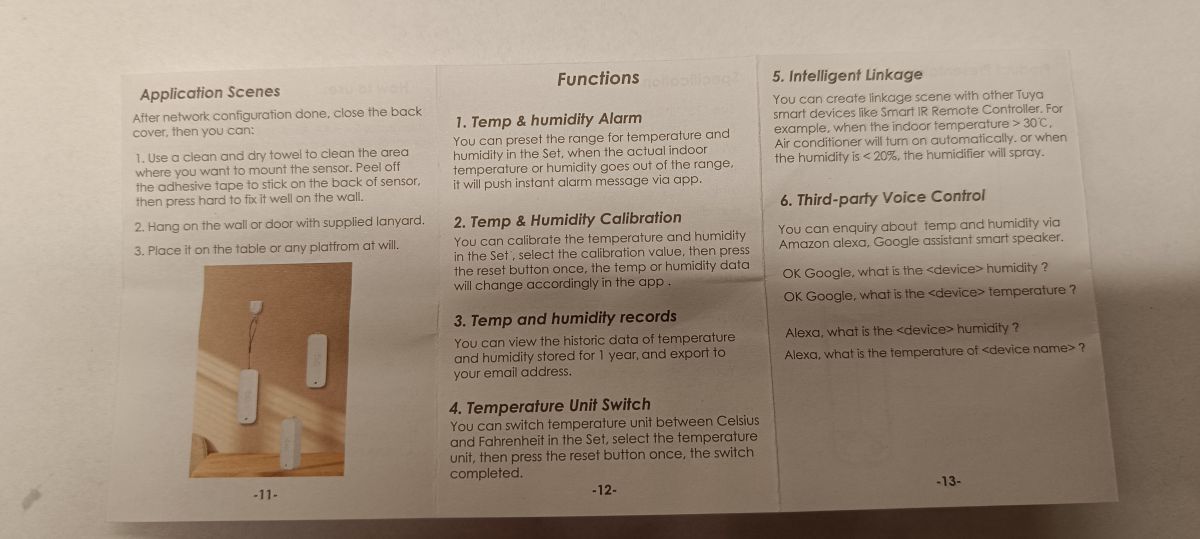
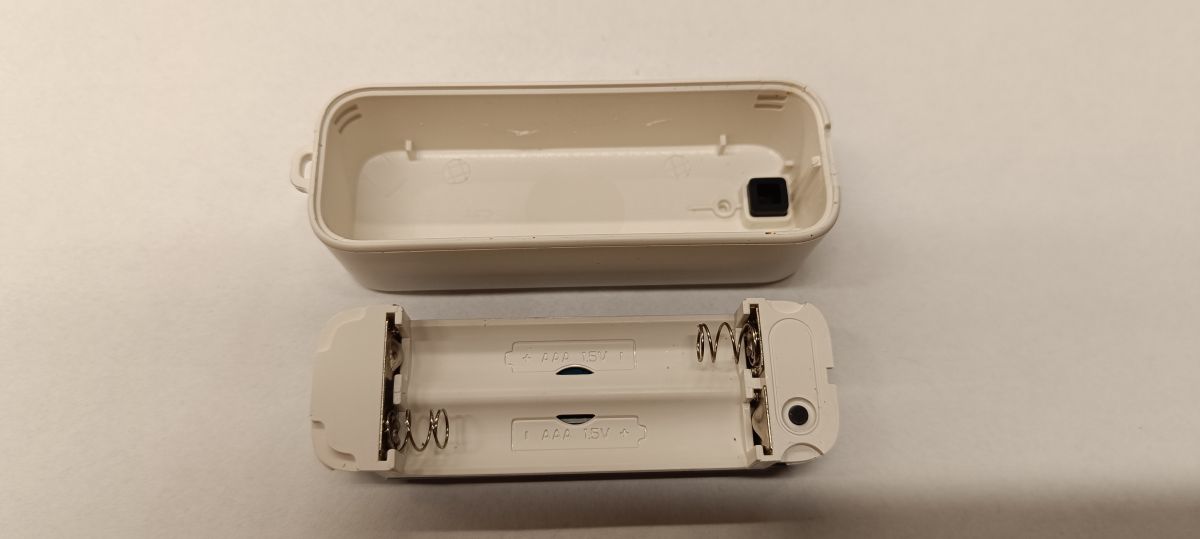
Here, without much surprise, a short instruction manual, the sensor itself + pendant and the mounting tape and magnetic tape.
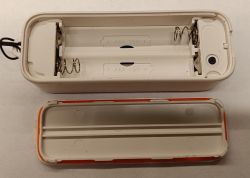
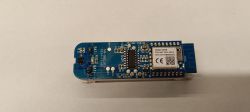
 Interior sensor
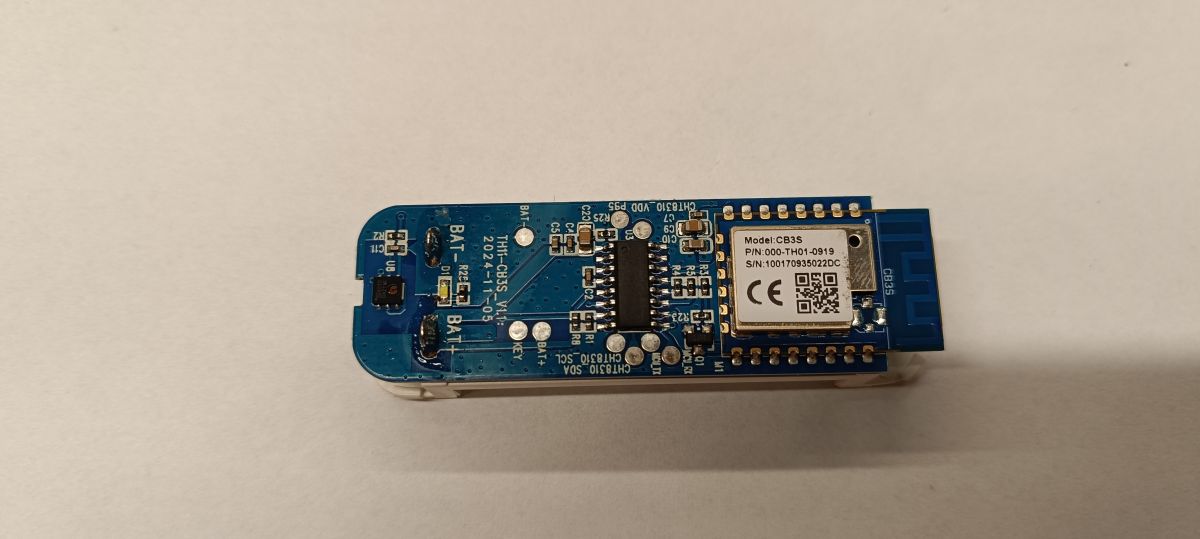
Here, as expected, there is not much

That is, what was mentioned the module
CB3S with BK7231N chip, TuyaMCU that is an unknown microcontroller, transistor Q1 controlled by TuyaMCU chip (U3) whose task is to cut the ground from the CB3S module. As a temperature/humidity sensor, a chip
Sensylink CHT8310 communicating with TuyaMCU via I2C bus was used. Plus one button, an LED and some RC passive components....
 TuyaMCU connection to CB3S module
| TuyaMCU (U3) | TuyaMCU (U3) CB3S (M1) |
| GPIO (Pin 7) | RST (Pin 1) |
| UART TX (Pin 9) | RXD1 (Pin 15) |
| UART RX (Pin 10) | TXD1 (Pin 16) |
In order to upload OpenBK, all I had to do was lift/disconnect the RX and TX legs of the TuyaMCU and power the CB3S module directly....
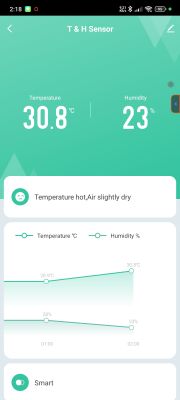
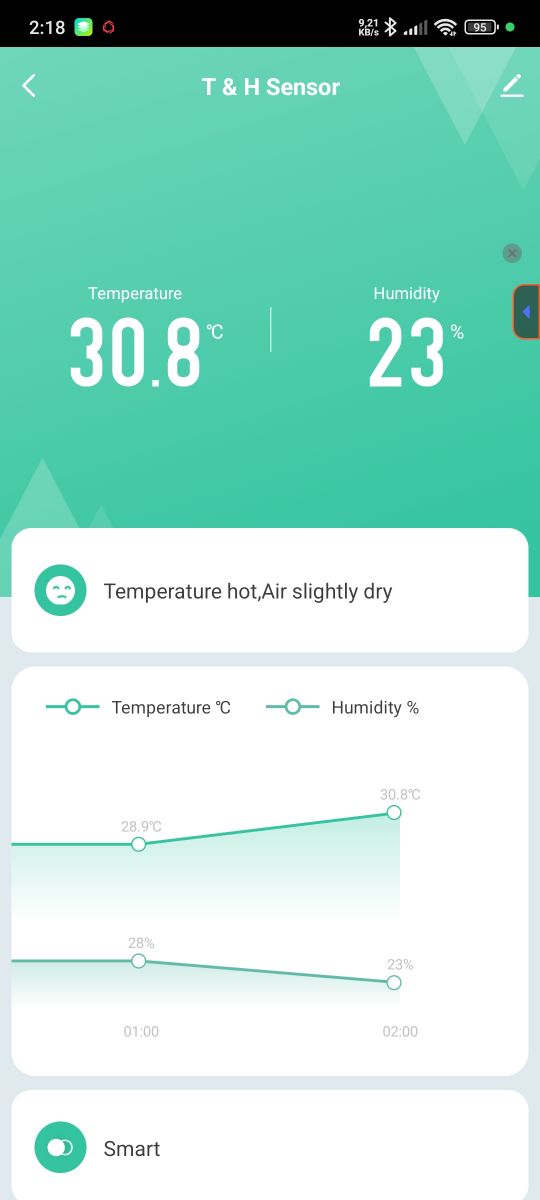
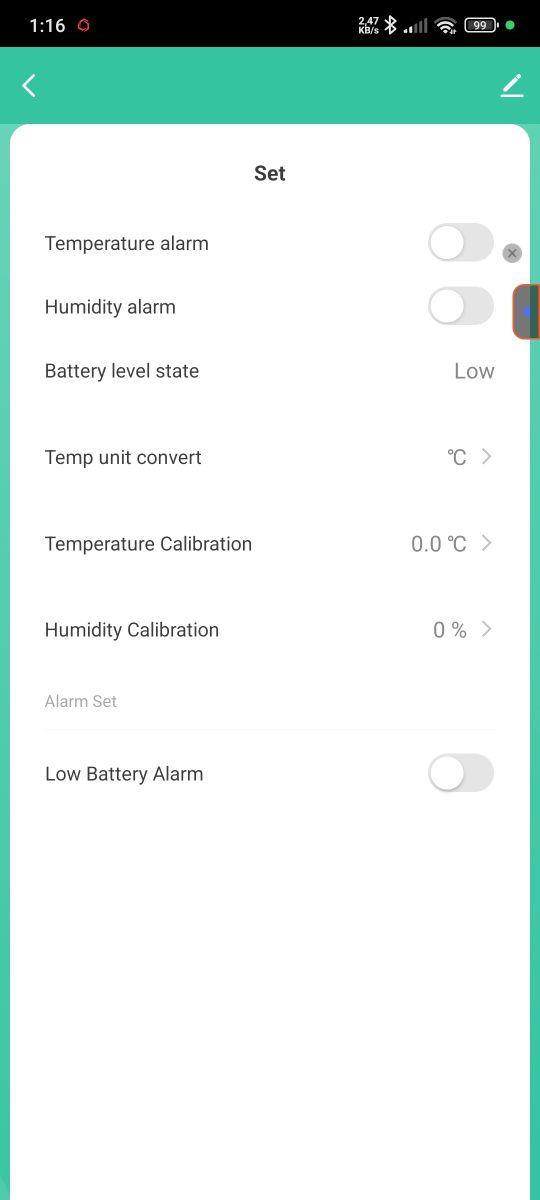
Image in the Tuya app and data from the Tuya Developer Platform service
Basically, like most temperature/humidity sensors there is not much in the app i.e. data visualisation and simple settings.
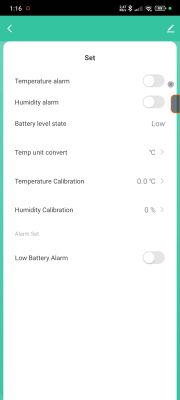
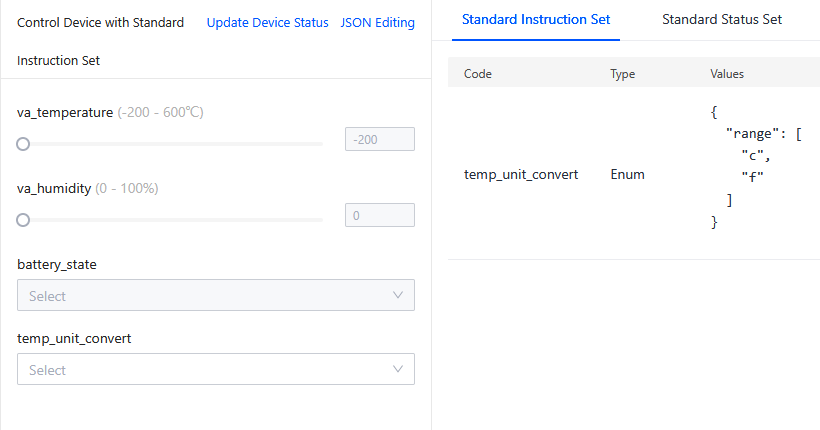
Data from the
Tuya Developer Platform looks as follows.
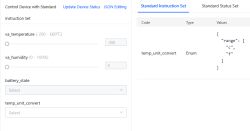 Standard Instruction Set
temp_unit_convert	Enum

{
  "range": [
    "c",
    "f"
  ]
}
Standard Instruction Set
temp_unit_convert	Enum

{
  "range": [
    "c",
    "f"
  ]
}
va_temperature	Integer

{
  "unit": "℃",
  "min": -200,
  "max": 600,
  "scale": 1,
  "step": 1
}

va_humidity	Integer

{
  "unit": "%",
  "min": 0,
  "max": 100,
  "scale": 0,
  "step": 1
}

battery_state	Enum

{
  "range": [
    "low",
    "middle",
    "high"
  ]
}

temp_unit_convert	Enum

{
  "range": [
    "c",
    "f"
  ]
}
Standard Status Set
va_temperature	Integer

{
  "unit": "℃",
  "min": -200,
  "max": 600,
  "scale": 1,
  "step": 1
}

va_humidity	Integer

{
  "unit": "%",
  "min": 0,
  "max": 100,
  "scale": 0,
  "step": 1
}

battery_state	Enum

{
  "range": [
    "low",
    "middle",
    "high"
  ]
}

temp_unit_convert	Enum

{
  "range": [
    "c",
    "f"
  ]
}
Sent by WiFi module:
55 AA	00	01		00 00		00
HEADER	VER=00	Product		LEN		CHK

Received by WiFi module:
55 AA	00	01		00 24	7B2270223A226A33666A616A66327830617073716770222C2276223A22312E302E30227D	A3
HEADER	VER=00	Product		LEN	{"p":"j3fjajf2x0apsqgp","v":"1.0.0"}	CHK

Received by WiFi module:
55 AA	00	02		00 00		01
HEADER	VER=00	McuConf		LEN		CHK

Sent by WiFi module:
55 AA	00	02		00 01	04	06
HEADER	VER=00	McuConf		LEN	04	CHK

Received by WiFi module:
55 AA	00	10		00 04	03091718	4E
HEADER	VER=00	ObtainDPcache		LEN			CHK

Received by WiFi module:
55 AA	00	0B		00 00		0A
HEADER	VER=00	Unk		LEN		CHK

Sent by WiFi module:
55 AA	00	10		00 02	0100	12
HEADER	VER=00	ObtainDPcache		LEN			CHK

Sent by WiFi module:
55 AA	00	0B		00 02	013C	49
HEADER	VER=00	Unk		LEN	013C	CHK

Received by WiFi module:
55 AA	00	05		00 15	090400010017020004000000001802000400000000	62
HEADER	VER=00	Unk		LEN	dpId=9 Enum V=0,dpId=23 Val V=0,dpId=24 Val V=0		CHK

Sent by WiFi module:
55 AA	00	05		00 01	00	05
HEADER	VER=00	Unk		LEN			CHK

Received by WiFi module:
55 AA	00	05		00 15	010200040000013402020004000000170304000102	7E
HEADER	VER=00	Unk		LEN	dpId=1 Val V=308,dpId=2 Val V=23,dpId=3 Enum V=2		CHK

Sent by WiFi module:
55 AA	00	05		00 01	00	05
HEADER	VER=00	Unk		LEN			CHK
Received by WiFi module:
55 AA	00	01		00 24	7B2270223A226A33666A616A66327830617073716770222C2276223A22312E302E30227D	A3
HEADER	VER=00	Product		LEN	{"p":"j3fjajf2x0apsqgp","v":"1.0.0"}	CHK

Sent by WiFi module:
55 AA	00	01		00 00		00
HEADER	VER=00	Product		LEN		CHK

Sent by WiFi module:
55 AA	00	02		00 01	03	05
HEADER	VER=00	McuConf		LEN	03	CHK

Received by WiFi module:
55 AA	00	02		00 00		01
HEADER	VER=00	McuConf		LEN		CHK
Here looking in the logs there is not much

Set flags: 2 10 19 37 51
autoexec.bat
startDriver TuyaMCU
startDriver tmSensor

setChannelType 1 temperature_div10
linkTuyaMCUOutputToChannel 1 val 1

setChannelType 2 Humidity
linkTuyaMCUOutputToChannel 2 val 2

setChannelLabel 3 Battery
setChannelType 3 ReadOnlyLowMidHigh
linkTuyaMCUOutputToChannel 3 val 3
Sent by WiFi module:
55 AA	00	01		00 00		00
HEADER	VER=00	Product		LEN		CHK

Received by WiFi module:
55 AA	00	01		00 24	7B2270223A226A33666A616A66327830617073716770222C2276223A22312E302E30227D	A3
HEADER	VER=00	Product		LEN	{"p":"j3fjajf2x0apsqgp","v":"1.0.0"}	CHK

Received by WiFi module:
55 AA	00	02		00 00		01
HEADER	VER=00	McuConf		LEN		CHK

Sent by WiFi module:
55 AA	00	02		00 01	03	05
HEADER	VER=00	McuConf		LEN	03	CHK

Received by WiFi module:
55 AA	00	02		00 00		01
HEADER	VER=00	McuConf		LEN		CHK

Sent by WiFi module:
55 AA	00	02		00 01	04	06
HEADER	VER=00	McuConf		LEN	04	CHK

Received by WiFi module:
55 AA	00	10		00 04	03091718	4E
HEADER	VER=00	ObtainDPcache		LEN			CHK

Sent by WiFi module:
55 AA	00	10		00 02	0100	12
HEADER	VER=00	ObtainDPcache		LEN			CHK

Received by WiFi module:
55 AA	00	0B		00 00		0A
HEADER	VER=00	Unk		LEN		CHK

Sent by WiFi module:
55 AA	00	0B		00 02	0150	5D
HEADER	VER=00	Unk		LEN	0150	CHK

Received by WiFi module:
55 AA	00	05		00 15	090400010017020004000000001802000400000000	62
HEADER	VER=00	Unk		LEN	dpId=9 Enum V=0,dpId=23 Val V=0,dpId=24 Val V=0		CHK

Sent by WiFi module:
55 AA	00	05		00 01	00	05
HEADER	VER=00	Unk		LEN			CHK

Received by WiFi module:
55 AA	00	05		00 15	010200040000012D02020004000000190304000102	79
HEADER	VER=00	Unk		LEN	dpId=1 Val V=301,dpId=2 Val V=25,dpId=3 Enum V=2		CHK

Sent by WiFi module:
55 AA	00	05		00 01	00	05
HEADER	VER=00	Unk		LEN			CHK
Well, that's pretty much it - you can still future-proof the handling of id 9, 23, 24 - i.e. the sensor settings....
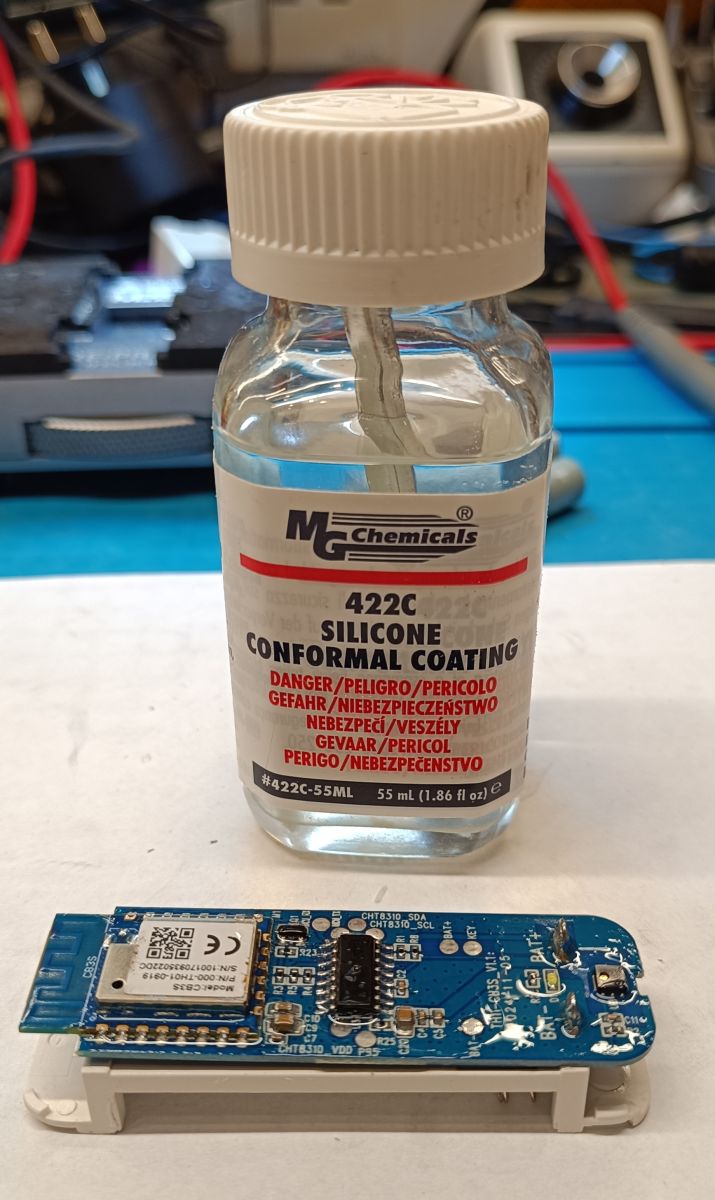
Additional moisture protection
Theoretically the sensor is IP65 rated but after uploading the firmware I decided to additionally protect the electronics with a silicone coating (MG Chemicals 422C)
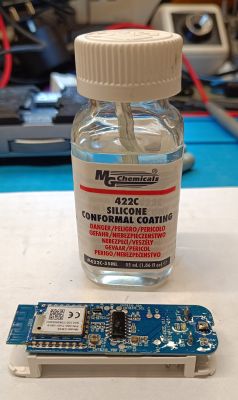
Here, care must be taken that the preparation does not get into the "window" in the temperature/humidity sensor. Likewise, I do not recommend coating the antenna circuit on the CB3S module with silicone....








Comments
You hit on a slightly better model, not everyone has the settings (ObtainDPcache). From what I remember, we presented with @dedamraz their setting here: [CB3S/BK7231N] Temperature/humidity sensor with... [Read more]
@pkaczmarek2 Yes this functionality depends on the functionality of the IoT device and I guess all temperature sensors have this (they have some kind of setting whether correction or otherwise). In the... [Read more]
Thanks for your interest. I'd be happy to help figure it out, but I have quite limited time (huge number of projects - you can see for yourself on the forum), so it has to be done cleverly. On Windows... [Read more]
@pkaczmarek2 Well with this timing I think it's always the case. Likewise with me, just as many hobby and commercial projects.... hard to reconcile it all he he As far as I can see this is a... [Read more]
The most important thing about these sensors is whether they report negative temperatures, many do not. I don't know if this is a limitation of Tuya or the electronics. [Read more]
Good I can answer. This one at least finally showed a negative temperature ;) https://obrazki.elektroda.pl/7685650900_1769675562_thumb.jpg https://obrazki.elektroda.pl/4812708900_1769675733_thumb.jpg... [Read more]
Unfortunately wifi based battery sensors don't make sense. I have (more had, as I don't use it anymore) probably exactly this one and the battery life is about 14 days. Poor. I also noticed its strange... [Read more]