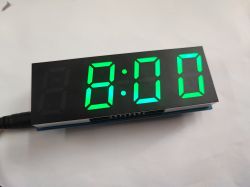
What kit for a beginner to learn soldering? Here is another simple and enjoyable kit - a clock with alarm and temperature measurement based on a large 7-segment display, all realised on a double-sided board based on through-hole assembly and available to buy for just under a dozen zloty.
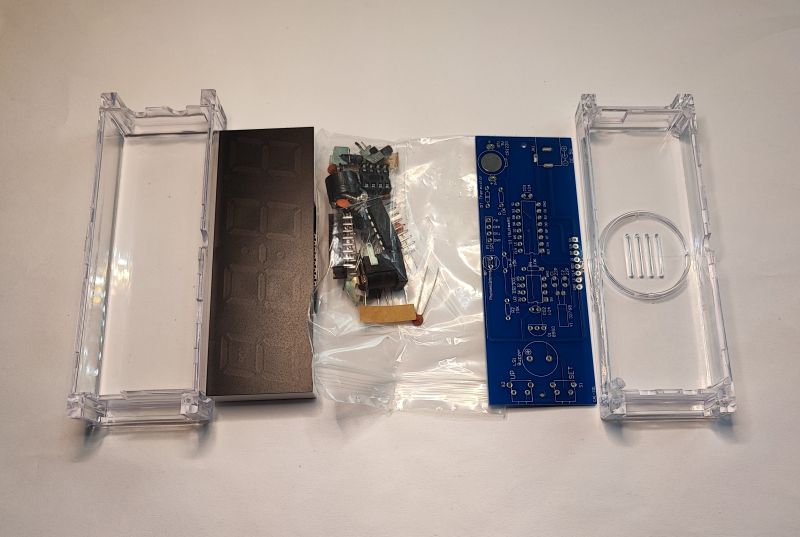
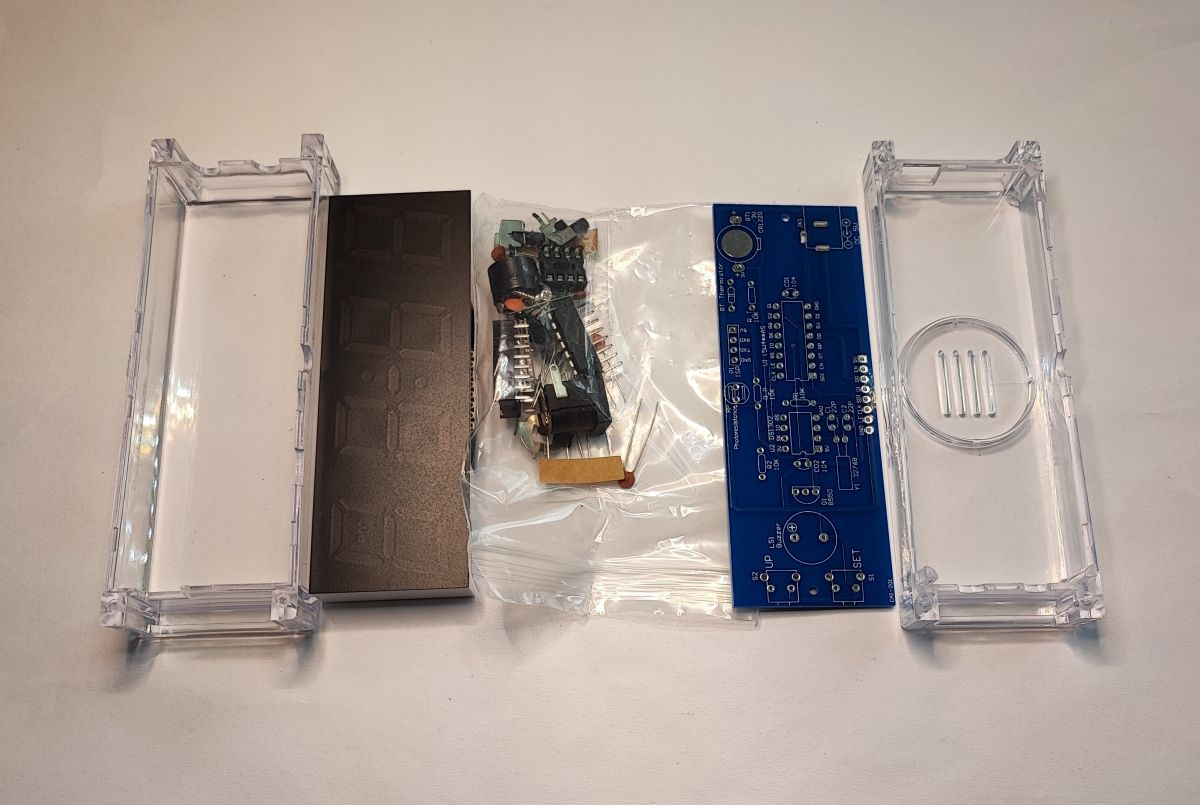
The kit includes the board, a set of components, the display, as well as a neat acrylic case. You will additionally need a 5 V power supply, but such probably everyone, as well as of course a soldering iron with accessories. The cheapest one will suffice:
Inexpensive temperature-controlled soldering iron (UYUE 301D/APD931/BT136S)
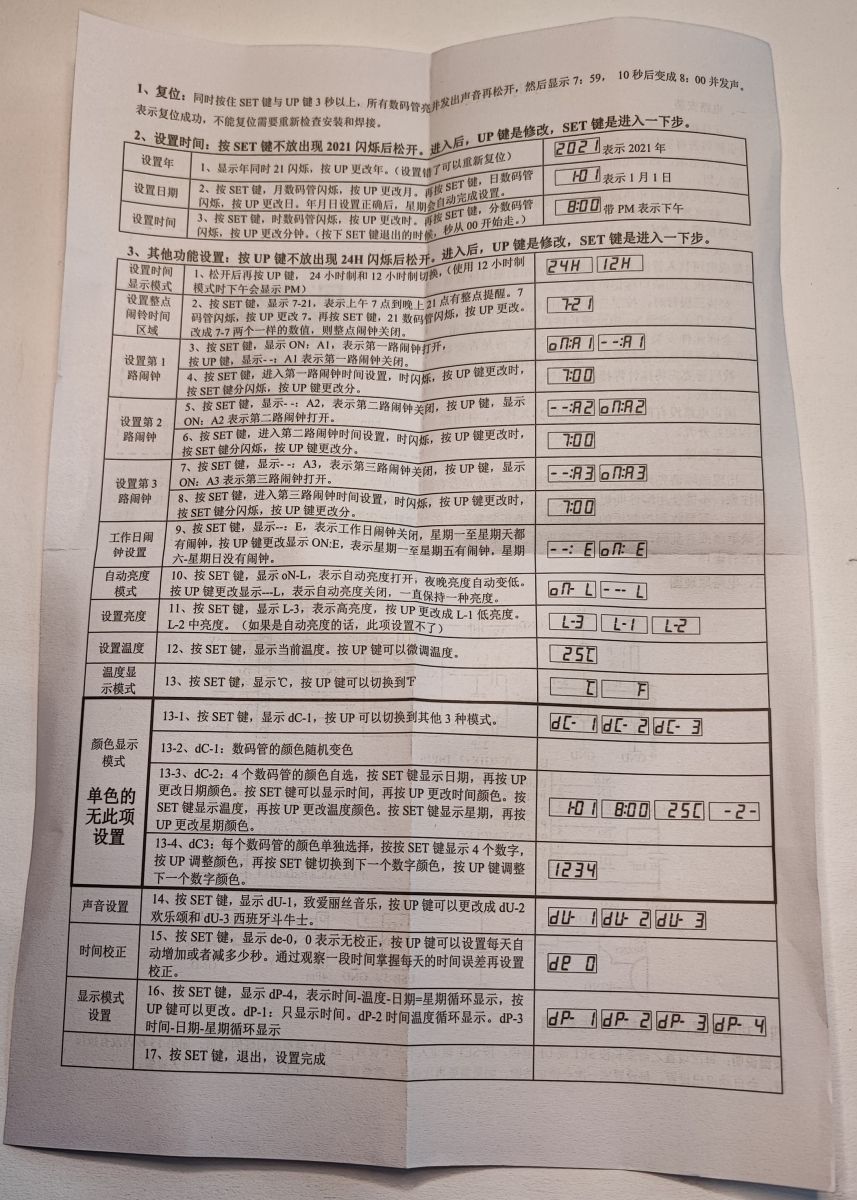
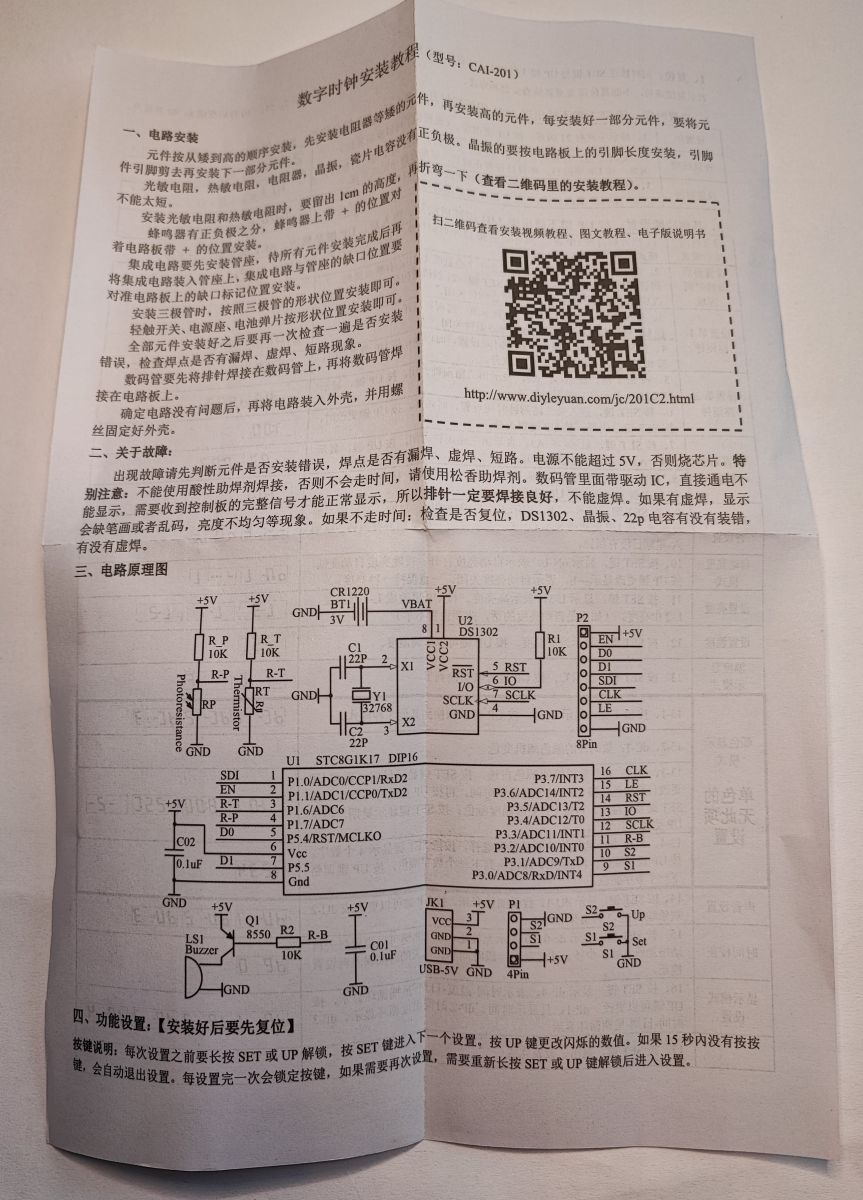
I also received a manual - but in Chinese, will this help us?
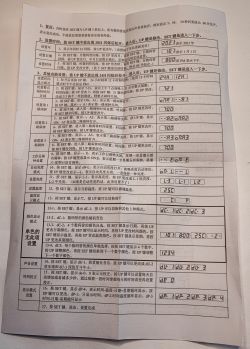
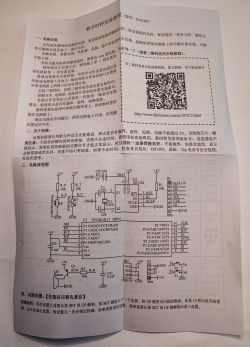
Fortunately, there is documentation for this clock available separately on the web, you can find it by the name CAI-201.
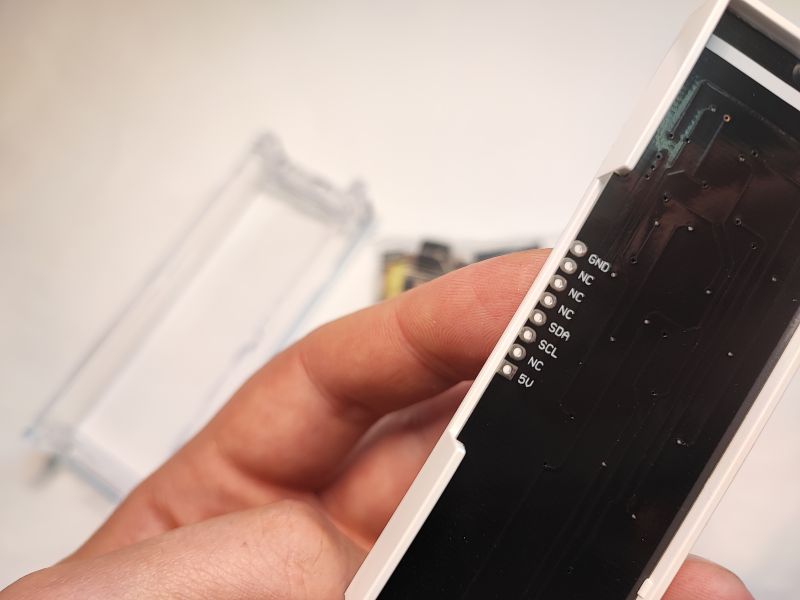
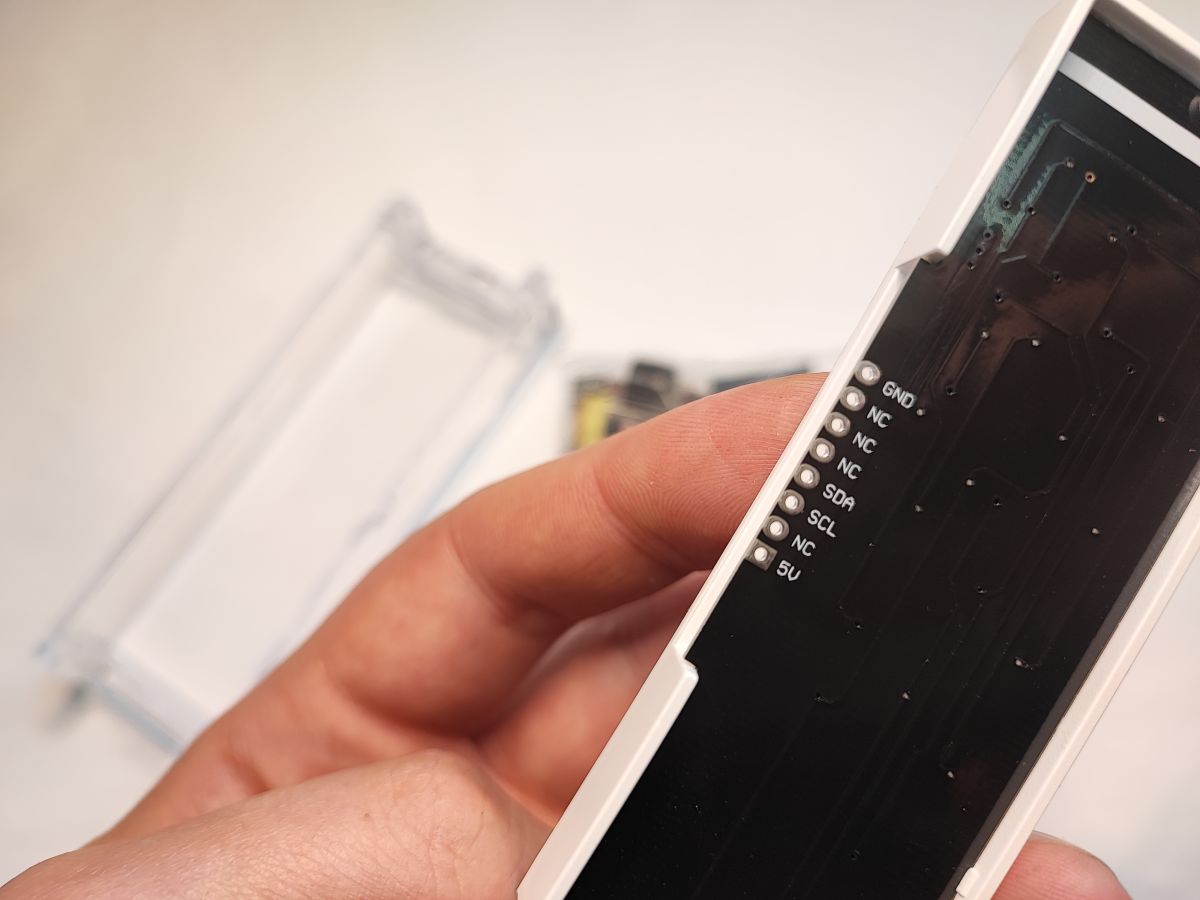
I was most interested in the display - it is controlled via I2C, it must have a built-in controller:
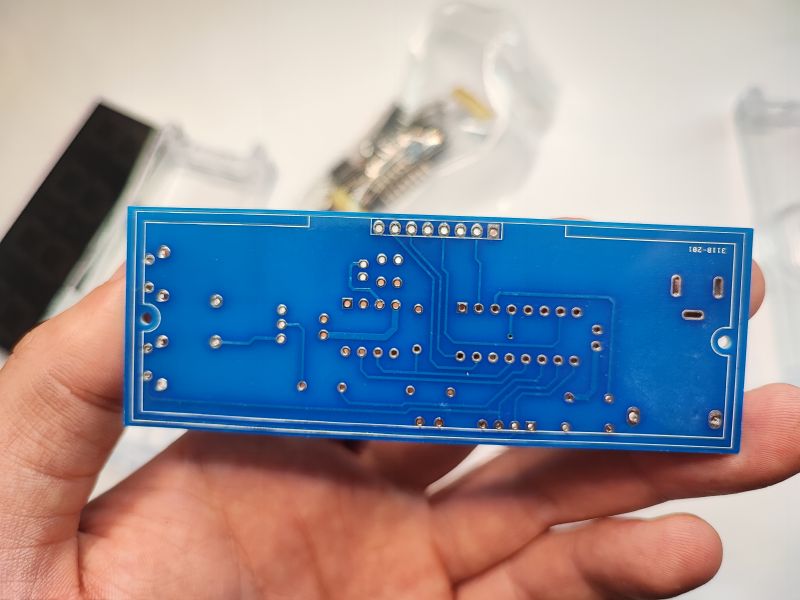
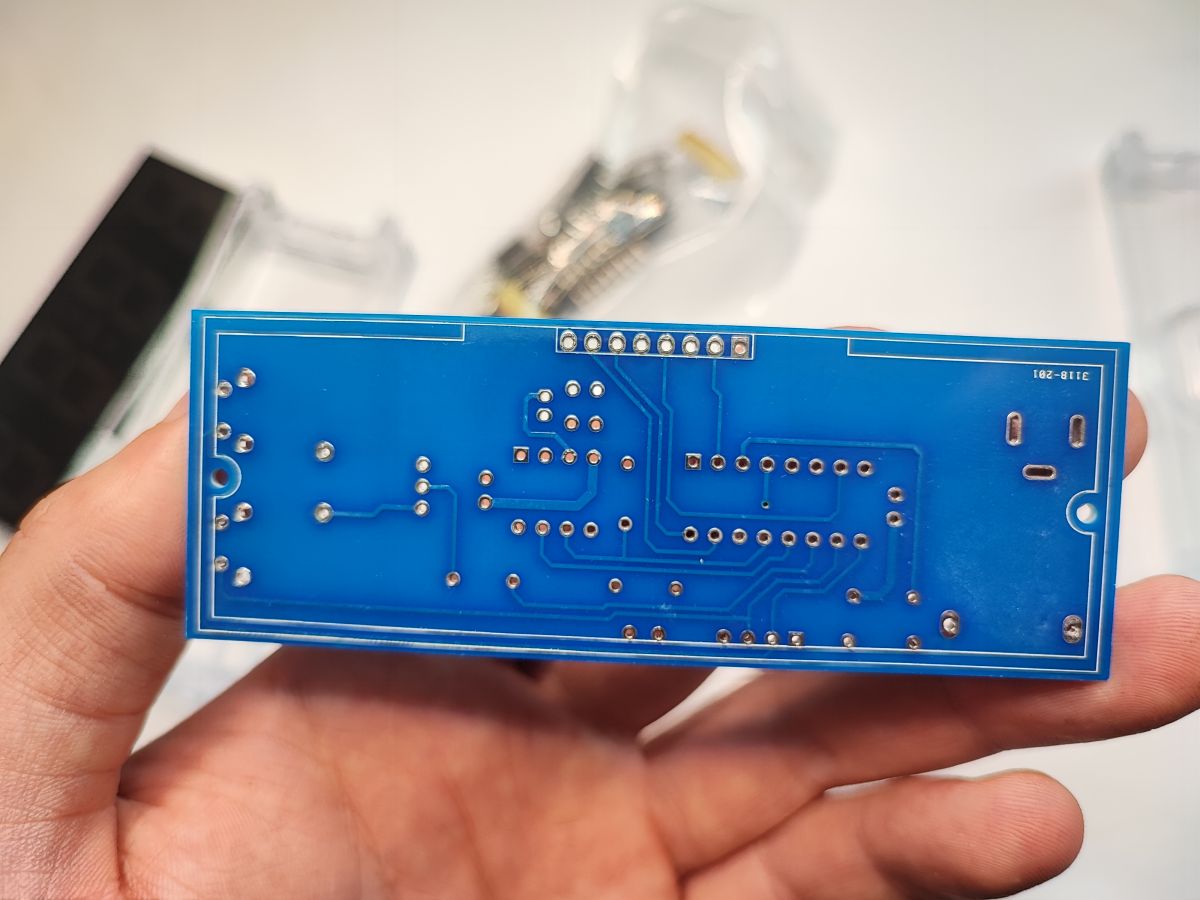
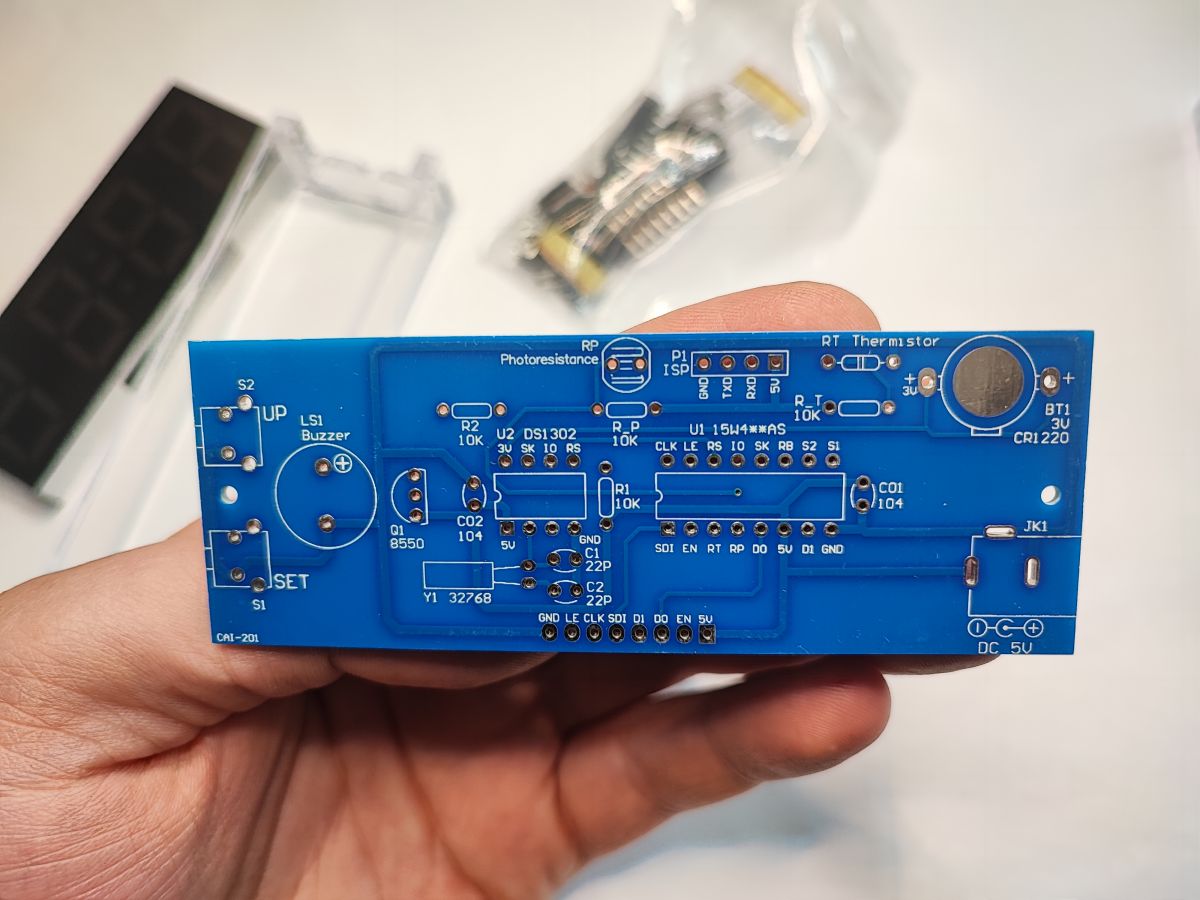
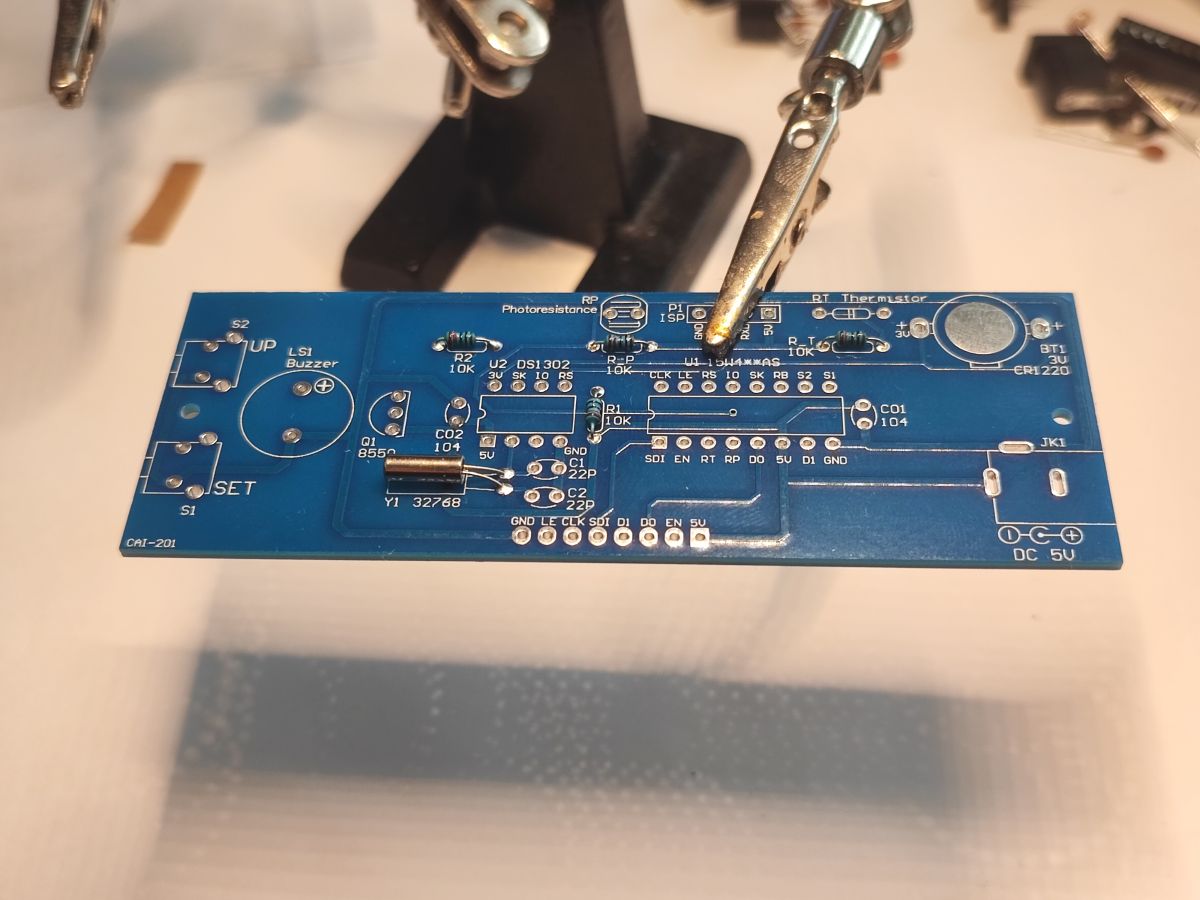
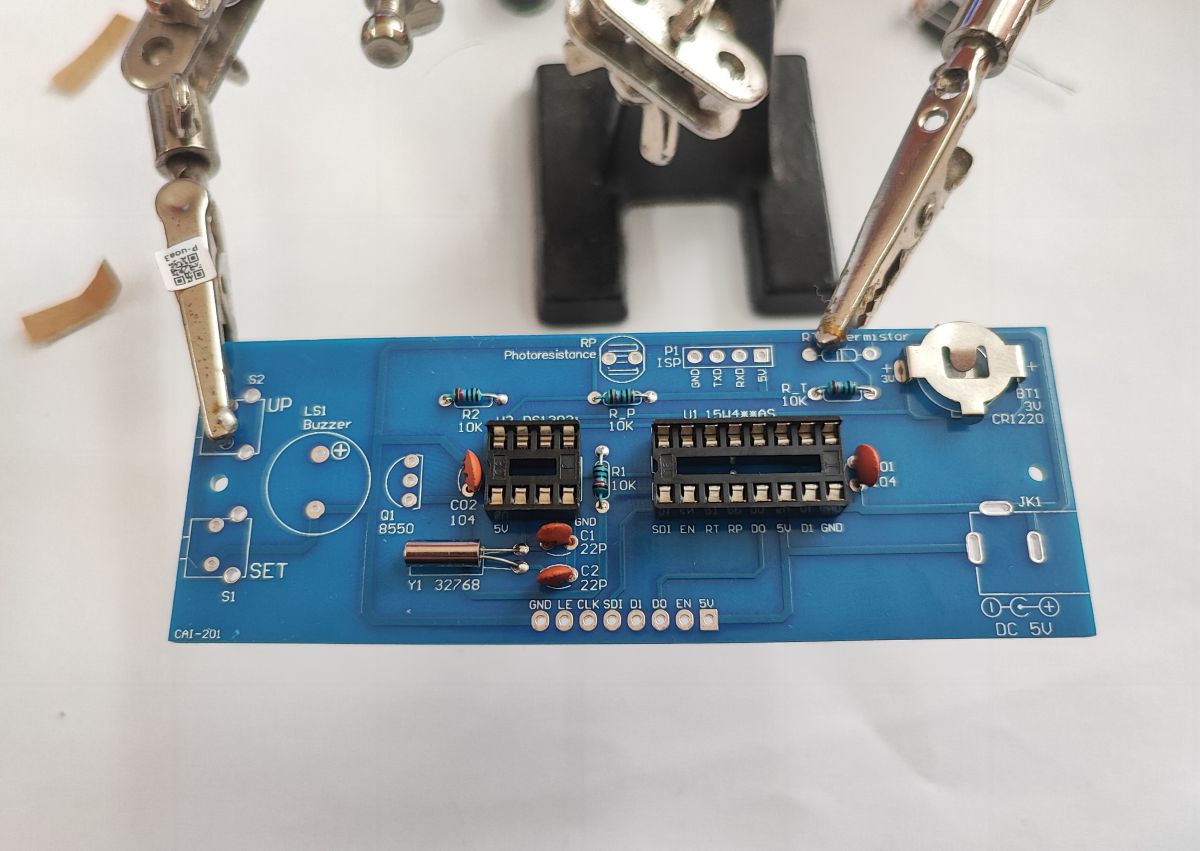
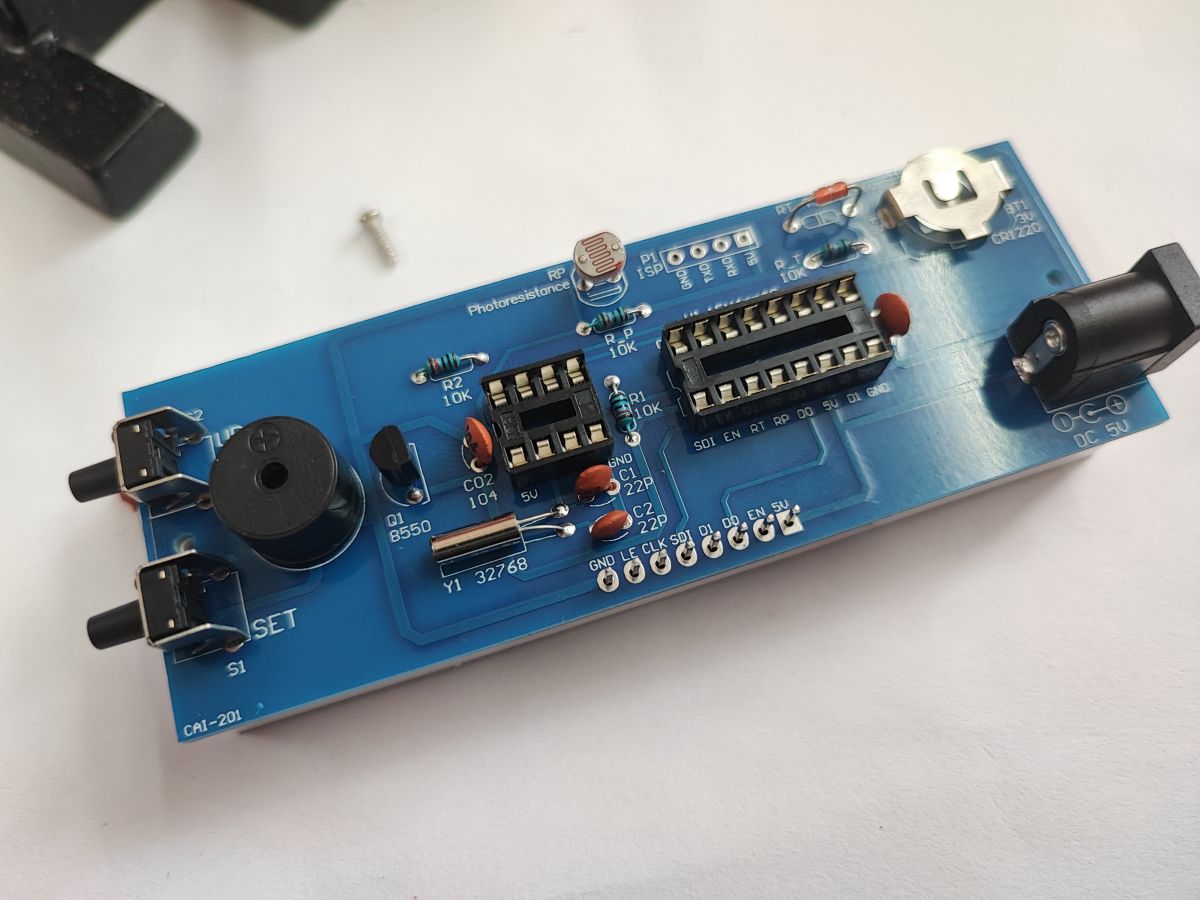
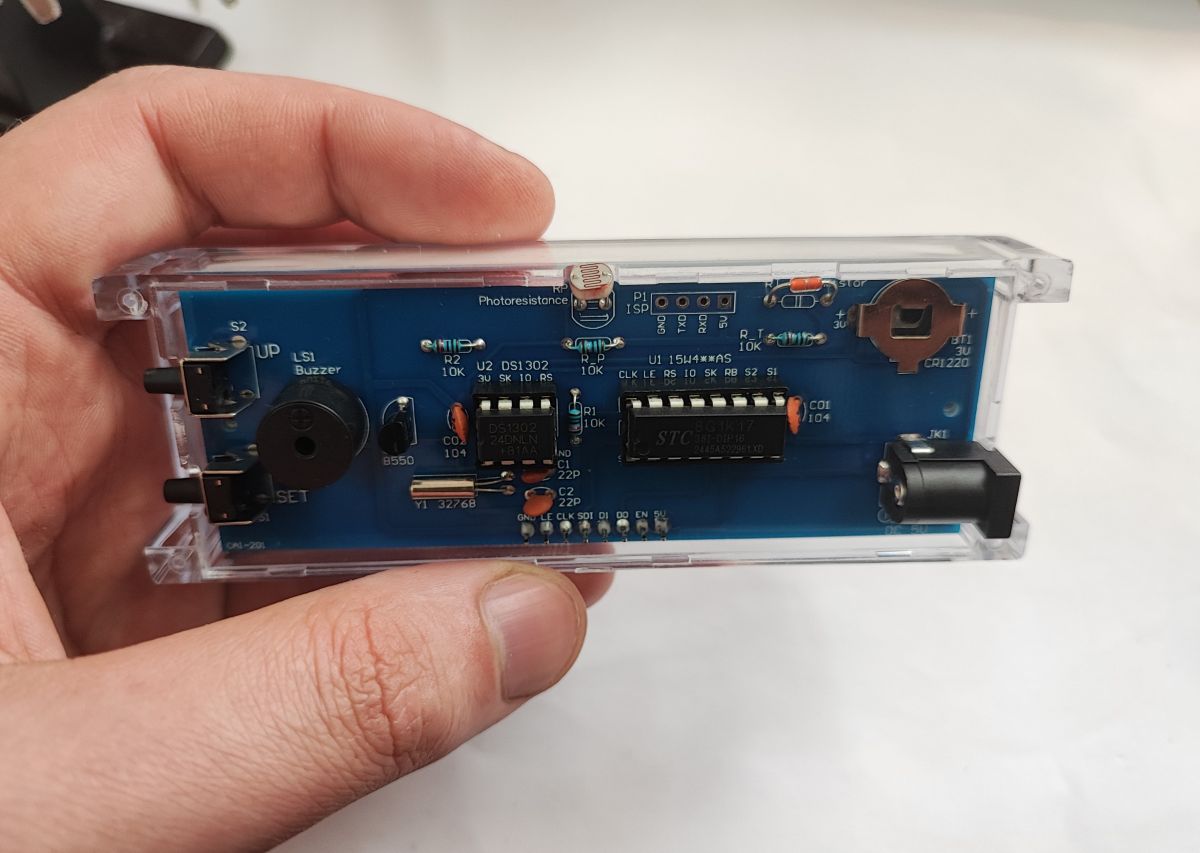
The board is quite simple, it could probably be realised on its own with just one layer of copper, but why, as the production cost would probably not decrease at all:
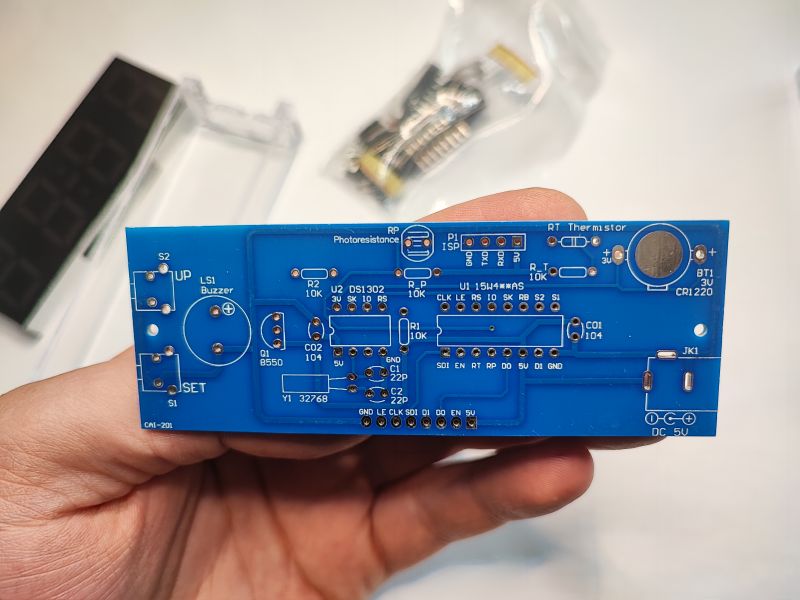
On the description layer everything is nicely shown - orientation, symbols and component values. Rather, there is no way to get confused here - even next to the jack socket there is information that the outer contact is ground and the middle contact is power.
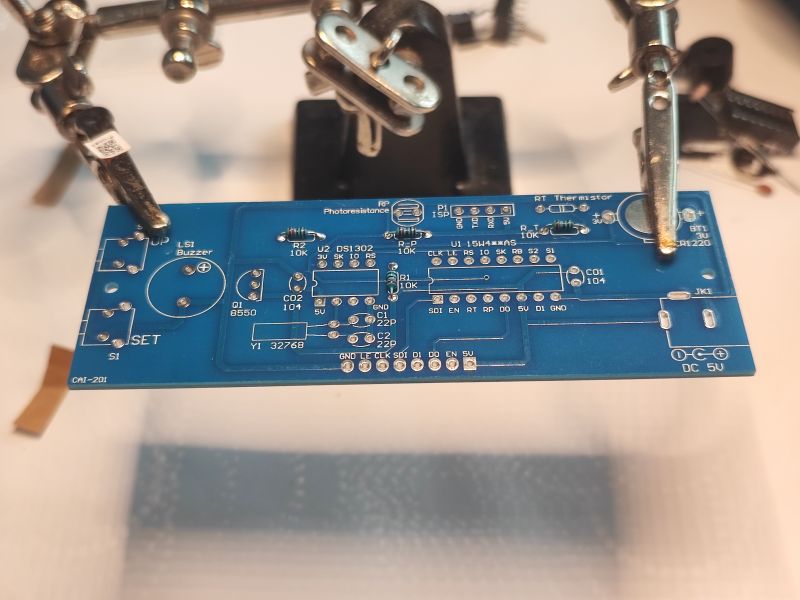
Before soldering it is a good idea to clean the board with isopropyl alcohol IPA. Then solder, starting with the smallest components. Insert the component, heat up the soldering iron (but without overdoing it), you can add a little flux to make it easier, and heat up the pad, applying the solder to it. We take care of the hygiene of the soldering iron tip. We cut off the rest of the legs.
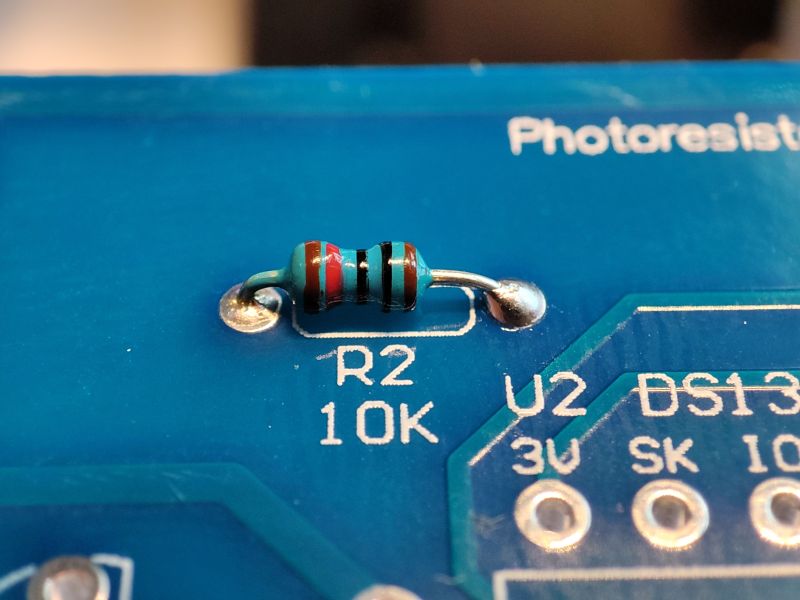
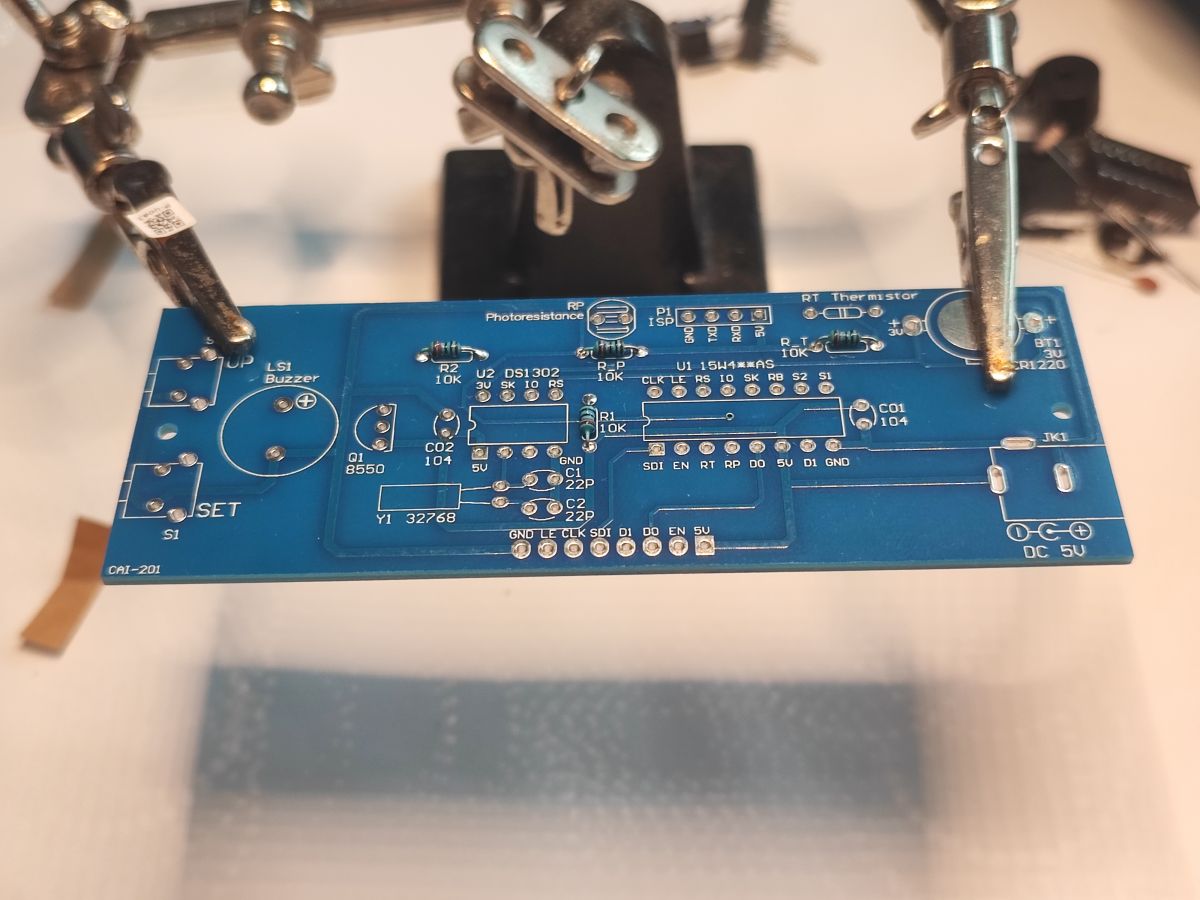
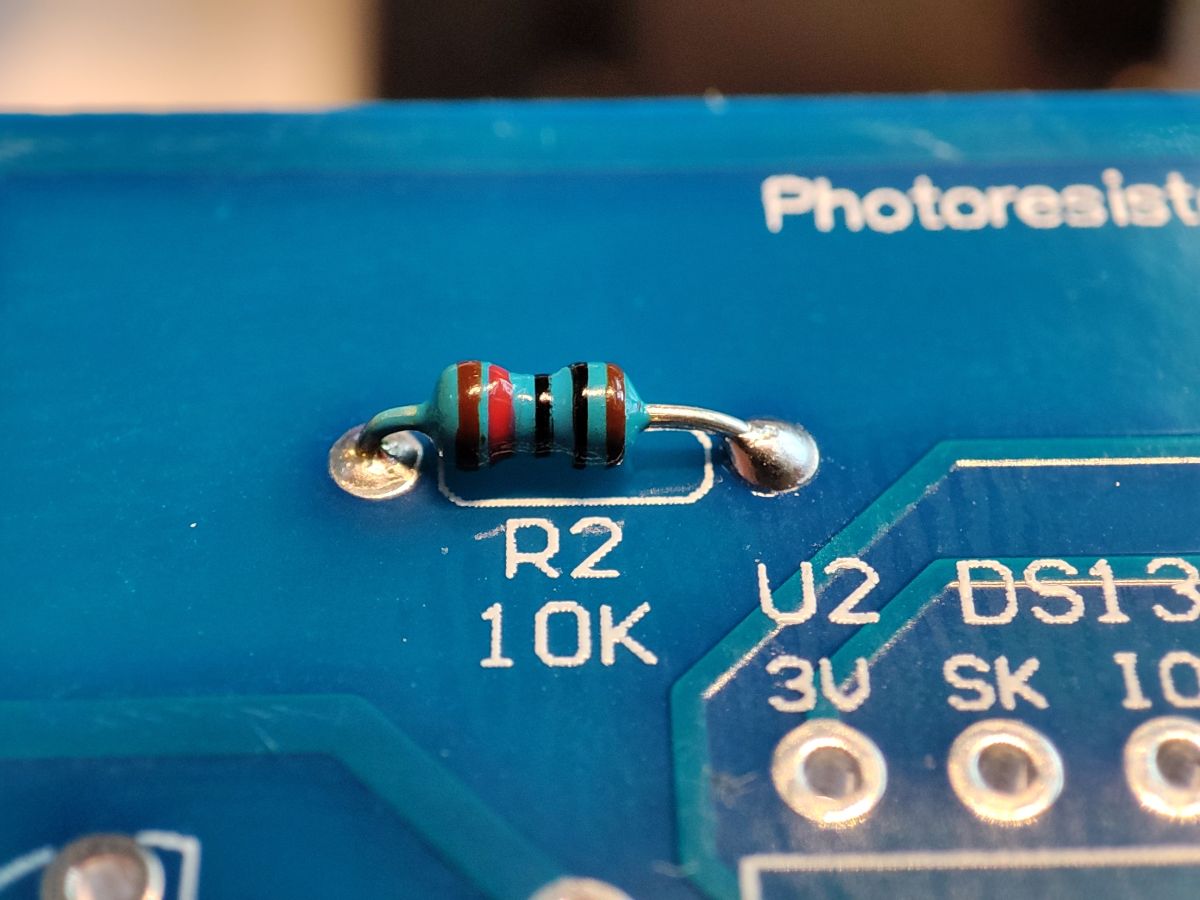
I started with the resistors. It's best to check the values with a multimeter, unless we have signed off. It is also useful to know the barcode.
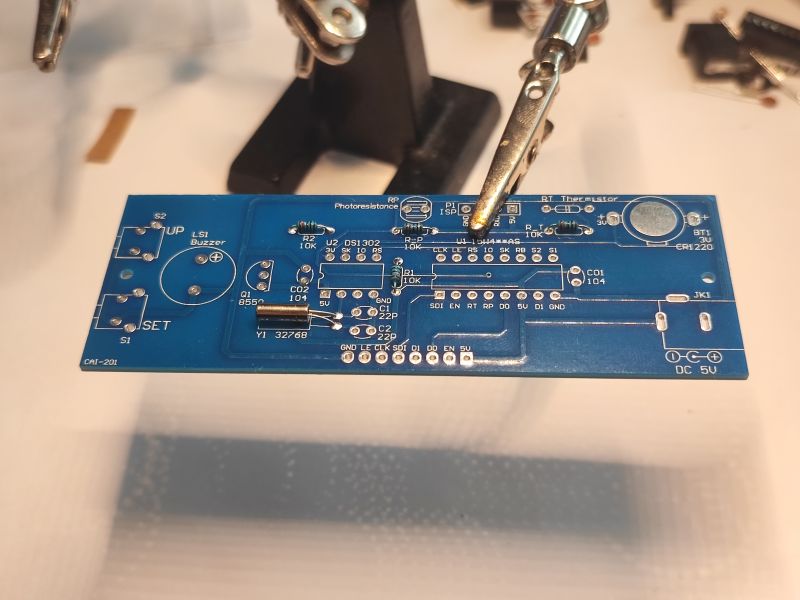
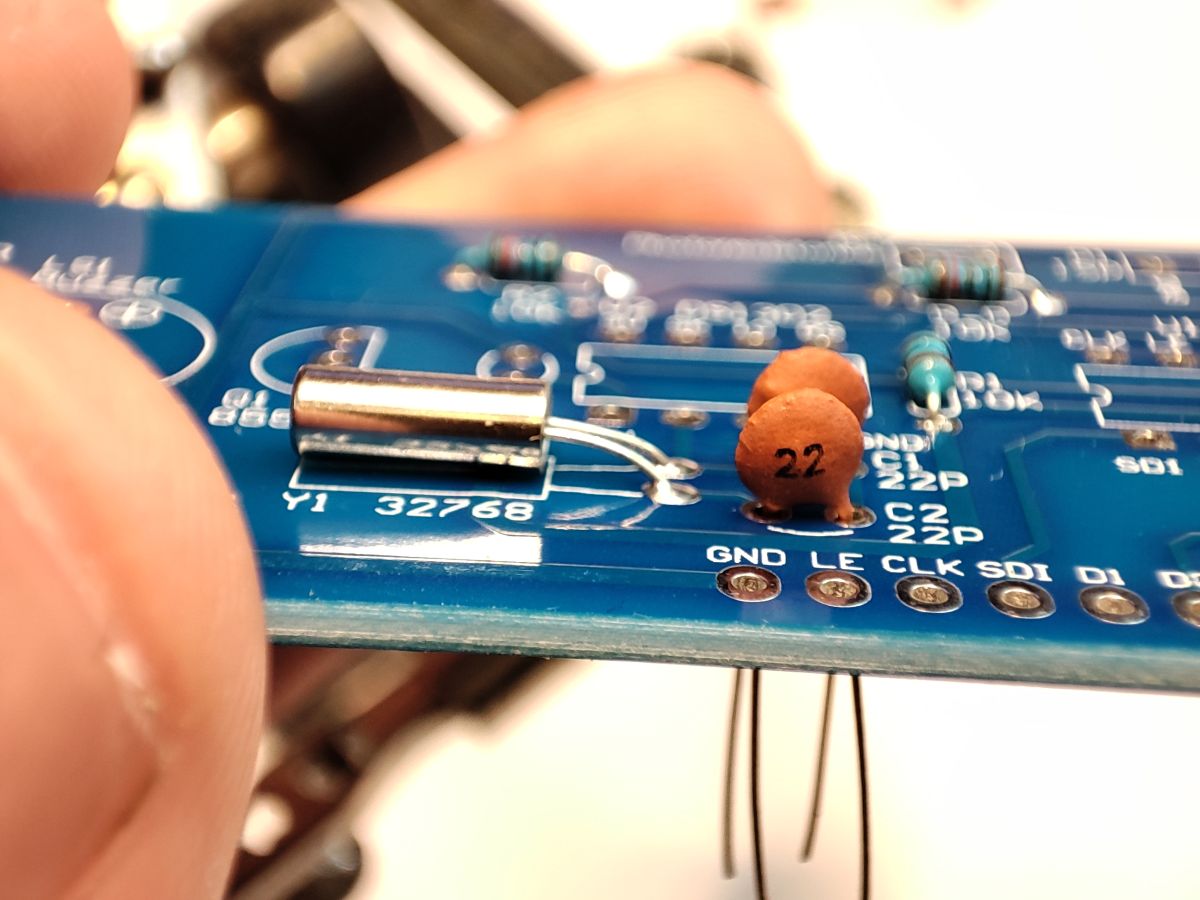
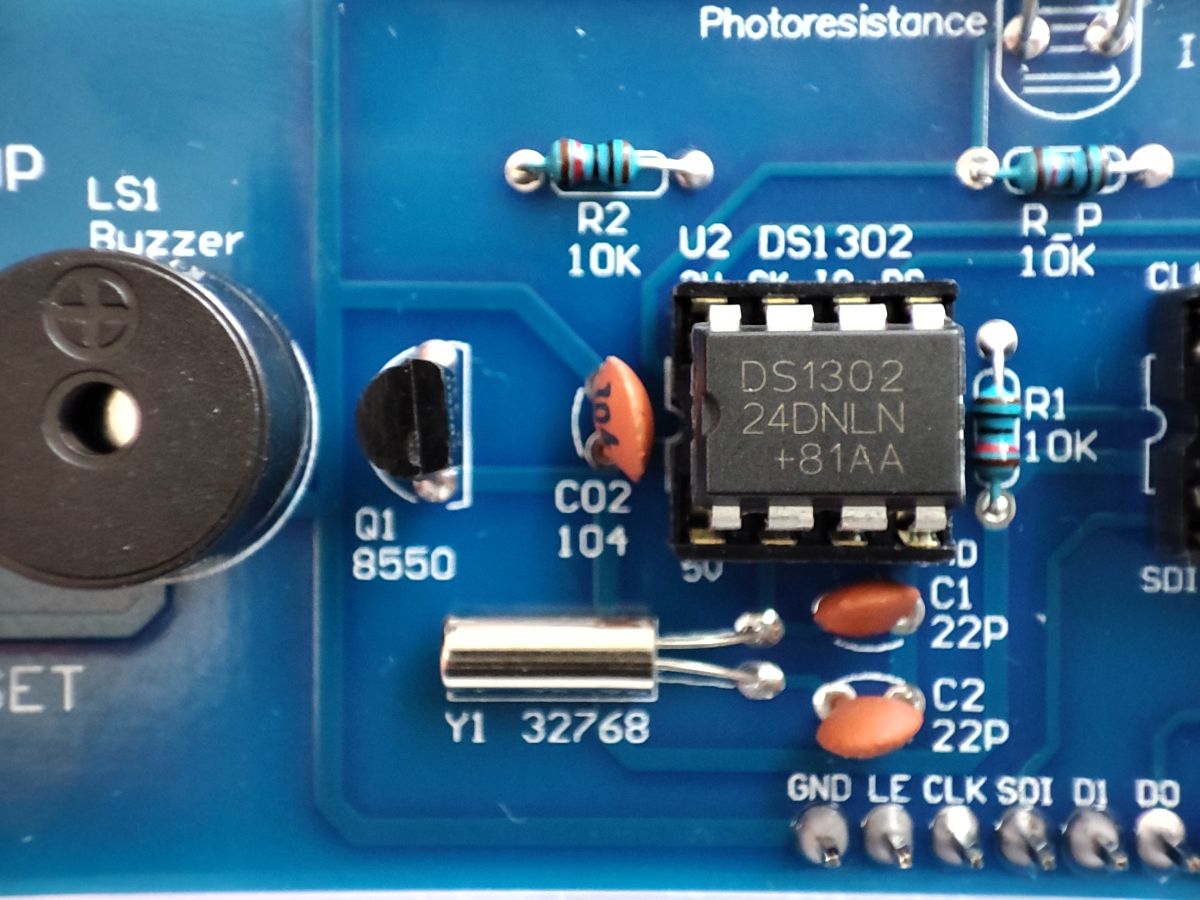
Then a 32.768 kHz quartz resonator, for precision timing, used by the DS1302 Real Time Clock (RTC) chip.
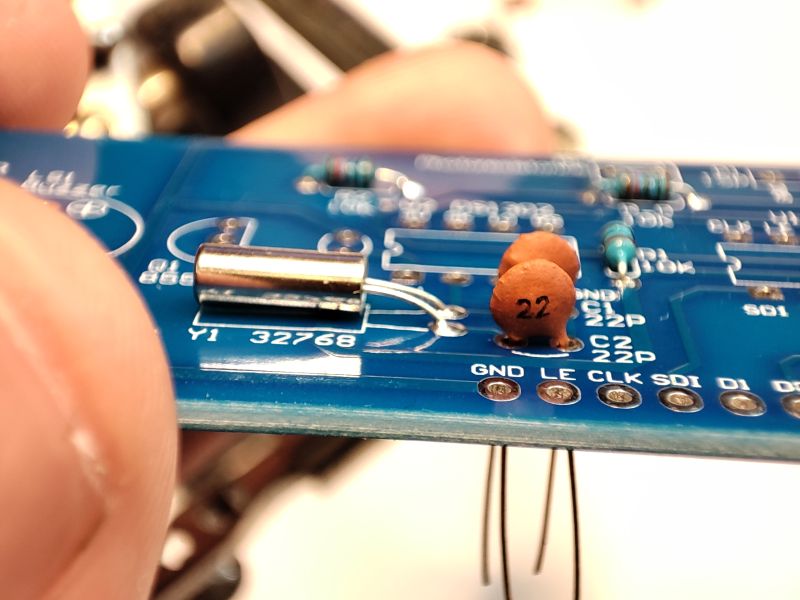
Capacitors 22 pF between oscillator legs and ground - to stabilise operation.
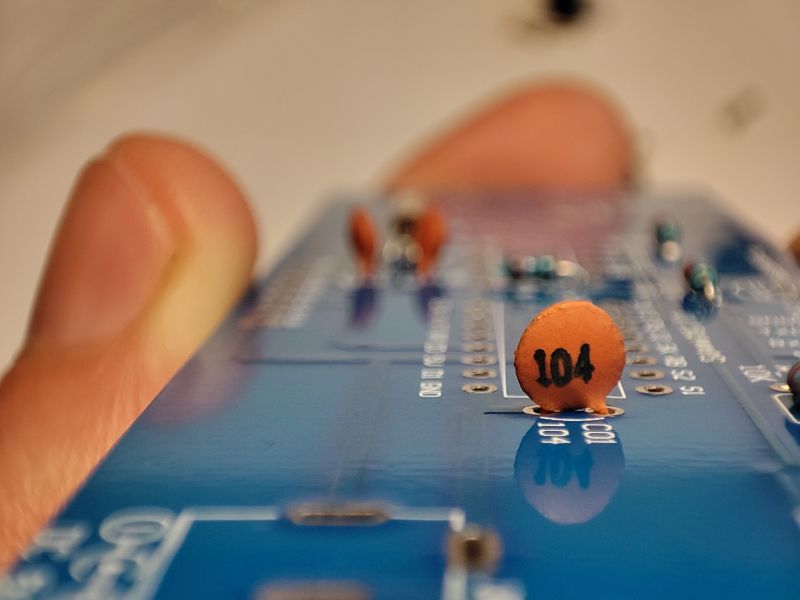
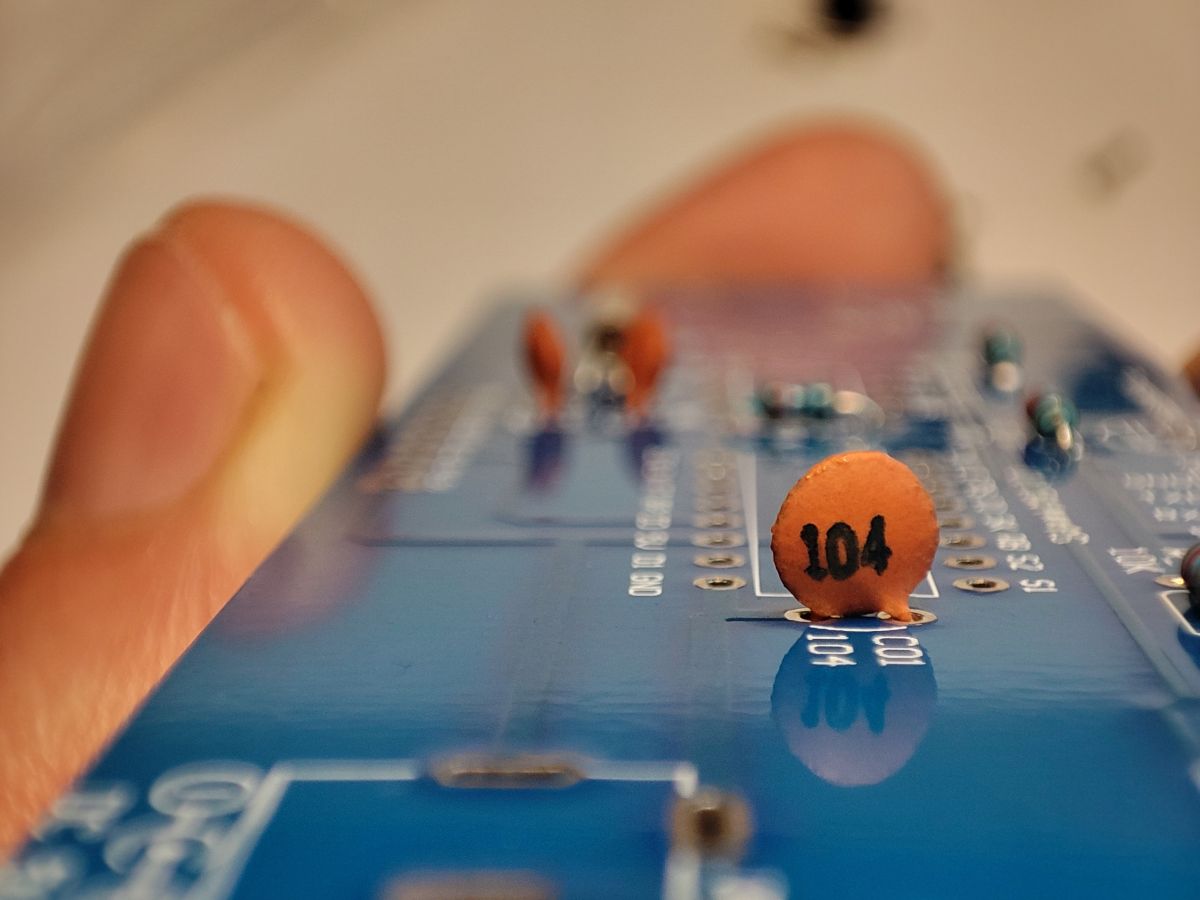
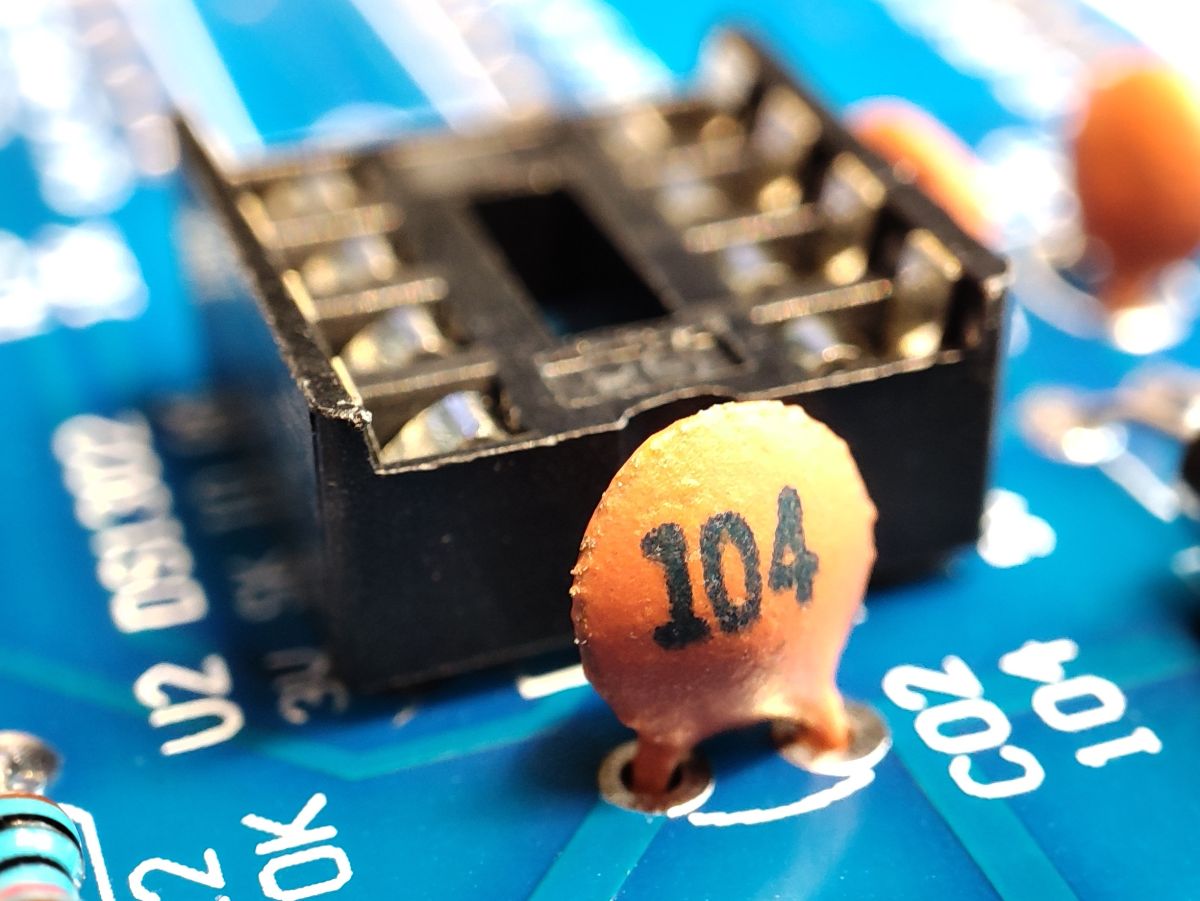
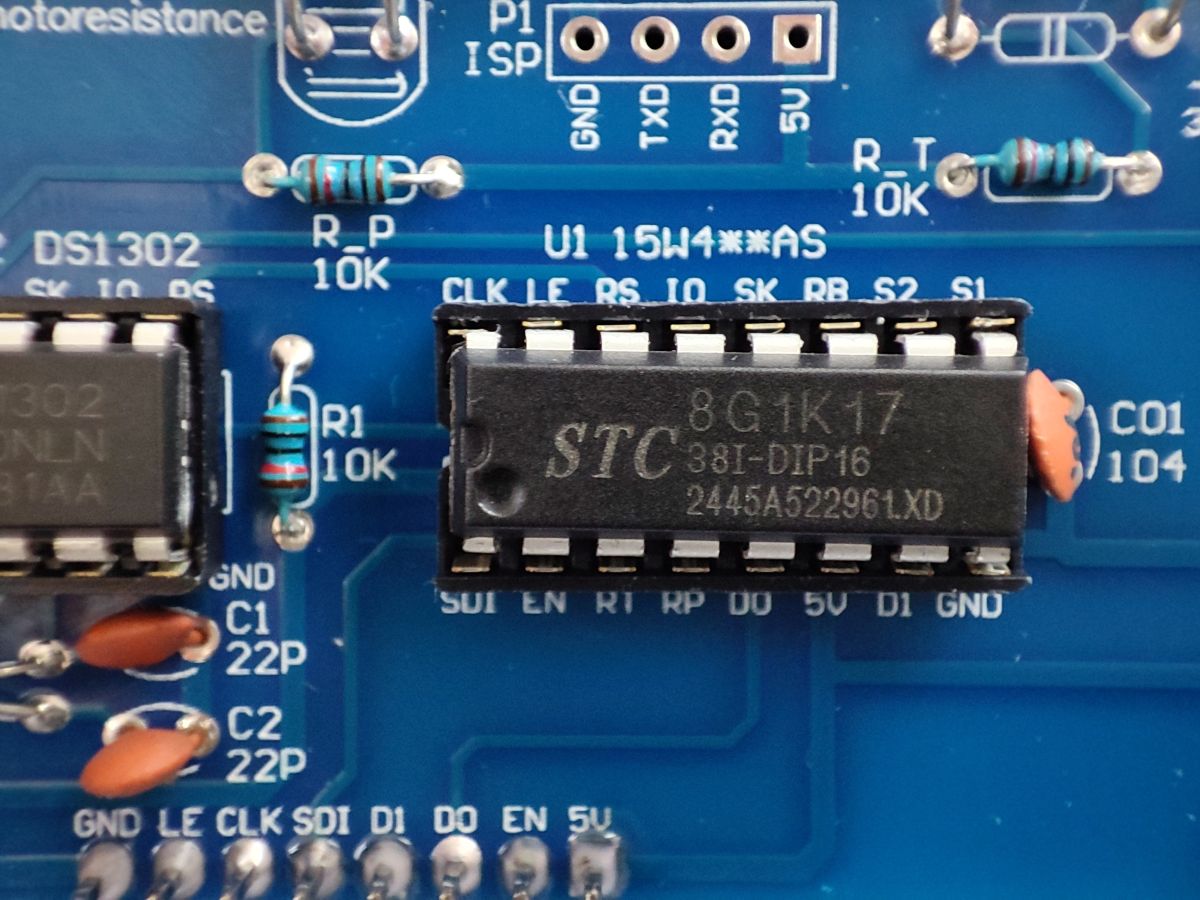
100 nF ceramic capacitor at the microcontroller supply - for power supply decoupling. Same for the RTC.
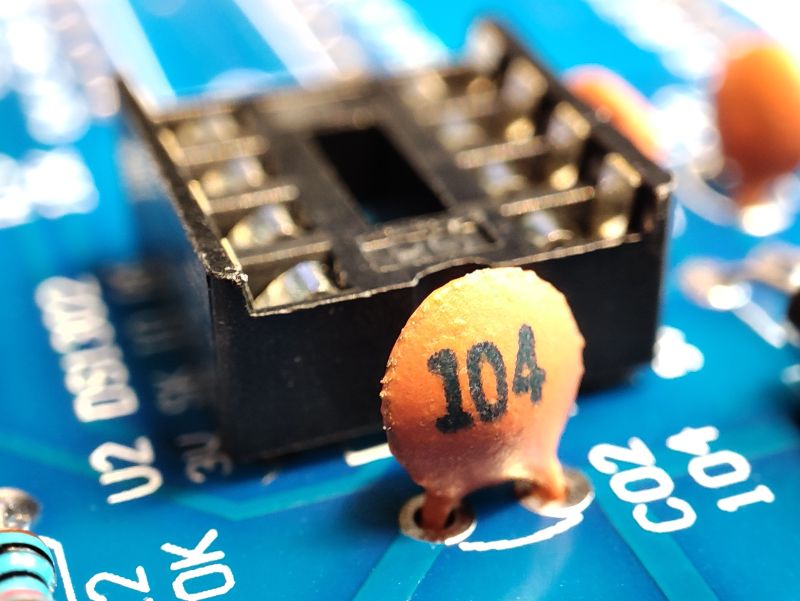
Soldering the bases - obviously cut according to the marking on the board.
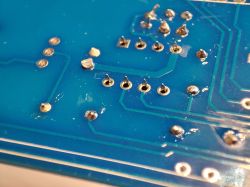
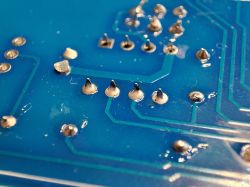
Almost done:
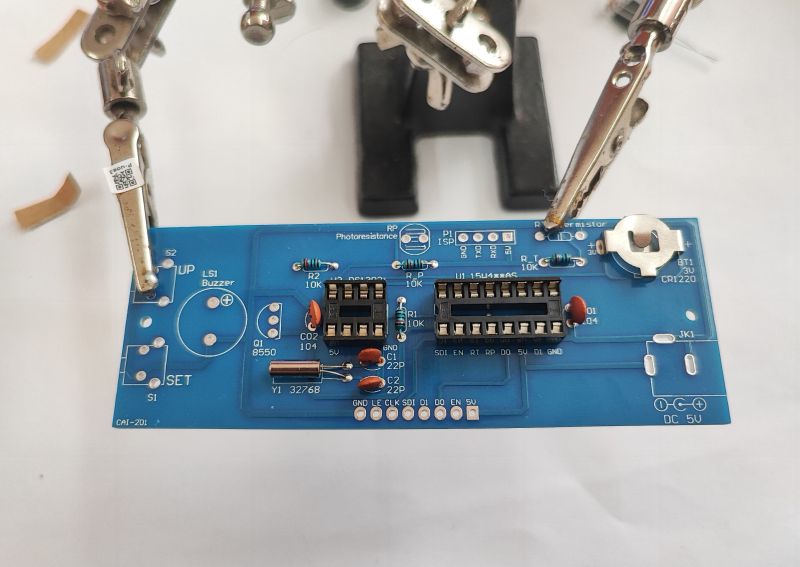
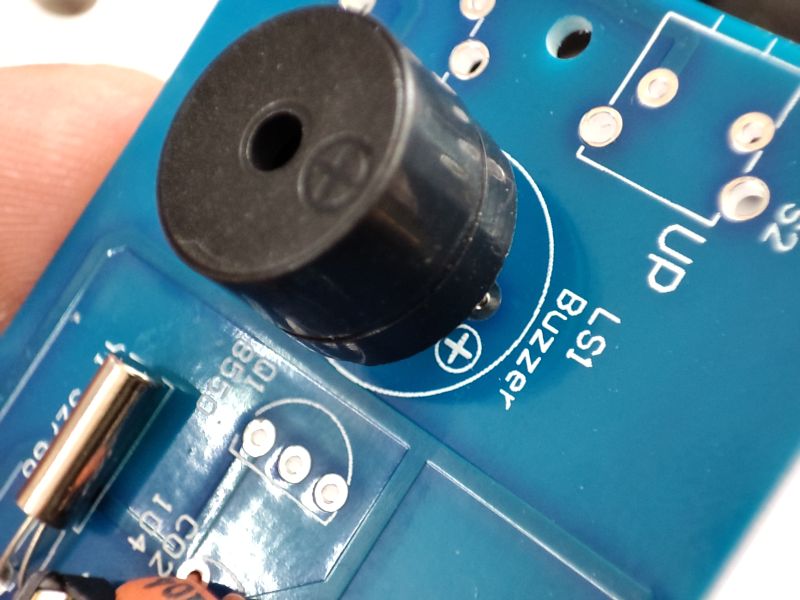
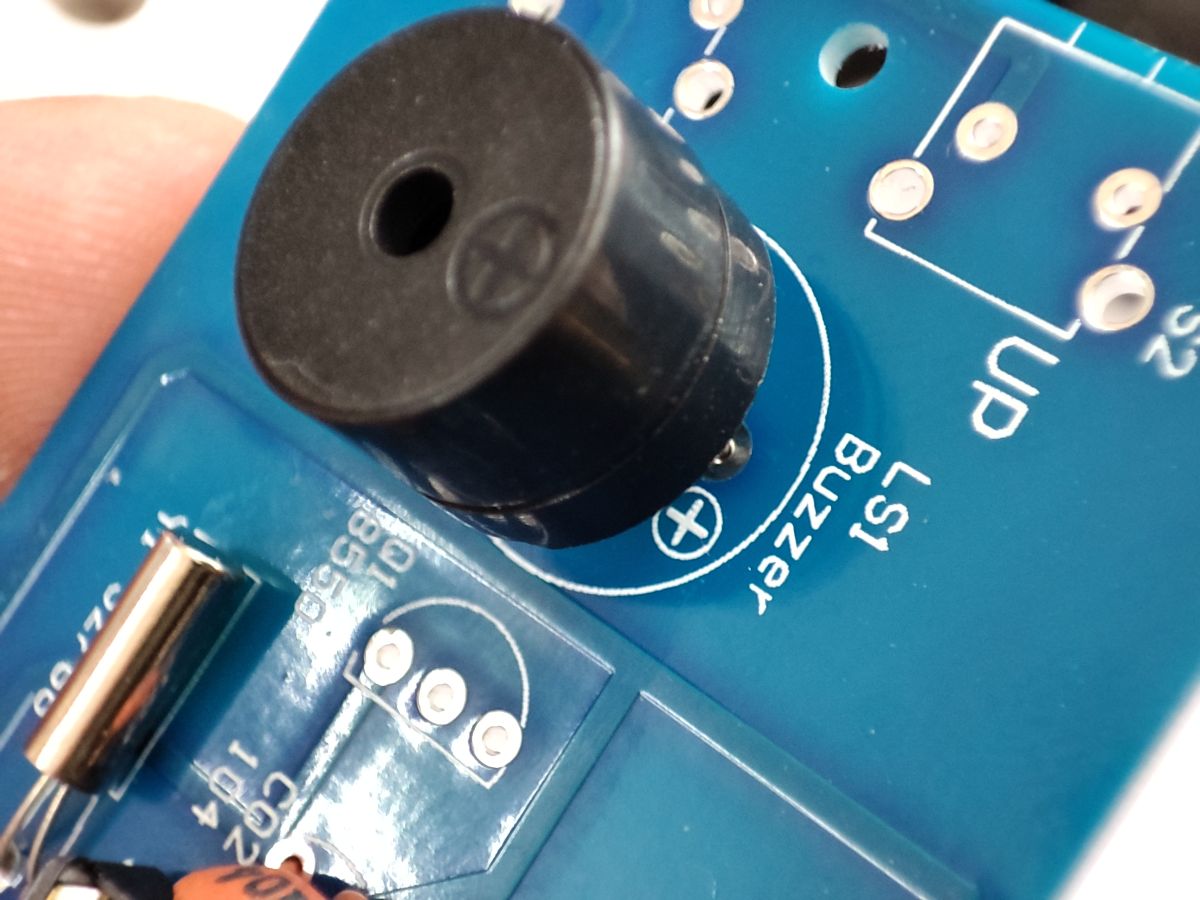
Buzzer (buzzer) also has polarity:
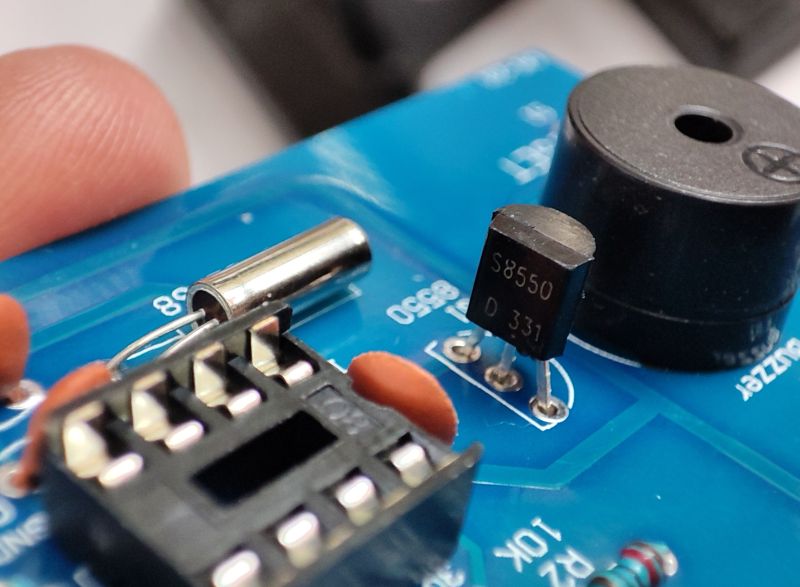
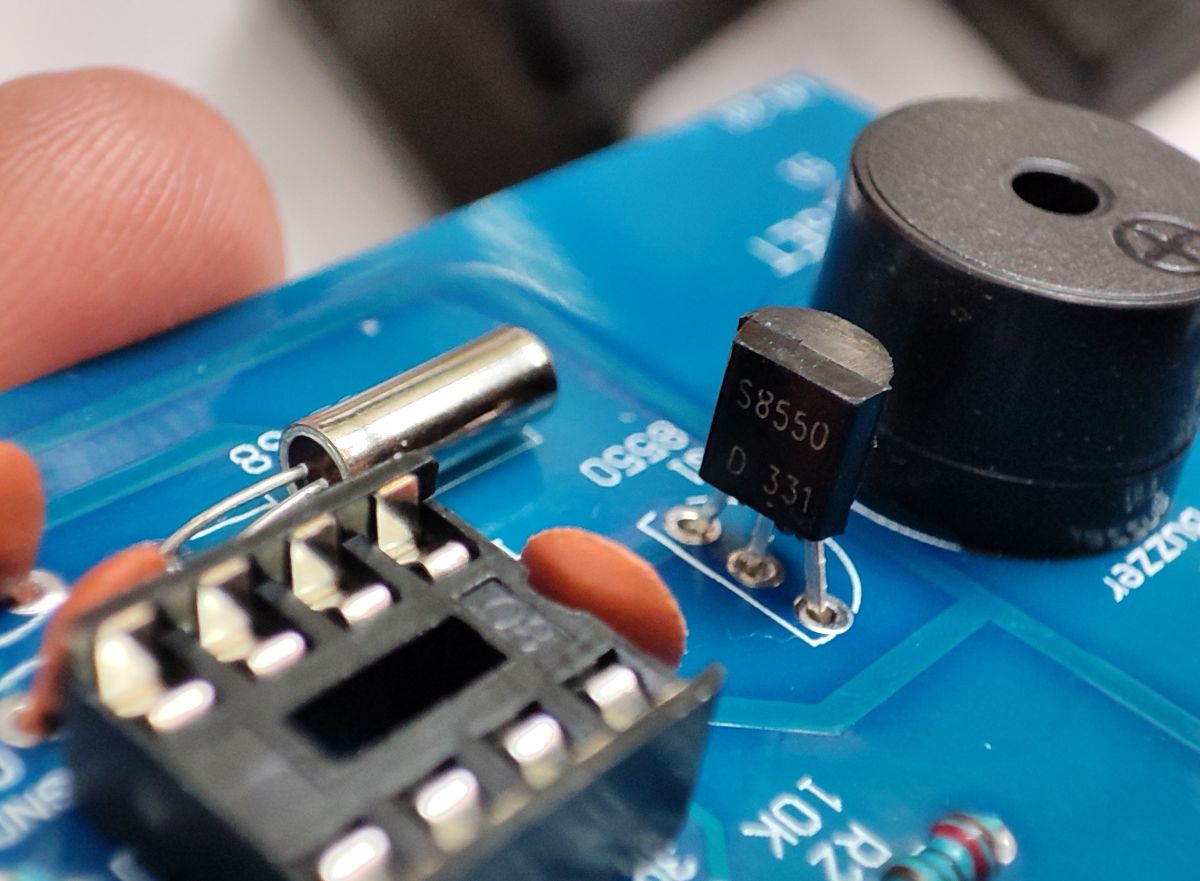
Transistor for switching on the buzzer (can't be soldered in reverse here either!):
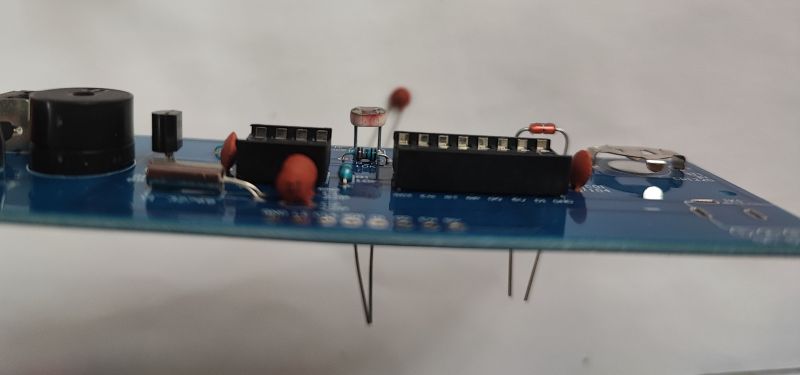
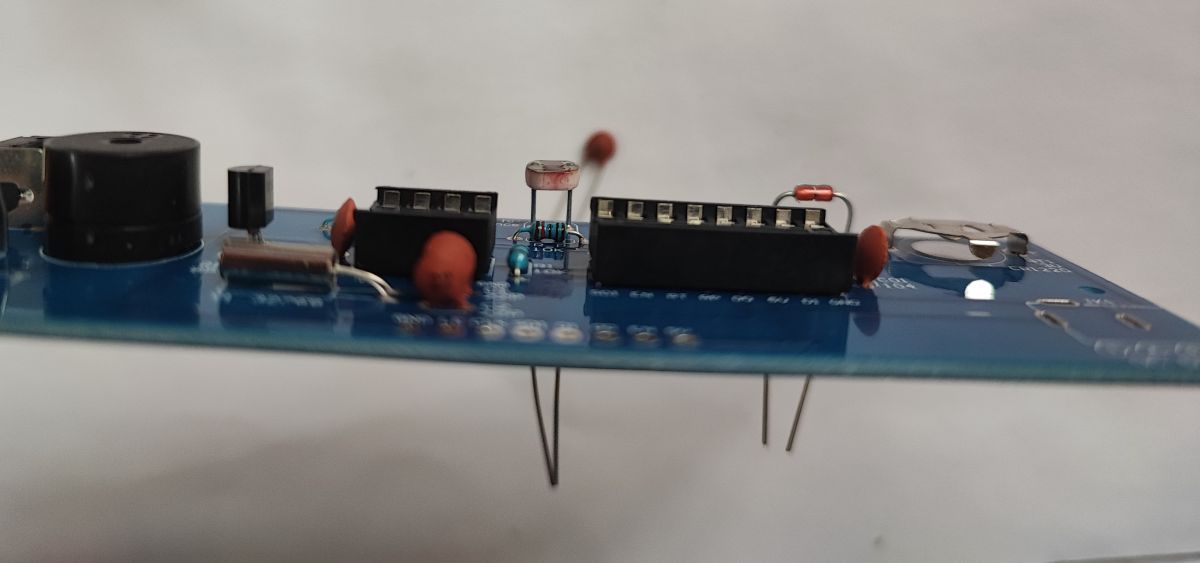
The photoresistor is used to adjust the brightness of the clock to the environment. It needs to be left long enough to dogleg it to the case later:
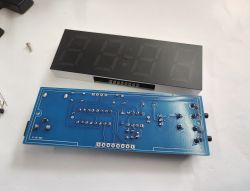
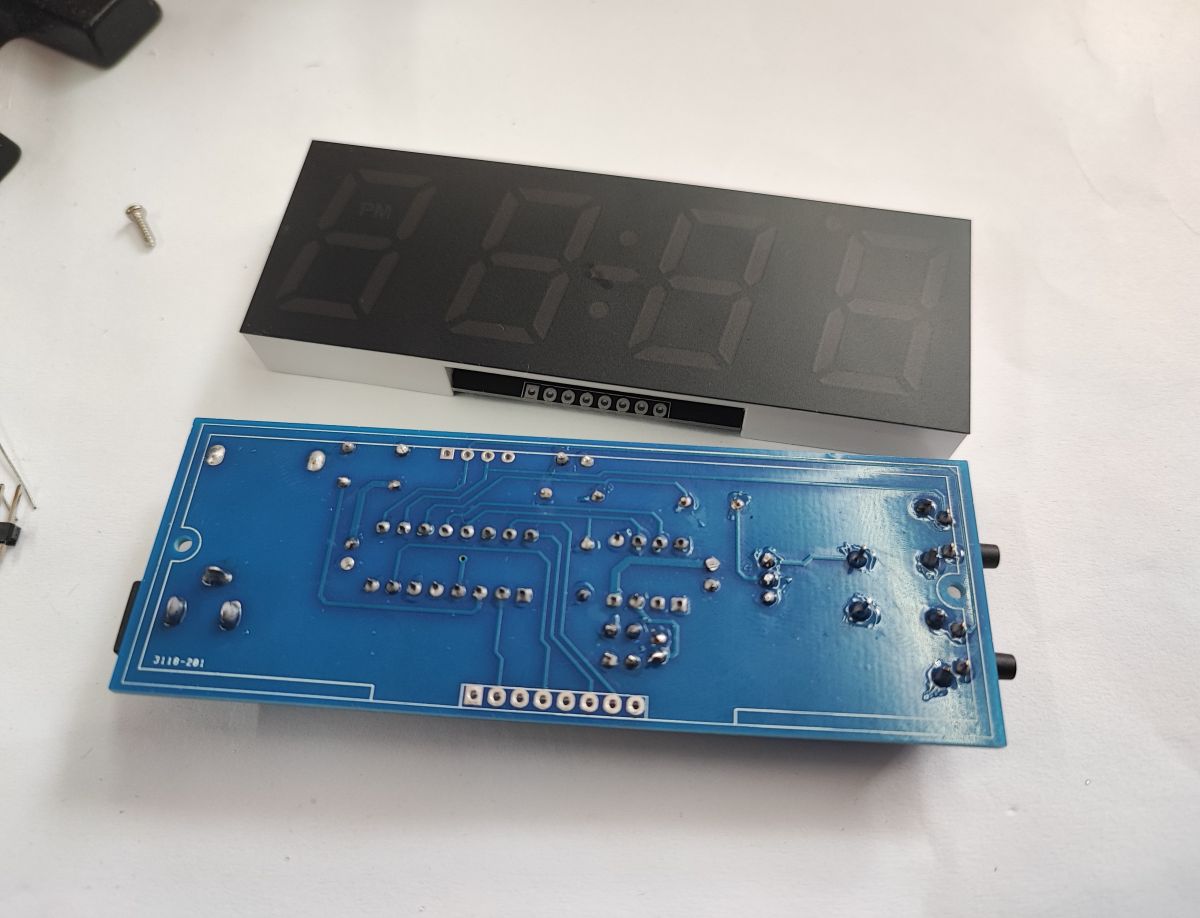
Almost done, we finally solder the display and place the circuits in the bases:
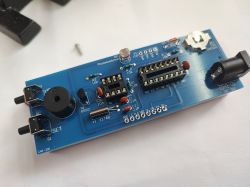
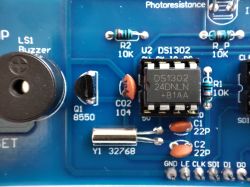
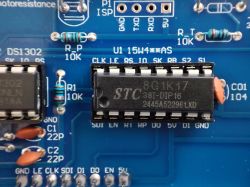
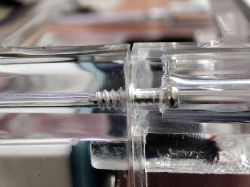
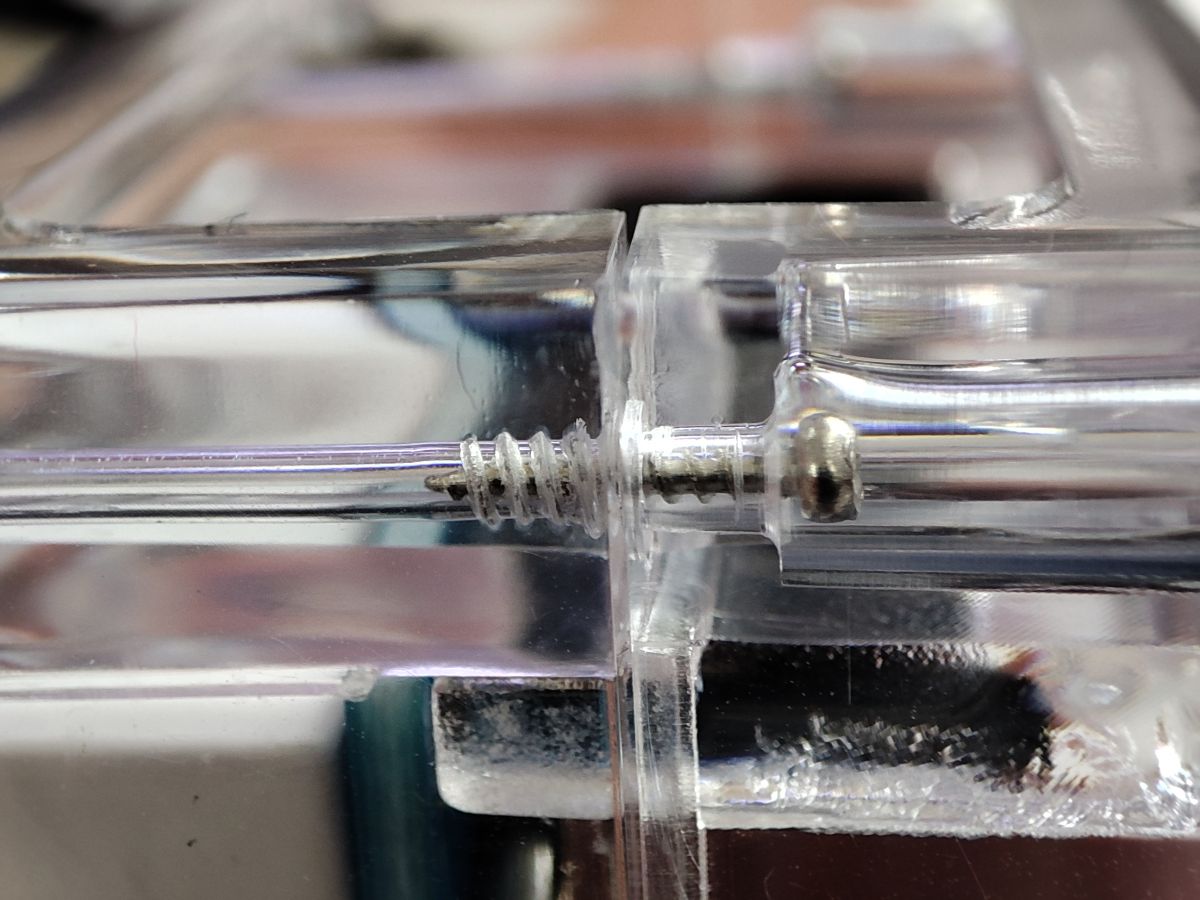
A thermistor (for temperature measurement) remains and the housing can still be screwed together.
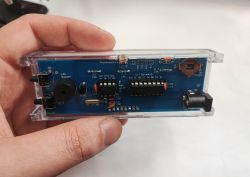
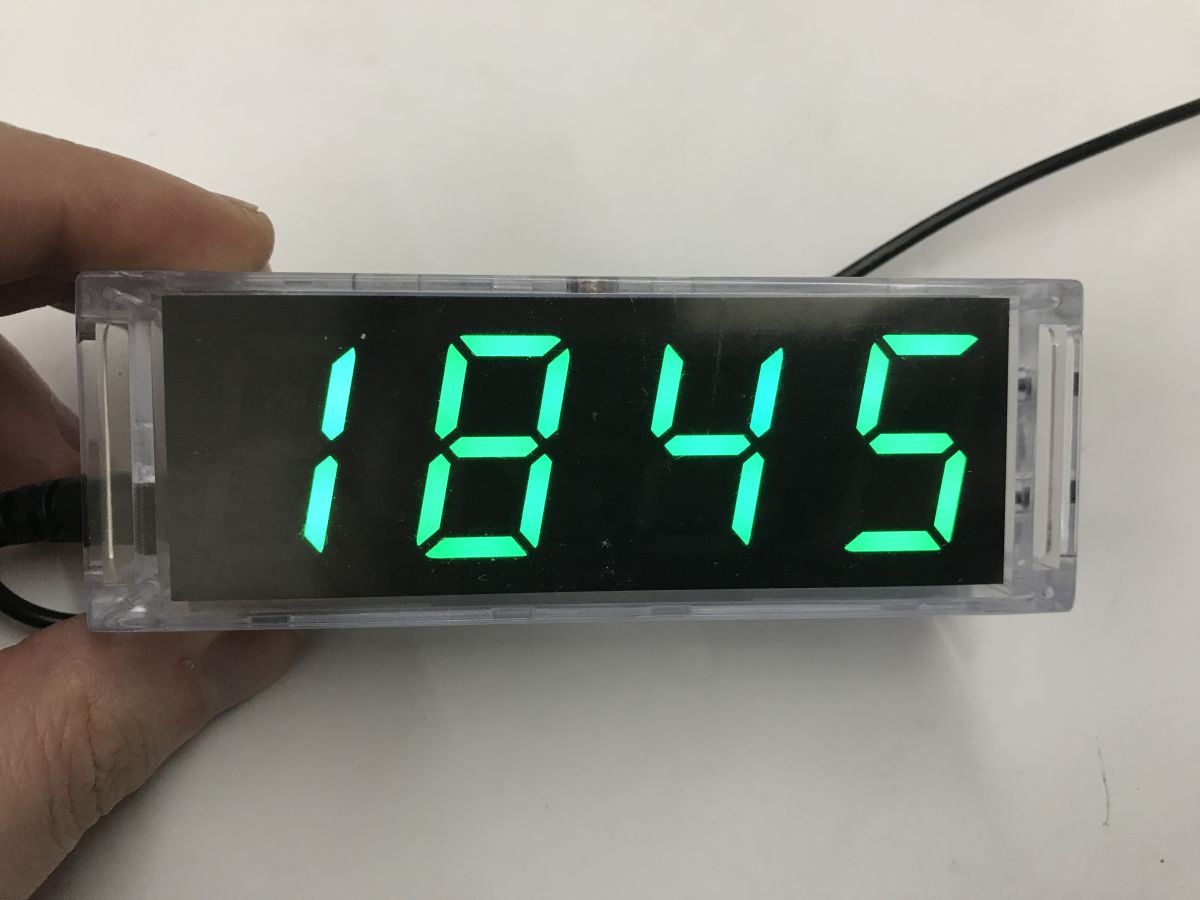
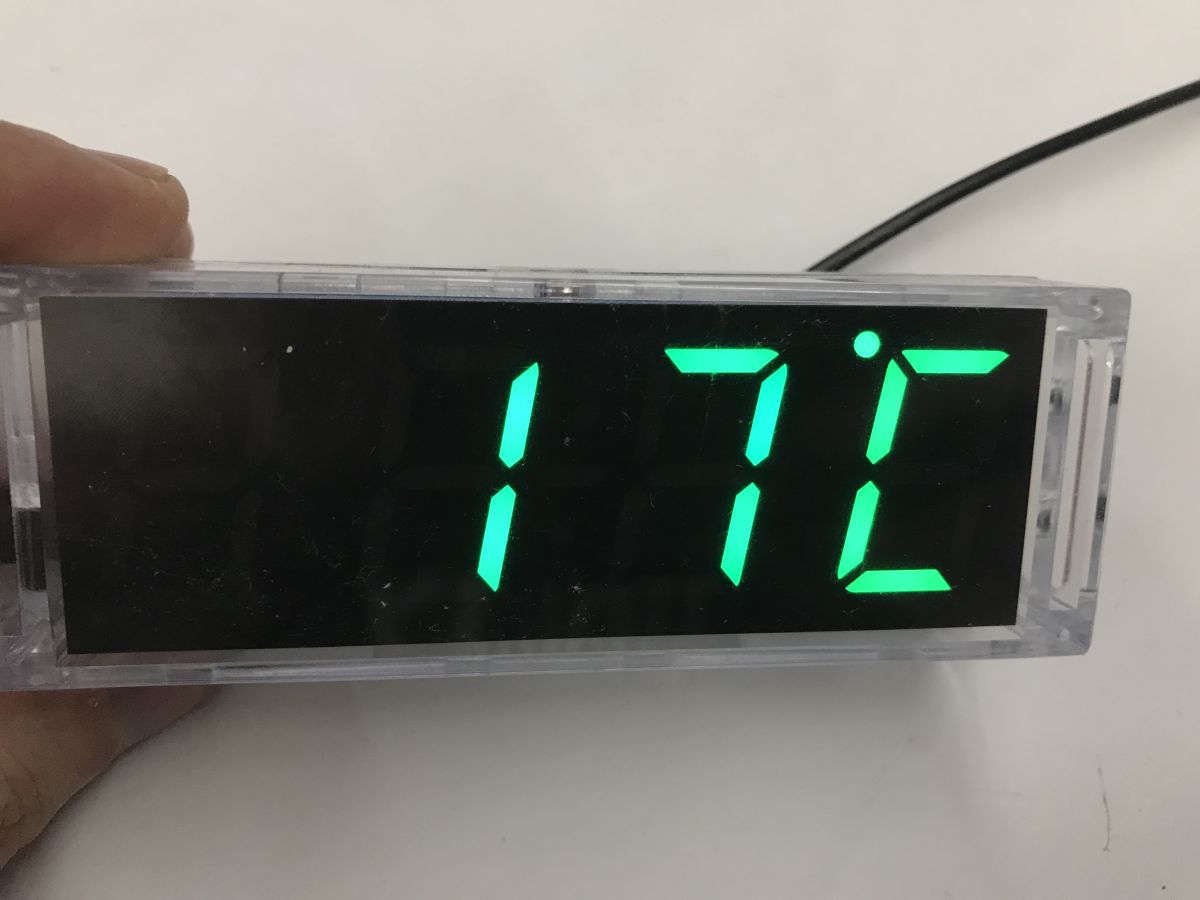
Clock in action:
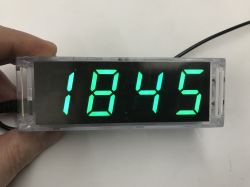
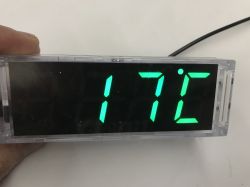
Basically, everything works, although you have to make sure you turn off the alarm, as it is quite loud and can wake you up in the middle of the night if you click blindly.
Plus, the whole thing can be unplugged and the battery from the DS1302 will still hold the time, so you don't need to re-set it when you move the clock to a different location.
In summary , this was a simple to run DIY for a beginner. Basically, it rather exercises only the soldering, as the whole thing starts immediately after assembly and it's hard to run into a problem to solve here. The microcontroller in the kit is of course already programmed and the board is well labelled, so you know what to solder. Resistor values are also unlikely to be confused here, as there is essentially one - 10 kΩ. But is that a bad thing? Just in time to encourage electronics.
The more advanced can try programming this microcontroller themselves via the ICSP connector, or running the display separately at all - I wonder if its control protocol is known, I'll have to look.
Documentation attached. 







Comments
If only this STC8G Reference Manual was not so chaotic then some alternative software could be written. :( By the way preparing dedicated headers for the SDCC compiler. [Read more]
The display interface is quite specific, similar to sliding register control, e.g. 74595. CLK and Dn are known, LE is the latch, SD1 is the serial output - allowing multiple such displays to be connected... [Read more]
And what is the display? Can it be purchased on its own? [Read more]
Such a small comment. The instructions available in English refer to the RGB watch "CAI-201-V2". The watch described here is the "CAI-201", it is not RGB, it is not possible to change colours in it. [Read more]
The English manual I don't know and I don't want to look through it. In the original Chinese one from this watch there is also information about changing the colours even though they cannot be changed... [Read more]
Well, I am talking about this watch from the electrode shop. It took me a while to figure out why the watch's menu was missing several items described in the instructions. [Read more]
The display has two data inputs D0 and D1, theoretically these are two different registers for different colours. https://obrazki.elektroda.pl/2979054800_1771356888_thumb.jpg [Read more]
Now I can already see the ambiguity seriously myself.... on the schematic there is indeed a display with D0 and D1, but my display has only SDA and SCL described: https://obrazki.elektroda.pl/1613849900_1771357668_bigthumb.jpg... [Read more]
I suspect that depending on which display is given in the kit then that is the soft in the microcontroller and the manual itself is universal for both versions. Here is the translated Chinese manual,... [Read more]
On the one hand it's bad that it's something different, but on the other hand you have free prock pins that can be used for e.g. DCF77 when writing your program on STC. [Read more]
My friend and I were recently looking for a DIY for an eight-year-old who wants to solder something for the first time and make it shine. We ended up with a Christmas tree. He soldered it with a transformer.... [Read more]
Does it run fairly stably? Any lag, acceleration? Temperature measurement holding up? [Read more]
Watch like a watch, it works even well. The temperature can be adjusted in the settings. [Read more]
It has a time correction. You can add or subtract a given number of seconds each day. The temperature is also set according to a standard temperature. Does the thermometer indicate the correct temperature?... [Read more]
Team clock is it from Ali? [Read more]
I happened to be organising 'DIY electronics workshops' events for children aged 7-13, and I noticed that the hardest part for them was holding the thick handle of the soldering iron. Soldering irons like... [Read more]
I needed something for speed for the bedroom because another watch with a display on the ceiling had died and I decided on this invention. It has a photoresistor so it dims at night and doesn't shine too... [Read more]
The only flaw I've noticed is that the villain rushes Because there somehow the resonator connection area is done strangely. According to the DS1302 datasheet, the resonator directly connects to the X1,... [Read more]
Setting 'd9 0' (second character is mirror image 9), penultimate setting as per instructions. Divide 120 or 180 seconds by 30 days and subtract that many seconds in this setting. [Read more]