logo elektroda
logo elektroda
X
logo elektroda

Minitest and interior presentation - retro M8 console/emulator with two pads, RetroArch

p.kaczmarek2 1191 7
ADVERTISEMENT
This content has been translated flag-pl » flag-en View the original version here
📢 Listen (AI):
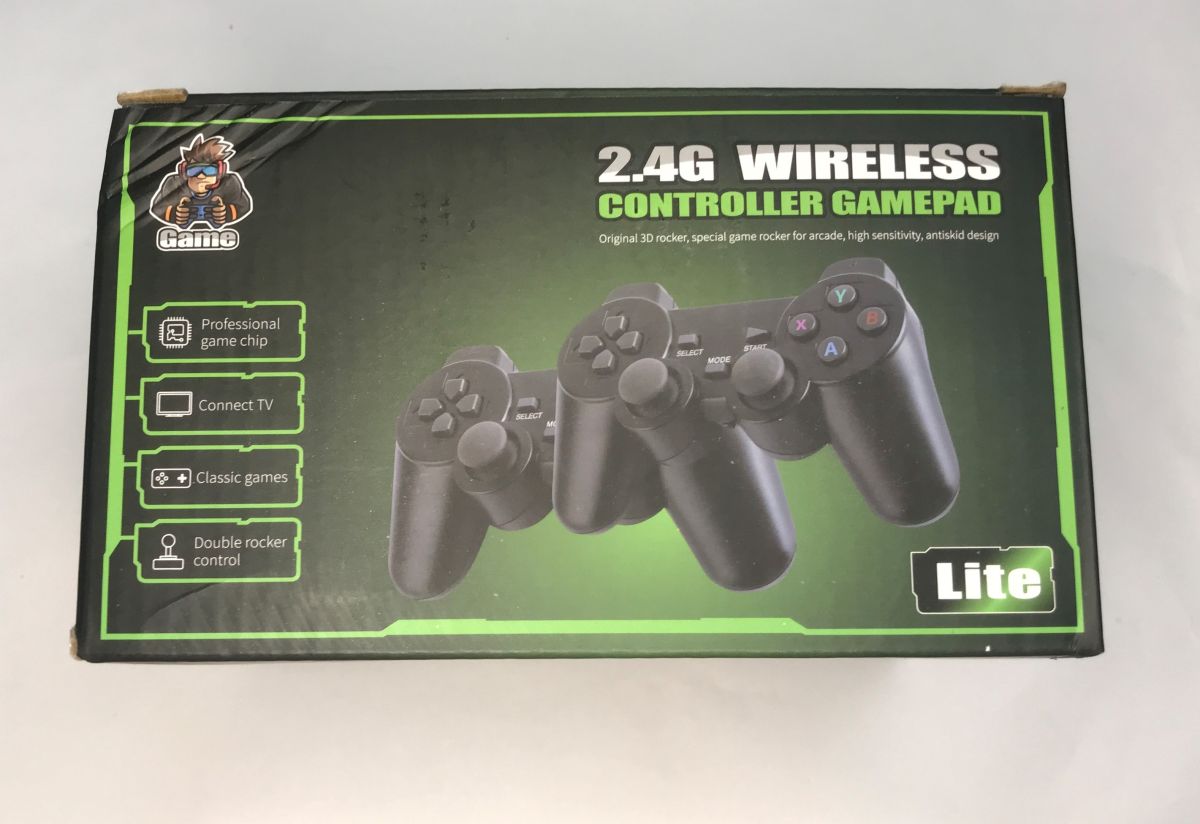
  • Box labeled “2.4G Wireless Controller Gamepad” with an image of two black game controllers
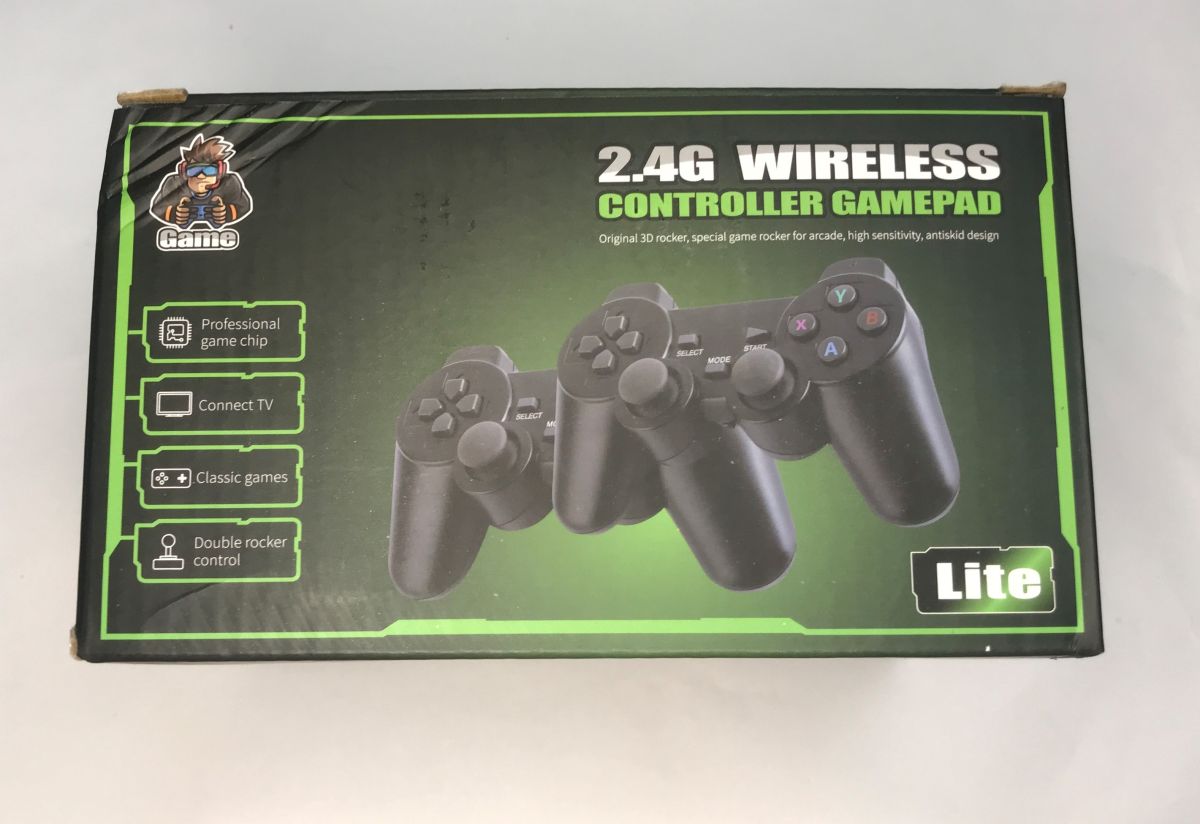
    I'd like to invite you to a short presentation of a video game console bought for ÂŁ80. The device shown here is based on the RetroArch system and allows you to run games from platforms such as Atari, Nintendo, PlayStation, GameBoy, Sega, etc. The product has around 20,000 games preloaded, and there is also the option to upload your own ROMs. The console is in HDMI plug-in form and the pads communicate with it wirelessly.
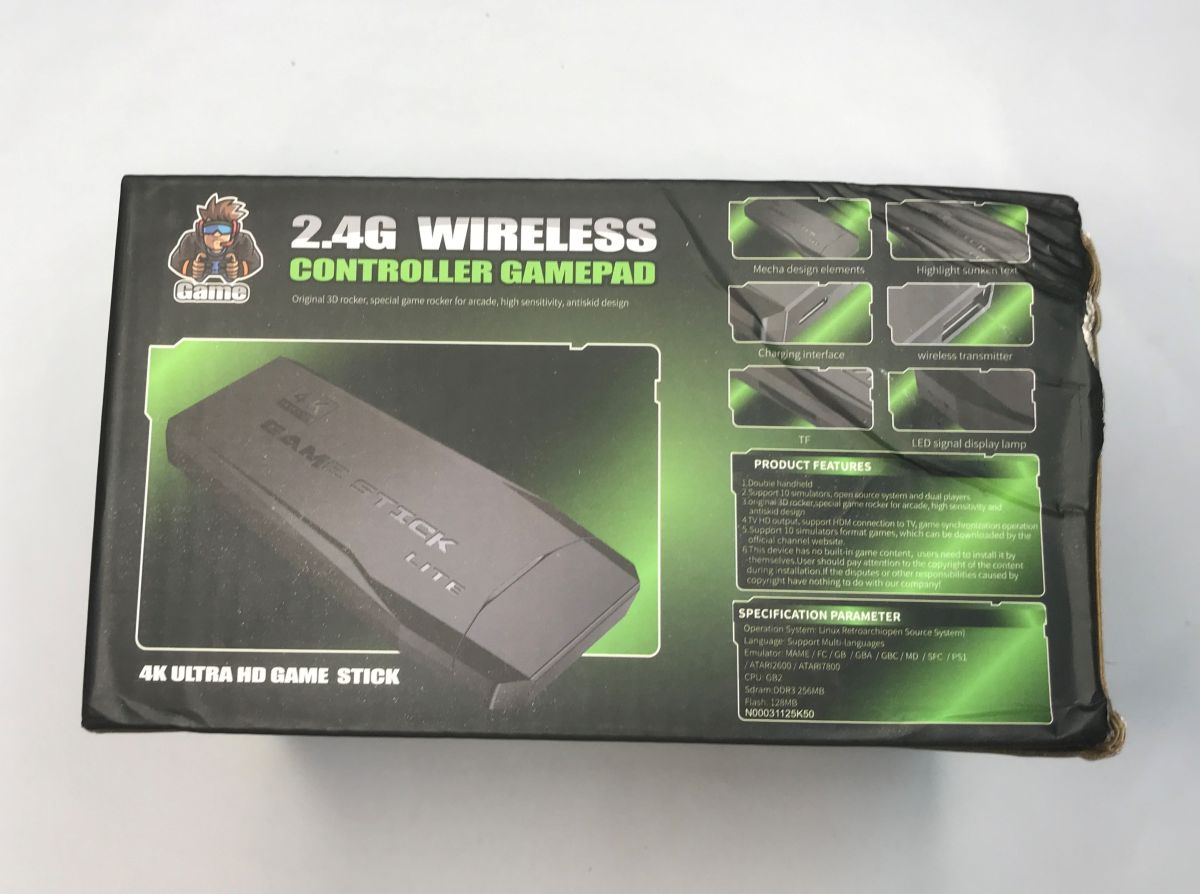
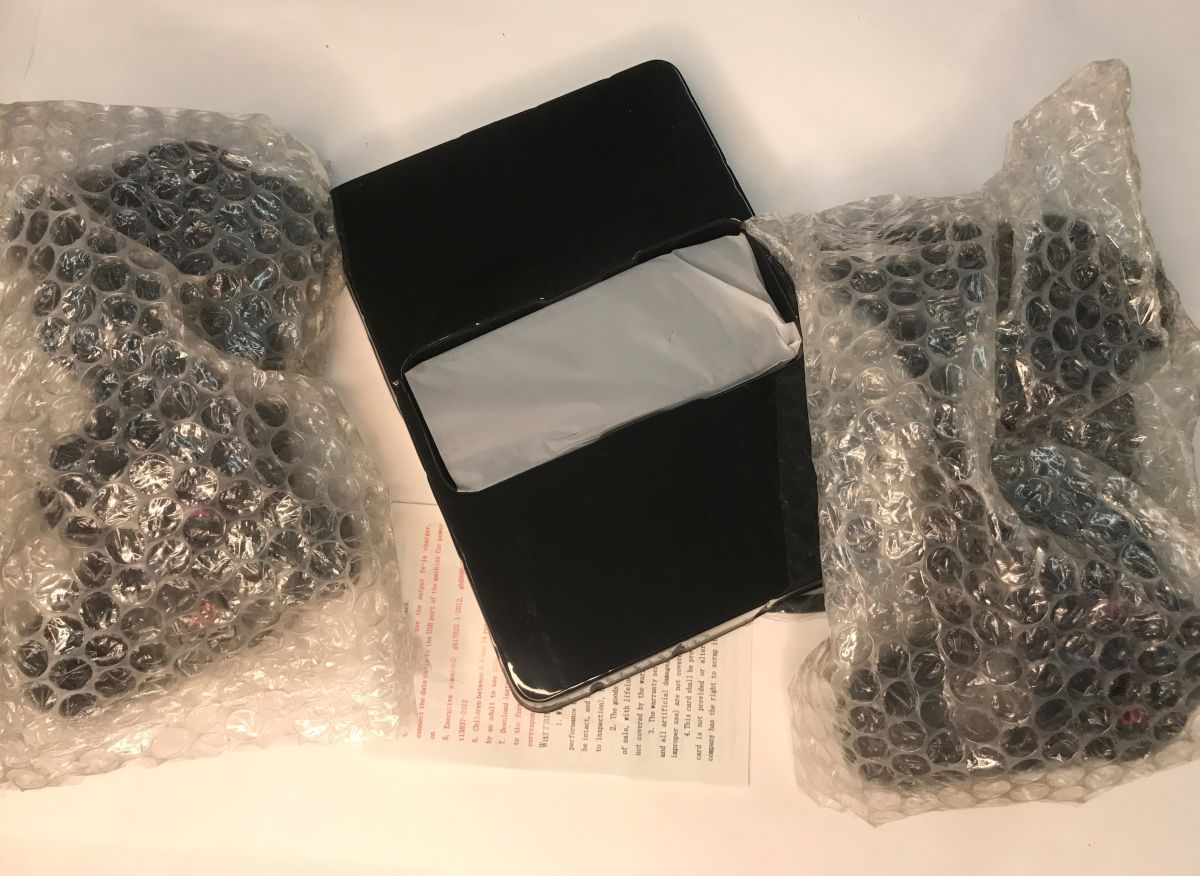
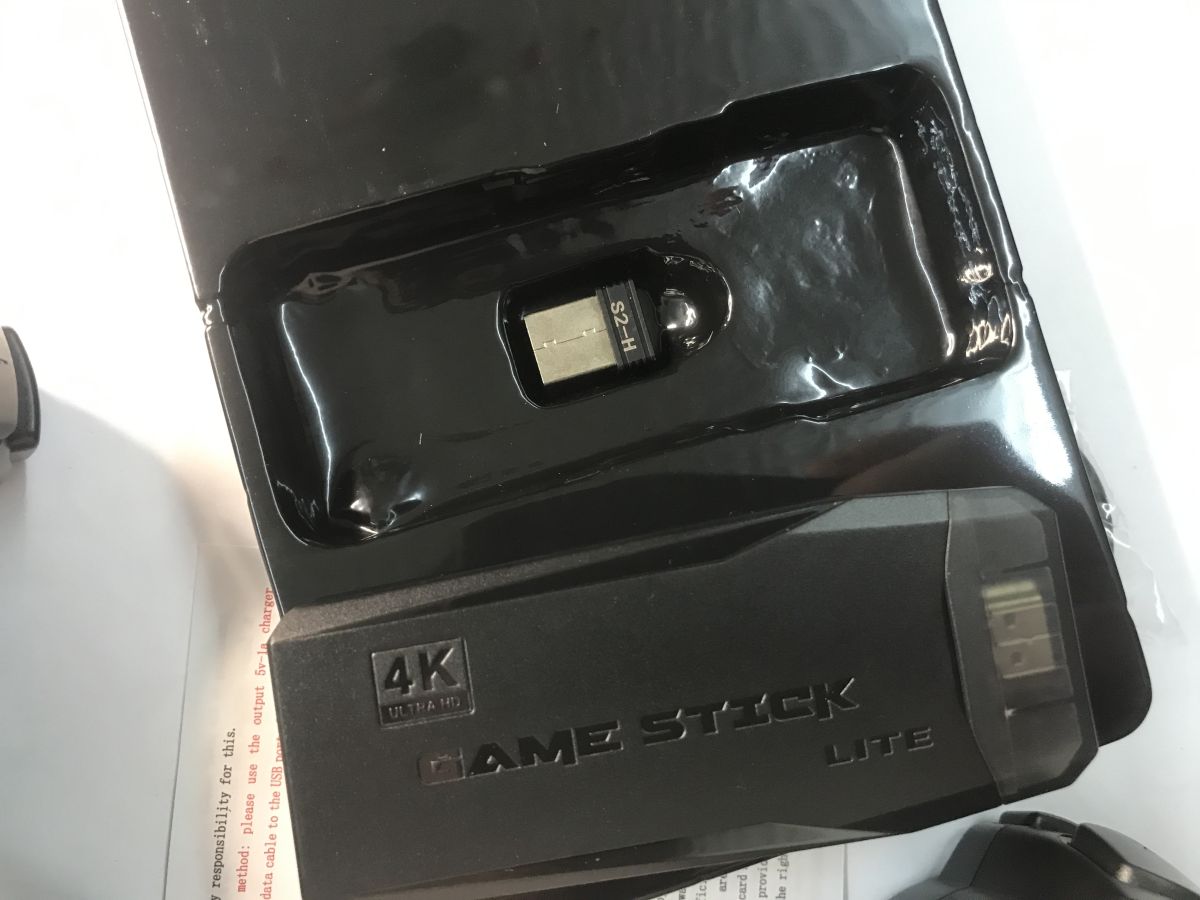
    Box labeled “2.4G Wireless Controller Gamepad” with game stick image and feature panels. HDMI game console set: black box with device inside and two controllers wrapped in bubble wrap Black “GAME STICK LITE” 4K in packaging, with a small USB receiver labeled “S2-H”. Box labeled “2.4G Wireless Controller Gamepad” with artwork of two black controllers Box labeled “2.4G Wireless Controller Gamepad” with artwork of two black controllers
    Model: N00031125K50, Flash size - 128 MB, RAM - DDR3 256 MB
    The whole thing came to me from China, the package got a bit battered on the way, but you can't see the damage on the product itself. The pads were protected by bubble wrap. Also included is a USB cable (for power) and an optional short HDMI extender, this is in case you are short on space behind your TV.
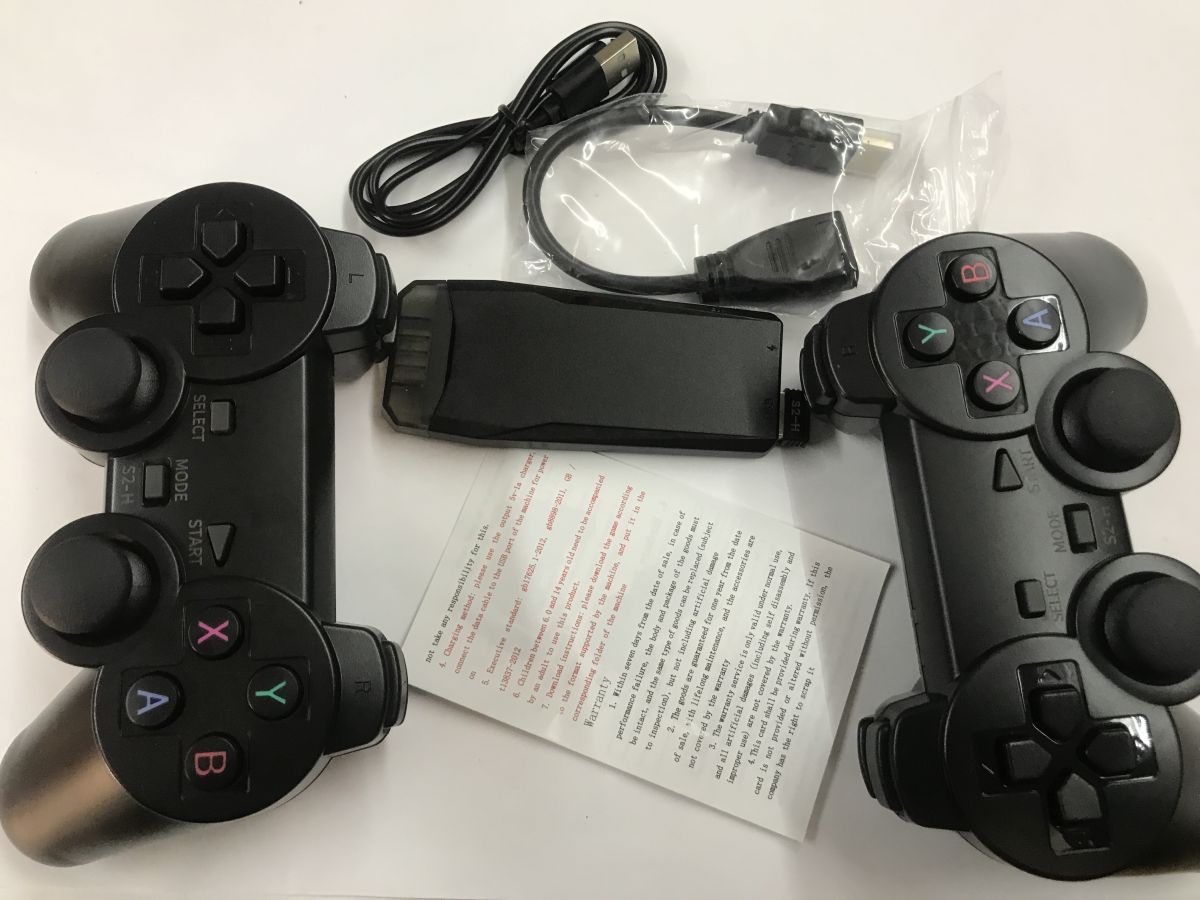
    Retro set: two wireless controllers, HDMI dongle, USB cable, HDMI extender, and instruction sheet
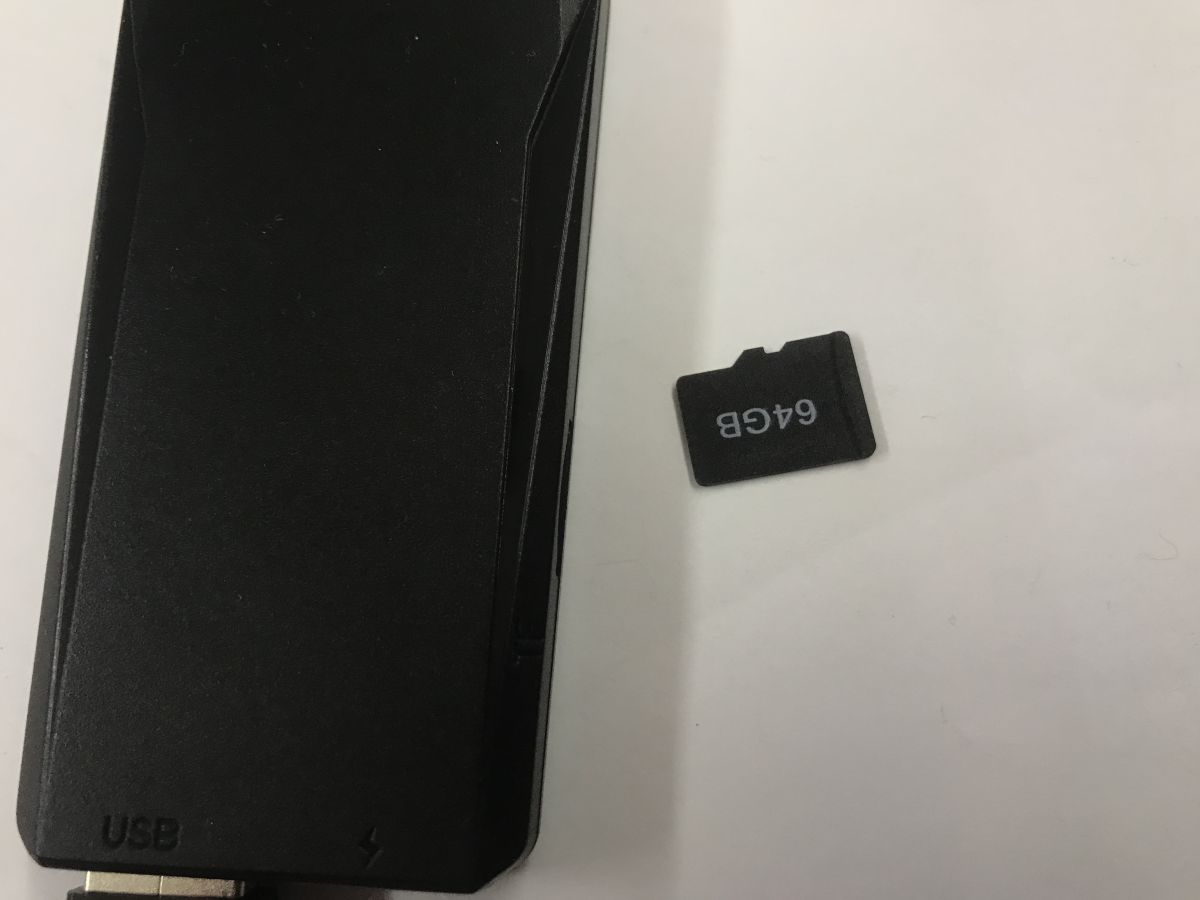
    A 64 GB SD card is included:
    Black HDMI/USB stick next to a 64GB microSD card on a white surface
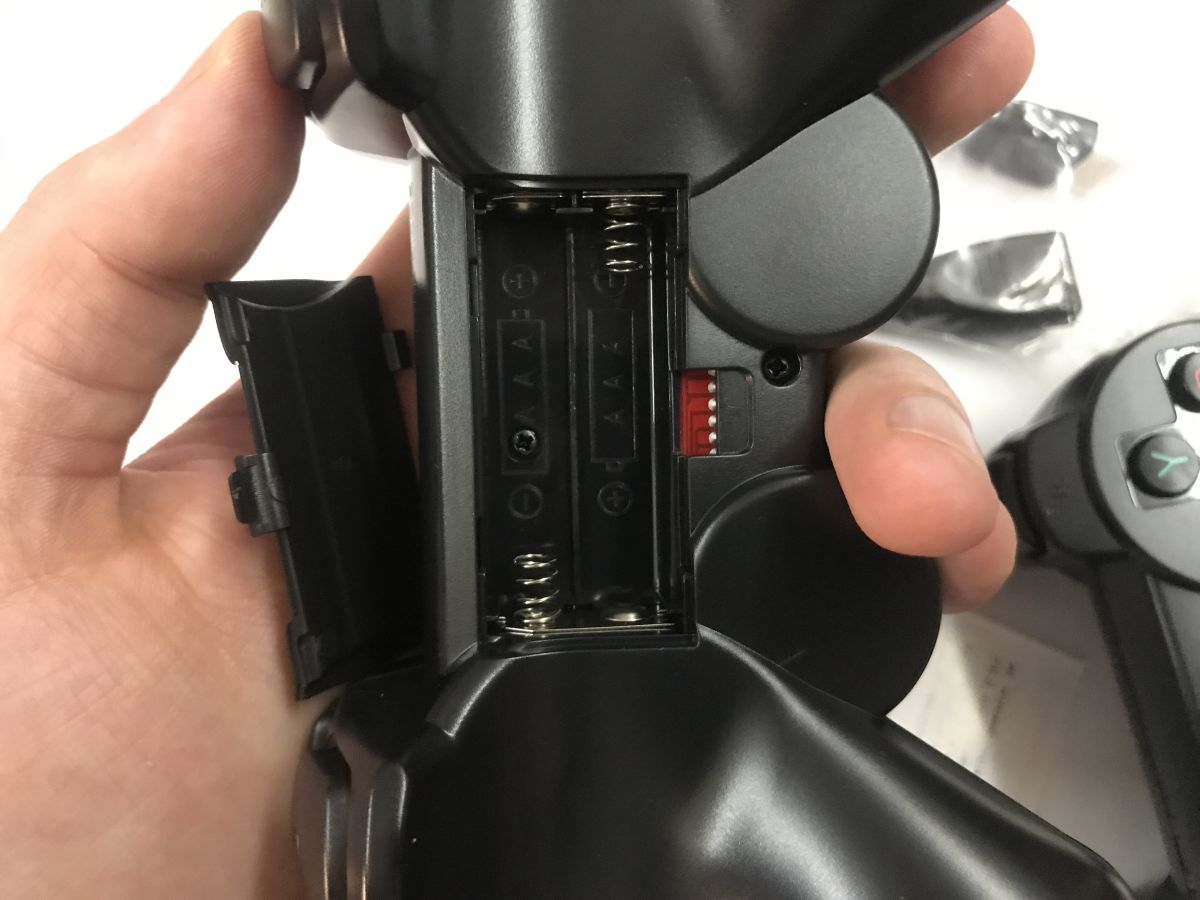
    Battery not included:
    Open battery compartment of a game controller for two AA batteries, showing springs and a small switch
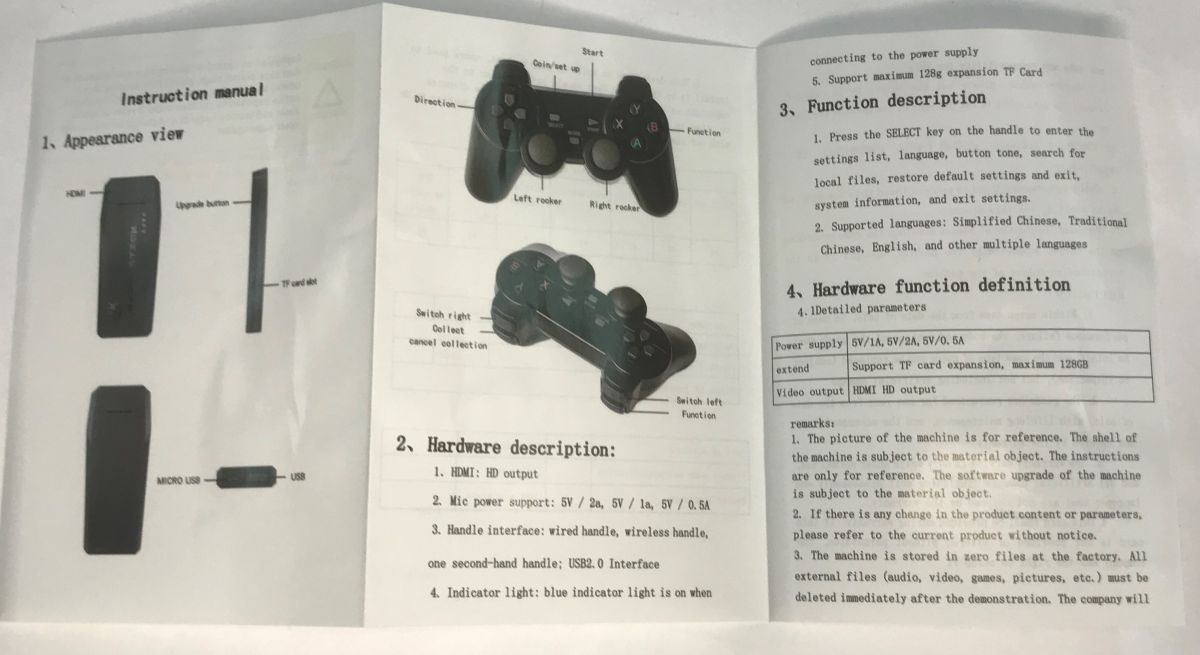
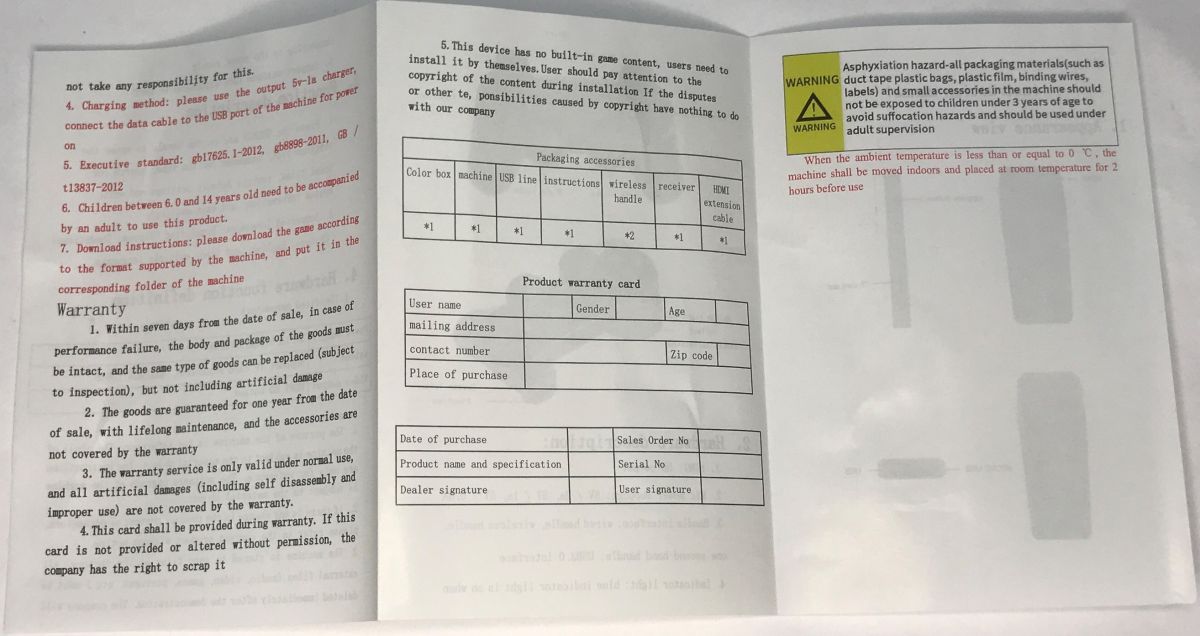
    English language manual:
    Open manual showing HDMI plug console, wireless gamepad diagrams, and a hardware specs table Open English instruction sheet with accessories table and warning text on white paper
    According to the manual, the device also supports wired pads, although I did not test this. The card size limit is 128 GB.

    First startup
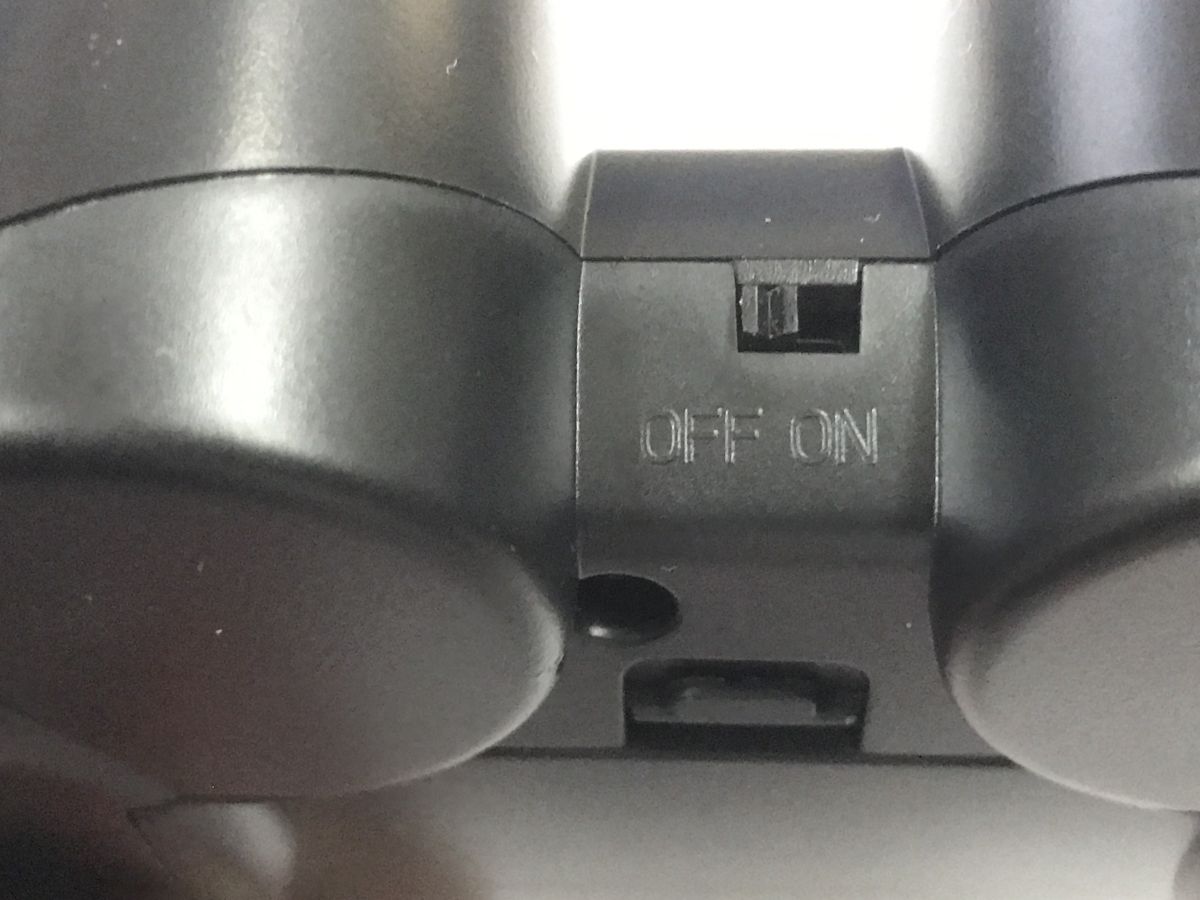
    Connect the device to the TV, plug in its power supply (USB cable included) and the receiver from the pads. Switch on the pads. The pads establish a connection.
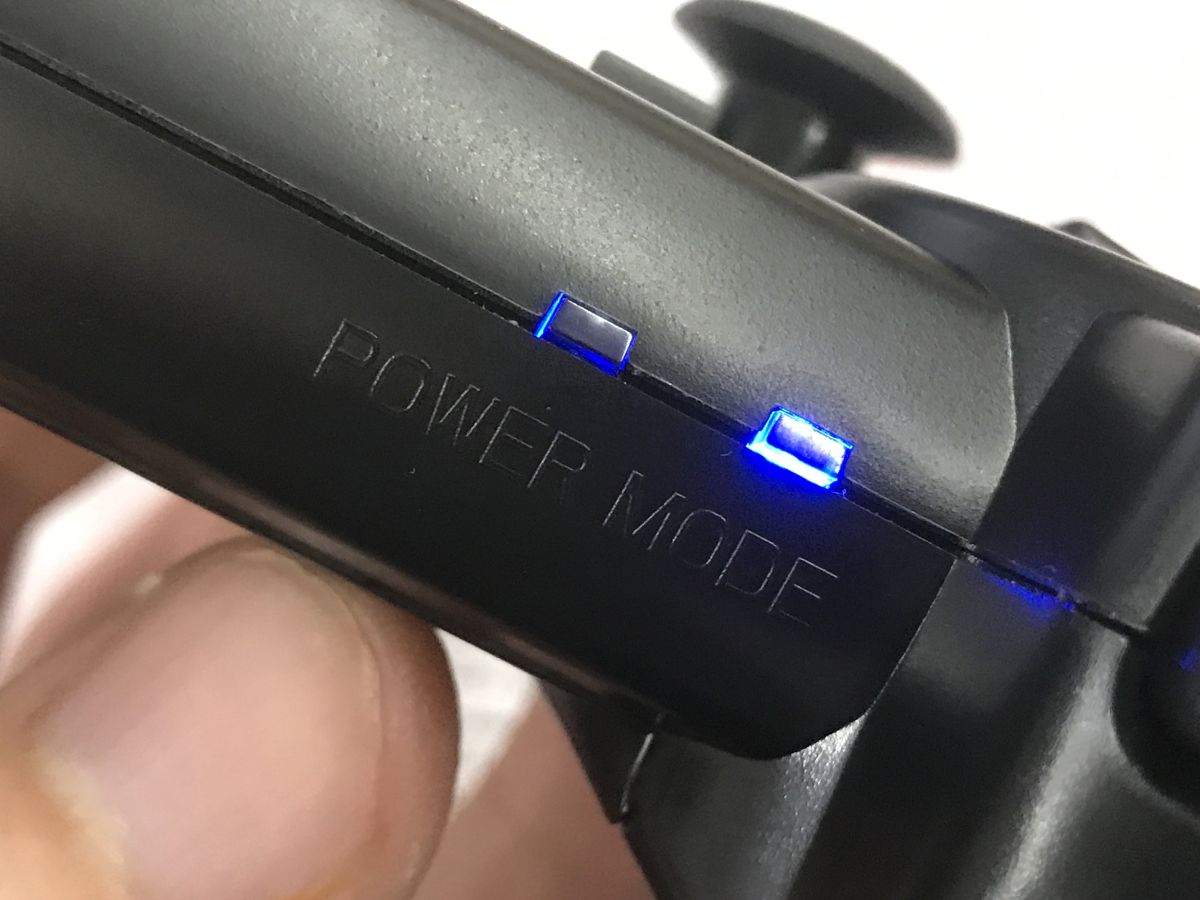
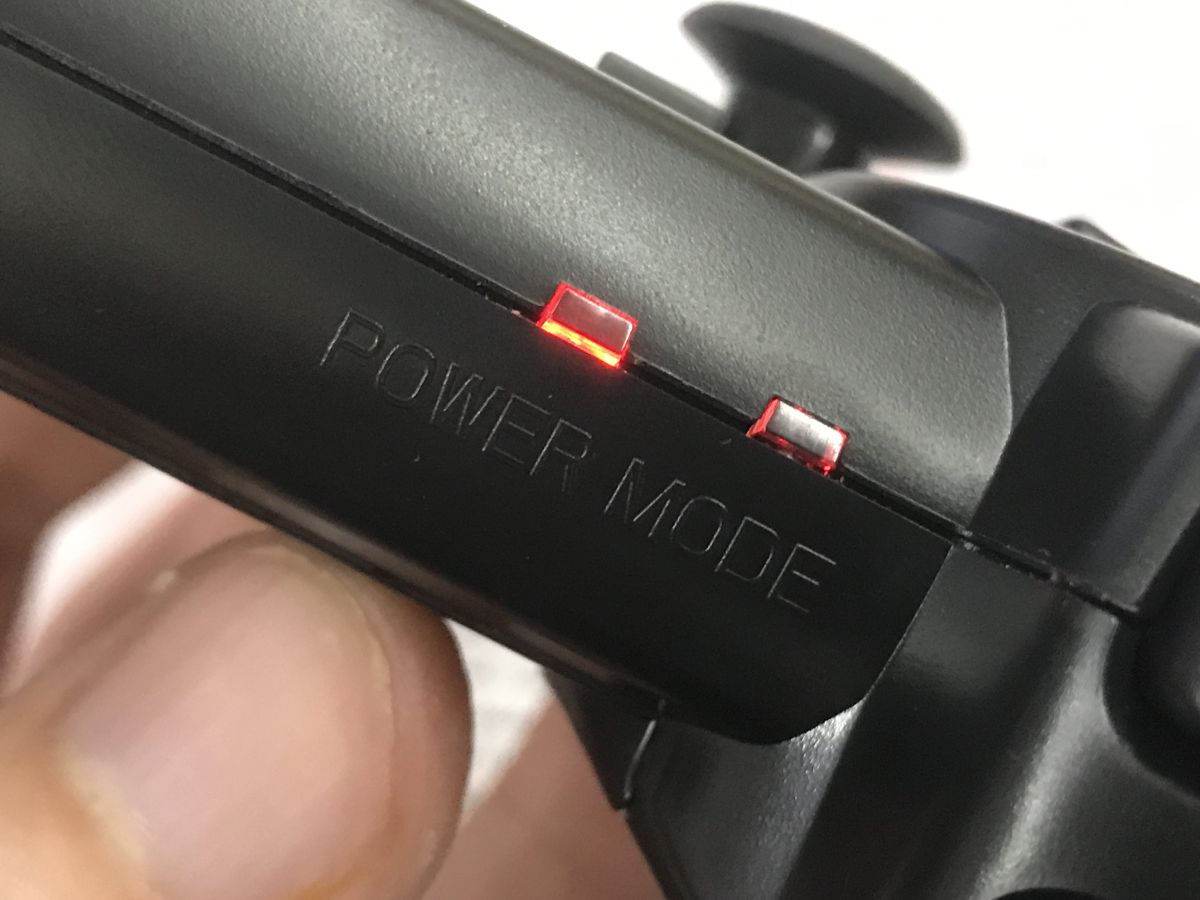
    Close-up of a black game controller with “POWER MODE” text and blue indicator lights Close-up of a black game controller showing an OFF/ON power switch on top. Close-up of a black game controller with red switches and the text “POWER MODE”.
    A simple menu with a myriad of games greets us:
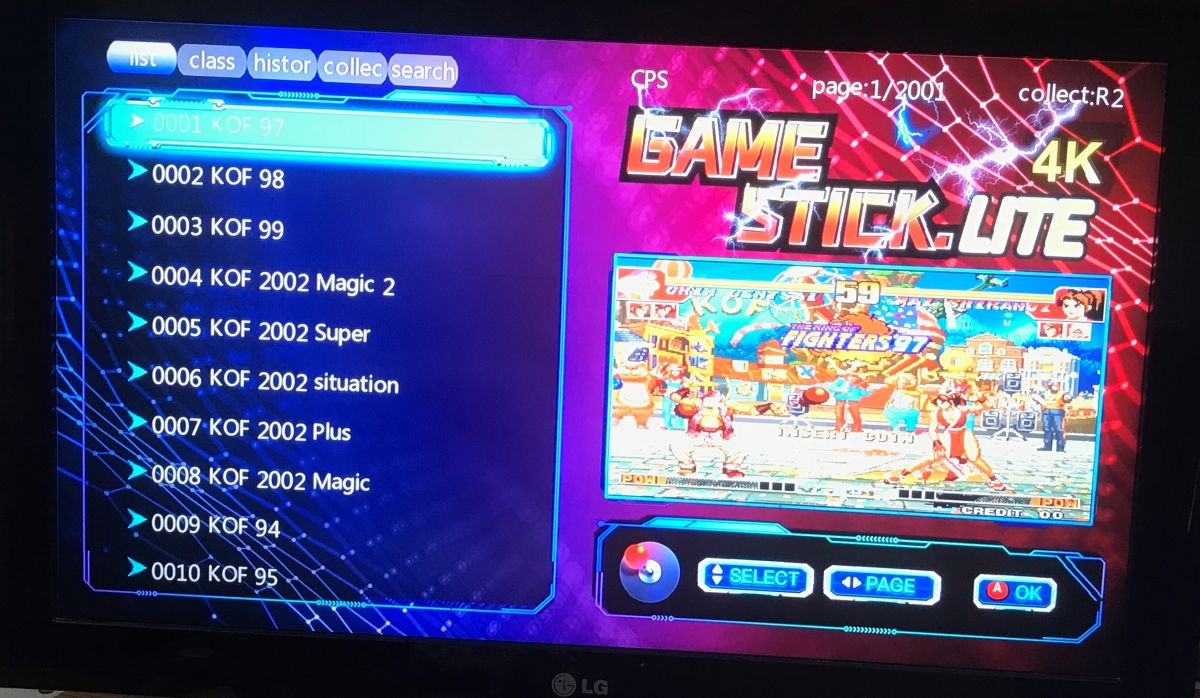
    TV screen showing “GAME STICK LITE 4K” menu with a KOF game list on the left and a preview on the right
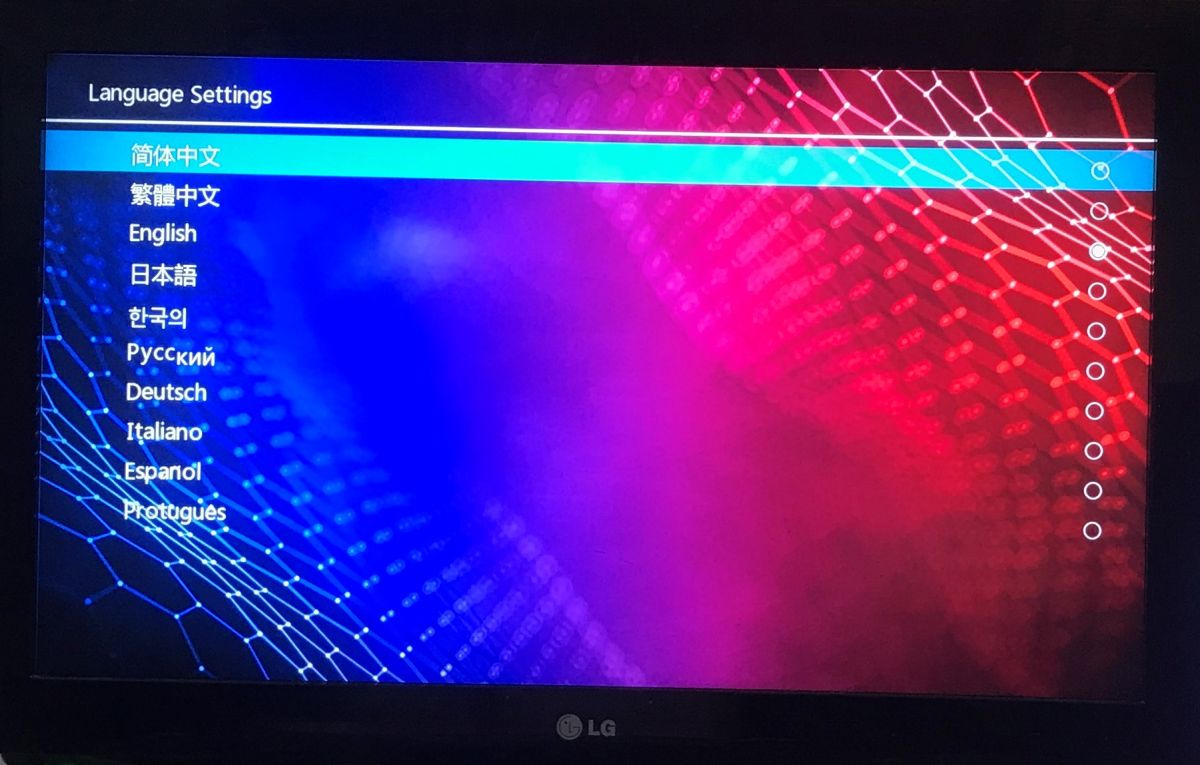
    When you can search by name or group by platform (MAME, FC, GB, GBA, GBC, MD, SFC, PS1, ATARI...). We have an overview of the history of the games we run. Of course, settings, language change, controller configuration, as well as system information and factory reset are also available.
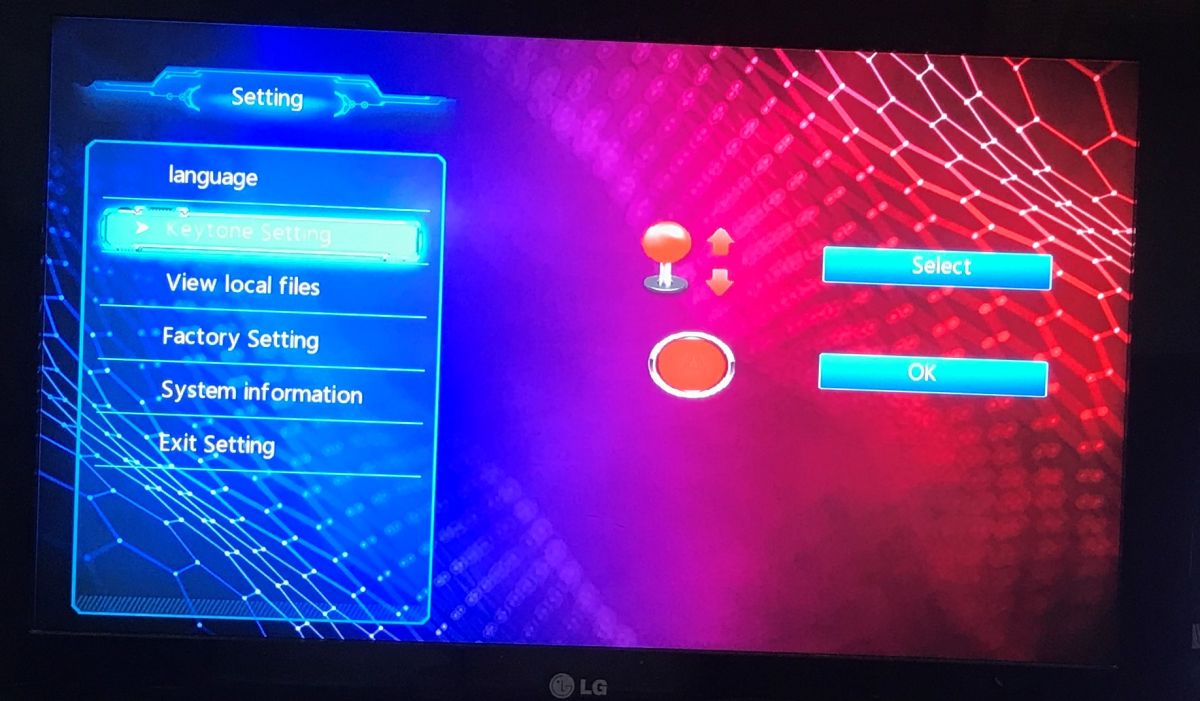
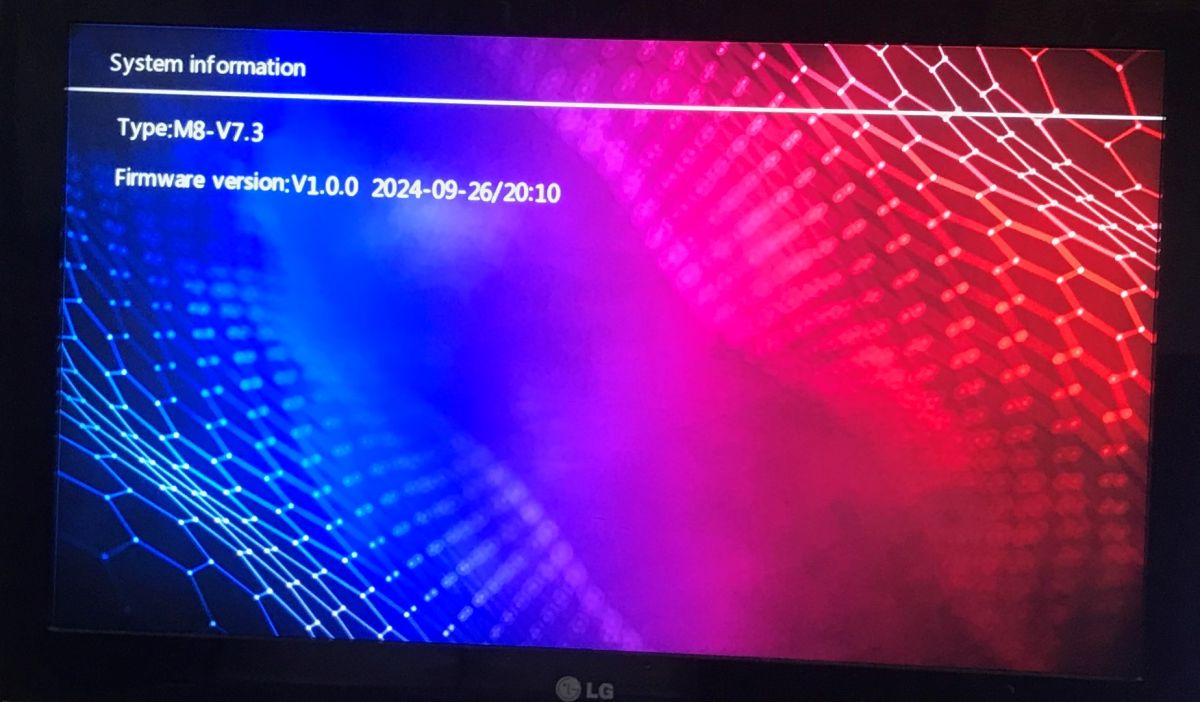
    TV screen showing a “Setting” menu with options like language and system information “Language Settings” screen with a language list; “简体中文” is highlighted TV screen showing “System information” with Type M8‑V7.3 and firmware V1.0.0 2024‑09‑26/20:10
    Device type: M8-V7.3, firmware V1.0.0 2024-09-26/20:10
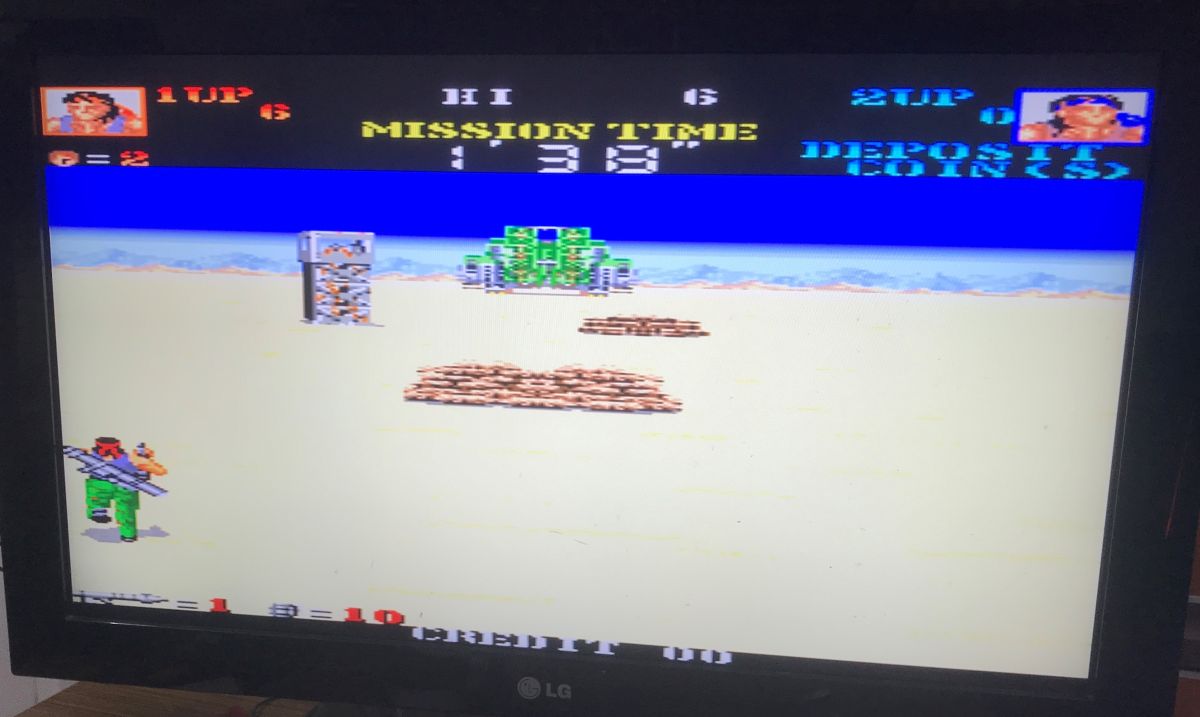
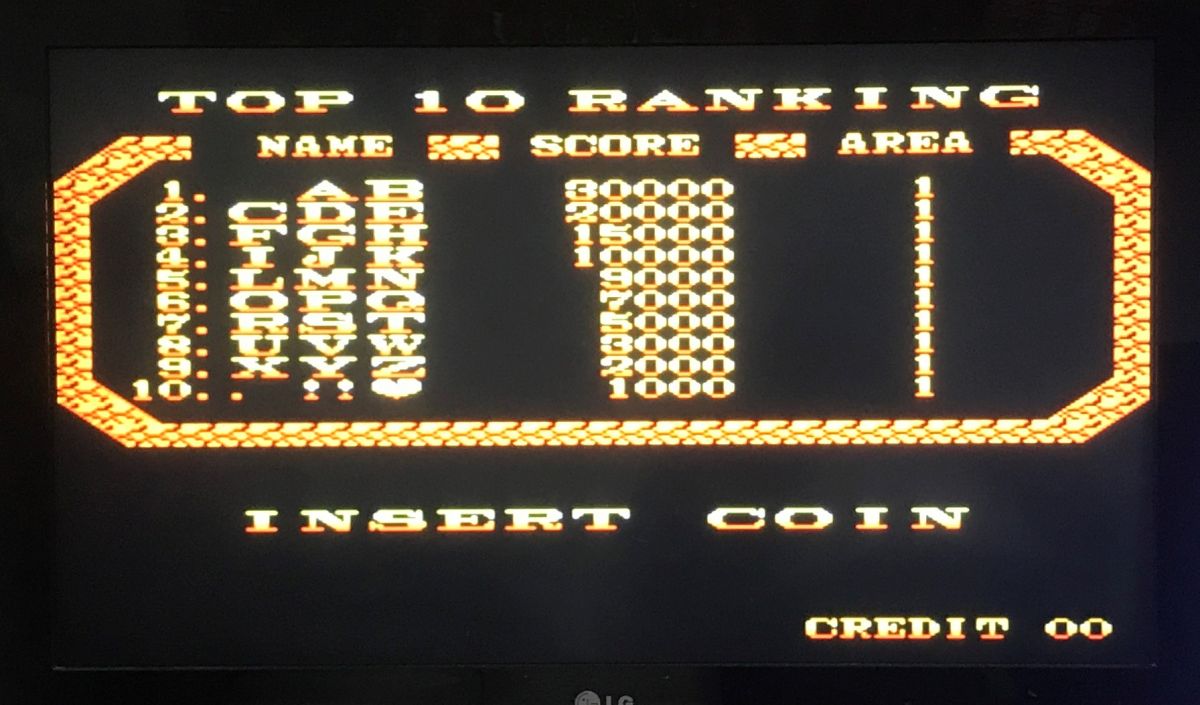
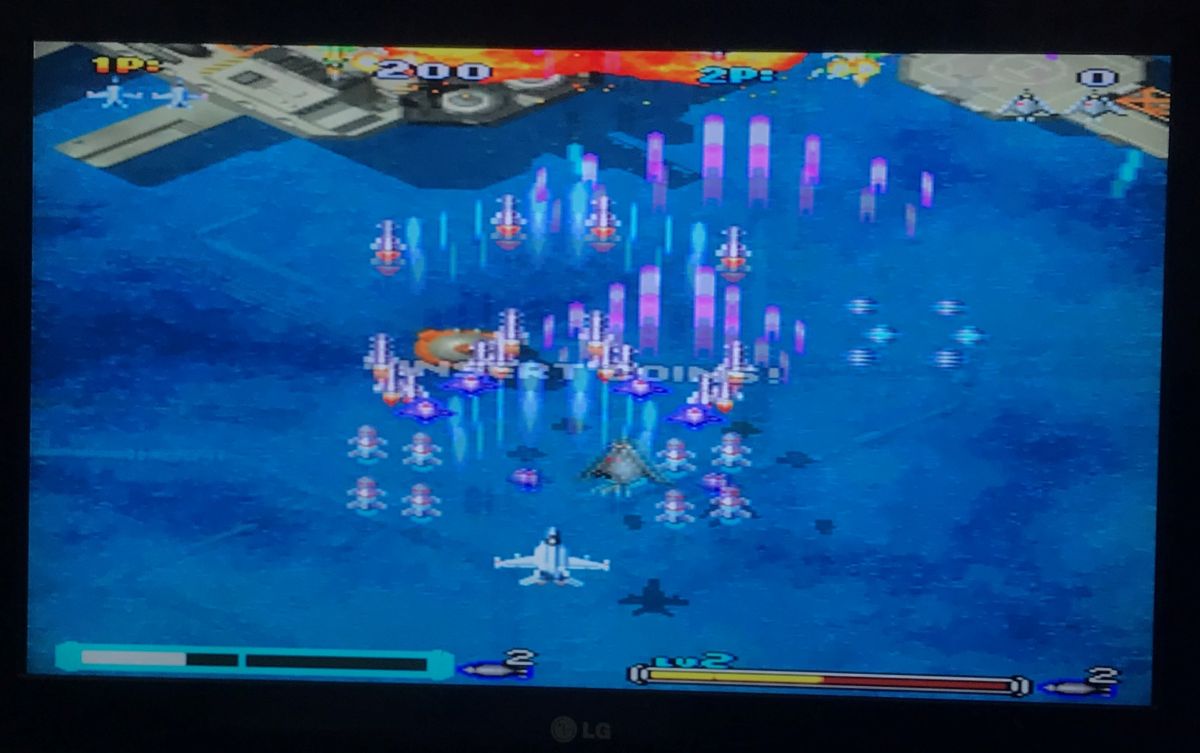
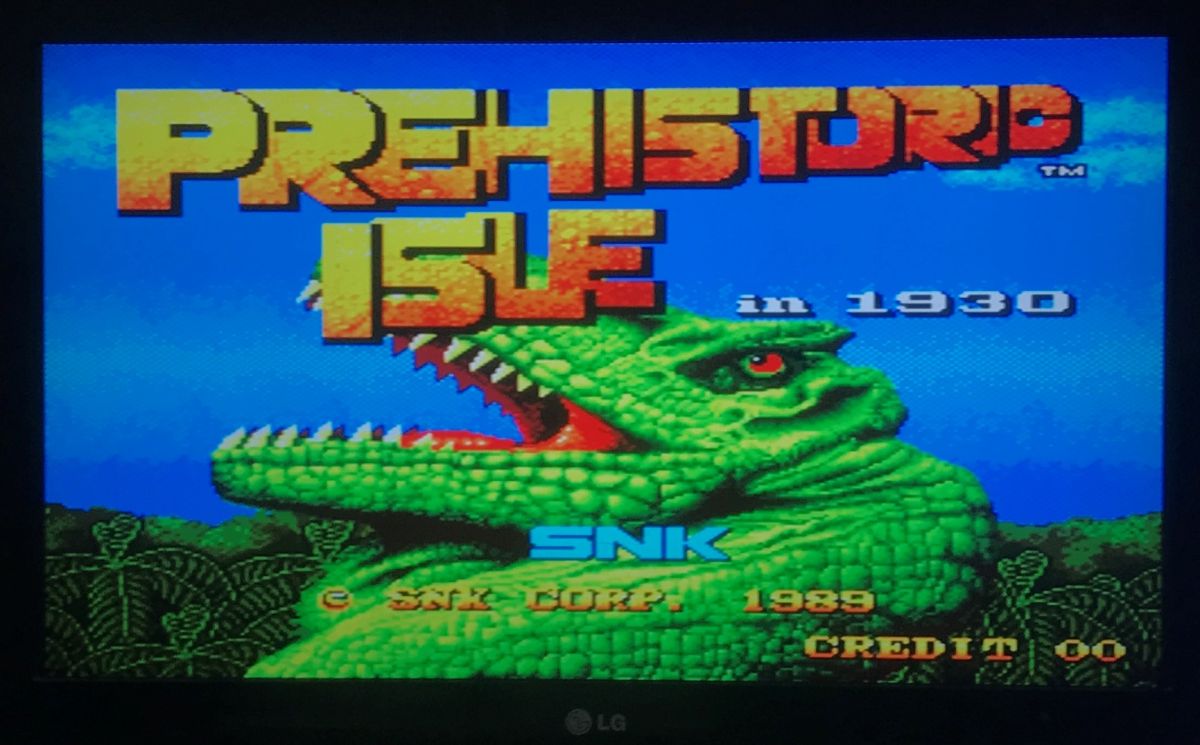
    LG TV screen showing a pixel-art game; “MISSION TIME” text and player indicators at the top. Retro game screen with “TOP 10 RANKING” high-score table and “INSERT COIN” message TV screen showing a pixel-art shoot ’em up with a plane at the bottom and many bullets over water TV screen showing the title screen of “Prehistoric Isle in 1930” with a green dinosaur. TV screen showing the title screen of “Prehistoric Isle in 1930” with a green dinosaur.
    The games work fine. In the pause menu we have emulator save and read options for each game, additionally the emulator version is given there.
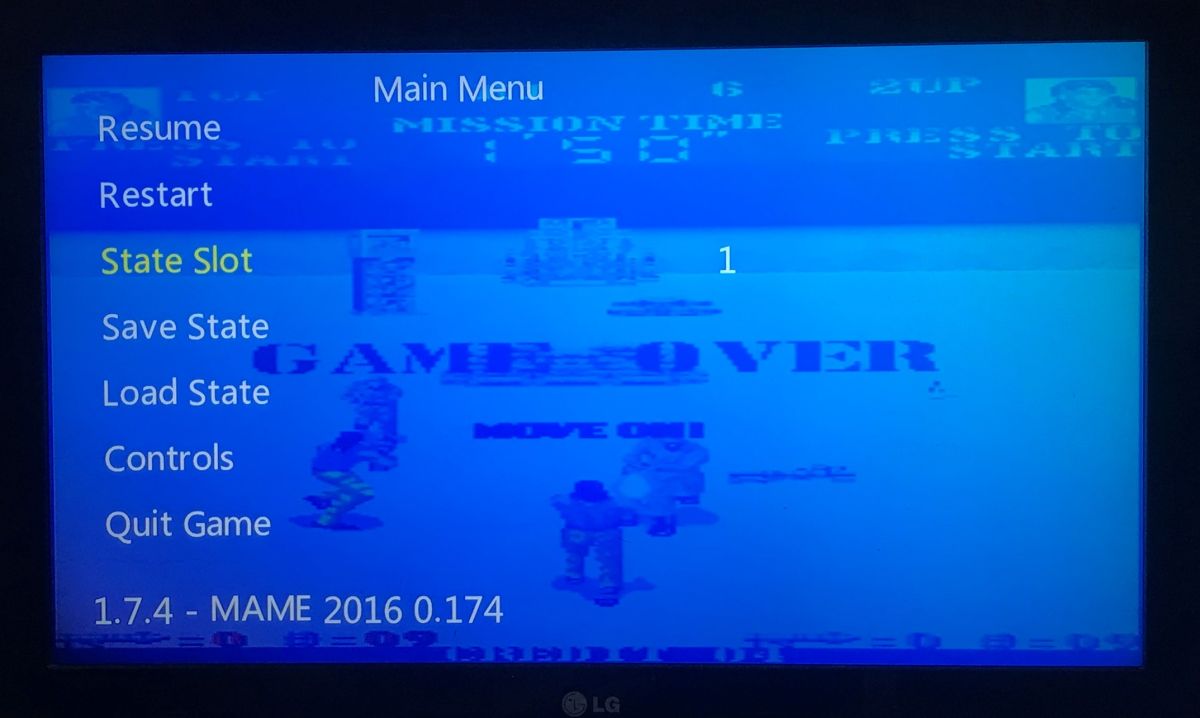
    TV screen showing emulator pause menu: Resume, Restart, Save/Load State, Controls, Quit Game
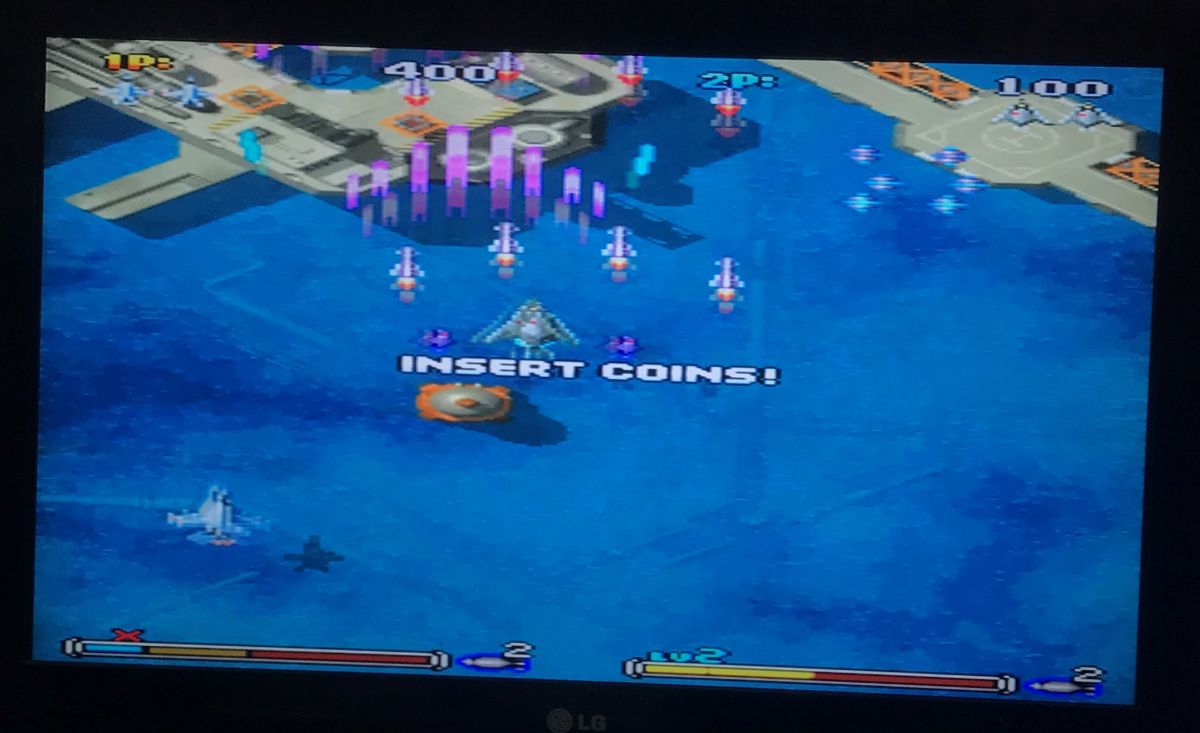
    The only thing that puzzled me was this persistent "insert coins" message, could it be that some of the games are designed for slot machines?
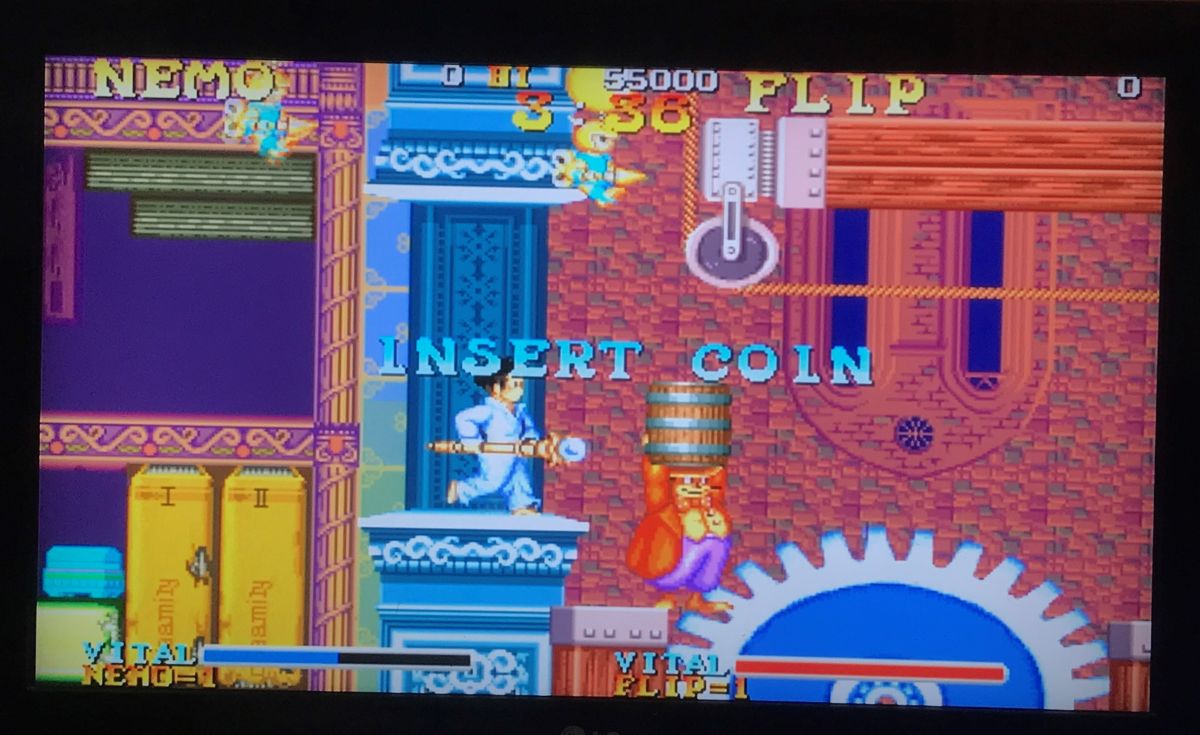
    Retro game screen with “INSERT COIN” text and characters in front of buildings TV screen showing a shoot’em up game with the message “INSERT COINS!”
    I have no other complaints about the games, it's time to look inside.

    Interior of the pad
    The pad is constructed from two larger plates. It reminds me of a PS2 pad in appearance, but feels lower in quality. It does not use Bluetooth communication, but rather 2.4GHz.
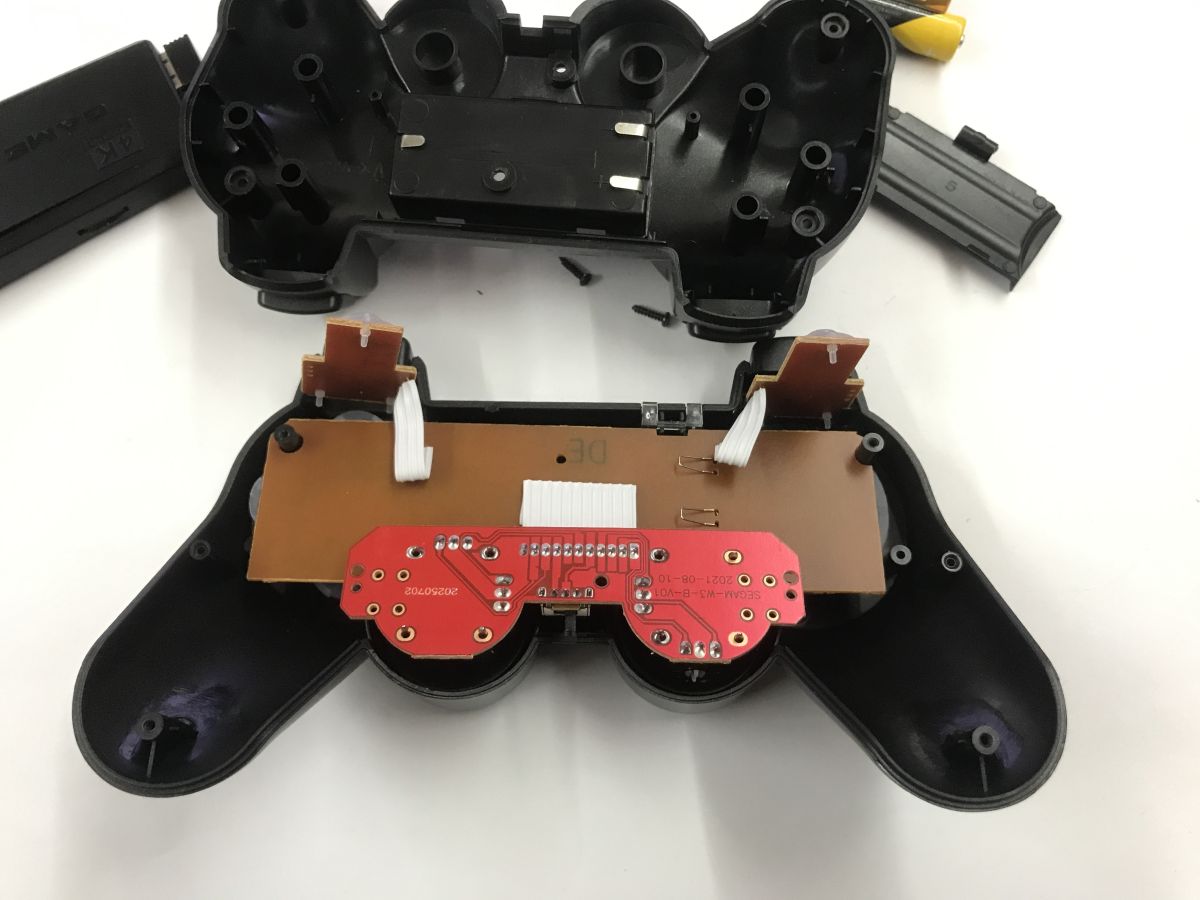
    Disassembled black game controller showing PCB, ribbon cables, and a battery holder
    Joystick board designation: SEGAM-W3-B-V01
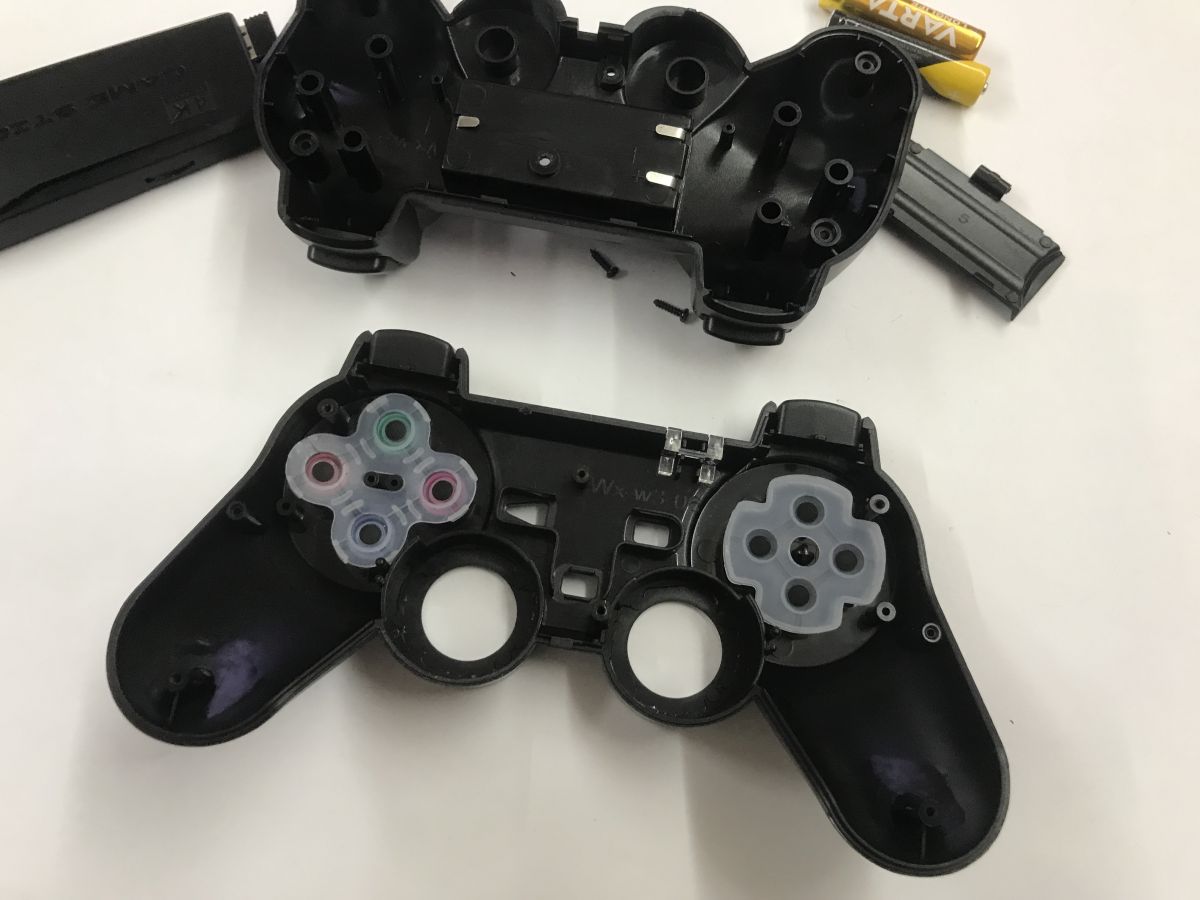
    Disassembled black game controller shell with screws and AA batteries on a white table
    There are two unmarked circuits on the PCB, perhaps a microprocessor and a transmitter.
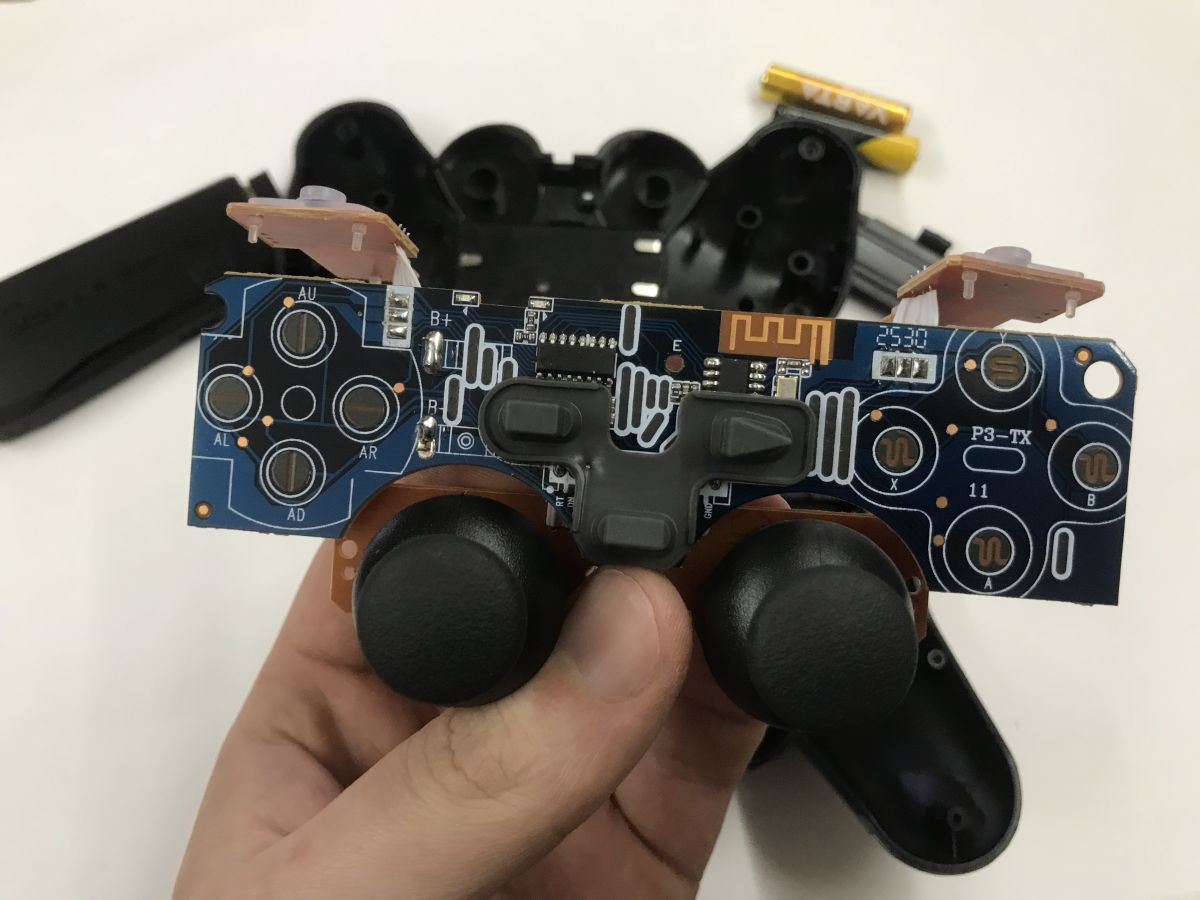
    Game controller PCB with two analog sticks held in a hand; controller shell and batteries in background.


    Interior consoles
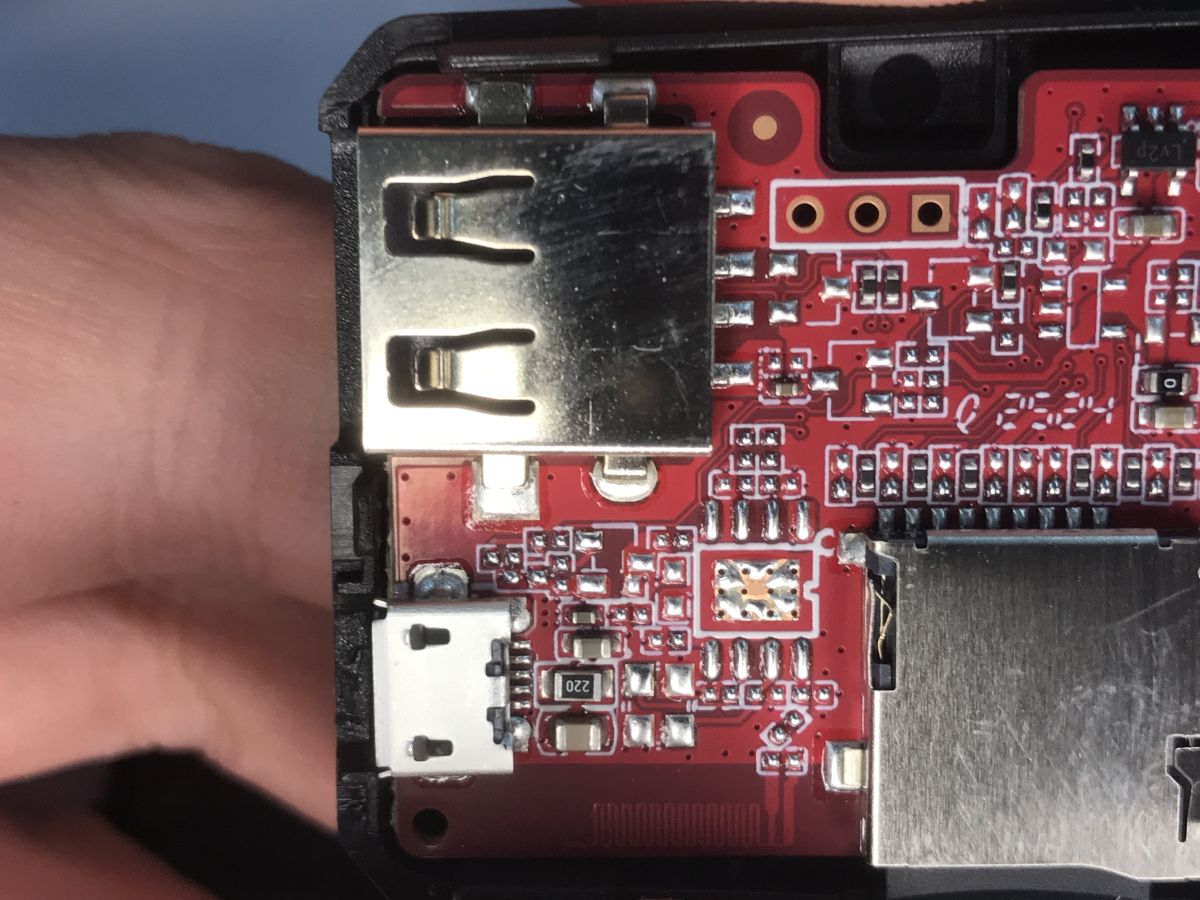
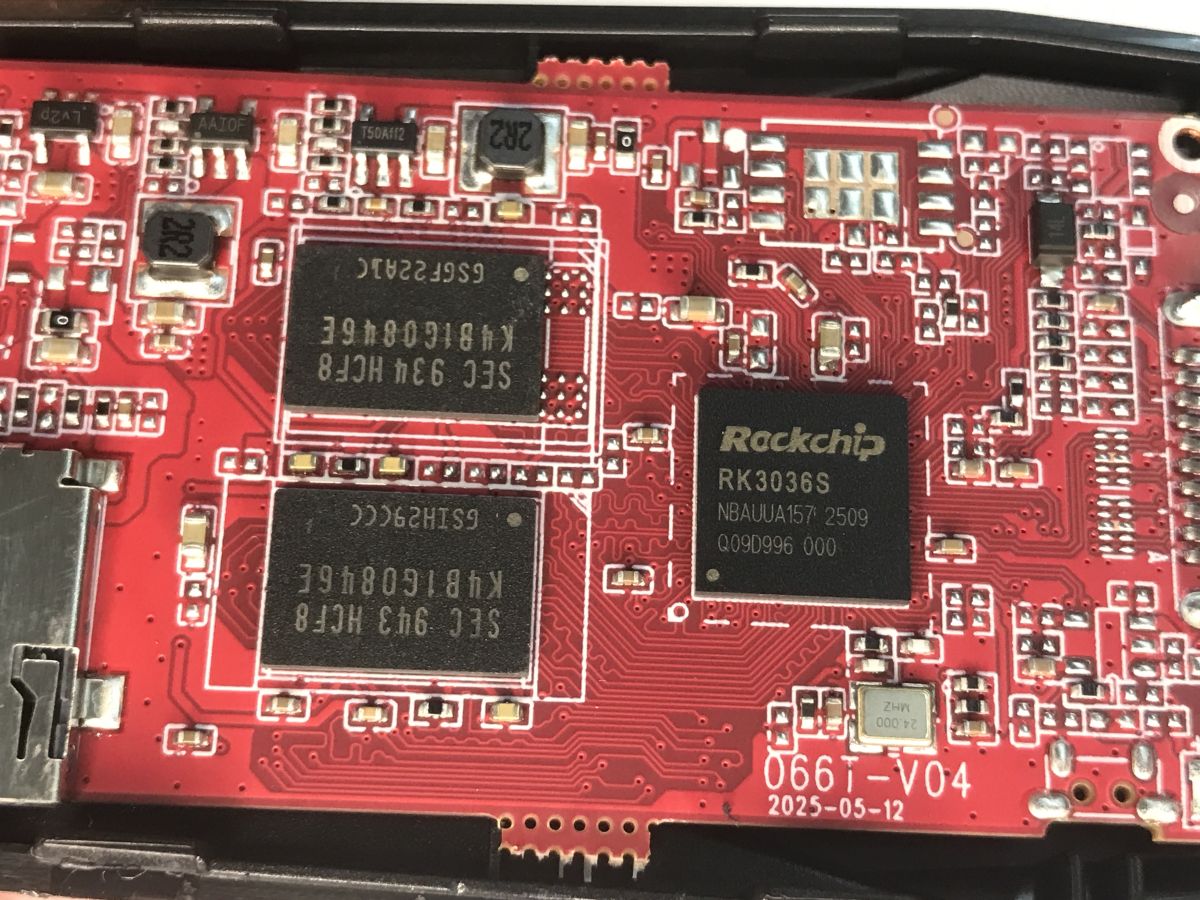
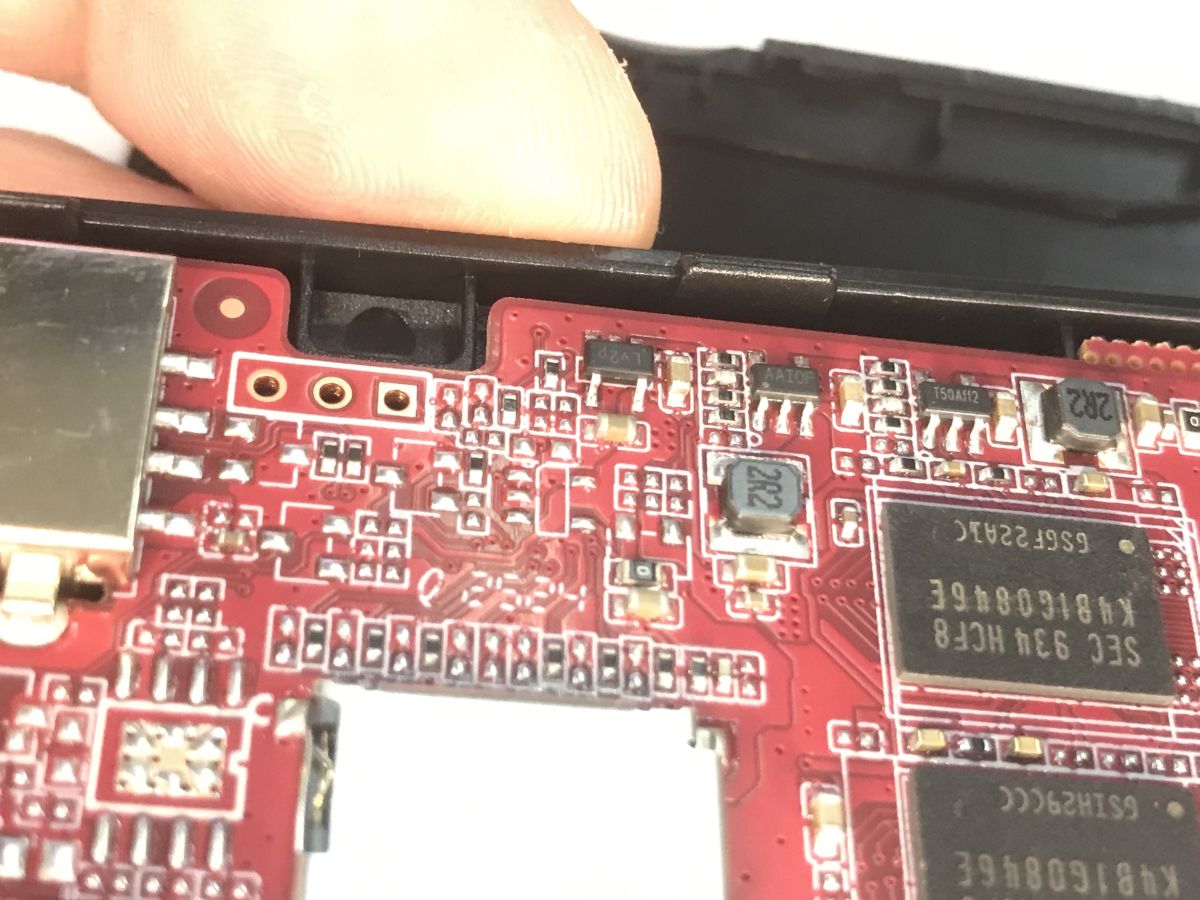
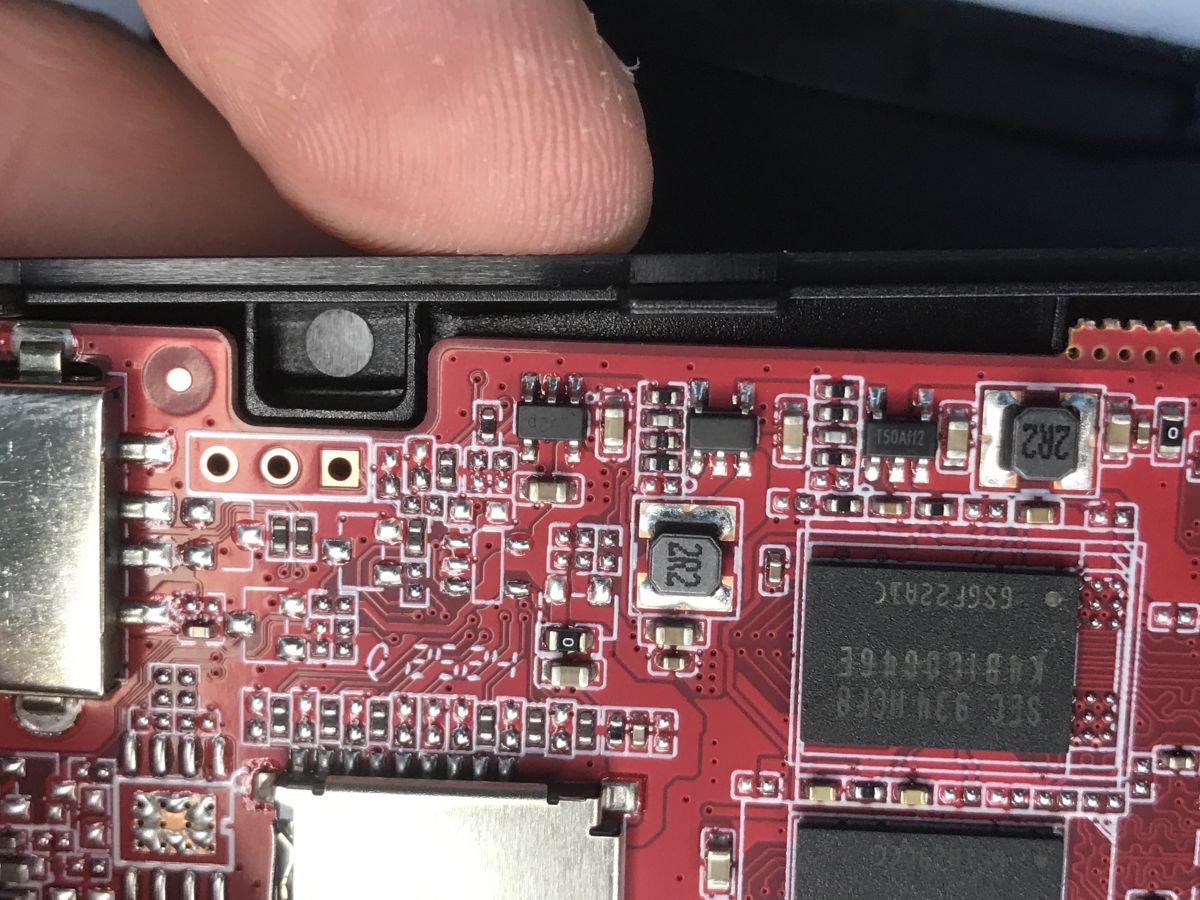
    The console is realised on a Rockchip RK3036S. PCB designation: 066T-V04 2025-05-12, a fairly fresh product. On board you can see memory bones, inverters, and an empty space for what looks like an RF transceiver with an antenna on the board. I'm also puzzled by the three pads, is this some kind of programming connector? UART RX/TX and ground?
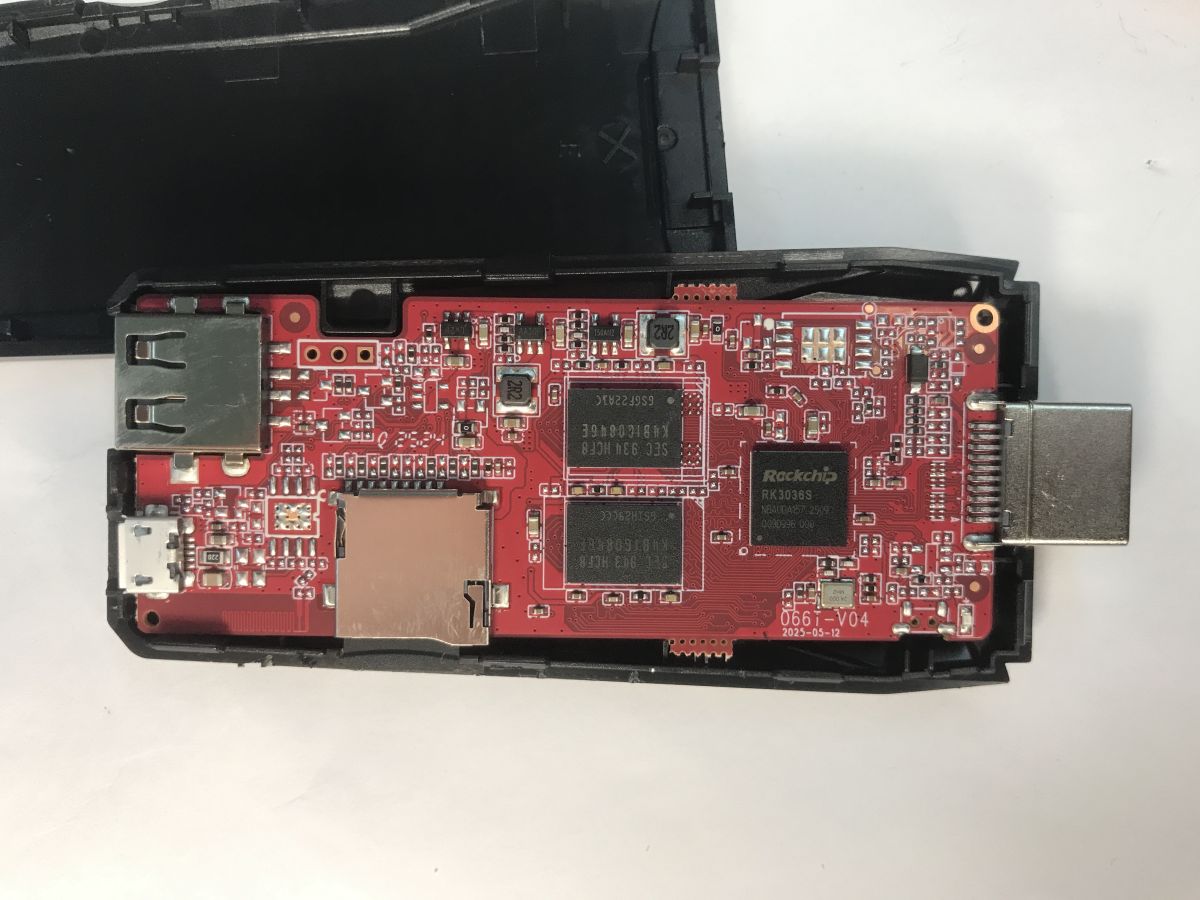
    Red HDMI console PCB in a black shell, showing USB-A, micro-USB, microSD slot, and an HDMI plug
    On the other hand there is almost nothing, only that chip slot in the BGA is interesting - a version under an alternative CPU?
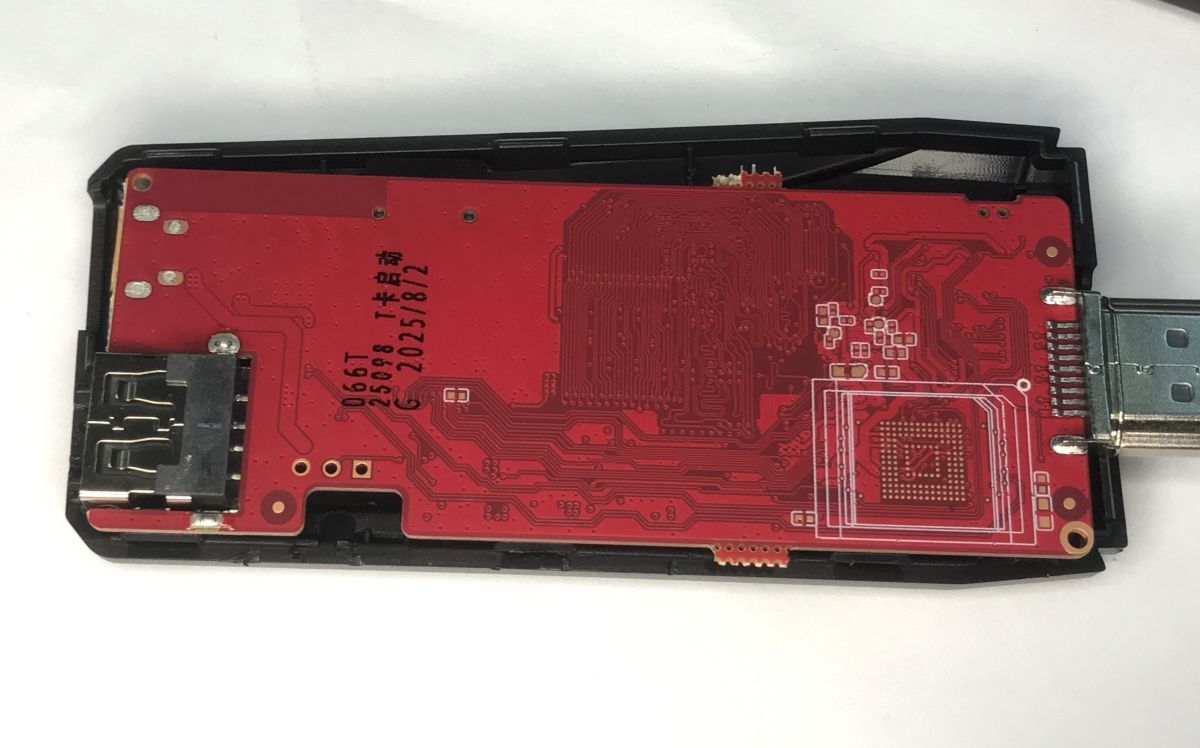
    Red PCB inside an HDMI dongle console, with a USB-A port on the left and an HDMI plug on the right
    The RK3036S is a dual-core ARM Cortex-A7 MPCore processor
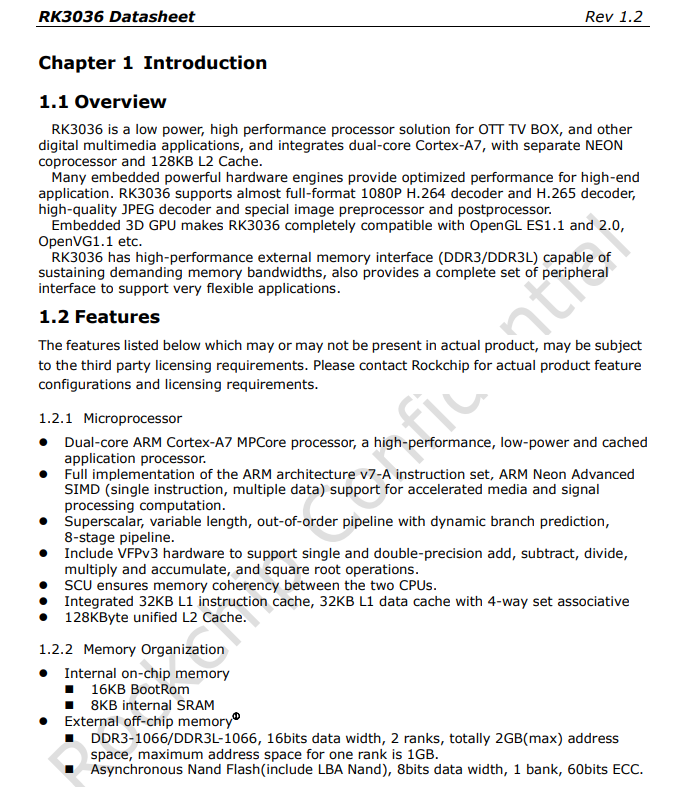
    RK3036 Datasheet page showing Introduction and Features for a dual-core ARM Cortex-A7 processor


    Close-up of a red PCB inside a device, with an HDMI port, micro-USB connector, and microSD card slot Red PCB close-up with Rockchip RK3036S chip and two memory ICs beside an edge connector Close-up of a red PCB with SMD components and a shielded module, partially inside a casing Close-up of a red PCB with an HDMI port, SMD components, and a finger at the top edge

    Windows pad test
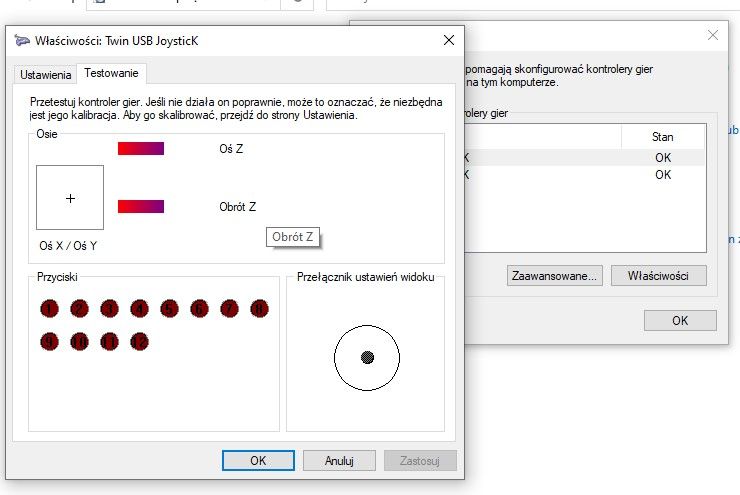
    Out of curiosity, I checked the Windows pads. I switched their receiver to the computer. The USB device is correctly seen and supported, we essentially have here two functional wireless pads that can be used independently of the console.
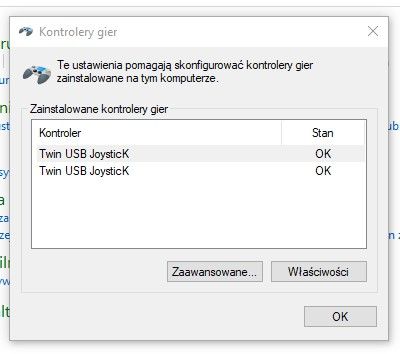
    Windows “Game Controllers” window listing two “Twin USB JoystickK” entries, both with status OK.
    I verified their operation in the system tool joy.cpl:
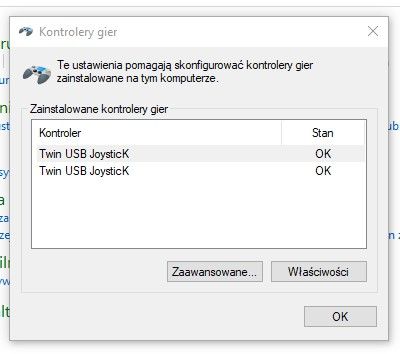
    Windows “Game Controllers” window listing two “Twin USB JoystickK” devices with status OK
    Windows “Properties: Twin USB Joystick” window showing controller axis and button test indicators


    Summary
    The kit looks pretty good for its price. You could probably get it cheaper too. There are a lot of games, the whole thing works with the TV via HDMI, and the set comes with a cable to be able to connect the console comfortably even if the distance to the wall is small.
    I have no complaints about the emulation, but I have encountered the opinion that the SNES can occasionally frame here.
    The only major drawback I see here are the pads, which require batteries to work. I'd prefer USB-charged ones. Additionally, the buttons are quite clunky and noisy, but this can be survived.
    Interestingly, the pads work normally with a PC - so perhaps it would be possible to go the other way and connect your own, better pads to this console, but I haven't tested that.
    And what consoles do you guys recommend, was it a good buy at this price, or would it be better to go for something else?

    Cool? Ranking DIY
    Helpful post? Buy me a coffee.

    About Author
    p.kaczmarek2
    Moderator Smart Home
    Offline 
    p.kaczmarek2 wrote 14172 posts with rating 12050, helped 645 times. Been with us since 2014 year.
  • ADVERTISEMENT
  • #2 21837678
    maestro16s
    Level 10  
    Could you take a look at some ps1 games to see how they work? nesa was emulated 20 years ago by phones
  • ADVERTISEMENT
  • #3 21838036
    @GUTEK@
    Level 31  
    Those pads on the other side are probably the space for the eMMC memory. Some retro consoles have it soldered in and that's where the system sits.
    Have you checked what's on the memory card? If it's a retroarch it's good to be able to update it though.
  • #4 21838357
    kjoxa
    Level 23  
    And a question, does this console have the typical Mario, IceClimber and Tank-i classics (Battle City)?
  • #5 21840156
    arjunmehta
    Level 3  
    Testing and presenting on a retro gaming setup: using a Retro M8 console or emulator with two controllers, developers can run Minitests and showcase gameplay via RetroArch, enabling cross-platform retro game emulation efficiently.
  • ADVERTISEMENT
  • #6 21840960
    ChatGPT
    Level 12  
    I have this gamestock but do not recommend it. There are lags and delays when playing Contra. Instead, I recommend the slightly more expensive Y6 hdmi game stick. You can change the OS to EMUelec and do cheats on it (by searching for values in memory).
  • ADVERTISEMENT
  • #7 21841143
    atek0001
    Level 1  
    I also have this "console". I recommend that you immediately do a dump of the SD card or replace it with some better one because it died quickly for me. You can find the batches on the net but it can be a problem to fit a specific version (there are some). Adding new roms is not easy, and how to add an item to an already existing list or delete it I have not found. The communication of the pads also leaves a lot to be desired, after more than a year they do not always work when pressed (communication or contacts) and they can reset and reconnect. In gameplay this is unacceptable. I have to connect a USB HUB at some point and test with wired pads.
    But I have to admit that my daughter and I had a good time with it for the first few weeks and she even took it to school and played after school. For the price it's not too bad, but personally I prefer my old Intel NUC from retroArch
  • #8 21841478
    Andrzej Ch.
    Level 33  
    "Insert Coin" is about slot machine games and the MAME emulator, which is in an archaic version on this device.
📢 Listen (AI):
ADVERTISEMENT