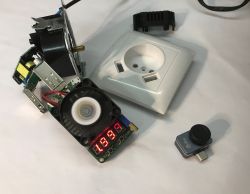
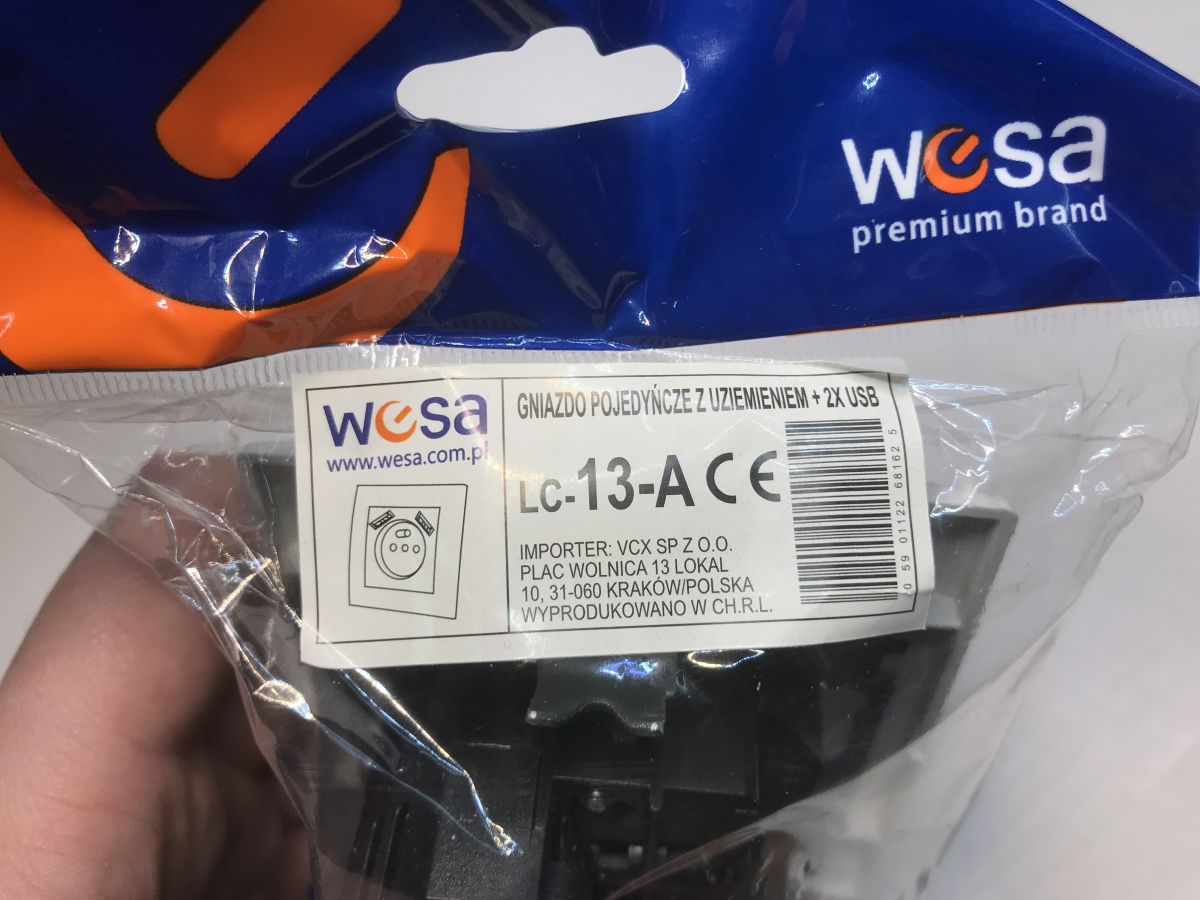
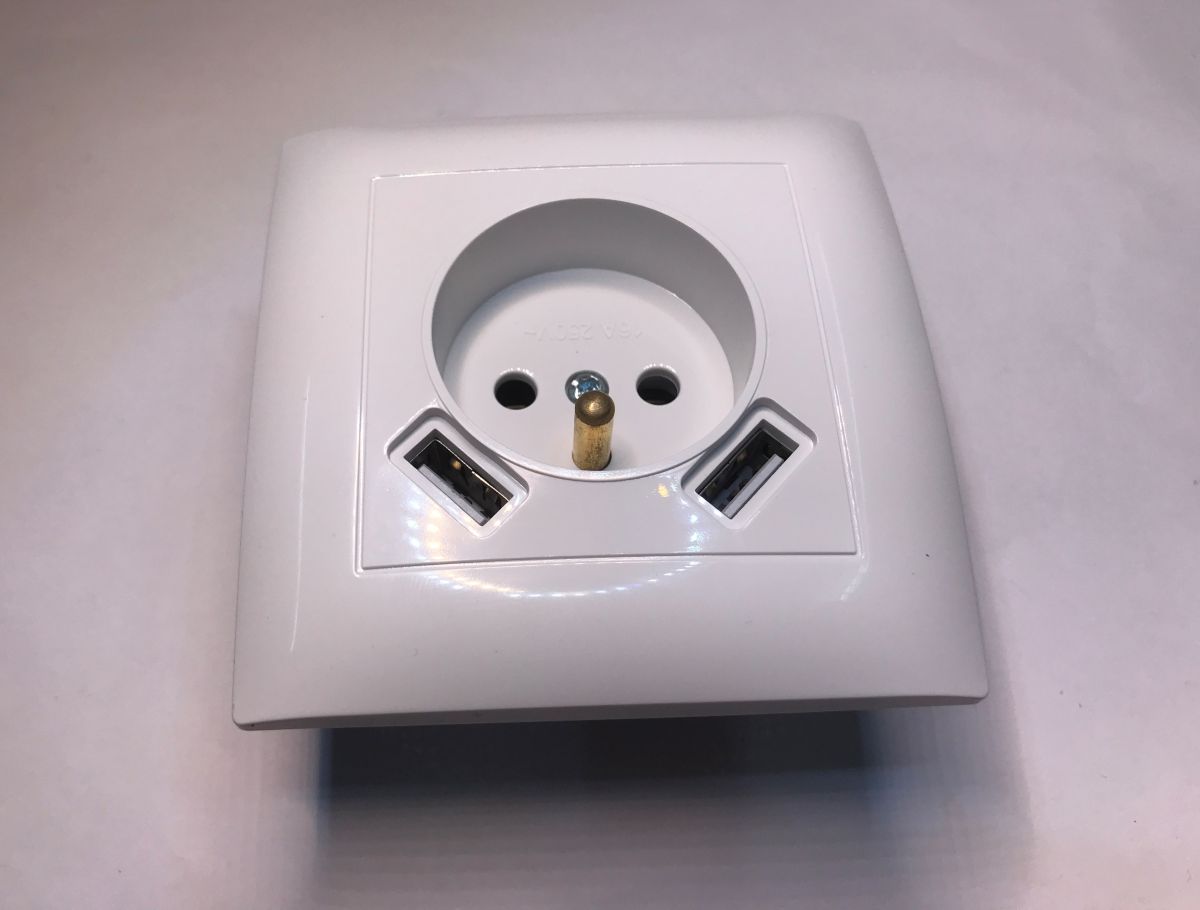
The LC-13-A is a flush-mounted, single electrical socket with earthing and two additional USB ports for powering/charging mobile devices. Its dimensions (width 8.4x8.4 cm, depth 4 cm) allow it to be easily installed in most fi 60 mm boxes. In this topic, I will test how it is built and investigate how hot it will get when operating under full load. I'll show the results in the form of thermal imaging camera images, so we'll also see which components heat up the most.
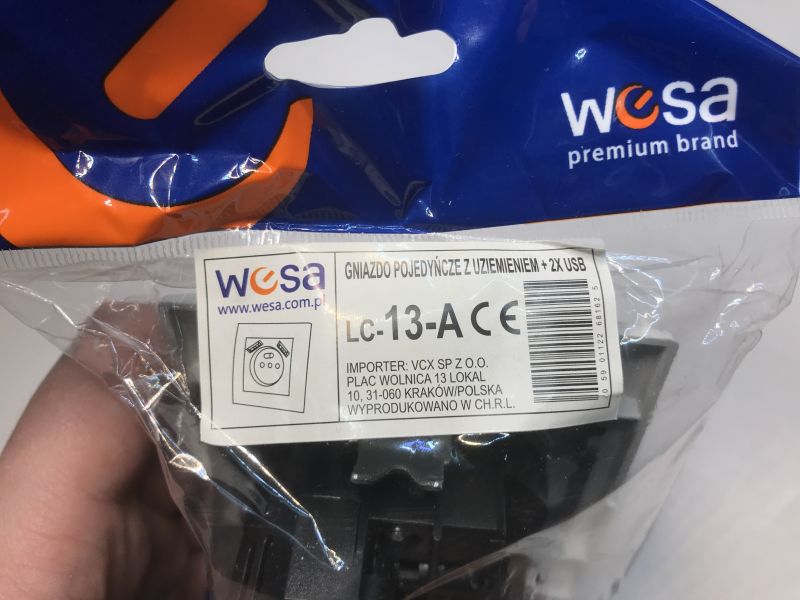
Indeed, this product is slightly deeper than typical sockets, it is worth checking the box before buying.
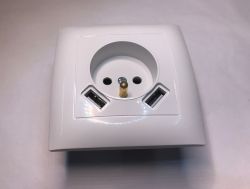
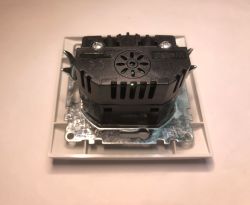
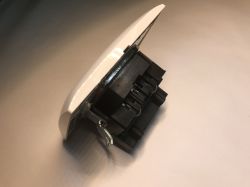
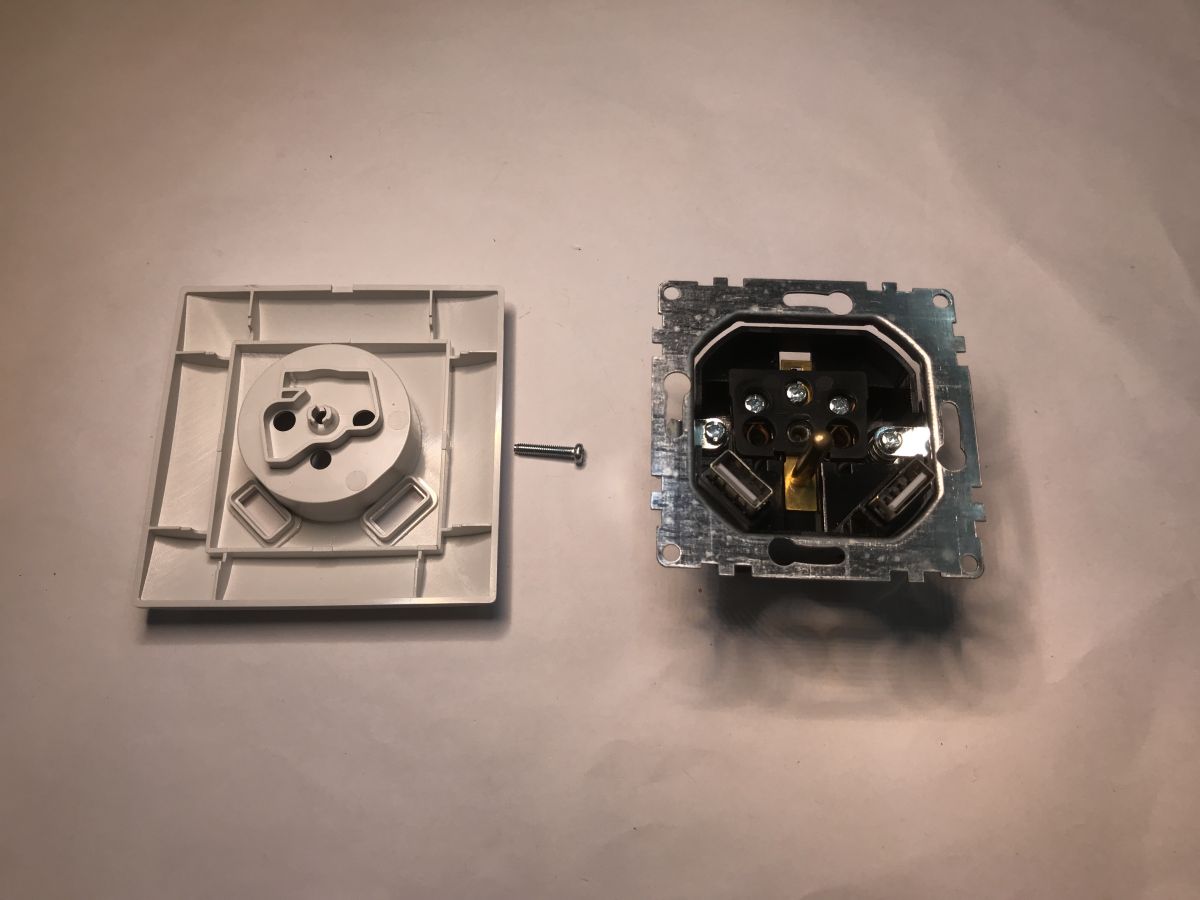
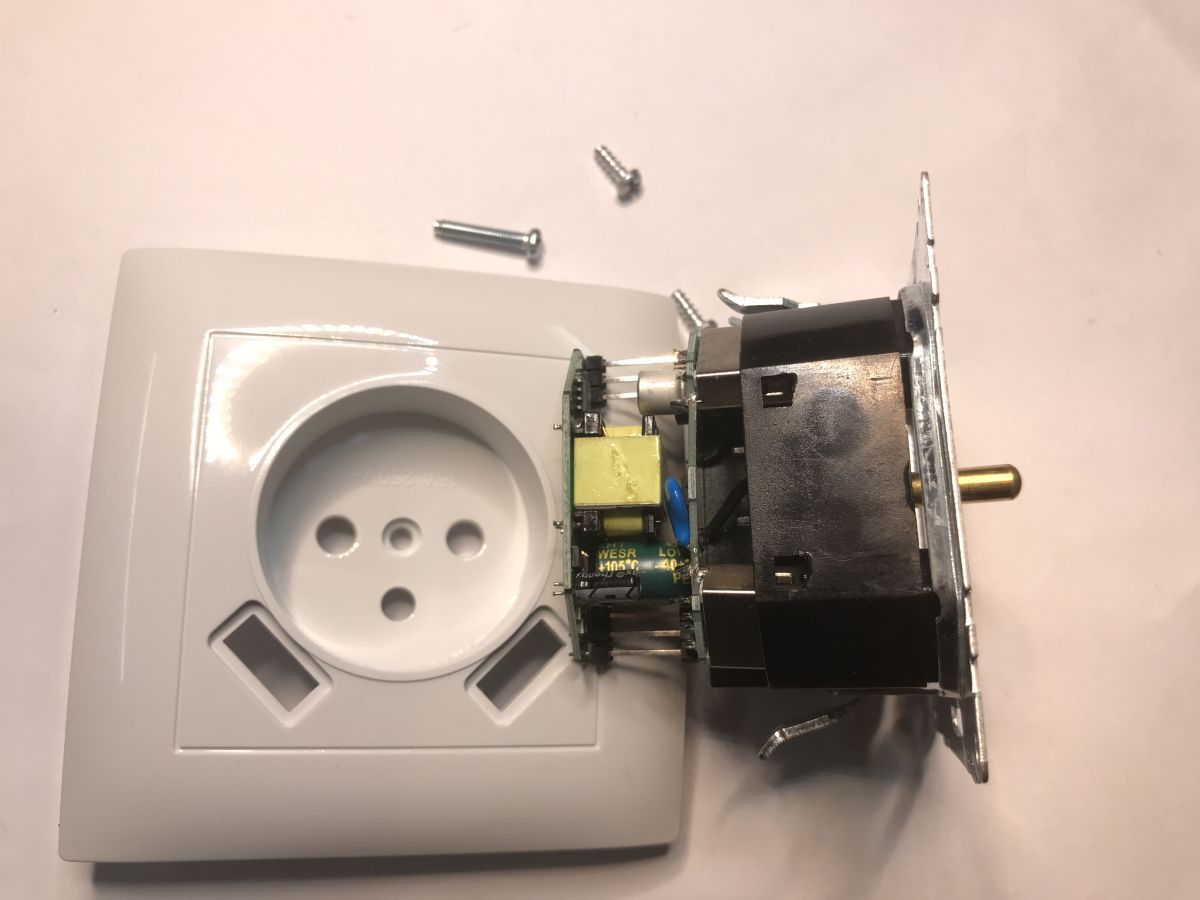
Unscrew the screw to remove the front panel:
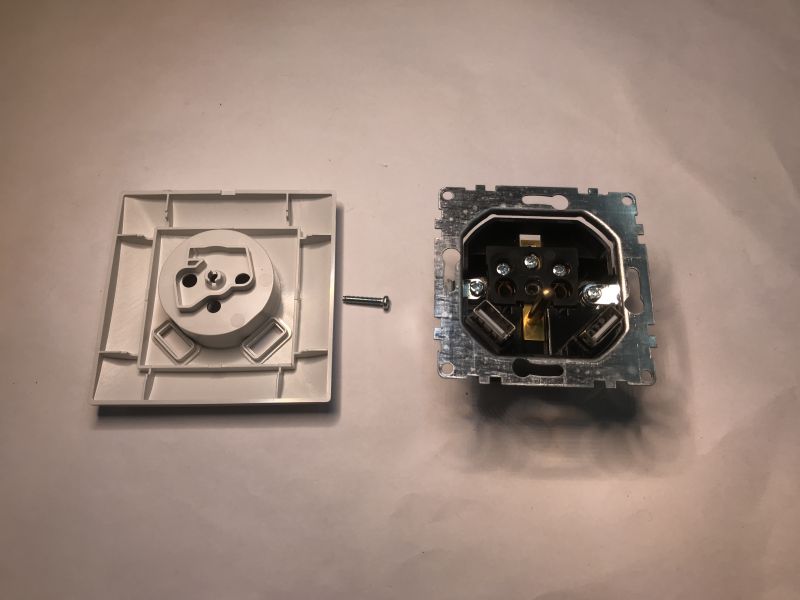
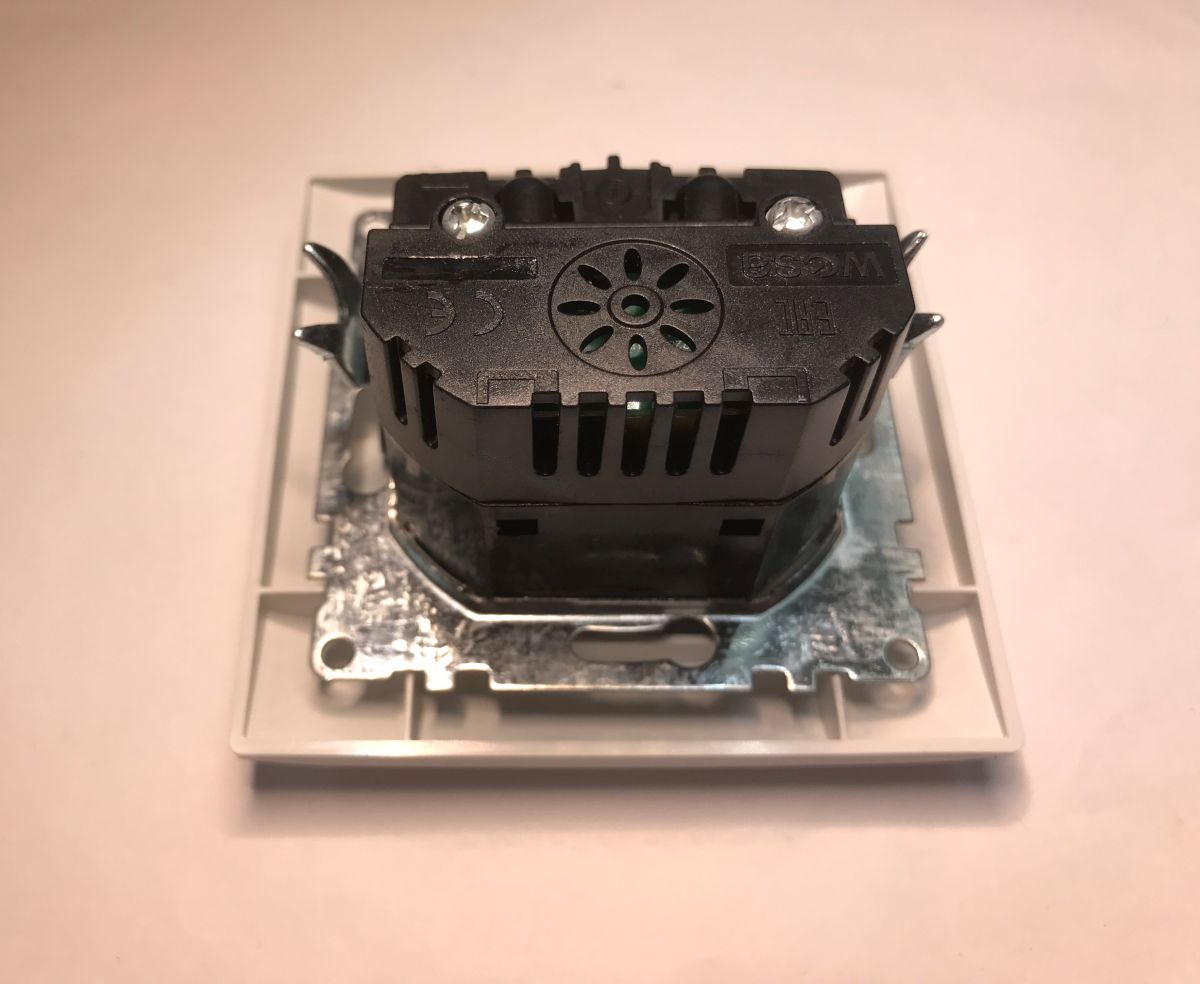
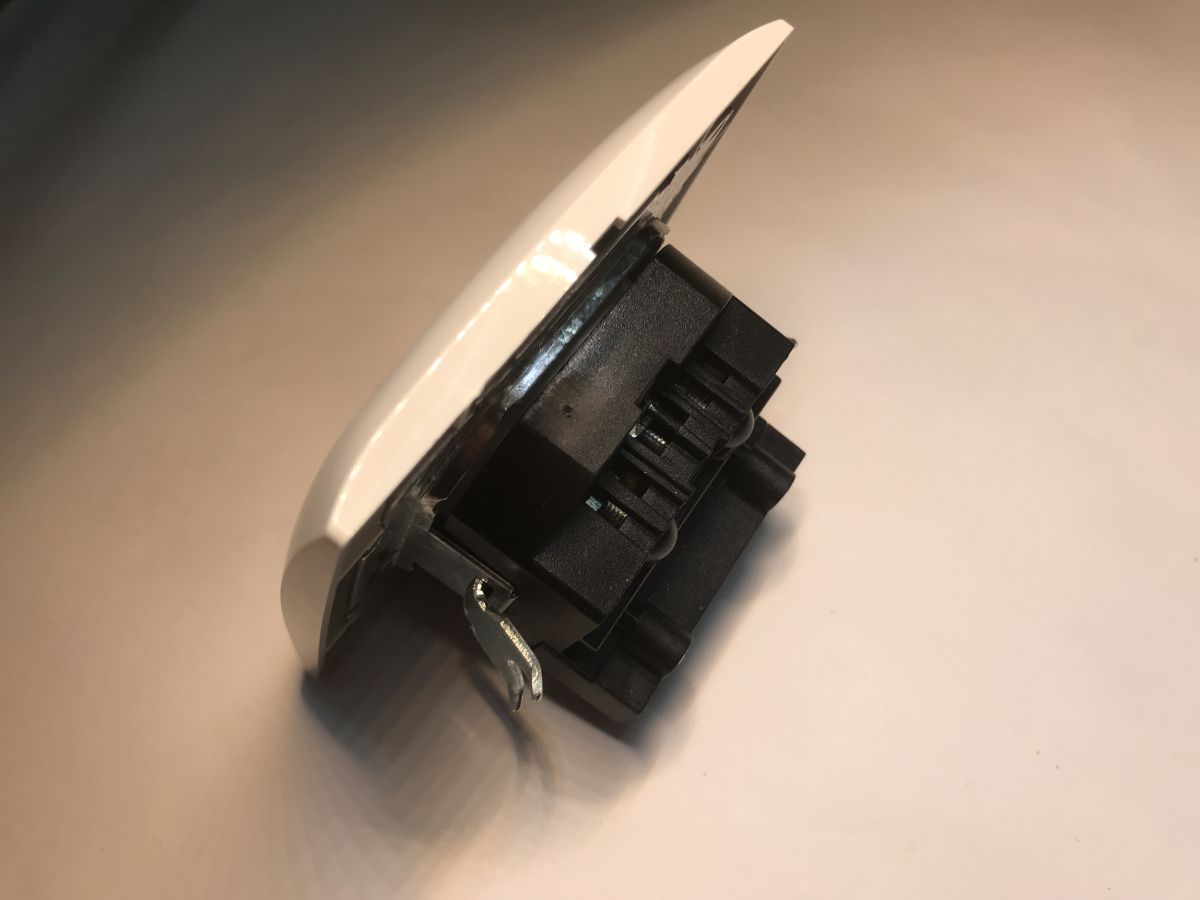
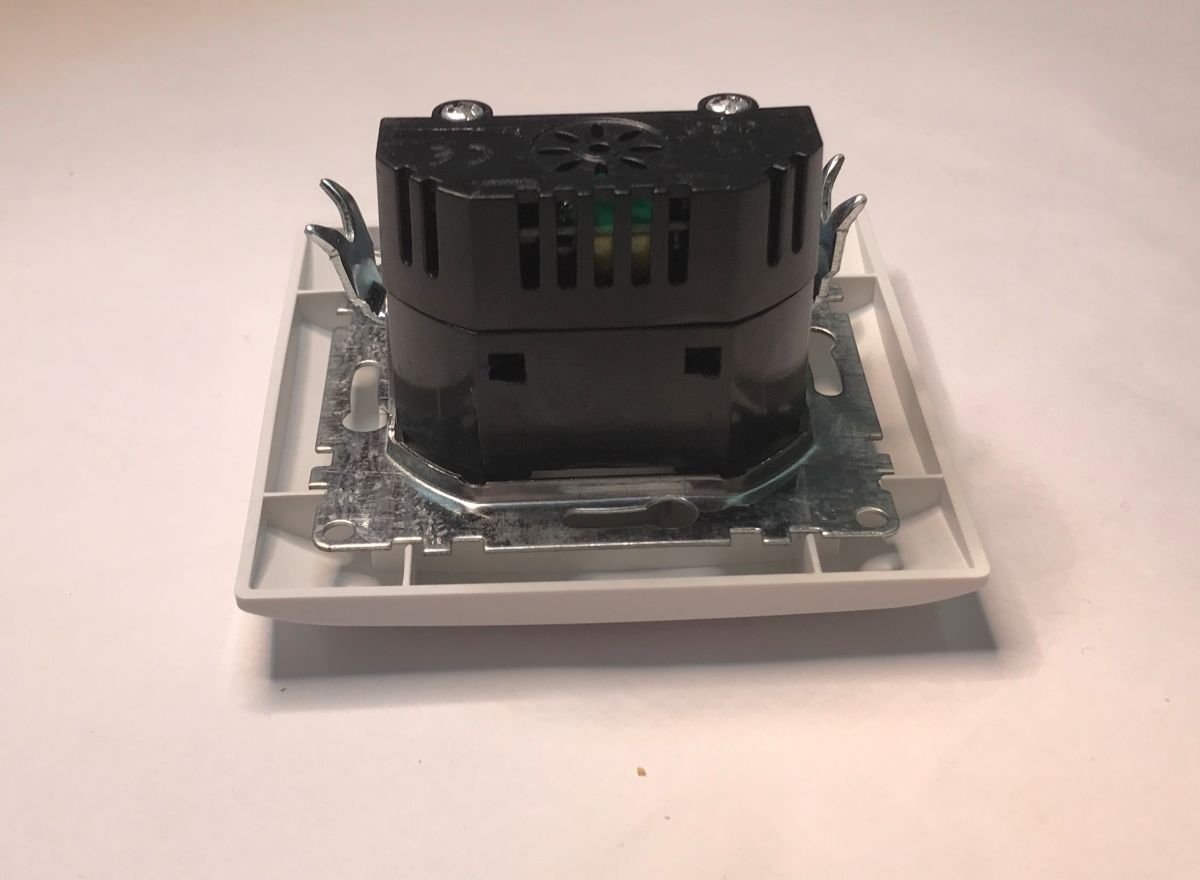
There are vents in the case, but I don't think they provide much - after all, it's sealed in a box anyway. The back of the case is on hooks, let's take a look inside.
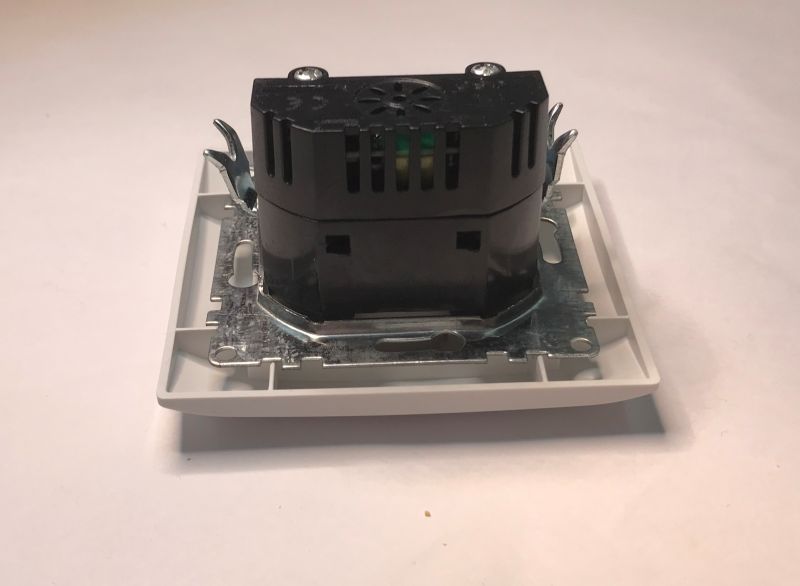
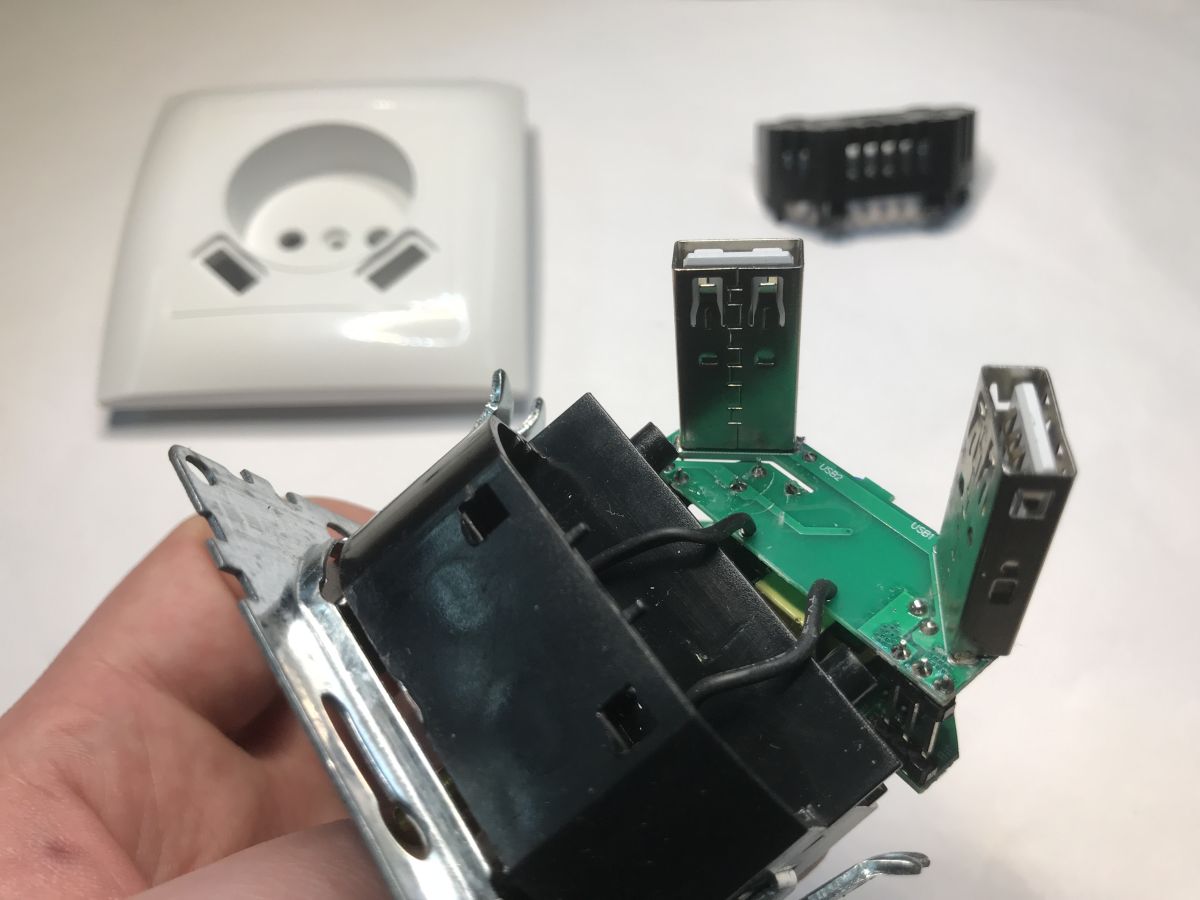
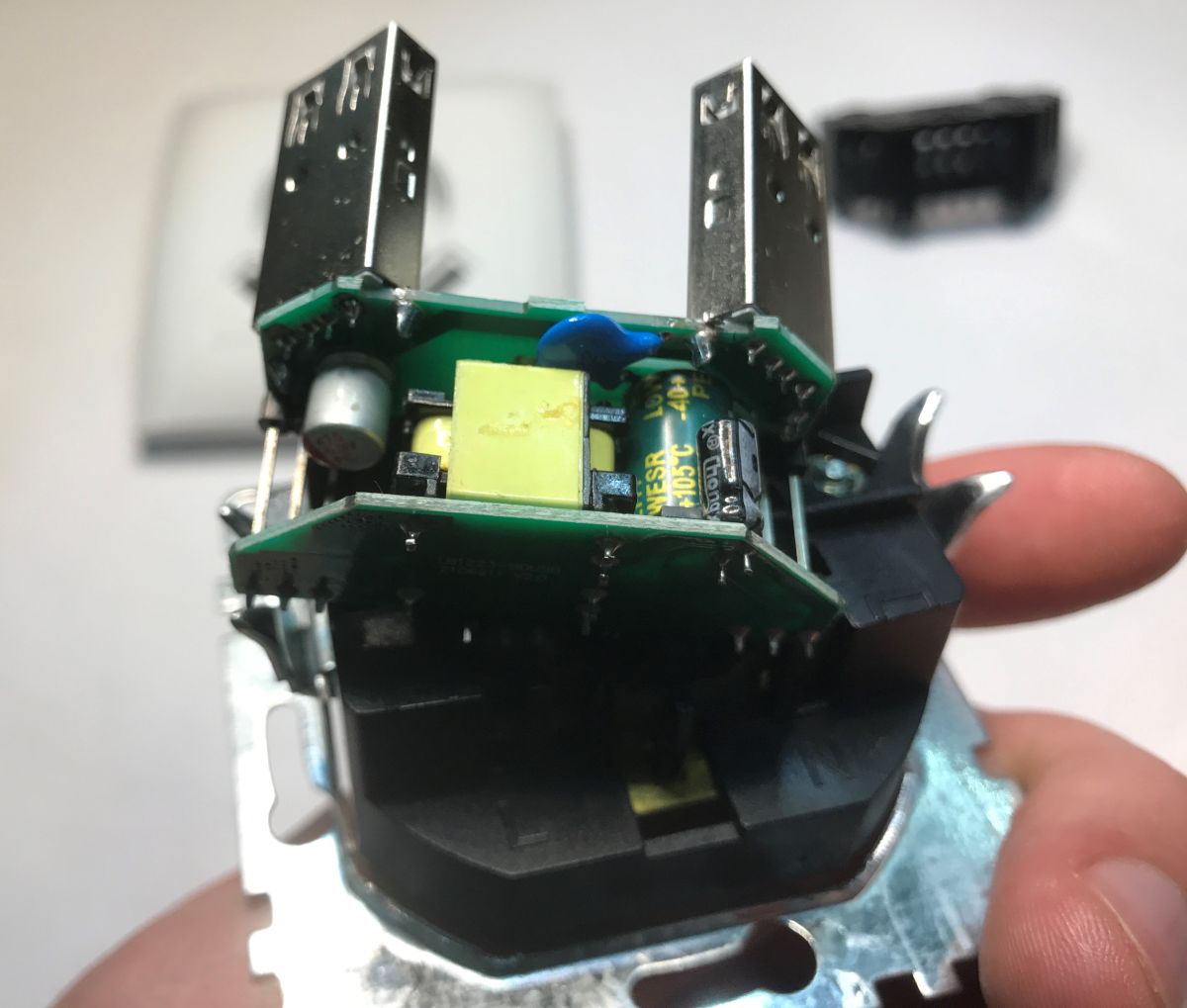
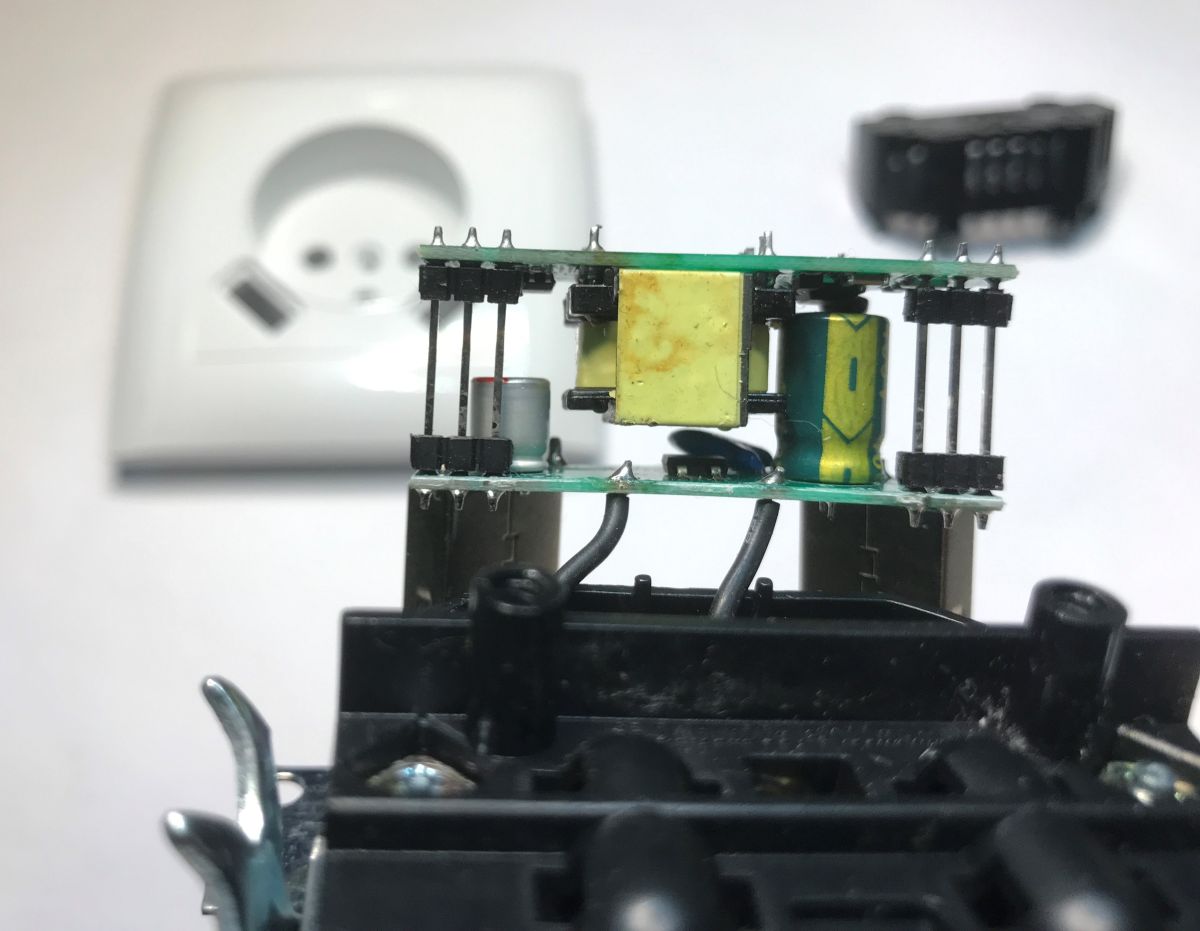
The whole thing is cleverly built with two boards and deep USB ports. The manufacturer has made an effort to pack this efficiently into the available space.
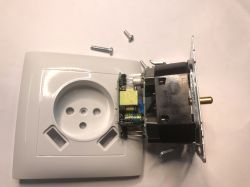
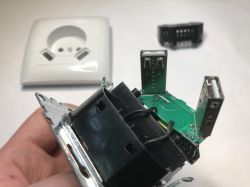
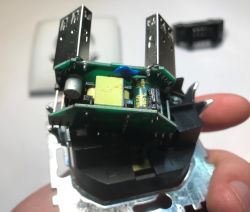
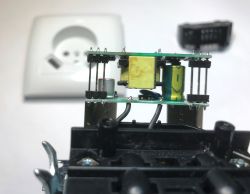
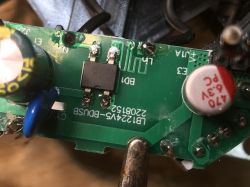
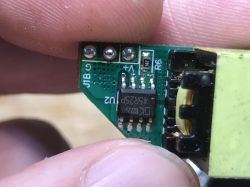
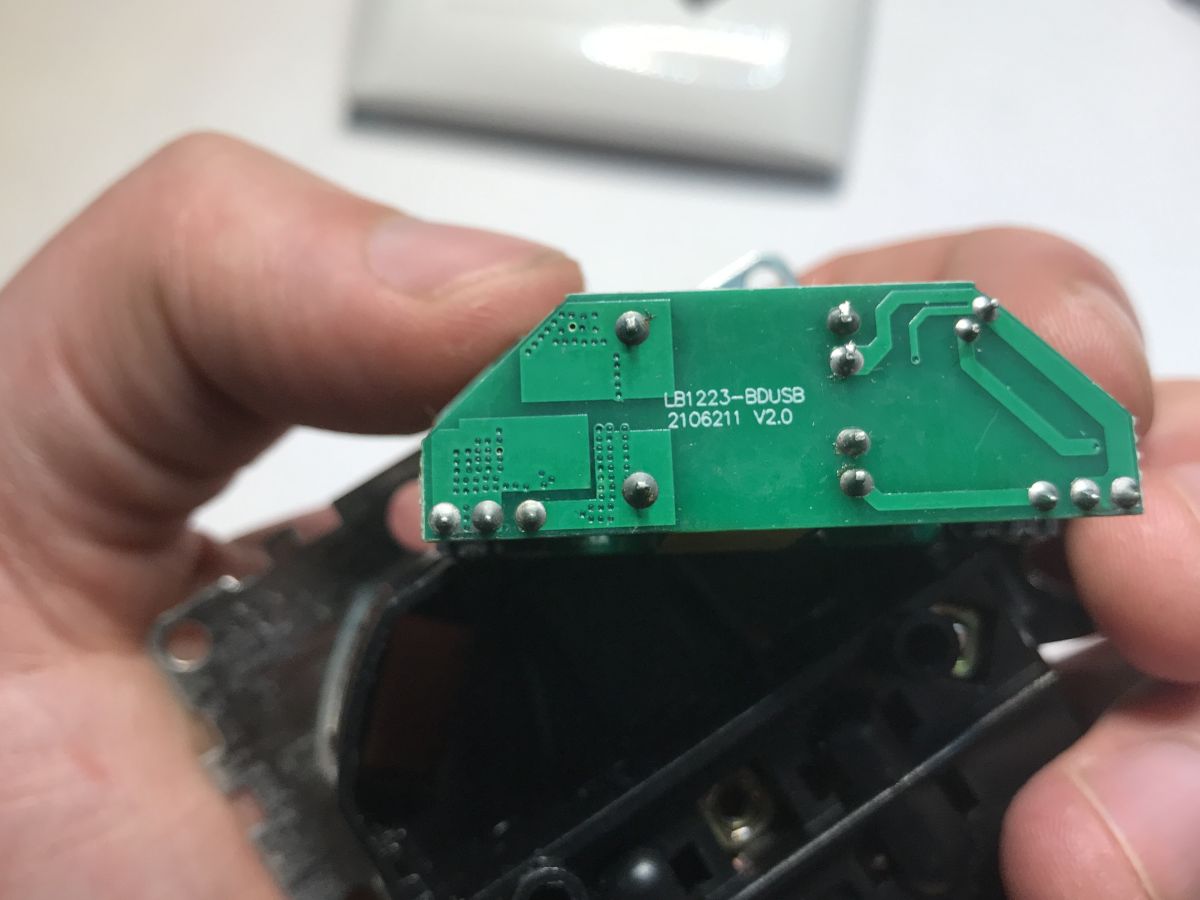
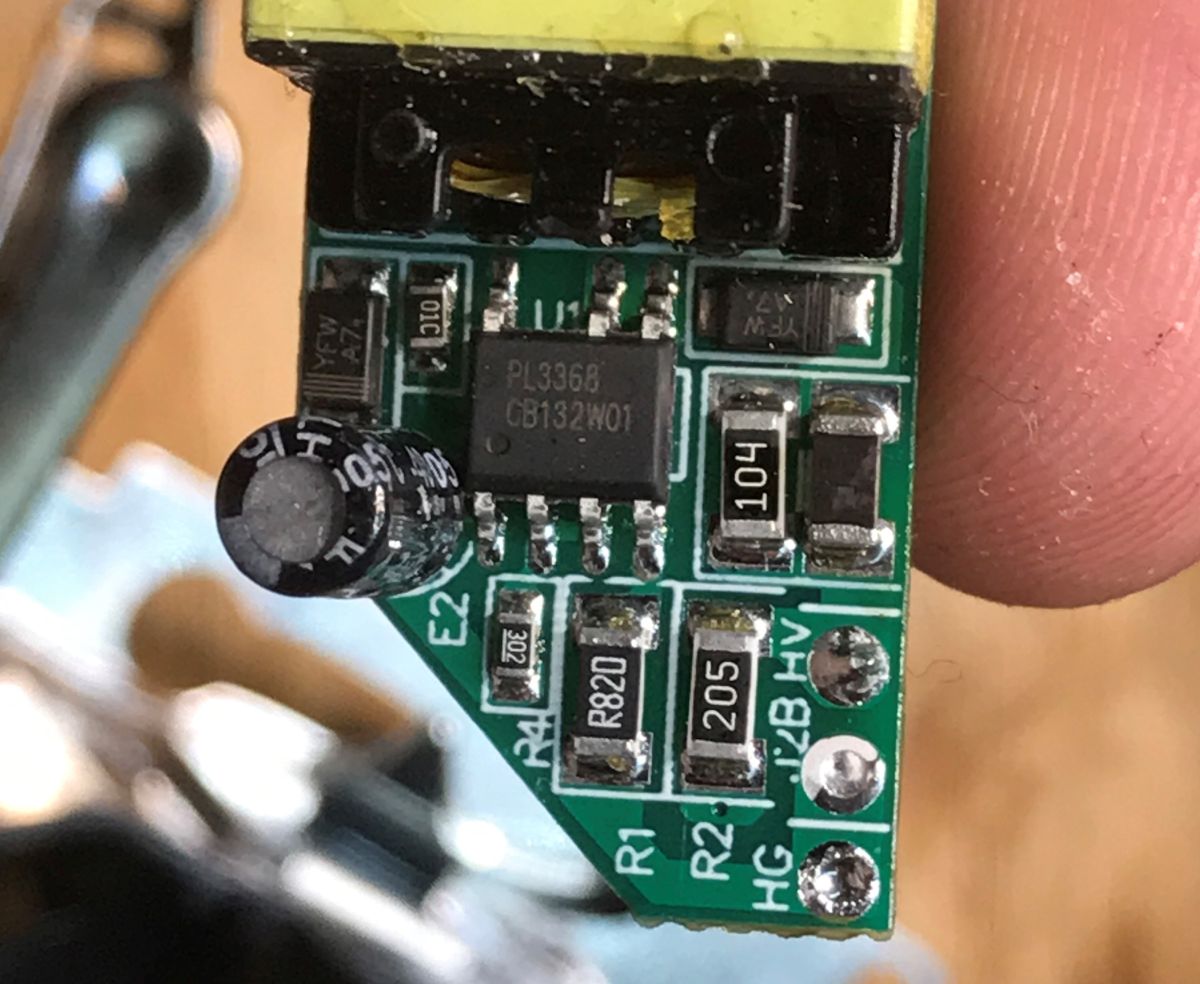
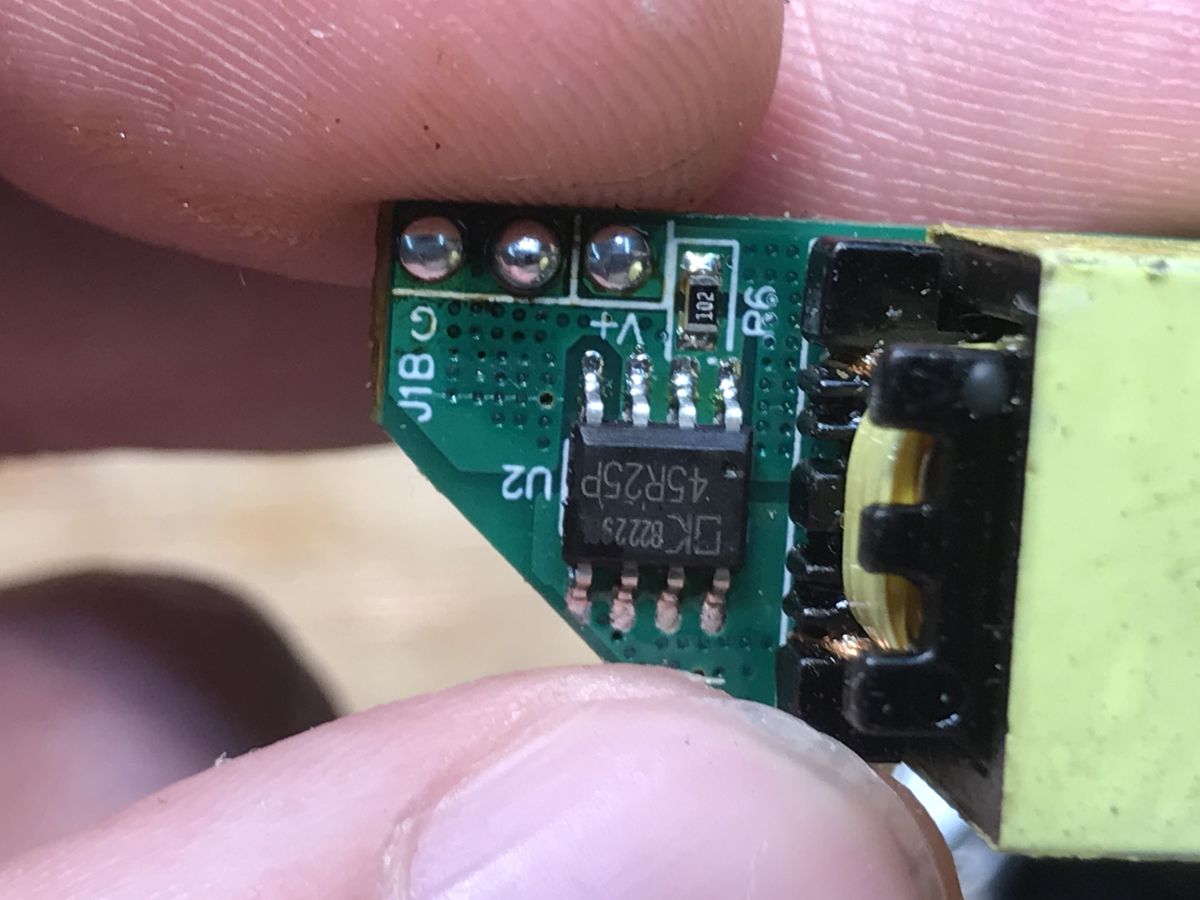
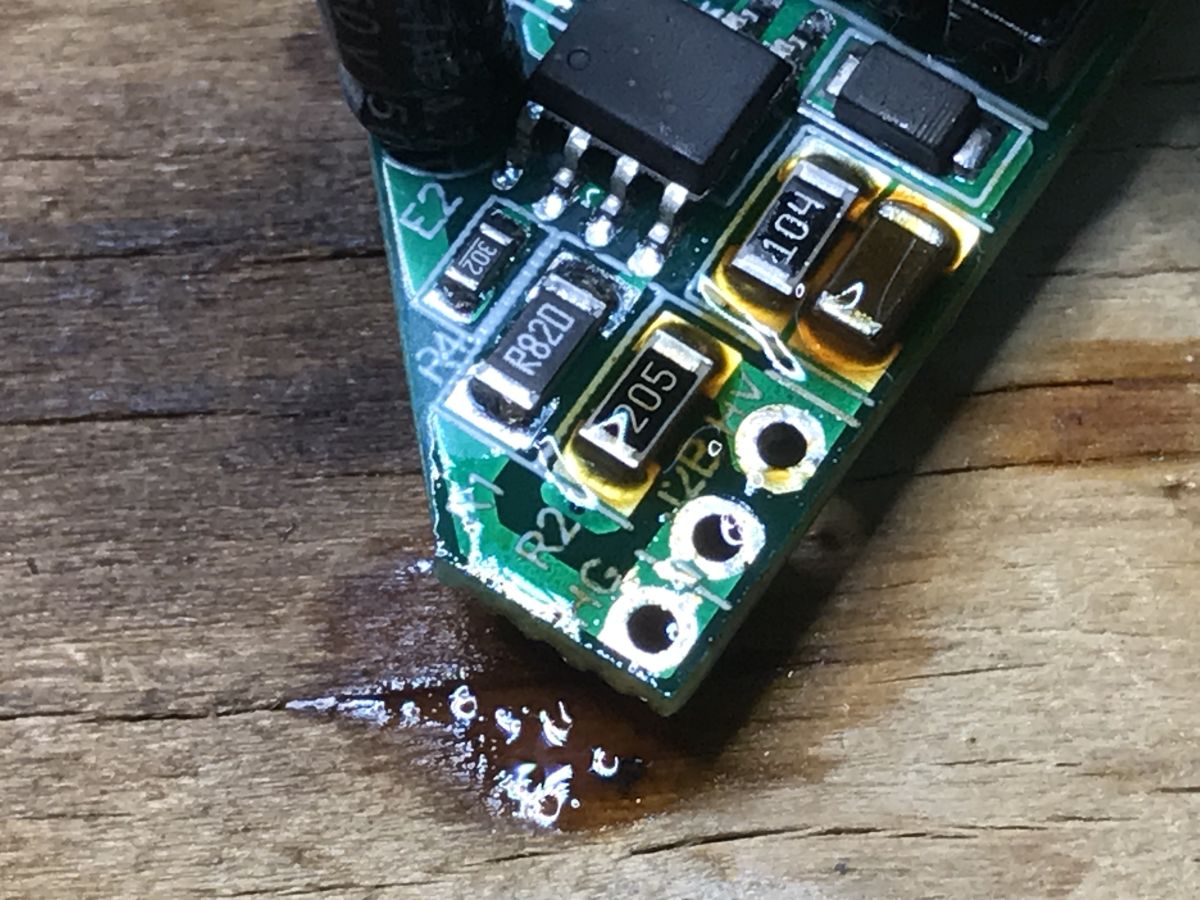
Inside is a small power supply in flyback topology. The PCB is signed LB1223-BDUSB, but you can't see the chip markings. This will need to be unsoldered.
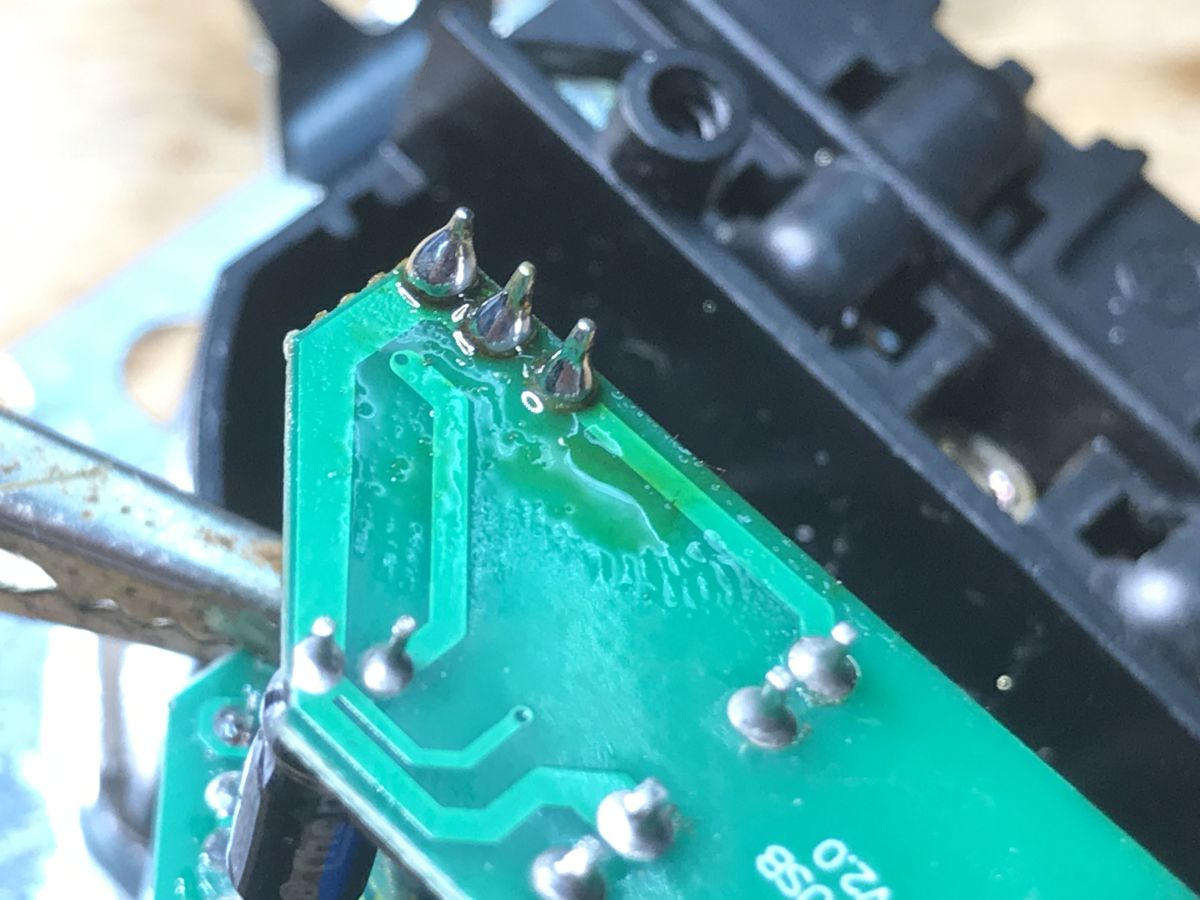
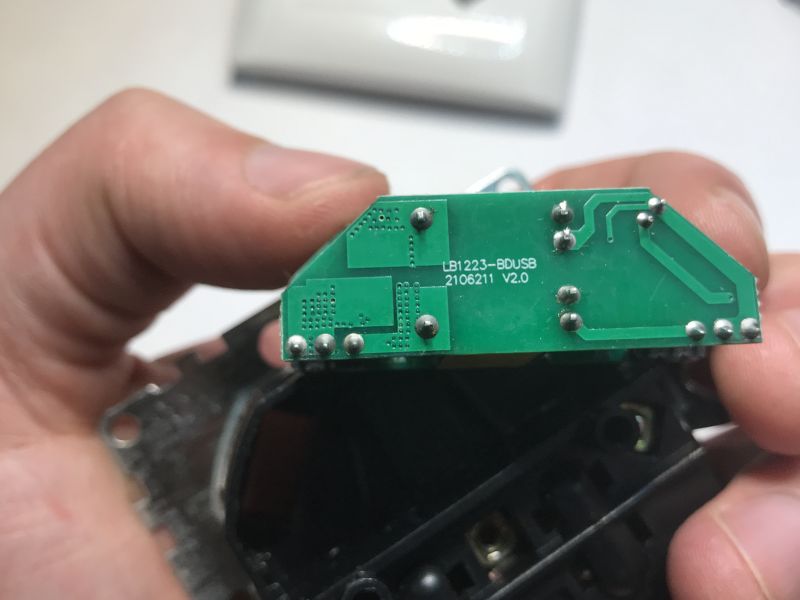 After unsoldering
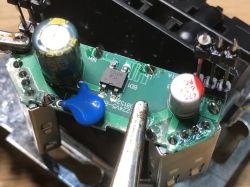
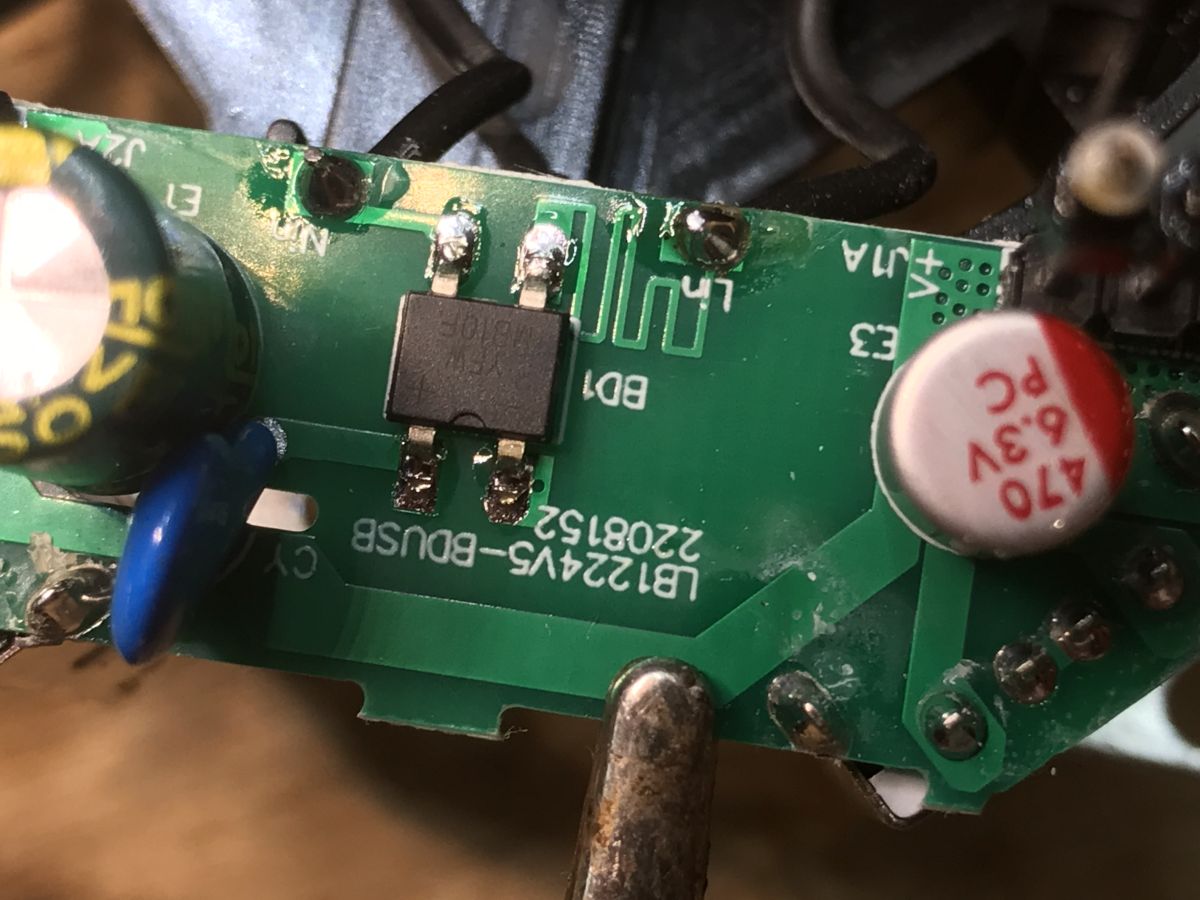
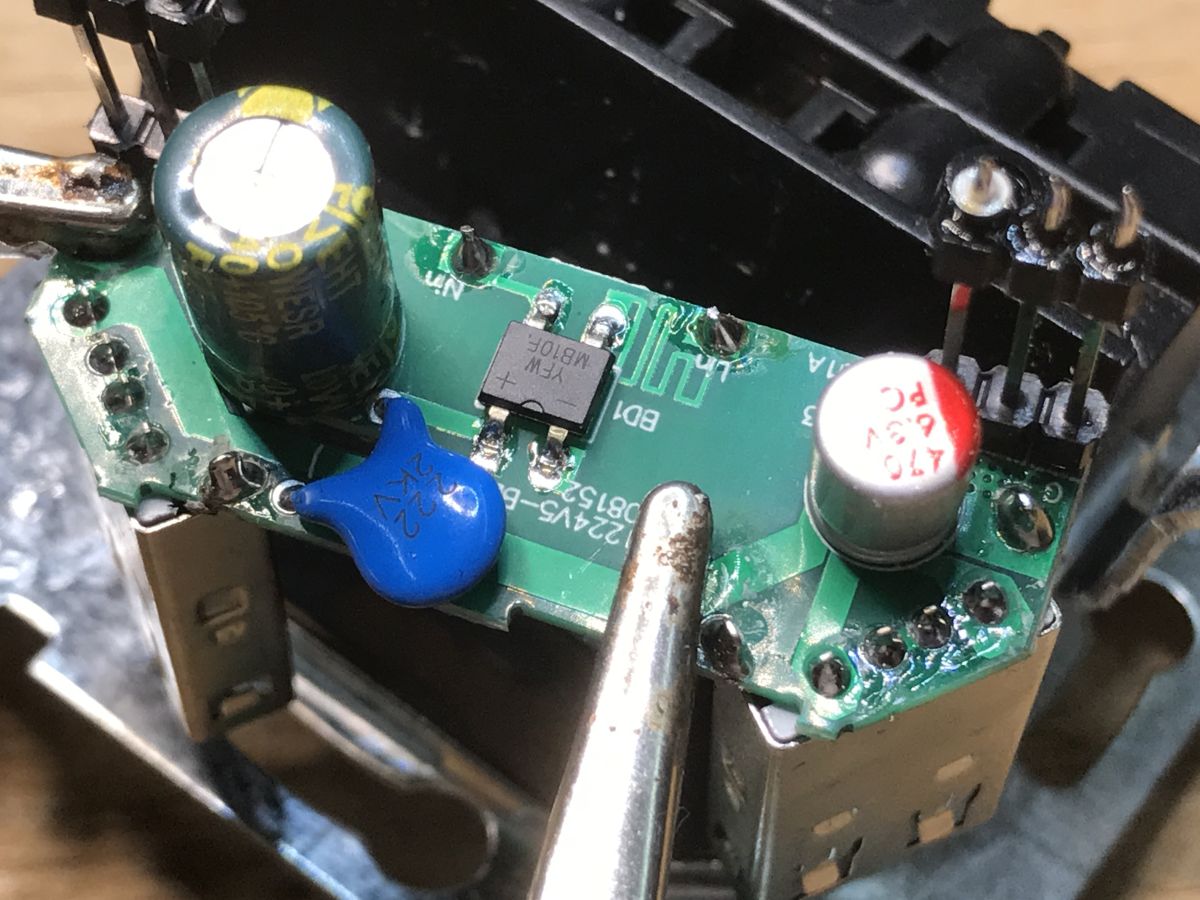
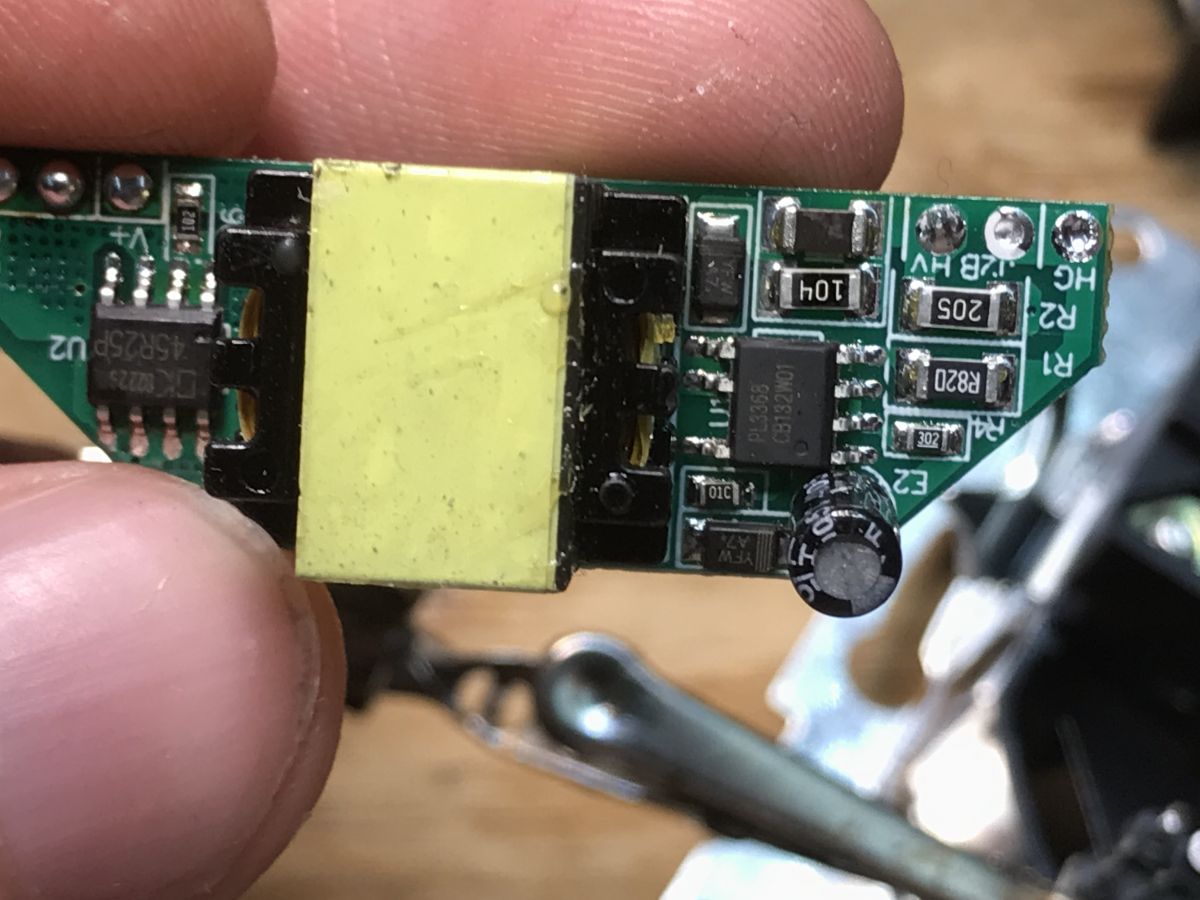
 you can see an interesting design. Here we have on one side
a path instead of a fuse and a rectifier bridge, and on the other side USB ports and a capacitor for 6.3 V, this is connected by a CY capacitor. The distance between the 'hot' and 'cold' side is a little worrying, it's only a few mm.
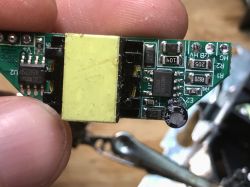
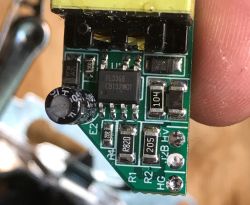
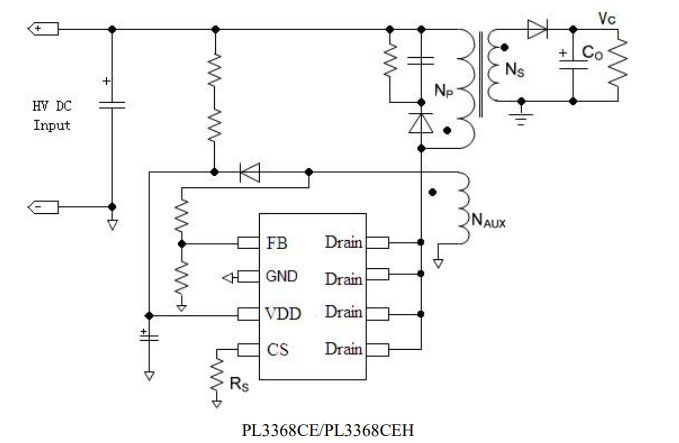
On the other side of the PCB we have two ICs - a PL3368 inverter controller and a 45R25P synchronous rectifier.
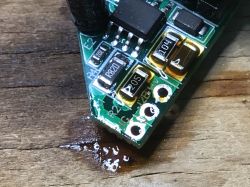
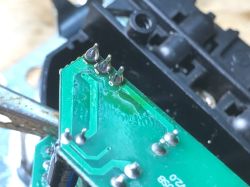
After visual inspection I soldered the whole thing back together:
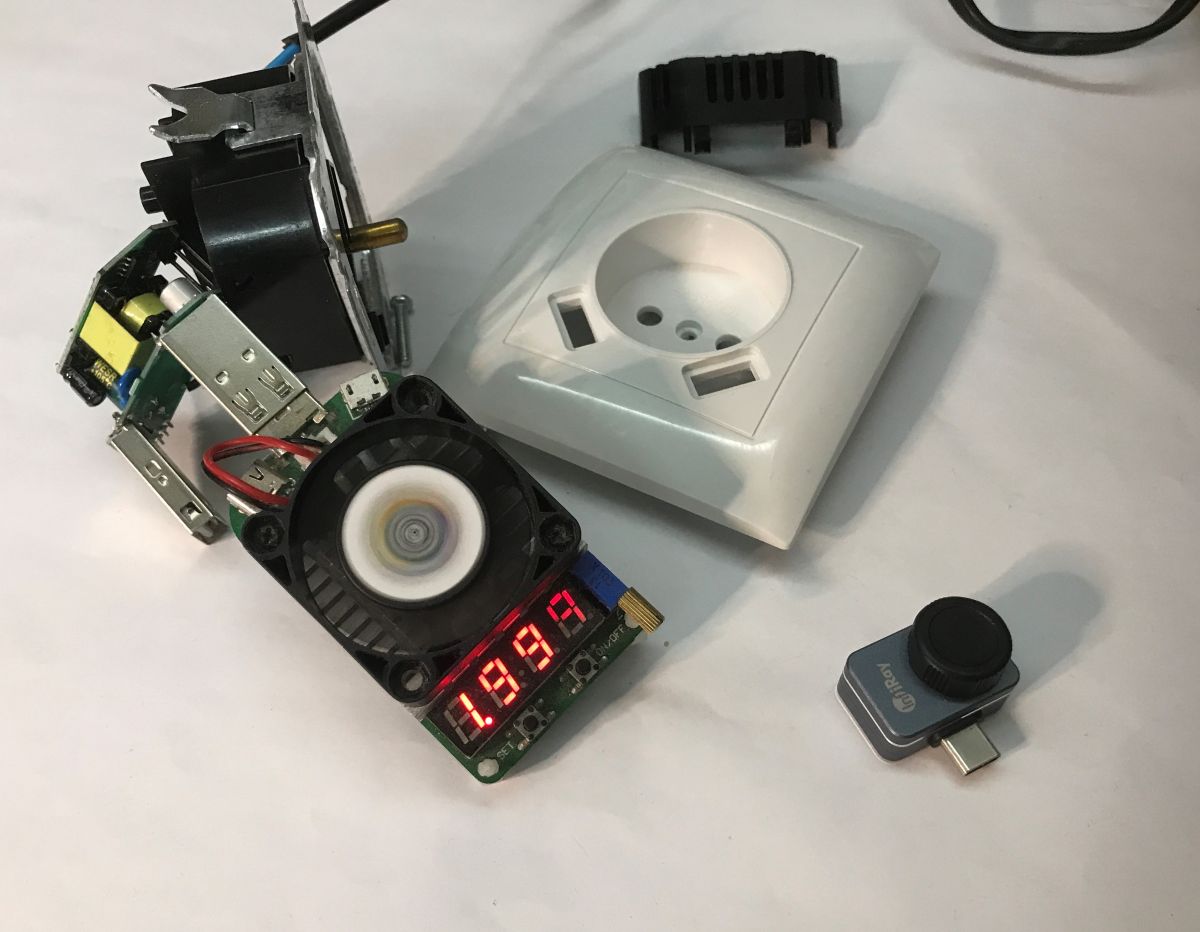
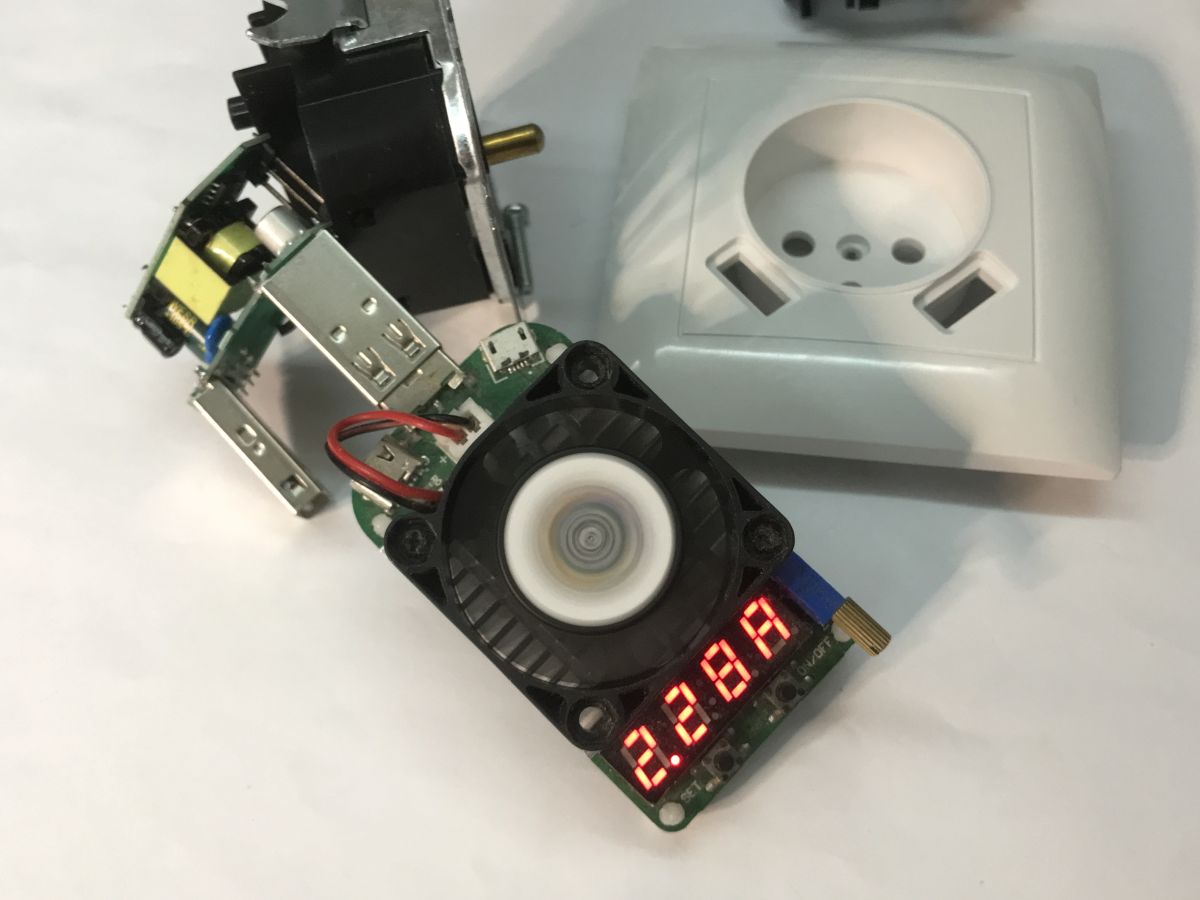
Time for a load test. Up to 2.3 A at 5.1 V can be drawn:
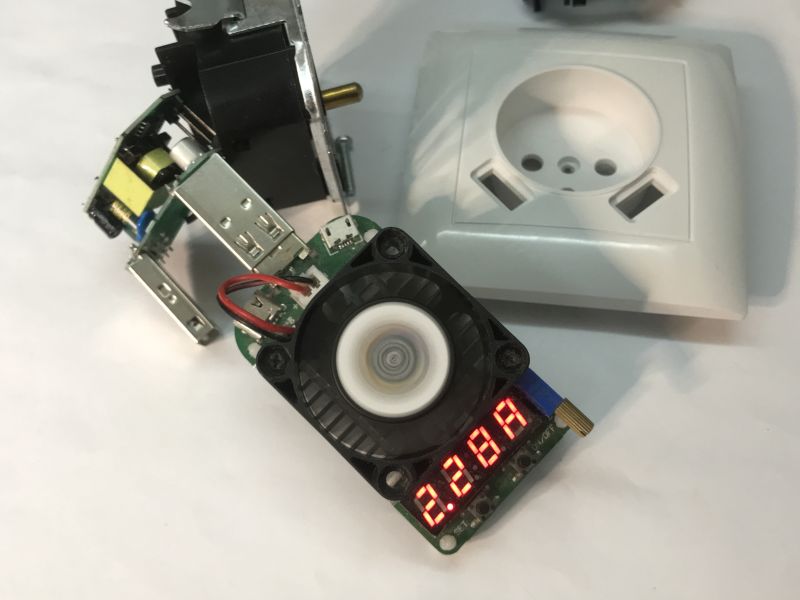
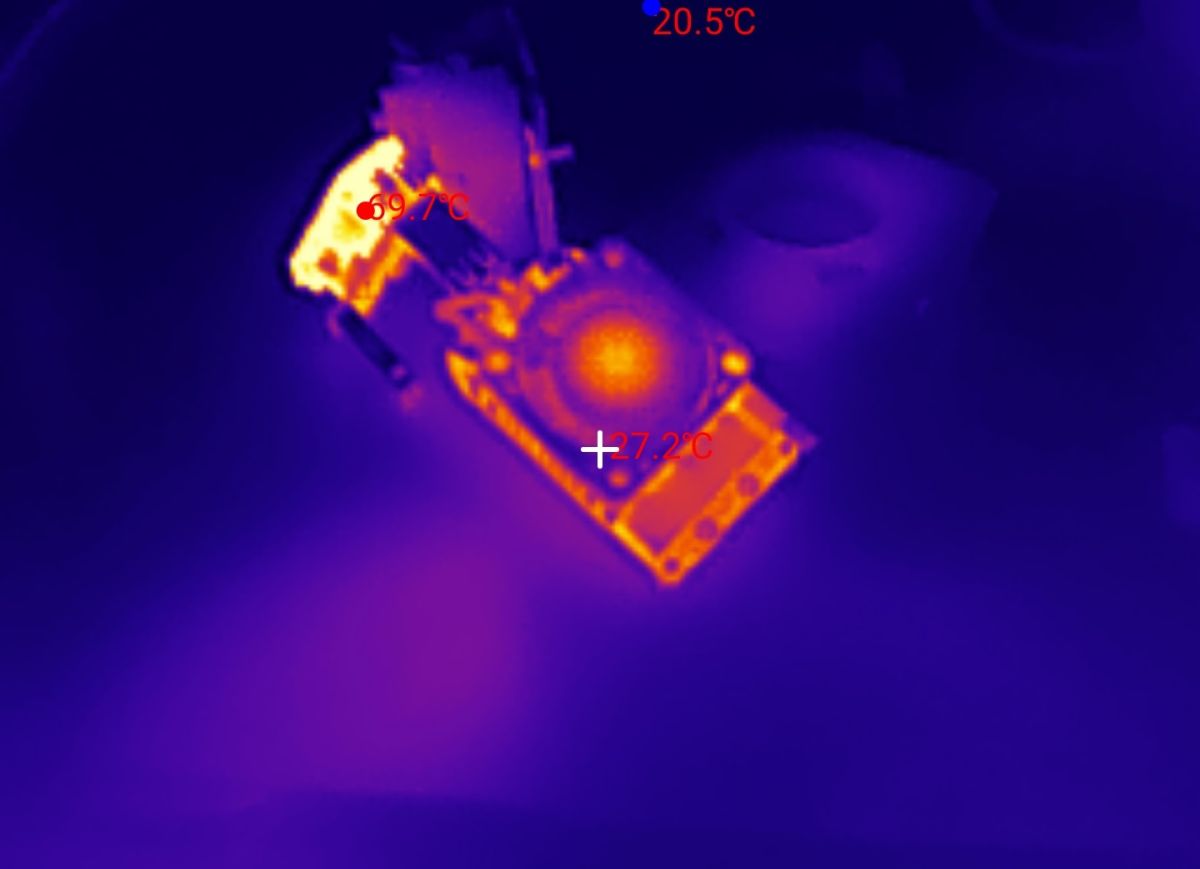
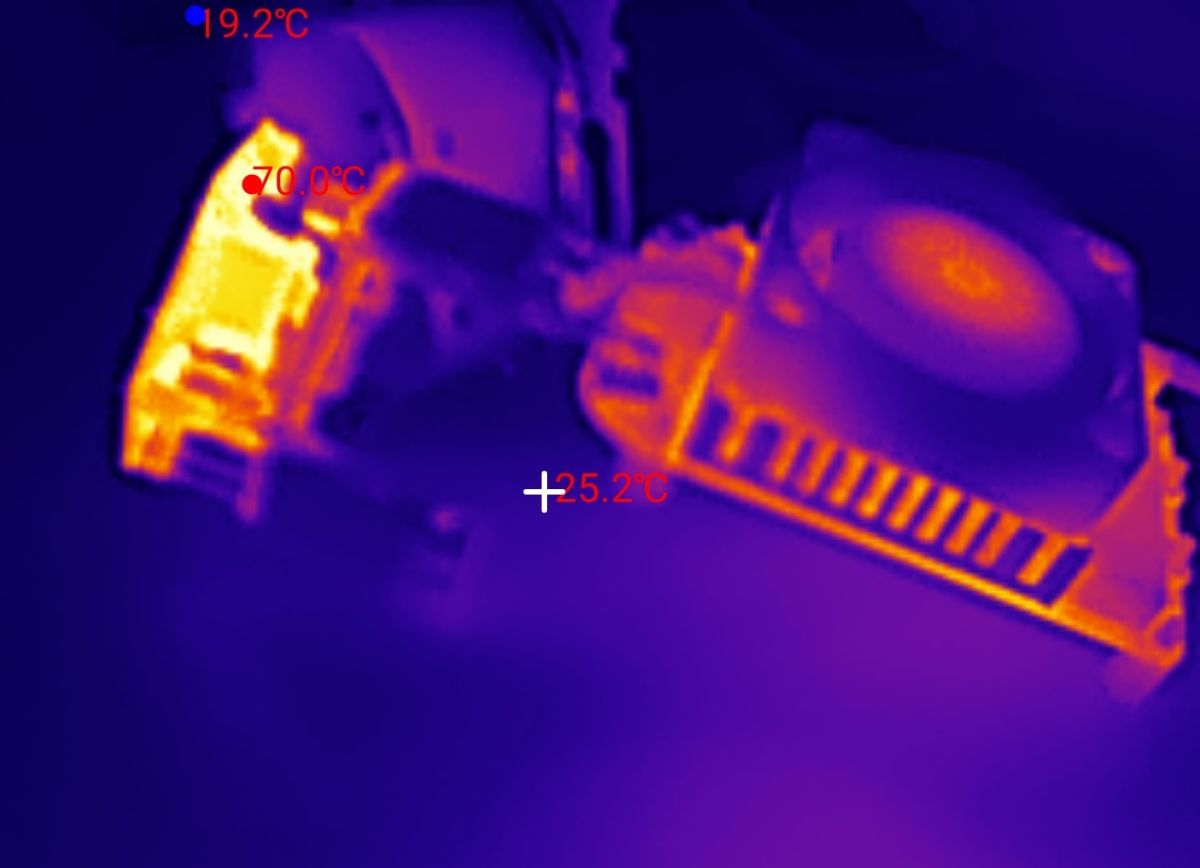
The thermal imaging shows nicely how even the warm air from the LD35 artificial load warms the table top:
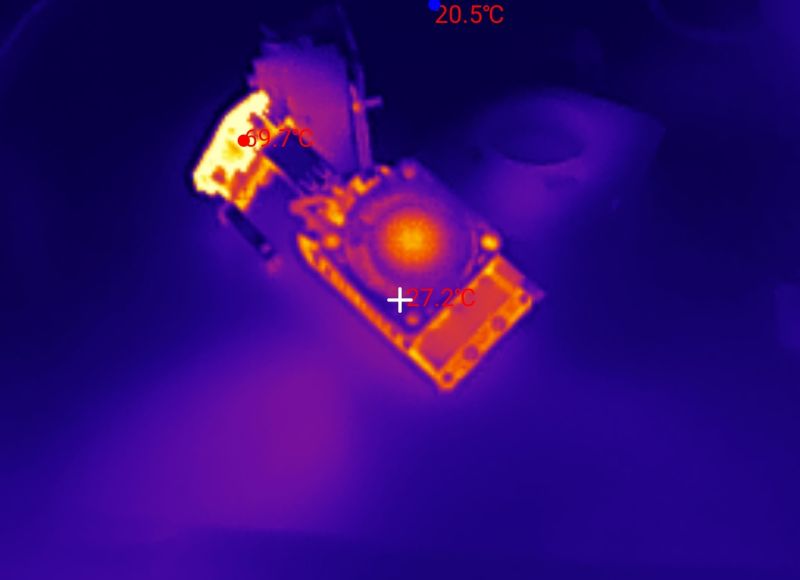
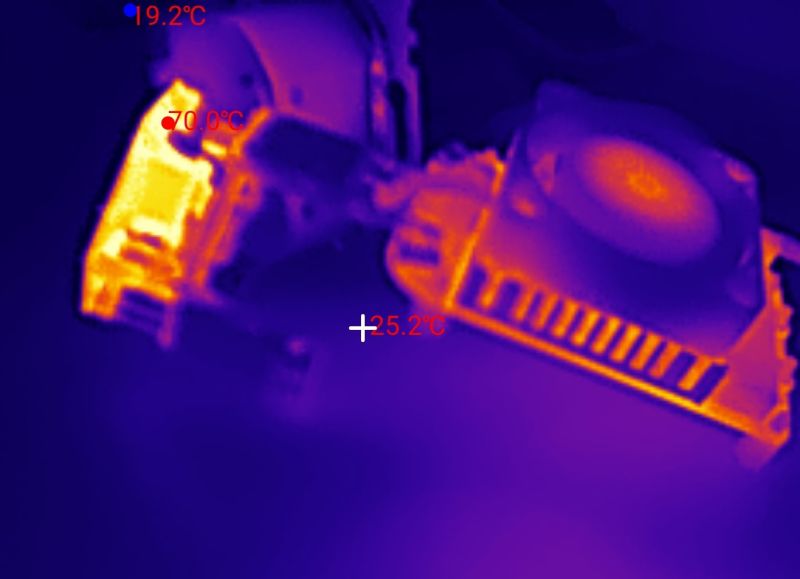
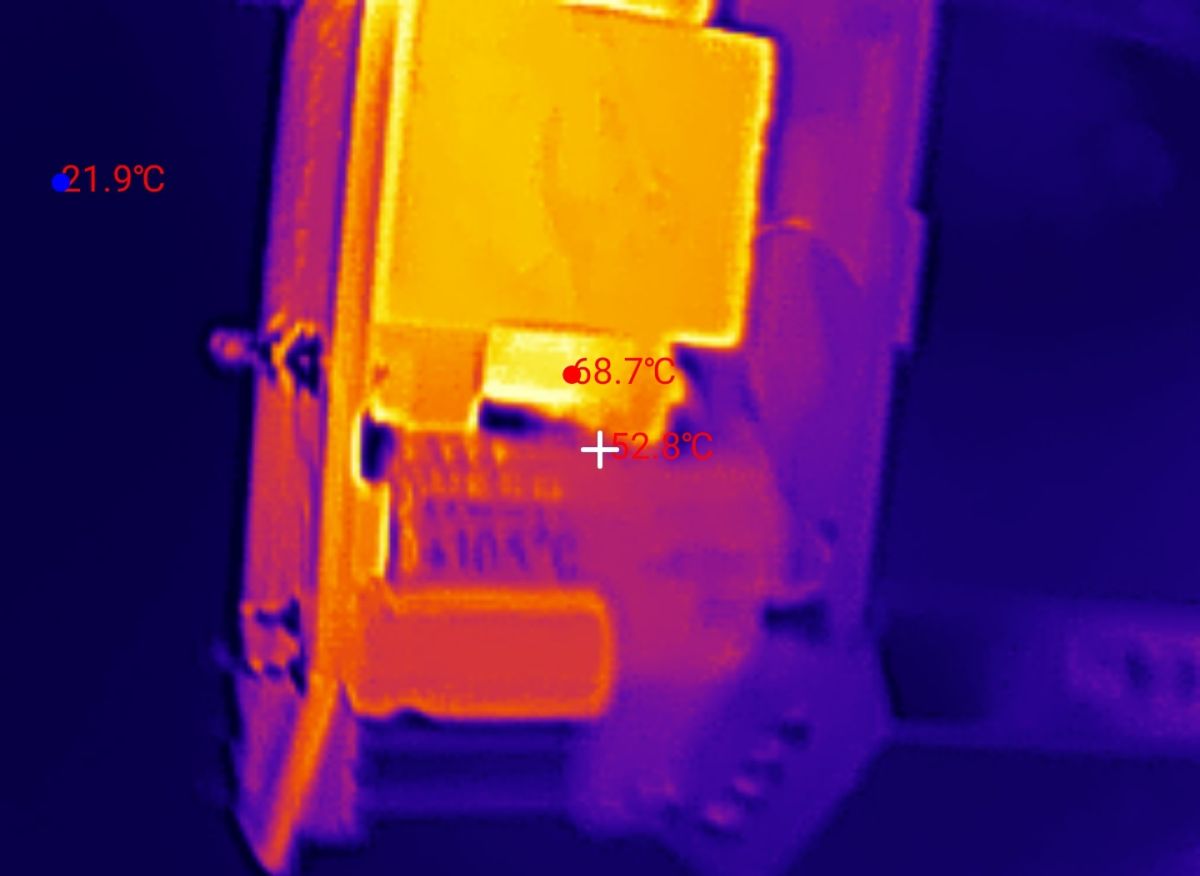
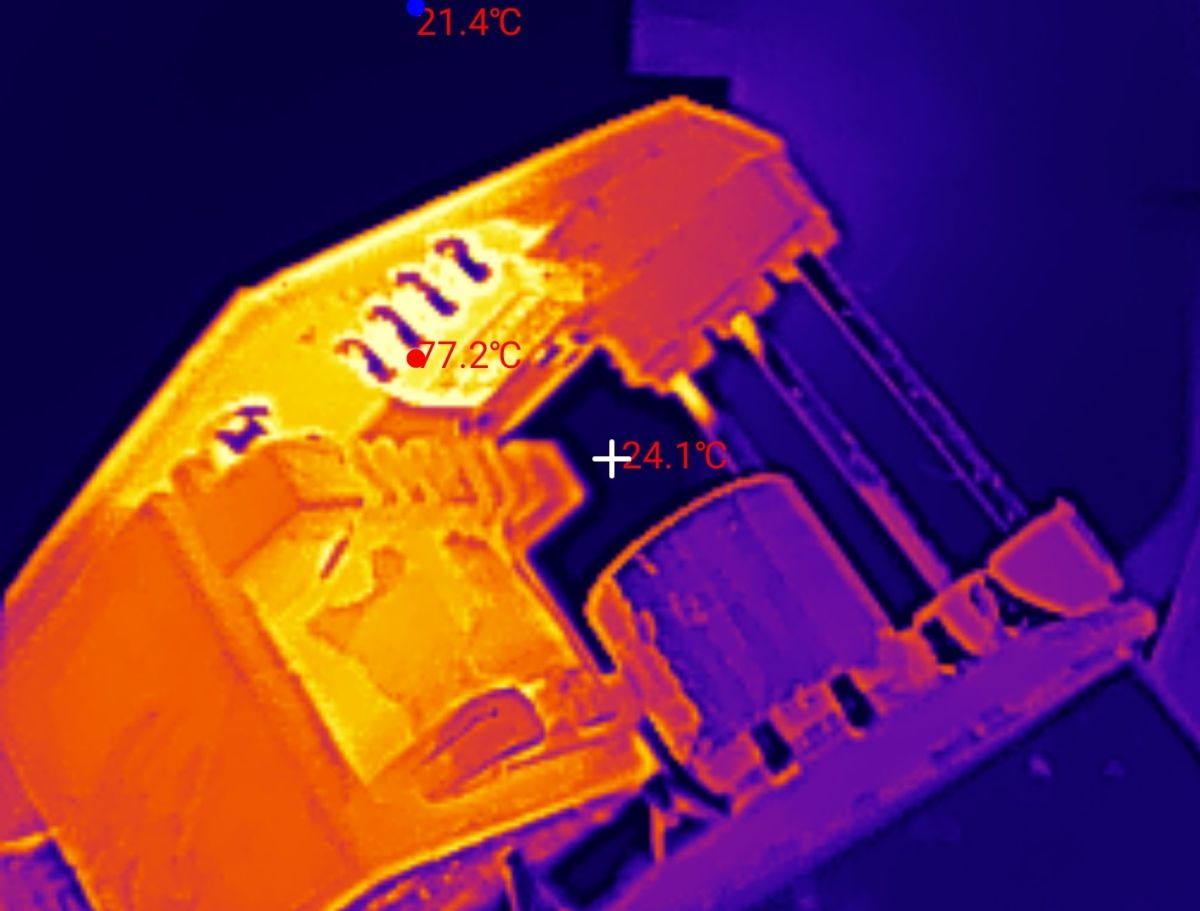
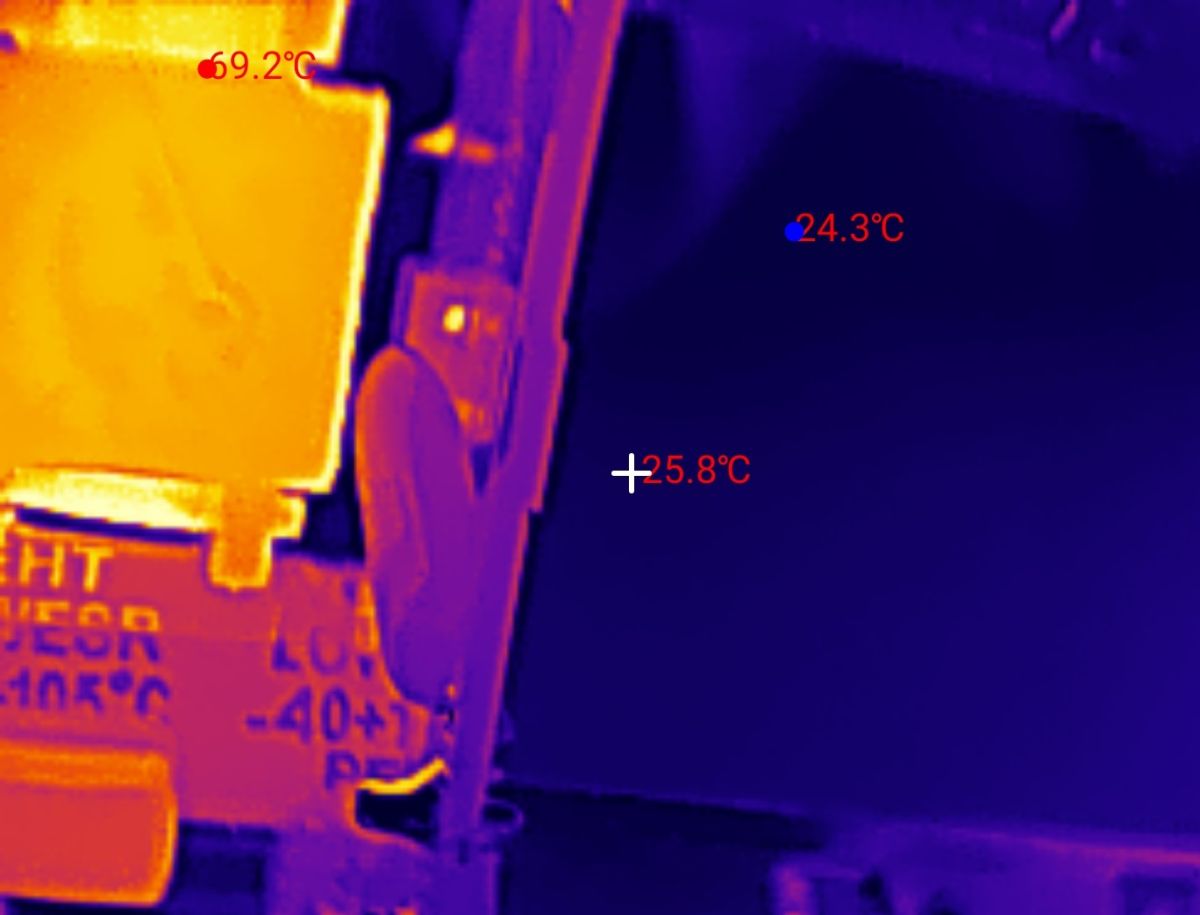
Now the most interesting thing - the transformer heats up quite a bit, up to 70 °C, the inverter controller tops it, reaching 80 °C.
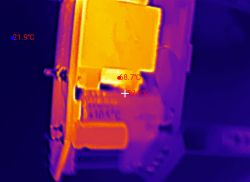
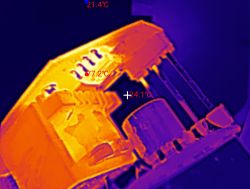
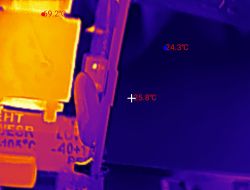 In summary
 , the socket does its job, although the USB does not offer the QC standard support required by most modern devices and in addition it gets quite hot, potentially even hotter than my tests showed, as I tested with the case removed and outside the box. The construction inside is quite economical, I was a little concerned by the small distance between the mains voltage side and the low-voltage secondary. It was also interesting to see how the transformer is built, but I didn't want to dismantle it.
Do you use this type of socket with extra USB? 







Comments
What is the claimed maximum current that can be drawn and is there any restriction on using both USB ports at the same time? [Read more]
The product description mentioned 2.1 A at 5 V, so the USB power supply meets these parameters. Both USB sockets are connected together, so this current counts together. Once 2.3 A is exceeded, the voltage... [Read more]
Another piece of junk designed to extract cash from the naive. 80° in the can... health to electronics... [Read more]
One might be tempted to test how chargers from Kontakt Simon and OSPEL, possibly other Polish equipment manufacturers, compare with this marvel. I didn't expect any miracles from the VCX.... [Read more]
By the looks of it, I already had the urge to buy one. Because it would be a very useful socket, but I'll wait to find something more secure for the phone for a couple of thousand. [Read more]
I assume that infrared measurements are taken under load, but I am also curious about the power lost in idle operation. In these times of global "electro-saving", such sockets with an inverter operating... [Read more]
Is the USB connected to PE? GND or the connector housing? It doesn't look like it, and it affects the evaluation of the distance between the secondary and primary side. Is the mounting frame connected... [Read more]
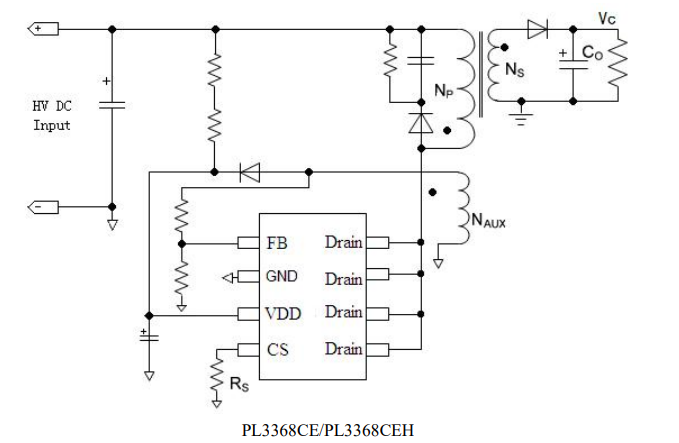
This scheme is AI generated :?: https://obrazki.elektroda.pl/7278242500_1773642590_thumb.jpg [Read more]
Sheriff..you have a phone for thousands and you want a 40 zeta power supply to protect you while you bathe.???. [Read more]
1) The price of the phone has nothing to do with the subject. 2) The power supply is supposed to be safe. No matter how much it cost. 3) This socket is not suitable for the bathroom for many reasons. 4)... [Read more]
So I'm just replying to you. [Read more]
Ok will be tested. If you have any other suggestions please let me know. What do you think is wrong there? [Read more]
Drawn as if in painter by a beginner: Each coil different Primary ground symbols are different Ground after secondary Capacitors with connected covers Capacitors unpolarised but polarised. Missing... [Read more]
Complementing the above post.... e.g. missing the most important element - the USB socket & some "loose" dots [Read more]
"Loose" dots mark the start of the windings - it matters, you can't reverse wind. And the USB isn't there, because it's from the inverter controller's datasheet. As for the rest of the criticism, I'll... [Read more]
Costec, you are clinging for the sake of clinging. Dots start windings, coils different because different wire thickness. Masses different because they are separated. That's my opinion. It looks like it... [Read more]
Exactly, such shitty ones. As long as I have lived, and I have lived long enough, this is the first I have heard of coils being drawn differently due to wire thickness. Please bring me the literature... [Read more]
If you think so then ok, I am not arguing. I was just looking at the diagram in that way. But I still think that such a socket is just plain, contrived rubbish and I wouldn't put it on. [Read more]