A Camecho 10-inch LCD monitor with 1024x600 resolution is tested as a surveillance display and possible Raspberry Pi screen.
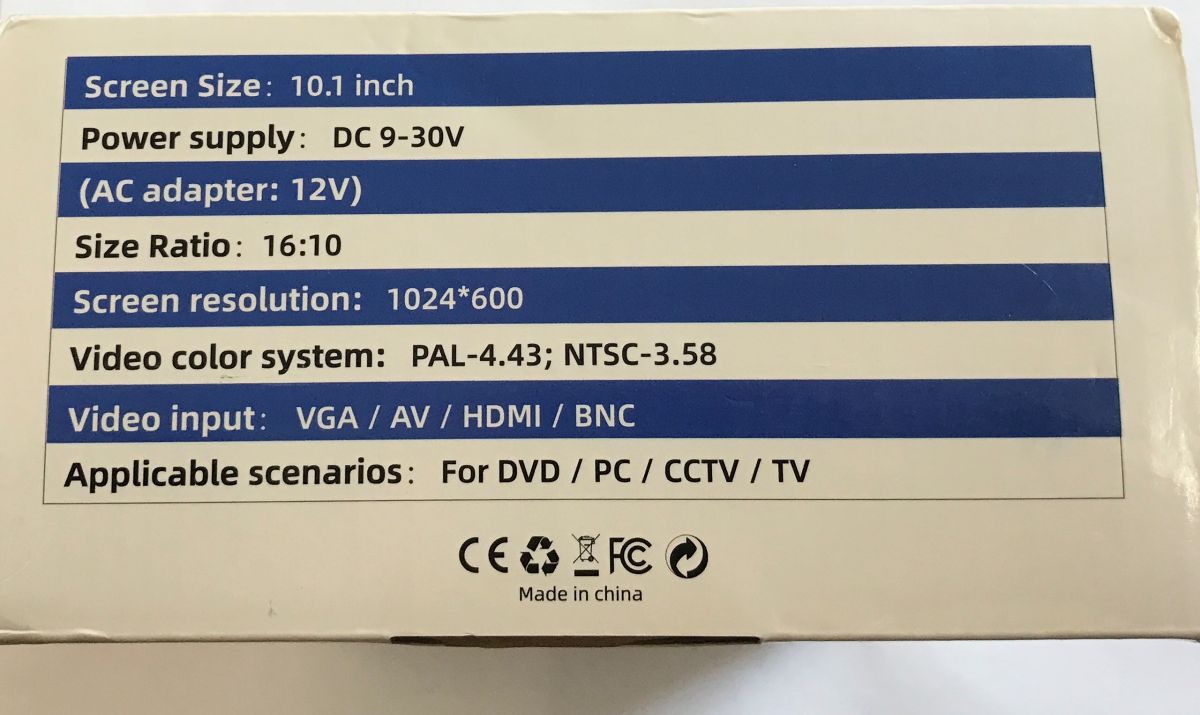
The kit includes a remote control, a 12 V 2 A power supply, HDMI/VGA/RCA/BNC cables, USB media playback, and OSD picture and sound settings.
The monitor costs PLN100 to PLN200, depending on promotions and seller.
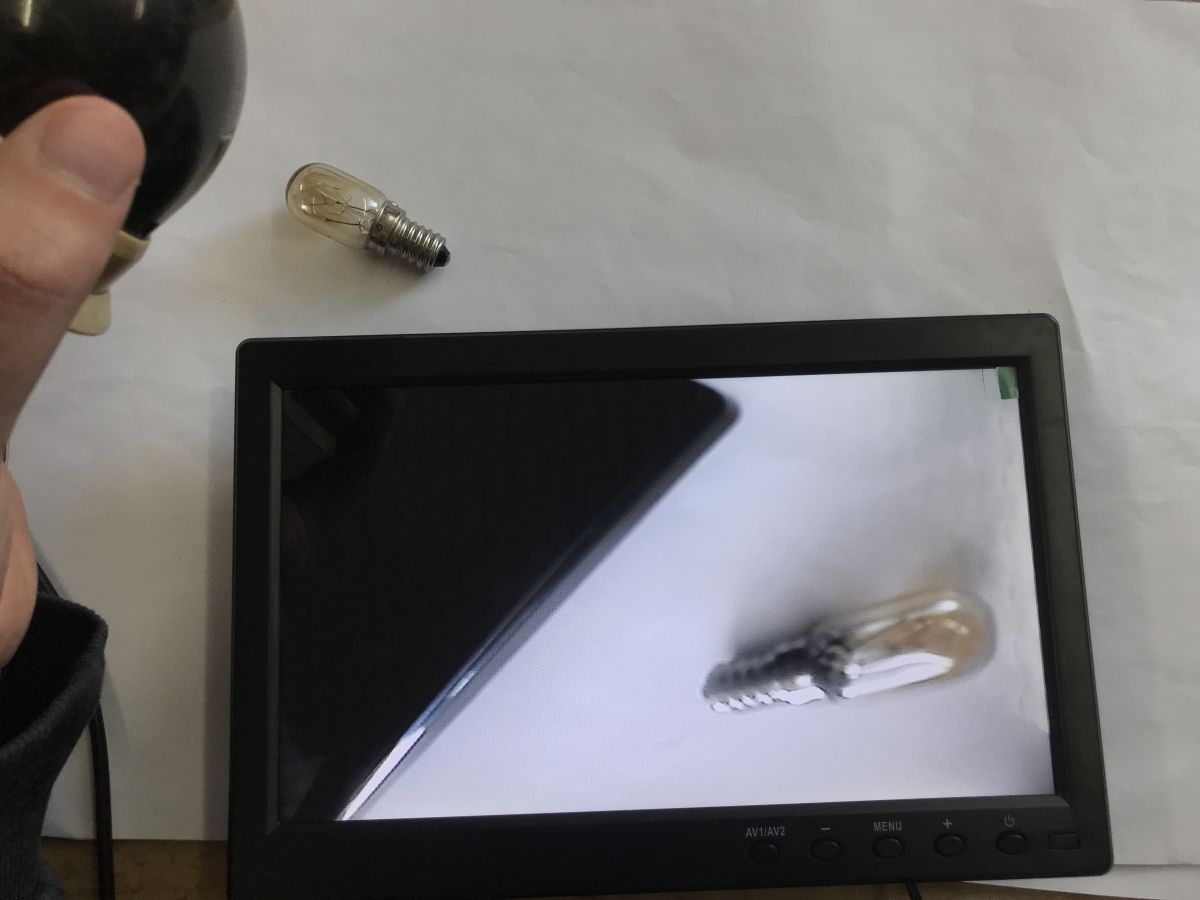
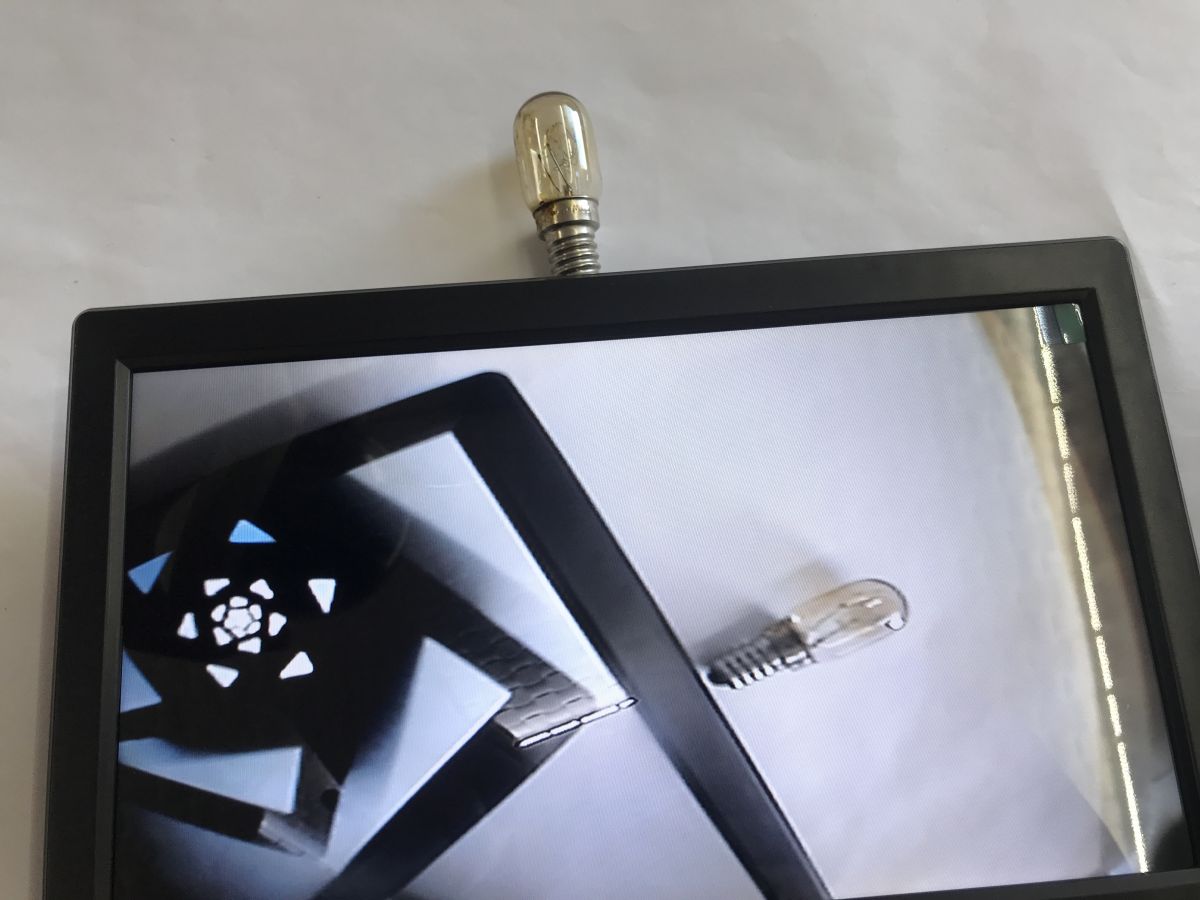
Image quality and viewing angle are considered acceptable, and it works with a PAL camera over BNC, but the price feels high and the foot could be heavier.
AI summary based on the discussion. May contain errors.
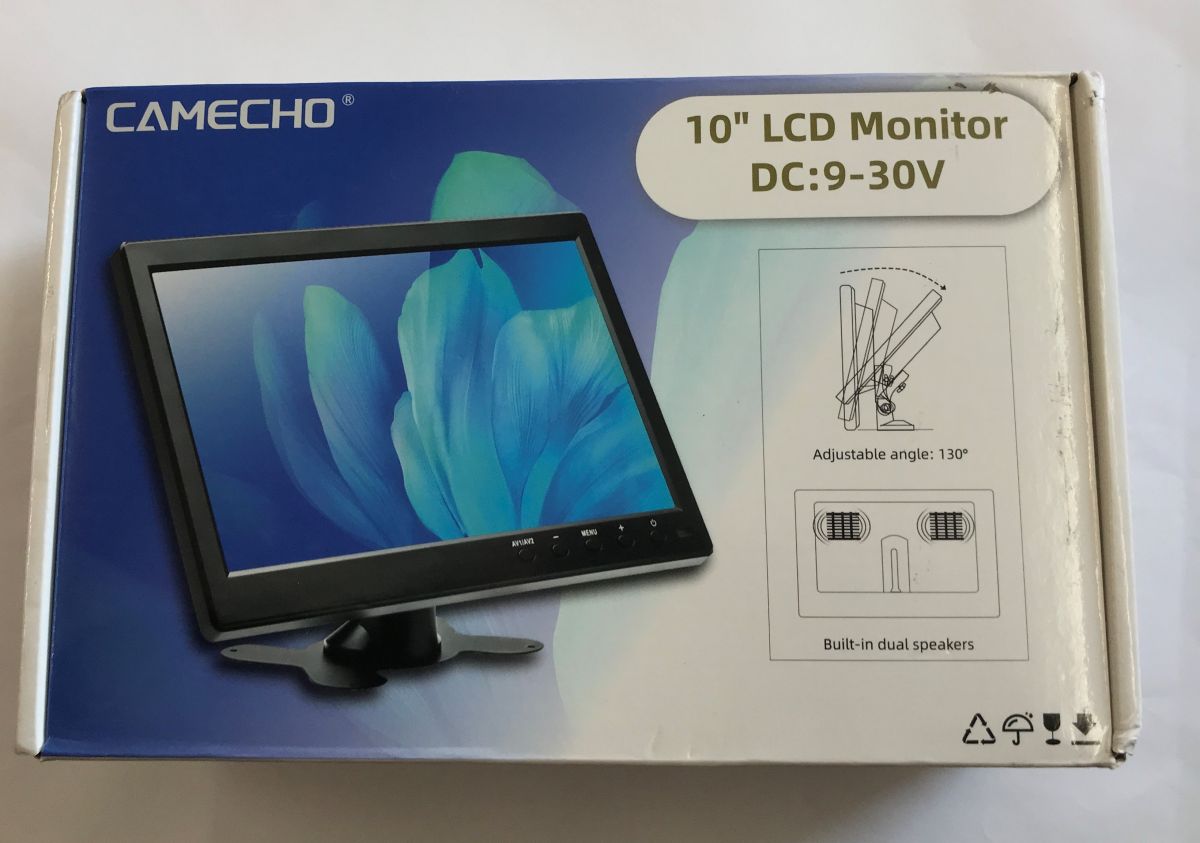
Here's a short test of a tiny 10-inch surveillance monitor bought from a Chinese mail order site. Here I will measure its power consumption and test its performance with a single PAL camera. How much does it cost to use such a monitor? Will it be suitable for the Raspberry? Let's find out!
The device is available for between PLN100 and PLN200, depending on promotions and where you buy.
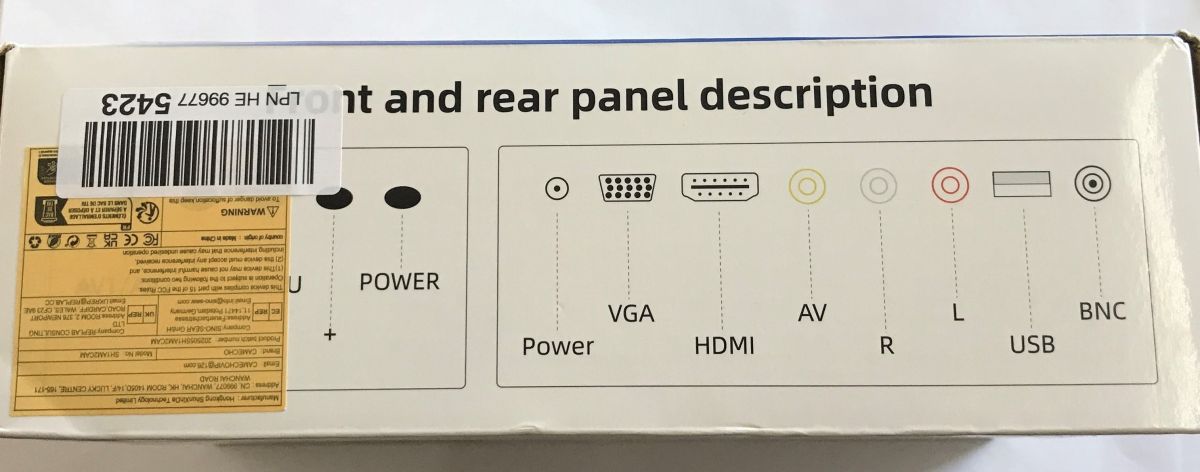
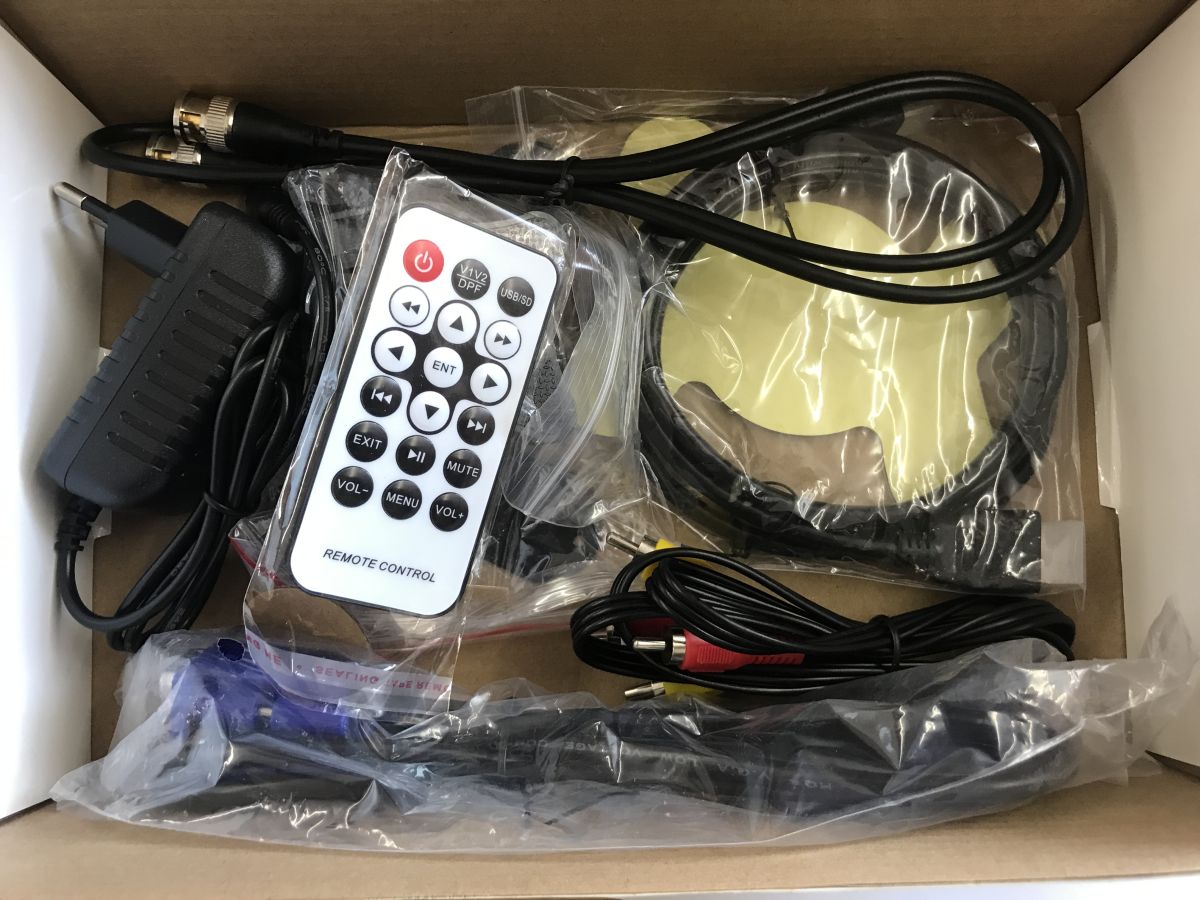
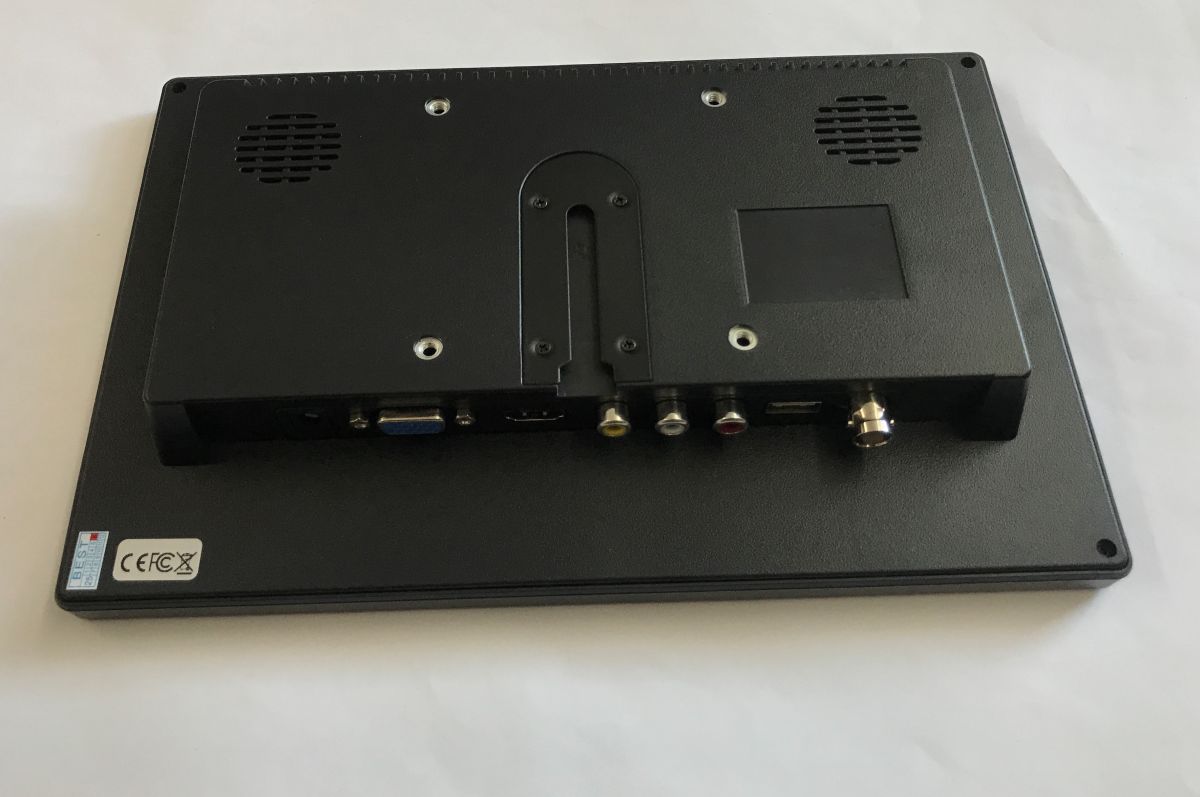
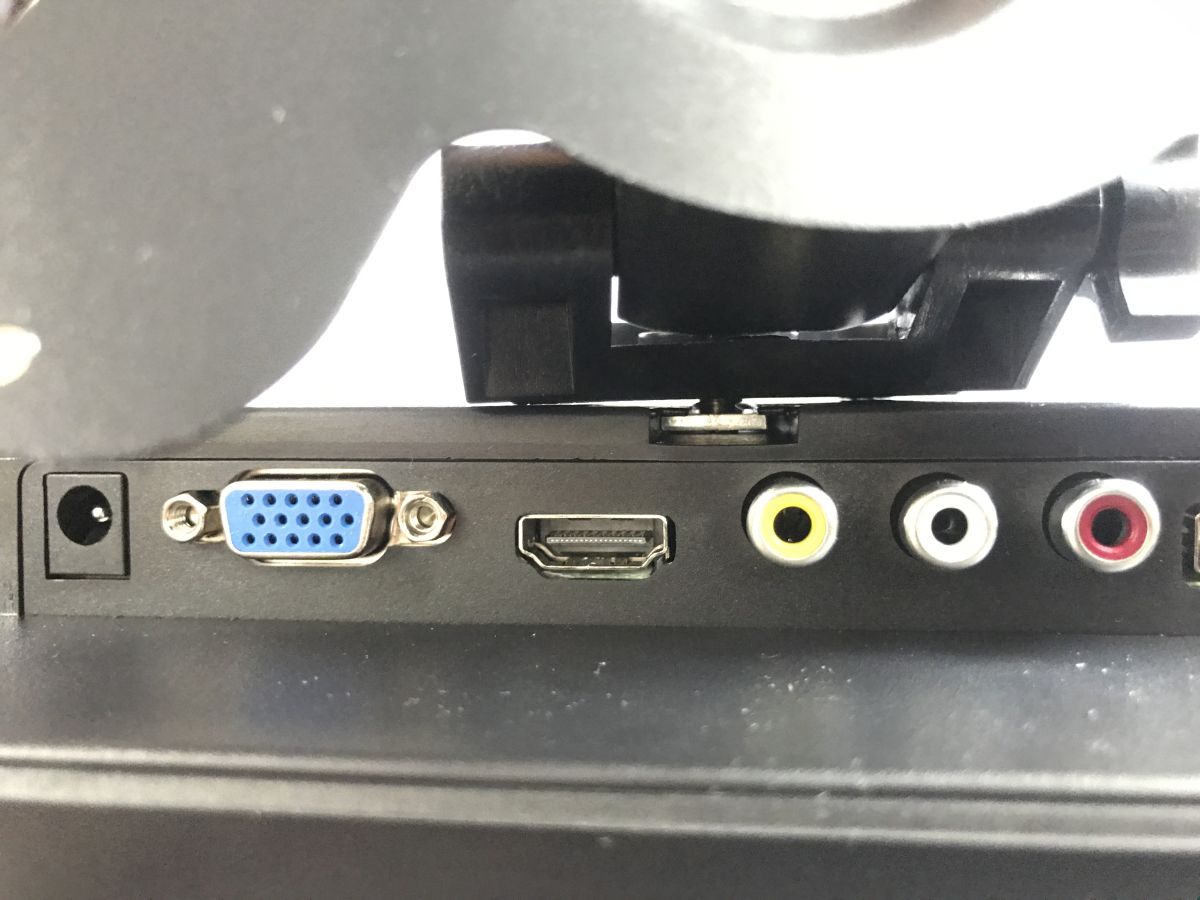
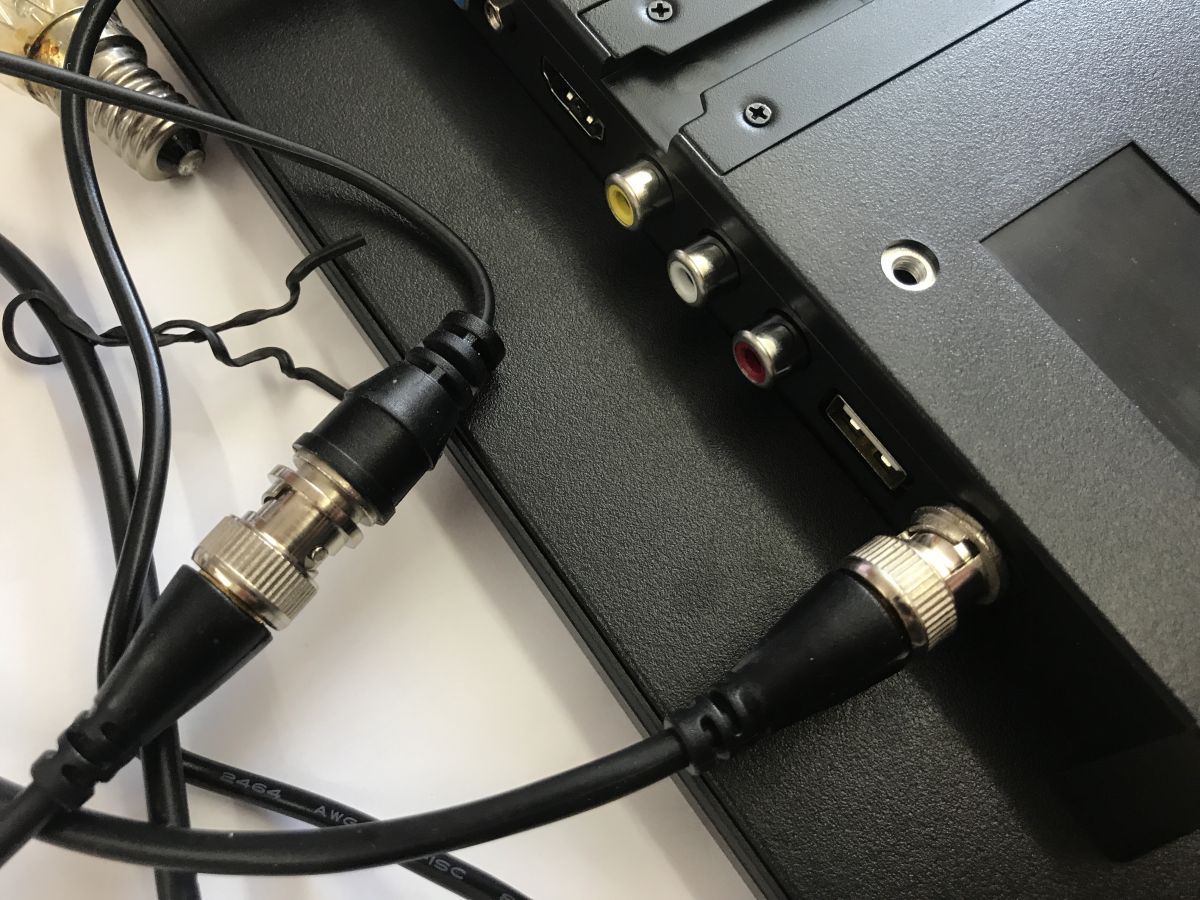
The kit turns out to be quite rich. We even get a remote control. In addition, we have a 12 V 2 A power supply and a full set of cables, including HDMI, VGA, RCA and even BNC.
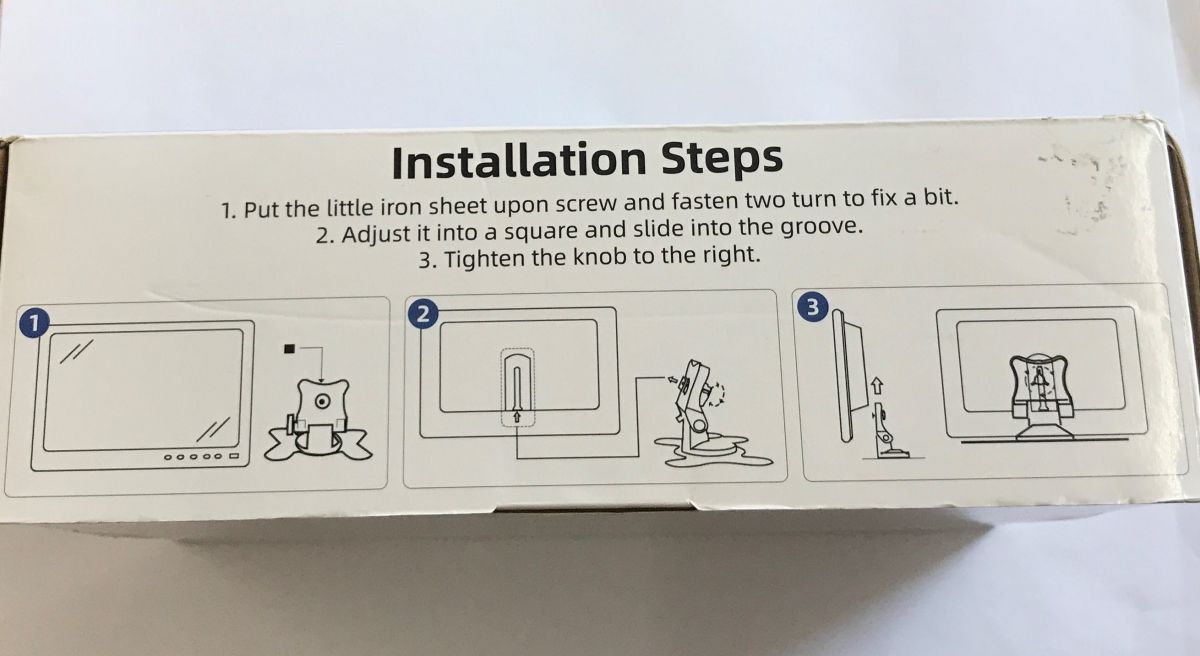
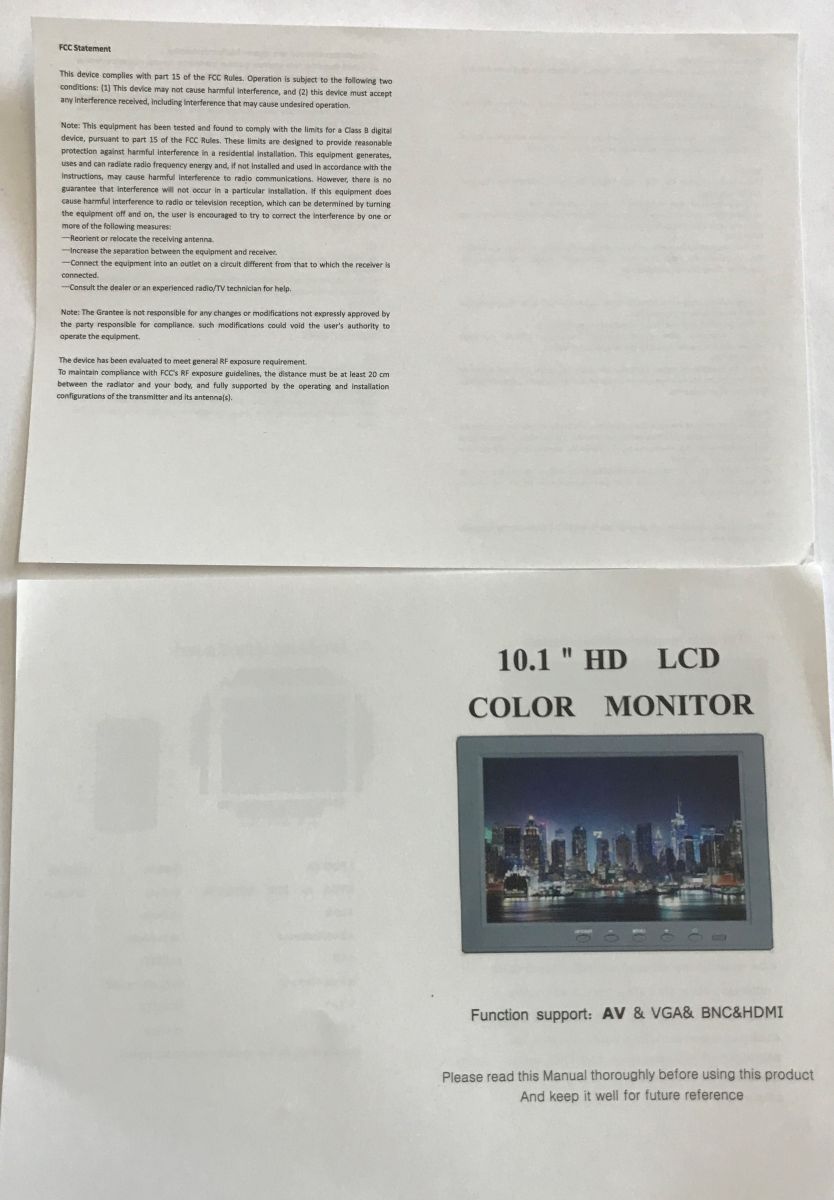
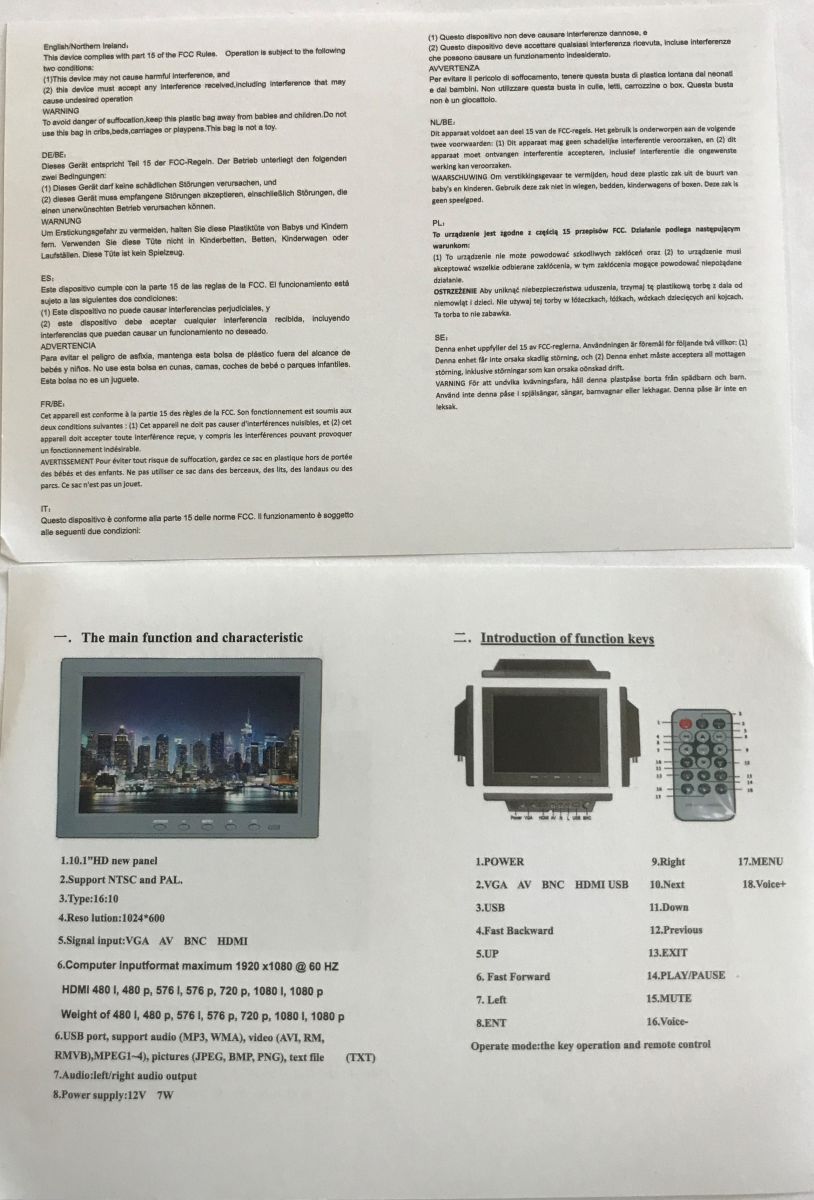
Instructions:
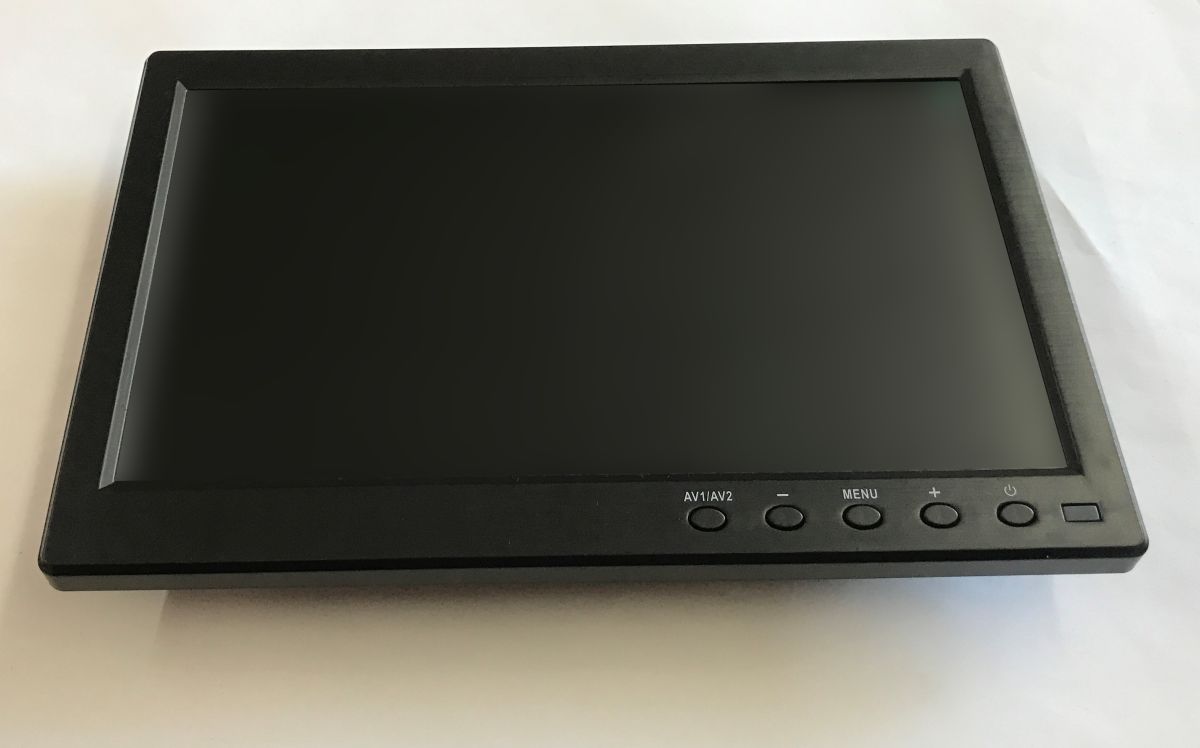
The monitor looks surprisingly solid, I expected the cheapest plastic.
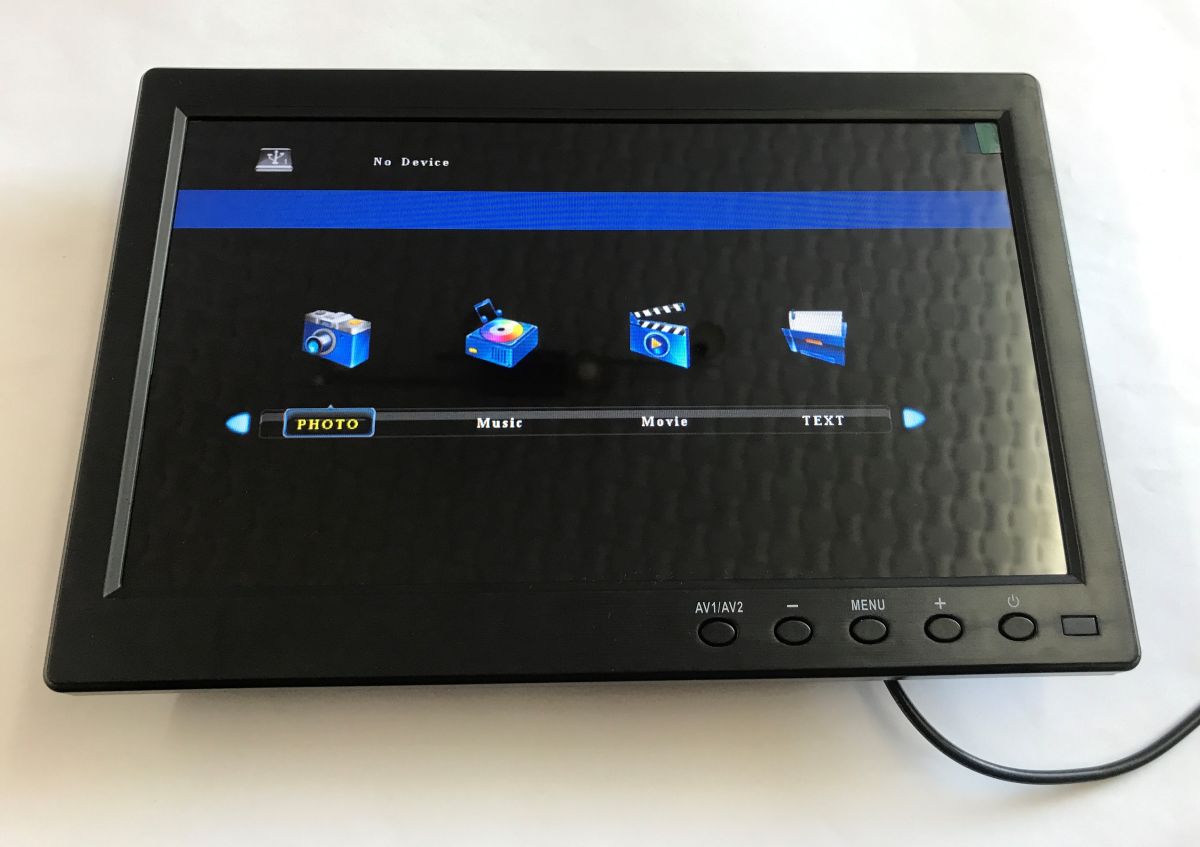
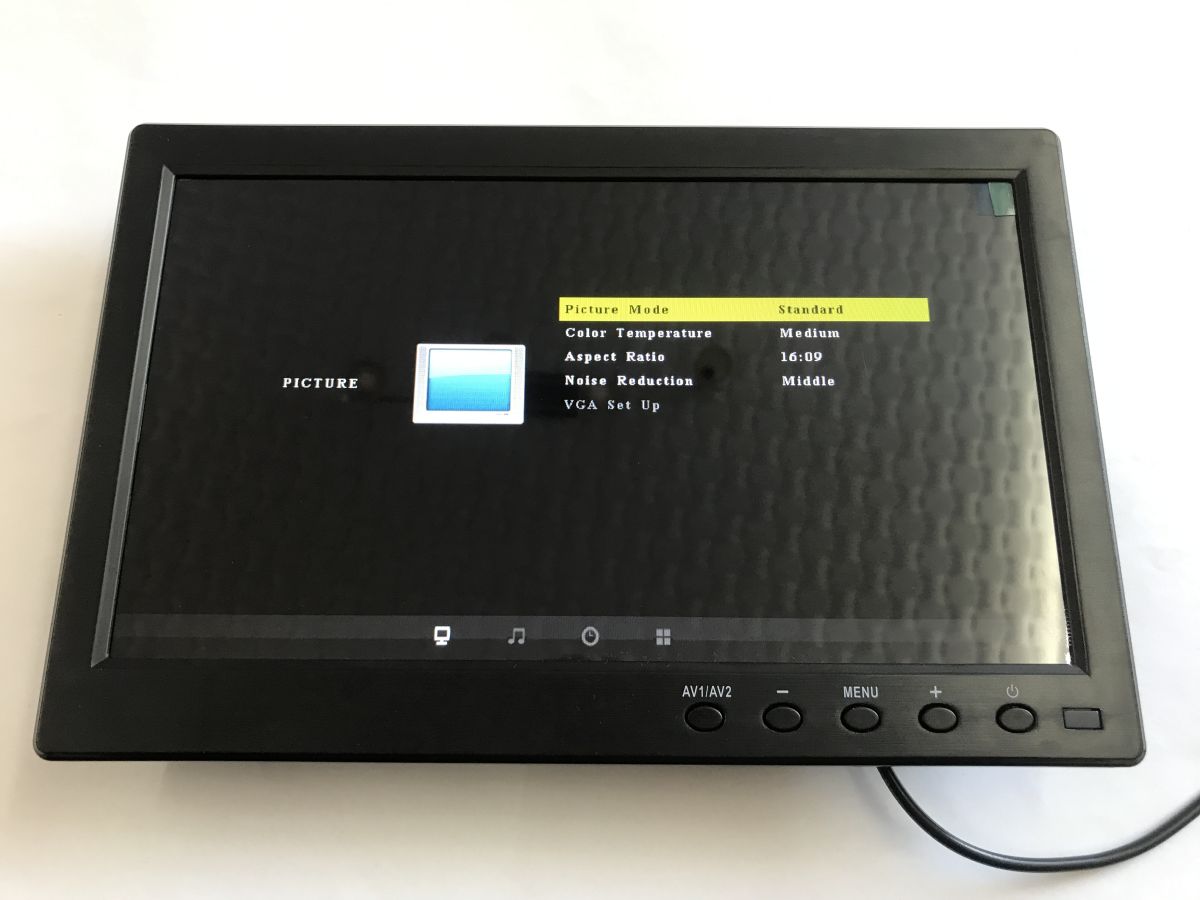
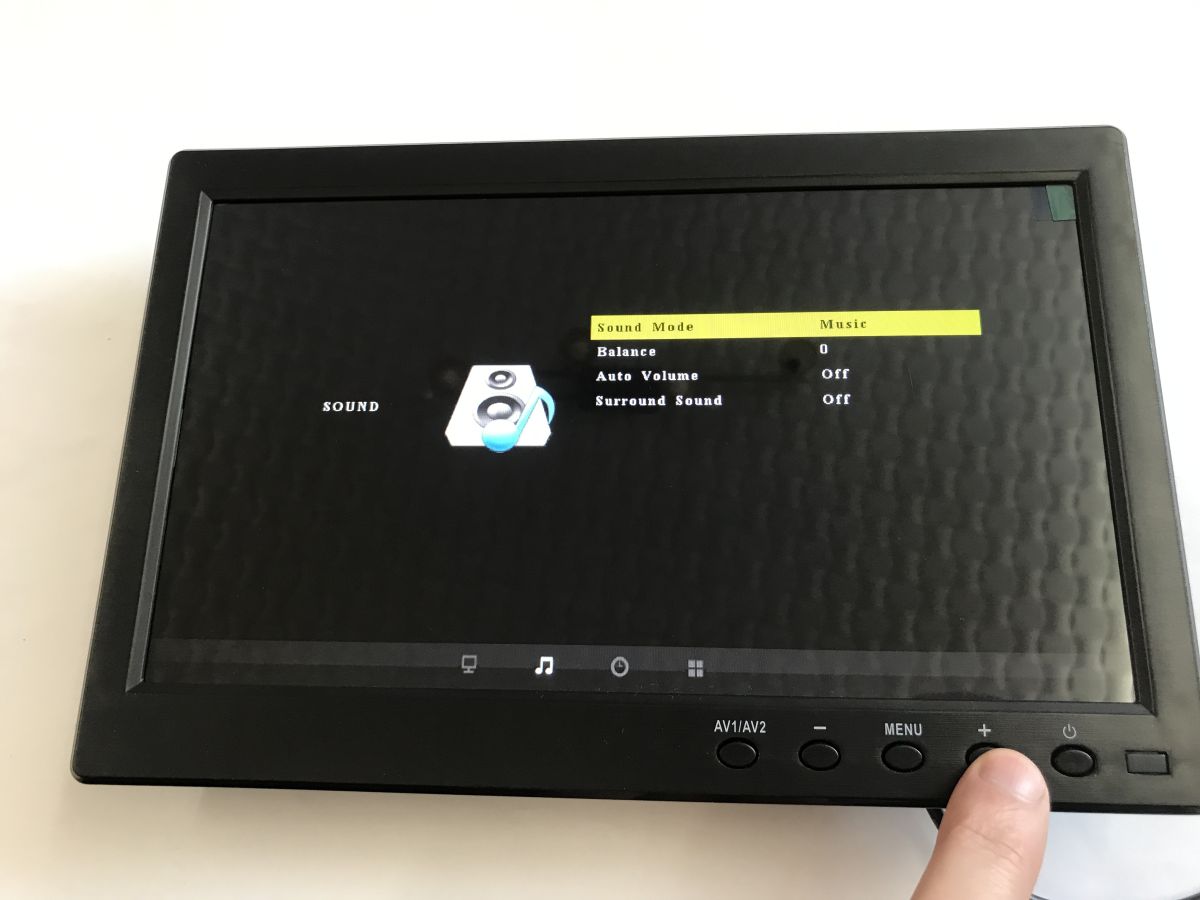
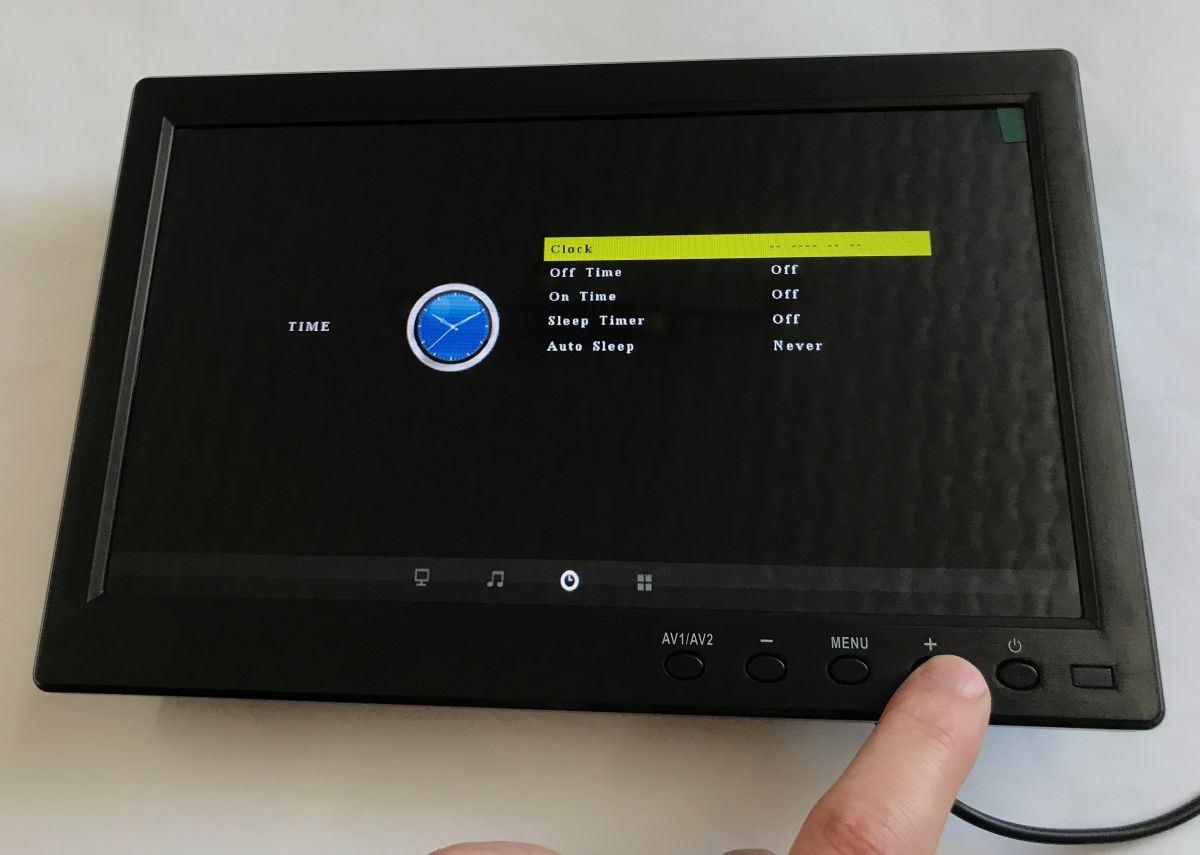
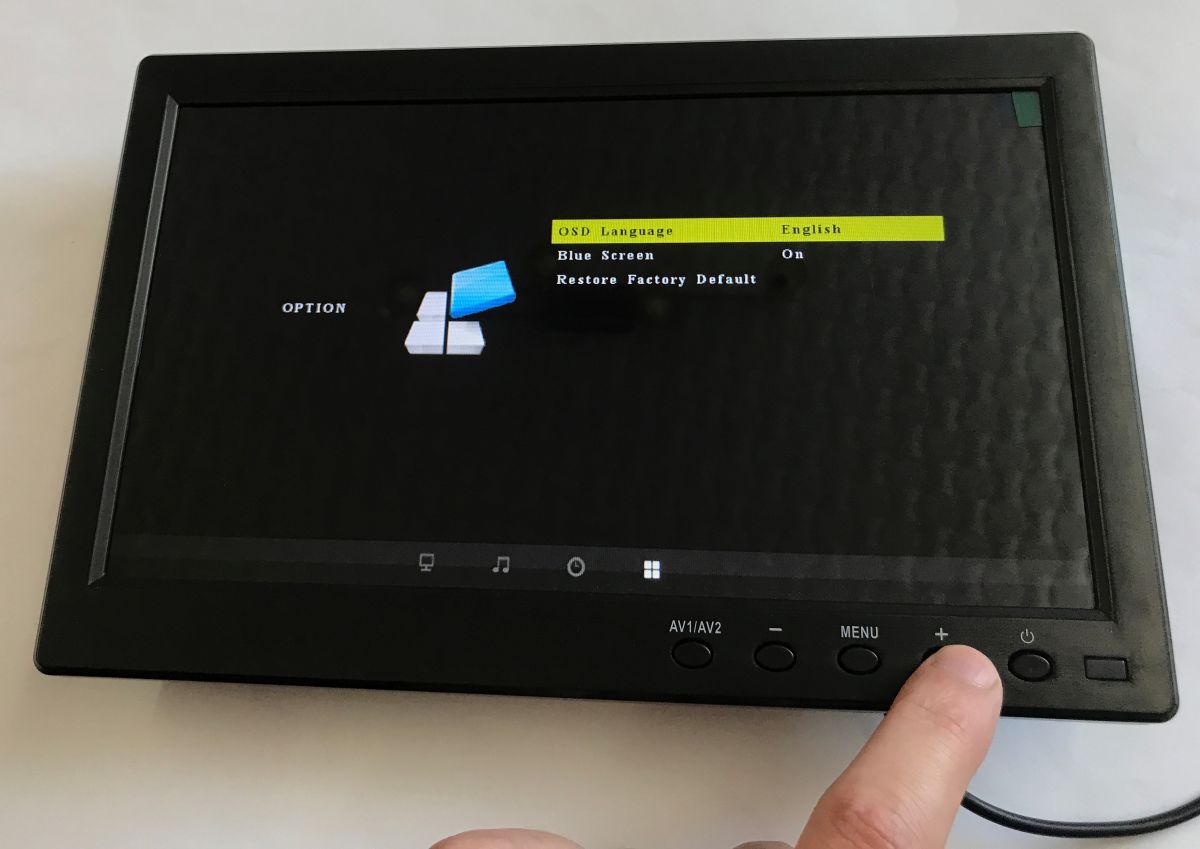
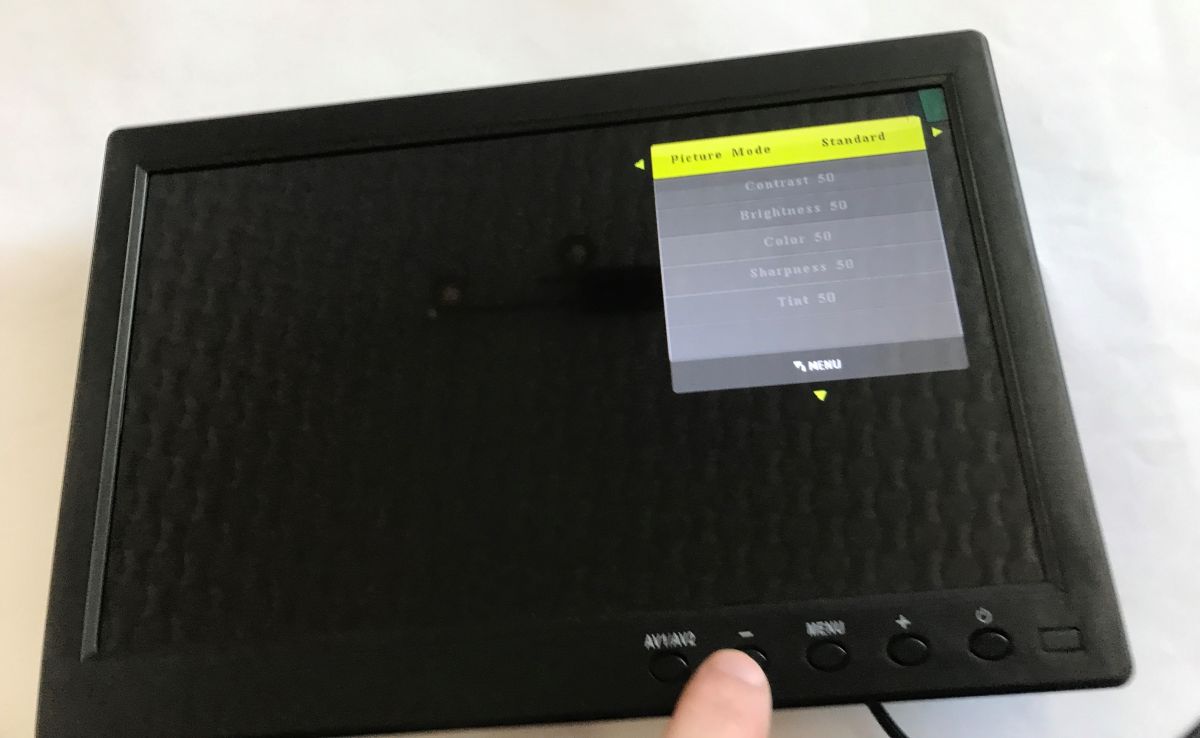
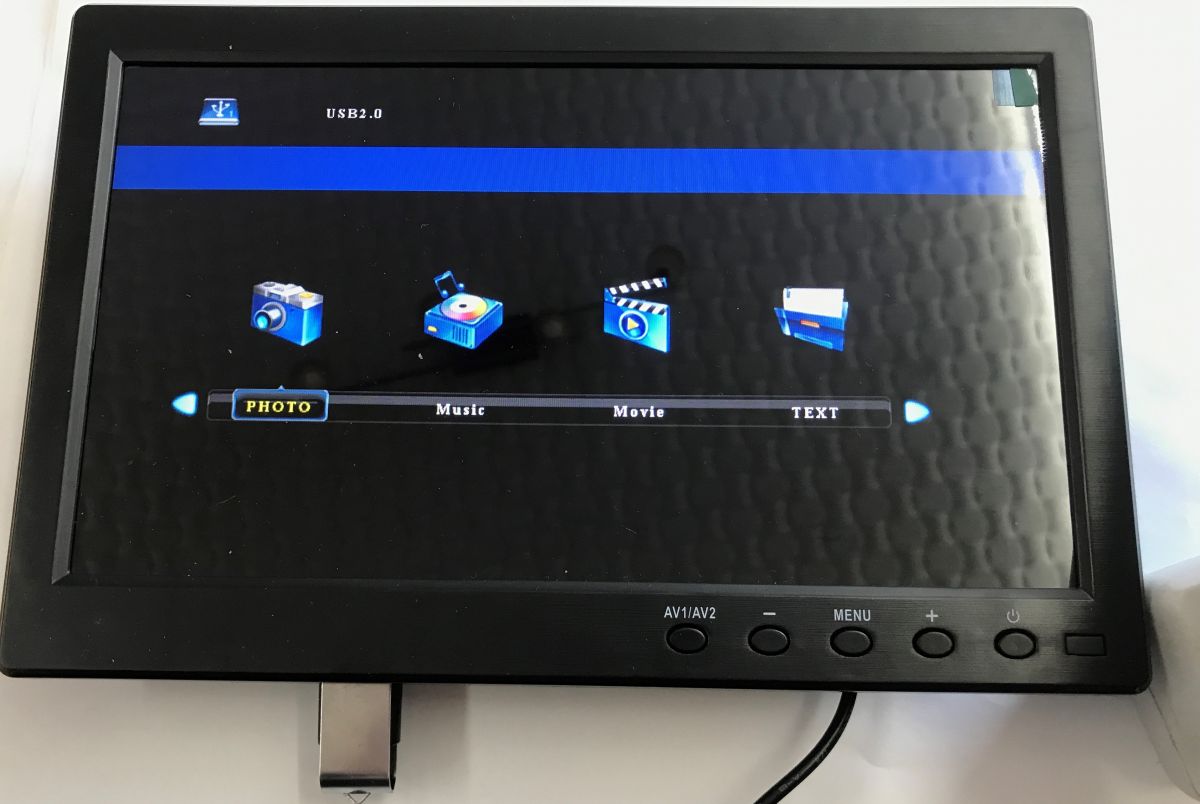
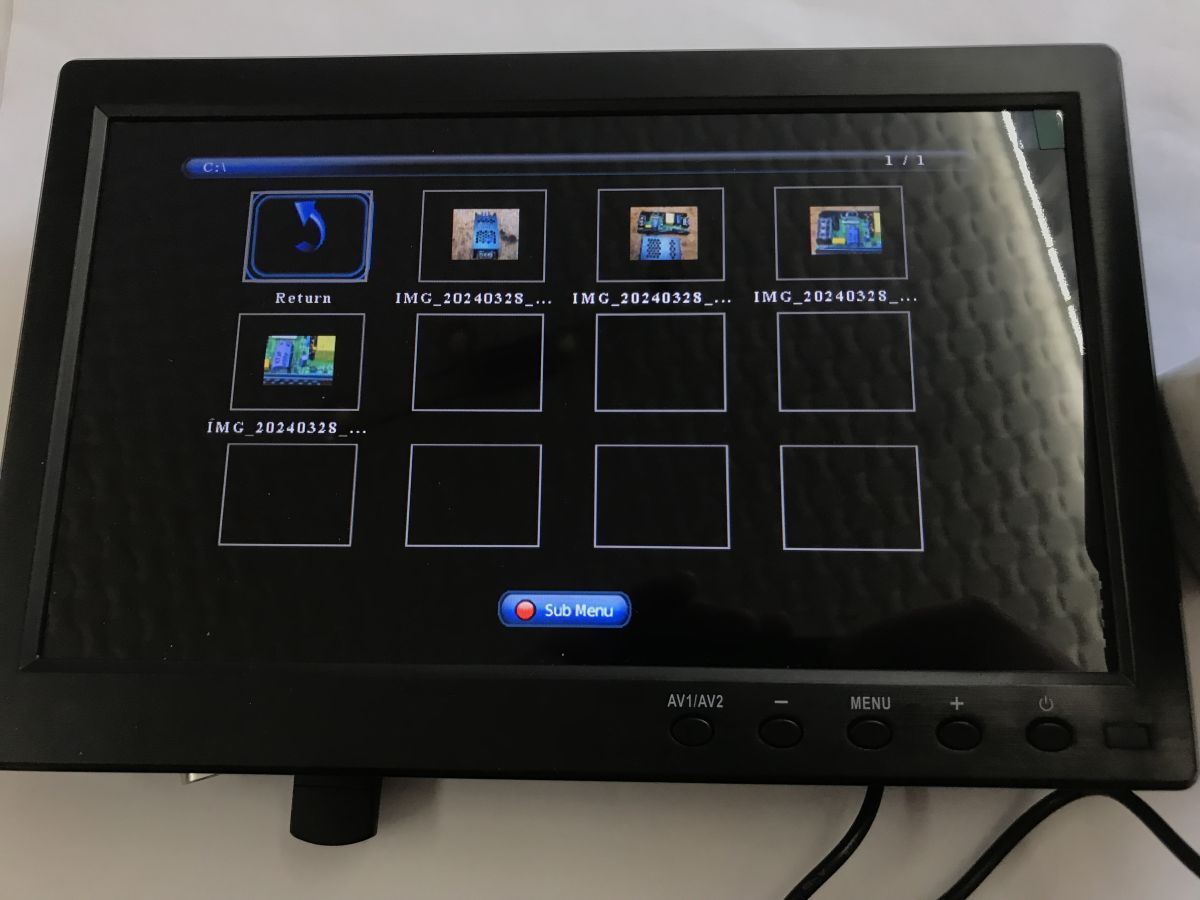
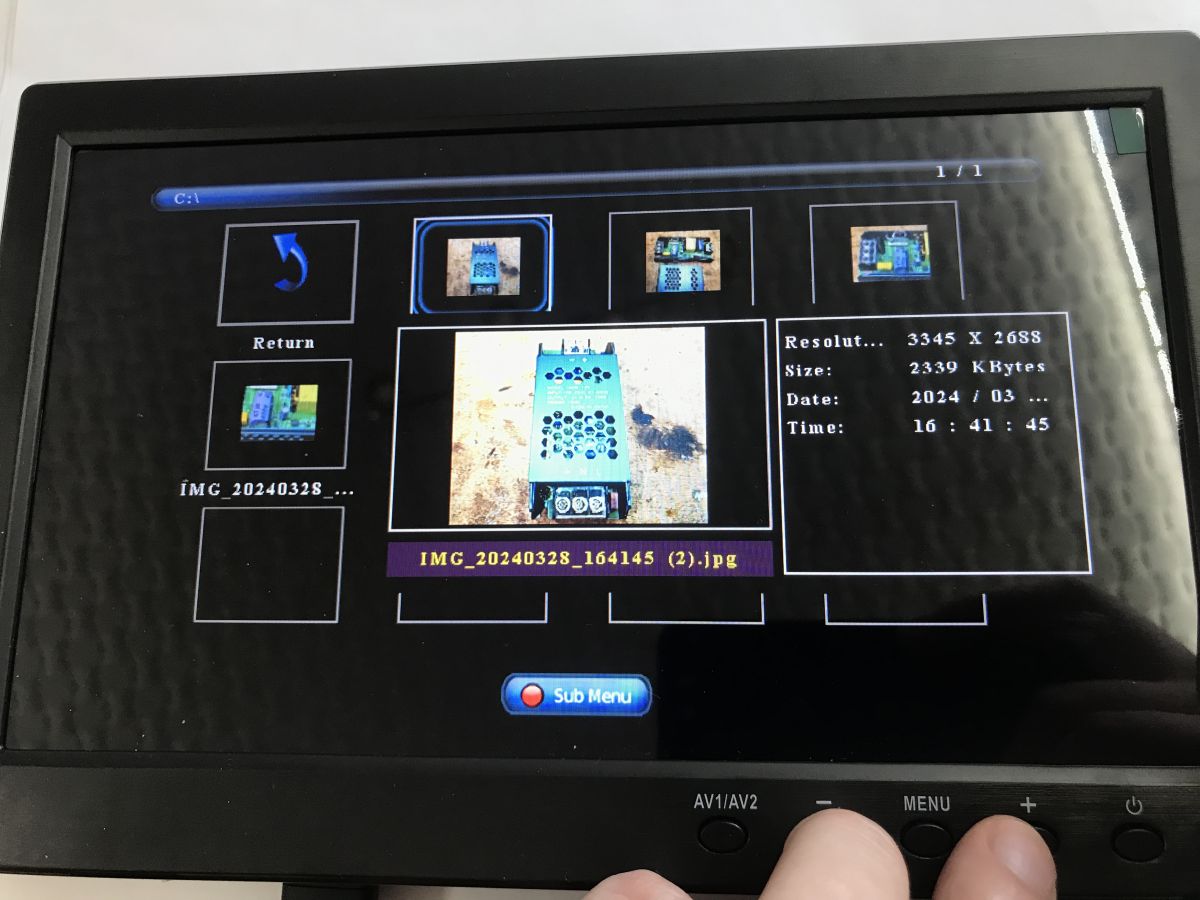
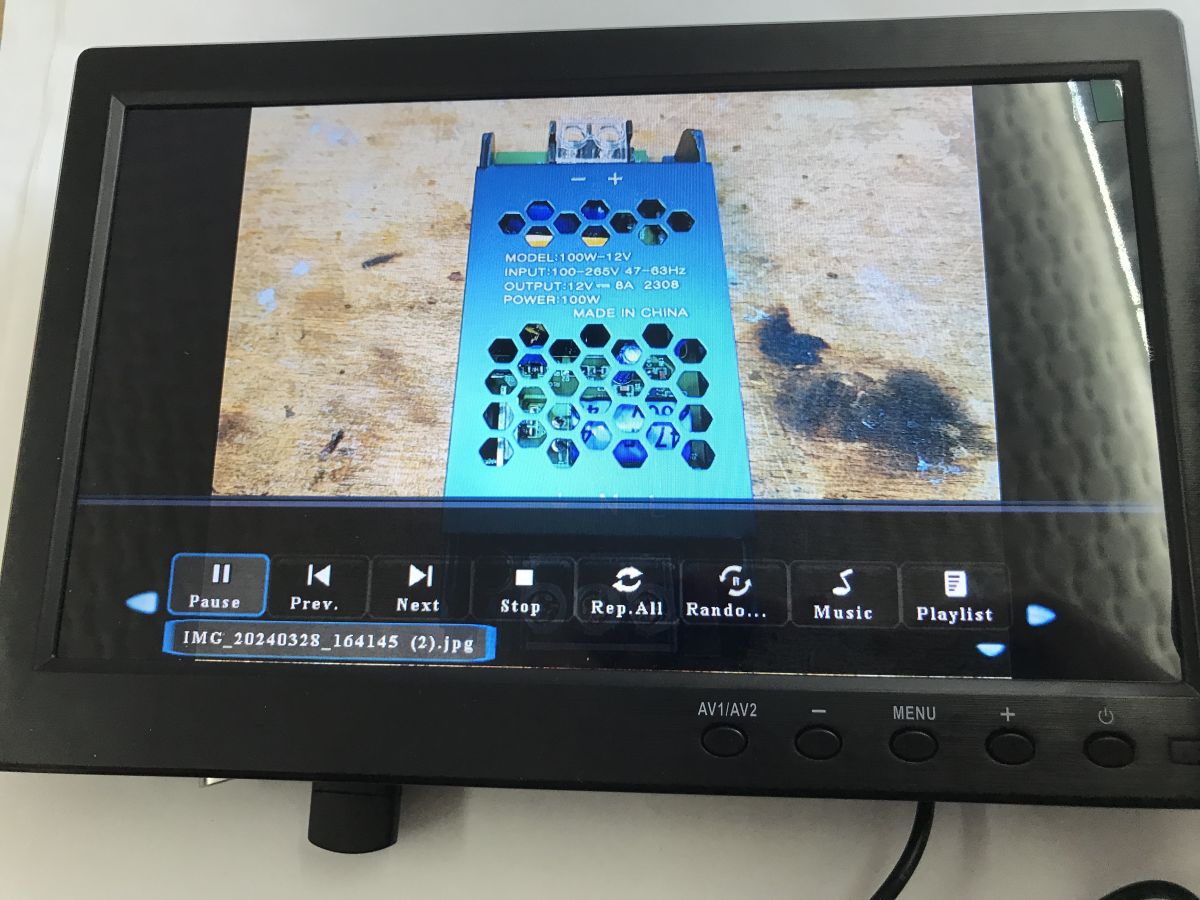
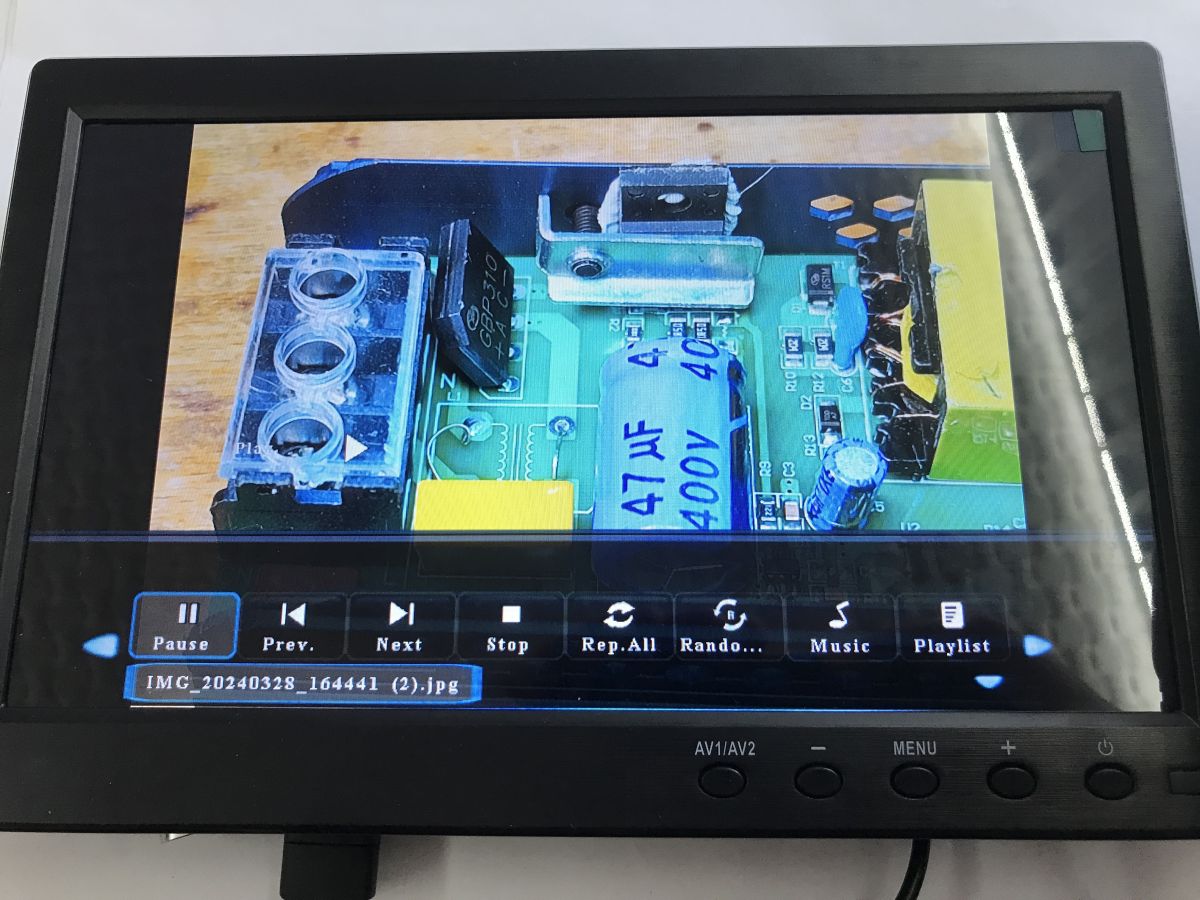
The device has a bit more functionality than I thought. There's USB support, you can view photos, play music, movies, etc. You can change picture settings, aspect ratio, colour temperature, similarly there are sound settings. There is also a clock available along with on/off and sleep time. The OSD language can also be changed.
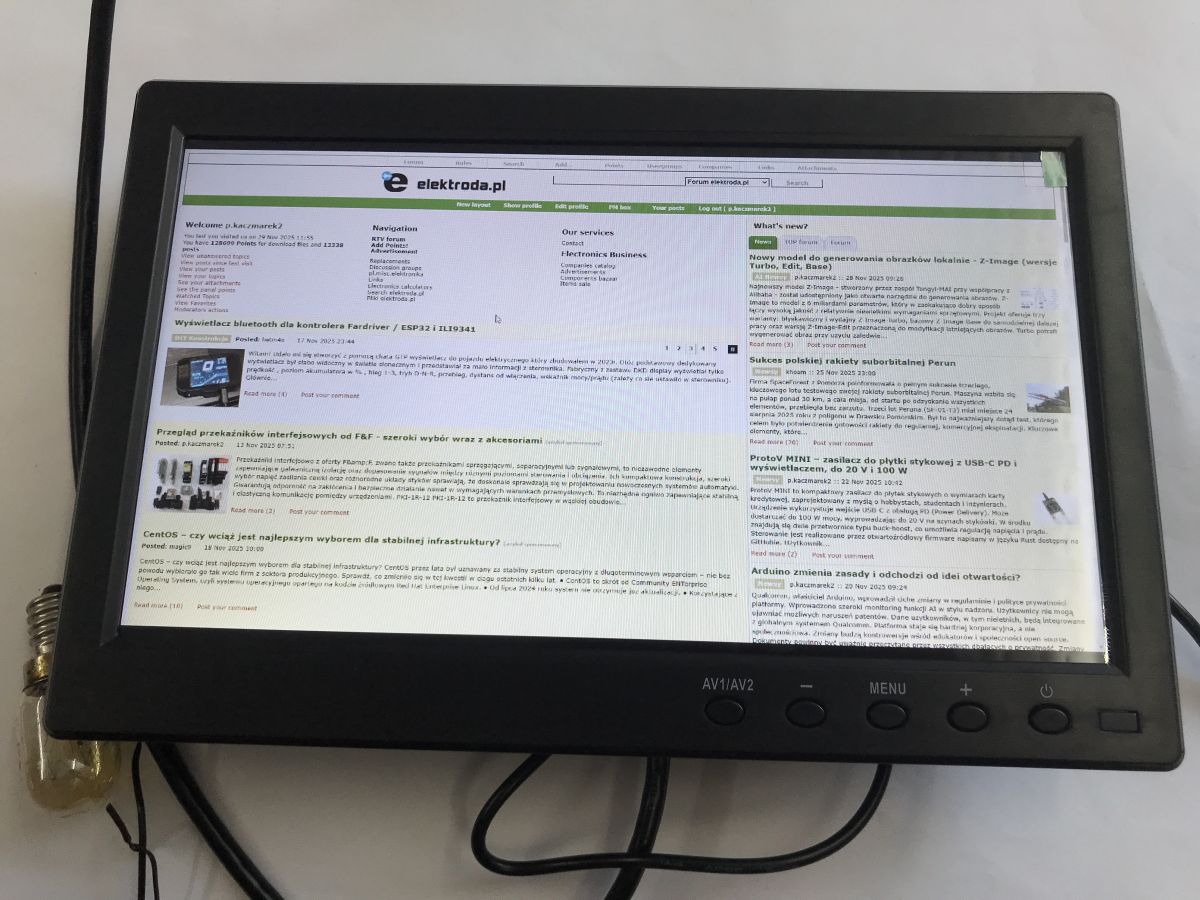
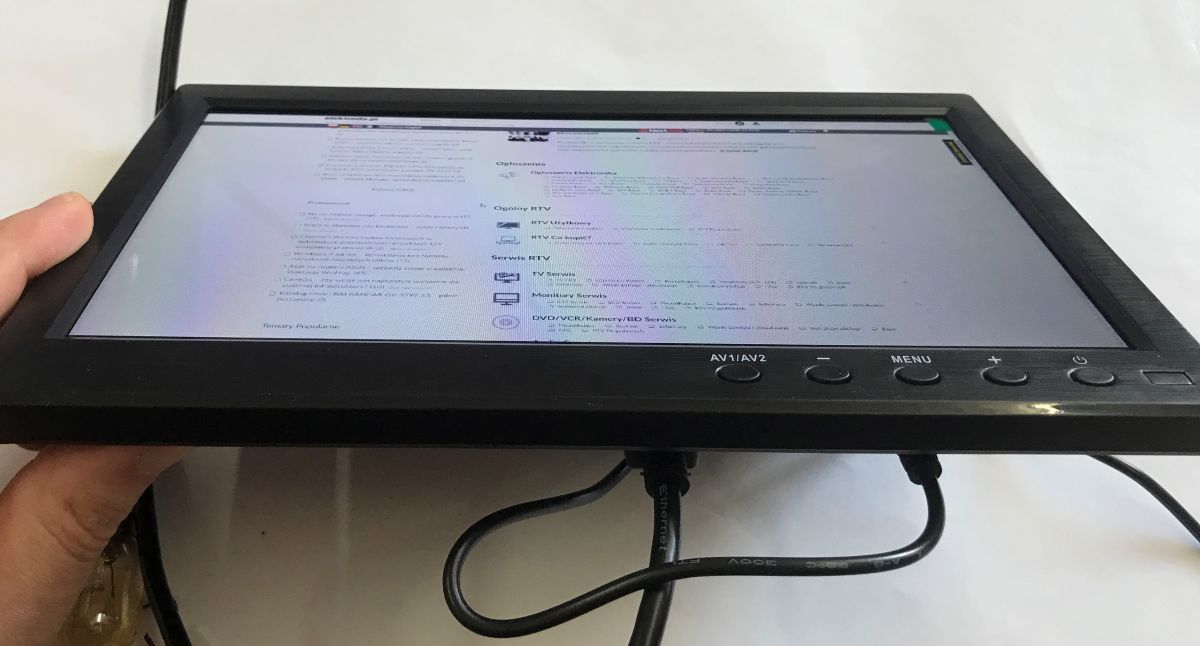
This is what Elektroda.co.uk looks like on the monitor, loaded via HDMI.
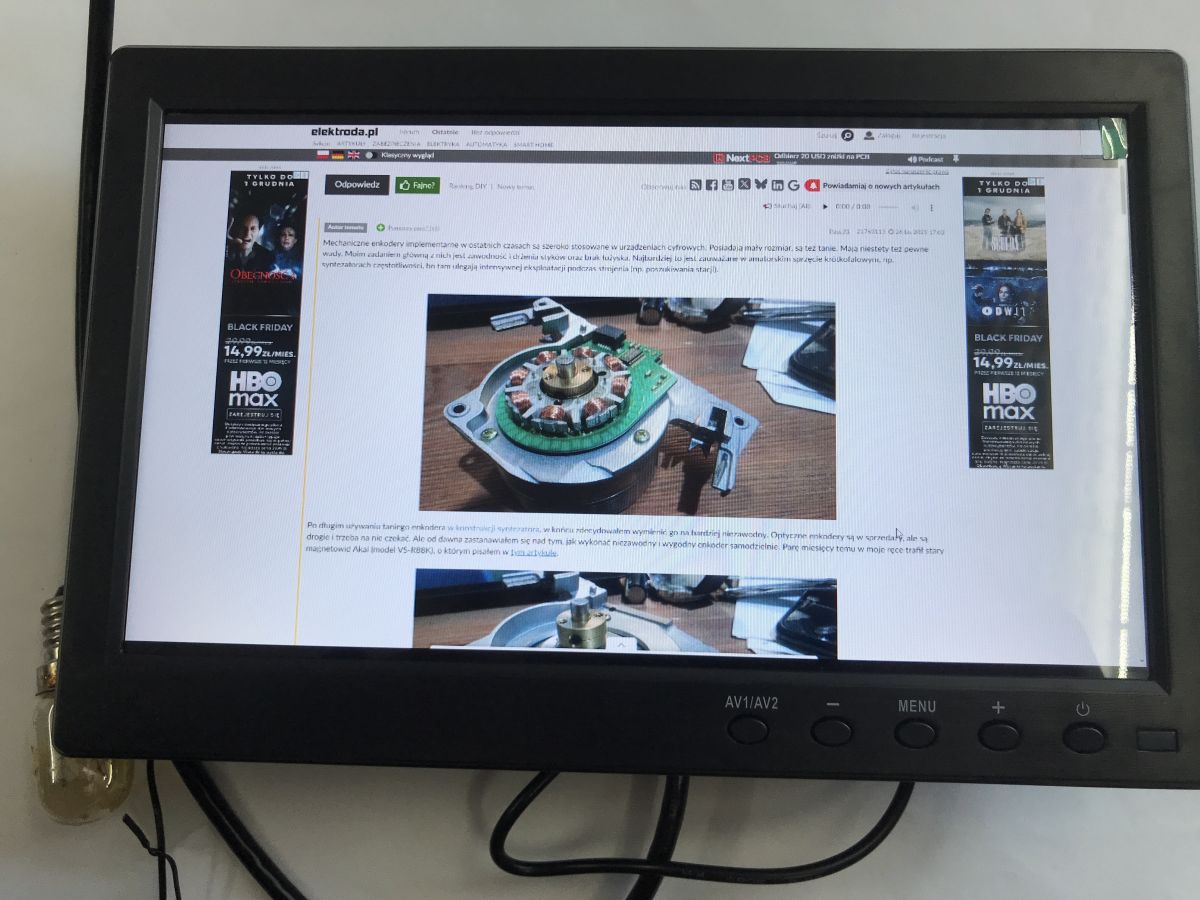
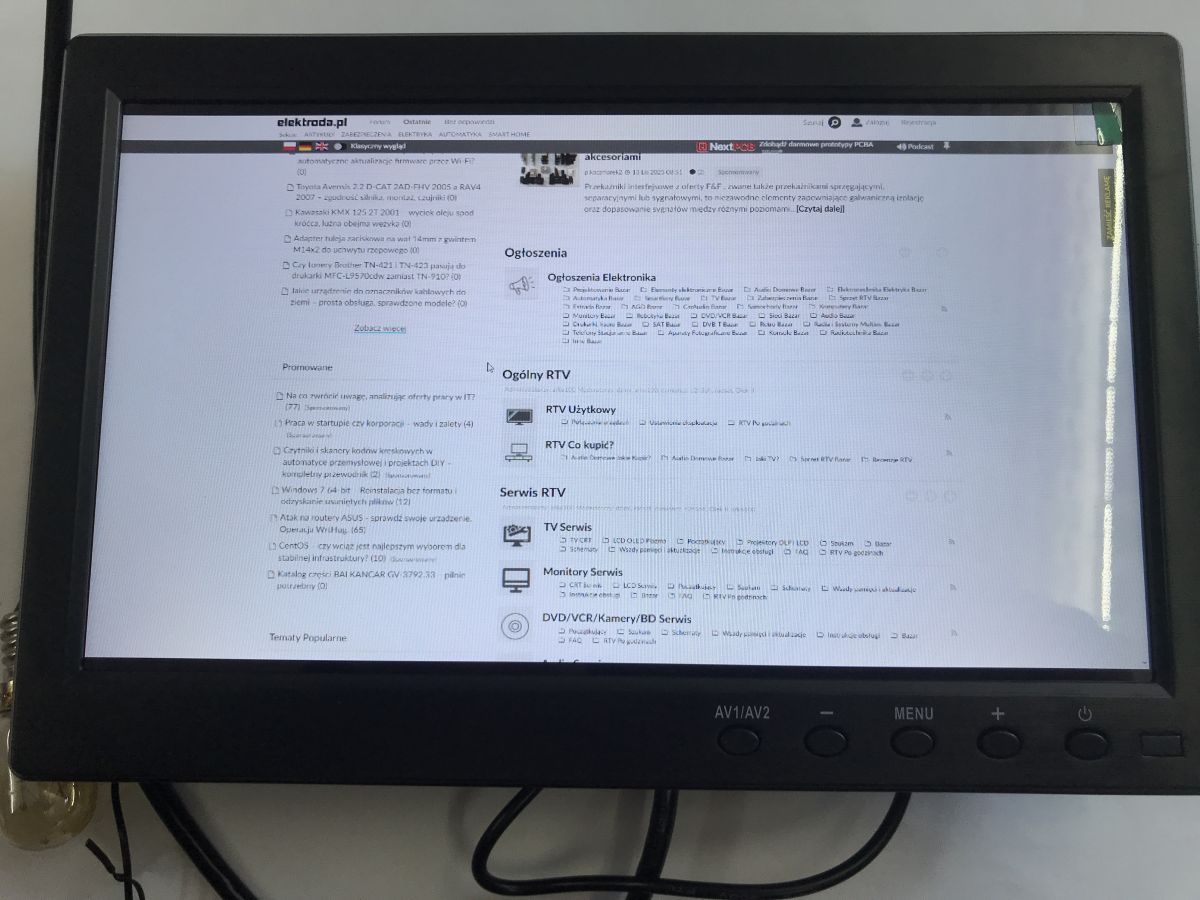
The viewing angle is not bad:
Immediate response time (comparison against laptop screen, connected via HDMI):
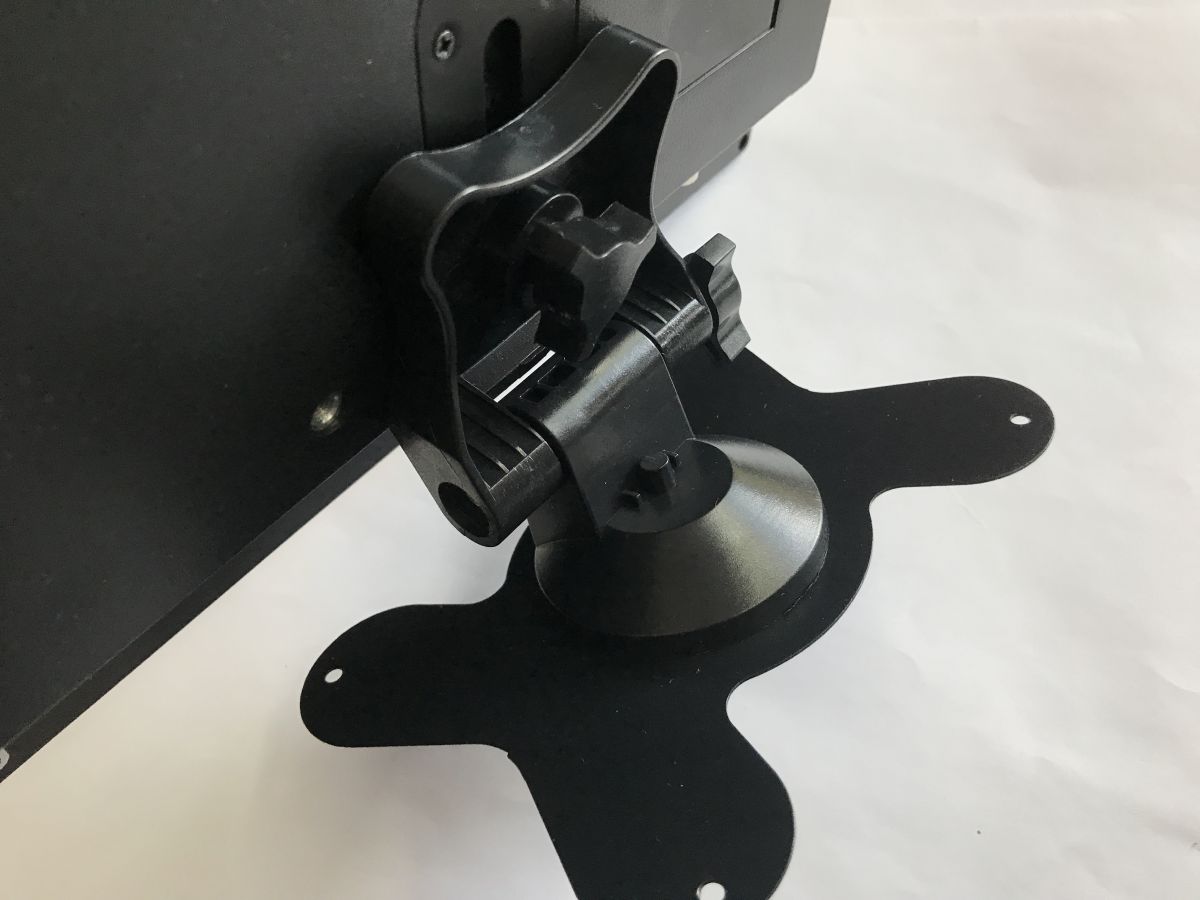
And then there's the foot - it could be heavier, but it still holds up:
Test with photos on USB:
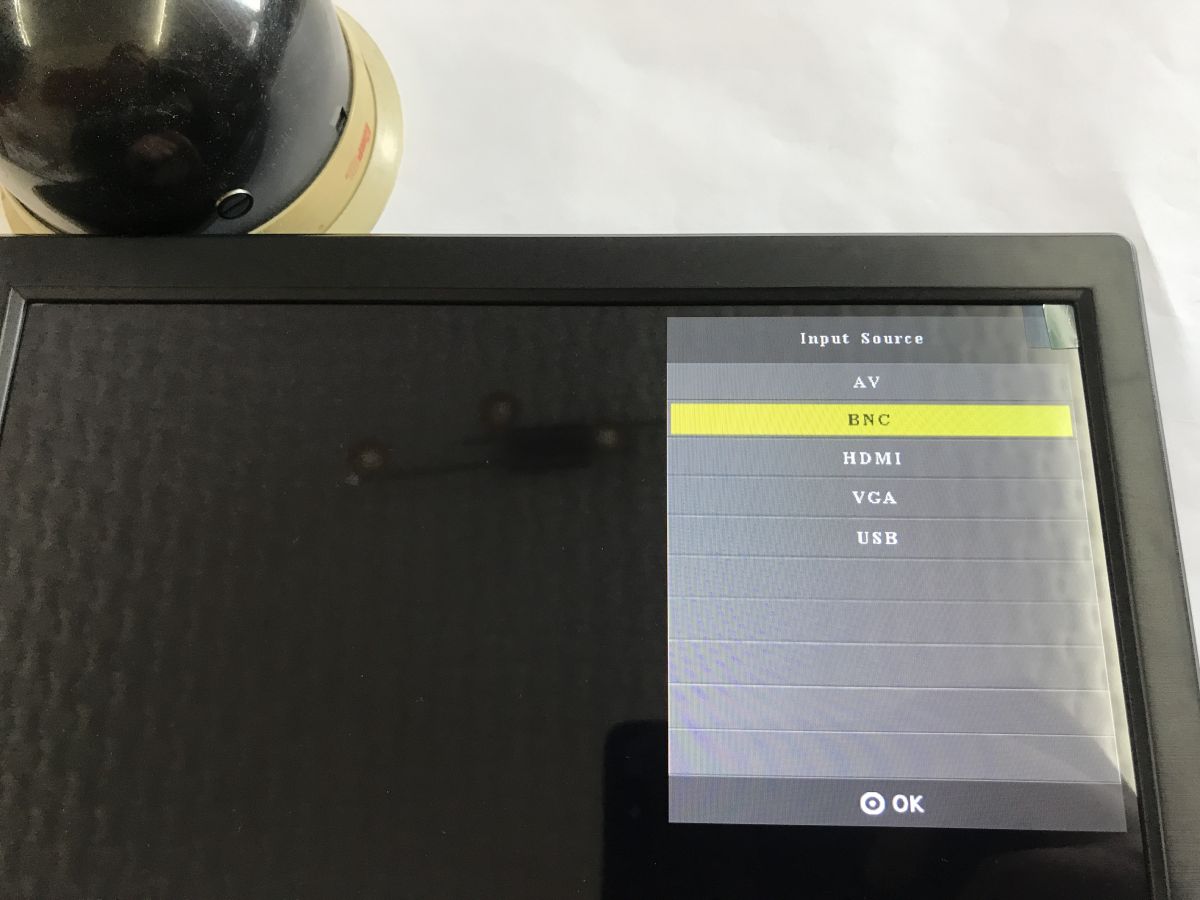
Test with camera on BNC connector:
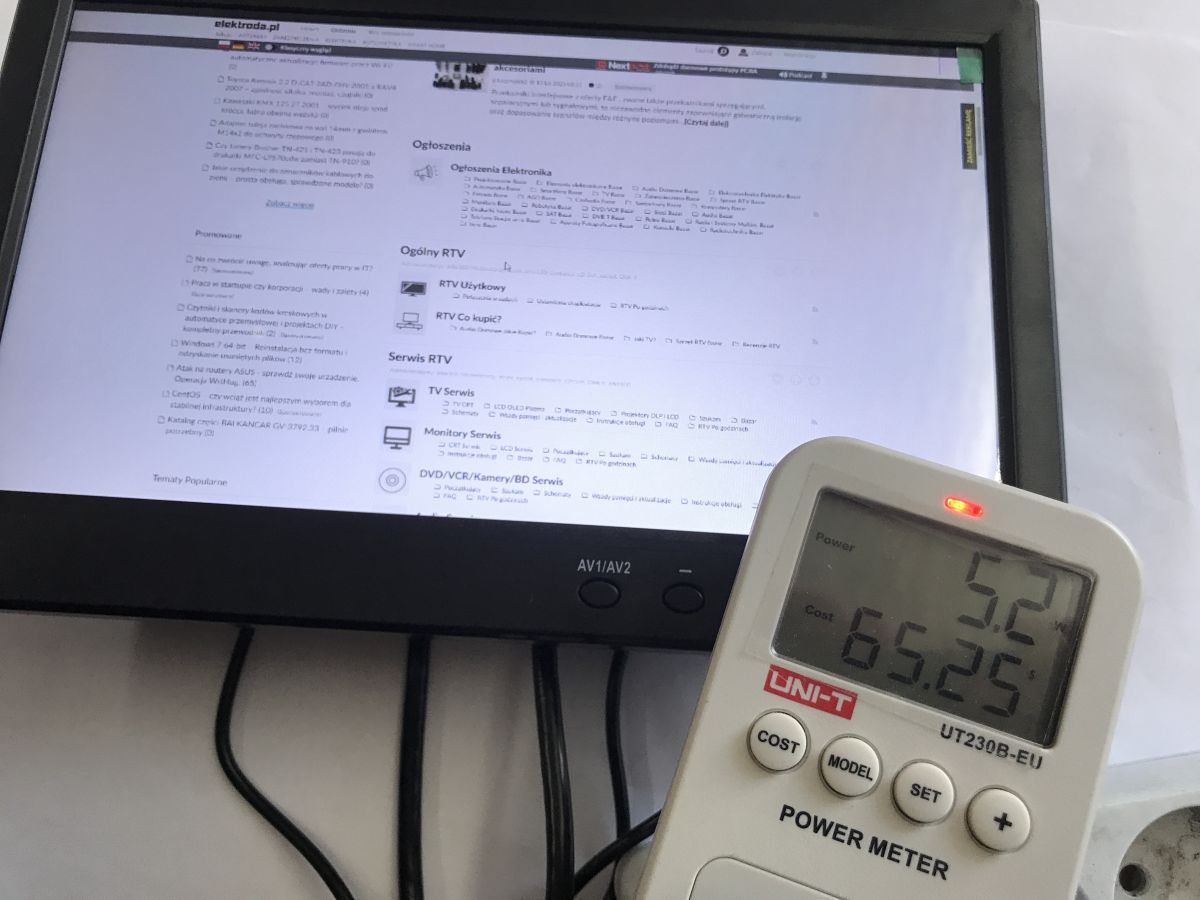
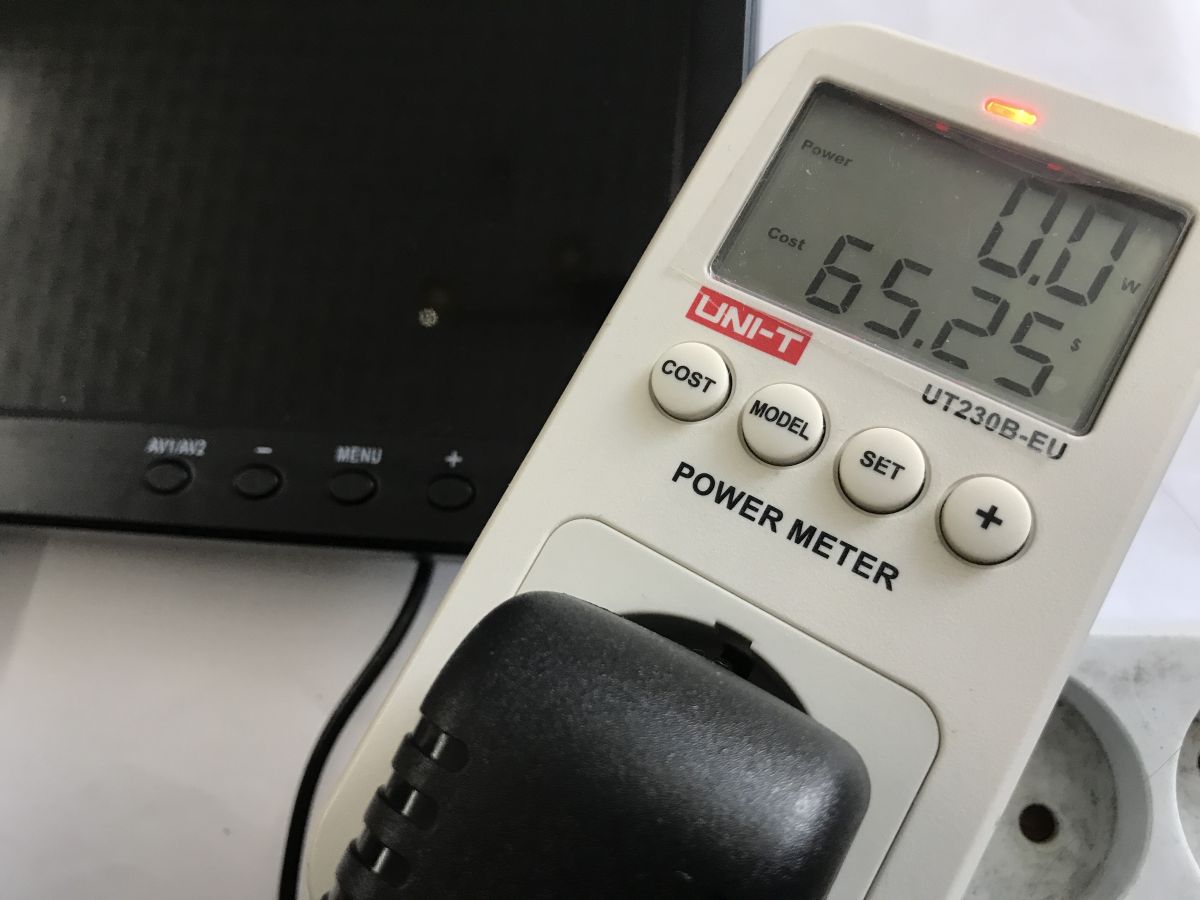
Power consumption in standby and when switched on:
In summary , the monitor seemed a bit pricey to me, even though I ordered it at a bargain price - I see it's even more expensive now, but surprisingly the kit and its construction compensates for this to some extent. You get it with all the cabling, power supply and leg. I also rate the image and viewing angle as acceptable. A purchase can be considered.
And what is your opinion, what small monitors do you recommend?
About Author
p.kaczmarek2 wrote 14813 posts with
rating 12984 , helped 659 times.
Been with us since 2014 year.
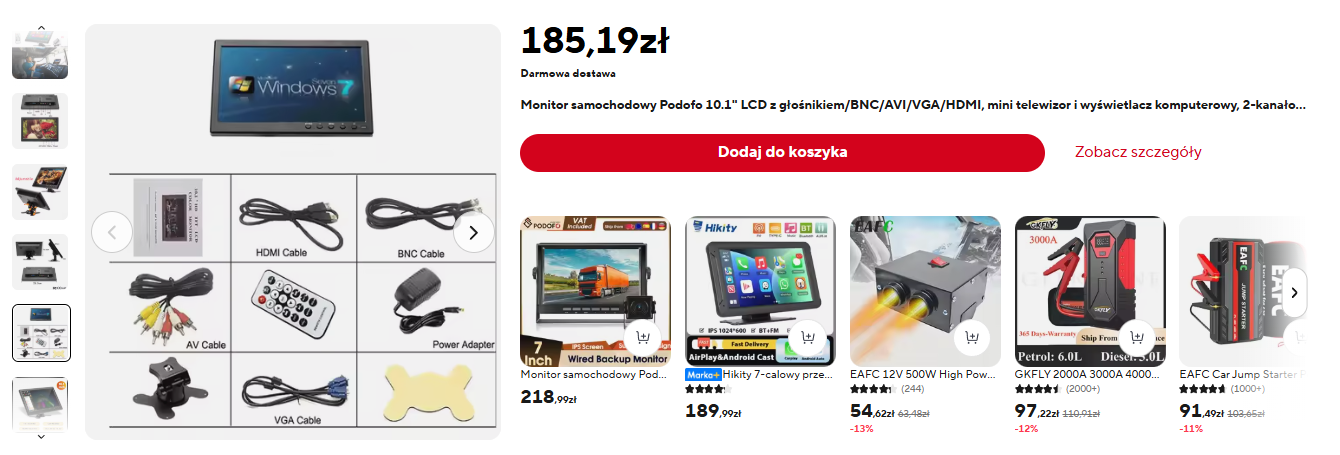
How similar he is to Podofo, bought for 127PLN's.
https://obrazki.elektroda.pl/6823162900_1774701452_thumb.jpg https://obrazki.elektroda.pl/3958173500_1774701454_thumb.jpg https://obrazki.elektroda.pl/2916932000_1774701455_thumb.jpg... [Read more]
gregor124
28 Mar 2026 15:05
I would be interested to know how this monitor works with, for example, analogue equipment such as a VCR.
Does it, and if so, how does it work in interlace mode?
Such information could help users wishing... [Read more]
LA72
28 Mar 2026 15:26
Amiga 1200 in Hi-Res works fine.
The same for the C=64 and Atari 800xl and PSX to PS3 consoles. [Read more]
airman
30 Mar 2026 06:59
Well I didn't get to read what the power consumption was measured. Generally you buy a lot of stuff from china, recommend something that gobbles little and gives a lot to the camera as a preview monit... [Read more]
FAQ
TL;DR: The 10-inch Camecho uses a 12 V 2 A supply, and one user said the image and viewing angle were "acceptable." This FAQ helps Raspberry Pi, CCTV, and retro-hardware users judge whether a cheap 1024x600 monitor solves mixed HDMI, VGA, RCA, and BNC display needs without buying blind. [#21872311]
Why it matters: Small workshop and camera monitors often look identical online, so real user tests on inputs, accessories, and analogue compatibility matter more than marketplace listings.
Feature
Camecho 10" monitor
Podofo 10" monitor
Price mentioned
PLN 100-200
PLN 127
Included/mentioned inputs
HDMI, VGA, RCA, BNC, USB
Chosen for retro-computer connectors
Intended use in thread
PAL camera, HDMI desktop, USB media
Retro computers
Reported build impression
Surprisingly solid
Described as very similar
Key insight: The strongest takeaway is versatility, not panel quality. This class of 10-inch monitor is useful because it combines HDMI computer use, CCTV-style BNC input, and older hardware compatibility in one small screen.
Quick Facts
The thread describes a 10-inch, 1024x600 LCD monitor sold for roughly PLN 100-200, depending on promotions and seller. [#21872311]
The kit includes a remote control, a 12 V 2 A power supply, and cables for HDMI, VGA, RCA, and BNC, which reduces setup cost. [#21872311]
The monitor supports USB playback for photos, music, and movies, plus picture, aspect-ratio, colour-temperature, sound, clock, sleep, and OSD-language settings. [#21872311]
A second user reported a very similar Podofo 10-inch unit bought for PLN 127 specifically for retro computers because it had the right connectors. [#21872439]
Retro compatibility reports in the thread include Amiga 1200 Hi-Res, C64, Atari 800XL, and PlayStation PSX to PS3 working on this monitor type. [#21872504]
How much power does the Camecho 10" LCD monitor use in standby and during normal operation?
The thread confirms that standby and switched-on power were measured, but it does not provide readable numeric watt results in text. The only hard electrical figure stated is the included 12 V 2 A power supply, so the post documents the test setup rather than a clear standby-versus-on power table. [#21872311]
How well does the Camecho 10-inch 1024x600 monitor work with a Raspberry Pi over HDMI?
It appears suitable for a Raspberry Pi over HDMI, but the thread does not show a direct Raspberry Pi test. The author displayed a desktop webpage over HDMI and judged the image and viewing angle acceptable on the 1024x600 panel, which supports the idea that Pi use is practical for light GUI work. [#21872311]
What accessories and cables are included with the Camecho surveillance monitor kit?
The kit is unusually complete for this price class. It includes a remote control, a 12 V 2 A power supply, and cables for HDMI, VGA, RCA, and BNC, plus the monitor stand. That bundle matters because mixed analogue and digital inputs often require separate cable purchases. [#21872311]
How good are the viewing angles and response time on the Camecho 10" LCD monitor compared with a laptop screen?
The viewing angles looked acceptable, and the author described the response as immediate in a side-by-side video with a laptop screen. The thread does not give milliseconds, but it does show a direct HDMI comparison and states that the angle performance was "not bad" for a 10-inch budget display. [#21872311]
How does the Camecho monitor perform when connected to a PAL camera through the BNC input?
It works with a single PAL camera through the BNC input and produced a usable live image in the posted test photos. "BNC" is a coaxial video connector that carries analogue CCTV signals, uses a locking twist fit, and is common on surveillance cameras and compact preview monitors.[#21872311]
What multimedia features does the Camecho monitor support over USB, such as photos, music, and movies?
It supports USB playback for photos, music, and movies. The on-screen menus shown in the thread also include picture controls, aspect-ratio changes, colour-temperature options, sound settings, a clock, power on/off timing, sleep timing, and OSD language selection. [#21872311]
How does this monitor handle older analogue equipment like a VCR, especially in interlace mode?
The thread does not answer that fully. One user specifically asked about VCR use and interlace handling, but no follow-up test results were posted for a VCR or for interlaced analogue modes. That missing data is the main edge case if you need guaranteed support for older video gear. [#21872494]
What results can users expect when connecting retro hardware like an Amiga 1200, C64, Atari 800XL, or PlayStation consoles to this type of monitor?
Users can expect basic compatibility with several retro systems, at least from the forum reports. One user wrote, "Amiga 1200 in Hi-Res works fine," and added that the C64, Atari 800XL, and PSX to PS3 consoles also worked on the same monitor type. [#21872504]
What kind of monitor can display a colour image in NTSC-50Hz mode for older video equipment?
The thread does not identify a monitor that is confirmed to show colour in NTSC-50Hz mode. A user said they were looking for such a display and noted that this standard is hard to support today, so the post raises the requirement but provides no verified model recommendation. [#21872494]
Camecho vs Podofo 10-inch monitor: which one is better for retro computers and mixed analogue/digital inputs?
The thread does not prove that either one is better overall; it only suggests they are very similar. Camecho is documented with HDMI, VGA, RCA, BNC, and USB, while the Podofo was bought for PLN 127 because it had the right connectors for retro computers. Choose by connector set and price, not by claimed brand difference. [#21872439]
How do you measure the real power consumption of a small 12 V monitor like the Camecho?
Use an inline power meter on the monitor’s supply and compare standby with active display operation. 1. Connect the monitor with its 12 V 2 A adapter. 2. Measure once in standby and once when switched on. 3. Repeat with a real source, such as HDMI or camera input, because load can change with active use. [#21872311]
What is a BNC connector, and why is it commonly used with CCTV cameras and surveillance monitors?
A BNC connector is the standard analogue video link in this monitor’s CCTV-style setup. "BNC" is a coaxial connector that carries composite camera video, locks mechanically with a twist action, and is widely used where fast, secure connections matter in surveillance wiring.[#21872311]
What is PAL video, and how is it different from NTSC when using small LCD monitors?
The thread only confirms a working PAL camera test and mentions a separate search for NTSC-50Hz colour support. "PAL" is an analogue colour-video system that small CCTV monitors often accept through composite or BNC inputs, while NTSC refers to a different analogue format that may not behave identically on modern LCD scalers.[#21872494]
Which small low-power monitor is best as a camera preview screen for CCTV or workshop use?
This thread points to the 10-inch Camecho-style monitor as a practical option, but it does not prove it is the best. Its advantages are the small size, bundled 12 V 2 A supply, included cables, and working PAL camera over BNC test; its main weakness is missing clear published watt figures from the measurement. [#21872311]
Why do small 1024x600 HDMI monitors sometimes look acceptable for desktop use despite their low resolution?
They can look acceptable because screen size matters as much as raw pixel count. In this case, the author showed a desktop page over HDMI on a 10-inch 1024x600 panel and still rated the image and viewing angles acceptable, which is enough for monitoring, settings menus, and light workshop use. [#21872311]
AI summary based on the discussion. May contain errors.








Comments
How similar he is to Podofo, bought for 127PLN's. https://obrazki.elektroda.pl/6823162900_1774701452_thumb.jpg https://obrazki.elektroda.pl/3958173500_1774701454_thumb.jpg https://obrazki.elektroda.pl/2916932000_1774701455_thumb.jpg... [Read more]
I would be interested to know how this monitor works with, for example, analogue equipment such as a VCR. Does it, and if so, how does it work in interlace mode? Such information could help users wishing... [Read more]
Amiga 1200 in Hi-Res works fine. The same for the C=64 and Atari 800xl and PSX to PS3 consoles. [Read more]
Well I didn't get to read what the power consumption was measured. Generally you buy a lot of stuff from china, recommend something that gobbles little and gives a lot to the camera as a preview monit... [Read more]