logo elektroda
logo elektroda
X
logo elektroda
Dostępna jest polska wersja

Czy wolisz polską wersję strony elektroda?

Nie, dziękuję Przekieruj mnie tam

Minitest: Camecho 10" LCD Monitor 1024x600 VGA HDMI BNC AVI presentation with camera

p.kaczmarek2 285 3

TL;DR

  • Tests a Camecho 10-inch 1024x600 LCD surveillance monitor with HDMI, VGA, BNC and AVI/USB playback support, intended for camera viewing and possibly a Raspberry Pi.
  • The kit includes a remote control, a 12 V 2 A power supply, and HDMI, VGA, RCA and BNC cables, while the OSD lets you change picture, sound, aspect ratio and clock settings.
  • It costs between £100 and £200, depending on promotions and where you buy.
  • Image quality, viewing angles, response time and PAL camera playback were acceptable, and it also played USB photos, music and movies.
  • The main drawback is price: it felt expensive even at a bargain price, though the solid build and bundled accessories partly justify it.
ADVERTISEMENT
Treść została przetłumaczona polish » english Zobacz oryginalną wersję tematu
📢 Listen (AI):
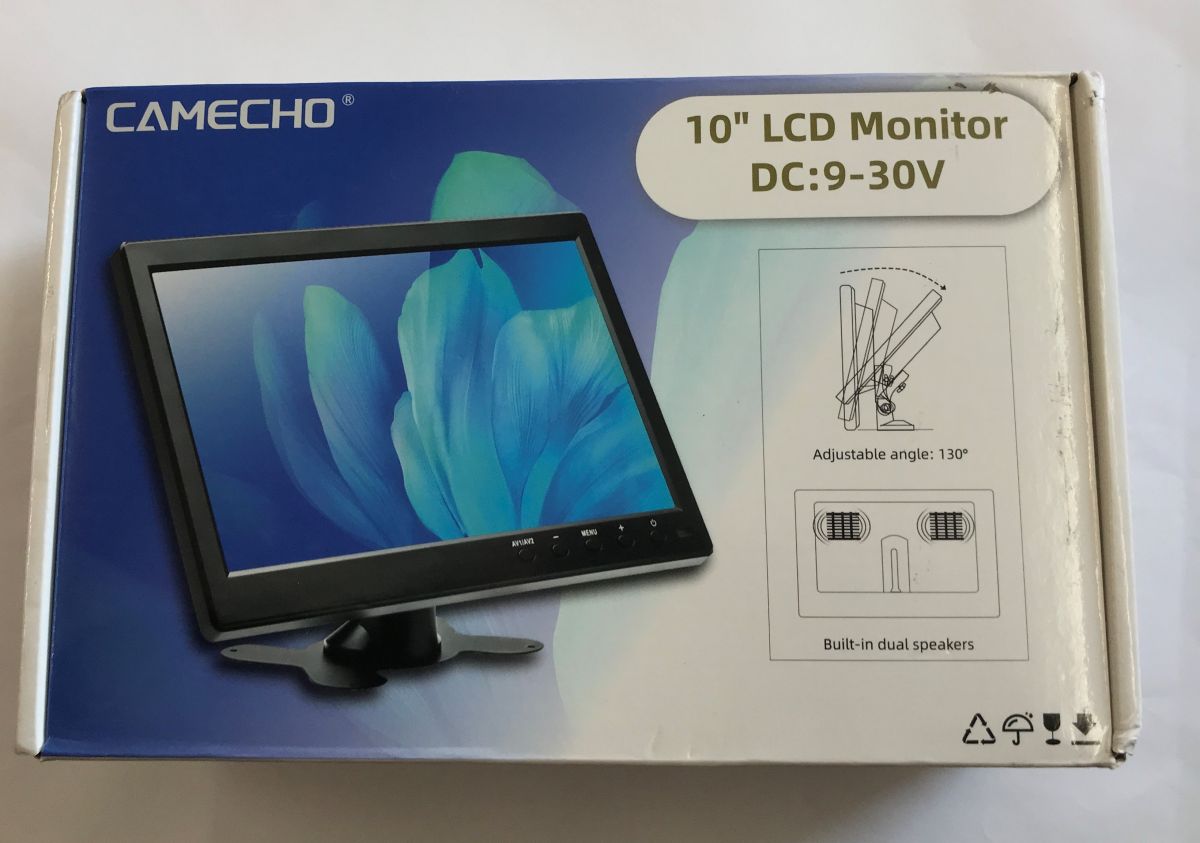
  • CAMECHO 10-inch LCD monitor box showing the screen image and “DC:9–30V” text
    Here's a short test of a tiny 10-inch surveillance monitor bought from a Chinese mail order site. Here I will measure its power consumption and test its performance with a single PAL camera. How much does it cost to use such a monitor? Will it be suitable for the Raspberry? Let's find out!
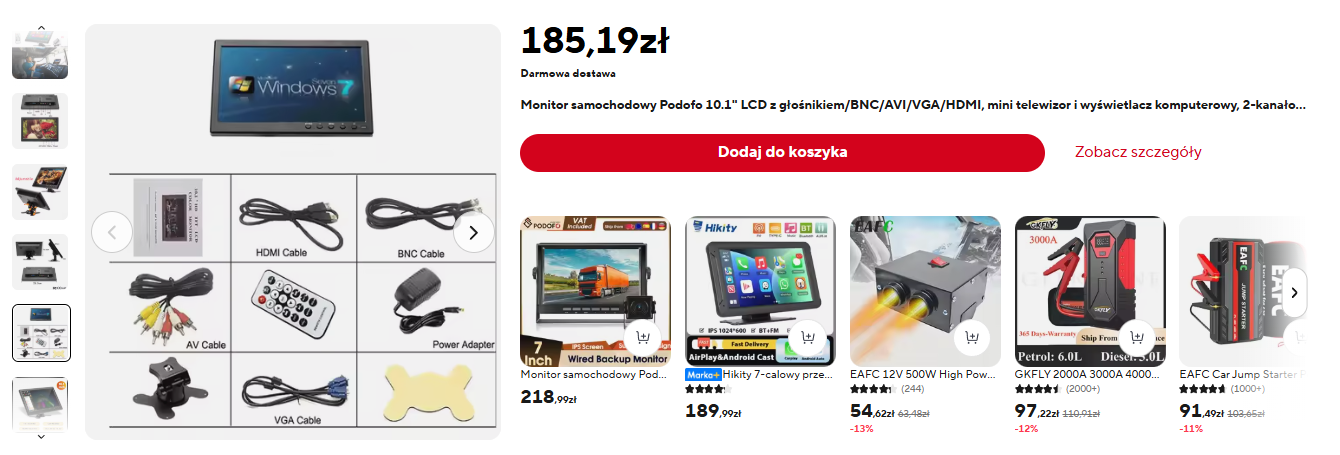
    Screenshot of a Podof0 10.1-inch monitor listing with price 185.19 zł and accessory photos
    The device is available for between £100 and £200, depending on promotions and where you buy.
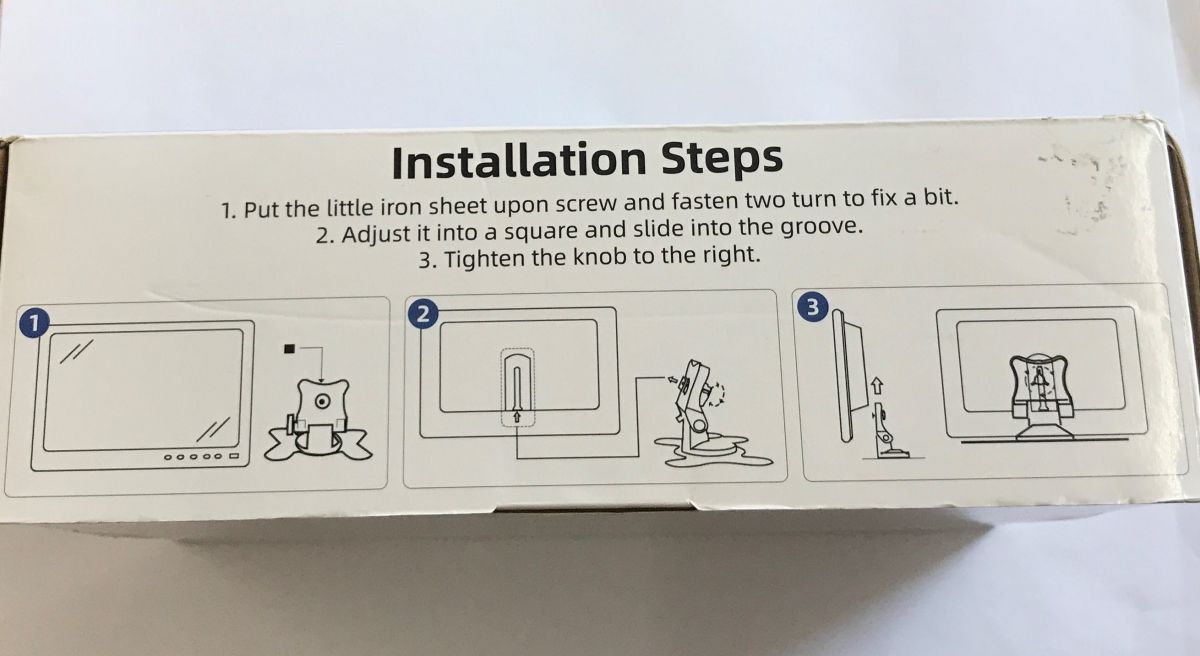
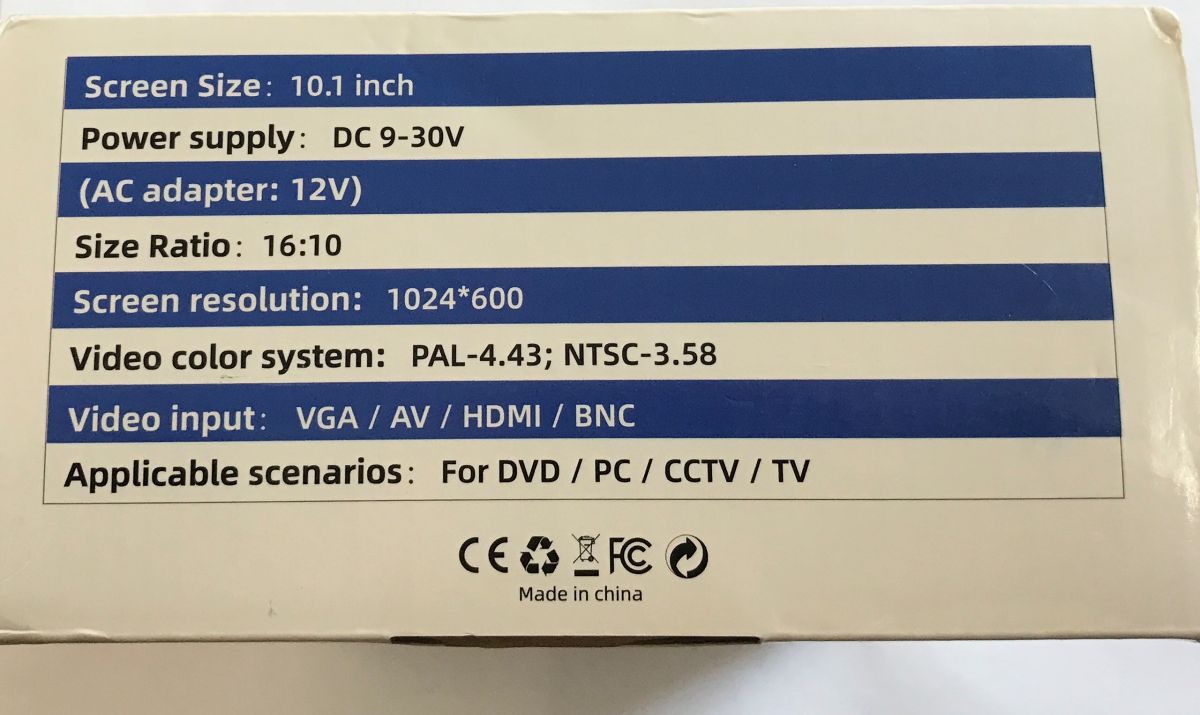
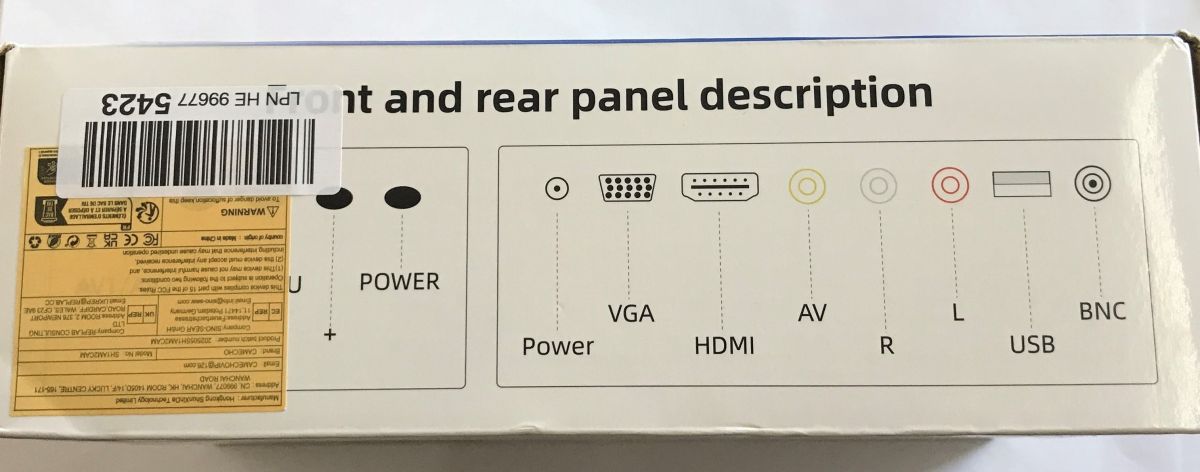
    Side of a box labeled “Installation Steps” with three drawings showing how to mount a monitor stand Specification table on a 10.1-inch monitor box, listing DC 9–30 V power and HDMI/VGA/BNC inputs Side of a box showing monitor ports diagram: power, VGA, HDMI, AV, R/L audio, USB, and BNC Section of a box with service icons and CAMECHO support email address
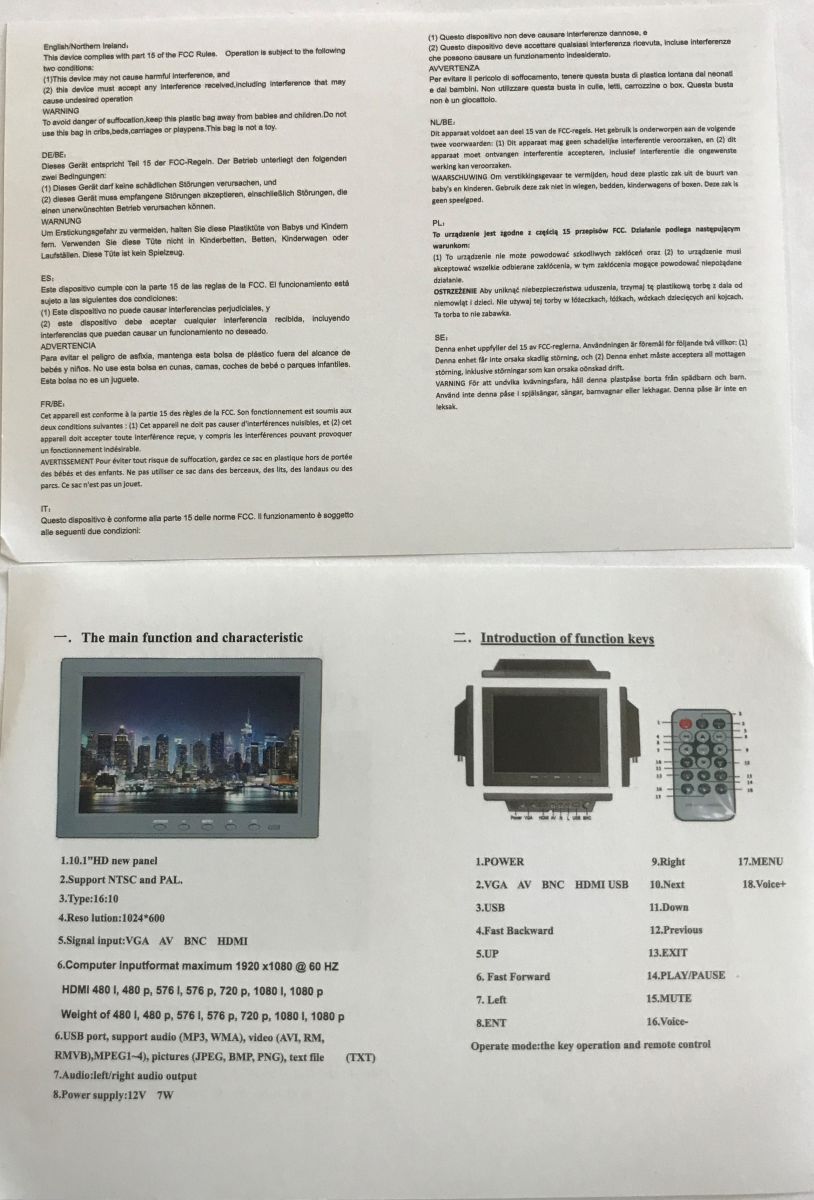
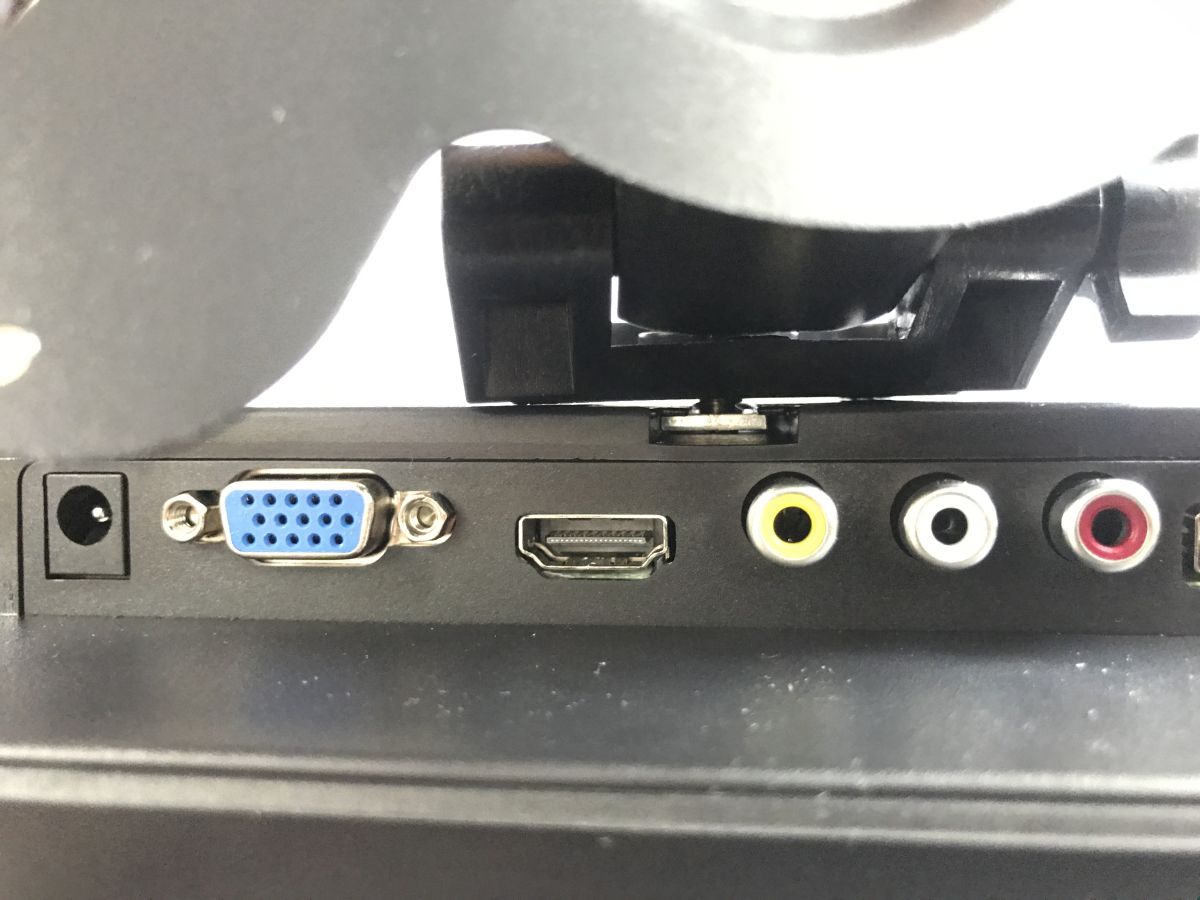
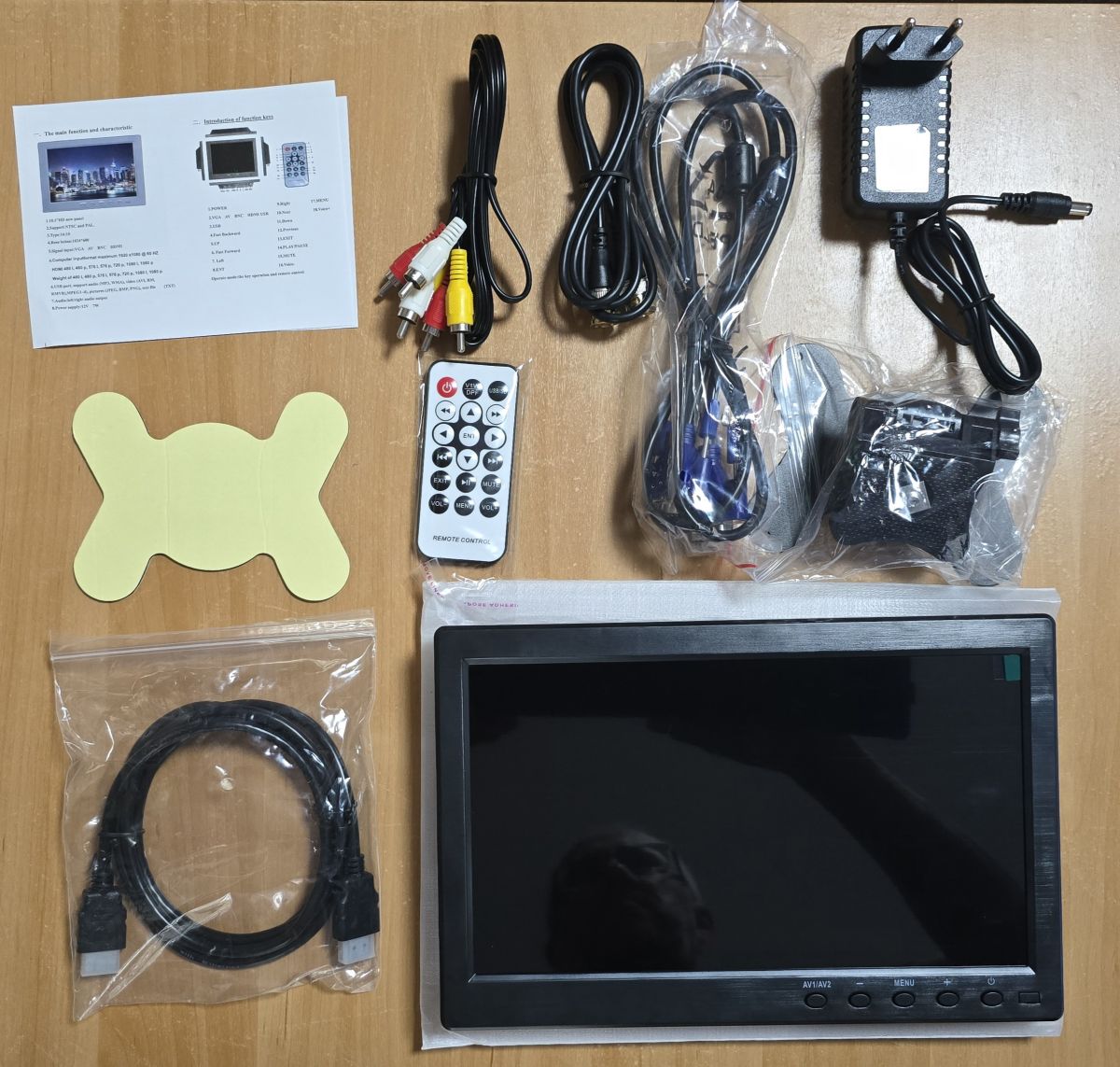
    The kit turns out to be quite rich. We even get a remote control. In addition, we have a 12 V 2 A power supply and a full set of cables, including HDMI, VGA, RCA and even BNC.
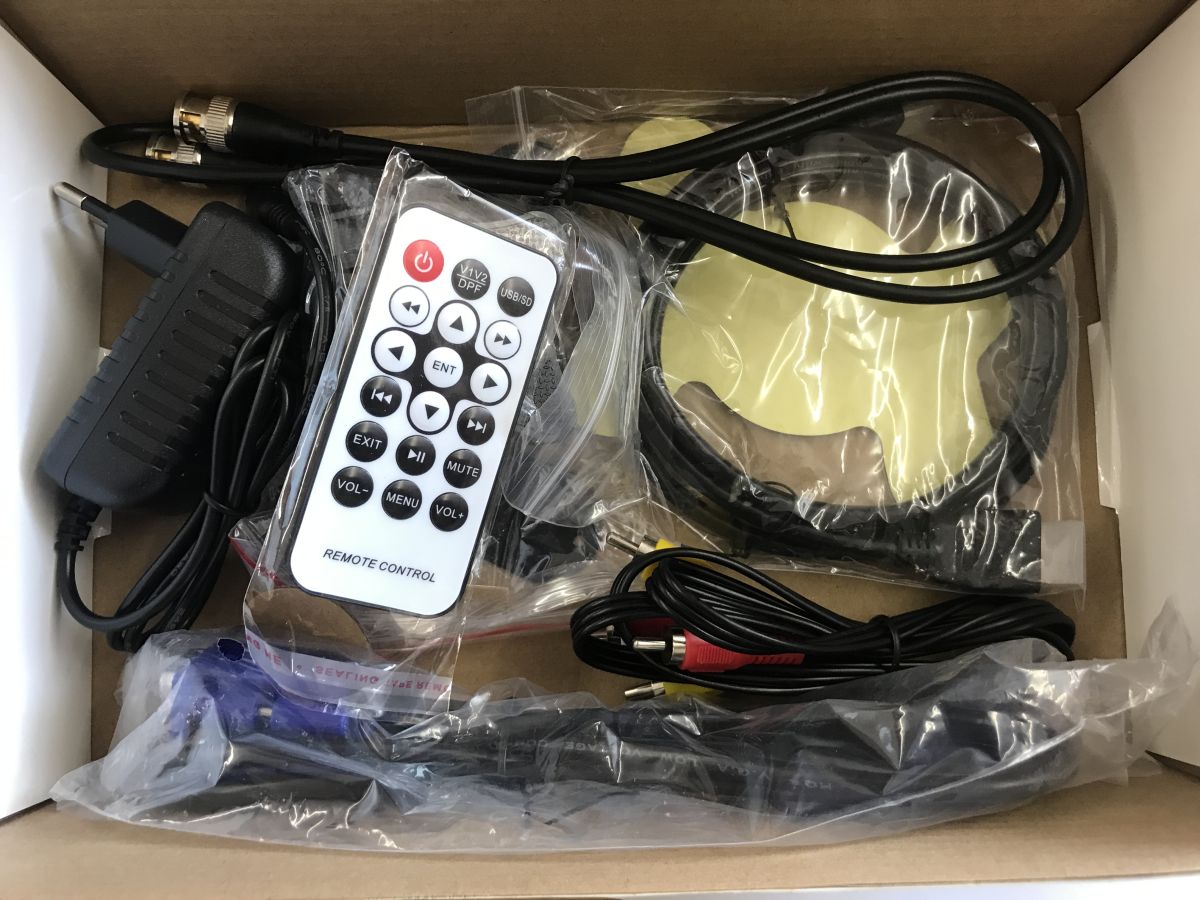
    Box contents: remote, power adapter, and cables (incl. HDMI, VGA, RCA, BNC) in plastic bags
    Instructions:
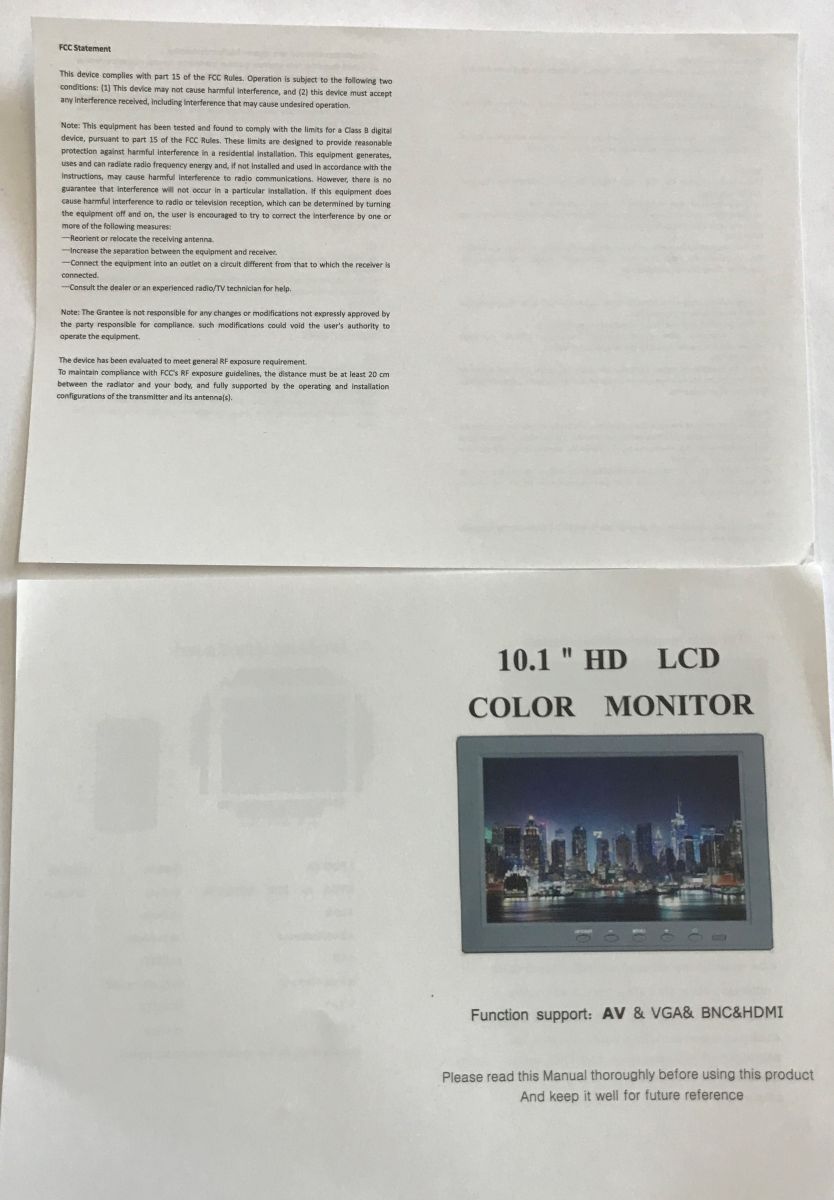
    Manual pages for “10.1'' HD LCD Color Monitor” showing product image and AV, VGA, BNC, HDMI inputs Monitor manual page showing functions, inputs, and a labeled remote control diagram
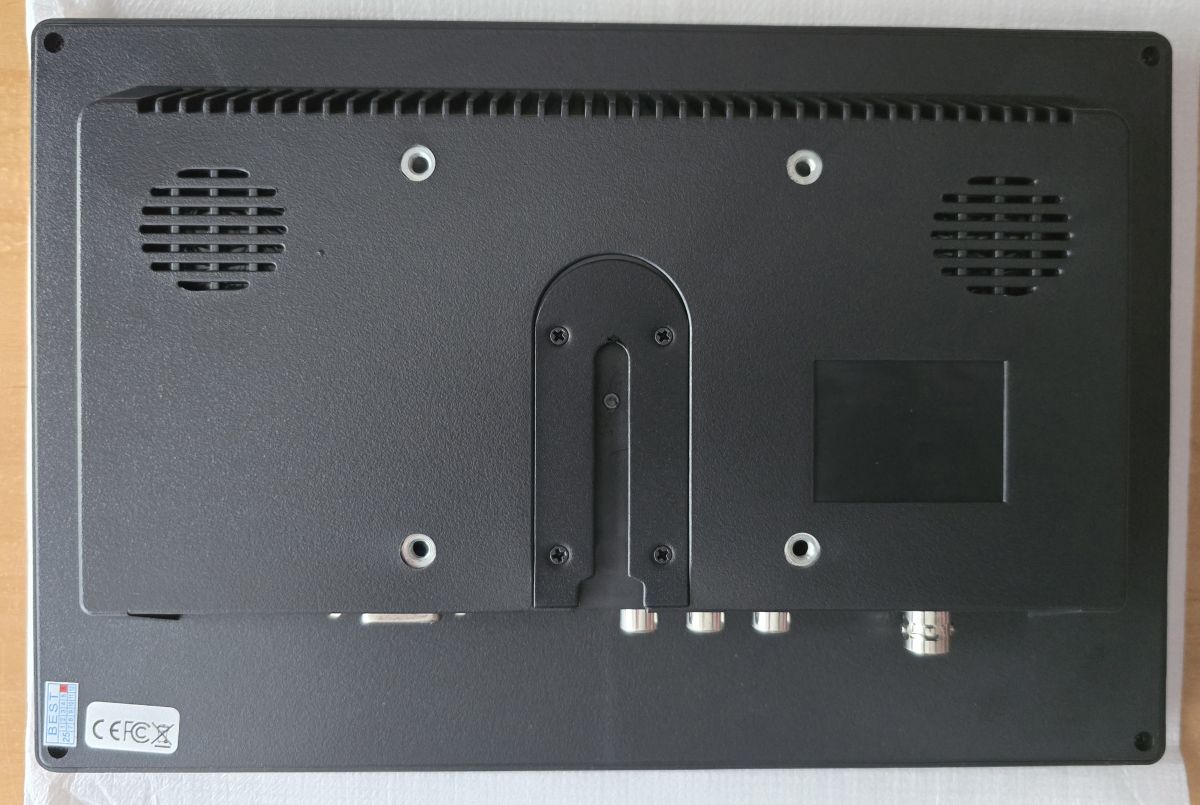
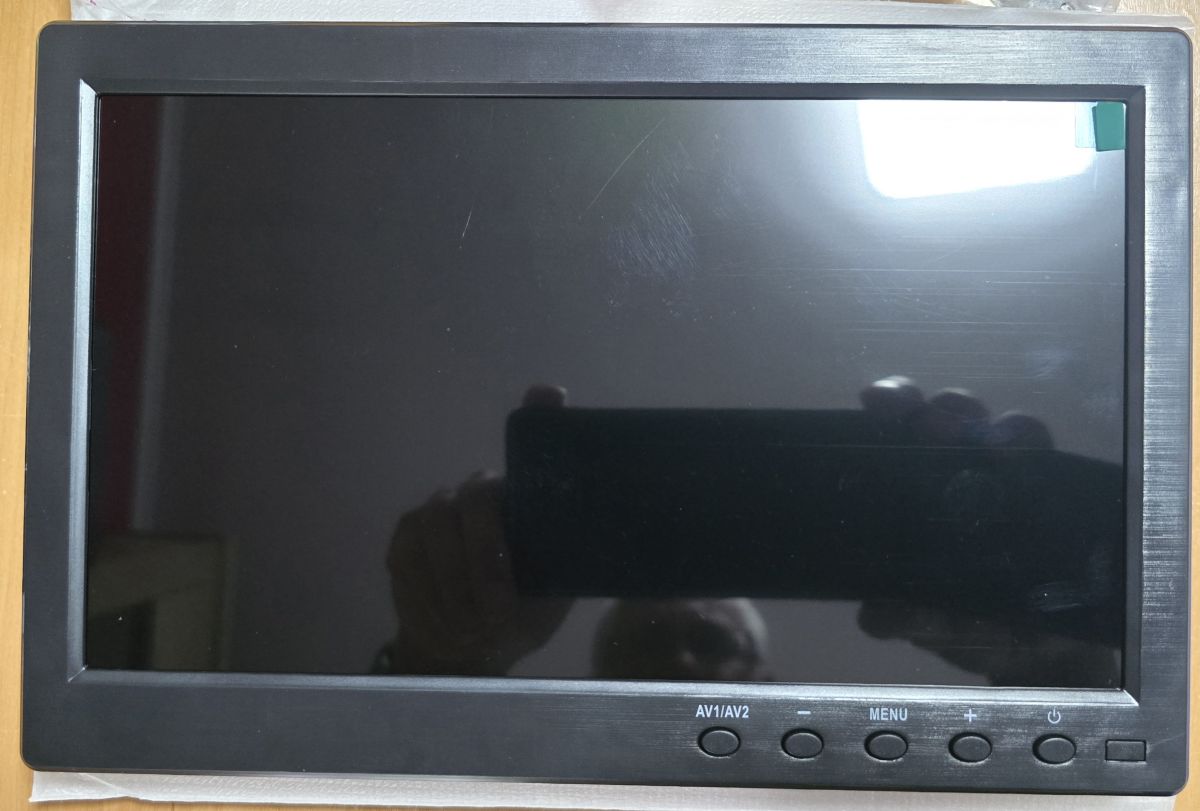
    The monitor looks surprisingly solid, I expected the cheapest plastic.
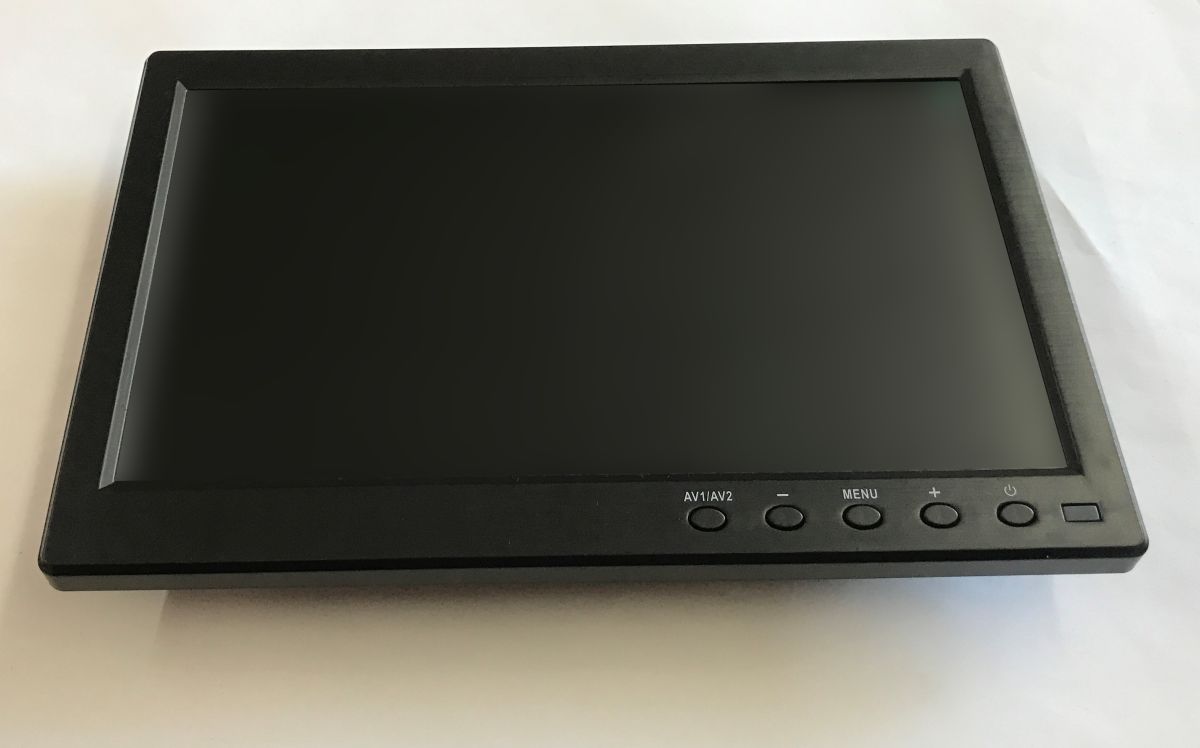
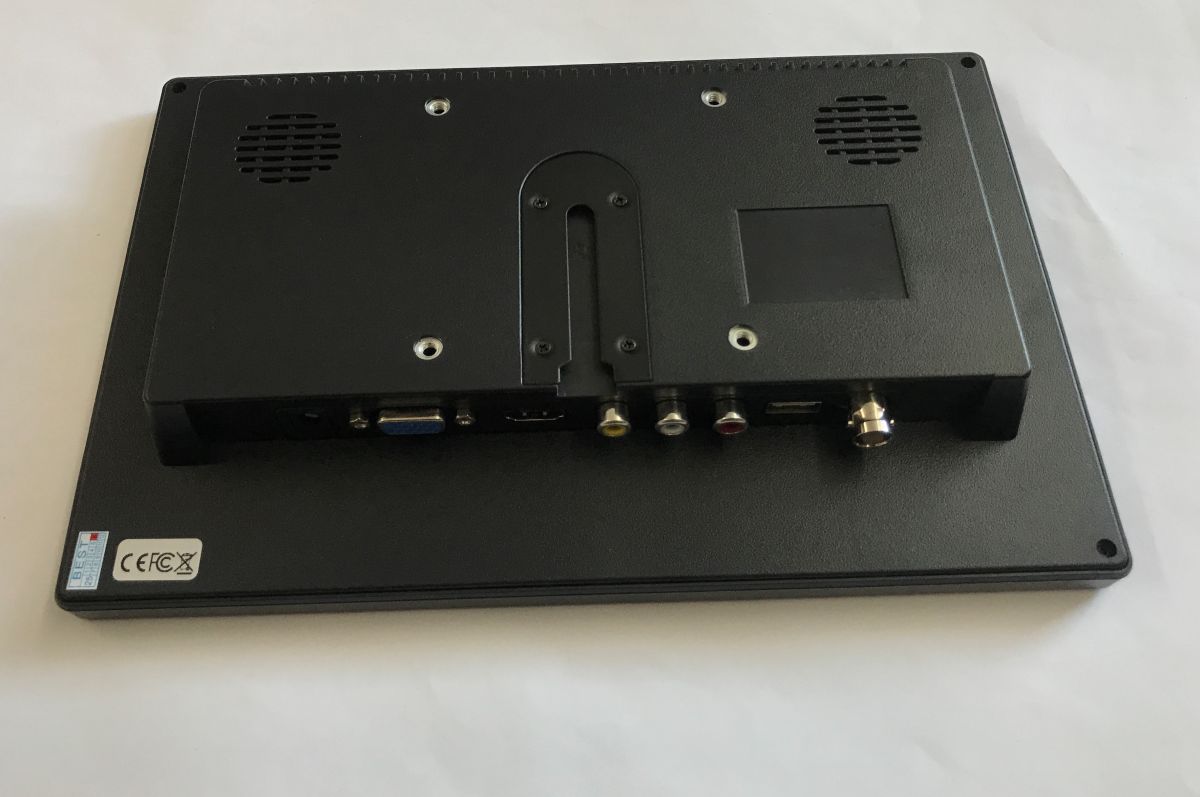
    Small black LCD monitor on a white surface, with control buttons along the bottom bezel. Rear of a small monitor with speaker grilles and ports: VGA, HDMI, RCA, USB, and BNC
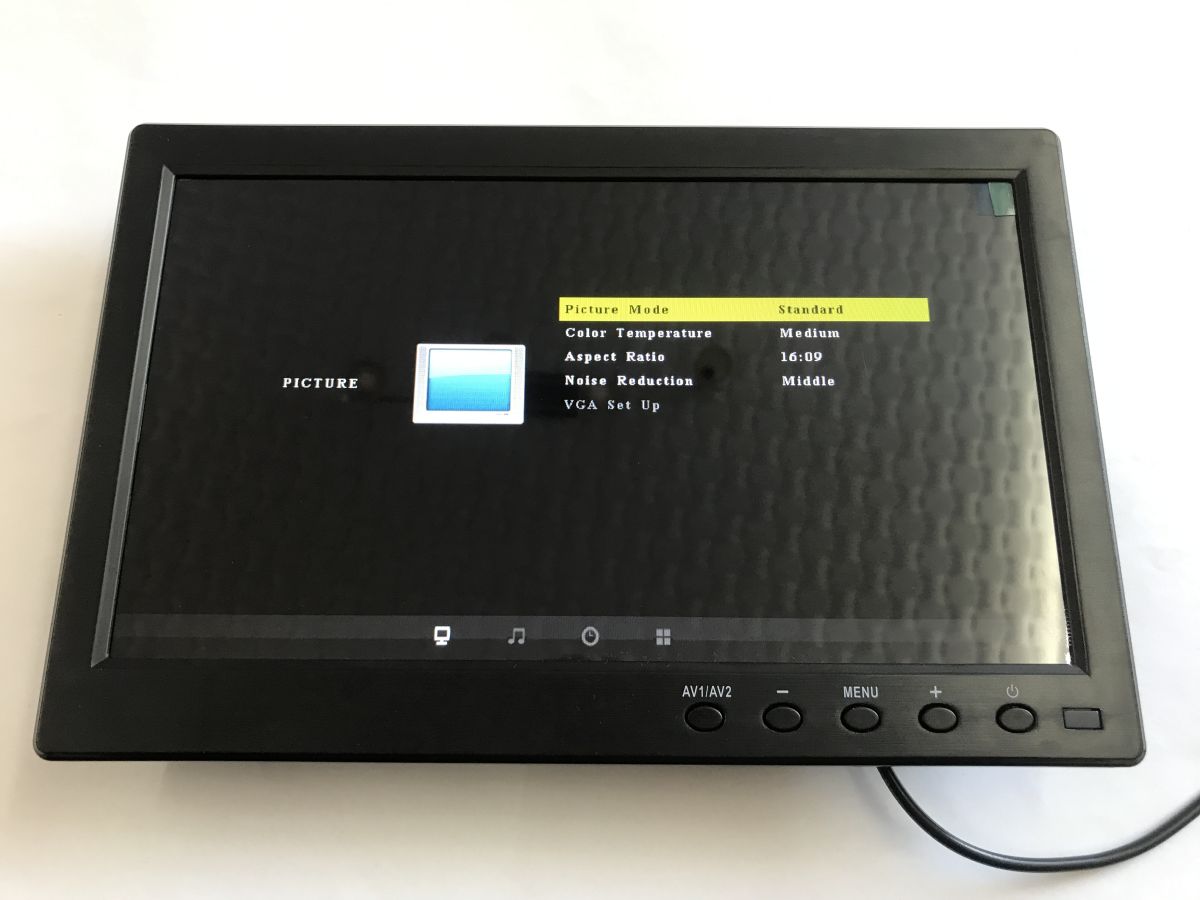
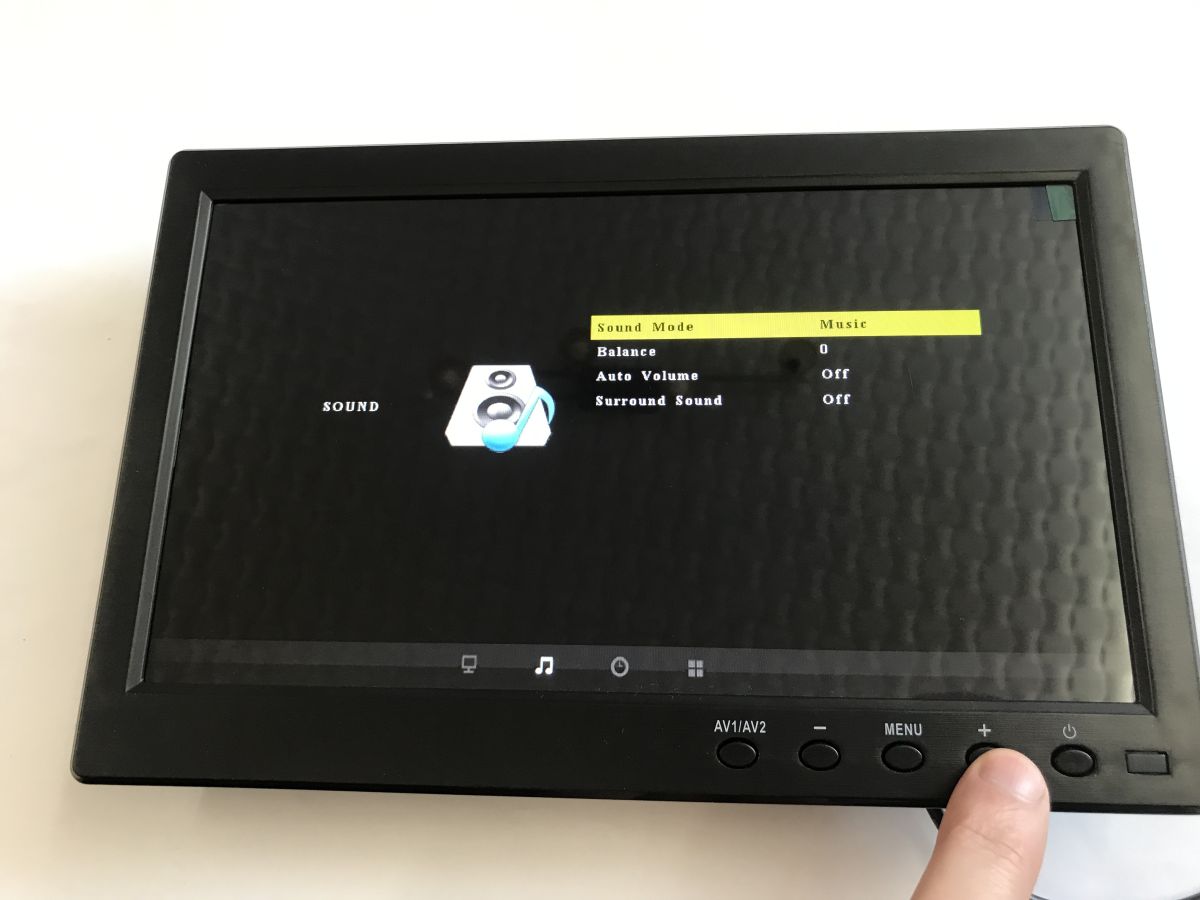
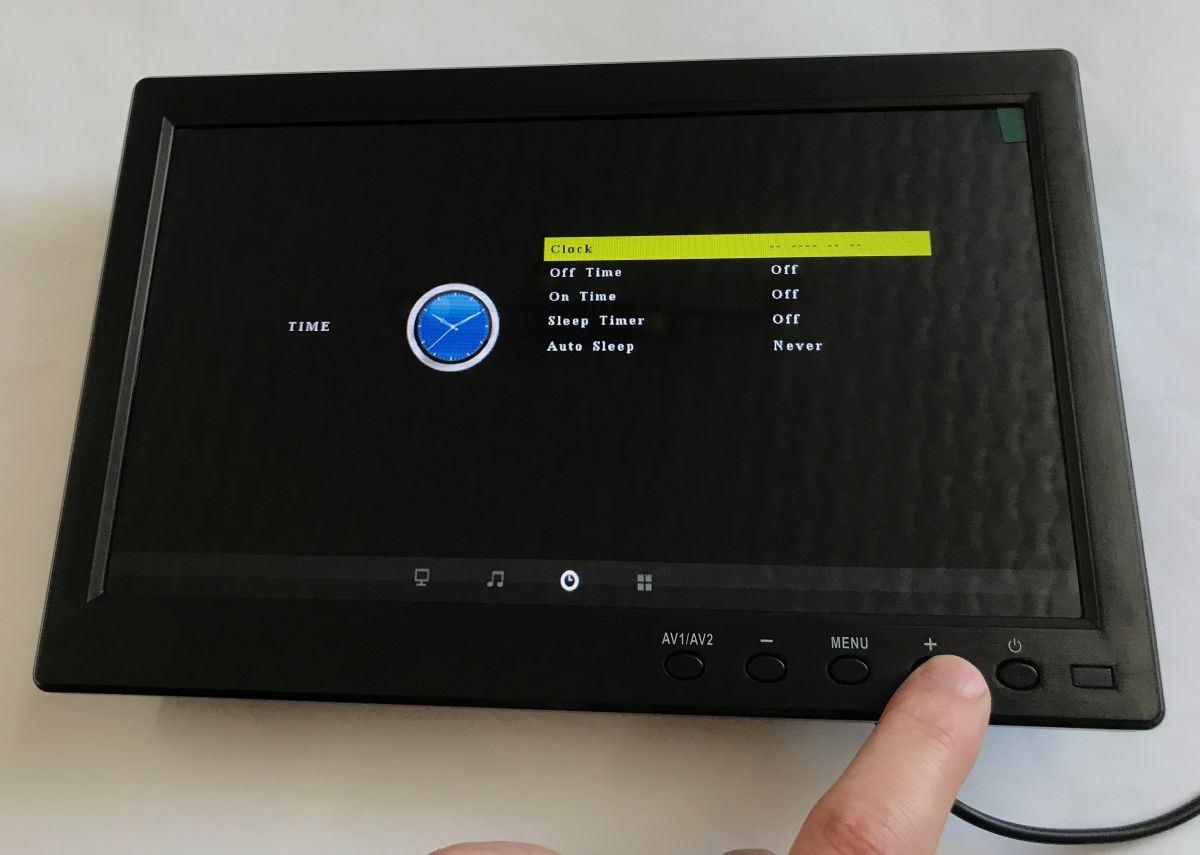
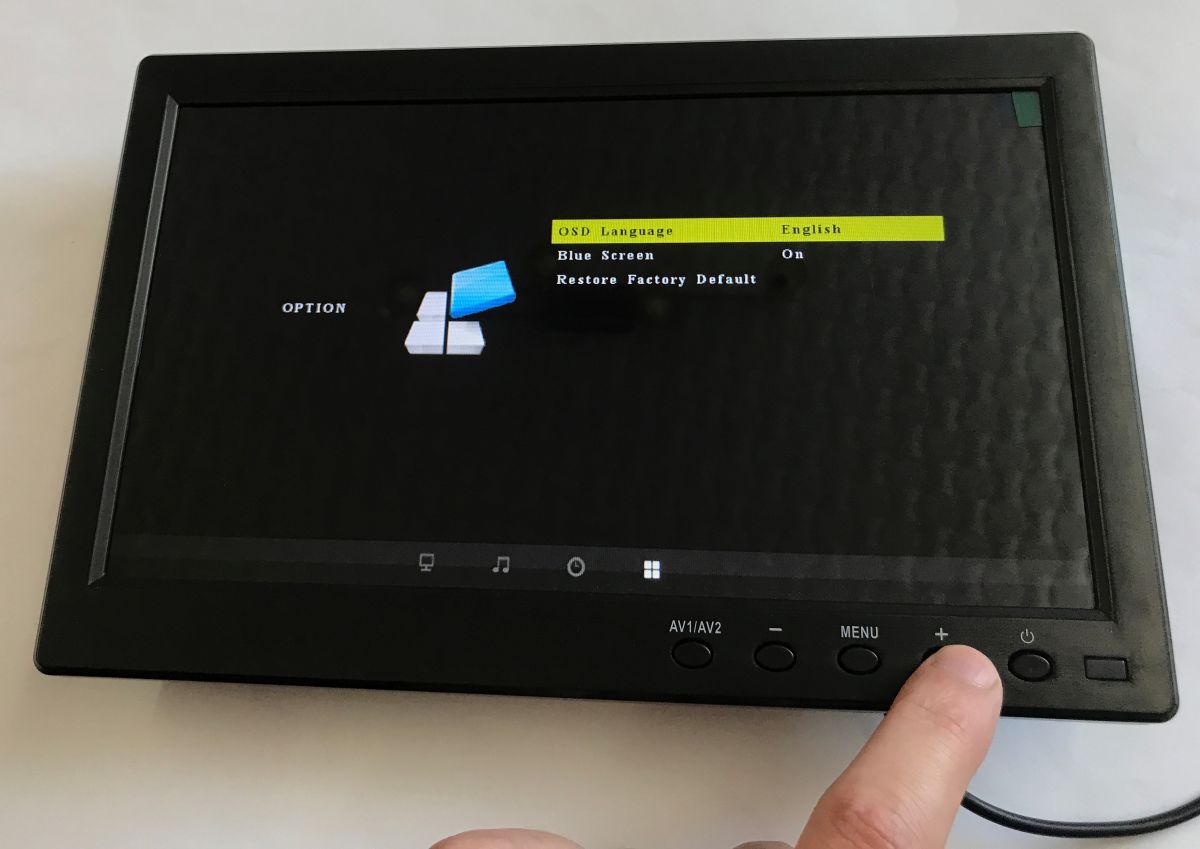
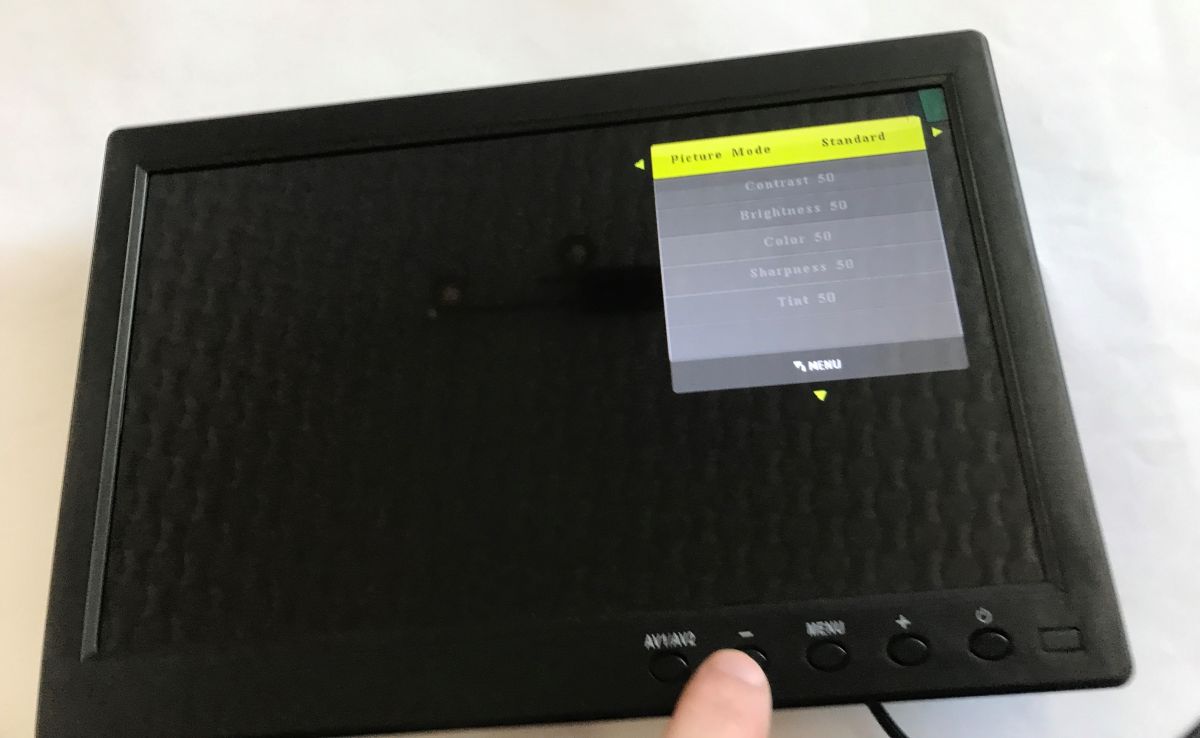
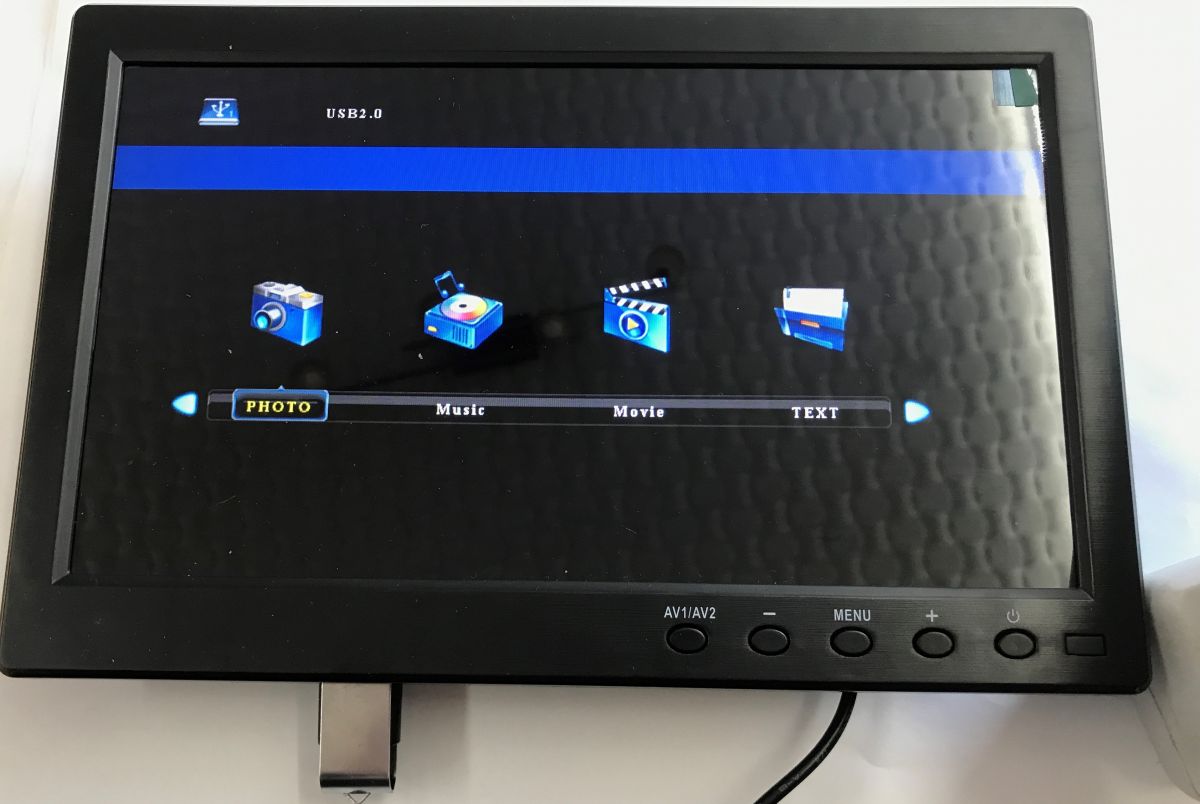
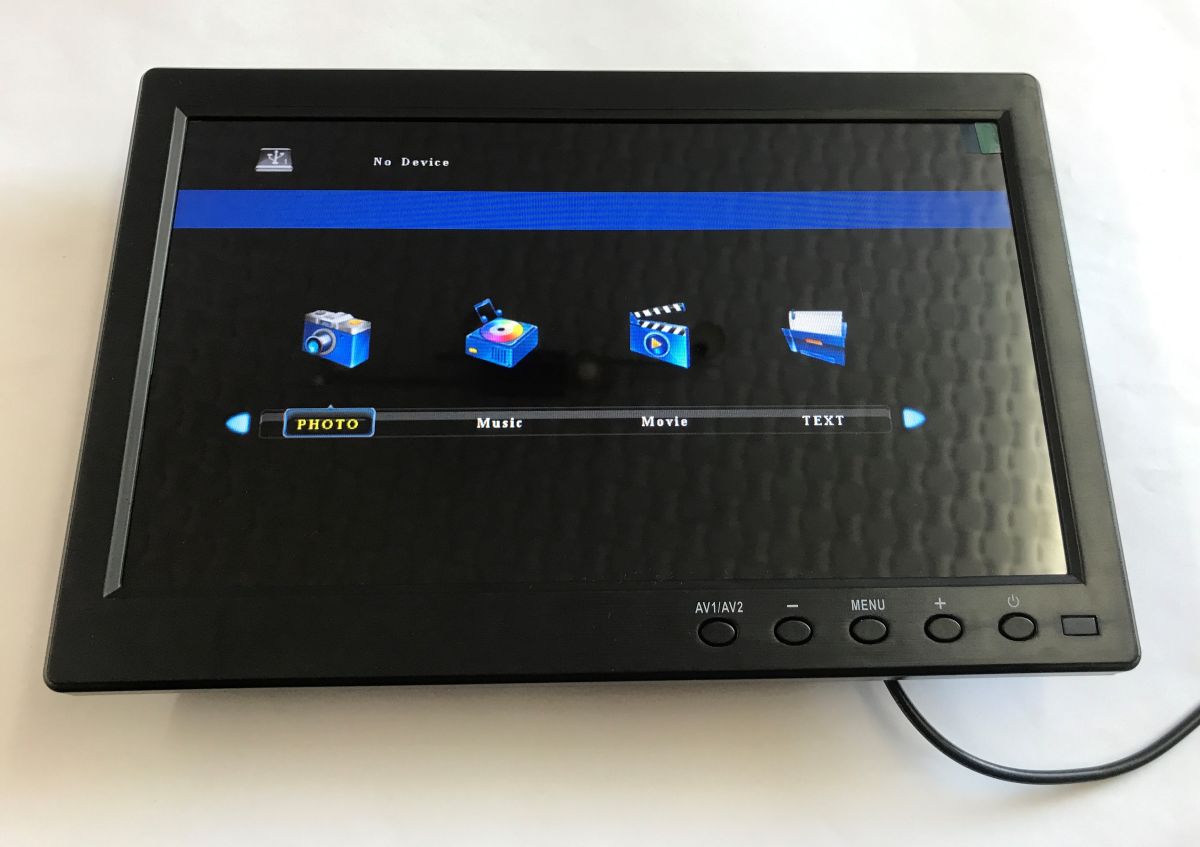
    The device has a bit more functionality than I thought. There's USB support, you can view photos, play music, movies, etc. You can change picture settings, aspect ratio, colour temperature, similarly there are sound settings. There is also a clock available along with on/off and sleep time. The OSD language can also be changed.
    Small black monitor on a desk showing a media menu and the message “No Device”. Small black monitor showing the picture settings menu, with control buttons along the bottom edge 10-inch monitor showing the sound settings menu; a finger presses the “+” button on the bottom panel
    Small black monitor showing “Clock” menu; a finger presses the “+” button on the bottom control panel. Small black monitor showing OSD menu; a finger presses a button on the lower control panel. Small black monitor with picture settings menu in the top right, finger pressing a bottom bezel button
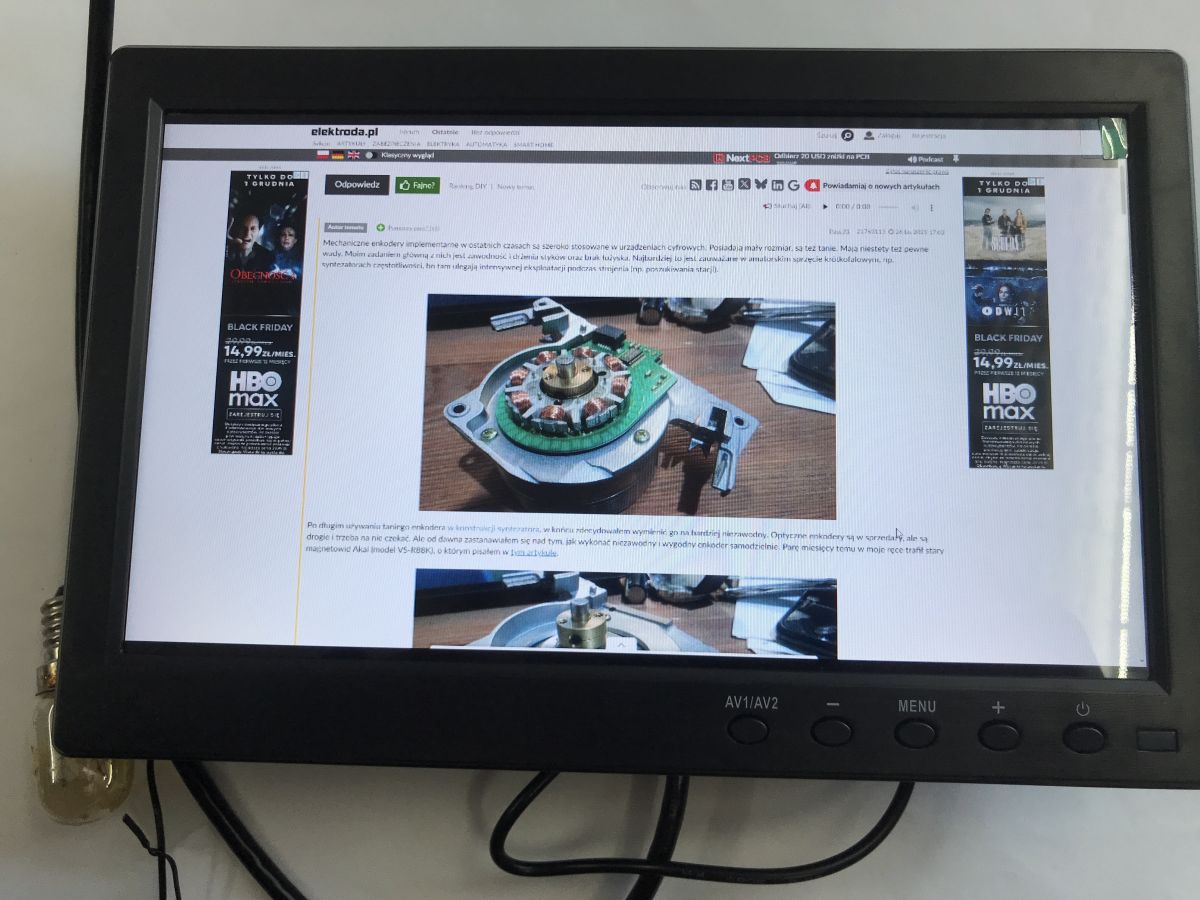
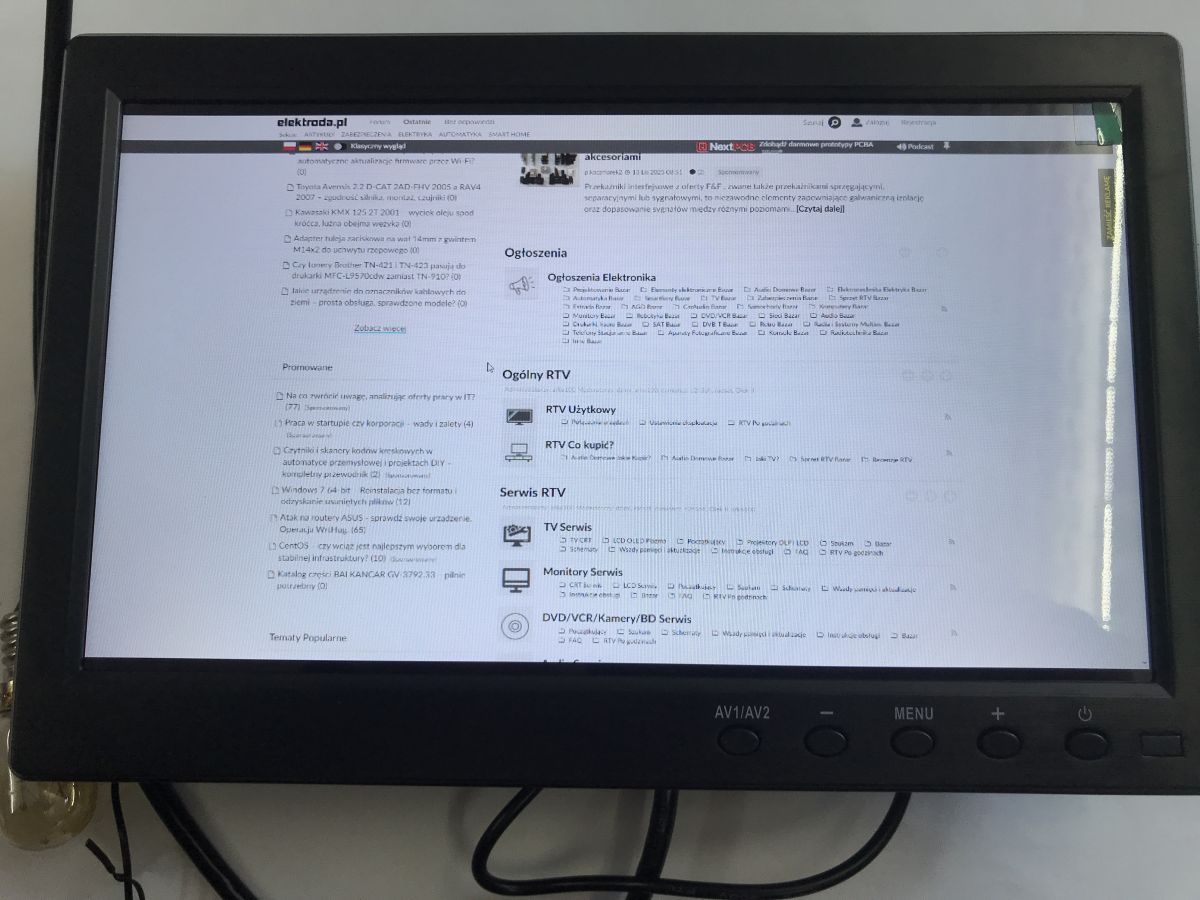
    This is what Elektroda.co.uk looks like on the monitor, loaded via HDMI.
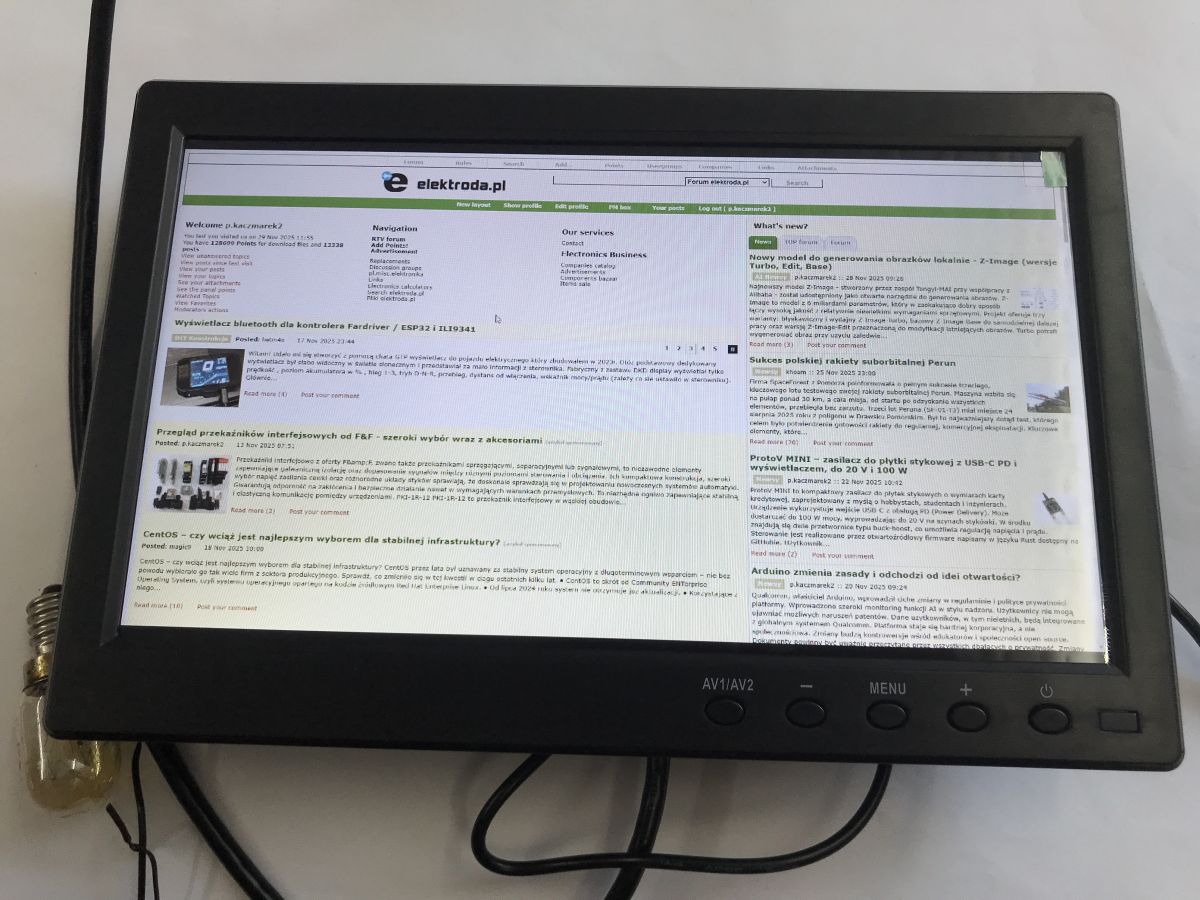
    Small black monitor on a desk showing elektroda.pl, with control buttons along the bottom bezel Small desktop monitor displays the elektroda.pl website via HDMI; control buttons are visible on the bezel. Small black monitor on a desk displaying the elektroda.pl website via HDMI.
    The viewing angle is not bad:
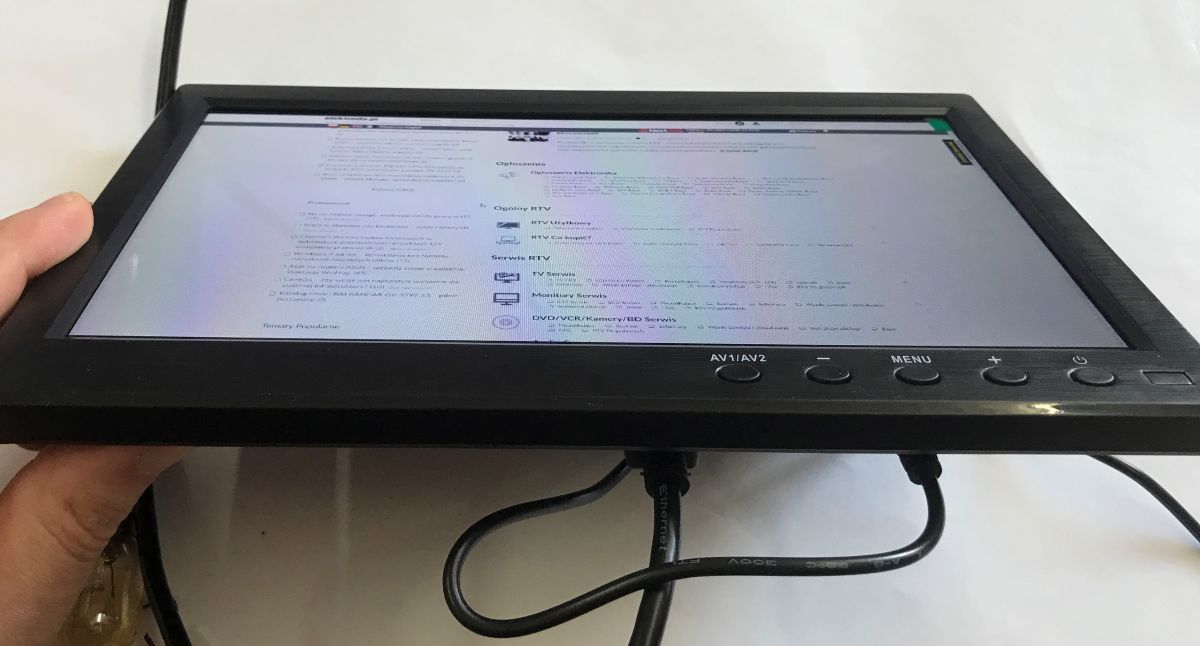
    Small black monitor on a desk held by a hand, with a cable connected and a web page displayed on the screen
    Immediate response time (comparison against laptop screen, connected via HDMI):


    And then there's the foot - it could be heavier, but it still holds up:
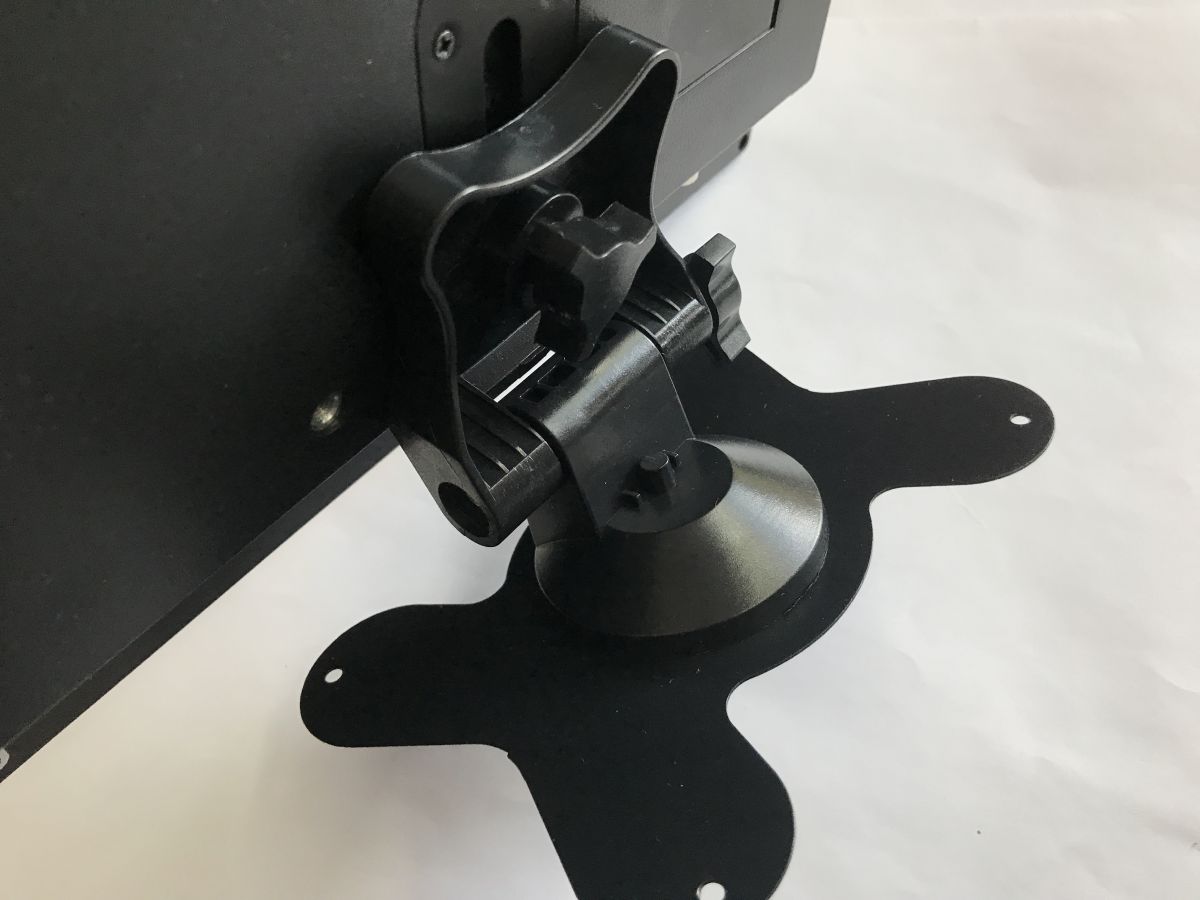
    Adjustable black stand and mount of a small monitor, rear view on a white background Rear connector panel of a monitor with DC power, VGA, HDMI, and three RCA jacks

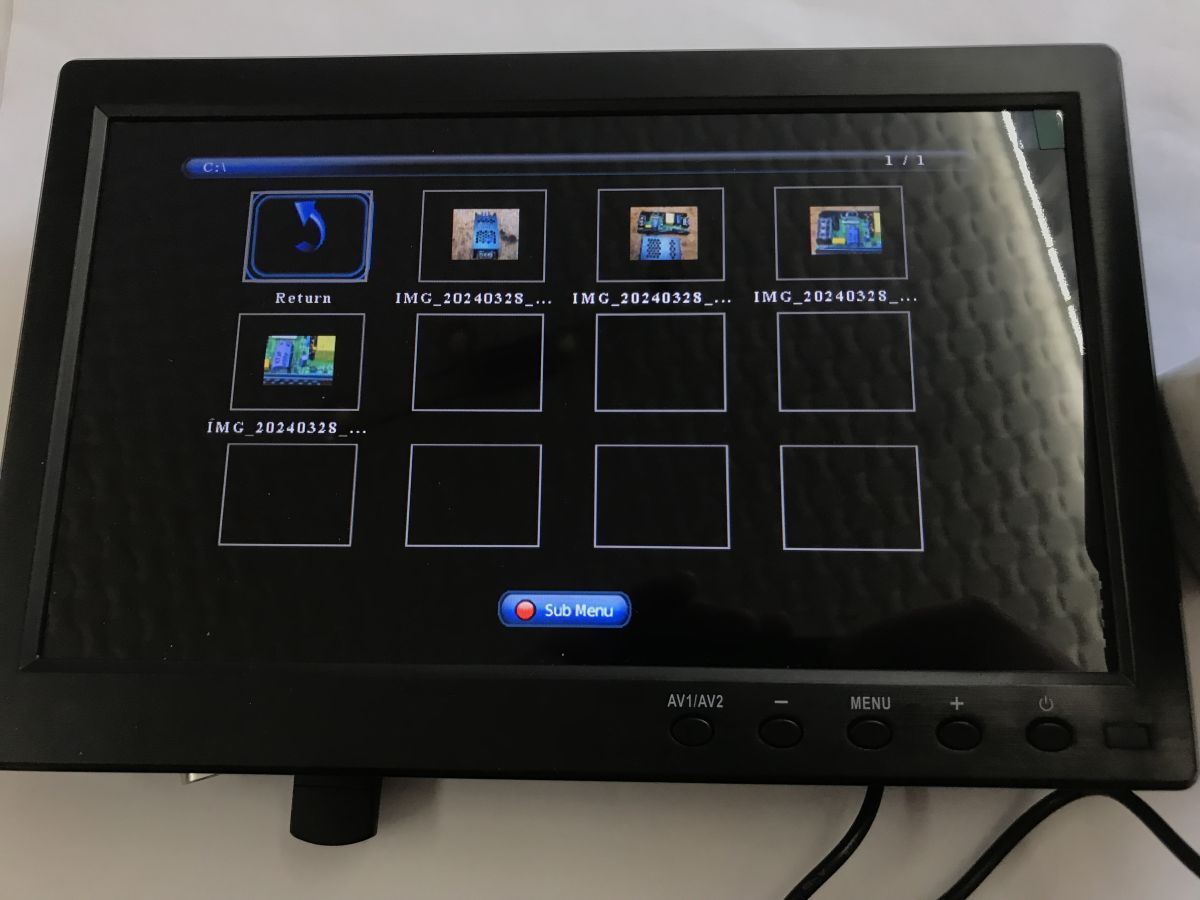
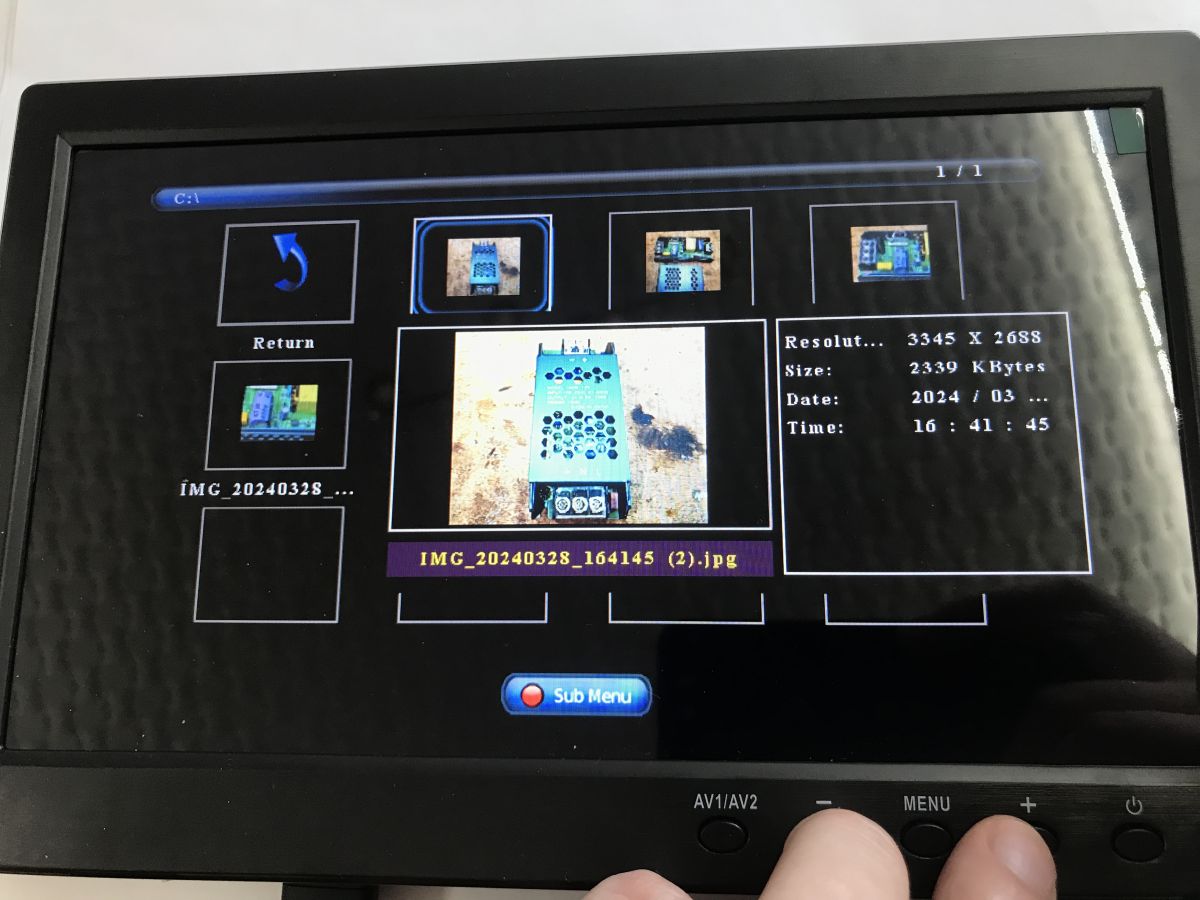
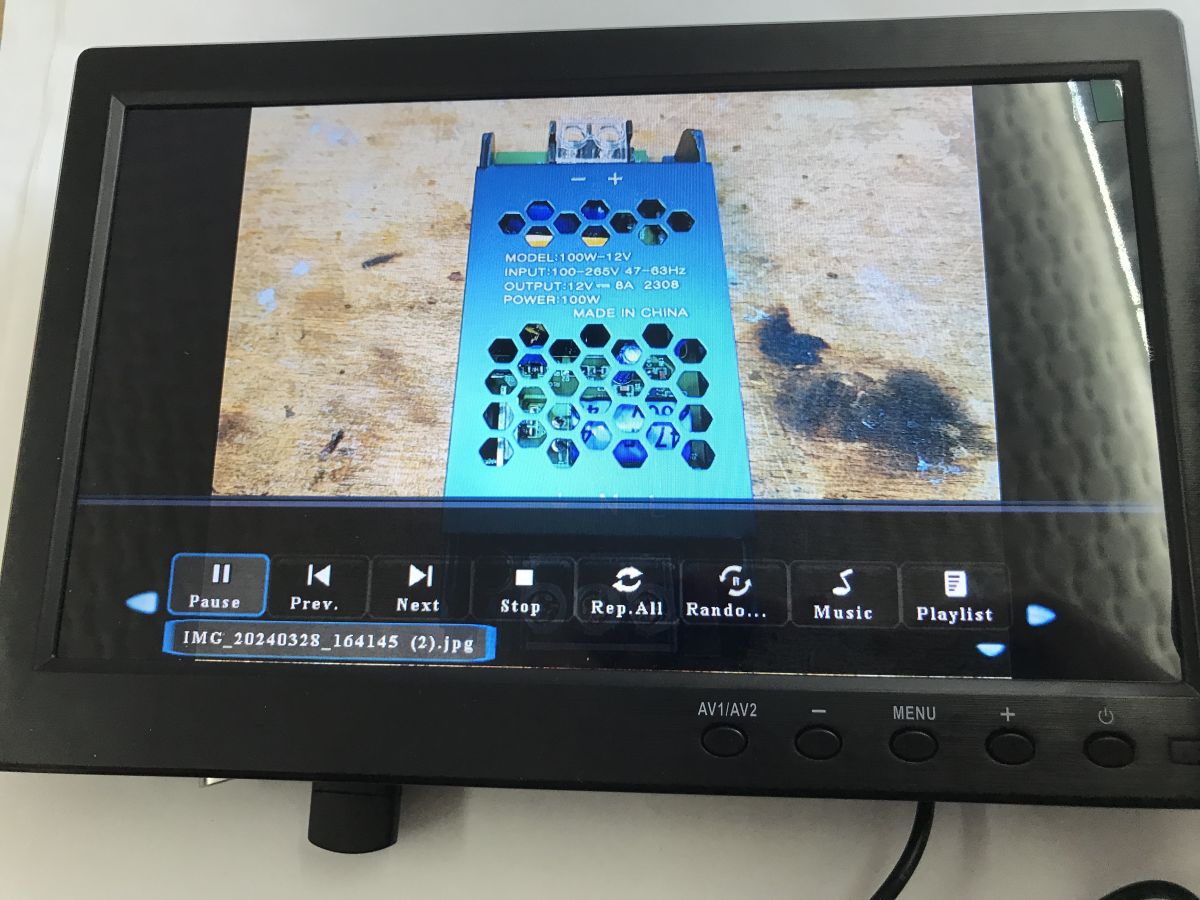
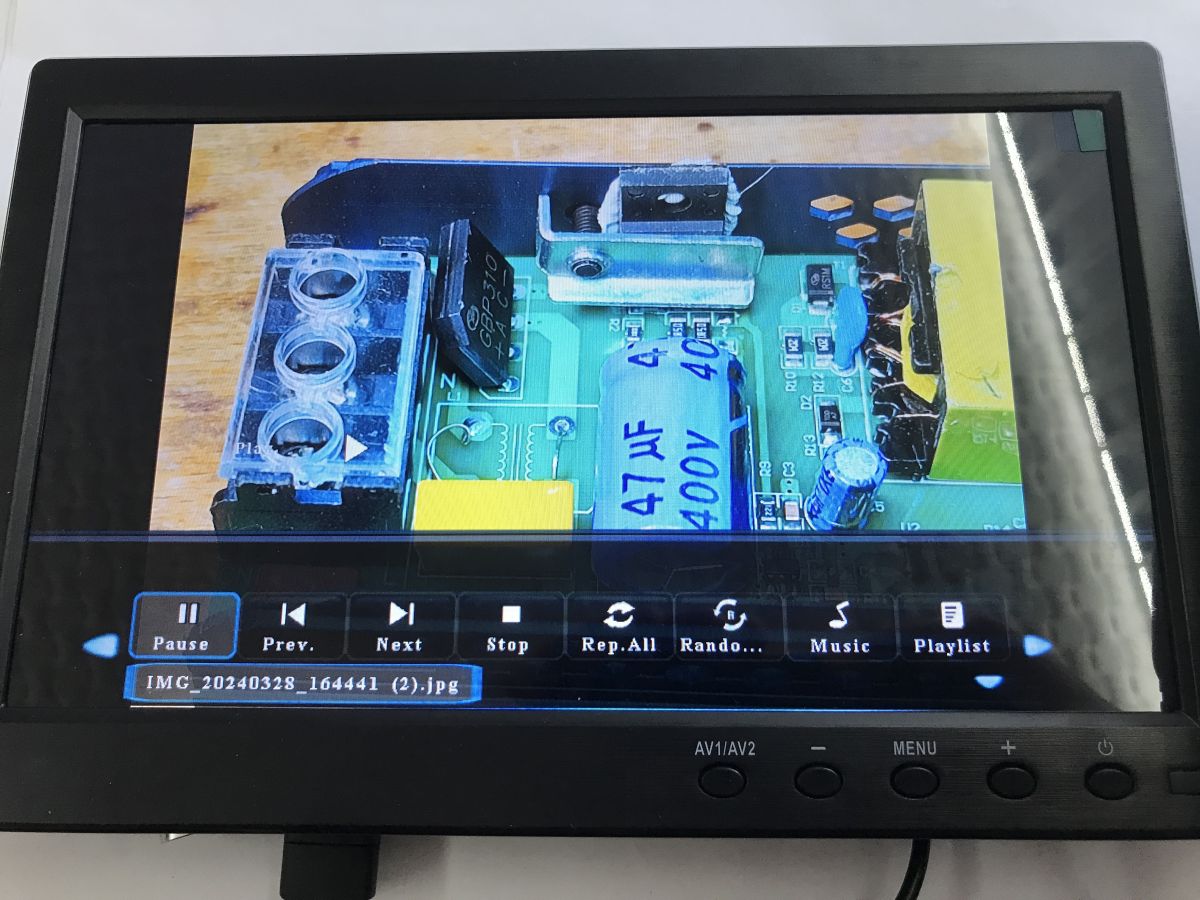
    Test with photos on USB:
    USB 2.0 menu on a small monitor with PHOTO, Music, Movie, and TEXT icons on a dark screen. Small black monitor showing a USB photo browser grid with thumbnails Small monitor showing USB photo browser with thumbnails; a finger presses the MENU button on the bezel
    Small monitor with media player UI, showing a photo of a metal power supply in a blue perforated case. Small monitor with black bezel shows a close-up of a circuit board and an on-screen media player control bar.

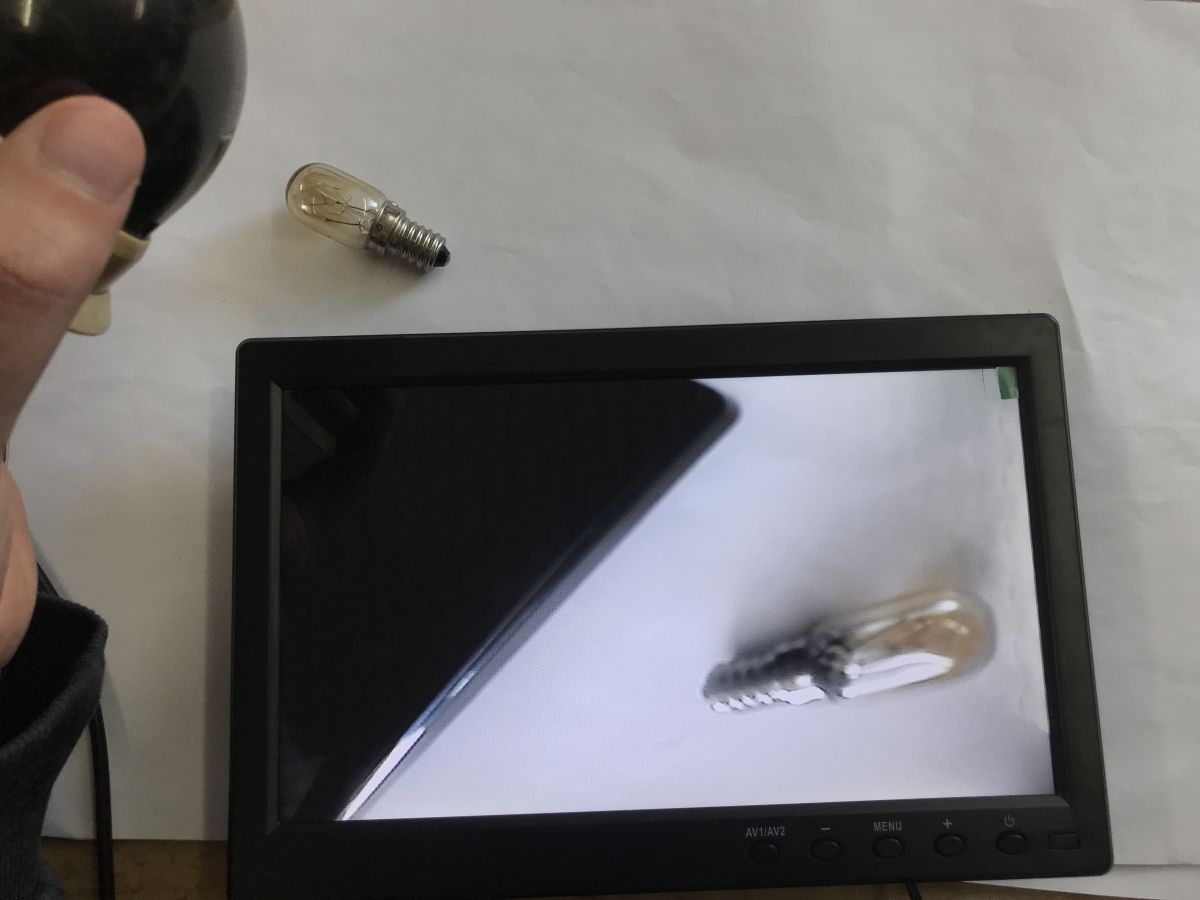
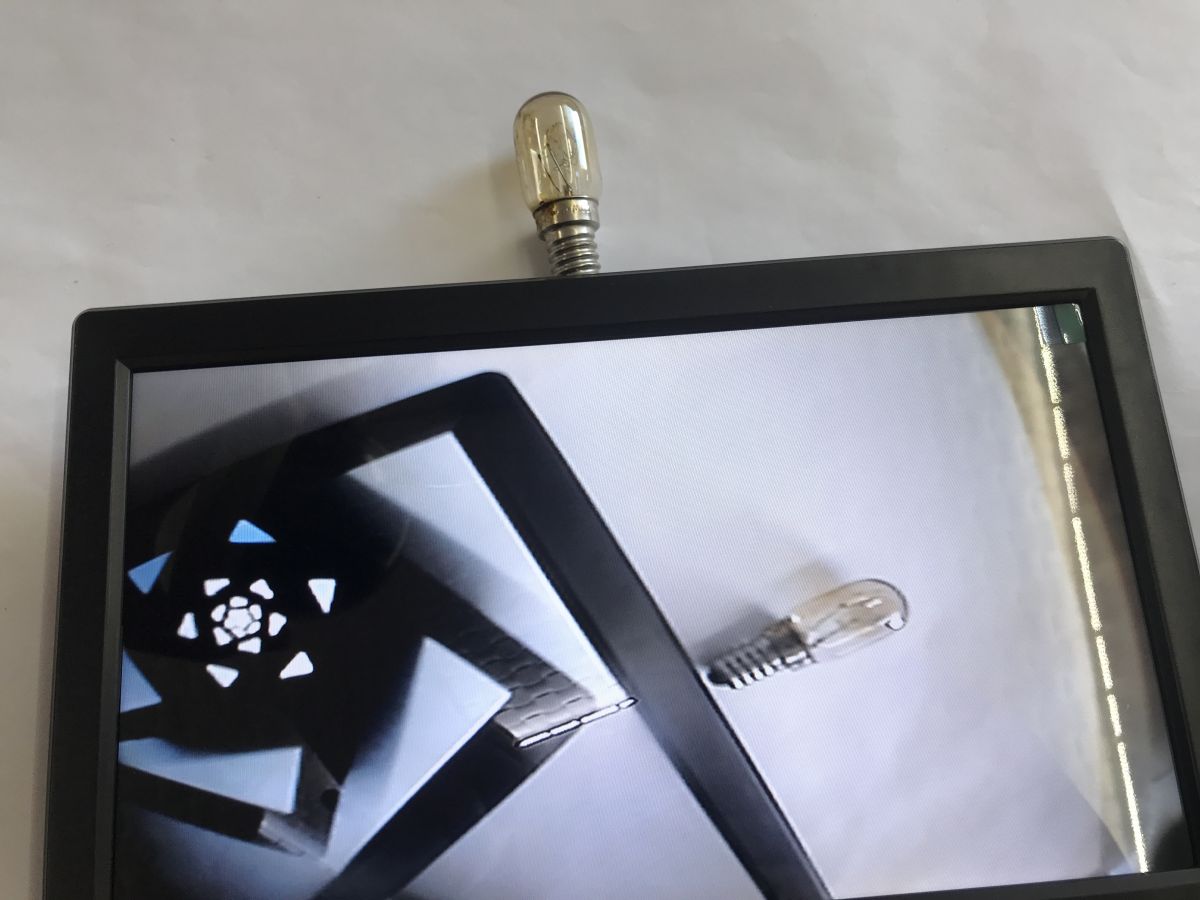
    Test with camera on BNC connector:
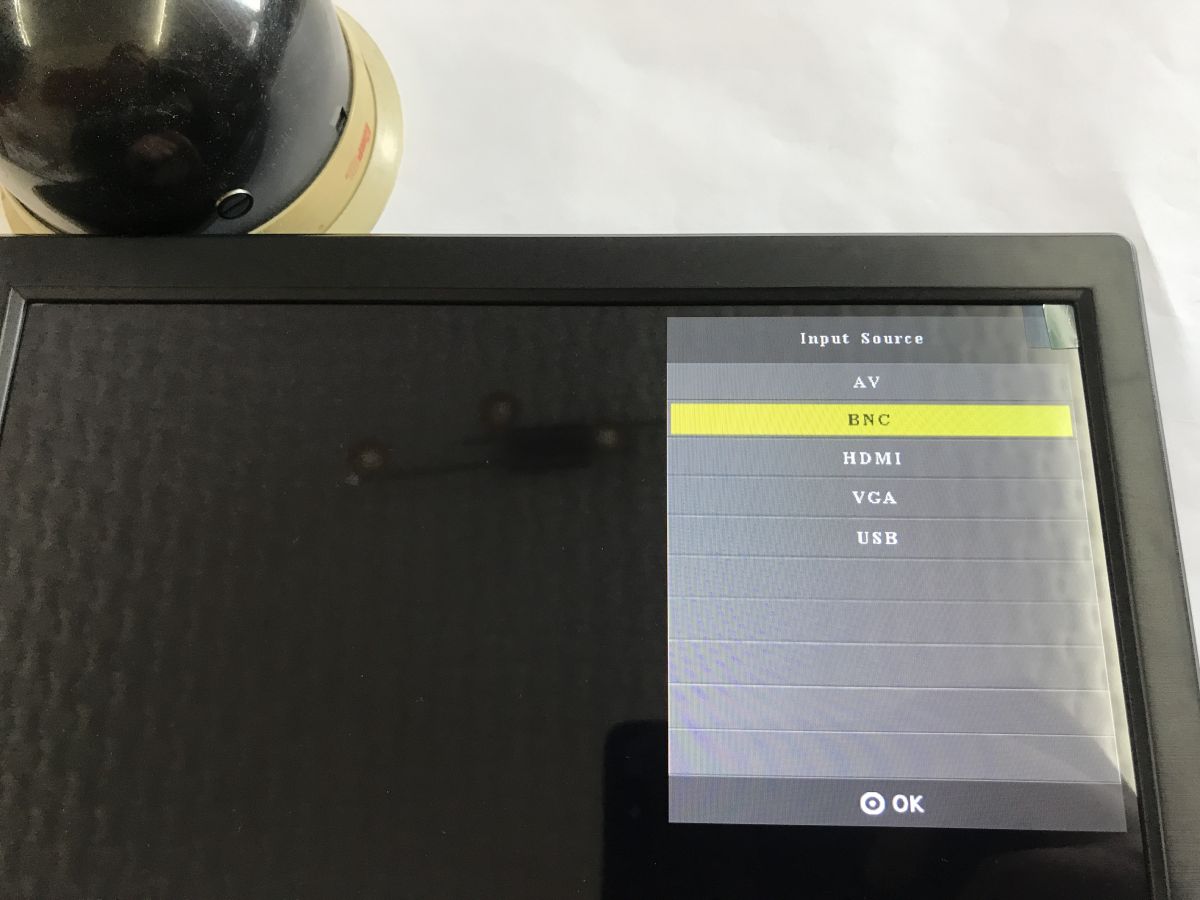
    Small monitor screen showing “Input Source” menu with BNC highlighted Small black monitor shows a close-up of a light bulb; another bulb and a hand are visible on the desk.
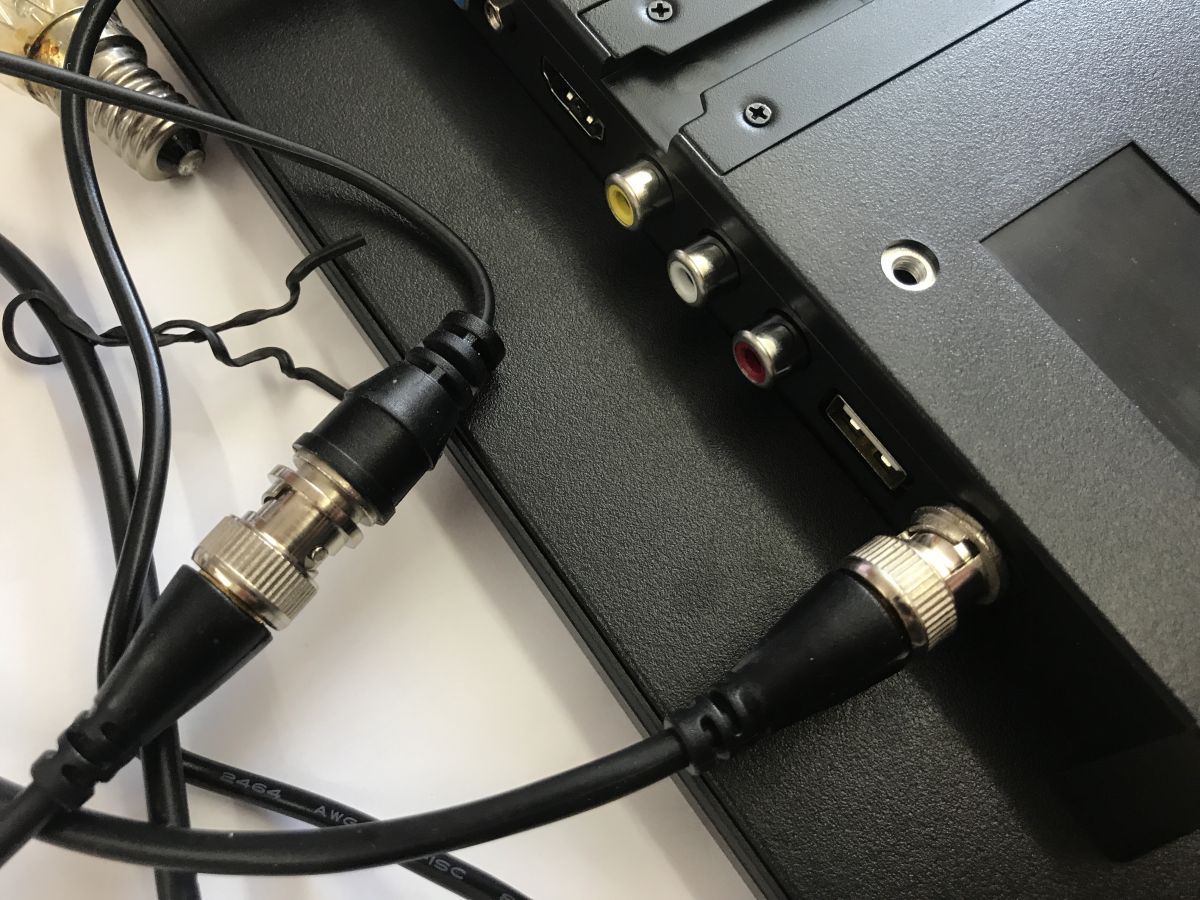
    Monitor connectors: BNC, RCA jacks, and two USB ports, with a BNC cable plugged in Small monitor with a black bezel shows a camera feed; a tiny bulb is visible above the bezel and on screen.

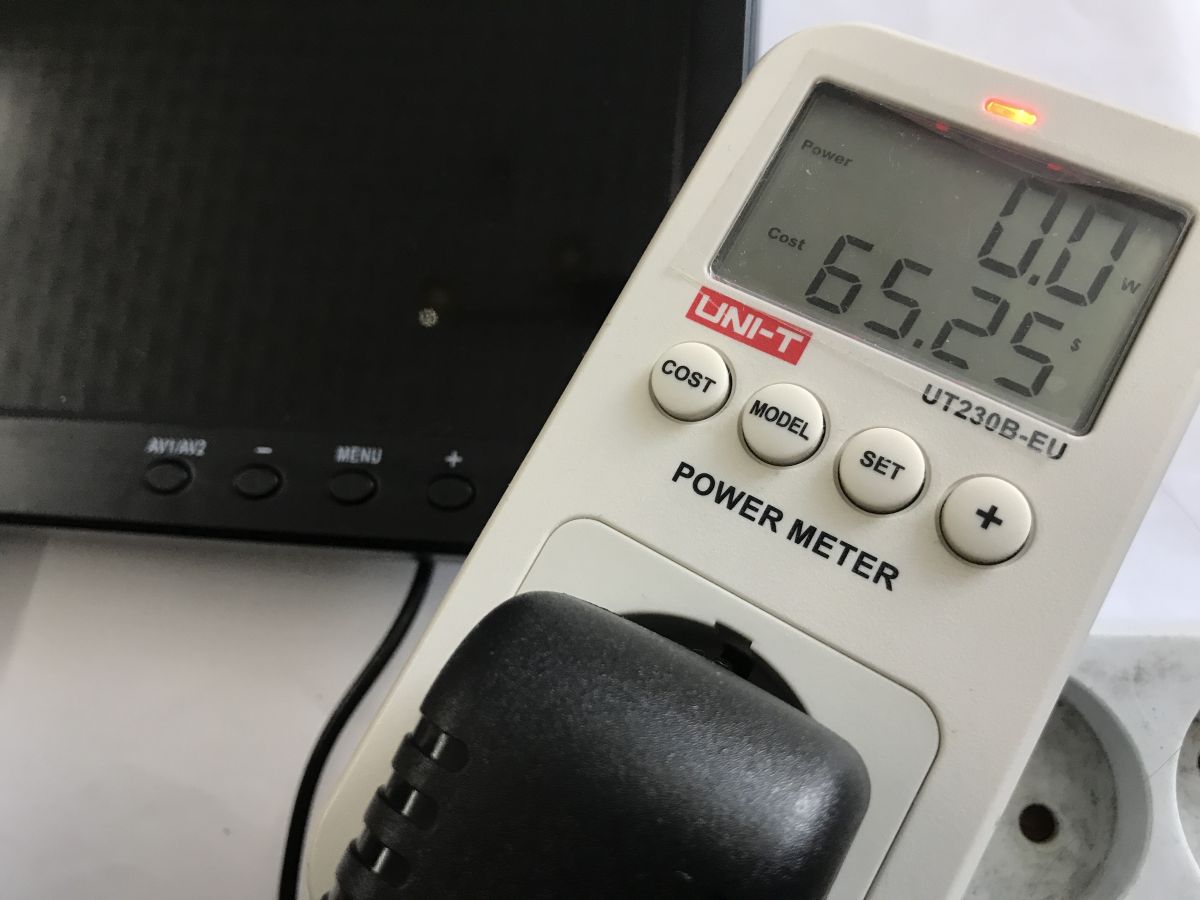
    Power consumption in standby and when switched on:
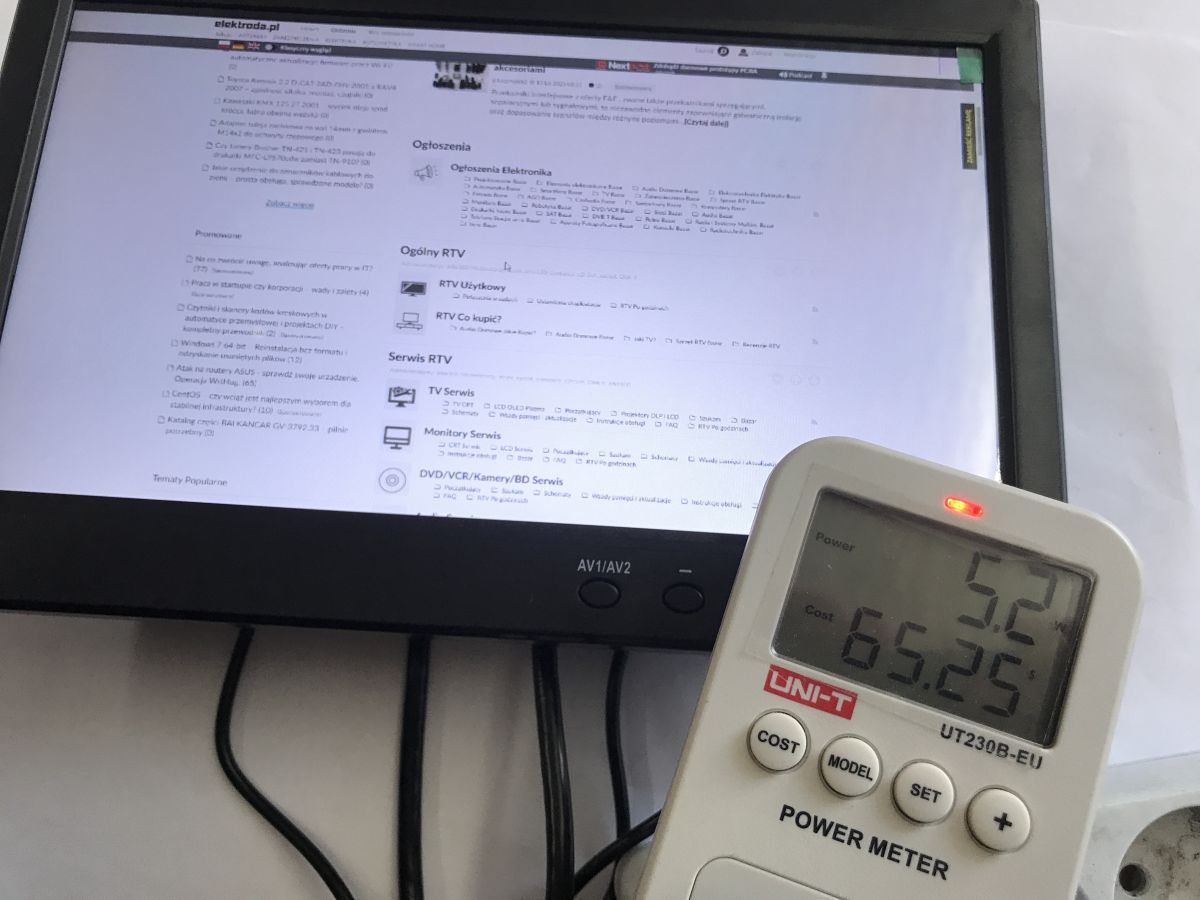
    Small monitor showing elektroda.pl and a UNI-T power meter reading 5.2 W and 65.25 UNI-T power meter with plug, showing 0.0 W and 65.25; black monitor in the background

    In summary , the monitor seemed a bit pricey to me, even though I ordered it at a bargain price - I see it's even more expensive now, but surprisingly the kit and its construction compensates for this to some extent. You get it with all the cabling, power supply and leg. I also rate the image and viewing angle as acceptable. A purchase can be considered.
    And what is your opinion, what small monitors do you recommend?

    Cool? Ranking DIY
    Helpful post? Buy me a coffee.

    About Author
    p.kaczmarek2
    Moderator Smart Home
    Offline 
    p.kaczmarek2 wrote 14225 posts with rating 12124, helped 647 times. Been with us since 2014 year.
  • ADVERTISEMENT
  • #2 21872439
    LA72
    Level 41  
    How similar he is to Podofo, bought for 127PLN's.

    Back of a black LCD monitor with ventilation grilles and several metal connectors along the bottom edge Open cardboard box with two gray items wrapped in protective foam Portable monitor kit: screen, remote, power adapter, and HDMI, VGA, and AV cables on a wooden surface Black flat monitor with AV1/AV2 and MENU buttons on the lower bezel, screen off Rear connector panel: power, VGA, HDMI, RCA AV, audio, USB, and antenna jack Rear connector panel: power, VGA, HDMI, RCA AV, audio, USB, and antenna jack

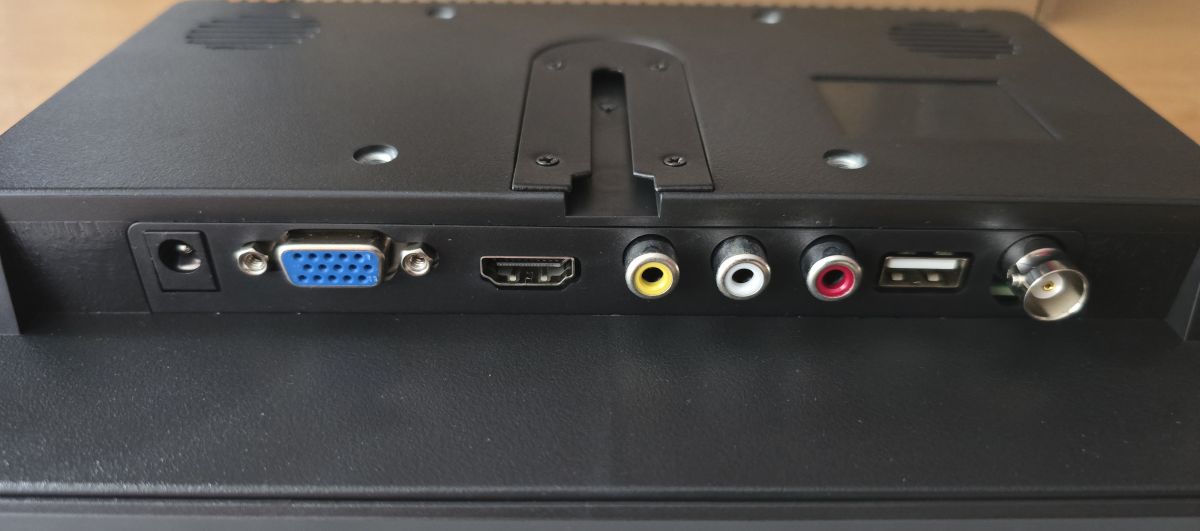
    I bought mine with retro computers in mind, it has the right connectors.
  • ADVERTISEMENT
  • #3 21872494
    gregor124
    Level 28  
    I would be interested to know how this monitor works with, for example, analogue equipment such as a VCR.
    Does it, and if so, how does it work in interlace mode?
    Such information could help users wishing to connect older equipment, such as an Amiga computer.
    Personally, I am looking for a monitor capable of displaying a colour image in NTSC-50Hz mode, although I understand that it is not easy to find equipment that works in this standard nowadays.
    Helpful post? Buy me a coffee.
  • #4 21872504
    LA72
    Level 41  
    gregor124 wrote:
    This information could help users wishing to connect older hardware, such as an Amiga computer.


    Amiga 1200 in Hi-Res works fine.
    The same for the C=64 and Atari 800xl and PSX to PS3 consoles.
📢 Listen (AI):
ADVERTISEMENT