logo elektroda
logo elektroda
X
logo elektroda

Portable X12 1100+ games console with TV output - test, interior, construction

p.kaczmarek2  4 1392 Cool? (+5)
📢 Listen (AI):

TL;DR

  • The X12 portable console combines a 5.1-inch color display, AV output, retro emulation for NES and GBA, and MP3/MP4 media playback.
  • Inside, it uses an ATJ2279B SoC, 512 Mb SDRAM, 64 Gb NAND flash, an LM4890 1 W audio amplifier, and inverter-based power regulation.
  • The included SD card holds about 11,000 files, and most games sit inside the games folder rather than the initial menu.
  • TV output works in PAL and NTSC modes, and the console runs from USB power without batteries while drawing about 0.2 A at 5 V.
  • Weak points include clumsy controls, only one speaker, no HDMI, a full-volume reset after reboot, and a PAL switch bug that blanked the display until reboot.
Generated by the language model.
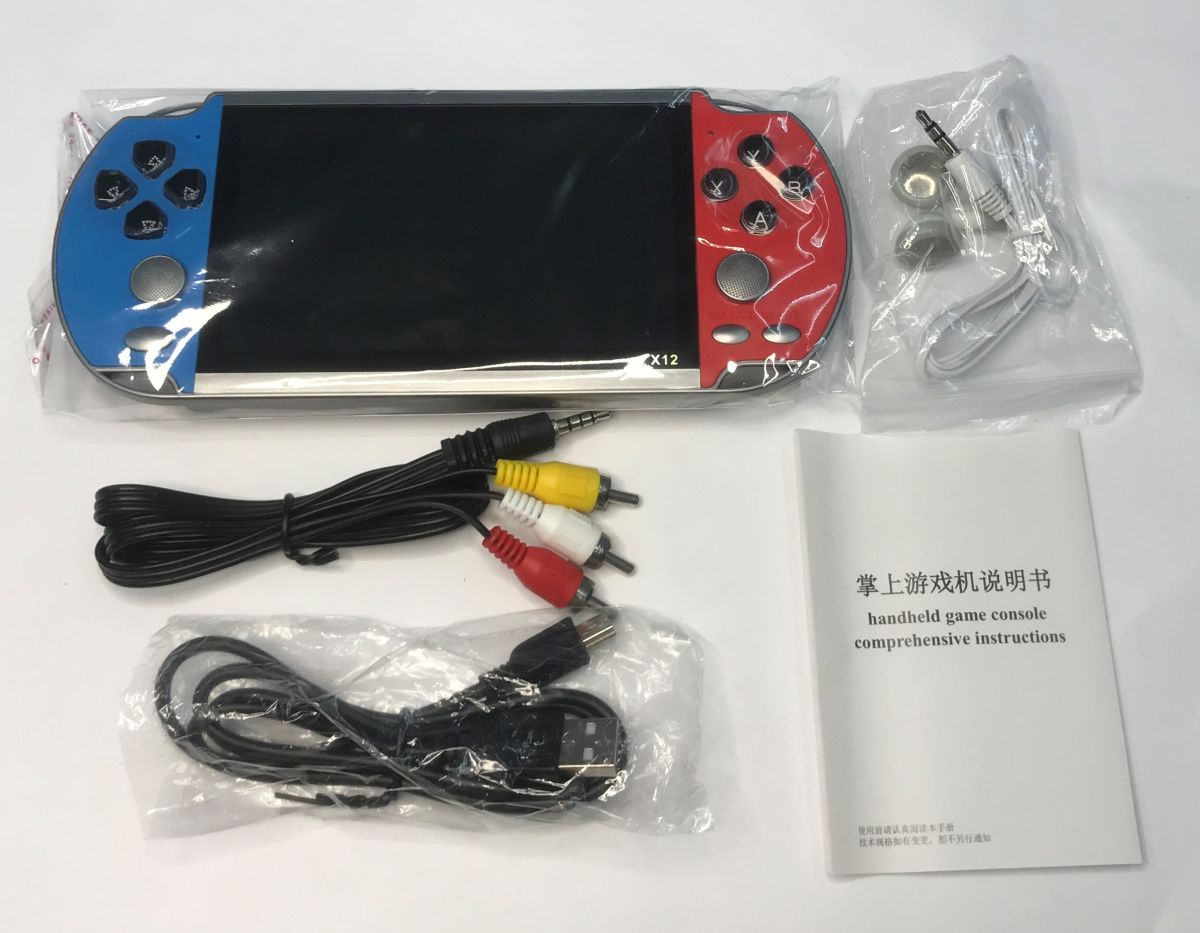
X12 handheld game console set with AV cables, USB cable, earphones, and instruction manual
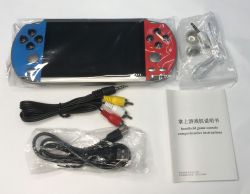
Here's another nostalgic gadget, this time a little more expensive as it was bought for over PLN100 - the X12 console offering a 5.1" colour display, AV output and compatibility with retro games from platforms such as NES and GBA. In addition, the whole thing can act as a video and music player (MP3 and MP4 formats). Of course, with the option to upload your own files and games. The set comes with USB cables (for charging), RCA cables (TV connection) and headphones, and the games are on the SD card that is already in the console.
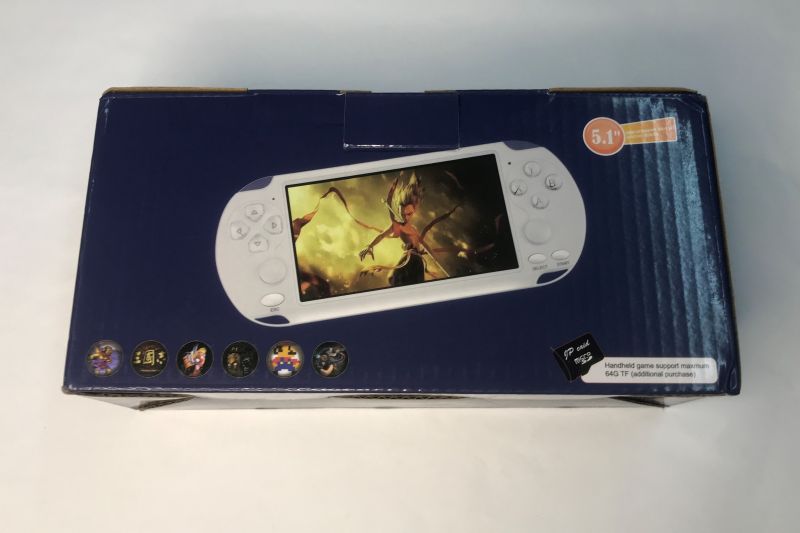
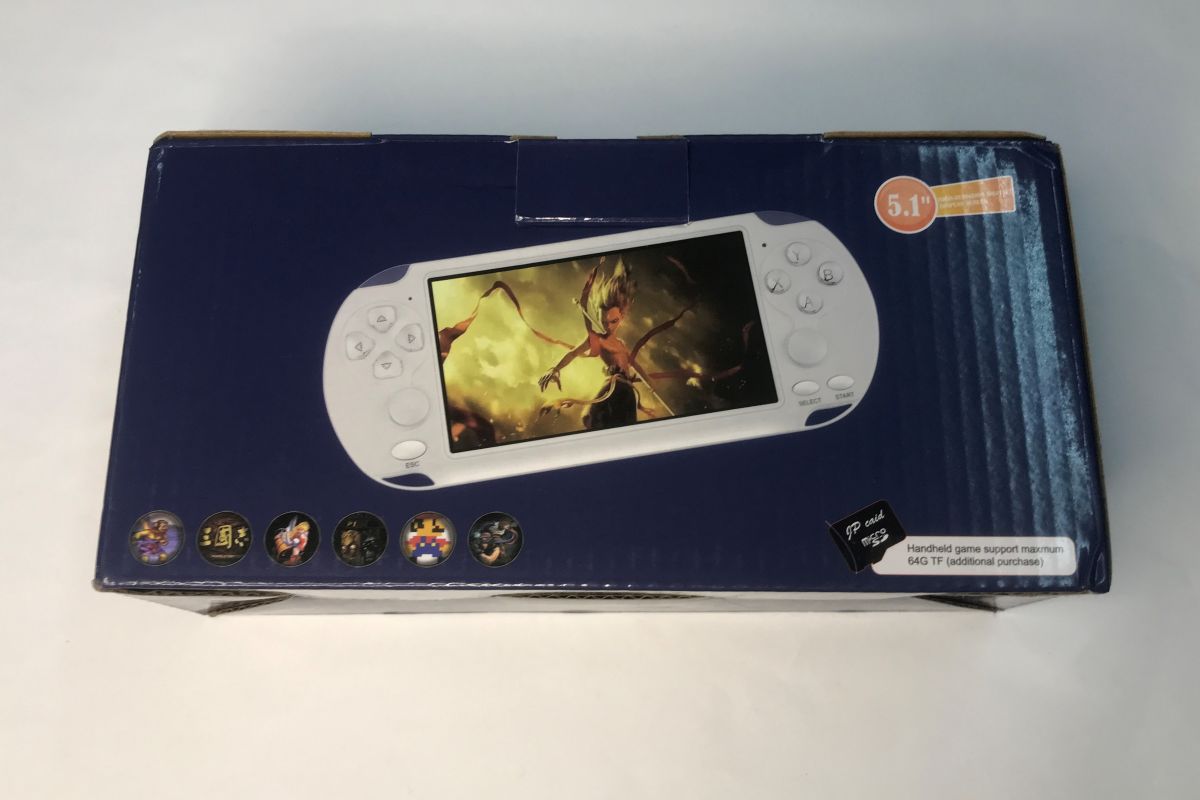
Box of a handheld game console showing a white device and a “5.1” label on a dark blue background
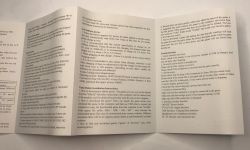
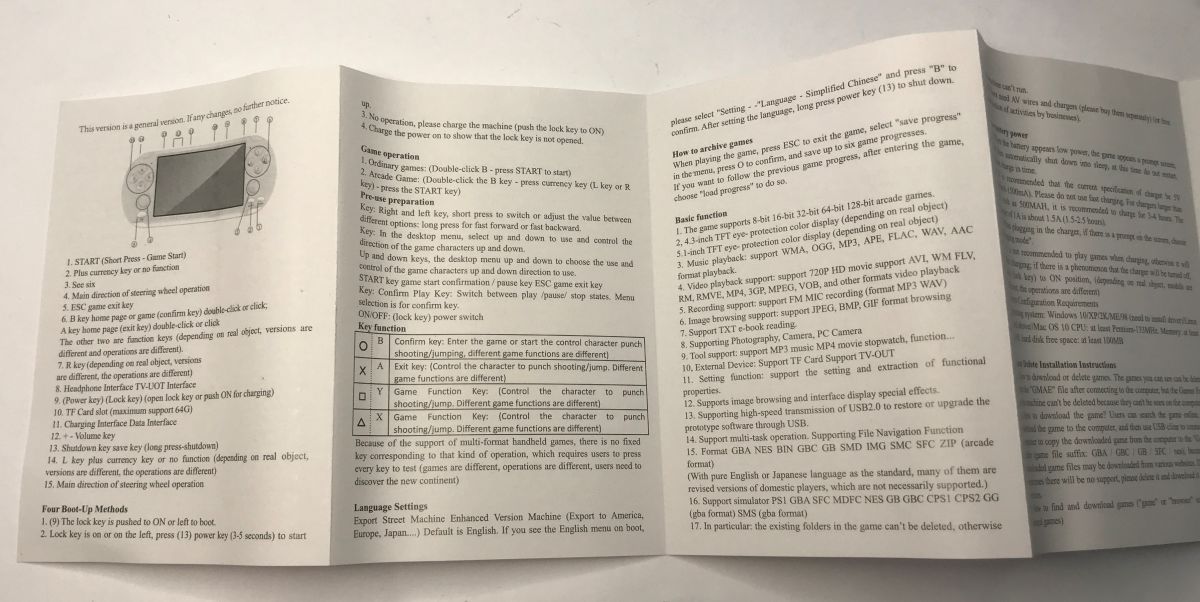
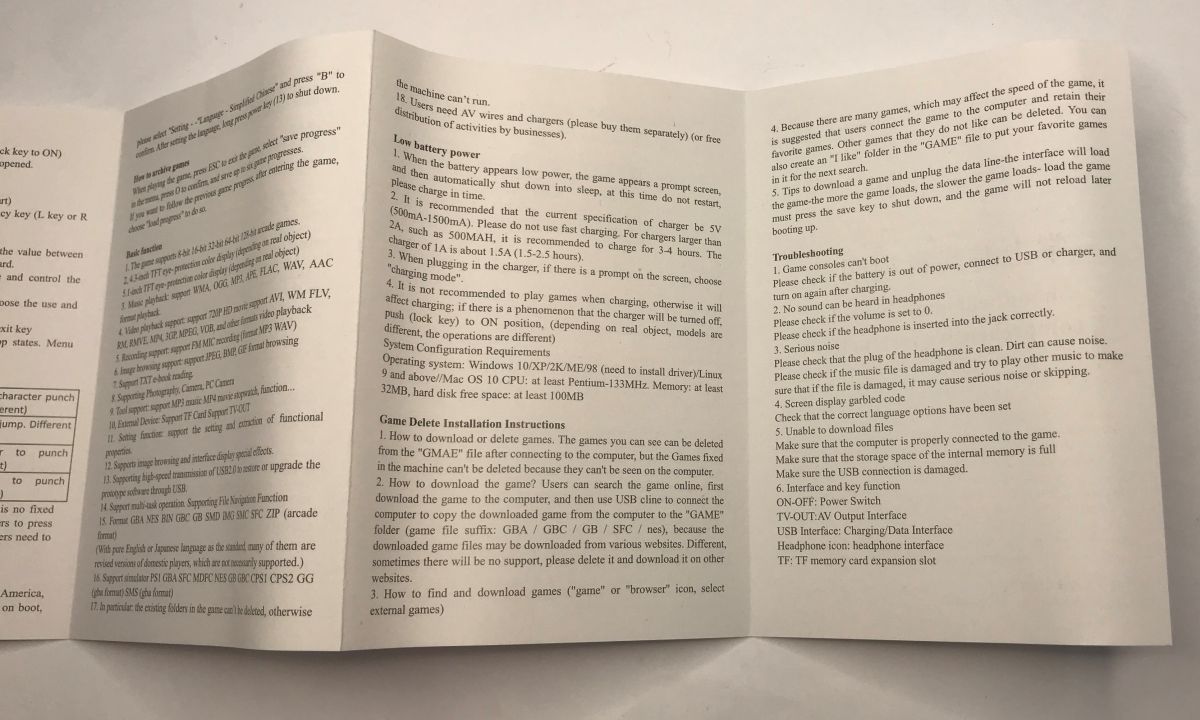
A manual is also included which sets out, among other things, how games can be added:
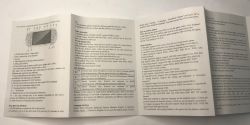
Unfolded manual for a handheld game console, showing a device diagram and lists of functions and specs. Folded-out user manual with small English text on a white tabletop
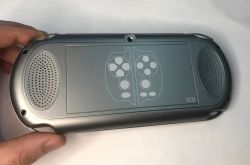
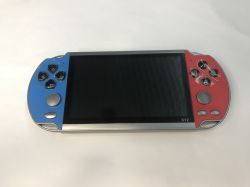
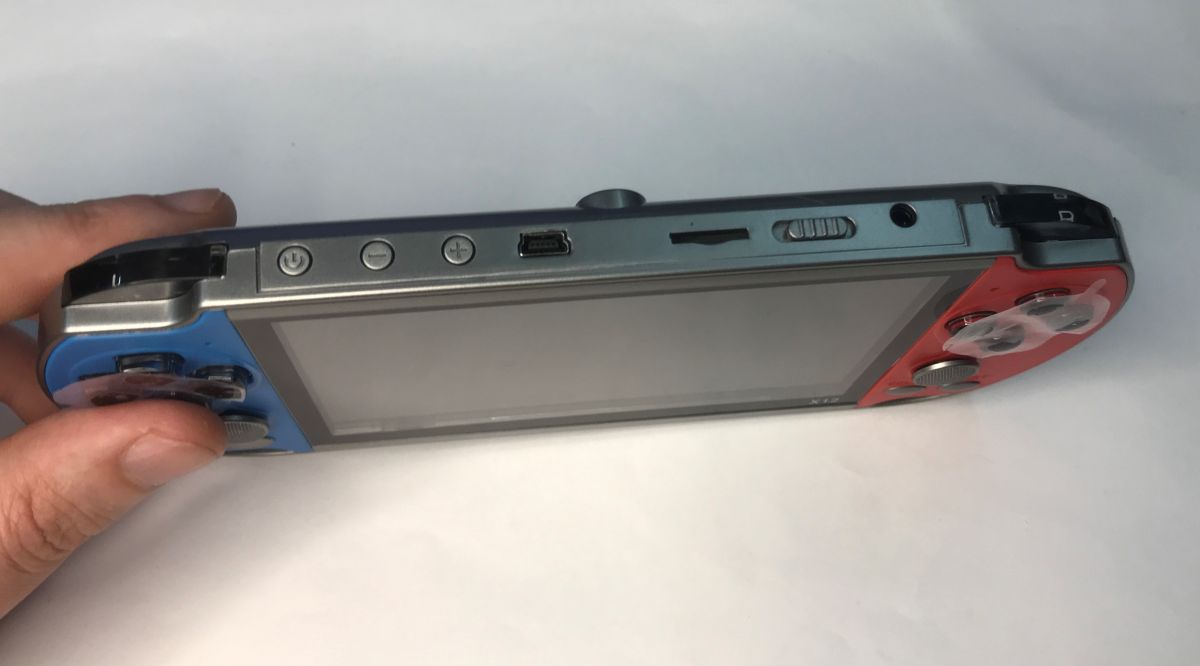
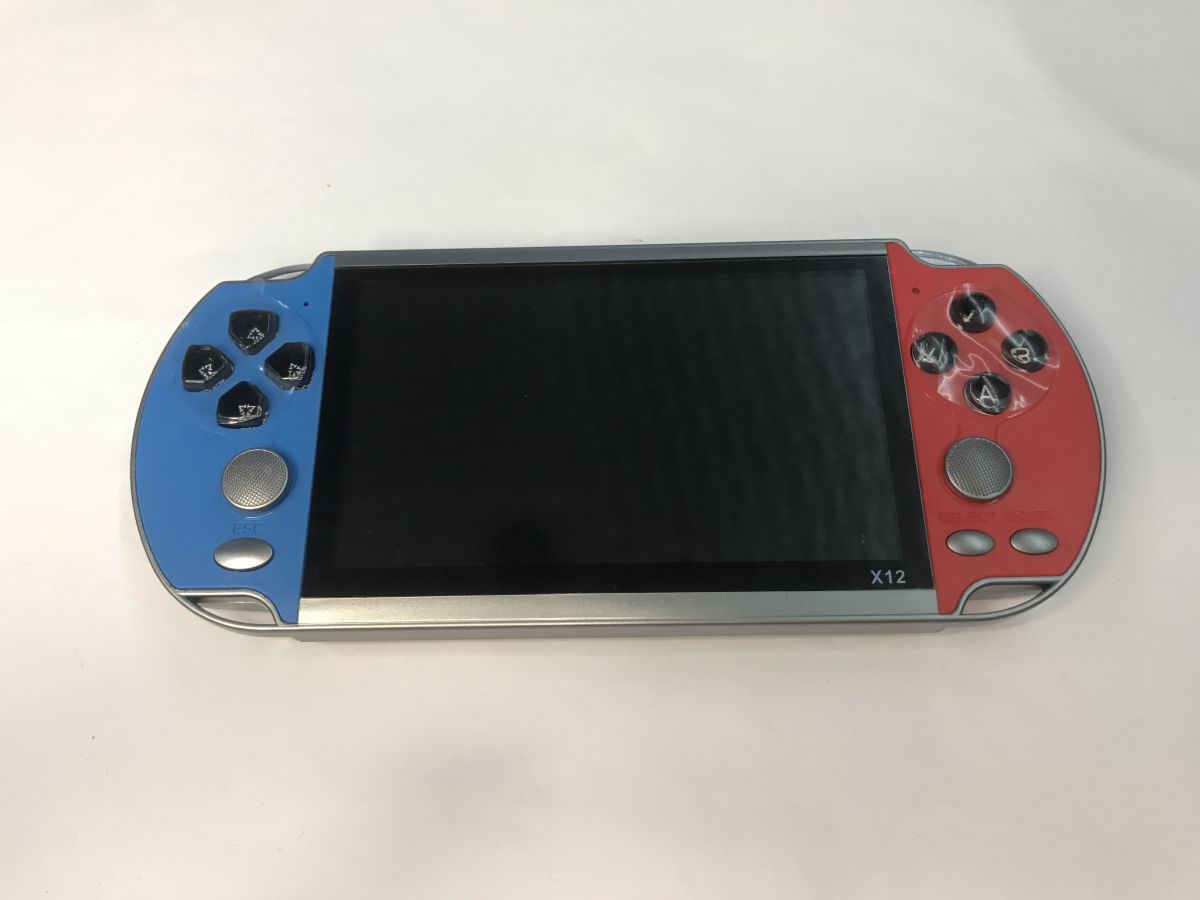
The console is handy and flat, although the buttons walk a little more clumsy than I recall them from pads from, say, Pegasus. On the top edge, in addition to the standard buttons, charging input, audio/video output and SD card slot, we also have a volume control.
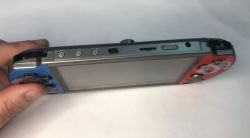
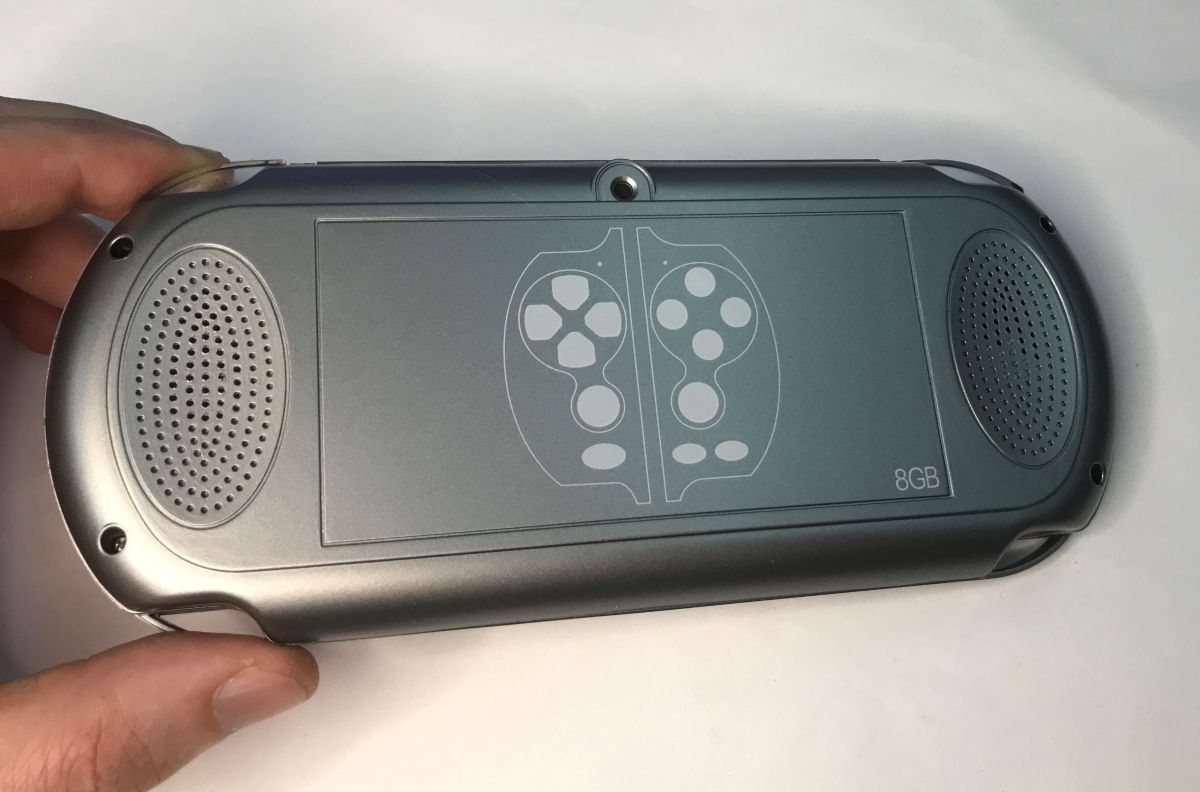
Top edge of a handheld game console with screen, micro USB port, slider switch, and audio jack Back of a silver handheld game console with two speaker grilles and “8GB” printed on the casing. X12 handheld game console with large screen, blue-and-red body, on a white background
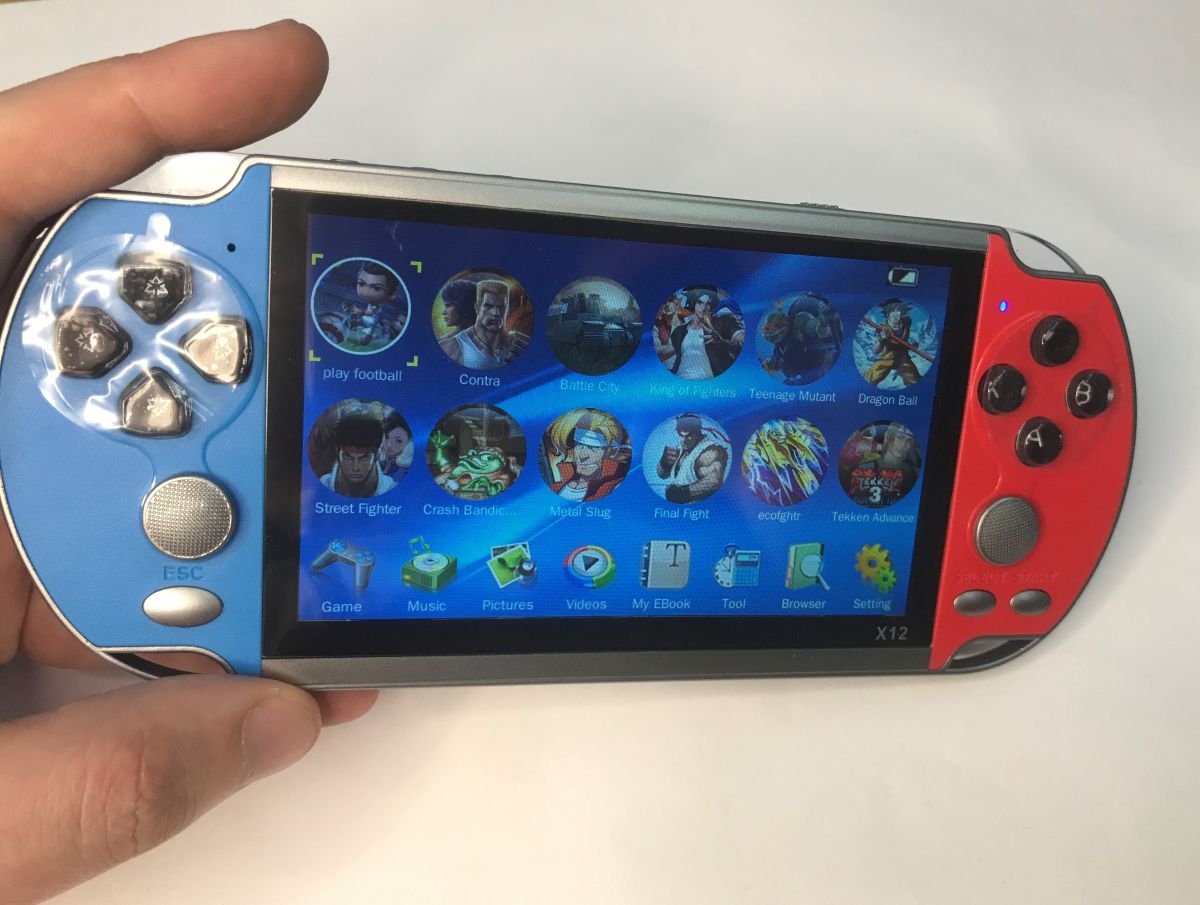
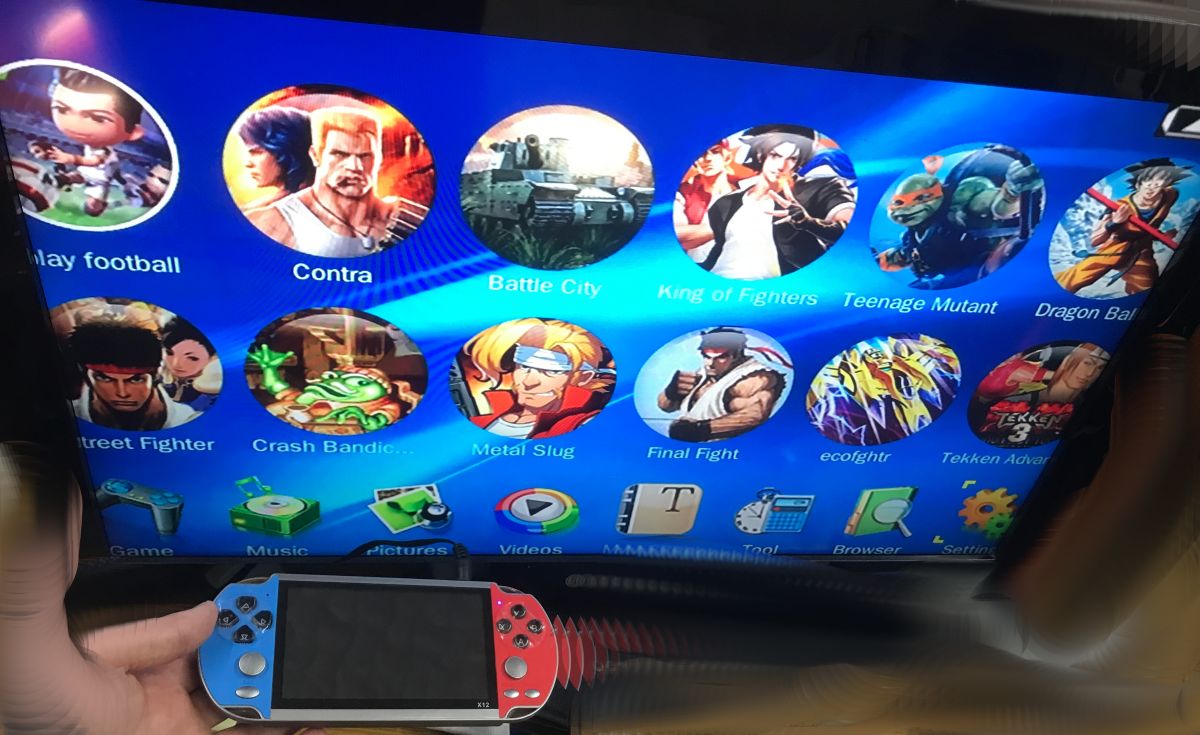
On launch, we are greeted by a menu of selected games. You may get the impression that there are not that many titles here at all, but nothing could be further from the truth - you just have to enter the games folder.
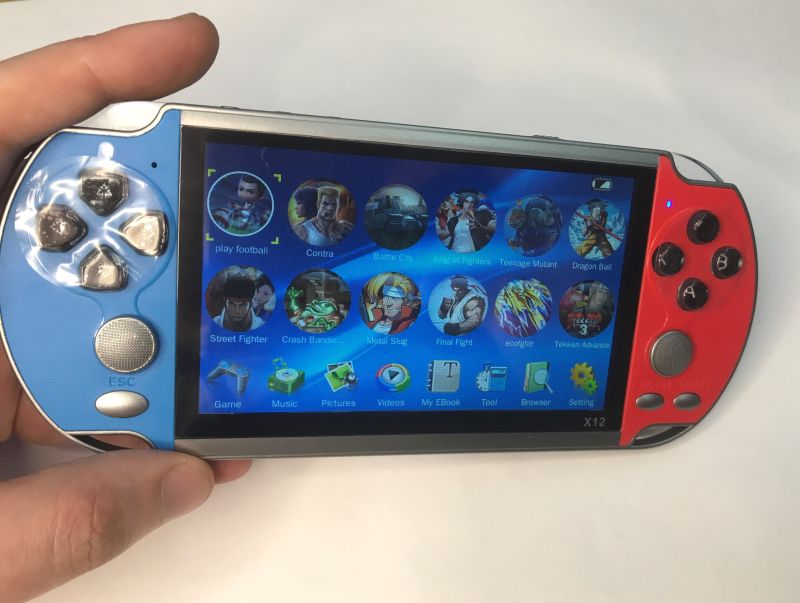
X12 handheld game console in a hand, showing a game menu on the screen, blue and red casing
Indeed, there are a good 11,000 files, even with the repeats it's still a lot of fun.

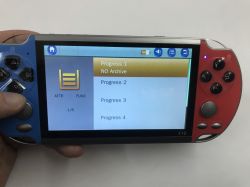
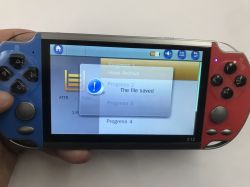
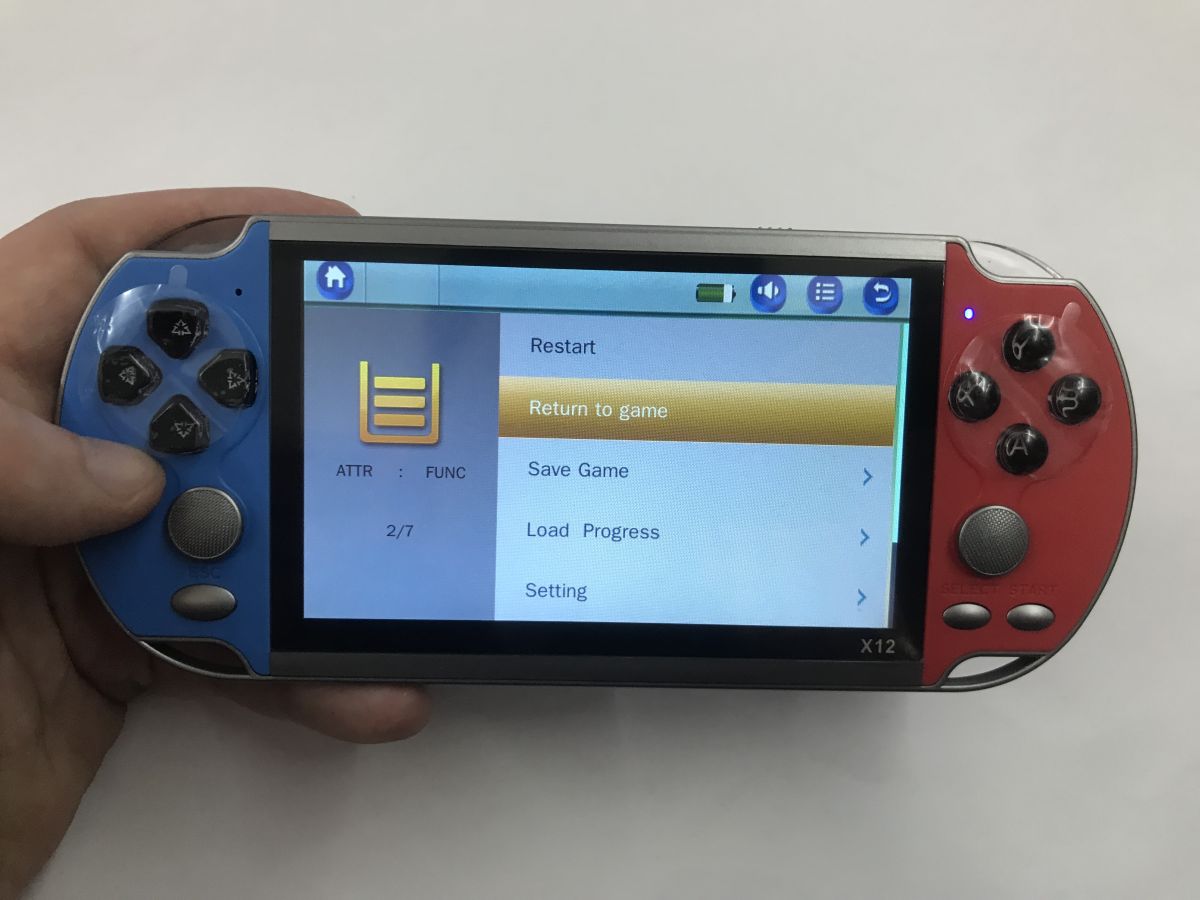
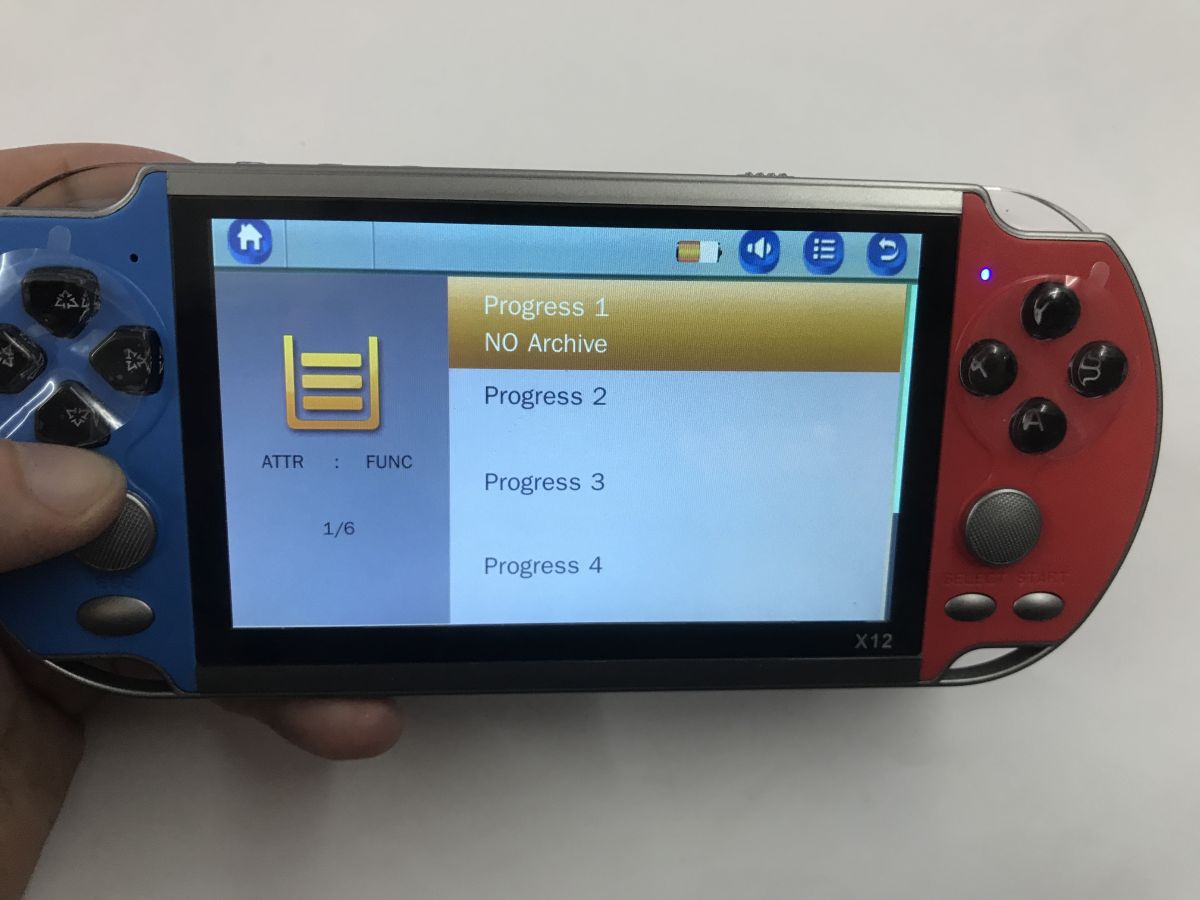
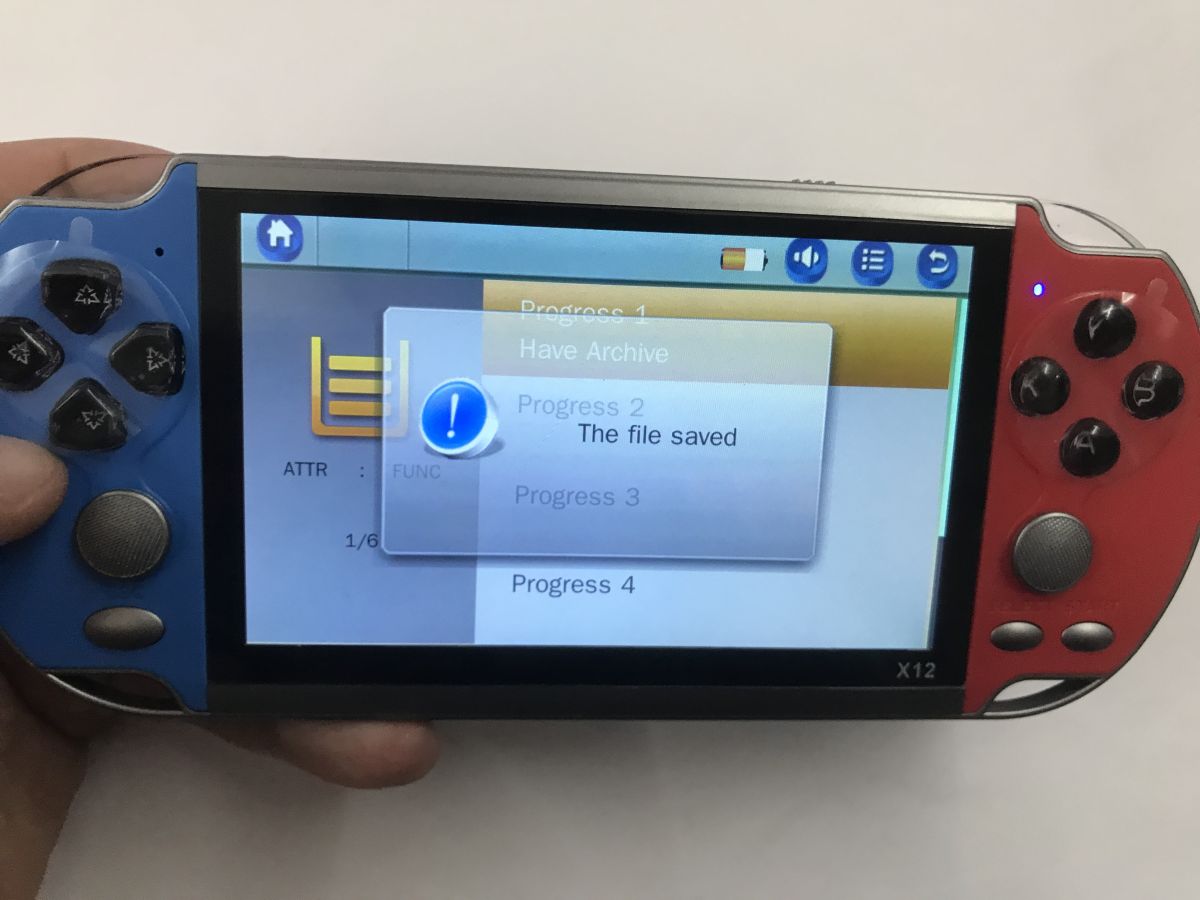
I tested a few games. The gameplay can be saved, this is a functionality of the emulator, not the game itself.
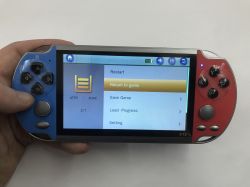
Handheld X12 console in hand; screen shows menu with Restart and Save Game options X12 handheld game console with blue and red sides, showing “Progress 1–4” menu on screen X12 handheld console in hands, blue-red body with “The file saved” popup on the screen
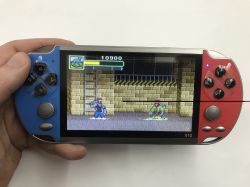
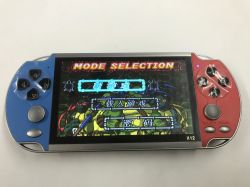
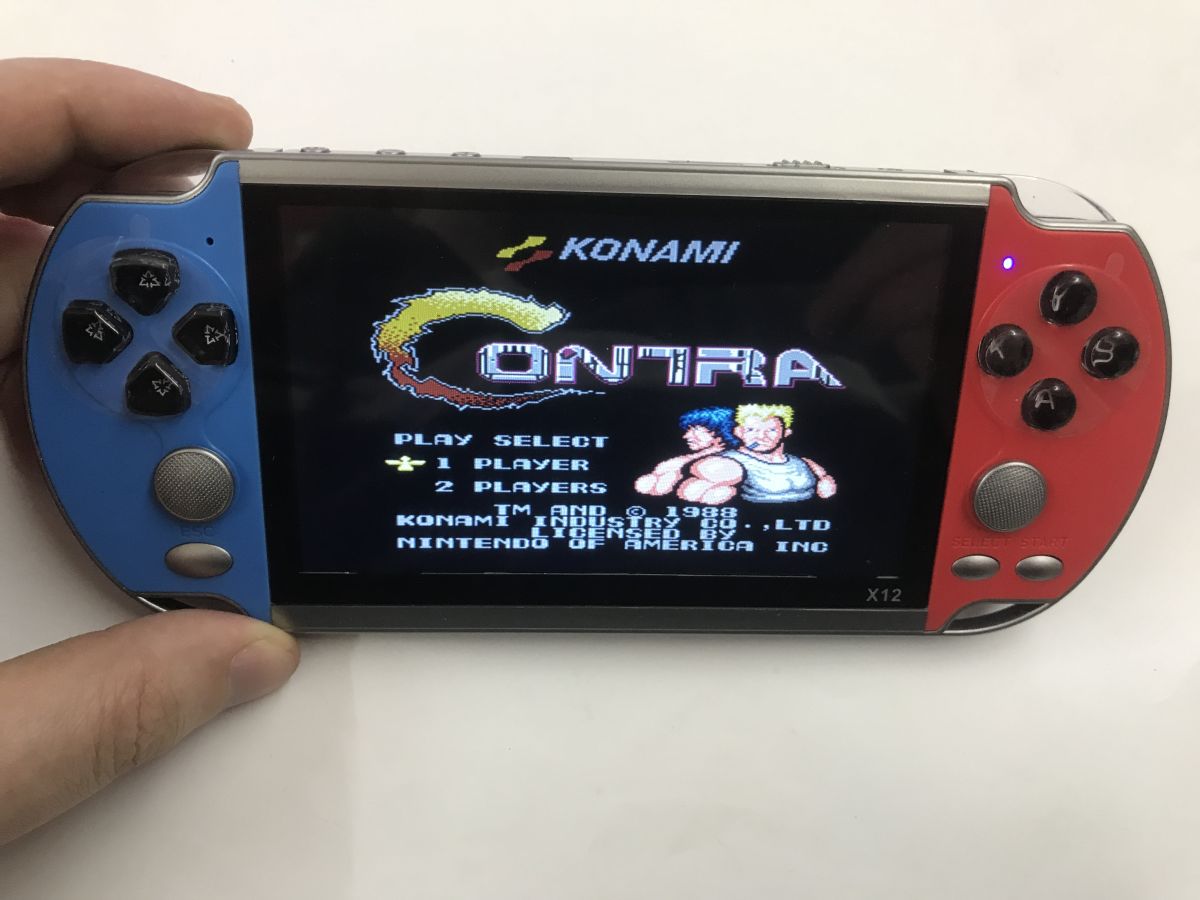
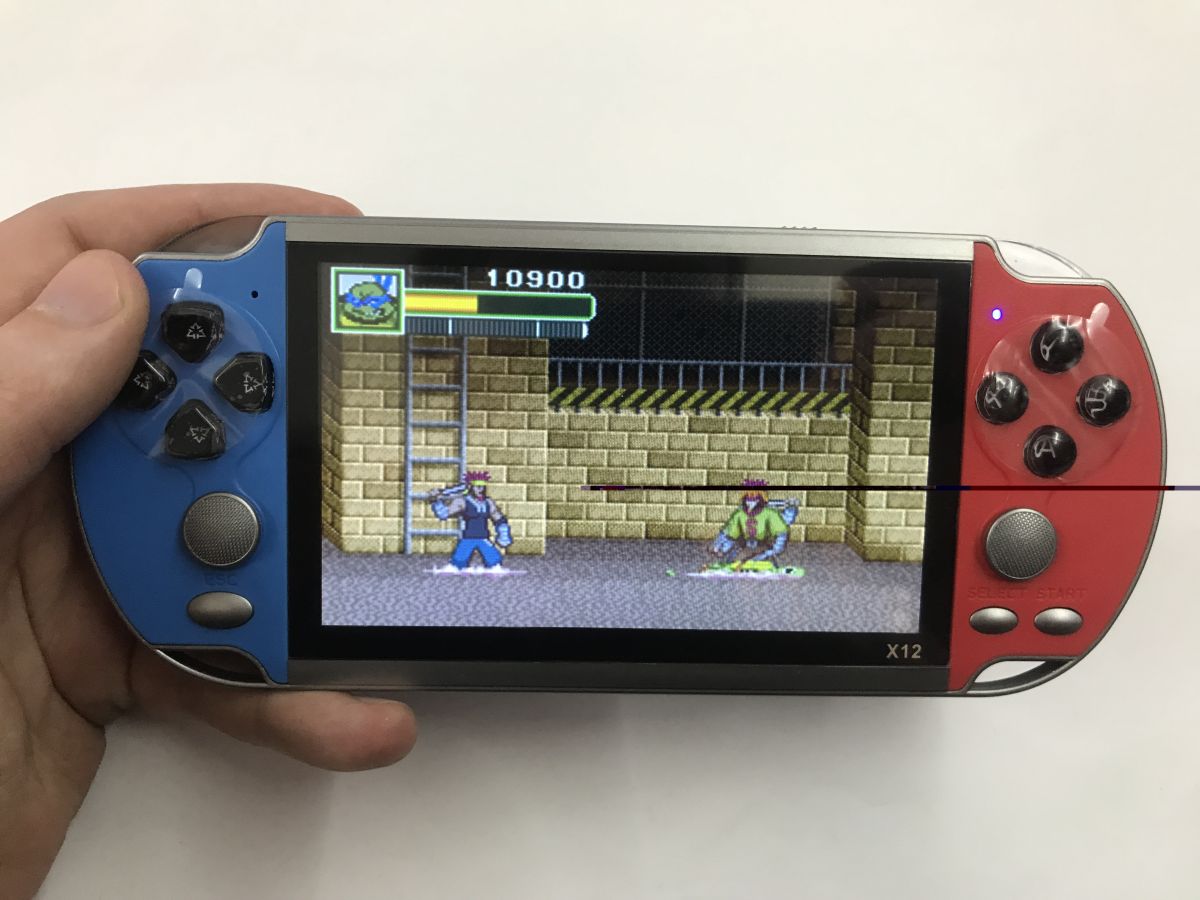
The games look okay, there are titles I remember from my childhood, Contra, etc. The only thing to remember is that these games no console software interpolation reaches - and there may even be Japanese....
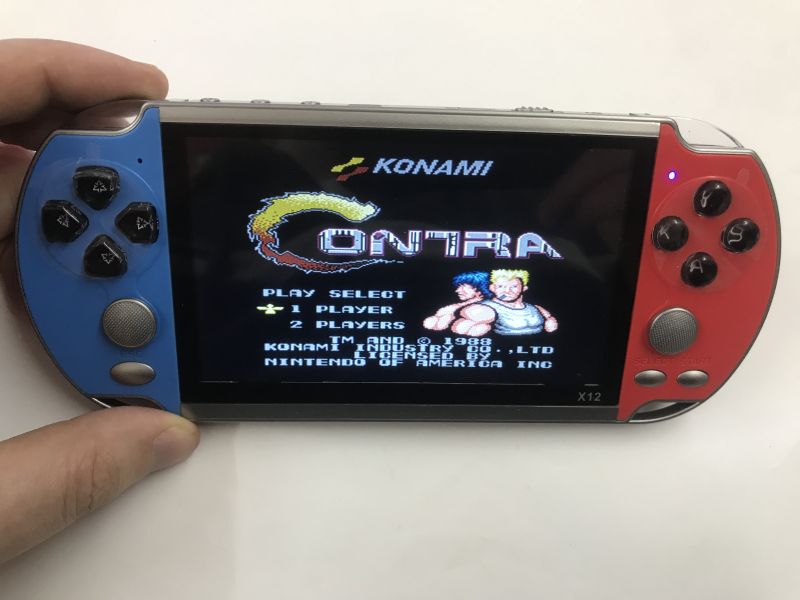
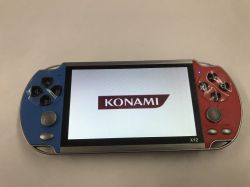
X12 handheld console held in a hand, showing the “Contra” title menu with the Konami logo.
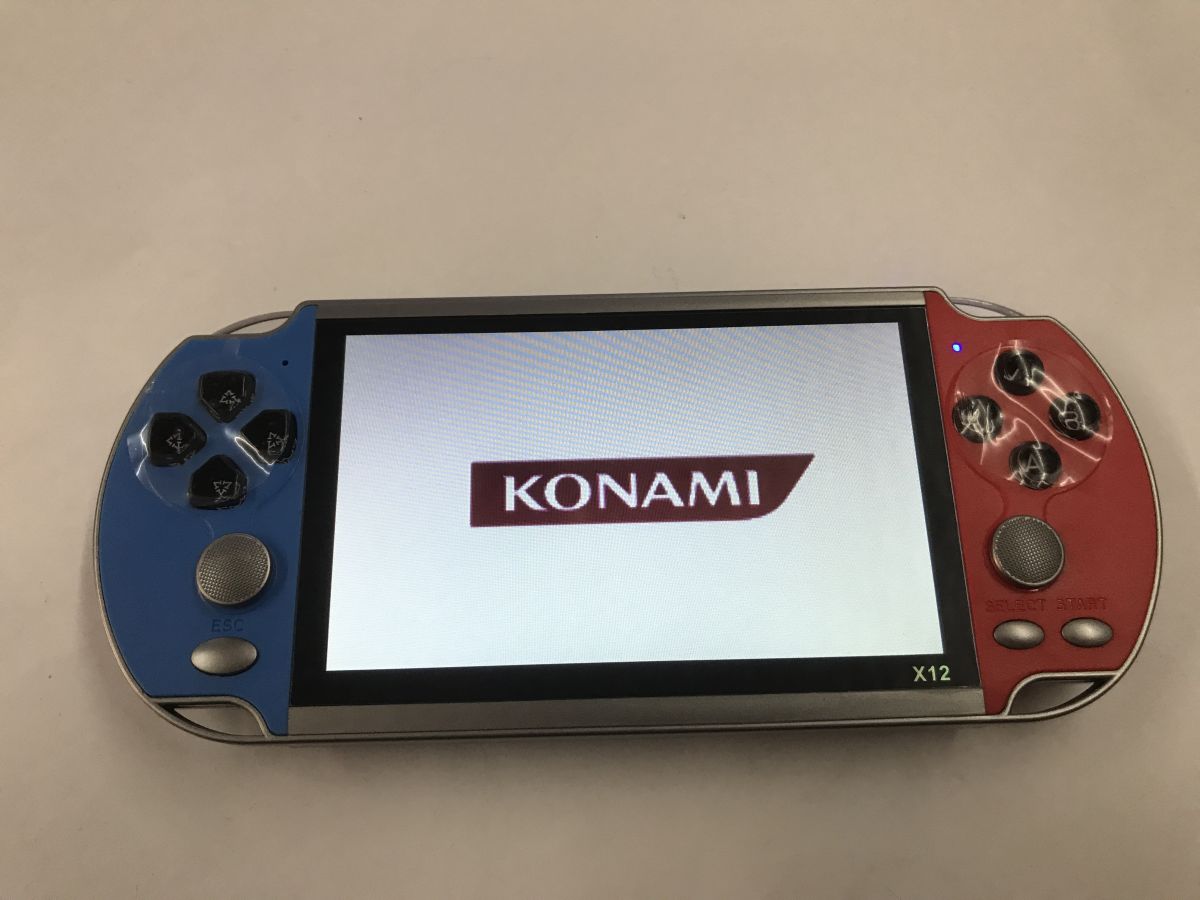
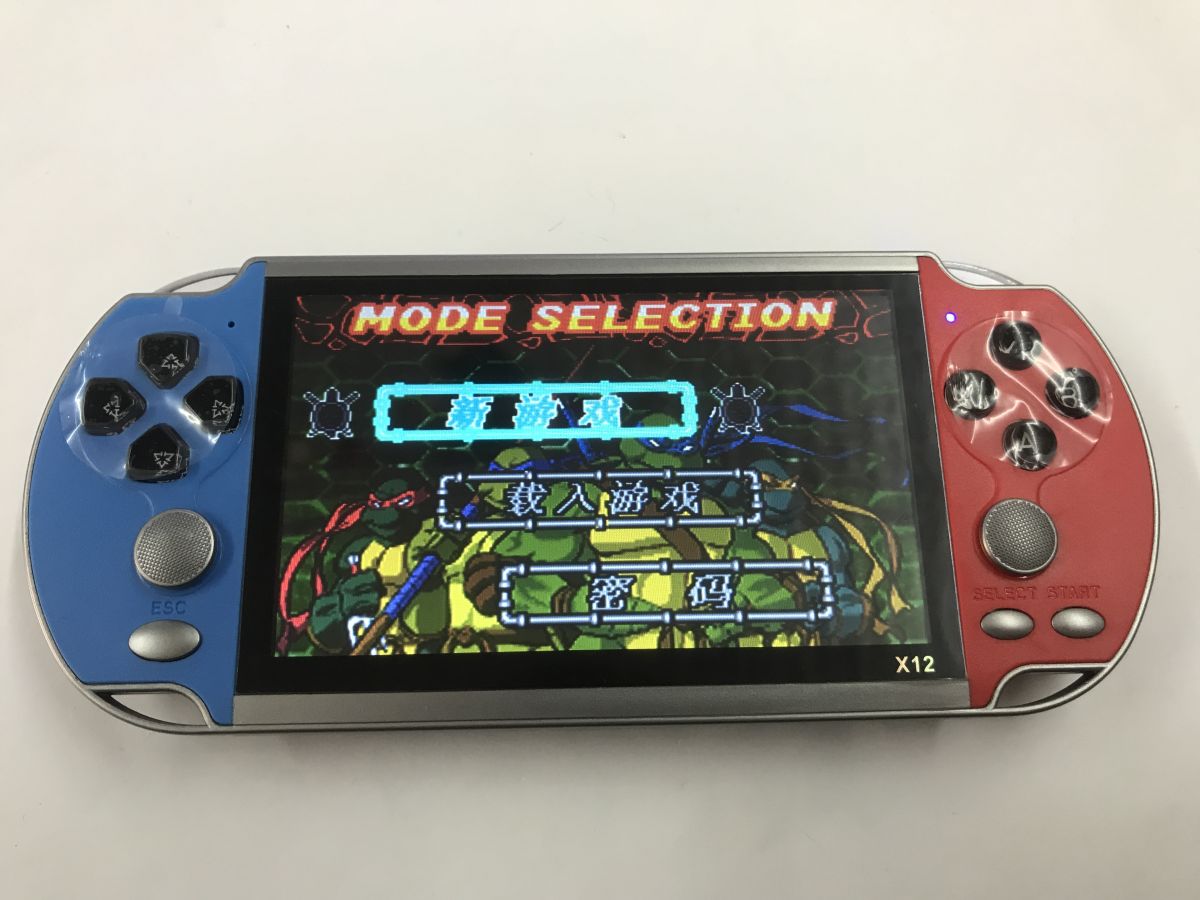
Hand holding an X12 handheld console with red and blue sides; a 2D game is shown on the screen X12 handheld game console with blue and red grips, screen showing KONAMI logo X12 handheld game console in blue and red, showing a “MODE SELECTION” menu on the screen.
The viewing angle of this screen doesn't knock it, but all in all, who would look at an angle?

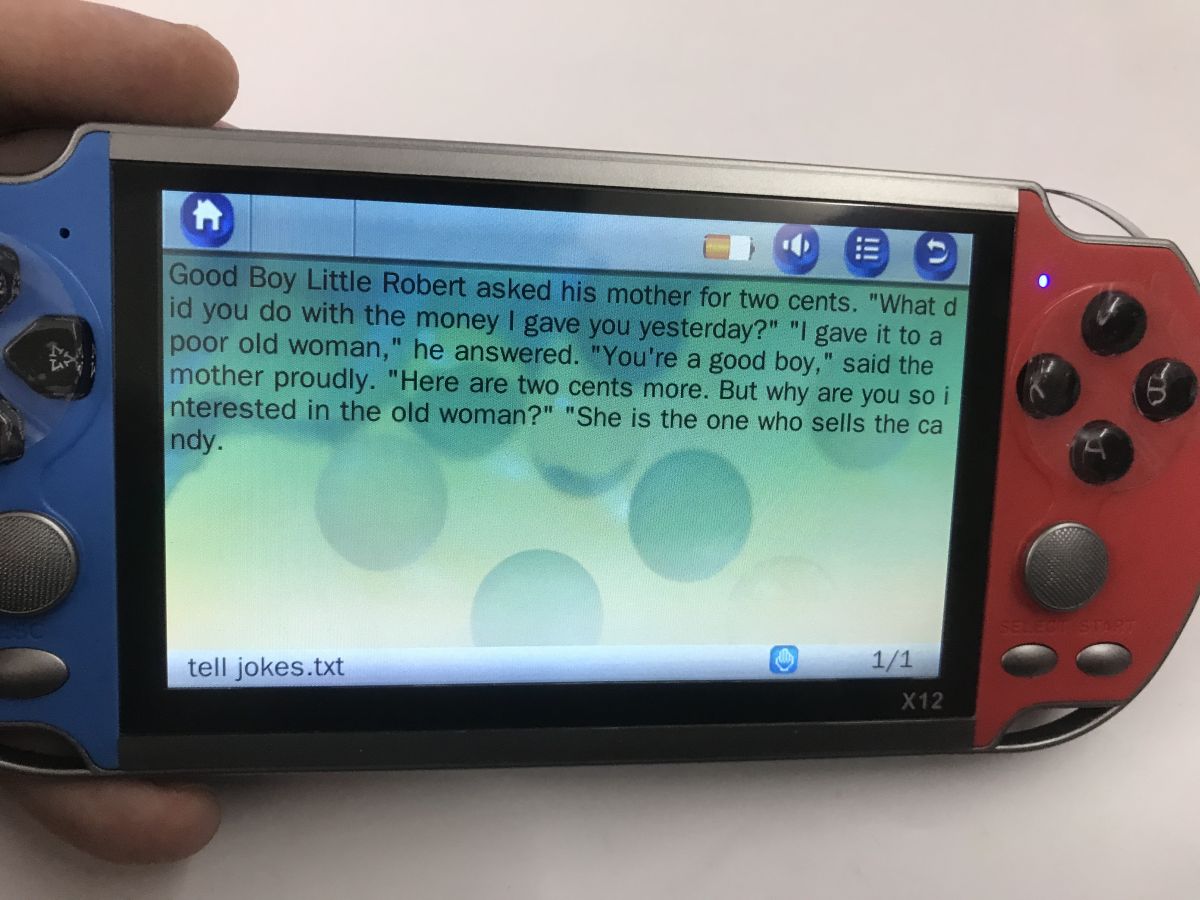
You can also access files via the menu, you can play sound files, videos, text files, etc:
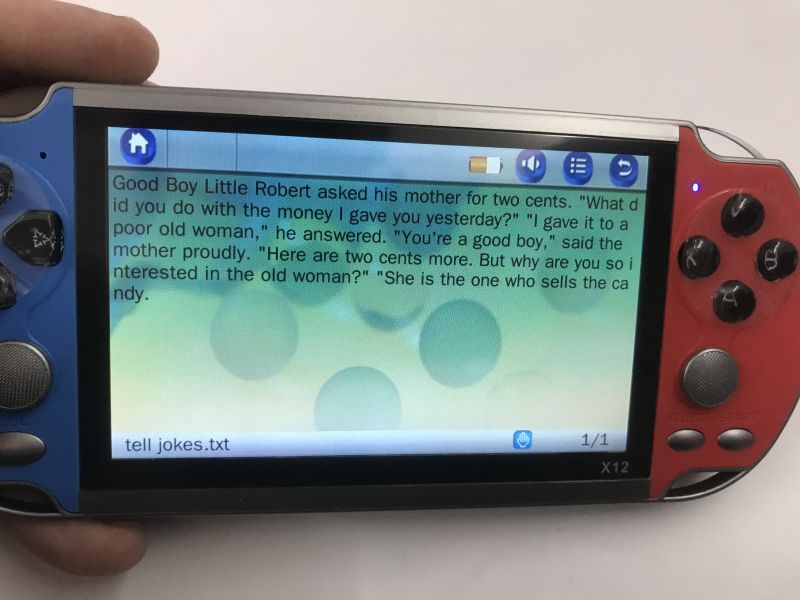
X12 handheld console in blue and red; screen shows an English text file reader

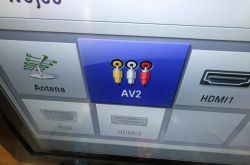
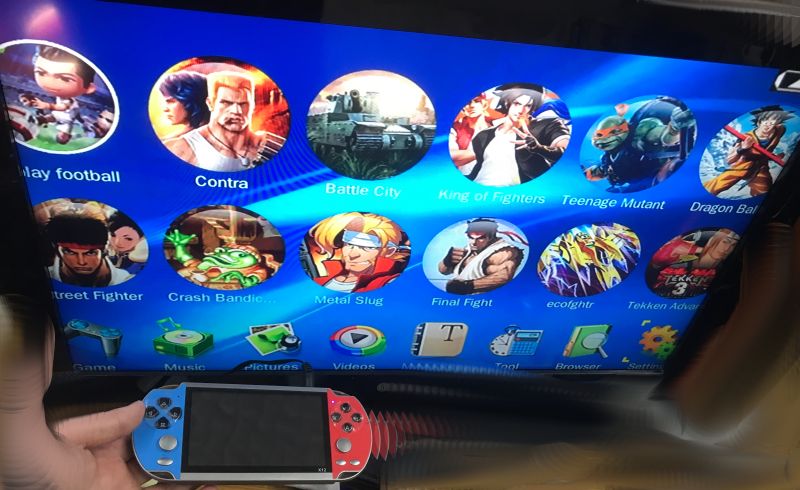
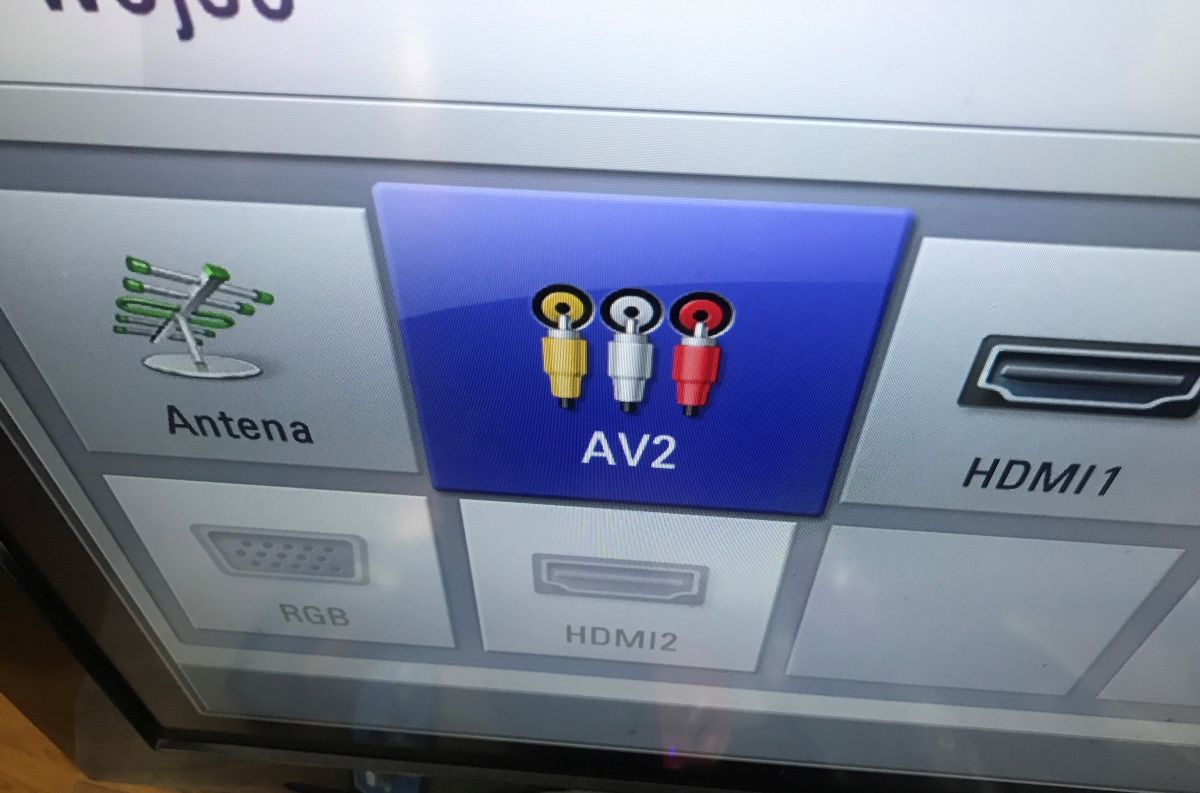
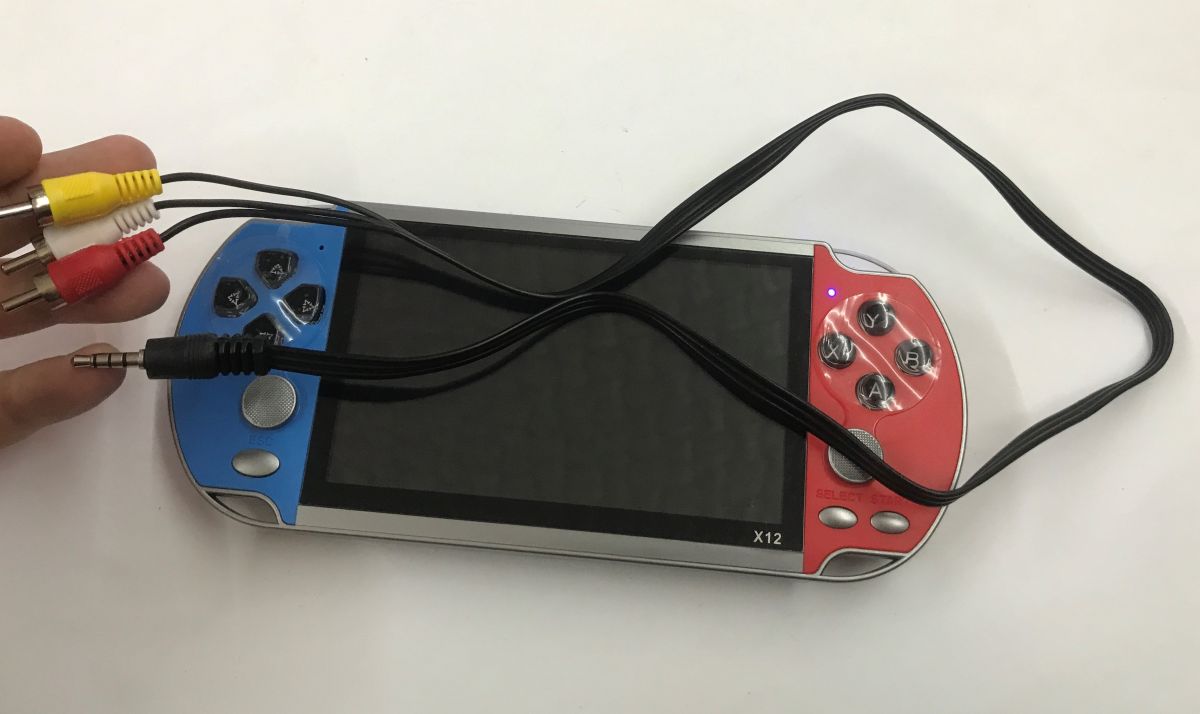
Time for a test with the TV:
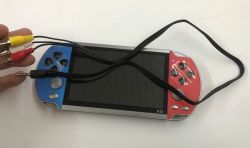
TV input selection menu with AV2 highlighted and RCA connector icons X12 handheld game console with blank screen and connected AV cable with RCA plugs and a 3.5 mm jack
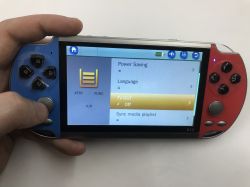
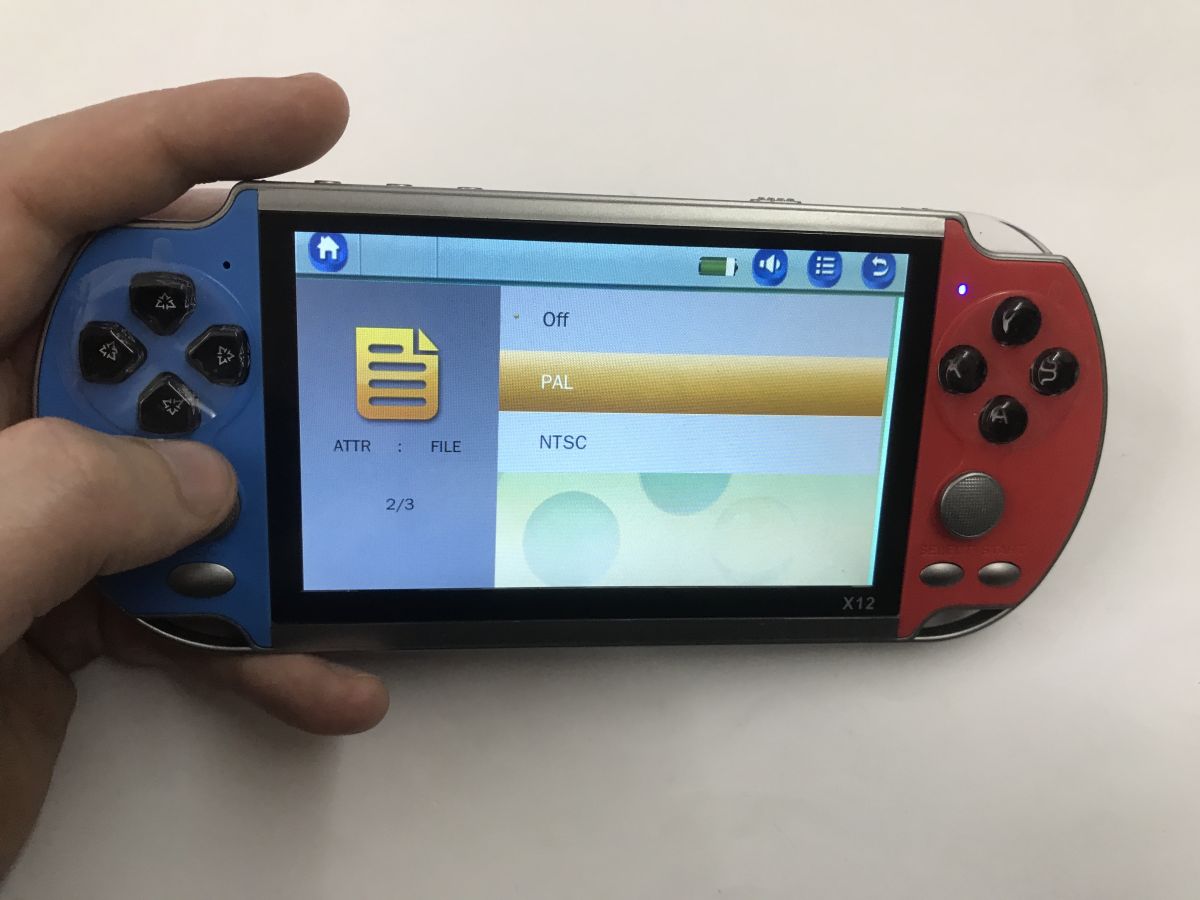
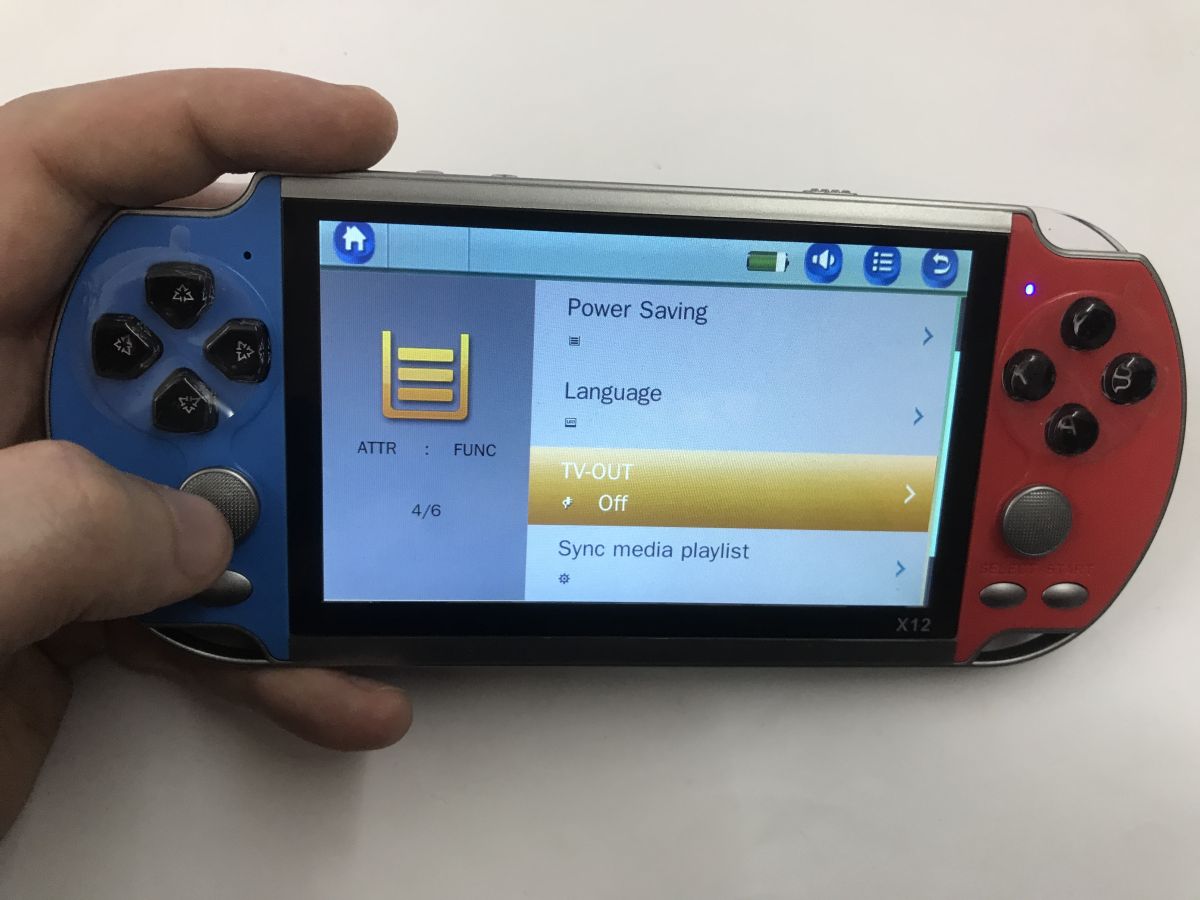
Works, although you need to enable TVOut - PAL and NTSC modes are supported.
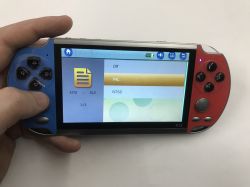
Handheld X12 console in a hand, screen showing TV-out settings menu: Off, PAL, NTSC Handheld X12 console in a hand, screen shows settings menu with TV-OUT option
Retro game menu on a screen, with an X12 handheld console in hand featuring blue and red controllers
Just a moment, a moment... as a bit of fun, I switched myself to PAL mode with no TV connected, and still the image disappeared from the display and nothing could be done, I had to switch the console off and on. Potential pitfall.

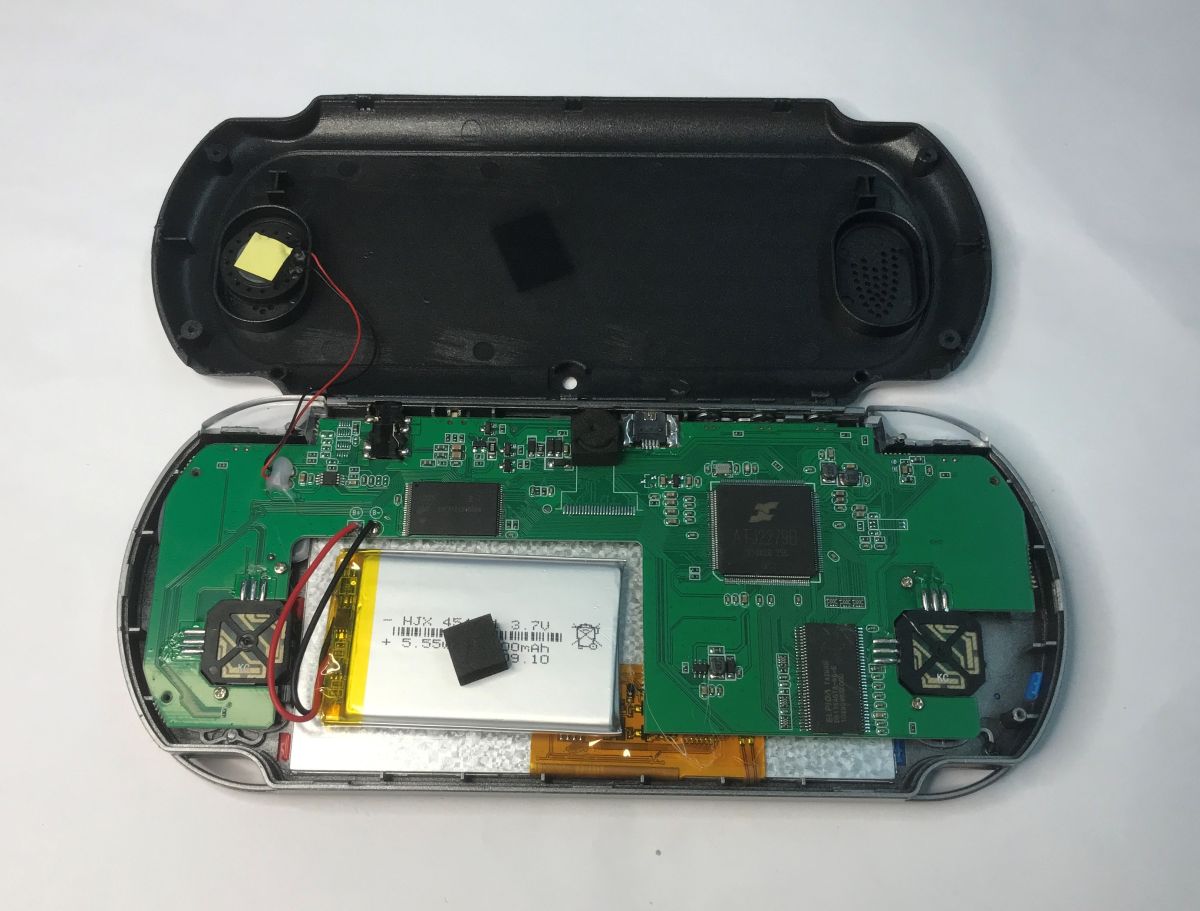
Time to look inside:
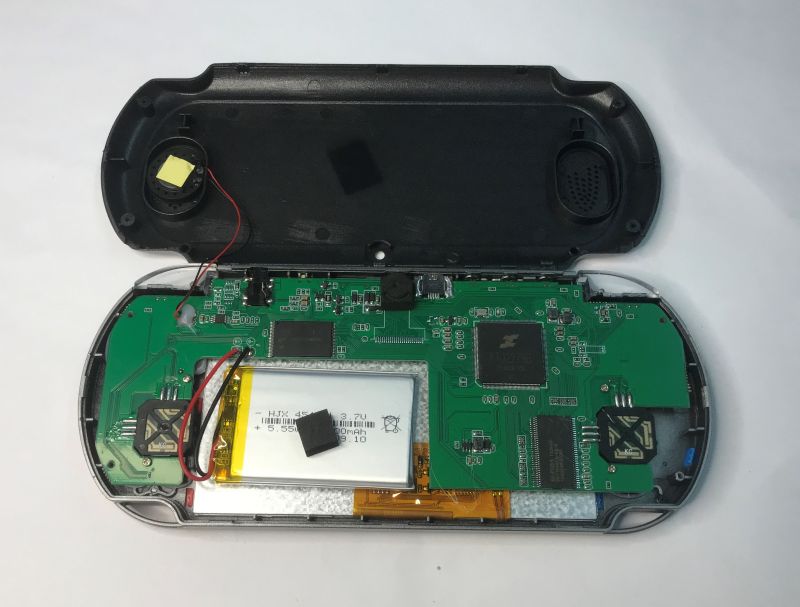
Inside a handheld console: green PCB, Li‑ion battery, and speaker in an opened black case
You can see that some version of this console had a camera. There are the pads. In addition, you can see the power section, memory, main processor and RAM. In addition, there are inverters next to the processor to ensure the right low voltage for its operation.
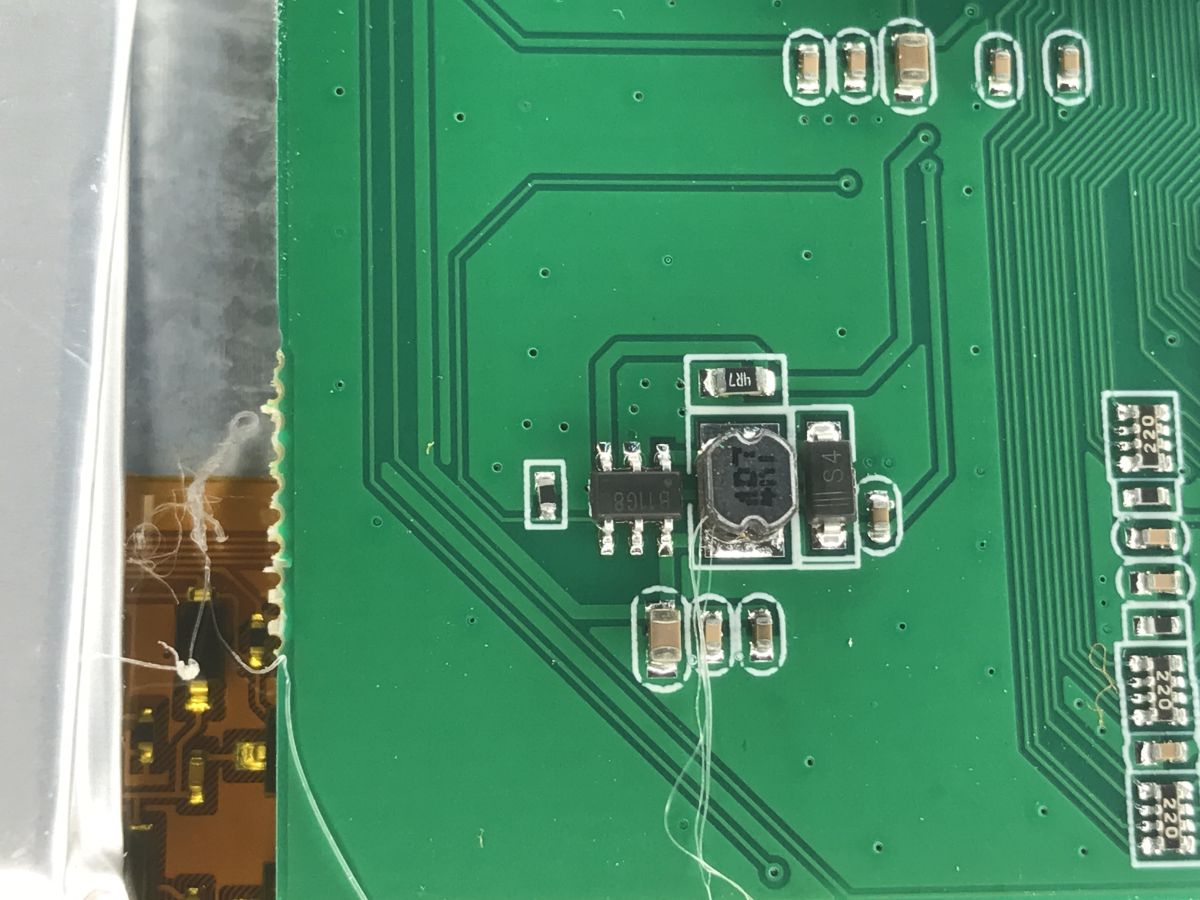
One of the inverters - the B11G8.
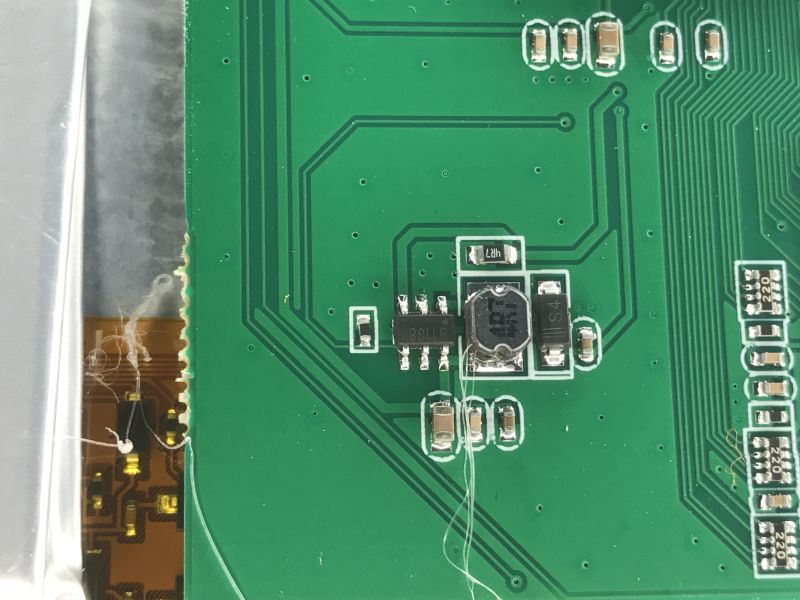
Close-up of a green PCB with SMD parts and a shielded inductor coil
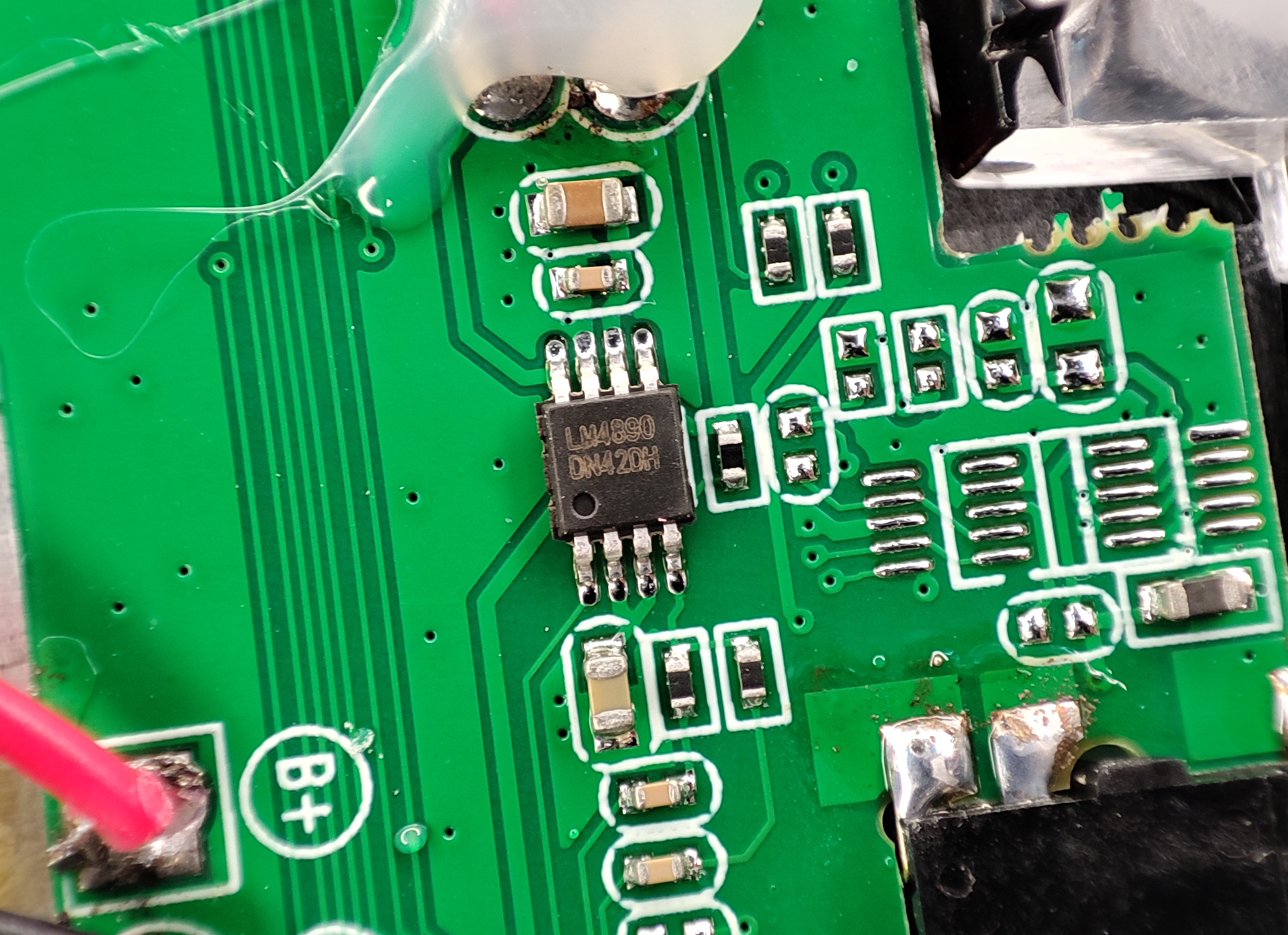
Next to the speaker is an audio amplifier - LM4890, 1 W:
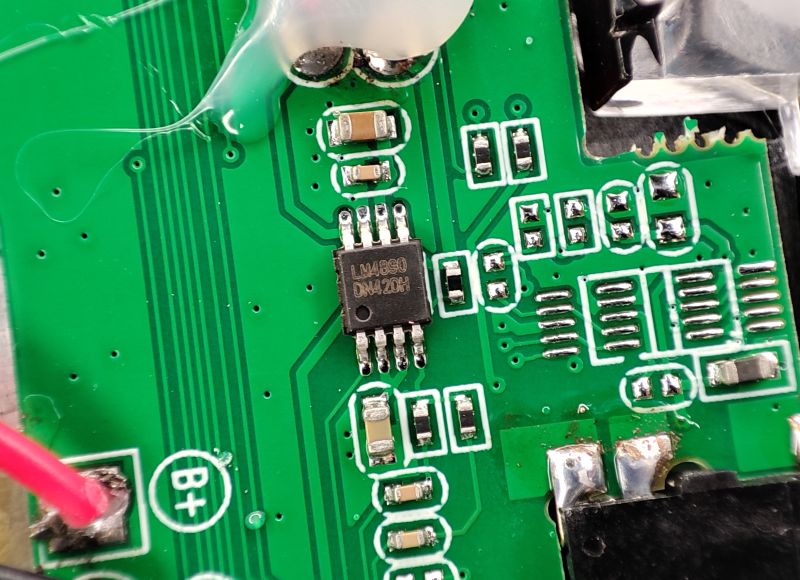
Close-up of a green PCB with an LM4890 chip and SMD parts, next to a B+ pad.
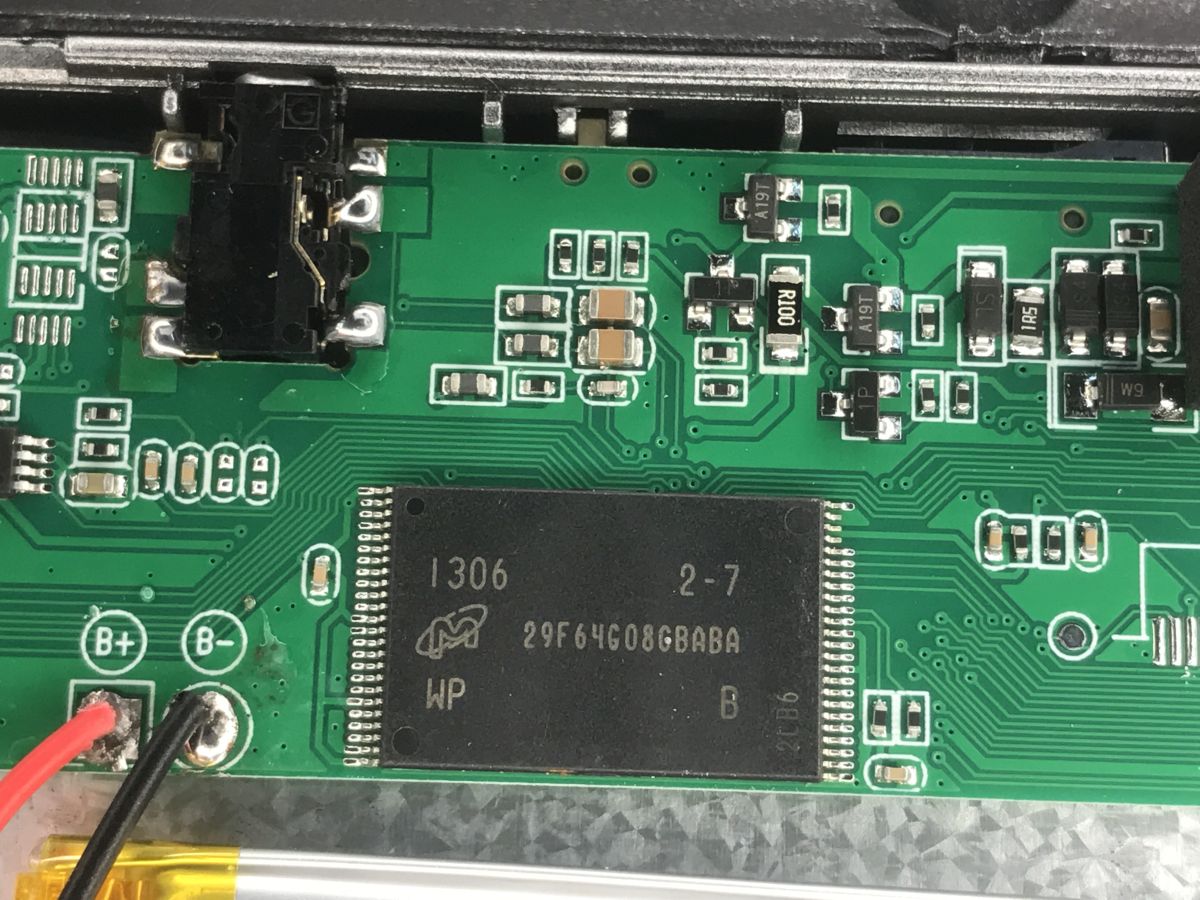
29F64G08CBABA is a 64 Gb NAND flash memory which is 8 GB. As seen on the case.
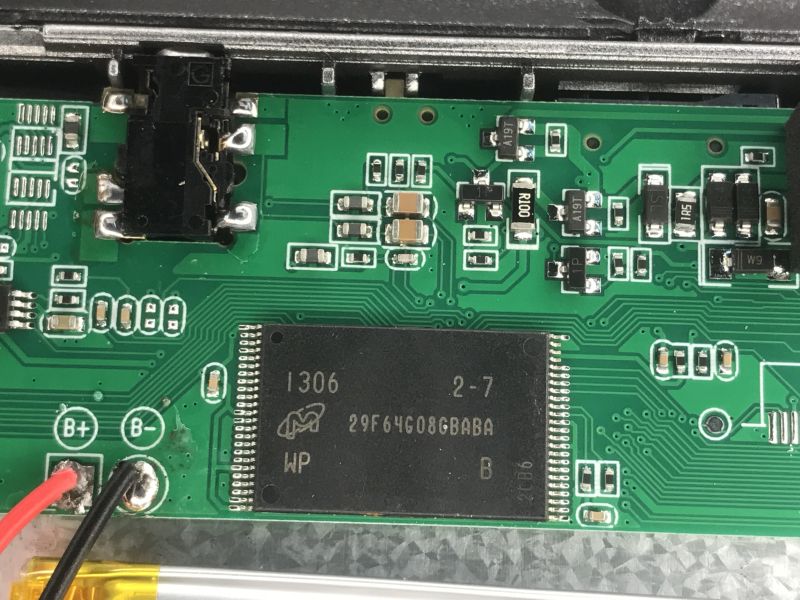
Close-up of a device PCB with chip marked 29F64G08CBABA and solder pads labeled B+ and B-
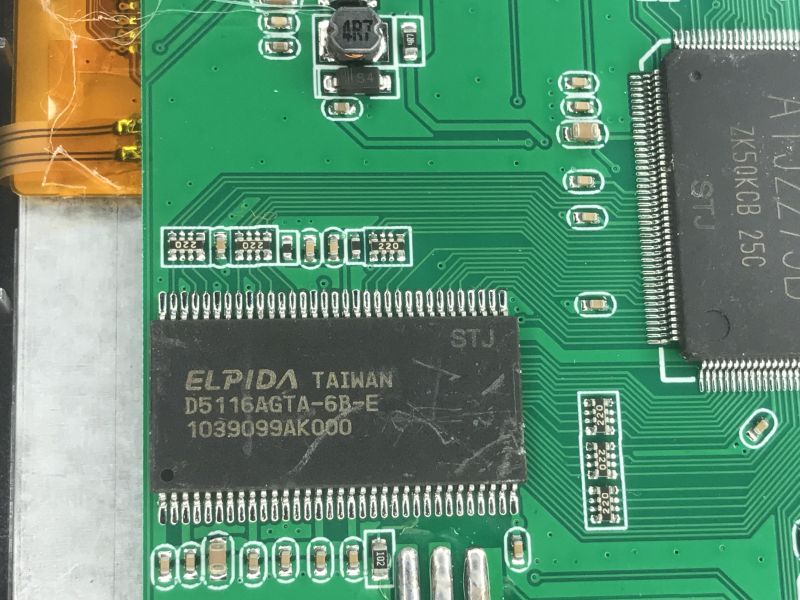
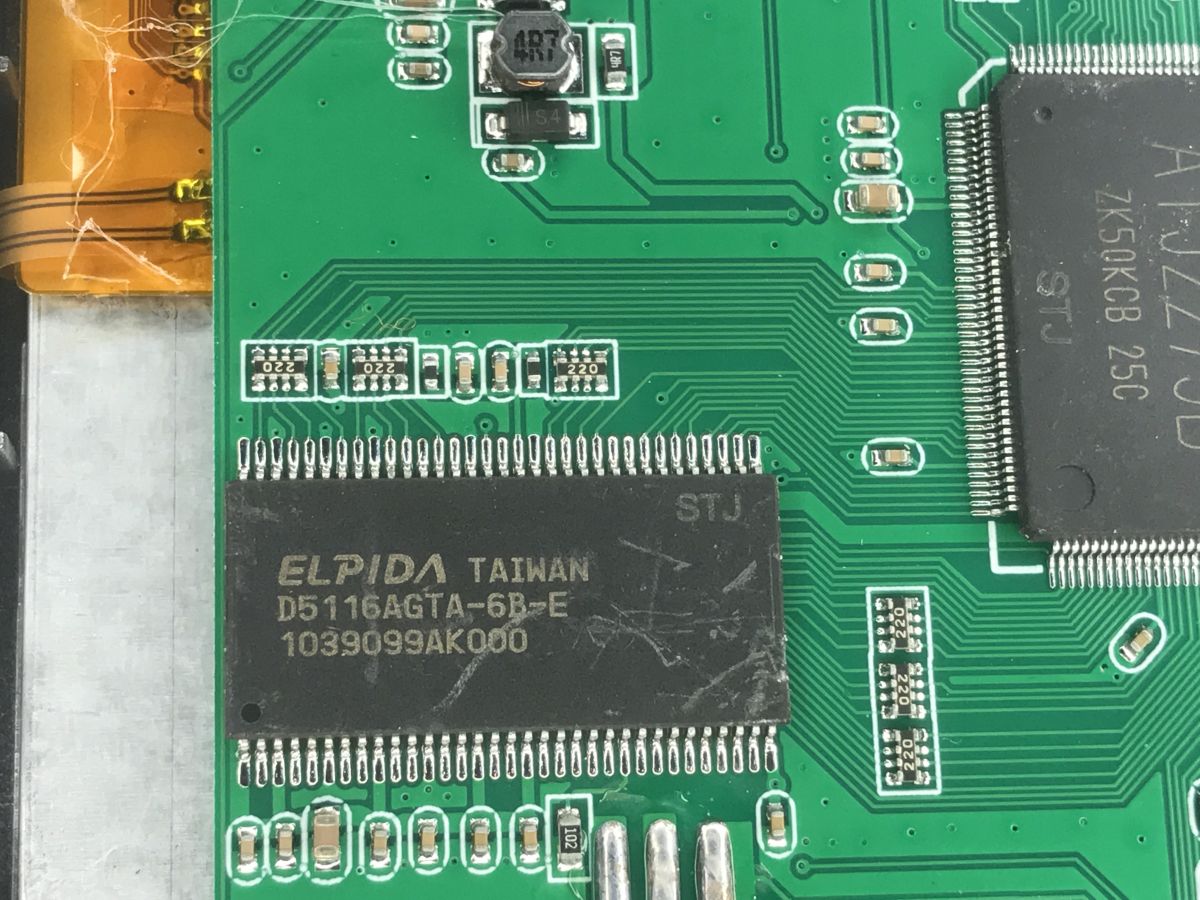
D5116AGTA-6B-E is SDRAM, 512 Mb.
Close-up of a PCB showing Elpida D5116AGTA-6B-E chip and surrounding SMD components
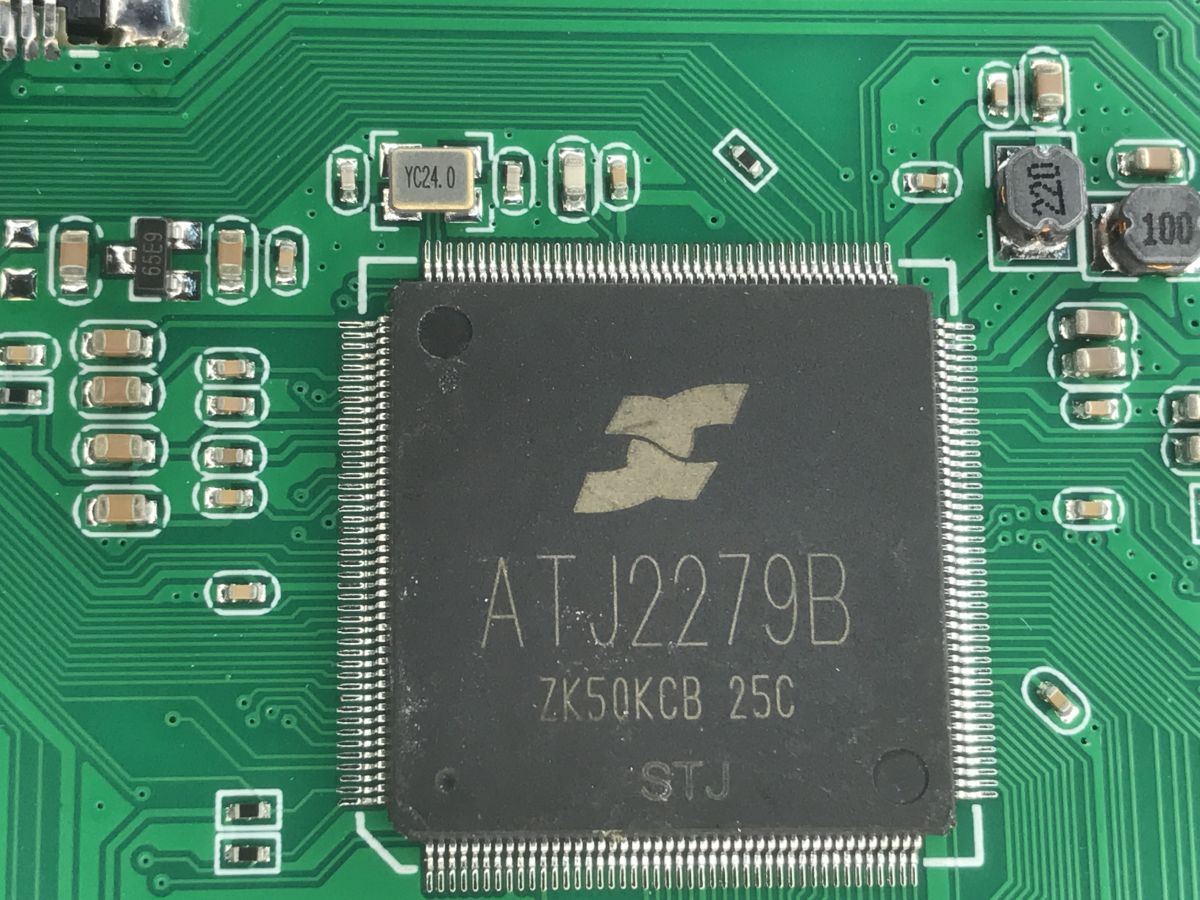
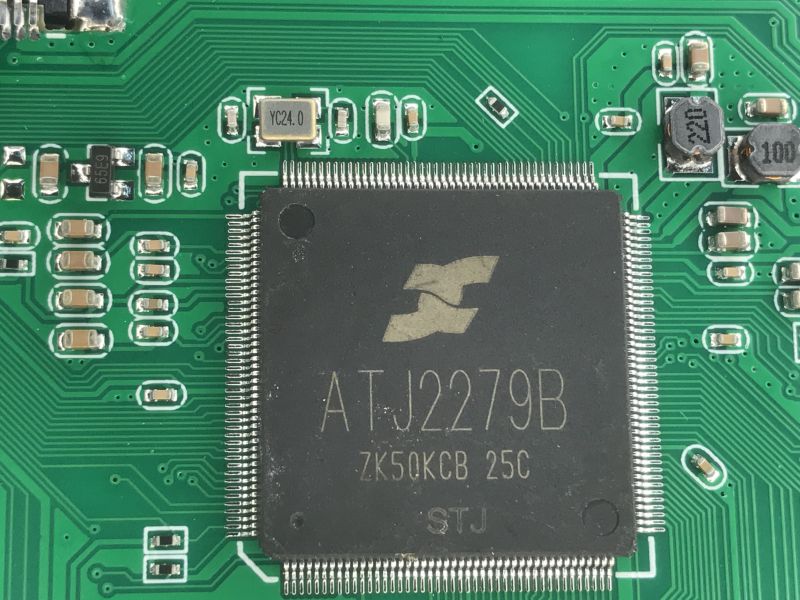
And then there's the main SoC - the ATJ2279B.
Close-up of a PCB with an ATJ2279B chip and surrounding SMD components
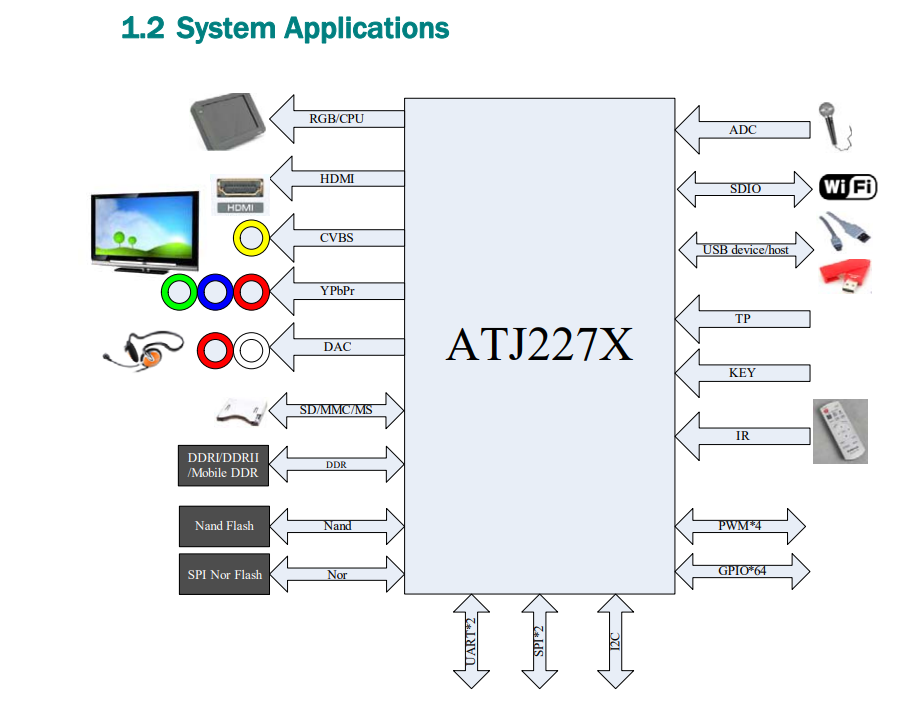
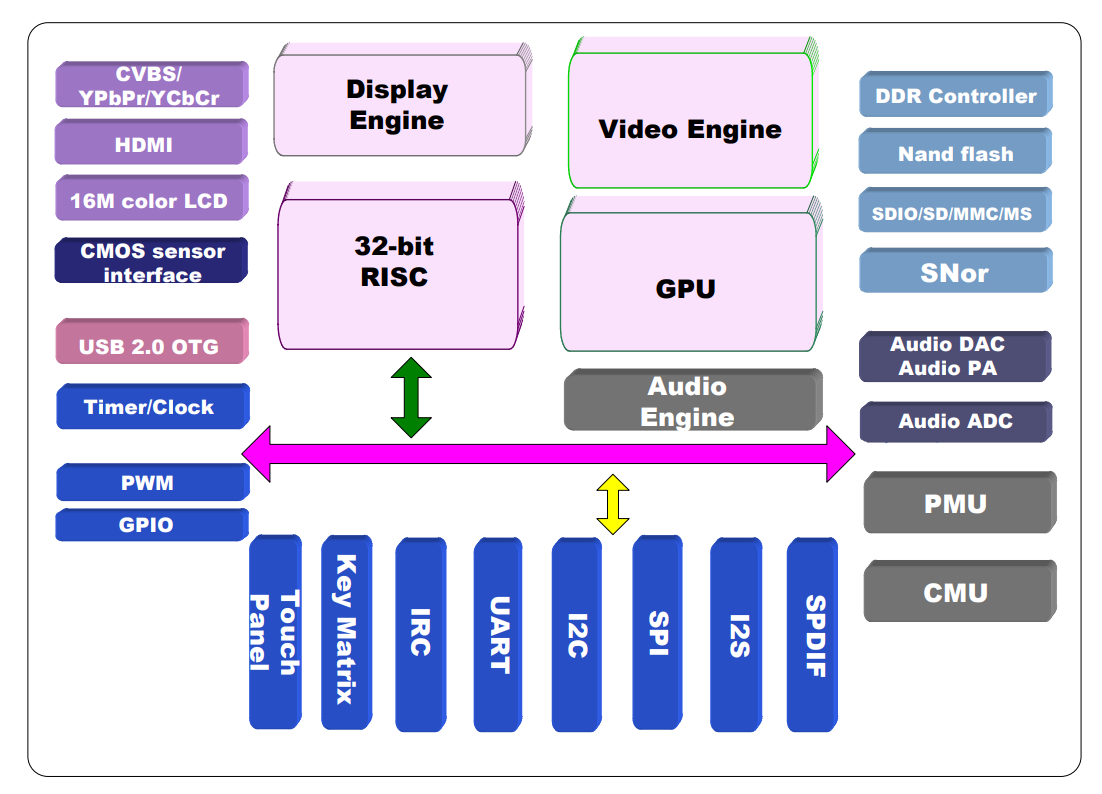
The ATJ2279B is a highly integrated SoC based on a 32-bit RISC core up to 450 MHz, with integrated GPU, video engine and DDR/DDR2/Mobile DDR memory controller. Provides high performance with low energy consumption.
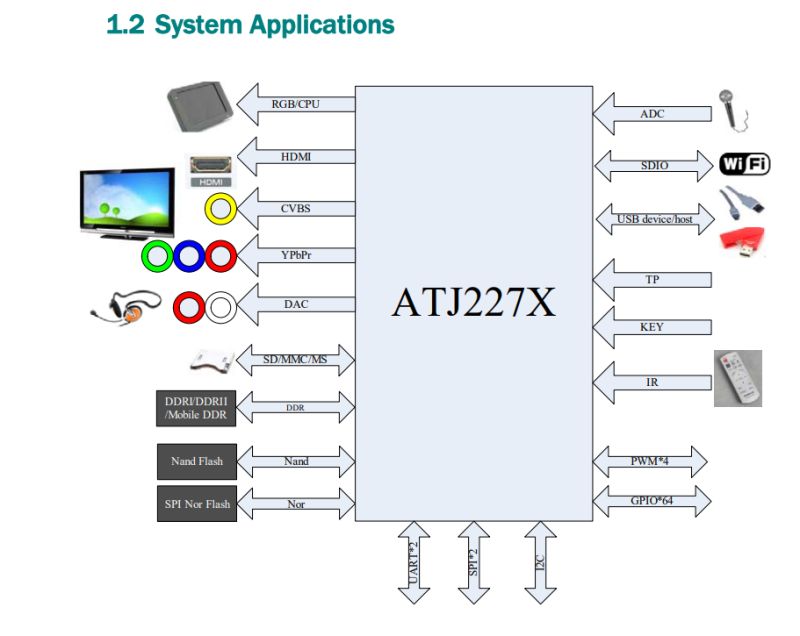
Block diagram of ATJ227X showing video, audio, memory, and connectivity interfaces (Wi‑Fi, USB, SDIO)
The chip supports video decoding up to HD, recording up to 720p and multiple audio and video formats. It offers HDMI, CVBS, YPbPr, 5.1 audio, SPDIF and I2S outputs and LCD interfaces with touch support.
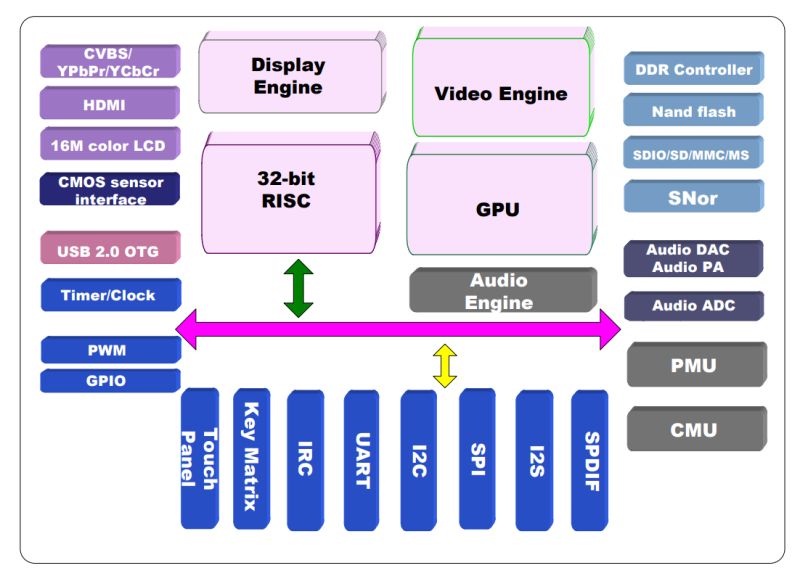
Block diagram of a SoC with 32-bit RISC, GPU, video engine, and multiple I/O interfaces
The ATJ2279B features USB 2.0 HS with OTG, NAND Flash controllers with ECC, SD/MMC and a rich set of interfaces (I²C, SPI, UART, IR), enabling Wi-Fi, LAN and Bluetooth support.
The integrated power management unit makes it a complete 'all-in-one' solution for multimedia devices.

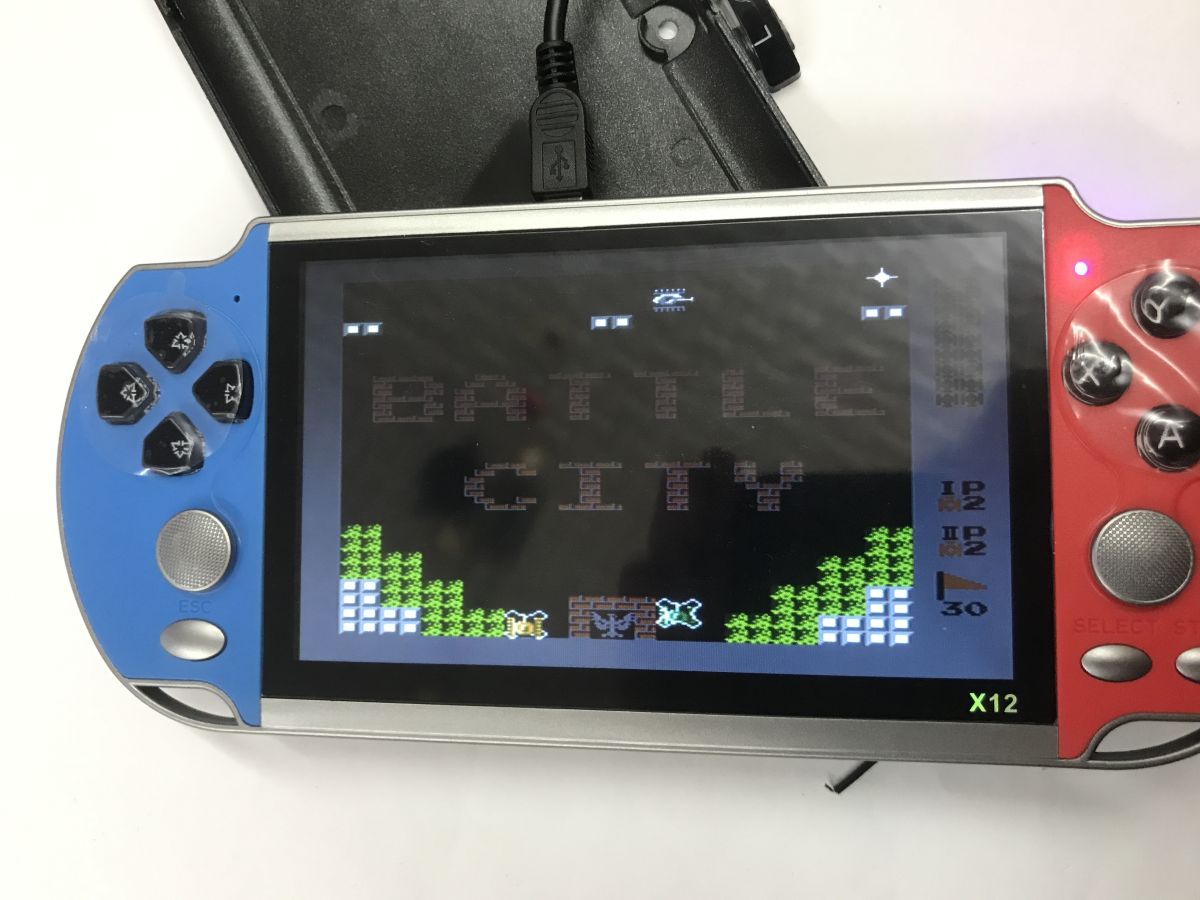
It will be interesting to see if the console will run without a battery (I disconnected it after unscrewing the case), with USB power, yes:
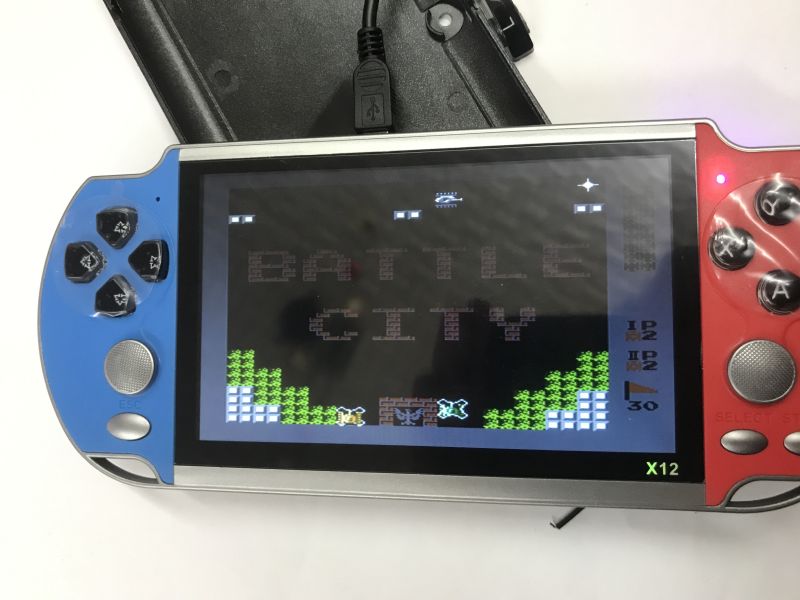
X12 handheld game console with blue and red sides, displaying the game Battle City.
Battle City, this title I think I knew as Tank 1990.
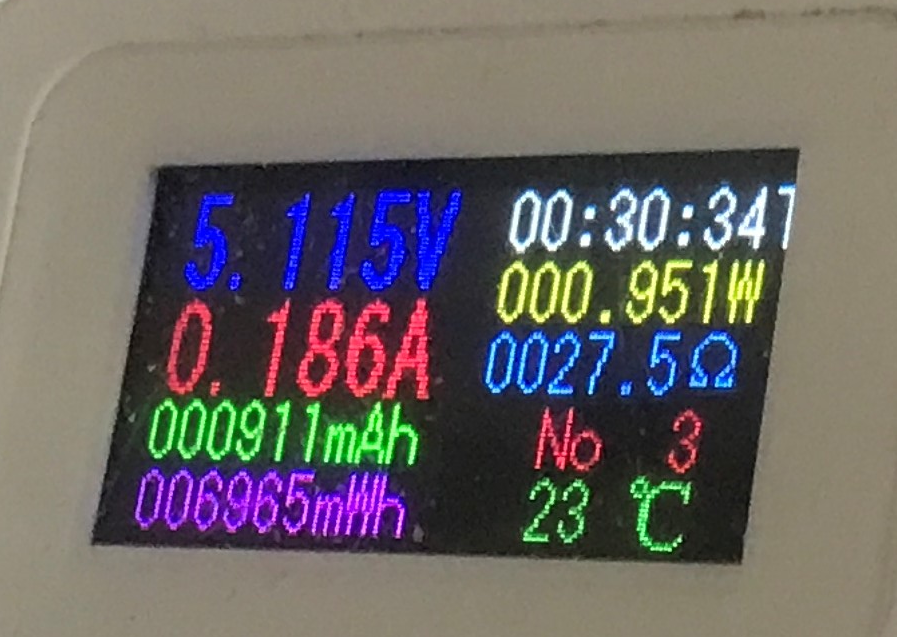
It draws about 0.2 A at 5 V:
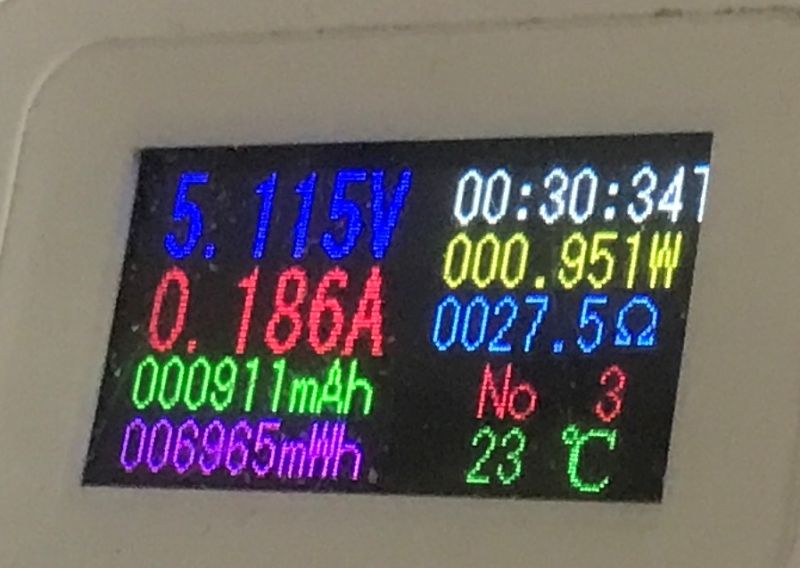
Color USB meter display showing 5.115 V, 0.186 A, 0.951 W, and 23°C

In summary , this console is somewhat low quality, but it gets the job done. At a discount, it's a good buy if you care about older titles. Pros:
+ it worked without batteries (there was a warning for a while)
+ many games
+ output for PAL/NTSC
+ SD card support, you can catch up
+ can also play movies, etc.
Minuses:
- one speaker (although with these games, does it matter?)
- clumsy handling
- no normal menu with games
- no HDMI output (only RCA)
- when I switched to PAL, the picture disappeared and I lost the ability to return to the display, only a reboot helped
- after each restart the volume is full
A side observation: I started the Contra game from the menu and had infinite lives. Is this a plus or a minus? Probably a ROM issue, this one had the lives unlocked.
It would probably have been worth making a copy of the card's contents after purchase, or even transferring it to a higher quality card, as the manufacturer probably saves on whatever it can.
Whether it was worth it - I leave the decision for you. Have you tested this console, or do you know of a better alternative at this price?


About Author
p.kaczmarek2
p.kaczmarek2 wrote 14489 posts with rating 12497 , helped 651 times. Been with us since 2014 year.

Comments

James596 30 Mar 2026 13:42

Cool gadget. Question - does the tv-out minijack actually also work as a headphone output? [Read more]

MAT_ ZAJ 30 Mar 2026 14:53

A good alternative at this price is at least the R36s (in promotions it even happens to be under 100zl!) it supports platforms up to PS1/PSP (with incomplete compatibility of more demanding titles for... [Read more]

@GUTEK@ 30 Mar 2026 21:33

As for me this console is a tragedy, maybe if it cost 50PLN you could consider buying it. - massively weak processor - nightmare design, e.g. one speaker - nand memory instead of sd card - aV output,... [Read more]

chemik_16 31 Mar 2026 09:22

It was conceived at a time when retro consoles were not yet fashionable, as an evolution of MP4 players ;) [Read more]

FAQ

TL;DR: For buyers comparing cheap retro handhelds around PLN 100, this FAQ explains what the X12 really does. "It gets the job done," but its 0.2 A at 5 V draw, RCA-only TV-out, awkward controls, and weak emulator evidence make it a basic NES-style handheld rather than a strong all-rounder. [#21873851]

Why it matters: This thread answers whether the X12 is a usable low-cost retro console or whether spending similar money on an R36S makes more sense.

Model Approx. price in thread Strong points Main limits
X12 over PLN 100 5.1" screen, AV TV-out, many bundled games, SD card slot RCA only, one speaker, clumsy controls, volume resets to max
R36S sometimes under PLN 100 Up to PS1/PSP, two analog sticks, mods, larger community Fake units exist
Anbernic RG Nano not priced in thread Very compact, novelty value Presented as a curiosity rather than best value

Key insight: The X12 works as a cheap nostalgia device, but the thread gives much stronger value signals for the R36S if your budget stays near PLN 100.

Quick Facts

  • The tested X12 was bought for over PLN 100, includes a 5.1-inch color display, and ships with USB charging cable, RCA TV cable, headphones, and an SD card loaded with games. [#21873851]
  • The console can boot and run from 5 V USB power with the battery disconnected, and the measured draw during play was about 0.2 A, or roughly 1 W. [#21873851]
  • TV output works through analogue AV and supports PAL and NTSC, but switching to PAL without a TV attached can blank the handheld screen until reboot. [#21873851]
  • Internal chips identified in the teardown include 29F64G08CBABA NAND flash at 64 Gb / 8 GB, D5116AGTA-6B-E SDRAM at 512 Mb, and an LM4890 1 W audio amplifier. [#21873851]
  • The main SoC is the ATJ2279B, described in the thread as a 32-bit RISC design up to 450 MHz with GPU, video engine, memory controller, and multimedia I/O. [#21873851]

How do you add your own games and media files to the X12 portable console using the SD card?

You add files by loading them onto the SD card that the console already uses for games and media. The manual shown in the thread explicitly describes adding games, and the menu also accesses sound, video, and text files. 1. Remove or connect the SD card. 2. Copy game or media files onto it. 3. Reinsert it and open the relevant folder from the X12 menu. Backing up the original card first is the safest move because the bundled storage may be low quality. [#21873851]

Why does the X12 screen go blank after switching TV-out to PAL mode without a TV connected, and how can you recover from it?

The screen goes blank because enabling TV-out appears to redirect video away from the handheld display. In the test, switching to PAL with no TV connected made the local image disappear, and the user could not restore it through menus. The practical recovery is simple: power the console off and back on. That reboot restored operation. This is a real failure case, not a theory, so avoid changing PAL or NTSC unless the RCA cable is already connected to a television. [#21873851]

What real gaming platforms and emulators does the X12 actually handle well, such as NES, GBA, and PS1?

The thread shows the X12 handling NES-style games clearly, but it does not prove solid GBA or PS1 performance. The tester played titles such as Contra and Battle City, and save states worked because the emulator supported them. A later reply says GBA would be a useful performance benchmark and notes the manual mentions PS1, but no actual GBA or PS1 gameplay results were posted. So the strongest confirmed claim is basic 8-bit emulation, not higher-end compatibility. [#21874012]

How does the X12 TV-out minijack work for AV output, and what audio functions does that jack provide compared with the separate headphones in the bundle?

The thread confirms the minijack carries analogue AV output for TV connection, but it does not confirm that it doubles as a standard headphone jack. The package includes both an RCA cable for television use and separate headphones, which suggests two intended audio paths: AV-out to a TV and private listening through the bundled headphones. A reply asks whether the TV-out minijack also works for headphones, but no tested answer appears in the discussion. So TV AV-out is confirmed; shared headphone use is not. [#21873961]

Which is the better budget retro handheld for around 100 PLN: the X12 or the R36S?

The R36S is the better budget pick around PLN 100 in this thread. One reply says promotions can put it below PLN 100, while another calls it the best price-to-performance option. It adds two analog sticks, broader platform support up to PS1 and some PSP, alternative software, mods, and a larger community. The X12 offers a 5.1-inch screen and TV-out, but users criticized its weak processor, one-speaker design, RCA-only output, and clumsy controls. [#21874305]

What is the ATJ2279B SoC in the X12, and what does it control inside the console?

The ATJ2279B is the X12’s main system-on-chip, and it runs most core console functions. "ATJ2279B" is a multimedia SoC that combines CPU, graphics, memory control, and external interfaces in one chip, reducing component count and power use while handling display, storage, audio, and video tasks. In the thread, it is described as a 32-bit RISC design up to 450 MHz with integrated GPU, video engine, DDR or DDR2 controller, USB 2.0 HS with OTG, NAND and SD support, and serial interfaces such as I2C, SPI, and UART. [#21873851]

What is CVBS video output, and how does it differ from HDMI on retro handheld consoles like the X12?

CVBS is an analogue composite video output, while HDMI is a digital audio-video interface. "CVBS" is a composite video standard that carries picture over a single analogue line, usually through RCA wiring, with lower image quality and fewer modern TV compatibility guarantees than HDMI. The X12 thread ties TV output to PAL and NTSC analogue modes and criticizes the lack of HDMI. In practice, that means easier support for older televisions, but worse sharpness and less compatibility with newer sets. [#21873851]

How can you enable PAL or NTSC TV-out on the X12 and connect it correctly to a television with RCA inputs?

You enable TV-out from the X12 menu, then choose PAL or NTSC and connect the supplied RCA lead to a TV with matching inputs. 1. Plug the AV cable into the console’s TV-out jack. 2. Connect the RCA ends to the television’s composite inputs. 3. Open the X12 settings and enable TVOut in PAL or NTSC mode. The thread confirms both modes work. The key caution is to avoid switching modes before connecting a TV, because the handheld screen may go blank until restart. [#21873851]

Why does the X12 reset the volume to maximum after every restart, and is there any practical workaround?

It resets because the firmware appears not to save the previous audio setting between boots. The tester lists this as a repeatable downside: after each restart, the volume returns to full. The thread offers no menu fix, patch, or hidden setting. The practical workaround is manual: lower the volume immediately after every power-on and avoid headphones at startup. That habit matters because the console also ships with earphones, so a full-volume boot can be unpleasant. [#21873851]

What do the 29F64G08CBABA NAND flash and D5116AGTA-6B-E SDRAM chips tell you about the X12 hardware specifications?

They show that the X12 uses dedicated internal memory hardware, not just removable storage. The identified 29F64G08CBABA NAND flash is listed as 64 Gb, which equals 8 GB, and the D5116AGTA-6B-E SDRAM is listed as 512 Mb. That combination fits a low-cost multimedia handheld design: internal flash for firmware and stored content, plus working memory for the SoC. The teardown also notes power circuitry and inverters around the processor, which supports the idea of a compact all-in-one board. [#21873851]

How well does the X12 run GBA games as a performance test compared with simpler 8-bit titles like Contra or Battle City?

The thread does not provide a real GBA performance result, so you cannot rate GBA support from this test alone. It does confirm that simpler titles such as Contra and Battle City run and that save states work through the emulator. A commenter specifically says GBA is often a good performance benchmark and asks for that test because it would reveal more about emulator and hardware limits. Until someone posts actual GBA gameplay, only basic 8-bit performance is confirmed. [#21874012]

What are the pros and cons of the X12 using internal NAND memory plus an SD card slot instead of relying only on removable storage?

The mixed design gives the X12 flexibility, but it also adds risk and confusion. The upside is simple: internal memory can hold firmware and built-in data, while the SD slot lets you add games or media. The downside is quality and serviceability. One reply criticizes the use of NAND instead of relying on SD, and the original post warns that the included card may be cheap enough to justify cloning onto a better one. That makes backups more important than on a purely removable-storage design. [#21874305]

How can you back up the original X12 game card and move the contents to a higher-quality SD card safely?

You should clone the original card before changing anything. The thread explicitly says making a copy after purchase would have been worthwhile, and it suggests moving the contents to a higher-quality card because the manufacturer likely saves money on storage. 1. Read the original SD card on a computer. 2. Copy or image all files before editing. 3. Write that backup onto a better SD card and test the X12 menu and games. Do the backup first, not after files go missing. [#21873851]

Why can the X12 run from 5 V USB power without the battery connected, and what does the roughly 0.2 A current draw imply in practice?
It runs because the console’s power section can accept external 5 V directly and feed the board without battery support. The tester physically disconnected the battery after opening the case, powered the X12 by USB, and it still worked. At roughly 0.2 A from 5 V, the system uses about 1 W during play. That is low enough for ordinary USB power sources and explains why the handheld can function as a wired device for bench testing or light stationary use. [#21873851]

What budget retro handheld alternatives besides the X12 are worth considering, such as the R36S or the Anbernic RG Nano?

The thread recommends the R36S first and mentions the Anbernic RG Nano as an interesting secondary option. The R36S is praised for sub-PLN-100 sale pricing, PS1 and partial PSP support, two analog sticks, USB OTG, WLAN adapter support, mods, and a large community. The same discussion warns buyers about fake R36S units. The Anbernic RG Nano is framed differently: more as a curiosity or gadget than the best-value substitute for an X12-class purchase. [#21874012]
Generated by the language model.
%}