logo elektroda
logo elektroda
X
logo elektroda
Dostępna jest polska wersja

Czy wolisz polską wersję strony elektroda?

Nie, dziękuję Przekieruj mnie tam

Portable X12 1100+ games console with TV output - test, interior, construction

p.kaczmarek2 171 2

TL;DR

  • The X12 handheld console packs a 5.1-inch colour display, AV output, SD-card games, and MP3/MP4 playback with NES and GBA-style retro titles.
  • Inside, it uses an ATJ2279B SoC, LM4890 audio amplifier, 512 Mb SDRAM, and 8 GB NAND flash, with inverters providing the low voltages.
  • The console's library reportedly contains about 11,000 files, and the unit draws about 0.2 A at 5 V on USB power.
  • TV output works in PAL and NTSC modes, but switching to PAL without a TV connected can blank the screen and require a full reboot.
  • It is rough around the edges, with clumsy controls, one speaker, no proper game menu, and volume resetting to maximum after each restart.
ADVERTISEMENT
Treść została przetłumaczona polish » english Zobacz oryginalną wersję tematu
📢 Listen (AI):
  • Portable X12 1100+ games console with TV output - test, interior, construction
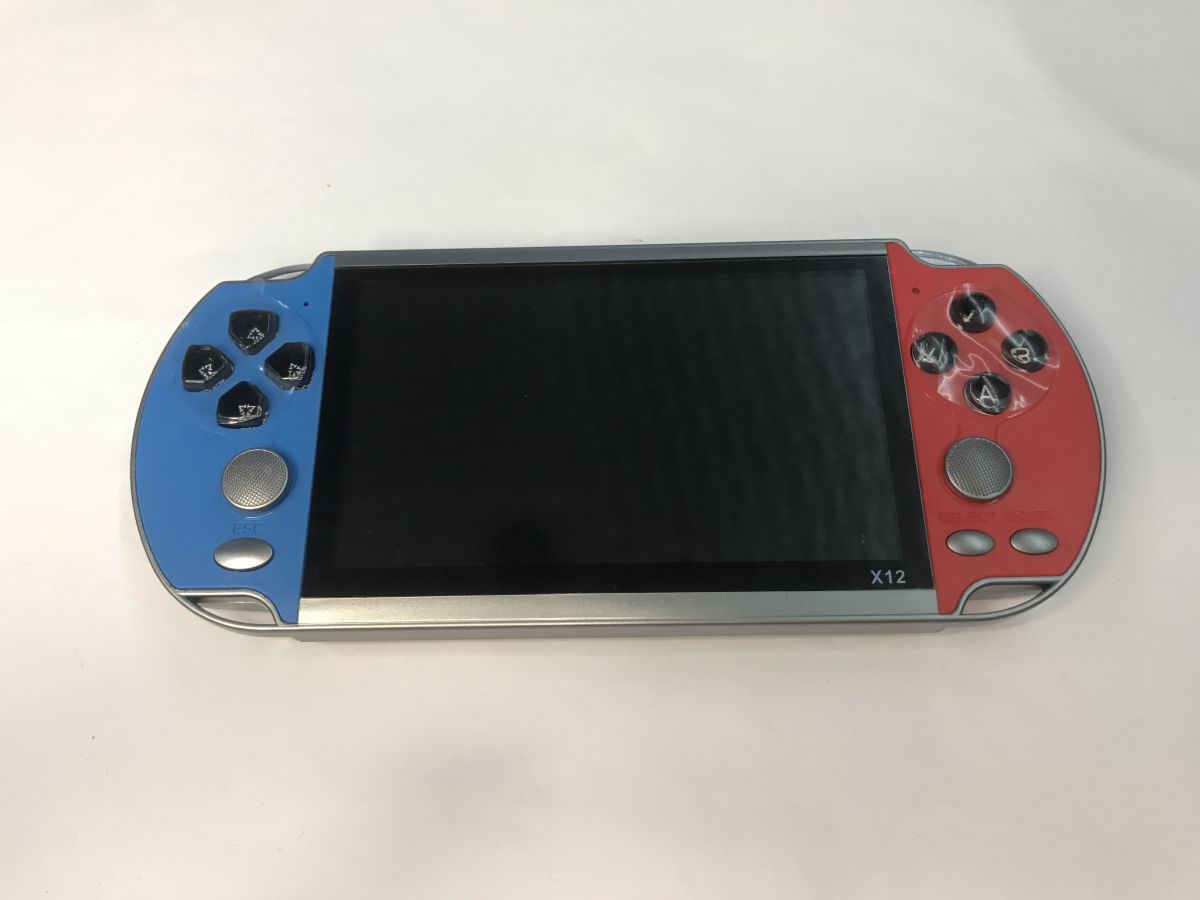
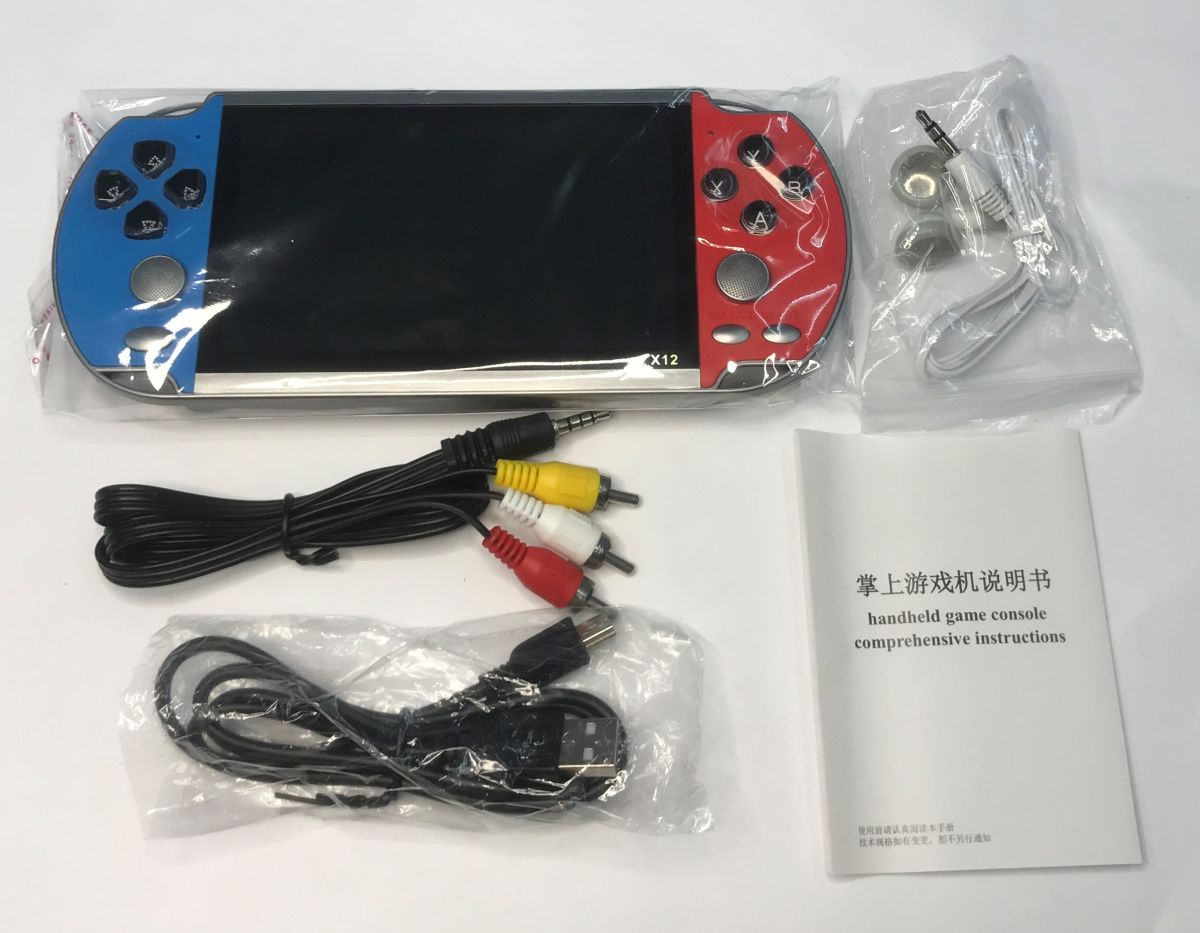
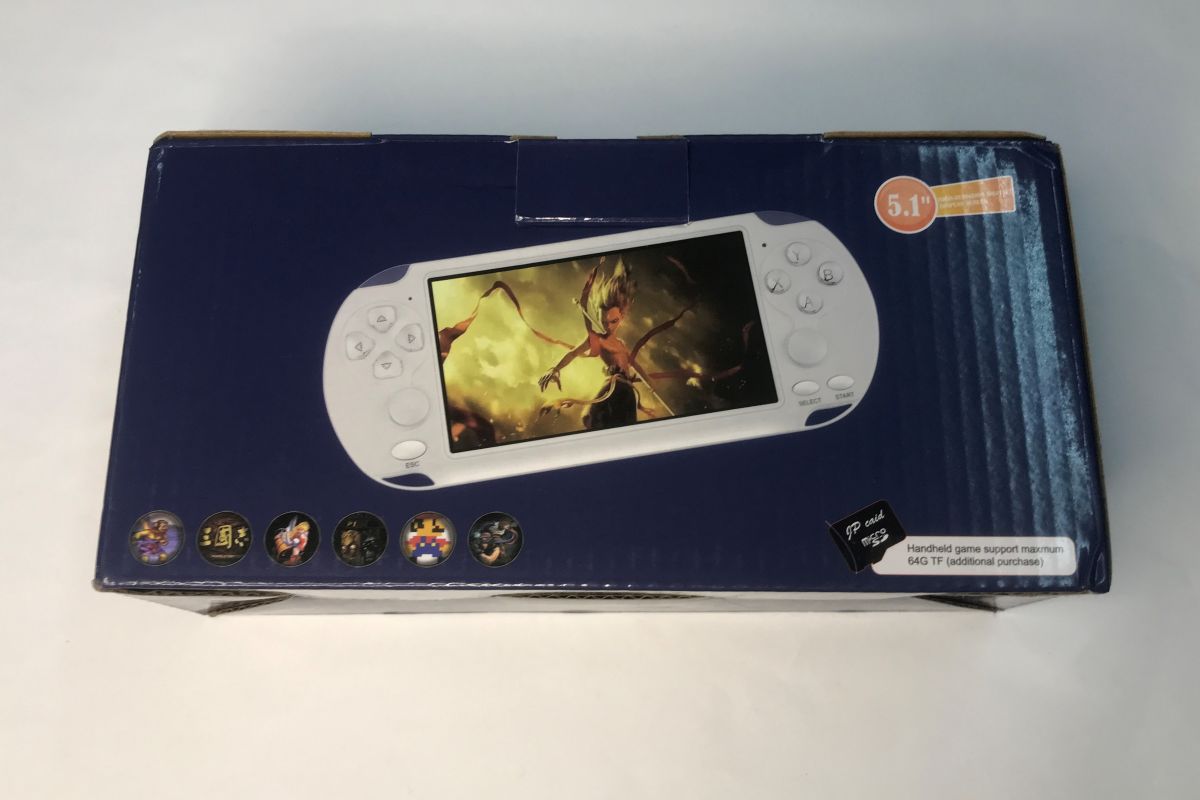
    Here's another nostalgic gadget, this time a little more expensive as it was bought for over £100 - the X12 console offering a 5.1" colour display, AV output and compatibility with retro games from platforms such as NES and GBA. In addition, the whole thing can act as a video and music player (MP3 and MP4 formats). Of course, with the option to upload your own files and games. The set comes with USB cables (for charging), RCA cables (TV connection) and headphones, and the games are on the SD card that is already in the console.
    Portable X12 1100+ games console with TV output - test, interior, construction
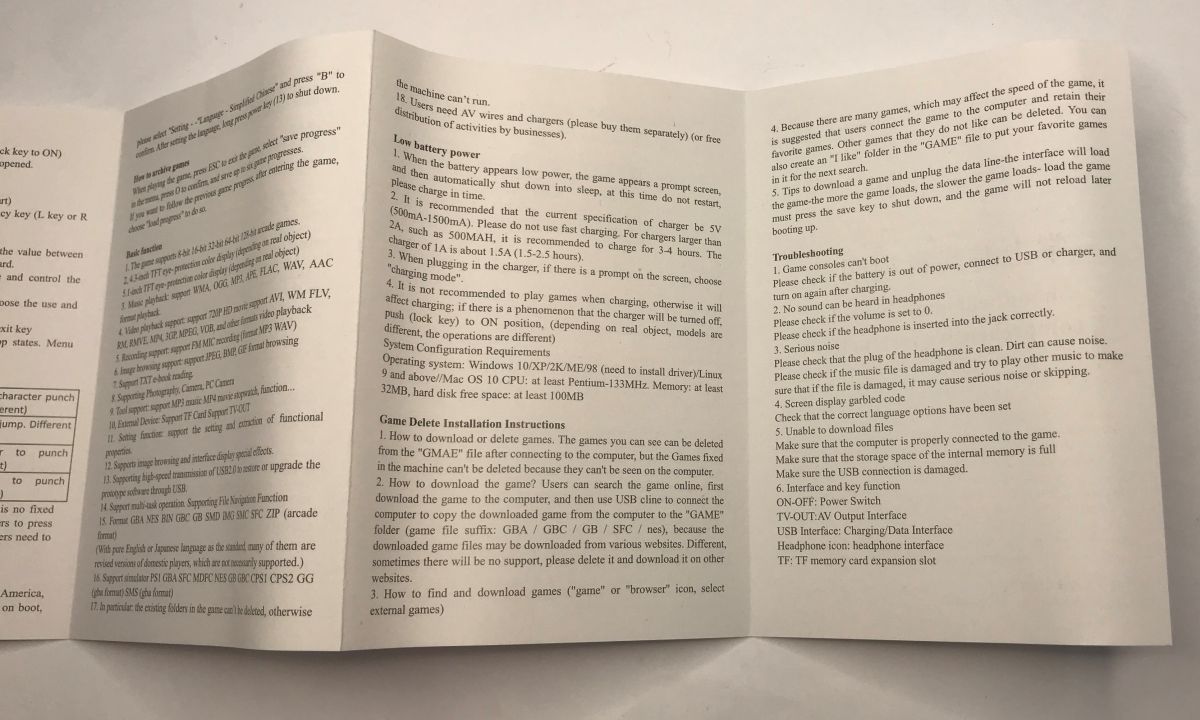
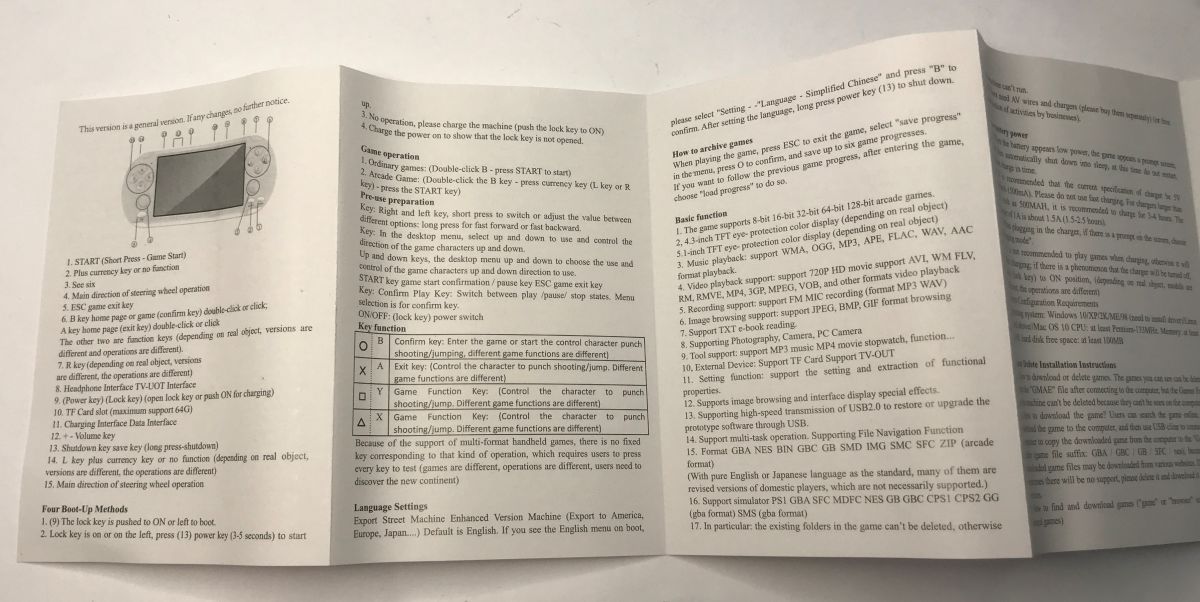
    A manual is also included, which outlines, among other things, how games can be added:
    Portable X12 1100+ games console with TV output - test, interior, construction Portable X12 1100+ games console with TV output - test, interior, construction
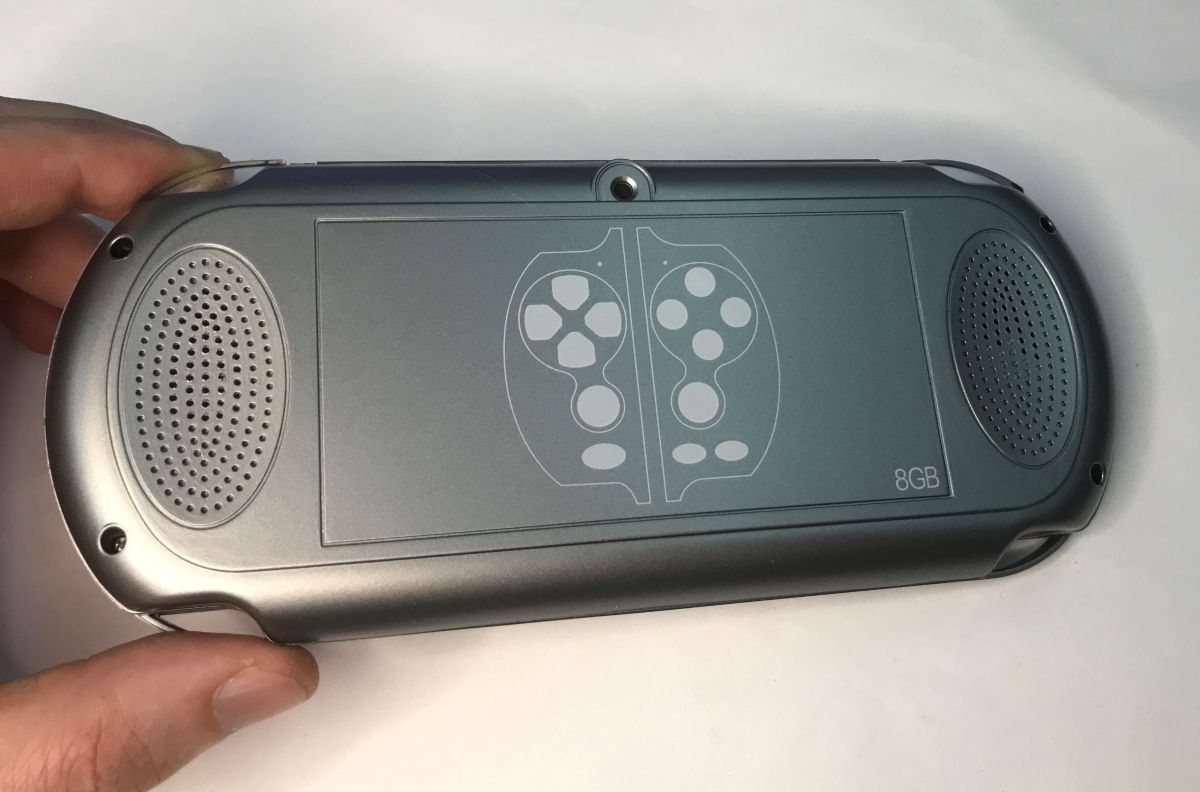
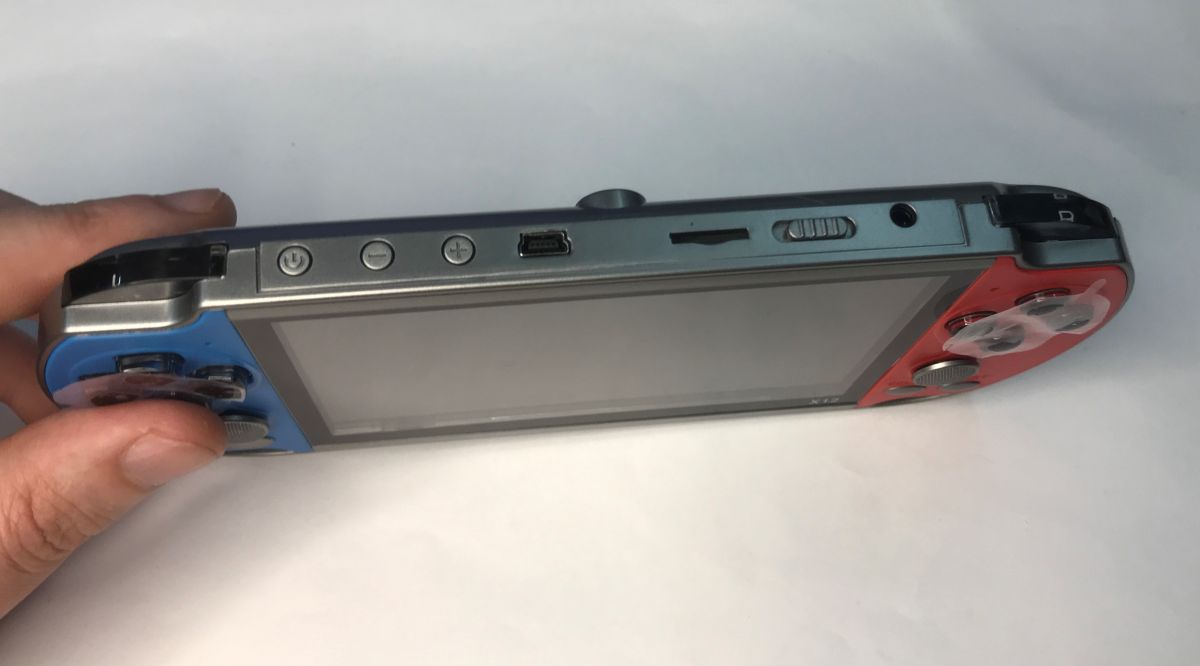
    The console is handy and flat, although the buttons walk a little more clumsy than I recall them from pads from, say, Pegasus. On the top edge, in addition to the standard buttons, charging input, audio/video output and SD card slot, we also have a volume control.
    Portable X12 1100+ games console with TV output - test, interior, construction Portable X12 1100+ games console with TV output - test, interior, construction Portable X12 1100+ games console with TV output - test, interior, construction
    On start-up, we are greeted by a menu of selected games. You may get the impression that there are not that many titles here at all, but nothing could be further from the truth - you just have to enter the games folder.
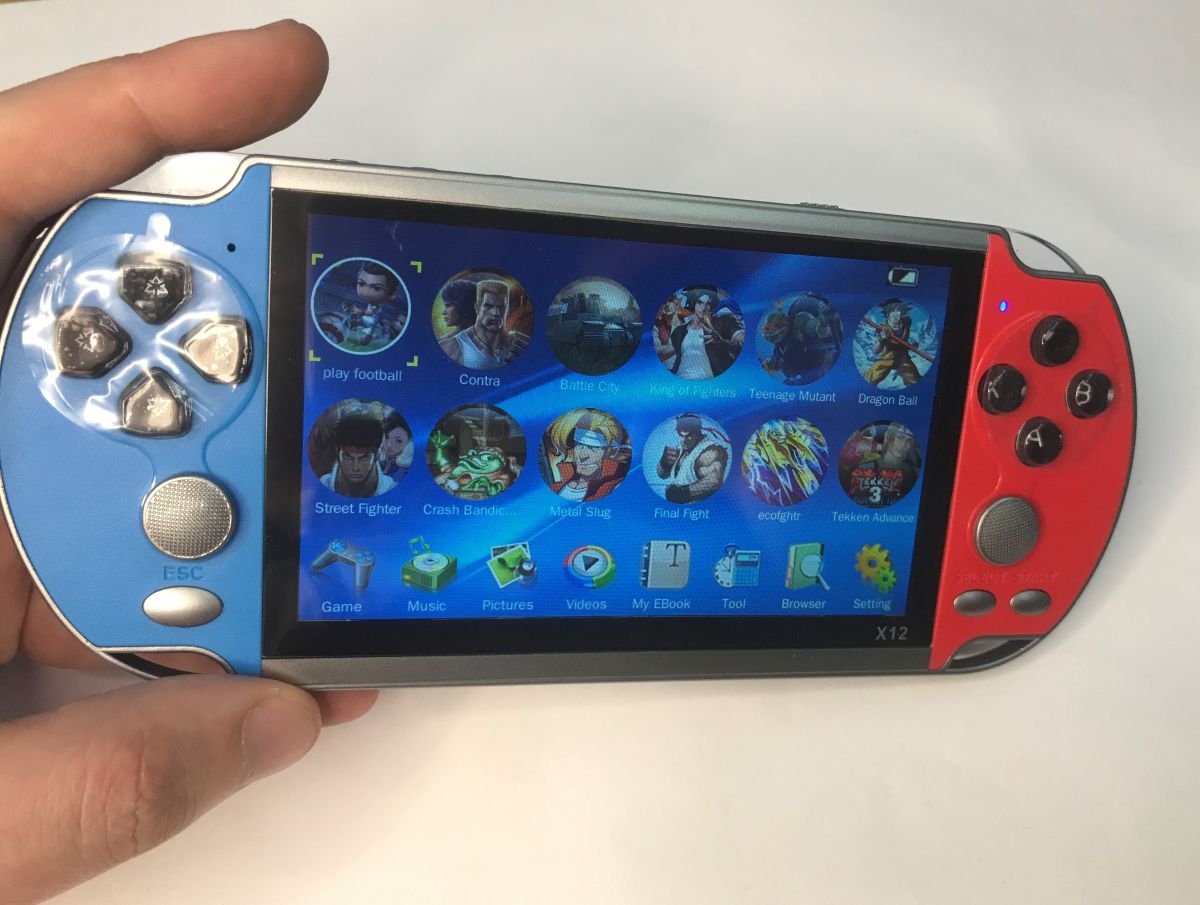
    X12 handheld game console in a hand, showing a game menu on the screen, blue and red casing
    Indeed, there are a good 11,000 files, even with the repeats it's still a lot of fun.

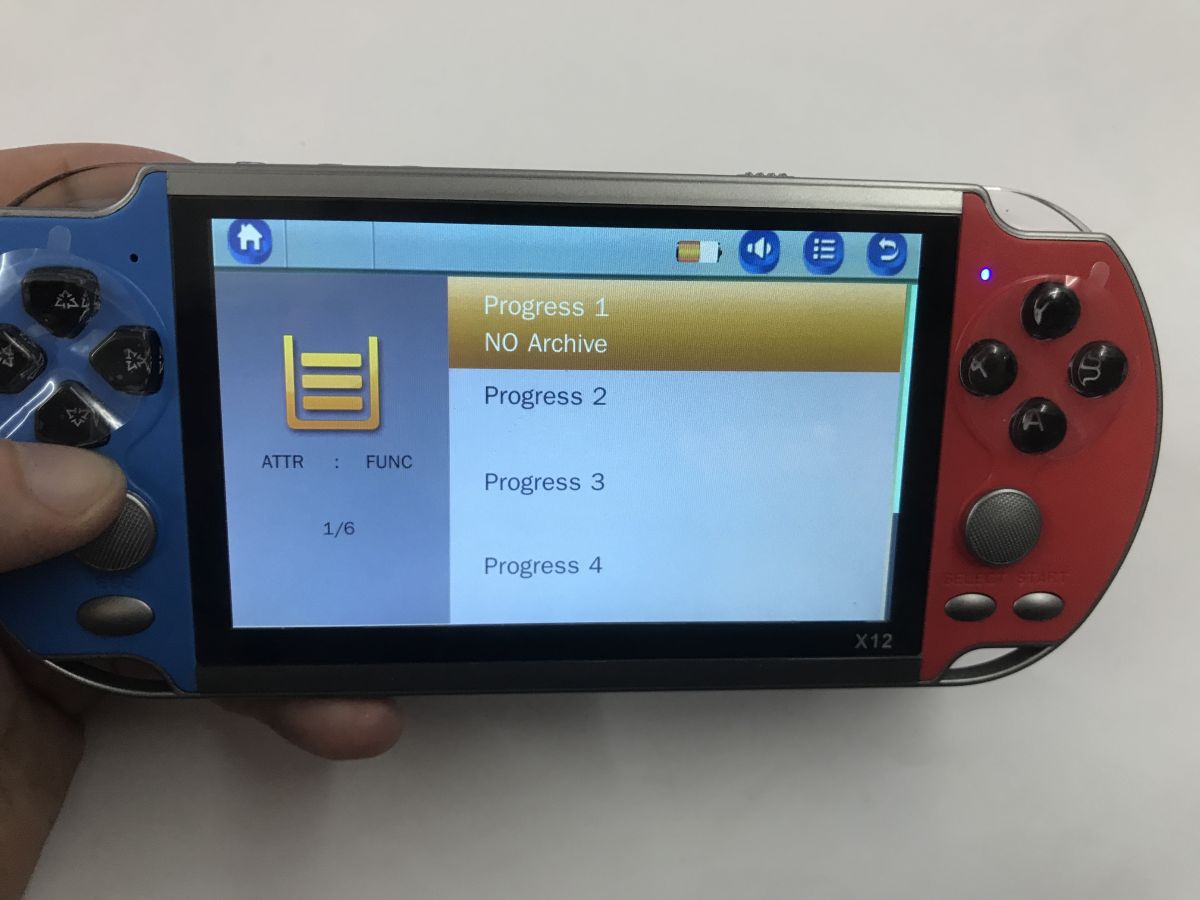
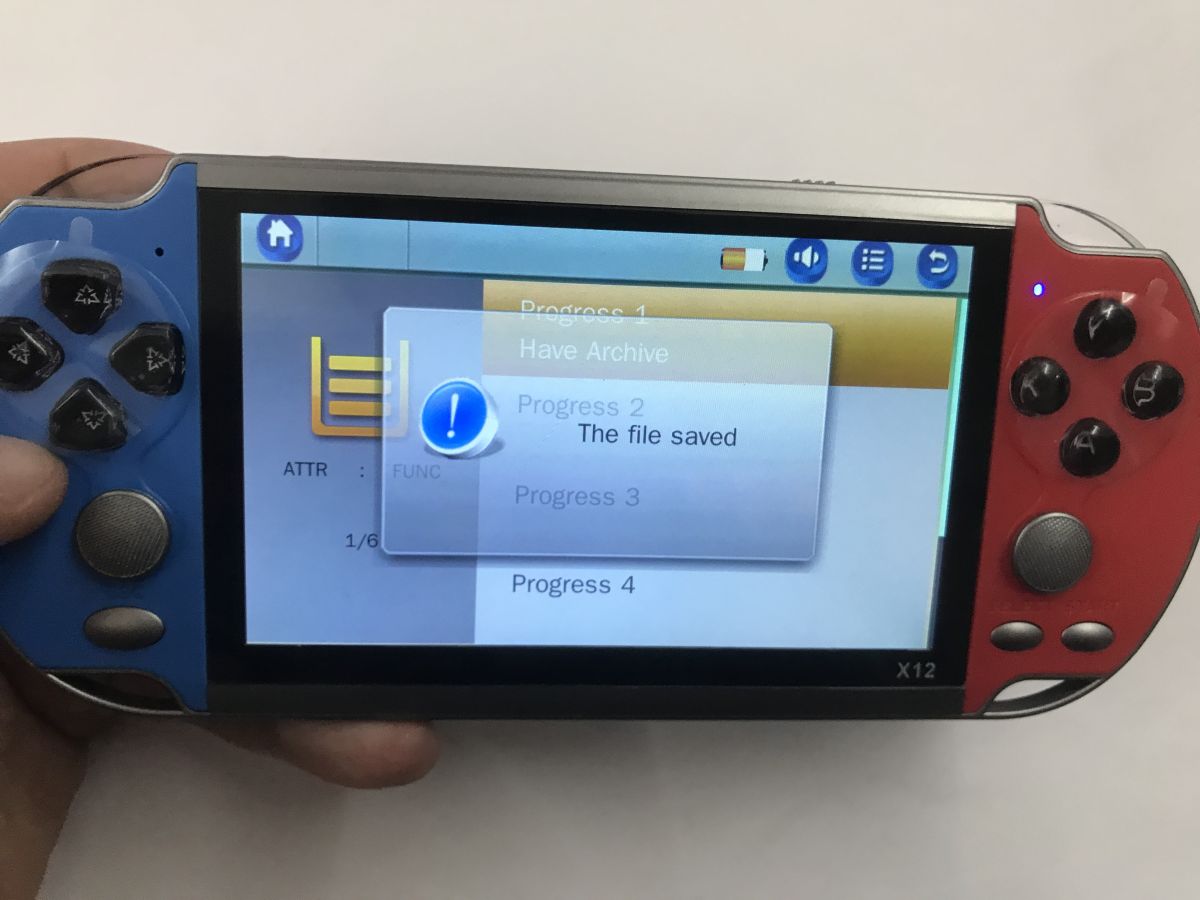
    I tested a few games. The gameplay can be saved, this is a functionality of the emulator, not the game itself.
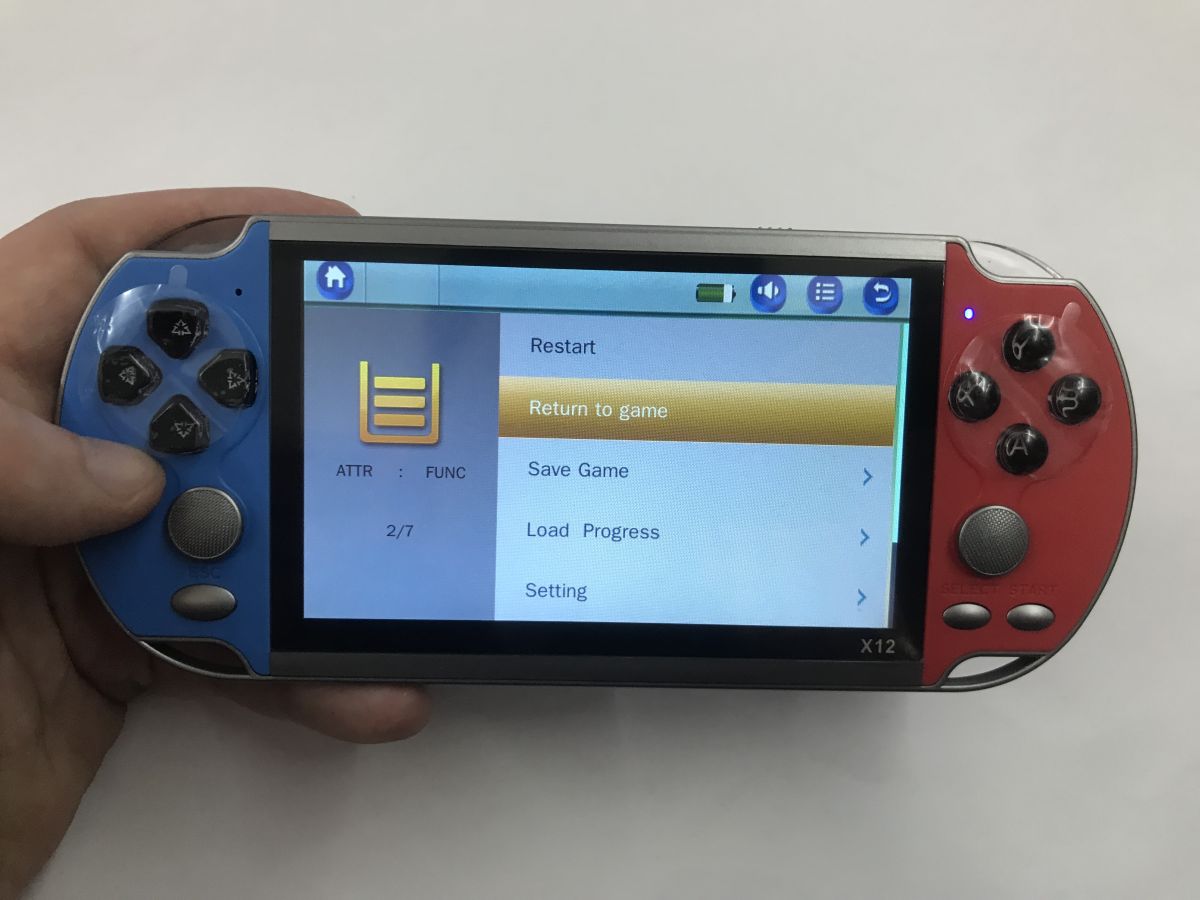
    Handheld X12 console in hand; screen shows menu with Restart and Save Game options X12 handheld game console with blue and red sides, showing “Progress 1–4” menu on screen X12 handheld console in hands, blue-red body with “The file saved” popup on the screen
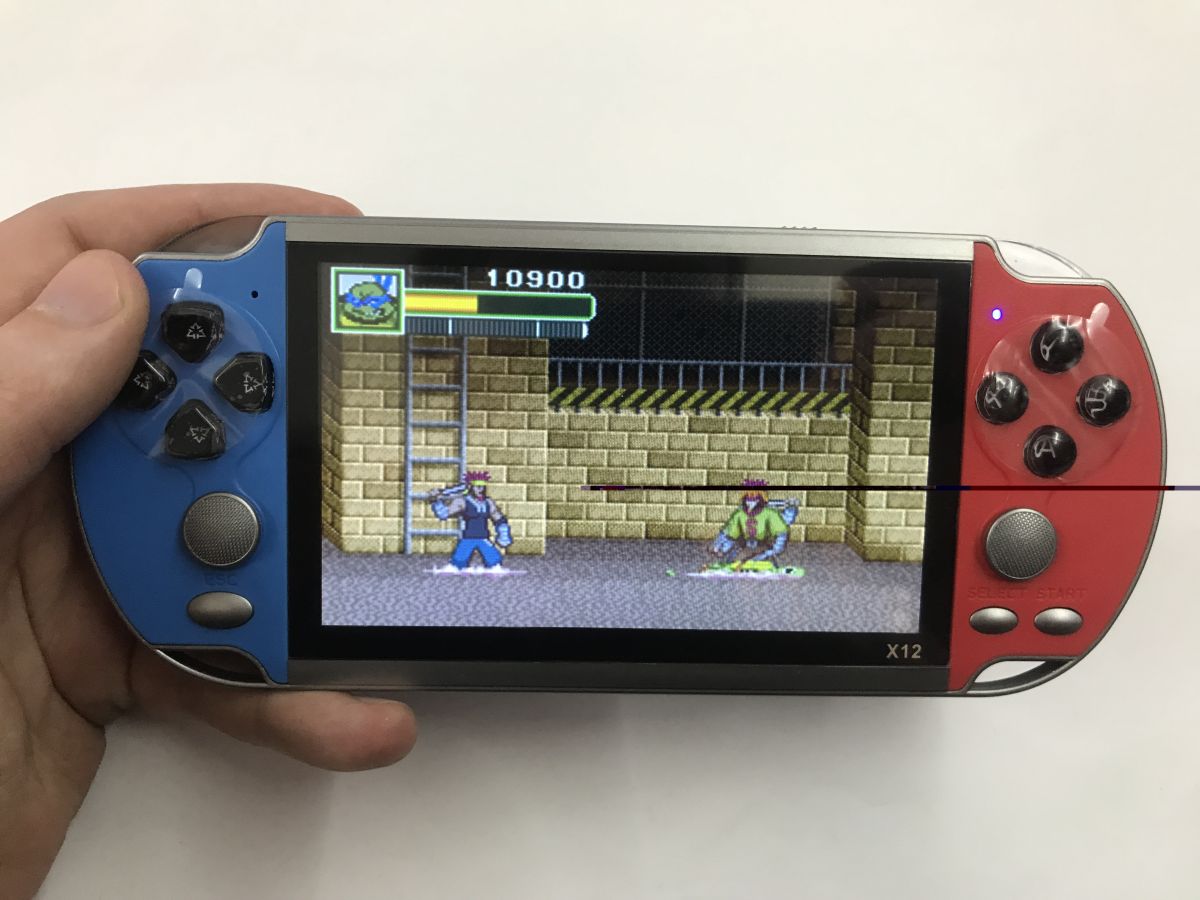
    The games look okay, there are titles I remember from my childhood, Contra, etc. The only thing to keep in mind is that these games no console software interpolation reaches - and there may even be Japanese....
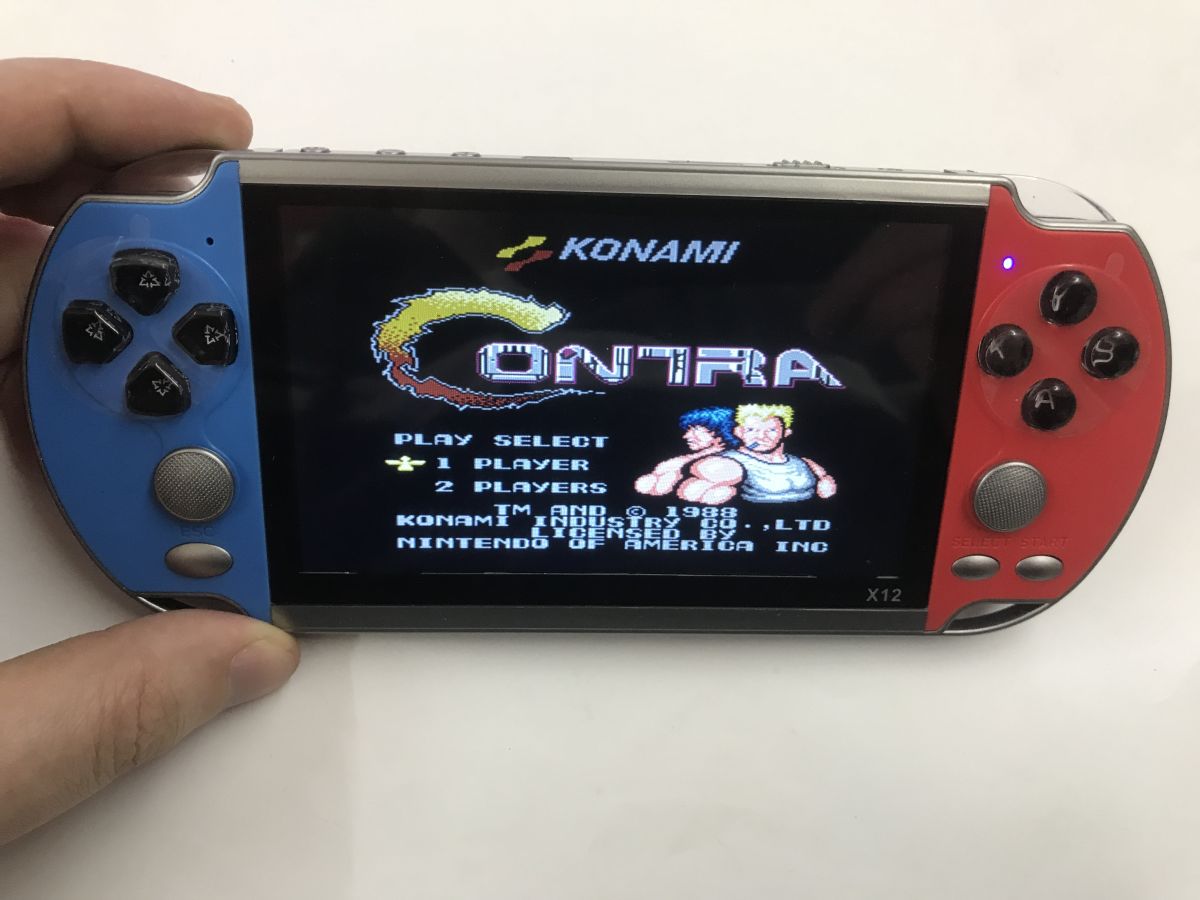
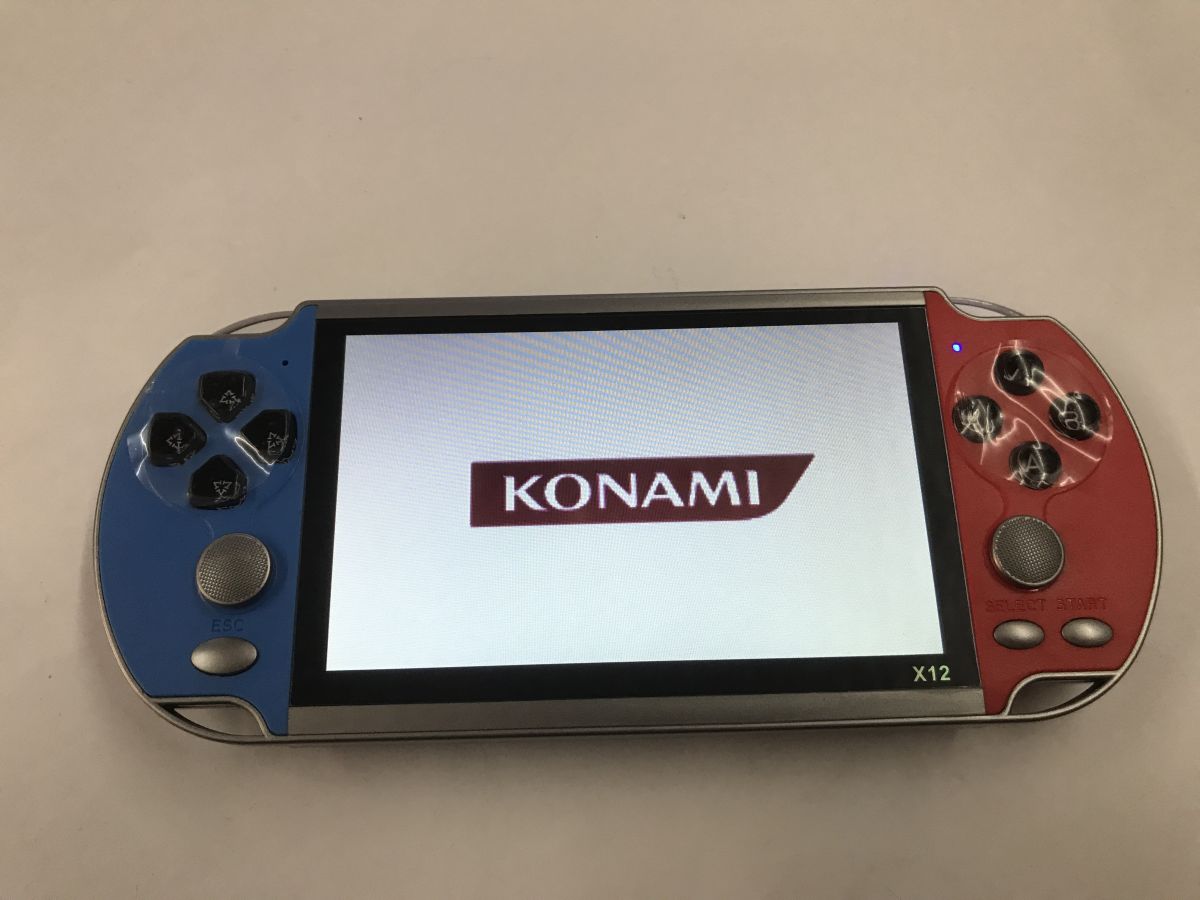
    X12 handheld console held in a hand, showing the “Contra” title menu with the Konami logo.
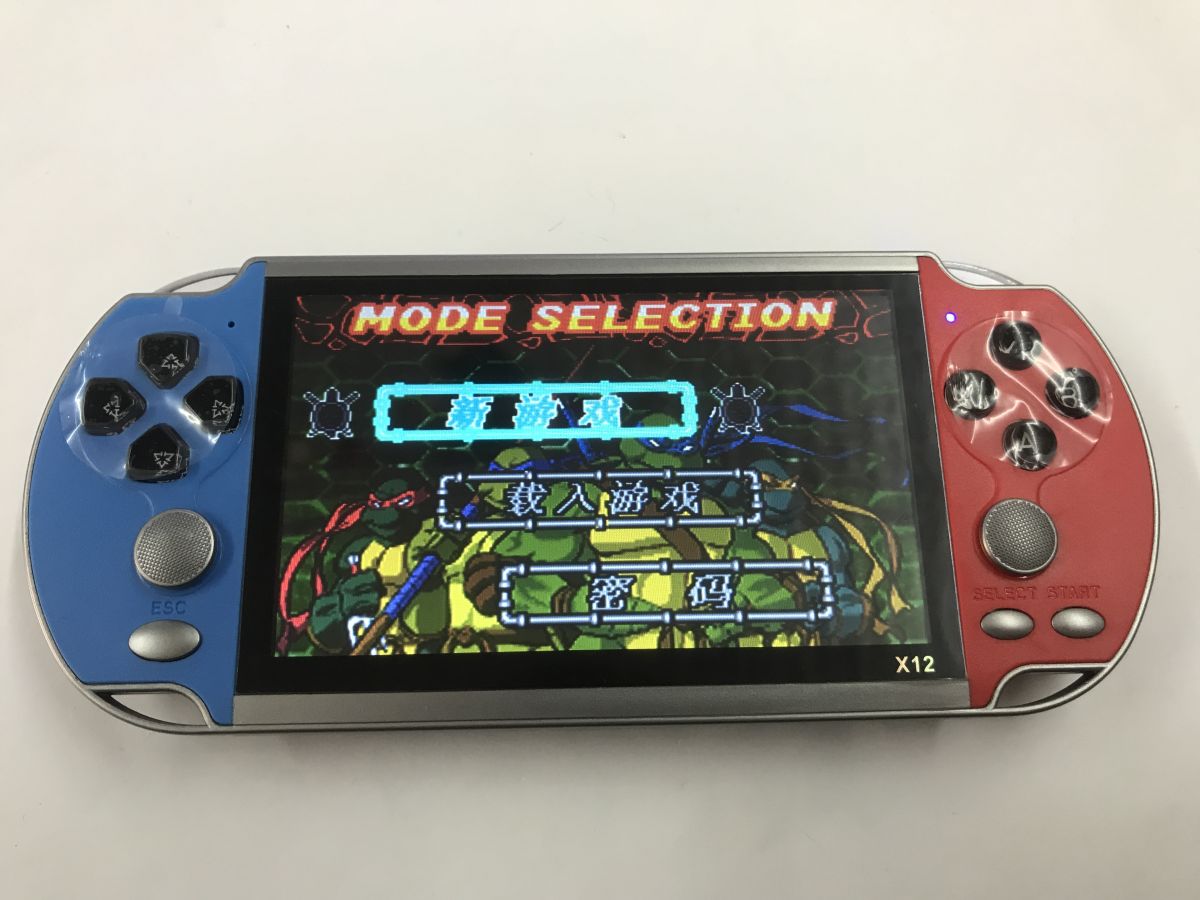
    Hand holding an X12 handheld console with red and blue sides; a 2D game is shown on the screen X12 handheld game console with blue and red grips, screen showing KONAMI logo X12 handheld game console in blue and red, showing a “MODE SELECTION” menu on the screen.
    The viewing angle of this screen doesn't knock it, but all in all, who would look at an angle?

    You can also access files via the menu, you can play sound files, videos, text files, etc:
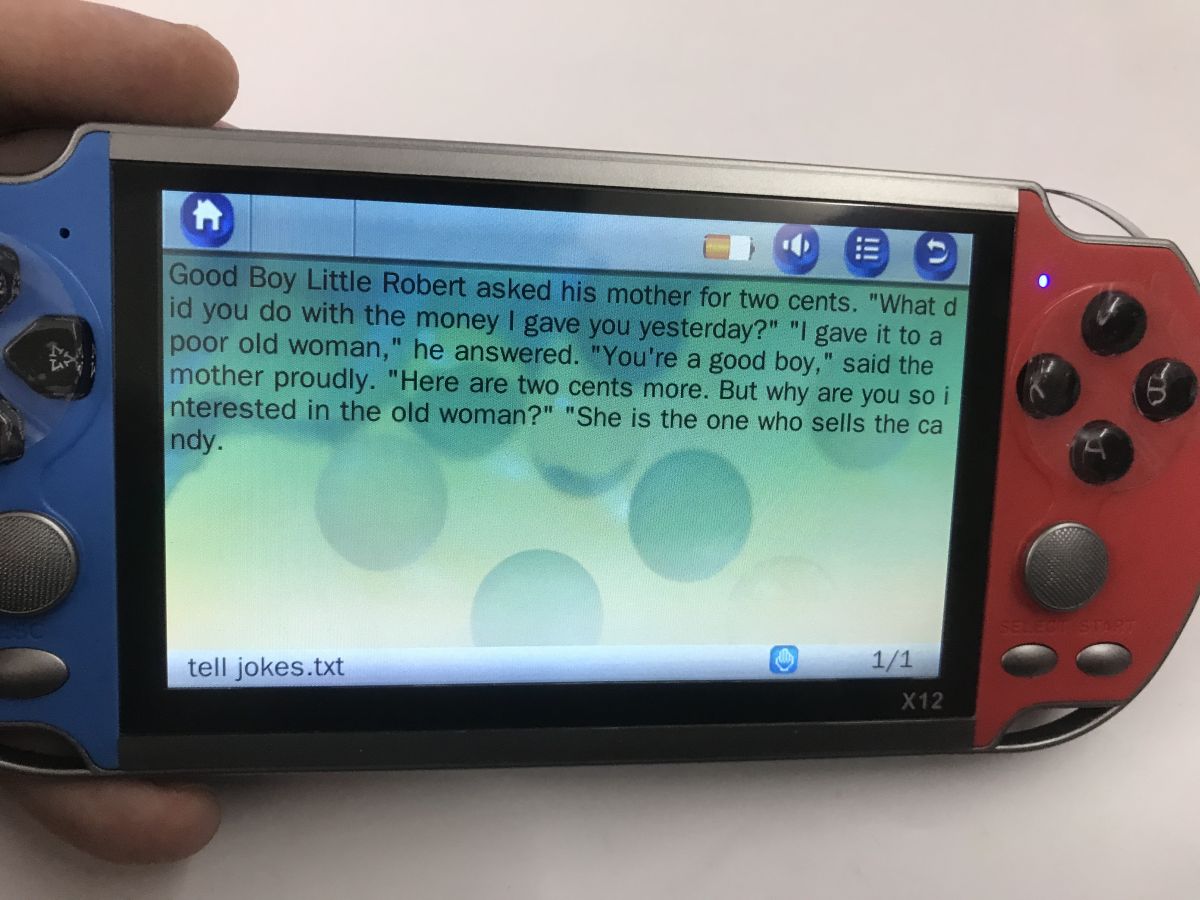
    X12 handheld console in blue and red; screen shows an English text file reader

    Time for a test with the TV:
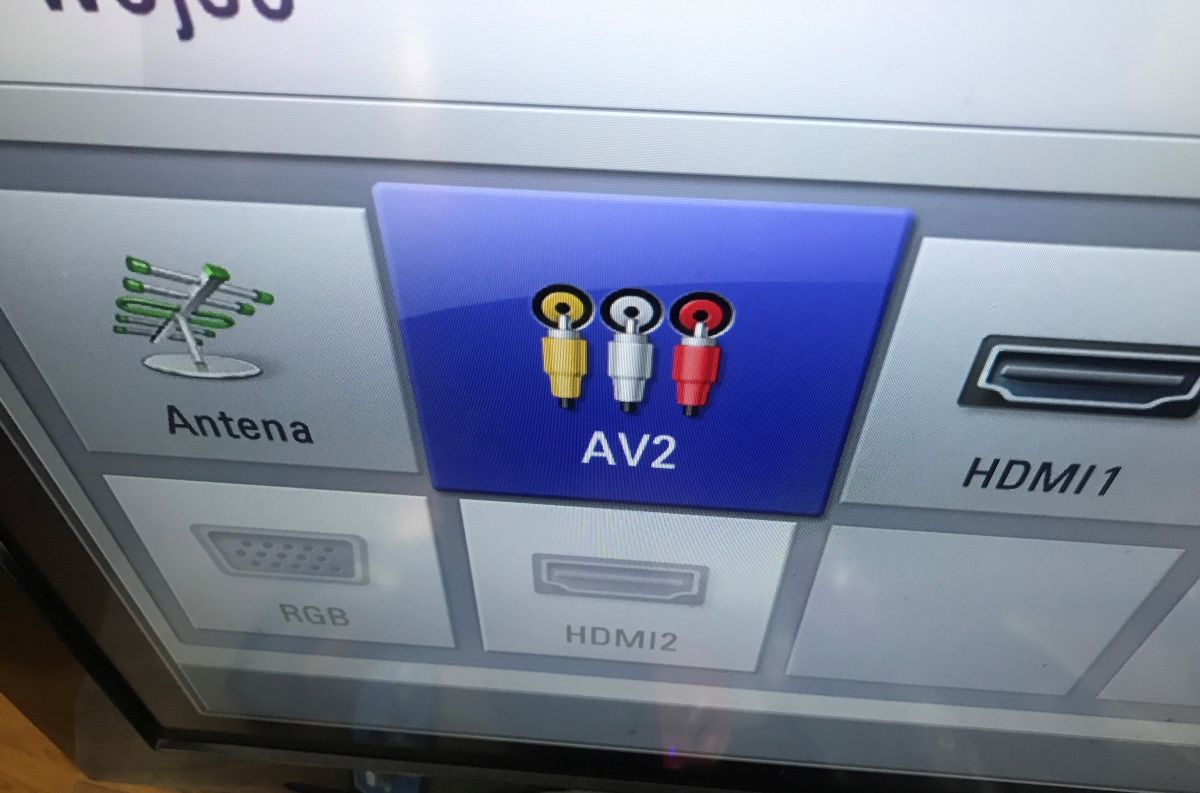
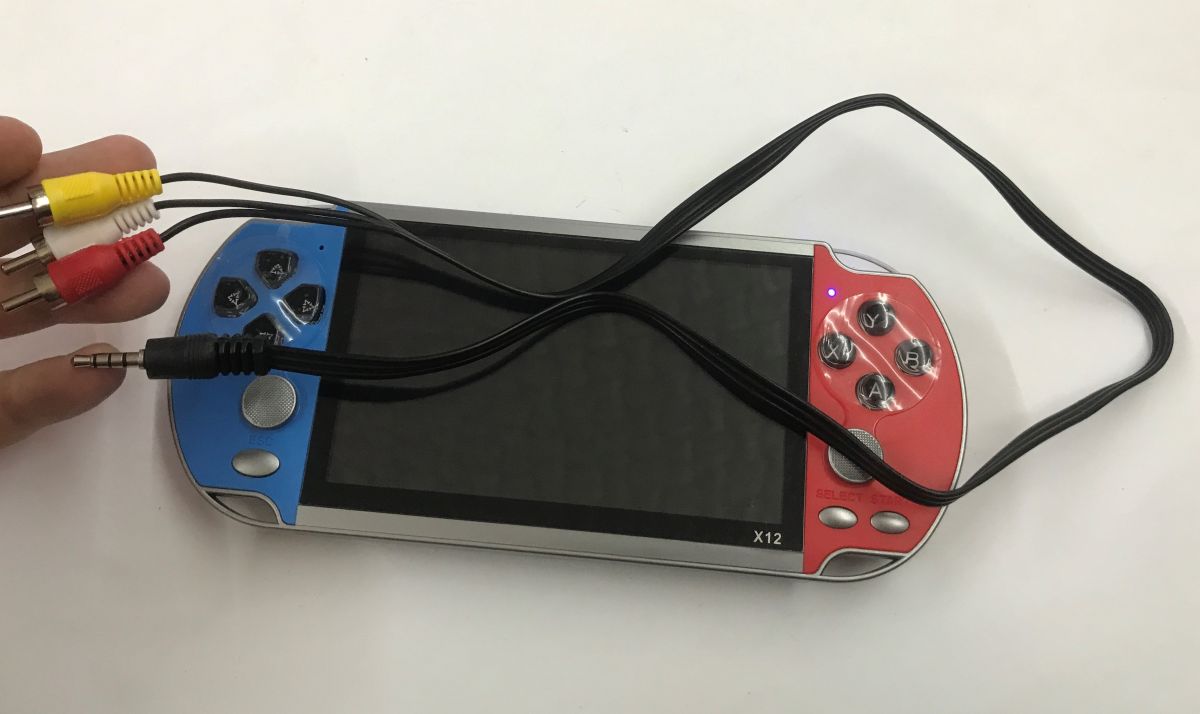
    TV input selection menu with AV2 highlighted and RCA connector icons X12 handheld game console with blank screen and connected AV cable with RCA plugs and a 3.5 mm jack
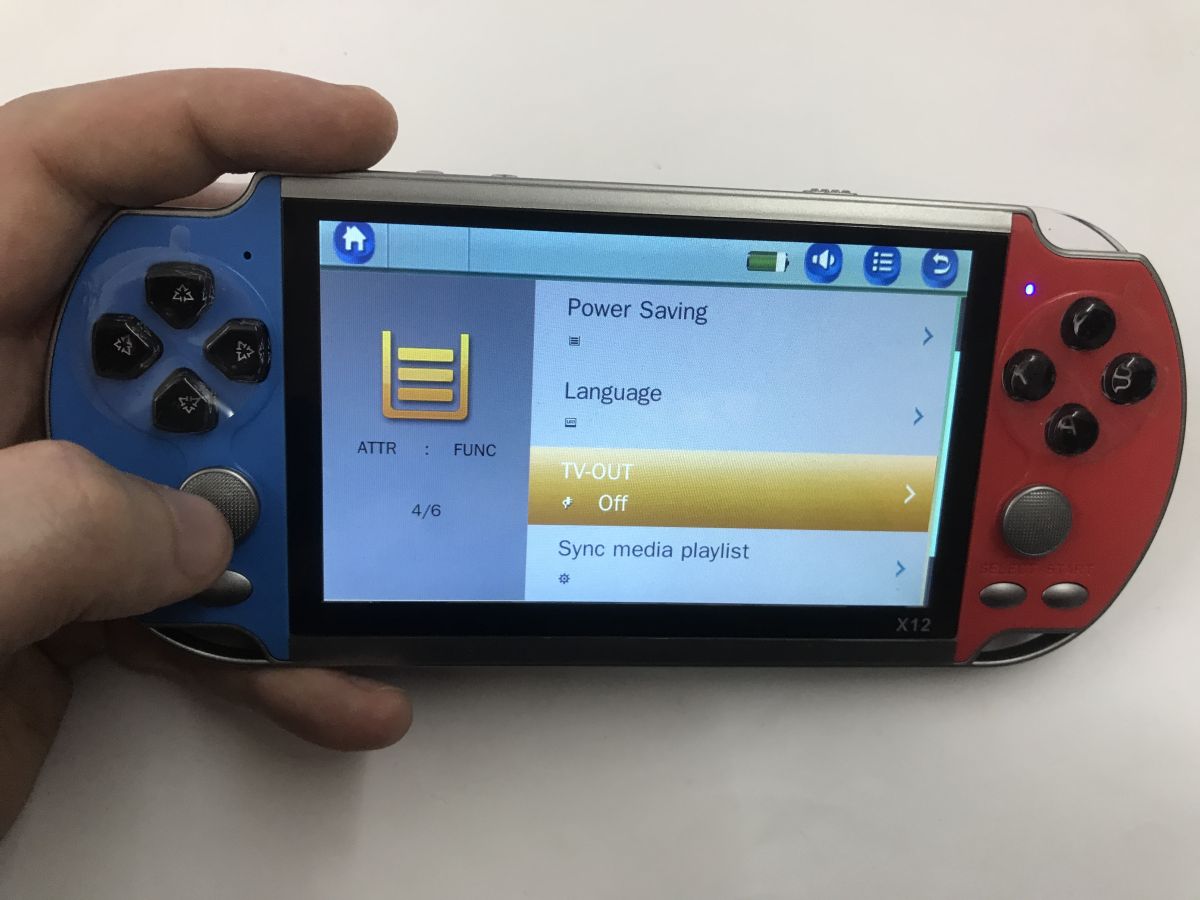
    Works, although you need to enable TVOut - PAL and NTSC modes are supported.
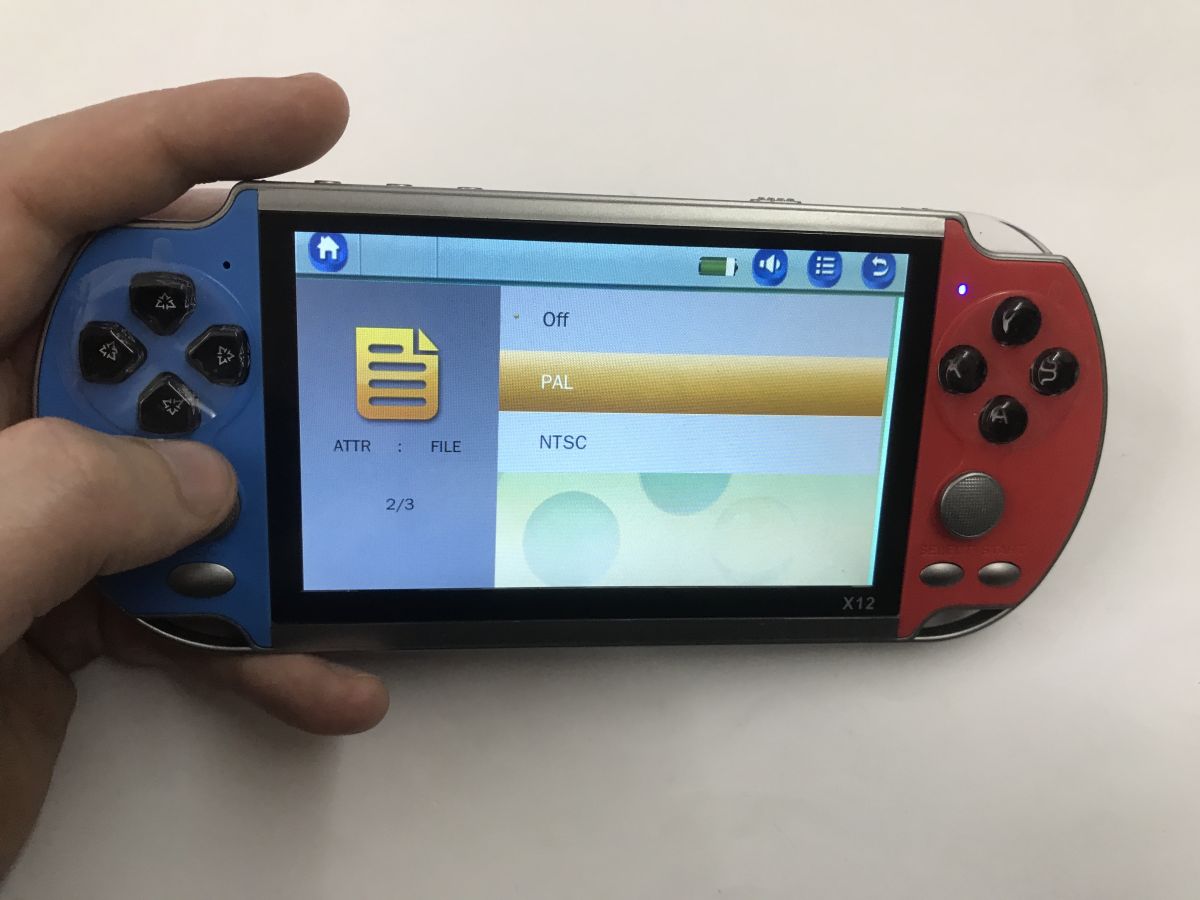
    Handheld X12 console in a hand, screen showing TV-out settings menu: Off, PAL, NTSC Handheld X12 console in a hand, screen shows settings menu with TV-OUT option
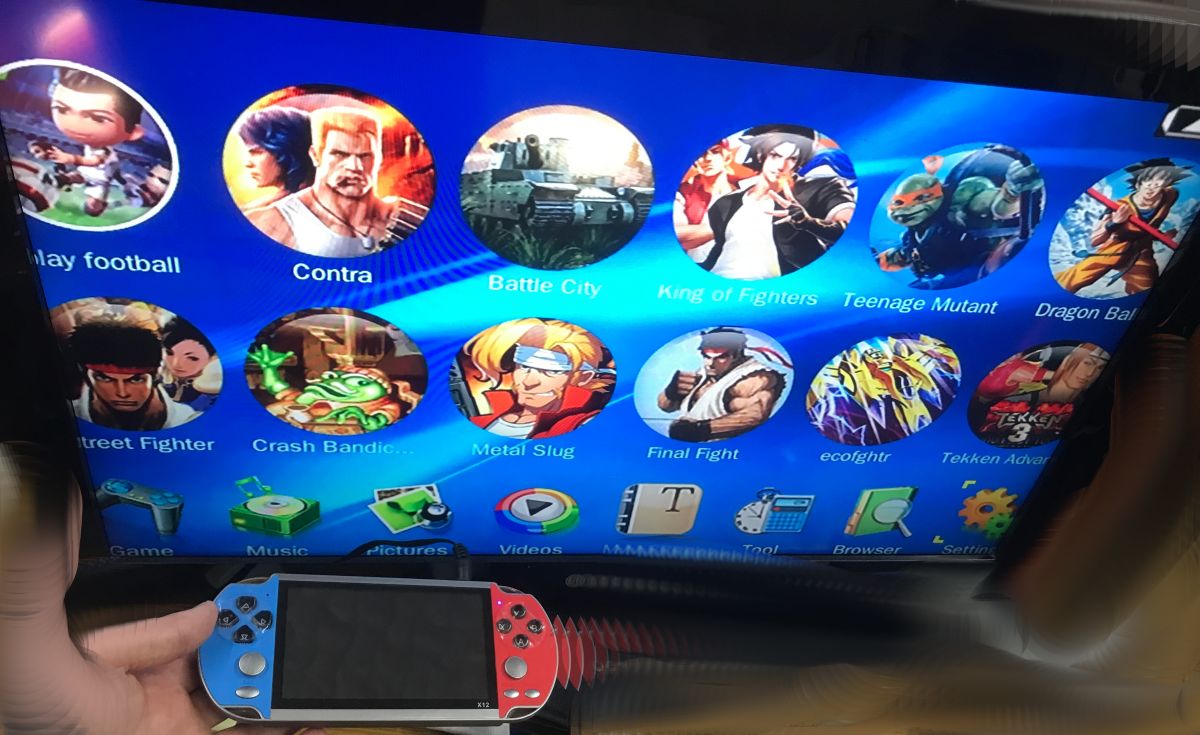
    Retro game menu on a screen, with an X12 handheld console in hand featuring blue and red controllers
    Just a moment, a moment... as a bit of fun, I switched myself to PAL mode with no TV connected, and still the image disappeared from the display and nothing could be done, I had to switch the console off and on. Potential pitfall.

    Time to look inside:
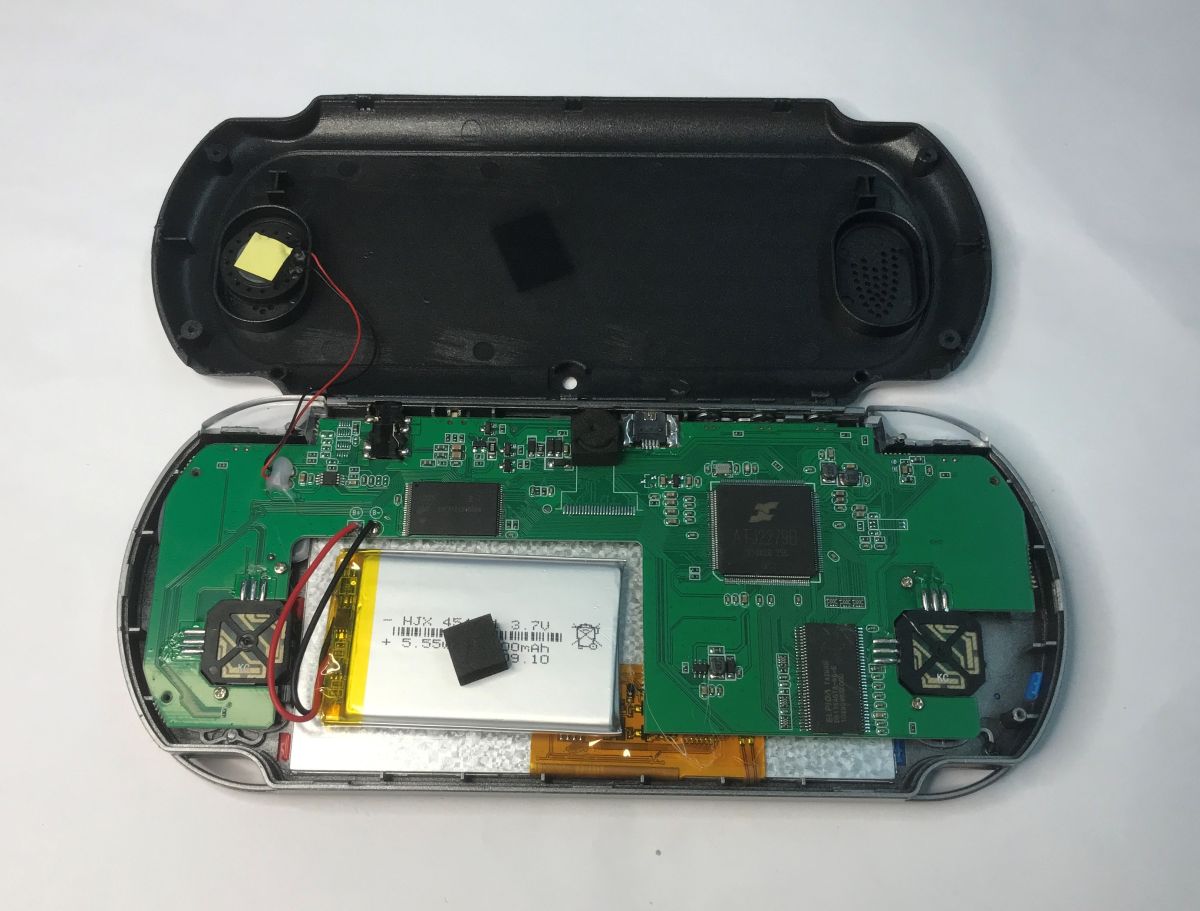
    Inside a handheld console: green PCB, Li‑ion battery, and speaker in an opened black case
    You can see that some version of this console had a camera. There are the pads. In addition, you can see the power section, memory, main processor and RAM. In addition, there are inverters next to the processor to ensure the correct low voltage for its operation.
    One of the inverters - the B11G8.
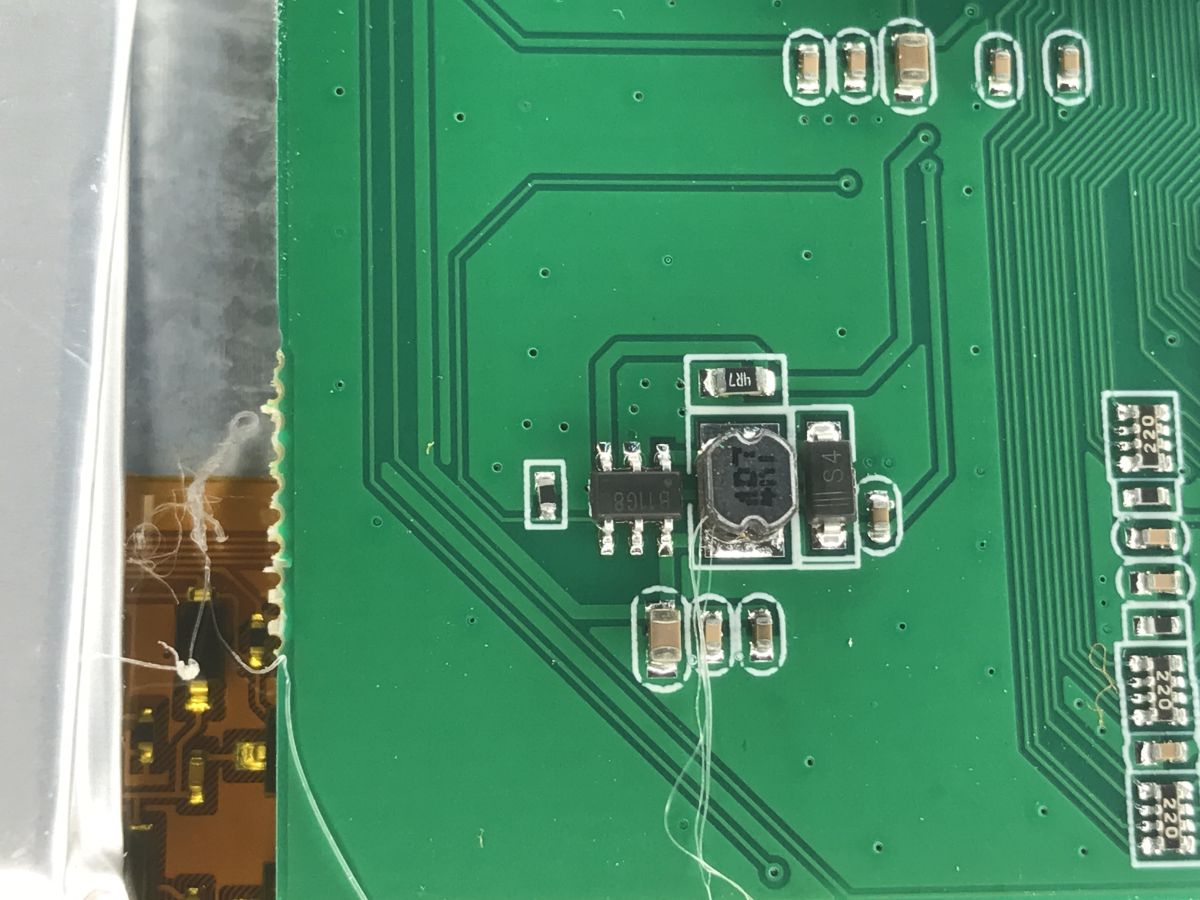
    Close-up of a green PCB with SMD parts and a shielded inductor coil
    Next to the speaker is an audio amplifier - LM4890, 1 W:
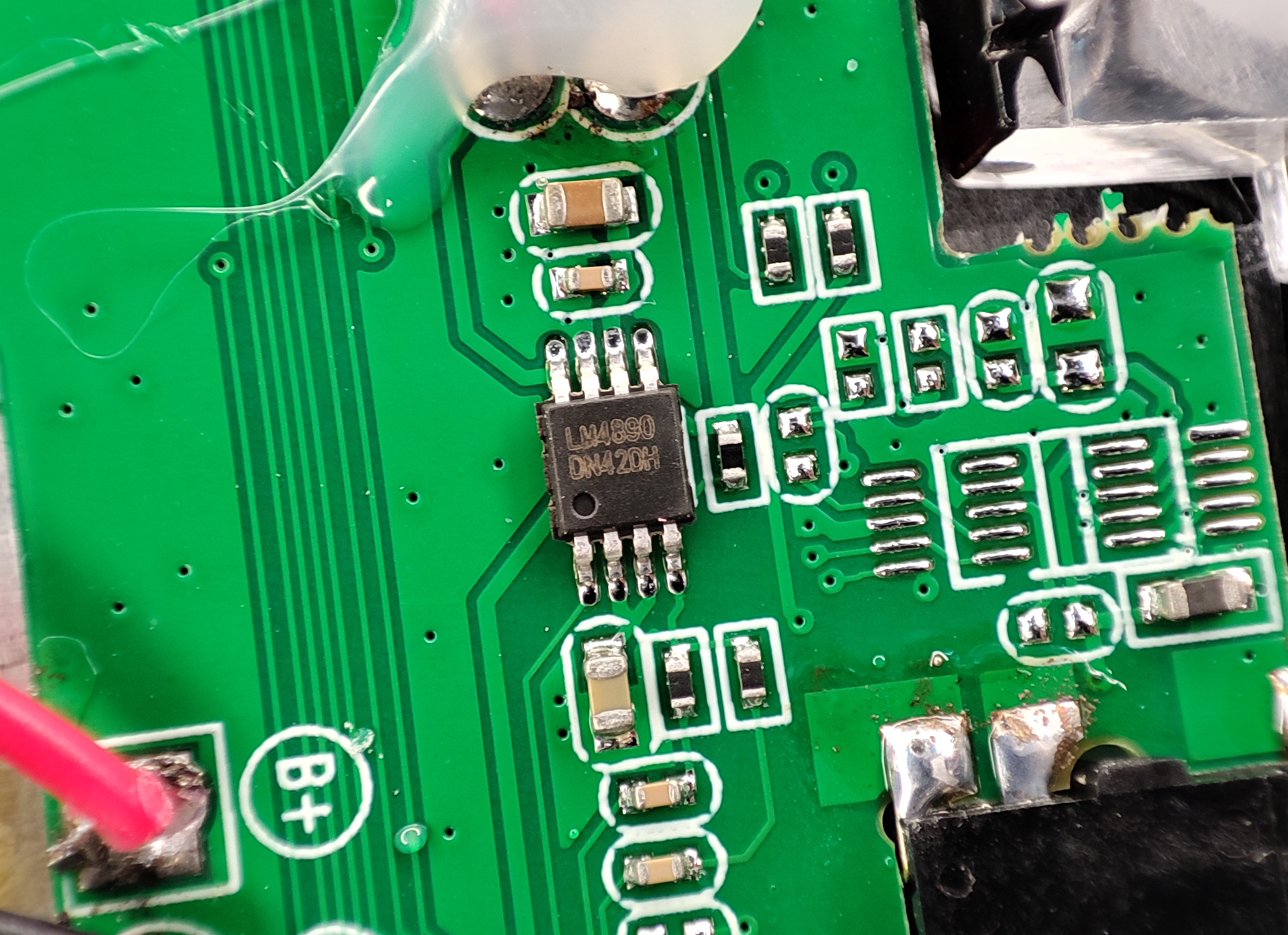
    Close-up of a green PCB with an LM4890 chip and SMD parts, next to a B+ pad.
    29F64G08CBABA is a 64 Gb NAND flash memory which is 8 GB. As seen on the case.
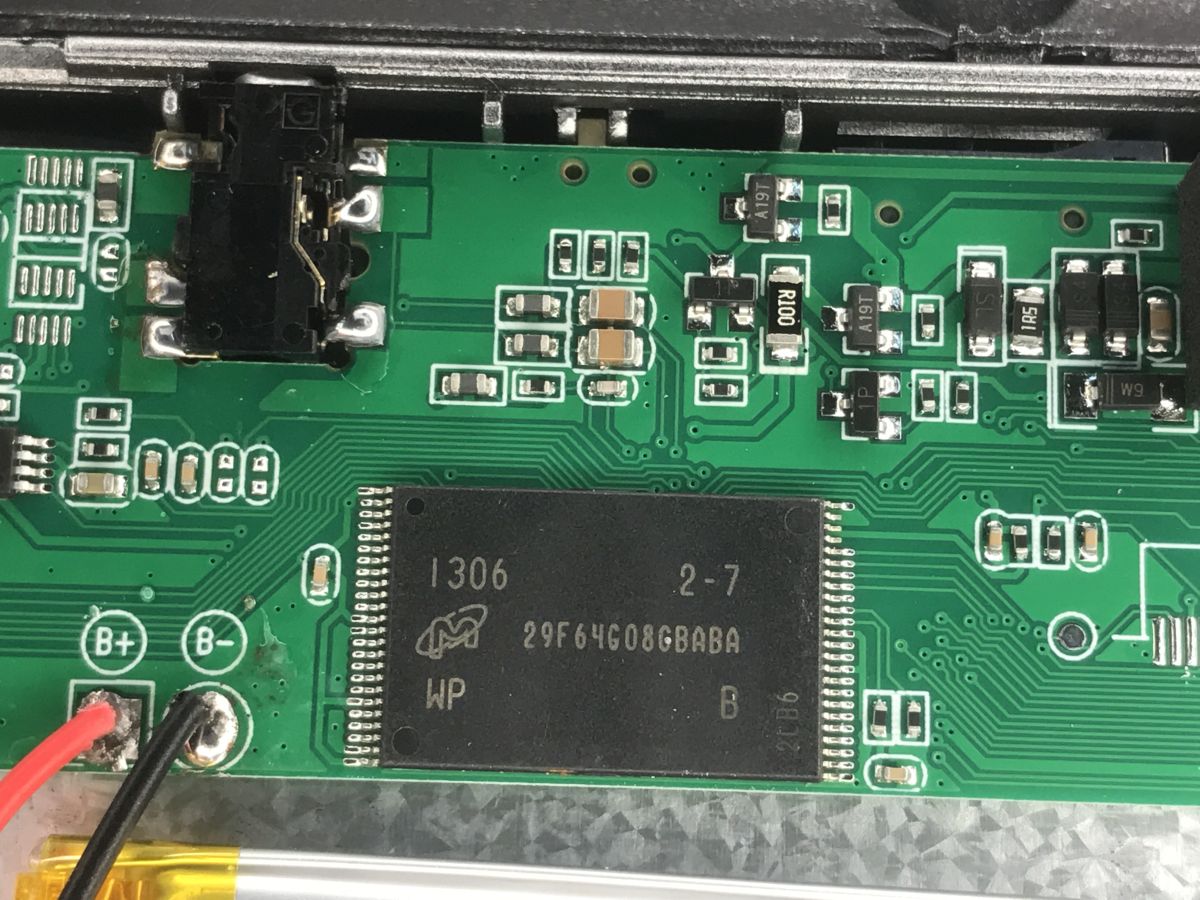
    Close-up of a device PCB with chip marked 29F64G08CBABA and solder pads labeled B+ and B-
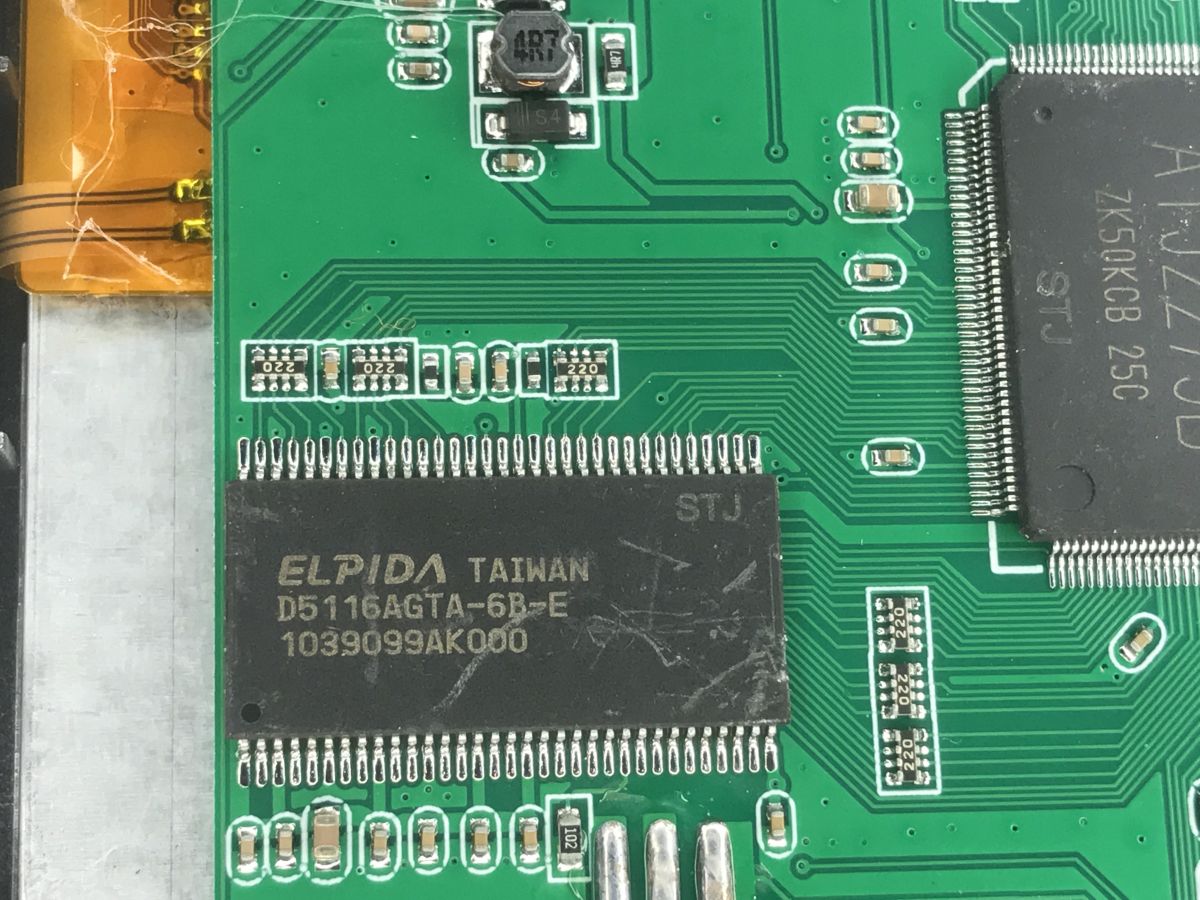
    D5116AGTA-6B-E is SDRAM, 512 Mb.
    Close-up of a PCB showing Elpida D5116AGTA-6B-E chip and surrounding SMD components
    And then there's the main SoC - the ATJ2279B.
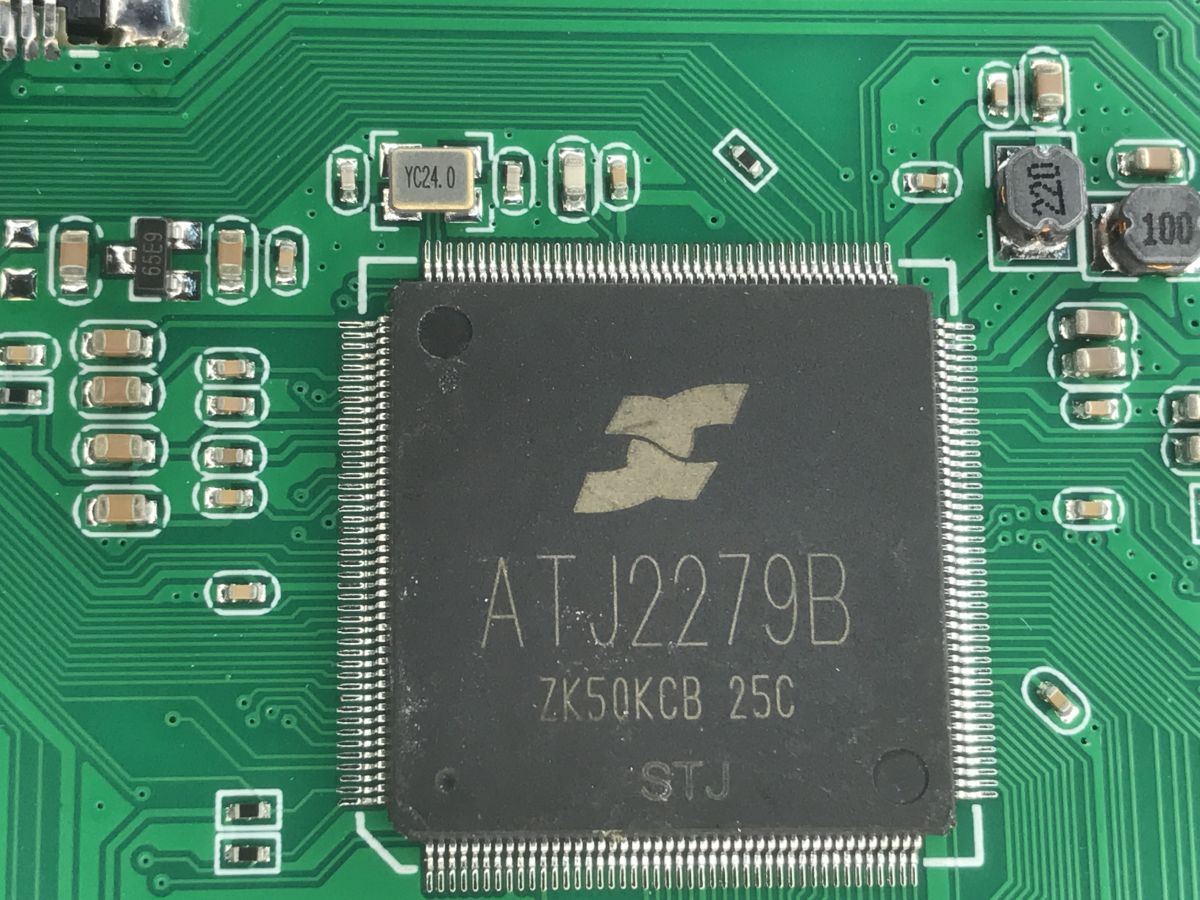
    Close-up of a PCB with an ATJ2279B chip and surrounding SMD components
    The ATJ2279B is a highly integrated SoC based on a 32-bit RISC core up to 450 MHz, with integrated GPU, video engine and DDR/DDR2/Mobile DDR memory controller. Provides high performance with low energy consumption.
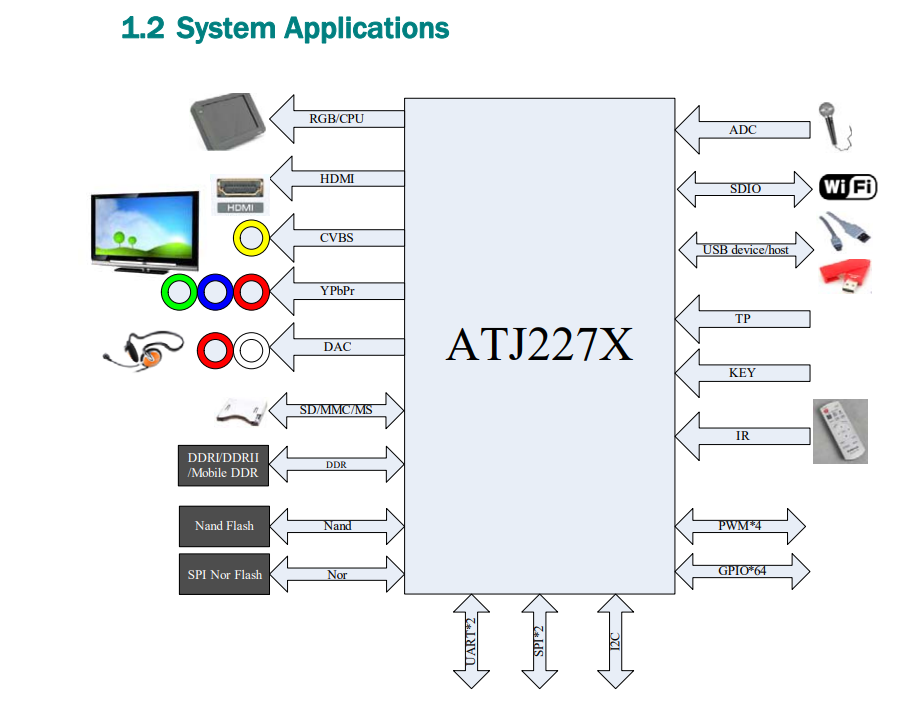
    Block diagram of ATJ227X showing video, audio, memory, and connectivity interfaces (Wi‑Fi, USB, SDIO)
    The chip supports video decoding up to HD, recording up to 720p and multiple audio and video formats. It offers HDMI, CVBS, YPbPr, 5.1 audio, SPDIF and I2S outputs and LCD interfaces with touch support.
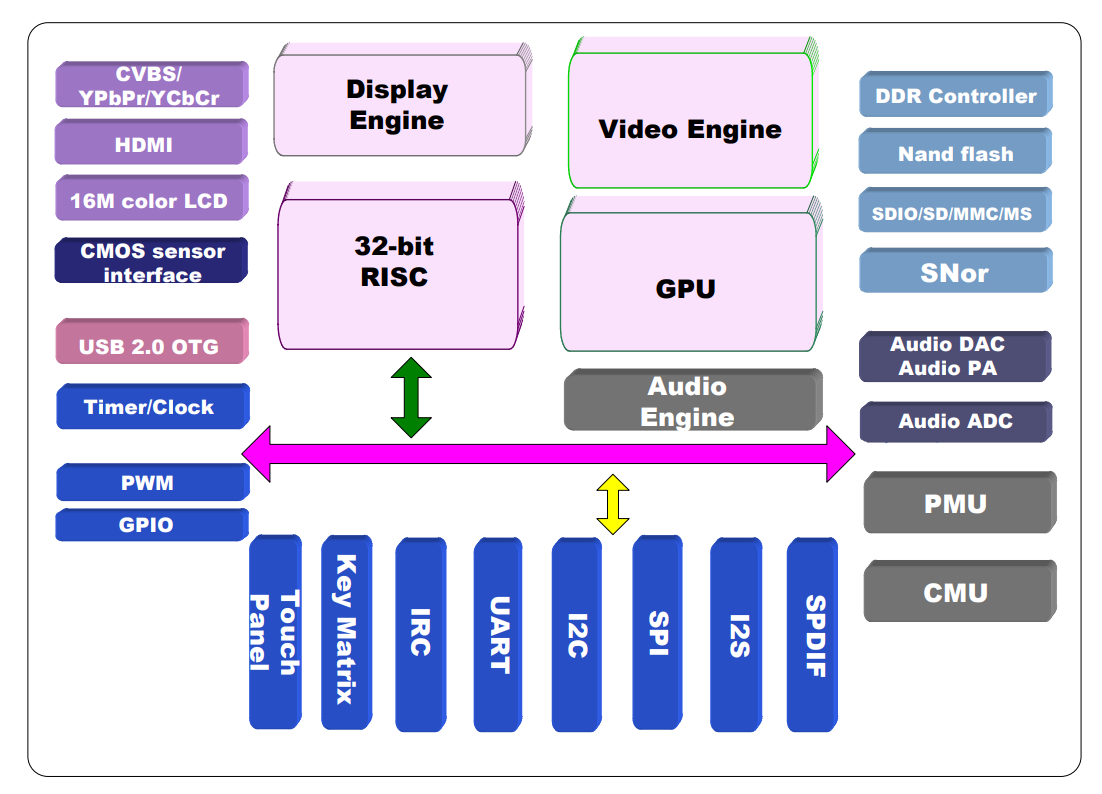
    Block diagram of a SoC with 32-bit RISC, GPU, video engine, and multiple I/O interfaces
    The ATJ2279B features USB 2.0 HS with OTG, NAND Flash controllers with ECC, SD/MMC and a rich set of interfaces (I²C, SPI, UART, IR), enabling Wi-Fi, LAN and Bluetooth support.
    An integrated power management unit makes it a complete 'all-in-one' solution for multimedia devices.

    It will be interesting to see if the console will run without a battery (I disconnected it after unscrewing the case), with USB power, yes:
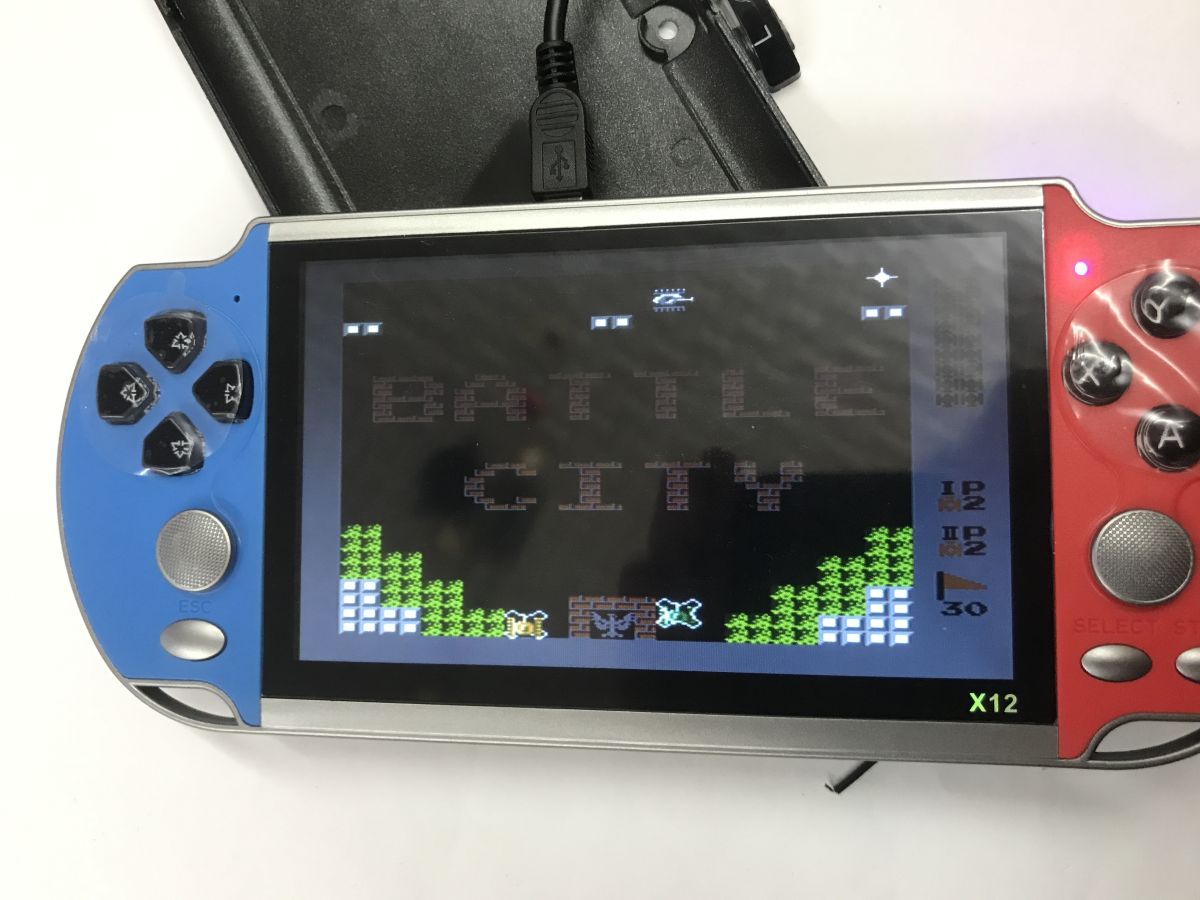
    X12 handheld game console with blue and red sides, displaying the game Battle City.
    Battle City, this title I think I knew as Tank 1990.
    It draws about 0.2 A at 5 V:
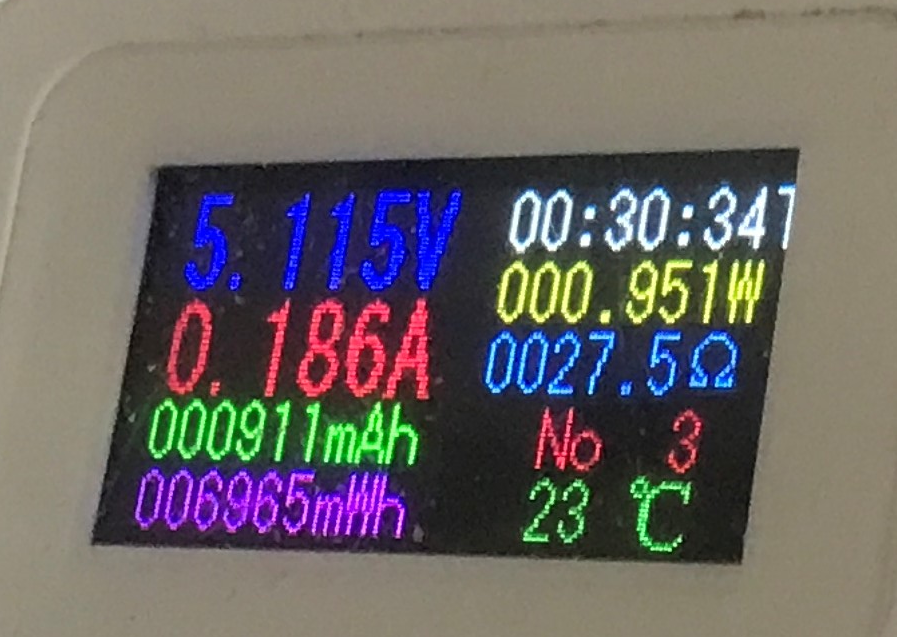
    Color USB meter display showing 5.115 V, 0.186 A, 0.951 W, and 23°C

    In summary , this console is somewhat low quality, but it gets the job done. At a discount you can buy if you care about older titles. Pros:
    + it worked without batteries (there was a warning for a while)
    + many games
    + output for PAL/NTSC
    + SD card support, you can catch up
    + can also play movies, etc.
    Minuses:
    - one speaker (although with these games, does it matter?)
    - clumsy handling
    - no normal menu for games
    - when I switched to PAL, the picture disappeared, and I lost the ability to return to the display, only a restart helped
    - after each restart the volume is full
    A side observation: I started the Contra game from the menu and had infinite lives. Is this a plus or a minus? Probably a ROM issue, this one had the lives unlocked.
    It would probably have been worth making a copy of the card's contents after purchase, or even transferring it to a higher quality card, as the manufacturer probably saves on whatever it can.
    Whether it was worth it - I leave the decision for you. Have you tested this console, or do you know of a better alternative at this price?

    Cool? Ranking DIY
    Helpful post? Buy me a coffee.

    About Author
    p.kaczmarek2
    Moderator Smart Home
    Offline 
    p.kaczmarek2 wrote 14231 posts with rating 12127, helped 647 times. Been with us since 2014 year.
  • ADVERTISEMENT
  • #2 21873961
    James596
    Level 29  
    Cool gadget. Question - does the tv-out minijack actually also work as a headphone output?
  • #3 21874012
    MAT_ ZAJ
    Level 14  
    p.kaczmarek2 wrote:

    or do you know of a better alternative at this price?

    A good alternative at this price is at least the R36s (in promotions it even happens to be under 100zl!) it supports platforms up to PS1/PSP (with incomplete compatibility of more demanding titles for the latter platform), it also offers thus more manipulators (two analogues), there is a large community around it, alternative software, mods.
    It also supports USB OTG including USB WLAN cards, so this also expands its options :D

    As for the console under test - I miss a bit of a test of GBA games if it supports them, they are often a good performance benchmark of emulation software and hardware :)
    In theory I see that the manual also mentions PS1.... Interesting, worth checking that out too.
📢 Listen (AI):
ADVERTISEMENT