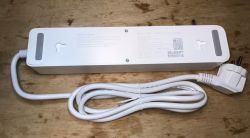
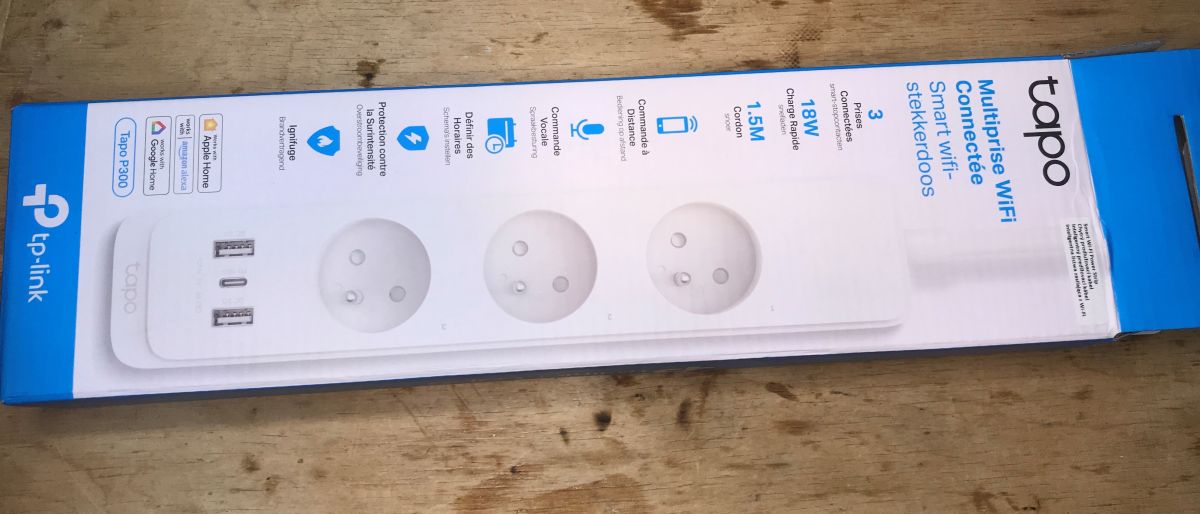
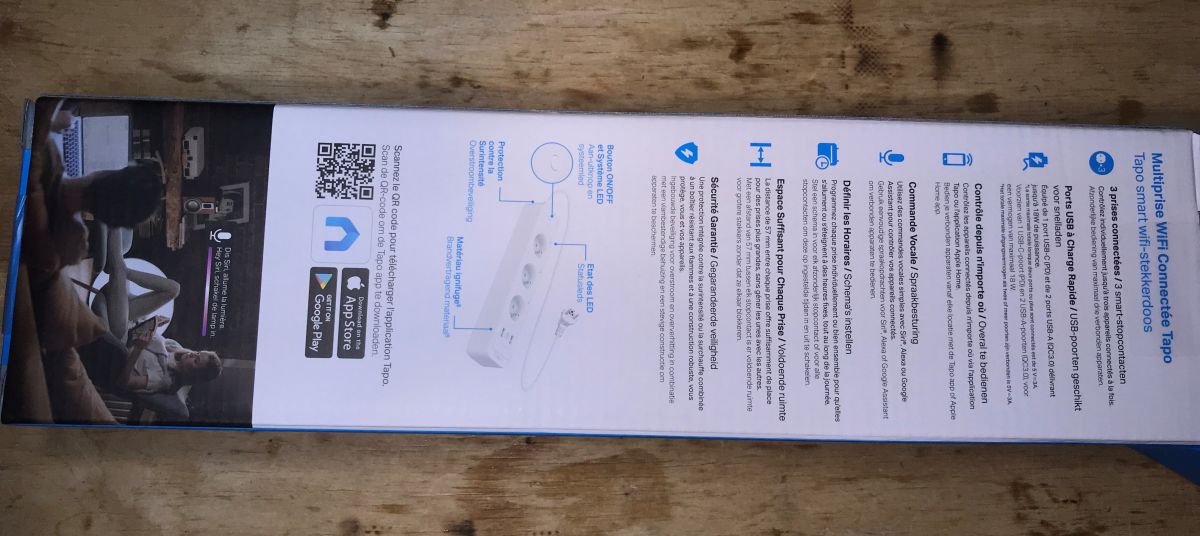
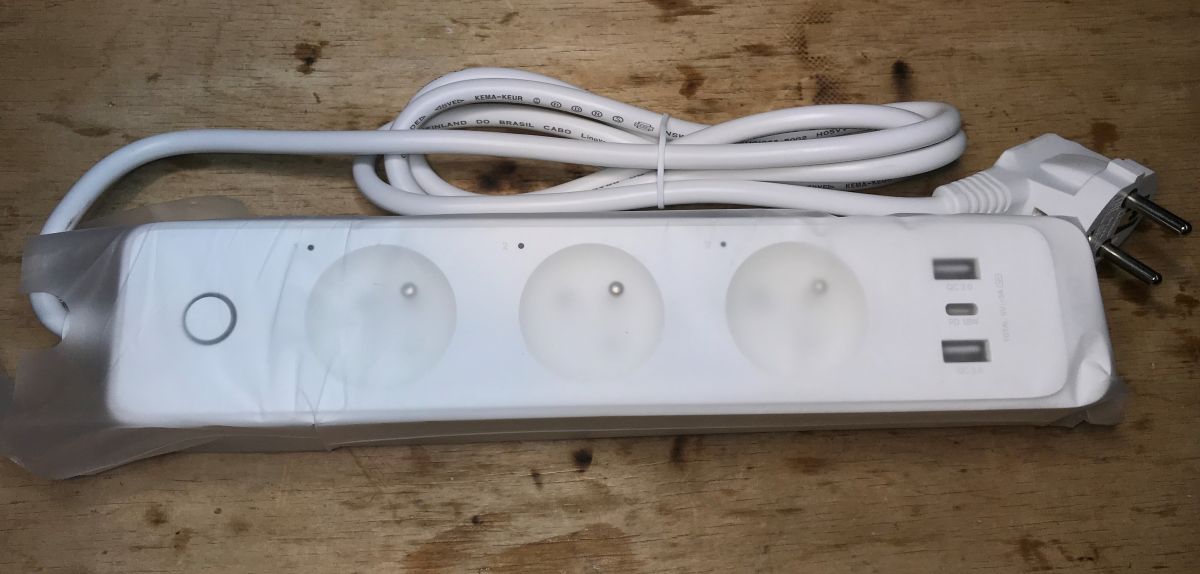
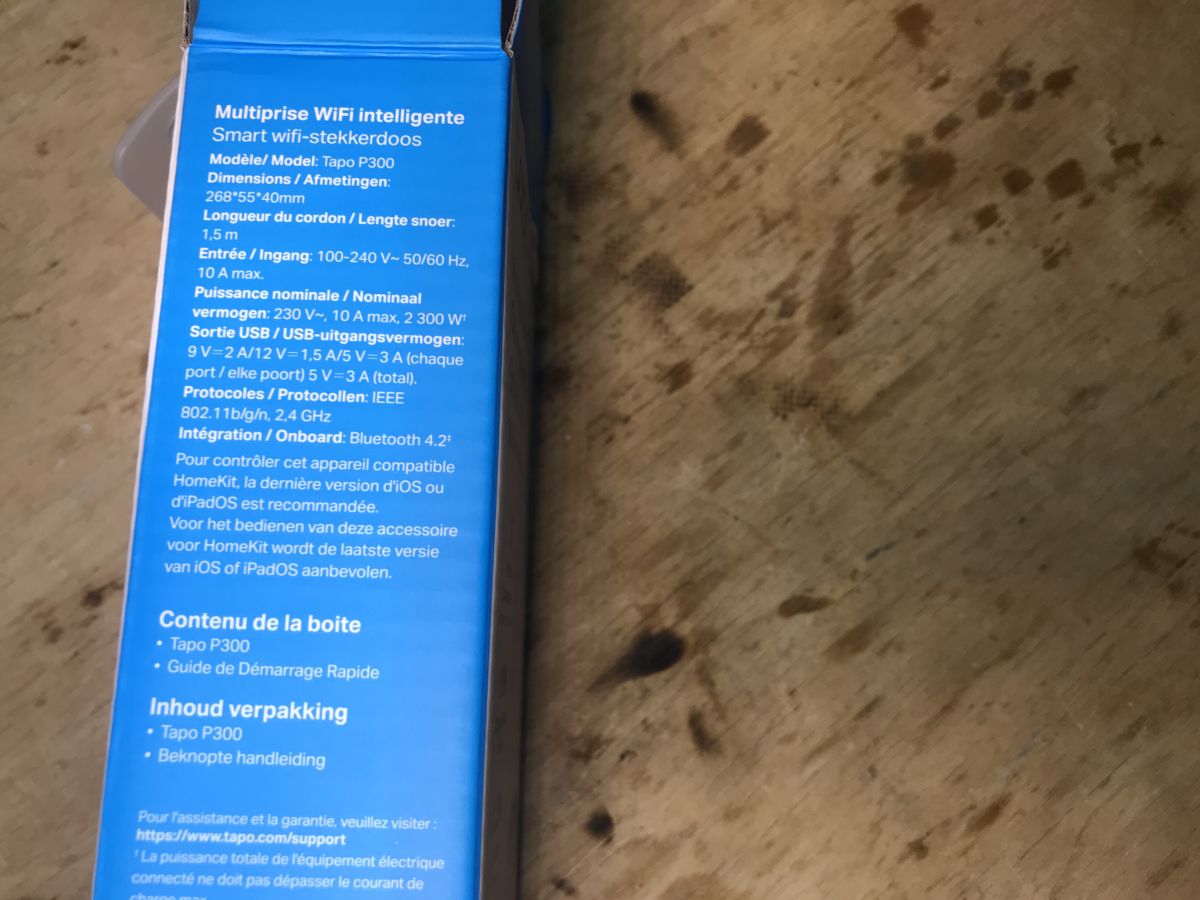
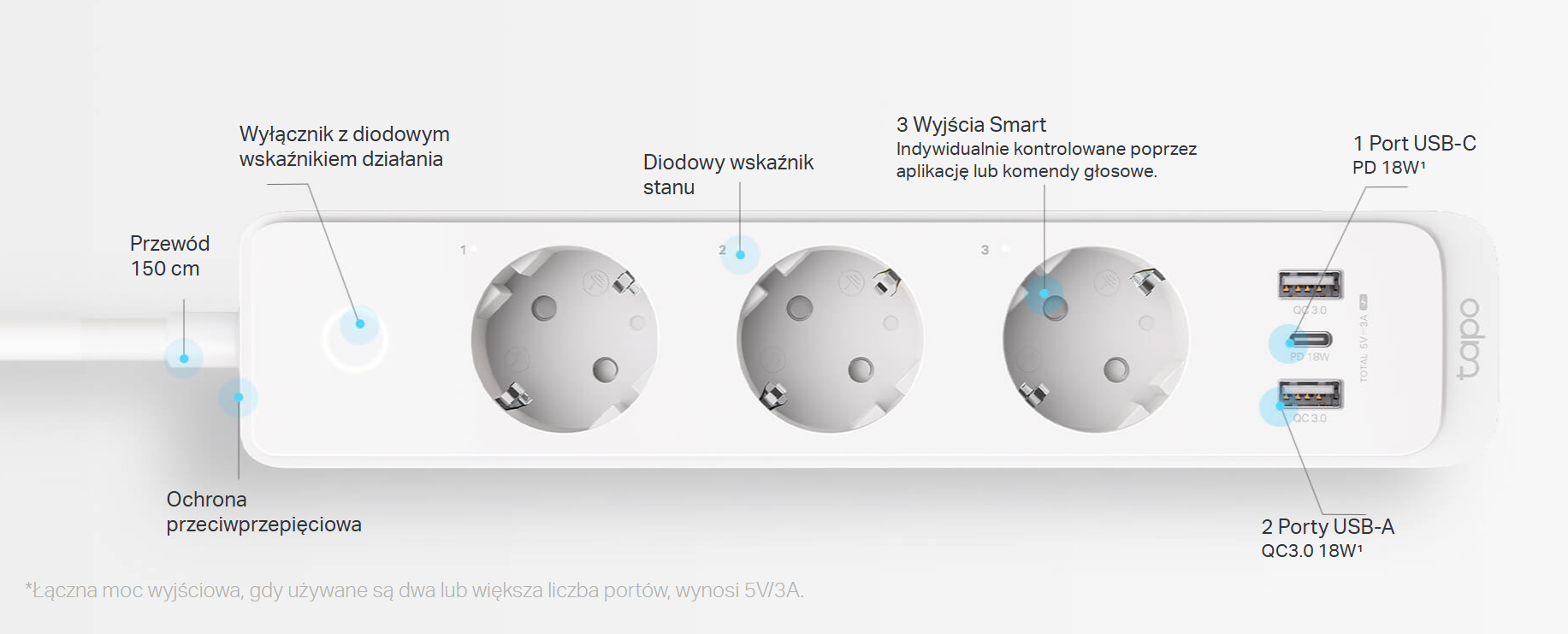
Did you know that TP-Link also has its own smart products? Here's the Tapo P300, a power strip offering three individually controllable 230-volt sockets and three USB sockets (with QC support), all together with an app and support for Apple Home, Amazon Alexa and Google Home. All bought for just PLN140....
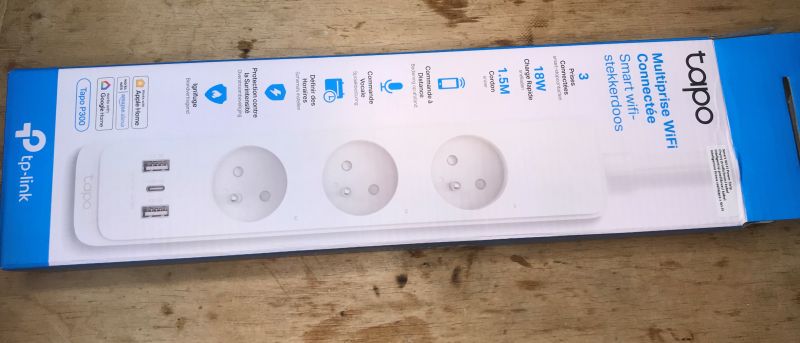
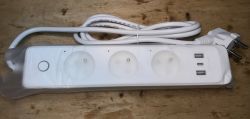
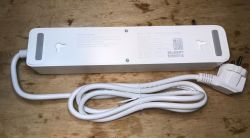
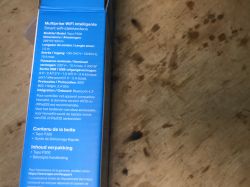
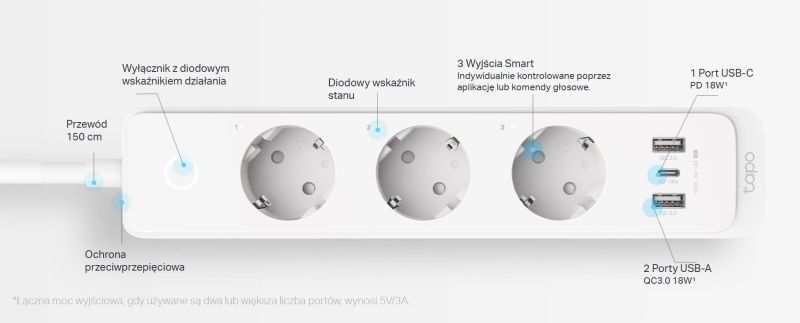
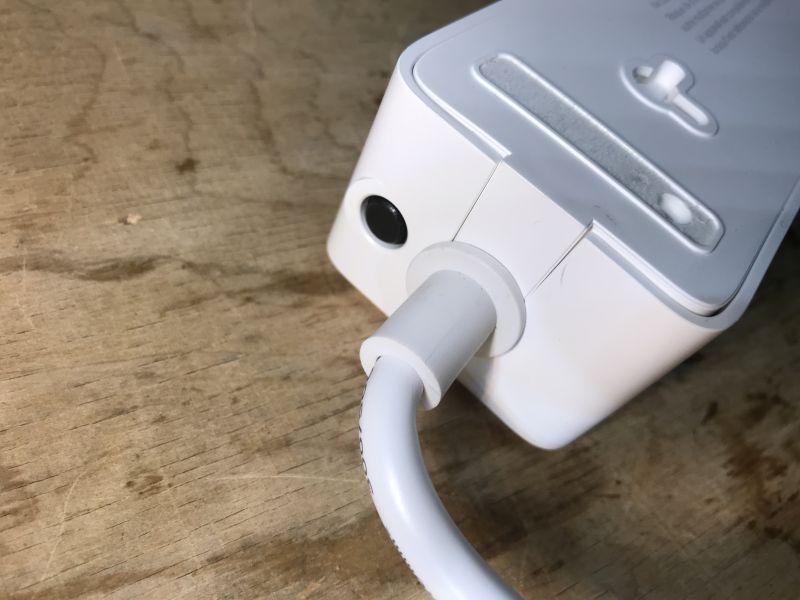
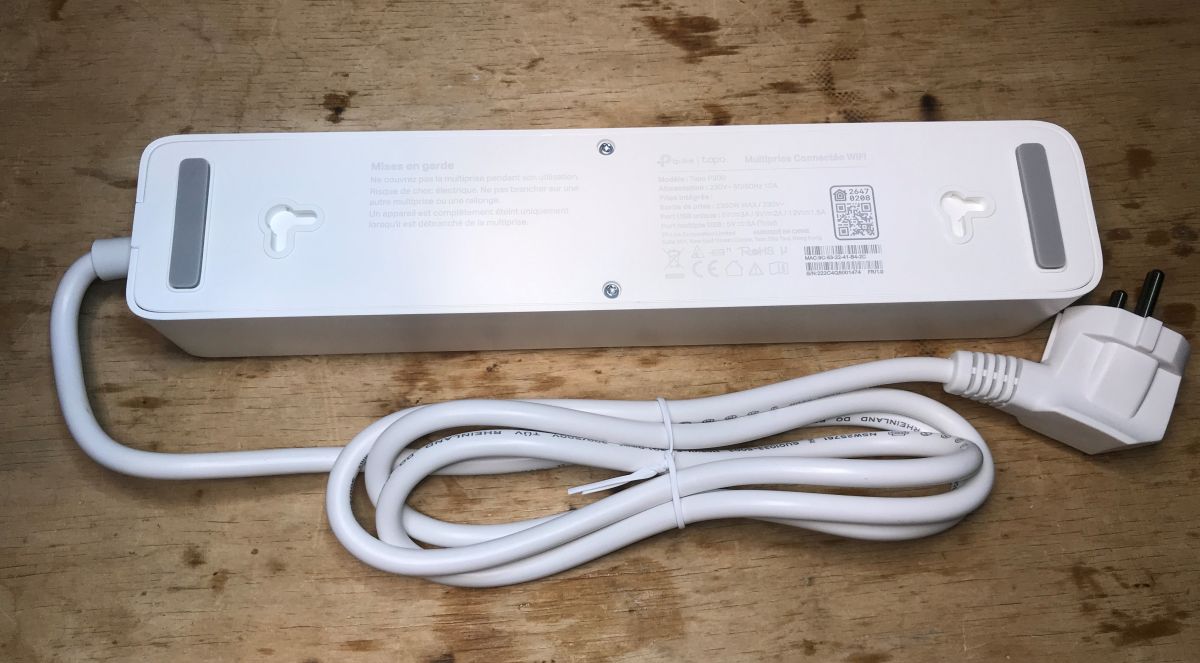
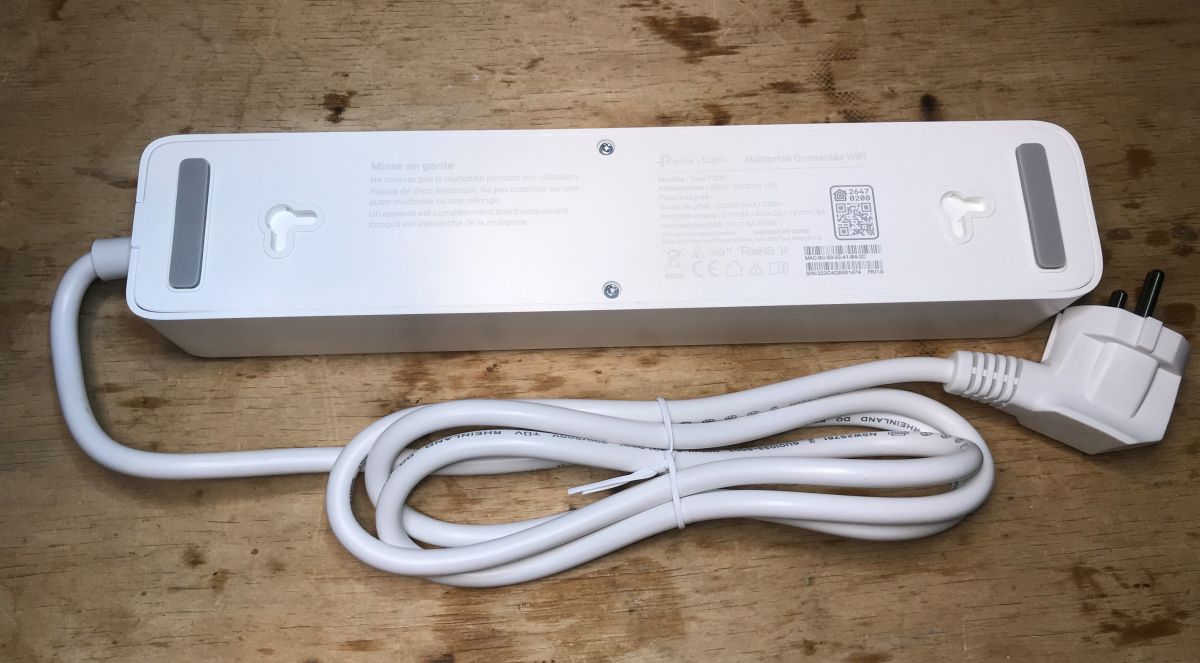
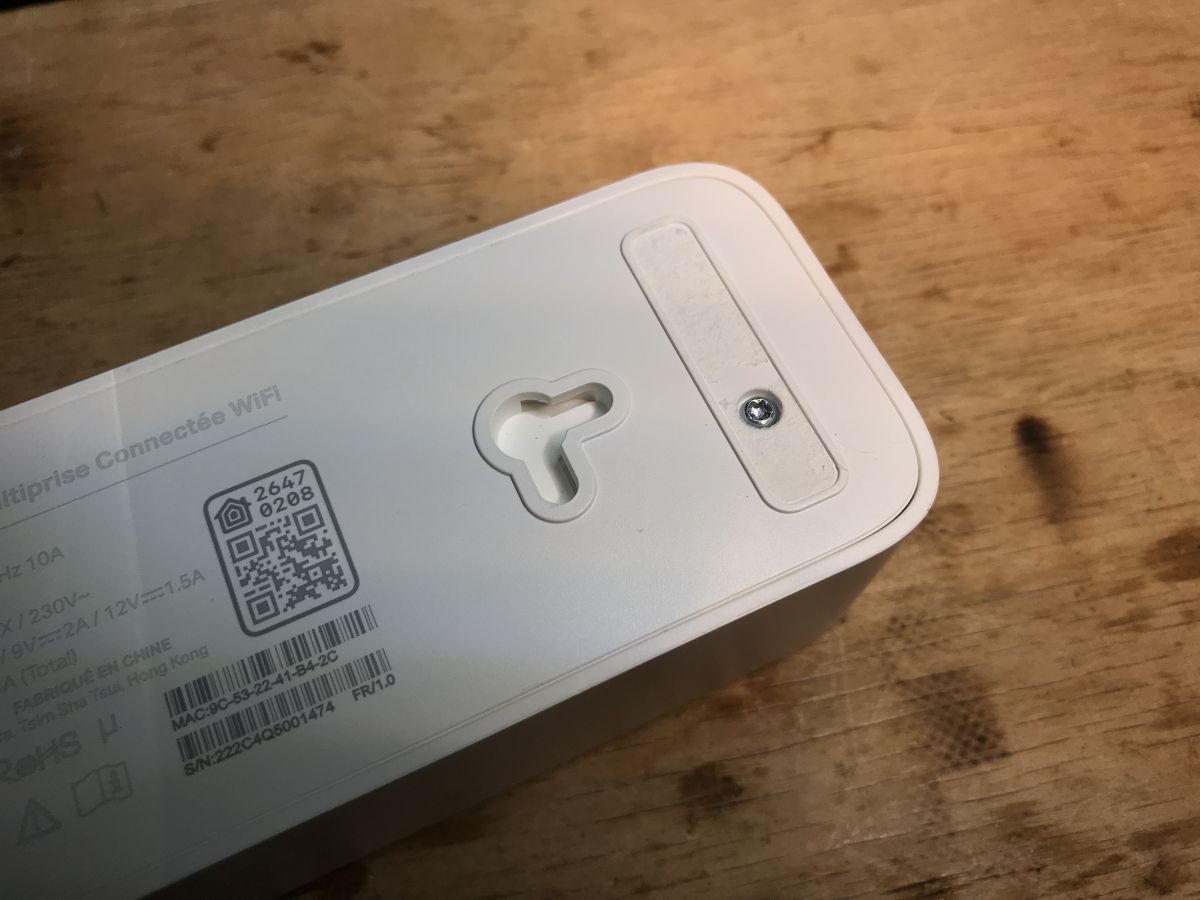
The first impression is positive. The equipment looks solid. It has the option of hanging - horizontally or vertically. Access to the inside is protected by torx screws.
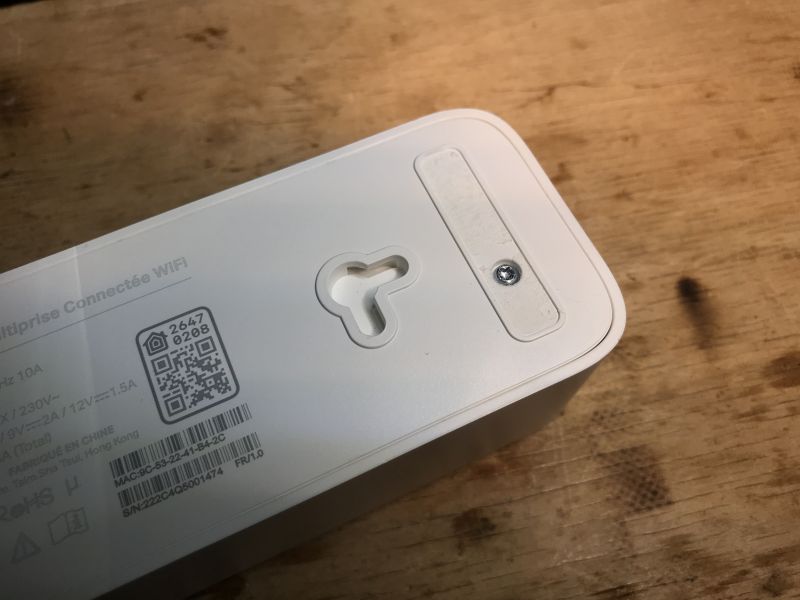
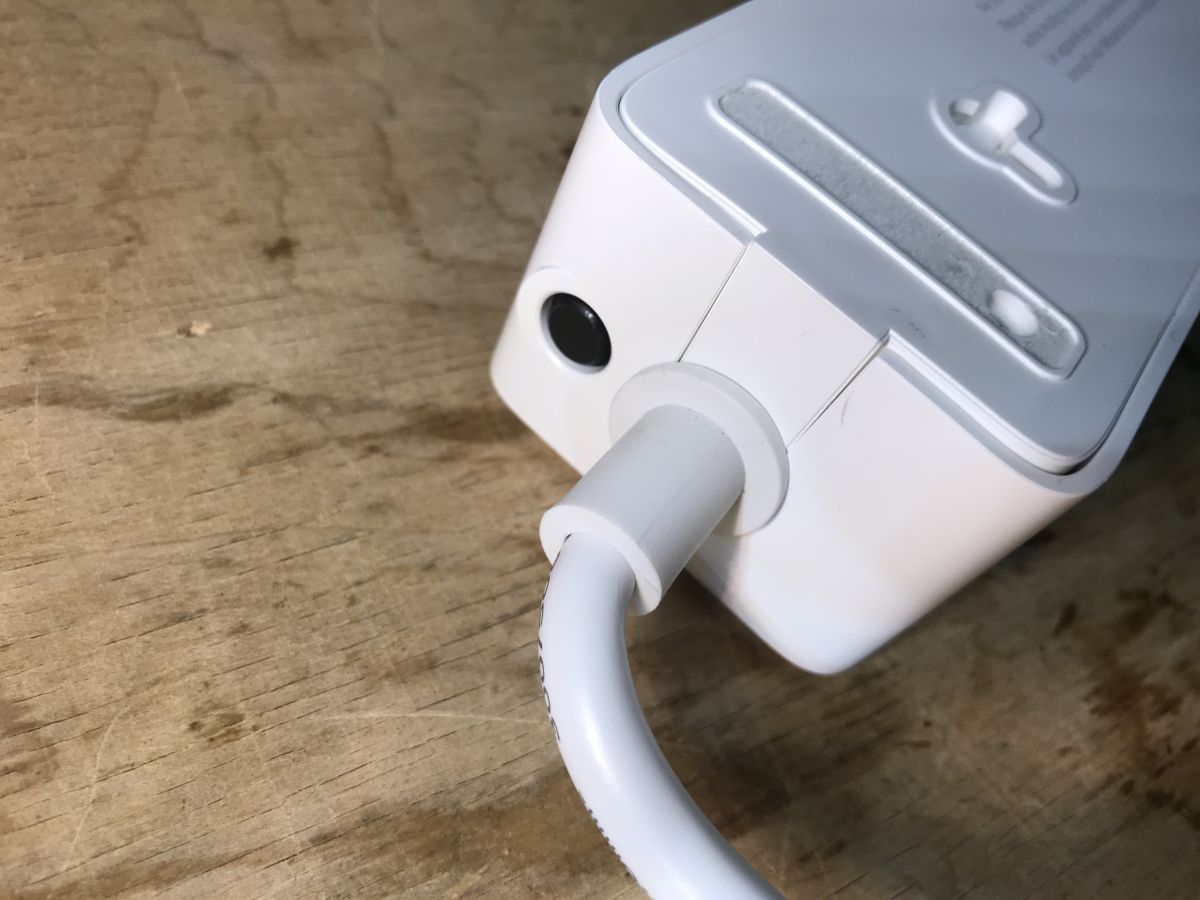
Indeed, there is overcurrent protection on the side:
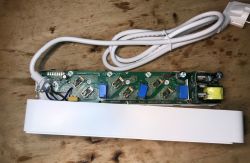
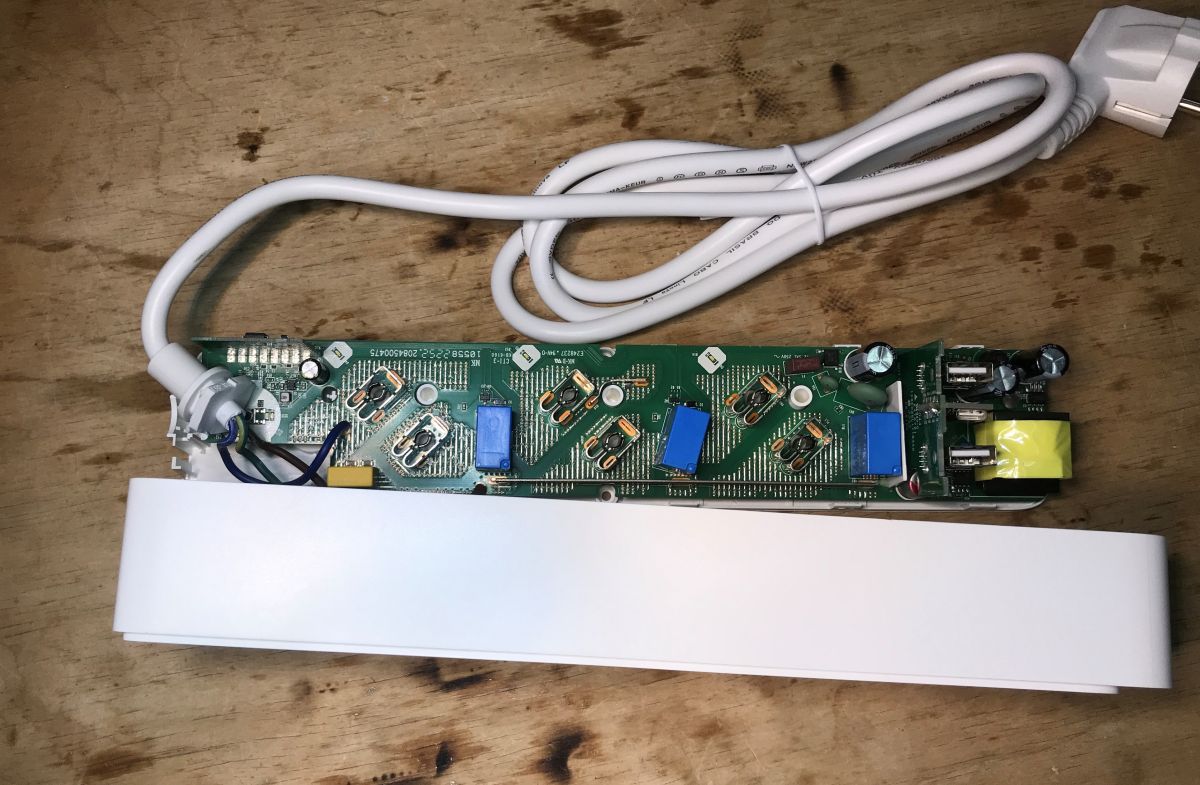
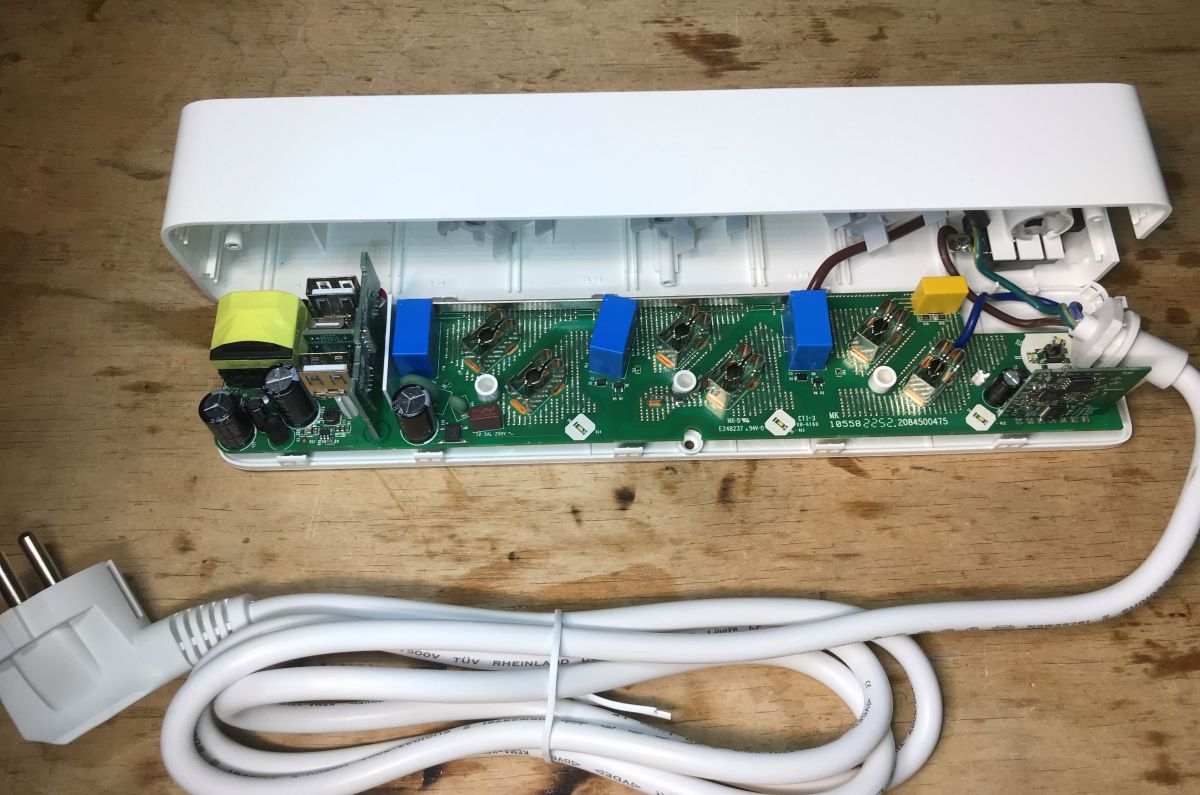
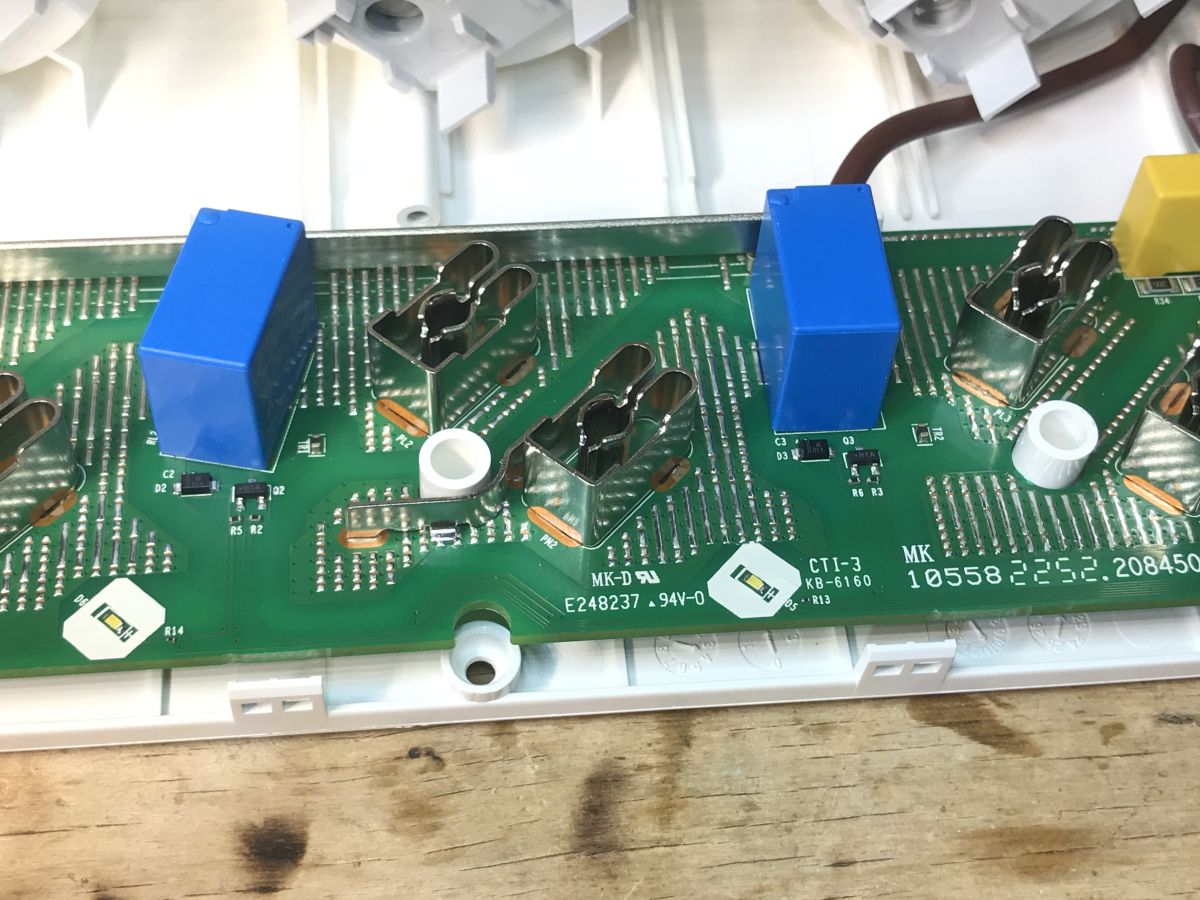
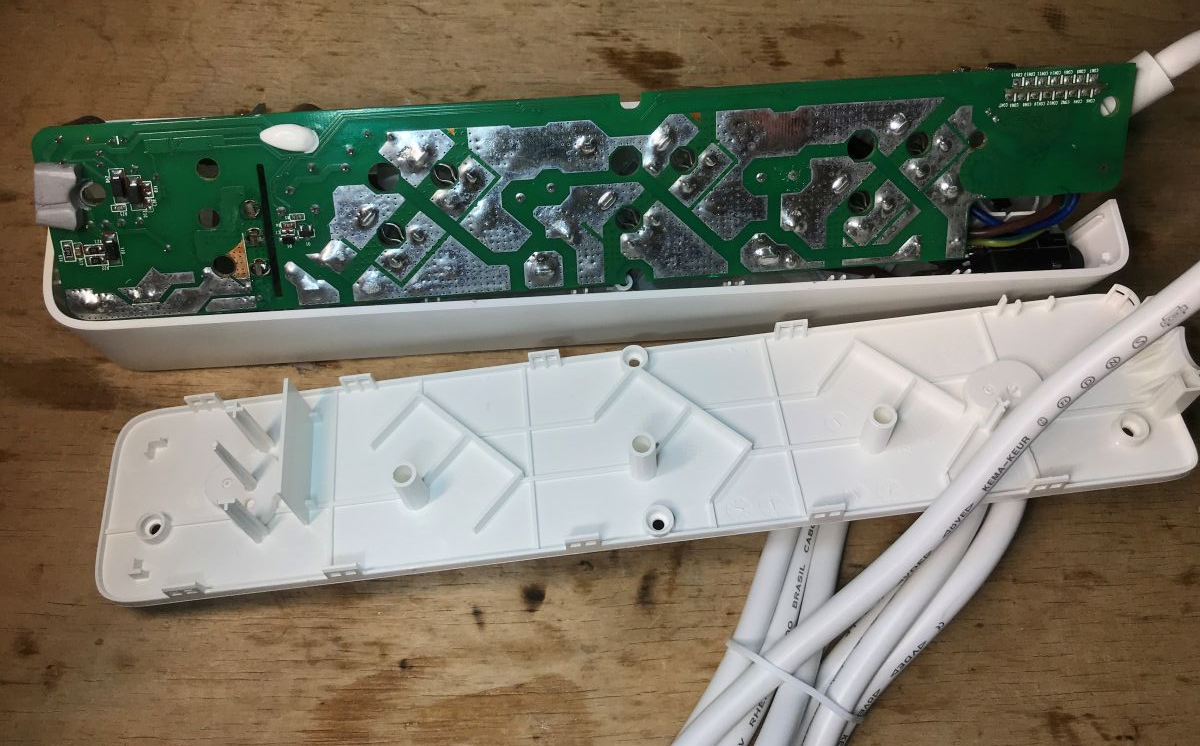
The whole is based on one large PCB. From a distance you can see the relays and separately the section with the USB and Wi-Fi module.
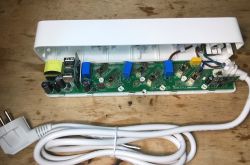
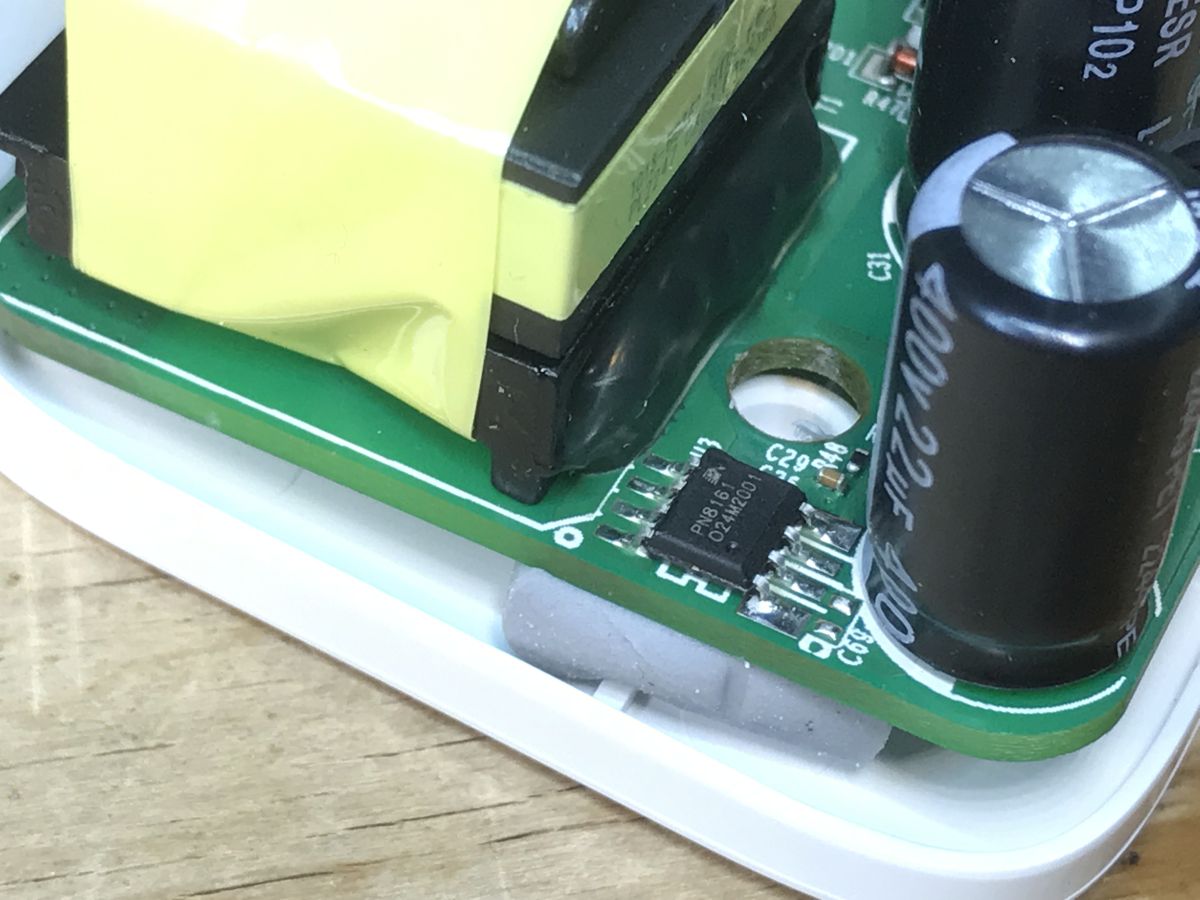
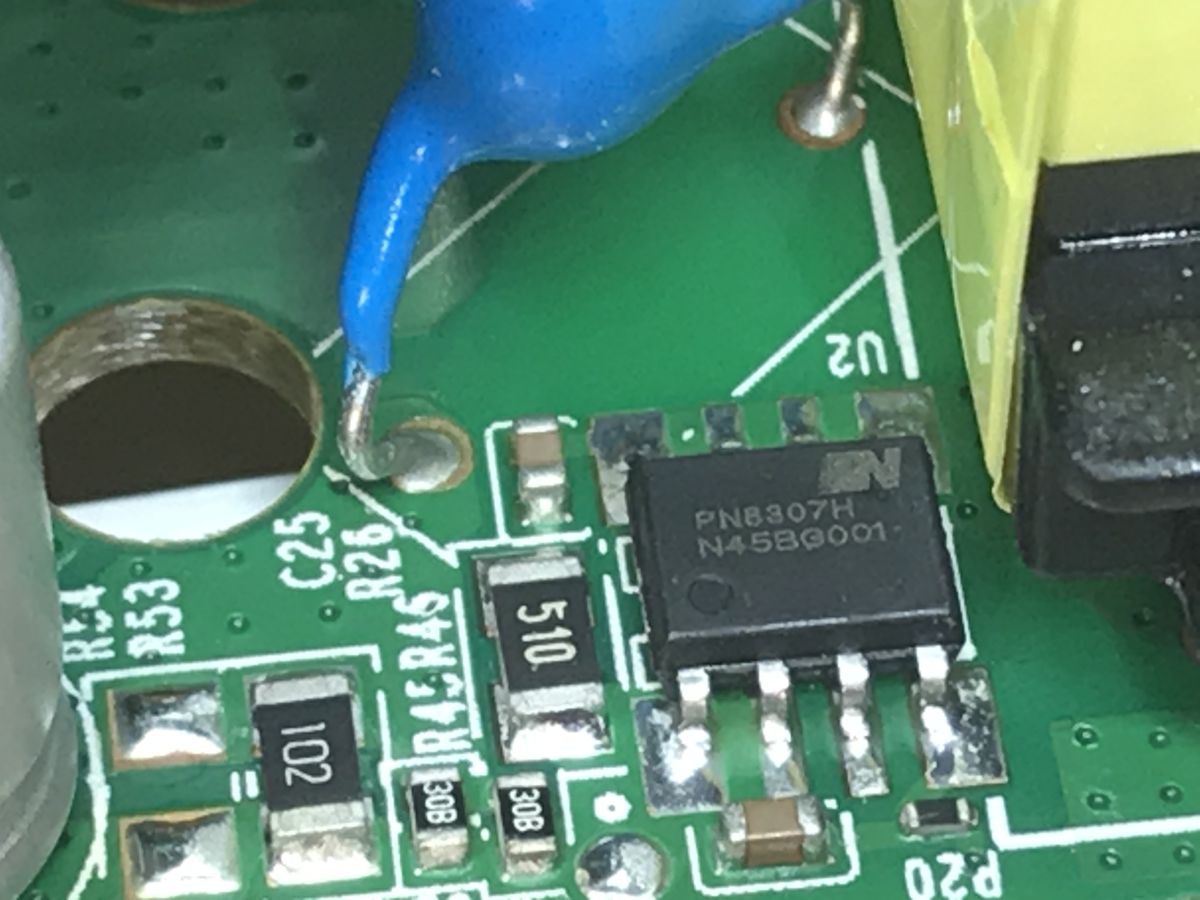
The power supply section is based on the PN8161 and PN8307.
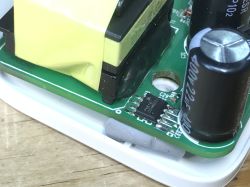
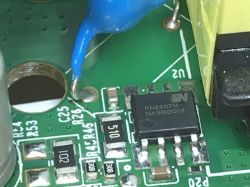
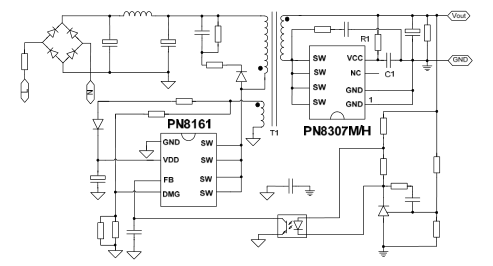
The PN8161 is a flyback inverter controller with an integrated keying transistor. It requires a small number of components to operate. Feedback can be taken from the secondary side via an optocoupler. The PN8307 is a synchronous rectifier, it replaces the Schottky diode. It is based on a MOSFET transistor, so there are lower losses on it.
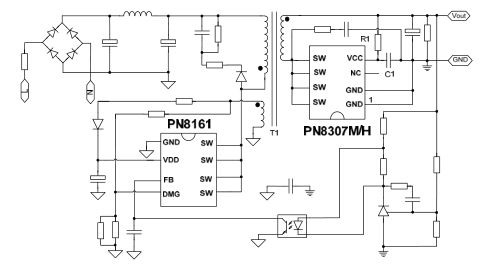
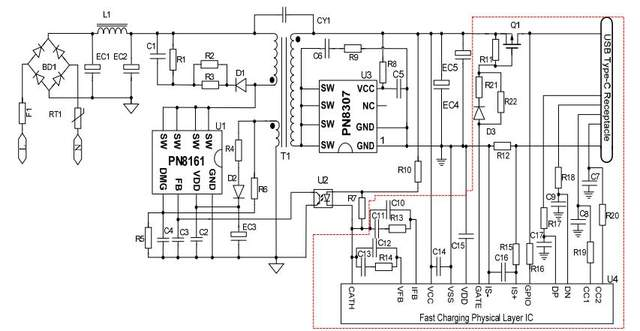
However, the above schematic does not take into account the QC standard, because it still allows the powered device to negotiate a higher voltage. Let's look at another diagram:
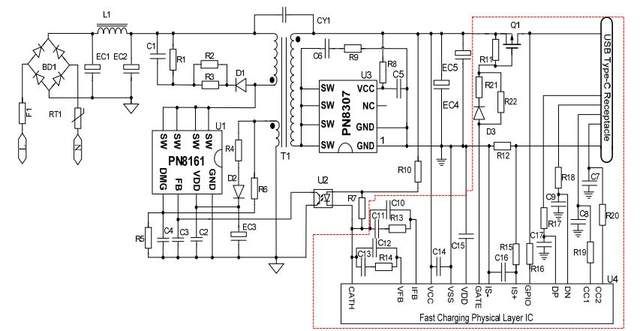
This already illustrates the situation a little better. Here we have a circuit plugged in behind the power supply, which communicates via USB with the device and controls the voltage via an optocoupler. The increased voltage cannot be switched on all the time, as it may damage some devices that do not support it.
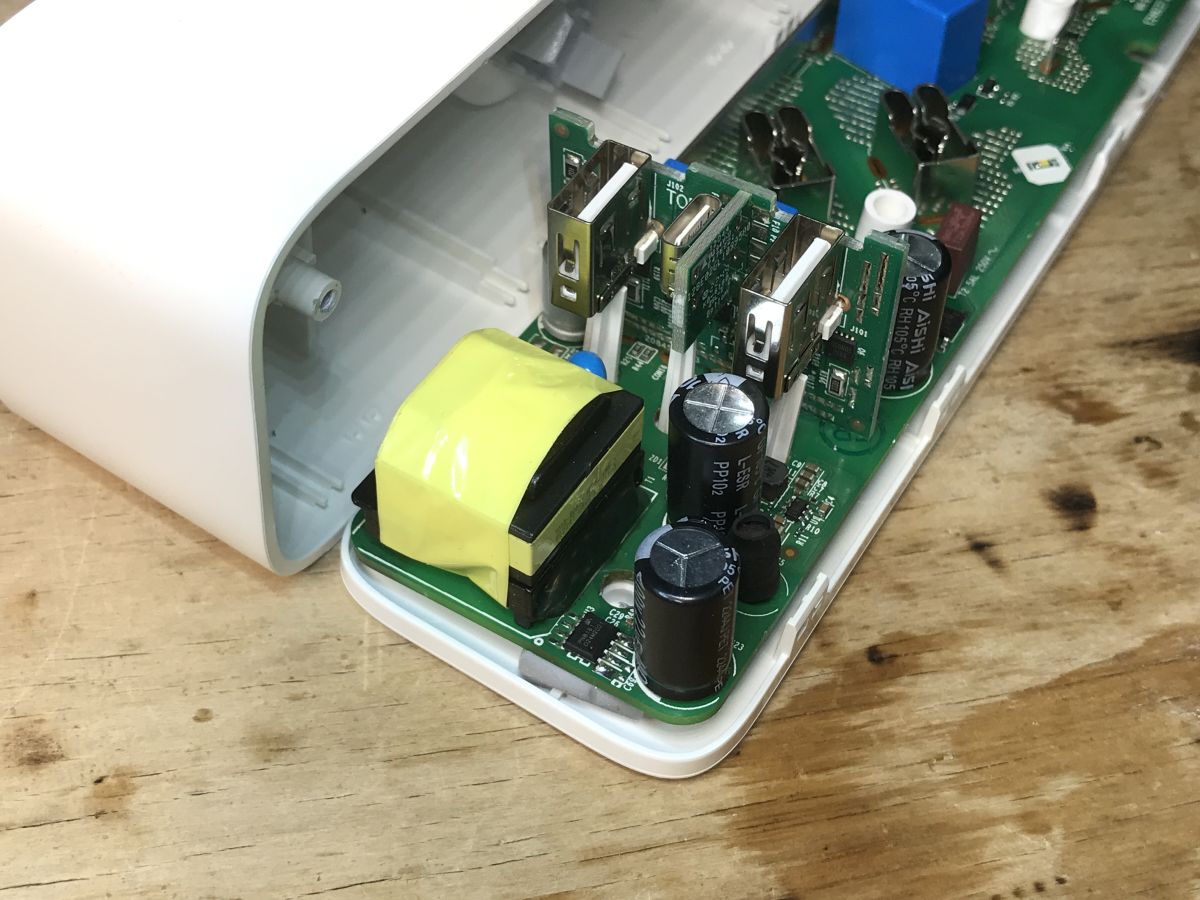
There are additional circuits on the board with the USB ports, probably just for this:
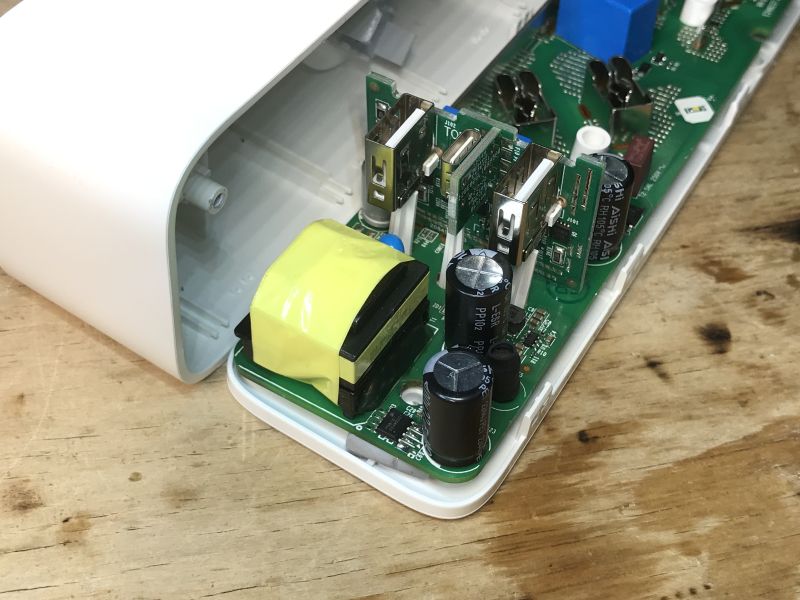
This explains my oft-verified observation - when powering one device via QC and connecting another at the same time, the voltage drops to 5 V. This is also the case in powerbanks.
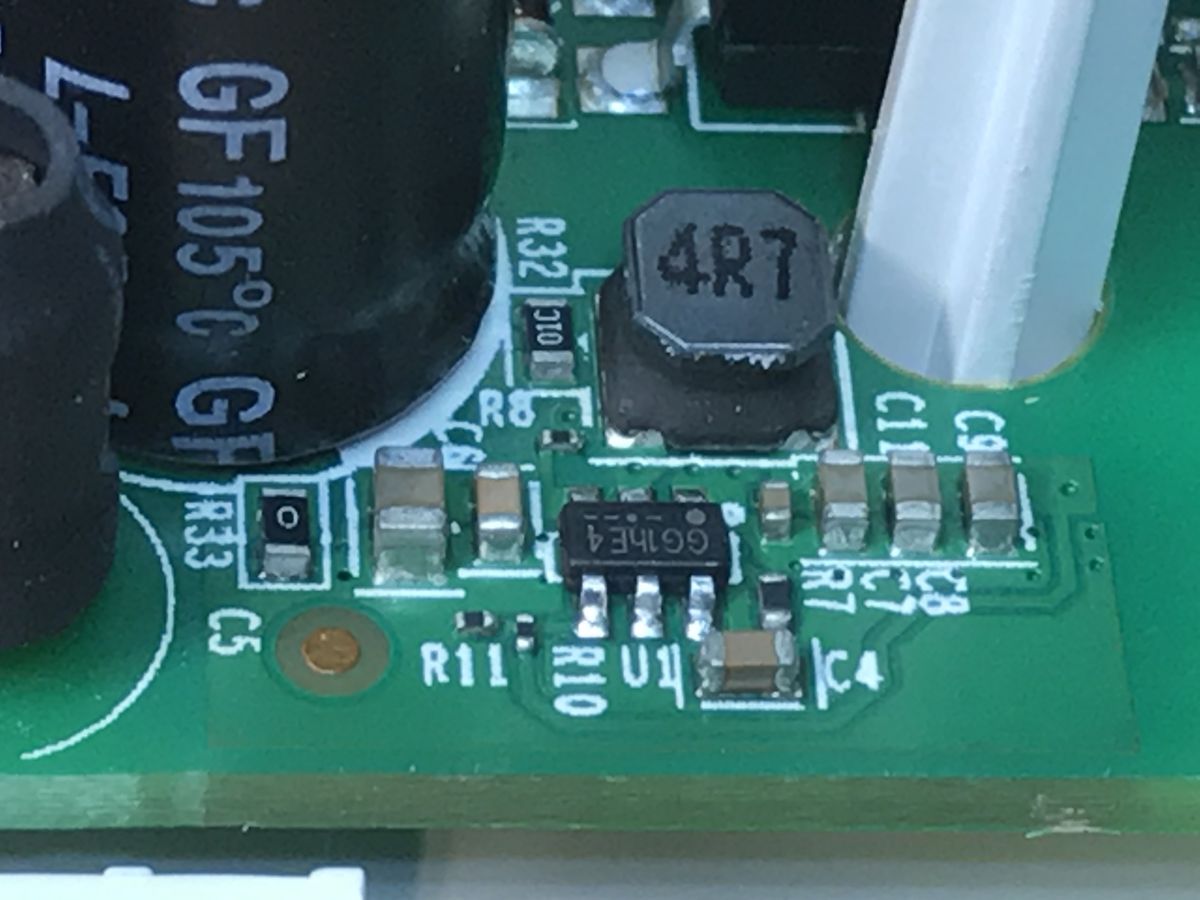
In addition, I see a small inverter in the same section separately:
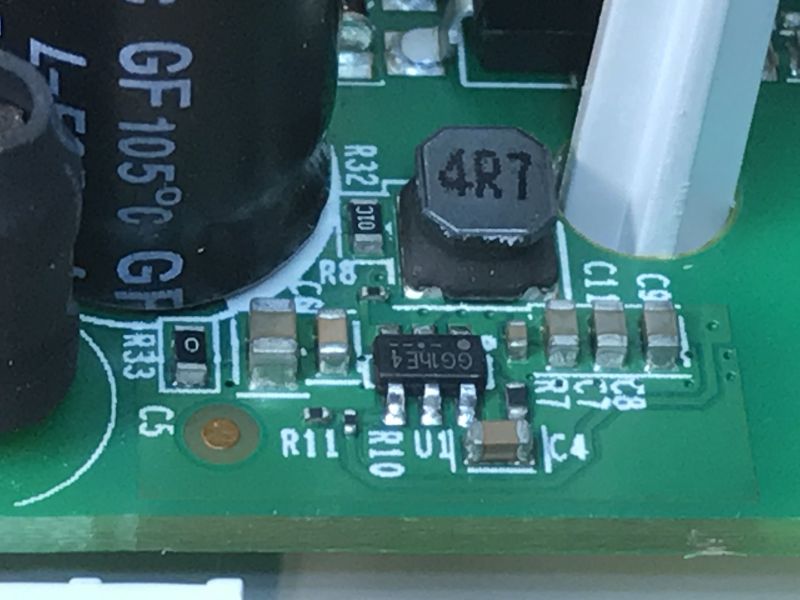
This could be the power supply for the Wi-Fi module.
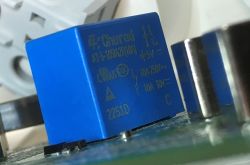
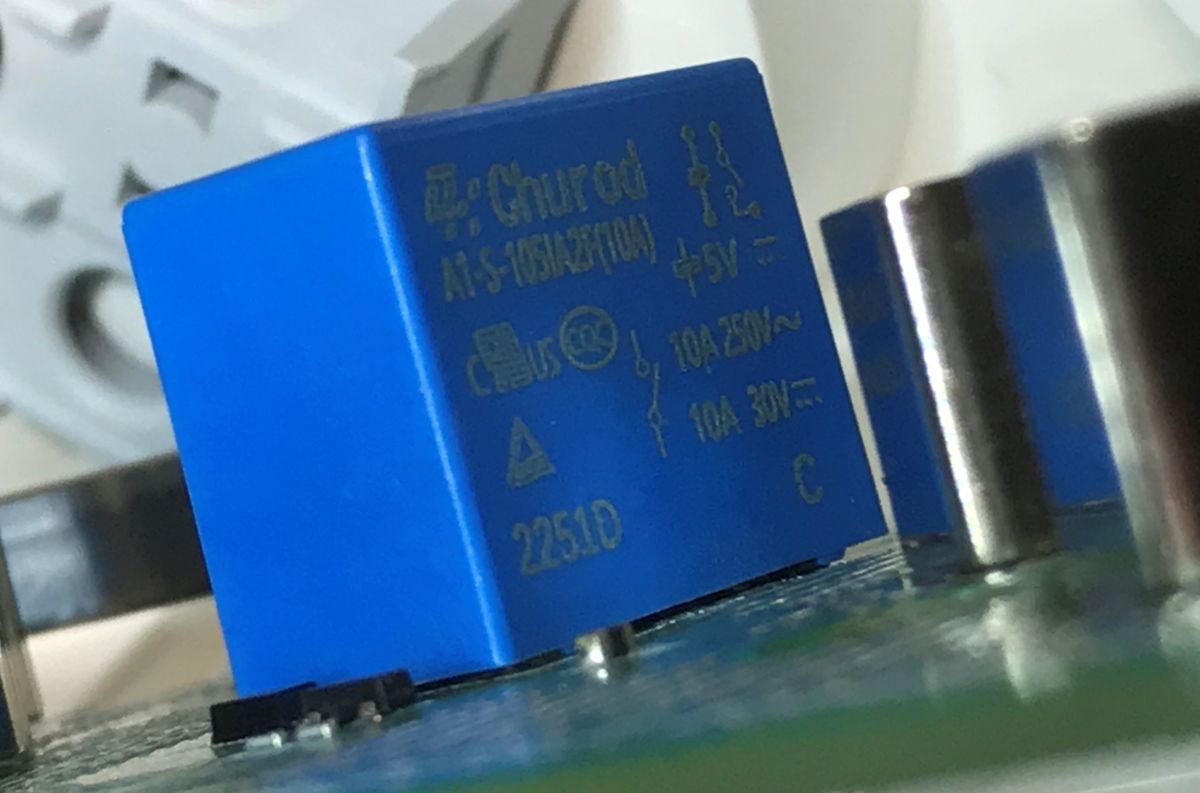
Executive section - relays for 5V, A1-S-105IA2F(10A).
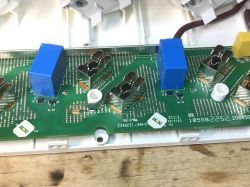
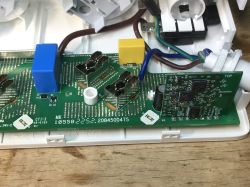
The tracks on the underside are tinned, so they can carry more current:
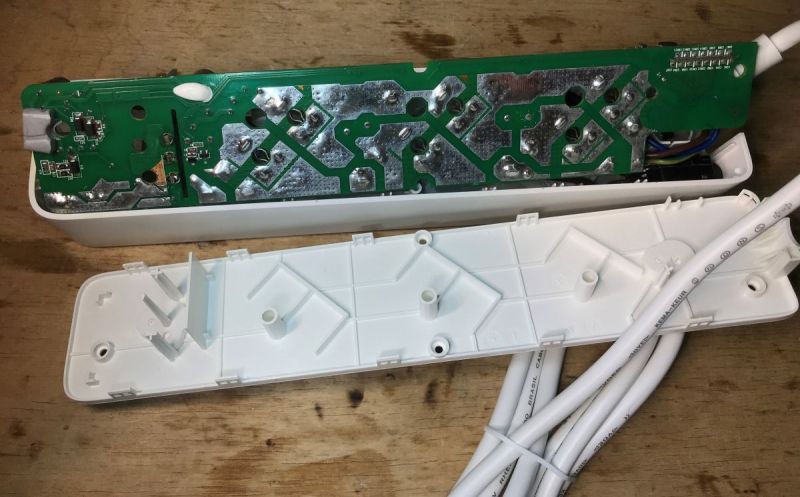
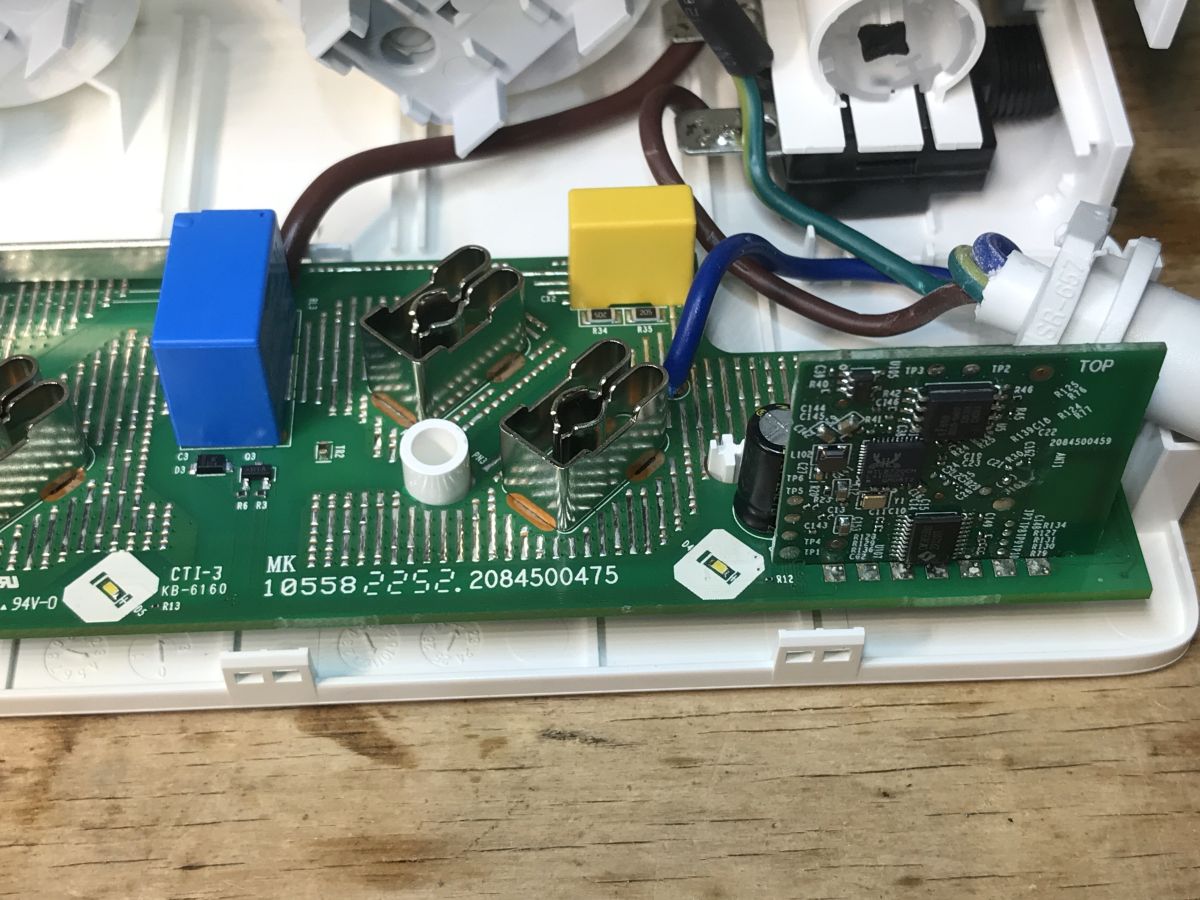
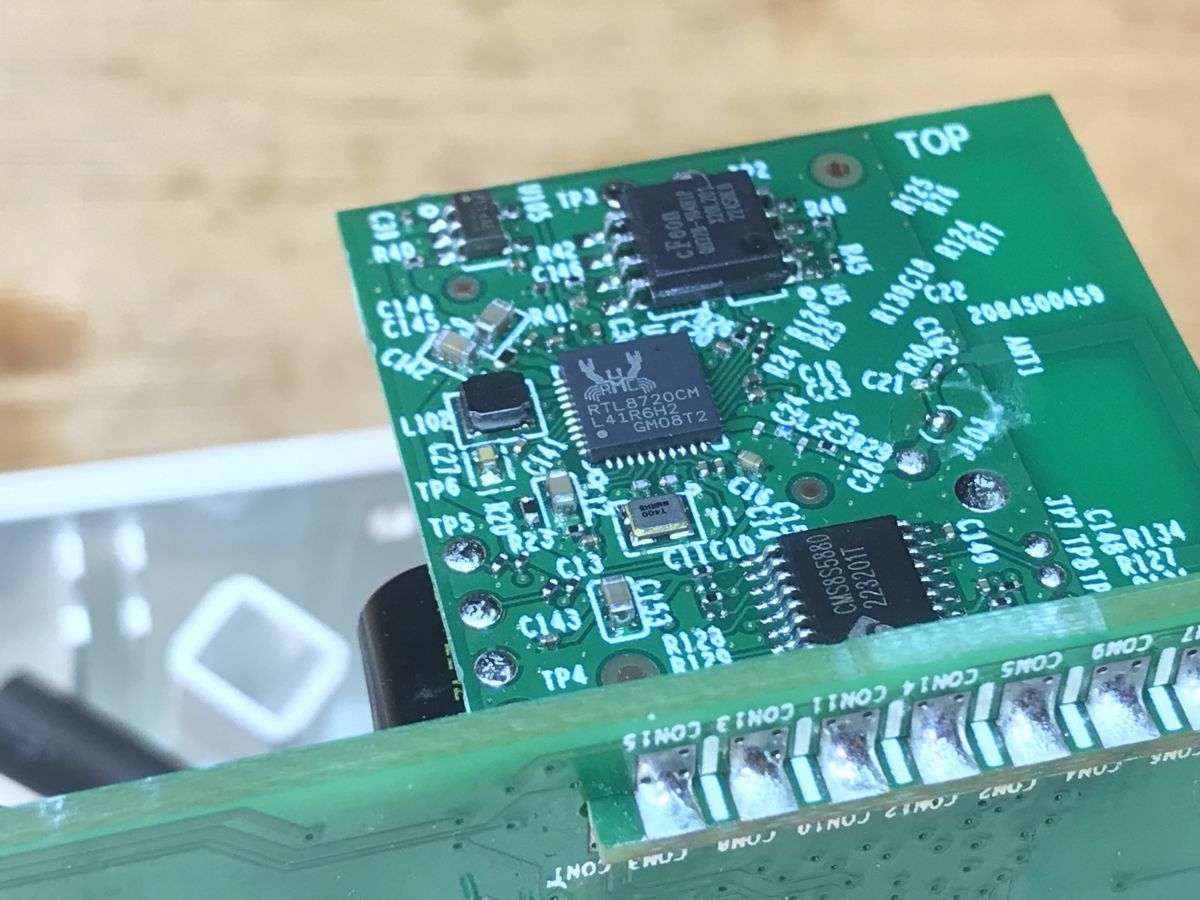
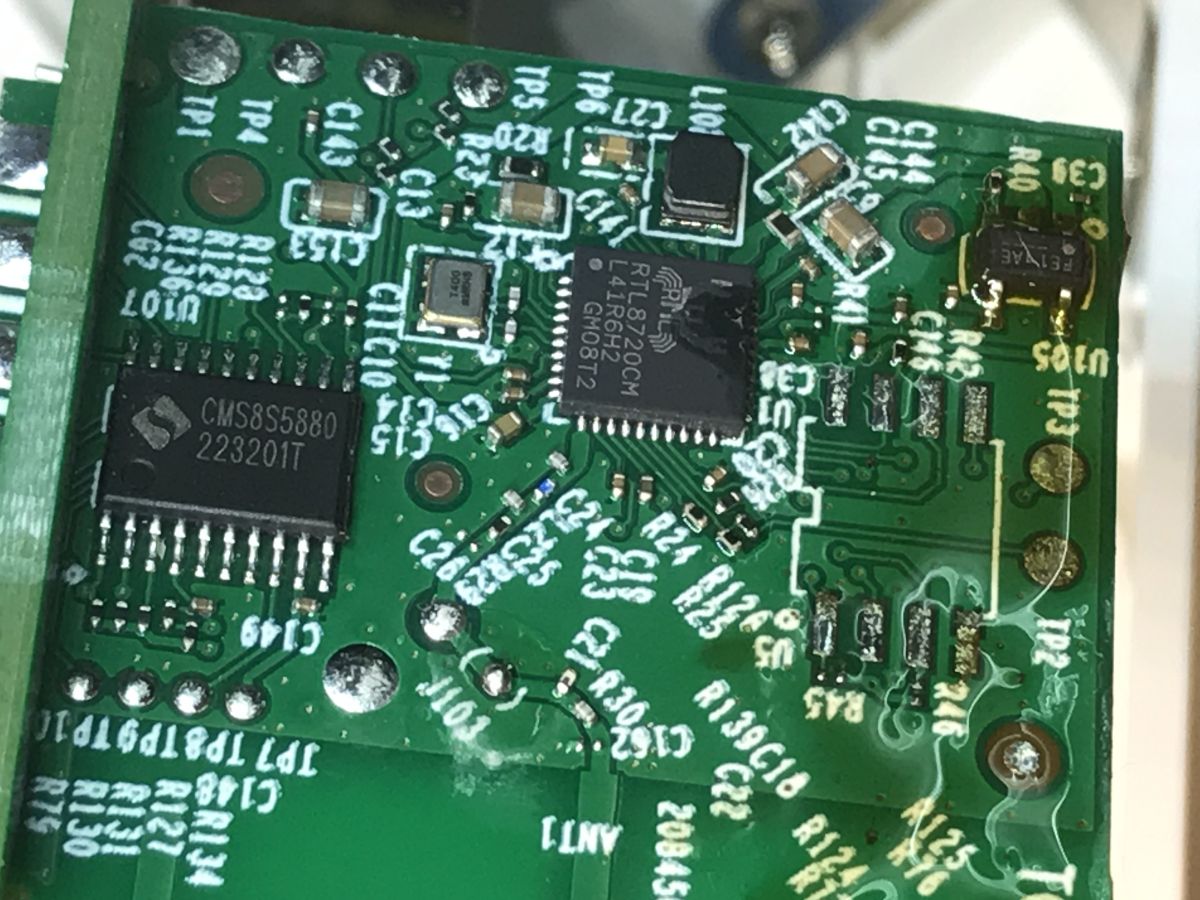
The section with the Wi-Fi module remains.
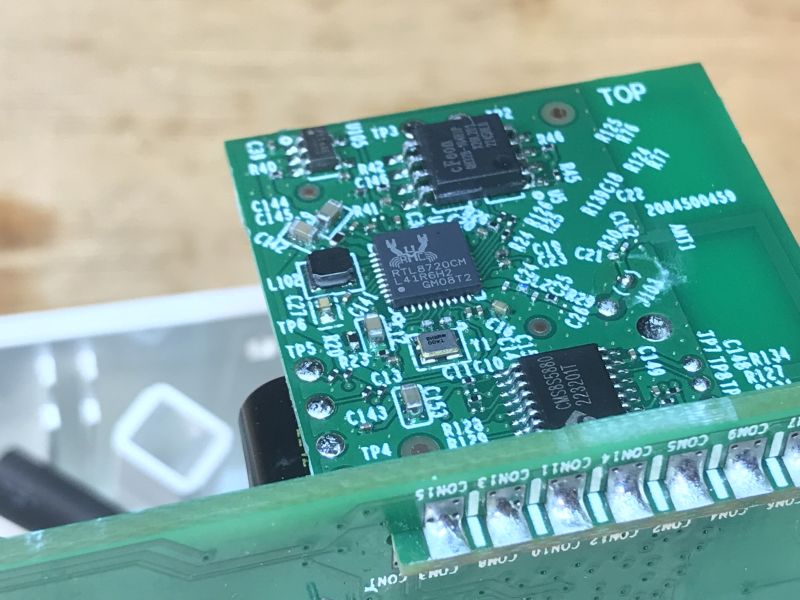
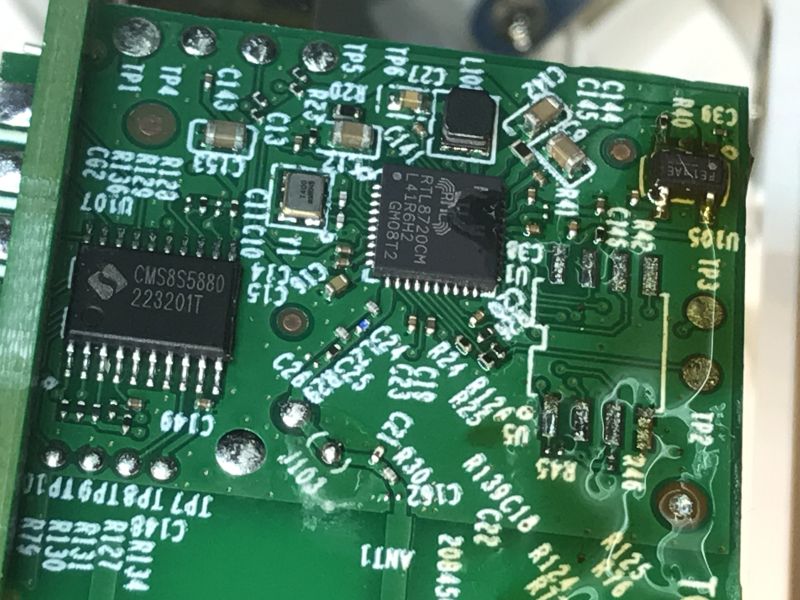
Here we have an RTL8720CM SoC, an external Flash memory connected to it via SPI and a small CMS8S5880 microcontroller.
The RTL8720CM is supported by
OBK , but this microcontroller complicates things.
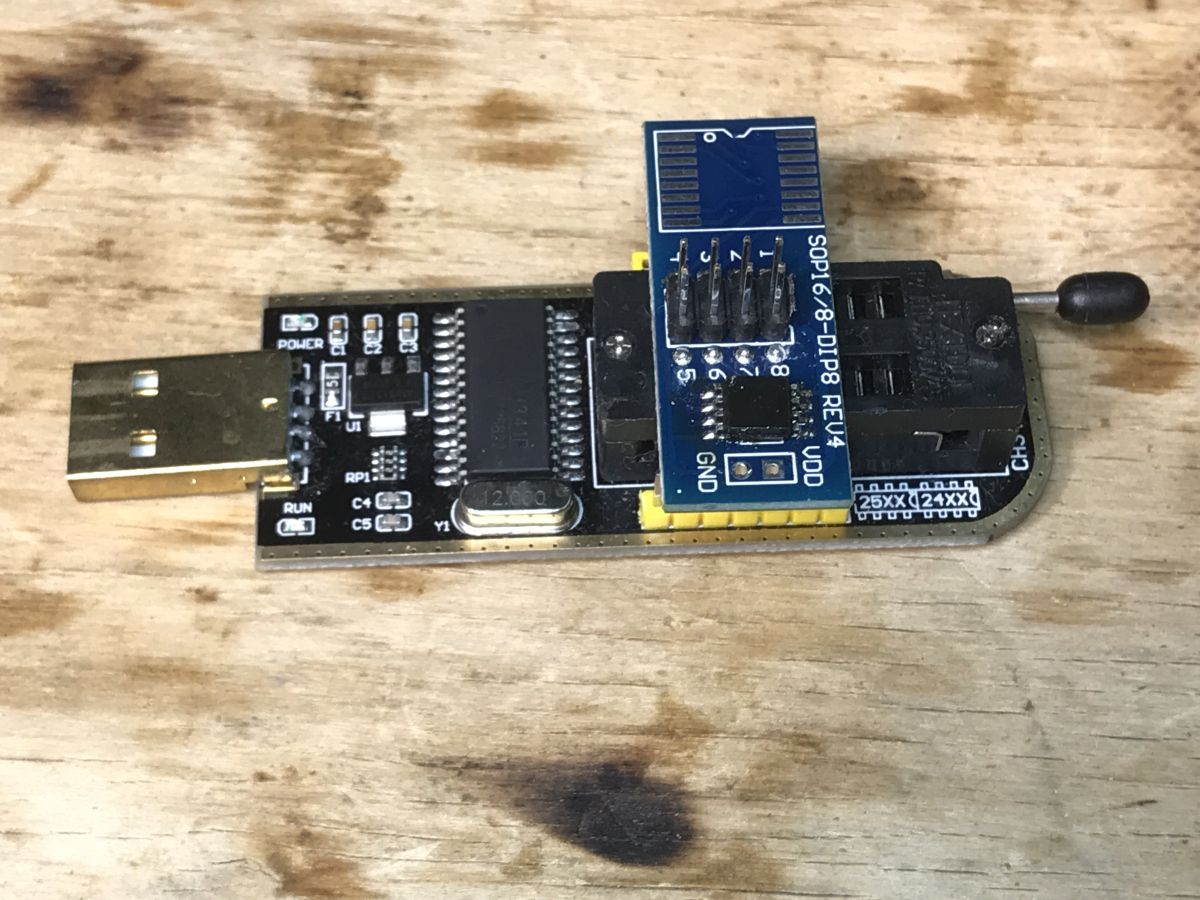
I decided to rip the flash memory:
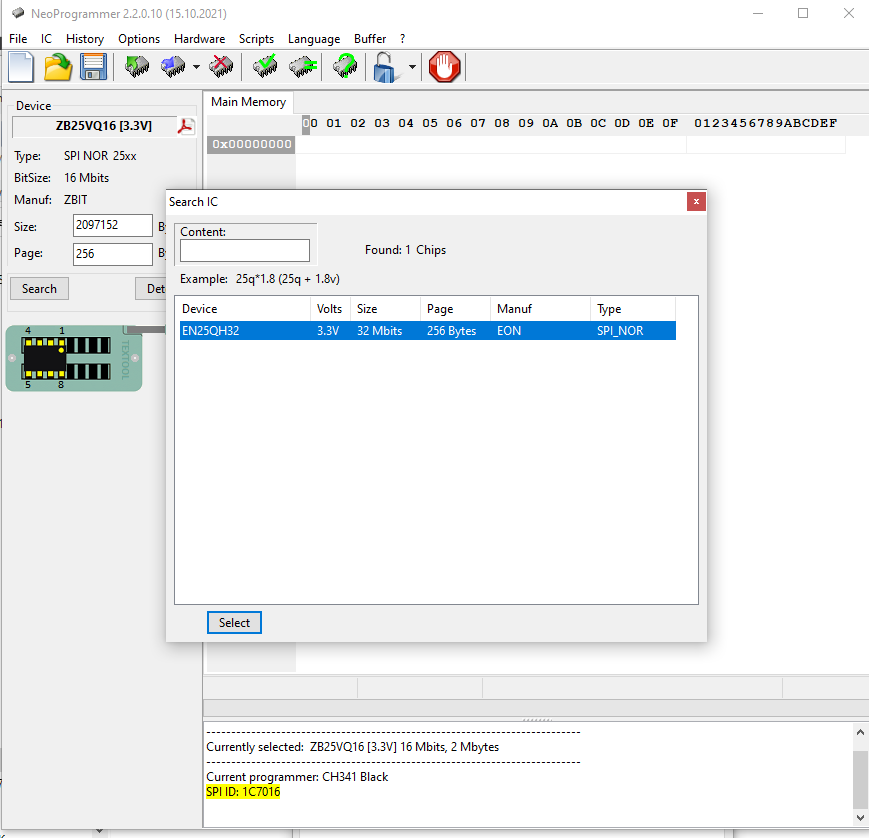
I use the CH341 and the NeoProgrammer for this:
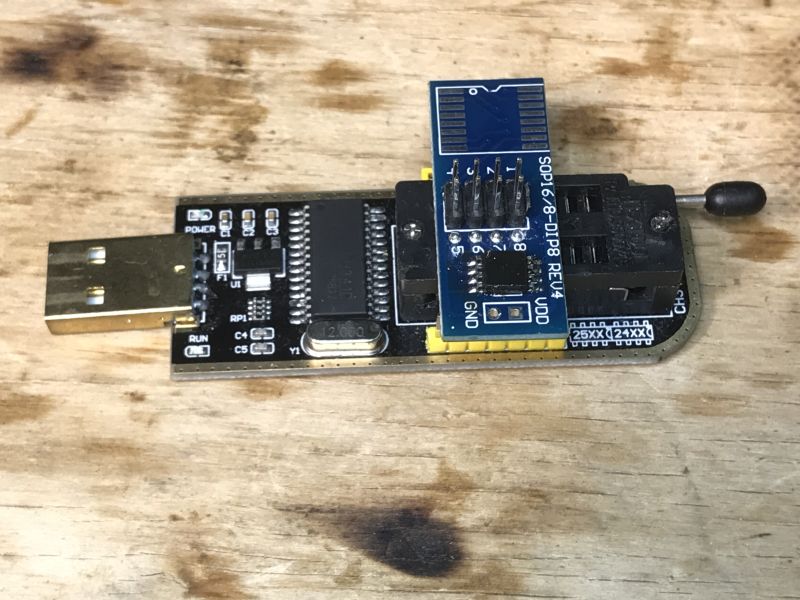
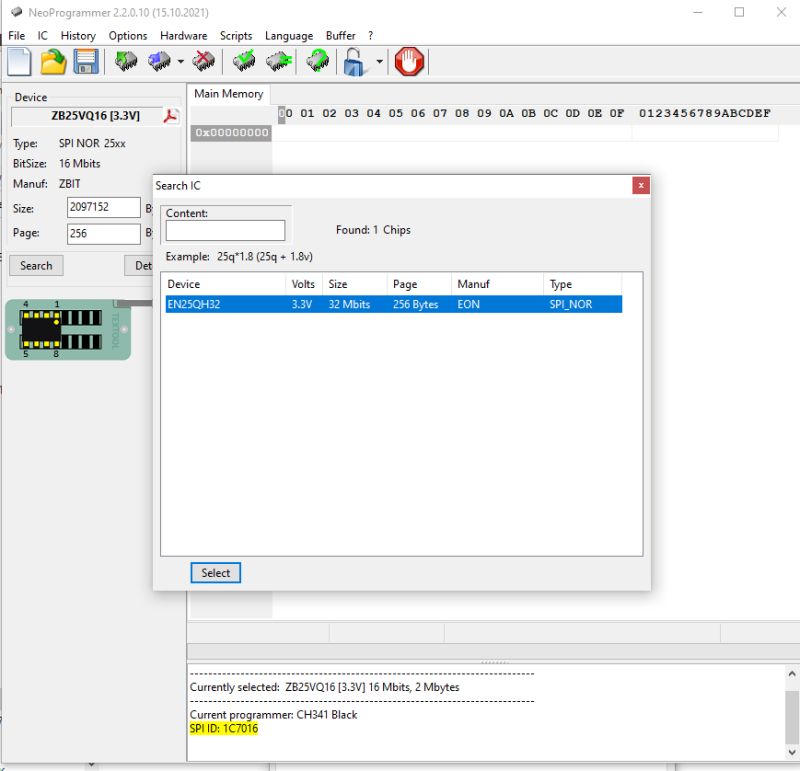
Memory is EN25QH32, 32 megabits.
Backup:
https://github.com/openshwprojects/FlashDumps/commit/06ed33f56a389ae71ad3d41bdb4736b5fa980b51
An interesting subtitle from Flash:
0x02080DB: == Boot Loader ==
0x02080EF: 20:15:00
0x02080F8: Dec  9 2020
Is this a six-year-old soft?
0x020810C: Invalid FW Image Sigature
0x020812A: Boot Loader <==
0x020813C: Boot Load Err!
0x020814D: Invalid FW Image Signature!
0x020817C: [CRYP Err]Crypto interrupt doesn't arrive.
0x02081AA: [CRYP Err]Wait Timeout ips status = 0x%08x, ips err = 0x%08x
0x02081EA: [CRYP Wrn]Crypto engine doesn't initialize!
0x0208219: [CRYP Wrn]Crypto engine has initialized!
0x020825F: [MISC Err]Pin GPIOA_%u is Unknown pin
JTAG?
[MISC Wrn]Pin conflic: JTAG with Log UART
ADK_R16?
component/common/application/apple/ADK_R16/Applications/Powerstrip/../AppBase.c
/home/jenkins/workspace/P300_V1_RTL8720CM/sdk/rtl8710c/v7.1d/component/common/application/apple/ADK_R16/PAL/HAPPlatformAccessorySetup.c
Device settings - JSON?
{"factory_mode":1,"deviceId":"80225DC53B8D2086B5AEE505AF15A7BC20CD2B6E","model":"P300(FR)v1","mic_mac":"9C532241B42C"}
Cloud address:
0x011074A: https://security-beta.iot.i.tplinknbu.com:443/v1/auth/device
0x0110787: https://security.iot.i.tplinknbu.com:443/v1/auth/device
0x01107BF: https://security-alpha.iot.i.tplinknbu.com:443/v1/auth/device
0x01107FD: https://security-staging.iot.i.tplinknbu.com:443/v1/auth/device
0x011083D: https://security-beta2.iot.i.tplinknbu.com:443/v1/auth/device
0x011087B: https://security-beta3.iot.i.tplinknbu.com:443/v1/auth/device
0x01108DE: staging
0x01108E6: device-cloudgateway-beta.iot.i.tplinknbu.com
0x0110913: device-cloudgateway.iot.i.tplinknbu.com
0x011093B: device-cloudgateway-alpha.iot.i.tplinknbu.com
0x0110969: device-cloudgateway-staging.iot.i.tplinknbu.com
0x0110999: device-cloudgateway-beta2.iot.i.tplinknbu.com
0x01109C7: device-cloudgateway-beta3.iot.i.tplinknbu.com
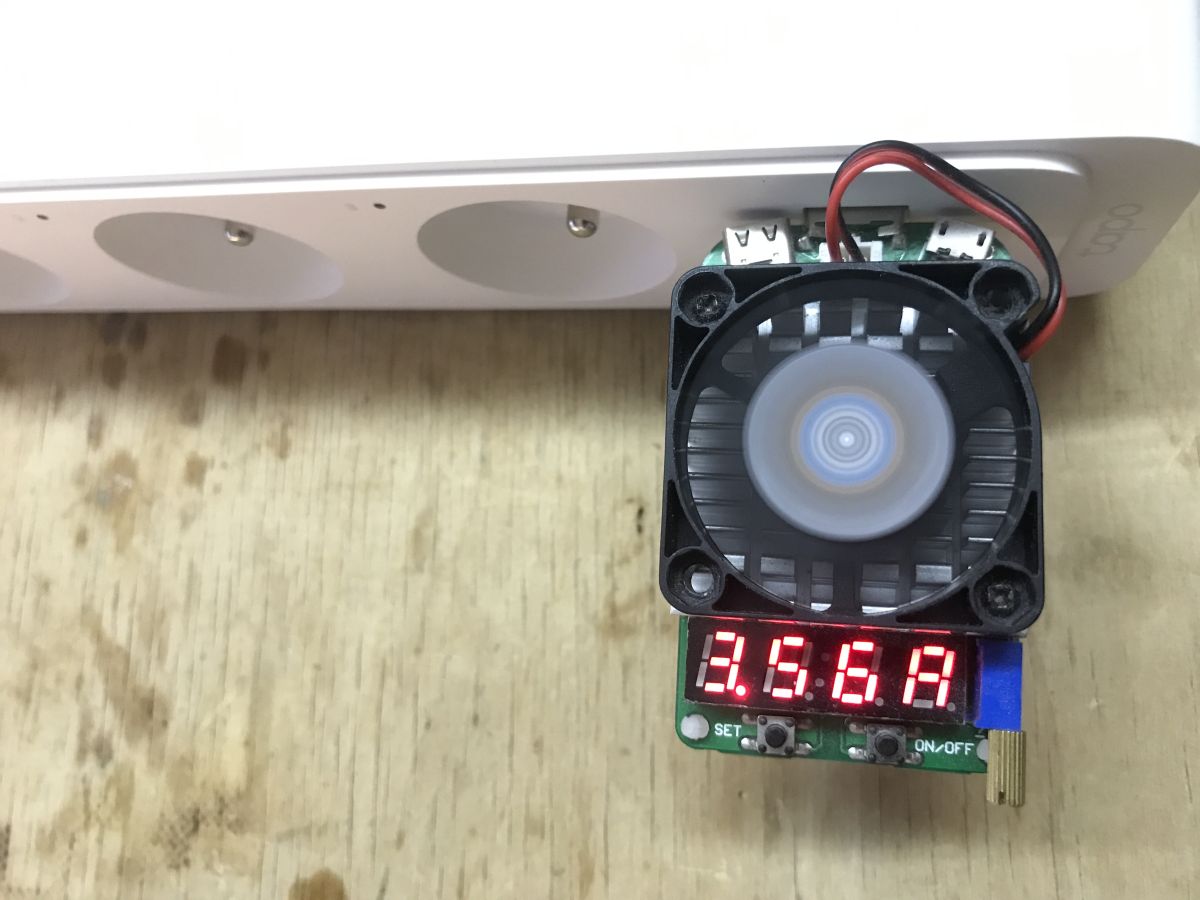
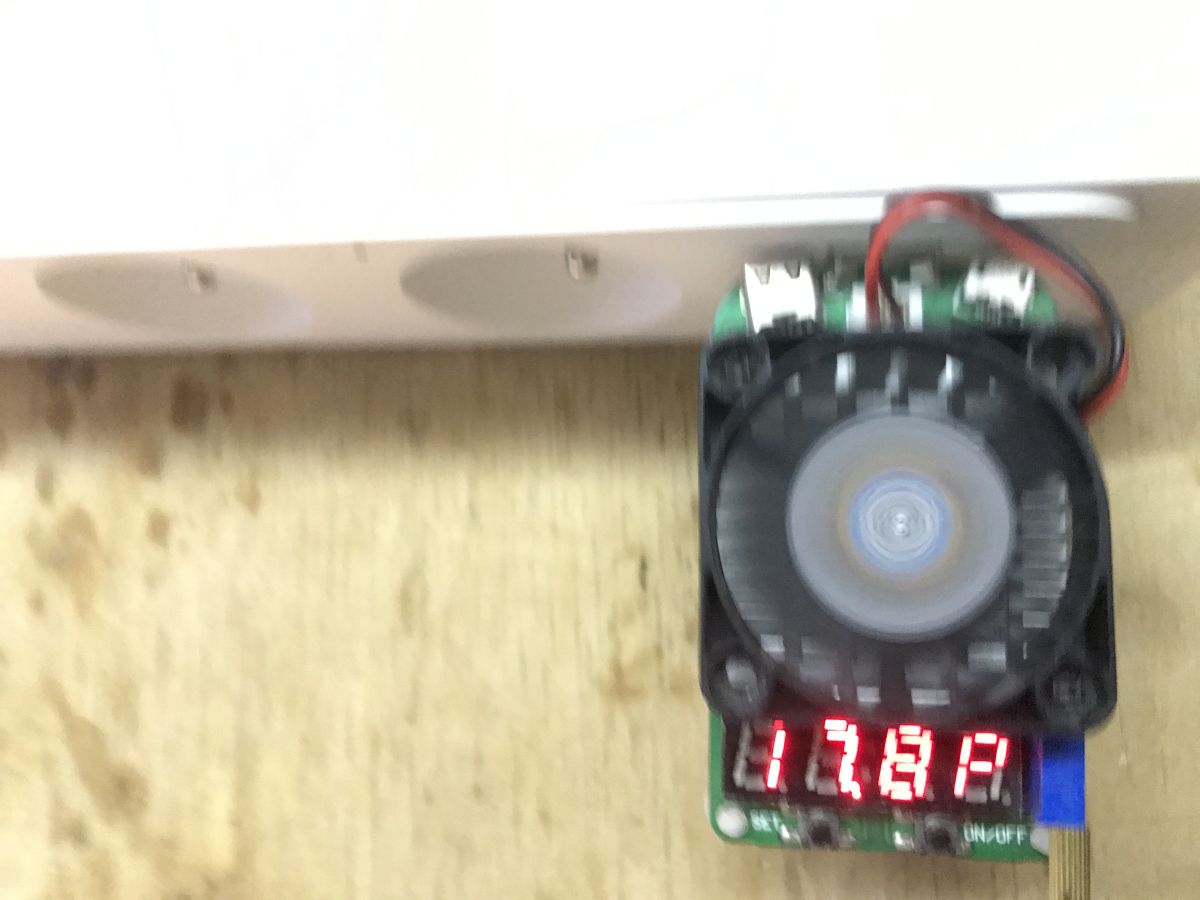
It remains to check the performance of the ports.
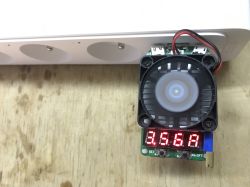
At 5 volts it is possible to draw more than 3.5 amps:
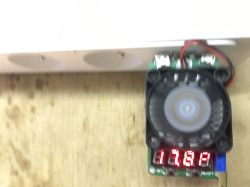
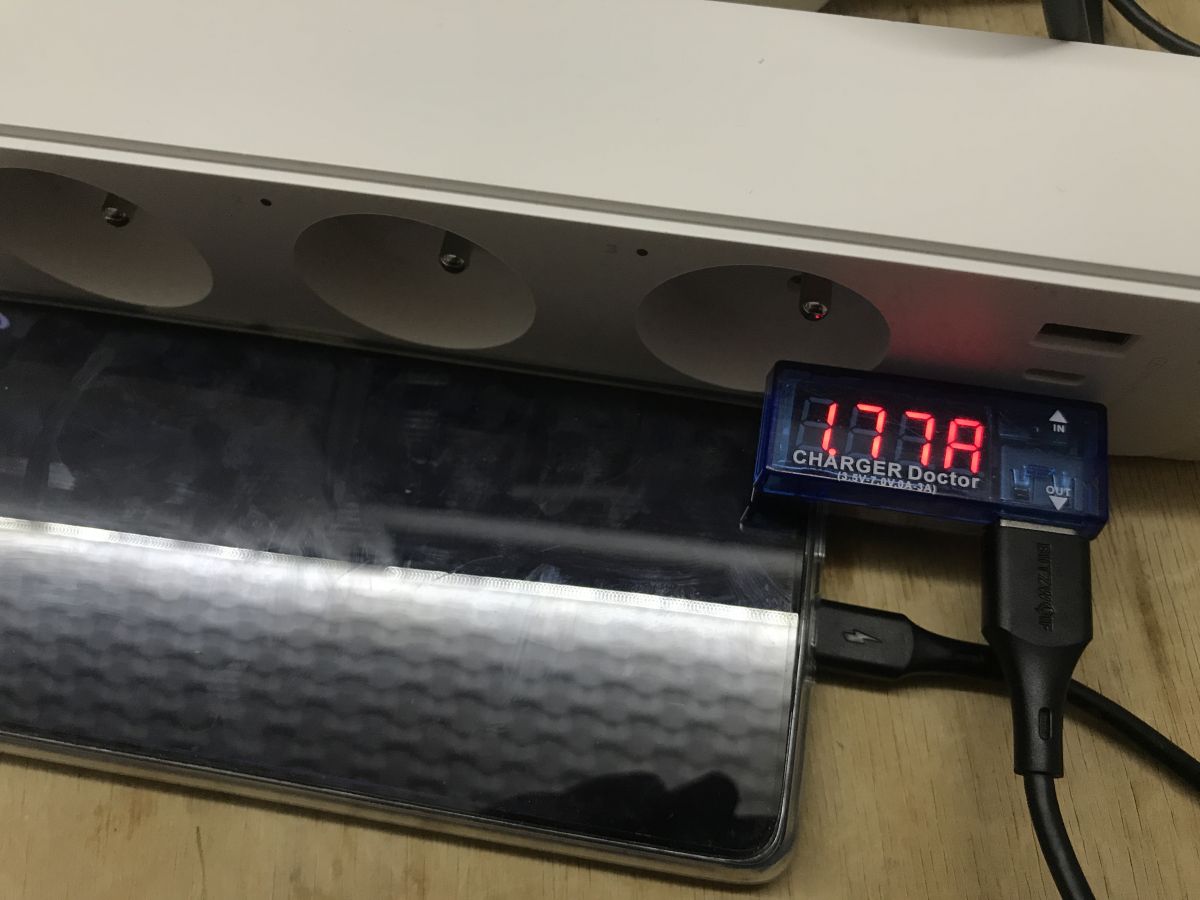
Xiaomi draws less than 2 A at 9 V:
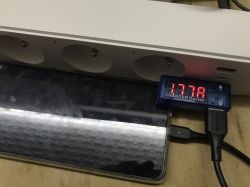
Undoubtedly, the QC works and the product meets the promised performance.
In summary , the strip looks promising, although I have not yet attempted to change its software. I will try to present that in a separate topic. At the moment I'm most happy with the QC and the high current capacity of the USB ports. Cheaper products do not have this. In addition, the interior looks quite solid, there are no thin wires and no excessive savings are visible.
I don't know about the microcontroller what's next to the Wi-Fi controller. If it's something like the TuyaMCU, where the main Wi-Fi module communicates with an additional MCU, then the redesign will get complicated. Just why would they use it there when the RTL has enough pins to handle relays anyway? Weird.
That's about it for now. I'll discuss the Tapo application maybe another time.
Have you used the cloud from TP-Link? 







Comments
Well that's what I think is quite weak about this strip. 18W is a big stretch for Quick Charge. But all in all it makes me wonder why there are no such strips offering higher wattages, with PDs of say... [Read more]
Will this strip withstand 15-16A on a single AC socket? M [Read more]
@sp5it And why would it hold 15-16A on one socket? The relays are for 10A, and the maximum current of 10A is stated on the packaging. The maximum total current for the whole strip is also 10A: ht... [Read more]