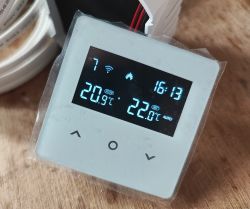
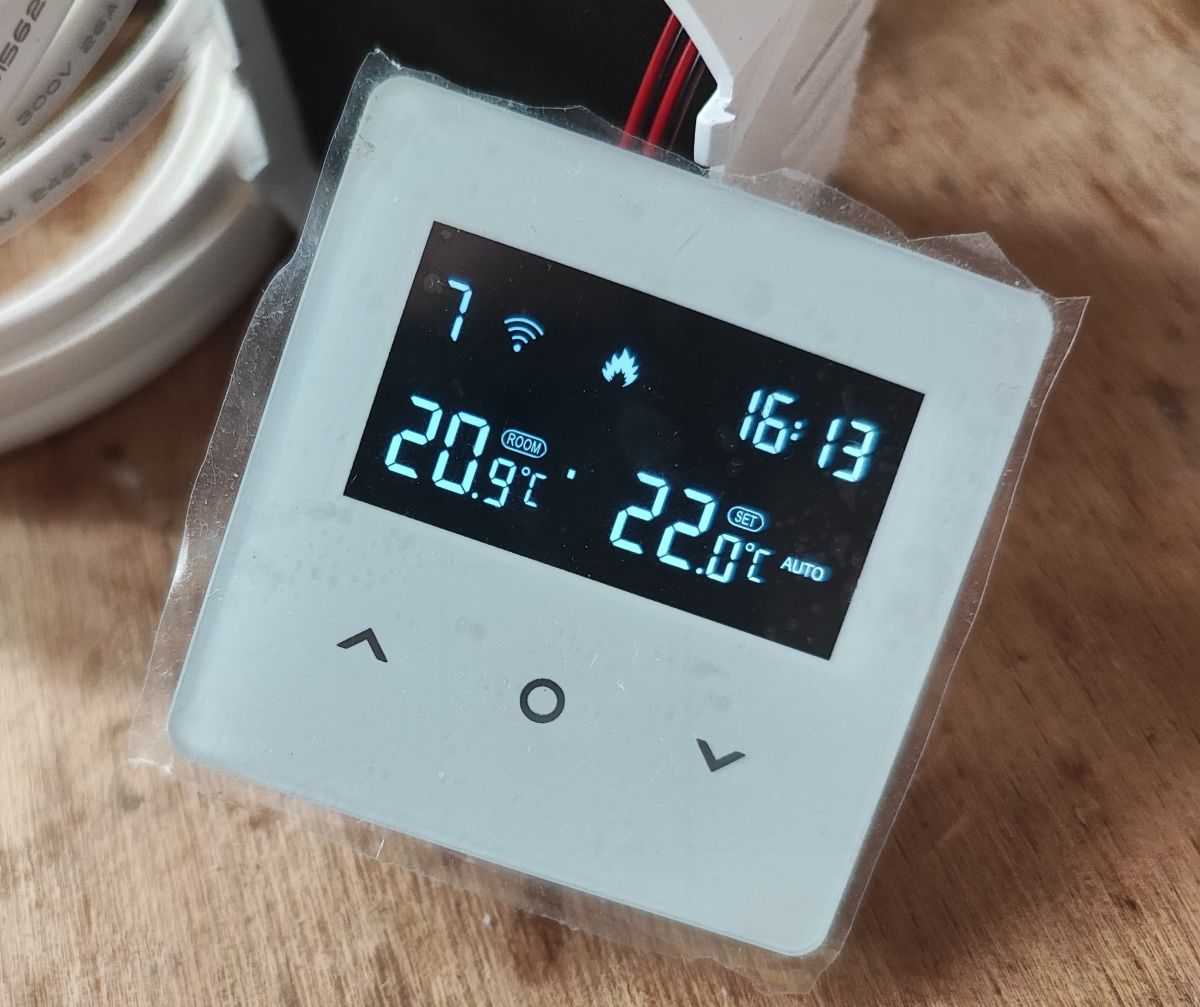
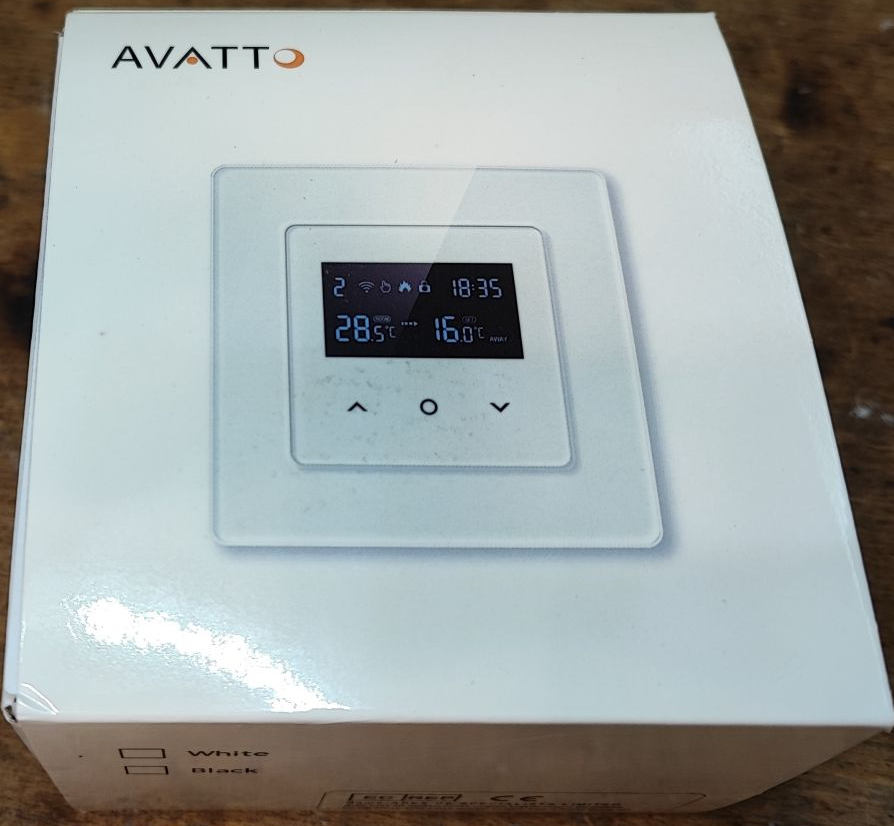
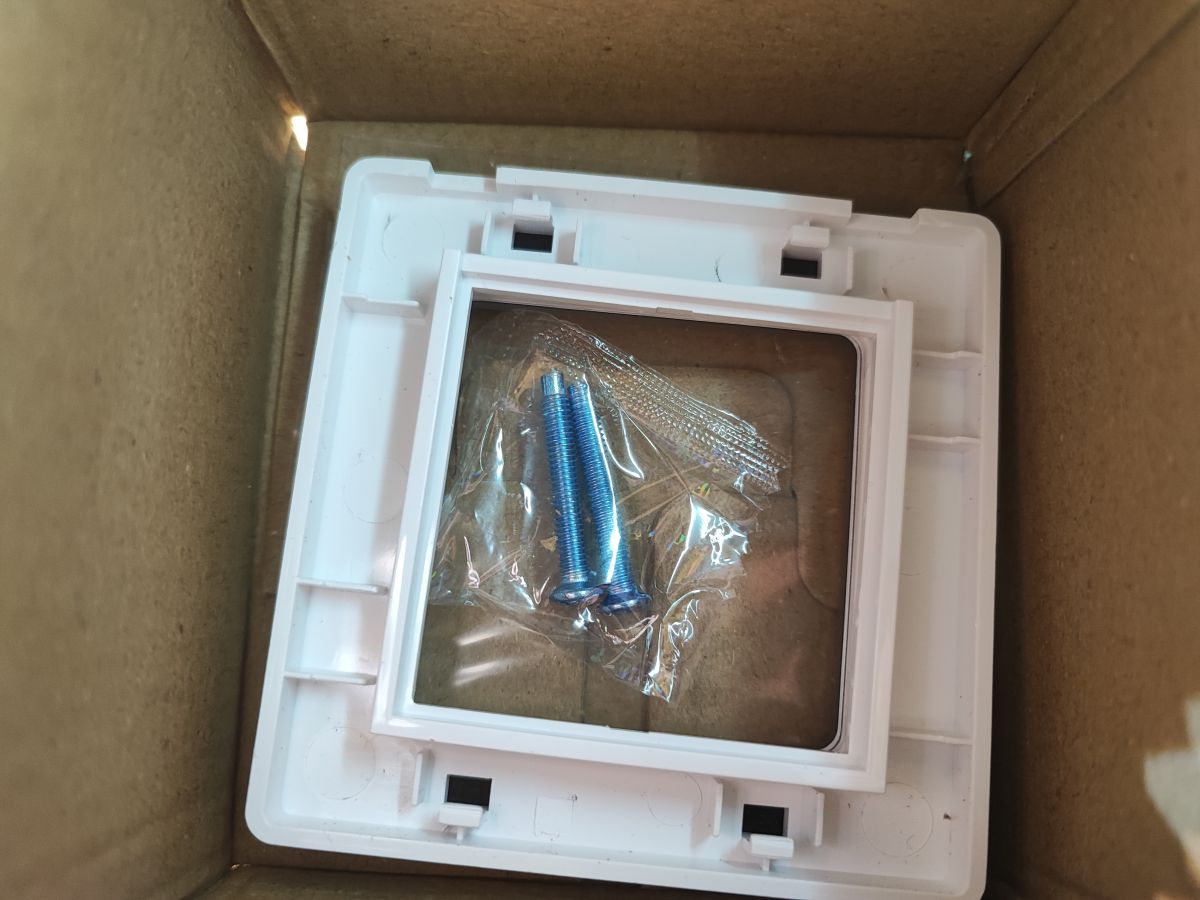
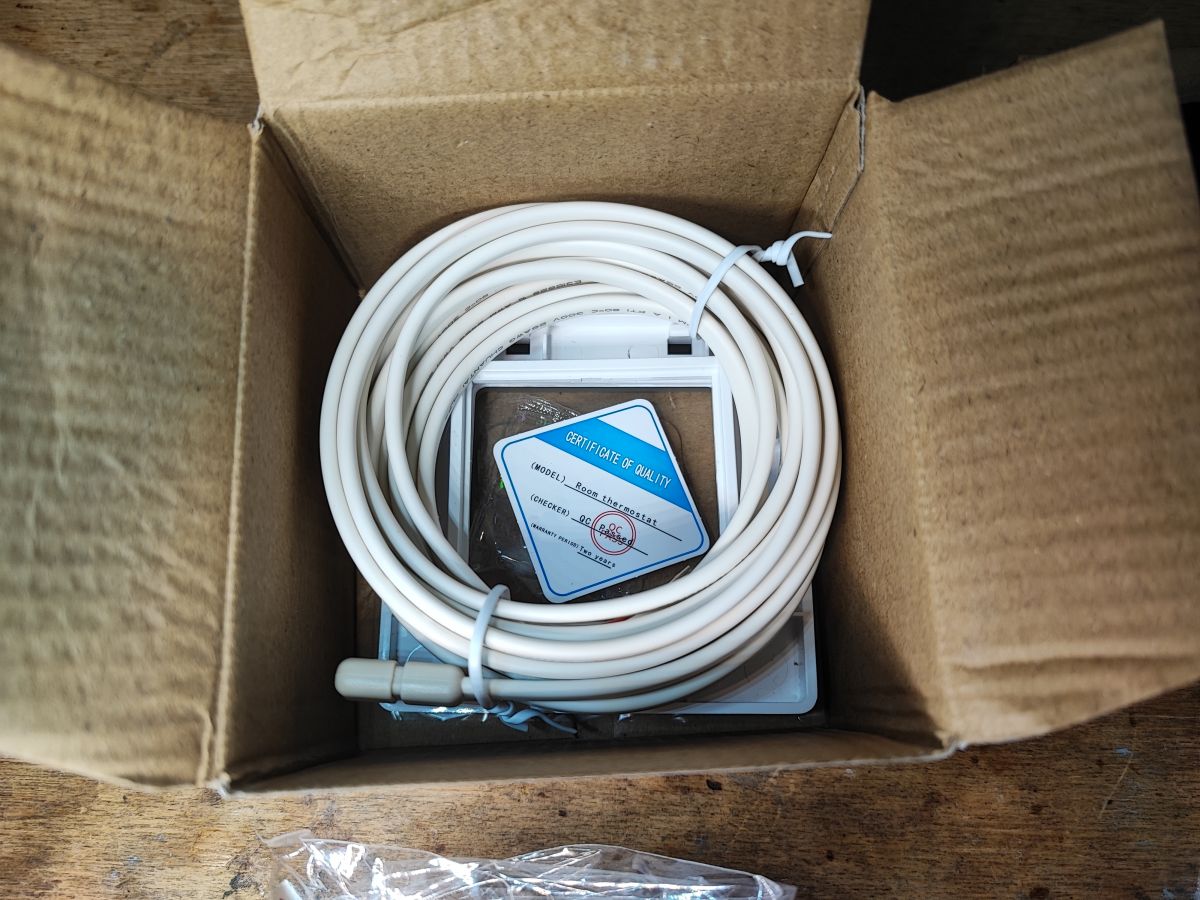
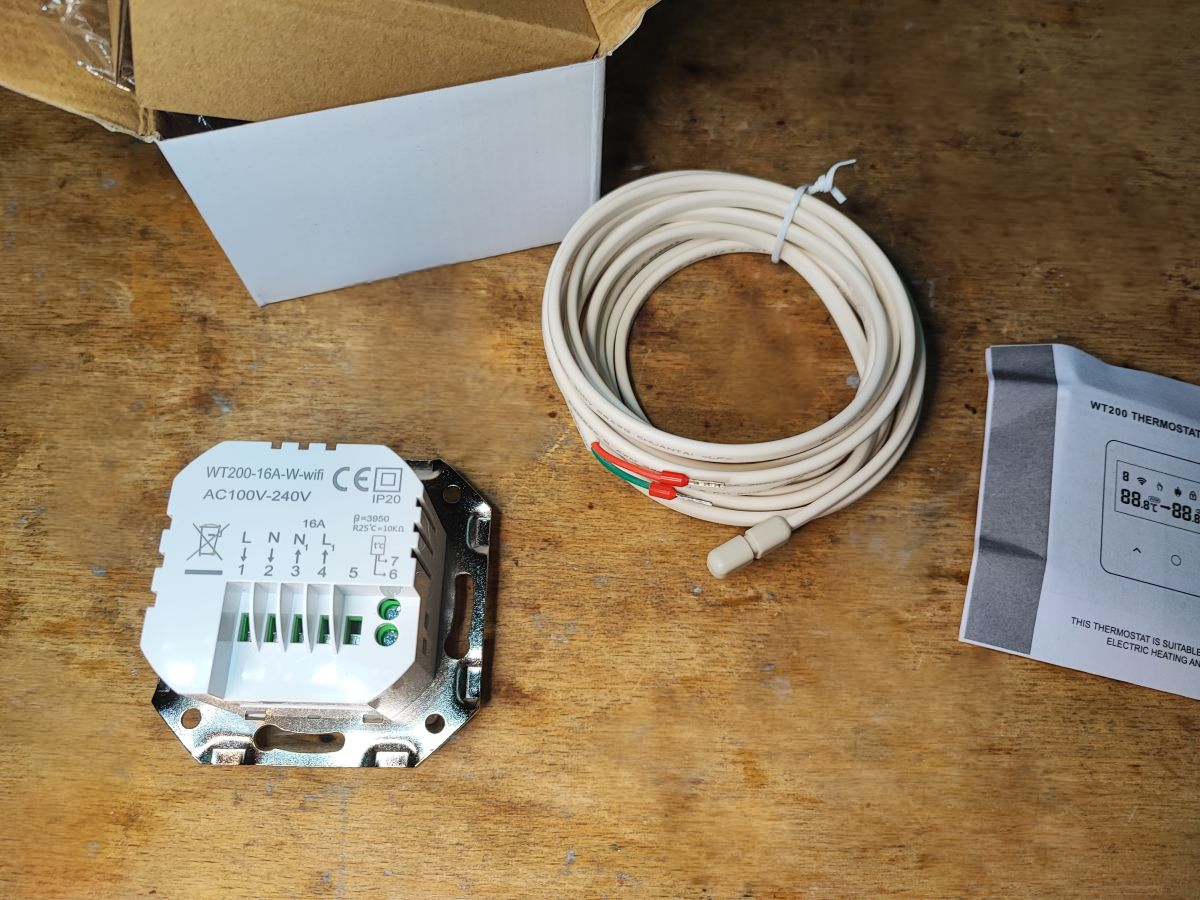
I would like to invite you to a presentation and a detailed analysis of the interior of the WT200-16A-W thermostat compatible with the Tuya app. The WT200-16A-W offers manual control via WiFi and schedule operation in 5+2, 6+1 or 7-day modes, with 6 time modes per day. The WT200-16A-W is available to buy for around 150PLN and works with an external probe. Let's take a look at what we get in the kit.
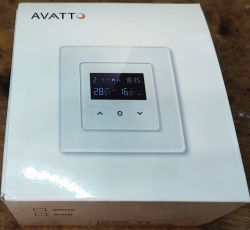
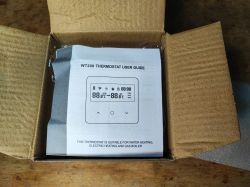
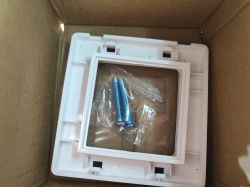
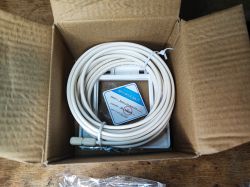
In this case, the front of the product is fully removable. You can get it in a variety of colours - I've seen copies in black and white. An external sensor is also included, although its use is optional.
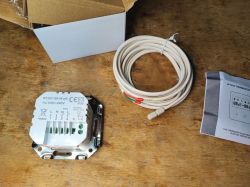
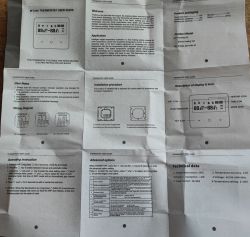
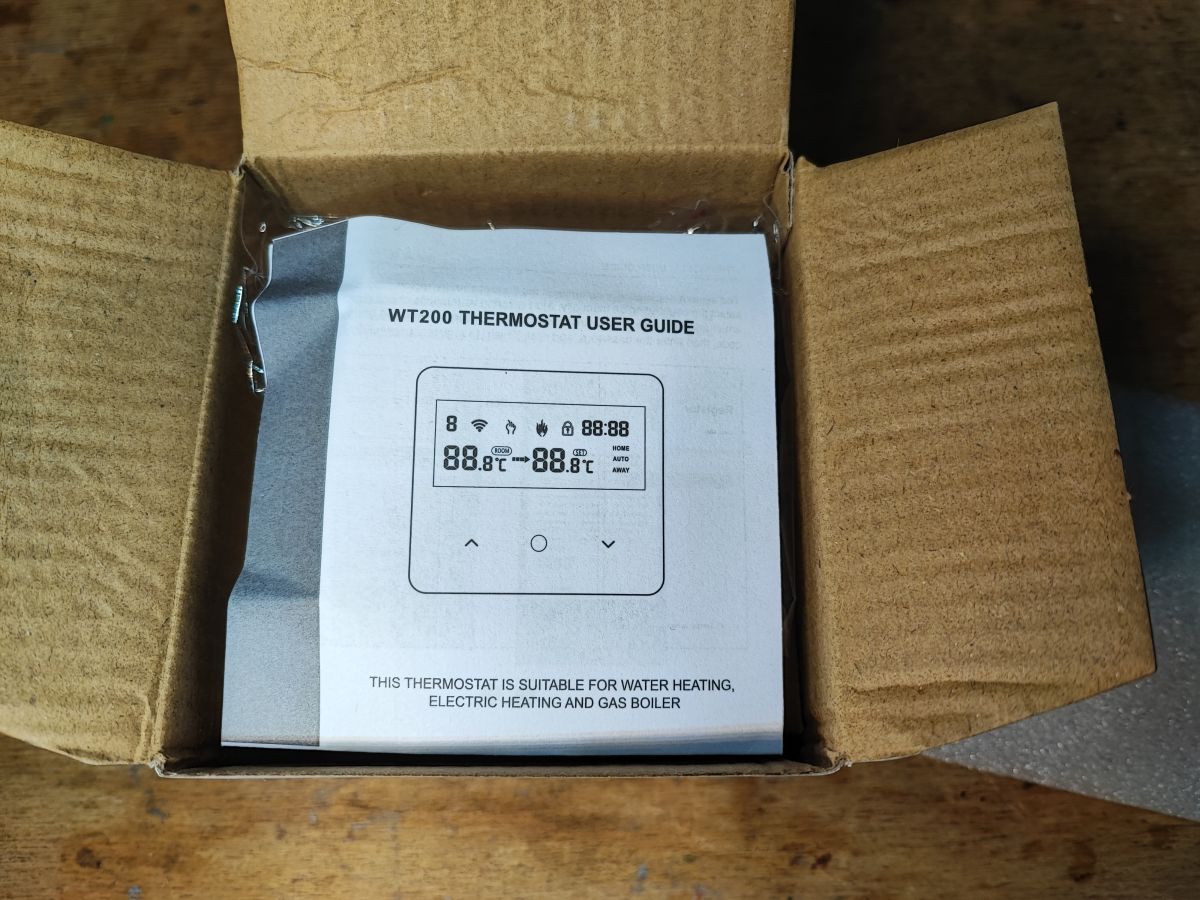
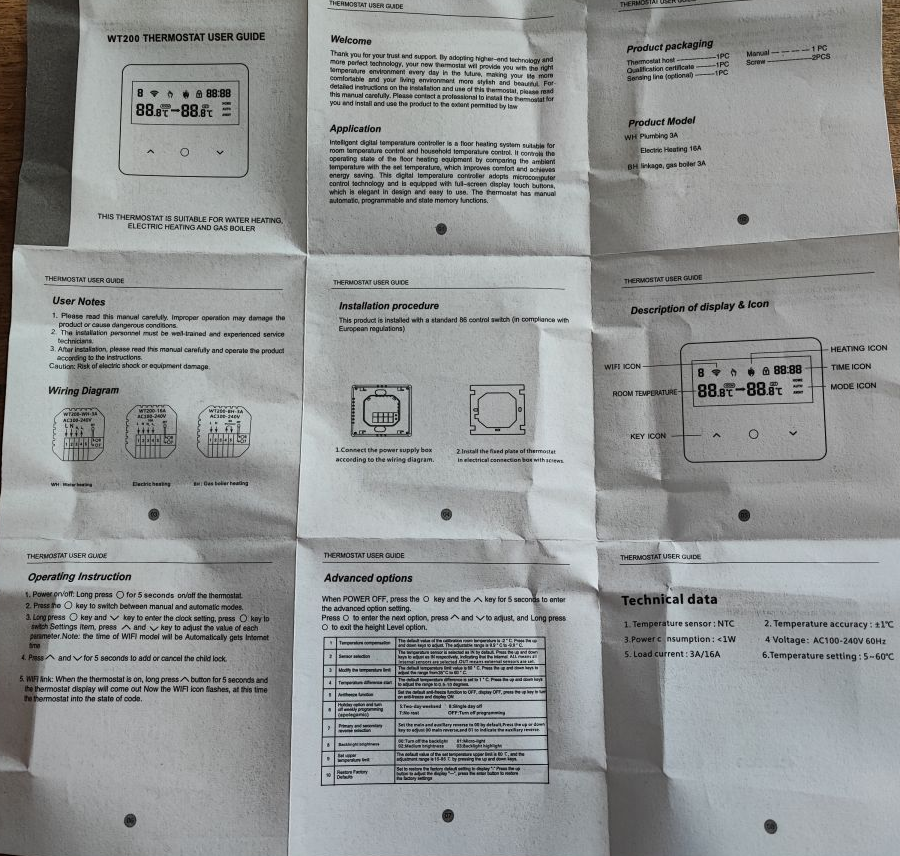
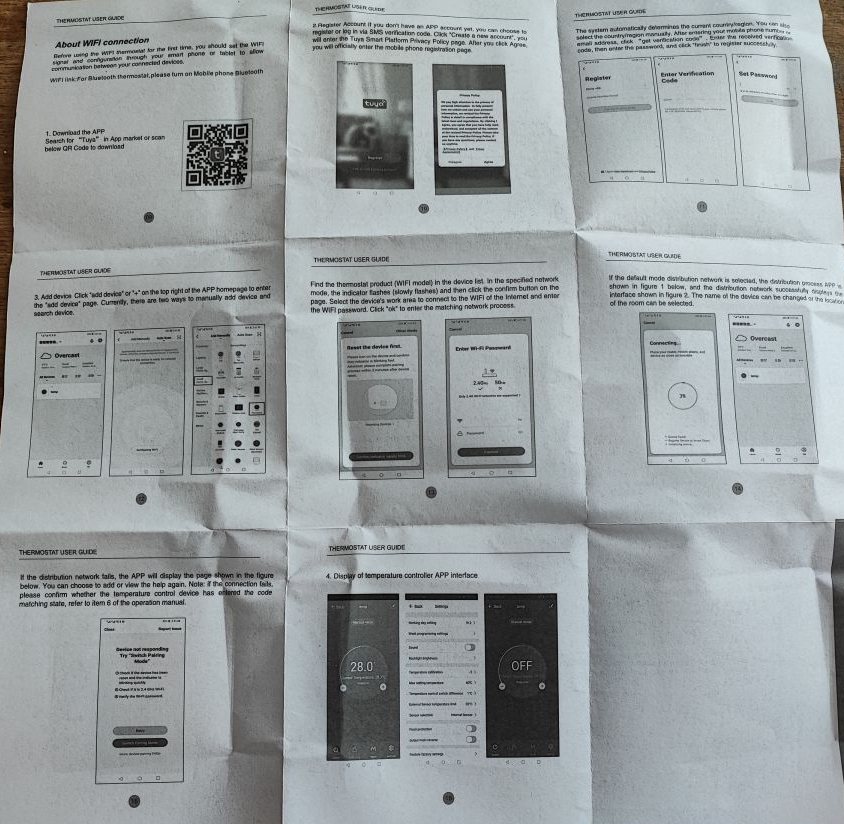
Included in the kit is an English-language manual for pairing and operating the thermostat. Below are clear pictures of it - I won't repeat the information contained therein too closely.
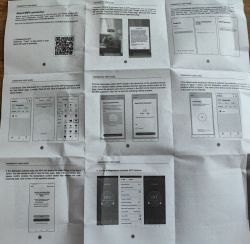 Test with Tuya app
For many IoT products I often change the firmware straight away and don't even pair it with Tuya, but here I was curious to see what it all looks like. Additionally, I need this to analyse the communication protocol, which I will include in the following paragraphs.
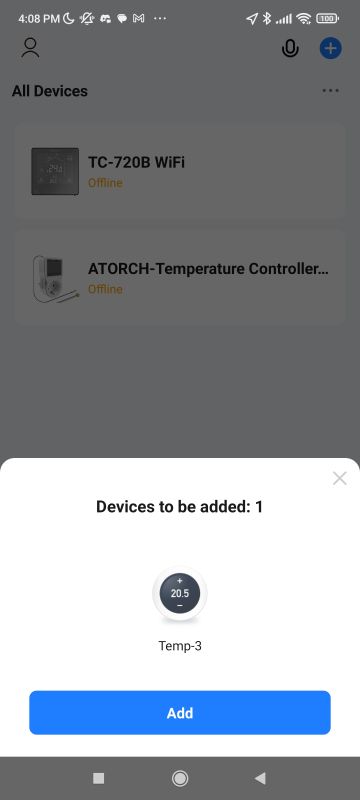
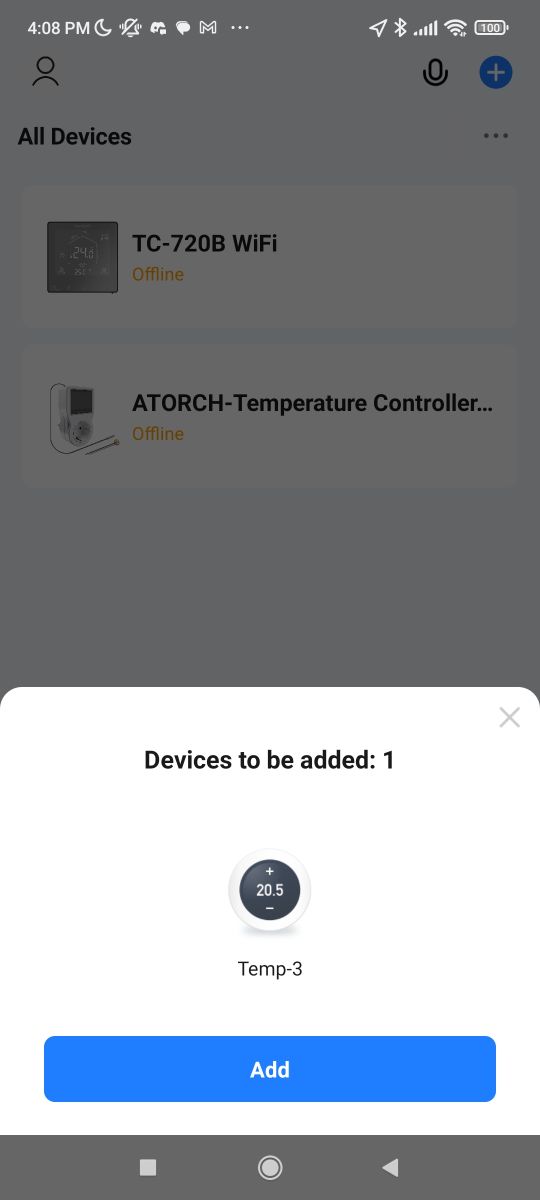
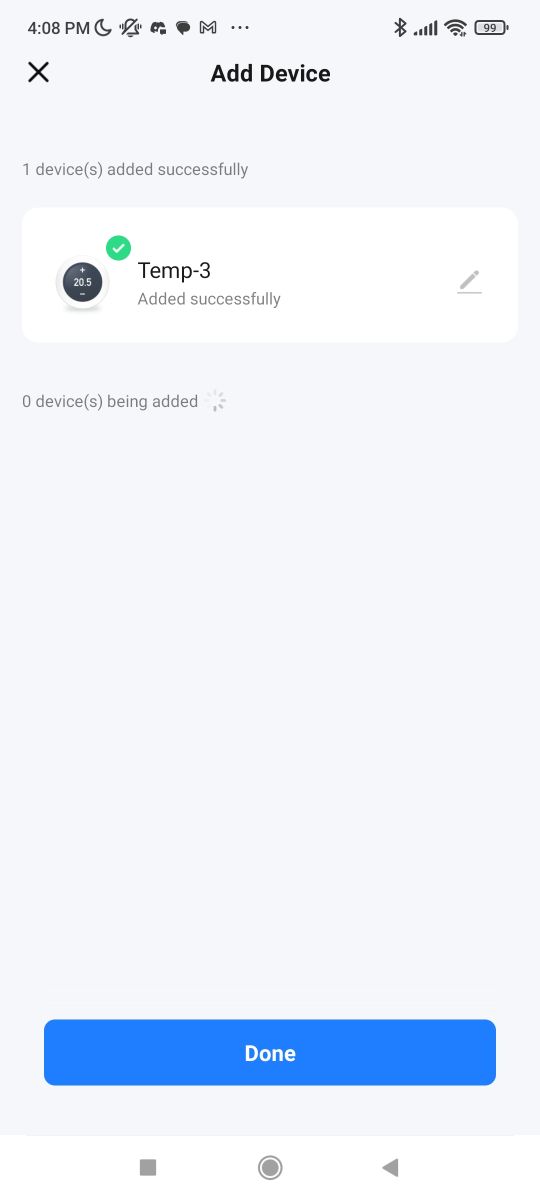
Pairing was very straightforward - the phone sees these devices by Bluetooth alone:
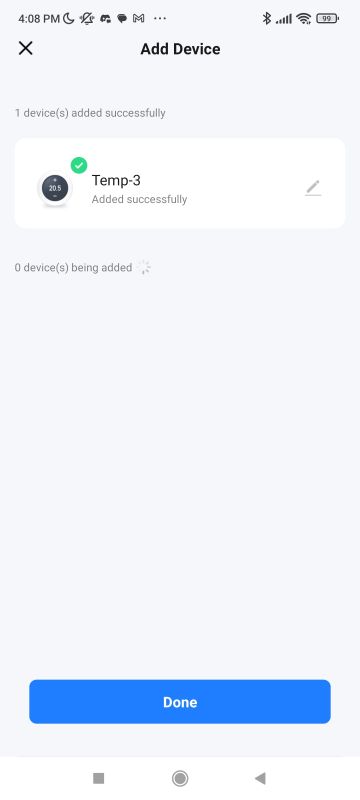
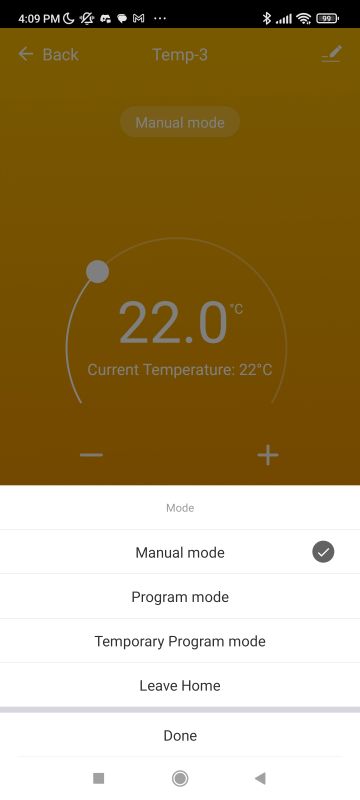
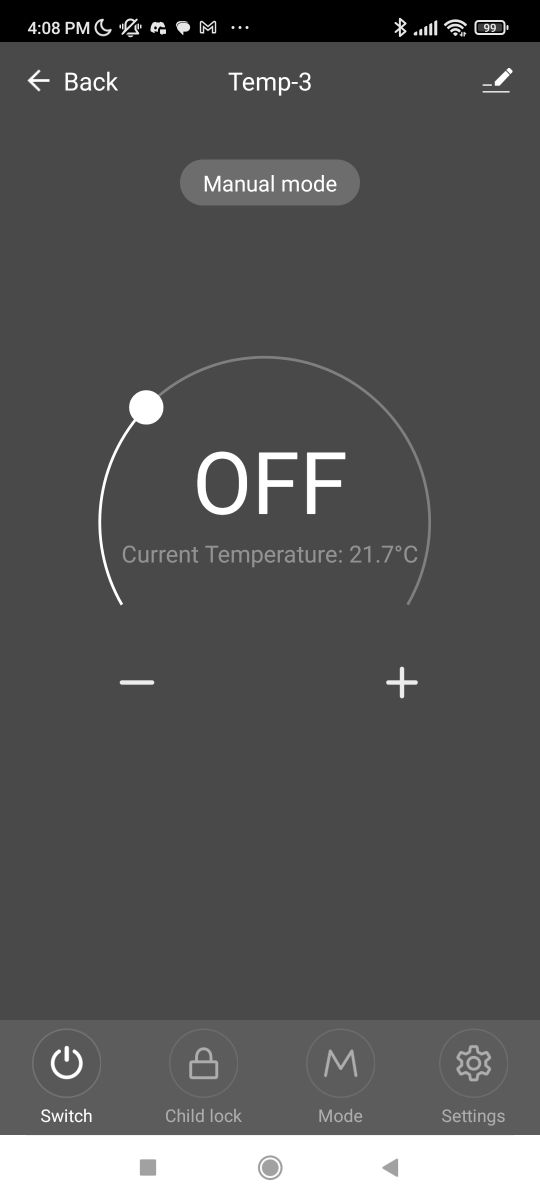
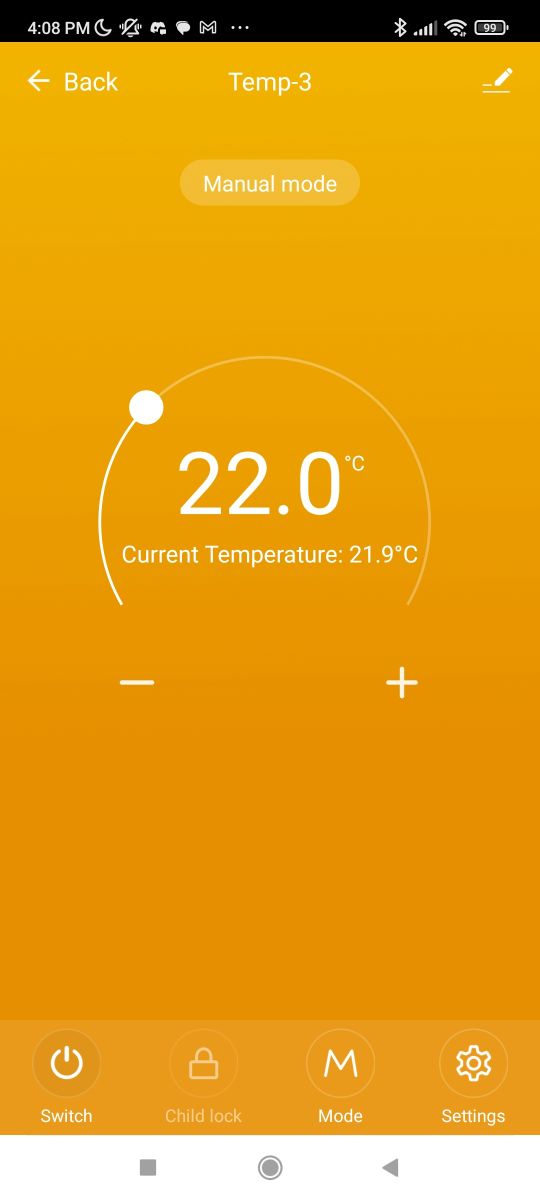
Once paired, we are greeted by the manual mode, or so-called 'manual mode'. It simply allows us to manually set the target temperature we want the thermostat to aim for. The thermostat also gives us a live view of the current temperature from the sensor.
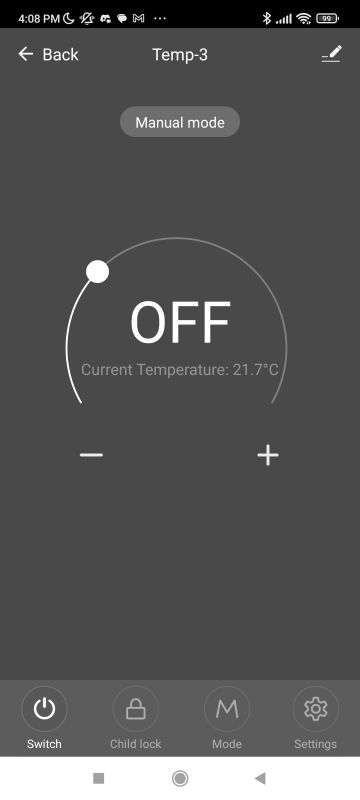
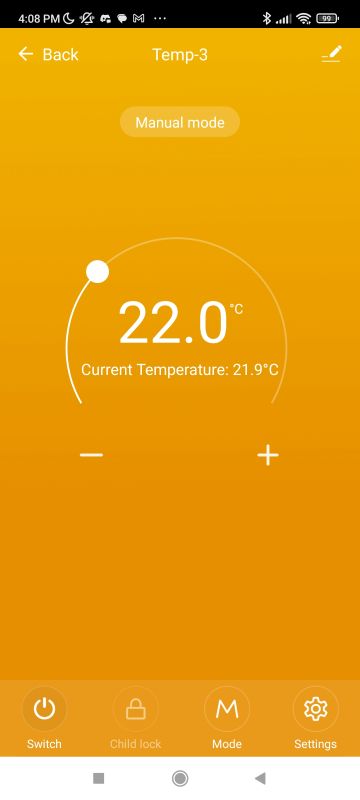
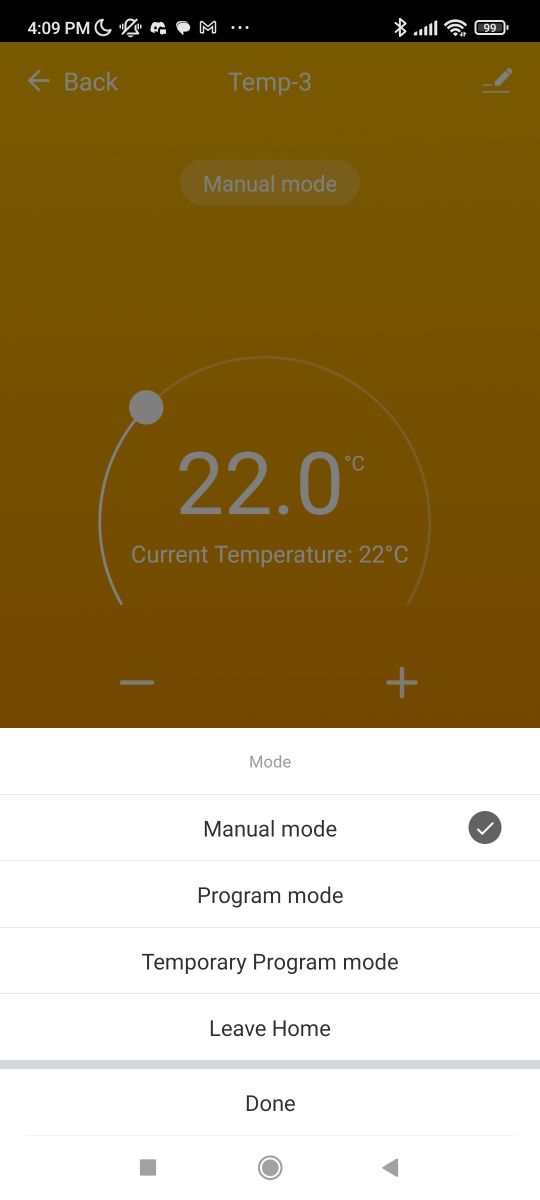
Of course, there are many more options. The mode button, or 'mode', is used for this. There, we have the aforementioned manual mode, program mode, temporary program mode and leaving the house (in which case heating is switched off or heavily reduced - antifreeze).
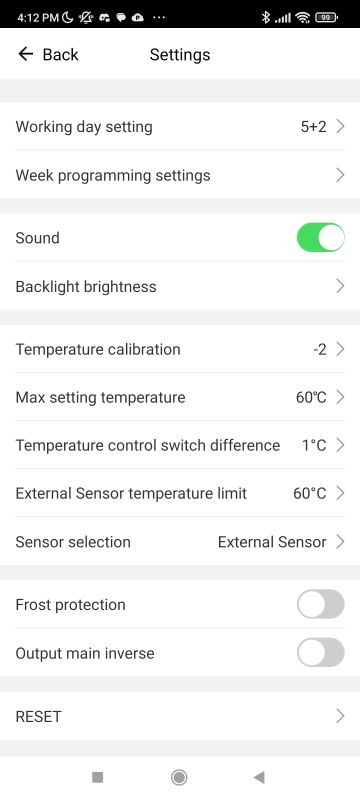
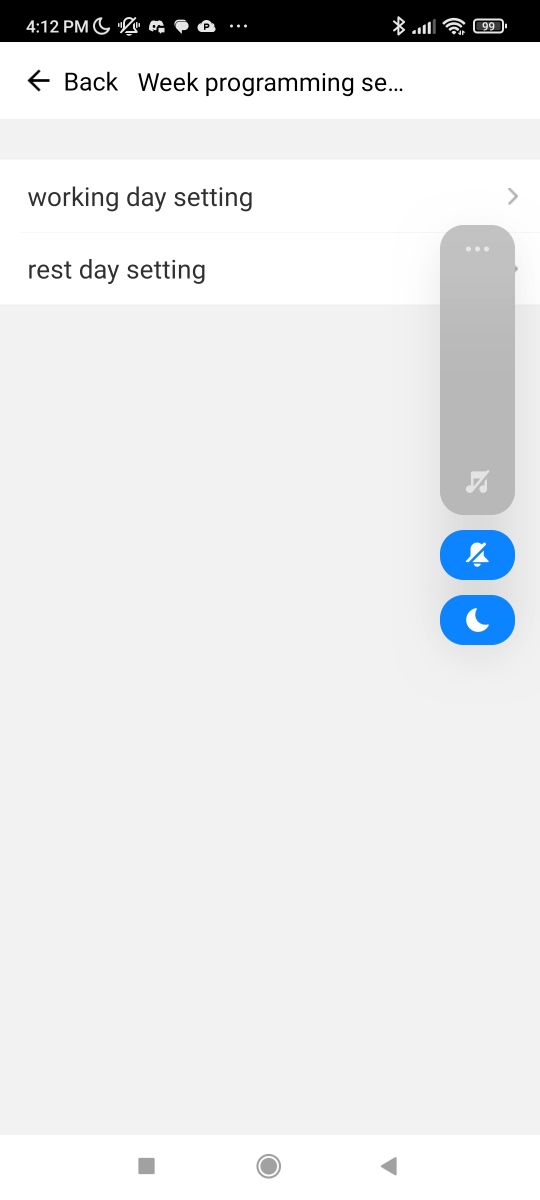
The weekly format (6+1, 5+2, etc.) is selectable in the options - this is where you create the programmes.
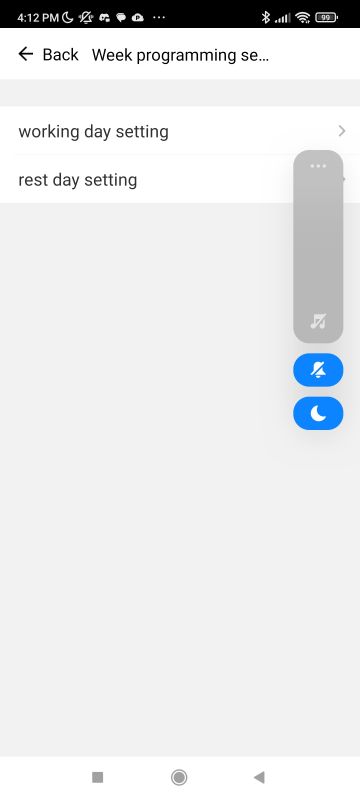
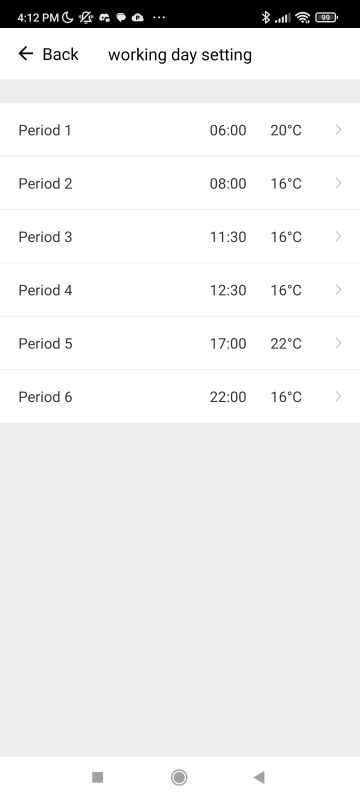
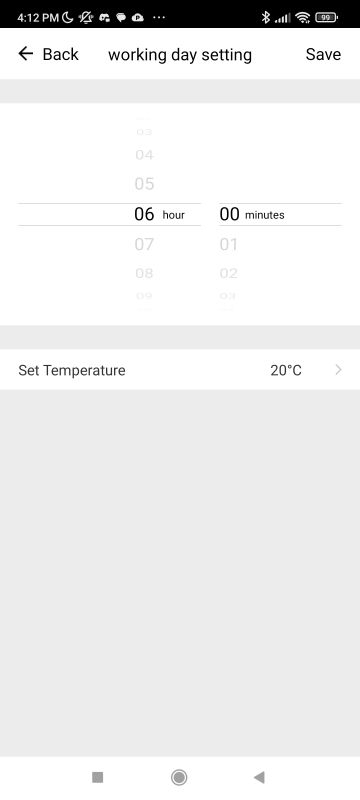
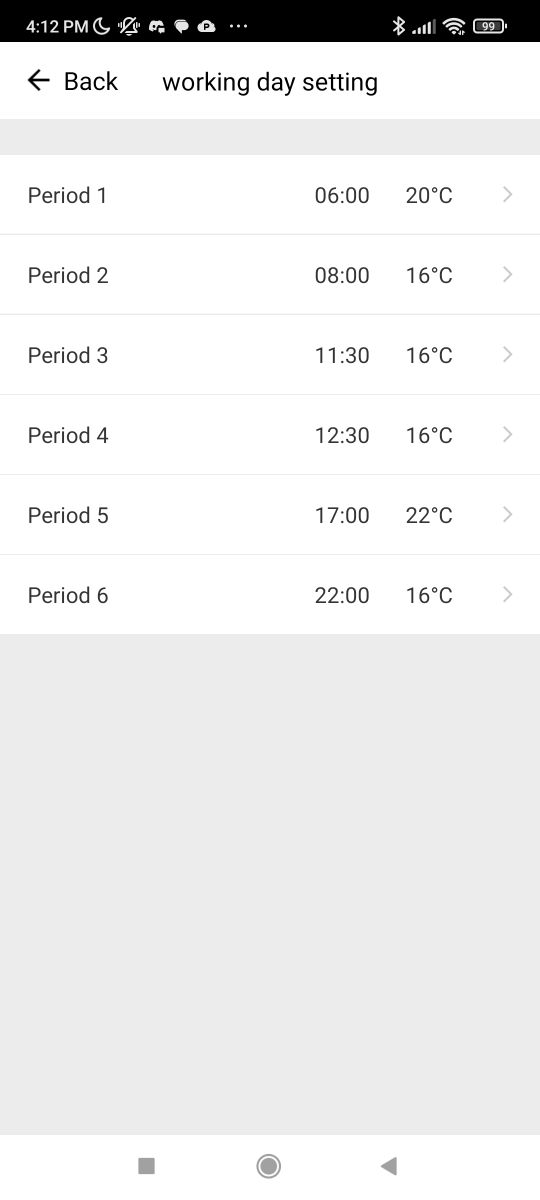
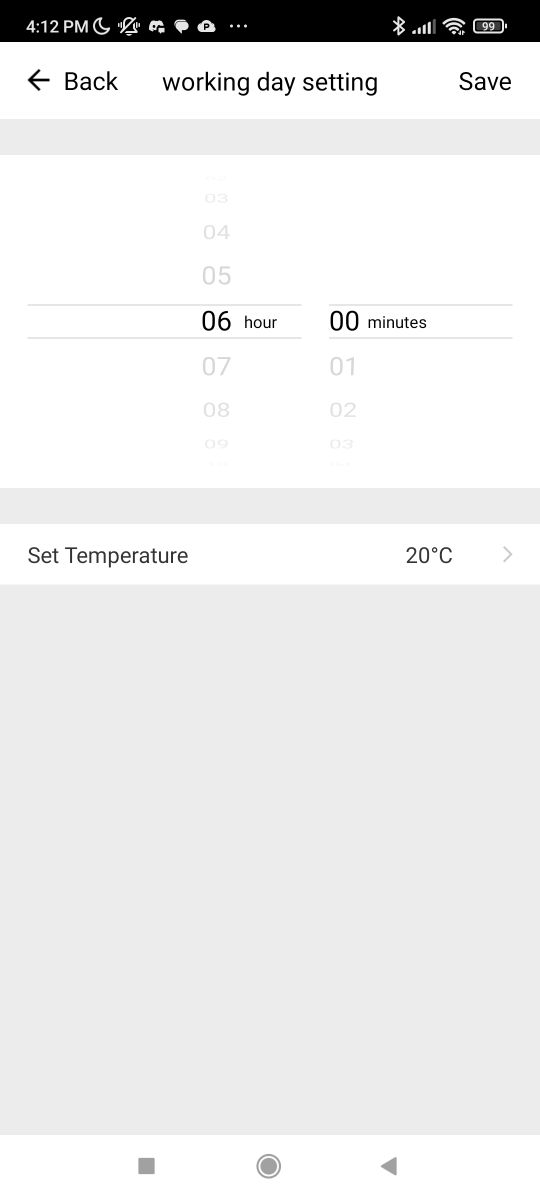
The screenshot below shows the aforementioned heating periods. We select an hour and set the temperature that will be implemented at that hour.
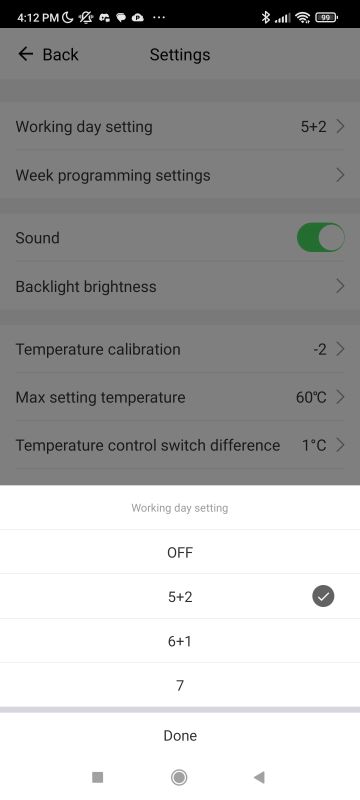
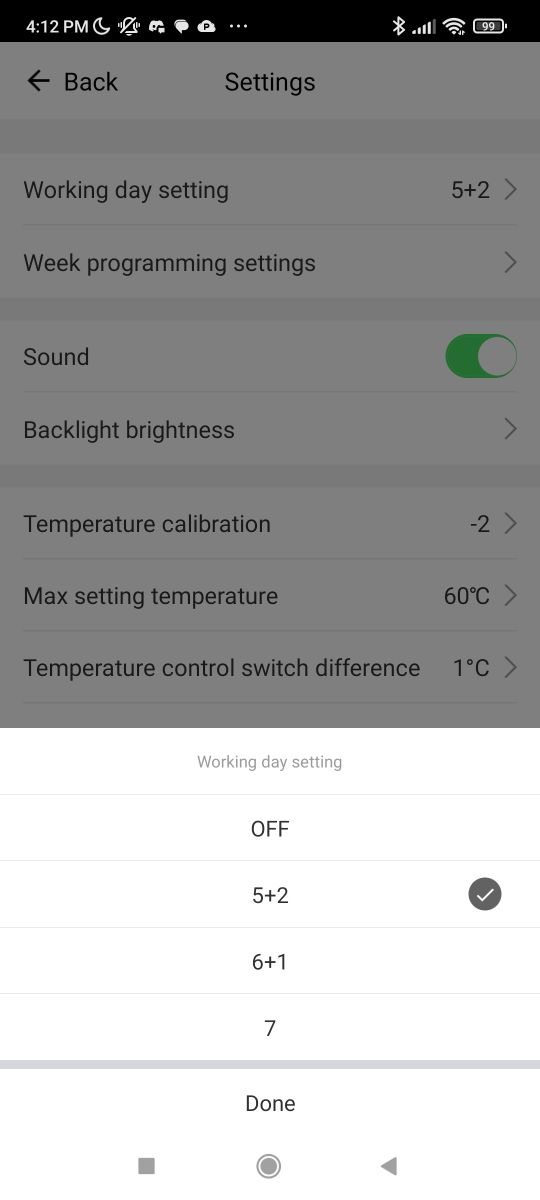
Available weekly modes are 5+2, 6+1, 7 or none:
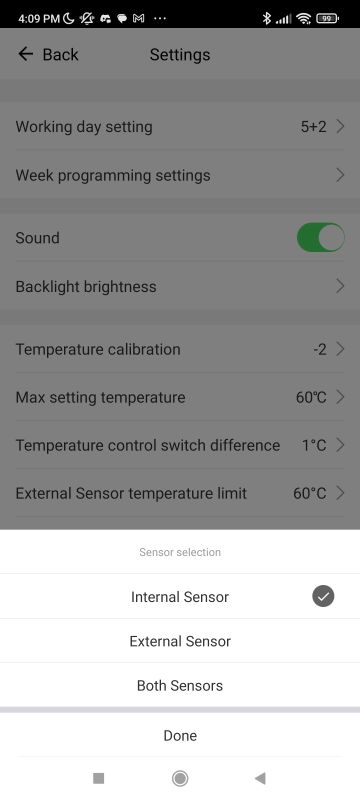
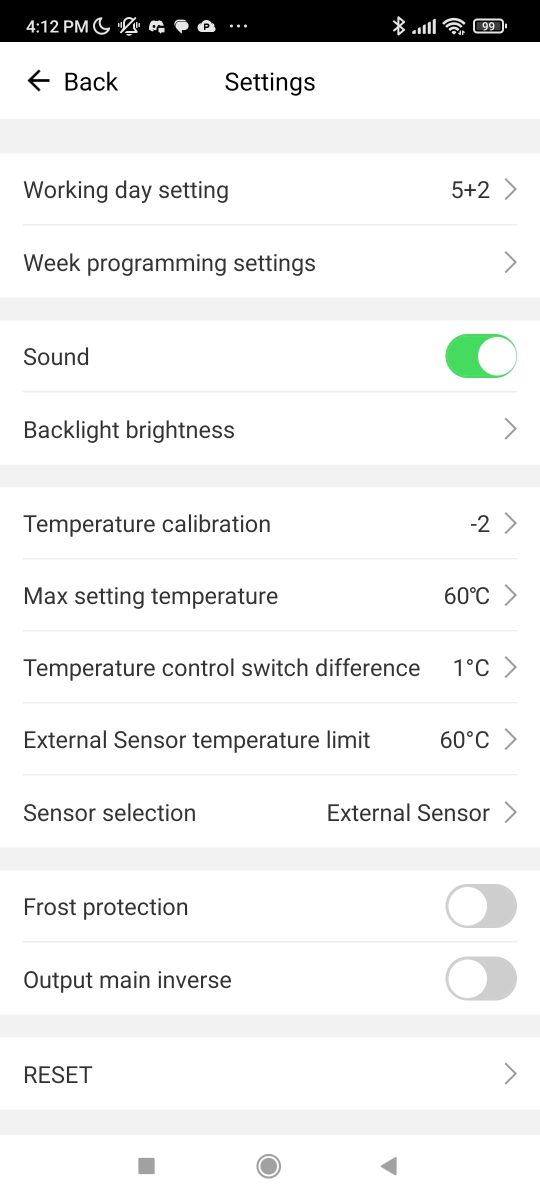
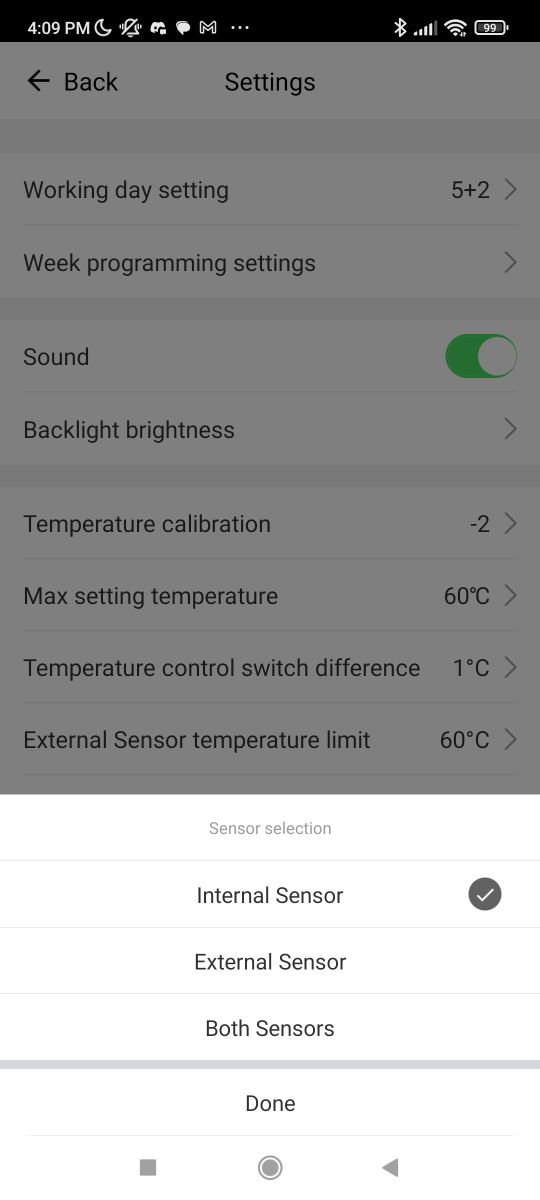
The options also include calibration and probe selection (external, internal):
 Interior product
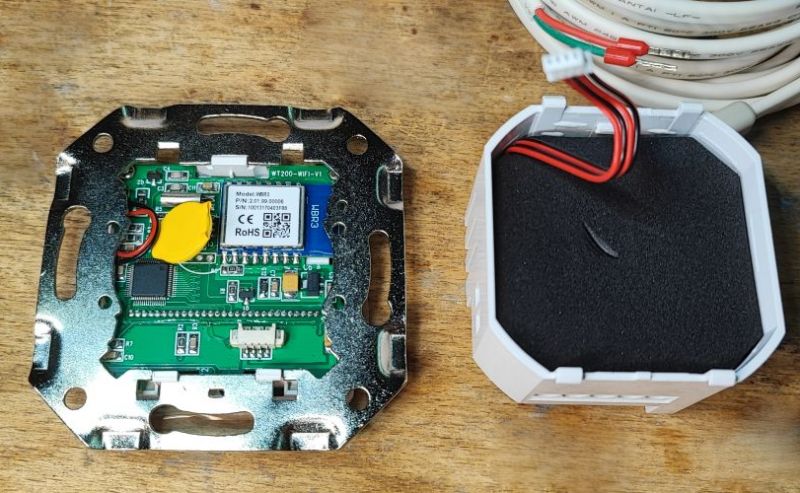
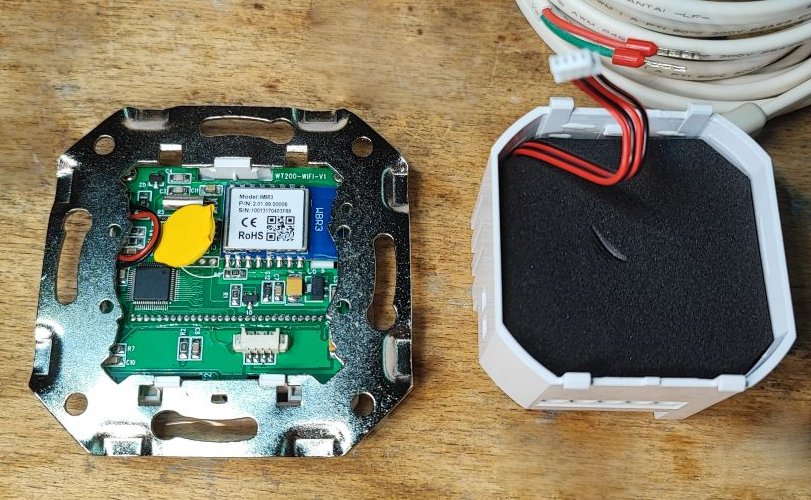
We will now take a look inside. The product consists of two parts - the front panel with LCD and WiFi module, and the power supply.
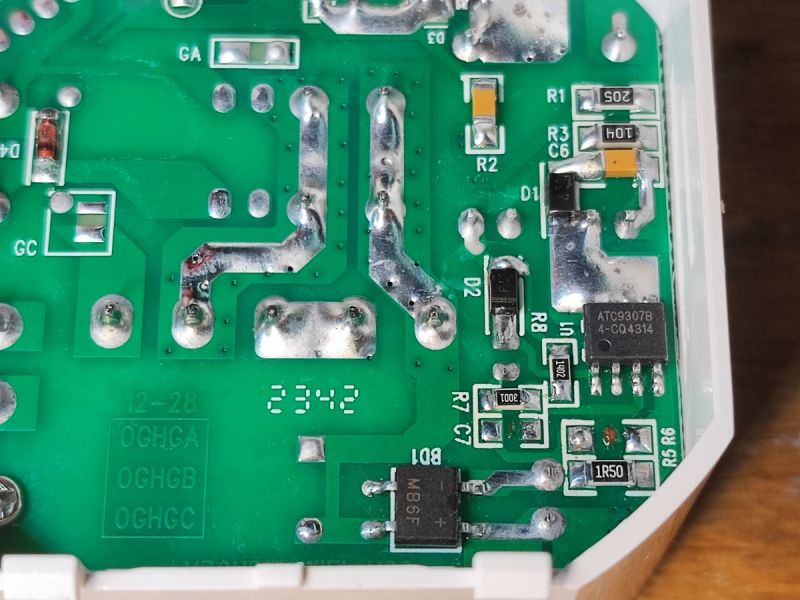
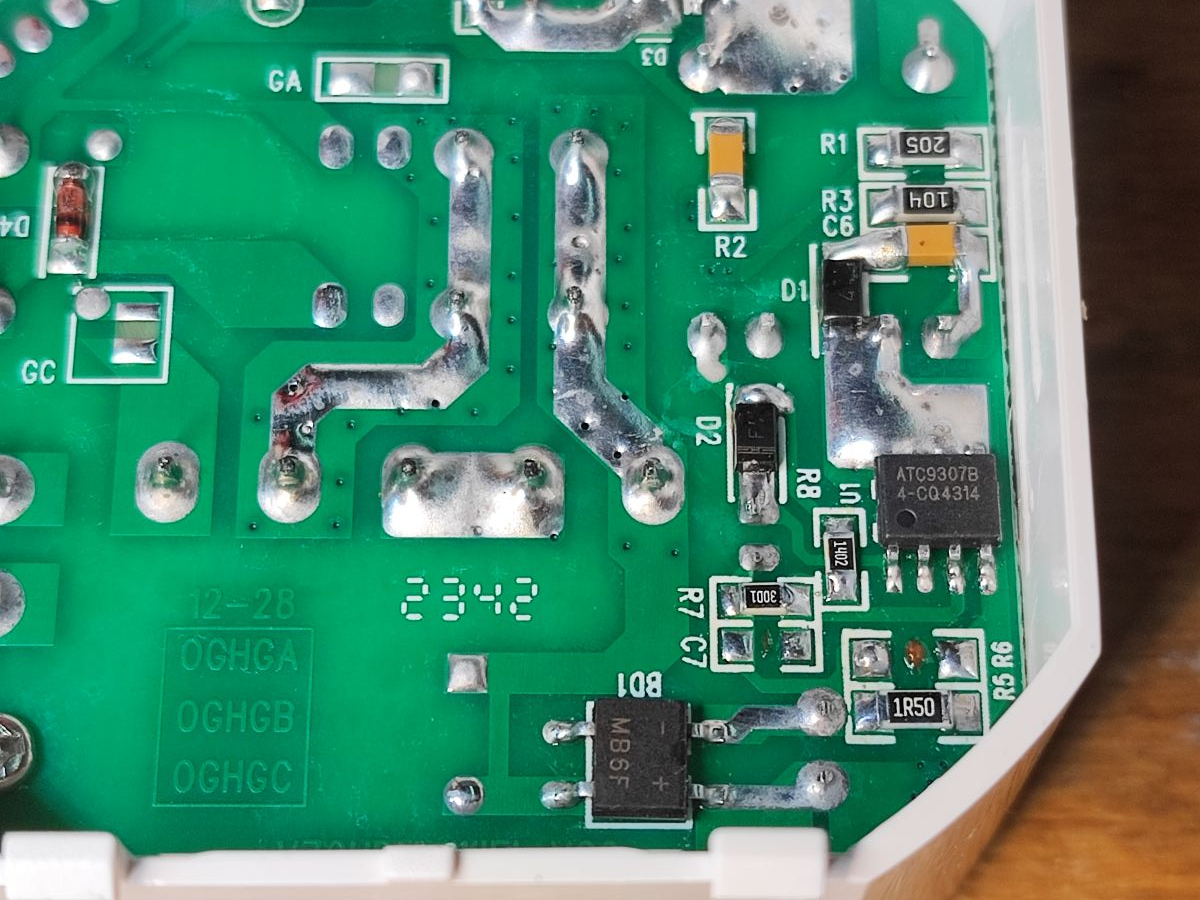
The ATC9307B and ATC9200DF can be seen on the power supply board. Just by the positions of the components I am betting that the first component is a flyback converter controller with an integrated keying transistor and the second is either an LDO or a synchronous rectifier. Perhaps someone can find more information?
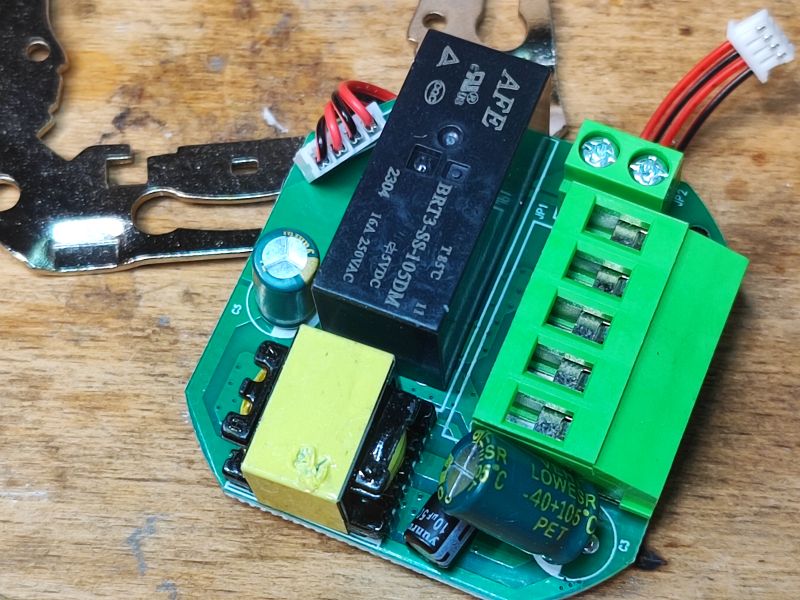
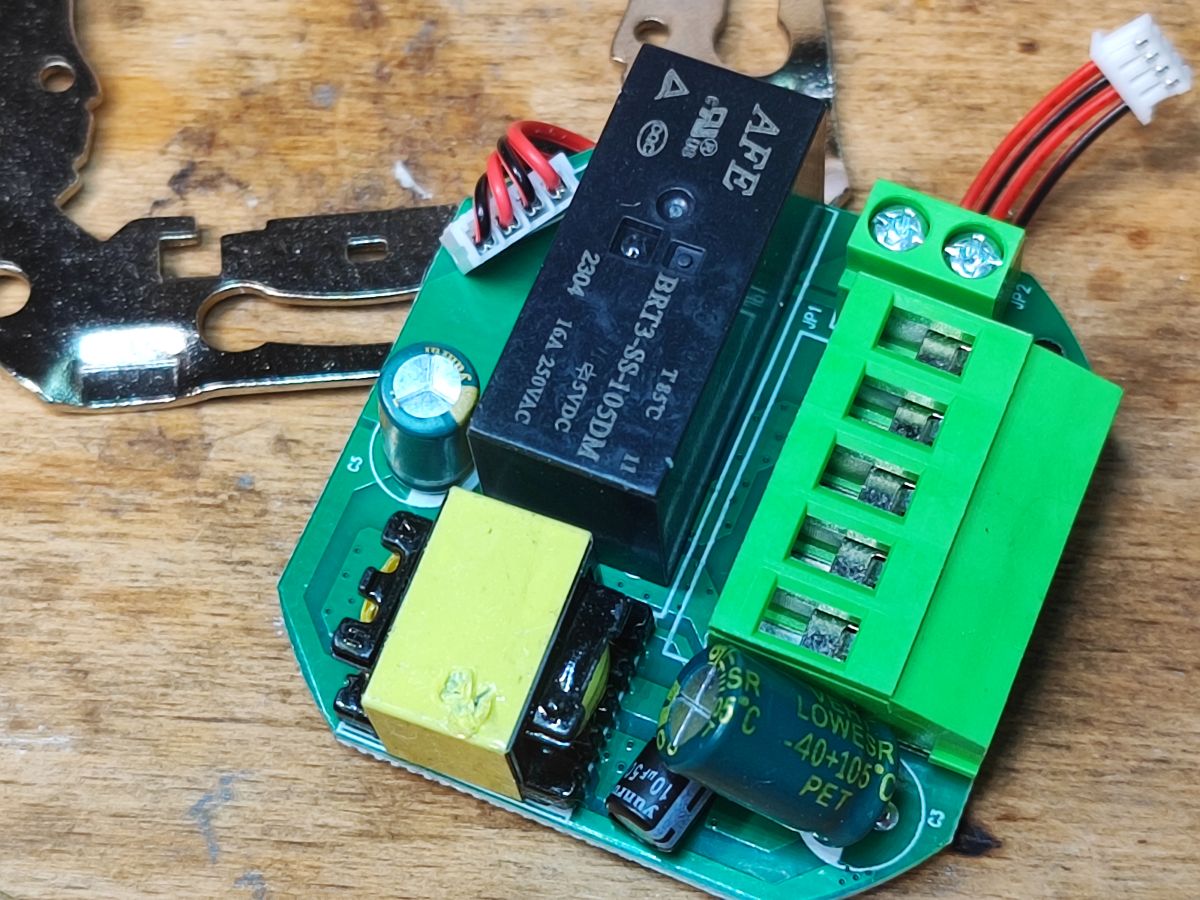
On the other side of the board you can see the pulse transformer from the inverter and the relay - BRT3-SS-105DM:
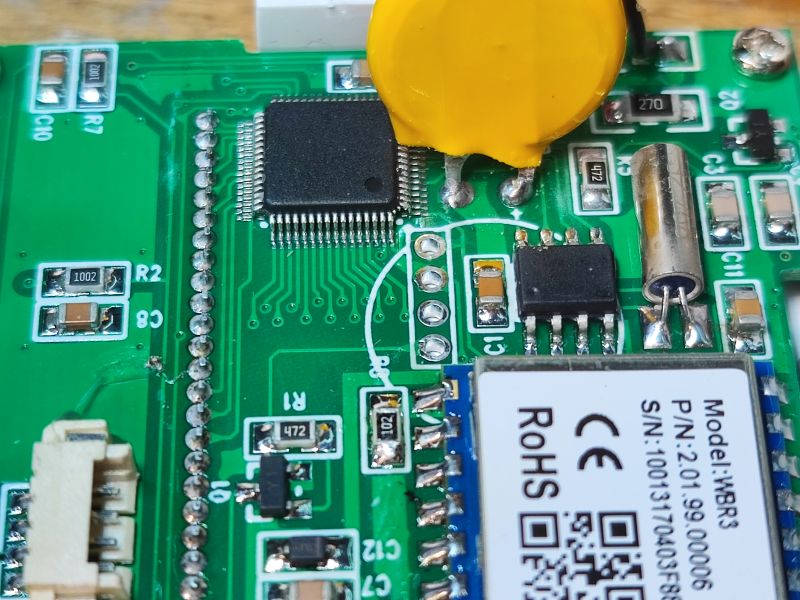
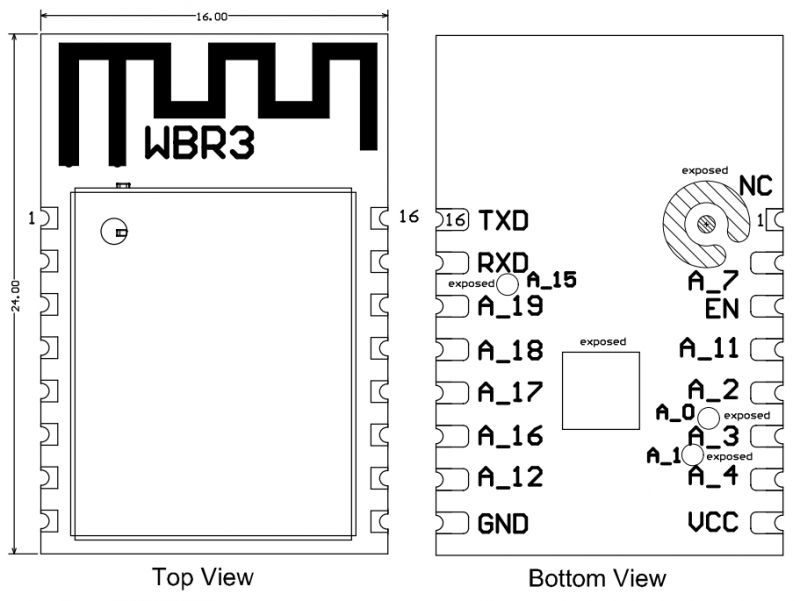
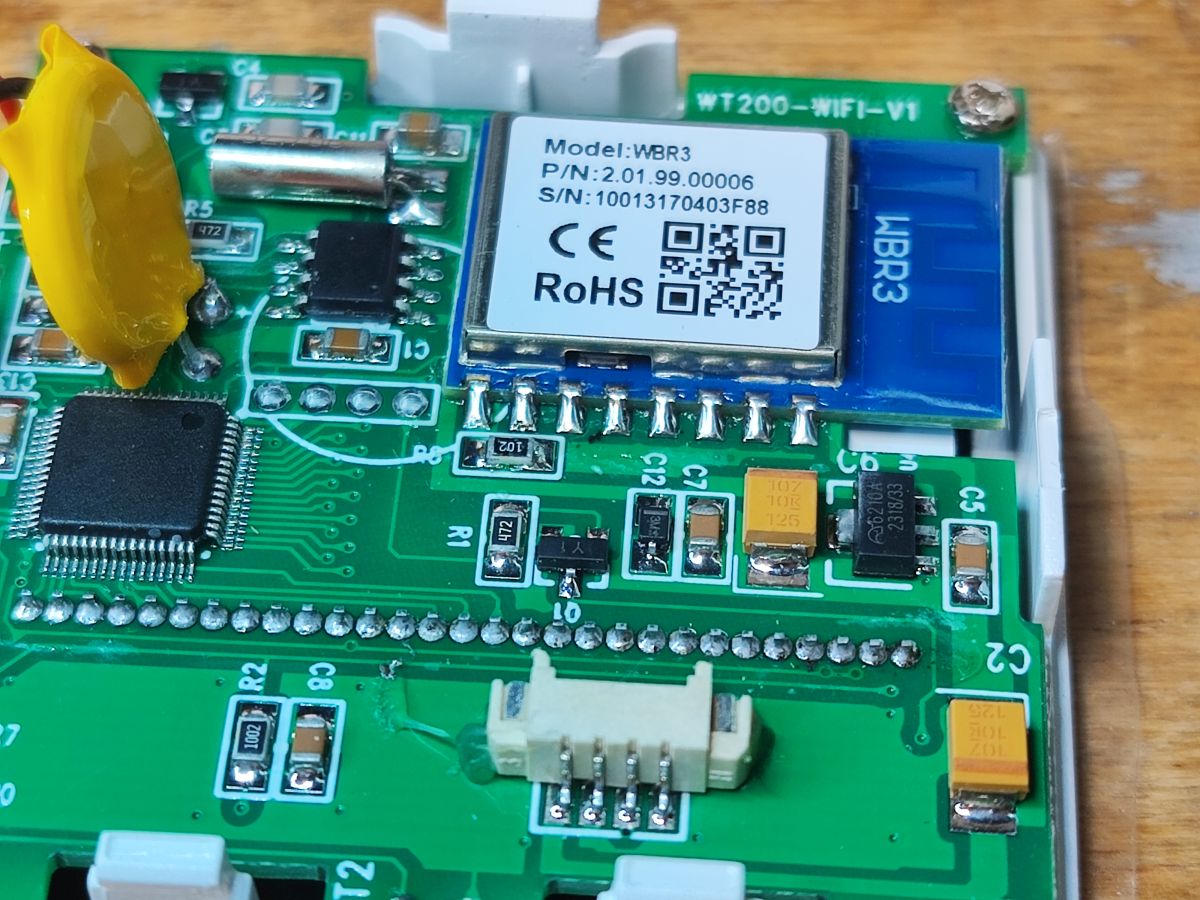
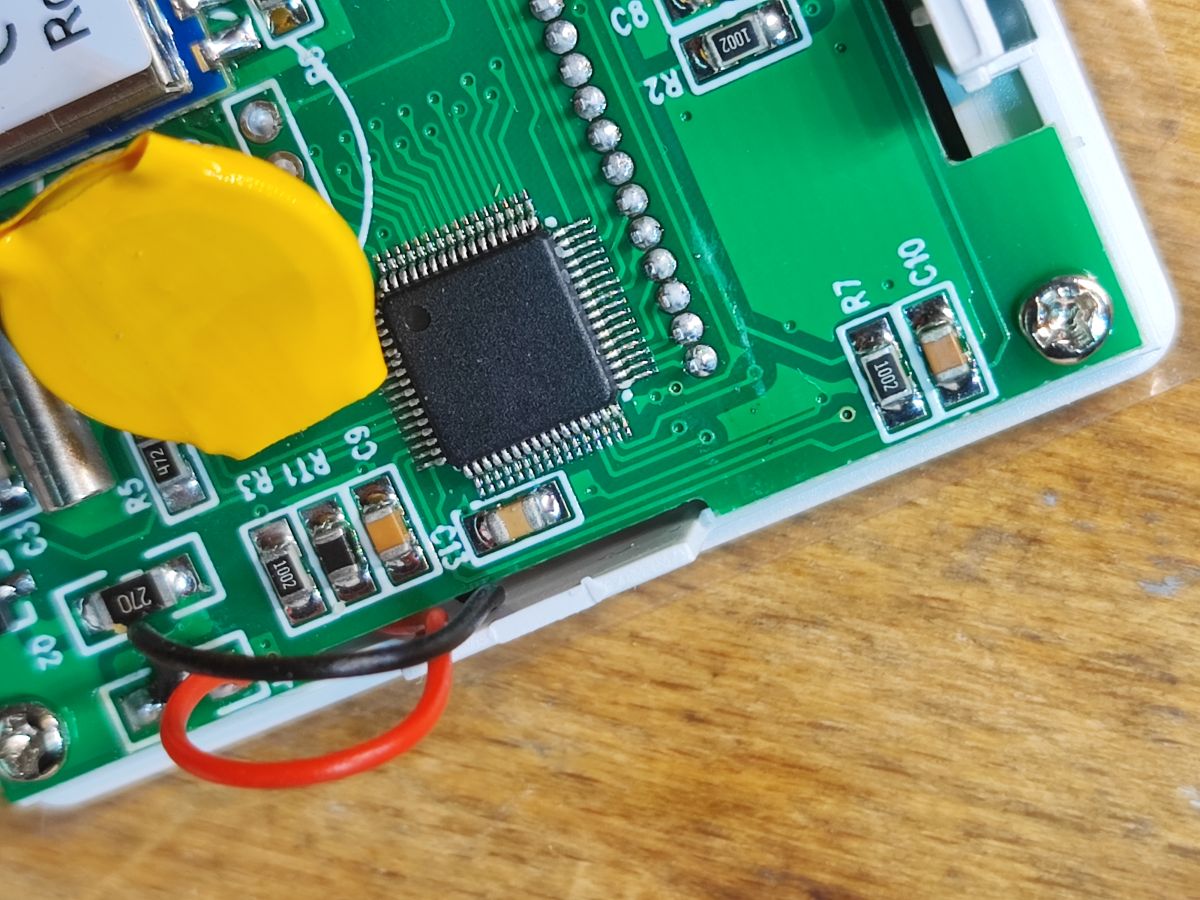
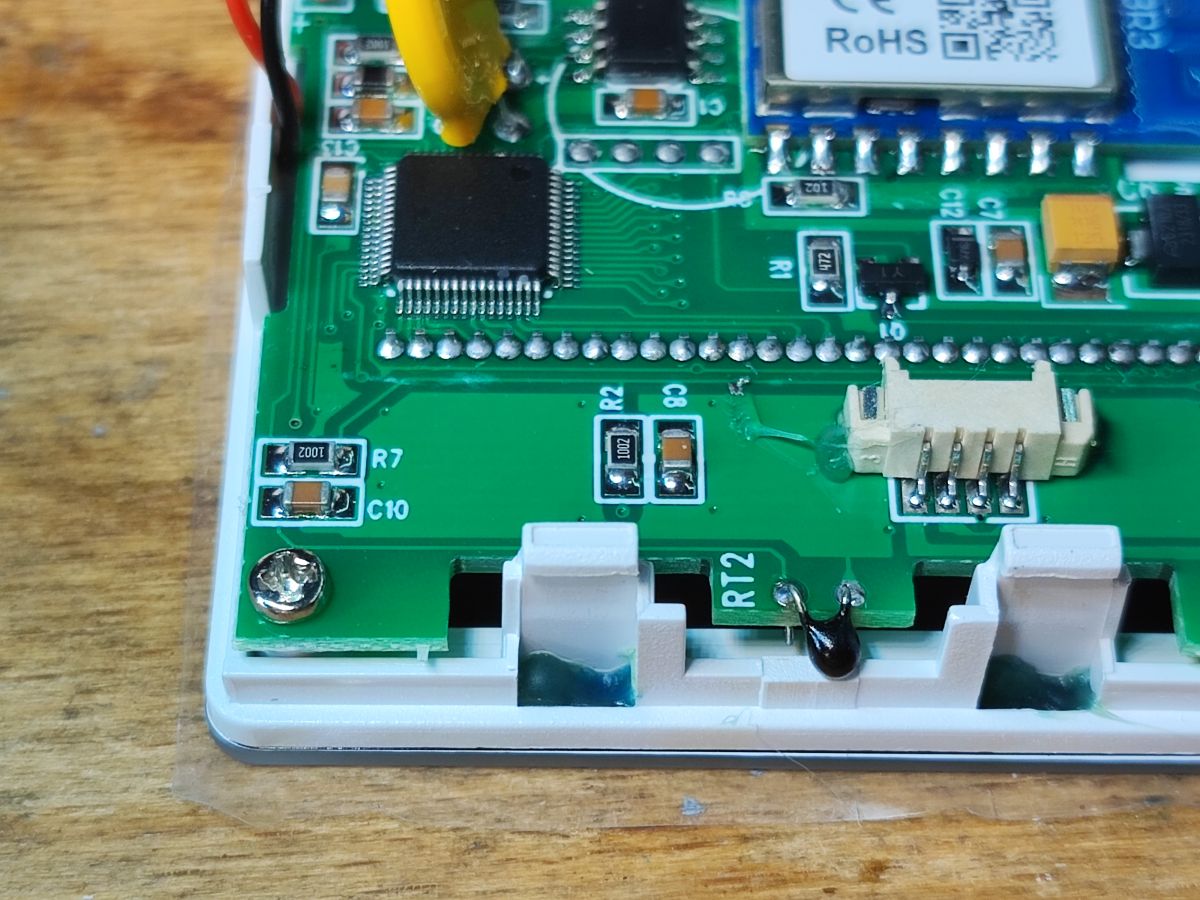
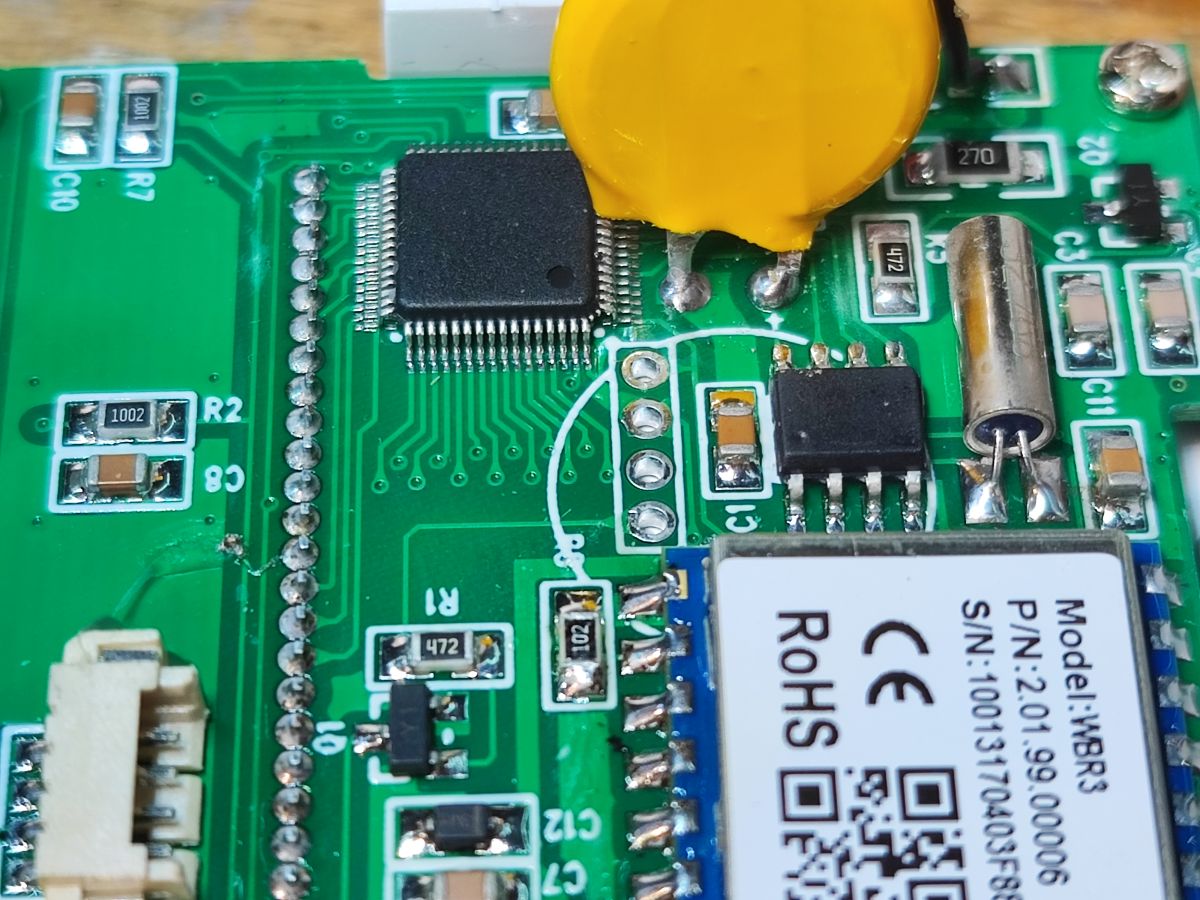
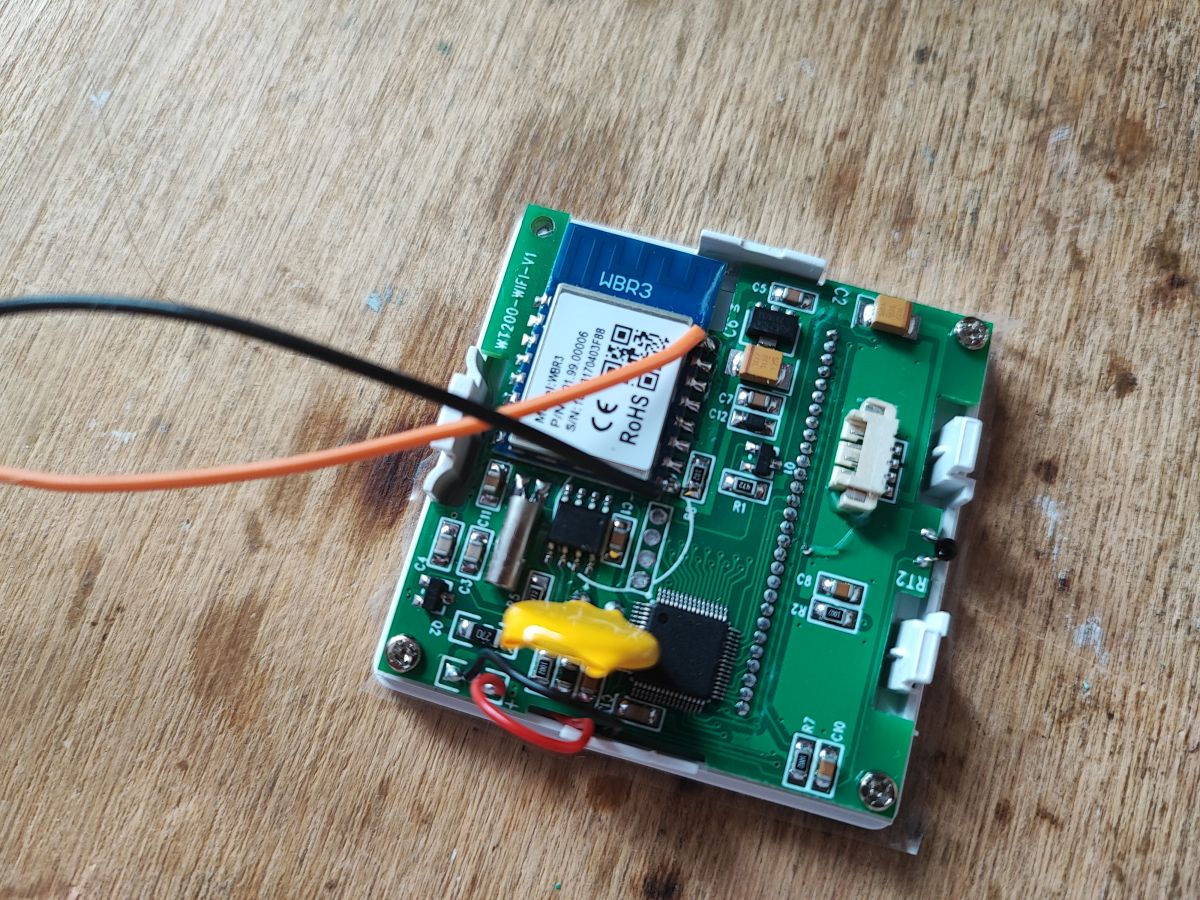
On the second board we have the MCU and separately the WBR3 WiFi module for communication.
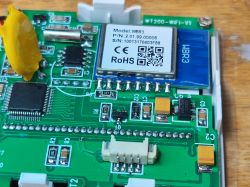
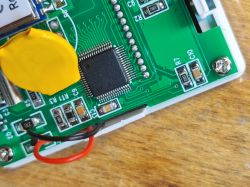
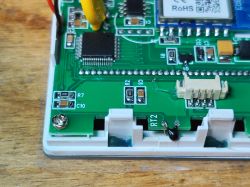
You can also see the distinctive RTCC (RealTime Clock Calendar) chip in the SO8 housing, along with the watch quartz and battery from the sustainer.
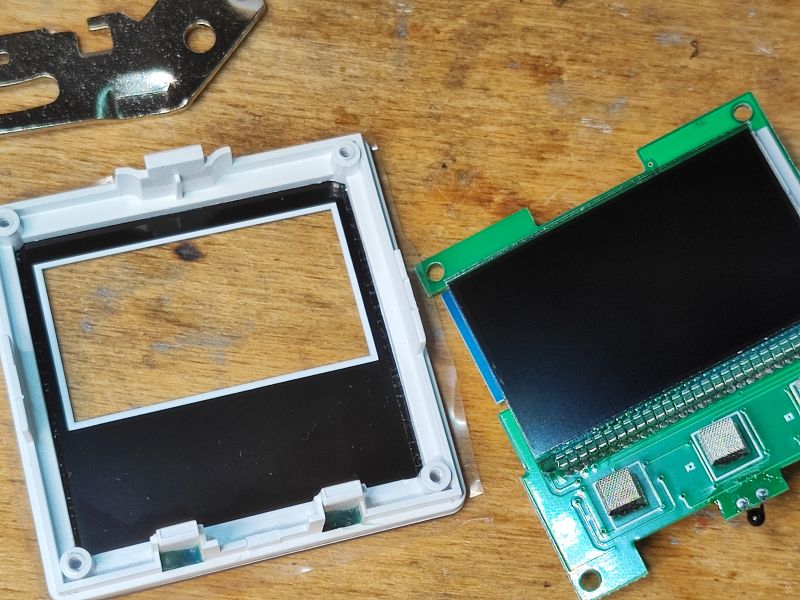
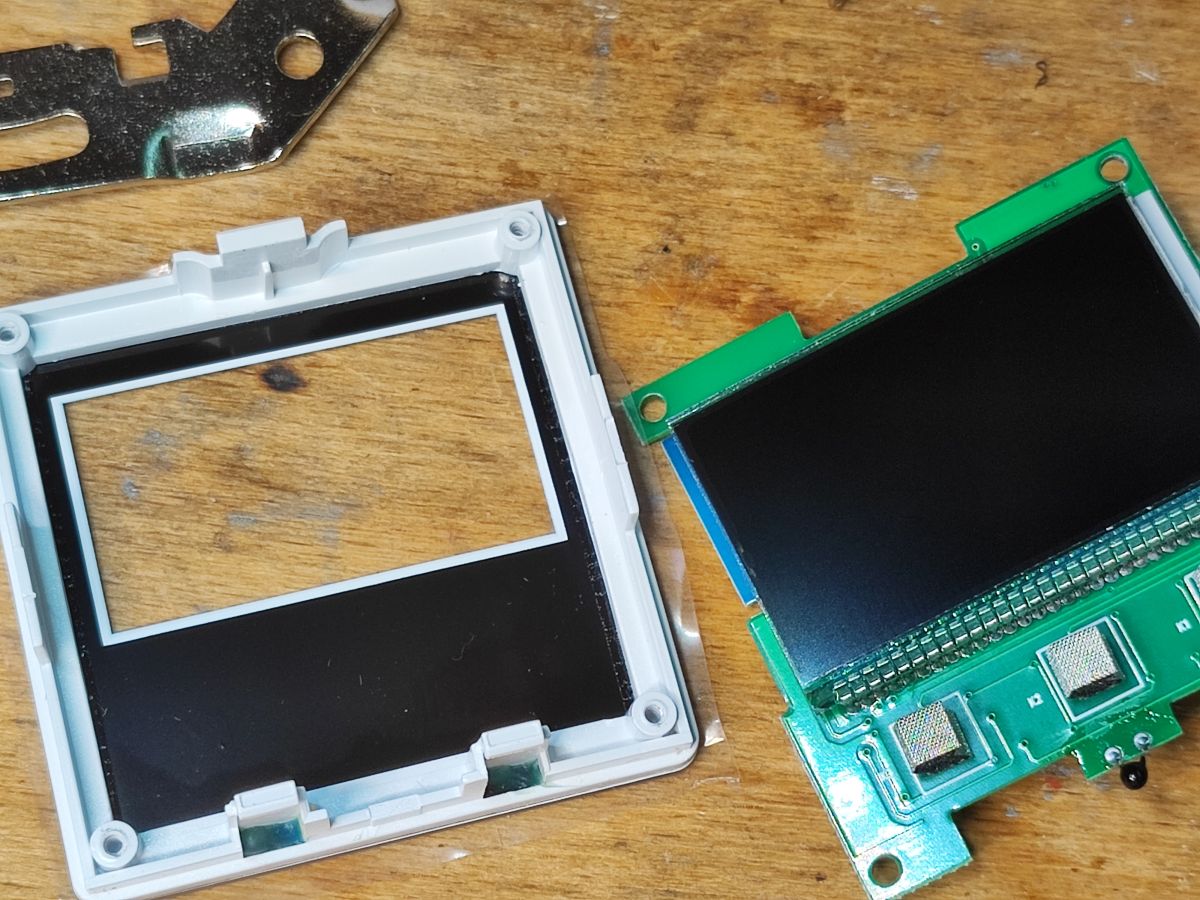
On the other side of the board is just the soldered-on LCD with buttons:
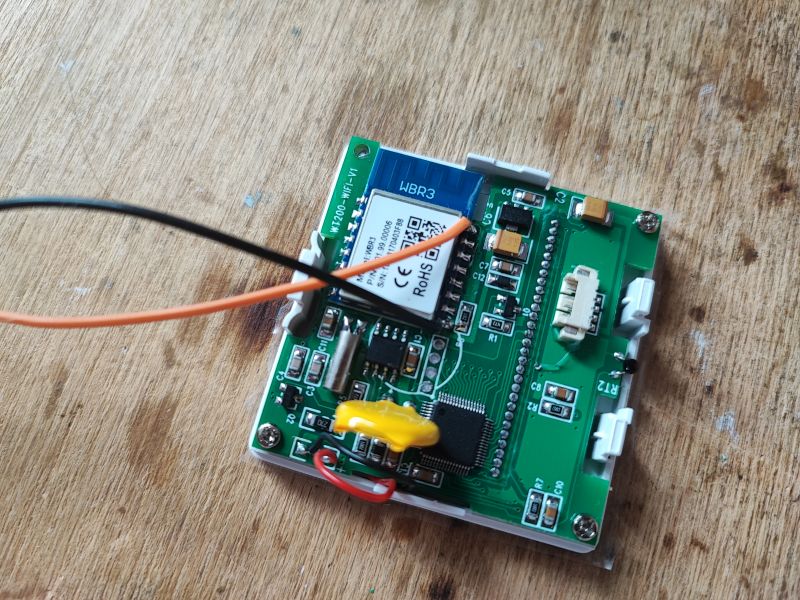
PCB designation: WT200-WiFi-V1
 A few words about the internal structure
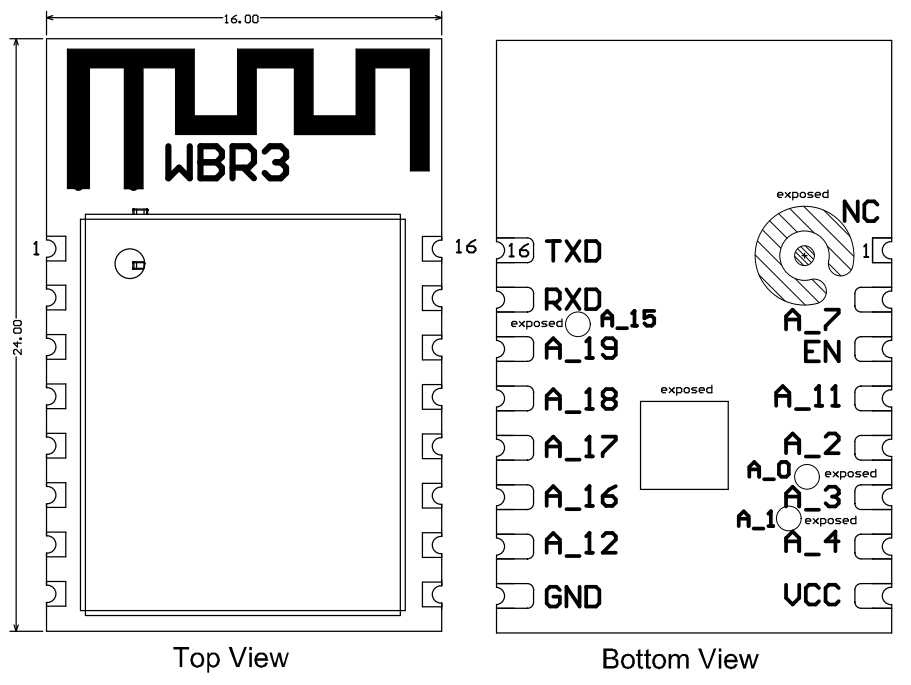
The WBR3 module is based on the RTL8720CF chip - its batch can be changed to an open source solution.
WBR2, WBR3, WBRU, W701-VA2-CG pinout, datasheet, flashing for Home Assistant
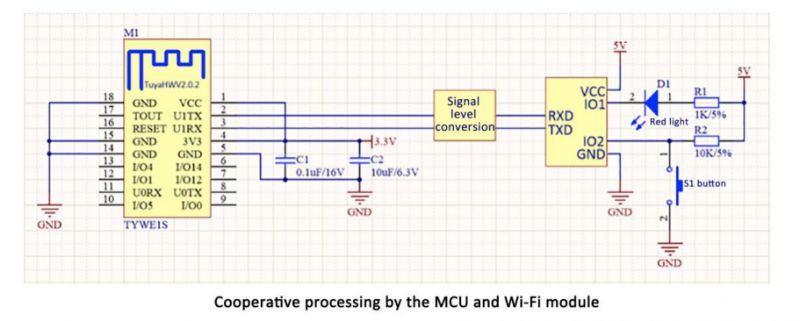
The architecture of this device is TuyaMCU - we have a separate WiFi module for communication, and a separate MCU controlling all the hardware. Communication between the two is via the UART.
TuyaMCU protocol - communication between microcontroller and WiFi module
Now we are still missing information about the dpID, i.e. the meaning and roles of the variables of this particular product....
This is where TuyaMCU Analyzer comes in:
TuyaMCU Analyzer - UART packet decoder for Tuya devices - dpID detector
Analysis of captured data
I captured the data with an isolated USB to UART converter. For this I used the ADUM1201 modules. I captured the RX->TX line and the TX->RX line separately (viewed from the WiFi module side). I performed one operation on the application and looked at what was captured. Here are the snippets of data collected.
Switch - main button:
Sent by WiFi module:
55 AA   00   06      00 05   0101000100   0D
HEADER   VER=00   SetDP      LEN   dpId=1 Bool V=0      CHK
Conclusion: dpID 1 of type bool is the on/off state.
Target temperature setting:
Sent by WiFi module:
55 AA   00   06      00 08   02020004000001A9   BF
HEADER   VER=00   SetDP      LEN   dpId=2 Val V=425      CHK
Conclusion: dpID 2 is the target temperature (multiplied by a constant to support decimal values).
Change mode to program mode:
Sent by WiFi module:
55 AA   00   06      00 05   0404000101   14
HEADER   VER=00   SetDP      LEN   dpId=4 Enum V=1      CHK
dpID 4 is an enumeration. I have tested more and have unset the enumeration.
Manual Mode = 0, Program Mode = 1, Temporary Program Mode = 2, Leave Home = 3
Disabling sound:
Sent by WiFi module:
55 AA   00   06      00 05   6D01000100   79
HEADER   VER=00   SetDP      LEN   dpId=109 Bool V=0      CHK
Boolean with dpID 109 is sound on/off.
Backlight brightness on low:
Sent by WiFi module:
55 AA   00   06      00 05   6A04000101   7A
HEADER   VER=00   SetDP      LEN   dpId=106 Enum V=1      CHK
dpID 106 is backlight enumeration - probably sequentially off, low, medium....
Temp calibration at 0.3°C:
Sent by WiFi module:
55 AA   00   06      00 08   1302000400000003   29
HEADER   VER=00   SetDP      LEN   dpId=19 Val V=3      CHK
The value 3 represents the number of decimals, so 0.3.
Frost protection on:
Sent by WiFi module:
55 AA   00   06      00 05   6701000101   74
HEADER   VER=00   SetDP      LEN   dpId=103 Bool V=1      CHK
Again boolean - on/off.
Output main inverse on:
Sent by WiFi module:
55 AA   00   06      00 05   6C01000101   79
HEADER   VER=00   SetDP      LEN   dpId=108 Bool V=1      CHK
Boolean dpID 108 - on/off possibility.
Sensor on internal:
Sent by WiFi module:
55 AA   00   06      00 05   6E04000100   7D
HEADER   VER=00   SetDP      LEN   dpId=110 Enum V=0      CHK
Temperature control switch inverse:
Sent by WiFi module:
55 AA   00   06      00 08   6502000400000050   C8
HEADER   VER=00   SetDP      LEN   dpId=101 Val V=80      CHK
Child lock (child protection - button lock) on:
Sent by WiFi module:
55 AA   00   06      00 05   0901000101   16
HEADER   VER=00   SetDP      LEN   dpId=9 Bool V=1      CHK
Workday setting to 6+1;
Sent by WiFi module:
55 AA   00   06      00 05   6B04000102   7C
HEADER   VER=00   SetDP      LEN   dpId=107 Enum V=2      CHK
Workday settings at 5+2:
Sent by WiFi module:
55 AA   00   06      00 05   6B04000101   7B
HEADER   VER=00   SetDP      LEN   dpId=107 Enum V=1      CHK
MCU reporting temperature to WiFi module:
Received by WiFi module:
55 AA   03   07      00 08   03 02 00 04 0000011D       38
HEADER   VER=03   State      LEN   dpId=3 Val V=285   CHK

Received by WiFi module:
55 AA   03   00      00 01   01   04
HEADER   VER=03   Heartbeat      LEN   01   CHK

Received by WiFi module:
55 AA   03   07      00 08   03 02 00 04 0000011A       35
HEADER   VER=03   State      LEN   dpId=3 Val V=282   CHK

Received by WiFi module:
55 AA   03   00      00 01   01   04
HEADER   VER=03   Heartbeat      LEN   01   CHK
The current temperature is dpID 3.
I set the period 1 working day setting to 7:02 and 21°C
Sent by WiFi module:
55 AA   00   00      00 00      FF
HEADER   VER=00   Heartbeat      LEN      CHK

Sent by WiFi module:
55 AA   00   06      00 24   69000020070200D2080000A00B1E00A00C1E00A0110000DC160000A0080000DC170000A0   06
HEADER   VER=00   SetDP      LEN   dpId=105 Raw V=07 02 00 D2 08 00 00 A0 0B 1E 00 A0 0C 1E 00 A0 11 00 00 DC 16 00 00 A0 08 00 00 DC 17 00 00 A0      CHK
I set period 4 working day setting to 12:33 and 18°C:
Sent by WiFi module:
55 AA   00   06      00 24   69000020070200D2080000A00B1E00A00C2100B4110000DC160000A0080000DC170000A0   1D
HEADER   VER=00   SetDP      LEN   dpId=105 Raw V=07 02 00 D2 08 00 00 A0 0B 1E 00 A0 0C 21 00 B4 11 00 00 DC 16 00 00 A0 08 00 00 DC 17 00 00 A0      CHK
I set period 1 to 00:00 and 5°C :
Sent by WiFi module:
55 AA   00   06      00 24   6900002000000032080000A00B1E00A00C2100B4110000DC160000A0080000DC170000A0   74
HEADER   VER=00   SetDP      LEN   dpId=105 Raw V=00 00 00 32 08 00 00 A0 0B 1E 00 A0 0C 21 00 B4 11 00 00 DC 16 00 00 A0 08 00 00 DC 17 00 00 A0      CHK
Let's compare it again, the payload itself.
Period 1 at 7:02 and 21°C:
69 00 00 20 07 02 00 D2 080000A00B1E00A00C1E00A0110000DC160000A0080000DC170000A0
Period 4 at 12:33 and 18°C:
69 00 00 20 07 02 00 D2 080000A00B1E00A00C2100B4110000DC160000A0080000DC170000A0
Period 1 at 00:00 and 5°C:
69 00 00 20 00 00 00 32 080000A00B1E00A00C2100B4110000DC160000A0080000DC170000A0
Here 0x07 and 0x02 have changed to 0x00 0x00, so presumably one byte is hours and the other is minutes, plus 0xD2 has changed to 0x32. 0xD2 is 210, so probably decimals, 21°C, and 0x32 is 50, so that's right - 5°C. One period format is hour, minute, zero byte (?) and temperature. Ew. temperature as two bytes.
Follow up work
The next step is to upload our open source firmware:
https://github.com/openshwprojects/OpenBK7231T_App
The TuyaMCU configuration process is presented there:
TuyaMCU flashing, installation and configuration guide - configure dpID for Home Assistant
Perhaps I will present this in a separate topic.
Summary
The thermostat presented here generally appealed to me. The whole thing offers quite a lot of different options, including different operating programmes, calibrations, working with an external or built-in probe, and even child protection and an anti-freeze mode (maintaining a minimum temperature in the house when we are away).
Internally, I was most surprised by this RTCC - however, the manufacturer makes sure that the programmes will execute even when power is lost. The programme itself is in non-volatile memory, that's not a problem, but the hour also needs to be maintained somehow - and the RTCC with the battery solves that. I'm betting that the programme will come on even if there is no internet access when power returns.
As for the inside, there's a
WBR3 module inside, you can easily change the firmware for it, but then you have to configure the TuyaMCU, which I haven't tried yet in this case, although I know that other thermostats have been successfully run this way. I have collected and analysed the packages for now, so that I have a basis for further work. Eventually this will allow me to run this thermostat locally, without the manufacturer's servers, and pair it with Home Assistant.
Do you use this type of thermostat, and if so, with Tuya or with Home Assistant?








Comments
Hi. With me, a similar Tuya temperature controller has just successfully run its first full winter season. Installed in place of a completely working and fairly new one, but without wifi. A bit installed... [Read more]
One note - once the firmware has been changed (e.g. to Multi-platform IoT firmware supporting up to 32 platforms ), you don't necessarily need HA - you can then continue to use either the device's touch... [Read more]
That is, as I understand it, uploading such alternative firmware will enable local network access to the device's web panel. But what about automation, any at least simple procedures, scenes (by analogy... [Read more]