FAQ
TL;DR: Moving a Huawei B529’s LTE antenna outdoors yields about 10 dB better signal; “indoor antennas are silencers.” [Elektroda, matek451, post #16842832]
Why it matters: If you live in a flat with thick walls, this guide shows how to stabilize LTE and pick the right external MIMO antenna for the B529.
Quick Facts
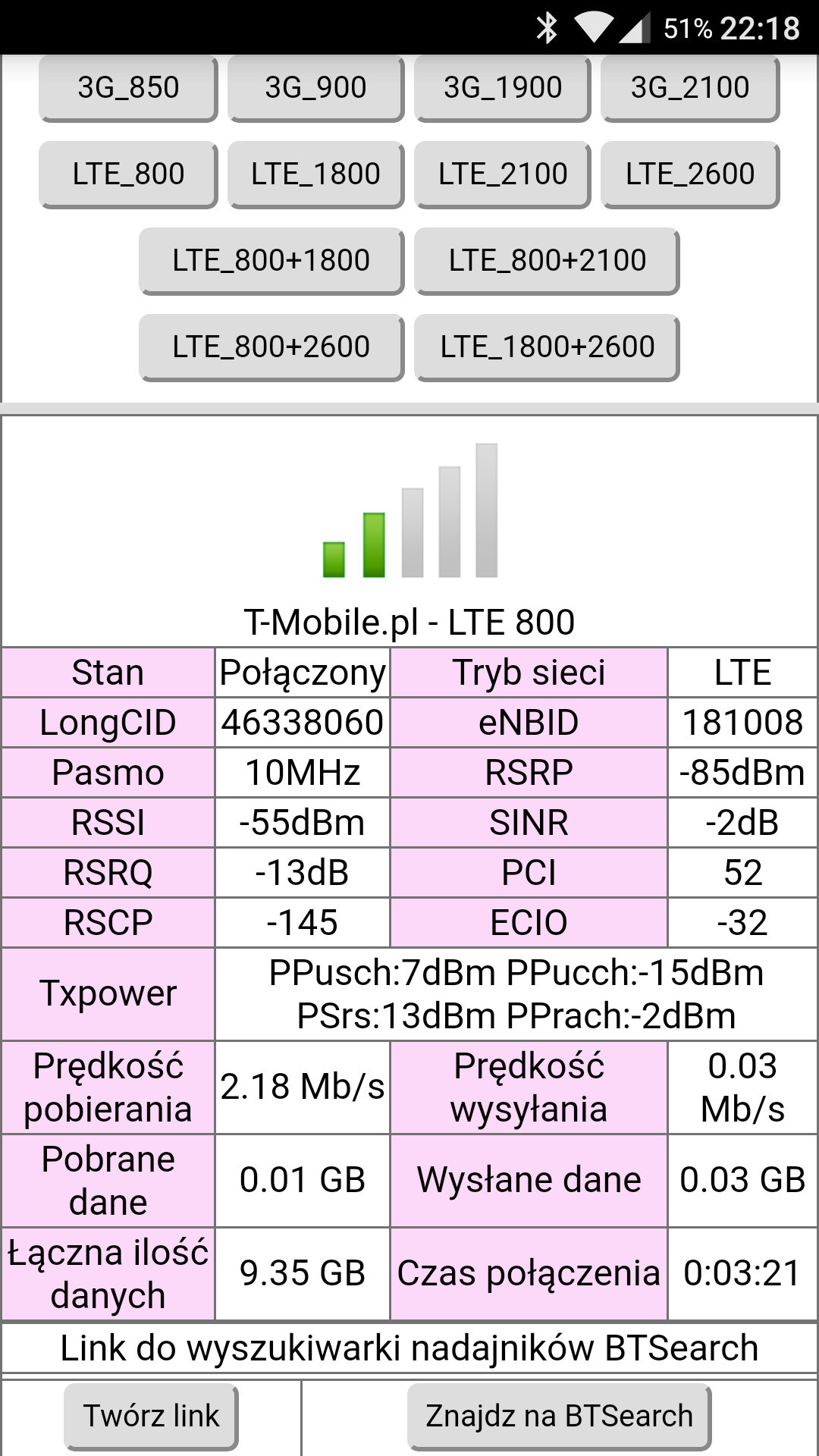
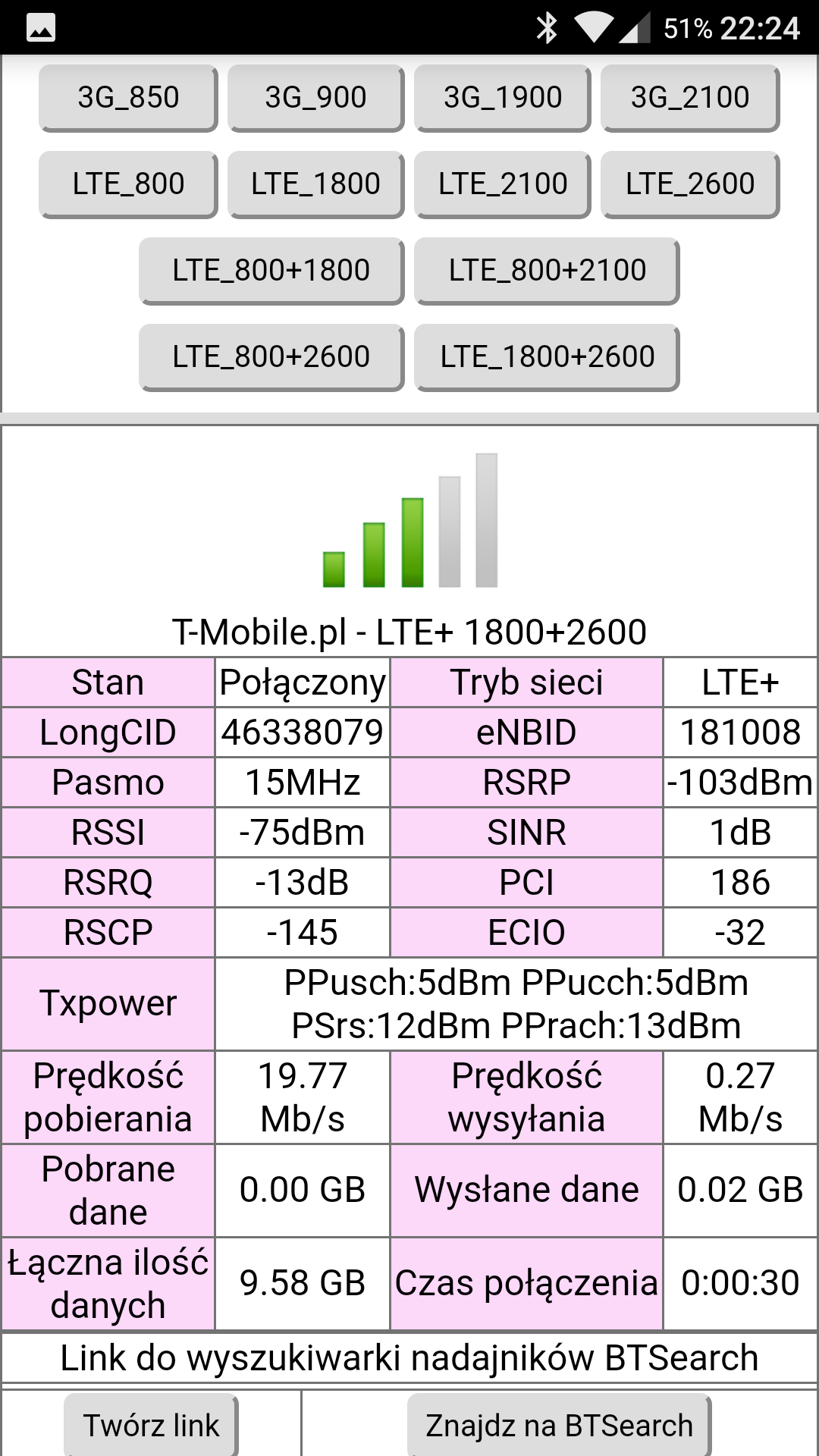
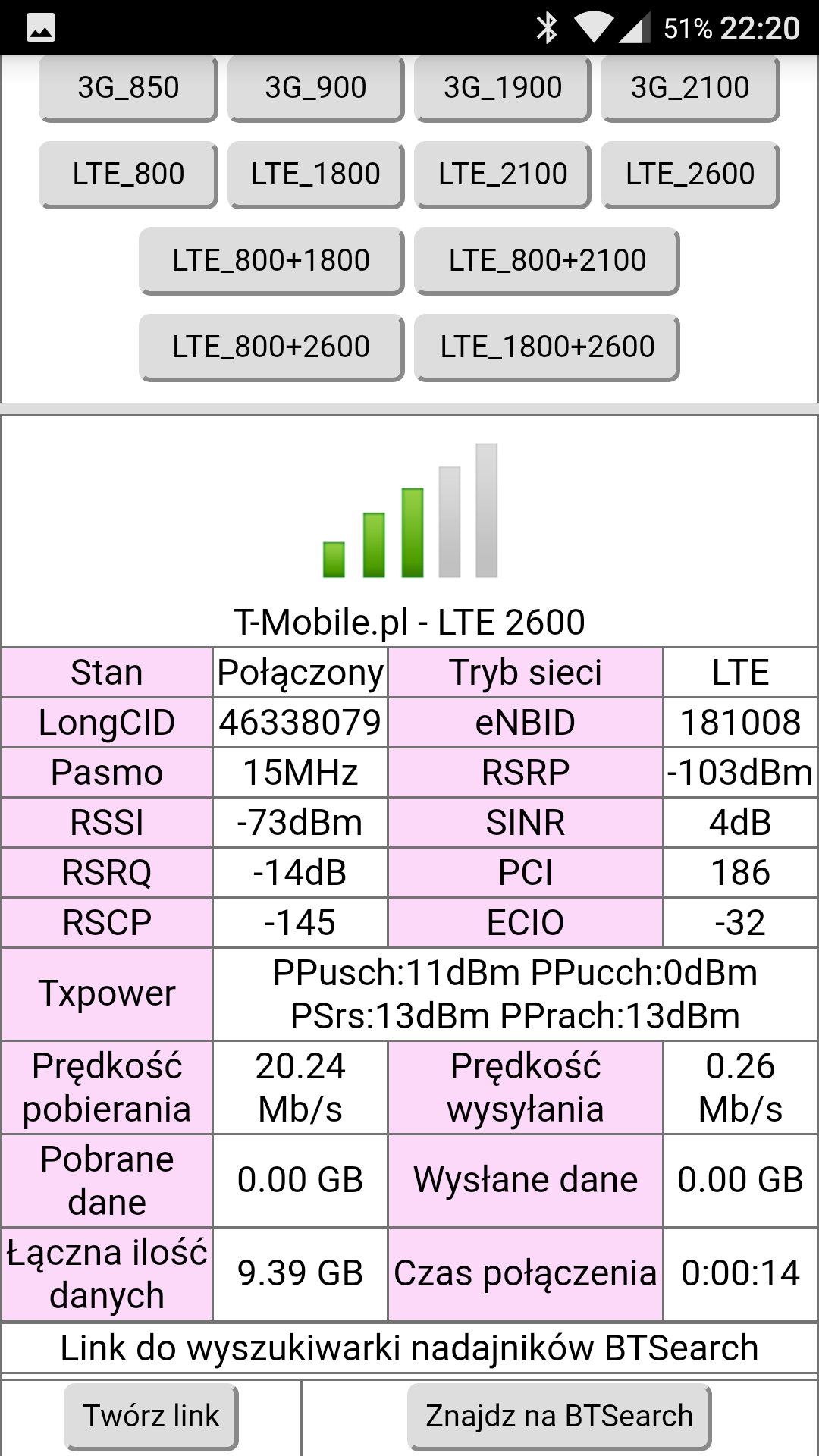
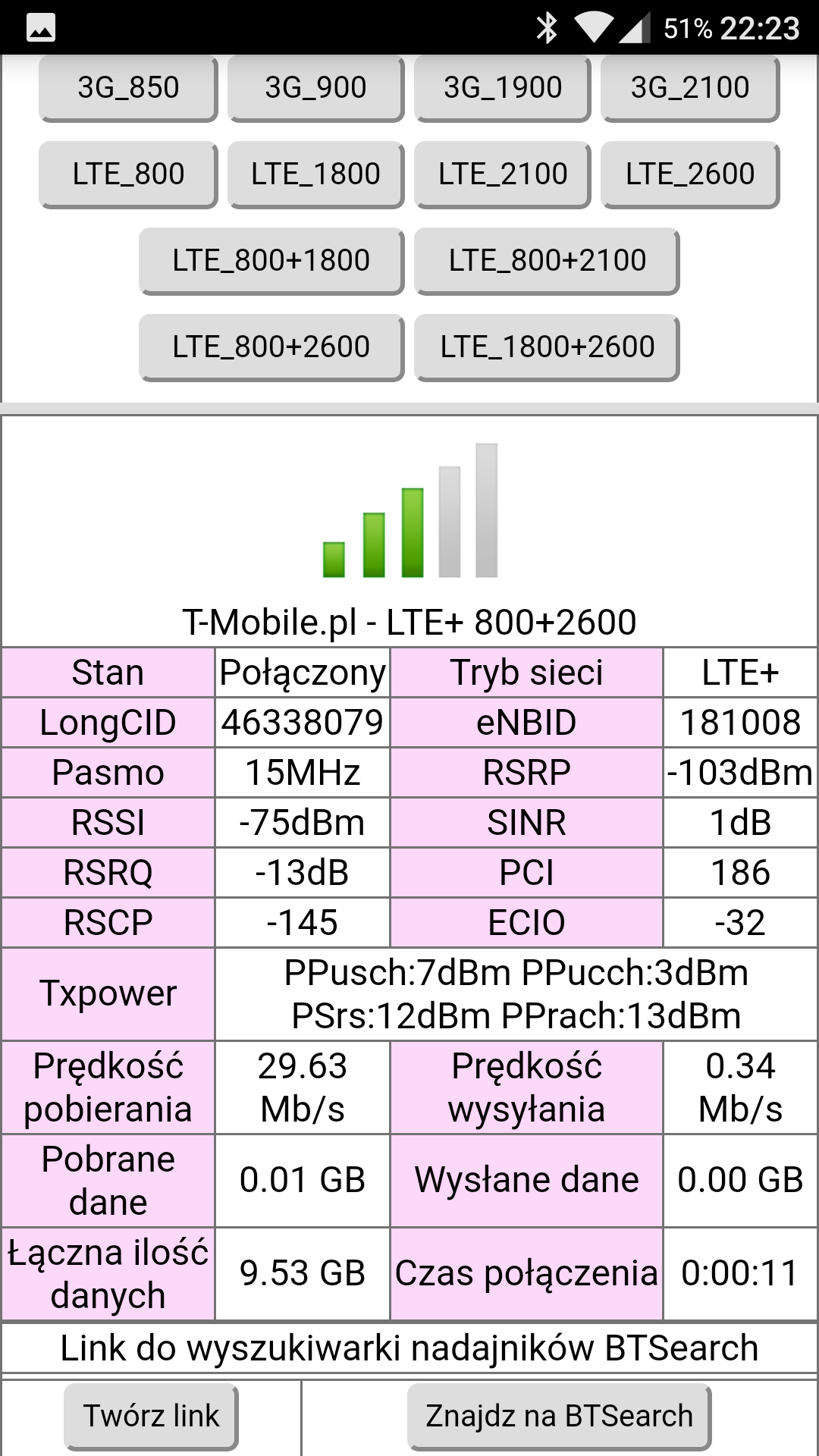
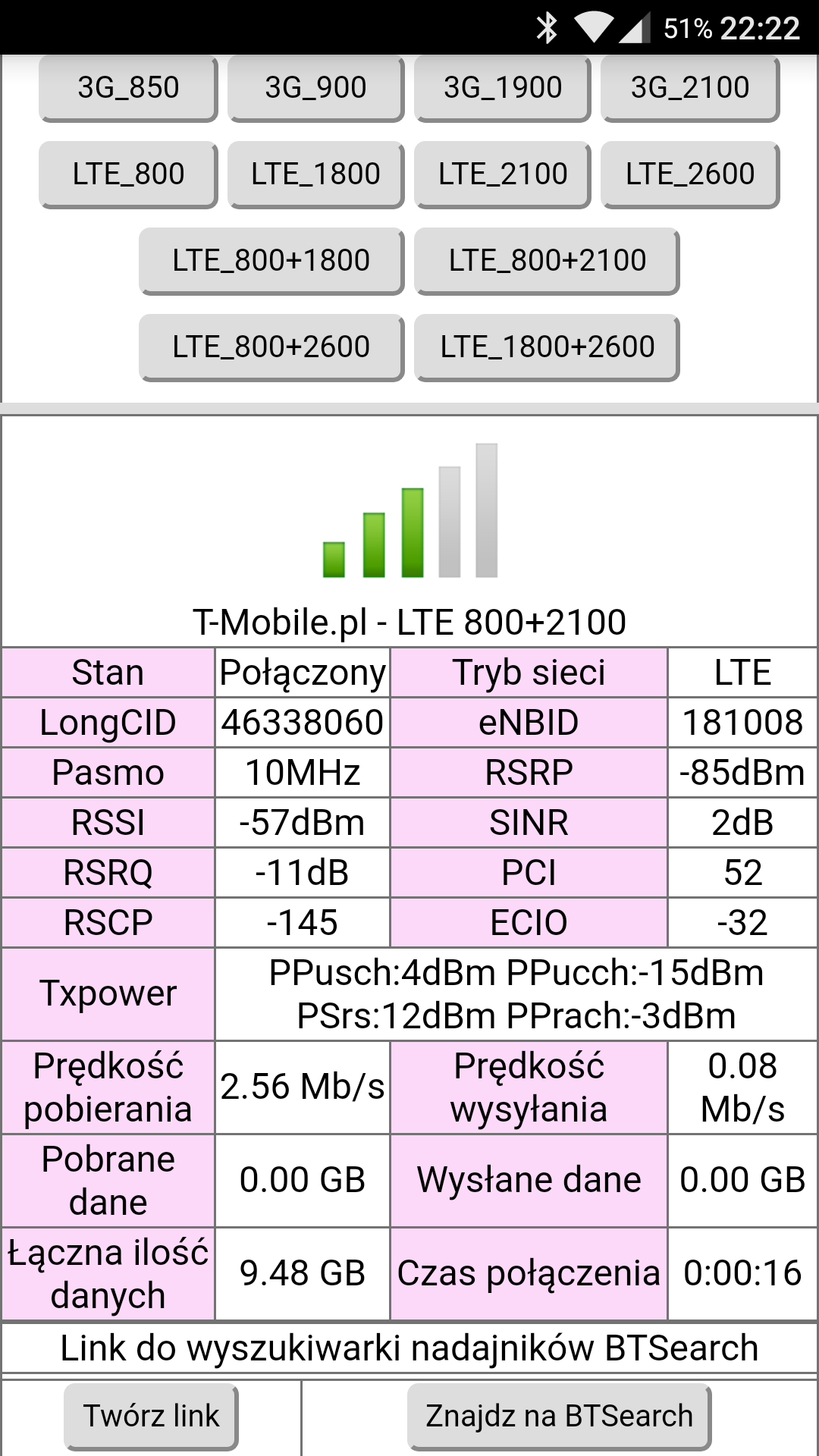
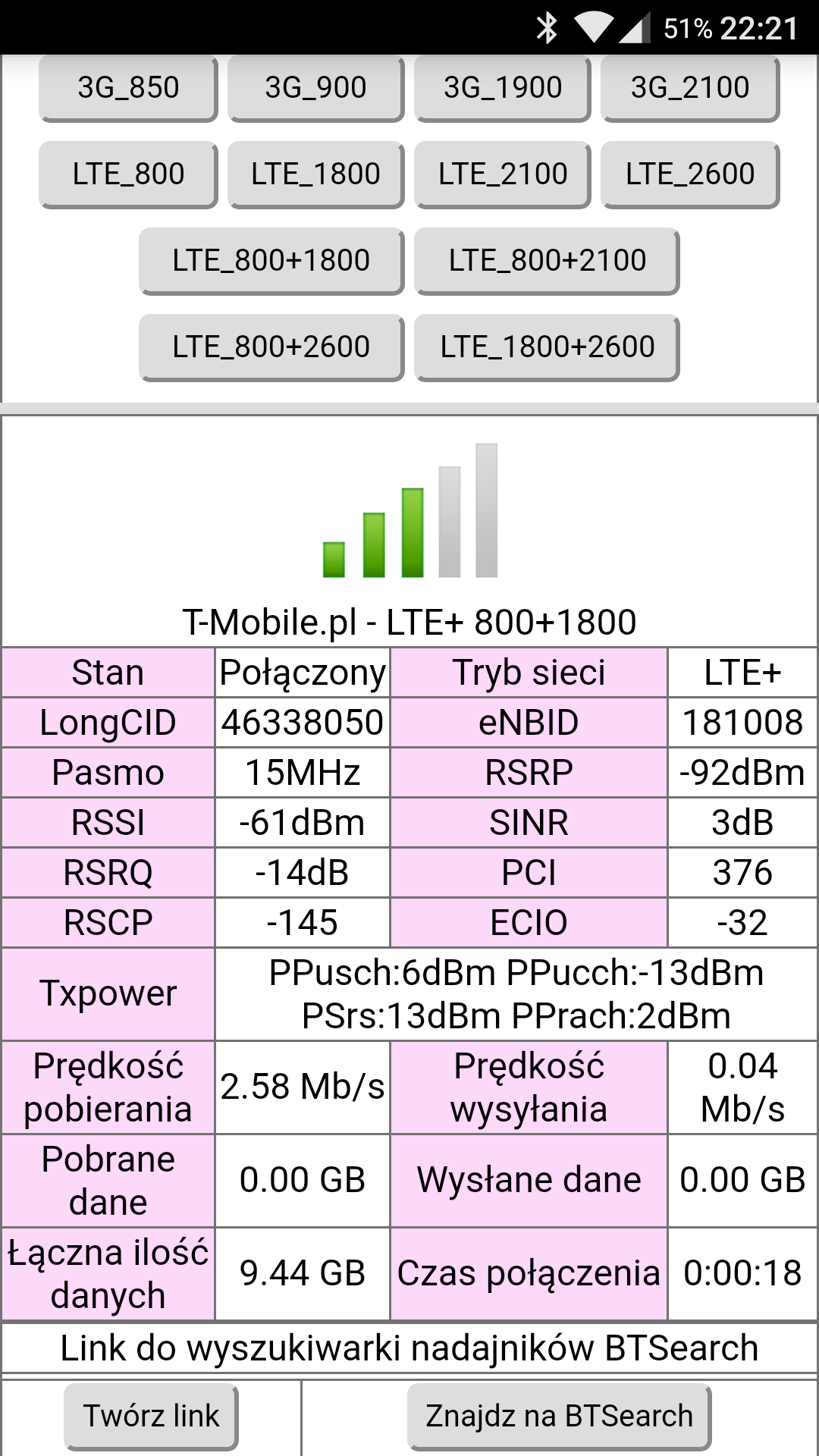
- T‑Mobile in Wilanów operates LTE 800/1800/2600 with LTE‑A combos (2600+1800, 2600+800, 1800+800). [Elektroda, matek451, post #16828624]
- Expect roughly 10 dB signal improvement when the antenna is moved outside. [Elektroda, matek451, post #16842832]
- Recommended antenna: Dual MIMO 1800–2600 MHz, ~17 dBi, with TS9 adapters for B529. [Elektroda, matek451, post #16843263]
- Keep coax short; ≈10 m cable advised to limit loss. [Elektroda, matek451, post #16843263]
- Noted speeds: ~25 Mb off‑peak dropping to ~10 Mb around 19:00 in this location. [Elektroda, silver360, post #16828658]
Will a room/indoor antenna help my Huawei B529 in a block of flats?
No. Indoor add‑on antennas tend to reduce signal. Thick walls and glazing attenuate LTE, especially higher bands. Use an external antenna instead. “You will gain nothing by using the antenna inside the apartment.” [Elektroda, matek451, post #16842536]
What external antenna works best for LTE2600 or 2600+1800 on the B529?
Use a dual MIMO 1800–2600 MHz directional antenna (~17 dBi). Connect with two TS9 pigtails to the B529. This model was recommended for LTE2600 and LTE2600+1800 aggregation near Lenza. [Elektroda, matek451, post #16843263]
How much signal can I gain by moving the antenna outdoors?
Approx. 10 dB, depending on frequency. Outdoor placement bypasses wall and window losses and stabilizes links in dense buildings. [Elektroda, matek451, post #16842832]
Which T‑Mobile site serves this area of Wilanów?
Users reported connecting to the NetWorks BTS at Lenza 35/37, with all LTE bands and carrier aggregation active there. [Elektroda, matek451, post #16842536]
How do I force LTE bands or LTE‑A on the Huawei B529?
Use the E5186 Toolbox v0.9 utility (compatible with B529). After login, set specific LTE bands and carrier aggregation, then test speeds per setting. [Elektroda, matek451, post #16828624]
The Toolbox or app crashes with a session‑token error—what now?
Users noted this issue. Retry band checks with the Android app referenced in the thread as a workaround to read bands and run tests. [Elektroda, silver360, post #16828658]
What speeds should I expect at busy hours?
One user measured ~25 Mb off‑peak and ~10 Mb around 19:00. Congestion lowers throughput even with good signal bars. [Elektroda, silver360, post #16828658]
Why is LTE2600 often weaker indoors than LTE800/1800?
Higher frequencies attenuate more through concrete and glass. The thread showed poor LTE2600 indoors compared with usable LTE800/1800. [Elektroda, matek451, post #16842536]
What connector and cable length should I use for the B529?
Use TS9 connectors at the router. Keep coax short to reduce loss; ≈10 m was advised with the recommended antenna. [Elektroda, matek451, post #16843263]
Is carrier aggregation (LTE‑A) available here, and what is it?
Yes. LTE‑A aggregates multiple LTE bands (e.g., 2600+1800, 2600+800, 1800+800) to increase capacity and speed on T‑Mobile in this area. [Elektroda, matek451, post #16828624]
How can I stabilize my B529 connection quickly?
Three steps: 1) Force a target band or CA set with the Toolbox. 2) Place a directional MIMO antenna outdoors. 3) Run speed tests and keep screenshots. [Elektroda, matek451, post #16828624]
Are those cheap “home LTE antennas” from marketplaces worth it?
No. The expert called them “electro‑waste,” noting they often act like silencers and reduce signal quality indoors. [Elektroda, matek451, post #16842536]
If I can’t drill outside, do I still benefit from an external antenna?
Yes, if mounted outside using the included bracket and short cable. Even non‑permanent mounting can yield the ~10 dB outdoor benefit. [Elektroda, matek451, post #16843263]
What if LTE bars look fine but speeds still dip?
That’s congestion. Evening traffic cut a user’s downlink from ~25 Mb to ~10 Mb despite stable LTE. Plan around peak hours. [Elektroda, silver360, post #16828658]
T‑Mobile app won’t save directionality—how else can I lock bands?
Set bands via the Toolbox utility on a PC. It exposes band selection on the B529 when the carrier app fails to apply changes. [Elektroda, matek451, post #16828624]