FAQ
TL;DR: Fix CS:GO stutter by setting fps_max 300 and checking temps; "scan the MBAM Andwcleaner computer." Update drivers, disable V‑Sync, enable multicore, and turn off Xbox DVR. [Elektroda, Graba211, post #16912569]
Why it matters: This FAQ helps i5‑4570/GTX 1050 owners diagnose why a new PC gets lower FPS than expected.
Quick Facts
- Peer report: identical i5‑4570 + GTX 1050 rigs can reach 200–300 FPS on Mirage. [Elektroda, ahaaaaa, post #16912393]
- V‑Sync can lock FPS; turn it off in NVIDIA Control Panel or per‑game. [Elektroda, Graba211, post #16912336]
- CS:GO menu FPS differs; measure in live matches, not menus. [Elektroda, Gumipoliku, post #16921983]
- Use fps_max 300 to remove in‑engine cap for testing. [Elektroda, Graba211, post #16912569]
- Windows 10 Xbox Game DVR may reduce FPS; disable it. [Elektroda, mieszko09, post #17244802]
Why is my new i5‑4570/GTX 1050 only getting ~30–40 FPS in CS:GO?
Common culprits are V‑Sync on, old drivers, disabled multicore rendering, Game DVR overlays, or malware. One user even saw 35 FPS only in the menu. Start by testing an offline match and monitoring temps and usage. Compare with a clean boot and no overlays. If FPS improves after disabling extras, re‑enable features one by one to find the bottleneck. [Elektroda, ahaaaaa, post #16912449]
How do I correctly update my NVIDIA graphics driver?
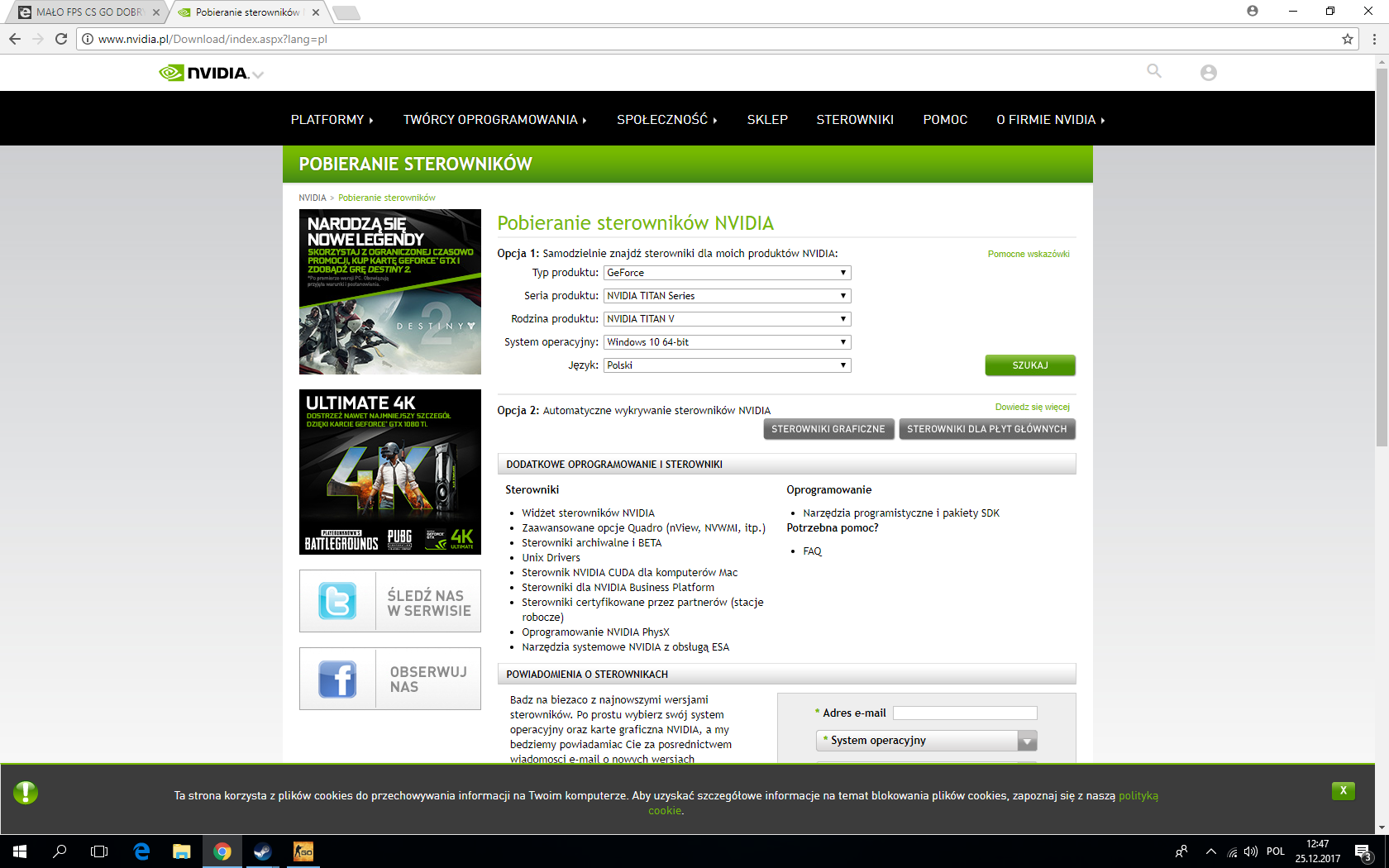
Use GeForce Experience to check for updates, download, and install the latest Game Ready driver. Choose a clean install if prompted. Reboot after installation. Avoid third‑party driver packs for the GPU; stick to NVIDIA’s tool for reliability. "Graphics card drivers enter the GeForce Experience and there you have options to check for updates." [Elektroda, Graba211, post #16912364]
How do I disable V‑Sync for CS:GO?
Open NVIDIA Control Panel. Under Manage 3D Settings, add csgo.exe and set Vertical Sync to Off. Also verify in-game V‑Sync is disabled. This removes the 60 FPS lock from sync to your display’s refresh rate. Test again in a live match. [Elektroda, Graba211, post #16912336]
What is fps_max and what value should I use?
fps_max is CS:GO’s built‑in frame limiter. Open the console and set: fps_max 300. This removes low caps during testing and helps reveal other bottlenecks. Re‑cap later to control thermals and noise. "There is also a command to unlock fps (fps_max e.g. 300)." [Elektroda, Graba211, post #16912569]
Should I measure FPS in the menu or in an actual match?
Measure during gameplay. Menu FPS uses different rendering behavior and can mislead diagnosis. Load a local match or a live server and use the developer console or a benchmarking map. "Get into the game normally and check there." [Elektroda, Gumipoliku, post #16921983]
How do I enable multicore rendering in CS:GO?
Open CS:GO settings, Video, Advanced. Ensure Multicore Rendering is enabled. This allows the i5‑4570’s cores to feed the GPU better, improving CPU‑bound performance in smoke and firefights. Re‑test after enabling. [Elektroda, Gumipoliku, post #16921983]
Could Xbox Game DVR be lowering my FPS on Windows 10?
Yes. Xbox Game DVR overlays and background capture can cut FPS and add stutter. Disable it in Windows Settings under Gaming or via the Xbox app. Restart CS:GO and compare frametime stability. Users reported improvements after turning it off. [Elektroda, mieszko09, post #17244802]
How can I check temperatures and system health quickly?
Install HWMonitor to read CPU and GPU temperatures while playing. Keep CS:GO running for five minutes, then tab out and review max temps. Also scan for adware with Malwarebytes and AdwCleaner. Overheating or malware can sap FPS. [Elektroda, Graba211, post #16912569]
Is there a simple 3‑step way to update and test my setup?
- Update GPU via GeForce Experience, then reboot.
- Disable V‑Sync and enable multicore rendering in CS:GO.
- Set fps_max 300, launch a match, and record FPS/temps.
Compare results with your previous baseline after each step. [Elektroda, Graba211, post #16912364]
Device Manager shows drivers for CPU/monitor—should I update those too?
Yes. In Device Manager, update drivers for the graphics adapter, monitor, and processor where available. This can resolve misconfigurations and recognition issues that affect performance and refresh rate settings. Reboot afterward and re‑test FPS. [Elektroda, MŁODYELEKTRONIK15, post #16924064]
My sibling gets 200–300 FPS with the same parts. What should I compare?
Match driver versions, in‑game settings, Windows Game DVR status, V‑Sync, and Nvidia Control Panel profiles. Also compare background apps and overlays. A peer reported 200–300 FPS on Mirage with identical hardware, so configuration differences are likely. [Elektroda, ahaaaaa, post #16912393]
Temperatures look fine, but FPS is still low. What next?
If temps are normal and fps_max is high, focus on software. Disable overlays, scan for adware, and test with a clean boot. Reinstall the GPU driver with a clean install option. As one expert noted, temps and malware checks matter. [Elektroda, Graba211, post #16912569]
Why does the CS:GO menu show only ~35 FPS on my PC?
Menu FPS can be capped or impacted by overlays and is not representative. Use fps_max 300 for testing, then measure in an actual match. If gameplay FPS is normal, ignore menu readings. [Elektroda, Graba211, post #16912569]
Are third‑party driver updaters safe for this issue?
For NVIDIA GPUs, prefer GeForce Experience over third‑party tools. It ensures correct WHQL drivers and easy rollbacks. Use Windows Update or OEM sites for chipset and other devices instead. Keep changes minimal while troubleshooting. [Elektroda, Graba211, post #16912364]
What quick console/settings tweaks help CS:GO on this hardware?
Use fps_max 300, disable V‑Sync, enable multicore rendering, and test in a live match. These steps target common CPU and sync bottlenecks on i5‑4570/GTX 1050 systems. Re‑cap later to your monitor’s refresh. [Elektroda, Gumipoliku, post #16921983]