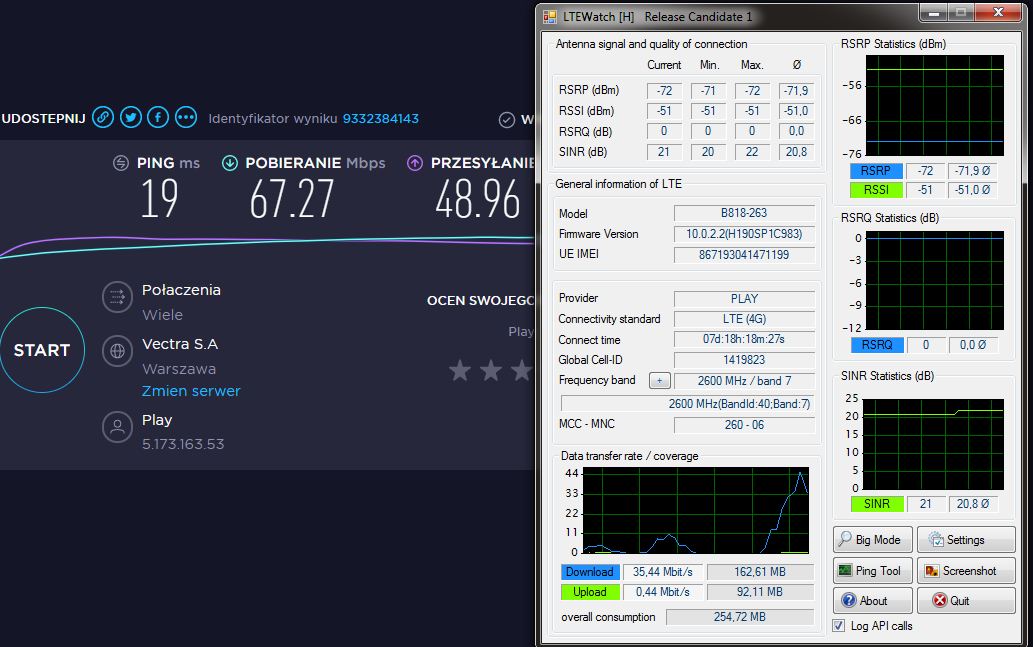
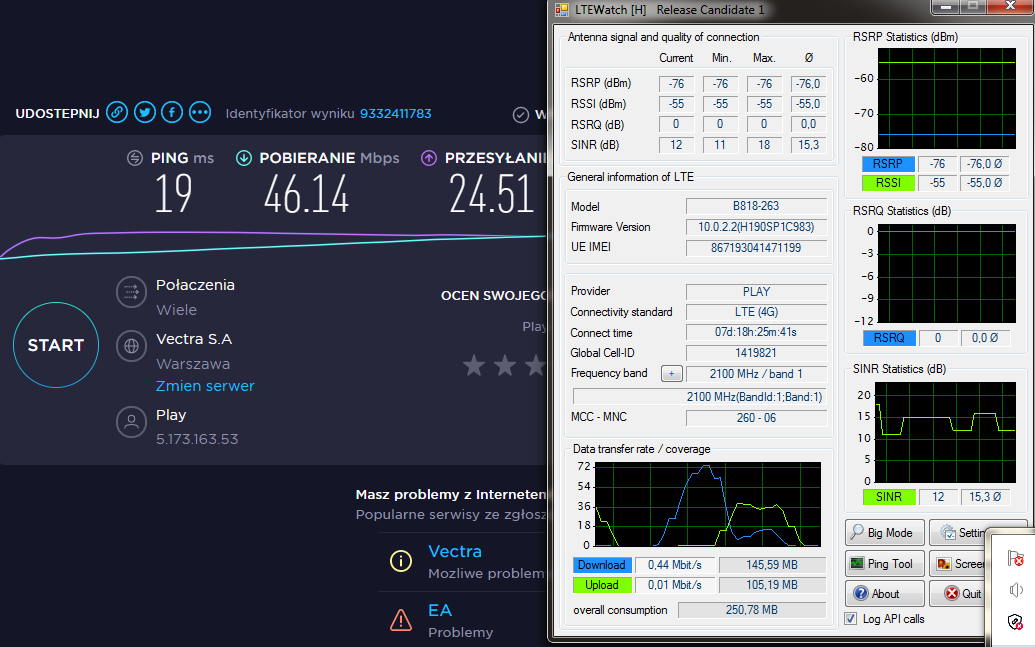
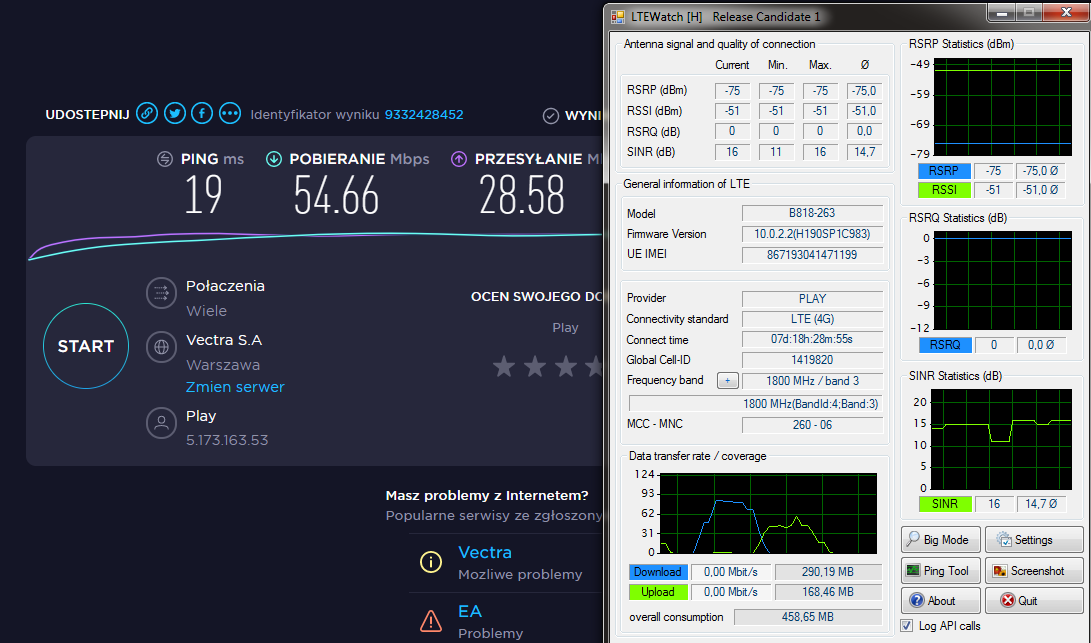
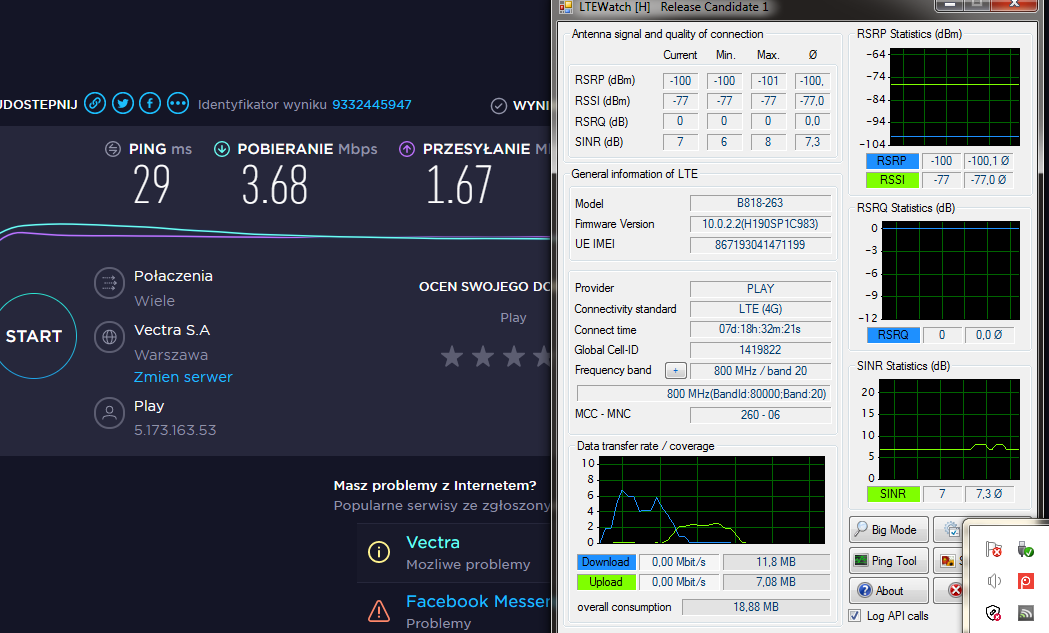
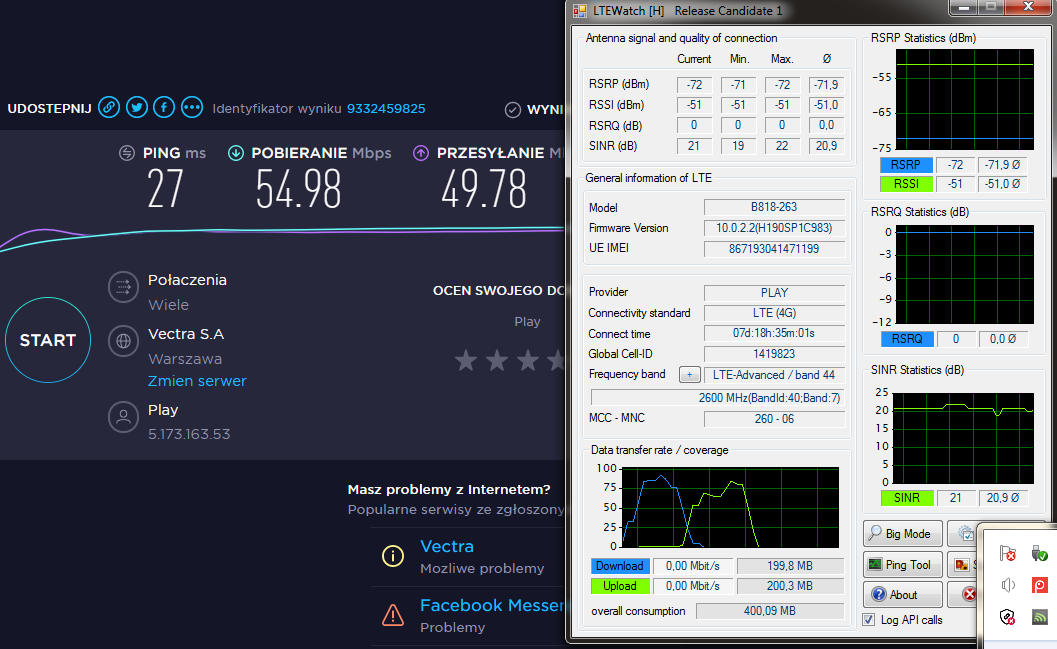
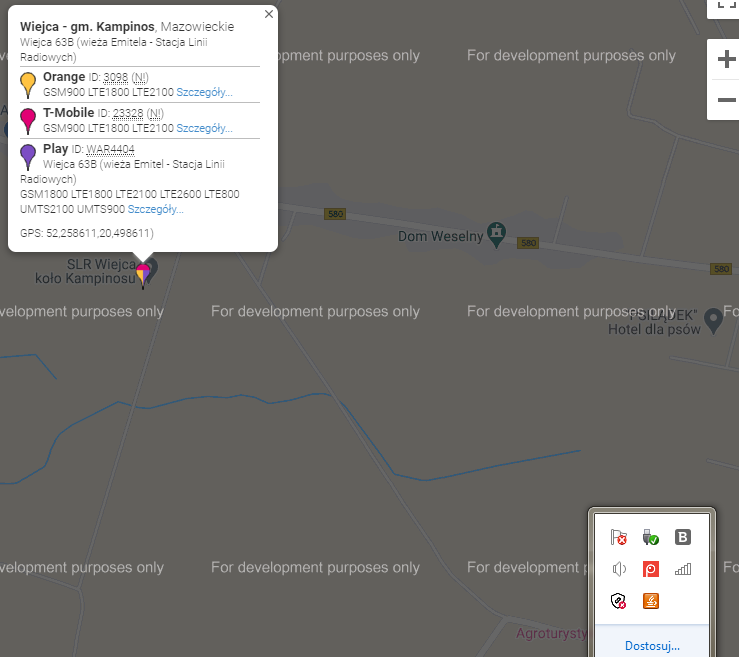
hey, I join the topic earlier, I wrote that I have 1.9 km to the nearest BTS, only play has 2600lte there, Orange and T-mobile on Networks! 2100lte the highest band, so my contract is over and from today I have Play on Huawei B818. So far I had a chimney antenna geared towards this Networks! but linden was. 30 Mbs in the morning at most, 10-15Mbs in the afternoon for a cottage that's not good for the 21st century. I have a mast on the chimney about 7m high, from which you can see the above-mentioned. BTS. Please advise what antenna to buy? The cable from the antenna to the router is about 5m, then from the router, I still have a modem cable to the ground floor. For testing, the router is on the windowsill on the right side of the window on the ground floor. I did the test around 17.30.
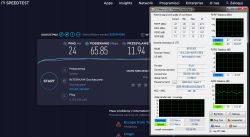
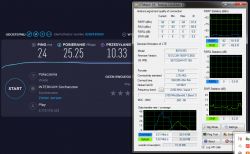
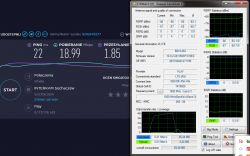
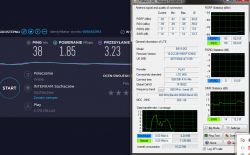
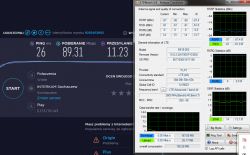
Added after 14 [minutes]:
Here I gave a screen with orange on the 1800 Sorensen antenna, I think it is called, without ltewatch because I turned off the wifi on the router and I don't want to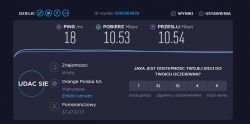 go and restart it, it's his last day
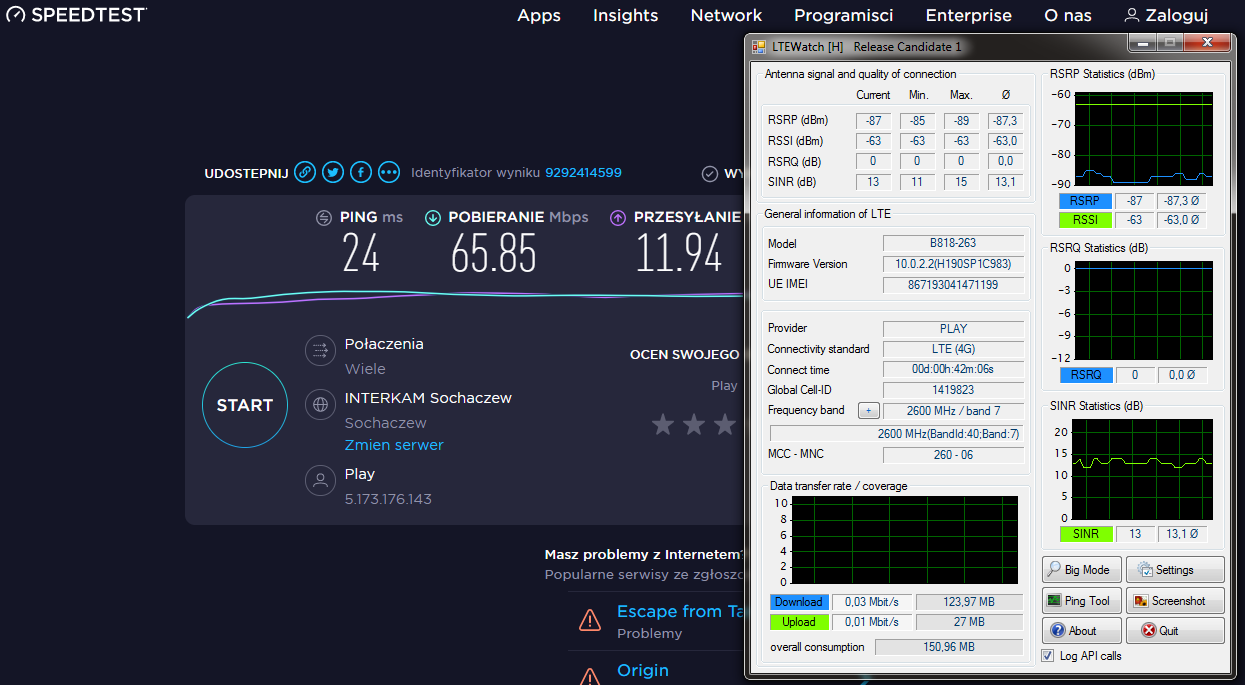
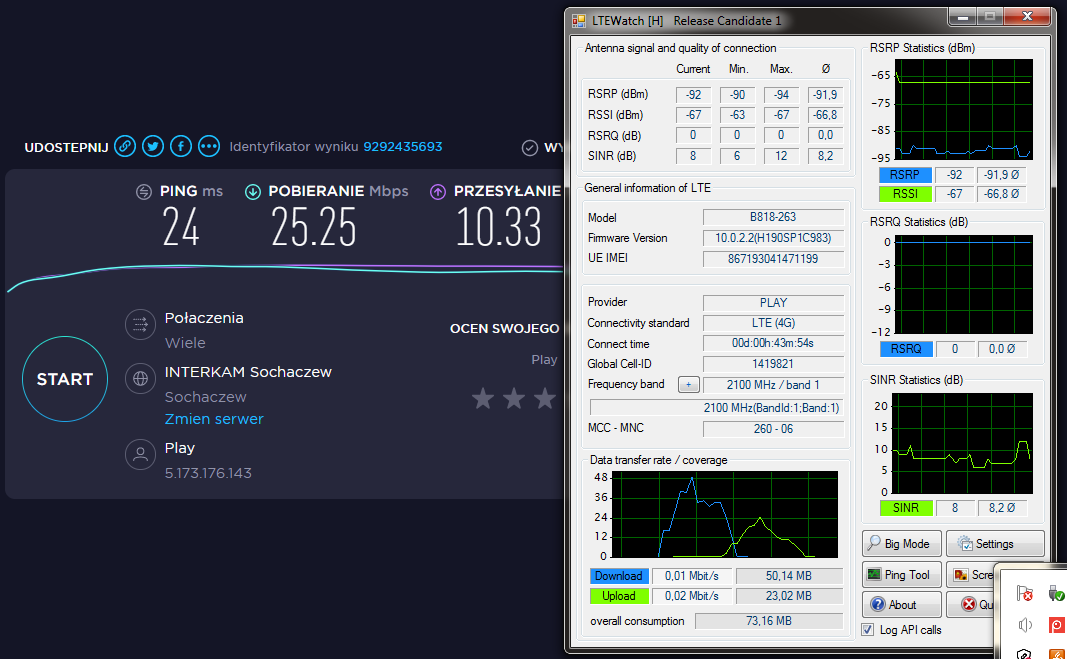
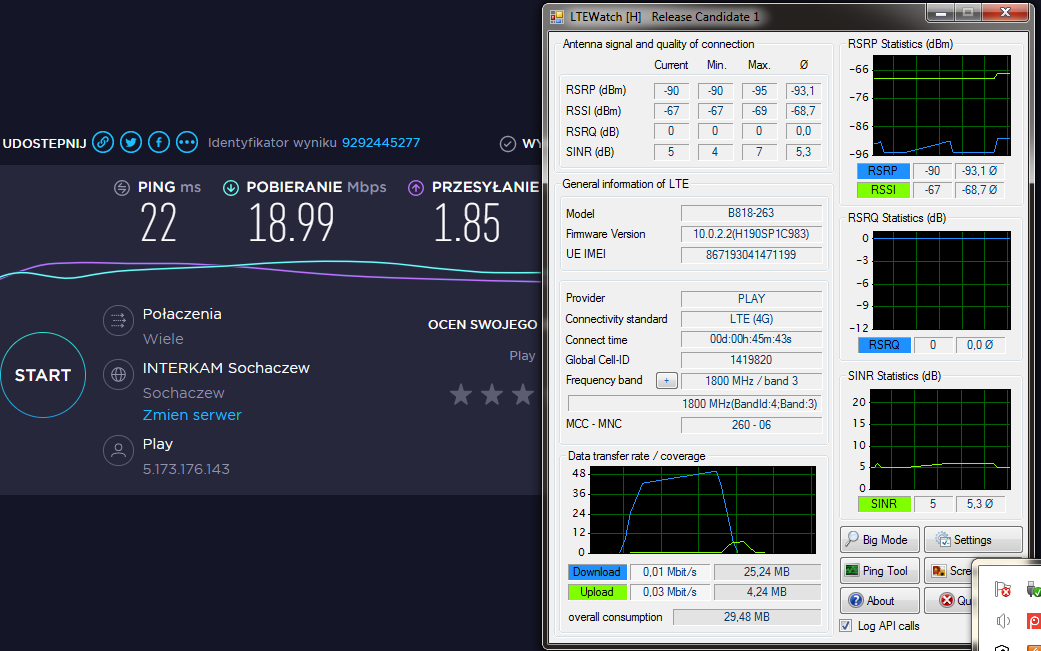
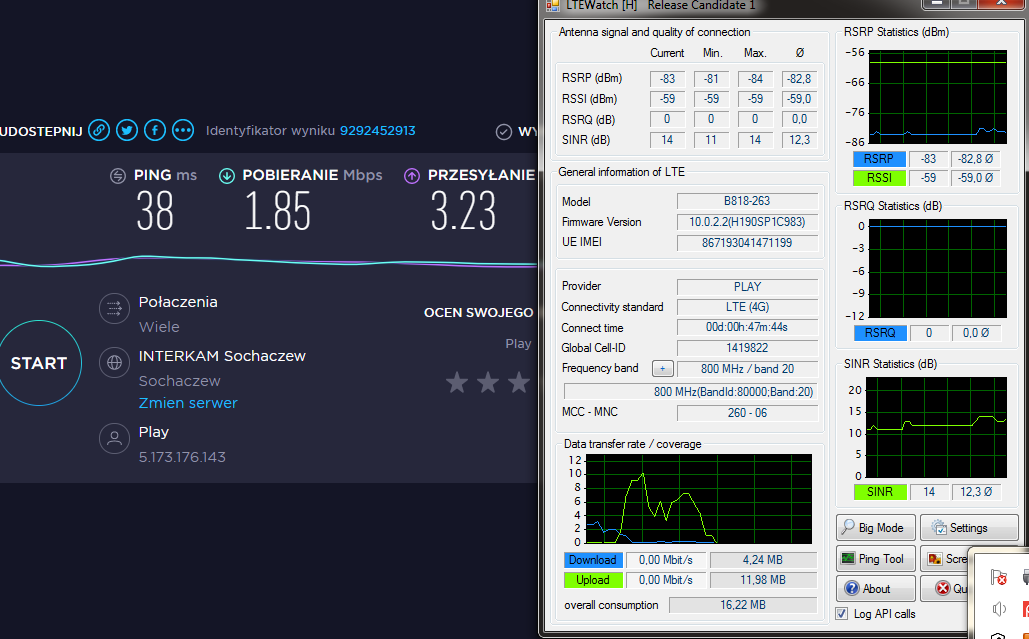
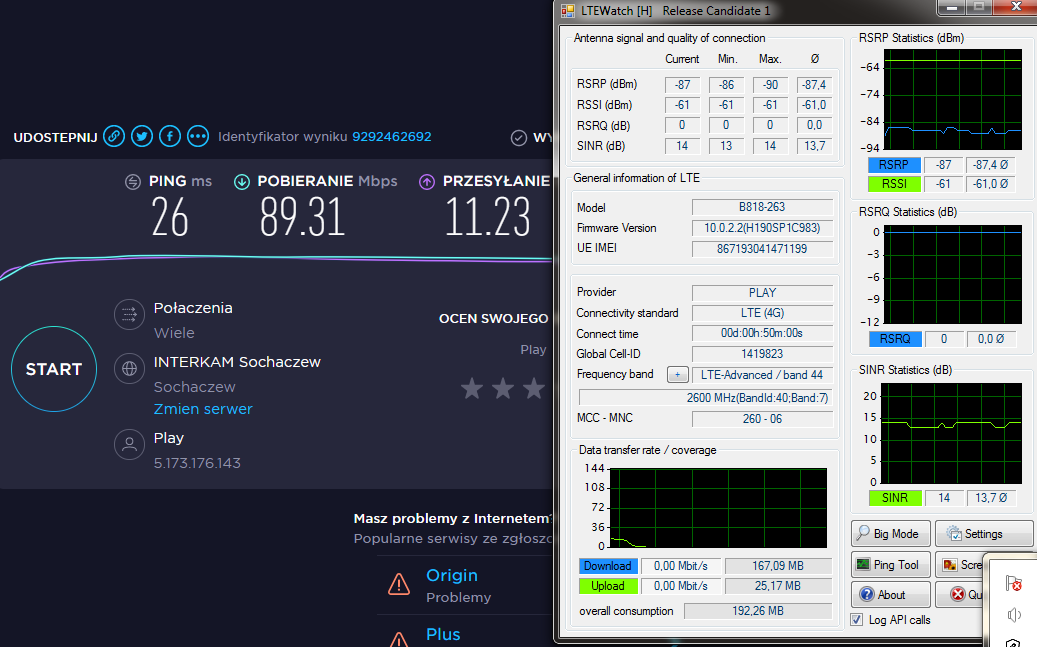
Added after 14 [minutes]:
Here I gave a screen with orange on the 1800 Sorensen antenna, I think it is called, without ltewatch because I turned off the wifi on the router and I don't want to
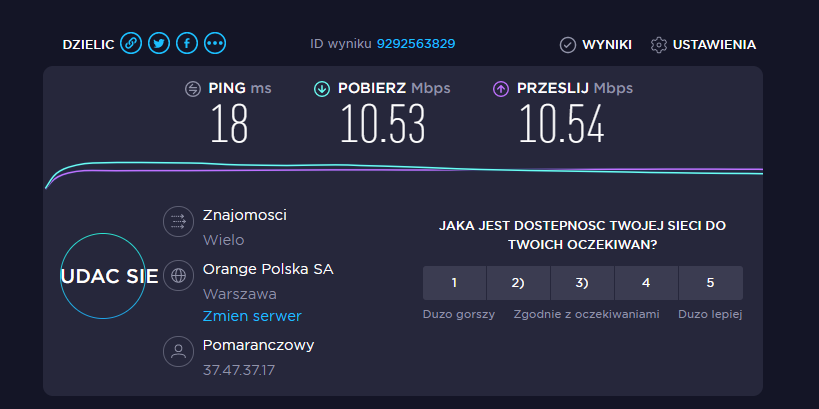 go and restart it, it's his last day
Moderated By jimasek:I separated as a new thread. Please do not confuse someone about the topic, just create your own.
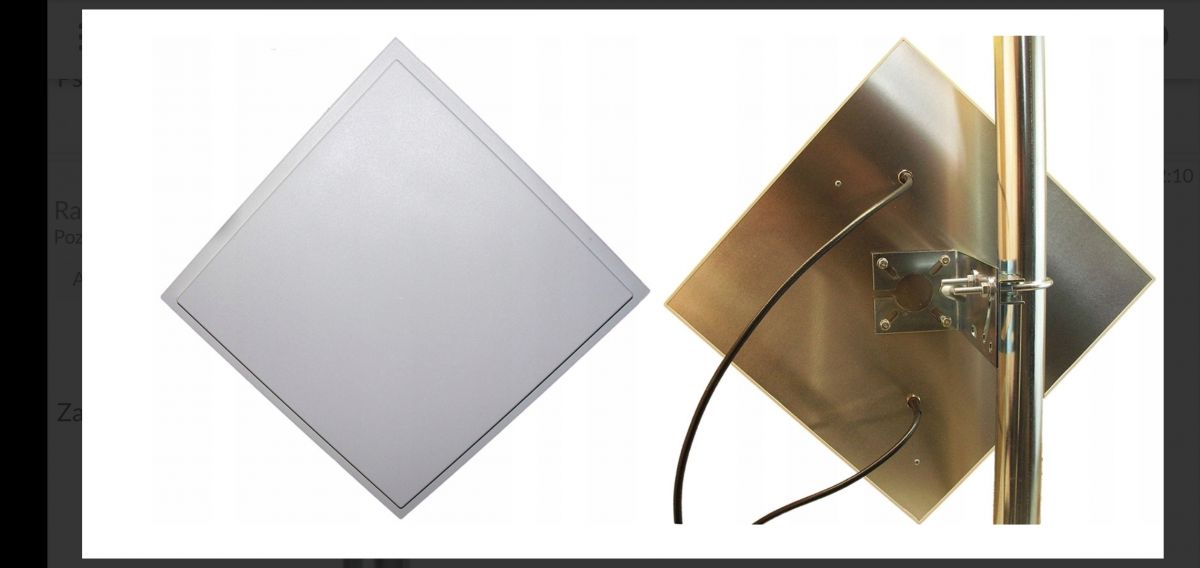
 ) - a typical case on roofs and chimneys.