logo elektroda
logo elektroda
X
logo elektroda

Setting Up Port 10308 Forwarding for Flight Simulator on Technicolor CGA2121 Router

onionMaster 9894 3
ADVERTISEMENT
Treść została przetłumaczona polish » english Zobacz oryginalną wersję tematu
  • #1 18941791
    onionMaster
    Level 2  
    Posts: 4
    Hello,
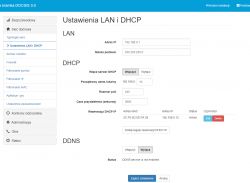
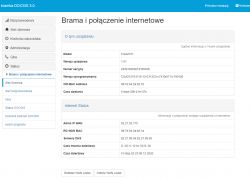
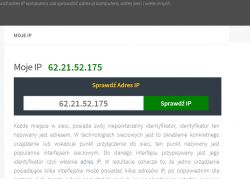
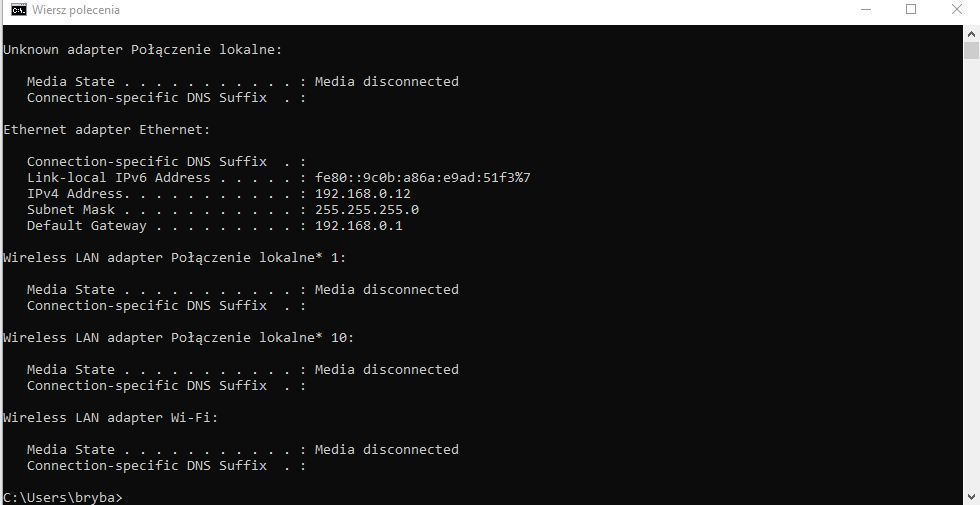
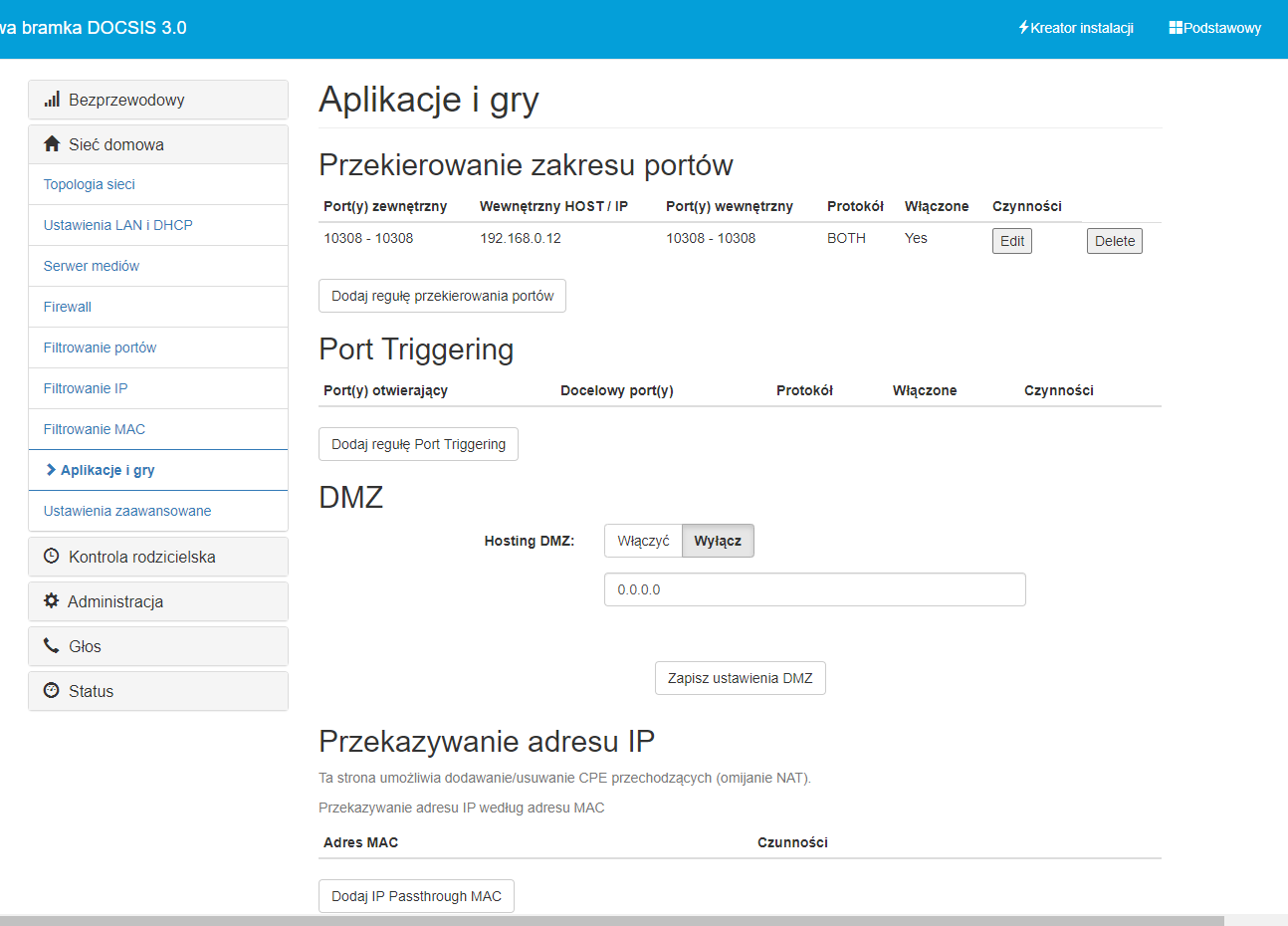
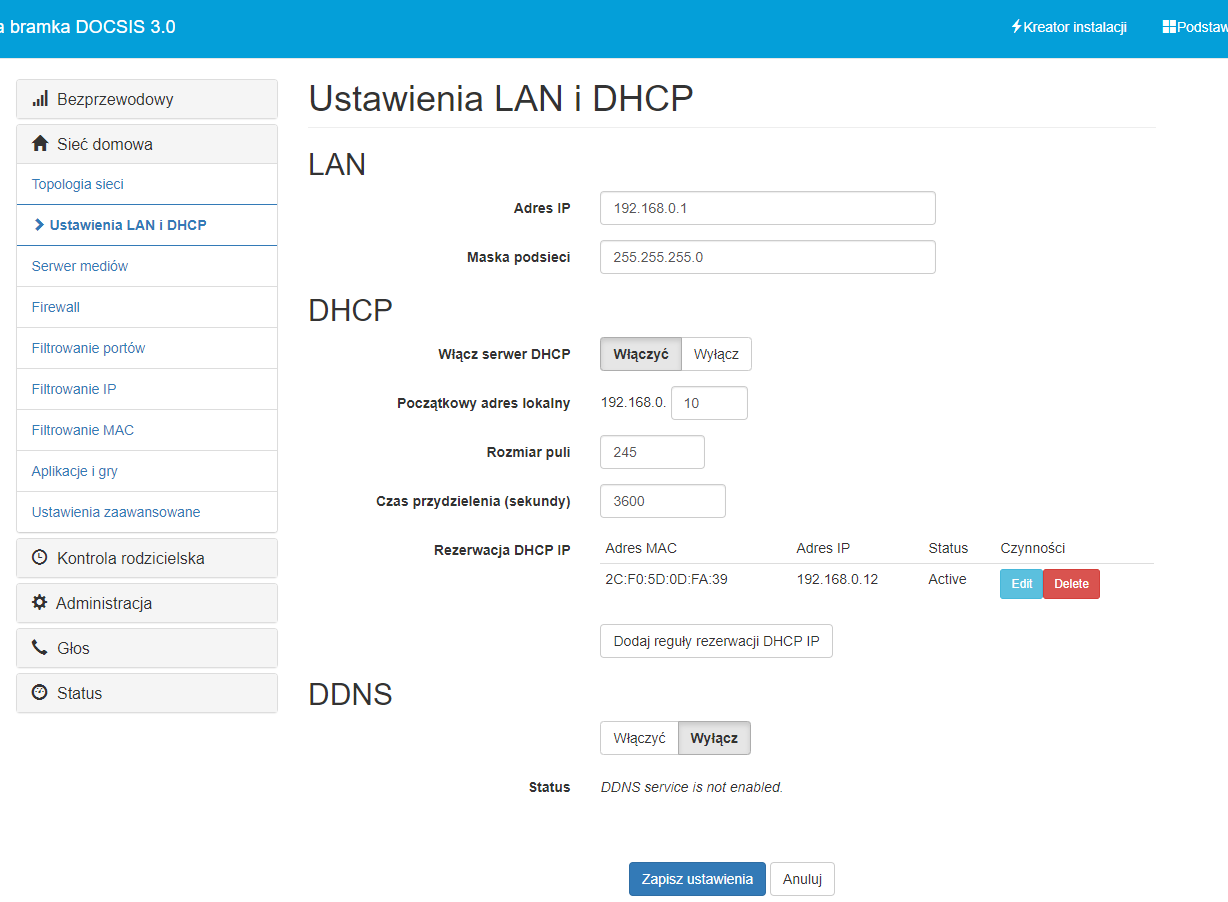
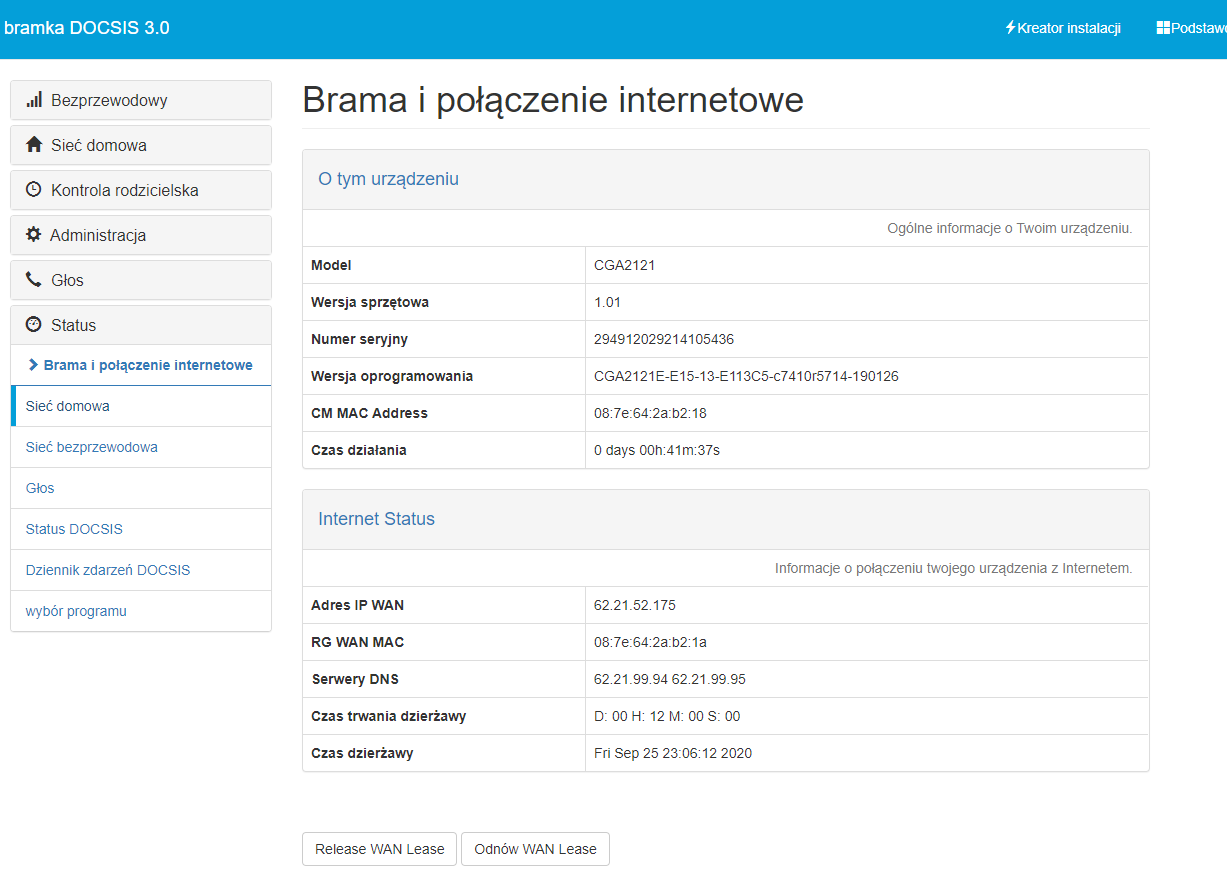
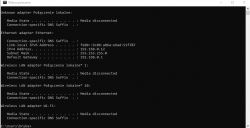
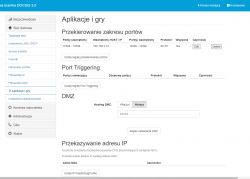
    Wanting to set up a server in a certain flight simulator, I read that I need to have port 10308 redirected. So in the router settings (technicolor CGA2121 from Inea, I set port forwarding, UPNP to enabled and DHCP IP reservation of my computer. I am sending screenshots of settings in the attachments. I have my IP set to public, because I contacted Inea Unfortunately when I go to any port checking website it informs me that the port is closed for my IP I have no idea what I am doing wrong.
    Setting Up Port 10308 Forwarding for Flight Simulator on Technicolor CGA2121 Router Setting Up Port 10308 Forwarding for Flight Simulator on Technicolor CGA2121 Router Setting Up Port 10308 Forwarding for Flight Simulator on Technicolor CGA2121 Router Setting Up Port 10308 Forwarding for Flight Simulator on Technicolor CGA2121 Router Setting Up Port 10308 Forwarding for Flight Simulator on Technicolor CGA2121 Router
  • ADVERTISEMENT
  • #2 18941977
    xury
    Automation specialist
    Posts: 7071
    Help: 876
    Rate: 1486
    Disable that crappy UPNP as it may be confusing you.
    Your redirection is set up correctly.
    If that doesn't help, try setting the DMZ to your computer's address for the test.
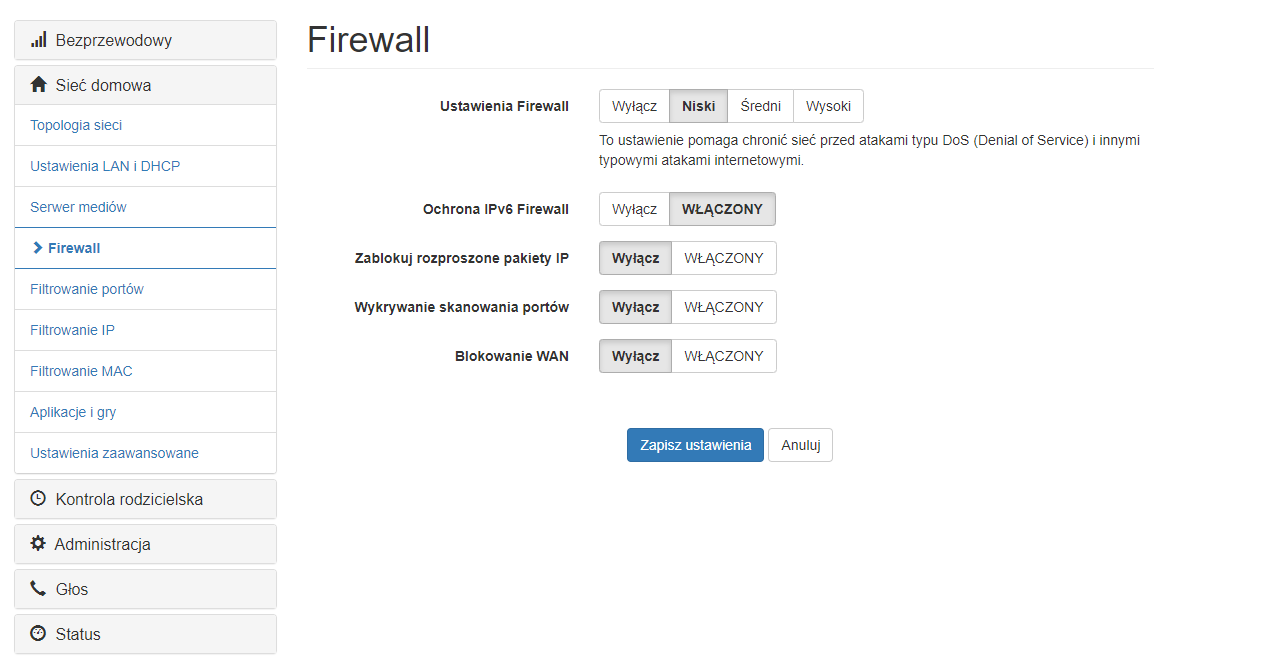
    There is still a firewall to check.
  • ADVERTISEMENT
  • #3 18942016
    onionMaster
    Level 2  
    Posts: 4
    xury wrote:
    Disable that crappy UPNP as it may be confusing you.
    Your redirection is set up correctly.
    If that doesn't help, try setting the DMZ to your computer's address for the test.
    There is still a firewall to check.


    UPNP disabled, DMZ also set to the IP address of the computer and unfortunately still the same. Every time I change, I reset the router to be sure.
    As for the firewall, I send the settings in the attachment.

    Setting Up Port 10308 Forwarding for Flight Simulator on Technicolor CGA2121 Router
  • #4 18942274
    KOCUREK1970
    Network and Internet specialist
    Posts: 35131
    Help: 3786
    Rate: 5326
    @onionMaster
    But you know that for the port to work, you have to run what this port uses - that is, first you run the simulator and then check the port.

    Here you have the instructions, it explains what, where and how to redirect:
    http://docplayer.pl/58691420-Technicolor-cga2...on-installation-uslugi-internetowej-inea.html
ADVERTISEMENT