






Hello my dears
I will present here my design for an external CPU temperature display from my computer. The display shows temperatures from 0 to 99C while selecting its colour accordingly. The display is made by myself from 0 based on WS2812B diodes, it is controlled via a PIC18F67J60, and receives temperatures from a Windows computer via Ethernet, more specifically HTTP. The display powers itself via a USB cable from any phone charger. The project is primarily based on 3D printing (the casing, the display itself) and my own previously prepared modules.
Introduction
I assembled the project from 0 with self-made modules (my DIY 7 segment display and my board under the PIC18F67J60 supporting Ethernet communication.
I wrote the firmware for the PIC in Mikro C PRO for PIC, the program for Windows (temperature reading) in Visual Studio, C#.
The project included:
- implementation of the WS2812B based display support for the PIC18F67J60
- implementation of the control of this display via HTTP on the PIC18F67J60 (control of displayed characters, 0-9 and abcdef, and control of the colour represented by the hue value)
- the 3D design and printing of the thermometer housing (designed in Blender, printed with white PLA filament on an Ender 3 Pro 3D printer)
- an application written in C# for Windows which reads the processor temperature from the built-in sensor and sends it via HTTP to the PIC
Used a 7-segment display based on WS2812B
In the project I used a self-made large colour display based on the WS2812B.
It is described in detail here:
https://www.elektroda.pl/rtvforum/topic3728082.html
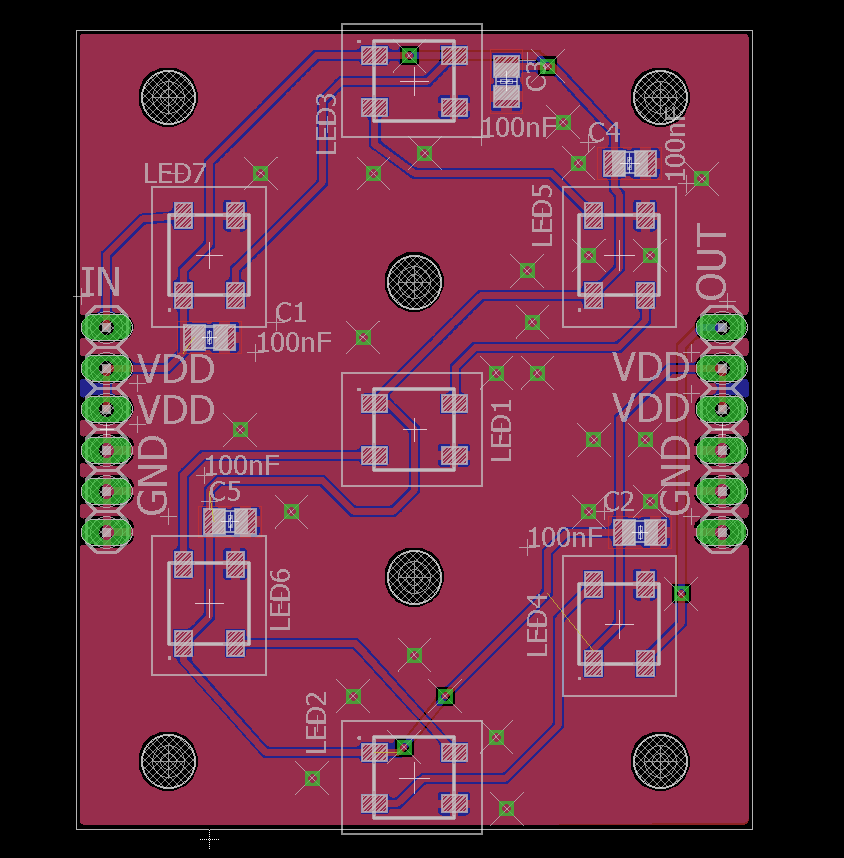
But in a nutshell this, the board design:
Soldering the display board:

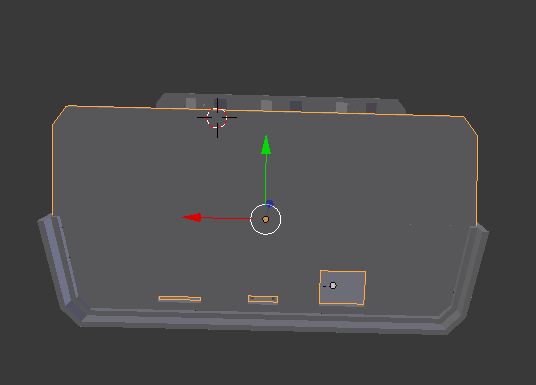
Plastic frame - design in Blender:

3D printing (PLA filament on Ender 3 Pro):
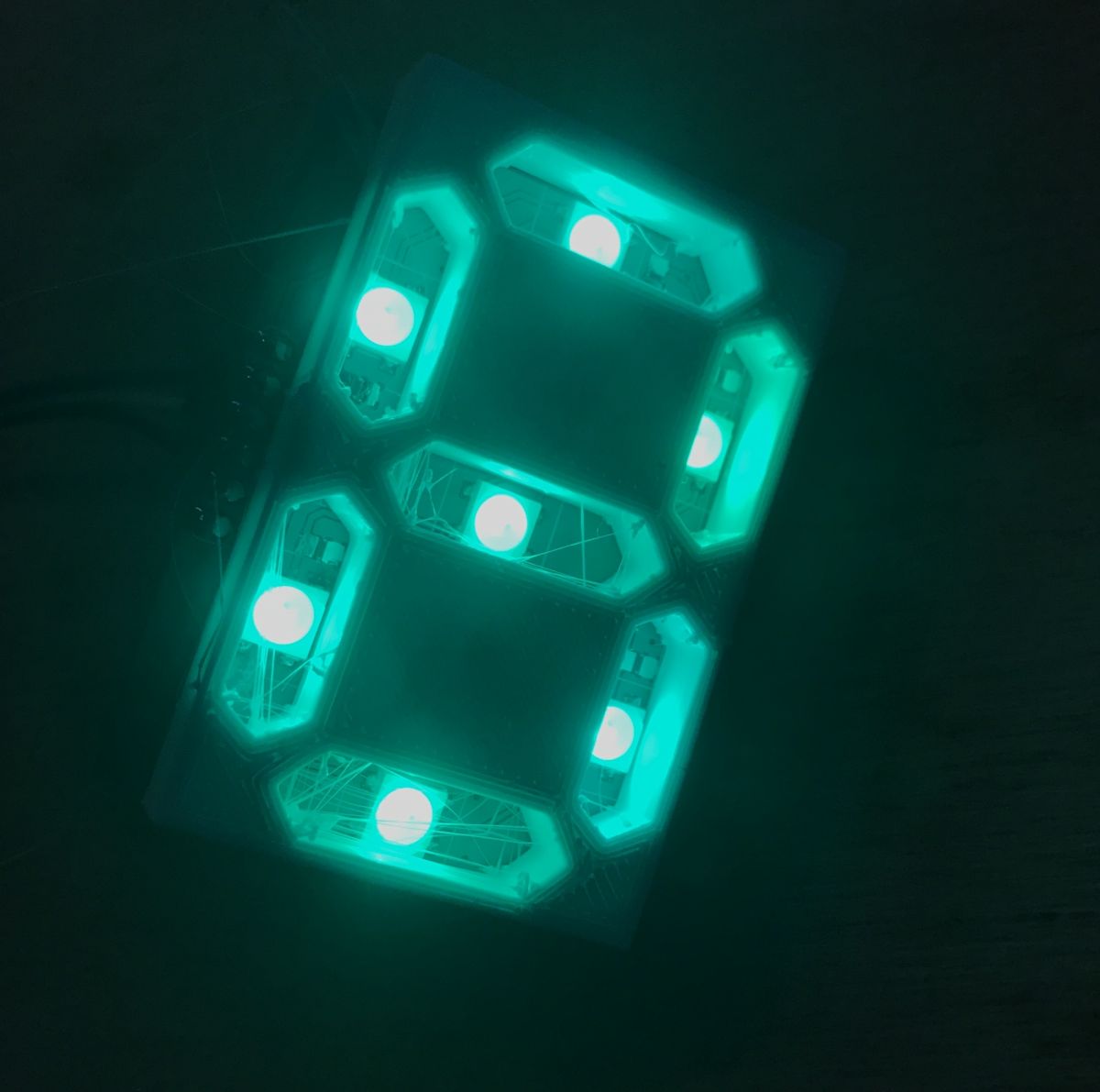
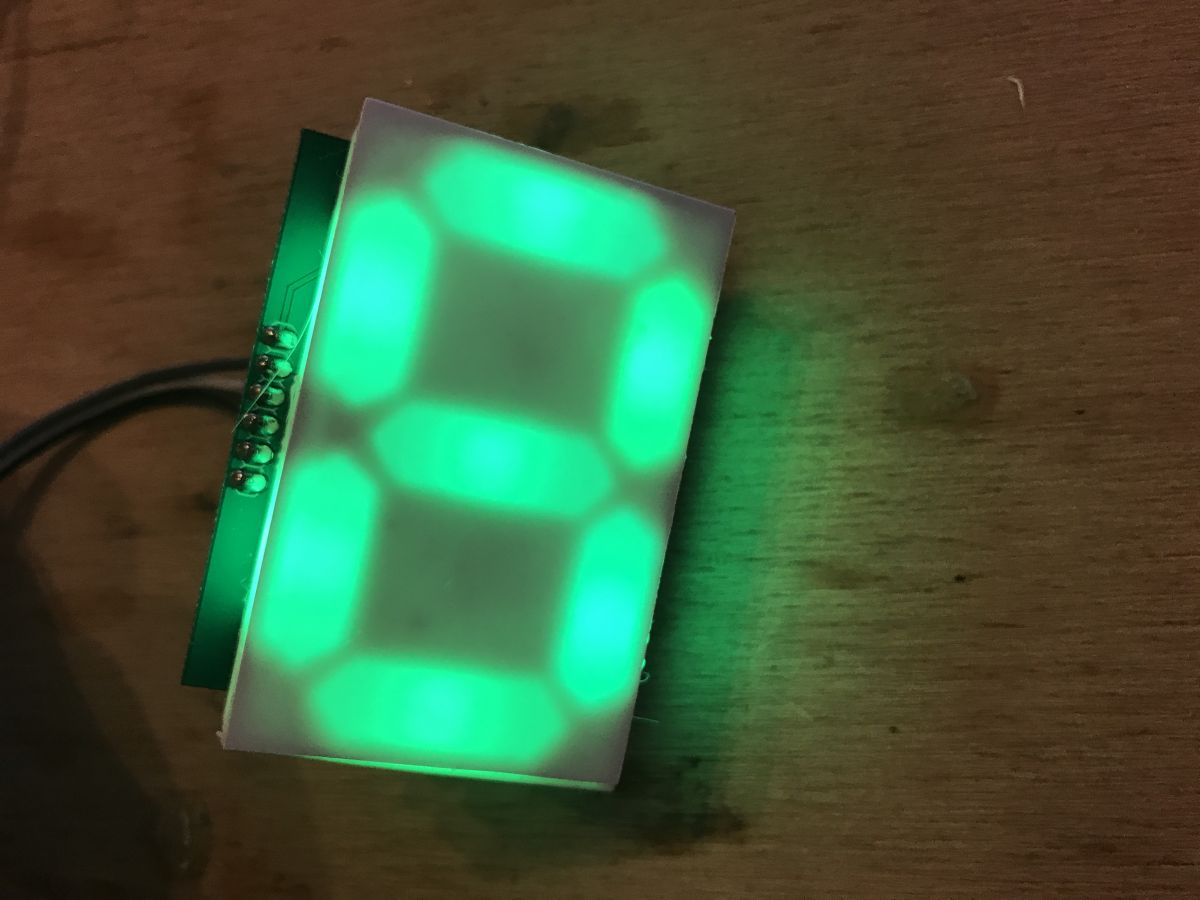
Finalisation:
Used Ethernet communication board based on PIC18F67J60
For the project I used my Ethernet communication board based on the PIC18F67J60 which itself (without external chips like the ENC28J600) supports Ethernet communication.
Project:
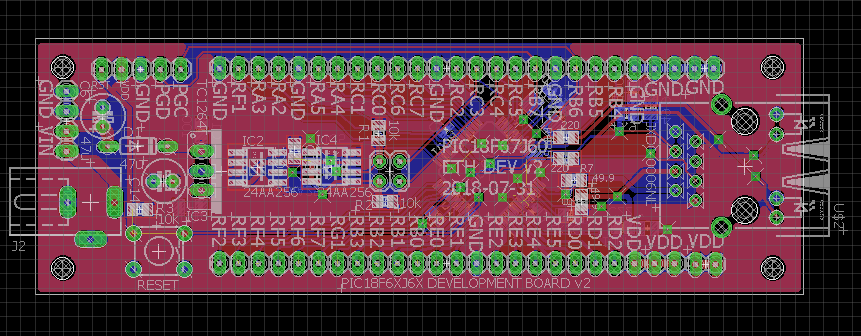
Implementation:
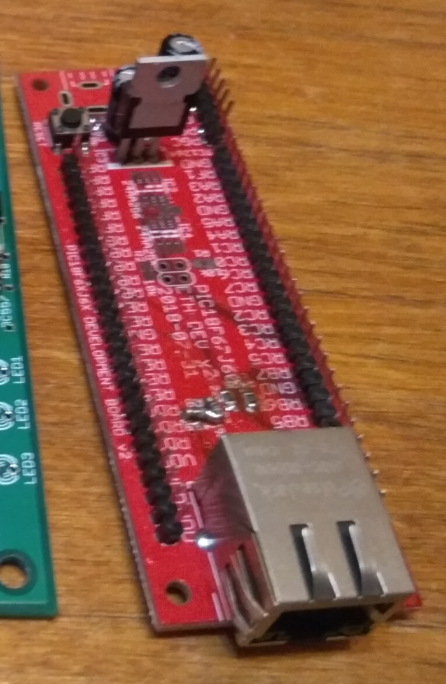
On board is a PIC18F67J60 which handles Ethernet communication directly. Next to it is the magjack connector JXD0-0006NL. In addition, there is just an LDO TC1264 stabiliser (which provides a stable 3.3V with 5V from USB). There are still 24AA256 memory slots on the board, but they are not used. Well, and a 25MHz quartz resonator, for the PIC.
Observing my WS2812B display for the PIC18F67J60
I implemented the WS2812B control protocol itself some time ago for the PIC18F45K50:
https://www.elektroda.pl/rtvforum/topic3590731.html
Fortunately there was no problem porting this to the PIC18F67J60. However, the WS2812B protocol support is only half the battle, you still need to convert the characters into appropriate segments, i.e. the PIC needs to know what it is displaying.
I wanted what could be displayed comfortably on a 7-segment display, i.e. numbers and the letters abcdef.
To do this, I prepared an array of masks for the following character codes (the individual bits of each number determine whether the segment is lit):
Code: C / C++
The next step was a function to display a given character at a given display position. It left 'digit' in its name, although it also displays supported letters.
Code: C / C++
In the above function, I multiply the digit position times 7, as each digit has 7 segments. Then I successively examine successive bits of the mask value of the digit in question and check which of the 7 segments needs to be lit.
Then it is left to make a function that displays the entire string. In it I assume that the array passed in contains 3 characters.
Code: C / C++
For this I also needed a helper function because in ASCII unfortunately 'A' is not right after '9'. The function below converts the ASCII code of the character into the index of the array shown earlier:
Code: C / C++
Firmware on PIC18F67J60 (communication via HTTP/TCP)
I wrote the program for the PIC in Micro C PRO for PIC and based it on the HTTP Demo from the compiler examples.
The program handles a simple web page that indirectly takes part in controlling the display.
The page displays the current text in the colour as it is on the display:
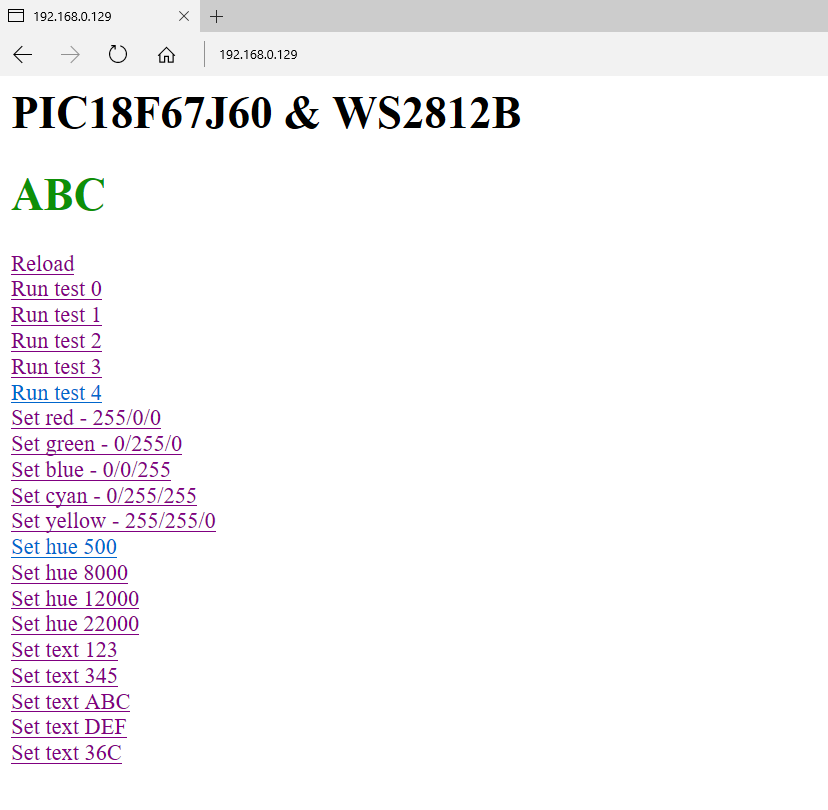
There are also various links on the page for testing the display. Some of these links simply set the selected colour, some set the given text and some run test animations of the WS2812B.
Here you have an insight into the HTML code of the page (it is partly generated by the PIC):
Code: HTML, XML
Basically, three types of packets are used to control the display, both based on HTTP GET.
- colour setting packet - 192.168.0.129/c/[R]/[G]/[ B ] - sets the colour with the given RGB
- colour setting packet - 192.168.0.129/h/[CODE_HUE] - sets the colour with the given hue
- text setting packet - 192.168.0.129/v/[TEXT] - displays the given text on the display
Such packets can be sent from any source, also automatically from an application on Windows. This is what I am doing, details in the next paragraph.
From the PIC side, packet parsing looks very simple. For example, for a function that sets a colour:
Code: C / C++
The parseInt function takes a pointer to a text pointer as an argument and reads a single number from it, while shifting the pointer (numbers are separated by slashes):
Code: C / C++
Software on the computer side (for Windows)
The software on the computer side is to read the temperature of the processor (its case, or the average of the cores, whatever) and send it via TCP/HTTP to the PIC.
The frequency of sending the temperature can be set in the code, at the moment I'm sending it every second.
To write this program I used Visual Studio and the C# language.
Unfortunately, it turned out that there are a bit of problems with the processor temperature reading.
For example, there is such a piece of code circulating on the web:
Code: C / C++
Unfortunately it did not work for me, and I even tried it in Administrator mode. Eventually the solution for me turned out to be the OpenHardwareMonitor library which I installed via NuGet Packages:
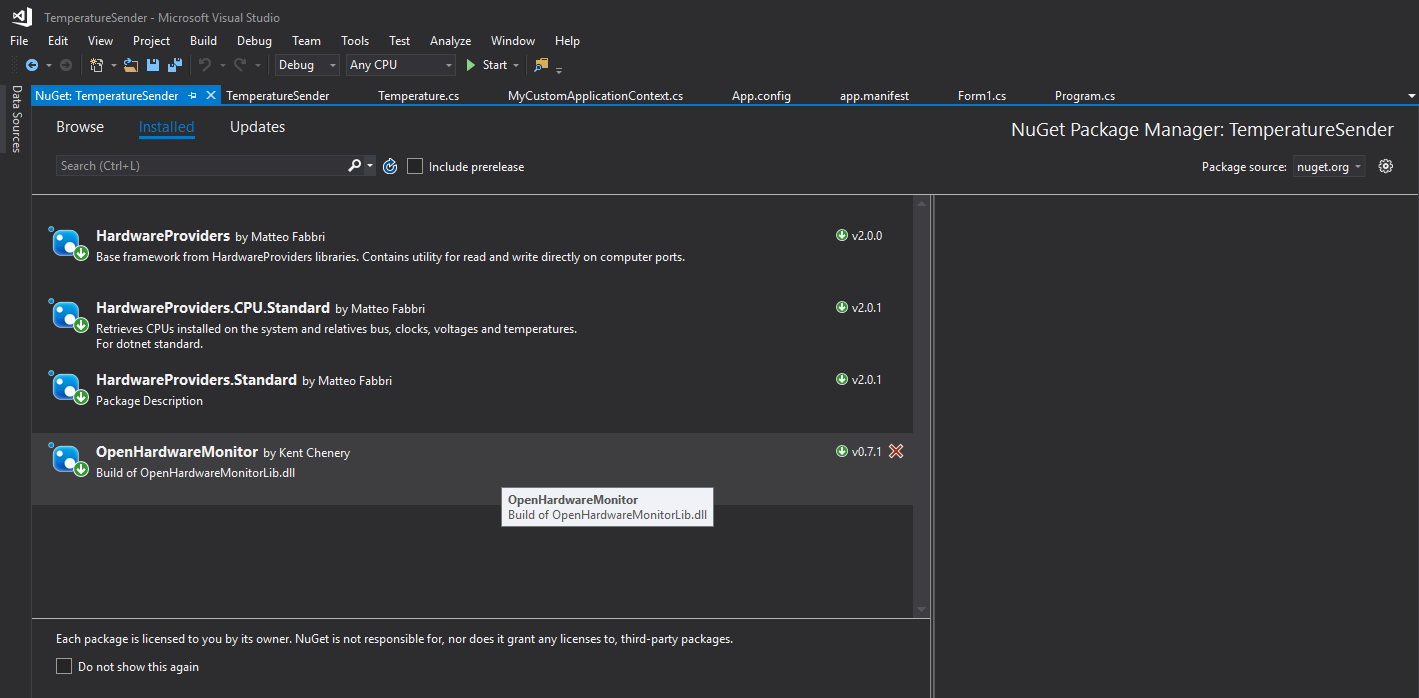
However, you have to bear in mind that it doesn't support all processors either, so there's more trouble with everything than I thought.
So in the attached code (downloadable) several methods are implemented, they are changed with #ifdef.
For the temperature upload itself I use the WebRequest class.
First version of the case
I designed the first version of the enclosure to be as small as possible.
I didn't have the whole concept of the display in my head at the time.
I gave the PIC board in parallel to the display.
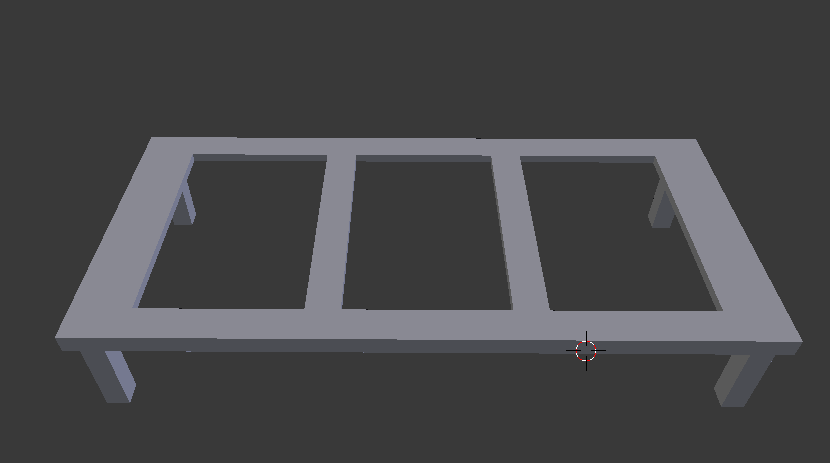
3D model (front):
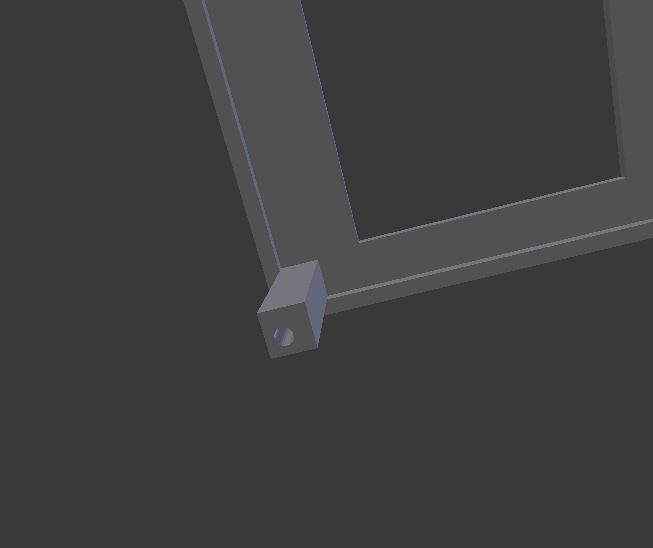
Visible thread for the front component screw:
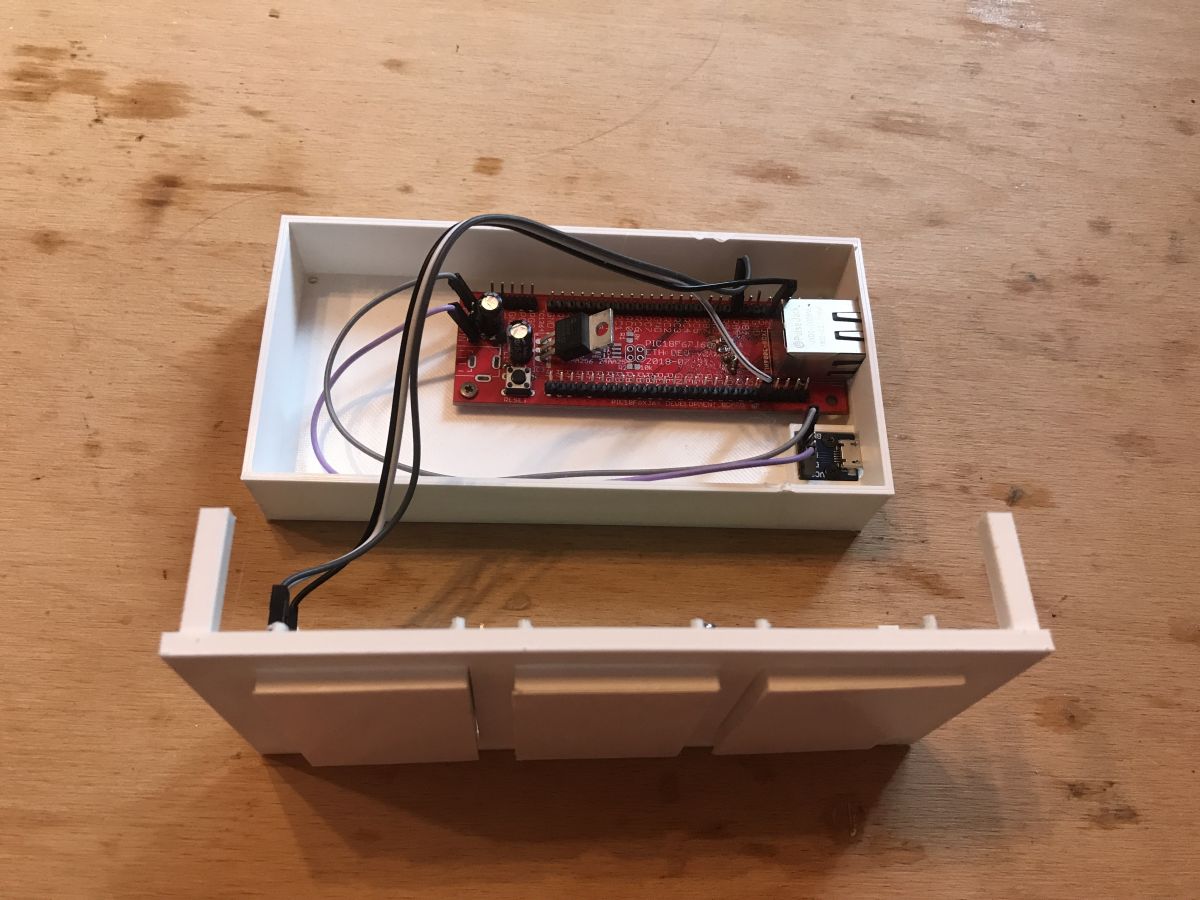
Underside (additionally there is a place for screwing in the microUSB connector from the power supply):

After printing and assembling, in programming (PICKIT2 directly connected to the board with PIC):
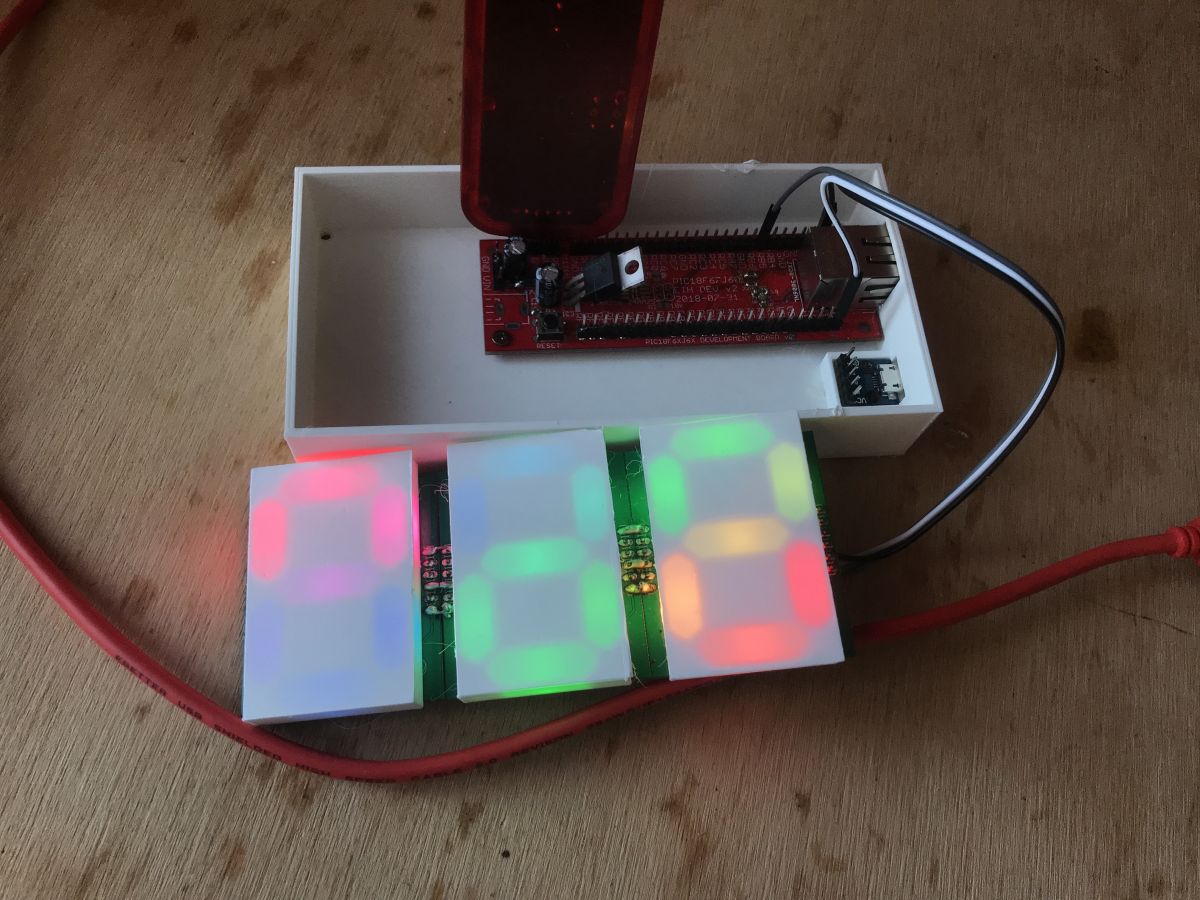
Final assembly of the first version:

First test via Ethernet:
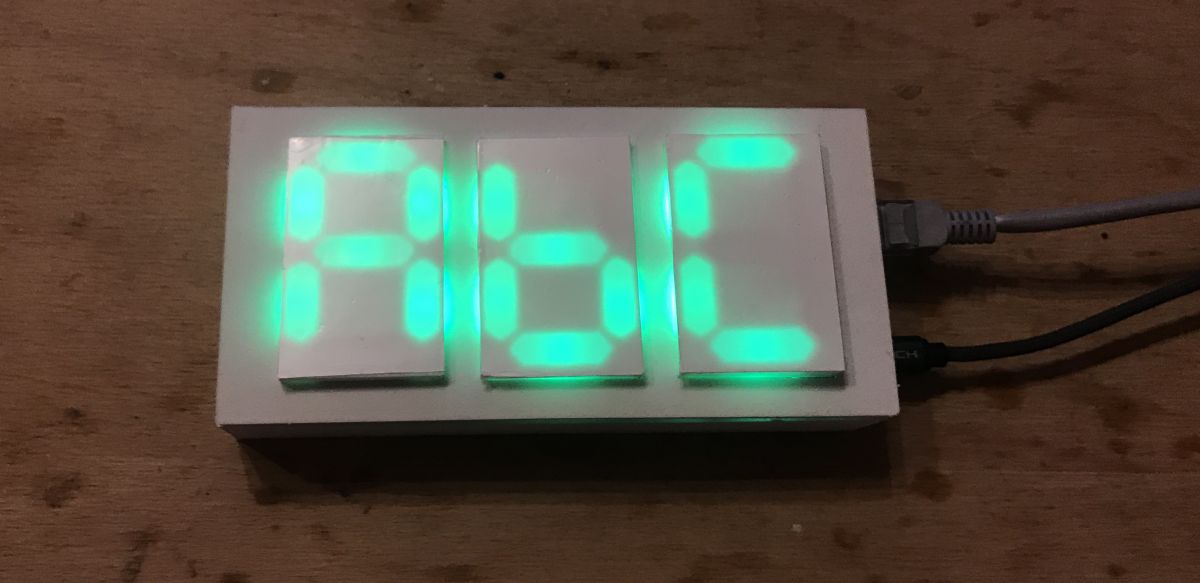
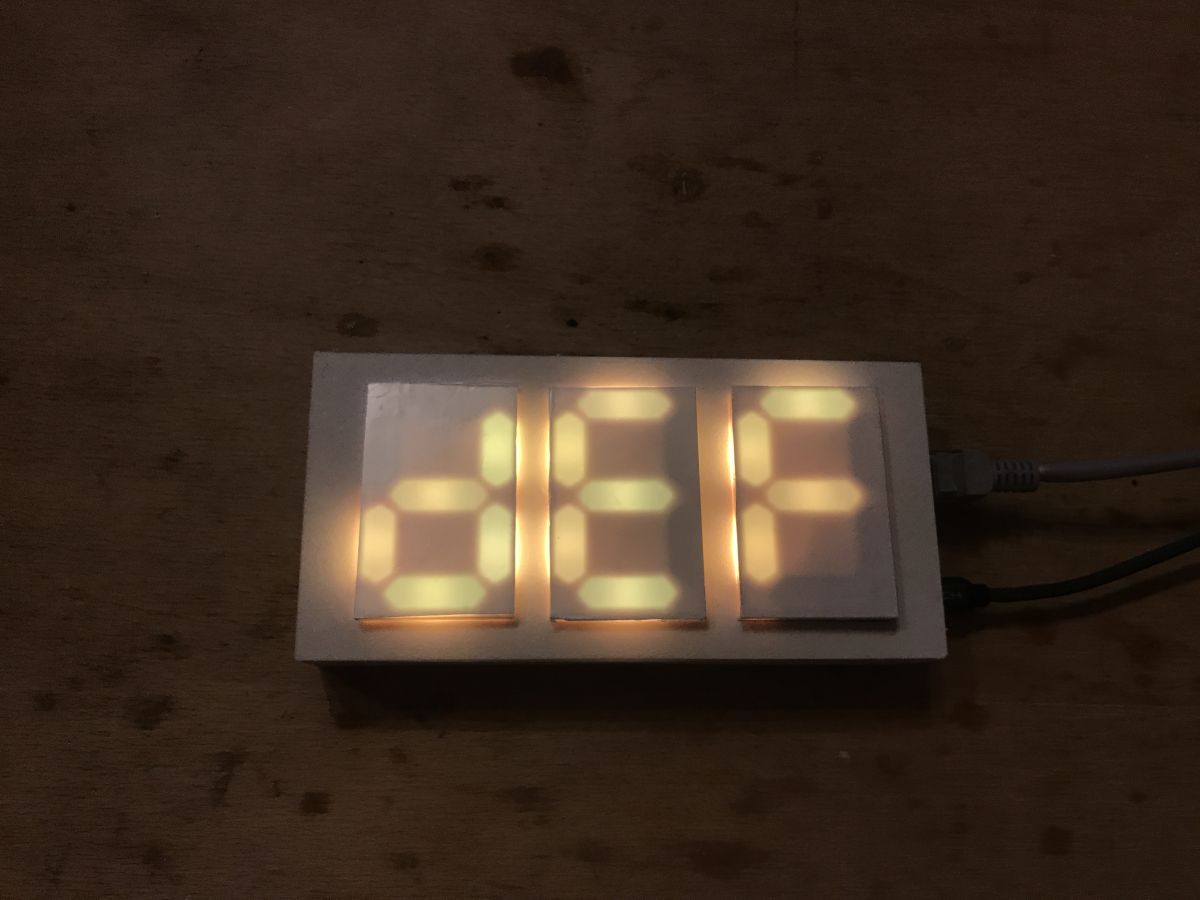

However, this enclosure did not suit me and I then made it from 0, differently.
Final version of the enclosure
I made the final version of the enclosure as outlined in my enclosure modelling tutorial in Blender:
https://www.elektroda.pl/rtvforum/topic3735510.html
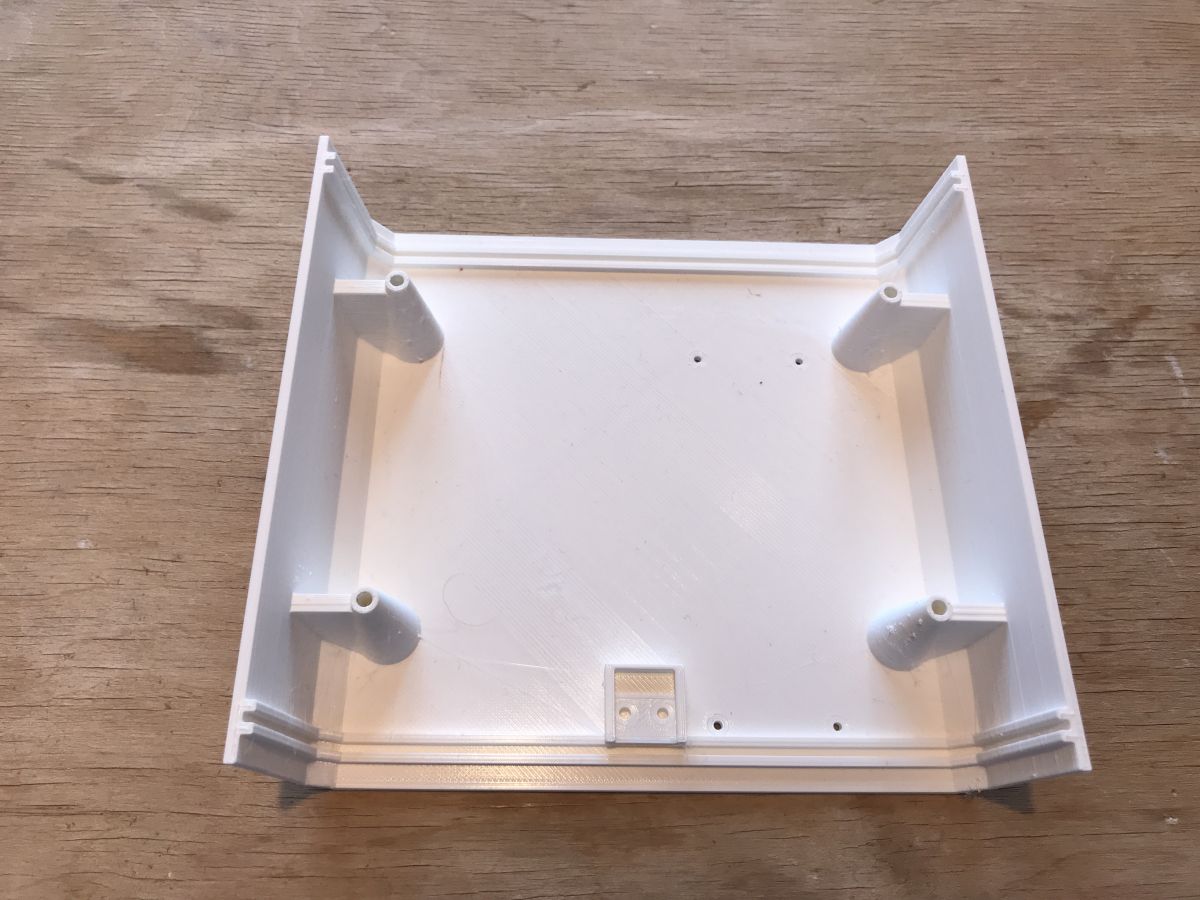
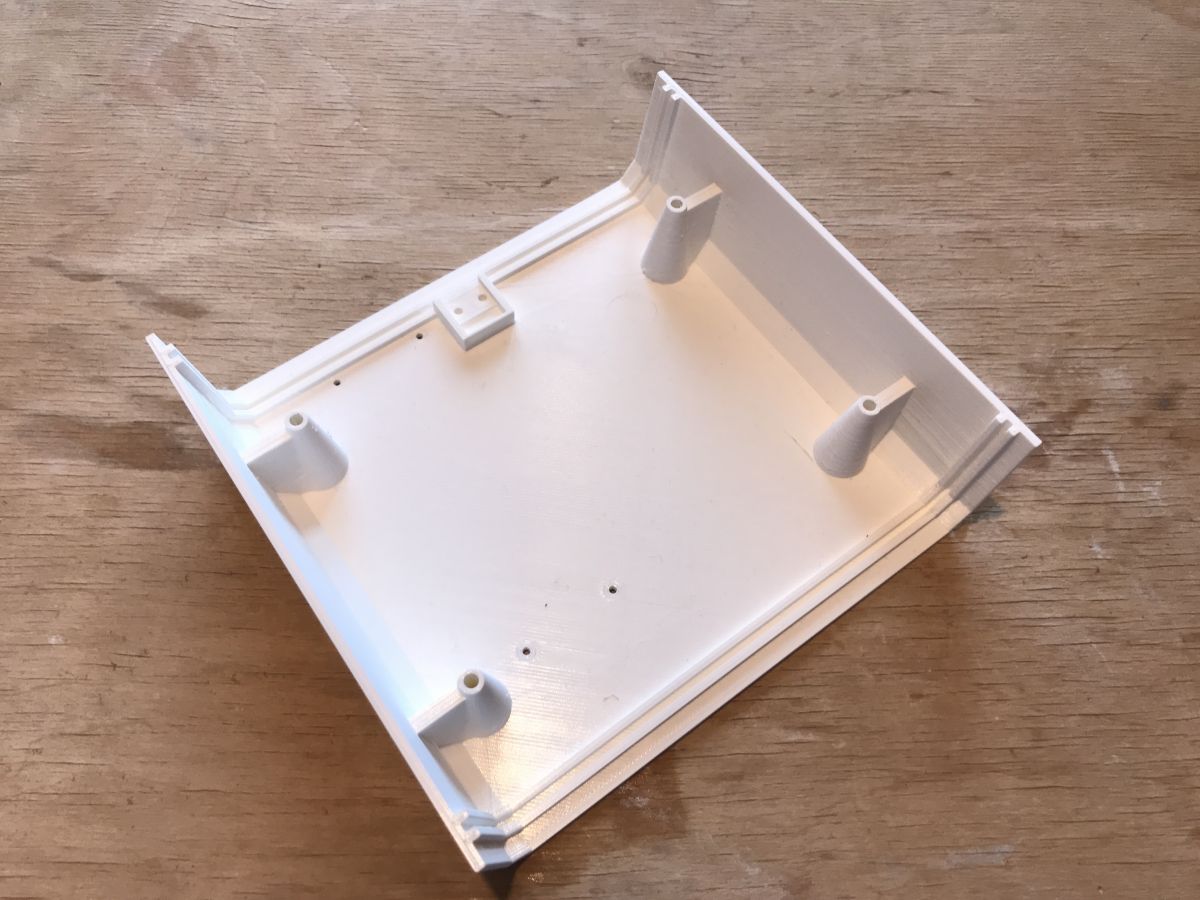
I only modified the dimensions accordingly and added the mounting holes.
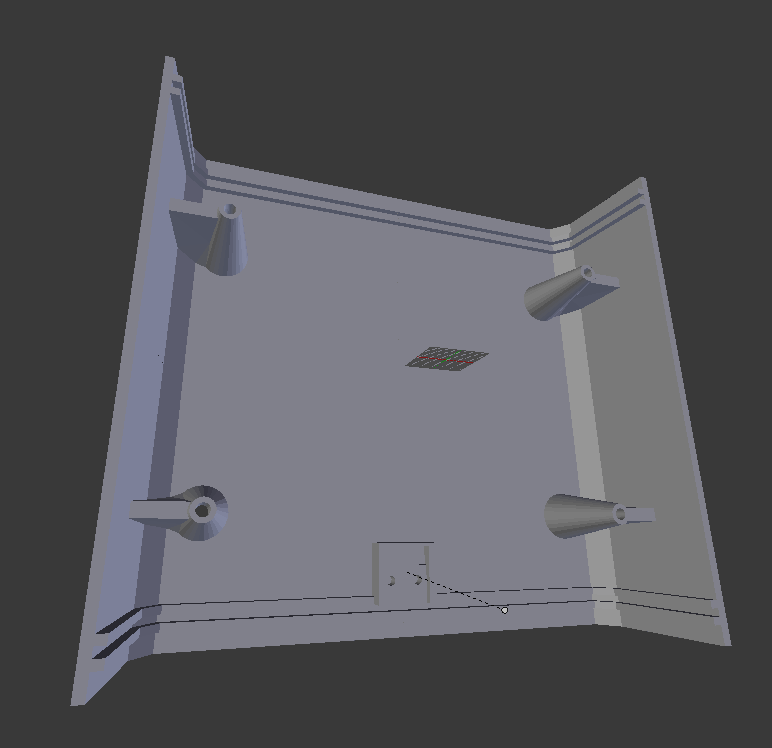
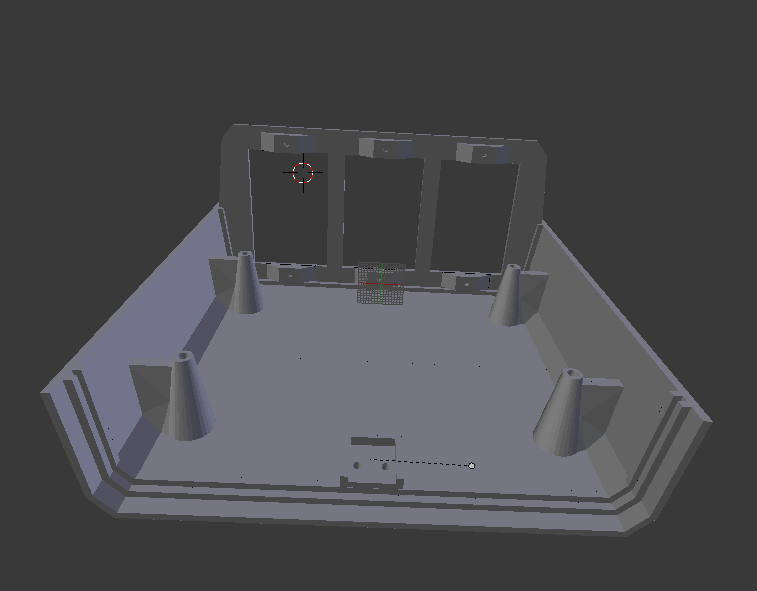
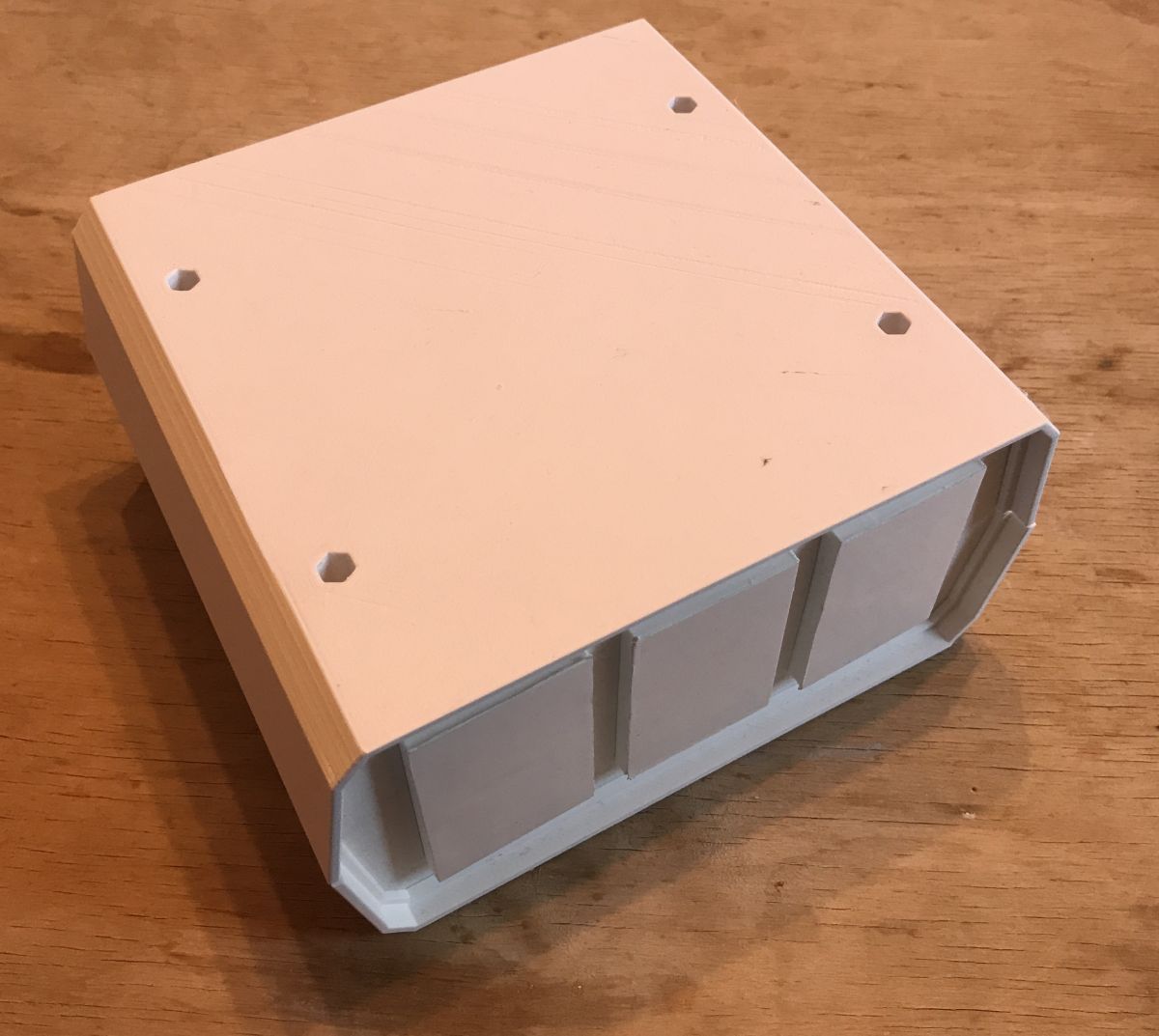
Base printout:
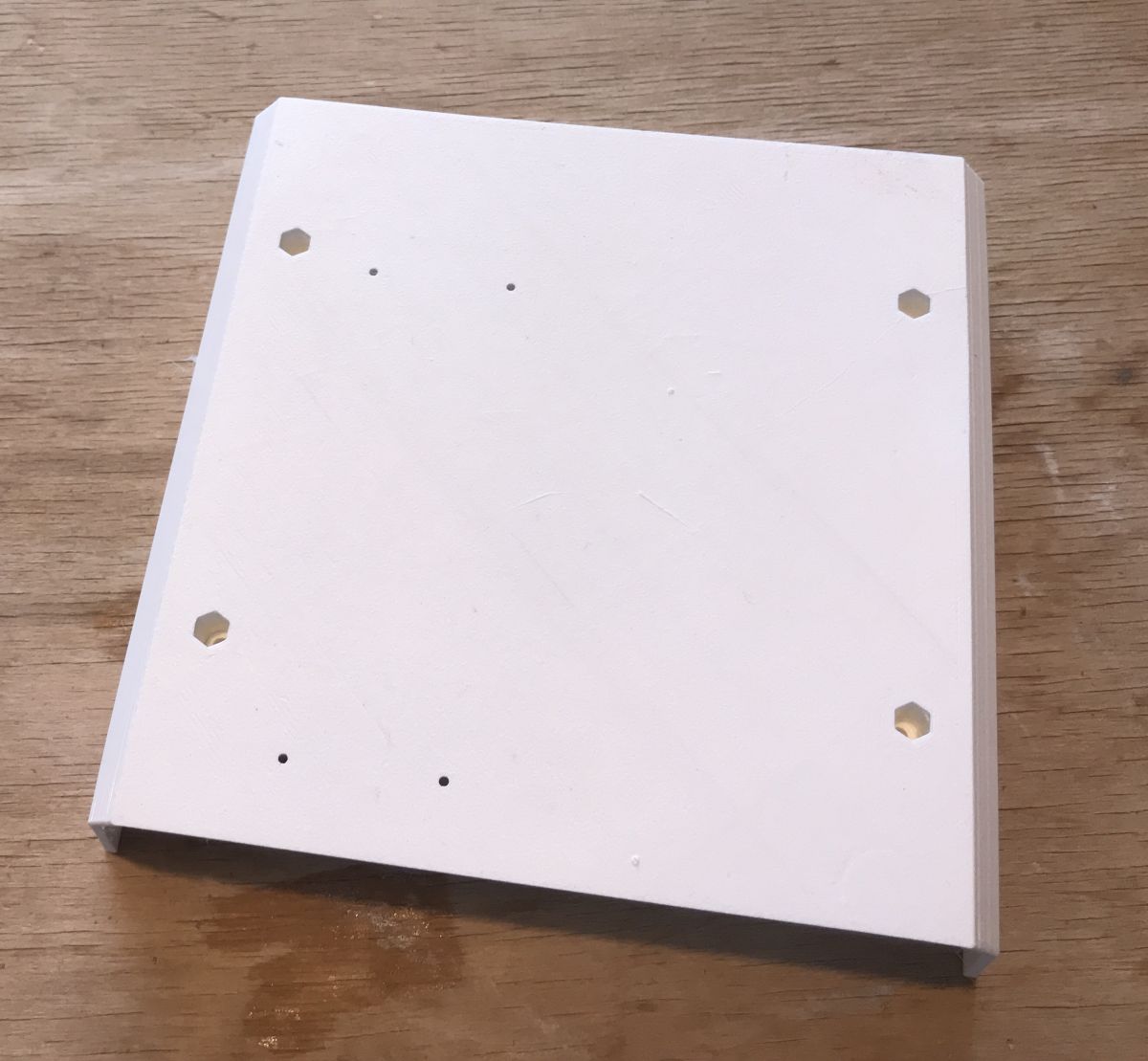
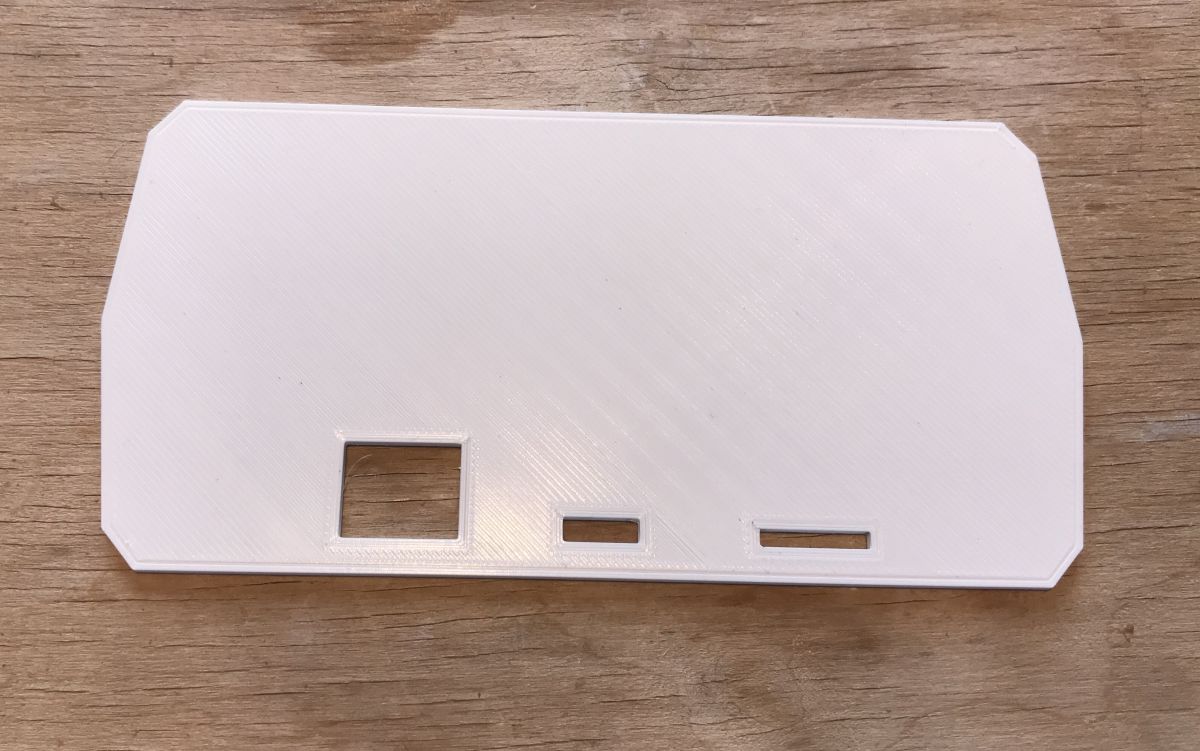
Back panel:
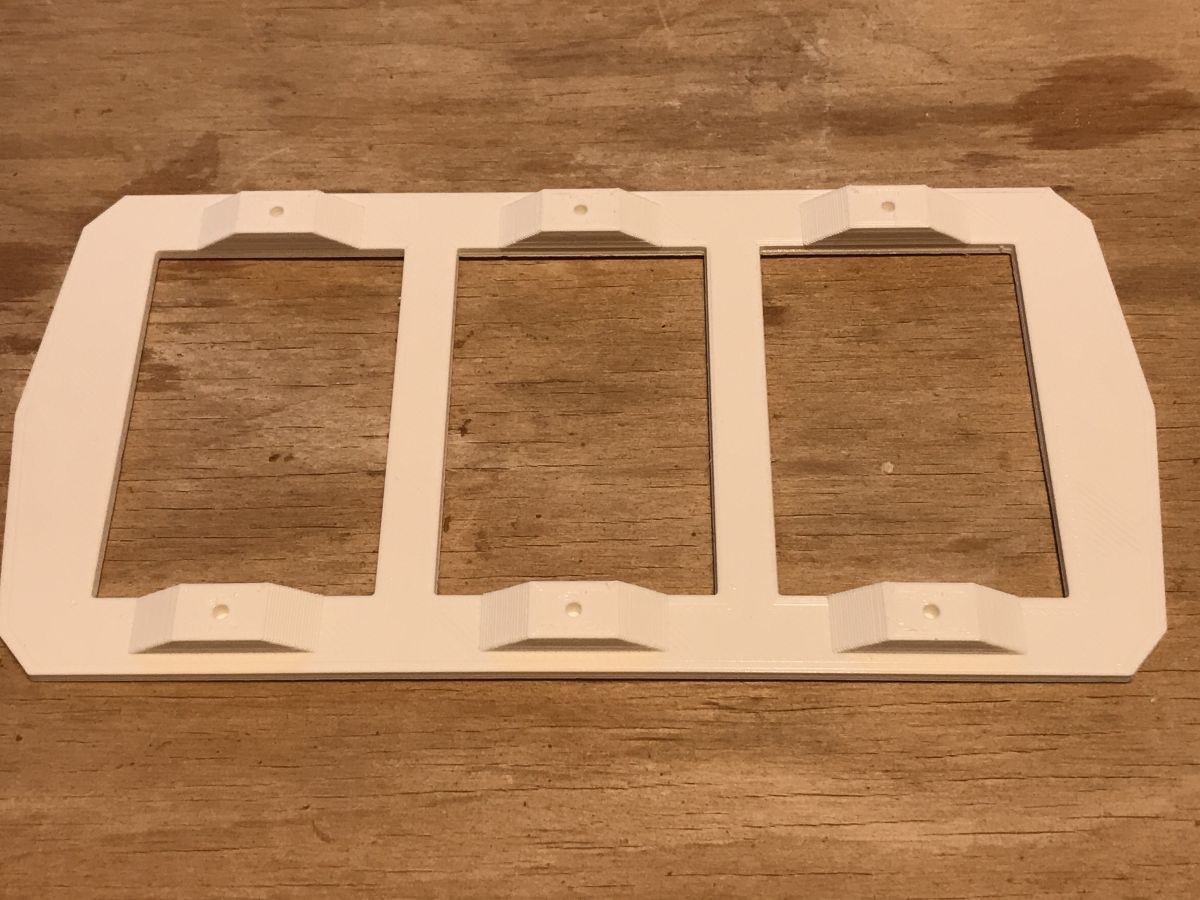
Front panel:
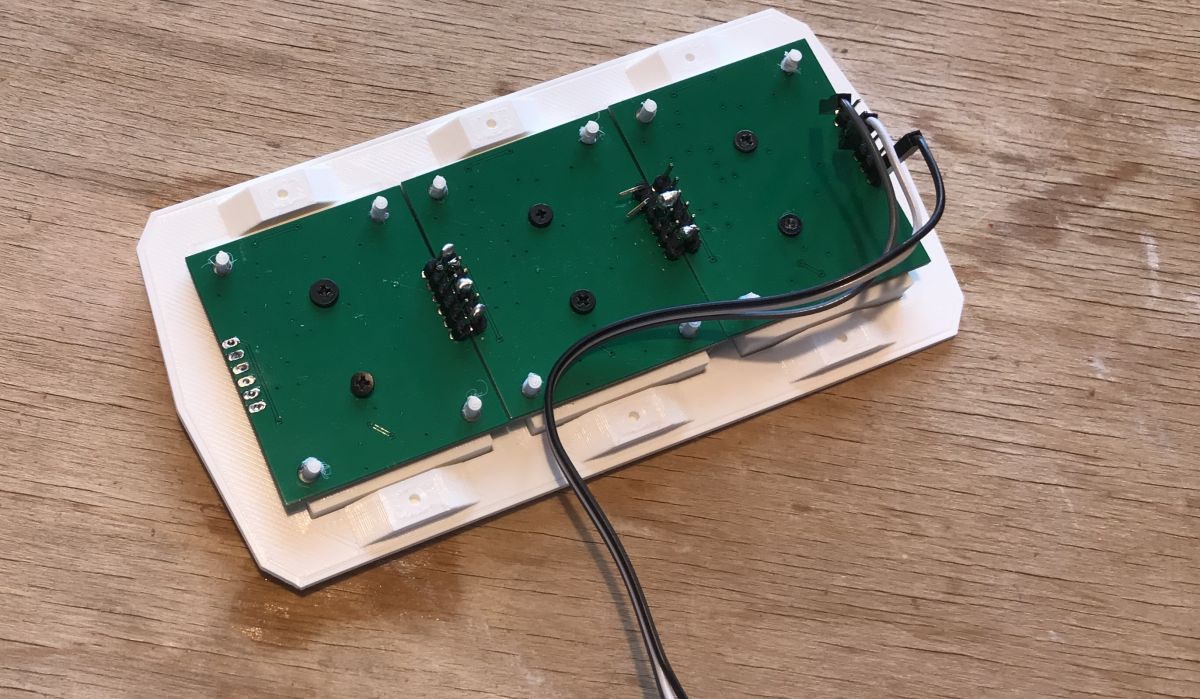
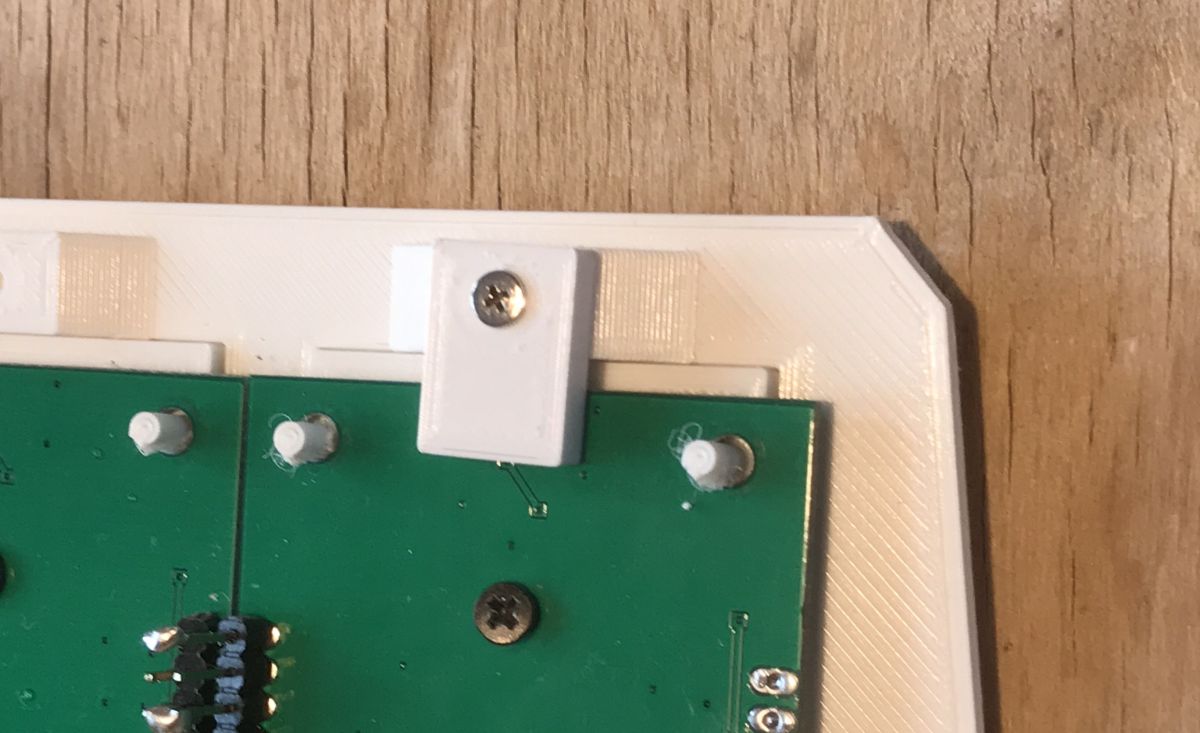
Attaching the display to the front panel using additional 3D printed 'blocks' and screws:
Attached:

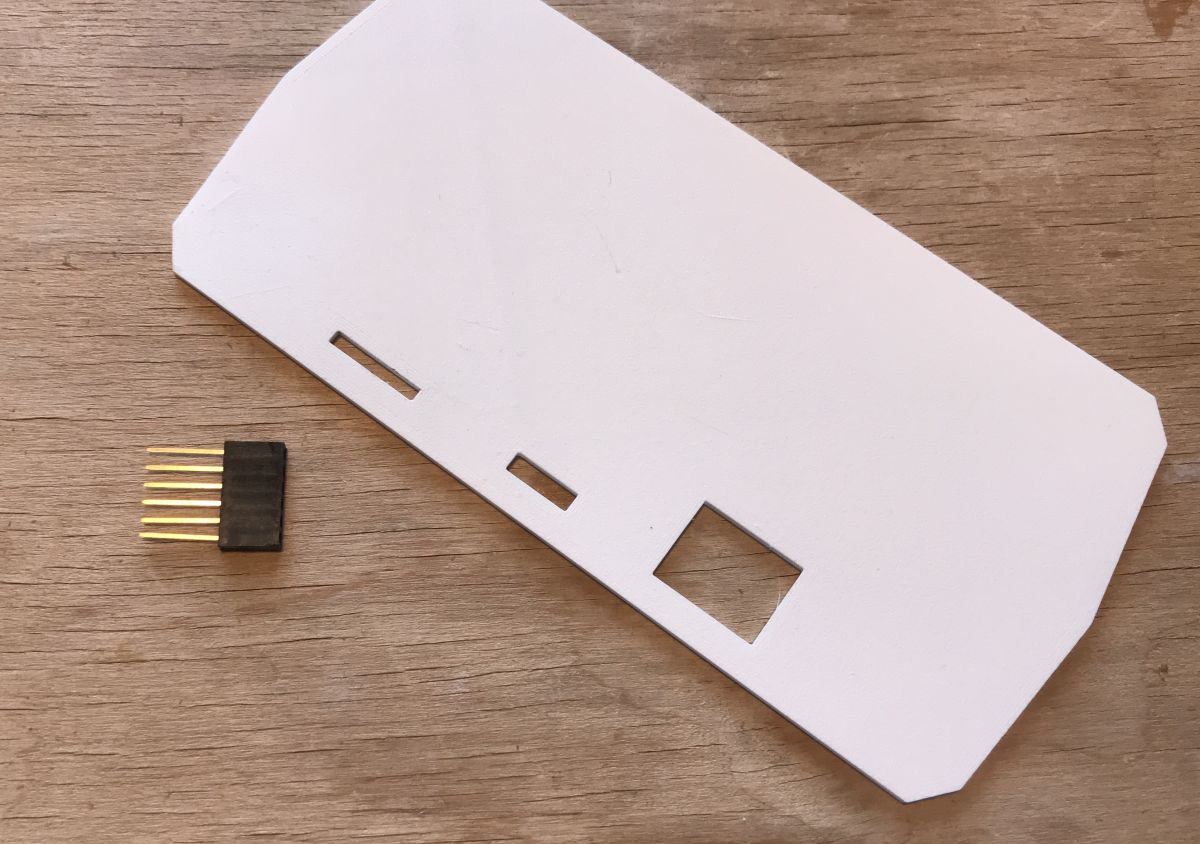
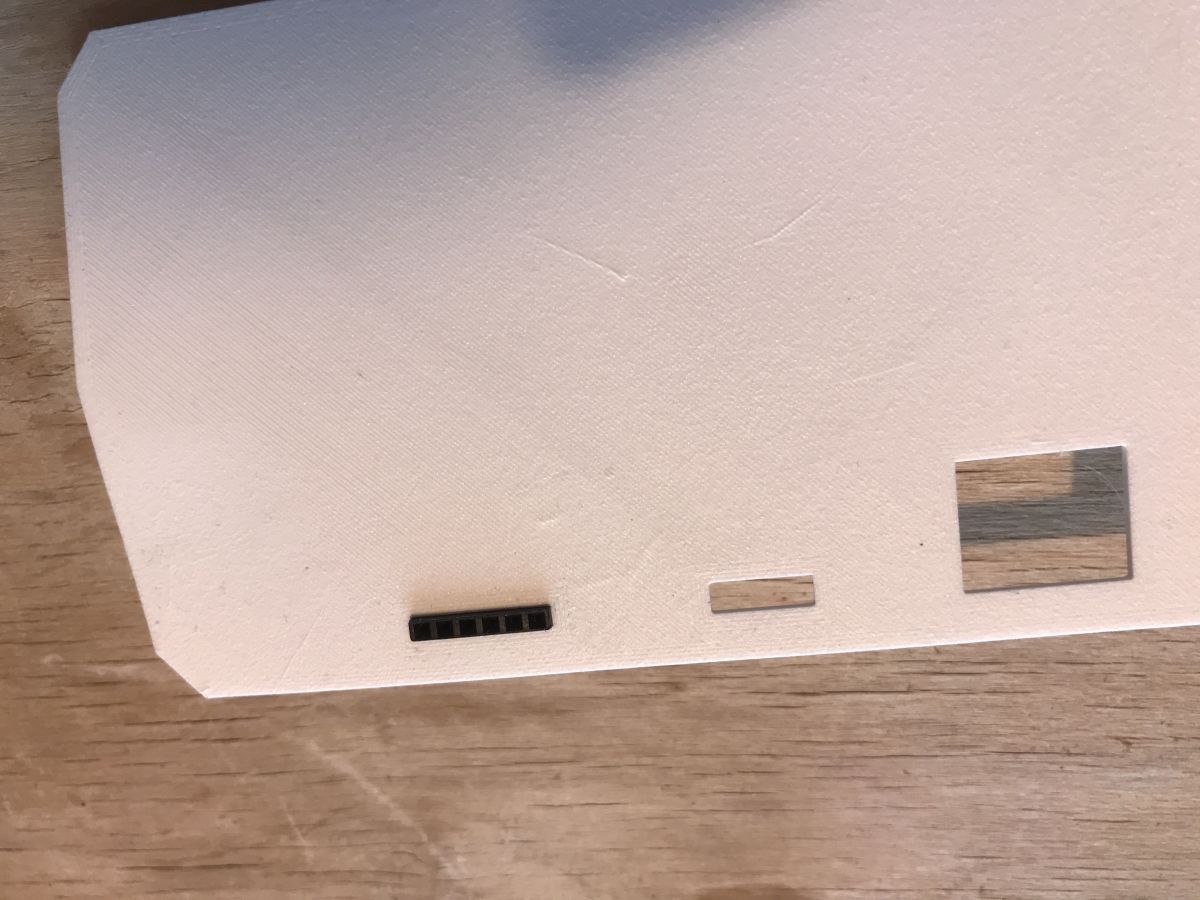
Additionally derived connector for ICSP in the rear panel (fits snugly):
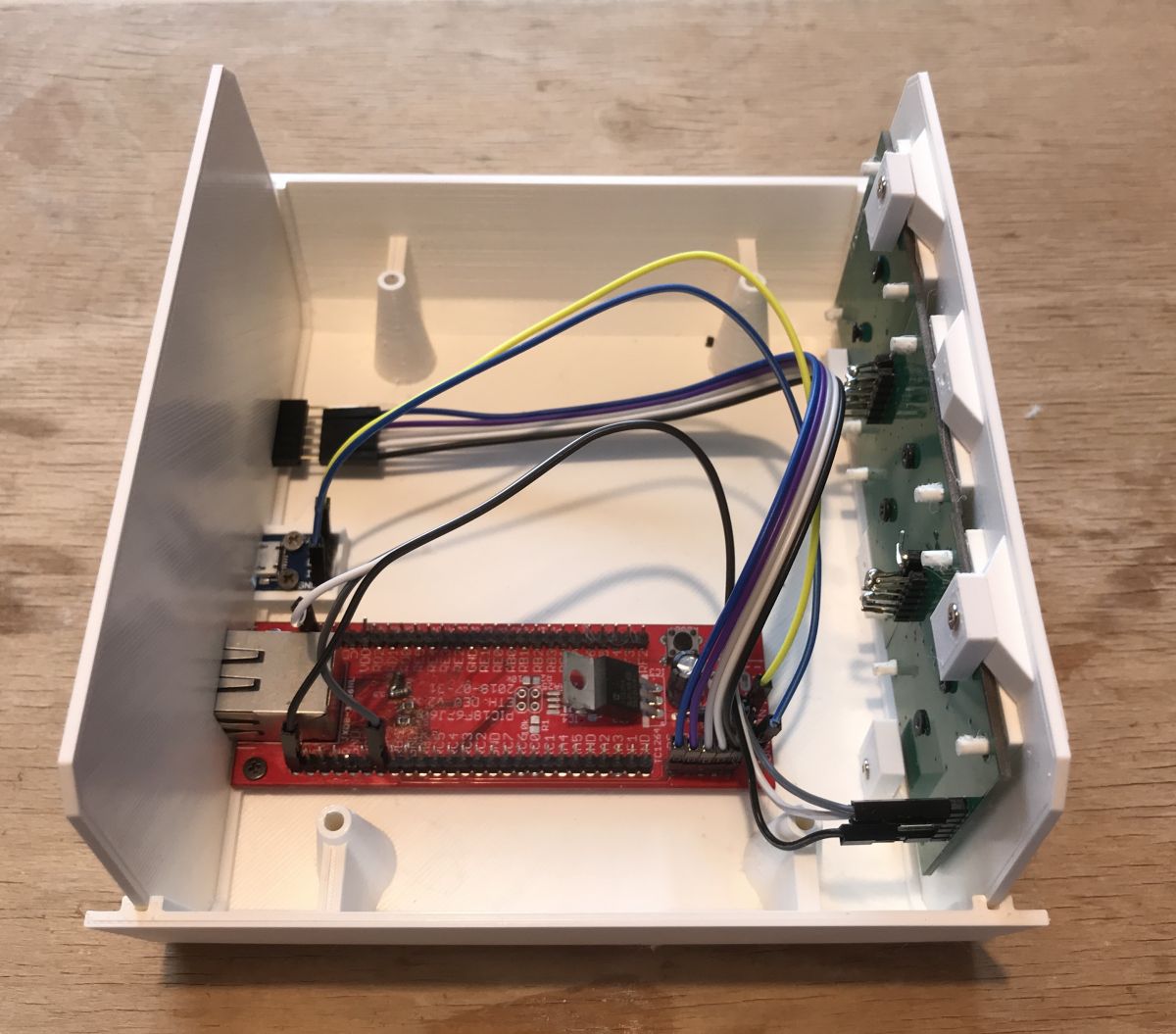
Under assembly:
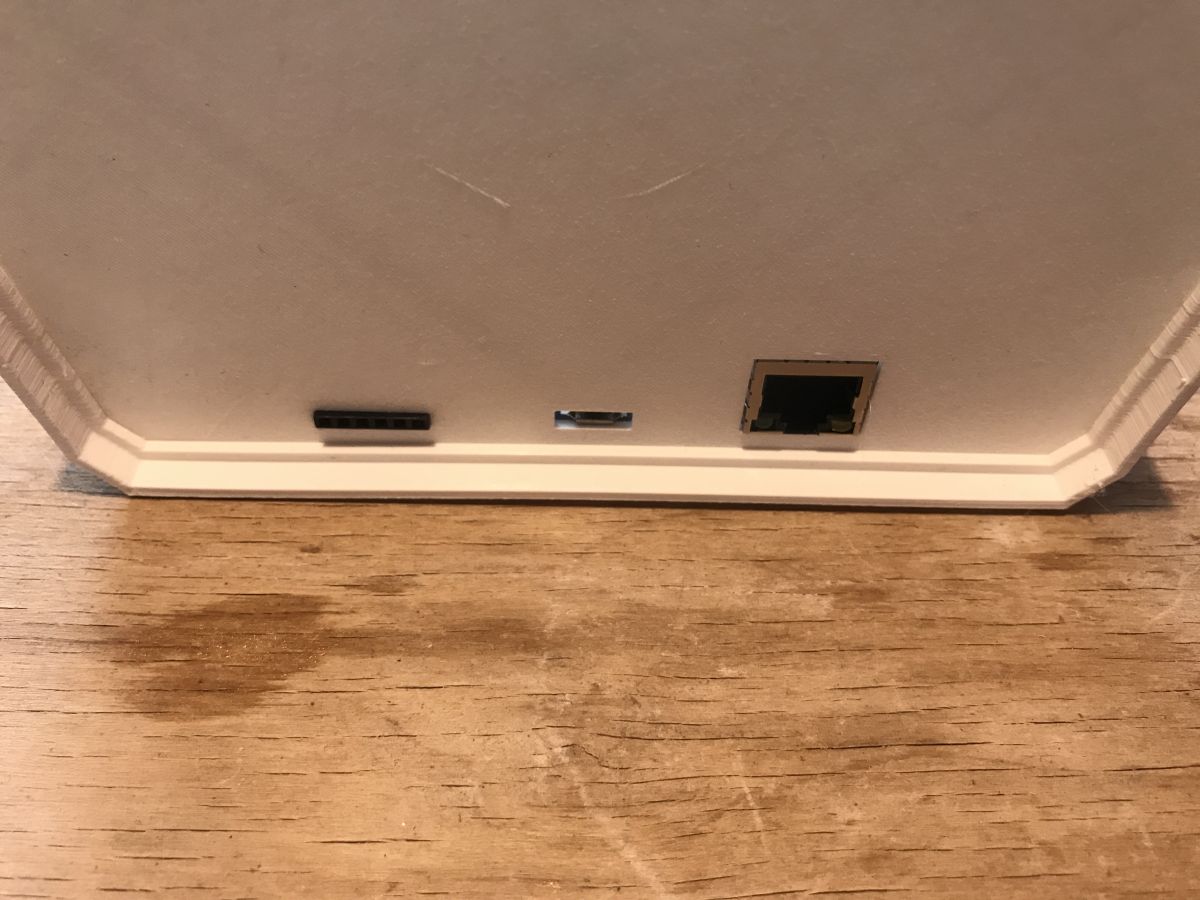
Rear connectors (then I made a dot with a marker near the first ICSP pin):
Already connected to a 5V power supply from the phone (microUSB connector) and Ethernet:

All assembled:
Video - display testing via website
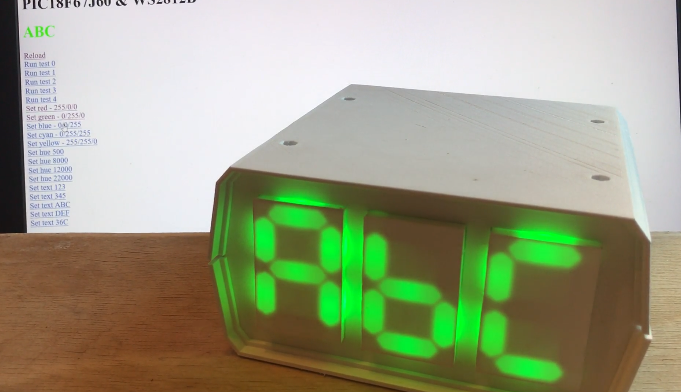
Here I have managed to take in one frame of the monitor screen and the finished housing display. In the video, you can see how clicking on more links on the test web page causes the display to react, such a general test of functionality.
The web page also shows the current caption from the display along with the corresponding colour.
Video - colour/gradient test from Windows and C#
The colour of the display depends on the temperature that is shown. The higher the temperature, the warmer the colour.
The colour is calculated on the Windows application side. The computer sends two packets to the PIC: one with the text to display, the other specifying its colour (as a numerical hue value).
Code for calculating the gradient and sending it along with the colour:
Code: C / C++
In addition, I have made a function to represent the operation of the gradient, which does not read the temperature from the CPU, but displays the available values sequentially:
Code: C / C++
The result in the video:
The temperature display in normal mode works analogously, it's just that then the temperature reflects the temperature of the processor on the computer.
Current measurement
I power the display from a 5V charger from an old phone. It is connected to it via a USB extension cable as it is sitting on the cabinet. In order to measure the current I plugged a USB Doctor between the extension cable and the microUSB cable:
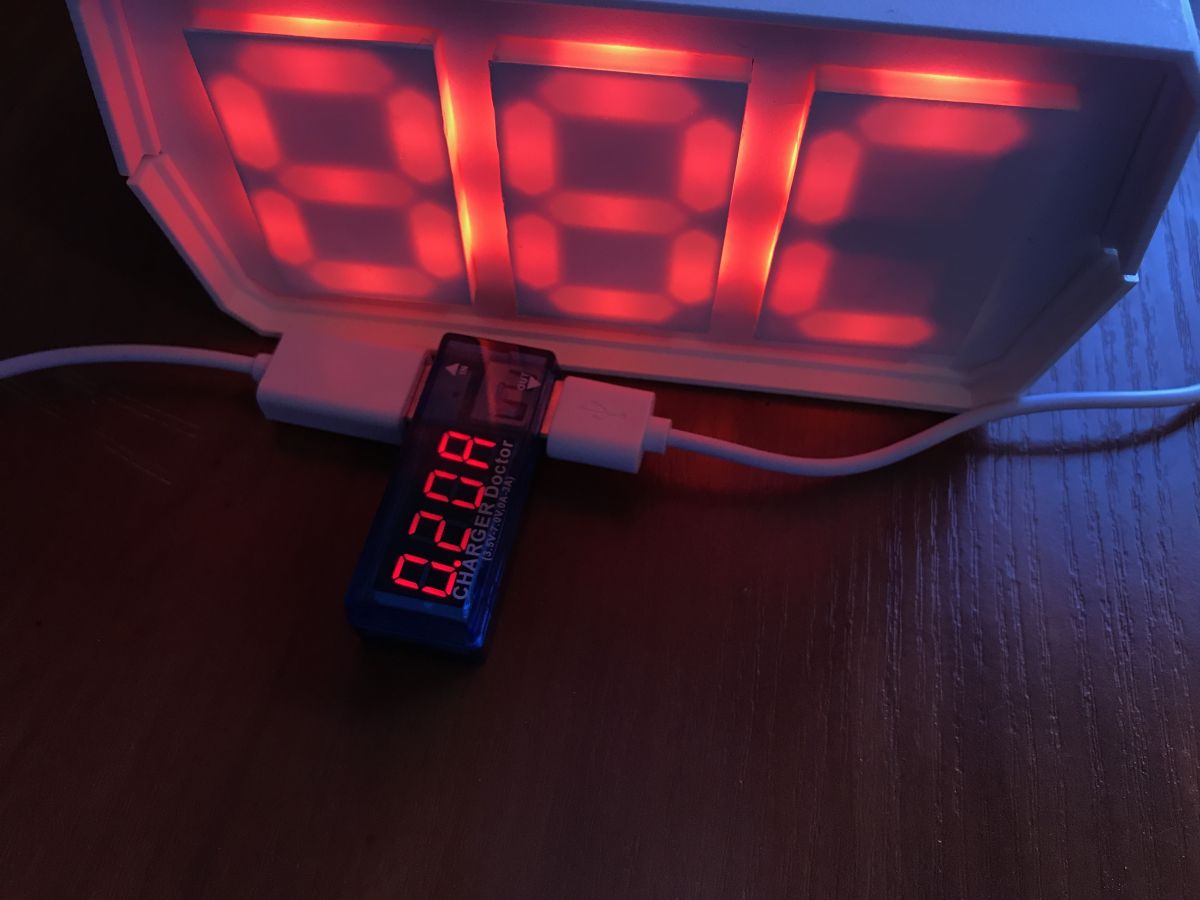
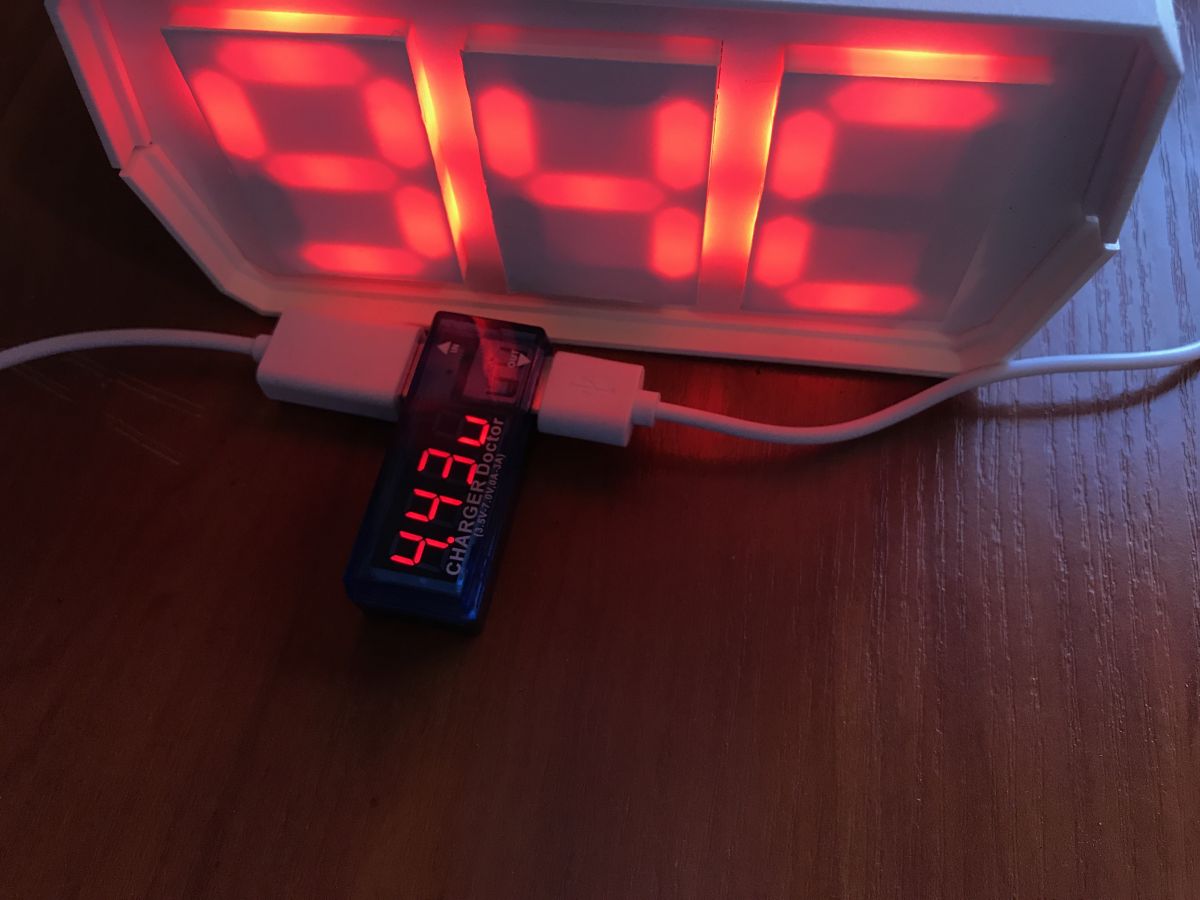
(during the measurement the PIC was constantly receiving new packets, sent several times per second)
The supply voltage is about 4.5V, and the current varies from about 0.15A to 0.2A depending on what is being displayed. That is, the display draws about 1W.
What could be done better
I have brought the project to a satisfactory state for me but of course a lot could be improved. Among other things:
- the height of the front and rear panels could be reduced a bit, because due to minor printing inaccuracies the top and bottom halves of the case do not adhere to each other perfectly at the squeeze (but this is hardly noticeable)
- in the C code of the PIC, a few things could be improved to make it more elegant, and some risky parts of the code could be fixed (a buffer overflow can be triggered at some point), but as it's just a temperature display I haven't done that
- at the moment the PIC firmware doesn't support the situation where I just turn off the computer controlling the display, then it just keeps showing the last stored temperature. In the future I might add some simple timeout that the display goes off if it doesn't receive any packets in e.g. 15 minutes (it's not a problem, just count e.g. seconds with a timer and add an ifa that when the number of seconds without packets exceeds N then .... )
- the temperature display could be changed slightly, e.g. display the maximum temperature value from the CPU cores, rather than their average ....
Attachments
Below I have placed for download all the files related to the project, both PCB design and codes.
| Name | Format | Link | |
| Design PCB with PIC18F67J60 | Eagle .sch/.brd | 783dfea4aeb | |
| Design of 7seg display PCB | Eagle .sch/.brd | ||
| Firmware PIC18F67J60 | Project Micro C, codes .c | ||
| Computer application | Visual Studio project, codes .cs | ||
| Case model (final) | Format Blender (.blend) | ||
| Case model (final) | Exported STLe (.stl) | ||
| Model of the display itself (the plastic overlay on its PCB) | Format Blender (.blend) | ||
| Case model (old) | Format Blender (.blend) |
Summary
I am very happy with my display. Surprisingly it has turned out to be more practical than making another watch (although I have plans to make a watch too).
I set it up on a shelf, quite far behind the computer, but I happen to have my furniture set up in such a way that I have it in my field of vision all the time and can see what the temperature is, it replaces me glancing at the temperatures on the taskbar, especially when something full screen is on.
As for the 'sticking out' of the modules of the displays themselves, this is in keeping with my design and artistic idea for the case. But of course you could extend the case by a few mm or more, hide the displays and even give a cut-to-size glass in front of them.
This project also shows how much 3D printing can bring to electronics, without it it would be more difficult to make the case to size and the display itself.


 )....
)....

