logo elektroda
logo elektroda
X
logo elektroda

A good extruder for the Ender 3 Pro? Dual gear extruder. My impressions.

p.kaczmarek2 6405 18
ADVERTISEMENT
Treść została przetłumaczona polish » english Zobacz oryginalną wersję tematu
📢 Listen (AI):
  • A good extruder for the Ender 3 Pro? Dual gear extruder. My impressions.
    Hello my dears.
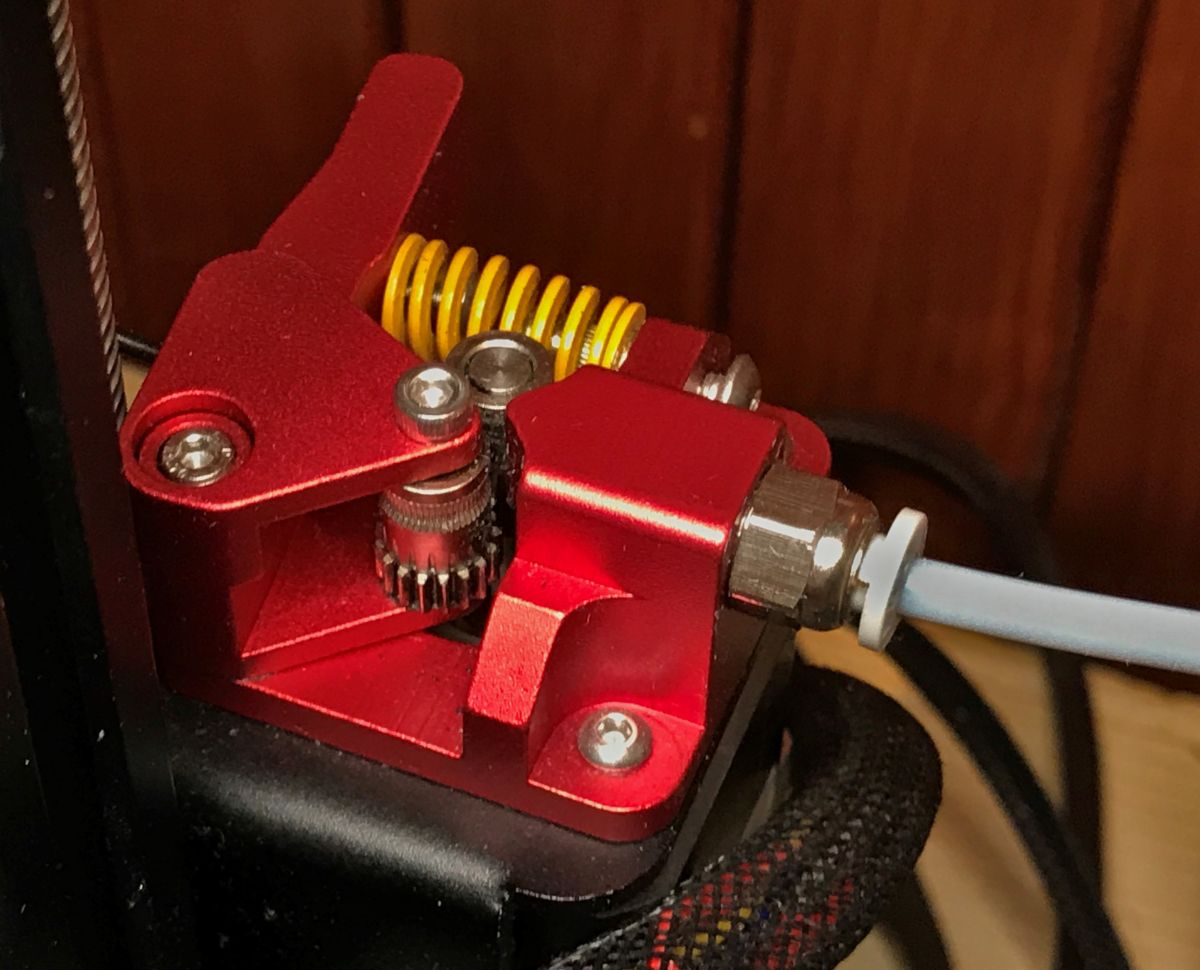
    The defect of a cracking plastic extruder arm is rather familiar to any long-term user of the Ender 3 printer. Virtually every plastic extruder arm cracks and quickly becomes unusable. As a rule, the extruder is then replaced with its aluminium counterpart, but here I would like to present an alternative to this choice, the 'dual gear extruder' - an extruder with two cogs (double knurl), providing more precise and more robust filament guidance. I will outline its installation here and describe my impressions a few months after replacement.

    Introduction
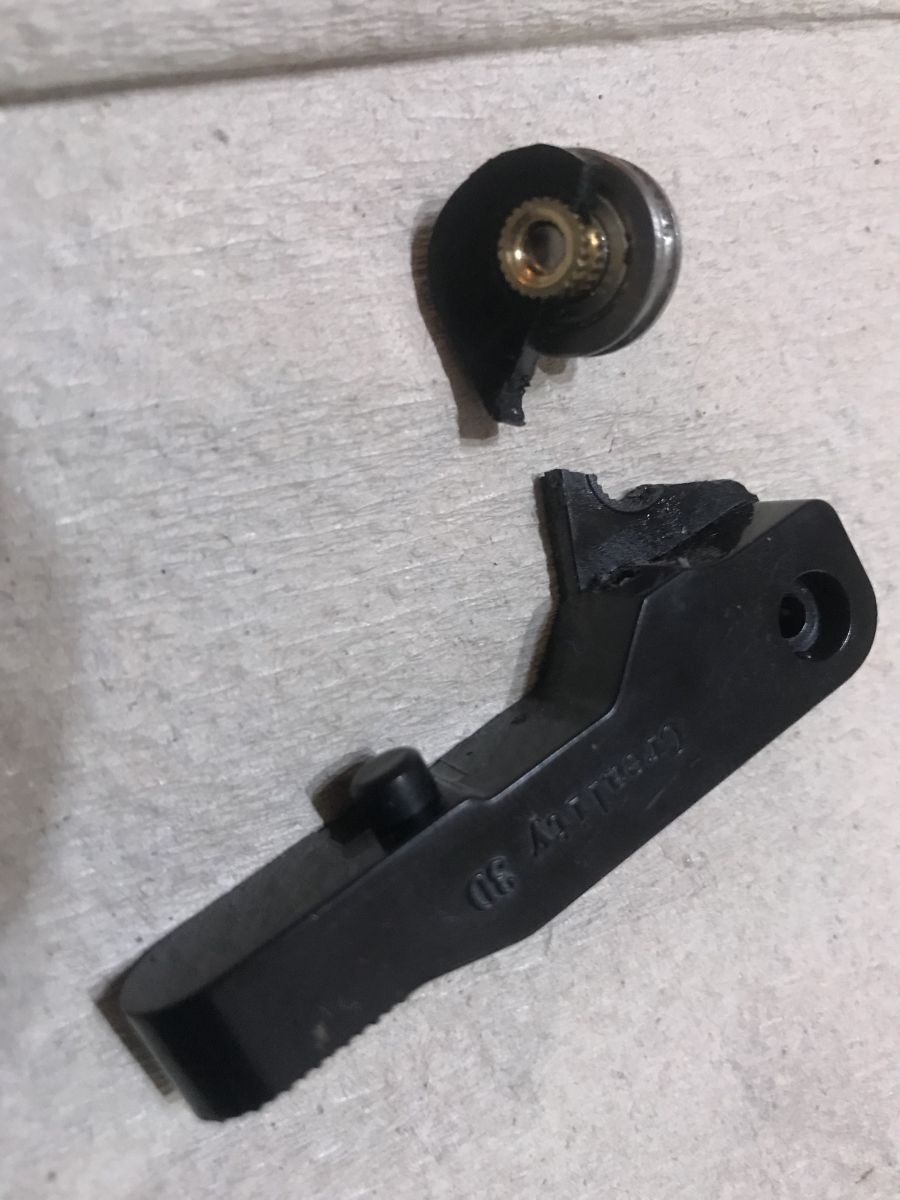
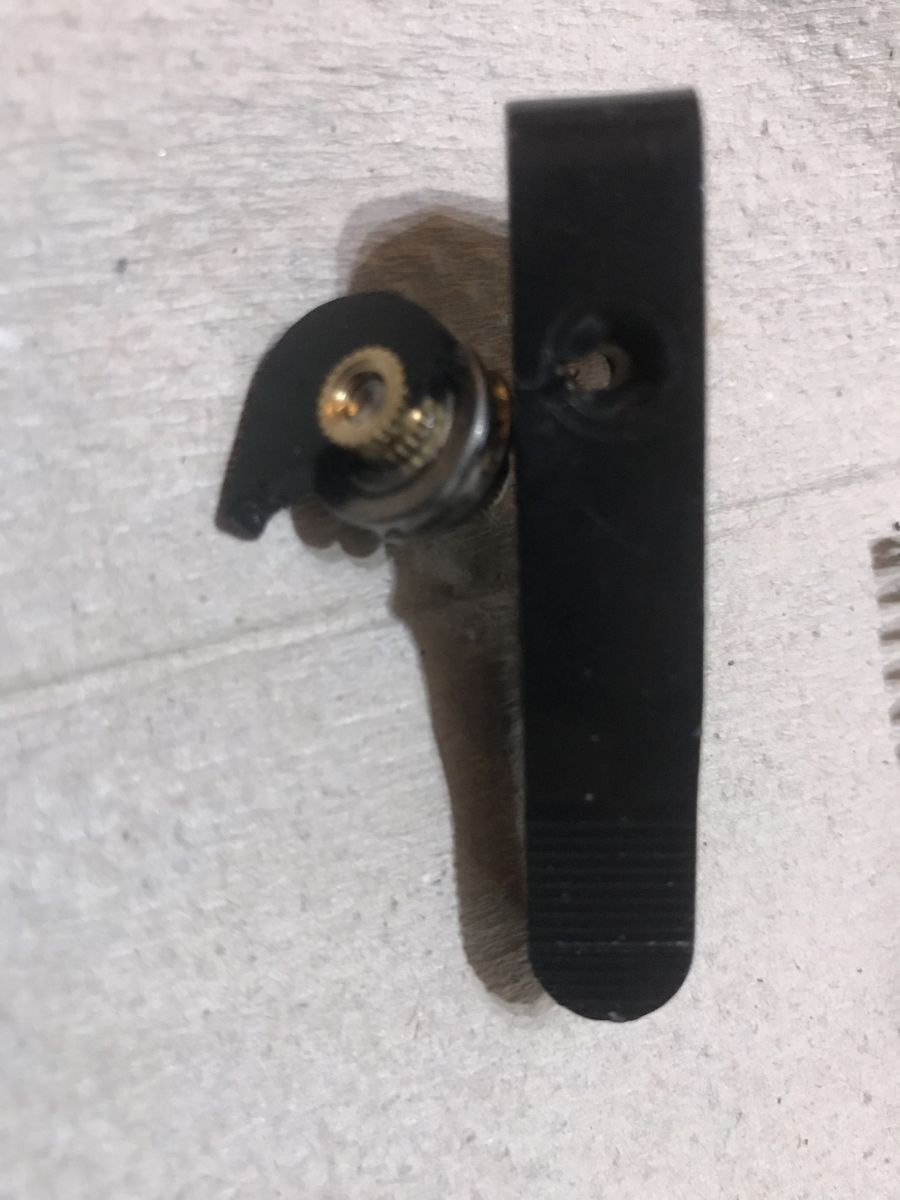
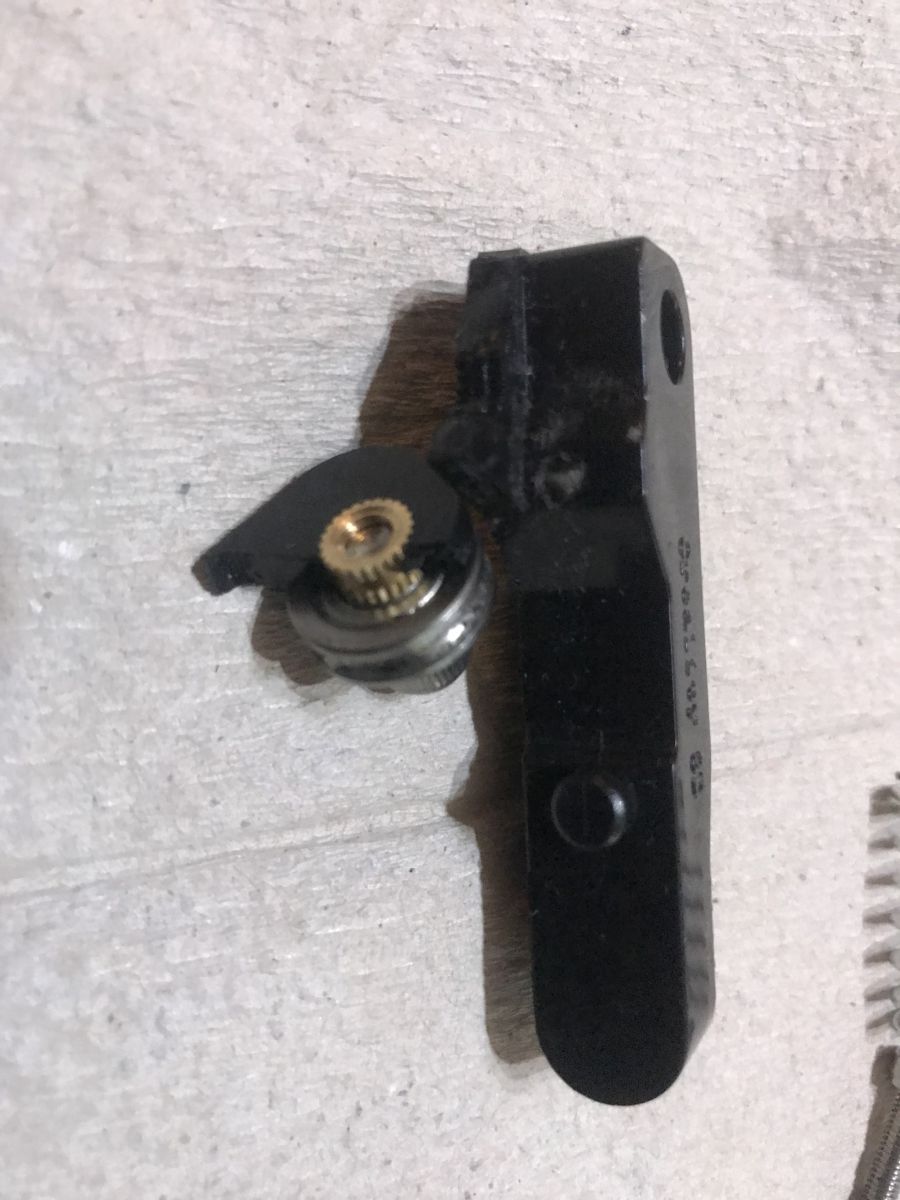
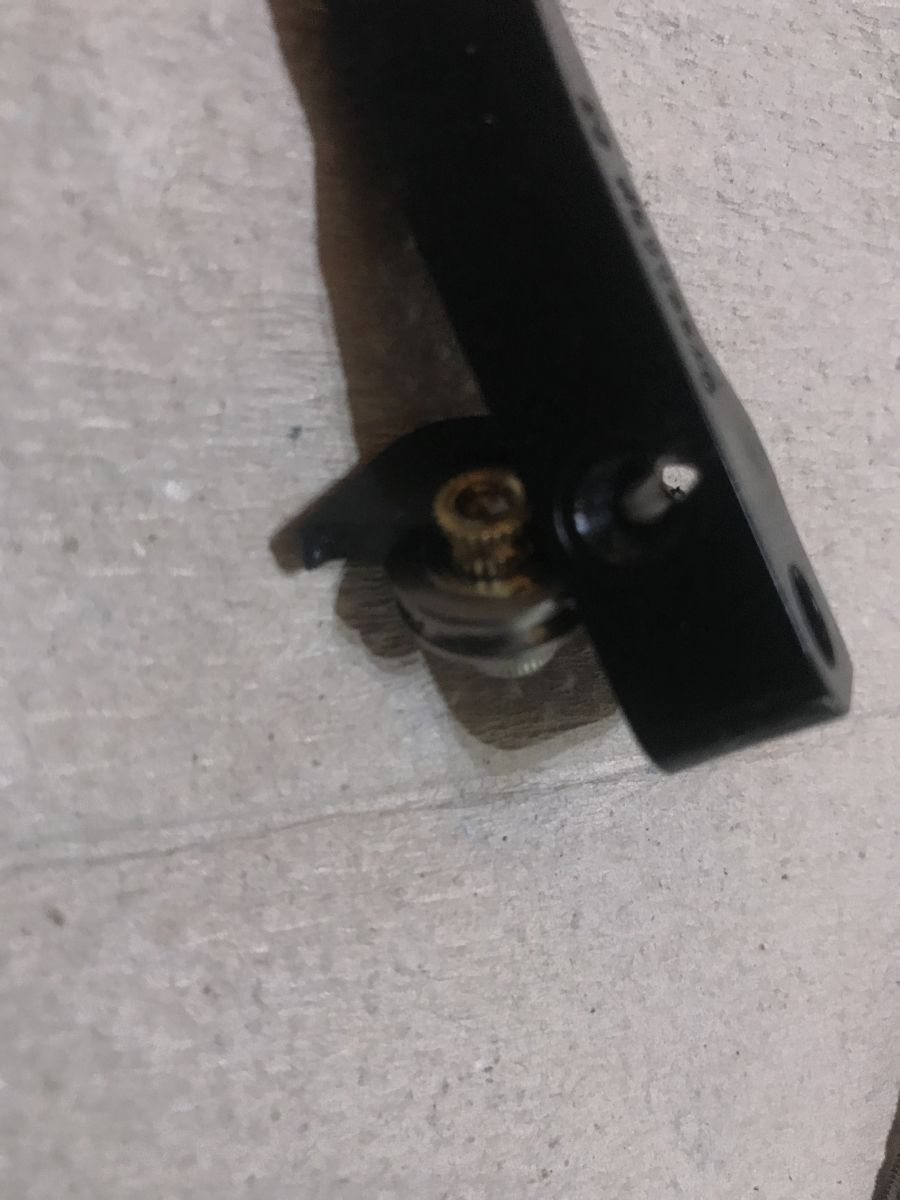
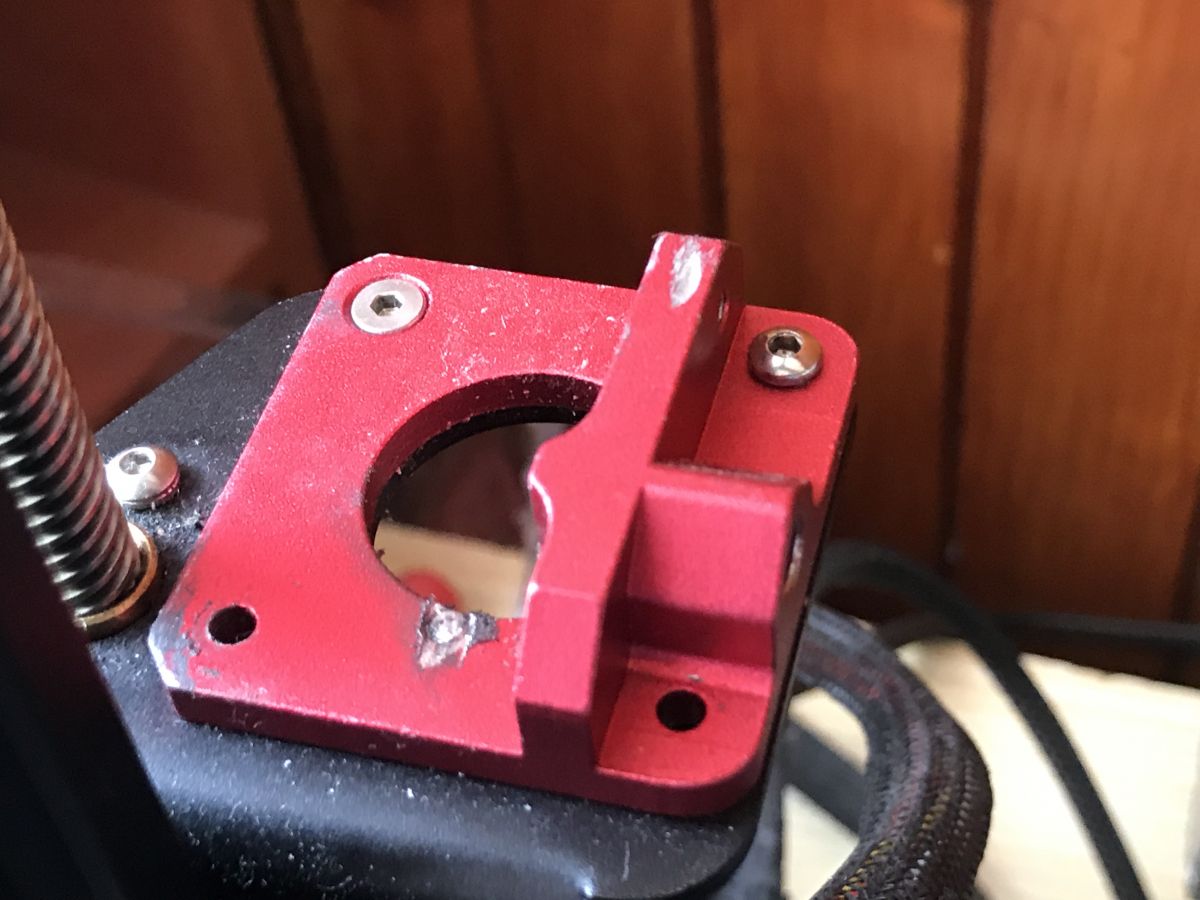
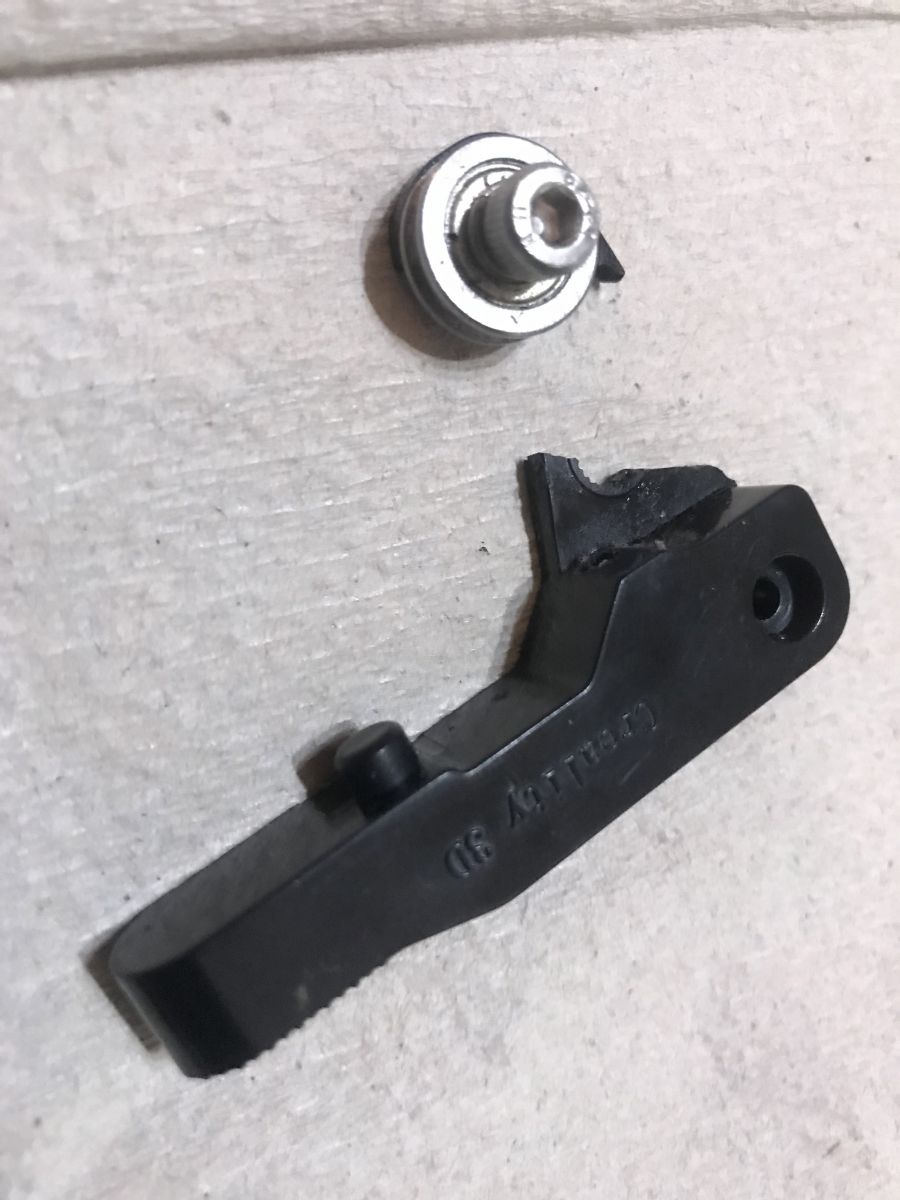
    My first original extruder came to a poor end after less than six months of use:
    A good extruder for the Ender 3 Pro? Dual gear extruder. My impressions.
    A good extruder for the Ender 3 Pro? Dual gear extruder. My impressions.
    A good extruder for the Ender 3 Pro? Dual gear extruder. My impressions.
    A good extruder for the Ender 3 Pro? Dual gear extruder. My impressions.
    A good extruder for the Ender 3 Pro? Dual gear extruder. My impressions.
    I then replaced it with its classic aluminium counterpart:
    A good extruder for the Ender 3 Pro? Dual gear extruder. My impressions.
    A good extruder for the Ender 3 Pro? Dual gear extruder. My impressions.
    Overall, it wasn't too bad, although after prolonged use I felt that there were some difficulties in properly calibrating the tension of the spring that presses the movable arm against the bearing.
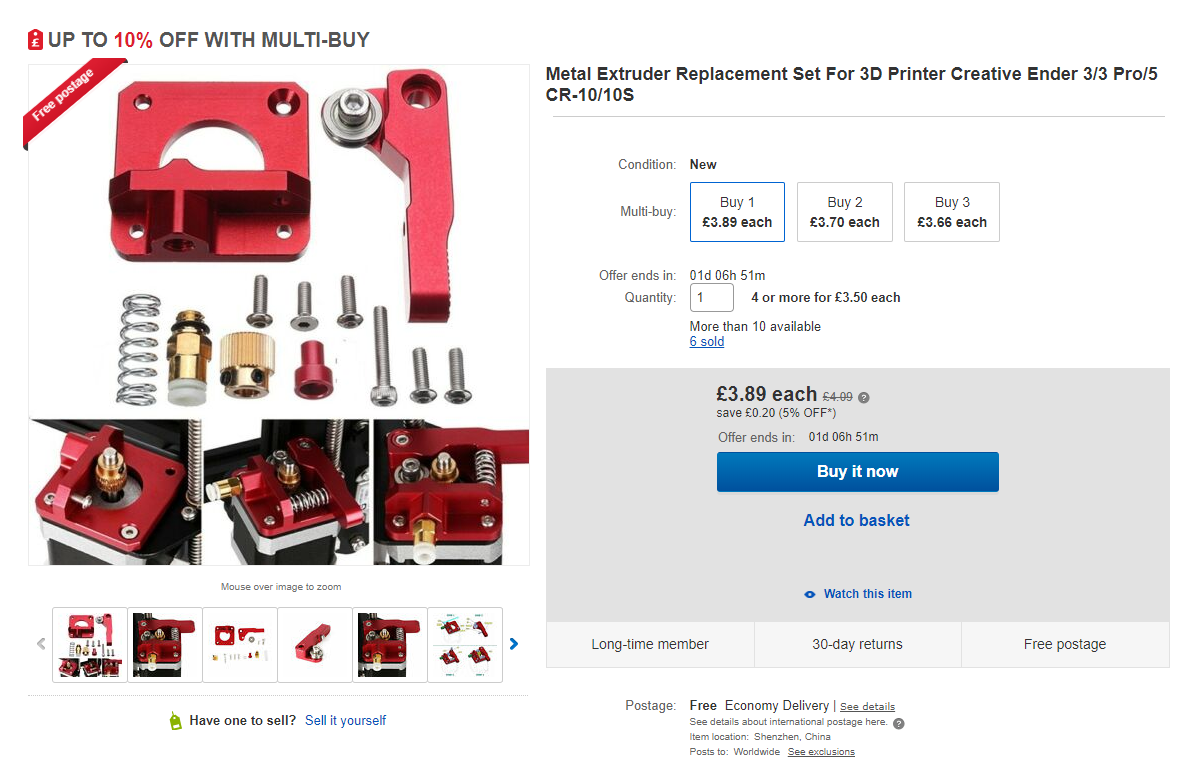
    After some time I heard positive feedback about the dual gear extruder and decided to try it out:
    A good extruder for the Ender 3 Pro? Dual gear extruder. My impressions.
    In the end, however, I bought it in our country. It is time to describe its installation.

    Installing the dual gear extruder
    Installing this extruder requires unscrewing the stepper motor (when unscrewing, hold it so it doesn't fall), as well as removing the gear from the motor shaft (it's held on by a small screw), and (of course) removing the bowden tube.
    Below are some photos of the assembly.
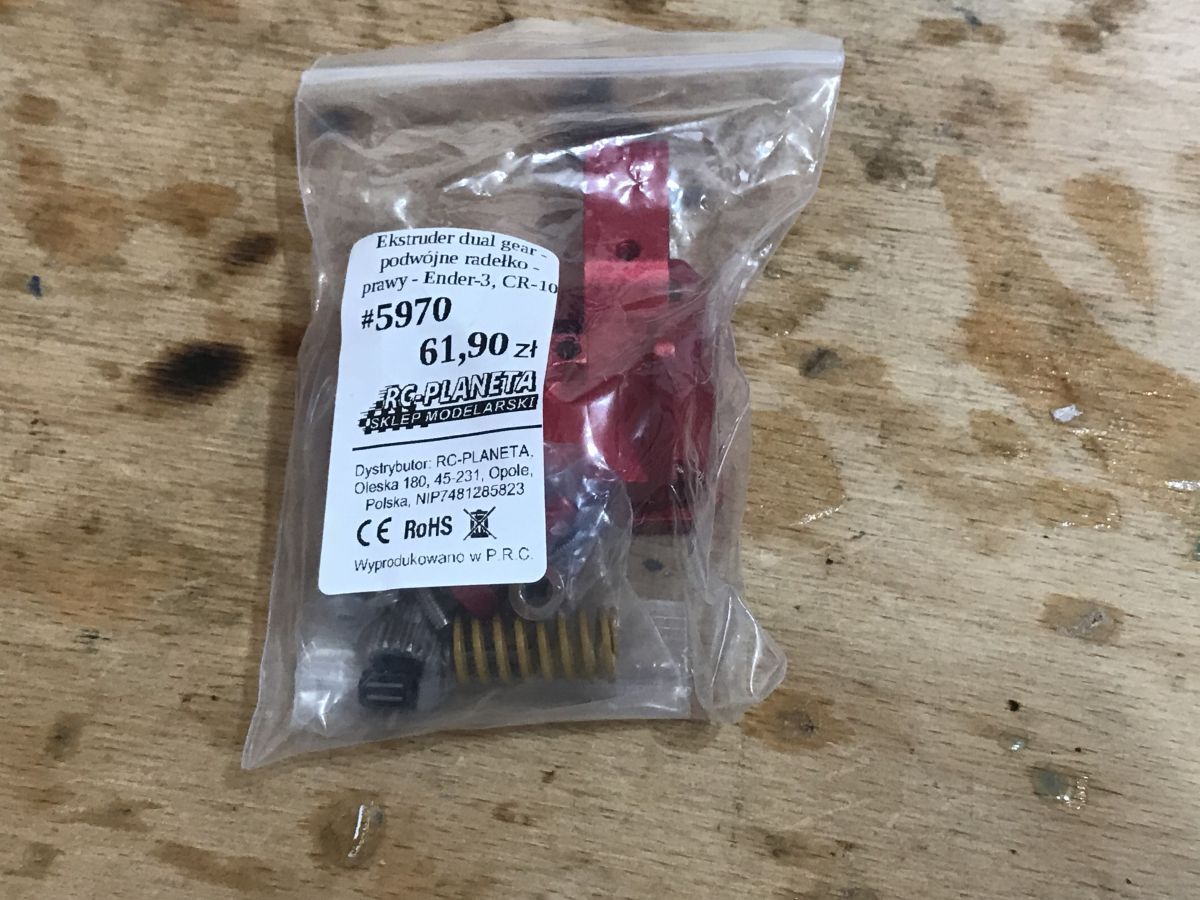
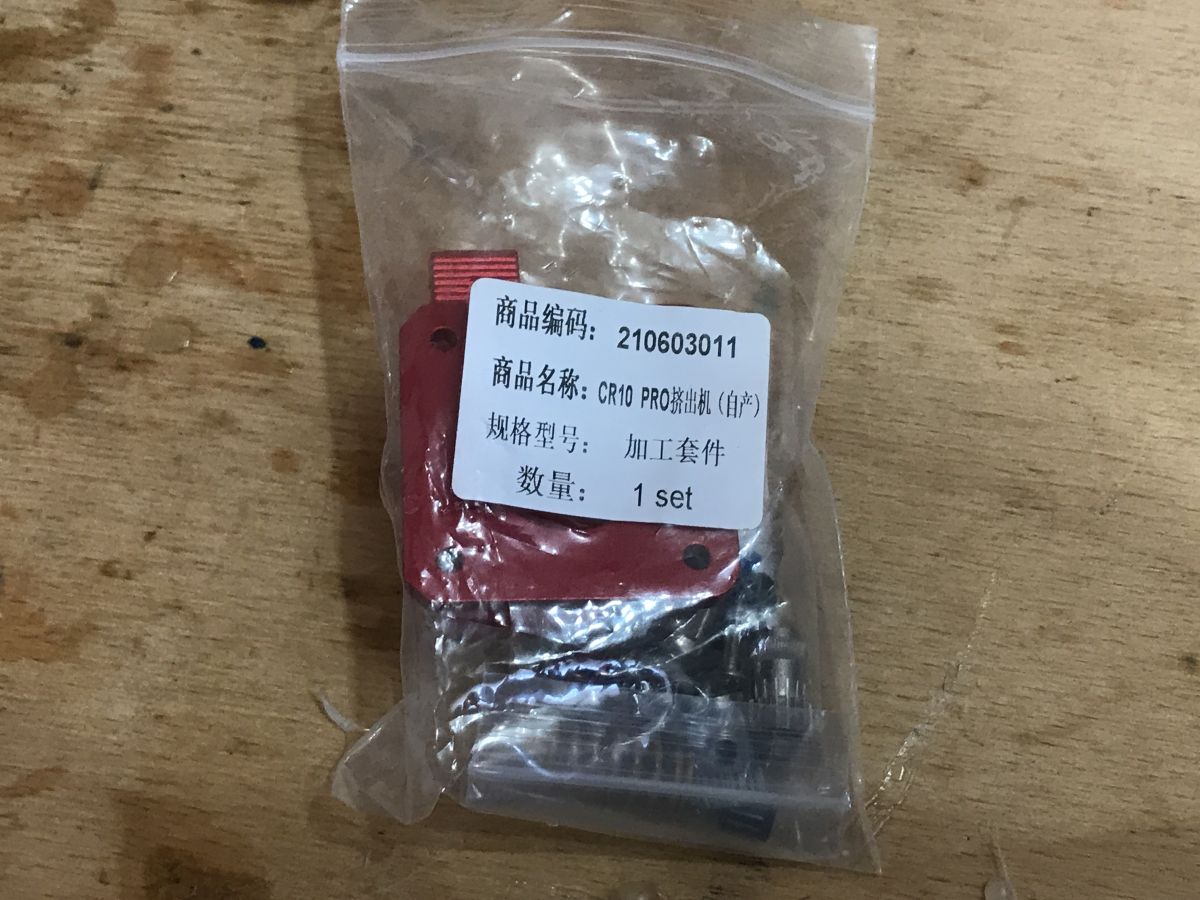
    Kit:
    A good extruder for the Ender 3 Pro? Dual gear extruder. My impressions. A good extruder for the Ender 3 Pro? Dual gear extruder. My impressions.
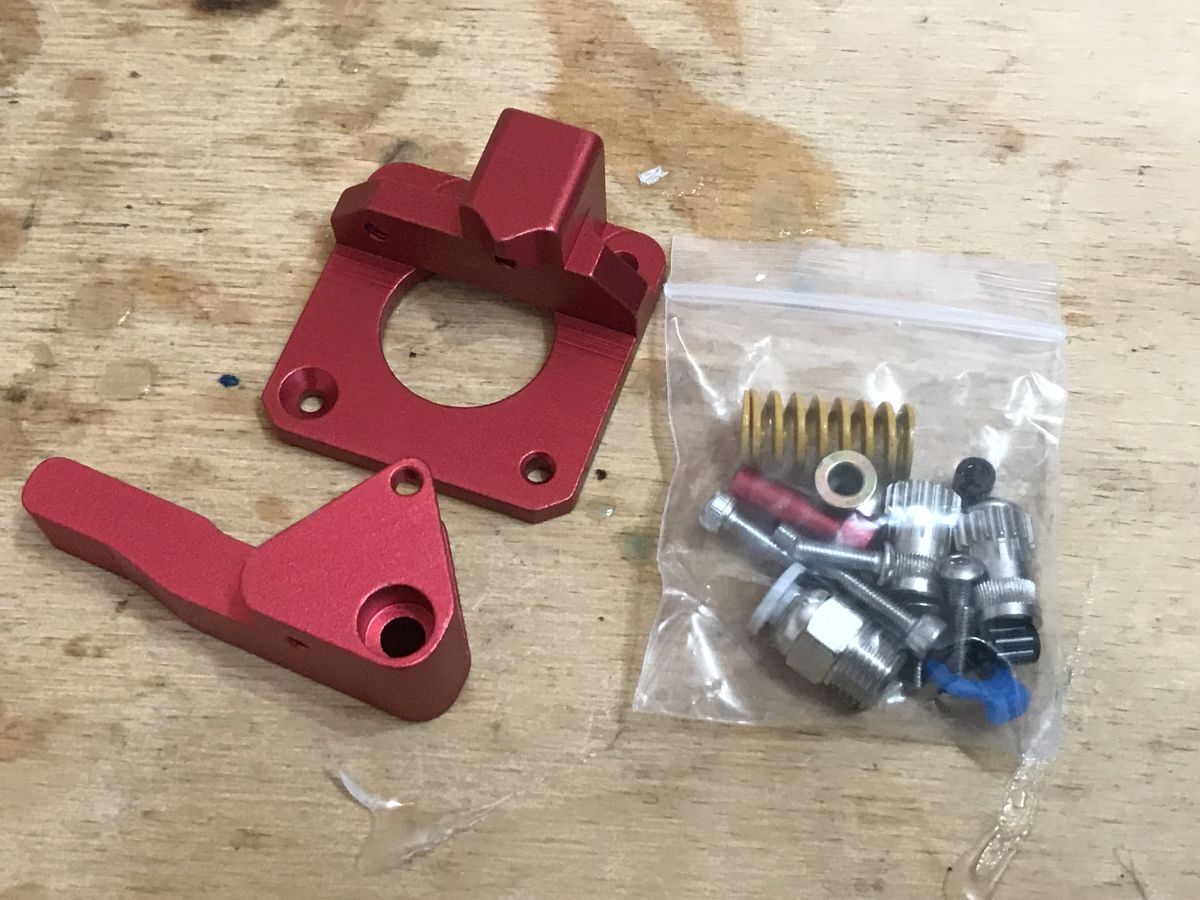
    Kit contents:
    A good extruder for the Ender 3 Pro? Dual gear extruder. My impressions.
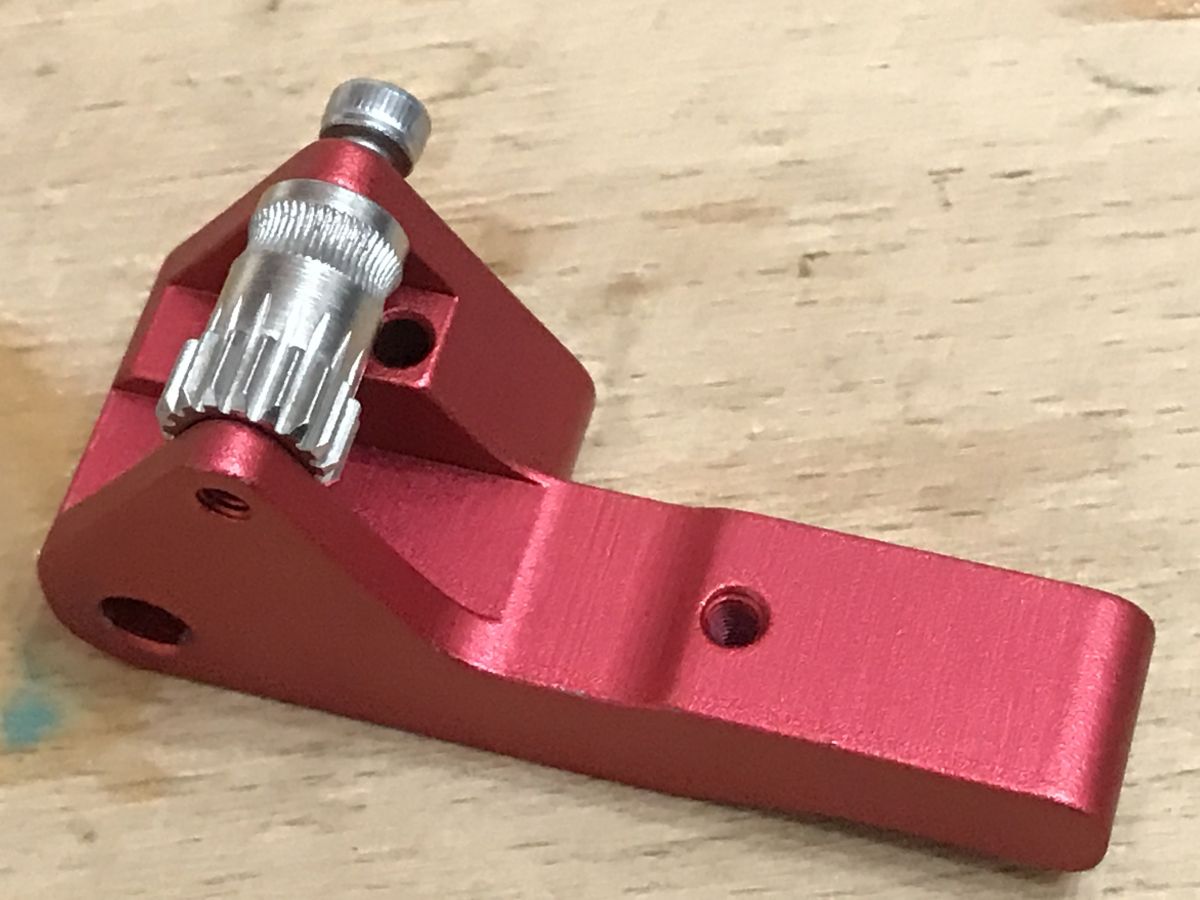
    Bearing and arm assembly:
    A good extruder for the Ender 3 Pro? Dual gear extruder. My impressions. A good extruder for the Ender 3 Pro? Dual gear extruder. My impressions.
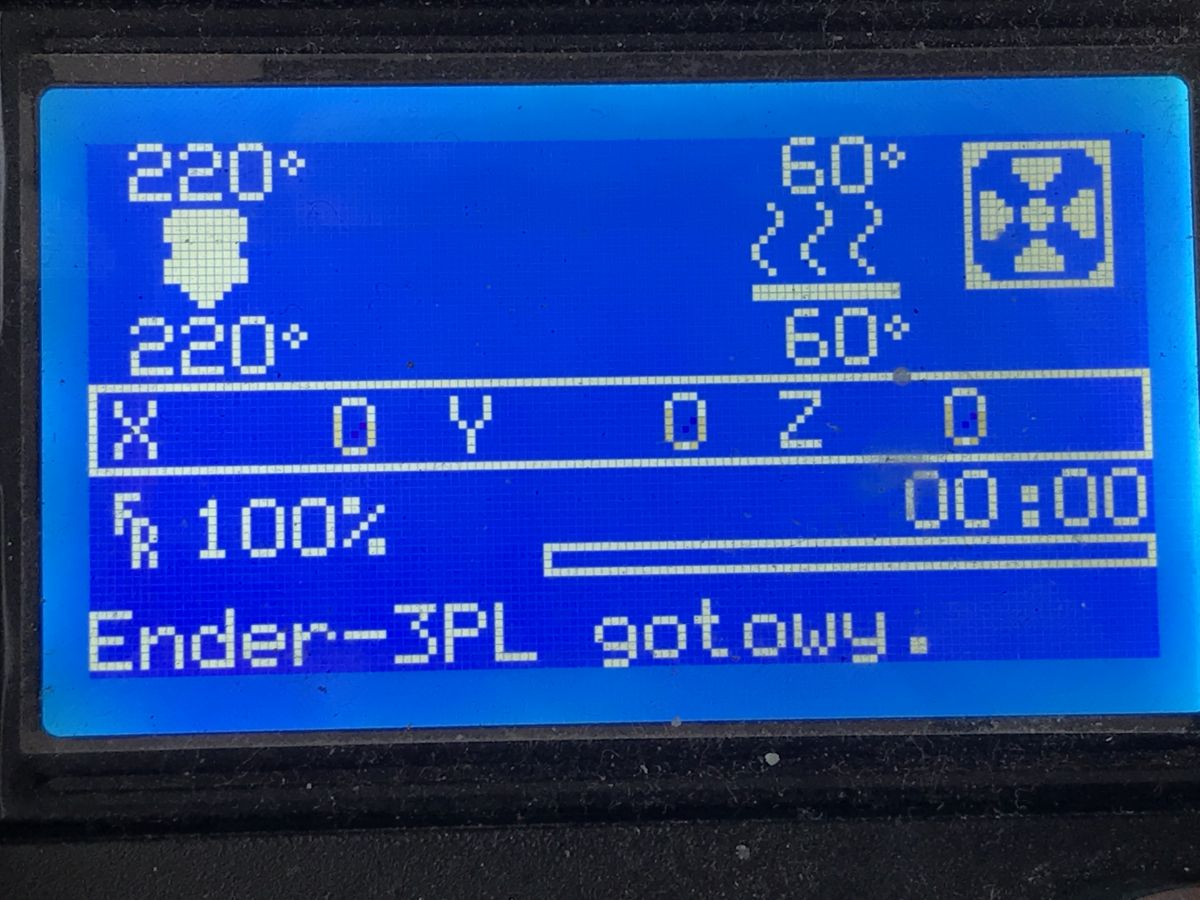
    Before removing the old extruder, of course we warm up the hot end to remove the filament (we do not remove the filament "cold" by pulling it out by force, I hope we know that this is not the right thing to do):
    A good extruder for the Ender 3 Pro? Dual gear extruder. My impressions.
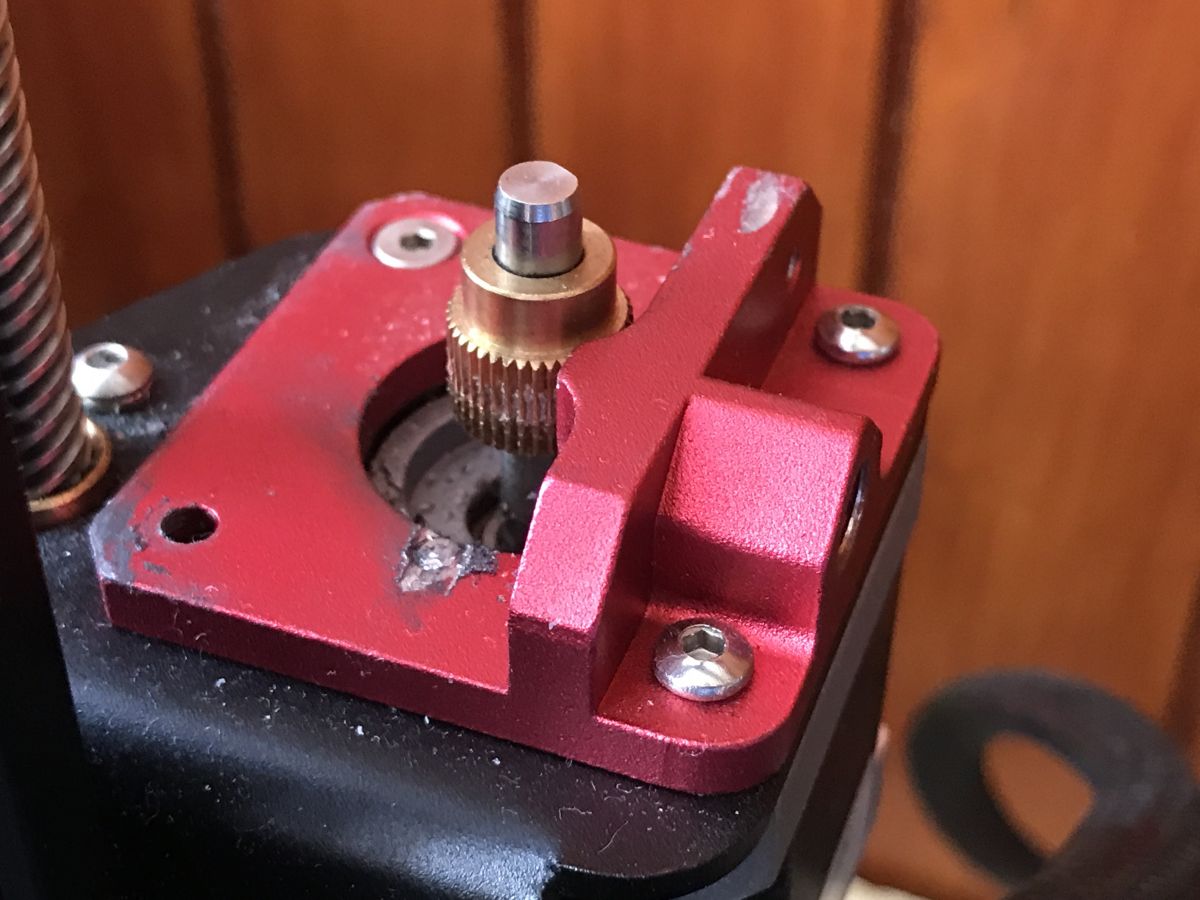
    Disassembly of the previous extruder. You can clean everything by the way:
    A good extruder for the Ender 3 Pro? Dual gear extruder. My impressions. A good extruder for the Ender 3 Pro? Dual gear extruder. My impressions. A good extruder for the Ender 3 Pro? Dual gear extruder. My impressions. A good extruder for the Ender 3 Pro? Dual gear extruder. My impressions.
    If you unscrew these screws the engine will drop. It needs to be held in place.
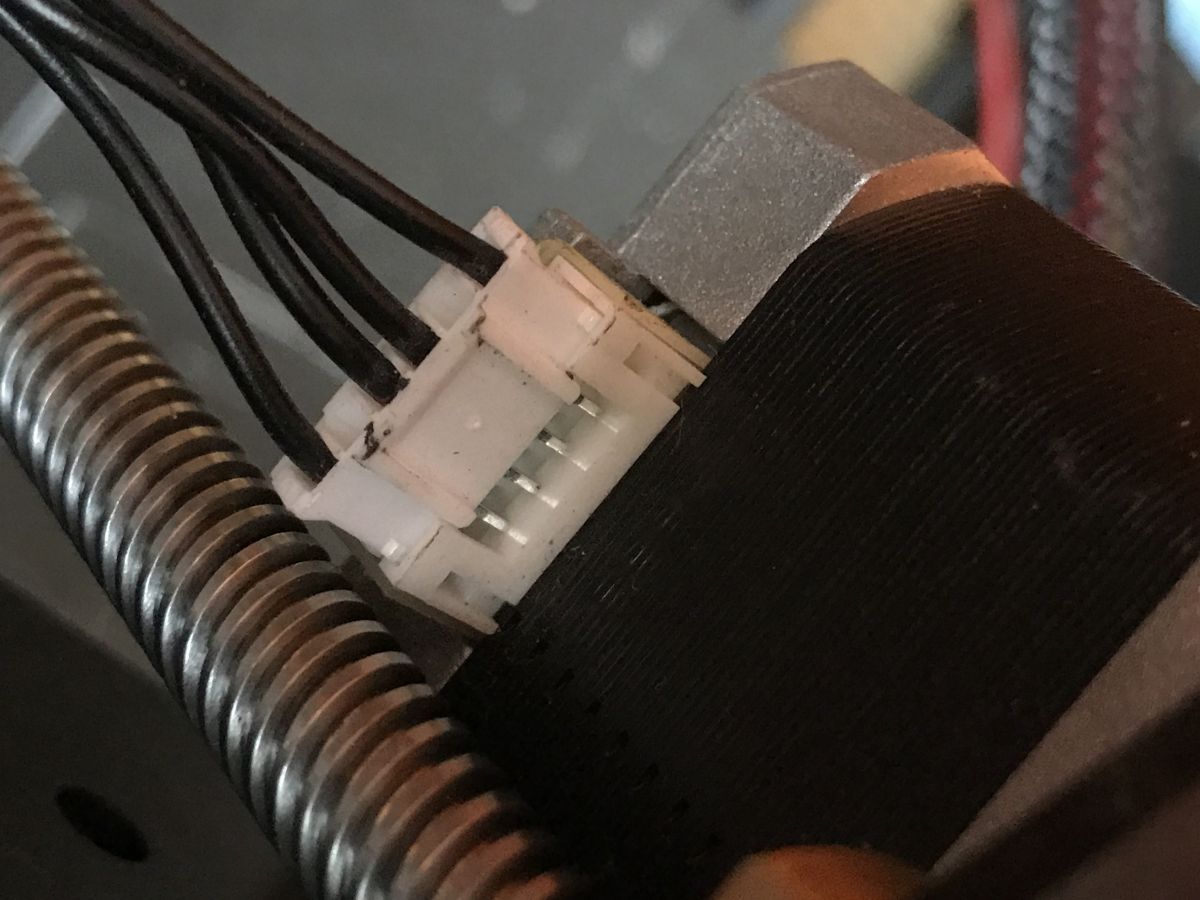
    Disconnect the cables:
    A good extruder for the Ender 3 Pro? Dual gear extruder. My impressions. A good extruder for the Ender 3 Pro? Dual gear extruder. My impressions.
    I used a trace amount of WD40 to lubricate the bearings (the two black parts shown in the photo) as I didn't have anything better at hand, although I know it's not a good solution (lithium grease, for example, would be better):
    A good extruder for the Ender 3 Pro? Dual gear extruder. My impressions.
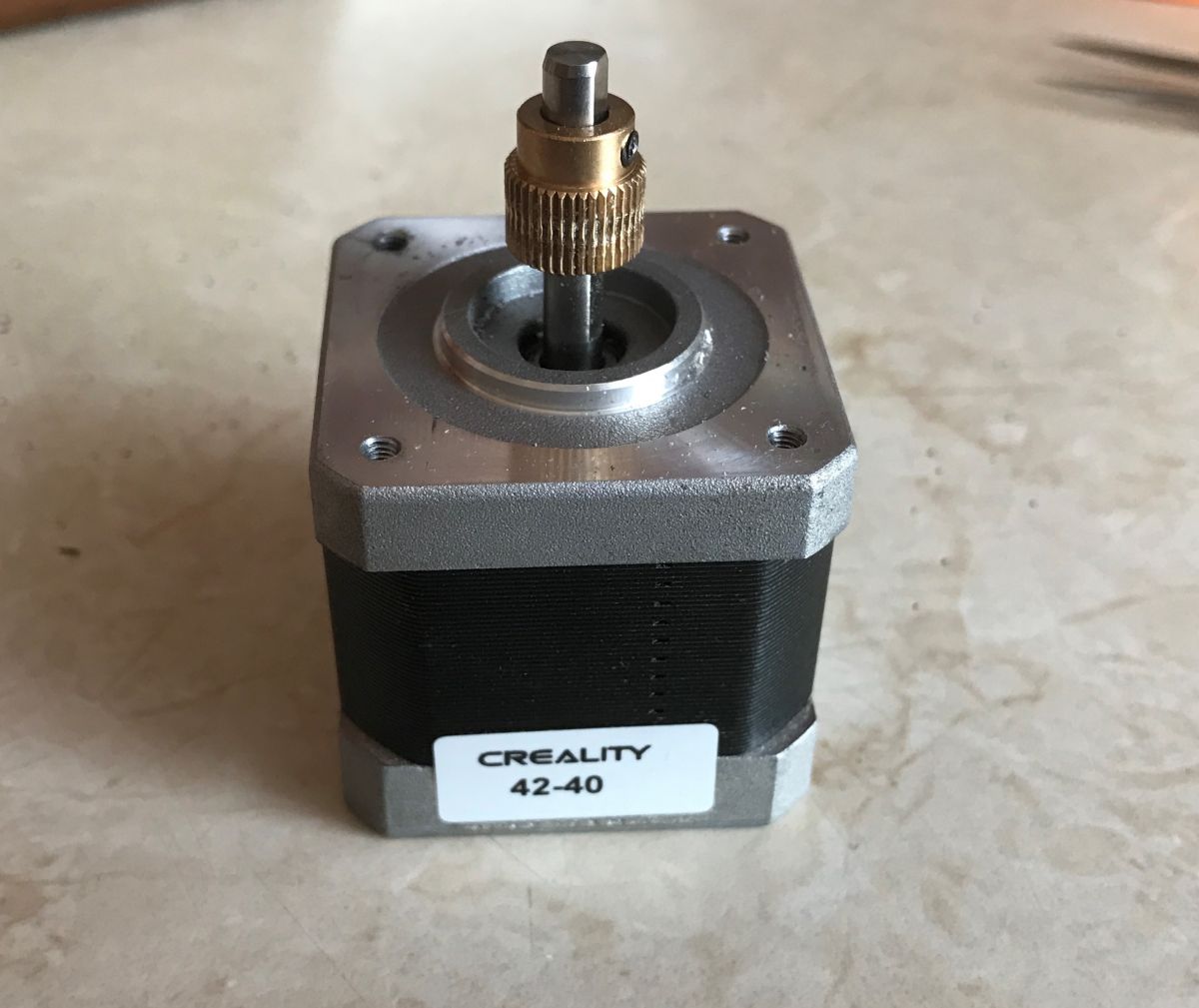
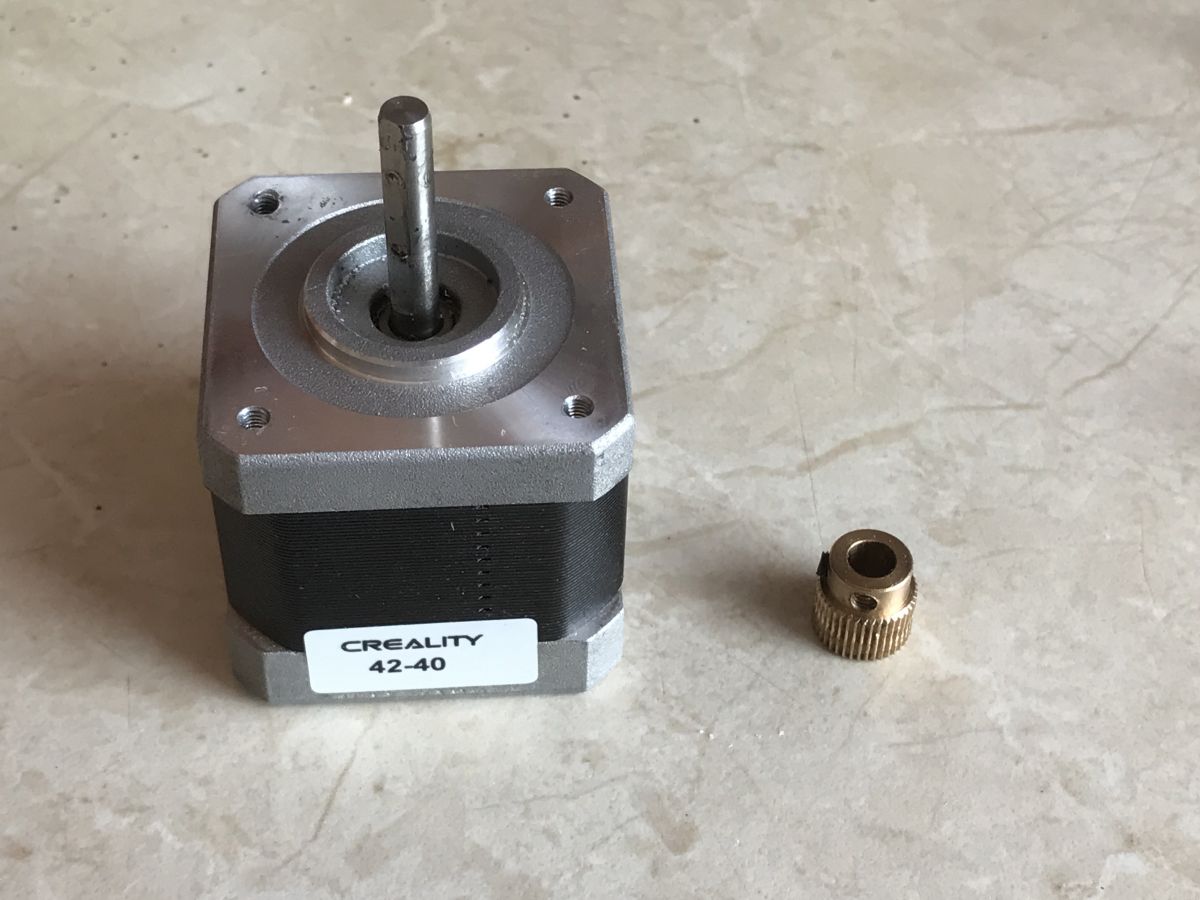
    Removing the cog from the extruder stepper motor shaft. The little black screw needs to be removed:
    A good extruder for the Ender 3 Pro? Dual gear extruder. My impressions. A good extruder for the Ender 3 Pro? Dual gear extruder. My impressions.
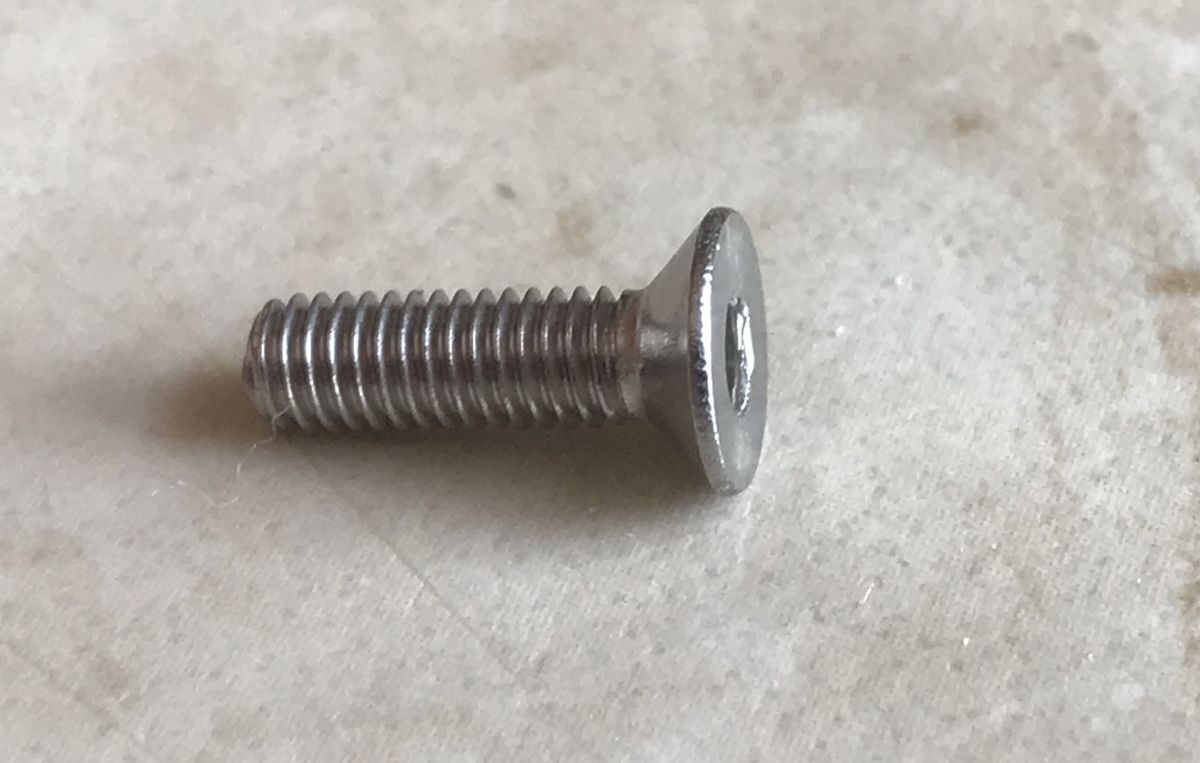
    Remember to use screws with a flat head (otherwise the extruder arm will snag on it):
    A good extruder for the Ender 3 Pro? Dual gear extruder. My impressions.
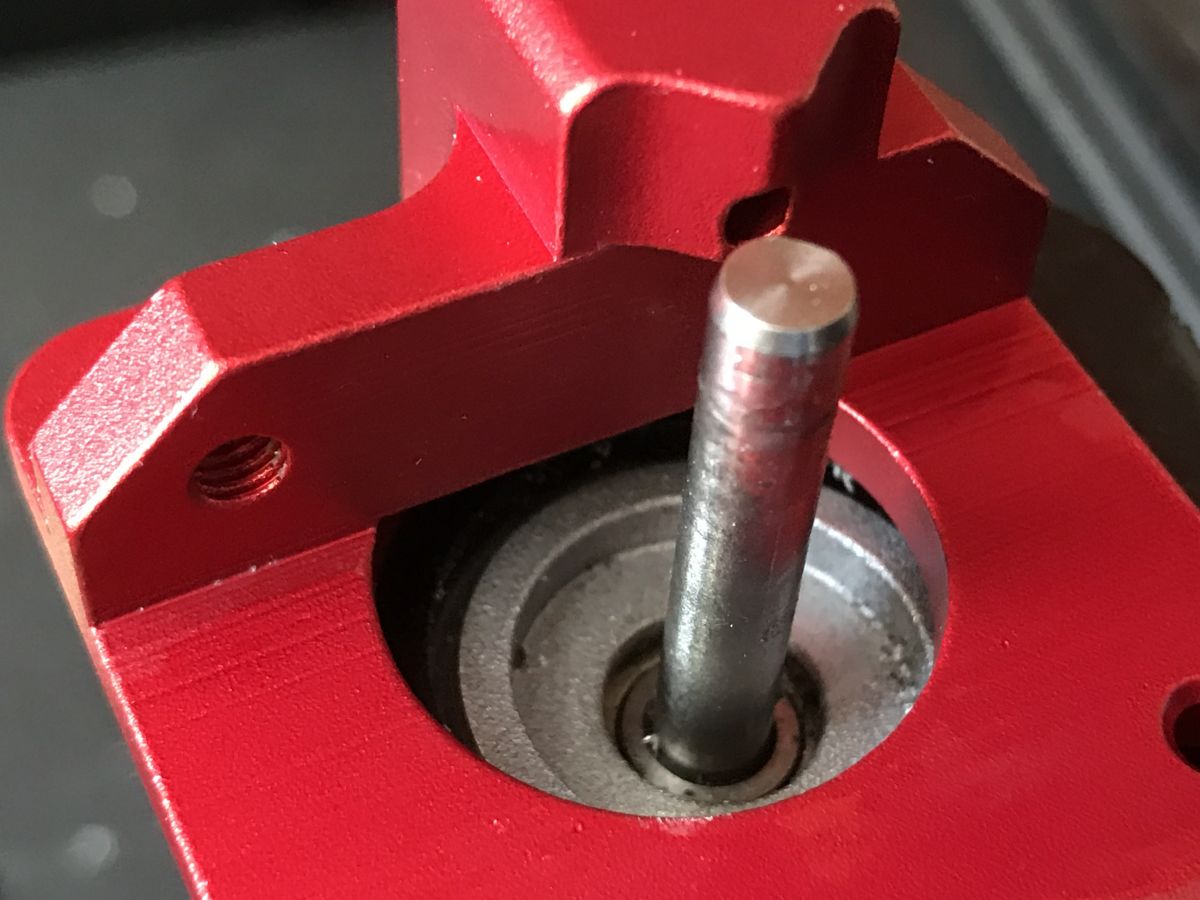
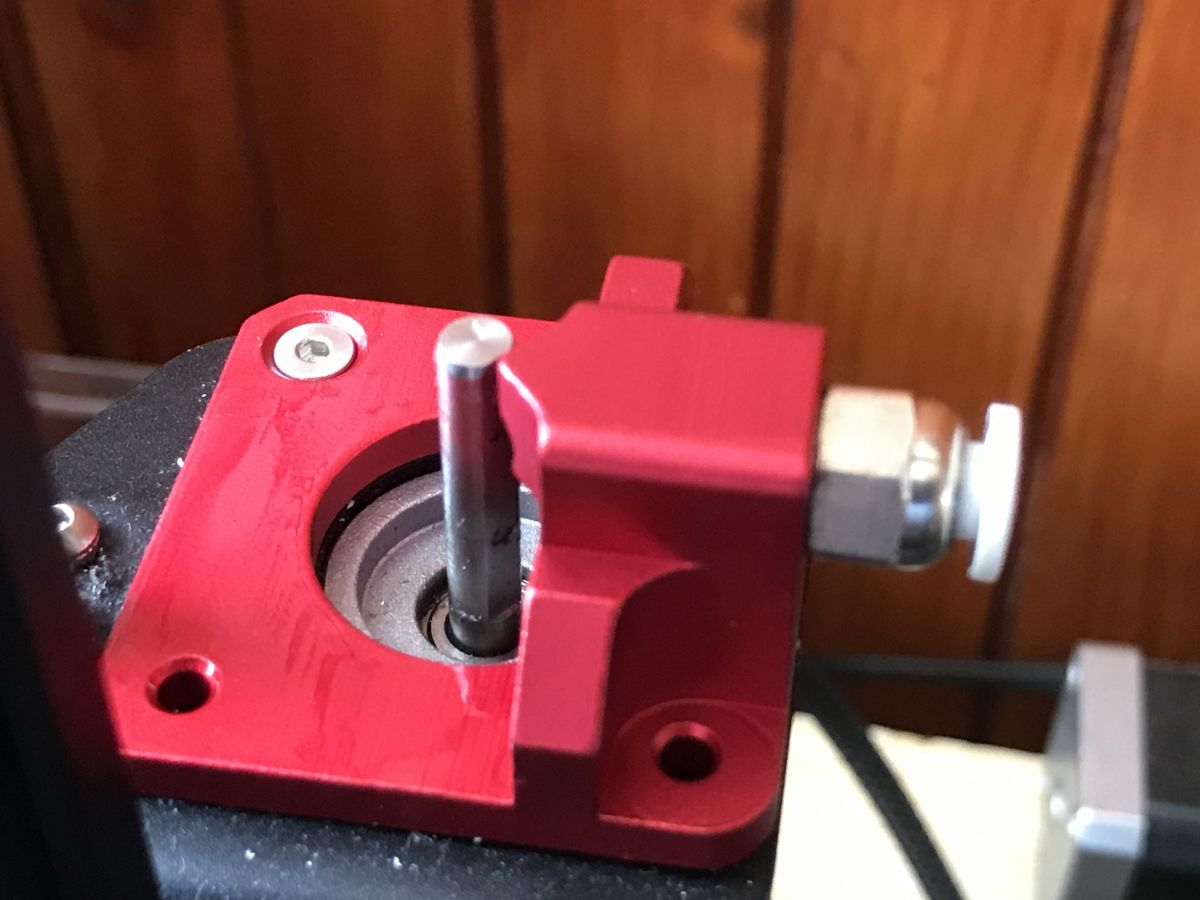
    Dual gear extruder base pre-screwed already with motor:
    A good extruder for the Ender 3 Pro? Dual gear extruder. My impressions.
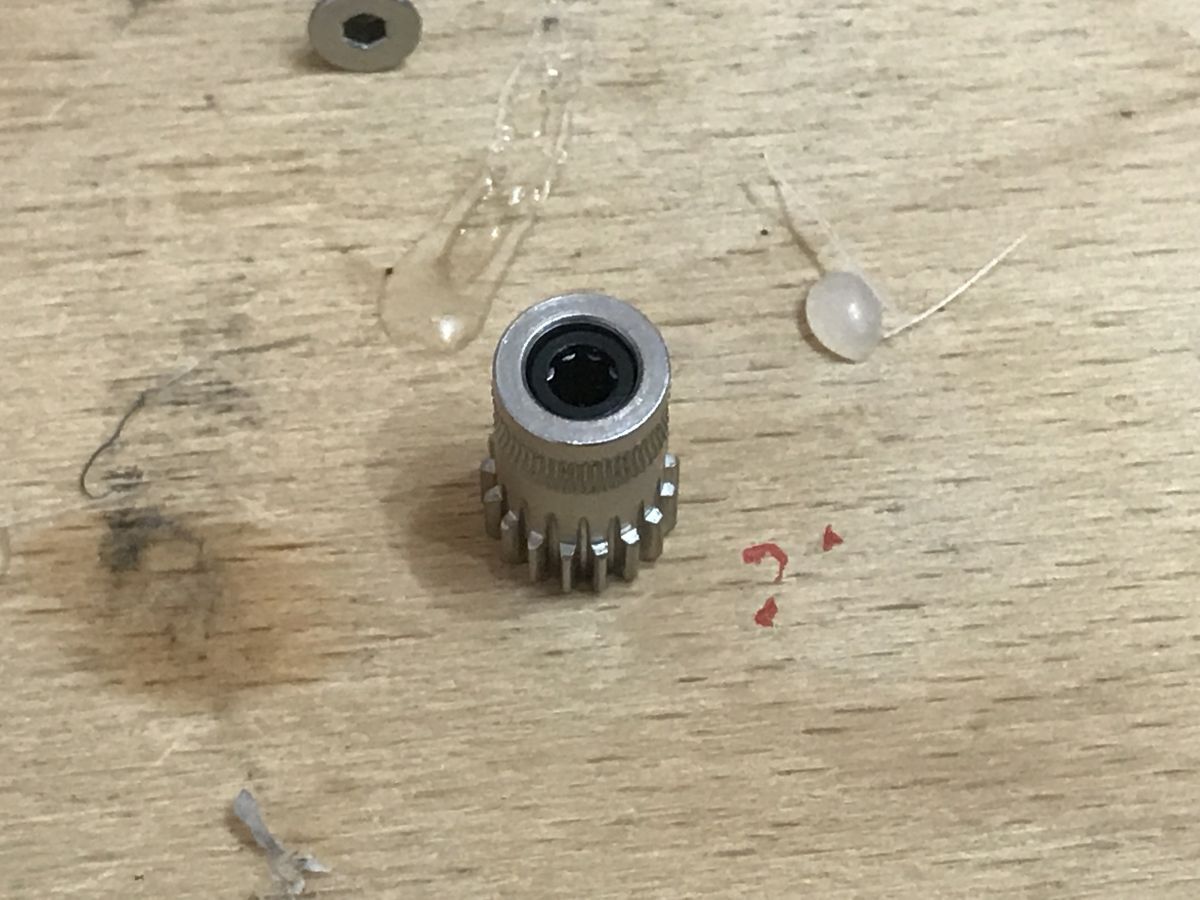
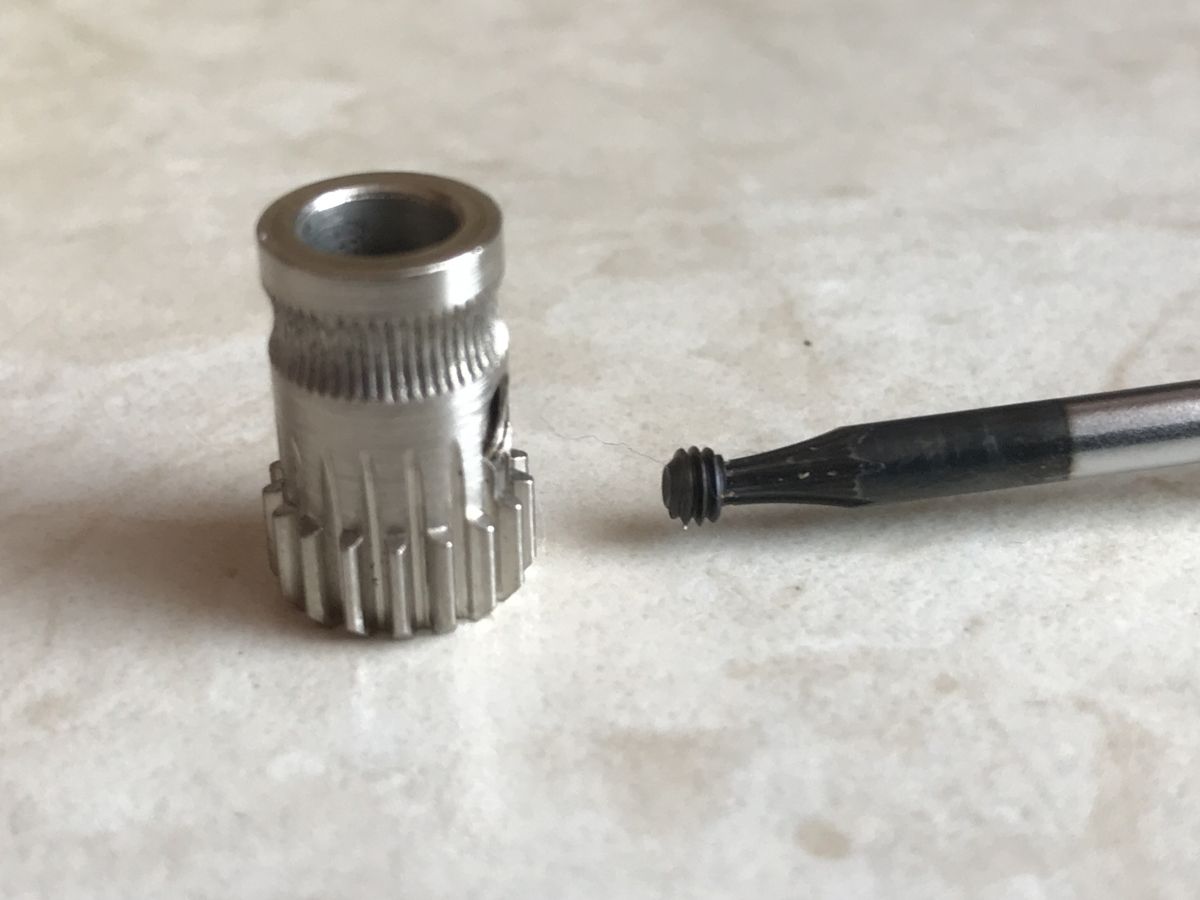
    Prepared cog for the motor shaft (small screw visible at the end of the screwdriver):
    A good extruder for the Ender 3 Pro? Dual gear extruder. My impressions.
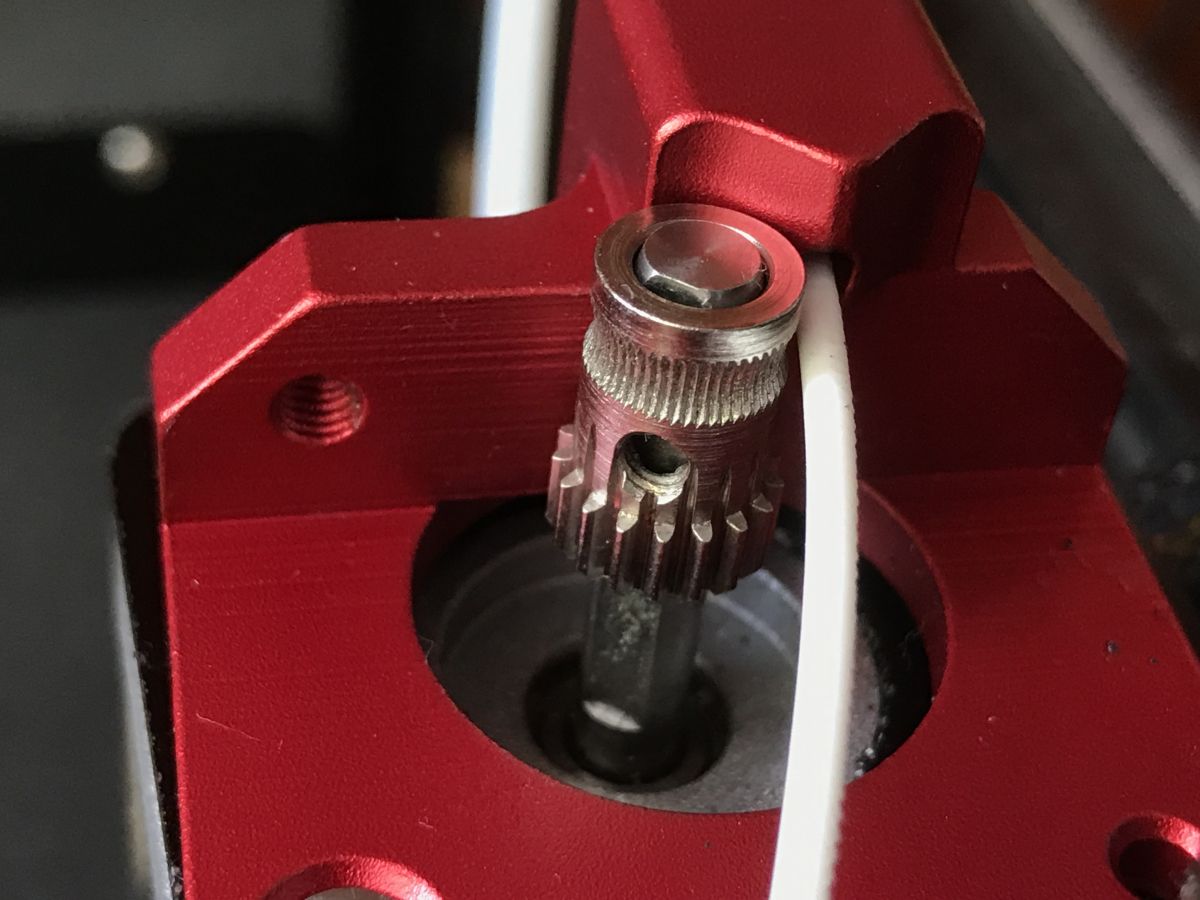
    Adjusting the height of the cog. It must be in line with the line of the filament (I put white in the bowden tube for a test):
    A good extruder for the Ender 3 Pro? Dual gear extruder. My impressions. A good extruder for the Ender 3 Pro? Dual gear extruder. My impressions.
    Only after levelling do we press the cog onto the motor shaft with the screw.
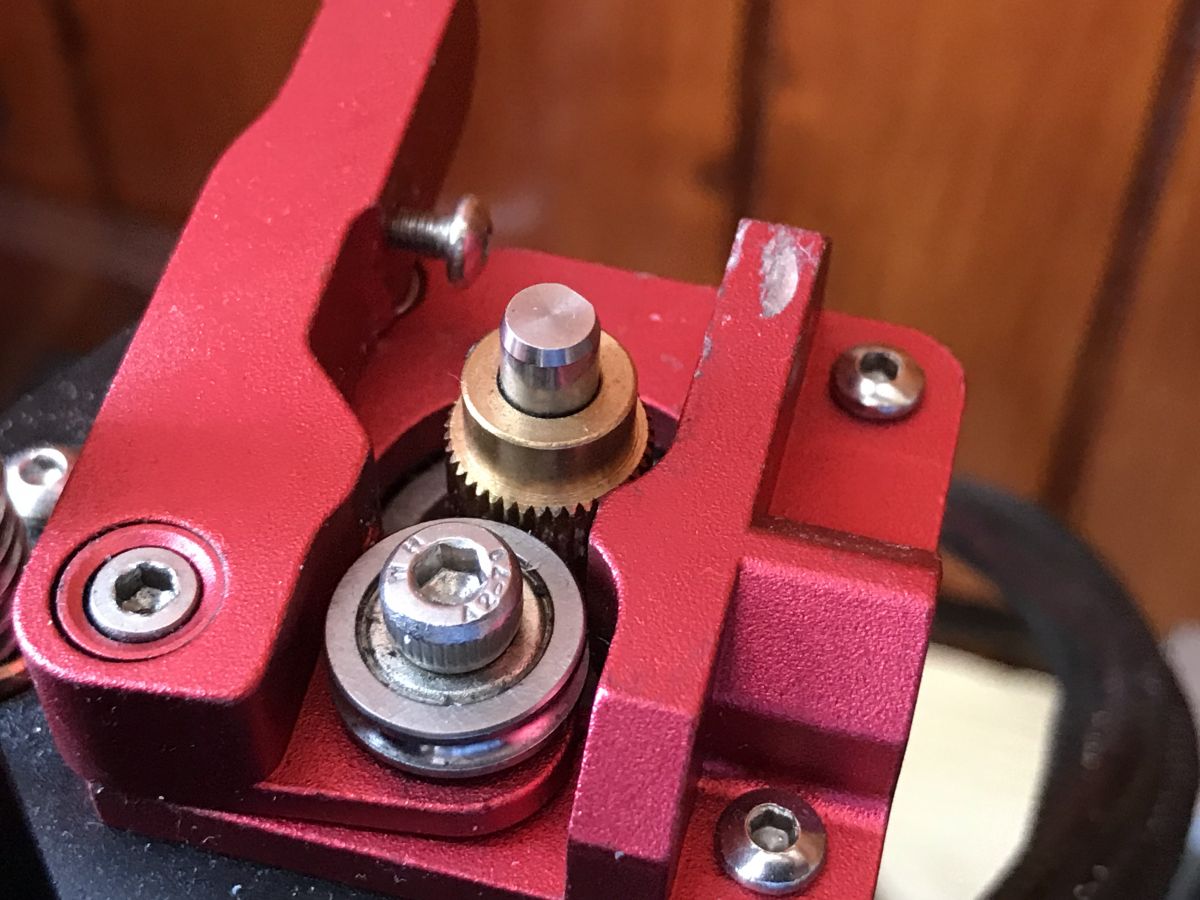
    Assembly of the movable arm. The second cog must be at the height of the first one:
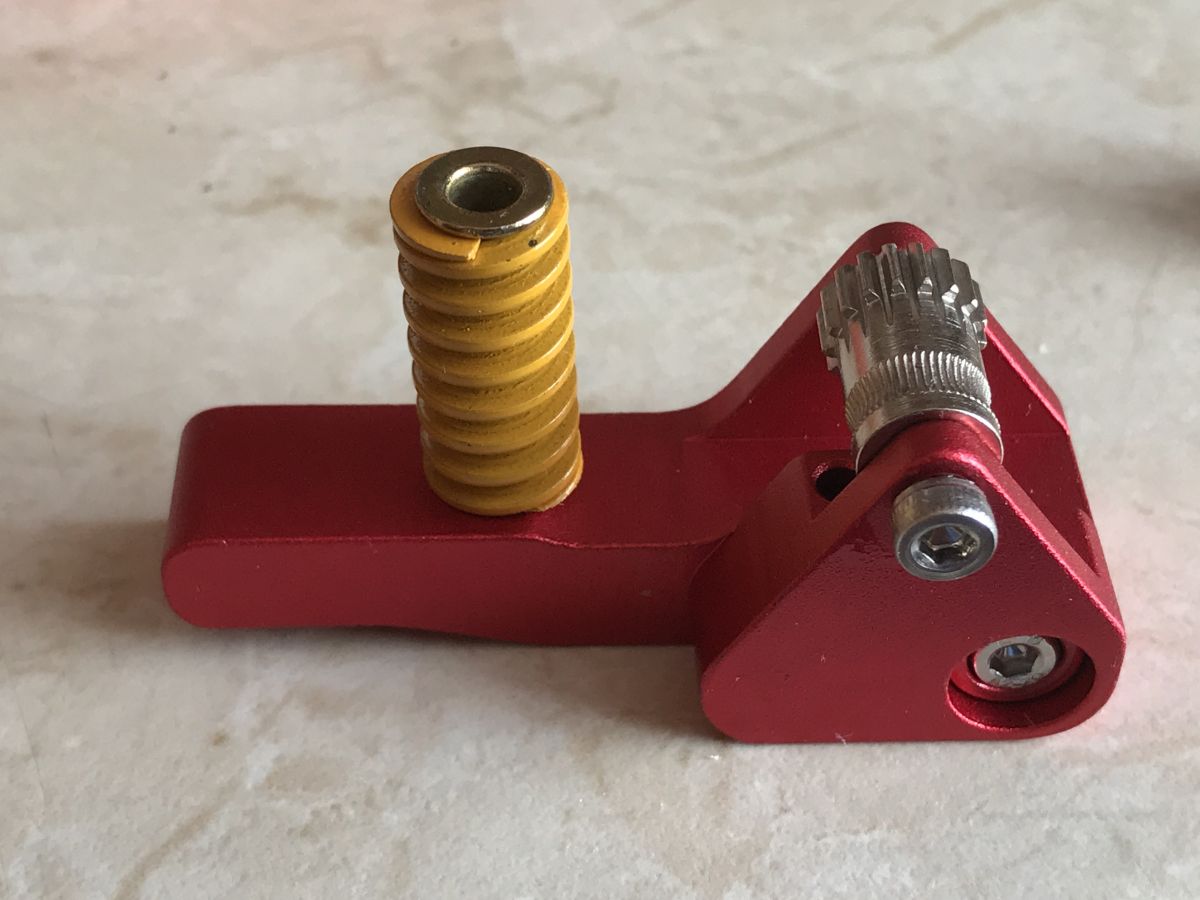
    A good extruder for the Ender 3 Pro? Dual gear extruder. My impressions. A good extruder for the Ender 3 Pro? Dual gear extruder. My impressions.
    Tightening the screw (first we need the one in the photo holding to the motor base):
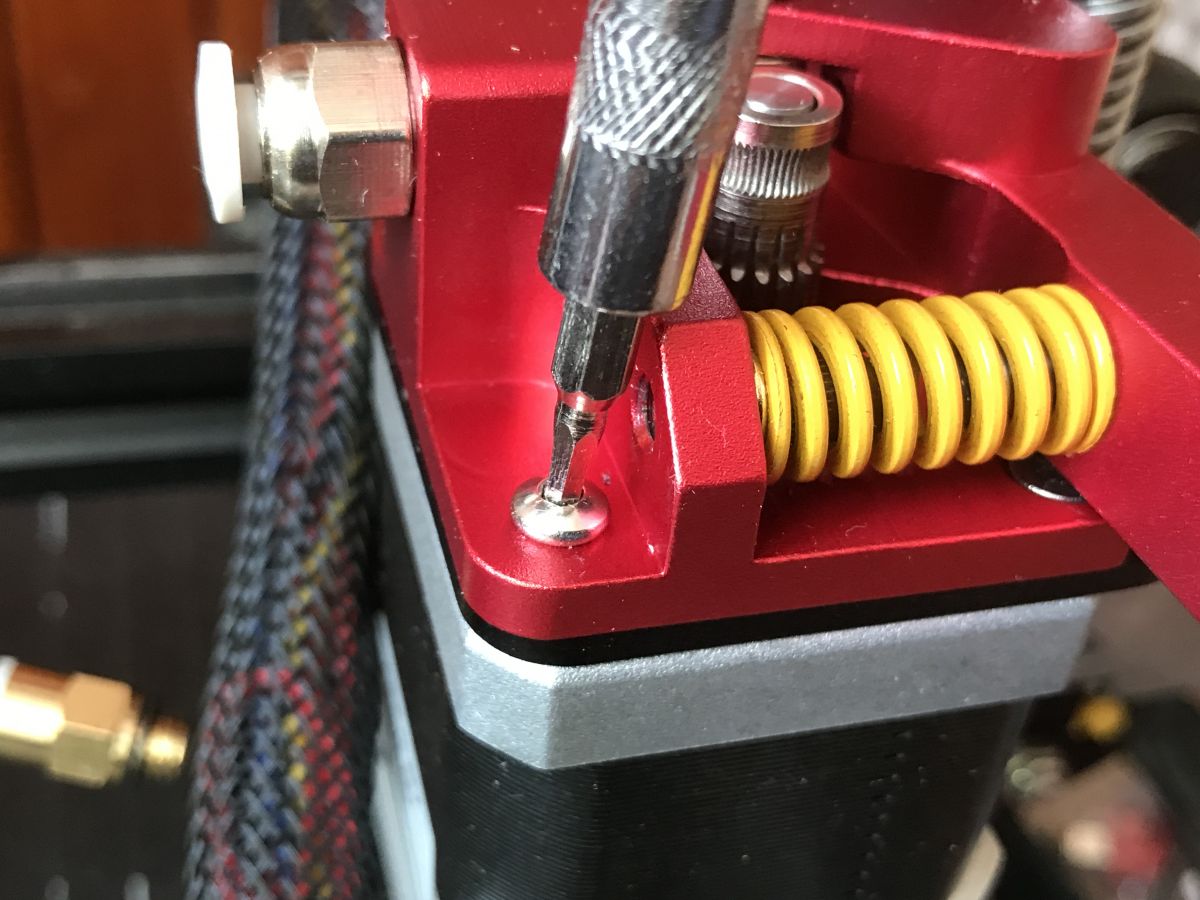
    A good extruder for the Ender 3 Pro? Dual gear extruder. My impressions.
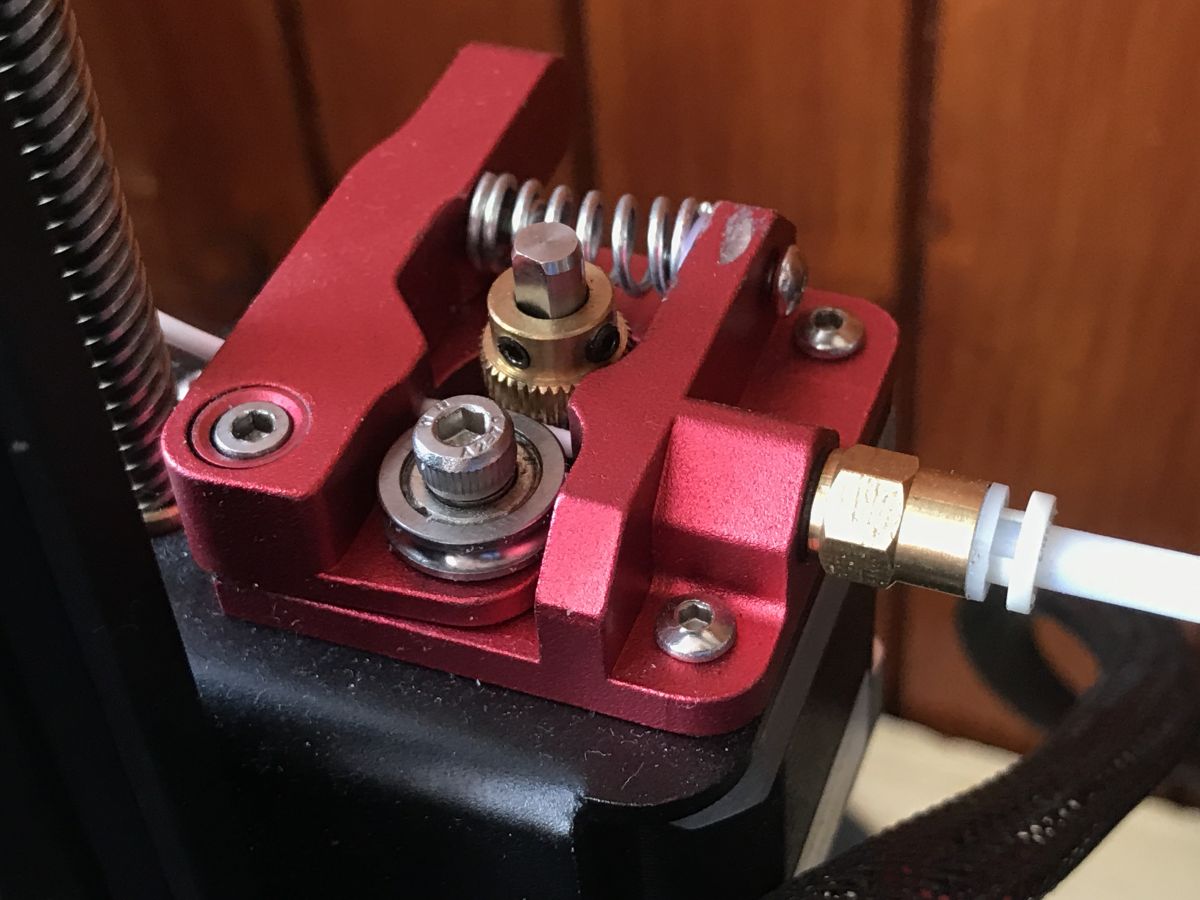
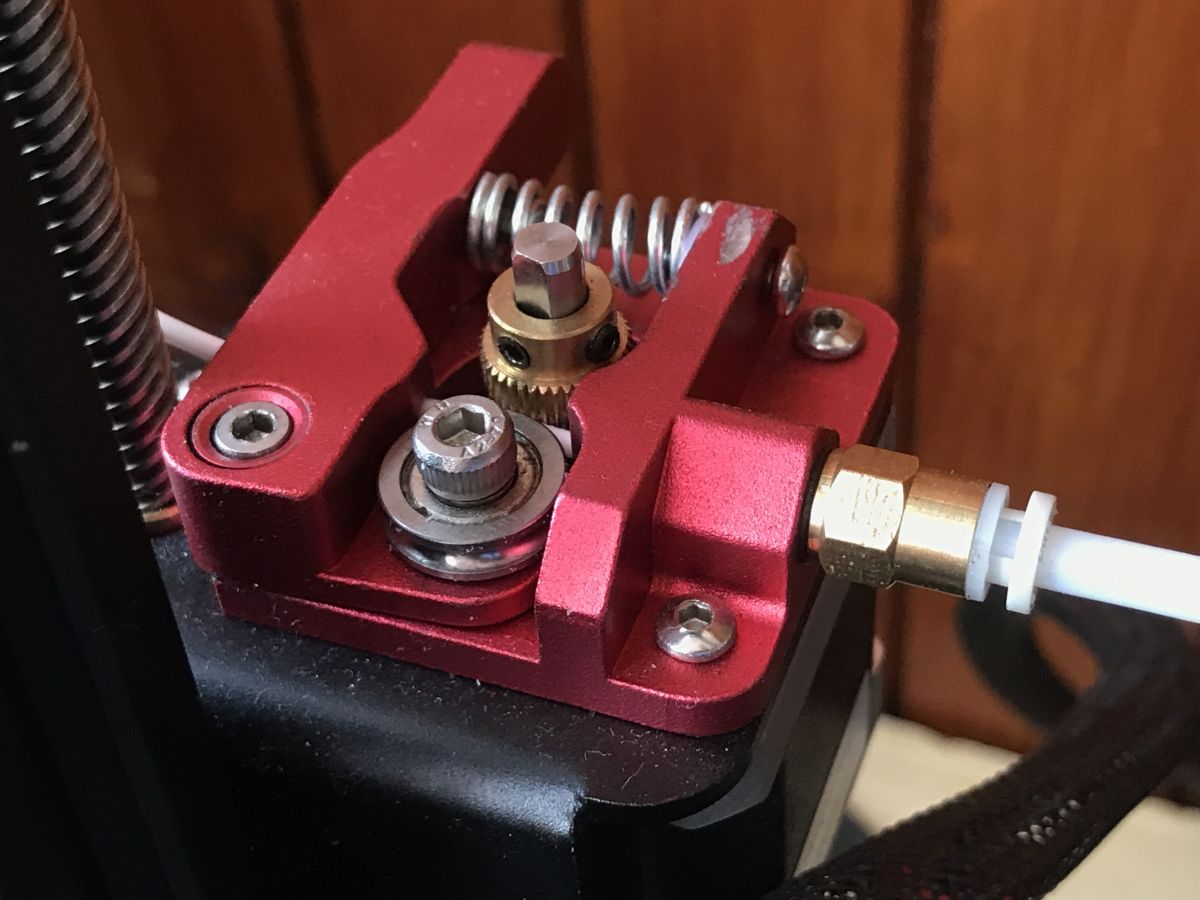
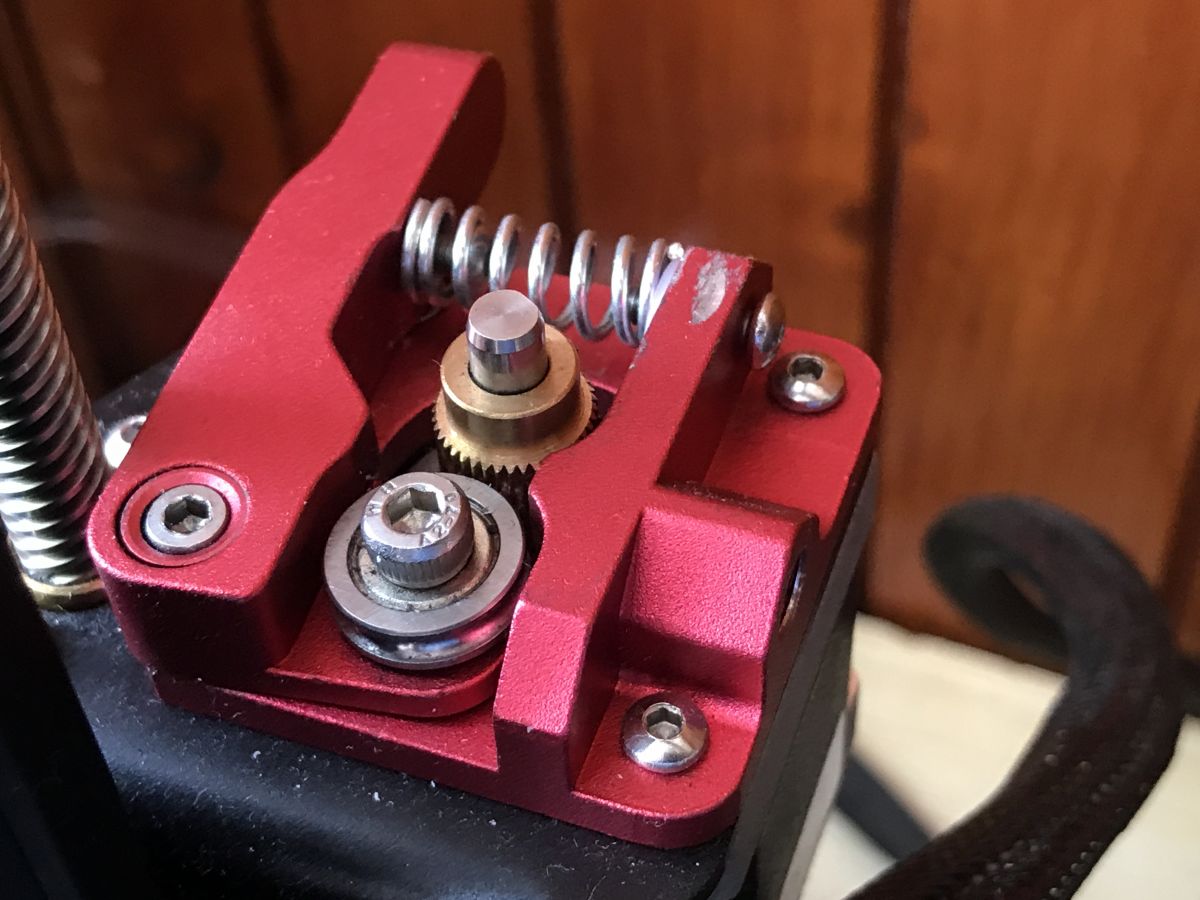
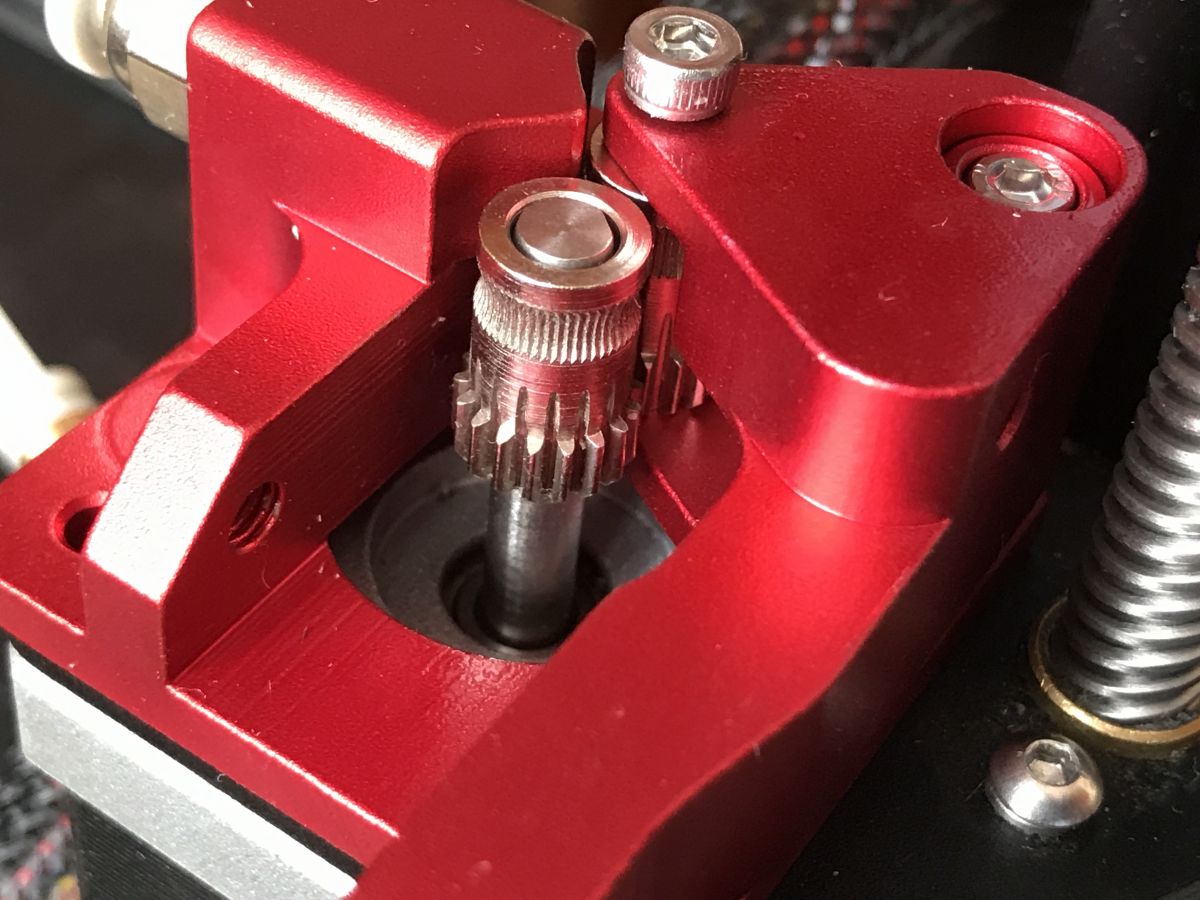
    Done:
    A good extruder for the Ender 3 Pro? Dual gear extruder. My impressions.

    Necessary step - e-steps calibration
    Calibrating e-steps is a very simple process.
    I had not originally planned to describe it here, but since it is essential, I will nevertheless attempt to detail it here.
    Calibrating e-steps involves 'teaching the printer' how many steps the extruder motor needs to take to extrude 1mm of filament.
    This value varies depending on many factors, extruder settings, etc.
    Some people calibrate this via software to a computer and communicate with the printer via UART, to this they use ready-made Excel sheets to do the calculations, etc., I will show here the simplest, traditional way.
    We need:
    - a piece of filament
    - calliper (to measure the length of the filament; precision is important)
    - marker (to mark the place on the filament)
    - calculator

    1. Measure a distance of 100mm from the extruder filament entrance and mark it on the filament. Then measure an additional 120mm from the entrance of the filament and mark this too. This is in case the extruder pulls in the whole 100mm.
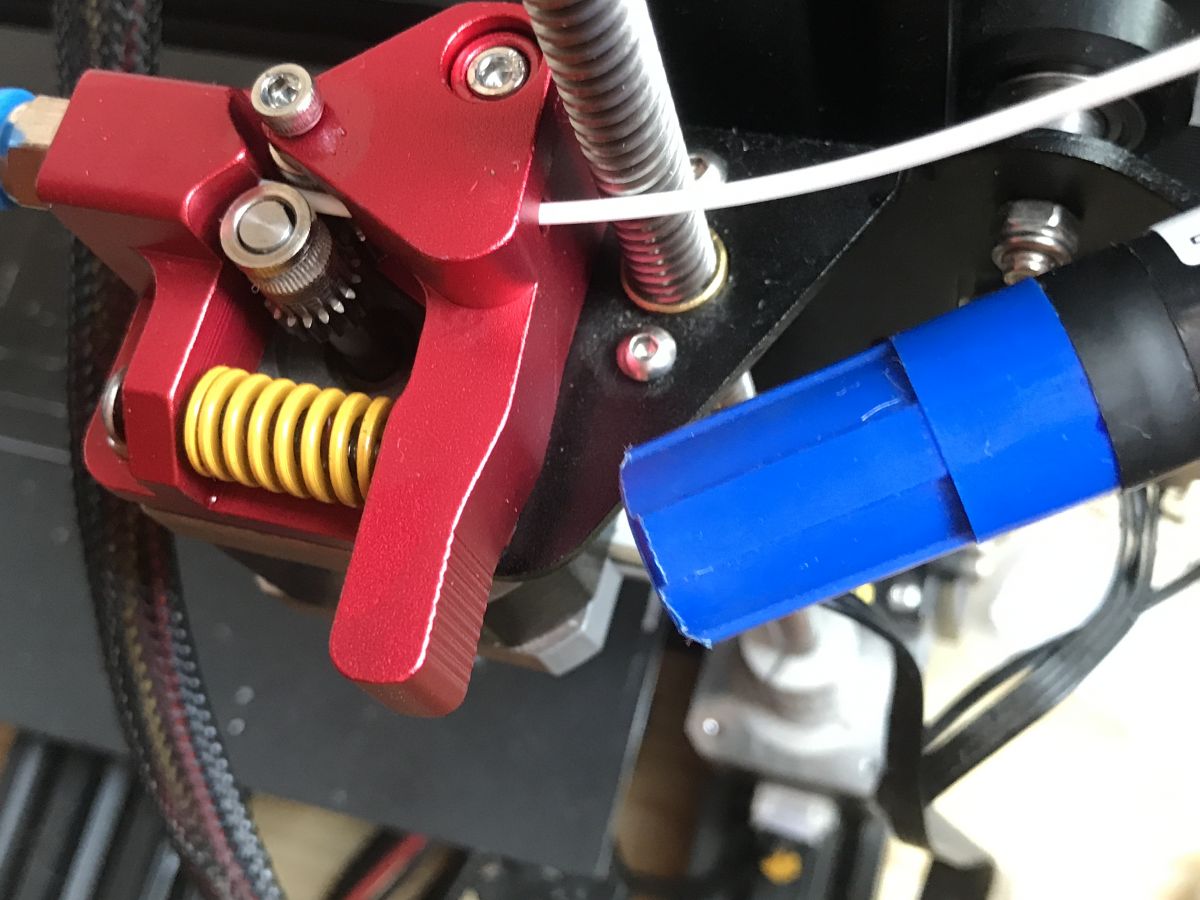
    A good extruder for the Ender 3 Pro? Dual gear extruder. My impressions.
    2. We heat the printer to the correct temperature for the filament
    3. We extrude 100mm (or at least in theory 100mm, because in practice how much will come out is about to be checked and then calibrated).
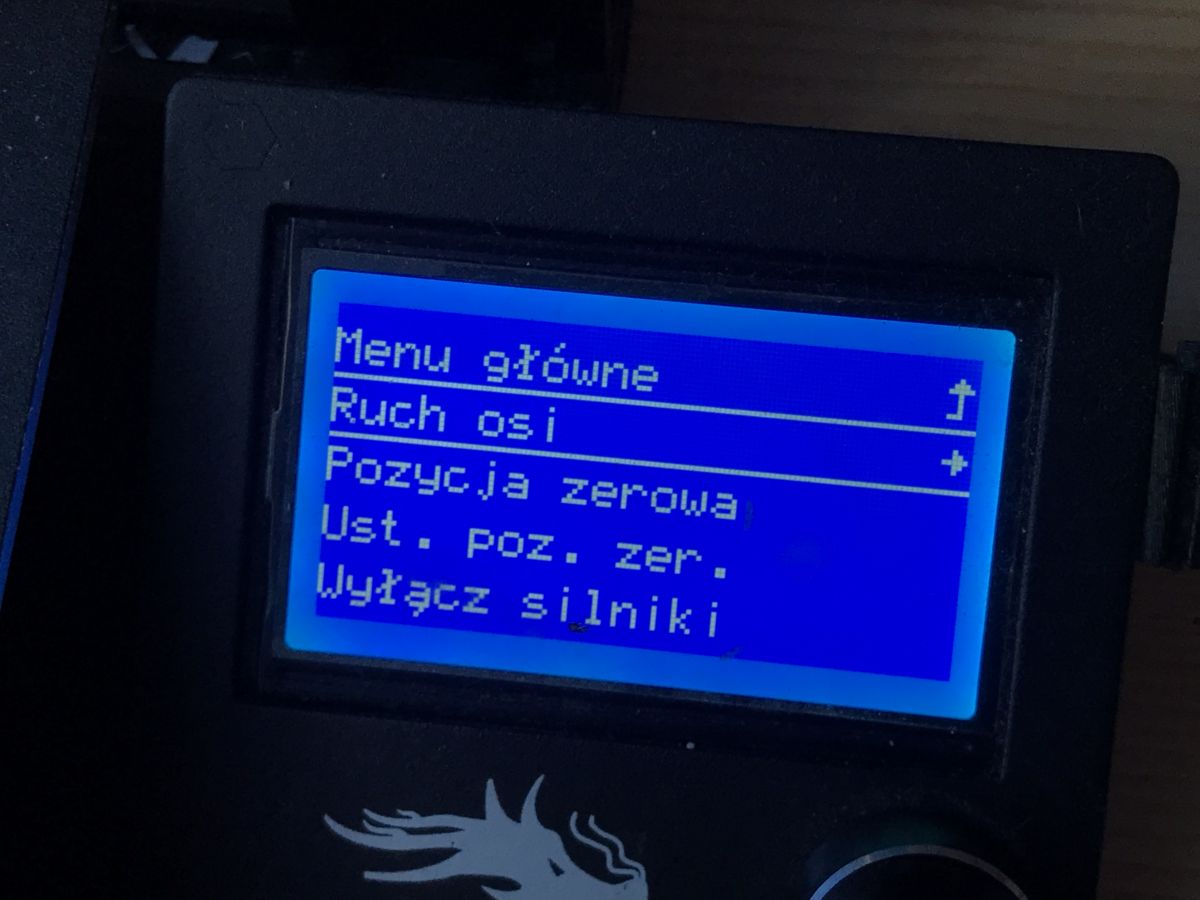
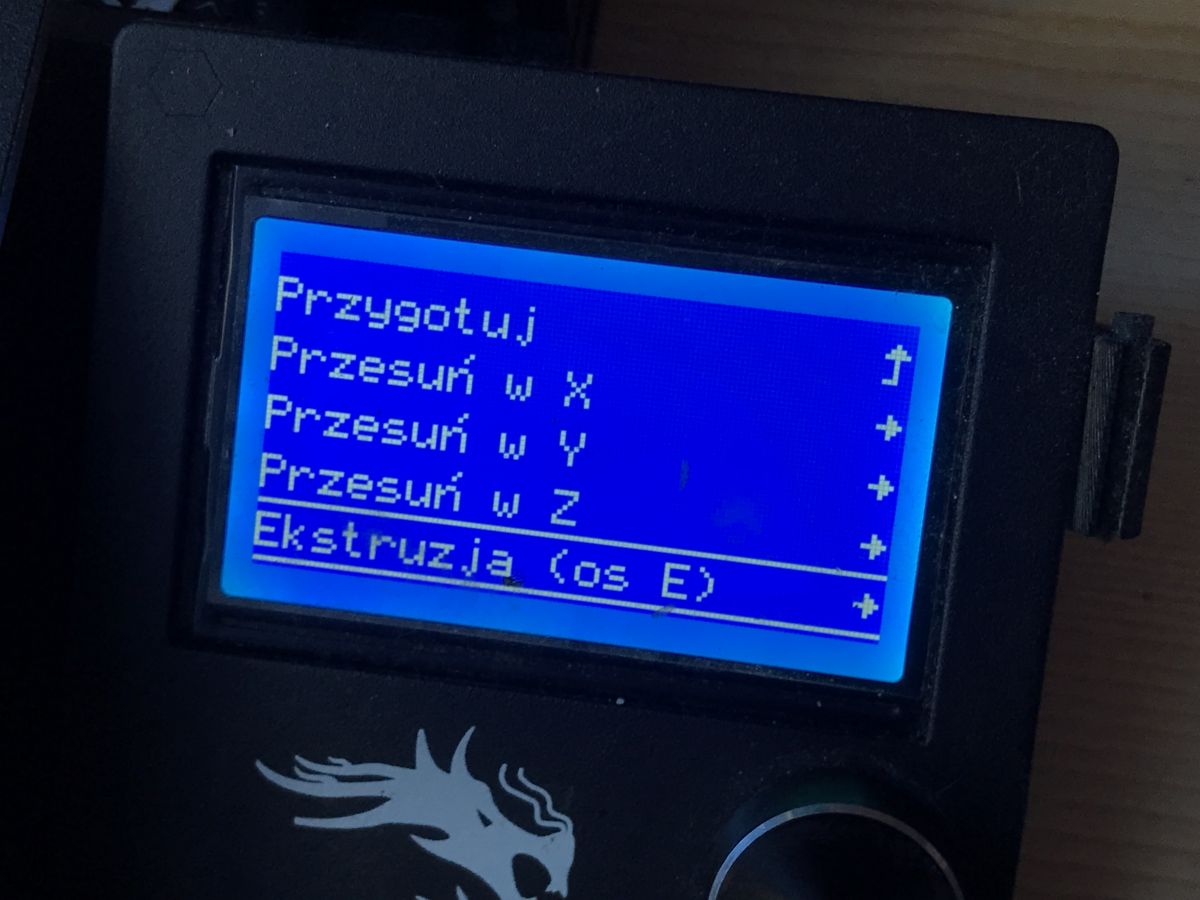
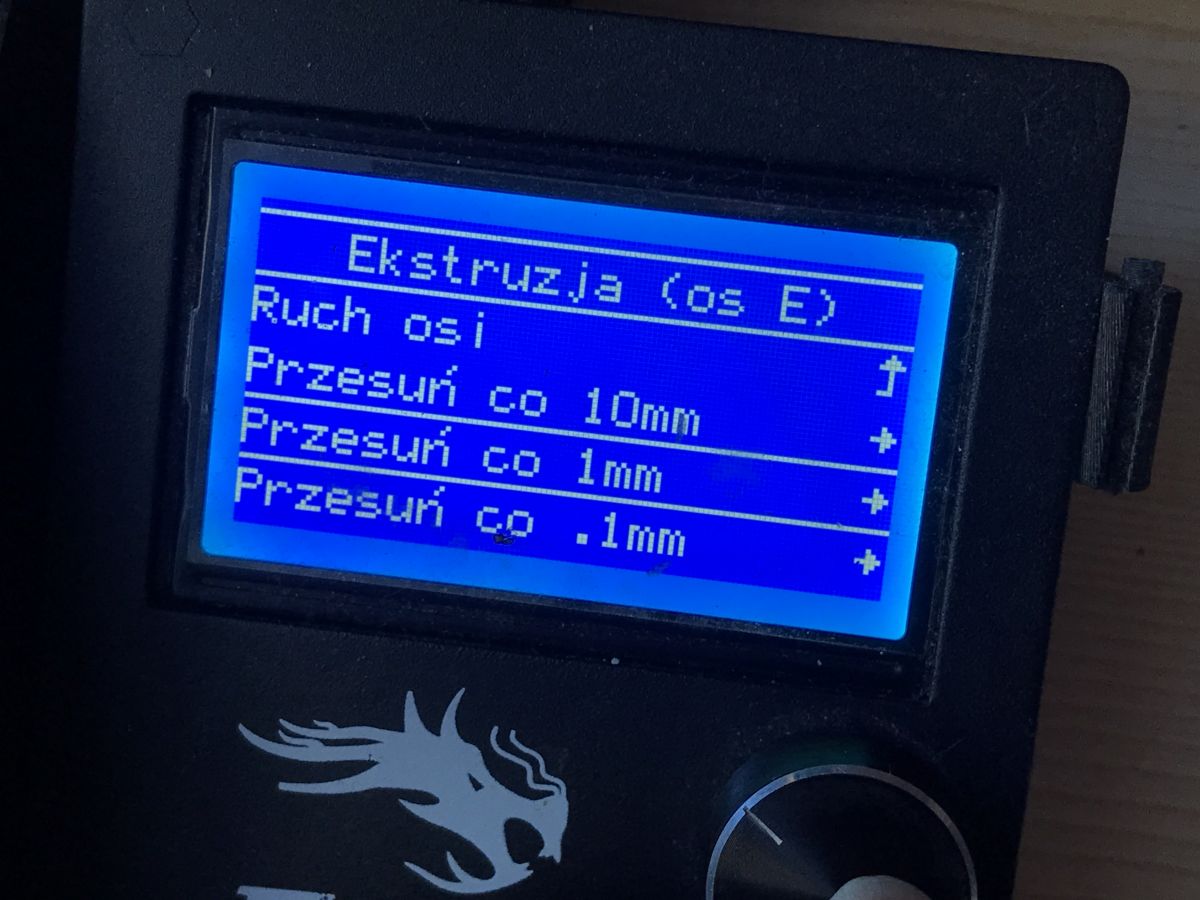
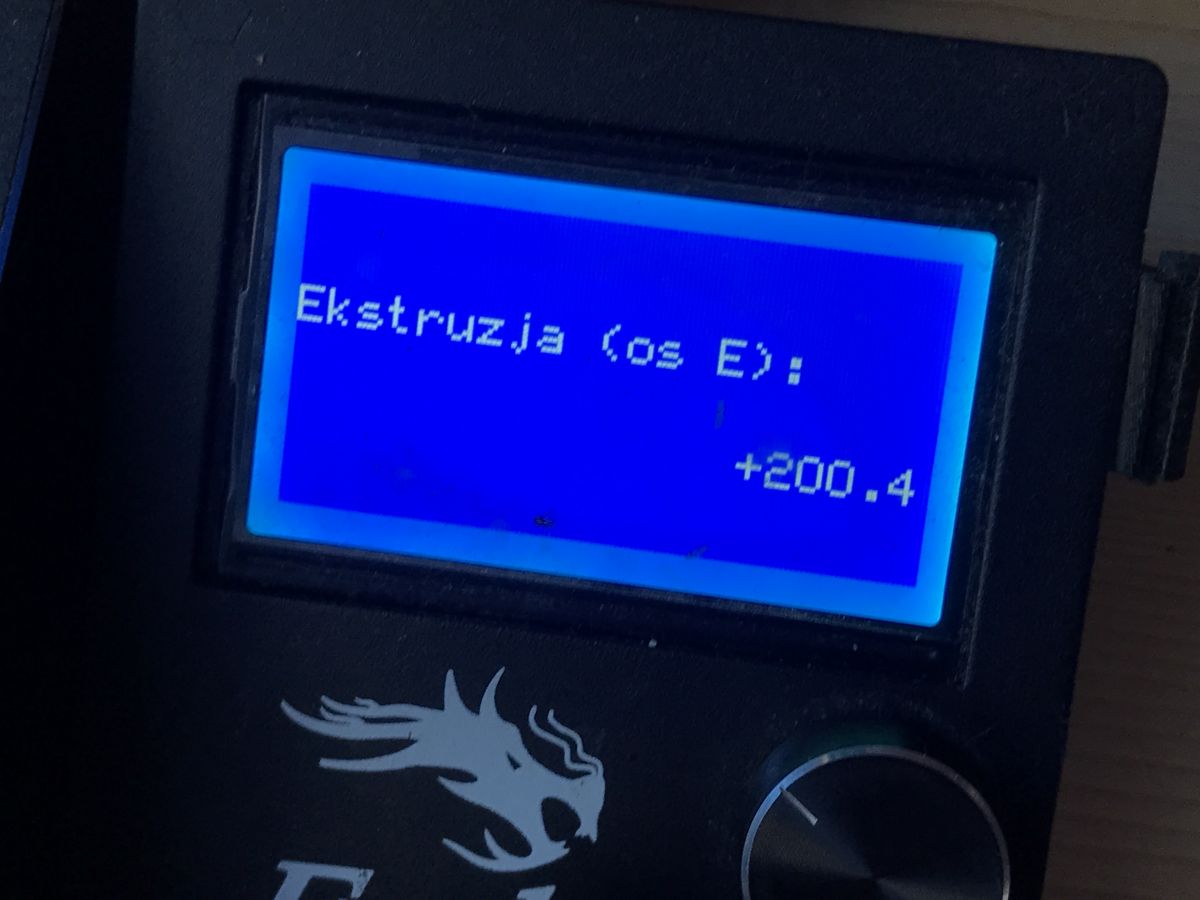
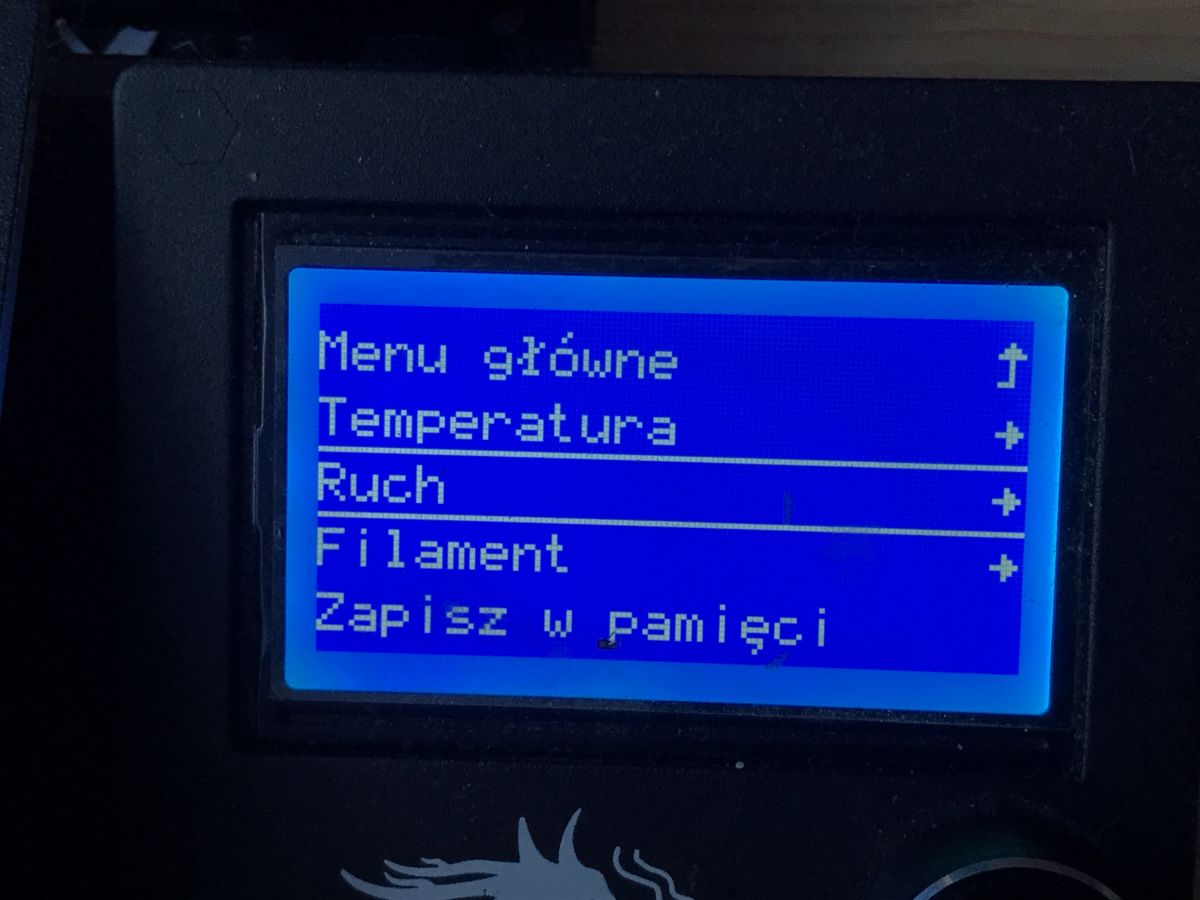
    Prepare->Move axis->Extrusion (axis E)->Move every 1mm
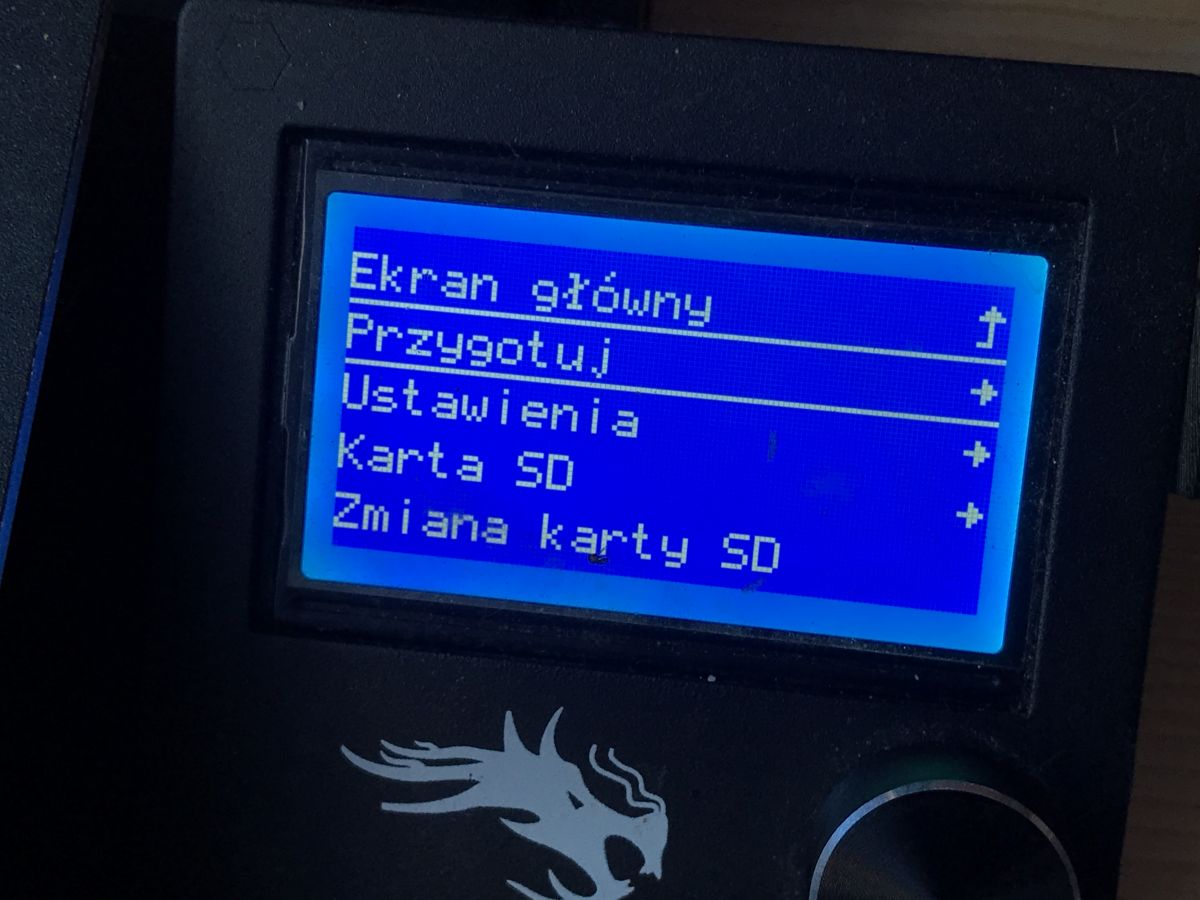
    A good extruder for the Ender 3 Pro? Dual gear extruder. My impressions. A good extruder for the Ender 3 Pro? Dual gear extruder. My impressions.
    A good extruder for the Ender 3 Pro? Dual gear extruder. My impressions. A good extruder for the Ender 3 Pro? Dual gear extruder. My impressions.
    A good extruder for the Ender 3 Pro? Dual gear extruder. My impressions.
    4. We check how much has actually been extruded (we measure the new distance from the extruder input). This distance, of course, tells us how much extruded filament is left, not how much came out, so if there is, say, 25mm left to the 120mm point, then we know that 95mm has been extruded.

    5. We check the current value of the e-steps.
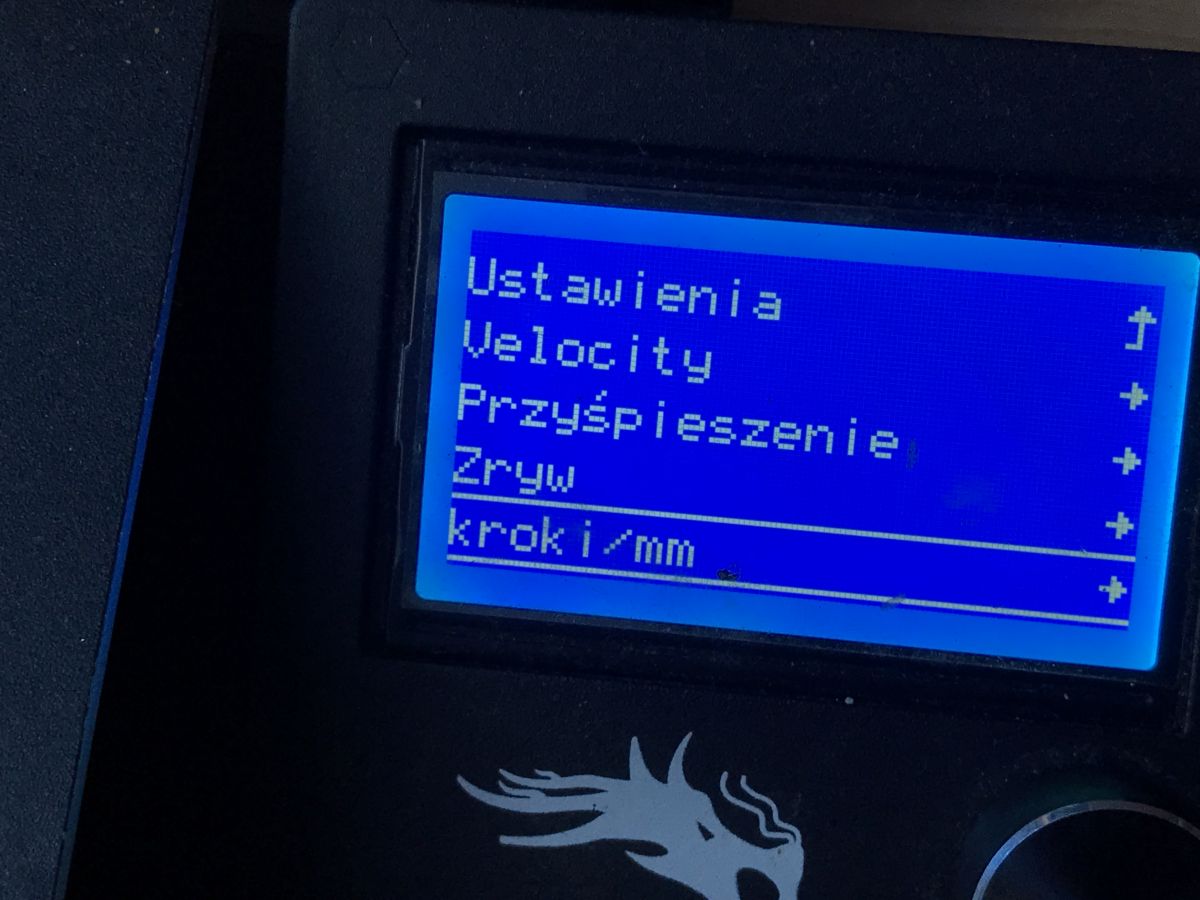
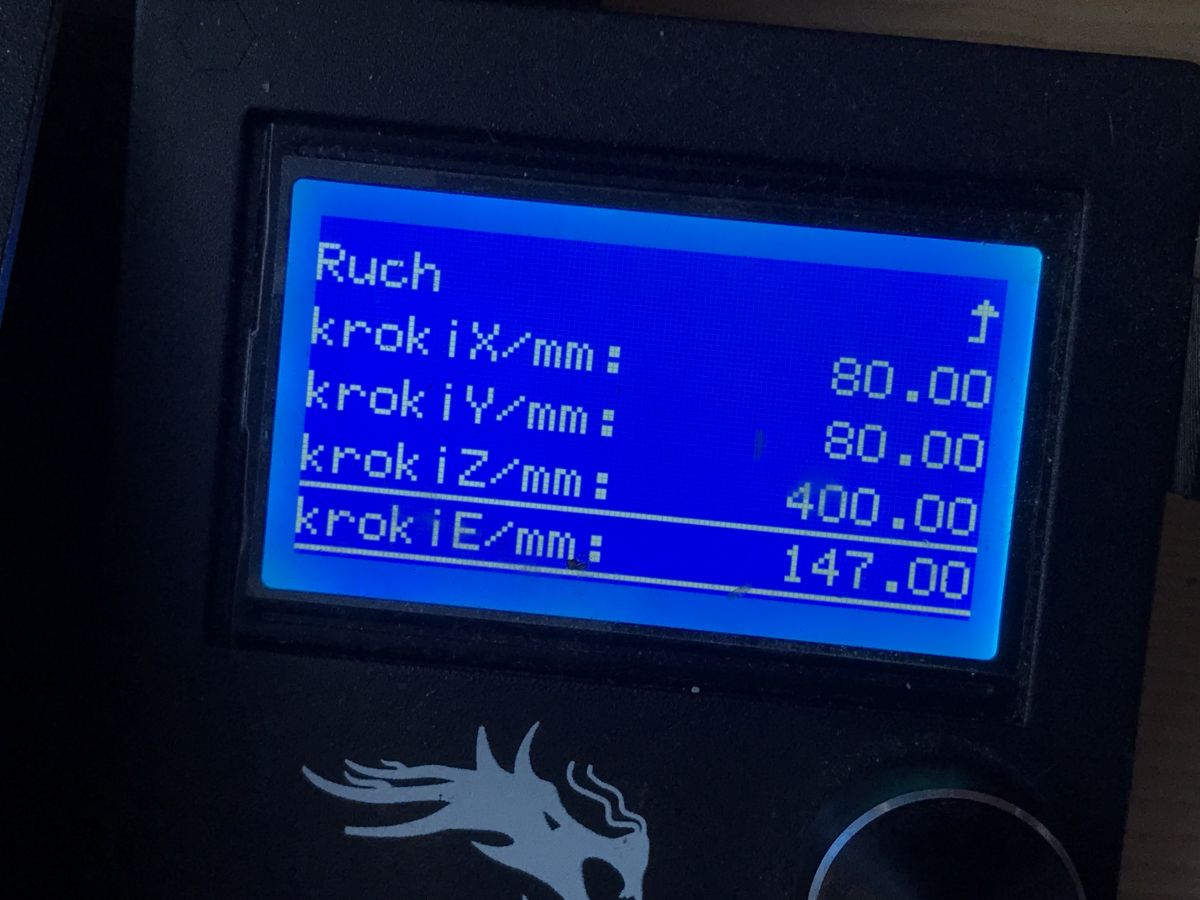
    Settings->Motion->steps->E-steps.
    In my case it was the default 95:
    A good extruder for the Ender 3 Pro? Dual gear extruder. My impressions. A good extruder for the Ender 3 Pro? Dual gear extruder. My impressions. A good extruder for the Ender 3 Pro? Dual gear extruder. My impressions. A good extruder for the Ender 3 Pro? Dual gear extruder. My impressions.
    6. We calculate the new e-steps value according to the formulas:
    100 * CurrentValueESteps = X (number of steps needed to extrude 100mm of filament)
    New_ESteps = X / MeasuredLengthExtrudedFilament

    For example:
    CurrentStepsValue = 95
    100 * 95 = 9500 (number of steps needed to extrude 100mm of filament)
    MeasuredLengthExtrudedFilament = 64.5mm (actually 64.5mm of filament just passed through)
    New_ESteps = 9500 / 64.5
    New_ESteps = 147.3

    (we can leave the values after the decimal point, as far as I know the firmware supports them)
    7. Set new E-steps
    Settings->Motion->steps->E-steps.
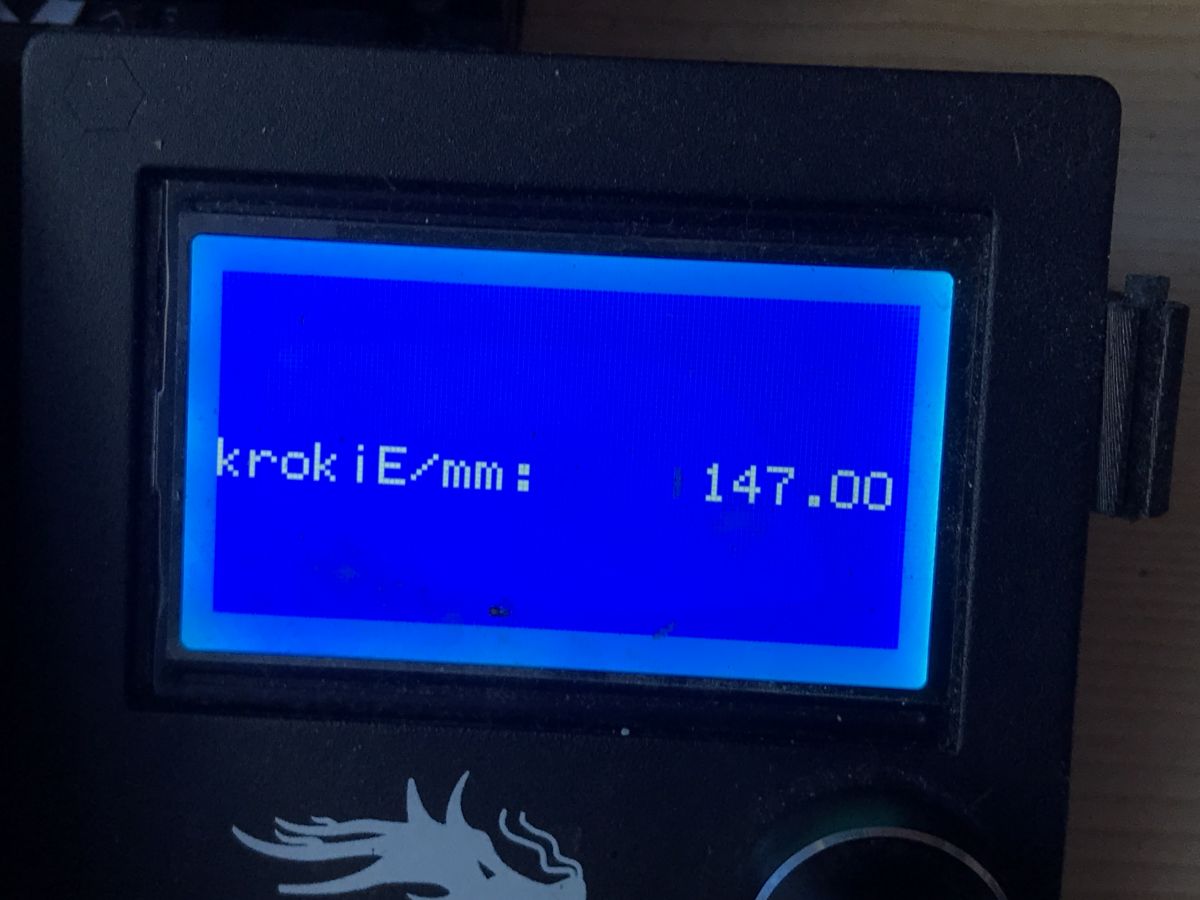
    A good extruder for the Ender 3 Pro? Dual gear extruder. My impressions.

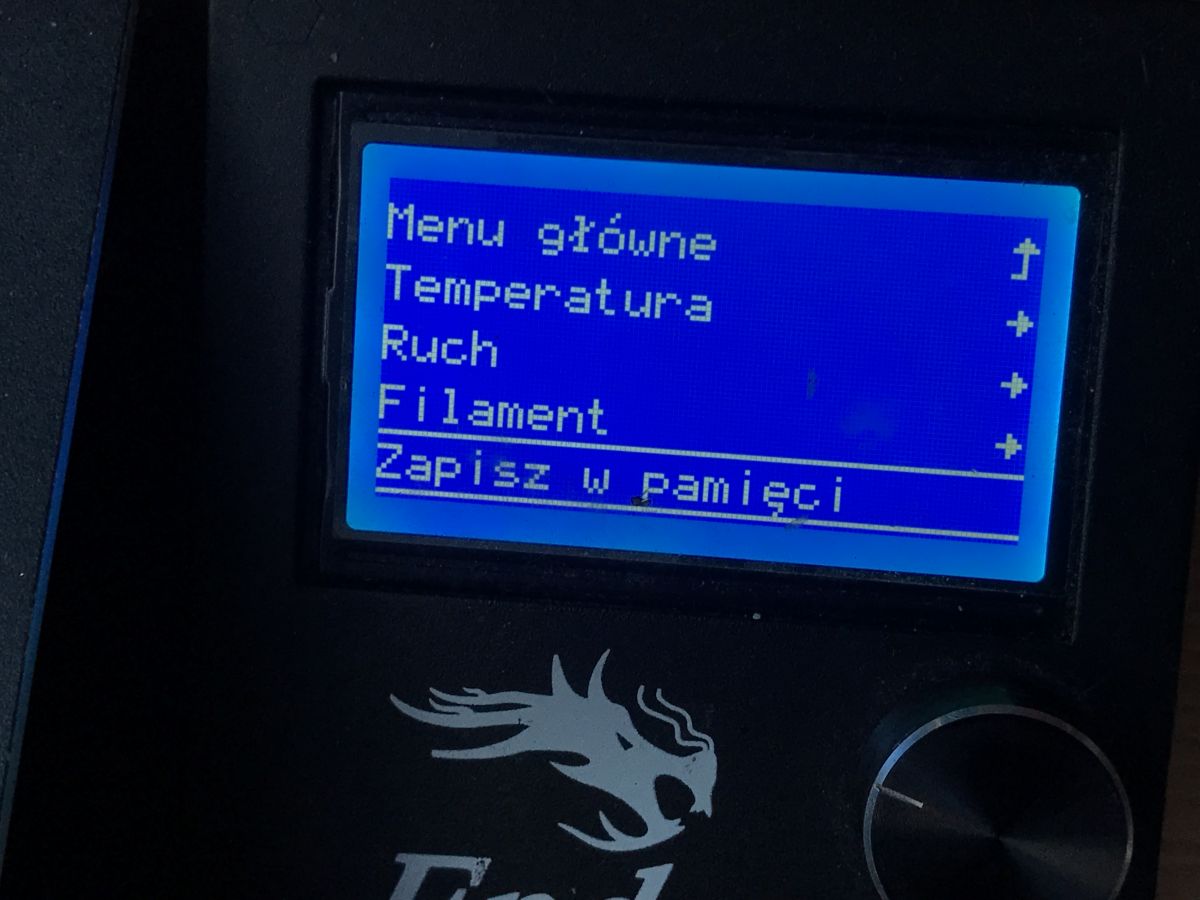
    8. Save changes to EEPROM
    A good extruder for the Ender 3 Pro? Dual gear extruder. My impressions. We save the calculated value also outside the printout
    We save the calculated value also outside the printer, on a piece of paper, in case we reset the EEPROM.
    9. Repeat the process, points 1-8 (at least once, also to verify that we have set it correctly)

    NOTE: If you have the bowden tube removed then you don't even need to do the "with a pen" method, basically you can cut the filament right at the extruder exit, do a 100mm extrusion and measure how much of that filament came out. This is equivalent to what I have described.
    NOTE: It is worth knowing that the esteps setting command can also be added to our gcode exported from the slicer, in which case it overwrites the printer setting.
    NOTE: The printer may have a safety feature that blocks extruder control when the hot end is not warmed up. If this happens, simply warm it up.

    Summary
    After fitting the dual gear extruder I specifically waited a good 4 months of printing (and the printer works for me a lot) to finally give a verdict. I didn't want to judge in advance, and additionally I waited until the famous "rubbing" of the cog against the arm appeared, however it didn't happen at all in my case, even though I took a relatively cheap (cheapest?) dual gear extruder.
    Perhaps this is because I raised both cogs appropriately and matched their height to the filament line.
    In any case - revelation . The quality and convenience of prints has permanently improved. Previously, I had occasional problems with the bowden, sometimes with the hot end, every few weeks I had to unplug it, or I saw, for example, that the extruder motor "ticks" (loses steps, 'extruder skipping'), or even the filament slips, extrusion or retraction does not extend/retract the filament as much as the printer would expect (and I had calibrated e-steps)....
    And now the problems are practically non-existent - this new extruder solidly holds and feeds the filament, it is not afraid of possible dirt or there older spools of plastic. I regret that I did not buy it earlier.
    I don't know if your experiences are similar, but I still have to add something at the end - NOTE - swapping to a dual gear extruder should obviously not be used as an alternative to removing heat creep, levelling the table or cleaning the nozzle there. The table has to be leveled anyway, as well as the bowden should be properly fixed, etc. etc. The printer must be taken care of.

    Cool? Ranking DIY
    Helpful post? Buy me a coffee.

    About Author
    p.kaczmarek2
    Moderator Smart Home
    Offline 
    p.kaczmarek2 wrote 13929 posts with rating 11733, helped 630 times. Been with us since 2014 year.
  • ADVERTISEMENT
  • #2 19676385
    Anonymous
    Level 1  
  • ADVERTISEMENT
  • #3 19676508
    szymon122
    Level 38  
    It is completely illogical to use a direct-drive extruder, as this forces the use of a very powerful motor, which weighs its own weight.

    In the case of a bowden-type filament feeding system, that is, an extruder stationary on the frame is of medium importance, but in the case of an extruder as part of the print head (i.e. direct), this moving mass is of HUGE importance.
    And let's not lie to ourselves, 99% of 'self-respecting printers' have a direct drive.
    The greater the moving mass, the greater the forces acting on the machine which causes greater oscillations resulting in "rippling" flat surfaces on the print.

    The use of a geared extruder (e.g. 3:1 as in the case of BMG or even 7.2:1 as in the case of The Orbiter) allows for a reduction in motor weight.
    I myself personally abandoned the NEMA17 motor shown in the author's photo in favour of a NEMA14 which reduced the weight from 300g to 80g.
  • ADVERTISEMENT
  • #4 19676547
    Anonymous
    Level 1  
  • #5 19676623
    szymon122
    Level 38  
    Jarzabek666 wrote:
    I would disagree with this because bodwen is leading the way. Especially in cheap printers... Edery Aneta etc similar designs.... Hardly anyone uses direct because it requires a solid frame...


    You disagree with what I DID NOT write ;)

    I'm talking about respectable machines and you cited Aneta or Ender as examples....

    Besides, a solid frame is the basis of this type of machine.
  • #6 19676793
    Fimek
    Level 16  
    The standard extruder before modifications that you have presented here is simply crap. I providentially bought it once, suffered, modified it (with as such success) and thanked it in favour of a BMG clone which for £120 solves virtually all the problems. The gearing on such a large knurl as you had here originally forces a lot of current through even the default (large) motor. The motor heats up, the heat through the shaft goes to the knurl and then to the filament. With longer prints you get the problem of losing steps, or the filament slipping (depends if you give up on the motor or the filament beforehand). I'm not even talking about printers with a closed chamber, because such a basic extruder without a gear ratio is simply not suitable for them (the motor has no way to cool down and the problems appear even faster). An extruder with a gear ratio (the BMG I mentioned earlier) means that not only can the motor be smaller and lighter, but its operating current can be further reduced and the heating reduced (this is of considerable importance, as the amount of heat lost on motors is proportional to the square of the current). In addition, the shaft is not in contact with the knurl, so that heat is not transferred to the filament. I practised reducing the knurl and yes it helps, as the gear ratio improves by about 30 %, but for the purposes of long-term and reliable printing the margin I got was in my opinion too small. After a number of more and less successful modifications to my printer, I have, for example, printed loudspeaker enclosures in a closed chamber where one was created for 24 hours, and noticed absolutely no artefacts. In the early Covidian days, I reprinted kilograms of felt for visors, in a sealed chamber to make it quieter, and also great. Bottom line: direct with a BMG clone and a pancake motor and you're done - why knock down an open door?
  • #7 19677050
    adversus
    Level 32  
    @p.kaczmarek2 this extruder as presented by a colleague is total rubbish, well maybe not rubbish but shoddy, and it is slightly better than the stock one. The advantage is that it is dualdrive and does not skip. But the quality and accuracy of workmanship is poor. The clearance on the clamping arm is nightmarish and the needle bearing of the second knurl is mounted on a thread, not on a screw shaft. This extruder worked for me for about an hour I considered it a failure, it was replaced in favour of a cheap BMG clone. A cosmic difference in performance (not much in price, I gave about 20p for the red dualdrive and 32p for the cheap BMG clone) as if you had switched from a Polonez to a Mercedes. The BMG has a small disadvantage, it was too noisy with a high retraction value, but you can still see a big difference in the operating culture and prints in favour of the BMG.
    Therefore I agree 100% with the statement of my colleague @Fimek....
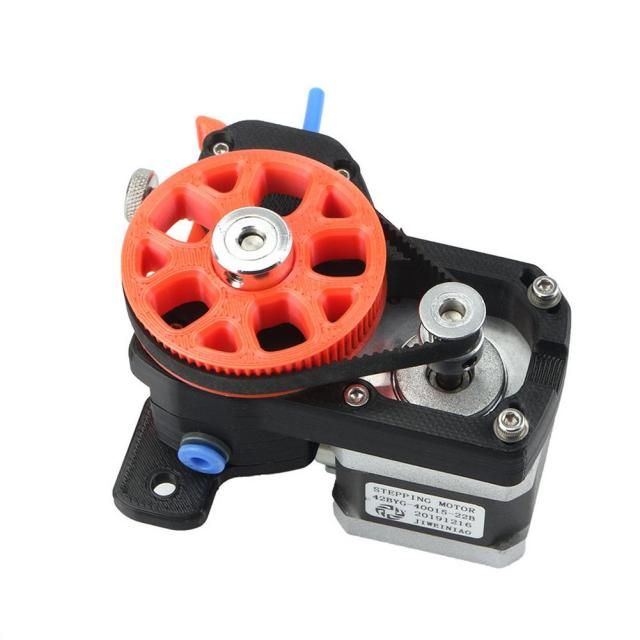
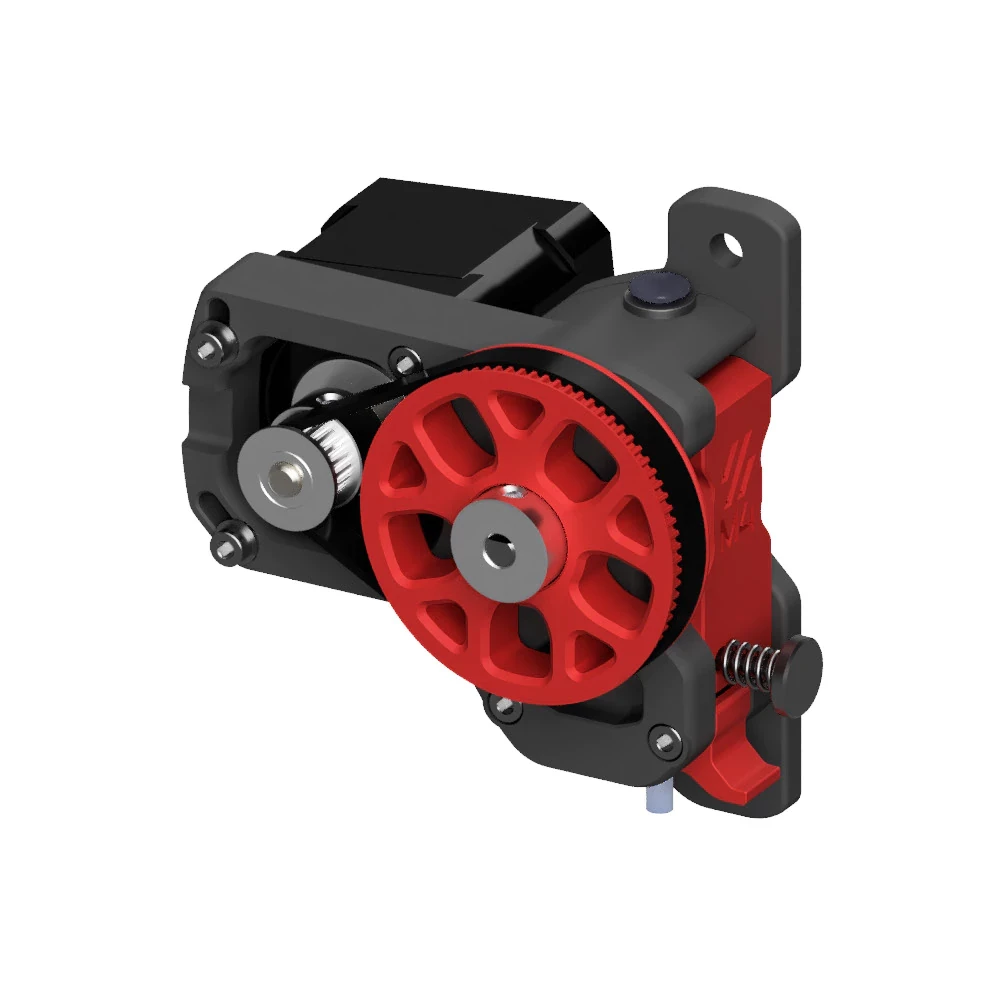
    After my tests of the cheap BMG clone I think that it is a good alternative in the ratio of quality and price, except that at fast retraction it goes too loud (even my neighbour pointed out to me and asked if it is at my place something all the time punch someone clicks :) ). I now have an M4 extruder printed from Voron on a belt and I will say this, it is luxus, seriously seriously seriously. Zero noise, just a gentle hum. I'm now thinking about another Vorona extruder on the strip to make a direct. But so far it's ok so the topic will probably wait.
    A good extruder for the Ender 3 Pro? Dual gear extruder. My impressions. A good extruder for the Ender 3 Pro? Dual gear extruder. My impressions.
  • #8 19677210
    p.kaczmarek2
    Moderator Smart Home
    @Fimek @adversus thank you for your suggestion, perhaps I'll try it out, although so far I'm not complaining about the one in the theme (still relative to the stock one)

    Fimek wrote:
    in favour of the BMG clone, which for £120 solves virtually all problems?

    The extruder pictured in the topic goes for 40-45£ so it's a bit of a different price range though

    Fimek wrote:
    I'm not even talking about printers with a closed chamber, because such a basic extruder without a gearbox is simply not suitable for them (the motor has no way to cool down and problems arise even faster).


    Acctually at my place the printer is in a cool room and I didn't enclose it for PLA printing, so it's quite possible that these problems occur at my place but to an unnoticeable degree. I will check the heating you pointed out.

    adversus wrote:
    (at a small price, I gave about 20p for the red dualdrive and the cheap BMG clone at 32p)

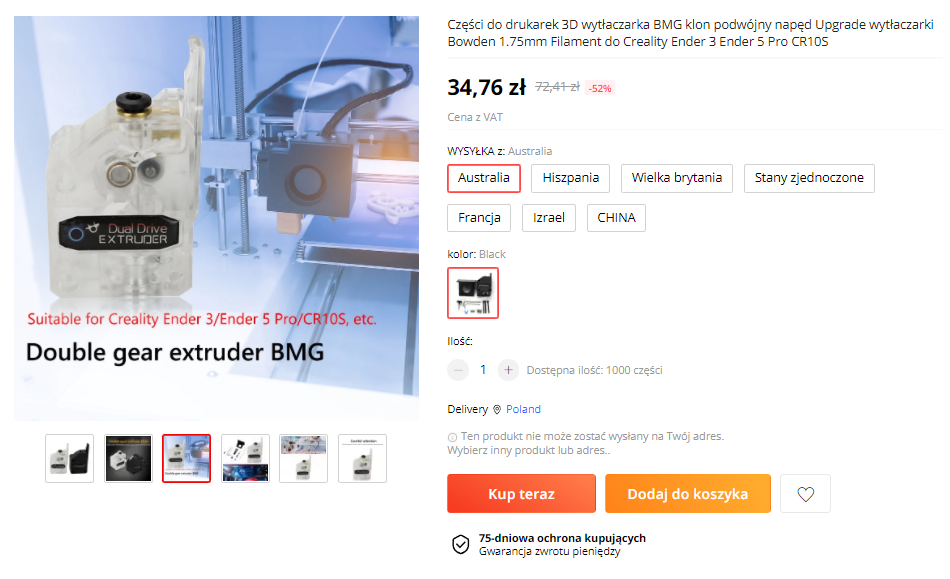
    Where for 32 pln? I find offers supposedly at 32 pln but with blocked postage (some people are knocking down the ranking like that and you really can't buy for that price):
    A good extruder for the Ender 3 Pro? Dual gear extruder. My impressions.
    Helpful post? Buy me a coffee.
  • #9 19677242
    Anonymous
    Level 1  
  • ADVERTISEMENT
  • #10 19677460
    Fimek
    Level 16  
    p.kaczmarek2 wrote:
    The extruder shown in the subject line goes for £40-45 so it's a bit of a different price range


    Let me put it this way: when I was forced to print by machine and the printer was working non-stop for a whole week, the plus/minus 50 PLN in the price of the extruder makes absolutely no difference. What matters is that the filament sticks to the table, that there are no artefacts in the print and that the filament does not block. You can buy BMG 100% cheaper. I seem to have even recently bought such a BMG clone on Allegro for under £100 for a printer I am currently constructing.

    But rest assured, from my side this is not some big criticism or significant remarks. It's just that, in my opinion, you have presented a suboptimal solution.
  • #11 19677915
    blue_17
    Level 32  
    I am using an ender 3 V2 and have also fitted this extruder as the author of the post.
    More problematic is not the mechanical failure of the arm but the slipping of the filament on the bearing and the quality of the compression spring.
    After the change even with long prints the filament does not slip. It works well at the smallest investment threshold and this cannot be denied.
    Unfortunately it is inevitable to change to an extruder with gearing, I have a Titan clone in my second printer and the difference in filament feeding is significant. With the gearbox and more steps the filament is dispensed more accurately and with more push and pressure the machine works reliably.

    In the era of the clipper, where we can react dynamically to the resonance of the axis dynamics, it matters less and less whether the extruder is bowden or direct. The biggest advantage of the bowden is the speed of the filament change and, in case of failure, little to disassemble.

    You can't get carried away with marketing because every technical solution has advantages and disadvantages ;)
  • #12 19678097
    adversus
    Level 32  
    p.kaczmarek2 wrote:
    Where for 32 pln? I find offers supposedly at 32 pln but with blocked shipping (some people so beat the ranking and you really can not buy for this price)

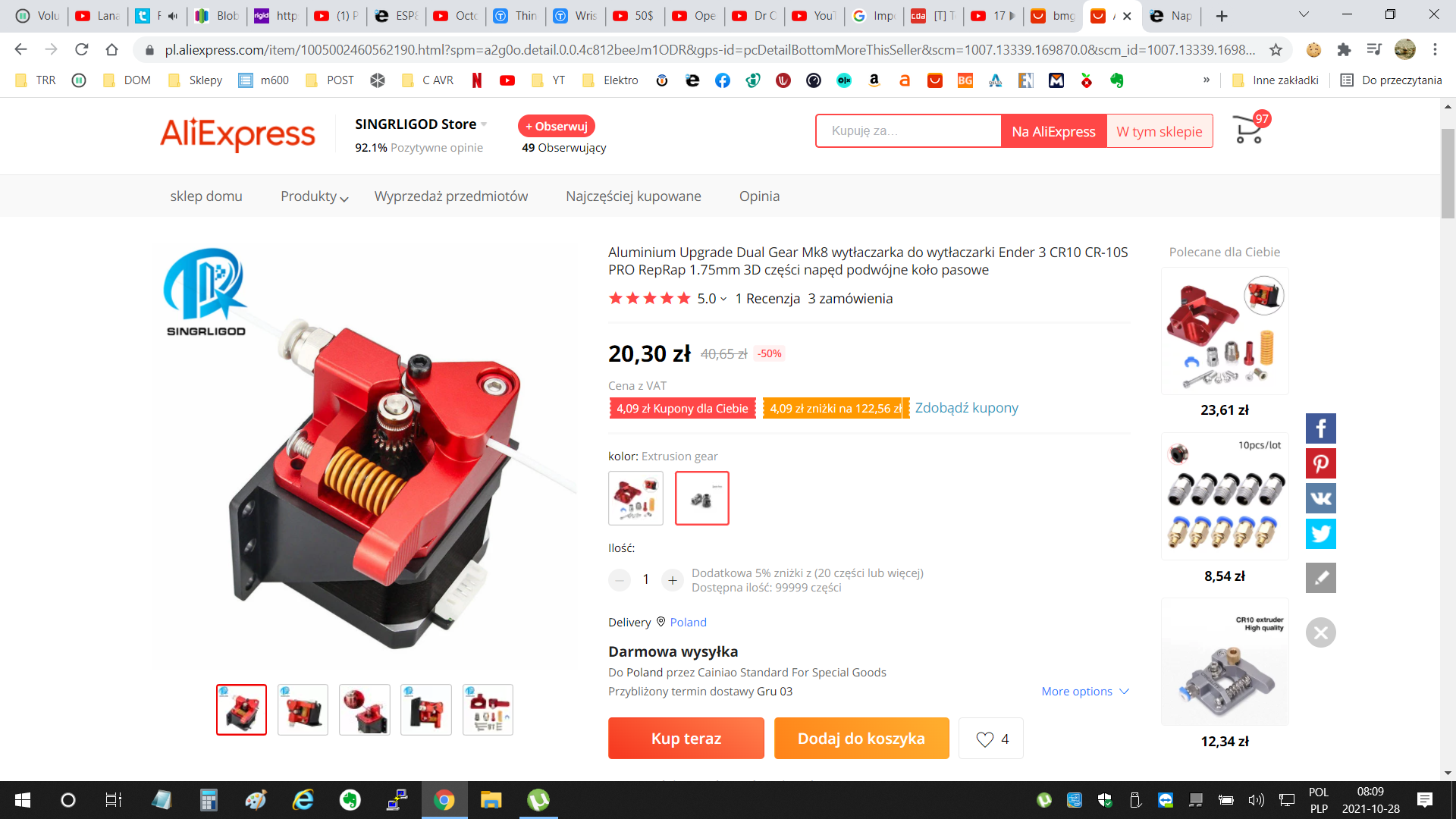
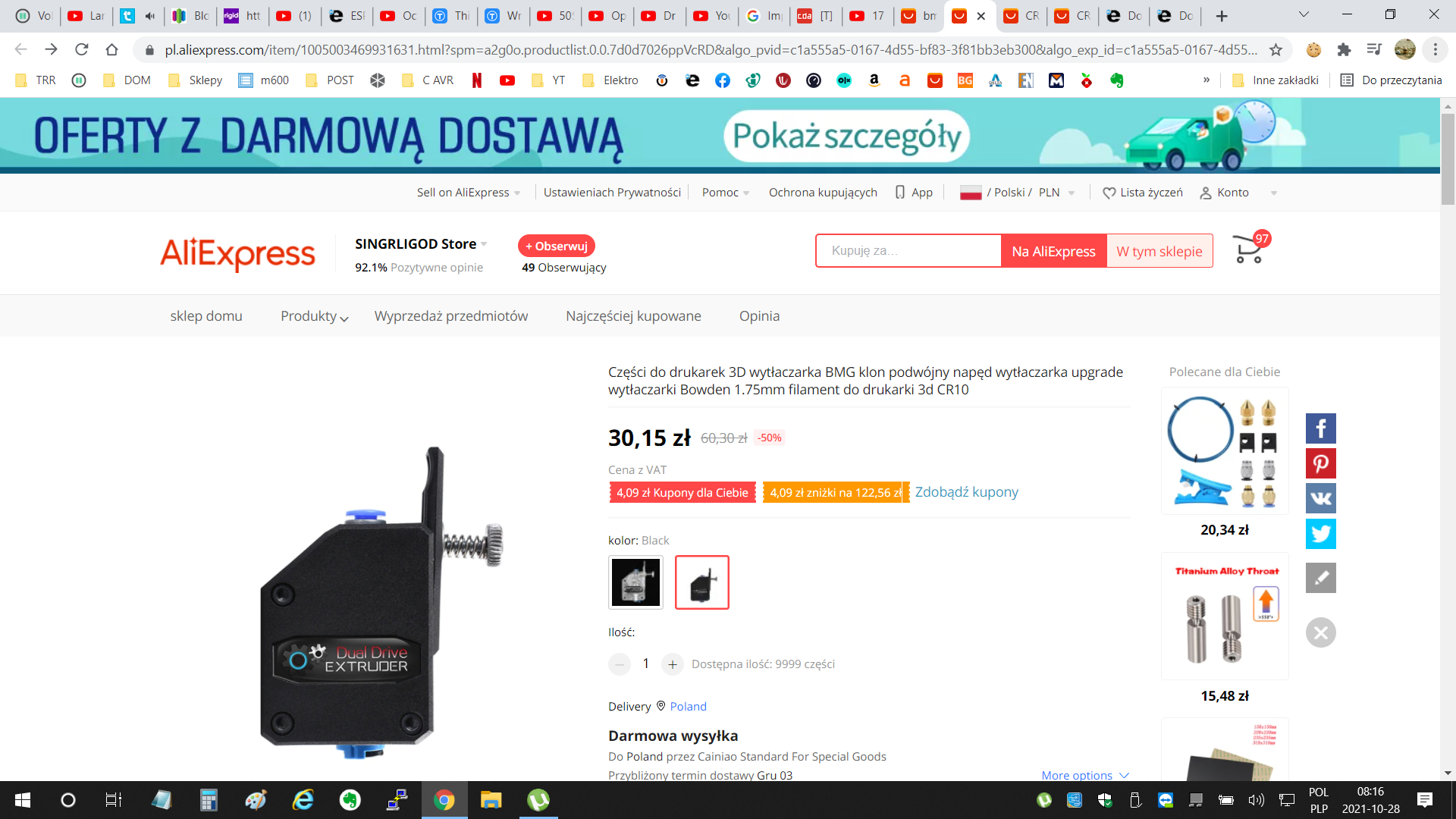
    @p.kaczmarek2 I didn't write when I bought, and the fact is that I bought before VAT was introduced, but in fact a quick search on Ali from today shows that it is possible to get a bargain (the black BMG clone is much cheaper). The other thing is that searching on Ali for cheap deals is fun because their search engine I have the impression doesn't quite work as we would expect.
    0Of course you also have to wait a bit for delivery as it happens with purchases on Aliexpress, but it is possible to buy cheap:
    A good extruder for the Ender 3 Pro? Dual gear extruder. My impressions. A good extruder for the Ender 3 Pro? Dual gear extruder. My impressions.
  • #13 19678350
    p.kaczmarek2
    Moderator Smart Home
    blue_17 wrote:
    I am using an ender 3 V2 and have also fitted this extruder as the author of the post.
    More problematic is not the mechanical failure of the arm but the sliding of the filament on the bearing and the quality of the compression spring.

    This is exactly the type of problem I had with it:

    A good extruder for the Ender 3 Pro? Dual gear extruder. My impressions.
    since changing to the one in the topic it is much better. Maybe the different clone versions also differ in quality etc

    blue_17 wrote:

    After the change even with long prints the filament does not slip. It works well with the smallest investment threshold and this cannot be denied.

    Well, that's generally what I wanted to convey. And in addition, I still wanted to convey that the usual cheapest "aluminium" extruder (but not dual gear) is a dead end (ew: more dead end than the one here)

    adversus wrote:

    because I have the impression that their search engine doesn't quite work as we would expect.

    Their search engine sorts the listings by the smallest available price from the group of products on offer, so the sellers give to the group some super-expensive product that is not available or not complete and so scoop up the ranking

    Nevertheless, I will also check these BMGs according to your suggestions
    Helpful post? Buy me a coffee.
  • #14 19678500
    gemiel
    Level 25  
    I have the same extruder that I put on the Ender 3. Before assembling it I immediately threw away the screw that was supposed to be the axle for the take-off shaft. I used a piece of 3mm diameter axle taken out of some old floppy disk or CD drive.
  • #15 19678538
    snow
    Level 31  
    I am swapping to BMG straight away. At first the description encouraged me but after further research I came to the conclusion that I would take my chances with BMG

    adversus wrote:
    Now I have the M4 extruder printed from Voron on the belt and I will say yes, it is luxus, seriously seriously. Zero noise, just a gentle hum


    Is there an STL for this somewhere? If so, what is needed to put it together?
  • #17 19678751
    adversus
    Level 32  
    snow wrote:
    Is there an STL for this somewhere? If so, what is needed to put it together?

    Yes, it's on the Voron project website, all the files, documentation etc are available. On Youtube you have tutorials on how to put it together. Overall I am very happy with this Voron M4, it beats BMG and its clones by a head.
    documentation:
    https://www.vorondesign.com/voron_m4
    tutorial:
    https://www.youtube.com/watch?v=oTCxGellCQk
    and all sorts of remixes of the original available on Thingivers as shown by colleague @gemiel.
  • #18 19679146
    snow
    Level 31  
    Thanks. Will have to try and put it together :-)

    And maybe one of you could help with the topic of fan selection for the Ender? I have set up a topic: https://www.elektroda.pl/rtvforum/topic3841610.html#19678553

    Today I put on the silent motherboard for the Ender from Creality v4.2.7 and it is heaven and earth :) Something to think about with the blowing.
  • #19 20197531
    czaczus22
    Level 11  
    Hello,can someone share the Polish
    Firmware for ender 3 pro ver 2.4.7 .I can't find it anywhere and don't want to start a redundant topic.
📢 Listen (AI):
ADVERTISEMENT