Hello.
As we know, people are divided into two types. Those who will do backups and those who already do. I belong to the latter group.
For this purpose, I found a use for an HP Elite 8300 SFF office computer.
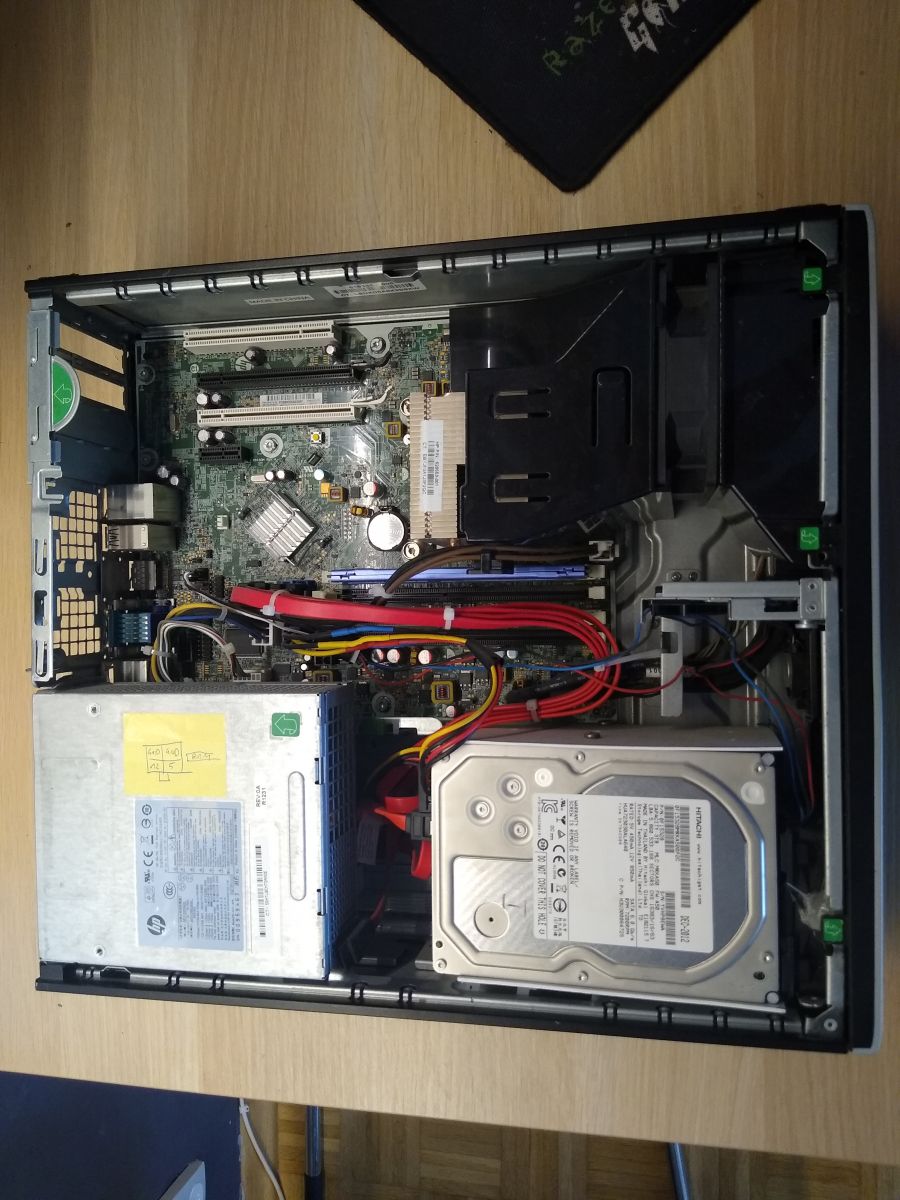
The whole thing works with urBackup as software. In order to fit up to three 3.5 inch drives and one 2.5 inch Sata SSD, I had to get rid of the drive rack in the 5.25 and 3.5 bays.
For the platter drives I made a cage out of a plastic ventilation duct, routed power from the motherboard for a small 70mm fan and modified the power cable for the drives.
On the visual side, the change was simple. I got rid of the 5.25 and 3.5 caps.
The hardware side is boring. Possibly a quick photo from the top:
I didn't bother with the lack of dentition as long as the server was behind the couch. Recently, the server took up space under the desk and that meant it was visible (no plugs and just a rectangular indentation in the front of the case). To make matters worse, it was within easy reach of the hands of two future electrode regulars
 .
.
I had originally planned to design and print the whole front of the case, but laziness got the better of me and it fell to the grille.
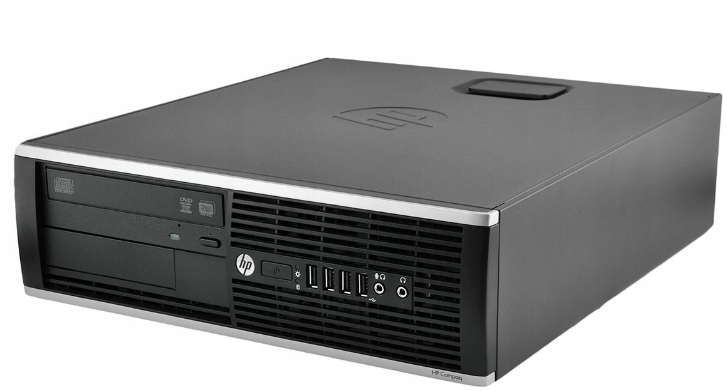
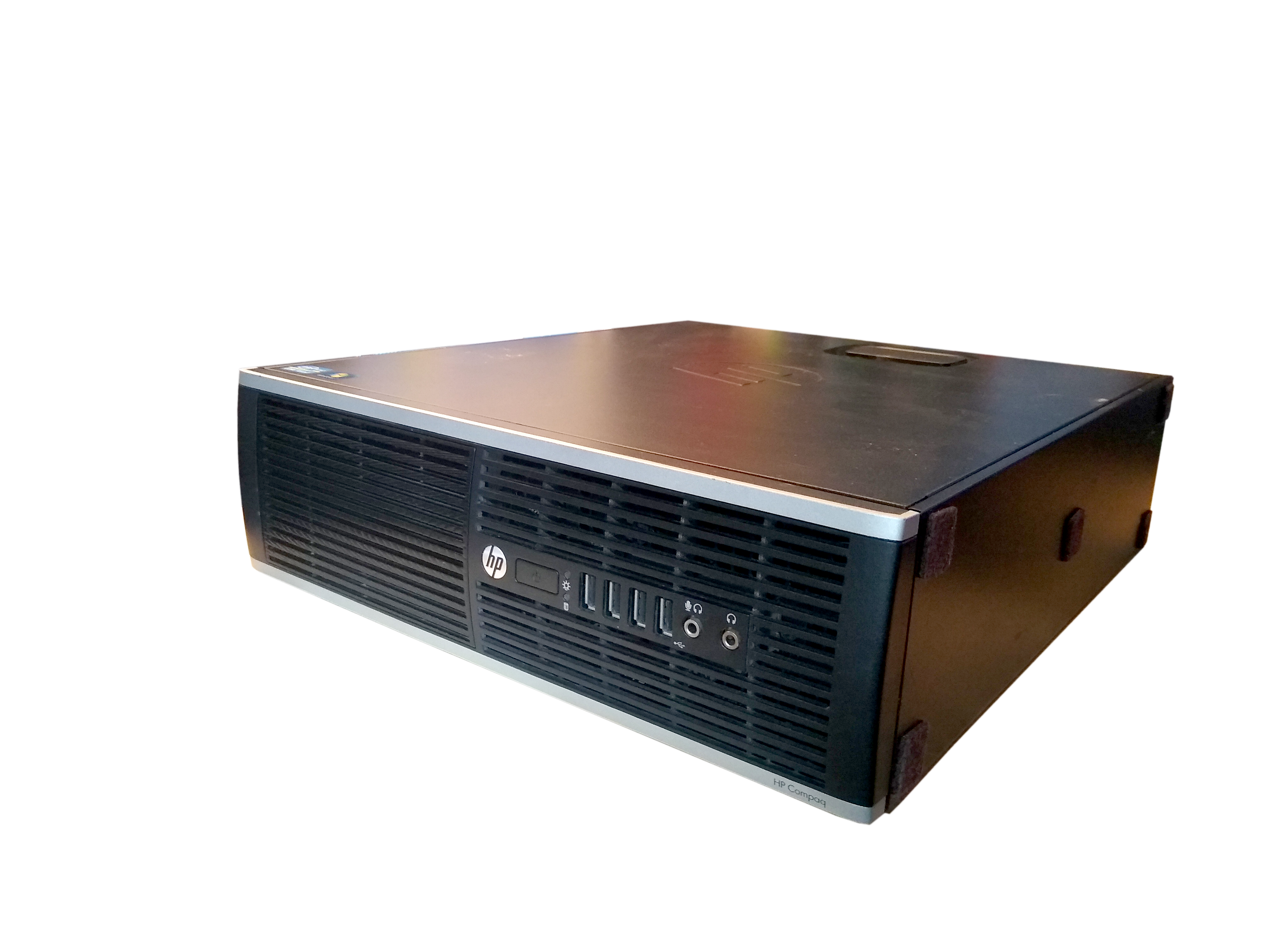
(Above is a picture of a typical HP Elite 8300)
However, there was a problem - the front is rounded.
Usually, all we had to do was gather the dimensions with a caliper and the subject was settled. In the end, I used calipers (overall dimensions of the indentation in the front of the case, width of the ventilation slots) and ordinary pieces of paper to design the fitted bezel, of course.
I'm already explaining. I saw that the height of the opening was 82.5mm, so I cut a piece of card to this length, applied it to the opening and drew the shape on one side and the other with a pen. The cards were then scanned, straightened and colour processed in Photoshop and then thrown into Blender to model the grille.
By trial and error, I found a scale factor where a scanned square of 10mm would correspond to a virtual square of 10mm. For a full scan taken by a Canon MP550, the image needs to be scaled up to a value of 59.282. The image below shows what this is all about:
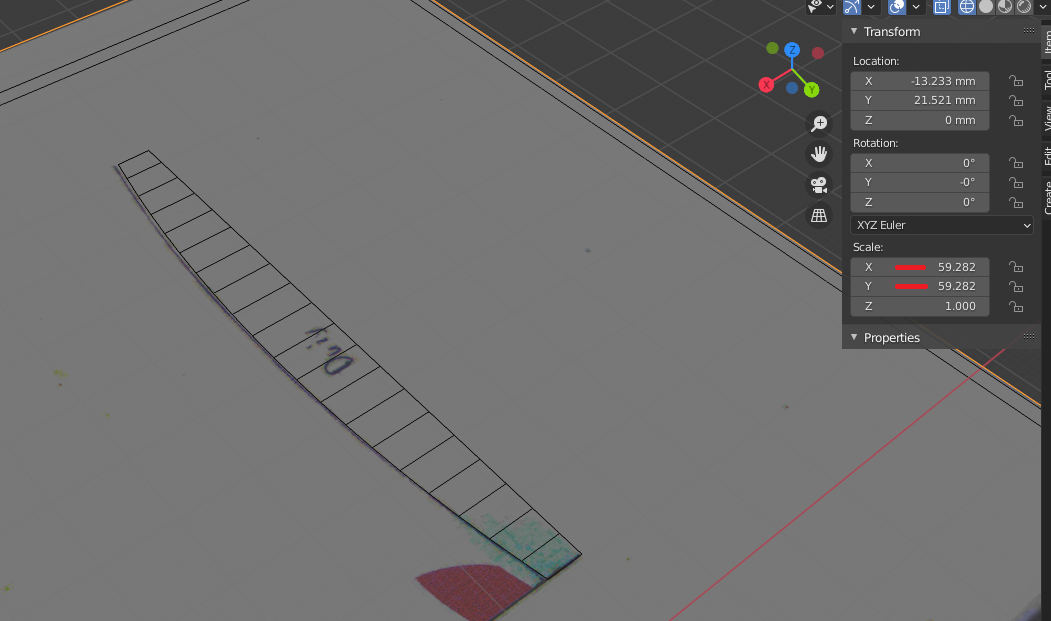
The scanned card had exactly the same width in Blender as measured with the caliper.
Since I already had the curves (two different ones - the case is more convex in the middle than on the side) of the case transferred to Blender to the first step was to merge the pieces. To the rescue here comes the bridge option available in vertex edit mode under W->Loop Tools.
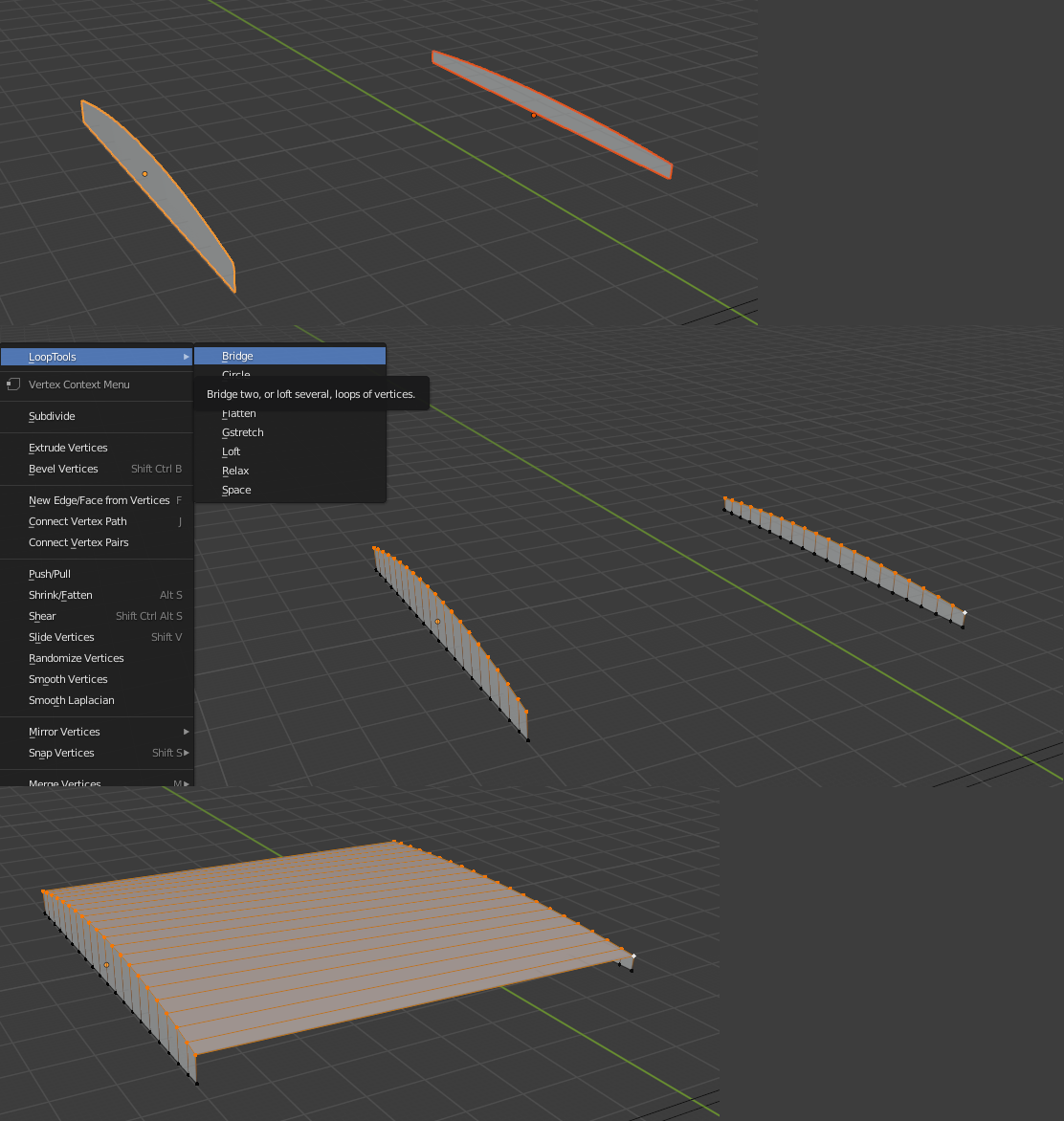
I then modelled another object, which was the exact inverse of the ventilation slots. Next, it was a formality to use the boolean (difference) operator on the modelled front piece.
A very helpful tool is a free plugin that checks the model for 3D printing.
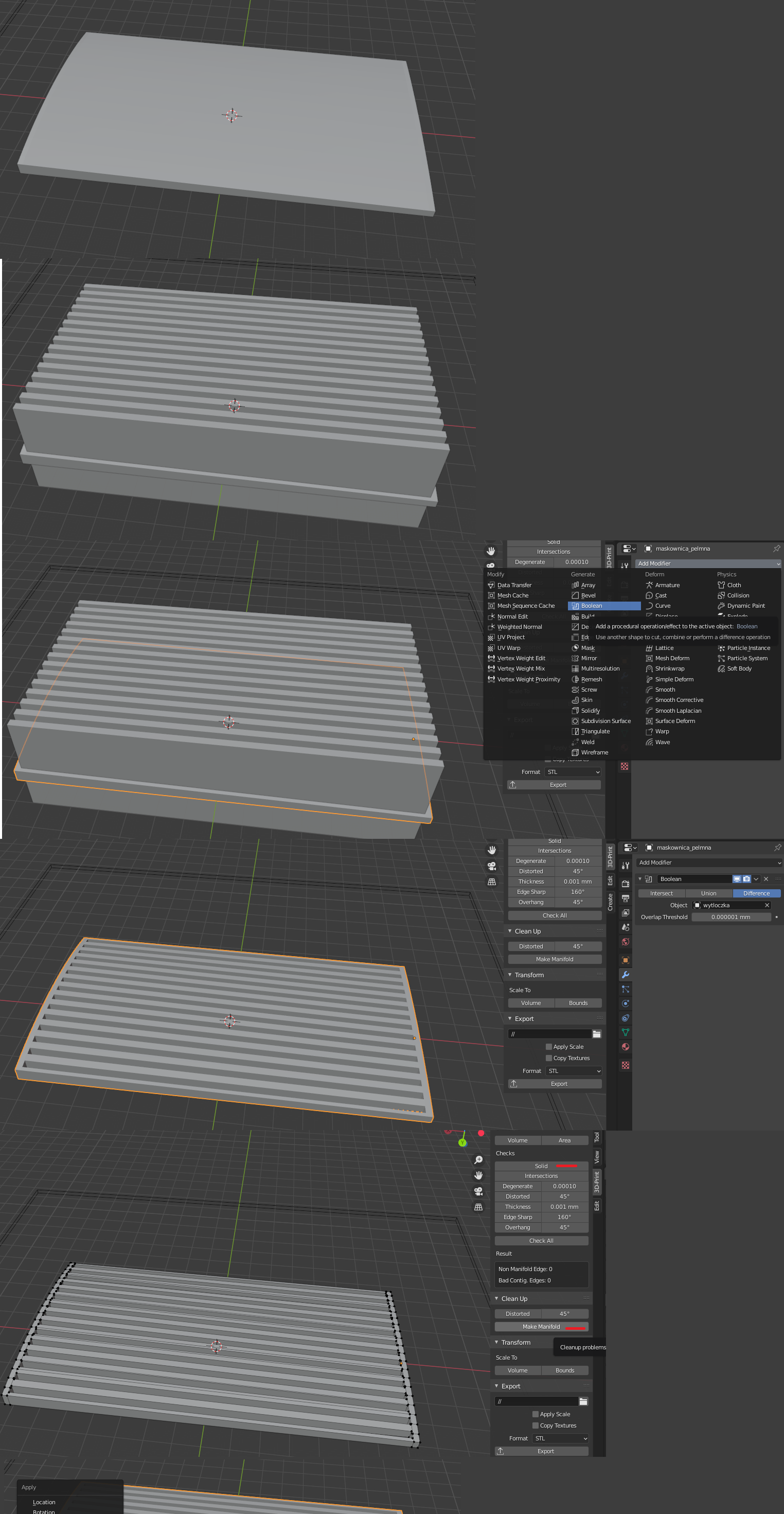
(Modelled full bezel, extrusion and use of boolean modifier)
In a nutshell, designing any part in Blender for 3d printing looks like this:
1. Model the object using any technique (in my case, modelling from a scan and using a second model as a "extrusion"
2. In vertex editing mode we use the 3D Print extension we check if our model is correct (by clicking the "Solid" button) and very often for simpler errors "Make Manifold".
3. Once in object manipulation mode, we use the shortcut Ctrl + A and select 'Rotation and Scale'. This is necessary because sometimes Blender uses a different scale than the print program.
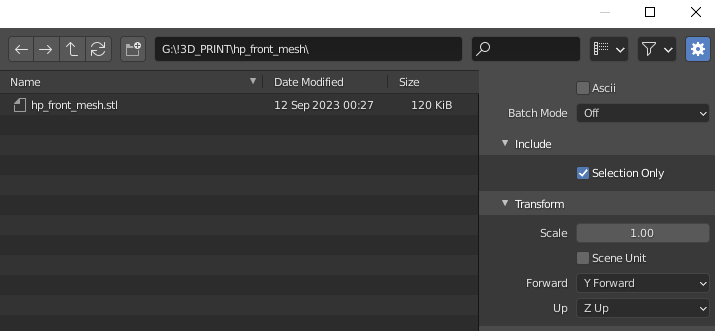
4. We export our model to a *.STL file with "Selection Only" selected and leaving the Scale at the default value (1.00)
Then just have the 3D printer print.
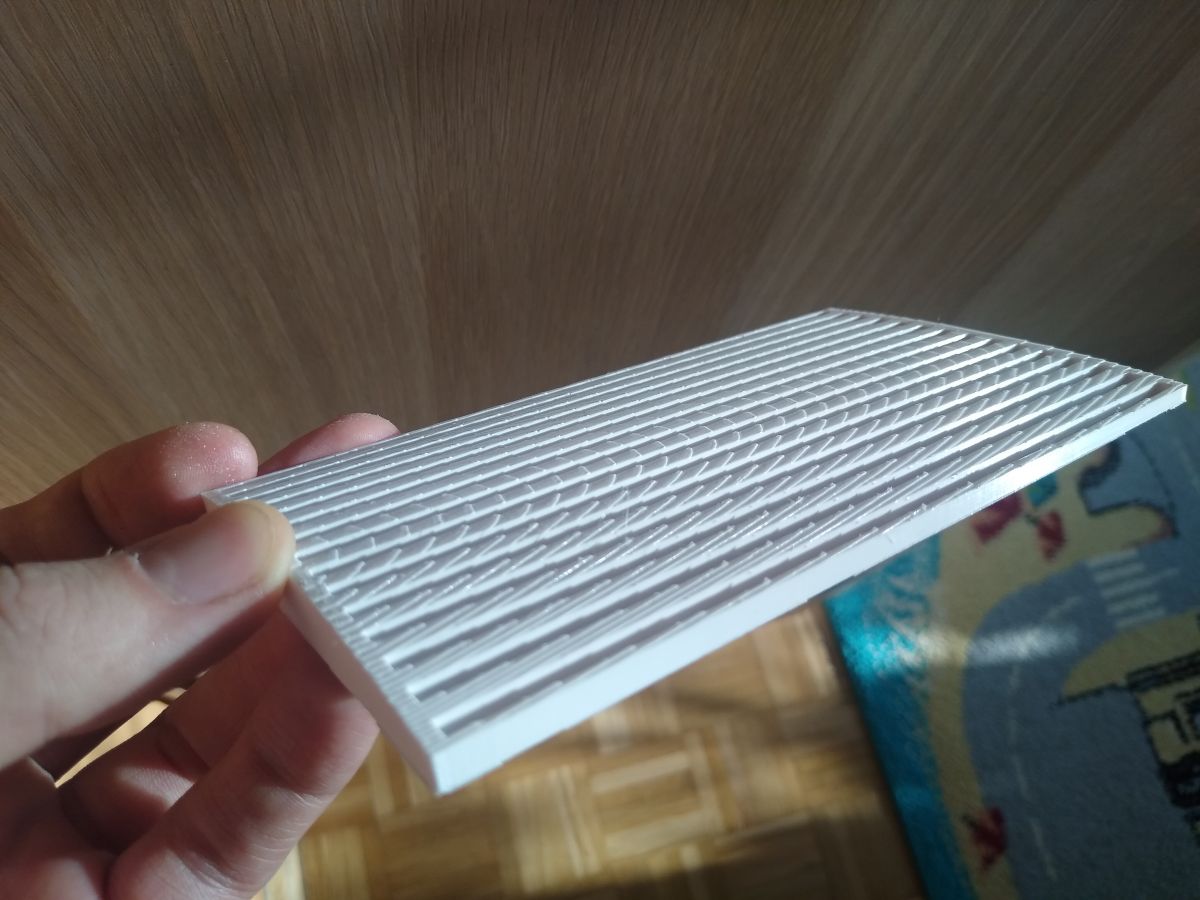
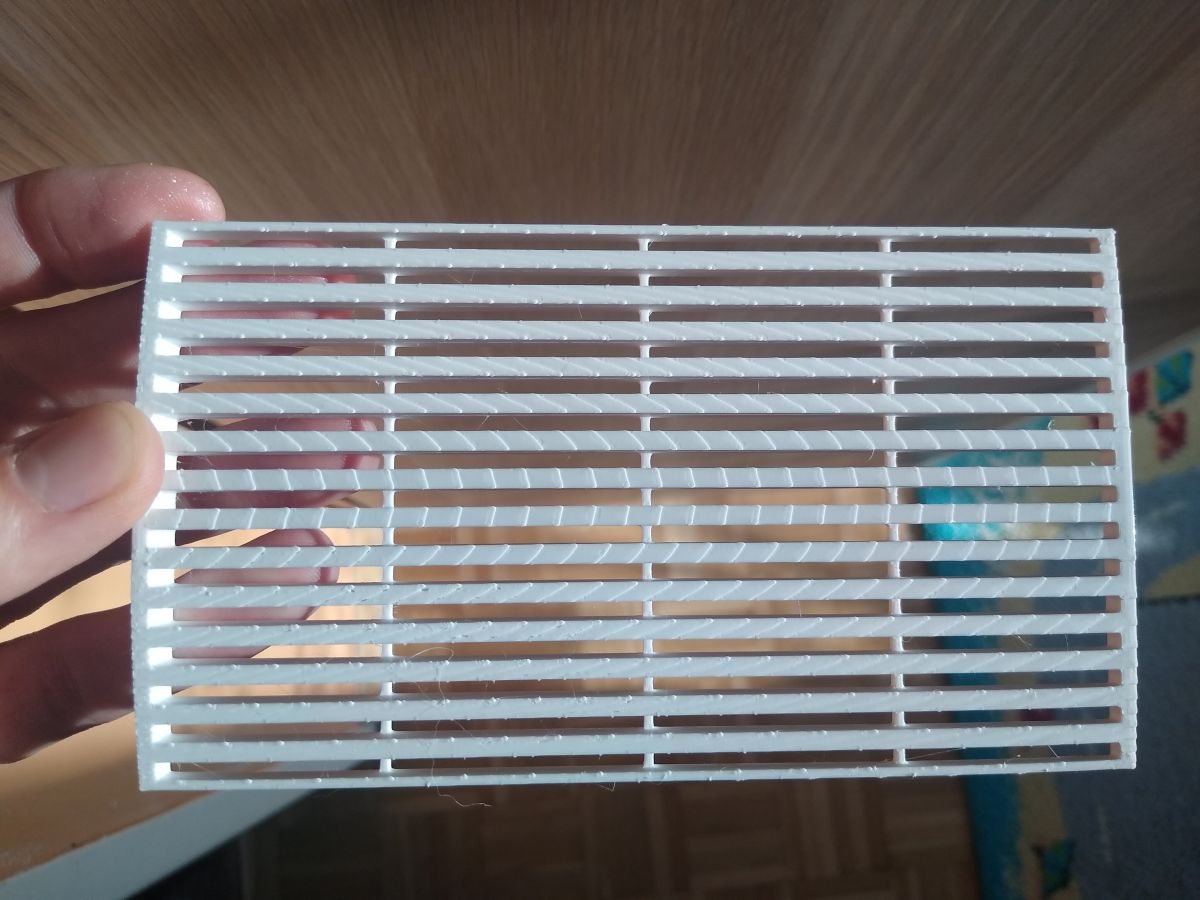
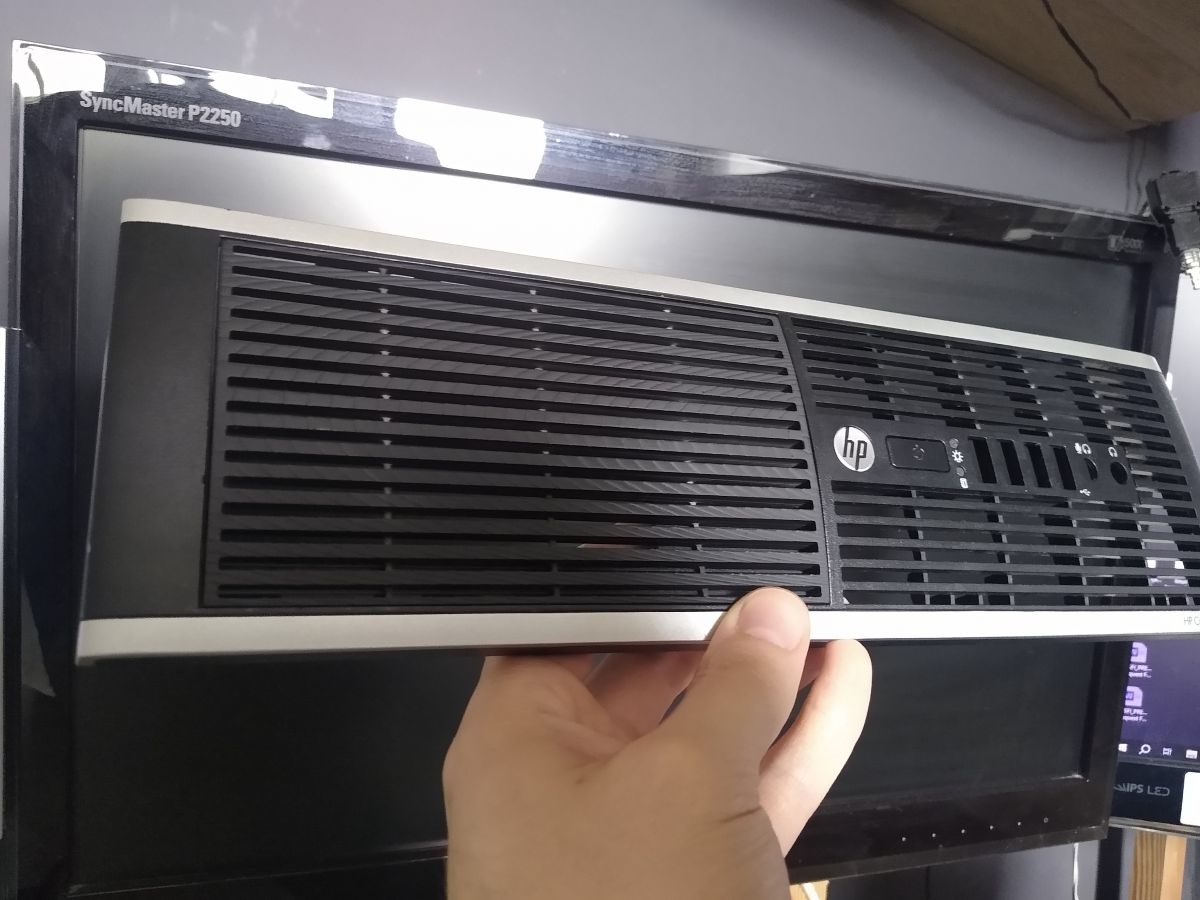
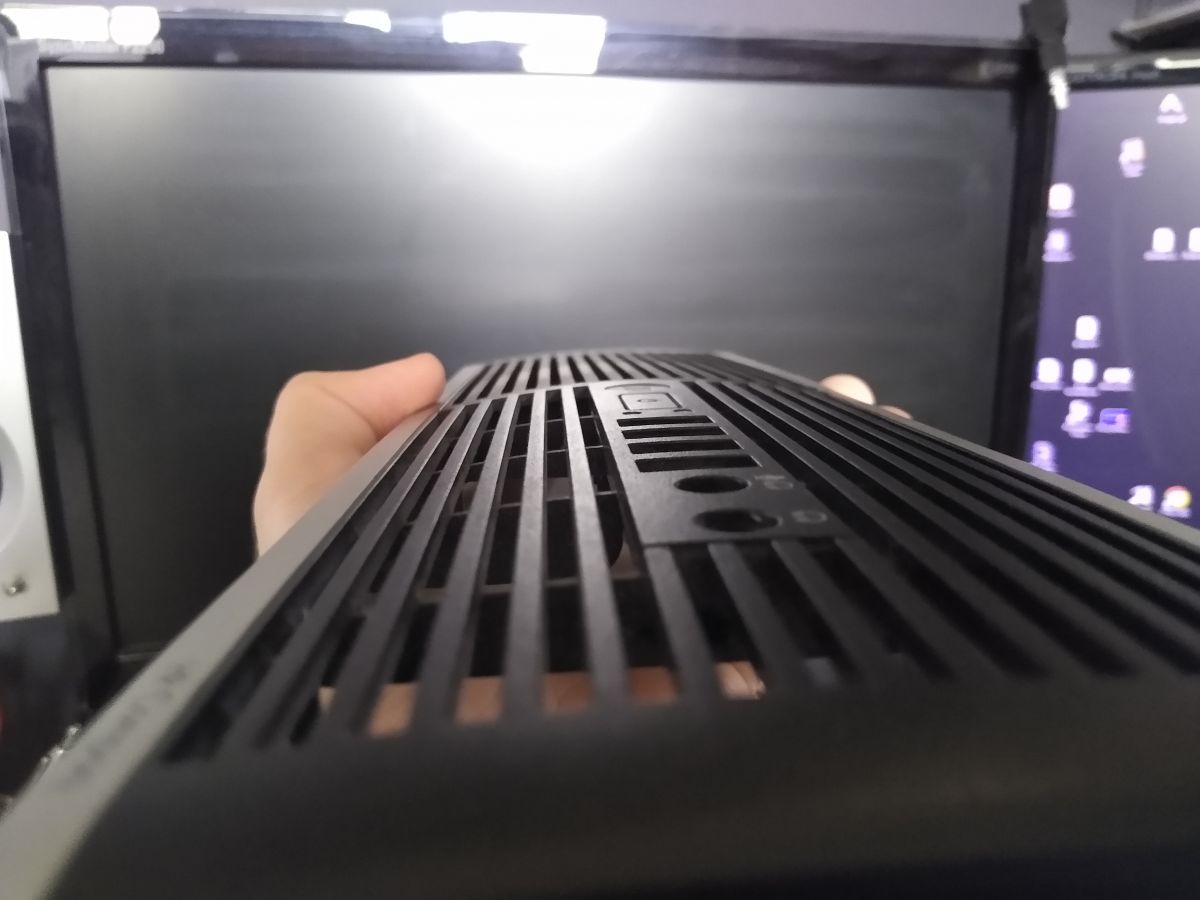
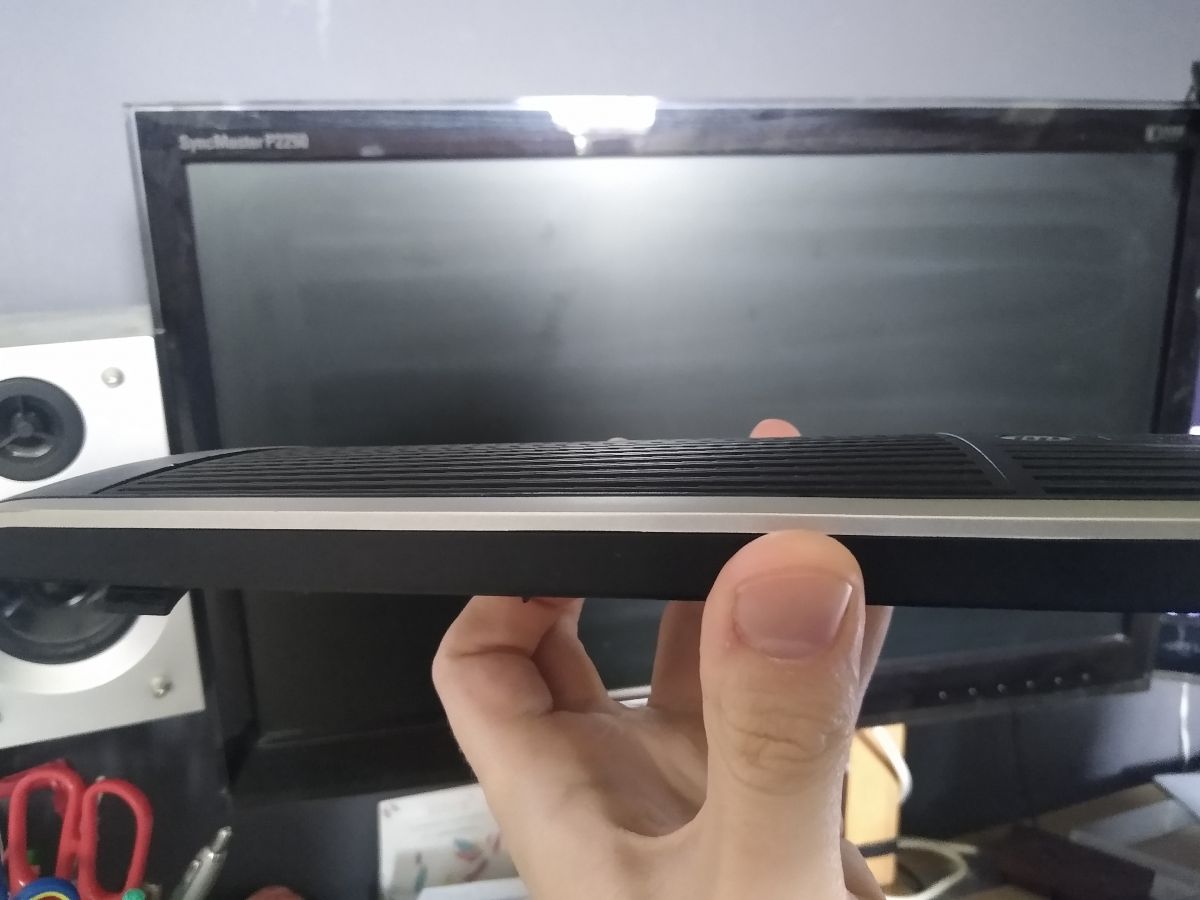
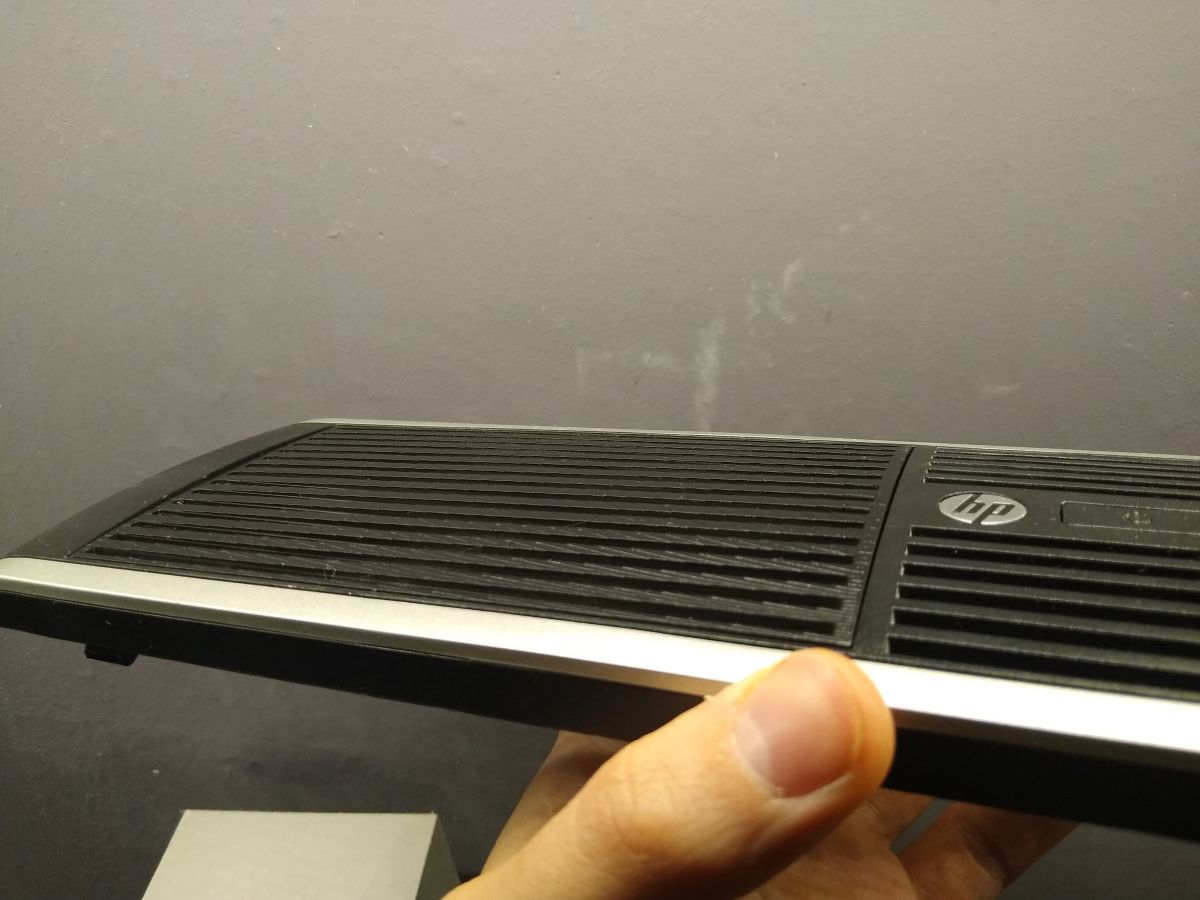
The Ender 3 pro took 10 hours to print (nozzle 0.3). Of the additional options, only "Ironing" (smoothing the top flat layers). The print is Plast-Spaw white PLA. The cost of the filament is about 4.5 PLN. I lightly sanded the bezel with 120 paper on a "washing up sponge" and dusted it off. Then a matte black acrylic varnish went on it and after a few minutes a clear coat.
What would I change? In the future, I would definitely project the piece during the day (in the sense of not being tired). The slots in the bezel do not match the slots in the front. This is a typical design error ("What was I thinking?!"), but it doesn't bother me too much because the computer is sitting under my desk. It is possible that I would have mounted the front differently to the case (press-fit). The last thing could be to grind the bezel harder, so that the "steps" are not visible.
I have attached my bezel to the topic as an STL file. If anyone finds it useful - great. If someone needs it they can "home-model" their own connection system to the front of the case (in my case it's hot glue and good intentions).
Stay tuned.
Aha, the password is the name of our portal

Cool? Ranking DIY