







Hello to all forum members. This is my first topic on this forum, so please be understanding🙂 .
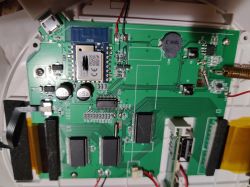
I have a problem with my Tuya Setti SMS603 weather station (twin models are: sws-s001, Blitzwolf ws02). Well, after a power outage (about 3 times in a few minutes) the station stopped connecting to the Tuya app, the Wi-Fi symbol disappeared on the screen and it fails to put the station into pairing mode (it has a physical button for pairing - you hear a sound that it should be ready to pair, but the Wi-Fi sign doesn't flash on the screen and the Tuya app doesn't see it). I managed to take it apart to see what module is inside - Cb3s. Has anyone had a similar case and managed to solve it? I am sending pictures of the station and the interior. Thank you in advance for your help 🙂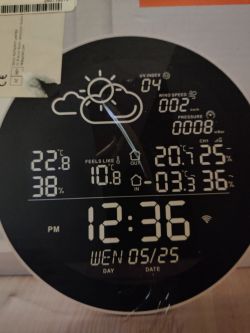
AI: Have you tried doing a factory reset of the weather station (if one is available)? If so, did anything change after the reset?
Yes, the station beeps but the Wi-Fi module does not work, the app does not detect it
AI: Apart from the Wi-Fi problem, does the station work properly - displays weather data, responds to other buttons, etc.?
Yes
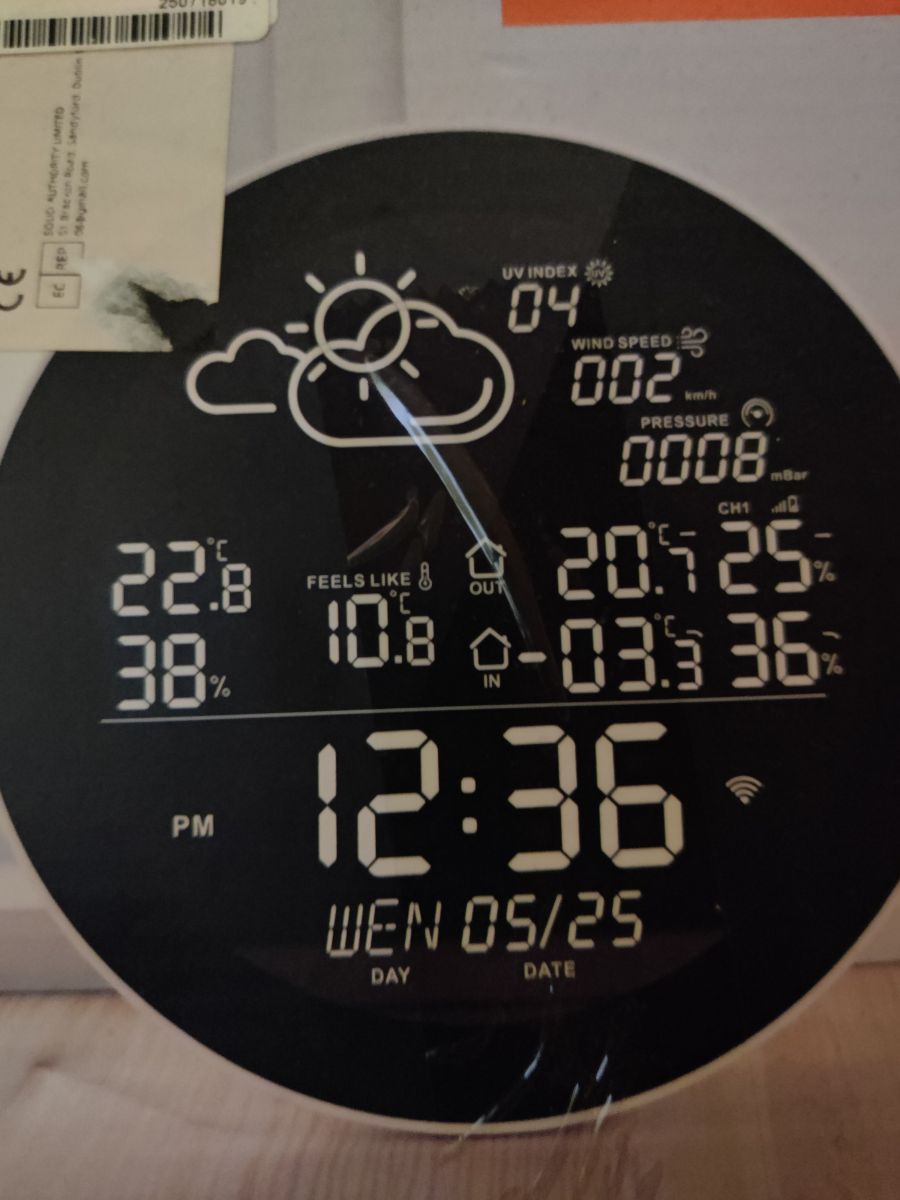
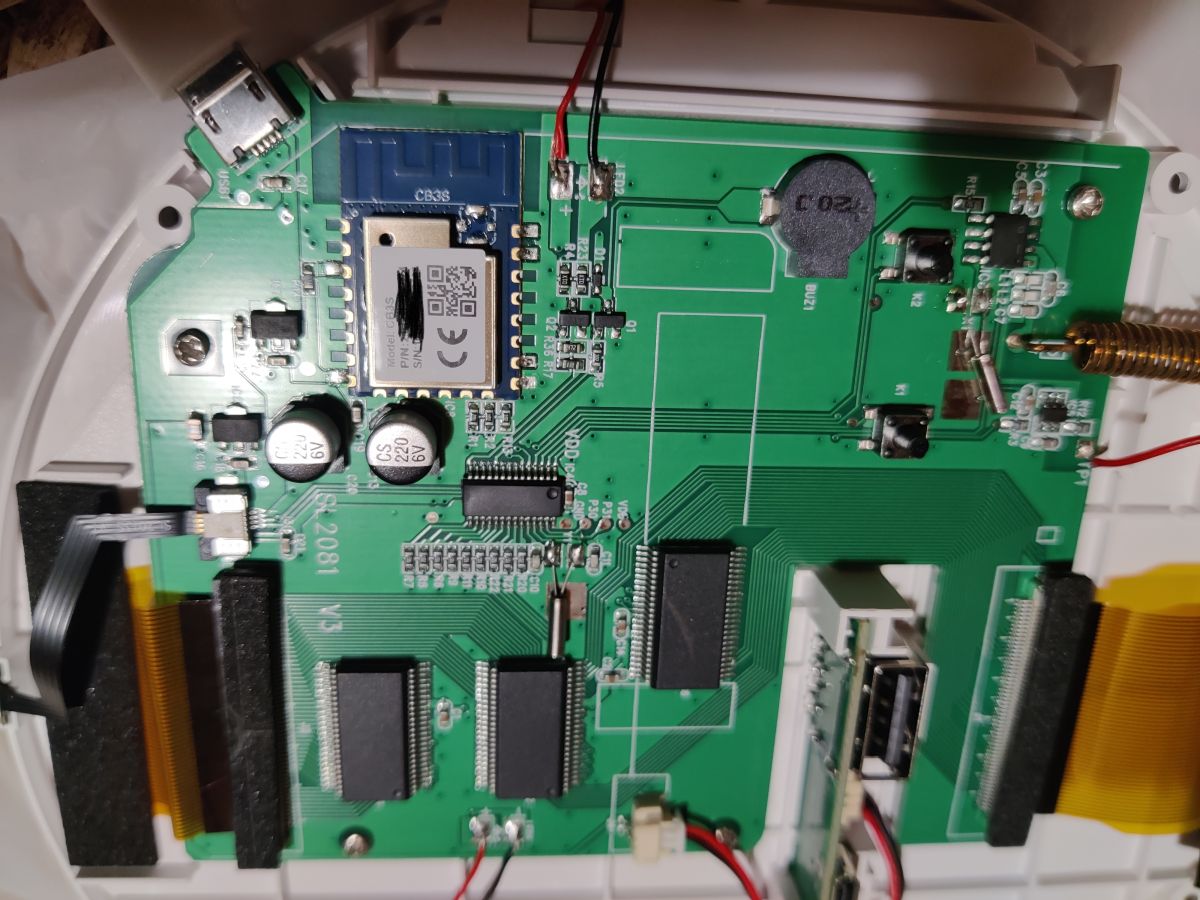
I have a problem with my Tuya Setti SMS603 weather station (twin models are: sws-s001, Blitzwolf ws02). Well, after a power outage (about 3 times in a few minutes) the station stopped connecting to the Tuya app, the Wi-Fi symbol disappeared on the screen and it fails to put the station into pairing mode (it has a physical button for pairing - you hear a sound that it should be ready to pair, but the Wi-Fi sign doesn't flash on the screen and the Tuya app doesn't see it). I managed to take it apart to see what module is inside - Cb3s. Has anyone had a similar case and managed to solve it? I am sending pictures of the station and the interior. Thank you in advance for your help 🙂
AI: Have you tried doing a factory reset of the weather station (if one is available)? If so, did anything change after the reset?
Yes, the station beeps but the Wi-Fi module does not work, the app does not detect it
AI: Apart from the Wi-Fi problem, does the station work properly - displays weather data, responds to other buttons, etc.?
Yes
