FAQ
TL;DR: To link a SONOFF SNZB‑01P button with Dual R3 shutters, buy a Zigbee gateway. A 4‑button Zigbee remote supports 12 scenes, and “Any gateway that supports zigbee and bt.” Place it near your router and build eWeLink scenes. [Elektroda, kkknc, post #21728778]
Why it matters: This FAQ helps Sonoff users pick the right bridge and set up one‑tap open/close without buying the wrong hub.
Quick Facts
- SNZB‑01P is Zigbee‑only; it won’t talk to Wi‑Fi gear without a Zigbee bridge. [Elektroda, gulson, post #21727429]
- Sonoff Zigbee Bridge Pro links Zigbee buttons and Wi‑Fi switches in one eWeLink app. [Elektroda, roman106, post #21728663]
- RF Bridge R2 is 433 MHz RF→Wi‑Fi, not Zigbee; it won’t pair with SNZB‑01P. [Elektroda, gulson, post #21729886]
- Zigbee mesh extends through mains‑powered Zigbee devices acting as repeaters. [Elektroda, roman106, post #21732537]
- Bridge Pro supports Zigbee mesh, aiding coverage when you add repeaters. [Elektroda, gulson, post #21732119]
Which Zigbee bridge should I buy to use SNZB‑01P with Dual R3 shutters?
Choose a Zigbee gateway, such as Sonoff Zigbee Bridge Pro. Avoid RF‑only hubs. The Bridge Pro is confirmed by forum mods and supports Zigbee mesh, making it a safe pick for pairing your Zigbee button and managing shutters via eWeLink scenes. [Elektroda, gulson, post #21729886]
Will SONOFF RF Bridge R2 work with the SNZB‑01P button?
No. RF Bridge R2 converts 433 MHz RF to Wi‑Fi and does not support Zigbee. A Zigbee device like SNZB‑01P cannot pair with it. If you try, pairing will fail and the button won’t appear in the app. “STOP, it won’t be good.” [Elektroda, gulson, post #21729886]
Can a Zigbee button trigger my Wi‑Fi Sonoff Dual R3 within eWeLink?
Yes. The Sonoff ecosystem with Zigbee Bridge Pro integrates Zigbee and Wi‑Fi devices inside one eWeLink app. Create a scene that maps the SNZB‑01P press to the Dual R3 shutter actions. “Allows the integration of Zigbee and WiFi devices within a single application.” [Elektroda, roman106, post #21728663]
Do I need Home Assistant or a Raspberry Pi as my bridge?
You can, but you don’t have to. Some users run Home Assistant on a Raspberry Pi as their bridge. If you prefer plug‑and‑play, the Sonoff Zigbee Bridge Pro handles the Zigbee side while your existing Wi‑Fi Sonoffs stay in eWeLink. [Elektroda, gulson, post #21727429]
Where should I place the Zigbee Bridge Pro for best reliability?
Place it where Wi‑Fi is strong, then improve Zigbee coverage by adding mains‑powered Zigbee devices (sockets, relays). Those devices act as mesh repeaters. Battery buttons like SNZB‑01P do not extend the network, so coverage depends on your repeaters. [Elektroda, roman106, post #21732537]
Does the Bridge Pro extend range by itself, or do I need repeaters?
The Bridge Pro supports Zigbee mesh, but range grows once you add mains‑powered Zigbee devices that relay traffic. Add a Zigbee plug or in‑wall relay to strengthen distant rooms and improve button responsiveness. [Elektroda, roman106, post #21732537]
Is buying the Sonoff Bridge Pro from Allegro a safe choice?
Yes. A moderator confirmed the Bridge Pro as OK and highlighted its mesh support. Users in the thread reported ordering it from Polish marketplaces without issues. This makes it a practical choice if you want easy returns. [Elektroda, gulson, post #21732119]
What’s a lower‑cost option if Bridge Pro feels pricey?
Consider buying used hardware. Users suggest checking local marketplaces (e.g., OLX) for second‑hand Sonoff gateways at reduced prices. It’s a budget‑friendly way to get Zigbee capability without losing eWeLink compatibility. [Elektroda, roman106, post #21729899]
How many scenes can I program with a multi‑button Zigbee remote?
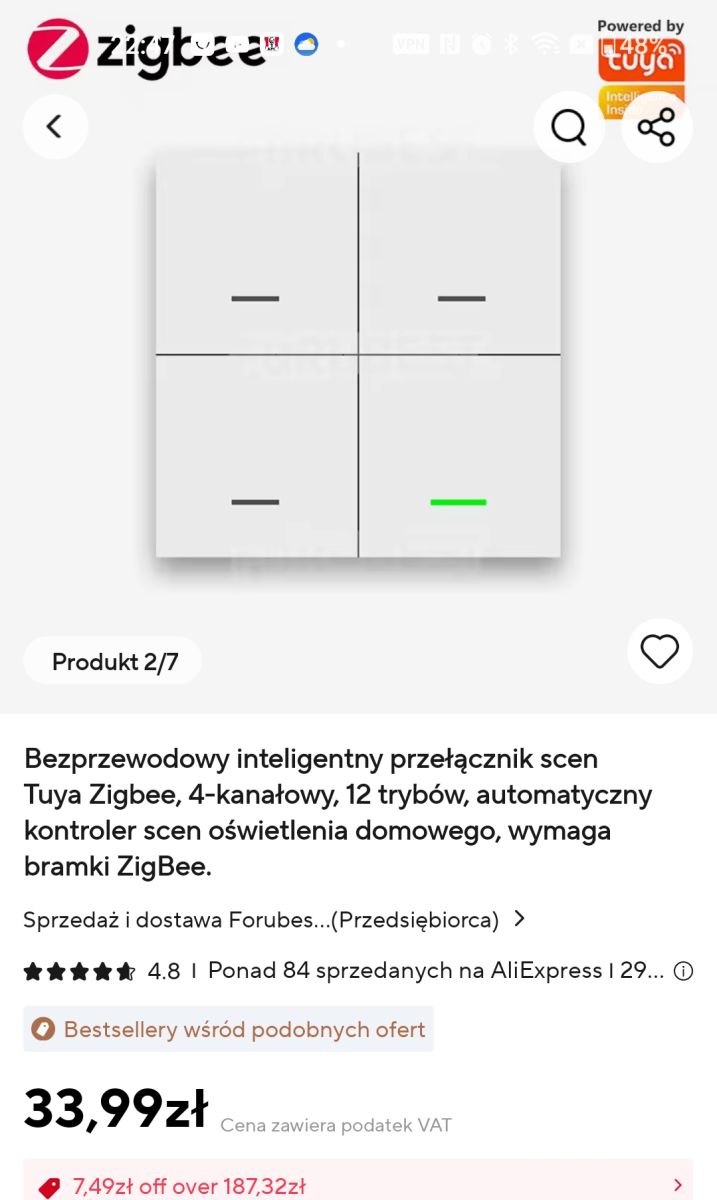
A four‑button remote can map up to 12 scenes when using single, double, and long presses. That’s enough to assign open/close/stop or room groups per press style. “It allows you to program 12 scenes.” [Elektroda, kkknc, post #21728778]
How do I make one button open or close all shutters?
- Pair SNZB‑01P to the Sonoff Zigbee Bridge Pro in eWeLink.
- In eWeLink, create a Scene: When SNZB‑01P is pressed, set each Dual R3 to Open or Close.
- Add another scene for the opposite action or use multi‑press patterns.
“Integration within a single application.” [Elektroda, roman106, post #21728663]
Will adding a Zigbee bridge affect my existing Wi‑Fi Sonoff devices?
No. You can run both protocols together. Keep your current Wi‑Fi Sonoffs and add Zigbee devices over time. With Bridge Pro, management stays in the same eWeLink app, simplifying mixed setups. [Elektroda, roman106, post #21728709]
I bought the wrong bridge. What failure symptoms should I expect?
If you purchased an RF‑only bridge (e.g., RF Bridge R2), Zigbee pairing will fail. The SNZB‑01P won’t enter pairing mode with it, and no new device will appear in eWeLink. Return it and choose a Zigbee gateway. [Elektroda, gulson, post #21729886]