Hello to the experts.
My name is Werner. I am looking for a solution to the following problem:
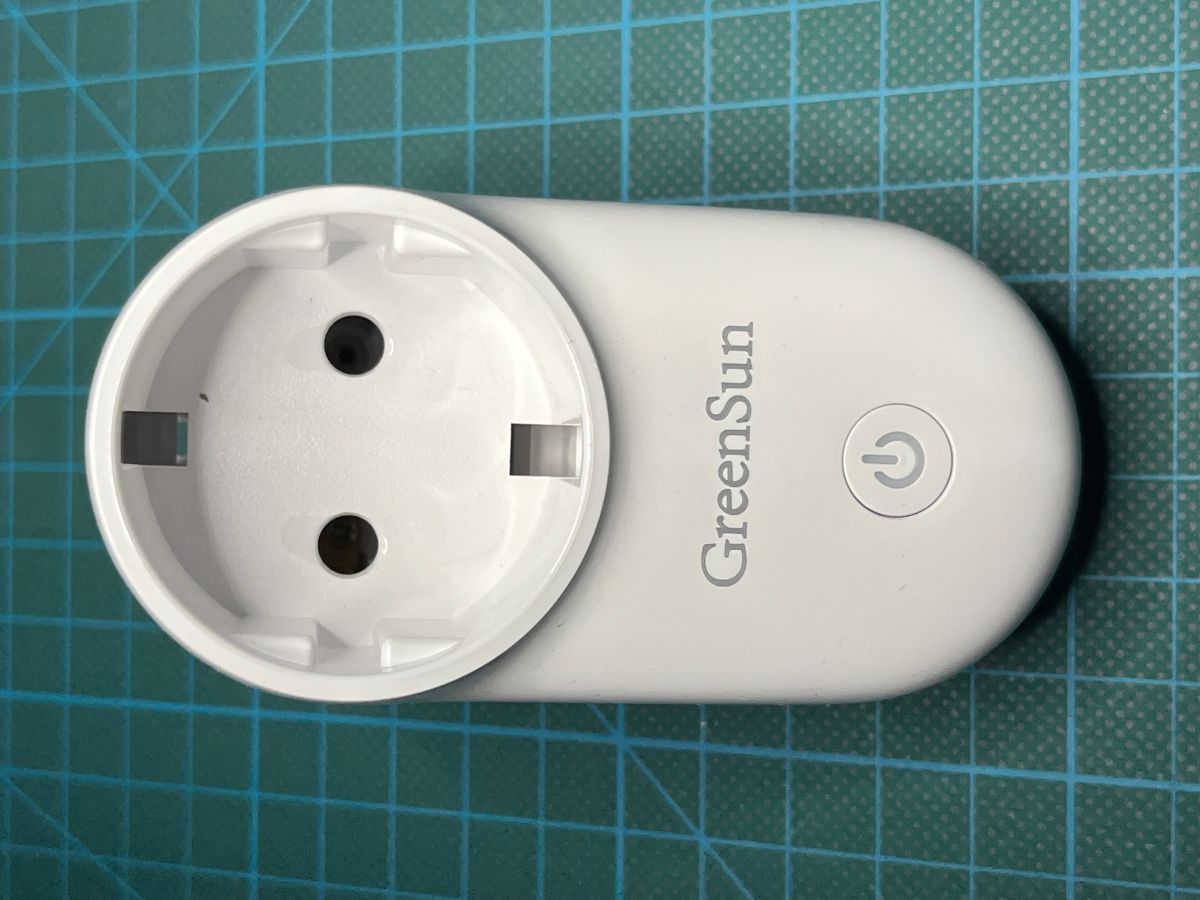
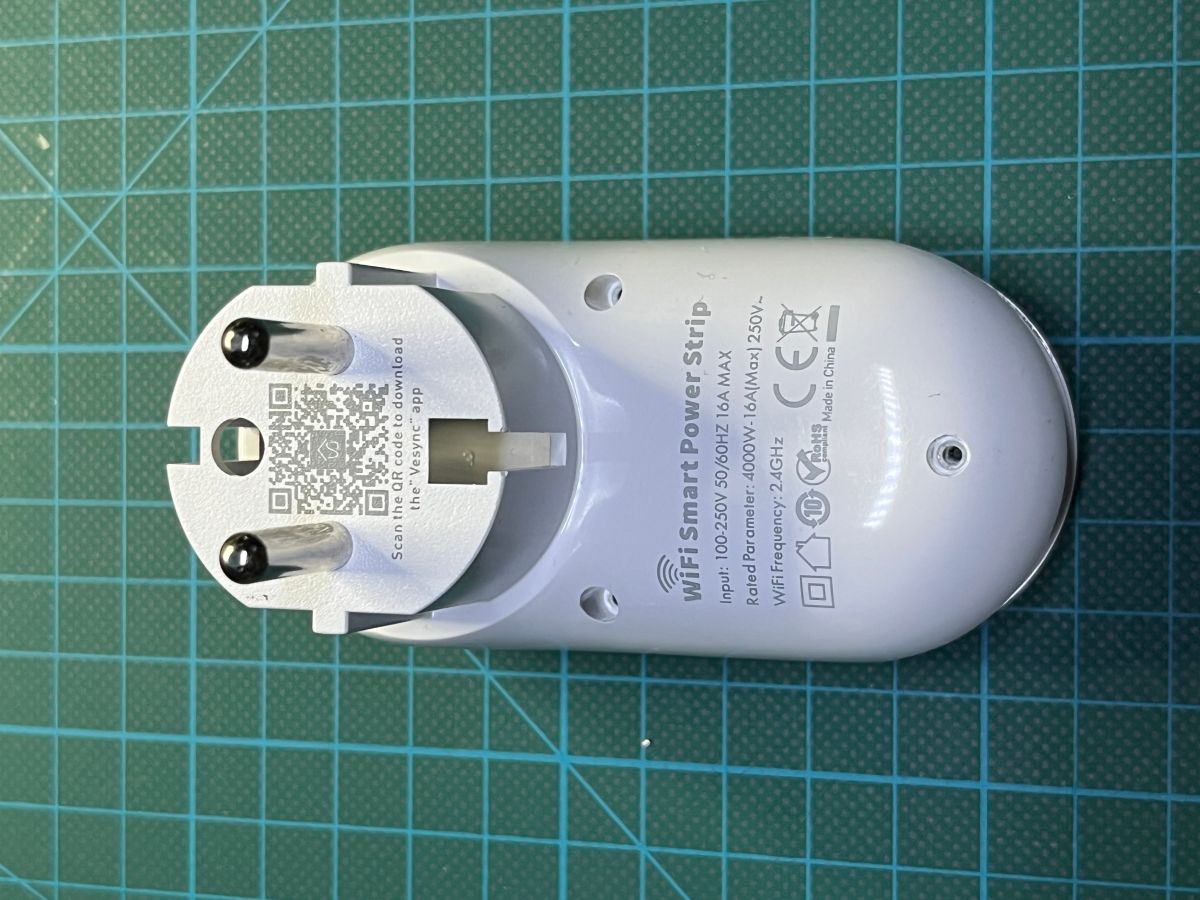
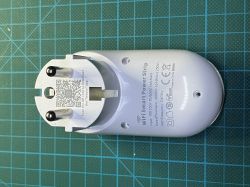
I have 2 GreenSun Wi-Fi Smart Power Strip sockets with night light (which is very important to me!).
While the 2nd one works without any problems, the 1st one gives me almost sleepless nights. It constantly loses the connection to the Wi-Fi, sometimes after about 10 minutes, sometimes after several hours.
If I disconnect it from the network for a while, I can set it up again. Then the game starts all over again.
After several tests, including with cold spray, and many more in-depth considerations, I came to the realisation that it was most likely a "defective" Wi-Fi module.
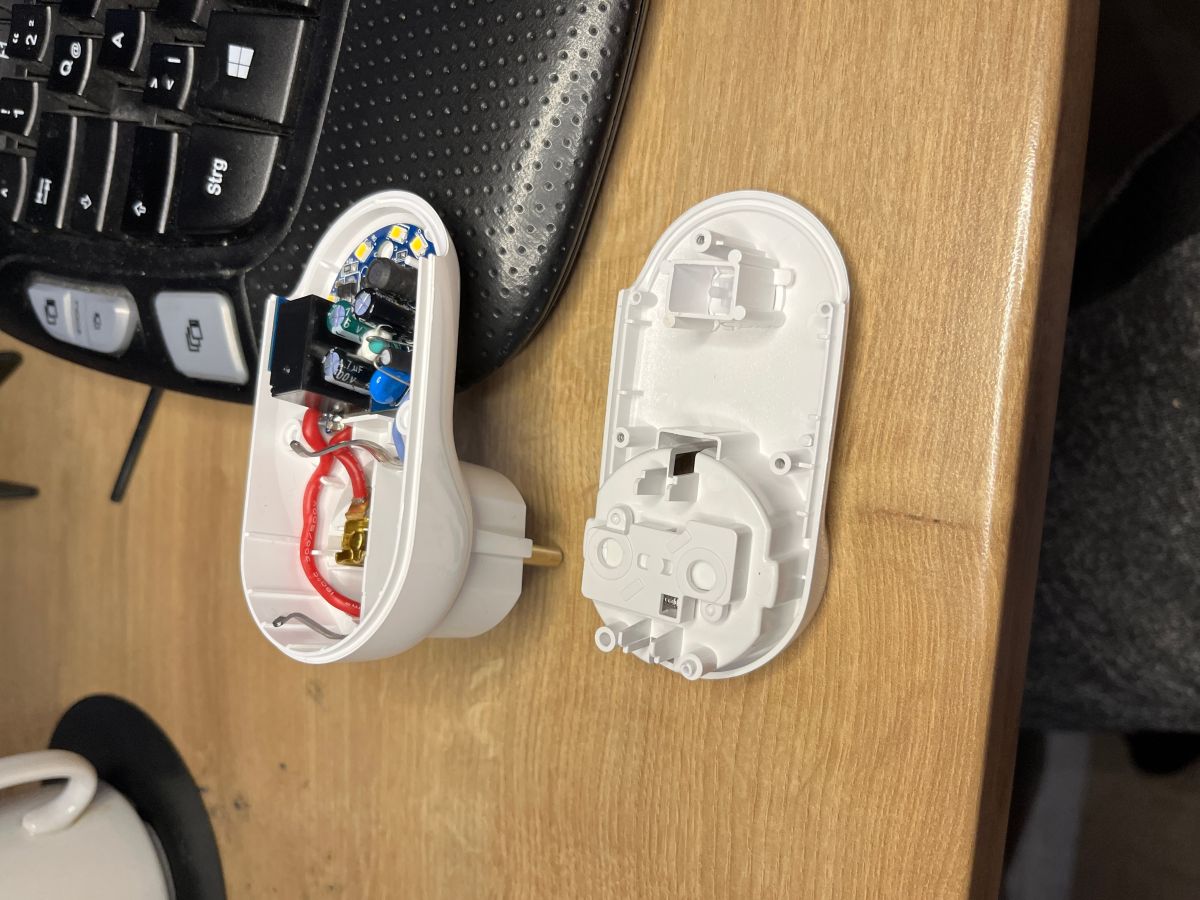
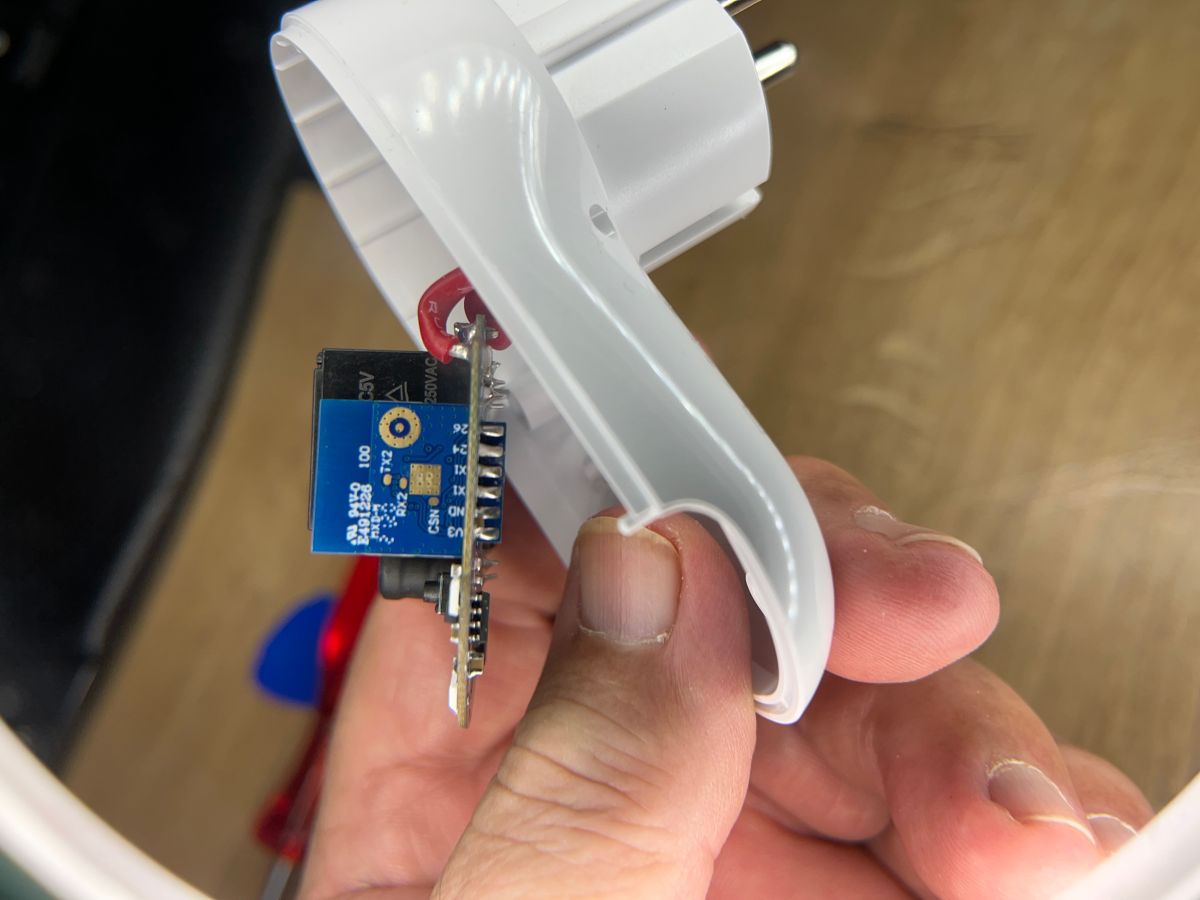
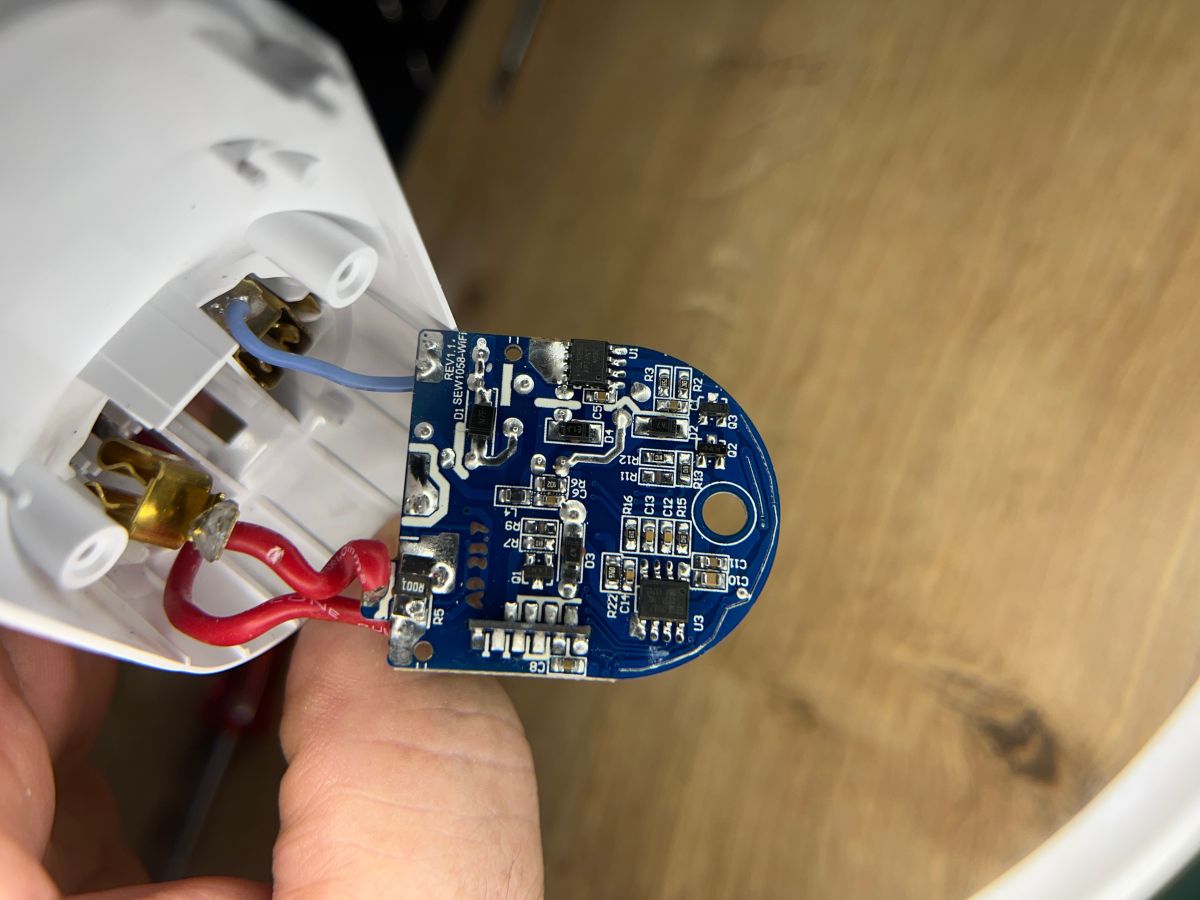
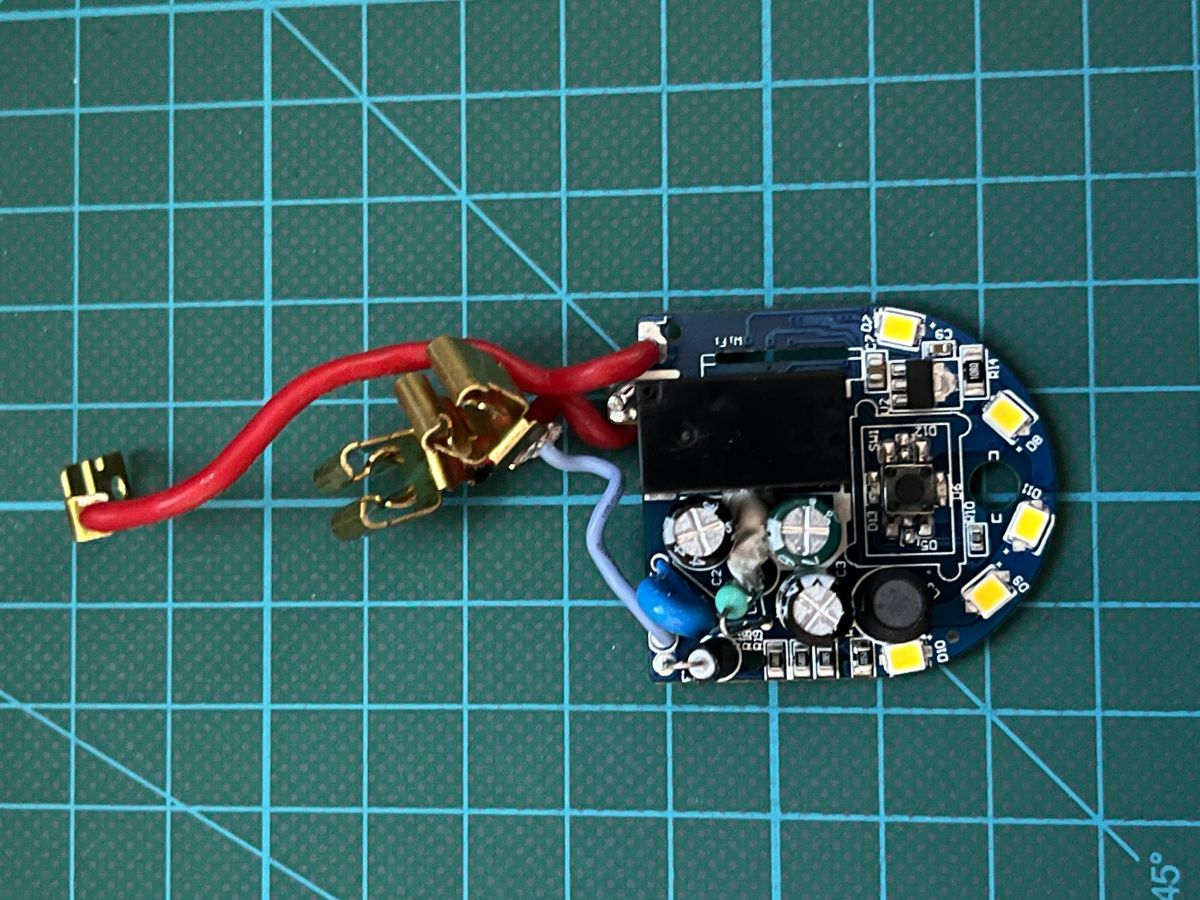
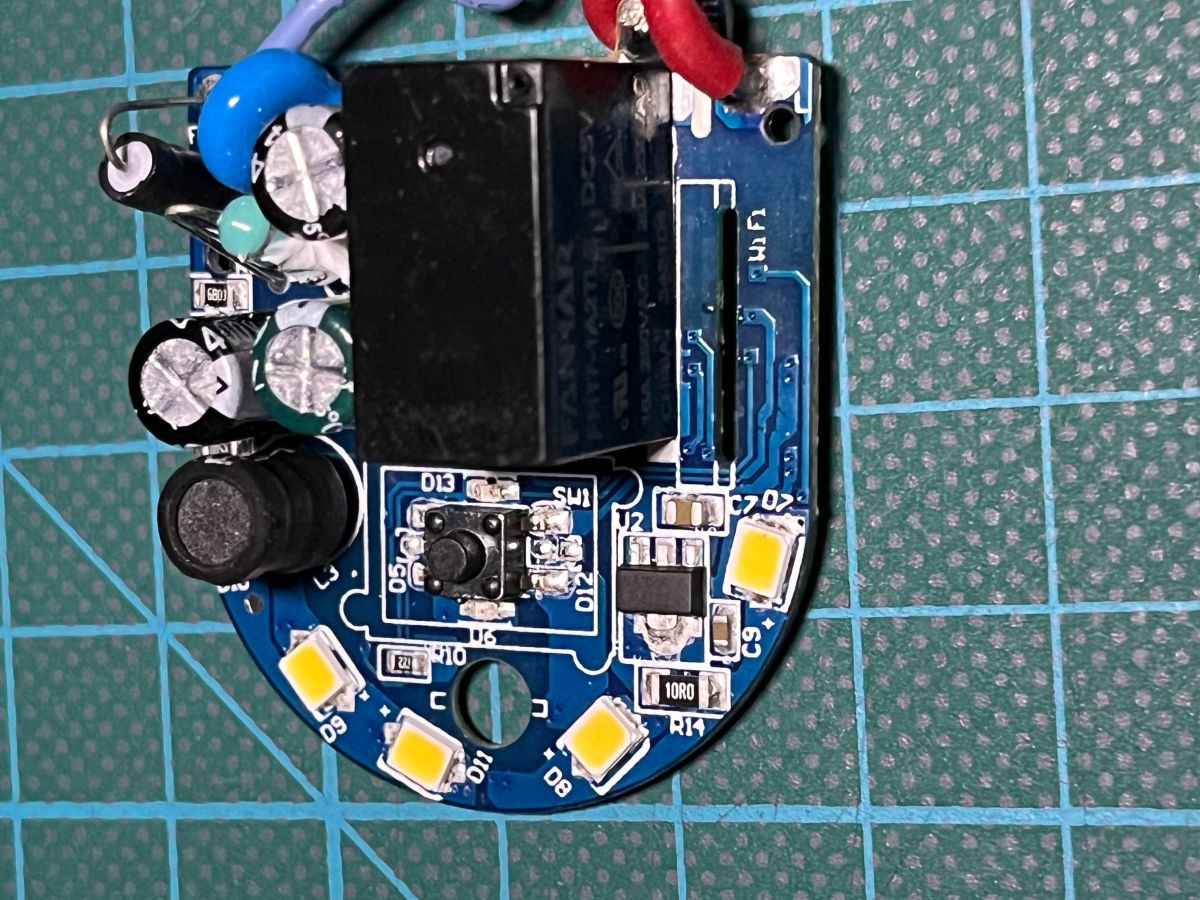
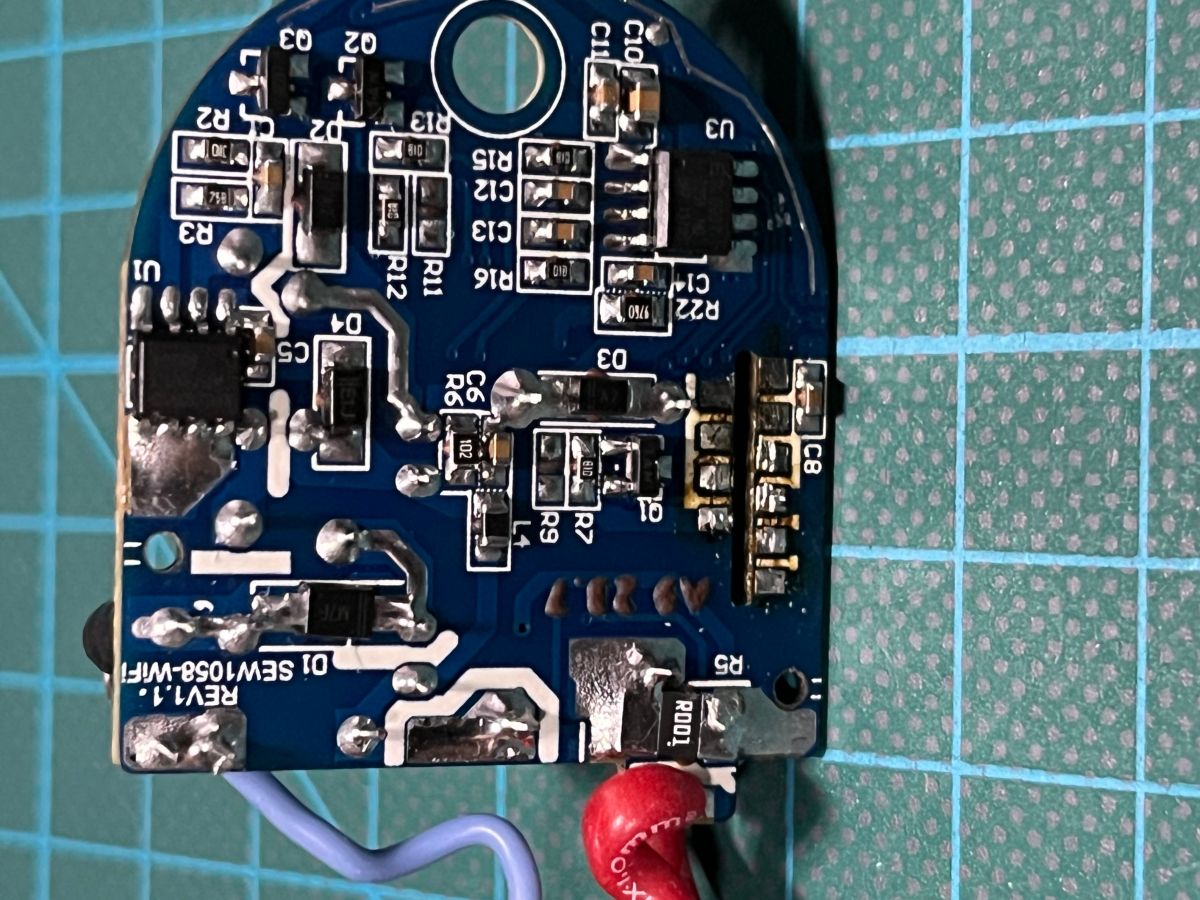
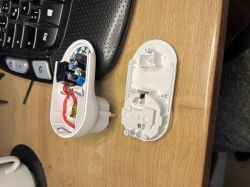
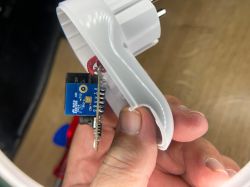
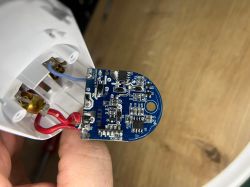
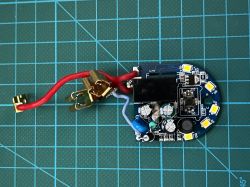
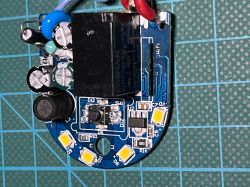
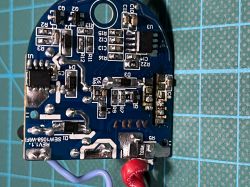
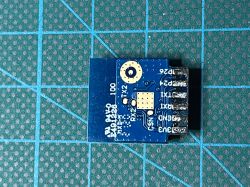
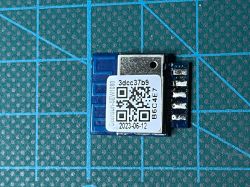
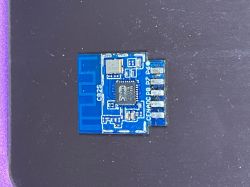
So I finally unsoldered the part. The photos are attached here.
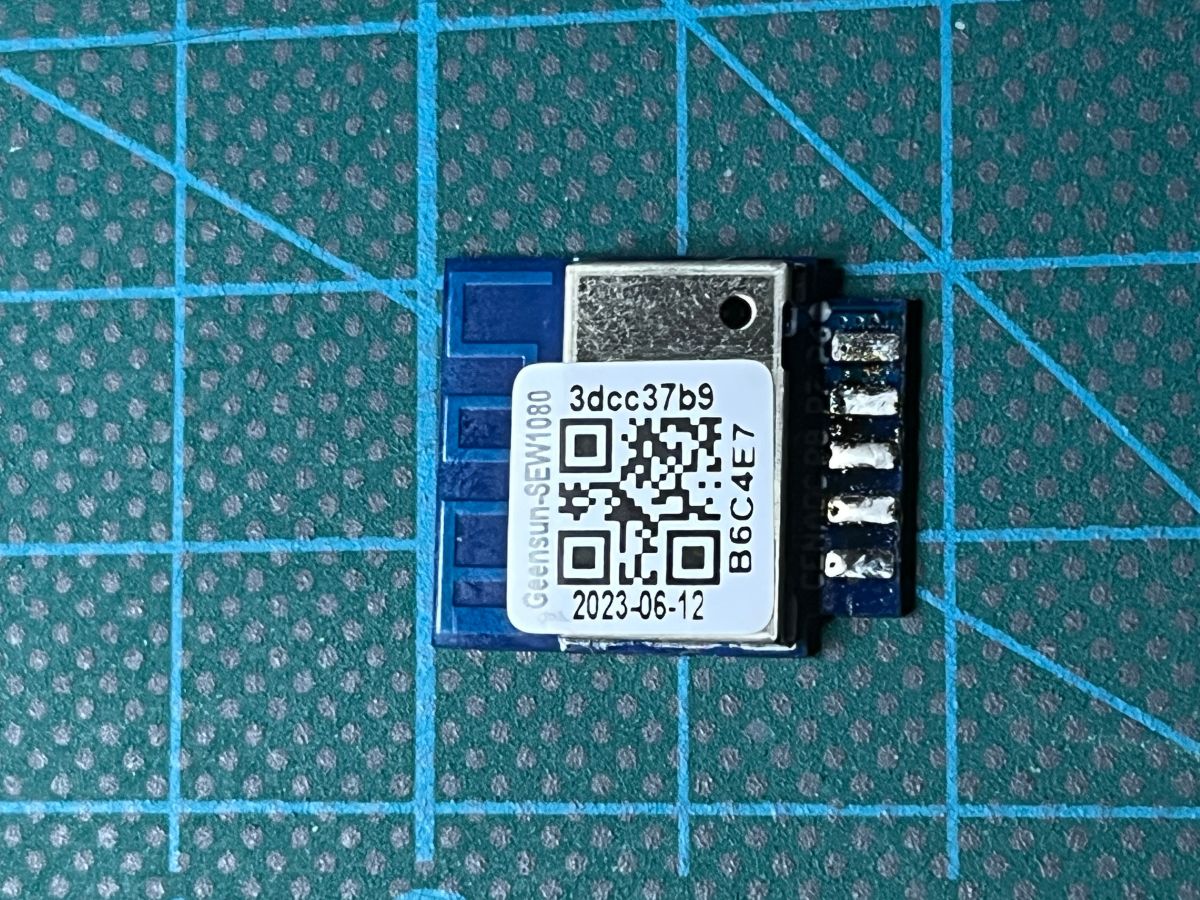
If I'm reading this correctly, the chip has the following designation according to the sticker: Geensun-SEW1080 _ 3dcc37b9 _ B6C4E7 _ 2023-06-12
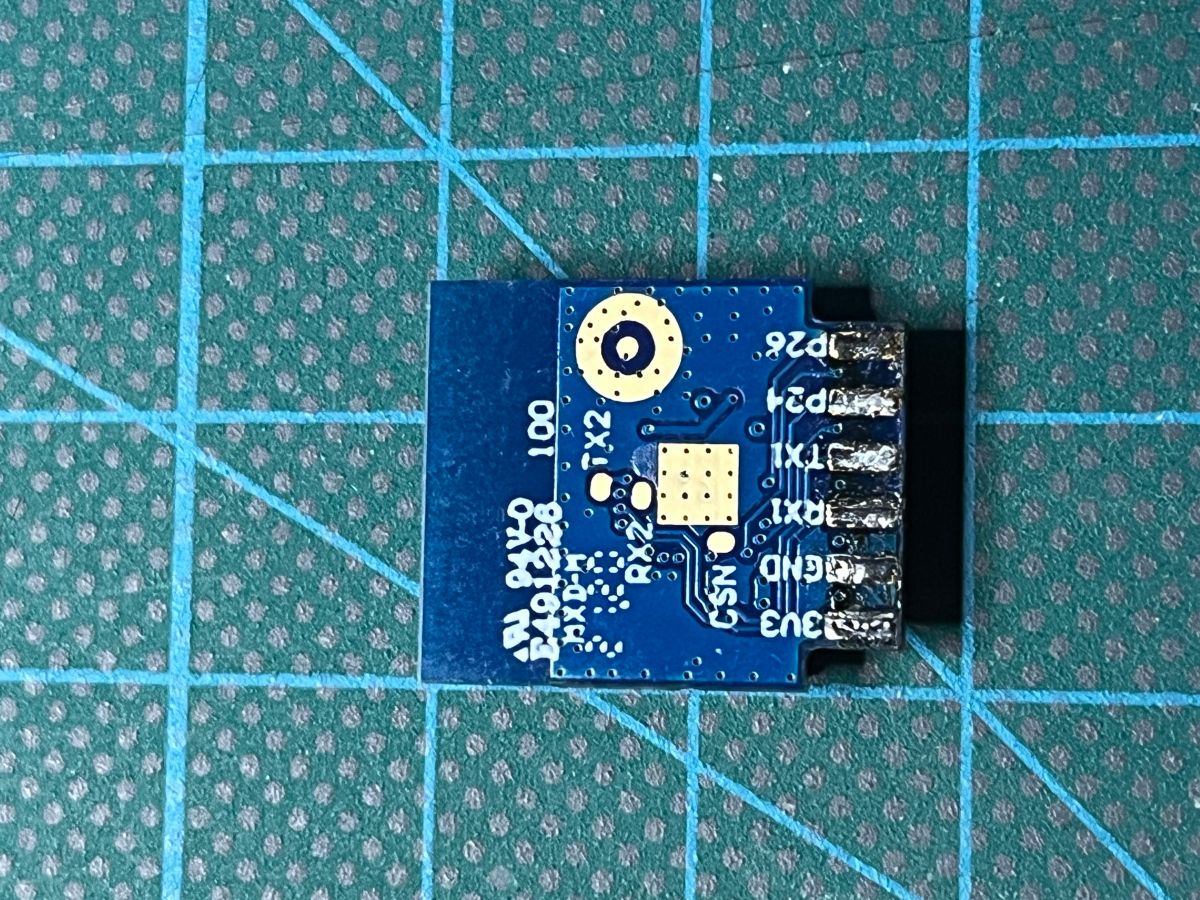
On the back of the module: E491226
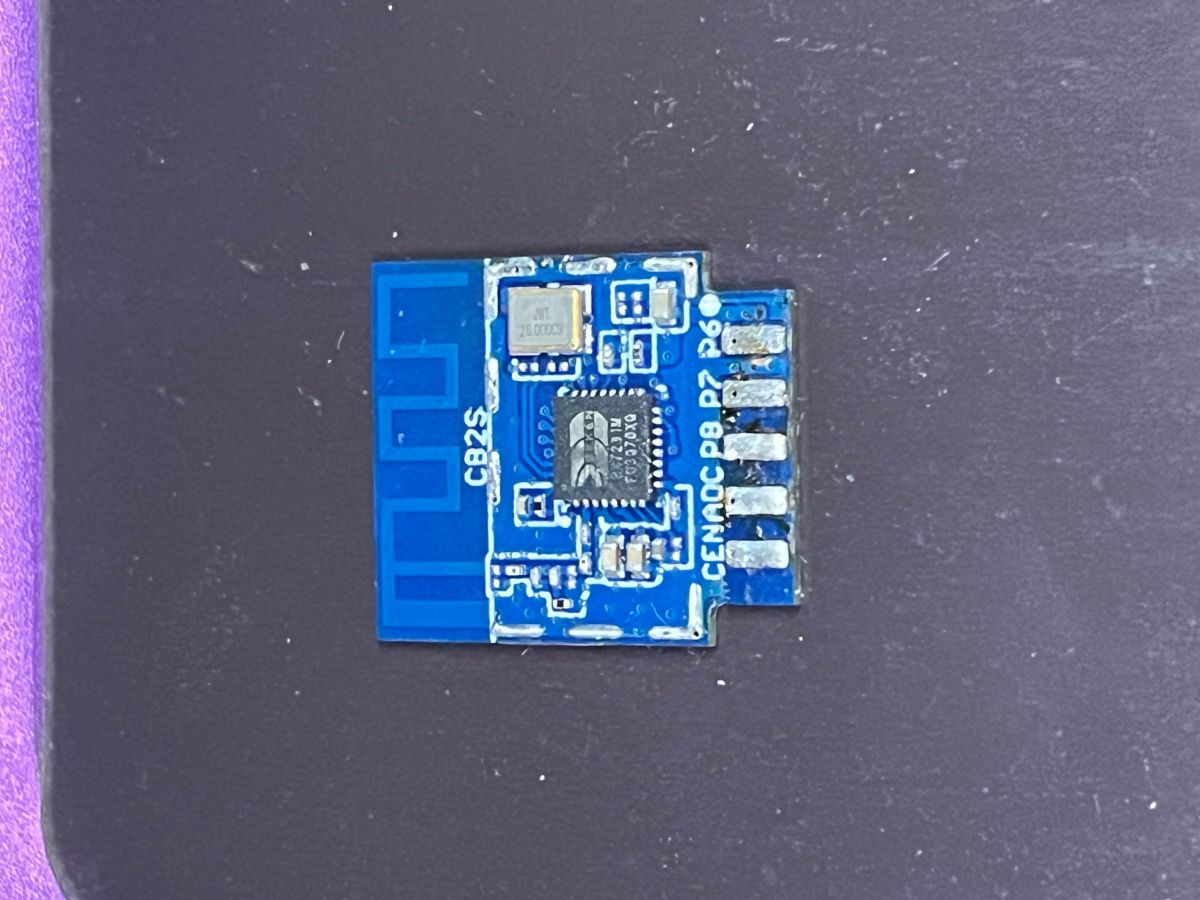
I then removed the aluminium cover to get to the chip: It is a BEKEN BK7231M _ F03070X0 (or XQ?)
But as I have no idea about these modules, I could imagine getting them from Ali (or elsewhere???).
Can I, assuming they have the same designations, solder them in and everything will work again?
Or, in the worst case, do they have to be programmed beforehand, and I have no idea how to do that.
It would be very helpful if someone could take on my case.
Best regards from the Ruhr area
Werner
My name is Werner. I am looking for a solution to the following problem:
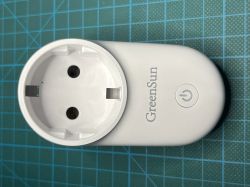
I have 2 GreenSun Wi-Fi Smart Power Strip sockets with night light (which is very important to me!).
While the 2nd one works without any problems, the 1st one gives me almost sleepless nights. It constantly loses the connection to the Wi-Fi, sometimes after about 10 minutes, sometimes after several hours.
If I disconnect it from the network for a while, I can set it up again. Then the game starts all over again.
After several tests, including with cold spray, and many more in-depth considerations, I came to the realisation that it was most likely a "defective" Wi-Fi module.
So I finally unsoldered the part. The photos are attached here.
If I'm reading this correctly, the chip has the following designation according to the sticker: Geensun-SEW1080 _ 3dcc37b9 _ B6C4E7 _ 2023-06-12
On the back of the module: E491226
I then removed the aluminium cover to get to the chip: It is a BEKEN BK7231M _ F03070X0 (or XQ?)
But as I have no idea about these modules, I could imagine getting them from Ali (or elsewhere???).
Can I, assuming they have the same designations, solder them in and everything will work again?
Or, in the worst case, do they have to be programmed beforehand, and I have no idea how to do that.
It would be very helpful if someone could take on my case.
Best regards from the Ruhr area
Werner