logo elektroda
logo elektroda
X
logo elektroda

Which Pin on Sq11 Mini Camera 8-Pin Mini USB Connector Outputs TV Video Signal?

zachariakassim 366 5
ADVERTISEMENT
  • #1 21858281
    zachariakassim
    Level 2  
    Posts: 6
    SQ11 camera no output to tv

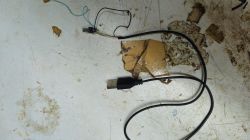
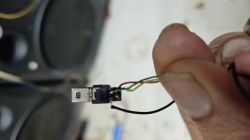
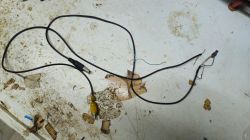
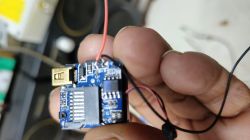
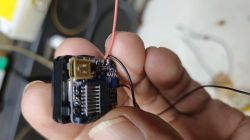
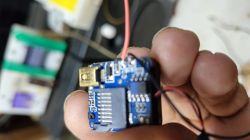
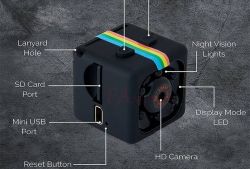
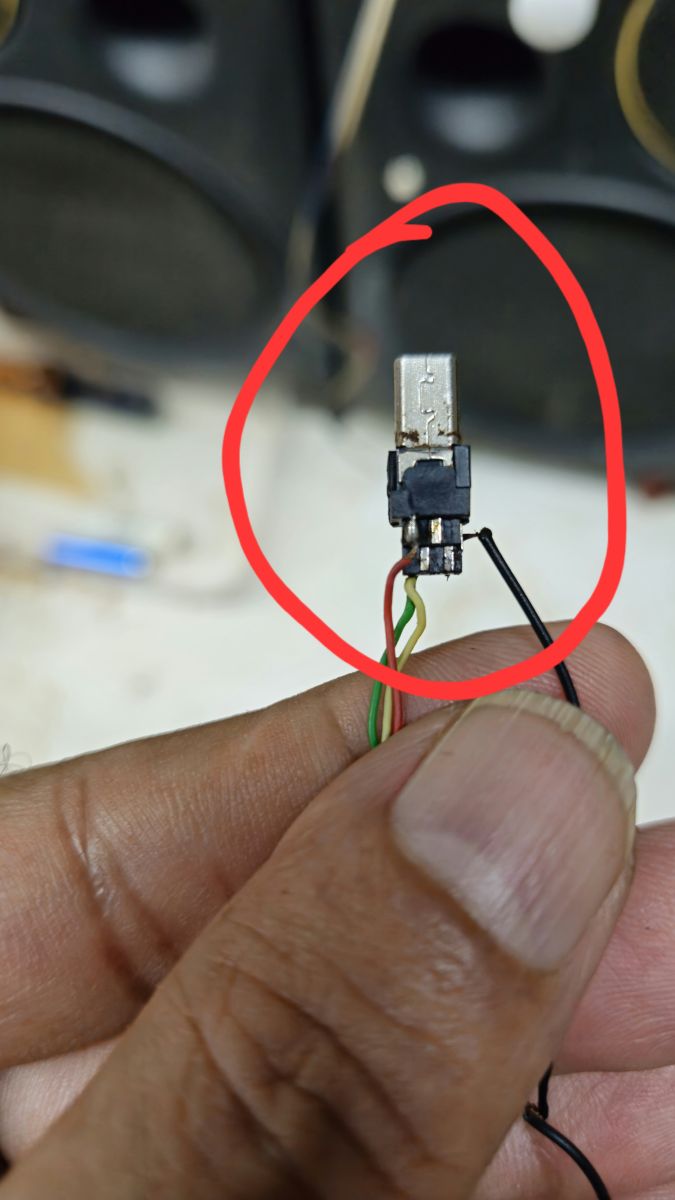
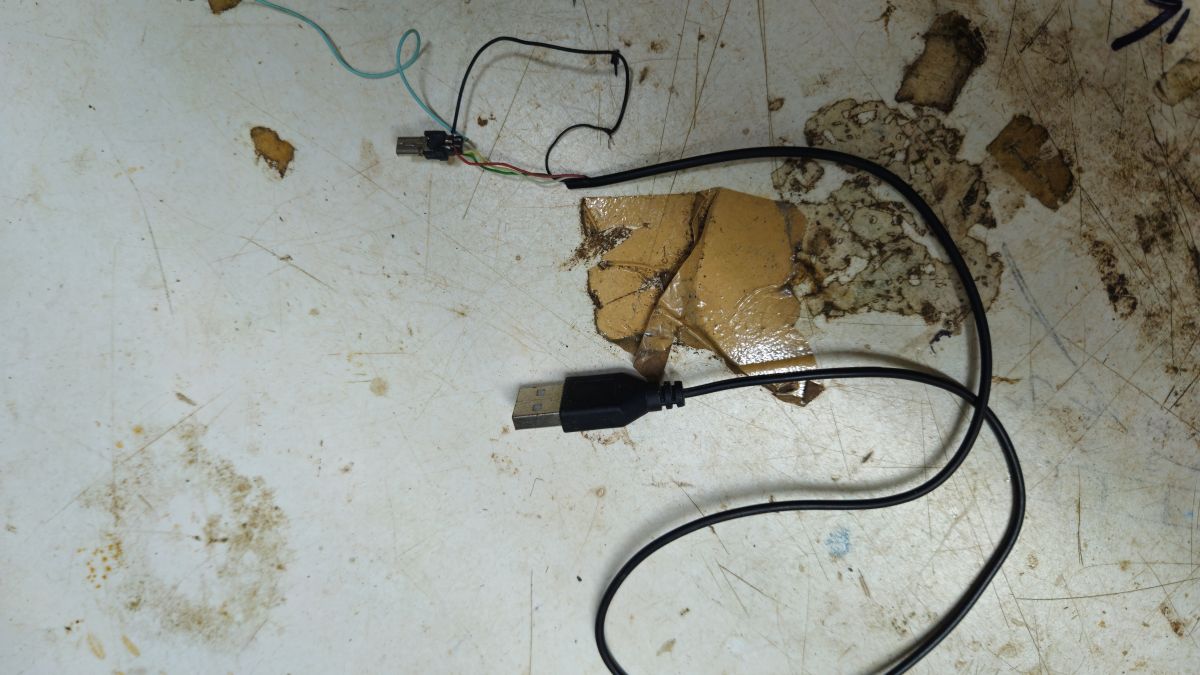
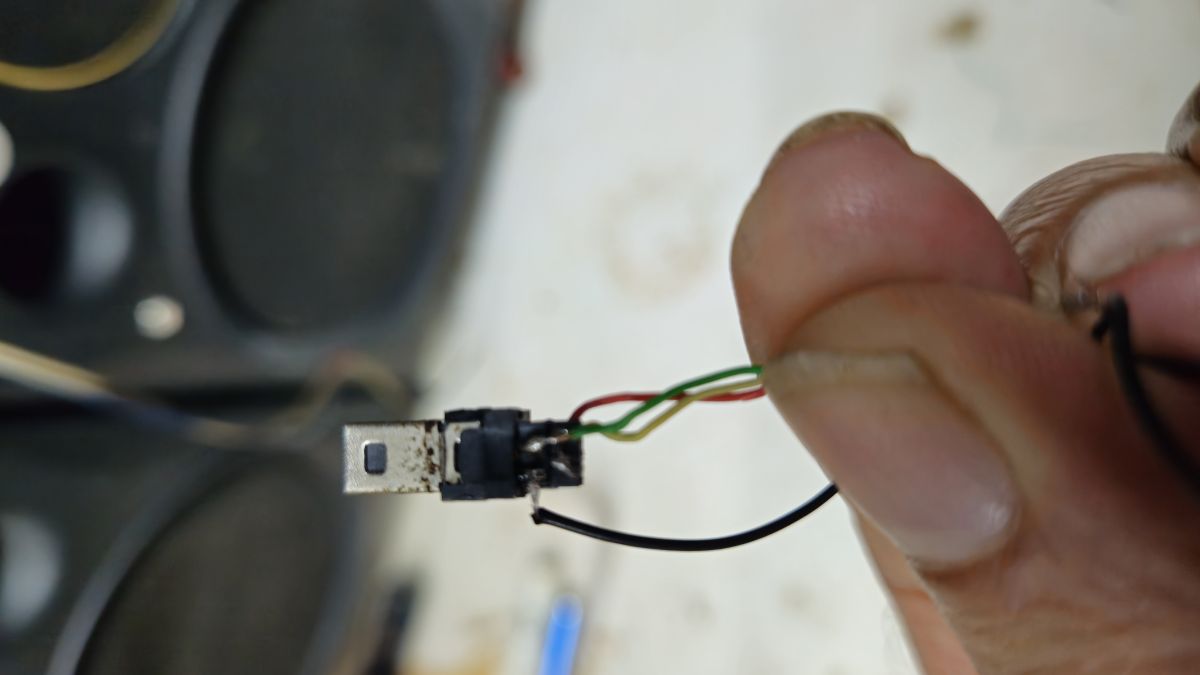
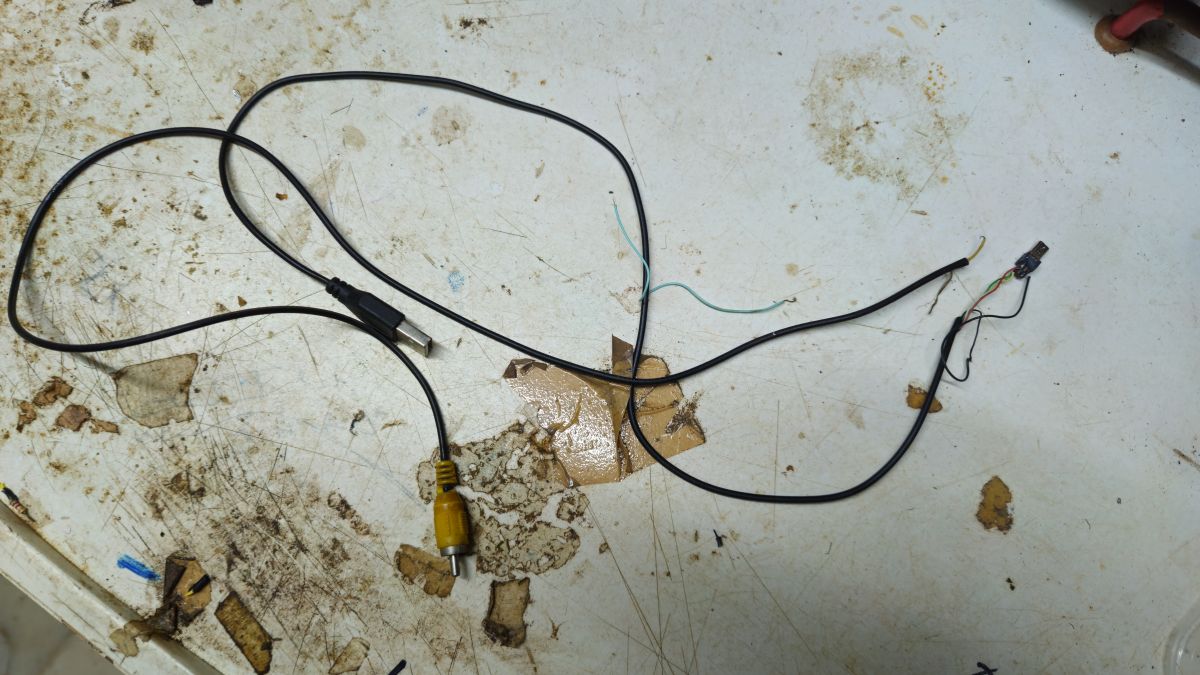
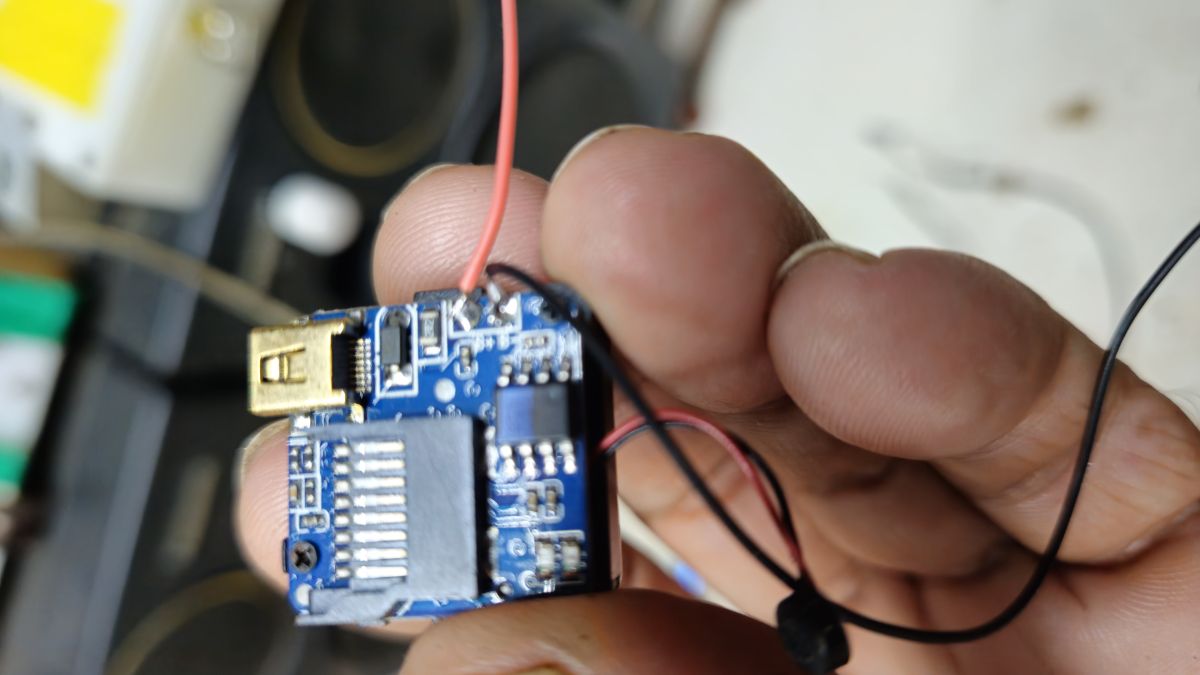
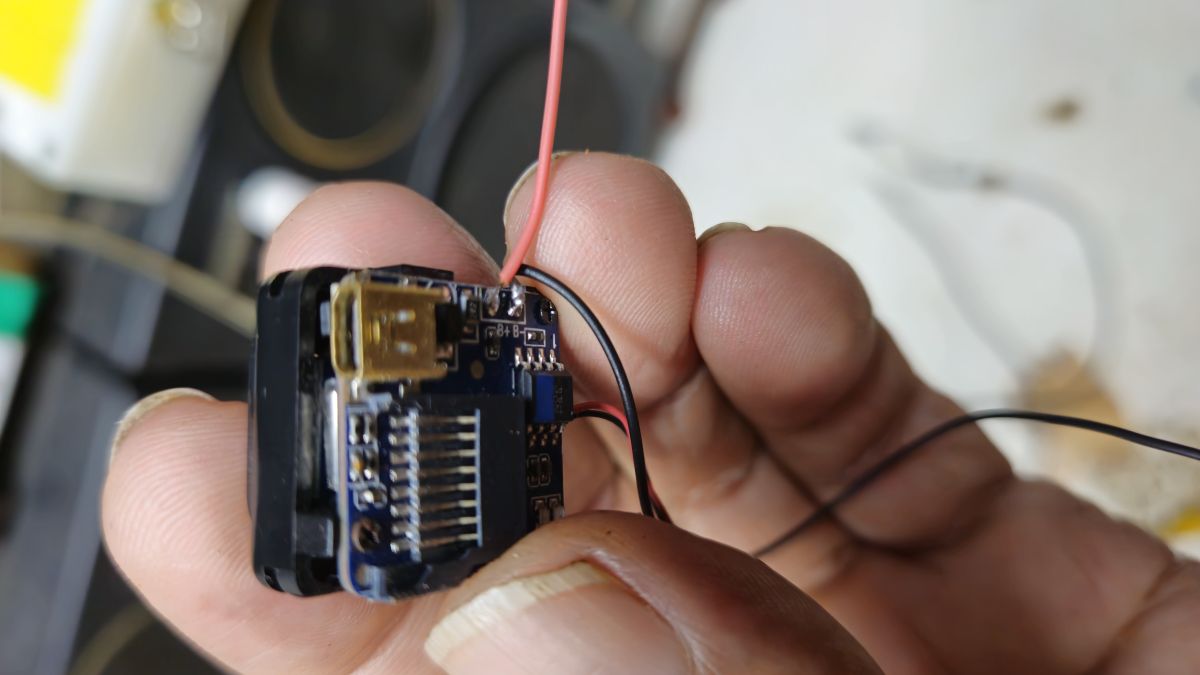
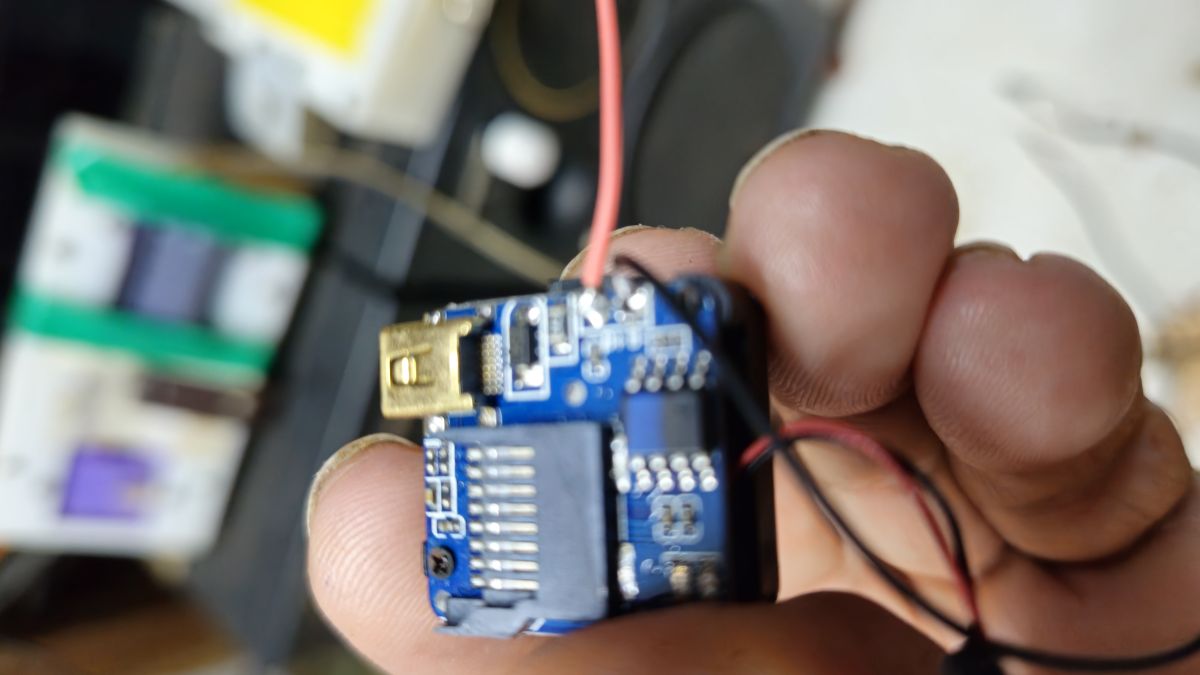
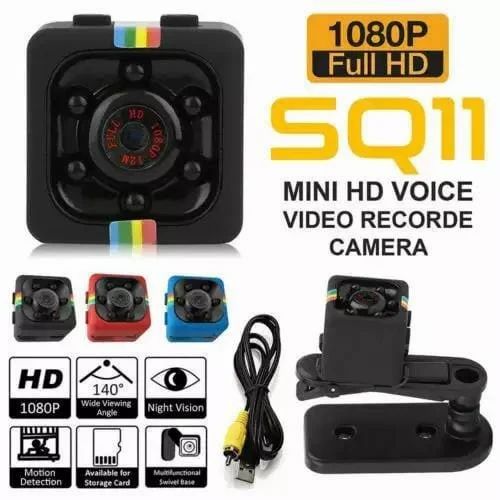
    Camera works fine when connected to a computer. No video or signal when connected to the TV. Why? I opened the 8-pin mini USB connector. Only four connections are soldered. There are 8 pin. but 4 pin is empty. Why video wire not soldred to the pin. Which one is the video output connection? Please inform me of the USB pinout. I am enclosing the photos. Thank you.
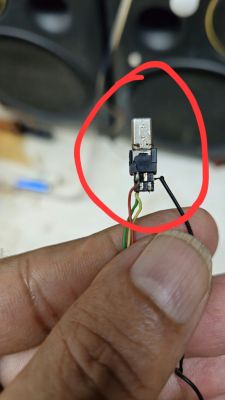
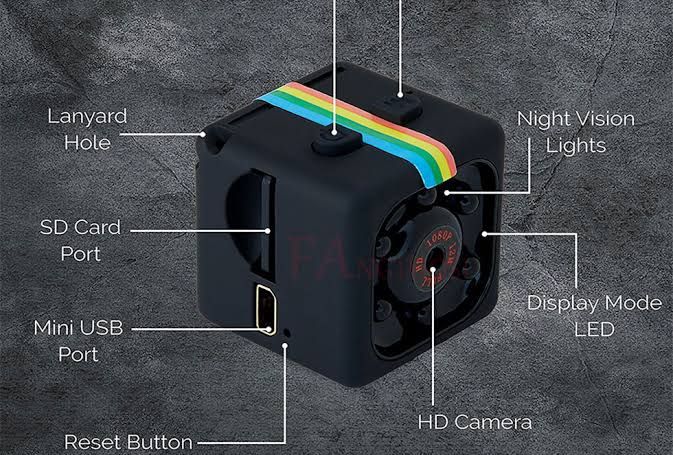
    Close-up of a micro-USB plug with exposed wires held between fingers, highlighted with a red circle Black USB cable with exposed internal wires and a small connector on a dirty work surface Close-up of a damaged micro-USB plug with exposed wires held between fingers Black cable with a USB-A plug and a yellow RCA connector on a dirty work surface Hand holding a small blue circuit board with a USB plug and thin wires Hand holding a small electronic module with exposed PCB and red and black wires attached Hand holding a small blue circuit board with a microSD slot and attached wires Black cube-shaped mini camera with labeled ports and LEDs on a gray background

    AI: Can you please specify how you are connecting the SQ11 camera to your TV (for example, what type of cable or adapter are you using, and which input port on the TV)?
    USB cable provided with the camera. 8-pin mini USB cable
    AI: Do you have the camera's manual or any documentation about the pinout, or have you already tried connecting any of the unsoldered pins to the TV for video output?
    I don't have the pinout diagram. No, I didn't try.
  • ADVERTISEMENT
  • #2 21859345
    BobsonicLab
    Level 12  
    Posts: 40
    Help: 10
    Rate: 11
    Board Language: polish
    Hi.
    No pin is "video output". USB transmits digital data, not analogue. On a computer, it can work via USB as a camcorder or for file transfer.
    On a TV, it won't work via USB, as the USB on the TV is mainly for reading/writing to an external drive.
    Helpful post? Buy me a coffee.
  • ADVERTISEMENT
  • ADVERTISEMENT
  • #4 21873721
    waltersalata
    Level 25  
    Posts: 699
    Help: 65
    Rate: 278
    Board Language: polish
    zachariakassim wrote:
    Have you seen this product? It comes with a USB cable and a male RCA video plug. I am attaching the video link and product specifications of the SQ11 camera.


    Then if you have a USB-RCA cable why don't you measure which USB pin is connected to the RCA plug?
  • ADVERTISEMENT
  • #5 21873983
    BobsonicLab
    Level 12  
    Posts: 40
    Help: 10
    Rate: 11
    Board Language: polish
    zachariakassim wrote:
    Have you seen this product? It comes with a USB cable and a male RCA video plug. I am attaching the video link and product specifications for the SQ11 camera.

    OK :D ....
    waltersalata wrote:
    If you have a USB-RCA cable then why don't you measure which USB pin is connected to the RCA connector?

    Yes, of course, on the RCA you have a signal, probably analogue video.
    The plug has a video>USB converter
    If you want a picture on your TV, you need a video signal converter or, if you have such an input, a cable with RCA/chinch connections on both sides.
    Helpful post? Buy me a coffee.
  • #6 21874068
    zachariakassim
    Level 2  
    Posts: 6
    Thanks for your reply. I cut and opened the USB pin, but there is no video out wire soldered to the pin. There are 8 pins. Only 4 pins are used. That is the reason I am asking for the video out to TV pin details. Very nice to chat with you. By the way, where are you from? I am from India. My WhatsApp no. 91-7736743113. Can you share your WhatsApp no.? So I can explain and video chat with you.
ADVERTISEMENT