Here I will introduce two Meross MSS550 switches, the first a touch-sensitive version and the second based on a 'clicky' microswitch. I'll examine how they are built and then I'll post the information I've gathered so far about the interesting Wi-Fi chip on the inside - the Mediatek ARM MT7682.
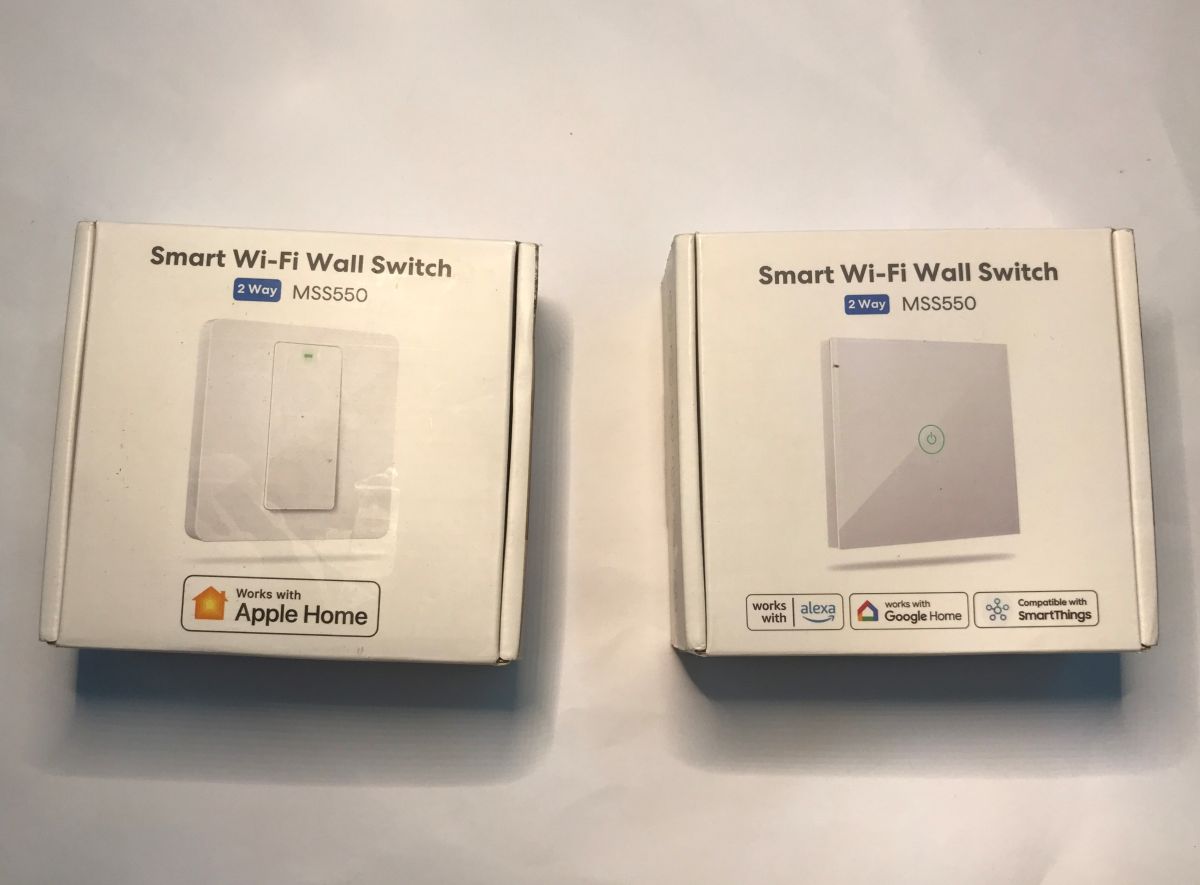
I guess we should start with the fact that despite such a dramatic difference as the control method (touch vs. mechanical), both products share the same model name and I don't see any distinguishing features on the packaging except for the picture. This is quite strange and potentially problematic.
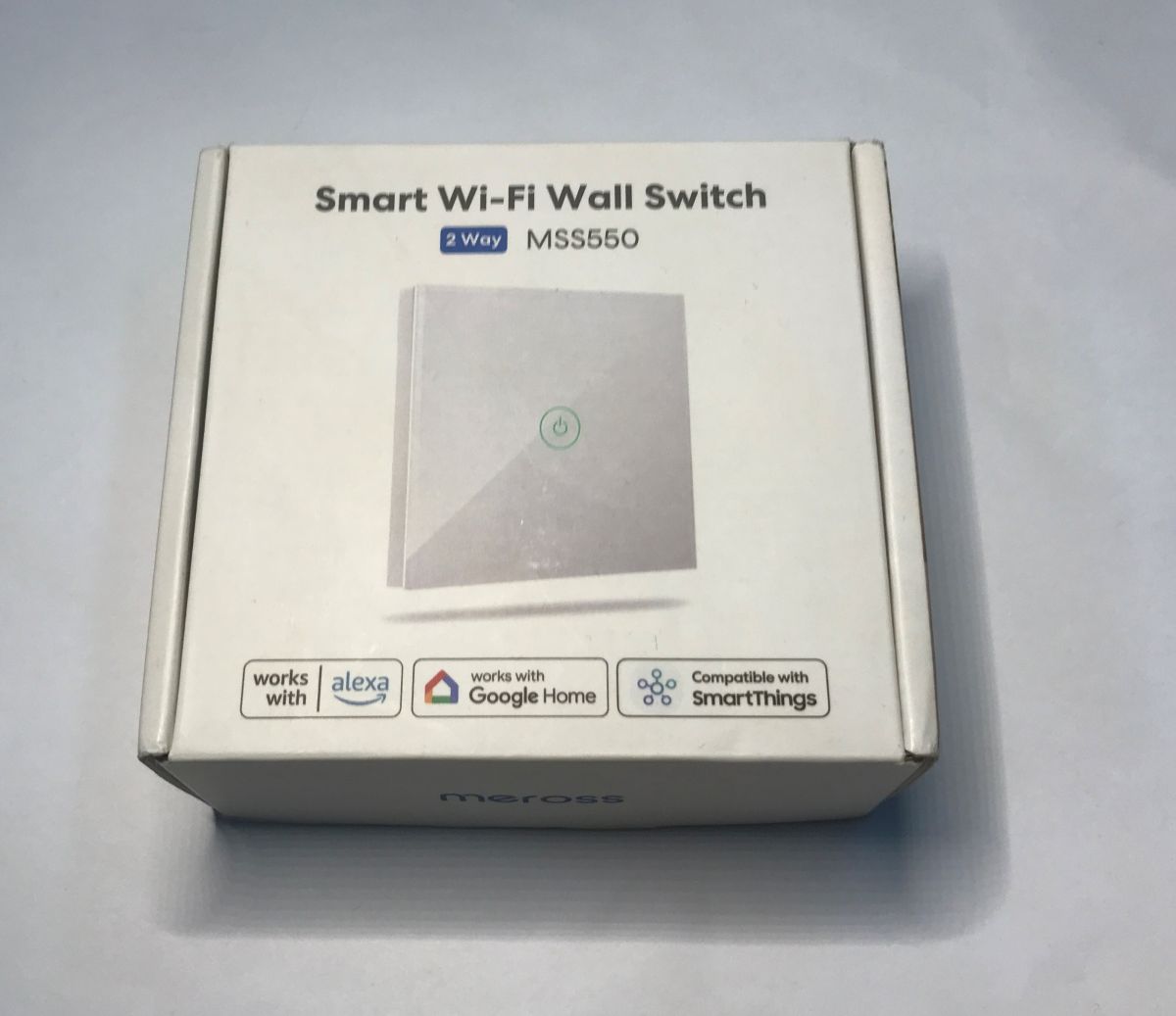
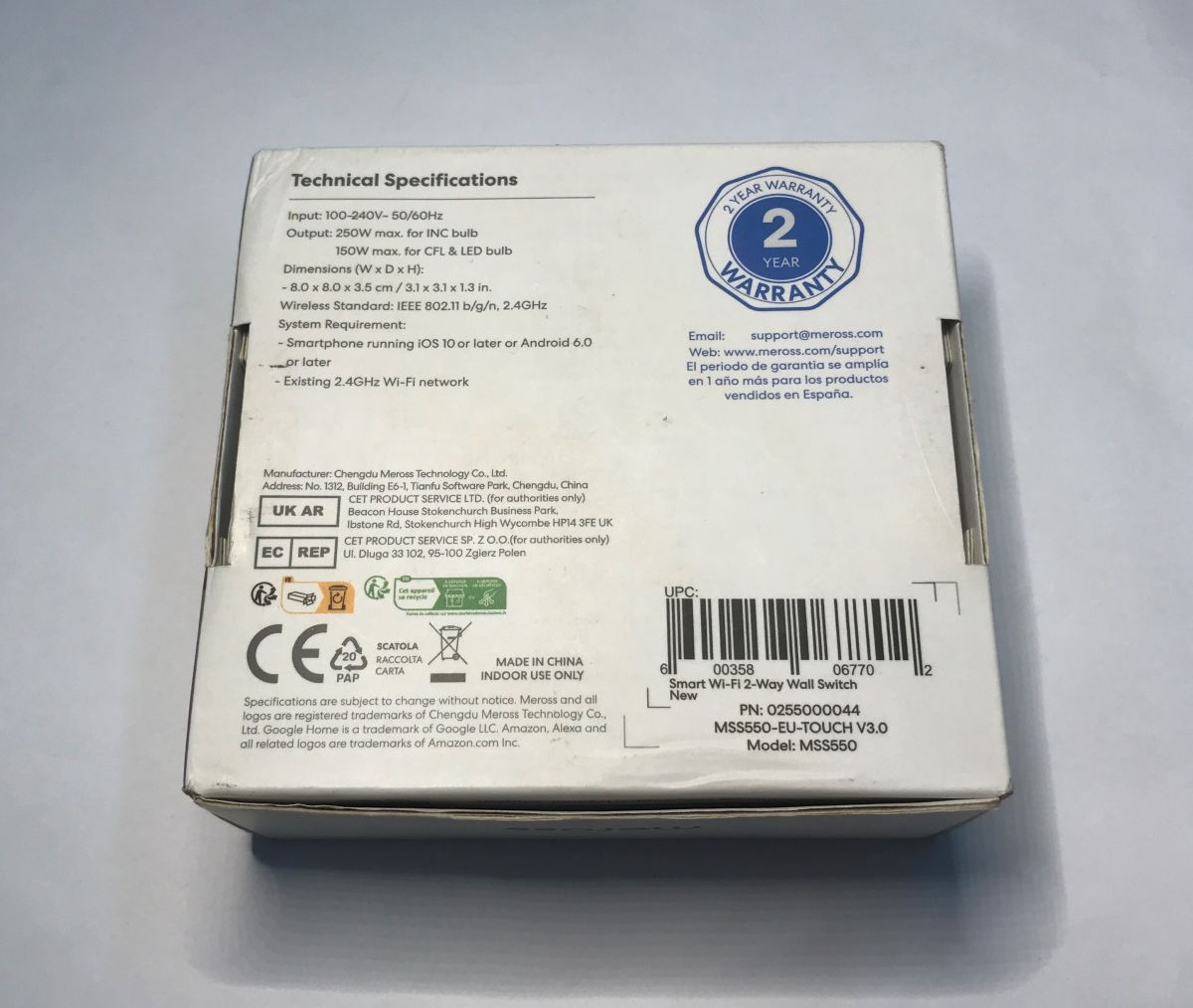
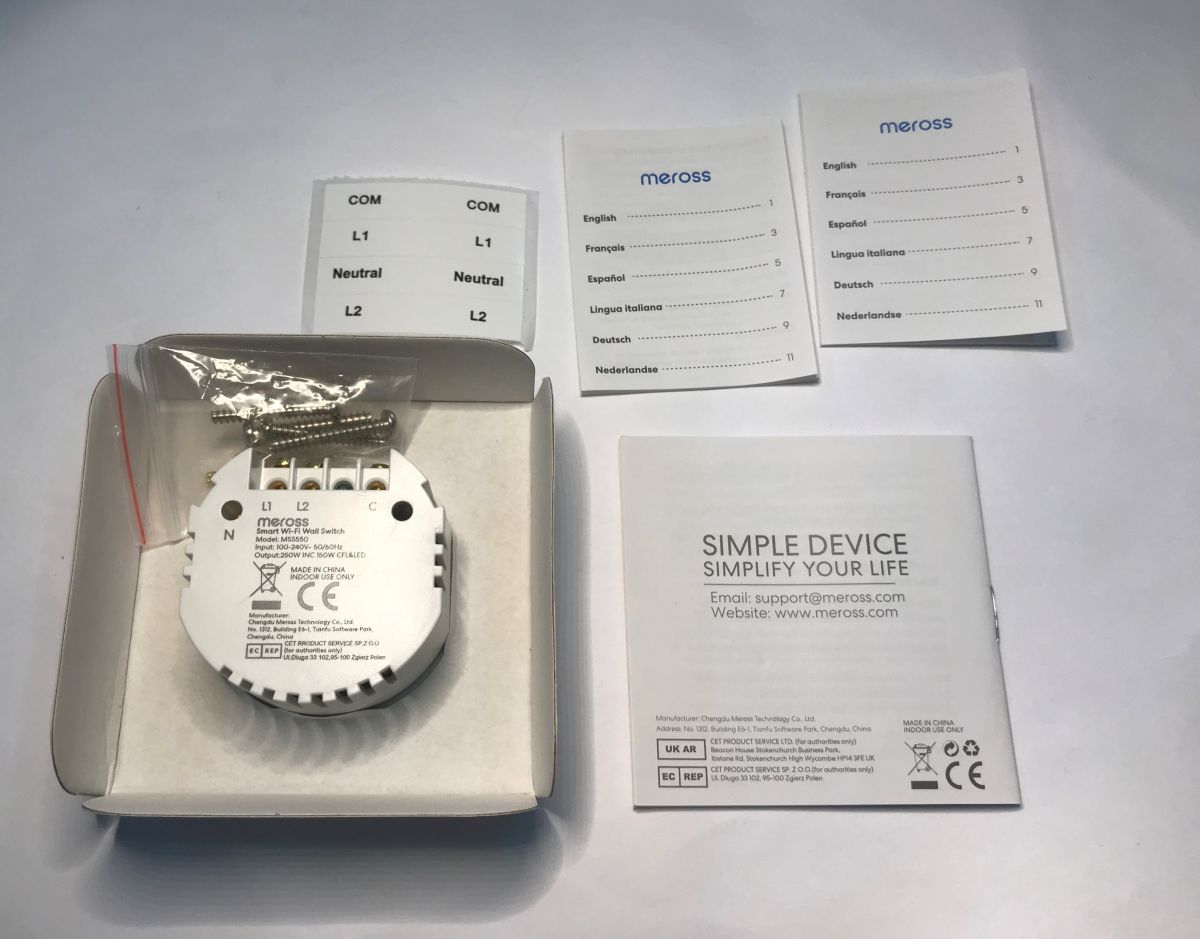
The full model name is in both cases MSS550-EU-TOUCH V3.0. There is also a US version, but it is for this "rectangular" box. How to connect the switch is specified in the manual:
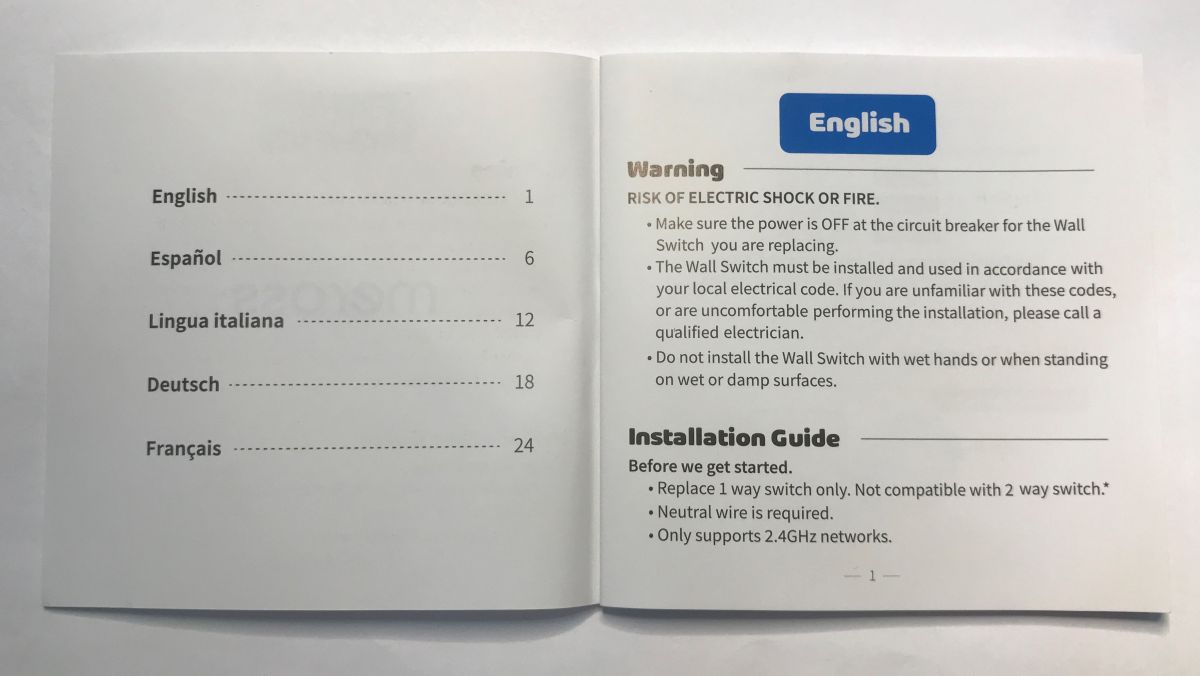
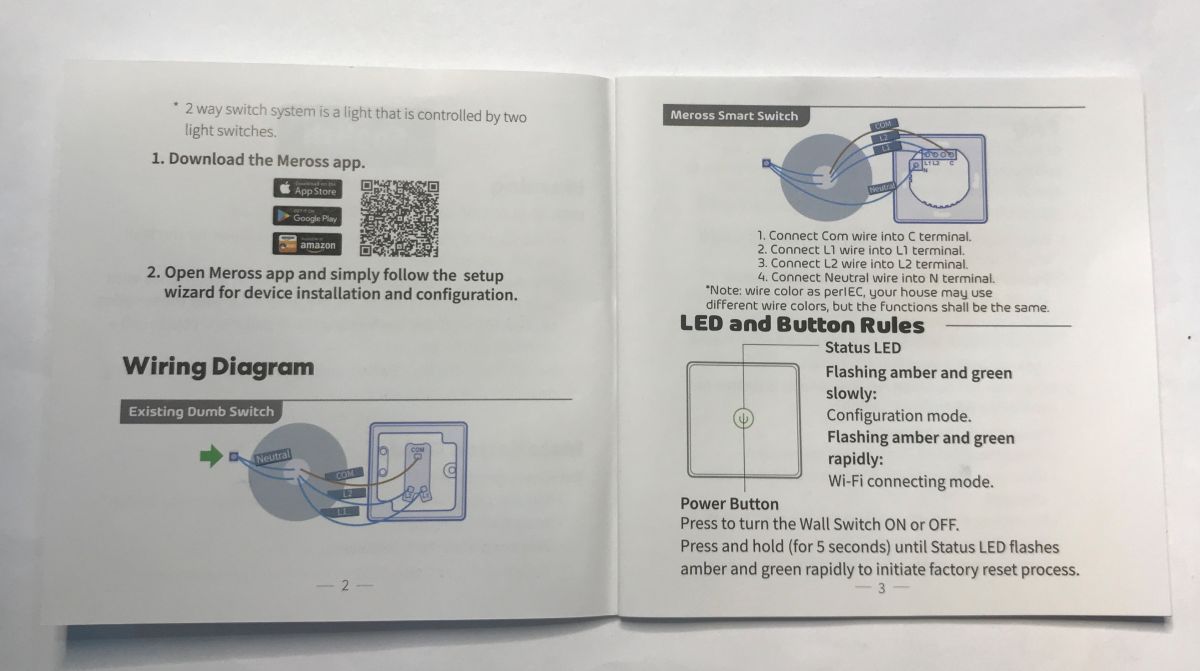
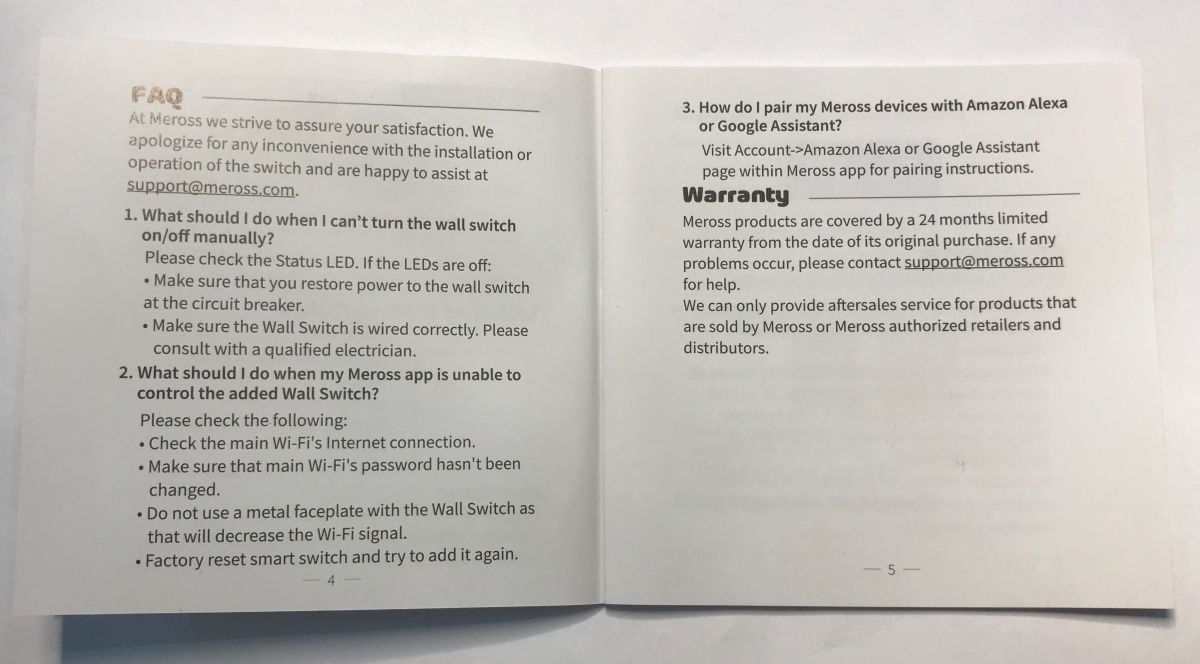
Here you might wonder why the C and L1 and L2 designation when there is one touch - it's because this switch supports a staircase installation. It alternately switches on either L1 or L2, and C in turn stands for Common - a common line - see image from instructions.
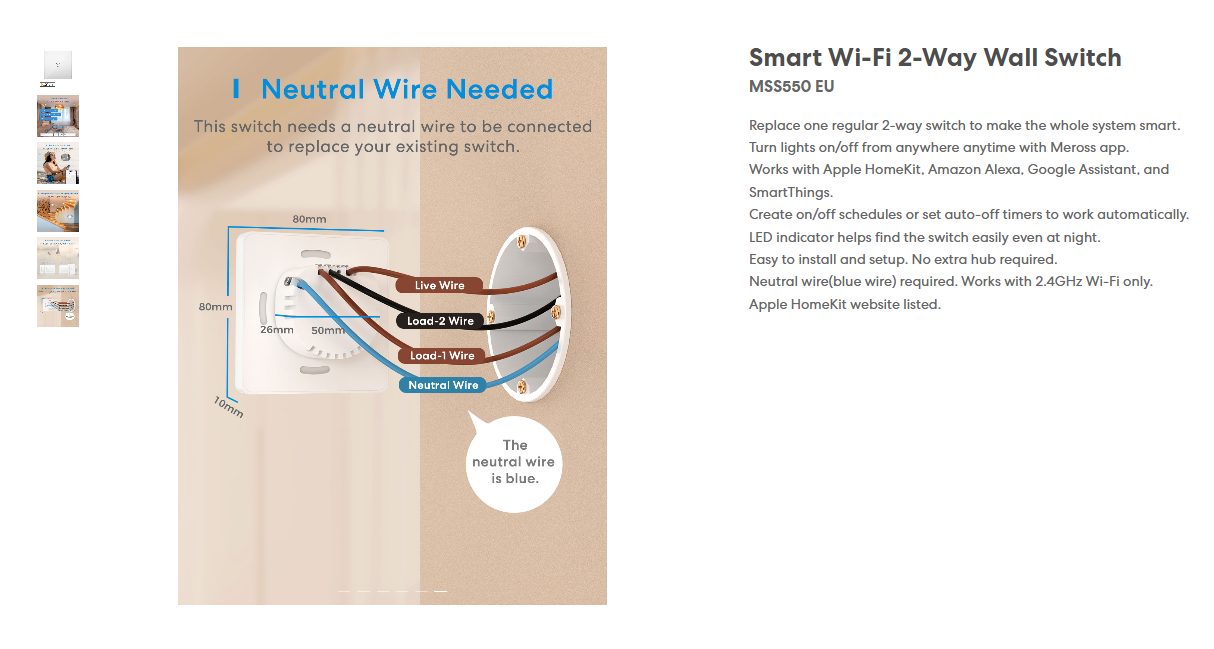
The switch is compatible with the Meross app - then you can connect it to Apple Homekit:
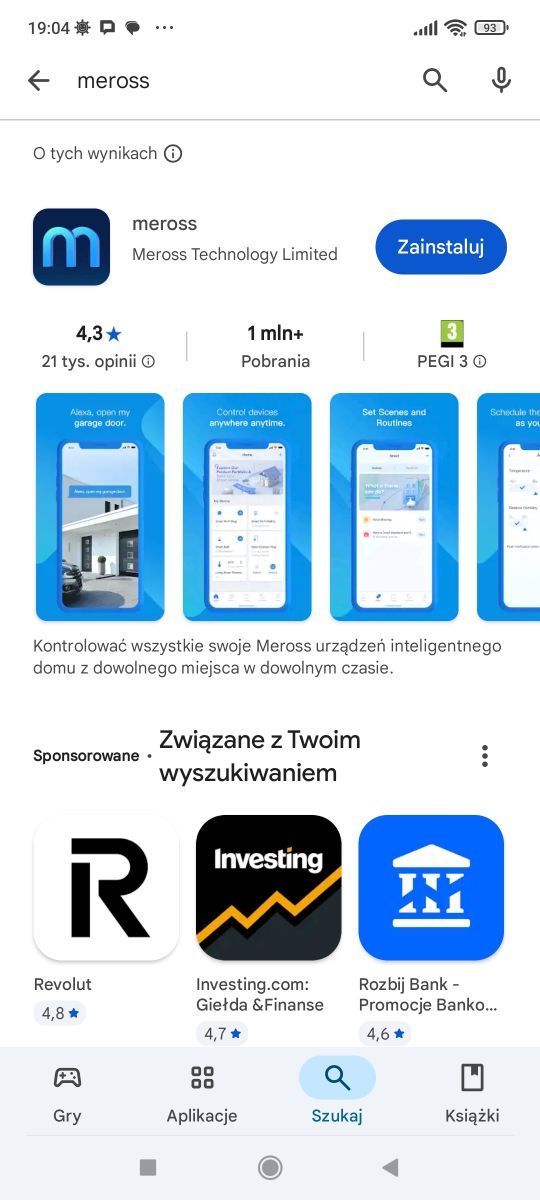
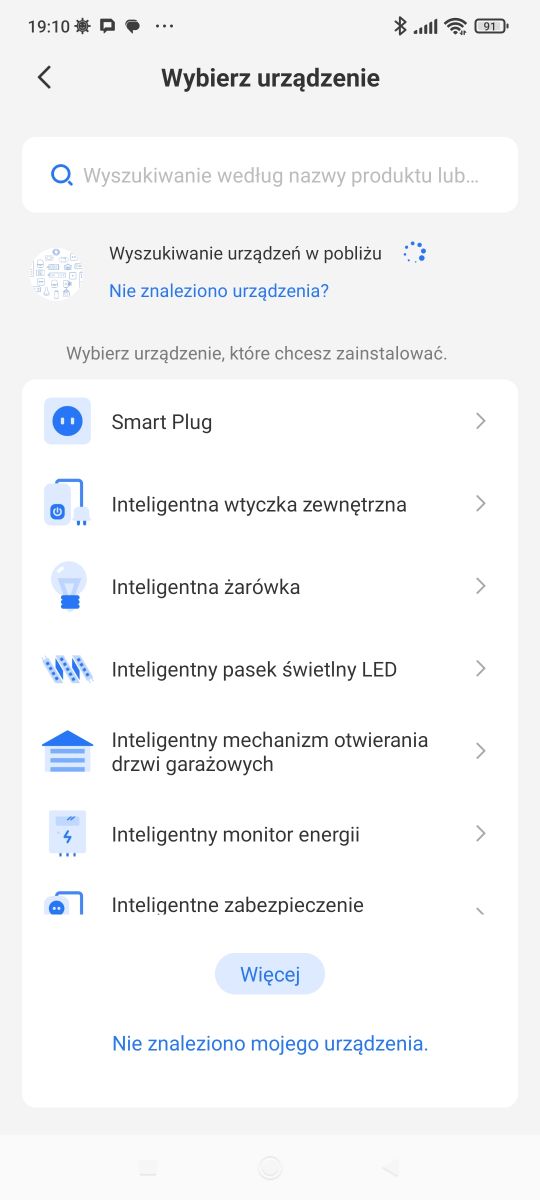
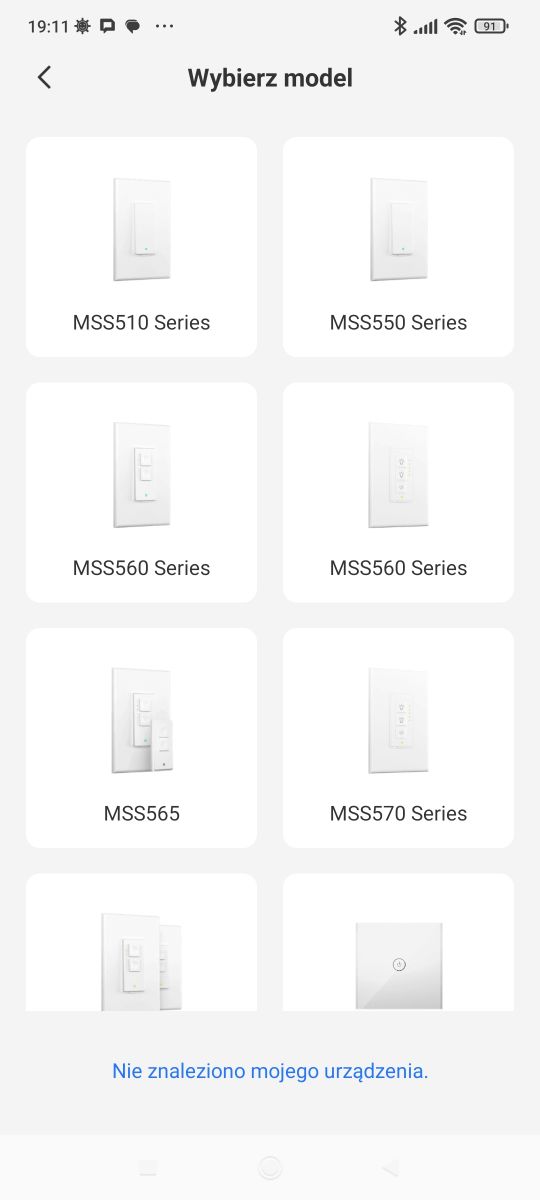
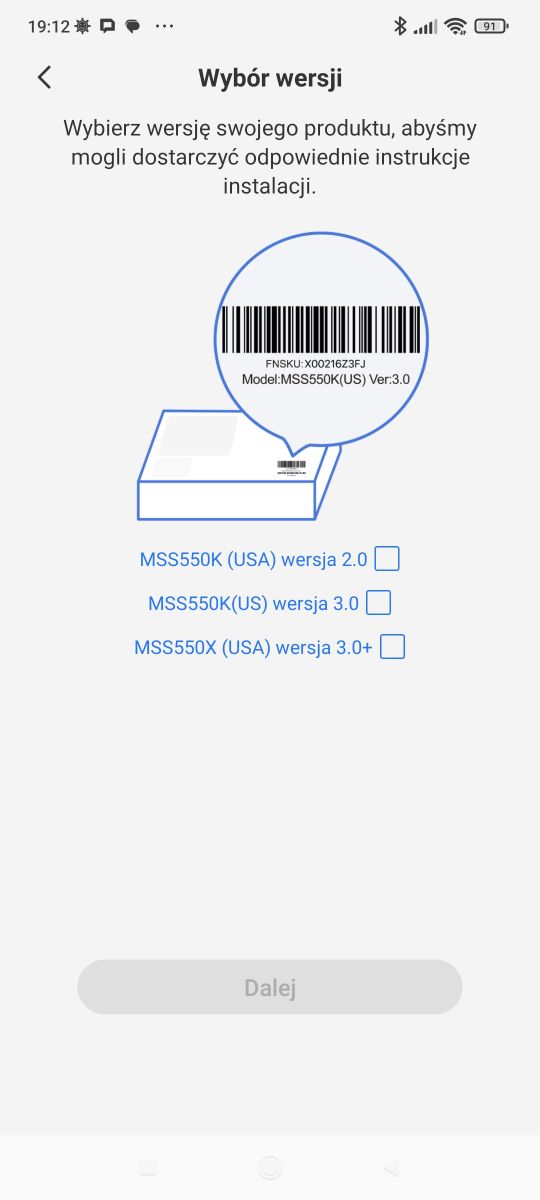
The control itself is no different from other popular apps such as Tuya or eWeLink. What deserves a mention, however, is the pairing. Here, the app asks us whether we want the full version or the abbreviated version, and in the case of the full version it even displays instructions as to the electrical connection. There is also no clutter here as in Tuya, here we pair products by their previously known model by the app.
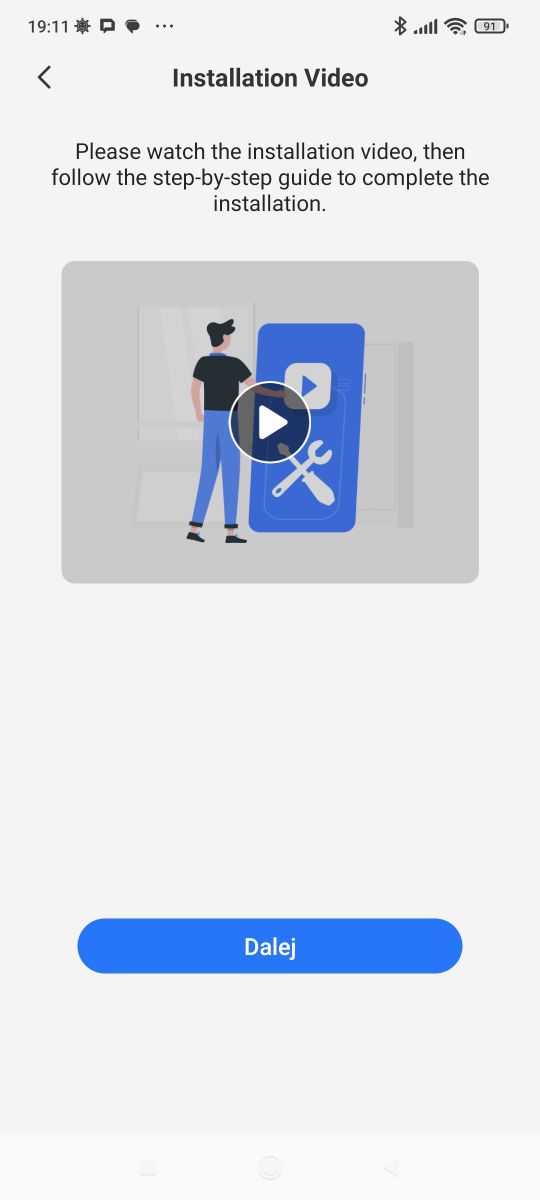
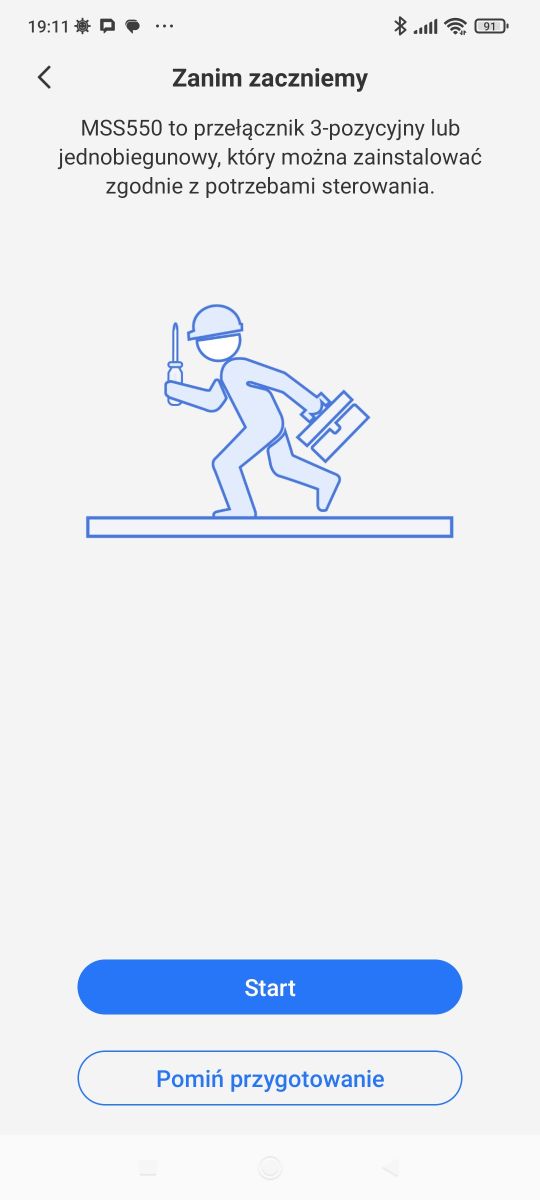
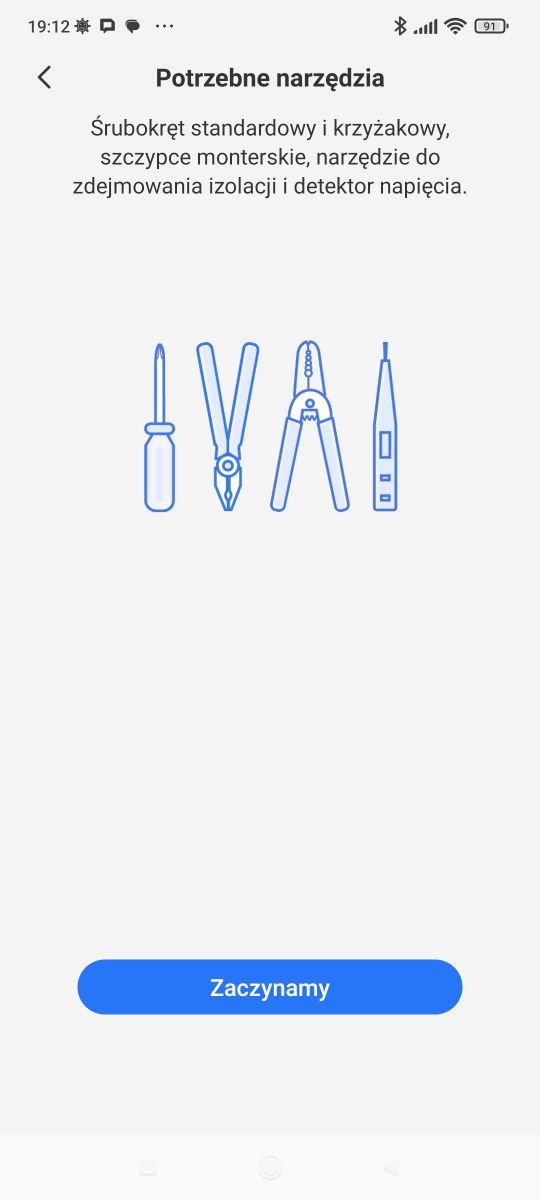
After pairing as standard - we have remote control, automations, timers.
From curiosities in the app we have a forum - even quite extensive, there are topics, posts, profiles:
Interior of the MSS550
However, I'm most interested in the build of these types of products and whether they can be altered with firmware to make them cloud-free. For this reason, I took a quick look inside.
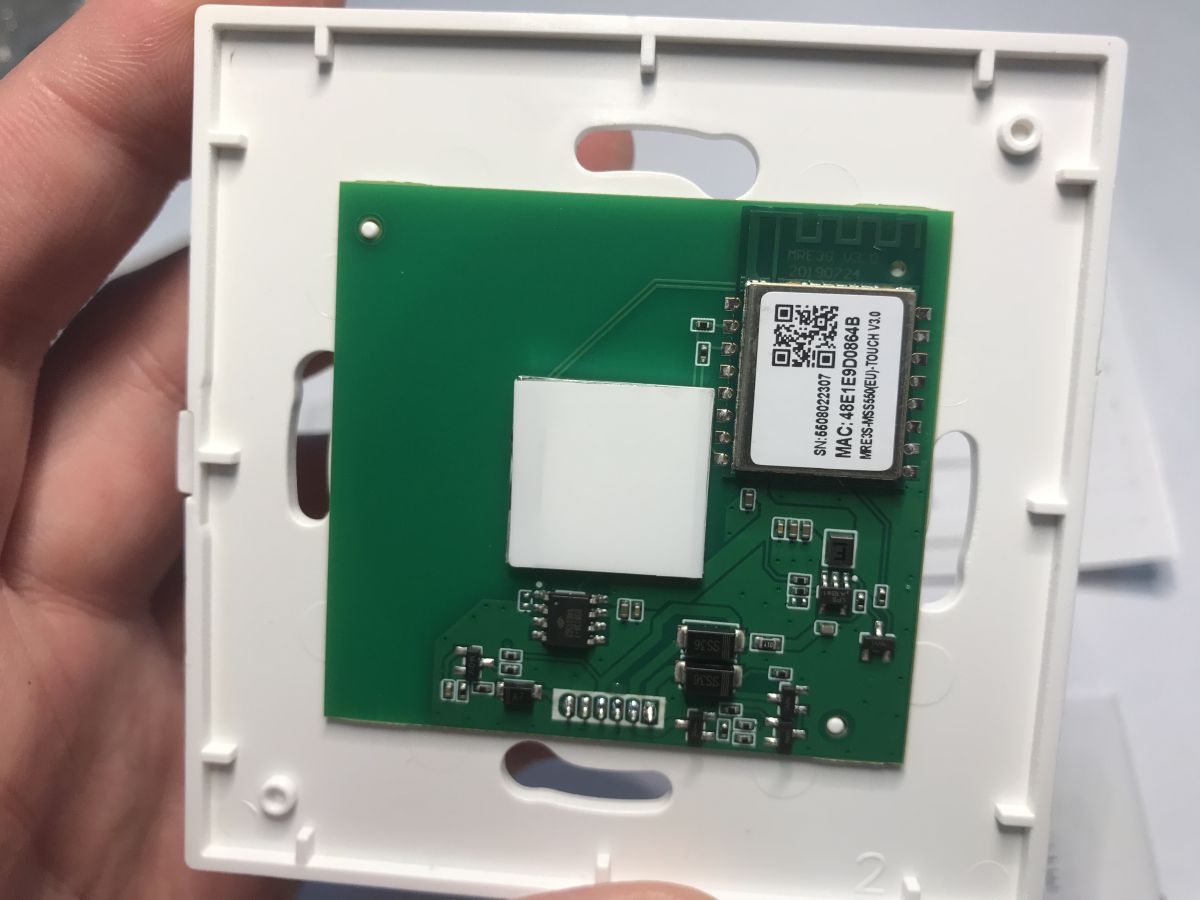
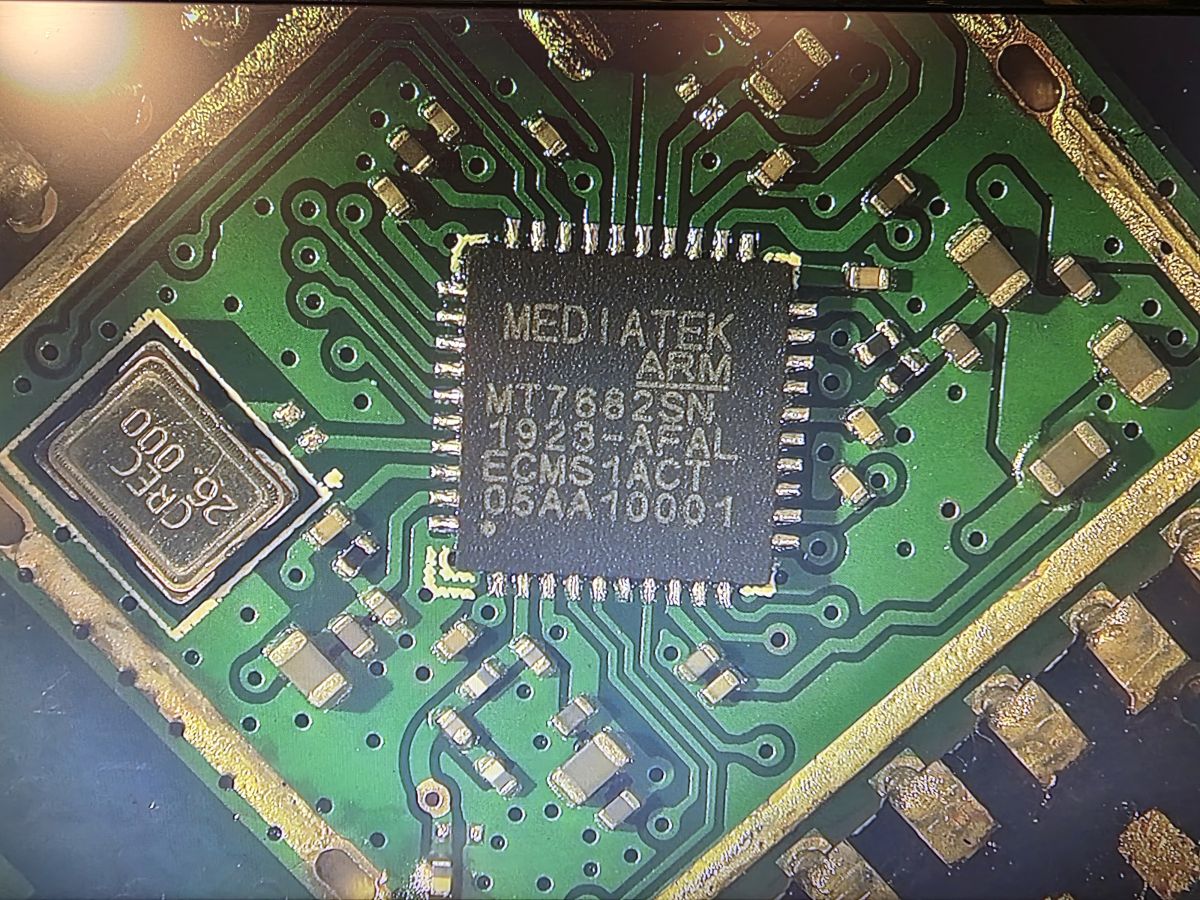
The markings on this Wi-Fi module don't tell me anything. Could this be some kind of novelty, or rather something I haven't seen before?
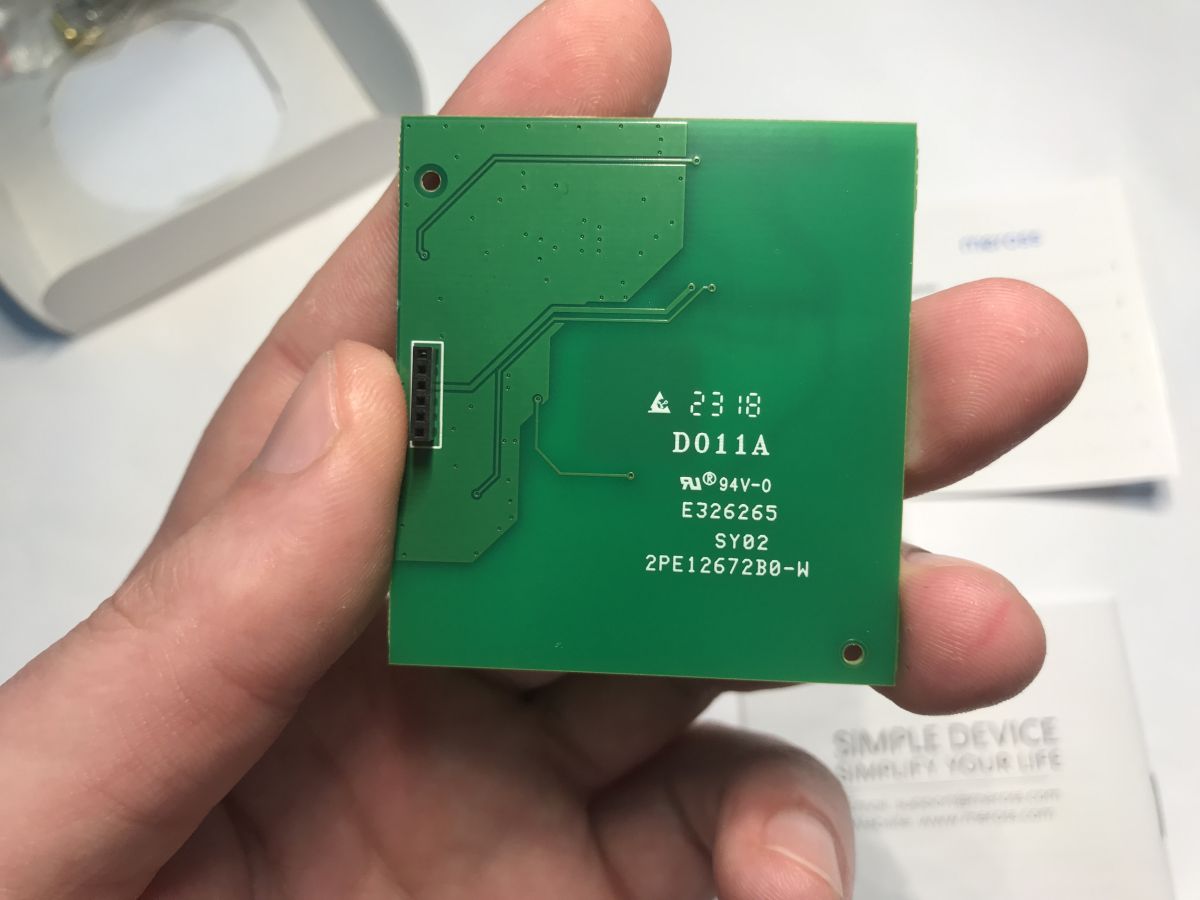
The board itself is very simple, so we won't find the answer to that here, although you can still see the BS813A, the touch button controller, in the corner.
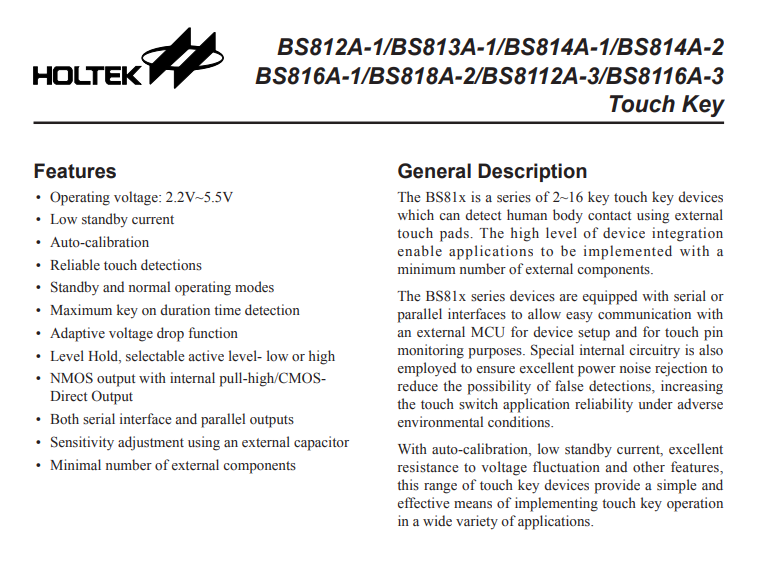
The Wi-Fi module therefore needs to be soldered out. Rather only hot air comes into play, but first you need to remove the component from the touch button, which is easy to melt. Simply peel it off.
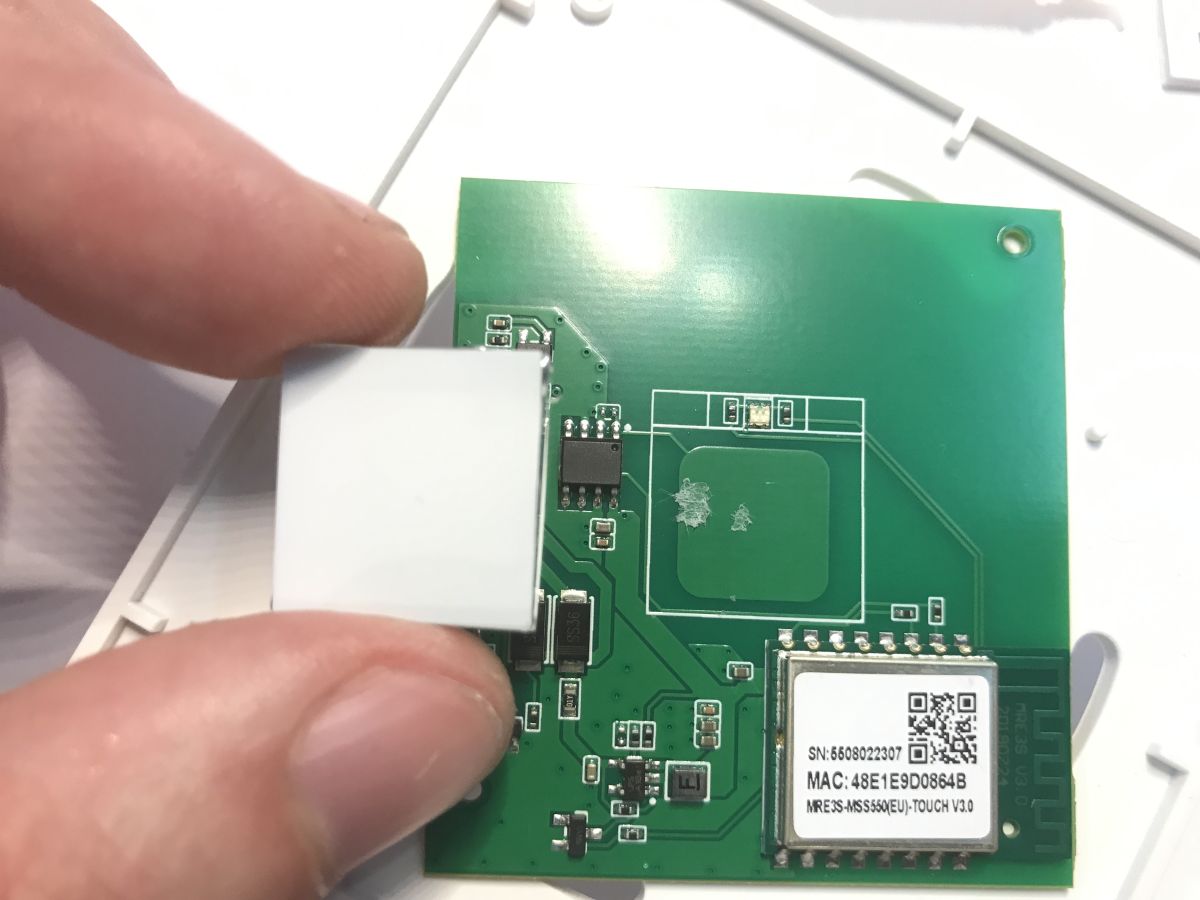
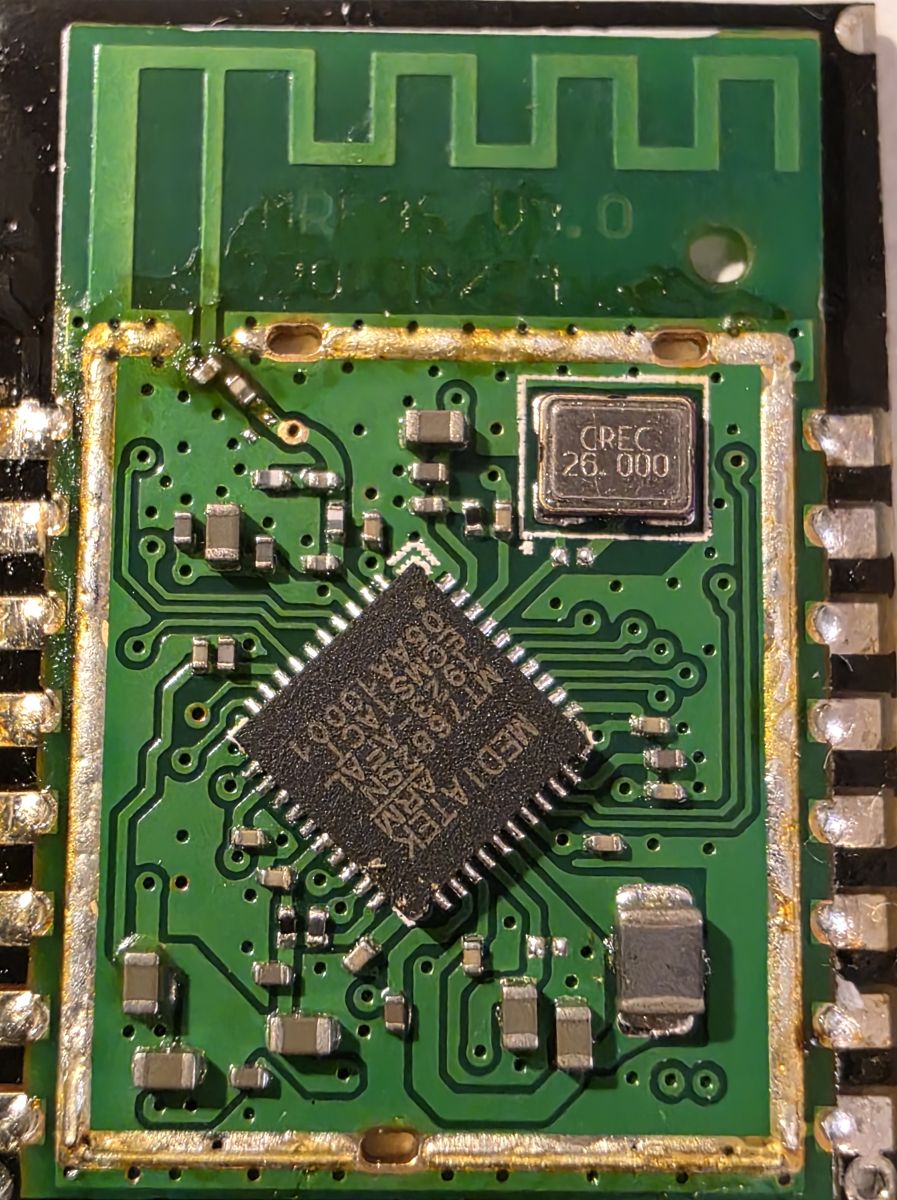
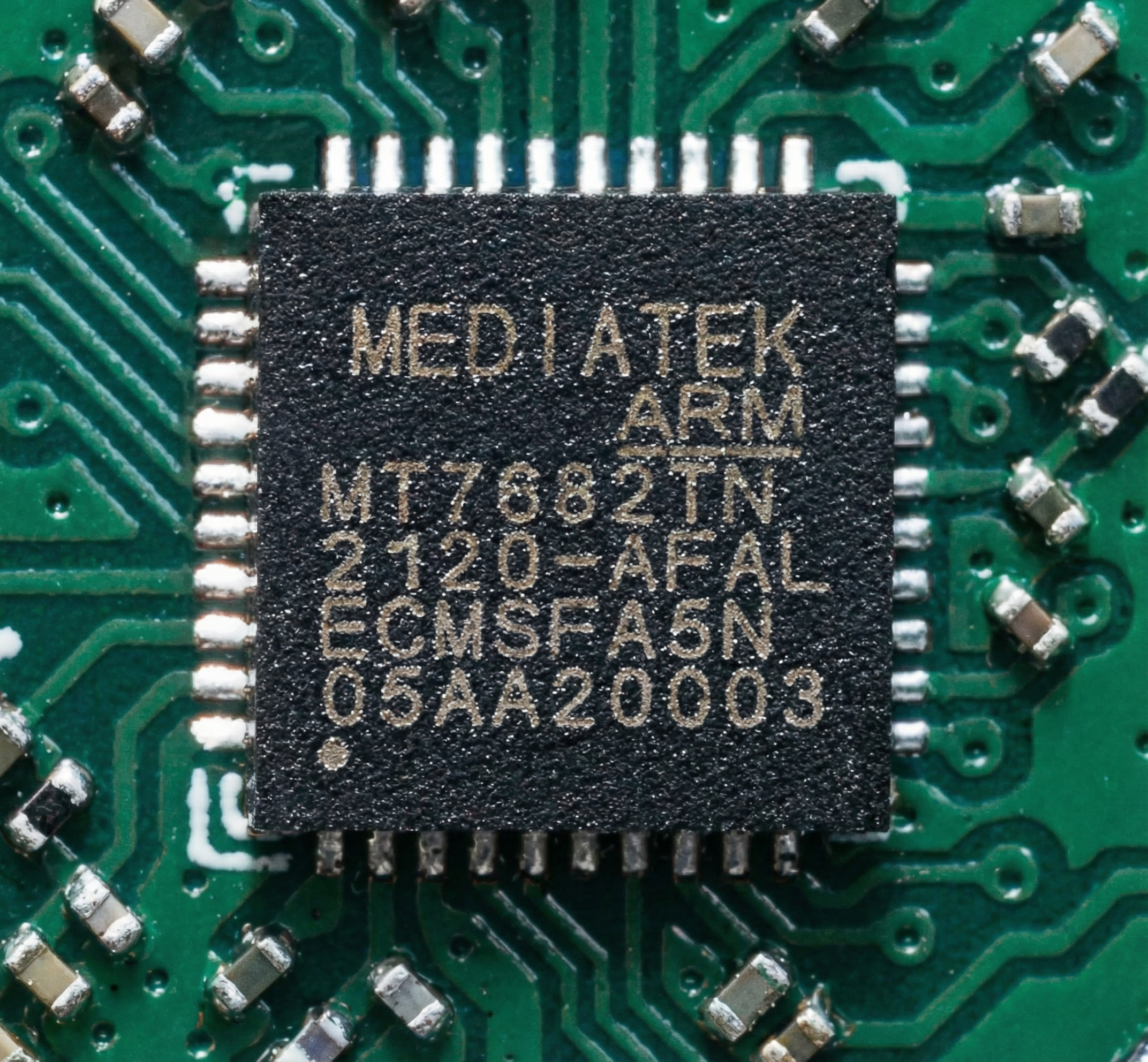
The first one, however, I soldered off the screen. Inside the module is a Mediatek chip.
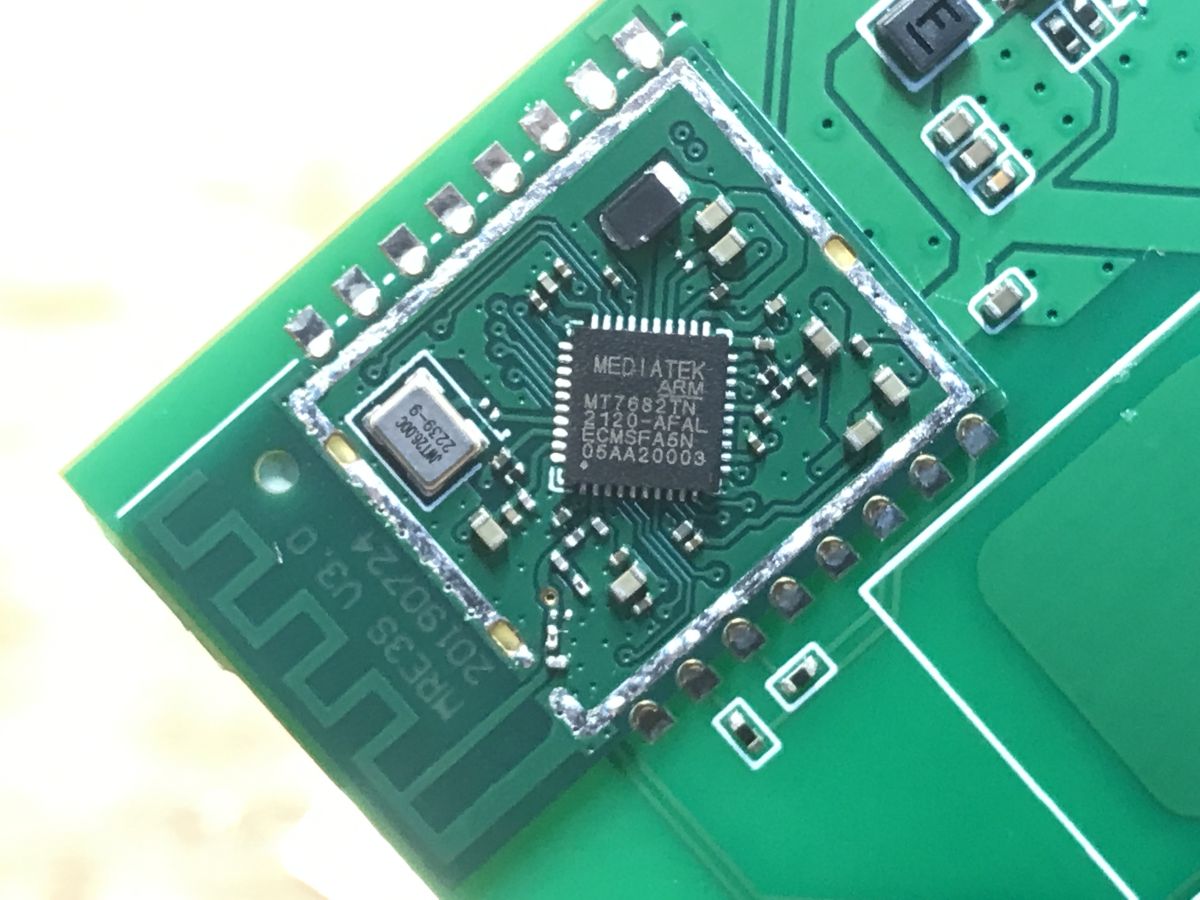
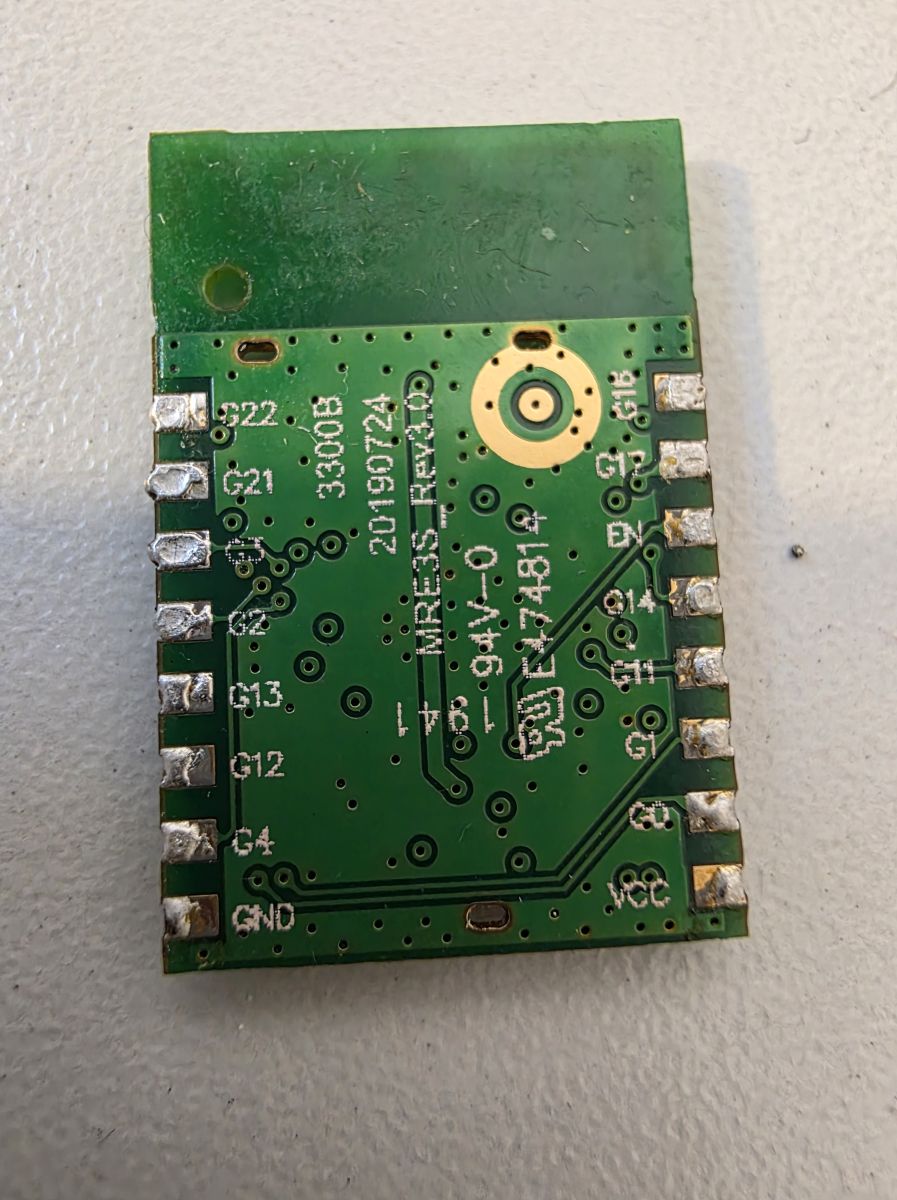
I didn't stop there though, as I wanted to check the pad markings on the description layer.
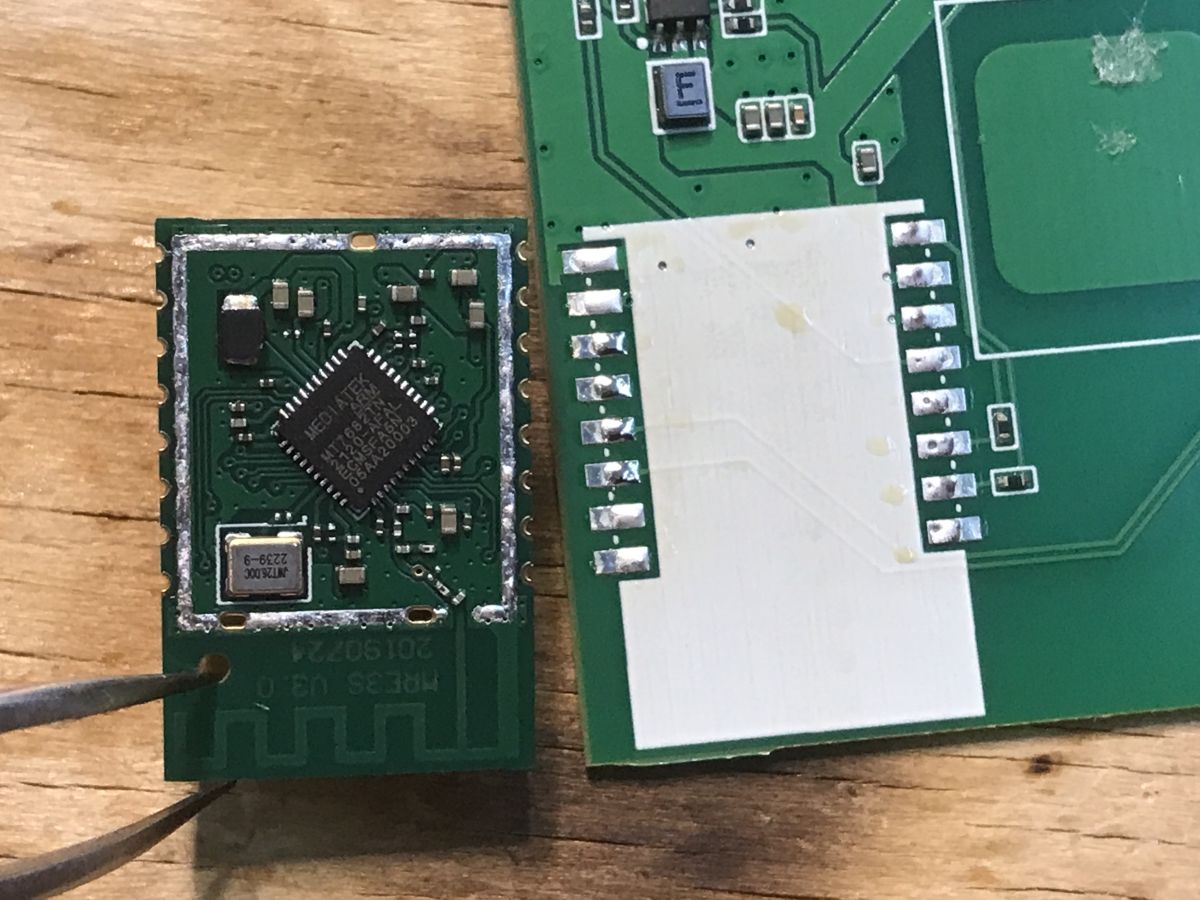
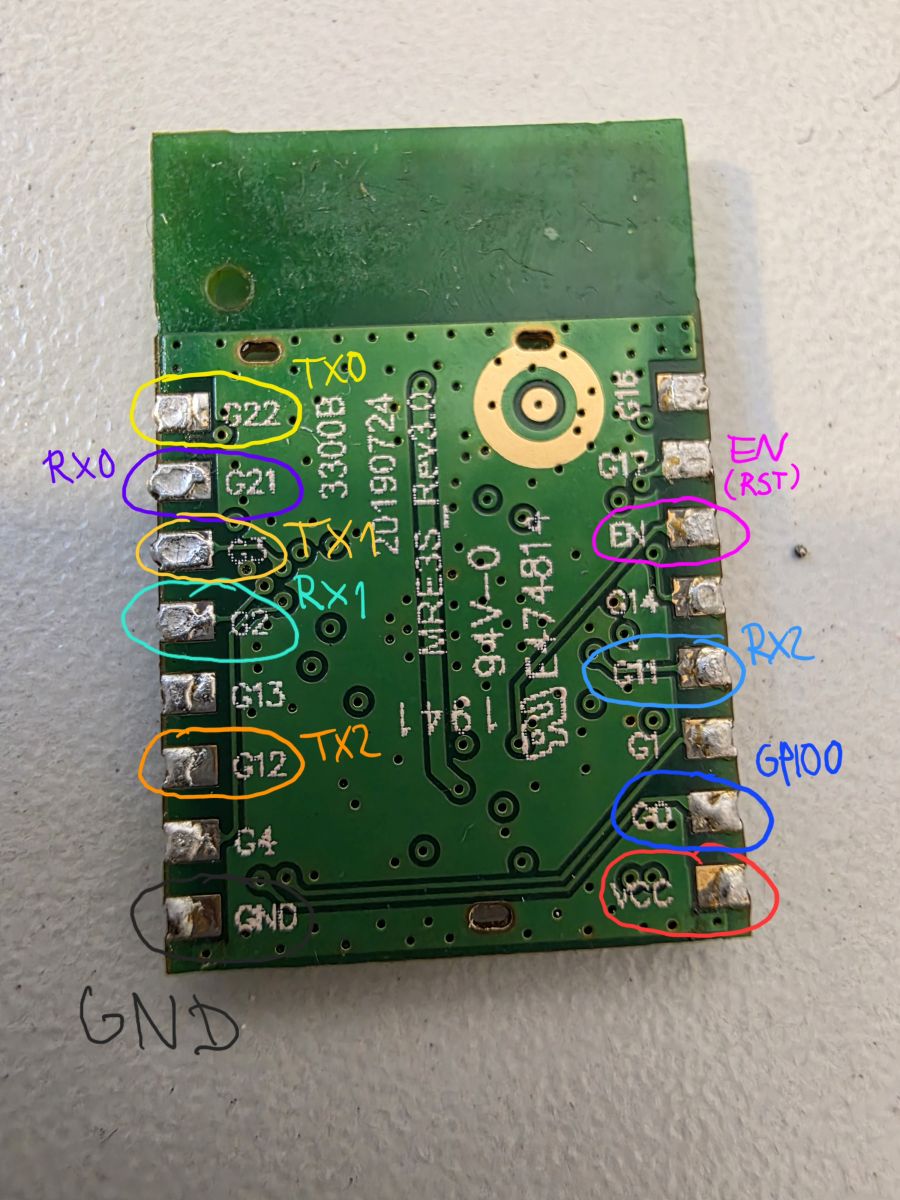
The power supply location (ground and 3.3V) agrees with TYWE3S. The position of the EN (enable) pin does too. What I don't know is where the UART is.
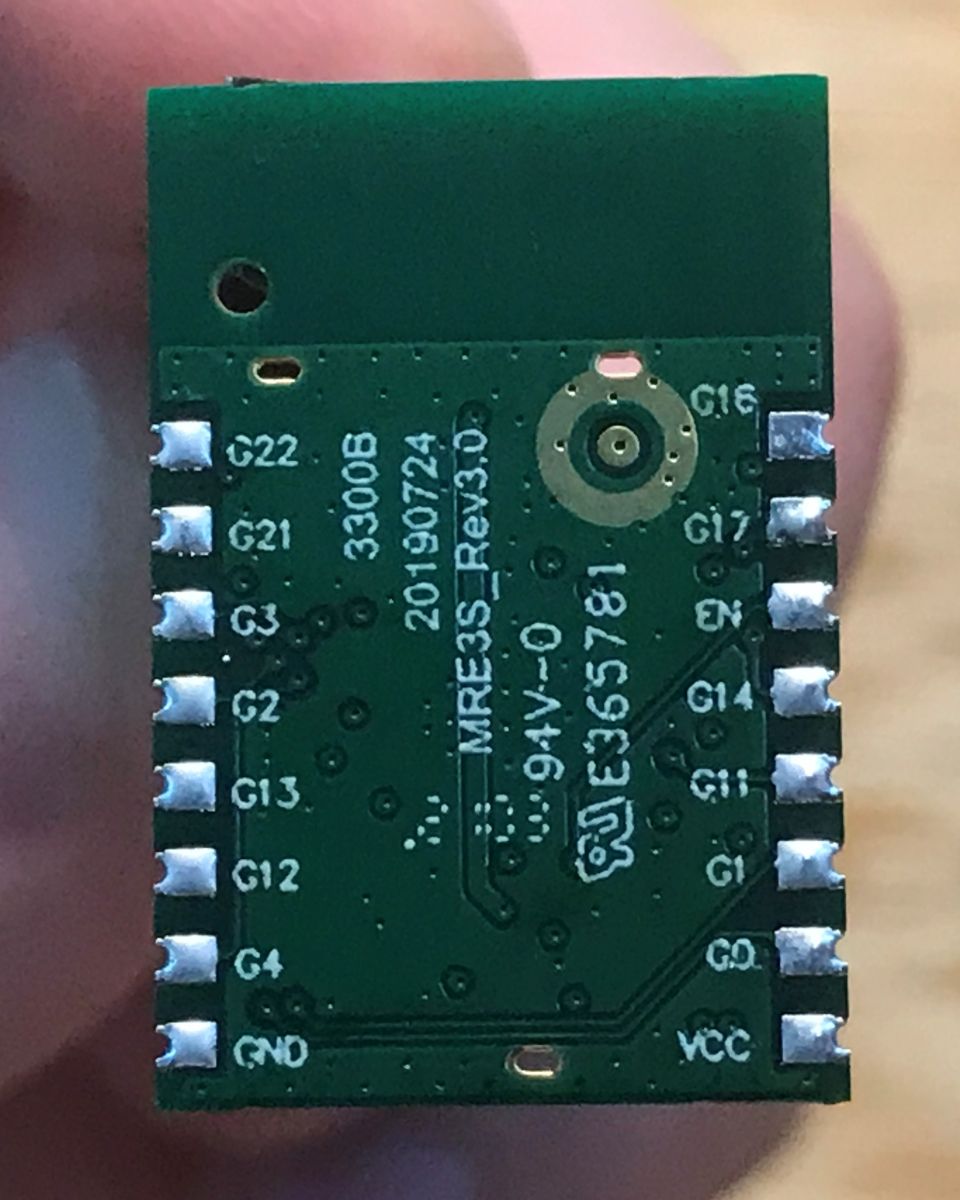
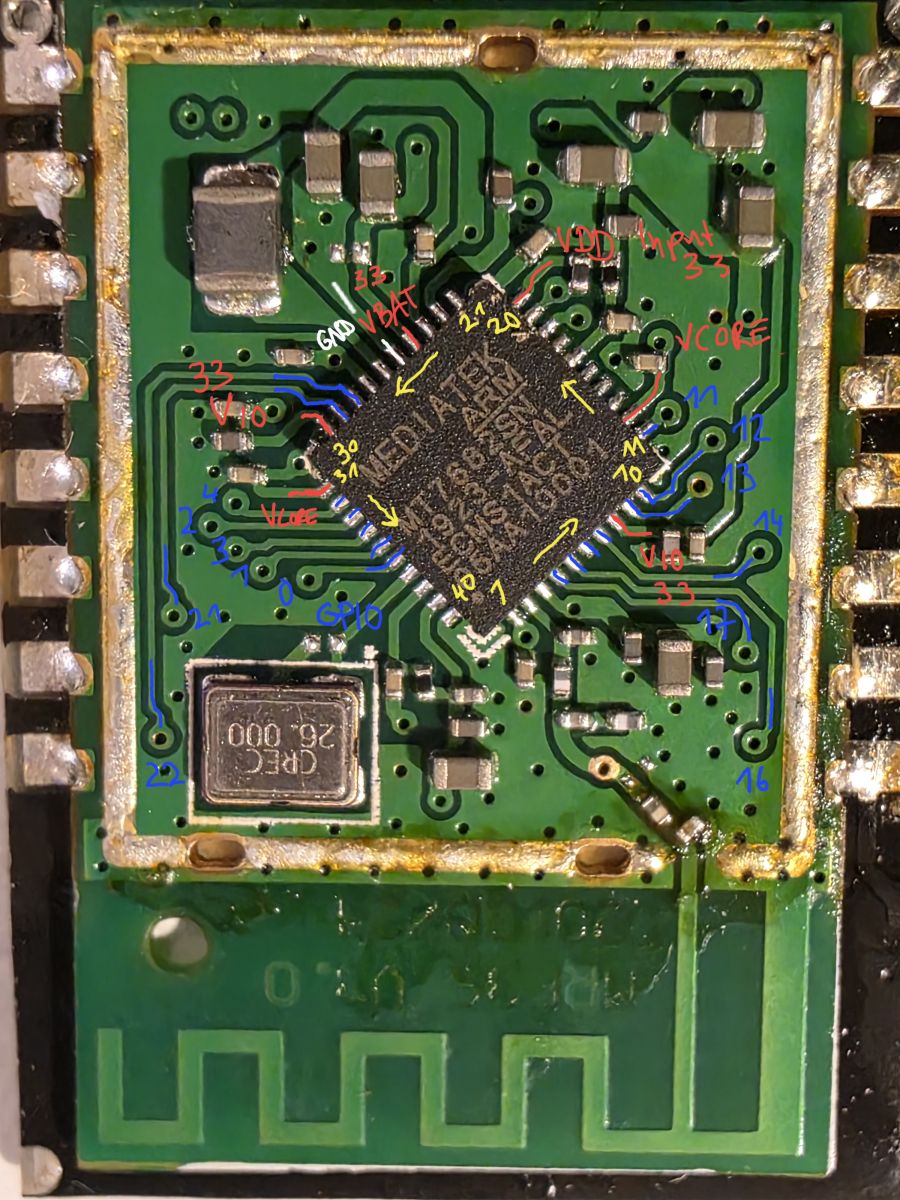
The module is signed as MRE3S_Rev3.0. The name suggests that this is a module manufactured for/by Meross. The 3S designation matches WB3S/TYWE3S and indicates the format of the module. I couldn't find any more information about it except for the FCC report, which did however clarify a bit about the pinology:
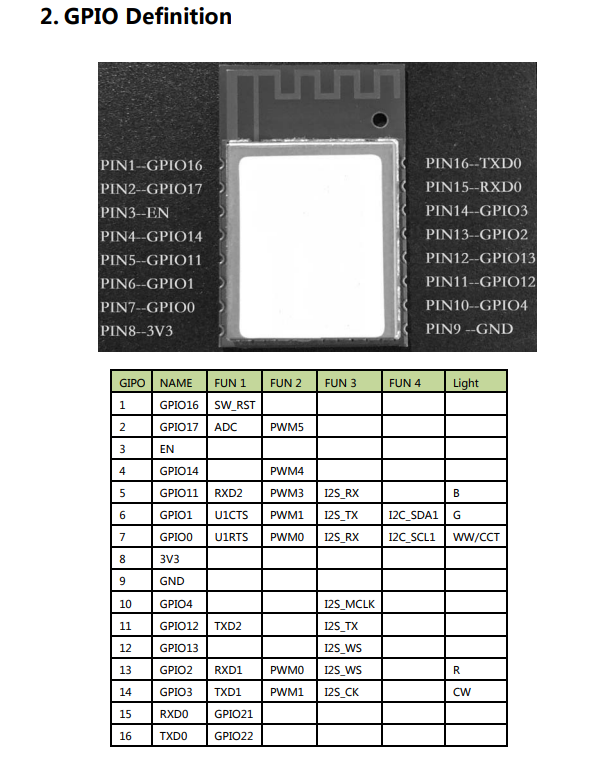
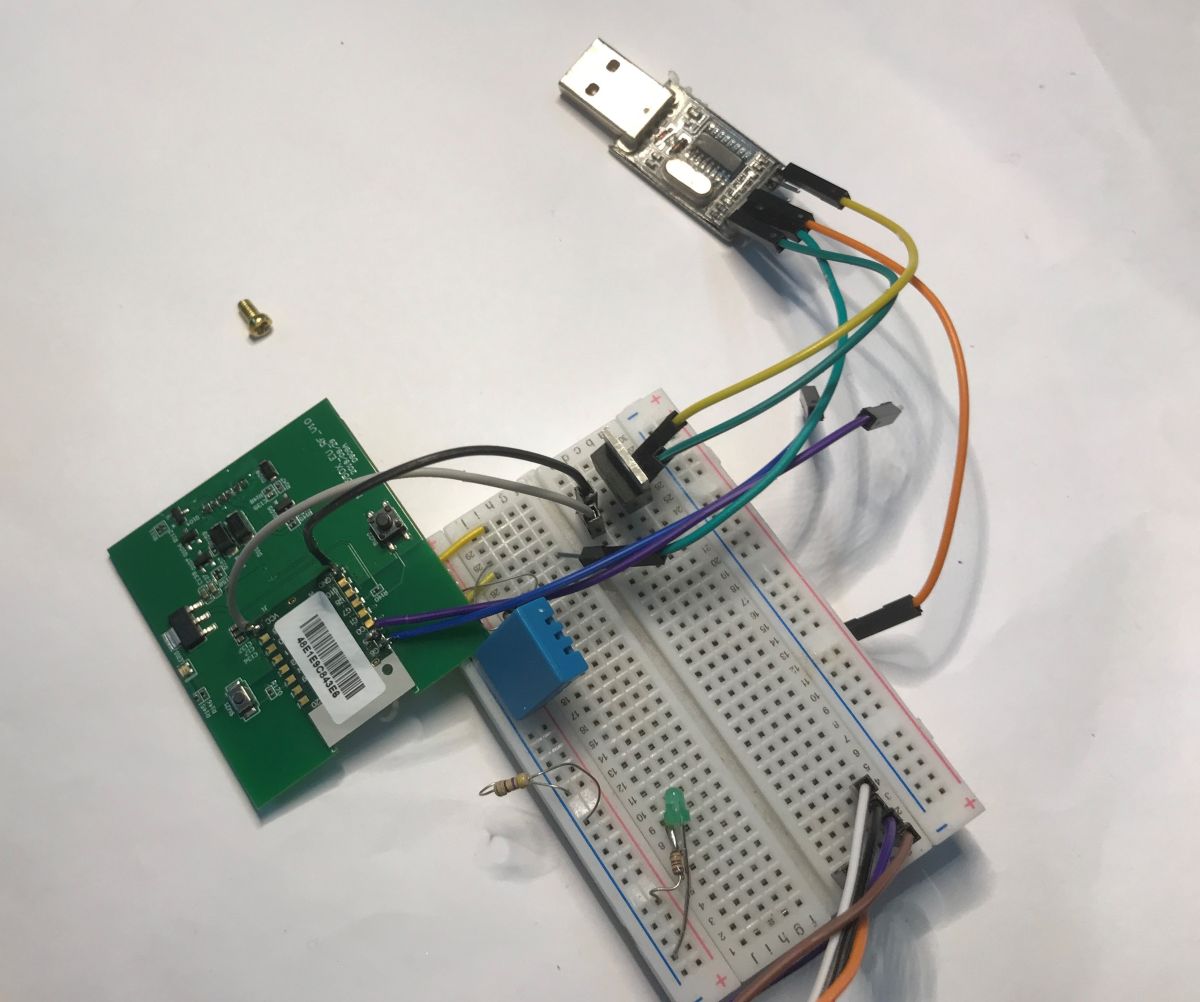
This confirms the location of the UART in line with the expected standard. Unfortunately an attempt to collect data from it failed, my copy doesn't seem to be sending anything:
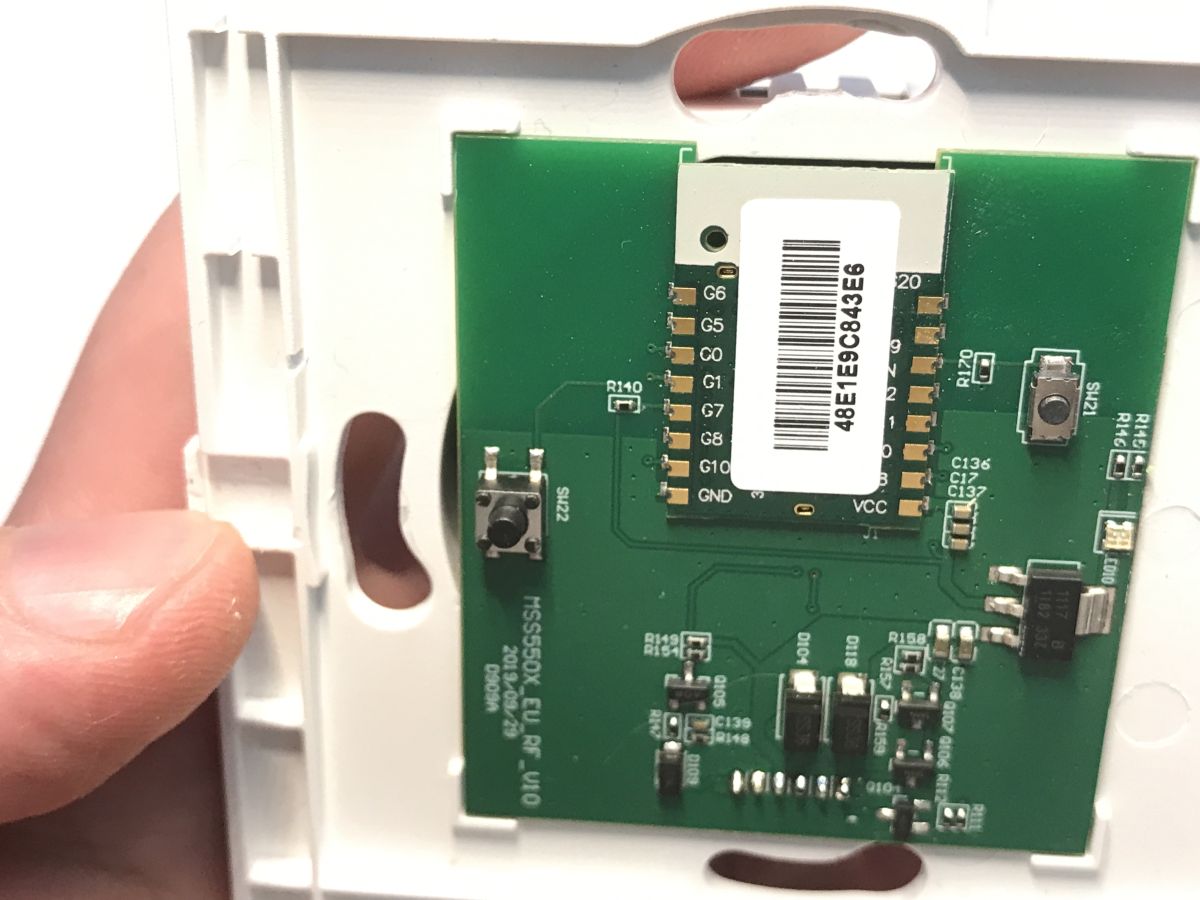
For the sake of completeness, I'm posting pictures of the mechanical version of the button below. PCB designation: MSS550X_EU_RF_V10 2019/09/29 No major changes. Same Wi-Fi module.
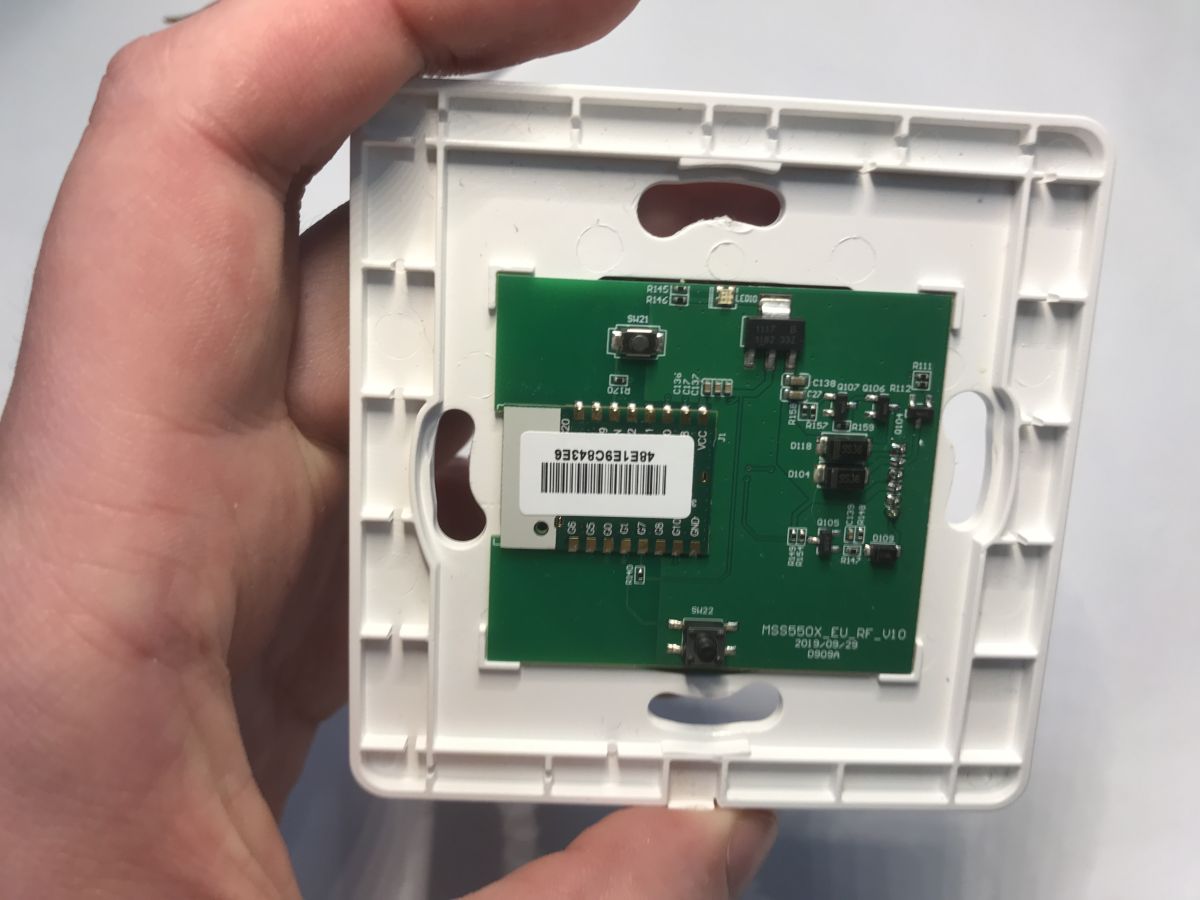
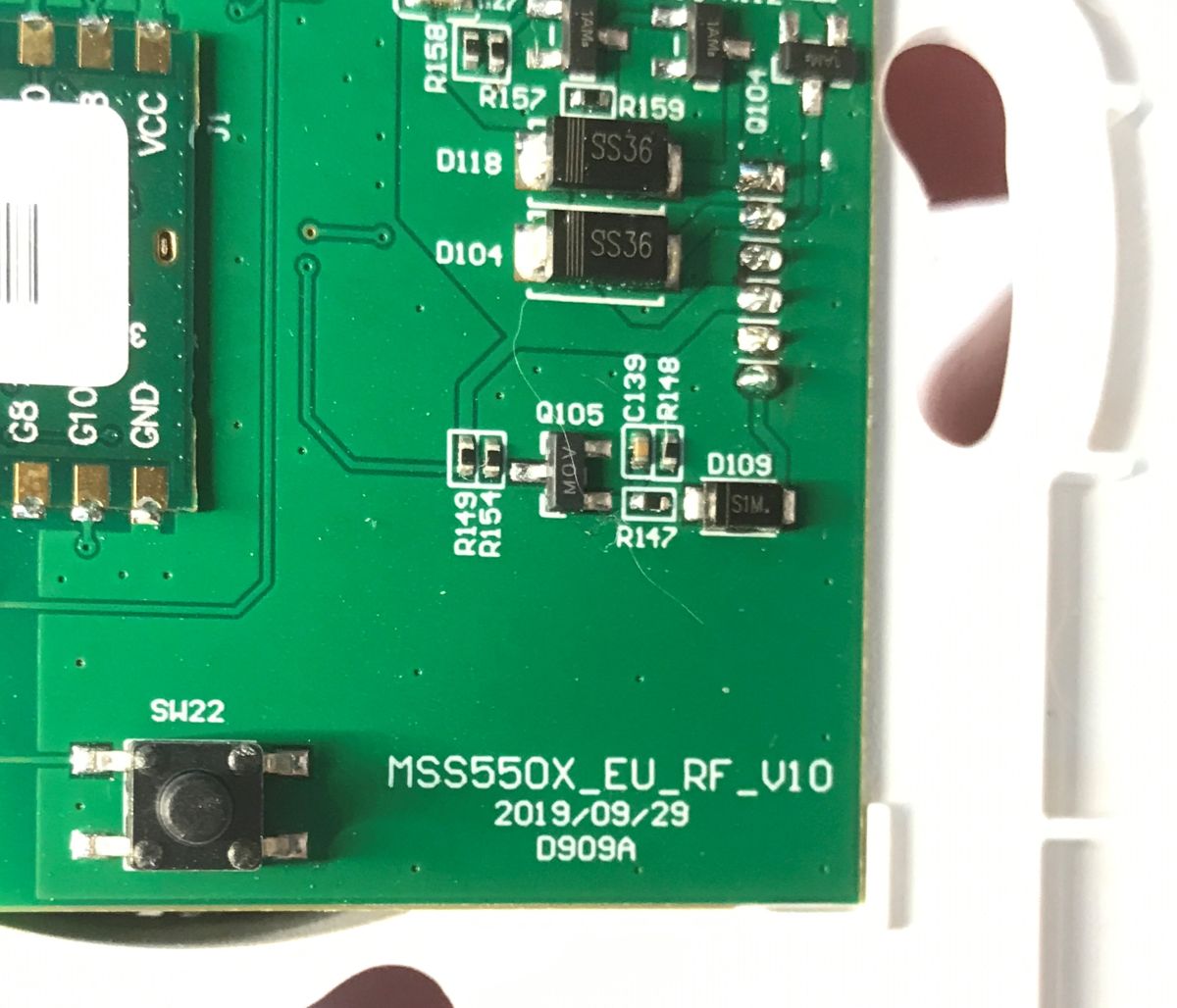
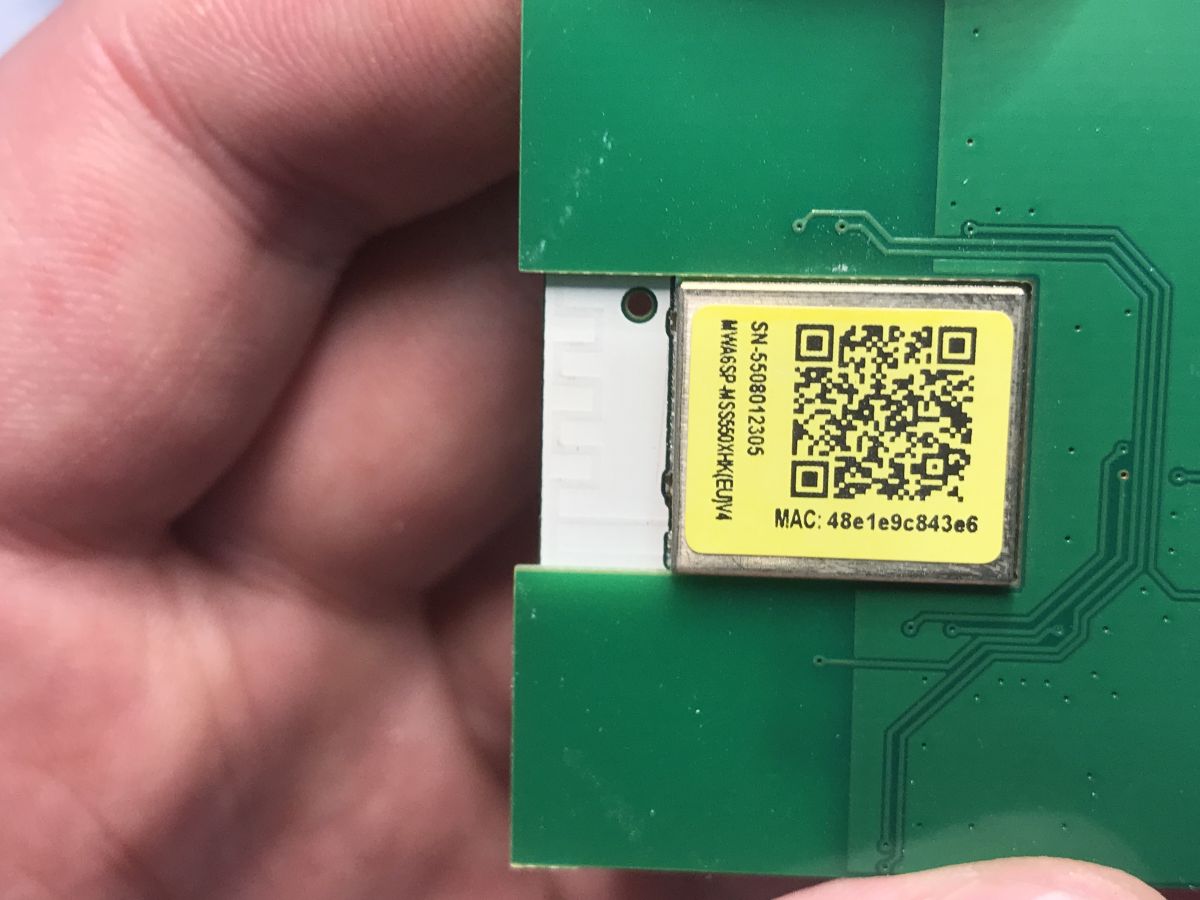
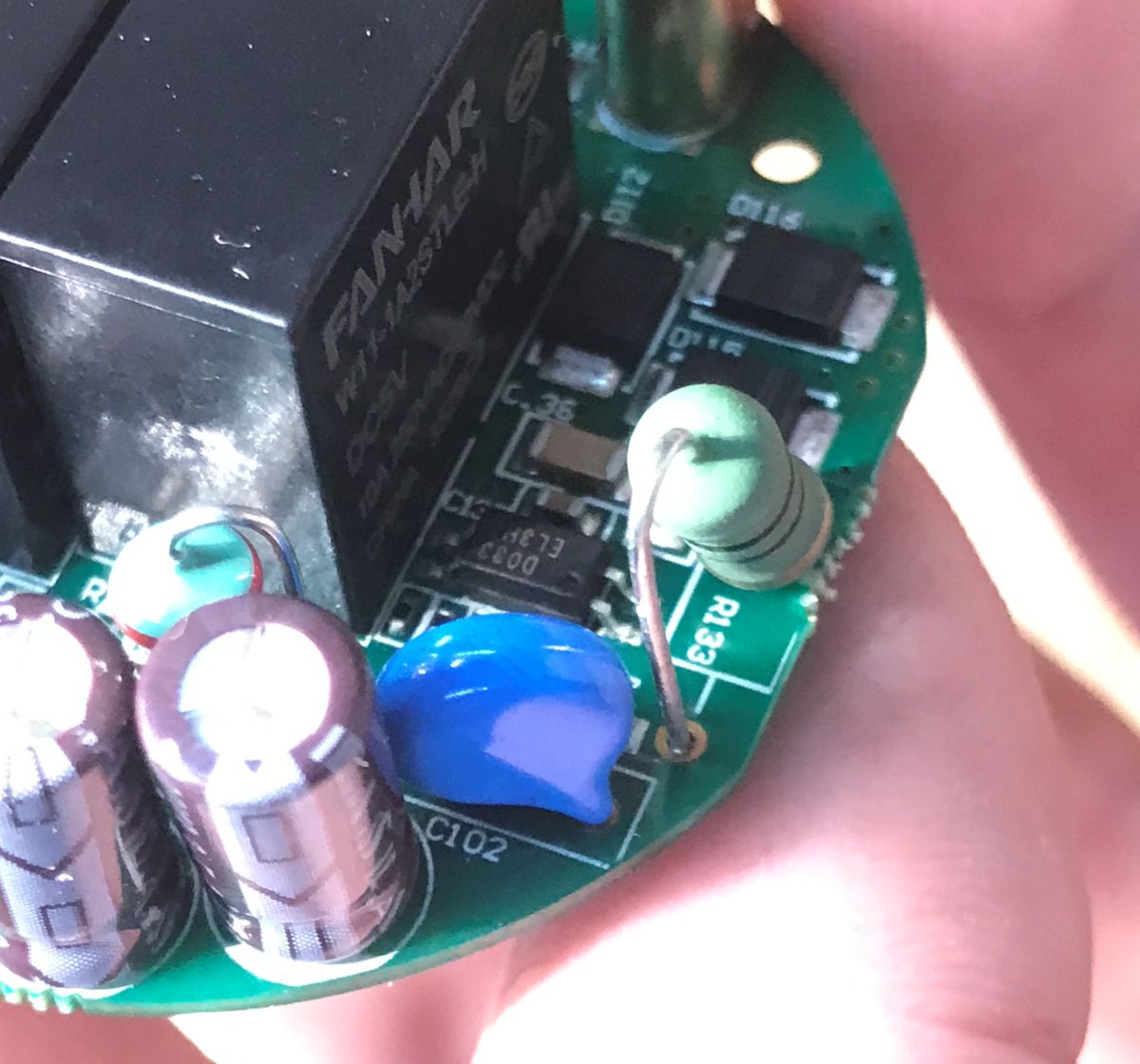
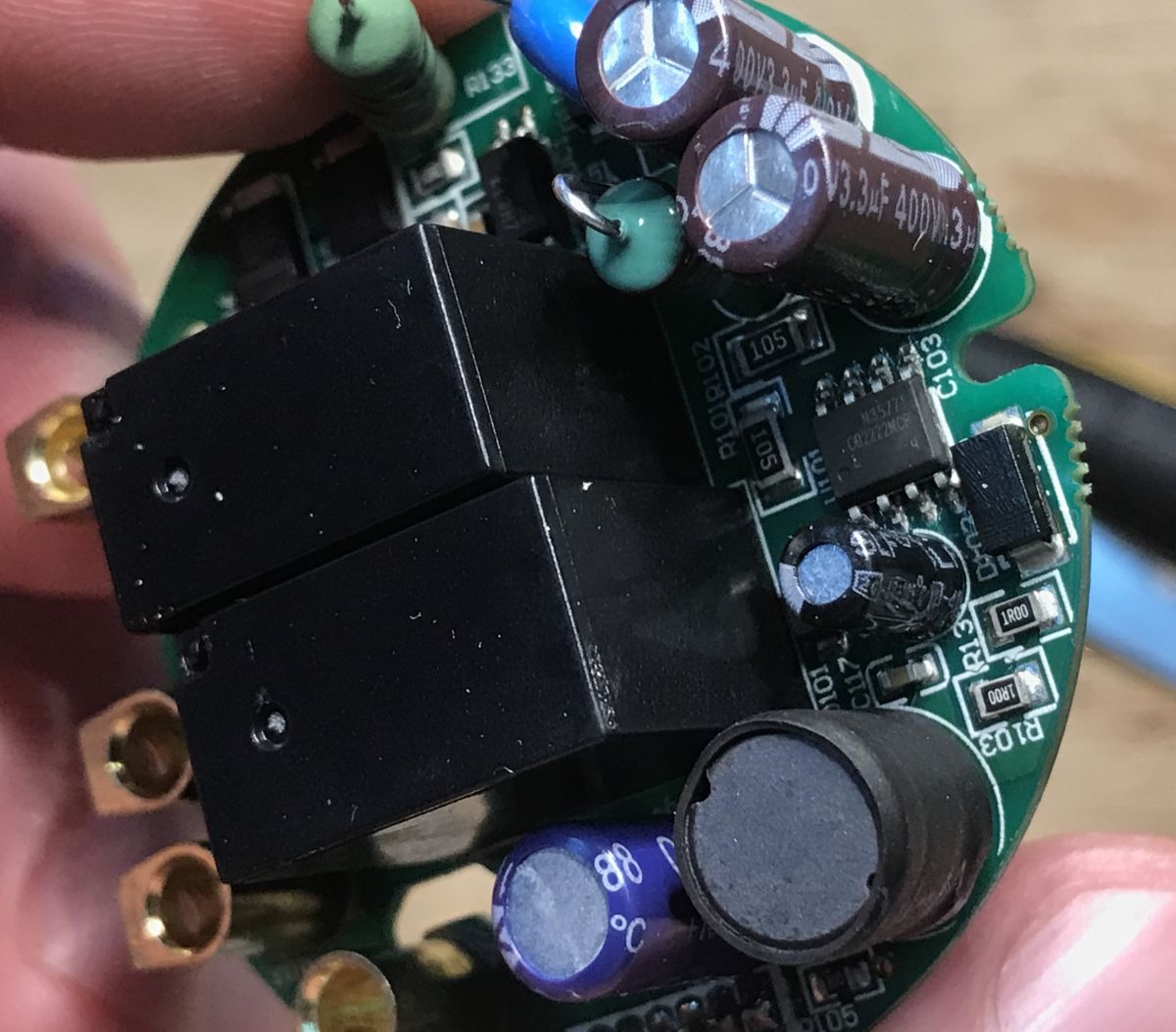
Now a look at the executive board - power supply and relays.
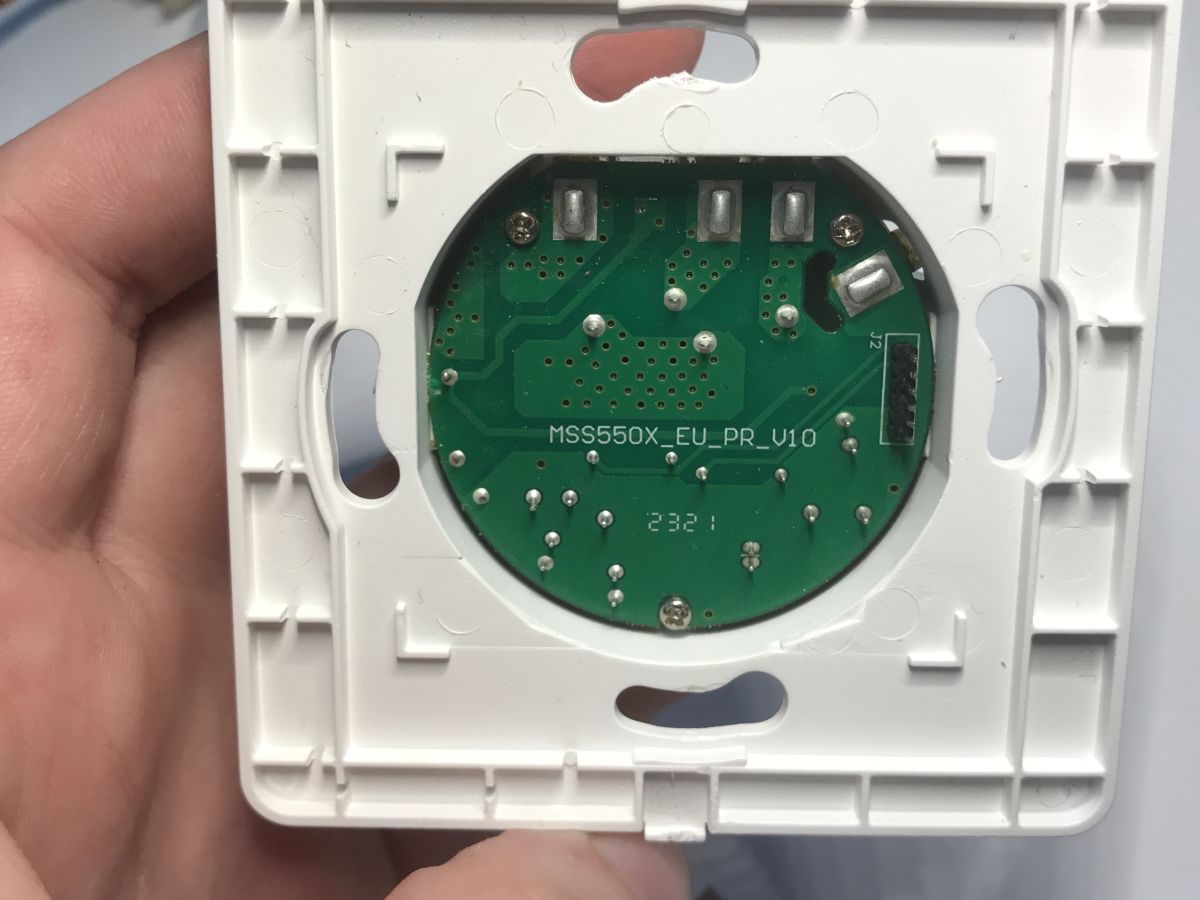
Designation: MSS550X_EU_PR_V10
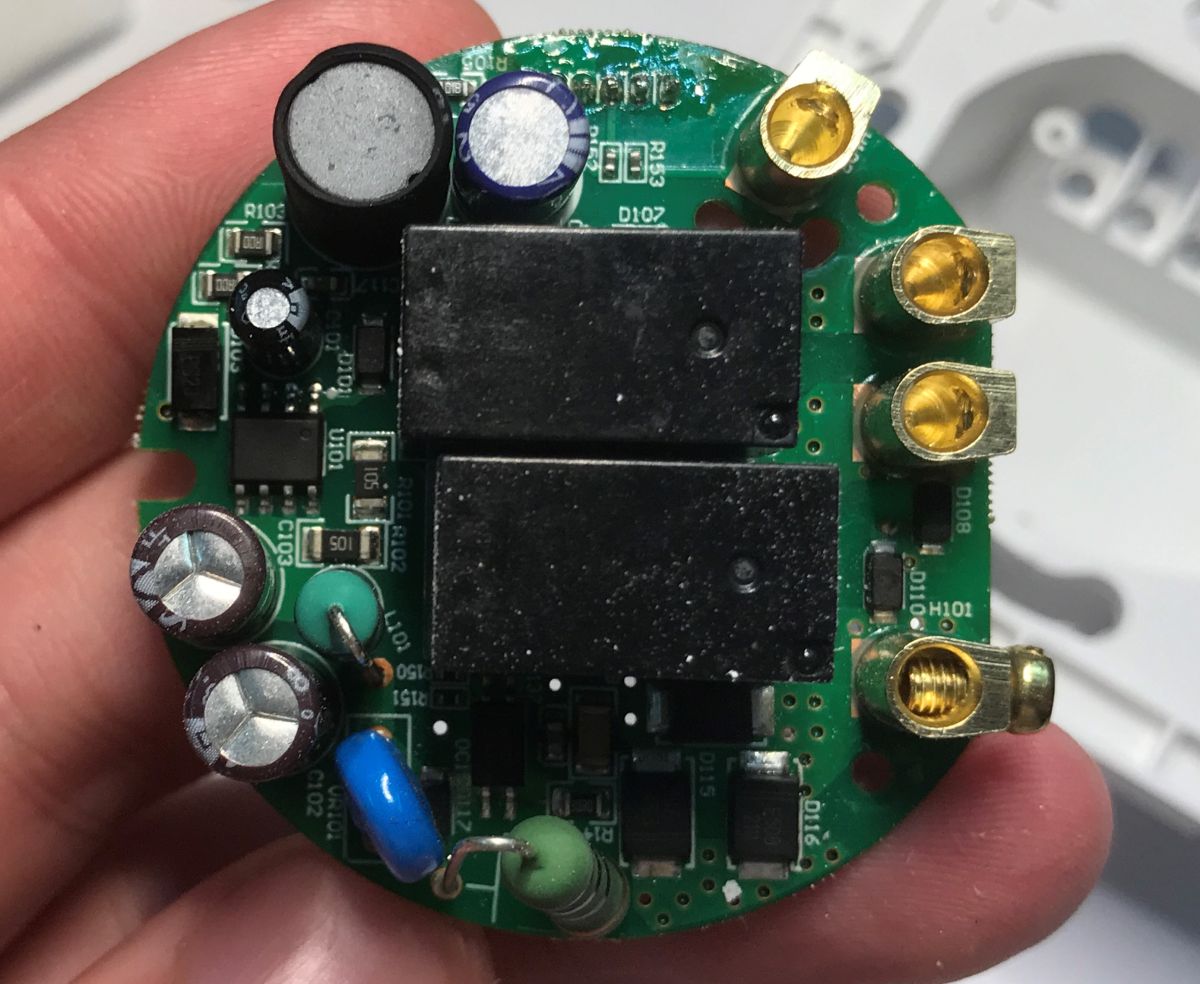
There are two relays inside - in line with the L1 and L2 outputs, shorting them to C (Common).
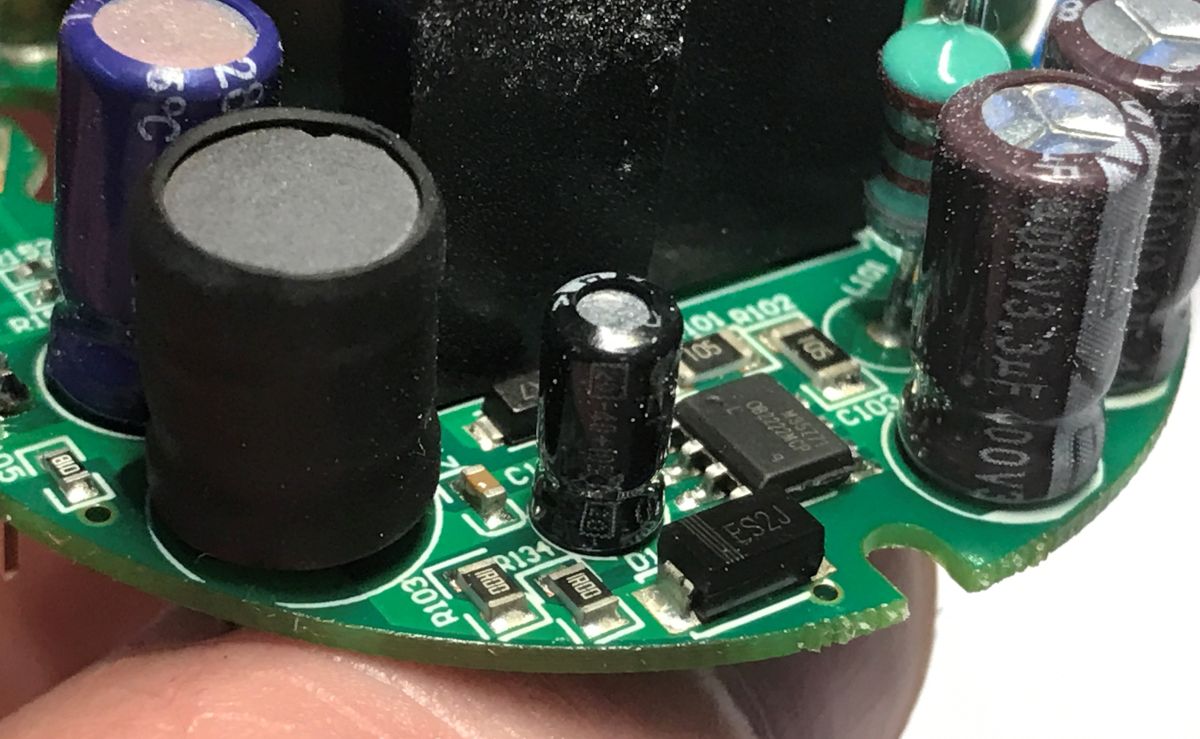
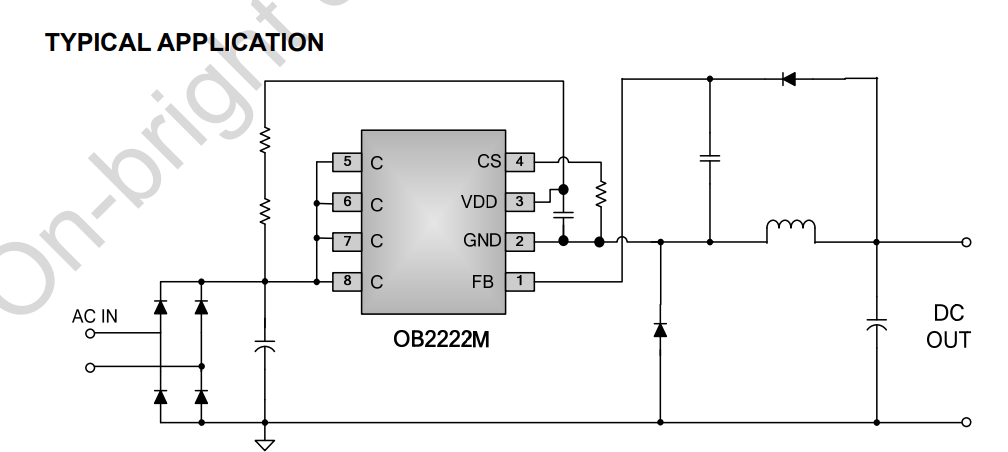
The whole is powered by a non-isolated inverter based on the OB2222MCP. It generates 5 V. There is also a fuse and varistor in the circuit.
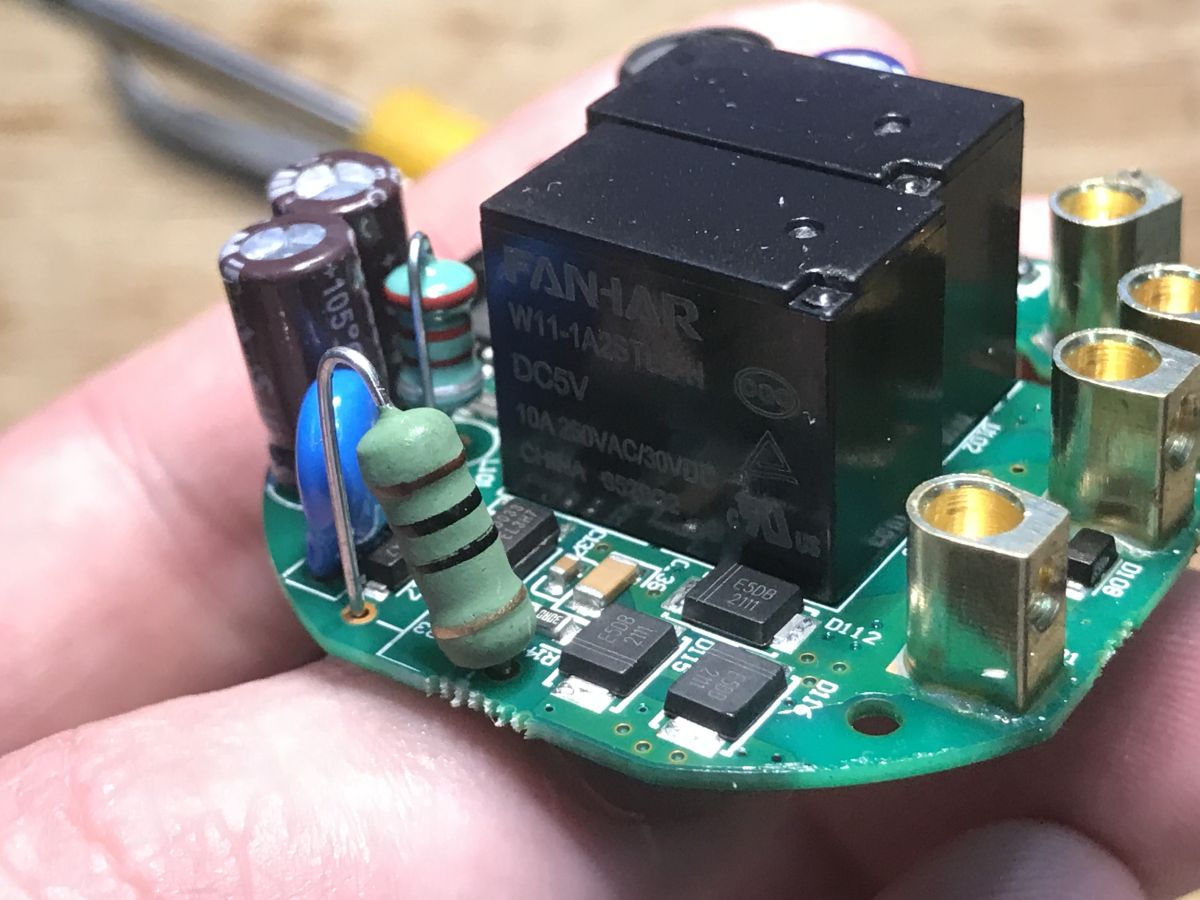
The second board is identical:
Information about MT7682
The MT7682 catalogue note is available on the web. I include it in the appendix.
The chip features an ARM® Cortex®-M4 core with FPU, clocked to 192 MHz, 384 KB of RAM and 1 MB of Flash memory. Unfortunately, Flash is quite scarce here, a bit like in the regular ESP8285. There may be a problem here with updating the firmware via Wi-Fi, because then you have to fit both images at once in non-volatile memory.
Personally, I'm most interested in changing the firmware, and for that you need boot settings. The hope, however, is an external Flash - the option to boot from it via SPI.
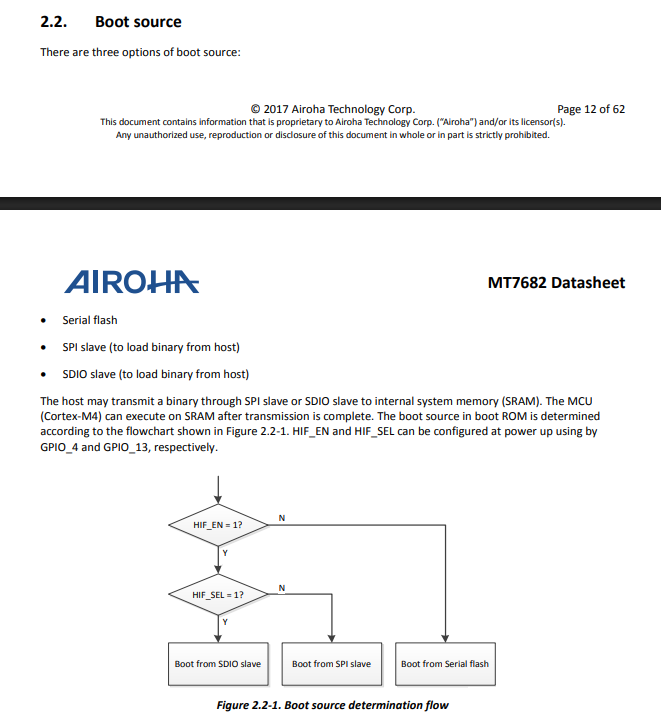
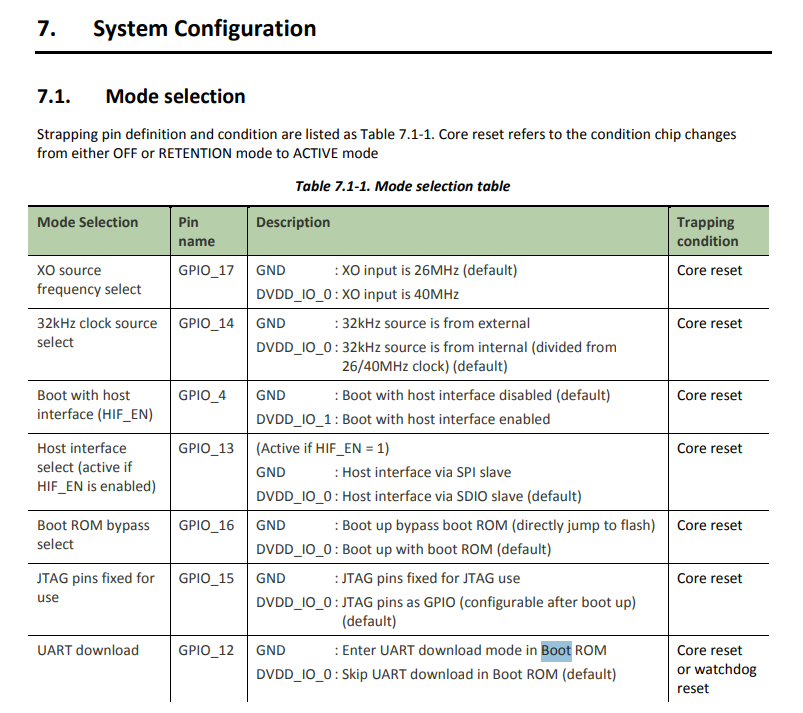
The serial option looks promising. So we are interested in the HIF_EN (GPIO_4) and HIF_SEL (GPIO_13) pins. These are available on the MRE3S pads.
There is a matching SDK available on GitHub:
https://github.com/Kamwing1992/SDK_For_MT5932-MT7682-MT7686-MT7687-MT7697-AW7698
Supported chips:
- smart MCU series: MT2523/MT2533
- wi-Fi series: MT5932/MT7682/MT7686/MT7687/MT7697/AW7698
- bT Audio series: AB155x
The SDK is based on the GCC, Keil and IAR toolchains.
The tools include IOT_Flash_Tool :
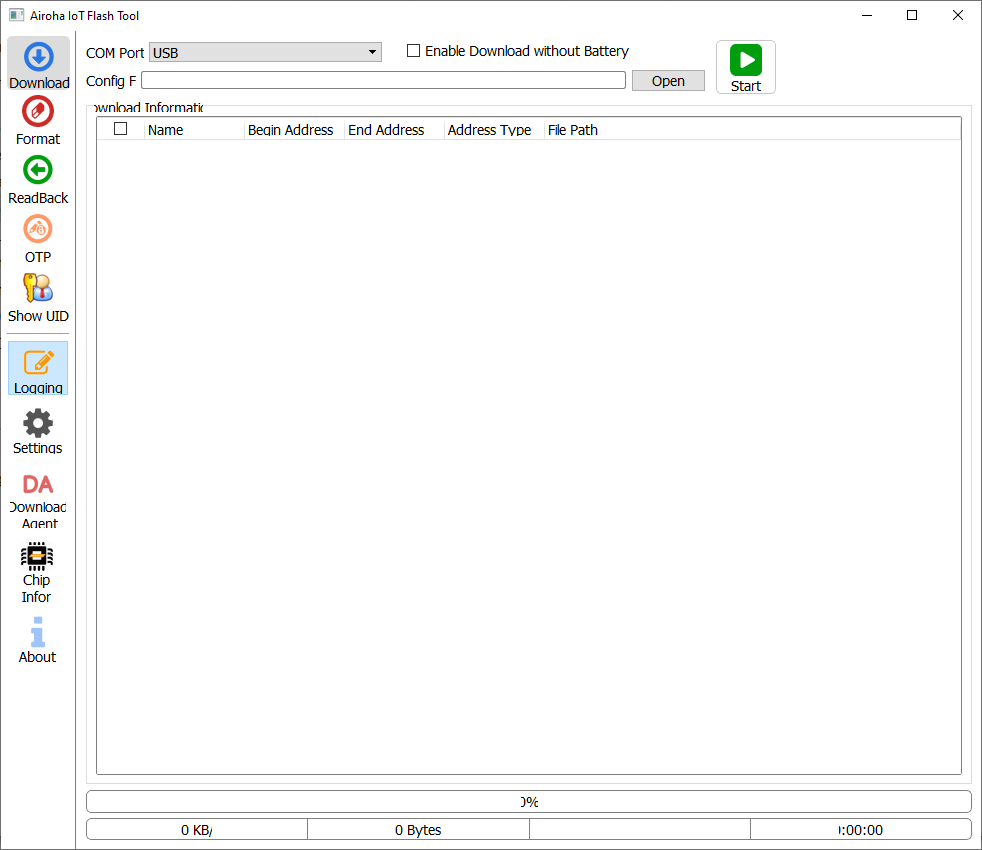
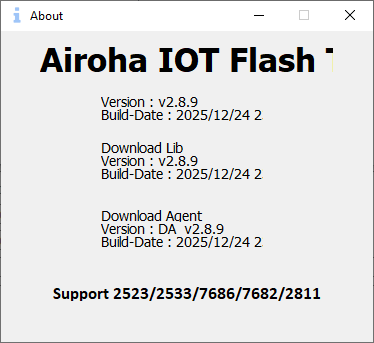
According to the "About" tab, the version of this tool is 2.8.9. What surprises me is the compilation time. I fired it up on the 24th, and the same date appeared in the program.
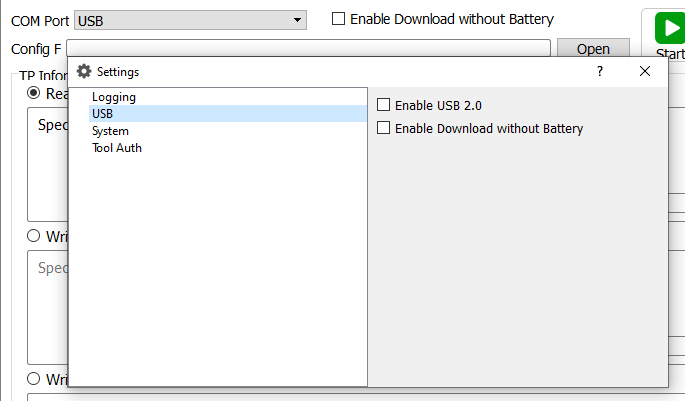
The port selection suggests that, in addition to the virtual COM ports, there is the possibility of operations directly via USB.
At this point we probably have everything to compile, rip and upload the batch. We need to set the appropriate levels on the GPIO and connect the USB to UART converter. However, I will report the results in a separate topic.
Summary
MT7682 is a fairly unknown and already old platform. I've been testing various IoT devices for a long time, and only now did I come across this one. The analysis presented in this topic shows that it would be potentially possible to compile your own firmware for this type of chip and make it cloud free. There is a chance for a OpenBeken port, but a lot also depends on how many devices with MT7682 are actually produced. Have you encountered chips from this family? Thank you in advance for any information!
Cool? Ranking DIY Helpful post? Buy me a coffee.