Hello,
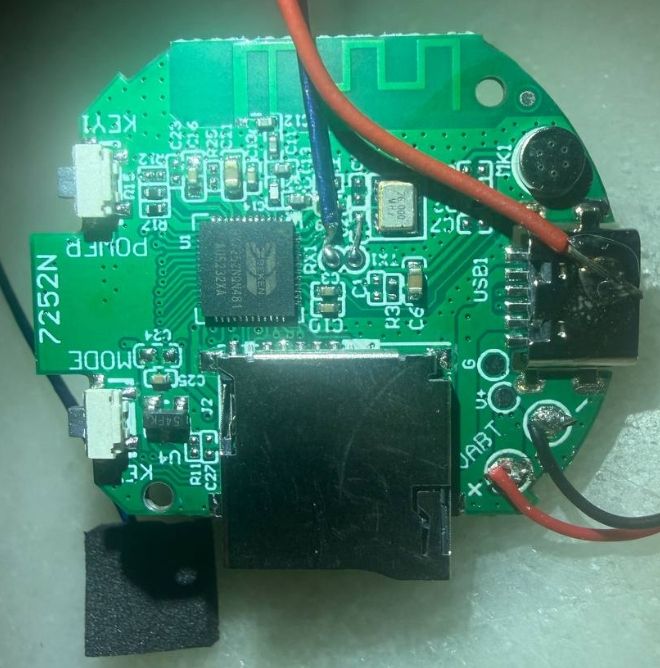
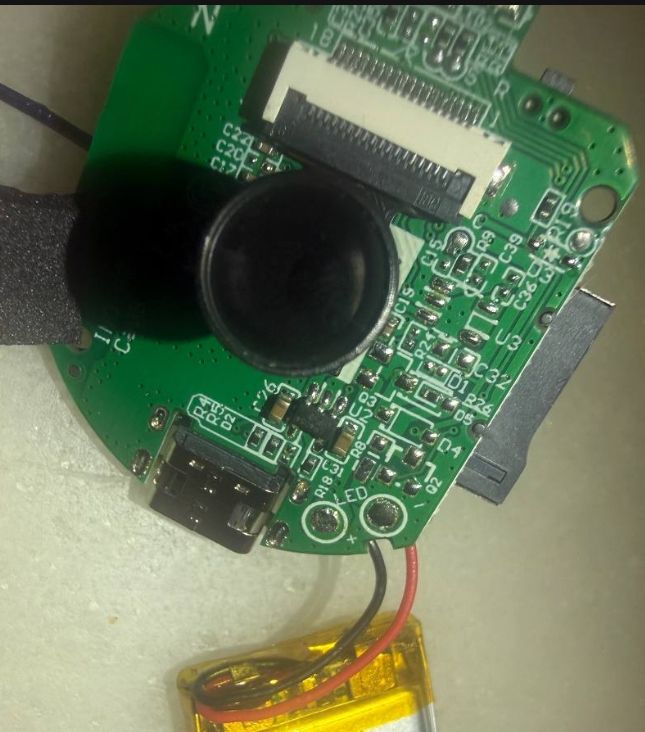
I’m new to the forum and I’m trying to dump the firmware from a mini camera based on the BK7252NQN481. The PCB is marked INO-A9-v2.5.
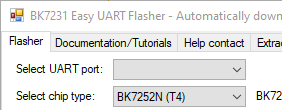
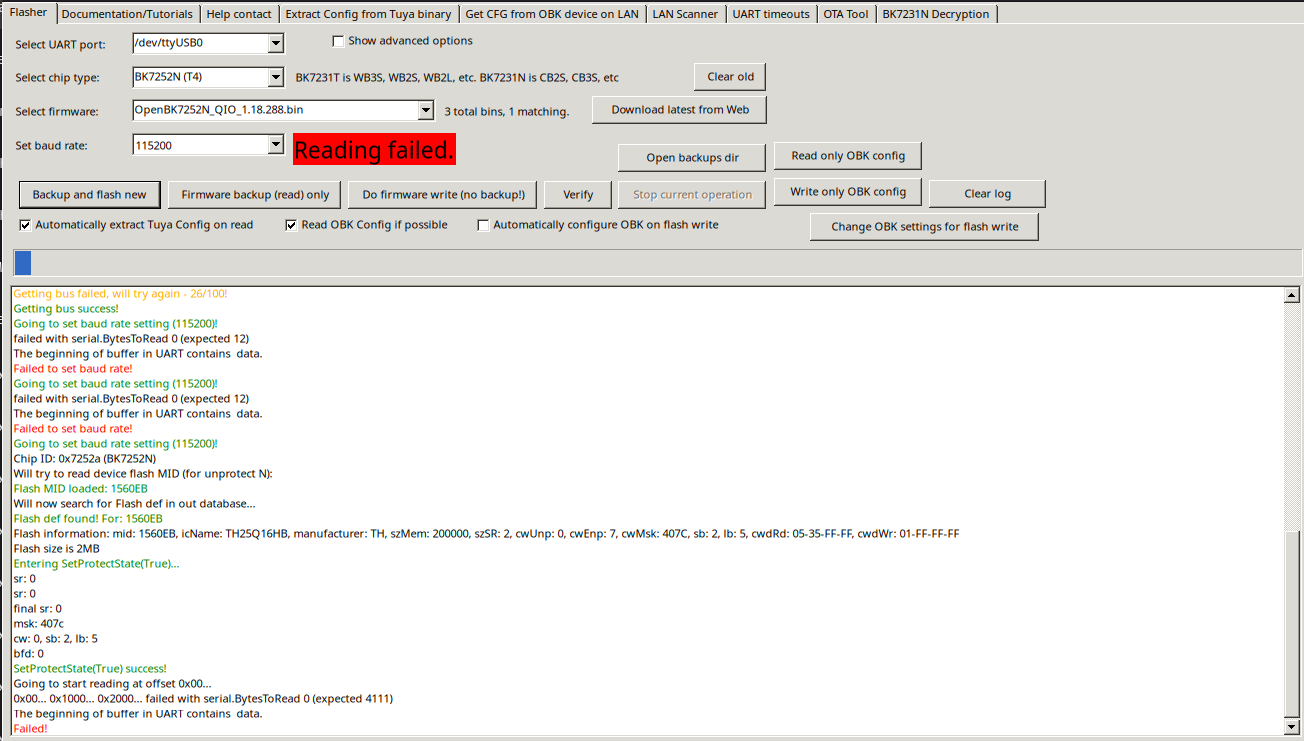
I managed to get access to the RT-Thread shell through the UART pads, but when I use BK7231Flasher / Easy Flasher to back up the firmware, I get an error message, as shown in the attached screenshot
My setup is:
- camera connected to a USB-UART adapter,
- camera powered from its own power supply,
- UART shell access works.
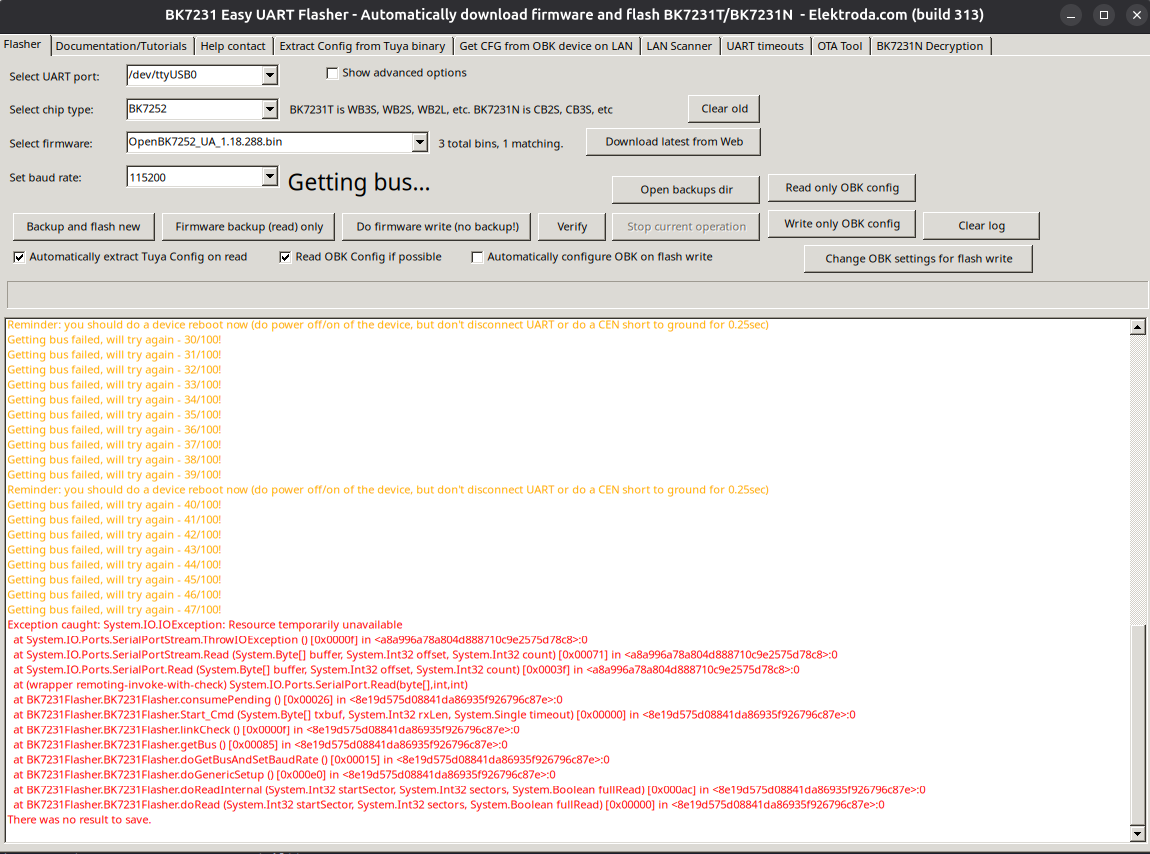
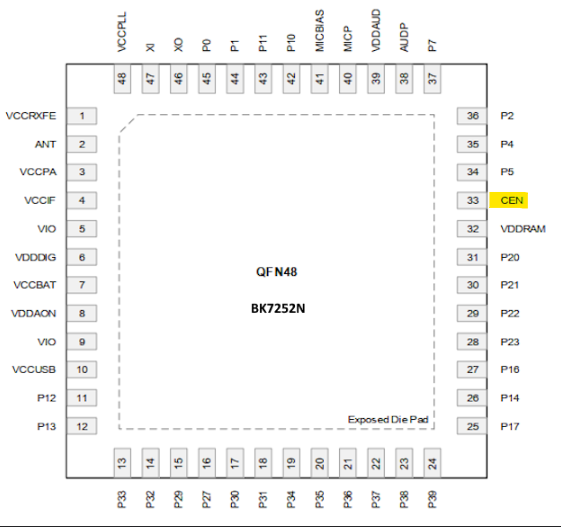
What I do not understand is the CEN signal. From the BK72xx documentation, CEN is the reset pin, and flashing usually starts only if CEN is briefly pulled to GND, or if the board is power-cycled while the tool is already waiting for the chip. I do not know where CEN is exposed on this board, or whether I should instead use power-cycling.
Could someone please advise:
whether this board should be dumped through UART1 or another interface,
how to identify the CEN pad on an INO-A9-v2.5 board,
and what the correct backup procedure is for this BK7252NQN481 camera?
Any help would be greatly appreciated.