How is the 'smart' remote-controlled Tuya lamp built? What Wi-Fi module is inside? To what extent does it heat up the interior when lit at full brightness, and can this heating be reduced somehow? Can this type of product be connected to the Home Assistant and used without the cloud? Let's find out!
Let's start with the contents of the kit. What do we get when we pay a good 80 zl?
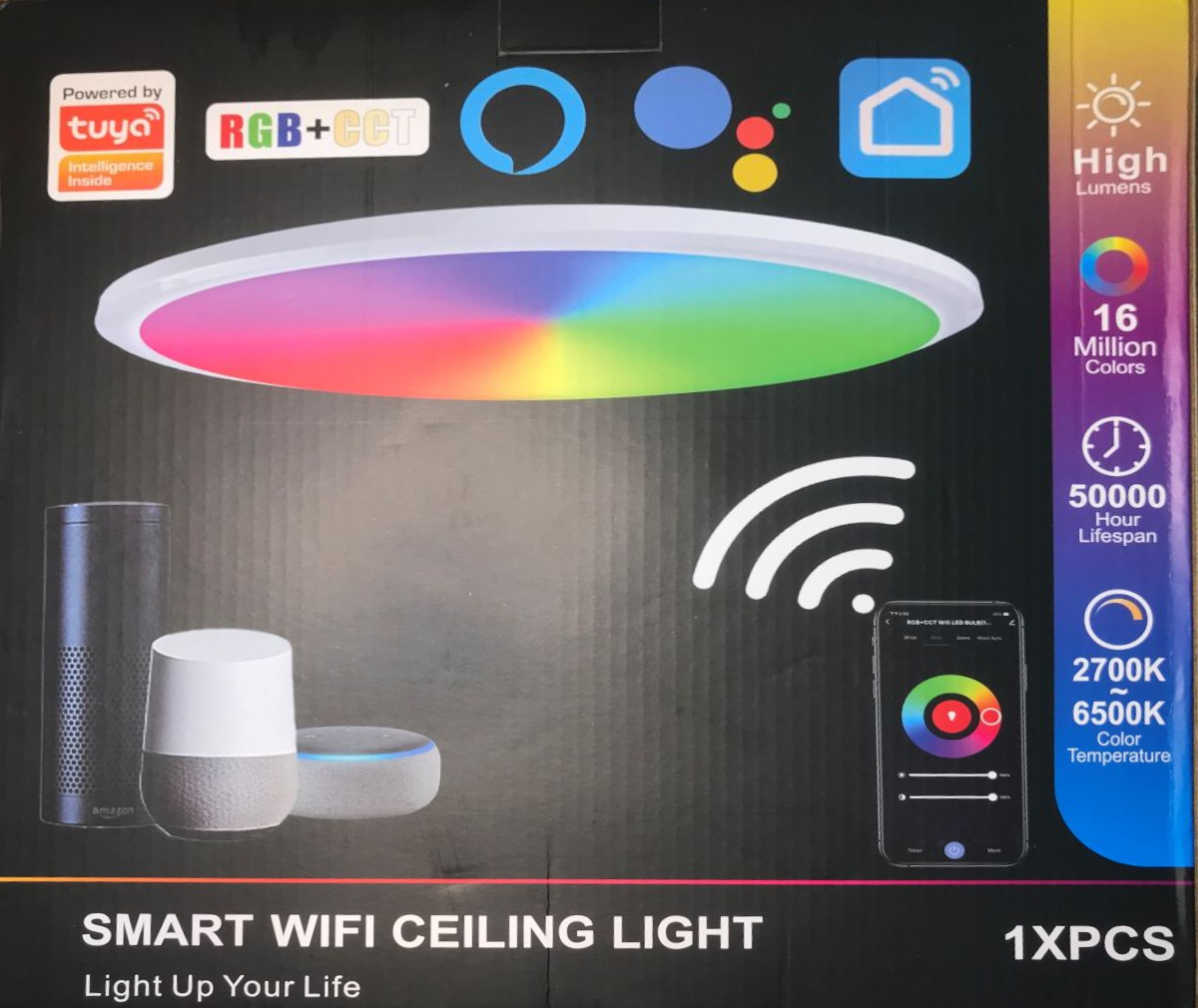
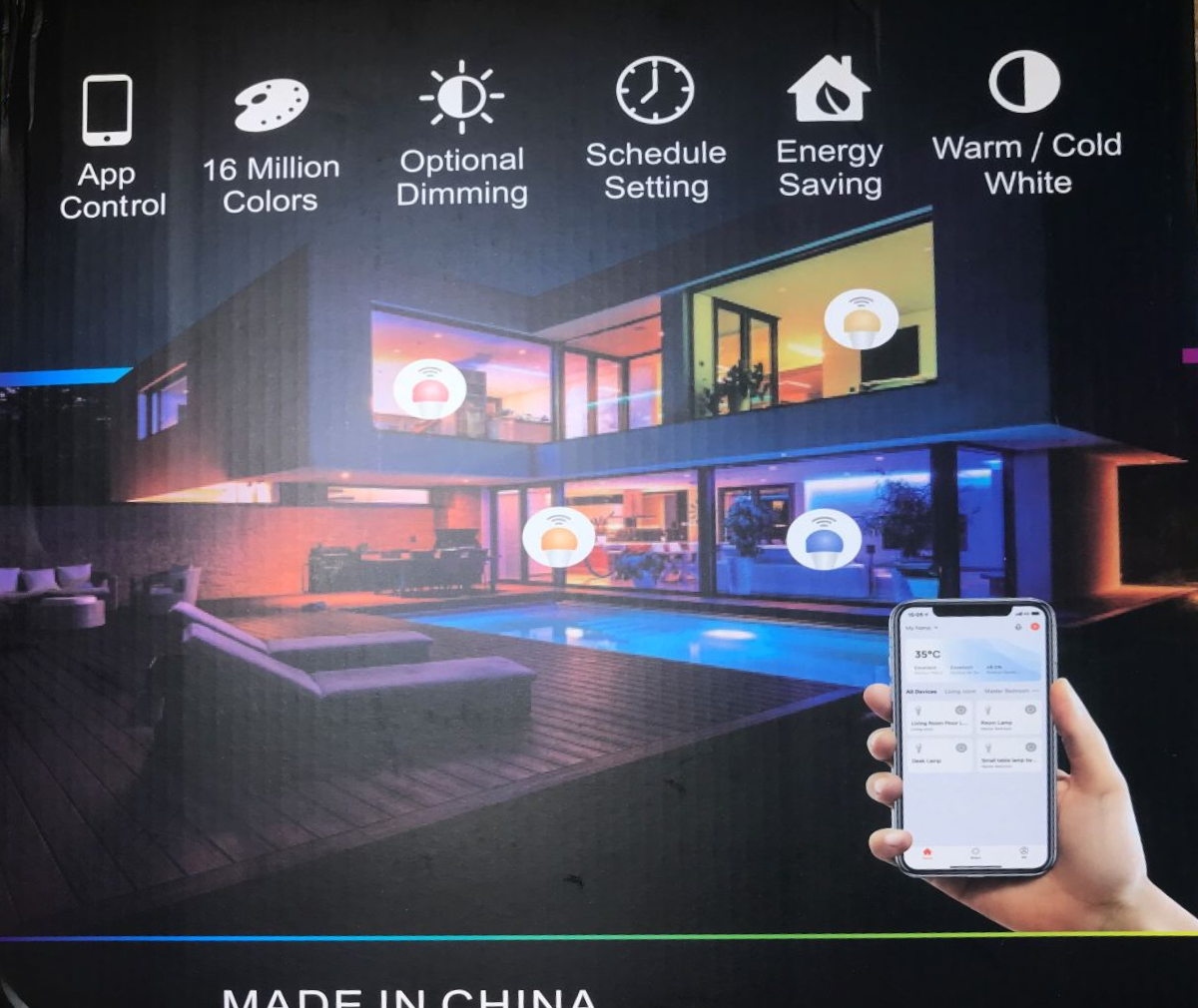
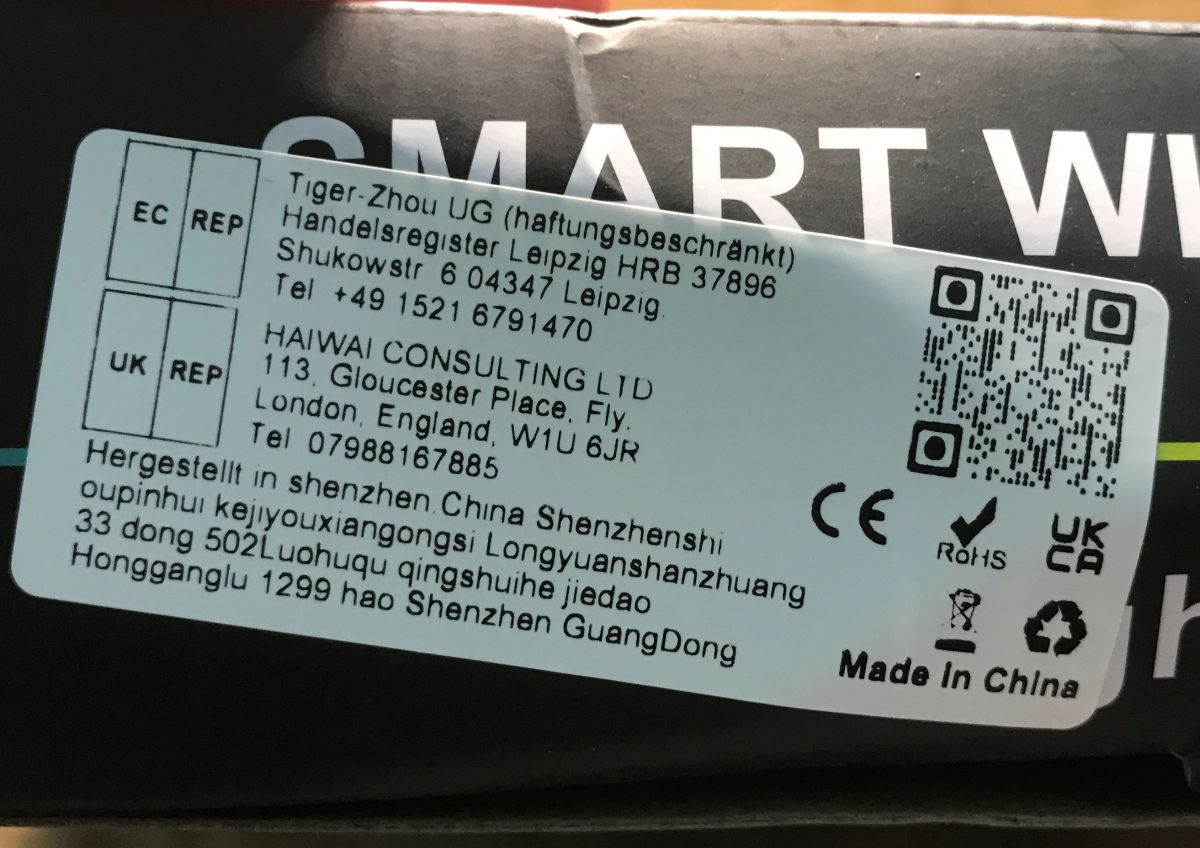
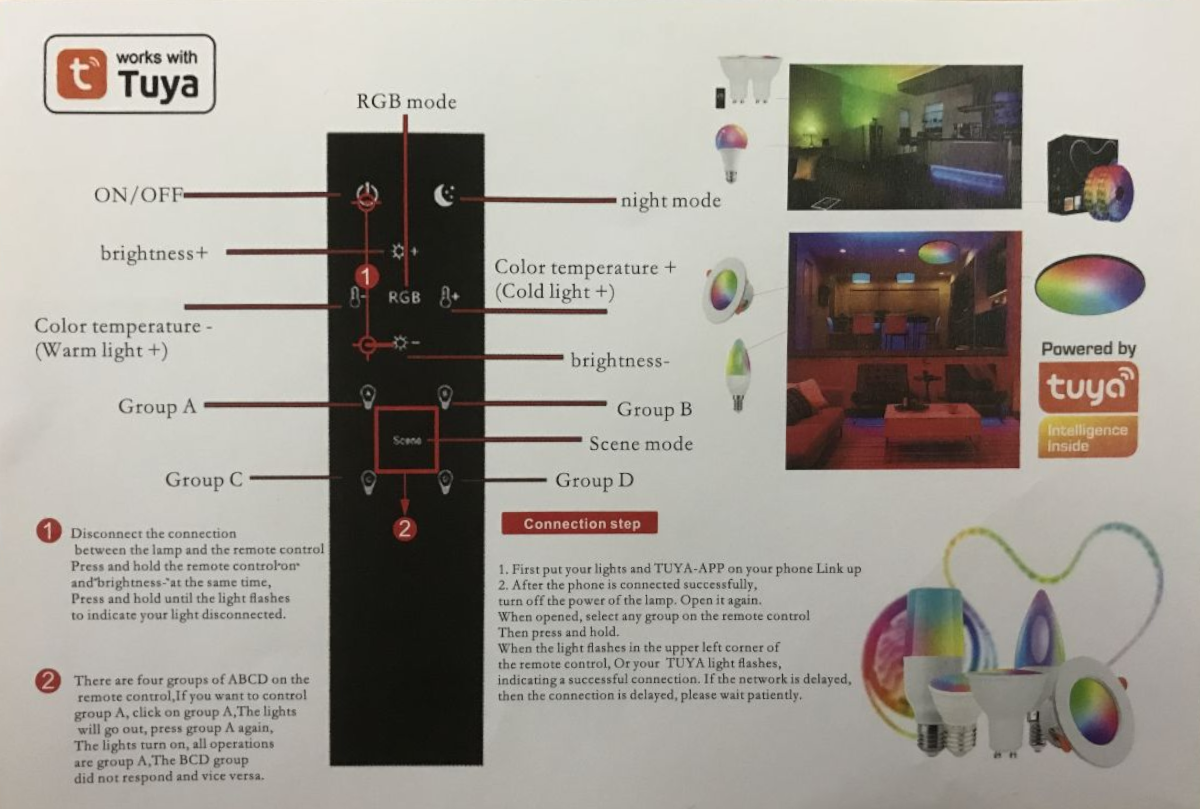
Included are the manual, the lamp, the screws for fixing and the remote control. The remote control is just an extra, the most important thing is the Wi-Fi control - the app. The remote communicates with the lamp via Bluetooth, although I have not analysed the details of its protocol.
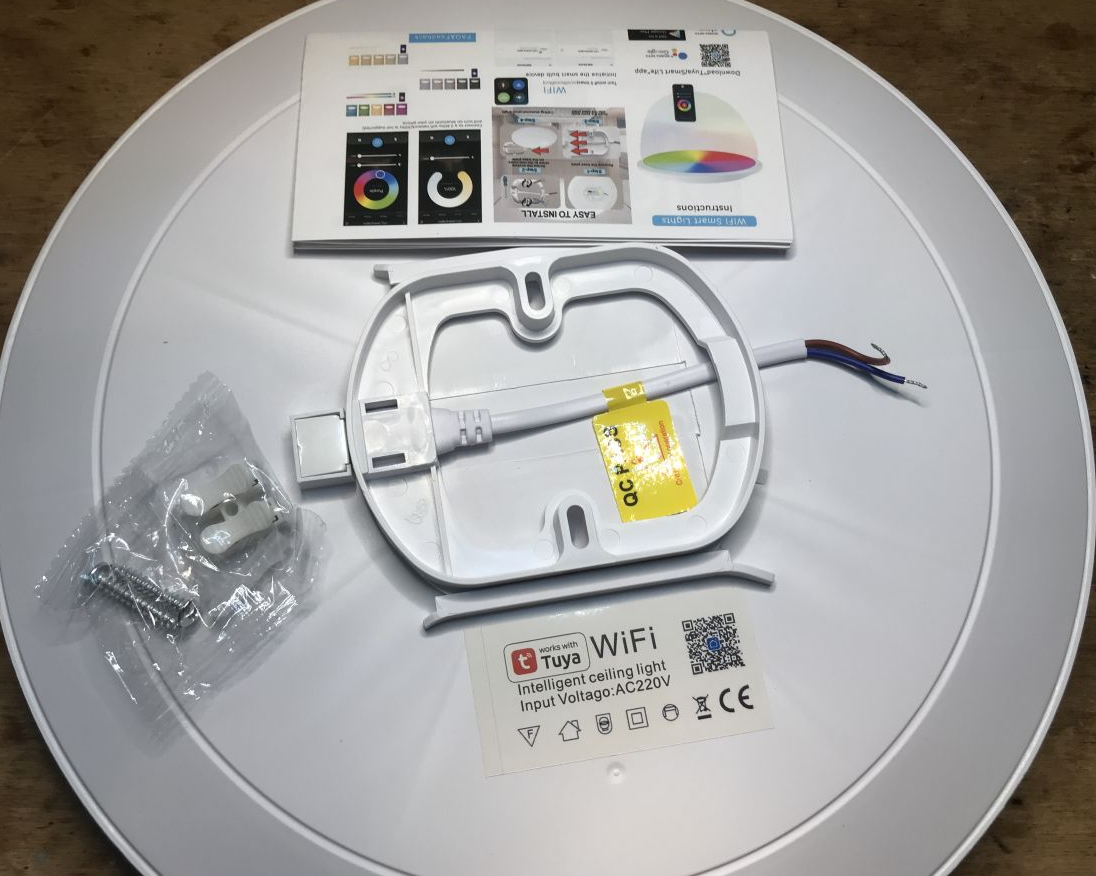
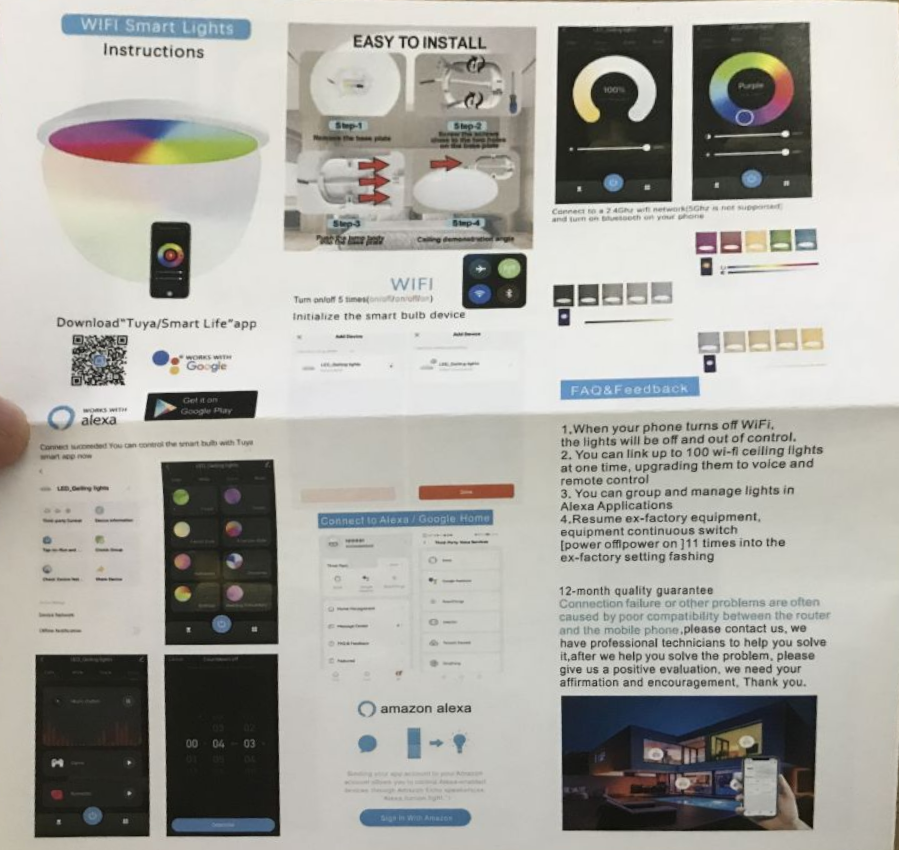
Instructions:
Inside of the lamp
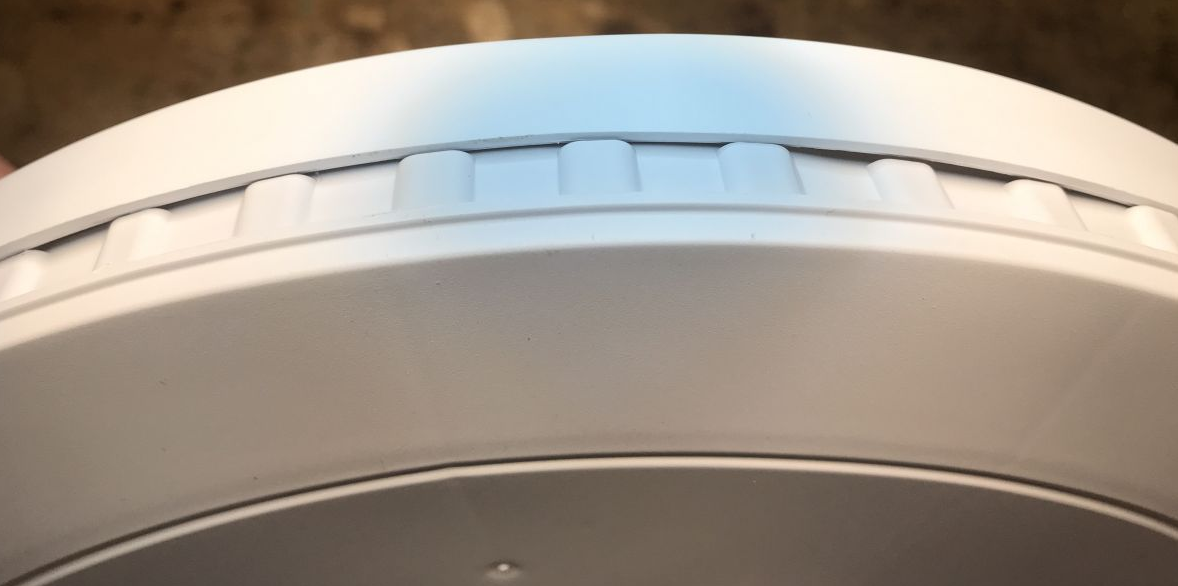
Remove the ring - undermine the catches. There are no screws here.
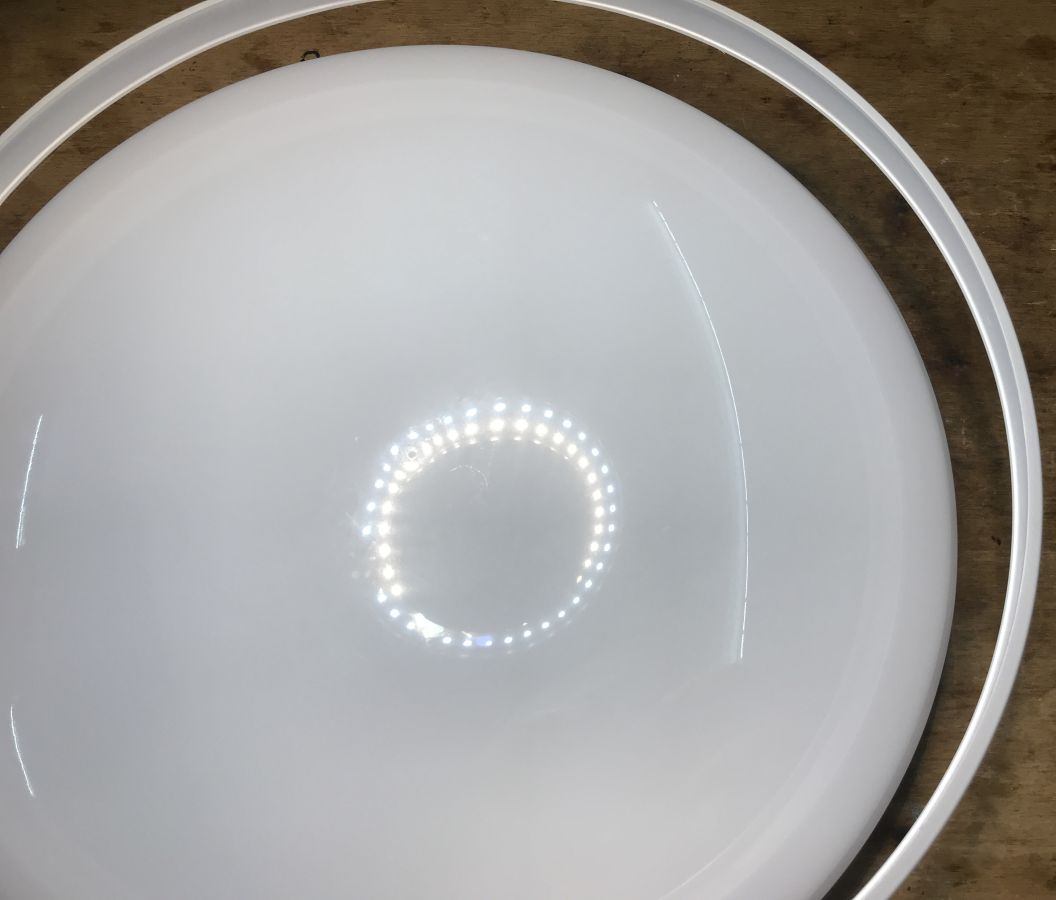
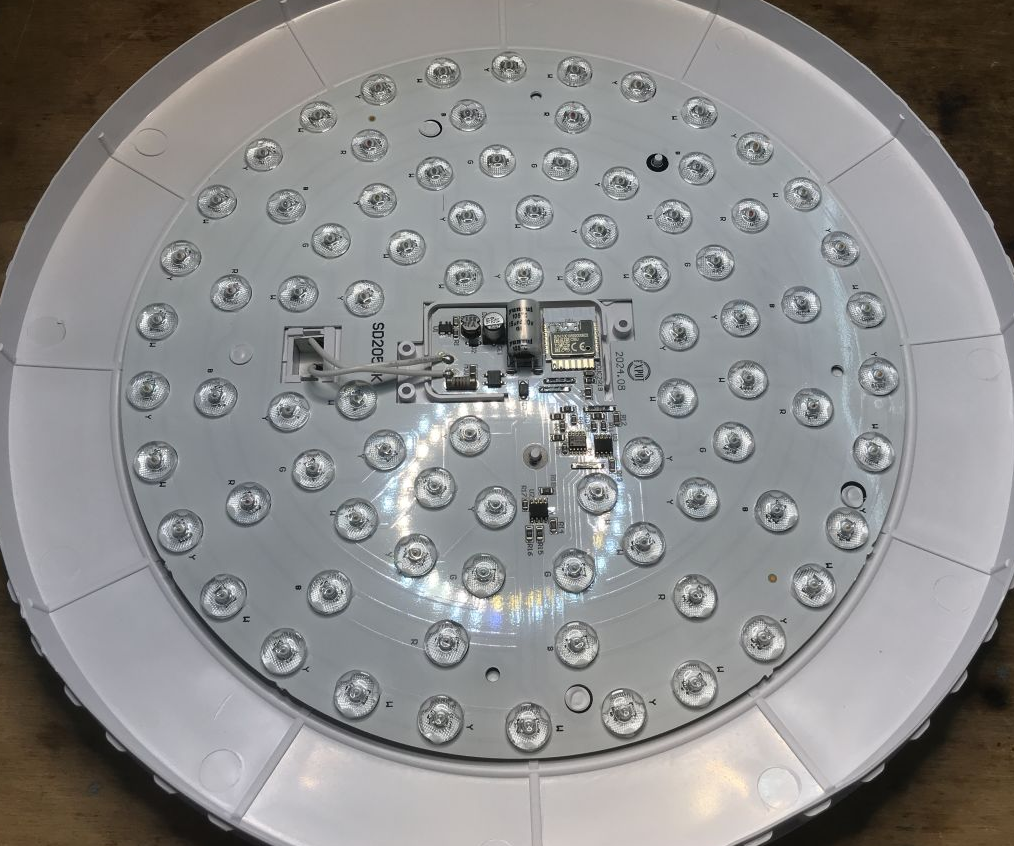
The lamp is based on a CBU module, the BK7231N. The PCB designation is SD205BK - 2024.08.
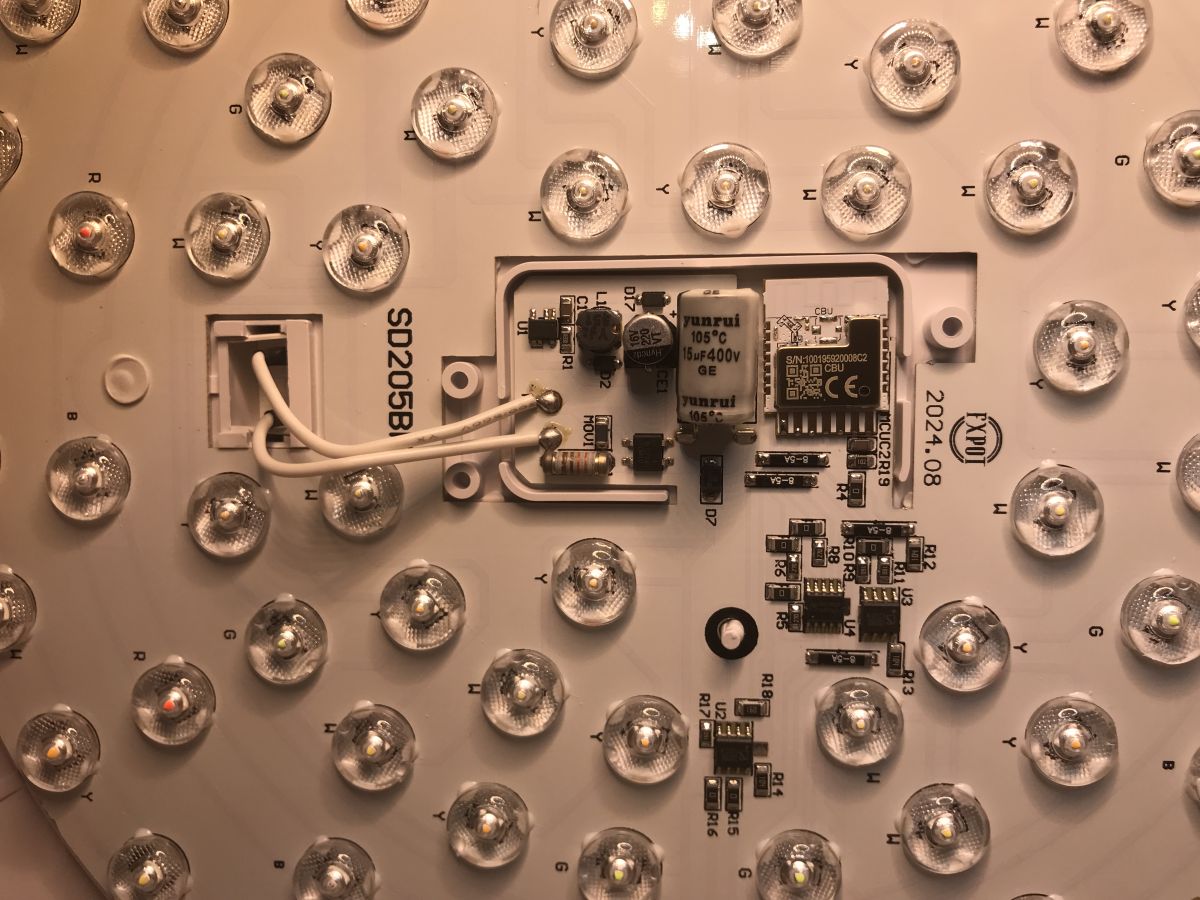
U2, U3 and U4 are separate constant current LED controllers:
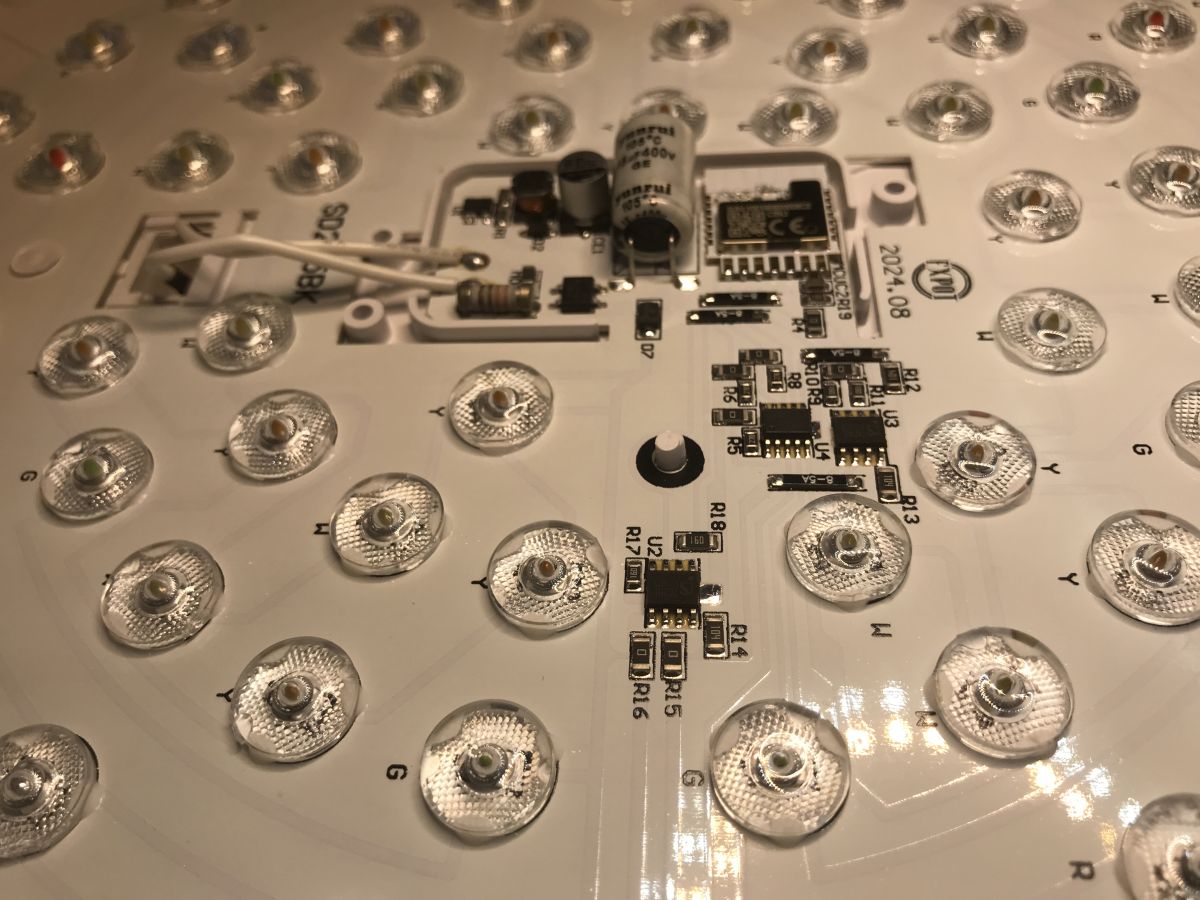
The DX2286EB is a three-channel LED controller, but from what I understand a few were simply used because there are a lot of LEDs.
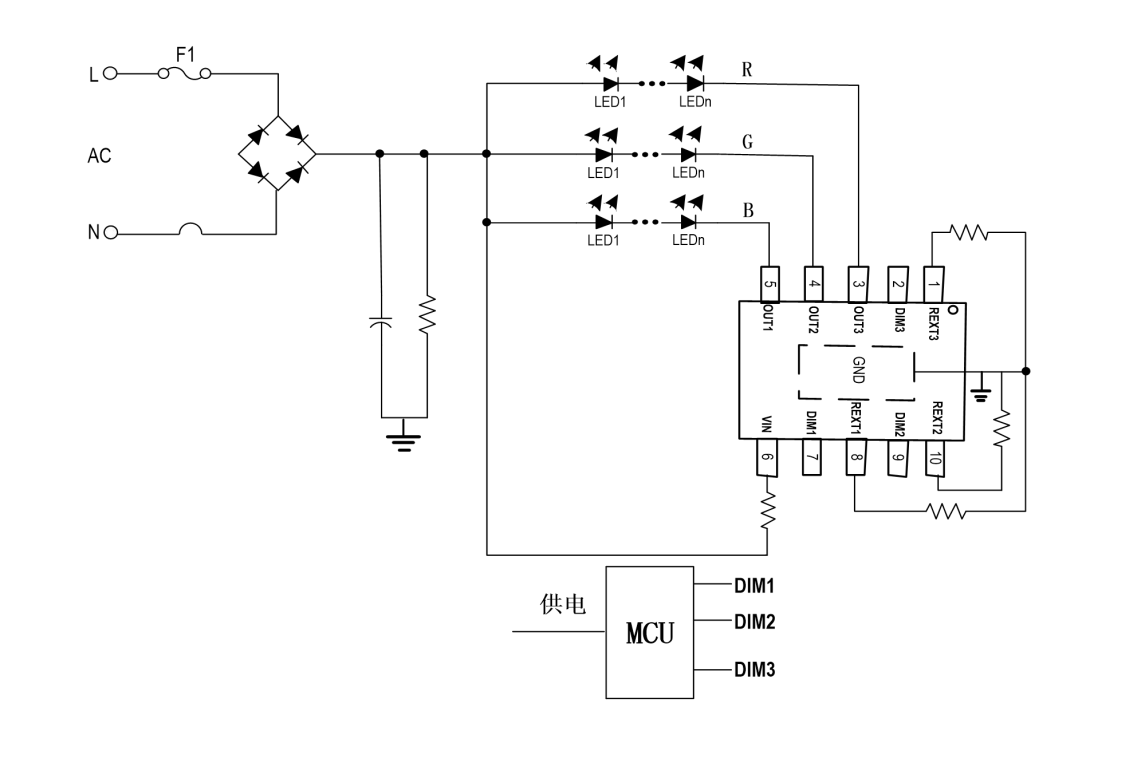
The controller is mains powered and needs a minimum of external components to operate.
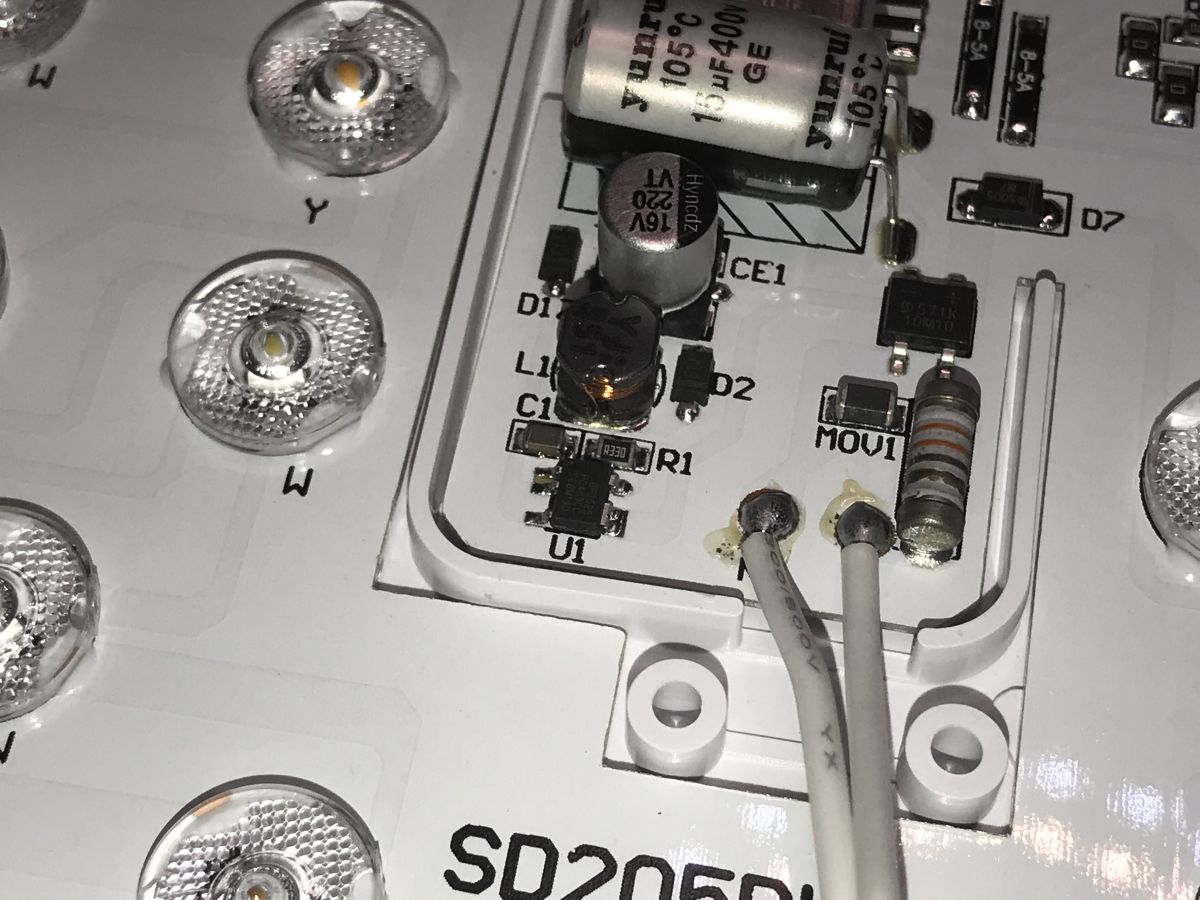
What remains is the power supply to the Wi-Fi module. This is realised by the BP2525 - a voltage-reducing, non-isolated inverter.
Test with Tuya application
According to the instructions - we enter the pairing by performing power on/off cycles, in pairing mode the lamp flashes. We add it via the app.
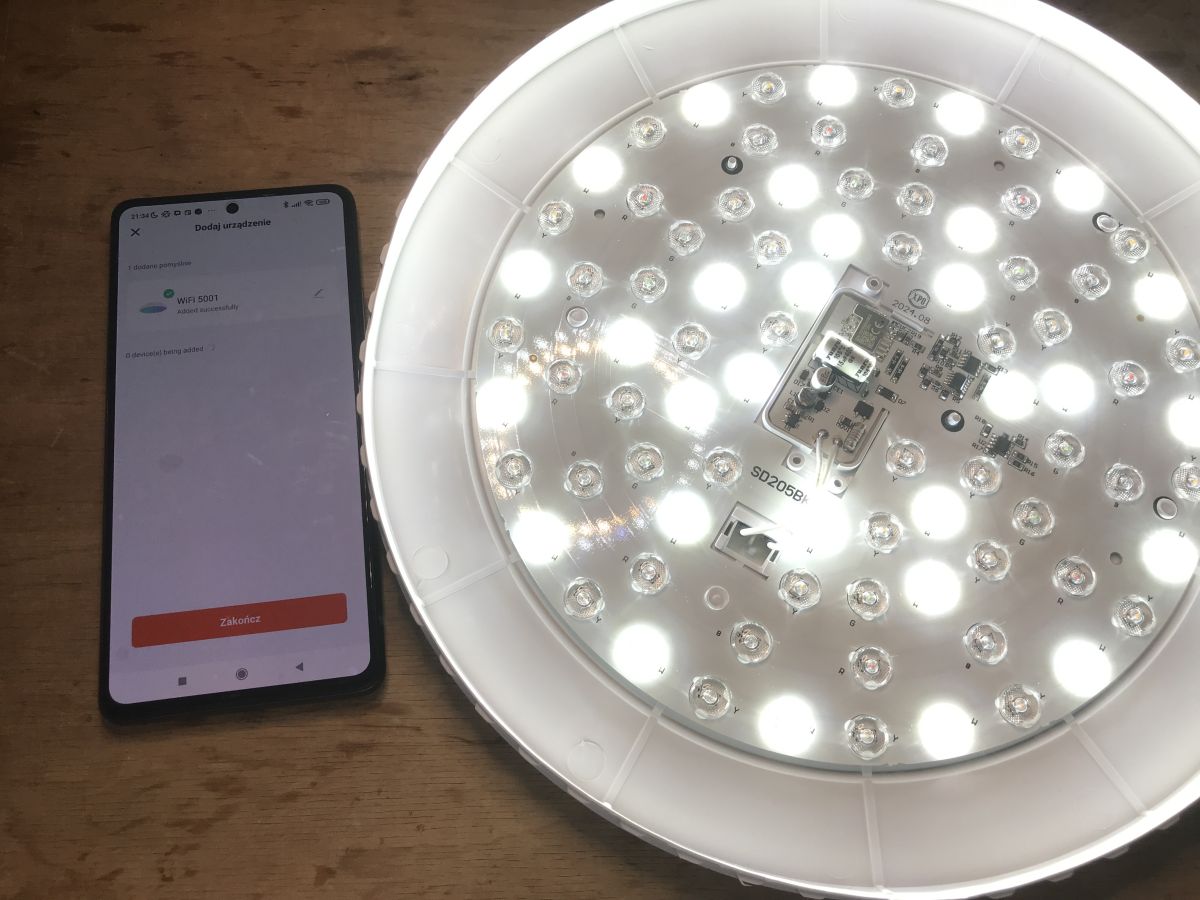
According to the app, the product model is WiFi 5001:
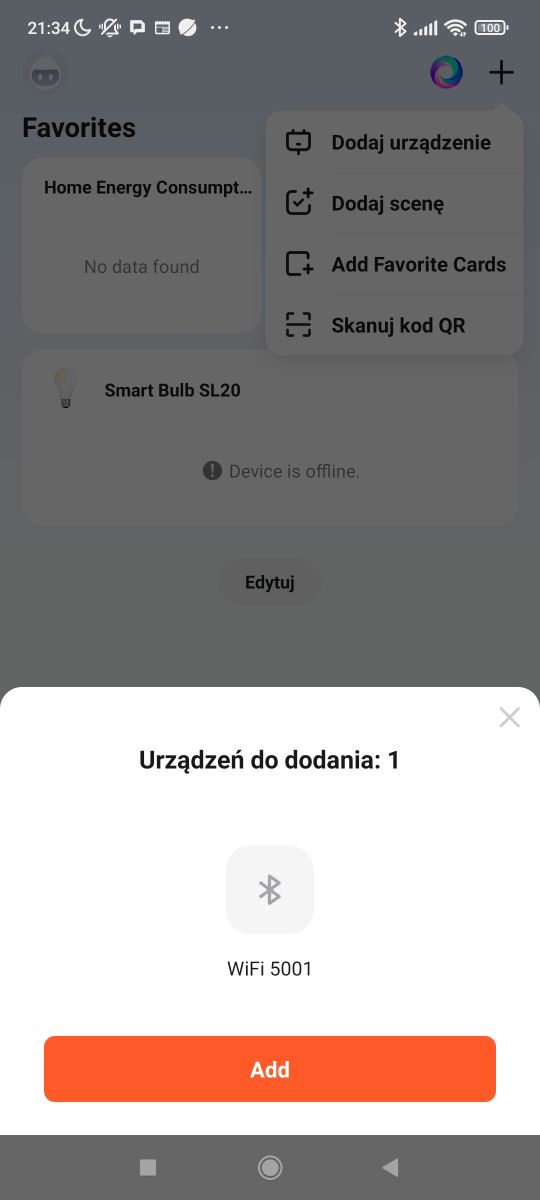
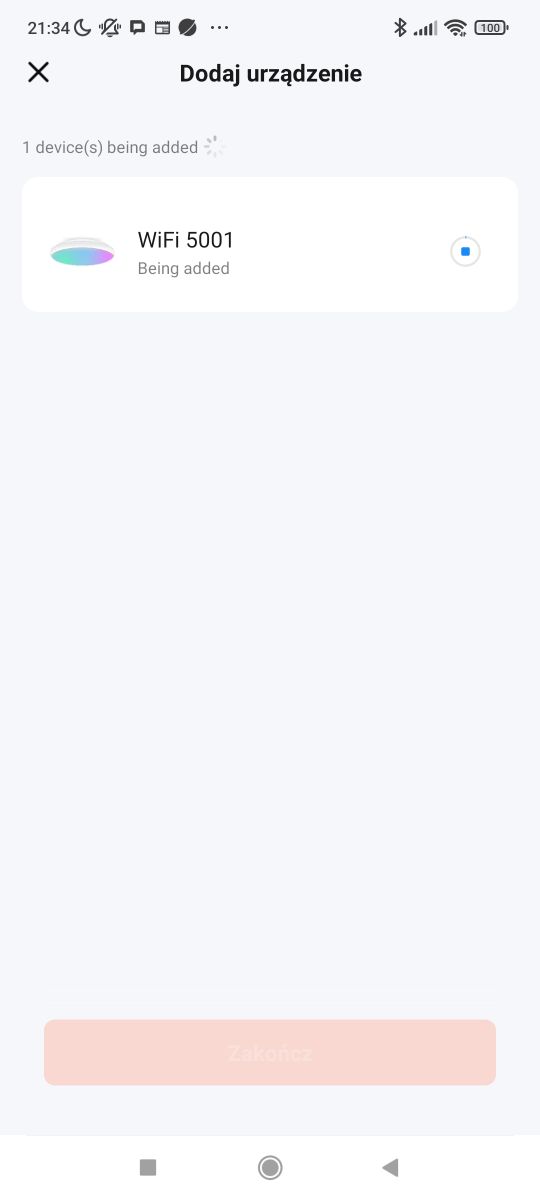
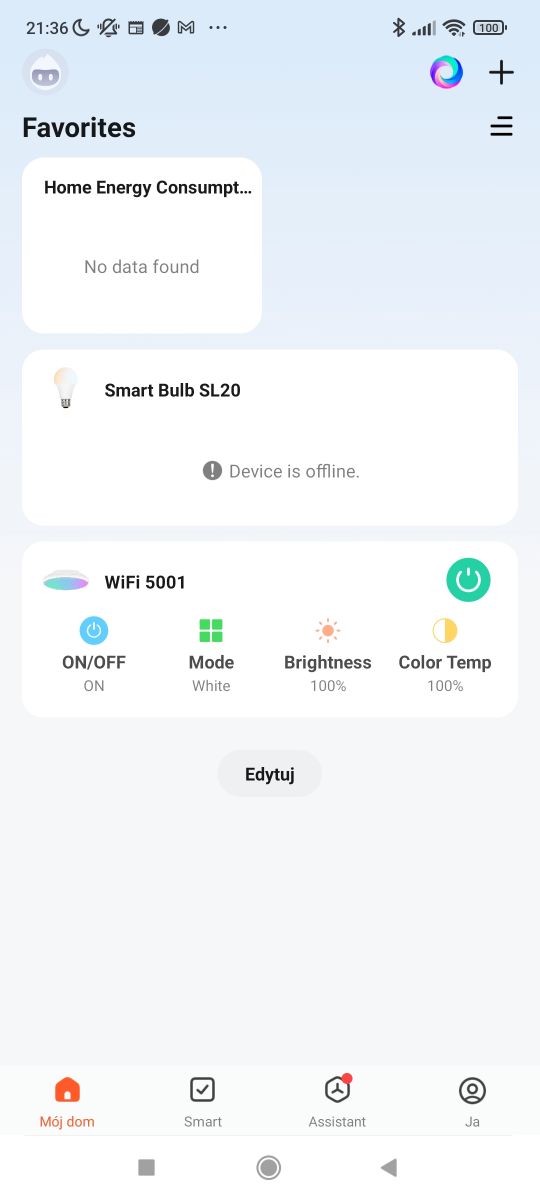
In the app we have control separately over the white temperature and separately over the colours. It is not possible to light all the LEDs at once:
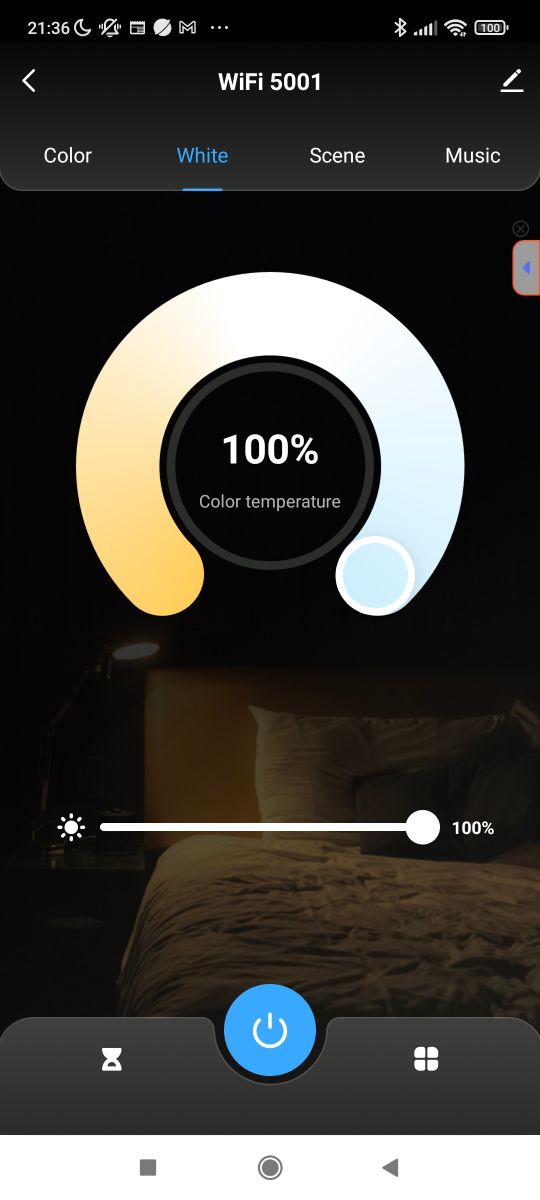
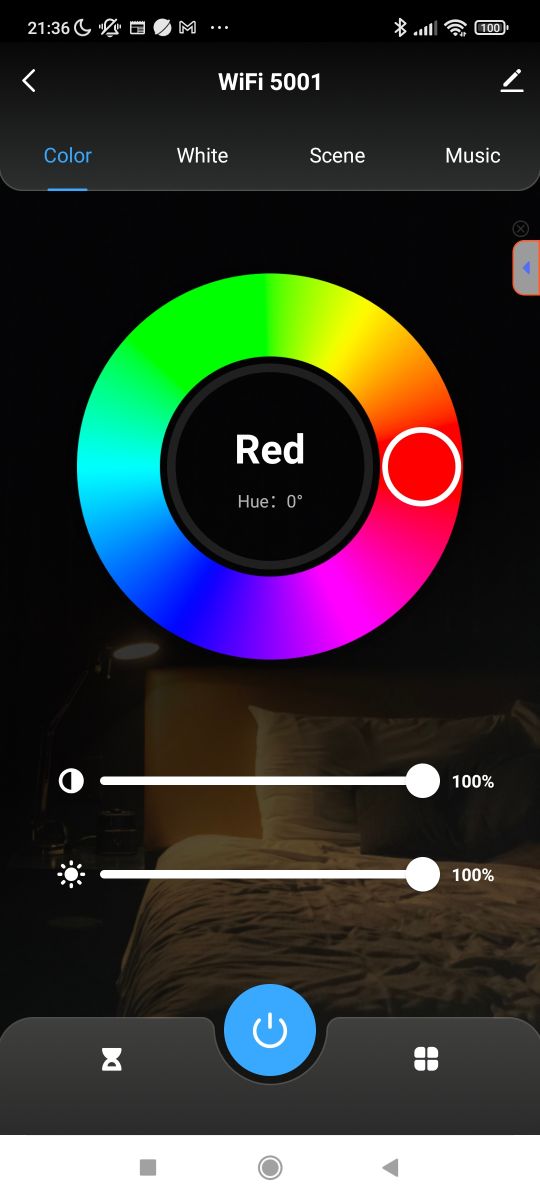
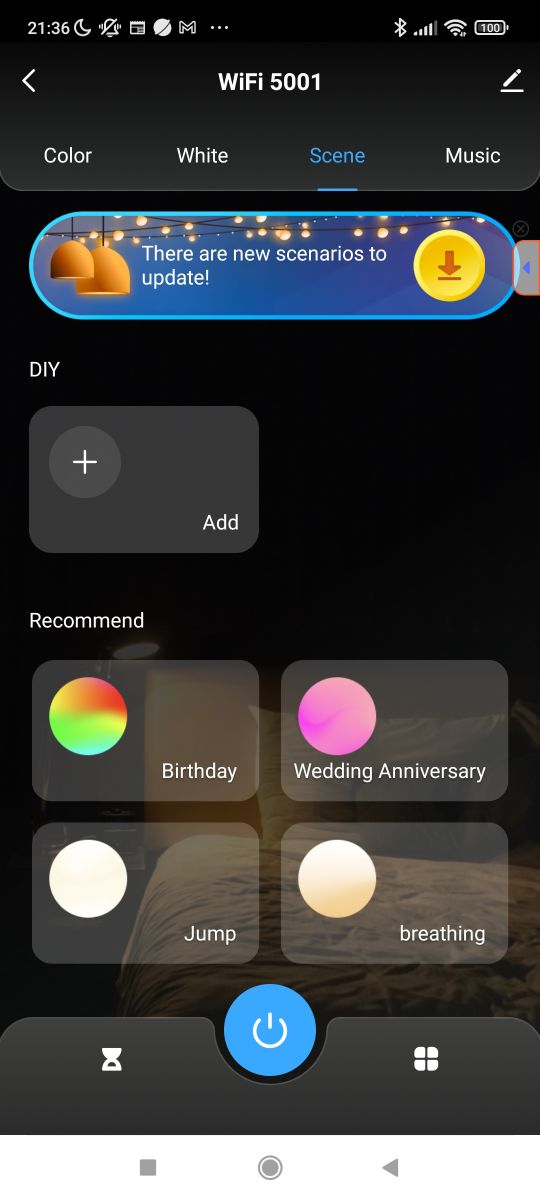
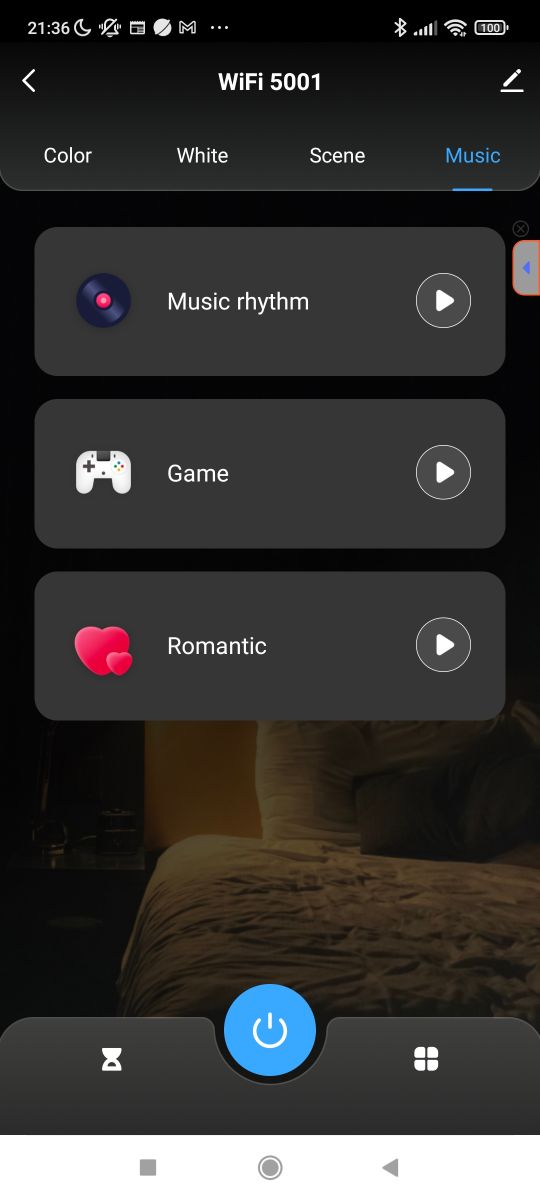
In addition, we have scenes and a music mode (control from the phone - the lamp has no microphone).
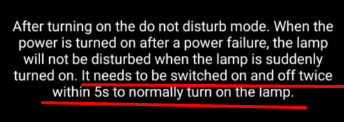
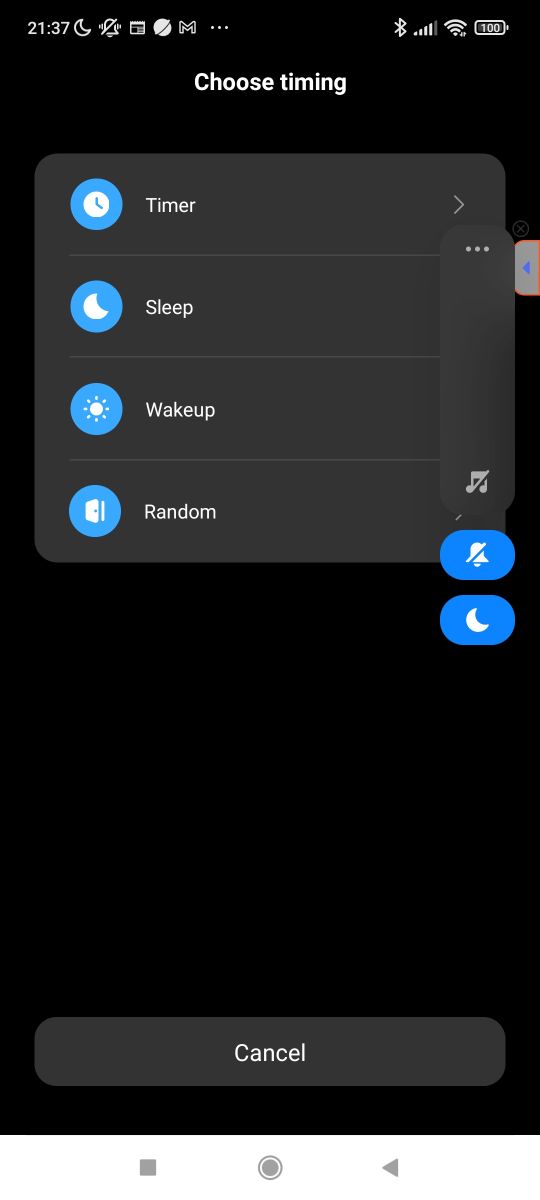
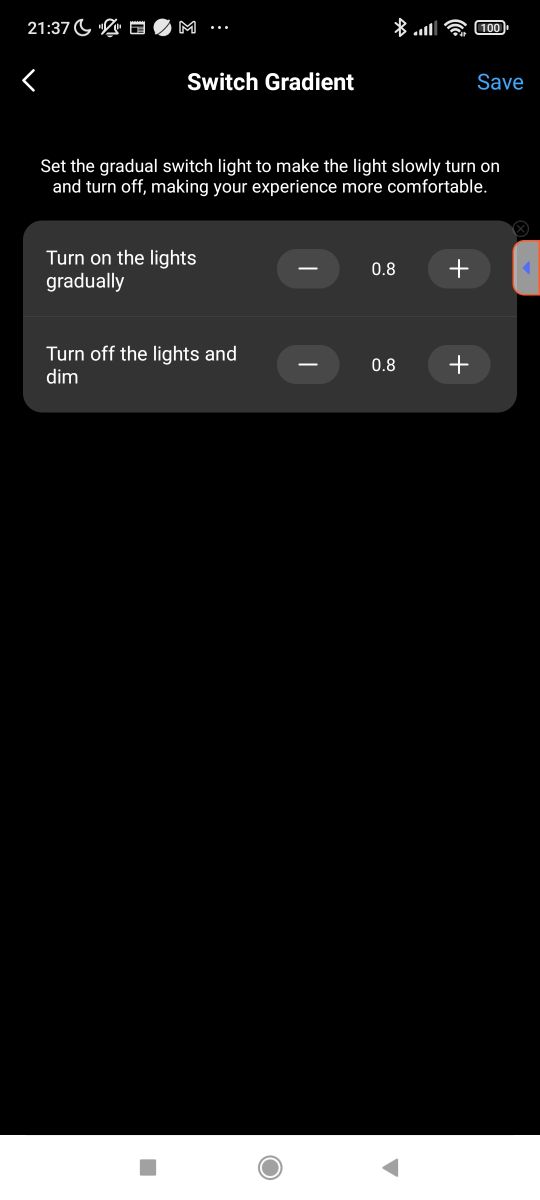
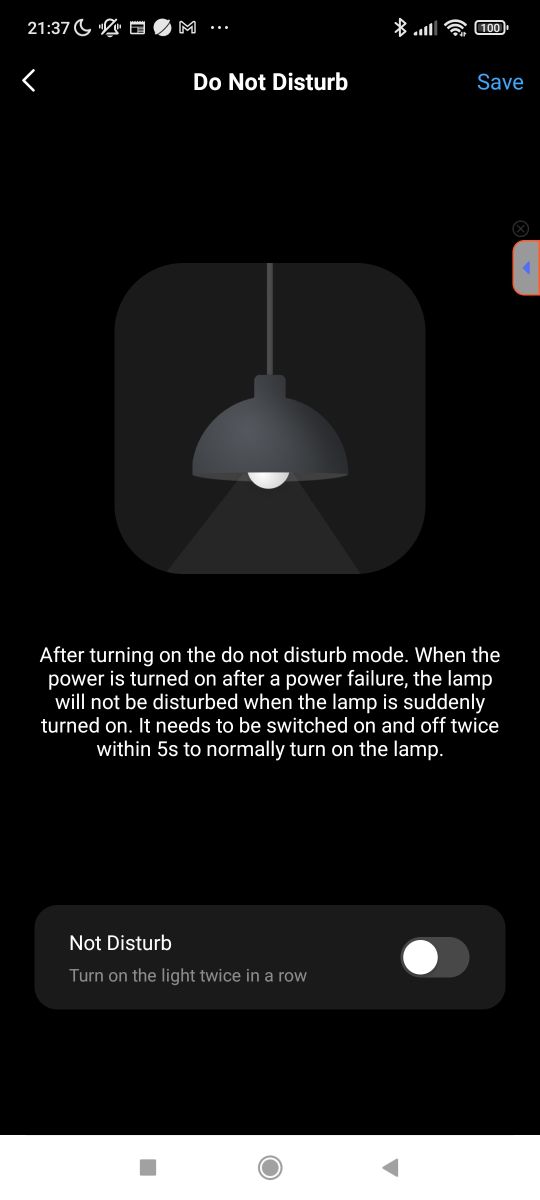
Of course, there are also automations and scenarios, as there normally are in Tuya. Of the more interesting things, there's a gradient - you can set how fast/slowly the lights turn on. Also interesting is the "do not disturb" mode - it prevents the lamp from switching on when the power returns - I wonder what it's for? I rather prefer it when the lamp remembers its previous state.
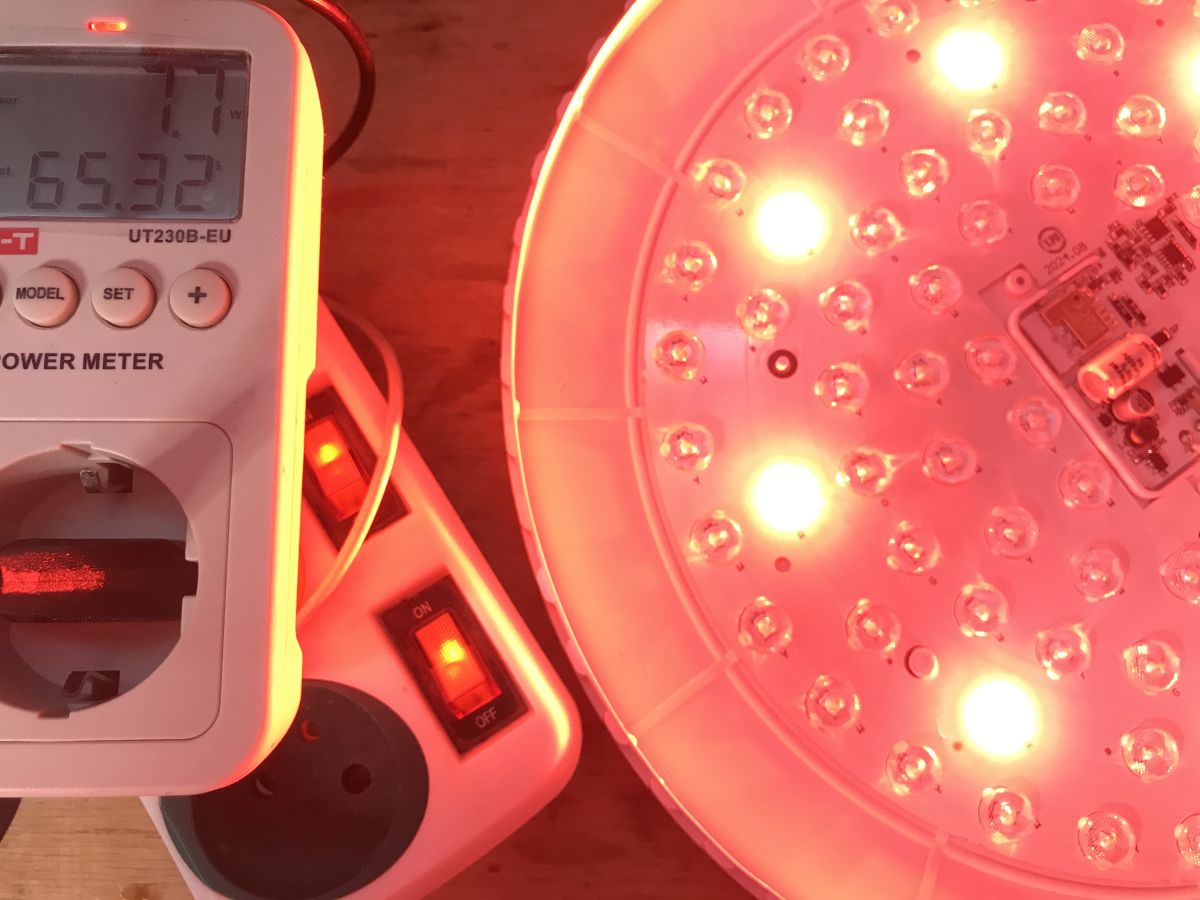
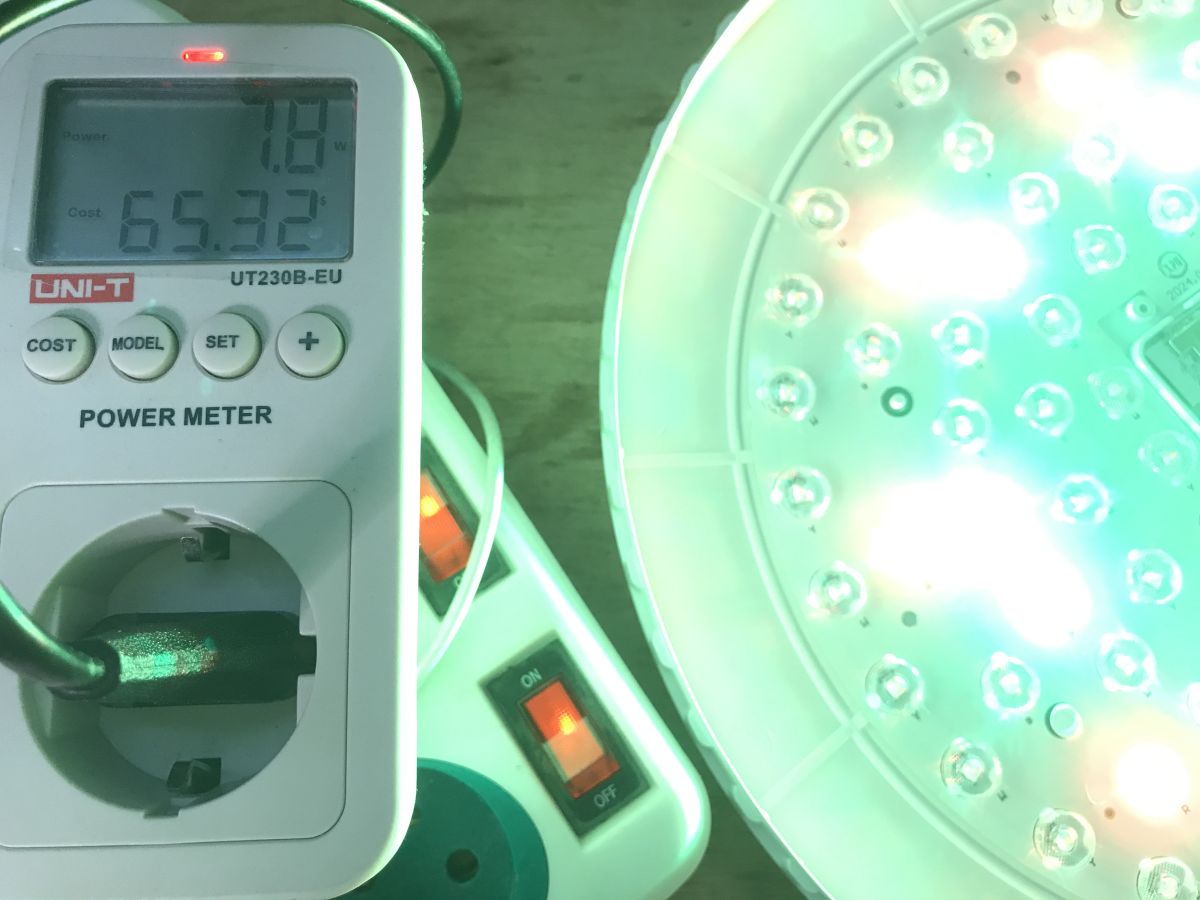
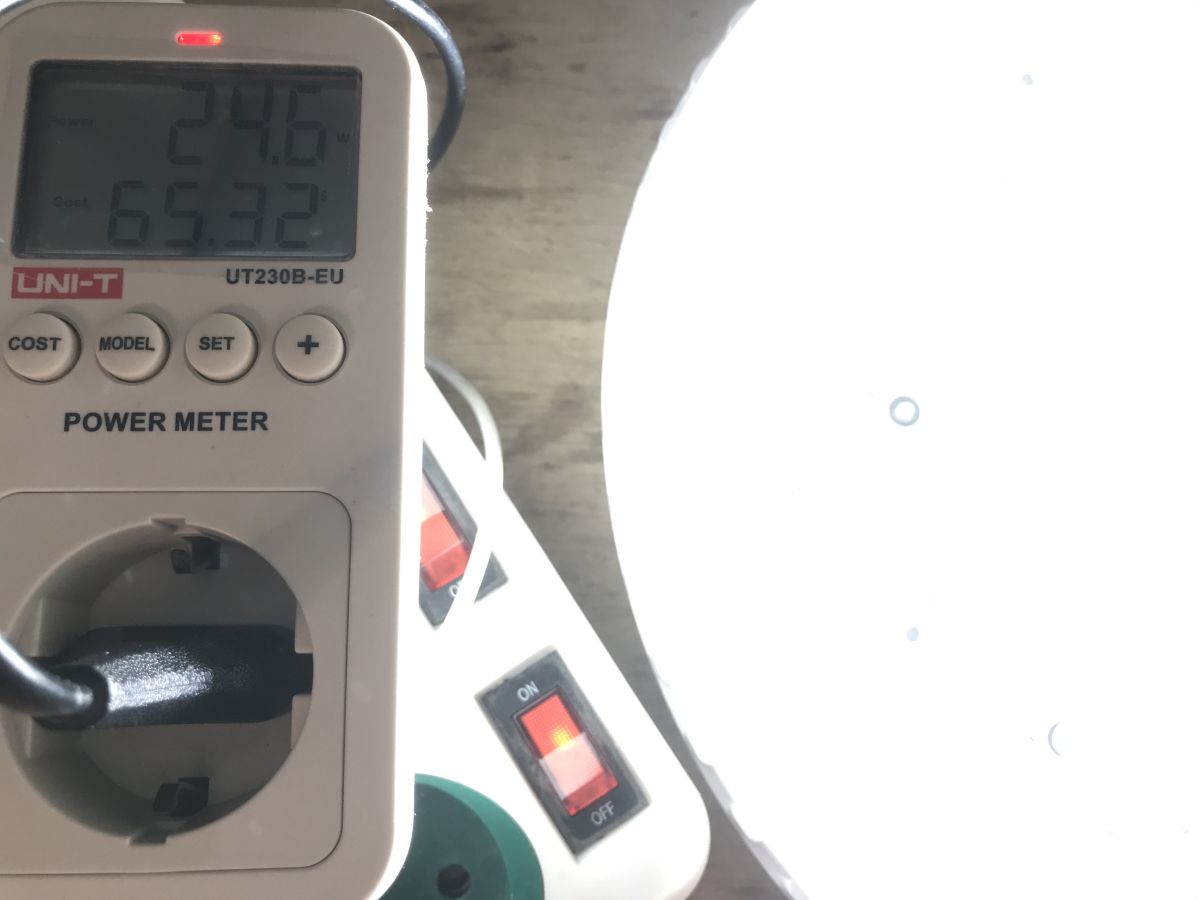
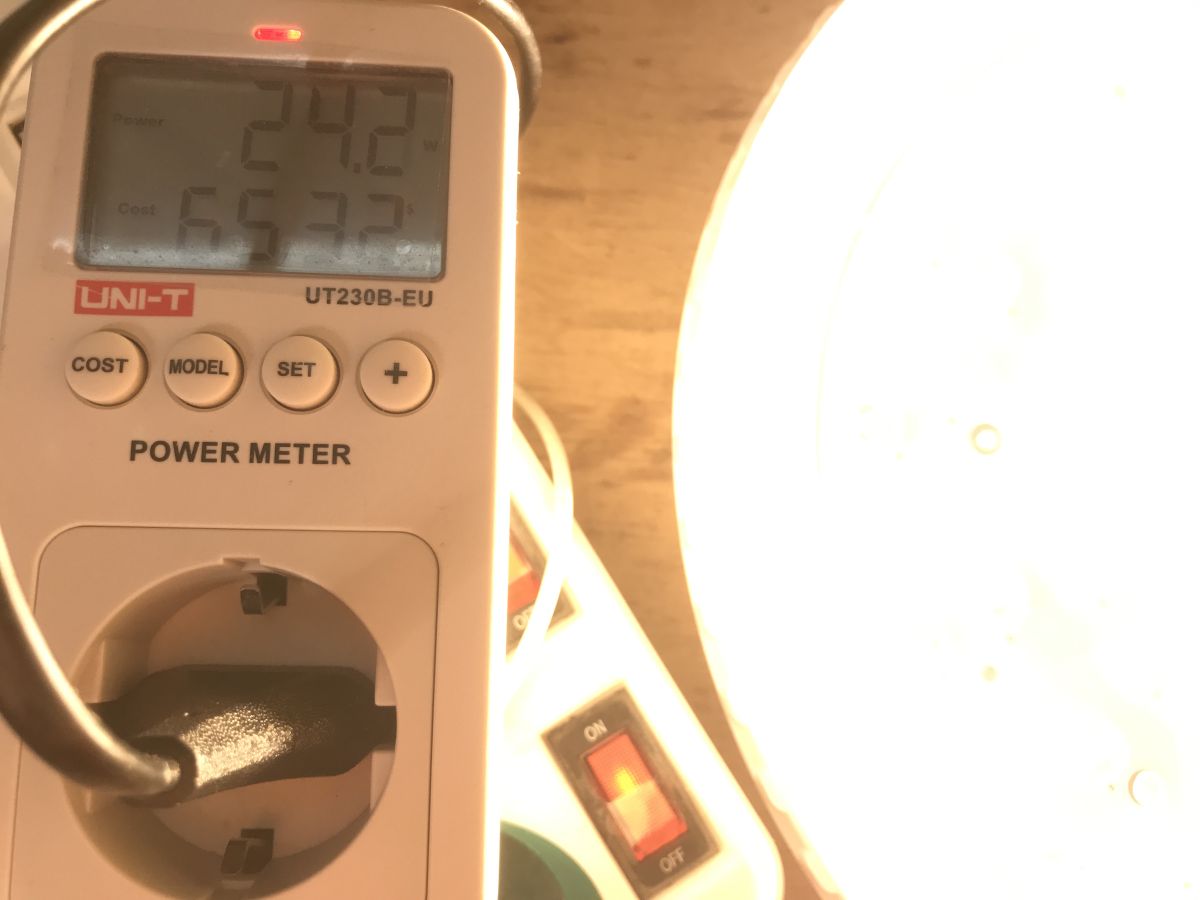
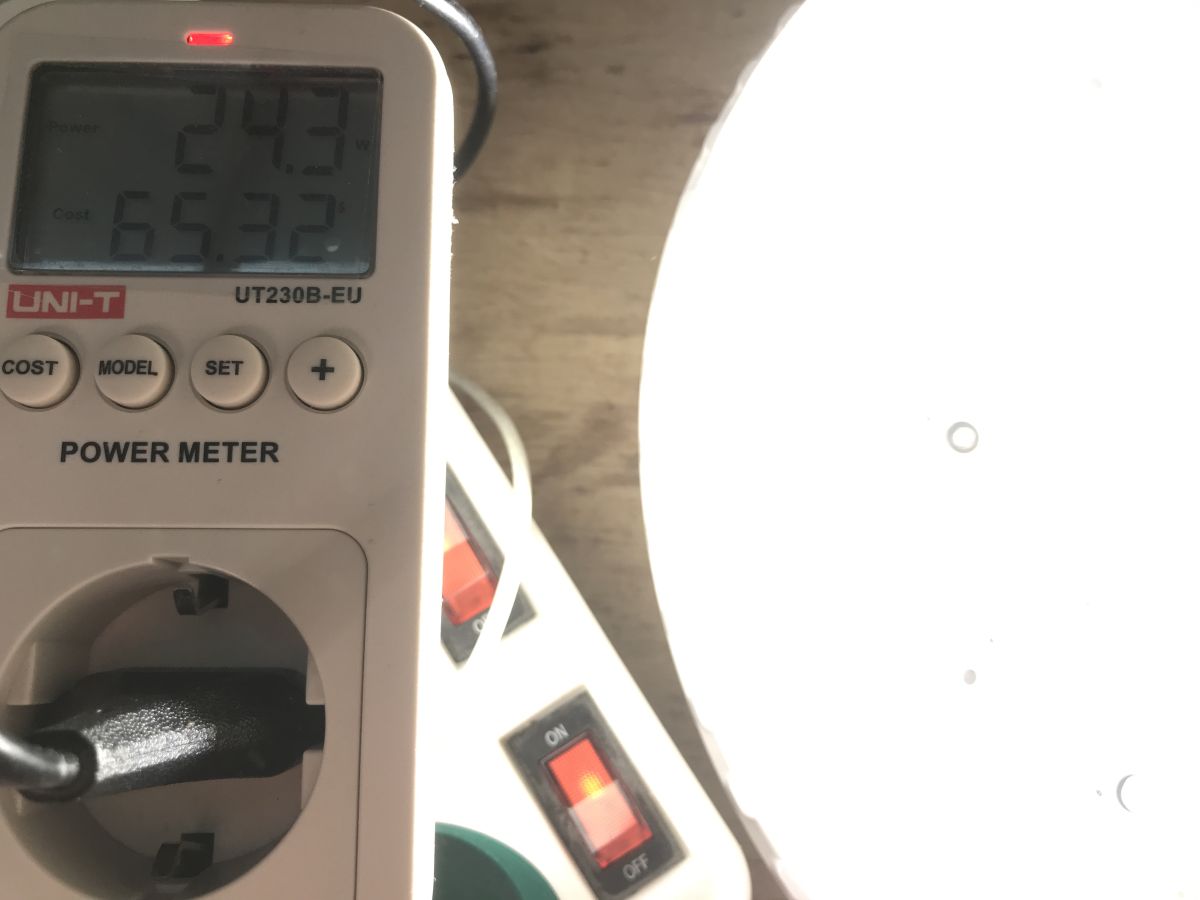
I measured the power at different colours - RGB came out around 7 W, white temperatures 24 W.
ADVERTISEMENT
Warm-up test
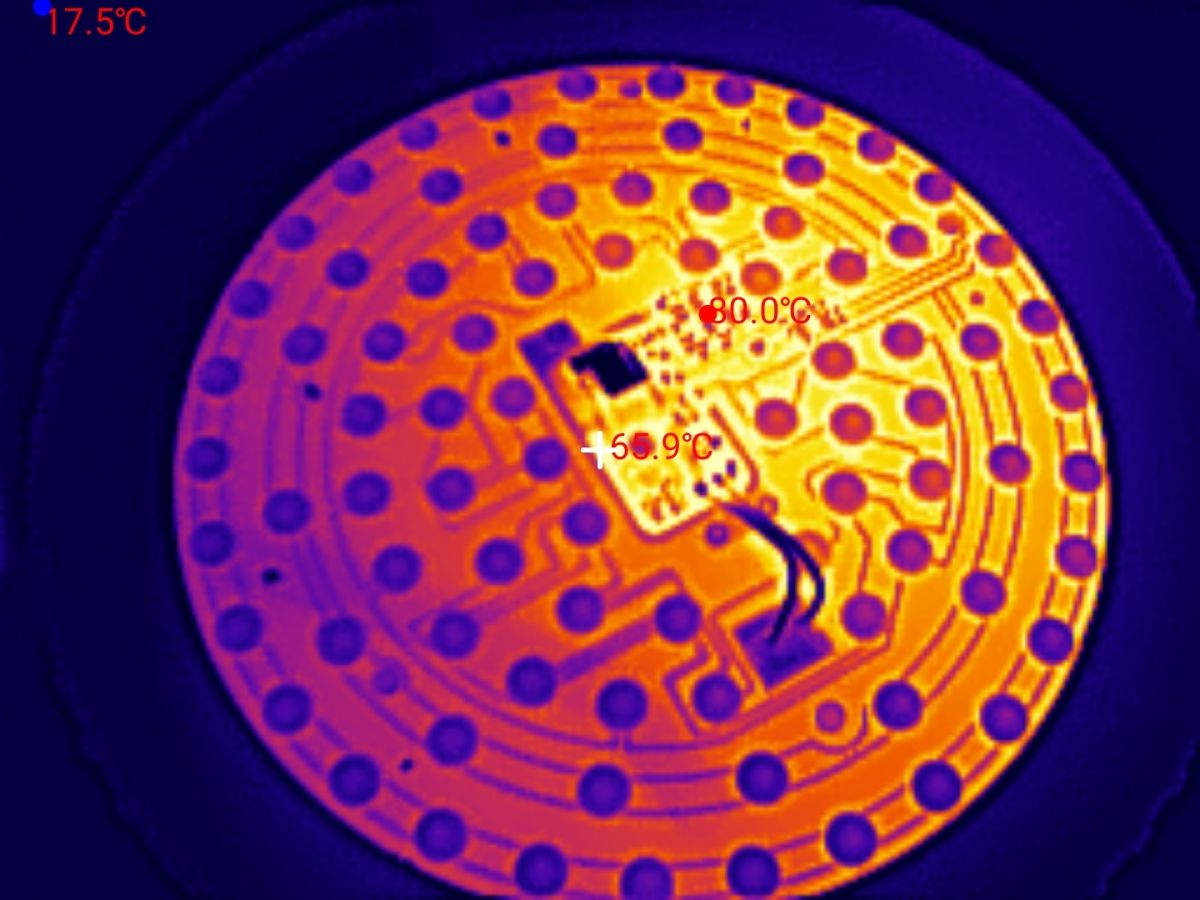
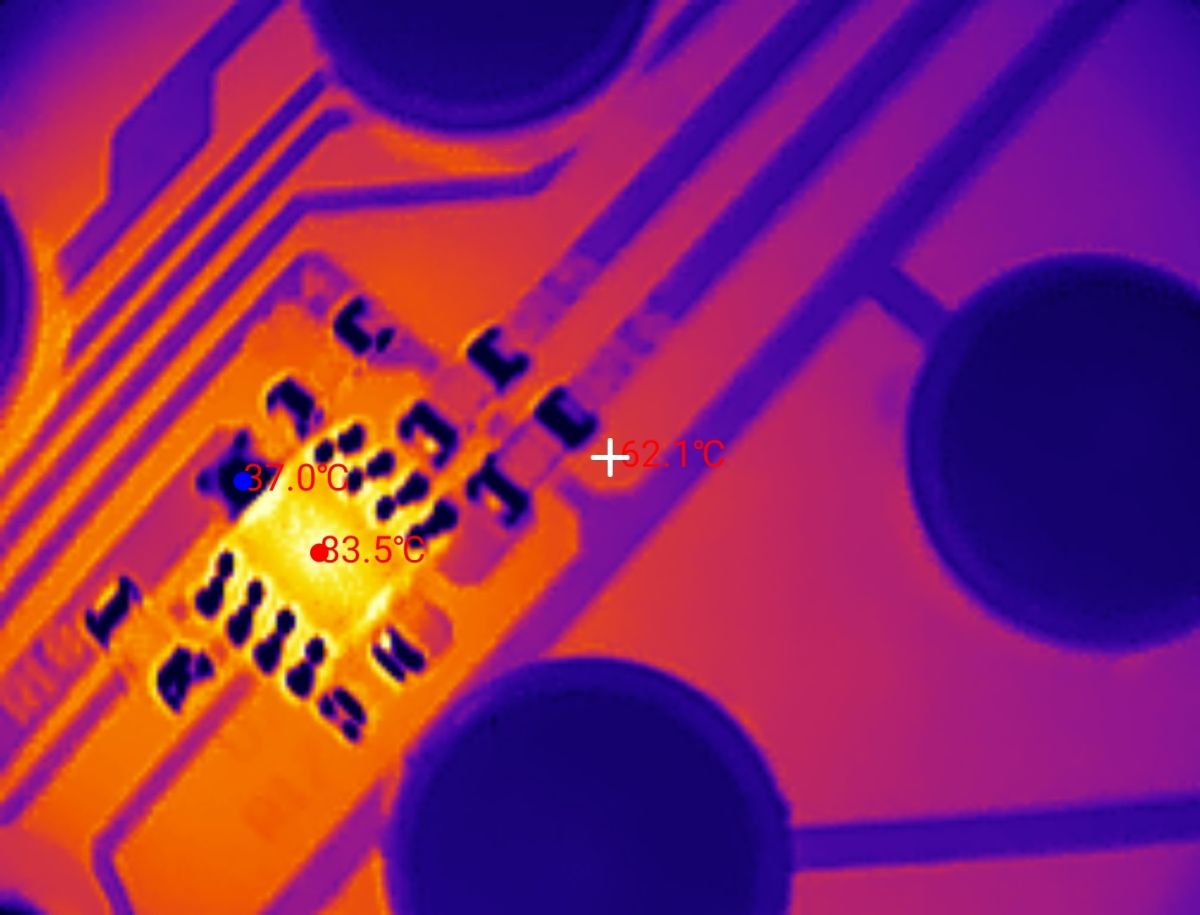
I set the full brightness and applied the cover. Without the lid the temperature would have been lower, because with it the lamp is quite tightly sealed. Here are the results after two hours:
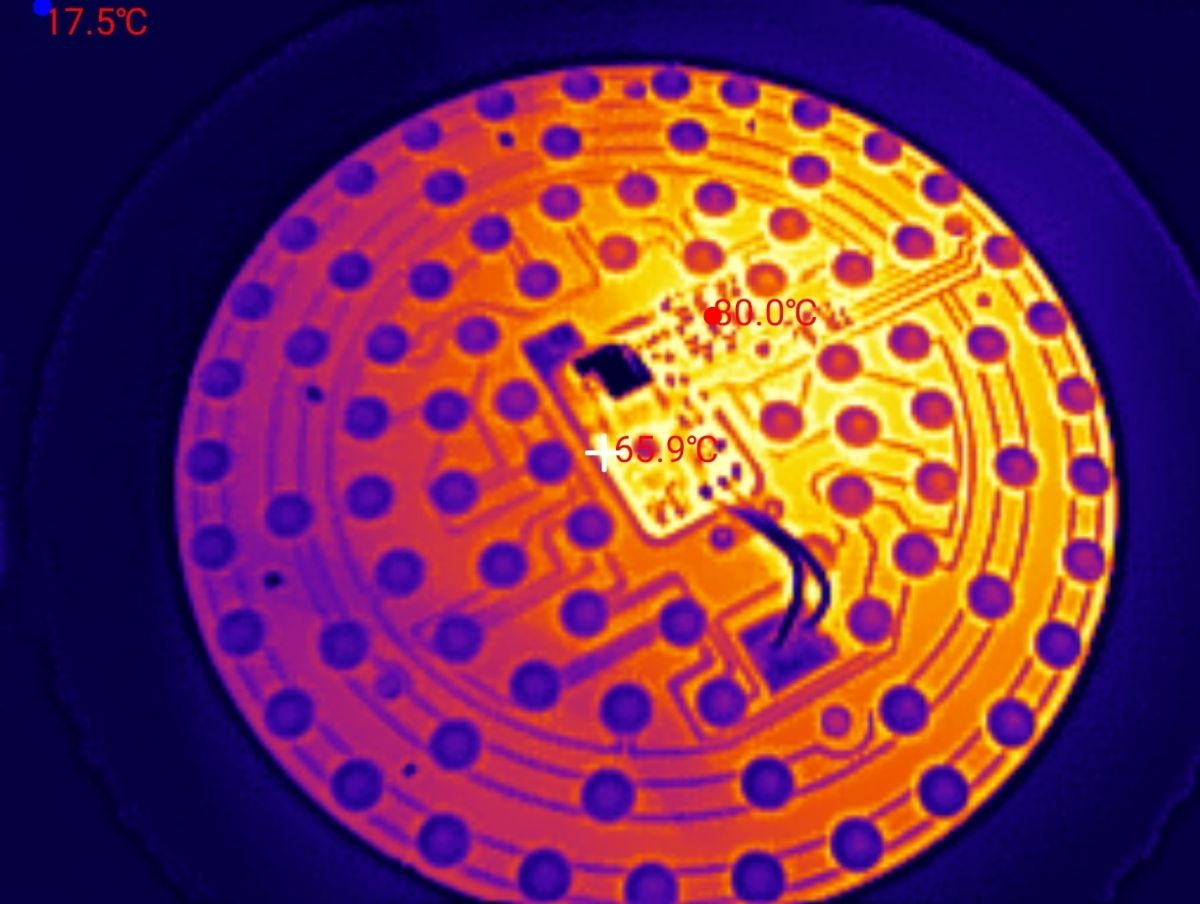
LED DC drivers heat up to 90 °C.
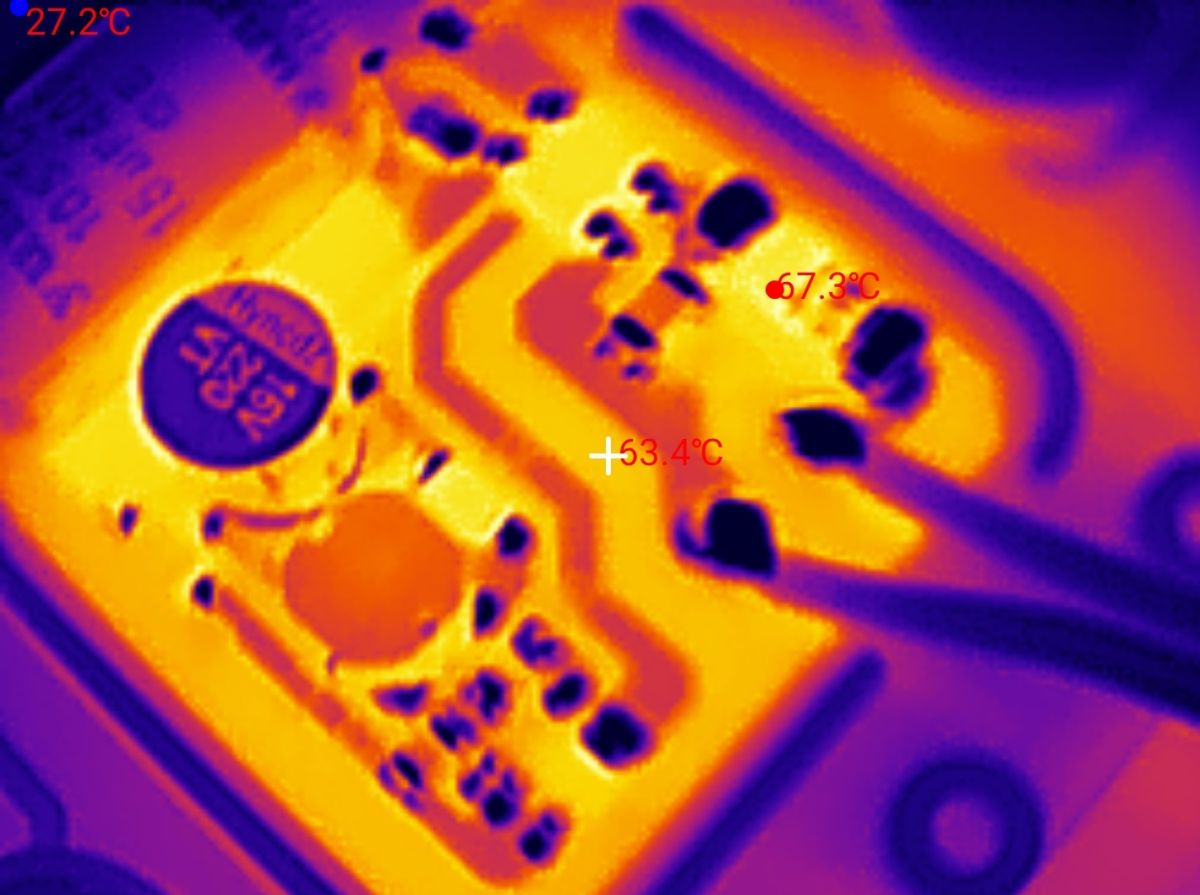
The power supply (for the Wi-Fi module) also heats up, but a little less:
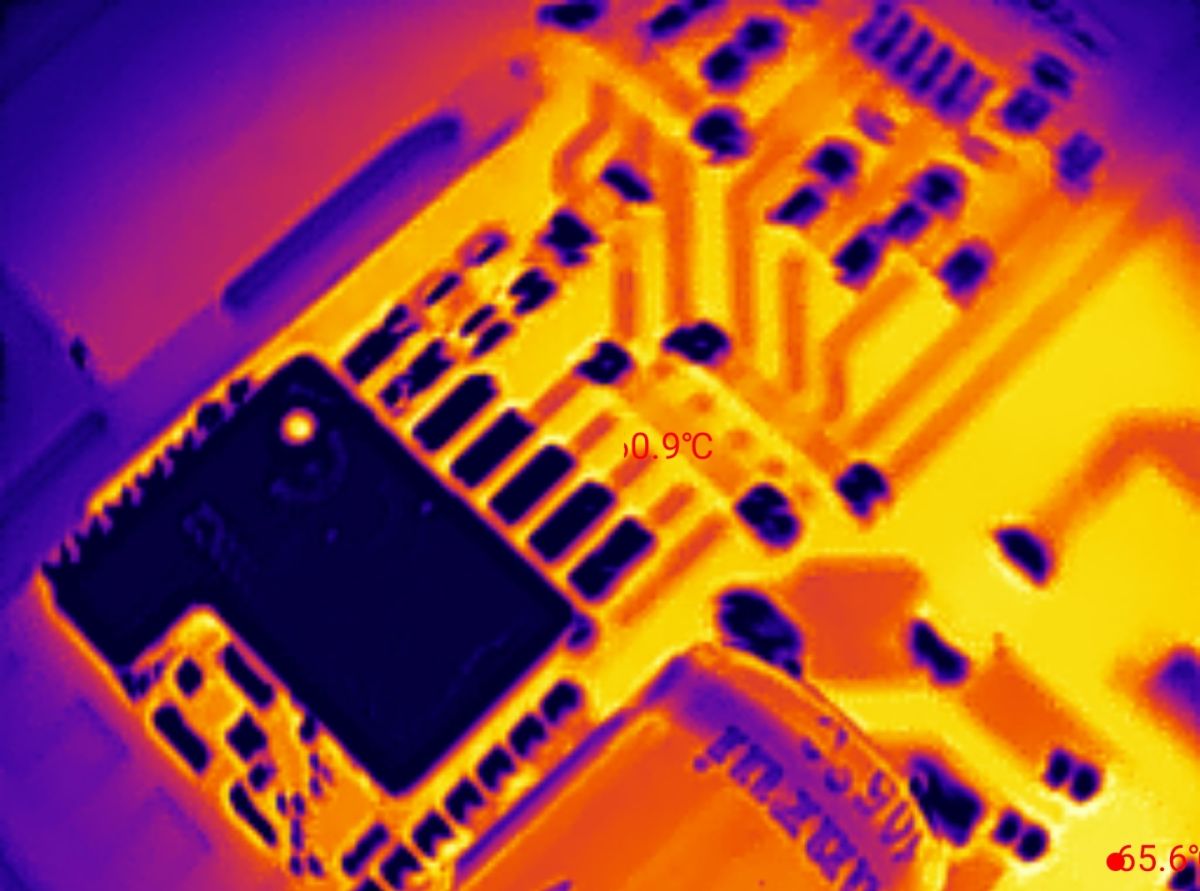
At the Wi-Fi chip itself it is around 60 °C.
Changing firmware
Changing the firmware to OpenBeken allows you to free this product from the cloud, from the manufacturer's servers, and run it 100% locally. It also allows you to pair it with Home Assistant. We use Easy GUI Flasher to upload the OBK:
https://github.com/openshwprojects/BK7231GUIFlashTool
You will need a USB to UART converter and four cables:
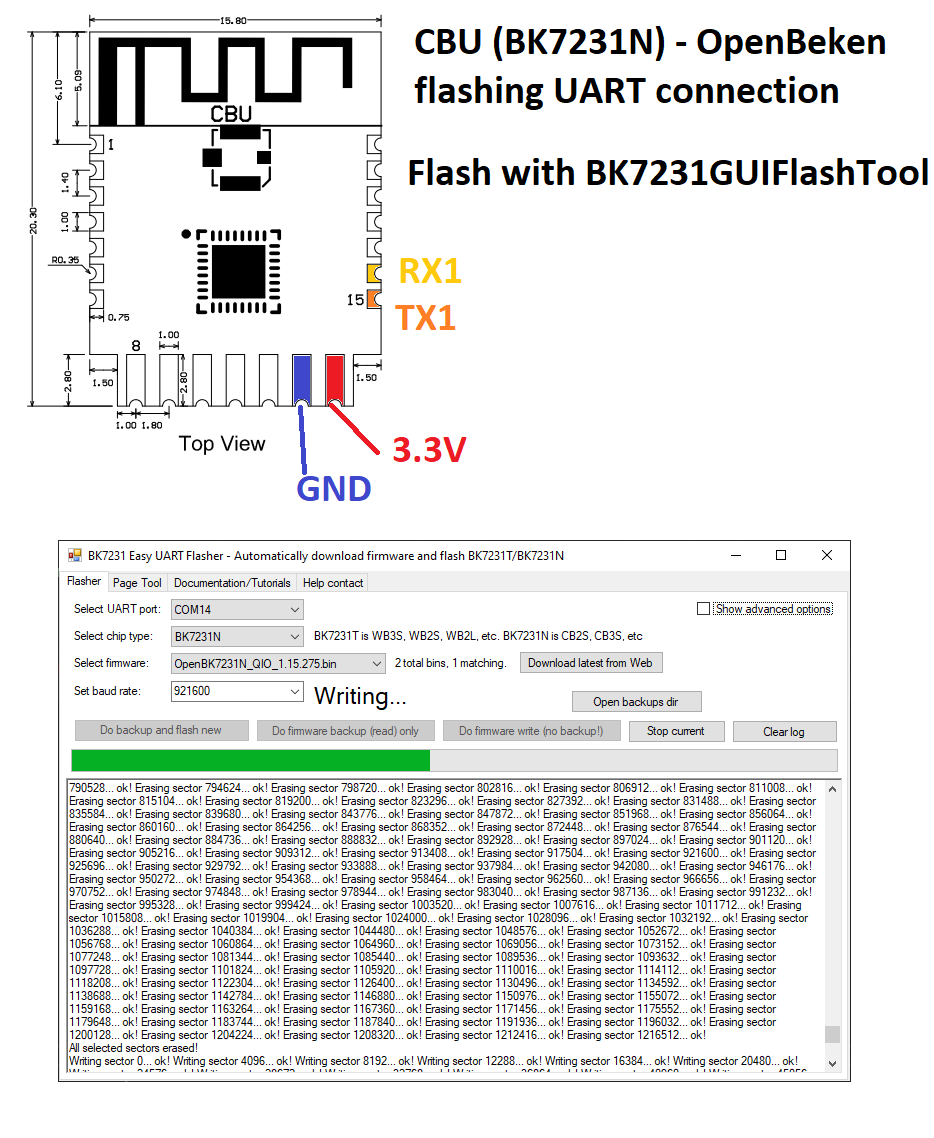
We do everything with the lamp completely disconnected from the mains. I added flux, whitened the pads, soldered the wires:
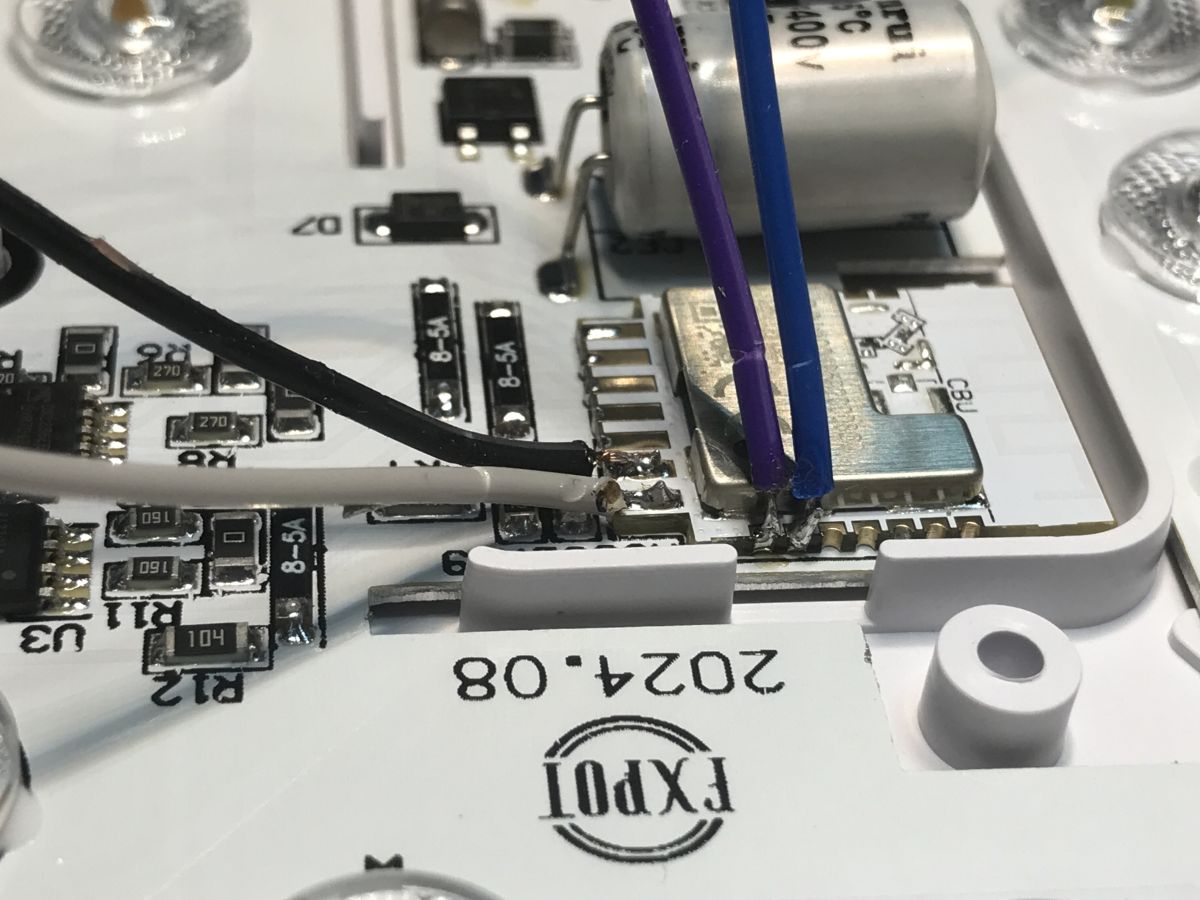
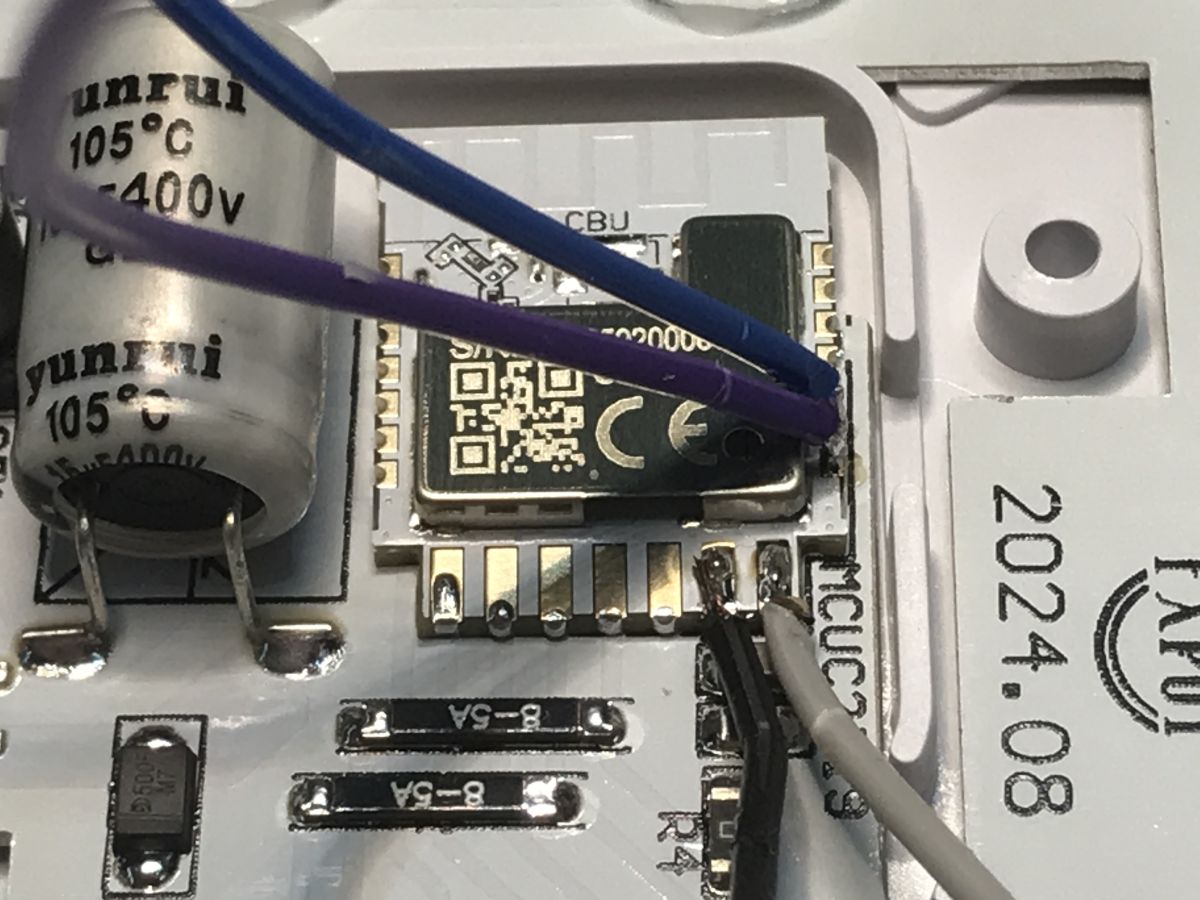
Of course you need a robust 3.3 V source for this, not directly from a USB to UART converter. Everything according to the flasher instructions .
First a backup to know the GPIO configurations, then upload the new firmware.
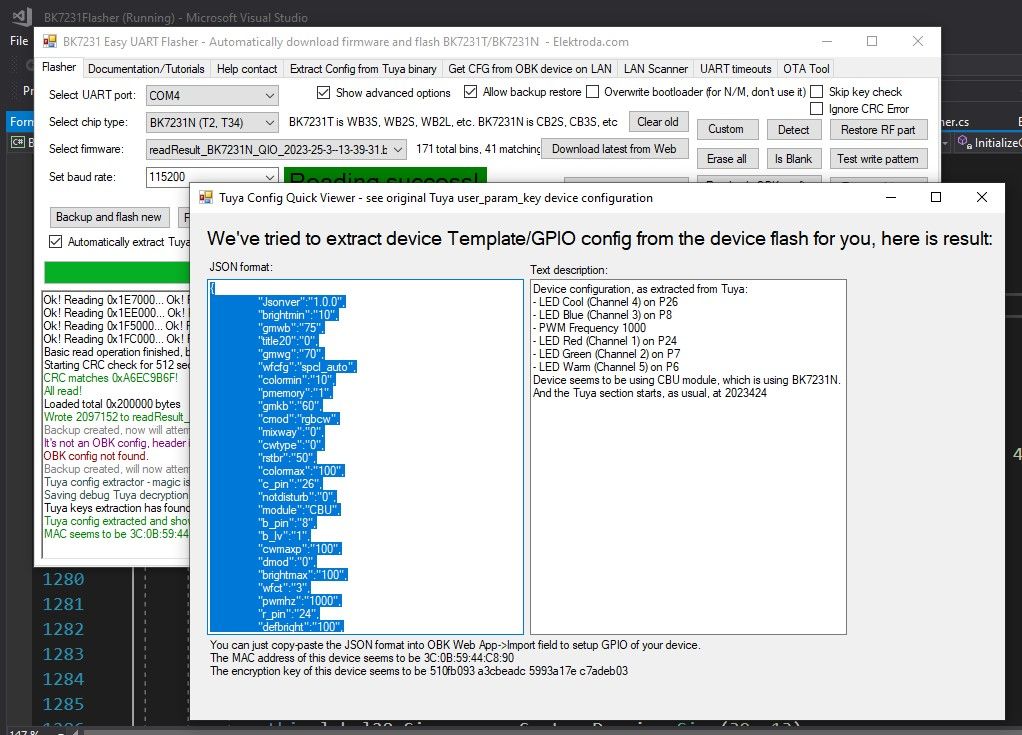
JSON Tuya:
Code: JSON
GPIO verbal description:
Device configuration, as extracted from Tuya:
- LED Cool (Channel 4) on P26
- LED Blue (Channel 3) on P8
- PWM Frequency 1000
- LED Red (Channel 1) on P24
- LED Green (Channel 2) on P7
- LED Warm (Channel 5) on P6
Device seems to be using CBU module, which is using BK7231N.
And the Tuya section starts, as usual, at 2023424
OBK template:
Code: JSON
Import instructions:
At the moment the alternative firmware does not support Bluetooth remote control, but this will be added in the future.
Once the firmware has been changed, the command led_dimmerScale 0.8 can be added to reduce heating, as per separate material:
How much does a Wi-Fi controlled Tuya LED lamp heat up? Firmware change and life extension
The lamp is now compatible with Home Assistant:
You can also see footage of a similar product, only that with individually addressable LEDs:
On OBK it is also worth adding the powersave 1 command to the boot command or autoexec.bat to save some power and reduce the heating of the Wi-Fi module.
Summary
Factory this lamp heats up quite a bit. I wonder how much this shortens the life of the LEDs.
Once the firmware has been changed, the heating can be reduced at will, although this is not the only gain from the redesign. Above all, it frees the product from the cloud and allows you to connect it to Home Assistant.
Only I will have to examine this remote control more closely, because at the moment it is not supported, this will only be added.
Do you use this type of lamp? What advantages do you see for them? I like the white temperature control best - you can adjust the shade to work.
Cool? Ranking DIY Helpful post? Buy me a coffee.