logo elektroda
logo elektroda
X
logo elektroda

Cozylife RGBCW 18W TW-805, W803-E400 - how do I set the pins in OpenW800?

prucho 117 3
ADVERTISEMENT
Treść została przetłumaczona polish » english Zobacz oryginalną wersję tematu
  • #1 21911833
    prucho
    Level 11  
    Posts: 9
    Help: 1
    Rate: 2
    Welcome.

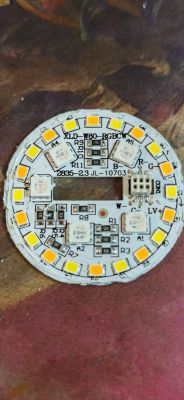
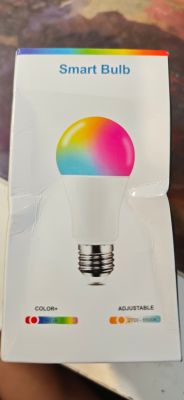
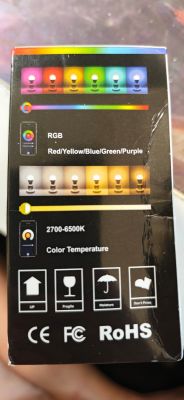
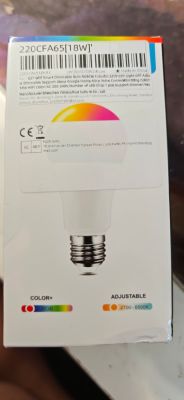
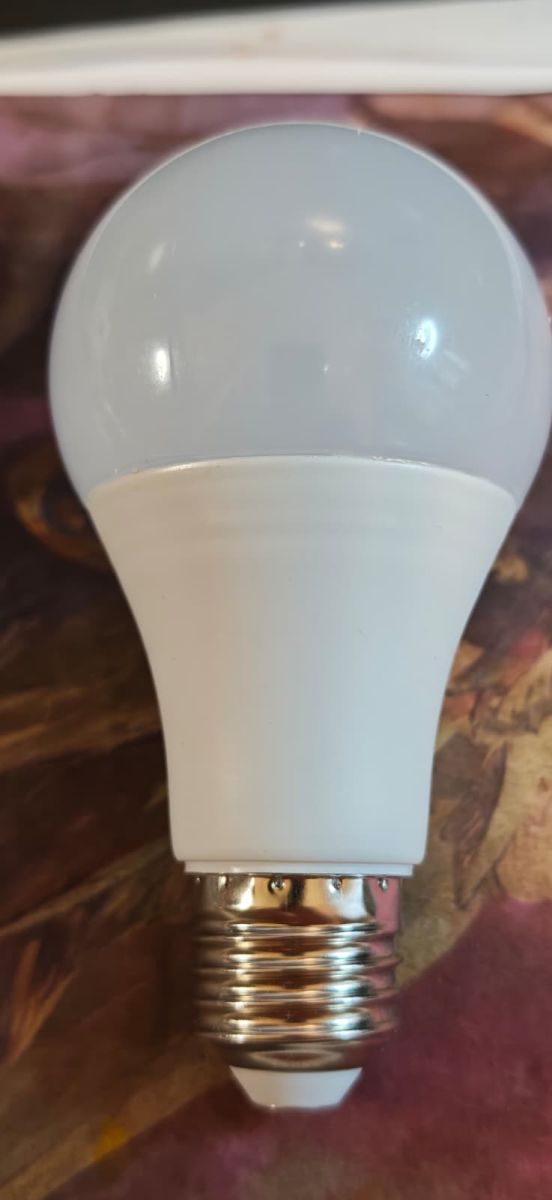
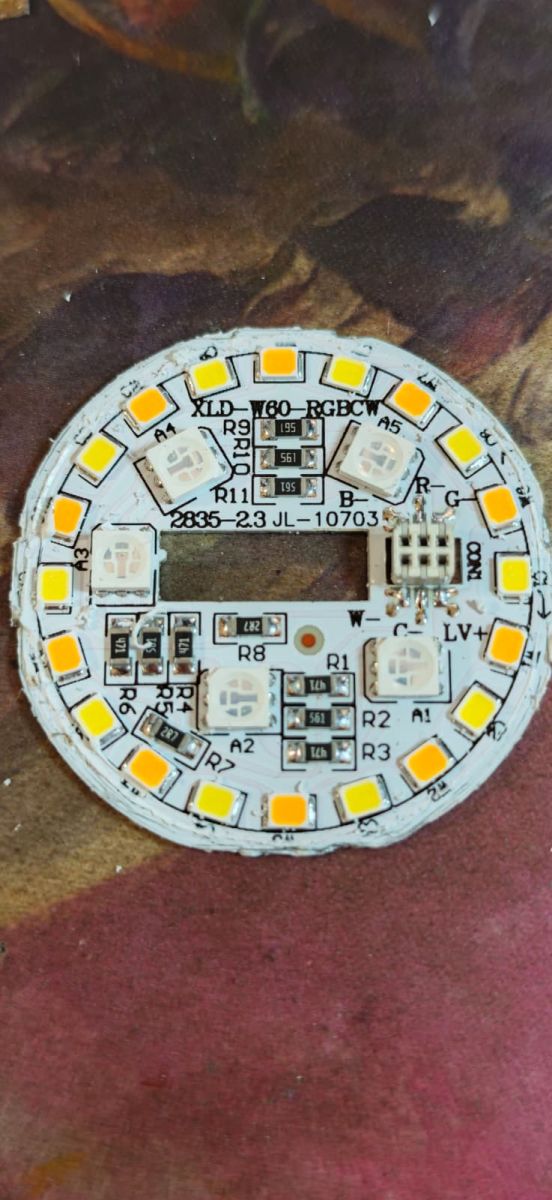
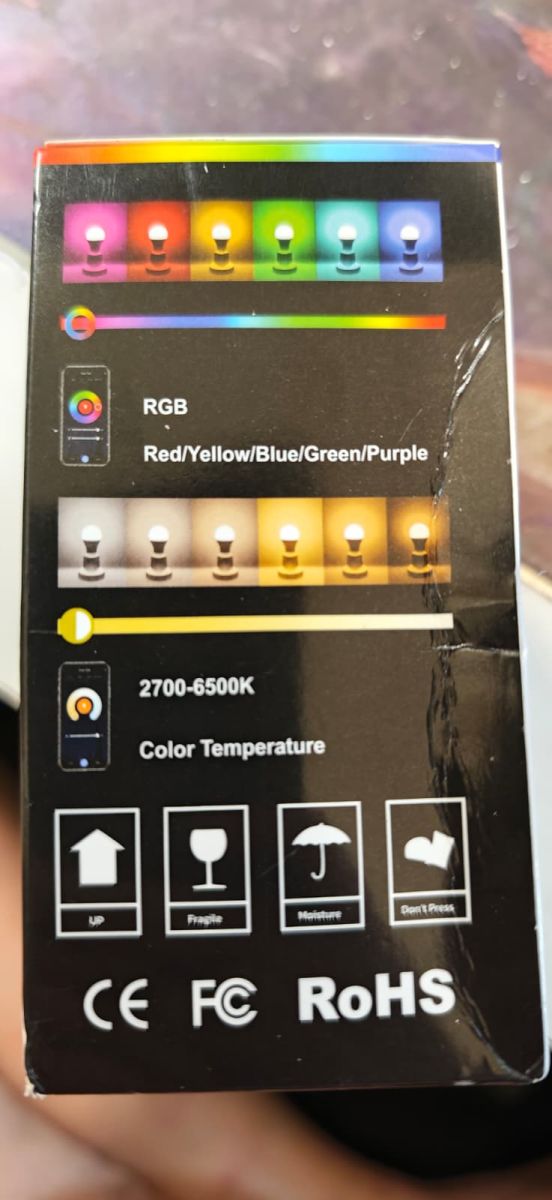
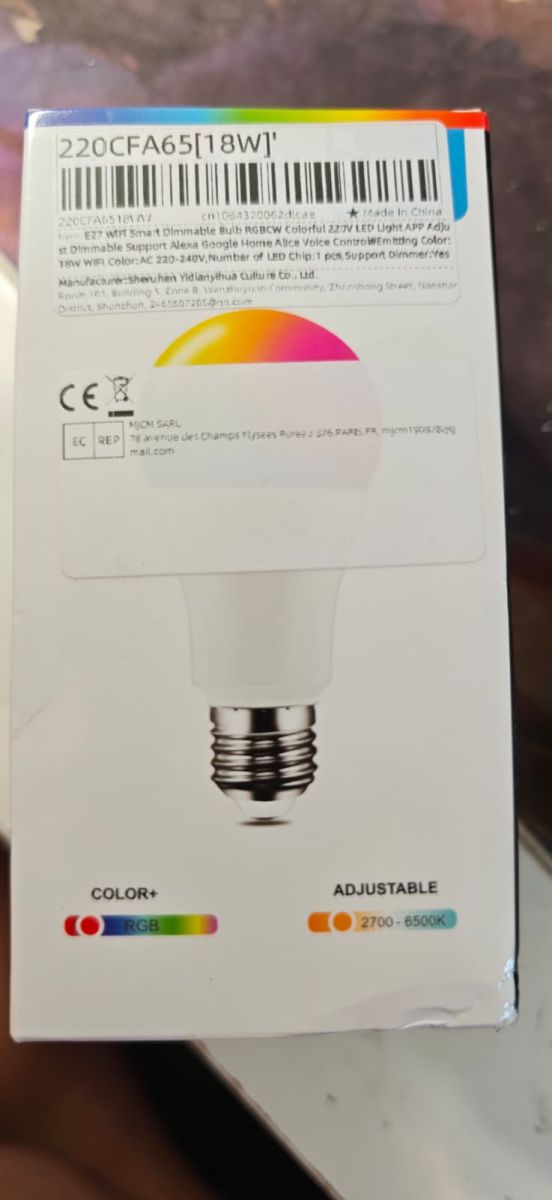
    The Cozylife RGBCW 18W bulbs from China have arrived.
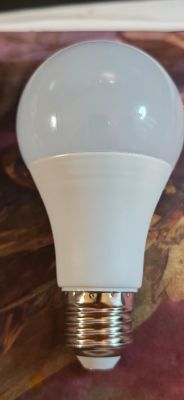

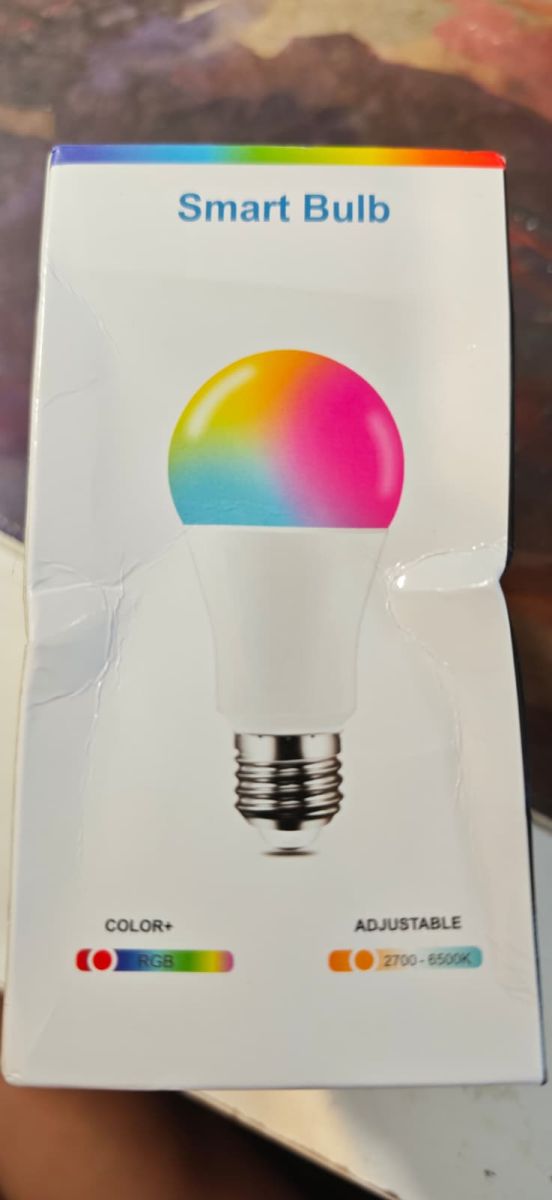
    White LED light bulb with frosted dome and metal screw base on a patterned surface Round RGBCW LED PCB with SMD LEDs and connector, labeled XL W60-RGBCW “Smart Bulb” box with a colorful bulb graphic and labels for RGB and 2700–6500K adjustable white. Back of RGBCW LED bulb package with RGB color bar and 2700–6500 K color temperature scale Label on Wi‑Fi E27 RGBCW 18W bulb box with barcode and 2700–6500K adjustable range


    original:

    Cozylife RGBCW 18W TW-805, W803-E400 - how do I set the pins in OpenW800?

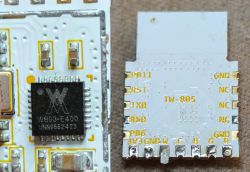
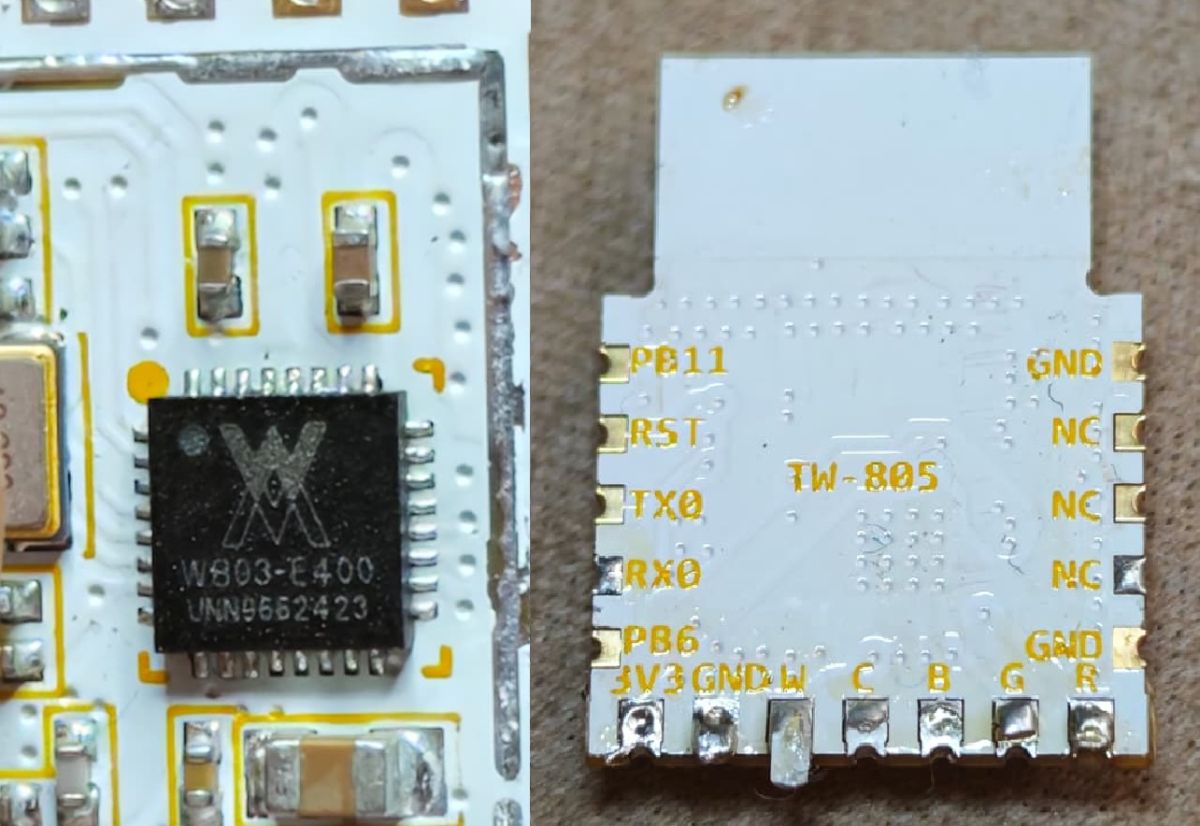
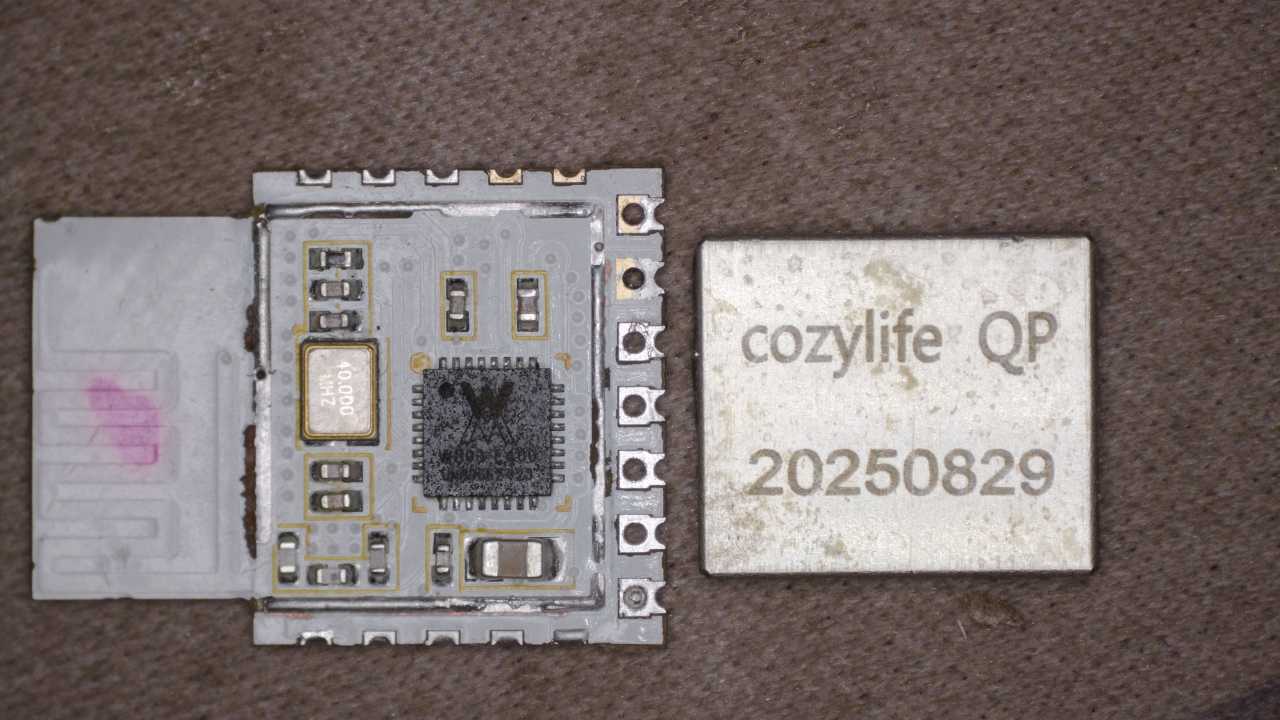
    TW-805 module and W803-E400 chip.

    Cozylife RGBCW 18W TW-805, W803-E400 - how do I set the pins in OpenW800?

    more photos

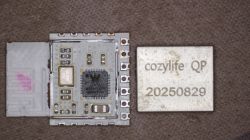
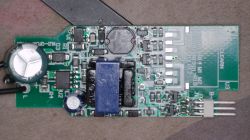
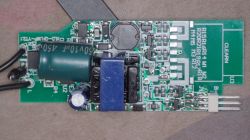
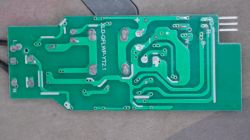
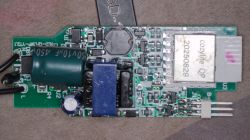
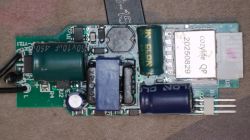
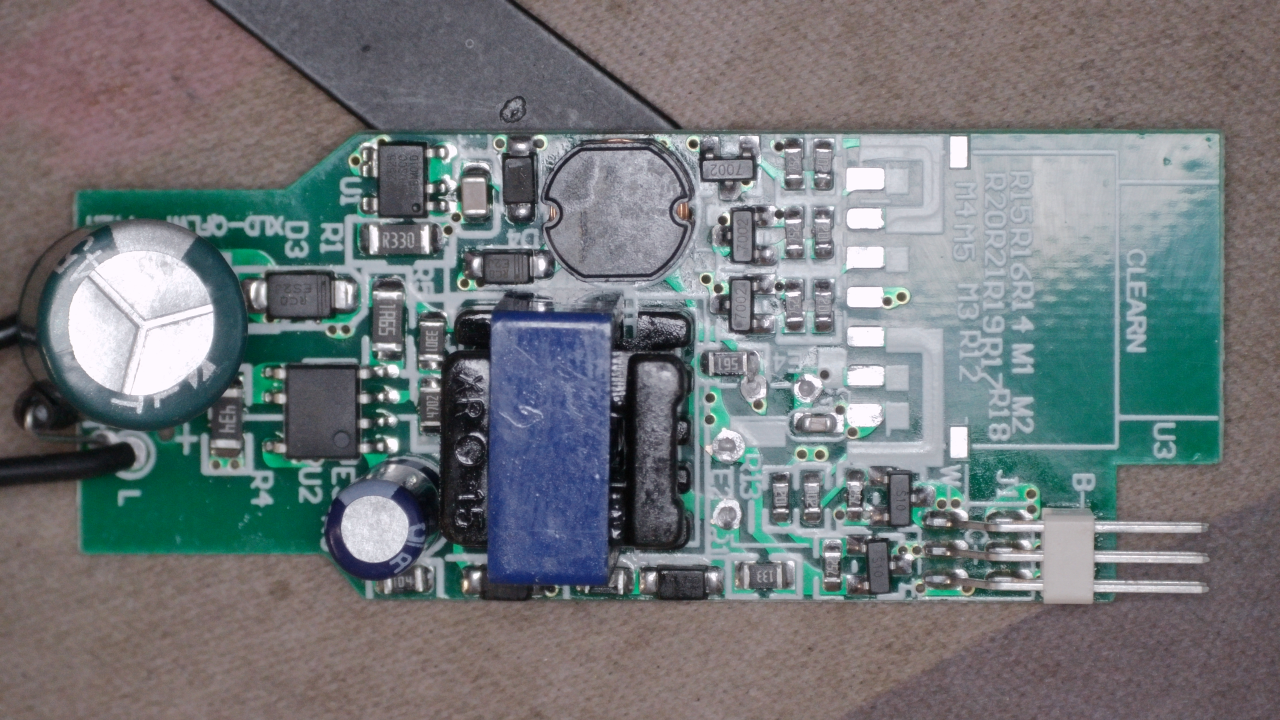
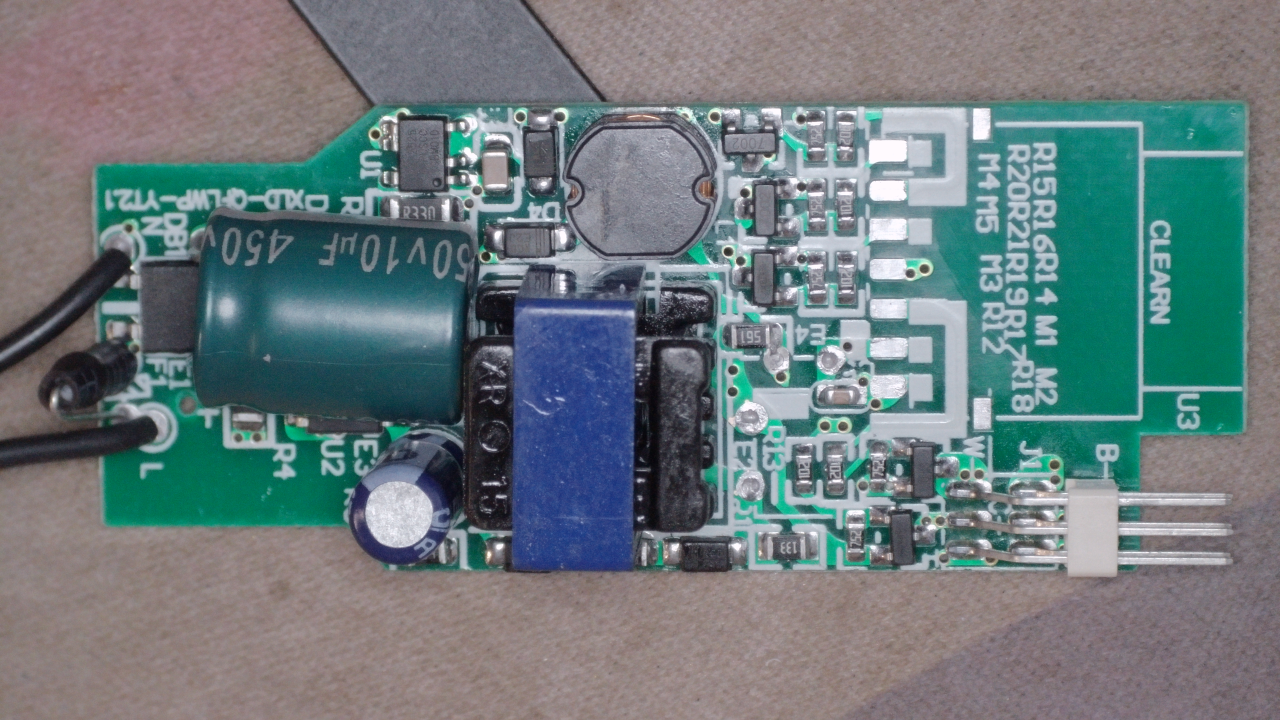
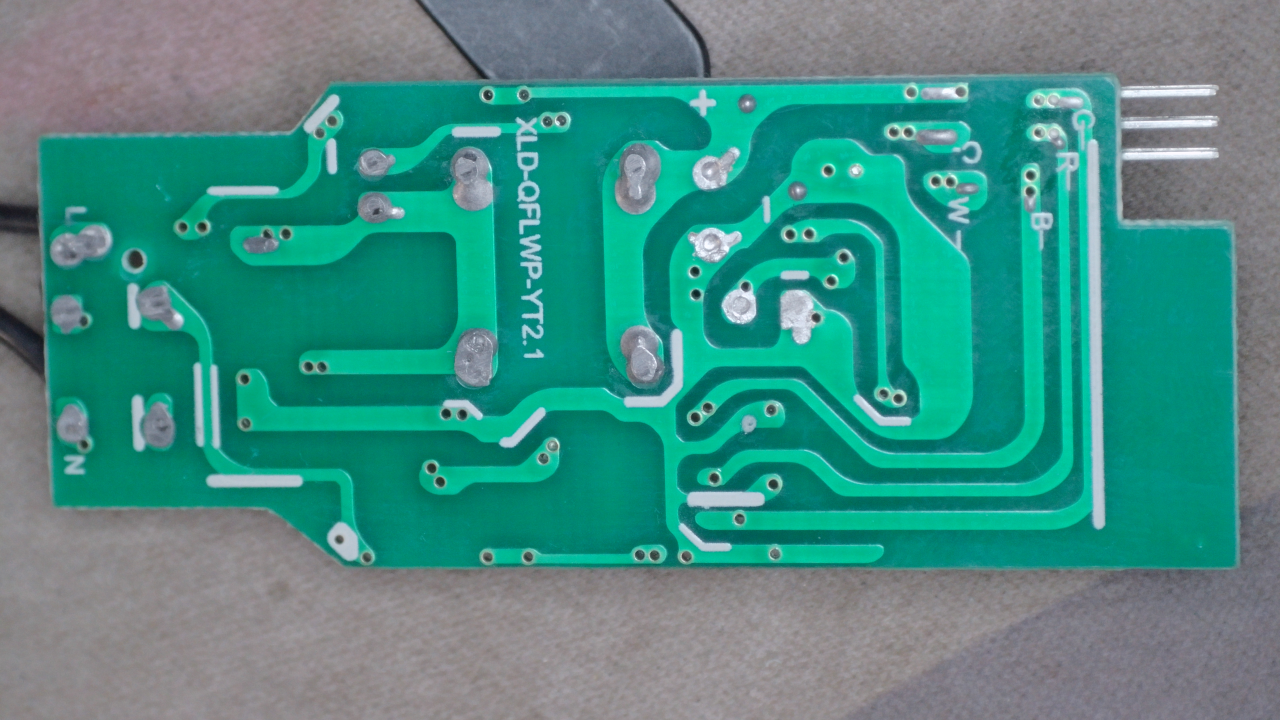
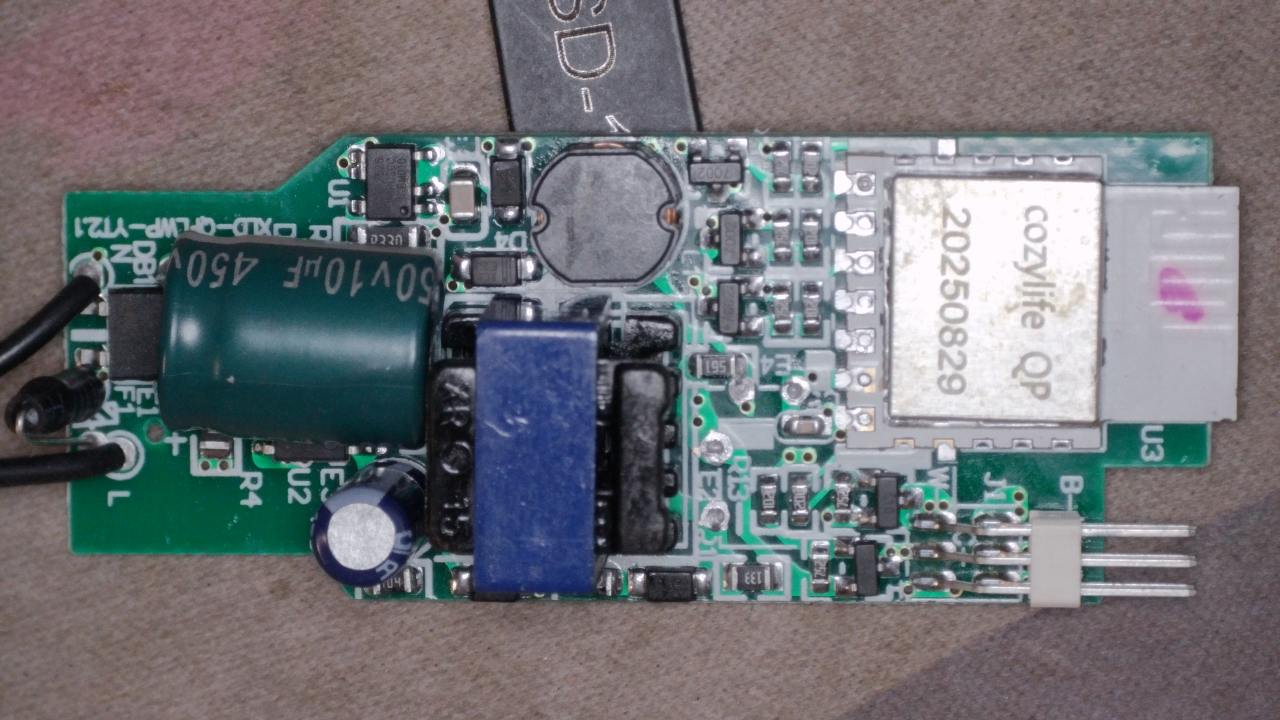
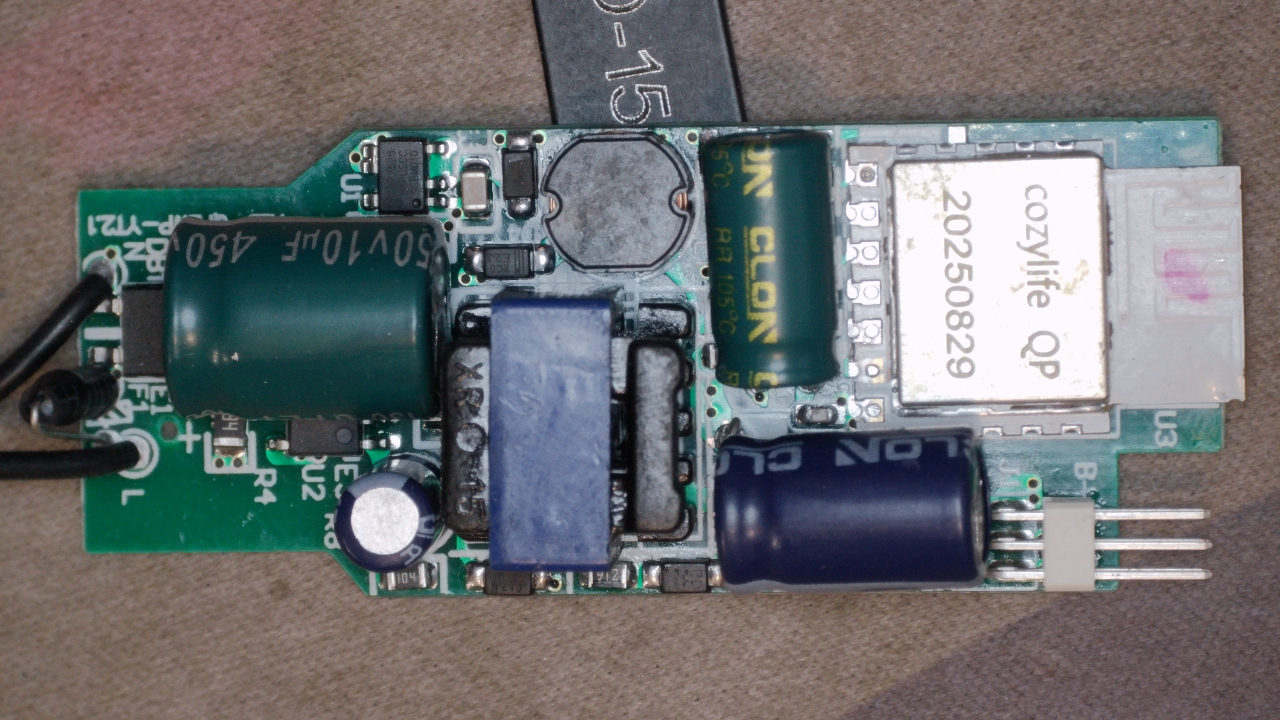
    Cozylife RGBCW 18W TW-805, W803-E400 - how do I set the pins in OpenW800? Close-up of a green controller PCB with capacitors, inductor, SMD parts, and a 3-pin connector Close-up of a green PCB with power-supply components and a printed PCB antenna Green PCB underside with traces and solder pads; four-pin header protruding on the right Close-up of a PCB with “cozylife QP 20250829” module and power-supply components Close-up of a PCB with “cozylife QP 20250829” module and power-supply components Close-up of a power supply PCB with capacitors and a shielded module labeled “cozylife QP”

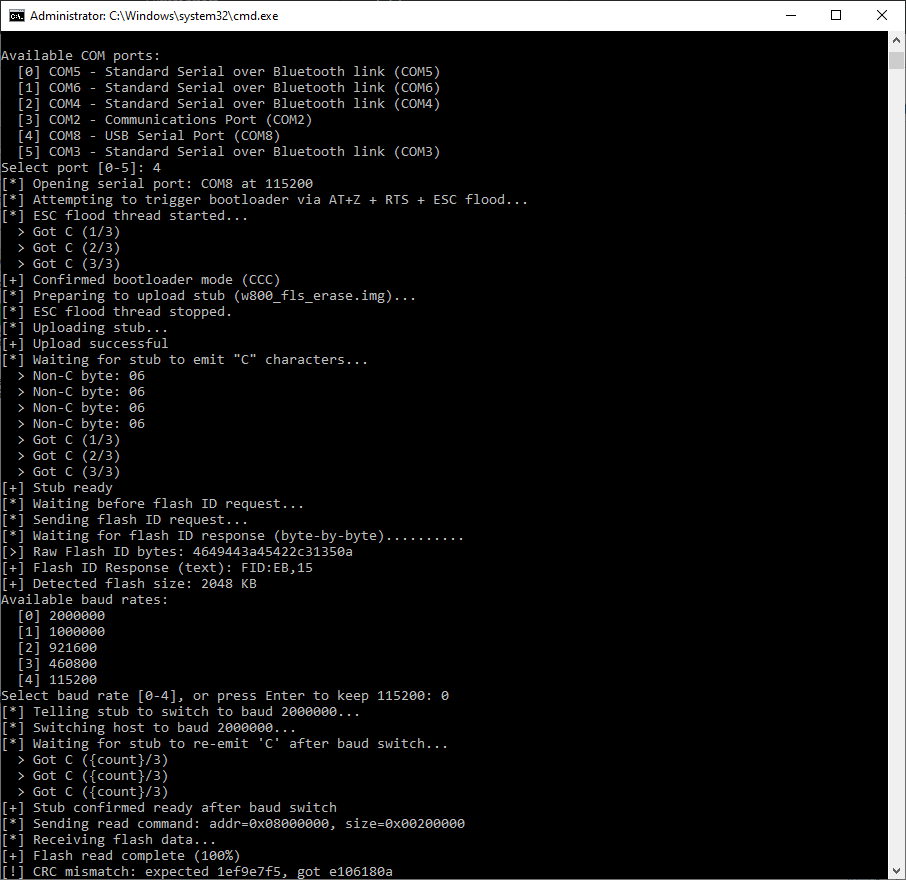
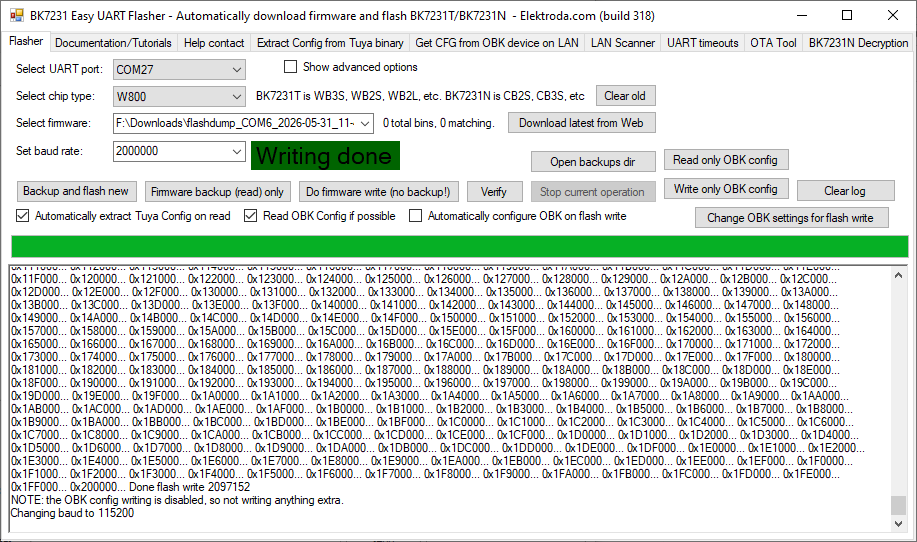
    BK7231GUIFlashTool-build-318 doesn't seem to be able to detect or read the flash properly:

    Spoiler:
    Sync attempt 32/1000 failed.... Sync success! Flash ID: 0xFFxx13 Flash size is 0MB ROM version: 8 Sending stub... Stub uploaded! Sync success!


    i tried manually setting Start Offset: 0x0 Length: 0x200000 :

    Spoiler:
    Sync attempt 38/1000 failed.... Sync success! Flash ID: 0xFFxx13 Flash size is 0MB ROM version: 8 Sending stub... Stub uploaded! Sync success! Changing baud to 115200, will resync... Sync success! Read block at 0x000000...Failed to get response! Retrying... Read block at 0x000000...Failed to get response! Retrying... Read block at 0x000000...Failed to get response! Retrying... Read block at 0x000000...Failed to get response! Retrying... Read block at 0x000000...Failed to get response! Retrying... Read block at 0x000000...Failed to get response! Retrying... Read block at 0x000000...Failed to get response! Retrying... Read block at 0x000000...Failed to get response! Retrying... Read block at 0x000000...Failed to get response! Retrying... Read block at 0x000000...Failed to get response! Retrying... Read block at 0x000000...Failed to get response! Retrying... Read block at 0x000000...Failed to get response! Retrying... Response error count exceeded limit, stopping! Changing baud to 115200, will resync... Sync success! Changing baud to 115200 There was no result to save.


    I haven't tried flashing the BK7231GUIFlashTool yet, maybe with the next piece I'll try (lots of problems with boot and sync and upgrade_tools goes automatically doesn't even need RST)

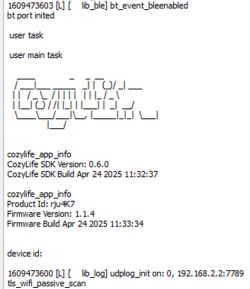
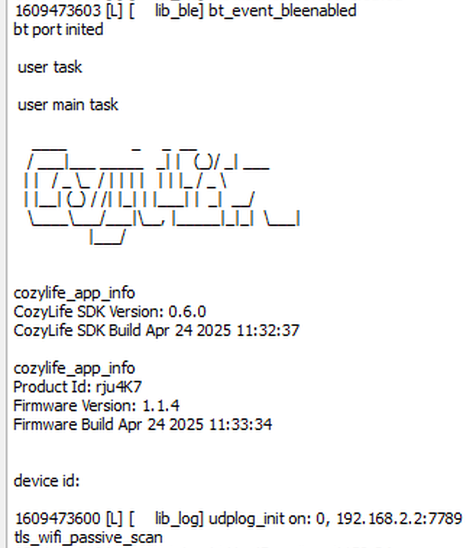
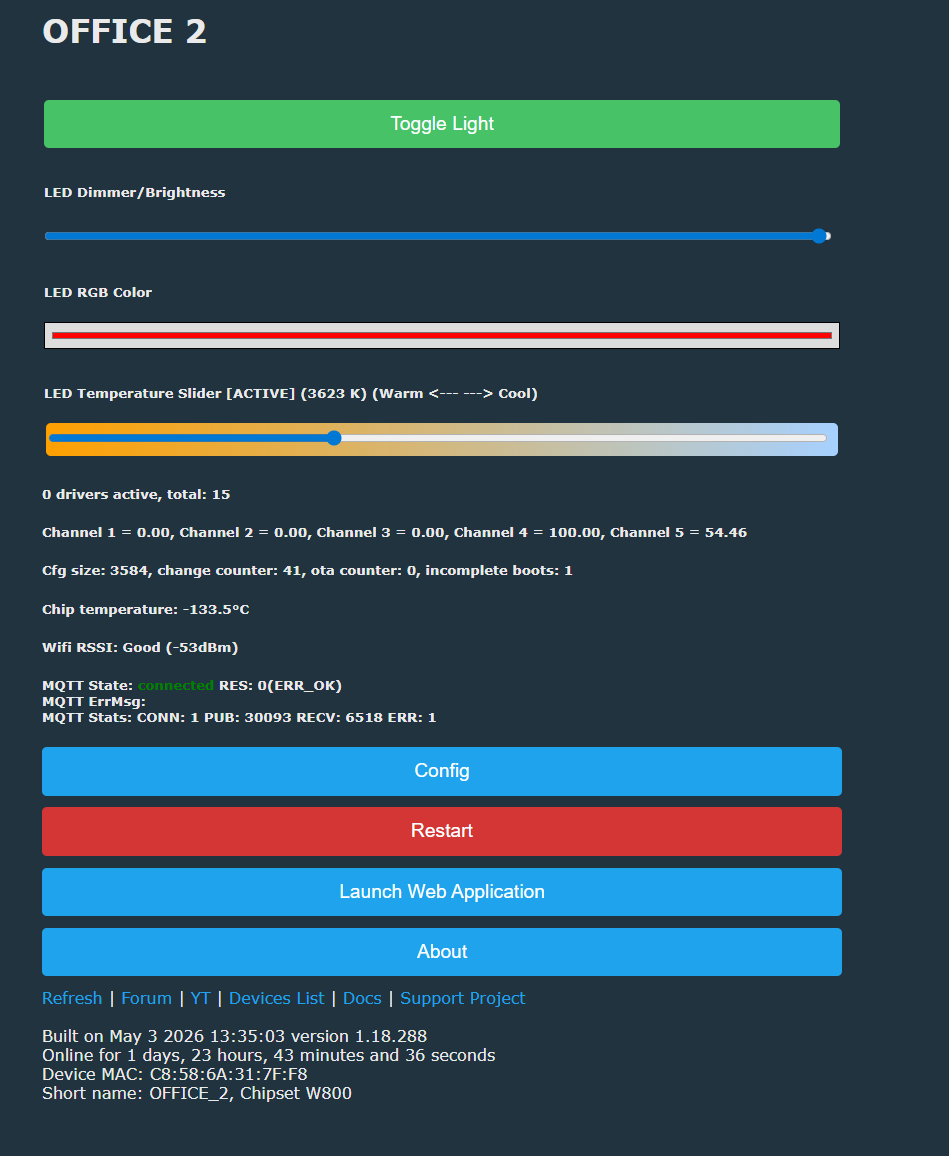
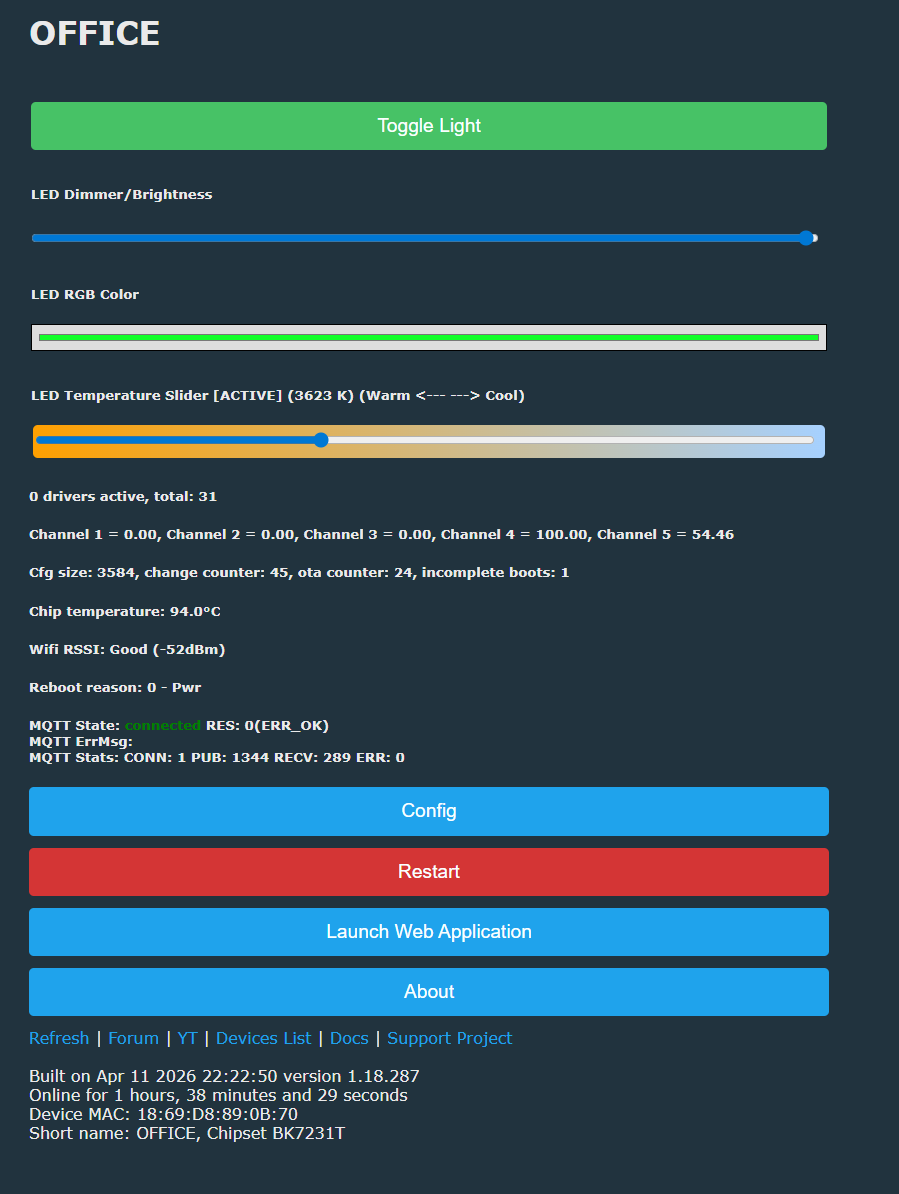
    I managed to boot OpenW800_1.18.288. using Upgrade_Tools_V1.5.9

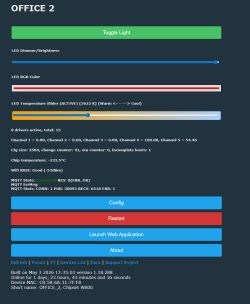
    Screenshot of W803-pico-biuro-02 status page with Config, Restart, and Launch Web Application buttons

    Lacked the knowledge to light it up anymore.... Please help me with the configuration.

    Greetings
    Prucho
  • ADVERTISEMENT
  • #2 21911916
    divadiow
    Level 38  
    Posts: 4946
    Help: 431
    Rate: 879
    a different W803. that's interesting. definitely get a backup of the next one if you can, it could help with IO mapping (and it'll be a nice addition to the FlashDumps collection), though there is also the GPIO dr in web app:
    https://www.elektroda.com/rtvforum/topic3976371.html

    Added after 5 [minutes]:

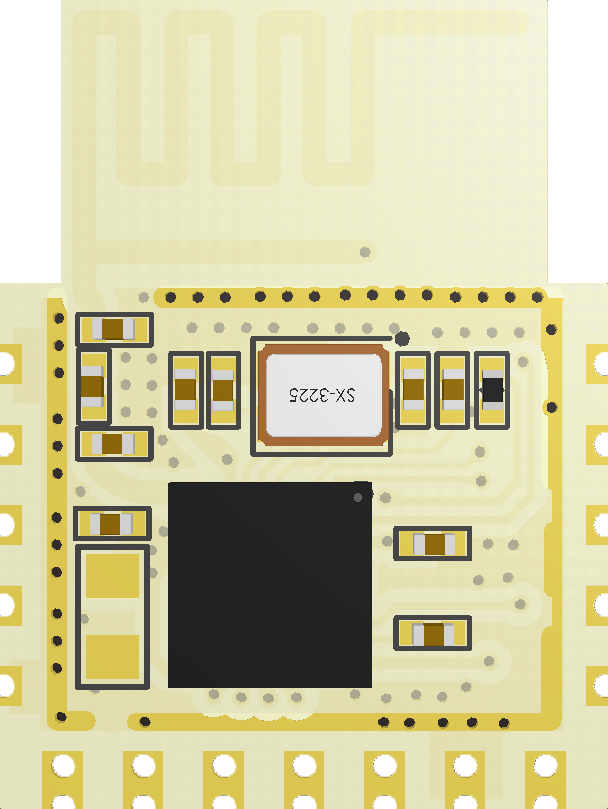
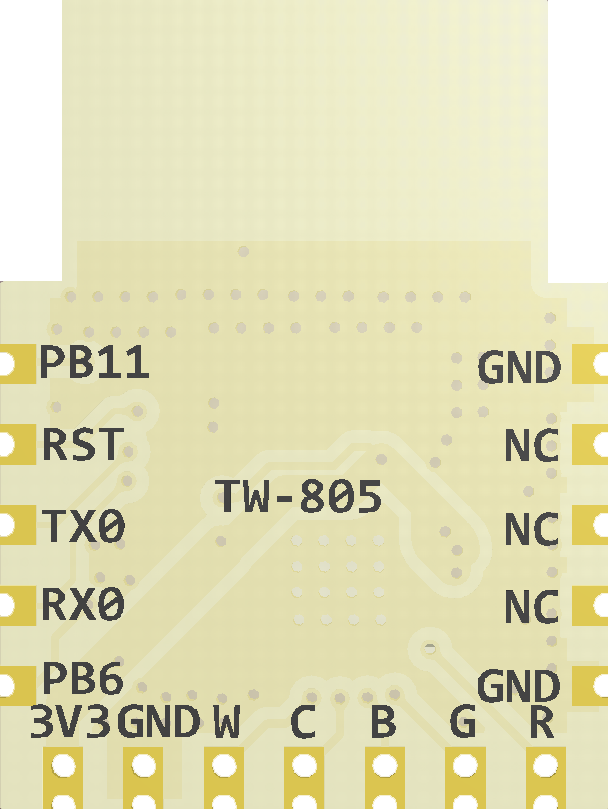
    PWM IOs listed here anyway https://www.cozylife.app/product/zh/hardware/wifi/tw-805.html

    pinsymbolI/O typeFunction
    1GNDPPower reference ground
    2NC/
    3NC/
    4NC/
    5GNDPPower reference ground
    6PA7I/OPWM_4
    7PB0I/OPWM_0, UART3_TX
    8PB1PPWM_1, UART3_RX
    9PB2I/OPWM_2. UART2_TX
    10PB3I/OPWM_3. UART2_RX
    11GNDPPower reference ground
    12VCCPModule power supply pin (3.3V)
    13PB6I/OUART1_TX
    14PB20I/OPWM_1, UART0_RX (Default download port)
    15PB19PPWM_0, UART0_TX (default download port)
    16RST/The module enable pin is active high, indicating that the module has been pulled high. This pin can be externally controlled by the user.
    18PB11I/O


    Close-up of an electronic module with ICs and SMD components on a yellow PCB Close-up of a PCB section with pin labels such as PB11, RST, TX0, RX0, plus GND and NC
  • ADVERTISEMENT
  • #3 21912087
    prucho
    Level 11  
    Posts: 9
    Help: 1
    Rate: 2
    I found the pins in the WEBapp GPIOfinder

    "pins": {
    "7": "PWM;1",
    "16": "PWM;2",
    "17": "PWM;3",
    "18": "PWM;4",
    "19": "PWM;5"

    Even works nicely :)

    I made a second piece because in the first one I must have damaged something along the way, because it gently excites in the dark and doesn't work dimming only full colours at 100% (maybe I'll come back to it again)

    as for reading the flash (I still have a few pieces unmoved) give a hint with what because I am not as proficient as you :) and it looks like BK7231GUIFlashTool incorrectly detects flash

    Sync success! Flash ID: 0xFFxx13 Flash size is 0MB ROM version: 8

    and read does not go even the range set manually.

    Greetings
    prucho
  • #4 21912121
    divadiow
    Level 38  
    Posts: 4946
    Help: 431
    Rate: 879
    OK sure. I have W800s/W803 to test to be sure Easy Flasher works OK.

    Are you grounding RST pad briefly just as Easy Flasher flash read operation tries to begin?
ADVERTISEMENT