logo elektroda
logo elektroda
X
logo elektroda

How much does Tuya's Wi-Fi controlled LED lamp heat up? Changing the firmware and extending the life

p.kaczmarek2 1533 9
ADVERTISEMENT
Treść została przetłumaczona polish » english Zobacz oryginalną wersję tematu
📢 Listen (AI):
  • Thermal image of smart LED bulb showing heat up to 72.7°C
    Are 'smart' LED lights designed to overheat? What temperature will such a "led" light reach after a quarter of an hour of operation? Is it somehow possible to reduce its heating and prolong its life? I invite you to a presentation of the interior, measurements, and firmware changes of the SL20, a Wi-Fi controlled LED lamp offering control over brightness level and white temperature.
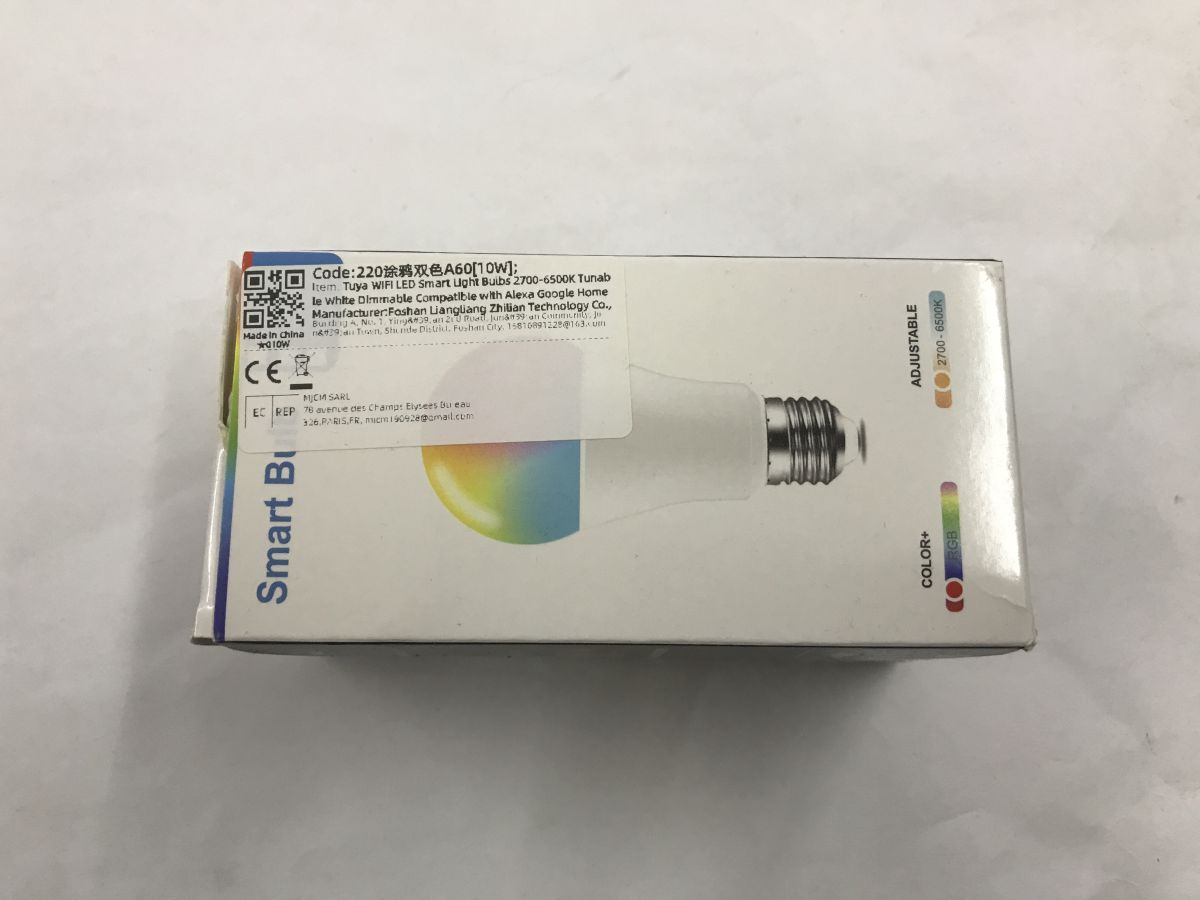
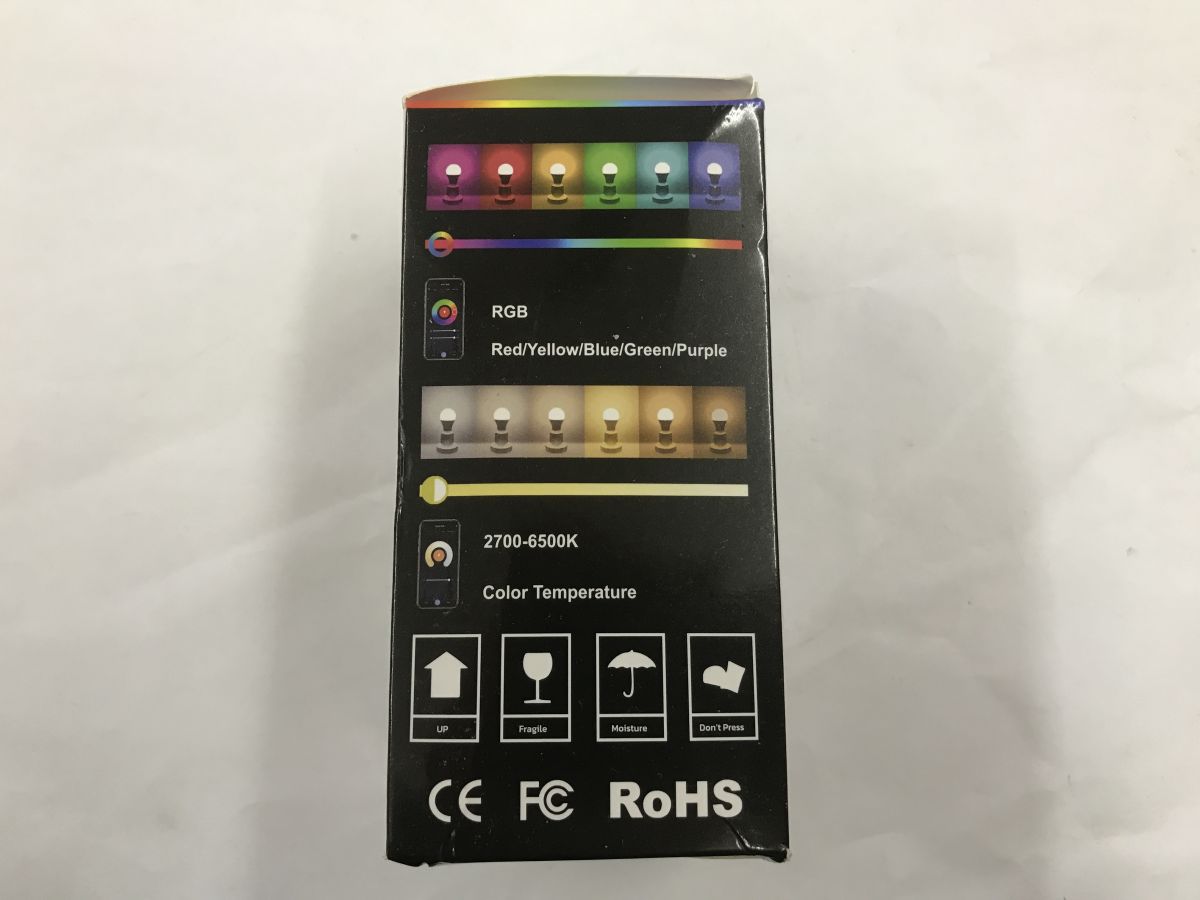
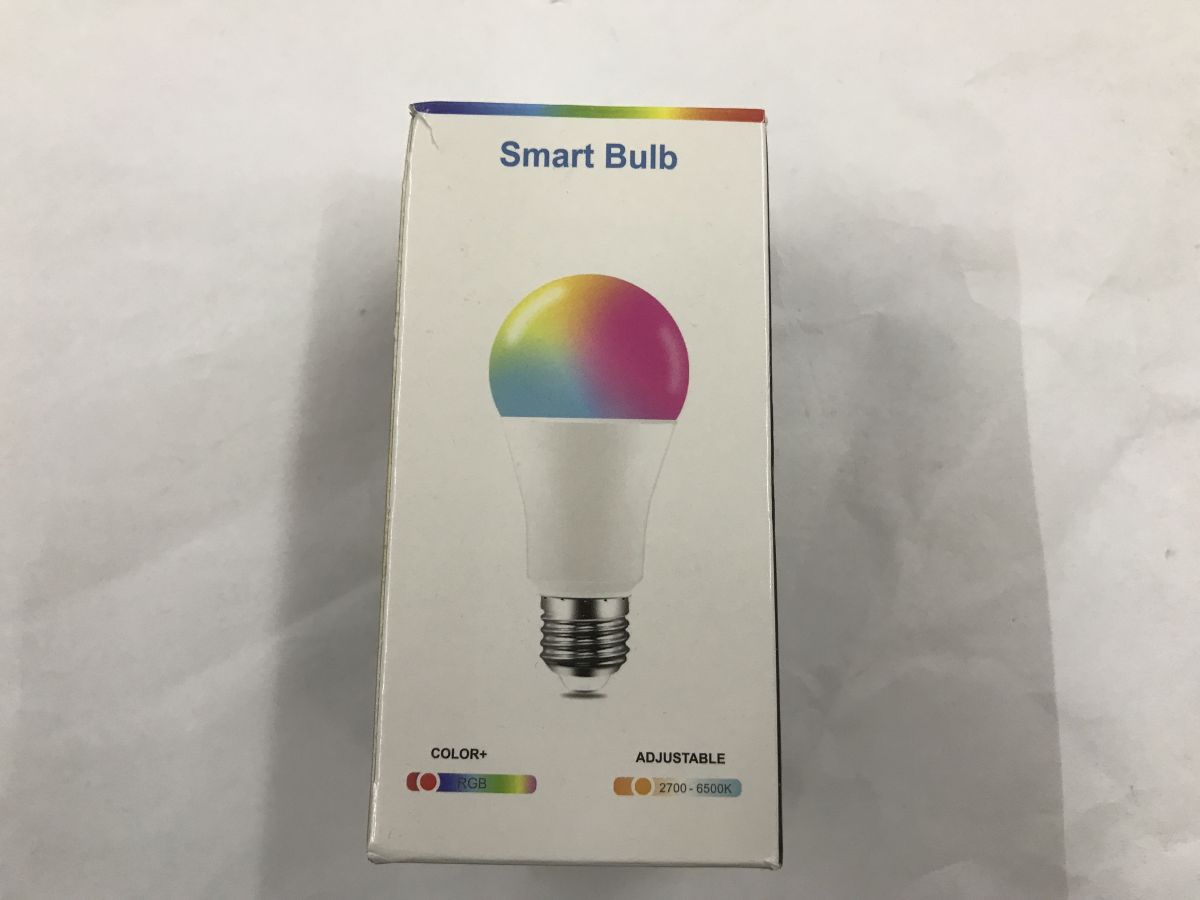
    Tuya WiFi LED bulb A60T 10W box with manufacturer label and CE markings Side of LED bulb box with RGB and 2700–6500K color temperature range Smart Bulb packaging with colorful light bulb illustration and RGB/CCT info
    Pairing with application
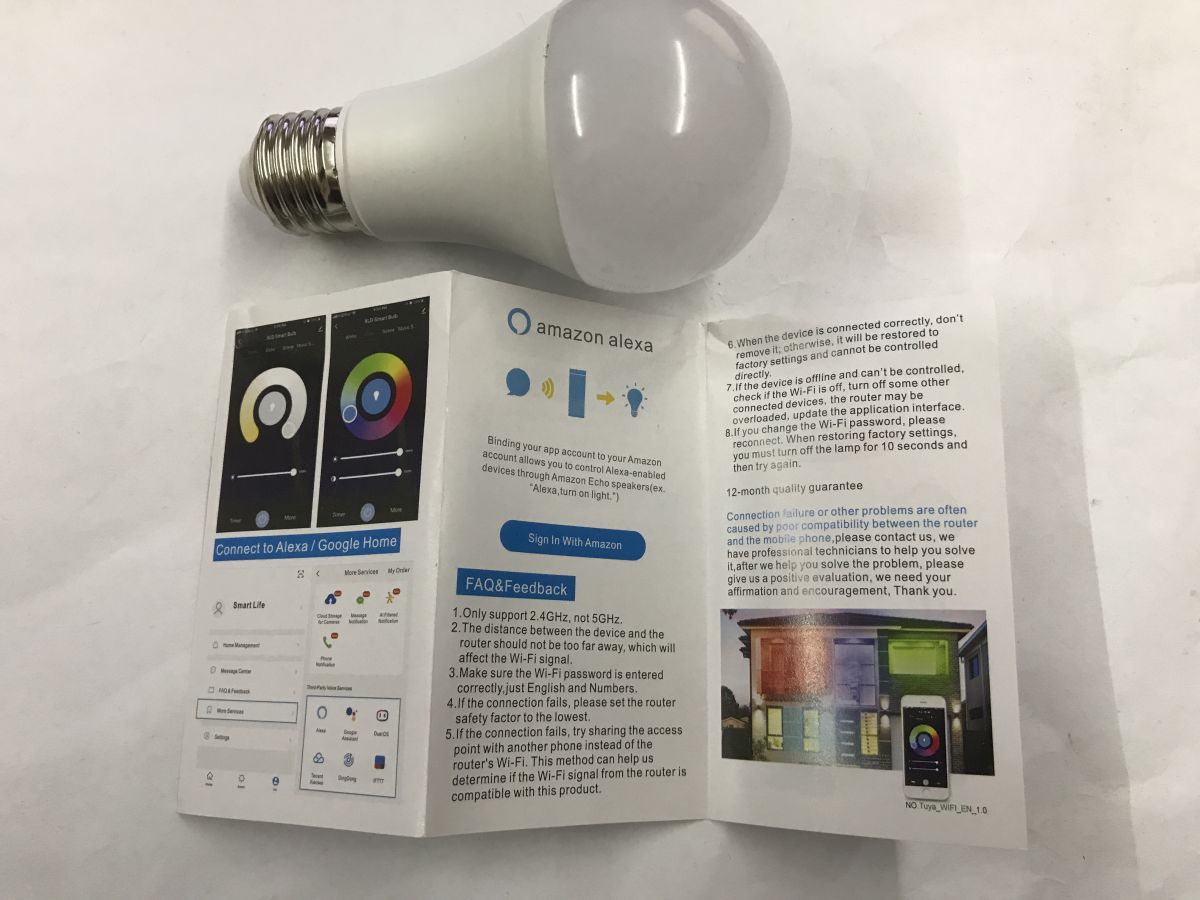
    The instructions describe the pairing process well - you need the Tuya app, a Wi-Fi network (necessarily 2.4GHz) and you also need to turn on Bluetooth, as the first scan for the device is over BT. We do three quick power on and off. The lamp should start flashing.
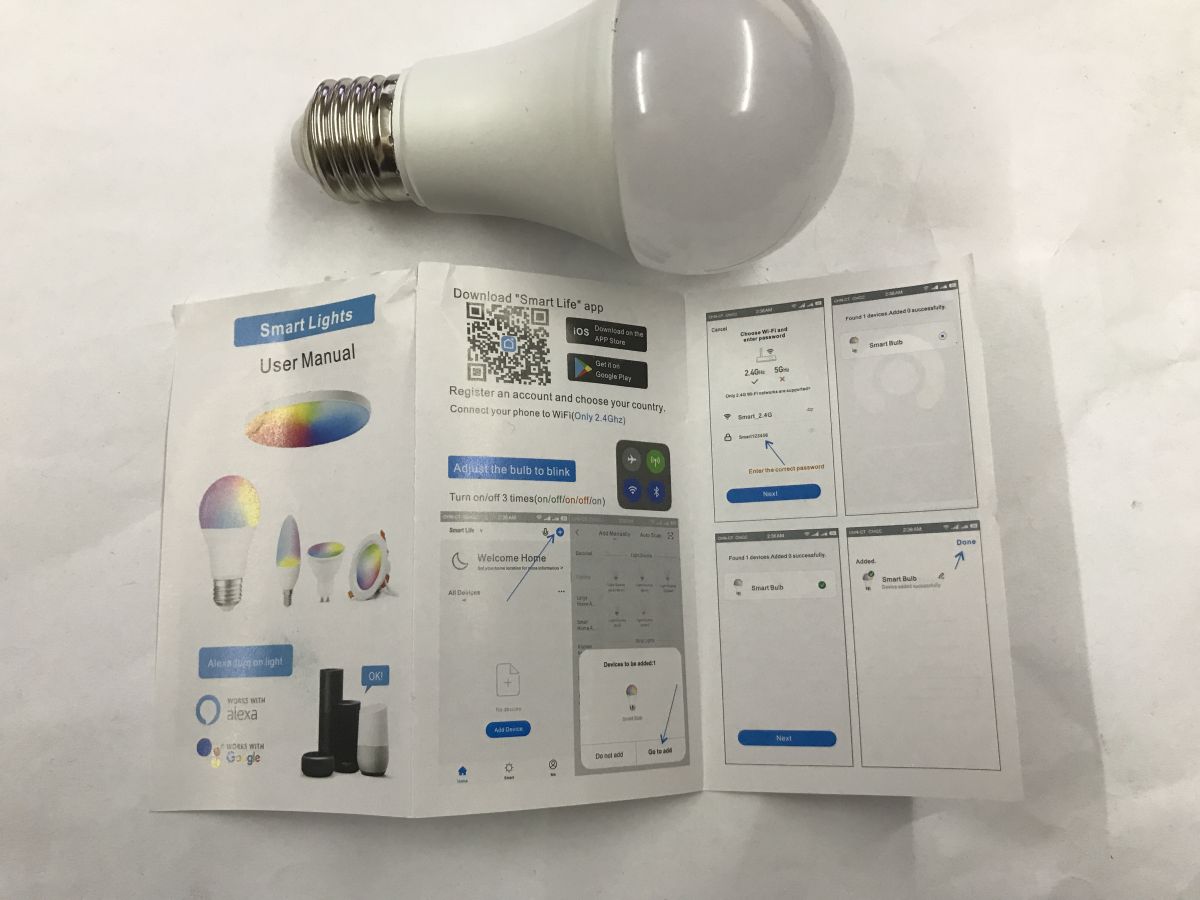
    Smart LED bulb with user manual showing pairing instructions and QR code Smart LED bulb and instruction leaflet showing Alexa integration setup
    Tuya sees it as SL20:
    Phone pairing with SL20 LED lamp using Tuya app in configuration mode
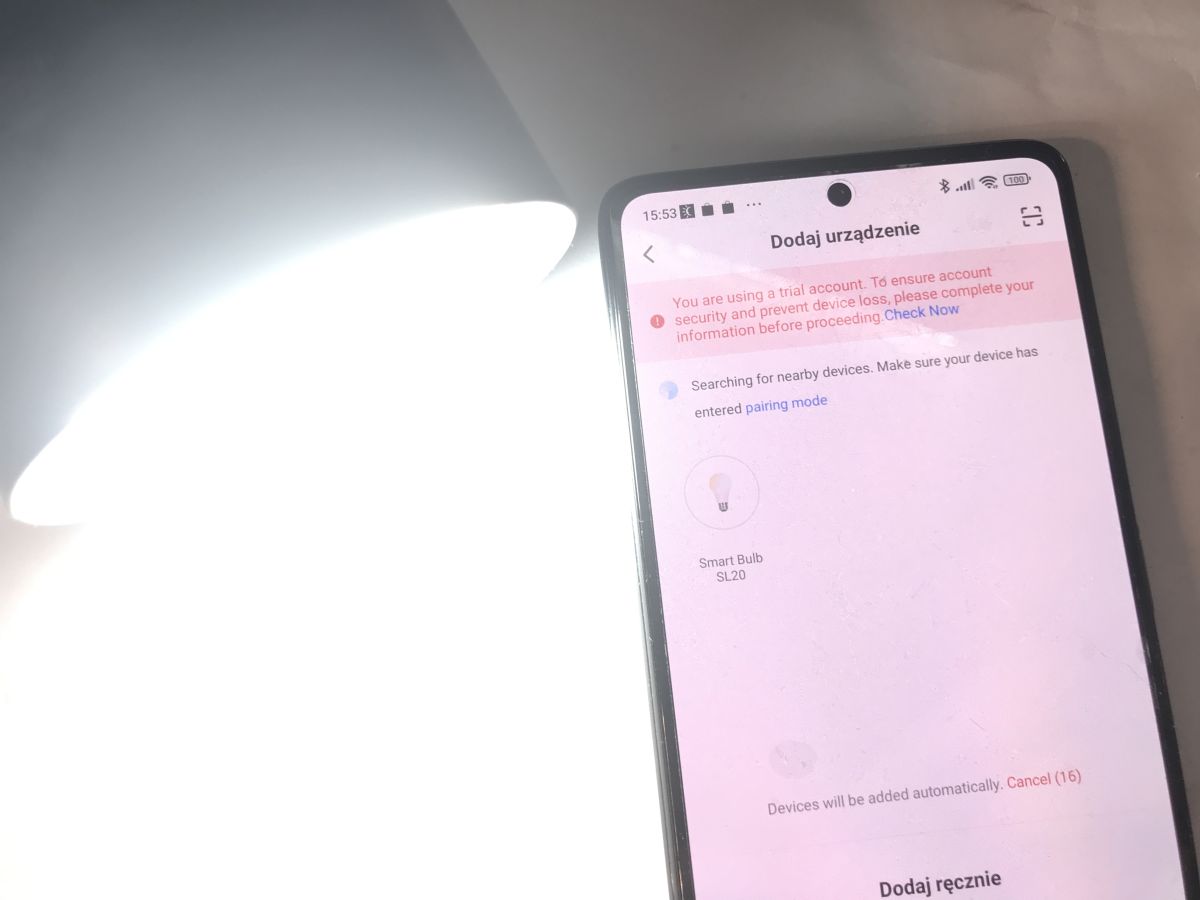
    It cannot be paired without logging in:
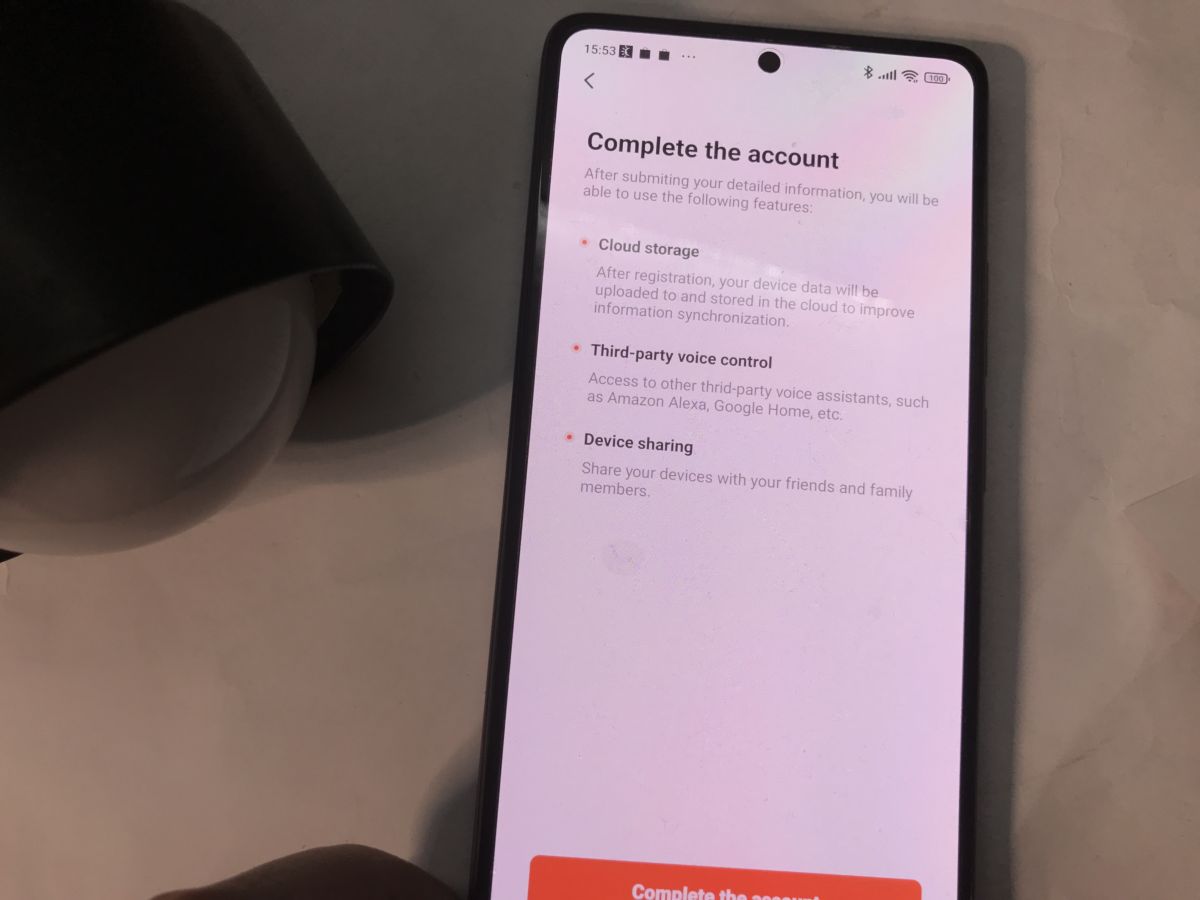
    Phone screen showing Tuya app account setup, with LED lamp housing nearby
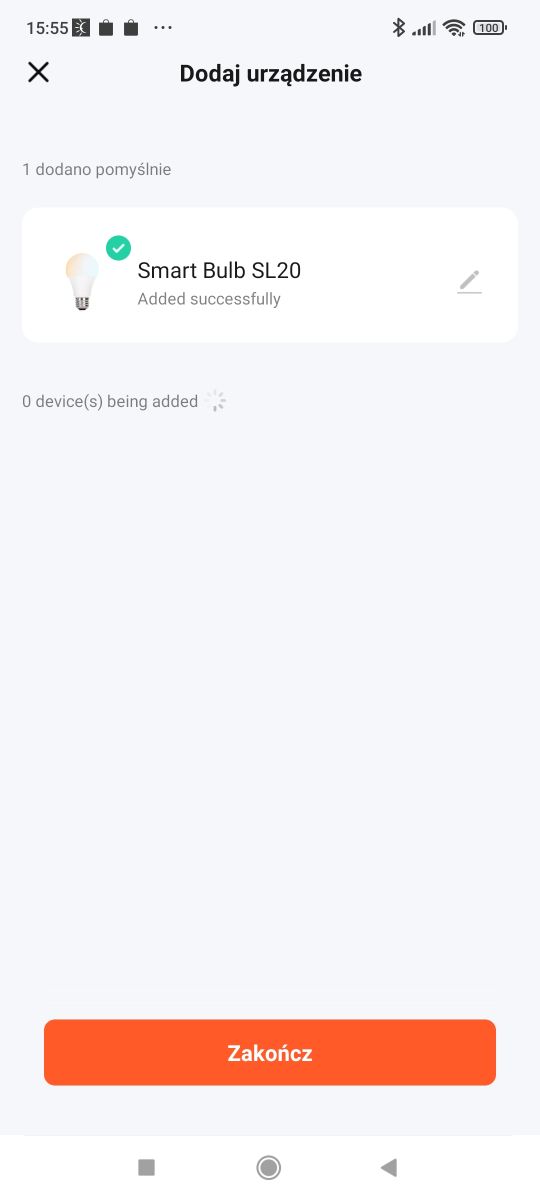
    Success:
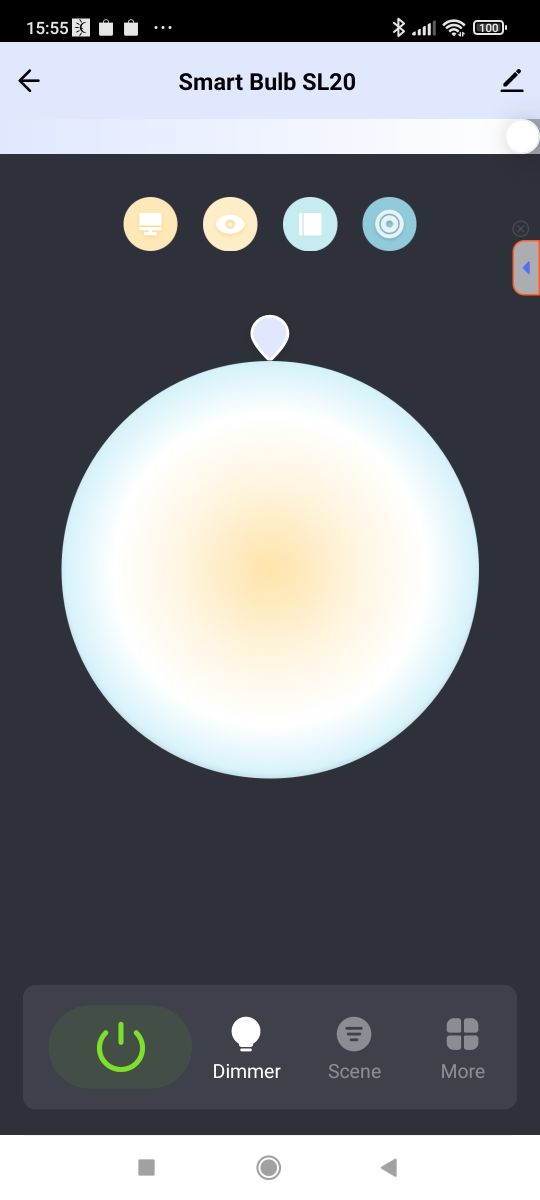
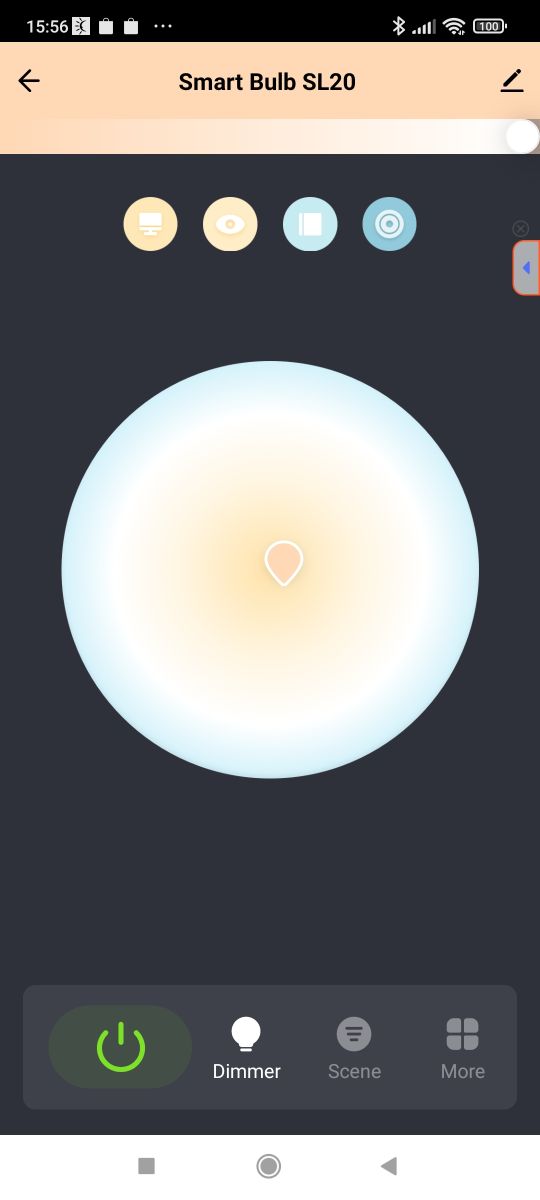
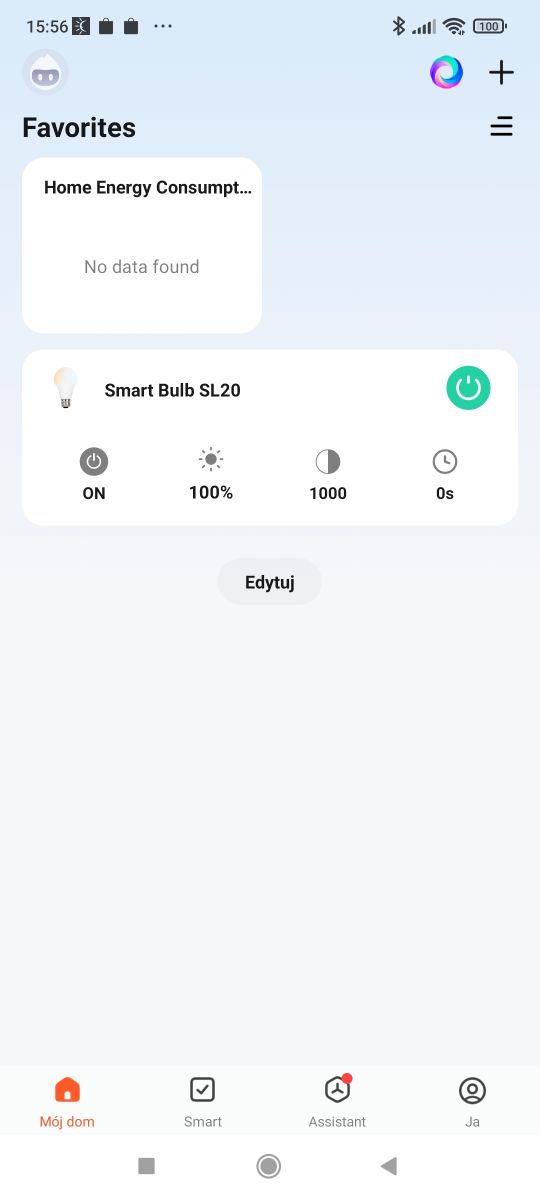
    Tuya app screen showing Smart Bulb SL20 added successfully Smart bulb SL20 control screen with color temperature and brightness slider Tuya app interface showing color and brightness controls for SL20 bulb
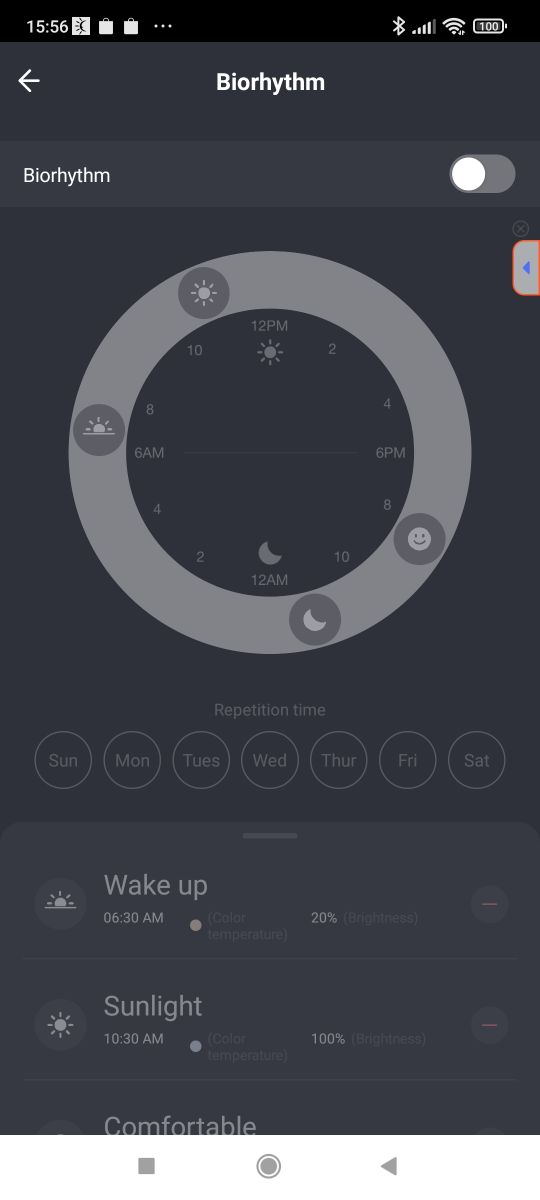
    With the app itself it's standard - we have control over the lighting temperature and over the brightness level. We have a countdown timer and automations. In addition, we have various animations and modes, including a 'biorhythm' mode that adjusts the light temperature according to the time.
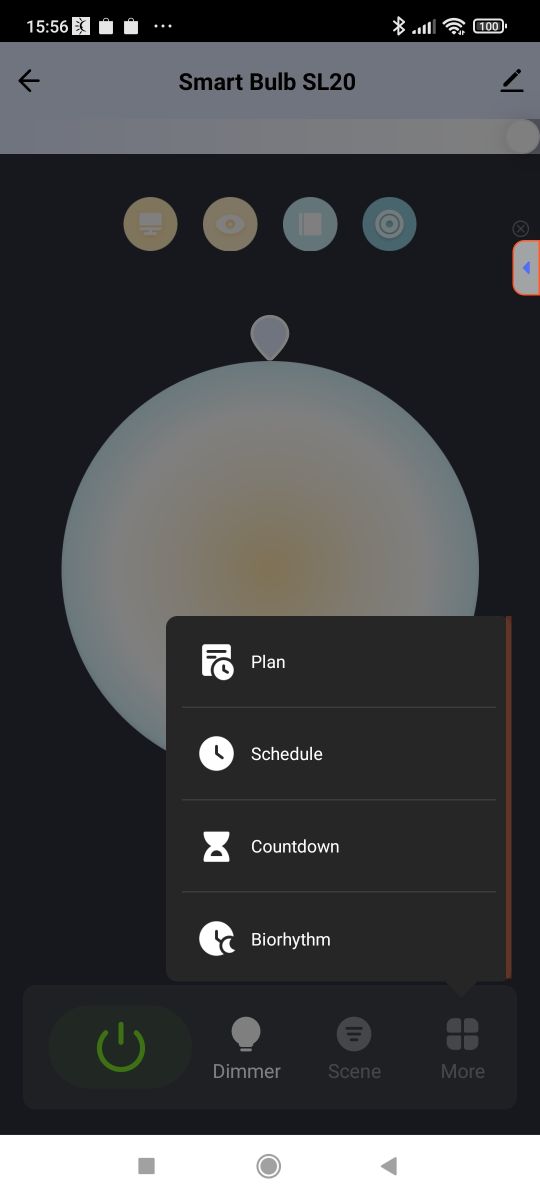
    Smart Bulb SL20 app screen with planning menu expanded Biorhythm mode screen in Tuya app for controlling SL20 LED lighting Tuya app interface showing Smart Bulb SL20 at 100% brightness setting


    Heat-up test
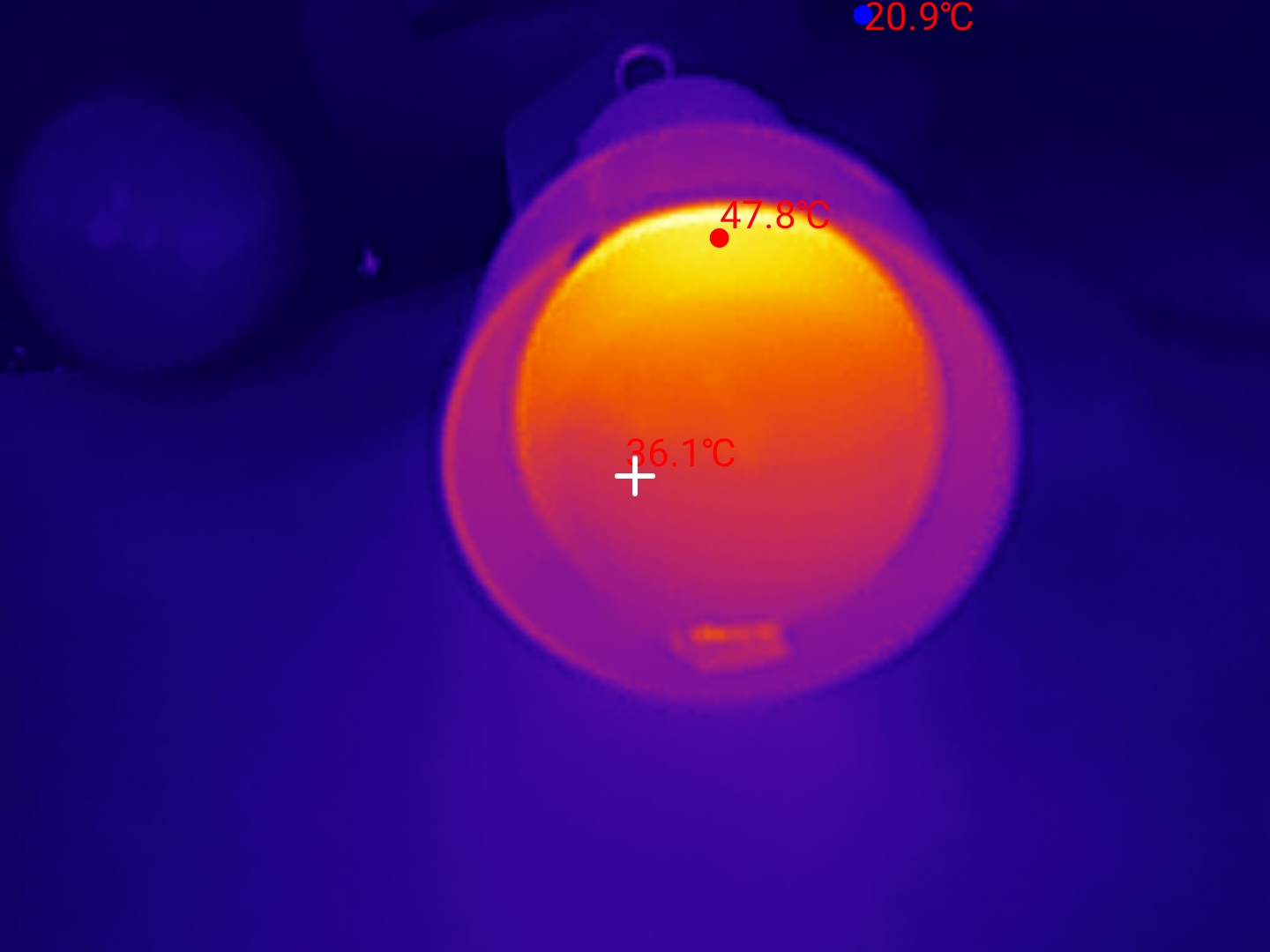
    The first thing I wanted to check was the heating of the product in the factory configuration. I waited fifteen minutes. The luminaire may not have been the best, as it's not ventilated, but that's what's used after all. You can see about 60°C before wringing it out:
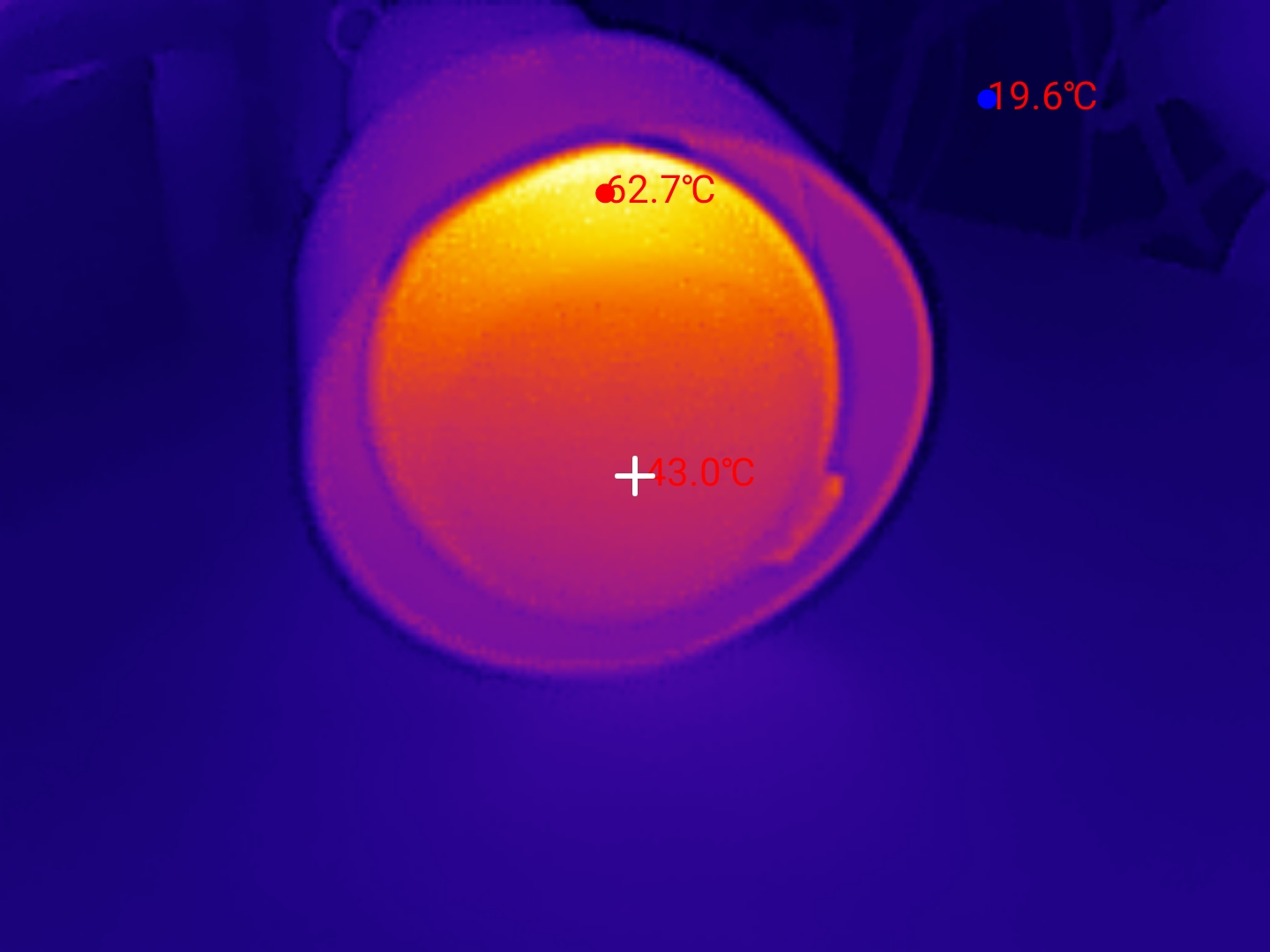
    Thermal image of LED bulb with surface temperature of 62.7°C
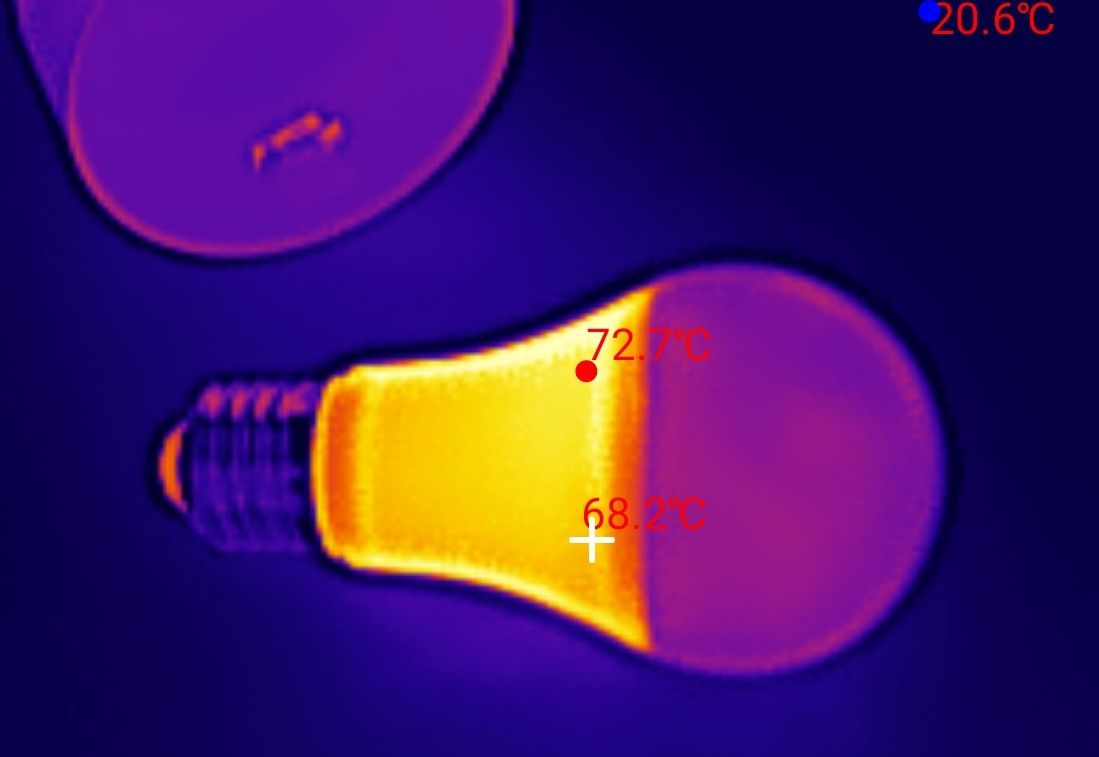
    The housing is metal, only the outside is covered with plastic. The whole thing is hard to touch. It will be interesting to see what happens inside.
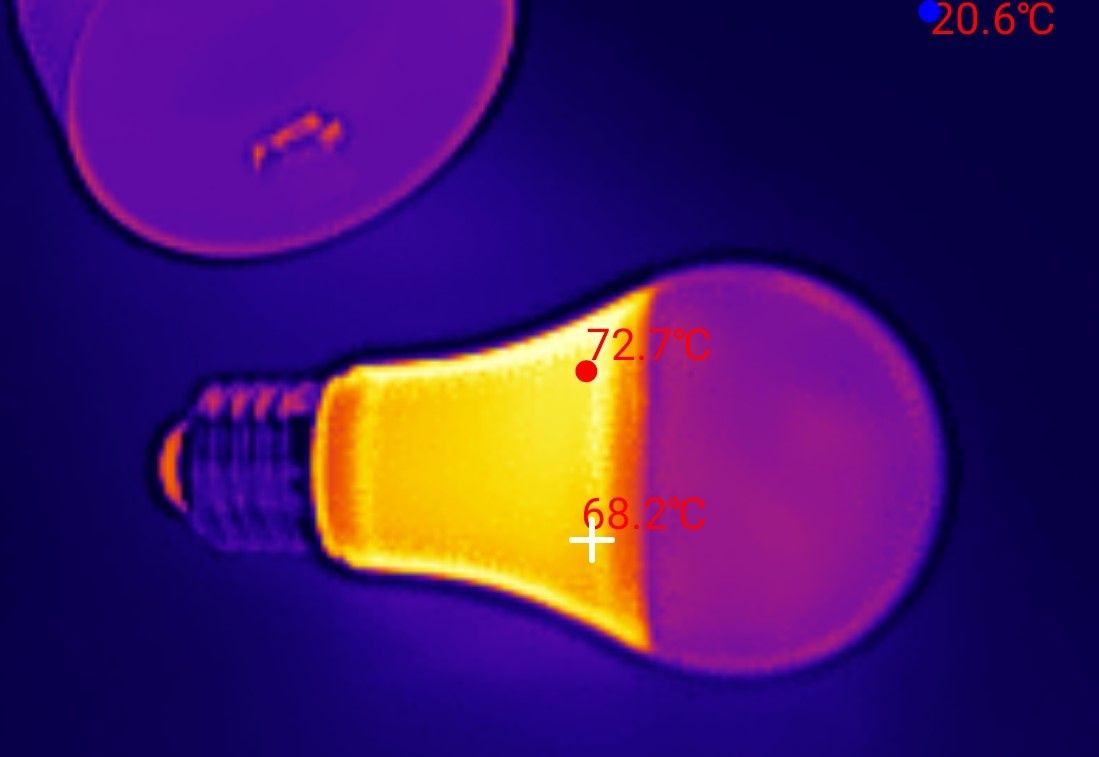
    Thermal image of LED bulb showing 72.7°C and 68.2°C temperature readings
    I couldn't delay as everything cools down quickly. Dome removed:
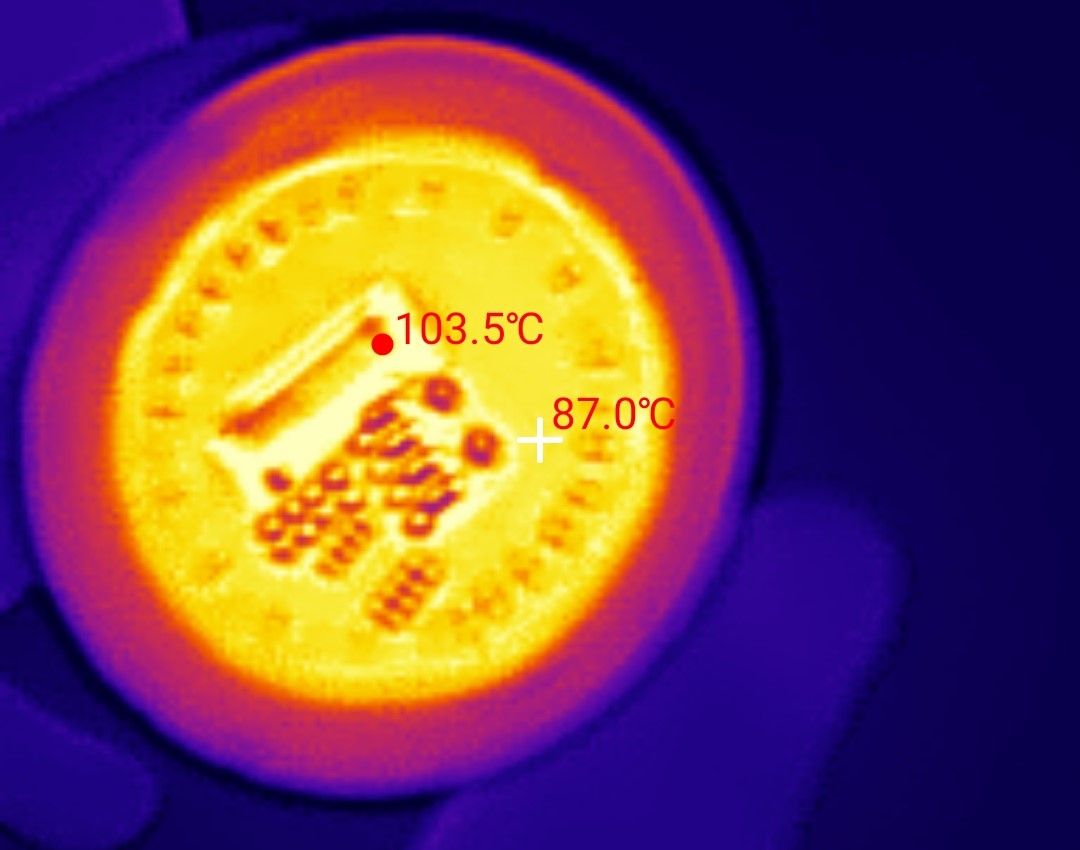
    Thermal image of an LED bulb showing temperatures up to 103.5°C
    The 100°C barrier has been crossed, although the power supply and Wi-Fi module are probably the most heated, not the LED board itself. I still tried to take a picture with the macro lens:
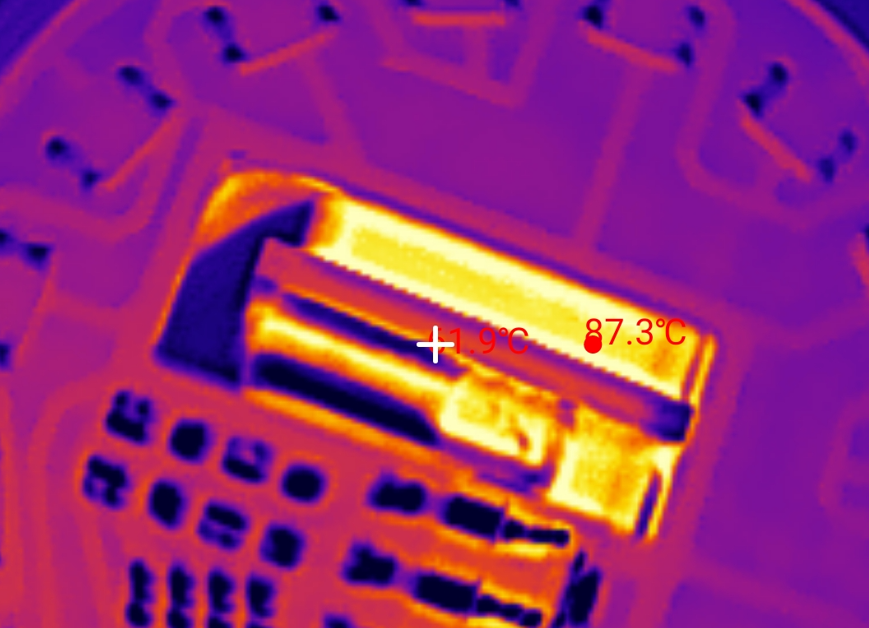
    Thermal image of LED lamp components, hottest point reaches 87.3°C
    The LEDs are unlikely to be suitable for continuous operation in such conditions. Let's see if anything can be done.

    Interior of product
    The dome is glued, it can be peeled off, or possibly levered up, but you can't insert a screwdriver too deeply.
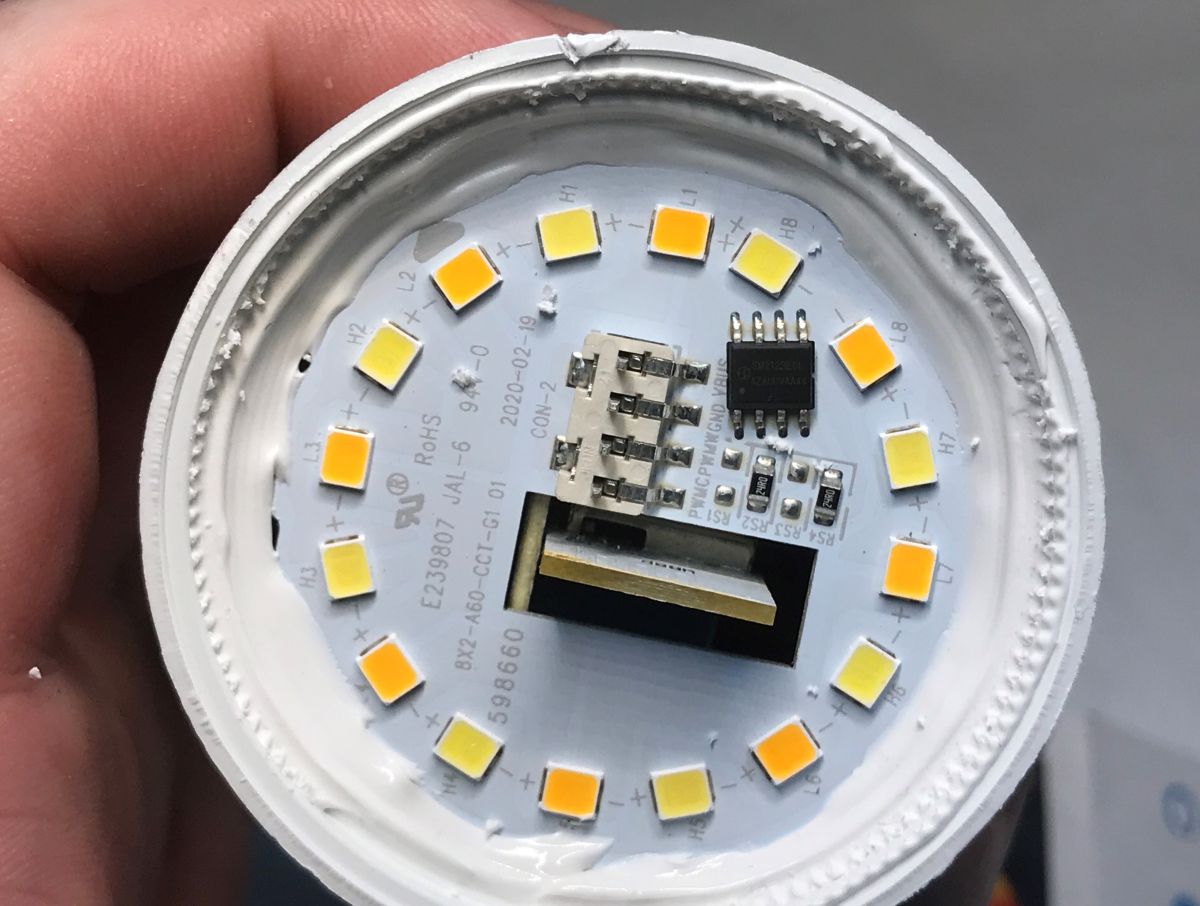
    LED lamp interior showing LEDs and SM2123EGL controller on a white PCB
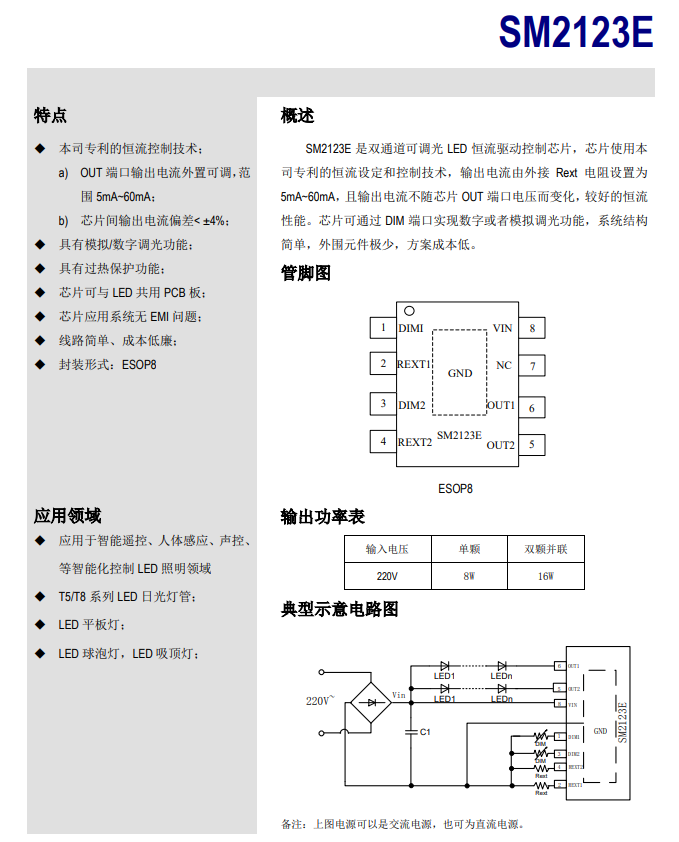
    The LEDs are controlled by the SM2123EGL:
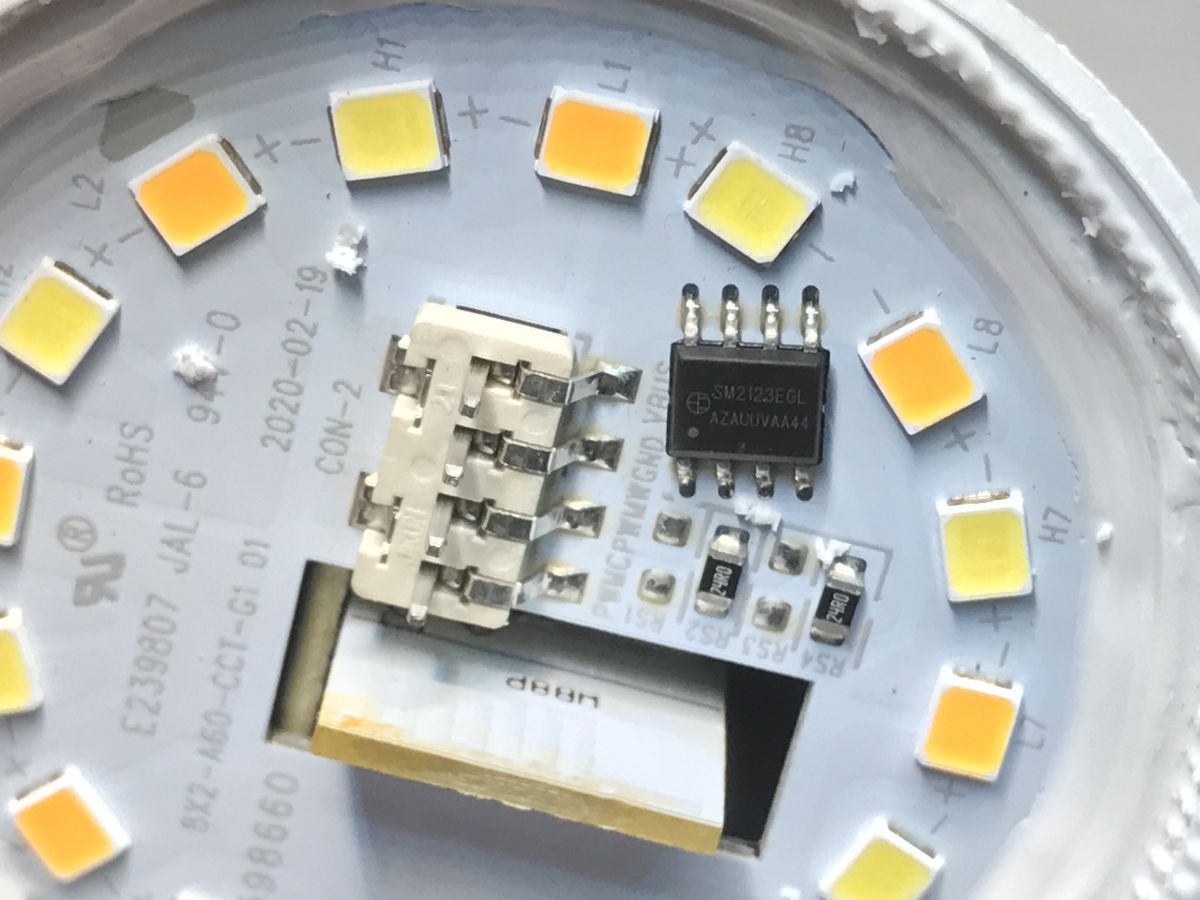
    Close-up of SM2123EGL chip and LED lights on a circuit board of LED lamp
    Chinese datasheet for SM2123E LED current driver with pinout and application circuit
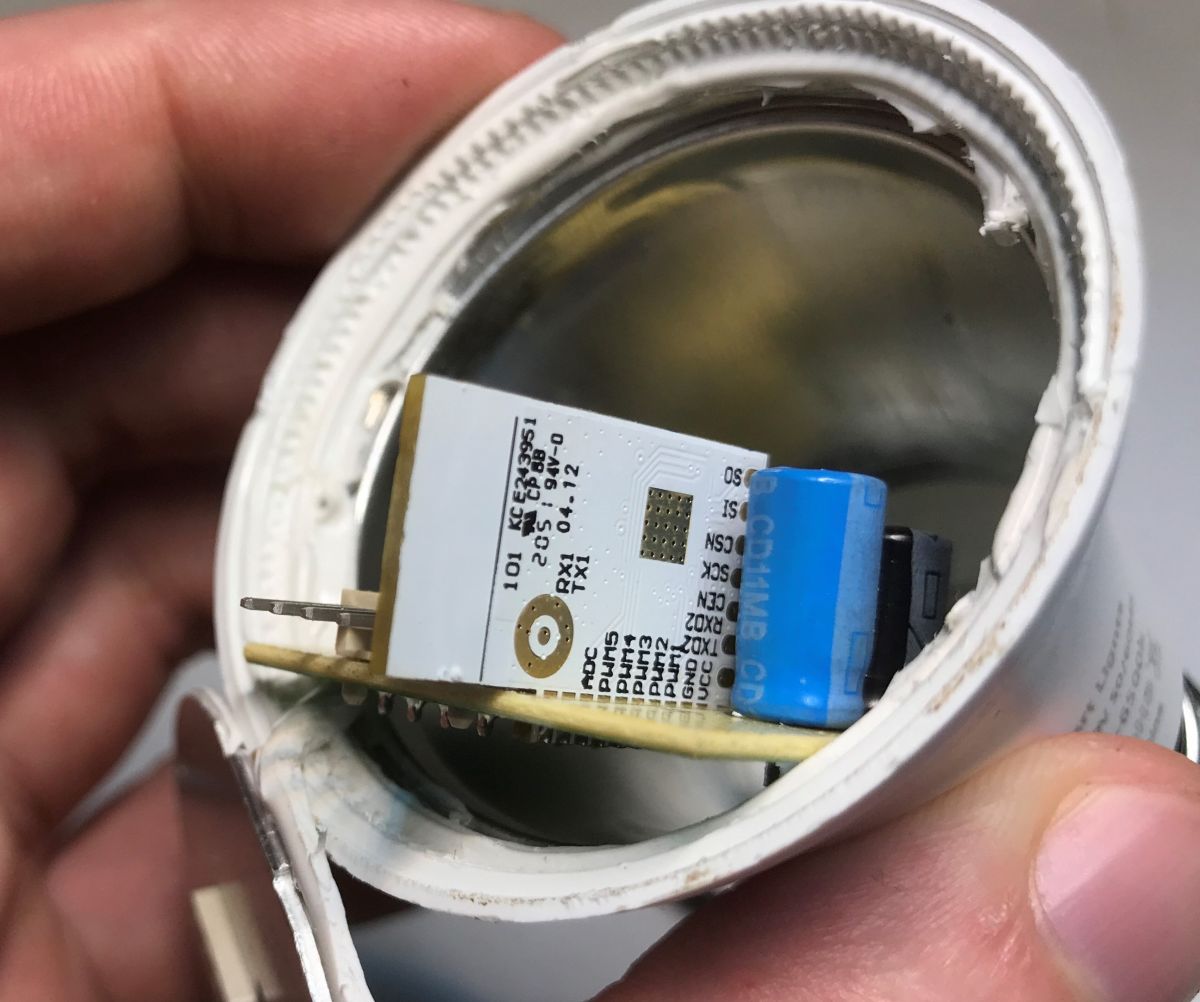
    After removing the LED board, we can see the Wi-Fi module and the power supply:
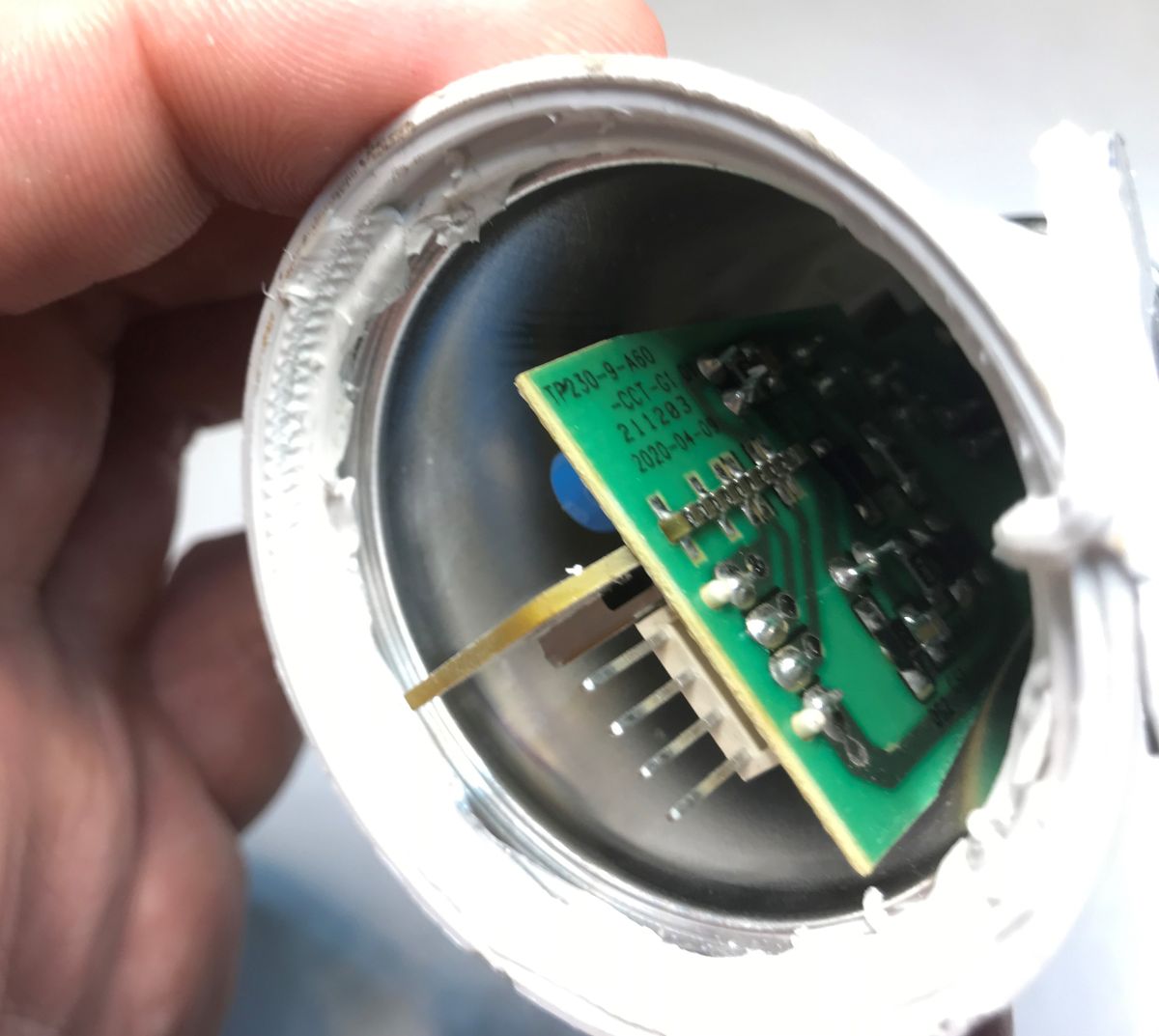
    Interior of an LED lamp showing circuit board and connector pins Internal view of disassembled LED bulb showing WB8P module and electronic components


    Firmware change
    The WB8P is based on the BK7231T. It can be uploaded OpenBeken via UART.
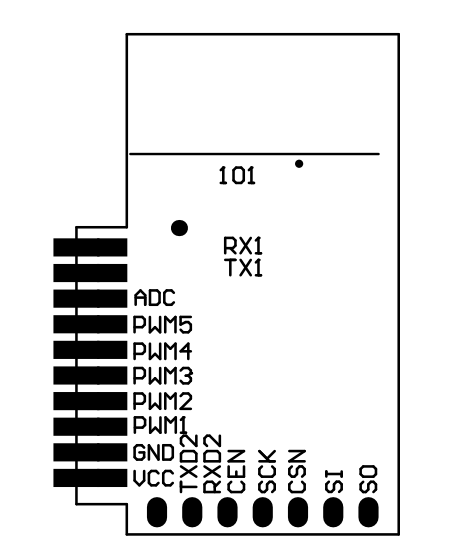
    Wi-Fi module pinout diagram showing ADC, PWM, UART, and SPI labels
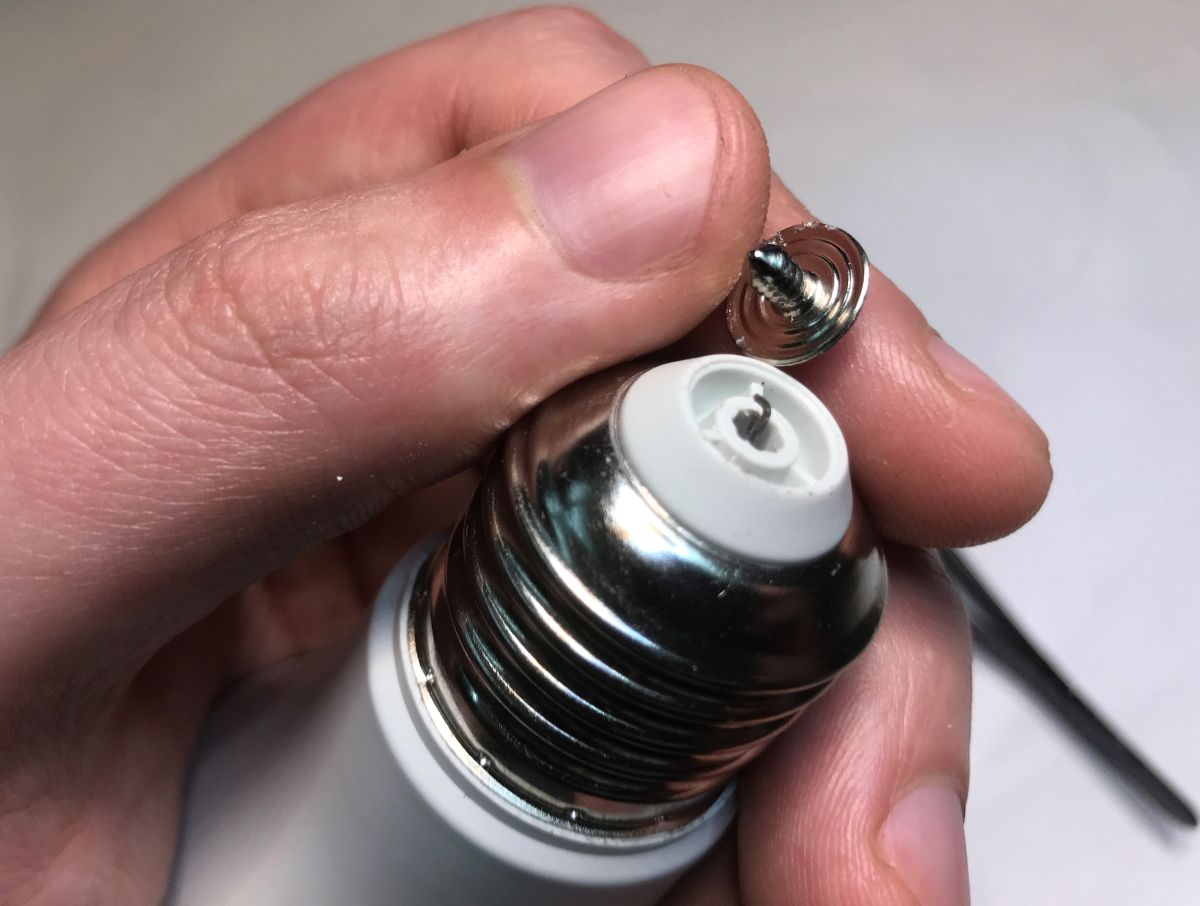
    You need to get to the power supply and RX/TX. To do this I slightly freed the PCB by removing the "button":
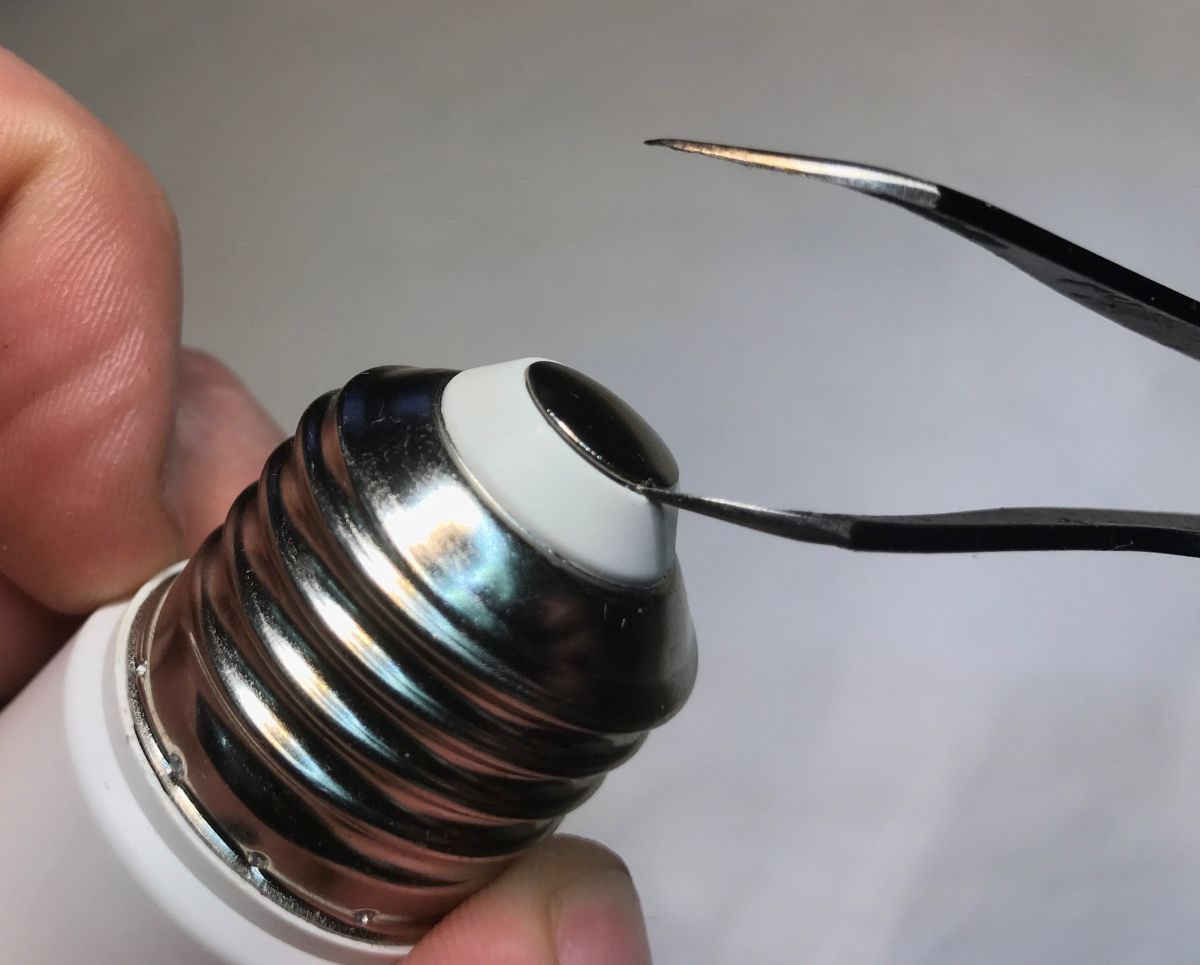
    Close-up of LED bulb base and tweezers lifting white plastic insulator Close-up of a disassembled LED bulb base with E27 thread held in a hand
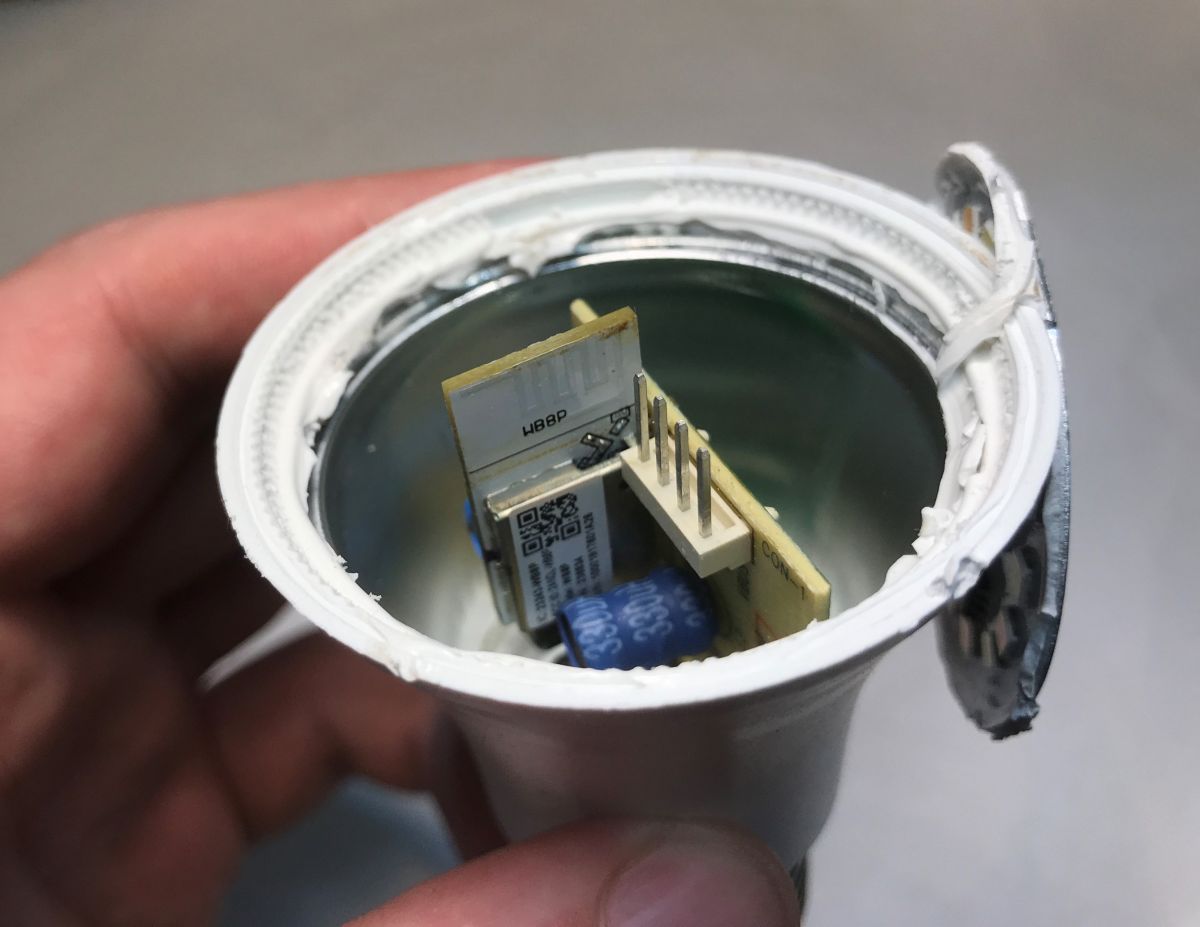
    The plate can now be ejected:
    Close-up of the WB8P Wi-Fi module and capacitor inside an LED bulb housing
    I stripped the wires and soldered two directly to RX and TX, and two to the capacitor legs from 3.3V - you can see by the tracks that it is connected there.
    We flash according to the instructions of the BK7231GUIFlashTool, a comprehensive UART tool, not only for Beken:
    https://github.com/openshwprojects/BK7231GUIFlashTool
    You need a solid 3.3 V power supply and a USB to UART converter.
    Flasher correctly discovers the GPIO configuration:
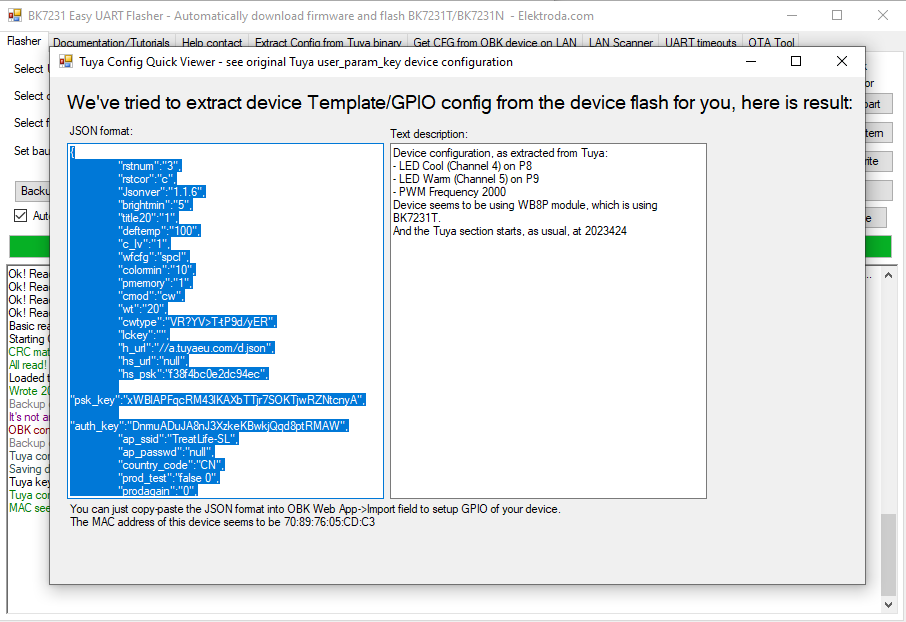
    BK7231 tool window with extracted GPIO configuration in JSON format
    JSON Tuya:
    Code: JSON
    Log in, to see the code

    Even the PWM frequency was able to be extracted - 2 kHz. Template OpenBeken :
    Code: JSON
    Log in, to see the code


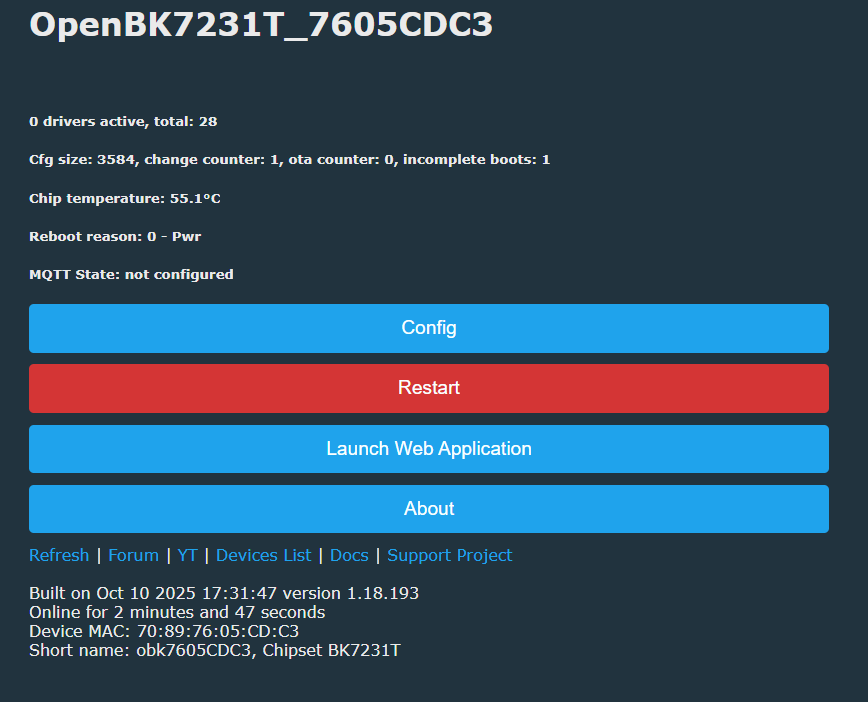
    Then you can quickly configure OpenBeken - we connect to the AP, the configuration IP is 192.168.4.1, we set a bearing to our network:
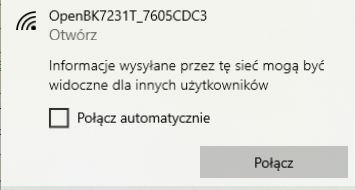
    Wi-Fi network OpenBK7231T_7605CDC3 visible with Connect option in Windows
    OpenBK7231T interface showing chip temperature of 55.1°C and Restart button
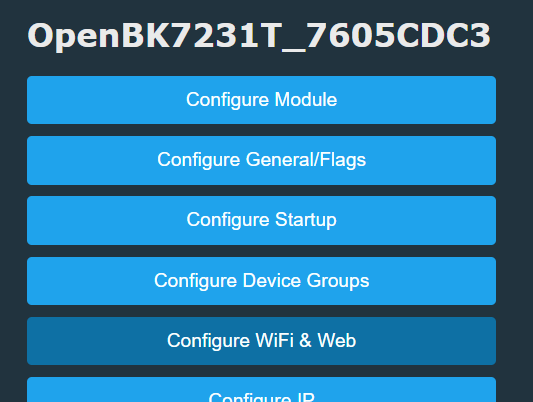
    OpenBeken interface showing LED module configuration options
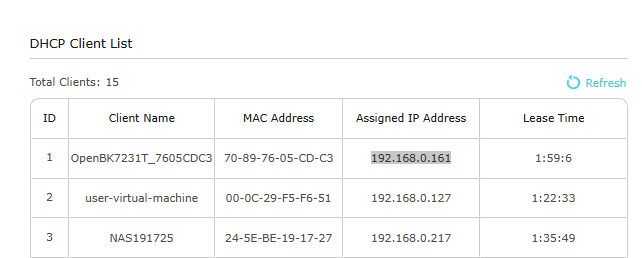
    The device joins our Wi-Fi:
    DHCP client list showing OpenBK7231T device with IP assigned as 192.168.0.161
    We then import the template in the Web App - > Import:
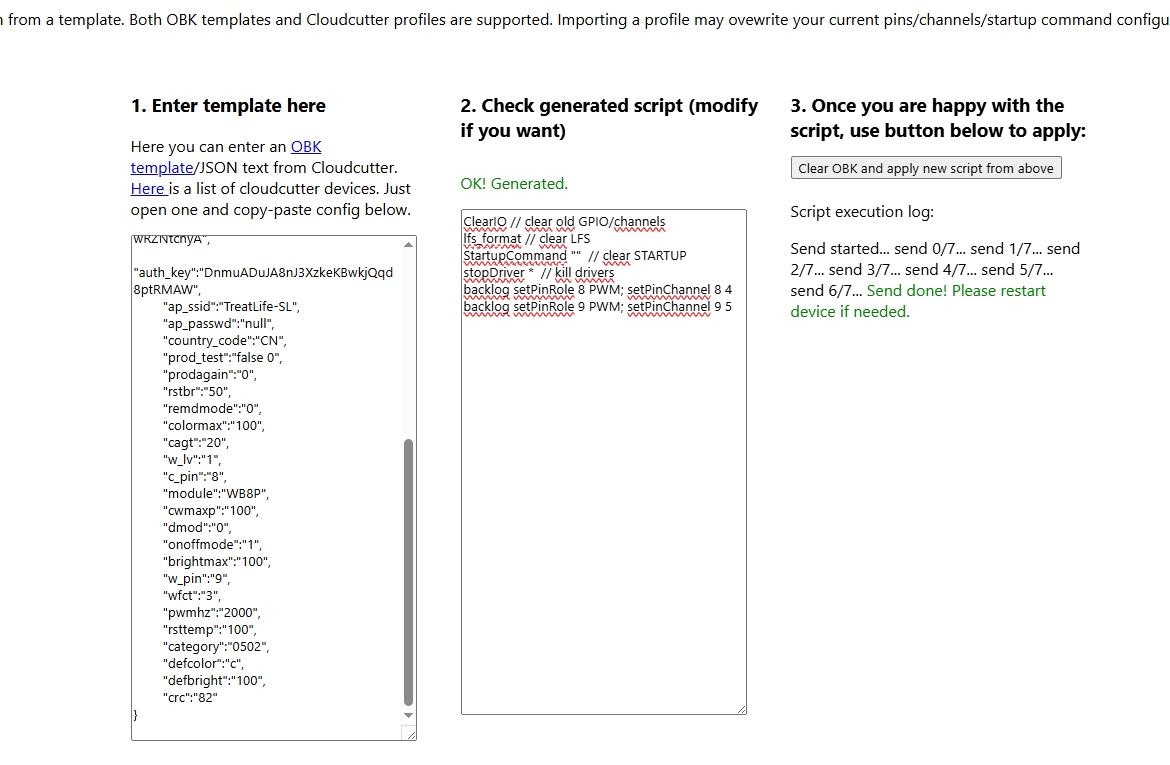
    Screenshot showing SL20 LED bulb configuration in OpenBeken with initialization script.


    Heat-up test - 80% PWM
    OpenBeken allows you to artificially limit the PWM range so as to reduce power consumption and heating of the LEDs. This is not a primitive way on the principle of "remember to set 80% brightness", but an elegant method that hides everything in the firmware, and the UI and Home Assistant still operate on an apparent range of 0-100%, where the displayed 100% is actually the limit we set.
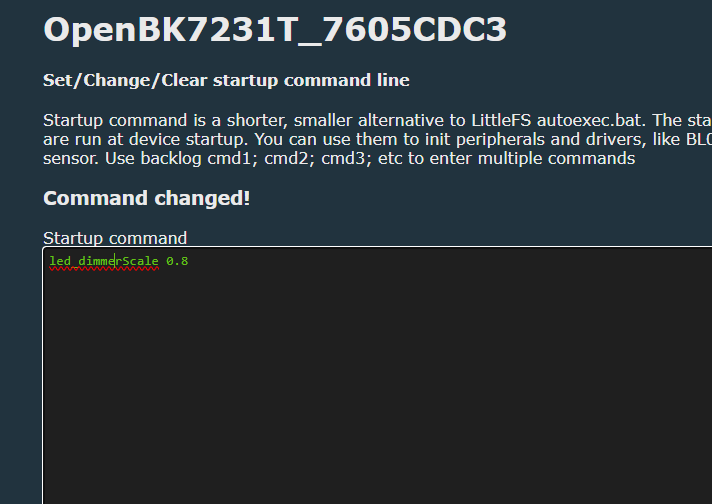
    OpenBeken screen with startup command “led_dimmerScale 0.8” applied
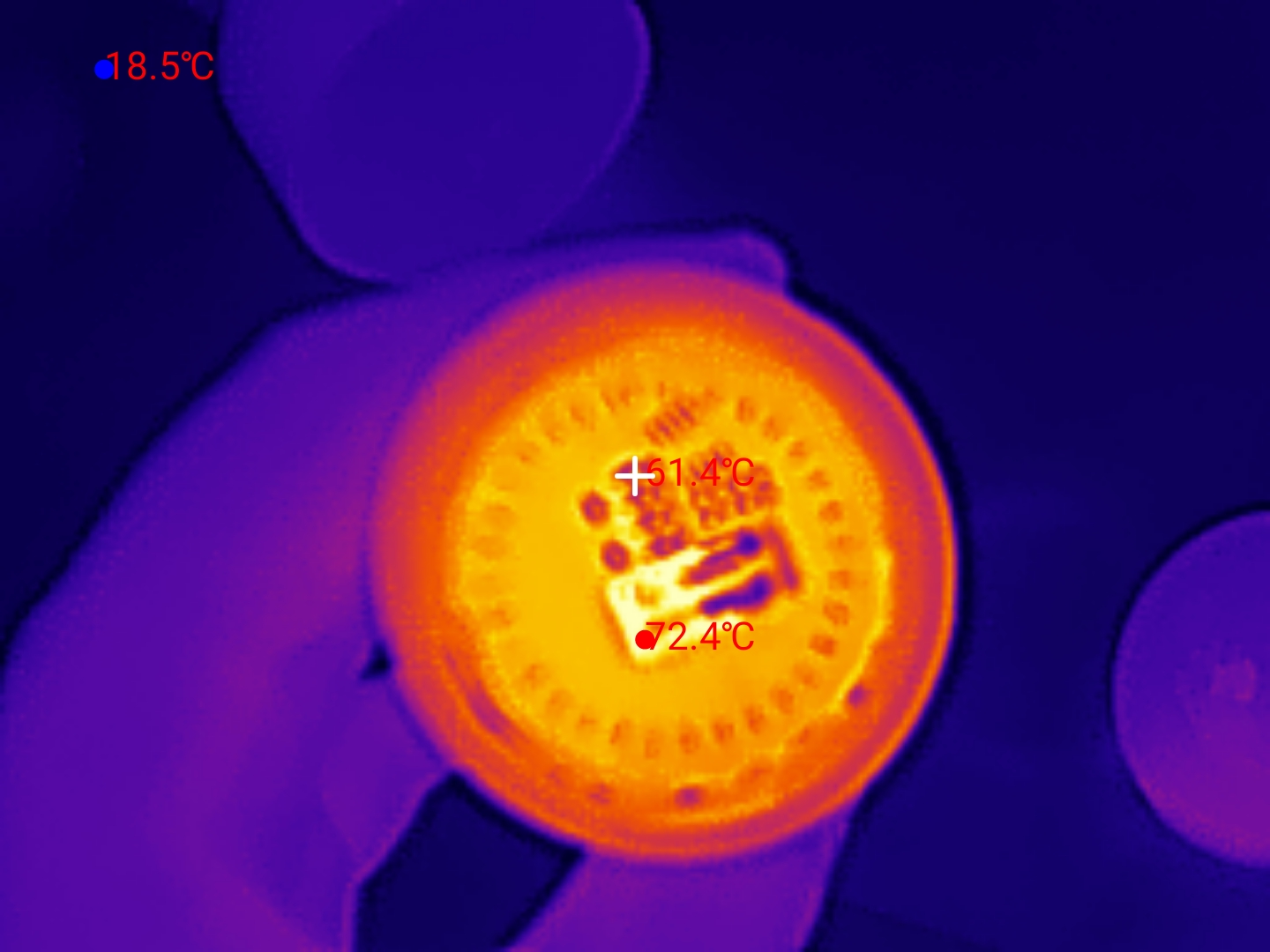
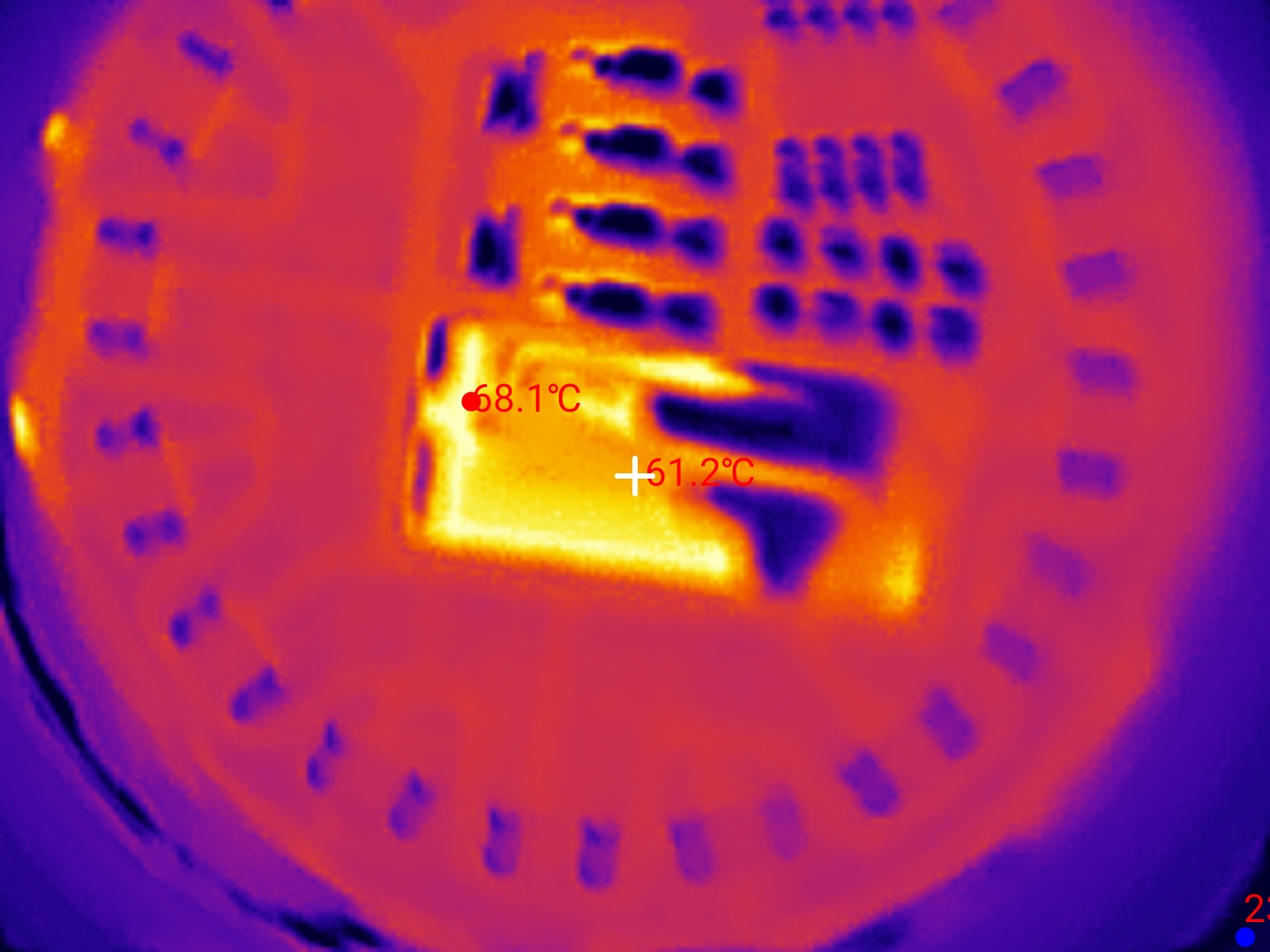
    It's time to check the effects:
    Thermal image of an LED bulb with visible temperature reading points
    Thermal image of LED bulb interior showing 72.4°C and 51.4°C hot spots
    Thermal image of LED lamp interior with marked temperature measurement points


    Wi-Fi module power saving - PowerSave
    OBK still has a dynamic sleep option for the Wi-Fi module - this saves power, but works best when not operating on the device's web panel. The system's activity is adjusted according to the load. The command is activated by typing:
    
    PowerSave 1
    

    As before - if you are testing on the fly, you can type this in the command line. Otherwise, you need to add it to the startup command so that the device remembers it between reboots.
    I have included the results of the measurements in the graphic:
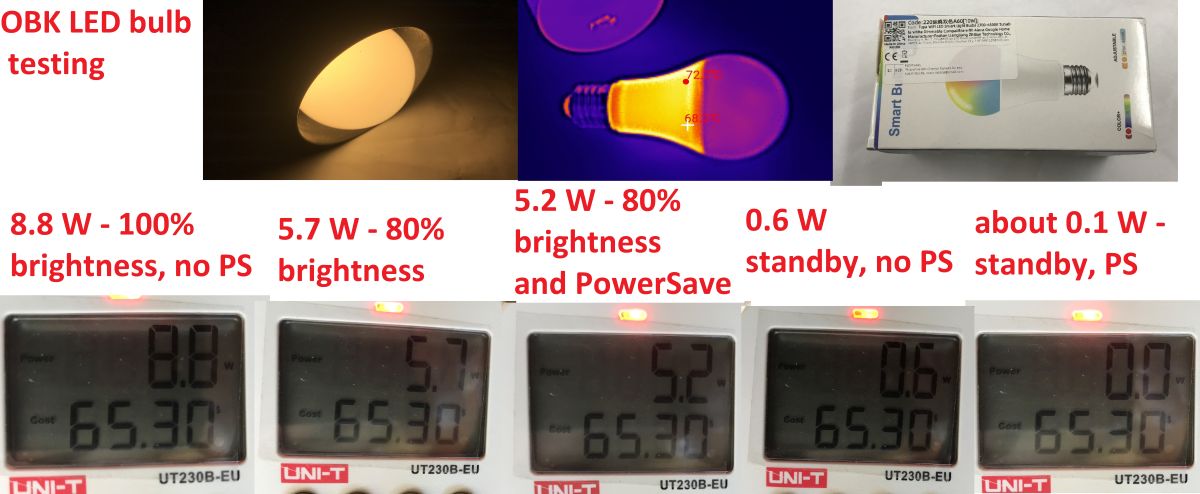
    Power consumption comparison of SL20 LED bulb at different brightness and power modes

    Summary
    At full brightness, the lamp draws 8.8 W and heats up to over 100°C. When the brightness is reduced to 80%, the power drops to 5.7 W and the temperature reaches 70°C. In addition, I also checked the power saving of the Wi-Fi module - when it is switched on, the power drops from 5.7 W to 5.2 W, which allows us to estimate that this saves about 0.5 W, which is also quite a good result. Finally, I checked the power without the LEDs lit - 0.6 W without power saving, with power saving much less - my UT230B then shows 0, I assume it's probably around 0.1 W.
    The conclusions are obvious - so-called "smart bulbs", or at least the series shown here, tend to overheat which can significantly shorten the life of the LEDs. Reducing the maximum brightness by 20% can significantly reduce the heating, it may be worth the temptation.
    Additionally, changing the firmware allows us to control the product locally and integrate it with various services and environments, such as Home Assistant.
    Do you use Wi-Fi controlled lights, have you noticed excessive overheating?

    Cool? Ranking DIY
    Helpful post? Buy me a coffee.

    About Author
    p.kaczmarek2
    Moderator Smart Home
    Offline 
    p.kaczmarek2 wrote 13985 posts with rating 11776, helped 632 times. Been with us since 2014 year.
  • ADVERTISEMENT
  • #2 21787779
    E8600
    Level 41  
    For the future, it would be useful to measure how the luminous flux decreased with reduced power (comparative measurement even with a lux meter from a phone). LEDs have it in common that a reduction in power also strongly reduces the luminous flux. As for overheating of LEDs it is a matter of construction, I have one "bulb" which works for 10 years PCB of the power supply turned brown from the temperature and none of the LEDs burned out, but the heat sink is made of heavy thick steel casting (2 times I repaired it because the choke which performs the function of the fuse on the power supply died, even the capacitors did not change).
  • ADVERTISEMENT
  • #3 21787785
    p.kaczmarek2
    Moderator Smart Home
    Is such a measurement with the "lux meter" application at least a little bit reliable?

    I can at any time on my devices run the command led_dimmerScale with any value and compare the effects.
    Helpful post? Buy me a coffee.
  • #4 21787814
    E8600
    Level 41  
    Certainly these are not real values but having a measurement with the same 'tool' under the same conditions gives the opportunity to compare the results.
    Maybe someone has compared an app measurement with a dedicated device measurement and will comment.
  • ADVERTISEMENT
  • #5 21788010
    Borygo123
    Level 28  
    I happened to have a Sonel LXP-1 lux meter at hand and did a quick comparison of the readings with the Huawei P30 light and iPhone 16e out of curiosity. A 75W light bulb was used as the light source. On the Huawei I installed the Light Meter app, on the iPhone Light Meter (unfortunately I could not find the same one for both systems).
    Indications:
    Sonel 540 Lux
    Huawei 1180 Lux
    Iphone 586
    Small comment. Huawei - the application used the light sensor and showed the values as above, but on the iPhone the application requested the use of a diffuser (its role was, according to the programme instructions, a sheet of paper covering the sensor). After using the diffuser, the readings on the iPhone came closer to those shown by Sonel (previously they had oscillated around the values shown by Huawei.
  • ADVERTISEMENT
  • #6 21789310
    CosteC
    Level 39  
    Borygo123 wrote:
    iPhone application requested the use of a diffuser (its role was, according to the programme instructions, a sheet of paper obscuring the sensor)

    Light sensor or front camera?
  • #7 21789335
    Borygo123
    Level 28  
    From the description in the programme, it appears that it uses the front camera.
  • #8 21789453
    kamil3211
    Level 10  
    I bought an A-rated bulb when the others can't be held in my hand after unscrewing this one is only warm. Actually, it would be even better if they got rid of the glass bulb and it would shine just the same. In fact, they could make these filament bulbs so that all you have to do is replace the rod. Instead of these revolutions that wifi etc. I would prefer bulbs powered by some kind of power supply with 325V DC output stable! And bulbs adapted to 325V with replaceable leds inside
  • #9 21794331
    LEDówki
    Level 43  
    Filamentless bulb... Interchangeable diodes a manufacturer's dream - instead of a profit for the whole led bulb some measly pennies for the diodes.... Buy, consume, because it's the basis of capitalism.
  • #10 21794407
    keseszel
    Level 26  
    Quite an interesting and accurate description of the subject.
    I think I have a similar bulb bought for a smart home that I will be running as I find free time.
📢 Listen (AI):
ADVERTISEMENT