logo elektroda
logo elektroda
X
logo elektroda

Interior, design and firmware change of the BL602-based LED strip controller from Bouffalo Lab

p.kaczmarek2  0 774 Cool? (+4)
📢 Listen (AI):

TL;DR

  • The EC79900 ecolight LED strip controller is a repainted Magic Home device built around Bouffalo Lab's BL602 Wi‑Fi/BLE MCU.
  • Inside, the PCB exposes UART and BOOT pads for flashing, uses a GBDBE step-down inverter for 12 V-to-3.3 V conversion, and drives RGB with three transistors.
  • The BL602 combines 2.4 GHz Wi‑Fi, Bluetooth LE 5.0, a 32-bit RISC-V core up to 192 MHz, and usually 2 MB of on-board Flash.
  • Reflashing it with OpenBK7231T_App can disconnect it from the cloud, enable Home Assistant discovery, and turn it into a configurable controller, though BL602 IR support is still a work in progress.
Generated by the language model.
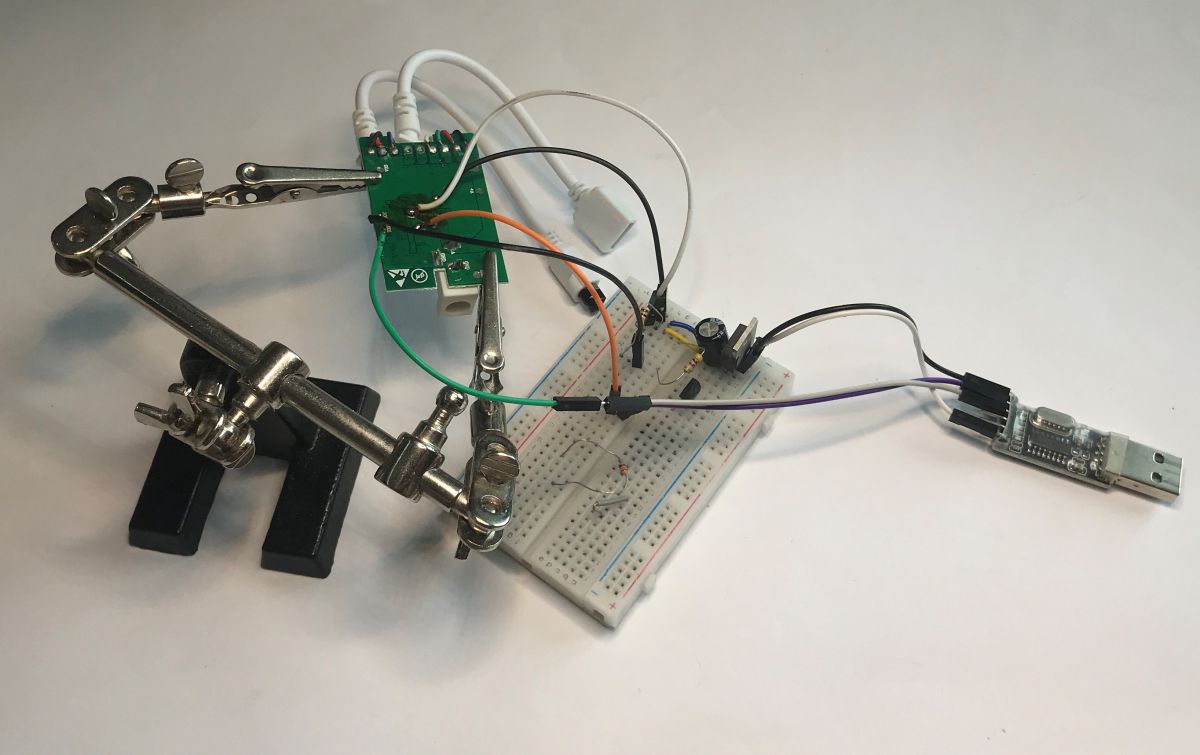
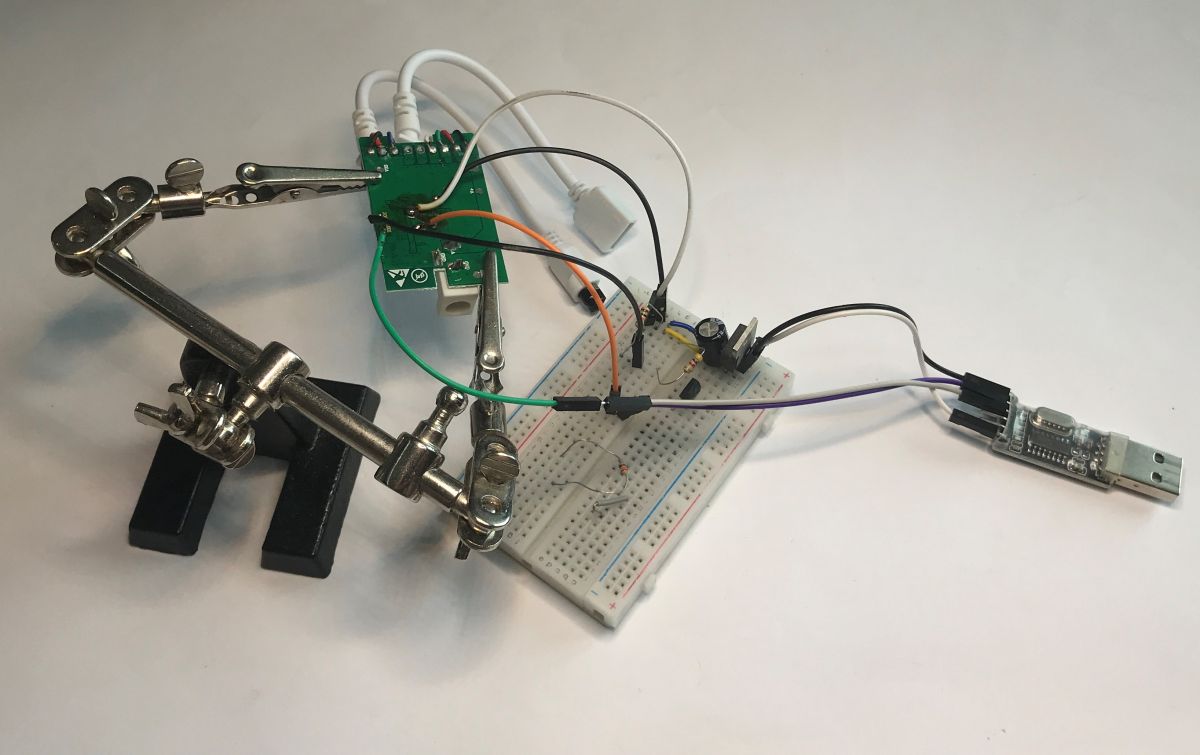
EC79900 board connected to USB-UART adapter and breadboard with power supply
It has been a long time since I presented a device realised on the BL602. It is time to change that. The BL602 is a microcontroller offering 2.4 GHz Wi-Fi and Bluetooth LE 5.0 connectivity based on a 32-bit RISC-V core clocked at up to 192 MHz. It also has on-board Flash memory, generally 2 MB. It can sometimes be found in IoT devices, such as the Magic Home brand. This is where I will present one such one. The importer has repainted it EC79900 ecolight. It's worth noting that there is no Tuya support here, it's a different app.
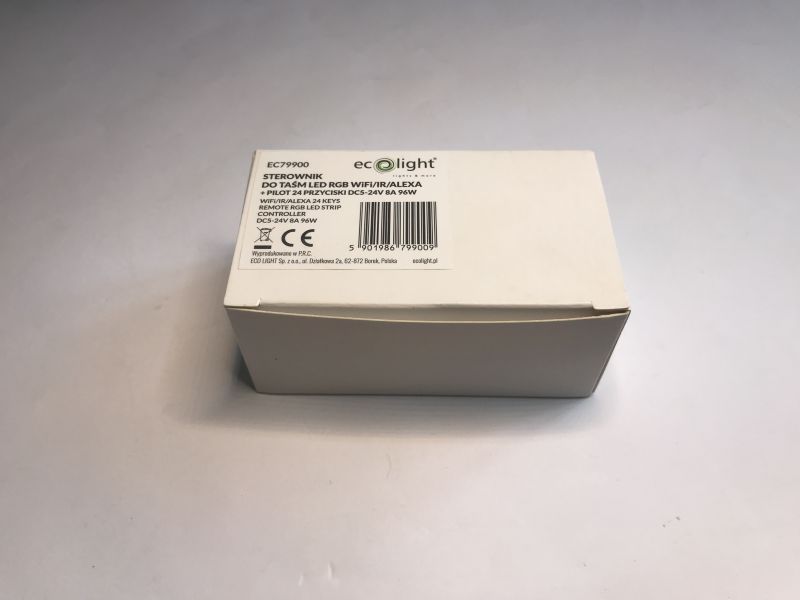
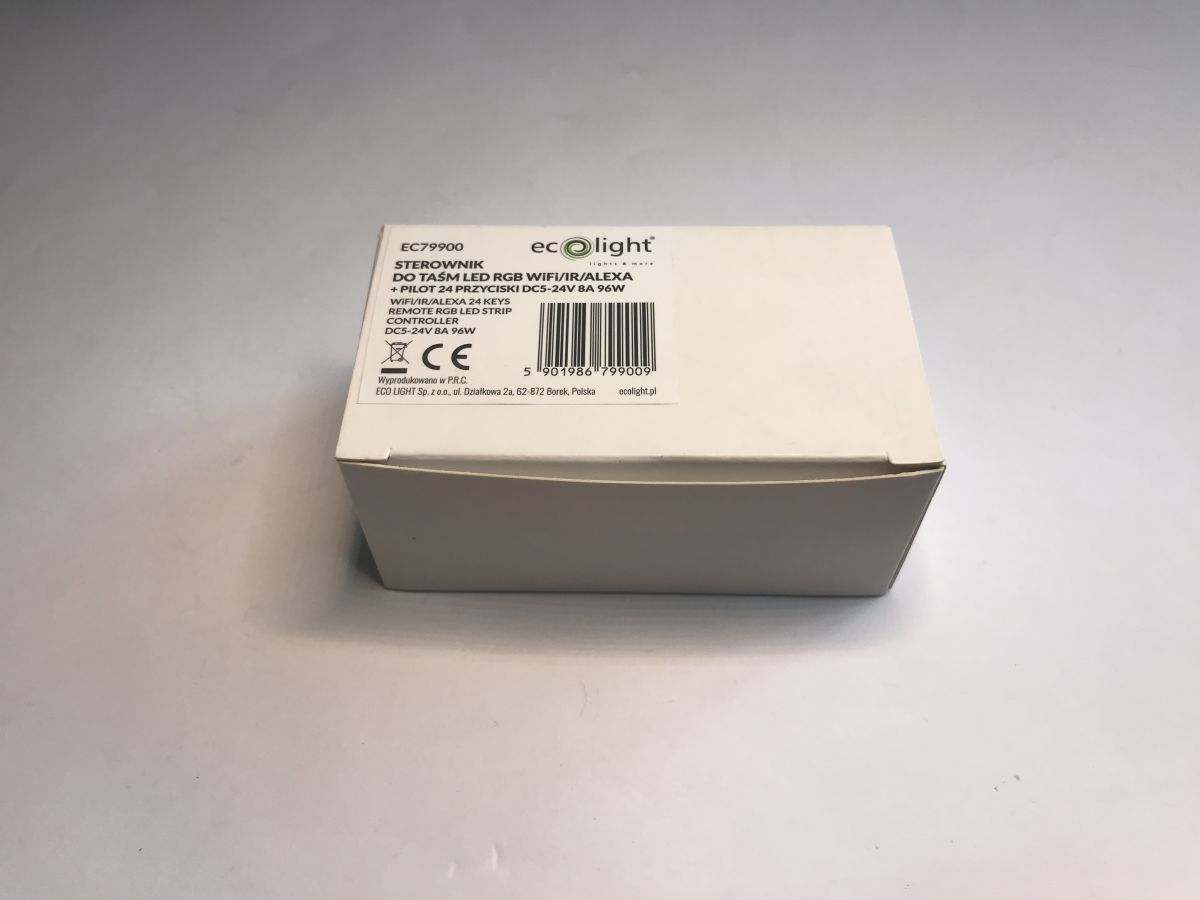
White box of EC79900 ecolight RGB LED strip controller with label and barcode
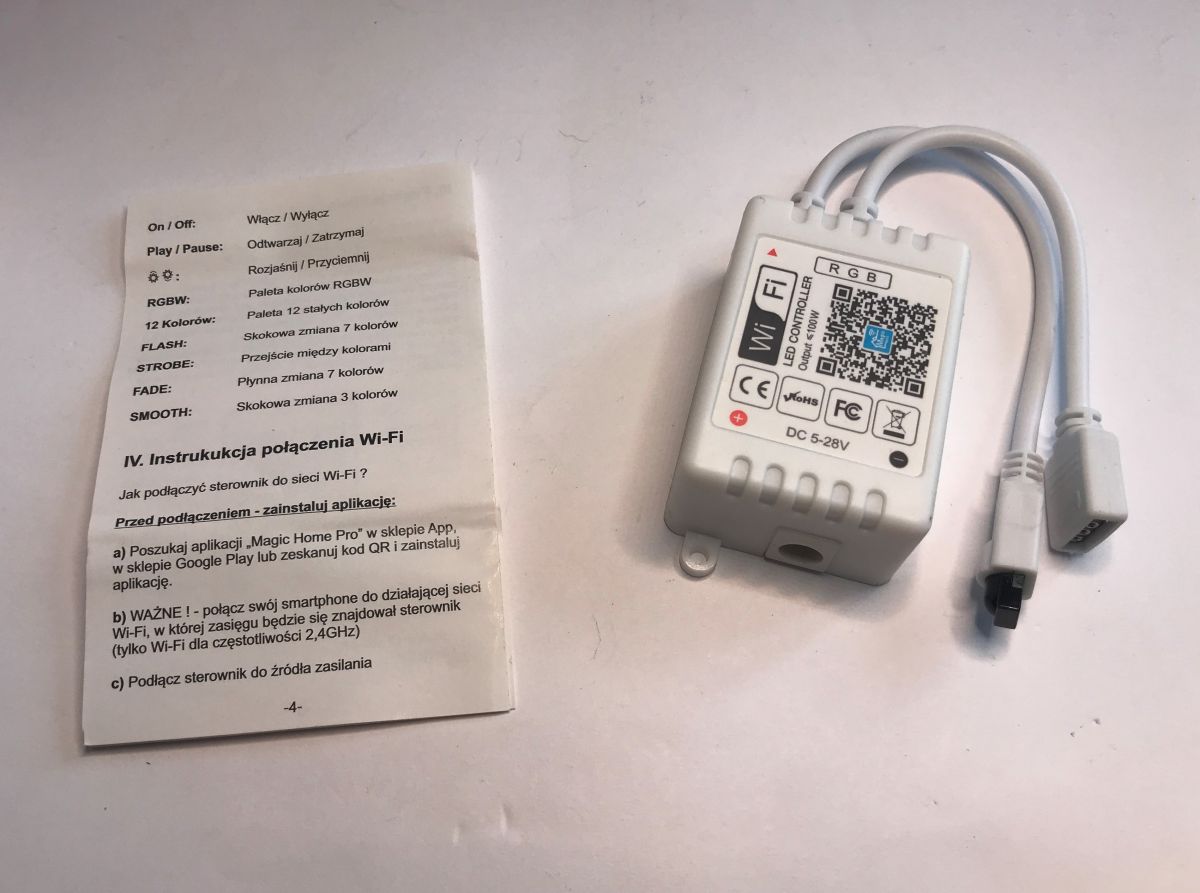
The QR code on the device, however, explains everything - it leads to the aforementioned Magic Home app.
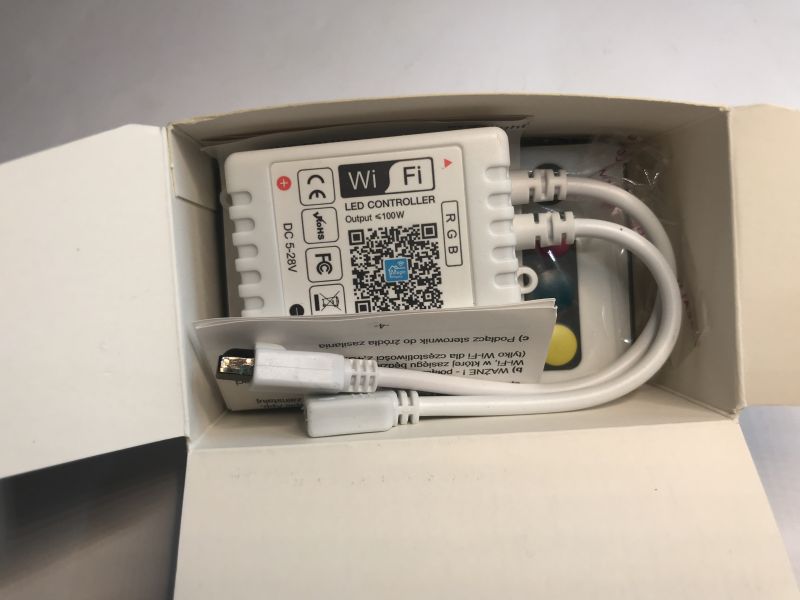
Wi-Fi RGB LED controller with QR code and cables in an open box
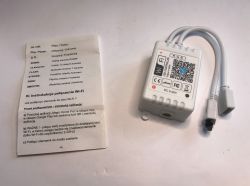
An IR remote control and instructions are also included.
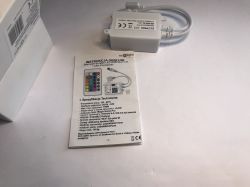
EC79900 LED controller with IR remote and manual on white background Wi-Fi LED controller and user manual with Magic Home setup instructions
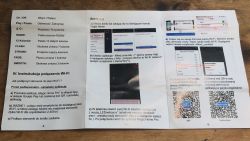
The instructions describe pairing the device with the manufacturer's app, this is of no use to me.
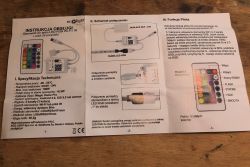
User manual for RGB LED Wi-Fi/IR controller with 24-button remote control Magic Home controller manual showing pairing steps and two QR codes

Interior of EC79900
Just lift the cover, it is on the hooks.
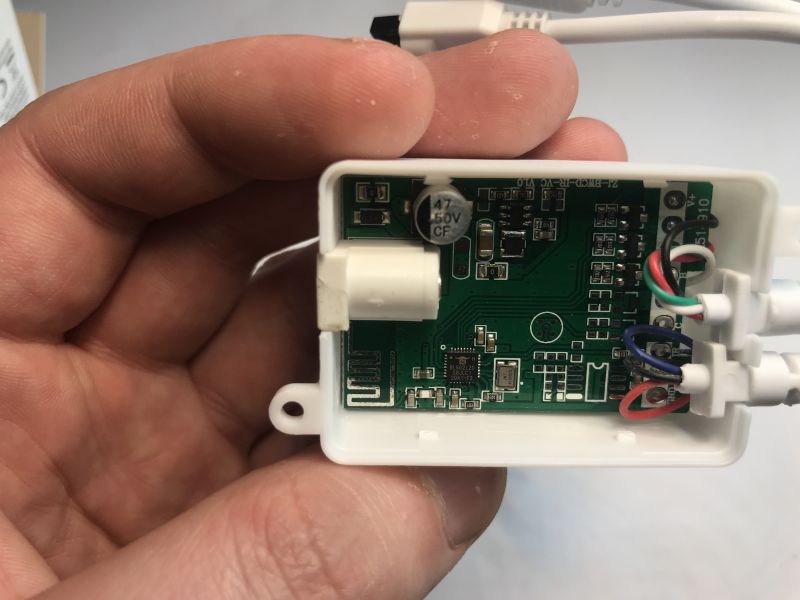
Inside the EC79900 LED controller showing PCB with BL602 microcontroller
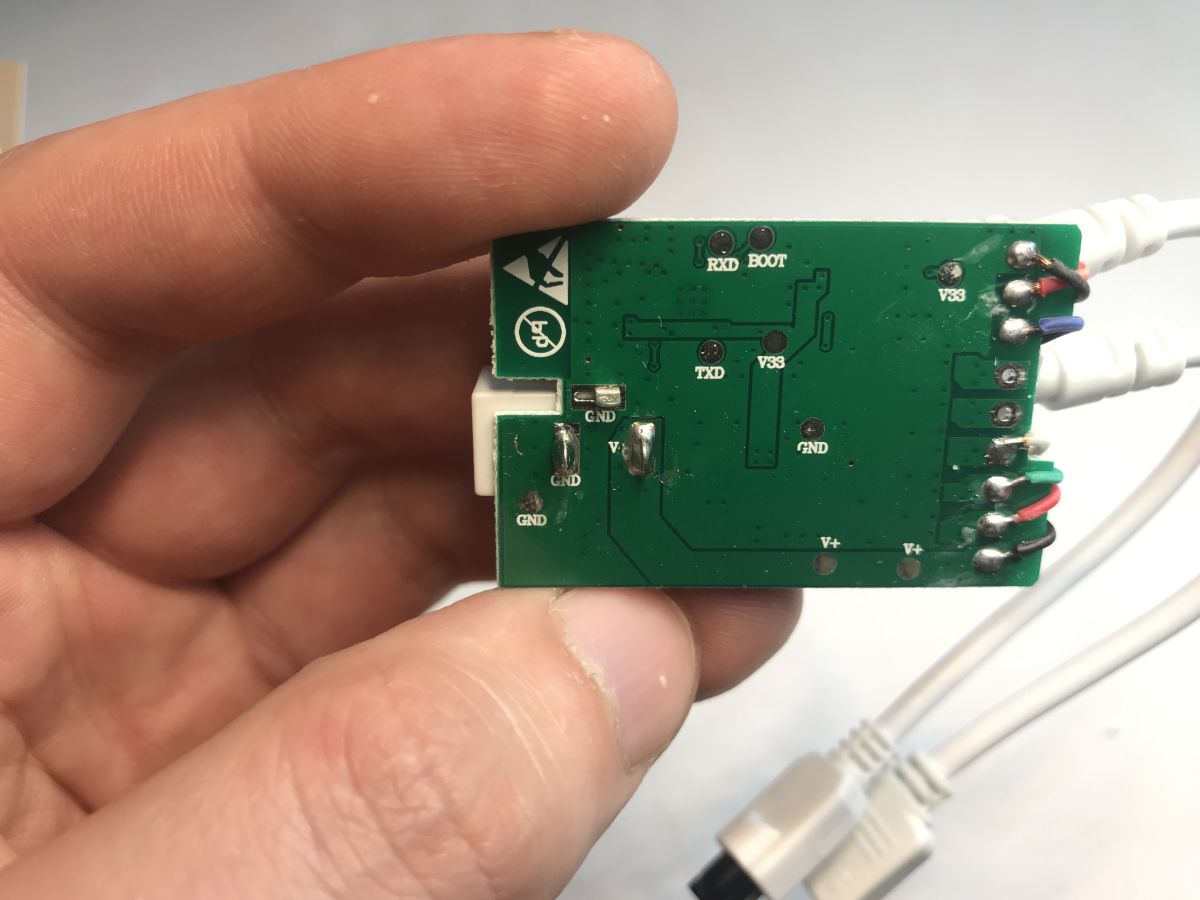
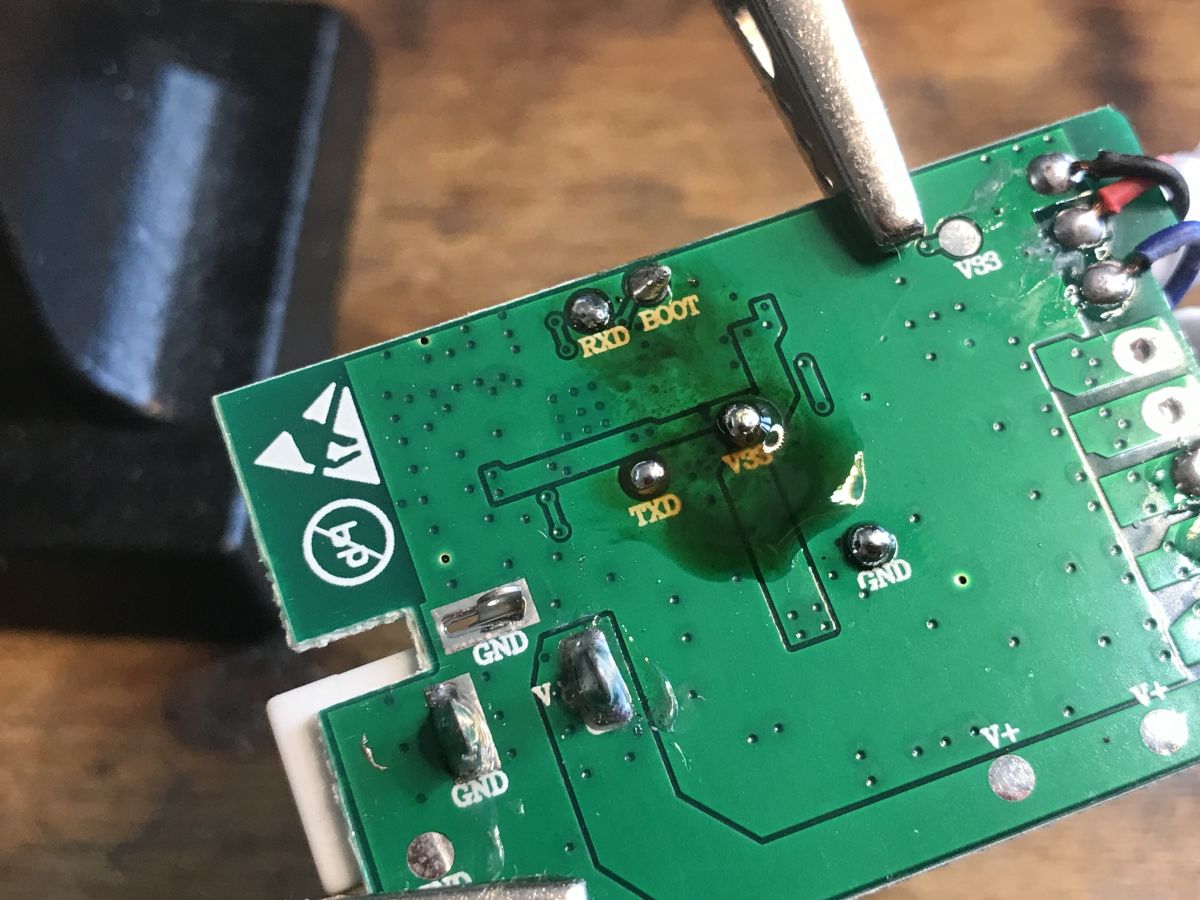
On the bottom of the PCB are the pads for programming, that is the UART and the BOOT (bootloader start) signal. In addition, we also have the power supply.
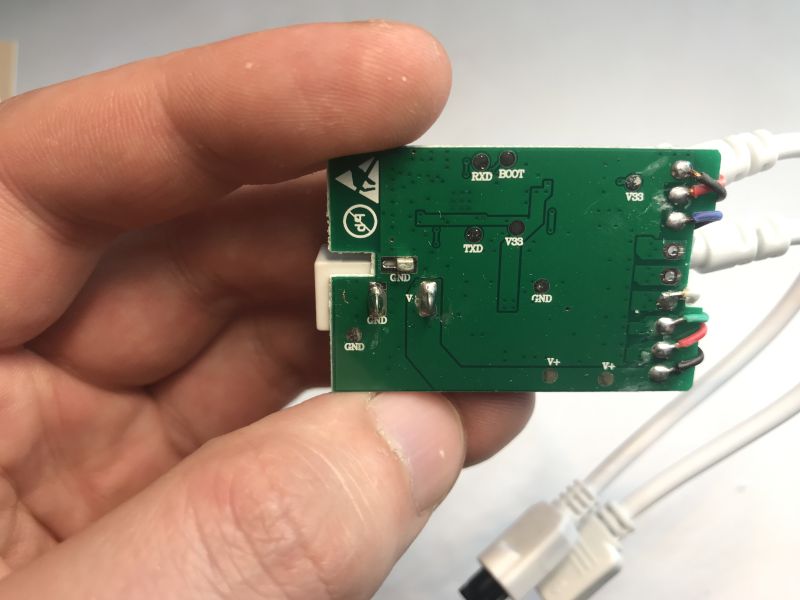
EC79900 LED controller PCB bottom with UART pads and labeled connections
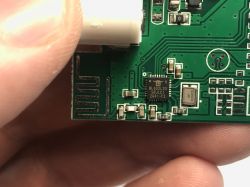
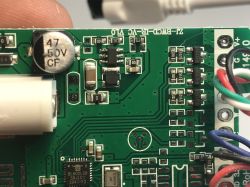
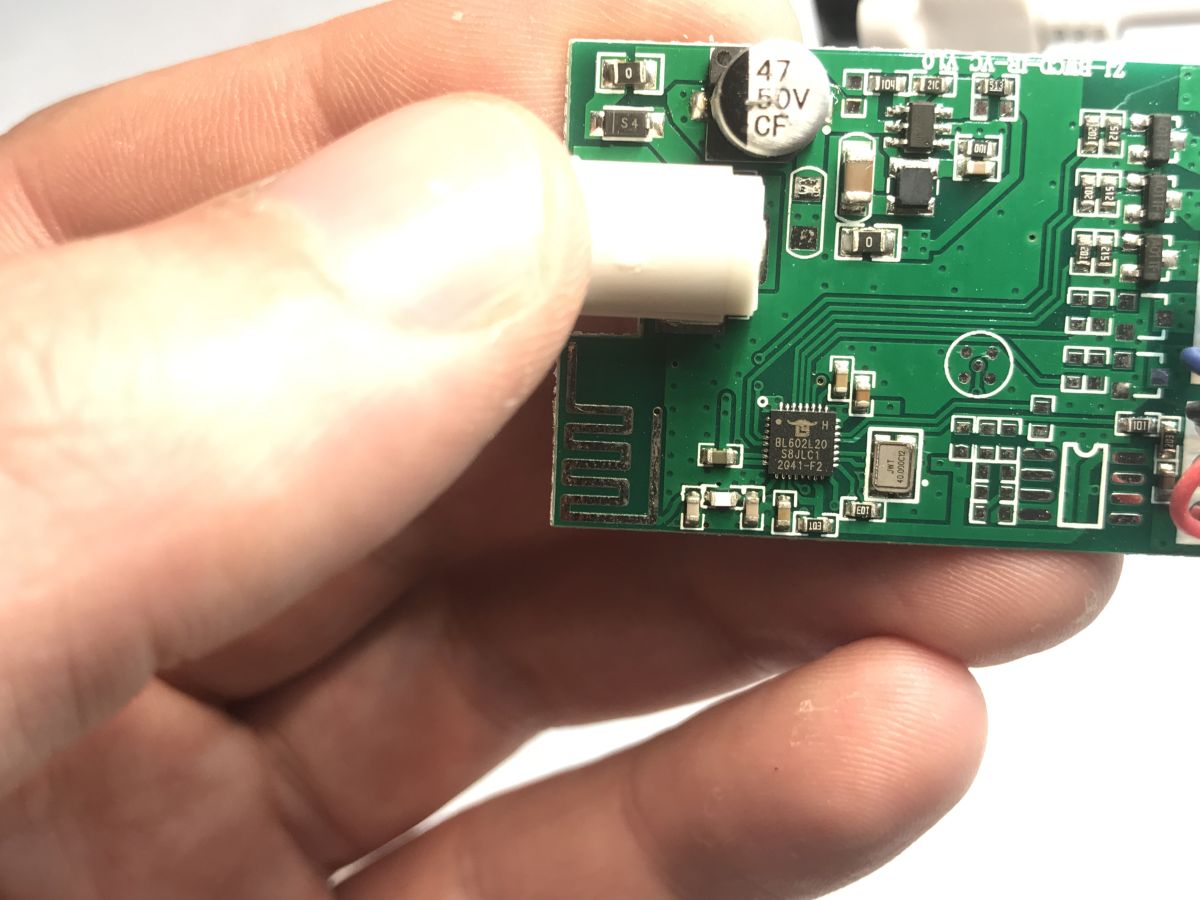
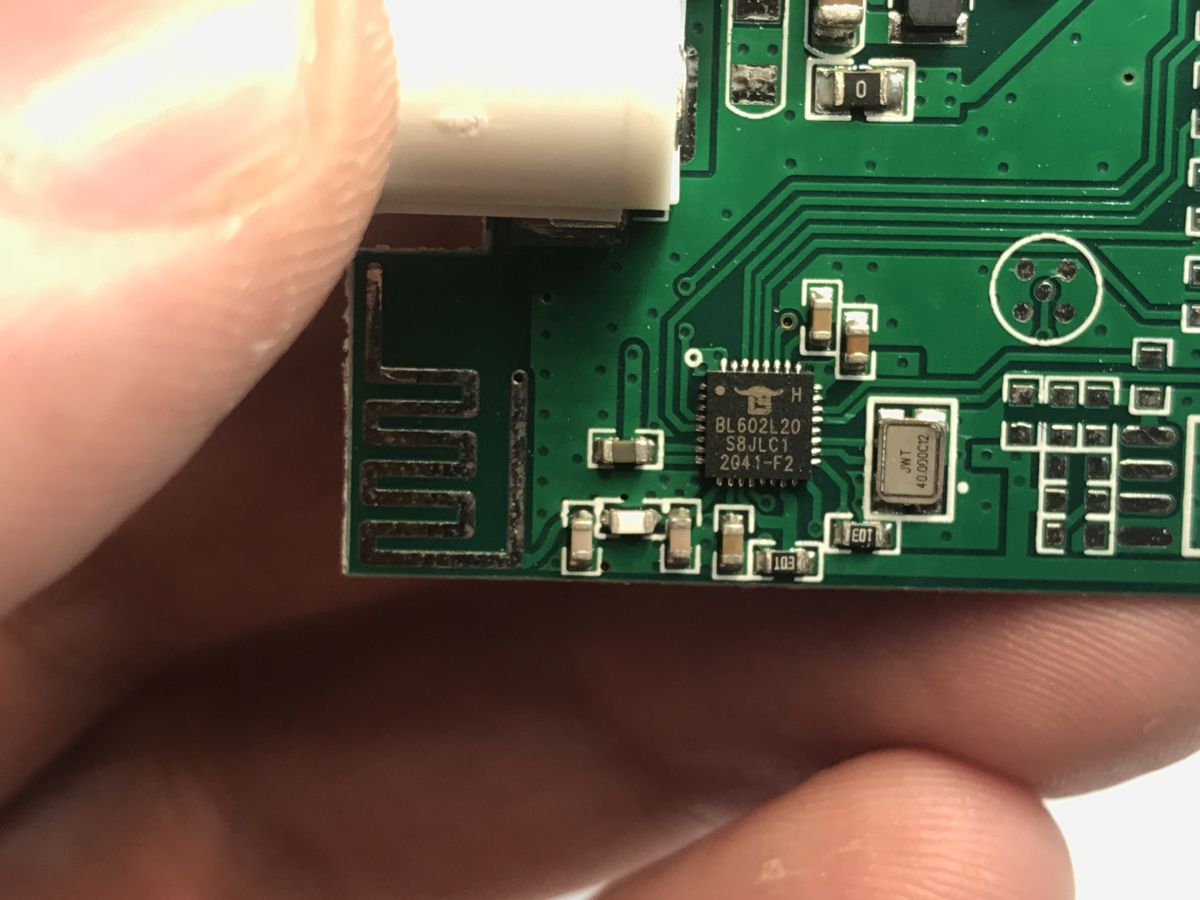
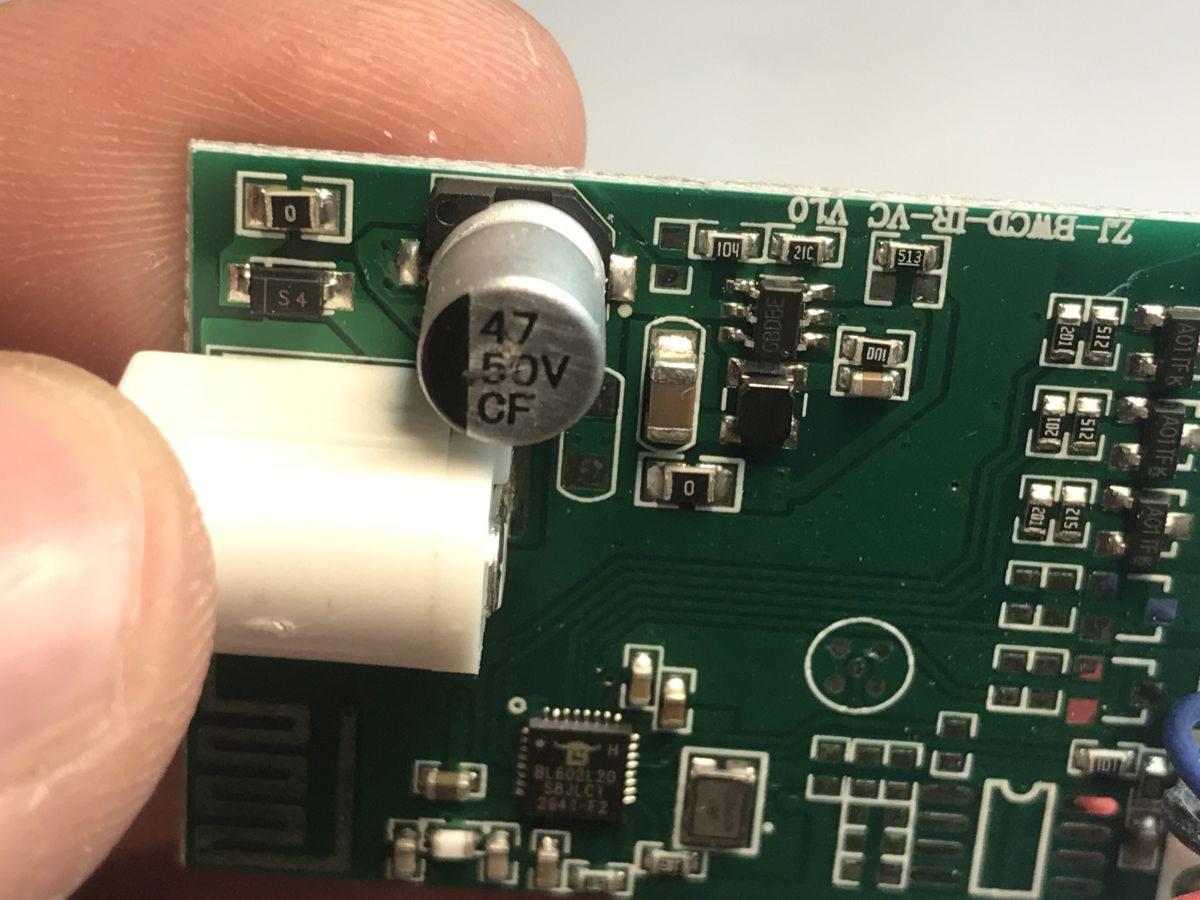
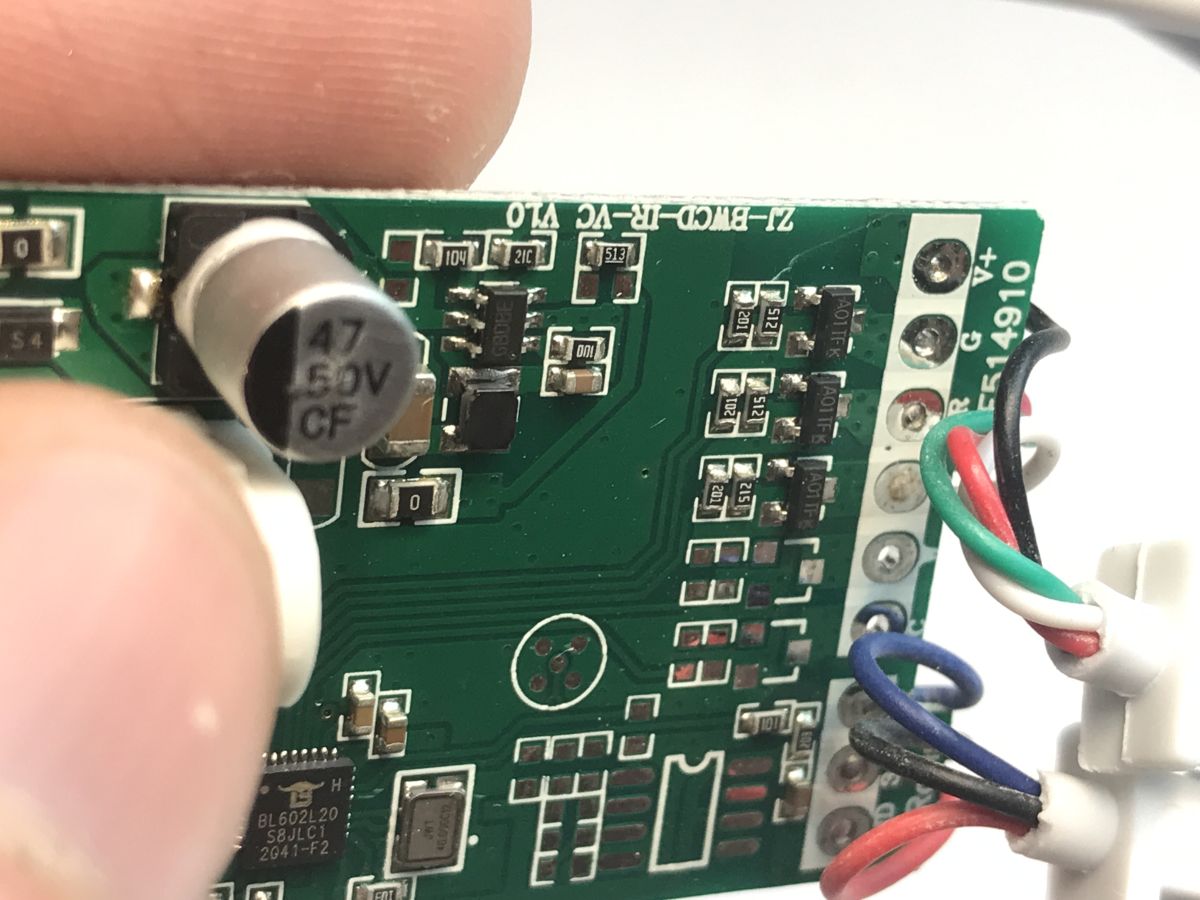
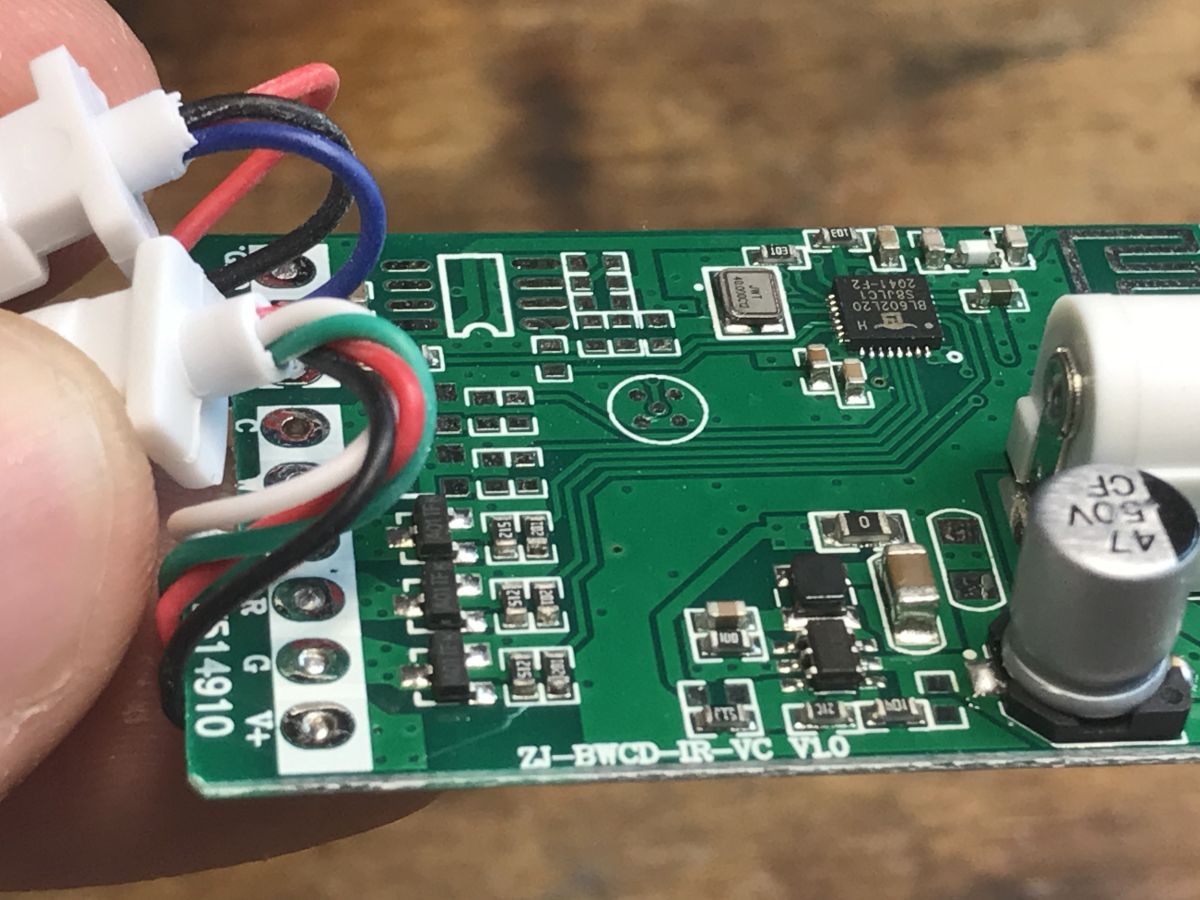
The whole thing is supported by the aforementioned BL602 together with a quartz resonator. The antenna from the Wi-Fi is on the board. Next to it is a free slot for an RF chip (radio remote control receiver). In the power section there is a GBDBE step-down inverter, so that from 12 V for the bar we can get 3.3 V for the MCU. Three small transistors control the RGB colours, the PCB potentially supporting up to 5 channels - i.e. RGB and CCT.
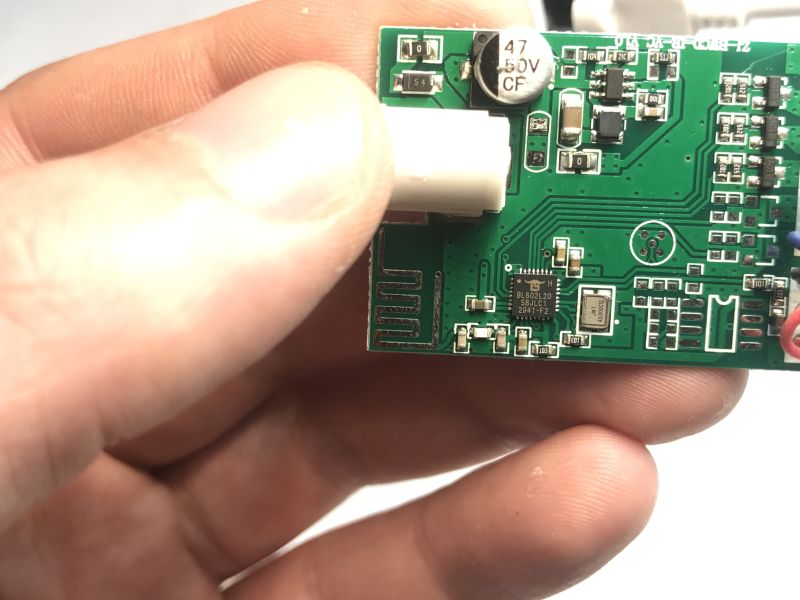
Close-up of a PCB with BL602 microcontroller and power components
Additional images:
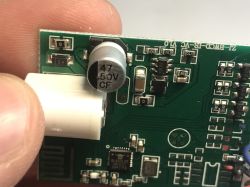
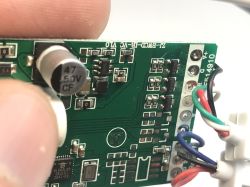
Close-up of BL602L20 chip on a green PCB with printed Wi-Fi antenna. Close-up of PCB with BL602 microcontroller and connected colored wires. Close-up of EC79900 PCB with 47µF 50V capacitor and BL602 microcontroller visible
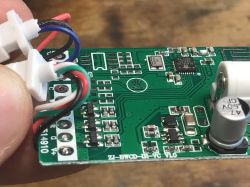
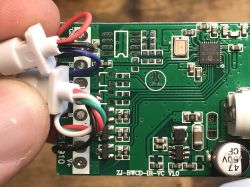
PCB with BL602 microcontroller and RGB terminal connections Close-up of a PCB with BL602 microcontroller and connected RGB wires EC79900 PCB with RGB wires connected and BL602 microcontroller visible
The board is so simple that you can draw out the connections and apply them to the photo:
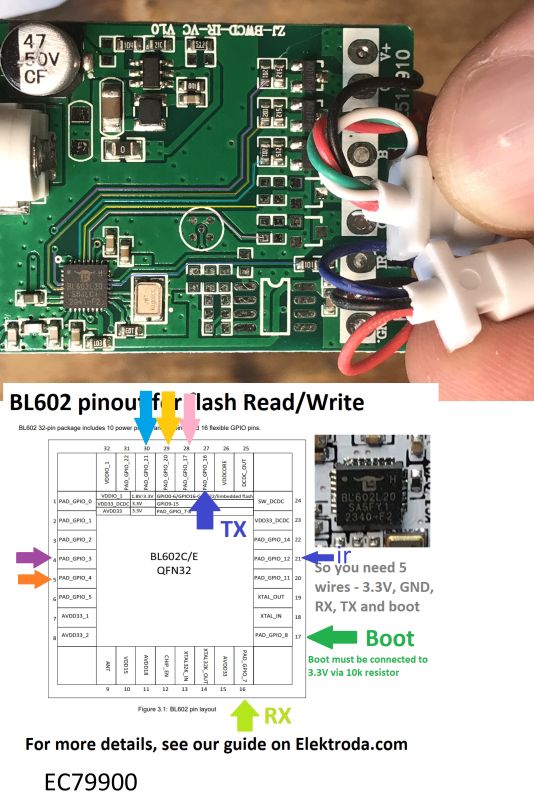
Close-up of EC79900 PCB with BL602 microcontroller and UART pin labels


Changing the EC79900 firmware
We change the firmware to be able to configure, rework and improve the device at will. It also allows us to disconnect it from the cloud, make it independent and pair it with Home Assistant.
We upload our electrode soft:
https://github.com/openshwprojects/OpenBK7231T_App
The entire manual can be found here:
https://www.elektroda.com/news/news4108535.html
Alternatively, you can try our flasher - it recently supported BL602:
https://github.com/openshwprojects/BK7231GUIFlashTool
We are whitewashing the pads:
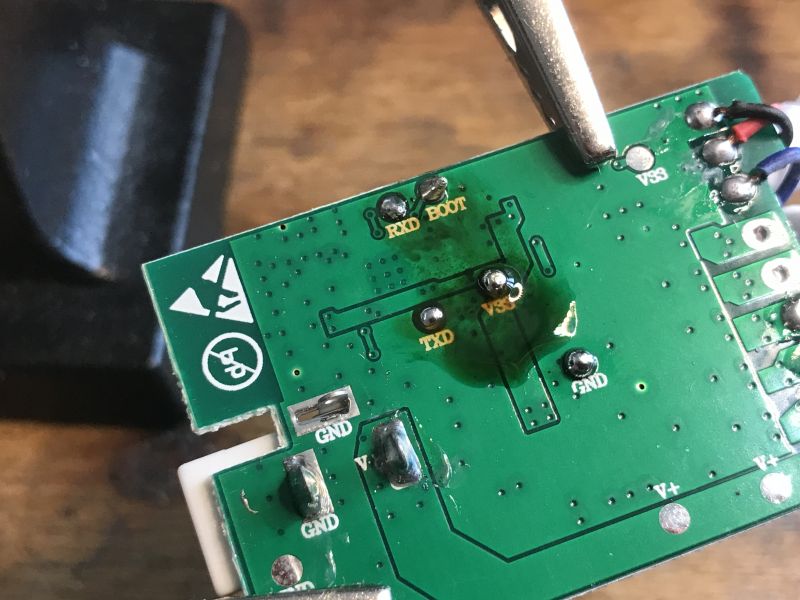
Bottom of EC79900 PCB showing UART and BOOT pads
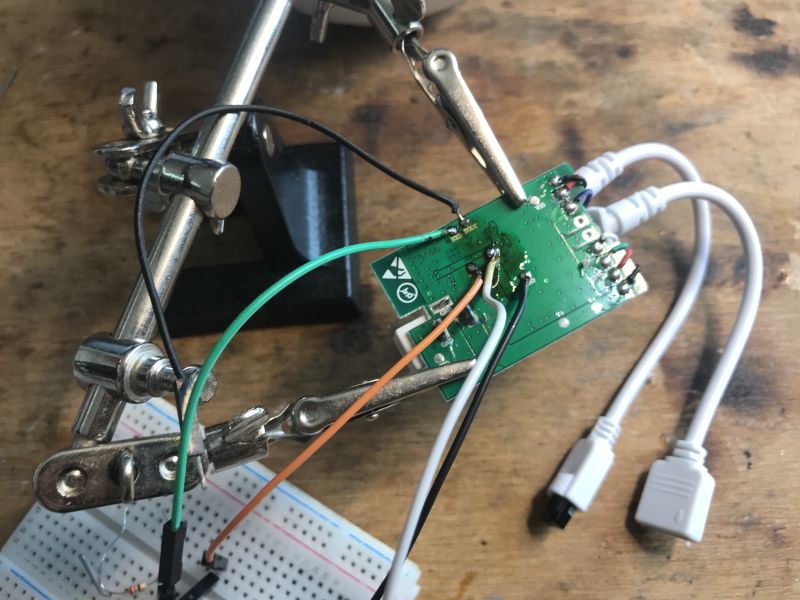
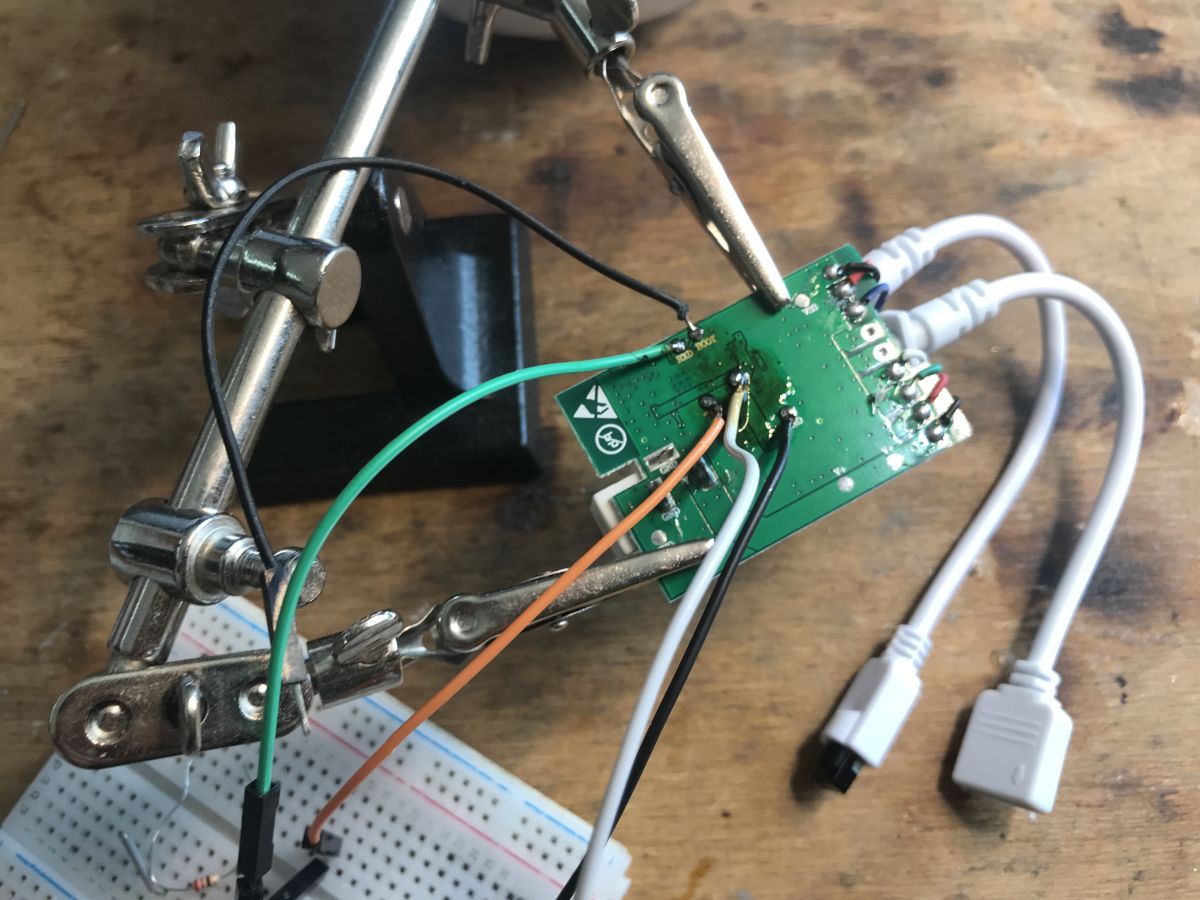
We solder the cables:
EC79900 LED controller with UART wires soldered for programming
The rest as in the indicated material - USB to UART converter and 3.3 V LDO:
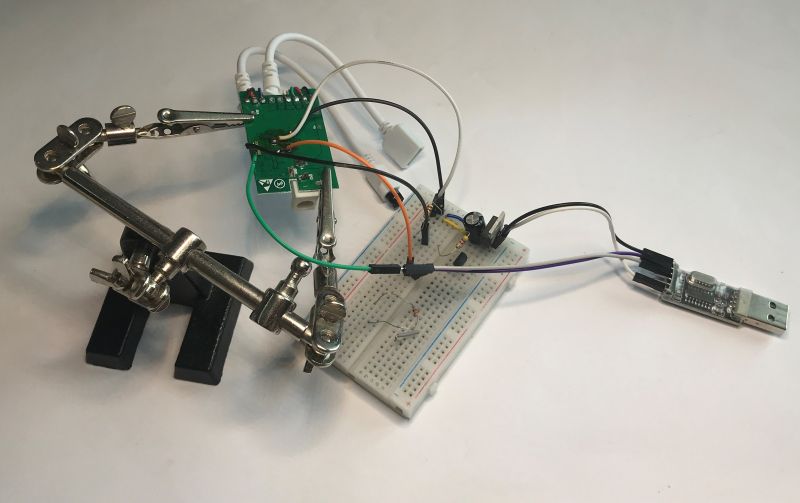
Flashing EC79900 board with BL602 via USB-UART adapter
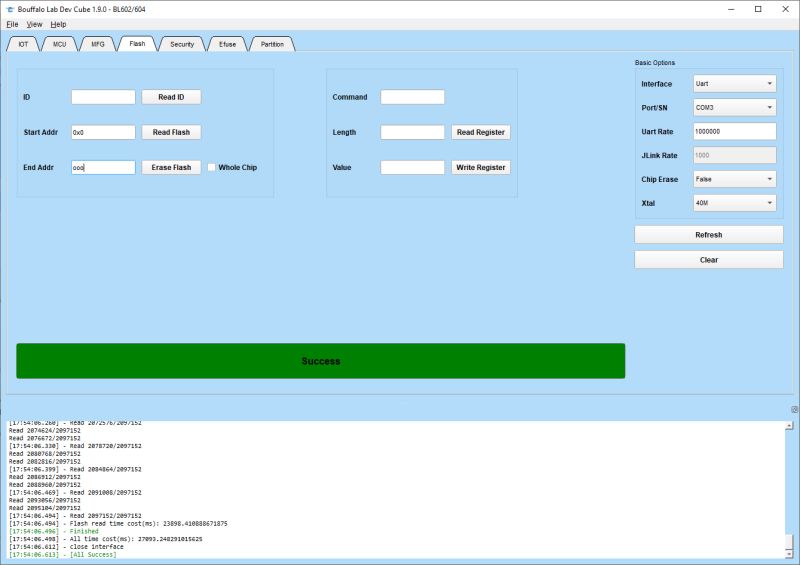
I also backed up the firmware (MagicHome-EC79900-LedStrip-RGB-0x1FFFFF-fromBLDevCubev190):
Screenshot of Bouffalo Lab Dev Cube 1.9.0 interface showing “Success” in green bar
https://github.com/openshwprojects/FlashDumps/tree/main/IoT/BL602

After programming, set the pins according to my spreadsheet. PWM is GPIO3, GPIO4 and GPIO21, optionally also GPIO20 and GPIO17 (depends on how many channels you have a version for) and GPIO12 is the IR receiver. The IR controller on the BL602 is a work in progress and is based on the IRremoteESP8266. When configuring IR events, you can follow the material on the BK7238:
https://www.elektroda.pl/rtvforum/topic4133695.html
You can also add buttons to the unit - in my opinion they are essential.


Summary
In this way, you can free this device from the cloud and turn it essentially into such an Arduino that can be freely configured and programmed. In a similar way, you can add e.g. DS18B20 or DHT11 sensors etc. to it, also without compiling a batch - all from the UI. Pairing with Home Assistant (HASS Discovery) also is supported . Additionally, you can then combine multiple such strips into a single "logical" device using Tasmota Device Groups . I think it's a worthwhile redesign, and the programming process itself is not that difficult.
Do you use LED strips with Wi-Fi control, and if so, is it together with the manufacturer's cloud or locally?

About Author
p.kaczmarek2
p.kaczmarek2 wrote 14416 posts with rating 12371 , helped 650 times. Been with us since 2014 year.

Comments

FAQ

TL;DR: BL602 LED controller mod: 32‑bit RISC‑V at 192 MHz; “free the device from the cloud.” Flash custom firmware, map GPIOs, add IR/buttons, and integrate with Home Assistant. [Elektroda, p.kaczmarek2, post #21752796] Why it matters: This FAQ helps makers convert a cheap Magic Home/EC79900 controller into a flexible, local, privacy‑friendly LED driver.

Quick Facts

What is this EC79900/BL602 LED controller and who is it for?

It’s a Bouffalo Lab BL602‑based RGB controller rebranded as EC79900, often sold for Magic Home. Makers use it to run custom firmware, control LEDs locally, and pair with Home Assistant without any cloud. “Turn it essentially into such an Arduino.” [Elektroda, p.kaczmarek2, post #21752796]

Which firmware should I flash to go cloud‑free?

Use the OpenBeken build referenced in the thread. It supports BL602 and offers UI‑based pin mapping, MQTT, and HASS Discovery. A BL602‑capable flasher is also linked for convenience. This replaces the Magic Home cloud link with local control. [Elektroda, p.kaczmarek2, post #21752796]

How do I enter bootloader and wire it for flashing?

Expose the bottom pads labeled UART and BOOT. Solder RX/TX/GND and provide a stable 3.3 V via LDO. Use a USB‑to‑UART adapter, assert BOOT, and flash using the linked tool. Backup the stock image first. [Elektroda, p.kaczmarek2, post #21752796]

Can you give me the 3‑step flashing checklist?

  1. Tin pads, solder UART and 3.3 V lines; connect BOOT.
  2. Make a full firmware backup with the linked method.
  3. Flash OpenBeken, reboot, then assign pins in the UI. [Elektroda, p.kaczmarek2, post #21752796]

Which GPIOs drive RGB and optional CCT?

Set PWM on GPIO3, GPIO4, and GPIO21 for RGB. If your board variant has five channels, also map GPIO20 and GPIO17 for CCT. Use GPIO12 for the IR receiver input. Confirm output polarity in the UI. [Elektroda, p.kaczmarek2, post #21752796]

Does it work with Home Assistant out of the box?

Yes. The firmware supports Home Assistant via HASS Discovery. After pin mapping and Wi‑Fi setup, it advertises itself and pairs locally. You can group multiple strips as one logical device later. [Elektroda, p.kaczmarek2, post #21752796]

What mobile app did it ship with, and is Tuya involved?

It ships for the Magic Home ecosystem, not Tuya. The QR code targets the Magic Home app. After flashing, the controller runs standalone and no longer requires the vendor app or cloud. [Elektroda, p.kaczmarek2, post #21752796]

Is there an IR remote option and how mature is it?

Yes. Wire the IR receiver to GPIO12. The BL602 IR controller is a work in progress built on IRremoteESP8266 concepts. Expect evolving codes and test thoroughly after mapping events. [Elektroda, p.kaczmarek2, post #21752796]

What performance can I expect from the BL602?

BL602 uses a 32‑bit RISC‑V core up to 192 MHz with typical 2 MB Flash. That is ample for PWM dimming, IR handling, and Wi‑Fi MQTT control on one device. “It offers Wi‑Fi and BLE 5.0.” [Elektroda, p.kaczmarek2, post #21752796]

Any risks or edge cases during flashing?

Power loss during flashing can brick the board. Use a stable 3.3 V supply and verify ground. Back up the factory image before writing. If IR is enabled while unstable, disable it during tests. Restore using your backup if needed. [Elektroda, p.kaczmarek2, post #21752796]

How do I power the board safely on the bench?

Feed the strip side with 12 V only if needed for LEDs. The board’s step‑down converts to 3.3 V for the MCU. For firmware work, supply a clean 3.3 V to logic and keep LED loads disconnected. [Elektroda, p.kaczmarek2, post #21752796]

Can this PCB handle five channels for RGB+CCT?

Yes. The PCB includes footprints for up to five low‑side drivers. Map RGB to three PWMs and use two additional PWM pins for CCT. Verify your specific variant has the transistors fitted. [Elektroda, p.kaczmarek2, post #21752796]

What is OpenBeken in this context?

OpenBeken is the community firmware used here to configure pins, add sensors like DS18B20 or DHT11, and manage Wi‑Fi/MQTT via a browser UI. It replaces the stock Magic Home firmware. [Elektroda, p.kaczmarek2, post #21752796]

How do I add local buttons for quick control?

Solder tactile switches to free GPIOs and configure them as button inputs in the UI. Assign actions like on/off, brightness, or scene changes. The author says buttons are “essential” for usability. [Elektroda, p.kaczmarek2, post #21752796]

Can I group multiple controllers to act as one light?

Yes. After flashing and pairing, use the referenced device‑grouping approach to synchronize several strips as one logical lamp. Scenes and dimming will track across all units. [Elektroda, p.kaczmarek2, post #21752796]

What’s the benefit of going cloud‑free with this controller?

You gain privacy, offline reliability, and faster control loops. Home Assistant integration works locally. The device becomes a flexible, Arduino‑like platform for LEDs and sensors. Latency and dependence on external servers are removed. [Elektroda, p.kaczmarek2, post #21752796]
Generated by the language model.
%}