











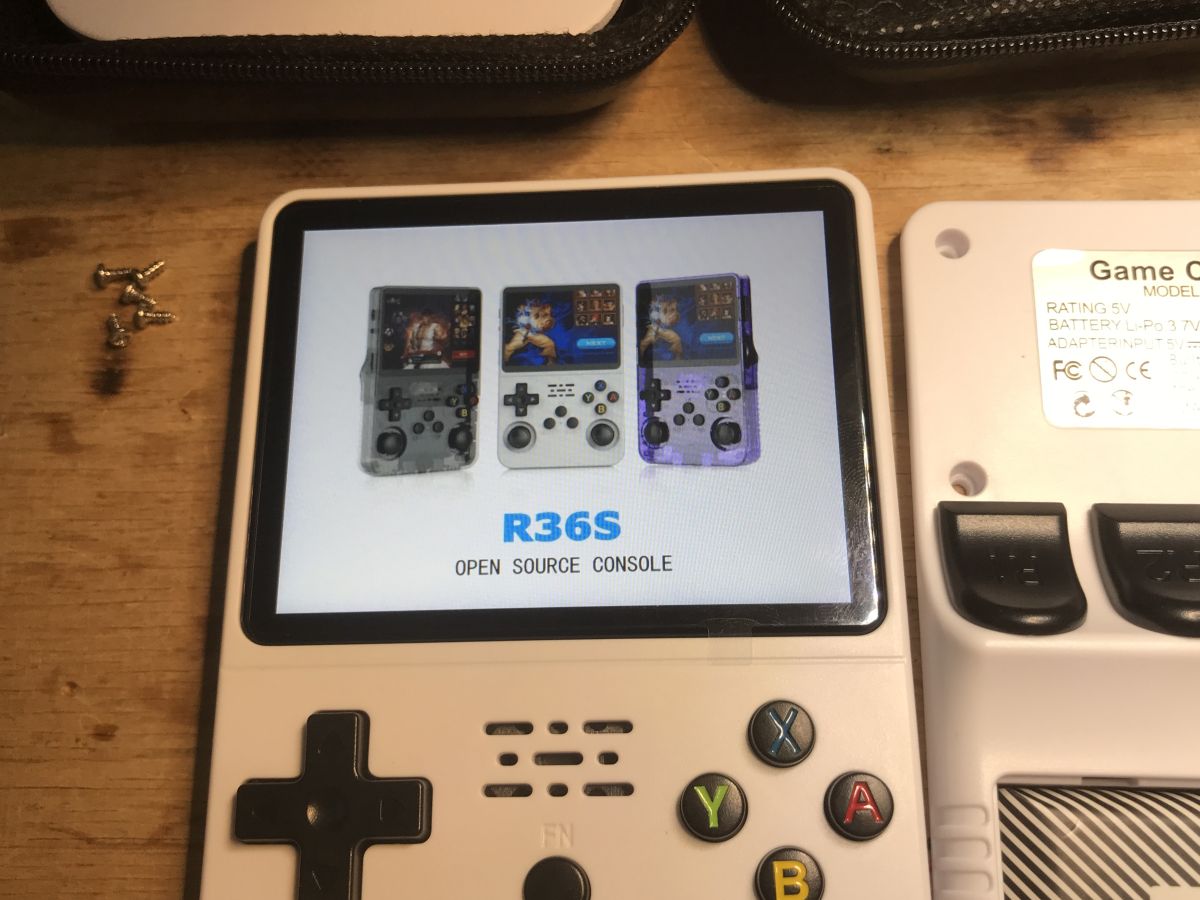
Do you like old video games? The console presented here allows you to run many titles from different platforms such as Atari, NES, PlayStation or Game Boy, all in one handy device. With an open system and a large number of emulated platforms, the possibilities are truly great - let's find out how it's made and based on which system it works.
Setup, first run
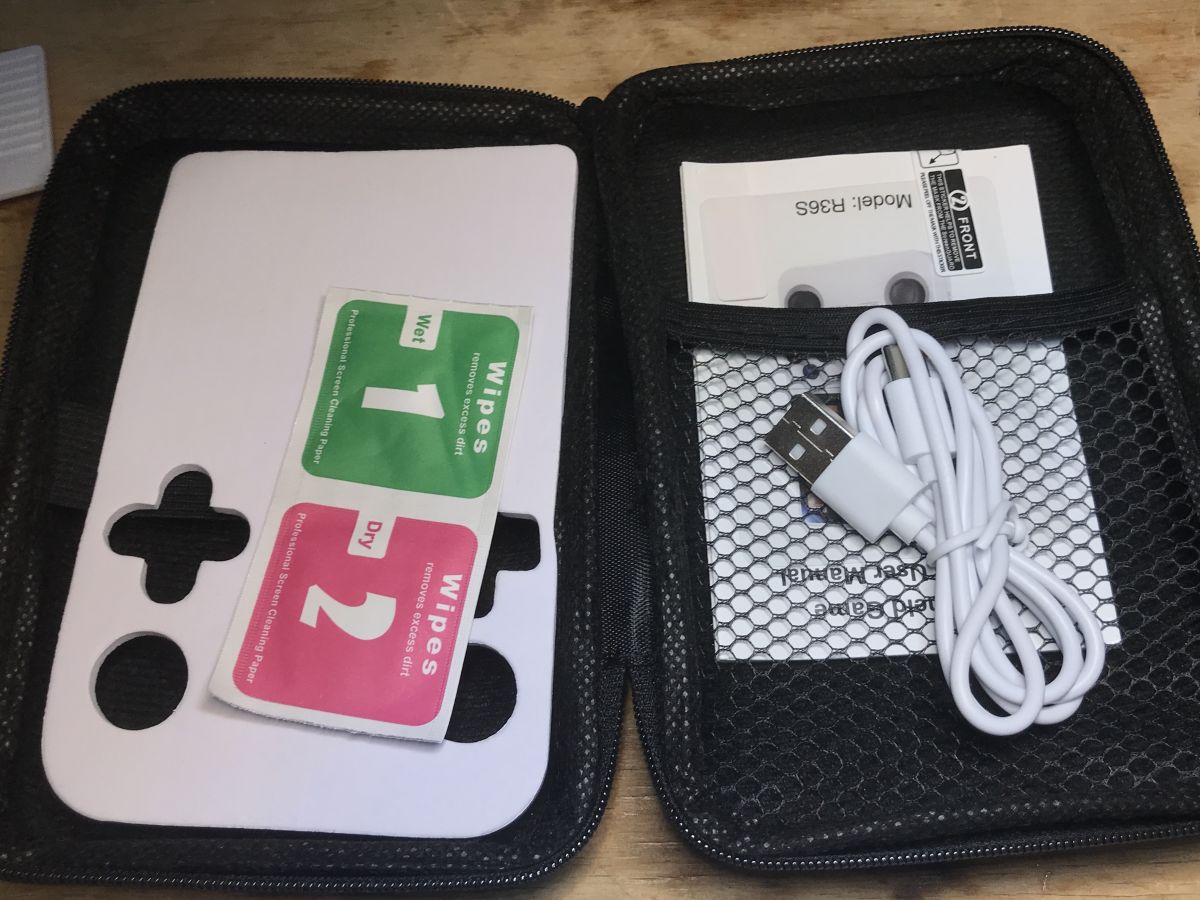
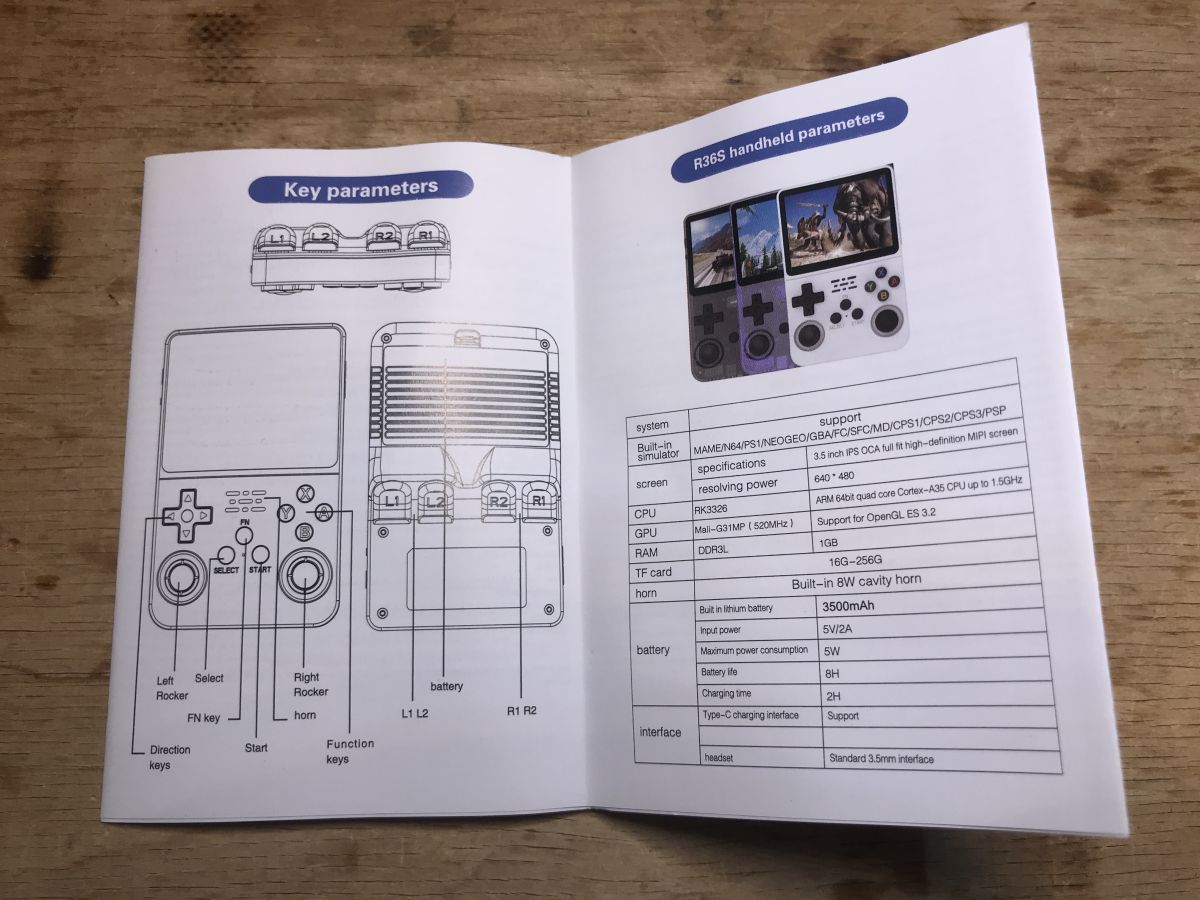
The gadget in question is based on a 64-bit processor clocked at up to 1.5 GHz and 1 GB of RAM. It offers a 3.5" IPS OCA colour display with 640x480 resolution and a 3000 mAh lithium battery. It is available to buy for around PLN150, although there are cheaper clones in circulation too. The price may seem steep, so it remains to be seen if it was worth it. However, it has to be said that the kit is quite rich. We get:
- console with battery
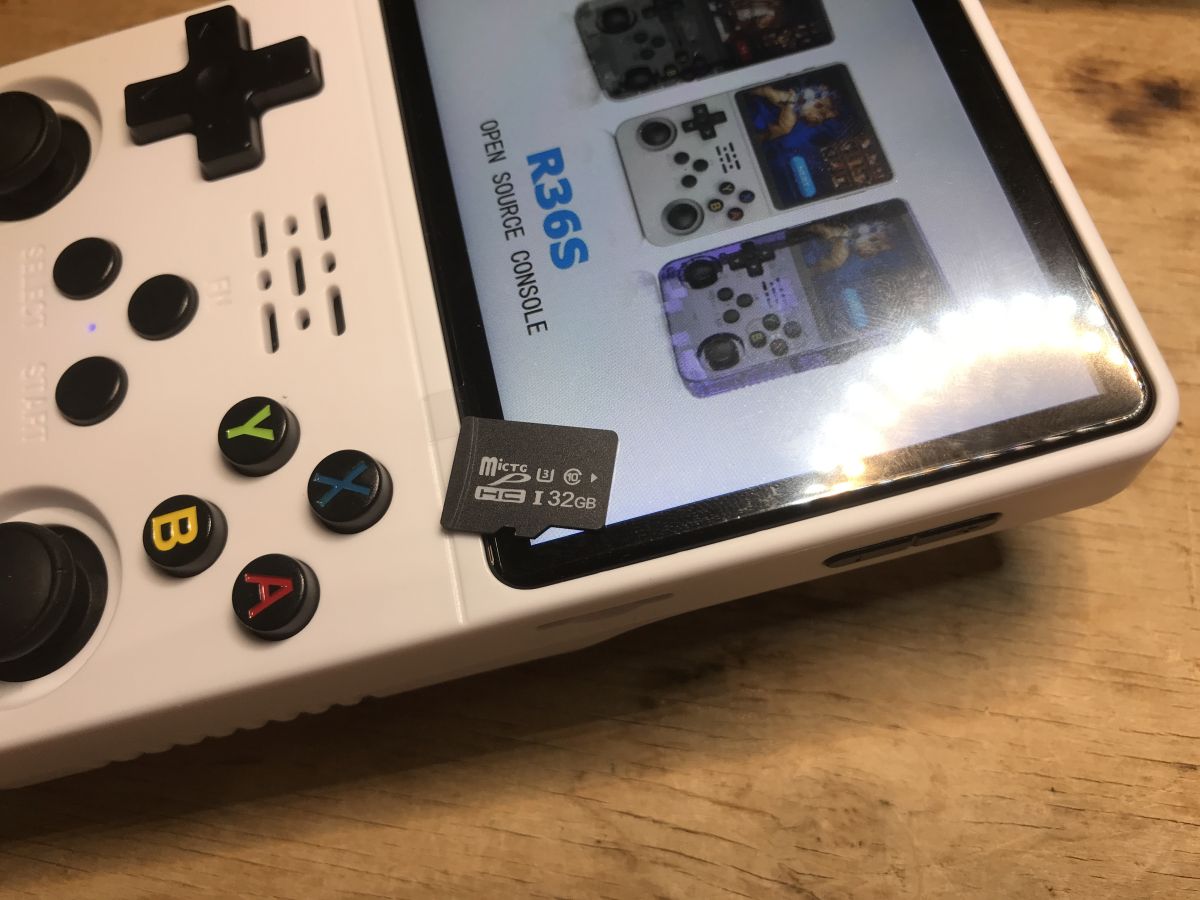
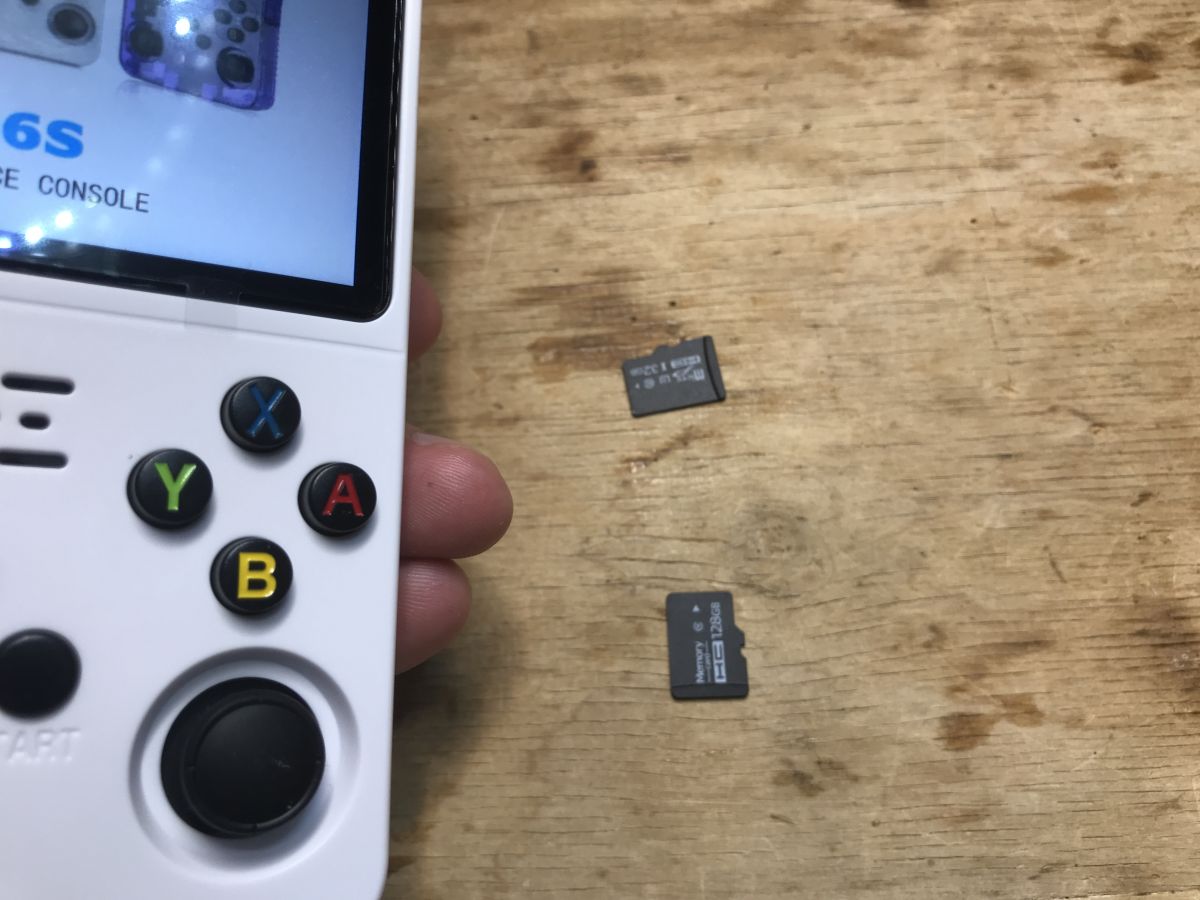
- memory cards: 32 GB and 128 GB
- uSB cable (for charging)
- case
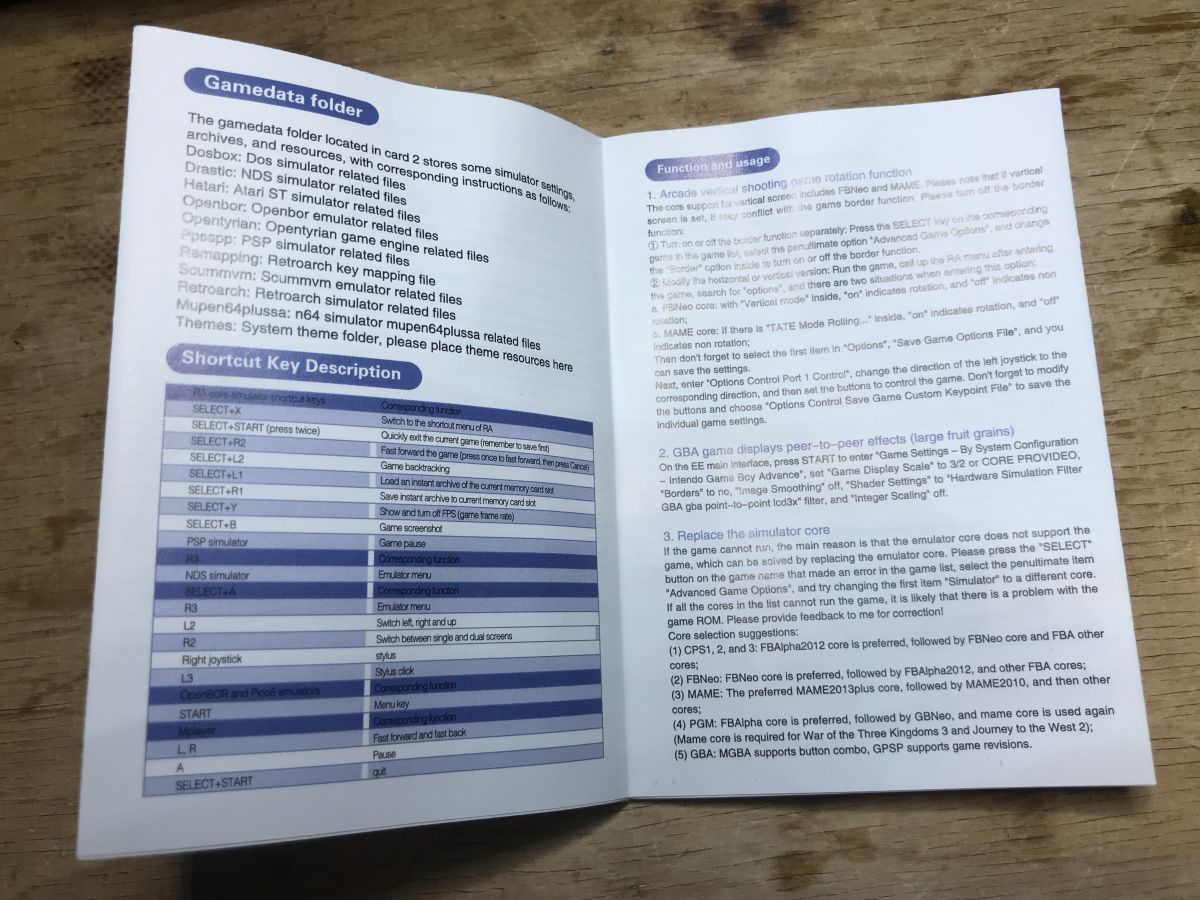
- manual
- cleaning wipes for the screen and a protective film for the screen
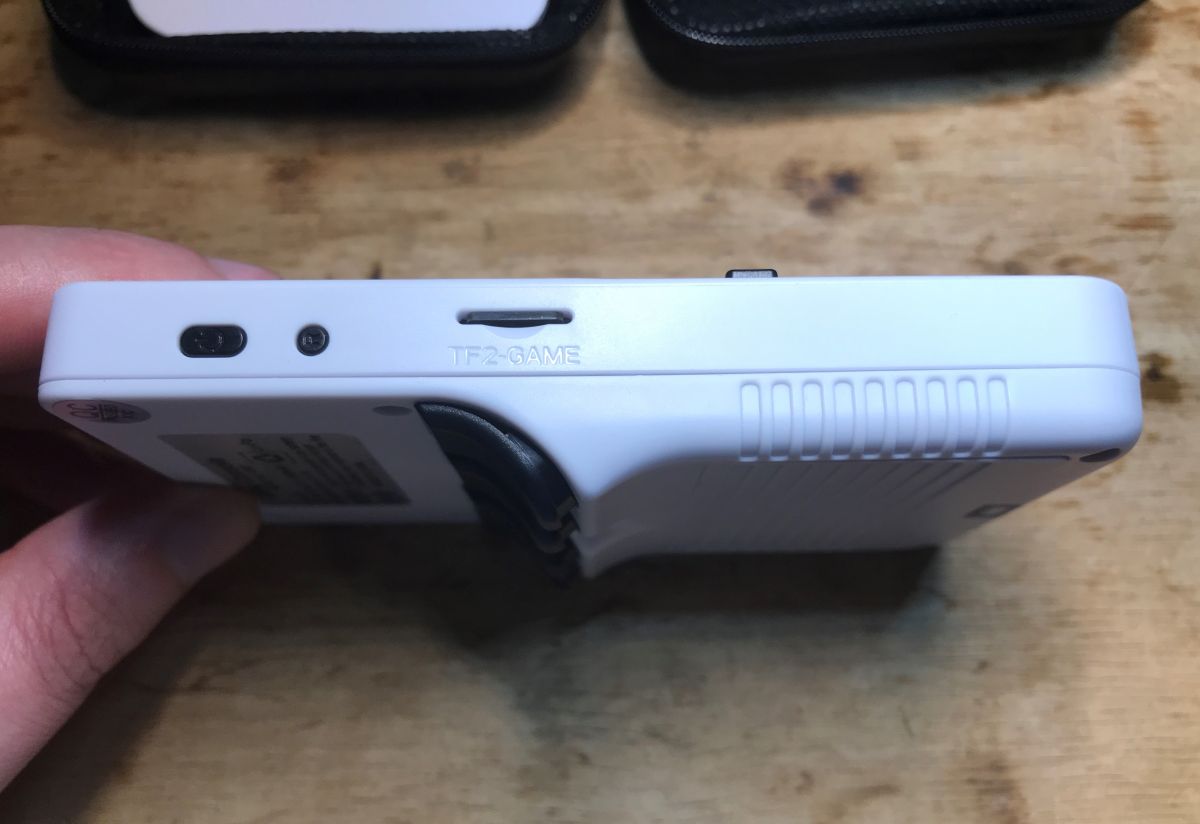
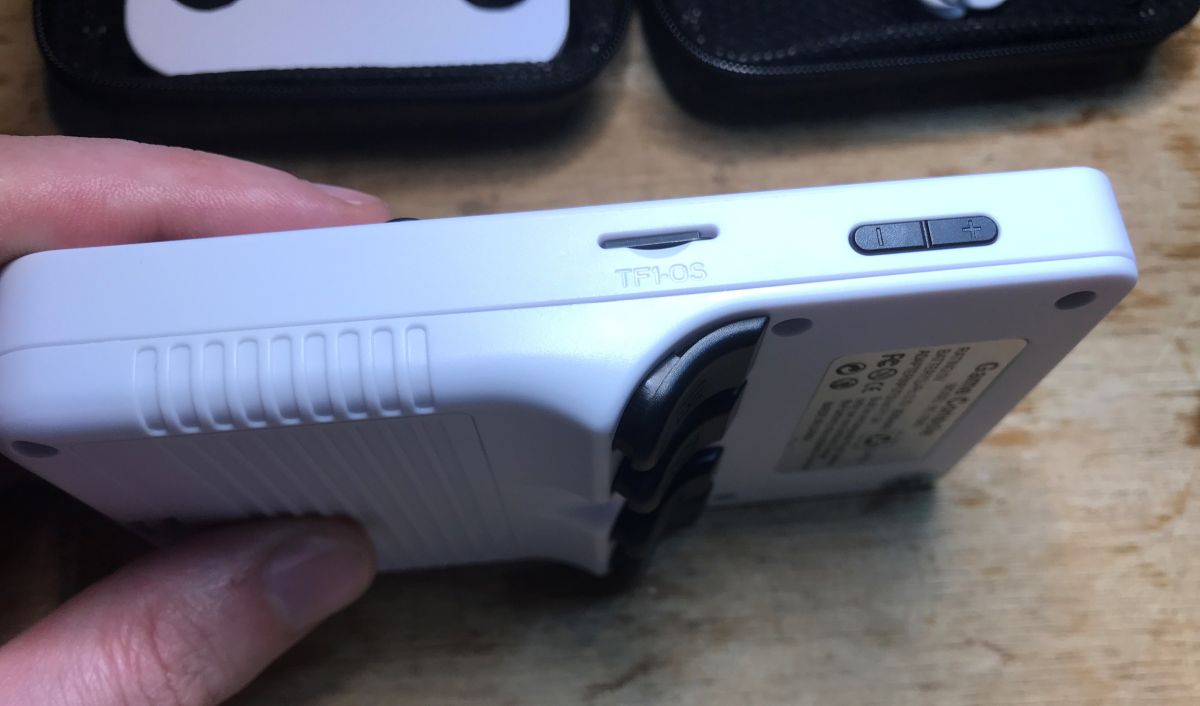
Indeed, the console has two microSD card slots. One for the system, the other for games.

Brief instructions:
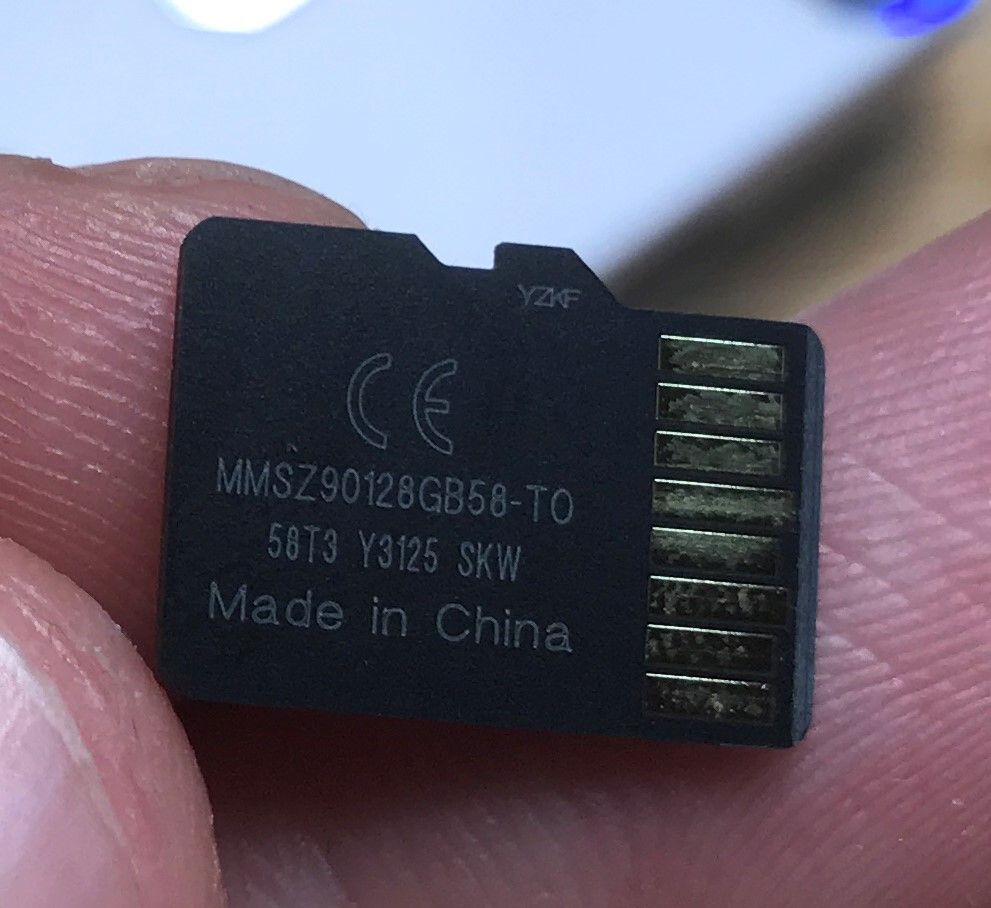
I do not associate the brand of microSD card with the centre:
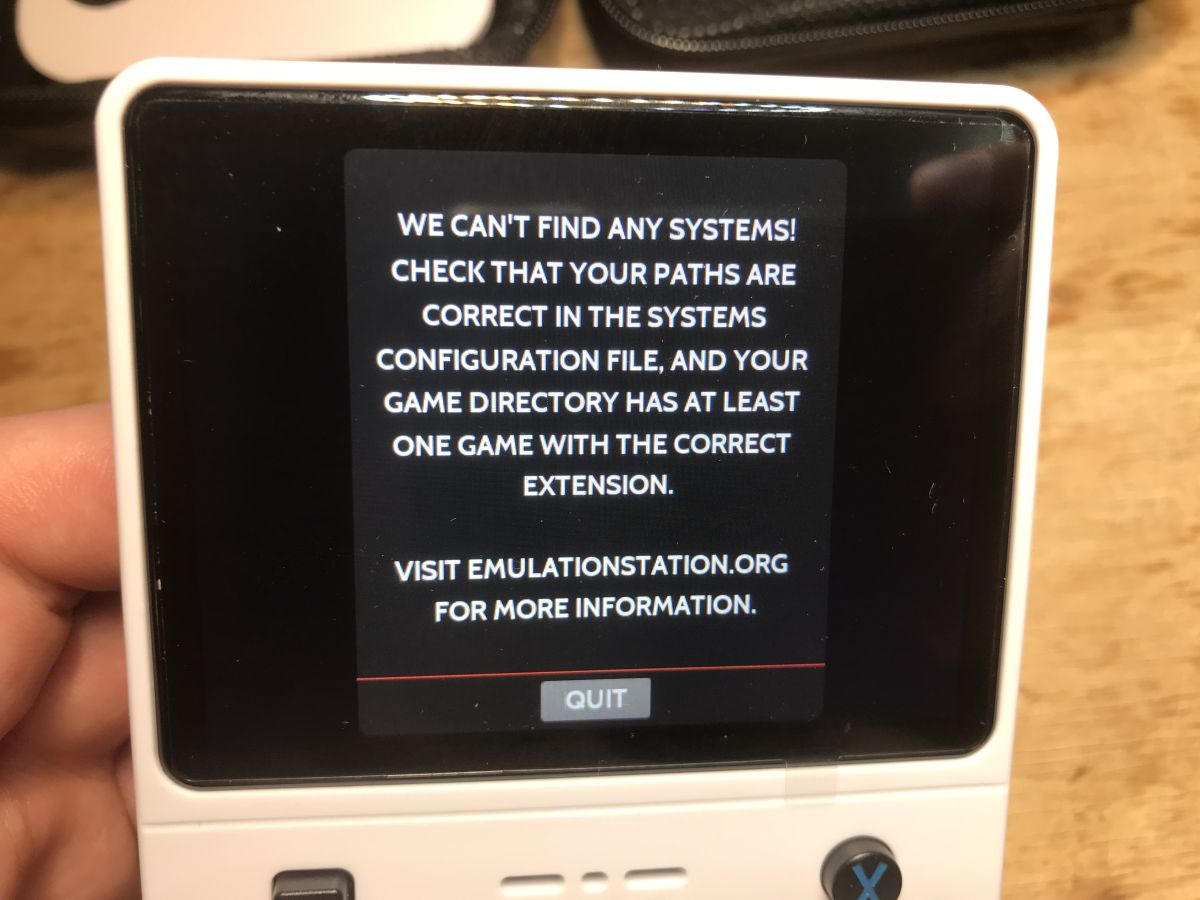
When we boot the console without SD cards, the message refers us to emulationstation.org.
The console reminds me of the classic Game Boy, although of course it contains more games. I can't remember if I had this as a child, but I found it difficult to control at first. It doesn't always explicitly say what does which key. Even with the menus I had to puzzle through. At the beginning we are greeted there by different collections of games - according to platform types:
We also have a search engine. I really don't know how I can test and represent the vastness of games available on this console. At first I thought the 20,000 games would come down to a dozen or so titles repeated many times in the list, as was the case on the old cartridges, but there are definitely more here, although I don't know if they really number in the thousands. It has to be said, however, that every title I wanted, I managed to find.


I tried playing random titles from different platforms, below is a sample video:
The console also offers the ScummVM runtime environment. ScummVM is a program that does not emulate the original hardware, but interprets the games' scripting languages (SCUMM and others) to describe the game world, characters, dialogue and gameplay mechanics. This allows games to run on modern operating systems, retaining the original logic and graphics, while eliminating the bugs and limitations of the original software.
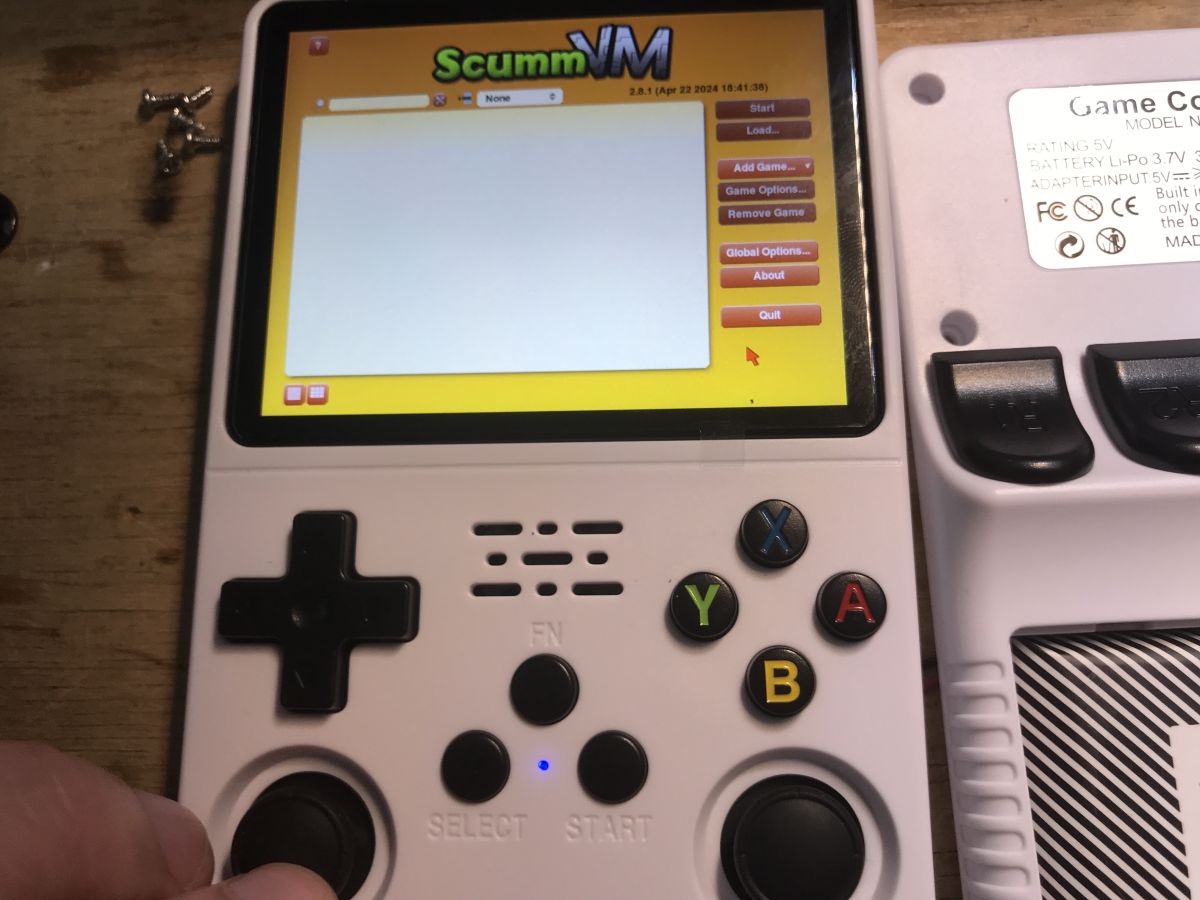
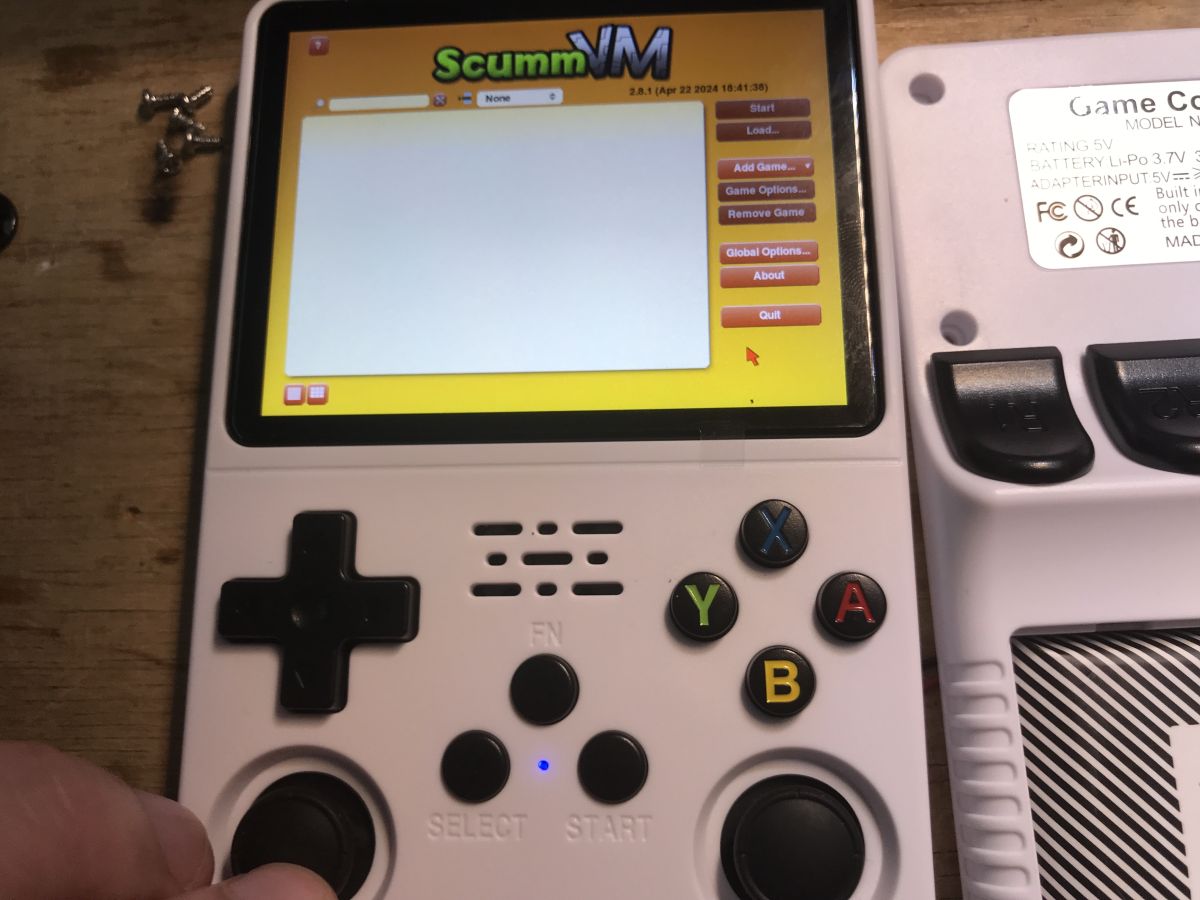
Text can be entered if required, although it is not very convenient as you have to navigate with the pads. It is not a touchscreen!

You can navigate the cursor in a similar way:
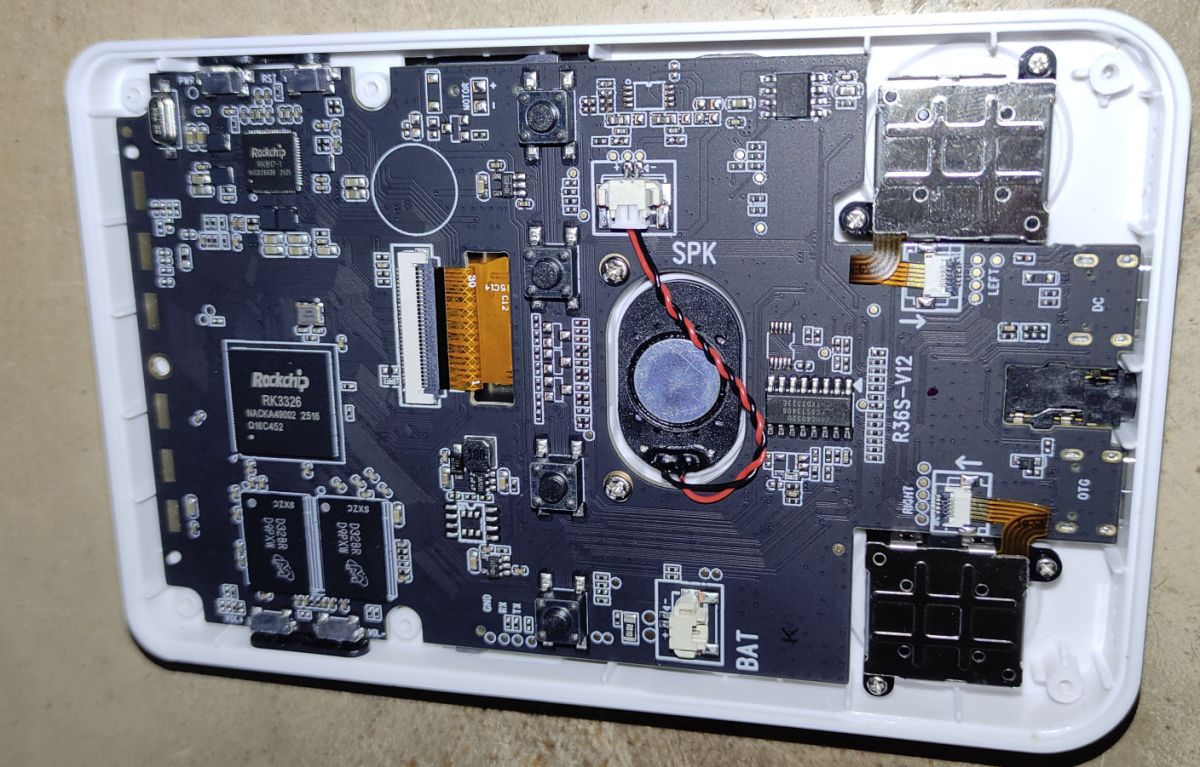
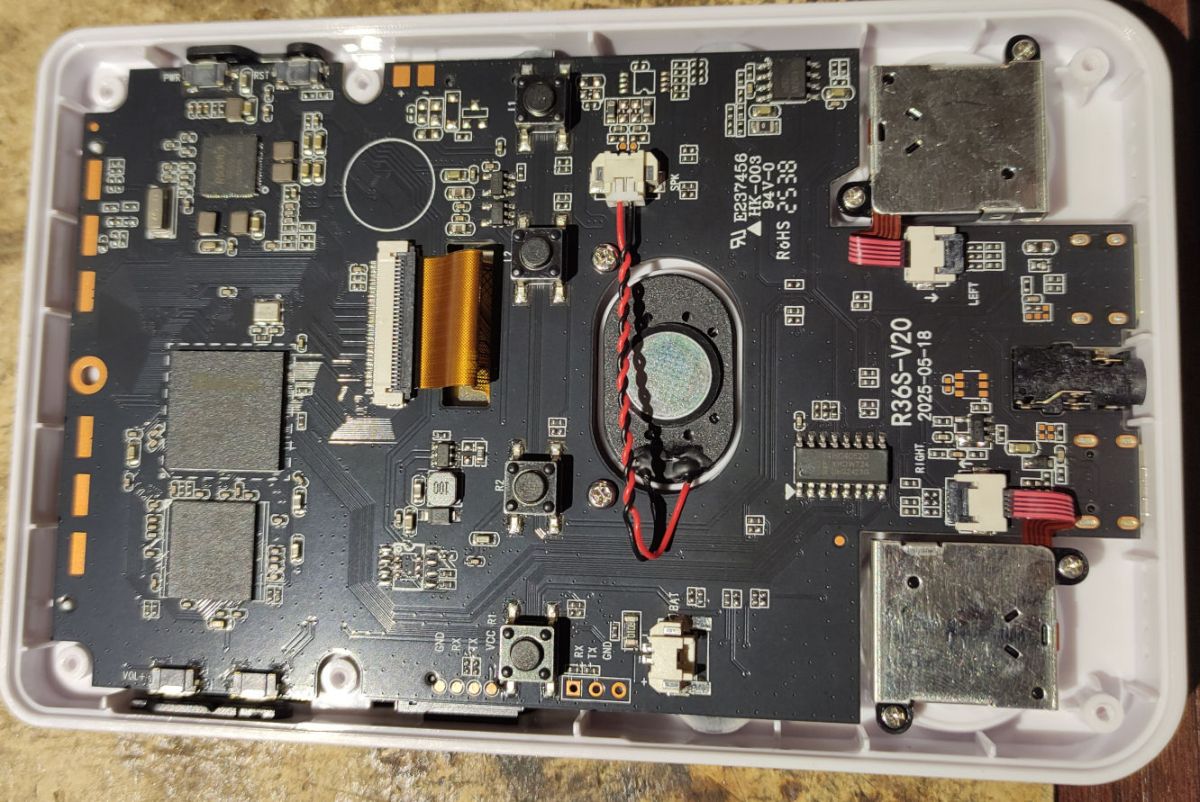
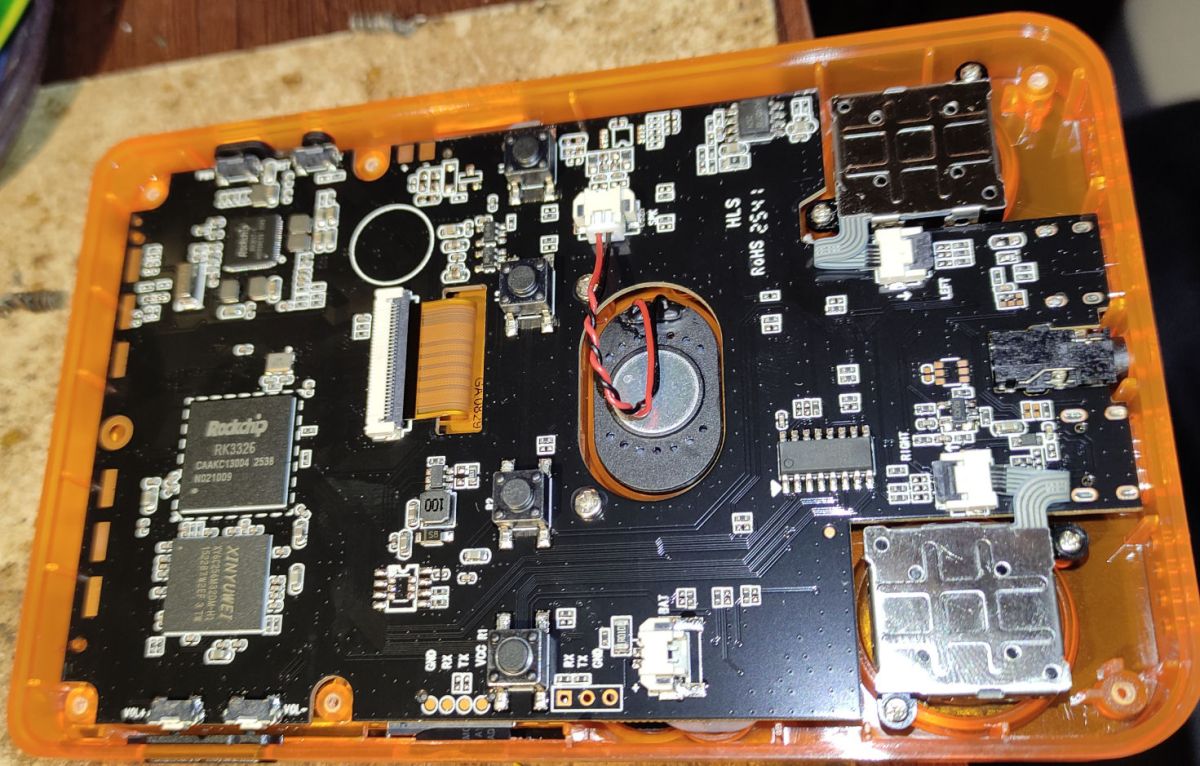
Interior of R36S
All you need to do is unscrew six screws. One was hidden under the QC sticker.
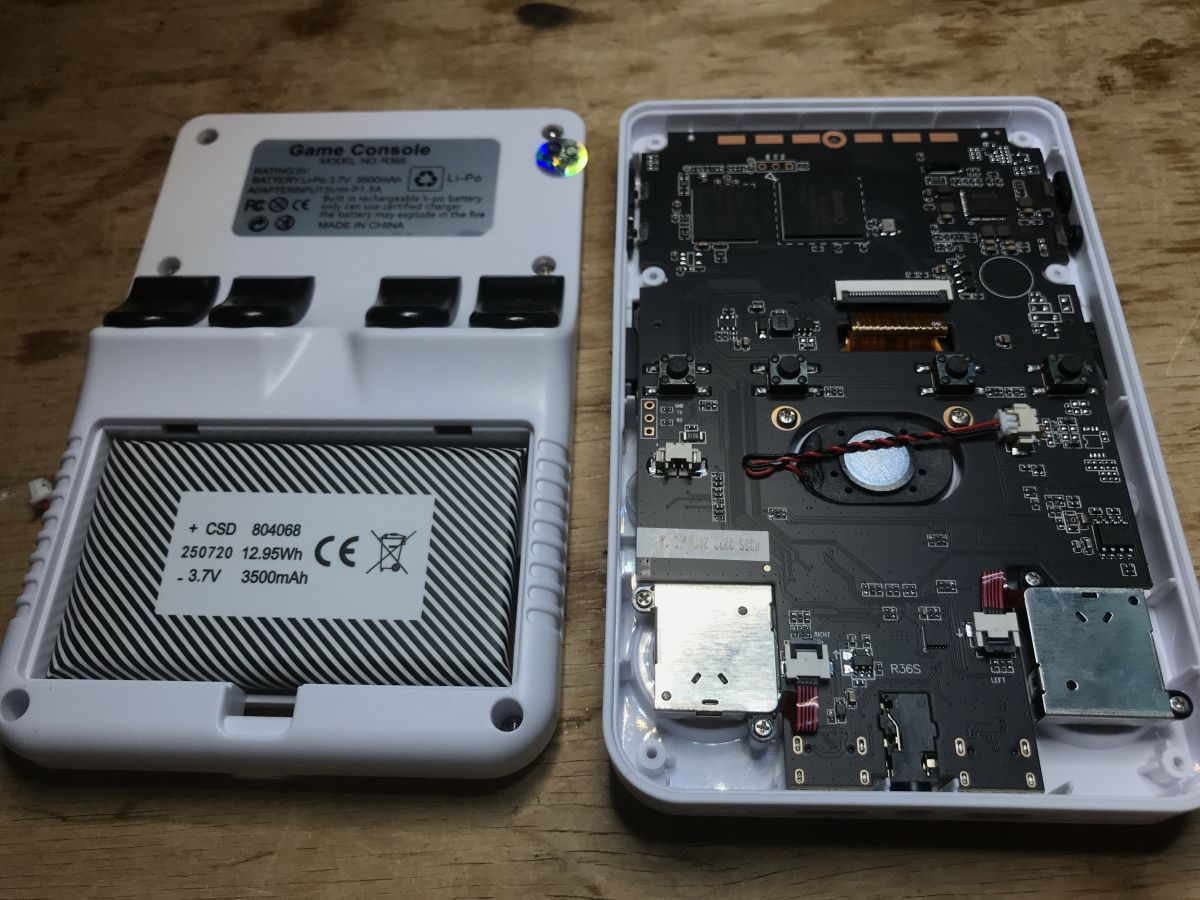
The construction of the device is based on a single, at least two-layer PCB. Most components are surface mounted. At the heart of the console is a Rockchip RK3326 processor along with H9TQ32A4GTMC-URKUM memory.
Interestingly, the H9TQ32A4GTMC is a combination of eMMC memory (4 GB Flash) and LPDDR3 RAM (1 GB).

The Rockchip RK3326 is a quad-core ARM Cortex-A35 processor clocked at up to 1.5 GHz and features Mali-G31 graphics with support for OpenGL ES 3.2, Vulkan 1.0 and OpenCL 2.0, a dedicated 2D engine and hardware video decoding up to 1080p@60 fps (H.265, H.264, VC-1, MPEG-1/2/4, VP8) and H.264/VP8 encoding, supporting RGB/LVDS/MIPI-DSI displays up to 1920×1080, MIPI-CSI/DVP interfaces with embedded 8 MP ISP and a rich I/O set including I2S/TDM/PDM, SDIO 3.0, USB 2.0 OTG, I2C, UART and SPI.

All powered by inverters based on the same manufacturer's RK817 chip:

The RK817 controls four synchronous step-down inverters and also handles battery charging. In addition, it contains nine LDO stabilisers and a built-in RTC (real-time clock). However, it should be noted here that I also see a 4057A charge controller on the PCB, at the battery connector:

In the centre of the board is a single, small speaker. For older games it is rather sufficient:
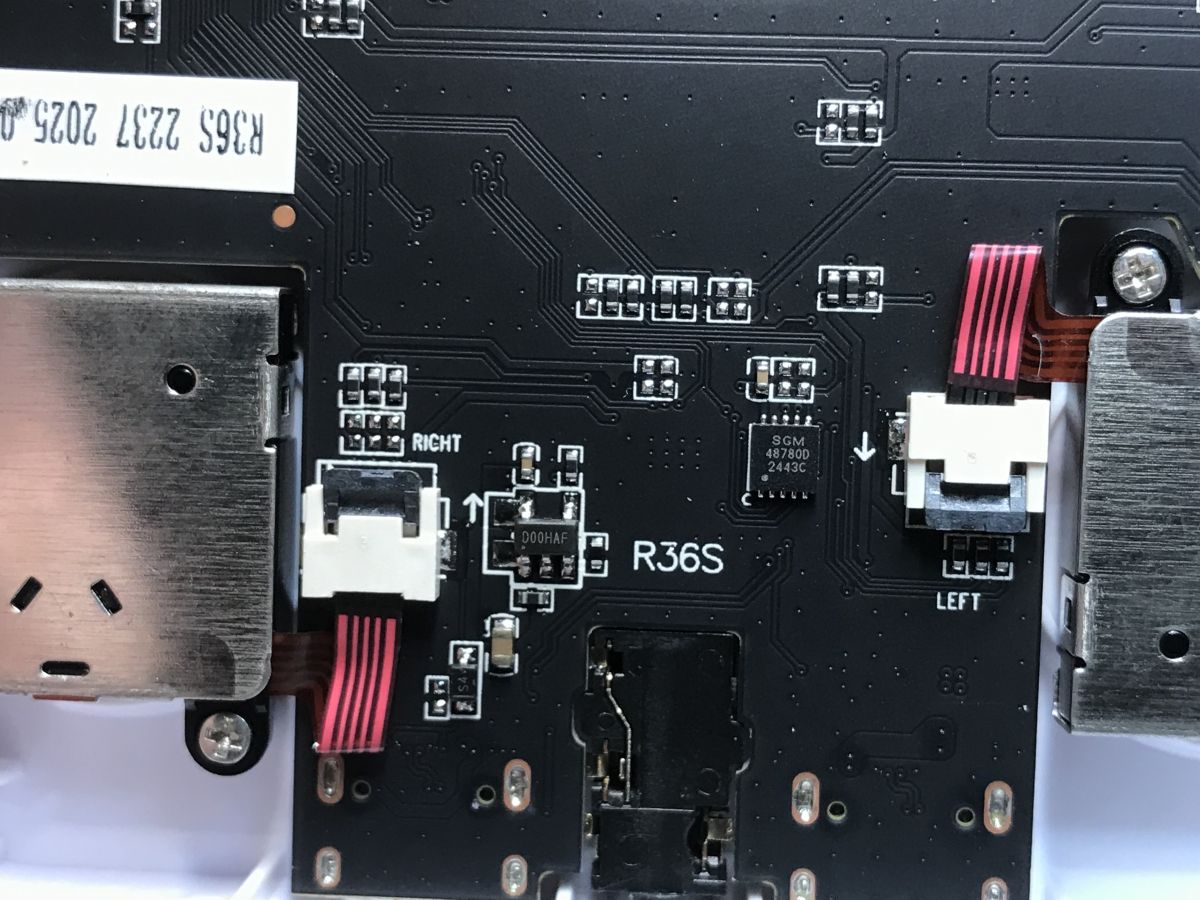
There's also a 4:1 multiplexer on the board, which I suspect is used to operate the pads.
Out of curiosity I checked what was heating up inside. The main processor is the strongest:

Second to heat up is the inverter controller:

The wiki page for this console:
https://handhelds.wiki/R36S_Handheld_Wiki
Operating system
The console is based on ArkOS 2.0 as of 08232024, i.e. August 2024. If necessary, you can upgrade to the latest version, i.e. 11072025 at the time of writing this topic.
ArkOS is an operating system developed primarily for retro consoles based on Rockchip processors. The name "ArkOS" comes from "Another Rockchip Operating System" - meaning "another operating system for Rockchip".

The system was started as a modification of The Retro Arena project with the main goal of facilitating the ROMs folder on the NTFS partition - this made managing games from within Windows very simple (just insert the SD card into the reader and copy the files). Over time, the project evolved and diverged significantly from the original, leading to a name change to ArkOS as proposed by the community.

The system is based on Ubuntu 19.10 and includes both 64-bit and 32-bit user spaces, allowing for maximum wide support for emulators and game ports of various versions. ArkOS offers emulation of more than 90 retro platforms, from classic consoles to older PCs and handhelds.
Information:
https://github.com/christianhaitian/arkos/wiki
https://github.com/AeolusUX/ArkOS-R3XS
Summary
It might seem that more than PLN100 is a big price for such a console, but nothing could be further from the truth. I myself remember when you still had to pay a few tens of zlotys for a single cartridge, and it's still hard to compare these amounts without taking inflation into account.
There are a huge number of games here, although I personally admit that I prefer a much larger screen. It's definitely not for everyone, but if someone likes the form of such a portable device, they'll certainly find something here for themselves. What I miss, however, is a video output for an external monitor.
However, the possibilities of this console are really great, and ArkOS itself is well documented on the web. The only thing I didn't like about this console was the form of input - does anyone want to use a pad on the on-screen keyboard to select letters?
In short, the pros:
+ entire childhood (or rather, childhood - thousands of games.... i only remember a dozen titles from mine, buying each one was a holiday) in one portable console
+ the project is open, you can add games, it supports ScummVM, etc.
+ there is full documentation of the system on the web, in case of problems you can make a clean microSD card with the system again
Minus:
- i am puzzled by the quality of these microSD cards, the ArkOS authors themselves suggest using good brands such as Sandisk, Samsung, or PNY
- there is no support for fast charging (Quick Charge)
- the most demanding titles (already with 3D) may have performance problems
- it would be useful to have an output, at least even AV on an RCA connector, or HDMI....
- i do not see a two-player option here (although some supported games offer it)
- no wireless connectivity (Wi-Fi, etc)
Do you guys go back to retro games sometimes? Feel free to discuss.
Cool? Ranking DIY Helpful post? Buy me a coffee.

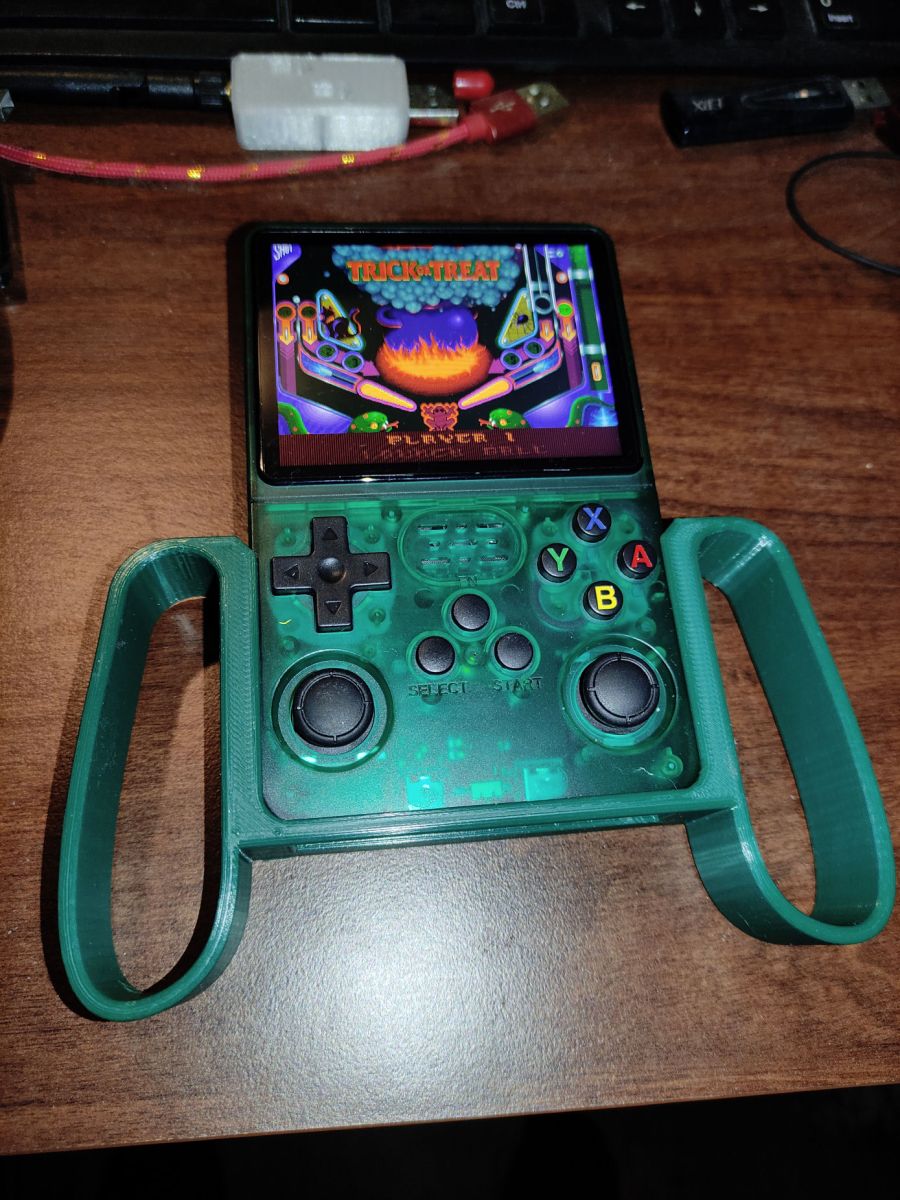


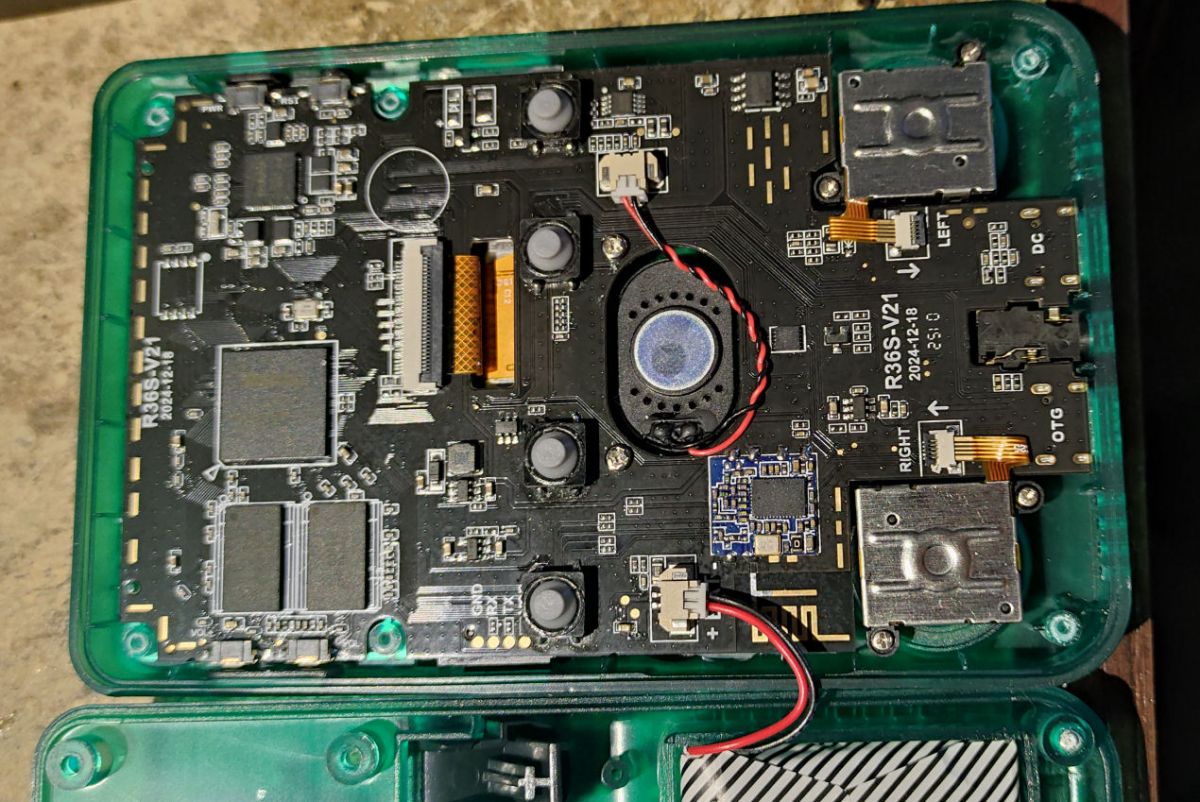
 that is ports (mainly) from PC to arm. Heros3, halflife etc.

