










Some time ago I presented how reverse geocoding (converting geographic coordinates into address data) can be run locally based on the Nominatim service from OpenStreetMap. Here I will show a similar system, this time realised manually in Python based on ready-made libraries and ready-made official maps of administrative units provided by the State Boundary Office (PRG). These include the boundaries of the state, provinces, counties, municipalities and units and registration precincts. The whole thing will be light enough to run the server on a Raspberry Pi 4.
Previous topic in the series:
How to run OpenStreetMap locally? Reverse geocoding without limits on your computer
State Register of Boundaries
The State Register of Borders (PRG) is the official database describing the boundaries and administrative division of the country, used by other spatial information systems. It contains data on municipalities, counties, provinces, administrative units and addresses along with their location and basic descriptions (e.g. name, TERYT code).
Data on boundaries and areas of administrative units are updated once a year according to the status as at 1 January on the basis of legal acts or changes in the land register. Information on addresses is supplemented on an ongoing basis according to changes made by the municipal offices.
The source data for the experiment can be downloaded on the Geoportal . There we have a choice of data for each year separately - also the historical ones, 2004 - 2024.
Format of data provided
PRG data are provided in ESRI Shapefile format, i.e. for a single layer you get a set of several files (including .shp, .dbf, .shx, .prj) that together describe the geometry and attributes of objects.
These files contain vector data, mainly polygons of administrative boundaries.
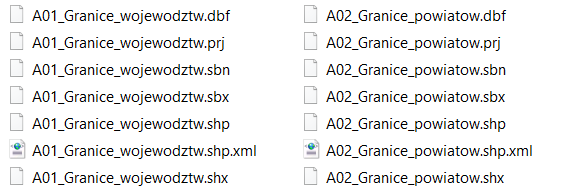
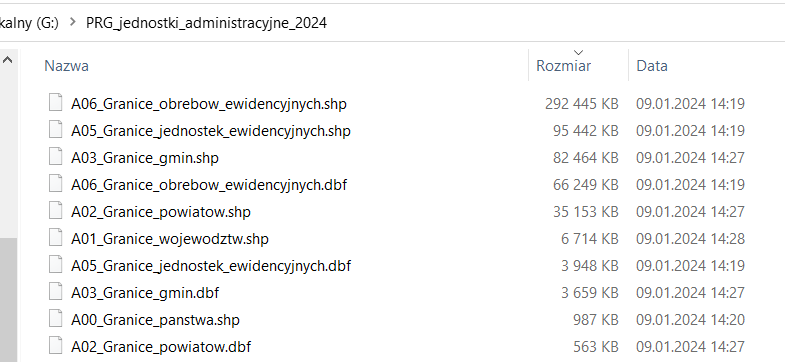
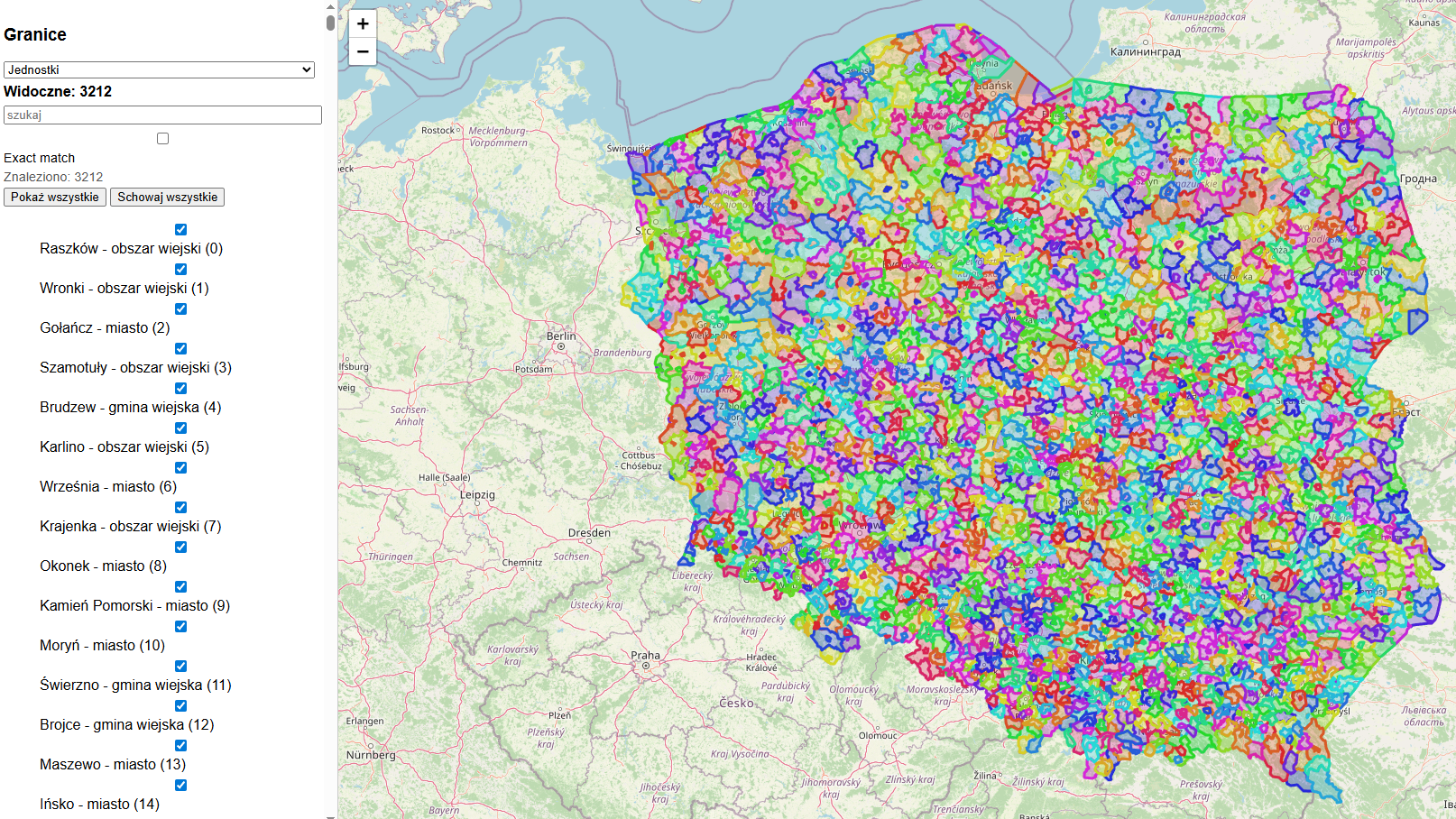
The files are not that large at all and have the potential to run even on a single-board computer. The situation is further simplified when we dispense with the smallest administrative unit - the precincts, something that is unlikely to be of practical use to us. The precincts take up 300 MB and the next layer (units) only 100 MB. Units are, to simplify, already villages or thereabouts, although towns often consist of several units. I will show this later in the screenshots.
Technologies used
For the project I used Python 3 with the Flask libraries (HTTP backend) and GeoPandas and Shapely to handle the GIS data in ESRI Shapefile format.
The visual part (frontend) was realised in the browser using Leaflet.js with an OpenStreetMap backend.
Shapefile service and custom server on Raspberry Pi
The simplest and also most cross-platform method of handling ESRI Shapefiles is the GeoPandas library available in Python. It is an overlay for Pandas, extended to support geometry (Shapely) and GIS formats.
GeoPandas runs easily on Linux (also ARM - Raspberry Pi), Windows and macOS. In practice, all you need is Python 3.x and a few system dependencies (gdal, proj), which on the Raspberry Pi are available in repositories.
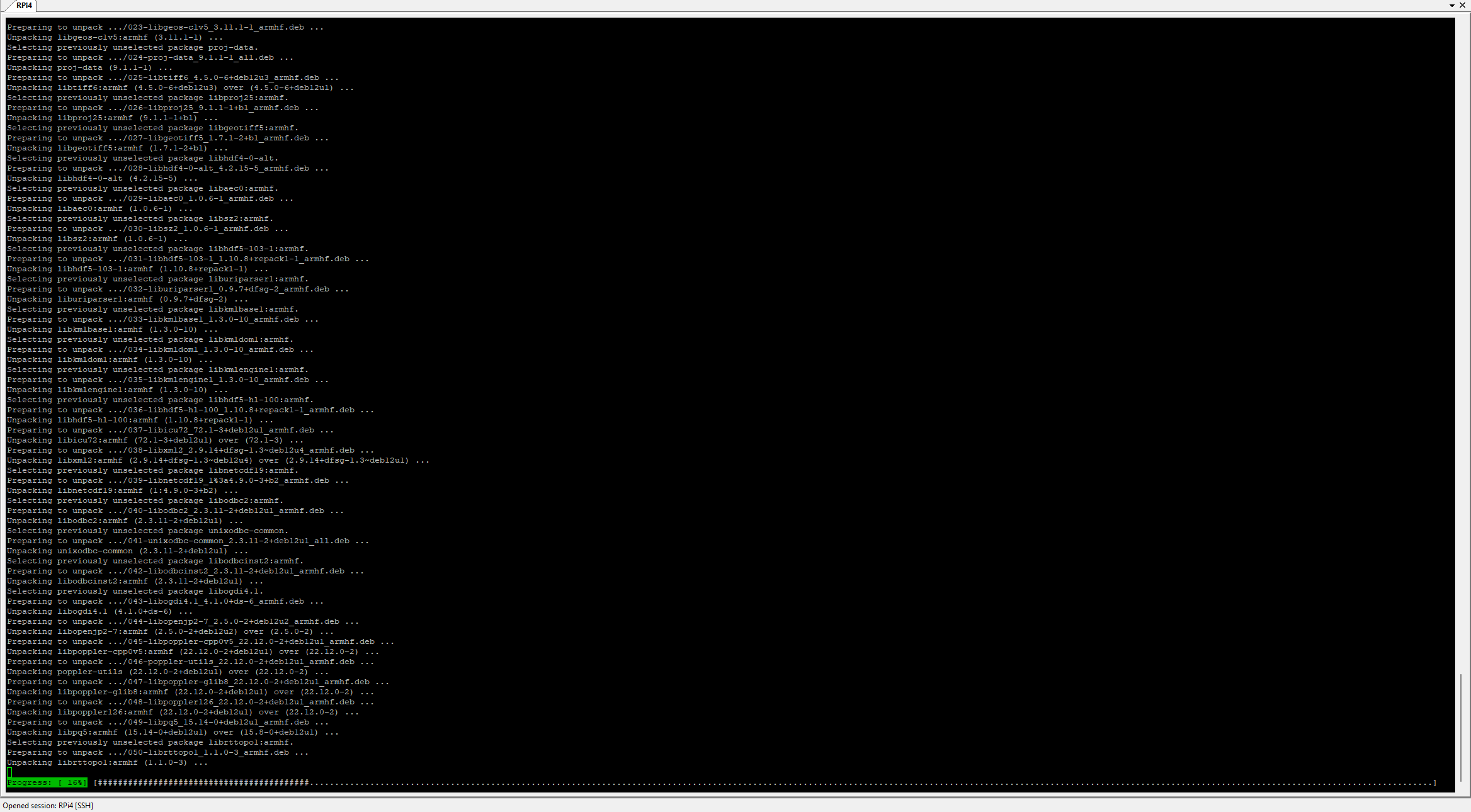
The command that installs the dependencies on the Raspberry Pi 4:
apt update
apt install -y \
  python3-pip \
  python3-dev \
  python3-geopandas \
  gdal-bin \
  libgdal-dev \
  libgeos-dev \
  libproj-dev
Example screenshot of the installation:
The Flask framework was used to set up the server itself - it allows you to create a simple HTTP server and handle incoming requests and queries.
Handling PRG data in Python
Each PRG layer (countries, provinces, counties, municipalities, etc.) is loaded into a separate GeoDataFrame object.
In the example, each geometry is assigned a simple numerical uid, which is later used in the web interface.
Code: Python
All layers are stored in the LAYERS dictionary, allowing dynamic switching between administrative levels.
Page presentation
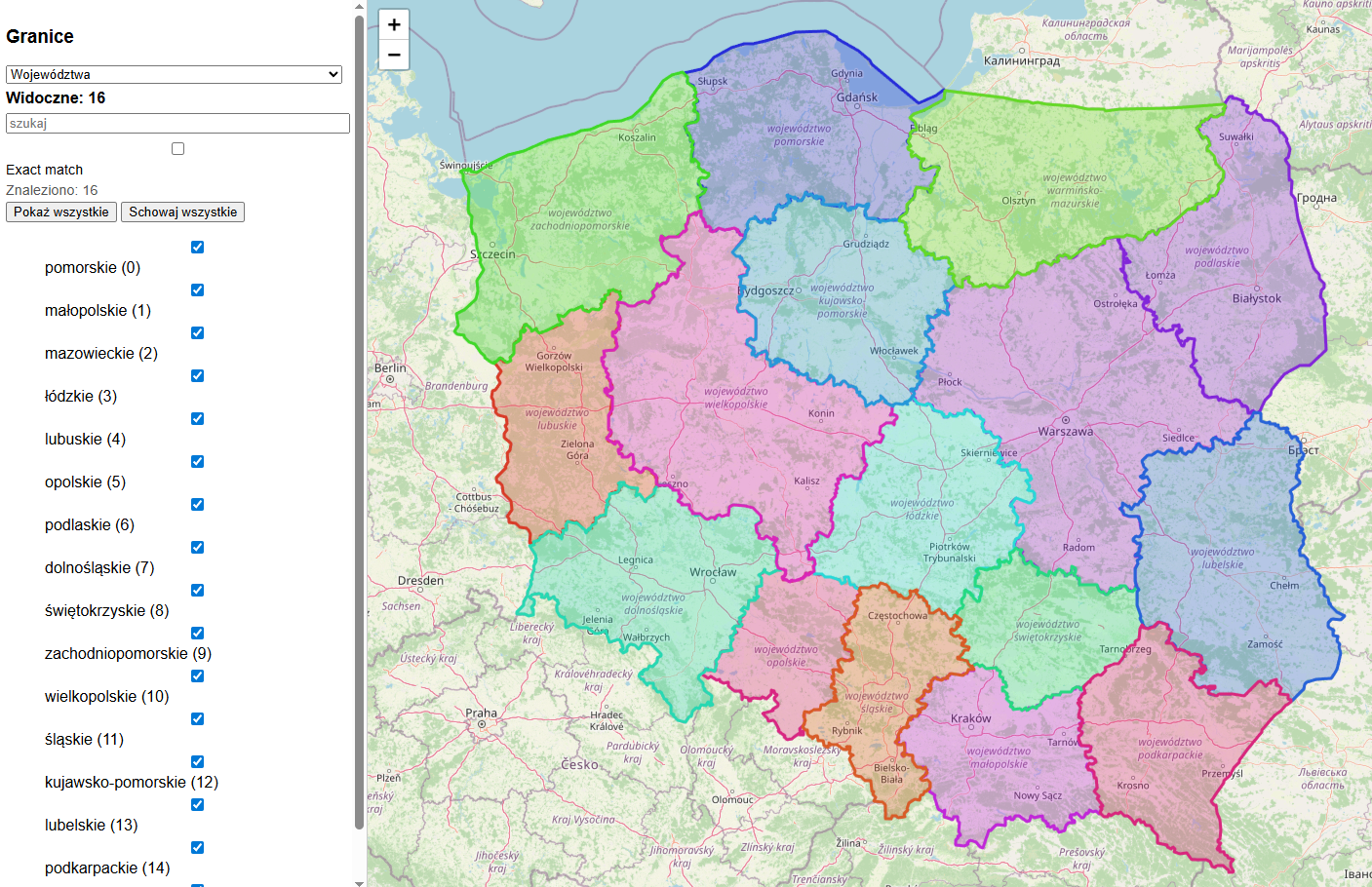
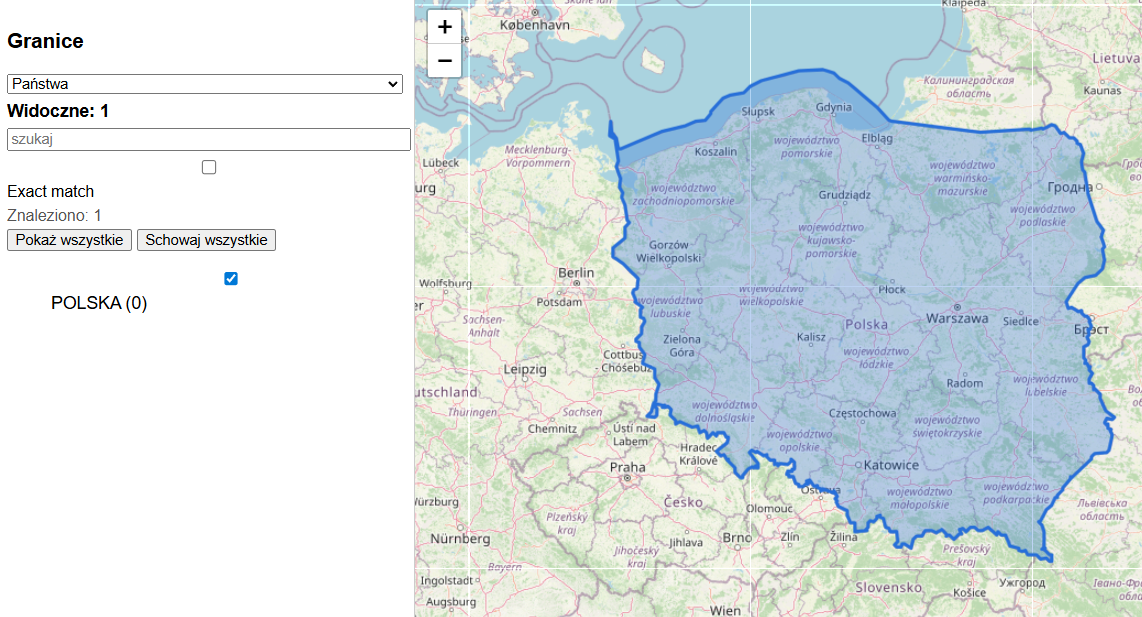
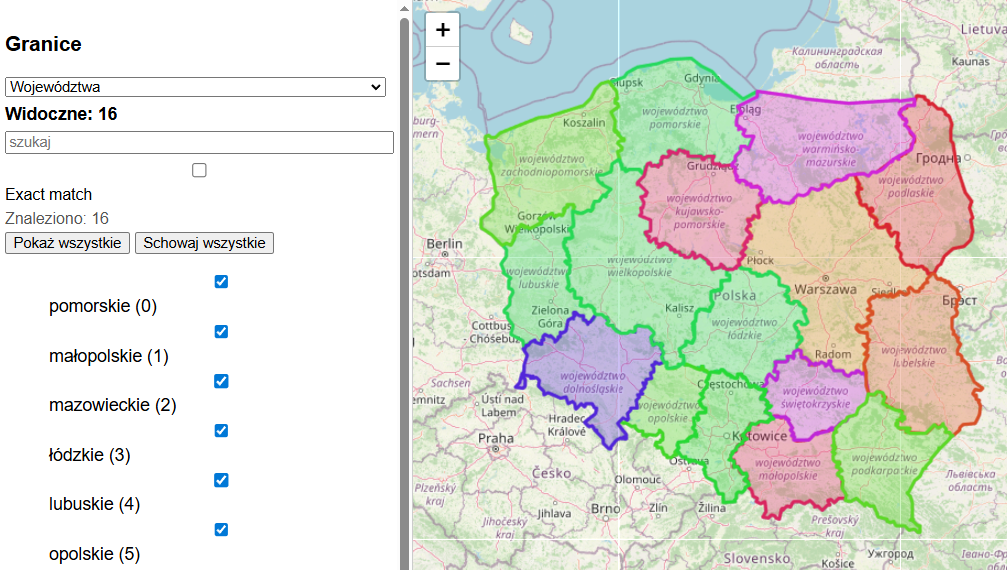
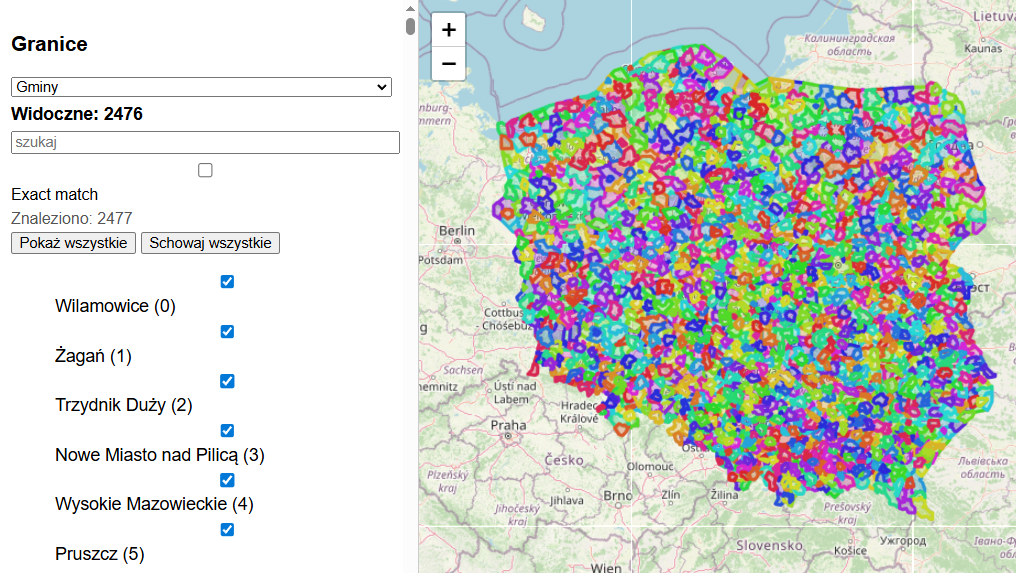
The page is a simple interface for viewing PRG boundaries in a browser. On the left we have a panel: layer selection, search engine, checkboxes and "Show all / Hide all" buttons. On the right, the Leaflet map with OSM underlay.
Just please don't confuse PRG with OSM here - OSM is just a pad/background, the borders go from PRG, from files on disk. The backend does not use OSM at all!
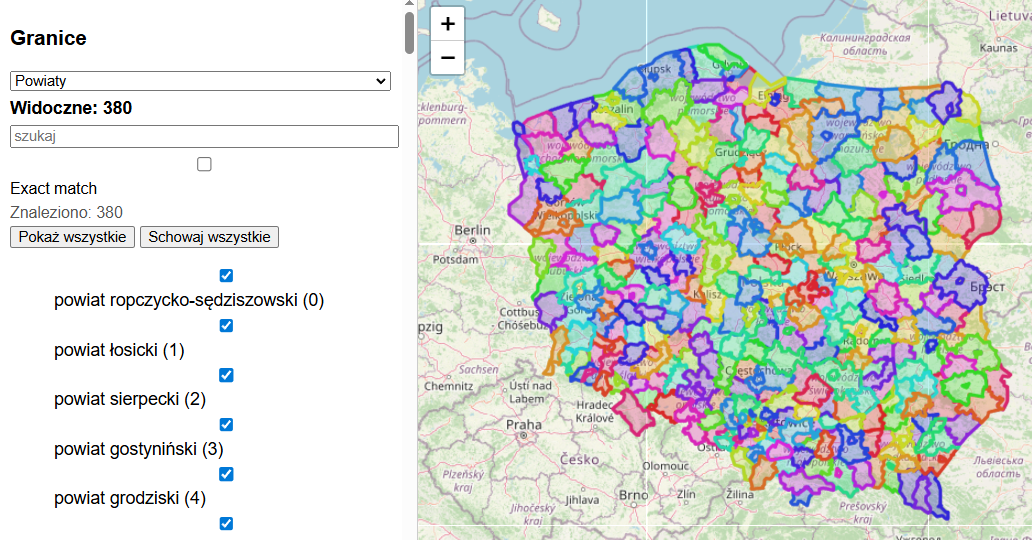
Clicking on an entity in the list or on the map turns its border on/off, which is drawn in a random colour. The number of visible objects updates dynamically and the map adapts the view to the polygons displayed, so up to several thousand shapes can be displayed at once.
Screenshots - Poland:
Provinces (16 polygons):
 Counties (380 polygons)
Counties (380 polygons):
Municipalities (2476 polygons):
Units (3212 polygons):
 Units
Units
Circles (53925 polygons):
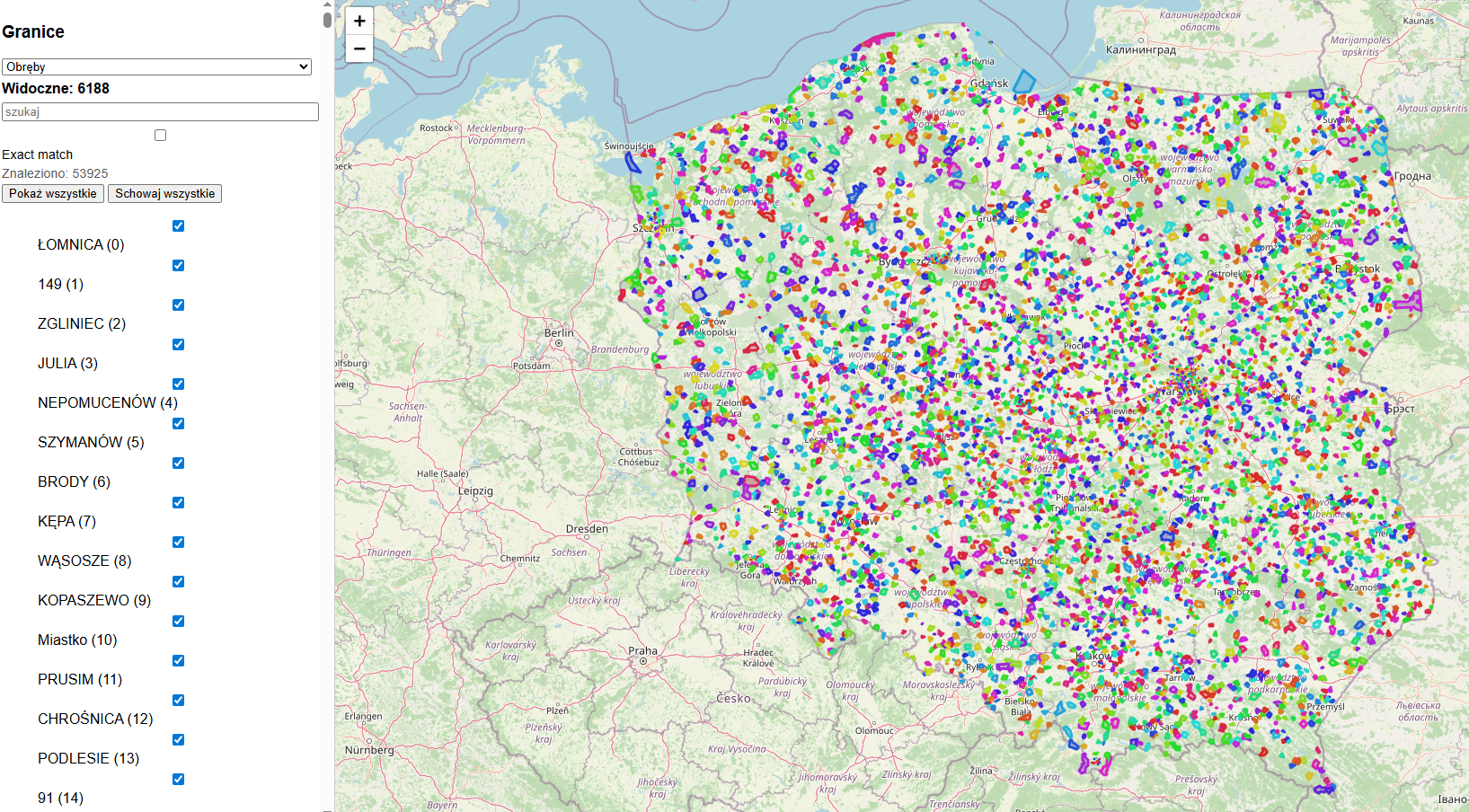
There are already too many of these to show everything....

Presentation of the API
We already have Flask to handle HTTP, and we have already loaded data from Shapefile into separate layers. Now it's easy to add support for simple queries for information about what's at a given latitude and longitude. For the sake of clarity, I have opted for a GET query format, because then the arguments can be seen in the URL itself. Optionally, you can provide the name of the layer to be queried. Example endpoint:
Code: Python
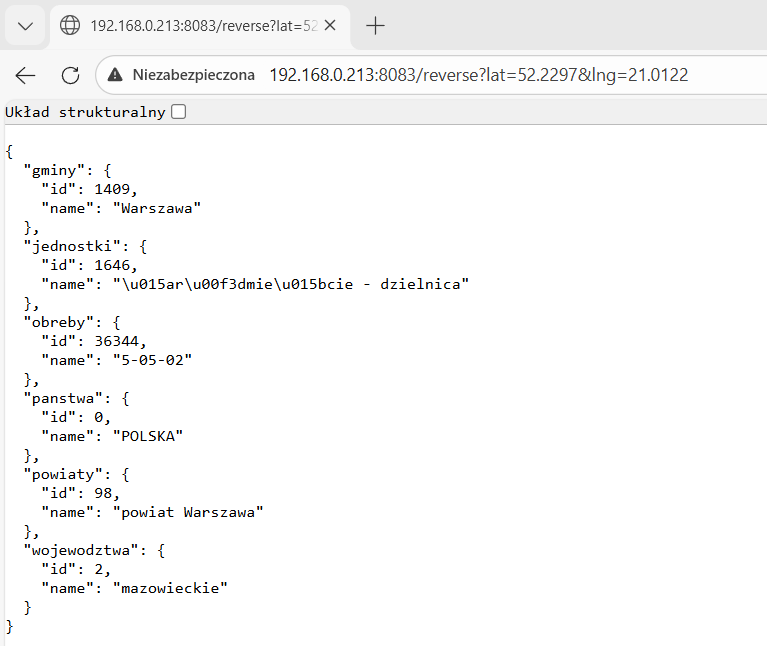
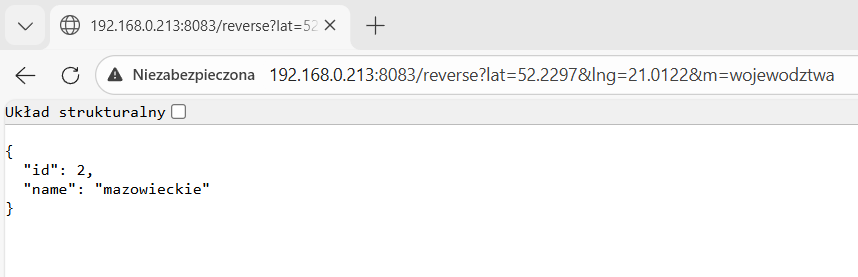
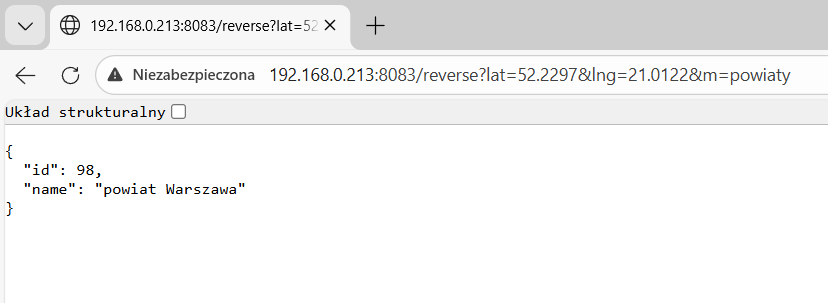
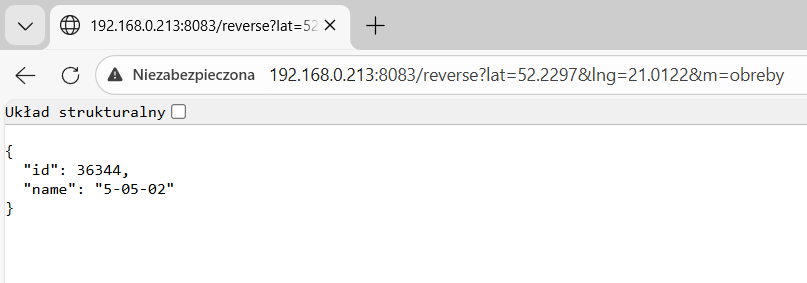
Demonstration code
For review and commissioning:
Code: Python
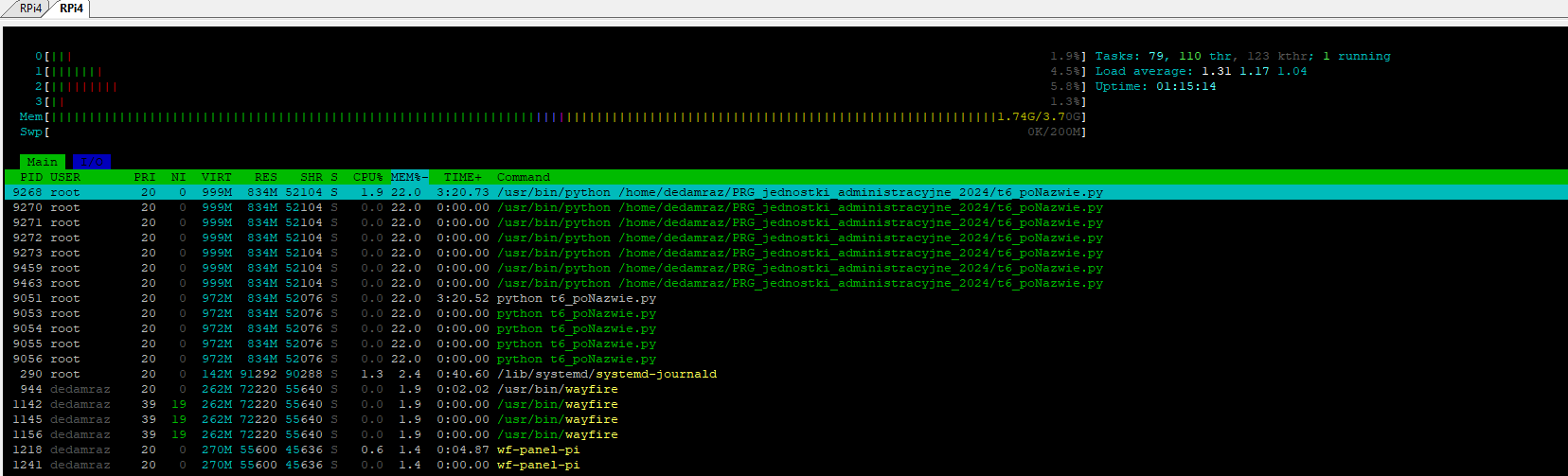
Screenshot of the tests (but without the hoops) on the Raspberry:
Summary
With this simple Flask server and Shapefile support from GeoPandas, I was able to run my own reverse geocoding for zones from PRG, all with no limits and up-to-date data. The whole thing lends itself well to a variety of experiments and services, as long as all you need is a map of our country and you don't need accurate address data (streets, etc.), as PRG doesn't have it.
In addition, I enriched the system with a simple control/test panel running in the browser thanks to the Leaflet library - I use layers from OpenStreetMap as a background there, which is already downloaded directly from the Internet, but I don't consider it a problem. The main thing is that the actual reverse geocoding works just fine on the Raspberry.
Now you can use this for your own projects, without worrying about limits - the free Nominatim API for reverse geocoding has a limit of 1 query per second and doesn't allow for bulk querying, and here we can explore the map to our heart's content, as much as our CPU will allow.
Have you used a map API such as OSM or similar, and if so, for what?
Cool? Ranking DIY Helpful post? Buy me a coffee.

