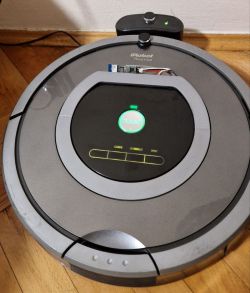
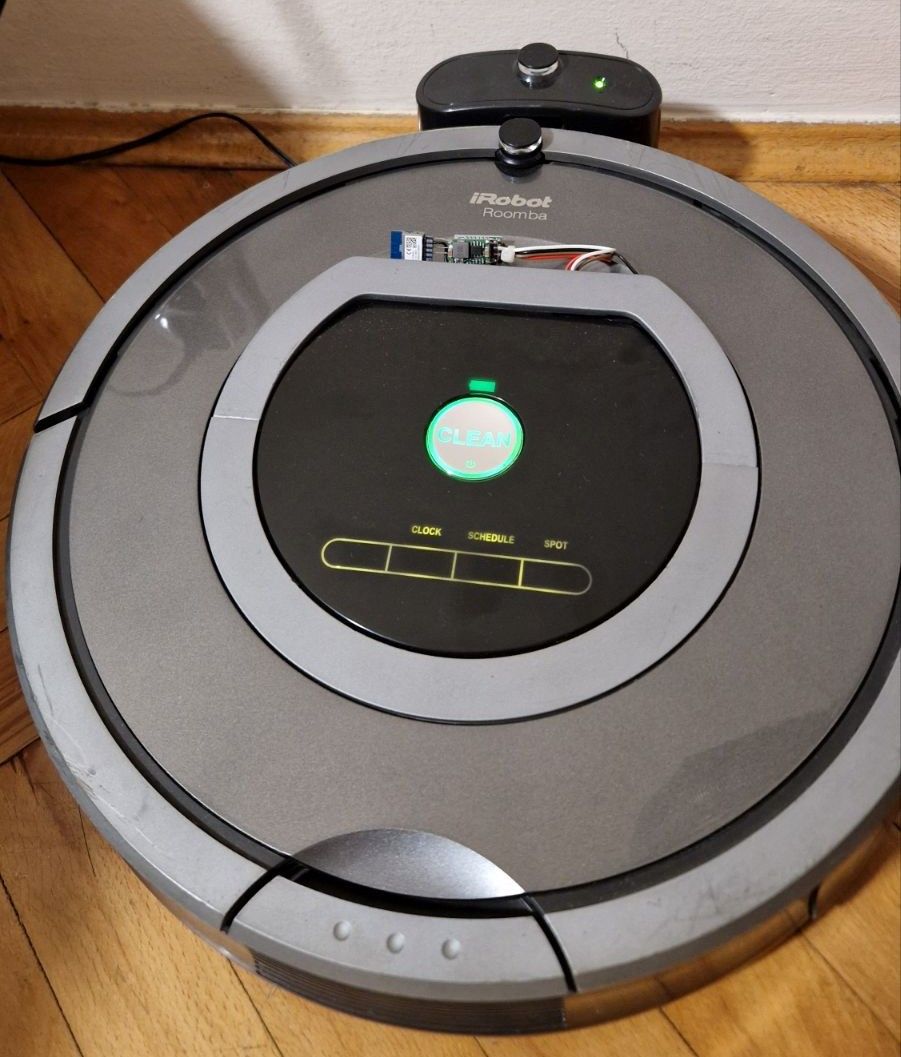
Here I will show how to make and connect a custom remote control module for iRobot Roomba 500-800 series hoovers. The control will be via Wi-Fi and will offer ready integration with Home Assistant via MQTT. The hoover modified in this way will be able to work according to a schedule, follow sent commands and will operate fully cloudless. This solution is particularly useful for older Roomba models that do not have factory network connectivity.
In the previous section...
Let's start by recalling the previous topic in the series. There, the communication protocol was discussed and an early prototype was presented:
Home remote control for Roomba hoover - UART interface - control via WiFi [EN]
Home remote control for Roomba hoover - UART interface - control via WiFi [EN]
Now we've gone a step further, so it's time to see what's changed.
Hardware required
We have implemented the project in
our environment on 33+ platforms , so you will need some supported Wi-Fi module. You can check the support status
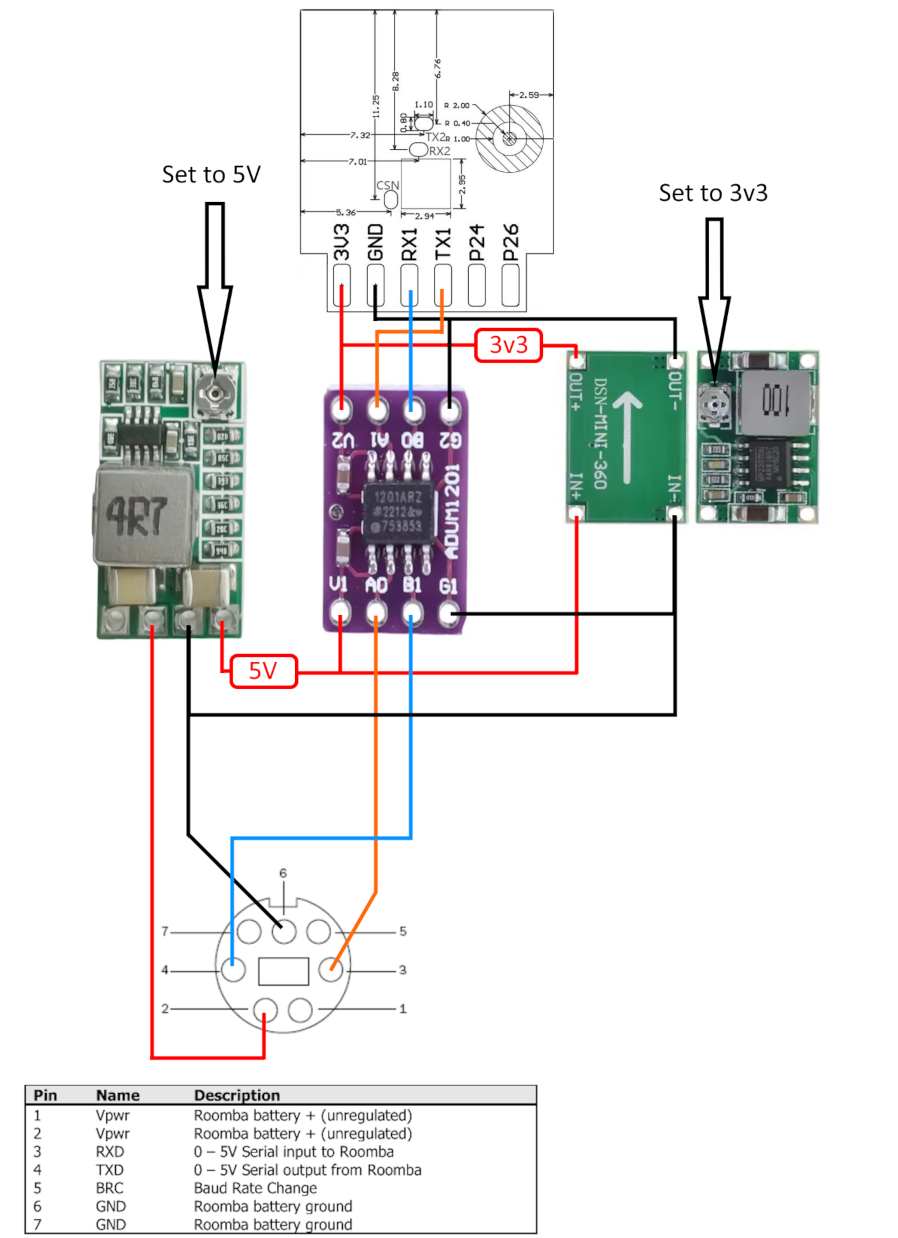
on the repository but in the big picture, some sort of Beken or ESP32 will probably suffice. You'll need inverters from the power supply (because we have battery voltage on the connector from the Roomba) and a UART level converter, as in the diagram:
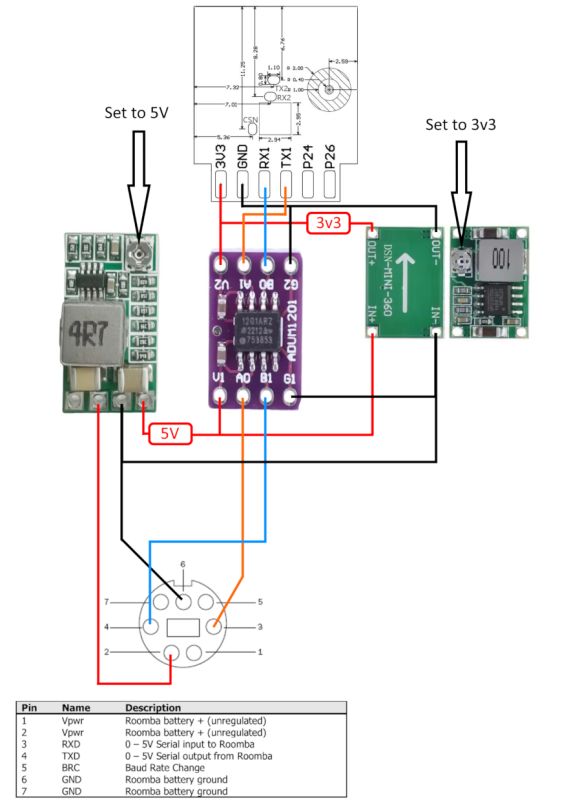
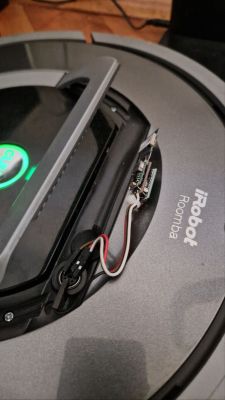
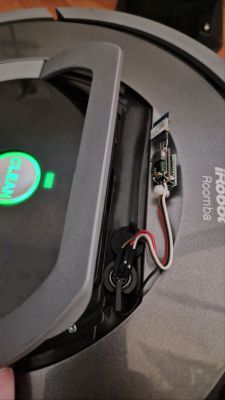
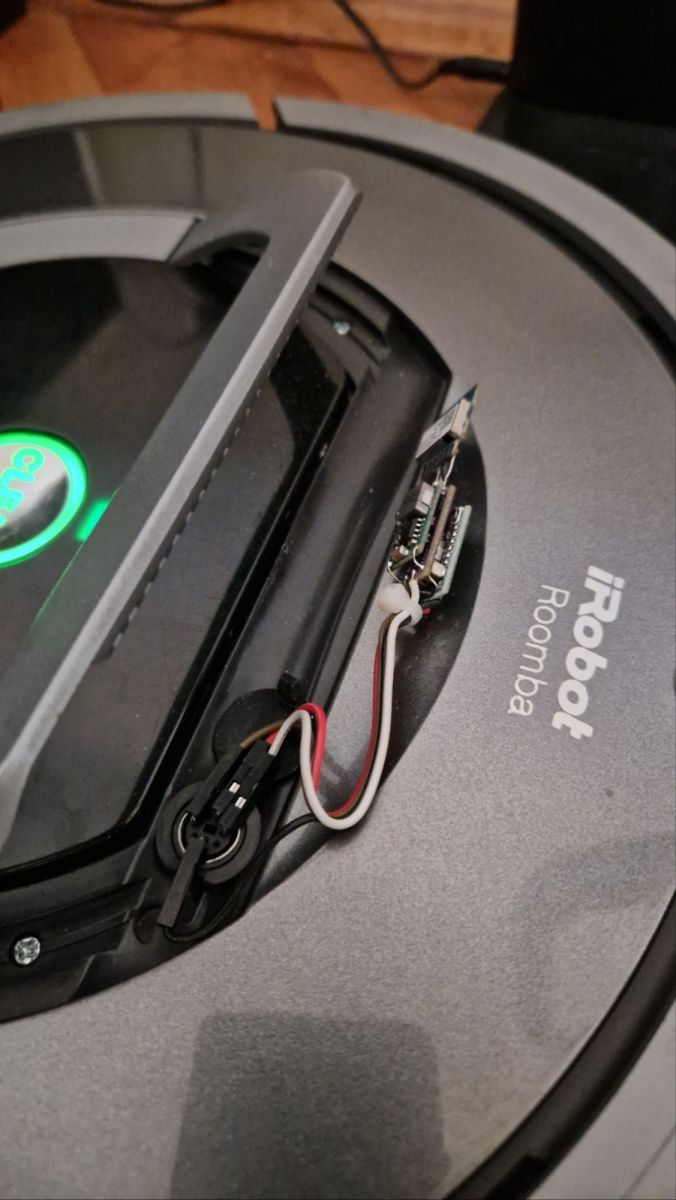
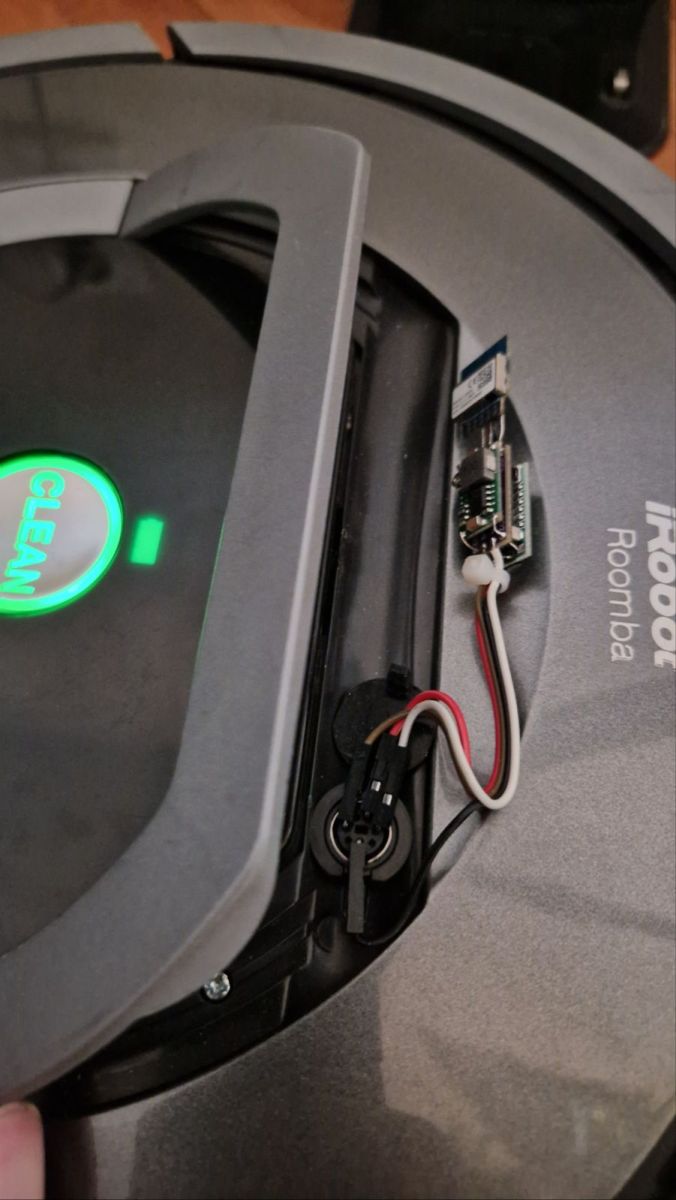
The logic level converter is needed because the Roomba's UART interface works with voltages different from most common Wi-Fi modules. Without it, a direct connection could lead to damage to the microcontroller or unstable communication. We managed to sandwich the module together.
 Required firmware
Our batch, compiled with Roomba support of course, needs to be uploaded onto the Wi-Fi module. ENABLE_DRIVER_ROOMBA must be enabled in obk_config.h for our platform. You can compile online:
System online builds OpenBeken - firmware compilation for all platforms on Github [EN]
System online builds OpenBeken - firmware compilation for all platforms on Github [EN]
Can be uploaded with our flasher:
https://github.com/openshwprojects/BK7231GUIFlashTool
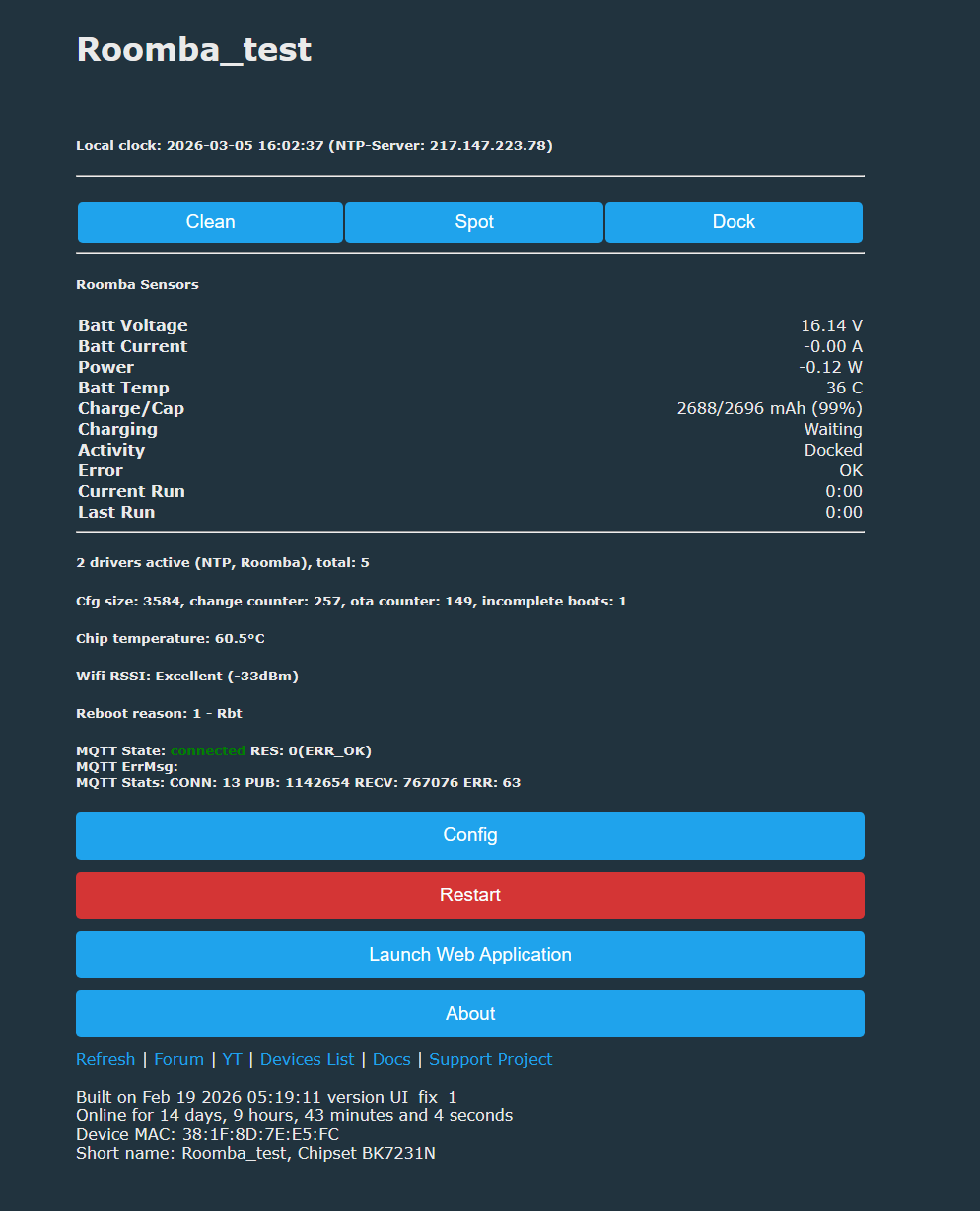
We should get the controls on the device web page:
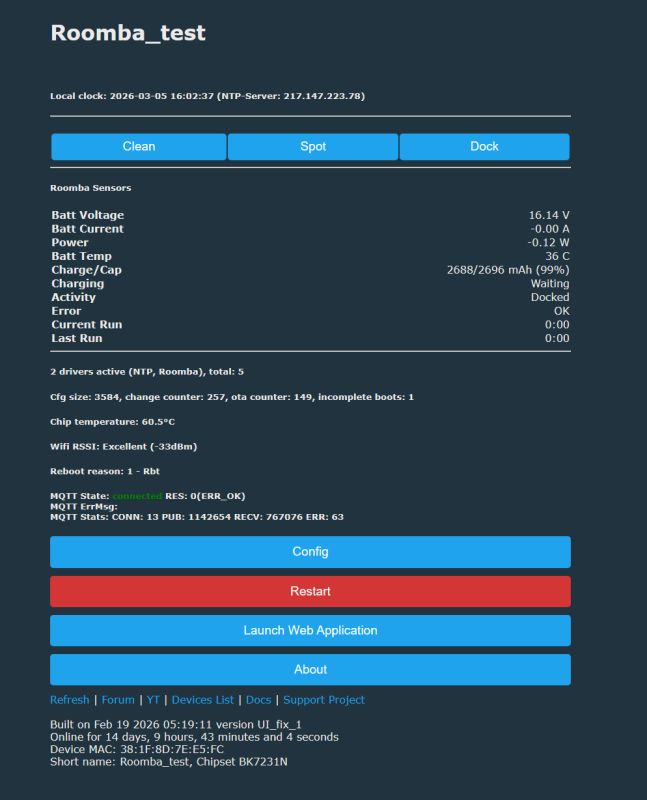
From the web interface you can also check the status of the UART connection and verify that the hoover is responding to the commands sent by the firmware.
Integrate Home Assistant
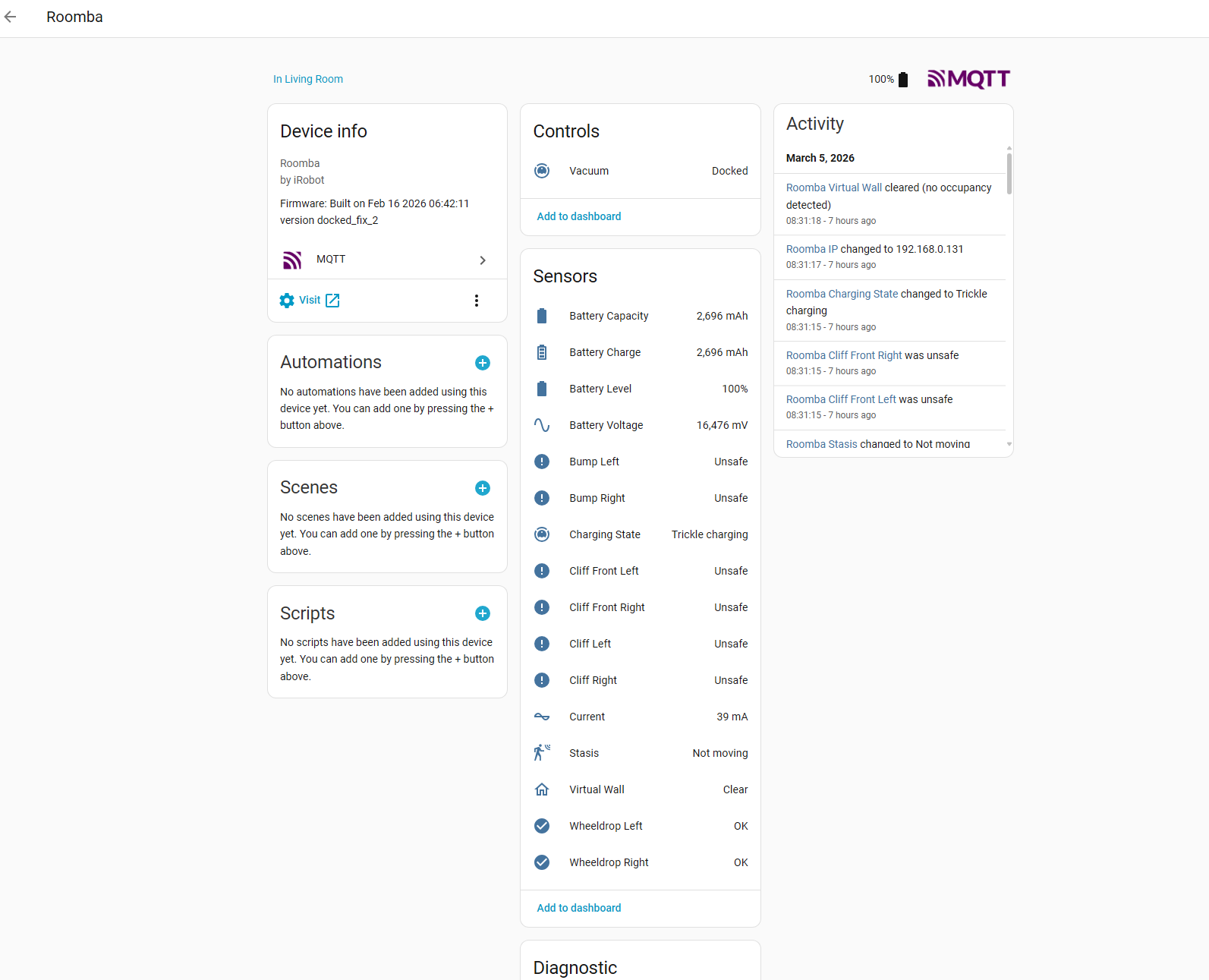
It is enough to perform the classic HASS Discovery, as on other OBK devices:
This way we get full readings in Home Assistant, together with correct
integration of the vacuum cleaner .
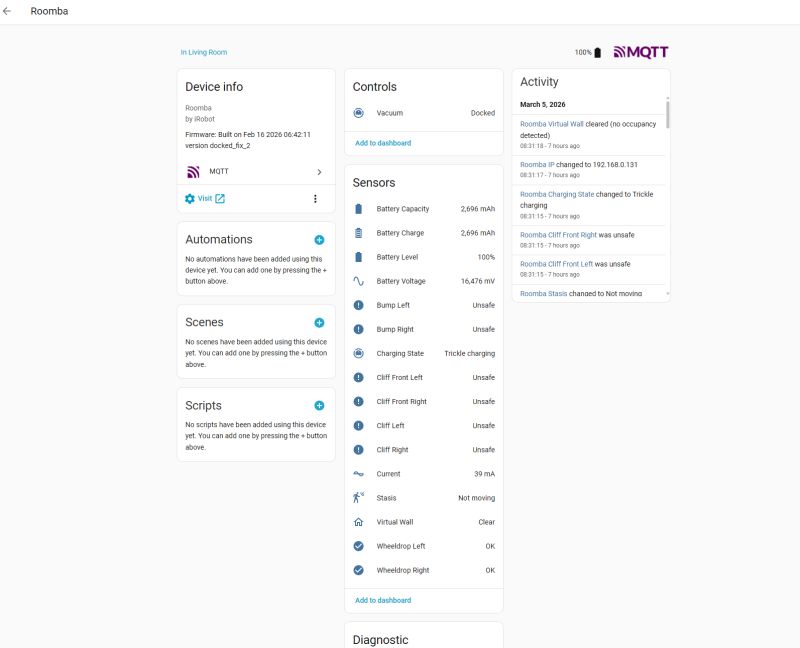
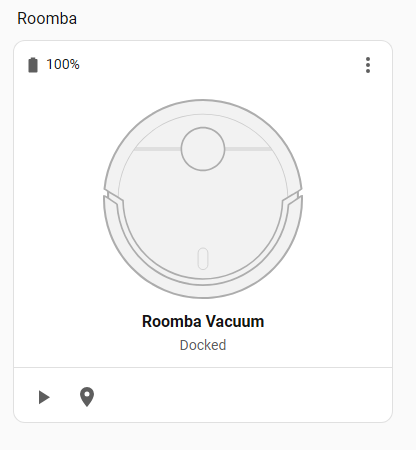
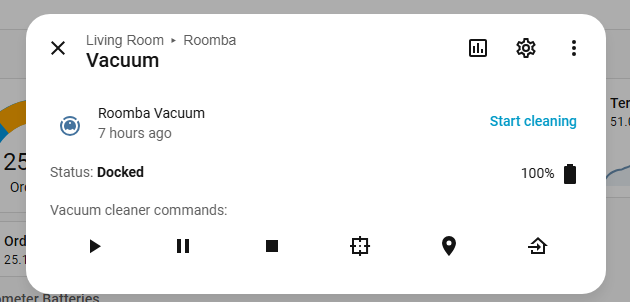
This gives us dedicated controls, docking status, etc:
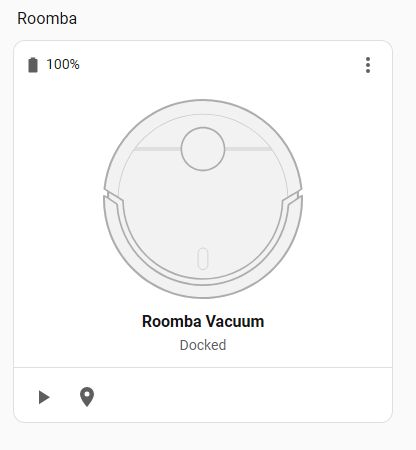
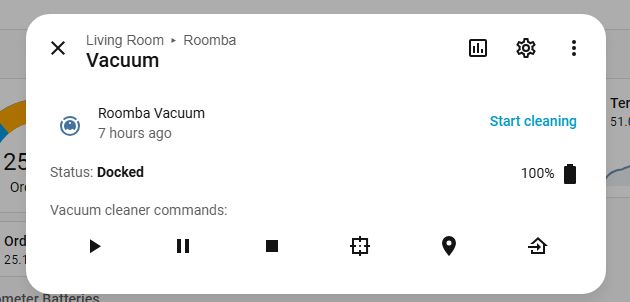
Once the device has been correctly detected in Home Assistant, it will appear as a vacuum entity. This makes standard HA services such as start, stop, return to base or cleaning mode available.
 Summary
In summary, this integration gives us full control of the hoover from the Home Assistant. In it, we can read data, such as battery, sensor and charging status, and control the hoover - start and stop a cleaning session. By force, this also becomes compatible with HA's automations and schedules, so we can tailor the operation of the device to our individual needs.
Do you have a hoover paired with Home Assistant, and if so, through what integration?
Interesting links:
Project repository:
https://github.com/openshwprojects/OpenBK7231T_App
Flasher to upload firmware:
https://github.com/openshwprojects/BK7231GUIFlashTool
Supported devices:
Used materials:
https://www.home-assistant.io/integrations/vacuum/
https://github.com/denysdovhan/vacuum-card






Comments
And wasn't it recently the Chinese who bought an iRobot Roomba to acquire data from the cloud? This was written a few days ago. [Read more]
unfortunately this is true. [Read more]