logo elektroda
logo elektroda
X
logo elektroda

Flashing Instructions for the W600 Board: A Misled Buyer's Guide

skyvladik 2166 10
Best answers LABEL_AI_GENERATED

How do I flash a W600 board or module instead of the ESP8285 the seller promised?

To flash a W600 board, connect RX, TX, 3.3 V, and GND, then use the W600 flashing utility wm_tool.exe; as of 2026, BK7231GUIFlashTool also supports W600 read/write with the same soldering and wiring [#20790625][#20795201][#21811294] The board in the thread is identified as T102 W600-V2.0 with chip marking w600-8800, and it appears to be the same module as the linked FCC manual/module [#20787623][#20790625] The thread does not give a confirmed boot-pin procedure, only that the boot signal was still uncertain [#20790625]
AI summary based on the discussion. May contain errors.
ADVERTISEMENT
  • #1 20787066
    skyvladik
    Level 4  
    Posts: 10

    Hello. Please tell me how to flash the board W600. The seller deceived me, promised esp8285, but inside is W600.

  • ADVERTISEMENT
  • W600 board type and updated flash tool support

    #2 20787438
    p.kaczmarek2
    Moderator Smart Home
    Posts: 14797
    Help: 659
    Rate: 12954
    No problem, so, what kind of W600 board you have? How does it look like?


    Update 2026
    As of 2026, this platform read/write is also supported by our flash tool:
    https://github.com/openshwprojects/BK7231GUIFlashTool
    The connection (soldering, wires), is the same, but you can use our tool instead of the legacy one.
    Please check it out and use it instead of legacy tools, let us know how it works for you!
    Helpful post? Buy me a coffee.
  • ADVERTISEMENT
  • #3 20787623
    skyvladik
    Level 4  
    Posts: 10

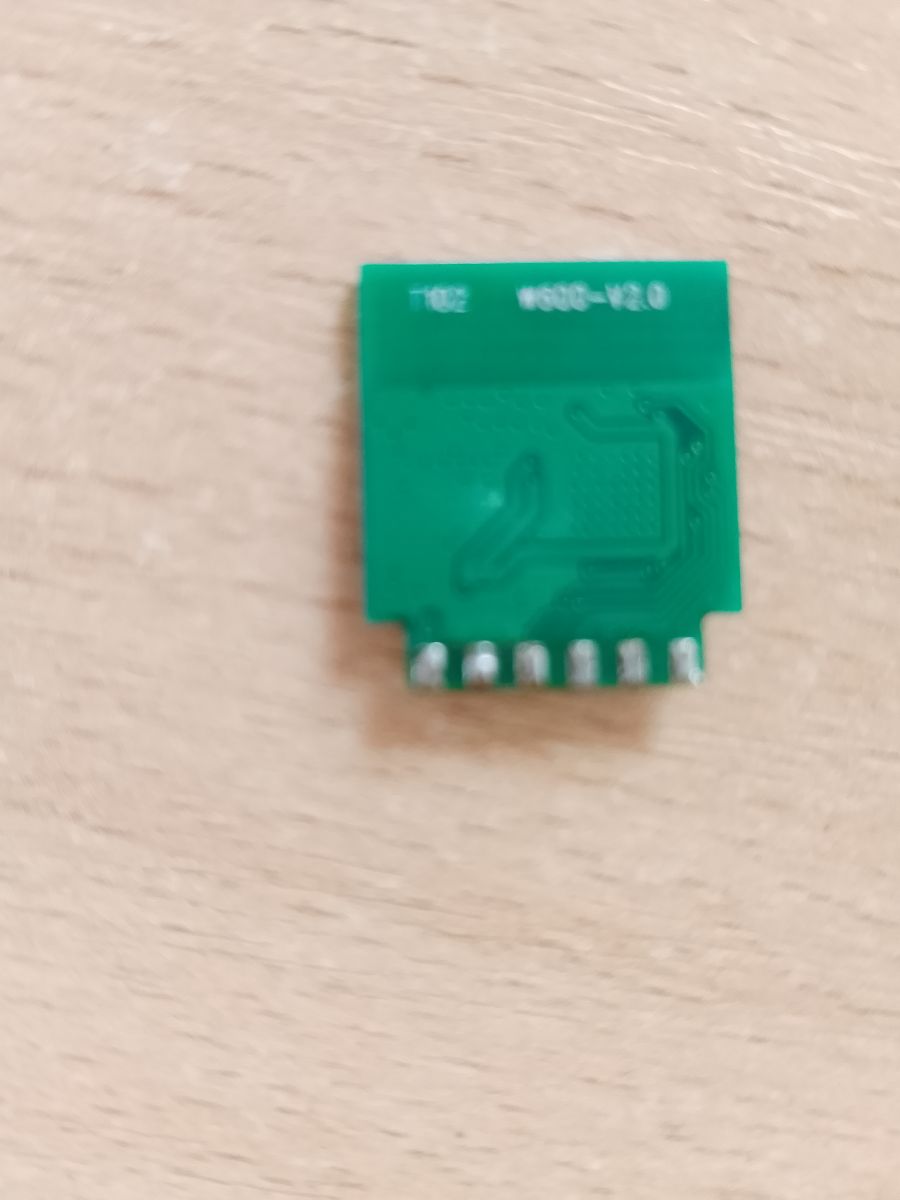
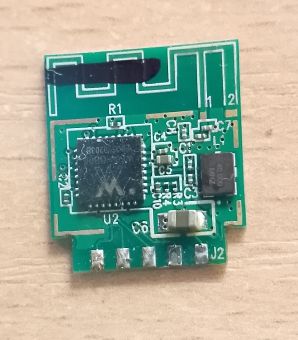
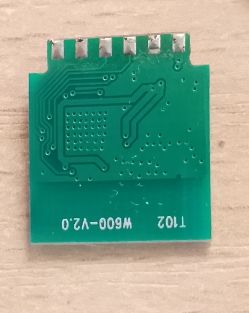
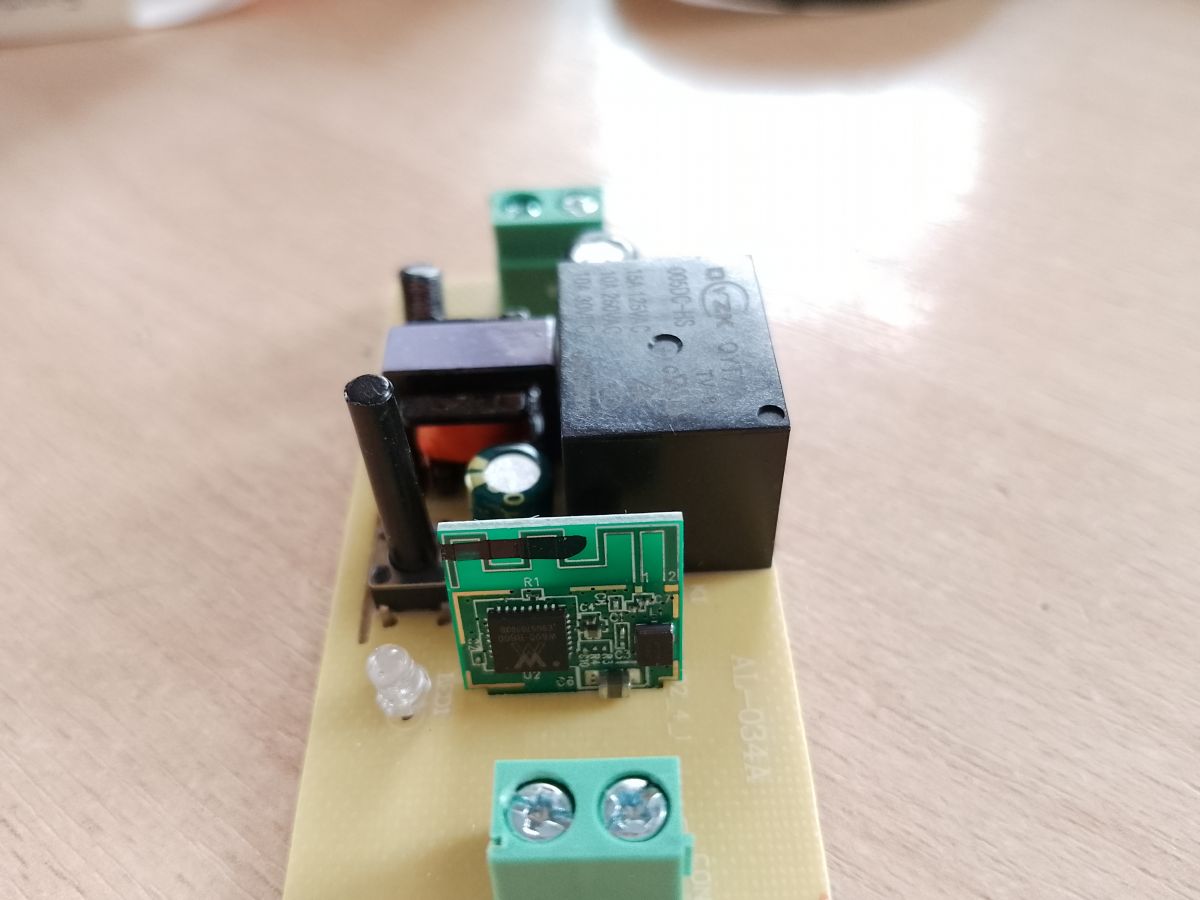
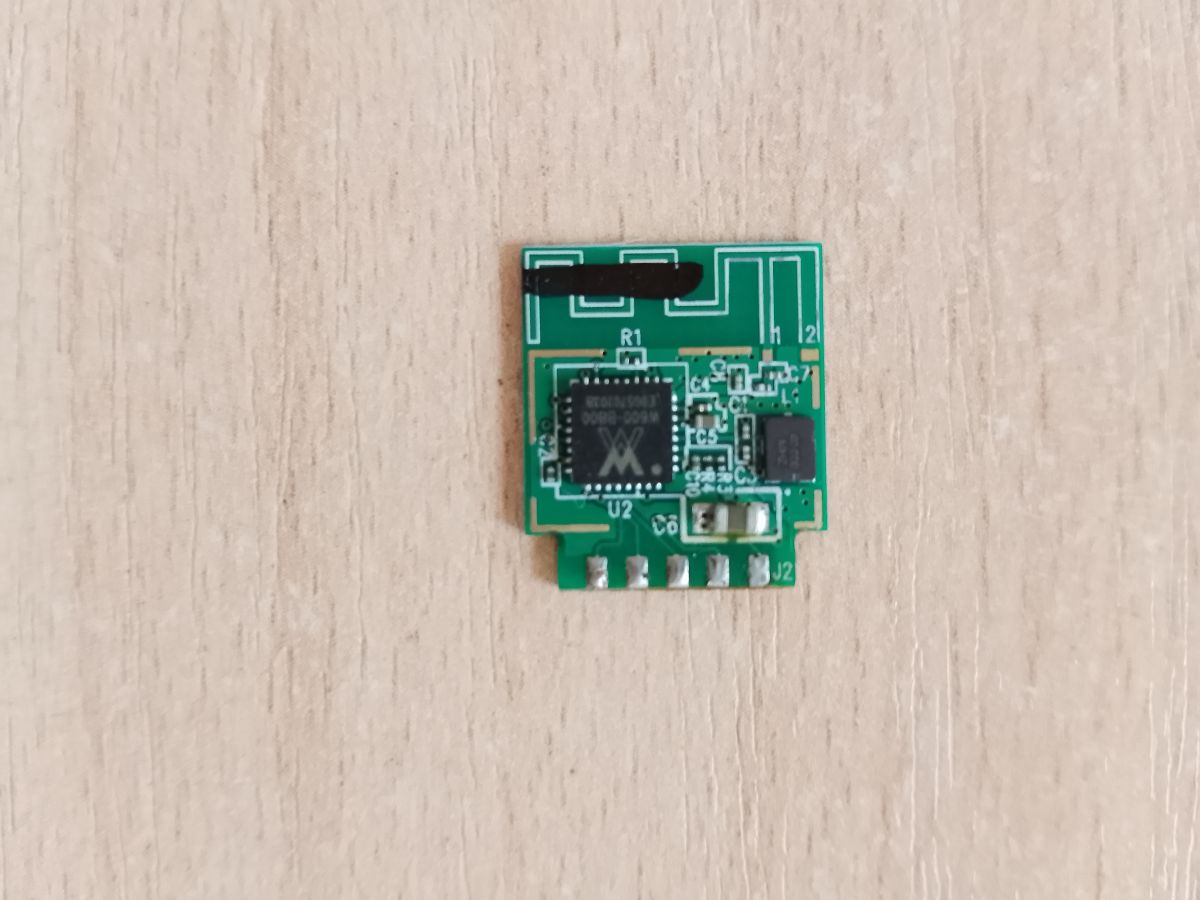
    The inscription on the board is T102 W600-V2.0. The inscription on the chip is w600-8800.

    Added after 3 [minutes]:

    Electronic module with visible chip and relay on a circuit board.
  • #4 20787742
    p.kaczmarek2
    Moderator Smart Home
    Posts: 14797
    Help: 659
    Rate: 12954
    Are there any pads on the back of this WiFi module?
    Helpful post? Buy me a coffee.
  • ADVERTISEMENT
  • #6 20790449
    p.kaczmarek2
    Moderator Smart Home
    Posts: 14797
    Help: 659
    Rate: 12954
    They didn't print a markings on pads... not good.

    Okay, now show us the other side of the board.

    Futhermore, can you create a high-quality photo of the board so we can see where the traces go?
    Helpful post? Buy me a coffee.
  • ADVERTISEMENT
  • #8 20790625
    p.kaczmarek2
    Moderator Smart Home
    Posts: 14797
    Help: 659
    Rate: 12954
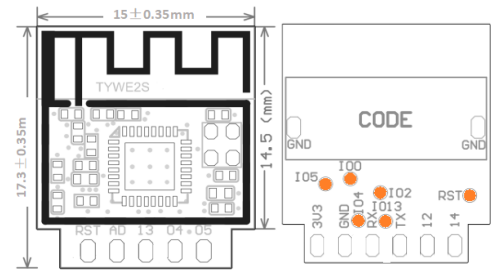
    Diagram of the TYWE2S module with marked pins.
    I 'd guess, connect RX, TX and 3.3V and GND... but I am not sure about boot signal.

    Added after 32 [seconds]:

    Isnt it that module?
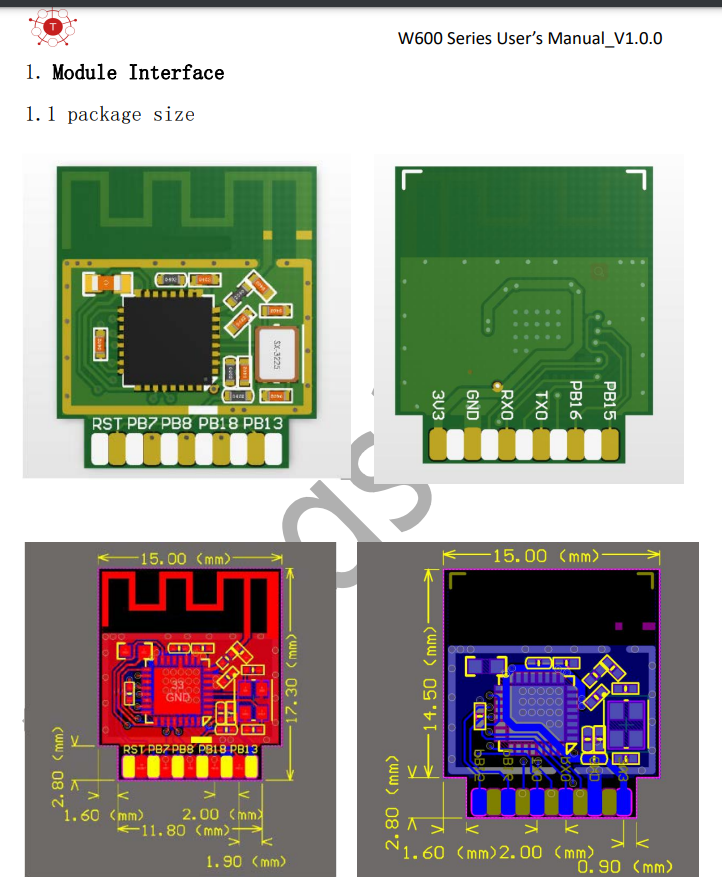
    https://fccid.io/2ASQV-TW-03/User-Manual/User-manual-4210975.pdf
    Diagram of W600 interface module with pin labels and dimensions.
    Helpful post? Buy me a coffee.
  • #9 20795197
    skyvladik
    Level 4  
    Posts: 10
    Yes, it looks like this module. Tell me how to flash this module. I don’t understand what program is needed and where to get the firmware for the w600.
  • #10 20795201
    p.kaczmarek2
    Moderator Smart Home
    Posts: 14797
    Help: 659
    Rate: 12954
    Hello, here is a short W600 flashing guide, which shows which program you should use (wm_tool.exe) and which console command you should type in the terminal:


    Helpful post? Buy me a coffee.
  • #11 21811294
    p.kaczmarek2
    Moderator Smart Home
    Posts: 14797
    Help: 659
    Rate: 12954
    Update 2026
    As of 2026, this platform read/write is also supported by our flash tool:
    https://github.com/openshwprojects/BK7231GUIFlashTool
    The connection (soldering, wires), is the same, but you can use our tool instead of the legacy one.
    Please check it out and use it instead of legacy tools, let us know how it works for you!
    Helpful post? Buy me a coffee.

Topic summary

LABEL_AI_GENERATED
The discussion concerns flashing a W600 Wi‑Fi module that was sold as an ESP8285 board. The board is identified as T102 W600‑V2.0 with a W600‑8800 chip, and photos of both sides and the pad layout are examined to determine the programming interface. The suggested flashing approach is to connect RX, TX, 3.3 V, and GND, with uncertainty about the boot signal/pads. A short flashing guide is referenced, indicating wm_tool.exe as the legacy W600 flashing utility and a terminal command for firmware upload. A 2026 update notes that read/write support is also available in BK7231GUIFlashTool, using the same soldering and wiring method.
AI summary based on the discussion. May contain errors.
ADVERTISEMENT