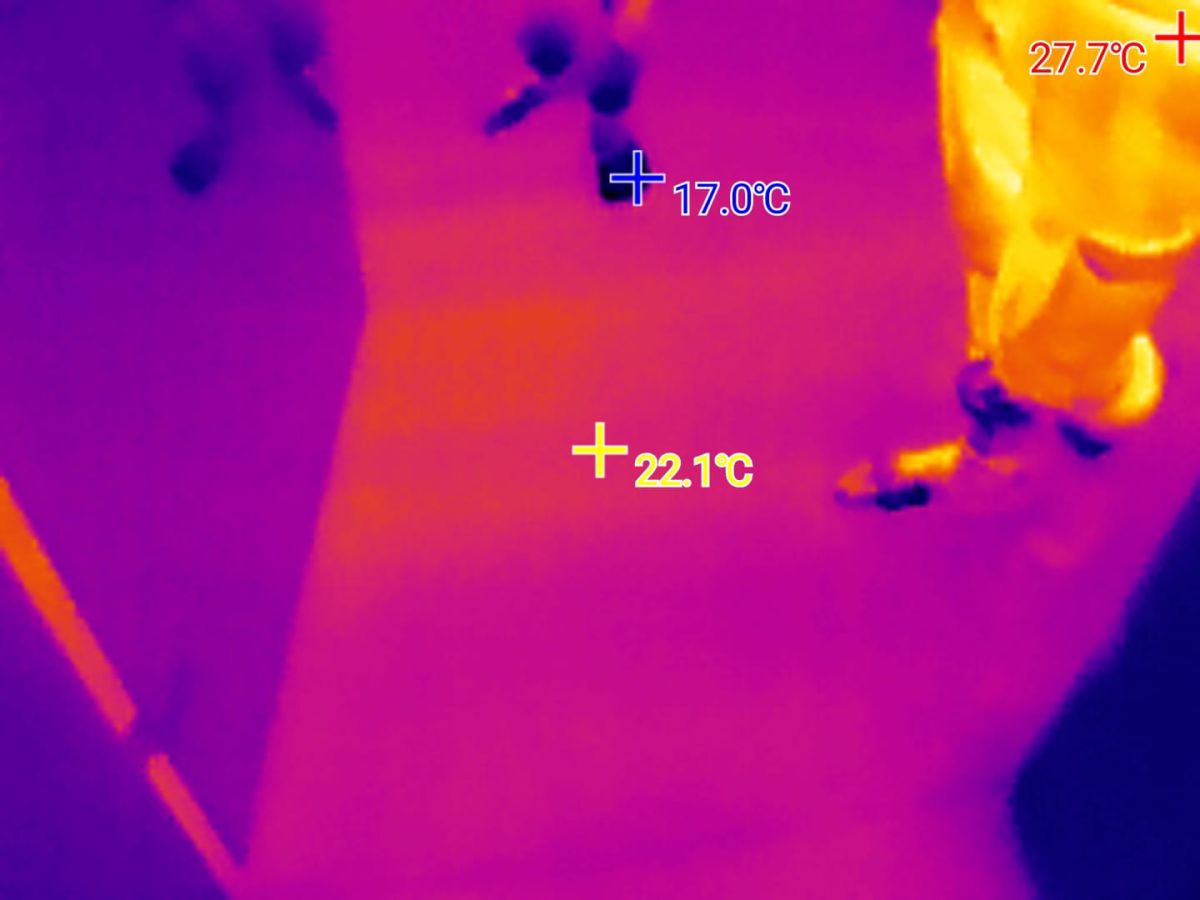
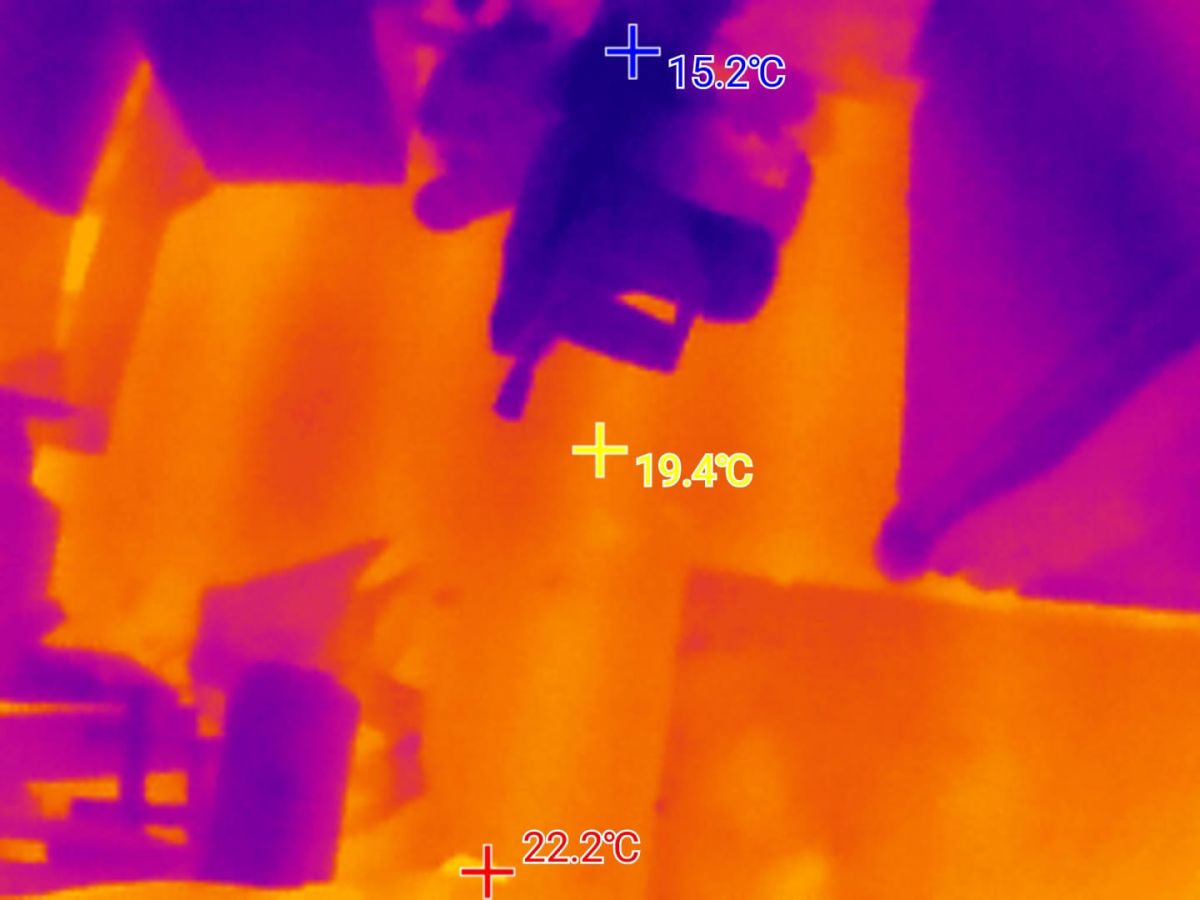
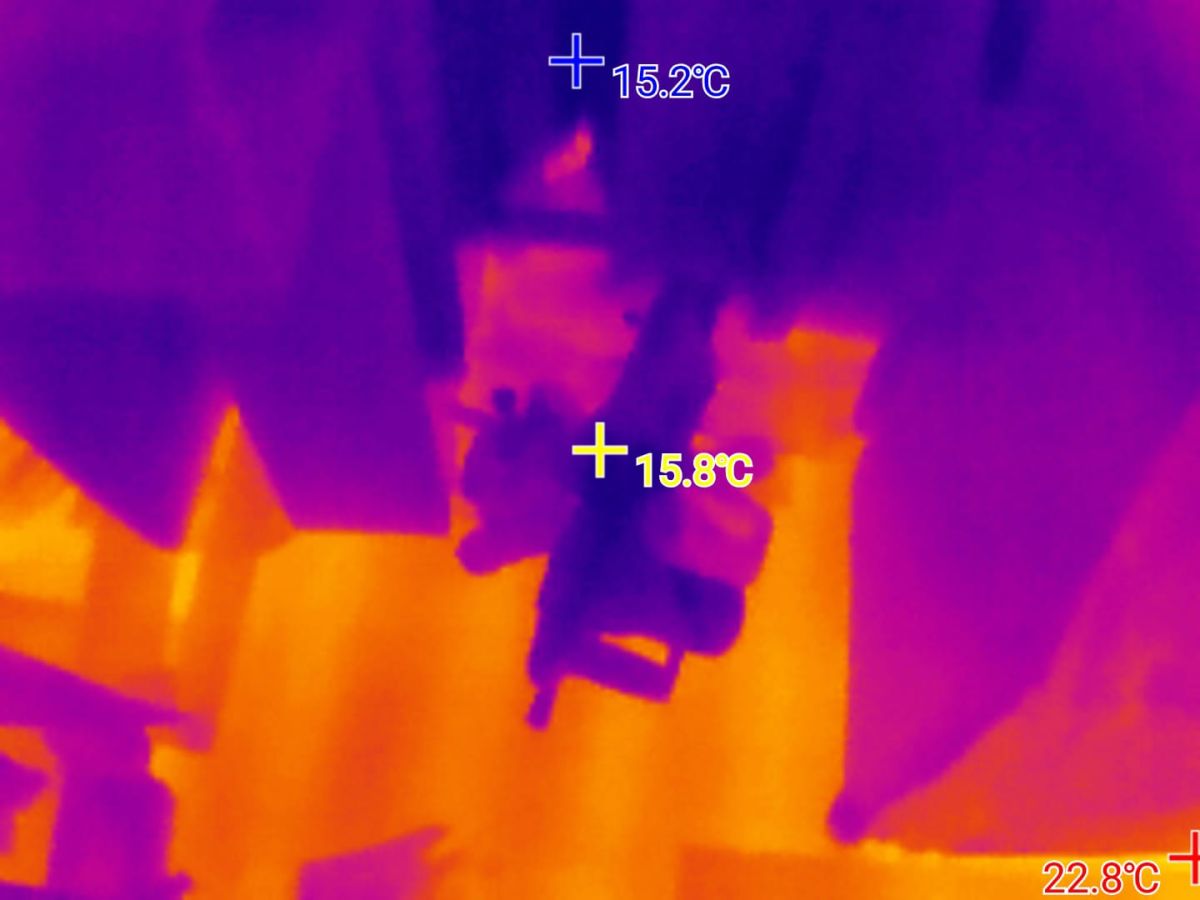
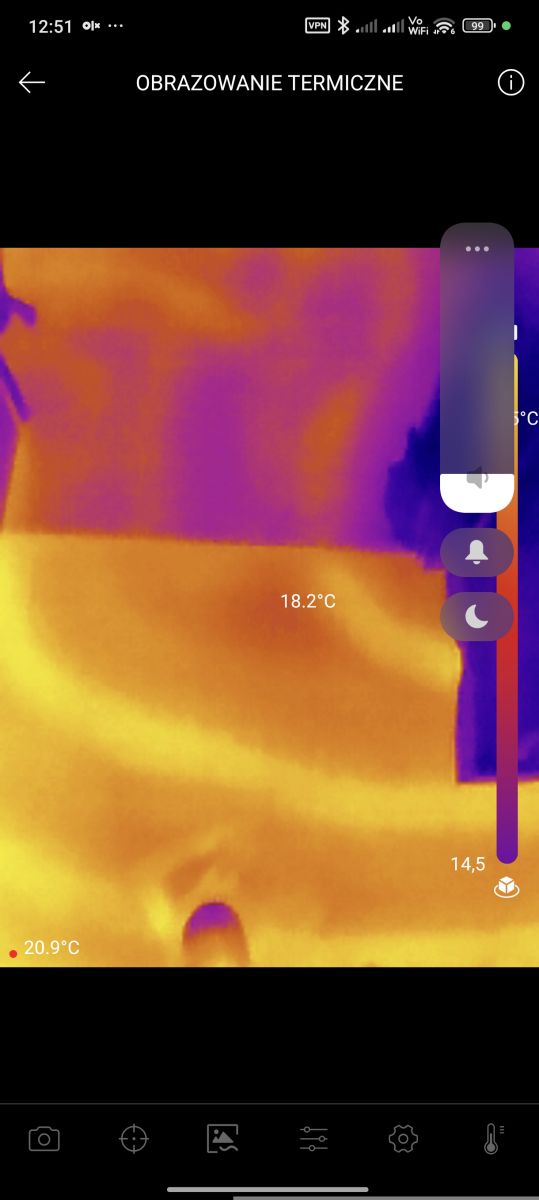
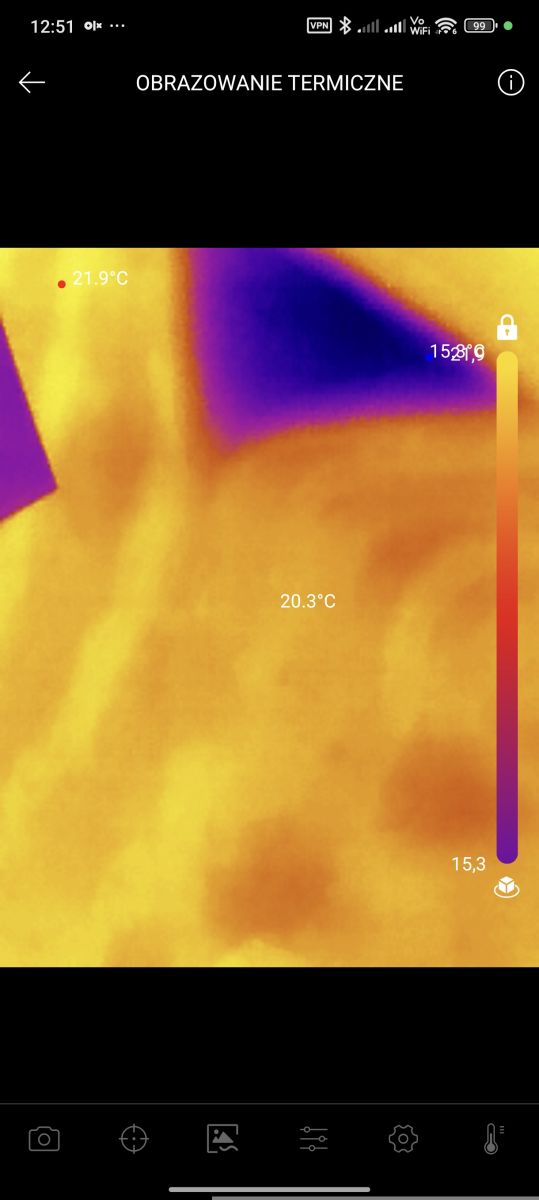
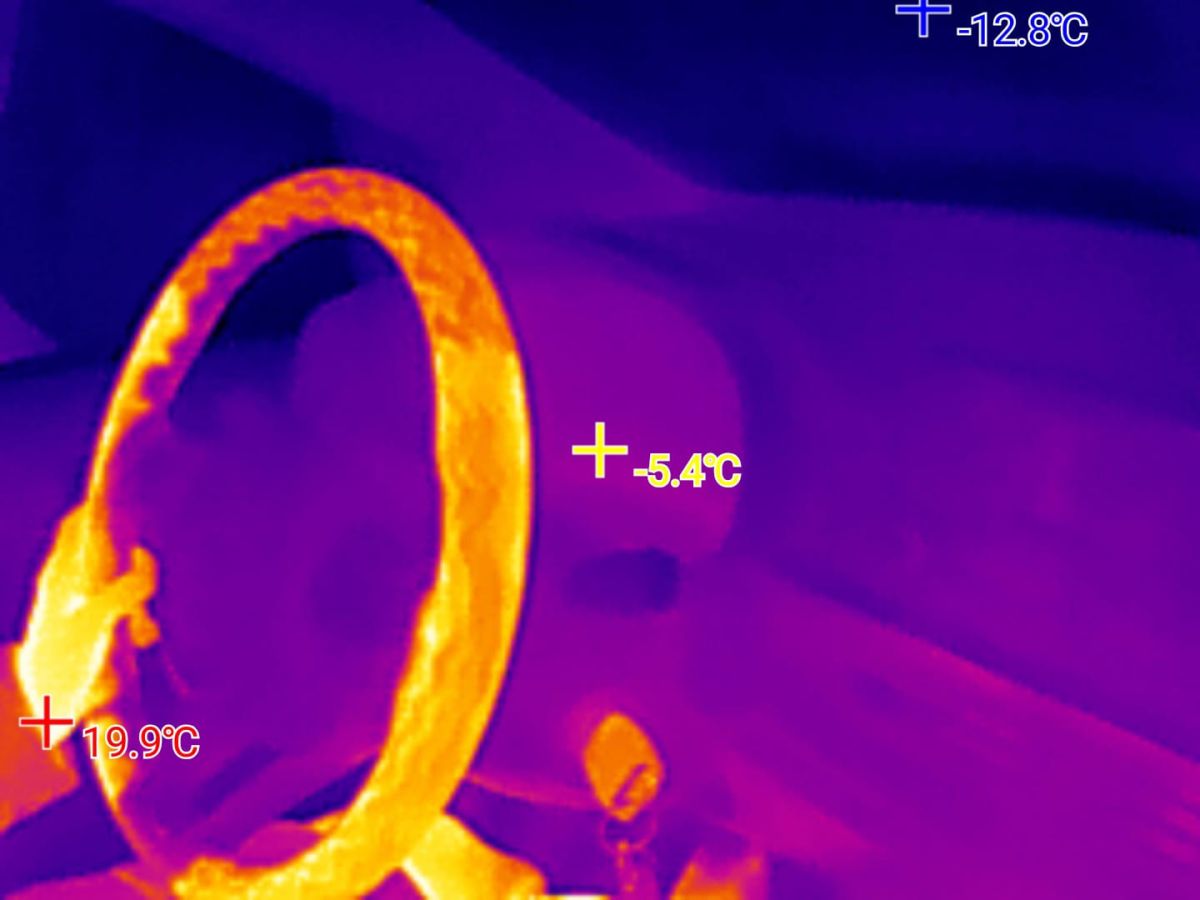
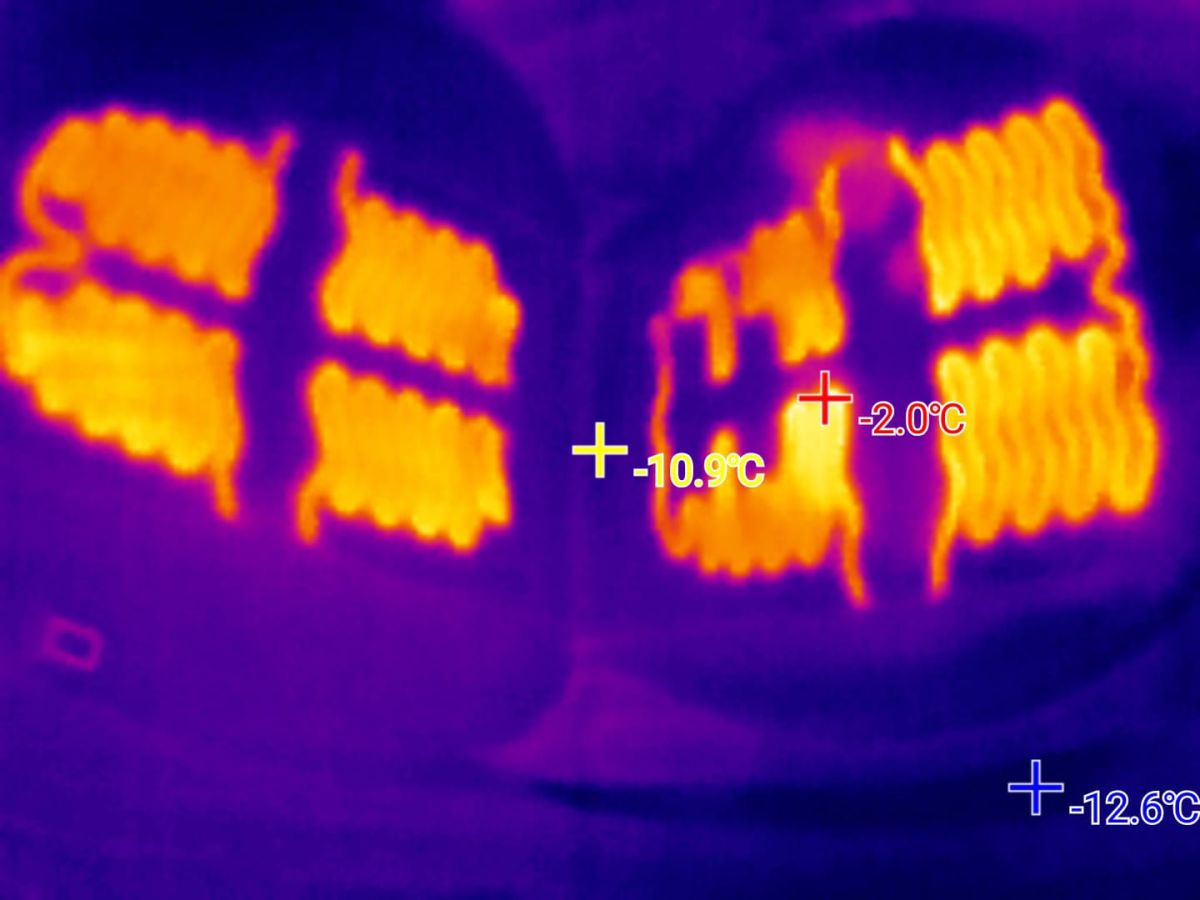
I would like to invite you to a presentation of a compact thermal imaging camera with a resolution of 256×192 and a frame rate of 25 Hz, with a measurement range of -20°C to +600°C. The device works directly with a phone and requires no external power supply. The low power consumption (up to 0.35 W) enables hours of operation without significantly draining the smartphone battery. The camera shown here can be purchased for around PLN800 - PLN1,000 depending on the shop.


Set contents and first commissioning
The camera is available in USB C (for Android) and Lightning (for iPhone) versions. In addition, it is worth noting whether you are buying a kit with a macro lens - this will be essential for electronics.


An extension cable is also included. The macro lens is attached magnetically - it is easy to remove. In addition, we have a lens hood.


The phone detects the camera straight away, although in my case it wanted to run the wrong app as needed.

You need to download P2 pro from Google Play and give it the desired permissions.


The application greets us with a short tutorial and a presentation of its capabilities:


Then we need to accept the privacy policy and grant the mentioned permissions. You need permissions for the camera (allows you to overlay the camera image on the corner of the camera view), for the USB camera itself (of course) and for the files (write and read):


First attempts
I did my first tests even before changing the palette to one more associated with electronics. I also tested everything without the macro lens. The first fire went to everyday objects and my surroundings:

The camera can see the hot spots inside the pulse power supply to the router.

The P2 PRO can also detect if the tea is warm. Analogously with a kettle, you can even judge the water level, even though its casing is not transparent.

Here after the boil has been switched on, and in the background an interesting fact - the supply line is also heating up and the camera can see this. So you can judge which wire is heating up (probably due to the high current):

Here a short test in the fridge - I don't know where the 30°C jumped from:

Laptop power supply - here the walls are thicker and there's probably shielding, so you can't see as well which sections are heating up:

Open window - you can see where the heat is escaping:

Then I changed the palette .
Another interesting test was to see if you could see the heat 'left' by your hand on the table:
Radiators and windows:


Settings:


There is even burn protection - protection against sensor overheating. I have not tested this in practice.
Tests with electronics
This is how the power supply is tested with an LD35 (or LD25) artificial load:

Now it's time for a close-up - after fitting a macro lens:


This is fine, but what about the finer components? A short circuit on an SMD transistor:

And in the macro:

The camera also detects minor heating of the USB cable when charging the phone:
LED light from Tasmota firmware:


LED TV motherboard:


So the transistors and resistor (shunt) from the inverter for the LED backlight are heating up:


The T-Con is also heating up:

With a macro lens - what heats up on the T-Con:


You can even see the transistor heating up in the SOT-23 housing.
Emissivity factor setting
The emissivity setting is key to obtaining reliable temperature measurements, although it can be omitted in cases where you do not care about the numerical value and just want to search for hot and cold spots. This option is available when you click on the 'ball' on the screen, where you can set the ambient temperature, distance to the object and other image parameters.


Available palettes
Let's take a look at some more available colour palettes using an example with a kettle boiling water:

Summary
A very useful gadget. It's hassle-free to launch, the phone is more likely to be carried by everyone anyway, and versions are available for both Android and iPhone. The whole thing is certainly useful for many applications, such as:
- looking for overheating components, short circuits
- looking for hot wires
- finding out where heat is escaping, leaking windows, etc
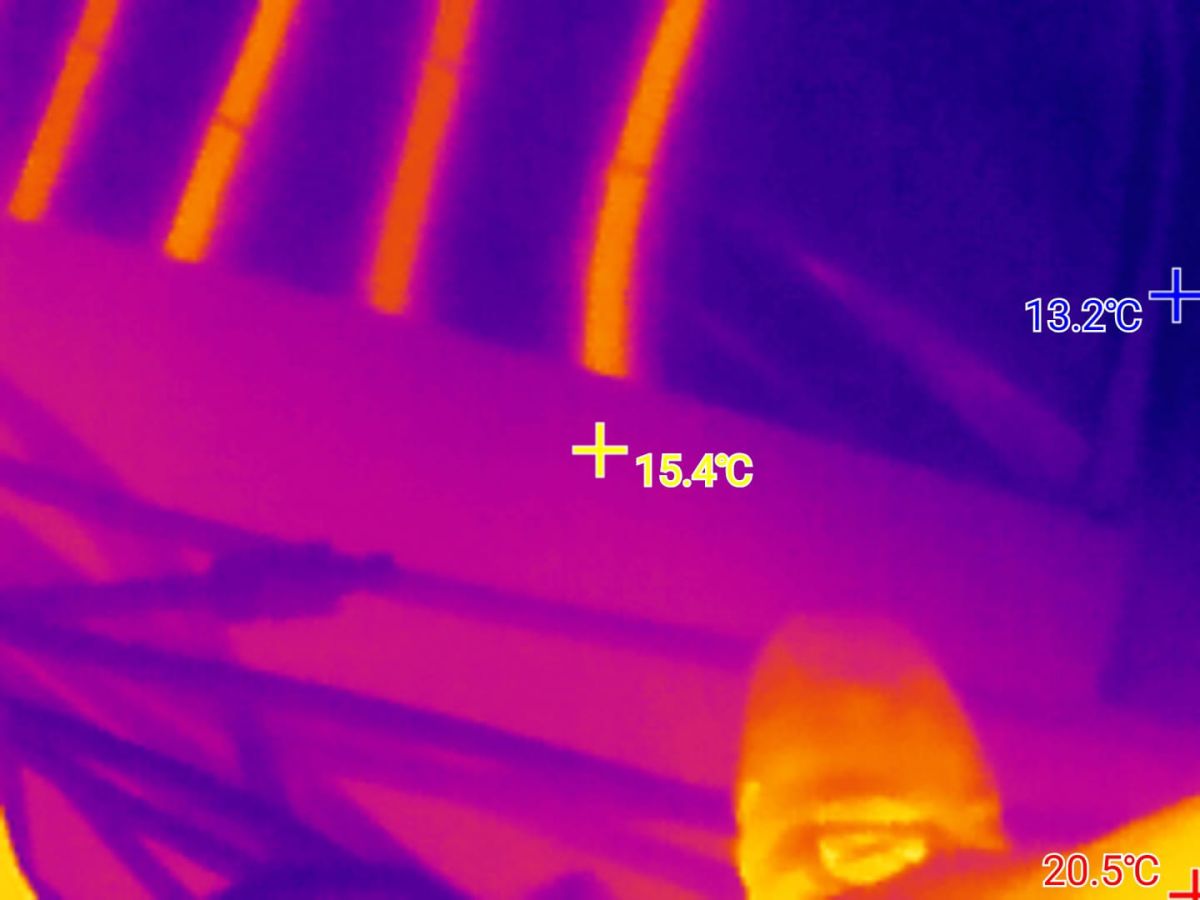
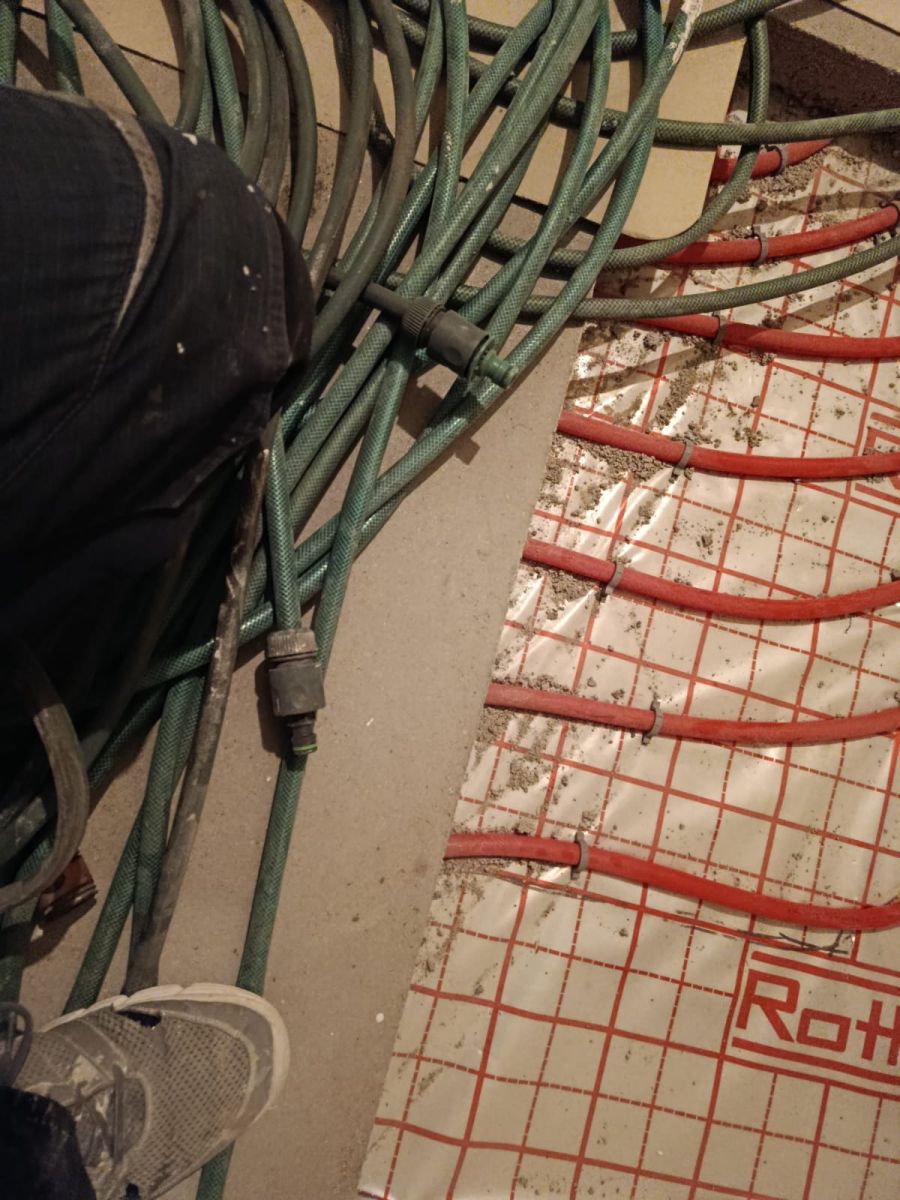
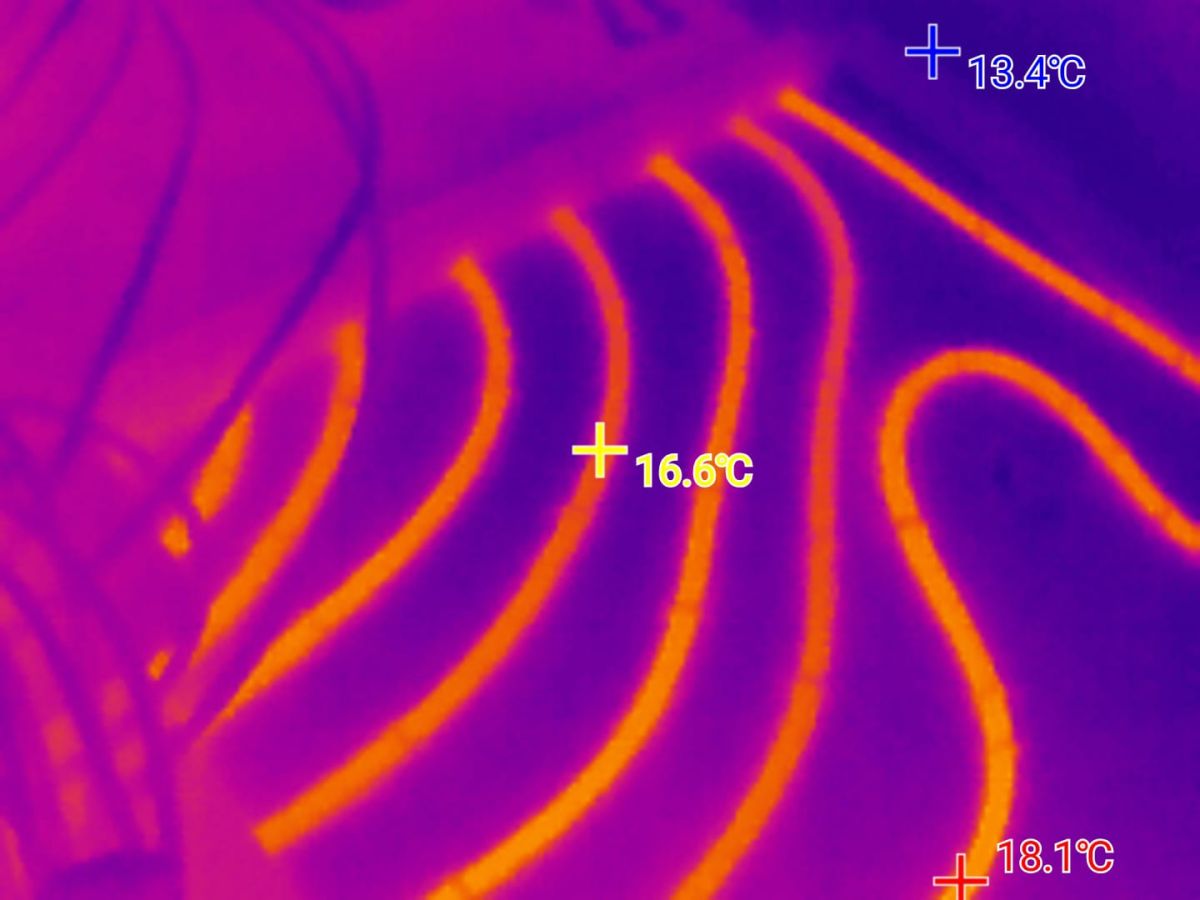
- checking whether heating is working (underfloor heating and more)
What surprised me most, however, was how nicely you can see what is completely imperceptible - e.g. warm fingerprints, etc.
I will definitely find this camera useful for many presentations.
Do you also use thermal imaging cameras, and if so, which models?
Cool? Ranking DIY Helpful post? Buy me a coffee.