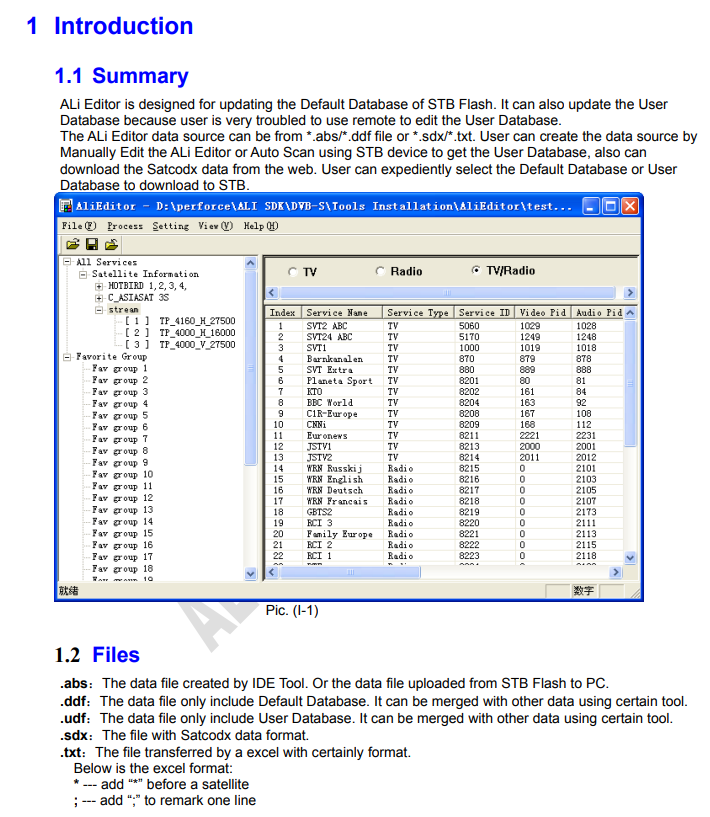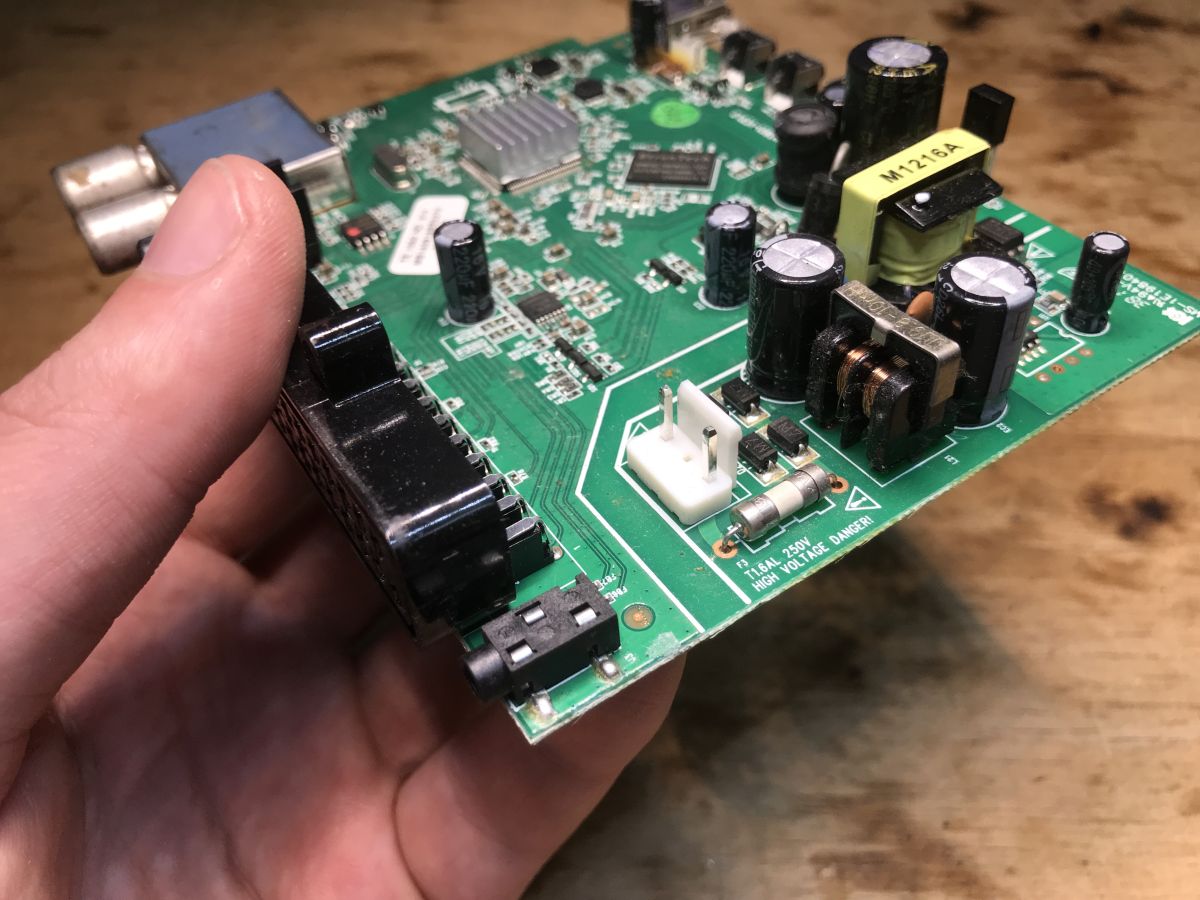
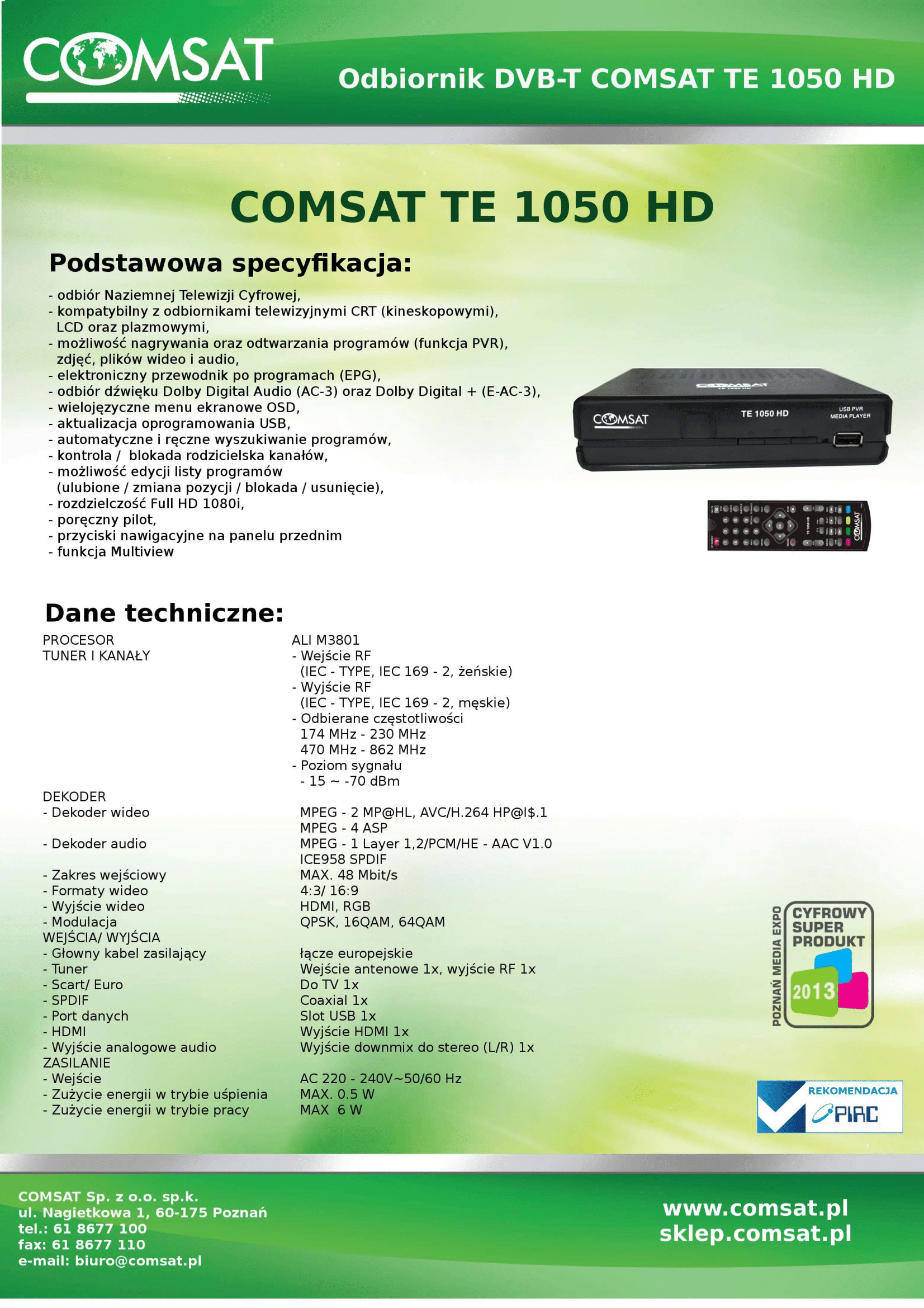
I invite you to another analysis of an older terrestrial TV receiver. In this topic I'll show its interior, view its board with a thermal camera, download the contents of its Flash memory and try to decode the partitions there myself in my own C++ program. At the end I will present the SDK I found, which may fit under this tuner.
The topic is not finished and any help is welcome.
Interior of TE 1050 HD
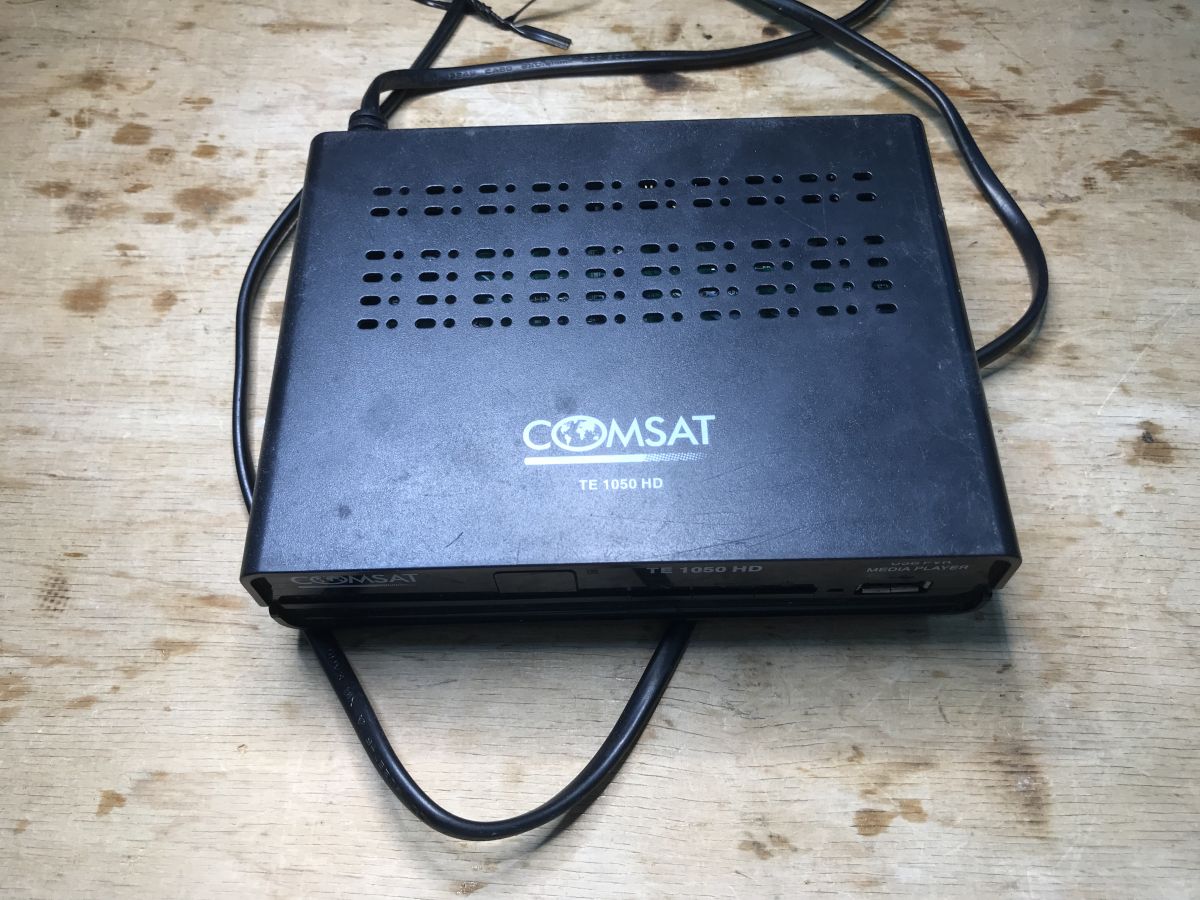
Standard - to start with a glimpse of the outside, the hardware is tiny, already without a remote control. It won't be of much use for TV anyway, it won't receive DVB-T2, but maybe it will be of use to an electronics engineer? At the very least, there must be some power supply inside, and maybe the housing can be used for something too.
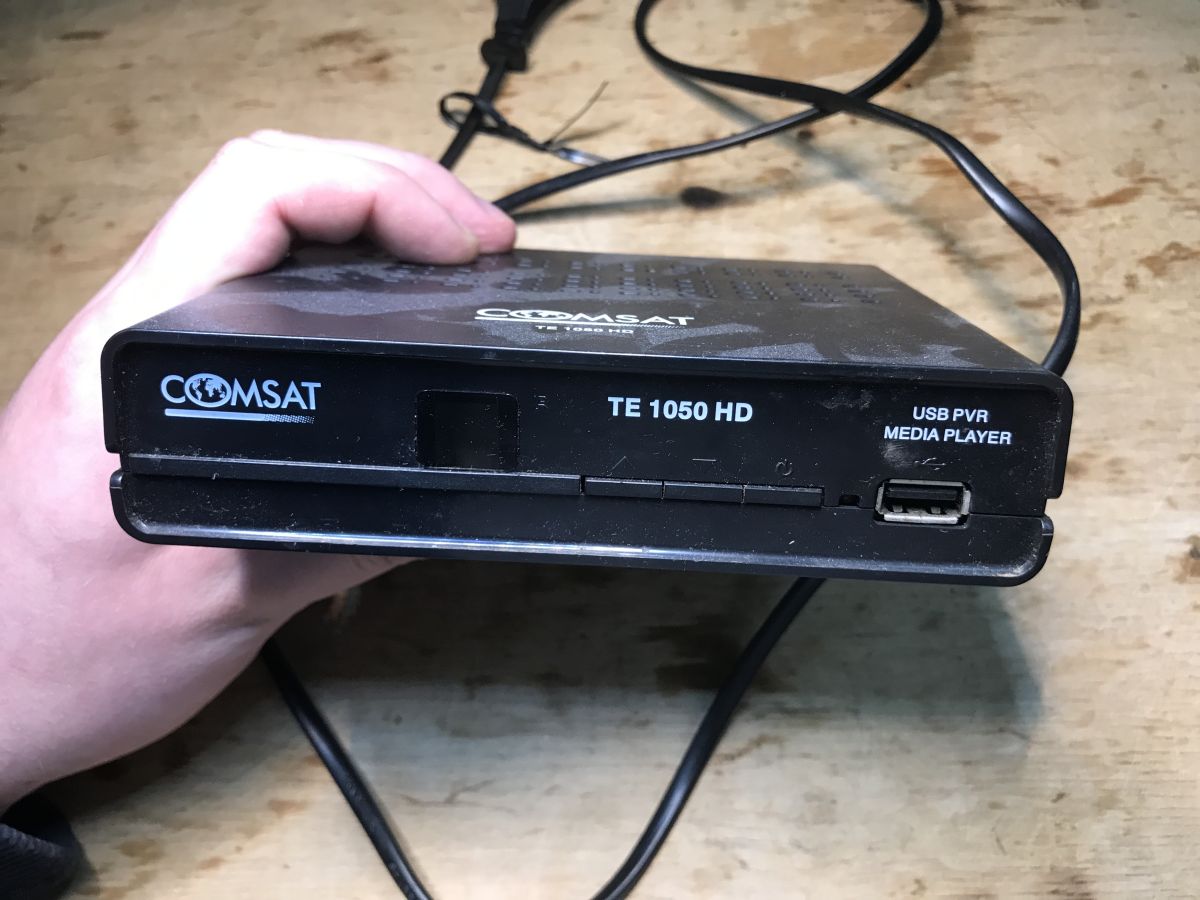
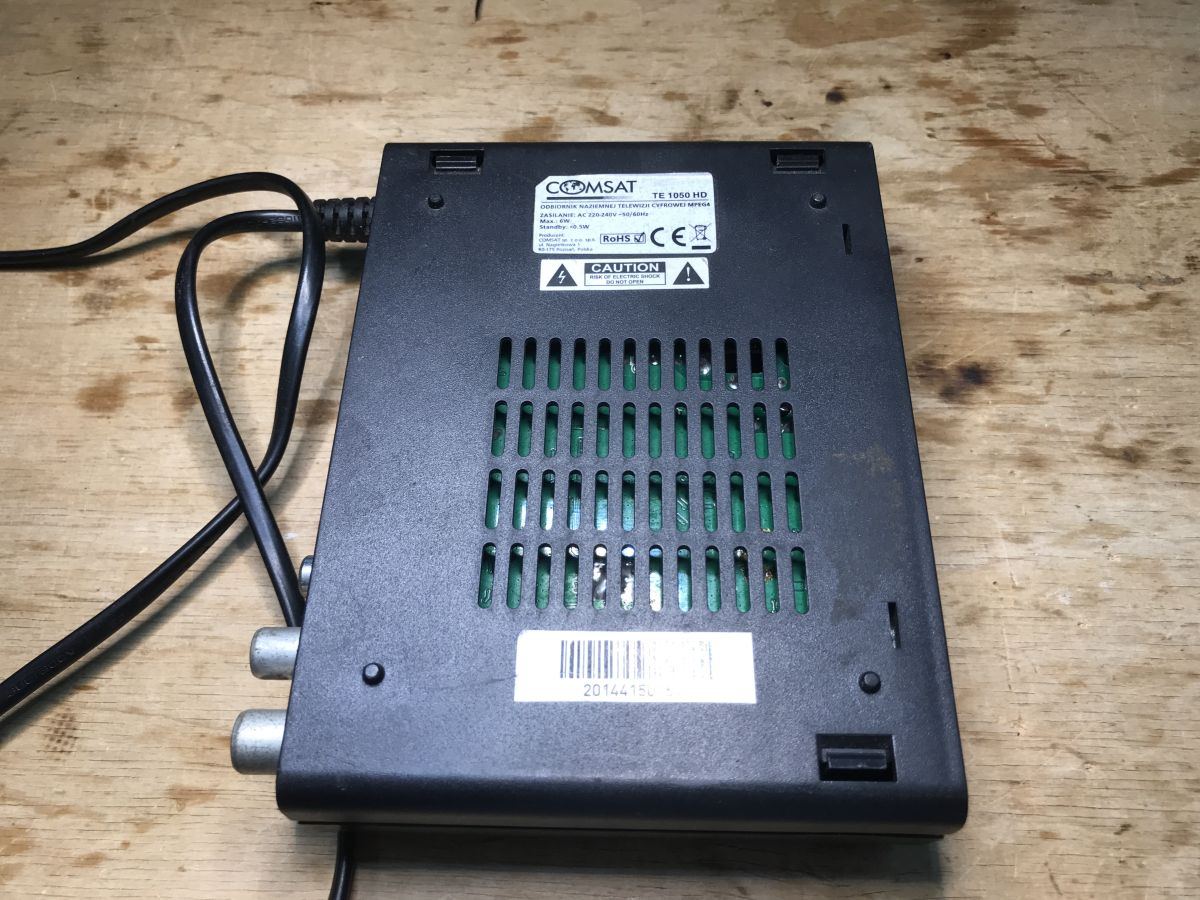
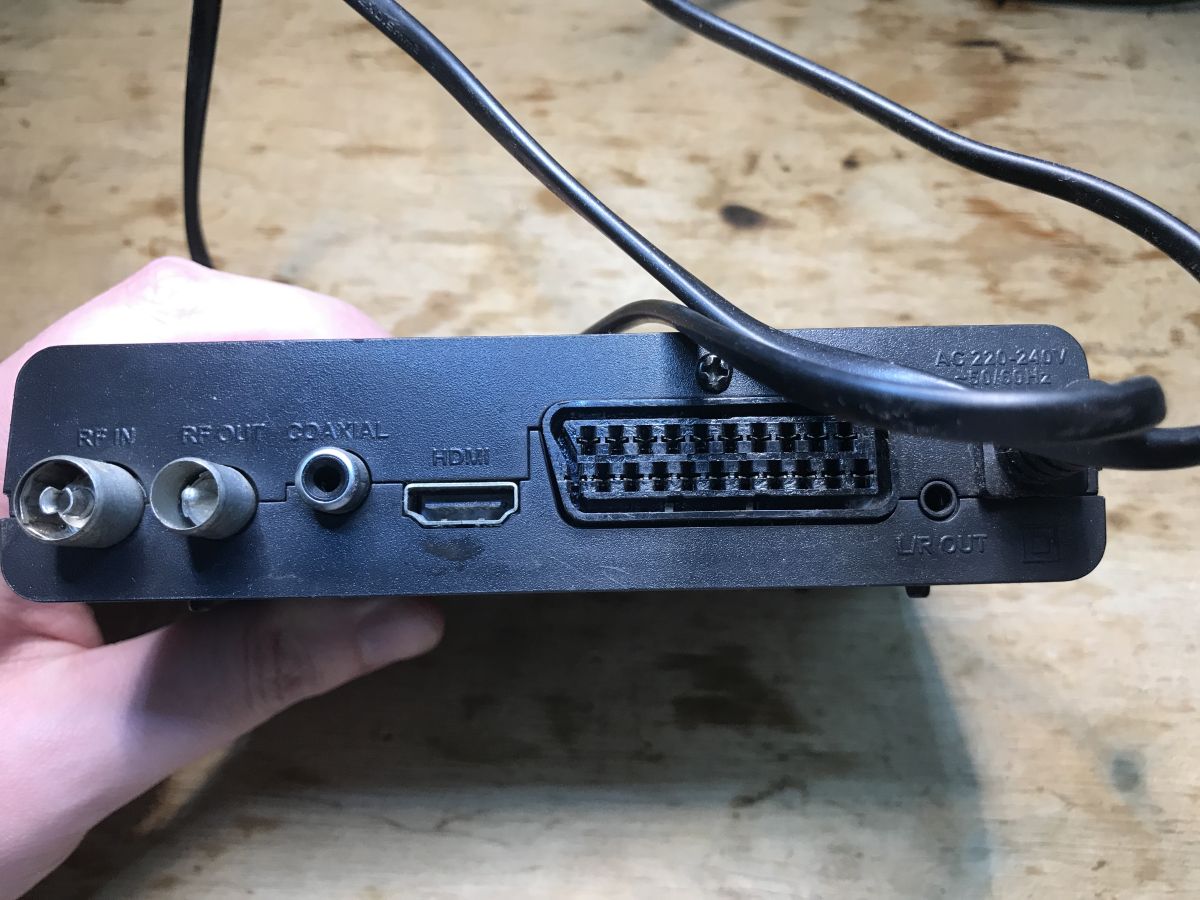
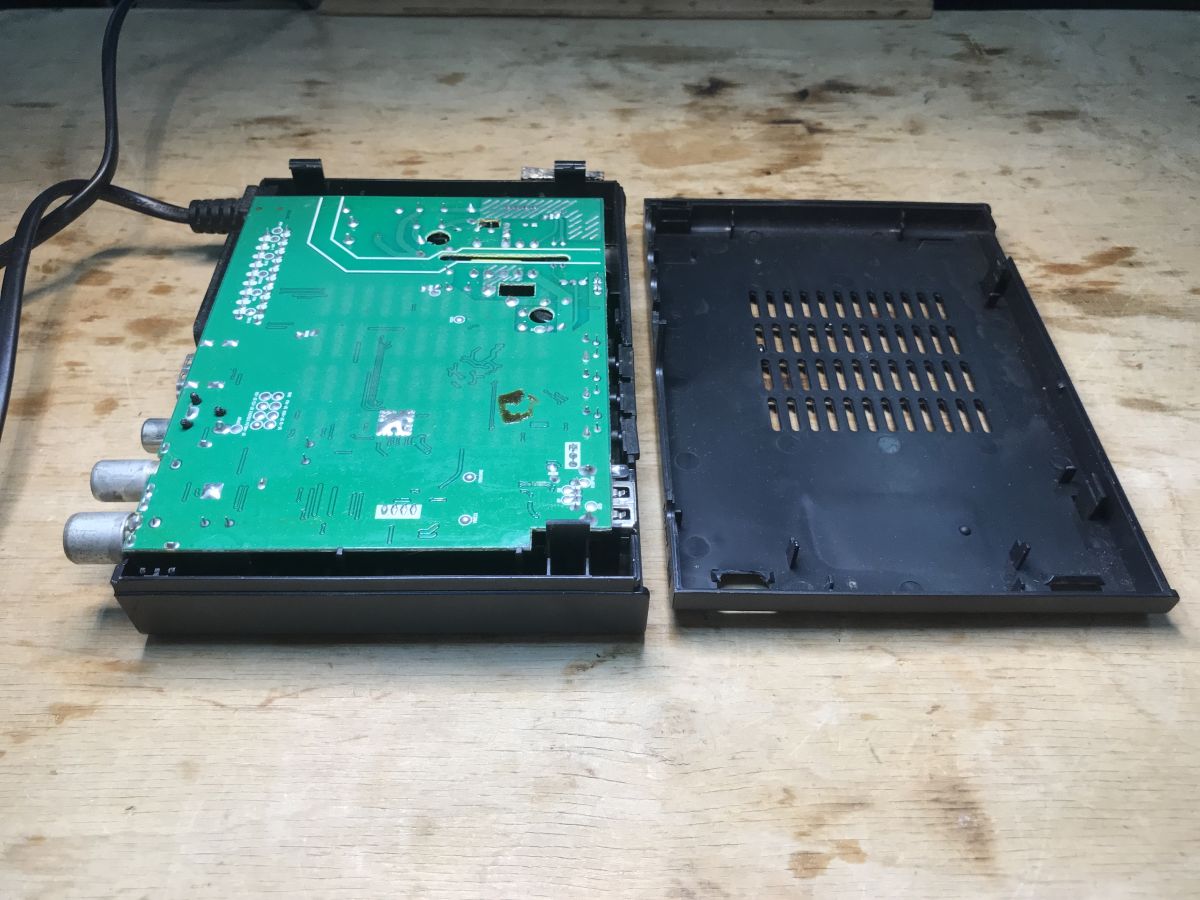
There is a single PCB inside, not even a split for a separate power supply. There is also no display, so you can't use the parts to build a clock.
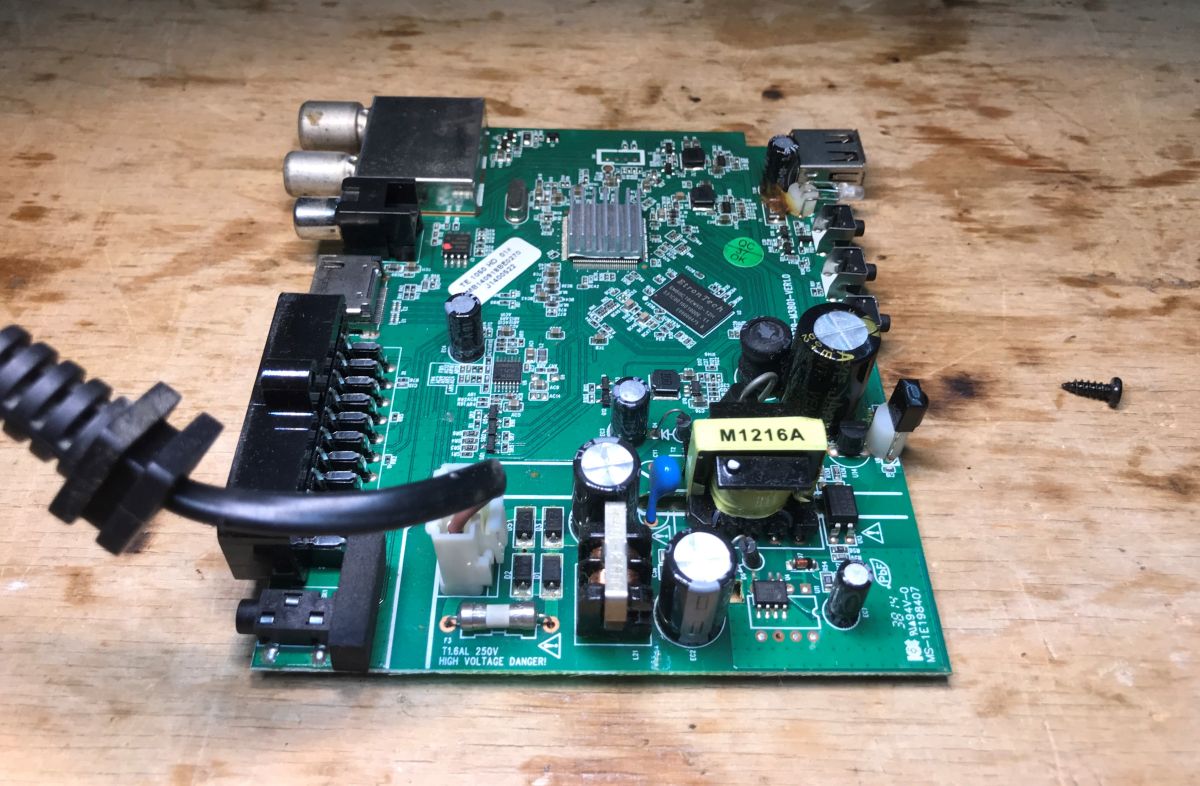
The board consists of two sections - the 'hot', primary side of the power supply, and the 'cold', low-voltage side. Most of the components are surface mounted.
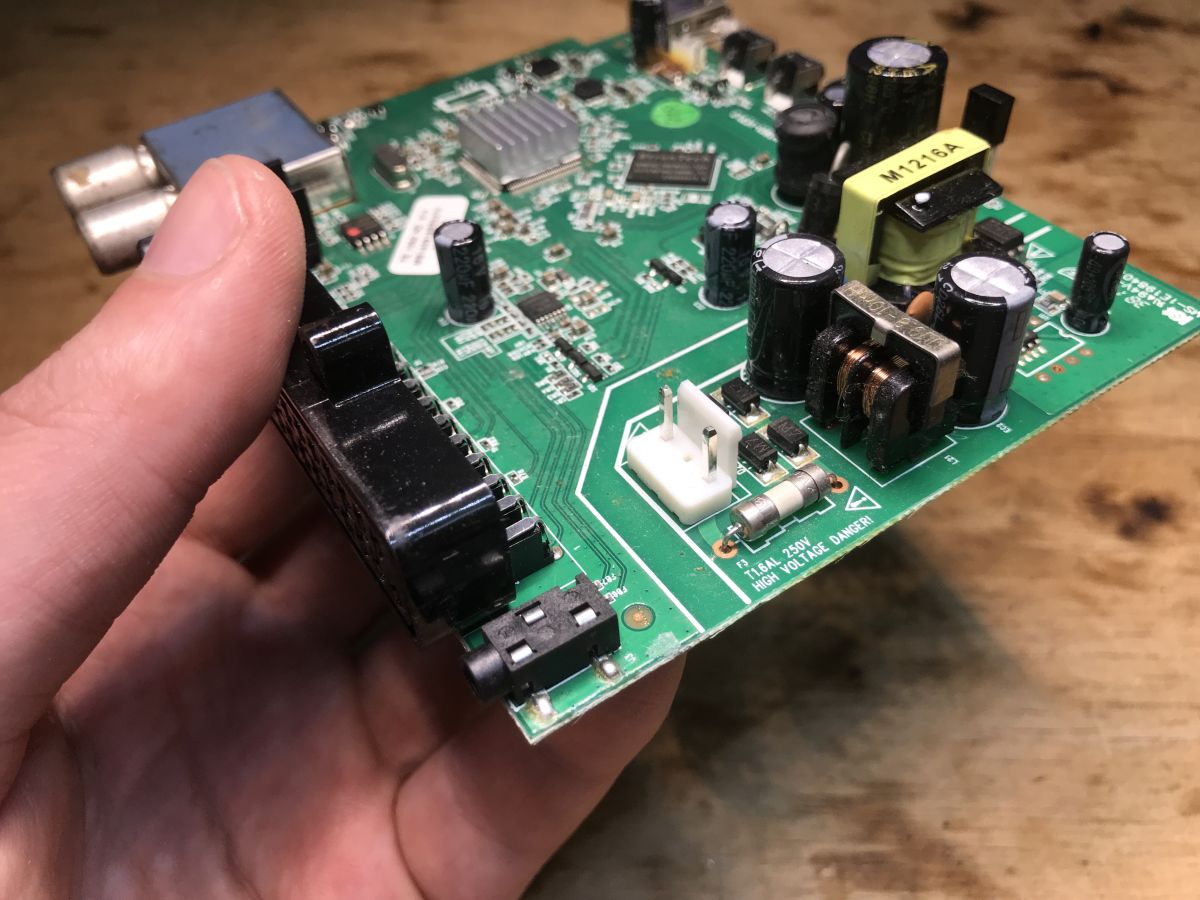
The power supply is built quite well, there is even a filter against interference emissions, a fuse, a proper capacitor connecting the primary and secondary side.
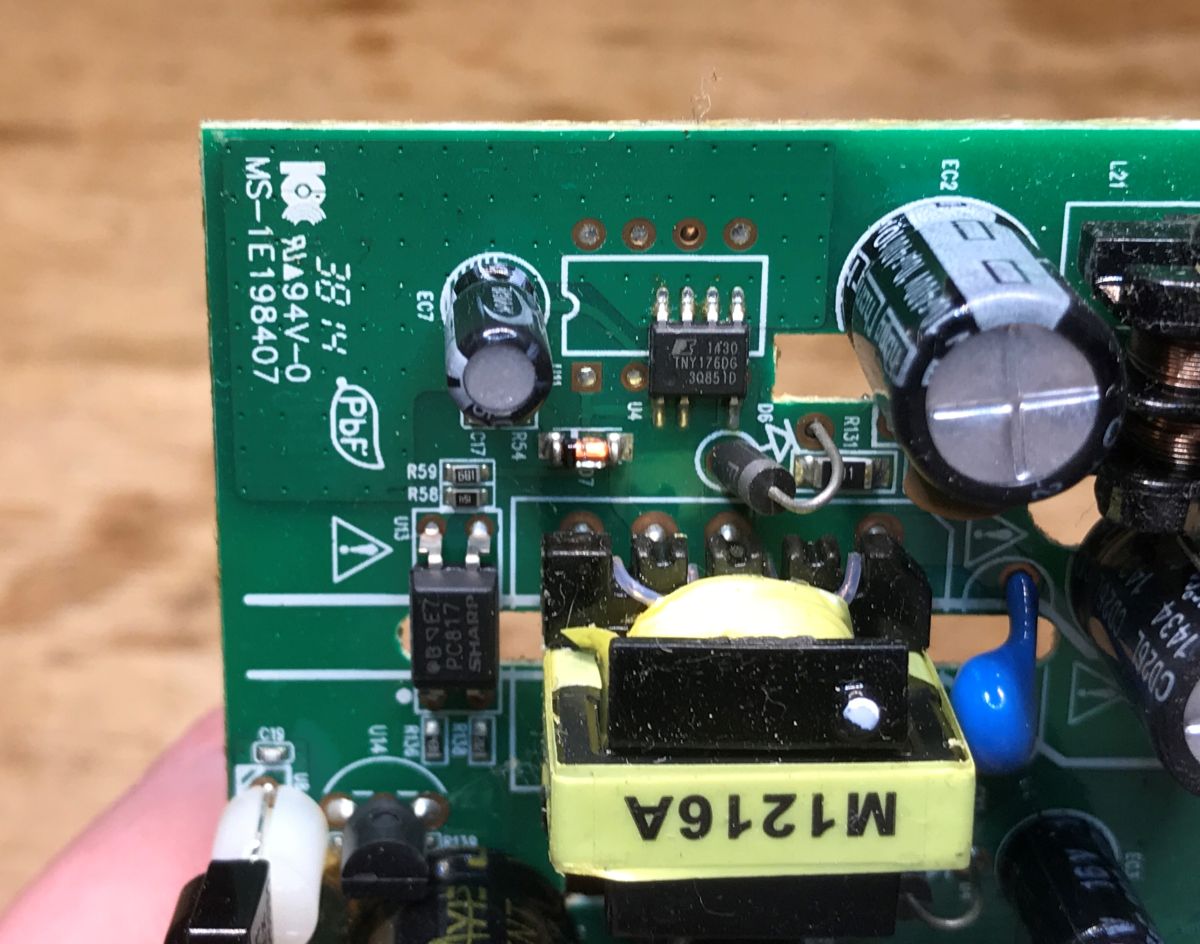
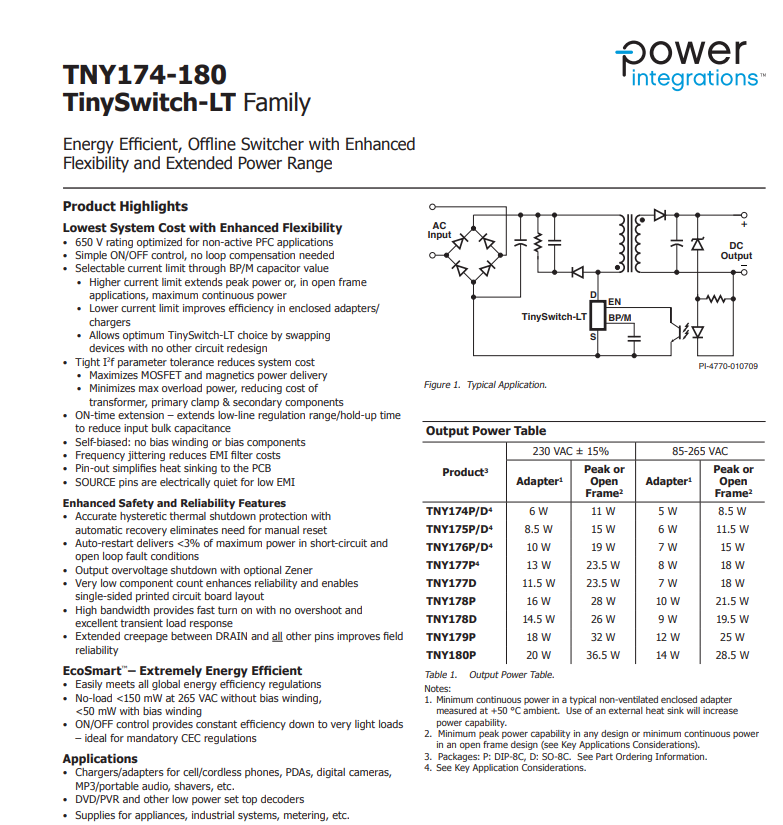
The power supply is based on the TNY176DG in a surface-mount version. There is also space on the board for its through-hole counterpart.
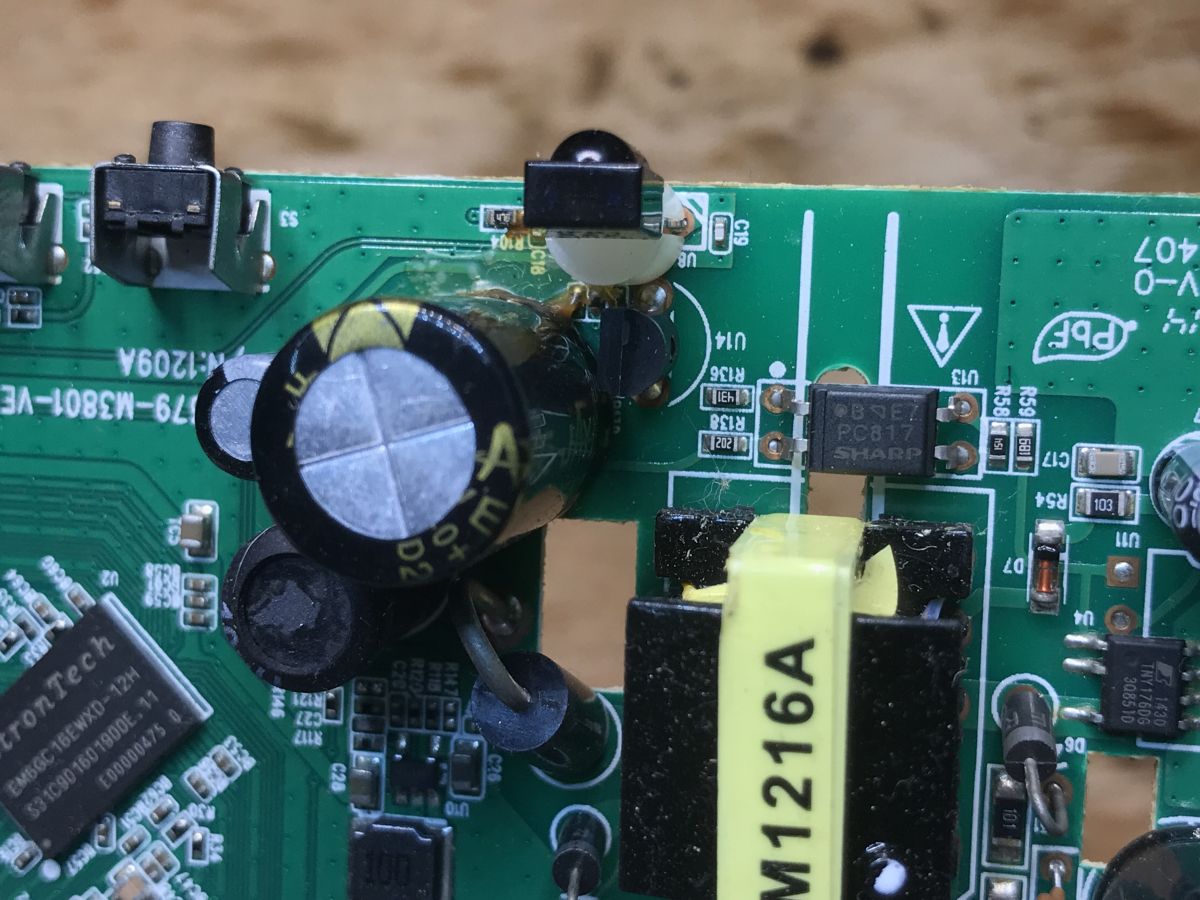
Optocoupler for coupling primary to secondary side while maintaining galvanic separation:
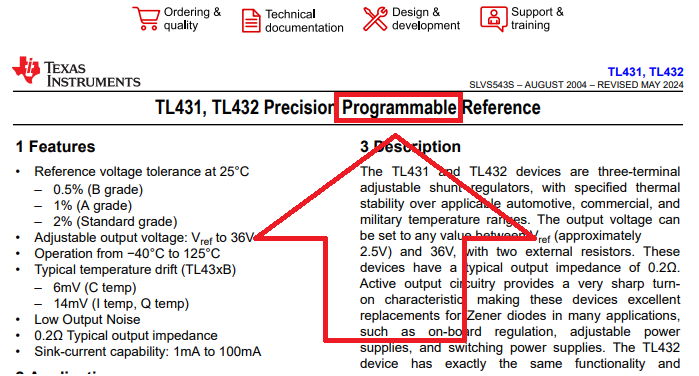
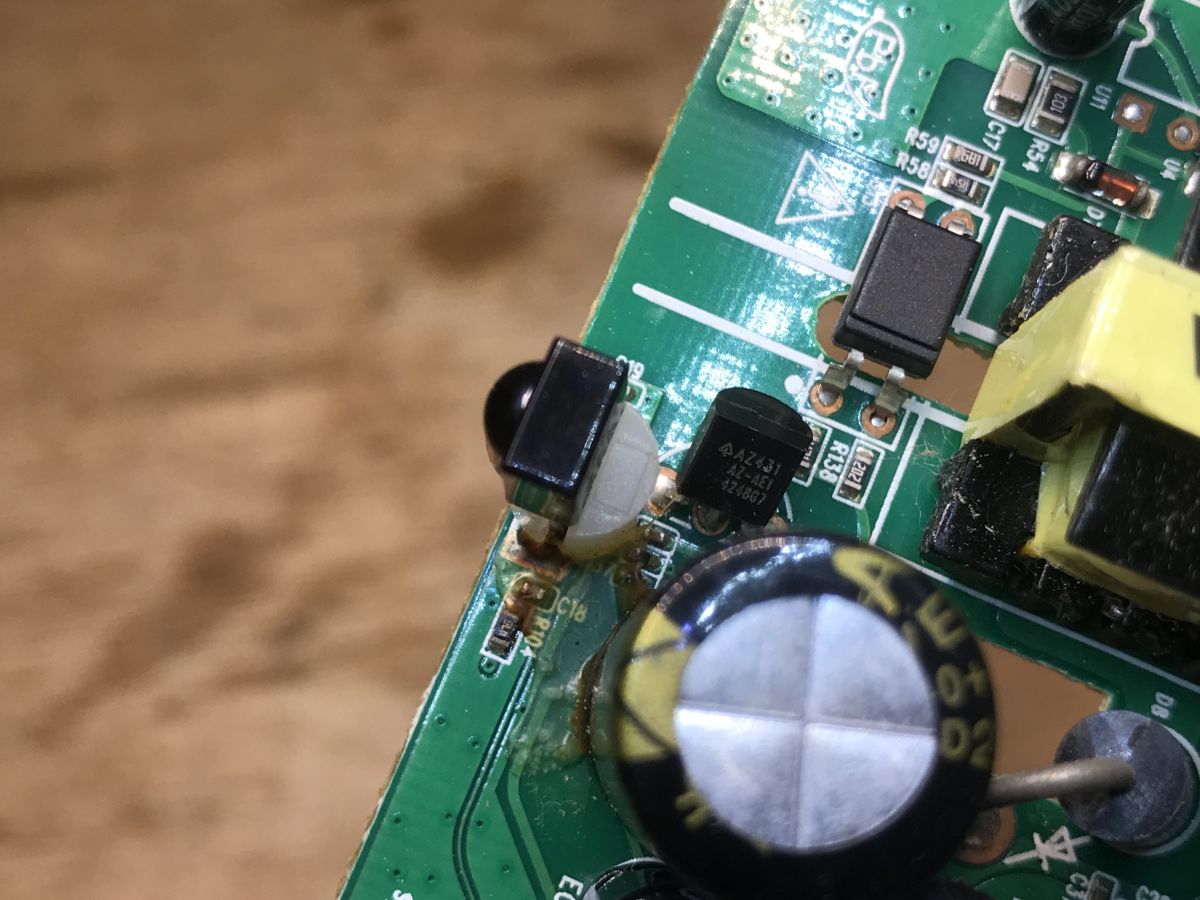
On the secondary side you can see a classic - the "programmable Zener diode" TL431, it provides the reference voltage and takes part in the feedback loop of the power supply. Changing its resistors can change the output voltage to some extent.
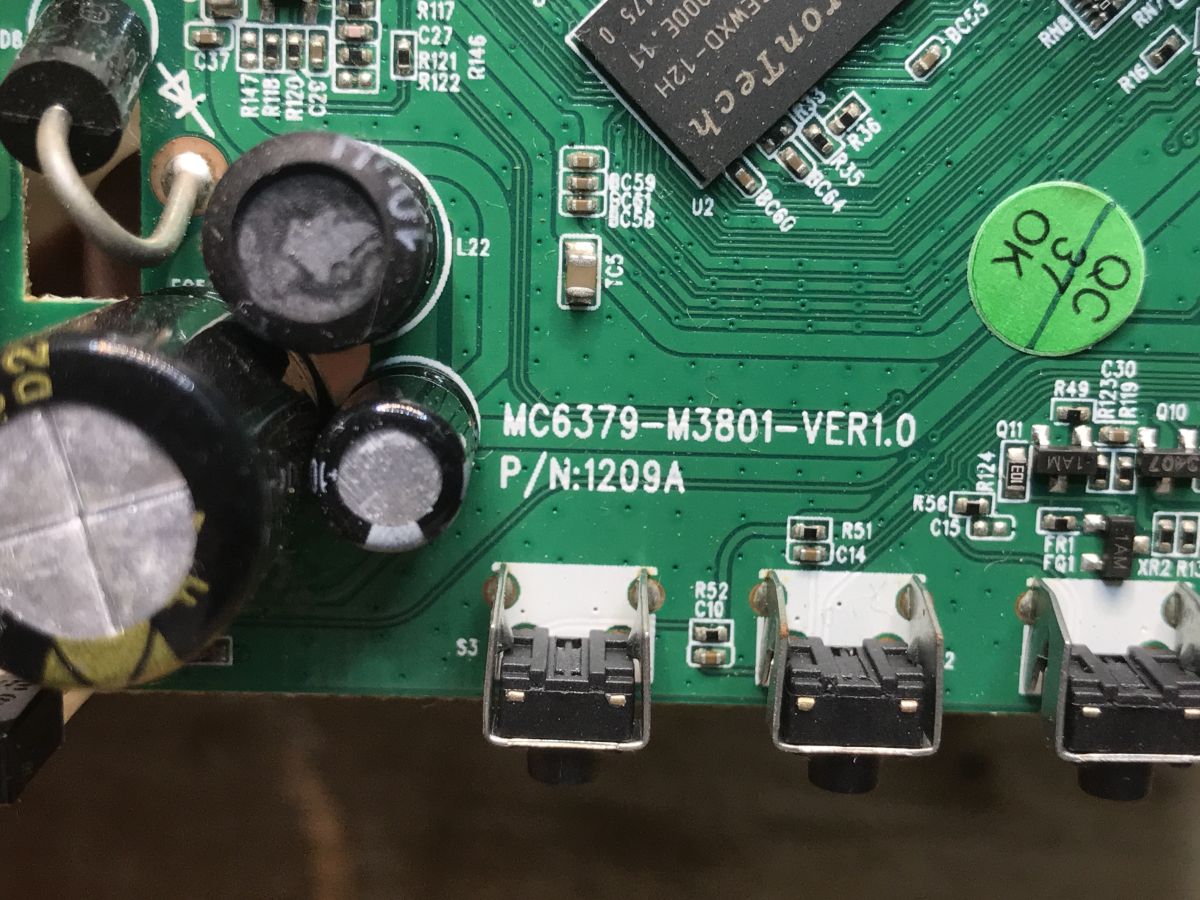
The CPU sections can now be viewed. The board is signed as MC6379-M3801-VER1.0:
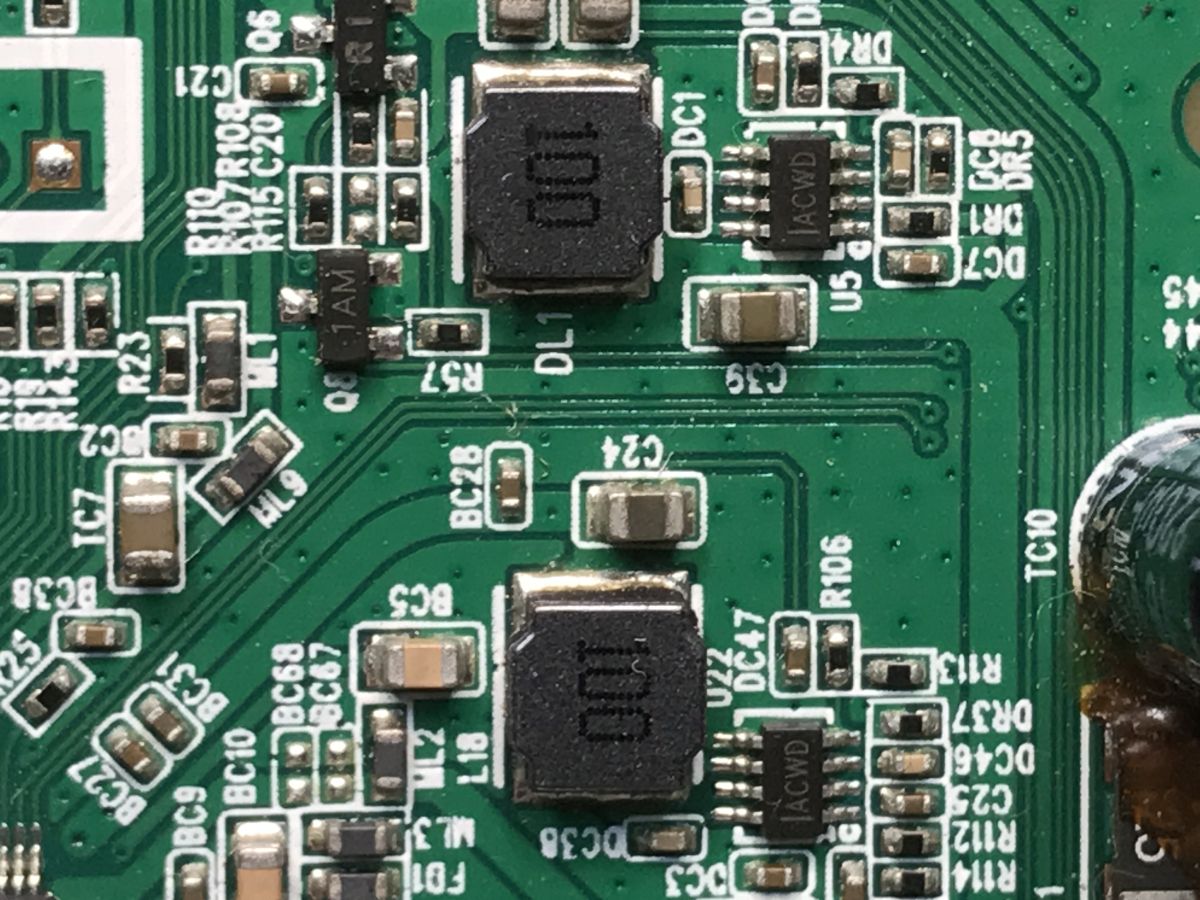
The power supply typically gives 5 V, so lower voltages for RAM and CPU are generated by additional inverters:
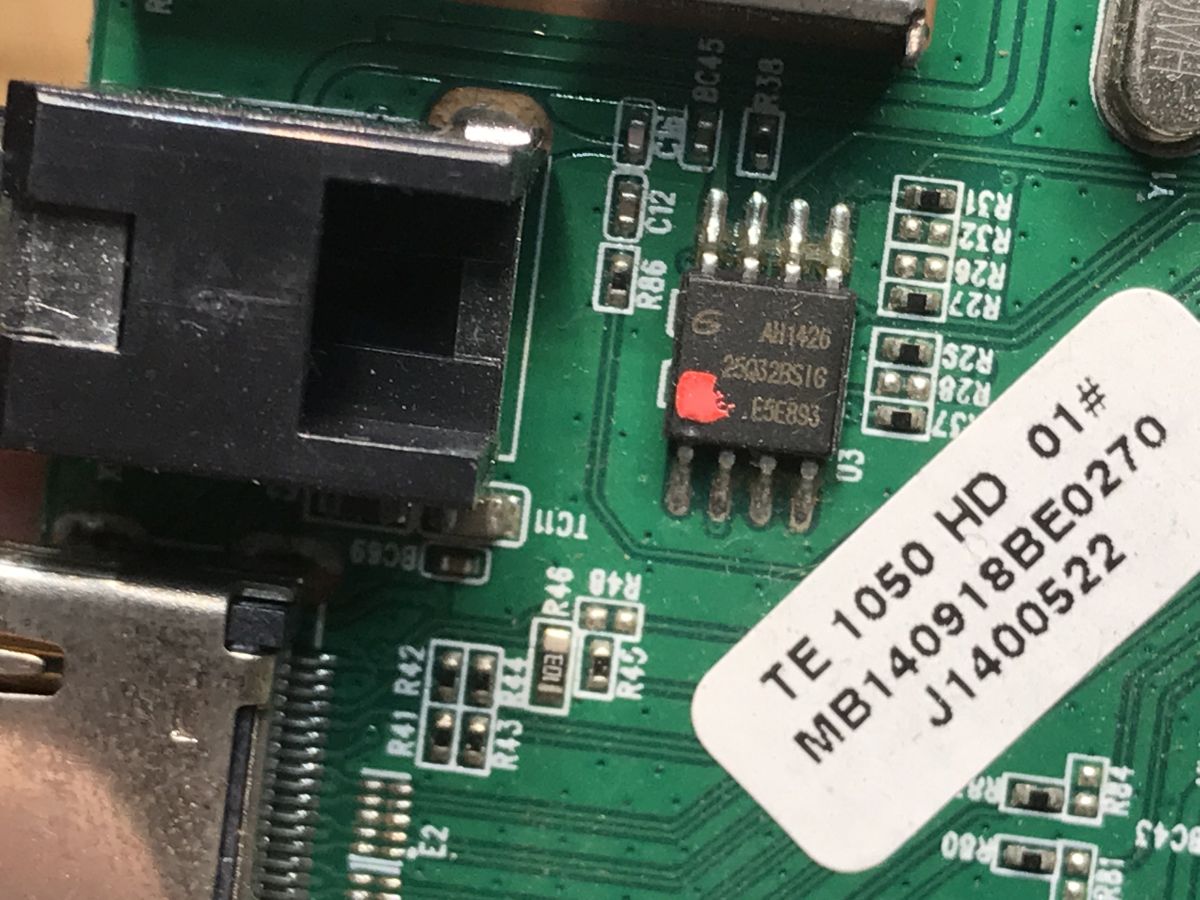
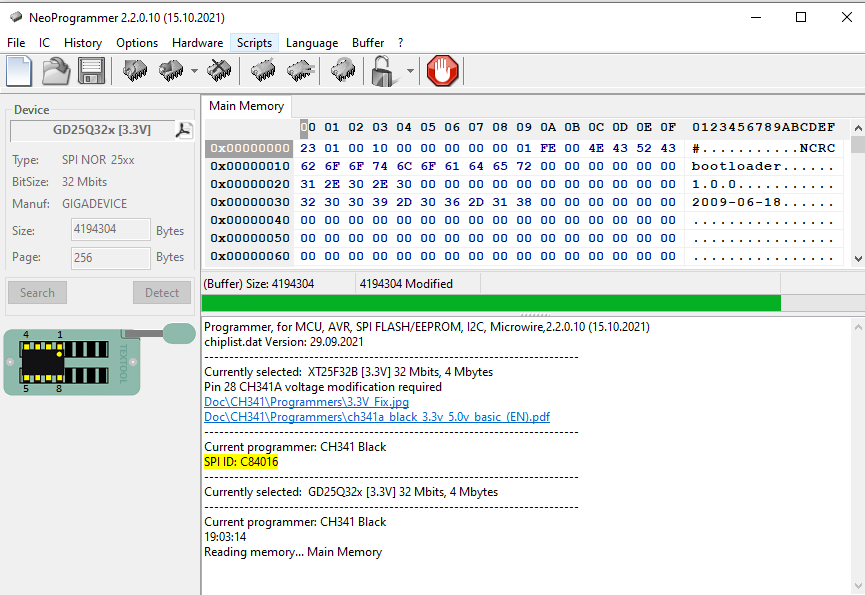
The program holds the Flash memory - 25Q32BSIG (4 MB):
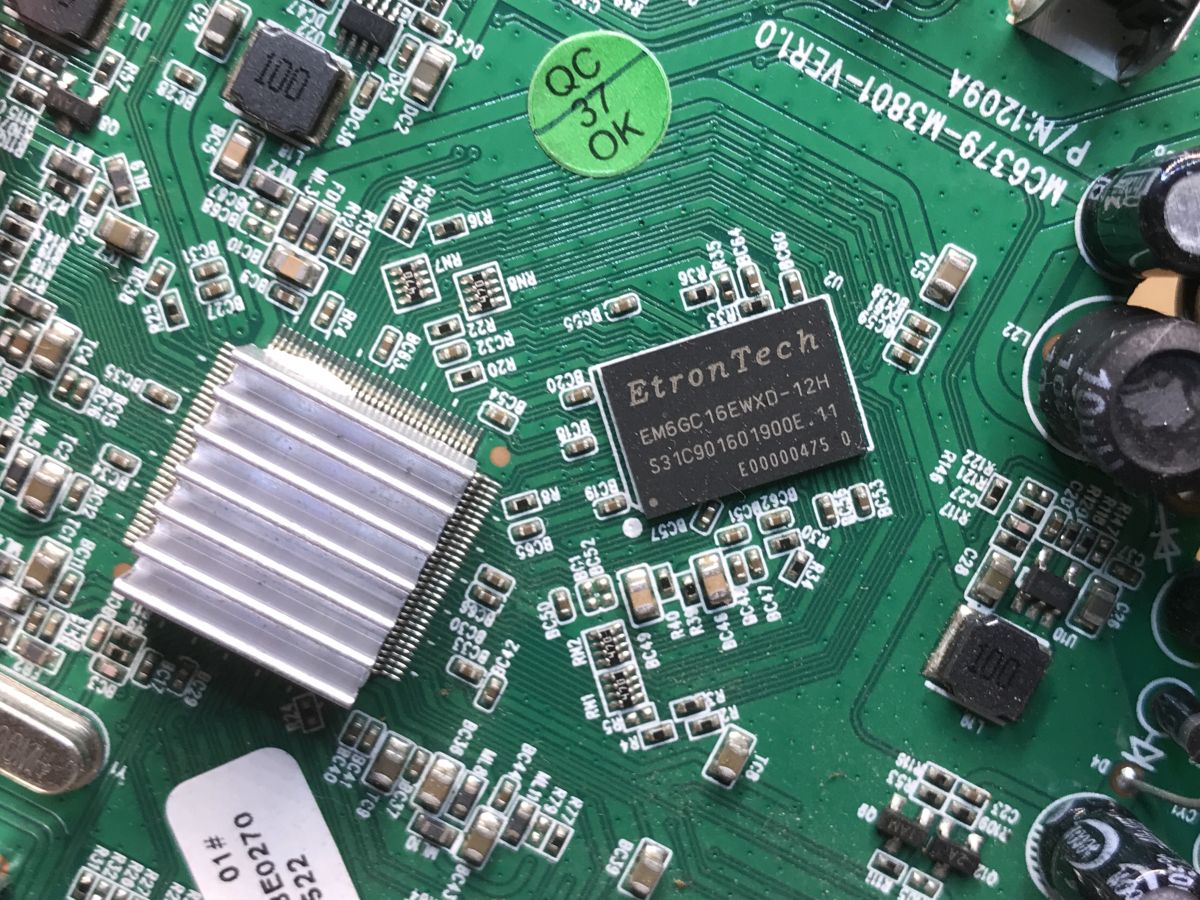
EM6GC16EWXD-12H is a DDR3 DRAM , 64M x 16 bit.
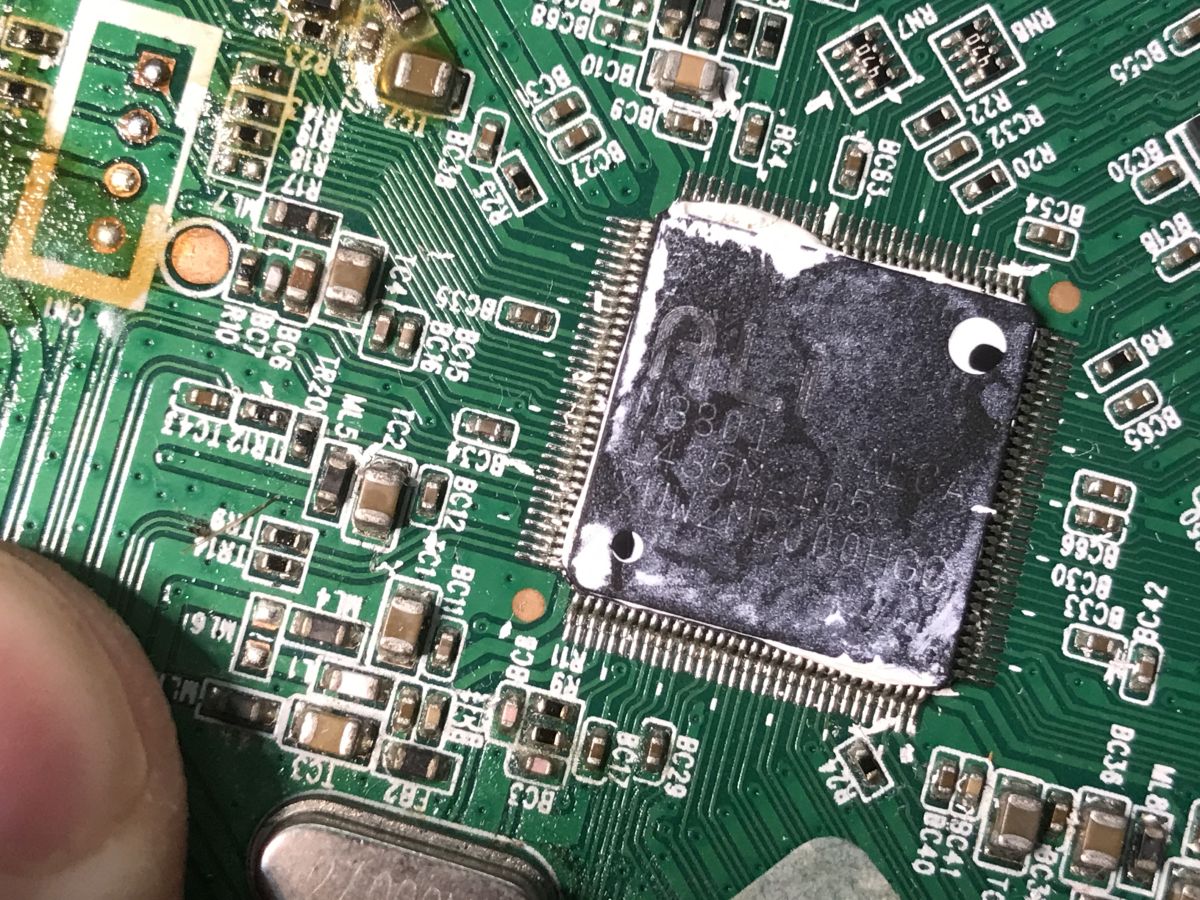
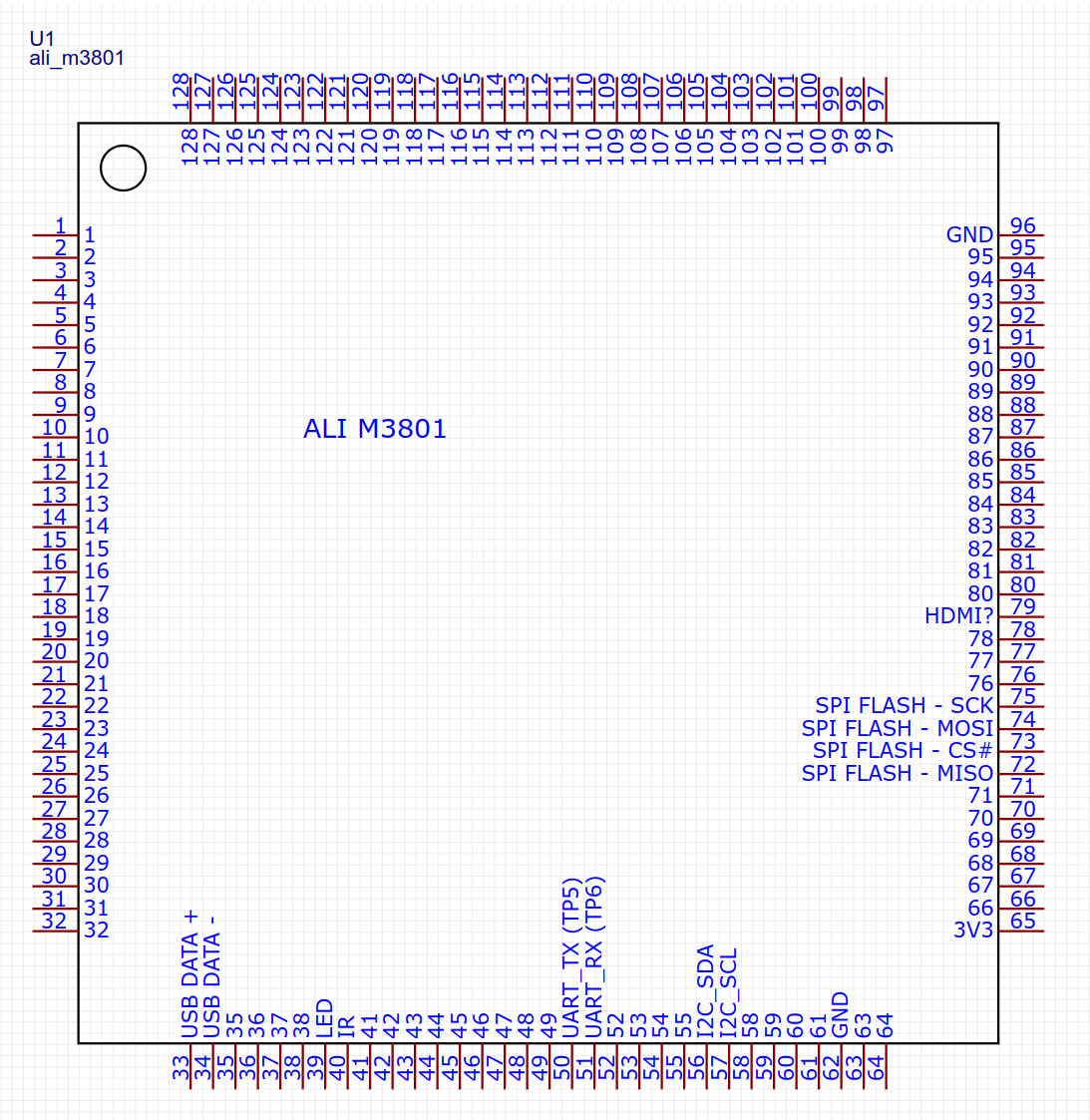
The CPU itself appears to be an M3801 ALI. This agrees with the device data sheet.
Tuner turns on, gives picture, shows no signal.
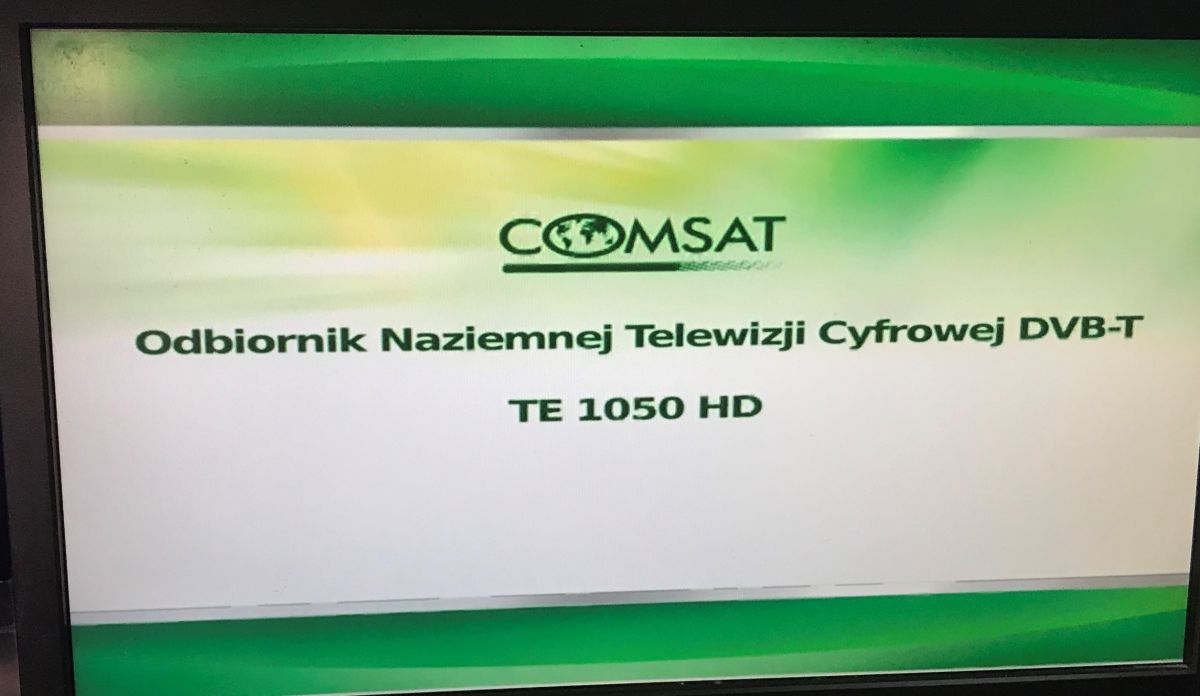
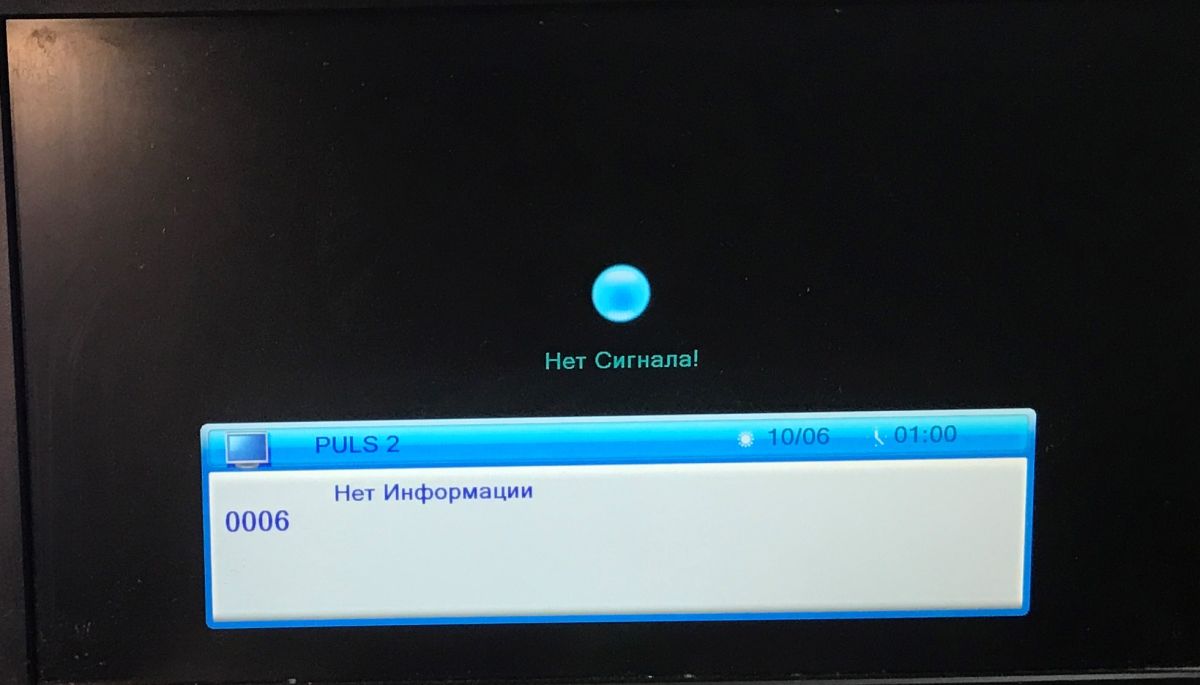
What heats up in such a tuner?
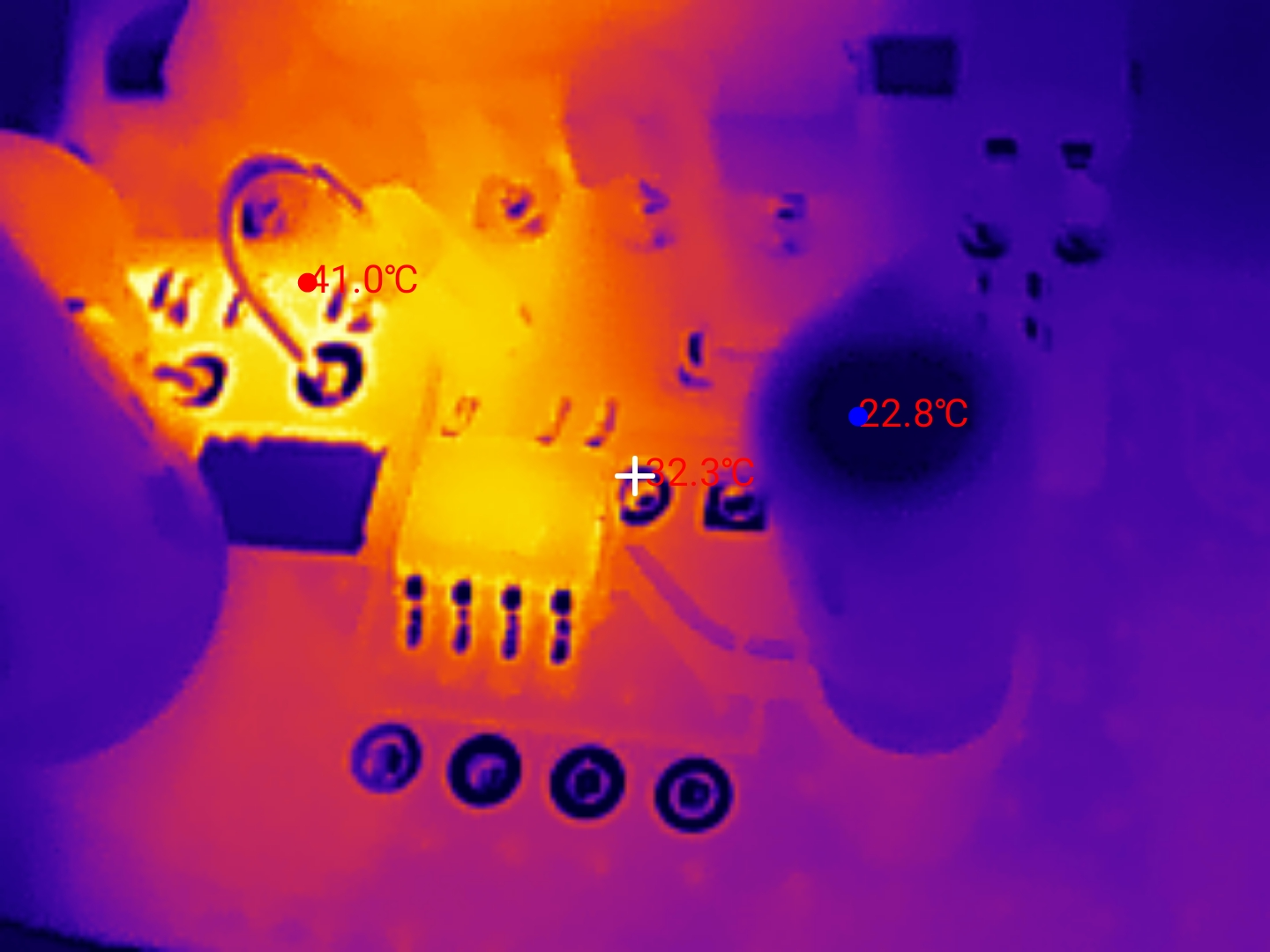
A short play with the InfiRay P2 PRO. The equipment went 5 minutes without a signal, still displaying the image.
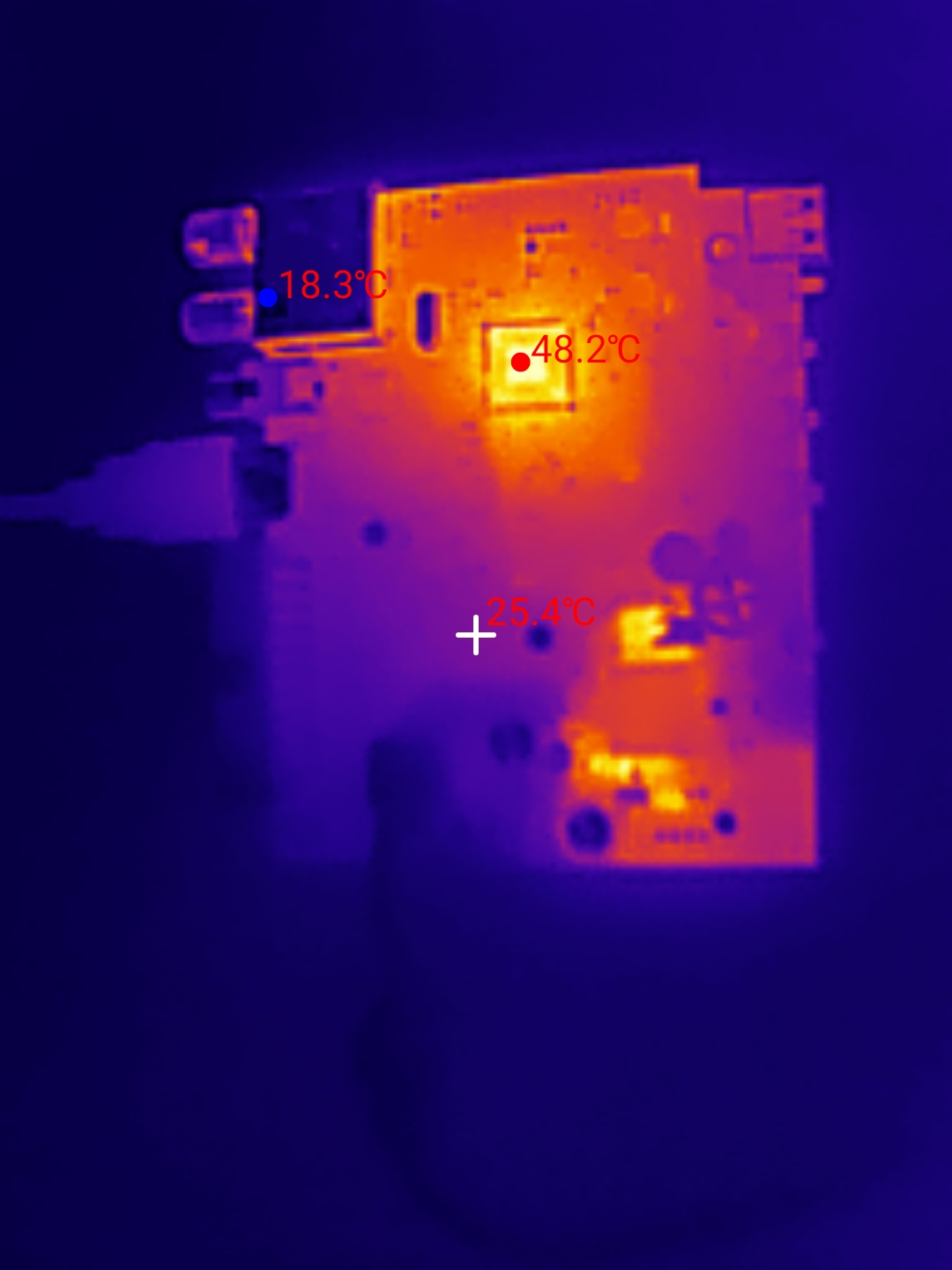
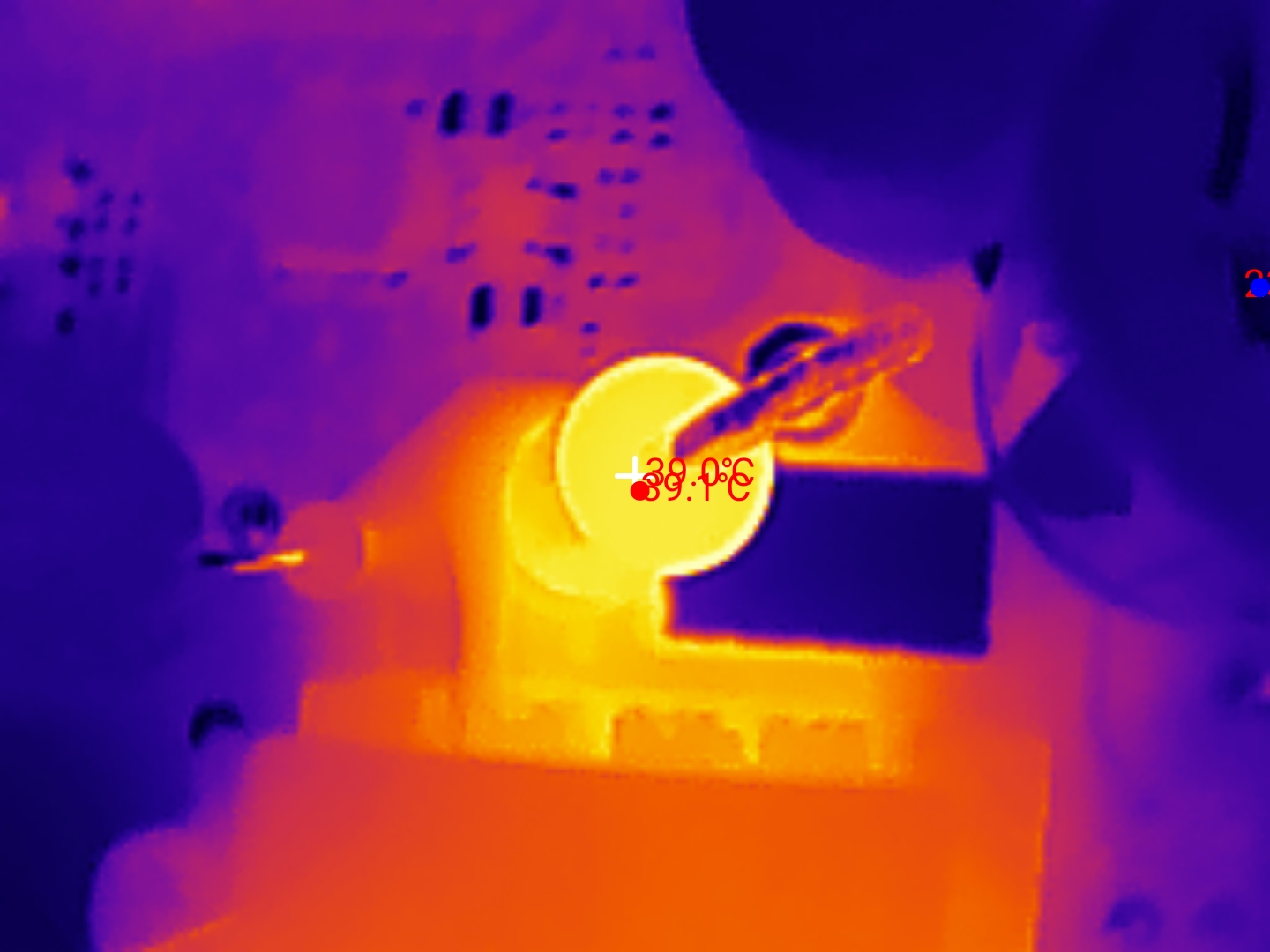
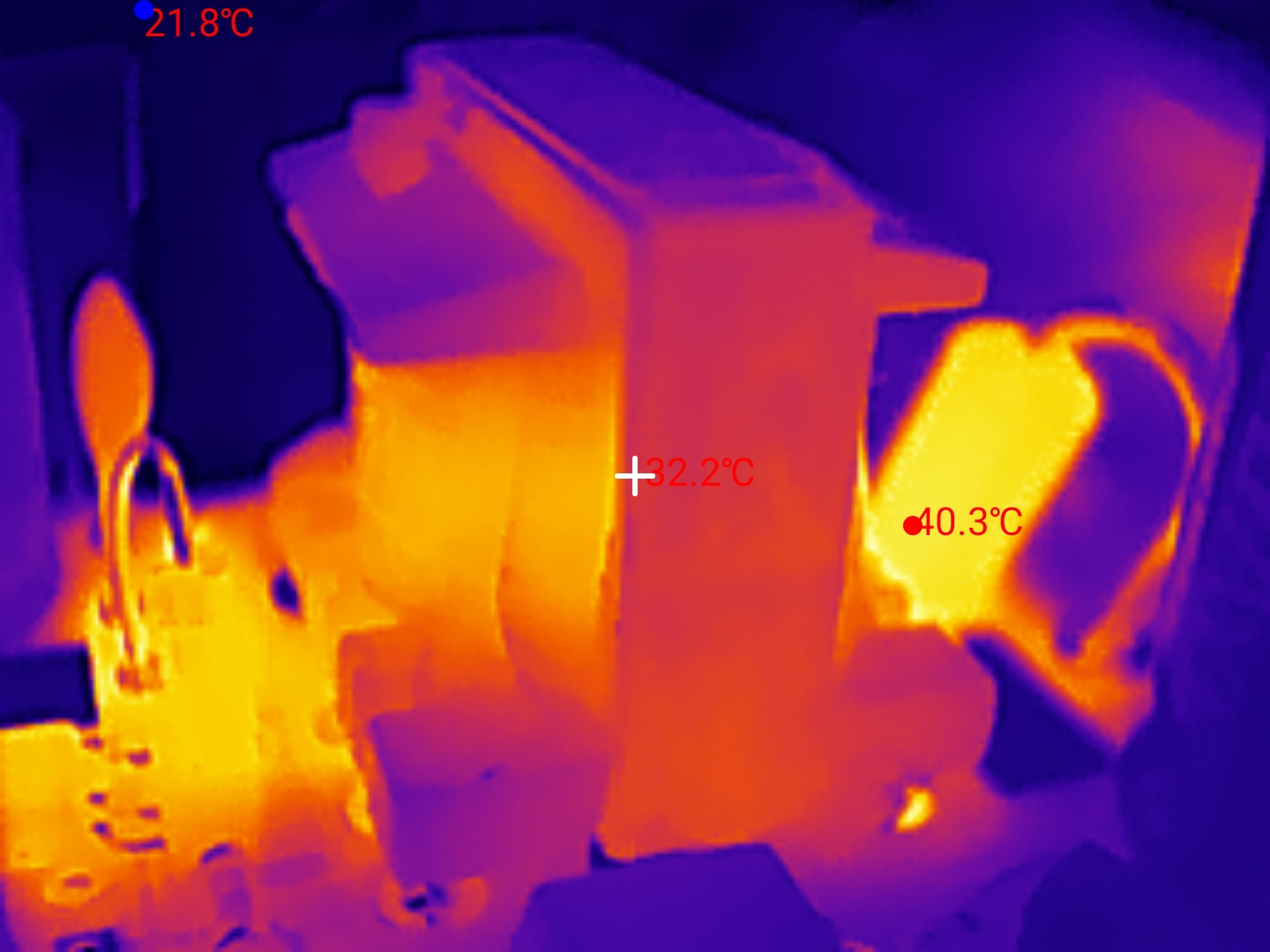
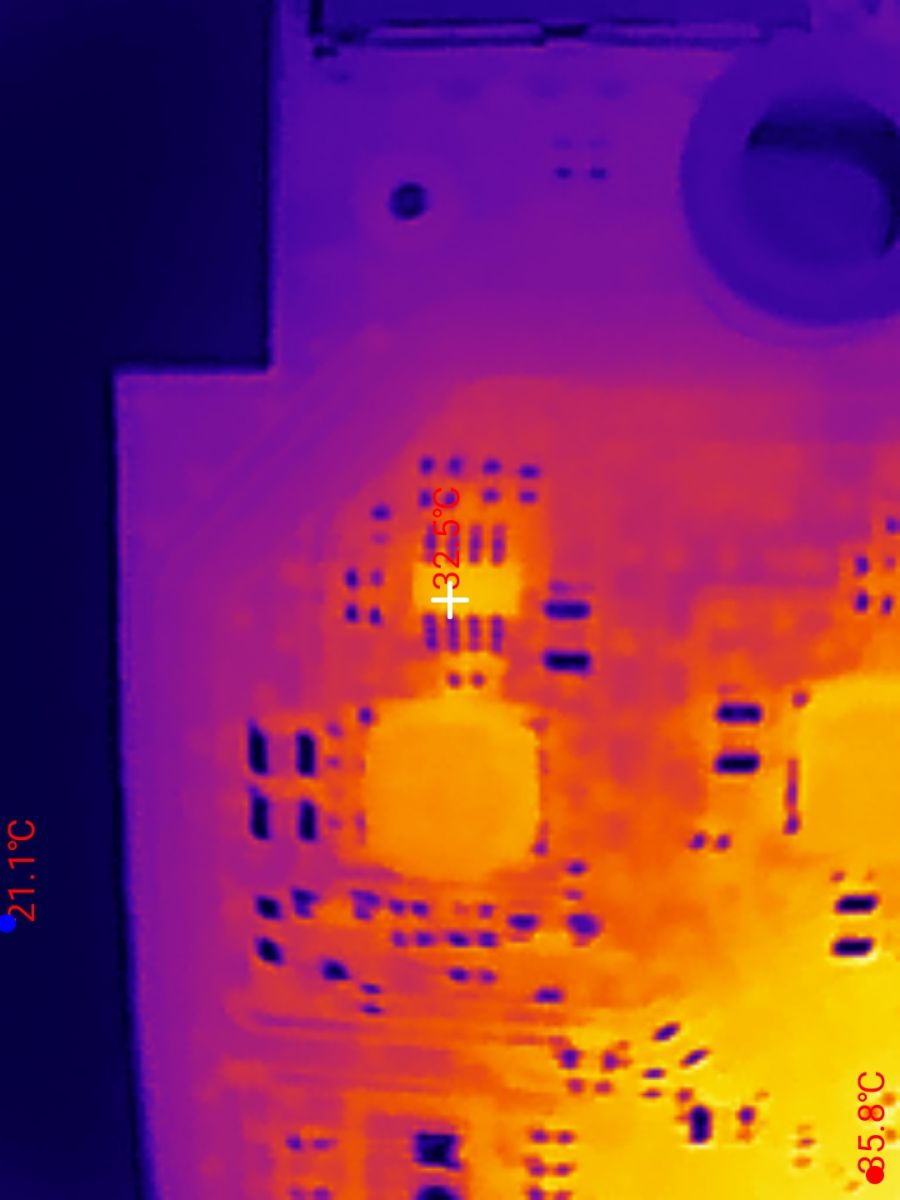
The CPU and the inverter heat up the most - separately its primary and secondary sides. On the primary side, the TNY and the current measurement resistor heat up:
On the secondary side, the Schottky diode:
A little the transformer is also heating up:
The inverters from the voltages for the CPU and RAM are much less heated:
UART port
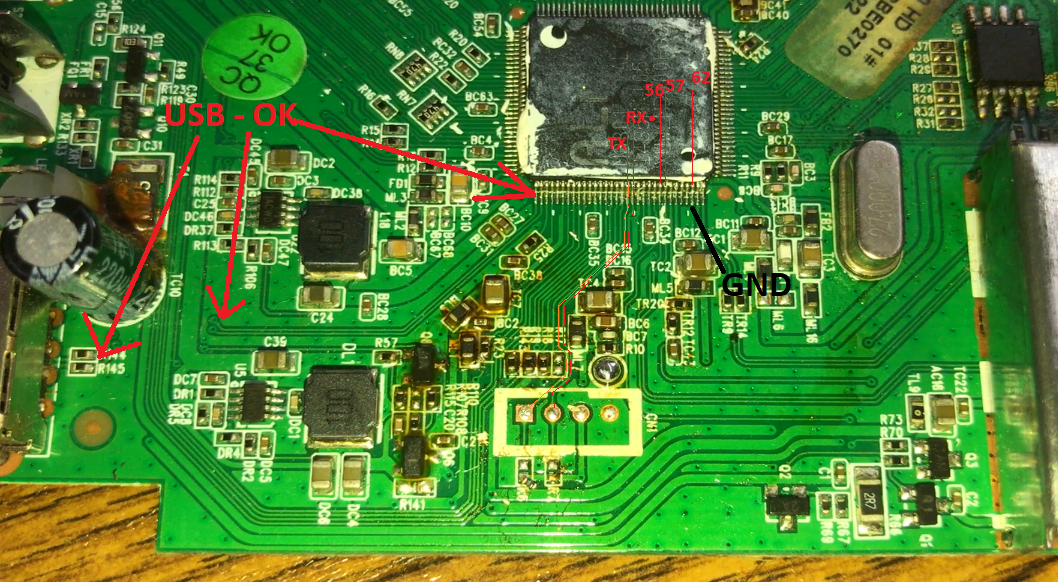
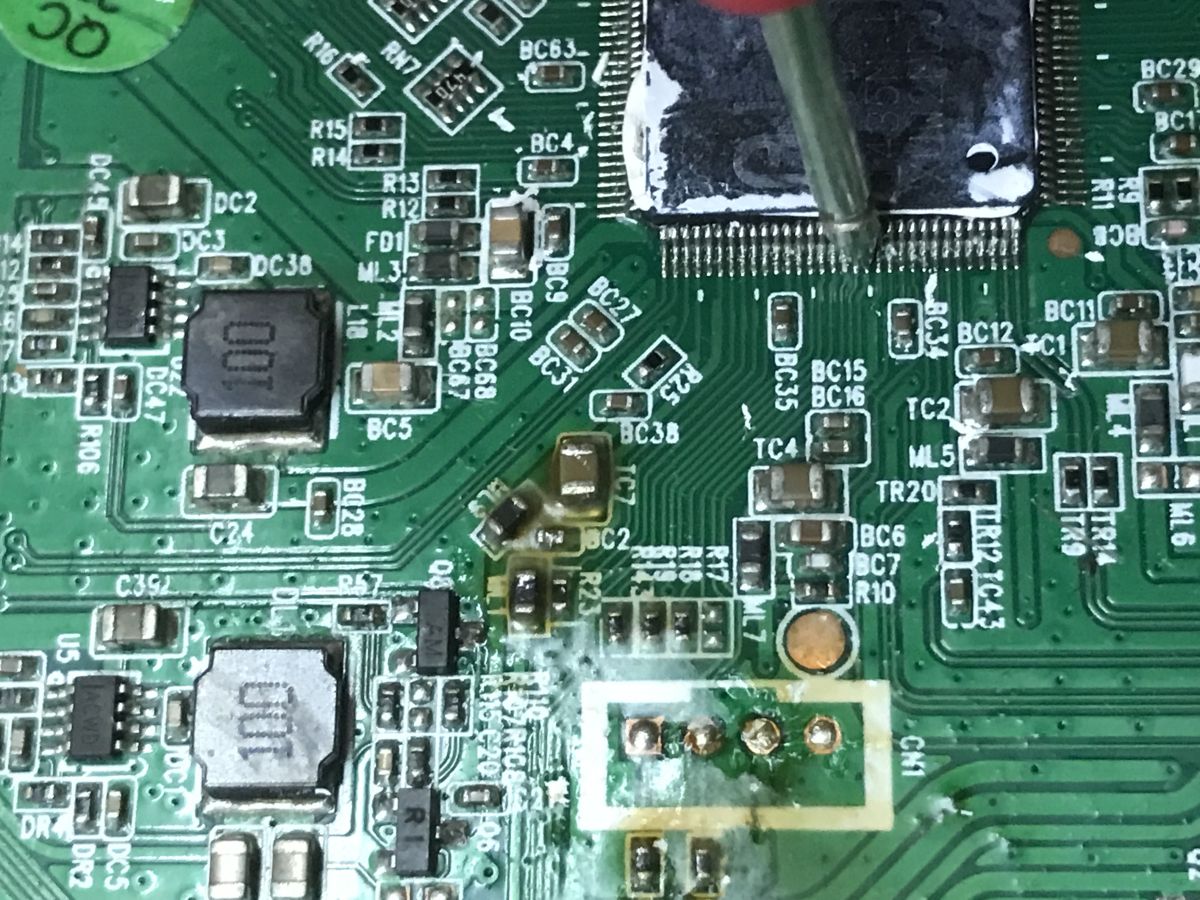
The device has pads derived from the UART. There are four pads, 5 V (the same as on the USB goes, the main power line), ground, RX and TX.
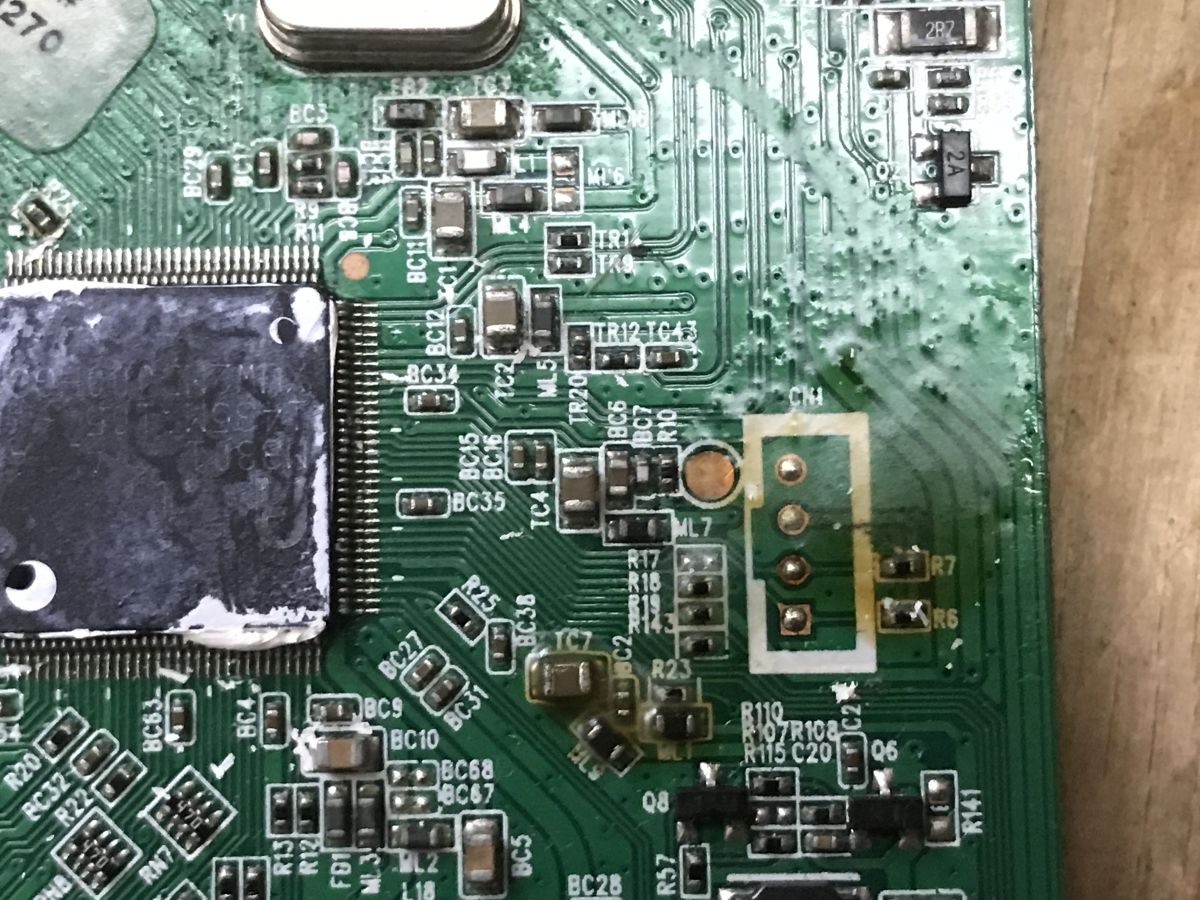
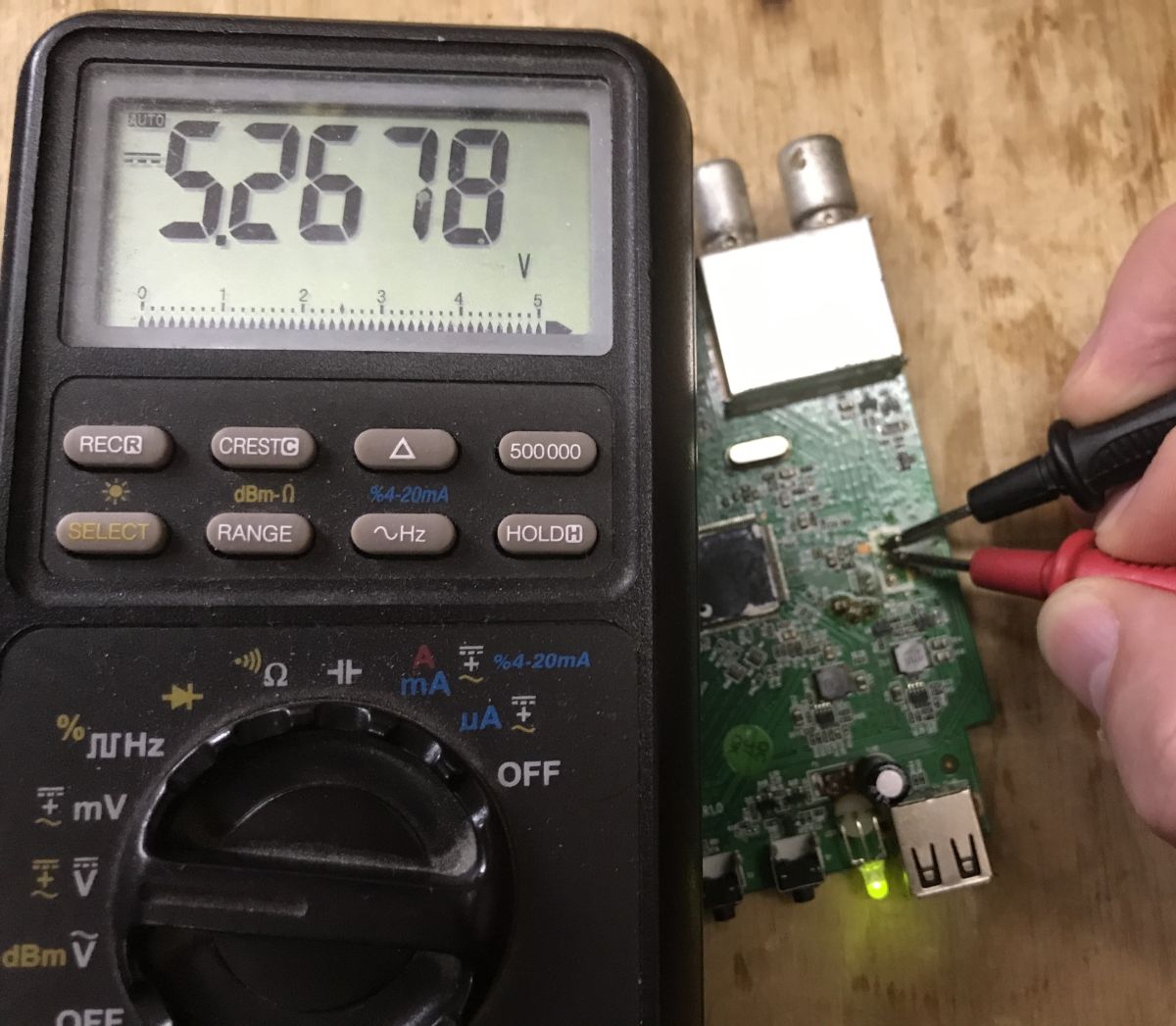
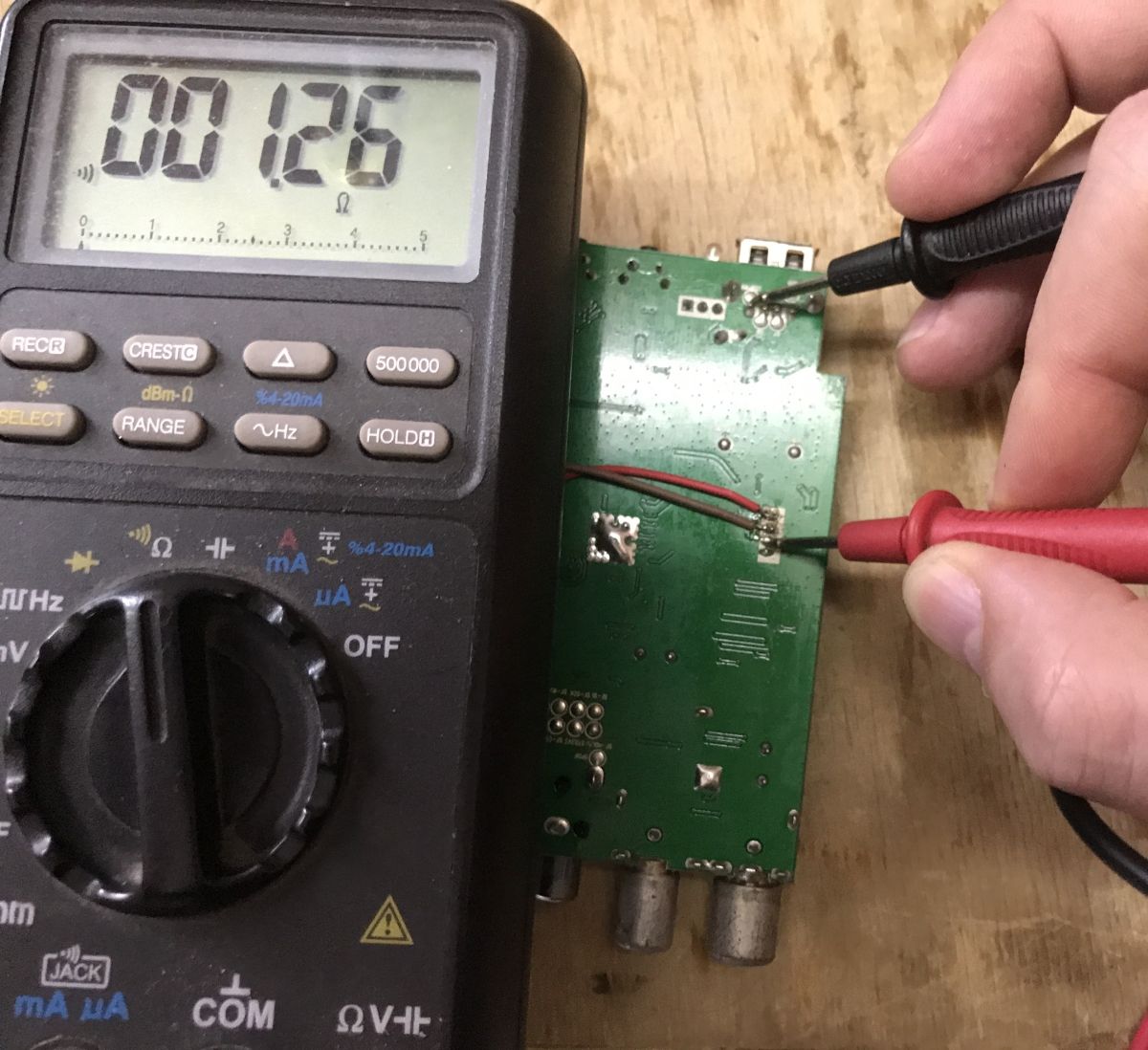
RX and TX reaches here - I don't have a more precise probe at hand:
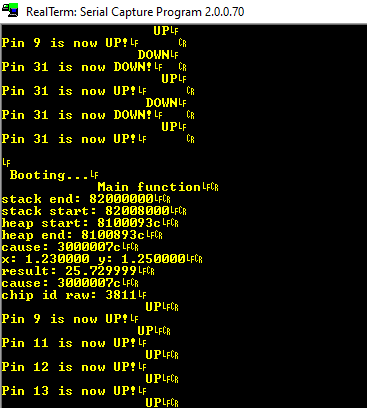
Boot log UART
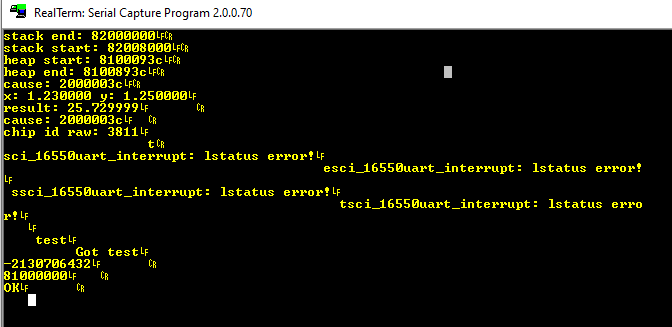
At 115200 baud, residual messages can be received at startup. The tuner does not respond to any commands or special characters at boot. The Upgrade tool does not see it either.
                                                                                                                                                                                                                                                                                                                                  APP  init!
bl_flash_init!
bl_verify_sw
check_program!
success!
MC: APP  init ok

<< SDK4.0ba.4.0_20101217 >>


Libcore version 8.1c.0@SDK4.0bd.8.7_20121127(gcc version 3.4.4 mipssde-6.06.01-20070420)(vic.wang@ Fri Nov 30 11:35:29 2012)


Application version 1.0.0@SDK4.0bd.8.7_20121127byUSER
Flash memory upload
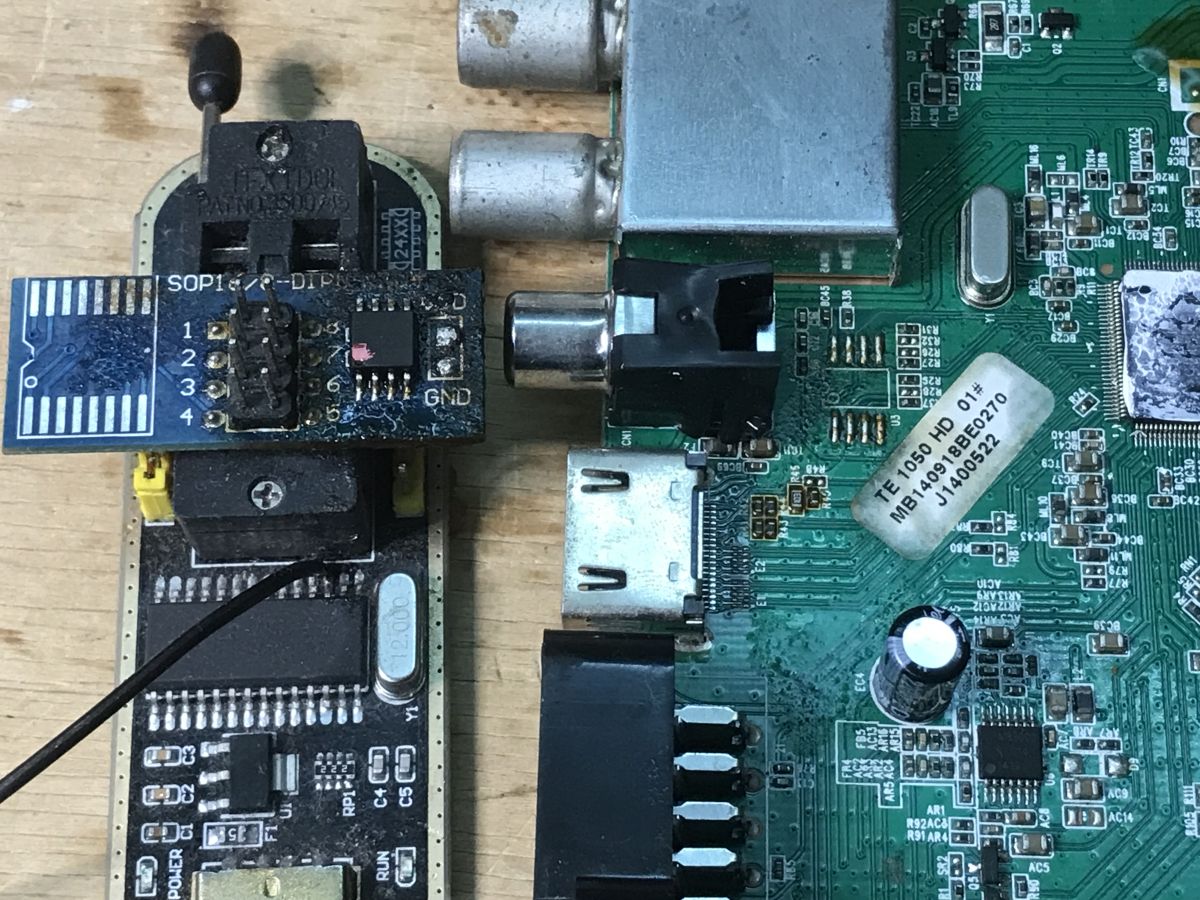
All you have to do is solder the bone and use CH341. On the computer side I use NeoProgrammer.
Tests with existing tools
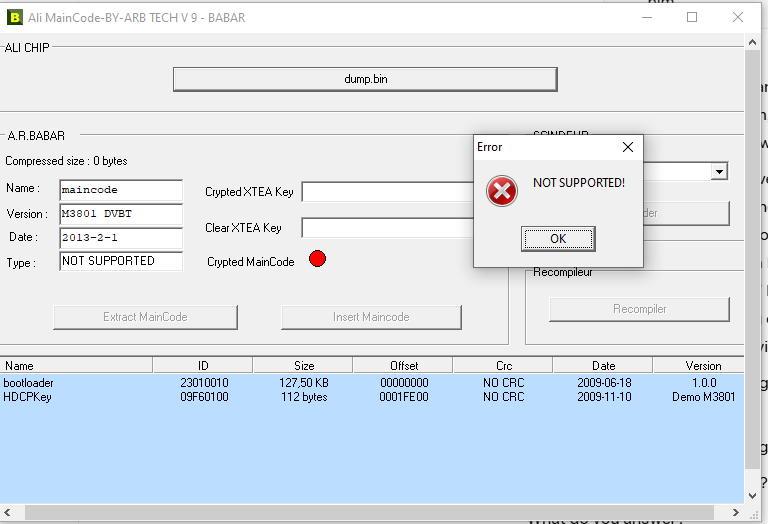
Ali MainCode-BY-ARB Tech V 9 - BABAR decodes something there, but then crashes with an error. Unable to extract or insert code.
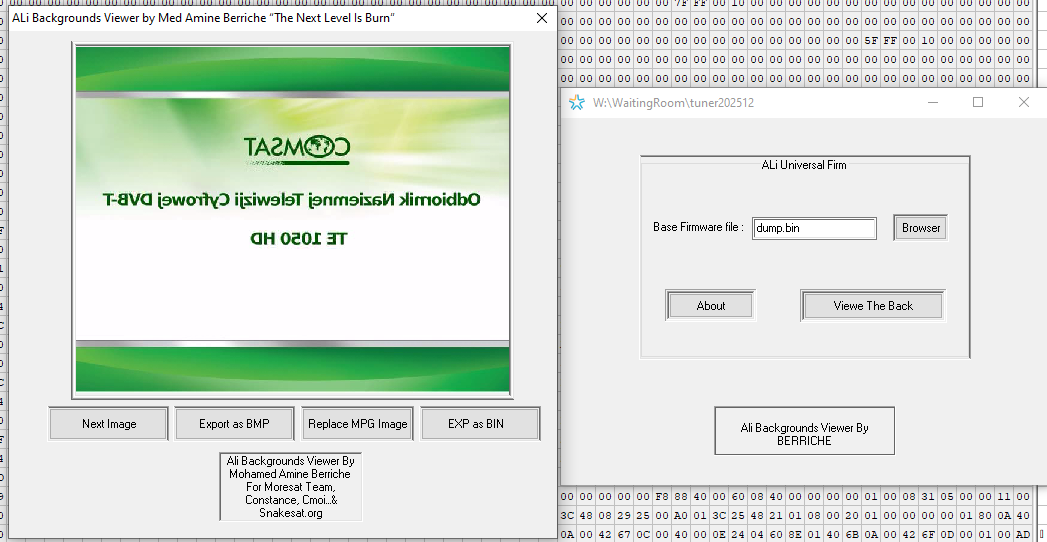
Ali Background Viewer manages to find one image:
Flash dump analysis
I started classically with binwalk , but it didn't give too many results, and in turn I didn't want to check again every result shown with the -I switch.
tester@DESKTOP-6SD9MUK:/mnt/w/WaitingRoom/tuner202512$ binwalk dump.bin

DECIMAL       HEXADECIMAL     DESCRIPTION
--------------------------------------------------------------------------------
2321543       0x236C87        Copyright string: "copyright laws as"
2636264       0x2839E8        Cisco IOS experimental microcode, for "']"
I quickly decided that I would play around manually. Right at the start you see something that resembles a header structure - you can see the inscriptions NCRCbootloader, 1.0.0 and some date.
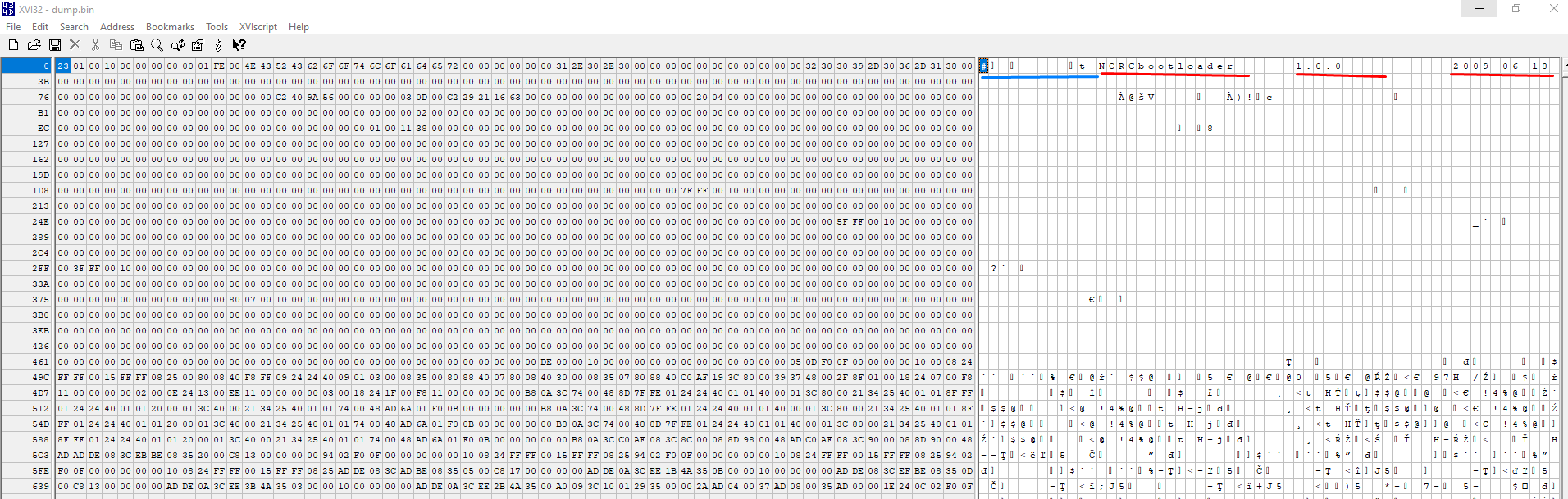
I have highlighted it in red in the image. So it's easy to guess that the values earlier (underlined in blue) are probably some offsets or partition sizes.
Now just check each of them - maybe any of them are partition lengths?
I checked four bytes each, in two orders: big-endian and little-endian. Either the oldest byte is first, or the youngest. Then I would make a jump by a given value in my hex xvi32 editor and see where I landed:
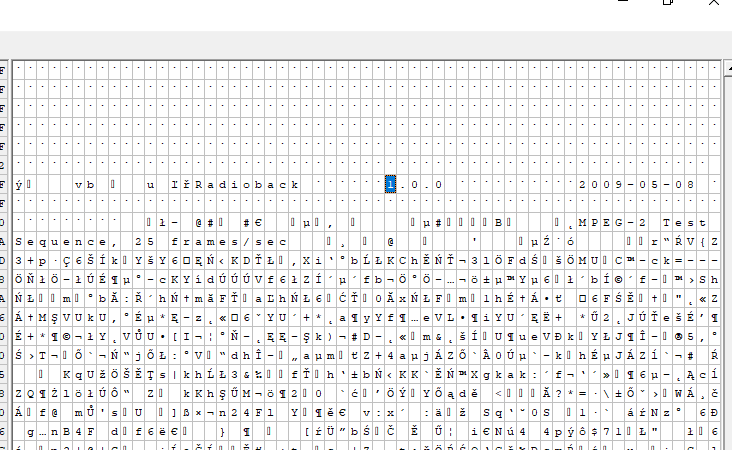
The value just before the NCRC name leads to the next partition! You can outline the structure:
Code: C / C++
You still need an auxiliary function to swap the byte order:
Code: C / C++
And the whole thing can be analysed in the program.
Code: C / C++
It is good, but it is not perfect:
Partition 0 @ offset=0 (0x0) id=268435747 unk=0 len=130560 name=NCRCbootloader ver=1.0.0 dat=2009-06-18
Partition 1 @ offset=130560 (0x1fe00) id=128521 unk=1879048192 len=512 name=NCRCHDCPKey ver=Demo M3801 dat=2009-11-10
Partition 2 @ offset=131072 (0x20000) id=16907777 unk=2091331328 len=3145728 name=yÝĘ~maincode ver=M3801 DVBT dat=2013-2-1
Partition 3 @ offset=3276800 (0x320000) id=130306 unk=1651900416 len=65536 name=ułż°Radioback ver=1.0.0 dat=2009-05-08
Partition 4 @ offset=3342336 (0x330000) id=130051 unk=1611005952 len=130944 name= ver=1.1.0 dat=2013-2-1
Partition 5 @ offset=3473280 (0x34ff80) id=129796 unk=1879051008 len=0 name=NCRCuserdb ver=1.0.0 dat=2013-2-1
Stopping: invalid length at offset 3473280
Unused bytes at end: 721024 (0xb0080)
Those strange stamps at the beginning of partition names make it suggest that the NCRC is not part of the name (string), but a special field value, probably from the CRC....
Code: C / C++
O much better:
Partition 0 @ offset=0 (0x0) id=268435747 unk=0 len=130560 name=bootloader ver=1.0.0 dat=2009-06-18
Partition 1 @ offset=130560 (0x1fe00) id=128521 unk=1879048192 len=512 name=HDCPKey ver=Demo M3801 dat=2009-11-10
Partition 2 @ offset=131072 (0x20000) id=16907777 unk=2091331328 len=3145728 name=maincode ver=M3801 DVBT dat=2013-2-1
Partition 3 @ offset=3276800 (0x320000) id=130306 unk=1651900416 len=65536 name=Radioback ver=1.0.0 dat=2009-05-08
Partition 4 @ offset=3342336 (0x330000) id=130051 unk=1611005952 len=130944 name=defaultdb ver=1.1.0 dat=2013-2-1
Partition 5 @ offset=3473280 (0x34ff80) id=129796 unk=1879051008 len=0 name=userdb ver=1.0.0 dat=2013-2-1
Stopping: invalid length at offset 3473280
Unused bytes at end: 721024 (0xb0080)
I then started looking for information about the constant, which looks like a header identifier to me. Bingo - there are results on GitHub:
https://github.com/search?q=0x01FE0101&type=code&p=1
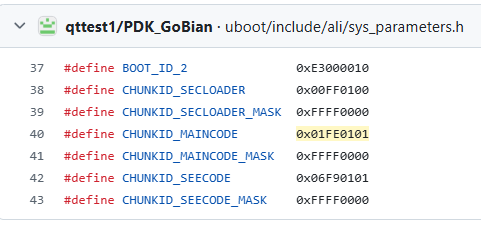
It corresponds to the constant - CHUNKID_MAINCODE.
You can find code showing how the application starts:
https://github.com/qttest1/PDK_GoBian/blob/master/uboot/board/ali-stb/norflash/flash.c#L109
Code: C / C++
This also found the rest of the header structure:
Code: C / C++
It looks like my first assessment was almost entirely correct - only the variable I specified as length is actually an offset to the next partition, and the partition length may be smaller.
Code: C / C++
This is confirmed - the second int32 looks like the actual partition size (not the maximum):
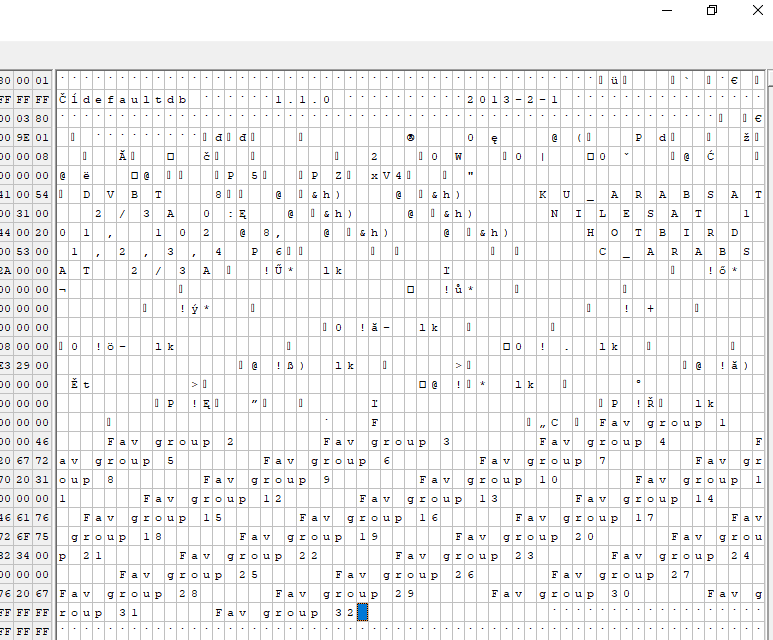
Here we still have a mention of NOCRC:
Code: C / C++
This would explain everything, after all, in ASCII 0x4E435243 is "NCRC". This is the special value used to mark partitions without CRC.
Correct CRC check
At this stage I have already managed to find the code where the CRC is verified:
Code: C / C++
The mg_table_driven_crc function is also available, moreover it has no dependencies on other libraries. It can be easily ported.
https://github.com/erwinbsbqq/PDK_GoDroid/blo...63f95/uboot/board/ALi/ali_3503/fastCRC.c#L171
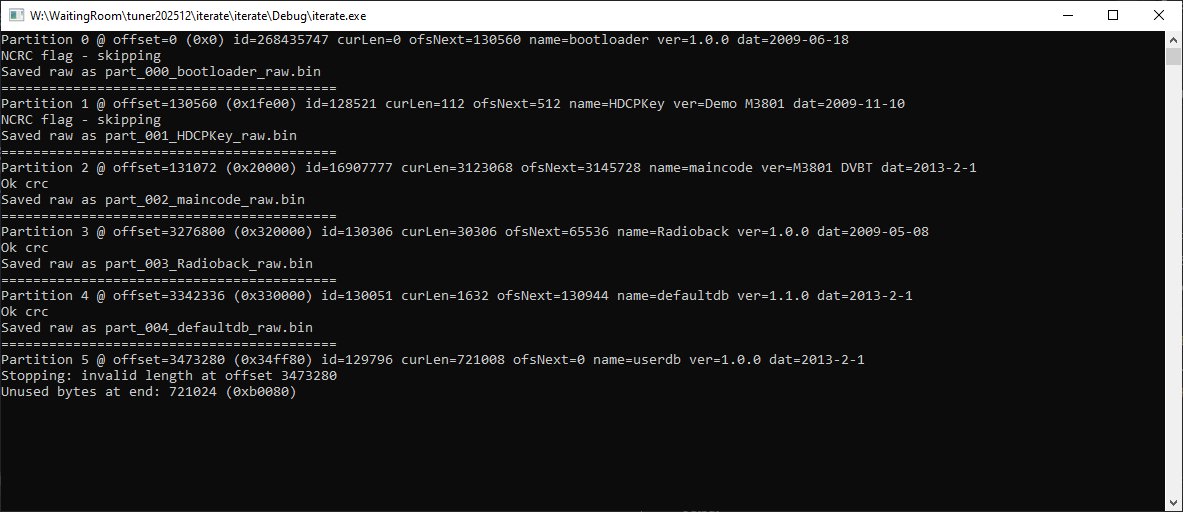
I added it to my program and from now on I can verify the CRC of partitions.
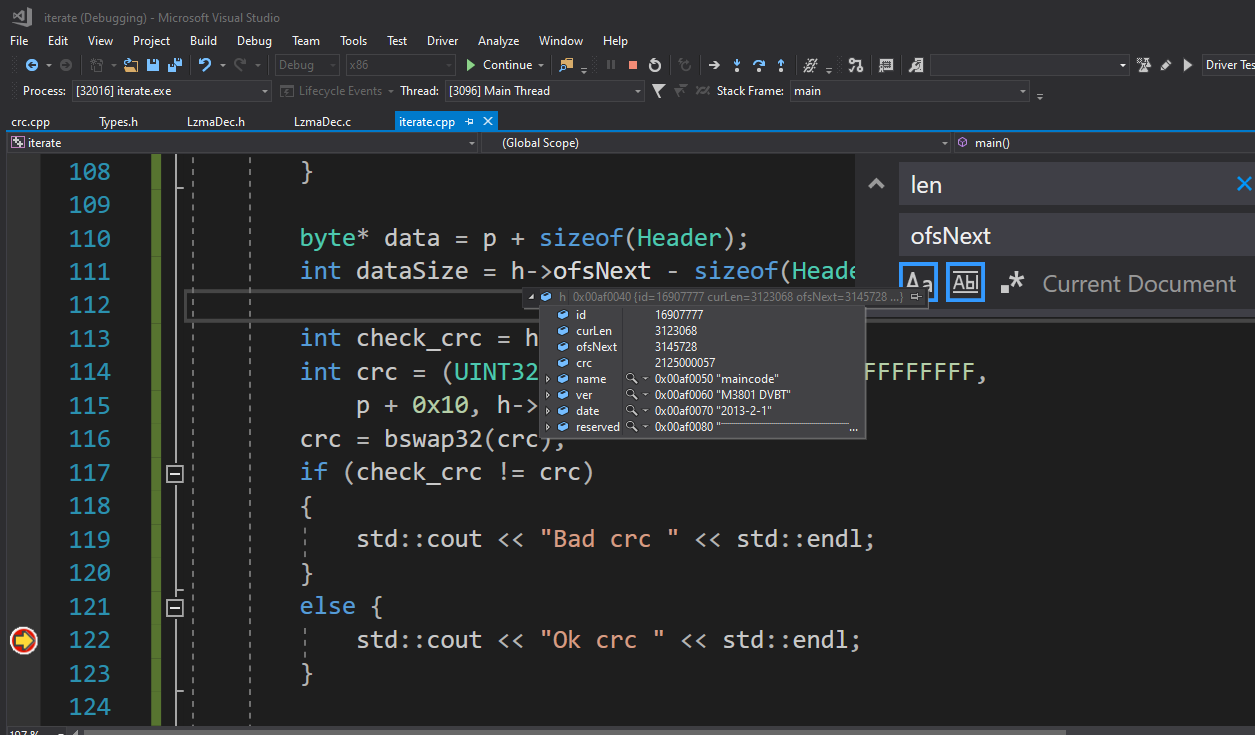
All CRCs are correct:
Compiler search
There is an interesting ACS_release_combo.rar package on GitHub. One of the traces leads to the mips architecture and the sde-6.06 compiler:
https://github.com/levi028/loader/blob/master.../app/demo/combo/sabbat_dual/platform/Makefile
I have included the command for GCC below:
../bin/sde-gcc -membedded-data -ffunction-sections -g -EL -mips2 -O1 -msoft-float -fsigned-char -fno-builtin-printf -D_DEBUG_VERSION_ -D_M3711C_ -D_ALI_TDS_ -D_BOARD_DB_M3711C_01V01_ -D_RD_DEBUG_ -D_MPEG4_SUPPORT -D_GEN_CA_ENABLE_ -D_C1200A_ENABLE_ -D_DVBC_ENABLE_ -D_SUPPORT_TUNER_M3031_ -D_VFB_SUPPORT_ -D_COPY_OPTIMIZATION -D_OUC_LOADER_IN_FLASH_ -D_STRIP_PLUGIN_OUTPUT -DDUAL_ENABLE -DMAIN_CPU -D_BUILD_OTA_E_ -D_BUILD_USB_LOADER_ -D_BUILD_USB_LOADER_GEN -D_BUILD_OUC_LOADER_ -I/cygdrive/d/svn/3711C_NBC_PA_HIGH/GA15_NBC1.01.61_Dominican_COMCAST/ALi_UPG_128M_export/inc -I/cygdrive/d/svn/3711C_NBC_PA_HIGH/GA15_NBC1.01.61_Dominican_COMCAST/ALi_UPG_128M_export/inc/freetype2/freetype2 -I/cygdrive/d/svn/3711C_NBC_PA_HIGH/GA15_NBC1.01.61_Dominican_COMCAST/ALi_UPG_128M_export/inc/freetype2  -Wextra -Wall -Wall -Wno-unused-parameter -Wno-unused-function -Wformat=2 -D_FORTIFY_SOURCE=2 -I../lib/gcc/sde/3.4.4/include -I../sde/include -Wall -Wno-unused-parameter -Wno-unused-function -Wformat=2 -D_FORTIFY_SOURCE=2 -I../lib/gcc/sde/3.4.4/include -I../sde/include  -c -o ali_i2c_common.o ali_i2c_common.c
make[6]: ../bin/sde-gcc: No such file or directory
make[6]: *** [<builtin>: ali_i2c_common.o] Error 127
make[6]: Leaving directory '/cygdrive/w/GIT/loader/ali_upg_128m/src/bus/i2c/scb'
make[5]: *** [Makefile:45: all] Error 2
make[5]: Leaving directory '/cygdrive/w/GIT/loader/ali_upg_128m/src/bus/i2c/scb'
make[4]: *** [makefile:863: BUS_I2C_SCB] Error 2
make[4]: Leaving directory '/cygdrive/w/GIT/loader/ali_upg_128m/src'
make[3]: *** [Makefile3711c.cmd:1753: release] Error 2
make[3]: Leaving directory '/cygdrive/w/GIT/loader/ali_upg_128m/prj/app/demo/combo/sabbat_dual'
make[2]: *** [Makefile3711c:724: release] Error 2
make[2]: Leaving directory '/cygdrive/w/GIT/loader/ali_upg_128m/prj/app/demo/combo/sabbat_dual'
make[1]: *** [MakefileCommon:124: all] Error 2
make[1]: Leaving directory '/cygdrive/w/GIT/loader/ali_upg_128m/prj/app/demo/combo/sabbat_dual'
make: *** [Makefile:22: all] Error 2
Now the question where to get sde-gcc from....
https://github.com/search?q=sde-gcc&type=code
#CC=/usr/groups/ecad/mips/sde-6.06/bin/sde-gcc
I'll stop here for now though, and continue the presentation in the next topic.
Other related material:
https://github.com/levi028/loader
https://github.com/jinfeng-geeya/3202C
https://github.com/erwinbsbqq/PDK_GoDroid
https://github.com/qttest1/PDK_GoBian
https://course.khoury.northeastern.edu/cs3650...XT-CD/Content/Software/SDElite/clickthru.html
Summary
I managed to find out the format of the partition in the flash dump, my program also checks the CRC correctly, so I can generate a new checksum if needed. I have posted the source code on GitHub:
https://github.com/openshwprojects/AliUnpacker
I have added a copy of the 4 MB from this device to my collection of memory dumps:
https://github.com/openshwprojects/FlashDumps/commit/c601366e6d63c2d1f65597aa96c4dfa477191aaf
At the moment I have another big progress - in a separate topic perhaps something simple can be run on the Ali M3801.
Has anyone tried to give a second life to these types of old tuners?
Cool? Ranking DIY Helpful post? Buy me a coffee.