FAQ
TL;DR: Many Eybond Wi‑Fi/BLE datalogger boards log every 5 minutes; “These loggers are rubbish straight away.” If the chip shows a Bouffalo Lab logo, hold GPIO8 (DL) low/high during reset to enter download and try BLDevCube—otherwise consider swapping in an ESP32‑C3. [Elektroda, piotr.ino26, post #21778767]
Why it matters: This FAQ helps solar‑inverter owners and tinkerers identify, flash, or replace an erased‑marking MCU without a full teardown.
Quick Facts
- Typical debug baud rates tried: 9,600–115,200 bps with no UART output observed on this board. [Elektroda, bigote, post #21777216]
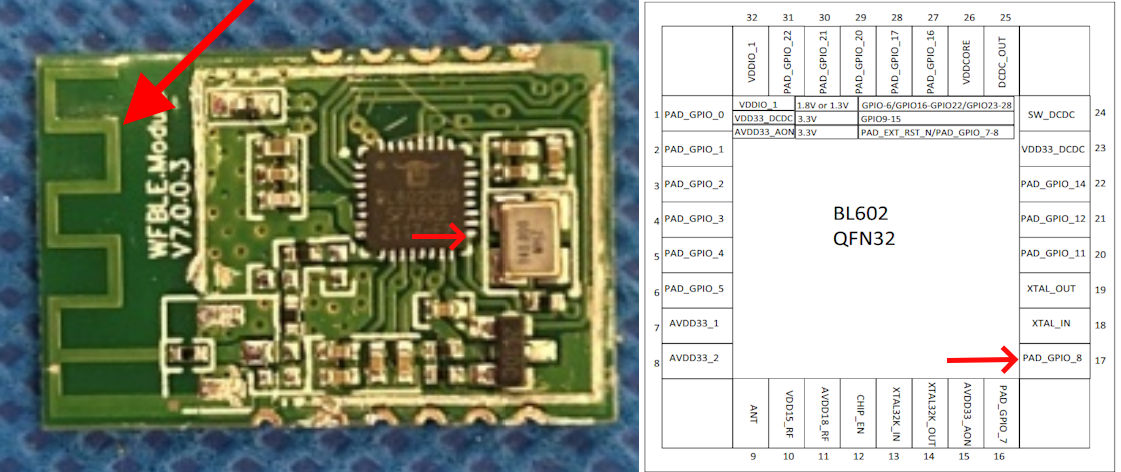
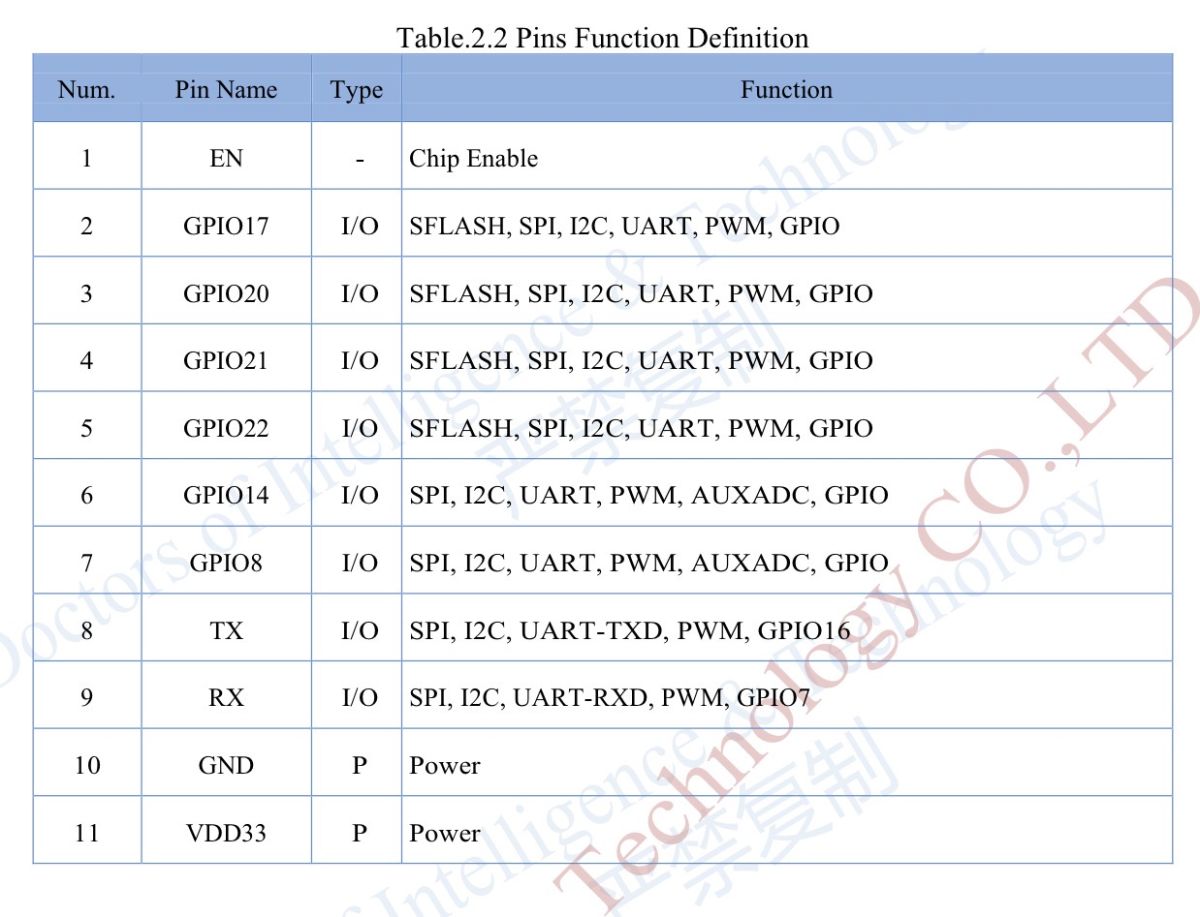
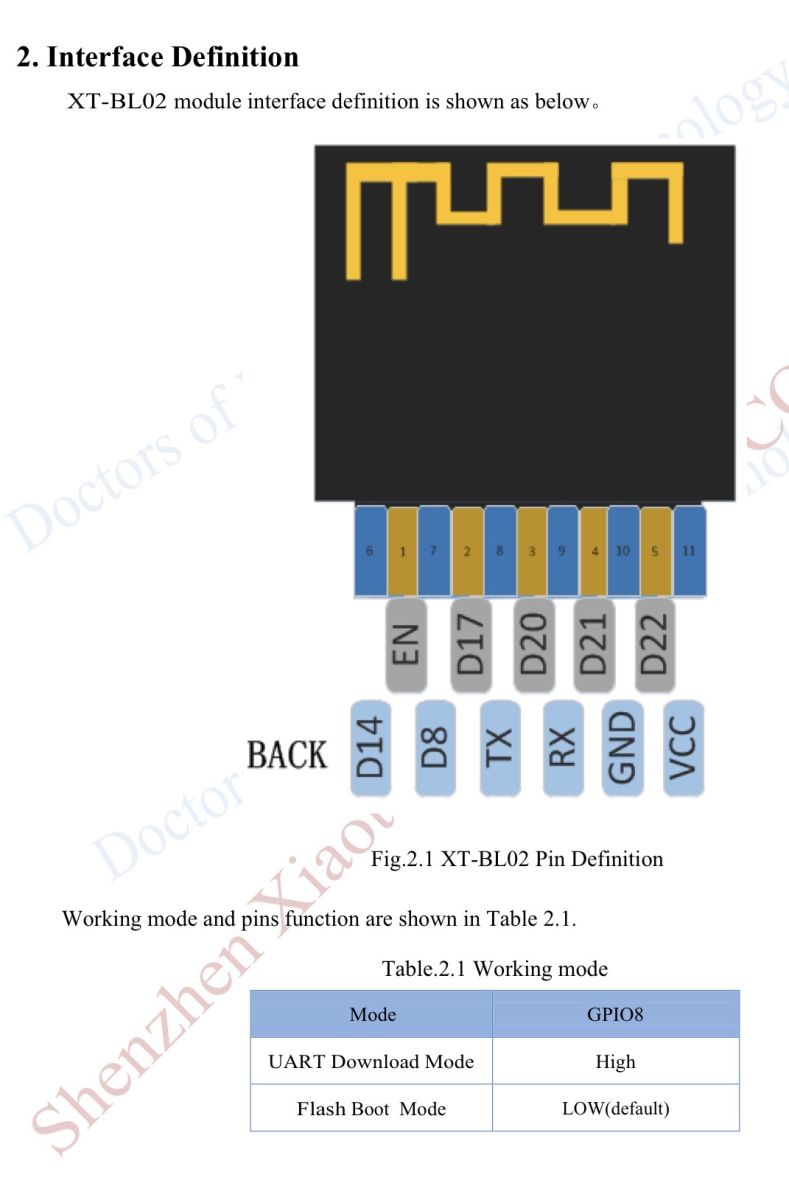
- Boot/Download pad labeled “DL” was traced to GPIO8 (pin 17) on the target MCU. [Elektroda, bigote, post #21780939]
- BLDevCube attempts returned “fail handshake/None,” consistent with wrong boot mode or wiring. [Elektroda, bigote, post #21779923]
- Some owners replace the module with an ESP32‑C3 and reuse the enclosure. [Elektroda, bigote, post #21781776]
- Stock dataloggers on certain Chinese inverters report at ~5‑minute intervals. [Elektroda, piotr.ino26, post #21778767]
How can I identify the MCU when markings are erased?
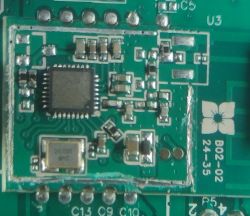
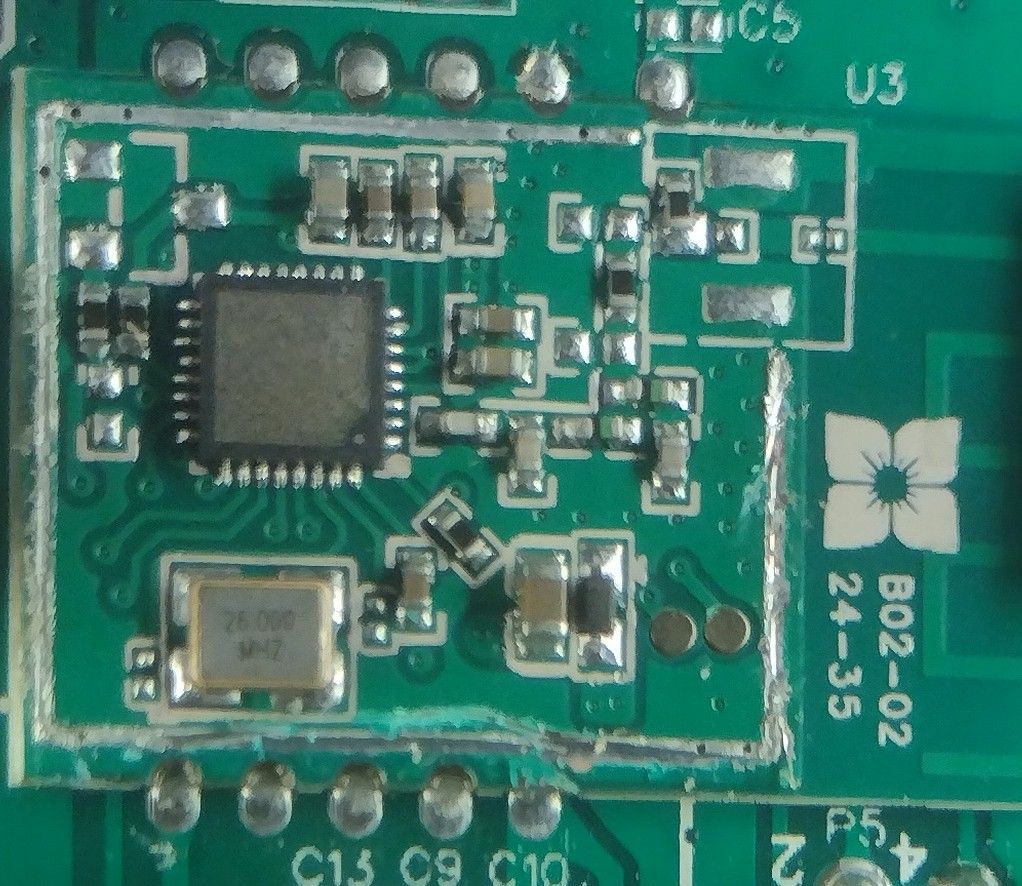
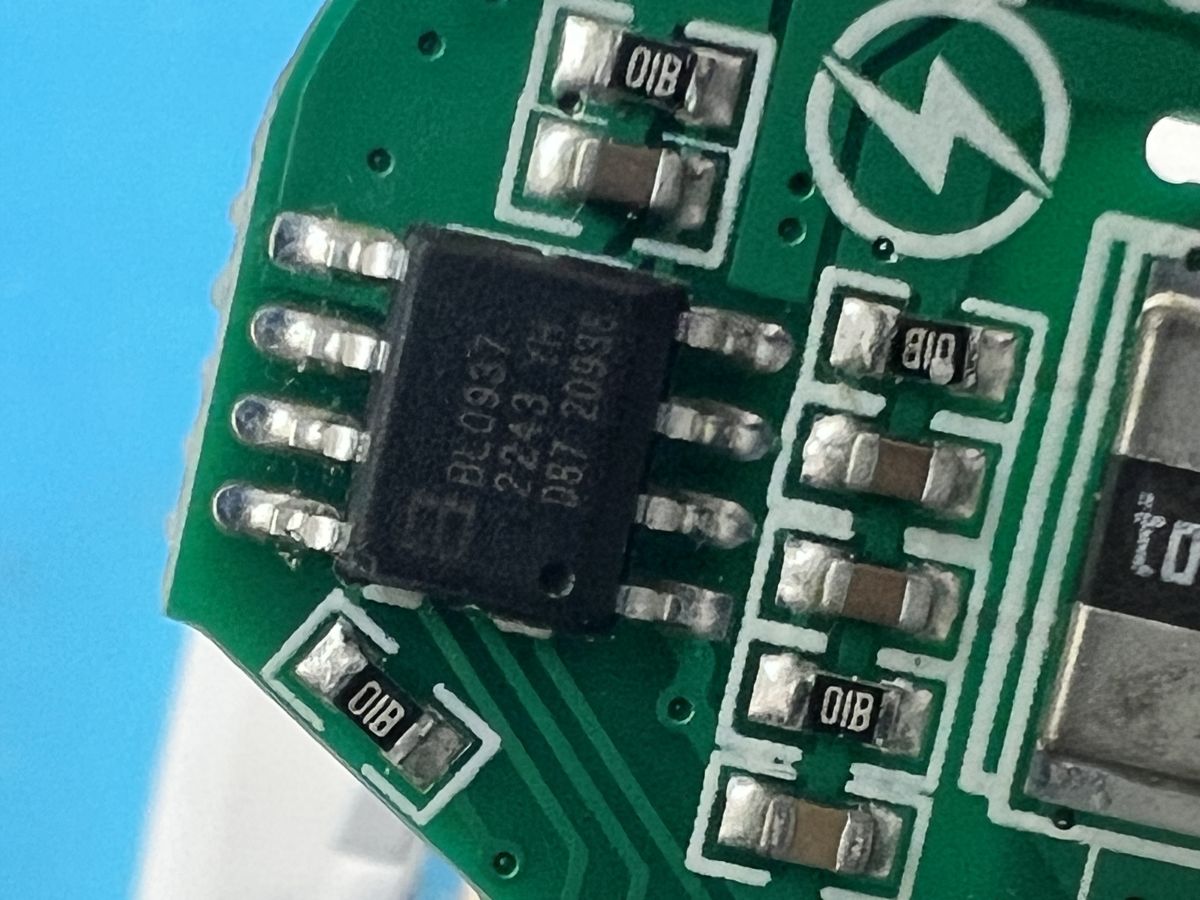
Start with clues: manufacturer (Eybond), pad labels, and internal photos. Trace the pad marked DL to see if it maps to GPIO8, which hints at Bouffalo Lab parts. Try entering boot mode and reading the ID with BLDevCube. If no handshake, recheck boot wiring and serial lines. “Hold BOOT and power” is the usual pattern for Bouffalo boards. [GitHub - Opensource toolchain for Bouffalo Lab]
What does the DL pad do on this board?
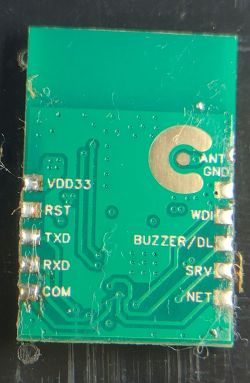
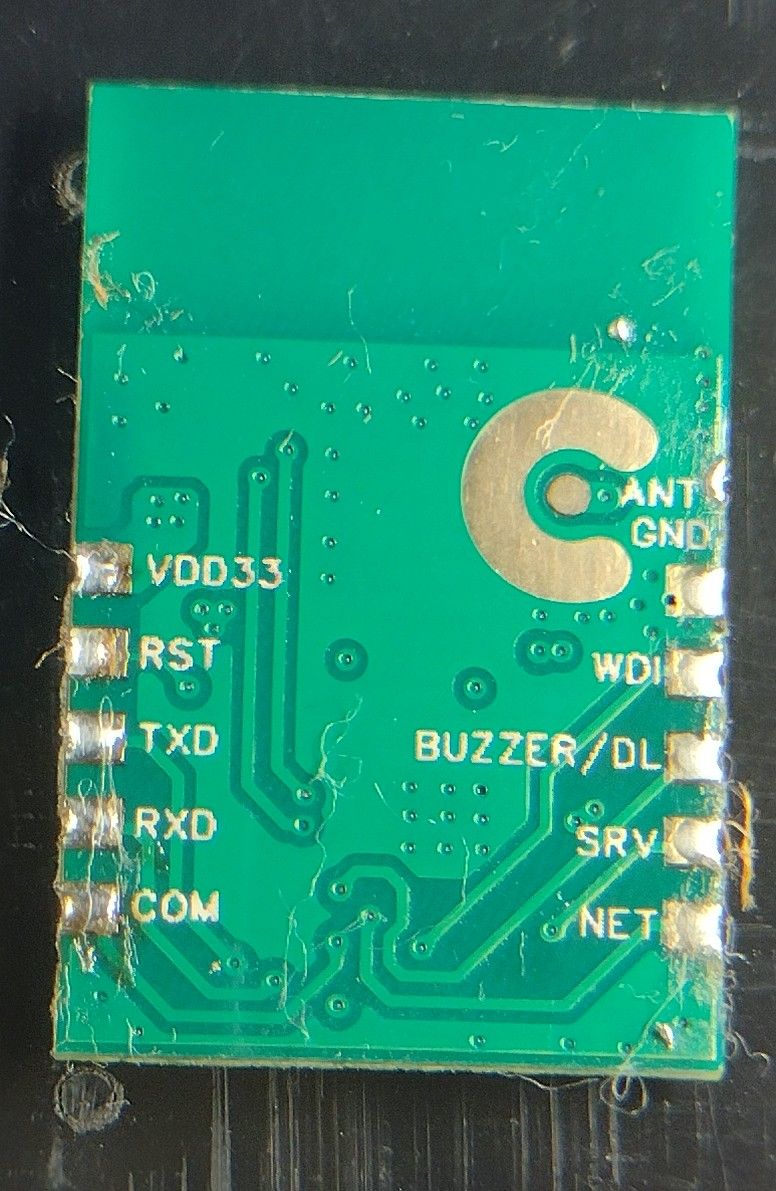
On the reported board, the DL pad connects to GPIO8 (pin 17). Community testing associates that signal with the boot/download function. Pull the pad as required during reset to enter the UART downloader before using BLDevCube or bflb‑mcu‑tool. [Elektroda, bigote, post #21780939]
How do I put Bouffalo Lab BL602/BL70x into UART download mode?
How‑To:
- Hold the BOOT pin (GPIO8 on many BL602 boards) while applying power or tapping RESET.
- Release RESET with BOOT still held; then release BOOT.
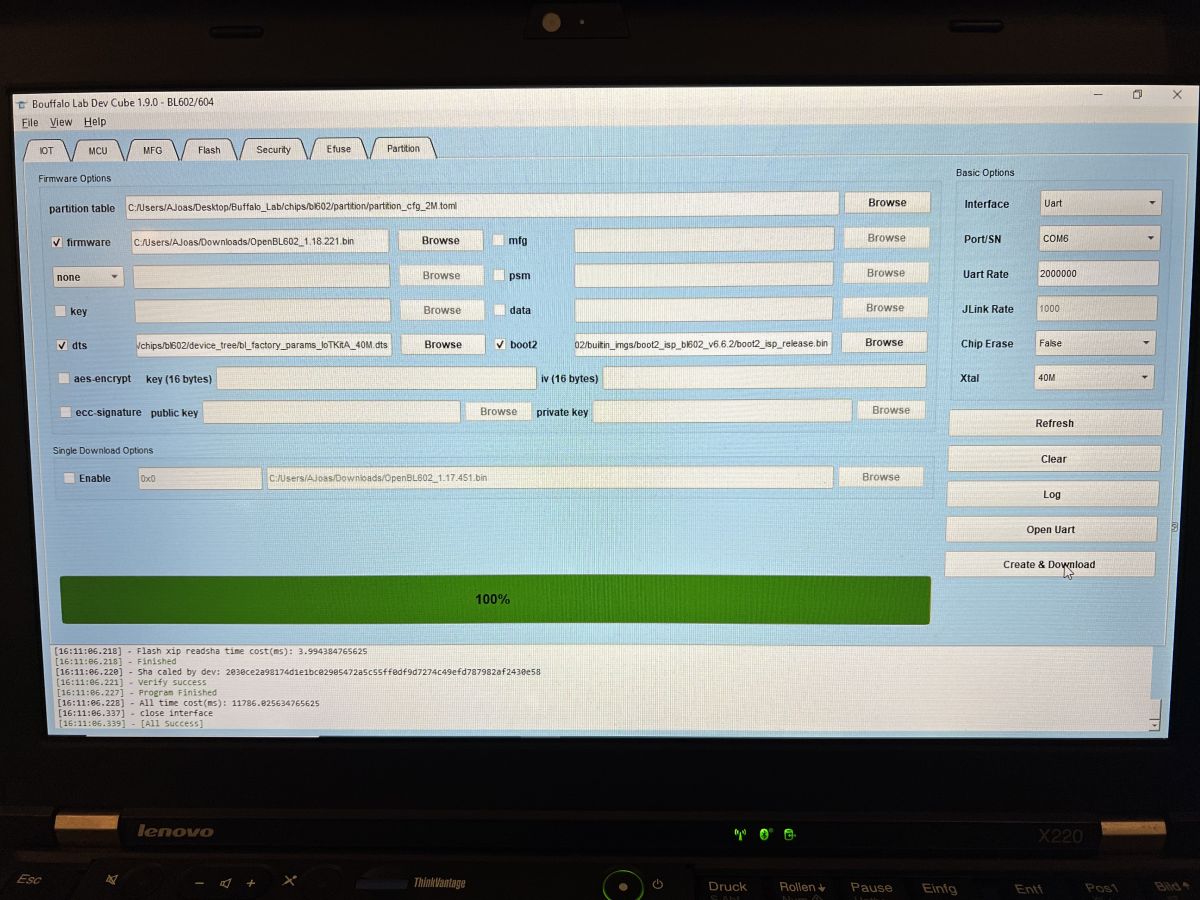
- Connect UART, open BLDevCube/bflb‑mcu‑tool, select the chip, and click Create & Download.
“Hold BOOT button down and power it” is the vendor‑recommended pattern. [GitHub - Opensource toolchain for Bouffalo Lab]
BLDevCube shows “fail handshake” or “NONE” on Read ID—what should I check?
Confirm boot mode was actually entered, that DL/BOOT is asserted correctly, and power is a steady 3.3 V. Verify TX/RX orientation and ground continuity. Try alternate USB‑UART adapters and a slower baud. If the board variant differs, pad labels may not match expected signals. [Elektroda, bigote, post #21779923]
Should I swap RX/TX even if pads are labeled?
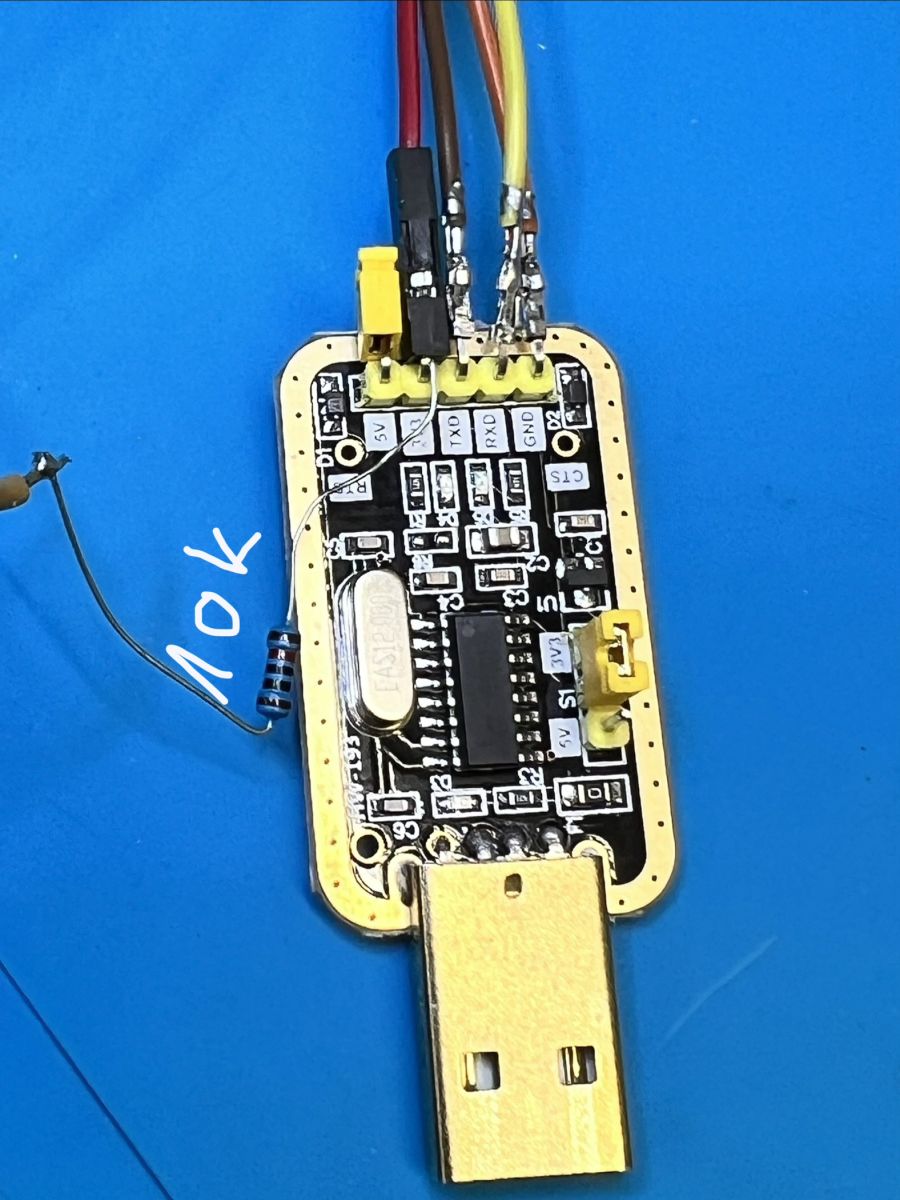
Yes. Some boards label pads for the device they connect to, not the pad’s function. If you wired TX→RX and RX→TX and saw nothing, try TX→TX and RX→RX once. “Sometimes pads are labelled as to what they should be connected to, not what they are.” [Elektroda, divadiow, post #21780986]
Is this Eybond logger based on ESP8266 or Bouffalo Lab?
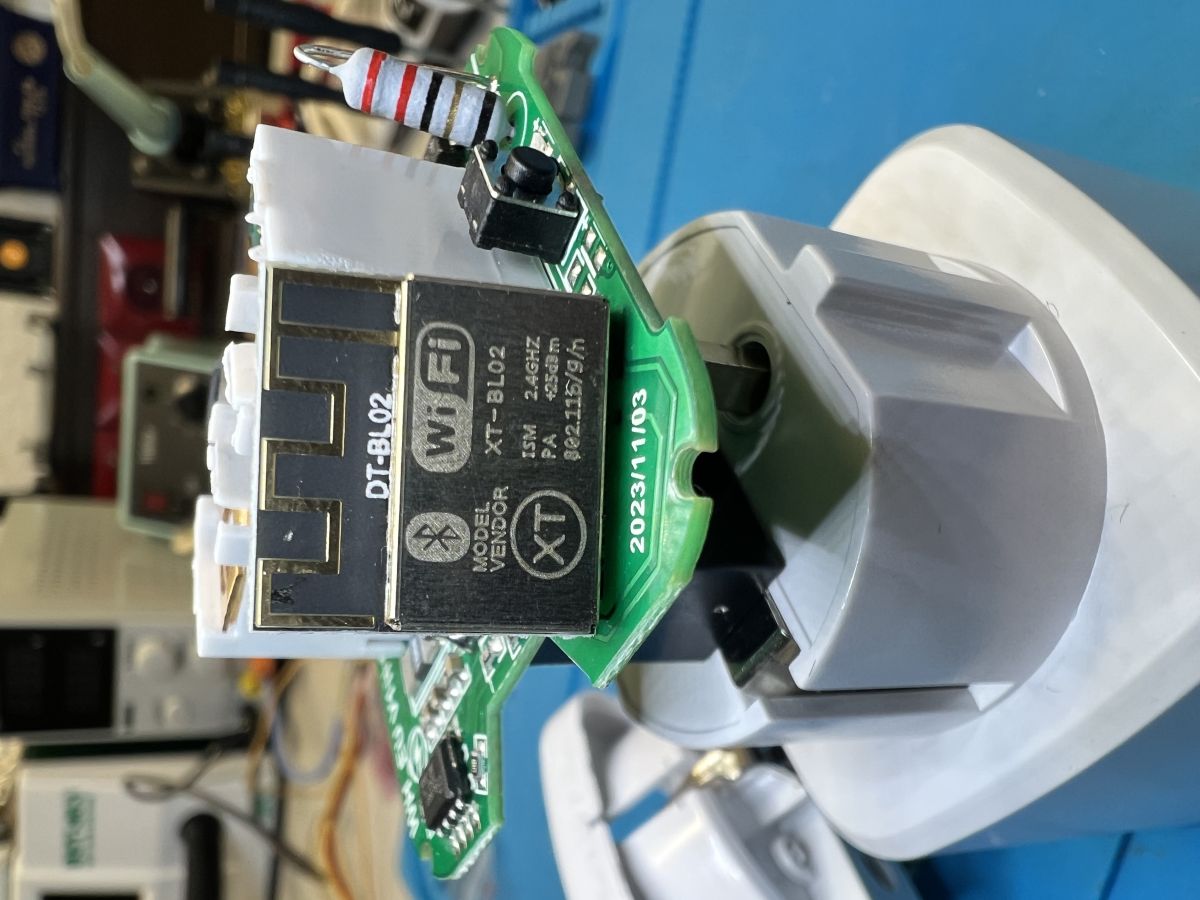
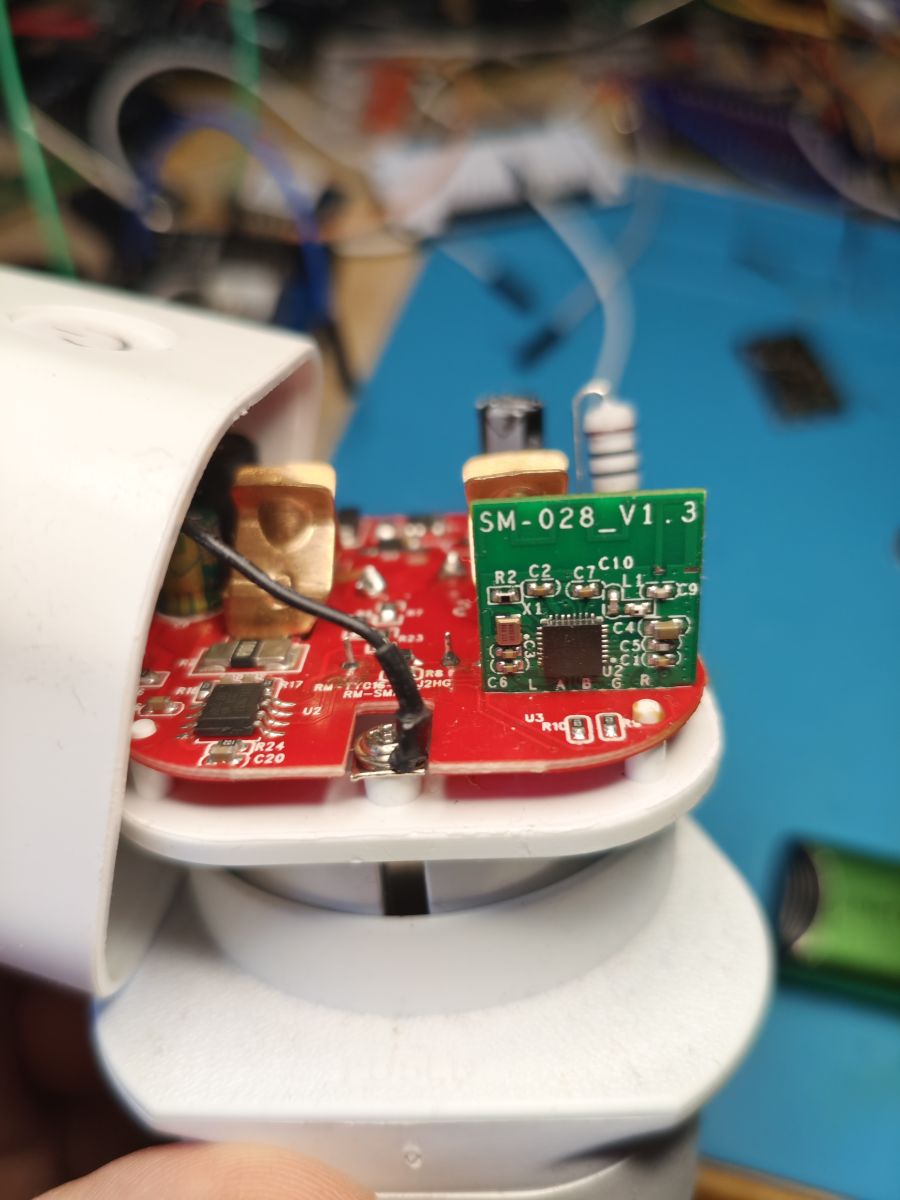
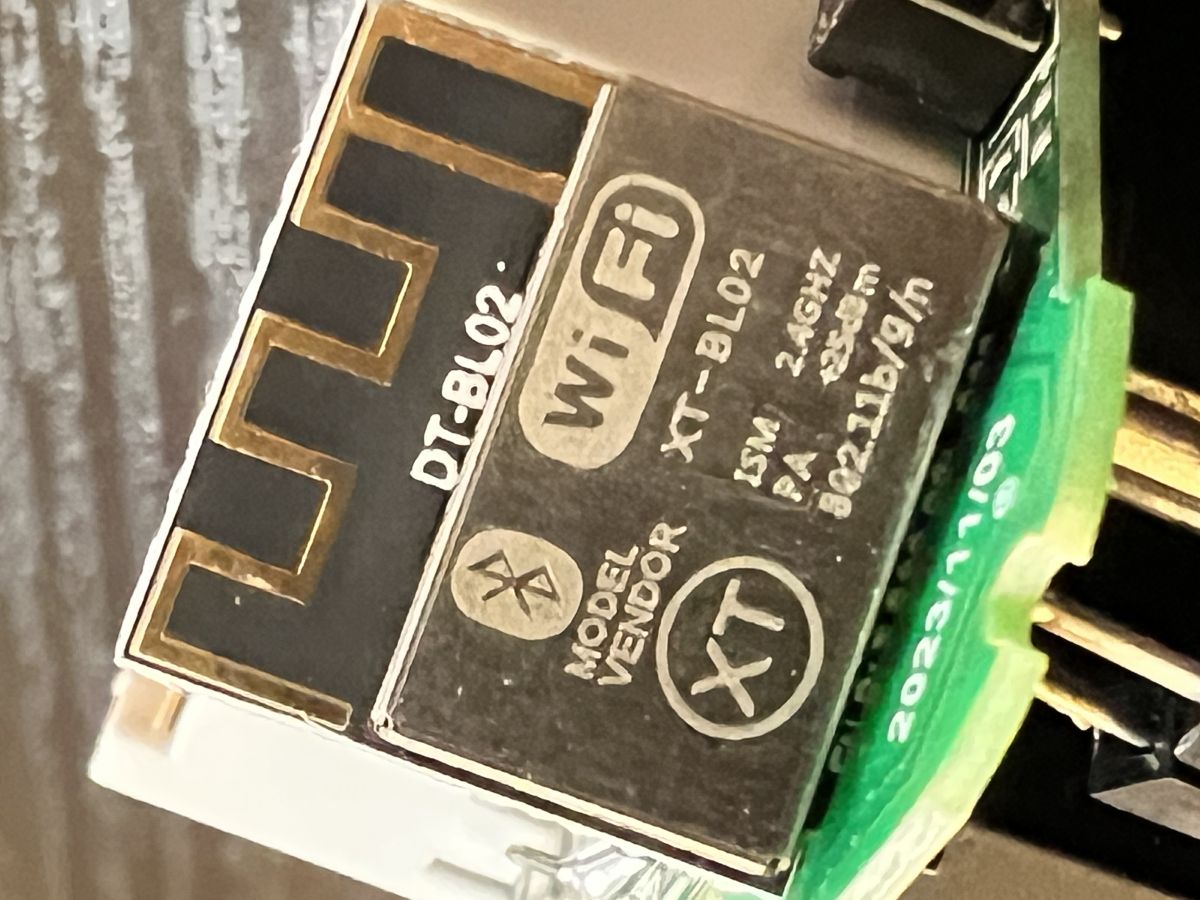
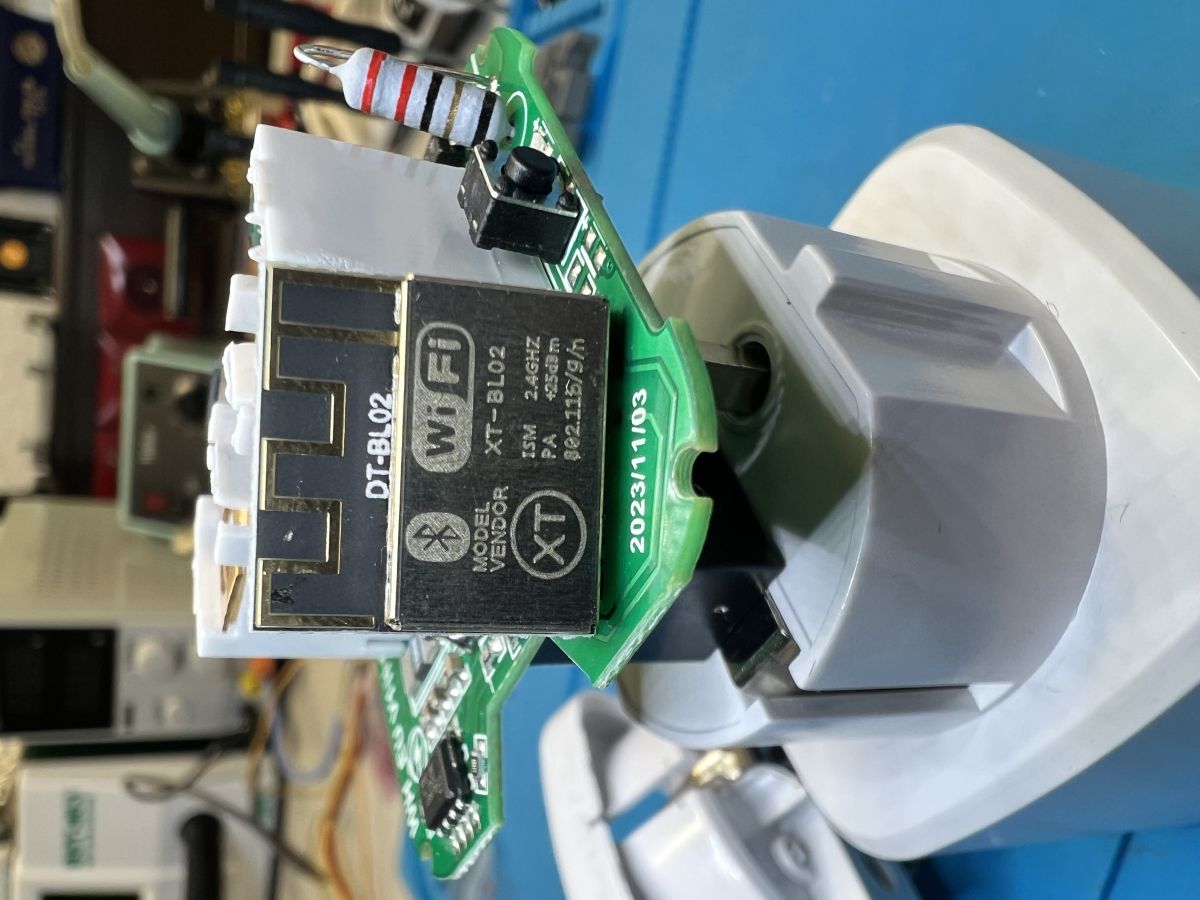
One user suspected ESP8266 in similar dataloggers, but internal photos showed a Bouffalo Lab logo on this board. That points to BL60x/BL70x families rather than Espressif. Without a readable marking or successful ID, treat it as Bouffalo‑class for boot attempts. [Elektroda, bigote, post #21779923]
Can I flash ESPHome onto this stock board?
Only if the exact MCU is supported by ESPHome and bootloader access works. In this thread, repeated attempts failed, and the owner chose to replace the module with an ESP32‑C3 while reusing the enclosure. That path is often faster and more reliable. [Elektroda, bigote, post #21781776]
Why pick an ESP32‑C3 as a drop‑in replacement?
ESP32‑C3 offers Wi‑Fi + BLE 5 (LE), 22 GPIOs, and 400 KB RAM, with strong ESPHome/Home Assistant support. It runs up to 160 MHz and has robust security features. For Bluetooth proxying and inverter logging, it’s a capable, low‑cost choice. [ESP32‑C3 Wi‑Fi & BLE 5 SoC | Espressif Systems]
What supply and interfaces should I plan for with ESP32‑C3?
Design for 3.0–3.6 V supply and 3.3 V logic. Provide UART for flashing/debug, plus optional I2C/SPI as needed. Typical receive currents are ~84–87 mA; TX peaks can exceed 275 mA, so size the regulator accordingly. [ESP32‑C3 — WIN SOURCE]
How do I capture UART logs if nothing appears at 115200?
Try all common rates from 9,600 to 115,200 bps, then 74880 or 57600 if undocumented. Power the board and watch both RX and TX. If silent, the firmware may disable logging or use a different interface. Check boot messages only after forcing boot mode. [Elektroda, divadiow, post #21776532]
What is Tuya?
Tuya is a global AIoT platform and ecosystem offering cloud services, modules, and developer tools for smart devices. Brands and OEMs use it to build, deploy, and manage connected products across many categories at scale. [About Tuya | Tuya Smart]
What is Arduino Nano?
Arduino Nano is a compact, breadboard‑friendly microcontroller board based on the ATmega328P. It mirrors Arduino Uno capabilities in a smaller form factor and programs via the Arduino IDE. It’s common for quick serial and sensor interfacing. [Arduino Nano]
What is OpenBeken?
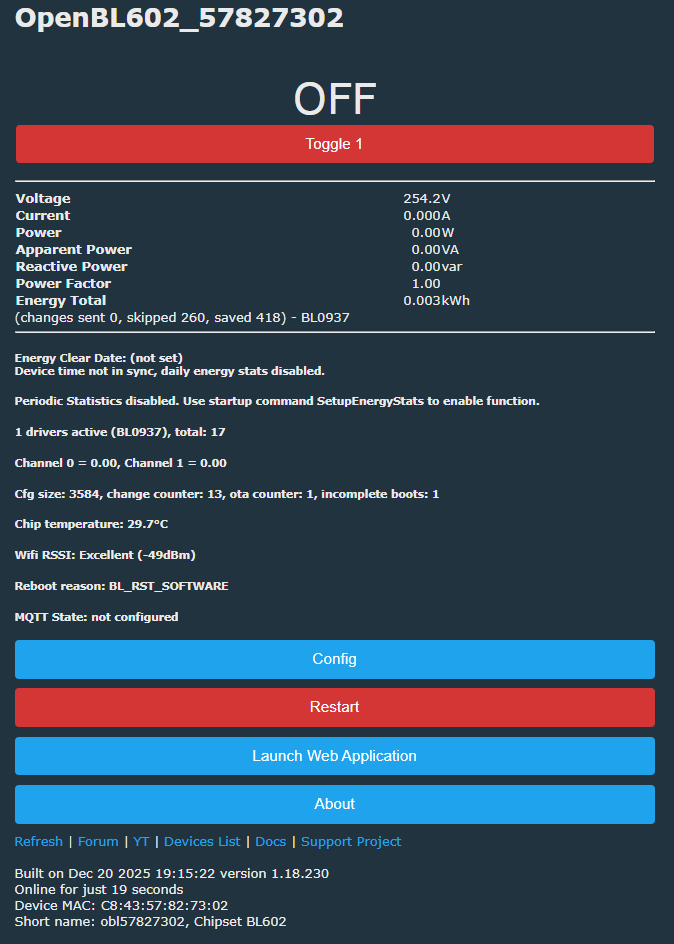
OpenBeken is open‑source firmware, a Tasmota/ESPHome alternative, supporting chips like BK7231 and BL602. It provides MQTT, Home Assistant discovery, OTA updates, and a web UI for Tuya‑style modules. “Tasmota‑like setup” is a core goal. [OpenBeken (openshwprojects/OpenBK7231T_App)]
What is CAN bus?
CAN bus is a robust vehicle and industrial network standardized by ISO 11898. High‑speed CAN reaches up to 1 Mbit/s, while CAN‑FD increases payload and data rate after arbitration. It uses differential signaling with dominant/recessive logic. [CAN bus]
My board looks slightly different than the PDF photo—does that matter?
Yes. Small layout revisions can reroute pads or change labels. In this case, the owner noted a slightly different board while still tracing DL to GPIO8. Expect minor variants and verify with a meter before applying boot procedures. [Elektroda, bigote, post #21780939]
Any community‑tested alternatives for inverter/battery integration?
For EASUN/PIPSOLAR inverters, ESPHome components exist, and JK‑BMS integrations are available as well. These can reduce polling gaps and add local telemetry. Ensure protocol compatibility between inverter and BMS before deployment. [Elektroda, piotr.ino26, post #21780974]