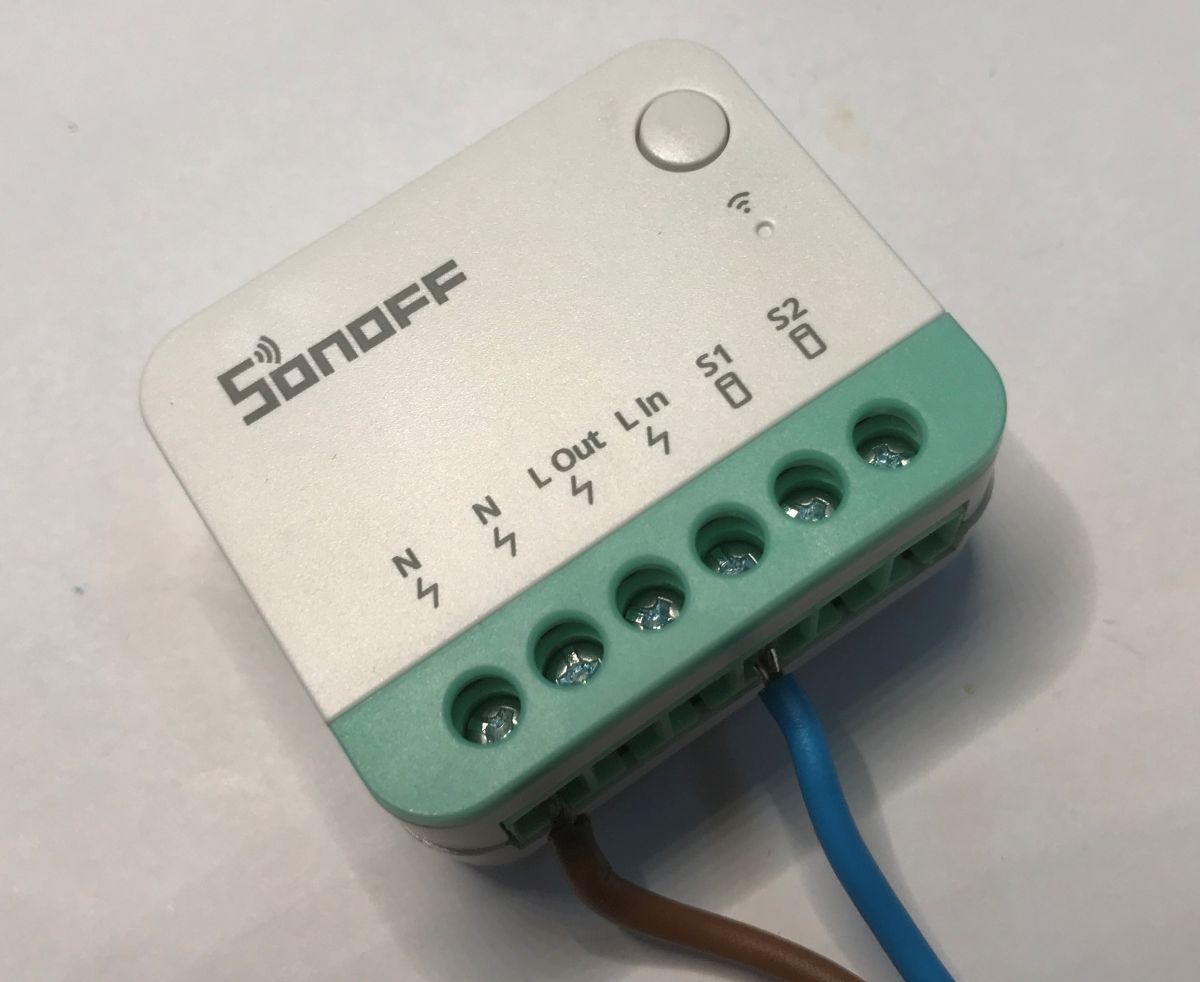
The Sonoff MINIR4M is a small, in-box relay that allows you to easily turn a simple lighting or electrical device into a Wi-Fi-controlled building automation component. With Matter support, it can work with different ecosystems (Apple Home, Google Home, Alexa) without being locked into a single app.
In this material, I will test its performance in the eWeLink app, take a look inside the device and see if it is possible to change the factory firmware.
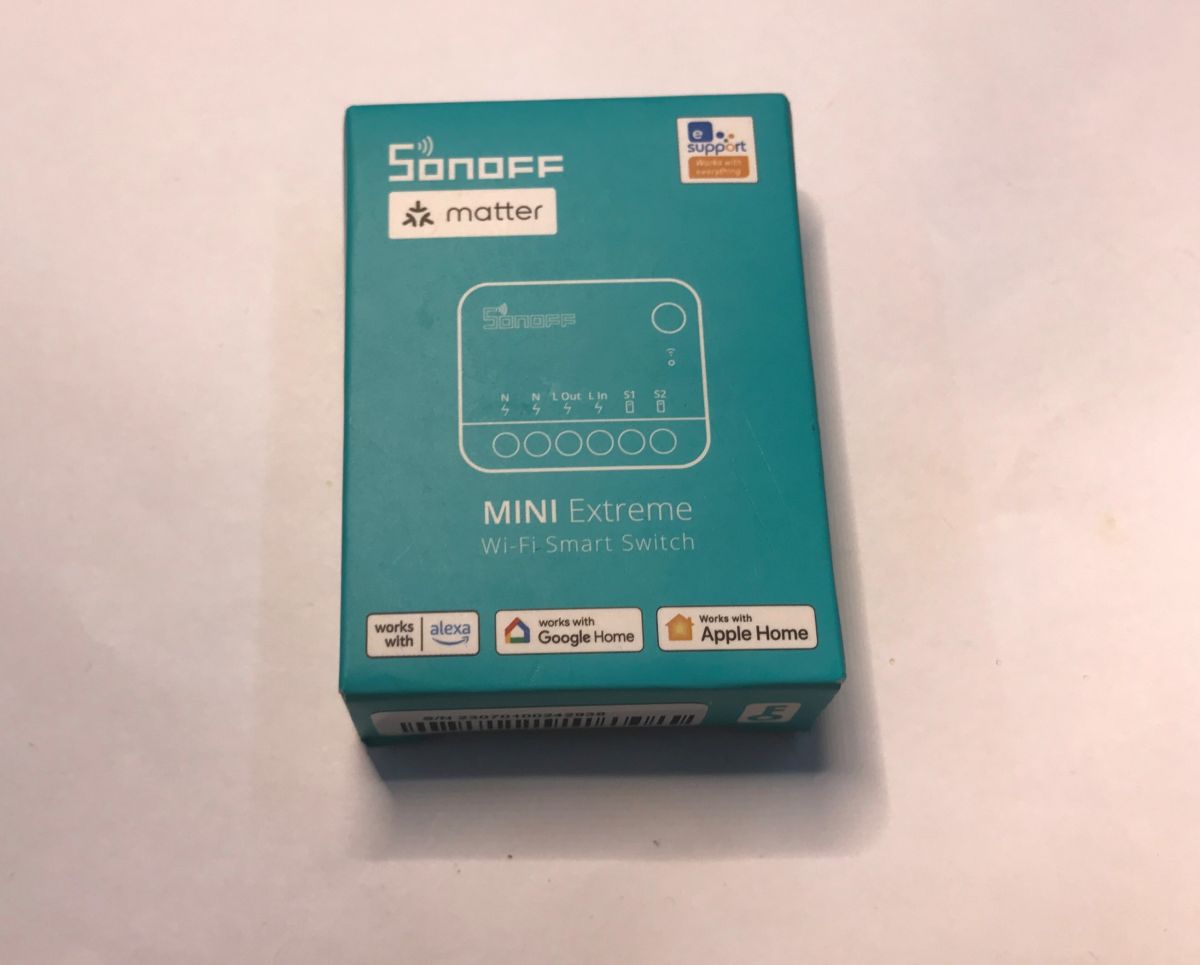
We bought the Sonoff Mini R4 M for PLN30. This is a little more expensive than the cheapest Tuya products, but maybe it's worth it? All we get in the kit is the product itself and the manual:
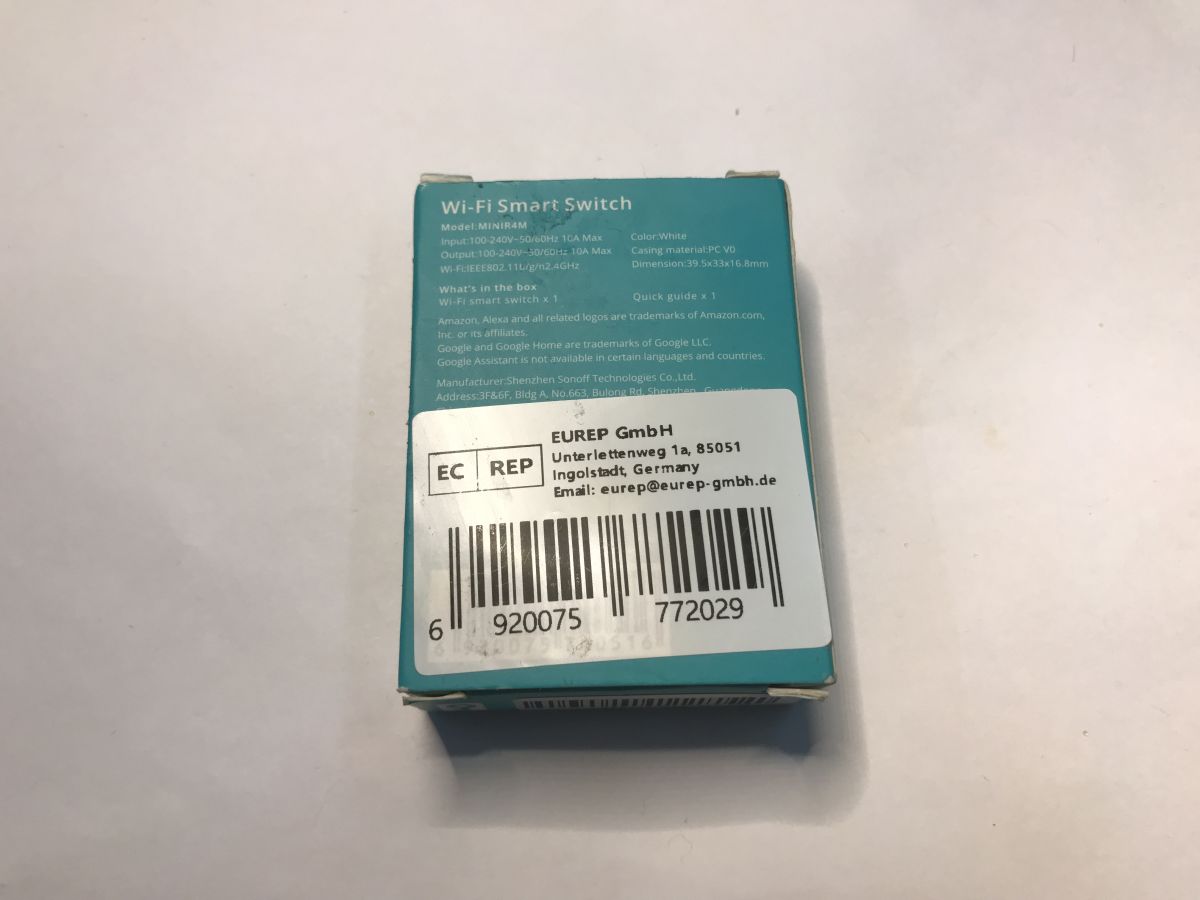
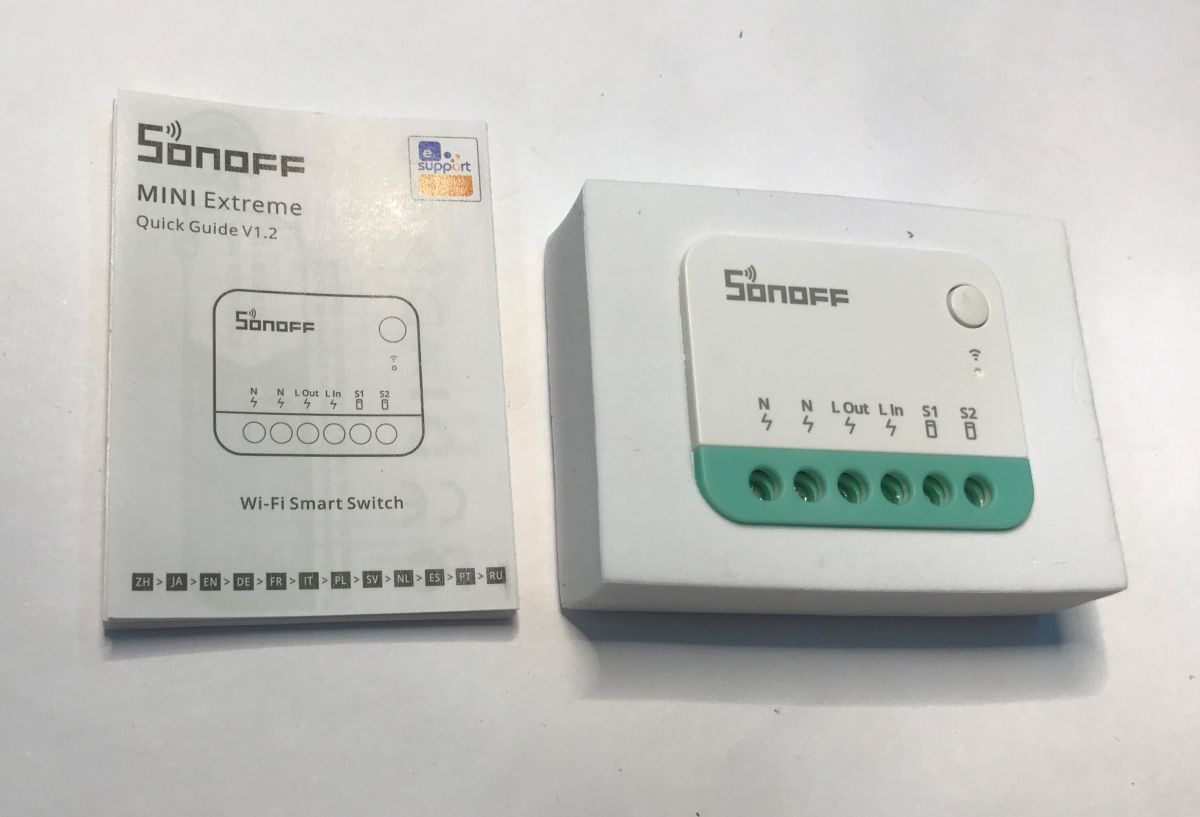
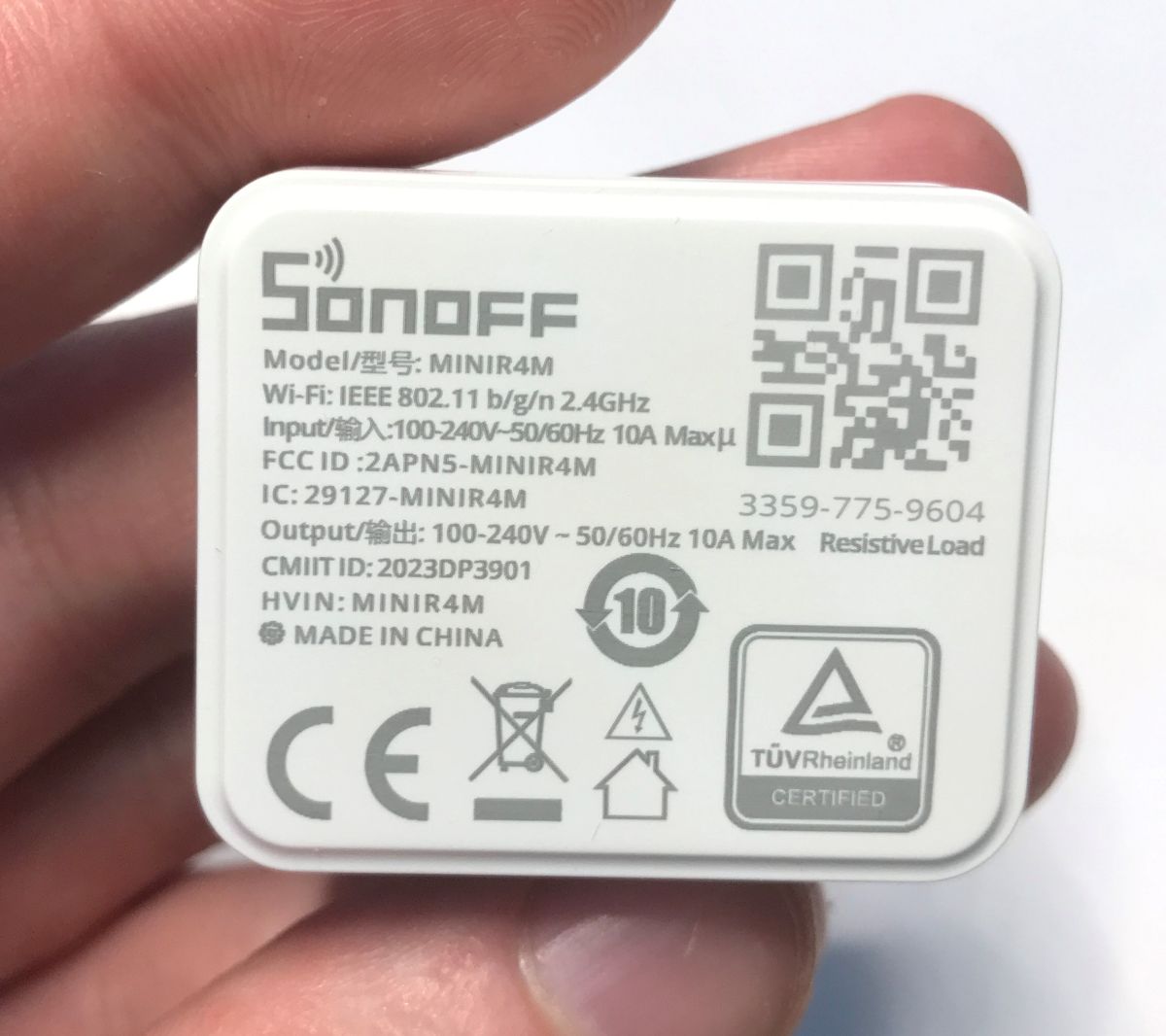
The product is really compact - its dimensions are only 39.5 x 33 x 16.8 mm. It can be hidden in a deeper box just behind a regular switch, which it will also handle. It operates on 100 - 240 volts.
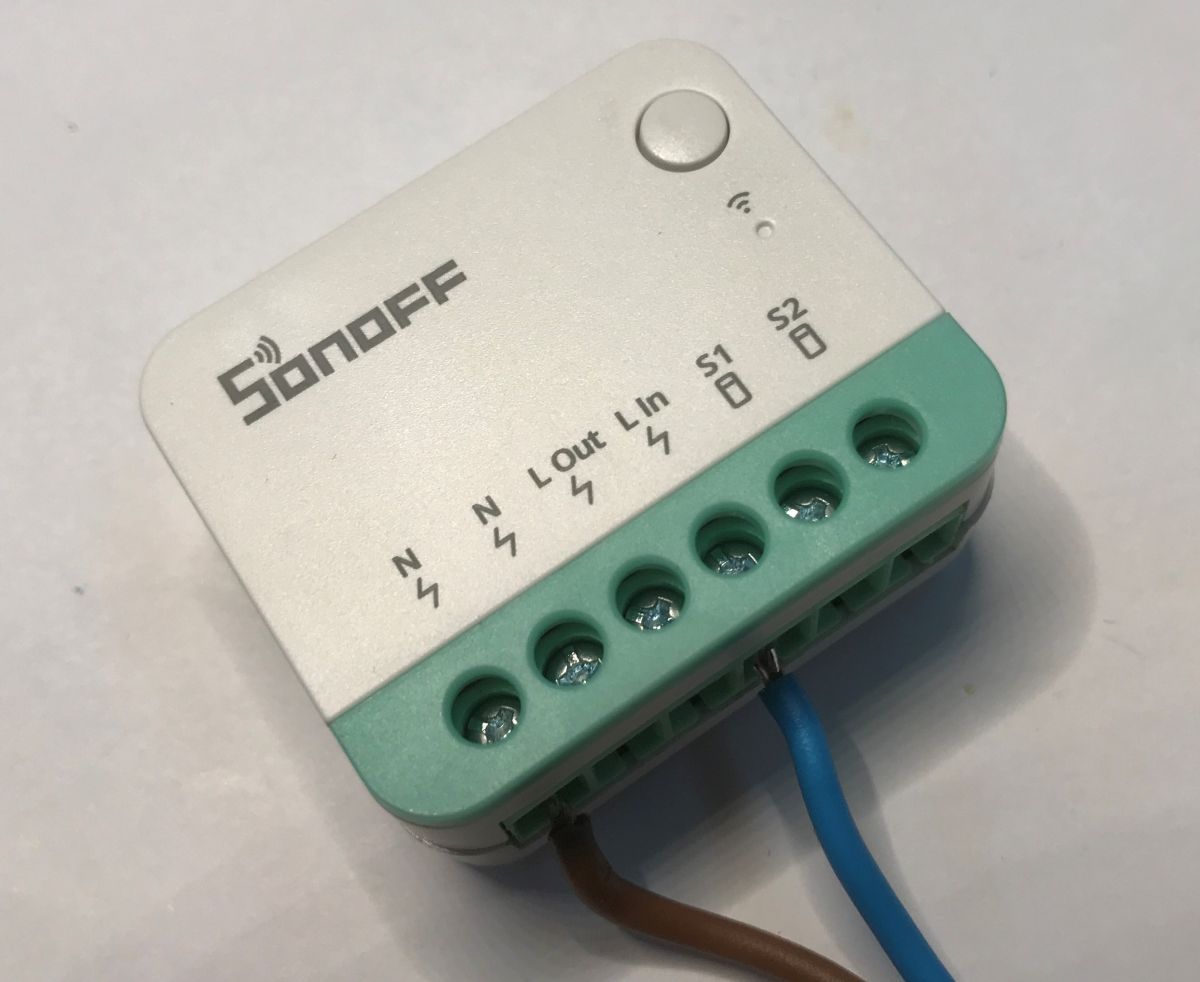
It's time to plug it in and test the application:
Test with the eWeLink app
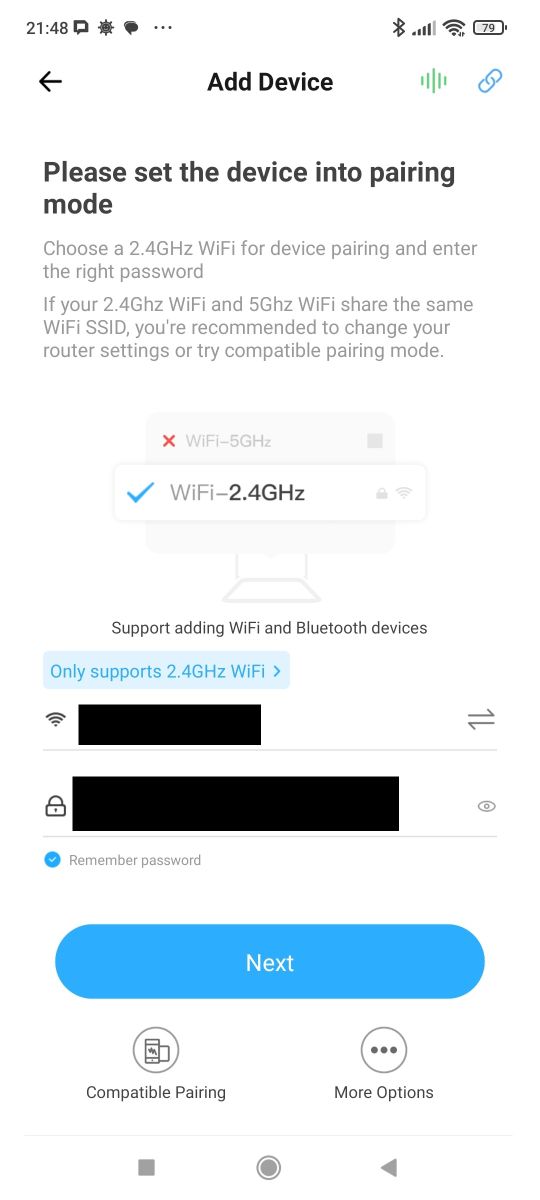
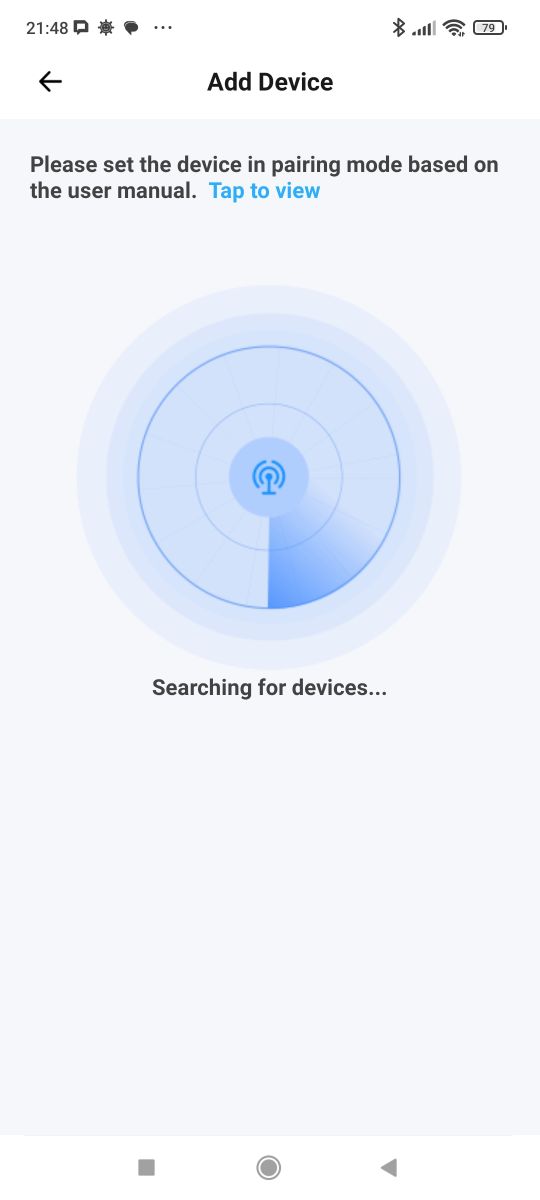
We download the app and create an account. The product works with a 2.4 GHz Wi-Fi network. We put it into pairing mode. The phone finds the device:
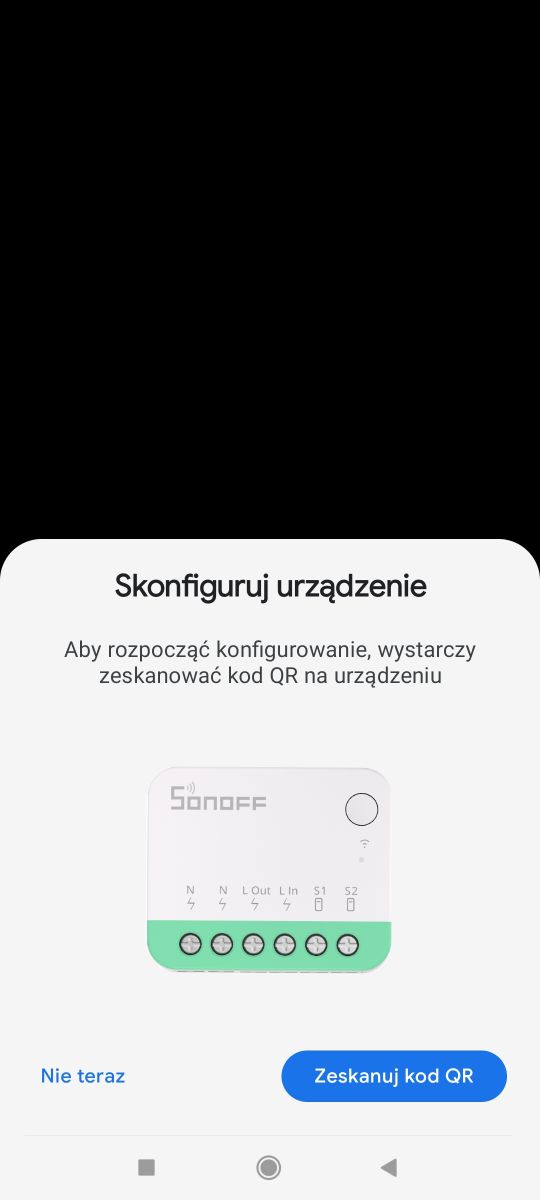
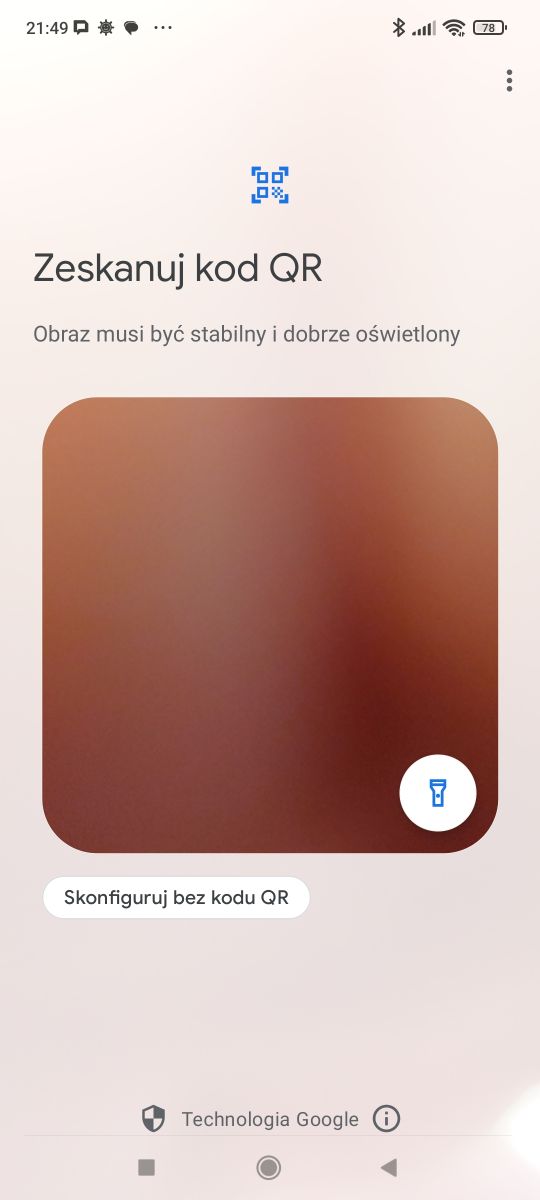
This is the Matter device - you need to scan the QR code here too. It is located on the casing:
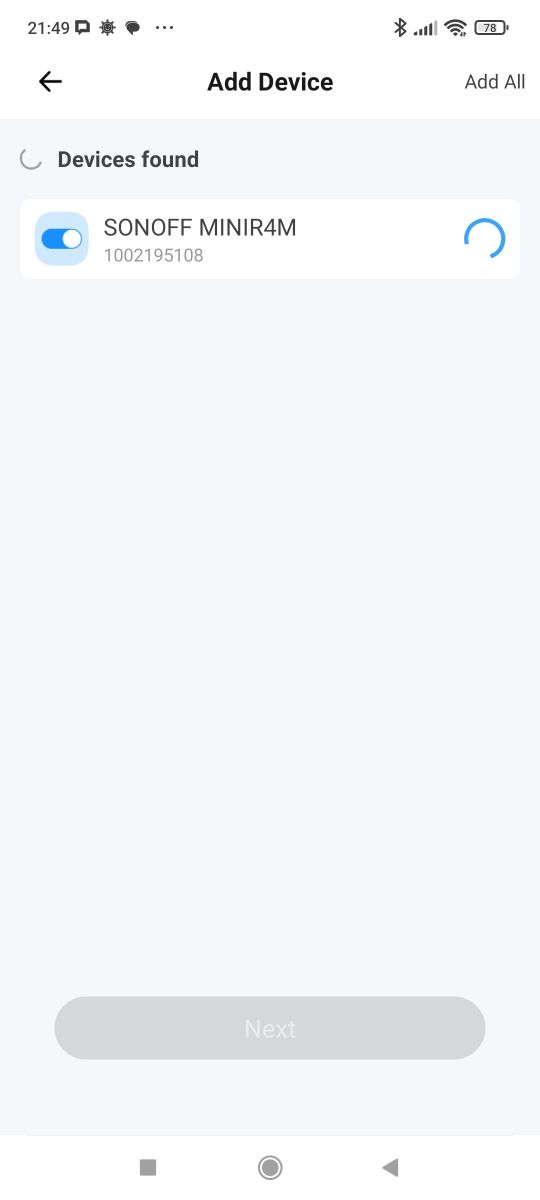
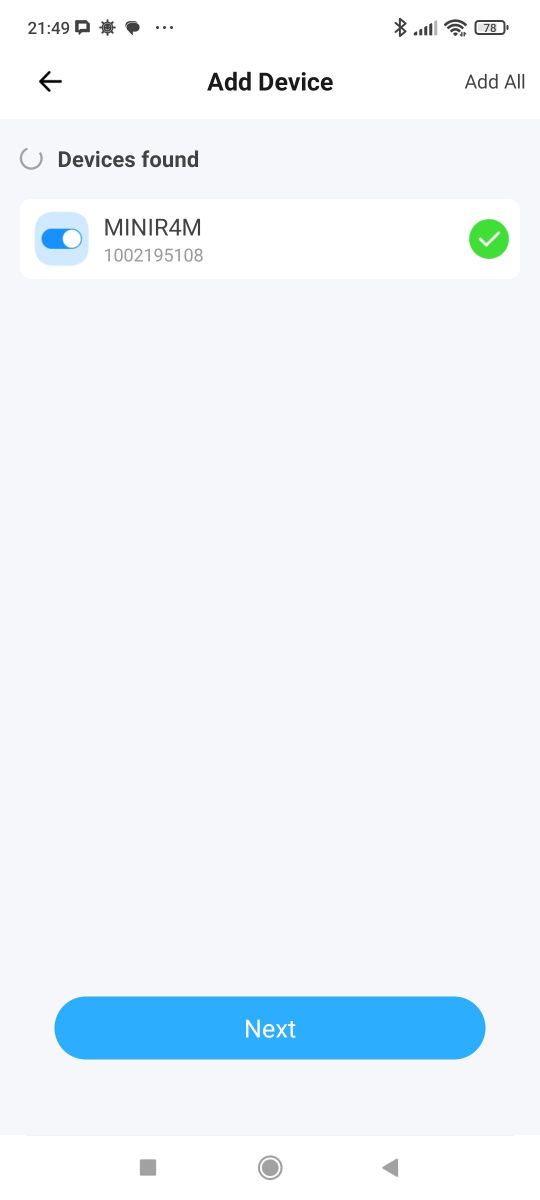
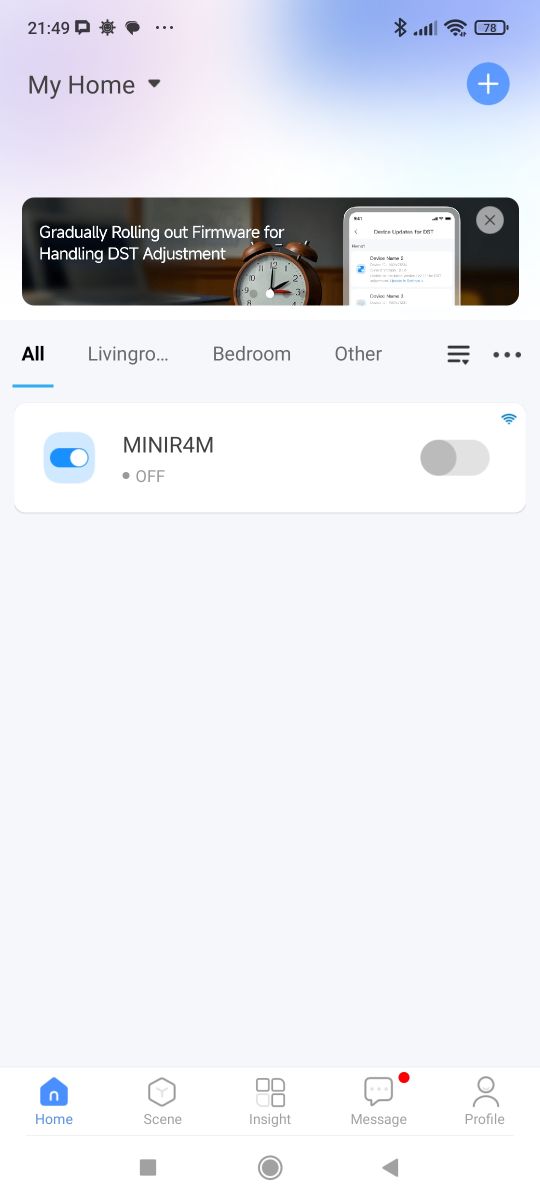
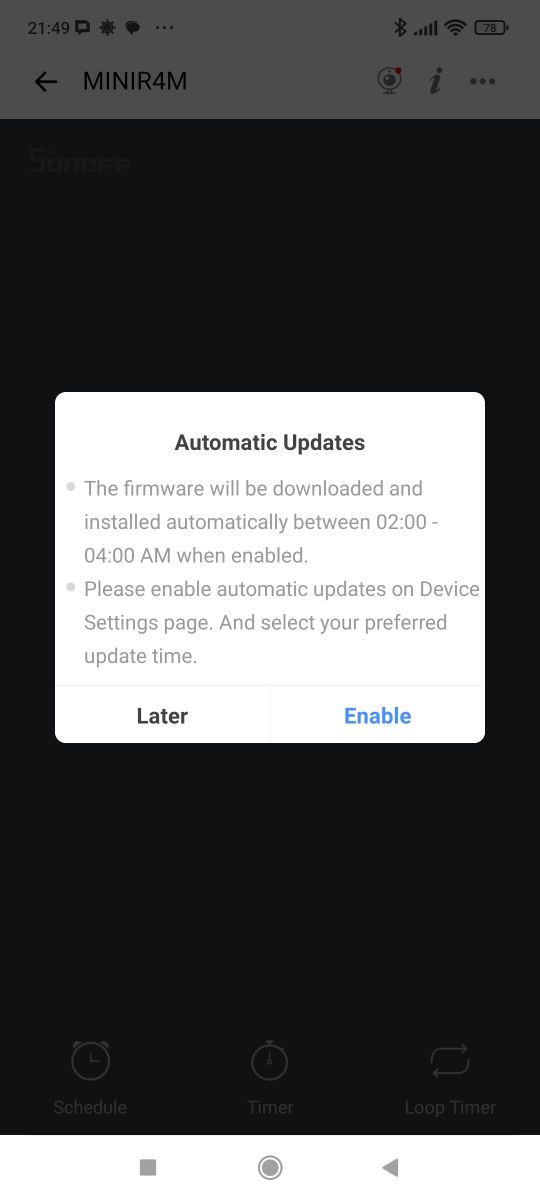
This way we get remote control of the device from within the app. The app also asks us for updates, which it proposes to do at night between 2:00 and 4:00.
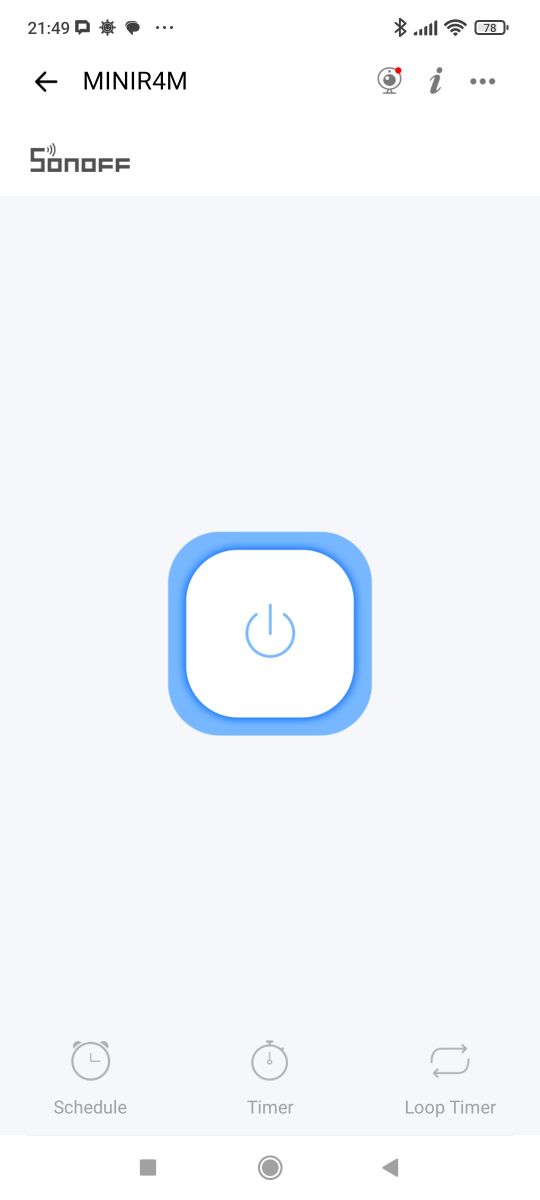
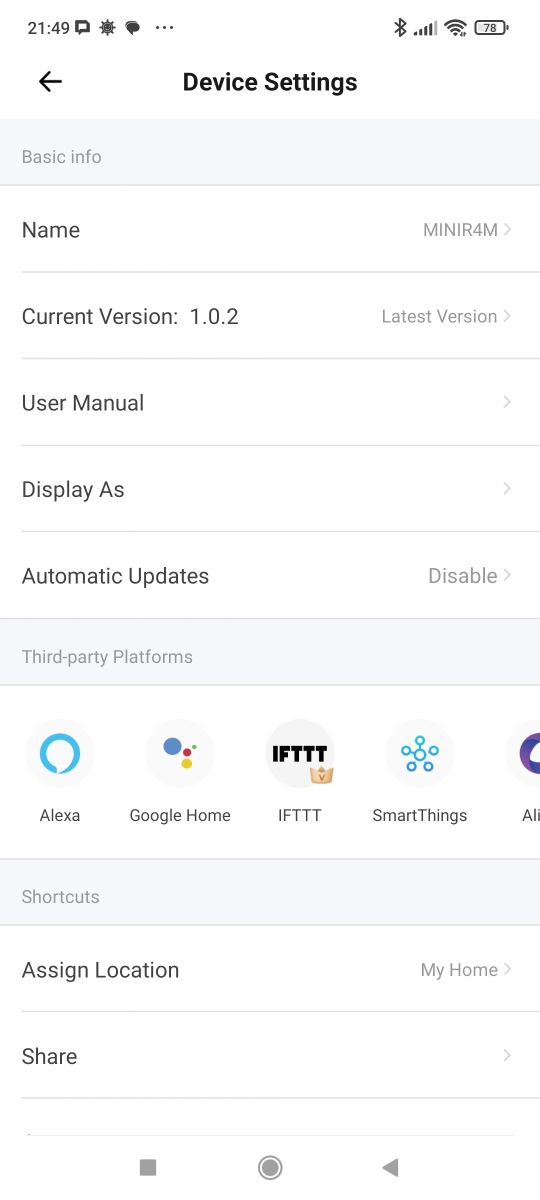
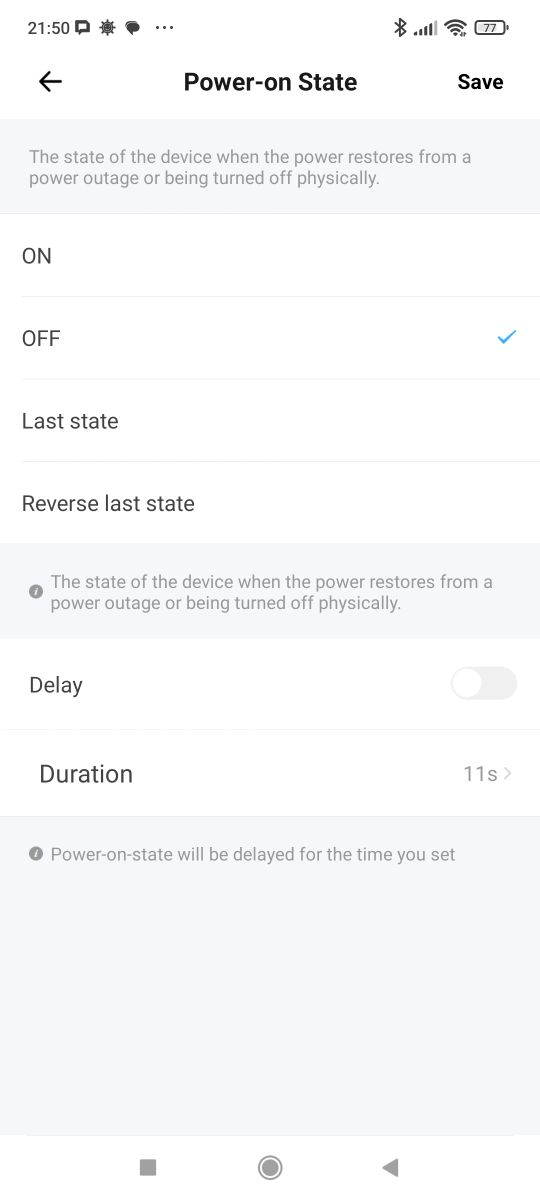
The device offers integrations with platforms such as Amazon Alexa, Google Home, IFTTT, SmartThings, etc. Scenes and automations are offered as standard. Here we additionally have support for control via LAN (local area network), notification and alarm settings when the device is offline. It is also possible to disable the Wi-Fi status LED (network indicator) and set the status when power is restored. This is very convenient!
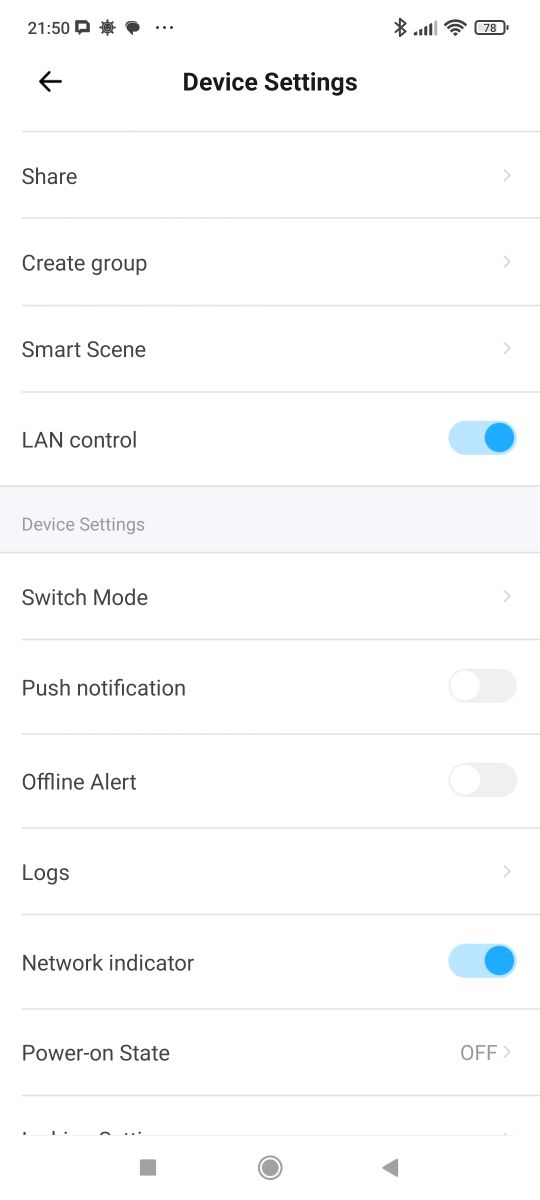
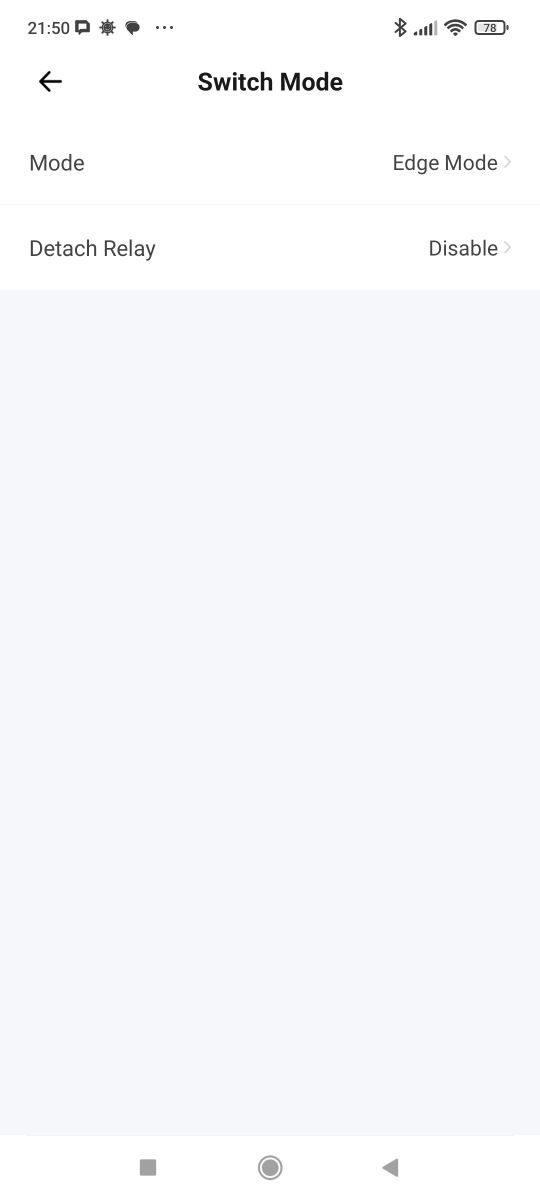
Switch mode, on the other hand, allows you to handle different types of buttons - bistable and monostable. In addition, you can also separate the relay from the button to rely on automations.
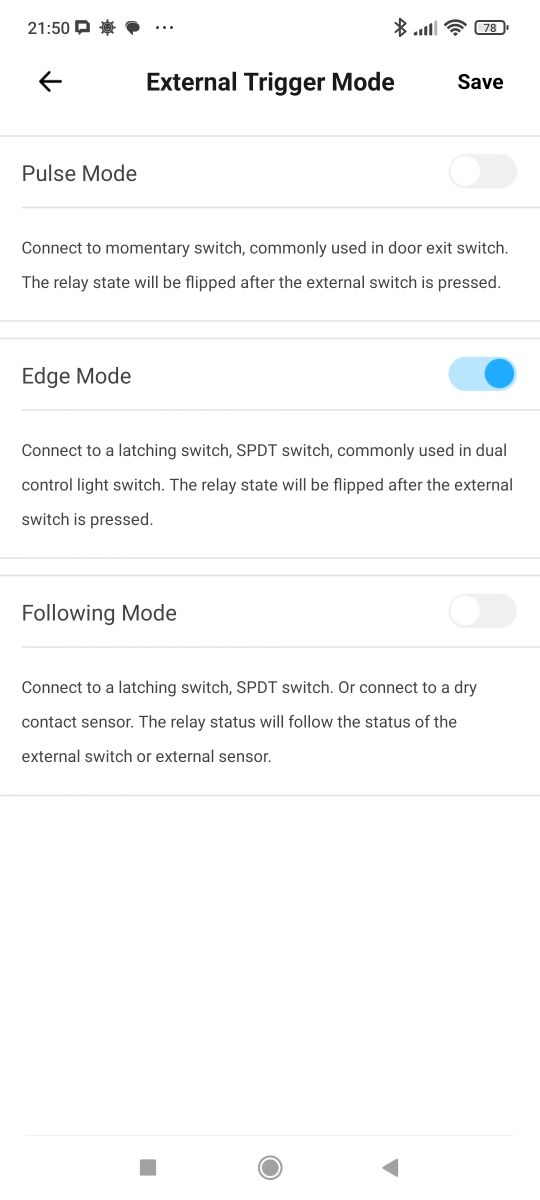
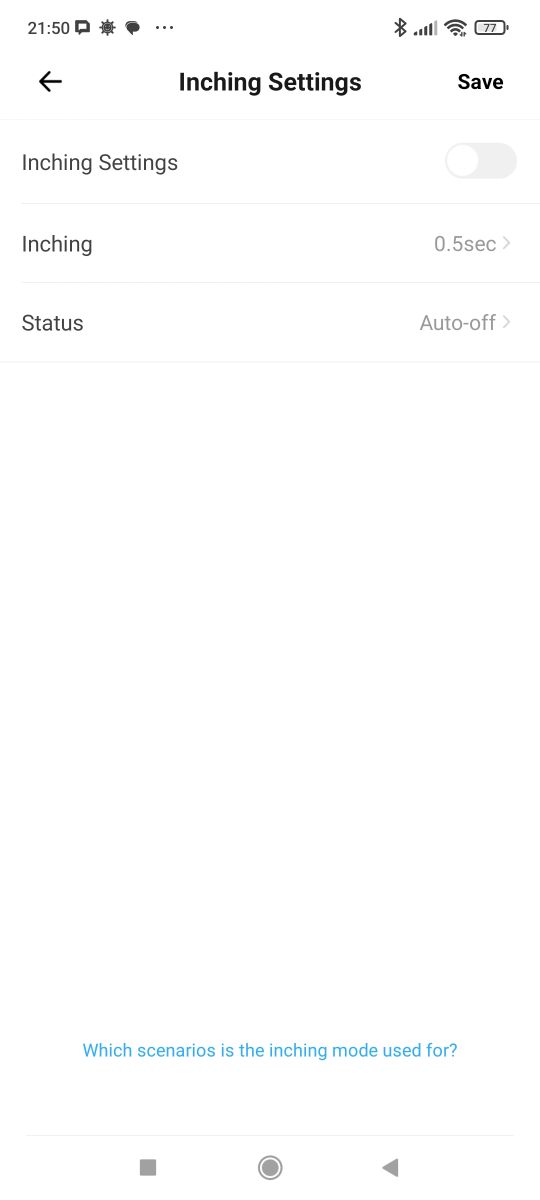
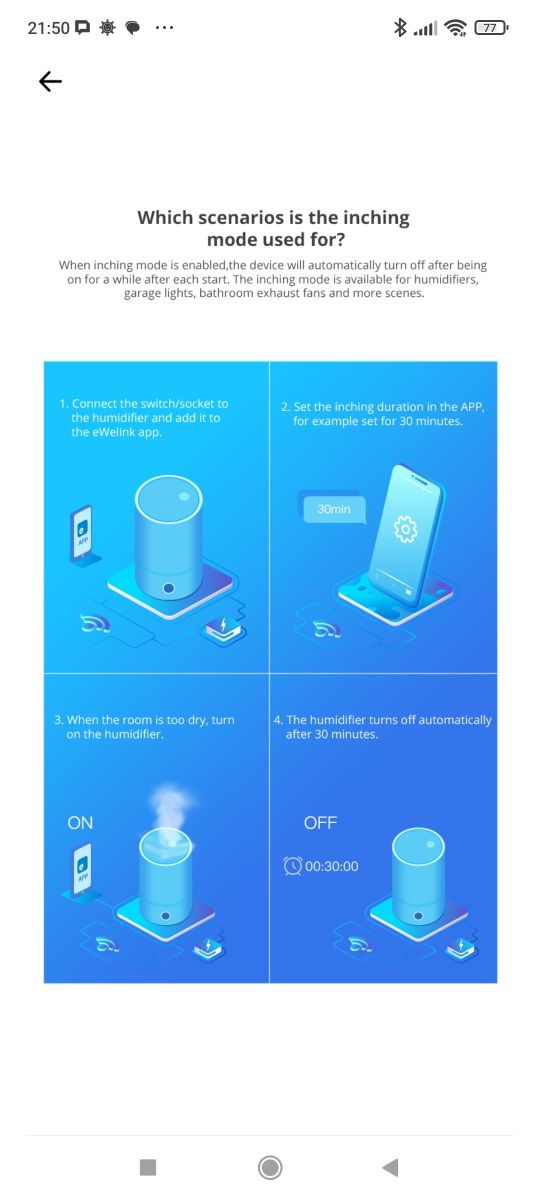
There's news in the status settings after power restoration too. The delayed option I hadn't seen before. There is also inching left - that is, an automatic return to the previous state after a given time. The infographic shows that this is useful for switching off the humidifier, for example.
You can also check the firmware and device version in the settings:
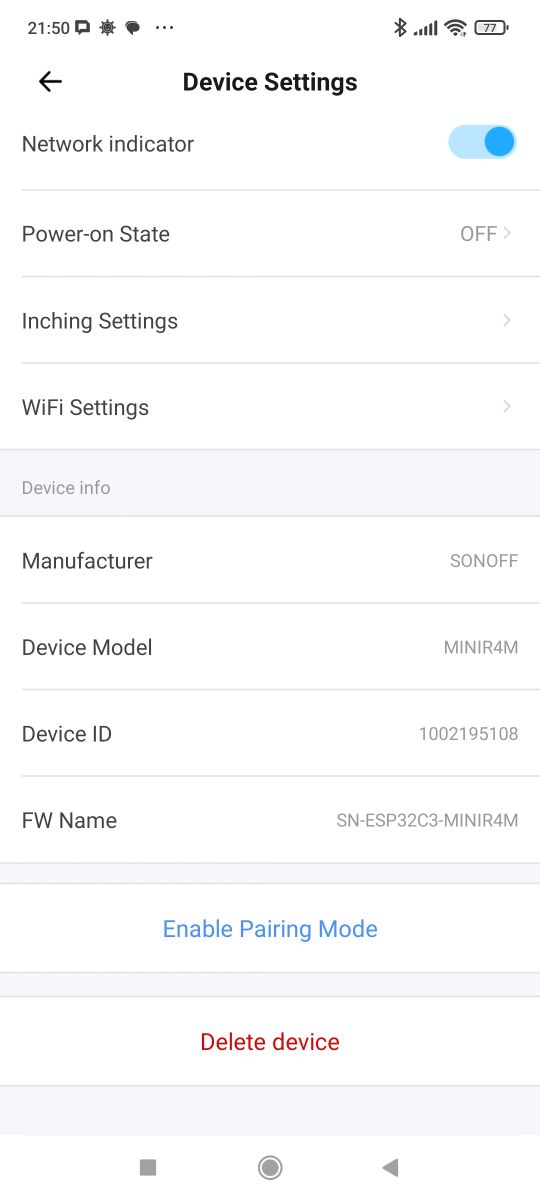
There are more options than before. I am impressed.
Now you can pair with Matter and other ecosystems, but I'm curious about something else....
Interior and programming test
Let's check the construction of the unit. We lift the lid. The first thing that catches your eye is the thermowell underneath which is the ESP32:
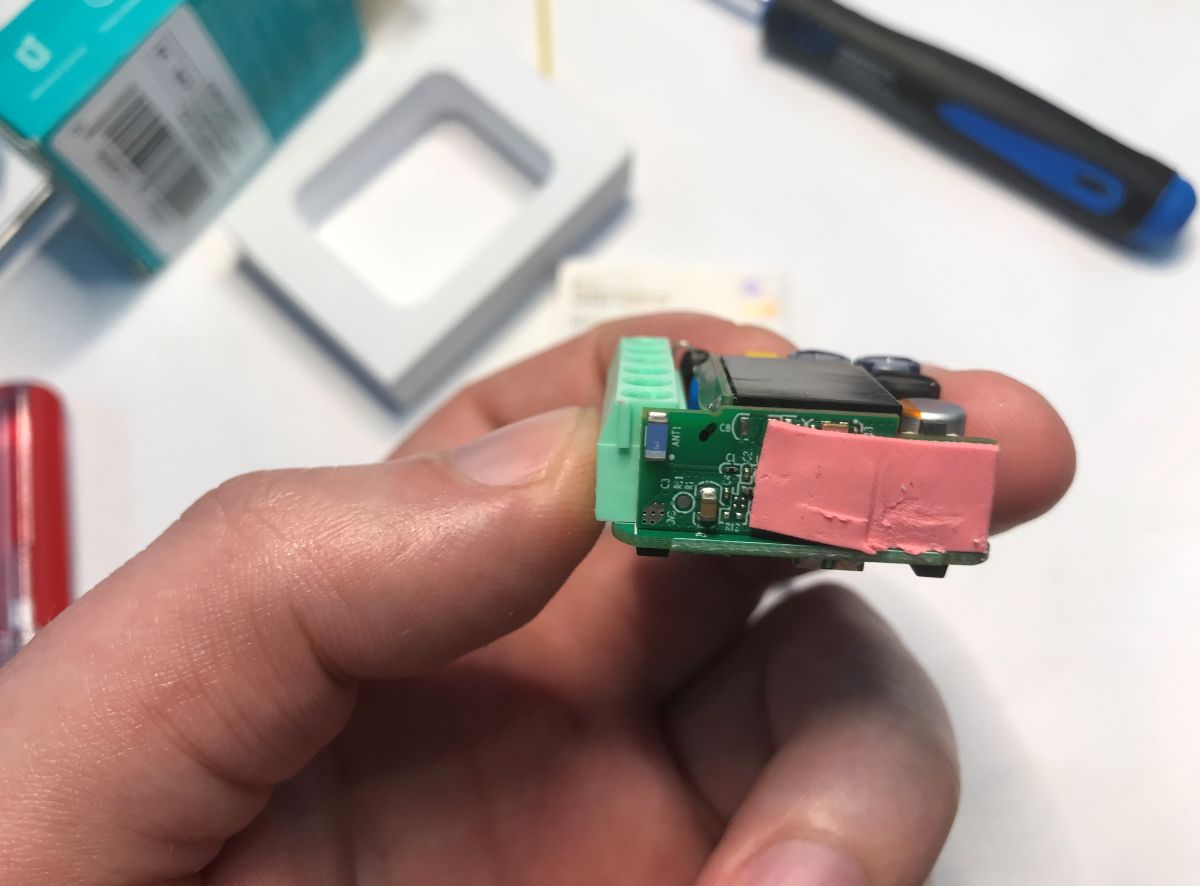
ESP32-C3, which is the chip from Espressif, this time already with built-in Flash memory. On the board it is possible to identify the RX, TX and GPIO0, but will this give us anything?
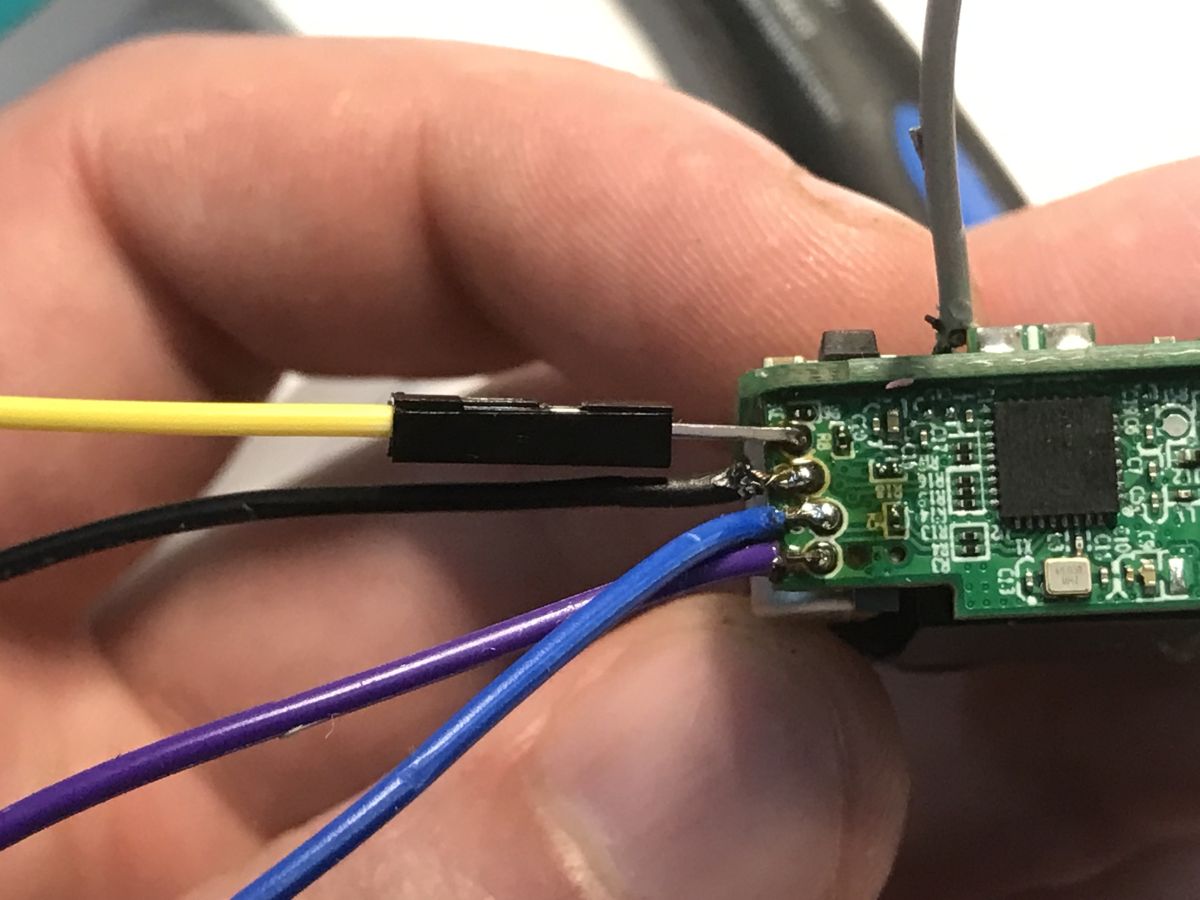
I connected a USB to UART converter as a test:
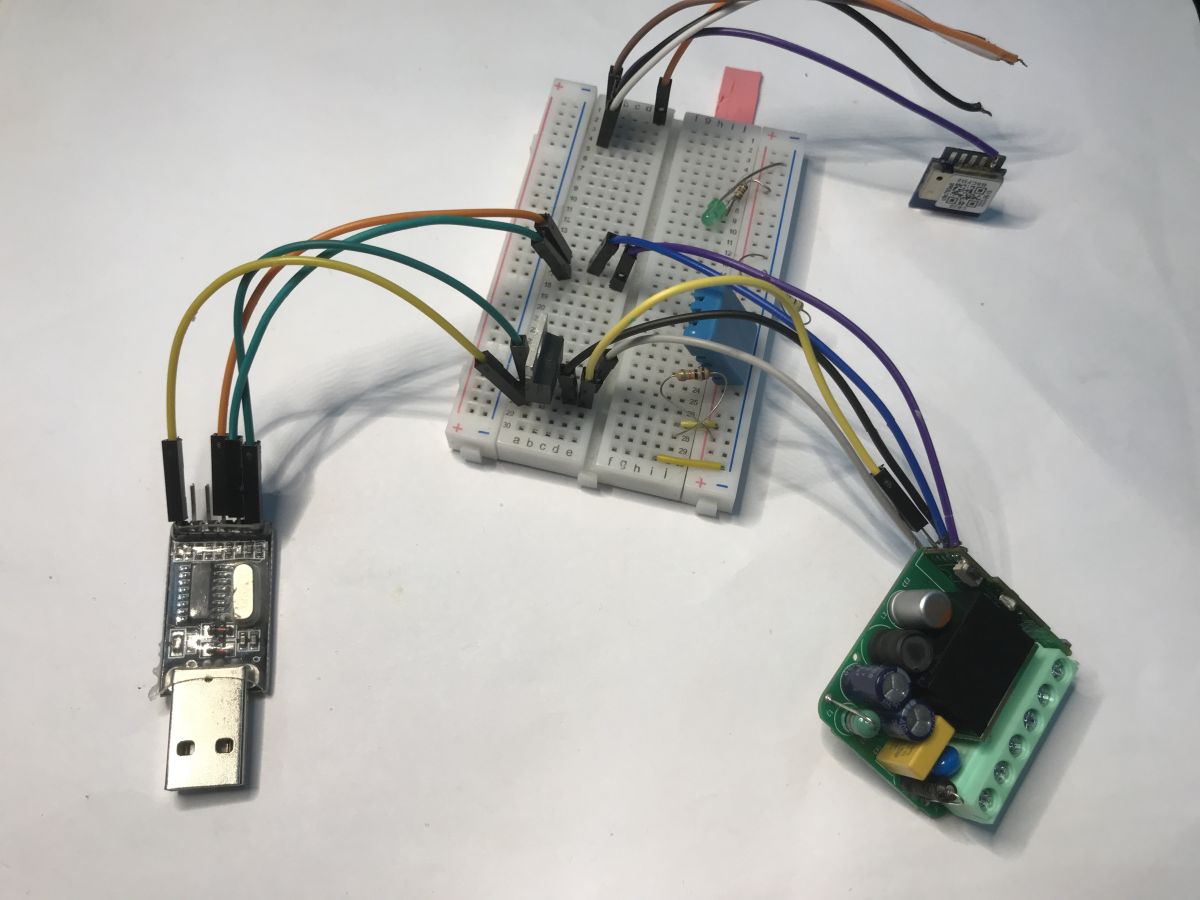
Boot log testifies to a locked flash:
ESP-ROM:esp32c3-api1-20210207
Build:Feb 7 2021
rst:0x1 (POWERON),boot:0xd (SPI_FAST_FLASH_BOOT)
SPIWP:0xee
mode:DIO, clock div:1
Valid secure boot key blocks: 0
secure boot verification succeeded
load:0x3fcd5978,len:0x38ac
load:0x403cc710,len:0x930
load:0x403ce710,len:0x5804
entry 0x403cc710
[0;32mI (77) boot: ESP-IDF v4.4.3-4-g30c422c-dirty 2nd stage bootloader[0m
[0;32mI (77) boot: compile time 02:54:24[0m
[0;32mI (77) boot: chip revision: 4[0m
[0;32mI (80) boot_comm: chip revision: 4, min. bootloader chip revision: 3[0m
[0;32mI (87) boot.esp32c3: SPI Speed : 80MHz[0m
[0;32mI (92) boot.esp32c3: SPI Mode : DIO[0m
[0;32mI (97) boot.esp32c3: SPI Flash Size : 4MB[0m
[0;32mI (101) boot: Enabling RNG early entropy source...[0m
[0;32mI (107) boot: Partition Table:[0m
[0;32mI (110) boot: ## Label Usage Type ST Offset Length[0m
[0;32mI (118) boot: 0 esp_secure_cert unknown 3f 06 0000d000 00002000[0m
[0;32mI (125) boot: 1 nvs_matter WiFi data 01 02 00010000 00006000[0m
[0;32mI (133) boot: 2 nvs_matter_bkp WiFi data 01 02 00016000 00006000[0m
[0;32mI (141) boot: 3 nvs WiFi data 01 02 0001c000 00010000[0m
[0;32mI (148) boot: 4 otadata OTA data 01 00 0002c000 00002000[0m
[0;32mI (156) boot: 5 phy_init RF data 01 01 0002e000 00001000[0m
[0;32mI (163) boot: 6 ota_0 OTA app 00 10 00030000 001e0000[0m
[0;32mI (171) boot: 7 ota_1 OTA app 00 11 00210000 001e0000[0m
[0;32mI (178) boot: 8 fctry WiFi data 01 02 003f0000 00006000[0m
[0;32mI (186) boot: End of partition table[0m
[0;32mI (190) boot_comm: chip revision: 4, min. application chip revision: 3[0m
[0;32mI (197) esp_image: segment 0: paddr=00030020 vaddr=3c120020 size=20ee8h (134888) map[0m
[0;32mI (228) esp_image: segment 1: paddr=00050f10 vaddr=3fc94a00 size=03a0ch ( 14860) load[0m
[0;32mI (231) esp_image: segment 2: paddr=00054924 vaddr=40380000 size=0b6f4h ( 46836) load[0m
[0;32mI (243) esp_image: segment 3: paddr=00060020 vaddr=42000020 size=11c504h (1164548) map[0m
[0;32mI (437) esp_image: segment 4: paddr=0017c52c vaddr=4038b6f4 size=09174h ( 37236) load[0m
[0;32mI (445) esp_image: segment 5: paddr=001856a8 vaddr=50000010 size=00010h ( 16) load[0m
[0;32mI (445) esp_image: segment 6: paddr=001856c0 vaddr=00000000 size=0a910h ( 43280) [0m
[0;32mI (458) esp_image: Verifying image signature...[0m
[0;32mI (459) secure_boot_v2: Verifying with RSA-PSS...[0m
[0;32mI (465) secure_boot_v2: Signature verified successfully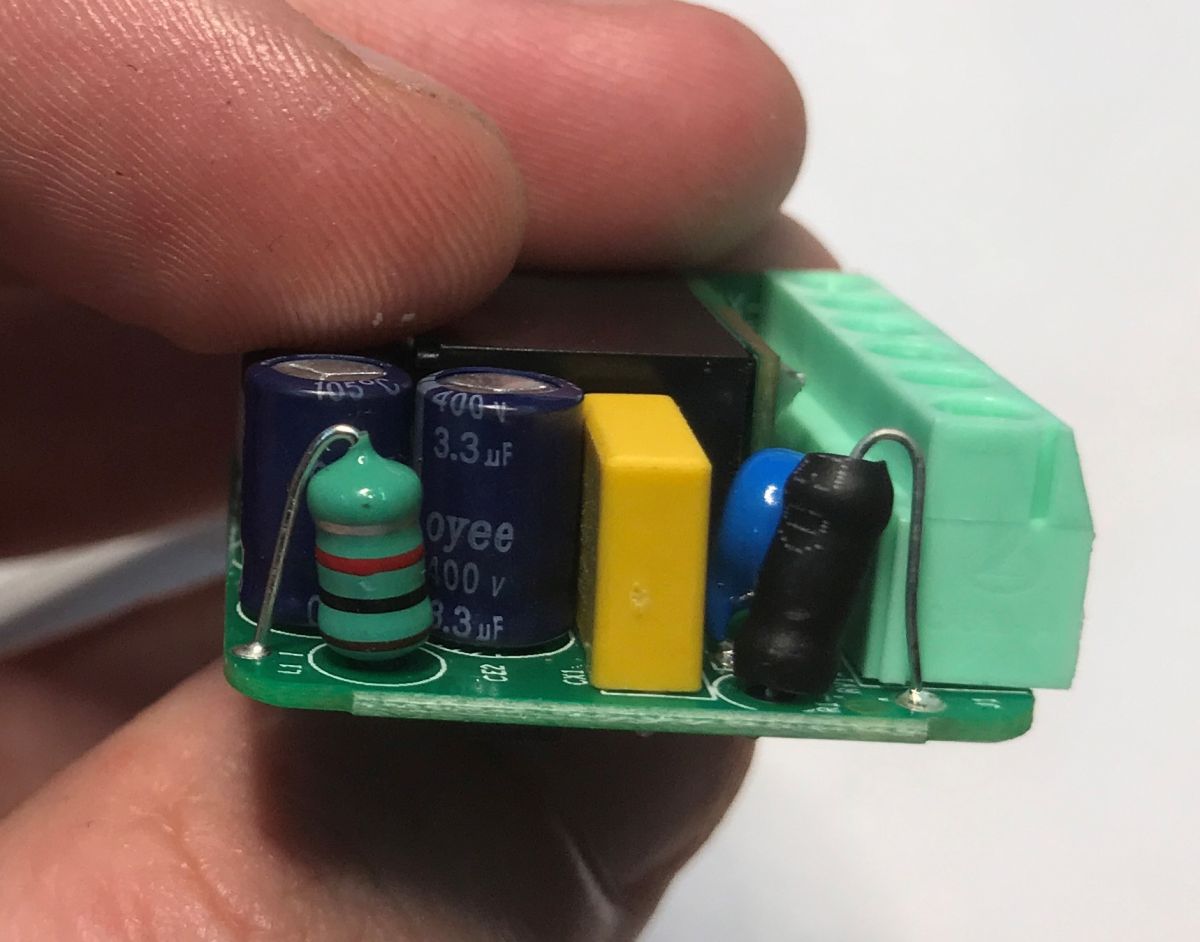
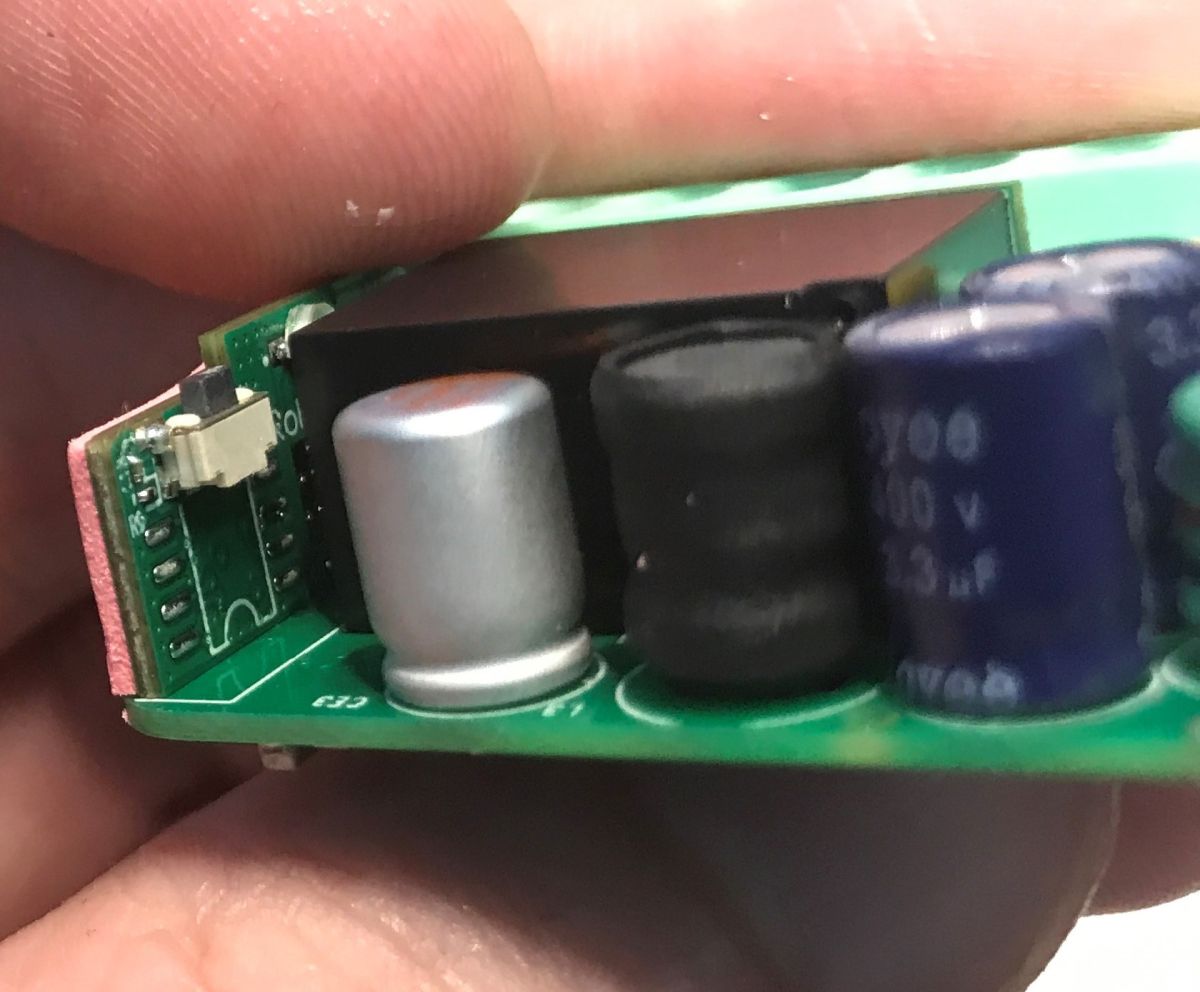
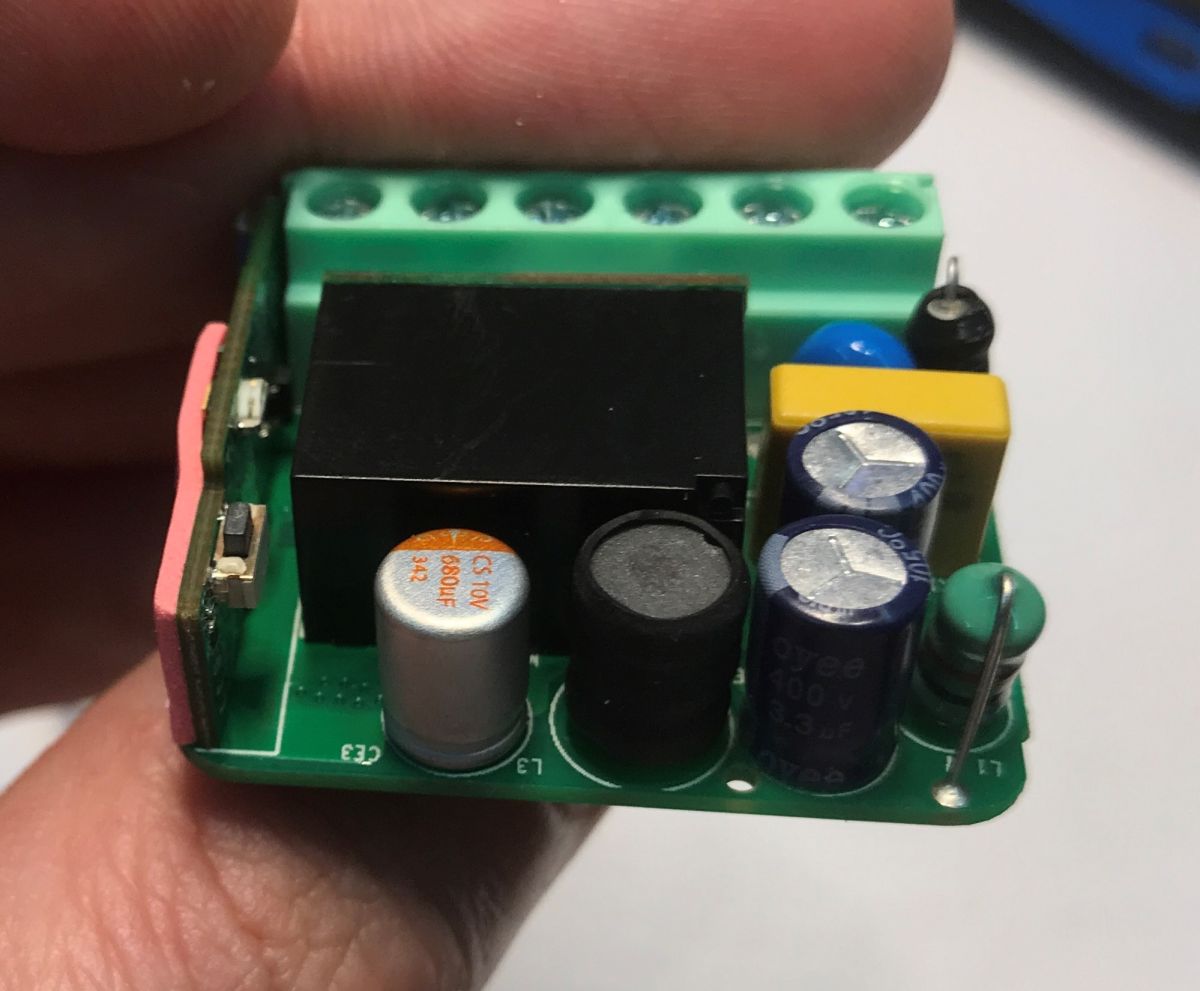
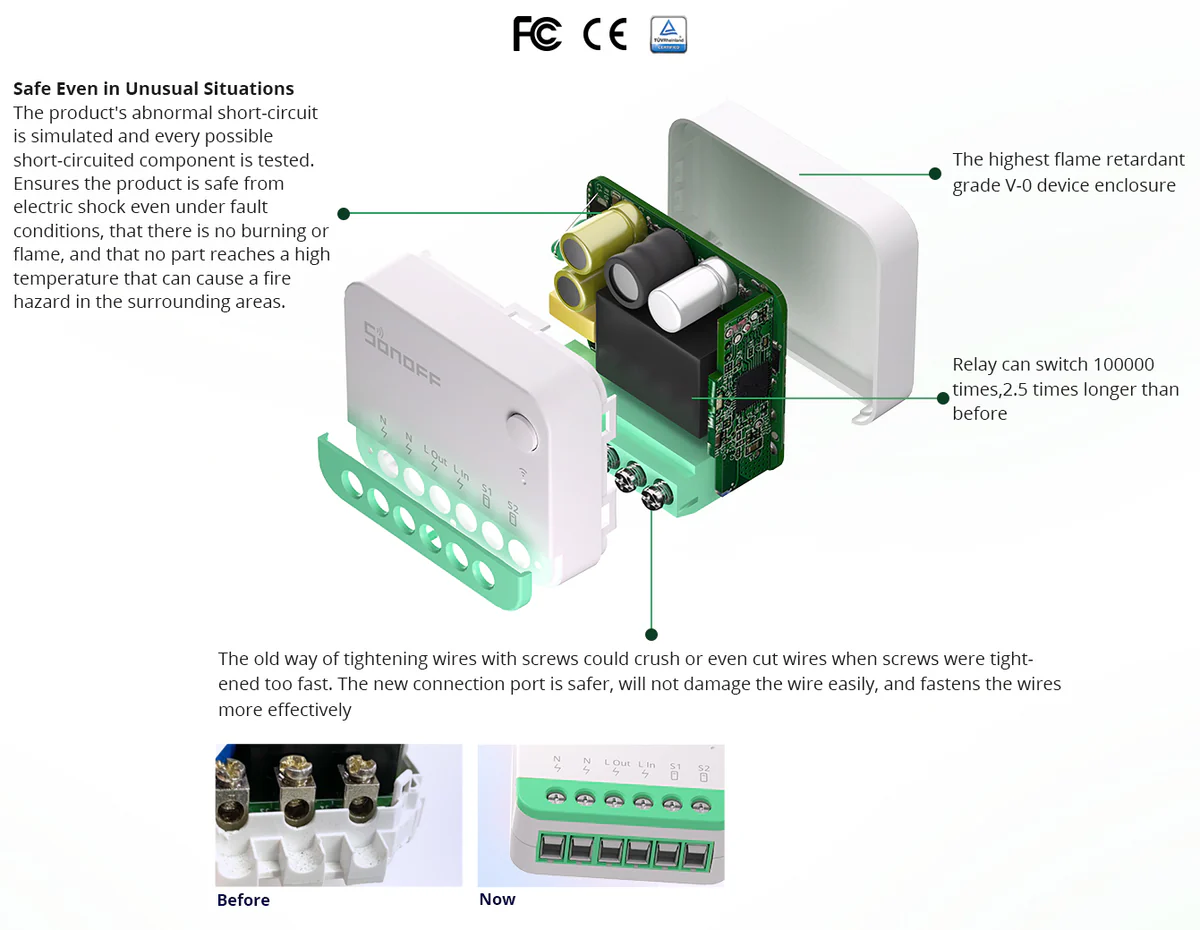
Inside a transformerless inverter, varistor, capacitor against interference, fuse.... Sonoff has not regretted it.
The circuit is powered by a typical BP2525 + LDO 3.3 V combination.
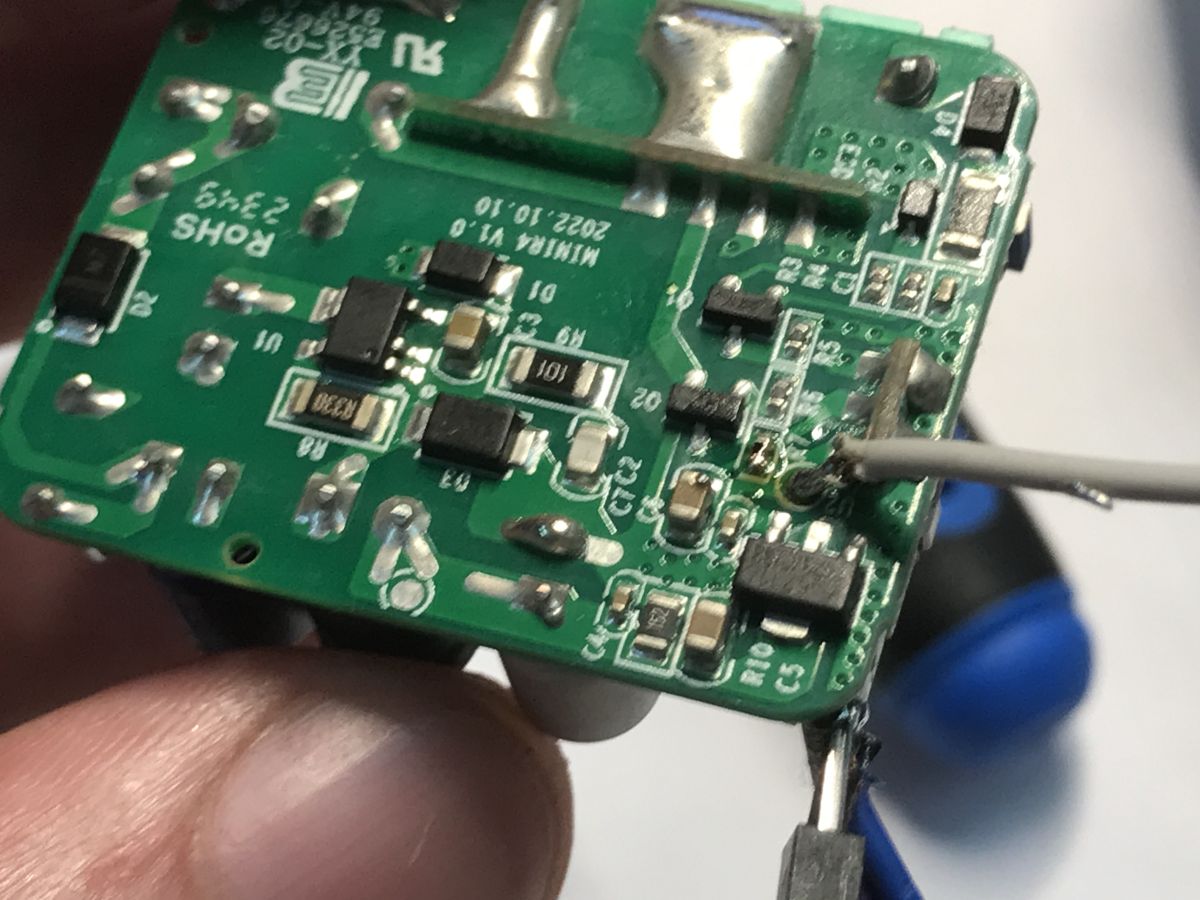
PCB designation: MINIR4 V1.0 2022.01.01 It's been four years....
Summary
Without doubt, this is a highly customisable, compact and convenient product. I'm seeing more and more of these features in these gadgets and here everything has been thought of - even the option to turn off the annoying LED from the Wi-Fi status. Matter compatibility can also come in handy for connecting to different ecosystems, there is only one downside here - you can't change the ESP batch here.
There have already been claims on the forum that Matter certification requires the batch to be locked, so I'm not surprised by how this turned out. We had a similar situation with Sonoff M5-3C-80W . Basically, I can suggest one approach here - if you want to change firmware, you need to buy products without Matter support.
And what is your opinion? Do you use Matter? Have you already encountered a secured ESP32?
Cool? Ranking DIY Helpful post? Buy me a coffee.