



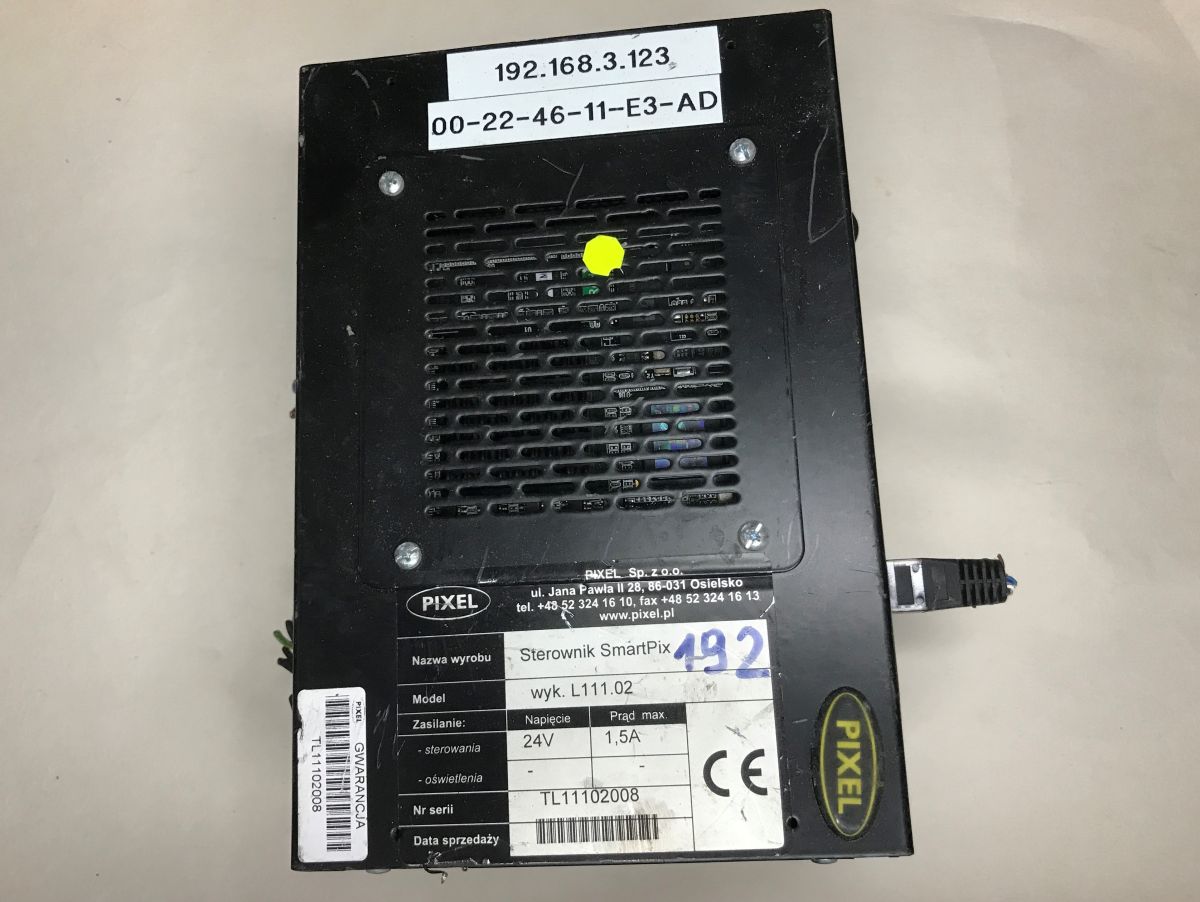
Today, another curiosity from the electro-junk - a main computer/controller which, according to my information, was used on trains. I'll try to get it up and running here, get into the BIOS, etc. This time the presentation will be even more rich than usual, as I got this equipment in one and a half copies.
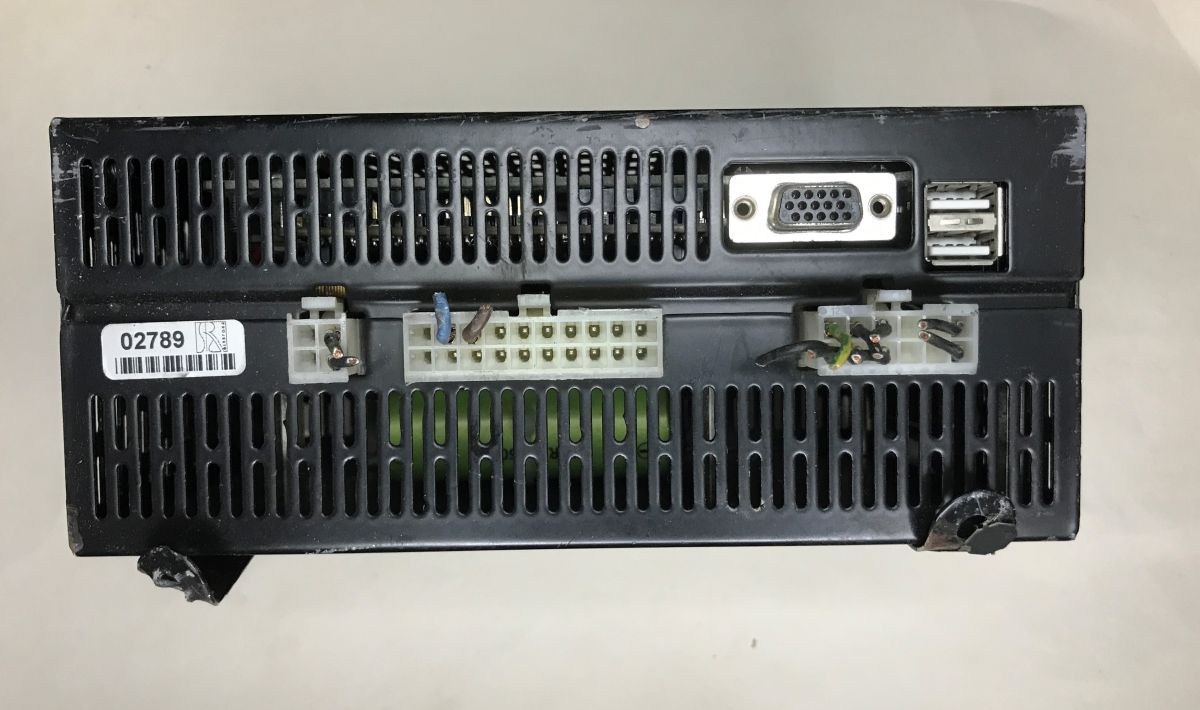
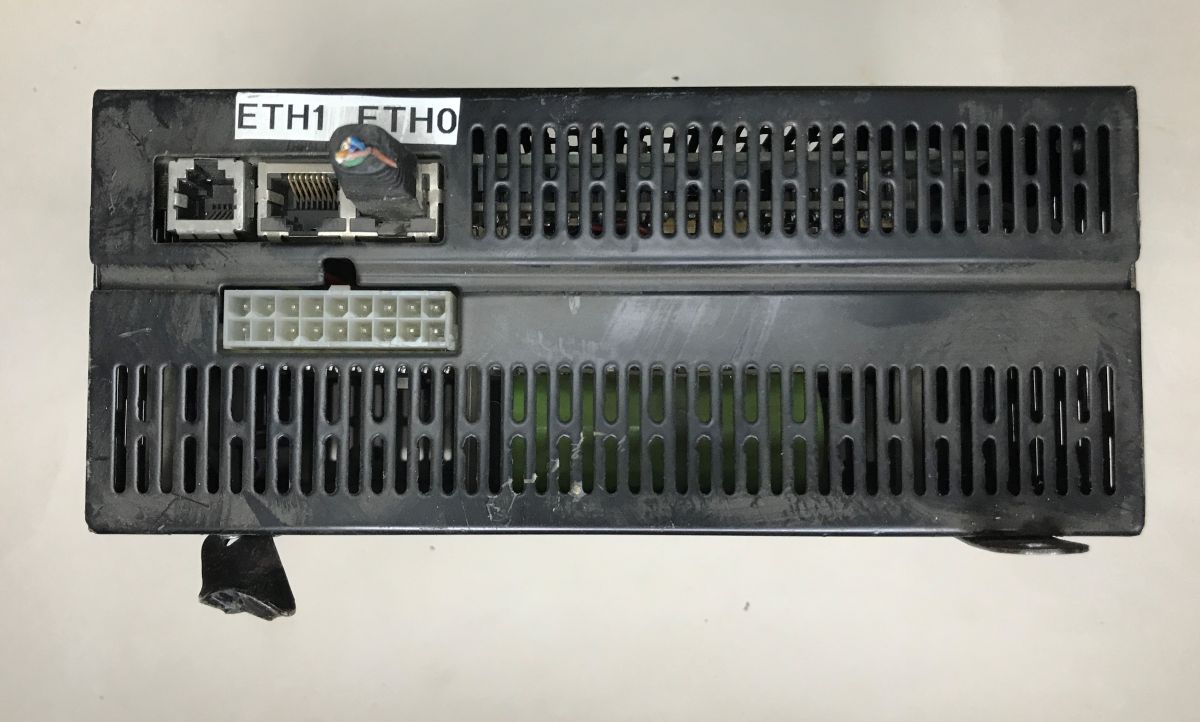
The first thing that catches the eye is the VGA monitor output and two USB ports. On the other side we have two Ethernet ports and one telephone port. In addition, we have a connector suggesting a power supply, although the case information rules out that it's ATX - the expected voltage is 24V DC.
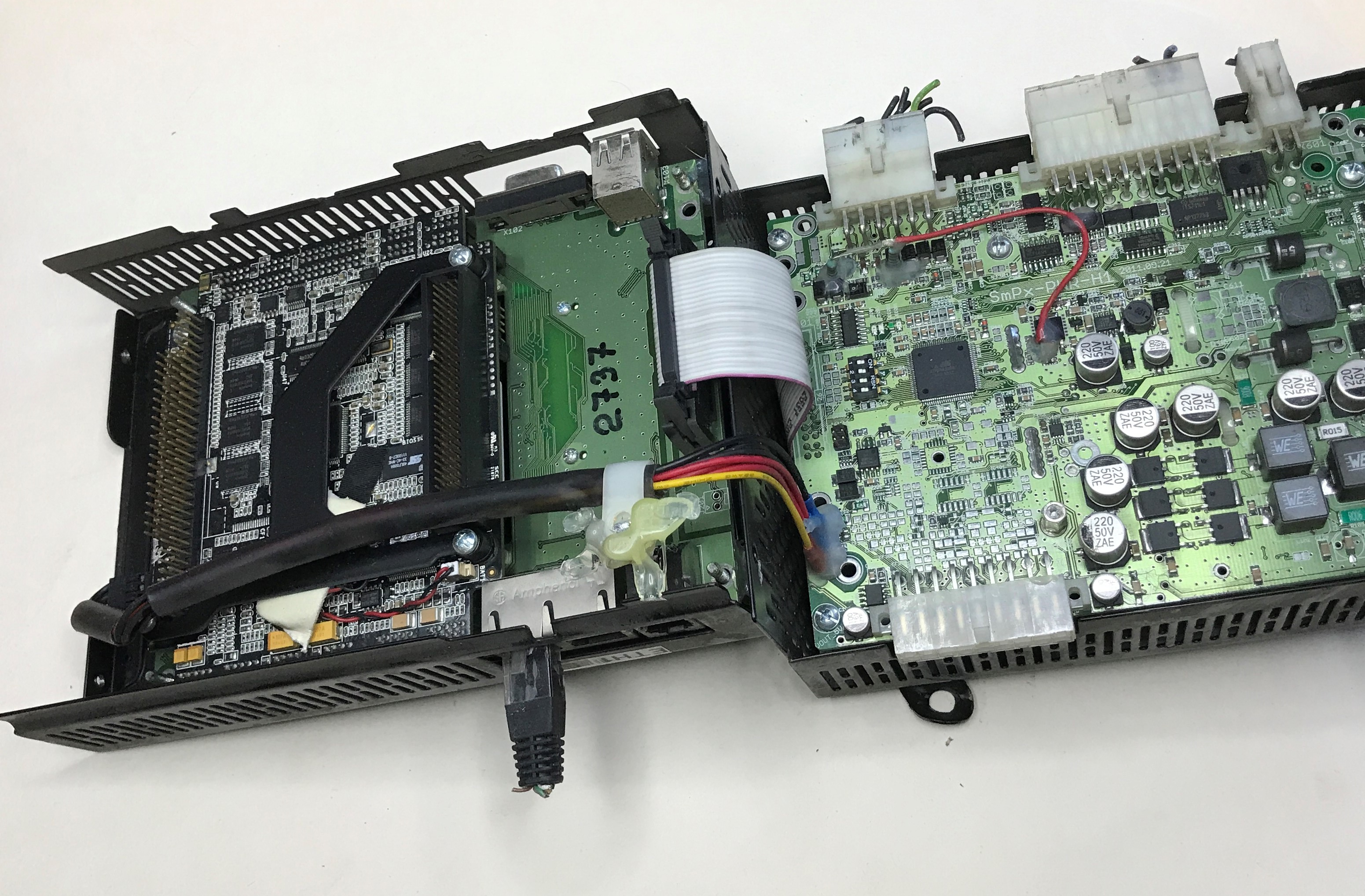
The chassis turns out to be two-piece and the module opens like a book. There are two boards inside.
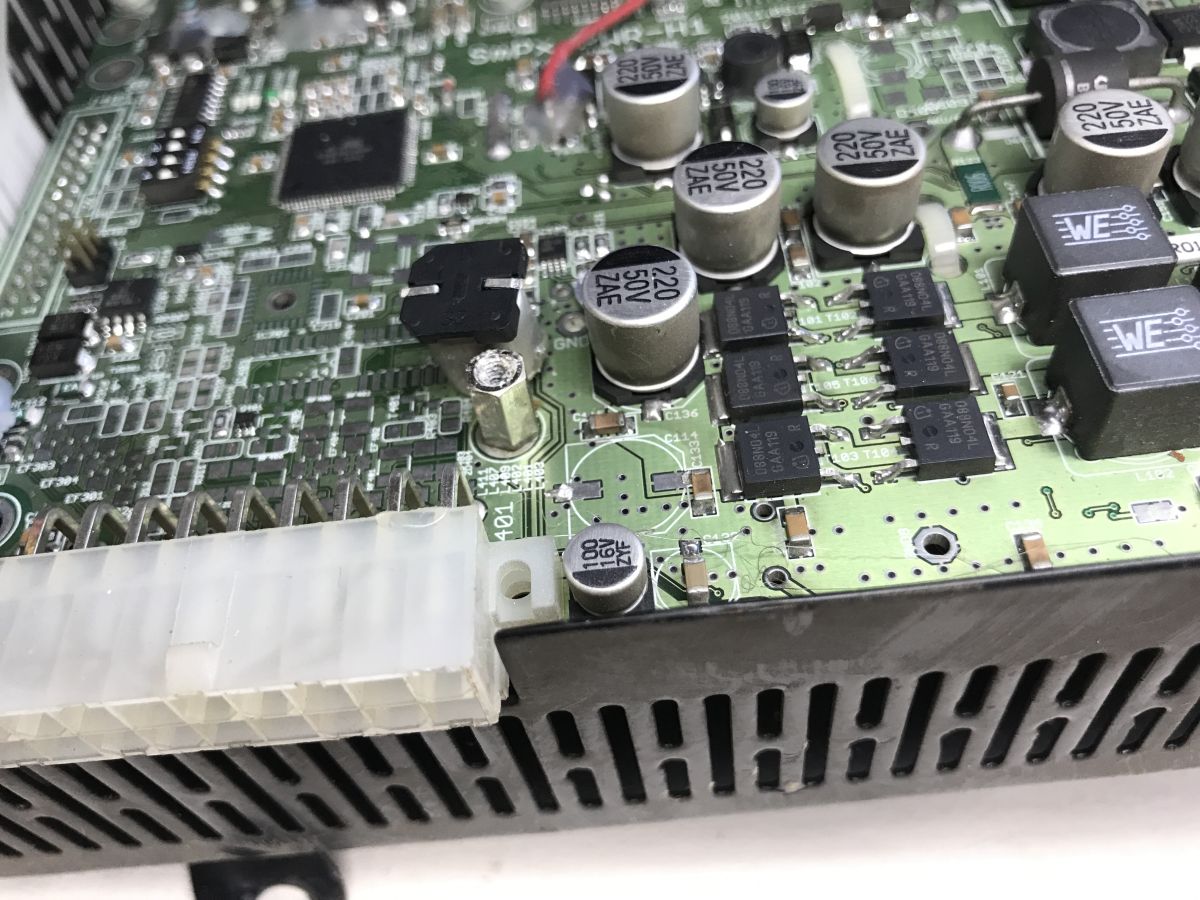
Already on opening there is a bit of a crunch, as the surface-mount electrolytic capacitor falls off. Interestingly, it does not appear to be well soldered at all. The photo shows pads where the solder was basically gone.
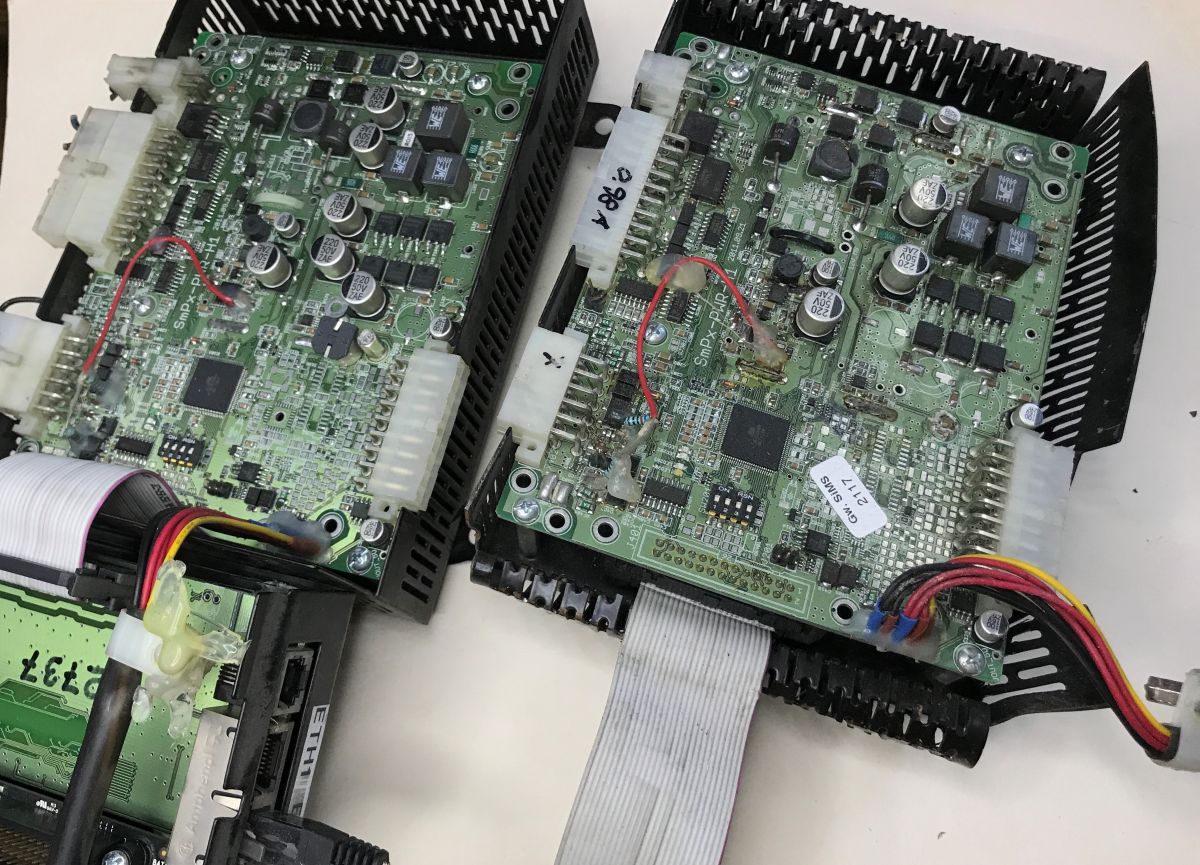
I mentioned something about two copies - here they are, this plate I have two pieces:
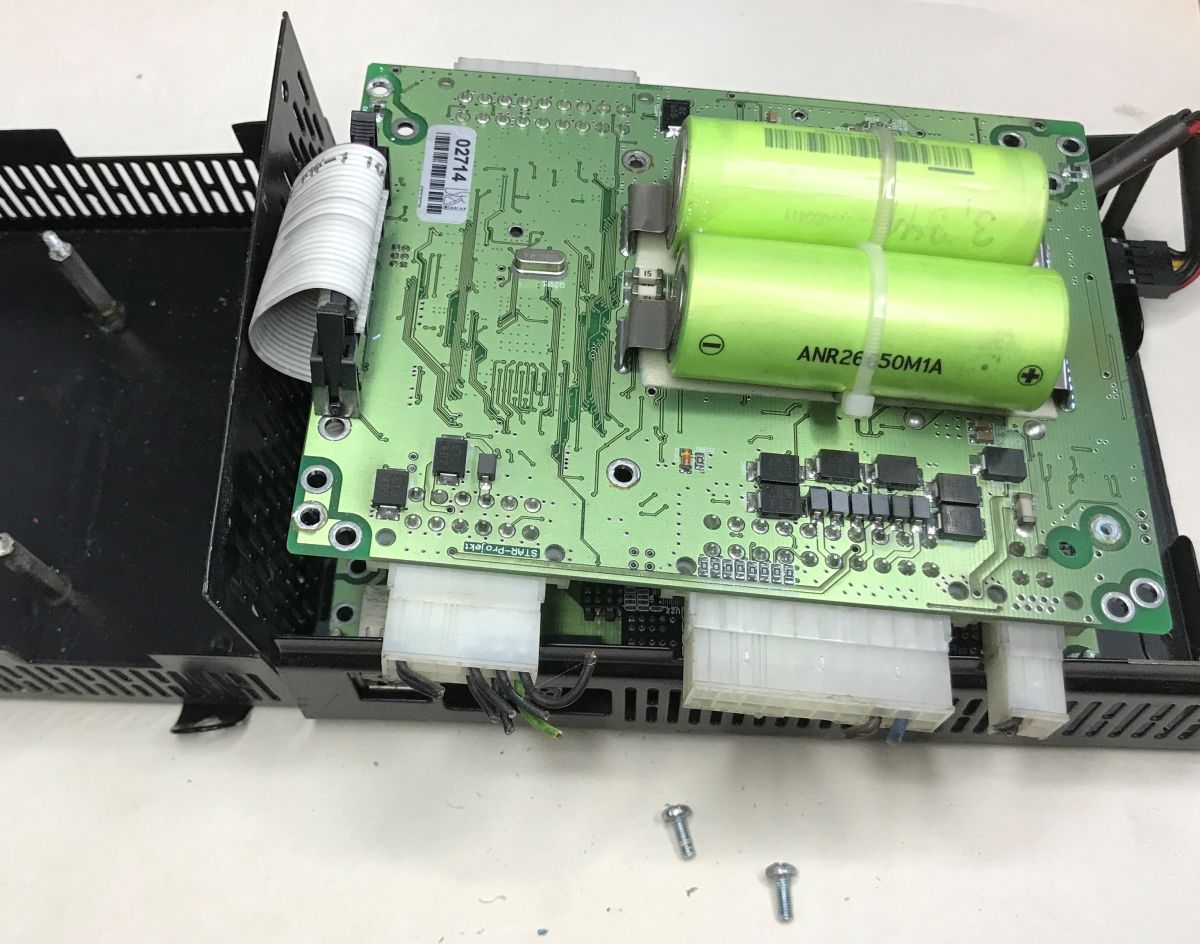
On the other side of it are mounted two ANR26650M1A A123 3.3V 2300mAh Li-FePO4 batteries. It looks like we have emergency power backup here in case of power outages in the supplied power. Unfortunately, in both units the cells are discharged to fractions of a volt:
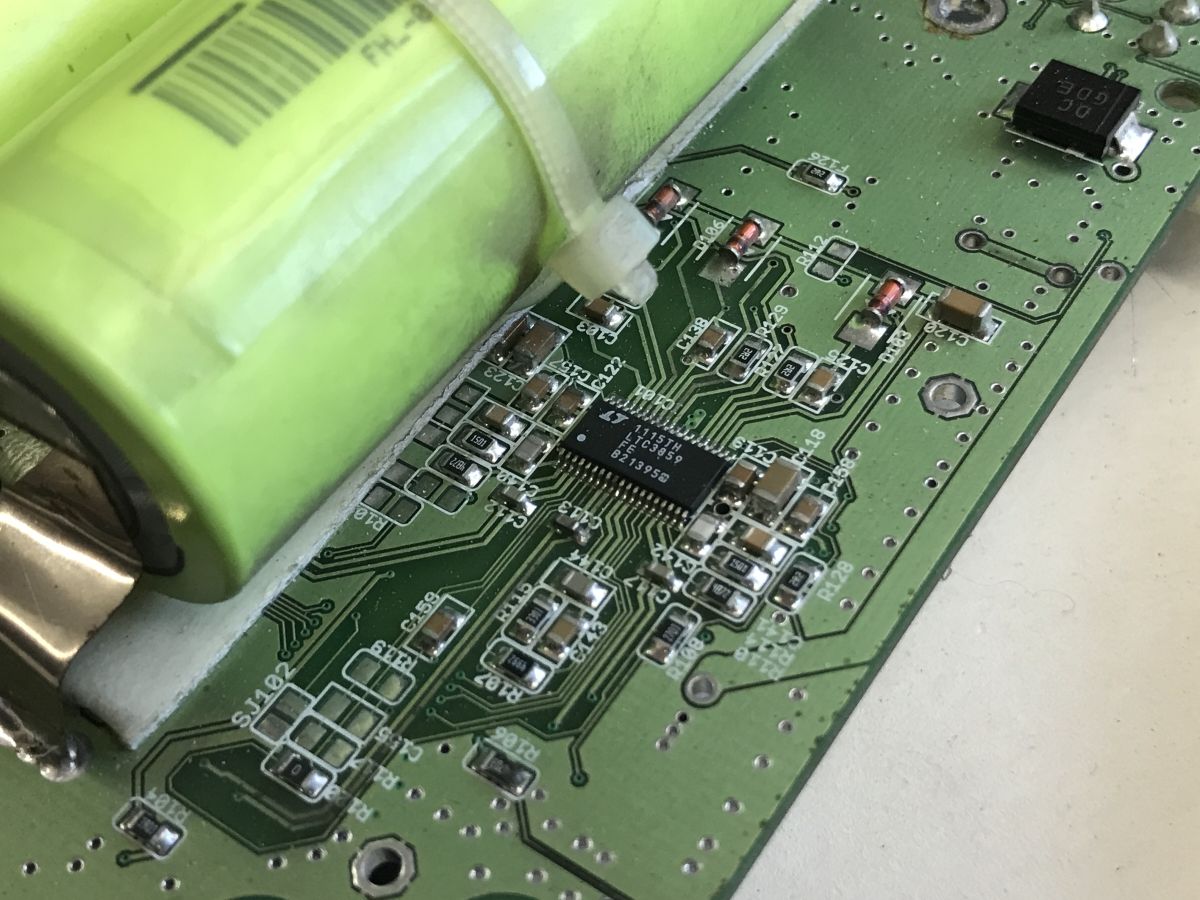
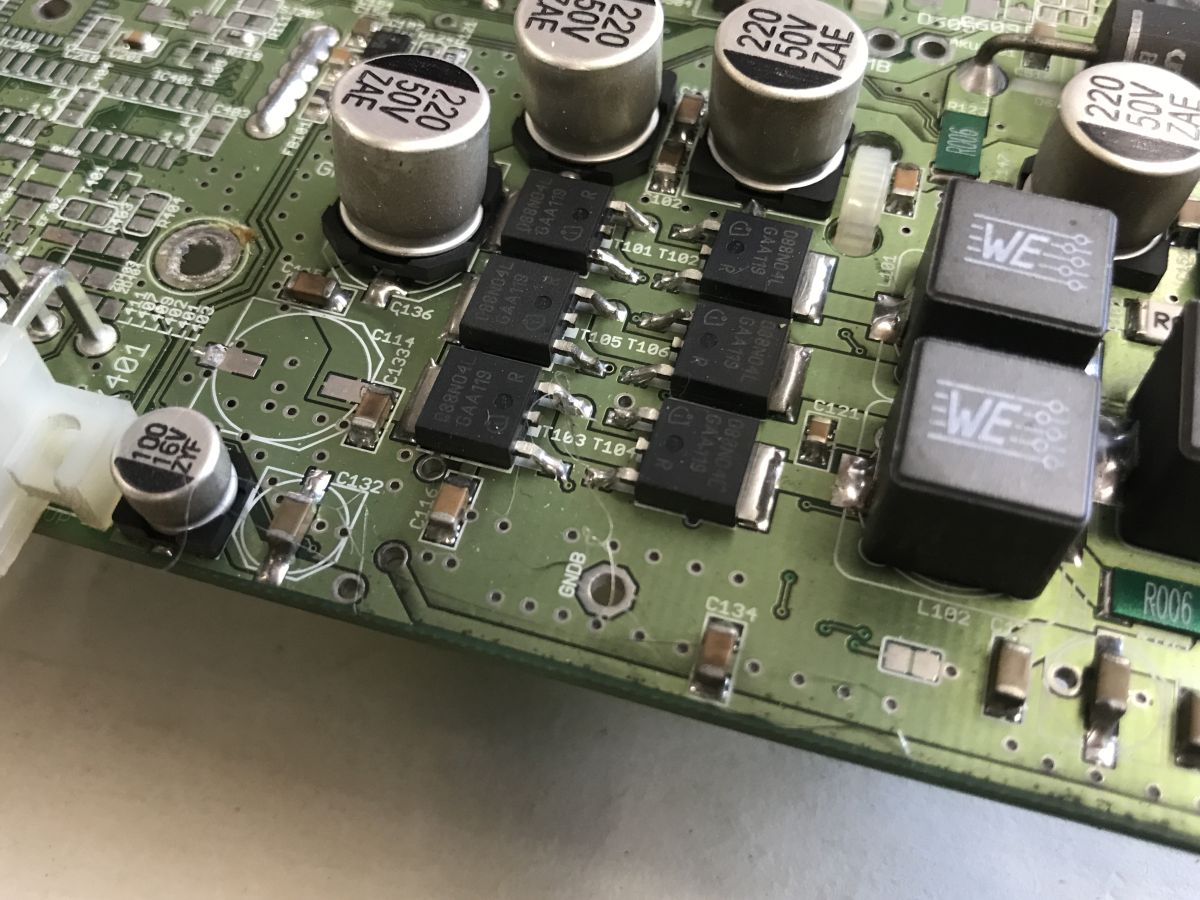
Nearby you can see the LTC3859, which is a triple controller for the voltage reduction inverter.
Application diagram:
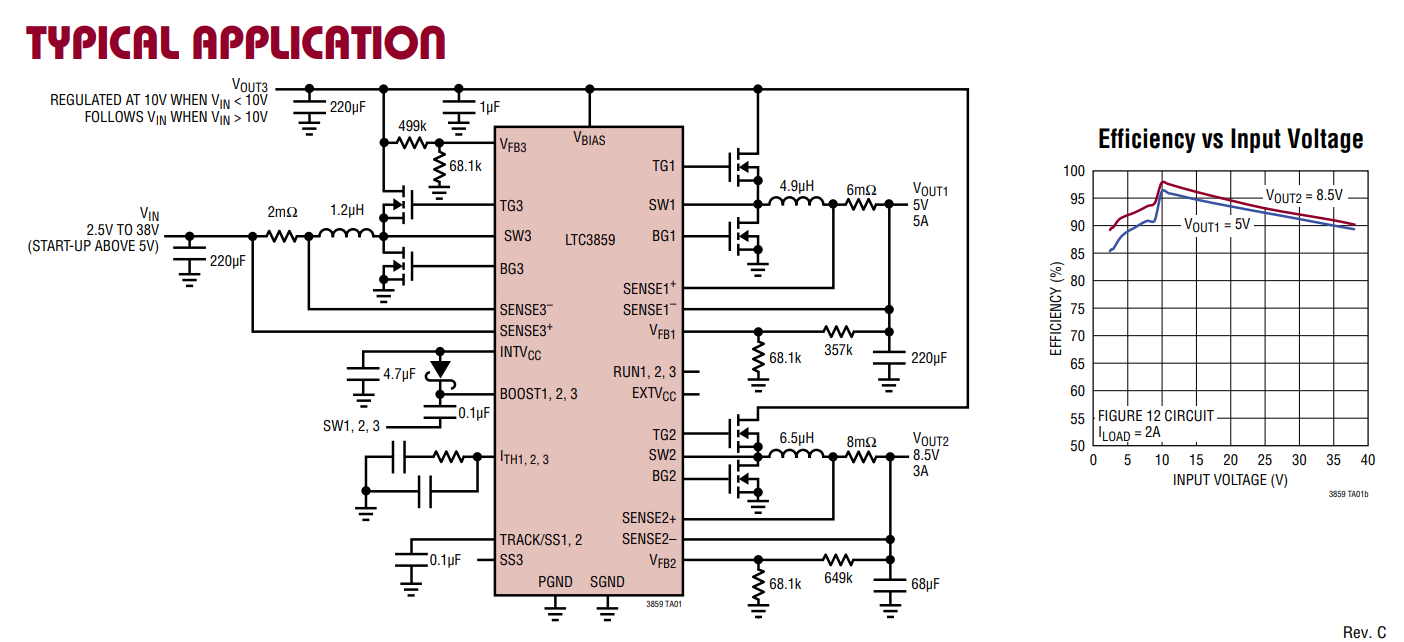
This would explain the presence of these transistors (088N04L), inductors and capacitors on the other side of the board:
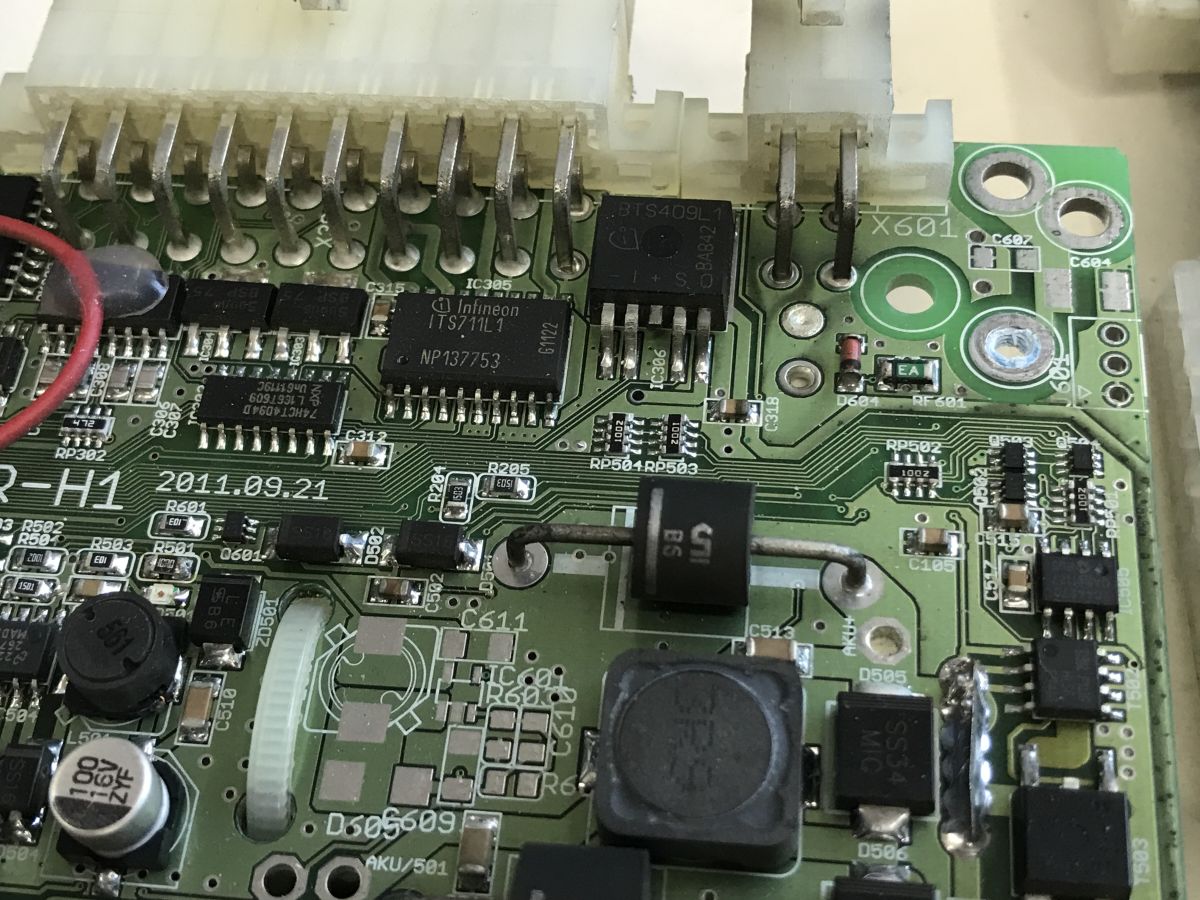
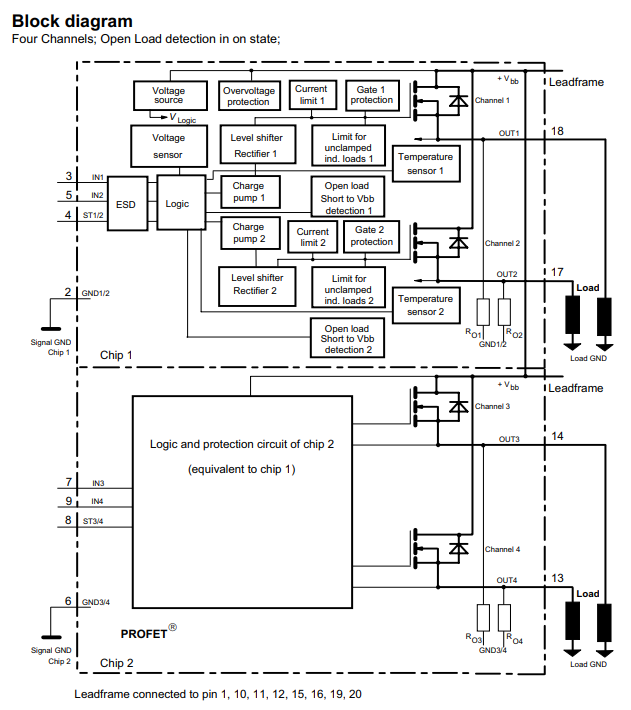
The whole board is more complex, however, and we have output ports capable of controlling large loads, which appear to be implemented on the ITS711L1 (quadruple key) and BTS409L1. These are controlled by a 74HCT4094D sliding register - presumably the designer was missing pins.
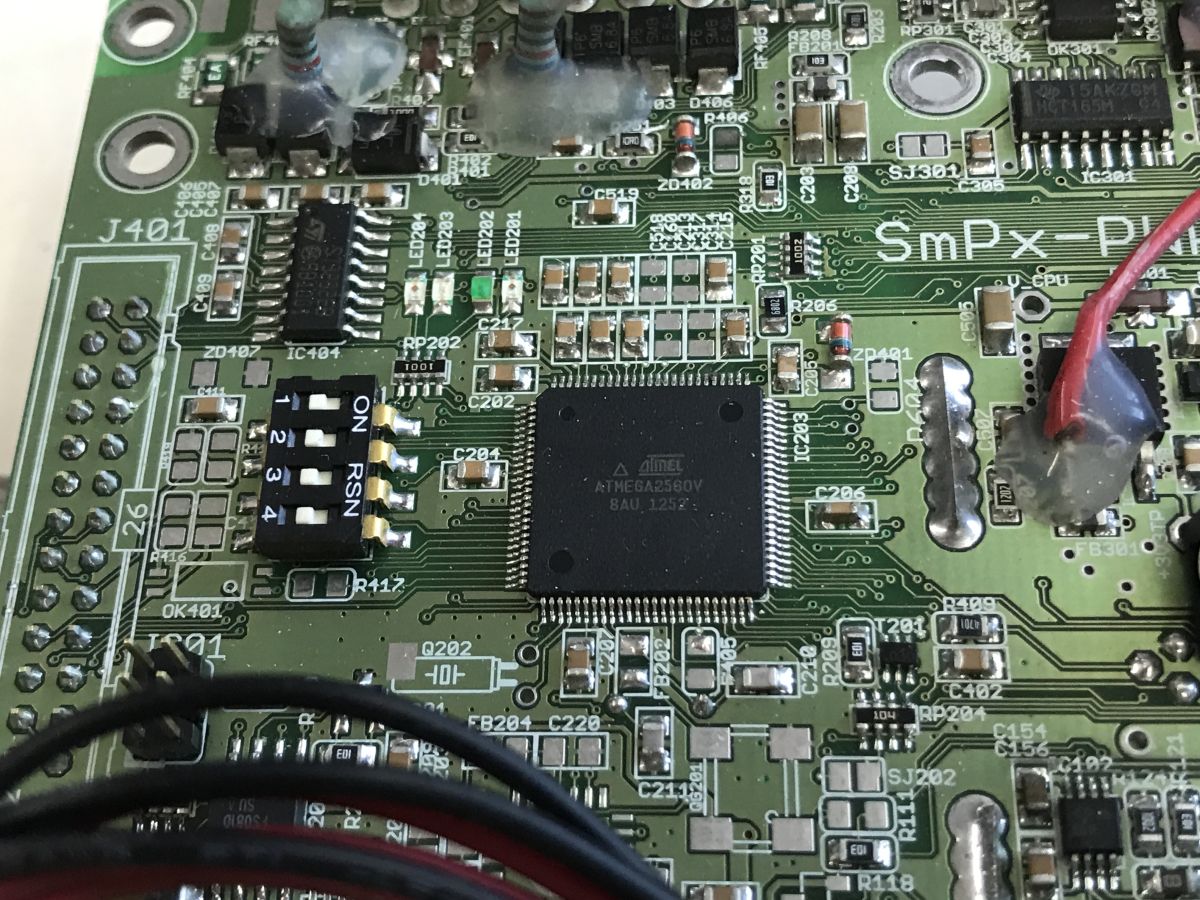
The heart of the board is the Atmega2560V, I don't know what its specific role is:
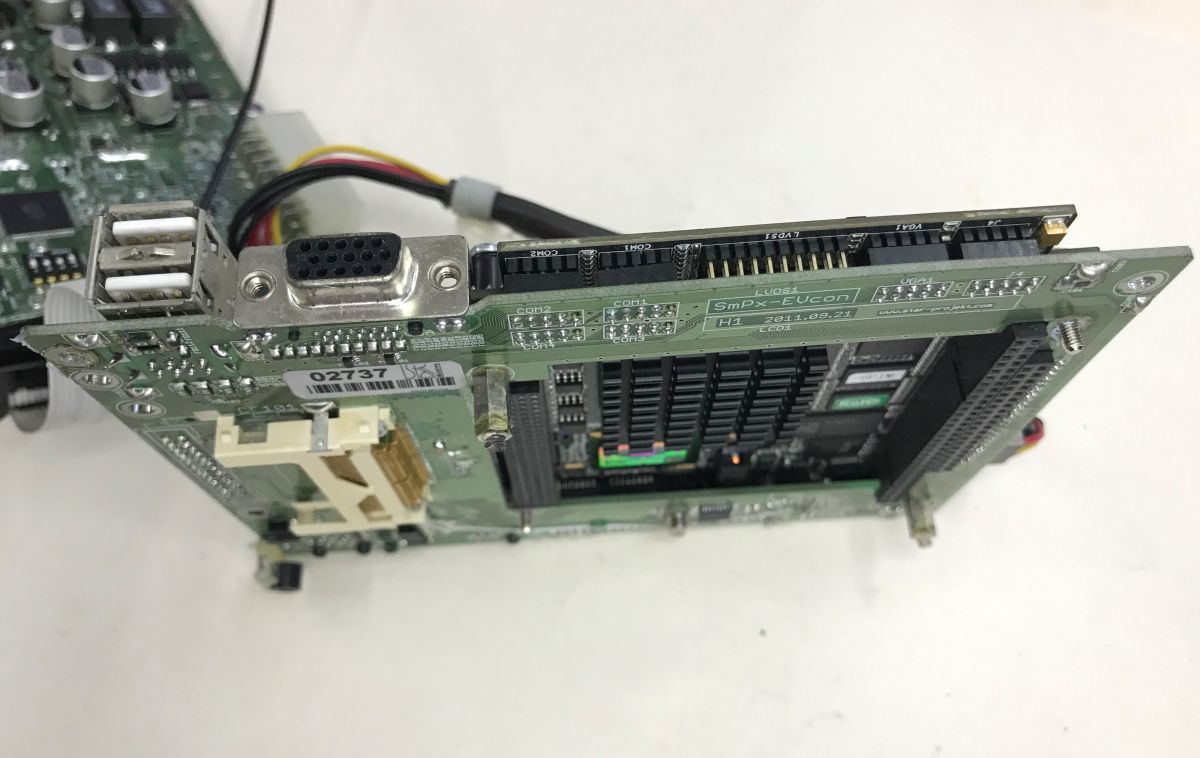
Now the second PCB - actually two boards, it looks like a microcomputer module superimposed on a proprietary mother board.
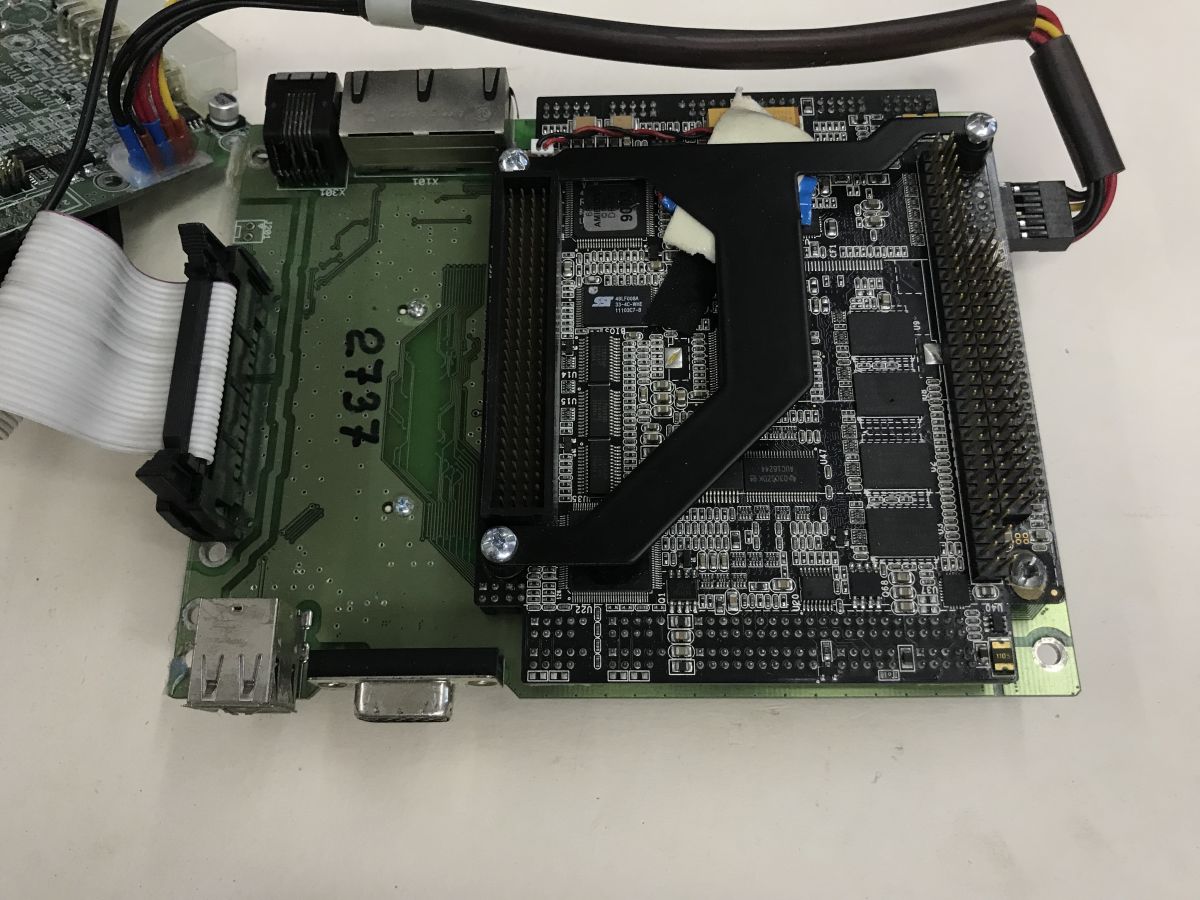
Interesting that even the VGA is derived. I would have more expected this connector to be on the microcomputer module itself, but apparently such a space-saving feature makes sense too.
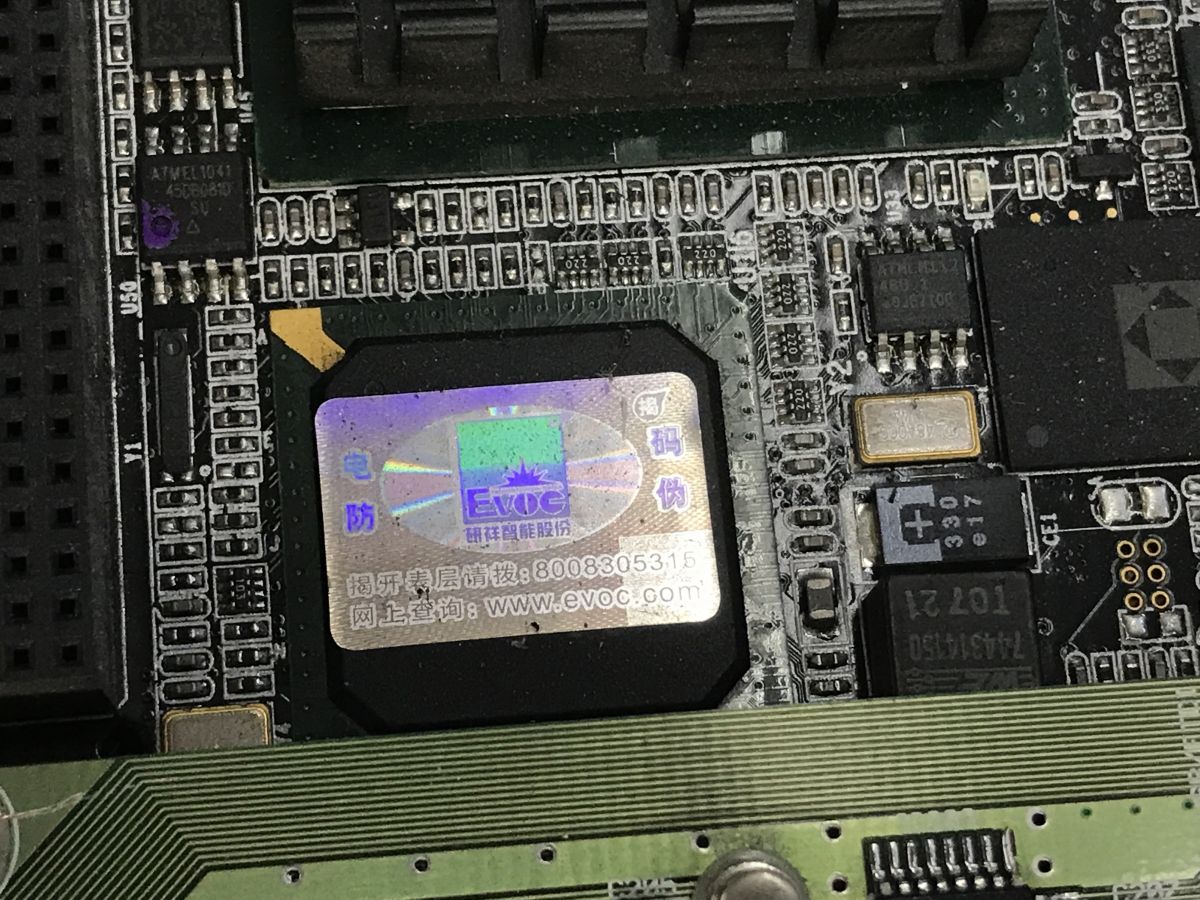
The sticker on the CPU identifies what the hardware is - an EVOC microcomputer:
Additional photos:
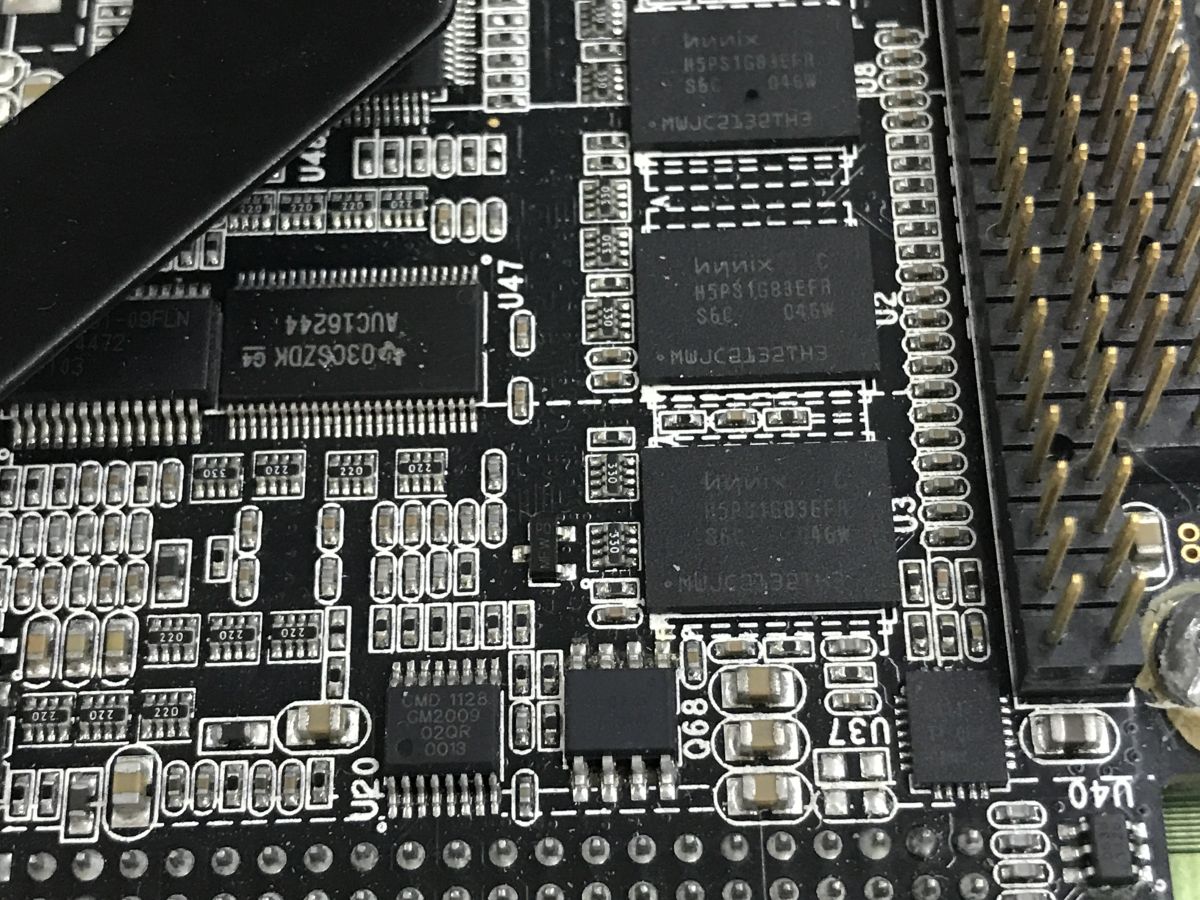
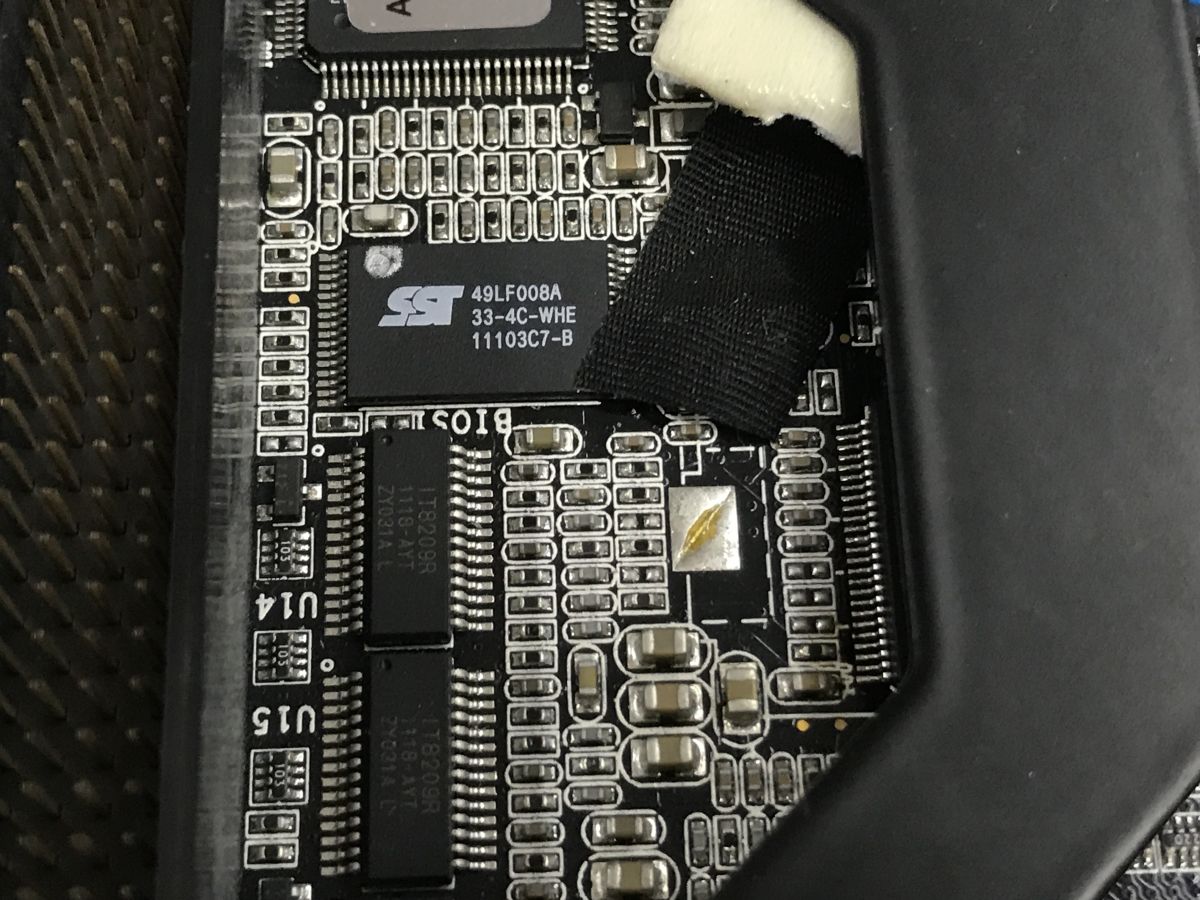
Additional module
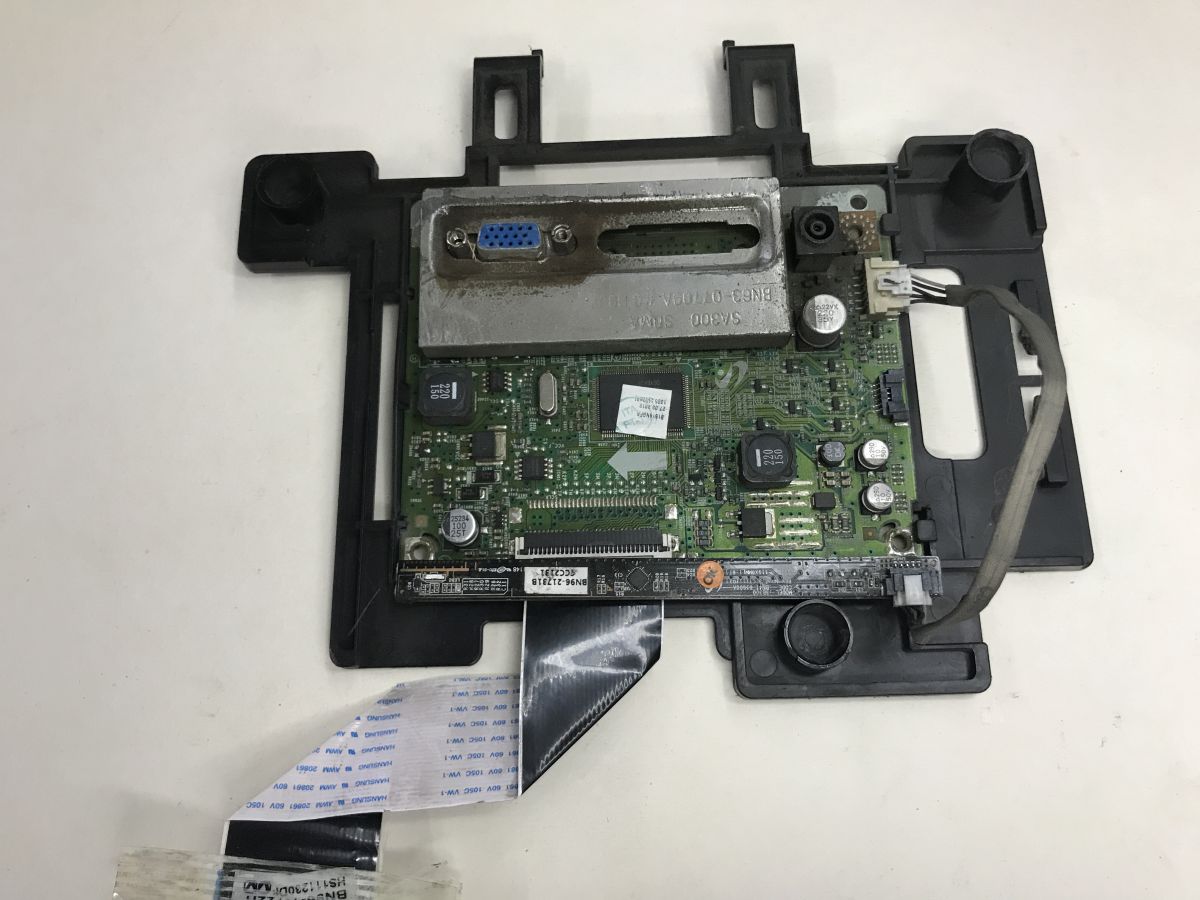
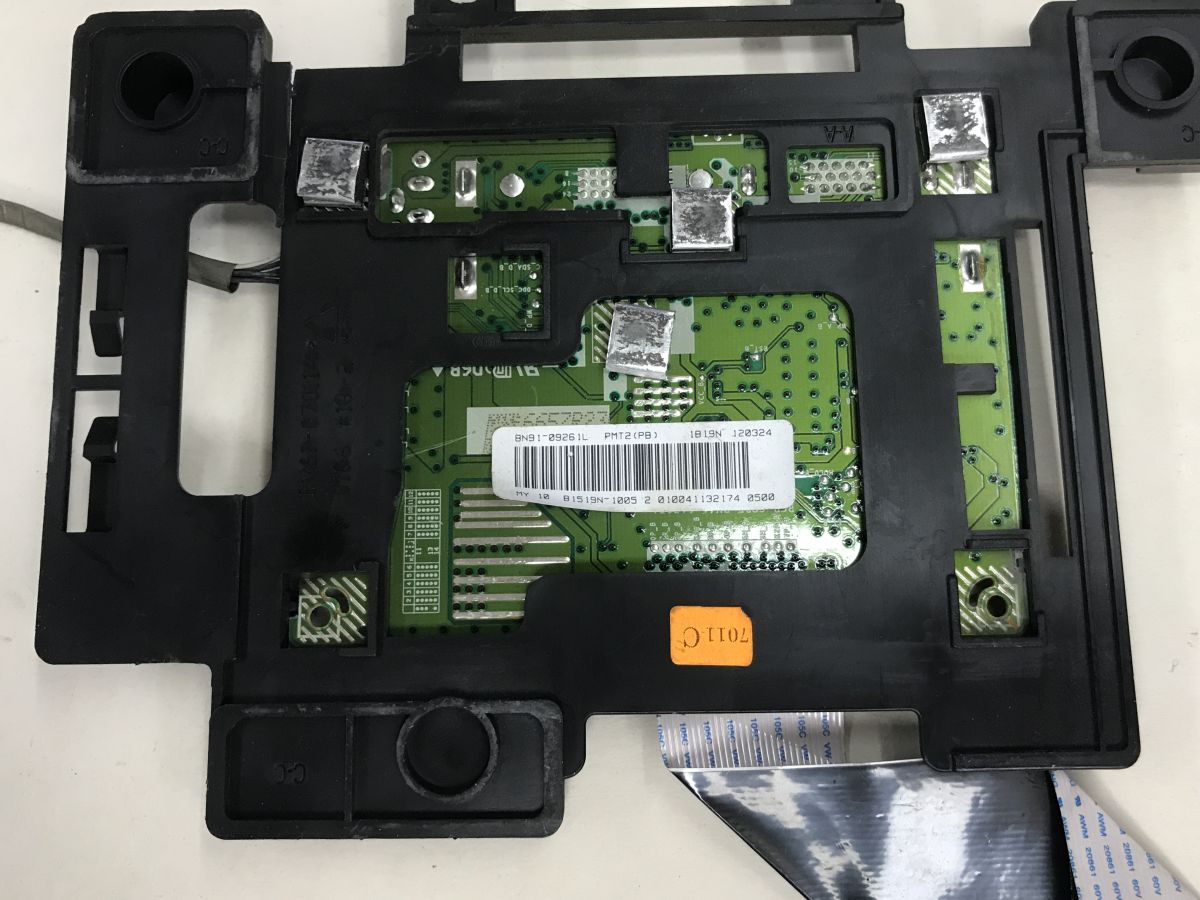
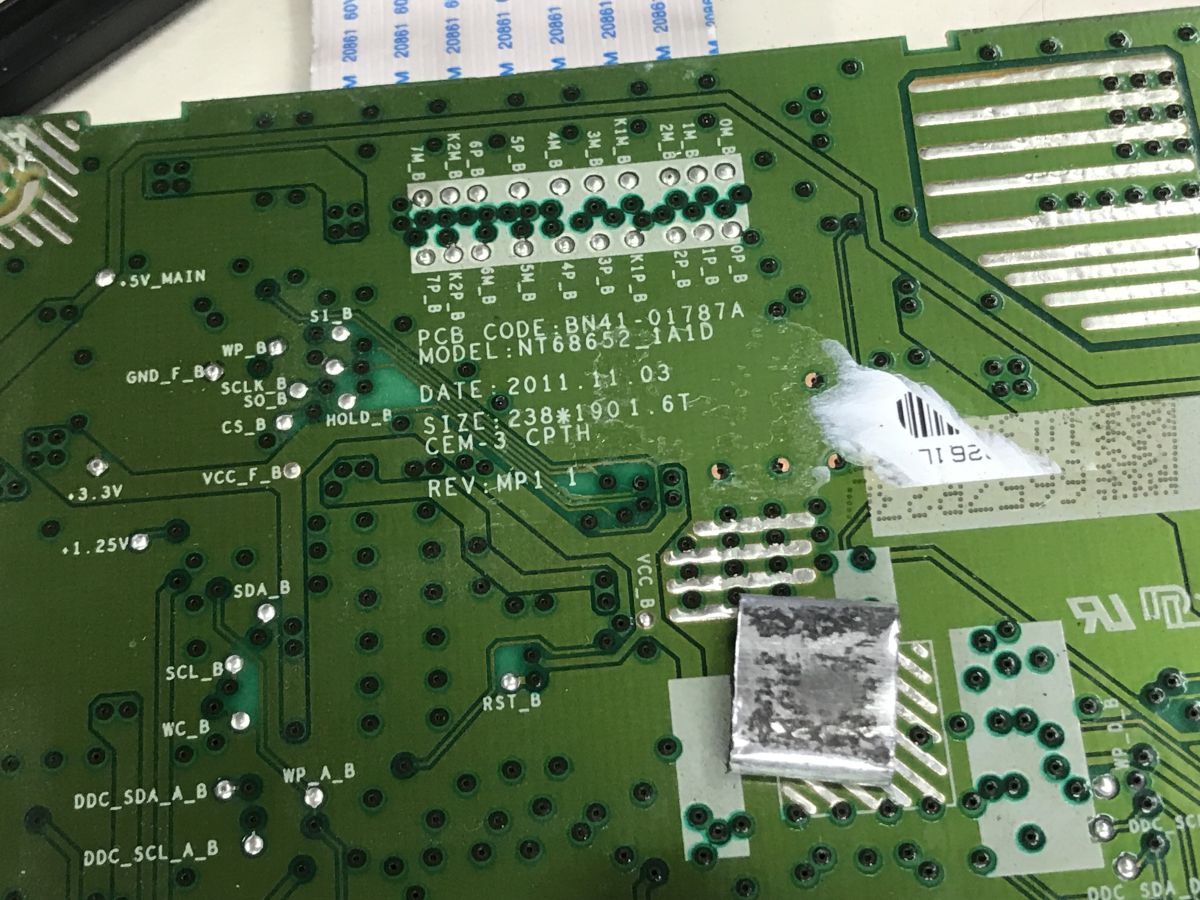
I still received BN41-01787A in the kit. Even without looking up the name in a search engine, you can see that this is part of the monitor. Here we have a VGA connector, a place for DVI and a connector from the DC power supply, and from the board comes the LVDS ribbon for matrix control. There is a connector from the LED backlight on the side.
Characteristic plate with buttons:
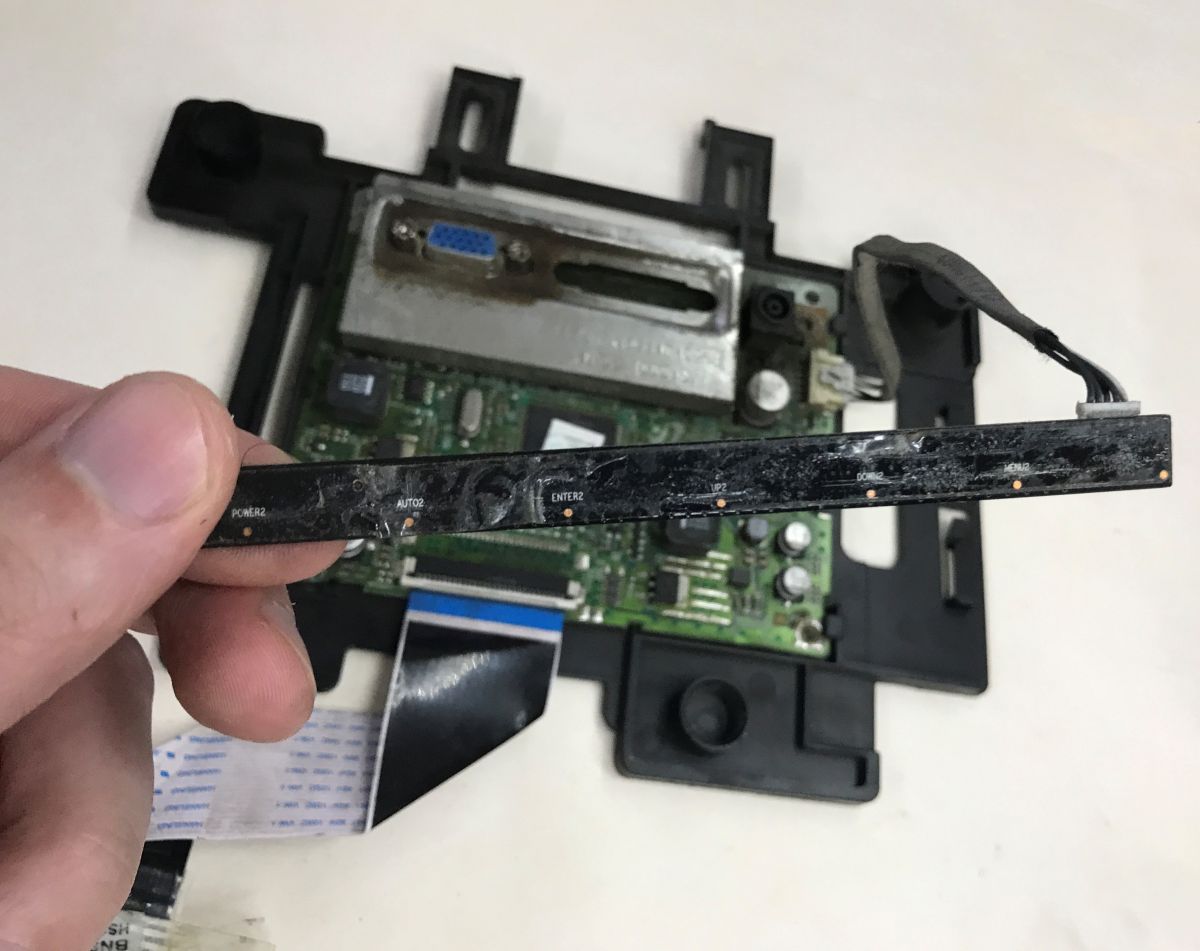
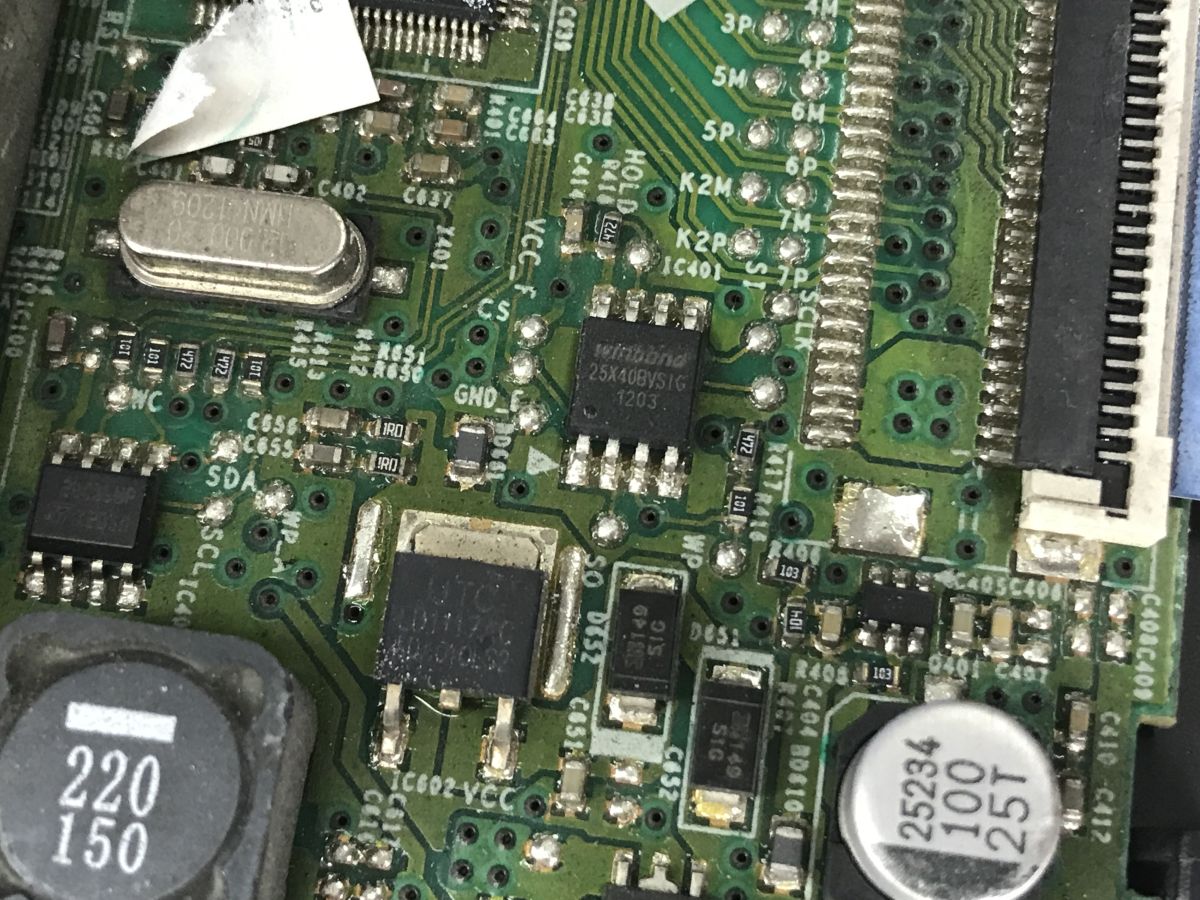
I was curious about the button controller, could it be something with an interface such as SPI or I2C?
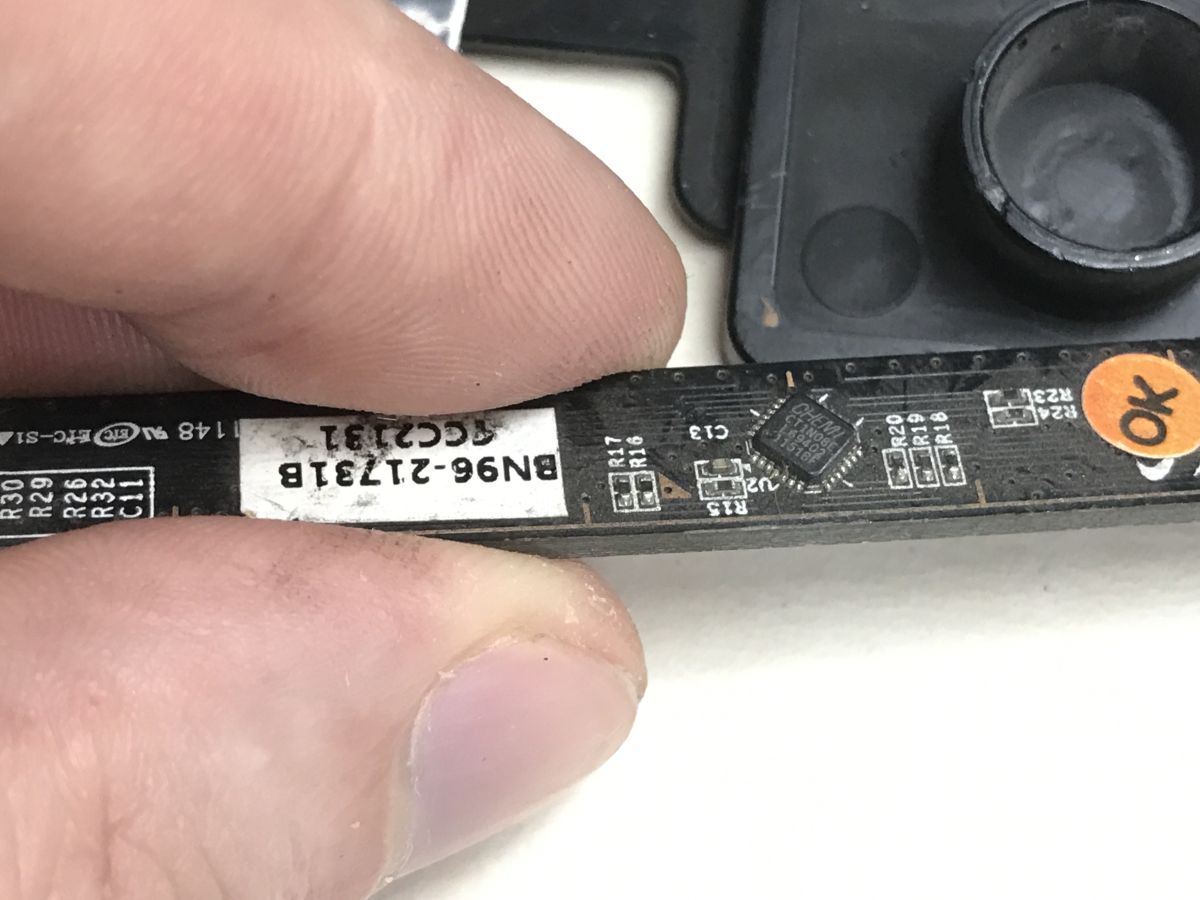
CT1N08E Chemi, I couldn't find its data sheet.
Startup tests
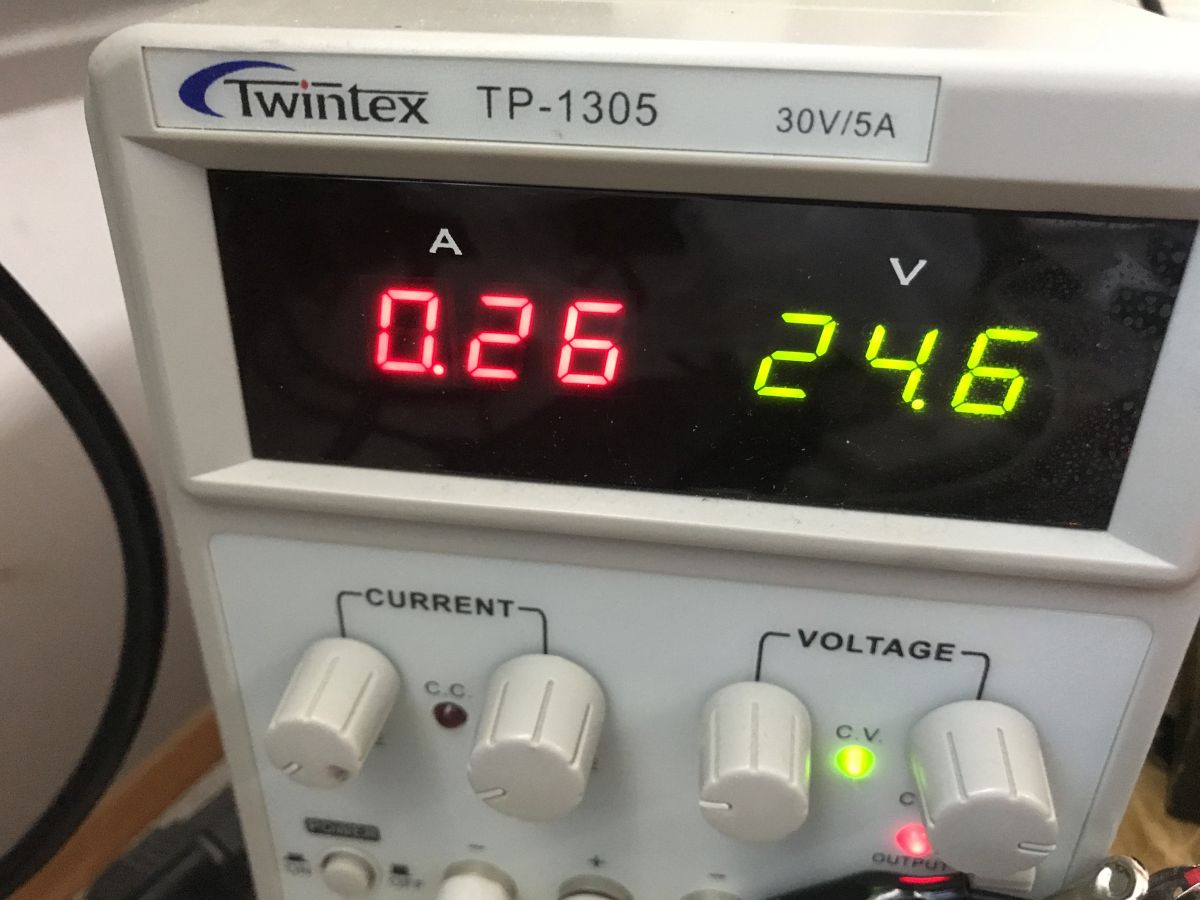
At first I reckoned that this connector was from ATX - but it doesn't fit and doesn't agree with the voltage from the case. Then I made a bet that the quadruple connector was a 24 V input. I used a lab power supply in current limiting mode for testing.
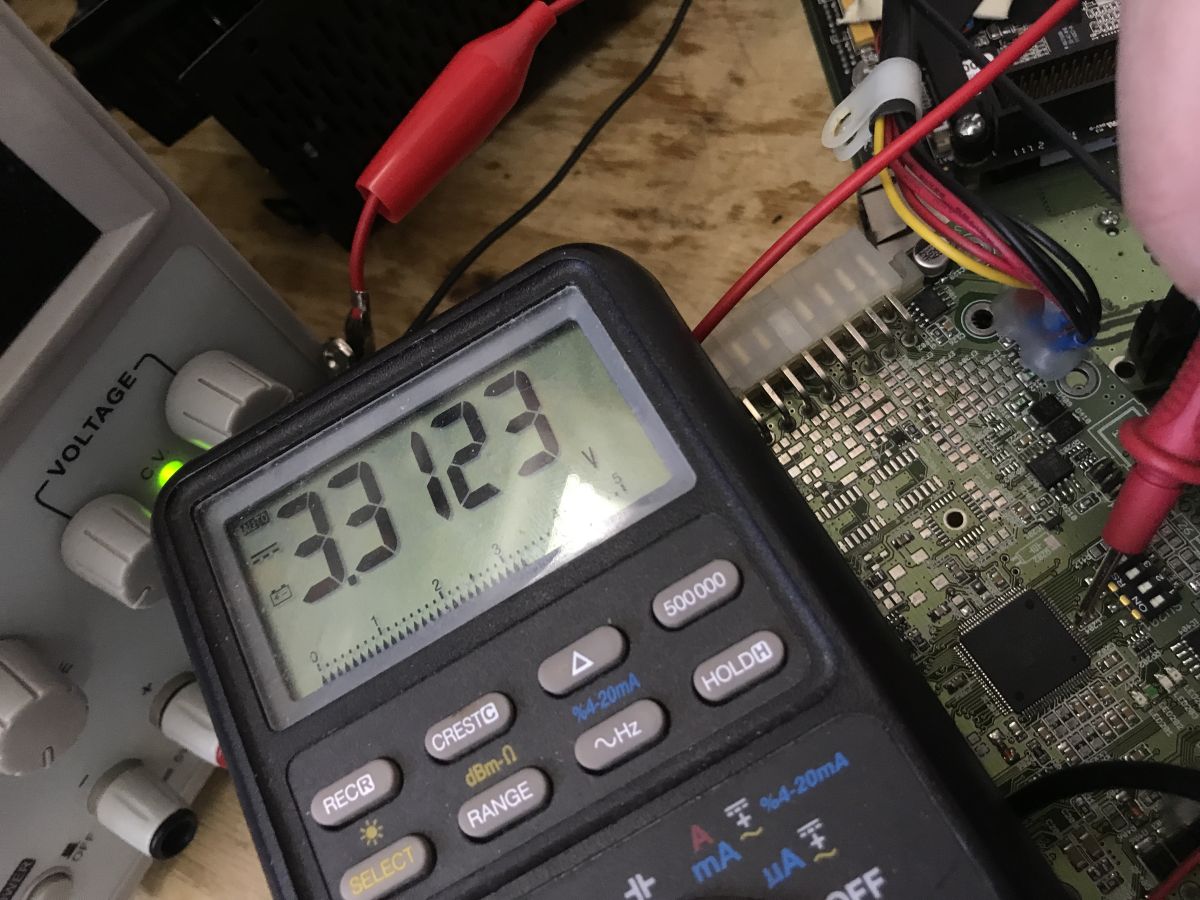
At first, I only managed to get light from one LED and 3.3 V on the capacitor from the Atmega. This is already something.
I kept a close eye on the current, it did not want to grow beyond 0.01 A. Only by changing the position of the DIP switches did it succeed:
There is a picture - the device also sees the keyboard on the USB. The CPU is Geode (TM) by AMD PCS 500 MHz, the memory is DDR2 487 MB, the disk is 2 GB NANDrive D A294F0.
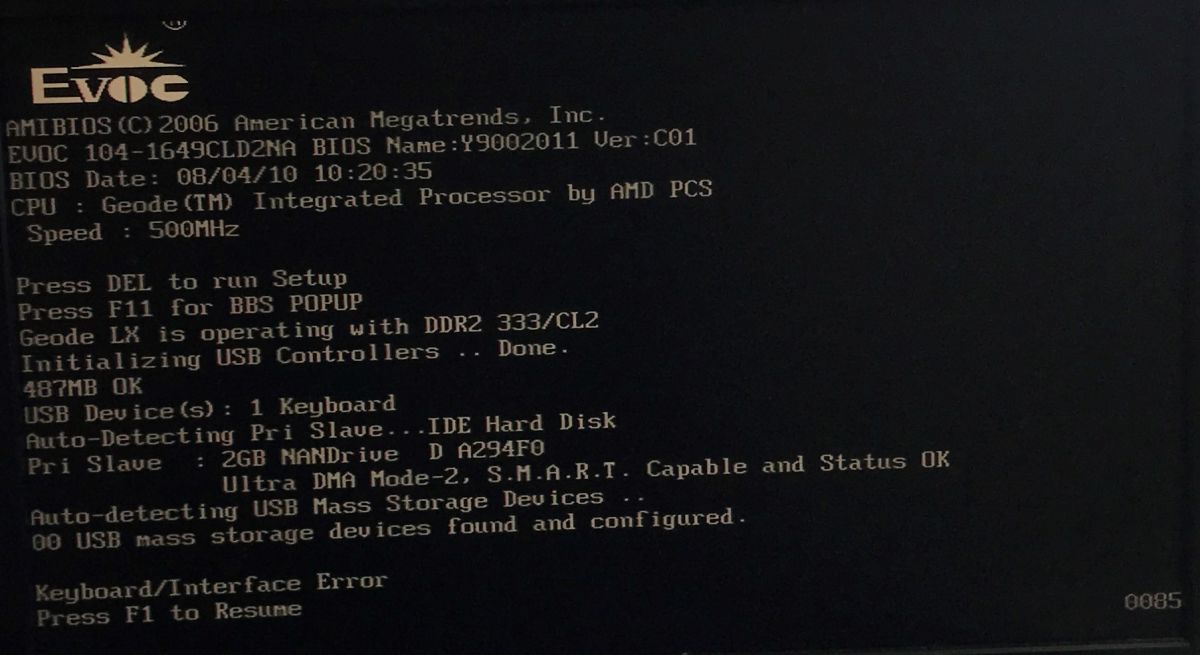
The computer itself identifies itself as EVOC 104-1649CLD2NA.
It is possible to enter the BIOS:
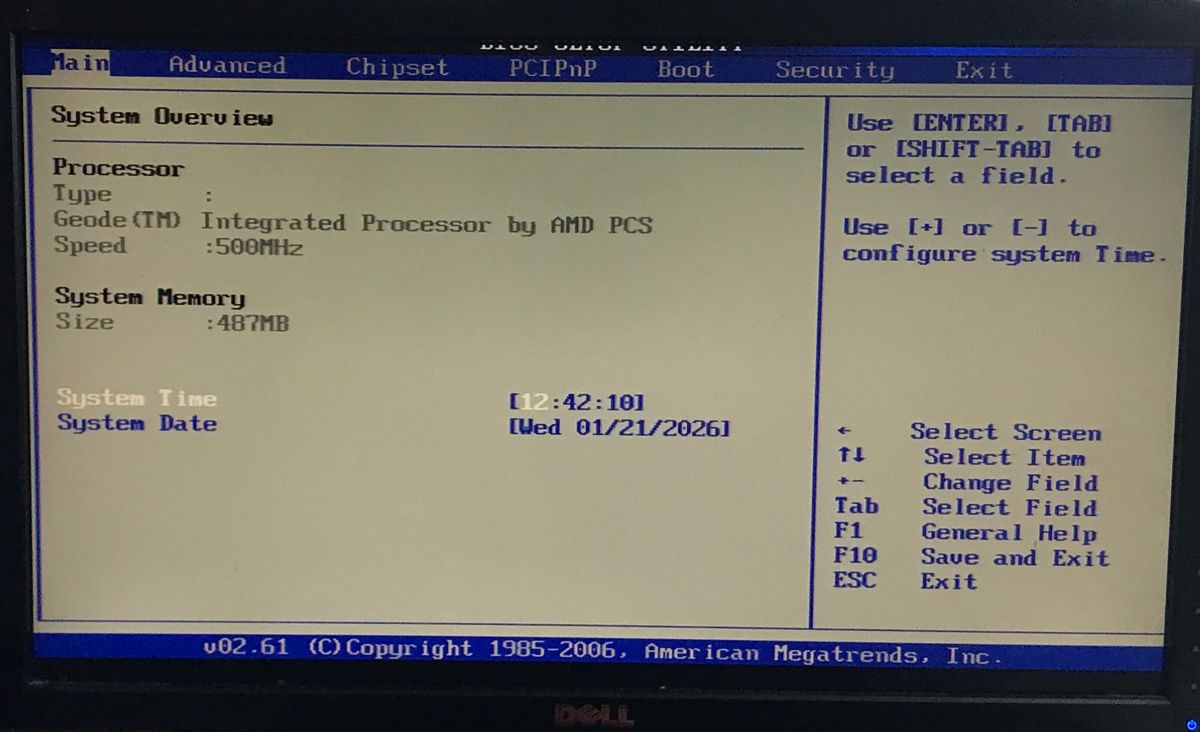
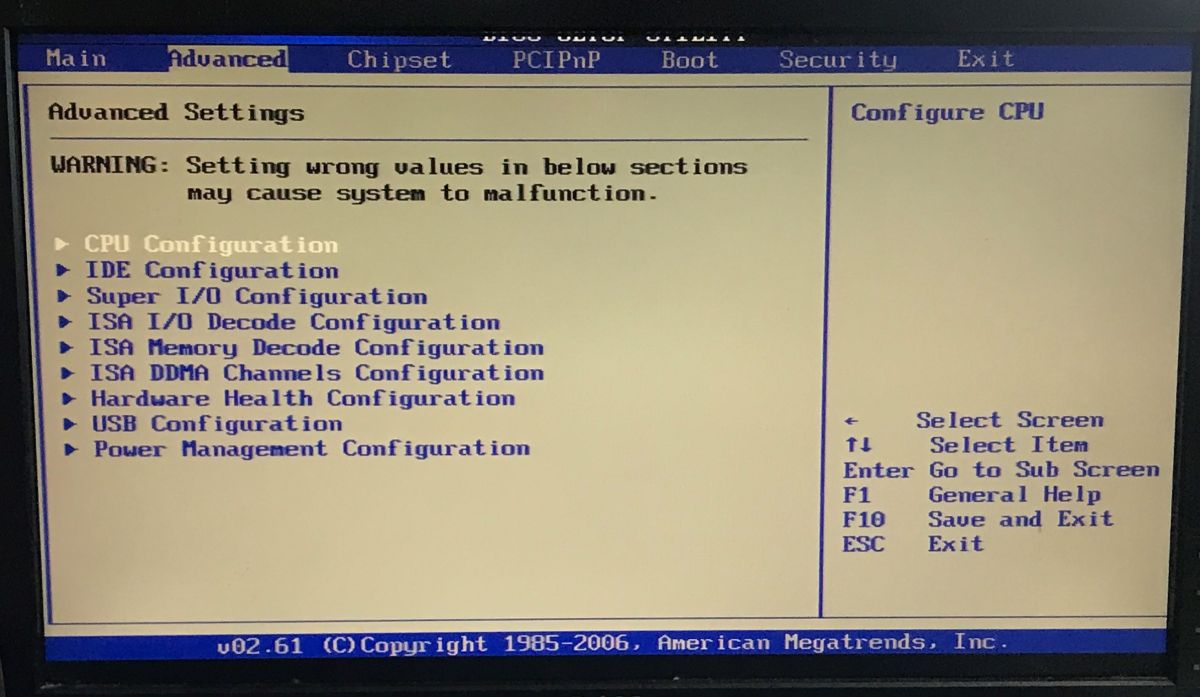
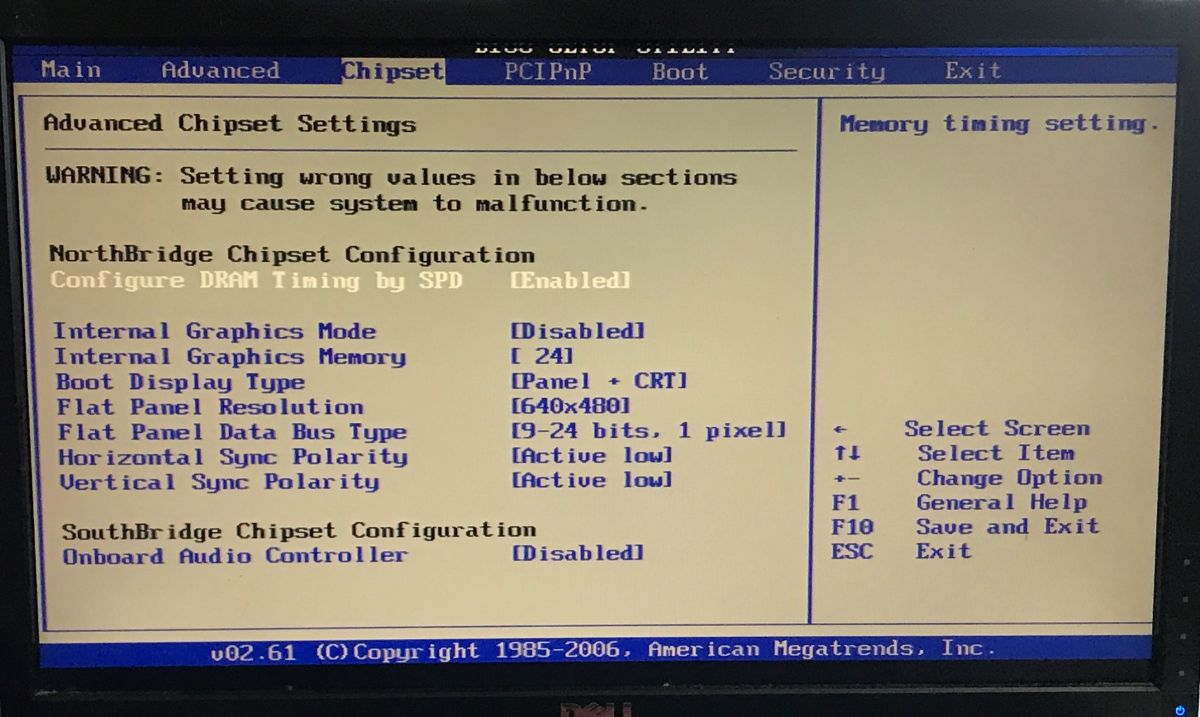
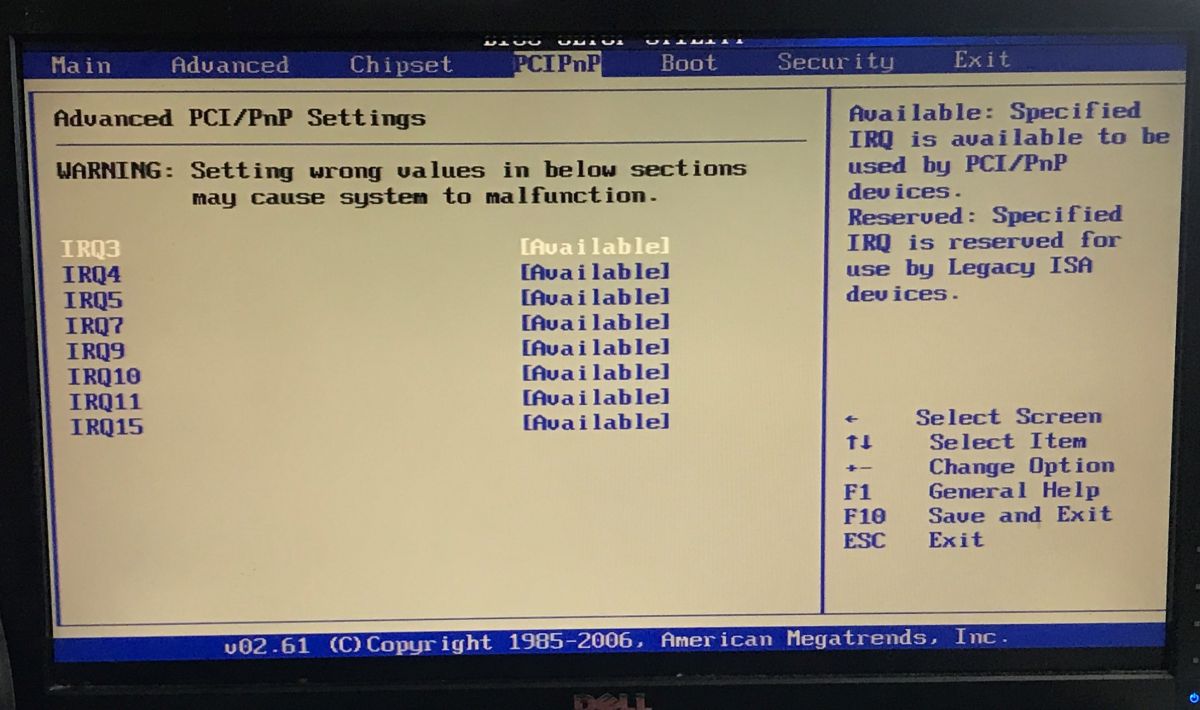
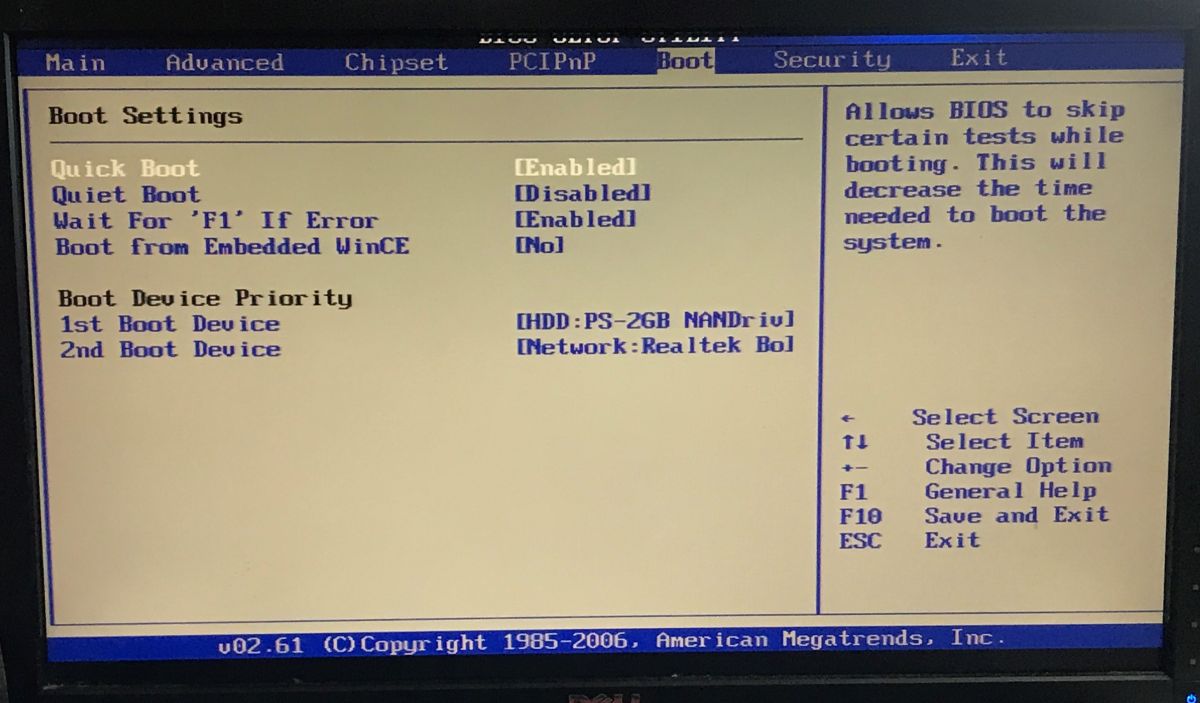
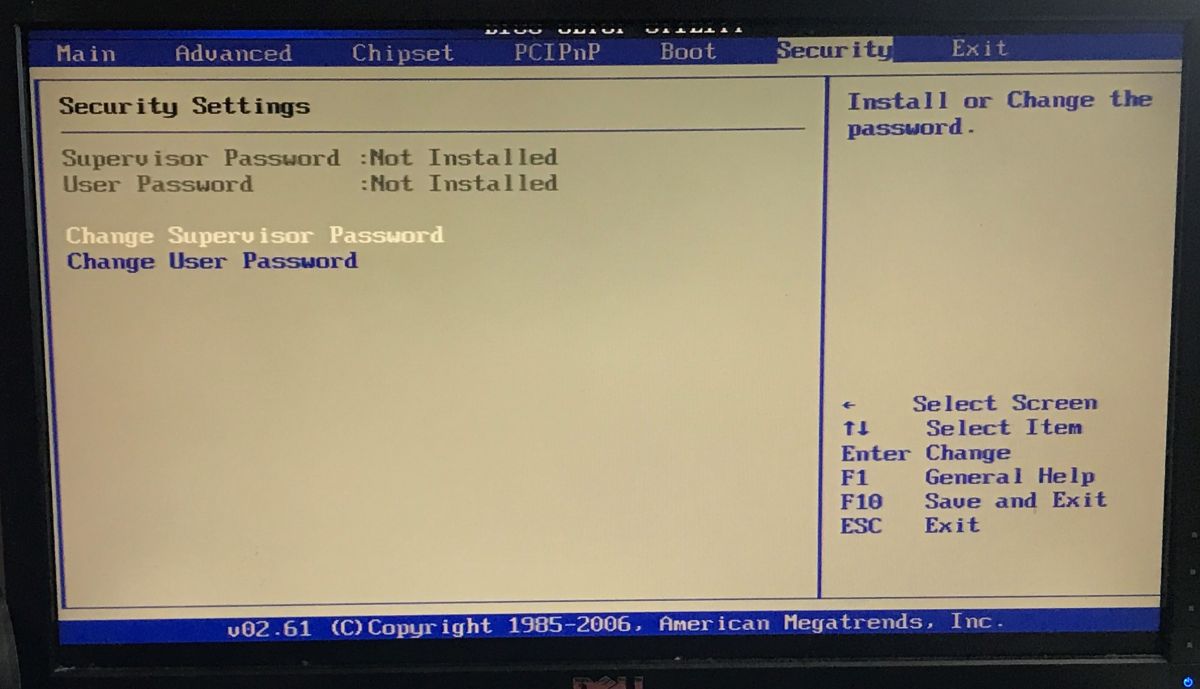
I still caught this message - Realtek RTL8139, probably the network controller.
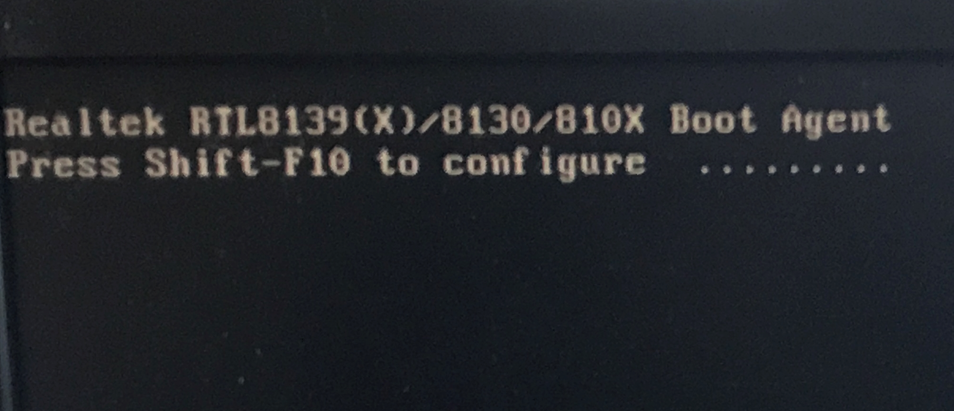
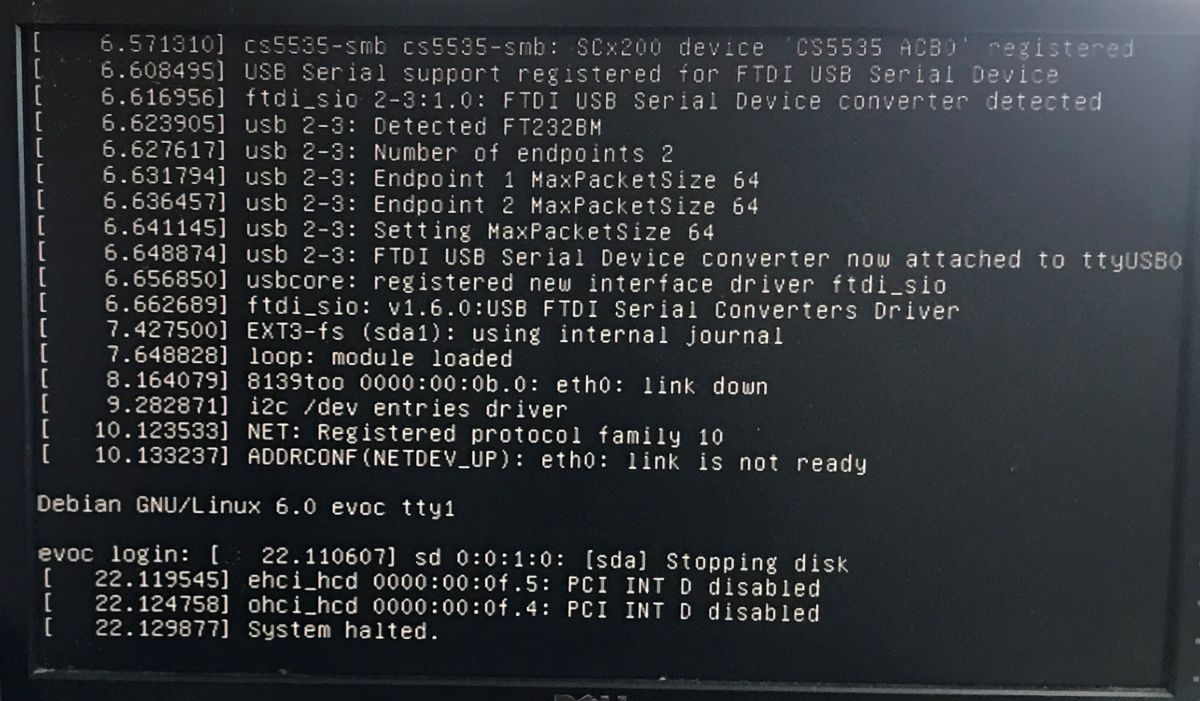
Then Linux starts up - but you can't even type anything in the login line, because a "System halted" error pops up.
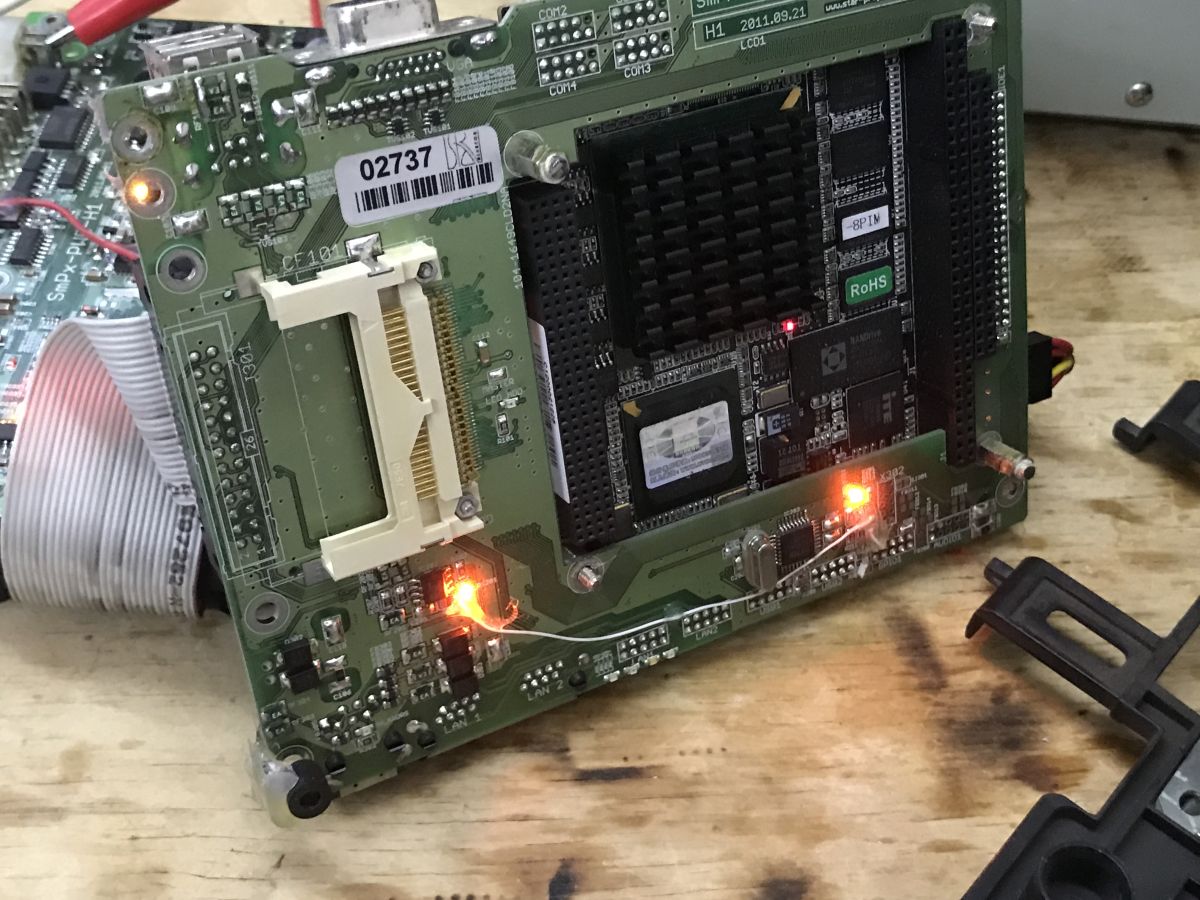
The LEDs on the computer board are lit:
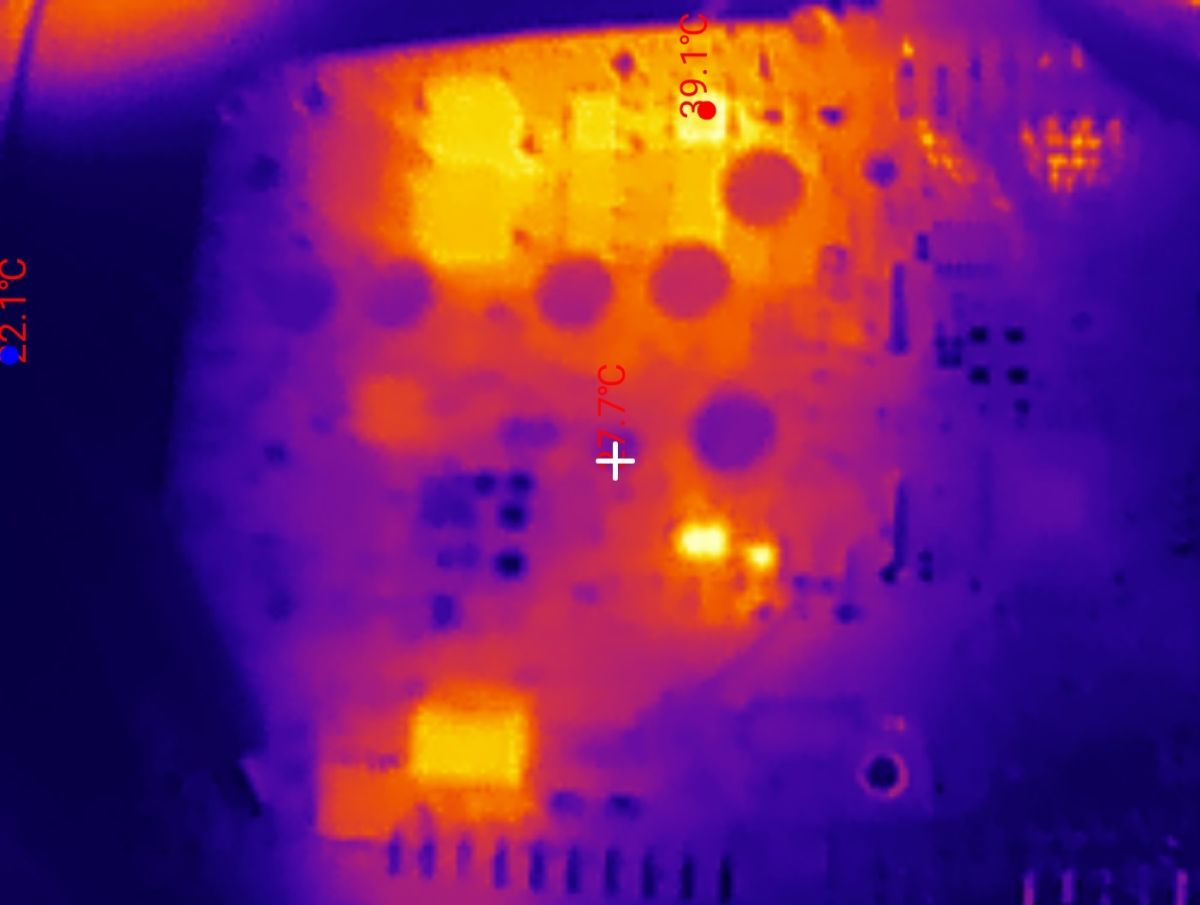
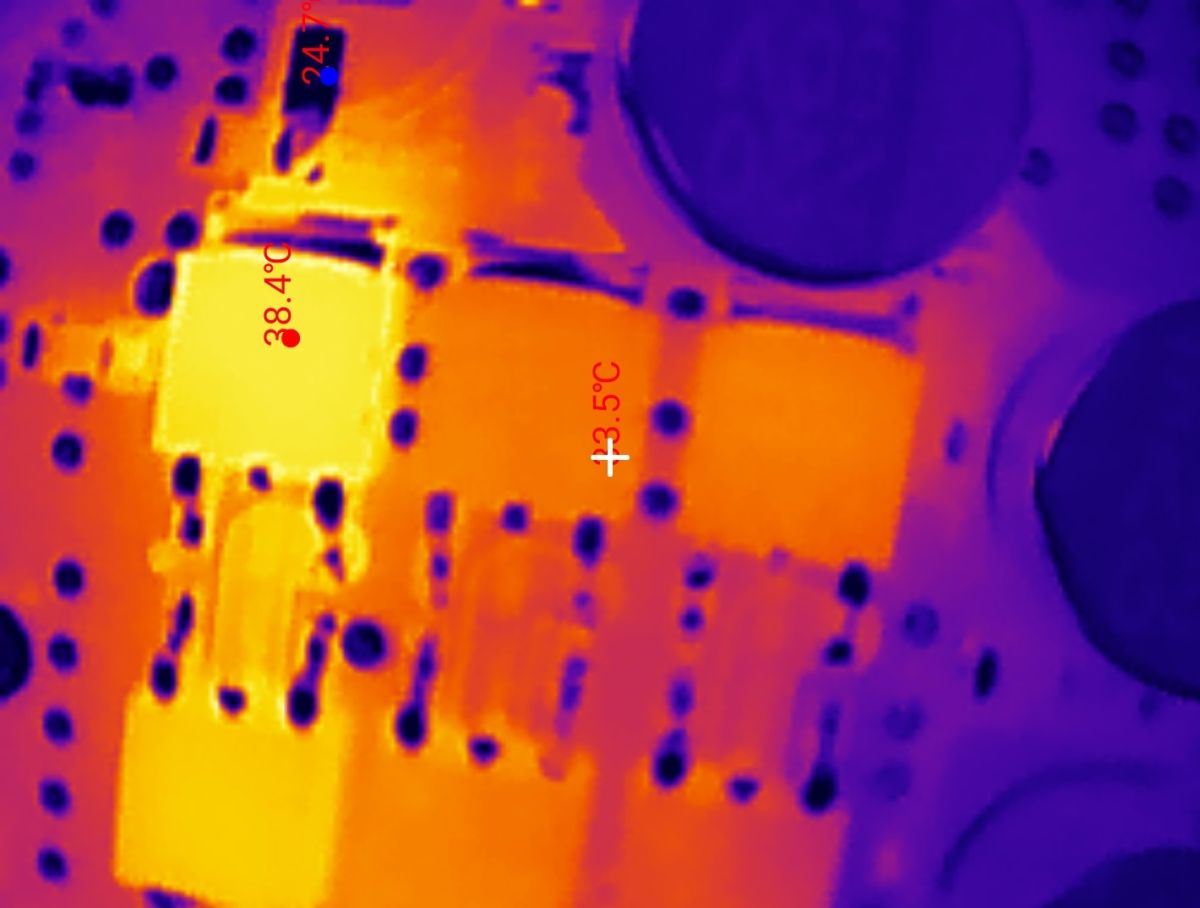
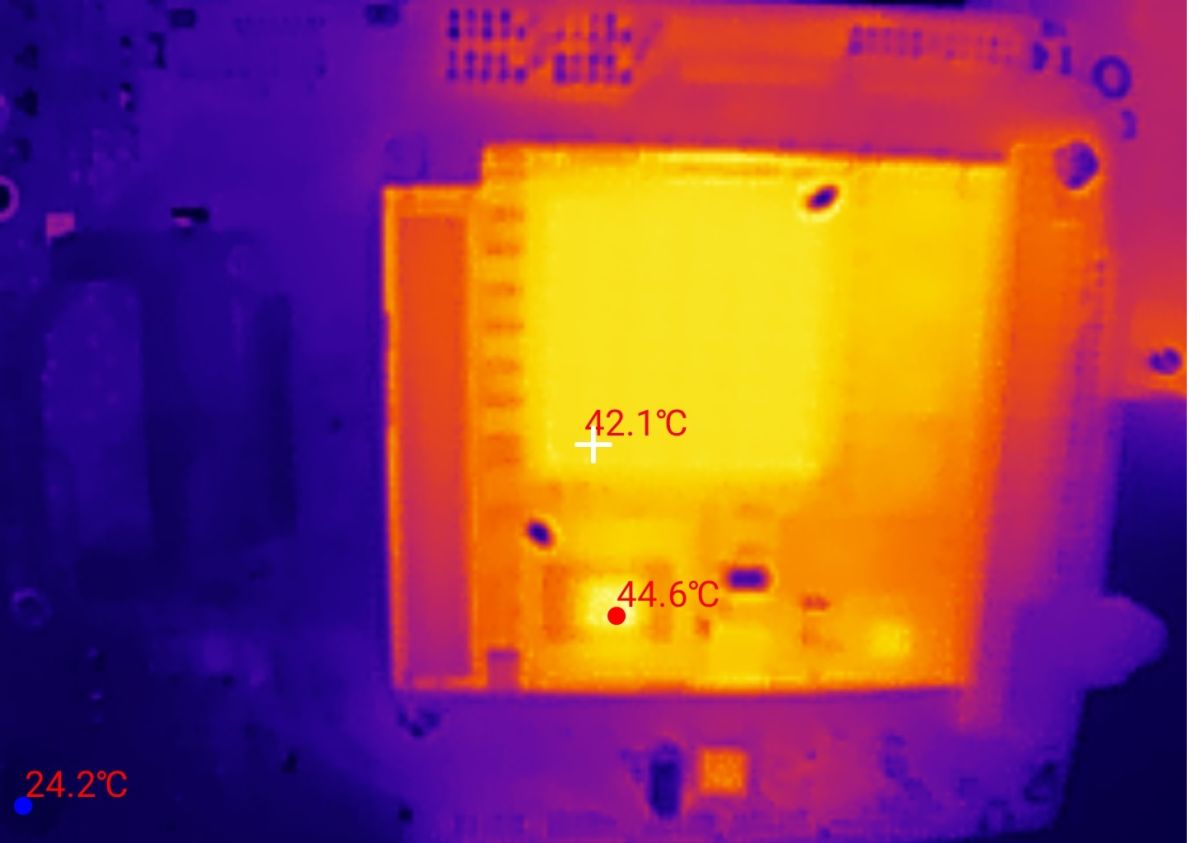
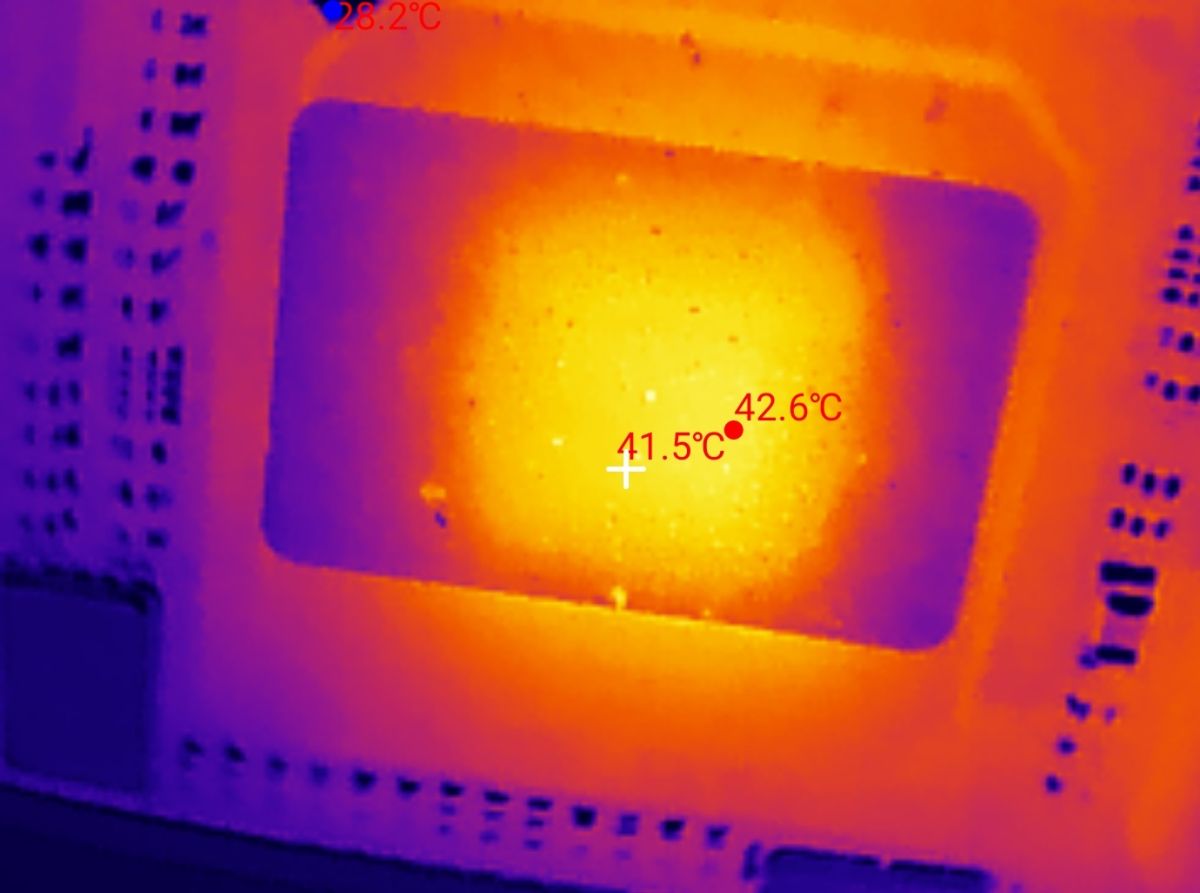
On the motherboard the key transistors from the inverters are heating up the most. On the computer board, the CPU heats up.
Summary
Here we have essentially three boards, the factory microcomputer module, its mother board (with, among other things, VGA output) and a board with inverters and (if I understand correctly) emergency backup on Li-FePO4.
At the heart of the chip is an EVOC 104-1649CLD2NA single-board computer, in this case still working, but quite old by today's standards.
The whole thing is password-protected, but maybe it would be possible to upload a new system to it - I have to try, do you have any suggestions as to what could be uploaded there?
That's it for now, the adventure has certainly been interesting. It's a shame that those batteries were practically down to zero.
The computer managed to boot up, it gives an image, you can enter the BIOS, but the system is password protected and on top of that it locks up with an error a while after switching on.
In the next topic I could try to upload something new to it, just what? Do you have any suggestions?
Cool? Ranking DIY Helpful post? Buy me a coffee.

 .
.