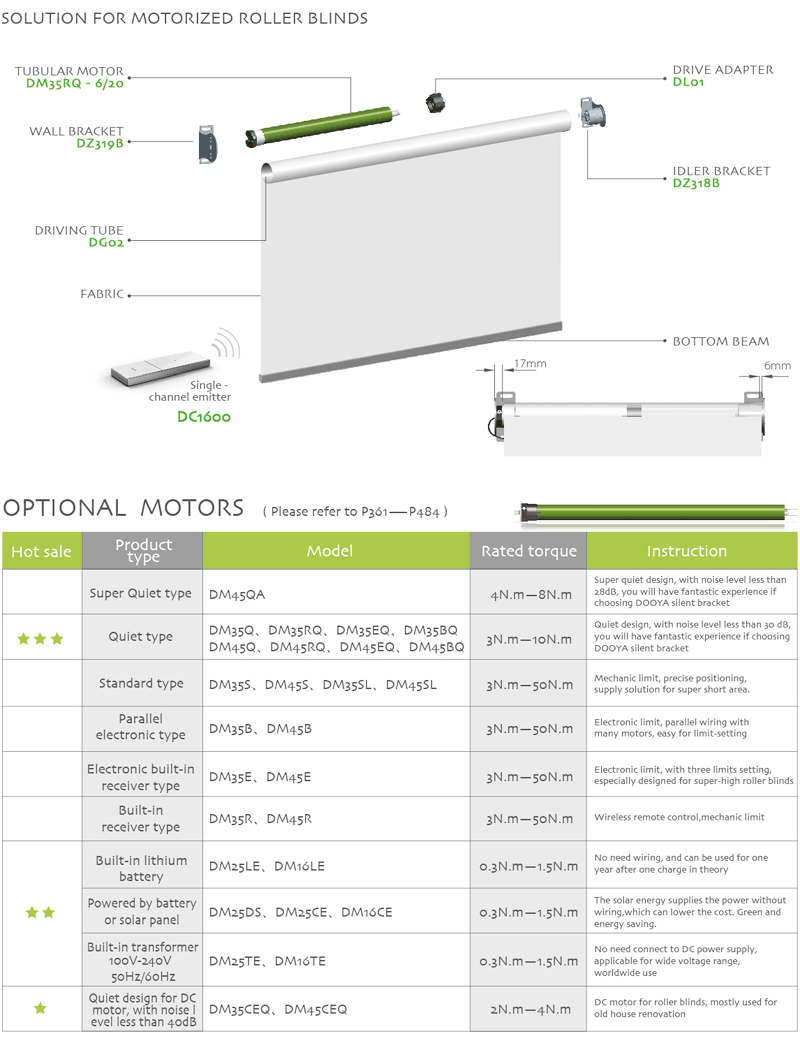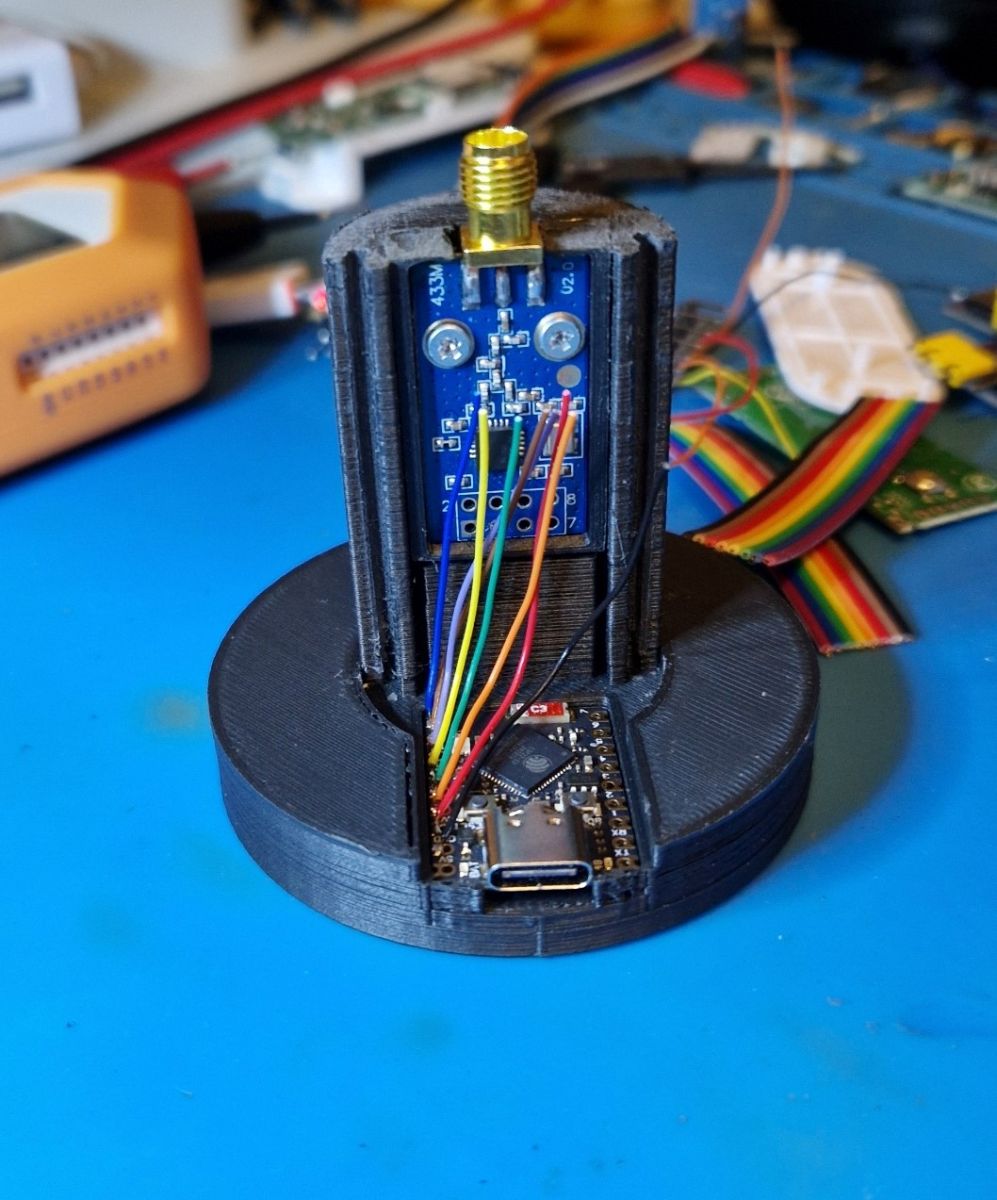
Here we will present a DIY remote RF controller for Dooya shutters made with a CC1101 transceiver and ESP-S3 Super Mini and a 3D-printed case. The controller is running ESPHome firmware and allows us to control Dooya shutters from Home Assistant. Full YAML script source and SKP enclosure model will be attached at the end of the topic.
The project was done by @DeDaMrAz, I'm just doing support and documentation.
Our previous DIY controller
For a long time, we’ve been trying to figure out how to control Dooya blinds with Home Assistant. Our initial attempt was presented there:
https://www.elektroda.com/rtvforum/topic4073400.html
It worked well, but the main problem there is that the remote has 5 channels and can control 5 blinds but @DeDaMrAz has 6 in the apartment. So we have to find something else that would work on all 6. Initial search showed some RF boards like FS1000 or CC1101 that can let us skip the remote altogether. First FS1000x boards were considered:
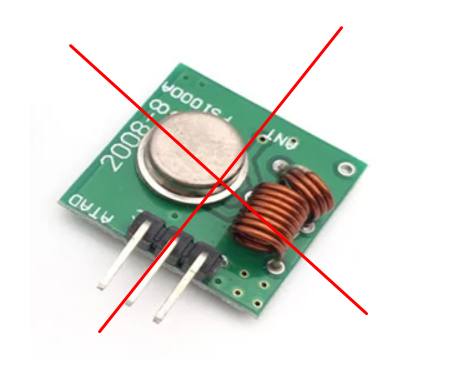
but we figured quickly it was not going to be feasible, mostly because of a lack of control in the transmission and overall instability and inability in HW for ASK/OOK modulation.
First attempts with Tasmota
Then we stumbled across this project - https://github.com/andrew01144/Tasmota-SomfyRTS
It's a Berry script for Tasmota to allow control of Somfy blinds.
From there we decided to move on with the CC1101 chip which is a 315-915MHz transceiver. Data sheet can be found here - https://www.ti.com/lit/ds/symlink/cc1101.pdf
The same chip is a basis of Flipper Zero, so certainly it can handle many protocols while it does not require a very powerful MCU to run. ESP can drive it fine.
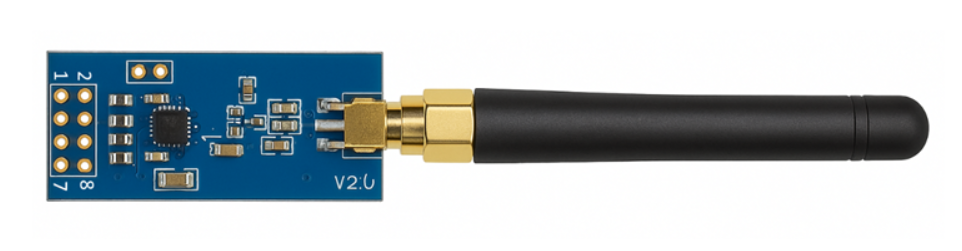
CC1101 modules arrived and we hooked everything up and after installing Tasmota and configuring all, it worked well from the first go! Results were verified it with Flipper Zero – everything is sent correctly. But the problem was it was not meant for the protocol Dooya blinds are made for, it was meant for Somfy based motors and control not Dooya that target blinds are based on. But the overall idea and implementation was flawless!
We tried to adapt the Berry script to Dooya needs, and were unable to make it support Dooya protocol that was required, but general idea was still deemed to be useful....
ESPHome RF attempt and initial success
Some more searching later we came across this repo - https://github.com/juanboro/esphome-radiolib-cc1101
All required is there, CC1101 controller with ESP32 and a link to ESPHome version that enabled transmitting - https://github.com/esphome/esphome/pull/6300 so we decided to go with that.
The main obstacle was Berry support in ESPHome, which turned out to be not documented well and seemingly often changed.
Basics like create new device and pairing are easy, but older yaml does not seem to be compatible with current builds. For example, this on:
https://github.com/dbuezas/esphome-cc1101
That's why we decided to create our own yaml from scratch. The basics were figured out from all the repos and issues how to configure the module and create yaml file, etc. Furthermore, Dooya protocol is well known and some information can be seen here:
https://github.com/omerl13/raspberrypi-rf-dooya-controller
It uses 433.92MHz frequency, employing a proprietary system often requiring specific ID codes and payload structures, uses ASK/OOK modulation for data transmission, headers, and checksums. As Flipper Zero is able to capture the signal here is the original remote STOP button capture from flipper.
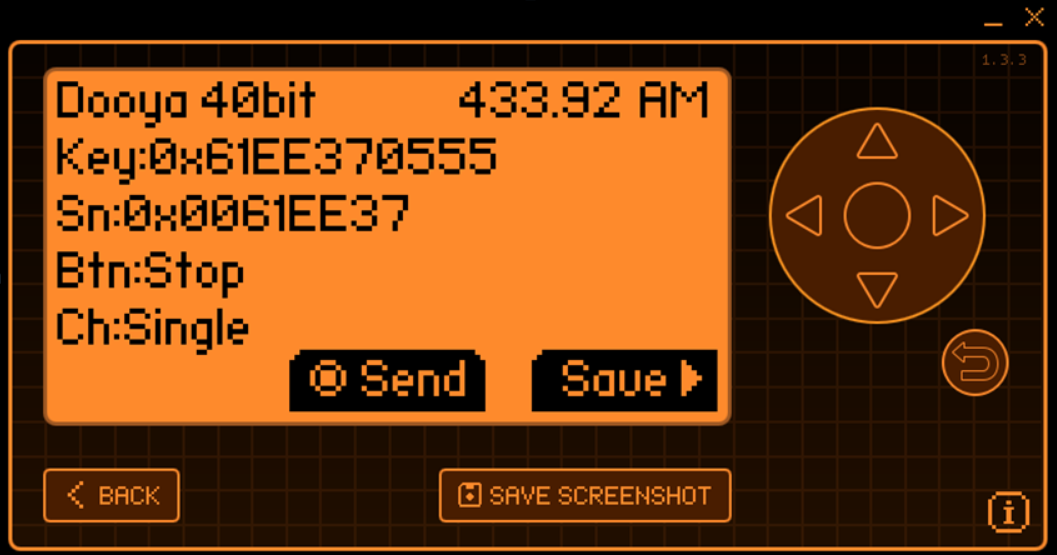
In general, decoded signal looks like this:
KEY:0x61EE37 05 55 - > STOP: id=0x0061EE37, ch=5, btn=5, check=5After initial success, we've decided to choose the smallest ESP32 modules at hand - ESP32-S3 Super Mini were available, and we wired everything up like so:
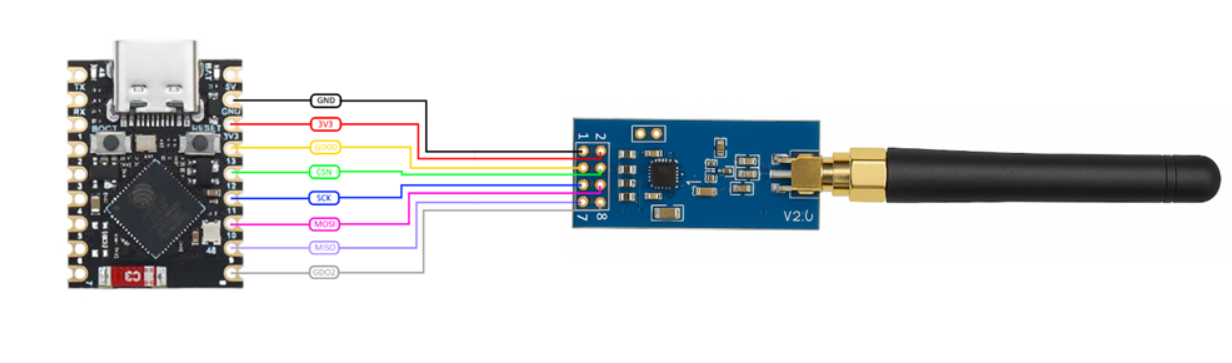
Here's initial yaml that gave first successful RF capture:
Code: YAML
This gave some initial success, it can actually read and decode signals from the remote, both in raw form and decoded as per Dooya protocol :
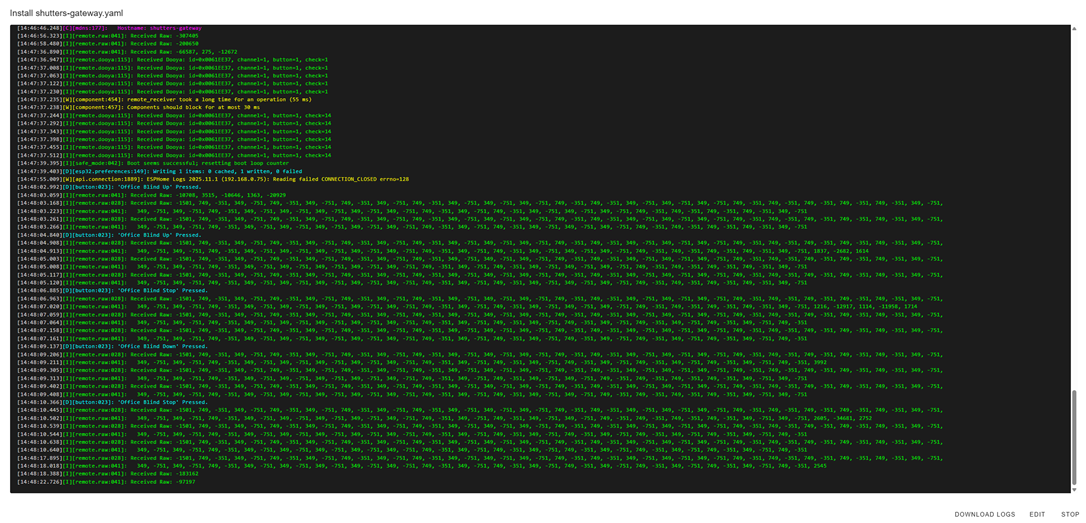
First success. We can read codes without Flipper and integrate them into our “final” ESP build. Now to enable transmission on CC1101 and ESPHome there are some tricks but also, we had to move from that PR#6300 that we used initially to Radiolib:
external_components:
- source: github://juanboro/esphome-radiolib-cc1101@main
  components: [ radiolib_cc1101 ]
Radiolib is a powerful library for CC1101 and we have incorporated that all in the final yaml just to ever so slightly tweak what is sent and get the best results from the device. More on that can be found here - https://github.com/jgromes/RadioLib
The TX part was tested then, got several Flipper zero captures and used pretty much the same structure as for receive button:
Code: YAML
Unfortunately, it didn’t work. After some time of reading more PR’s, more repositories and testing we got this to work. Reason for it not working initially is GDO0 pin is used for both transmit and receive, aka half-duplex, and it wasn't enabled that so we got more info and tested this code:
Code: YAML
This turned out to work well - the shutters are moving. But we lost RX ability we had before, we need to investigate further…. Solution:
Code: YAML
This will put the CC1101 into RX mode initially then change into TX mode when needed, something was forgotten first to do but expected it to just work.
All in all, this is what we ended up with, a yaml file that works and is controlling office shutter and receives and decodes Dooya protocol packets. Further shutters will have to be added there later.
Code: YAML
It works as intended, more polishing is needed, for example motors do work but Flipper zero can not decode the transmitted signal, it can capture it raw but not decode it but blinds do respond to commands. Not a big problem at current stage.
Testing a bit more on HackRF we figured the times and patterns original remote transmits so we tried to mimic and play around with the setup from the device which finally integrated into HA looks something like this:
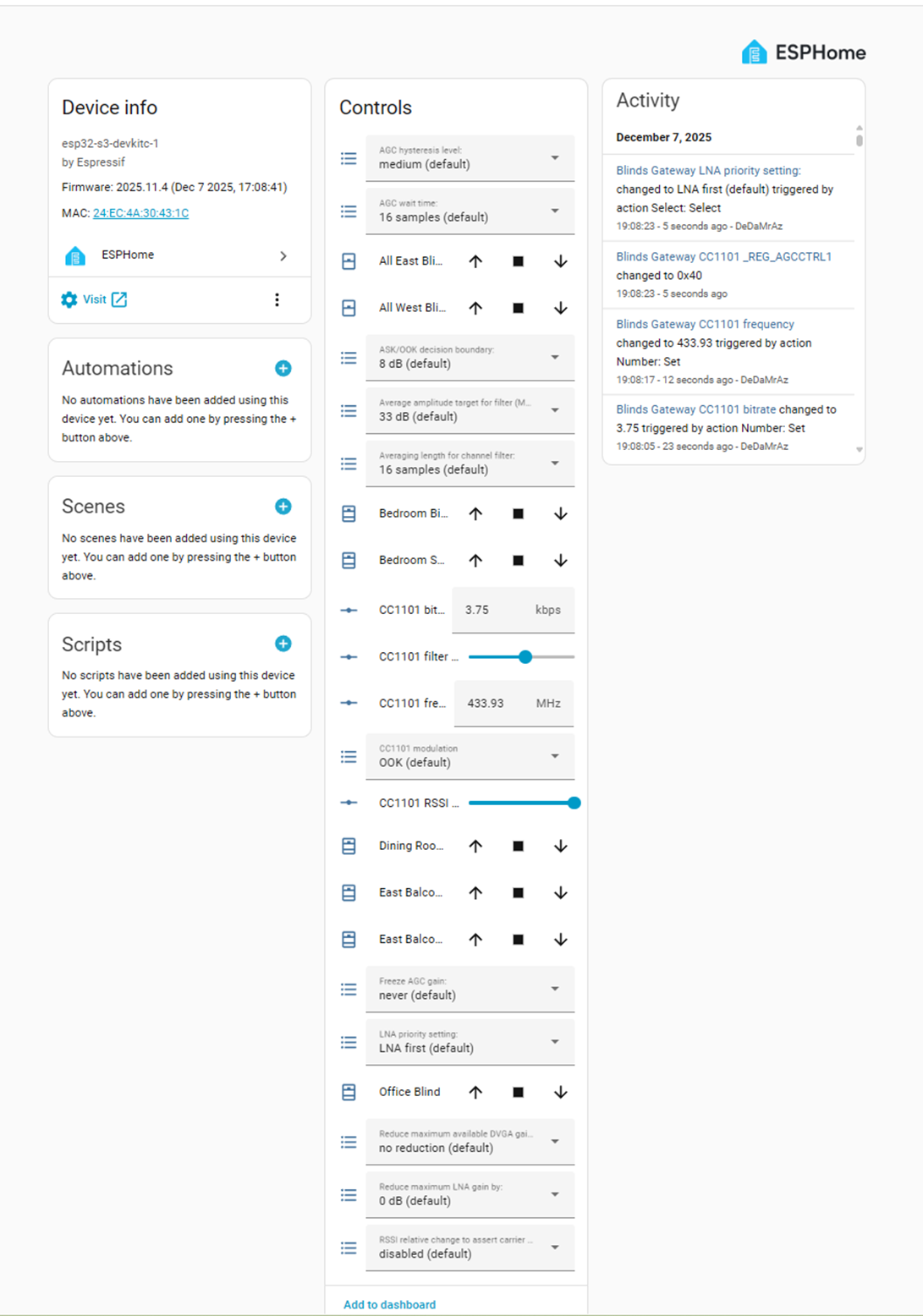
There is now a possibility to control various aspects of CC1101, tweak and polish timings and intervals but it works and we’ll continue improving it.
3D-printed enclosure
Once everything is done, small enclosure was also designed for it as a 3D model and printed. It took several attempts due to various 3D-printing tolerances. Sketchup file attached - ESP32-S3 and CC1101 enclosure V6.skp.
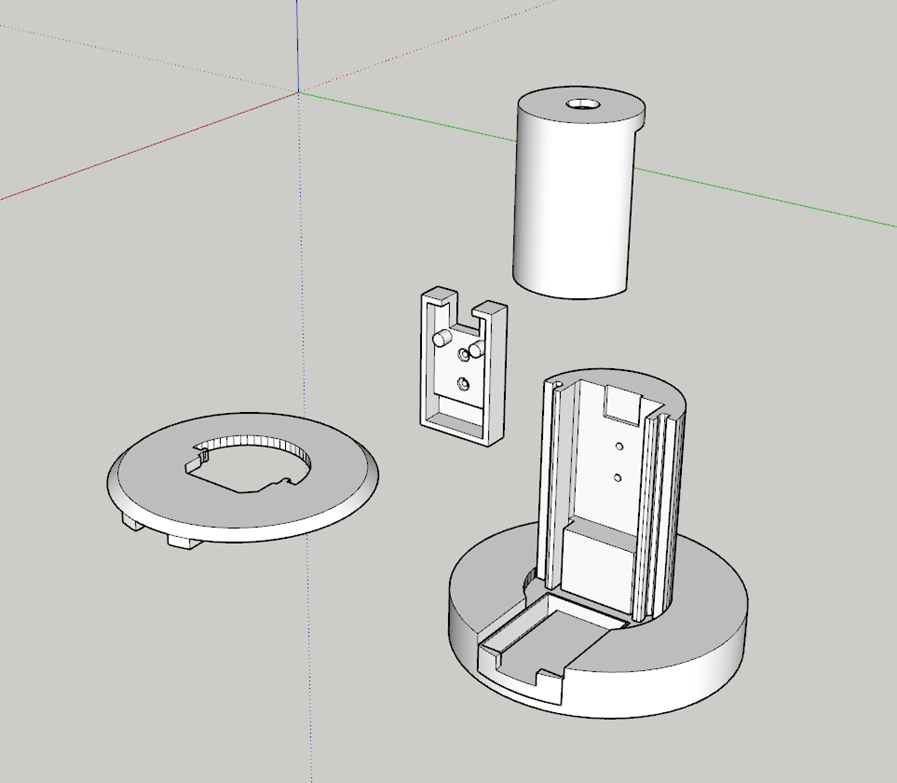
And this is the current final result, not ideal or pretty but it works:
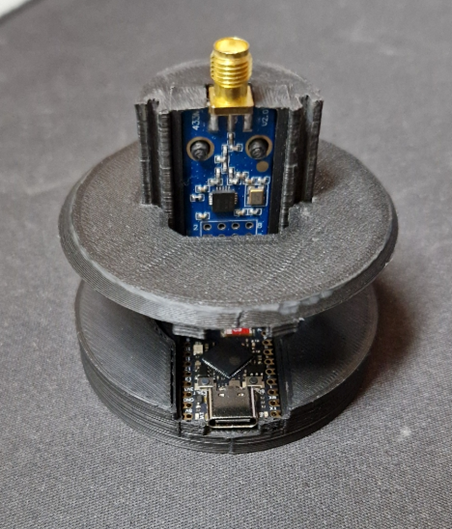
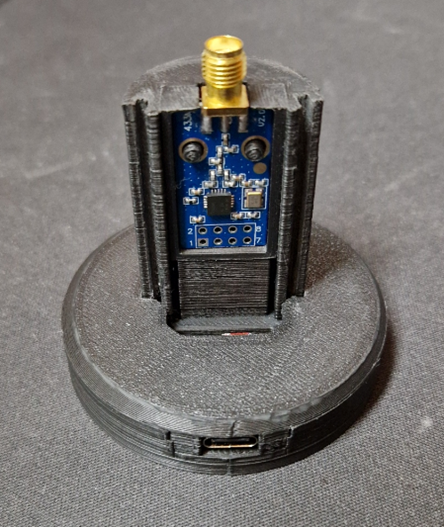
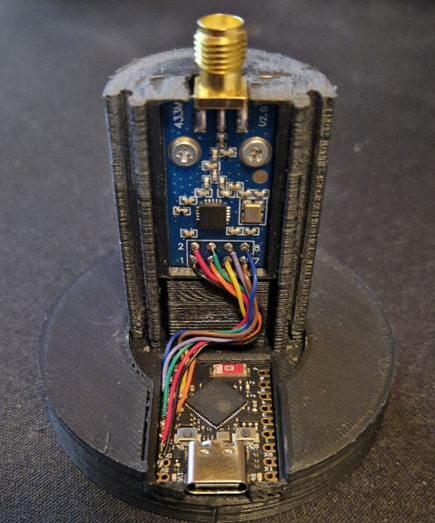
Final presentation
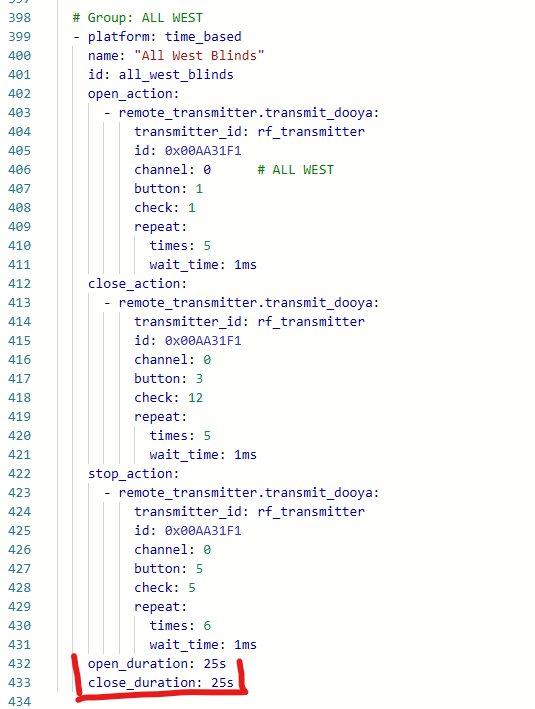
So, it's important to mention that such shutters have to calibrated - the opening/closing time depends on shutter length, gears and the motor.
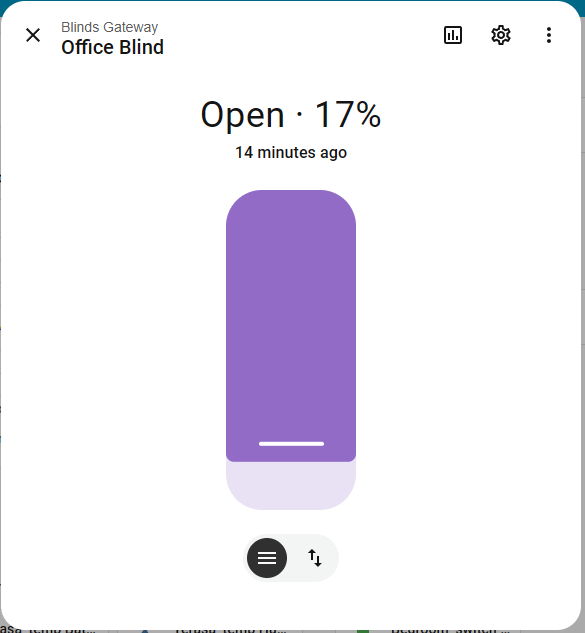
Once configured and calibrated, they can be opened and closed and moved to any fraction in Home Assistant:
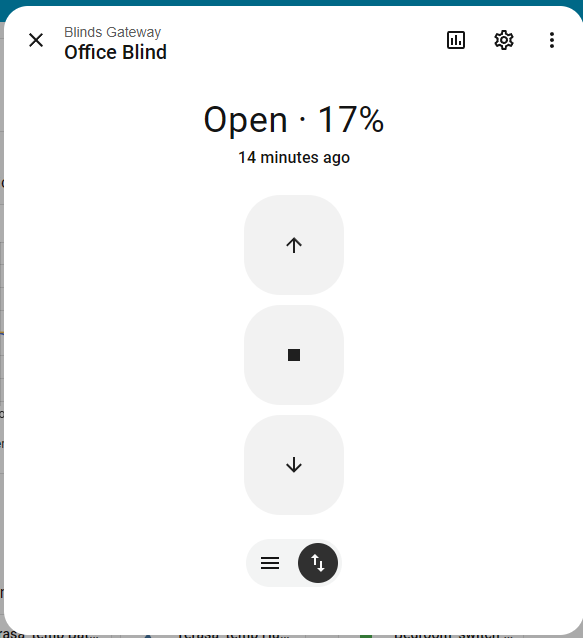
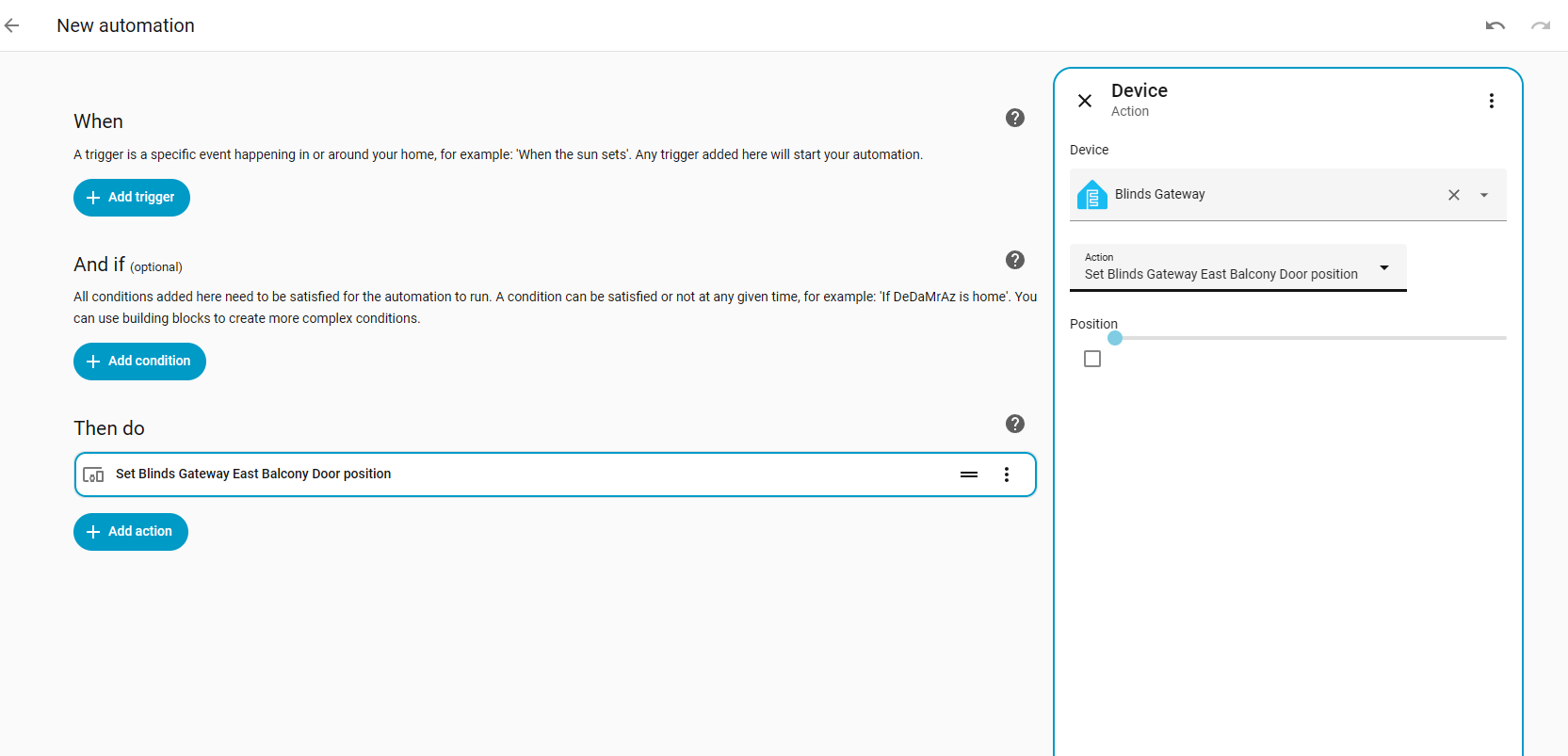
They can also be used in Home Assistant automations, so you can, for example, open them in the morning automatically.
Here's video showing shutters in action - opening to given fraction:
Summary
This is not meant to be a complete guide, it's just rather a short presentation of work that was done by @DeDaMrAz to get his shutters going, but we still can come to some final conclusions.
What started with a simple idea - replace a 5-channel Dooya remote with something Home-Assistant-friendly - ended up being a deeper dive into RF than we initially expected. But the path was worth it. We confirmed very early that CC1101 was the correct hardware platform, and every failed attempt (FS1000, early Tasmota tests, incompatible Berry scripts) still helped us define what would and would not work for Dooya.
One of the biggest hurdles was the documentation - it seems that Tasmota/ESPHome projects tends to change things often and many of available custom scripts are outdated or not working. Still, it may be just the case for this particular device - we didn't do in-depth research about, so take our word with a grain of salt.
In the end, it turned out that Flipper Zero paired with ESP32 and CC1101 is a powerful tool for controlling various devices. There is still huge room for improvement, but basic functionality is working well and now shutters are easily controllable from Home Assistant panels and automations.
Have you also tried to use CC1101 in DIY project? Let us know and post a comment!
Cool? Ranking DIY Helpful post? Buy me a coffee.