











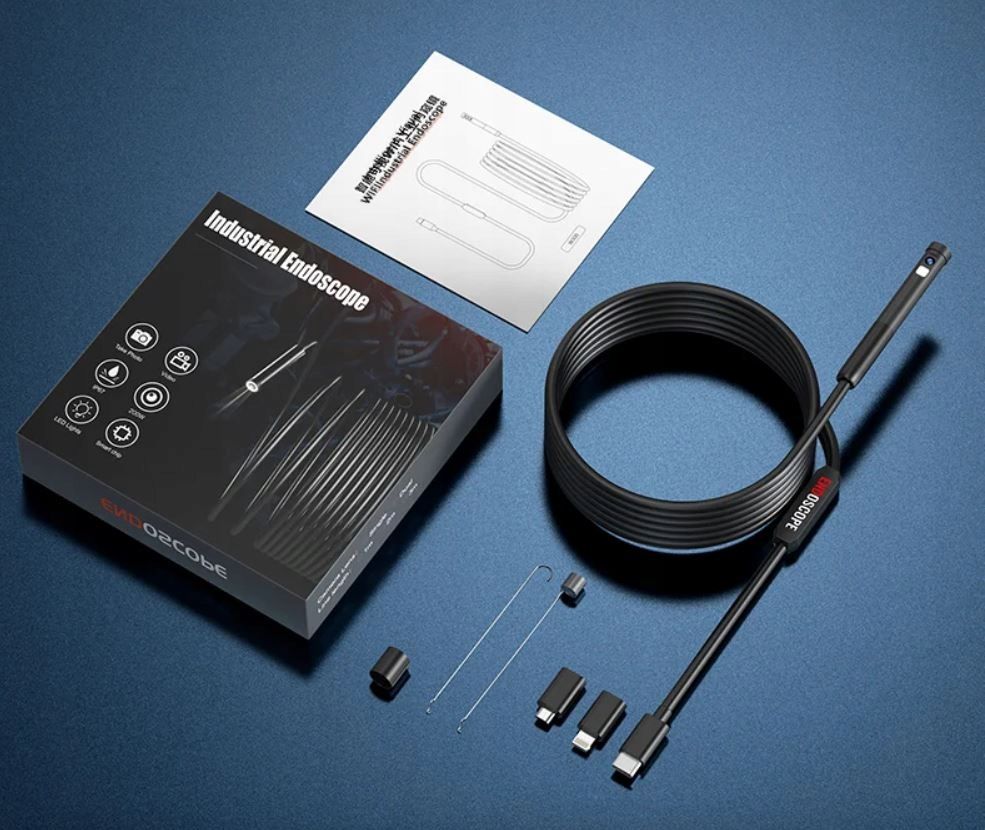
Today we're testing the W300 dual inspection camera/endoscope offering an IP67 rating, a two-metre cable, two viewing angles (side/front) and Wi-Fi connectivity. I'll also be checking to see if it can actually record video in the promised 1080p full HD quality.
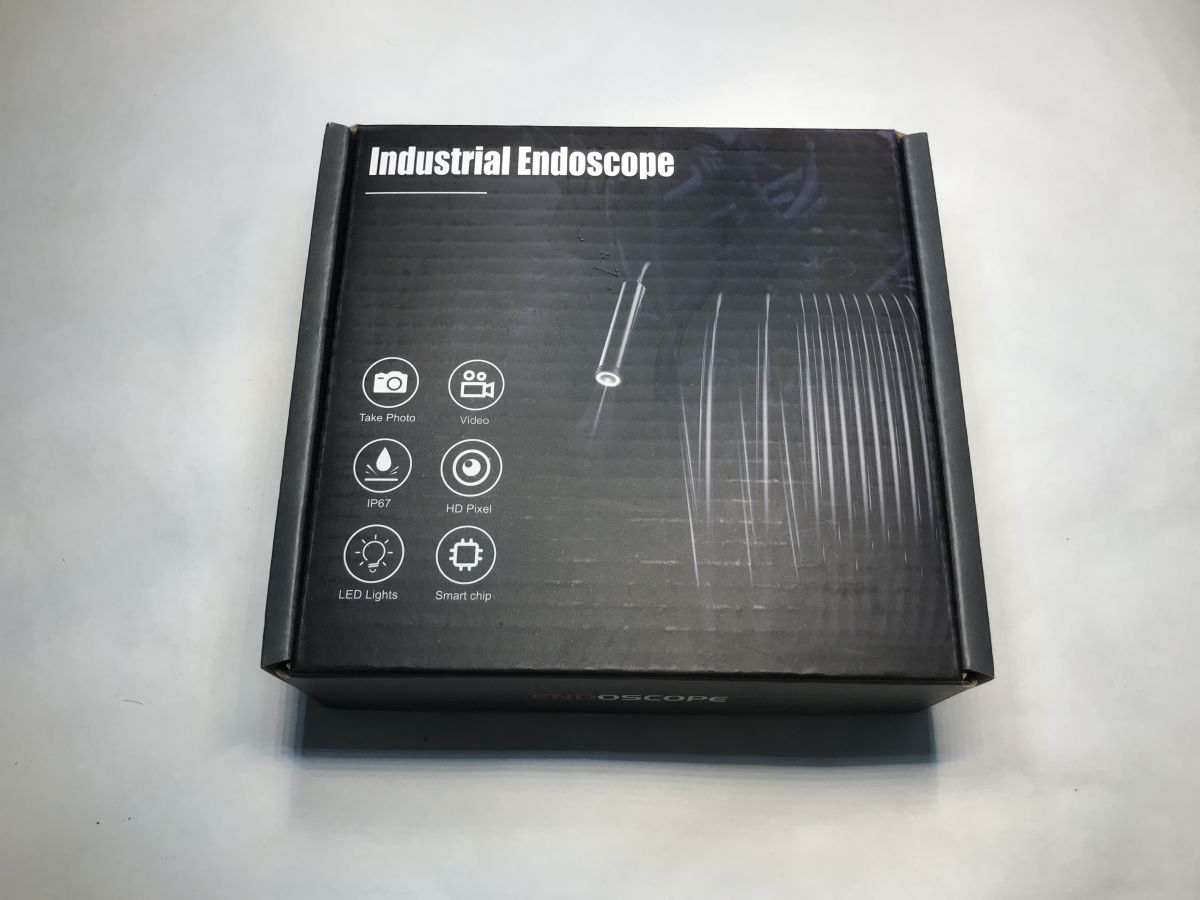
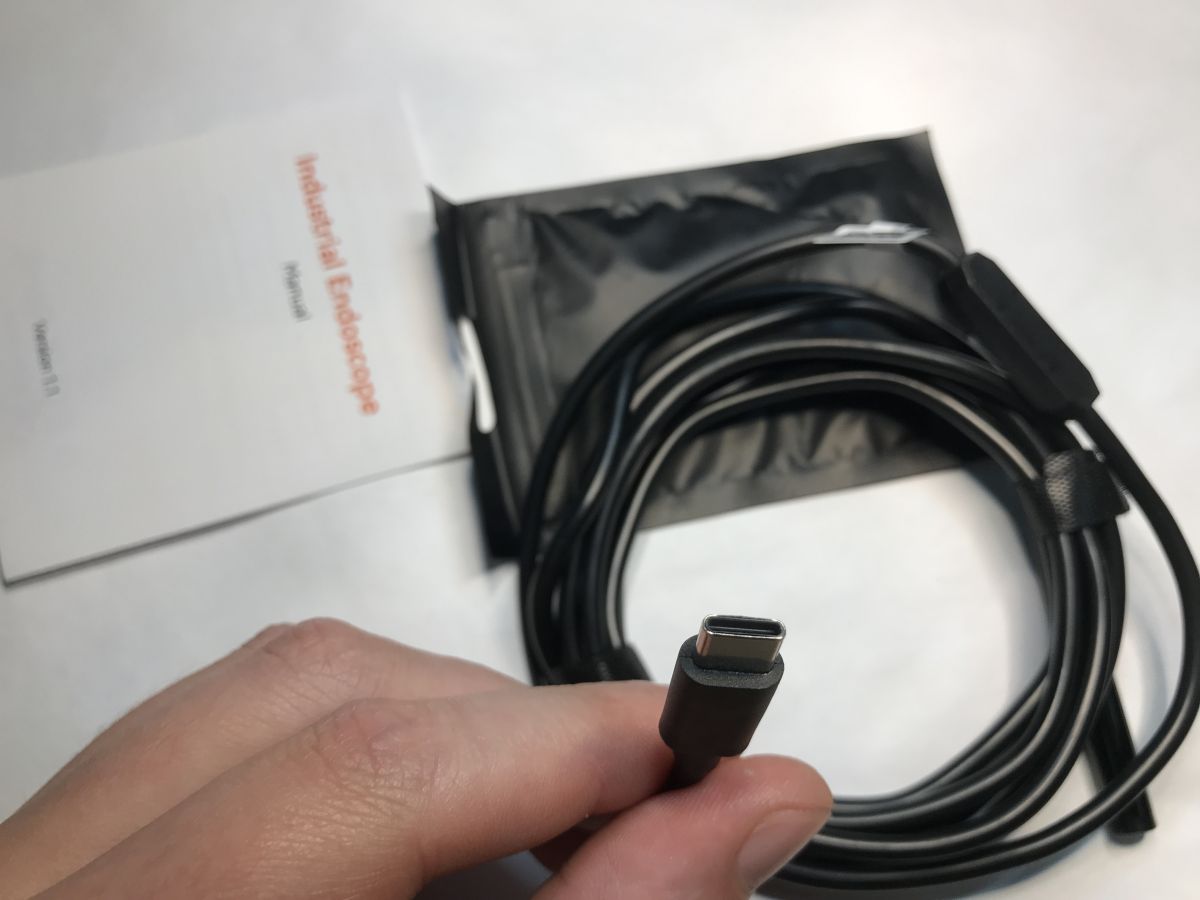
Let's start with the contents of the kit. Today's devices have USB C connectors, and it's similar here, although this connector is only for power.
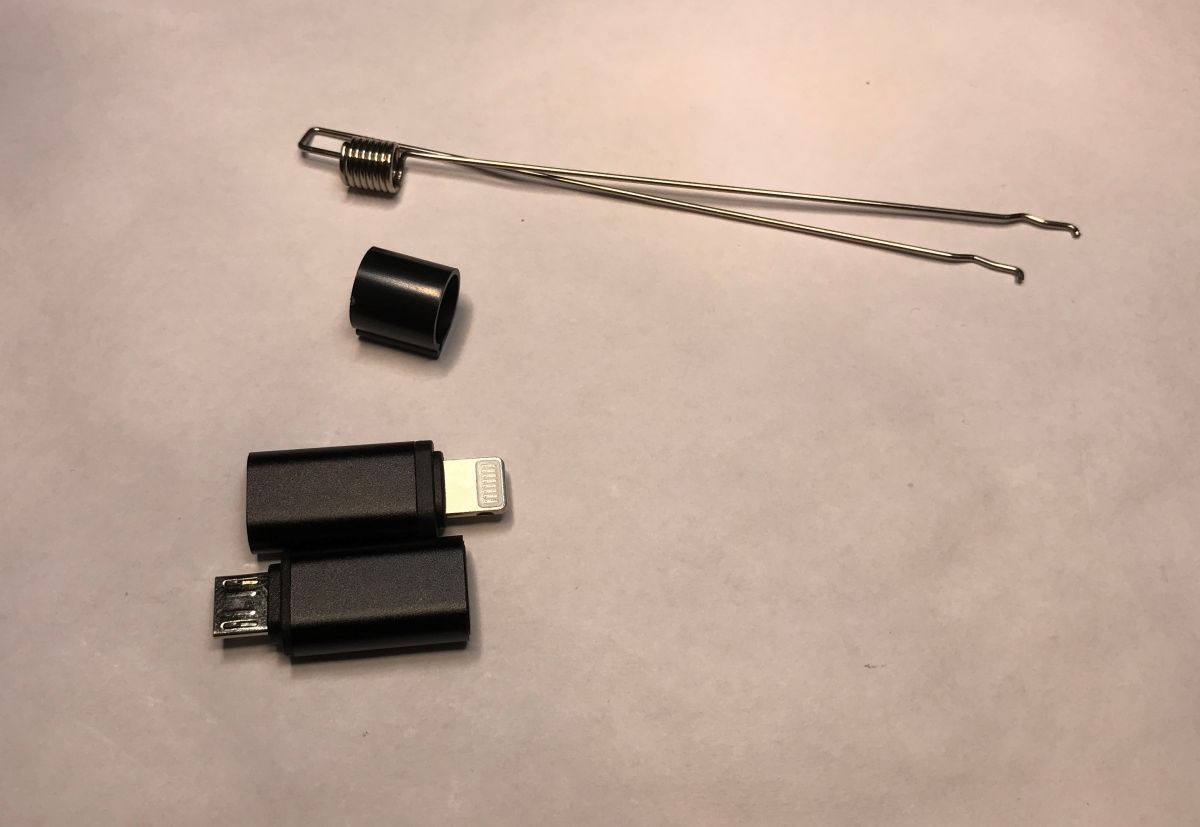
However, we also include converters for other connectors, all things considered. In addition, there is a hook:
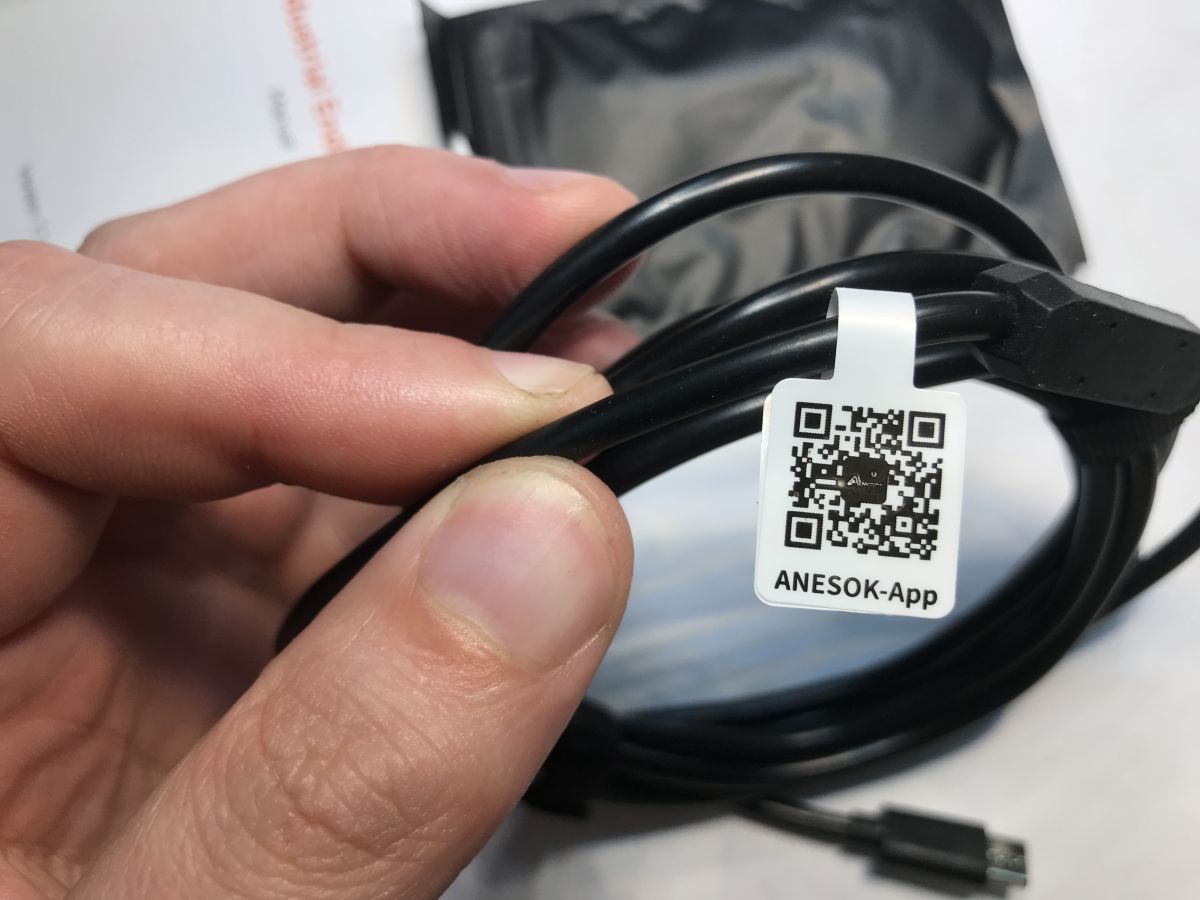
The dedicated app can be found by scanning the QR code.
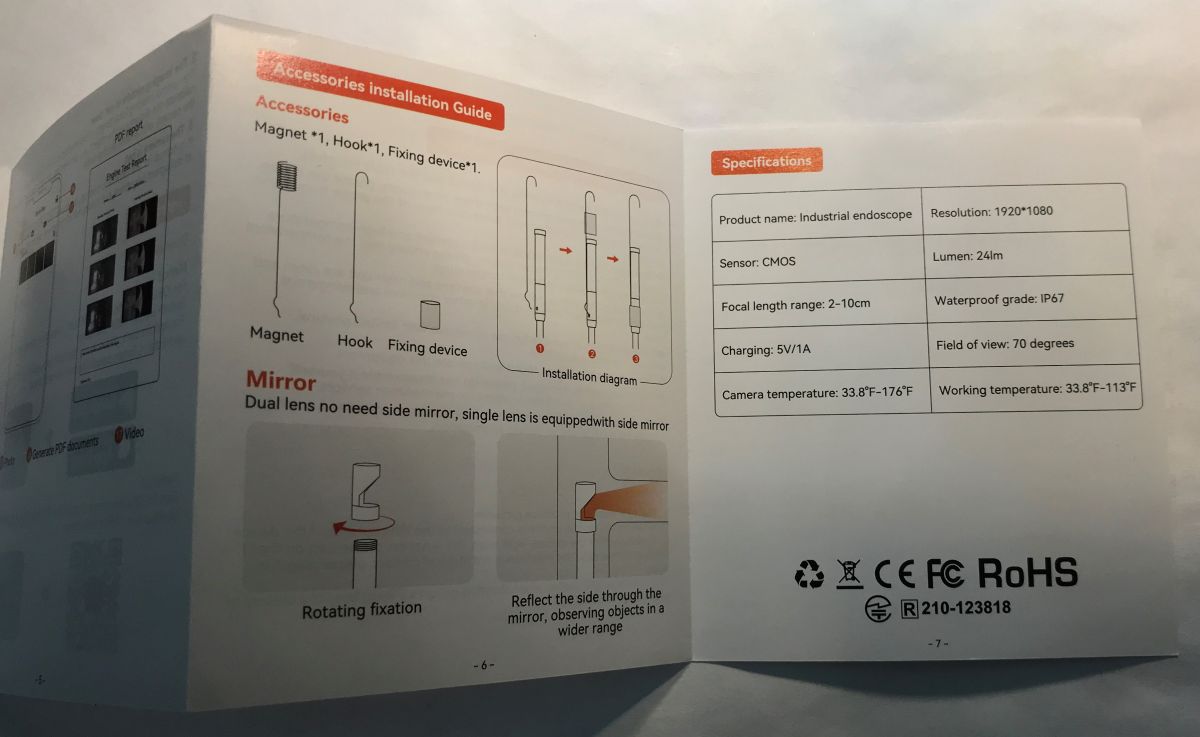
Some pictures of the instructions:
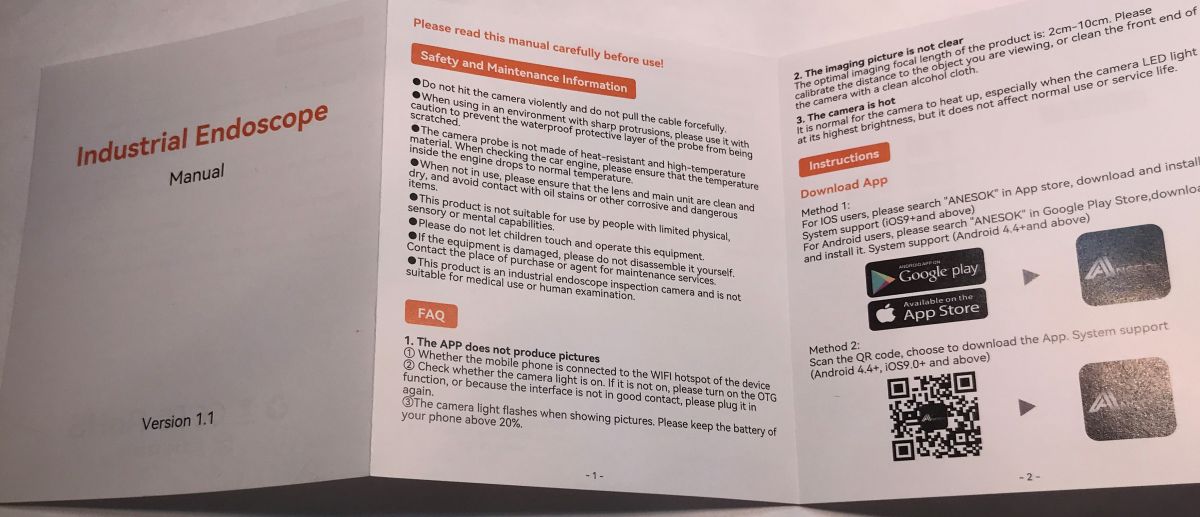
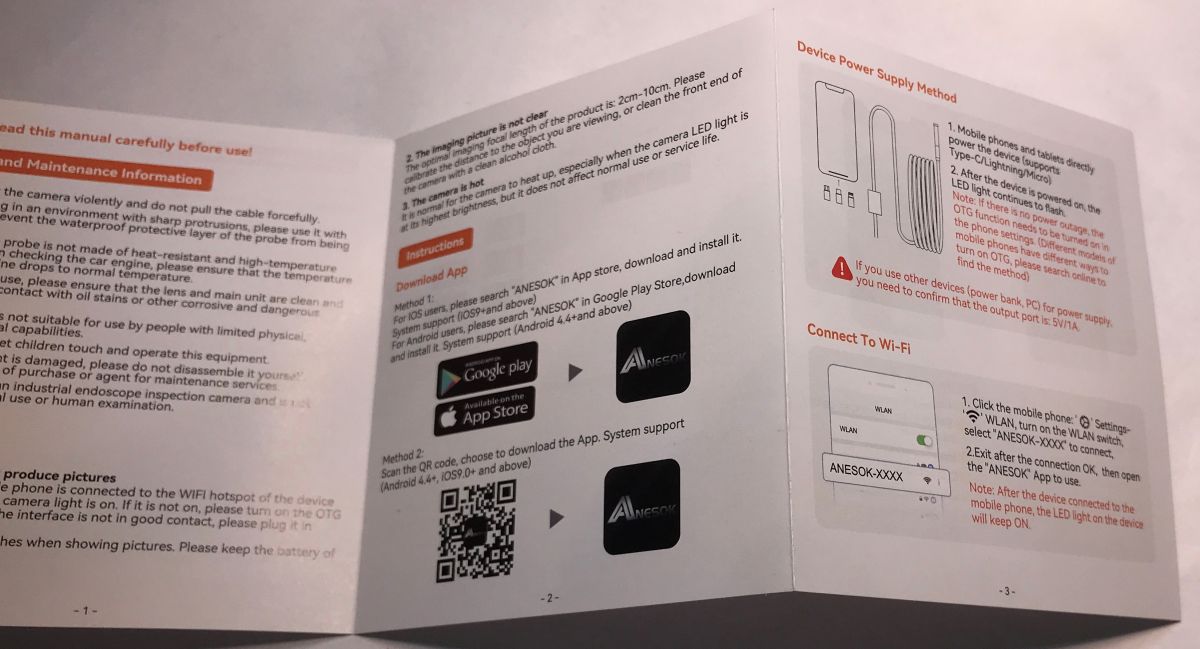
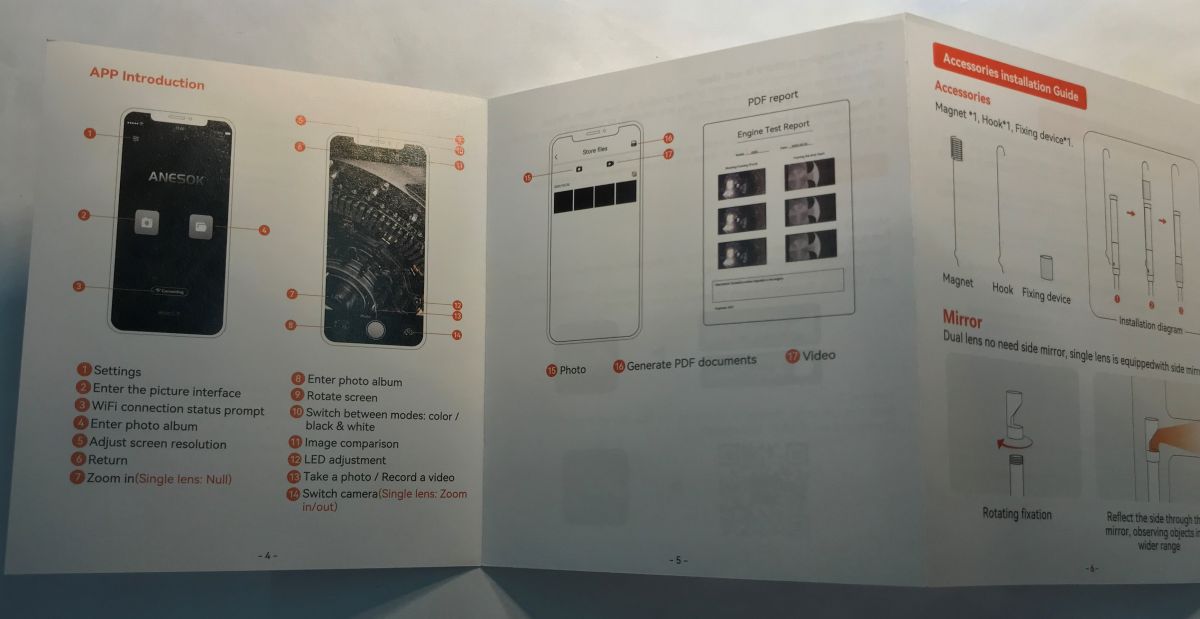
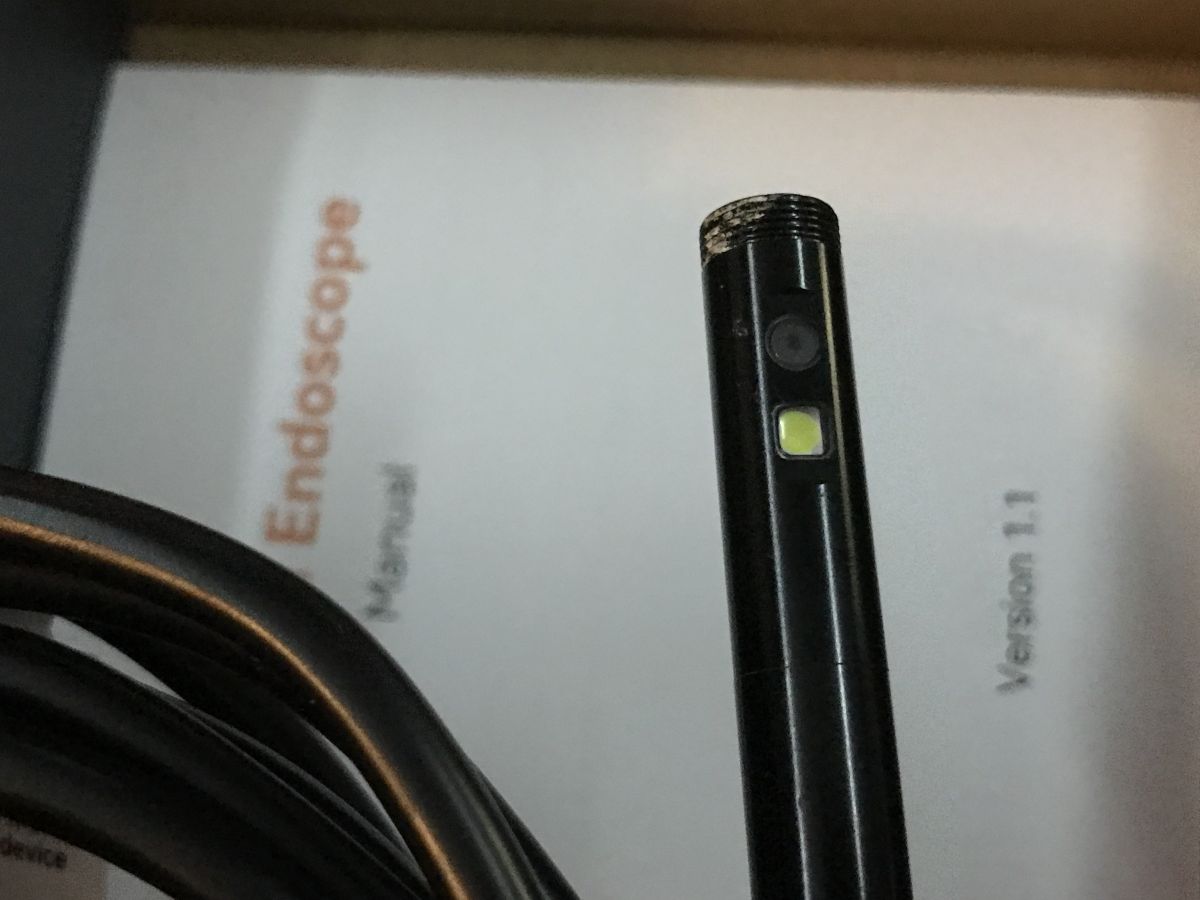
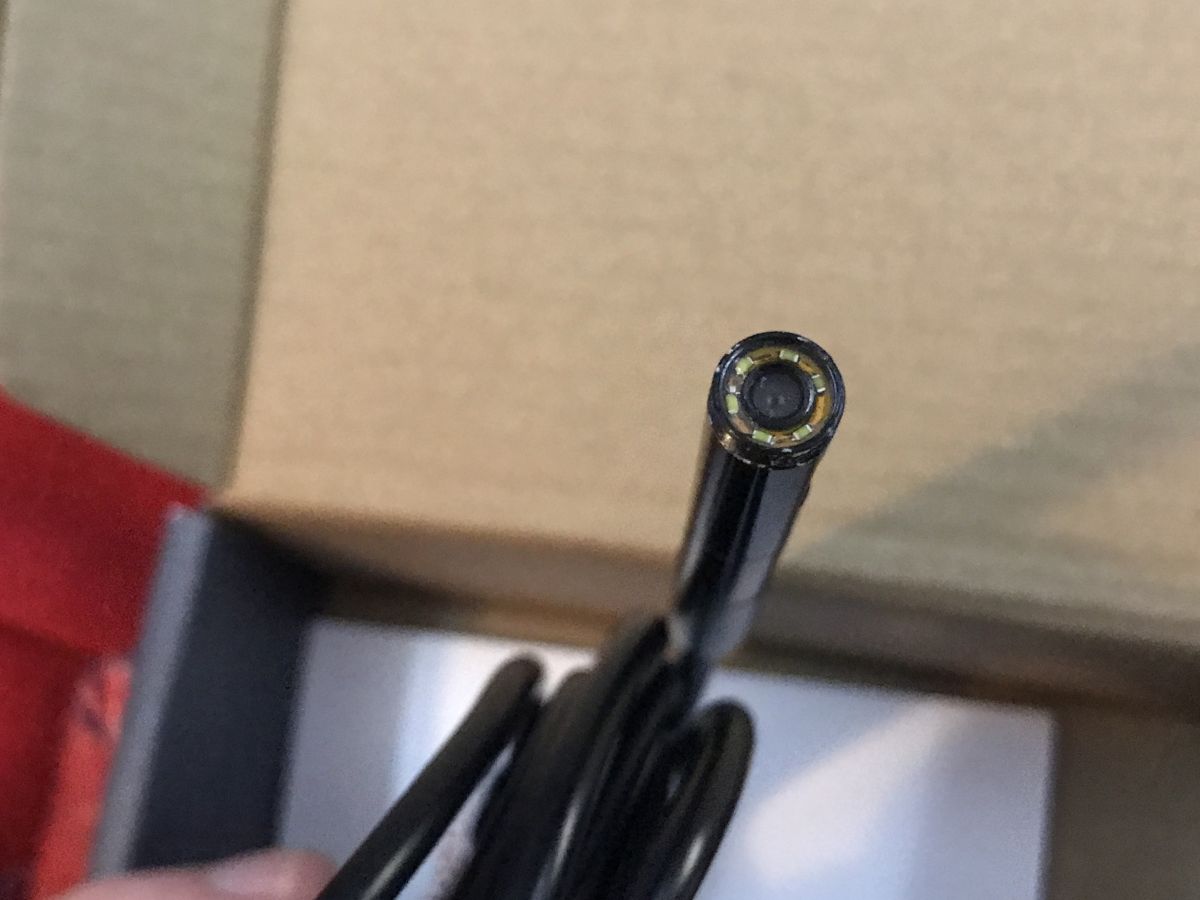
Both cameras have backlighting:
Connecting to the app
I already thought I was going to have to register somewhere, but fortunately it wasn't that bad. The camera simply has its own Wi-Fi access point and we have to connect the phone to it, then the app finds the camera itself. I downloaded Anesok from Google Play.
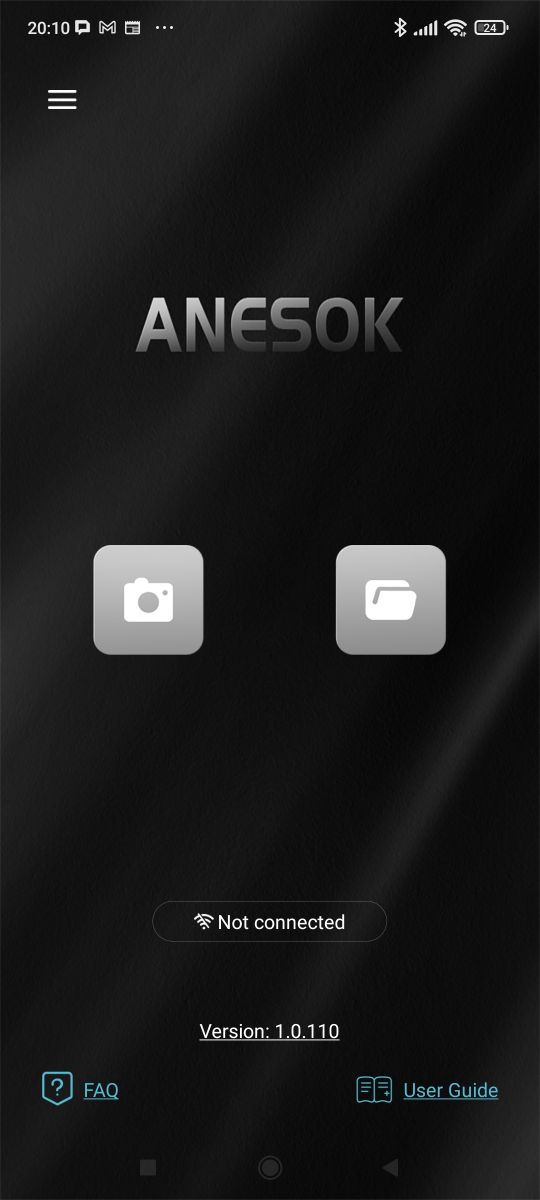
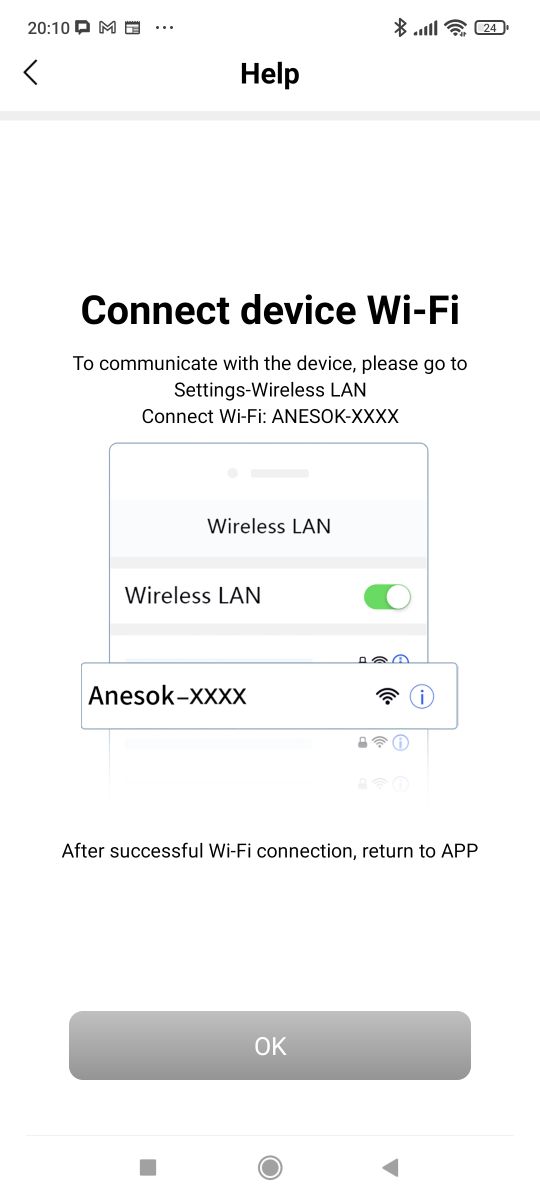
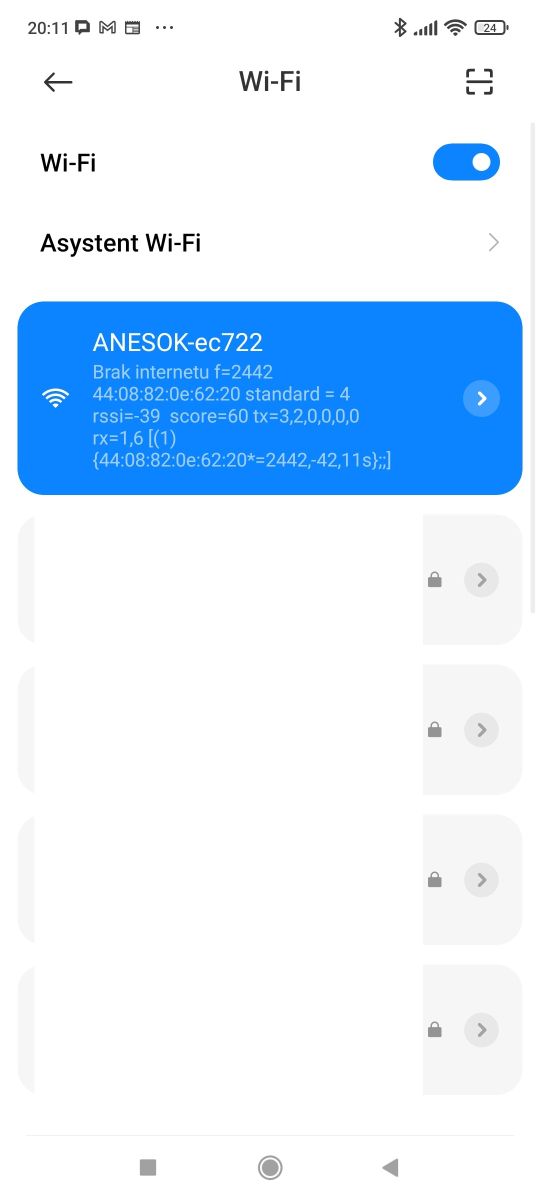
This gives us access to a webcam, or rather camcorders. Indeed, there are two - you can switch between them in the app.
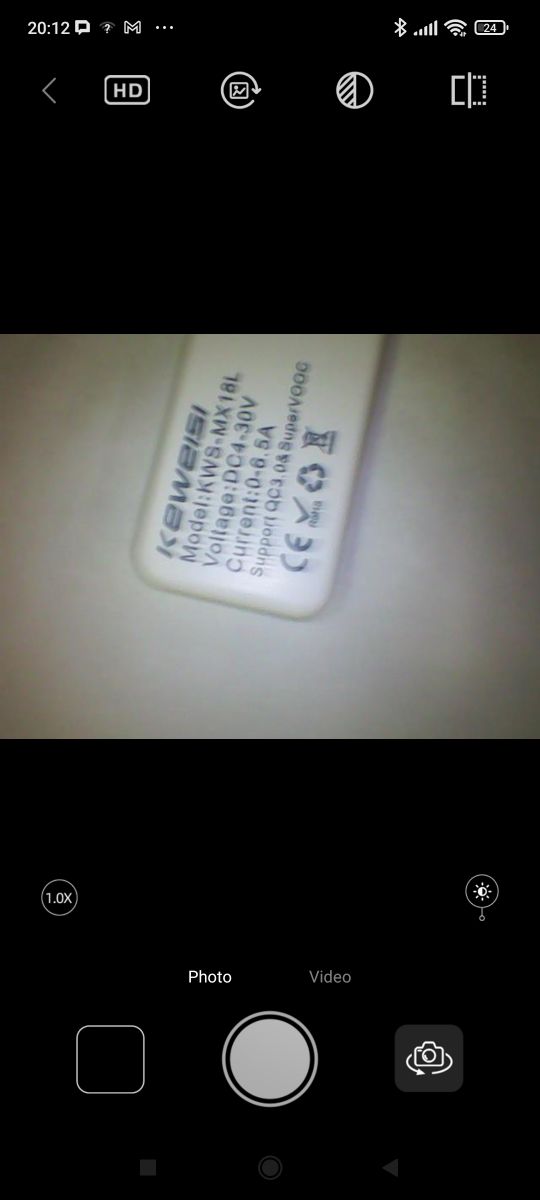
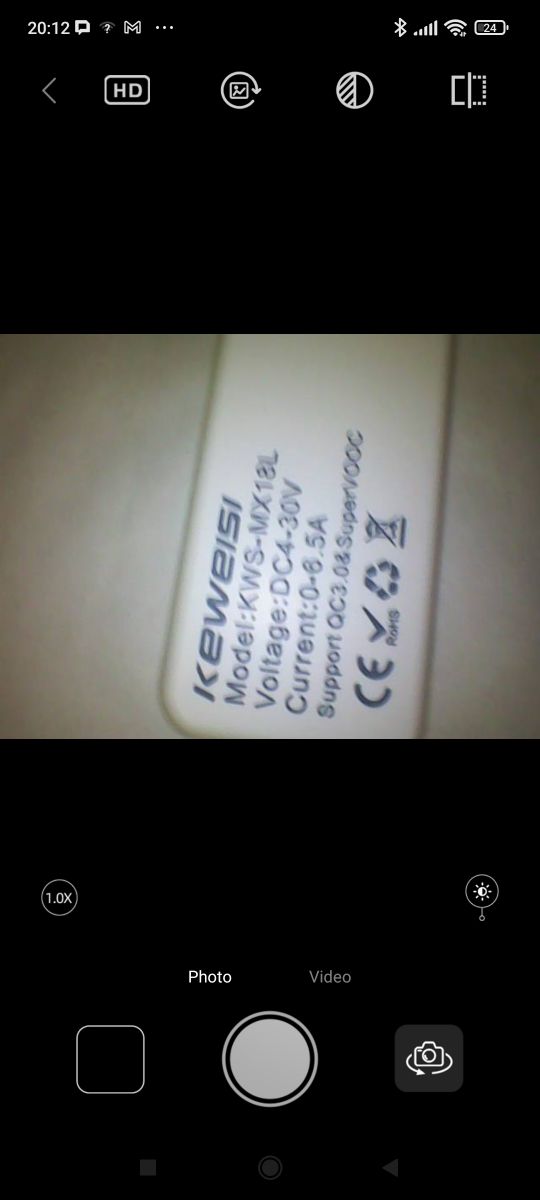
Practical tests
The first impression is positive, but it is also easy to feel that only what is close to the probe is clearly visible. However, this does not interfere with most applications. Switching between the side and front camera, on the other hand, proves quite useful. Below are two example videos, checking the sink:
Media info confirms that the resolution is 1920*1440, so in a way this 1080 is, only the aspect ratio is different, as it is 4:3 and not 16:9.
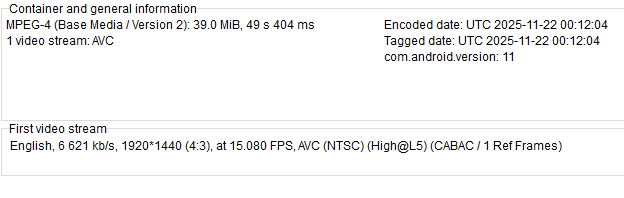
Additional photos:
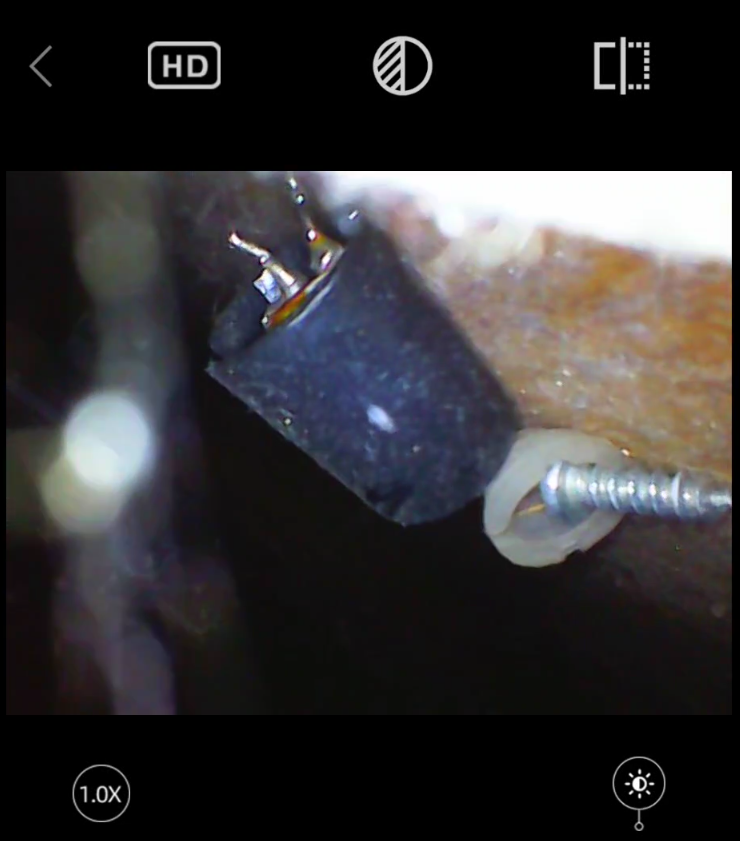
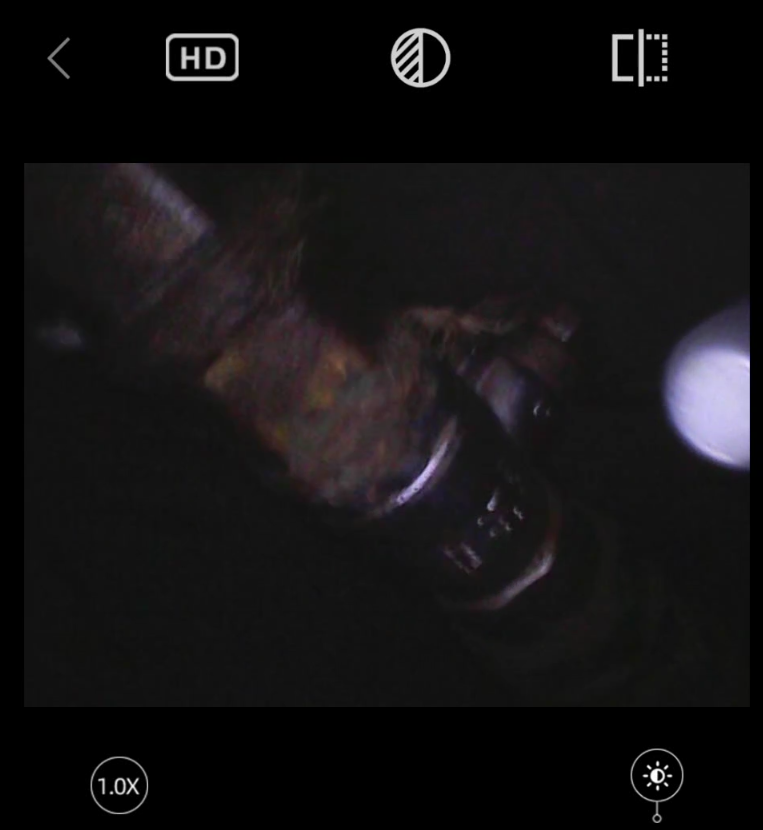
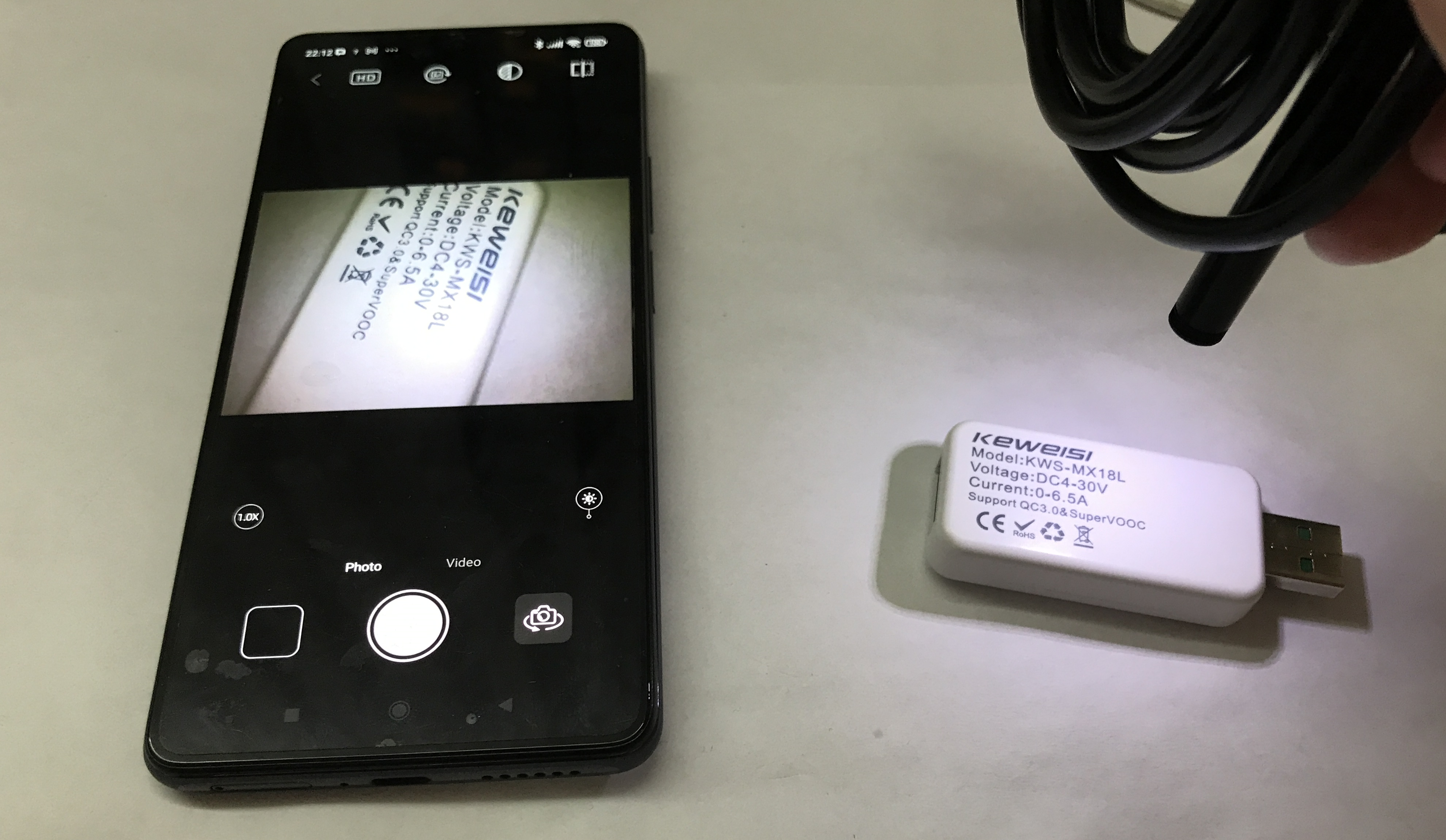
Of course, the camera works when powered by a different power supply, which also opens up potentially new possibilities:
Summary
The gadget was imported from China for a few tens of zlotys, so it's probably not that bad. It will certainly come in handy for various inspections, and the two cameras instead of one also make it a lot easier to look around inside the object being inspected.
This wasn't the only endoscope presented on Elektroda, there have already been topics about similar solutions, both ones fully on USB OTG (along with image data) and ones with a separate base-display:
Portable endoscope with LCD for PLN150? Test, recordings, interior (model 113, Inskam113)
Endoscope USB 640x480 - Android USB OTG - Test / Review / Description
However, there hasn't been a test of a Wi-Fi connected endoscope in our forum, so I hope this will interest someone.
One potential problem with this device, in my opinion, is an unsecured Wi-Fi access point. Someone else could also connect to it and take over our image, but obviously the range of such an endoscope is small.
What endoscope do you use? Is Wi-Fi for connecting to the camera a good solution?
Cool? Ranking DIY Helpful post? Buy me a coffee.

